• Regeln für den Video-Bereich:

    In den Börsenbereich gehören nur Angebote die bereits den Allgemeinen Regeln entsprechen.

    Einteilung

    - Folgende Formate gehören in die angegeben Bereiche:
    - Filme: Encodierte Filme von BluRay, DVD, R5, TV, Screener sowie Telesyncs im Format DivX, XviD und x264.
    - DVD: Filme im Format DVD5, DVD9 und HD2DVD.
    - HD: Encodierte Filme mit der Auflösung 720p oder darüber von BluRay, DVD, R5, TV, Screener sowie Telesyncs im Format x264.
    - 3D: Encodierte Filme von BluRay, die in einem 3D Format vorliegen. Dies gilt auch für Dokus, Animation usw.
    - Serien: Cartoon/Zeichentrick, Anime, Tutorials, Dokumentationen, Konzerte/Musik, Sonstiges sind demnach in die entsprechenden Bereiche einzuordnen, auch wenn sie beispielsweise im High Definition-Format oder als DVD5/DVD9/HD2DVD vorliegen. Ausnahme 3D.
    - Bereich Englisch: Englische Releases gehören immer in diesen Bereich.
    - Bereich Talk: Der Bereich, in dem über die Releases diskutiert werden kann, darf, soll und erwünscht ist.


    Angebot/Beitrag erstellen

    - Ein Beitrag darf erst dann erstellt werden, wenn der Upload bei mindestens einem OCH komplett ist. Platzhalter sind untersagt.
    - Bei einem Scenerelease hat der Threadtitel ausschließlich aus dem originalen, unveränderten Releasenamen zu bestehen. Es dürfen keine Veränderungen wie z.B. Sterne, kleine Buchstaben o.ä. vorgenommen werden. Ausnahme Serienbörse:
    - Bei einem Sammelthread für eine Staffel entfällt aus dem Releasename natürlich der Name der Folge. Beispiel: Die Simpsons S21 German DVDRip XviD - ITG
    - Dementsprechend sind also u.a. verboten: Erweiterungen wie "Tipp", "empfehlenswert", "only", "reup", usw. / jegliche andere Zusatzinformation oder Ergänzung, welche nicht in obiger Beschreibung zu finden ist.

    Aufbau des Angebots und Threadtitel

    Der Titel nach folgendem Muster erstellt zu werden. <Name> [3D] [Staffel] [German] <Jahr> <Tonspur> [DL] [Auflösung] <Quelle> <Codec> - <Group>
    Beispiel: The Dark Knight German 2008 AC3 DVDRip XviD - iND
    Beispiel: The Dark Knight 2008 DTS DL BDRip x264 - iND
    Beispiel: The Dark Knight 2008 AC3 DL BDRip XviD - iND
    Beispiel: The Dark Knight German 2008 AC3 720p BluRay x264 iND
    Beispiel: The Dark Knight 2008 DTS DL 1080p BluRay x264 iND
    Beispiel: Die Simpsons S01 German AC3 DVDRip XviD iND
    Beispiel: Die Simpsons S20 German AC3 720p BluRay x264 iND
    Beispiel: Sword Art Online II Ger Sub 2014 AAC 1080p WEBRip x264 - peppermint
    Entsprechend sind also u.a. verboten: Sonderzeichen wie Klammern, Sterne, Ausrufezeichen, Unterstriche, Anführungszeichen / Erweiterungen wie "Tipp", "empfehlenswert", "only", "reup", usw. / jegliche andere Zusatzinformation oder Ergänzung, welche nicht in obiger Beschreibung zu finden ist
    Ausnahmen hiervon können in den Bereichen geregelt sein.

    Die Beiträge sollen wie folgt aufgebaut werden:
    Überschrift entspricht dem Threadtitel
    Cover
    kurze Inhaltsbeschreibung
    Format, Größe, Dauer sind gut lesbar für Downloader außerhalb des Spoilers zu vermerken
    Nfo sind immer Anzugeben und selbige immer im Spoiler in Textform.
    Sind keine Nfo vorhanden z.B. Eigenpublikationen, sind im Spoiler folgende Dateiinformationen zusätzlich anzugeben :
    Quelle
    Video (Auflösung und Bitrate)
    Ton (Sprache, Format und Bitrate der einzelnen Spuren)
    Untertitel (sofern vorhanden)
    Hosterangabe in Textform außerhalb eines Spoiler mit allen enthaltenen Hostern.
    Bei SD kann auf diese zusätzlichen Dateiinformationen verzichtet werden.

    Alle benötigten Passwörter sind, sofern vorhanden, in Textform im Angebot anzugeben.
    Spoiler im Spoiler mit Kommentaren :"Schon Bedankt?" sind unerwünscht.


    Releases

    - Sind Retail-Release verfügbar, sind alle anderen Variationen untersagt. Ausnahmen: Alle deutschen Retail-Release sind CUT, in diesem Fall sind dubbed UNCUT-Release zulässig.
    - Im Serien-Bereich gilt speziell: Wenn ein Retail vor Abschluss einer laufenden Staffel erscheint, darf diese Staffel noch zu Ende gebracht werden.62
    - Gleiche Releases sind unbedingt zusammenzufassen. Das bedeutet, es ist zwingend erforderlich, vor dem Erstellen eines Themas per Suchfunktion zu überprüfen, ob bereits ein Beitrag mit demselben Release besteht. Ist dies der Fall, ist der bereits vorhandene Beitrag zu verwenden.
    - P2P und Scene Releases dürfen nicht verändert oder gar unter einem iND Tag eingestellt werden.


    Support, Diskussionen und Suche

    - Supportanfragen sind entweder per PN oder im Bereich Talk zu stellen.
    - Diskussionen und Bewertungen sind im Talk Bereich zu führen. Fragen an die Uploader haben ausschließlich via PN zu erfolgen, und sind in den Angeboten untersagt.
    - Anfragen zu Upload-Wünschen sind nur im Bereich Suche Video erlaubt. Antworten dürfen nur auf Angebote von MyBoerse.bz verlinkt werden.


    Verbote

    - Untersagt sind mehrere Formate in einem einzigen Angebotsthread, wie beispielsweise das gleichzeitige Anbieten von DivX/XviD, 720p und 1080p in einem Thread. Pro Format, Release und Auflösung ist ein eigener Thread zu eröffnen.
    - Grundsätzlich ebenso verboten sind Dupes. Uploader haben sich an geeigneter Stelle darüber zu informieren, ob es sich bei einem Release um ein Dupe handelt.
    - Gefakte, nur teilweise lauffähige oder unvollständige Angebote sind untersagt. Dies gilt auch für eigene Publikationen, die augenscheinlich nicht selbst von z.B. einer DVD gerippt wurden. Laufende Serien, bei denen noch nicht alle Folgen verfügbar sind, dürfen erstellt und regelmäßig geupdatet werden.
    - Untersagt sind Angebote, welche nur und ausschließlich in einer anderen Sprache als deutsch oder englisch vorliegen. Ausnahmen sind VORHER mit den Moderatoren zu klären.


    Verstoß gegen die Regeln

    - Angebote oder Beiträge, die gegen die Forenregeln verstoßen, sind über den "Melden"-Button im Beitrag zu melden.
  • Bitte registriere dich zunächst um Beiträge zu verfassen und externe Links aufzurufen.

*** Bestes IPTV *** bester Preis *** gratis Test ***


Englische Tutorials

CBTNuggets - Azure Training for Hybrid Environments Implementing Networking Solutions

knoxhutchinson21024x5jpdhs.jpg


CBTNuggets - Azure Training for Hybrid Environments Implementing Networking Solutions
Released 01/06/2022
MP4 | Video: h264, 1920x1080 | Audio: AAC, 44.1 KHz, 2 Ch
Genre: eLearning | Language: English | Duration: 50 Lessons (6h 53m) | Size: 9.8 GB


This intermediate Azure Training for Hybrid Environments: Implementing Networking Solutions training prepares learners to make the most out of the advanced tools and services that Azure has built-in for providing hybrid networking solutions

Companies that use Azure for their business solutions do it because so many solutions, tools and utilities are baked into the package. But if a company doesn't have someone specially trained in choosing, planning and deploying those tools, they're basically going to waste. The advanced networking solutions that Azure provides are some of these often-overlooked utilities. This course in implementing networking solutions in Azure hybrid environments will help administrators make sure their networks use all the Azure tools they need and aren't bloated with anything they don't.

After completing this Microsoft training you'll know how to make the most out of the advanced tools and services that Azure has built-in for providing hybrid networking solutions.

For anyone who leads a technology team, this Microsoft training can be used to onboard new network administrators, curated into individual or team training plans, or as a Microsoft reference resource.

Azure Training for Hybrid Environments: Implementing Networking Solutions: What You Need to Know
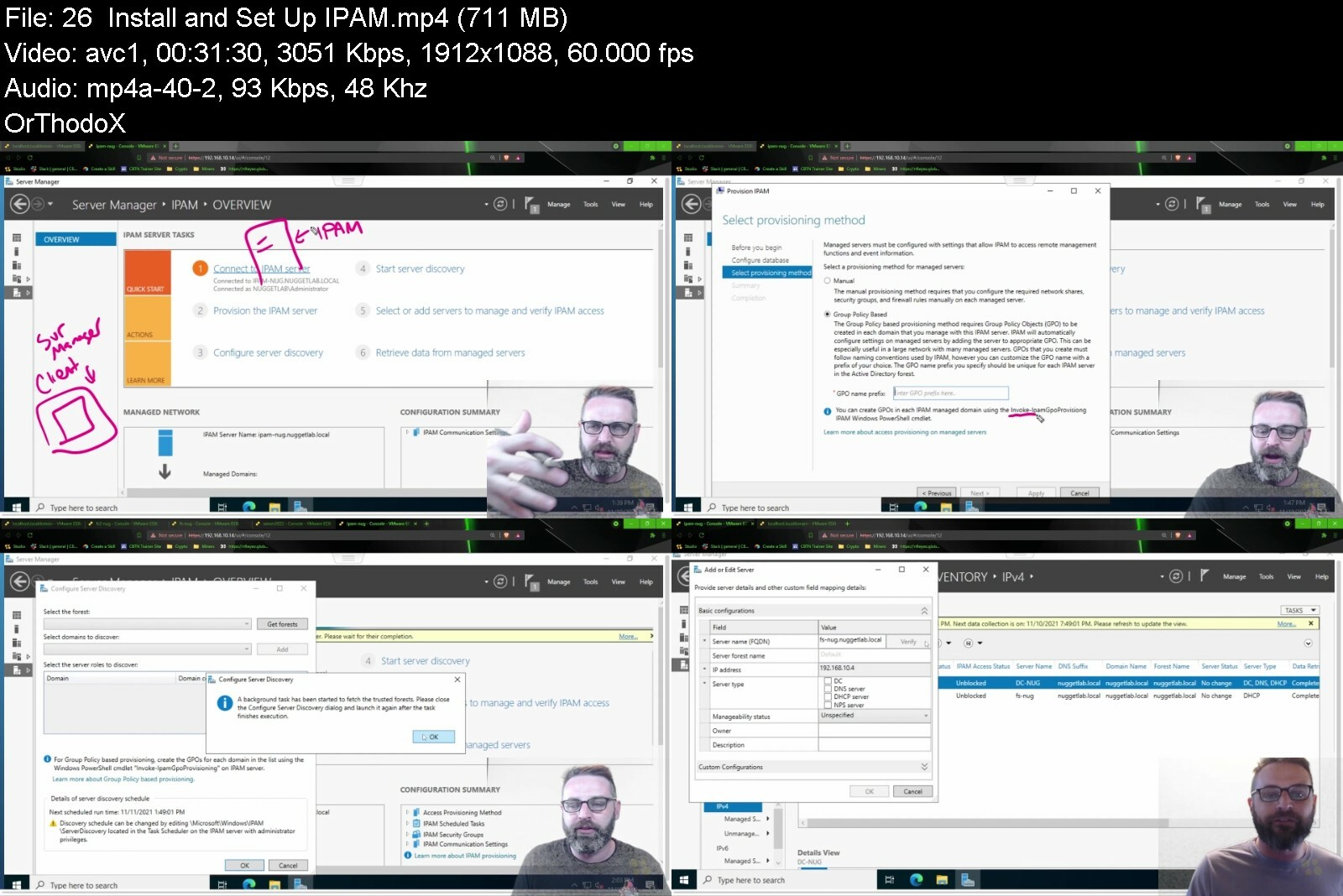
This Azure Training for Hybrid Environments: Implementing Networking Solutions training has videos that cover topics such as

Using Azure's tools and services for implementing networks
Configuring and deploying Azure Network Adapter and Azure Relay
Managing Azure extended networks
Deploying and maintaining virtual WANs with Azure

Who Should Take Azure Training for Hybrid Environments: Implementing Networking Solutions Training?
This Azure Training for Hybrid Environments: Implementing Networking Solutions training is considered administrator-level Microsoft training, which means it was designed for network administrators. This Azure skills course is designed for network administrators with three to five years of experience with Microsoft Windows Server techniques.

New or aspiring network administrators. Brand new network administrators might not have experience with how tricky it can be to navigate networking solutions in hybrid environments, and so might overlook a course like this that focuses on the unique tools Azure has for hybrid networks. Take this course so that you can work on advanced, hybrid networks your first day on the job.

Experienced network administrators. This course in implementing network solutions in Azure hybrid environments is ideal for network administrators with several years of experience because the right tool for the job depends on what you need your network to provide. Experienced administrators will have the knowledge necessary to match tools and utilities with their networks, and this training will help them use them.

azuretrainingforhybrirtfee.jpg


Core Java Beginner to Master

325312282b43sueeh.jpg


Core Java Beginner to Master
Last Updated 06/2022
MP4 | Video: h264, 1280x720 | Audio: AAC, 44.1 KHz, 2 Ch
Genre: eLearning | Language: English + srt | Duration: 115 lectures (11h 54m) | Size: 6 GB


Core java course for Automation Testing Engineer and Java developer beginner to Master level content


What you'll learn
Student will learn Core java from basic to experience level

Requirements
No , there is no prerequisites required for this course

Description
Hi all, We have designed Core java course for Automation Testing Engineer and Java developer beginner to Master level content. This, course for Manual Tester, Non-Tech Or If having long gap and trying to get job in Automation Testing and Java Development. After completing course you are very confidence in java programming and You can crack any interview .

This, course for Manual Tester, Non-Tech Or If having log gap and trying to get job in Automation Testing and Java Development. After completing course you are very confidence in java programming and You can crack any interview .

SECTION-1_INTRODUCTION OF JAVA

1. Why java

2. What is java

3. Java_Feature

4. java_Setup_In _System-1

5. java_Setup_In_System-2

SECTION-2_HOW TO COMPILE AND EXECUTE JAVA PROGRAM

6. How to Execute java program

7. How to compile java code

8. What is .classFile

9. What is Class keyword

10. What is System.out.println

11. Why main Method and what is main method

SECTION-3_WHAT IS IDENTIFIER

12. Identifiers_Rule-1

13. Identifiers_Rule-2

14. Identifiers_Rule-3

15. Identifiers_Rule-4

16. Identifiers_Rule-5

17. Identifiers_Rule-6

18. What is Identifiers

SECTION-5_WHAT IS METHOD AND TYPES OF METHODS

27. Why Method_Part-1

28. What is Method_Syntax of Method_Part-2

29.Method _Creation_ Part-3

30. Types of Method_Static Method_Part-4

31. Static _Parameterize_Method_Part-5

32. Non-Static-Method_With _Void Type_Part-6

33. Non-Static-Method with Return Type _Part-7

34. Non-Static-Method with_ Parameterize _Part-8

35.What is return statement and return with Value in Method Part-9

36. What is abstract Method_With Real Time Example_part-10

SECTION-6_WHAT IS VARIABLE AND TYPES OF VARIABLE

37. What is Variable_Part-1

38. Types of Variables_Part-2

39. Variable Creation & Syntax_Part-3

40. What is Class Level_Static & Non-Static Variable_Part-4

41. How to create & Access Static & Non Static Variable Part-5

42. What is Local Variable_Part-6

43. Local Variable & It's Rules_Part-7

44. What is Final Variable_Rules_For Final Variable_Part-8

SECTION-7_WHAT IS STATIC & NON-STATIC MEMBER CONTROL FLOW

45. What is static Member & How to create Static Member_Part-1

46. Rule for Execution Flow of Static Member_Part-2

47. What is non static Member & How to create Non Static Member_Part-3

48. Rule For Execution Flow of Non-static Member_Part-4

SECTION-8_WHAT IS CONSTRUCTOR & TYPE OF CONSTRUCTOR

49. Why and What is Constructor_Part-1

50. Rules In Defining Constructor_Part-2

51. Rules In Calling Constructor_Part-3

52. Type of Constructors_Part-4

53. Constructor Overloading_Part-5

SECTION-9_WHAT IS SUPPER AND THIS KEYWORD

54. What is this keyword_Part-1

55. Rule In defining this keyword_Part-2

56. Use of this Keyword_Part-3

57. What is Supper Keyword _Part-4

58. Rule on Super()[super call]_Part-5

59. Rules On Super_Part-6

60. When should developer placed super call explicitly_Part-7

61. Understanding super. Working functionality_Part-8

SECTION-10_WHAT IS OBJECT ORIENTED PROGRAMMING CONCEPT(OOP)-PART-1

63. Object Oriented Programming Concept(OOP)_Part-1

64. Object Oriented Programming Concept(OOP)_Part-2

65. What is an Object and Class_Part-3

66. What is Oop and why Oop_Part-4

65. What is Oop Principle_Part-5

SECTION-11_WHAT IS ABSTRACTION(OOP)-PART-2

66. What is Abstraction_Part-1

SECTION-12_WHAT IS ENCAPSULATION(OOP)-PART-3

67. Encapsulation_Real Time Example_Part-1

68. What is Encapsulation_Part-2

SECTION-13_WHAT IS INHERITANCE(OOP)-PART-4

70. What is Inheritance_Part-1

71. Example of Inheritance_Part-2

SECTION-14_WHAT IS POLYMORPHISM (OOP)-PART-5

72. What is Polymorphism and RealTime Example_Part-1

73. Compile-time Polymorphism and RunTime polymorphism_Part-2

74. What is Method Hiding Method Overriding and Method overloading_Part-3

75. Method Overriding Example_Part-4

76. Method Overloading Example_Part-5

77. Method Hiding Example_Part-6

78. Method Hiding And Method Overriding Rule_Part-7

69. Encapsulation_Example_Part-3

SECTION-15_WHAT IS FINAL MODIFIER IN JAVA

79. What is Final Modifier and Method As Final_Part-1

80. Class As Final and Advantage and Disadvantage_Part-2

Section_16_What is an Interface With RealTime Example

81. Classes and Types of Classes_Part-1

82. What is an Interface_Part-2

83. Sample code of interface_Part-3

84. What is Abstract class_Part-4

85. Example of Abstract class_Part-5

86. What is Concrete Class With Example_Part-6

87. RealTimeExampleOf Interface_Part-7

88. extends Vs implements_Part-8

89. Marker Interface_Part-9

Section_17_What is the Object Class in Java

90. What is object class_Part-1

91. What is toString()_Part-2

92. Example of toString()_Part-3

93. Example of toString()_Part-4

94. What is hashCode() Method Part-5

95. Example of HashCode()_Part-6

96. Override hashCode and override of String_Part-7

97. What is equals()_Part-8

98. Example of Equals()Method_Part-9

99. Override Equals()Method_Part-10

Section_18_String In Java

100. Introduction of String_Part-1

101. String_Part-2

102. String_Part-3

103. What is String Buffer and String Builder_Part-4

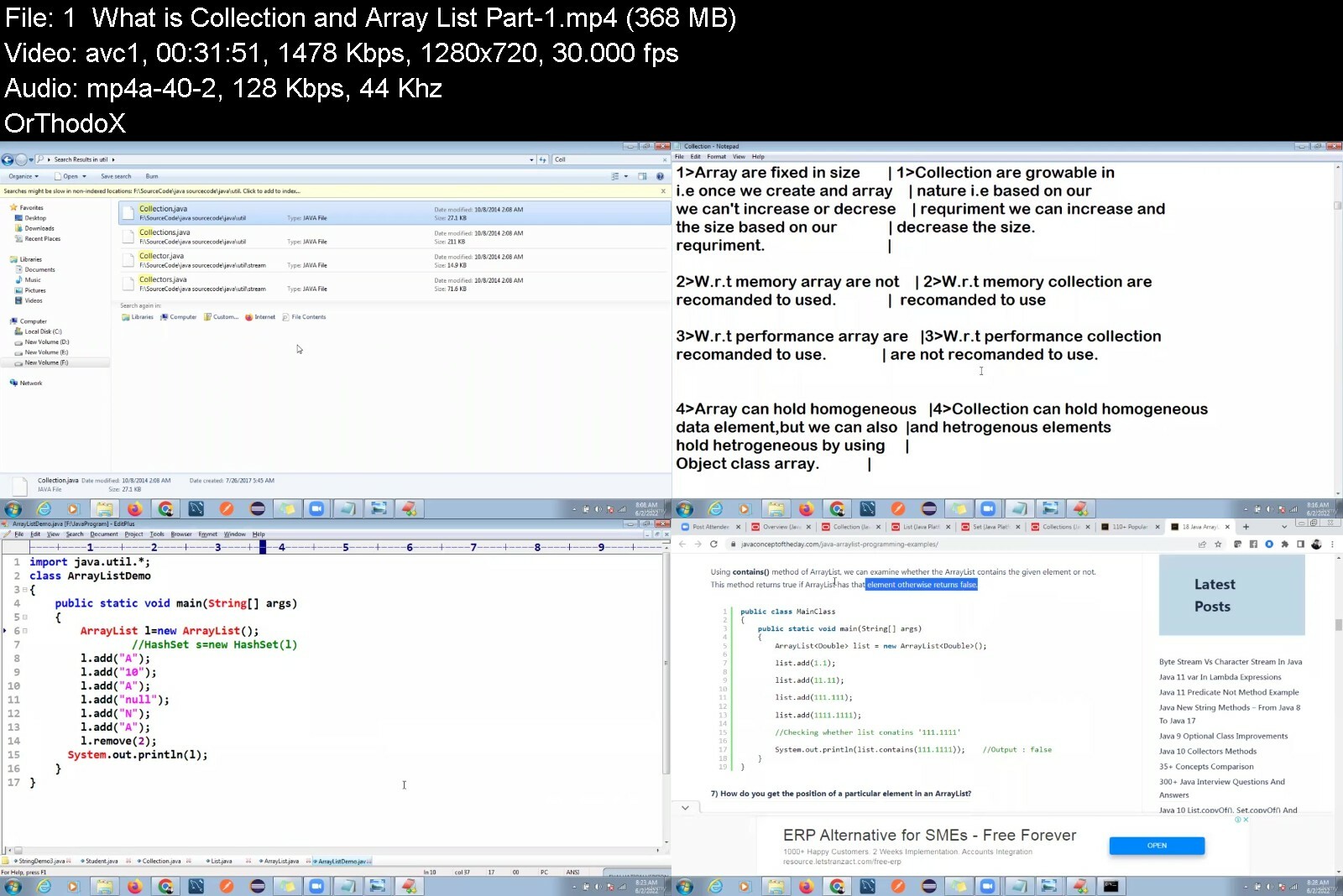
Section_19_Collection In java

104. What is Collection and Array List_Part-1

105. What is LinkedList and Vector_Part-2

106. What is Iterator Set and TreeSet_Part-3

107. TreeSet and What is Map_Part-4

108. Example of Map_Part-5

Section_20_Exception Handling in Java

109. What is Exception_Handing_Part-1

110. Types of Exception_Part-2

Who this course is for
Beginner and experiences both Tester and Developer
B Tech ,Bcom ,Fresher and Experience (Technical and non-technical )


corejavabeginnertomasr8c5s.jpg


Tekla Structures 2020 Basic Training (Bridge)

8w3ndqxf6k4nzqcpbnwble4c8s.jpg


Tekla Structures 2020 Basic Training (Bridge)
Last updated 5/2021
MP4 | Video: h264, 1280x720 | Audio: AAC, 44.1 KHz
Language: English | Size: 5.80 GB | Duration: 11h 27m

Bridge Modelling and Drawings


What you'll learn
Student will Learn how to use Tekla Structures for Bridge Modelling and Detailing

Requirements
Basic Engineering and Drafting Knowledge

Description
This is an actual training session with an example for hands-on, the training consist of many topics which is listed below:For Building and Bridge· Create View (plans and elevation)· Changing UCS· Creating Grids (straight and diagonal grid)· Copy and move commands (linear, rotate and mirror)· Create 3D model (column, beam, wall, slab etc.)· Creating curve beams· Construction points and construction lines· Filter (selection filter and view filter)· Object representation· Inserting DWG file to Tekla Structures· Adding reinforcements (single and group)· Adding Mesh· Creating concrete connections· Using detailing tools (polygon cut, line cut, part cut, fit part end, split and combine)· Creating General Arrangement drawings· Creating Cast Unit drawings· Creating Reports· Create 3D model (Box Girder.)· Adding Reinforcement to Box Girder· Creating Sketch Parametric Cross Section for Bridge· Adding Templates- Setting up a Drawing Lay Out· Creating Box Girder drawingsIn this course, you will learn how to create a full structural model using foundations, columns, beams, beam system, floors. The course will show you how to prepare the model for the preparation of General Arrangement drawings, cast unit drawings. The course contains Concrete bridge structure examples. You will learn how to annotate, tag, detail, your model, along with creating and printing sheets. Other topics will be discussed in the course like creating several types of schedules, how to import CAD files. The course will show you how to deal with Concrete connections along with concrete reinforcement (several examples of using different techniques for rebar detailing). Finally you will learn how to use Tekla Structures for bridge and Concrete modelling and detailing.

Overview

Section 1: Tekla Structures 2020 Basic Training for Bridge

Lecture 1 Grids and Basic Elements

Lecture 2 Filter and Detailing Tools

Lecture 3 Connection and Profiles

Lecture 4 Sketch Parametric Cross Section

Lecture 5 Reinforcements

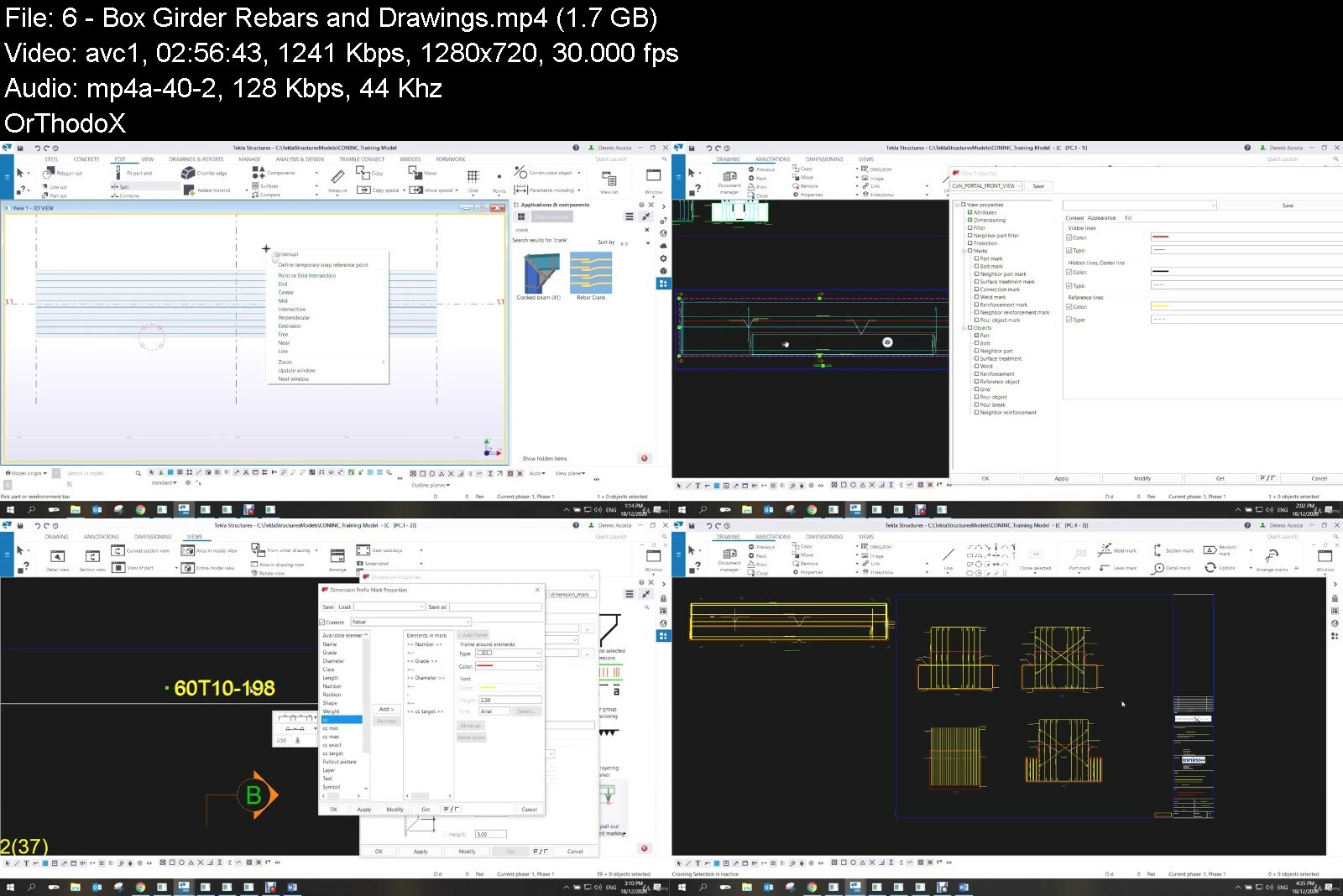
Lecture 6 Box Girder Rebars and Drawings

Draftsman and Detailers


teklastructures2020bagcdvl.jpg


ITProTV - NIST Cybersecurity and Risk Management Frameworks

62b9b07c95bb4f0c86de0h7e1i.png


ITProTV - NIST Cybersecurity and Risk Management Frameworks
MP4 | Video: h264, 1920x1080 | Audio: AAC, 44.1 KHz, 2 Ch
Genre: eLearning | Language: English | Duration: 57 Lessons (21h 20m) | Size: 10.7 GB


Apply, adapt, respond, and recover using the NIST framework

In the US, NIST is the de-facto standard for security, compliance and privacy. If you are doing business with the US federal government, manage critical infrastructure, or maintain personally identifiable information (PII), you must be compliant with NIST standards. NIST provides the Cybersecurity Framework (CSF) and Risk Management Framework (RMF) to guide organizations on securing their infrastructure, systems, and data. In this course, you will apply the NIST Cybersecurity and Risk Management Frameworks to better protect their infrastructure, detect possible cyber incidents and appropriately respond and recover should they occur. You'll become well-versed in the NIST CSF and RMF, how to implement them, and ways to effectively manage CSF & RMF processes for optimal security, privacy and compliance.


nistcybersecurityandrf7fci.jpg


Allen Bradley PLC Training - RSLogix 5000 Series

1942182f8c05uc67.jpg


Allen Bradley PLC Training - RSLogix 5000 Series
Last Updated 02/2022
MP4 | Video: h264, 1280x720 | Audio: AAC, 44.1 KHz, 2 Ch
Genre: eLearning | Language: English + srt | Duration: 89 lectures (21h 48m) | Size: 11.2 GB


This course will give a person with no experience learn PLC programming from scratch using RSLogix 5000 and Studio 5000


What you'll learn
Be able to completely setup basic Rockwell Automation in RSLogix 5000 and Studio 5000 from scratch, understanding PLC programming.
Be able to program a basic Rockwell Automation in RSLogix 5000 and Studio 5000 from scratch
Be a PLC Troubleshooting Master - Get PLC programming knowledge not discussed anywhere else on the internet.
Get Access to My Other Platform As Well.

Requirements
Have an interest in Allen Bradley PLCs and the will to learn, recommended you have the software but not needed.
Note: This course is very informative so learning the core values of RSlogix 5000 are made very simple to understand and is a reflection of standard Rockwell classes but much more user-friendly

Description
This course is designed to give you a deep understanding of the core values needed to be able to program, troubleshoot, and have the deepest knowledge of Rockwell Automation PLC controls with RSlogix 5000 or Studio 5000. This course starts from scratch and builds up element by element to give the very best detail about PLC controls.

This is the best course in 2021 for a detailed Rockwell Automation PLC training program like this before for the cost and I highly doubt that there will be anything close to this unless I am the one who makes it. Continuously raising the bar is my mission and I encourage you to join my journey.

As part of making this course the best, I will be adding revisions or videos from time to time to add more sections but as it sits right now there are over 20 hours of video training about RSLogix 5000 and Studio 5000 controls.

I have a very successful YouTube channel about PLC programming and run a website to assist with this effort as well which is called Online PLC Support...Just Google "Online PLC Support" & visit our Facebook page

OnlinePLCSupport is our website that offers a lot of free training along with our YouTube channel "Shane Welcher" & our Facebook page of "OnlinePLC Support".

You can also find me on LinkedIn at Shane Welcher Sr.

Who this course is for
Anyone looking to learn the complete setup and PLC controls in the RSLogix 5000 or Studio 5000 software
Example: May have some knowledge of PLCs but is looking to find out the details and the tricks of the trade.


allenbradleyplctrainiq7fa8.jpg


TTC - How to Program: Computer Science Concepts and Python Exercises

600a5442d25ab4f8630110gck9.jpg


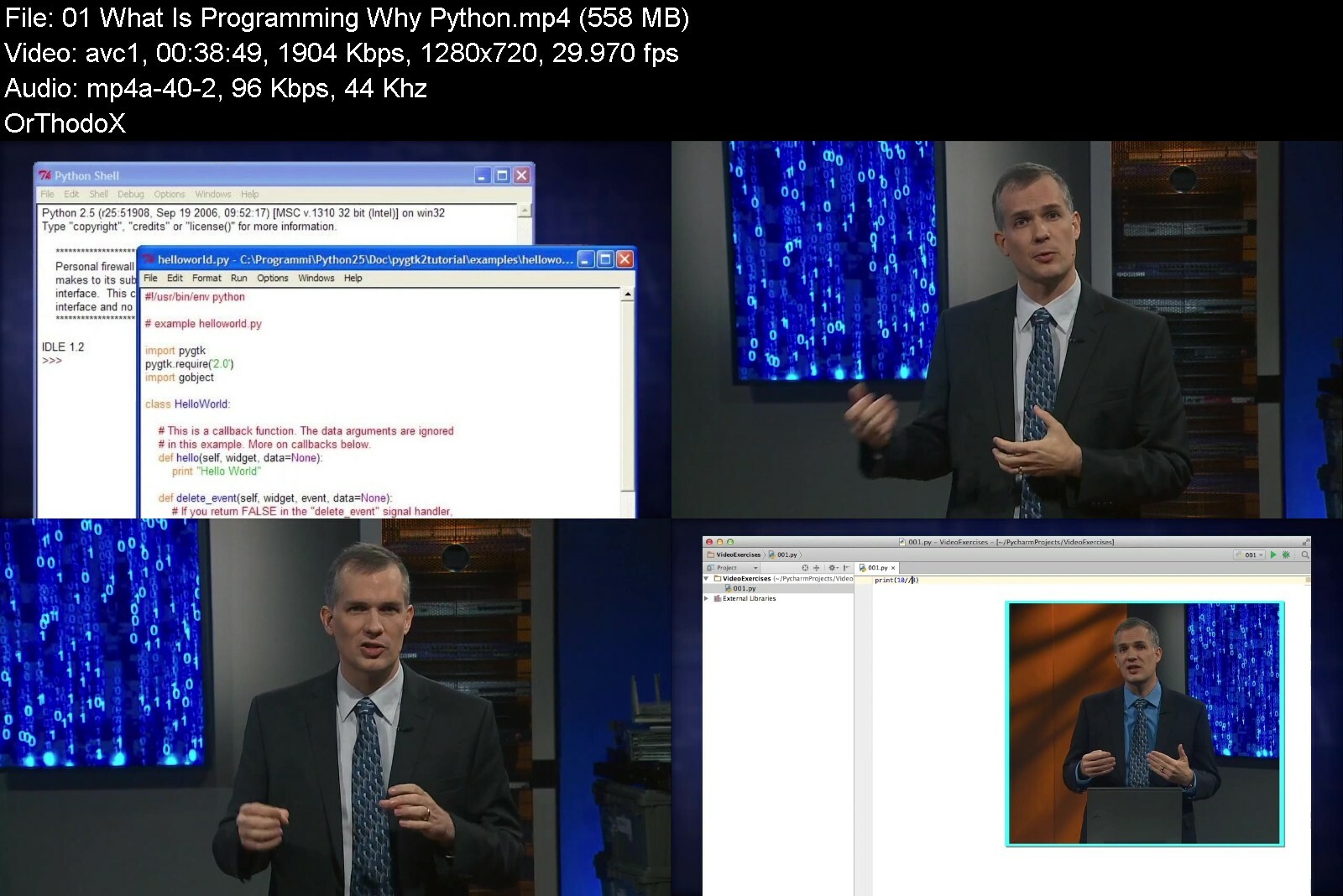
TTC - How to Program: Computer Science Concepts and Python Exercises
MP4 | Video: h264, 1280x720 | Audio: AAC, 44.1 KHz, 2 Ch
Genre: eLearning | Language: English | Duration: 24 Lessons (12h 42m) | Size: 11 GB


Learning a new language opens a wealth of opportunities. But there's one language family that provides benefits like no other: the languages of computer programming

Learning a new language opens a wealth of opportunities. But there's one language family that provides benefits like no other: the languages of computer programming. Now widely taught in schools-even in elementary schools-programming is an eminently learnable skill that gives you unrivalled problem-solving power you can apply in all areas of life. Programming is also a fun, creative activity that imparts deep insights into how we control the devices that influence virtually every aspect of our lives.

Writing computer code has truly gone mainstream in recent years. Simple, general-purpose computer languages that resemble English can be readily used by anyone, thanks to fundamental building blocks that allow even complete beginners to write short pieces of working code, while also taking the mystery and complexity out of more complicated scripts. Remarkable advances in hardware and in user interfaces mean that skills that were once highly technical, complicated, and difficult to learn are today within the reach of everyone who is willing to engage with a computer.

And now a pathbreaking guide is available with How to Program: Computer Science Concepts and Python Exercises. These 24 engaging and information-rich half-hour lessons use one of the world's most accessible, popular, and powerful computer languages, Python 3, as a gateway to the universe of programming. Taught by Professor John Keyser of the Department of Computer Science and Engineering at Texas A&M University, one of the top-ranked computer science programs in the country, this unique video course offers the following advantages

From the very first lesson, Professor Keyser plunges you into Python coding and the concepts of computer science, with a friendly and accessible style that has won him numerous teaching awards.
The Python computer language (named after the comedy troupe Monty Python) is ideal for beginners, with code based on ordinary English words and the flexibility to create many useful and creative programs.
The course covers fundamental ideas with clarity and depth, teaching you programming from the most basic commands to the techniques that help you develop ambitious pieces of software.
Professor Keyser focuses on practical problem-solving, presenting dozens of real-life examples and exercises, walking you through solutions, and helping you practice and build your skills.
Following some of the lessons, Professor Keyser leads you through supplementary problems that reinforce key programming strategies. In addition, the guidebook that accompanies the course features dozens of additional drills and practice exercises, always with answers, together with a reference section that includes definitions of computer science terms, important Python commands, and other useful information. No matter what level of experience and skill you have with computers, you can rest assured that this course will suit your needs from the first step: walking you through how to install Python 3 and the programming editor PyCharm, both of which are available free online.

Programming Made Crystal Clear

Assuming no prior background in computer science, Professor Keyser's lessons are so clear, carefully paced, and comprehensive that they will appeal to both novice and experienced programmers. Even those who use Python often will learn new and useful tips that fill gaps in their understanding, clarify concepts that were previously obscure, and broaden one-task tricks into versatile tools. As a result, this course is perfect for

beginners and students-from teenagers to retirees-who have never written a line of code;
self-taught programmers who want to deepen their knowledge of program design and make their code more efficient and elegant;
programmers new to Python, and Python users who want to upgrade their skills to the newest version of Python and more effectively exploit its many features;
professionals at any stage of their career who recognize the benefits of better understanding the technology that modern businesses rely on;
anyone wanting a fascinating insider's perspective on how to think about all the ways we tell
those who never dreamed that coding could be as exciting, intellectually stimulating, and rewarding as it truly is.
Build Your Programming Fluency

There are numerous programming tutorials and videos available online, but they are generally brief or narrow, giving you only specific and specialized instructions without context. How to Program is a college-level course with more than a semester's worth of material explored over 12 hours of lessons that you can pause, practice, and watch again as you hone your skills, guided by an expert teacher. And while you can find snippets of pre-written Python code online that may or may not work for your needs, this course takes you from writing individual lines of code to designing and thinking about code like a programmer, teaching you broadly applicable rules and tools that you use to create your own custom-made programs.

Professor Keyser begins with the basic code commands, and you start programming with him right away. In Lesson 1, you write a one-line program knowing just one command! You quickly build from there, mastering core principles and tools, including operators and variables, conditionals and loops, strings and files, functions, modules, packages, and more. By the end of the first half of the course, you will have tried out all of the most important fundamentals of programming.

The first half of the course provides the foundation of programming, while the second half of the course explores a wider range of applications and deeper principles, both of which also help you further consolidate your understanding of programming fundamentals. Applications include the coding behind games and graphics, as well as teaching you how to analyze sports statistics, simulate a retirement fund, and direct the path of a simple robot. Along the way, you get a feel for when to use a top-down design or a bottom-up strategy. You discover the power of object-oriented programming and the trade-offs of sequential programming versus event-driven programming. And you see for yourself how data structures and algorithms make possible even more powerful programs. Best of all, these and many other concepts become second nature as your programming fluency grows.

Discover a New World in Coding

"I got hooked writing my first simple computer program back in third grade," recalls Professor Keyser. This course will show you how fun, creative, and empowering programming can be. Professor Keyser's approach is clear, practical, and engaging-it's easy to see why his teaching has been honored so many times. Throughout the course, he offers tips on how to be a better programmer, hard-won lessons from decades of coding, and reflections on the aspects of programming that are most rewarding

Practical: Often it's faster to write a program to perform a task, such as repeated calculations or opening two applications in tandem, than it is to track down an existing piece of software that does exactly what you need. And as your coding skill grows, you'll find that you are creating unique programs that other people need.
Exhilarating: Figuring out how to apply the tools to solve each programming problem is a unique challenge, a puzzle that often has several solutions-but which is fastest, simplest, most efficient? Even debugging offers new and exciting mysteries to solve. When the pieces finally fall into place, you get a wonderful feeling of accomplishment that a mental model has been turned into working software.
Creative: Programming lets you express your creativity, allowing you to implement your ideas in code. And just as there is never simply one way to express a thought in a language, there are usually many ways to get a program to do what you want. A good design sense will point you to the optimum solution for your particular problem.
Transformational: Programming transforms the way you think, training you to look at problems logically, develop plans that can be followed sequentially, and recognize how to break down a complex task into more manageable pieces. All of these are useful approaches in areas outside of computing.
So, as with any new language, programming opens up a new world, while also influencing the way you look at your old, familiar world. It may be that as you work through the enjoyable and challenging exercises in How to Program, the most important benefit you are gaining is not only a toolkit to help you create your own programs in Python 3-it's also a set of enhanced mental tools for every sphere of life.


howtoprogramcomputerss5fm5.jpg


ITProTV - CompTIA A+ Core 1 (220-1101)

image12reil.jpg


ITProTV - CompTIA A+ Core 1 (220-1101)
Released 04/2022
MP4 | Video: h264, 1920x1080 | Audio: AAC, 44.1 KHz, 2 Ch
Genre: eLearning | Language: English | Duration: 38 Lessons (11h 23m) | Size: 11.4 GB

Entry-level PC Support Technician

CompTIA A+ certified professionals are proven, problem solvers. They support today's core technologies from security to cloud to data management and more. CompTIA A+ is the industry standard for launching IT careers into today's digital world.
HOMEPAGE


comptiaacore122011011dfkd.jpg


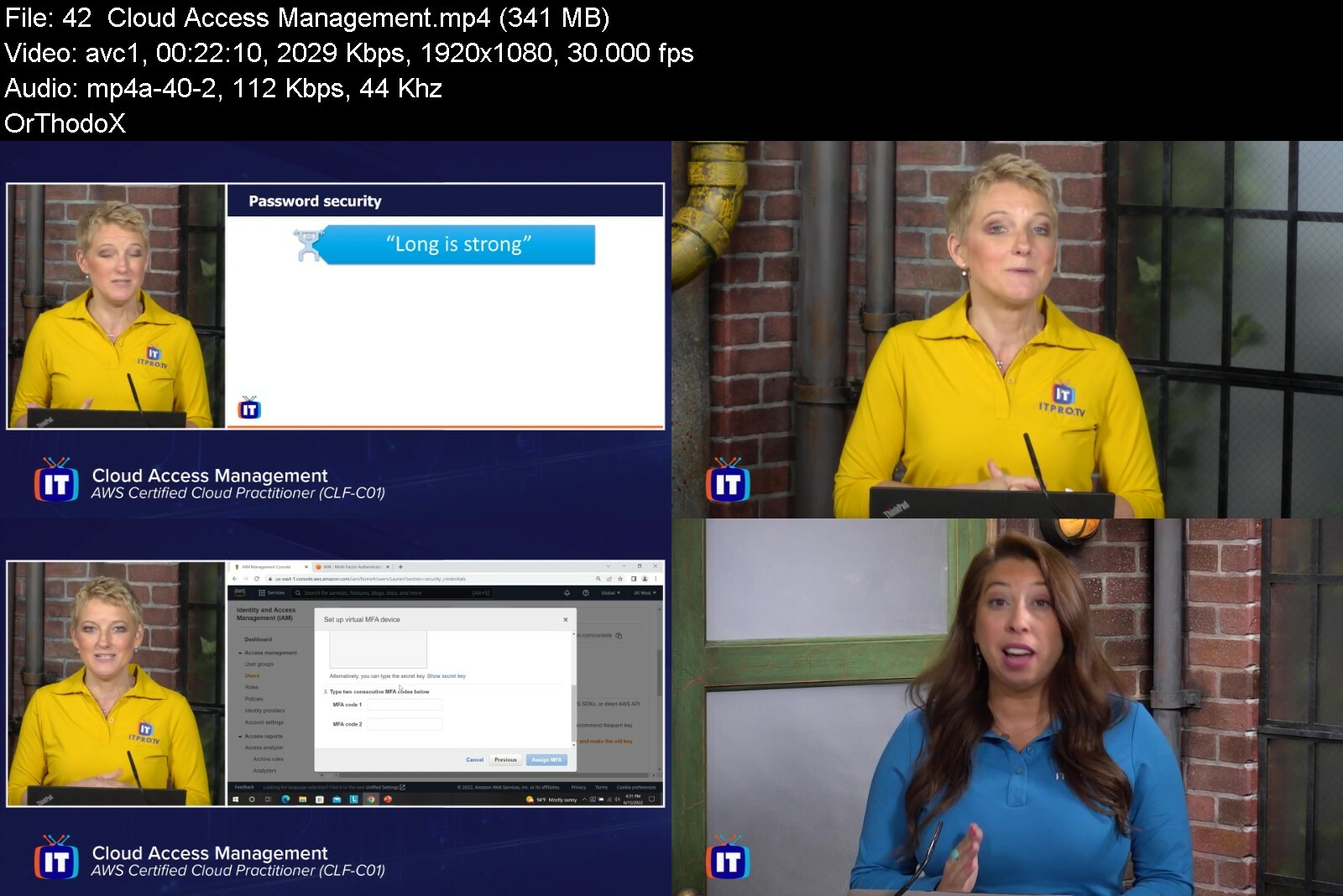
ITProTV - AWS Certified Cloud Practitioner (CLF-C01)

cfffef6c5f944cdda2beehkiag.png


Acloud Guru - AWS Certified Cloud Practitioner (CLF-C01)
Released 07/2022
MP4 | Video: h264, 1920x1080 | Audio: AAC, 44.1 KHz, 2 Ch
Genre: eLearning | Language: English | Duration: 50 Lessons (22h 12m) | Size: 10.1 GB

The AWS (Amazon Web Services) Cloud Practitioner certification serves as the ideal starting point for technical and non-technical professionals to build expertise in the AWS cloud. This course provides a foundational introduction to AWS's most popular cloud services, including EC2, Lambda, S3, EBS, VPC, and RDS. You'll learn the core concepts of cloud computing and see how billing and pricing strategies can save companies money on their IT infrastructure. The course also explores cloud security and compliance solutions, covering every objective required by the Cloud Practitioner exam. Course objectives: 1) Explain foundational cloud concepts. 2) Use popular AWS services, including EC2, Lambda, S3, EBS, VPC, and RDS. 3) Apply fundamental security and best practices in AWS. 4) Use pricing models and information sources to manage cloud costs.

awscertifiedcloudpracykdmw.jpg


ITProTV - Microsoft Azure Security Technologies (AZ-500) (Updated 2022)

6bcc0507a3ce406eab47aefi8p.png


ITProTV - Microsoft Azure Security Technologies (AZ-500) (Updated 2022)
Released 05/2022
MP4 | Video: h264, 1920x1080 | Audio: AAC, 44.1 KHz, 2 Ch
Genre: eLearning | Language: English | Duration: 69 Lessons (26h 40m) | Size: 17.9 GB


Microsoft security in the cloud & on-premises

0%
This course is designed for Azure Security Engineers who want to implement security controls, maintain the security posture, manage identity and access, and protect data, applications, and networks. You will be focusing on how to identify and remediate vulnerabilities by using a variety of security tools, implement threat protection, and respond to security incident escalations. To be successful on the AZ-500 exam, you should have a strong understanding of core Azure services, Azure workloads, security, and governance, as well as having experience in using PowerShell, the Command Line Interface, Azure Portal, and ARM templates. In addition, you should have a deep understanding of networking, virtualization, and cloud N-tier architecture; and a strong familiarity with cloud capabilities, as well as other Microsoft products and services.


microsoftazuresecuritxfihq.jpg


CBTNuggets - Google Associate Cloud Engineer (ACE)

johnmunjoma21024x5752ui7f.jpg


CBTNuggets - Google Associate Cloud Engineer (ACE)
Released 12/2021
MP4 | Video: h264, 1920x1080 | Audio: AAC, 44.1 KHz, 2 Ch
Genre: eLearning | Language: English | Duration: 97 Lessons (12h 26m) | Size: 8.8 GB


This intermediate Google ACE training covers the objectives in the ACE exam, which is the one required exam to earn the Google Associate Cloud Engineer (ACE) certification

When applications on the Google Cloud need deploying, operations need monitoring and enterprise solutions need managing, an Associate Cloud Engineer is there to do the heavy lifting. The Google Cloud Console and command-line interface aren't uncommonly difficult, but they are unique and particular to Google cloud operations, and the best path to success as an Associate Cloud Engineer is to get specific training in how Google's cloud services operate. With this training, you'll be setting up cloud environments, planning and configuring solutions and configuring access and security in no time. After that, the Associate Cloud Engineer certification is easily within reach.

For anyone who leads an IT team, this ACE training can be used for ACE exam prep, on-boarding new cloud engineers, or as part of a team training plan.

ACE: What You Need to Know
This Google Associate Cloud Engineer (ACE) training maps to the ACE Google Cloud Platform exam objectives, and covers topics such as

Setting up a cloud solution environment
Planning and configuring cloud solutions
Deploying and implementing cloud solutions
Ensuring cloud operations
Configuring access and security

Who Should Take ACE Training?
This ACE training is considered engineer-level Google training, which means it was designed for cloud engineers. This Google Cloud Platform skills course is designed for cloud engineers with three to five years of experience with cloud architecture.

New or aspiring cloud engineers. Aspiring cloud engineers have a lot to prepare for as they enter into some of the biggest data environments in the world. In your future career, you may find yourself immersed in cloud projects and accounts, managing billing configuration, installing and configuring the command line interfaces, or configuring access to any number of environments and solutions. With this training, you'll be prepared to engineer cloud solutions on Google Cloud and can certify as an Associate Cloud Engineer.

Experienced cloud engineers. More advanced cloud engineers eventually need to know how to deploy and implement robust cloud solutions intuitively and quickly. At the drop of a hat, you may need to deploy and implement Google Kubernetes Engine resources, manage storage and database solutions or get your hands dirty with networking as well. You can make sure you're a prepared and capable jack of all trades with this Associate Cloud Engineer certification training.


googleassociatecloudeg7c4f.jpg


Full Kaspersky Training (Endpoint Sec , Hybrid Cloud , Edr)

mutlqrlhvtzeig2kz9lc08oeni.jpg


Full Kaspersky Training (Endpoint Sec , Hybrid Cloud , Edr)
Last updated 11/2022
MP4 | Video: h264, 1280x720 | Audio: AAC, 44.1 KHz
Language: English | Size: 7.21 GB | Duration: 12h 16m

The Complete Kaspersky Bootcamp(Endpoint SEC For Windows With EDR Optimum & Hybrid Cloud For Virtualization Light Agent)


What you'll learn
Be Familiar with kaspersky security center and KES for windows
Install KES for windows and also kaspersky network agent
Identify the needed policies on network firewalls to enable communication between kaspersky components
Install the needed tasks and policies of KES for windows
Protect your windows machine in multiple manners ( File , Web , Network and User Behaviour )
Control your windows machine in multiple manners ( Web , Device and App )
Learn how to make full disk encryption using KES for windows
Monitoring all things related to your windows machines
Learn how KES for windows will help you discover vulnerabilities on your windows machine and how it will patch them

Requirements
Network Basics
Security Basics
Systems Basics

Description
In This Course Student Will Learn The Main Features Of KSC &*KES By Working On Giant Lab Which simulates a real world organization integrated with multiple vendors security solutions . First course will be about kaspersky endpoint security for windows -> First section will be an introduction to KSC*and KES*via a mini-book describing all the things will be explained in the labs sections , Second section will be the installation process of both KSC*and KES*via local method and remote method , Third section will be about the needed tasks after the installation finsihed , Fourth section will be about configuring the policy and discovering it's main features , Fifth section will be a quick example of penetration testing using kali linux on our machines have KES*installed on them , Lastly some reports and monitoring techniques . With this course , student will be able to install KES*via KSC*(*MMC Console )*and configure the proper security rules on firewalls on it's path which happens in each real world environment .Second course will about kaspersky hybrid cloud security for virtualization . During This Course Student Will Able To Define The Main Features Of Kaspersky Hybrid Cloud Security For Virtualization , See The Main Components Of Solution (*Integration Server , Protection Server "SVM" , Light Agent , Network Agent ) , Differentiate Between Light Agent &*Agentless . Why We Choose Light Agent ! , Install Kaspersky Hybrid Cloud Security For Virtual Environments (*KSC*, vCenter , Protection Sever , Pushing Light Agent To*Windows Machines ) , Configuring The Main Policies Of SVM*And Light Agents And See The Main Components And Feature Of Each Policy , Configuring The Main Needed Tasks For Each Application , Comparing Kaspersky Light Agent With Kaspersky Endpoint Security For Windows , What's The Difference Between Both , Launching A Quick Pen Testing On Our Device Has Kaspersky Light Agent On it And See It Will Defend Against Some Attacks And Malwares and See How To Monitor What Happened From Kaspersky Security Center . Third course will about configuring EDR optimum with KES for windows . During This Course Student will be able to install Kaspersky Endpoint Detection &*Response Optimum and dicover it's main features . Endpoint Protection Platform will be compared to endpoint detection and response and the main advantages of the last will be discovered .Endpoint detection and response optimum is a solution consisting of two main applications (*endpoint agent &*kaspersky endpoint security "below version 11.6" or kaspersky hybrid cloud or kaspersky for windows server ) .In new versions of kaspersky endpoint security form version 11.7 and above , endpoint agent became part of the platform and user doesn't have to install both applications seperately and intergrate between them .During this course we will use kaspersky security center "Web console" since we are using EDR*and results will not be shown except in web console .We will also see how to install the solution via the two methods ( Change application components OR*Edit the application settings directly )*.Then we will discover all the features of EDR*optimum like discovering all the files , network connections , registery that threat can create on the machine .Responses also will be discussed like (*Host isolation ; to completely isolate the pc from the network .. Execution prevention ;to prevent the execution of the threat form begining .. IOC Scan ; To search for specific md5 hash on other pcs in the network ..

Overview
Section 1: Introduction To KSC & KES For Windows

Lecture 1 Introduction To Giant Labs

Lecture 2 Vlans & IP Schema Of Giant Lab Explained

Lecture 3 Intoduction To Kaspersky

Lecture 4 Security Center

Lecture 5 Security Center 2

Lecture 6 Main Functions Of KSC

Lecture 7 Endpoint Security For Business ( Windows ) ( KES )

Lecture 8 Computer Protection

Lecture 9 Computer Control

Section 2: Installing Kaspersky Security Center & Kaspersky Endpoint Security For Windows

Lecture 10 Install Kaspersky Security Center Part 1

Lecture 11 Install Kaspersky Security Center Part 2

Lecture 12 Install Kaspersky Security Center Part 3

Lecture 13 Adding License Of KES

Lecture 14 Communication Rules Between Clients And MGMT Server

Lecture 15 Installing Network Agent Remotely & Riprep

Lecture 16 Rules To Enable Kaspersky Security Center Get It's Updates

Lecture 17 Creating Installation Packages Part 1

Lecture 18 Creating Installation Packages Part2

Lecture 19 Installing KES Remotely Using A Task

Lecture 20 Installing KES & Kaspersky Network Agent Locally

Lecture 21 Uninstalling KES For Windows Remotely From A Machine

Section 3: Needed Tasks

Lecture 22 Task 1 - Activation Of Applications

Lecture 23 Task 2 - Updating KES Databases

Lecture 24 Task 3 Virs Scan

Lecture 25 Task 4 Change Application Components

Lecture 26 More About Tasks

Section 4: KSC For System Management

Lecture 27 Using KSC For System Management

Section 5: Configuring Policy

Lecture 28 Introduction To Policies

Lecture 29 General Setting , Event Configurations & File Threat Protection Options

Lecture 30 Web Threat Protection

Lecture 31 Mail Threat Protection

Lecture 32 Network Threat Protection

Lecture 33 BadUSB Attack Prevention & AMSI Protection

Lecture 34 Advanced Threat Protection

Lecture 35 Host Intrusion Prevention & Firewall

Lecture 36 General Settings

Section 6: Penetration Testing

Lecture 37 Netowrk Discover & Ping Trials

Lecture 38 Creating An Encoded Payload Through KALi & Testing Against KES

Lecture 39 Using Shellter To Include Payload To Normal EXE File & Testing Against KES

Section 7: Monitoring

Lecture 40 Reports & Statistics & Events

Section 8: Using Web Console & Labs Extensions

Lecture 41 Web Console ( Intial Configurations )

Lecture 42 Installing Applications

Lecture 43 Groups & Moving Rules

Lecture 44 Application Control ( Blocking Web Browsers )

Lecture 45 Web Control ( Blocking Social Networking )

Lecture 46 Application Restrictions

Lecture 47 Protection From Network Threats

Lecture 48 Protection From Exploits

Section 9: Kaspersky Endpoint Security ( All About Encryption )

Lecture 49 Full Disk Encryption

Lecture 50 BitLocker Encryption & File Level Encryption

Section 10: Introduction To Kaspersky Hybrid Cloud Solution ( Virtual Environments )

Lecture 51 Introduction

Section 11: Installing ( vCenter , KSC , SVM , Light Agent )

Lecture 52 Intro To Kaspersky Hybrid Cloud

Lecture 53 Installing vCenter -1

Lecture 54 Installing vCenter - 2

Lecture 55 About KSC

Lecture 56 Installing KSLV Components 1

Lecture 57 Installing KSLV Components 2

Lecture 58 Installing SVM On vCenter 1

Lecture 59 Installing SVM On vCenter 2

Lecture 60 SVM ( Protection Server) Activation Task

Lecture 61 Database Updates Task

Lecture 62 Creating Policy For SVM

Lecture 63 Installing ( Network Agent , Light Agent ) On A Test Machine 1

Lecture 64 Installing ( Network Agent , Light Agent ) On A Test Machine 2

Lecture 65 Installing ( Network Agent , Light Agent ) On A Test Machine 3

Section 12: Configuring Needed Tasks And Policy - Penetration Testing

Lecture 66 Configuring Virus Scan Task & Policy

Lecture 67 Penetration Testing & Monitoring

Section 13: Introduction To Endpoint Detection & Response Optimum With GLAB

Lecture 68 Introduction

Section 14: Installing EDR Solution

Lecture 69 Installing EDR Optimum With KES 1

Lecture 70 Installing EDR Optimum With KES 2

Section 15: Investigation & Response

Lecture 71 Working With KSC WEB Console

Lecture 72 Enabling EDR Component VIA KES Policy

Lecture 73 Trying Device Isolation & Files Drop Investigation

Lecture 74 Configuring Execution Prevention

Lecture 75 Running IOC Scan

Systems Engineers,Enterprise Networks Engineers,Network Security Engineers,IT Engineers


fullkasperskytraining3sdmp.jpg


Learn Python from Scratch for Beginners (2022)

4730750010f41hfyk.jpg


Learn Python from Scratch for Beginners (2022)
Published 07/2022
MP4 | Video: h264, 1280x720 | Audio: AAC, 44.1 KHz, 2 Ch
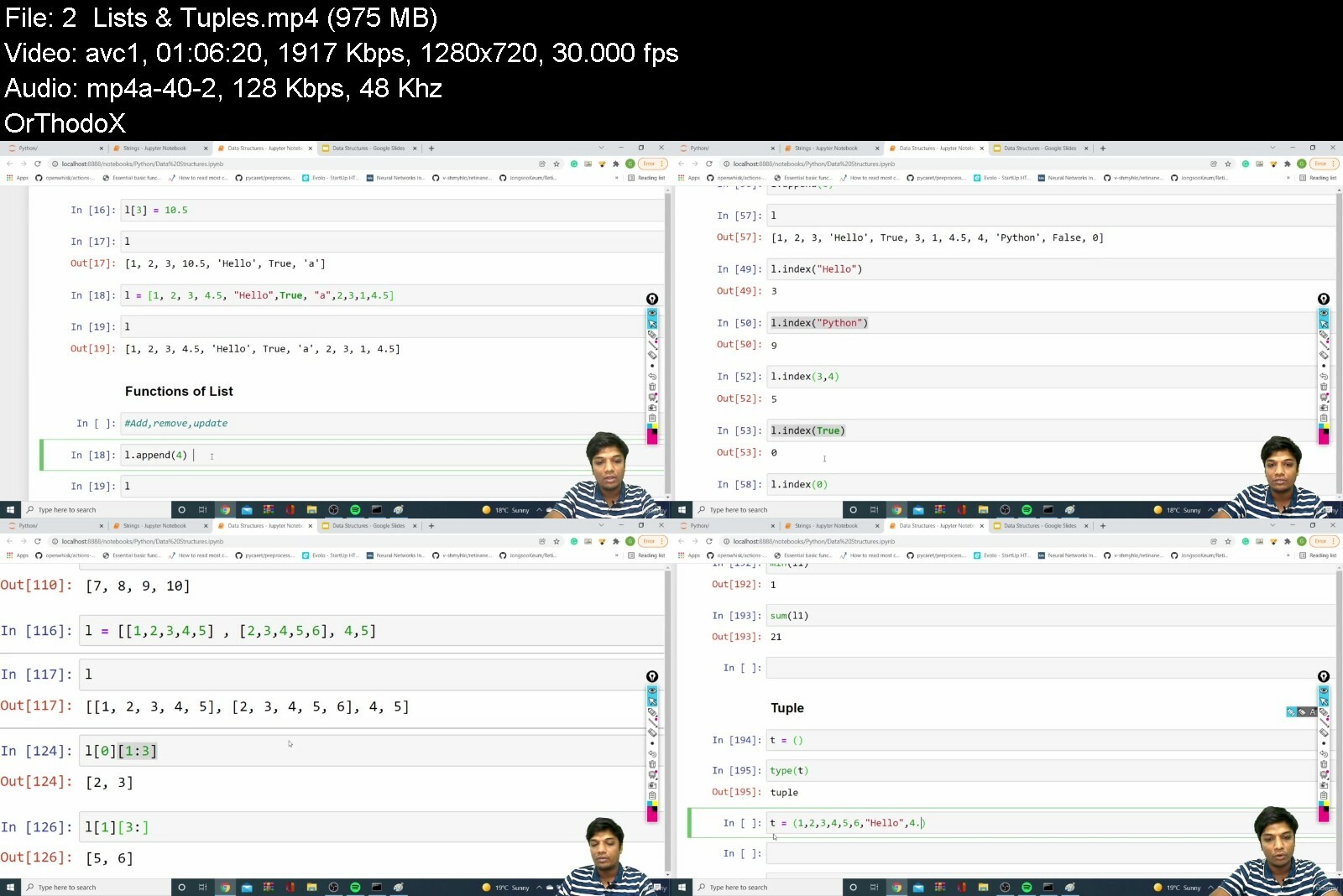
Genre: eLearning | Language: English + srt | Duration: 38 lectures (19h 14m) | Size: 13.9 GB


The Ultimate course to start from Basics of Python


What you'll learn
Fundamental understanding of the Python programming language.
Acquire the pre-requisite Python skills to move into specific branches - Machine Learning, Data Science, etc..
Explore various Data Structures
Functions and Modules
Solving few examples using Loops and Conditions
How to work with files using Python
Exception handling in Python
Object Oriented Programming
Special Functions like Lambda, Zip, map, filter..

Requirements
No Programming experiences needed. You will learn everything you need to know.

Description
This course is aimed at complete beginners who have never programmed before, as well as existing programmers who want to increase their career options by learning Python.

The fact is, Python is one of the most popular programming languages in the world - Big Product based companies such as Google use it in mission-critical applications like Google Search.

In this course we will start with understanding what is Python and proceed to learn various concepts from basics like Data types, conditions, loops, functions etc.. , and go up to advanced concept like Object-Oriented Programming

Python is a multi-paradigm programming language. Object-oriented programming and structured programming are fully supported, and many of its features support functional programming and aspect-oriented programming (including metaprogramming and metaobjects). Many other paradigms are supported via extensions, including design by contract and logic programming

Rather than building all of its functionality into its core, Python was designed to be highly extensible via modules. This compact modularity has made it particularly popular as a means of adding programmable interfaces to existing applications. Van Rossum's vision of a small core language with a large standard library and easily extensible interpreter stemmed from his frustrations with ABC, which espoused the opposite approach

And Python is the number one language choice for machine learning, data science, and artificial intelligence. To get those high-paying jobs you need expert knowledge of Python, and that's what you will get from this course.

Who this course is for
Programmers switching languages to Python.
Beginners who have never programmed before.


learnpythonfromscratcvjf11.jpg


Zurück
Oben Unten