• Regeln für den Video-Bereich:

    In den Börsenbereich gehören nur Angebote die bereits den Allgemeinen Regeln entsprechen.

    Einteilung

    - Folgende Formate gehören in die angegeben Bereiche:
    - Filme: Encodierte Filme von BluRay, DVD, R5, TV, Screener sowie Telesyncs im Format DivX, XviD und x264.
    - DVD: Filme im Format DVD5, DVD9 und HD2DVD.
    - HD: Encodierte Filme mit der Auflösung 720p oder darüber von BluRay, DVD, R5, TV, Screener sowie Telesyncs im Format x264.
    - 3D: Encodierte Filme von BluRay, die in einem 3D Format vorliegen. Dies gilt auch für Dokus, Animation usw.
    - Serien: Cartoon/Zeichentrick, Anime, Tutorials, Dokumentationen, Konzerte/Musik, Sonstiges sind demnach in die entsprechenden Bereiche einzuordnen, auch wenn sie beispielsweise im High Definition-Format oder als DVD5/DVD9/HD2DVD vorliegen. Ausnahme 3D.
    - Bereich Englisch: Englische Releases gehören immer in diesen Bereich.
    - Bereich Talk: Der Bereich, in dem über die Releases diskutiert werden kann, darf, soll und erwünscht ist.


    Angebot/Beitrag erstellen

    - Ein Beitrag darf erst dann erstellt werden, wenn der Upload bei mindestens einem OCH komplett ist. Platzhalter sind untersagt.
    - Bei einem Scenerelease hat der Threadtitel ausschließlich aus dem originalen, unveränderten Releasenamen zu bestehen. Es dürfen keine Veränderungen wie z.B. Sterne, kleine Buchstaben o.ä. vorgenommen werden. Ausnahme Serienbörse:
    - Bei einem Sammelthread für eine Staffel entfällt aus dem Releasename natürlich der Name der Folge. Beispiel: Die Simpsons S21 German DVDRip XviD - ITG
    - Dementsprechend sind also u.a. verboten: Erweiterungen wie "Tipp", "empfehlenswert", "only", "reup", usw. / jegliche andere Zusatzinformation oder Ergänzung, welche nicht in obiger Beschreibung zu finden ist.

    Aufbau des Angebots und Threadtitel

    Der Titel nach folgendem Muster erstellt zu werden. <Name> [3D] [Staffel] [German] <Jahr> <Tonspur> [DL] [Auflösung] <Quelle> <Codec> - <Group>
    Beispiel: The Dark Knight German 2008 AC3 DVDRip XviD - iND
    Beispiel: The Dark Knight 2008 DTS DL BDRip x264 - iND
    Beispiel: The Dark Knight 2008 AC3 DL BDRip XviD - iND
    Beispiel: The Dark Knight German 2008 AC3 720p BluRay x264 iND
    Beispiel: The Dark Knight 2008 DTS DL 1080p BluRay x264 iND
    Beispiel: Die Simpsons S01 German AC3 DVDRip XviD iND
    Beispiel: Die Simpsons S20 German AC3 720p BluRay x264 iND
    Beispiel: Sword Art Online II Ger Sub 2014 AAC 1080p WEBRip x264 - peppermint
    Entsprechend sind also u.a. verboten: Sonderzeichen wie Klammern, Sterne, Ausrufezeichen, Unterstriche, Anführungszeichen / Erweiterungen wie "Tipp", "empfehlenswert", "only", "reup", usw. / jegliche andere Zusatzinformation oder Ergänzung, welche nicht in obiger Beschreibung zu finden ist
    Ausnahmen hiervon können in den Bereichen geregelt sein.

    Die Beiträge sollen wie folgt aufgebaut werden:
    Überschrift entspricht dem Threadtitel
    Cover
    kurze Inhaltsbeschreibung
    Format, Größe, Dauer sind gut lesbar für Downloader außerhalb des Spoilers zu vermerken
    Nfo sind immer Anzugeben und selbige immer im Spoiler in Textform.
    Sind keine Nfo vorhanden z.B. Eigenpublikationen, sind im Spoiler folgende Dateiinformationen zusätzlich anzugeben :
    Quelle
    Video (Auflösung und Bitrate)
    Ton (Sprache, Format und Bitrate der einzelnen Spuren)
    Untertitel (sofern vorhanden)
    Hosterangabe in Textform außerhalb eines Spoiler mit allen enthaltenen Hostern.
    Bei SD kann auf diese zusätzlichen Dateiinformationen verzichtet werden.

    Alle benötigten Passwörter sind, sofern vorhanden, in Textform im Angebot anzugeben.
    Spoiler im Spoiler mit Kommentaren :"Schon Bedankt?" sind unerwünscht.


    Releases

    - Sind Retail-Release verfügbar, sind alle anderen Variationen untersagt. Ausnahmen: Alle deutschen Retail-Release sind CUT, in diesem Fall sind dubbed UNCUT-Release zulässig.
    - Im Serien-Bereich gilt speziell: Wenn ein Retail vor Abschluss einer laufenden Staffel erscheint, darf diese Staffel noch zu Ende gebracht werden.62
    - Gleiche Releases sind unbedingt zusammenzufassen. Das bedeutet, es ist zwingend erforderlich, vor dem Erstellen eines Themas per Suchfunktion zu überprüfen, ob bereits ein Beitrag mit demselben Release besteht. Ist dies der Fall, ist der bereits vorhandene Beitrag zu verwenden.
    - P2P und Scene Releases dürfen nicht verändert oder gar unter einem iND Tag eingestellt werden.


    Support, Diskussionen und Suche

    - Supportanfragen sind entweder per PN oder im Bereich Talk zu stellen.
    - Diskussionen und Bewertungen sind im Talk Bereich zu führen. Fragen an die Uploader haben ausschließlich via PN zu erfolgen, und sind in den Angeboten untersagt.
    - Anfragen zu Upload-Wünschen sind nur im Bereich Suche Video erlaubt. Antworten dürfen nur auf Angebote von MyBoerse.bz verlinkt werden.


    Verbote

    - Untersagt sind mehrere Formate in einem einzigen Angebotsthread, wie beispielsweise das gleichzeitige Anbieten von DivX/XviD, 720p und 1080p in einem Thread. Pro Format, Release und Auflösung ist ein eigener Thread zu eröffnen.
    - Grundsätzlich ebenso verboten sind Dupes. Uploader haben sich an geeigneter Stelle darüber zu informieren, ob es sich bei einem Release um ein Dupe handelt.
    - Gefakte, nur teilweise lauffähige oder unvollständige Angebote sind untersagt. Dies gilt auch für eigene Publikationen, die augenscheinlich nicht selbst von z.B. einer DVD gerippt wurden. Laufende Serien, bei denen noch nicht alle Folgen verfügbar sind, dürfen erstellt und regelmäßig geupdatet werden.
    - Untersagt sind Angebote, welche nur und ausschließlich in einer anderen Sprache als deutsch oder englisch vorliegen. Ausnahmen sind VORHER mit den Moderatoren zu klären.


    Verstoß gegen die Regeln

    - Angebote oder Beiträge, die gegen die Forenregeln verstoßen, sind über den "Melden"-Button im Beitrag zu melden.
  • Bitte registriere dich zunächst um Beiträge zu verfassen und externe Links aufzurufen.

*** Bestes IPTV *** bester Preis *** gratis Test ***


Englische Tutorials

ITProTV - CompTIA A+ Core 2 (220-1102)

1a1b2a4f168a4453a6bd5e9fjd.png


ITProTV - CompTIA A+ Core 2 (220-1102)
Released 04/2022
MP4 | Video: h264, 1920x1080 | Audio: AAC, 44.1 KHz, 2 Ch
Genre: eLearning | Language: English | Duration: 42 Lessons (12h 55m) | Size: 10.5 GB

Entry-level PC Support Technician

CompTIA A+ certified professionals are proven, problem solvers. They support today's core technologies from security to cloud to data management and more. CompTIA A+ is the industry standard for launching IT careers into today's digital world.


comptiaacore22201102frisc.jpg


Microsoft Azure Fundamentals Bootcamp 2022 Complete Guide

457358659372x1cn6.jpg


Microsoft Azure Fundamentals Bootcamp : 2022 Complete Guide
Published 07/2022
MP4 | Video: h264, 1280x720 | Audio: AAC, 44.1 KHz, 2 Ch
Genre: eLearning | Language: English + srt | Duration: 90 lectures (9h 13m) | Size: 7.3 GB


Learn Fundamentals of Microsoft Azure such as Virtual machines, Networking, etc. with examples, and Hands-On Practice!


What you'll learn
You will learn about Cloud Computing and different Services.
You will learn about the Azure Virtual Machines and it's types.
You will learn about Azure storages and its types.
You will learn about the Azure Networking and it's lab.
You will learn about Azure Directory and Management.
You will learn about Azure Databases such as Azure SQL Databases, Azure Cosmos DB, Azure key vault, etc.
You will learn about Azure Media and App services.
Also you will Azure Containers and Kubernetes services.

Requirements
No prior knowledge is required.
Good if known basics of Cloud Computing.
Microsoft Azure Free trial Subscription.

Description
Welcome to this wonderful course on Microsoft Azure Fundamentals.

Microsoft Azure is a cloud computing platform and online portal that allows you to access and manage cloud services and resources provided by Microsoft. Microsoft Azure is an example of a public cloud. These services and resources include storing your data and transforming it, depending on your needs. Offers a variety of cloud services including data processing, analytics, storage, and networking. From services, users can choose to develop and scale new applications or run existing applications in the public cloud.

In this course, you will cover

Introduction to Microsoft Azure.

Learn about Azure Virtual machines and their types.

Introduction and Implementation of Azure Storage.

Learn and Implementing Networking in Microsoft Azure.

Introduction and Implementation of Azure Active Directory and Management.

Learn about Azure Databases.

Learn about Azure Media and App Services.

Learn about Azure Containers and Kubernetes Services.

Not only this, you will get to attempt quizzes to test your knowledge. You will also have access to all the resources such as PPT files used in this course.

Instructor Support - Quick Instructor Support for any queries.

I'm looking forward to see you in the course!

Enroll now and make the best use of this course.

Who this course is for
Anyone who is Beginner in Azure Platform.
Anyone who wants to become System Administrators.
Anyone who is Data Engineers or Data Scientist.
Anyone looking forward to start career as Azure Data Engineer.
Anyone who wants to build carrier in Cloud Services.


microsoftazurefundame5fipb.jpg


CBTNuggets - SC-900 Training Microsoft Security, Compliance, and Identity Fundamentals Certification

jamesconrad21024x575bveuc.jpg


CBTNuggets - SC-900 Training Microsoft Security, Compliance, and Identity Fundamentals Certification
Released 27/04/2022
MP4 | Video: h264, 1920x1080 | Audio: AAC, 44.1 KHz, 2 Ch
Genre: eLearning | Language: English | Duration: 86 Lessons (13h 18m) | Size: 8.2 GB


This foundational Microsoft Certified: Security, Compliance, and Identity Fundamentals training covers the objectives in the SC-900 exam, which is the one required exam to earn the Microsoft Certified: Security, Compliance, and Identity Fundamentals certification

It's hard to overstate how important security, compliance and identity are to network stability and reliability. Those three concepts are so important that everyone who touches a network's operations - from administrators to managers to executive stakeholders - should consider training in the basic concepts around security, compliance and identity (SCI). This Microsoft Certified: Security, Compliance, and Identity Fundamentals training prepares learners for passing the SC-900 and earning an entry-level certification, but the knowledge within it is highly valuable for anyone who makes decisions that affect networks and their security.

For anyone who manages security technicians, this Microsoft training can be used for SC-900 exam prep, onboarding new security technicians, individual or team training plans, or as a Microsoft reference resource.

SC-900: What You Need to Know
This Microsoft Certified: Security, Compliance, and Identity Fundamentals training has videos that cover topics such as

Fundamental concepts and terms of security, compliance and identity
Understanding the capabilities of Microsoft Identity and Access Management solutions
Using Microsoft Azure's built-in security management capabilities and features
Deploying Microsoft Azure's compliance management solutions

Who Should Take SC-900 Training?
This Microsoft Certified: Security, Compliance, and Identity Fundamentals training is valuable for new or aspiring IT professionals, experienced security technicians looking to validate foundational skills, and non-technical professionals.

Compliance user training. It's so important that non-technical professionals get this Security, Compliance and Identity Fundamentals training because when there are decisions about a network to be made, it's only when you understand how one gets secured, how users are identified, and how compliance is verified that you can ensure they're wise decisions.

New or aspiring IT professionals. If you hope to have a career in cybersecurity, starting with a Microsoft Fundamentals certification is a good way to get your feet wet with big concepts that will persist throughout your career. This Microsoft Certified: Security, Compliance, and Identity Fundamentals training is great for new security technicians, since it defines the concepts and tools you'll be managing and configuring practically every day.


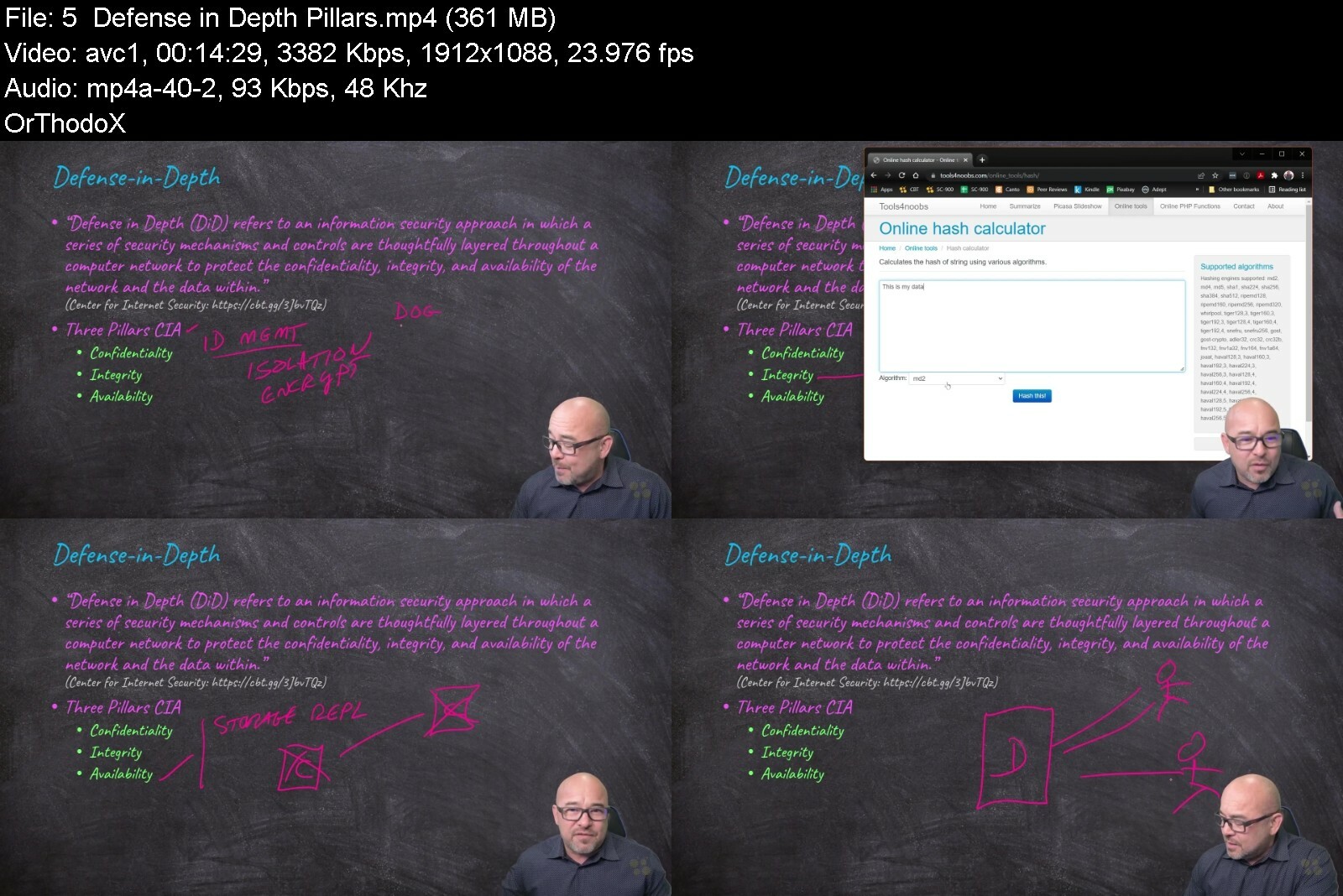
sc900trainingmicrosofcwff2.jpg


ITProTV - Microsoft Azure Fundamentals (AZ-900) (2022)

0ac31eb028974b91a171fc1flp.png


Microsoft Azure Fundamentals (AZ-900) Cert Prep: 3 Azure Services
Released 4/2023
MP4 | Video: h264, 1280x720 | Audio: AAC, 44.1 KHz, 2 Ch Skill Level: Beginner | Genre: eLearning | Language: English + srt | Duration: 2h 12m | Size: 285 MB

The Microsoft Azure Fundamentals certification exam is for anyone who wants to begin their professional journey in cloud computing. To pass the AZ-900 exam, you need to have a high-level knowledge of the cloud, Azure architecture, core security, basic services, management tools, and governance. This third course in the AZ-900 cert prep series covers the most essential Azure services and how they work together in real-world applications. Your instructor Kunal D Mehta helps you gain a comprehensive understanding of Azure compute, networking, and storage services like virtual machines, App Service, Container Instances, Functions, Virtual Networks, ExpressRoute, Azure DNS, storage accounts, and data management tools.


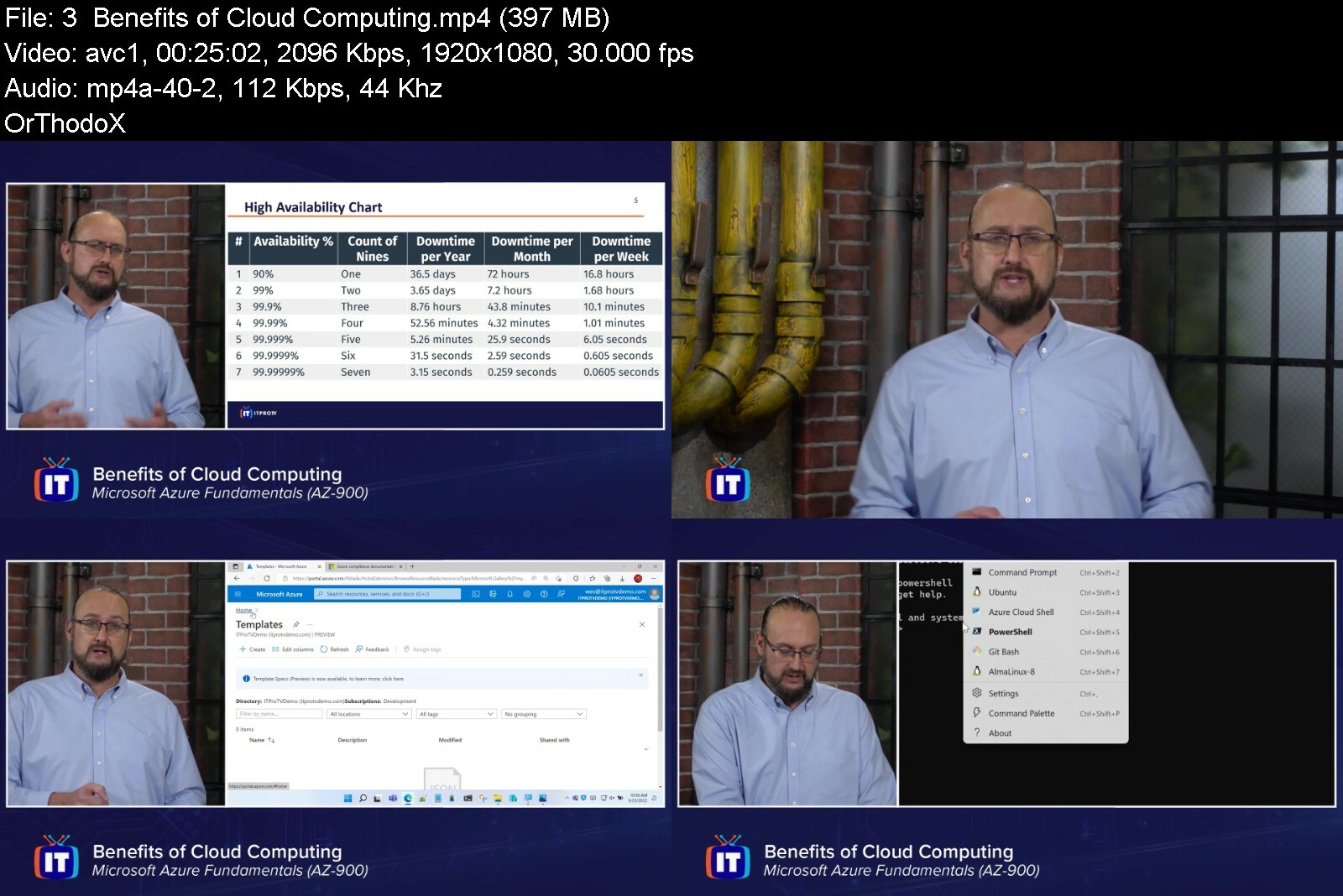
microsoftazurefundamesdflv.jpg


Visual Basic for Applications - Excel VBA - The full course

533140d9485p1ed8.jpg


Visual Basic for Applications - Excel VBA - The full course
Last Updated 08/2021
MP4 | Video: h264, 1280x720 | Audio: AAC, 44.1 KHz, 2 Ch
Genre: eLearning | Language: English | Duration: 263 lectures (32h 57m) | Size: 9.1 GB

Learn how to do macros in EXCEL VBA and applications to automate Microsoft Excel with Visual Basic for applications

What you'll learn
create your own macro in Excel
program in VBA
understand Visual Basic for Applications
create automated reports in Excel
develop your applications and tools in Excel

Requirements
Microsoft Excel
Microsoft Word

Description
The course is composed of more than 200 videos. Each lesson is composed of one of more videos. The videos are created by experts developing applications using Visual Basic for Application (VBA) for MS Excel or MS Access for small, middle and large companies as consultants and as managers and coach for internal processes. These experts have created complex tools to create the reporting structure and manage the business processes. An extended version will include also real examples to be used directly in working and office processes.

You will learn from the basic concepts to the principles to build your own applications in Excel using VBA.

You will understand and digest the concept of object oriented programming and remove your barriers from being scared to see programming code.

You will be able to retrieve data from databases or other files and present them in Excel files.

You will create automated procedure to format data, display information and create complex reports and graphs.

Who this course is for
software developers
accounters
employees in HR, Finance, Accounting
Business Analysts
Business Intelligent developers
Project manager
Quality managers

Homepage


003foreachthevbaloopledcy4.jpg


Zuletzt bearbeitet:
Cisco Ise 2023

lze0ucpkc5giel4urfus2hgcuv.jpg


Cisco Ise 2023
Published 2/2023
MP4 | Video: h264, 1280x720 | Audio: AAC, 44.1 KHz
Language: English | Size: 1.81 GB | Duration: 3h 46m

Securing endpoints BYOD or guest, segmenting the network and securing & restrict access to the network


What you'll learn
Cisco ISE technology
Cisco ISE implementation
Cisco ISE security
Cisco ISE BYOD implementation


Requirements
General Knowledge of networking


Description
In this course you will learn about the cisco ISE, you will learn about the requirements of the ISE in virtual environments, deployments types according to your organizations, HA implementations information, learning to navigate in cisco ISE, create custom Dashboards and dashlets for quick access to the information you need, most importantly to secure ISE CLI and GUI access to administrators and finally securing the ISE communications with PCs.​In zero-trust architecture, ISE is the policy decision point. It gathers intel from the stack to authenticate users and endpoints, automatically containing threats.​Harness the power of resilience​ - Resilience begins with secure connections. ISE helps ensure that only trusted users and their devices can access resources across your self-managed network.Visibility better than 20/20 - Knowing who's connecting to your network, what devices they're on, and what connection they're using is key. ISE uses key intel to automatically identify, classify, and profile devices.Access control is in your hands - Set up and secure connections with virtual LAN (VLAN) assignments, Access Control Lists (dACLs), URL redirects,. and named ACLs, all designed to undermine unwanted connections quickly and easily.Onboard effortlessly every time - Reduce tickets for your help desk and deliver a better user experience by empowering users to add and manage their own devices through self-service portals, such as SAML 2.0.

Overview
Section 1: Introduction

Lecture 1 Self Intro

Section 2: Course Overview

Lecture 2 Course Overview

Section 3: Cisco ISE introduction

Lecture 3 Cisco ISE Introduction

Section 4: Cisco ISE Features

Lecture 4 Cisco ISE Features

Section 5: Cisco ISE Capabilities

Lecture 5 Cisco ISE Capabilities

Section 6: Deployment Types

Lecture 6 Deployment Types

Section 7: Cisco ISE Terminology

Lecture 7 Cisco ISE Terminologies

Section 8: License

Lecture 8 Licenses

Section 9: High Availability

Lecture 9 ISE high availability

Section 10: Resources

Lecture 10 Resources

Section 11: Installation part 1

Lecture 11 Installation part 1

Section 12: Installation part 2 - Esxi

Lecture 12 Installation part 2 - ESXI

Section 13: Installation part 3 - Windows 2016

Lecture 13 Installation part 3 - windows server 2016

Section 14: Installation part 4 - ISE

Lecture 14 Installation part 4 - ISE

Section 15: Cisco ISE GUI

Lecture 15 Cisco ISE GUI

Section 16: Cisco ISE HA config

Lecture 16 Cisco ISE HA

Section 17: Securing Cisco ISE

Lecture 17 Securing Cisco ISE

Section 18: Maitenance

Lecture 18 Cisco ISE Maitenance

Section 19: Securing Web Access

Lecture 19 Securing ISE Web Acess

Section 20: Course END

Lecture 20 Course END

Administrators, Security officer, Security administrator, Managed Service Support

Homepage


19securingisewebacessfxe9k.jpg


ITProTV - CompTIA CASP+ (CAS-004)

a22b6441a7854a9d9ea9fs0f2o.png


ITProTV - CompTIA CASP+ (CAS-004)
Released 03/2022
MP4 | Video: h264, 1920x1080 | Audio: AAC, 44.1 KHz, 2 Ch
Genre: eLearning | Language: English | Duration: 73 Lessons (26h 21m) | Size: 20.4 GB

CompTIA Advanced Security

Those looking to complete the CompTIA Advanced Security Practitioner (CASP+) certification will find in this course an overview of the process in achieving the certification and a brief amount of details about the exam required to pass in order to receive the certification. CASP+ covers the technical knowledge and skills required to conceptualize, design, and engineer secure solutions across complex enterprise environments. The certification is designed for advanced security professionals that have knowledge of Security+, have a few years of experience in the field, and will go on to learn more advanced skills and need to understand things like risk management and incident response and is also approved by U.S. Dept. of Defense to meet IA technical and management certification requirements.

Homepage


48.pkibasicss0bdhn.jpg


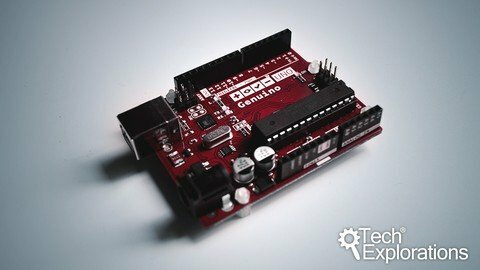
Arduino Step By Step Getting Serious

tnmsfixoroixiins9cbh5h7f4p.jpg


Arduino Step By Step Getting Serious
Last updated 9/2020
MP4 | Video: h264, 1280x720 | Audio: AAC, 44.1 KHz
Language: English | Size: 12.83 GB | Duration: 33h 52m

Create Arduino gadgets that can communicate, move, interact, measure and detect.


What you'll learn
Use communications technologies like Wifi, BLE, and radio
Use servo, DC and stepper motors with various controllers
Use LCD, OLED and TFT screens with buttons and touch interfacese
Store data in external storage like SD Cards and EEPROM
Optimise a sketch to minimise memory footprint, reduce power consumption and increase performance
Control large loads like relays and lights
Improve button reliability with hardware debouncing
Much more, please see curriculum for a full listing

Requirements
You have a basic understanding of the Arduino
A copy of the Arduino IDE
You can write simple sketches
You can create small circuits on a breadboard
Basic tools, like a multimeter, a breadboard, wires, an Arduino Uno board, etc (a list of required tools and parts is available in the first section of the course, free to access)

Description
Welcome to Tech Explorations Arduino Step by Step Getting Serious, where you will extend your knowledge of Arduino components and techniques and build up new skills in the largest, and the most comprehensive course on the Web!Arduino is the world's favorite electronics learning and prototyping platform. Millions of people from around the world use it to learn electronics, engineering, programming, and create amazing things, from greenhouse controllers to tree climbing robots remotely controlled lawnmowers. It is a gateway to a career in engineering, a tool for Science, Technology, Engineering, and Mathematics education, a vehicle for artistic and creative expression.The course is split into 40 sections and over 250 lectures spanning more than 30 hours of video content. In each section, you will learn a specific topic. Each topic contains:multiple examples of codewiring schematicsdemonstrations of a completed circuitalternative scenariosPeter, the instructor, and designer of this course, helps you understand the code and the circuit wiring by walking you through them, step by step and explaining every line of code and every wire of the circuit. Students have access to:The course repository, which contains all of the sketch code, wiring schematics and external resource links, which Peter keep up-to-date and correctThe course discussion Forum, where you can ask questions. Peter monitors this Forum regularly and responds to your questionsThe Tech Explorations Makers Club private Facebook group where students can discuss their gadget ideas. Use this group to ask questions that don't fit within the context of the course, discuss your projects or help othersThis course contains:24 hours of brand new video content 12 hours of retouched video content (which I will be replacing in regular intervals with brand new content)42 sections with totally reorganised contentMore than 280 lectures (and counting)Over 100 new and updated sketches (and counting)Over 50 new circuit schematics (and counting)New course repository, reorganised so that sketches, schematics and lecture external resources are easy to find (access everything at one place)Here are some of the topics that you will learn about in this course (for a full list, please look at the course curriculum):Advanced environment, motion, position and GPS sensors. New ways to receive input from the user with keypads, potentiometers, and encoders. New ways to provide feedback to the user, with color screens, complete with a touch-sensitive surface!Awesome ways to configure LEDs, monochrome or color. Use matrix or LED strips, display text, graphics, and animation.Create motion with various kinds of motors and controllers.Networking with Ethernet and Wifi. Communications with Bluetooth, Bluetooth Low Energy, Communications with highly-reliable packet-based radio, and simple, ultra low-cost radio for less critical applicationsMultiplying your Arduino's ability to control external devices with shift registers and port expanders.Much, much more (for a full list, please look at the course curriculum)This course is not appropriate for people new to the Arduino. It will not teach you about the basics of the Arduino, like how to use the Arduino IDE, blink an LED or create a simple sketch and circuit. If you are a new Arduino maker, you should consider taking the Tech Explorations Arduino Step by Step Getting Started course first.Apart from a basic understanding of the Arduino, a student of this course must be willing to work hard. You can't learn serious skills without serious work. There are a lot of courses out there that promise you a fun and easy learning experience. This is not one of them. I promise you a lot of hard work ahead.What about tools and parts? Other than a few essential tools and parts that you can learn about in the first section of the course (which is free to watch) I only ask that you come with an appetite to learn and a willingness to work hard. The course features a large variety of parts, but you don't need (and you shouldn't) get them all to begin learning. In fact, getting all of these parts too early is not a good idea! Watch the free lecture to understand why in the first section of this course.Should you join right now?Watch the free lectures in the first section of this course before you choose to join. They contain valuable information that will help you decide if this is the right course for you. I look forward to learning with you!

Overview

Section 1: Introduction to this course

Lecture 1 What is this course about?

Lecture 2 Is this course right for you?

Lecture 3 Finding your way around the course

Lecture 4 List of parts

Lecture 5 Two common questions about parts and tools

Lecture 6 How to ask a question

Lecture 7 How to report an error

Section 2: The BME280 environment sensor

Lecture 8[0490a] Introduction to the BME280

Lecture 9[0490b] BME280 SPI wiring

Lecture 10[0490c] BME280 I2C wiring

Lecture 11[0490d] BME280 Sketch walkthrough and demo

Section 3: The MPU6050 motion sensor

Lecture 12[0540a] Introduction to the MPU6050 motion sensor

Lecture 13[0540b] A look at the MPU6050 datasheet

Lecture 14[0540c] MPU6050 wiring

Lecture 15[0540d] MPU6050 Arduino sketch

Lecture 16[0540e] MPU6050 Processing demonstration

Lecture 17[0540f] MPU6050 bonus lecture

Section 4: Compass and magnetometer

Lecture 18[0590a] Introduction to the HMC5883 compass magnetometer

Lecture 19[0590b] HMC5883 wiring

Lecture 20[0590c] HMC5883 sketch

Lecture 21[0590d] HMC5883 demonstration

Section 5: The flex sensor and membrane potentiometer

Lecture 22[0620a] Introduction to the flex sensor

Lecture 23[0620b] Flex sensor wiring

Lecture 24[0620c] Flex sensor sketch

Lecture 25[0630a] Introduction to the membrane potentiometer

Lecture 26[0630b] Membrane potentiometer demonstration

Section 6: The rotary encoder

Lecture 27[0640a] Introduction to the rotary encoder

Lecture 28[0640b] Rotary encoder wiring and quadrature encoding

Lecture 29[0640c] Rotary encoder sketch

Section 7: Keypads

Lecture 30[0670a] Introduction to the keypad

Lecture 31[0670b] Working out the keypad pins

Lecture 32[0670c] Keypad wiring

Lecture 33[0670d] The phone keypad

Lecture 34[0680a] Keypad 1-wire connection, Introduction

Lecture 35[0680b] Keypad 1-wire connection, wiring

Lecture 36[0680c] Keypad 1-wire connection, sketch

Lecture 37[0690a] Keypad with the 74922 decoder IC, Introduction

Lecture 38[690b] Keypad with the 74922 decoder IC, wiring

Lecture 39[690c] Keypad with the 74922 decoder IC, sketch and demo

Lecture 40[690d] Bitwise operators

Section 8: Graphics screen: Using a 1.8" TFT screen shield with joystick and SD card

Lecture 41[0730a] Introduction

Lecture 42[0730b] Setup, graphics primitives and documentation

Lecture 43[0730c] Displaying images from the SD card

Lecture 44[0730d] Using the joystick and integrated button

Lecture 45[0730e] How to create your own user interface: make the background image

Lecture 46[0730f] How to create your own user interface: an example sketch

Section 9: Graphics screen: Using a 2.2" TFT with SD Card

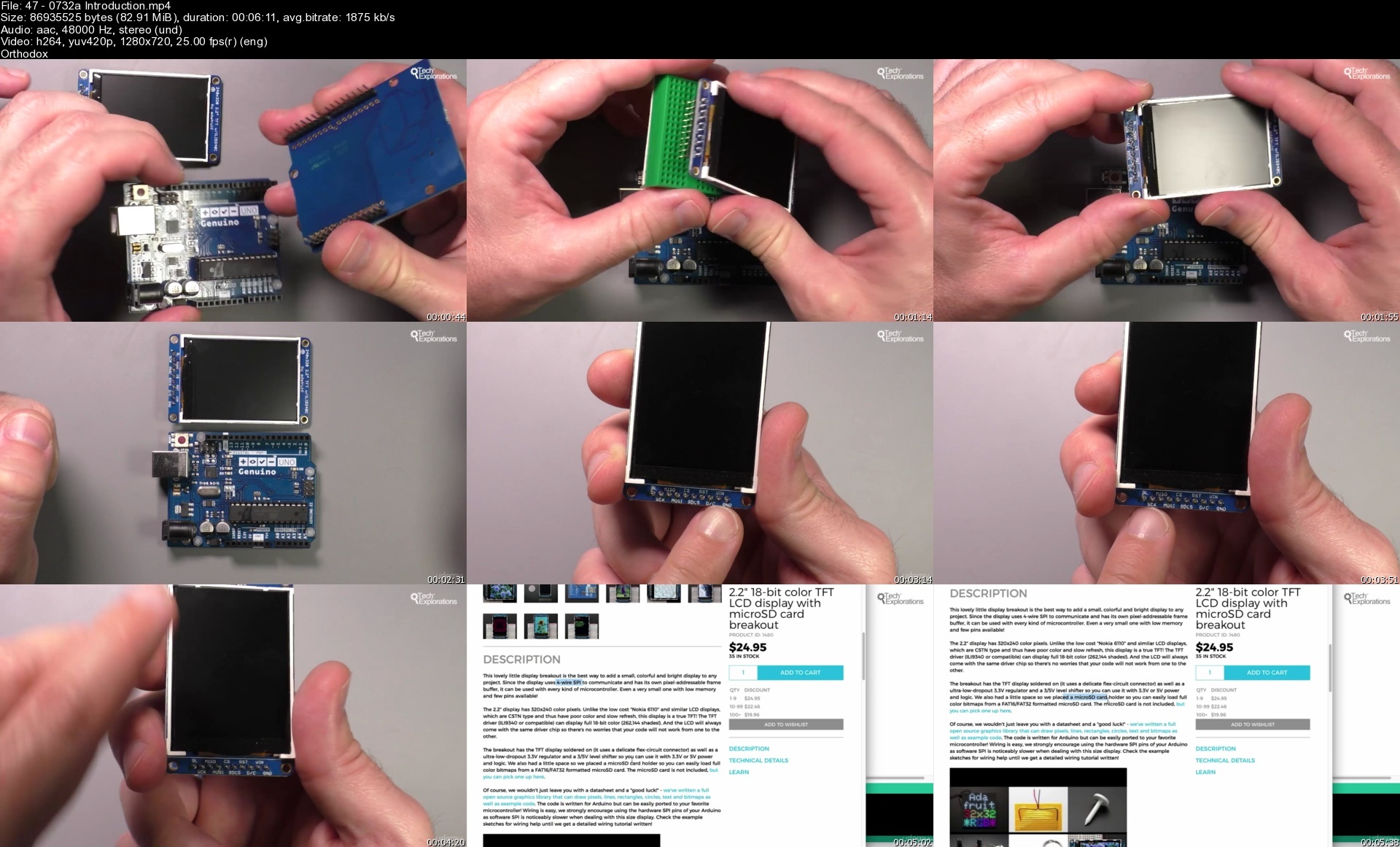
Lecture 47[0732a] Introduction

Lecture 48[0732b] Wiring

Lecture 49[0732c] Simple demonstrations

Lecture 50[0732d] Displaying data

Lecture 51[0732e] The library and resources

Section 10: 2.8 inch TFT display with touch interface and SD card module

Lecture 52[0735a] Introduction

Lecture 53[0735b] Setup the IDE

Lecture 54[0735c] Graphics functions and documentation

Lecture 55[0735d] Test the touch interface

Lecture 56[0735e] Test the SD card module

Lecture 57[0735f] Create a custom user interface image

Lecture 58[0735g] Create a custom user interface sketch

Section 11: Graphics screen: using the 128x64 OLED SPI SH1106 display

Lecture 59[0740a] Introduction

Lecture 60[0740b] Wiring

Lecture 61[0740c] Libraries and support

Lecture 62[0740d] Finding the right constructor for your screen

Lecture 63[0740e] Demo sketch

Section 12: 8x8 LED matrix display

Lecture 64[0760a] Introduction

Lecture 65[0760b] Single display wiring

Lecture 66[0760c] Single display sketch

Lecture 67[0760d] Single display drawing

Lecture 68[0760e] Custom graphics

Lecture 69[0760f] Animation

Lecture 70[0770a] Four 8x8 LED matrix display introduction

Lecture 71[0770b] Four 8x8 LED matrix display graphics primitives

Section 13: Seven Segment Displays

Lecture 72[0750a] Introduction

Lecture 73[0750b] Single display pin role discovery

Lecture 74[0750c] Single display wiring

Lecture 75[0750d] Single display sketch

Lecture 76[0750e] Single display, working out the digit byte array

Lecture 77[0752a] Single display with a single resistor

Lecture 78[0752b] The sevseg library

Lecture 79[0753a] Dual seven segment display, pin discovery

Lecture 80[0753b] Dual seven segment display, wiring

Lecture 81[0753c] Dual seven segment display, sketch

Lecture 82[0754a] Single seven segment display with shift register, Introduction

Lecture 83[0754b] Single seven segment display with shift register, wiring

Lecture 84[0754c] Single seven segment display with shift register, sketch

Lecture 85[0755a] Seven segment clock display - Introduction

Lecture 86[0755b] Seven segment clock display - pin discovery

Lecture 87[0755c] Seven segment clock display - wiring

Lecture 88[0755d] Seven segment clock display - sketch

Lecture 89[0755e] Seven segment clock display - Demo and wiring correction

Lecture 90[0757a] Seven segment clock display & I2C backpack - Introduction and wiring

Lecture 91[0757b] Seven segment clock display & I2C backpack - sketch

Lecture 92[0757c] Seven segment clock display & I2C backpack - demo and wiring correction

Section 14: LED strips

Lecture 93[0810a] White 12V LED strip with the TIP122 transistor, Introduction

Lecture 94[810b] White 12V LED strip with the TIP122 transistor, TIP122 datasheet

Lecture 95[810c] White 12V LED strip with the TIP122 transistor, circuit

Lecture 96[810d] White 12V LED strip with the TIP122 transistor, wiring test

Lecture 97[0810e] White 12V LED strip with the TIP122 transistor, blinking

Lecture 98[0810f] White 12V LED strip with the TIP122 transistor, fading

Lecture 99[820a] RGB LED strip with the TIP122, introduction

Lecture 100[0820b] RGB LED strip with the TIP122, testing

Lecture 101[0820c] RGB LED strip with the TIP122, circuit and wiring

Lecture 102[0820d] RGB LED strip with the TIP122, sketch

Section 15: Neopixel LED modules

Lecture 103[0830a] Adafruit Neopixel 5x8 shield, Introduction

Lecture 104[0830b] Adafruit Neopixel 5x8 shield, Quick setup and demo

Lecture 105[0830c] Adafruit Neopixel 5x8 shield, Sketch, control single pixels

Lecture 106[0830d] Adafruit Neopixel 5x8 shield, Sketch, draw graphic primitives

Lecture 107[0840a] Adafruit Neopixel strip 8 LED, Introduction

Lecture 108[0840b] Adafruit Neopixel strip 8 LED, Sketch introduction

Lecture 109[0840c] Adafruit Neopixel strip 8 LED, Circuit and assembly

Lecture 110[0840d] Adafruit Neopixel strip 8 LED, Sketch walkthrough

Lecture 111[0850a] Adafruit Neopixel RGBW 30 LED strip, introduction

Lecture 112[0850b] Adafruit Neopixel RGBW 30 LED strip, Wiring

Lecture 113[0850c] Adafruit Neopixel RGBW 30 LED strip, Programming and demo

Lecture 114[0850d] Adafruit Neopixel RGBW 30 LED strip, Sketch walkthrough

Section 16: DC Motors

Lecture 115[0899] Introduction to motors

Lecture 116[0900a] DC motors principles of operation

Lecture 117[0900b] Motor control with the L298N, wiring

Lecture 118[0900c] Motor control with the L298N, sketch and demo

Lecture 119[0903a] Motor control with the L8871, introduction

Lecture 120[0903b] Motor control with the L8871, Wiring

Lecture 121[0903c] Motor control with the L8871, sketch and demo

Lecture 122[0910a] Motor control with the Adafruit Motor Shield v2, introduction

Lecture 123[0910b] Motor control with the Adafruit Motor Shield v2, Wiring

Lecture 124[0910c] Motor control with the Adafruit Motor Shield v2, Sketch and demo

Section 17: Servo motors

Lecture 125[0930a] Introduction to servo motors

Lecture 126[0932a] Direct control of a servo motor, wiring

Lecture 127[0932b] Direct control of a servo motor, sketch and demo with one motor

Lecture 128[0932c] Direct control of a servo motor, sketch and demo with two motors

Lecture 129[0933] Define servo motor moves in an array

Lecture 130[0940] Continuous rotation servo motor

Lecture 131[0945a] The Adafruit Servo Shield, introduction

Lecture 132[0945b] The Adafruit Servo Shield, wiring

Lecture 133[0945c] The Adafruit Servo Shield, Sketch

Lecture 134[0945d] The Adafruit Servo Shield, Control an LED

Section 18: Stepper motors

Lecture 135[0950a] Introduction to stepper motors

Lecture 136[0950b] Dissecting a bipolar stepper motors

Lecture 137[0950c] How to determine the coil wires of a bipolar stepper motor

Lecture 138[0952a] NEMA17 with the L293 controller & Stepper library, introduction & wiring

Lecture 139[0952b] NEMA17 with the L293 controller & Stepper library, sketch & demo

Lecture 140[0970a] NEMA17 with the Easy Driver controller, introduction

Lecture 141[0970b] NEMA17 with the Easy Driver controller, wiring

Lecture 142[0970c] NEMA17 with the Easy Driver controller, sketch

Lecture 143[0972a] NEMA17 with the Easy Driver controller & AccelStepper, intro &sketch

Lecture 144[0972b] NEMA17 with the Easy Driver controller & AccelStepper, demo

Lecture 145[0975a] NEMA17 with the Adafruit Motor Shield v2 & AccelStepper, intro & sketch

Lecture 146[0975b] NEMA17 with the Adafruit Motor Shield v2 and AccelStepper, Demo

Lecture 147[0980a] Unipolar stepper motor with Adafruit Motor Shield, introduction

Lecture 148[0980b]Unipolar stepper motor with Adafruit Motor Shield, determining coil wires

Lecture 149[0980c] Unipolar stepper motor with Adafruit Motor Shield, demo

Lecture 150[0982a] Unipolar stepper motor with the ULN2003 driver, introduction

Lecture 151[0982b] Unipolar stepper motor with the ULN2003 driver, wiring

Lecture 152[0982c] Unipolar stepper motor with the ULN2003 driver, sketch & demo

Section 19: Networking with the Ethernet Shield

Lecture 153[1100a] Introduction to Ethernet networking

Lecture 154[1100b] The Ethernet shield

Lecture 155[1101a] Simple chat server, introduction and wiring

Lecture 156[1101b] Simple chat server, demonstration

Lecture 157[1101c] Simple chat server, sketch

Lecture 158[1102a] Simple chat server with LCD shield, wiring and demo

Lecture 159[1102b] Simple chat server with LCD shield, sketch

Lecture 160[1110a] Simple reporting web server, introduction and wiring

Lecture 161[1110b] Simple reporting web server, sketch walkthrough part 1

Lecture 162[1110c] Simple reporting web server, HTTP request formatting

Lecture 163[1110d] Simple reporting web server, sketch walkthrough part 2

Lecture 164[1111] Simple reporting web server outputting CSV formatted data

Lecture 165[1120a] Simple controlling web server with one LED, wiring and demo

Lecture 166[1120b] Simple controlling web server with one LED, sketch

Lecture 167[1121] Simple controlling web server with two LEDs

Section 20: Networking with the ATWIN1500 Wifi module

Lecture 168[1210a] Introduction to the ATWIN1500 Wifi module

Lecture 169[1210b] Wiring the Adafruit ATWIN1500 breakout

Lecture 170[1210c1] Adafruit ATWIN1500 Wifi breakout, simple demo

Lecture 171[1210c2] Adafruit ATWIN1500 Wifi breakout, sketch walkthrough

Lecture 172[1210c3] Adafruit ATWIN1500 Wifi breakout, firmware version check

Lecture 173[1210d1] ATWIN1500 Wifi breakout firmware upgrade

Lecture 174[1210d2] ATWIN1500 Wifi breakout SSL certificate update

Lecture 175[1210e1] ATWIN1500 Simple reporting server, wiring

Lecture 176[1210e2] ATWIN1500 Simple reporting server, sketch

Lecture 177[1210e3] ATWIN1500 Simple reporting server, demonstration

Lecture 178[1211a] ATWIN1500 controlling LEDs with a CSV file on Amazon S3, intro

Lecture 179[1211b] ATWIN1500 controlling LEDs with a CSV file on Amazon S3, Setup S2

Lecture 180[1211c] ATWIN1500 controlling LEDs with a CSV file on Amazon S3, Demonstration

Lecture 181[1211d] ATWIN1500 controlling LEDs with a CSV file on Amazon S3, sketch

Lecture 182[1212a] ATWIN1500 controlling LEDs with a simple web server, introduction & demo

Lecture 183[1212b] ATWIN1500 controlling LEDs with a simple web server, sketch

Section 21: Shift registers

Lecture 184[1820] Introduction to Shift Registers

Lecture 185[1821a] Driving 8 LEDs with one 595 Shift Register, intro and IC pin roles

Lecture 186[1821b] Driving 8 LEDs with one 595 Shift Register, Assembly

Lecture 187[1821c] Driving 8 LEDs with one 595 Shift Register, Sketch

Lecture 188[1823a] Driving 16 LEDs with two 595 Shift Registers, introduction

Lecture 189[1823b] Driving 16 LEDs with two 595 Shift Registers, wiring

Lecture 190[1823c] Driving 16 LEDs with two 595 Shift Registers, sketch

Section 22: Simple Bluetooth connectivity with the HC-06

Lecture 191[1218a1] Introduction to the HC-06

Lecture 192[1218a2] HC-06 Wiring

Lecture 193[1218a3] HC-06 Pairing

Lecture 194[1218b] HC-06 Reading sensor data

Lecture 195[1218c1] HC-06 with SoftwareSerial

Section 23: Bluetooth Low Energy (BLE) with the nRF8001

Lecture 196[1230a] Introduction to BLE

Lecture 197[1230b] A few things about the BLE standard

Lecture 198[1230c] nRF8001 setup

Lecture 199[1230d] nRF8001 callBack Echo demo

Lecture 200[1230e] nRF8001 simple duplex communications demo

Section 24: Adafruit Bluefruit LE UART Friend

Lecture 201[1240a] Introduction

Lecture 202[1240b] Pinouts

Lecture 203[1240c] Wiring and Demo

Lecture 204[1240d] Firmware update

Lecture 205[1240e] AT Commands

Lecture 206[1240f1] Serial data link demo

Lecture 207[1240f2] Controlling data link demo

Lecture 208[1240g1] HID Keyboard sketch

Lecture 209[1240g2] HID Keyboard demo

Lecture 210[1240h2] Controller demo

Section 25: Wireless connectivity with the nRF24

Lecture 211[1300a] Introduction to the nRF24

Lecture 212[1300b] Module pinout

Lecture 213[1300c] Simple test wiring

Lecture 214[1300d] Simple test sketch

Lecture 215[1300e] Simple test demo

Lecture 216[1300f] Comprehensive demo

Lecture 217[1300g] Comprehensive demo sketch

Section 26: Simple radio communications at 433Mhz

Lecture 218[1310a] Introduction

Lecture 219[1310b] Receiver and transmitter pins and wiring

Lecture 220[1310c] Receiver and transmitter sketches

Lecture 221[1310d] Demo

Section 27: The following sections contain lectures that are in the process of replacement

Lecture 222[0010] Please watch this before continuing!

Section 28: External Storage

Lecture 223[1410a] Reading and writing to an SD card, Part 1 of 3

Lecture 224[1410b] Reading and writing to an SD card, Part 2 of 3

Lecture 225[1410c] Reading and writing to an SD card, Part 3 of 3

Lecture 226[1420a] EEPROM (internal and external) Part 1: Basic use

Lecture 227[1420b] EEPROM (internal and external) Part 2: the EEPROMex library

Lecture 228[1430] EEPROM (internal and external) Part 3: Using an external EEPROM

Section 29: Interrupts

Lecture 229[2100a] Hardware interrupts Part 1: Introduction

Lecture 230[2100b] Hardware interrupts Part 2: Using volatile variables

Lecture 231[2100c] Hardware interrupts Part 3: Timers

Lecture 232[2100d] Hardware interrupts Part 4: High-definition Pulse Width Modulation

Section 30: Memory and power management

Lecture 233[2120] Memory management Part 1: Introduction and Flash

Lecture 234[2130] Memory Management Part 2: Static RAM

Lecture 235[2140] Power management with sleep mode and prescaling

Section 31: Internal pull-up resistors

Lecture 236[2110] Using the build-in pull-up resistors

Section 32: Hardware debouncing

Lecture 237[1810a] Hardware switch/button debouncing Part 1: Background

Lecture 238[1810b] Hardware switch/button debouncing Part 2: Demo

Section 33: Port expander

Lecture 239[1850a] Control more devices with a port expander, Part 1: Background and setup

Lecture 240[1850b] Control more devices with a port expander, Part 2: more examples

Section 34: Real time clock

Lecture 241[1520a] Real time clock, Part 1 of 2

Lecture 242[1520b] Real time clock, Part 2 of 2

Section 35: Controlling large loads with relays and friends

Lecture 243[1700] Using the TIP22 transistor to control an LED strip

Lecture 244[1720a] Relays Part 1: Introduction

Lecture 245[1720b] Relays Part 2: How NOT to control a relay

Lecture 246[1720c] Relays Part 3: Connect a 12V relay component calculations

Lecture 247[1720d] Relays Part 4: Connect a 12V relay connections

Lecture 248[1720e] Relays Part 5: Relay shields

Section 36: Location sensing

Lecture 249[1500a] Introduction to GPS

Lecture 250[1500b] Wiring the Adafruit module for direct communication with computer

Lecture 251[1500c] Getting and using raw text data from the module

Lecture 252[1500d] Using the Adafruit GPS library

Lecture 253[1500e] Using the TinyGPS+ library

Section 37: Make a bare-bones Arduino

Lecture 254[1900] Intro and power circuit

Lecture 255[1910] Atmega, reset and clock

Lecture 256[1920] Power LED and testing

Lecture 257[1925a] Create your own printed circuit boards (PCB), Part 1

Lecture 258[1925b] Create your own printed circuit boards (PCB), Part 2

Section 38: How to use Processing (language) with the Arduino

Lecture 259[2600a] Using Processing (the language) with the Arduino, Part 1

Lecture 260[2600b] Using Processing (the language) with the Arduino, Part 2

Section 39: Make your own simple library

Lecture 261[2500a] Create your own Library, Part 1

Lecture 262[2500b] Create your own Library, Part 2

Section 40: Simple security with a fingerprint scanner

Lecture 263[1610a] Introduction to the fingerprint scanner

Lecture 264[1610b] Wiring, registering and recognizing fingerprints

Lecture 265[1610c] Sketch and demonstration with an electric lock

Section 41: Internet of Things with the Helium platform

Lecture 266[2340a] Introduction to Helium

Lecture 267[2340b] Helium hardware

Lecture 268[2340c] Helium network explainer setup

Lecture 269[2344a] Helium Dashboard setup

Lecture 270[2344b] Helium Hello World setup

Lecture 271[2344c] Helium Hello World Sketch

Lecture 272[2344d] Helium random data

Lecture 273[2345a] Helium real sensor data setup

Lecture 274[2345b] Helium real sensor data sketch

Lecture 275[2345c] Helium real sensor data demo

Lecture 276[2348] Helium configuration variables

Lecture 277[2352] Helium with a simple web service

Section 42: Small projects

Lecture 278[2400] Arduino-Raspberry Pi wireless communication with the RF24

Lecture 279[2410] A home notification board with a large display

Lecture 280[2420] Using a magnetometer to detect motion

Section 43: Bonus Lecture

Lecture 281 Bonus Lecture

Arduino makers that wish to improve their skills and knowledge,Teachers who want Arduino resources for their classroom,Maker space coordinators who are need an online resource for their members

Homepage


470732aintroductions5zd35.jpg


Web App From Scratch - Html5, Css3, Php & Mysql

gdoosxbofexyfehdr6wk8w5csg.jpg


Web App From Scratch - Html5, Css3, Php & Mysql
Last updated 6/2022
MP4 | Video: h264, 1280x720 | Audio: AAC, 44.1 KHz
Language: English | Size: 6.42 GB | Duration: 17h 7m

Create a hotel reservation web app from scratch with admin panel using PHP & MySQL


What you'll learn
Building responsive real-world website with HTML5 & CSS3
Create a hotel reservation web app from scratch with admin panel
Learn to Create CMS (Content Management System) using PHP & MySQL
Best and most used SQL queries
PHP from scratch
Working with database
Sign in & sign up
Upload image

Requirements
Taste to learn :)

Description
In this course, you will be able to learn how to use PHP & MySQL to create any project that you would like to. The course covers basics and advanced functions in PHP and also SQL queries such as select / display, update, delete, and so many useful functions. A hotel reservation system is created for the purpose of an example so that you can create your own project after you take this course.You will learn basics and advance PHP such as: data types, strings, functions, loops, arrays, OOP (Object-Oriented Programming). And also best MySQL queries such as: (CRUD (Create, Read, Update, Delete), wildcards, subqueries, connecting more tables together, working with dates, and many more operations for data manipulation in any database) that will help you creating big real-world web application. At the end, you will be able to connect your MySQL database with PHP to create your big projects.Designing, front-end development is very important, this is what the users/customers see, so create beautiful things for the world. We tried to have only HTML & CSS in this course in order to prevent having confusion by learning so many things at once - Take your time, practice, and get ready for more. Avoid having too much information on too many technologies, they are all very nice and useful things to learn and build great apps.All the best with learning!

Overview

Section 1: Introduction

Lecture 1 HTML5 & CSS3 - Introduction

Lecture 2 Introduction

Section 2: HTML5

Lecture 3 Starting

Lecture 4 Structure of HTML5

Lecture 5 Tags

Lecture 6 Path link

Lecture 7 HTML5 rules

Lecture 8 New semantic elements

Lecture 9 Physical styles

Lecture 10 Lists - Ordered & Unordered

Lecture 11 Adding images

Lecture 12 Adding tables

Lecture 13 Adding forms

Lecture 14 Forms: Get vs Post

Lecture 15 Form: selection list

Lecture 16 Audio & Video

Lecture 17 div vs span

Section 3: CSS3

Lecture 18 Linking CSS

Lecture 19 CSS simple selectors

Lecture 20 CSS Pseudo-selectors & Attributes

Lecture 21 Useful units

Lecture 22 Padding & Margin

Lecture 23 Transition & Transform

Lecture 24 Shadow

Lecture 25 @media query

Lecture 26 div inline-block

Lecture 27 Flex layout

Lecture 28 Grid layout

Lecture 29 Position

Section 4: Use HTML5 & CSS3 to build our website

Lecture 30 Adding navigation bar

Lecture 31 Cleaning up the section

Lecture 32 Create Parallax

Lecture 33 Footer & name anchor

Lecture 34 Editing contact page

Lecture 35 Designing the form

Lecture 36 Finishing the form

Lecture 37 Finishing & overlay effect

Lecture 38 Clone / Download the project

Lecture 39 Before moving to next section (PHP)

Section 5: PHP

Lecture 40 Installation

Lecture 41 Clone the repository

Lecture 42 Preparation

Lecture 43 Basic syntax

Lecture 44 Variables

Lecture 45 Concatenation

Lecture 46 Data type with var_dump()

Lecture 47 PHP Operators

Lecture 48 Strings

Lecture 49 If else condition

Lecture 50 If else example with html form

Lecture 51 More with if else statements

Lecture 52 Switch operator

Lecture 53 Switch operator example with date

Lecture 54 For loop

Lecture 55 For loop - Solution

Lecture 56 While & do...while

Lecture 57 Functions

Lecture 58 Try...Catch

Lecture 59 Array

Lecture 60 Array & for...each loop

Lecture 61 Associative array

Lecture 62 File handling

Lecture 63 File handling - fopen, fread, fwrite

Lecture 64 File handling - append

Lecture 65 File handling - delete

Lecture 66 File handling - CSV

Lecture 67 File handling - file_get_content & glob

Lecture 68 Cookie - set_cookie

Lecture 69 Cookie - delete_cookie

Lecture 70 Session

Lecture 71 Session with example

Lecture 72 Filter & Sanitize

Lecture 73 OOP (Object-Oriented Programming)

Lecture 74 OOP - Explained

Lecture 75 OOP - Constructor & Destructor

Lecture 76 OOP - Access modifiers

Lecture 77 OOP - Inheritance

Lecture 78 OOP - Overriding & final keyword

Lecture 79 OOP - Constants

Lecture 80 OOP - Interfaces

Lecture 81 OOP - Static methods

Lecture 82 OPP - Namespaces

Section 6: MySQL

Lecture 83 Starting with MySQL

Lecture 84 Create database

Lecture 85 Schema - what we will build

Lecture 86 Create & describe table

Lecture 87 Create other tables

Lecture 88 Foreign key

Lecture 89 Insert data

Lecture 90 Alter table

Lecture 91 Select from more table with join

Lecture 92 Joins overview

Lecture 93 Where clause, order by, & alias

Lecture 94 Aggregate functions

Lecture 95 Limit & offset

Lecture 96 Useful operations

Lecture 97 Working with dates - datediff

Lecture 98 Working with dates - interval

Lecture 99 Subquery & Group by

Lecture 100 Wildcards

Lecture 101 In & Not in

Lecture 102 Select from more tables

Lecture 103 Select total

Lecture 104 Delete

Lecture 105 Delete with subquery

Lecture 106 Update

Lecture 107 Drop / delete table

Section 7: The project

Lecture 108 Starting the project

Lecture 109 Adding thumb column

Lecture 110 Connect PHP to the MySQL database

Lecture 111 Display data from the database to our website

Lecture 112 Displaying rooms from our database

Lecture 113 Displaying detail of specific room

Lecture 114 Adding description column

Lecture 115 Display data from db on a table

Lecture 116 Sign in preparation

Lecture 117 Sign up preparation

Lecture 118 Sign in - hash password & filter inputs

Lecture 119 Sign in - Finishing

Lecture 120 Page view access - header location

Lecture 121 Sign up with procedural statements

Lecture 122 Preparation for reservation

Lecture 123 Reservation

Lecture 124 Practice something good

Lecture 125 User profile page - add view restriction

Lecture 126 Finishing user profile page - let user edit his info

Lecture 127 Display reservations for logged in user

Section 8: Dashboard - Admin panel

Lecture 128 Starting the admin panel

Lecture 129 Admin login

Lecture 130 File upload preparation

Lecture 131 File upload - restrict non-acceptable file types

Lecture 132 File upload - finishing

Lecture 133 Last notes

Lecture 134 Next

Website developer,Database manager / administrator

Homepage


31cleaningupthesectio7uf86.jpg


Coursera - Data Structures and Algorithms Specialization

logo3.png
0cdnh.jpg

Coursera - Data Structures and Algorithms Specialization
MP4 | Video: h264, 1280x720 | Audio: AAC, 44.1 KHz, 2 Ch
Genre: eLearning | Language: English + srt | Duration: 32h 10m | Size: 6.64 GB

Master Algorithmic Programming Techniques. Advance your Software Engineering or Data Science Career by Learning Algorithms through Programming and Puzzle Solving. Ace coding interviews by implementing each algorithmic challenge in this Specialization. Apply the newly-learned algorithmic techniques to real-life problems, such as analyzing a huge social network or sequencing a genome of a deadly pathogen.

WHAT YOU WILL LEARN
Play with 50 algorithmic puzzles on your smartphone to develop your algorithmic intuition! Apply algorithmic techniques (greedy algorithms, binary search, dynamic programming, etc.) and data structures (stacks, queues, trees, graphs, etc.) to solve 100 programming challenges that often appear at interviews at high-tech companies. Get an instant feedback on whether your solution is correct.

Apply the newly learned algorithms to solve real-world challenges: navigating in a Big Network or assembling a genome of a deadly pathogen from millions of short substrings of its DNA.

Learn exactly the same material as undergraduate students in "Algorithms 101" at top universities and more! We are excited that students from various parts of the world are now studying our online materials in the Algorithms 101 classes at their universities. Here is a quote from the website of Professor Sauleh Eetemadi from Iran University of Science and Technology: "After examining syllabus and course material from top universities including Stanford, Princeton and MIT we have chosen to follow the Data Structures and Algorithms Specialization from UCSD...due to excellent course material and its practical approach."

If you decide to venture beyond Algorithms 101, try to solve more complex programming challenges (flows in networks, linear programming, streaming algorithms, etc.) and complete an equivalent of a graduate course in algorithms!

SKILLS YOU WILL GAIN
Debugging
Software Testing
Algorithms
Data Structure
Computer Programming
Dynamic Programming
Binary Search Tree
Priority Queue
Hash Table
Stack (Abstract Data Type)
List
Graph Theory

Homepage


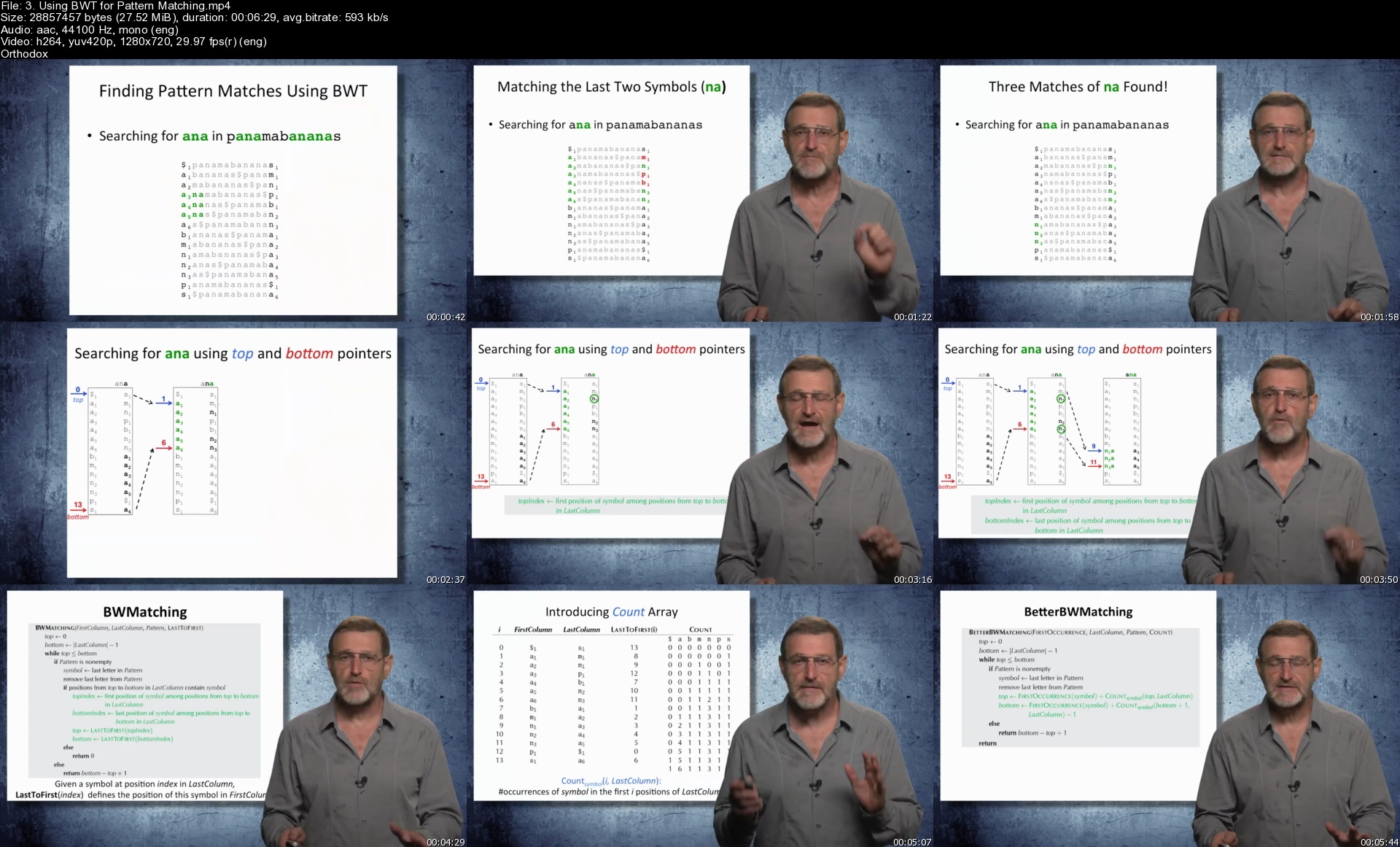
3.usingbwtforpatternmqsfxj.jpg


Become The Perfect Front End Developer With Html5/Css3/Js

ffolykpz2wqmk4paruj7lplipd.jpg


Become The Perfect Front End Developer With Html5/Css3/Js
Last updated 3/2016
MP4 | Video: h264, 1280x720 | Audio: AAC, 44.1 KHz
Language: English | Size: 8.15 GB | Duration: 16h 25m

Learn how to build responsive websites in HTML and CSS and Wordpress themes using HTML5, CSS3, JS and Boostrap


What you'll learn
develop HTML documents
implement HTML5 feature in front end development
include media in HTML pages
Use CSS to set the style of HTML elements in HTML files
Use CSS3 to format the background of HTML elements
Use CSS3 to do animations in CSS
Develop responsive web pages
Develop web pages with Javascript code
Generate optin forms in web pages
Use the Bootstrap framework to create responsive web pages fast
Develop Wordpress themes
Debug web pages (including HTML, CSS and Javascript)
Upload scripts and their folder structure to a server
Customize HTML pages with CSS
Develop a full web site in HTML5, CSS3 and Javascript
Include special fonts and icons in web pages
Perform @media queries in CSS stylesheets

Requirements
basic knowledge of Microsoft Windows or iOS for MAC

Description
The aim of this course is to give you all the fundamental knowledge to become a front end developer.With front end development I mean the development of web pages. This is done with programs e.g. HTML, CSS and Javascript.You will get familiar with the definitions and properties define in HTML and in particular those relative to the latest HTML5 version.You will know how to embed audios, videos, SVG, Flash and PDF files into your HTML pages.I will show the main CSS properties and functions, focusing also on the latest CSS3 version.You will be then able to set shadows and backgrounds with gradients and even do animations in CSS.You will get acquainted with Javascript and create HTML forms with Javascript validation scripts.I will show you how to create responsive web design so that your web pages will look good also on devices e.g. tables, iPads and smartphones.We will do exercises using the Bootstrap framework to create responsive web pages fast.At the end you will be able to create also Wordpress customized themes.During the course we will go through the W3C recommendations and create valid XHTML pages.I am sure that at the end you will be able to develop your own web sites.

Overview

Section 1: Introduction

Lecture 1 About the author

Lecture 2 Introduction

Lecture 3 Instructions - the structure of each lecture in this course

Lecture 4 Instructions - how to access the resources of a lecture and how to use them

Lecture 5 Why HTML

Lecture 6 The W3C and its recommendations

Lecture 7 Tools to use

Section 2: HTML Basics

Lecture 8 Introduction

Lecture 9 Overview web development

Lecture 10 Overview of an HTML basic file

Lecture 11 XHTML

Lecture 12 HTML tags

Lecture 13 HEAD: How to add a reference to an external javascript file

Lecture 14 HEAD: How to add a reference to an external stylesheet

Lecture 15 HEAD: Include meta tags

Lecture 16 HEAD: How to add an icon to your web page

Lecture 17 HEAD: other META elements

Lecture 18 BODY: Where your content is

Lecture 19 The HEADER

Lecture 20 Headers and Articles

Lecture 21 The FOOTER

Lecture 22 Exercise: Create an HTML document with one article

Section 3: HTML elements

Lecture 23 Introduction

Lecture 24 Layout preparation

Lecture 25 The Table element

Lecture 26 Format an HTML Table

Lecture 27 Format the text of a Table and center it in a DIV block

Lecture 28 Format Text in HTML

Lecture 29 Merge cells in an HTML Table

Lecture 30 The BR element: add a line break to text

Lecture 31 The HR element: add a line to separate sections

Lecture 32 The IFRAME element

Lecture 33 HTML Symbols

Lecture 34 Headlines and Paragraphs

Lecture 35 The DIV element

Lecture 36 The SPAN element

Lecture 37 Sections

Lecture 38 The NAV element

Lecture 39 The Menu and MenuItem elements

Lecture 40 The IMG element

Lecture 41 Lists in an HTML documents

Lecture 42 Links in HTML

Lecture 43 Redirection ways with HTML Links

Lecture 44 Links with images

Lecture 45 Use Links to redirect to content in the same page

Section 4: HTML Forms

Lecture 46 Introduction

Lecture 47 Forms: Overview

Lecture 48 Forms: create our first form

Lecture 49 Forms: The Input type Text

Lecture 50 Forms: Insert and distribute more Input boxes of type text

Lecture 51 Forms: Include default values or help texts to Input boxes of type Text

Lecture 52 Forms: The Select object

Lecture 53 Forms: The select object: interact with the user

Lecture 54 Forms: Dummy and Default items in a Select element

Lecture 55 Forms: Radio buttons

Lecture 56 Forms: Checkboxes

Lecture 57 Forms: Text Area

Lecture 58 Forms: Buttons

Lecture 59 Forms: Submit Buttons

Section 5: Media elements

Lecture 60 Introduction

Lecture 61 Media and Audio in HTML5

Lecture 62 Video objects in HTML5

Lecture 63 Helpers/Plugins: The Object element

Lecture 64 Helpers/Plugins: The Embed element

Lecture 65 Embed a Flash element

Lecture 66 Embed a Youtube Video

Lecture 67 Embed Pdf and SVG files

Lecture 68 Canvas

Lecture 69 SVG elements

Section 6: CSS and CSS3

Lecture 70 Introduction

Lecture 71 Overview of CSS

Lecture 72 Where to specify CSS for an HTML file

Lecture 73 Override styles definitions

Lecture 74 Style vs Class

Lecture 75 Extend classes with inline styles

Lecture 76 Change the default style of the HTML elements

Lecture 77 Define the style to all the elements in an HTML file

Lecture 78 Define the style of HTML elements identified by an id

Lecture 79 Assign more classes to an HTML element

Lecture 80 Use the @font-face function to add fonts to your web page

Lecture 81 The Box Model

Section 7: CSS Properties

Lecture 82 Introduction

Lecture 83 The Border property

Lecture 84 The Border radius property

Lecture 85 The Box Shadow property

Lecture 86 The Border Image property

Lecture 87 The Border Collapse and Border Spacing properties

Lecture 88 The Border Style property

Lecture 89 Set the background color of HTML elements

Lecture 90 Set an image as background to an HTML element

Lecture 91 Customize the image background of an HTML element

Lecture 92 Set transparency to backgrounds and borders

Lecture 93 Set the transparency with the opacity property

Lecture 94 Set the margins of an HTML element

Lecture 95 The Padding property

Lecture 96 The Outline property

Lecture 97 The Clip property

Lecture 98 Exercise: Create an HTML page with a table

Section 8: Format objects

Lecture 99 Format text with CSS

Lecture 100 Format paragraphs

Lecture 101 Format long text in a container

Lecture 102 Add shadow to text

Lecture 103 Format HTML Links

Lecture 104 Format HTML Links using CSS classes

Lecture 105 Turns HTML Links into Buttons

Lecture 106 Format Lists

Lecture 107 Customize the list style

Lecture 108 Applications of HTML lists and classes for lists

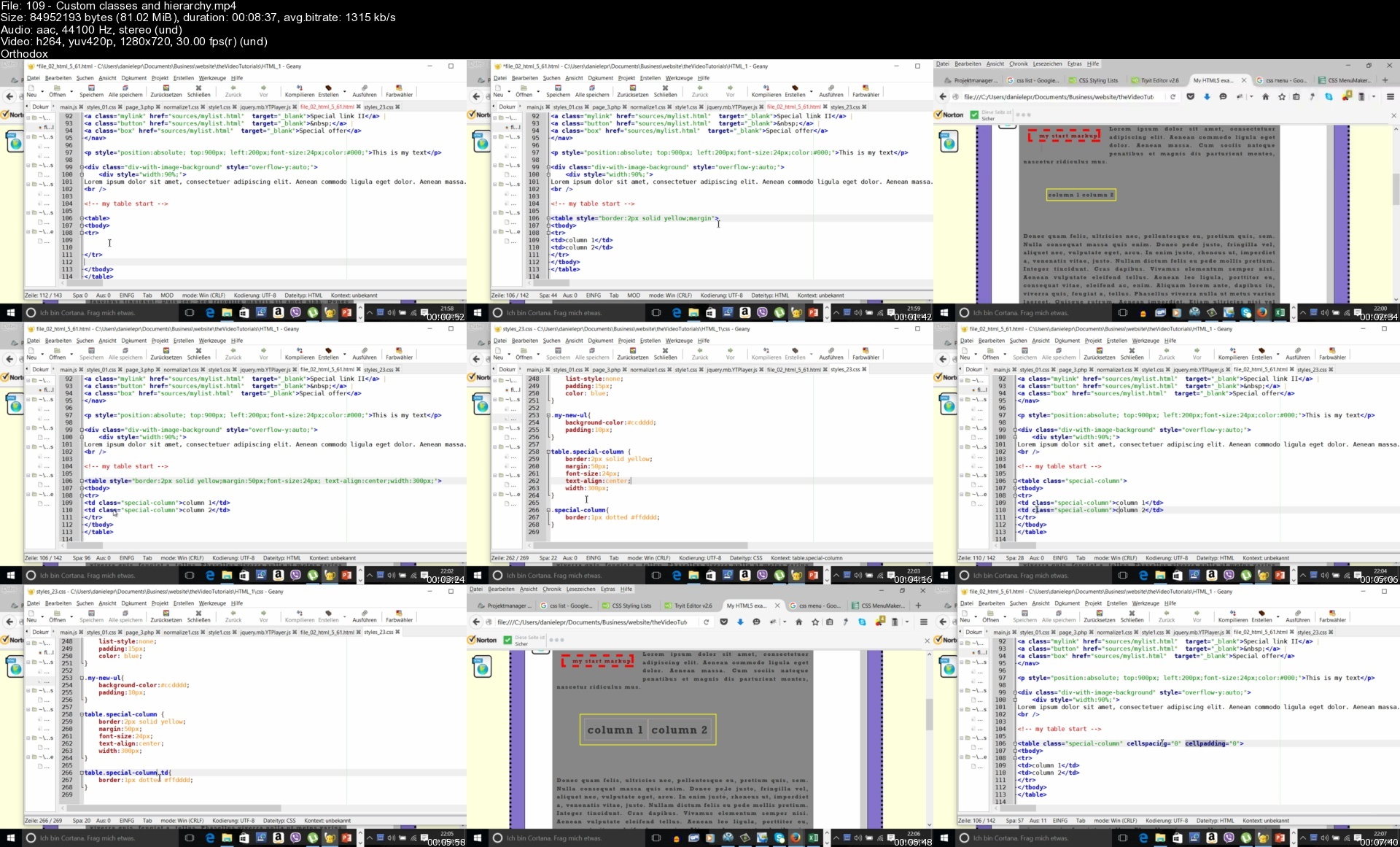
Lecture 109 Custom classes and hierarchy

Lecture 110 Customize the default styles for HTML tables and their children (tr, td, ..)

Lecture 111 styles of native child elements of parents with CSS classes

Lecture 112 Subclasses and inheritance of styles

Lecture 113 Style of elements within or after a parent element

Lecture 114 Exercise: Create an HTML document with a list of links

Section 9: Position HTML elements with CSS

Lecture 115 Introduction

Lecture 116 Center HTML elements

Lecture 117 Ditribute HTML elements horizontally

Lecture 118 Position HTML elements vertically in the middle

Lecture 119 Position elements as fixed

Lecture 120 Relative position of HTML elements

Lecture 121 Absolute position of HTML elements

Lecture 122 Overlap HTML elements

Lecture 123 The Overflow property

Lecture 124 Display elements: inline, inline-block, block

Lecture 125 Use the display property to turn a DIV into a table

Lecture 126 Overview of other values for the display property

Lecture 127 Hide and show elements

Lecture 128 Set a background image for the body the attachment property

Lecture 129 Transform elements

Lecture 130 The height of elements: 100% and auto

Lecture 131 Size constraints: Max-width, max-height, min-width, min-height

Lecture 132 The box-sizing property

Lecture 133 Exercise: Create an HTML page with DIV elements

Lecture 134 Exercise: Create an optin form on overlay

Section 10: Create Special Effects with CSS

Lecture 135 Introduction

Lecture 136 Set the background of HTML elements with linear gradients

Lecture 137 Overview of CSS3 gradients

Lecture 138 Animations with CSS3

Lecture 139 Draw diagonal stripes with CSS

Lecture 140 Generate Tooltip Text with CSS

Lecture 141 Use the Abbreviation element to create Tooltip effects with CSS

Lecture 142 Filters for images in CSS

Lecture 143 Create triangles and arrows with CSS

Lecture 144 Application with CSS triangles: create tooltips and baloons

Lecture 145 Exercise: Create an HTML page with DIV elements

Section 11: Format Form elements in CSS

Lecture 146 Introduction

Lecture 147 Format input elements with CSS

Lecture 148 Customize the style when an input element get the focus

Lecture 149 Assign style to input elements with CSS class or by id

Lecture 150 Format select objects

Lecture 151 Format checkboxes and radio buttons

Lecture 152 Special dropdowns

Lecture 153 Exercise: Create an HTML document with customized form

Section 12: CSS Selectors

Lecture 154 Introduction

Lecture 155 The Before and After Selectors

Lecture 156 The Hover Selector

Lecture 157 Selectors for Tables and DIVs

Lecture 158 The Active selector

Lecture 159 The attribute selector

Section 13: Responsive Design

Lecture 160 Introduction

Lecture 161 Responsive Web Design

Lecture 162 The Viewport and the HTML settings

Lecture 163 Recommendations

Lecture 164 Understand the CSS @media function

Lecture 165 Customize styles of text and blocks for different resolutions

Lecture 166 Responsive HTML Tables

Lecture 167 Responsive Images

Lecture 168 Responsive Videos

Lecture 169 Responsive Frameworks

Lecture 170 Exercise: Create a responsive HTML page with a table and media

Section 14: Need To Know

Lecture 171 Introduction

Lecture 172 CSS Units

Lecture 173 Vendor-prefixed properties

Lecture 174 Use conditional comments for Internet Explorer Browser Versions

Lecture 175 Encode URLs and HTML entities

Lecture 176 Charsets

Lecture 177 UTF-8 Icons

Lecture 178 HTTP Messages

Lecture 179 HTTP Methods

Section 15: Applications

Lecture 180 Introduction

Lecture 181 Create your first web page using the Bootstrap framework

Lecture 182 Applications with overlays

Lecture 183 Create an Optiin form

Lecture 184 Display videos on overlay

Lecture 185 Create buttons customizing DIV elements

Lecture 186 Create buttons customizing LINK elements

Lecture 187 Using Bootstrap defined buttons and customize them

Lecture 188 Create an horizontal menu

Lecture 189 Create nice vertical menus

Lecture 190 Put it All together

Lecture 191 Exercise: Do it yourself

Section 16: Application with Wordpress: Create your first Wordpress Theme

Lecture 192 Introduction

Lecture 193 Install Wordpress

Lecture 194 Choose and set the Wordpress Theme

Lecture 195 Customize the body of an existing Theme

Lecture 196 Customize the header of an existing Theme

Lecture 197 Customize the style of a Theme and create your own

Section 17: Fundamental Knowledge of Javascript

Lecture 198 Introduction

Lecture 199 What is Javascript

Lecture 200 Javascript in JS files and in the HTML code as script

Lecture 201 Variables

Lecture 202 Functions

Lecture 203 Use Javascript to display and hide HTML elements

Lecture 204 Use Javascript to get the values of attributes of HTML elements

Lecture 205 Use Javascript to interact with a form

Lecture 206 Example of form validation script

Lecture 207 Manage the events in input elements in a form with Javascript

Lecture 208 Use Javascript to change the CSS style of HTML elements

Lecture 209 Exercise: Add Javascript code to an existing HTML document

Lecture 210 Conclusions

Lecture 211 Last words

Section 18: Special Bonuses

Lecture 212 FireBug: The tool to debug your scripts

Lecture 213 Filezilla - Upload your files

Lecture 214 XHTML Validator

Lecture 215 Where to find nice web fonts

who has basic knowledge of the Inernet,who knows how to use a text editor,who has basic knowledge of Microsoft Windows or iOS for MAC

Homepage


109customclassesandhix3f8q.jpg


PMP Certification Complete Video Course and Practice Test

adtn04qligxt9yysottbvy5fb4.jpg


PMP Certification Complete Video Course and Practice Test
Asad E. Haque, Kimberly J. Casperson | Duration: 24h 00 m | Video: H264 1280x720 | Audio: AAC 44,1 kHz 2ch | 5,01 GB | Language: English

PMP's is a globally recognized and sought-after certification. Per PMI, "CIO magazine ranked the PMP as the top project management certification because it proves you have the specific skills and experience employers seek. Certified PMPs report earning up to 25% more than non-certified project management professionals."

The videos in this course are broken up into individual 'bite-sized' lessons that correspond to each topic of the PMP syllabus to prepare the student for the content in the exam. The 2021 exam covers content from the PMBOK Guide® 6th edition, Agile concepts and workflows, which are all fully explained in this course. At the end of each section there is a practice quiz and there are over 250 flash cards for students to test their knowledge.

The benefit to using this training is that, unlike a webinar or in-person course, you can learn at your own pace and repeat modules as needed. You can watch videos over and over to reinforce the concepts and review the flash cards to help with memorizing terms and processes. There are also two practice tests consisting of 180 questions each that simulate the exam experience.

Homepage


1369.9resourcemanagemzseq0.jpg


Zurück
Oben Unten