• Regeln für den Video-Bereich:

    In den Börsenbereich gehören nur Angebote die bereits den Allgemeinen Regeln entsprechen.

    Einteilung

    - Folgende Formate gehören in die angegeben Bereiche:
    - Filme: Encodierte Filme von BluRay, DVD, R5, TV, Screener sowie Telesyncs im Format DivX, XviD und x264.
    - DVD: Filme im Format DVD5, DVD9 und HD2DVD.
    - HD: Encodierte Filme mit der Auflösung 720p oder darüber von BluRay, DVD, R5, TV, Screener sowie Telesyncs im Format x264.
    - 3D: Encodierte Filme von BluRay, die in einem 3D Format vorliegen. Dies gilt auch für Dokus, Animation usw.
    - Serien: Cartoon/Zeichentrick, Anime, Tutorials, Dokumentationen, Konzerte/Musik, Sonstiges sind demnach in die entsprechenden Bereiche einzuordnen, auch wenn sie beispielsweise im High Definition-Format oder als DVD5/DVD9/HD2DVD vorliegen. Ausnahme 3D.
    - Bereich Englisch: Englische Releases gehören immer in diesen Bereich.
    - Bereich Talk: Der Bereich, in dem über die Releases diskutiert werden kann, darf, soll und erwünscht ist.


    Angebot/Beitrag erstellen

    - Ein Beitrag darf erst dann erstellt werden, wenn der Upload bei mindestens einem OCH komplett ist. Platzhalter sind untersagt.
    - Bei einem Scenerelease hat der Threadtitel ausschließlich aus dem originalen, unveränderten Releasenamen zu bestehen. Es dürfen keine Veränderungen wie z.B. Sterne, kleine Buchstaben o.ä. vorgenommen werden. Ausnahme Serienbörse:
    - Bei einem Sammelthread für eine Staffel entfällt aus dem Releasename natürlich der Name der Folge. Beispiel: Die Simpsons S21 German DVDRip XviD - ITG
    - Dementsprechend sind also u.a. verboten: Erweiterungen wie "Tipp", "empfehlenswert", "only", "reup", usw. / jegliche andere Zusatzinformation oder Ergänzung, welche nicht in obiger Beschreibung zu finden ist.

    Aufbau des Angebots und Threadtitel

    Der Titel nach folgendem Muster erstellt zu werden. <Name> [3D] [Staffel] [German] <Jahr> <Tonspur> [DL] [Auflösung] <Quelle> <Codec> - <Group>
    Beispiel: The Dark Knight German 2008 AC3 DVDRip XviD - iND
    Beispiel: The Dark Knight 2008 DTS DL BDRip x264 - iND
    Beispiel: The Dark Knight 2008 AC3 DL BDRip XviD - iND
    Beispiel: The Dark Knight German 2008 AC3 720p BluRay x264 iND
    Beispiel: The Dark Knight 2008 DTS DL 1080p BluRay x264 iND
    Beispiel: Die Simpsons S01 German AC3 DVDRip XviD iND
    Beispiel: Die Simpsons S20 German AC3 720p BluRay x264 iND
    Beispiel: Sword Art Online II Ger Sub 2014 AAC 1080p WEBRip x264 - peppermint
    Entsprechend sind also u.a. verboten: Sonderzeichen wie Klammern, Sterne, Ausrufezeichen, Unterstriche, Anführungszeichen / Erweiterungen wie "Tipp", "empfehlenswert", "only", "reup", usw. / jegliche andere Zusatzinformation oder Ergänzung, welche nicht in obiger Beschreibung zu finden ist
    Ausnahmen hiervon können in den Bereichen geregelt sein.

    Die Beiträge sollen wie folgt aufgebaut werden:
    Überschrift entspricht dem Threadtitel
    Cover
    kurze Inhaltsbeschreibung
    Format, Größe, Dauer sind gut lesbar für Downloader außerhalb des Spoilers zu vermerken
    Nfo sind immer Anzugeben und selbige immer im Spoiler in Textform.
    Sind keine Nfo vorhanden z.B. Eigenpublikationen, sind im Spoiler folgende Dateiinformationen zusätzlich anzugeben :
    Quelle
    Video (Auflösung und Bitrate)
    Ton (Sprache, Format und Bitrate der einzelnen Spuren)
    Untertitel (sofern vorhanden)
    Hosterangabe in Textform außerhalb eines Spoiler mit allen enthaltenen Hostern.
    Bei SD kann auf diese zusätzlichen Dateiinformationen verzichtet werden.

    Alle benötigten Passwörter sind, sofern vorhanden, in Textform im Angebot anzugeben.
    Spoiler im Spoiler mit Kommentaren :"Schon Bedankt?" sind unerwünscht.


    Releases

    - Sind Retail-Release verfügbar, sind alle anderen Variationen untersagt. Ausnahmen: Alle deutschen Retail-Release sind CUT, in diesem Fall sind dubbed UNCUT-Release zulässig.
    - Im Serien-Bereich gilt speziell: Wenn ein Retail vor Abschluss einer laufenden Staffel erscheint, darf diese Staffel noch zu Ende gebracht werden.62
    - Gleiche Releases sind unbedingt zusammenzufassen. Das bedeutet, es ist zwingend erforderlich, vor dem Erstellen eines Themas per Suchfunktion zu überprüfen, ob bereits ein Beitrag mit demselben Release besteht. Ist dies der Fall, ist der bereits vorhandene Beitrag zu verwenden.
    - P2P und Scene Releases dürfen nicht verändert oder gar unter einem iND Tag eingestellt werden.


    Support, Diskussionen und Suche

    - Supportanfragen sind entweder per PN oder im Bereich Talk zu stellen.
    - Diskussionen und Bewertungen sind im Talk Bereich zu führen. Fragen an die Uploader haben ausschließlich via PN zu erfolgen, und sind in den Angeboten untersagt.
    - Anfragen zu Upload-Wünschen sind nur im Bereich Suche Video erlaubt. Antworten dürfen nur auf Angebote von MyBoerse.bz verlinkt werden.


    Verbote

    - Untersagt sind mehrere Formate in einem einzigen Angebotsthread, wie beispielsweise das gleichzeitige Anbieten von DivX/XviD, 720p und 1080p in einem Thread. Pro Format, Release und Auflösung ist ein eigener Thread zu eröffnen.
    - Grundsätzlich ebenso verboten sind Dupes. Uploader haben sich an geeigneter Stelle darüber zu informieren, ob es sich bei einem Release um ein Dupe handelt.
    - Gefakte, nur teilweise lauffähige oder unvollständige Angebote sind untersagt. Dies gilt auch für eigene Publikationen, die augenscheinlich nicht selbst von z.B. einer DVD gerippt wurden. Laufende Serien, bei denen noch nicht alle Folgen verfügbar sind, dürfen erstellt und regelmäßig geupdatet werden.
    - Untersagt sind Angebote, welche nur und ausschließlich in einer anderen Sprache als deutsch oder englisch vorliegen. Ausnahmen sind VORHER mit den Moderatoren zu klären.


    Verstoß gegen die Regeln

    - Angebote oder Beiträge, die gegen die Forenregeln verstoßen, sind über den "Melden"-Button im Beitrag zu melden.
  • Bitte registriere dich zunächst um Beiträge zu verfassen und externe Links aufzurufen.

*** Bestes IPTV *** bester Preis *** gratis Test ***


Englische Tutorials

Real World Data Science Project - Pan Card Detector

453966659cb13ki2.jpg


Real World Data Science Project - Pan Card Detector
Instructors: Pianalytix .
76 sections • 553 lectures • 73h 33m
Video: MP4 1280x720 44 KHz | English + Sub
Updated 2/2022 | Size: 34 GB

Solve business problems using data science, machine learning practically and build real world projects using python


What you'll learn
Clean your input data to remove outliers
Implement Machine Learning Algorithms
How to improve your Machine Learning Models
Make robust Machine Learning models
Master Machine Learning on Python

Requirements
Basic knowledge of machine learning

Description
Data science is the transformation of data using mathematics and statistics into valuable insights, decisions, and products

As data science evolves and gains new "instruments" over time, the core business goal remains focused on finding useful patterns and yielding valuable insights from data. Today, data science is employed across a broad range of industries and aids in various analytical problems. For example, in marketing, exploring customer age, gender, location, and behavior allows for making highly targeted campaigns, evaluating how much customers are prone to make a purchase or leave. In banking, finding outlying client actions aids in detecting fraud. In healthcare, analyzing patients' medical records can show the probability of having diseases, etc.

The data science landscape encompasses multiple interconnected fields that leverage different techniques and tools.

There's a difference between data mining and very popular machine learning. Still, machine learning is about creating algorithms to extract valuable insights, it's heavily focused on continuous use in dynamically changing environments and emphasizes adjustments, retraining, and updating of algorithms based on previous experiences. The goal of machine learning is to constantly adapt to new data and discover new patterns or rules in it. Sometimes it can be realized without human guidance and explicit reprogramming.

Machine learning is the most dynamically developing field of data science today due to a number of recent theoretical and technological breakthroughs. They led to natural language processing, image recognition, or even the generation of new images, music, and texts by machines. Machine learning remains the main "instrument" of building artificial intelligence.

Who this course is for
Beginners in data science

4.creatingthefaceappulkkyw.jpg


Learn Arduino in this 30 Days Challenge: From Zero to Hero

4554480a181pfk4d.jpg


Learn Arduino in this 30 Days Challenge: From Zero to Hero
MP4 | Video: h264, 1280x720 | Audio: AAC, 44.1 KHz, 2 Ch
Genre: eLearning | Language: English | Duration: 160 lectures (13h 8m) | Size: 5.1 GB

Master Arduino in this 30 Days Challenge with a Step by Step Practical Approach from scratch and start making projects


What you'll learn
Start to programming Arduino
Discover things that will help you to excel in Arduino programming
Simulate Arduino Boards UNO, Mega, nano and others in Windows Environment
Write codes and test them without having an Arduino Board
Choose the right board that fulfills your needs
What is the main difference between each of the boards and why one is better than the other
Make your own Arduino Board
Bootload Your Arduino
Know what is the actual brain of an Arduino
Link Arduino with Raspberry Pi
Protect Your Raspberry Pi using Arduino as Interface between Raspberry and heavy devices
Make your own Web Controlled System using Arduino
Learn Working Principle of Ethernet Shield and web control
Interface Ethernet Shield with Arduino
Control Arduino from Your own Mobile Phone
Make a Home Automation System using Bluetooth
Build your own Radar Using UltraSonic
Build your own Weather Station
Know Temperature and Humidity Sensor
Make your own Automatic Irrigation System with Arduino
Learn Working Principle of Irrigation systems and Soil Moisture Sensors
Interface Soil Moisture Sensors with Arduino
Interface Real Time Clock Module with Arduino
Learn Working Principle of Wireless Power Transmission
Requirements
You must be familiar with Internet browsing
You must have the Will to apply not just watch
Description
For some, making things is second nature. However, for the more introverted among us, this motivation to make can be difficult to come by. Arduino makes it easy to get started with simple tools like an Arduino starter kit. As the computer revolutionized the world of electronics, robotics, and cyber security, it is no surprise that Arduino boards are quickly becoming an integral part of the maker world. This single-board micro-controller has made it possible for any person to take their ideas from concept to prototype without knowing anything about electronics or coding. The possibilities only seem to be limited by your imagination.
So, ARE YOU READY? To learn the basics of Arduino programming quickly with this tutorial! Teach you how to create Arduino sketches for real-world projects. Outlines the hardware that's needed, and shows you how to use it. Provides tutorials for wiring your circuits, coding your sketches, and more. Shows you how to write your own library.
Arduino Programming Courses online contains lots of unnecessary information that will surely distract beginners and make them feel odd when they first come to the Arduino World.
Why you should take this course?
You will learn Arduino in a Step By Step Manner
You will be able to do practical Projects
Learn skills like basic engineering, programming, electronics, and IoT
It is an online course with videos and downloadable information
You will develop an understanding of the fundamental principles behind interactive multimedia systems and interactive applications
Introduction
The instructor is a very high experienced hardware developer who has a strong background in Arduino development and made this course to help newcomers to the Arduino world.
He has also been teaching programming since 2010 and has mastered art delivery.
This course is designed to introduce the Arduino hardware and programming environment to get you started on building projects as soon as possible.
The Arduino is an open-source electronics platform based on easy-to-use hardware and software. Sensing the environment by receiving inputs from many sensors the Arduino affects its surroundings by controlling lights, motors, and a number of other accessories. It's intended for anyone making interactive hardware projects.
A Platform for Creating any project that comes to your mind.
No experience is required, and all you need is an Arduino
This course is designed for anyone interested in Arduino with zero background knowledge to become Pro.
Start working with different Arduino boards without buying them and start unleashing the power of code in Simulation
The Arduino is an open-source electronics platform based on easy-to-use hardware and software. Sensing the environment by receiving inputs from many sensors, Arduino affects its surroundings by controlling lights, motors, and a number of other accessories. It's intended for anyone making interactive hardware projects.
In this course, you will learn how to Simulate different Arduino Boards in A Professional Simulation Environment which will help you unleash your full coding potential without buying any of the Arduino boards.
This course will help you test your codes and schematics for Arduino without the risk of burning your board because of bad connections or wrong codes.
Contents and Overview This course is designed for anyone interested in learning electronic design. No experience is required, and all you need is a computer.
Boards that can be Simulated: Arduino Uno, Mega, Nano, zero, and others
You will no longer wonder what board should you start with, or what board should you learn or use, this is your way in
When it comes to choosing a single-board computer or Controller, PIC Microcontroller, Arduino, and Raspberry Pi are the big names that you'll be considering. But which one should you choose? What is the Arduino best used for? What are the drawbacks of using a Raspberry Pi? Why use PIC Microcontroller? And how do you decide between the three options? It can be a tough decision, so we'll break it down here for you.
For the purposes of this course, I'll be discussing PIC Microcontroller PIC164550, Arduino Uno R3, and the Raspberry Pi 2 Model B. There are many versions of THESE boards, and there are plenty of alternatives to the PIC Microcontroller, The Pi, and the Arduino that provide different specs and capabilities, but these Three are the mainstays of each line at the moment.
While both the Arduino and the Raspberry Pi are very versatile little machines, they both have specific things that they're good at.
This guild will help you know Arduino internal components and how to make your own board at home step by step
This tutorial shows you how to build an Arduino compatible breadboard with an Atmel AVR microcontroller, it will take you in a step by step manner to know what each component inside the Arduino board is, what it does and how to wire it up
You will know what is the actual brain in the Arduino board and what you can do with it and how to interface it with your own PC and send codes freely, you will no longer burn a code to a board that you know nothing about its hardware.
After this course, you will be able to make your own board on a breadboard or PCB the choice is yours to make since all connections are explained in detail.
In this course, you will learn how to connect Raspberry Pi and Arduino the software and hardware part and why it's useful
This tutorial shows you how to connect Arduino Board with Raspberry Pi, it will take you in a step-by-step manner to know why this is helpful and how it can make your life away much easier and save you lots of money.
You will know what is the actual hardware and software configurations needs to be done to make this interfacing work smoothly, you will no longer see your raspberry Pi damaged or burned by excessive voltage or power source failure, your raspberry Pi will work like a mini-computer away from the hardware connection that could damage it.
After this course, you will be able to make your own interfacing and the choice is yours to use in any application that comes in mind since all connections and configurations are explained in detail.
Make your own Arduino Web Control and start Controlling any device that you imagine using A Simple Webpage and Arduino
This course will teach you how to use a Web Page to Control anything using Arduino, This Guide will take you in a step by step manner to know what each component inside this circuit is, what it does and how to wire it up, starting with the Ethernet shield and ending with resistors.
You will know what is the actual working principle of the Ethernet shield and how to interface and configure it correctly so that you can access your Arduino Powered device from anywhere with an internet connection, and control any device with simple clicks on a webpage.
After this course, you will be able to make your own web-controlled device and the choice is yours to use it in any application that comes in your mind and can make your life easier since all connections are explained in detail.
We are going to control LEDs from a web page using an Arduino Ethernet module. The Ethernet module will create a server using the router and we will set a web page for this server.
We will use the HTML commands to print the data and to make the buttons on the web page.
When the button on the web page is pressed, we will get some data on the serial monitor. We will save this data in the string and will use this data to turn the LEDs ON or OFF.
Goal From This Course
- Connect Arduino Ethernet Shield to Arduino Board with all necessary Components and make it Internet Based.
What you will learn in this Course
- How to Connect Ethernet Module to Arduino.
- How to Detect Online Actions Using Arduino.
- How Internet Control Actually Works.
- How to interface different types of electronic elements with Arduino.
- How Arduino Can make your life easier.
- How Program, burn a code, and wire Arduino and Ethernet Module.
- What are the right tools that you need to start making amazing projects.
- Why using Online control with Arduino is better than traditional Control Methods.
Control Your World and Surrounding using Your Own smartphone in this Step by Step Guide that Will Make Your Life Easier
This course will help you Control Your World using Tools that you already have which is Your Own smartphone to Make Your Life Easier, You can make any electronics device easily controlled by bringing it alive using Bluetooth Technology that you have in your phone.
You will get a step-by-step tutorial on what needs to be done to get full control over any home appliance, project, car or any device that comes in mind using Bluetooth.
This is a course on interfacing Bluetooth modules with Arduino. It will give you the ability to make higher-level Projects like Home automation using smartphones, Smartphone controlled robots,s and much more.
You will know how to use the technology embedded in your phone to make your everyday life away much easier.
Create your Own Radar using Arduino and get a Green Map Showing Objects on your own Screen in no time
This course will take you in a step-by-step guide on how to make your own Radar using Arduino Board.
You will get to know how to wire each of these elements, how it works, and why we are using it inside this Project, in no time you will find yourself making your own Radar that shows the different objects and the distance between you and each object.
A Radar station is a device that collects data related to objects in the surrounding environment using Ultrasonic sensors and a Servo motor to cover a wider area.
The aim is to make a portable Radar Device
Features it should have
Distance
Angle
A map that shows different objects
You will wire sensors and motor to Arduino UNO board and start testing the code yourself, every piece of code is well explained so that you can easily know what each segment does.
A lot of information is waiting for you inside this course, join now and start making your own.
Make your own Arduino Motion Detector and start Catching Intruders, Control devices, and lots more Cool Application
This course will show you how to build an Arduino Motion Detector Device that will Fire an Alarm once an Intruder is detected in a range of 6 to 7 meters, it will take you in a step by step manner to know what each component inside the device circuit is, and what it does and how to wire it up
You will know what is the actual working principle of Motion detectors that you see in banks and indoor opening and closing mechanisms and what you can do with it and how to interface it with your own Arduino and make it execute and action using simple codes freely, you will no longer need to buy a motion detector or customize it since you can make the device yourself.
After this course, you will be able to make your own Motion detector and the choice is yours to use it in any application that comes to your mind and can make your life easier since all connections are explained in detail.
Goal From This Course
- Connect a Motion Detector Sensor to Arduino Board with all necessary Components and make it work.
Required Materials
Hardware
Arduino or an Arduino clone board (freeduino), or you can make your own custom Arduino board.
PIR Motion Sensor.
A piezo buzzer or an 8-ohm speaker.
9V Battery and connector.
Connecting wires.
Software
Arduino IDE
Create your own weather station using Arduino and get Temperature, Humidity, and Time at your own home in no time
This course will take you in a step-by-step guide on how to make your own weather station that can get Temperature, Humidity, Time, and Date using an LCD Crystal display and Arduino Board.
You will get to know how to wire each of these elements, how it works, and why we are using it inside this weather station, in no time you will find yourself making your own station.
A weather station is a device that collects data related to the weather and environment using many different sensors
Sensors like
Wind
Humidity
Rain
Temperature
Pressure
Altitude
The aim is to make a portable weather station
Features it should have
Temperature
Humidity
Time and Date
You will wire sensors and LCD display to Arduino UNO board and start testing the code yourself, every piece of code is well explained so that you can easily know what each does.
A lot of information is waiting for you inside this course, join now and start making your own.
Make your own Automatic Irrigation System and stop wasting time on checking your Soil manually and Start Automating Life
This course will teach you how to Make an Automatic Irrigation System with Arduino, This Guide will take you in a step by step manner to know what each component inside the system is, what it does and how to wire it up, starting with the Soil Moisture Sensor, Nokia 5110 LCD Screen and ending with resistors.
You will know what is the actual working principle of the Soil Moisture Sensor and how to interface and configure it correctly so that you can get accurate data with this Arduino Powered device and automate the Irrigation system.
After this course you will be able to make your own Automatic Irrigation System device and the choice is yours to use it or sell it or start a business, or do anything that comes to your mind, this will make your life easier since all connections are explained in details.
Goal From This Course
Connect Arduino Ethernet Shield to Arduino Board with all necessary Components and make it Internet Based.
What you will learn in this Course
How to connect Nokia 5110 LCD to Arduino.
How to connect FC-28 Soil Moisture Sensor to Arduino.
How to Detect Land condition Using Arduino.
How Irrigation Process Actually Works.
How to interface different type of electronic elements with Arduino.
How Arduino Can make your life Is Is easier.
How Program, burn a code, and wire Arduino and Soil Moisture Sensor.
What are the right tools that you need to start making amazing projects?
Why control with Arduino is better than traditional Control Methods.
Make your own Arduino Alarm Clock and set the Alarming time and interact with Time and Date efficiently and effectively
This course will teach you how to Make your own Arduino Alarm Clock and set the Alarming time and interact with Time and Date Variables efficiently and effectively, This Guide will take you in a step by step manner to know what each component inside this circuit is, and what it does and how to wire it up, starting with the RTC DS3231 Time and Date Module and ending with resistors.
You will know what is the actual working principle of the RTC Module and how to interface and configure it correctly so that you can make your Arduino Powered alarm system, and view time and date in addition to initiating alarm action.
After this course, you will be able to make your own Arduino Alarm Clock Using a Real-Time Clock and LCD Screen and the choice is yours to use it and apply it with any application that comes to your mind and can make your life easier since all connections are explained in details.
We are going to set the desired alarm time inside the code using an Arduino. The RTC Module will take care of the time and date values.
Goal From This Course
- Make your own Arduino Alarm Clock and set the Alarming time and interact with Time and Date efficiently and effectively.
What you will learn in this Course
- How to Real-Time Clock and LCD Screen to Arduino.
- How to Deal with Time and Date variables Using Arduino.
- How to set an AlAarm Action depending on the data that you take from RTC.
- How to interface different type of electronic elements with Arduino.
- How Arduino Can make your life easier.
- How Program, burn a code, and wire Arduino and RTC Module.
- What are the right tools that you need to start making amazing projects.
Make your own Arduino Wireless Power Transmission Project and Learn the Principles behind Wireless Power
This course will teach you how to make your own Arduino Wireless Power Transmission Project and light electronic components and devices with wireless power efficiently and effectively, This Guide will take you in a step by step manner to know what each component inside the wireless power transmission circuit is, and what it does and how to wire it up, starting with the winding coils and ending with things as simple as a resistor.
You will know what is the actual working principle of Wireless Power Transmission and how to use, interface and configure Arduino correctly so that you can make your own Arduino Wireless Power Transmission device.
After this course, you will be able to make your own wireless power transmission device and the choice is yours to use it and apply it with any application that comes to your mind and I assure you that this can make your life easier since all connections are explained in details.
Goal From This Course
- Make your own Arduino Wireless Power Transmission Project and Learn the Principles behind Wireless Power
What you will learn in this Course
- How to Connect Arduino with other electronic components in to turn it into a wireless power transmitter.
- How to interface different type of electronic elements with Arduino.
- How Arduino Can make your life easier.
- How to Program, burn a code, and wire Arduino and Coils.
- What are the right tools that you need to start making amazing projects.
Arduino Multicolor RGB LED Lamp Controlled Using Bluetooth
In this Course, You will learn How to Interface Arduino With a Mobile App via Bluetooth and Control RGB Multicolor LEDs
In this Course you will be introduced to Mobile Apps, Bluetooth Control, RGB LEDs, and how to interface all of these Items to get an amazing output that you can show to your friends and brag about it, this will really help you add something cool to your collection of projects that you already made, or even to your office.
In this Course, You will learn How to Interface Arduino With a Mobile App via Bluetooth and Control RGB Multicolor Leds
Arduino Programming Courses online contains lots of unnecessary information that will surely distract beginners and make them feel odd when they first come to the Arduino World.
The instructor is a very high experienced hardware developer who has a strong background in Arduino development, and made this course to help newcomers to the Arduino world.
At first glance, RGB (Red, Green, Blue) LEDs look just like regular LEDs, however, inside the usual LED package, there are actually three LEDs, one red, one green, and yes, one blue. By controlling the brightness of each of the individual LEDs you can mix pretty much any color you want.
We mix colors just like you would mix audio with a 'mixing board' or paint on a palette - by adjusting the brightness of each of the three LEDs.
Get ready to see Colors that you have never seen below.
No experience is required, and all you need is an Arduino and a few simple electronic components
This course is designed for anyone interested in Arduino with zero background knowledge.
Who this course is for
Anyone with slight interest in making great things
Anyone looking to learn Arduino but don't want to buy the boards
Hardware developers
Anyone starting their journey in Microcontrollers
Anyone Interested in Learning New Things about Arduino
Anyone Interested in Knowing how Arduino board actually works
Anyone Interested in Knowing what each component inside Arduino Board does
Anyone Interested in Learning How to protect Raspberry Pi using Arduino
Anyone Interested in Learning Arduino Web Control


learnarduinointhis30d5dj63.jpg


Download from RapidGator


Download from NitroFlare



Blender 3.0 Vintage Car Creation

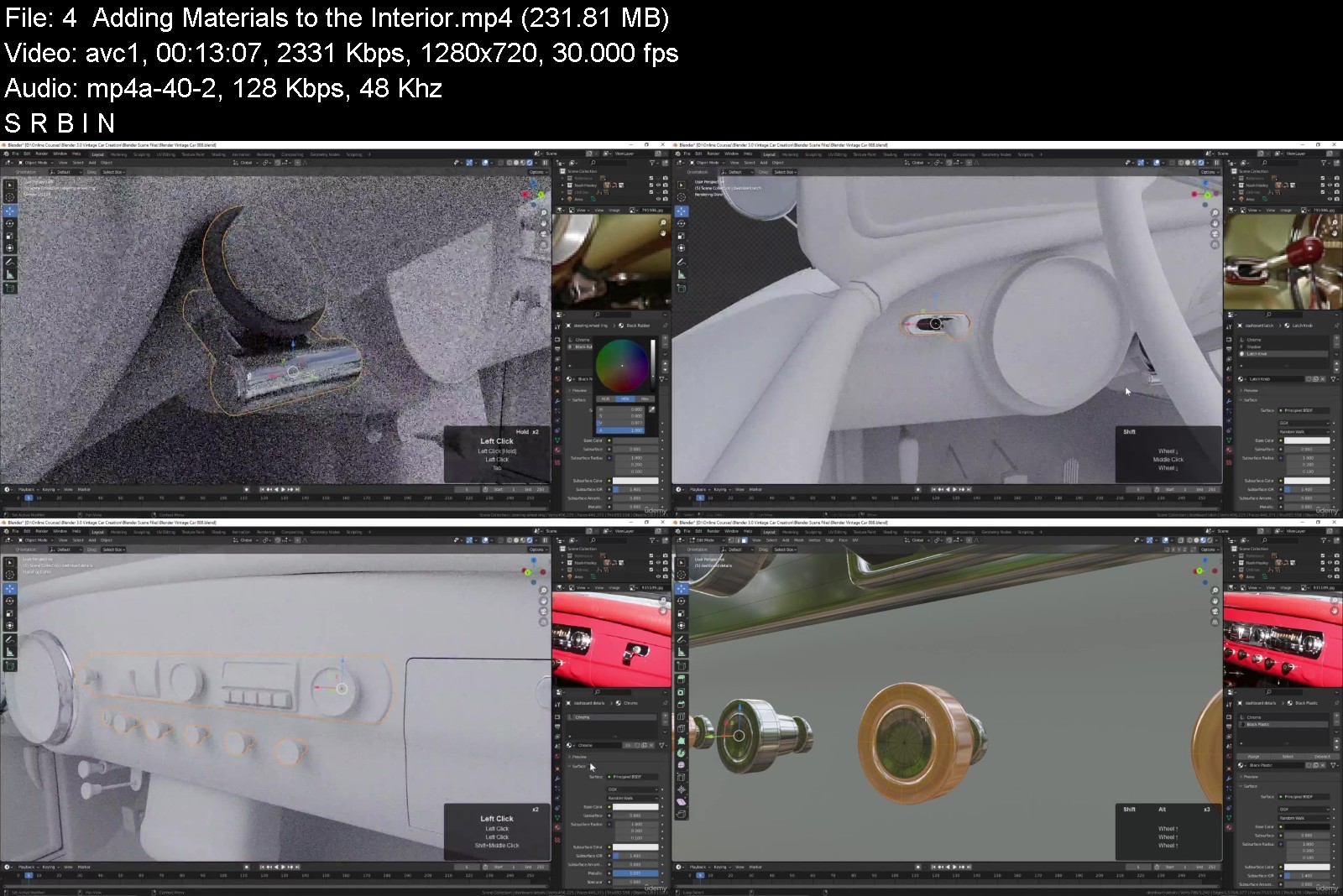
444343695452jtk2d.jpg


Blender 3.0 Vintage Car Creation
MP4 | Video: h264, 1280x720 | Audio: AAC, 44.1 KHz, 2 Ch
Genre: eLearning | Language: English | Duration: 107 lectures (18h 36m) | Size: 15.7 GB

Learn Blender tools and techniques to create a vintage automobile


What you'll learn
Blender 3D Modeling Tools
Subdivision Surface Modeling
Blender's Node Editor
Lighting and HDR Images
Blender's Cycles Renderer
Animating in Blender
Blender's Video Sequence Editor
Requirements
You will only need Blender 3.0 for this course. No other software is required.
Description
In this course we will create a 1952 Nash-Healey Roadster. This is a rare gem of a car; only about 500 were ever made. But we're going to create one using Blender 3.0, from the first polygon to the final rendered animation. If you've ever wanted to create realistic, detailed models of complex objects, then this course is for you. Not only will you learn modeling tools and techniques, but you will also learn how to use reference images, stay organized, and manage a large project in Blender.
We will begin with the body of the car, creating the underlying shape. And then, using Blender's Shrink Wrap modifier, we will mold each panel to that shape, so we get a precise fit between each of the pieces. Next we will work on modeling the various external parts of the car. We will create the chrome details using Blender's Subdivision Surface modifier. And we will create the tire treads and spoked hubcaps using the Array Modifier. We will then model the various pieces of the car's interior, keeping an eye on our reference images to bring the details to life.
When the modeling is complete, we will create materials and textures for the car, using Blender's Node Editor. And finally, we will light and render the scene using the Cycles render engine. We'll also have some fun animating the camera around the car and create a short video using Blender's Video Sequence Editor.
Learn fundamental Blender tools and techniques while creating this rare classic car, with "Blender 3.0 Vintage Car Creation."
Who this course is for
Beginner Blender artists with some knowledge of the user interface.


blender3.0vintagecarck5jis.jpg


Download from RapidGator


Download from NitroFlare



Class101 - Indigo - Learn Fantasy Anime Drawing on iPad

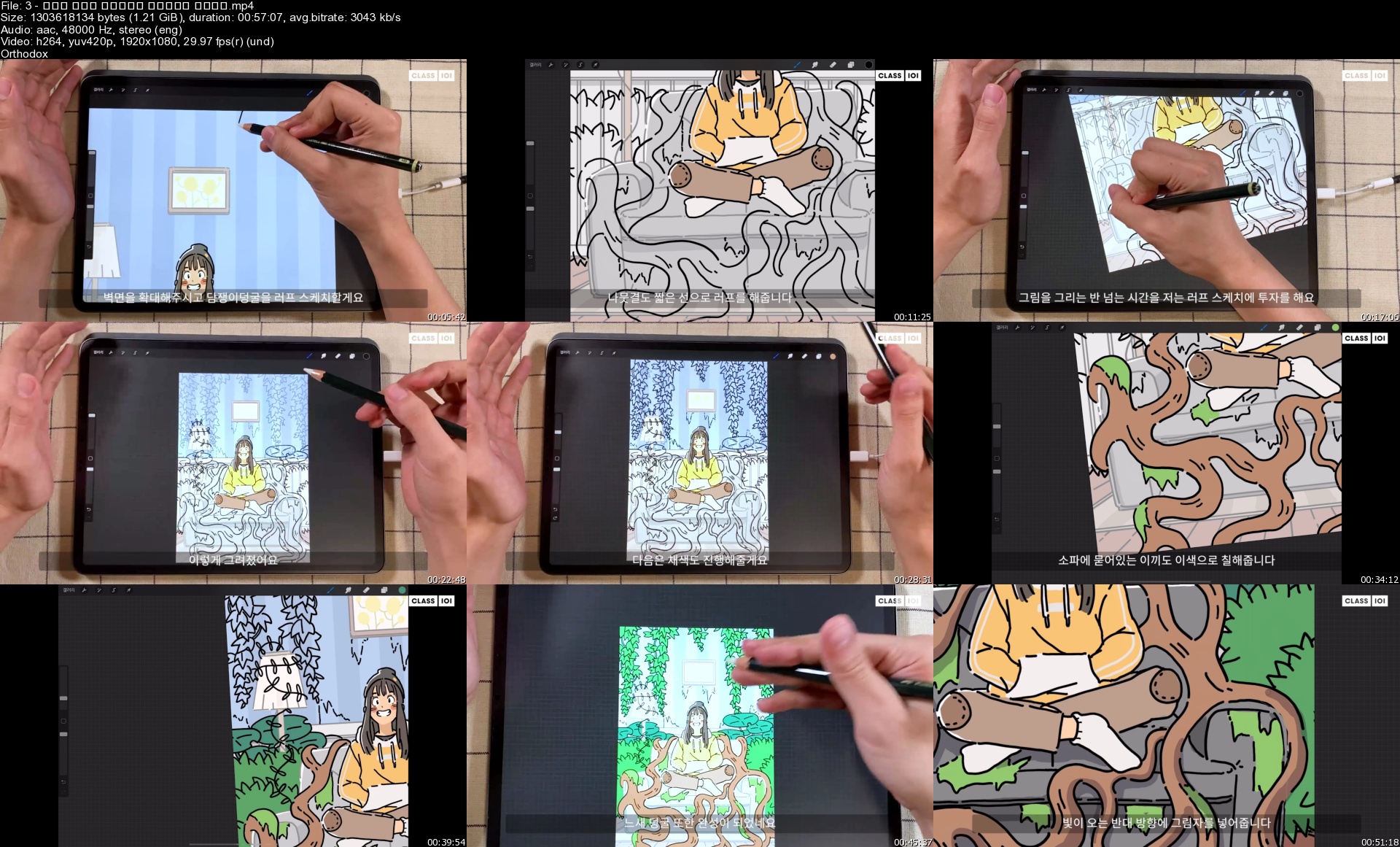
ezgif437fb3372321sjhg.jpg


Class101 - Indigo - Learn Fantasy Anime Drawing on iPad
Video: h264, yuv420p, 1920x1080, 4446 kb/s, 29.97 fps(r) | Audio: aac, 48000 Hz, 2 channels, s16, 125 kb/s
Genre: eLearning | Duration: 10h 39m | Language: Korean | Subtitles: English | File size: 19.5 GB

Let's draw pictures with comfort and ease. There are many people who think that they won't be able to follow along and draw the same things I do. It looks complicated, but if you draw along with me, one element at a time, you will have yourself a finished drawing!
Instead of teaching you to "draw well," I will teach you how to portray your precious daily lives and emotions "warmly". I will tell you everything you need to know, so that you can freely express your feelings through your drawings.

Homepage


3sp0kw4.jpg


TTC - How We Move: The Gross Anatomy of Motion

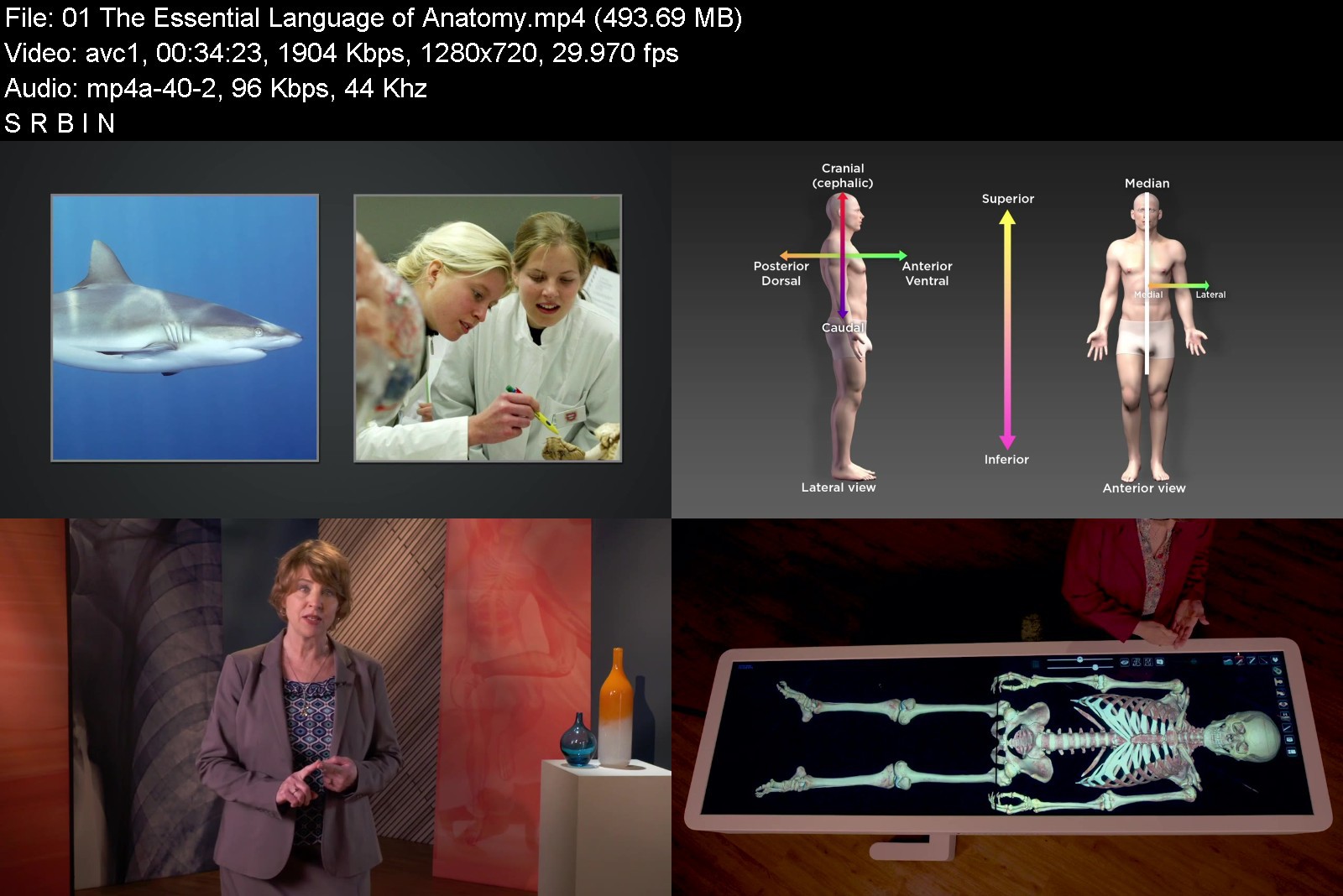
10110yokcq.jpg


TTC - How We Move: The Gross Anatomy of Motion
MP4 | Video: h264, 1280x720 | Audio: AAC, 44.1 KHz, 2 Ch
Genre: eLearning | Language: English | Duration: 24 Lessons (12h 34m) | Size: 8.8 GB

Our bodies are absolutely amazing. Day after day, year after year, our bodies support and move us in incalculable ways. With seemingly little conscious effort on our part, our bodies allow us to walk, run, sit, stand-to move through the world. And yet, our bodies are also prone to devastating injuries, and they are susceptible to the degeneration that can accompany aging and disease. This complex system of bones, muscles, tendons, and other vital parts is deeply fascinating and incredibly varied from person to person. Having a deeper understanding of the structure and abilities of the body can give you insight into an intriguing subject of medical study. It also provides you with a guide for caring for your well-being and for dealing with potential issues of health and mobility.
In How We Move: The Gross Anatomy of Motion, you'll look inside the human body as never before, discovering your gross anatomy, the parts of the body that can be seen with the unaided eye-your macroscopic body. In this course, you will view graphics, photos, videos, and the digital autopsy table called "Anatomage," to help your understanding of the topics covered. Professor Elizabeth A. Murray, of Mount St. Joseph University, will take you on a journey through the major regions of the body in all their complex grandeur. It's safe to say that you've never seen anything like it! In 24 fascinating lectures, Dr. Murray shares her passion for the form and function of the human body-a passion that becomes contagious.
A cautionary note: As you may know, medical and anatomical study can be rather graphic in nature. With that in mind, the Anatomage software used in several "Digital Cadaver" lectures employs digital images that are based on real-life cadavers. Viewer discretion is advised for younger viewers and those who may be uncomfortable with these highly realistic anatomical learning tools.
The Vocabulary of Anatomy
As with any field of study, anatomy has its own specific terminology. With a quick overview of the roots of anatomical terminology and some directional terms to get you started, Dr. Murray will take you through many of the bones, muscles, and nerves of the human body, one region at a time. This isn't about memorization-not only is that not necessary, but, as she explains the logic behind the names, the vocabulary will begin to flow naturally and become easier to understand. For example, consider the extensor digitorum, the muscle that extends the wrist and fingers, or the levator scapulae that elevates the shoulder. As you will see, once you have an understanding of how these words connect with the various parts of the body and how they function, these intimidating terms will feel not only logical, but maybe even familiar.
In addition to the numerous functional names, you'll learn about some of the more unusual nomenclature and its origins, including
Sartorious Muscle. This is one of the muscles you use when you cross your legs to put one leg on top of your opposite knee. The name comes from the Latin for "tailor," since tailors would sit cross-legged with their fabric in their lap while they worked.
Snuffbox Muscles. This group of three muscles of the posterior forearm travel to reach the thumb. The surface landmark, known as the anatomical snuffbox, is a triangular region near the thumb where people who used snuff would store their tobacco before snorting it.
Pudendal Nerve. This major nerve of the pelvic region supplies the sphincter muscles that control urine and feces, as well as the muscles that help maintain sexual health and function. Named in the 17th century, the word comes from the Latin meaning "shameful."
You Have How Many Bones?
Although you're aware that you have bones, chances are you don't know precisely how many you have. No problem. If you needed to know, you could look it up in a variety of resources, right? The fascinating answer is "maybe not." As you'll learn, human anatomy has a tremendous amount of variability. In fact, for any given anatomical feature, it's estimated that only 70% of individuals have the by-the-book pattern or structure. This doesn't mean 30% of humans are "abnormal"-actually, it means that wide variation in human anatomy is completely normal. Dr. Murray still finds unusual anatomical features when teaching gross anatomy, even after 30 years in the field.
In this course, you will learn about several of the most common anatomical variations, including
Palmaris Longus. This muscle of the forearm that helps with wrist flexion is the most variable muscle of the body. Studies conducted on geographically diverse populations reveal a prevalence of anywhere from 36 to 99% variance! If you don't have it, you can still flex your wrist with no trouble. If you do have it, it could become a "spare" body part in case you should ever need it for surgery.
Plantaris. This muscle, which weakly flexes the knee and ankle, is present in about 80% of individuals. As with the palmaris longus, you can function just fine without it.
Pectineus. This muscle is in the groin and it helps flex and adduct the hip joint. In some people, it is supplied by the femoral nerve, in others pectineus is supplied by the obturator nerve, and in some people, it is supplied by both.
What Went Wrong?
The study of anatomy can't help but inspire a sense of wonder as we consider the human body in all its complexities. But on the flip side, the more we learn about the body, the more we realize how many opportunities there are for injury or disease. In How We Move: The Gross Anatomy of Motion, Dr. Murray puts you in the position of medical sleuth by beginning most of the lectures with a clinical scenario requiring a diagnosis. After learning about the muscles, bones, and nerves of that particular body region, you'll get the chance to assess some of the problems presented, such as
Dowager's Hump. A 74-year-old woman has developed what's sometimes called a dowager's hump in the upper back. Her posture has become stooped in the thoracic region of the spine, causing her to hunch forward. What's happened over time?
Spinal Cord Injury. A young man was badly injured in a motor vehicle accident, and his sixth and seventh cervical vertebrae were crushed. His spinal cord was essentially severed at the level of this fracture. Will he be able to breathe on his own or will he require a respirator to breathe for him?
Broken Hip. A 68-year-old woman stepped out of her car and fell. She felt excruciating pain in her left hip and was unable to get up. She told paramedics that she didn't think she tripped over anything, the pavement wasn't wet or slippery, and she wasn't dizzy or disoriented. What actually caused her fall?
While this course will help you assess patients like these and others, the much more important benefit is what you will learn about yourself. Not only will you develop a deeper understanding of your own body, but you'll also be better equipped to avoid injury and to take good care of your amazing and marvelous anatomy.
What Will You Learn?
Discover how our muscles both move and stabilize our skeleton
Reveal the complexities of our body's bones and joints
Examine the nerves that move our muscles and transmit sensations


howwemovethegrossanatckjq3.jpg


Download from RapidGator


Download from NitroFlare



Vue Complete Course with Javascipt, HTML, CSS, BOOTSTRAP

h0qonl34oqv9suclu5gnyg7jvo.jpg


Vue Complete Course with Javascipt, HTML, CSS, BOOTSTRAP
Genre: eLearning | MP4 | Video: h264, 1280x720 | Audio: AAC, 48.0 KHz
Language: English | Size: 6.52 GB | Duration: 20h 16m


What you'll learn
How to create Web Application with Vue, Vue JS.
Vue, vue js, vuejs, nuxt, vue .js, vue 3, nuxt js, vuex.
What is Vue JS?
Most important Vuejs topics.
How to create multi-page web app with vue-router in vue js.
How to manage the data of our application with the vuex.
How to easily build the largest and most advanced applications using vue and vuex.
Whether you're building a full single-page application or merely add interactivity to your existing app, Vue js has a spectrum of tools to help you.
If you're looking for a JavaScript web framework that isn't going to drown you in complexity, take a look at Vue js.
Vuejs takes what other frameworks have done before, but does it in a way that's fresh and easy-to-use
What are Javascript variables, why are they used
What is Javascript Boolean Logic
How to include JS File in HTML CSS Javascript
What is conditional statements (if else, switch case, ternary operator), how to use in Javascript
How to write Javascript Functions, what are the differences between Function Decleration and Function Expression
What is Javascript loops (for loops, while loops, continue and break statements), how to use them
How to create Javascript Arrays, Array methods (push, pop, shift, unshift ...), Array iteration
How to create Javascript objects, how to update them, object methods
What is DOM, how to manipulate DOM in Javascript
JavaScript is a text-based computer programming language used to make dynamic web pages.
What is JavaScript? JavaScript is a curly-braced, dynamically typed, prototype-based, object-oriented programming language.
JavaScript is the programming language that allows users to interact with the websites that they're visiting, making it a very important language for webdevelop
What are the main uses of JavaScript? JavaScript is a text-based programming language used for client- and server-side development.
React vs. Angular vs. Vue: what is the best JavaScript framework? Choosing the best JavaScript framework for your web project depends on what you are lookingfor
What is JSON and what is it used for? Because of the evolution of the JavaScript language, JavaScript has a variety of techniques for creating objects.
With all of the different JavaScript IDEs available, the best option depends on how you intend to use it, along with your personal preferences.
Learn Bootstrap 4 and UIs from scratch
Learn to use the latest HTML5 and CSS3 to add unique styling to Bootstrap
Learn and create amazing high quality Bootstrap 4 themes and UIs from scratch
Master every single Bootstrap component
Learn to compile Sass in the easiest way possible using a GUI
Get a crash course of the Bootstrap Grid System with the theme layout
Learn how to add Website Scrolling Animation to any Bootstrap Component or HTML Element
HTML & CSS
Learn to create static HTML sites
We will improve our knowledge step by step by learning the basics of CSS
We will learn to place pages in the easiest way by talking about all layout models in CSS
Create a beautiful, responsive landing page for any one
It will be much easier to prepare web pages with Grid CSS and Flexbox features
You will learn to use basic tags which are used commonly
You will be able to prepare lists in different formats
Learn the difference in usage between block level and inline elements in HTML
By learning the use of HTML table, you will be able to create different designs of your own
You will be able to create commonly used user login and registration pages by learning the form structure.
In the developing world, we will talk about all the details about web design compatible with different screens.
As with all of our courses, you will learn by doing too many hands-on examples.
Bootstrap is a free frontend web development framework for creating responsive websites.
Bootstrap promotes a mobile-first approach to web design, offering a suite of templates and components that automatically render for use on any device.
HTML, or hypertext markup language, is computer code used to create web pages and emails. Web developers, email marketers, web writers, and many others use HTML
HTML stands for hyper-text markup language. Whether on a mobile device or a computer, every website that you browse is designed with HTML.
HTML is a formatting language, not a programming language. Javascript is often necessary to make HTML "dynamic."
Learning how to code HTML without also learning CSS is like learning how to read but not write.
What is Cascading Style Sheets (CSS)? CSS or Cascading Style Sheets is a style sheet language used to style markup language.
CSS applies to any career that involves web development. Web designers create the templates, mockups, and styles for a website using HTML and CSS
Requirements
How to easily build the largest and most advanced applications using vue, vue js and vuex.
Desire to learn about vue, vue js, vuejs, nuxt, vue .js, vue 3, nuxt js, vuex.
Desire to learn Javascript and Javascript Projects.
Desire to build web site with html css bootstrap.
This course will take you from scratch to the advanced level.
Watching the lecture videos completely, to the end and in order.
Determination and patience to learn.
Willingness and Motivation to successfully complete the training
Desire to learn Modern Javascipt.
Desire to learn javascript libraries; React, Angular, NodeJS.
Desire to learn Bootstrap 4 and develop bootstrap 4 projects
Desire to learn Javascript Apps
No prior Bootstrap, HTML CSS knowledge needed
You will be learning bootstrap from scratch
Desire to learn HTML, CSS, Bootstrap
Computer with access to the internet
Nothing else! It's just you, your computer and your ambition to get started today.

Description
Vue, vue js, vuejs, nuxt, vue.js, vue 3, nuxt js, veux, javascript, javascript projects, front end web development,
bootstrap, bootstrap 4, bootstrap project, html, css, full stack web development, full stack development, web development,
Hello,
Welcome to the " Vue from Scratch with Real Life Vue JS Web Applications " course.
Vue with basic Vue js applications. Vue.js is a popular frontend JavaScript Framework. Learn vuejs, become vue developer.
Vue (pronounced like view) is a frontend development framework for JavaScript (JS) that you can use to build web-based user interfaces. You can also use vue js to create one-page applications and handle animations, interactive elements, and graphics. Generating projects is also possible with the user-built presets, which is commonly applicable for coders working in enterprise environments. Because vuejs is based on JavaScript, you can easily integrate Vue into an existing JS project.
Whether you're trying to build a full single-page application or merely add a bit of interactivity to your existing app, Vue.js has a spectrum of tools to help you get your job done, and that course can help you get up and running quickly.
If you're looking for a JavaScript web framework that isn't going to drown you in complexity, take a look at Vue.js. Vue.js takes what other frameworks have done before, but does it in a way that's fresh and easy-to-use. Using Vue.js lets you focus your application rather than on your framework.
JavaScript is a very important programming language for internet applications.
Here's how a JavaScript code works, not just how it works. Because in today's JavaScript world, besides writing a code, you need to know how to debug this topic and be able to read every written JavaScript code.
Join more than 12 million learners and train up on JavaScript on Udemy. Choose from a wide range of top-rated JavaScript courses. From back-end development to app or website building, we've got you covered. Our real-world experts can lead you through hands-on projects to apply your skills.
JavaScript is a text-based computer programming language used to make dynamic web pages. A must-learn for aspiring web developers or programmers, JavaScript can be used for features like image carousels, displaying countdowns and timers, and playing media on a webpage. With JavaScript online classes, you can learn to build interactive web applications, choose the best framework, and work with other programming languages like HTML and CSS.
JavaScript is a curly-braced, dynamically typed, prototype-based, object-oriented programming language. It started as the programming language for the web and is one of the three layers of standard web technologies - the other two being HTML and CSS. JavaScript allows you to create and control content dynamically on a web page without requiring a page reload.
Whether you're interested in mastering responsive web design, creating WordPress templates using Bootstrap, or integrating Bootstrap with HTML5, and CSS3, Oak Academy has a top-rated course to help you achieve your goals.
Bootstrap is a free frontend web development framework for creating responsive websites. Bootstrap promotes a mobile-first approach to web design, offering a suite of templates and components that automatically render for use on any device.
HTML, or hypertext markup language, is computer code used to create web pages and emails. Web developers, email marketers, web writers, and many others use HTML. Whether on a mobile device or a computer, every website that you browse is designed with HTML.
HTML isn't a "programming language," but rather a "formatting language." It tells a browser how to display text, images, and other media elements.
Learning how to code HTML without also learning CSS is like learning how to read but not write. All of your hard web development work is lost if you don't optimize it for different screen sizes. Udemy has top-rated courses to show you how CSS helps you do just that.
Consider the devices that you use to access the internet on a daily basis. You'll notice that there isn't a standard screen size. Without CSS, rendering a website's text, layout, and design for these discrepancies in screens would be impossible. CSS is the backbone of all website styling work, and is rightfully considered a cornerstone of internet technology.
CSS or Cascading Style Sheets is a style sheet language used to style markup language. Markup languages include HTML, XHML, XML, and other XML-based languages. The most common use of CSS is to style HTML web pages. Although HTML doesn't need CSS to function, every web page would look the same without it. With CSS, you can target specific elements in a web page and change the look and arrangement on the page. CSS can make an embedded image small or cover the entire webpage as a background. You can enlarge a heading and apply a specific font to stand out from the rest of the page.
In this course you will learn to develop web applications with Vue JS, Vuex from scratch.
If you are thinking to realize your dream web application, this course is for you.
We have explained Vue and Vuex from beginner to all levels. We have explained all the topics as simple as possible with examples, slides, and diagrams.
We have created a lot of projects while explaining the subjects. Because we believe that applied educations are much more useful than other teaching methods.
We explained all the subjects with simple examples and applications, and explanatory diagrams in a way that the student can understand at all levels.
In this tutorial you will learn;
How to create Web Application with Vue JS.
Most important Vue JS topics.
How to create multi-page web app with vue-router.
How to manage the data of our application with the vuex.
How to easily build the largest and most advanced applications using vue and vuex.
How you can operate on variables in javascript,
Boolean logic in javascript,
How to create a conditional statement in javascript,
How you can perform transactions with Loops in javascript,
How a function is created and why it needs arguments in javascript,
How Arrays and Objects, which are basic data structures, are created in javascript,
How DOM Manipulation is done in javascript,
You will have learned and have the opportunity to test what you have learned with the code quizzes in our course.
Learn to use the latest HTML5 and CSS3 to add unique styling to Bootstrap
Learn and create amazing high-quality Bootstrap 4 themes and UIs from scratch
Master every single Bootstrap component
Learn to compile Sass in the easiest way possible using a GUI
Get a crash course of the Bootstrap Grid System with the theme layout
Learn how to add Website Scrolling Animation to any Bootstrap Component or HTML Element
What is Vue JS?
Vue (pronounced like view) is a frontend development framework for JavaScript (JS) that you can use to build web-based user interfaces. You can also use it to create one-page applications and handle animations, interactive elements, and graphics. Generating projects is also possible with the user-built presets, which is commonly applicable for coders working in enterprise environments. Because it is based on JavaScript, you can easily integrate Vue into an existing JS project. Vue uses the traditional Model-View-Controller (MVC) architecture, which means that the core library of Vue.js focuses on the view layer by default. It enforces a one-way data flow between components. This also makes it easy for you to integrate with other libraries or existing projects. Vue also uses virtual DOM (Document Object Model), which makes it faster than regular DOM. Instead of re-rendering the whole page, Vue only updates the objects that you change.
What is the difference between Vue and React?
Although Vue has an MVC architecture, you cannot use it with a different architectural approach, which differs from the Component Based Architecture (CBA) used in React. They also differ in how they optimize data. When a component's state changes in React, it triggers the re-render of the entire component sub-tree, starting at that component as the root. Vue automatically tracks a component's dependencies during its render, so the system knows which components actually need to re-render when the state changes. In React, everything is in JavaScript. Vue, on the other hand, embraces web technologies like HTML, CSS, and JavaScript and allows you to build off of them. Another difference between these frameworks is how you can scale up your projects. React only offers a single template that assumes you're building a single-page application, while Vue offers several default options for multiple purposes and build systems.
Is Vue JS easy to learn?
Vue JS can be easy to learn. Unlike other frontend technologies, Vue doesn't require in-depth knowledge of libraries. If you want to start learning Vue, all you need to have is basic knowledge of HTML, CSS, and JavaScript. Compared to other coding technologies, developers typically classify Vue.js as having an easy learning curve. This is due largely in part to Vue's reputation for having an elegant programming style and patterns. Because Vue is a progressive framework, it makes it easy for you to use it to integrate into an existing project. Because of its familiar templating syntax and use of components, you may find that integrating or migrating existing projects to Vue is fairly straightforward. Vue is known for offering a vast ecosystem of tools and companion libraries, making it a simple framework that you can use to respond to the complex needs of enterprise-grade applications.
What is Vuex used for?
Vuex is a state management pattern + library for Vue. js applications. It serves as a centralized store for all the components in an application, with rules ensuring that the state can only be mutated in a predictable fashion.
What is difference between Vue and Vuex?
Vue is a progressive Javascript framework and Vuex is the state management tool. We can use redux or flux inside Vue, But Vuex is native to the Vue.
Why do I need Vuex?
Vuex is a popular way to handle a complex app's authentication in Vue. With Vuex, you're able to handle the token's availability and access controls and route blocks throughout your app. Mutations, getters, and setters assist with this task.
How does Vuex store work?
It works by having a central store for shared state, and providing methods to allow any component in your application to access that state. In essence, Vuex ensures your views remain consistent with your application data, regardless of which function triggers a change to your application data.
When Should I Use It?
Vuex helps us deal with shared state management with the cost of more concepts and boilerplate. It's a trade-off between short term and long term productivity.
If you've never built a large-scale SPA and jump right into Vuex, it may feel verbose and daunting. That's perfectly normal- if your app is simple, you will most likely be fine without Vuex. A simple store pattern (opens new window)may be all you need. But if you are building a medium-to-large-scale SPA, chances are you have run into situations that make you think about how to better handle state outside of your Vue components, and Vuex will be the natural next step for you.
What is JavaScript?
JavaScript is a curly-braced, dynamically typed, prototype-based, object-oriented programming language. It started as the programming language for the web and is one of the three layers of standard web technologies - the other two being HTML and CSS. JavaScript allows you to create and control content dynamically on a web page without requiring a page reload. Web browsers are able to interpret it, and when triggered by events, modify the HTML and CSS of a web page with dynamic updates. JavaScript also uses asynchronous calls to fetch data from web services in the background. Although it was initially only used in web browsers, JavaScript engines have since been put to use as servers with Node.js, included in desktop application frameworks like Electron, and embedded in phone frameworks like Apache Cordova.
Why is JavaScript important?
JavaScript is the programming language that allows users to interact with the websites that they're visiting, making it a very important language for web developers to know. In the past, most developers focused on the backend; JavaScript was only relevant when they needed to use visual effects. As web development evolved and the focus shifted towards user experience, programmers started to rely on JavaScript for their frontend code heavily. Today, most sites use JavaScript to fetch and submit data, use logic, and generate HTML in browsers. JavaScript can also communicate asynchronously with data servers in the background without interrupting the user interaction in the foreground. These features make JavaScript not only an important language but a necessary language for modern web development.
What are the main uses of JavaScript?
JavaScript is a text-based programming language used for client- and server-side development. Web developers have used JavaScript since its inception to add simple interactivity to web pages like modals, animated elements, or image slideshows. While that is still one of its primary uses, Javascript has evolved to building complete web applications. SPAs, or single page applications, depend on JavaScript-based frameworks like React, Angular, and Vue to bring a desktop-like application experience to the browser. However, it's important to note that web browsers aren't places that make good use of the programming language. Javascript is also popular for building web services and back-end infrastructure with Node.js. React Native, Xamarin, Ionic, and NativeScript frameworks use JavaScript for developing phone apps as well.
React vs. Angular vs. Vue: what is the best JavaScript framework?
Choosing the best JavaScript framework for your web project depends on what you are looking for. React is a popular framework, which means you will find a lot of community support if you need help. It is also considered relatively easy to learn but is being developed at a rapid pace. Angular is a framework that makes data binding easy so that you can template an application faster. It also uses the RxJS library to simplify asynchronous programming and Typescript (which compiles to JavaScript) for a cleaner, less error-prone development process. Some cons of Angular are that it can have a steep learning curve and can be complex. Vue is a lightweight framework, so it is easy to learn, very performant, and flexible. Some cons of Vue are limited plugins, and its flexibility can lead to irregular code.
What is JSON and what is it used for?
Because of the evolution of the JavaScript language, JavaScript has a variety of techniques for creating objects. But, ultimately in the background, JavaScript is using a syntax called JSON. JSON stands for JavaScript Object Notation and is a standard text-based format used to represent objects in JavaScript. The same basic types of data represented in Javascript can also be represented in JSON, including strings, numbers, arrays, booleans, and JavaScript objects. Although JSON is based on the JavaScript object, it is not just used in JavaScript. It is also used as a format to transfer data from a web browser to a server and vice versa because of the format's simplicity and small size. The JSON format is used in REST APIs for this purpose and has replaced XML as the standard format for many APIs. Because of this, just about any language you use will have a method of converting data into JSON to interact with REST APIs.
What is AJAX and what is it used for?
AJAX stands for Asynchronous JavaScript and XML. AJAX is a technology that developers use to create better, faster and more interactive web applications. AJAX uses XHTML for content, CSS to style the page, and JavaScript for controlling content dynamically. AJAX allows you to update a web page without reloading the page (this technique is called a "SPA" or Single Page Application), request data for the page after it has loaded, receive data after the page has loaded, and send data to the server in the background. Despite XML being part of the acronym that makes up AJAX, AJAX can send and receive data in any format, including JSON or plain text. While traditional web applications use synchronous methods to send and receive information from a web server, AJAX can use asynchronous API calls in the background without blocking activity in the browser. AJAX is a data-driven rather than a page-driven technology.
How can I teach myself Javascript?
One of the best ways to learn to write code is through an online course that teaches you how to write JavaScript with an instructor that will explain the code, what versions you should use, and why. Learning to develop a real-world application, with an instructor explaining in a step-by-step fashion, will teach you modern code techniques.
What is the best IDE for Javascript?
With all of the different JavaScript IDEs available, the best option depends on how you intend to use it, along with your personal preferences. Webstorm is a popular JavaScript IDE from JetBrains. It provides fast static code analysis, integrated testing, local history, code refactoring, and debugging. While the IDE requires a paid subscription, many developers swear by it because of its compatibility with JavaScript, HTML, and CSS. Those searching for a free option might prefer VS Code. This general-purpose, open-source IDE comes with IntelliSense, Git integration, and debugging features built-in. Many third-party extensions are available to add new language and programming features, making it one of the more flexible choices. Atom is another general-purpose IDE that is popular with JavaScript developers. It is also free, open-source, and has third-party extensions to add functionality.
What is HTML and why is it important?
HTML stands for a hyper-text markup language. Whether on a mobile device or a computer, every website that you browse is designed with HTML. HTML isn't a "programming language," but rather a "formatting language." It tells a browser how to display text, images, and other media elements. When HTML was first developed, it was fairly simple. For example, the text on a page could be bolded, italicized, or underlined, and images could be resized and aligned. Today, HTML is much more complex and dynamic, allowing front-end developers to create any layout or setup they desire.
Why is CSS and Javascript important for HTML?
HTML is a formatting language, not a programming language. Javascript is often necessary to make HTML "dynamic." While HTML can make it so that text is displayed on the screen, Javascript can update this text or make it move. Javascript is used for both front-end and back-end development, hand-in-hand with HTML, to create complex and attractive web designs. Meanwhile, CSS (Cascading Style Sheets) are used to organize the look and feel of a website and make the website easier to update and manipulate. Today, HTML, CSS, and Javascript are frequently used to develop responsive web designs - designs that react to a user's environment for a better user experience.
What is an HTML element and why is it important?
HTML is designed on a modular basis, meaning every part of the web page has a specific "place." An HTML element is a part of the page. Common HTML elements include "<p>" for a "paragraph" and "<title>" for the "title" of the page. In fact, the entirety of the HTML page is within the "<html>" element. Elements are begun and ended with tags, so a title would be written: "<title>This is the Title to the page.</title>" Organizing code this way makes it easier to reference and control. Each element may also have characteristics. For instance, the "<p>" (paragraph) tag can be aligned in a certain direction. These are the basic building blocks of HTML and what most designers should learn first.
Is HTML a programming language?
HTML is not considered a programming language but rather a markup or formatting language. This is an important distinction. Formatting languages merely control how things are displayed on a visual level, whereas programming languages are more dynamic; they use logic gates to determine the behavior of a program. But there is some crossover. "DHTML," for instance, refers to Dynamic HTML. It is a type of HTML augmented by Javascript to make it easier to adjust on the fly. Because HTML, Javascript, and CSS are so frequently used together, they can often be folded together, which can contribute to some confusion regarding whether HTML is a programming language.
Is HTML hard to learn?
HTML is known as one of the easiest languages to learn. It's also one of the most ubiquitous. Many individuals interested in front-end, back-end, or full-stack development will learn HTML first. While HTML is largely intended for websites as a language, it is also used in many other programs. For example, when you create an email signature, you will usually be using HTML. Emails themselves use a combination of HTML and CSS. An advantage (and an occasional double-edged sword) to HTML is that it is very forgiving. You can get some HTML wrong, and your page will still be displayed, if not exactly how you want it to be.
What jobs use HTML?
Nearly any development or design job will require a cursory understanding of HTML. HTML has also evolved dramatically since it was originally developed; it is far more complex and standardized than before. Because of this, even those who have been experts in HTML during their career may need to undergo an HTML refresher periodically. Most jobs that require HTML will involve web design, web development, or layout and design. For example, someone who manages a content management system such as WordPress may not need to know any other programming languages but should still know HTML basics. Similarly, someone who formats online newsletters or an online magazine in an administrative capacity may not need to be a web designer or web developer but might need to understand the principles of HTML.
What is responsive design?
Responsive design is a new type of design intended to respond to the platform and environment that a user is on. When HTML was created, most people used PCs. Today, people can browse a website on a PC, phone, tablet, or even a game console. In the past, developers created separate sites for "desktop" and "mobile." While it worked, it wasn't easy to maintain. Rather than creating separate sites, responsive design generates the site based on the environment it detects. This greatly reduces the amount of development and maintenance for the site. Responsive design is generally achieved with a combination of HTML, CSS, and Javascript.
What is Cascading Style Sheets (CSS)?
CSS or Cascading Style Sheets is a style sheet language used to style markup language. Markup languages include HTML, XHML, XML, and other XML-based languages. The most common use of CSS is to style HTML web pages. Although HTML doesn't need CSS to function, every web page would look the same without it. With CSS, you can target specific elements in a web page and change the look and arrangement on the page. CSS can make an embedded image small or cover the entire webpage as a background. You can enlarge a heading and apply a specific font to stand out from the rest of the page. Other things you can do with CSS include changing the color of elements, making elements float to one side of the page, and the list goes on. Every web page uses HTML, and every web page that has its unique look uses CSS.
What careers use CSS?
CSS applies to any career that involves web development. Web designers create the templates, mockups, and styles for a website using HTML and CSS that web developers use to build websites. Front-end web developers use CSS with HTML and JavaScript to build front-end web applications that run in the browser. Fullstack web developers create both the part of a web application that runs in the browser and on the server and need to know CSS to make the front-end look good. Content managers may need to know CSS to apply custom styles to articles they publish through a content management system like WordPress. Other job titles that may require you to know CSS include junior web developer, social media manager, website editor, content editor, website project manager, website support specialist, and webmaster.
What skills should I have before learning CSS?
Before learning CSS, you should know the basics of using a computer and how to use a text editor because that is where you will be writing CSS. You should also be familiar with web browsers for browsing the web because it will inform your use of CSS. Since you may end up using specialized tools to write CSS, you should know how to install software on your computer and create and manage files and folders on your computer so you can create a CSS project. Once you have those skills down, the next thing to learn is HTML; after all, CSS is nothing without an HTML page to apply styles. That should be the basics you need to know to get started with CSS.
Fresh Content
It's no secret how technology is advancing at a rapid rate. New tools are released every day, Vue updates its system, and it's crucial to stay on top of the latest knowledge. With this course, you will always have a chance to follow the latest trends.
Video and Audio Production Quality
All our content is created/produced as high-quality video/audio to provide you with the best learning experience.
You will be,
· Seeing clearly
· Hearing clearly
· Moving through the course without distractions
You'll also get
Lifetime Access to The Cours
Fast & Friendly Support in the Q&A section
Udemy Certificate of Completion Ready for Download
Dive in now into;
" Vue Complete Course with Javascipt, HTML, CSS, BOOTSTRAP
Vue Js and Javascript with real Vuejs projects. Learn Vue.js with JS and Frontend Web Development | HTML, CSS, BOOTSTRAP. "
We offer full support, answering any questions.
See you on the other side!
Who this course is for
Who wants to learn Vue with Vue js applications from scratch.
Who wants to learn Vue, vue js, vuejs, nuxt, vue .js, vue 3, nuxt js, vuex.
Who wants to learn how to create websites with Vue
Anyone who trying to learn JavaScript but: 1) still don't really understand JavaScript, or 2) still don't feel confident to code real apps
Who wants to learn today's most popular front-end architectures and take their Web development skills to the next level and learn a future-oriented technology.
Take this course if you want to gain a true and deep understanding of JavaScript
If you're interested in using a library/framework like React, Angular, Vue or Node in the future
Those who want to learn the basics of JavaScript, the world's most popular programming language
If you want to get started with programming: JavaScript is a great first language!
People who want to learn Javascript projects
People who want to learn javascript libraries; react, angular, nodejs
People who want to learn javascript project, react node project, node js projects
If you want to learn HTML 5 and CSS 3, Bootstrap 4 the first step in web development, completely and easily, you are at the right place.
If you want to learn to build beautiful responsive websites with the latest Bootstrap version, Flexbox, HTML5, and CSS3!
People who are willing to make a career in the Web Development
If you want to building your own website, you should enroll
Anyone who want to learn html css bootstrap
Anyone who develop front end web development by using bootstrap
People who want to develop html, css, bootstrap 4 projects


vuecompletecoursewithtukem.jpg


Download from RapidGator


Download from NitroFlare



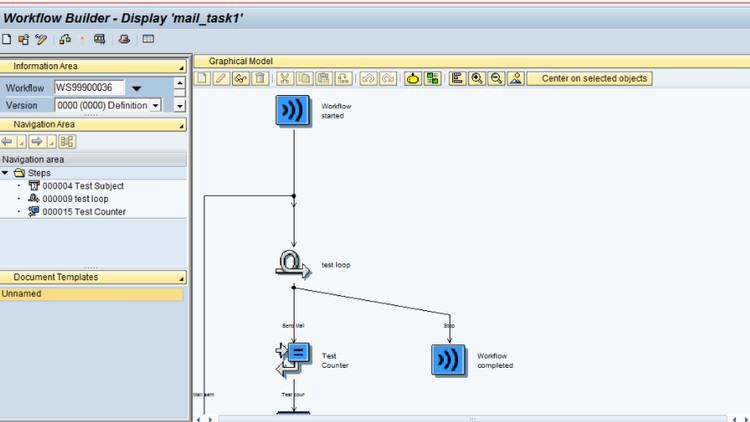
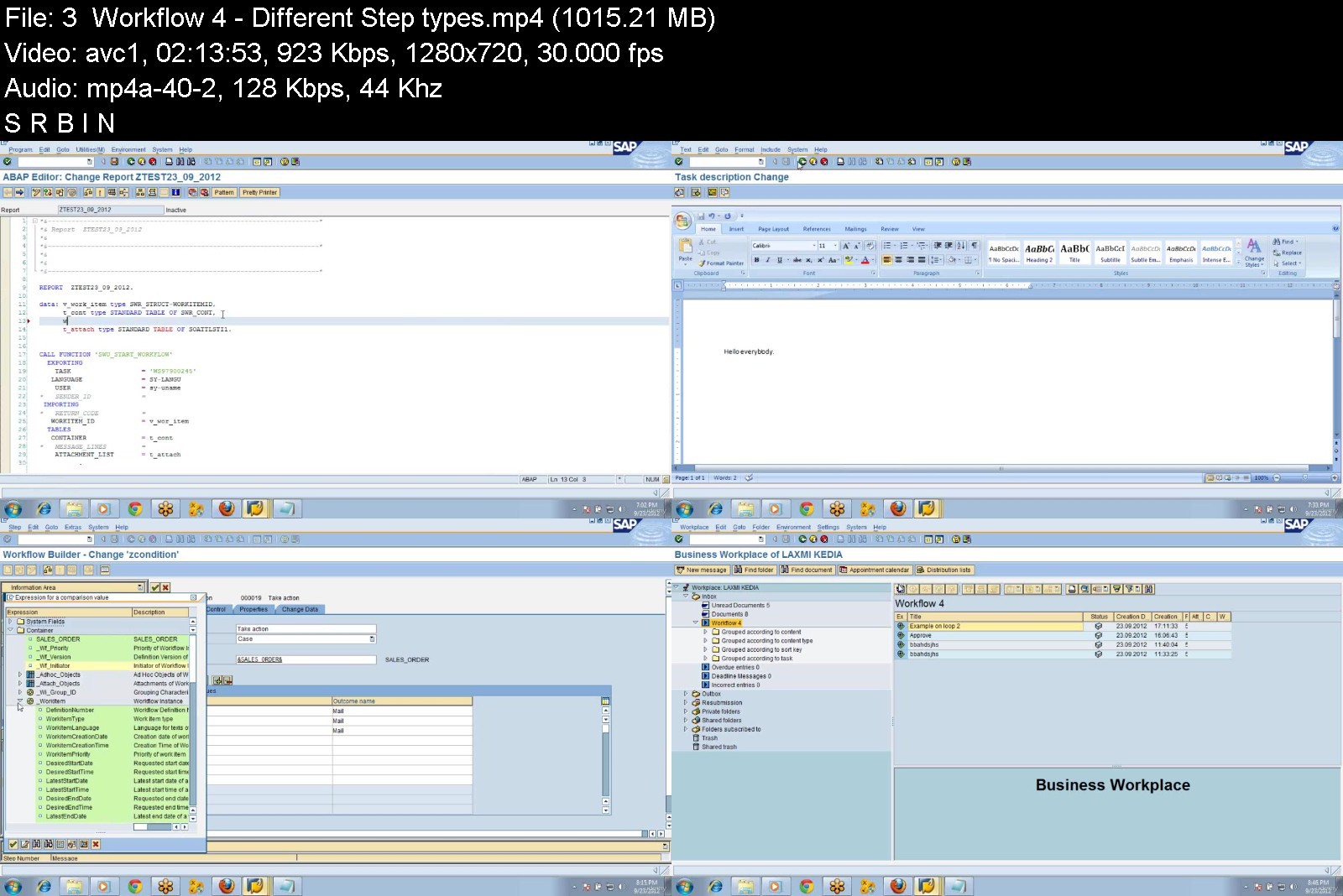
SAP Workflow ABAP End to End by Laxmi

450641806f900kt9.jpg


SAP Workflow ABAP End to End by Laxmi
MP4 | Video: h264, 1280x720 | Audio: AAC, 44.1 KHz, 2 Ch
Genre: eLearning | Language: English + srt | Duration: 25 lectures (35h 30m) | Size: 10.3 GB

SAP Workflow ABAP


What you'll learn
SAP Workflow ABAP Basic to Advanced
SAP Workflow Debugging techniques with Real Time examples
SAP Workflow Administrator experience shared
SAP Troubleshooting in Production
Requirements
SAP ABAP
Description
SAP Workflow ABAP covers all basic to advance concepts of Workflow where in all concepts has been discussed in detail within the system. There is no theoretical knowledge given. All debugging techniques and troubleshooting techniques is being discussed. All real time examples have been discussed . After completing the videos student can claim to have 3+ years of experience. They can work in Production issues. And also students can do all advance workflow objects. All production related issues are being discussed and how to fix them.
Section 1
Container and Binding
1. Definition of Container and Binding and Usage with one example. - Workflow Step Types[Step by step procedure with one example for each step].
2. Workflow using Send Mail
3. Workflow using Form
4. Workflow using User Decision
5. Workflow using Condition and Multiple Condition.
6. Workflow using Event creator.
7. Workflow using Wait.
8. Workflow using Local Workflow
9. Workflow using Process Control
10. Workflow using Loop (Until).
11. Workflow using Fork.
12. Workflow using Ad Hoc Anchor.
Section 2 Triggering Workflows[Step by step procedure with one example].
13. Events
14. Standard BOR , Custom BOR, OOPS concept,Class approach
15. Standard Transaction
16. Change Document Agents
17. Rule Resolution Via FM
18. Expression
19. Organization Unit
20. Job
21. Position
22. Work Center
23. A Sample Org Structure
24. Agent assignment using Org structure Section 3 Common Errors and Resolutions
25. Agent Determination errors
26. Buffering errors
27. Work Item errors
28. Event Linkage Errors Debugging in Workflow
29. Event Debugging
30. Agent Resolution Debugging
31. Workflow Task(method) debugging
Others
32. Workflow integration with Web Dynpro ABAP Application.
33. Demo on workflow Wizard.
34. Deadline monitoring in Workflow
35. Defining custom rules to use in Workflow definition.
36. Demo on working with "Nested / SubWorkflows"
37. Transaction Codes and Usage
38. Workflow Monitoring through various Transaction Codes
39. Workflow related Function Modules and Usage
Who this course is for
SAP
SAP Workflow
SAP Workflow ABAP
SAP HANA Workflow


sapworkflowabapendtoe7uj9a.jpg


Download from RapidGator


Download from NitroFlare



Python PyQt5 and Qt creator course

vhowhmo7wz8qxmr60l9txgijf9.jpg


Python PyQt5 and Qt creator course
Genre: eLearning | MP4 | Video: h264, 1280x720 | Audio: AAC, 48.0 KHz
Language: English | Size: 10.1 GB | Duration: 23h 8m


What you'll learn
[/b]Create layout with Qt creator
Create database using sqlite3
Create functionality with Python PyQt5 and Pycharm
Use database in application
Requirements
Basic knowledge of programming
Description
Everything you need for this courese is a basic knowledge of programming, for instance classes, mehods and variables.
This course is not for beginners without any knowledge of programming.
You will learn how to build a professional grade application with Qt creator, Python PyQt5 and sqlite3.
In this course we are going to create layouts with Qt creator, use application functionalities with Python PyQt5 and sqlite3 database.
We will focus on query databases (insert, update and delete), upload and save images to your application, and you will learn how to create statistics as charts. I will show you how to use matplotlib.
For that we generate records from the database and also display them in a table or combo box. You will use sqlite3 DB browse.
After completing this course, you will be able to create your own professional application. Everything will be explained line by line.
At the end of our course I will show you how to create an executable file undependend from Pycharm and your computer.
You will also learn how to use Qt creator to develop professional user interfaces, create menus and menu toolbars. Everything is explained step by step. You will also learn how to set and change text and background colors, and much more.
Let's start! I would be very happy to welcome you as student today!
Who this course is for
How to create application layout with Qt creator and functionality with Python PyQt5


pythonpyqt5andqtcreattkj2g.jpg


Download from RapidGator


Download from NitroFlare
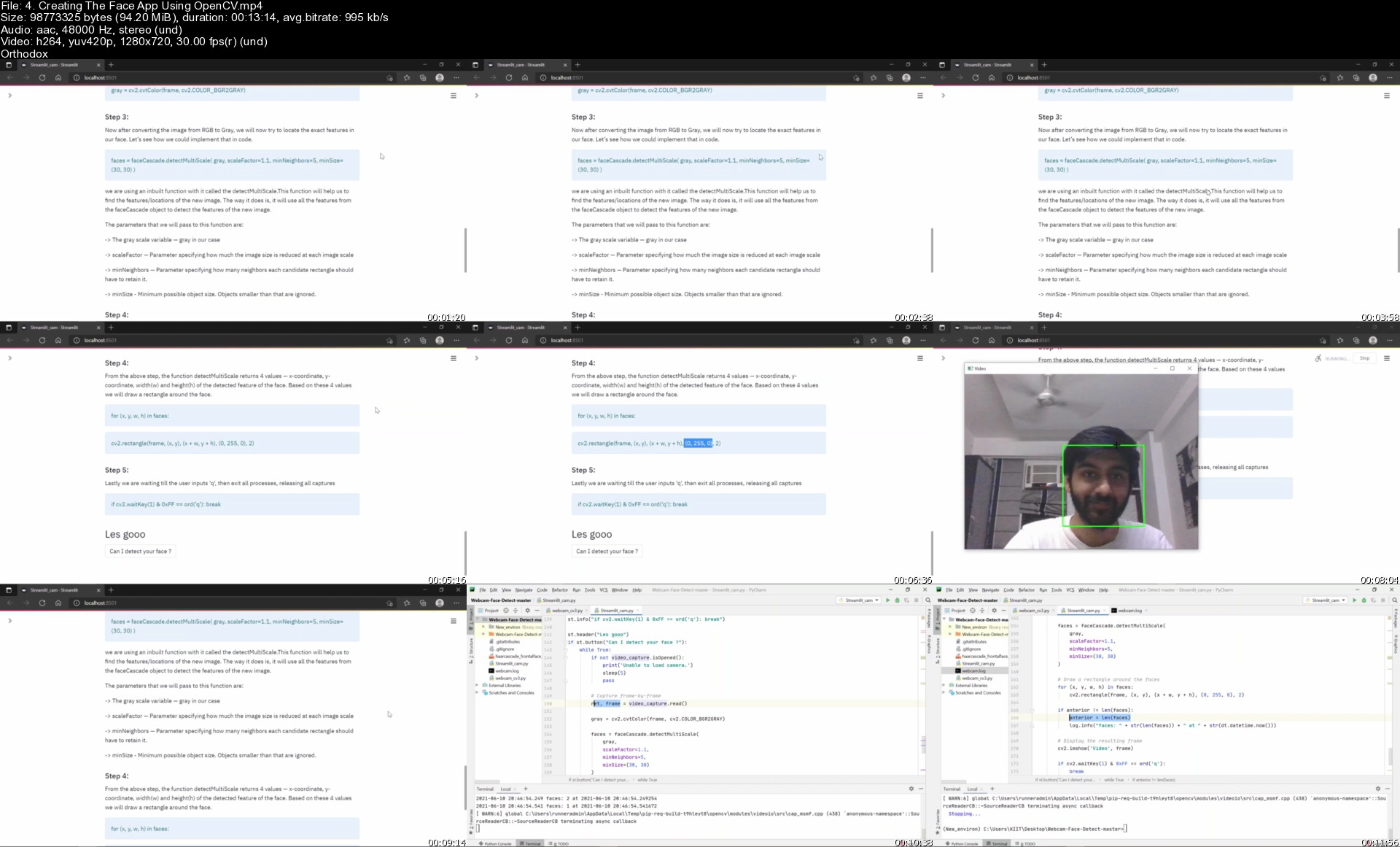


Computer Vision Course

agnl4yvjzr0bkiavtr7smvfkdr.jpg


Computer Vision Course
MP4 | Video: h264, 1280x720 | Audio: AAC, 44.1 KHz
Language: English | Size: 6.20 GB | Duration: 16h 43m

Learn Deep Learning & Computer Vision with Python, Tensorflow 2.0, OpenCV, FastAI. Object Detection & GAN and much more!


What you'll learn
Using Latest Tools & Techniques in Deep Learning & Computer Vision
Learning how to used the latest Tensorflow 2.0
How to apply Transfer Learning, Ensemble Learning, using GPUs & TPUs
How to work & win Kaggle Competitions
Learning to use FastAI
How to use Generative Adversarial Networks
How to use Weights & Biases for recording Experiments
Learning to use Detectron2 for Object Detection
Making Machine Learning Web Application from Scratch
Learn how to use OpenCV for Computer Vision
How to make Real World Applications & Deploy into Cloud
Learning Techniques like Object Detection, Classification & Generation
Learning how to use Heroku for deploying ML models
Working on Kaggle Competitions & Kaggle Kernels
Exploring & Visualizing Datasets using popular libraries like Matplotlib & Plotly.
Learinng how to use libraries like Pandas, Sklearn, Numpy
Creating Advance Data Pipelines using Tensorflow for training Deep Learning Models
Setting up Environment & Project for Deep Learning & Computer Vision
Requirements
Basic Python programming knowledge
A Computer with Internet Connection
All tools used in this course are free to use

Description
This Brand New and Modern Deep Learning & Computer Vision Course will teach you everything you will need to know to learn the fundamentals of computer vision.
Deep Learning & Computer Vision is currently one of the most increasing fields of Artificial Intelligence and Companies like Google, Apple,
Facebook, Amazon are highly investing in this field. Deep Learning & Computer Vision jobs are increasing day by day & provide some of the highest paying jobs all over the world.
If We Want Machines to Think, We Need to Teach Them to See.-Fei Fei Li, Director of Stanford AI Lab and Stanford Vision Lab
Computer Vision allows us to see the world & process digital images & videos to extract useful information to do a certain task from classification, object detection, and much more. Python is one of the most popular used programming language in Deep Learning and Computer Vision.
All the tools, techniques & technologies used in this course -
Learning Computer Vision & Deep Learning Fundamentals
Setting up Anaconda, Installing Libraries & Jupyter Notebook
Learning fundamentals of OpenCV & Numpy - Reading images, Colorspaces, Drawing & Callbacks
Advanced OpenCV - Image Preprocessing, Geometrical transformations, Perspective transformations & affine transformations, image blending & pyramids, image gradients & thresholding, Canny Edge Detector and contours
Working with videos in OpenCV - Using webcam, Haar Cascades & Object Detection, Lane Detection
Deep Learning & How Neural Network Works? - Artificial neural networks, Convolution Neural Networks & Transfer Learning
Image Classification - Plant leaf Classification
Working on very recent Kaggle Competitions
Using Google Colab & Kaggle Kernels
Using the latest Tensorflow 2.0 & Keras
Using Keras Data Generators & Data Argumentation
Using Transfer Learning & Ensemble learning
Using State of The Art Deep Learning Models
Using GPU & TPU for Model Training
Hyperparameter Tuning
Using Weights & Biases for recording Deep Learning experimentations
Saving & Loading Models
Creating a Weights & Biases Report & Showcasing the Project!
Object Detection - Wheat heads Detection
Working on Kaggle Competitions, again!
Using Facebook's Detectron2 for Object Detection
Creating COCO Dataset from scratch
Training Faster RCNN Model and Custom Weights & Biases callback
Using Retinanet
Saving & Loading Detectron2 models
Generative Adversarial Networks - Creating Fake Leaf Images
Learning How Generative Adversarial Networks works
Using FastAI
Creating & Training Generative Adversarial Networks
Making Fake Images using GAN
Making ML Web Application
Getting started with Streamlit
Creating an ML Web Application from scratch using Streamlit
making a React Web Application
Deploying ML Applications
Learning how to use Cloud Services to Deploy Models & Applications
Using Heroku
Learning how to Open Source Projects on GitHub
How to showcase your projects to impress boss & employees & Get Hired!
A lot of bonus lectures!
This is what included in the package
All lecture codes are available for downloadable for free
110+ HD video lectures ( over 50 more to come very soon! )
Free support in course Q/A
All videos with English captions available
This course is for you if..
... you want to learn the Latest Tools & Techniques used in Deep Learning & Computer Vision
... you want to get more experience to Win Kaggle Competitions
... you want to get started with Computer Vision to become a Computer Vision Engineer
.. you are interested in learning Image Classification, Object Detection, Generative Adversarial Networks, Making & Deploying Machine Learning Applications
Who this course is for
You want to become a Computer Vision Engineer & Get Hired
Anyone who want to learn latest tools & techniques used in Computer Vision
You are already a Programmer and what to extend your skills by learning Computer Vision
Who want to learn new Tools & Techniques used in Computer Vision
You want to get more experience for winning Kaggle Competitions


computervisioncourse0tkz7.jpg


Download from RapidGator


Download from NitroFlare



Moralis.io - Master DeFi in 2022

masterdefiin2022jmj45.png


Moralis.io - Master DeFi in 2022
MP4 | Video: h264, 1920x1080 | Audio: AAC, 44.1 KHz, 2 Ch
Genre: eLearning | Language: English | Duration: 28 Lessons (4h 36m) | Size: 5 GB

The financial revolution is here. Learn the true power of Decentralized Finance, how it works, and how to unlock its potential.
Crypto is more than trading. DeFi allows anyone to earn financial returns on tokens through yield farming, staking, and more. Experts Josh and Amadeo will walk you through everything, from how DeFi works, to assessing and using DeFi products to understanding and managing any potential risks.


masterdefiin202287j8r.jpg


Download from RapidGator


Download from NitroFlare



Complete Cryptocurrency Day Trading & Swing Trading Course

zmpu4nhccinjtwembvardyfjyd.jpg


Complete Cryptocurrency Day Trading & Swing Trading Course
Genre: eLearning | MP4 | Video: h264, 1280x720 | Audio: AAC, 48.0 KHz
Language: English | Size: 6.92 GB | Duration: 8h 59m


What you'll learn
Making a full-time or part-time living with Cryptocurrency Day trading and Swing Trading!
Complete Mastery over Trading Psychology!
Use time-tested risk management strategies on every trade
Detailed understanding of Cryptocurrency market microstructure and Price Action
You'll be able to read candles, charts and patterns and forecast them efficiently
You'll learn difference between Spot and Futures Trading and how to trade on them
You'll learn why futures trading is attractive and how to avoid mistakes doing it
How to execute mini trades for maximum profits
Completely understanding indicators and use them to your advantage
You'll learn Order Flow, Volume Profile, Market Profile & Footprint charts
You'll learn time-tested Strategies to trade and some special strategies I use
You'll learn different advanced tools to use to optimize your trading & know overall market dynamics better
Requirements
You should have a computer/phone with good internet access
Atleast $100 (preferably $500) budget to start trading on different Crypto Exchanges
Prior Trading Experience will be an added benefit
Basic understanding of Cryptocurrencies will help

Description
WHAT EXACTLY IS IN THIS COURSE?
In a nutshell, here's how it works
The student understands the Easy-To-Follow Chart Patterns
Does Rigorous Back-testing, Apply it on Real-Time Trading Charts
Crypto Exchanges provide you leverage (loan) to Trade Aggressively with Ease
Your Crypto Assets increase relatively more due to the calculated risk and low leverage
From there, you have the potential to bankroll and trade confidently
And setup is quick and easy.
You can set up accounts with Crypto-Exchanges like Binance, Kucoin, Bitmex, etc., easily
There are a plethora of trading methods given in the course, but you can focus on a few and start earning with those alone! PRACTICE, PRACTICE, PRACTICE Makes You PERFECT!
The main goal of this trading course is to remove your limiting belief system and also remove whatever you might be doing wrong and inform you beforehand where you can mess up. We want you to initially learn effective ways of reducing your stress due to mistakes that are quite frequent from new traders. This will result in fewer drawdowns.
Our main focus will always be to engrain in you the seeds of proper trading methods to use. I want to see you like the "Superman in Trading."
After your fundamental understanding of the market and cryptocurrencies are aligned, the next trading modules will teach you about Price patterns that happen in every time frame. Price is like a fractal that keeps on repeating itself again and again. And having a hawk eye to identify these will be taught in the modules. You will be taught about the various tools and indicators we have to use to have an edge over other traders.
The next module will delve deep into the space of understanding the price movement from a new angle through Inflows Analysis, Outflow Analysis, Open Interest, Order Flow, Market Profile, Footprint Charts, Etc., It opens up your eyes to a new realm where you will be able to monitor and check the market as it happens and evaluate more precisely what is happening in the market. This is explained in a very lucid way so that you don't get bogged down by information overload. More stress will be given to what is that you need to know the most in this so that you can align your trades for the maximum potential profit targets.
So, the goals are mostly the ones given below
The most important mistakes to avoid while trading
The critical factors that drive the cryptocurrencies price up or down and how to know it beforehand or at the right moment.
Using Free and Paid Market tools to make more informed decisions while trading.
Strategies for taking entry points and where your exit points should be so that you don't unnecessarily lose money due to profit targets not being achieved for a few cents.
Strategies specific to Money Management and Trade Management.
How to Back-Test the trading methods taught and annotate and keep a journal.
The daily routine I use to scan the market.
(And a lot more stuff..)
Who this course is for
Anyone who wants to learn Cryptocurrency day-trading and swing trading
Anyone who wants to learn Technical Analysis (TA)
Anyone who wants to learn Cryptocurrency futures trading and spot trading
Anyone who wants to learn how markets actually move and work
Anyone who wants to learn how to identify false breaks, anomalies, support & resistance, etc.,
Anyone who doesn't have a trading plan at the moment


completecryptocurrencn3kqq.jpg


Download from RapidGator


Download from NitroFlare



CBTNuggets - GitHub Training

blogdarkcopy1024x538fdkty.jpg


CBTNuggets - GitHub Training
MP4 | Video: h264, 1280x720 | Audio: AAC, 44.1 KHz, 2 Ch
Genre: eLearning | Language: English | Duration: 114 Lessons (20h 5m) | Size: 6.42 GB

GitHub Training
This foundational GitHub training prepares learners to use GitHub to be a more effective developer by maximizing your efficiency and productivity.
GitHub: What You Need to Know
This GitHub training covers GitHub topics including
Who Should Take GitHub Training?
This GitHub training is considered foundational-level training, which means it was designed for software developers with no experience at all. This GitHub course is valuable for new or aspiring IT professionals, experienced software developers looking to validate foundational skills, and non-technical professionals.
Github user training. Git and GitHub can be intimidating to non-technical professionals who don't encounter command lines, repositories or version control systems often. But this course is perfect for familiarizing you with how GitHub functions and what your technical counterparts are talking about when they discuss commits, repos and rollbacks.
New or aspiring IT professionals. Learning GitHub before you land your first real job as a software developer is like buying really good boots before going on a long journey: you can get by without it, but you're just better off with it and you'll be very, very happy that you did. This GitHub training will make you a more efficient team member and a better all-around software developer.


githubtraining7tjt3.jpg


Download from RapidGator


Download from NitroFlare


Zurück
Oben Unten