• Regeln für den Video-Bereich:

    In den Börsenbereich gehören nur Angebote die bereits den Allgemeinen Regeln entsprechen.

    Einteilung

    - Folgende Formate gehören in die angegeben Bereiche:
    - Filme: Encodierte Filme von BluRay, DVD, R5, TV, Screener sowie Telesyncs im Format DivX, XviD und x264.
    - DVD: Filme im Format DVD5, DVD9 und HD2DVD.
    - HD: Encodierte Filme mit der Auflösung 720p oder darüber von BluRay, DVD, R5, TV, Screener sowie Telesyncs im Format x264.
    - 3D: Encodierte Filme von BluRay, die in einem 3D Format vorliegen. Dies gilt auch für Dokus, Animation usw.
    - Serien: Cartoon/Zeichentrick, Anime, Tutorials, Dokumentationen, Konzerte/Musik, Sonstiges sind demnach in die entsprechenden Bereiche einzuordnen, auch wenn sie beispielsweise im High Definition-Format oder als DVD5/DVD9/HD2DVD vorliegen. Ausnahme 3D.
    - Bereich Englisch: Englische Releases gehören immer in diesen Bereich.
    - Bereich Talk: Der Bereich, in dem über die Releases diskutiert werden kann, darf, soll und erwünscht ist.


    Angebot/Beitrag erstellen

    - Ein Beitrag darf erst dann erstellt werden, wenn der Upload bei mindestens einem OCH komplett ist. Platzhalter sind untersagt.
    - Bei einem Scenerelease hat der Threadtitel ausschließlich aus dem originalen, unveränderten Releasenamen zu bestehen. Es dürfen keine Veränderungen wie z.B. Sterne, kleine Buchstaben o.ä. vorgenommen werden. Ausnahme Serienbörse:
    - Bei einem Sammelthread für eine Staffel entfällt aus dem Releasename natürlich der Name der Folge. Beispiel: Die Simpsons S21 German DVDRip XviD - ITG
    - Dementsprechend sind also u.a. verboten: Erweiterungen wie "Tipp", "empfehlenswert", "only", "reup", usw. / jegliche andere Zusatzinformation oder Ergänzung, welche nicht in obiger Beschreibung zu finden ist.

    Aufbau des Angebots und Threadtitel

    Der Titel nach folgendem Muster erstellt zu werden. <Name> [3D] [Staffel] [German] <Jahr> <Tonspur> [DL] [Auflösung] <Quelle> <Codec> - <Group>
    Beispiel: The Dark Knight German 2008 AC3 DVDRip XviD - iND
    Beispiel: The Dark Knight 2008 DTS DL BDRip x264 - iND
    Beispiel: The Dark Knight 2008 AC3 DL BDRip XviD - iND
    Beispiel: The Dark Knight German 2008 AC3 720p BluRay x264 iND
    Beispiel: The Dark Knight 2008 DTS DL 1080p BluRay x264 iND
    Beispiel: Die Simpsons S01 German AC3 DVDRip XviD iND
    Beispiel: Die Simpsons S20 German AC3 720p BluRay x264 iND
    Beispiel: Sword Art Online II Ger Sub 2014 AAC 1080p WEBRip x264 - peppermint
    Entsprechend sind also u.a. verboten: Sonderzeichen wie Klammern, Sterne, Ausrufezeichen, Unterstriche, Anführungszeichen / Erweiterungen wie "Tipp", "empfehlenswert", "only", "reup", usw. / jegliche andere Zusatzinformation oder Ergänzung, welche nicht in obiger Beschreibung zu finden ist
    Ausnahmen hiervon können in den Bereichen geregelt sein.

    Die Beiträge sollen wie folgt aufgebaut werden:
    Überschrift entspricht dem Threadtitel
    Cover
    kurze Inhaltsbeschreibung
    Format, Größe, Dauer sind gut lesbar für Downloader außerhalb des Spoilers zu vermerken
    Nfo sind immer Anzugeben und selbige immer im Spoiler in Textform.
    Sind keine Nfo vorhanden z.B. Eigenpublikationen, sind im Spoiler folgende Dateiinformationen zusätzlich anzugeben :
    Quelle
    Video (Auflösung und Bitrate)
    Ton (Sprache, Format und Bitrate der einzelnen Spuren)
    Untertitel (sofern vorhanden)
    Hosterangabe in Textform außerhalb eines Spoiler mit allen enthaltenen Hostern.
    Bei SD kann auf diese zusätzlichen Dateiinformationen verzichtet werden.

    Alle benötigten Passwörter sind, sofern vorhanden, in Textform im Angebot anzugeben.
    Spoiler im Spoiler mit Kommentaren :"Schon Bedankt?" sind unerwünscht.


    Releases

    - Sind Retail-Release verfügbar, sind alle anderen Variationen untersagt. Ausnahmen: Alle deutschen Retail-Release sind CUT, in diesem Fall sind dubbed UNCUT-Release zulässig.
    - Im Serien-Bereich gilt speziell: Wenn ein Retail vor Abschluss einer laufenden Staffel erscheint, darf diese Staffel noch zu Ende gebracht werden.62
    - Gleiche Releases sind unbedingt zusammenzufassen. Das bedeutet, es ist zwingend erforderlich, vor dem Erstellen eines Themas per Suchfunktion zu überprüfen, ob bereits ein Beitrag mit demselben Release besteht. Ist dies der Fall, ist der bereits vorhandene Beitrag zu verwenden.
    - P2P und Scene Releases dürfen nicht verändert oder gar unter einem iND Tag eingestellt werden.


    Support, Diskussionen und Suche

    - Supportanfragen sind entweder per PN oder im Bereich Talk zu stellen.
    - Diskussionen und Bewertungen sind im Talk Bereich zu führen. Fragen an die Uploader haben ausschließlich via PN zu erfolgen, und sind in den Angeboten untersagt.
    - Anfragen zu Upload-Wünschen sind nur im Bereich Suche Video erlaubt. Antworten dürfen nur auf Angebote von MyBoerse.bz verlinkt werden.


    Verbote

    - Untersagt sind mehrere Formate in einem einzigen Angebotsthread, wie beispielsweise das gleichzeitige Anbieten von DivX/XviD, 720p und 1080p in einem Thread. Pro Format, Release und Auflösung ist ein eigener Thread zu eröffnen.
    - Grundsätzlich ebenso verboten sind Dupes. Uploader haben sich an geeigneter Stelle darüber zu informieren, ob es sich bei einem Release um ein Dupe handelt.
    - Gefakte, nur teilweise lauffähige oder unvollständige Angebote sind untersagt. Dies gilt auch für eigene Publikationen, die augenscheinlich nicht selbst von z.B. einer DVD gerippt wurden. Laufende Serien, bei denen noch nicht alle Folgen verfügbar sind, dürfen erstellt und regelmäßig geupdatet werden.
    - Untersagt sind Angebote, welche nur und ausschließlich in einer anderen Sprache als deutsch oder englisch vorliegen. Ausnahmen sind VORHER mit den Moderatoren zu klären.


    Verstoß gegen die Regeln

    - Angebote oder Beiträge, die gegen die Forenregeln verstoßen, sind über den "Melden"-Button im Beitrag zu melden.
  • Bitte registriere dich zunächst um Beiträge zu verfassen und externe Links aufzurufen.

*** Bestes IPTV *** bester Preis *** gratis Test ***


Englische Tutorials

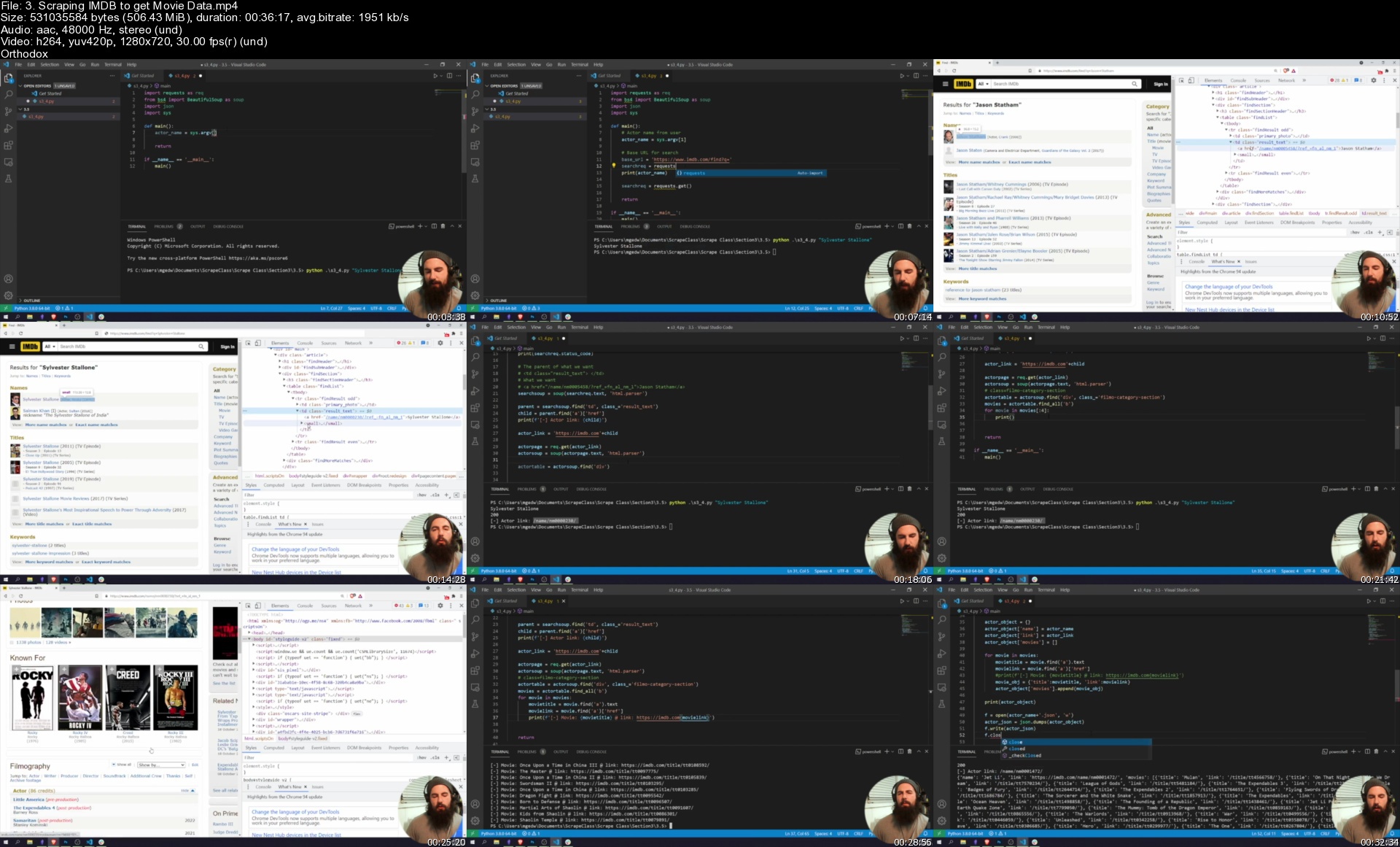
Scrape the Planet! Building Web Scrapers with Python
fgfbyiarxhluj51so0xzslyjfz.jpg


Scrape the Planet! Building Web Scrapers with Python
Genre: eLearning | MP4 | Video: h264, 1280x720 | Audio: AAC, 48.0 KHz
Language: English | Size: 8.85 GB | Duration: 10h 26m

Power up your big data projects with cutting-edge web scraping technology built with Python


What you'll learn
How to theorize and develop web scrapers and spiders for data analysis and research
What are scrapers and spiders?
What is the difference between a scraper and a spider?
How are scrapers and spiders used in research?
How to use the Requests and BeautifulSoup libraries to build scrapers
How to build multi-threaded, complex scrapers


Description
The web is full of incredibly powerful data stored away in billions of different websites, databases and APIs. Financial data like stock prices and cryptocurrency trends, weather data in thousands of different cities in dozens of countries offered down to the hour, and fun biographical information about your favorite actor or actress: all of this information is at your fingertips, but it's impossible to truly harness it all without a bit of help and automation!

Scrapers and spiders are incredibly powerful programs that allow developers, big data analysts and researchers to harness all of this amazing data and use it for a vast array of different applications, from the creation of data feeds to the collection of data to feed machine learning and artificial intelligence algorithms. This course offers a hands-on approach to building real, usable spiders in realistic situations for financial analysis, link graph construction and social media research, to name a few. By the end of this course, the student will be able to develop spiders and scrapers from scratch using Python and will only be limited by their own imagination. Put the vast power of the internet within your grasp by learning how to develop automated scrapers today!

This class is built with beginners in mind, and while previous experience in Python programming helps, you can start this course without ever having written a line of code.


Who this course is for:
Internet researchers from all walks of life wanting to learn how to harness the information on the web for the greater good.
People interested in data science and web scraping.
People interested in data collection and curation.
Beginner Python developers.

Homepage

3.scrapingimdbtogetmorlj2t.jpg


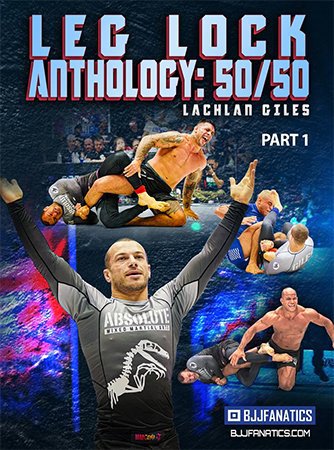
Leg Lock Anthology: 50/50

8zcmjfq1axp1yixvqidrqk0j1b.jpg


Leg Lock Anthology: 50/50
Lachlan Giles | Duration: 12:17 h | Video: H264 960x540 | Audio: AAC 48 kHz 2ch | 7,52 GB | Language: English

The Leg Lock Anthology: 50/50 by Lachlan Giles

• Learn the never before seen submission system that shocked the world at The ADCC 2019
• ADCC Absolute Medalist Lachlan Giles teaches the full leg lock system behind one of grappling's most legendary performances
• Lachlan narrates over his own training and competition footage so you can see his mindset and decision making in action
• Attack the heel hook from 50/50, Lachlan's signature submission that tapped out three heavyweights in a day

Homepage


8tu12csupirunvq2hbopc52jkf.jpg


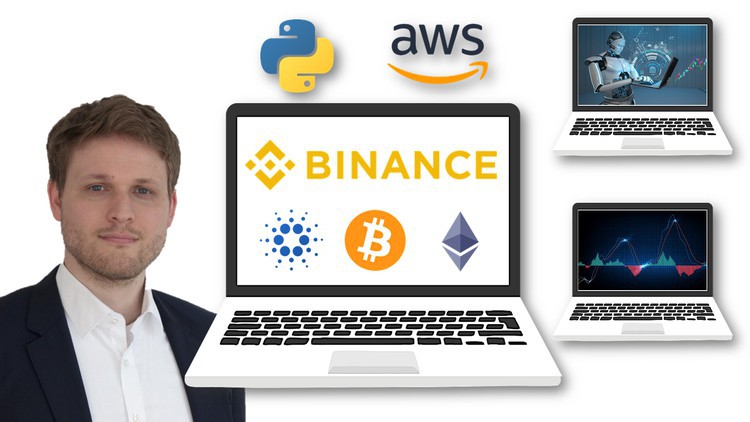
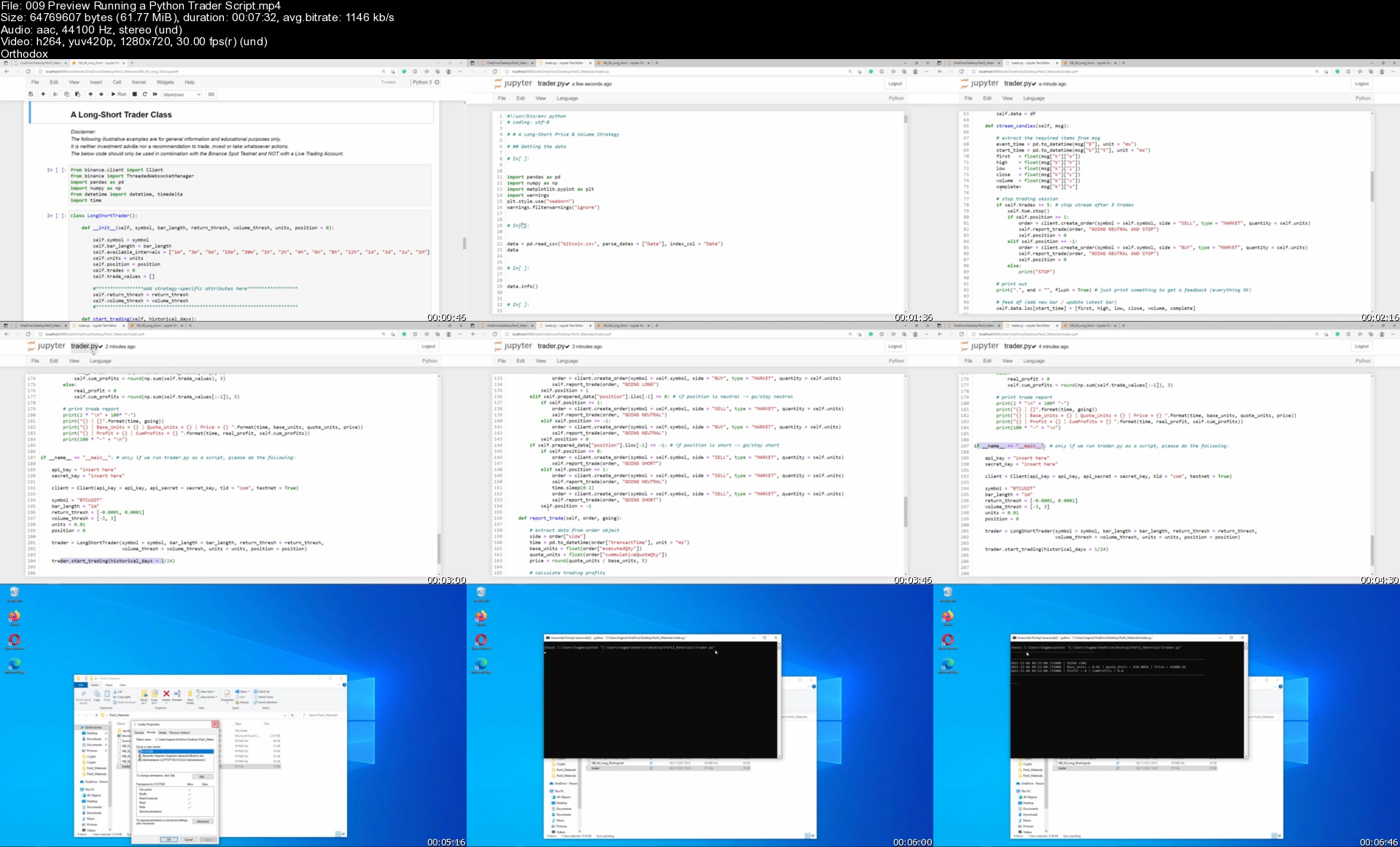
Cryptocurrency Algorithmic Trading with Python and Binance

4292024770fnoj1u.jpg


Cryptocurrency Algorithmic Trading with Python and Binance
MP4 | Video: h264, 1280x720 | Audio: AAC, 44.1 KHz, 2 Ch
Genre: eLearning | Language: English + srt | Duration: 374 lectures (33h 57m) | Size: 10.7 GB

Create powerful Trading Strategies and fully automated AWS Trading Bots for Bitcoin, Ethereum, Solana, Cardano & co


What you'll learn
Build automated Crypto Trading Bots with Python, Binance and Amazon Web Services (AWS)
Spot Trading and Futures Trading
Create powerful and unique Crypto Trading Strategies
Rigorous Testing of Strategies: Backtesting, Forward Testing and live Testing (Paper Trading)
Deep Dive into the Binance API (Spot & Futures)
Truly Data-driven Trading and Investing
Margin Trading (Leverage)
Understand Trading: Order Types, Commissions, Bid-Ask-Spread, Slippage, Liquidation, etc.
Load Historical Market Data (Price, Volume and more) from Crypto Spot & Futures Markets
Python Coding and Object Oriented Programming (OOP) in a way that everybody understands it
Coding with Numpy, Pandas, Matplotlib and Seaborn
Fully automate and schedule your Trades on a virtual Server in the AWS Cloud
Stream high-frequency real-time Cryptocurrency Data
Understand, analyze, control and limit Trading Costs

Requirements
No Python experience needed. This course provides a Python Crash Course.
No Finance/Trading knowledge required. You will learn everything you need to know.
A desktop computer (Windows, Mac, or Linux) capable of storing and running Anaconda. The course will walk you through installing the necessary free software.
An internet connection capable of streaming HD videos.
Some high school level math skills would be great (not mandatory, but it helps).


Description
Welcome to the most comprehensive Algorithmic Trading Course for Cryptocurrencies. It´s the first 100% Data-driven Crypto Trading Course!

Learn how some of the most successful Crypto Traders and Investors make Profits.

In this rigorous but yet practical Course, we will leave nothing to chance, hope, vagueness, or pure intuition! And it´s the most detailed course on the Binance API.

So what´s the ultimate goal of this course? Creating powerful and fully automated Crypto Trading Bots for Spot Trading and Futures Trading.

The course is structured in four Parts

Part 1: Fundamentals of Trading, Binance, and Python for Finance

Trading vs Investing

Spot vs. Derivates (Futures) Trading

What you should know about Cryptocurrencies as an Asset Class

Trading 101: Market Orders, Limit Orders, Commissions, Spreads, Slippage, Market Depth, and more

Binance Overview and the Binance API

Financial Data Analysis with Python and Pandas

Part 2: Automated Crypto Spot Trading

Long-only Strategies

Enhanced Buy-and-Hold Strategies

Backtesting, Optimization, and Forward Testing of Trading Strategies

Implementing and automating Trades

Creating fully automated Trading Bots in the Cloud (AWS)

Real Trading and Paper Trading

Part 3: Automated Crypto Futures Trading

Futures and perpetual Futures

Long-Short Futures Trading Strategies

Margin Trading (Leverage)

Real Trading and Paper Trading with the Binance Futures API

Part 4 (Appendix): A Python Crash Course (optional)

Everything you need to know about Python Coding for this Course - no more, no less

What else should you know about me and the course?

The course shows how to do things right. But equally important, it highlights the most commonly made mistakes in (Crypto) Trading. There is hardly any other business where beginners make so many mistakes. Why is that? A lack of skills, expertise, and experience. And: Overconfidence and overreliance on intuition. As a finance professional with an extensive academic background (MSc in Finance, CFA) my clear message is: For Trading and Investing, intuition and common sense are not your best friends. Very often, the most intuitive solution is not the correct solution!

This course is "not only" a crypto trading course but also an in-depth Python Course that goes beyond what you can typically see in other courses. Create Software with Python and run it in real-time on a virtual Server (AWS)!

What are you waiting for? Join now!

Thanks and looking forward to seeing you in the Course!

++++++ IMPORTANT NOTICE +++++

Currently, Binance is not available in the following Countries/States

Malaysia, Singapore, Ontario (Canada)

US States: Connecticut (CT), Hawaii (HI), Idaho (ID), Louisiana (LA), New York (NY), Texas (TX), and Vermont (VT)

What you can´t do in these jurisdictions

Creating a Binance account & Trading real Cryptos/Futures

What you still can do

Creating, Backtesting, Optimizing, and Forward Testing Trading Strategies

Creating Testnet accounts on Binance (Spot Testnet and Futures Testnet)

Paper Trading

Who this course is for
Beginners who want to start with Cryptocurrencies and want to do it right straight way (avoiding common mistakes).
Cryptorcurreny Traders and Investors who want to professionalize and automate their Business.
Cryptorcurreny Traders and Investors tired of relying on simple strategies, chance and hope.
Finance & Investment Professionals who want to step into Data-driven Finance.
Data Scientists and Machine Learning Professionals with an interest in Trading and Cryptos.

Homepage


009previewrunningapyttgju7.jpg


Automation Architect - Selenium WebDriver - 9 Live Projects (updated 7/2021)

s0e8acub9hvhb2drv35sn9djwv.jpg


Automation Architect - Selenium WebDriver - 9 Live Projects (updated 7/2021)
Genre: eLearning | MP4 | Video: h264, 1280x720 | Audio: AAC, 44.1 KHz
Language: English | Size: 37.5 GB | Duration: 100h 9m

Automation Architect - Selenium WebDriver with 9 Live Projects (Learn Indepth Framework implementation on Live Projects)


What you'll learn
You should be able to master the Framework designing part and should be able to justify 3+ years of experience in Selenium and framework designing
Should be able to crack automation interviews easily


Description
The Only course to cover 9 Live projects on different frameworks designed from scratch

~~~~~COURSE RECENTLY UPDATED WITH LATEST SELENIUM 4 and Extent Reports 5.x SERIES~~~~~~

The course is specially designed at architect level which will cover all major framework designing concept with implementation of majorly use Utilities.

As in most of the Selenium and Appium interviews majorly questions are asked from frameworks itself, this course specifically focuses on end to end framework designing on Live projects using all major techniques and live projects. After the course you should be capable enough to show 2-3+ years of your current experience in Selenium and can hit the market accordingly

Topics Highlight:

Projects build with in-depth implementation of following topics

Excel Reader

Logs

Mails

Zip

Listeners - Soft assertions, Test Failure

Jenkins

Maven

ReportNG

ExtentReports

Database

Properties

Runmodes

TestNG

ScreenshotUtils

Parallel Execution

Docker

Java Generics

MultiThreading

Page Object and Page Factory

7 Live Projects with Different Frameworks implemented on:

Data Driven Framework

Data Driven extended with Grid Implementation

Page Object Model

Page Object Model with Page Factory

Cucumber BDD with Page Object and Page Factories

Page Object Model and Page Factory extended with Java Generics and MultiThreading (Parallel Execution)

Cucumber BDD with Page Objects and Page Factories with Parallel Execution

End to End Data + Keyword Driven Framework (Live Batch recordings)

End to End Page Object Model with Page Factories (Live Batch recordings)

Once again to join this course you should have basic understanding of Core Java and WebDriver.

Happy Learning !!!


Who this course is for:
Automation testers
Developers
Selenium architects
selenium testers
appium testers

Homepage


5creatingtestdependenr7j6s.jpg


Apprendre le C# (C-Sharp) de débutant à Expert.

dhh5wa0vfhxhasci3d57s55kjn.jpg


Apprendre le C# (C-Sharp) de débutant à Expert.
MP4 | Video: h264, 1920x1080 | Audio: AAC, 44.1 KHz
Language: French | Size: 8.88 GB | Duration: 17h 27m

Développez des applications en C# avec Visual Studio.


What you'll learn
L'environnement Visual Studio
Les notions de base du C#
Les Fondamentaux du langage
La Programmation Orientée Objet en C#
La Persistance des données
Les applications Winforms
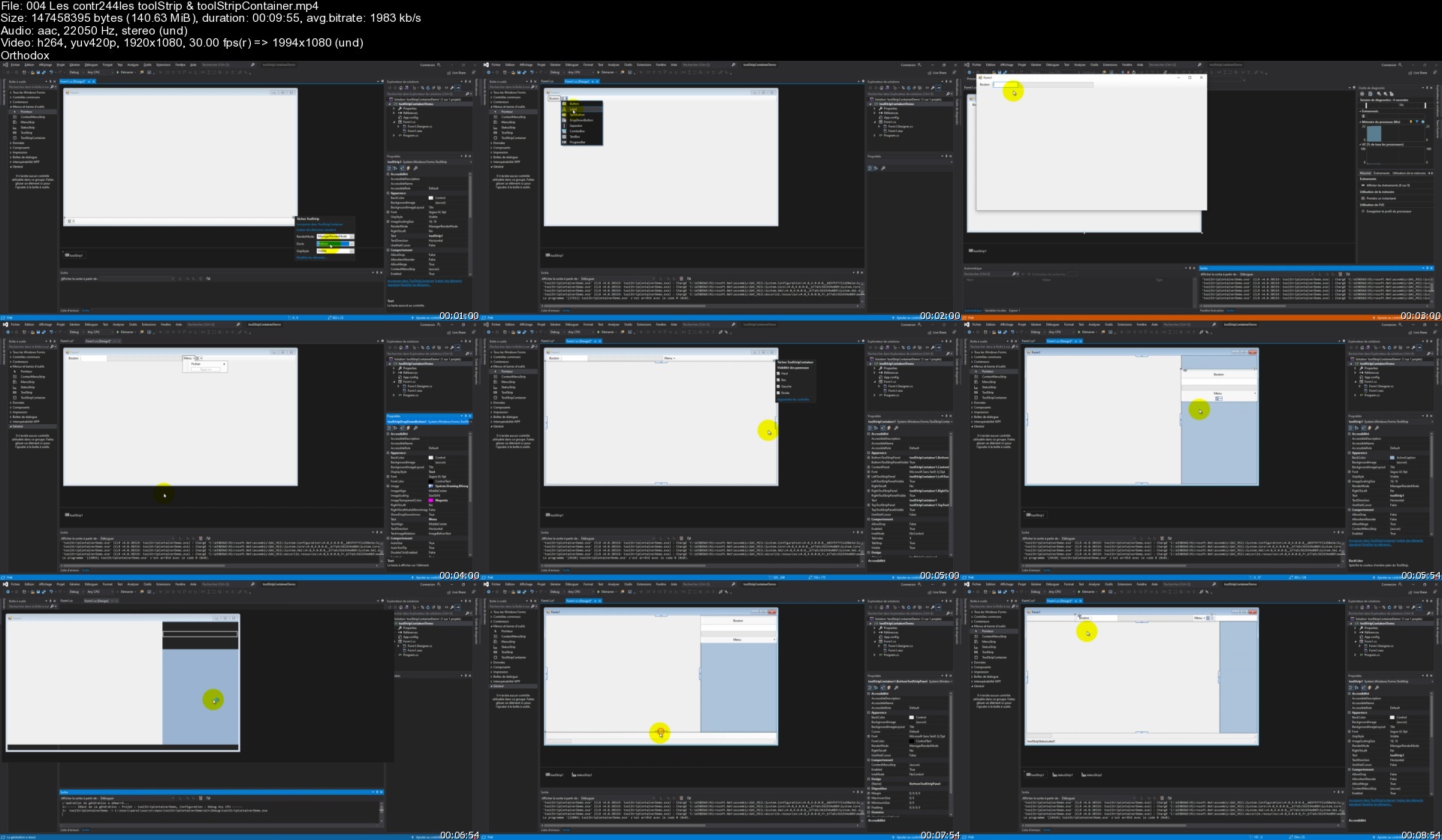
Les Principaux contrôles et composants
Les Boites de dialogues
La réalisation de menus et de barres d'outils
Les évènements de contrôles
La compilation en C#
Gérer la documentation de code

Requirements
Un ordinateur et de la persévérance.

Description
Le langage C# est utilisé pour le développement d'application que ce soit en mode console ou encore en mode fenêtré, mais aussi pour créer des jeux vidéo grâce à Unity, ou encore des applications Web (ASP).

C'est un langage puissant et de plus en plus populaire qui s'appuie sur framework .NET.

Le C# est un langage de programmation généraliste crée par Microsoft , il est bien construit, il est relativement intuitif et très puissant. C'est un langage dit "fortement typé" orientée objet.

Pourquoi apprendre le langage C# ?

Idéal pour les débutants

Simple à maintenir

La vitesse

La communauté

Les opportunités de carrière

Dans ce cours vous apprendrez les bases du C#, puis progressivement vous monterez en compétences pour enfin maitriser ce fabuleux langage de programmation. Des questionnaires ainsi que des ateliers pratiques (avec corrigé), vous permettrons de tester vos compétences tout au long de cette formation.

Vous apprendrez par exemple :

La programmation Orientée Objet

Les délégués

Les collections

La manipulation de chaine de caractères

La persistance des données

Les applications Winforms

Les génériques

Les contrôles

ou encore à exploiter Visual Studio et biens d'autres choses.

A la fin de ce cours vous serez capable d'utiliser le C# et de créer des applications sous Mac, Windows ou encore Unity.

Pour plus de détails je vous invite à consulter le plan de cours ou de regarder les vidéos en libre accès.

ATTENTION : Sous MacOS, Visual Studio ne permet pas de créer des applications WinForms, uniquement en mode console.


Who this course is for:
Développeurs débutants
Développeurs désireux de monter en compétences
Toutes personnes voulant découvrir la programmation.

Homepage


004lescontr244lestooloskg0.jpg


React Tutorial and Projects Course (updated 10/2021)

26eyfttd3vibfzoiignlvp0j6t.jpg


React Tutorial and Projects Course (updated 10/2021)
MP4 | Video: h264, 1280x720 | Audio: AAC, 44.1 KHz
Language: English | Size: 14.5 GB | Duration: 48h 31m

Step by Step Learn React.js and Create Interesting Projects


What you'll learn
Make Great Projects Using React

Requirements
Strong Knowledge of HTML, CSS, JS is Required. ES6 is optional.

Description
React was released by Facebook's web development team in 2013 as a view library. React is one of the best choices for building modern web applications. React has a slim API, a robust and evolving ecosystem and a great community. In this course we will be learning React by creating various projects.If you want to learn more than just same old tutorial and instead create interesting projects using React.js this course is for you.

All Project Intros are available for preview.


Who this course is for:
Everyone who wants to learn React

Homepage


9tourstoggleinfos9nklf.jpg


Flutter Tutorials - Latest Packages and Components - Flutter (Updated 10/2021)

335461000913qnjv5.jpg


Flutter Tutorials - Latest Packages and Components - Flutter (Updated 10/2021)
Last Update: 10/2021
Duration: 9h 25m | Video: .MP4, 1280x720 30 fps | Audio: AAC, 44.1 kHz, 2ch | Size: 5.34 GB
Genre: eLearning | Language: English

This Course Contain all Aspects of Flutter like Flutter Widgets and Components, Flutter Firebase, GetX and Much More.


What you'll learn:
Latest And Stylish Flutter Components and Packages.
Flutter Firebase
Flutter Apps UIs with Resources and Explanation
Flutter GetX
Covid-19 Tracker App using Flutter Along with the Source Code
How to upload Flutter project on Github
Razorpay Payment Integration
API Integration

Requirements:
Android Studio and Flutter Sdk

Description:
Learn about latest and stylish flutter components and packages along with the source code. This course also have firebase integration with flutter. This course is particularly designed for developers who want to explore flutter and learn about flutter widgets and components and it's uses. This course will also help you to create flutter app from scratch.
What you will learn in this Course :
Section 1 - Flutter Widgets and Components :
01. Palette Generator02. Widget With Code View03. Circular Bottom Bar04. Color Picker05. Curved Navigation Bar06. FL Radial Menu07. Foldable Side Bar08. Intro View09. Bubbled Navigation Bar10. Lamp Navigation Bar11. List Wheel Scroll View12. Navigation Rail13. Scratcher14. Shrink Side Menu15. Snake Navigation16. Speedometer17. Spin Circle Bar18. Stepper19. Vertical Card Pager20. Video Player21. Wave Drawer22. Svg Icons23. Url Launcher24. Story View like WhatsApp25. Quick Actions26. Share Plugin27. Carousel Swiper28. Custom Clippers29. Gif Dialogs30. Liquid Swiper31. Selectable Text32. Clipboard33. Image Picker34. Connectivity Plugin35. ListView Layouts36. Status Bar37. Pull to Refresh and Fetch Data from API38. Scroll to Top and Bottom in ListView using Buttons.39. Blur Image40. Draggable List View
Section 2 - GetX :41. Route Management42. Advanced Features and APIs43. State Management and Dependency Injection44. Shared Preferences45. Dynamic Themes - Change App Theme
Section 3 - Flutter Apps UIs with Resources and Explanation :46. File Upload App UI47. **** Education App UI48. BMI Calculator49. Weather App UI
Section 4 - Flutter Firebase50. Firebase Setup51. Firebase Google Authentication52. Firebase Screen Models53. Firebase CRUD Operations
Section 5 - Covid-19 Tracker App54. Introduction55. Geolocation56. Asynchronous Programming57. Future Keyword58. Covid-19 Tracker App - Part I59. Covid-19 Tracker App - Part II
Section 6 - GitHub60. How to Upload Flutter Project on GitHub.61. How to use Push and Pull Command.
Section 7 - For Passionate Flutter Developers62. Razorpay Payment Integration63. How to Create Cart With Functionality64. QR Code Scanner and Generator65. Read PDF With Night Mode66. Text to Speech67. Flutter Signature Pad
Reasons to learn Flutter :
Increasing Demand for Flutter Developers : Flutter Developers' demand is increasing day by day in the job market as almost everyone is moving towards Native app development for which Flutter is very much relevant. Even many experienced developers who are in the development domain for many years are finding Flutter more preferable.
Larger Community : Think if you got stuck in any programming error and nobody is near you to guide what's wrong. So, as a developer what'll you do? Right, you search your error on Google or in a browser and you'll find a similar problem with a solution. And that's where the role of the larger Flutter community comes! The Flutter developers community has seen exponential growth in the last few years on different QA forums such as Stack Overflow, etc.
Better Documentation : Indeed, well-prepared documentation is also very essential for any framework or language to make a good standing in the market and Flutter has awesome and fully organized documentation where you can easily learn the syntax and other required concepts in detail. Also, as Flutter contain lots of library and widgets and you can easily find all these on Flutter documentation.
Fast Development & Time-Effective : Flutter supports the fast development process and saves a lot of time for the developers. Firstly, with the help of various enriching widgets, you can easily create a creative UI/UX design for your applications. Also, it is quite easy with Flutter to apply all the changes and to fix bugs instantly. Moreover, with Flutter, there is required less time to spend on testing and deployment of the application.
Easy to Learn : Flutter is comparatively easier to learn and if you know JAVA priorly then it becomes more convenient and easier for you to command over Flutter. Also, as Flutter uses Dart programming language, you need to be proficient with the language. You can start to learn Flutter via watching video tutorials and reading the official documentation.
We will keep adding new videos to the course, so stay tuned and keep fluttering :)Check Out Passionate Flutter Developers Section Above


Who this course is for:
Anyone interested in programming and designing

Homepage

06.baselayercreations5ijnj.jpg


Complete Python 3 and Raspberry Pi Masterclass

21056322f5e2rhk99.jpg


Complete Python 3 and Raspberry Pi Masterclass
Last Update: 4/2020
Duration: 20h 27m | Video: .MP4, 1280x720 30 fps | Audio: AAC, 44.1 kHz, 2ch | Size: 9.68 GB
Genre: eLearning | Language: English

Learn Python 3 Basics, Advanced Python, Scientific Python, Raspberry Pi, and Hardware projects in a single course


What you'll learn:
Python 3 Basics
Python 3 Advanced Concepts
Setting Up and using Raspberry Pi
Scientific Python Ecosystem
Basics of NumPy and Matplotlib
Image Processing
Basics of Machine Learning and Data Science
Work with MySQL, Excel, Plaintext, and CSV
Python Distributions
Introduction to Hardware and GPIO of Raspberry Pi
Simple LED project with Raspberry Pi GPIO

Requirements:
A Windows PC and a Raspberry Pi with Internet Connection
Zeal and enthusiasm to learn new things
a burning desire to take your career to the next level
Prior Programming, electronics, and Maths experience will be very helpful although it is not mandatory

Description:
Become a Master in Python 3 and Raspberry Pi and acquire employers' one of the most requested skills of 21st Century! An expert level Python 3 and Raspberry Pi Professional can earn minimum $150000 (that's four zeros after 15) in today's economy.
This is the most comprehensive, yet straight-forward course for the Python 3 and Raspberry Pi on Udemy! Whether you have never worked with Python 3 and Raspberry Pi before, already know basics of Python Programming, or want to learn the advanced features of Raspberry Pi with Python 3, this course is for you! In this course we will teach you Raspberry Pi with Python 3.
(Note, we also provide you PDFs, python programs, and Jupyter Notebooks in case you need them)
With over 175 lectures and more than 20 hours of video this comprehensive course leaves no stone unturned in teaching you Python3, Raspberry Pi, Basic Electronics, GPIO, basic Internet of Things, and Image Processing.
This course will teach you Python 3 and Raspberry Pi in a very practical manner, with every lecture comes a programming video and a corresponding Jupyter notebook/ program file that has Python 3 code! Learn in whatever manner is the best for you!
We cover a wide variety of topics, including:
Python 3 Installation on Windows
Raspberry Pi Setup
Basics of Python 3 Programming
Advanced Python 3 Programming
Object Oriented Programming
Exceptions in Python
Pip and PyPI
Scientific Python
NumPy and Matplotlib
Image Processing with NumPy and Matplotlib
File Handling (plaintext, CSV, and Excel files)
SciPy and Machine Learning
MySQL and Python 3
and many more topics not listed here (see the actual course index for the list of topics)
You will get lifetime access to over 175 lectures plus corresponding PDFs, Image Datasets, python programs, and the Jupyter notebooks for the lectures!
So what are you waiting for? Learn Python 3 and Raspberry Pi in a way that will advance your career and increase your knowledge, all in a fun and practical way!


Who this course is for:
People who are just beginning to learn Python and Raspberry Pi
Anyone who wants to learn programming and electronics in depth
Scientists, Mathematicians, Physicists, and Engineers
Programmers and Developers who have not programmed with Python before
People looking forward for careers in domains like Data Science, IoT, and Python Programming
Managers and Business Professionals

Homepage

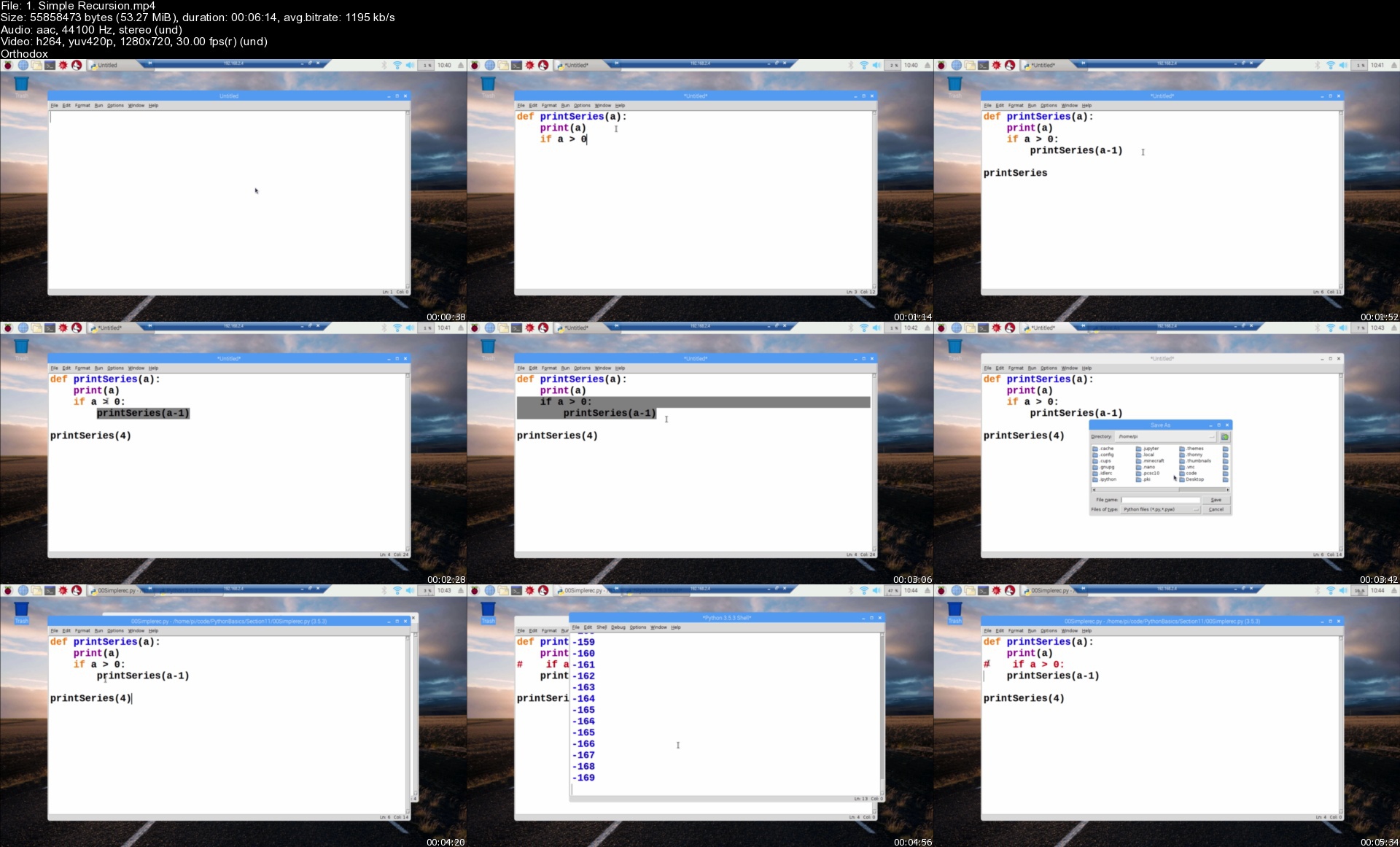
1.simplerecursionsubj45.jpg


Complete guide to building an app with .Net Core and React 2021

xw3va5awybpuc50qektuhx4k2j.jpg


Complete guide to building an app with .Net Core and React 2021
MP4 | Video: h264, 1280x720 | Audio: AAC, 44.1 KHz
Language: English | Size: 21.3 GB | Duration: 69h 23m

The complete guide to building an app from start to finish using ASP.NET Core, React (with Typescript) and Mobx


What you'll learn
Learn how to build an application from start to publishing with .Net Core (v2.2), React (with Typescript) and Mobx
How to build a Web API in .Net Core with Clean Architecture using the CQRS + Mediator pattern
How to use AutoMapper and MediatR packages in the .Net projects
How to build a multi-project solution with .Net Core
How to use Entity Framework Core as the Object Relational Mapper
How to integrate ASPNET Core SignalR into an application for real time web communication
How to add Identity and Authentication using .Net Core Identity
How to build a Client side application for the API with React
How to use MobX as a state management library
How to build our own Photo upload widget with a Dropzone and a Cropper to resize images

Requirements
Some development experience required (3 -6 months)
A computer with Mac OSX, Windows or Linux installed
A passion for learning how to build web applications

Description
***Course has now had a major update updated for .Net 5.0 and React 17***

Note: The true length of this course is approximately 32 hours. The legacy version of the course has been moved to the end after the new version of the course.

Have you learnt the basics of ASP.NET Core and React? Not sure where to go next? This course should be able to help with that. In this course we learn how to build a multi-project ASP.NET Core solution that is built using Clean Architecture and the CQRS and Mediator pattern that makes our code easy to understand, reason about and extend.

Both ASP.NET Core and React are hot topics and this course will enhance your knowledge of both, simply by building an application from start to finish. In each module we learn something new, whilst incrementally adding features to the application. Building an application is significantly more rewarding than building yet another Todo List from the documentation!

Every line of code is demonstrated and explained and by the end of this course you will have the skills and knowledge to build your own application using the techniques taught in this course.

Here are some of the things you will learn about in this course:

Setting up the developer environment

Creating a multi-project solution using the the ASP.NET Core WebAPI and the React app using the DotNet CLI and the create-react-app utility.

Clean Architecture and the CQRS + Mediator pattern

Setting up and configuring ASP.NET Core identity for authentication

Using React with Typescript

Adding a Client side login and register function to our React application

Using React Router

Using AutoMapper in ASP.NET Core

Building a great looking UI using Semantic UI

Adding Photo Upload widget and creating user profile pages

Using React Final Form to create re-usable form inputs with validation

Paging, Sorting and Filtering

Using SignalR to enable real time web communication to a chat feature in our app

Publishing the application to both IIS and Linux

Getting an 'A' rating for security from a well known security scanning site.

Many more things as well

Tools you need for this course

In this course all the lessons are demonstrated using Visual Studio Code, a free (and fantastic) cross platform code editor. You can of course use any code editor you like and any Operating system you like... as long as it's Windows, Linux or Mac

Is this course for you?

This course is very practical, about 90%+ of the lessons will involve you coding along with me on this project. If you are the type of person who gets the most out of learning by doing, then this course is definitely for you.

On this course we will build an example social network application that allows users to sign up to events (similar to MeetUp or Facebook), completely from scratch. All we start with is an empty terminal window or command prompt.

All you will need to get started is a computer with your favourite operating system, and a passion for learning how to build an application using ASP.NET Core and React


Who this course is for:
Beginners to .Net Core or React or Typescript who want to learn how to build something with these tools
Students who prefer the practical approach to learning rather than learning by theory

Homepage


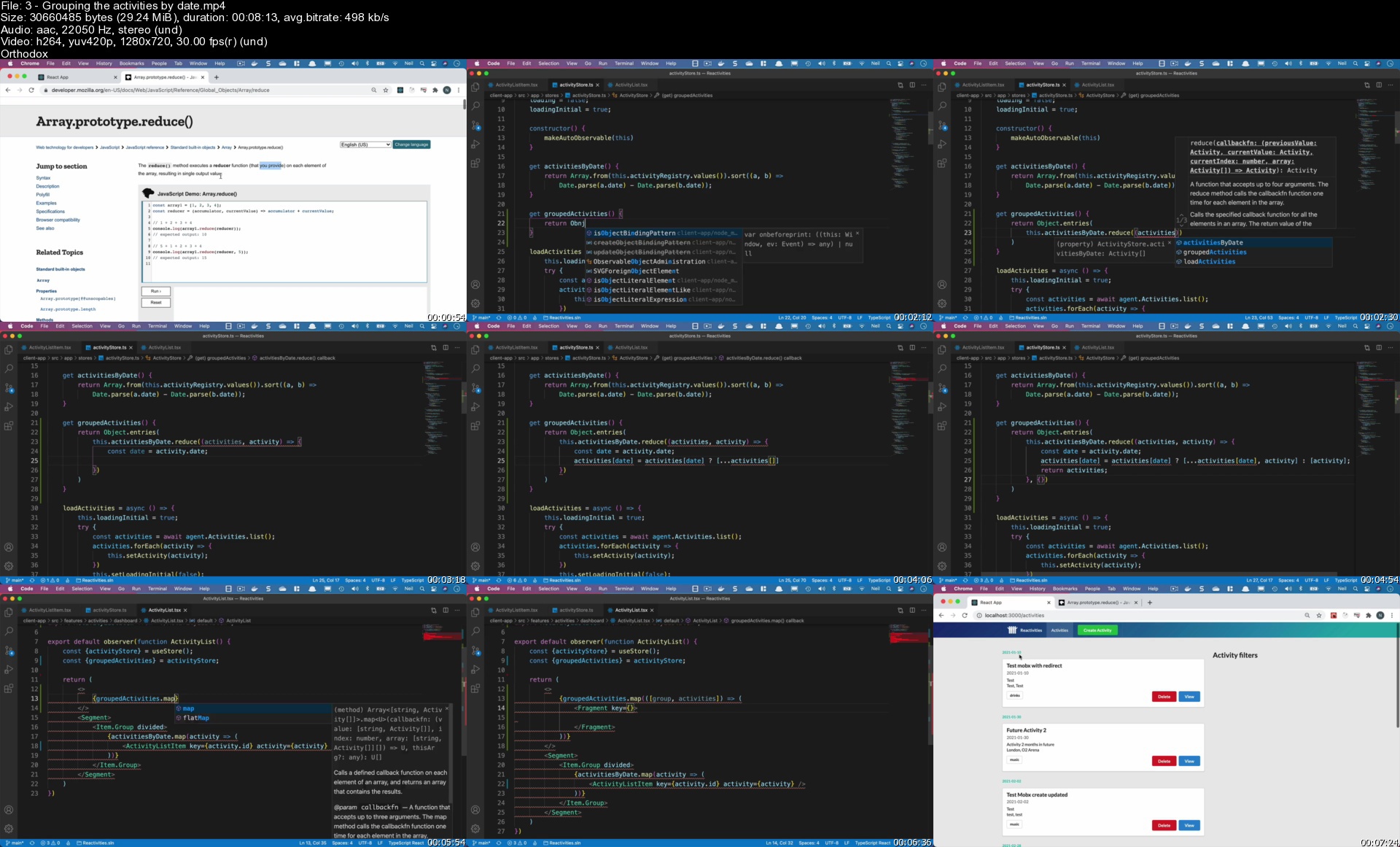
3groupingtheactivitieyljcs.jpg


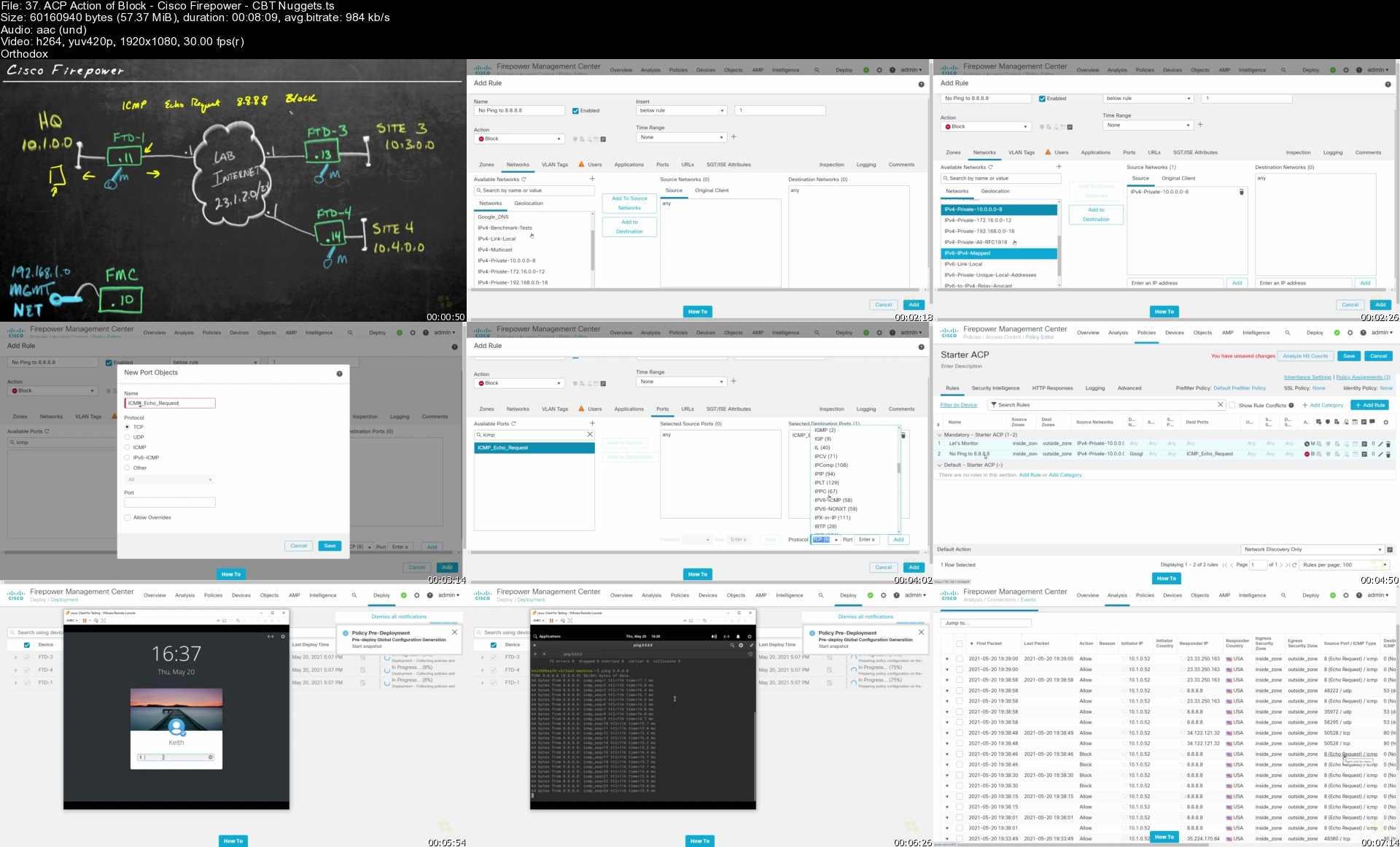
Cisco Firepower Online Training

xmkjpjjl1ahc6gst3nuzd9jktd.jpg


Cisco Firepower Online Training
Keith Barker | Duration: 18:00 h | Video: H264 1920x1080 | Audio: AAC 48 kHz 2ch | 9,17 GB | Language: English

In this intermediate Cisco skills training, Keith Barker prepares network administrators to learn about next-generation firewalls. This network infrastructure training may not map to a Cisco exam, but it's still an excellent primer for anyone who needs to learn about Cisco's next-generation Firepower firewalls.

Security is everyone's responsibility, and Cisco FirePower helps you ensure that everyone is living up to that responsibility with application-layer filtering and control. The resulting ASA firewalls are Cisco's next-generation firmware (NGFW) devices. With the increasing emphasis on defense-in-depth and security posture, network administrators with FirePower knowledge can set themselves apart professionally, while making sure their users are doing the right thing.

After completing this Cisco Firepower training, you'll know how to use lists and feeds, how to blacklist IP addresses and URLs, and how to implement Security Intelligence (SI) as part of an access control policy in Firepower. Network administrators who complete this network infrastructure course will be well-positioned to step into network security positions or senior network administrator roles.

For supervisors, this Cisco security training can be used to onboard new network administrators, curated into individual or team training plans, or as a Cisco reference resource.

Homepage


37.acpactionofblockciksjmp.jpg


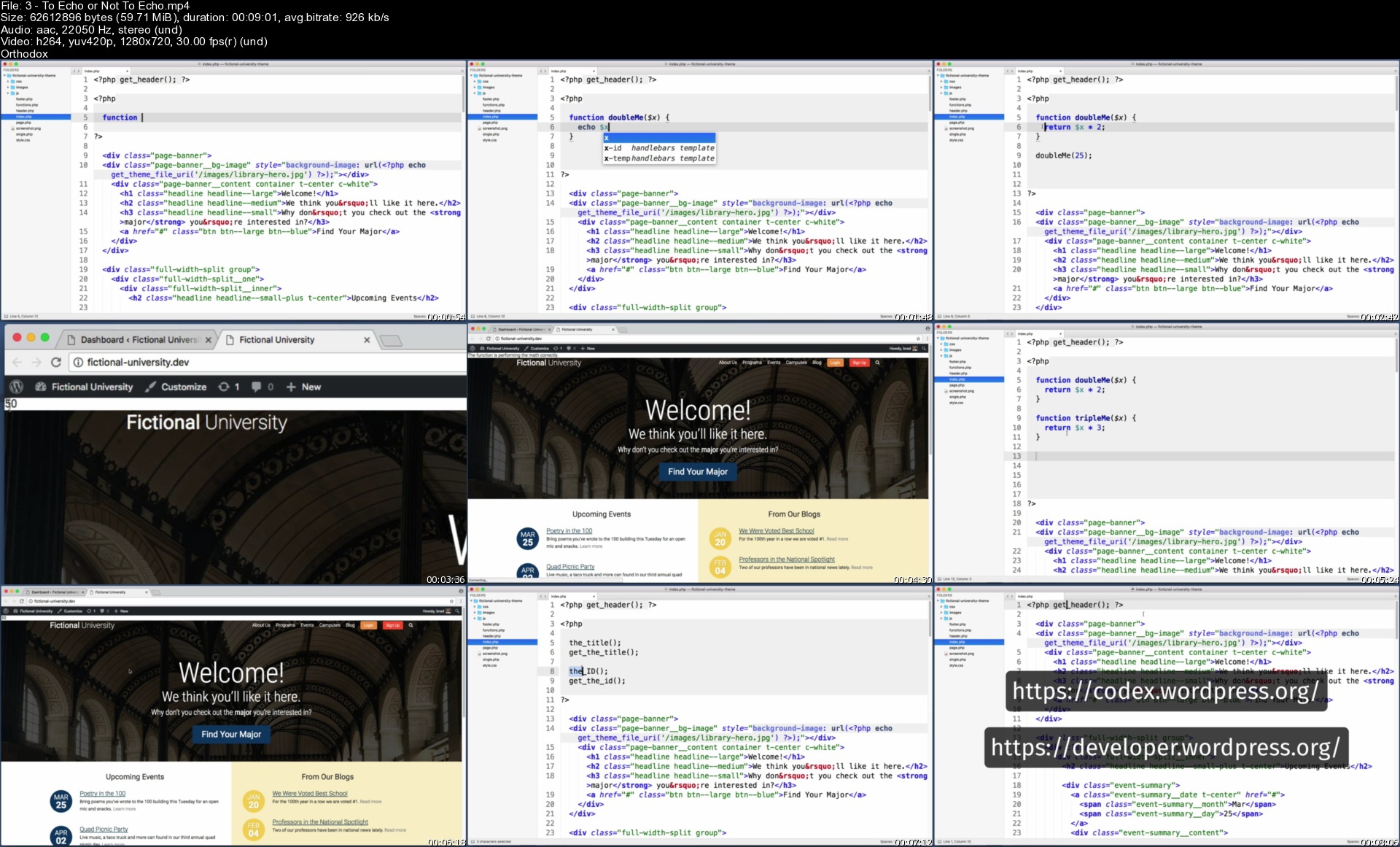
Become a WordPress Developer: Unlocking Power With Code (updated 7/2021)

5w4gnznavbiuicift6jpgcmj9o.jpg


Become a WordPress Developer: Unlocking Power With Code (updated 7/2021)
MP4 | Video: h264, 1280x720 | Audio: AAC, 44.1 KHz
Language: English | Size: 14.0 GB | Duration: 35h 31m

Learn PHP, JavaScript, WordPress theming & the WP REST API to Create Custom & Interactive WordPress Websites


What you'll learn
Why code is the key to building whatever you can imagine with WordPress
The ability to write PHP to manipulate the data of a WordPress site
The ability to write JavaScript to add on-the-fly interactivity to a WordPress site
How to code your own new custom block types for the "Gutenberg" Block Editor
The skills, knowledge and vocabulary to work professionally as a WordPress developer

Requirements
Basic WordPress knowledge (how to create a blog post, etc...)
A basic understanding of HTML (e.g. "p" is for paragraph, "h1" is for headline, etc...)
No CSS knowledge required (although it helps to understand that CSS is used to add style & design to a page)
No JavaScript knowledge required (although it helps to understand that JS is used to add interactivity to a page)

Description
Unlock the full power of WordPress and go beyond "just a blog platform" by learning how to code completely custom WordPress powered sites.

Updated for 2019: A new 3 part lesson on coding our own custom block type for the new "Gutenberg" Block Editor in WordPress.

I've spent the last 12 years studying WordPress, PHP, and JavaScript and now I'm here to teach you everything I know. Come along on this journey with me and become a WordPress developer.

Together we will build a website for a fictional university and along the way we will:

Install WordPress on your personal computer so you have a private playground copy of WordPress to practice and experiment with

Get introduced to the PHP language (this is what powers WordPress)

Set Up a New Theme (You'll learn how to convert any HTML template into a living breathing WordPress theme)

Create Custom Post Types and Custom Fields

Relate pieces of content with each other (e.g. a professor and a program)

Learn the basics of (object-oriented) JavaScript

Leverage the WP REST API

Learn to use JavaScript to communicate with the WordPress back-end on-the-fly

Let visitors sign up for a basic account on our site

Build a "My Notes" feature (user specific single page application with real-time CRUD actions)

Let users "like" or "heart" a professor (update the professor's like count on-the-fly)

Deploy our website live up onto the web for the entire world to view

And much more!

This course may be brand new, but this isn't my first time teaching. I've led training sessions for Fortune 500 companies and I've already helped over 17,000 people on Udemy and received the following feedback:

"Brad definitely has some of the best techniques to embed the lesson into your mind. hands down these are the best tutorials I have had the opportunity to view."

"Presentation is concise without being tedious. you honestly feel that you have a thorough understanding of the subject."

".[Brad] explained the process. Not memorize this or that, he explained the process. If you're looking to take a course to understand the foundations of creating websites, look no further."

Become highly valuable and relevant to the companies that are hiring WordPress developers; in one convenient place alongside one instructor. If you're ready to begin coding custom websites - I'll see you on the inside!


Who this course is for:
Developers who want to use WordPress as a true Content Management System and not "just a blog platform."
Those looking to learn the PHP and JavaScript languages.
People who want to learn about the "REST API" which allows us to interact with WordPress data on-the-fly in realtime.
Anyone interested in custom post types, custom fields, and creating relationships between various content types.

Homepage


3toechoornottoechos65kqp.jpg


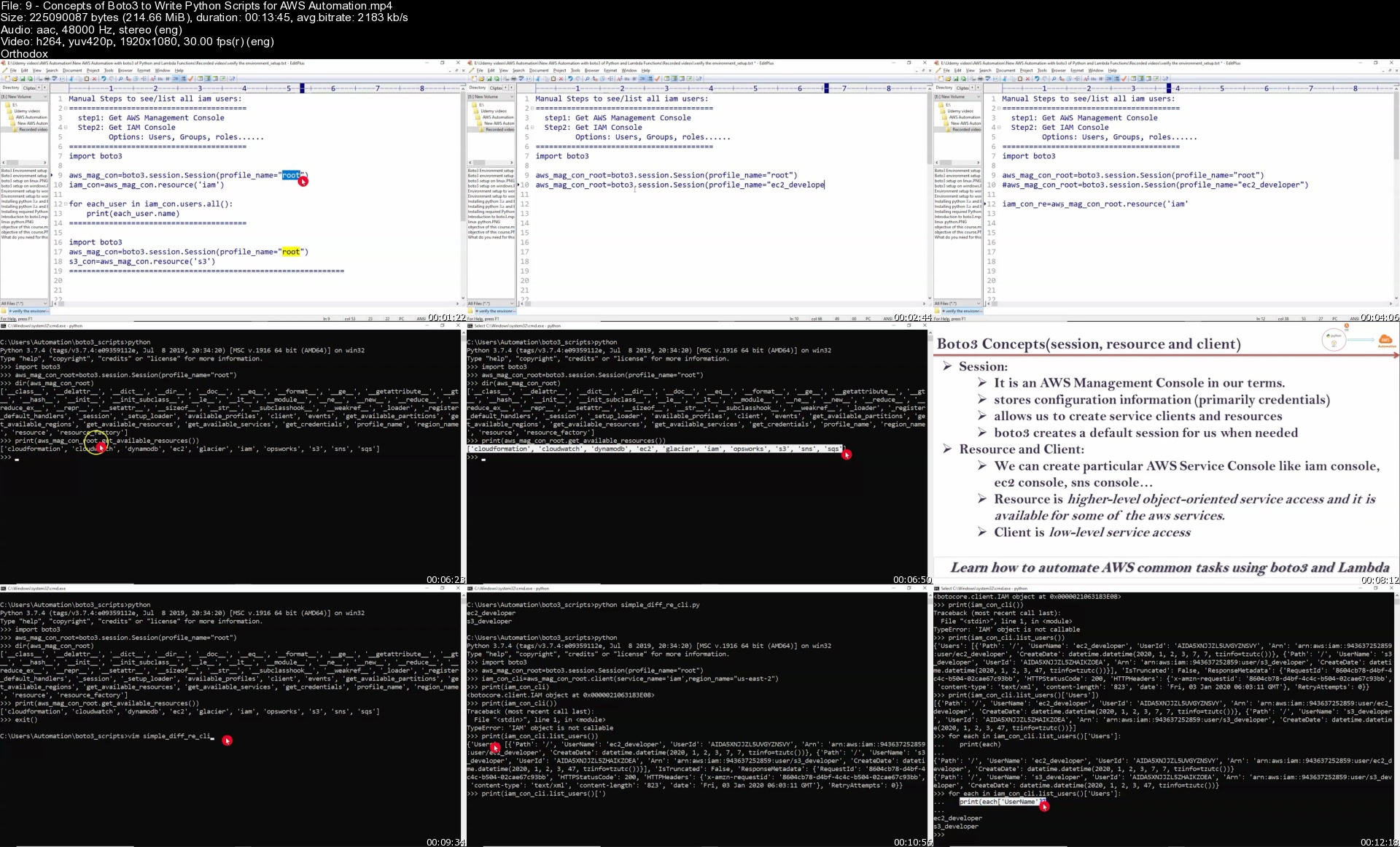
Learn AWS Automation with Boto3, Python, and Lambda Functions

i1ojkn74x0sztbcgjytzzq1j15.jpg


Learn AWS Automation with Boto3, Python, and Lambda Functions
MP4 | Video: AVC 1920 x 1080 | Audio: AAC 48 Khz 2ch | Duration: 10:15:08 | 12.72 GB
Genre: eLearning | Language: English

Gain expertise with hands-on real-time use cases using Boto3 and Lambda functions for automating their workloads

About This Video

Gain expertise with hands-on real-time use cases using Boto3 and Lambda functions
Explore in detail the concepts of Lambda function and different types of Lambda triggering methods
Understand session, resource, client, collections, waiters, and paginators

In Detail

The objective of the course, AWS Automation with Boto3, Python, and Lamba Functions, is to cover the core concepts of Boto3 and Lambda. In most of the cases, Boto3 works along with Lambda and that's the reason we combine Boto3 and Lambda into one course. We have divided the course into two parts to get more clarity about Boto3 and Lambda. Part 1 is about how to write and execute Python Boto3 on our local server or any OS. Part 2 is about writing and executing Python Boto3 in Lambda with different triggering methods.

Boto3 is the name of the Python SDK for AWS or Boto3 is the Python module to work with AWS services using Python scripts. It allows you to create, update, and delete AWS services from our Python scripts without opening AWS management console through the browser; we can execute these Python Boto3 scripts either from our local server or using AWS Lambda service.

In this course, we will see how to implement and execute Python Boto3 scripts on our local server; then, we will move on with AWS Lambda service. Boto3 is built on top of the Botocore module. We will also explore the different types of Boto3 sessions and the concepts of Boto3 to write Python scripts for AWS automation.

By the end of this course, you will get the knowledge to apply different concepts of Boto3 and Lambda for different AWS services.

9conceptsofboto3towridfkiu.jpg


Zurück
Oben Unten