• Regeln für den Video-Bereich:

    In den Börsenbereich gehören nur Angebote die bereits den Allgemeinen Regeln entsprechen.

    Einteilung

    - Folgende Formate gehören in die angegeben Bereiche:
    - Filme: Encodierte Filme von BluRay, DVD, R5, TV, Screener sowie Telesyncs im Format DivX, XviD und x264.
    - DVD: Filme im Format DVD5, DVD9 und HD2DVD.
    - HD: Encodierte Filme mit der Auflösung 720p oder darüber von BluRay, DVD, R5, TV, Screener sowie Telesyncs im Format x264.
    - 3D: Encodierte Filme von BluRay, die in einem 3D Format vorliegen. Dies gilt auch für Dokus, Animation usw.
    - Serien: Cartoon/Zeichentrick, Anime, Tutorials, Dokumentationen, Konzerte/Musik, Sonstiges sind demnach in die entsprechenden Bereiche einzuordnen, auch wenn sie beispielsweise im High Definition-Format oder als DVD5/DVD9/HD2DVD vorliegen. Ausnahme 3D.
    - Bereich Englisch: Englische Releases gehören immer in diesen Bereich.
    - Bereich Talk: Der Bereich, in dem über die Releases diskutiert werden kann, darf, soll und erwünscht ist.


    Angebot/Beitrag erstellen

    - Ein Beitrag darf erst dann erstellt werden, wenn der Upload bei mindestens einem OCH komplett ist. Platzhalter sind untersagt.
    - Bei einem Scenerelease hat der Threadtitel ausschließlich aus dem originalen, unveränderten Releasenamen zu bestehen. Es dürfen keine Veränderungen wie z.B. Sterne, kleine Buchstaben o.ä. vorgenommen werden. Ausnahme Serienbörse:
    - Bei einem Sammelthread für eine Staffel entfällt aus dem Releasename natürlich der Name der Folge. Beispiel: Die Simpsons S21 German DVDRip XviD - ITG
    - Dementsprechend sind also u.a. verboten: Erweiterungen wie "Tipp", "empfehlenswert", "only", "reup", usw. / jegliche andere Zusatzinformation oder Ergänzung, welche nicht in obiger Beschreibung zu finden ist.

    Aufbau des Angebots und Threadtitel

    Der Titel nach folgendem Muster erstellt zu werden. <Name> [3D] [Staffel] [German] <Jahr> <Tonspur> [DL] [Auflösung] <Quelle> <Codec> - <Group>
    Beispiel: The Dark Knight German 2008 AC3 DVDRip XviD - iND
    Beispiel: The Dark Knight 2008 DTS DL BDRip x264 - iND
    Beispiel: The Dark Knight 2008 AC3 DL BDRip XviD - iND
    Beispiel: The Dark Knight German 2008 AC3 720p BluRay x264 iND
    Beispiel: The Dark Knight 2008 DTS DL 1080p BluRay x264 iND
    Beispiel: Die Simpsons S01 German AC3 DVDRip XviD iND
    Beispiel: Die Simpsons S20 German AC3 720p BluRay x264 iND
    Beispiel: Sword Art Online II Ger Sub 2014 AAC 1080p WEBRip x264 - peppermint
    Entsprechend sind also u.a. verboten: Sonderzeichen wie Klammern, Sterne, Ausrufezeichen, Unterstriche, Anführungszeichen / Erweiterungen wie "Tipp", "empfehlenswert", "only", "reup", usw. / jegliche andere Zusatzinformation oder Ergänzung, welche nicht in obiger Beschreibung zu finden ist
    Ausnahmen hiervon können in den Bereichen geregelt sein.

    Die Beiträge sollen wie folgt aufgebaut werden:
    Überschrift entspricht dem Threadtitel
    Cover
    kurze Inhaltsbeschreibung
    Format, Größe, Dauer sind gut lesbar für Downloader außerhalb des Spoilers zu vermerken
    Nfo sind immer Anzugeben und selbige immer im Spoiler in Textform.
    Sind keine Nfo vorhanden z.B. Eigenpublikationen, sind im Spoiler folgende Dateiinformationen zusätzlich anzugeben :
    Quelle
    Video (Auflösung und Bitrate)
    Ton (Sprache, Format und Bitrate der einzelnen Spuren)
    Untertitel (sofern vorhanden)
    Hosterangabe in Textform außerhalb eines Spoiler mit allen enthaltenen Hostern.
    Bei SD kann auf diese zusätzlichen Dateiinformationen verzichtet werden.

    Alle benötigten Passwörter sind, sofern vorhanden, in Textform im Angebot anzugeben.
    Spoiler im Spoiler mit Kommentaren :"Schon Bedankt?" sind unerwünscht.


    Releases

    - Sind Retail-Release verfügbar, sind alle anderen Variationen untersagt. Ausnahmen: Alle deutschen Retail-Release sind CUT, in diesem Fall sind dubbed UNCUT-Release zulässig.
    - Im Serien-Bereich gilt speziell: Wenn ein Retail vor Abschluss einer laufenden Staffel erscheint, darf diese Staffel noch zu Ende gebracht werden.62
    - Gleiche Releases sind unbedingt zusammenzufassen. Das bedeutet, es ist zwingend erforderlich, vor dem Erstellen eines Themas per Suchfunktion zu überprüfen, ob bereits ein Beitrag mit demselben Release besteht. Ist dies der Fall, ist der bereits vorhandene Beitrag zu verwenden.
    - P2P und Scene Releases dürfen nicht verändert oder gar unter einem iND Tag eingestellt werden.


    Support, Diskussionen und Suche

    - Supportanfragen sind entweder per PN oder im Bereich Talk zu stellen.
    - Diskussionen und Bewertungen sind im Talk Bereich zu führen. Fragen an die Uploader haben ausschließlich via PN zu erfolgen, und sind in den Angeboten untersagt.
    - Anfragen zu Upload-Wünschen sind nur im Bereich Suche Video erlaubt. Antworten dürfen nur auf Angebote von MyBoerse.bz verlinkt werden.


    Verbote

    - Untersagt sind mehrere Formate in einem einzigen Angebotsthread, wie beispielsweise das gleichzeitige Anbieten von DivX/XviD, 720p und 1080p in einem Thread. Pro Format, Release und Auflösung ist ein eigener Thread zu eröffnen.
    - Grundsätzlich ebenso verboten sind Dupes. Uploader haben sich an geeigneter Stelle darüber zu informieren, ob es sich bei einem Release um ein Dupe handelt.
    - Gefakte, nur teilweise lauffähige oder unvollständige Angebote sind untersagt. Dies gilt auch für eigene Publikationen, die augenscheinlich nicht selbst von z.B. einer DVD gerippt wurden. Laufende Serien, bei denen noch nicht alle Folgen verfügbar sind, dürfen erstellt und regelmäßig geupdatet werden.
    - Untersagt sind Angebote, welche nur und ausschließlich in einer anderen Sprache als deutsch oder englisch vorliegen. Ausnahmen sind VORHER mit den Moderatoren zu klären.


    Verstoß gegen die Regeln

    - Angebote oder Beiträge, die gegen die Forenregeln verstoßen, sind über den "Melden"-Button im Beitrag zu melden.
  • Bitte registriere dich zunächst um Beiträge zu verfassen und externe Links aufzurufen.

*** Bestes IPTV *** bester Preis *** gratis Test ***


Englische Tutorials

Quantity Surveying Building Estimation With Cad And Excel (updated 11/2021)

q3w9g1ykedmwxytwurjixttjat.jpg


Quantity Surveying Building Estimation With Cad And Excel (updated 11/2021)
MP4 | Video: h264, 1280x720 | Audio: AAC, 44.1 KHz
Language: English | Size: 18.7 GB | Duration: 39h 57m

Quantity Surveying,Quantity Takeoff,Steel Estimation,Rate Analysis,B.O.Q,Payments To Contractor,Interim Payment In Excel


What you'll learn
Estimation Of Complete Project Through Auto-cad And Excel
Estimation Of Complete Project Through PDF Files/Hard Copy
Beginner Training For Plan Swift
Estimation Of Complete Project Through Plan Swift Software
Bar bending Schedule Of Foundation,Columns,Beams,Slab,Stairs, In Excel
How to Find Material Like Cement,Sand,Coarse Aggregates,Bricks
Complete Material Statement In Excel
Rate Analysis For Different Works Like ,Excavation, P.C.C, R.C.C, Masonry, Tiles, Plaster, Paint In Excel
Will Learn How to Create B.O.Q Of Project
Mode Of Payments To Contractor
Interim Payment In Excel
Microsoft Excel For Beginners
Primavera P6 Training For Beginners
Auto-cad 2020 For Beginners
MS Project Training For Beginners
Activities And W.B.S List In MS Excel
Adding Manpower In Excel (Labor, Mason, Carpenter etc.)
Finding The Duration Of Activities Based On Productivity
Complete Project In Primavera p6 (Activities ,W.B.S, Relationship, Creating And Assigning Resources And Much More
Complete Project In MS PROJECT (Activities ,W.B.S, Relationship, Creating And Assigning Resources And Much More

Requirements
• To have the Auto Cad And M.S Excel installed in your computer.
• To have the minimum understanding for Civil Quantity/Estimation
• To have a minimum understanding of construction processes.

Description
Complete Updated Course Last Update 09/2021

Complete Package.

Complete Project Estimation Through AutoCAD And Excel.

Complete Project Estimation (Manual Calculations PDF Drawings Same Project.)

Complete Project Estimation (Through Plan Swift Software Same Project)

Primavera P6 Training For Beginners.

We Will Create Complete Project In Primavera P6 (Same Project For Which We did Estimation)

MS Project 2019 Training For Beginners

We Will Create Complete Project In MS PROJECT (Same Project For Which We did Estimation)

Excel Training For Beginners.

Autocad Training For Beginners.

Welcome to Quantity Surveying /Building Estimation online training course. it is focused on practical application of Estimation using Auto Cad & M.S Excel

This course is a field oriented course and contains real examples and a full fledge real project for better understanding

After successful completion of this course, you will be able to Estimate Any Building Project (From Foundation To Finishing)

Major Topics That We Will Learn In This Course:

Quantity Of Substructure (Isolated Footing) Through AutoCAD

Excavation Quantity

Formwork Calculations

Concrete Quantity

Quantity Of Sloped Footing Through AutoCAD

Excavation Quantity

Formwork Calculations

Concrete Quantity

Quantity Of Raft Foundation Through AutoCAD

Excavation Quantity

Formwork Calculations

Concrete Quantity

Quantity Of Different Items In Superstructure Through AutoCAD

Column In S.S (Formwork, Concrete)

Grade Beams (Formwork ,Concrete )

Slab On Grade (Formwork , Concrete)

Lintel And Top Beam (Formwork , Concrete)

Slab (Concrete And Formwork)

Brick Works

Plaster Works

Tile And Marble Works

Paint Works

Quantity Of Substructure (Isolated Footing) Manual Calculations PDF File Or Hard Copy Of Drawings

Excavation Quantity

Formwork Calculations

Concrete Quantity

Quantity Of Different Items In Superstructure Through PDF File, Manual Calculations

Column In S.S (Formwork ,Concrete)

Grade Beams (Formwork ,Concrete )

Slab On Grade (Formwork , Concrete)

Lintel And Top Beam (Formwork , Concrete)

Slab (Concrete And Formwork)

Brick Works

Plaster Works

Tile And Marble Works

Paint Works

Quantity Of Substructure (Through Planswift)

Excavation Quantity

Formwork Calculations

Concrete Quantity

Quantity Of Different Items In Superstructure (Through Planswift)

Column In S.S (Formwork, Concrete)

Grade Beams (Formwork, Concrete )

Slab On Grade (Formwork, Concrete)

Lintel And Top Beam (Formwork, Concrete)

Slab (Concrete And Formwork)

Brick Works

Plaster Works

Tile And Marble Works

Paint Works

Bar bending Schedule:

Bar-bending Schedule Of Isolated Footing

Bar-Bending Schedule Of Raft Foundation

Bar-bending Schedule Of Column Necks And Columns

Bar-bending Schedule Of Beams

Bar-bending Schedule Of Stairs

Bar Bending Schedule Of Slab

Bar-Bending Schedule Of Two Way Slab

Rate Analysis Of Different Works:

Rate Analysis For Excavation

Rate Analysis For Plain Cement Concrete (P.C.C)

Rate Analysis For Reinforcement Concrete (Column Beam And Slab)

Rate Analysis For Masonry Work

Rate Analysis For Plaster Work

Rate Analysis For Tile Work

Rate Analysis For Paint Work

Material Statement :

Material Statement In Excel

Bill Of Quantity (B.O.Q)

Bill Of Quantity For A Project According To CSI Codes

Mode Of Payments To Contractor

Interim Payment

Advance Payment

Secured Advance

Petty Advance

Mobilization Advance

Procedure To Create Interim Payment In Excel From Scratch.

Primavera P6 Training For Beginners

As We are Doing Same Project In Primavera So This Training Is For Those Who Are Beginners In Planning OR In Primavera.

Complete Project In Primavera P6 With The Help Of MS Excel.

Creating Activity List In Ms Excel.

Add Manpower And Their Productivity In MS Excel

Adding Duration To Activities Based On Productivity

Creating Project In Primavera P6

Importing All Of Activities From Excel To P6

W.B.S And Relationship For Activities

Creating And Assigning Resources To Activities (Work And Material Resources)

Update The Project According To Actual (Time And Cost)

MS PROJECT Training For Beginners

As We are Doing Same Project In MS Project So This Training Is For Those Who Are Beginners In Planning OR In MS Project.

Complete Project In MS Project With The Help Of MS Excel.

Creating Activity List In Ms Excel.

Add Manpower And Their Productivity In MS Excel

Adding Duration To Activities Based On Productivity

Creating Project In MS Project

Importing All Of Activities From Excel To MS Project

W.B.S And Relationship For Activities

Creating And Assigning Resources To Activities (Work And Material Resources)

Update The Project According To Actual (Time And Cost)

Excel Training For Beginners

As Excel Is Important For This Course So I Have Add Basic Training And Formulas For Those Who Are Beginners In Excel

Auto-cad Training

As Auto-cad Is Also Essential For This Course So I Have Also Included Auto-cad Training For Those Who Are Beginner In Auto-cad


Who this course is for:
• Site Engineers
• Civil Engineers
• Fresh Engineers.
• Quantity Surveyors
• Those who wants to pursue a career as a Quantity Surveyor/ Estimator
• Civil Engineering Students

Homepage


001concreteforslabong92ji7.jpg


Machine Learning & Deep Learning in Python & R

32880362b5c4k2ja6.jpg


Machine Learning & Deep Learning in Python & R
Last Update: 4/2021
Duration: 35h 1m | Video: .MP4, 1280x720 30 fps | Audio: AAC, 44.1 kHz, 2ch | Size: 13.1 GB
Genre: eLearning | Language: English

Covers Regression, Decision Trees, SVM, Neural Networks, CNN, Time Series Forecasting and more using both Python & R


What you'll learn:
Learn how to solve real life problem using the Machine learning techniques
Machine Learning models such as Linear Regression, Logistic Regression, KNN etc.
Advanced Machine Learning models such as Decision trees, XGBoost, Random Forest, SVM etc.
Understanding of basics of statistics and concepts of Machine Learning
How to do basic statistical operations and run ML models in Python
Indepth knowledge of data collection and data preprocessing for Machine Learning problem
How to convert business problem into a Machine learning problem

Requirements:
Students will need to install Anaconda software but we have a separate lecture to guide you install the same

Description:
You're looking for a complete Machine Learning and Deep Learning course that can help you launch a flourishing career in the field of Data Science, Machine Learning, Python, R or Deep Learning, right?
You've found the right Machine Learning course!
After completing this course you will be able to:
· Confidently build predictive Machine Learning and Deep Learning models using R, Python to solve business problems and create business strategy
· Answer Machine Learning, Deep Learning, R, Python related interview questions
· Participate and perform in online Data Analytics and Data Science competitions such as Kaggle competitions
Check out the table of contents below to see what all Machine Learning and Deep Learning models you are going to learn.
How this course will help you?
A Verifiable Certificate of Completion is presented to all students who undertake this Machine learning basics course.
If you are a business manager or an executive, or a student who wants to learn and apply machine learning and deep learning concepts in Real world problems of business, this course will give you a solid base for that by teaching you the most popular techniques of machine learning and deep learning. You will also get exposure to data science and data analysis tools like R and Python.
Why should you choose this course?
This course covers all the steps that one should take while solving a business problem through linear regression. It also focuses Machine Learning and Deep Learning techniques in R and Python.
Most courses only focus on teaching how to run the data analysis but we believe that what happens before and after running data analysis is even more important i.e. before running data analysis it is very important that you have the right data and do some pre-processing on it. And after running data analysis, you should be able to judge how good your model is and interpret the results to actually be able to help your business. Here comes the importance of machine learning and deep learning. Knowledge on data analysis tools like R, Python play an important role in these fields of Machine Learning and Deep Learning.
What makes us qualified to teach you?
The course is taught by Abhishek and Pukhraj. As managers in Global Analytics Consulting firm, we have helped businesses solve their business problem using machine learning techniques and we have used our experience to include the practical aspects of data analysis in this course. We have an in-depth knowledge on Machine Learning and Deep Learning techniques using data science and data analysis tools R, Python.
We are also the creators of some of the most popular online courses - with over 600,000 enrollments and thousands of 5-star reviews like these ones:
This is very good, i love the fact the all explanation given can be understood by a layman - Joshua
Thank you Author for this wonderful course. You are the best and this course is worth any price. - Daisy
Our Promise
Teaching our students is our job and we are committed to it. If you have any questions about the course content, practice sheet or anything related to any topic, you can always post a question in the course or send us a direct message. We aim at providing best quality training on data science, machine learning, deep learning using R and Python through this machine learning course.
Download Practice files, take Quizzes, and complete Assignments
With each lecture, there are class notes attached for you to follow along. You can also take quizzes to check your understanding of concepts on data science, machine learning, deep learning using R and Python. Each section contains a practice assignment for you to practically implement your learning on data science, machine learning, deep learning using R and Python.
Table of Contents
Section 1 - Python basic
This section gets you started with Python.
This section will help you set up the python and Jupyter environment on your system and it'll teach you how to perform some basic operations in Python. We will understand the importance of different libraries such as Numpy, Pandas & Seaborn. Python basics will lay foundation for gaining further knowledge on data science, machine learning and deep learning.
Section 2 - R basic
This section will help you set up the R and R studio on your system and it'll teach you how to perform some basic operations in R. Similar to Python basics, R basics will lay foundation for gaining further knowledge on data science, machine learning and deep learning.
Section 3 - Basics of Statistics
This section is divided into five different lectures starting from types of data then types of statistics then graphical representations to describe the data and then a lecture on measures of center like mean median and mode and lastly measures of dispersion like range and standard deviation. This part of the course is instrumental in gaining knowledge data science, machine learning and deep learning in the later part of the course.
Section 4 - Introduction to Machine Learning
In this section we will learn - What does Machine Learning mean. What are the meanings or different terms associated with machine learning? You will see some examples so that you understand what machine learning actually is. It also contains steps involved in building a machine learning model, not just linear models, any machine learning model.
Section 5 - Data Preprocessing
In this section you will learn what actions you need to take step by step to get the data and then prepare it for the analysis these steps are very important. We start with understanding the importance of business knowledge then we will see how to do data exploration. We learn how to do uni-variate analysis and bivariate analysis then we cover topics like outlier treatment, missing value imputation, variable transformation and correlation.
Section 6 - Regression Model
This section starts with simple linear regression and then covers multiple linear regression.
We have covered the basic theory behind each concept without getting too mathematical about it so that you understand where the concept is coming from and how it is important. But even if you don't understand it, it will be okay as long as you learn how to run and interpret the result as taught in the practical lectures.
We also look at how to quantify models accuracy, what is the meaning of F statistic, how categorical variables in the independent variables dataset are interpreted in the results, what are other variations to the ordinary least squared method and how do we finally interpret the result to find out the answer to a business problem.
Section 7 - Classification Models
This section starts with Logistic regression and then covers Linear Discriminant Analysis and K-Nearest Neighbors.
We have covered the basic theory behind each concept without getting too mathematical about it so that you
understand where the concept is coming from and how it is important. But even if you don't understand
it, it will be okay as long as you learn how to run and interpret the result as taught in the practical lectures.
We also look at how to quantify models performance using confusion matrix, how categorical variables in the independent variables dataset are interpreted in the results, test-train split and how do we finally interpret the result to find out the answer to a business problem.
Section 8 - Decision trees
In this section, we will start with the basic theory of decision tree then we will create and plot a simple Regression decision tree. Then we will expand our knowledge of regression Decision tree to classification trees, we will also learn how to create a classification tree in Python and R
Section 9 - Ensemble technique
In this section, we will start our discussion about advanced ensemble techniques for Decision trees. Ensembles techniques are used to improve the stability and accuracy of machine learning algorithms. We will discuss Random Forest, Bagging, Gradient Boosting, AdaBoost and XGBoost.
Section 10 - Support Vector Machines
SVM's are unique models and stand out in terms of their concept. In this section, we will discussion about support vector classifiers and support vector machines.
Section 11 - ANN Theoretical Concepts
This part will give you a solid understanding of concepts involved in Neural Networks.
In this section you will learn about the single cells or Perceptrons and how Perceptrons are stacked to create a network architecture. Once architecture is set, we understand the Gradient descent algorithm to find the minima of a function and learn how this is used to optimize our network model.
Section 12 - Creating ANN model in Python and R
In this part you will learn how to create ANN models in Python and R.
We will start this section by creating an ANN model using Sequential API to solve a classification problem. We learn how to define network architecture, configure the model and train the model. Then we evaluate the performance of our trained model and use it to predict on new data. Lastly we learn how to save and restore models.
We also understand the importance of libraries such as Keras and TensorFlow in this part.
Section 13 - CNN Theoretical Concepts
In this part you will learn about convolutional and pooling layers which are the building blocks of CNN models.
In this section, we will start with the basic theory of convolutional layer, stride, filters and feature maps. We also explain how gray-scale images are different from colored images. Lastly we discuss pooling layer which bring computational efficiency in our model.
Section 14 - Creating CNN model in Python and R
In this part you will learn how to create CNN models in Python and R.
We will take the same problem of recognizing fashion objects and apply CNN model to it. We will compare the performance of our CNN model with our ANN model and notice that the accuracy increases by 9-10% when we use CNN. However, this is not the end of it. We can further improve accuracy by using certain techniques which we explore in the next part.
Section 15 - End-to-End Image Recognition project in Python and R
In this section we build a complete image recognition project on colored images.
We take a Kaggle image recognition competition and build CNN model to solve it. With a simple model we achieve nearly 70% accuracy on test set. Then we learn concepts like Data Augmentation and Transfer Learning which help us improve accuracy level from 70% to nearly 97% (as good as the winners of that competition).
Section 16 - Pre-processing Time Series Data
In this section, you will learn how to visualize time series, perform feature engineering, do re-sampling of data, and various other tools to analyze and prepare the data for models
Section 17 - Time Series Forecasting
In this section, you will learn common time series models such as Auto-regression (AR), Moving Average (MA), ARMA, ARIMA, SARIMA and SARIMAX.
By the end of this course, your confidence in creating a Machine Learning or Deep Learning model in Python and R will soar. You'll have a thorough understanding of how to use ML/ DL models to create predictive models and solve real world business problems.
Below is a list of popular FAQs of students who want to start their Machine learning journey-
What is Machine Learning?
Machine Learning is a field of computer science which gives the computer the ability to learn without being explicitly programmed. It is a branch of artificial intelligence based on the idea that systems can learn from data, identify patterns and make decisions with minimal human intervention.
Why use Python for Machine Learning?
Understanding Python is one of the valuable skills needed for a career in Machine Learning.
Though it hasn't always been, Python is the programming language of choice for data science. Here's a brief history:
In 2016, it overtook R on Kaggle, the premier platform for data science competitions.
In 2017, it overtook R on KDNuggets's annual poll of data scientists' most used tools.
In 2018, 66% of data scientists reported using Python daily, making it the number one tool for analytics professionals.
Machine Learning experts expect this trend to continue with increasing development in the Python ecosystem. And while your journey to learn Python programming may be just beginning, it's nice to know that employment opportunities are abundant (and growing) as well.
Why use R for Machine Learning?
Understanding R is one of the valuable skills needed for a career in Machine Learning. Below are some reasons why you should learn Machine learning in R
1. It's a popular language for Machine Learning at top tech firms. Almost all of them hire data scientists who use R. Facebook, for example, uses R to do behavioral analysis with user post data. Google uses R to assess ad effectiveness and make economic forecasts. And by the way, it's not just tech firms: R is in use at analysis and consulting firms, banks and other financial institutions, academic institutions and research labs, and pretty much everywhere else data needs analyzing and visualizing.
2. Learning the data science basics is arguably easier in R. R has a big advantage: it was designed specifically with data manipulation and analysis in mind.
3. Amazing packages that make your life easier. Because R was designed with statistical analysis in mind, it has a fantastic ecosystem of packages and other resources that are great for data science.
4. Robust, growing community of data scientists and statisticians. As the field of data science has exploded, R has exploded with it, becoming one of the fastest-growing languages in the world (as measured by StackOverflow). That means it's easy to find answers to questions and community guidance as you work your way through projects in R.
5. Put another tool in your toolkit. No one language is going to be the right tool for every job. Adding R to your repertoire will make some projects easier - and of course, it'll also make you a more flexible and marketable employee when you're looking for jobs in data science.
What is the difference between Data Mining, Machine Learning, and Deep Learning?
Put simply, machine learning and data mining use the same algorithms and techniques as data mining, except the kinds of predictions vary. While data mining discovers previously unknown patterns and knowledge, machine learning reproduces known patterns and knowledge-and further automatically applies that information to data, decision-making, and actions.
Deep learning, on the other hand, uses advanced computing power and special types of neural networks and applies them to large amounts of data to learn, understand, and identify complicated patterns. Automatic language translation and medical diagnoses are examples of deep learning.


Who this course is for:
People pursuing a career in data science
Working Professionals beginning their Data journey
Statisticians needing more practical experience

Homepage

7.creatingbarplotsinryljmc.jpg


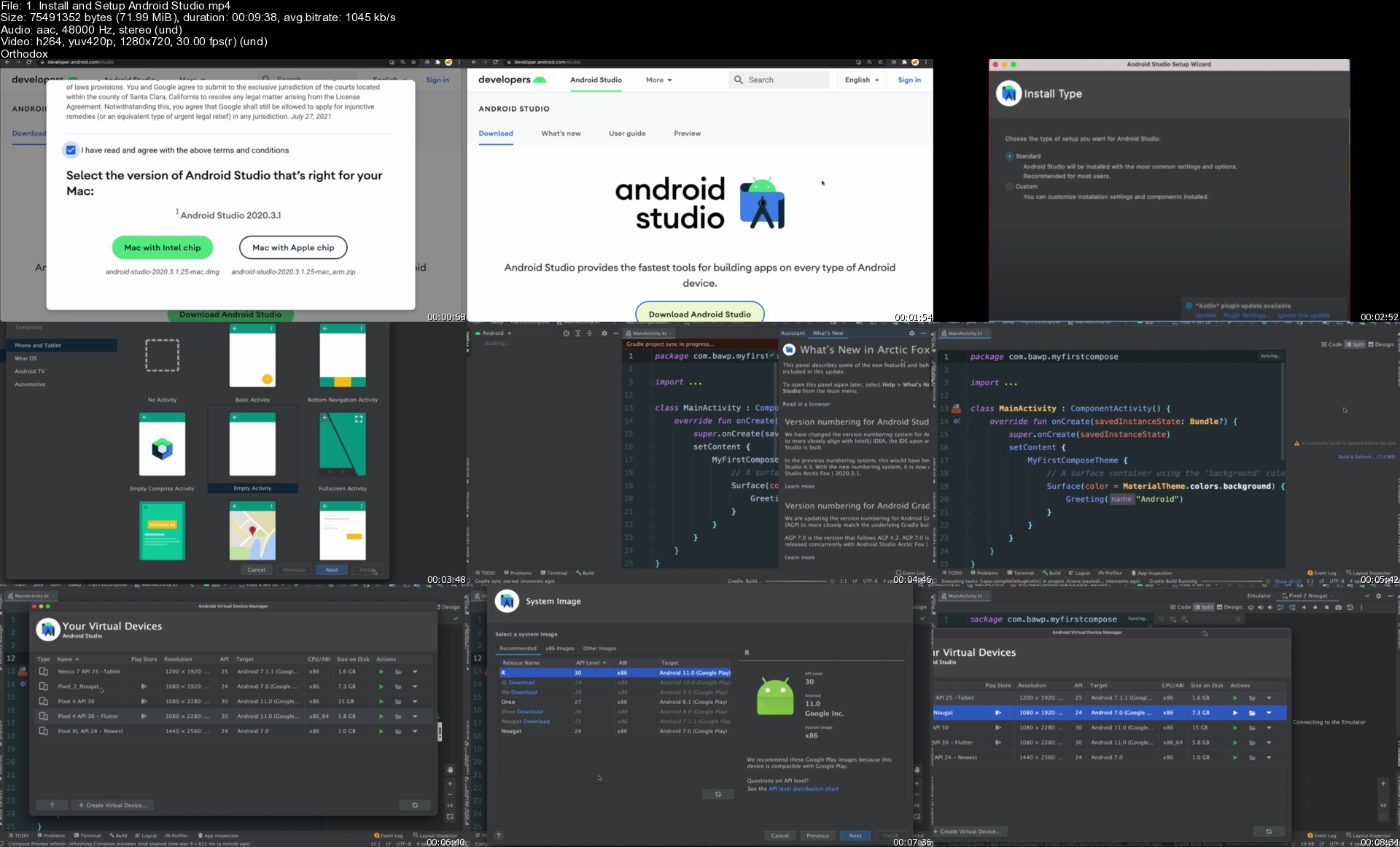
Android Jetpack Compose: The Comprehensive Bootcamp [2022]

4351594bbfa25hjg2.jpg


Android Jetpack Compose: The Comprehensive Bootcamp [2022]
MP4 | Video: h264, 1280x720 | Audio: AAC, 44.1 KHz, 2 Ch
Genre: eLearning | Language: English + srt | Duration: 241 lectures (29h 9m) | Size: 12.4 GB

Kotlin Jetpack Compose: Build Modern Android Apps - Master MVVM, ViewModel, Retrofit, Navigation & Clean Architecture


What you'll learn
Learn Clean Architecture and MVVM Patterns with Android Jetpack Compose
Master Jetpack Compose and Build Modern Android Apps
Build 7 Android Apps with Jetpack Compose and Kotlin - Use Firebase Firestore for the Backend
Master Modern Android Development Best Practices with Jetpack Tools and Compose
Leverage Hilt and Dagger and add Dependency Injection into a Jetpack Compose Android App
Build, from scratch, beautiful native UIs with Jetpack Compose - a Declarative approach for building moder Android Apps
Integrate Android ROOM Database into a Compose Application

Requirements
Basic programming experience in general is helpful but not required. The course covers everything you'll need to build Android Apps with Kotlin and Jetpack Compose
Kotlin Fundamentals Included in the Course


Description
**This course is tailored for beginners and Advanced Developers**

Android Jetpack Compose is a new way of building modern android apps.

The Software Development industry is moving away from the Imperative Approach of building apps - where developers were required to write a lot of boilerplate code, navigate through inconsistent APIs, and hard to maintain code to build simple mobile apps.

With Jetpack Compose, building Native UI for the Android platform is more effortless, concise, consistent, and less code.

Jetpack Compose is the new modern toolkit that gives Android developers a simplified and accelerated way to build Native UIs on Android - with this toolkit; developers can build android apps with less code using Kotlin!

Jetpack Compose brings a paradigm shift in Android development - we now describe the UI instead of specifying the steps to build a UI. With Jetpack Compose, development time is accelerated as we can iterate fast with live previews while developing User Interfaces in Android Studio.

With Jetpack, creating slick animations and using Material Design is a breeze because the toolkit is powered by the Android platform APIs and intuitive Kotlin APIs.

This course brings you up-to-speed developing apps with Jetpack Compose and Kotlin.

You'll be learning from the basics of what a Composable function is to how to handle state in Compose, and how to build full-fledge android apps that leverage the full power of Jetpack Compose and Kotlin.

Who is this ideal student for this course?

This course is tailored for beginners and Advanced Developers

I created this course with you in mind - whether you're a beginner or a more experienced developer, you'll find the course materials equally valuable - it's a deep-dive course where I take you from the very beginning to building a complex Jetpack Compose App.

I've structured the course so that even if you've never programmed in Kotlin, you'll have the opportunity to learn the basics, intermediate and advanced Kotlin concepts before moving on to learning Jetpack Compose.

On the other hand, if you already have a good grasp of Kotlin, you can skip the Kotlin sections altogether and go to the Jetpack Compose sections.

What you'll learn?

This course is comprehensive, meaning I don't assume you've had a lot of experience developing Android apps in general, so I take you through all the concepts you need to get started. It's a comprehensive course, packed with a lot of information. Here are a few key concepts you'll be learning:

What's Jetpack Compose and Its Advantages over the Imperative way of building Android Apps

Kotlin Programming basics, Intermediate and advanced concepts (Optional - you can skip if you need to)

Core Jetpack Compose concepts: Composable functions, Compose layout widgets and Modifiers

Learn how to customize UI elements in Compose

Understand how Jetpack Compose handles State - Recomposition and State Hoisting

Understand how to construct a Native UI for Android devices using Composable functions that are stateless

Understand how MutableState, Flow work with Composable Functions

Master how to build 7 Jetpack compose apps that range from simple to complex (Tip Calculator, Movie App, Note App, Trivia App, so much more)

Build a lot of apps while learning Jetpack Compose (of course!)

Learn how to structure and build Compose apps with Clean Architecture, ViewModel, Coroutines

Build Compose apps that use the Android ROOM database

Learn how to Parse JSON data from APIs using Retrofit

Learn how to use Jetpack Navigation Components to help create a navigation structure in your Compose app

Learn how to use Dependency Injection with Hilt and Dagger to build easy to refactor and test apps

Build a capstone app (A.Reader) that uses Firebase Firestore to Authenticate Users and save books

And so much more (check out the curriculum to get the entire, complete list of topics!)

By the end of the course, you'll have learned everything you need to know about Kotlin and Jetpack Compose to build complex Native UI's and Android apps with Jetpack Compose.

Try It Risk-Free

This course comes with a 30-day money-back guarantee - if you find out it's not for you, you can get your money back, no questions asked!

Go ahead and enroll today and start building Modern Android apps with Jetpack Compose - the new way of building fast, concise, and powerful Android Native UI.

I can't wait to see you in the course!

See you soon.

Paulo :)

Who this course is for
Beginner Android developers
Android Developers curious about building modern android apps using Jetpack Compose and Kotlin
Android Developers who want to learn Kotlin and build Android apps with Jetpack Compose
Anyone who wants to Learn Java and Android Development

Homepage


1.installandsetupandr7ijqw.jpg


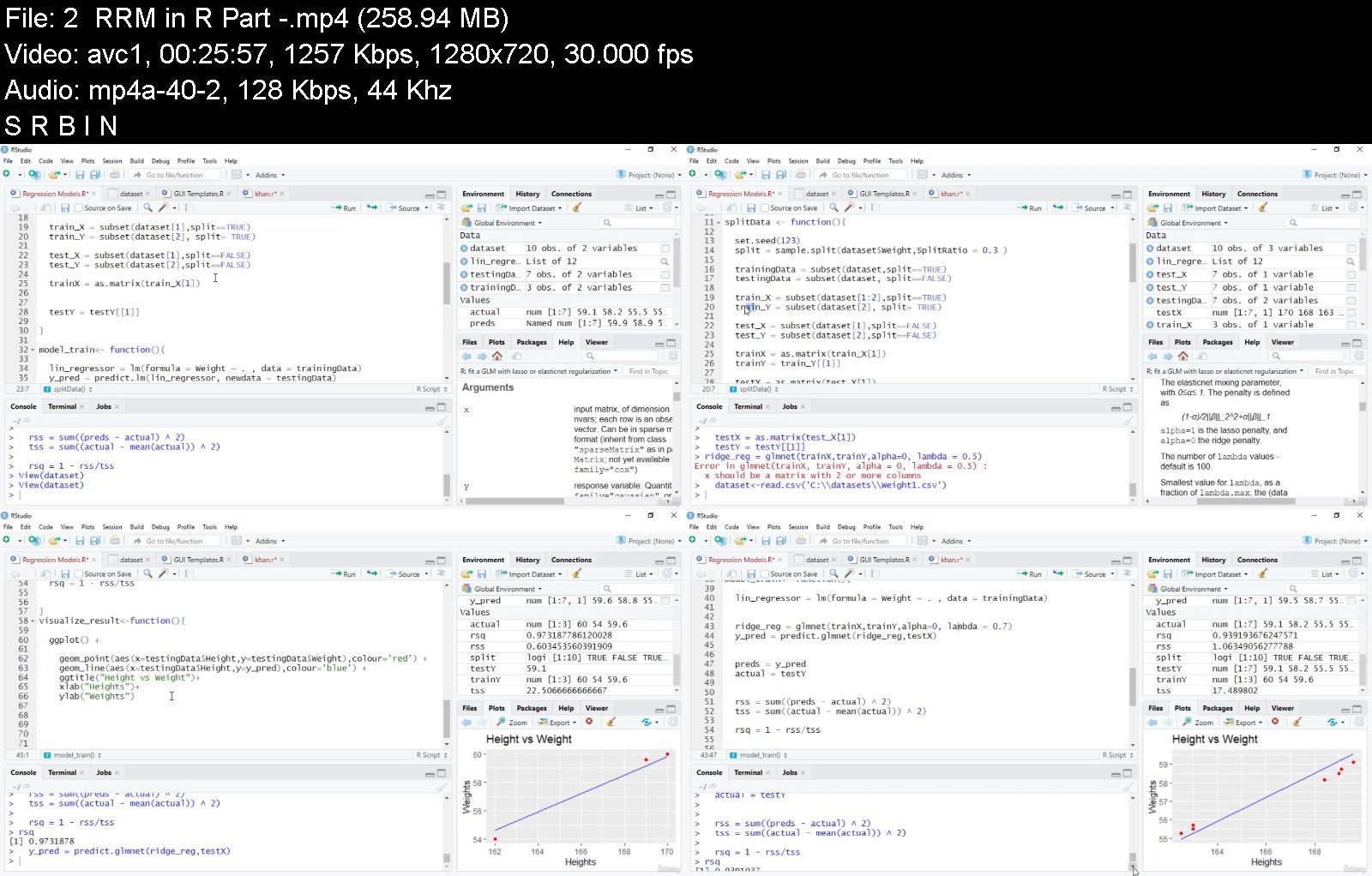
The Complete Supervised Machine Learning Models in R (2021)

43873882fb6lskqx.jpg


The Complete Supervised Machine Learning Models in R (2021)
MP4 | Video: h264, 1280x720 | Audio: AAC, 44.1 KHz, 2 Ch
Genre: eLearning | Language: English + srt | Duration: 95 lectures (13h 15m) | Size: 5.4 GB

Learn the Intuition and Math behind Every Model


What you'll learn
Learn Complete Supervised Machine Learning Models in R
Learn the Math behind every machine learning model
Learn the intuition of each model
Learn to make simple and GUI based templates
Learn to choose the best machine learning model for a specific problem
Requirements
Basics of Any Programming Language is Required
Description
In this course, you are going to learn all types of Supervised Machine learning Models implemented in R. The Math behind every Model is very Important. Without it, you can never become a Good Data Scientist . That is the reason, I have covered the Math behind every model in the intuition part of each model.
Implementation in R is done in such a way so that not only you learn how to implement a specific Model in R but you learn how to build real times templates and find the accuracy rate of Models so that you can easily test different models on a specific problem, find the accuracy rates and then choose the one which give you the highest accuracy rate.
Now anyone who wants to learn Supervised Machine learning Models in R or Anyone who wants to learn the behind the Machine learning Models or anyone curious about Data Science can enroll in this course as this is the right one for them. I assure you that after you have completed this course you will be a pro in Supervised machine learning models using R language and you will have a grip on all these models.
I am looking forward to see you in the course.
Best Regards
Who this course is for
Anyone who wish to learn supervised machine learning model is the target audience for this course


thecompletesupervisedbnjsl.jpg


Download from RapidGator


Download from Keep2Share


Techniques: Master Essential Techniques

xoaxefpstxk6vjtms7hjzl1kks.jpg


Techniques: Master Essential Techniques
Steve Stine | Duration: 10:36 h | Video: H264 1920x1080 | Audio: AAC 48 kHz 2ch | 15,5 GB | Language: English

Master essential techniques that make it easy to play any song or solo on your guitar.

We will explore all the essential techniques that you need to become a more advanced player: chords, strumming, picking, hammer-ons, pull-offs, tapping and many other aspects that will be fundamental in improving your playing.

Make sure to spend quality time on each of these topics, you don't have to strictly follow the order but watching each video in sequence will ensure that you will be able to get every reference that at times will be made throughout the course.

Homepage


techniquesmasterclasskbj4i.jpg


Download from RapidGator


Download from Keep2Share


Mega Wordpress Elementor Bundled Course : 5 Courses Included

mviufvxloo66nrcwaabajr9k9p.jpg


Mega Wordpress Elementor Bundled Course : 5 Courses Included
Genre: eLearning | MP4 | Video: h264, 1280x720 | Audio: AAC, 44.1 KHz
Language: English | Size: 18.2 GB | Duration: 32h 28m


What you'll learn
You will Learn How to work with Elementor Wordpress to Create Websites from Scratch
You will Learn How to Create Awesome Websites with Premium features without Using any Paid Plugin
You will Learn How to Implement Custom CSS and Js in Wordpress for Free (Without Using Elementor Pro)
You Will Learn Implementening Various Incredible Features like SVG Animation , MouseMove Parallax Effect , Awesome Hover Effects , Relatime Domain Search etc
You will Learn Many Important Tips and Tricks for Creating Incredible Wondrous Websites
You will Learn Creating Premium Websites with Project : Creative
You will Learn implementing SVG Animation and Animated Blobs Using Project : Yolo
You are going to Learn Converting PSD to Wordpress using Elementor using Project : Hexpro
You are going to Learn creating App Landing Page using Project : Appster
You are going to Learn Creating Hosting website using Project : HostN
All in All , with this Mega Course , you are going to Create 5 Mega Websites from Scratch

Description
Are you searching for a 1-stop Course where you will not only Learn Elementor but also create 5 Mega Websites with Awesome Distinctive Unique Features like :
SVG Animation
Animated Blobs
Particle Background
Animated Text
Realtime Domain Search Feature
Hexagonal Images with Hexagonal Borders
Custom Carousel
Google Map
Presentation Video Background
Attractive Contact Section
Animated Random Numbers
Filterable Portfolio
Process Timeline Feature
Beautiful Pricing Table
Download App Section
Newsletter Section
Custom CSS and Javascript
Responsive Menu
Automatic Logo Changer
Gradient Background
Gradient Buttons
Awesome Hover Effects like Animated Line Hover Effect , Icon Flipping Hover Effect
Awesome Entrance Animations
Beautifully Looking Unique Hero Areas
& Many More
We Have 1 Simple rule of this Mega Course :
No Paid Plugin will be Used Here
We are going to implement Premium Look with Awesome Unique Features all for Free
Each of the 5 Websites are Jam-Packed with Incredible Features.
Lets list out the 5 Mega Projects that we are going to do here in this Course :
Creative - This Website looks professional, Elegant, Clean, Modern . This website is for those who want to create Professional Modern Unique Wordpress Websites from Scratch. In this project, the follwoing topics will be covered :
- Familiarizing with Elementor for adding Sections , Sub-sections, Elements , Changing Default Styles.
- You will Learn adding Custom CSS and Javascript in easy and simple method.
- You will Learn Creating Awesome Hero Area with Particle Animation and Text Animation
- You will Learn adding Premium Features like Filterable Portfolio , Team Carousel , Testimonial Carousel , Premium Looking Contact Form
- You will Learn Creating Responsive Navigation Menu
- Many Important Tips , Tricks and Techniques are shared
- You will Learn how to Create Functional Wordpress Websites very Quickly
Yolo - This project is for those who want to Implement SVG Animation and Blobs to their Websites .Features of this Project :
- Awesome Unique Hero Area with Animated SVG Image, Particle Animation , Animated Blobs
- Process Timeline
- Filterable Portfolio
- Presentation Video Background
- Pricing Table
- Testimonial Promo Area
- Google Map
- Working Contact Form
- Responsive Menu
Hexpro - This project is for those who want to convert PSD to Wordpress . Features of this Project :
- Stunning Hero Area with Colorful Particle Effect , Mouse Hover Move Effect
- Overlapping Images
- Hexagonal Images with Hexagonal Borders
- Hexagonal Icons
- Automatic Logo Changer
- Premium Distinctive Custom Carousels
- Filterable Portfolio
- Google Map
- Unique Contact Form with Icons inside Input Field
- Responsive Menu
- Gallery Lightbox
Appster - This Project is for those who want to create App Landing Page from Scratch .Features of this Project:
- Awesome Hero Area
- Entrance Animations
- Animated Line Hover Effect
- Flipping Icon Hover Effect
- Unique Features Section with App Images changing Automatically
- Gradient Text , Gradient Icons , Gradient Buttons , Gradient Backgrounds that suit for an App Landing Page
- Over 12+ Website Sections including Newsletter Section , Pricing Section , Download App Section and many more
- Adding Premium features without using any paid plugin
- Adding Custom CSS and Js
HostN - This Project is for those who want to create Hosting Website from Scratch . Features of this project :
- Awesome Hero Area with Particle Background , Animated Text
- MouseMove Parallax Effect (No plugin)
- Realtime Domain Search Feature
- Icon Flipping Hover Effect
- Beautiful Looking Pricing Table
- Custom Testimonial Carousel with Centered Item Focussed
- General Questions / FAQ
- Beautiful Looking Footer
All in All , every project has their own uniqueness .
Everything is explained in detail .
All the resource files are shared .
So Are you ready to jump in this Mega Course and Create these 5 Mega Projects from scratch. Enroll Now and take your first step !!

Who this course is for:
If you want to Learn Elementor from Scratch , this Course is for you
If you want to Learn Creating Wordpress Websites from Scratch, this Course is for you
If you want to Learn Implementing Premium Features to websites for Free , this Course is for you
If you want to Learn Implementing SVG Animations and Animated Blobs to websites , this course is for you
If you want to Convert PSD to Wordpress , this Course is for You
If you want to Create App Landing Page , this Course is for you
If you want to Create Hosting Website , this Course is for you
If you want to Implement Incredible Features like Realtime Domain Search , Custom Carousel , Awesome Hover effects , Mouse Move Parallax Effect and many more features , this course is for you


megawordpresselementopzkp1.jpg


Download from RapidGator


Download from Keep2Share


Facebook Ads Mastery Course (2022 and Beyond!)

ei5ryz9y8wxzddy5a5abx5yj0o.jpg


Facebook Ads Mastery Course (2022 and Beyond!)
MP4 | Video: h264, 1280x720 | Audio: AAC, 44.1 KHz
Language: English | Size: 7.05 GB | Duration: 6h 51m

Learn from a Facebook professional managing millions in ad spend teach you how to launch and scale Facebook ad campaigns


What you'll learn
Properly set up a Facebook ad account and start collecting data.
Learn the battle-tested secrets to developing a great landing page and offer.
Pinpoint your ideal customers with targeting and develop ads that capture their attention.
Monitor and report on your results, and make adjustments to your campaigns so they keep running successfully.
Requirements
No Facebook ad experience needed. You will learn everything in the course.

Description
Welcome to the Facebook Ads Mastery course, where you'll learn how to run successful Facebook ad campaigns for you or your clients, regardless of your previous marketing experience.
My name is Ryan Whiteside, and I manage millions of dollars of Facebook Ad spend each year. I consistently get results for myself and my clients, which span across a variety of different industries. But my biggest passion is helping digital marketers like you grow your skillsets, and that's what I hope to do in this course.
I designed this course for someone who wants to know everything you need to set up, launch, analyze and adjust a successful Facebook campaign. Look over my shoulder as I show you what currently works on the platform, and the specific steps you need to take to get results.
You'll also learn how to discover emerging trends, so you'll always have fresh ideas and know what's working now.
If you're someone who wants to learn what you really need to focus on to have success running Facebook ads, then I invite you to join now.
My courses have received hundreds of positive reviews because I care about your success, and I look forward to hearing about your next successful Facebook campaign. So sign up, and let's get started!

Who this course is for:
Anyone that wants to learn Facebook ads and launch campaigns for themselves or for clients.


facebookadsmasterycou0jjsu.jpg


Download from RapidGator


Download from Keep2Share


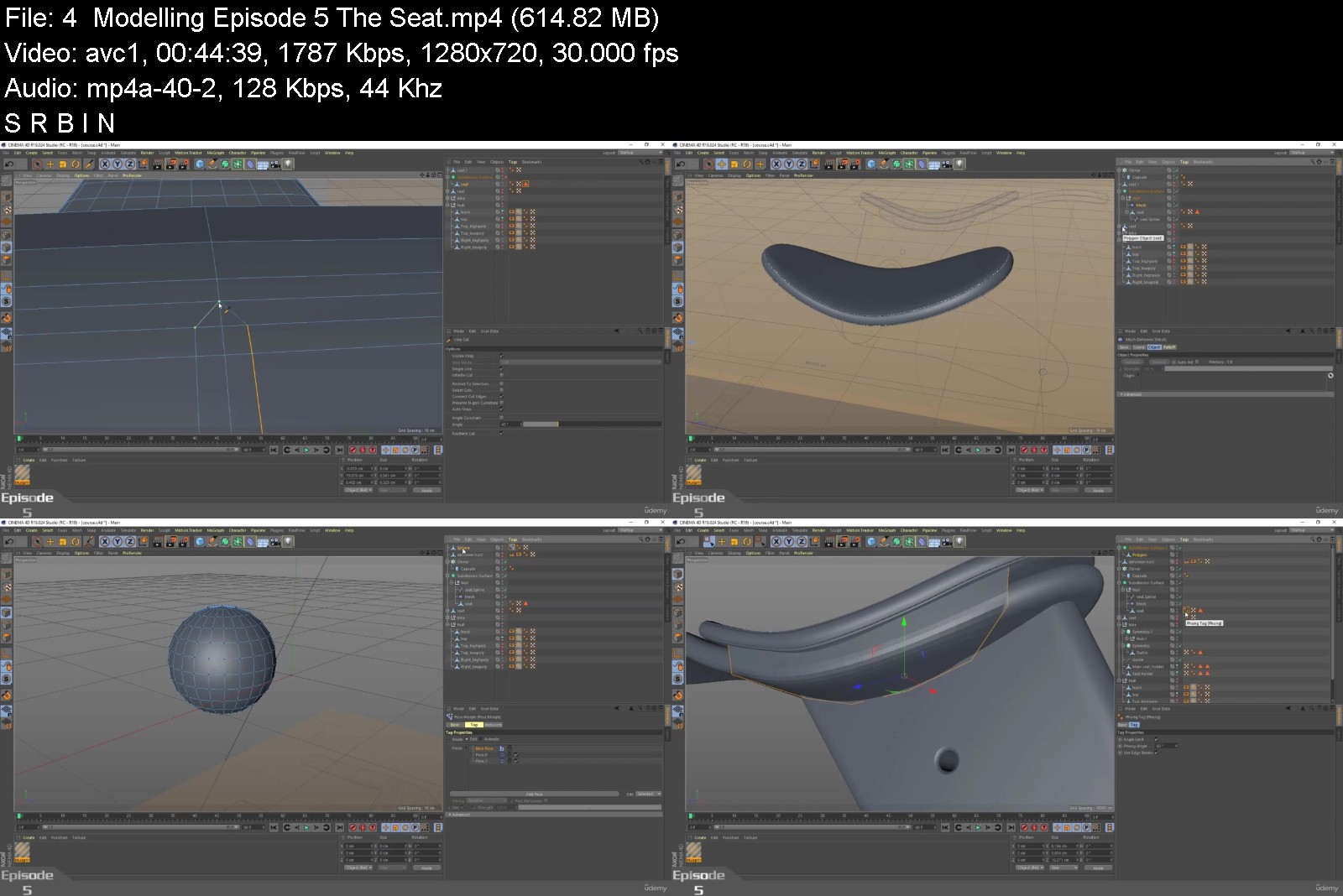
Cinema 4D MasterClass: Master Modelling using Splines

uepsxqpyc6ngnff3nfwgvalkxh.jpg


Cinema 4D MasterClass: Master Modelling using Splines
Genre: eLearning | MP4 | Video: h264, 1280x720 | Audio: AAC, 44.1 KHz
Language: English | Size: 6.55 GB | Duration: 8h 56m


What you'll learn
Be able to model a whole object using splines
3D modeling and UV Unwrapping
Be able to find the best way to model complicated shapes
Numberless tips and tricks
Apply the real dimensions of a blueprint on your project
Have a better understanding on Uv mapping

Description
Maxon Cinema 4D is one of the most famous 3D software, but trying to dive alone within this software could be difficult.
As we know Splines are the most powerful modelling tools in cinema 4D or any other software.
This course is prepared to take you from a beginner level to a pro level by teaching you the necessary skills to become a professional modeler.
Together you will learn a bunch of new tools and numberless of tricks and tips.
I'm not going to say that I'm a Maxon Certified Cinema 4D Instructor But I'm a professional 3D modeler who's going to take you during this exciting journey to show you how to start a 3D model from scratch starting from a blueprint to modelling, UV mapping, texturing, lighting and rendering.
Polygon modeling is the core of every 3D software. Whatever field you are going to work in, you will need to know how to push points, edges and polygons to make a unique model.
If you are a 3D Modeler, graphic designer and you want to extend your knowledge then this is for you, in order to achieve more in your 3D work Career.
Along with more than 8 Hours of unique and well prepared tutorials, so if you are ready to put your first step in the world of 3D, let's dive in.

Who this course is for:
Anyone with an interest in motion design, UV Mapping, modelling and rendering.
Graphic Designers
Modelers
Cinema 4D Users


cinema4dmasterclassman4kd5.jpg


Download from RapidGator


Download from Keep2Share


Practical Photoshop: Build a Portfolio with 40 Projects

ng3qrdnyqbqjkiyg5nwguafj3g.jpg


Practical Photoshop: Build a Portfolio with 40 Projects
Genre: eLearning | MP4 | Video: h264, 1280x720 | Audio: AAC, 44.1 KHz
Language: English | Size: 12.0 GB | Duration: 13h 42m


What you'll learn
Practical Photoshop techniques that can be immediately applied
Graphic Design skills that are frequently needed in all manner of projects
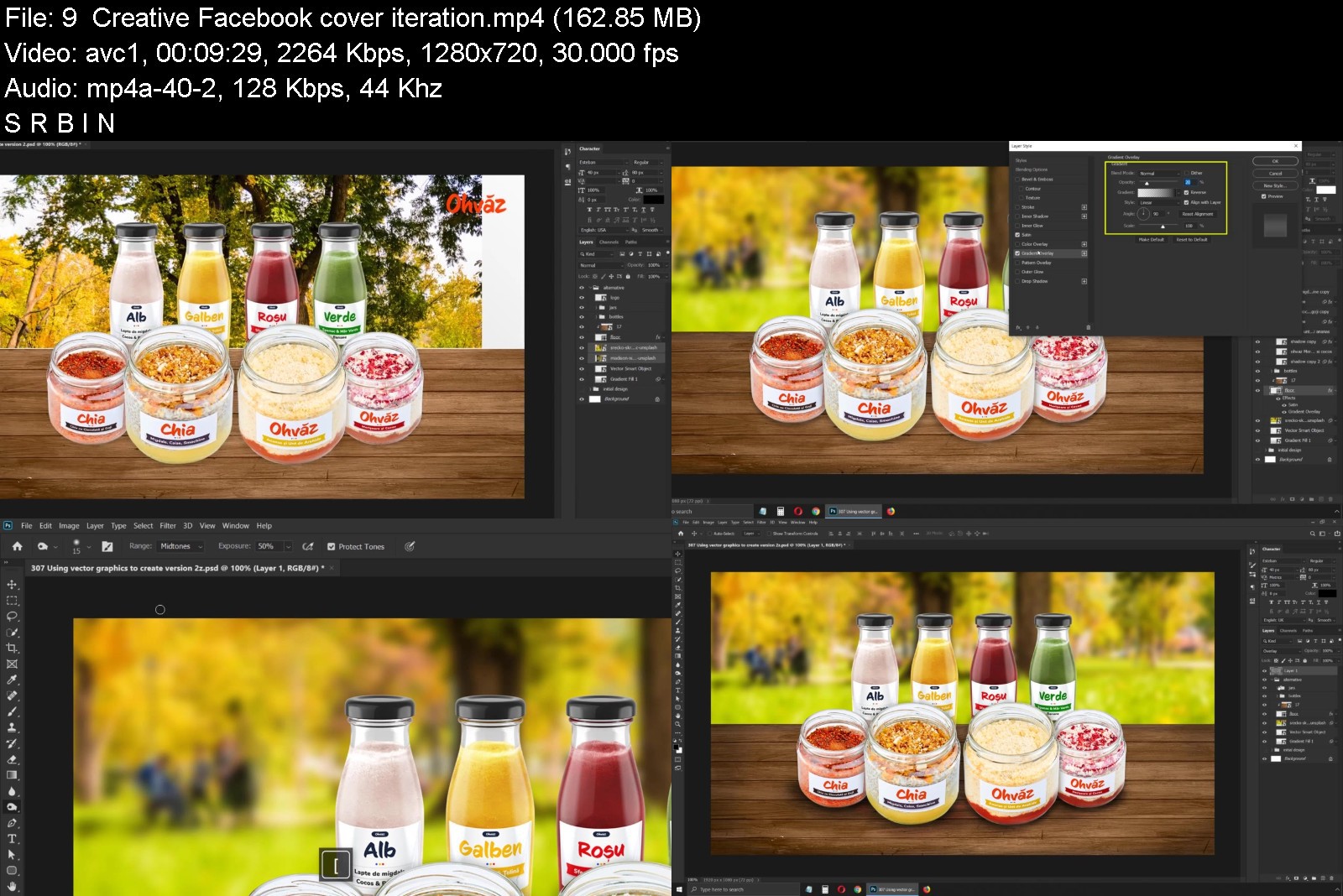
You'll create, from scratch, Facebook Ads, Instagram Posts, Youtube Thumbnails, Newsletters, CVs, Business Cards, and much more
Professional Photoshop workflows that you can immediately incorporate into your projects

Description
Please go to lecture 4 to see all the projects included in this course!
Hey! I'm Chris Barin, Adobe certified Photoshop instructor, web & app designer, and entrepreneur. This course is a must for everyone that needs any type of graphics for their business or career. This is all about content creation! You'll learn how to create all sort of designs that are very much required in today's digital age:
Clickable Facebook Ads;
Instagram Posts that will get you tons of likes;
Youtube Thumbnails that will get you clicks;
Newsletters that will improve your open-rate and click-through rate;
CVs (Resumes) that will get you hired or promoted;
Business cards that will make a lasting impression;
Logo design principles that will leave you shocked!
Product Catalogue for sales agents;
Indoor Banner Ads for various promotions;
Beautiful Cover images for your social media profiles;
... and much more!
All these projects are going to be done in Photoshop, but the great thing about it is you don't need any serious experience with it. As long as you have a very basic understanding of the program, I'll teach you everything you need to know. In case you never opened Photoshop and you have no clue about it, then this course may not be for you.
Important Features Included:
Course workbook: use it to get up and running fast. It contains answers to most questions, detailed explanations about certain techniques shown in the videos, and much more;
Live chat: my students frequently find me on our Discord group chat. This is a free program where you can chat with my fantastic community of students, ask questions, and get help fast. I'm regularly on there!
All the sources files are included (PSDs): this means you can quickly replace my content with yours and use my designs without any strings attached!
Facebook group: get access to a private group of over 4000 people who regularly share their designs, insights, and comments.
Photoshop is not just about manipulating photos, making waist smaller or removing acne! Through this course you'll learn how to use it like the powerful tool it is and you'll be able to supercharge your career or personal projects.
About Christian Barin
I'm an Adobe Certified Instructor & Expert in Photoshop;
Bestselling author on Udemy with 6 years of teaching experience and over 220.000 students;
Incredible course reviews that are way above the category average as well as more minutes consumed by my students - this means my content kicks ass!
MOST IMPORTANT: I'm a business owner and content creator. I constantly need high quality designs for my projects. I know what people and businesses require in today's social media age so I created this course around those needs.

Who this course is for:
Anyone who wants to learn Graphic Design and create beautiful content
Business owners and entrepreneurs who need all sorts of graphics for their projects
Bloggers, Youtubers, and content creators in general will benefit tremendously from this course


practicalphotoshopbuir5j7x.jpg


Download from RapidGator


Download from Keep2Share


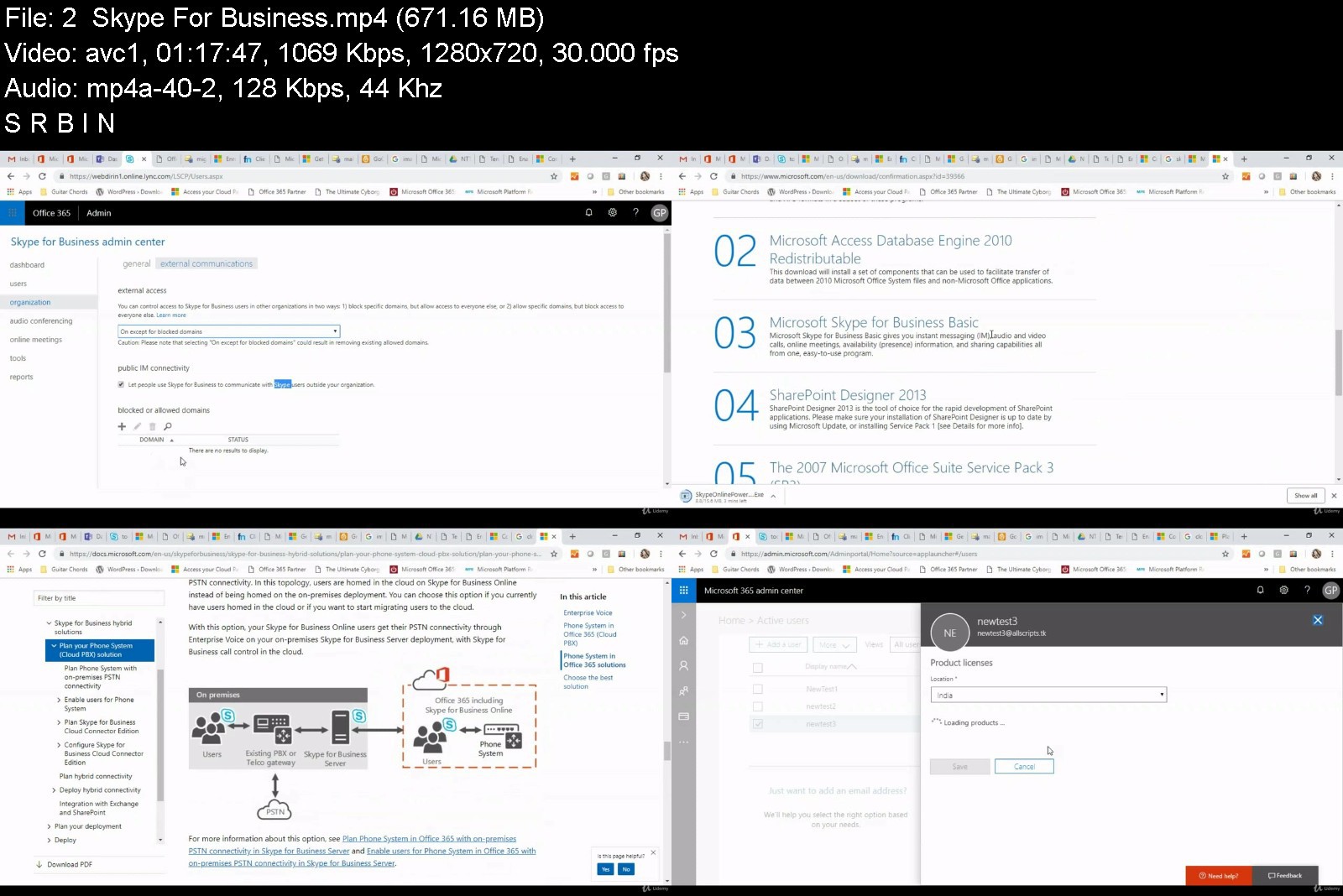
Microsoft 365 (Office 365) Administration Training

ckpry8jznjbk9o004kaqt8mkln.jpg


Microsoft 365 (Office 365) Administration Training
Genre: eLearning | MP4 | Video: h264, 1280x720 | Audio: AAC, 48.0 KHz
Language: English | Size: 11.4 GB | Duration: 25h 5m


What you'll learn
Microsoft 365 Administration and Identity Management
Exchange Online
Exchange Online Protection
Configuring and troubleshooting Exchange Hybrid Deployment with Office 365
Configuring and troubleshooting Azure AD Connect
Autodiscover Flow and Outlook Connectivity
ADFS and Authentication flow with Office 365
Office 365
Office 365 Administration

Description
Hello My name is Gurudas Patil (Guru), I am a founder at Critsit Technologies. I have built this Microsoft (Office) 365 course from one of the live training session. The best part because of the live session is that a lot of queries that you might have during the session might get answered. If you just know the basics or a bit more about Microsoft 365 and you want to be a pro then this course is for you.
We start right from the basics and move ahead in core topics in depth to see what happens in the background. This will not only help you to get a better insight but also help you in troubleshooting various issues.
This course is a combination of few Microsoft papers MS-100, 200T02, 201, 300T01, 300T03, 500T01, 500T04 & 900. This course covers lot of topics from these different papers. However it covers MS100 and MS900 completely. This will walk you through the basics of Microsoft Office 365 to the advance topics like
Introduction to Office 365
Licensing options in Microsoft Office 365 and introduction to Admin Center
Signing up for trial and adding custom domains (getting free domains for testing!)
Setting up VM's in Azure for labs.
Setting up and configuring Azure AD Connect (Directory Synchronization),
How ADFS works with Microsoft 365, and setting up and configuring ADFS Server (Primary)
Exchange Online Settings and Exchange Online Protection.
Migration Strategies and Exchange Hybrid Setup
Running Hybrid Configuration Wizard and migrating mailboxes to Office 365.
Understanding Hybrid Mailflow, Client Connectivity etc.
Introduction to Teams, SharePoint and Security and Compliance Center.
and all this with hands on labs using Azure Trial/Paid Accounts !!! You will get access to all the Office 365 Documents and content in one place that you can access whenever you want.
This course is from one of the live 5 days training sessions which are worth INR 80,000/-. Once you sign up, you can get access to a live Q&A session with the trainer on a weekly basis as per availability.
Hope you find this helpful and the labs help you recreate customer scenarios to help troubleshoot better.

Who this course is for:
Microsoft SaaS beginners
Office 365 / Microsoft 365 consultants (aspiring)
Anyone who wants to learn the benefits and administration of Microsoft 365 (level 100 to 300)
For clearing Microsoft Certification MS-100, MS200T02, MS201, MS300T01, MS300T03, MS500T01, MS500T04 & MS900
Office 365 Administrators
Microsoft 365 Administrators


microsoft365office365r0kg5.jpg


Download from RapidGator


Download from Keep2Share


The Huge Microsoft Excel Training Bundle - Beginner to VBA

4364372e5d6zijy9.jpg


The Huge Microsoft Excel Training Bundle - Beginner to VBA
MP4 | Video: h264, 1280x720 | Audio: AAC, 44.1 KHz, 2 Ch
Genre: eLearning | Language: English + srt | Duration: 305 lectures (32h 4m) | Size: 15.2 GB

6 Courses in 1! Beginner to advanced Excel training from the Excel experts - Simon Sez IT


What you'll learn
How to get started using Microsoft Excel as a complete beginner
How create, save, and open a workbook.
How to use Mathematic Functions (SUM, AVERAGE, MIN, MAX)
Complete data entry, cell formatting, working with multiple worksheets and the "Ribbon" interface.
The basics of entering and editing data in a workbook.
Discover how to format dates and numbers.
How to use Logical Functions (IF, COUNTIF, SUMIF)
Effectively use autofill and flashfill so you are more productive.
Discover the essentials of using fomulas and functions.
How to use Lookup Functions (VLOOKUP, XLOOKUP, HLOOKUP, INDEX MATCH)
How to rename, insert, move, and reference an Excel worksheet.
Discover how to create charts and graphs
Learn practical methods to sort and filter your data
How to protect and secure your Excel data
How to Clean and Prepare your Data in Excel
How to create Pivot Tables
Using the Fields pane and adding Fields and Calculated Fields
How to create Pivot Charts and add sparklines and slicers
Selecting the right Chart to present your data
Adding Slicers and Timelines and how to apply on multiple tables
How to combine data from multiple worksheets for a PivotTable
All about GETPIVOTDATA
How to use 3D Maps from a PivotTable
Adding new Data to the original source dataset
How to update your data in a PivotTable and Pivot Chart
All about Conditional Formatting in a PivotTable
Learn to unlock advanced Excel formulas
Create multi-dependent dynamic drop-down lists in Excel
Perform a 2-way lookup in Excel
Automate repetitive tasks in Excel using Macros
How to edit Macros in the VBA Editor
How to write your own macro from scratch

Requirements
Microsoft Excel 365, 2021, 2019, 2016 or 2013 desktop version for Windows installed on your computer.
No existing knowledge of Microsoft Excel is needed. You will learn everything you need to know.


Description
***Exercise and demo files included***

Excel has always been the go-to software for data organization and financial analysis. Even in the age of Big Data, Excel remains indispensable and relevant, thus almost everyone should at least have some basic Excel skills. If you are brand-new to Excel, then this huge course bundle is perfect for you!

This BIG Excel bundle includes not just two, not three, but six full courses to bring you from Excel newbie to Data Analyst quick! Okay, maybe not that quick, as this bundle gives you 32+ hours of tutorials including more than 300 individual video lectures!

With the Excel 2019/365 beginner course, you'll gain a fantastic grounding in Microsoft Excel. The course will teach you how to understand spreadsheet basics, including creating your first workbook and how to navigate Excel, an introduction to formulas and functions, how to create amazing-looking charts and graphs, and much more.

Excel PivotTables is an interactive way of quickly summarizing large amounts of data. It is ideal if you are looking to perform data analysis tasks quickly and efficiently in Excel. The beginner and advanced PivotTables courses will discuss the importance of cleaning your data before you can create your first Pivot Table. You will also learn how to make the most of this powerful data analysis function.

The Excel for Business Analysts course focuses on the specific functions, formulas, and tools that Excel has that can help conduct business or data analysis. We take you on a no-nonsense journey to teach you how to use them. In this course, you'll learn several tools and functions that can be used for analysis and visualization, plus some more advanced techniques designed to aid in forecasting.

We finish by taking you through our favorite and most-useful advanced Excel functions before moving on to teaching you how to use basic Macros and VBA to automate and supercharge your spreadsheets.

This is the only Excel course you are ever going to need!

Excel 2019/365 for Beginners

What you will learn:

What's new in Excel 2019

Creating workbooks

Entering text, numbers and working with dates

Navigating workbooks

Page setup and print options

Working with rows, columns, and cells

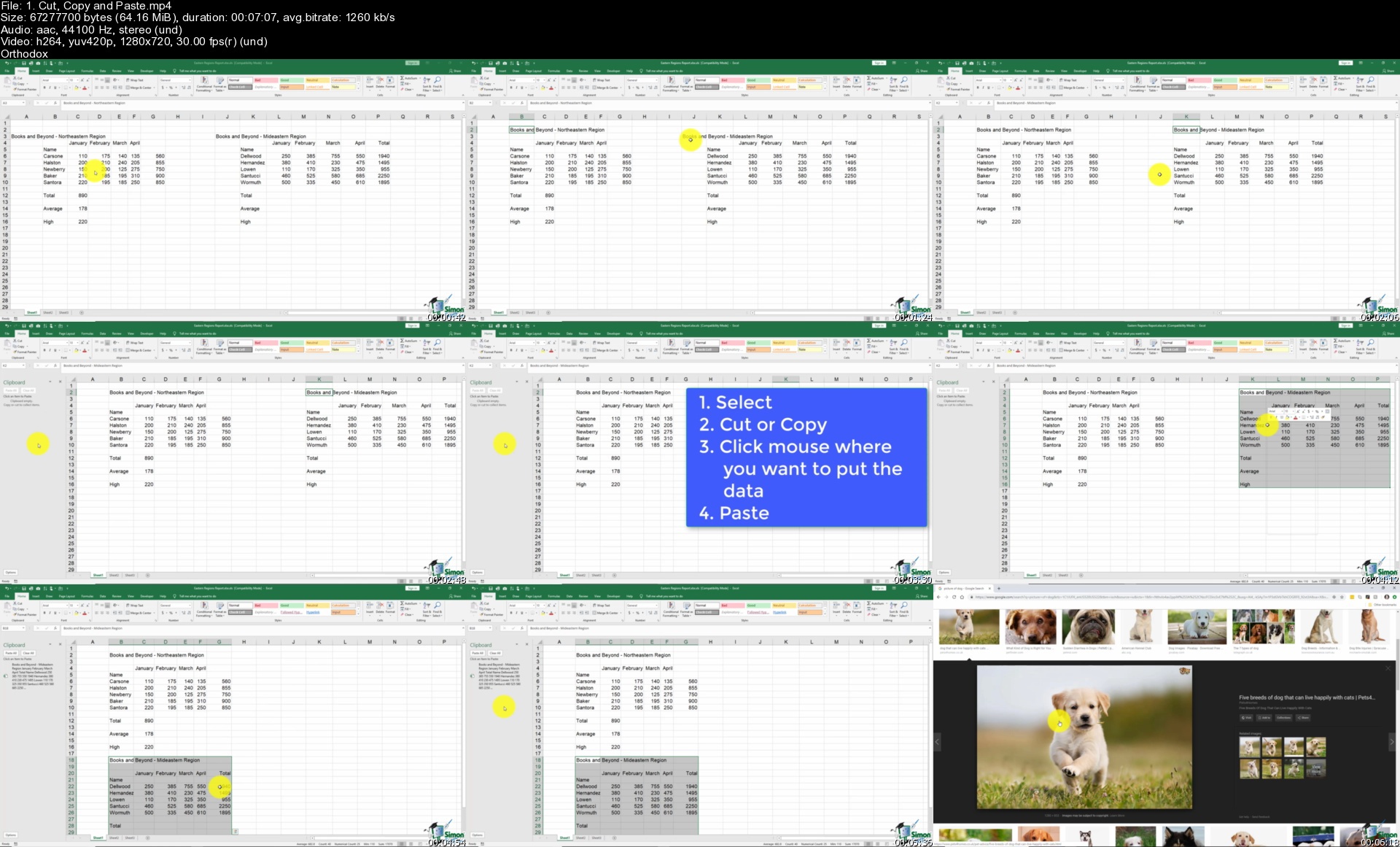
Cut, Copy and Paste

Introduction to functions and formulas

Formatting in Excel, including formatting cells and numbers

Creating charts and graphs

Sorting and Filtering

Introduction to PivotTables

Logical and lookup formulas - the basics

PivotTables for Beginners

What you will learn:

How to Clean and Prepare your Data

How to create a Basic Pivot Table

How to use the Pivot Table Fields pane

How to Add Fields and Pivoting the Fields

How to Format Numbers in Pivot Table

Different ways to Summarize Data

How to Group Pivot Table Data

How to use Multiple Fields and Dimension

The Methods of Aggregation

How to Choose and Lock the Report Layout

How to apply Pivot Table Styles

How to Sort Data and use Filters

How to create Pivot Charts based on Pivot Table data

How to Select the right Chart for your data

How to apply Conditional Formatting

How to add Slicers and Timelines to your dashboards

How to Add New Data to the original source dataset

How to Update Pivot Tables and Charts

Advanced PivotTables in Excel

What you will learn:

How to do a PivotTable (a quick refresher)

How to combine data from multiple worksheets for a PivotTable

Grouping, ungrouping, and dealing with errors

How to format a PivotTable, including adjusting styles

How to use the Value Field Settings

Advanced Sorting and Filtering in PivotTables

How to use Slicers, Timelines on multiple tables

How to create a Calculated Field

All about GETPIVOTDATA

How to create a Pivot Chart and add sparklines and slicers

How to use 3D Maps from a PivotTable

How to update your data in a PivotTable and Pivot Chart

All about Conditional Formatting in a PivotTable

How to create amazing looking dashboards

Excel for Business Analysts

What you will learn:

How to merge data from different sources using VLOOKUP, HLOOKUP, INDEX MATCH, and XLOOKUP

How to use IF, IFS, IFERROR, SUMIF, and COUNTIF to apply logic to your analysis

How to split data using text functions SEARCH, LEFT, RIGHT, MID

How to standardize and clean data ready for analysis

About using the PivotTable function to perform data analysis

How to use slicers to draw out information

How to display your analysis using Pivot Charts

All about forecasting and using the Forecast Sheets

Conducting a Linear Forecast and Forecast Smoothing

How to use Conditional Formatting to highlight areas of your data

All about Histograms and Regression

How to use Goal Seek, Scenario Manager, and Solver to fill data gaps

Advanced Formulas and Functions in Excel

You will learn to:

Filter a dataset using a formula

Sort a dataset using formulas and defined variables

Create multi-dependent dynamic drop-down lists

Perform a 2-way lookup

Make decisions with complex logical calculations

Extract parts of a text string

Create a dynamic chart title

Find the last occurrence of a value in a list

Look up information with XLOOKUP

Find the closest match to a value

Macros and VBA for Beginners

What you will learn:

What is VBA?

How to record your first macro

How to record a macro using relative references

How to record a complex, multi-step macro and assign it to a button

How to set up the VBA Editor

How to edit Macros in the VBA Editor

How to get started with some basic VBA code

How to fix issues with macros using debugging tools

How to write your own macro from scratch

How to create a custom Macro ribbon and add all the Macros you've created

This course bundle includes:

6 Full Courses

32+ hours of video tutorials

300+ individual video lectures

Exercise and Demo files to practice and follow along

Certificate of completion

Who this course is for
Those new to using Microsoft Excel.
No previous knowledge of Excel required. This course is created for absolute beginners.
If you want to refresh your memory and understanding of Excel.
People looking to perform Data Analysis using Excel
Beginner Excel users who want to learn how to use Pivot Tables


Homepage


1.cutcopyandpastes9hkzr.jpg


The Body Lock Pass

onsf5wrybasjmjiwy3mbgsdk9g.jpg


The Body Lock Pass
Lachlan Giles | Duration: 7:05 h | Video: H264 1280x720 | Audio: AAC 48 kHz 2ch | 6,17 GB | Language: English

The Body Lock Pass by Lachlan Giles

• World Medalist and ADCC veteran Lachlan Giles shows the body lock passing system he uses to pass any guard
• Six full volumes of content, breaking down this powerful pass step-by-step
• Full of narrated rolling so you can learn how to apply this in real sparring
• Lachlan is a world class coach and competitor, with students like Craig Jones

Homepage


vol1ssyj3i.jpg


Zurück
Oben Unten