• Regeln für den Video-Bereich:

    In den Börsenbereich gehören nur Angebote die bereits den Allgemeinen Regeln entsprechen.

    Einteilung

    - Folgende Formate gehören in die angegeben Bereiche:
    - Filme: Encodierte Filme von BluRay, DVD, R5, TV, Screener sowie Telesyncs im Format DivX, XviD und x264.
    - DVD: Filme im Format DVD5, DVD9 und HD2DVD.
    - HD: Encodierte Filme mit der Auflösung 720p oder darüber von BluRay, DVD, R5, TV, Screener sowie Telesyncs im Format x264.
    - 3D: Encodierte Filme von BluRay, die in einem 3D Format vorliegen. Dies gilt auch für Dokus, Animation usw.
    - Serien: Cartoon/Zeichentrick, Anime, Tutorials, Dokumentationen, Konzerte/Musik, Sonstiges sind demnach in die entsprechenden Bereiche einzuordnen, auch wenn sie beispielsweise im High Definition-Format oder als DVD5/DVD9/HD2DVD vorliegen. Ausnahme 3D.
    - Bereich Englisch: Englische Releases gehören immer in diesen Bereich.
    - Bereich Talk: Der Bereich, in dem über die Releases diskutiert werden kann, darf, soll und erwünscht ist.


    Angebot/Beitrag erstellen

    - Ein Beitrag darf erst dann erstellt werden, wenn der Upload bei mindestens einem OCH komplett ist. Platzhalter sind untersagt.
    - Bei einem Scenerelease hat der Threadtitel ausschließlich aus dem originalen, unveränderten Releasenamen zu bestehen. Es dürfen keine Veränderungen wie z.B. Sterne, kleine Buchstaben o.ä. vorgenommen werden. Ausnahme Serienbörse:
    - Bei einem Sammelthread für eine Staffel entfällt aus dem Releasename natürlich der Name der Folge. Beispiel: Die Simpsons S21 German DVDRip XviD - ITG
    - Dementsprechend sind also u.a. verboten: Erweiterungen wie "Tipp", "empfehlenswert", "only", "reup", usw. / jegliche andere Zusatzinformation oder Ergänzung, welche nicht in obiger Beschreibung zu finden ist.

    Aufbau des Angebots und Threadtitel

    Der Titel nach folgendem Muster erstellt zu werden. <Name> [3D] [Staffel] [German] <Jahr> <Tonspur> [DL] [Auflösung] <Quelle> <Codec> - <Group>
    Beispiel: The Dark Knight German 2008 AC3 DVDRip XviD - iND
    Beispiel: The Dark Knight 2008 DTS DL BDRip x264 - iND
    Beispiel: The Dark Knight 2008 AC3 DL BDRip XviD - iND
    Beispiel: The Dark Knight German 2008 AC3 720p BluRay x264 iND
    Beispiel: The Dark Knight 2008 DTS DL 1080p BluRay x264 iND
    Beispiel: Die Simpsons S01 German AC3 DVDRip XviD iND
    Beispiel: Die Simpsons S20 German AC3 720p BluRay x264 iND
    Beispiel: Sword Art Online II Ger Sub 2014 AAC 1080p WEBRip x264 - peppermint
    Entsprechend sind also u.a. verboten: Sonderzeichen wie Klammern, Sterne, Ausrufezeichen, Unterstriche, Anführungszeichen / Erweiterungen wie "Tipp", "empfehlenswert", "only", "reup", usw. / jegliche andere Zusatzinformation oder Ergänzung, welche nicht in obiger Beschreibung zu finden ist
    Ausnahmen hiervon können in den Bereichen geregelt sein.

    Die Beiträge sollen wie folgt aufgebaut werden:
    Überschrift entspricht dem Threadtitel
    Cover
    kurze Inhaltsbeschreibung
    Format, Größe, Dauer sind gut lesbar für Downloader außerhalb des Spoilers zu vermerken
    Nfo sind immer Anzugeben und selbige immer im Spoiler in Textform.
    Sind keine Nfo vorhanden z.B. Eigenpublikationen, sind im Spoiler folgende Dateiinformationen zusätzlich anzugeben :
    Quelle
    Video (Auflösung und Bitrate)
    Ton (Sprache, Format und Bitrate der einzelnen Spuren)
    Untertitel (sofern vorhanden)
    Hosterangabe in Textform außerhalb eines Spoiler mit allen enthaltenen Hostern.
    Bei SD kann auf diese zusätzlichen Dateiinformationen verzichtet werden.

    Alle benötigten Passwörter sind, sofern vorhanden, in Textform im Angebot anzugeben.
    Spoiler im Spoiler mit Kommentaren :"Schon Bedankt?" sind unerwünscht.


    Releases

    - Sind Retail-Release verfügbar, sind alle anderen Variationen untersagt. Ausnahmen: Alle deutschen Retail-Release sind CUT, in diesem Fall sind dubbed UNCUT-Release zulässig.
    - Im Serien-Bereich gilt speziell: Wenn ein Retail vor Abschluss einer laufenden Staffel erscheint, darf diese Staffel noch zu Ende gebracht werden.62
    - Gleiche Releases sind unbedingt zusammenzufassen. Das bedeutet, es ist zwingend erforderlich, vor dem Erstellen eines Themas per Suchfunktion zu überprüfen, ob bereits ein Beitrag mit demselben Release besteht. Ist dies der Fall, ist der bereits vorhandene Beitrag zu verwenden.
    - P2P und Scene Releases dürfen nicht verändert oder gar unter einem iND Tag eingestellt werden.


    Support, Diskussionen und Suche

    - Supportanfragen sind entweder per PN oder im Bereich Talk zu stellen.
    - Diskussionen und Bewertungen sind im Talk Bereich zu führen. Fragen an die Uploader haben ausschließlich via PN zu erfolgen, und sind in den Angeboten untersagt.
    - Anfragen zu Upload-Wünschen sind nur im Bereich Suche Video erlaubt. Antworten dürfen nur auf Angebote von MyBoerse.bz verlinkt werden.


    Verbote

    - Untersagt sind mehrere Formate in einem einzigen Angebotsthread, wie beispielsweise das gleichzeitige Anbieten von DivX/XviD, 720p und 1080p in einem Thread. Pro Format, Release und Auflösung ist ein eigener Thread zu eröffnen.
    - Grundsätzlich ebenso verboten sind Dupes. Uploader haben sich an geeigneter Stelle darüber zu informieren, ob es sich bei einem Release um ein Dupe handelt.
    - Gefakte, nur teilweise lauffähige oder unvollständige Angebote sind untersagt. Dies gilt auch für eigene Publikationen, die augenscheinlich nicht selbst von z.B. einer DVD gerippt wurden. Laufende Serien, bei denen noch nicht alle Folgen verfügbar sind, dürfen erstellt und regelmäßig geupdatet werden.
    - Untersagt sind Angebote, welche nur und ausschließlich in einer anderen Sprache als deutsch oder englisch vorliegen. Ausnahmen sind VORHER mit den Moderatoren zu klären.


    Verstoß gegen die Regeln

    - Angebote oder Beiträge, die gegen die Forenregeln verstoßen, sind über den "Melden"-Button im Beitrag zu melden.
  • Bitte registriere dich zunächst um Beiträge zu verfassen und externe Links aufzurufen.

*** Bestes IPTV *** bester Preis *** gratis Test ***


Englische Tutorials

Modern Web Design Beginners HTML CSS JavaScript 25+ Projects

311636284bc10p3ikn.jpg


Modern Web Design Beginners HTML CSS JavaScript 25+ Projects
Last Updated 03/2022
MP4 | Video: h264, 1280x720 | Audio: AAC, 44.1 KHz, 2 Ch
Genre: eLearning | Language: English + srt | Duration: 645 lectures (40h 56m) | Size: 16.2 GB

Web Design with HTML CSS JavaScript How to create Web Pages web development build websites create WebSites from scratch


What you'll learn
Build custom websites and Applications - Over 50 Coding Challenges and Projects
Bring your webpages to life with Dynamic and Interactive web content JavaScript and more
Support and create fully responsive web pages and mobile friendly web site
Apply modern web design techniques HTML5 and CSS3 - using the latest syntax
Apply Amazing looking styles and customize the look and feel of your web pages
Use JavaScript to create interactive and dynamic web content
Common syntax and how to apply styling properties to customize the website layout the way you image it
Create simple web pages with HTML
Add Styling with CSS to design your website
Create web templates and website designs with CSS
Design and code modern & responsive landing pages
Code websites & applications with HTML5 & CSS3
Code at an expert level of proficiency with HTML & CSS
Animations with CSS3 and jQuery
Plan, design and program robust, and fully custom websites and applications


Requirements
Desire to learn HTML CSS and JavaScript
Computer and access to download applications


Description
Launch a career as a web designer and frontend web developer by learning HTML5, CSS3, JavaScript and responsive design. Discover how you can design and create websites that are mobile ready, fully interactive and modern design. This course covers everything you need to know about FRONT END web design.

Create modern website designs + Float designs, CSS Grid Designs, Flexbox Designs+++ examples and source code.

This is real world coding - designing website for the real world. Learn the syntax step by step training. With all the source code included.

Loaded with projects and challenges to help you learn.

Complete frontend web developer and web design course - loaded with examples and challenges to get you coding and creating your own websites

Modern web design and development, REAL WORLD Coding - Taught by an instructor with over 20 years of web development experience - ready to help you learn more about web design! I've taught web design and web development to countless students worldwide. The design of the course is unique with many challenges in the lessons - then demonstrating how to create the code afterwards.

Discover how you can create custom websites - right on your computer. Create amazing HTML pages, add some styling with CSS and then bring them to life making them dynamic and interactive with JavaScript. You can launch a new career, coding and creating web sites is easy to get started with. We cover all the tools and top resources to get you started quickly and easily.

Learn web design perfect for beginners or as a refresher for anyone who wants to learn more about HTML CSS and JavaScript

Professional websites with modern coding techniques - loaded with examples and source code so that you can try the code out and get a feel for what you can do with it.

HTML and CSS - Loaded with Over 25 Coding Challenges to get you coding - try it for yourself.

Get familiar with the basics - no prior coding experience required!!!!!

Web Design with HTML CSS JavaScript How to create Web Pages web development build websites create WebSites from scratch

Explore the core technologies of the web learn how you can get started with Web development.

Learn to become a web Developer explore web development build websites explore HTML CSS JavaScript

Coding for beginners to learn more about web design and web development. Learn HTML5 CSS3 and JavaScript. Modern coding is explained loaded with examples and sample code. Website development building blocks learn to code. Make it Responsive learn responsive web design with how to create a website responsive and more. Perfect course for html and css for beginners.

Real world Coding with HTML CSS and JavaScript

HTML elements are the building blocks of HTML pages. HTML5 is the starting technology for anything online - perfect to get started as a web designer and web developer.

Hypertext Markup Language (HTML) is the standard markup language for documents designed to be displayed in a web browser.

Course Covers HTML for Beginners-

HTML and HTML5 for modern website Design and Development.

Learn about modern HTML elements

Basic of HTML elements and how they work

Debugging HTML and Comments within code

Create HyperLinks and Links to page content and other web pages anchor tag

Bold and Headings to make content stand out with HTML

Coding Challenge - Tags Exercise

Coding Challenge - Apply HTML tags create Page Structure - Mini Website Creation exercise.

Adding MailTo to send emails with HTML links

Images within HTML adding img tag and source options

Coding Challenge - Getting social linking to your social profiles coding exercise with HTML tags.

How to create lists with HTML tags.

Adding tables with HTML table tag element attribute options.

Coding Challenge - Create an achieved old school website from scratch. Simple HTML website Challenge exercise .

Semantic elements and blocks and spans with HTML

Coding Challenge - Resume upload Challenge - create your Resume and upload to the web.

Explore how to create HTML forms form tags and form elements.

Different text formatting options with HTML tags

Using IFrames in HTML code
What are HTML Meta tags and what HTML meta tags should be used HTML Meta Tags
HTML and Audio options Playing Sound Audio and Video Tags

Adding Audio and Video to play within HTML tags

Find out more about CSS What is CSS and how it works. Cascading Style Sheets is a style sheet language used for describing the presentation of a document written in a markup language like HTML. CSS is a cornerstone technology of the World Wide Web, alongside HTML and JavaScript

Advanced CSS Explore more with CSS3 Create webpages easily ,

How to Create CSS Linear Gradients

How to Create CSS Radial Gradients

How to create CSS 2D Transforms

Learn about CSS 3D Transforms and how to apply CSS 3D Transforms

How to make animations with CSS - CSS Animations

Apply CSS3 rapid web design with CSS3 -

CSS grid CSS Flexbox and modern website and webpage design and development with CSS apply Styling and more

Course Covers CSS for Beginners-

How to write CSS adding CSS to web pages and CSS Syntax

How to comment CSS code ways to apply Comments CSS

What are CSS selectors and how to use CSS selectors to get page elements

Setting colors different CSS Color Units Listed

Coding Challenge CSS - CSS color Background Challenge

Setting CSS background properties and values

How to set Element Height and Width with CSS

How to Use Chrome DevTools

How to add and create CSS Borders

How to apply Margin with CSS to elements on the web page

CSS Padding options - setting padding top bottom left and right for an element.

What is the Box Model and how it works in CSS - Border - Padding - Margin

Examples of Pseudo Classes CSS and what are CSS Pseudo Classes

What are Pseudo Elements CSS - how to write CSS code for Pseudo Elements

Adding Font Styles - selecting web fonts and updating font-family Fun Fonts CSS

How to add Google Fonts to your website using Google Fonts CSS

How to use the CSS Display Property setting values

Coding Challenge - Make a Navigation bar turn your html list items into a NavBar - NavBar Maker Exercise

How to set CSS Position - position property options for values

How to set CSS Float Elements CSS

Coding Challenge - 3 Column Website Project using Floats create a website from HTML code apply styling to create a three column standard website

Coding Challenge - Create a Website Image Gallery Website Using Floats - create website from scratch

Update Mouse Cursor pointer with CSS - Mouse Cursor Changes

How to Use CSS Advanced Selectors and more selection options

CSS selector specificity how CSS selector specificity works.

How to Create CSS Linear Gradients and How to Create CSS Radial Gradients

How to create CSS 2D Transforms and CSS 3D Transforms

How to make animations with CSS - CSS Animations

What is CSS FlexBox Layout how to create a layout with Flexbox

Coding Challenge - How to create a NavBar using Flexbox - Flex NavBar Challenge

How to apply element Sizing with Flexbox.

How to use Flexbox to size items on the page- Flex items Size

Coding Challenge - Flex Image Gallery Challenge - Create an image gallery web page using Flexbox applying CSS to position elements

Introduction to the CSS Grid Layout - creating websites with Grid Layout

How to use CSS Grid to make Rows and Columns

What are Grid Items CSS Grid lesson

Setting CSS Grid Area Names and more

Coding Challenge -creating websites using CSS Grid - setup and design web pages with examples of CSS Grid webpages.

JavaScript for Web Design - Create interactive and dynamic web pages using JavaScript code.

JavaScript lessons cover the fundamentals of using JavaScript

Explore how to add JavaScript to your HTML pages

how to add Comments JavaScript

Output options document write and console log and alert methods

Introduction to JavaScript Variables using let const and var

Different Data type within JavaScript

Coding Challenge - Create User input with Prompt Code JavaScript

JavaScript template literals to create strings

Coding Challenge - JAVASCRIPT Code Challenge -Prompt Challenge

Explore JavaScript Type Conversion and Coercion.

Coding Challenge - Get the data type Type Challenge using JavaScript Code

What are JavaScript Operators and how to use them

What are JavaScript Assignment Operators

JavaScript Comparison Operators

JavaScript Truthy and Falsey explained

JavaScript if else and else if Conditional Statements

Coding Challenge - practice JavaScript code learn and explore the code with a challenge to code

JavaScript Ternary Operator Conditional (ternary) operator

JavaScript Logical Operators Example

JavaScript Switch Statement

Coding Challenge - Create a Simple Game Switch Friends Challenge with JavaScript

Introduction to JavaScript Functions

JavaScript Function Expression vs function declaration with examples

JavaScript Function Scope explained

Example of JavaScript Closures how to create a Closure

What is JavaScript Function Recursion with recursion examples

Coding Challenge - Explore how you can use JavaScript code to create a fun simple Game - Number Guesser Challenge

IIFE (Immediately Invoked Function Expression) JavaScript function

ES6 JavaScript New Arrow Functions JavaScript.

Explore JavaScript Objects create objects with JavaScript

Coding Challenge - Objects around Create a Car Object Challenge

Introduction to JavaScript Arrays - create arrays to hold data with JavaScript

Do more with Arrays - using Array Methods JavaScript

How to create JavaScript Loops - iteration with JavaScript code

Array contents loops

Create random values using JavaScript Math

JavaScript Date object - set and get date values

Welcome to JavaScript DOM - Introduction to dynamic and interactive webpage content

Select and Element JavaScript DOM

How to Select Web Page elements using JavaScript - Element Selectors

How to use Element QuerySelectorAll JavaScript DOM element selection methods

DOM content updates - JavaScript Manipulation InnerContent

How to update Element Attributes - using JavaScript DOM

Element Children and Traversing web page elements using JavaScript

Element Manipulation Styles

How to create Page Elements using JavaScript Code

Coding Challenge - Page Element Append Prepend Challenge using JavaScript Code

How to Remove an Element from your webpage using JavaScript Code

Creating element clones - JavaScript code to duplicate page elements

JavaScript Web page interactions - Adding Event Listeners.

JavaScript Element Events Bubble and Capture Event Listeners

JavaScript Event Listeners for Keyboard Events also on elements keyboard events

Coding Challenge - Dynamic Shopping List using JavaScript List Challenge Events

JavaScript String and Number methods

How to get Random Item From Array - randomize array items select random value

Coding Challenge - how to create Random Page Background

Load JavaScript once page is loaded DOMContentLoaded document ready

Coding Challenge - Element Mover Challenge move webpage elements with JavaScript

JavaScript Date, LocalStorage, Prototypes, Fetch requests

The Document Object Model (DOM) is a programming API for HTML and XML documents. It defines the logical structure of documents and the way a document is accessed and manipulated.

With the Document Object Model, programmers can create and build documents, navigate their structure, and add, modify, or delete elements and content. Anything found in an HTML or XML document can be accessed, changed, deleted, or added using the Document Object Model, with a few exceptions - in particular, the DOM interfaces for the internal subset and external subset have not yet been specified.

Who this course is for
Experienced developers looking to renew their HTML5 & CSS3 knowledge as well as updates to JavaScript
Anyone who wants to build websites professional websites
Anyone who wants to improve their skillset HTML and CSS and JavaScript
Experienced web developers and designers looking to renew and refresh their skills
Anyone who wants to improve their knowledge of HTML5 and CSS3 and JavaScript versions
Anyone who wants to learn frontend web design and web development HTML CSS and JavaScript

Homepage

5.learnaboutjavascripo0f4m.jpg


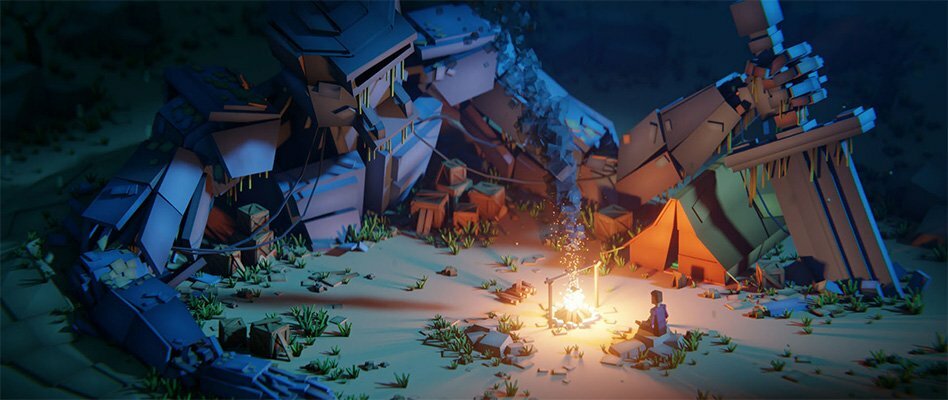
CGBoost - Cubic Worlds

mppuxsi7icirrbja3gc4wnrd36.jpg


CGBoost - Cubic Worlds
Zach Reinhardt | Duration: 22h 23 m | Video: H264 1920x1080 | Audio: AAC 48 kHz 2ch | 20,7 GB | Language: English

Learn how to tell your stories with low poly animations in Blender.

Ever wanted to tell your stories in 3D, in a simple but powerful way? Cubic worlds is just that. This course teaches you how to build and animate beautiful low poly 3D scenes from scratch, in a distinct style, using only free tools.

Creating stunning 3D animations can be a very complex and time-consuming task.

With Cubic Worlds we are going for a simplified "LEGO" approach, we build everything using only cubes, combined with advanced animation and rendering techniques.

It's time to impress your friends and followers with your beautiful 3D animated stories.

Here is what you'll get

• Learn everything to tell your low poly stories in 3D
• 160 lessons (22+ hrs running time)
• All project files for download
• Stream online or download the course for offline use
• English captions for each lesson
• Access to a student-only community
• Get a certificate on course completion
• Pay once and get all future updates for free

Homepage

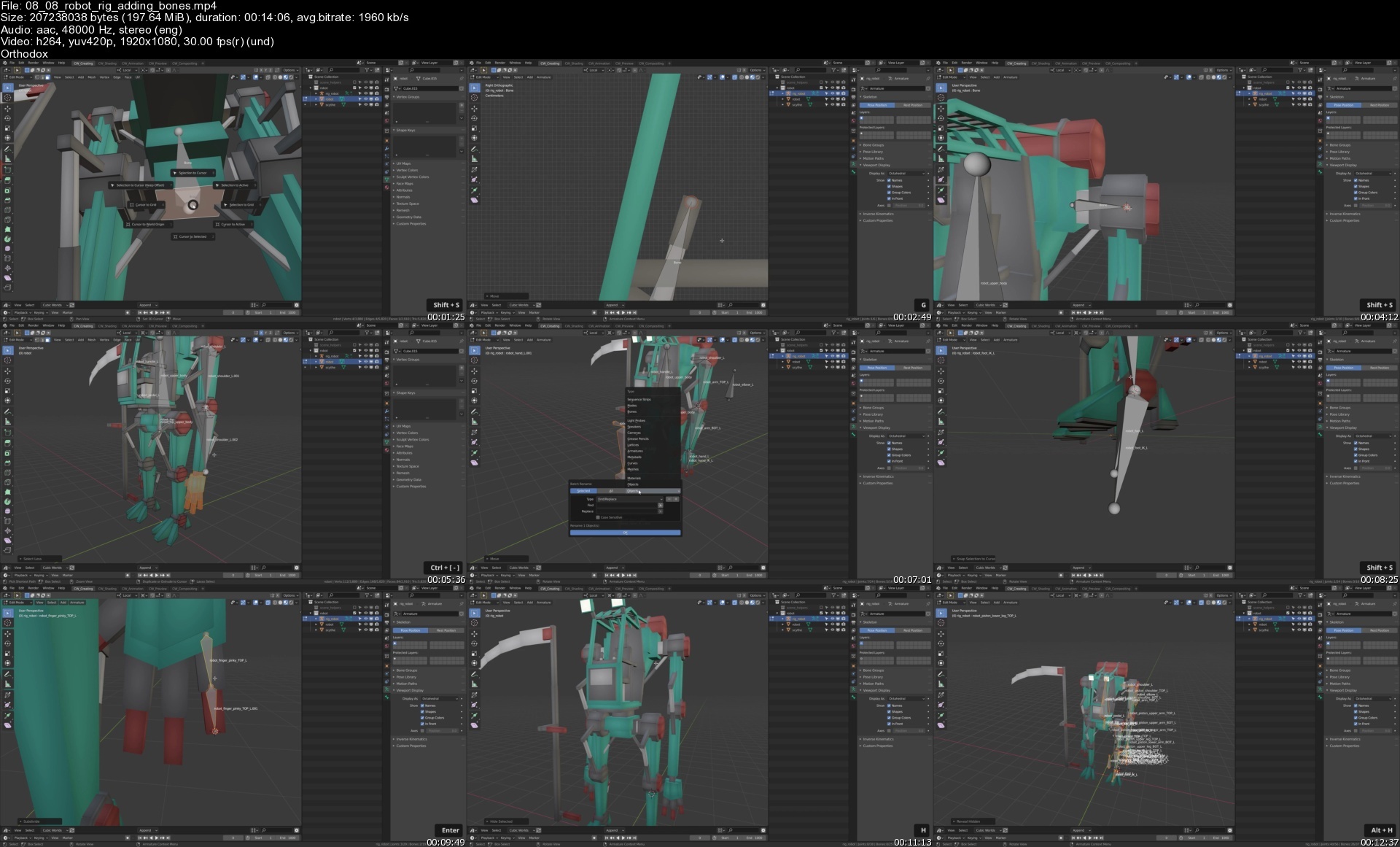
0808robotrigaddingboni5f29.jpg


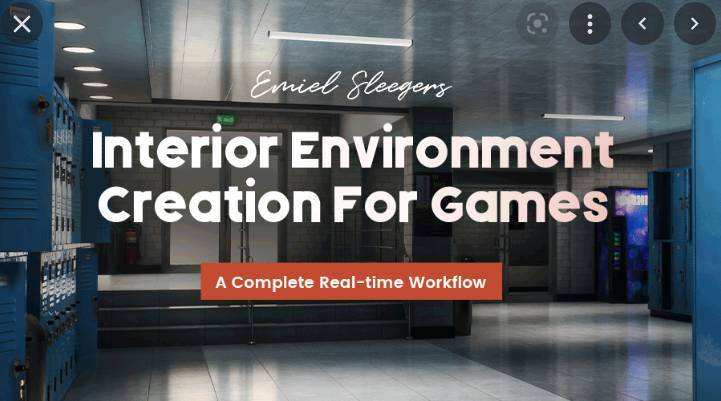
Interior Environment Creation For Games

interiorenvironmentcr1rc0i.jpg


Interior Environment Creation For Games
Instructors: Emiel Sleegers
40 Lessons | Duration: 14h
Video: MP4 1920x1080 48 KHz | English
Beginner/Intermediate | Size: 5.9 GB

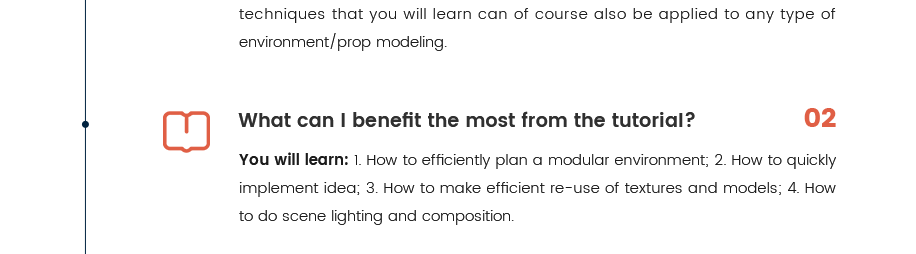
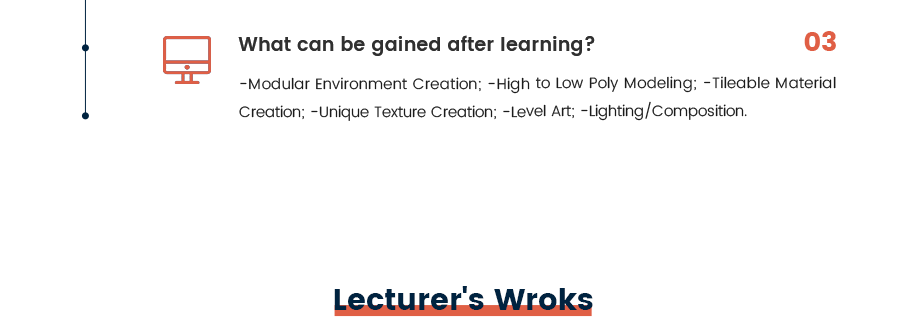
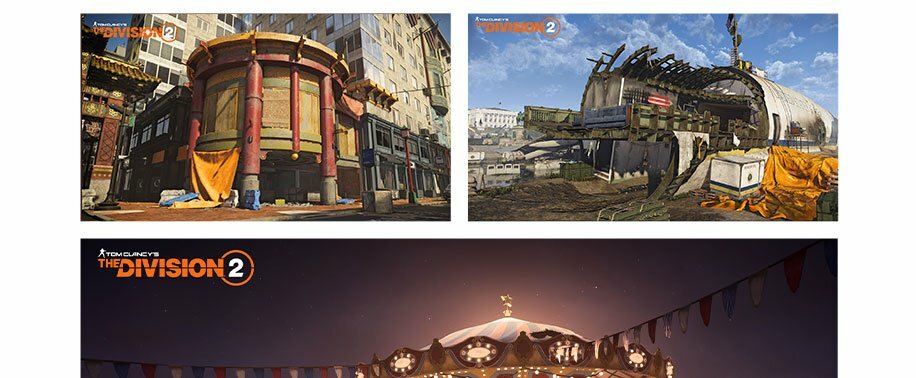
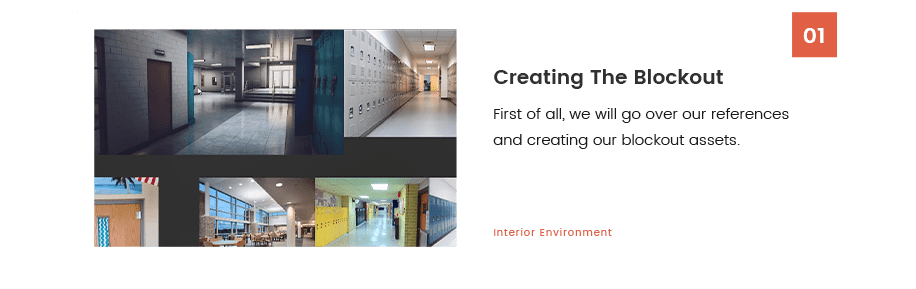
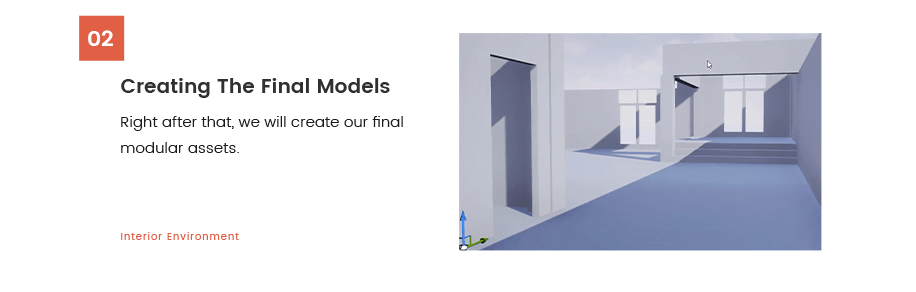
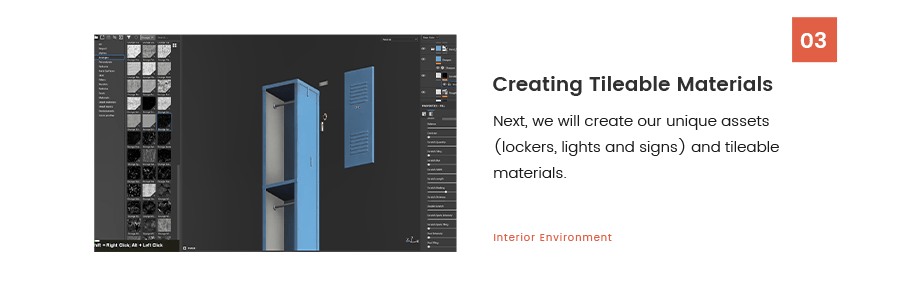
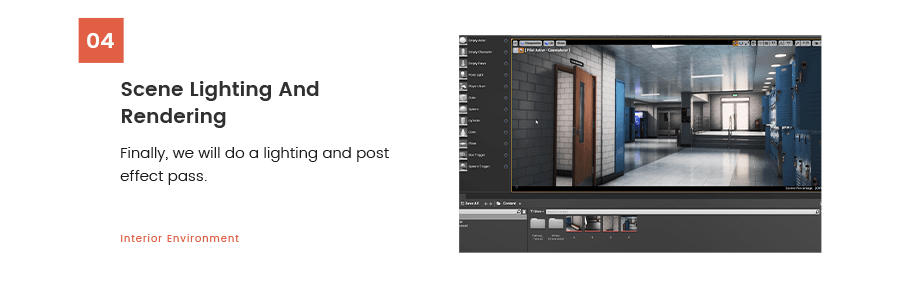
With this tutorial course, you will learn everything you need to know to create flexible and interesting interior environments. You will learn key techniques that are used every day in the game industry and you will learn how to create art quickly and efficiently.

Author: Emiel Sleegers
Content: HD videos + Project files
Duration: 14hours
Software: Maya 2022 ; Substance Painter ; Substance Designer ; Marmoset Toolbag ; Photoshop ; Unreal Engine 4
System: No specific requirements.
Project file: The lecturer will provide project files.

8xfiggjjisun2n1w8t5cvxtihl.png

fodmiglwupfubgzyvjenvz8dj4.png

21qrkmgyui2g4ftjht2mkhbdxh.png

o4wooj7vusrgiyftx0fgwo3e4u.jpg

frzprlr0fdz6ykvyjl0gpkxehd.jpg

cx9qxitk7w0smuenwkt1utiip8.png

thobhiammsmatk9szyptlnnf7u.png

lfoe0v3sqqifxllrxpln6n7isg.png

aariapru3sqmk4gapb66i89e8x.png


Udemy - Advanced JavaScript Concepts

0d2pwmnadfeq6.jpg


Udemy - Advanced JavaScript Concepts
MP4 | Video: h264, yuv420p, 1920x1080 | Audio: aac, 48000 Hz | Duration: 23h 42m | 11.6 GB
Genre: eLearning | Language: English

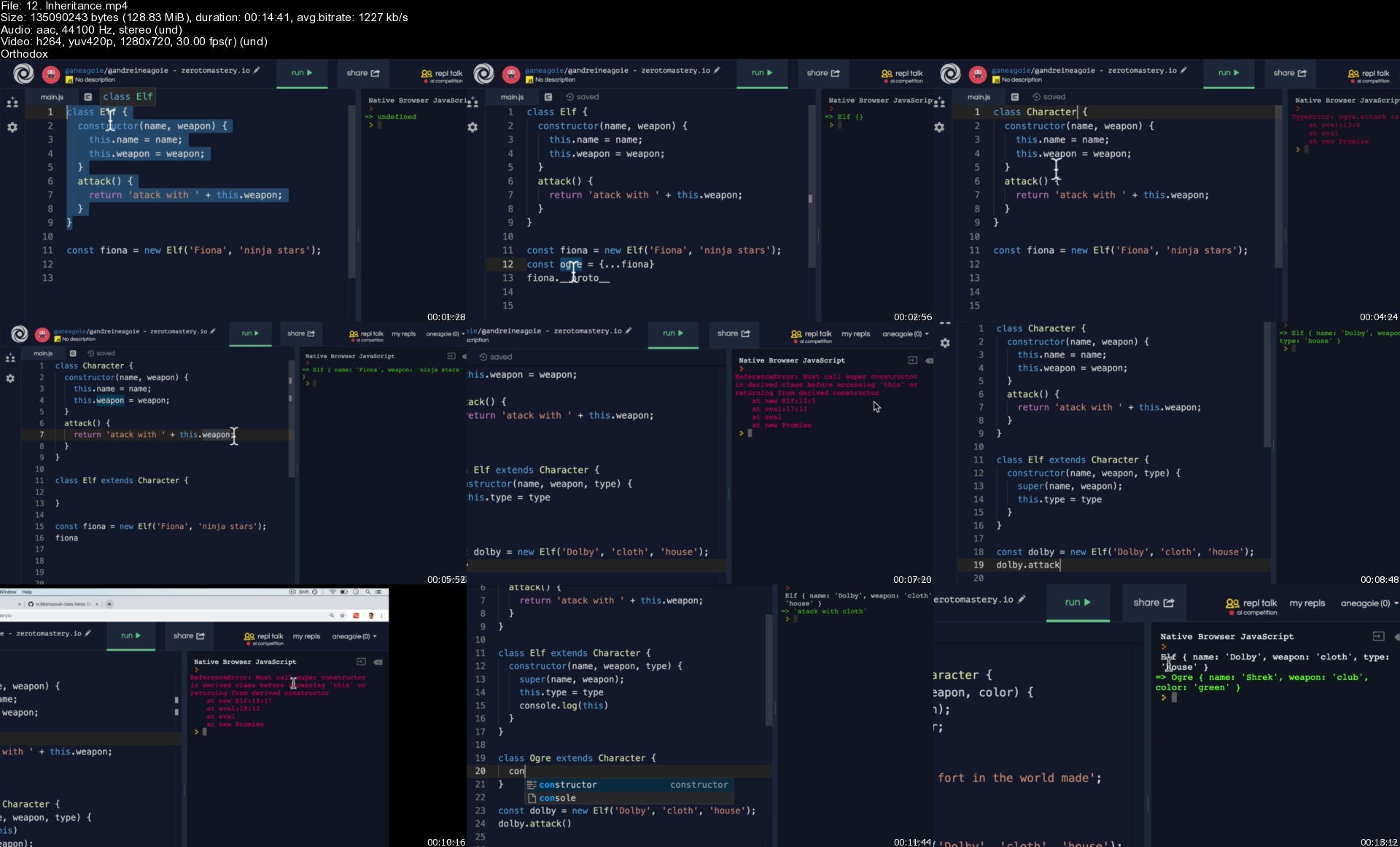
"Advanced JavaScript Concepts" ranks 2nd in the list of best online JavaScript courses. Have you mastered the fundamentals of JavaScript and want to move on to more advanced JavaScript topics? If you answered yes, you should take Udemy's Advanced JavaScript Concepts course. It satisfies the objective with 23.5 hours of on-demand video and 24 articles. You'll study all of the most up-to-date advanced JavaScript techniques, putting you ahead of the competition. It also covers both functional programming and object-oriented programming in JS. The Advanced JavaScript Concepts course, created by Andrei Neagoie, has been taken by over 10,000 people. Over 1.6k learners have given the course a 4.8-star rating, which is a great result.


Topics covered

Comparing JS with other programming languages
OOP vs. Functional Programming
Asynchronous JavaScript
Babel and TypeScript
Function scope vs. Block scope in JavaScript
JavaScript engine
Garbage collection and memory leaks
IIFEs and JavaScript runtime
JavaScript types
JTS
Modules in JavaScript
Node.js
Type coercion

What you will learn

Advanced JavaScript Practices
Object Oriented Programming
Functional Programming
Scope and Execution Context
Inheritance + Prototype Chain
Latest features: ES6, ES7, ES8, ES9, ES10, ES2020, ES2021
Closures
Asynchronous JavaScript + Event Loop
JavaScript Modules
JavaScript Engine and Runtime
Error Handling
Stack Overflow
Memory Leaks
Composition vs Inheritance
Type Coersion
Pass By Reference vs Pass by Value
Higher Order Functions
IIFE

12.inheritances6viuz.jpg


Dirty Canva graphic design course: Become a Canva Expert

xltkebgfcc2oxnvsdotpur8fqc.jpg


Dirty Canva graphic design course: Become a Canva Expert
Published 08/2022
Genre: eLearning | MP4 | Video: h264, 1280x720 | Audio: AAC, 48.0 KHz
Language: English | Size: 6.74 GB | Duration: 27 lectures 9h 54m


What you'll learn
Learn the fundamentals of Canva & graphic design while having fun
Discover how to make a positive first impression with all your designs
Build a strong brand identity & a brand style guide for your business
Learn the smart Canva workflow that will allow to create final assets that are reusable and that continually save you time!
Learn to create animated graphics, ebooks, videos, presentations, and much more
Learn the secrets to start your journey as an International Freelancer and get paid
Master the art of designing seamless carousels and all graphics that are important to build digital presence on social media
Tips and tricks to use in designs which scream 'Professional Designer' to your audience


Requirements
Nothing Required
Eager to Learn
Internet Connection

Description
Welcome to this course, Dirty Canva graphics design course: Become a Canva Expert.

Learn a New Way of Designing Amazing Graphics Using Canva With Zero Prior Experience

With this Canva course, you will learn everything there is to know about graphic design on Canva. The Ultimate Guide to Master Canva Designing skill to become a paid international freelancer.

Are you ready to learn smart workflow tricks that will save you time?

We know, it can be really hard to create that one piece of design that people can t say no to.

Even the perfect designs come back for revisions, but you know, it is what it is. As a designer you should be ready for this, but what if you are not good at using tools like Adobe Photoshop or Illustrator?

Does that mean you cannot make good designs that make your client say WOW in the first look?

Of course, you can! That is where Canva comes into the picture.

Canva is THE BEST tool all around the web that can help you in designing beautiful graphics in no time.

No stress over monthly subscription charges as it is completely free

1000s of Pre-made design templates are available for you to use

Super user-friendly interface

If you re still reading this then you are someone who wants professional quality Graphic Designs but doesn t want to pay a designer or spend hours of precious time learning complicated and expensive software? And guess what? You don t have to!
This Canva mastery course is a step-by-step comprehensive framework that will help to transform you from a beginner to an expert Canva graphics designer and also help you to start your journey as an international freelancer.

Top-notch designing videos from basic to advance in one place. No more scrolling through the internet for tutorials. Avoid wastage of time and grab this opportunity right now.

With 70 Lessons and over 8+ Hours of Rich-Content in the course, you re bound to become a Top-notch designer!

Enroll inside to this course, Dirty Canva graphics design course: Become a Canva Expert.

Enroll Now!

Who this course is for
Virtual Assistants - Who need to create professional graphics & designs for their clients
Content Creators - Who need to produce graphics without wanting to spend hours learning expensive, complicated software
Graphic Design Enthusiasts - Beginner designers and anyone interested in graphic designing
Social Media Managers - Who want to learn an in-demand skill and help brands in growing their visual influence
Freelancers - Who wants to boost their career on Fiverr, Upwork, etc
Business Owners - Who wants to create a strong brand identity


dirtycanvagraphicdesiu7ff3.jpg


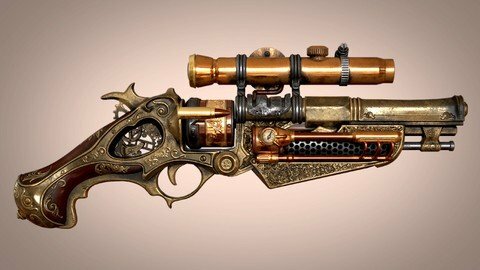
Real Time Game Asset Steam Punk Gun in Blender

zdzgzaj0uhentodlrs3z65bdta.jpg


Real Time Game Asset Steam Punk Gun In Blender
Last updated 3/2020
MP4 | Video: h264, 1280x720 | Audio: AAC, 44.1 KHz
Language: English | Size: 19.59 GB | Duration: 19h 19m

Learn How to Model, Texture, and Render 3D Game Prop using Blender, Zbrush, Substance Painter, Marmoset, and Sketchfab


What you'll learn
Tips and shortcuts for more efficient workflow
Highpoly and lowpoly mesh modeling
Detail Sculpting
Essential UV creation
Texture map baking
Realistic texturing
Real-Time rendering

Requirements
You must have intermediate knowledge of Blender, Zbrush, Headus, Marmoset, & Substance Painter and Substance Designer

Description
Instructor InfoThuan Duong is currently working as a CG freelancer, CG teacher, and leader of a collectible studio. What he appreciates the most about his job is the flexibility in time, and direction he can take his work to. He is always up to learning new things and sharing his knowledge and experience to others. The project that he is most proud of is the Talis project which is a concept that he created for an indie film and later remade into an OC. He exerted lots of time and effort on this project spending long nights working on her concept, armor, textures, and even had a chance to put her in a game engine. Ever since he was a child, he liked drawing, legos, remaking toys from broken ones, breaking toys to make new ones, and this art of creating had never left him. Fast forward to the present moment, he is still utilizing his love for art and building parts to creating new characters, props, scenery, telling stories, painting statues, and experimenting on workflows. The feeling when his imagination take form is a reminder of why he started, motivating him to continue on. His advice to artists who are just starting out is to keep trying and keep failing. You only fail if you quit, so never give up!Course Info In this course, I want to share the pipeline that I've use for my works by the form of creating a game asset. I'll be showing tips and shortcuts to reduce the painful tasks and focus your time where it counts. I'll be here to guide you at every step to make sure that you will take away the most out of the experience I'm sharing.Brief course summary :In this course we'll go through the compete pipeline of creating a Steampunk gun game asset, with some extras to help you with your own work. In detail :Concept and ideas guideline for your work using PurerefHighpoly and Lowpoly mesh modeling in BlenderDetail Sculpting in ZbrushEfficient UV creation using Headus UV layoutTexture map baking using a combination of Marmoset toolbag and Substance Designer.Realistic texturing with Substance PainterRealtime render with Substance Painter, Marmoset Toolbag, Blender eevee and SketchfabBy the end, you should have enough guidelines and tools required to make a AAA 3D asset for your work or personal projects.So if you have the basics of the Blender, Zbrush or Substance Painter and want to take your level of work one step higher, then follow me in creating this amazing game asset, then apply the knowledge to your other projects. I guarantee you will be amazed by how far you can go in a span of days. So join me in this course at Victory3D, and boost your skills like never before.

Overview

Section 1: Introduction

Lecture 1 Introduction

Lecture 2 Overview

Section 2: Blockout

Lecture 3 Blockout Part 1

Lecture 4 Blockout Part 2

Lecture 5 Blockout Part 3

Lecture 6 Blockout Part 4

Lecture 7 Blockout Part 5

Lecture 8 Blockout Part 6

Lecture 9 Blockout Part 7

Lecture 10 Blockout Part 8

Lecture 11 Blockout Part 9

Lecture 12 Blockout Part 10

Section 3: High Poly Modeling

Lecture 13 High Poly Part 1

Lecture 14 High Poly Part 2

Lecture 15 High Poly Part 3

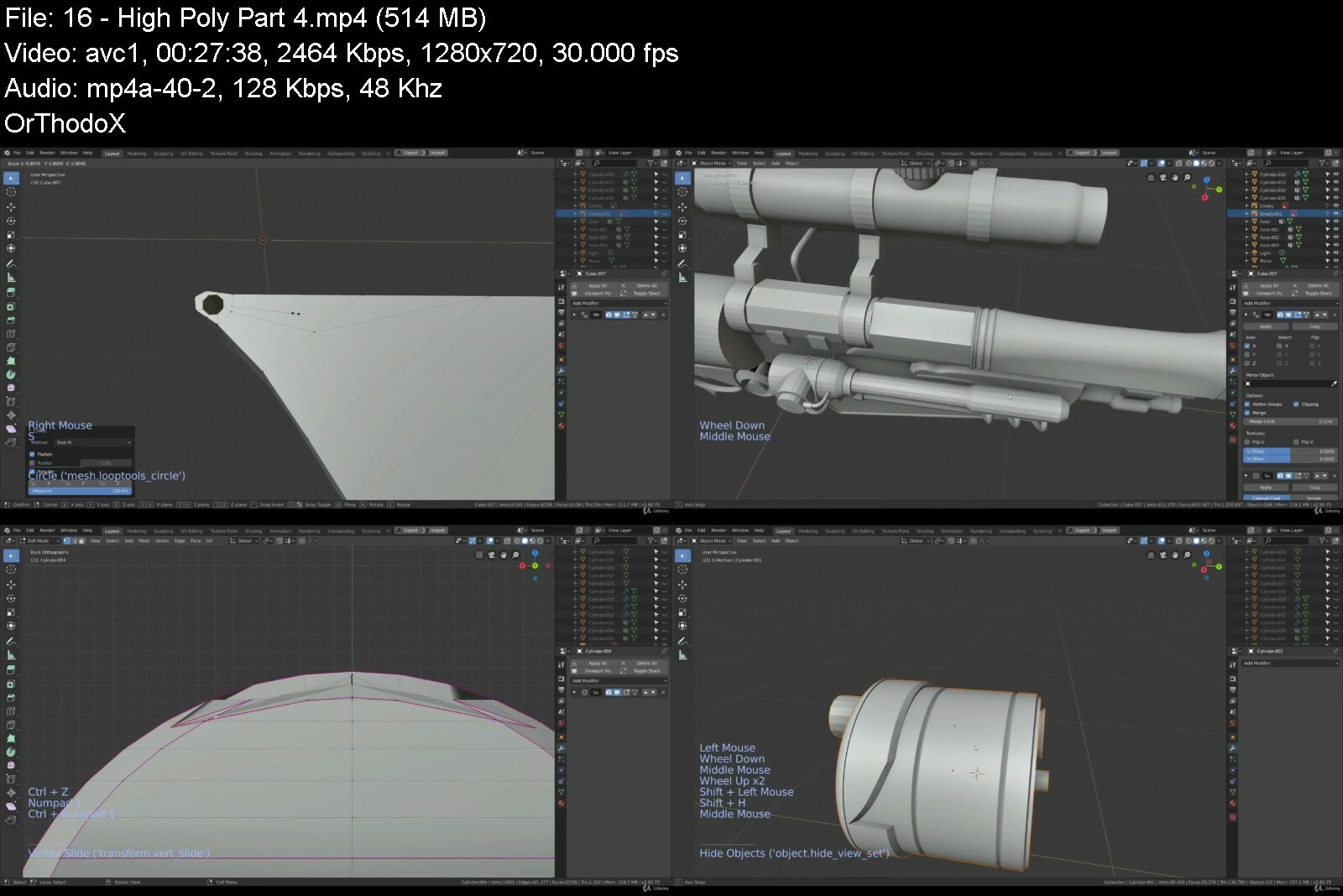
Lecture 16 High Poly Part 4

Lecture 17 High Poly Part 5

Lecture 18 High Poly Part 6

Lecture 19 High Poly Part 7

Lecture 20 High Poly Part 8

Lecture 21 High Poly Part 9

Lecture 22 High Poly Part 10

Section 4: Sculpting

Lecture 23 Sculpting Part 1

Lecture 24 Sculpting Part 2

Lecture 25 Sculpting Part 3

Lecture 26 Sculpting Part 4

Lecture 27 Sculpting Part 5

Lecture 28 Sculpting Part 6

Lecture 29 Sculpting Part 7

Section 5: Low Poly Modeling

Lecture 30 Low Poly Part 1

Lecture 31 Low Poly Part 2

Lecture 32 Low Poly Part 3

Lecture 33 Low Poly Part 4

Lecture 34 Low Poly Part 5

Lecture 35 Low Poly Part 6

Lecture 36 Low Poly Part 7

Lecture 37 Low Poly Part 8

Lecture 38 Low Poly Part 9

Section 6: UV Creation

Lecture 39 UV Part 1

Lecture 40 UV Part 2

Lecture 41 UV Part 3

Lecture 42 UV Part 4

Lecture 43 UV Part 5

Lecture 44 UV Part 6

Section 7: Baking

Lecture 45 Bake Part 1

Lecture 46 Bake Part 2

Lecture 47 Bake Part 3

Lecture 48 Bake Part 4

Lecture 49 Bake Part 5

Section 8: Texturing

Lecture 50 Texture Part 1

Lecture 51 Texture Part 2

Lecture 52 Texture Part 3

Lecture 53 Texture Part 4

Lecture 54 Texture Part 5

Lecture 55 Texture Part 6

Lecture 56 Texture Part 7

Lecture 57 Texture Part 8

Section 9: Rendering

Lecture 58 Render 1

Lecture 59 Render 2

Lecture 60 Render 3

Lecture 61 Render 4

Those who want to know how to create realistic game assets,Anyone who want to highly improve their modeling, texturing and rendering skills


realtimegameassetsteasrdxn.jpg


Weapon Modeling & Texturing For Game for Absolute Beginners

f2u6pk4w3h5942ycfqgoz26flj.jpg


Weapon Modeling & Texturing For Game For Absolute Beginners
Last updated 4/2020
MP4 | Video: h264, 1280x720 | Audio: AAC, 44.1 KHz
Language: English | Size: 7.52 GB | Duration: 9h 11m

Learn Modeling, Sculpting, Retopology, UV Unwrapping & Texturing for beginners in Maya, Zbrush & Substance Painter


What you'll learn
Modeling Weapons in Maya
Sculpting Weapon Details in Zbrush
Retopology High Poly Meshes in Maya
UV Unwrapping in Maya
Baking Normal, Occlusion, Curvature and some other maps in Substance Painter
Texturing in Substance Painter

Requirements
No prior knowledge is required.

Description
Welcome and Instructor Intro Hi, Welcome to Weapon Modeling & Texturing For Game for Absolute Beginners course. In this course you will be learning creating a game weapon from scratch step by step.Do you want to learn the full pipeline of creating a weapon for game ?If so then this is the perfect course for you. My name is Nalin, I am a 3d Modelling and Texturing Artist com Educator.I have been teaching since 2008 at various Institution such as ZICA, Reliance Education and Arena Animation. I have also worked as a Character Modelling and Texturing Artist at Lakshya Digital and Dhruva Interactive.Benefits Learning Weapon modelling and texturing is a necessary step towards becoming a prop or character artist for Game and Films.By the end of this course you will be able to create weapons for game and films.Why to learn from me ?As you may know I am an experienced artist having 10+ years of studio and teaching experience and on top of that, I am a passionate teacher.You will get premium support from me for your doubt clearing while taking the course and even after completion of the course, you can reach out me and ask questions. You are my student for the lifetime. List of Major Components Let s see how the course is designed. There would be 8 modules. The first module will introduce you with the course.The 2nd module Maya Basics For Absolute Beginners, will cover some Maya Basics and this is for absolute Maya beginners.Then in the 3rd module, Modeling the Axe Base Mesh in Maya, you will be learning Maya modelling to model the Axe base mesh.In the 4th module Detailing the Axe in Zbrush, we are going to start with Zbrush basic and then I will be sculpting the Axe. You are going to learn how to sculpt metals adding scratches, and then you will be learning how to add the wood textures on the handle and finally the fabric wrinkles.The 5th module Retopo the Axe in Maya, You will be learning how to retopolize the high poly model inside maya using the quad draw tool.6th module is UV Unwrapping in Maya, In this Module I will teach you how to unwrap UVs using powerful maya uv editor and its tools.In the 7th module Texturing in Substance Painter, I will start with substance painter basics and then we are going to texture the Axe. I will start with Baking various maps such as normal map, ambient occlusion map, color Id map and some other useful maps for texturing.I will show you how to texture the metals, then the wood handle and fabric and how you can add some dirt.finally I will show you how to render the final image for your portfolio using Iray renderer in substance painter.And the Final module I am going to conclude and wrap up the course.Ideal StudentsI have designed this course for beginners level 3d modelling students, who wants to learn the full pipeline of creating a game weapon but struggling to finding a proper courseThere are no prior knowledge required for the course.30 days money back guarantyFeel free to check out the course description and course outline below to see everything that is included in this course.There is a 30 days money back guaranty. Which means if you aren t satisfied with the course then you can refund it within 30 days.So literally there isn t any risk at all, so go ahead and click on the enroll button. I can t wait to see you in the course.This is Nalin, I thank you for enrolling to the course and I will see you in the first lesion.

Overview

Section 1: Introduction

Lecture 1 Introduction

Lecture 2 Download Concept Art and Resources

Section 2: Maya Basics For Absolute Beginners

Lecture 3 User Interface Overview

Lecture 4 Viewpot Navigation

Lecture 5 Creating Objects

Lecture 6 Saving and Opening Files

Lecture 7 Selecting Objects and Components

Lecture 8 Using Move, Rotate and Scale Tool

Lecture 9 Using Layers

Lecture 10 Soft Selection and Symmetry

Lecture 11 Hide and Show Objects

Lecture 12 Intro to Outliner

Lecture 13 Using Pivot Point

Lecture 14 Group Objects

Lecture 15 Using Marking Menu

Section 3: Modeling the Axe Base Mesh in Maya

Lecture 16 Modeling the Axe Center

Lecture 17 Modeling the Axe

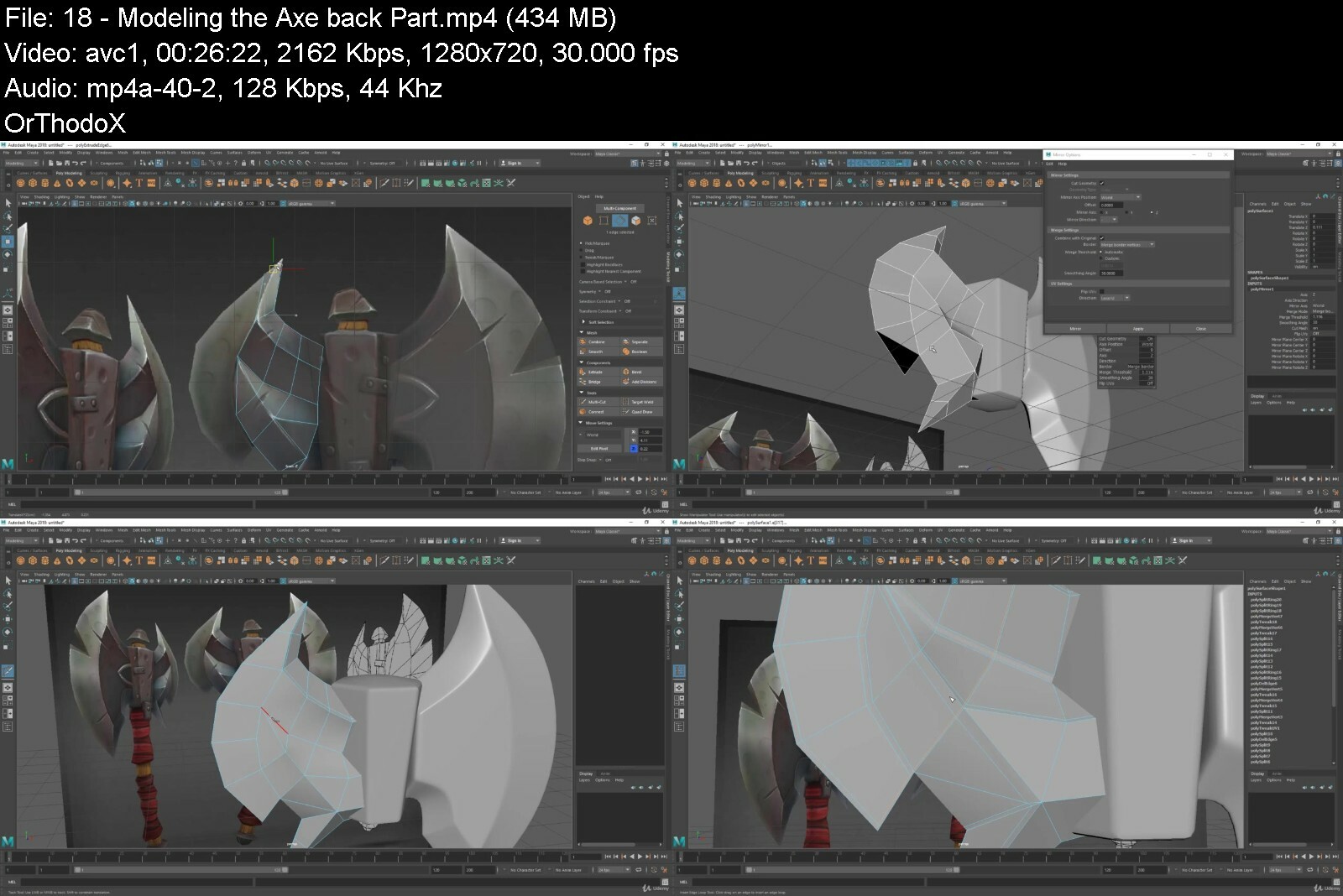
Lecture 18 Modeling the Axe back Part

Lecture 19 Modeling the Axe Handle

Lecture 20 Finishing the Axe Metal Part

Lecture 21 Modeling the Wrapped Cotton

Lecture 22 Finishing the Axe Base Mesh

Lecture 23 Exporting the Base Mesh and Wrap up

Section 4: Detailing the Axe in Zbrush

Lecture 24 What is Zbrush.

Lecture 25 How to Download and Install Zbrush

Lecture 26 Interface Overview

Lecture 27 Navigating the Canvas

Lecture 28 Importing the Axe into Zbrush

Lecture 29 Using PureRef for Reference Image

Lecture 30 Sculpting the Metal Part 01

Lecture 31 Sculpting the Metal Part 02

Lecture 32 Adding Scratches Part 01

Lecture 33 Adding Scratches Part02

Lecture 34 Adding Surface Details

Lecture 35 Sculpting the Wood Handle

Lecture 36 Sculpting the Wrapped Cloth

Lecture 37 Finishing The Axe Sculpting

Lecture 38 Decimating, Exporting and Wrap Up

Section 5: Retopology in Maya

Lecture 39 Setting the Scene for Retopo

Lecture 40 Retopo the Axe Metal Part 01

Lecture 41 Retopo the Axe Metal Part 02

Lecture 42 Retopo the Axe Metal Part 03

Lecture 43 Retopo the Axe Handle

Lecture 44 Retopo Small Parts

Lecture 45 Final Adjustment to the Low Poly

Lecture 46 Clean Up Assigning Smoothing Group and Wrap Up

Section 6: UV Unwrapping in Maya

Lecture 47 Exploring UV Editor and Toolkit

Lecture 48 Unwrapping Practice with Simple Objects

Lecture 49 Unwrapping the Axe Handle

Lecture 50 Unwrapping the Axe Metal Body

Lecture 51 Unwrapping the Small Parts

Lecture 52 Creating the Layout and Wrap up

Section 7: Texturing the Axe in Substance Painter

Lecture 53 Substance Painter Overview

Lecture 54 Understanding Maps

Lecture 55 Baking Test Maps

Lecture 56 Preparing the Maya Scene for Baking Maps

Lecture 57 Baking Maps

Lecture 58 Texturing the Metal

Lecture 59 Texturing the Wood

Lecture 60 Texturing the Fabric

Lecture 61 Adding Dirt Layer

Lecture 62 Exporting the Maps

Lecture 63 Rendering using Iray and Wrap Up

Section 8: Conclusion

Lecture 64 Bonus Lecture - What's Next?

Who wants to learn the full pipeline of creating a game weapon but struggles to find a proper course.


weaponmodelingtexturi18dtr.jpg


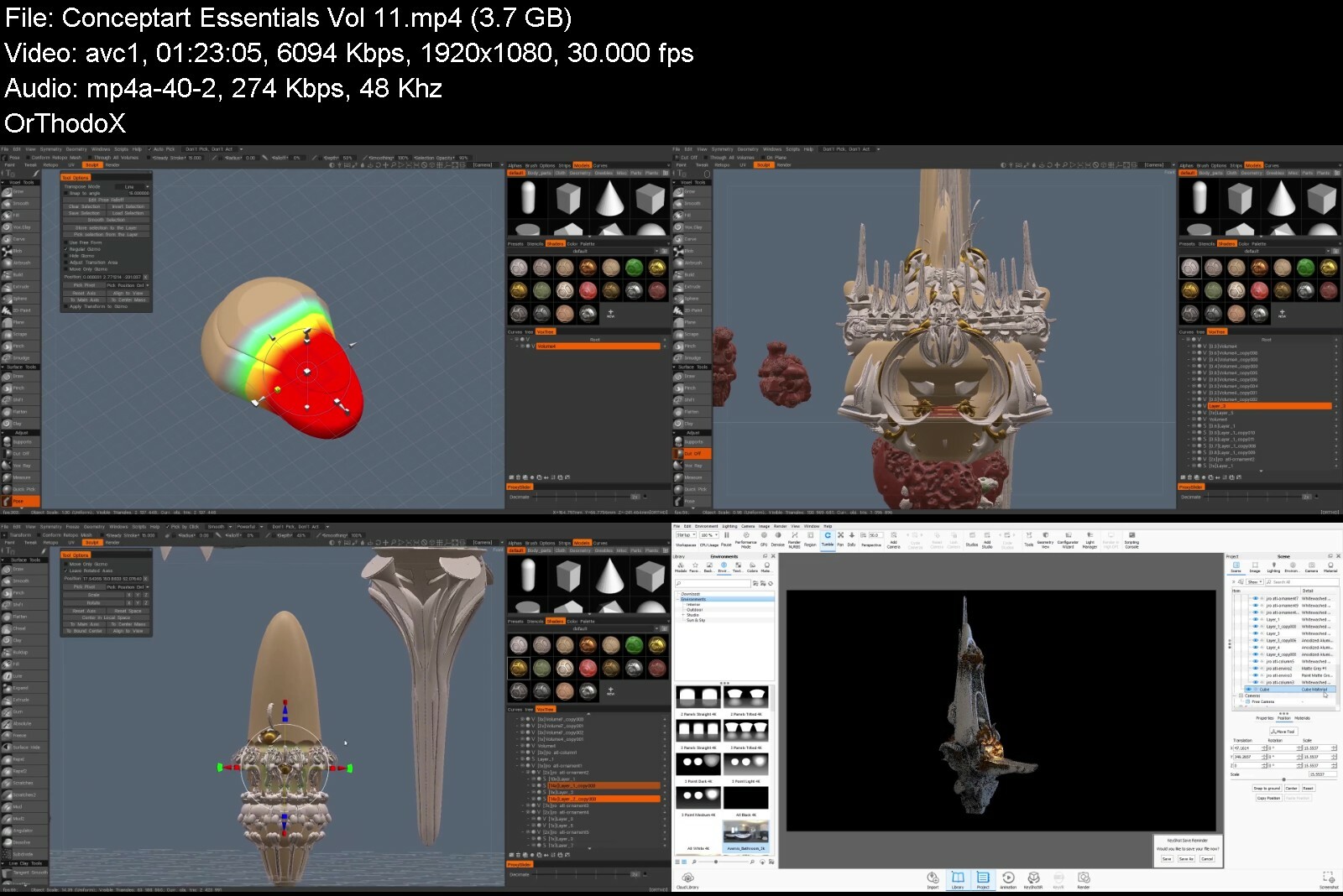
Concept Art Essentials Collection Vol.1-12

cbvontuxeghbnatlyczh8fbctx.jpg


Concept Art Essentials Collection Vol.1-12
MP4 | Video: h264, yuv420p, 1920x1080 | Audio: aac, 48000 Hz | Duration: 14h 55m | 12.1 GB
Genre: eLearning | Language: English

This is a tutorial series where we follow Sebastian Luca explain and demonstrate various art theories, 12 tutorials with 13+ hours of content.

Homepage
conceptartessentialsc2nc0d.jpg


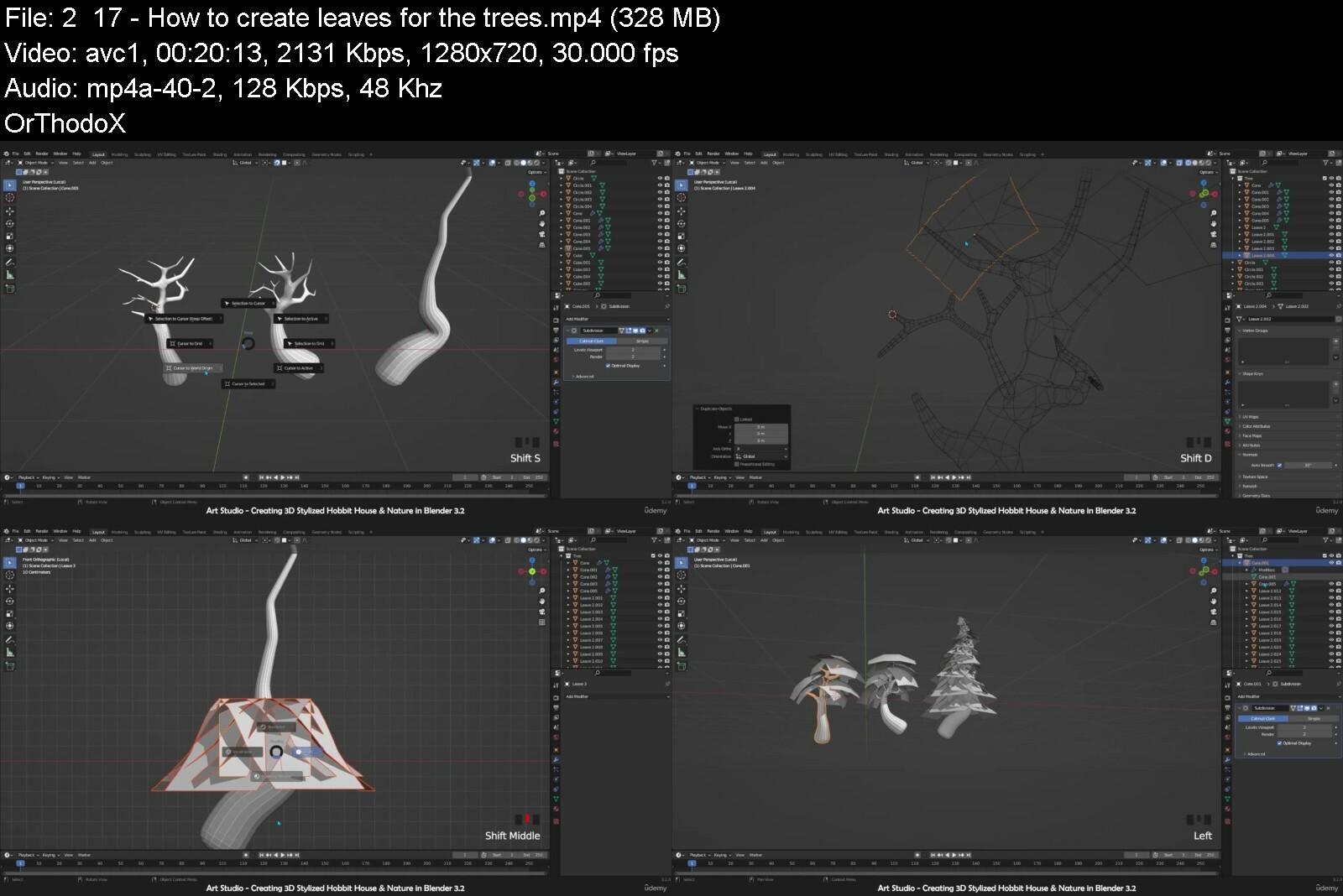
Complete beginners guide for Blender - Creating Hobbit Cog

irr1vsdxxmoxr413zq4im6udti.jpg


Complete beginners guide for Blender - Creating Hobbit Cog
Published 07/2022
Genre: eLearning | MP4 | Video: h264, 1280x720 | Audio: AAC, 48.0 KHz
Language: English | Size: 7.09 GB | Duration: 37 lectures 7h 33m


What you'll learn
The most fundamental concepts of 3D art and Blender.
Modeling
UV Unwrapping & Texturing
How to create HDRI for lighting our scene
PBR Texture painting
How to use particle system
Create procedural textures for water, wood, concrete, sky and more using blender nodes
Create a Real time Camera Movement


Requirements
All Blender 3.0x versions are fully compatible with this course.
Absolutely no experience with 3D or Blender is necessary.

Description
Hey this is Morteza from art studio. You might be one of those who are searching for a course that includes most of the blender important topics. That is why we have created complete beginners to advanced guide to blender.

We will take you through the Modeling. UV unwrapping, texturing, PBR texture painting, lighting, real smooth camera movement and much more.

This course is divided to 15 chapters. And in each chapter, you will learn blender step by step.

in the first, we start very basic, taking you through the fundamentals of blender and we prepare you for the next chapter which is Modeling. At the end of this part, you learn how to model an interesting 3d stylized hobbit cog and trees. during this section you will learn all the tools and techniques that is necessary for creating easy and complex models.

After that we jump into the UV Unwrapping. Here we talk about different way of UV Unwrapping & we try solve the problems and difficulties that happens during this process.

After that We create HDRI. Later we use free easy-HDRI add-on and we use blender lights for adding more interest at the end. special when we create sky texture.

Next section is the Texturing. here we texture the entire scene by using some free textures that is included in project file.

After that we jump to the texture painting. In this section you learn how to mix 2 or more texture or PBR texture and paint them on a surface. Later you will learn more about that when we paint on the water surface and we erase some of its parts.

, we will use particle system for spreading the plants on surfaces and for creating smoke or dust particles.

Not only these

You will learn

How to create Rocks & add logo on them

How to Create procedural textures for water, wood, concrete, sky and more using blender nodes.

Finally, we Create a Real smooth Camera Movement and we walk through our scene in real time using Evee.

As a part of this course, you get access to all of these amazing resources.

Who this course is for
Anyone who wants to learn computer graphics and 3D artwork - no experience needed!
Artists and game developers who want to learn Blender
Anyone who has started working with Blender, but want to advance their character creation and 3d environments modeling skills


completebeginnersguid7yer6.jpg


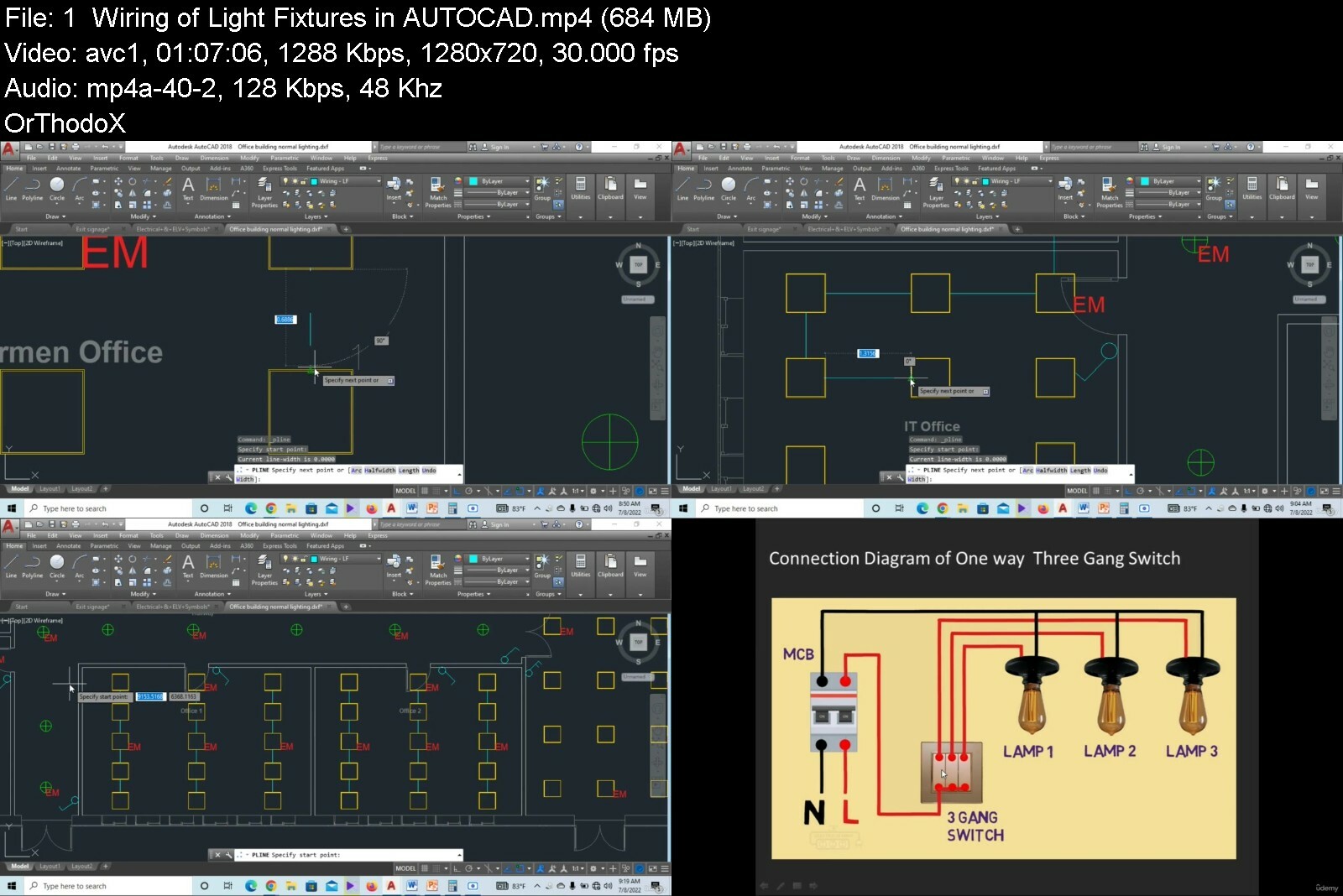
Complete Electrical Design Engineering Course for Beginners

47866309173gifvn.jpg


Complete Electrical Design Engineering Course for Beginners
Published 08/2022
MP4 | Video: h264, 1280x720 | Audio: AAC, 44.1 KHz, 2 Ch
Genre: eLearning | Language: English + srt | Duration: 76 lectures (14h 29m) | Size: 7.58 GB


Complete guide to Electrical Design Engineering using AutoCAD, DIALux, ETAP and Excel with Practical Examples


What you'll learn
Learn about Different Kinds of Lamps and Luminaires
Learn about Lamps and Luminaires Properties and Applications
Complete Electrical Engineering Design Training with Autocad
Complete Lighting Designing in DIALux
Lighting & Power Distribution Design in Autocad
Electrical Low Voltage Calculations Manually By Using Excel Sheets
Panel Schedule, Load Balancing for Electrical Distribution Panels with Excel Software
Analyze Electrical Systems using ETAP
Sizing Low Voltage Cables and Circuit Breakers
Design Electrical Distribution Networks (Single Line Diagram)
Learn about Distribution transformers Properties , Types and Ratings
Power Factor Corrections Systems Ratings and Calculations
Voltage Drop and Short Circuit Analysis in Excel and ETAP Software
Design of Earthing & Lightning Systems

Requirements
You need a computer and internet connection
Autocad, DIALux, MS Excel, ETAP and Revit MEP Software
You do not need any prior knowledge about Electrical Design Engineering

Description
An electrical design engineer is a professional who develops electrical systems such as lighting and Power. They use vast knowledge of the principles of physics and material sciences to help create solutions for new electrical systems and provide maintenance or installation services to current electrical systems.

This is a course handling all Electrical Design knowledge[A to Z], this course is tailored to start from scratch till the expert level in Electrical System Design.

We'll take you step-by-step through engaging video tutorials and teach you everything you need to know to succeed as a Electrical Design Engineer.

We cover a wide variety of topics, including

Different Kinds of Lamps and Luminaires

Lamps and Luminaires Properties and Applications

Complete Electrical Design Engineering Training with Autocad

Complete Lighting Designing in DIALux

Lighting & Power Distribution Design in Autocad

Electrical Low Voltage Calculations Manually By Using Excel Sheets

Panel Schedule, Load Balancing for Electrical Distribution Panels with Excel Software

Analyze Electrical Systems using ETAP

Sizing Low Voltage Cables and Circuit Breakers

Design Electrical Distribution Networks (Single Line Diagram)

Learn about Distribution transformers Properties , Types, Ratings and Sizing

Power Factor Corrections Systems Ratings and Calculations

Voltage Drop and Short Circuit Analysis in Excel and ETAP Software

Design of Earthing & Lightning protection Systems

and much more.....

You will get lifetime access to all lectures plus corresponding Notes for the lectures!

So what are you waiting for? Learn Electrical Design Engineering in a way that will advance your career and increase your knowledge, all in a fun and practical way!

Who this course is for
Fresher / Experienced Electrical Engineers
Electrical Engineering Students
Electrical Designers and Draughtsman's
Electrical Site Engineers
Electrical Technicians


completeelectricaldesbxffg.jpg


Game Asset Creation Modeling & Texturing a Futuristic Crate

dr1worntkvxtichie8ftd7xi94.jpg


Game Asset Creation Modeling & Texturing A Futuristic Crate
Last updated 12/2019
MP4 | Video: h264, 1280x720 | Audio: AAC, 44.1 KHz
Language: English | Size: 5.23 GB | Duration: 4h 45m

Model and Texture a Sci-Fi Game Prop using Zbrush, 3Ds max, Substance Painter, and Marmoset


What you'll learn
Acquire artistic theory in modeling and texturing game props
Understand the industry pipeline of creating AAA quality game asset
How to efficiently retopologize
Prepare models for baking
Create believable scratches, dirt, and discoloration
Render high quality finished product for portfolio presentation

Requirements
Intermediate knowledge of Zbrush, 3ds Max, Substance Painter and Marmoset

Description
Instructor InfoDesmond Man is currently an Environment Artist working in AAA console games. What he loves most about his job is that he gets to make cool games with colleagues which he considers more as friends. The project that he had worked on the he is the most proud of was Laser League because he had a lot of creative freedom and support when building the environments. Desmond had always been an artistic person but most of his inspiration began from watching cartoons. He had always loved animation as a child and how people made cartoon animations astounded him. He went to a university to take 3D art and instantly fell in love with it. He knew he wanted to pursue 3D art as a career but wasn't sure which field in the 3D industry he wanted to get into. When he played the video game Last of Us, it had changed his life and he made up his mind that he wanted to be in the game industry. His advice for artists just starting out is to work really hard. He believes the hard work is worth it and having your own art style, art alias, and your own set of skills that only "you" understand is actually really cool. Course Info In this course, Desmond will take you to the complete game asset creation where you will be producing a futuristic crate prop. He will show you his techniques of modeling and more importantly he will show you his artistic theory while you slowly build the prop. The program pipeline that you will be going through the course is sculpting in Zbrush, retopologizing and unwrapping in 3ds Max, preparation for baking, texturing in Substance painter, and finally exporting out textures and rendering out the asset in Marmoset Toolbag. As you go through this course, Desmond aims to be as casual and open about his full process when approaching art and explaining why he would or wouldn't do in certain situations. He is excited to dive into teaching and share with you what he had learned during his time as an environment artist.

Overview

Section 1: Introduction

Lecture 1 Introduction

Section 2: Prepping

Lecture 2 Setting Up

Lecture 3 Common Techniques

Section 3: Modeling

Lecture 4 White Box

Lecture 5 Grey Box

Lecture 6 Detailing 1

Lecture 7 Detailing 2

Lecture 8 Exporting

Section 4: Retopologizing

Lecture 9 Retopologizing

Section 5: Unwrapping

Lecture 10 Unwrapping

Section 6: Baking and Texturing

Lecture 11 Prep for Baking

Lecture 12 Texturing 1

Lecture 13 Texturing 2

Lecture 14 Texturing 3

Section 7: Rendering

Lecture 15 Rendering in Marmoset

Anyone who wants advanced tips and tricks on how to create a game-ready asset,Anyone who wants to learn the process of modeling and texturing AAA quality prop


gameassetcreationmodeliekr.jpg


Hard Surface Fantasy Female Character Sculpting in Zbrush

hks5ts6kxp3blufjbvkaphjfel.jpg


Hard Surface Fantasy Female Character Sculpting In Zbrush
Last updated 2/2020
MP4 | Video: h264, 1280x720 | Audio: AAC, 44.1 KHz
Language: English | Size: 13.00 GB | Duration: 21h 48m

Learn How to Sculpt a Hardsurface Female Character using Zbrush and Photoshop


What you'll learn
Important industry hardsurface methods and workflow
Variety of techniques for painting a character
Create different render passes for compositing
Character Hardsurface detailing
Create clean hard and semi-hard surface edges
Build a mind-blowing portfolio

Requirements
Basic Knowledge of Zbrush and Photoshop is required

Description
Instructor InfoPierre Rogers is a freelance artist with years of experience in hardsurface character design. When he is not in a 3d program creating unique and amazing hardsurface artwork, he is having fun making money hand painting bag toss boards. As a young child, he wanted to be a chef, but then got into video games and adopted his cousins interests in comics and drawing. Most of his 3D/CG work has been featured in courses, lesson articles and reviews he had made for 3D Creative Magazine, 3D Artist Magazine, CGTuts+, Digital Tutors and Pluralsight. The advice he gives artists that are just starting out and want to make it in the 3d industry is to continue to learn and challenge yourself. He believes in hardcore studying of the art fundamentals, but also understands the importance of taking breaks, watching a movie, hanging with friends because he believes that art imitates life and so one must do some living between art projects for the sake of one s art. A very interesting fact about Pierre is he still has his pet turtle from 7th grade so the turtle is over 22 years old now! Course Info In this course, we will be creating the Mother Drive character.Mother Drive is an organic android hybrid interface, developed to manage millions of landscaping drones and cultivate wildlife for peak eco standards.During the creation of our MotherDrive, we will cover important industry hardsurface methods and workflow in Zbrush. I will show you variety of techniques for painting our character to set the mood and enhance her persona. Then we will pose our character bringing her to life. We will go through the process of rendering, and taking our renders in Photoshop to further embellish our art piece. By the end of this course, you will be able to produce your own amazing portfolio-ready character. Move fast and don t waste time trying to decide if you deserve to get real results in your journey as a 3D artist. You have the potential to exponentially increase your results with the right guidance. Never settle for less and continue upgrading your skills. Come and join this course at Victory3D.

Overview

Section 1: Introduction

Lecture 1 Introduction

Section 2: Interface and Project Setup

Lecture 2 Interface

Lecture 3 Brushes

Lecture 4 More Brushes

Lecture 5 Project Setup

Section 3: Hardsurface Sculpting

Lecture 6 Slice, Cap, and Remesh

Lecture 7 Four Arms

Lecture 8 Rose Draft

Lecture 9 Rose Massage

Lecture 10 Hair Draft

Lecture 11 Body Front Draft

Lecture 12 Body Rear Draft

Lecture 13 Arms Draft

Lecture 14 Arm Joints

Lecture 15 Hands Draft

Lecture 16 Hand Segments

Lecture 17 Hand Fix

Lecture 18 Hand Panel Loops

Lecture 19 Custom Macro and Prep

Lecture 20 Leaves Draft

Lecture 21 Leaves Massage

Lecture 22 Duplicate Arms

Lecture 23 Tail Draft

Lecture 24 Leg Leaves

Lecture 25 Knees

Lecture 26 Lower Leg Leaves

Lecture 27 Ankle Joints

Lecture 28 Toes

Lecture 29 Vines Draft

Lecture 30 Vines Tweak and Sculpt

Lecture 31 CPU

Lecture 32 CPU edits and Array

Lecture 33 Extra Parts

Lecture 34 Hair Sculpt

Lecture 35 Extracted Hair Strands

Lecture 36 Curve Strap Hair Strands

Lecture 37 Panel Loop Hair Strands

Lecture 38 Petal Populate

Lecture 39 Petal Massage

Lecture 40 Ruffle and Wilt

Lecture 41 Septum Ring and Collar

Lecture 42 Torso Edits

Lecture 43 Torso Panel Loops

Lecture 44 Torso Parts

Lecture 45 Back Padding

Lecture 46 Torso Tweaks

Lecture 47 Arm Socket Polish

Lecture 48 Arm Socket Bevels and Padding

Lecture 49 Arm Joint Insets and Bevels

Lecture 50 Arm Cleanup

Lecture 51 Arm Padding

Lecture 52 Wrist and Hand Slicing

Lecture 53 Hand Padding Sculpt

Lecture 54 Finger Joint Placement

Lecture 55 Finger Nails

Lecture 56 Hand Details and Arm Duplicate

Lecture 57 Arm Caps and Tail Buckles

Lecture 58 Knee Edits

Lecture 59 Feet Detail Sketch

Lecture 60 Feet Detail Trace

Lecture 61 Hair Slashing

Lecture 62 Petal Gaps and Ear Removal

Lecture 63 Petal Wrinkles

Lecture 64 Surface Texture and Ruffle

Lecture 65 Face Base Details

Lecture 66 Face Pores Bumps and Panels

Lecture 67 Lips Surface Texture

Lecture 68 Collar Neck and CPU Details

Lecture 69 Rebuild Head Subdivisions

Lecture 70 Back Padding Detail 1

Lecture 71 Back Padding Detail 2

Lecture 72 Torso Surface Detail 1

Lecture 73 Torso Surface Detail 2

Lecture 74 Side Padding Details

Lecture 75 Rebuild Torso Subdivisions

Lecture 76 Shoulder Segment Slice

Lecture 77 Arm Details 1

Lecture 78 Arm Details 2

Lecture 79 Rebuild Arm Subdivisions

Lecture 80 Hand Leaves Surface Texture

Lecture 81 Tail Surface Detail

Lecture 82 Thigh Surface Detail

Lecture 83 Leg Leaves Surface Detail

Lecture 84 Vines Surface Texture

Lecture 85 Feet Surface Detail

Lecture 86 Antenna and Arm Band Edits

Lecture 87 Small Flower Insert Brush

Lecture 88 Floating Petals

Lecture 89 Butterflies

Lecture 90 Loose Leaves

Section 4: Tweaks and Painting

Lecture 91 Final Tweaks 1

Lecture 92 Final Tweaks 2

Lecture 93 Flat Base Colors

Lecture 94 Flat Color Details 1

Lecture 95 Flat Color Details 2

Lecture 96 Cavity Texture Paint 1

Lecture 97 Cavity Texture Paint 2

Lecture 98 Zapplink Projection Painting

Lecture 99 HD Geometry and Spotlight Painting

Section 5: Posing, Rendering, and Compositing

Lecture 100 Pose Prep

Lecture 101 Pose General Position

Lecture 102 Pose Fingers and CPUs

Lecture 103 Pose Tail and Cloth

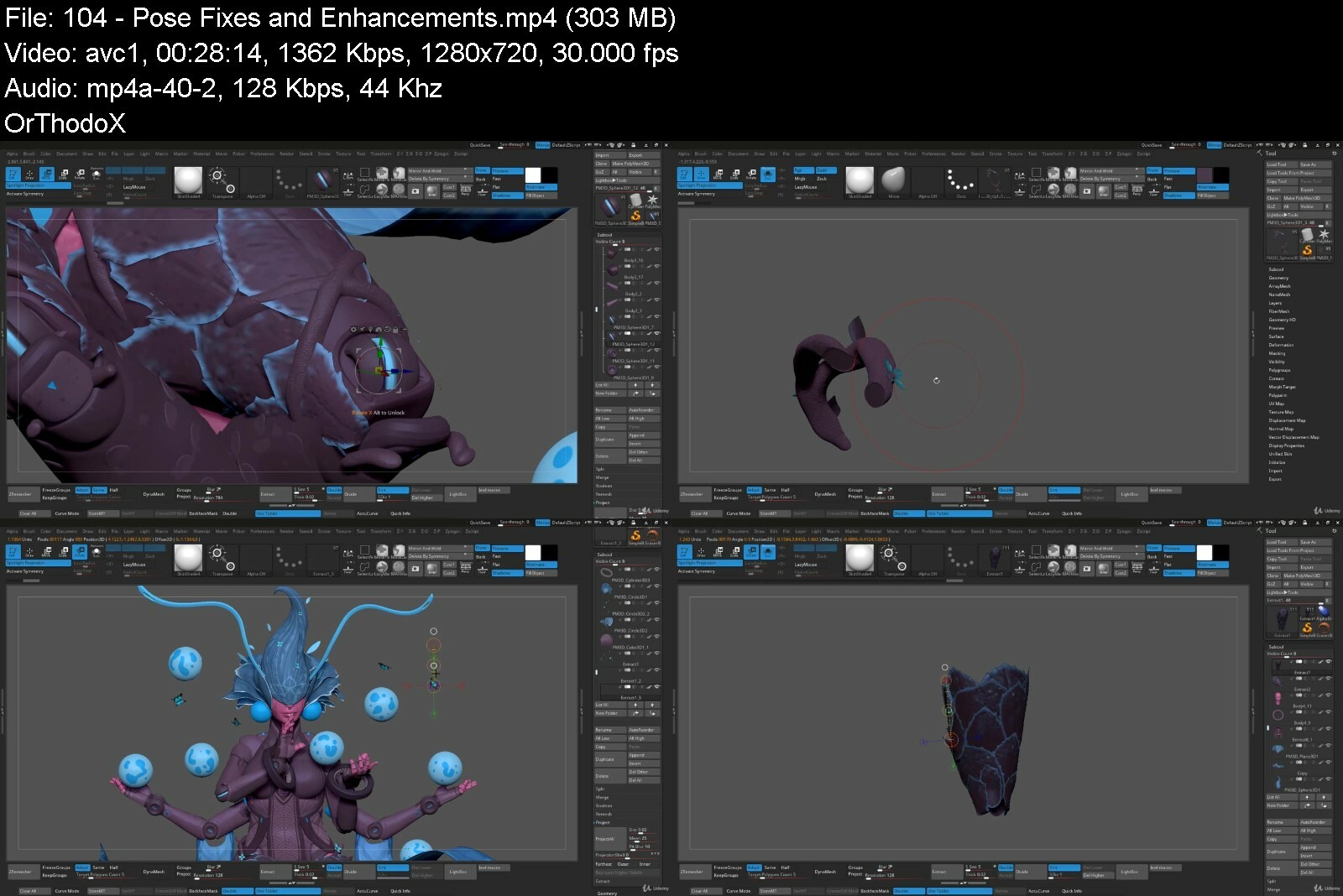
Lecture 104 Pose Fixes and Enhancements

Lecture 105 Render Testing

Lecture 106 Render Passes

Lecture 107 Compositing Setup

Lecture 108 Compositing Finish

Lecture 109 Conclusion

Anyone who wants to get better at creating 3D characters,Anyone who wants to boost their skills in digital sculpting


hardsurfacefantasyfemt9eat.jpg


Zurück
Oben Unten