• Regeln für den Video-Bereich:

    In den Börsenbereich gehören nur Angebote die bereits den Allgemeinen Regeln entsprechen.

    Einteilung

    - Folgende Formate gehören in die angegeben Bereiche:
    - Filme: Encodierte Filme von BluRay, DVD, R5, TV, Screener sowie Telesyncs im Format DivX, XviD und x264.
    - DVD: Filme im Format DVD5, DVD9 und HD2DVD.
    - HD: Encodierte Filme mit der Auflösung 720p oder darüber von BluRay, DVD, R5, TV, Screener sowie Telesyncs im Format x264.
    - 3D: Encodierte Filme von BluRay, die in einem 3D Format vorliegen. Dies gilt auch für Dokus, Animation usw.
    - Serien: Cartoon/Zeichentrick, Anime, Tutorials, Dokumentationen, Konzerte/Musik, Sonstiges sind demnach in die entsprechenden Bereiche einzuordnen, auch wenn sie beispielsweise im High Definition-Format oder als DVD5/DVD9/HD2DVD vorliegen. Ausnahme 3D.
    - Bereich Englisch: Englische Releases gehören immer in diesen Bereich.
    - Bereich Talk: Der Bereich, in dem über die Releases diskutiert werden kann, darf, soll und erwünscht ist.


    Angebot/Beitrag erstellen

    - Ein Beitrag darf erst dann erstellt werden, wenn der Upload bei mindestens einem OCH komplett ist. Platzhalter sind untersagt.
    - Bei einem Scenerelease hat der Threadtitel ausschließlich aus dem originalen, unveränderten Releasenamen zu bestehen. Es dürfen keine Veränderungen wie z.B. Sterne, kleine Buchstaben o.ä. vorgenommen werden. Ausnahme Serienbörse:
    - Bei einem Sammelthread für eine Staffel entfällt aus dem Releasename natürlich der Name der Folge. Beispiel: Die Simpsons S21 German DVDRip XviD - ITG
    - Dementsprechend sind also u.a. verboten: Erweiterungen wie "Tipp", "empfehlenswert", "only", "reup", usw. / jegliche andere Zusatzinformation oder Ergänzung, welche nicht in obiger Beschreibung zu finden ist.

    Aufbau des Angebots und Threadtitel

    Der Titel nach folgendem Muster erstellt zu werden. <Name> [3D] [Staffel] [German] <Jahr> <Tonspur> [DL] [Auflösung] <Quelle> <Codec> - <Group>
    Beispiel: The Dark Knight German 2008 AC3 DVDRip XviD - iND
    Beispiel: The Dark Knight 2008 DTS DL BDRip x264 - iND
    Beispiel: The Dark Knight 2008 AC3 DL BDRip XviD - iND
    Beispiel: The Dark Knight German 2008 AC3 720p BluRay x264 iND
    Beispiel: The Dark Knight 2008 DTS DL 1080p BluRay x264 iND
    Beispiel: Die Simpsons S01 German AC3 DVDRip XviD iND
    Beispiel: Die Simpsons S20 German AC3 720p BluRay x264 iND
    Beispiel: Sword Art Online II Ger Sub 2014 AAC 1080p WEBRip x264 - peppermint
    Entsprechend sind also u.a. verboten: Sonderzeichen wie Klammern, Sterne, Ausrufezeichen, Unterstriche, Anführungszeichen / Erweiterungen wie "Tipp", "empfehlenswert", "only", "reup", usw. / jegliche andere Zusatzinformation oder Ergänzung, welche nicht in obiger Beschreibung zu finden ist
    Ausnahmen hiervon können in den Bereichen geregelt sein.

    Die Beiträge sollen wie folgt aufgebaut werden:
    Überschrift entspricht dem Threadtitel
    Cover
    kurze Inhaltsbeschreibung
    Format, Größe, Dauer sind gut lesbar für Downloader außerhalb des Spoilers zu vermerken
    Nfo sind immer Anzugeben und selbige immer im Spoiler in Textform.
    Sind keine Nfo vorhanden z.B. Eigenpublikationen, sind im Spoiler folgende Dateiinformationen zusätzlich anzugeben :
    Quelle
    Video (Auflösung und Bitrate)
    Ton (Sprache, Format und Bitrate der einzelnen Spuren)
    Untertitel (sofern vorhanden)
    Hosterangabe in Textform außerhalb eines Spoiler mit allen enthaltenen Hostern.
    Bei SD kann auf diese zusätzlichen Dateiinformationen verzichtet werden.

    Alle benötigten Passwörter sind, sofern vorhanden, in Textform im Angebot anzugeben.
    Spoiler im Spoiler mit Kommentaren :"Schon Bedankt?" sind unerwünscht.


    Releases

    - Sind Retail-Release verfügbar, sind alle anderen Variationen untersagt. Ausnahmen: Alle deutschen Retail-Release sind CUT, in diesem Fall sind dubbed UNCUT-Release zulässig.
    - Im Serien-Bereich gilt speziell: Wenn ein Retail vor Abschluss einer laufenden Staffel erscheint, darf diese Staffel noch zu Ende gebracht werden.62
    - Gleiche Releases sind unbedingt zusammenzufassen. Das bedeutet, es ist zwingend erforderlich, vor dem Erstellen eines Themas per Suchfunktion zu überprüfen, ob bereits ein Beitrag mit demselben Release besteht. Ist dies der Fall, ist der bereits vorhandene Beitrag zu verwenden.
    - P2P und Scene Releases dürfen nicht verändert oder gar unter einem iND Tag eingestellt werden.


    Support, Diskussionen und Suche

    - Supportanfragen sind entweder per PN oder im Bereich Talk zu stellen.
    - Diskussionen und Bewertungen sind im Talk Bereich zu führen. Fragen an die Uploader haben ausschließlich via PN zu erfolgen, und sind in den Angeboten untersagt.
    - Anfragen zu Upload-Wünschen sind nur im Bereich Suche Video erlaubt. Antworten dürfen nur auf Angebote von MyBoerse.bz verlinkt werden.


    Verbote

    - Untersagt sind mehrere Formate in einem einzigen Angebotsthread, wie beispielsweise das gleichzeitige Anbieten von DivX/XviD, 720p und 1080p in einem Thread. Pro Format, Release und Auflösung ist ein eigener Thread zu eröffnen.
    - Grundsätzlich ebenso verboten sind Dupes. Uploader haben sich an geeigneter Stelle darüber zu informieren, ob es sich bei einem Release um ein Dupe handelt.
    - Gefakte, nur teilweise lauffähige oder unvollständige Angebote sind untersagt. Dies gilt auch für eigene Publikationen, die augenscheinlich nicht selbst von z.B. einer DVD gerippt wurden. Laufende Serien, bei denen noch nicht alle Folgen verfügbar sind, dürfen erstellt und regelmäßig geupdatet werden.
    - Untersagt sind Angebote, welche nur und ausschließlich in einer anderen Sprache als deutsch oder englisch vorliegen. Ausnahmen sind VORHER mit den Moderatoren zu klären.


    Verstoß gegen die Regeln

    - Angebote oder Beiträge, die gegen die Forenregeln verstoßen, sind über den "Melden"-Button im Beitrag zu melden.
  • Bitte registriere dich zunächst um Beiträge zu verfassen und externe Links aufzurufen.

*** Bestes IPTV *** bester Preis *** gratis Test ***


Englische Tutorials

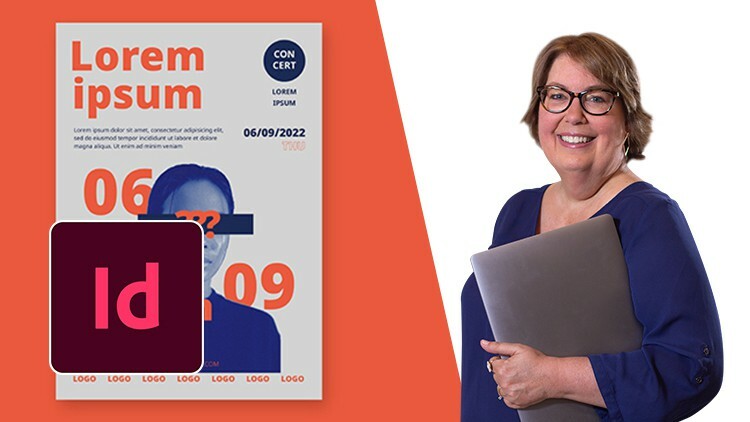
InDesign: Get Ahead with a Graphics Expert
4840134424b2h2err.jpg


InDesign: Get Ahead with a Graphics Expert
Published 08/2022
MP4 | Video: h264, 1280x720 | Audio: AAC, 44.1 KHz, 2 Ch
Genre: eLearning | Language: English | Duration: 55 lectures (6h 40m) | Size: 5.64 GB


Learn to design quickly, efficiently, and precisely so that your work is not only beautiful, but sharp and balanced


What you'll learn
Able to create graphics of all kinds. You will be able to create logos, social media banners, or designs for clothing and other merchandise
Give out practical tips that I have gained working 20+ years in the industry - namely creating brand guidelines and speeding up the InDesign Process
Fundamentals of print design functions such as interactive elements, colors, gradients, content layouts, and printing-specific details
Practical graphic design skills to create eye-catching and impactful final outcomes that satisfy the needs of the client, the customer, and the brand
Get you ready to create all kinds of graphic designs for the workplace or your own freelancing career
Requirements
You will need a copy of Adobe InDesign CC
No previous design skills are needed
No previous InDesign skills are needed
Description
Instructor Credentials
My name is Terri Johnson, and I'll be your instructor for the Adobe InDesign courses. For more than a decade, I have been working with Illustrator on a weekly basis, if not daily. I have been working in InDesign even longer - over 20 years.
As the founder and CEO of an educational publishing company, my team and I used Illustrator and InDesign to create graphics for branding and marketing purposes. In 2020, I sold my business and became a Brand Strategist and Identity Designer. I help other business owners refine and strengthen their brands through strategy and design. I began my design career in 1993 in the magazine industry. In 2001, I started my own publishing company. As a company, we published 75 titles and 2 monthly magazines. I have been working with InDesign and Illustrator ever since. Over the next two decades, I grew my business to employ up to 10 employees and generated over half a million in annual revenue. Also, during those years, I personally authored 11 books and designed over 500 maps and illustrations in InDesign and Illustrator.
Teaching Experience
I've been teaching Illustrator and InDesign in various settings since I launched my first business in 2001. I have instructed individuals in person as well as taught classes online. Also, I have managed my employees and junior designers in my business and given feedback on how to improve my design. You don't have to worry if you're a complete beginner to design. In my course, I will work through steps sequentially, but then routinely circle back for review. This is the best way I know how to cement information in the student's mind so that over time it becomes second nature.
Course Description
Adobe InDesign is a powerful software program that will allow you to create consistent and beautiful page layouts for books, magazines, programs, brochures, and more. InDesign is the industry standard software for the publishing industry. Knowing the ins and outs of InDesign well will boost your confidence and strengthen your page design skills. The InDesign course will cover all the fundamentals of print design functions such as interactive elements, colors, gradients, content layouts, and printing-specific details such as binding / post-processing / and even different kinds of printing papers. By the end of the course, you will be able to create a resume, documents, namecards, posters, and pamphlets.
To Students
Once you finish this course, you'll be ready to create all kinds of graphic designs for the workplace or your own freelancing career. I will teach you to design quickly, efficiently, and precisely so that your work is not only beautiful, but sharp and balanced as well. Plus, I will give you some tips for working with clients and some time-saving tricks that will save you when working under a deadline.
Who this course is for
Anyone who wants to start using InDesign in their career & get paid for their design skills
This course is for people completely new to InDesign. No previous design or publishing experienced is necessary


indesigngetaheadwithae4df7.jpg


Download from RapidGator


Download from DDownload


 
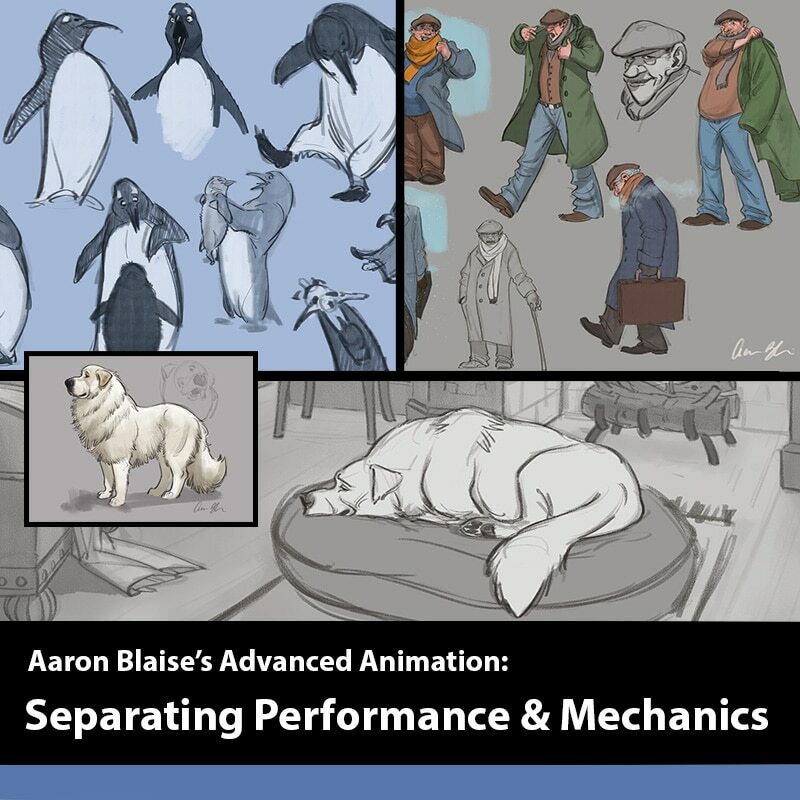
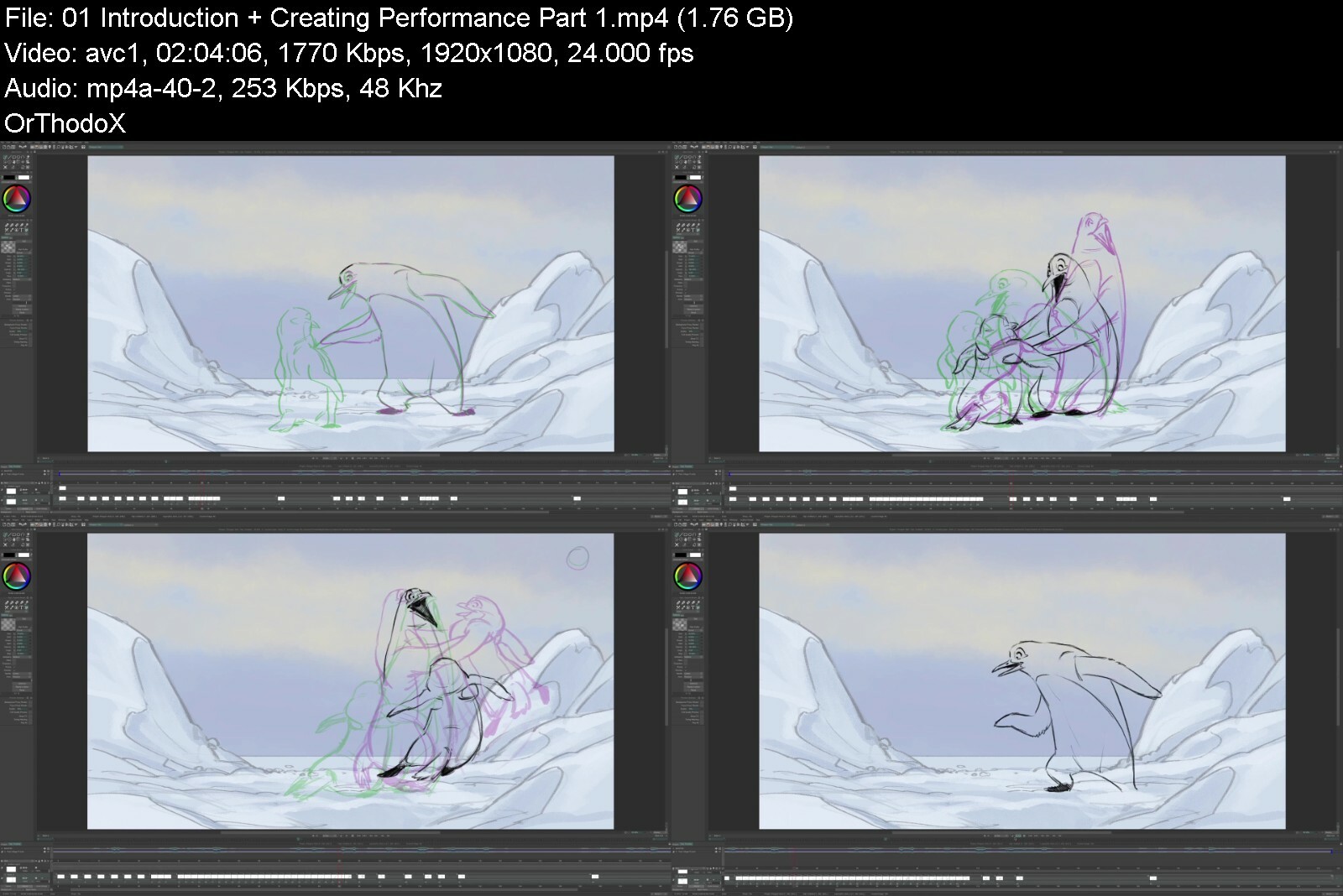
Advanced Animation: Separating Performance from Mechanics

advancedanimation1pro23d5t.jpg


Advanced Animation: Separating Performance from Mechanics
Creatureteacher Instructors: Aaron Blaise
10 Lessons | Duration: 10h
Video: MP4 120x1080 48 KHz | English
Level: Beginner | Size: 10.3 GB

Introducing a brand new ANIMATION course from animator and director Aaron Blaise. Watch as he teaches you Advanced Animation Techniques.
Aaron will take you through 3 different scenes in over 13 hours of lessons!
Aaron has an engaging, entertaining and approachable teaching style that people really love. If you want to take your animation abilities to the next level you won't want to miss this! Whether you are a beginner or an experienced artist these fun and engaging videos will teach you something new!
You will learn
How to Break Down Complex Shots
Create Compelling Acting in complex Scenes
Prop Interaction
Using Live Action Reference
Quadruped Animation with Performance
Animating Dialogue
Timing Charts
Tips & Tricks
+ MUCH MORE!
Source Files Included!

advancedanimationsepayvfhh.jpg


Download from RapidGator


Download from DDownload



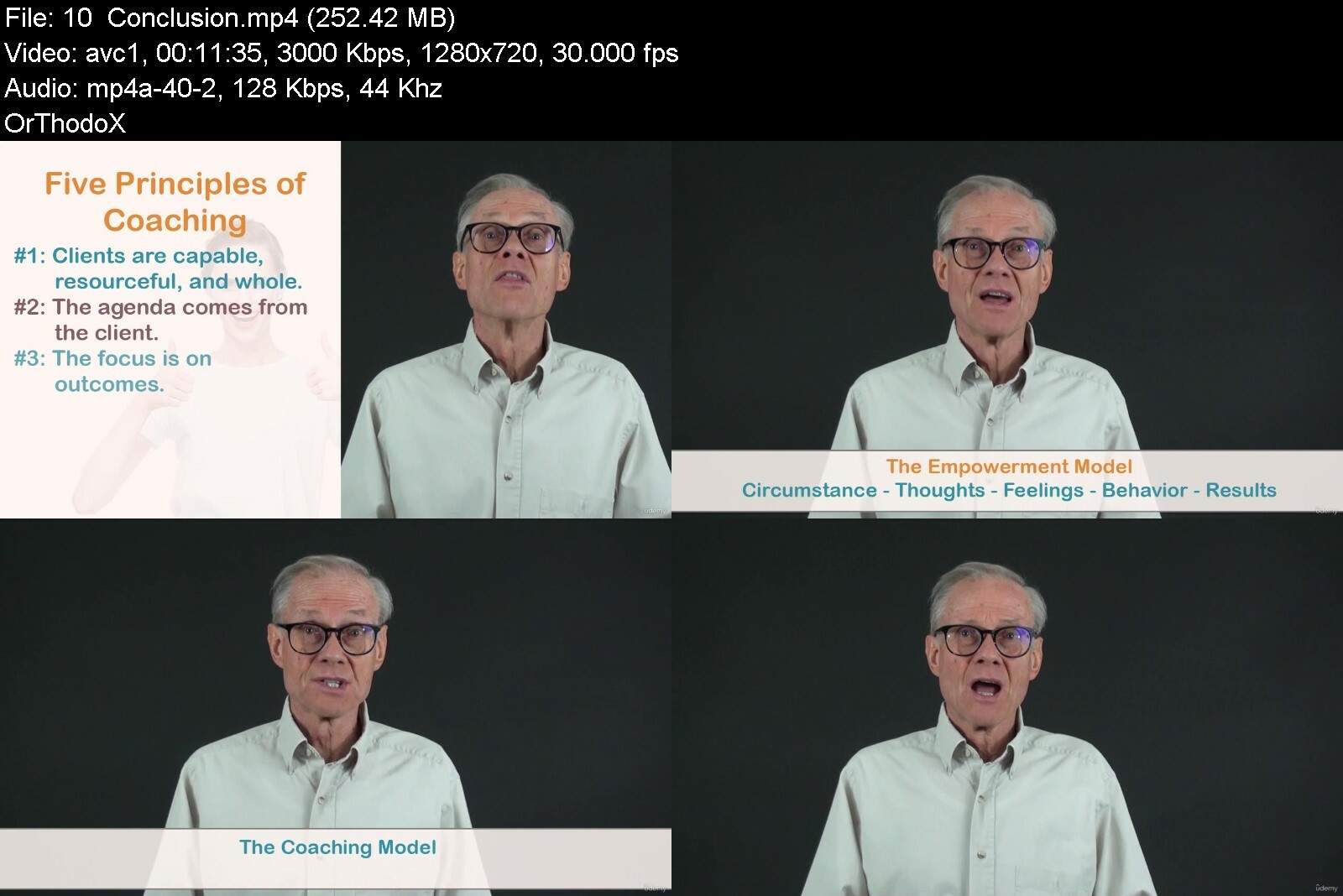
Fundamentals of Life Coaching

4485770f4f7h3ive.jpg


Fundamentals of Life Coaching
Published 08/2022
MP4 | Video: h264, 1280x720 | Audio: AAC, 44.1 KHz, 2 Ch
Genre: eLearning | Language: English | Duration: 49 lectures (4h 56m) | Size: 6.45 GB


Learn powerful life coaching and communication skills to empower others to improve their lives and achieve their vision


What you'll learn
Learn skills to strengthen others and help them clarify and accomplish their life's vision
Empower people to overcome negative thoughts that keep them stuck and unfulfilled
Use a roadmap for guiding a coaching conversation to a successful conclusion
Learn how to market and grow your business.
Gain a level of proficiency in using the coaching conversation and skills though practice exercises
Learn and practice a set of advanced relationship skills
Know how to design a powerful coaching relationship
Requirements
A desire to learn coaching and/or interpersonal influencing skills
Description
Hi and welcome!
I often hear people say that want to make a meaningful contribution. They want to make a difference to others. And that is what draws them to the field of life coaching and why life coaching is so exciting.
The purpose of this course is to teach you the fundamentals of life coaching so you can empower others to improve their lives and achieve a higher vision as well as live a more balanced and fulfilling life.
The course is for those of you on the journey to become a coach and/or expand your coaching skills. But it is also for anyone in a role to influence the development of others whether it be a leader/manager, teacher, parent, priest/pastor and so on.
Practical, Powerful Tools
As a psychologist and coach with years of professional experience, I provide you with powerful tools to help people improve, even transform their lives. Here are a few of the tools you'll learn in the course
1. The coaching conversation. The conversation consists of six steps which provide you an overall structure and process to guide the coaching process. The steps help you know exactly where you are in your coaching conversations and what you need to say next to help your client go from where they are today to where they want to be.
2. The coaching model. This is a set of advanced competencies that bring more depth and richness to the conversation. It consists of a number of communication skills, organized around three primary themes, to deepen the process and take your conversations to a new level.
3. The empowerment model. The model presents a cause-effect relationship between a circumstance and your thoughts, feelings, behavior and results. A circumstance is a given. But how you think about the circumstance will either empower or disempower you. You'll use this model to help your clients challenge and change their limiting and self-defeating beliefs; to help them create a mindset that will transform the way they live.
Beyond Theory
This program is not theoretical. In fact, I walk you through a number of case studies of actual coaching sessions. You'll see how to use the coaching conversation, coaching model, and empowerment model to transform lives and help your clients (students, employees, children) achieve their aspirations and live from their best selves.
In addition, I give you lots of resources in the form of handouts and application exercises so you can study the concepts and improve your skills.
Take-Aways from the Program
Acquire skills to help people clarify their goals and accomplish their life's vision.
Empower people to overcome negative thoughts and habits that keep them stuck and unfulfilled.
Learn a road-map for moving your clients from where they are to where they want to be.
Gain proficiency in using a set of advanced competencies to bring more depth and richness to your conversations.
Know how to listen, ask powerful questions and elicit action.
Commit to develop the characteristics of "masterful coaches."
Know how to conduct an initial interview to design a powerful coaching relationship.
Learn the three distinct tasks of marketing and how to get clients and grow your business.
Understand the basics of setting up a business and coaching practice.
Why am I Qualified?
I have a Ph.D. in psychology (University of Minnesota) and have practiced as a licensed psychologist and coach as well as teacher for decades, helping thousands of people improve their lives. I've also certified (in live workshops) around 1200 consultants and coaches from around the world to use programs I've created.
I view my growth as a professional as a life-long journey. I'm always taking opportunities to learn, by books, online programs and live workshops. So much of what I know I learned after I got my professional degree and license, from more training in the practice of psychology, human development, and the field of coaching.
And that is how I think about you. I am giving you some powerful models and skills to help you in your journey of becoming a coach or improving your coaching or influencing skills. You'll incorporate what you learn into your skill set, and keep on learning.
Coaching Makes a Difference
Lots of research shows that coaching makes a difference. A study by the International Coaching Federation in 2019, found that 99% of interviewees who worked with a coach found it rewarding and 96% said they would do it again. Furthermore, you don't have to be a certified coach to make a difference. By going through this course, you're learning skills in adult development, communication, and leadership that will expand your ability to influence people for good, no matter what your role.
Certification
Beyond the Udemy certificate of completion, I'm offering you a certification at the end of this course. This, like other courses in life coaching is not professional credentialing but rather evidence that you have completed this training in life coaching. You'll receive a certificate from The Human Development Institute (a company I co-founded along with my father years ago).
And I do have a few expectations for you to receive your certificate. You must complete the entire course. You must show me that you have completed all of the exercises of the course by sending them to me by email. And you must submit a short essay explaining how you have or are using what you have learned in your coaching or life.
So thanks for taking time to read my landing page. It would be a real honor for me to accompany you in your journey of growth.
Who this course is for
Anyone who wants to be a coach or learn the skills of coaching
Advanced coaches who want to expand their skills
Anyone in an influencing role
Leaders, managers, and supervisors
Teachers
Ecclesiastical leaders-Priests, pastors, etc.
Parents
People who want to improve their ability to build powerful relationships


fundamentalsoflifecoauyiit.jpg


Download from RapidGator


Download from DDownload

 
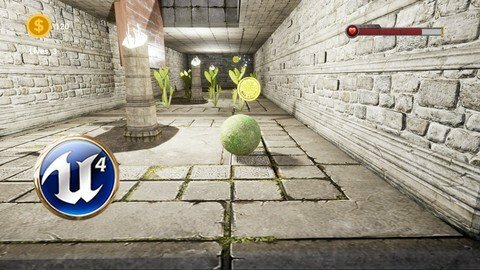
Unreal Engine 4 Absolute Beginner Masterclass

r6hcbhqyngvmok2glmplu9od3o.jpg


Unreal Engine 4 Absolute Beginner Masterclass
Last updated 6/2020
MP4 | Video: h264, 1280x720 | Audio: AAC, 44.1 KHz
Language: English | Size: 6.40 GB | Duration: 8h 50m

Start creating your first game and impress everyone around you. Learn game development in less than three weeks..


What you'll learn
Understand the logic of game development
Developing your first game
Getting familiar with Blueprints
Creating input system
How to create particle systems
Creating game modes
Creating levels
Build your game and publish it
Understanding Material Logic
Sound & Sound system
Basics of Lighting
Understanding UMG and creating interactive UI
Creating Damage, Death, Health, Respawning systems
Adding checkpoints into the game

Requirements
Have a working computer with the minimum requirements for Unreal Engine

Description
Start your game developing journey with Unreal Engine. In this course we are going to cover everything you need to know to develop your first game.We will create a simple and fun Rolling Ball game together that will make you understand the process of game development.Unreal Engine 4 is the best FREE game engine that is available right now, which can be used to Create Triple-A Quality games with amazing graphics, This is the game engine that is created by Epic Games and they have created the most popular game with it...... FORTNITEIn this course we will cover :- Downloading & Installing UE4- Getting used to UE4- Creating Blueprints- Understanding the different types of Blueprints- Coin System- Health System- Damage System- Death System- Respawn System- Creating Checkpoints- Wining from a level to another- Getting familiar with building an environment- Creating Particle Systems- Creating HUD & learning Unreal's UMG to create beautiful and interactive UIs- Basics of lighting- Pause Menu - Restarting the game- Material & PBR logic- .....and many more things like Camera rotation Logic, Sounds, Creating Traps.....etcThis will be a series of courses that will teach you game development from an absolute beginner to a Master.. the levels are-Absolute Beginner -Amateur -Intermediate-Semi-Professional -Professional -MasterThis course is for the Absolute Beginners and we will continue with other levels after finishing this course.I will promise to explain every single step that we will take in order to make you get the most out of this course.Enroll NOW and lets learn Unreal Engine together.
Overview
Section 1: Introduction
Lecture 1 How Games like Fortnite are made?
Lecture 2 Downloading and Installing Unreal Engine
Lecture 3 Creating a Project and Introduction to Unreal Engine's UI
Lecture 4 Navigation tools and Transform tool
Section 2: Rolling Ball
Lecture 5 Setting up the Input System and creating a new level
Lecture 6 Creating the Ball Blueprint
Lecture 7 Creating the Game Mode
Lecture 8 Player Start Concept
Lecture 9 Asset Migration
Lecture 10 Camera Rotation Logic
Lecture 11 Changing Ball - Camera direction
Lecture 12 Understanding Material and PBR Logic
Lecture 13 Setting up the coin system
Lecture 14 Creating the Coin System Functions
Lecture 15 Creating Health System
Lecture 16 Damage System
Lecture 17 Environment Tools Part1
Lecture 18 Environment Tools Part2
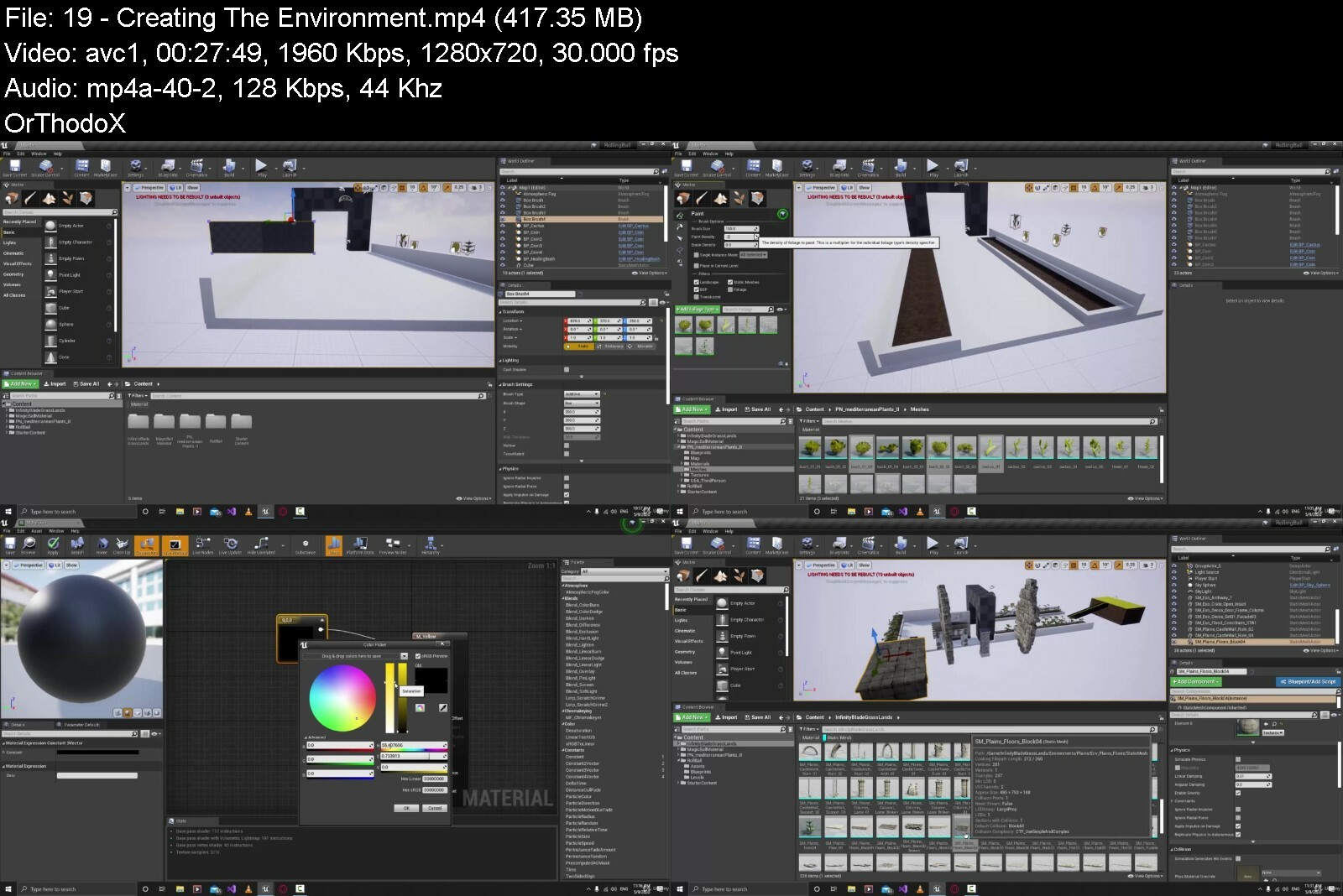
Lecture 19 Creating The Environment
Lecture 20 Creating the Door Blueprint
Lecture 21 Adding Sounds into the Game
Lecture 22 Creating Jump Box Blueprint
Lecture 23 Creating the Platforms Blueprint
Lecture 24 Basics of Lighting
Lecture 25 Creating the Trap Blueprint
Lecture 26 Creating Particle systems
Lecture 27 Creating Player HUD UI
Lecture 28 Updating Coin in the UI System
Lecture 29 Updating Health Bar in the UI System
Lecture 30 Creating Player Death System
Lecture 31 Adding Respawning System
Lecture 32 Updating Player Death with zero Health
Lecture 33 Restarting the Game
Lecture 34 Adding Checkpoints
Lecture 35 Creating Pause Menu (Part1)
Lecture 36 Creating Pause Menu (Part2)
Lecture 37 Win To Next Level
Absolute beginners who want to start their game development journey,beginners who want to learn more about Blueprints and other aspects of game development with UE4,Gamers who want to create their own games


unrealengine4absolutebvd0y.jpg


Download from RapidGator


Download from DDownload


Learn Aws From Scratch | Aws Solution Architect 2022

sxhljwznxo6038n1hu8ox5ef91.jpg


Learn Aws From Scratch | Aws Solution Architect 2022
Last updated 10/2020
MP4 | Video: h264, 1280x720 | Audio: AAC, 44.1 KHz
Language: English | Size: 14.70 GB | Duration: 31h 48m

Amazon Web Service Solution Architect Associate


What you'll learn
Amazon Web Service (AWS)
AWS Solution Architect Associate
AWS SAA C02

Requirements
Basic of Network and Server

Description
This is Updated course based on AWS SAA C02 Exam and Syllabus.It covers all the following Topics in detail and with layman language examples which makes student easy to understand and learn up to advance level without any barrier of having pre knowledge.Topics are:-Foundation of Cloud ComputingCloud Service Models and Deployment ModelsCloud characteristics and cloud storageOverview of Amazon CertificationAWS Global Infrastructure & Foundational servicesUnderstanding Amazon Free Tier & walk throughIAM Basic and Hands onAmazon StorageAWS S3S3 static web hosting, Glacier, S3 LifecycleEc2 Concepts and instance family, types, sizeEc2 Concepts and creating instanceCreate and connect Linux InstanceCreating and attaching EBSELB and Target group Overview with practicalAmazon Cloud WatchAutoscaleOverview of Amazon VPCAmazon VPC, ENI, EIP, SG, NACLVPC Route 53Amazon Cloudfront (CDN)Amazon RDSDynamoDB, Redshift & EMR theoryManagement tools - SNS, SQS, Cloudtrail CloudformationAWS CLI (Command Line Interface)This course is designed by a highly motivated corporate trainer with experience in training small and large groups across diverse industries. Proven success in leveraging educational theories and methodologies to design, develop, and deliver successful training programs and integrate instructional technology to provide onsite and virtual training. Adept at organizing and facilitating management and team building training programs and activitiesTrainer Global Certifications:AZ104 Microsoft Azure Administrator AssociateCEH v10 (Exam 312-50) (Certificate number ECC10819622104)MCSE Private Cloud (Exam 70-246, 70-247) (Microsoft Certification ID : 11057165)MCSA Office 365 (Exam 70-346, 70-347)MCSA Server 2012 (Exam 70-411 & 70-412)MS Azure (Exam 70-533)MCP Server 2012 (Exam 70-410)CCNA R & S (Exam 640-802)MCTS Vista (Exam 70-620)
Overview
Section 1: Introduction To Cloud Computing
Lecture 1 Foundation of cloud computing
Lecture 2 Service model and Deployment model of Cloud Computing
Lecture 3 Cloud Characteristics and Cloud Storage
Lecture 4 Overview of Amazon Certification
Section 2: INTRODUCTION TO AWS & FOUNDATION SERVICES
Lecture 5 AWS Global Infrastructure & Foundational services
Lecture 6 Portal walkthrough with global & region specific services
Lecture 7 Understanding Amazon Free Tier & walk through
Lecture 8 AWS IAM Basic (creating user group permission)
Section 3: Amazon Storage
Lecture 9 Amazon storage & Overview of Amazon S3
Lecture 10 AWS S3 Parctical, S3 Bucket, uploading object
Lecture 11 S3 static web hosting, Glacier, S3 Lifecycle
Section 4: Amazon AWS EC2 and EBS
Lecture 12 EC2 Concepts and instance family, types, size
Lecture 13 EC2 concept and creating Ec2 instance
Lecture 14 Create and connect Linux Instance on AWS
Lecture 15 Creating and attaching EBS with Windows/Linux instance
Lecture 16 ELB and Target group Overview with practical
Lecture 17 Amazon Cloudwatch and creating alarm
Lecture 18 AWS Autoscale
Section 5: AWS IAM
Lecture 19 AWS Identity Access Management & MAF
Lecture 20 IAM, creating- Group User Role & Policy
Section 6: Virtual Private Cloud (VPC)
Lecture 21 Overview of Amazon Virtual Private cloud
Lecture 22 Amazon VPC ENI EIP SG NACL
Lecture 23 VPC Route 53
Lecture 24 Amazon Cloud Front (CDN)
Section 7: Amazon Database
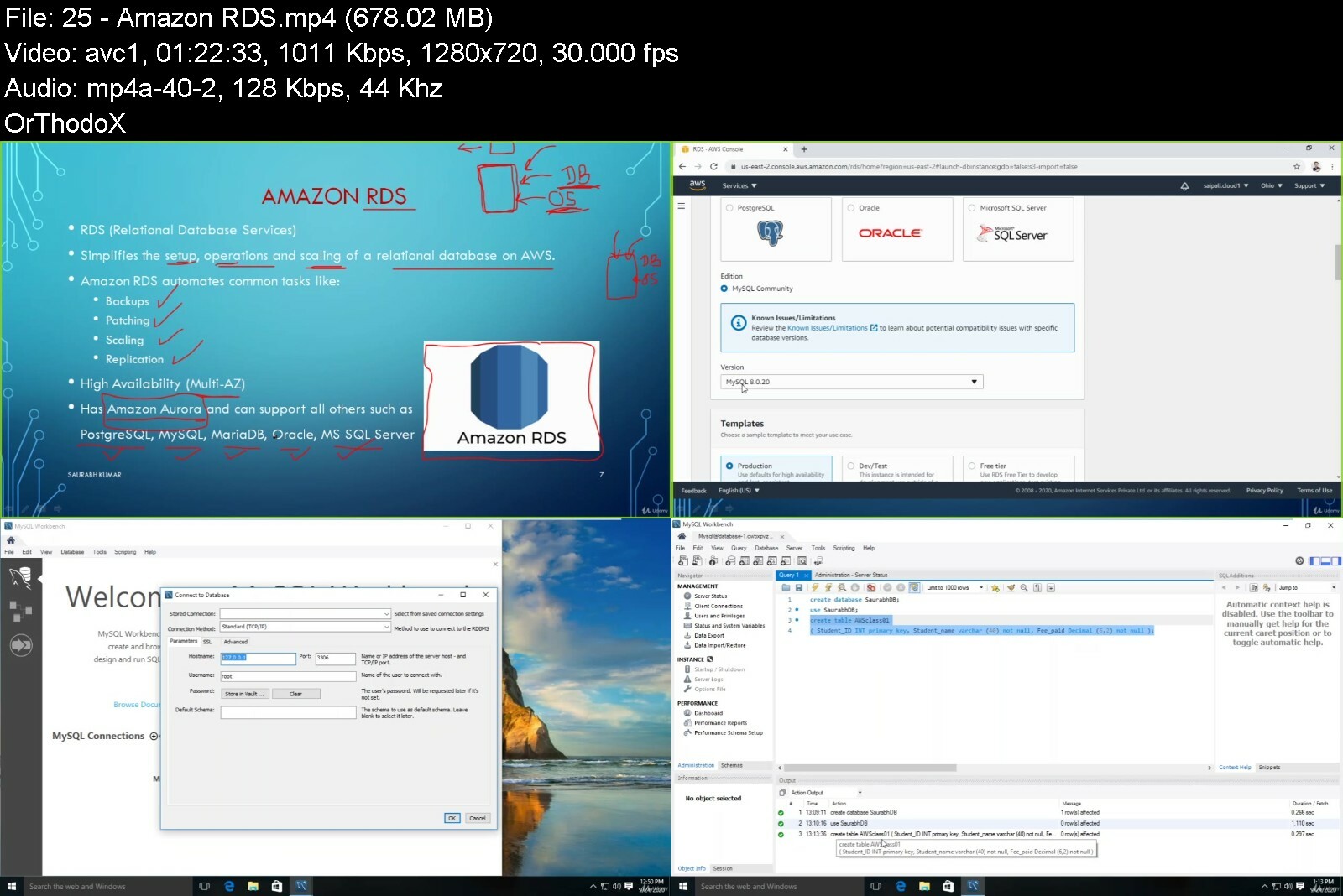
Lecture 25 Amazon RDS
Lecture 26 Amazon DynamoDB
Lecture 27 Amazon Redshift & EMR
Section 8: Amazon Management & Monitoring tools
Lecture 28 Amazon SNS & SQS
Lecture 29 Amazon AWS CloudTrail
Section 9: AMAZON CloudFormation
Lecture 30 Amazon AWS CloudFormation
Lecture 31 Amazon AWS Cloudformation with JSON
Section 10: Amazon AWS CLI
Lecture 32 AWS CLI Management
Cloud Computing Associate,Cloud Computing Learner,Cloud Computing student,AWS Cloud Engineer


learnawsfromscratchawsre3j.jpg


Download from RapidGator


Download from DDownload



How To Draw Faces - udemy

hcd1qd7qpnawhhfqugq6aozemg.jpg


How To Draw Faces - udemy
Last updated 3/2020
MP4 | Video: h264, 1280x720 | Audio: AAC, 44.1 KHz
Language: English | Size: 7.57 GB | Duration: 5h 30m

Learn to draw Proportional, Lifelike Portraits from Scratch


What you'll learn
How to create a sketch completely from scratch
How to draw proportional facial features
How to create the smooth texture of the skin
How to properly use pencils for professional results
How to draw the hair
How to shade with realism
How to choose the right graphite tones

Requirements
Graphite pencils
Higy-quality paper
Tools for blending (Q-tips, blending stumps)
Eraser

Description
In this course, you will learn to draw a portrait completely from scratch. I will guide you from sketching to finishing touches in this highly detailed tutorial and show you how to draw correct proportions and how to shade to achieve realistic facial features. You will also learn how to shade the skin and how to draw the hair. I will share a lot of tips and tricks with you that will become part of your drawing practice so that you can apply them to your future portraits. In addition to this tutorial, I will provide additional, bonus videos for you, such as testing, reviewing, and comparing the blenders. Furthermore, I will provide you behind the scenes access, showing you how I record and edit my drawing videos. I will also explain how you can scan and edit your drawings to show them on the internet.You will find attached my pencil sketch, images, an eBook containing written instructions with high-quality pictures from this video, additional eBooks containing 20+ drawing tutorials for beginners, the Graphite Tone Value Viewer, and other helpful resources so that you can learn even more and faster.I am excited to have you in my course.Jasmina
Overview
Section 1: How to Draw Faces
Lecture 1 Tools
Lecture 2 New Blender by Caran D'ache: Testing, Review & Comparison
Lecture 3 Sketching
Lecture 4 How to Draw Eyes
Lecture 5 How to Draw a Nose
Lecture 6 How to Draw Lips
Lecture 7 Shading the Skin Part 1
Lecture 8 Shading the Skin Part 2
Lecture 9 Drawing the Hair Part 1
Lecture 10 How I Record and Edit my Drawing Videos
Lecture 11 How to Scan and Edit Your Drawings
The course is suitable to anyone who wants to draw. The highly-detailed tutorials are easy to follow and explained into details


howtodrawfacestbcq1.jpg


Download from RapidGator


Download from DDownload


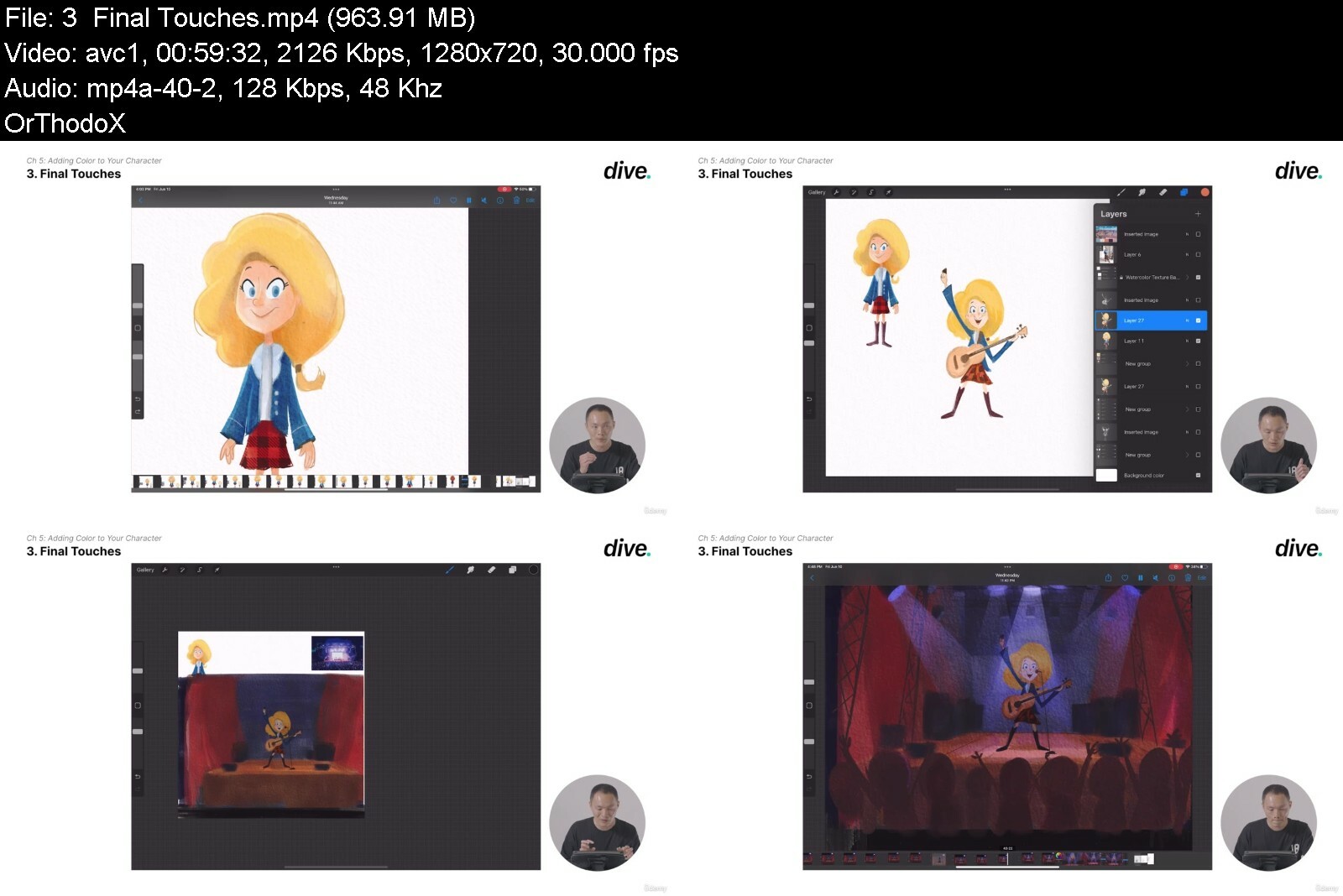
Procreate : From Basics to Character Illustration

tfztujzbokpilxndus60xqeegb.jpg


Procreate : From Basics to Character Illustration
Published 08/2022
Genre: eLearning | MP4 | Video: h264, 1280x720 | Audio: AAC, 48.0 KHz
Language: English | Size: 6.38 GB | Duration: 47 lectures • 7h 42m


What you'll learn
Cover all the fundamentals of character design and the entire process of character illustration
Basic steps that will help you simplify the drawing process.
Deep Understanding of Procreate
Finding deals, exchanging drafts, and balancing your own style with the brand's.

Requirements
Need to have Procreate installed

Description
Instructor Credentials
Hello, I'm Arthur Lin, I am a freelance illustrator that has worked in the ****' book industry for over 8 years. I have illustrated books from multiple known US publishers including Harper Collins, Capstone Publishing, Houghton Mifflin, and National Geographic Learning. I have my own art studio and I have also worked with independent game and animation studios for character illustration work.
As an illustrator, I have worked with companies to create storyboard content, character assets, and apparel. I first started my career as an agency artist at Shannon Associate. Starting my career at an agency pushed me to constantly update my portfolio, as new clients are looking for newer work.
Teaching Experience
On top of doing freelance work, I taught Perspective, Figure Drawing, and Illustration as the Academic Tutor at the Academy of Art San Francisco for 5 years. I have worked with a variety of students that range in different areas.
Drawing the human figure can be hugely challenging - it is best to break things down to very simple shapes and understand how to manipulate them to your advantage. In my course, I go over the very basic steps that will help you simplify the drawing process.
Why Procreate?
I have found that using Procreate on a daily basis really feels natural compared to other interfaces. I have found the 1:1 nature of the screen and the pen to be very seamless and closest to the experience of drawing on a piece of paper. Another thing that I find really useful is that I can rotate the iPad around and all of my brush strokes are translated so effortlessly. Taking advantage of the Procreate UI will discipline the student to use the software on a daily basis and make digital drawing more accessible.
I would definitely recommend Procreate to someone starting off in the world of digital art as many clients are looking for quick ideas. Sometimes you may come into meetings, and the client will ask you for a quick sketch to get an idea of the general concept. The video recording function, and sharing of your sketches is fast and seamless for users to share on social media.
Course Description
This course will cover all the fundamentals of character design and the entire process of character illustration. I will go over the tools and shortcuts in Procreate such as gestures, interface shortcuts, and brush tools that I use daily.
My course is built around my own character so you can learn the process of character illustration and conceptualization through a real-life example. You'll be able to see how I start with basic outlines and add additional details until she becomes a full-fledged character at the end of the course.
By the end of the course, you'll be able to familiarize yourself with all the basic functions of Procreate, and all the skills you need to create a character design portfolio.
To Students
The tool functions that I go over in my course are not necessarily 'shortcuts' to become a better artist. I would recommend that most beginners start off with a very basic set of brushes and color swatches and slowly build their skills from there. If you are new to Procreate, treat it more like a sketchbook rather than a program. That way, you will have more fun!
Who this course is for
Illustrators learning to sketch and draw


procreatefrombasicstolniuw.jpg


Download from RapidGator


Download from DDownload


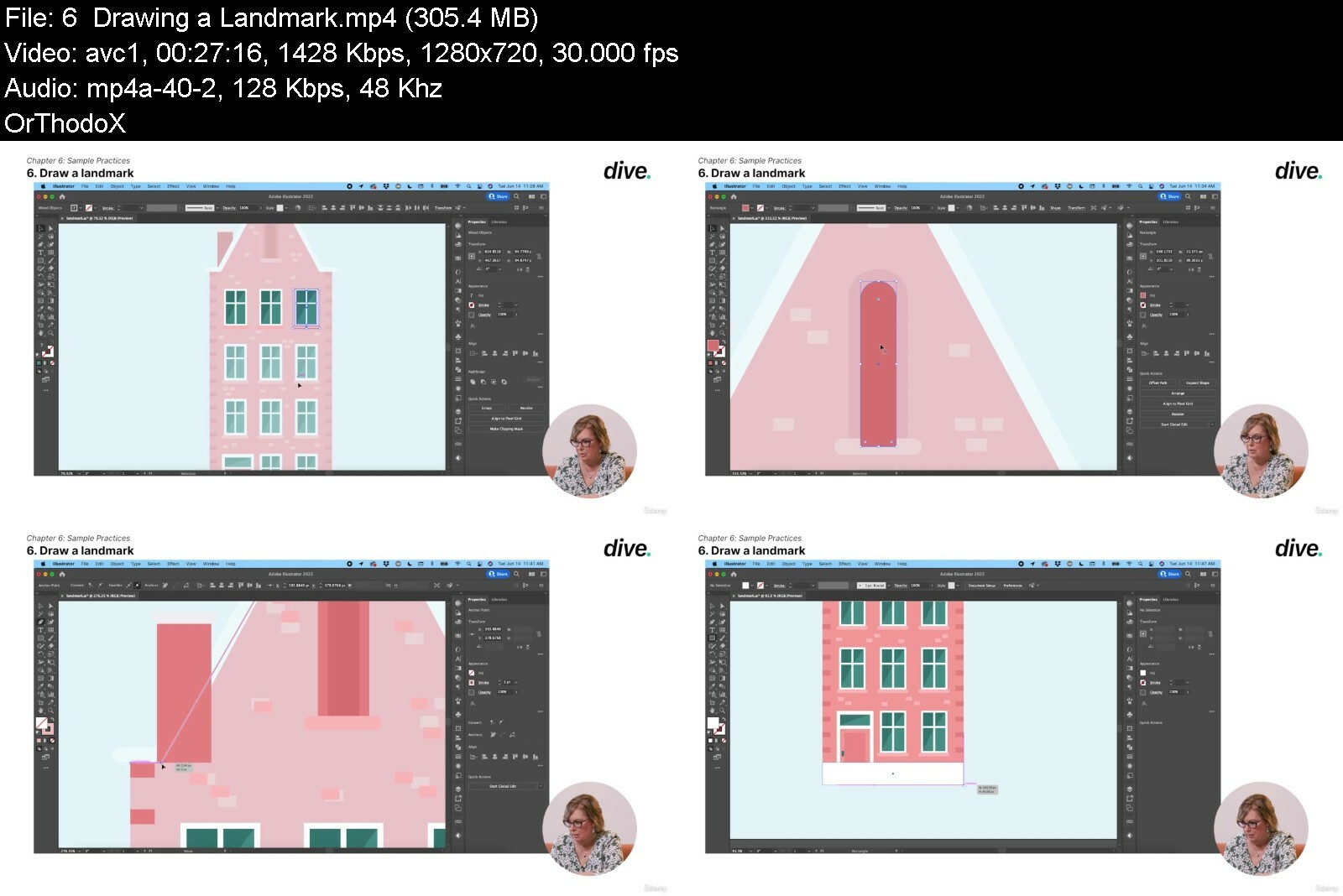
Illustrator: Get Ahead with a Graphics Expert

bqacpxk96zguxmo6jqefaxle21.jpg


Illustrator: Get Ahead with a Graphics Expert
Published 08/2022
Genre: eLearning | MP4 | Video: h264, 1280x720 | Audio: AAC, 48.0 KHz
Language: English | Size: 7.01 GB | Duration: 69 lectures • 10h 13m


What you'll learn
All the basics, shortcuts, and advanced tips and tricks, such as clipping masks and pathfinder tools.
Create logos, social media banners, namecards, icons, or designs for clothing and other merchandise.
Design quickly, efficiently, and precisely
Boost your confidence and strengthen your design skills.
Practical graphic design skills to create eye-catching and impactful final outcomes that satisfy the needs of the client, the customer, and the brand

Requirements
Any version of Adobe Illustrator, preferably the CC (Creative Cloud) version.
No prior knowledge or experience with Illustrator is required

Description
Instructor Credentials
My name is Terri Johnson, and I'll be your instructor for the Adobe Illustrator courses. For more than a decade, I have been working with Illustrator on a weekly basis for over 20 years.
As the founder and CEO of an educational publishing company, my team and I used Illustrator and InDesign to create graphics for branding and marketing purposes. In 2020, I sold my business and became a Brand Strategist and Identity Designer. I help other business owners refine and strengthen their brands through strategy and design. I began my design career in 1993 in the magazine industry. In 2001, I started my own publishing company. As a company, we published 75 titles and 2 monthly magazines. I have been working with InDesign and Illustrator ever since. Over the next two decades, I grew my business to employ up to 10 employees and generated over half a million in annual revenue. Also, during those years, I personally authored 11 books and designed over 500 maps and illustrations in InDesign and Illustrator.
Teaching Experience
I've been teaching Illustrator and InDesign in various settings since I launched my first business in 2001. I have instructed individuals in person as well as taught classes online. Also, I have managed my employees and junior designers in my business and given feedback on how to improve my design. You don't have to worry if you're a complete beginner to design. In my course, I will work through steps sequentially, but then routinely circle back for review. This is the best way I know how to cement information in the student's mind so that over time it becomes second nature.
Course Description
<Illustrator: Creating Unique Visual Assets>, are for those who are either brand-new to Illustrator or have had some exposure to it but need to understand it better. Adobe Illustrator is a powerful software program that can make your artwork and graphic design look spectacular. Most commonly, it is used to create logos, icons, charts, infographics, posters, ads, books, magazines, and brochures by artists and graphic designers in different design industries. Knowing Illustrator well will boost your confidence and strengthen your design skills. The Illustrator course will cover all the basics, some shortcuts, and a few advanced tips and tricks, such as clipping masks and pathfinder tools. The beginning and/or immediate Illustrator user will stop seeing limits to their abilities and will begin to see the possibilities of what they can produce. You do not need to be a great artist or illustrator on paper in order to become a great designer in Illustrator. Once you understand the power of Illustrator, you will be able to create graphics of all kinds. You will be able to create logos, social media banners, namecards, icons, or designs for clothing and other merchandise. If you can imagine it, you can create it in Illustrator.
To Students
Once you finish this course, you'll be ready to create all kinds of graphic designs for the workplace or your own freelancing career. I will teach you to design quickly, efficiently, and precisely so that your work is not only beautiful, but sharp and balanced as well. Plus, I will give you some tips for working with clients and some time-saving tricks that will save you when working under a deadline.
Who this course is for
Anyone who wants to start using Illustrator in their career & get paid for their Illustrator skills.


illustratorgetaheadwi5acaa.jpg


Download from RapidGator


Download from DDownload


Write and Produce Manga with Author, Brandon Chen

kxyu8ui0qdovolqqhq0dfrki0n.jpg


Write and Produce Manga with Author, Brandon Chen
MP4 | Video: h264, yuv420p, 1920x1080 | Audio: aac, 48000 Hz | Duration: 6h | 5.59 GB
Genre: eLearning | Language: English

Many writers have great ideas for manga, but don't know how to start creating it. I'm here to show you how to create manga from beginning to end. We'll talk about story, scripting, storyboarding, and working with artists to make your dream a reality.

Homepage

writeandproducemangawwfdyy.jpg


Download from RapidGator


Download from DDownload


 
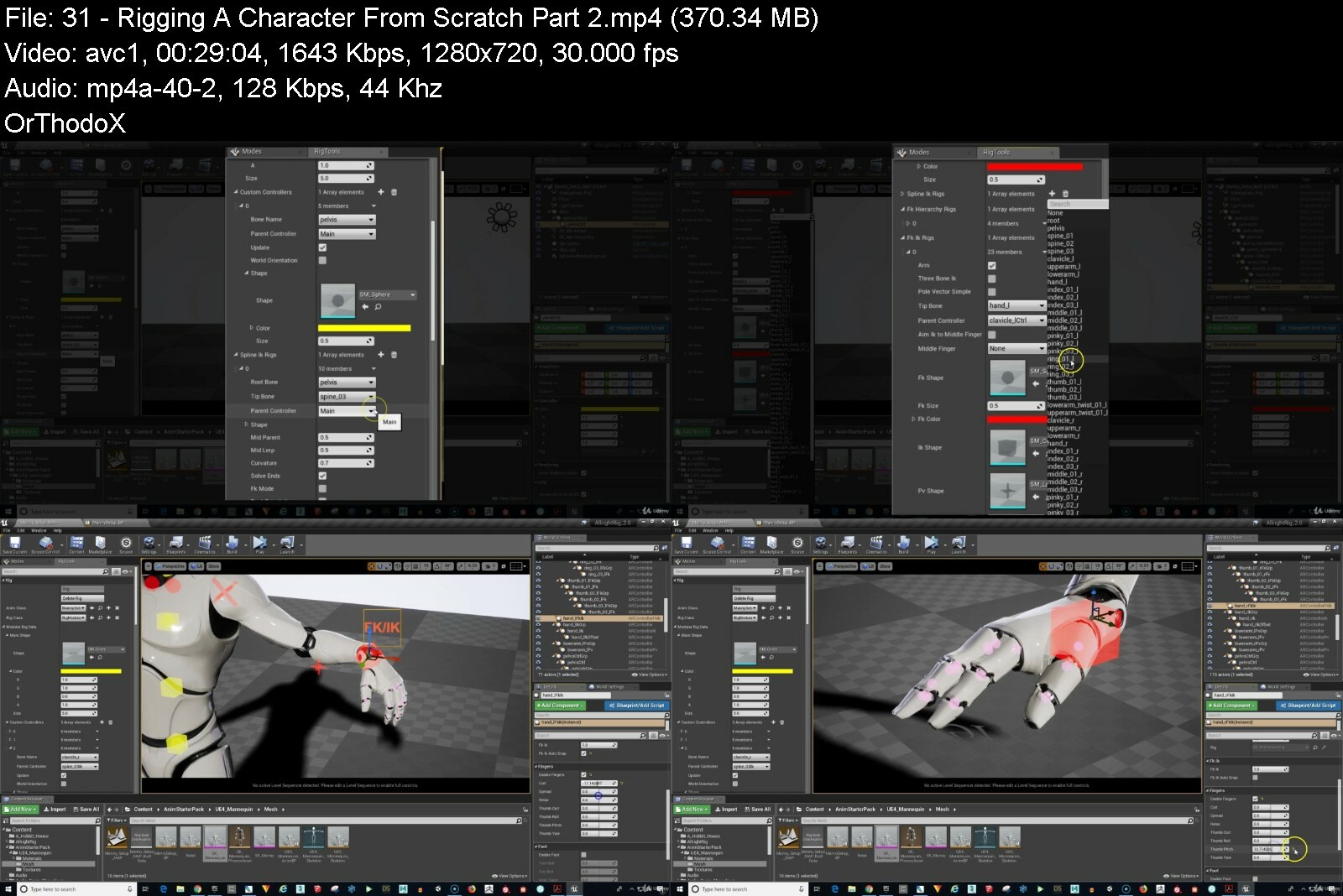
Rigging Your Character For 3D Animation In Unreal Engine 4!

ihwsoxifefhhmjornjjy3r6ids.jpg


Rigging Your Character For 3D Animation In Unreal Engine 4!
Last updated 11/2021
MP4 | Video: h264, 1280x720 | Audio: AAC, 44.1 KHz
Language: English | Size: 6.29 GB | Duration: 4h 28m

'Allright Rig 1.3' Rigging & Animation Plugin Included. Rigged (The Dweller) Character Included. Complete UE4 Project.


What you'll learn
You will be able to rig and animate a character in Unreal Engine 4 using the Allright Rig plugin and output your animations to video.
You will receive the Creature "The Dweller" by Josh P. Crockett - fully rigged and ready to animate!
Course includes the full Unreal Engine 4.17 scene - setup and ready to go! (v 4.17 required for the free version of Allright Rig 1.3)
UE4 Scene Contains Allright Rig 1.3 (free version) installed
Full step-by-step instructions on how to setup your characters with Allright Rig 2.0
Instructions on how to prepare your characters for rigging in Allright Rig 2.0
Allright Rig 2.0 Presets for DAZ characters: Genesis, Genesis 2, Genesis 3, Genesis 8
Allright Rig 2.0 Presets for Paragon characters: Shinbi & Dekker

Requirements
Unreal Engine 4 - FREE (version 4.17 required for included project file). DAZ Studio (both are free programs)

Description
FINALLY! The Holy Grail of animation (Lip Synch animation) can be done INSIDE of Unreal Engine 4 with the new plugin "Allright Rig 2.0" created by Alexander Shatalov. This course contains over 3.5 hours of video instruction along with:Complete Unreal Engine 4 Scene FileAllright Rig 1.3 (free version)"Dweller" creature character, fully rigged (created by Josh P. Crockett)Presets for Genesis, Genesis 2, Genesis 3, & Genesis 8 charactersComplete video instruction (over 3.5 hours) on how to rig and animate your character - from beginning to end!No longer do you need to purchase expensive programs such as Maya and 3DS Max to animate your characters - now you can achieve stunning quality with the powerful combination of DAZ Studio, Unreal Engine and Allright Rig 2.0!
Overview
Section 1: Introduction
Lecture 1 Included with the course: "Dweller Creature Character" by Josh P. Crockett
Section 2: Project Source Files
Lecture 2 Unreal Engine Project File Including Allright Rig 1.3 , Characters & Props
Lecture 3 Allright Rig 1.3 Plugin
Lecture 4 The Dweller DAZ character file (for use in DAZ Studio)
Lecture 5 Dweller Character Texture Maps
Lecture 6 Allright Rig 2.0 Character Presets
Lecture 7 The Dweller (Ready For Allright Rig 2.0)
Lecture 8 Where To Get Your FREE Genesis Character Bundles
Lecture 9 Allright Rig 2.0 Documentation
Section 3: Example Videos of Allright Rig in Action Inside of Unreal Engine 4
Lecture 10 Cartoon Girl Lip Sync Animation
Lecture 11 The Dweller Lip Sync Animation
Lecture 12 The Pixie Animation Test
Lecture 13 Hookah Cat Animation Example
Lecture 14 Shinbi Epic Games Paragon Character Animation Test
Lecture 15 Epic Mannequin Rigged With Allright Rig - Example Animation
Lecture 16 Allright Rig 2.0 Demo Video
Section 4: Getting Started With Allright Rig 1.3
Lecture 17 Quick Start - Let's Have A Look Around The Project!
Lecture 18 Quick Start: "The Dweller" Character - Allright Rig 1.3
Lecture 19 Quick Start: Animating Your Character In Sequencer
Lecture 20 Quick Start: Creating Animation Asset & Rendering Your Animation To Video
Section 5: Preparing Your DAZ Characters For Allright Rig 2.0 & Unreal Engine 4
Lecture 21 Introduction: DAZ Genesis character differences
Lecture 22 Preparing & Exporting Genesis & Genesis 2 Characters
Lecture 23 Preparing Genesis 3 & Genesis 8 Characters (Re-parenting arm and leg bones)
Lecture 24 Exporting Genesis 3 and Genesis 8 Characters Correctly As FBX files
Section 6: Rigging Your Character In Allright Rig 2.0
Lecture 25 Prepare Your Unreal Engine Project and Install Allright Rig 2.0
Lecture 26 Import & Rig Your Genesis Character with Allright Rig 2.0
Lecture 27 Create Morph Controllers & Add Morph Targets - Genesis Character
Lecture 28 Create Rig For Genesis 3 & Genesis 8 Characters
Lecture 29 Create Rig For Paragon Characters
Lecture 30 Rigging A Character From Scratch Part 1 (Create Animation Blueprint)
Lecture 31 Rigging A Character From Scratch Part 2
Lecture 32 Rigging A Character From Scratch Part 3
Lecture 33 How To Rig A Non-Biped Character (Hookahcat Example)
Section 7: Let's Animate! Onward To Sequencer!
Lecture 34 Create A New Level For Animation (Add Hobbit House & The Dweller)
Lecture 35 Create Your Cinematic Sequence
Lecture 36 Export Your Animation To Video
Lecture 37 Create an Animation Asset
Lecture 38 Editing With Curves Inside Sequencer
Section 8: The Pose Library
Lecture 39 How To Create & Save Character Poses
Lecture 40 Adding Poses To The Sequencer For Animation (Pose to pose animation)
Section 9: Animation Dynamics
Lecture 41 Animation Dynamics - A Dinosaur Whips It's Tail!
Section 10: Cool Things & Extras
Lecture 42 MetaHuman Creator
Lecture 43 Free Paragon Assets Released!
Lecture 44 How To Get Your Genesis 8 Characters Into Mixamo, Then Into Unreal Engine 4
Lecture 45 Coming Next Year: Unreal Engine 5 - Late In 2021!
Lecture 46 Video: Preview of Unreal Engine 5!
Lecture 47 BONUS LECTURE: More Unreal Engine courses for you at a HUGE discount!
Anyone interested in learning how to rig and animate inside Unreal Engine 4.


riggingyourcharacterf05cmp.jpg


Download from RapidGator


Download from DDownload
 
Shading And Drawing Techniques

kfd8l0ik0lohmtszdnkwe6eio0.jpg


Shading And Drawing Techniques
Last updated 4/2020
MP4 | Video: h264, 1280x720 | Audio: AAC, 44.1 KHz
Language: English | Size: 14.11 GB | Duration: 10h 54m

Easy Drawing Tutorials


What you'll learn
How to shade with realism
How to draw everyday objects
How to blend pencils for professional results
How to draw from scratch

Requirements
Graphite pencils
High-quality paper
Tools for blending (blending stumps, Q-tips, tissues)
Graphite powder
Erasers (a plactic one, a kneaded one, an electric (battery-operated) one)

Description
Dear Student!In this class, you will learn to draw and shade everyday objects from scratch. I will guide you from sketching to finishing touches in these highly detailed, step-by-step, narrated tutorials. I will share a lot of tips and tricks with you that will become part of your drawing practice so that you can apply them to your future drawings. You will learn how to sketch, how to shade, how to blend pencils, and how to create photorealistic textures.You will learn the basics of drawing the eyes ideal proportions without using a model or reference photos. You will learn to draw a landscape, still life objects, and many more. Using the techniques and exercises from this course, you'll be able to give your drawings a very realistic appearance, to see your subjects as basic shapes, how to place your subject on your paper with simple angles, and how to shade to make your drawing look less flat. I'll share measuring tricks that will help you draw accurately and I'll demonstrate my unique approach to applying the techniques in each example.Enroll in the class and let's draw!Can't wait to see what you'll create by following tutorials in this course!Jasmina
Overview
Section 1: Drawing Tutorials
Lecture 1 Art Materials
Lecture 2 How to Draw Black Hair
Lecture 3 How to Draw Brown Hair
Lecture 4 A Butterfly - Part 1
Lecture 5 A Butterfly - Part 2
Lecture 6 Droplets - Part 1
Lecture 7 Droplets - Part 2
Lecture 8 A Glass Cup
Lecture 9 A Football Ball
Lecture 10 A Rubik's Cube - Part 1
Lecture 11 A Rubik's Cube - Part 2
Lecture 12 Knitted Fabric Texture
Lecture 13 An Umbrella
Lecture 14 A Teaspoon
Lecture 15 An Apple - Part 1
Lecture 16 An Apple - Part 2
Lecture 17 How to Draw Landscape: A Palm Tree on the Beach - Part 1
Lecture 18 How to Draw Landscape: A Palm Tree on the Beach - Part 2
Lecture 19 How to Draw a Human Ear
Section 2: How to Draw Realistic Eyes
Lecture 20 Sketching
Lecture 21 Drawing the Pupil and the Iris
Lecture 22 Shading the Whites of the Eyes
Lecture 23 Outlining the Upper Eyelid
Lecture 24 Shading the Skin Above the Eyes - Part 1
Lecture 25 Shading the Skin Above the Eyes - Part 2
Lecture 26 Drawing the Eyelashes
Lecture 27 Shading the Skin Under the Eyes - Part 1
Lecture 28 Shading the Skin Under the Eyes - Part 2
Lecture 29 Drawing the Lower Eyelashes
Lecture 30 Drawing the Eyebrows
Lecture 31 Finishing Touches
These tutorials are suitable for anyone - beginners to advanced


shadinganddrawingtechpzdlm.jpg


Download from RapidGator


Download from DDownload


Business English Complete: English For Professionals

dccctqscp928gl6c6pgcz5xflj.jpg


Business English Complete: English For Professionals
Published 8/2022
MP4 | Video: h264, 1280x720 | Audio: AAC, 44.1 KHz
Language: English | Size: 6.57 GB | Duration: 13h 9m

Boost your Business English fluency and develop effective English communication skills for all professional environments


What you'll learn
Learn everyday, essential Business English language, vocabulary and expressions
Develop your confidence to speak to work colleagues and communicate clearly
Improve English communication in a range of business settings and environments
Understand strategies and English skills to ACE your next English job interview
Learn natural, native expressions for a range of Business English situations
Boost listening skills with recorded dialogues in Business English conversations

Requirements
A hardworking attitude and enthusiasm to improve your Business English skills
A notepad or similar is highly recommended

Description
English is the global language of business and commerce.Over 1.5 billion people use English around the world, many of them in a business environment.As our workplaces become more globally connected, Business English becomes an essential skill for all employees. In fact, many companies will only hire staff with a strong level of Business English communication in a professional environment.This really results in one outcome.The higher your level of Business English fluency, the better your employment opportunities and career prospects.But where can I study in one place to improve my English fluency and Business English skills?And where can I learn from trusted, native speaking instructors with real business experience?If you are looking for one COMPLETE Business English course for all professional communication skills.This is the course for you.Business English Complete gives you a full curriculum covering all the Business English skills you need to supercharge your professional communication.Stop feeling embarrassed about speaking to work colleagues. Build your confidence and communicate with clear ideas and native vocabulary. Build fluency to engage with business meetings and presentations.Throughout Business English Complete, you'll learn a range of business language and vocabulary - all the way from beginner to advanced levels of English speaking.You'll be studying with two UK certified and qualified teachers - David and Andrew.Both instructors have years of experience in a range of businesses, both in the UK and internationally. They've also worked in a range of management and leadership positions, too.With Business English Complete, you can.- Master essential skills for everyday Business English fluency.- Develop English speaking skills to improve communication with the people you work with.- Build your English confidence in all professional communication settings.- Understand strategies to ace your English job interview and impress employers.- Know a range of natural language for clear telephone, email and letter communication.- Learn REAL native expressions and vocabulary for business and professional environments.- Improve listening with business dialogues and modelled conversation recordings.But we offer more than just a COMPLETE curriculum.Get access to Q+A instructor feedback with any questions you have during your studies.We can't wait to help you improve your Business English skills.Sign up now and let's supercharge your Business English fluency.
Overview
Section 1: Introduction
Lecture 1 Welcome
Lecture 2 How to use this course
Section 2: Business English Essentials
Lecture 3 Professional introductions + formal business English
Lecture 4 Talking about your work or job
Lecture 5 Business departments and job roles
Lecture 6 Types of employment
Lecture 7 Phrases and strategies for thinking time
Lecture 8 Key phrases for customer service
Lecture 9 Making polite requests
Lecture 10 Disagreeing with ideas
Lecture 11 Agreeing with ideas
Lecture 12 Key verbs for Business English
Section 3: Business English for telephone conversations
Lecture 13 Answering and making calls
Lecture 14 Taking and leaving messages
Lecture 15 Asking for clarification
Lecture 16 Using the phonetic alphabet
Lecture 17 Language for requesting time
Lecture 18 Dealing with difficulties or complaints
Lecture 19 How to end a business call
Lecture 20 Business English Dialogues: Telephone 1
Lecture 21 Telephone dialogue: Script 1
Lecture 22 Business English Dialogues: Telephone 2
Lecture 23 Telephone dialogue: Script 2
Section 4: Meetings and presentations
Lecture 24 Introduction to business presentations and meetings
Lecture 25 Introducing a presentation
Lecture 26 Agendas and goals
Lecture 27 Describing statistics and trends
Lecture 28 Presentation techniques
Lecture 29 Managing group conversations and disagreements
Lecture 30 Advanced presentation language and phrases
Lecture 31 Summarizing and ending meetings
Lecture 32 Business English Dialogues: General Meeting
Lecture 33 Business meeting script
Lecture 34 Business English Dialogues: Sales Presentation
Lecture 35 Sales meeting script
Section 5: Business emails and letters
Lecture 36 Email structure
Lecture 37 How to start an email
Lecture 38 Useful email phrases
Lecture 39 How to end an email
Lecture 40 Email acronyms
Lecture 41 Introducing yourself by email
Lecture 42 Email etiquette and tips
Lecture 43 Business letter structure
Lecture 44 Language for business English letters
Section 6: Job interviews
Lecture 45 5 essentials for amazing job interviews
Lecture 46 Your business English CV + Resume
Lecture 47 Self-introductions and greetings - Job interview
Lecture 48 Talking about your professional skills
Lecture 49 Questions to ask at the interview
Lecture 50 Difficult interview questions and model answers
Lecture 51 Job interview vocabulary + phrasal verbs
Lecture 52 Business English Dialogues: Job Interview 1
Lecture 53 Job interview script 1
Lecture 54 Business English Dialogues: Job Interview 2
Lecture 55 Job interview script 2
Section 7: Core Business English skills
Lecture 56 Office talk and language
Lecture 57 How to sound more polite
Lecture 58 Politely interrupting someone
Lecture 59 Using comparatives and superlatives
Lecture 60 Using 'If' in Business English
Lecture 61 Persuading someone to do something
Lecture 62 Arranging meetings
Lecture 63 Language for online meetings
Lecture 64 How to negotiate effectively
Section 8: Business English vocabulary, phrasal verbs and idioms
Lecture 65 Business English vocabulary 1
Lecture 66 Business English vocabulary 2
Lecture 67 Business English vocabulary 3
Lecture 68 Business English vocabulary 4
Lecture 69 Business English vocabulary 5
Lecture 70 Business English vocabulary 6
Lecture 71 Business English vocabulary PDF
Lecture 72 Business English phrasal verbs 1
Lecture 73 Business English phrasal verbs 2
Lecture 74 Business English phrasal verbs 3
Lecture 75 Business English phrasal verbs 4
Lecture 76 Business English phrasal verbs 5
Lecture 77 Business English phrasal verbs 6
Lecture 78 Phrasal verbs PDF
Lecture 79 Business English Idioms 1
Lecture 80 Business English Idioms 2
Lecture 81 Business English Idioms 3
Lecture 82 Business English Idioms 4
All professionals wishing to improve their Business English fluency


businessenglishcomple5zd2t.jpg


Download from RapidGator


Download from DDownload


Zurück
Oben Unten