• Regeln für den Video-Bereich:

    In den Börsenbereich gehören nur Angebote die bereits den Allgemeinen Regeln entsprechen.

    Einteilung

    - Folgende Formate gehören in die angegeben Bereiche:
    - Filme: Encodierte Filme von BluRay, DVD, R5, TV, Screener sowie Telesyncs im Format DivX, XviD und x264.
    - DVD: Filme im Format DVD5, DVD9 und HD2DVD.
    - HD: Encodierte Filme mit der Auflösung 720p oder darüber von BluRay, DVD, R5, TV, Screener sowie Telesyncs im Format x264.
    - 3D: Encodierte Filme von BluRay, die in einem 3D Format vorliegen. Dies gilt auch für Dokus, Animation usw.
    - Serien: Cartoon/Zeichentrick, Anime, Tutorials, Dokumentationen, Konzerte/Musik, Sonstiges sind demnach in die entsprechenden Bereiche einzuordnen, auch wenn sie beispielsweise im High Definition-Format oder als DVD5/DVD9/HD2DVD vorliegen. Ausnahme 3D.
    - Bereich Englisch: Englische Releases gehören immer in diesen Bereich.
    - Bereich Talk: Der Bereich, in dem über die Releases diskutiert werden kann, darf, soll und erwünscht ist.


    Angebot/Beitrag erstellen

    - Ein Beitrag darf erst dann erstellt werden, wenn der Upload bei mindestens einem OCH komplett ist. Platzhalter sind untersagt.
    - Bei einem Scenerelease hat der Threadtitel ausschließlich aus dem originalen, unveränderten Releasenamen zu bestehen. Es dürfen keine Veränderungen wie z.B. Sterne, kleine Buchstaben o.ä. vorgenommen werden. Ausnahme Serienbörse:
    - Bei einem Sammelthread für eine Staffel entfällt aus dem Releasename natürlich der Name der Folge. Beispiel: Die Simpsons S21 German DVDRip XviD - ITG
    - Dementsprechend sind also u.a. verboten: Erweiterungen wie "Tipp", "empfehlenswert", "only", "reup", usw. / jegliche andere Zusatzinformation oder Ergänzung, welche nicht in obiger Beschreibung zu finden ist.

    Aufbau des Angebots und Threadtitel

    Der Titel nach folgendem Muster erstellt zu werden. <Name> [3D] [Staffel] [German] <Jahr> <Tonspur> [DL] [Auflösung] <Quelle> <Codec> - <Group>
    Beispiel: The Dark Knight German 2008 AC3 DVDRip XviD - iND
    Beispiel: The Dark Knight 2008 DTS DL BDRip x264 - iND
    Beispiel: The Dark Knight 2008 AC3 DL BDRip XviD - iND
    Beispiel: The Dark Knight German 2008 AC3 720p BluRay x264 iND
    Beispiel: The Dark Knight 2008 DTS DL 1080p BluRay x264 iND
    Beispiel: Die Simpsons S01 German AC3 DVDRip XviD iND
    Beispiel: Die Simpsons S20 German AC3 720p BluRay x264 iND
    Beispiel: Sword Art Online II Ger Sub 2014 AAC 1080p WEBRip x264 - peppermint
    Entsprechend sind also u.a. verboten: Sonderzeichen wie Klammern, Sterne, Ausrufezeichen, Unterstriche, Anführungszeichen / Erweiterungen wie "Tipp", "empfehlenswert", "only", "reup", usw. / jegliche andere Zusatzinformation oder Ergänzung, welche nicht in obiger Beschreibung zu finden ist
    Ausnahmen hiervon können in den Bereichen geregelt sein.

    Die Beiträge sollen wie folgt aufgebaut werden:
    Überschrift entspricht dem Threadtitel
    Cover
    kurze Inhaltsbeschreibung
    Format, Größe, Dauer sind gut lesbar für Downloader außerhalb des Spoilers zu vermerken
    Nfo sind immer Anzugeben und selbige immer im Spoiler in Textform.
    Sind keine Nfo vorhanden z.B. Eigenpublikationen, sind im Spoiler folgende Dateiinformationen zusätzlich anzugeben :
    Quelle
    Video (Auflösung und Bitrate)
    Ton (Sprache, Format und Bitrate der einzelnen Spuren)
    Untertitel (sofern vorhanden)
    Hosterangabe in Textform außerhalb eines Spoiler mit allen enthaltenen Hostern.
    Bei SD kann auf diese zusätzlichen Dateiinformationen verzichtet werden.

    Alle benötigten Passwörter sind, sofern vorhanden, in Textform im Angebot anzugeben.
    Spoiler im Spoiler mit Kommentaren :"Schon Bedankt?" sind unerwünscht.


    Releases

    - Sind Retail-Release verfügbar, sind alle anderen Variationen untersagt. Ausnahmen: Alle deutschen Retail-Release sind CUT, in diesem Fall sind dubbed UNCUT-Release zulässig.
    - Im Serien-Bereich gilt speziell: Wenn ein Retail vor Abschluss einer laufenden Staffel erscheint, darf diese Staffel noch zu Ende gebracht werden.62
    - Gleiche Releases sind unbedingt zusammenzufassen. Das bedeutet, es ist zwingend erforderlich, vor dem Erstellen eines Themas per Suchfunktion zu überprüfen, ob bereits ein Beitrag mit demselben Release besteht. Ist dies der Fall, ist der bereits vorhandene Beitrag zu verwenden.
    - P2P und Scene Releases dürfen nicht verändert oder gar unter einem iND Tag eingestellt werden.


    Support, Diskussionen und Suche

    - Supportanfragen sind entweder per PN oder im Bereich Talk zu stellen.
    - Diskussionen und Bewertungen sind im Talk Bereich zu führen. Fragen an die Uploader haben ausschließlich via PN zu erfolgen, und sind in den Angeboten untersagt.
    - Anfragen zu Upload-Wünschen sind nur im Bereich Suche Video erlaubt. Antworten dürfen nur auf Angebote von MyBoerse.bz verlinkt werden.


    Verbote

    - Untersagt sind mehrere Formate in einem einzigen Angebotsthread, wie beispielsweise das gleichzeitige Anbieten von DivX/XviD, 720p und 1080p in einem Thread. Pro Format, Release und Auflösung ist ein eigener Thread zu eröffnen.
    - Grundsätzlich ebenso verboten sind Dupes. Uploader haben sich an geeigneter Stelle darüber zu informieren, ob es sich bei einem Release um ein Dupe handelt.
    - Gefakte, nur teilweise lauffähige oder unvollständige Angebote sind untersagt. Dies gilt auch für eigene Publikationen, die augenscheinlich nicht selbst von z.B. einer DVD gerippt wurden. Laufende Serien, bei denen noch nicht alle Folgen verfügbar sind, dürfen erstellt und regelmäßig geupdatet werden.
    - Untersagt sind Angebote, welche nur und ausschließlich in einer anderen Sprache als deutsch oder englisch vorliegen. Ausnahmen sind VORHER mit den Moderatoren zu klären.


    Verstoß gegen die Regeln

    - Angebote oder Beiträge, die gegen die Forenregeln verstoßen, sind über den "Melden"-Button im Beitrag zu melden.
  • Bitte registriere dich zunächst um Beiträge zu verfassen und externe Links aufzurufen.

*** Bestes IPTV *** bester Preis *** gratis Test ***


Englische Tutorials

Designing Image Backgrounds In Moho Pro
7gwqi7qfq76xhrey9zwe5eoixx.jpg


Designing Image Backgrounds In Moho Pro
Last updated 2/2019
MP4 | Video: h264, 1280x720 | Audio: AAC, 44.1 KHz
Language: English | Size: 5.43 GB | Duration: 7h 3m

Build backgrounds and 3D sets in Moho using images, textures, masking and blend modes. Go even further with Photoshop!


What you'll learn
Build 2D or 3D image based backgrounds using Procreate, Photoshop and Moho

Requirements
Basic understanding of the Moho Pro interface, including Tools, Timeline and Layers

Description
There are a number of ways you can work with images in Moho to get the most out of your style and workflow. This course aims to teach three variations of how you could put together a background using images in Moho: A textured 3D set, a condensed set using a 2.5D space and a rendered background using Photoshop's effects.
Overview
Section 1: Introduction
Lecture 1 What You Will Learn in this Course
Lecture 2 Brief Overview of Procreate
Lecture 3 Sketching a Concept Background
Section 2: Painting Textures in Procreate
Lecture 4 Painting Wood Textures
Lecture 5 Painting a Brick Wall
Lecture 6 Painting Metal Texture
Lecture 7 Painting Cardboard and Sandbag Textures
Lecture 8 Exporting Textures from iPad
Lecture 9 Compressing Textures with Photoshop Script
Lecture 10 Importing Sketch into Moho
Section 3: Setting Up a Room in 3D Space
Lecture 11 Laying Down the Floor
Lecture 12 Assembling the Walls
Lecture 13 Creating a Door Opening
Lecture 14 Building the Door
Lecture 15 Adding Baseboards
Section 4: Creating 3D Props for Image Conversion
Lecture 16 Building Boxes
Lecture 17 Building Shelves
Lecture 18 Building a Table
Lecture 19 Building Sandbags
Lecture 20 Constructing Portable Lights
Lecture 21 Creating an Exit Sign
Section 5: Assembling Background Pieces
Lecture 22 Building Up Cupboard with Props
Lecture 23 Importing Lights into Set
Lecture 24 Adding Other Props for Variety
Lecture 25 Setting Up Layer Comps
Section 6: Enhancing Image Based 3D Set in Moho
Lecture 26 Quick Overview of Working with 3D Sets
Lecture 27 Painting Additional Textures
Lecture 28 Swapping Out Textures
Lecture 29 Enhancing Light Effect
Lecture 30 Adding a Vignette
Lecture 31 Adding a Test Animation
Lecture 32 Rendering Out 3D Scenes with 2D Elements
Section 7: Enhancing Image Based 2D Set in Moho
Lecture 33 Setting Up 2D Shot
Lecture 34 Exporting Layer Comps
Lecture 35 Importing Images Back into Moho
Lecture 36 Grouping Main Scene Areas
Lecture 37 Masking the Groups with Filters
Lecture 38 Adding Darkness and Light Effect
Lecture 39 Masking the Sandbags
Lecture 40 Adding a Test Animation
Lecture 41 Creating a 2.5D Scene
Lecture 42 Compressing for a Simple Background
Section 8: Enhancing Backgrounds in Photoshop
Lecture 43 Importing Layers into Photoshop
Lecture 44 Replacing Old Filters with Gradients
Lecture 45 Adjusting Brightness and Contrast
Lecture 46 Creating a New Light Effect
Lecture 47 Adjusting Sandbags
Lecture 48 Importing Background into Moho
Section 9: Wrapping Up
Lecture 49 Enhancing 3D Set with Textures, Shadow and Filters
Lecture 50 Bolstering 2D Moho Background with Shadow and Layer Blends
Lecture 51 Polishing PSD Background with Shadow and Filters
Lecture 52 Final Thoughts
Beginners looking to design backgrounds and sets for cartoon animation,Existing Moho users looking for another background design workflow


designingimagebackgroalfwk.jpg


Download from RapidGator


Download from DDownload


 
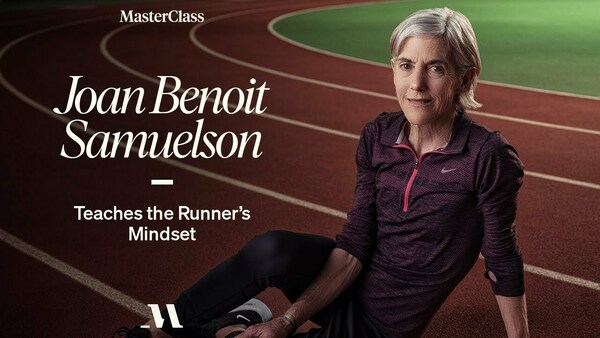
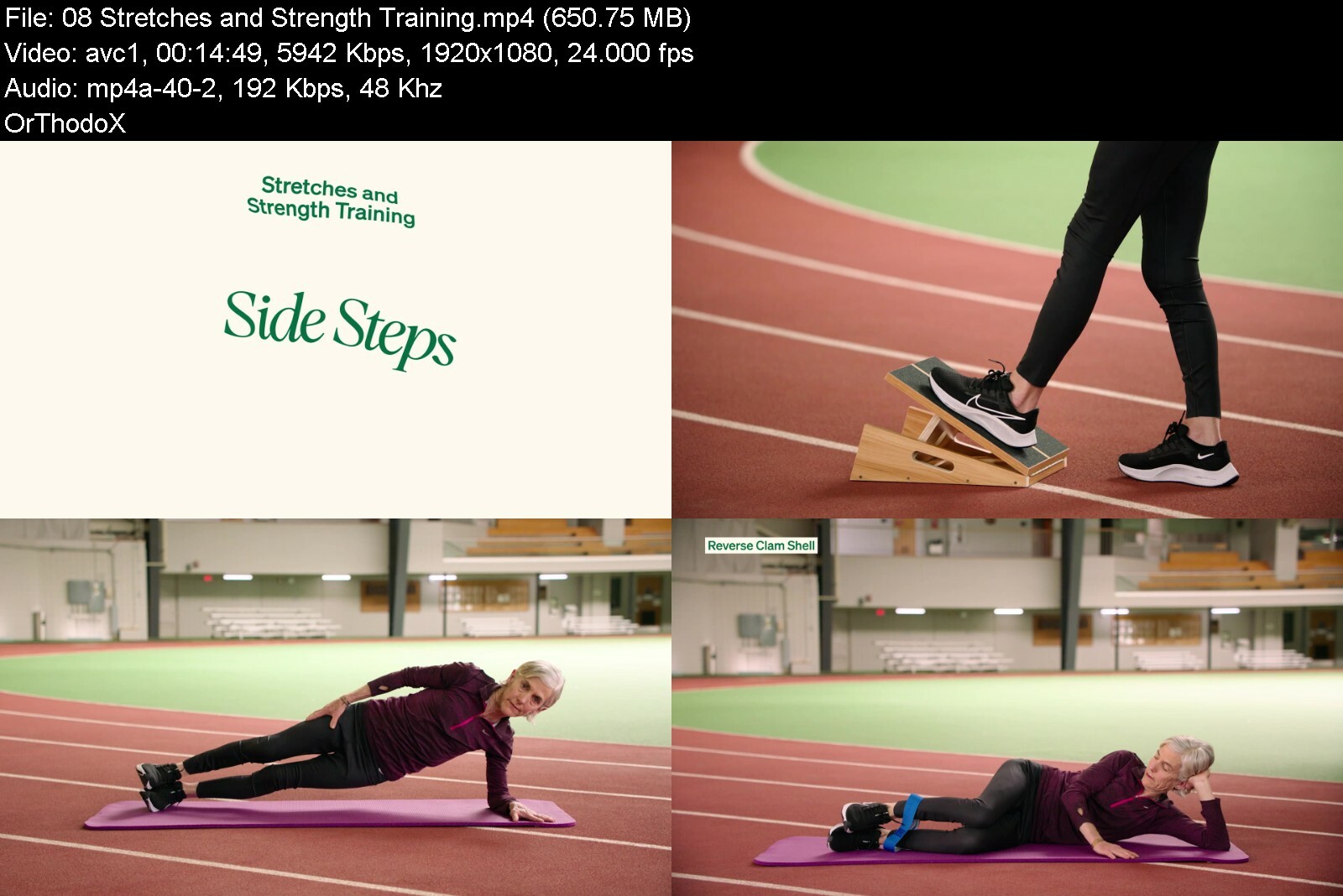
MasterClass - Joan Benoit Samuelson Teaches the Runner's Mindset

maxresdefaultdlcbs.jpg


MasterClass - Joan Benoit Samuelson Teaches the Runner's Mindset
MP4 | Video: h264, 1920x1080 | Audio: AAC, 44.1 KHz, 2 Ch
Genre: eLearning | Language: English + srt | Duration: 11 Lessons (1h 31m) | Size: 4 GB

Winner of the very first women's Olympic marathon, Joan Benoit Samuelson has spent her life breaking records and paving the way for female runners around the world. Now she's teaching her personal philosophy and approach to running. Whether you're an experienced runner or have been thinking about getting started, you'll learn how to get motivated, set goals, and achieve victory in running and in life.


joanbenoitsamuelsontejgf8y.jpg


Download from RapidGator


Download from DDownload

 
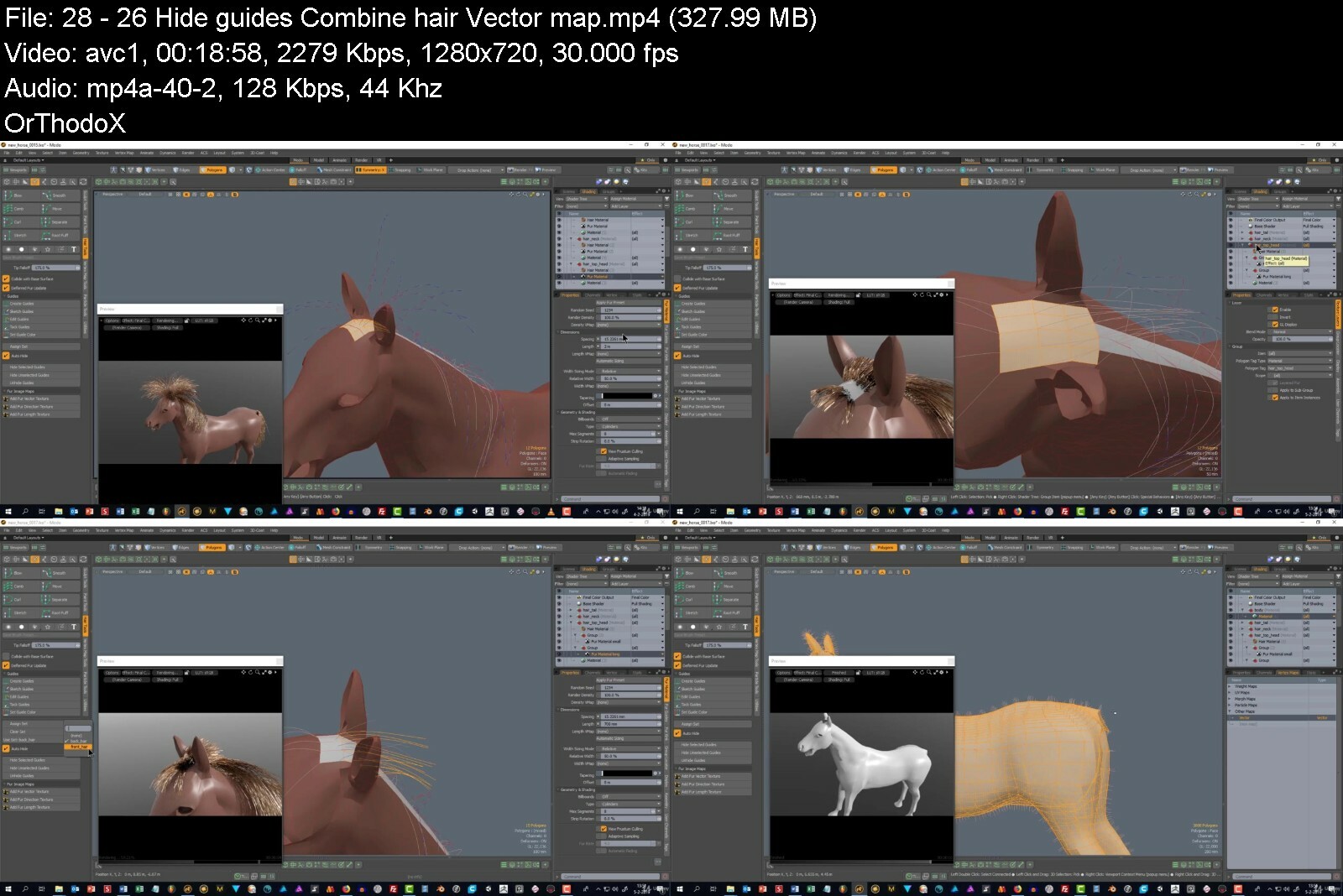
Horse Modelling In Modo 3D

ndc7xibivooamc6mtnv6yo5iq5.jpg


Horse Modelling In Modo 3D
Last updated 4/2019
MP4 | Video: h264, 1280x720 | Audio: AAC, 44.1 KHz
Language: English | Size: 10.23 GB | Duration: 9h 51m

Create a 3D horse model in the professional 3D application Modo


What you'll learn
boxmodelling
sculpting
uv-mapping
baking
creating a normal map
creating fur

Requirements
Modo (3d modelling software)
PureRef (you can download it)

Description
This is a huge course, for intermediate Modo users that will learn you how to create a 3D horse, using the professional 3D modelling application Modo (Foundry).If you are new to Modo, it would be best to watch my previous course (3d modelling - a Modo modelling guide) before enrolling to this course. The previous course is a bit outdated, but most of the tools still function the same way.This course has been made with Modo 12.In this course you will learn a lot. You will learn how to import reference images. You will also learn how to use an external application called PureRef for using even more reference images. Then you will learn the basics of box modelling. And with a basic mesh created, you will sculpt it, refine your sculpt during the sculpting process and convert it to a regular mesh. Next you will learn how to do a basic unwrap of your model (uv-mapping), adjust your UV-map and find/fix errors. I will lead you through the hair and fur materials and how to use the tools for sculpting the hair. Many methods for creating and placing fur will be discussed, including a method of exporting them to a game engine. You will learn in depth about normal map baking. Including most of the pitfalls and how to fix things, if they don't work. You will learn the basics of colormanagement for baking maps. And bake an ambient occlusion map. Finally you will learn how to use the (very basic) painting tools in Modo, to create pbr maps and change the settings in Modo to export your low-poly model to for example Unity game engine.
Overview
Section 1: Introduction
Lecture 1 Introduction
Section 2: course
Lecture 2 2. Importing reference images and start boxmodelling
Lecture 3 3. Creating the first block
Lecture 4 4. Linear falloff and bevel
Lecture 5 5. Blocking out the tale and legs
Lecture 6 6. Refining the head, ears, hoofs. Using the mirror tool
Lecture 7 7. Sculpting. Using PureRef
Lecture 8 8. Using the mask tool. Sculpting using reference images
Lecture 9 9. Creating a mouth and using automatic retopology to create a new base mesh
Lecture 10 10. Fixing symmetry in auto retopology. Starting over using a different method
Lecture 11 Automatic Retopology
Lecture 12 Pen tablet settings. Eyes, ears
Lecture 13 12. Refining the shape
Lecture 14 13. Refining part 2
Lecture 15 14. Mouth and eye
Lecture 16 15. Refining part 3
Lecture 17 16. Teeth part 1
Lecture 18 17. Basic unwrapping. The basics of smoothing and vertex normals.
Lecture 19 18. Create a cage and basic normal map baking. Creating the second tooth.
Lecture 20 19. Fixing problems with normal map baking.
Lecture 21 20. Combining the uv-maps. Baking
Lecture 22 21. Positioning the teeth
Lecture 23 22. Moving the Center of the mesh and snapping to locator
Lecture 24 22a. Teeth in mouth. Matcaps and refining the eye.
Lecture 25 23. Sculpt presets. Refining
Lecture 26 24. Fixing a shader error. Hoofs. Fur and hair.
Lecture 27 25. Hair tools. Sketch guides.
Lecture 28 26. Hide guides. Combine hair. Vector map.
Lecture 29 27. Vector map sculpting. Seams for the horse
Lecture 30 28. Seams part 2. Shading error. Creating the tongue.
Lecture 31 29. Refinging the gums. Freezing the horse. Static mesh.
Lecture 32 30. Fixing errors in the low poly horse
Lecture 33 31. Advanced uv-mapping. Fur density map. Topology pen.
Lecture 34 32. Color management. Fixing gamma.
Lecture 35 33. Bake item. Tangent basis. Baking the horse normal map
Lecture 36 34. Fixing normal baking errors. Fixing the yellow uv problem.
Lecture 37 35. Hair strips. Start painting the horse.
Lecture 38 36. Baking ambient occlusion. Metallic, albedo, normal maps.
Lecture 39 37. Painting presets. Tips for exporting
intermediate 3d modellers


horsemodellinginmodo3l8d5o.jpg


Download from RapidGator


Download from DDownload


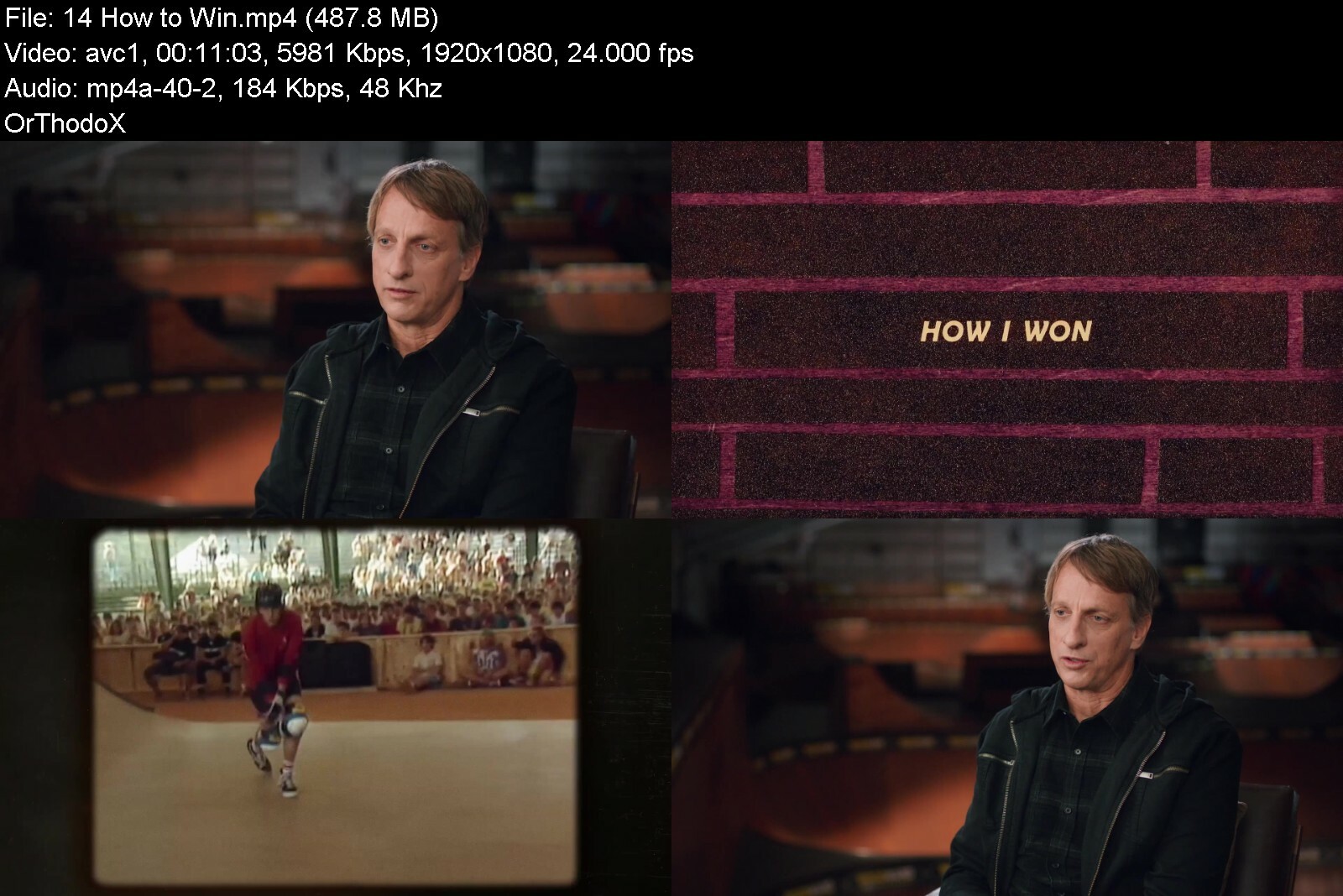
MasterClass - Tony Hawk Teaches Skateboarding

maxresdefault1gi2c.jpg


MasterClass - Tony Hawk Teaches Skateboarding
MP4 | Video: h264, 1920x1080 | Audio: AAC, 44.1 KHz, 2 Ch
Genre: eLearning | Language: English | Duration: 16 Lessons (1h 41m) | Size: 4.5 GB

A pro at 14 and the first to land a 900 at the X Games, Tony Hawk is one of the most influential skateboarders of all time. Now he's helping you take your skateboarding to the next level. Joined by pros Lizzie Armanto and Riley Hawk, Tony teaches you beginner, intermediate, and advanced tricks in street, park, and vert. Learn how to push yourself, get up when you fall, and find your own style. Start reaching new heights.


tonyhawkteachesskateb8rcpu.jpg


Download from RapidGator


Download from DDownload

 
Social Media Marketing Master Course (Sinhala Medium)

4vlvxvwqzpwu2z60wlhhwtafff.jpg


Social Media Marketing Master Course (Sinhala Medium)
Last updated 5/2021
MP4 | Video: h264, 1280x720 | Audio: AAC, 44.1 KHz
Language: English | Size: 5.00 GB | Duration: 11h 48m

Best Place for leaning about the Social media marketing with Sinhala Medium


What you'll learn
What is the Social Media marketing
What is the basic Component of Social Media Marketing
How to create affiliate Marketing network
How to create international Bank account
What are the other supporting service related to the Social media marketing
Facebook marketing
You Tube marketing
Instagram marketing
Pinterest marketing
Twitter marketing
Quora marketing
Linkdine marketing
Tiktok Marketing
Social Media Automation

Requirements
Personal desktop / laptop computer
Stable internet connection
Basic knowledge of operating computer
Self confidence

Description
This "Social Media Marketing master course (Sinhala Medium)" course, is mainly conducting with "Sinhala" Language and it's Manly focused about, Eight Social Media platforms,Facebook MarketingYoutube MarketingInstagram MarketingTwitter MarketingTiktok MarketingQuora MarketingLinkedin MarketingPinterest Marketing Four different affiliate network,Digistore24 affiliate Jvzoo affiliateWarrior plus affiliateAmazon assoccated program Four different payment system and PayPal accountPayoneer accountPayee accountNeteller account Clearly Show How to make money using related other platforms LinktreeBloggerAmazon kit Canvagoogle docbitly Also finally Show how to step Social media automation using one software successfully. anyway, if anyone can following this course each and every step right way, there can leaning each and every component in Social media marketing and there able to handle social media platform well. As well as this course mainly created to, one who talking Sinhala language living around the world, and my main purpose is to educate the Sri Lanak Peoples to become successful online Businessmen, other hand side I'm always trying to educated, How Peoples, Right ways to work online and how to work the right way within above platform Finally, I want to say Like this "Please, Lean this course carefully and If you want to become a success online, You can do it, Also if anyone wants to become successful in life, Not a shortcut, only have a path. if you can follow this path, you can success in your life
Overview
Section 1: Introduction
Lecture 1 Introduction About the Course
Lecture 2 Course Note and resources
Lecture 3 Motivation Speech (Eye Opening Session)
Section 2: Basic Component for start leaning
Lecture 4 How to create brand New e-mail account
Lecture 5 How to create brand new PayPal account
Lecture 6 How to link Bank account to PayPal account
Lecture 7 How to verify Bank account card In PayPal account
Lecture 8 How to Create brand new Payoneer account
Lecture 9 How to create Payeer account
Lecture 10 How to Create Neteller Account
Section 3: Canva tutorial
Lecture 11 How to create Canva account
Lecture 12 How to create design with Canva
Section 4: Create Digistore24 account
Lecture 13 How to create digistore24 account
Lecture 14 What is the most important component on the digistore24 account
Section 5: Create Warriorplus account
Lecture 15 How to create warriorplus account
Lecture 16 How to customize warriorplus account
Lecture 17 How to find product on warriorplus account
Section 6: Create Jvzoo account
Lecture 18 How to create Jvzoo account
Lecture 19 How to find Product on the Jvzoo
Section 7: Create Amazon associated account
Lecture 20 what is the Amazon
Lecture 21 How to create Amazon associate account
Section 8: Branding
Lecture 22 How to create Brand for Social media marketing
Lecture 23 How to create offers list on Link tree account
Section 9: Facebook Marketing
Lecture 24 Overview About the Facebook Marketing
Lecture 25 How to create Facebook account
Lecture 26 How to Create Facebook page
Lecture 27 How to get more like and followers for Facebook Page
Lecture 28 How to appoint Role in Facebook page
Lecture 29 What is the most Important thinks on Facebook Page
Lecture 30 How to Make money on Facebook page
Lecture 31 How to go live on Facebook
Lecture 32 How to create Facebook Group
Lecture 33 How to customize Facebook group
Lecture 34 How to create Facebook add account and payment method
Lecture 35 How to create Facebook add campaign successful
Lecture 36 How to use Facebook for business Practically
Section 10: YouTube Marketing
Lecture 37 What is the YouTube Marketing
Lecture 38 Enroll the YouTube Master Course (Sinhala Medium)
Lecture 39 How to use YouTube marketing for Practically
Section 11: Instagram marketing
Lecture 40 What is the Instagram marketing
Lecture 41 How to create Instagram account
Lecture 42 How to change Profile picture on Instagram
Lecture 43 How to create Instagram BIO
Lecture 44 How to create Instagram Post
Lecture 45 How to Get Instagram Chrome Extension
Lecture 46 How to Post to Instagram Post
Lecture 47 How to use IGTV tab
Lecture 48 How to create repost Other person's content
Lecture 49 How to get more followers on Instagram
Lecture 50 Importance of hash(#) tag
Lecture 51 How to published story on Instagram
Lecture 52 How to Analyst Instagram account
Lecture 53 How to use Facebook creator studio for Instagram automation
Lecture 54 How to make money on Instagram
Section 12: Pinterest marketing
Lecture 55 What is the Pinterest
Lecture 56 How to create Pinterest account
Lecture 57 How to customize Pinterest account
Lecture 58 How to create Pin On Pinterest account
Lecture 59 Overview about the business hub
Lecture 60 How to grow Pinterest account past
Lecture 61 Secret method of grow monthly visitors on Pinterest
Lecture 62 How to create Pinterest add
Lecture 63 How to Use Pinterest for business
Section 13: Twitter Marketing
Lecture 64 What is the twitter
Lecture 65 How to create twitter account
Lecture 66 How to customize twitter account
Lecture 67 05 deferent methods of tweets
Lecture 68 How to post first post on twitter
Lecture 69 How to gain more followers on twitter
Lecture 70 How to use Hash (#) tag on twitter
Lecture 71 How to use twitter Poll
Lecture 72 How to create pin-post on twitter
Lecture 73 How to use twitter analytics
Lecture 74 How to use twitter for business
Section 14: Quora marketing
Lecture 75 what is the Quora
Lecture 76 How to create Quora account
Lecture 77 How to customize Quora account
Lecture 78 How to create Quora Space
Lecture 79 How to customize Quora Space
Lecture 80 How to add question on Quora
Lecture 81 How to write answers on Quora
Lecture 82 How to create post on Quora Space
Lecture 83 How to Create Quora add
Lecture 84 How to use Quora for business
Section 15: Linkedin Marketing
Lecture 85 How to create Linkedin account
Lecture 86 How to customize Linkedin account
Lecture 87 How to Grow Linkedin Account Fast
Lecture 88 How to create group on Linkedin
Lecture 89 How to write article on Linkedin
Lecture 90 How to create business page on Linkedin
Lecture 91 How to run Linkedin add
Lecture 92 How to use Linkedin for business
Section 16: Tiktok Marketing
Lecture 93 What is the Tiktok
Lecture 94 How to create Tiktok account
Lecture 95 How to customize Tiktok account
Lecture 96 How to upload videos to Tiktok
Lecture 97 How to use tiktok account for business
Lecture 98 How to reuse tiktok videos
Section 17: Social Media Automation
Lecture 99 What is the social media automation
Lecture 100 How to setup Social media automation
Lecture 101 How to use social media for business (Specials session )
Section 18: What is the next
Lecture 102 What is the next ?
Beginner of digital marketing,Any one who , Find the opportunity to make money online,Beginner of doing social media marketing


socialmediamarketingms9eka.jpg


Download from RapidGator


Download from DDownload


 
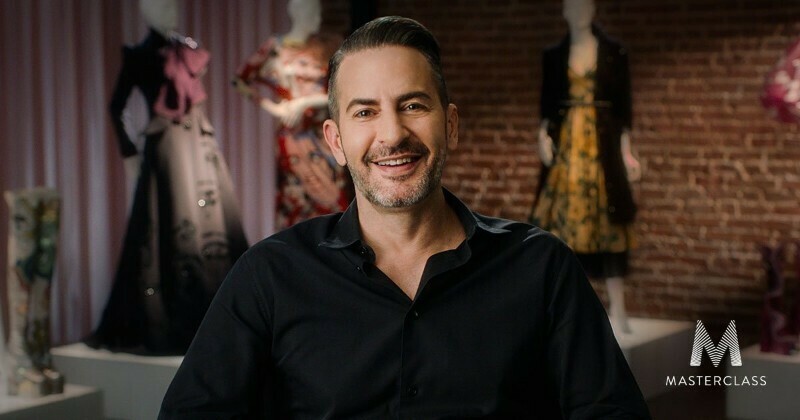
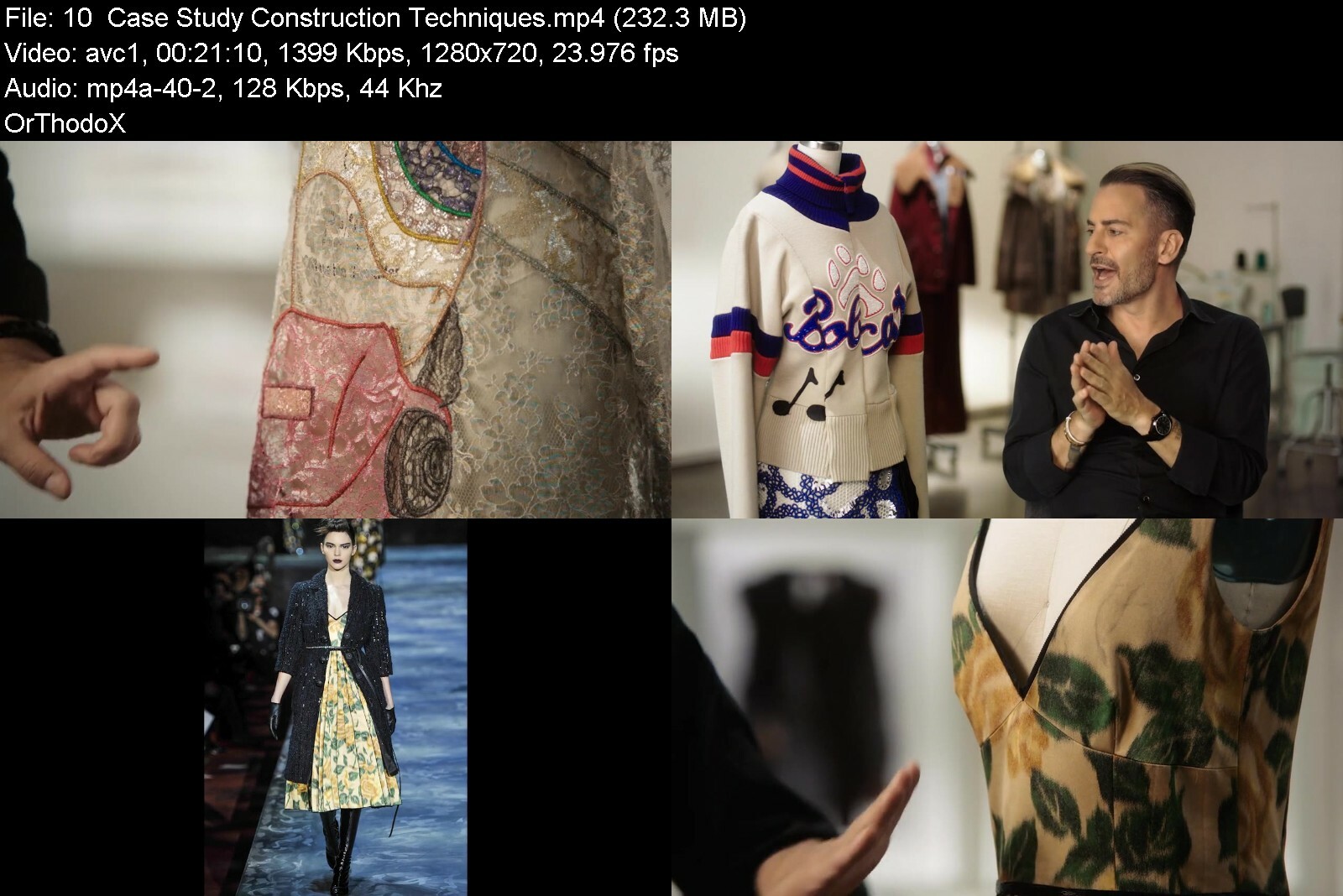
MasterClass - Marc Jacobs - Fashion Design

masterclassmarcjacobsm9egs.jpg


MasterClass - Marc Jacobs - Fashion Design
MP4 | Video: AVC 1280 x 720 | Audio: AAC 44 Khz 2ch | Duration: 04:38:17 | 2.01 GB
Genre: eLearning | Language: English

Marc Jacobs's infamous grunge collection got him fired. It also won him the CFDA Womenswear Designer of the Year Award. In his first online fashion design class, the 11-time CFDA Award winner teaches his hands-on process for creating clothes that push boundaries and set trends. Learn Marc's construction techniques, how he creates unique shapes and silhouettes, and how you can develop your own ideas from the first sketch to the final piece.

masterclassmarcjacobsnjddm.jpg


Download from RapidGator


Download from DDownload
 
MasterClass - Mariah Carey Teaches the Voice as an Instrument

maxresdefaultgmc6v.jpg


MasterClass - Mariah Carey Teaches the Voice as an Instrument
Published 04/2022
MP4 | Video: h264, 1920x1080 | Audio: AAC, 44.1 KHz, 2 Ch
Genre: eLearning | Language: English + srt | Duration: 9 Lessons (1h 44m) | Size: 4.63 GB


Mariah Carey invites you into her studio to share her process. Learn how she uses her iconic voice to create, collaborate, and express a vision

With a five-octave range and soaring whistle tones, Mariah Carey reigns as the "Songbird Supreme." Now, for the first time, she's opening up her studio to show you her creative process. Learn how she uses her iconic voice to write songs, collaborate, and produce-and discover how some of her biggest hits were made. Draw inspiration from Mariah's journey and connect with the power of your own voice and vision.


mariahcareyteachesthet7iq9.jpg


Download from RapidGator


Download from DDownload


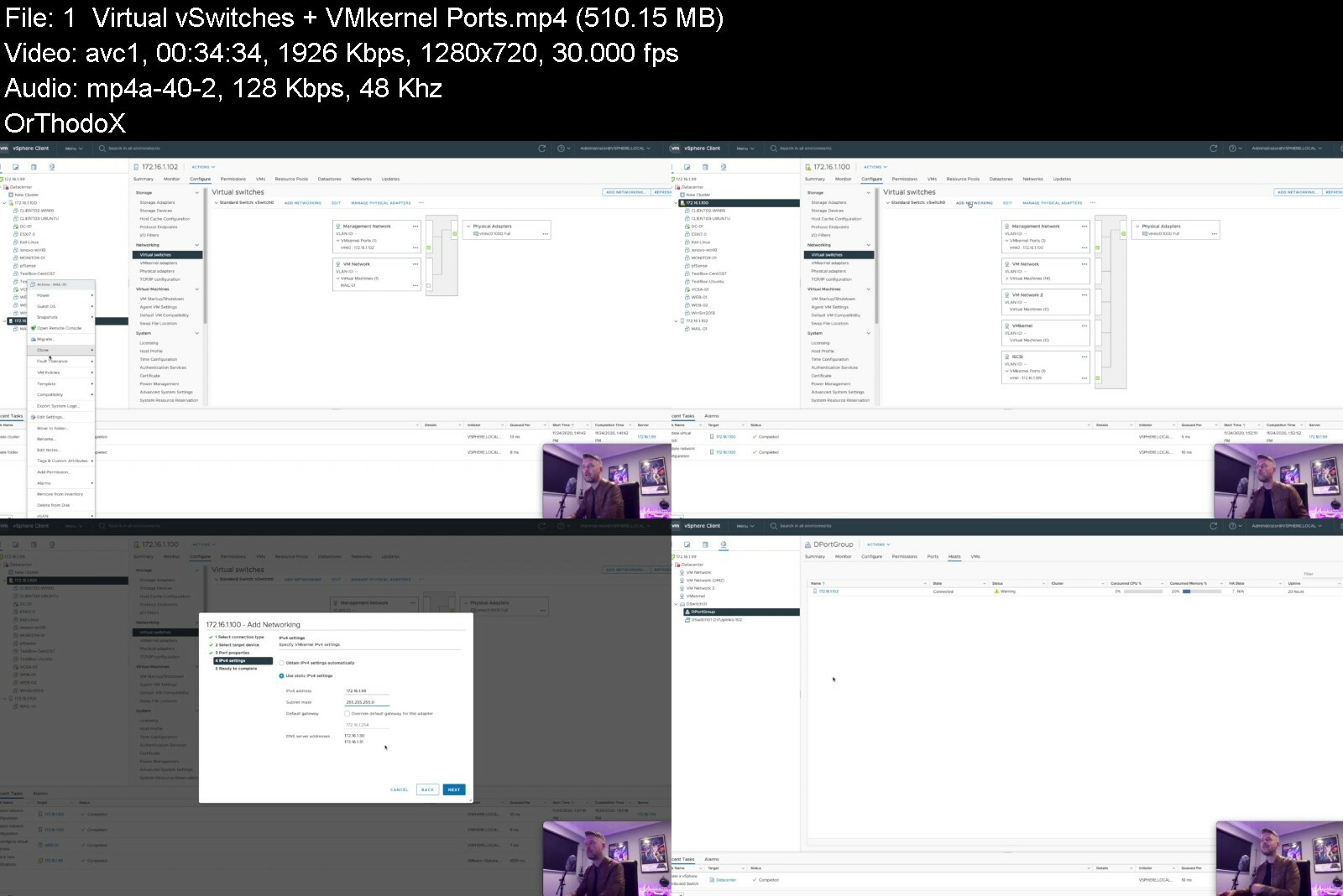
Learning VMware vSphere 7 ESXi and vCenter Administration

vmwarevsphere7esxiandldfh2.jpg


Learning VMware vSphere 7 ESXi and vCenter Administration
Last Updated 08/2022
MP4 | Video: h264, 1280x720 | Audio: AAC, 44.1 KHz, 2 Ch
Genre: eLearning | Language: English + srt | Duration: 47 lectures (6h 35m) | Size: 6 GB


What is VMware, What are the Benefits, and How to use it!


What you'll learn
Learn what VMware vSphere, ESXi and vCenter are
How to Install and Configure the various VMware Components
How to Build and Setup Virtual Machines (VM)
How to configure great vCenter features such as vMotion, DRS and HA
How to configure the Network and Storage components of VMware
...and Lots Lots more.
Requirements
Understading of basic IT Administration and Support
Basic understanding of what a Computer Network is
Description
Complete VMWare vSphere ESXi and vCenter Administration
Overview -
In this course we'll give you an overview of VMware, discussing how to setup VMware vSphere, including ESXi and vCenter. We'll also talk about how you can start setting up and building your own VM's!
This course will give the necessary skills to get started and will also act as a valuable reference for your continued VMware learning.
If you are new to IT or have been in Technologies for sometime, this course will give you the foundation that you need to either get that IT job, get promoted or improve your existing Tech skillset specifically around the VMware vSphere environment.
In this course we'll cover -
- What is VMware.
- What is vCenter, ESXi and how to use them
- How to install, setup and configure your own VMware environment
- How to build, configure and manage Virtual Machines (VM's)
- How to troubleshoot your environment
** This course is aimed at VMware vSphere 7 administration, however is also relevant to earlier versions of VMware vSphere including v6.7 and v6.5, so videos are spread across versions with all features being available in the newest v7.
Do I need to be an expert?
No, this course is designed for people who may be starting out in technology, those who are already familiar certain infrastructure technology and those who want to learn more about Virtualization technology, specifically VMware.
It'll provide an essential foundation for anyone wanting to learn and become more proficient in VMware.
Why this course?
This course will be easy to understand, and will give you an overview of the necessary IT Server skills that you need to know.
Want to become a VMware, Virtualization or Systems Administrator? Already in IT? It's essential that you understand the VMware virtualization technology. VMware is used extensively by many companies, small, medium and large, so getting a good understanding of VMware will greatly assist you in your IT career!
Who this course is for
IT Support Administrators
Systems Adminstrators and Engineers
IT Managers
IT Graduates
IT Technicians


learningvmwarevspherezfd8g.jpg


Download from RapidGator


Download from DDownload

 
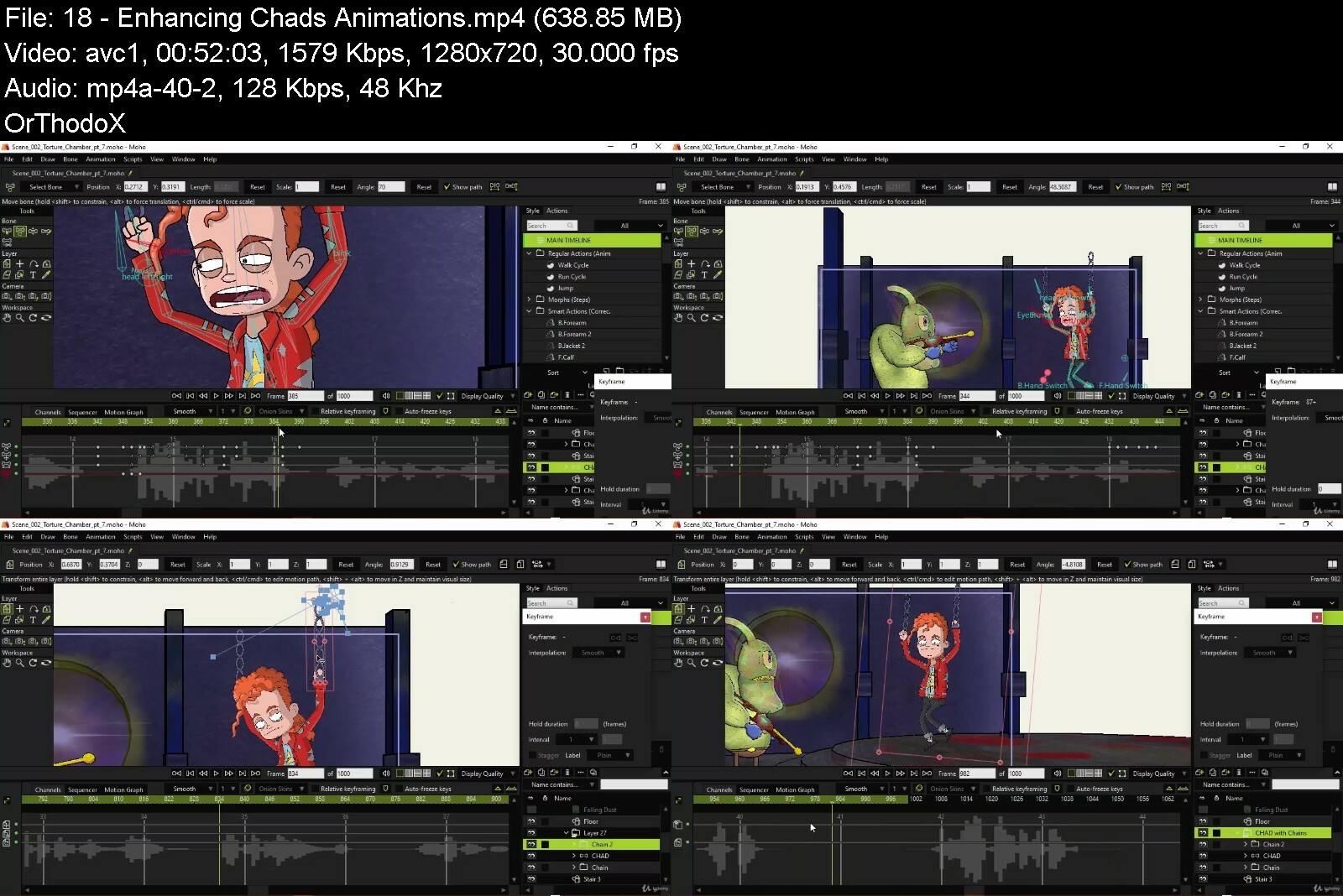
Assembling An Animated Moho Production

x85g9gsa22isv002frbclu2d9e.jpg


Assembling An Animated Moho Production
Last updated 2/2020
MP4 | Video: h264, 1280x720 | Audio: AAC, 44.1 KHz
Language: English | Size: 14.55 GB | Duration: 10h 39m

Build a complete Moho animation using rigs, sets, props and audio.


What you'll learn
How to assemble a complete Moho Pro 13 Sequence Using Rigs, Props, 3D Sets and Audio

Requirements
A copy of Moho Pro 13 is required to open exercise files
Understanding of the Moho interface (timeline, keyframes, sequencer Actions, layers) is recommended before diving in
Rigs will be animated and modified so be sure to have a solid understanding of how rigs work in Moho Pro 13.
Course materials also includes bonus Premiere and Audition project files but are not required to follow along

Description
Moho Pro is a powerful piece of software which allows for character creation and animation, scene building, audio implementation, and much more. It can be tricky to know how to assemble a full sequence given all the options. This course aims to teach how to animate and edit a one minute Moho scene using rigs, sets and props to deliver not only a fun animation, but a solid learning experience you can build upon.This course acts as the final step to all my Moho courses. In the past I taught how to design and animate characters as well as build scenes and create pre-made actions. This course takes all of that to create a final product for work, personal or entertainment purposes.More specifically this course covers:Animating 3D ships to create a fun space battleLip syncing and body language for multiple charactersWorking within full 3D*sets to build depth and atmosphereCorrecting timing and other animation anomalies that can pop upCreating vector particle effects such as lightning, smoke and dustCreating a teleportation effect using Moho 13's new bitmap toolsUsing layer references to correct animations and create eye catching effectsWorking with pre-made PNG particle effects to compliment actionEditing multiple Moho scenes together with the SequencerEditing multiple Moho video scenes in PremiereExporting the final sequence for distribution
Overview
Section 1: Introduction
Lecture 1 What You Will Learn in this Course
Lecture 2 Preview of Animation You Will Create With Me
Lecture 3 Prerequisites for this Course
Section 2: Breaking Down Course Materials
Lecture 4 Download Exercise Files + Instructions
Lecture 5 Looking at the Screenplay and Storyboard
Lecture 6 Listening and Interpreting Character Dialogue
Lecture 7 Examining the Rigs
Lecture 8 Looking at the 3D Sets and Props
Lecture 9 Explanation of Effects Folder
Section 3: Laying Out Scenes 1 and 2
Lecture 10 Animating the Opening Shot
Lecture 11 Importing Rigs and Setting Up Scene 2
Lecture 12 Setting Up Audio References and Timing
Lecture 13 Lip Syncing the Alien Guard
Lecture 14 Lip Syncing Chad
Lecture 15 Animating Alien Guard's Body Language
Lecture 16 Animating Chad's Actions
Lecture 17 Enhancing Alien Guard With Blinks and Head Turns
Lecture 18 Enhancing Chad's Animations
Lecture 19 Adding the Flying Van in Background
Section 4: Enhancing Scene 2 with Polished Actions and Effects
Lecture 20 Creating the Electricity Effect
Lecture 21 Adding Emphasis with the Electricity Effect
Lecture 22 Adding Smoke
Lecture 23 Adding Sparks and Dust
Lecture 24 Creating the Disappearing Effect
Lecture 25 Adding a Teleport Glow
Lecture 26 Creating the Gun's Power Charge
Lecture 27 Implementing Camera Movements
Lecture 28 Correcting Scene Errors
Section 5: Animating Scene 3
Lecture 29 Setting Up Teleport Dial
Lecture 30 Setting Up Van Interior Shot
Lecture 31 Lip Syncing Chad and Frank
Lecture 32 Modifying Chad Rig for Body Language Animation
Lecture 33 Animating Chad's Body Language
Lecture 34 Animating Frank's Body Language
Lecture 35 Animating Battle Carnage
Lecture 36 Animating Camera Movements
Section 6: Animating the Ship Chase
Lecture 37 Setting Up the First Chase Sequence
Lecture 38 Animating Lasers and Explosions
Lecture 39 Animating Sun Shot
Section 7: Polishing and Finalizing Scenes
Lecture 40 Adjusting Ship Speed and Filter in Scene 1
Lecture 41 Finalizing Scene 2
Lecture 42 Polishing Scene 3
Lecture 43 Preparing Scenes 4 and 5
Section 8: Assembling Scenes in Moho
Lecture 44 Exporting Scenes For Easier Assembly
Lecture 45 Piecing Together the Sequence
Lecture 46 Adding Music and Sound Effects
Lecture 47 Exporting the Main File Out
Section 9: Assembling Scenes in Video Editing Software
Lecture 48 Preparing Clips For Premiere
Lecture 49 Importing and Assembling in Premiere
Lecture 50 Adding Music and Sound Effects
Lecture 51 Adding Additional Effects
Lecture 52 Exporting the File
Section 10: Conclusion
Lecture 53 Final Thoughts
Aspiring animators looking to put together a cohesive sequence in Moho by combining rigs, sets, actions, voices and more.


assemblingananimatedmr4eeh.jpg


Download from RapidGator


Download from DDownload



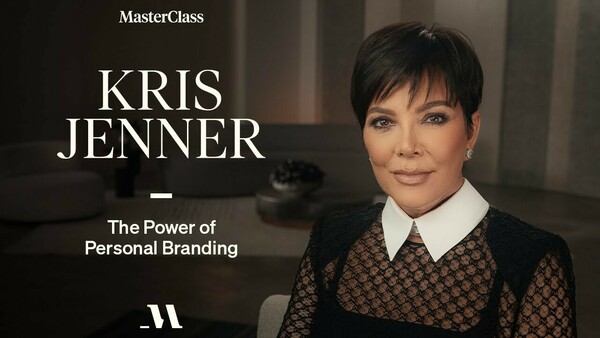
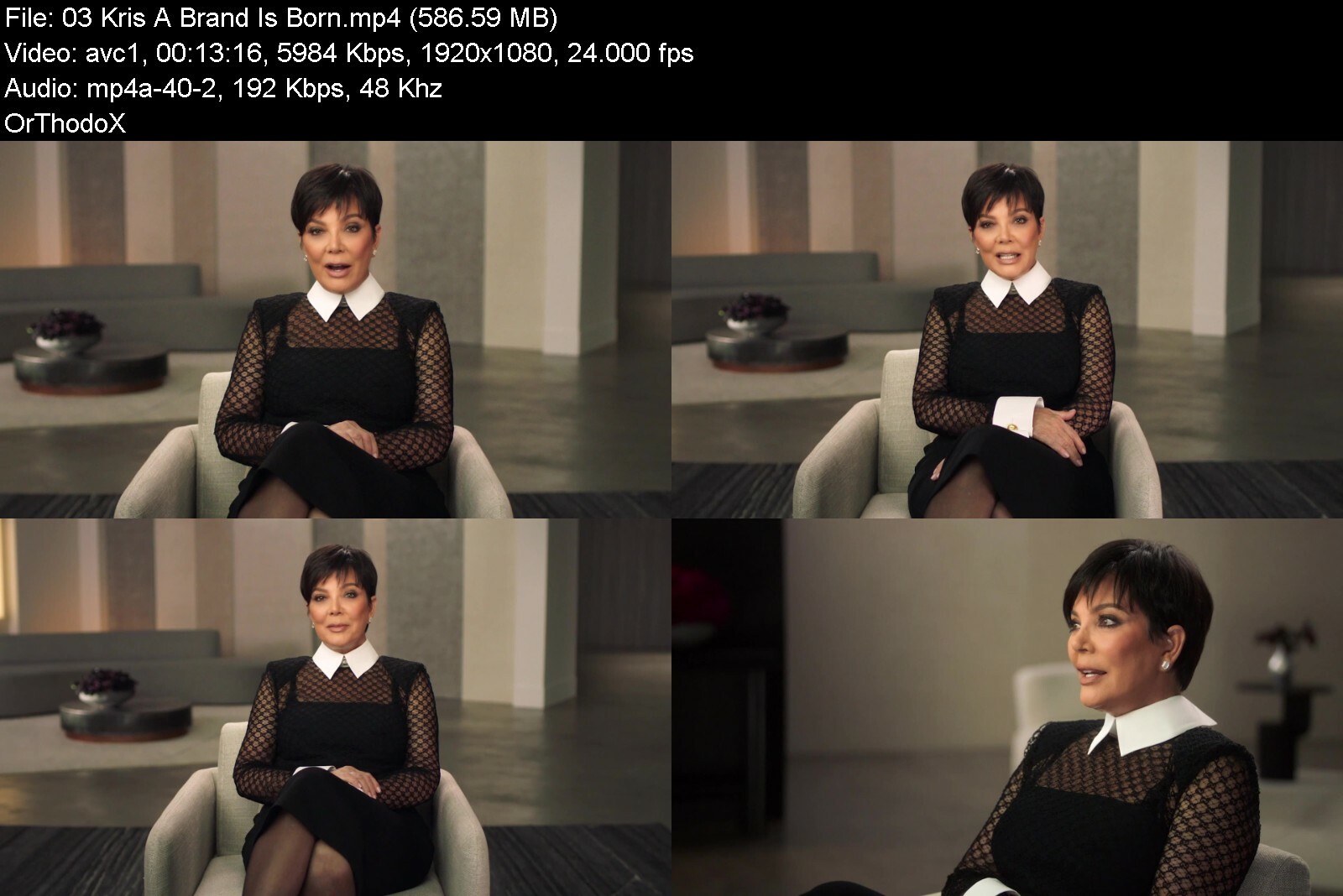
MasterClass - Kris Jenner On The Power of Personal Branding

maxresdefaultz8c7l.jpg


MasterClass - Kris Jenner On The Power of Personal Branding
Released 07/2022
MP4 | Video: h264, 1920x1080 | Audio: AAC, 44.1 KHz, 2 Ch
Genre: eLearning | Language: English + srt | Duration: 11 Lessons (1h 46m) | Size: 4.74 GB


Self-made star Kris Jenner teaches you how she built the Kardashian Jenner empire. Stand out and stay on top, whether you're selling or sharing

With an empire that spans clothing lines, a billion-dollar makeup company, and 14 spin-off shows, Kris Jenner has become more than the matriarch of one of the world's most influential families. The Kardashians' "momager" is also a mother of a new era of personal branding. Now she's sharing her journey to stardom with you. Learn how she cut through the noise, built lasting fame, and turned a vision into reality.


krisjenneronthepoweroxxcpb.jpg


Download from RapidGator


Download from DDownload

 
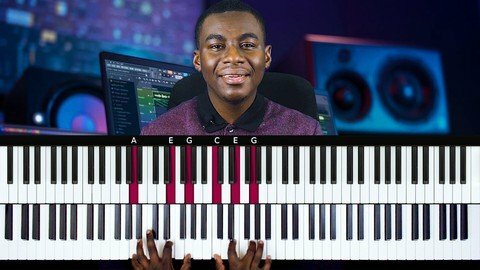
Gospel Piano Masterclass. Keyboard Piano Lessons

inhlrlvsdoztzhs12qcgt9ve3w.jpg


Gospel Piano Masterclass. Keyboard Piano Lessons
Last updated 5/2022
MP4 | Video: h264, 1280x720 | Audio: AAC, 44.1 KHz
Language: English | Size: 7.46 GB | Duration: 6h 21m

Step-by-step Gospel Piano Keyboard Tutorials Collection for Serious Musicians. Master Gospel Piano Chords, Fills & More


What you'll learn
Students will be able to play modern gospel Piano chords and progressions
You will learn powerful chord substitution techniques
You will learn how to add melodic fills to their playing on the Piano
You will learn how to play or apply Ditones and Tritones to your chord progressions
You will learn how to reharmonize some hymns
You will learn how to go from playing basic chords/chord progressions to playing advanced chords/chord progressions

Requirements
You should have your own Piano or Keyboard or access to any
You should have basic Piano knowledge at the least
(Optional) Virtual MIDI Piano software like MIDIculous

Description
Ever wanted to master how to play the keyboard Piano piano with that very nice gospel flavour? Have you ever wondered how to do keyboard piano improvisation with advanced piano keyboard chords and piano keyboard chord progressions...Want to learn piano chords that will make you stand out? With my course, you will learn powerful gospel chops, black gospel keyboard piano chords, gospel piano essentials and all the basic skills you need to transform your keyboard piano skills.This is keyboard piano lessons for beginners, intermediate and advanced levels.Specially created for those of you wanting to learn how to play the Piano with that nice gospel feel, using a mixture of well-known songs and exercises, the Piano lessons give you basic foundation knowledge and also progresses to showing you advanced techniques. Now you can learn how to play gospel piano keyboard!Yes that's right! By the end of this course, you would have learnt a lot of chords, patterns & gospel piano techniques that you can always use while you are playingThis course/class is play by ear gospel piano courses which means that you will get all the gospel piano essentials you need without having to read sheet musicNow you can learn powerful gospel piano keyboard chords in this piano course. The tutorials are perfect for learning piano chords, with full Piano HD video footage and virtual keyboard to light up the notes, you can easily understand the piano lessons as the course progresses.Plus, you can download the MIDI files of all songs on this course and play them on your virtual MIDI keyboard software which means that you can slow down the playing to turtle speed if you wantThe course explains every single note, piano piano chord, piano lick, run played in great detail. Nothing is left outThe classes in this course utilise the power of reharmonisation to show you how you can play a single song in different waysThis course teaches the followingPiano chord progressionsGospel piano progressionGospel chordsReharmonisation techniquesUnderstand chord numbers and how they workTritones and DitonesHow to layer chordsBasic to advanced chordsHow to play rootless chordsSimple gospel neo soul techniquesMelodic fillsSimple soloing techniquesChord substitutionsAnd much moreAll you need is your keyboard and notepad because you will be learning a lot and your playing will never remain the same after going through this course
Overview
Section 1: Shout Unto God
Lecture 1 Overview
Lecture 2 Shout Unto God Performance
Lecture 3 Shout Unto God Study Mode
Lecture 4 Shout Unto God Breakdown Pt 1
Lecture 5 Shout Unto God Breakdown Pt 2
Section 2: To God Be The Glory Hymn Re-harmonization
Lecture 6 Overview
Lecture 7 To God Be The Glory Hymn - Basic Version
Lecture 8 To God Be The Glory - Simple - Study Mode
Lecture 9 To God Be The Glory - Advanced Version
Lecture 10 To God Be The Glory - Advanced - Study Mode
Lecture 11 To God Be The Glory Breakdown
Section 3: Oh How I Love Jesus Hymn Re-harmonization
Lecture 12 Overview
Lecture 13 Oh How I Love Jesus - Basic
Lecture 14 Oh How I Love Jesus - Basic - Study Mode
Lecture 15 Oh How I Love Jesus - Intermediate
Lecture 16 Oh How I Love Jesus - Intermediate - Study Mode
Lecture 17 Oh How I Love Jesus - Advanced
Lecture 18 Oh How I Love Jesus - Advanced - Study Mode
Lecture 19 Oh How I Love Jesus Breakdown
Section 4: Neo Soul Approach To Hymn - What A Friend We Have In Jesus
Lecture 20 Overview
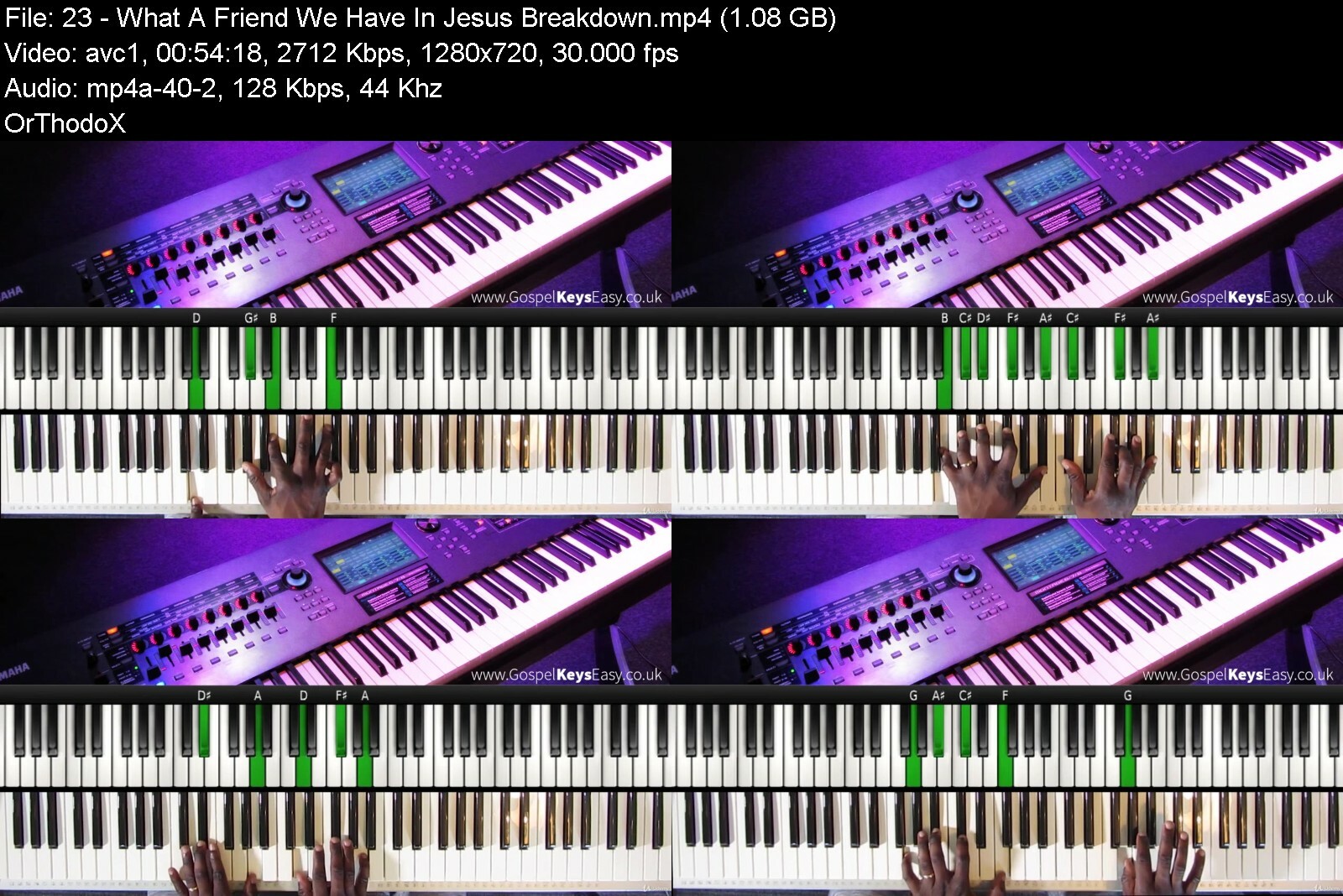
Lecture 21 What A Friend We Have In Jesus - Playing
Lecture 22 What A Friend We Have In Jesus - Study Mode
Lecture 23 What A Friend We Have In Jesus - Breakdown
Section 5: Here I Am To Worship - Learn Gospel Worship Skills
Lecture 24 Overview
Lecture 25 Here I Am To Worship - Playing
Lecture 26 Here I Am To Worship - Study Mode
Lecture 27 Here I Am To Worship - Breakdown
Section 6: Blessed & Highly Favoured
Lecture 28 Overview
Lecture 29 Blessed & Highly Favored Performance
Lecture 30 Blessed & Highly Favored Study Mode
Lecture 31 Blessed & Highly Favored Breakdown
Beginner Piano Players,Intermediate Piano Players,Advanced Piano Players,Musicians who want to master the gospel Piano feel and flavour,If you have taken beginner piano lessons/basic piano lessons before and want to refresh your memory and take things further, this course is for you


gospelpianomasterclassxek5.jpg


Download from RapidGator


Download from DDownload


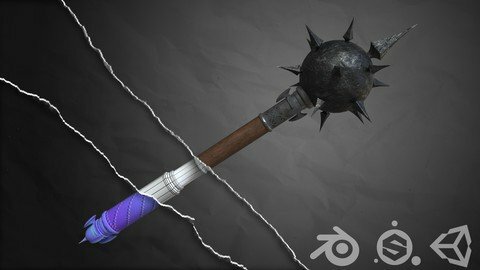
Creating A Realistic Weapon Using Blender

rcswlmafswegikuqs1mzwkrcas.jpg


Creating A Realistic Weapon Using Blender
Last updated 6/2018
MP4 | Video: h264, 1280x720 | Audio: AAC, 44.1 KHz
Language: English | Size: 5.09 GB | Duration: 5h 42m

Use blender and substance painter to create AAA quality weapons from scratch


What you'll learn
create your own assets from scratch.
3D modelling inside blender.
UV Unwrapping using blender.
using photoshop to create masks and add details to our models.
baking maps inside substance painter.
Texturing Your Game Asset with Smart Materials.
Exporting Your Model to Unity.

Requirements
Students who want to follow along with the project should have atleast Blender v2.79 or up installed. We will be using the most current version at the time of this recording, but the tools and techniques are generally the same as other versions.
substance painter 2
photoshop (optional)
unity (optional)

Description
Description
This course is updated in response to students.
This online course will teach you how to use Blender and substance painter*to create a realistic looking weapon!
Do you want to learn 3d modeling, texturing, and rendering, but don't know where to begin?Have you spent time looking on youtube to only see tutorials on how to make furniture or coffee cups... (lets make something exciting.)Do your 3D models just dont look very realistic and do you think it is hard to recreate a concept from someone else???
If you answered yes to any of these questions,*you're*in the right place!
I know it can be frustrating watching other people post gorgeous looking renders*and game assets*online, while always wondering how they did it. You can spend hours or even days trying to find the right tutorial online to recreate a 3D asset.*Even then they don't always cover the complete pipeline from start to finish.
That's why we*created this course - to teach people just like you how to create awesome looking models*with Blender and substance painter.
Have fun while learning!*Learn by actually doing!
After enrolling in this course, you'll be taken through a complete*project that will show you how to recreate a 3D game asset from start to finish.*Follow along and practice while learning!
you will follow this process
i will go step to step through the entire*model.You guys can follow every step i make.(This is not a dubbed over version i am speaking and modelling in real time.)This way you can see exactly what i am doing while i am explaining.
You will get full*lifetime access*for a single one-off fee.
If you're a complete beginner, chapter 1 is a crashcourse and i will teach you everything needed to make this asset.
Note:*access to this course comes with an optional, free*facebook group where we will all be able to share our models and progress. this is a great way to connect*with other students.
Dive in now, you won't be disappointed!
Overview
Section 1: chapter 1 crash course for beginners
Lecture 1 layout
Lecture 2 movement
Lecture 3 transform
Lecture 4 edit mode
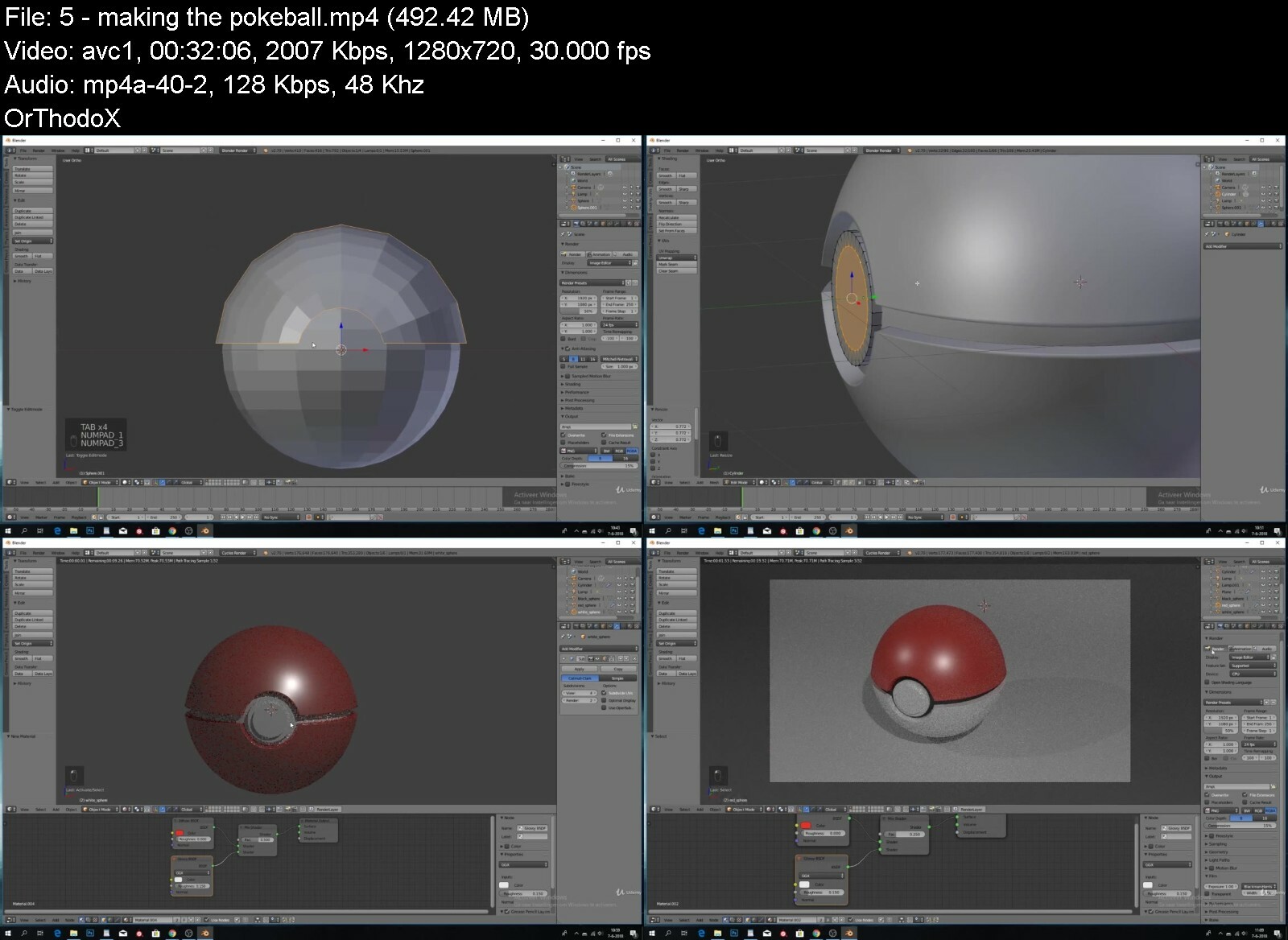
Lecture 5 making the pokeball
Lecture 6 adding textures
Section 2: chapter 2 modelling the weapon
Lecture 7 looking at our concept
Lecture 8 blocking out our weapon
Lecture 9 making the spikes
Lecture 10 making the hooks
Lecture 11 finishing blocking out
Lecture 12 high poly
Lecture 13 uv unwrap
Lecture 14 fit the uv maps
Section 3: chapter 3 texturing and exporting our weapon
Lecture 15 making our masks
Lecture 16 baking our masks
Lecture 17 wood
Lecture 18 iron part 1
Lecture 19 iron part 2
Lecture 20 leather
Lecture 21 finishing the mace
Lecture 22 importing the mace into unity
Section 4: files
Lecture 23 files
beginner 3D artists who want to start creating realistic assets.,intermediate 3D artists who want to improve their skills inside blender,A prior knowledge of Blender is recommended, though students who are beginners and follow along carefully can learn Blender rather quickly as we cover the different aspects of the using the software.,Anyone who is looking for a complete Blender course that explains every tool and facet of the application should not take this course. This is a course that provides a practical project for 3D artists in real world settings, so not every tool and function will be explained.


creatingarealisticweadld9x.jpg


Download from RapidGator


Download from DDownload

 
Zurück
Oben Unten