• Regeln für den Video-Bereich:

    In den Börsenbereich gehören nur Angebote die bereits den Allgemeinen Regeln entsprechen.

    Einteilung

    - Folgende Formate gehören in die angegeben Bereiche:
    - Filme: Encodierte Filme von BluRay, DVD, R5, TV, Screener sowie Telesyncs im Format DivX, XviD und x264.
    - DVD: Filme im Format DVD5, DVD9 und HD2DVD.
    - HD: Encodierte Filme mit der Auflösung 720p oder darüber von BluRay, DVD, R5, TV, Screener sowie Telesyncs im Format x264.
    - 3D: Encodierte Filme von BluRay, die in einem 3D Format vorliegen. Dies gilt auch für Dokus, Animation usw.
    - Serien: Cartoon/Zeichentrick, Anime, Tutorials, Dokumentationen, Konzerte/Musik, Sonstiges sind demnach in die entsprechenden Bereiche einzuordnen, auch wenn sie beispielsweise im High Definition-Format oder als DVD5/DVD9/HD2DVD vorliegen. Ausnahme 3D.
    - Bereich Englisch: Englische Releases gehören immer in diesen Bereich.
    - Bereich Talk: Der Bereich, in dem über die Releases diskutiert werden kann, darf, soll und erwünscht ist.


    Angebot/Beitrag erstellen

    - Ein Beitrag darf erst dann erstellt werden, wenn der Upload bei mindestens einem OCH komplett ist. Platzhalter sind untersagt.
    - Bei einem Scenerelease hat der Threadtitel ausschließlich aus dem originalen, unveränderten Releasenamen zu bestehen. Es dürfen keine Veränderungen wie z.B. Sterne, kleine Buchstaben o.ä. vorgenommen werden. Ausnahme Serienbörse:
    - Bei einem Sammelthread für eine Staffel entfällt aus dem Releasename natürlich der Name der Folge. Beispiel: Die Simpsons S21 German DVDRip XviD - ITG
    - Dementsprechend sind also u.a. verboten: Erweiterungen wie "Tipp", "empfehlenswert", "only", "reup", usw. / jegliche andere Zusatzinformation oder Ergänzung, welche nicht in obiger Beschreibung zu finden ist.

    Aufbau des Angebots und Threadtitel

    Der Titel nach folgendem Muster erstellt zu werden. <Name> [3D] [Staffel] [German] <Jahr> <Tonspur> [DL] [Auflösung] <Quelle> <Codec> - <Group>
    Beispiel: The Dark Knight German 2008 AC3 DVDRip XviD - iND
    Beispiel: The Dark Knight 2008 DTS DL BDRip x264 - iND
    Beispiel: The Dark Knight 2008 AC3 DL BDRip XviD - iND
    Beispiel: The Dark Knight German 2008 AC3 720p BluRay x264 iND
    Beispiel: The Dark Knight 2008 DTS DL 1080p BluRay x264 iND
    Beispiel: Die Simpsons S01 German AC3 DVDRip XviD iND
    Beispiel: Die Simpsons S20 German AC3 720p BluRay x264 iND
    Beispiel: Sword Art Online II Ger Sub 2014 AAC 1080p WEBRip x264 - peppermint
    Entsprechend sind also u.a. verboten: Sonderzeichen wie Klammern, Sterne, Ausrufezeichen, Unterstriche, Anführungszeichen / Erweiterungen wie "Tipp", "empfehlenswert", "only", "reup", usw. / jegliche andere Zusatzinformation oder Ergänzung, welche nicht in obiger Beschreibung zu finden ist
    Ausnahmen hiervon können in den Bereichen geregelt sein.

    Die Beiträge sollen wie folgt aufgebaut werden:
    Überschrift entspricht dem Threadtitel
    Cover
    kurze Inhaltsbeschreibung
    Format, Größe, Dauer sind gut lesbar für Downloader außerhalb des Spoilers zu vermerken
    Nfo sind immer Anzugeben und selbige immer im Spoiler in Textform.
    Sind keine Nfo vorhanden z.B. Eigenpublikationen, sind im Spoiler folgende Dateiinformationen zusätzlich anzugeben :
    Quelle
    Video (Auflösung und Bitrate)
    Ton (Sprache, Format und Bitrate der einzelnen Spuren)
    Untertitel (sofern vorhanden)
    Hosterangabe in Textform außerhalb eines Spoiler mit allen enthaltenen Hostern.
    Bei SD kann auf diese zusätzlichen Dateiinformationen verzichtet werden.

    Alle benötigten Passwörter sind, sofern vorhanden, in Textform im Angebot anzugeben.
    Spoiler im Spoiler mit Kommentaren :"Schon Bedankt?" sind unerwünscht.


    Releases

    - Sind Retail-Release verfügbar, sind alle anderen Variationen untersagt. Ausnahmen: Alle deutschen Retail-Release sind CUT, in diesem Fall sind dubbed UNCUT-Release zulässig.
    - Im Serien-Bereich gilt speziell: Wenn ein Retail vor Abschluss einer laufenden Staffel erscheint, darf diese Staffel noch zu Ende gebracht werden.62
    - Gleiche Releases sind unbedingt zusammenzufassen. Das bedeutet, es ist zwingend erforderlich, vor dem Erstellen eines Themas per Suchfunktion zu überprüfen, ob bereits ein Beitrag mit demselben Release besteht. Ist dies der Fall, ist der bereits vorhandene Beitrag zu verwenden.
    - P2P und Scene Releases dürfen nicht verändert oder gar unter einem iND Tag eingestellt werden.


    Support, Diskussionen und Suche

    - Supportanfragen sind entweder per PN oder im Bereich Talk zu stellen.
    - Diskussionen und Bewertungen sind im Talk Bereich zu führen. Fragen an die Uploader haben ausschließlich via PN zu erfolgen, und sind in den Angeboten untersagt.
    - Anfragen zu Upload-Wünschen sind nur im Bereich Suche Video erlaubt. Antworten dürfen nur auf Angebote von MyBoerse.bz verlinkt werden.


    Verbote

    - Untersagt sind mehrere Formate in einem einzigen Angebotsthread, wie beispielsweise das gleichzeitige Anbieten von DivX/XviD, 720p und 1080p in einem Thread. Pro Format, Release und Auflösung ist ein eigener Thread zu eröffnen.
    - Grundsätzlich ebenso verboten sind Dupes. Uploader haben sich an geeigneter Stelle darüber zu informieren, ob es sich bei einem Release um ein Dupe handelt.
    - Gefakte, nur teilweise lauffähige oder unvollständige Angebote sind untersagt. Dies gilt auch für eigene Publikationen, die augenscheinlich nicht selbst von z.B. einer DVD gerippt wurden. Laufende Serien, bei denen noch nicht alle Folgen verfügbar sind, dürfen erstellt und regelmäßig geupdatet werden.
    - Untersagt sind Angebote, welche nur und ausschließlich in einer anderen Sprache als deutsch oder englisch vorliegen. Ausnahmen sind VORHER mit den Moderatoren zu klären.


    Verstoß gegen die Regeln

    - Angebote oder Beiträge, die gegen die Forenregeln verstoßen, sind über den "Melden"-Button im Beitrag zu melden.
  • Bitte registriere dich zunächst um Beiträge zu verfassen und externe Links aufzurufen.

*** Bestes IPTV *** bester Preis *** gratis Test ***


Englische Tutorials

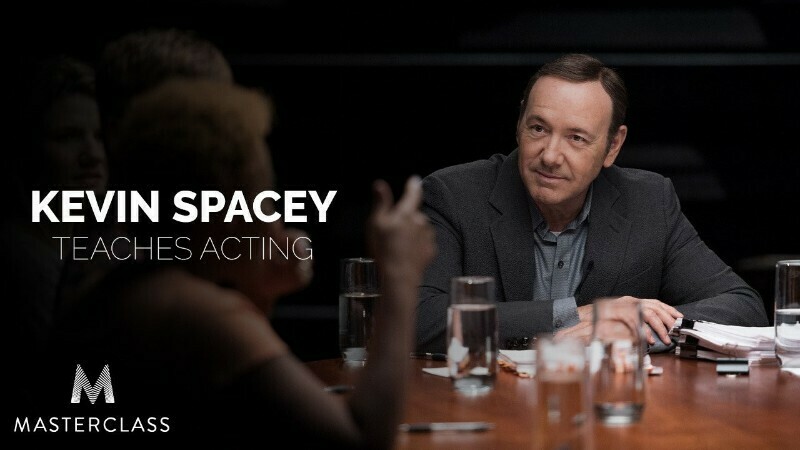
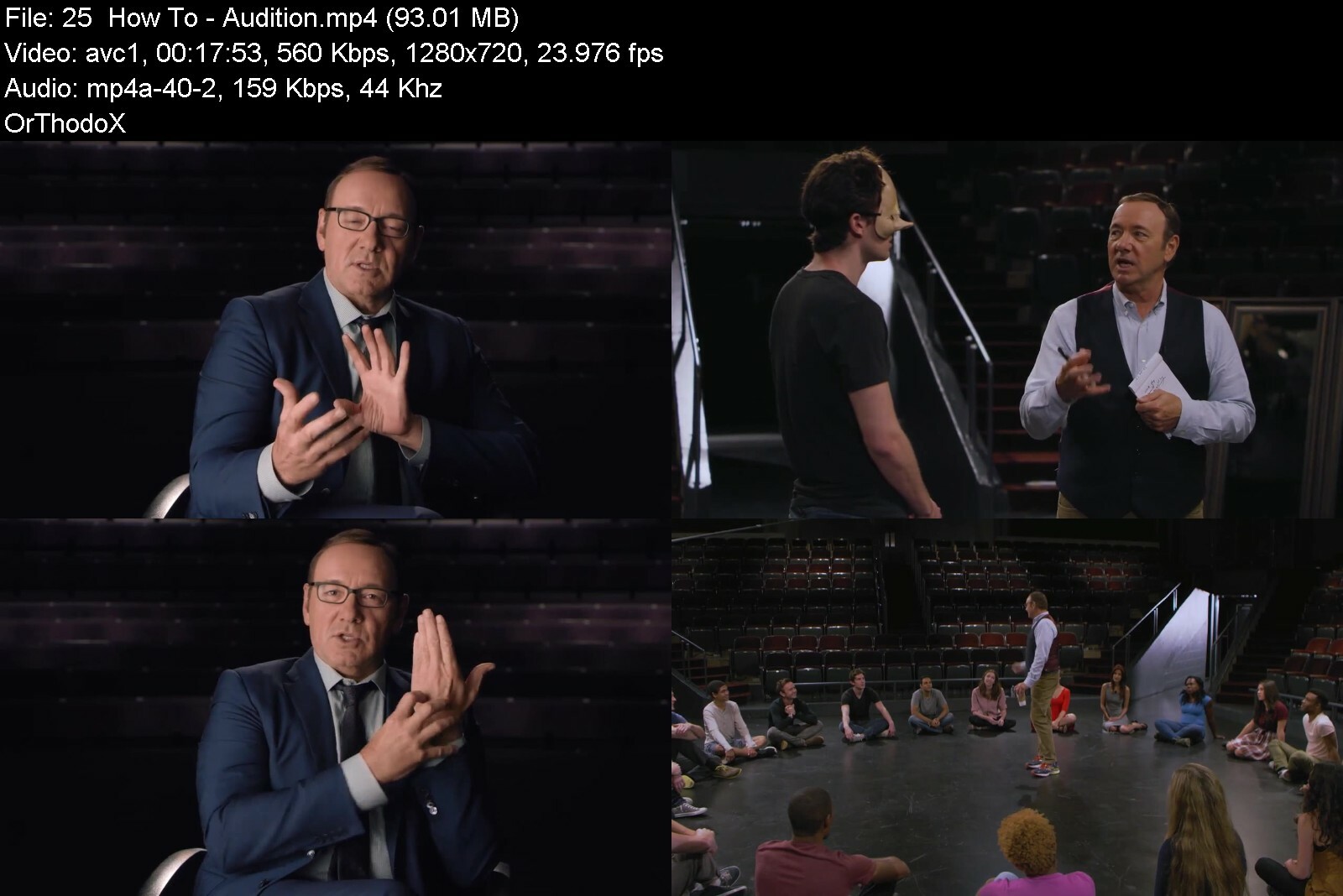
MasterClass - Kevin Spacey - Acting

masterclasskevinspacexui1s.jpg


MasterClass - Kevin Spacey - Acting
MP4 | Video: AVC 1280 x 720 | Audio: AAC 44 Khz 2ch | Duration: 04:50:20 | 1.49 GB
Genre: eLearning | Language: English

Meet Your New Teacher. Kevin Spacey asks you to engage in the craft of acting in his first ever online class as he teaches you the approach that has won him two Academy Awards. The star of The Usual Suspects, American Beauty, and House of Cards teaches the practical techniques that have made him a stage and screen legend. Start your class today.

masterclasskevinspace6edi6.jpg


Download from RapidGator


Download from DDownload

 
MasterClass - The Power of Empathy With Pharrell Williams & Noted Co-Instructors

ej2jsurh80m4qbhfpoj0j1lfw5.jpg


MasterClass - The Power of Empathy With Pharrell Williams & Noted Co-Instructors
MP4 | Video: h264, 1920x1080 | Audio: AAC, 44.1 KHz, 2 Ch
Genre: eLearning | Language: English | Duration: 10 Lessons (1h 39m) | Size: 4.4 GB

For the first time ever on MasterClass, a diverse range of our instructors come together to talk about the power of empathy and how it can transform the way you view the world. Join Pharrell Williams, Robin Arzón, Roxane Gay, Walter Mosley, Robert Reffkin, Gloria Steinem, and Cornel West as they share their experiences with empathy and its importance in their lives and careers. Learn how to exercise, cultivate, and promote empathy to connect with others on a deeper, more human level.


thepowerofempathywithxrfuu.jpg


Download from RapidGator


Download from DDownload


 
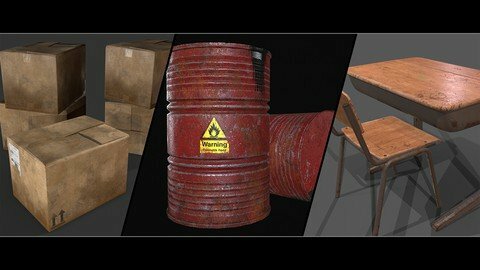
Blender: Create 3D Game Assets

rzyyvqpgg91tybwq5huew9wc2k.jpg


Blender: Create 3D Game Assets
Last updated 11/2020
MP4 | Video: h264, 1280x720 | Audio: AAC, 44.1 KHz
Language: English | Size: 8.22 GB | Duration: 9h 39m

Create your own 3D game models with fun and ease


What you'll learn
AAA 3D game asset pipeline
Searching for the right reference material
3D Modeling
Texturing
UV Unwrapping
Creating a high-poly 3D model
Creating a low-poly 3D model
Bake all the high-poly details on top of the low-poly 3D model

Requirements
Have Blender installed
Have Substance painter installed

Description
Creating 3D game assets is the main focus of this course.In chapter 1 You can sit back and listen to the introduction to understand the mechanics behind the 3D pipeline.In chapter 2 You will apply everything you have learned in chapter 1. While creating the barrel you will learn simple but effective modeling techniques in blender. In Substance painter you will be able to create realistic looking materials with ease.In chapter 3 We go deeper into the creation of the model. creating more challenging shapes so your models will look more realistic and creating materials from scratch. This way you can start thinking about materials in a different light and start looking for ways to create textures and materials you never had thought about before.Chapter 4+5 Are made for each-other. With the creation of the chair, you will get an understanding about shapes and recreating more intricate models. Now that our chair model is done you will learn how to reuse certain parts of the model so we safe loads of time and create a ''set'' of models that look good together.FREE*UPDATE!!!chapter 6+7 and chapter Extra's are new updates just for you!Chapter 6+7 Are designed to speed up your process and create multiple 3D models from the same kind with a different look.Chapter Extra's Covers topics that will heighten your production speed and quality, but are better served separate so you can find them back.
Overview
Lecture 1 1.1 Introduction
Lecture 2 1.2 Search for reference images
Lecture 3 1.3 Main shapes
Lecture 4 1.4 Highpoly and lowpoly explanation
Lecture 5 1.5 UV unwrapping
Lecture 6 1.6 Texture maps
Lecture 7 1.7 Baking
Lecture 8 1.8 Import into game engine
Section 1: barrel
Lecture 9 2.1 Barrel: Reference images
Lecture 10 2.2 Barrel: Blockout
Lecture 11 2.3 Barrel: Blockout lid
Lecture 12 2.4 Barrel: Highpoly
Lecture 13 2.5 Barrel: Lowpoly
Lecture 14 2.6 Barrel: UV Unwrapping
Lecture 15 2.7 Barrel: Baking
Lecture 16 2.8 Barrel: Materials
Lecture 17 2.9 Barrel: Unity
Section 2: Cardboard box
Lecture 18 3.1 Cardboard box: Introduction
Lecture 19 3.2 Cardboard box: Modelling
Lecture 20 3.3 Cardboard box: Modelling part 2
Lecture 21 3.4 Cardboard box: Lowpoly
Lecture 22 3.5 Cardboard box: UV unwrap
Lecture 23 3.6 Cardboard box: Baking
Lecture 24 3.7 Cardboard box: Base color
Lecture 25 3.8 Cardboard box: Roughness
Lecture 26 3.9 Cardboard box: Corrugated stripes
Lecture 27 3.10 Cardboard box: Dirt
Lecture 28 3.11 Cardboard box: Watermarks
Lecture 29 3.12 Cardboard box: Decals
Lecture 30 3.13 Cardboard box: Height detail
Lecture 31 3.14 Cardboard box: Cardboard side
Lecture 32 3.15 Cardboard box: Unity
Section 3: Chair
Lecture 33 4.1 Chair: Introduction
Lecture 34 4.2 Chair: Shapes
Lecture 35 4.3 Chair: Blockout frame
Lecture 36 4.4 Chair: Wood backplate
Lecture 37 4.5 Chair: Wood seat
Lecture 38 4.6 Chair: Finish frame
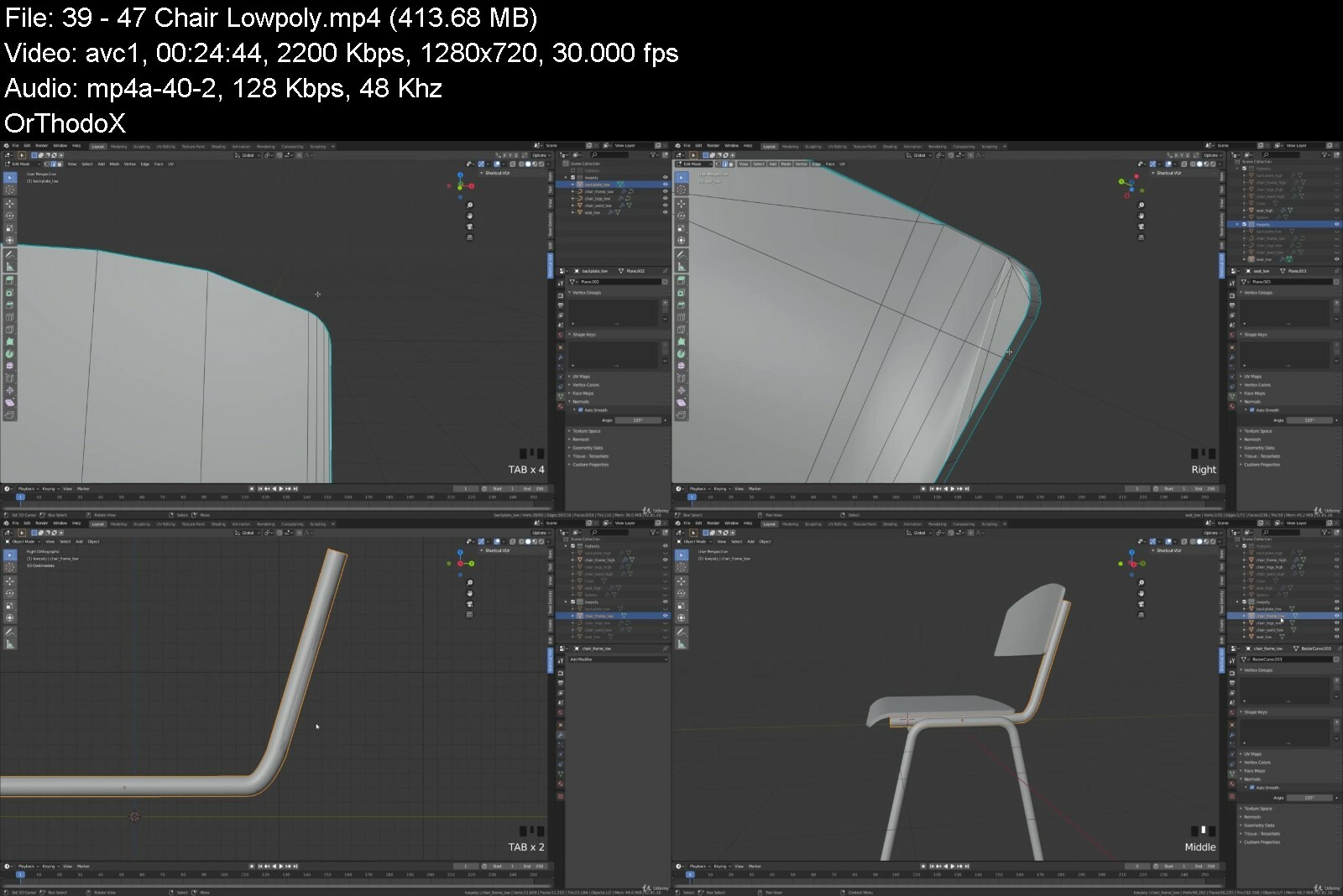
Lecture 39 4.7 Chair: Lowpoly
Lecture 40 4.8 Chair: UV unwrap
Lecture 41 4.9 Chair: Baking
Lecture 42 4.10 Chair: Fixing model
Lecture 43 4.11 Chair: Materials
Section 4: Desk
Lecture 44 5.1 Desk: Blockout
Lecture 45 5.2 Desk: Highpoly
Lecture 46 5.3 Desk: Highpoly part 2
Lecture 47 5.4 Desk: Lowpoly
Lecture 48 5.5 Desk: Lowpoly part 2
Lecture 49 5.6 Desk: UV unwrapping
Lecture 50 5.7 Desk: Materials
Section 5: Concrete barrier
Lecture 51 6.1 Concrete barrier: Important notes
Lecture 52 6.2 Concrete barrier: Introduction
Lecture 53 6.3 Concrete barrier: Blockout
Lecture 54 6.4 Concrete barrier: Boolean
Lecture 55 6.5 Concrete barrier: Sculpt ready
Lecture 56 6.6 Concrete barrier: : Materialize
Lecture 57 6.7 Concrete barrier: Sculpting
Lecture 58 6.8 Concrete barrier: Lowpoly
Lecture 59 6.9 Concrete barrier: UV unwrap
Lecture 60 6.10 Concrete barrier: Rebars
Lecture 61 6.11 Concrete barrier: Finish highpoly
Lecture 62 6.12 Concrete barrier: Baking
Lecture 63 6.13 Concrete barrier: Materials
Lecture 64 6.14 Concrete barrier: Materials part2
Section 6: Damaged Concrete barrier
Lecture 65 7.1 Damaged concrete barrier: Sculpt+frame
Lecture 66 7.2 Damaged concrete barrier: Highpoly rebar part2
Lecture 67 7.3 Damaged concrete barrier: Highpoly broken rebars
Lecture 68 7.4 Damaged concrete barrier: Lowpoly rebars
Lecture 69 7.5 Damaged concrete barrier: Lowpoly
Lecture 70 7.6 Damaged concrete barrier: UV+Export
Lecture 71 7.7 Damaged concrete barrier: Baking
Lecture 72 7.8 Damaged concrete barrier: Materials
Section 7: Extra's
Lecture 73 Create your own decals
Lecture 74 Create a weld brush
Anyone who wants to learn how to use Blender,Students that have a basic understanding of 3D,Students that are willing to learn


blendercreate3dgameasygdti.jpg


Download from RapidGator


Download from DDownload



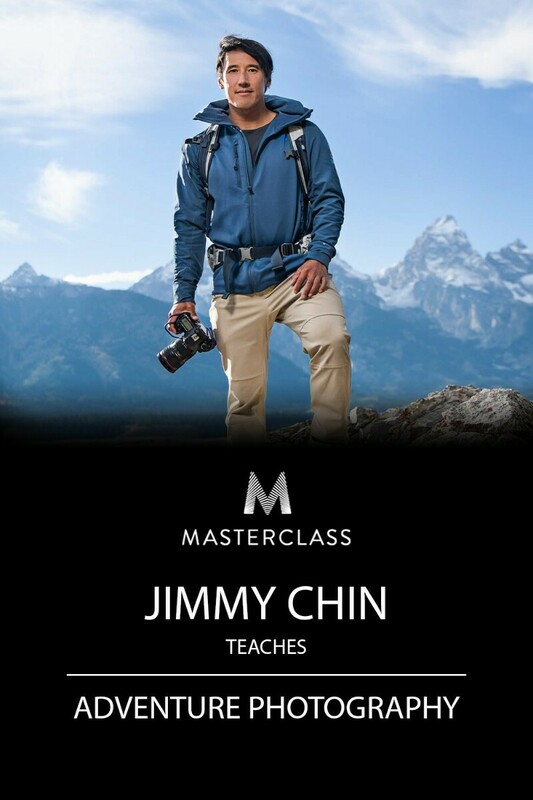
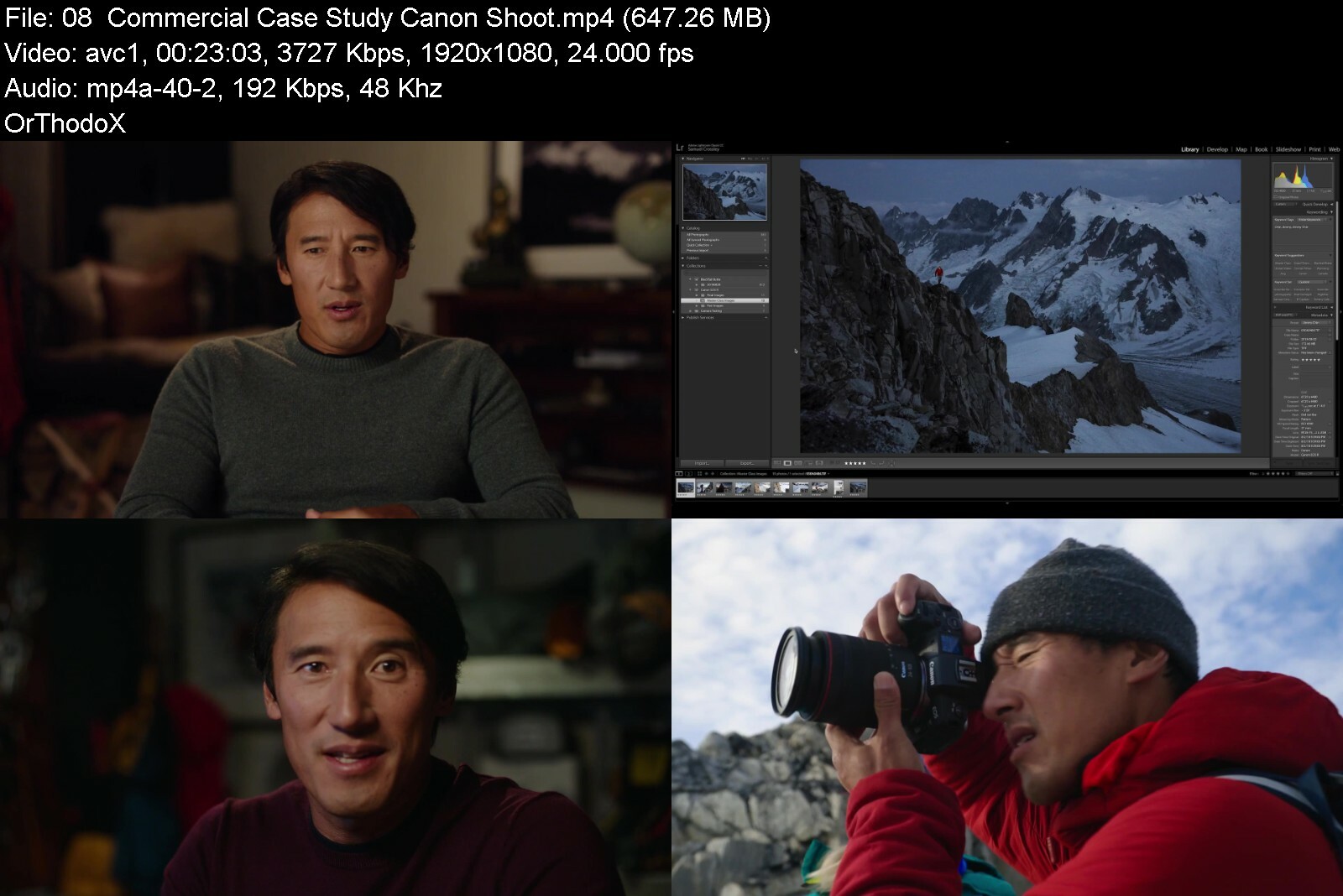
MasterClass - Jimmy Chin - Adventure Photography

masterclassjimmychina57e3a.jpg


MasterClass - Jimmy Chin - Adventure Photography
MP4 | Video: AVC 1920 x 1080 | Audio: AAC 48 Khz 2ch | Duration: 04:10:35 | 4.54 GB
Genre: eLearning | Language: English

Jimmy Chin has built his career taking photos at the top of the world, earning him the cover of National Geographic and multiple awards. Now he's taking you on location to teach you techniques for capturing breathtaking shots. In his photography class, learn different creative approaches for commercial shoots, editorial spreads, and passion projects. Gather the gear-and the perspective-to bring your photography to new heights.
Instructor(s): Jimmy Chin

masterclassjimmychina4uiju.jpg


Download from RapidGator


Download from DDownload


 
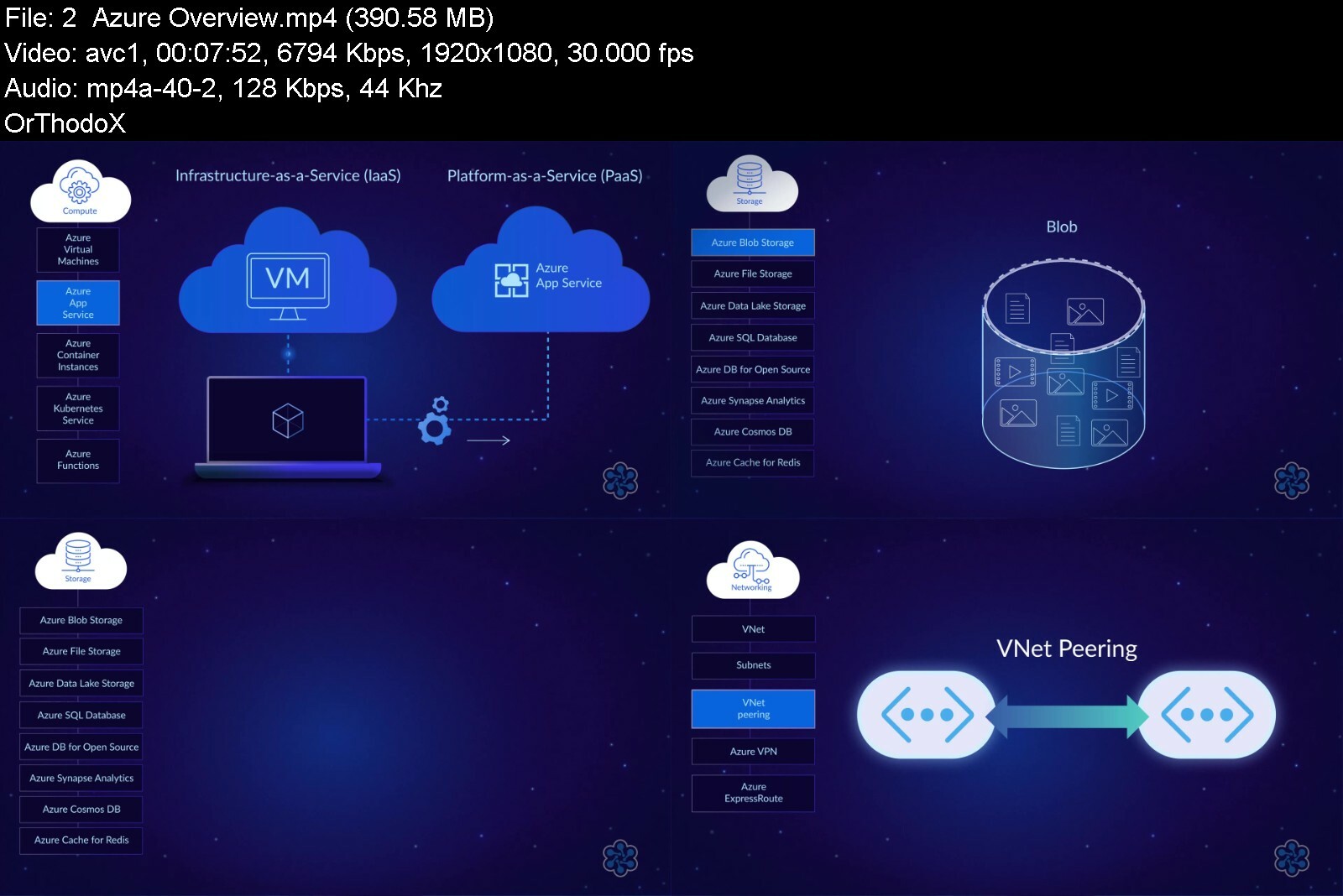
Cloud Academy - DP-203 Exam Preparation: Data Engineering on Microsoft Azure

cloudacademysocialcart4ebq.png


Cloud Academy - DP-203 Exam Preparation: Data Engineering on Microsoft Azure
MP4 | Video: h264, 1280x720 | Audio: AAC, 44.1 KHz, 2 Ch
Genre: eLearning | Language: English + srt | Duration: 17h | Size: 9.4 GB

This learning path is designed to help you prepare for Microsoft's DP-203 Data Engineering on Microsoft Azure exam. Even if you don't plan to take the exam, these courses and hands-on labs will help you learn how to deploy and manage a variety of Azure data solutions.
Candidates who pass the DP-203 exam will earn the Microsoft Certified: Azure Data Engineer Associate certification.
The DP-203 exam tests your knowledge of four subject areas: designing and implementing data storage, designing and developing data processing, designing and implementing data security, and monitoring and optimizing data storage and data processing.
Learning Objectives
Design and implement data storage on Azure
Design and develop data processing on Azure
Design and implement data security on Azure
Monitor and optimize data storage and data processing on Azure
Intended Audience
People who want to become Azure data engineers
People preparing for Microsoft's DP-203 exam
Prerequisites
Basic experience using Microsoft Azure


dp203exampreparationd8men6.jpg


Download from RapidGator


Download from DDownload


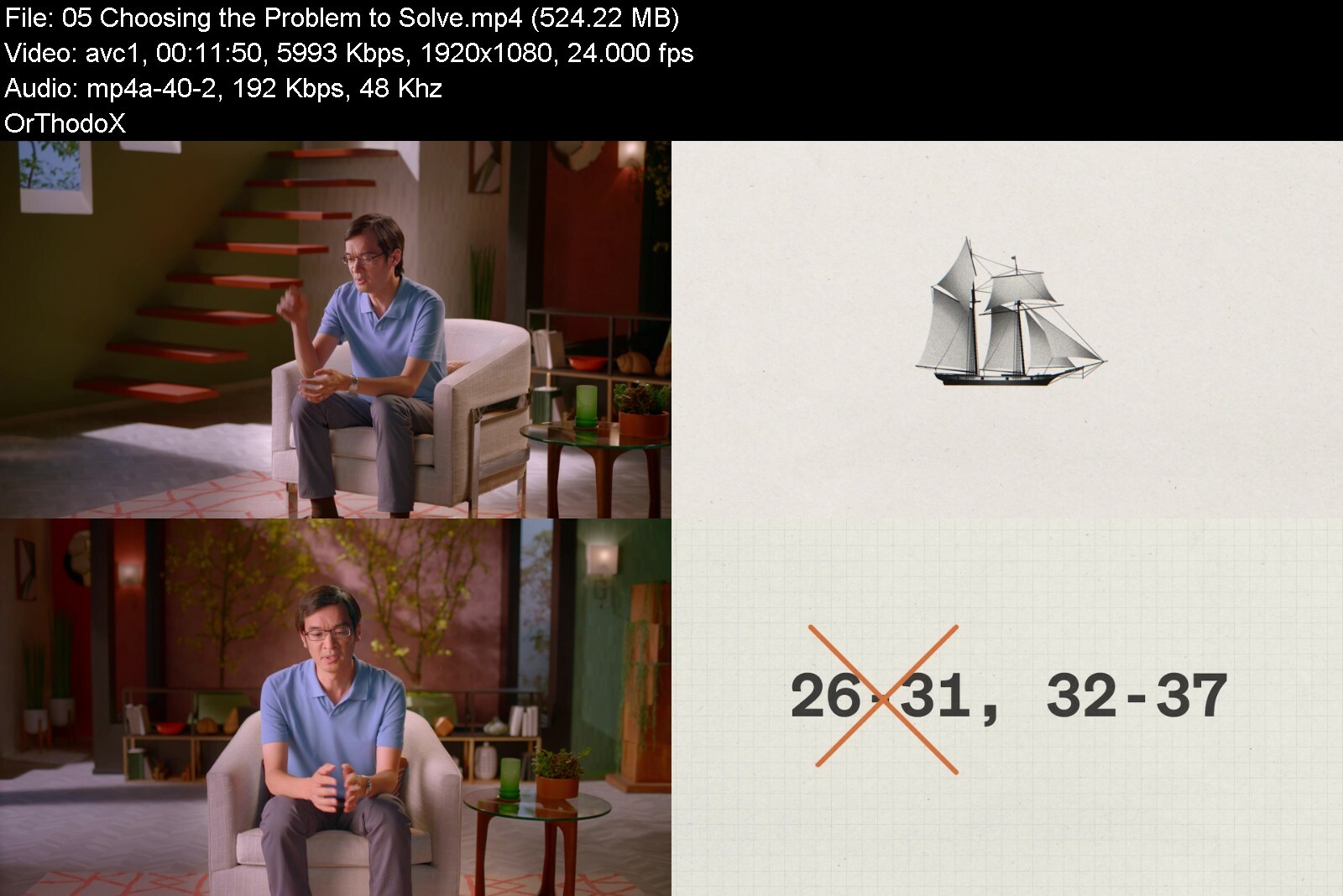
MasterClass - Terence Tao Teaches Mathematical Thinking

image61f3dbb6bd39545i8v.png


MasterClass - Terence Tao Teaches Mathematical Thinking
MP4 | Video: h264, 1920x1080 | Audio: AAC, 44.1 KHz, 2 Ch
Genre: eLearning | Language: English | Duration: 12 Lessons (1h 33m) | Size: 4.16 GB

A MacArthur Fellow and Fields Medal winner, Terence Tao, PhD, was studying university-level math by age 9. Now the "Mozart of Math" is breaking down his approach to everyday problem-solving-without complex equations or formulas. Learn how to deconstruct challenges, use storytelling as a tool, and discover solutions, whether you're trying to level up in a computer game or just catch your plane on time


terencetaoteachesmathr9e5x.jpg


Download from RapidGator


Download from DDownload

 
Gospel Piano Course: Overnight Transformation

hnl5wlnygyvneclvipdx473f5s.jpg


Gospel Piano Course: Overnight Transformation
Last updated 4/2018
MP4 | Video: h264, 1280x720 | Audio: AAC, 44.1 KHz
Language: English | Size: 6.13 GB | Duration: 4h 54m

Powerful gospel course to help you quickly improve on your Piano skills & start to sound fantastic on the Piano from


What you'll learn
Learn how to use your current knowledge to get better and sound fantastic on the piano
Learn how to sound great on the piano without playing too much
Learn how to make simple chords sound fantastic
Learn how to play in all keys
Learn how to harness your current skills and maximize your potentials and skills

Requirements
Being able to play the piano at basic level
Beginner to intermediate Piano/keyboard skill level

Description
This is a Piano course for beginner to intermediate gospel musicians who would like to take their playing skills to a higher level without having to worry about learning anything technical. This is a play by ear Piano course that shows you how to improve your playing skills the easiest wayIf you want to start to learn how to play that nice, full gospel sound you hear on records, this is the course that teaches you everything you need to start applying this powerful skill.Below are the core topics and benefits of this courseHow to play smooth worship chordsWhat sounds to set and mix on your keyboardLearn how to do Chord InversionsChord Progressions & Powerful*REHARMONISATION*techniqies*For 7 DIFFERENT SongsHow to turn BASIC chords into fantastic sounding chordsSuper-powerful, Simple*SECRET*To Learning*how to play on ALL Keys*REVEALEDIntroduction to ditonesLearn how to play chords with your left handHow to hold chords when playing with a bassistHow to sound full when you are not playing with a bassistHow to use the melody of a song to add interesting*Melodic Fills*to your playingLearn simple everyday practice routines to strengthen your fingers & improve your playing from todayNow you can learn powerful gospel piano chords in this piano course. The tutorials are perfect for learning piano chords, with full Piano HD video footage and virtual keyboard to light up the notes, you can easily understand the piano lessons as the course progresses.Plus, you can download the MIDI files of all songs on this course and play them on your virtual MIDI keyboard software which means that you can slow down the playing to turtle speed if you want
Overview
Section 1: 01 Course Introduction
Lecture 1 01 Introduction
Lecture 2 02 The Two Core Topics of Overnight Transformation
Lecture 3 03 Bonus Video
Section 2: 02 Main Topics - Sounds
Lecture 4 01 Sounds To Play On The Keyboard
Lecture 5 02 Sounds To Play Demonstration
Lecture 6 03 Sounds To Play - Your Presence - Simple Version
Lecture 7 04 Sounds To Play - Your Presence - Adcvanced Version
Lecture 8 05 Sounds To Play - Your Presence - Full Breakdown
Lecture 9 06 Sounds To Play - Your Presence - Full Breakdown Part 2
Lecture 10 06 Sounds To Play - Your Presence - Study Mode
Section 3: 03 Main Topics - Smooth Chords
Lecture 11 01 Smooth Chords Introduction
Lecture 12 02 Smooth Chords - I Love You Forever Part 1
Lecture 13 03 Smooth Chords - I Love You Forever Part 2
Lecture 14 04 Smooth Chords - I Love You Forever - Study Mode
Section 4: 04 Simple To Advanced - Bread of Heaven
Lecture 15 01 Introduction
Lecture 16 02 Bread Of Heaven - Introduction
Lecture 17 03 Bread Of Heaven - Playing
Lecture 18 04 Bread Of Heaven - Full Breakdown
Lecture 19 05 Bread Of Heaven - Study Mode
Section 5: 05 Simple To Advanced - I Stand In Awe
Lecture 20 01 Introduction
Lecture 21 02 I Stand In Awe - Playing
Lecture 22 03 I Stand In Awe - Full Breakdown Part 1
Lecture 23 04 I Stand In Awe - Full Breakdown Part 2
Lecture 24 05 I Stand In Awe - Study Mode
Section 6: 06 Simple To Advanced - 10 Thousand Reasons
Lecture 25 01 Introduction
Lecture 26 02 10 Thousand Reasons - Playing
Lecture 27 03 10 Thousand Reasons - Full Breakdown Part 1
Lecture 28 04 10 Thousand Reasons - Full Breakdown Part 2
Lecture 29 05 10 Thousand Reasons - Study Mode
Section 7: 07 Simple To Advanced - How Great Is Our God
Lecture 30 01 How Great Is Our God - Introduction
Lecture 31 02 How Great Is Our God - Playing
Lecture 32 03 How Great Is Our God - Full Breakdown
Lecture 33 04 How Great Is Our God - Study Mode
Section 8: 05 Simple To Advanced - Blessed Be The Name Of The Lord
Lecture 34 01 Blessed Be The Name Of The Lord - Introduction
Lecture 35 02 Blessed Be The Name Of The Lord - Playing
Lecture 36 03 Blessed Be The Name Of The Lord - Full Breakdown
Lecture 37 04 Blessed Be The Name OF The Lord - Study Mode
Beginner and intermediate piano players,Beginner and intermediate gospel musicians,Beginner Piano players who want to improve on their playing skills without having to learn difficult things,Intermediate gospel musicians who want to learn how to improve on their playing skills and learning the right techniques to becoming an advanced level musician,Gospel musicians who would like to learn reharmonization and chord progressions for 7 different songs,Musicians who want to know how to use the best keyboard sounds to sound full and great


gospelpianocourseover6vdof.jpg


Download from RapidGator


Download from DDownload



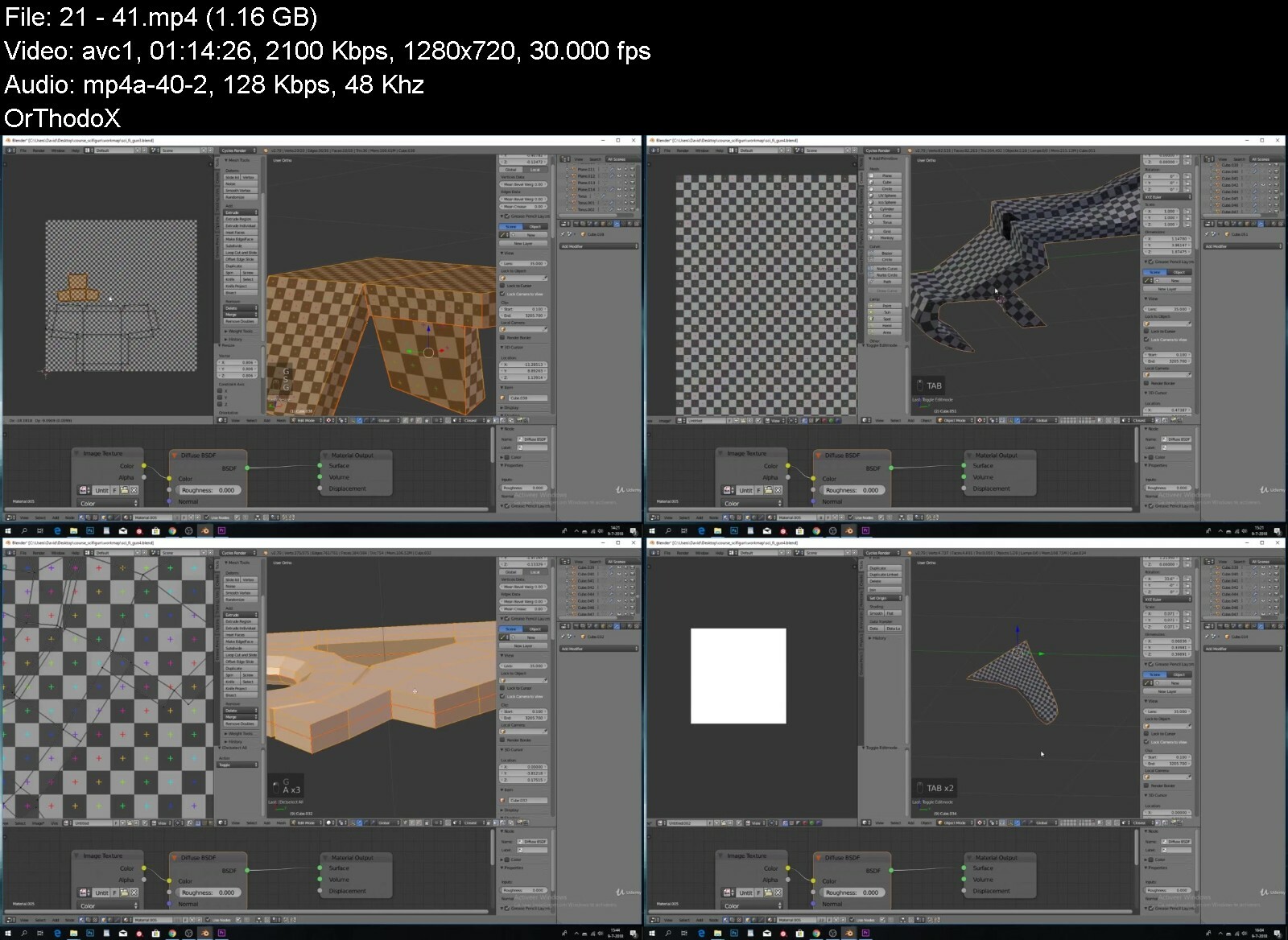
Create A Science Fiction Gun Using Blender

8dlpqjwlde6bez4ut3qnmend4q.jpg


Create A Science Fiction Gun Using Blender
Last updated 2/2019
MP4 | Video: h264, 1280x720 | Audio: AAC, 44.1 KHz
Language: English | Size: 8.77 GB | Duration: 9h 42m

use blender and substance painter to create AAA quality weapons from scratch


What you'll learn
you will learn a workflow wich is being used in AAA games.
learn baking your normal maps
you will be able to add professional looking details in a very quick and smooth way
edit realistic looking materials.

Requirements
basic knowledge of blender.
basic knowledge of substance painter 2
blender 4.79 (i work with this version. i am confident that it will work with newer or older versions aswell)
substance painter 2

Description
DescriptionThis course is updated in response to students.This is a course for intermediate blender users and not beginners. This online course will teach you how to use Blender and substance painter*to create a realistic looking weapon!Do you want to learn more advanced 3d modeling, texturing, and rendering, but don't know where to begin?Have you spent time looking on youtube to only see tutorials on how to make furniture or coffee cups... (lets make something exciting.)Do your 3D models just not look very realistic and do you think it is hard to recreate a concept from someone else???If you answered yes to any of these questions,*you're*in the right place!*I know it can be frustrating watching other people post gorgeous looking renders*and game assets*online, while always wondering how they did it. You can spend hours or even days trying to find the right tutorial online to recreate a 3D asset.*Even then they don't always cover the complete pipeline from start to finish.That's why we*created this course - to teach people just like you how to create awesome looking models*with Blender and substance painter.Have fun while learning!*Learn by actually doing!After enrolling in this course, you'll be taken through a complete*project that will show you how to recreate a 3D game asset from start to finish.*Follow along and practice while learning!you will follow this process:i will go step to step through the entire*model.You guys can follow every step i make.This way you can see exactly what i am doing while i am explaining.You will get full*lifetime access*for a single one-off fee.*Note:*access to this course comes with an optional, free*facebook group where we will all be able to share our models and progress. this is a great way to connect*with other students. Dive in now, you won't be disappointed!
Overview
Section 1: creating our lowpoly
Lecture 1 1.1
Lecture 2 1.2
Lecture 3 1.3
Lecture 4 1.4
Lecture 5 1.5
Lecture 6 1.6
Lecture 7 1.7
Lecture 8 1.8
Lecture 9 1.9
Section 2: perfecting our lowpoly
Lecture 10 2.0
Lecture 11 2.1
Lecture 12 2.2
Section 3: creating our highpoly
Lecture 13 3.0
Lecture 14 3.1
Lecture 15 3.2
Lecture 16 3.3
Lecture 17 3.4
Lecture 18 3.5
Lecture 19 3.6
Section 4: creating our uv's
Lecture 20 4.0
Lecture 21 4.1
Lecture 22 4.2
Lecture 23 4.3
Lecture 24 4.4
Section 5: texturing inside Substance painter 2
Lecture 25 5.0
Lecture 26 5.1
Lecture 27 5.2
Lecture 28 5.3
Lecture 29 5.4
Lecture 30 5.5
Lecture 31 5.6
Lecture 32 5.7
Lecture 33 5.8
Lecture 34 5.9
intermediate blender users,blender users who are comfortable using blenders shortcuts


createasciencefiction02ibc.jpg


Download from RapidGator


Download from DDownload



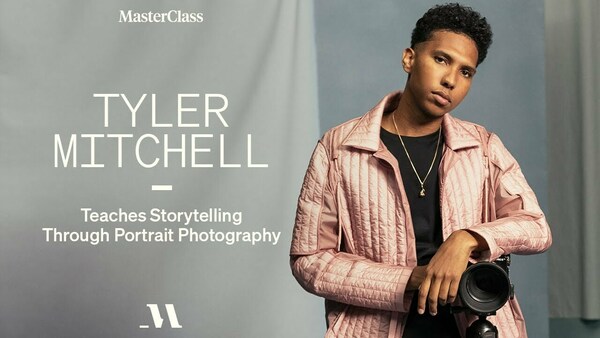
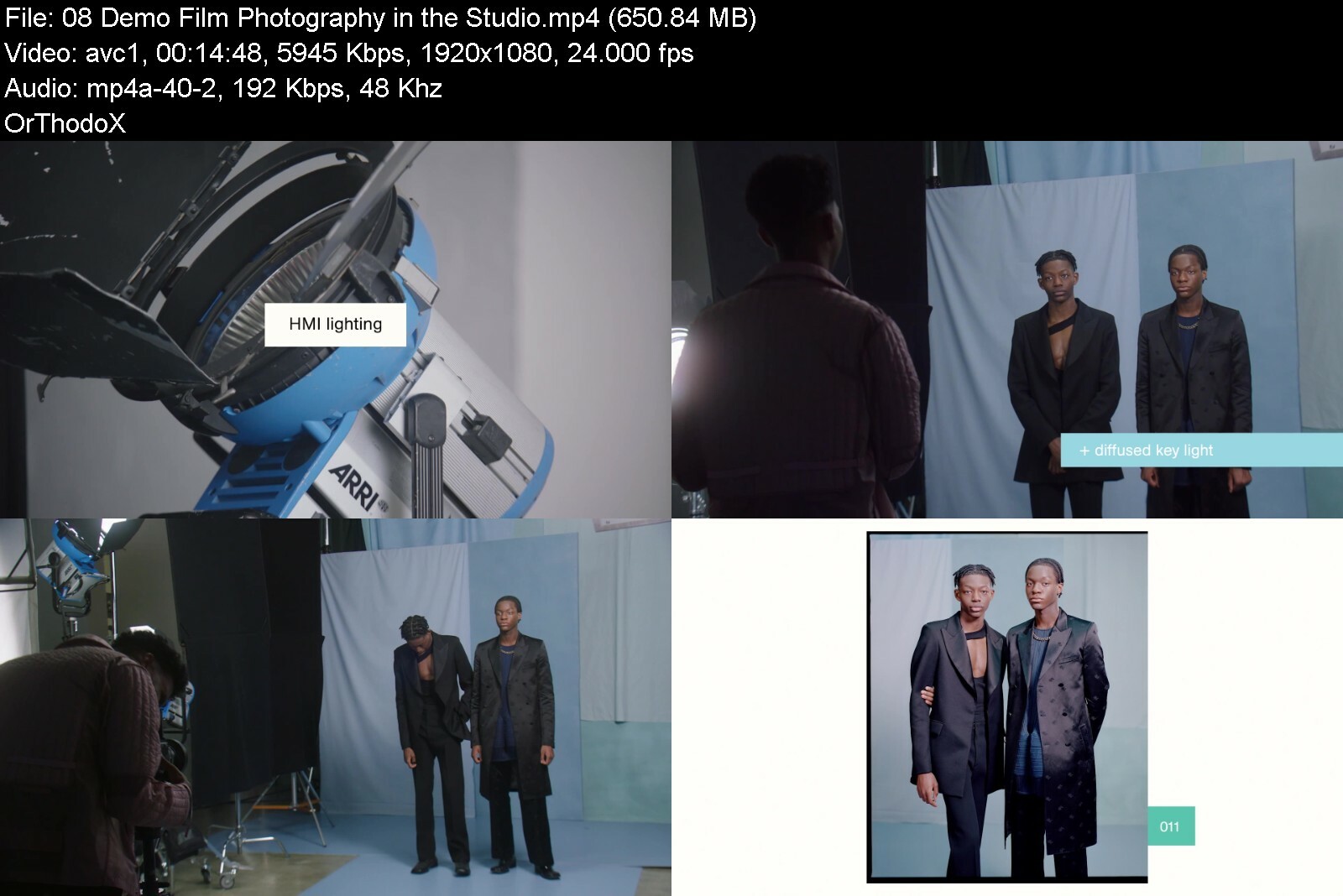
MasterClass - Tyler Mitchell Teaches Storytelling Through Portrait Photography

maxresdefaultzoc4t.jpg


MasterClass - Tyler Mitchell Teaches Storytelling Through Portrait Photography
MP4 | Video: h264, 1920x1080 | Audio: AAC, 44.1 KHz, 2 Ch
Genre: eLearning | Language: English | Duration: 9 Lessons (1h 30m) | Size: 4 GB


History-making photographer Tyler Mitchell teaches you his artistic process for creating compelling images with any kind of camera

A revolutionary talent, Tyler Mitchell made history as the first Black photographer to shoot an American Vogue cover, work that is part of the Smithsonian's permanent collection. Now he's sharing his process with you. Discover how to create and compose striking portraits, work with natural light and shadow, and tell a compelling story through your photos-even if the only equipment you have is your phone.


tylermitchellteachessqic17.jpg


Download from RapidGator


Download from DDownload
 
Secrets To Successful Documentary Film Production

ibq6c1bzubyh3g5umywhvwoelx.jpg


Secrets To Successful Documentary Film Production
Last updated 10/2017
MP4 | Video: h264, 1280x720 | Audio: AAC, 44.1 KHz
Language: English | Size: 5.61 GB | Duration: 4h 21m

Go behind-the-scenes with 24-EXCLUSIVE, VIDEO-BASED lessons covering everything from the PLANNING, to the SHOOTING, and


What you'll learn
Understand the creative insight and what takes to make award winning video documentaries.
Learn by example. If you would like to learn, step by step, how I conceptualised, shot and edited two, highly acclaimed TV documentaries, then this is for you.
Gain insight into what thought processes professional TV documentary makers use to shoot, gather content and edit award winning video stories.
Enjoy being taught by a TV broadcast professional that has dozens of broadcast programs to his name, shown on networks around the world.
Decide who you would prefer to be your instructor? Someone successful in the world of TV broadcasts?
You can only be taught to the level your instructor has reached-never beyond. You decide what you want to end up doing, and seek out teachers that have achieved your own goals.

Requirements
You should have a keen desire to learn some in-depth-not taught in college-techniques that the pros use to tell great stories with video.
A desire to learn and spend some time-out bettering your video making skills. The learning is full, and you may need to watch some of the videos a few times to grasp all of what is being taught.
If you yearn for more creative insight into how great videos are made, then this is for you. I try and make my courses different from the crowd, because unlike many video courses, I don't talk about equipment overly much. This course is all about creativity.

Description
Follow award-winning broadcast professional, Andrew St Pierre White as he takes you set-by-step, as he conceptualises, shoots and edits two of his highly acclaimed TV documentaries. The first is based on a one-hour special documentary broadcast by Discovery Channel, and the second a half-hour serialised episode of a 26-part African adventure travel story.
Once released, critics used the words, "gripping", "superb", outstanding" in their reviews of these films.
The course consists of a series of videos with details of what is being taught as written summaries.
The documentary is run, and as the story unfolds, the director/producer goes though all the thoughts, processes, equipment and creative processes used. This is a real-life event, valuable to those who both shoot and edit stories on video.
As every scene is covered, the shooting techniques, editing ideas and storytelling methods are revealed. This is an actual documentary, so what is taught is not just theory- it has become fact, and you can see the results for yourself.
The documentary was produced by an indie producer, yet still sold to major networks. How this was done is discussed.
The course lectures run to 247 minutes (±4,1 hours). With some, you may need to watch them more than once, because there is quite a lot of learning to do.
If you are interested in making serious documentary films, or telling thought-provoking videos for TV or social medial, then this course has a lot to offer.
Much of what is being taught here is not, and cannot be taught in a classroom. It goes beyond theory, as the course is based on actual, highly successful productions.
Overview
Section 1: Sell your video in the first 30 seconds
Lecture 1 Introduction
Lecture 2 The TV shows on which this course is based.
Lecture 3 The opening: Capture your audience in the first thirty seconds
Section 2: Creative Style
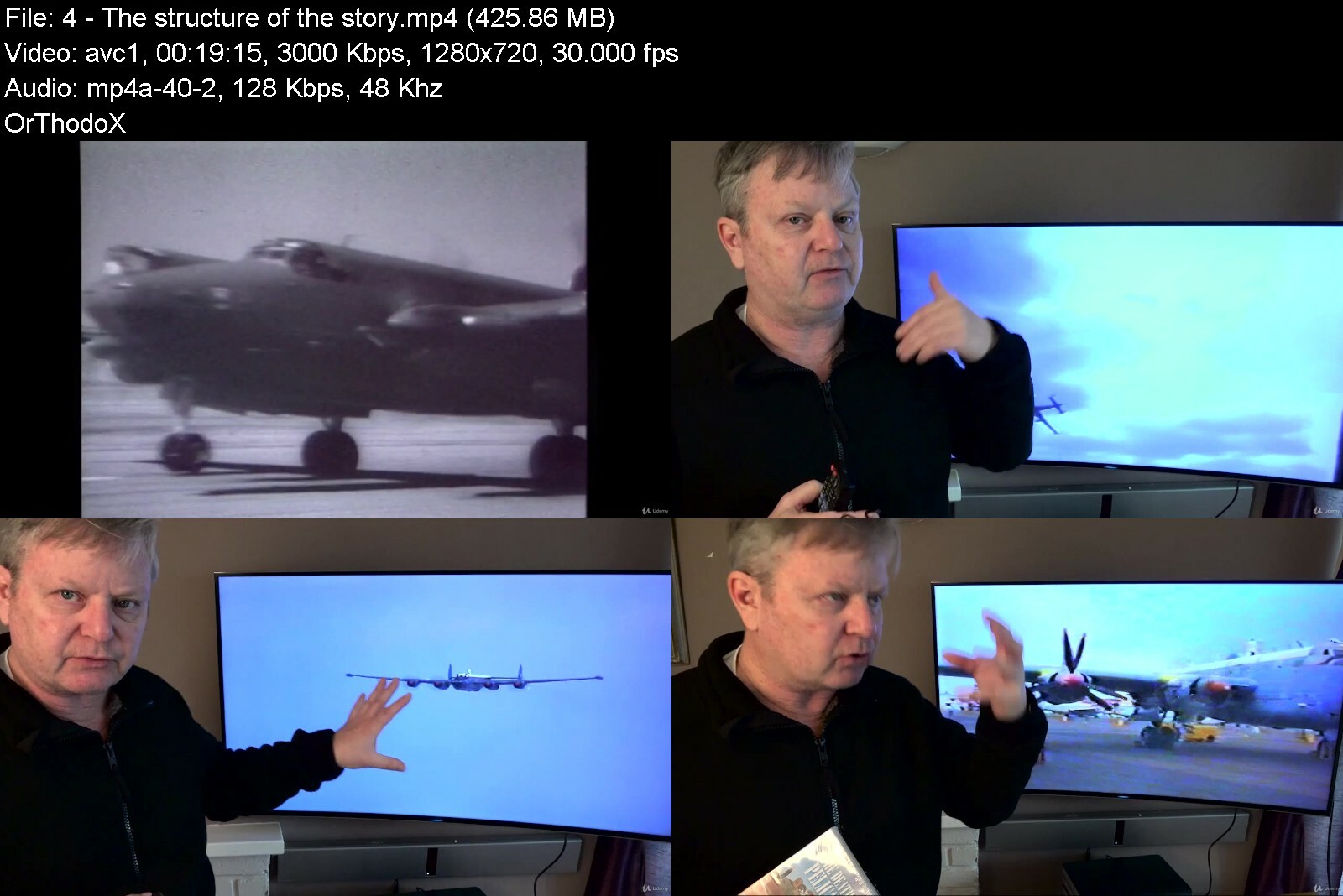
Lecture 4 The structure of the story
Lecture 5 Music to Tell Stories By
Lecture 6 Using change of state to keep the story engaging
Lecture 7 The Story continues
Lecture 8 Music and Narration. Holding the audience while telling a story
Section 3: Good Storytelling
Lecture 9 Shooting for Emotion
Lecture 10 Tension building versus Hype
Lecture 11 Interview Techniques
Lecture 12 More on shooting Interviews
Lecture 13 Planning your shoots
Lecture 14 Music Choice - Make or Break
Lecture 15 Controlling Emotion and Audience reaction
Section 4: The Endings. Leave your audience well satisfied.
Lecture 16 Bringing the story to a close
Lecture 17 Two camera shoots with people gatherings
Lecture 18 The Ending
Section 5: Travel Documentaries
Lecture 19 Travel Documentary. Series openings and titles.
Lecture 20 The opening - This the time to make the viewer want to stay
Lecture 21 Keeping edits and transitions invisible
Lecture 22 Conclusion
Lecture 23 Networks and selling your programs
Section 6: The final productions
Lecture 24 Watch these films on YouTube
All those who wish to make better, more compelling and engaging videos, where there is a story to tell.,Makers of documentary films in short and long form, corporate video makers will get a lot out of this course. And for those who want to make wedding or project videos with a special flare.,This course is probably not for you if you want to learn about cameras, lenses or editing software.,If you think that learning by example is a good way of understanding concepts, then this is for you. I go through, step by step, how I conceptualised, shot and edited this gripping TV documentary.


secretstosuccessfuldo4iega.jpg


Download from RapidGator


Download from DDownload


MasterClass - Malala Teaches Creating Change

maxresdefaultetdqc.jpg


MasterClass - Malala Teaches Creating Change
MP4 | Video: h264, 1920x1080 | Audio: AAC, 44.1 KHz, 2 Ch
Genre: eLearning | Language: English | Duration: 15 Lessons (1h 50m) | Size: 4.9 GB

When she first took a stand, Malala simply acted on her belief that all Pakistani girls like her had a right to education. Now the youngest Nobel Peace Prize laureate in history teaches you how to fight injustice in the world and in your everyday life, starting with your own community. Learn Malala's framework for influencing change: Research issues, build a strategy, take action, and create an impact right where you are.


malalateachescreatingzefwt.jpg


Download from RapidGator


Download from DDownload

 
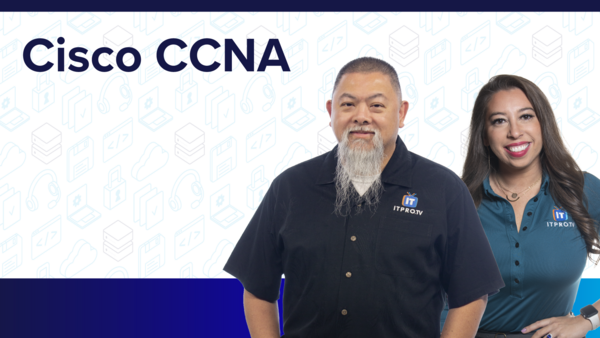
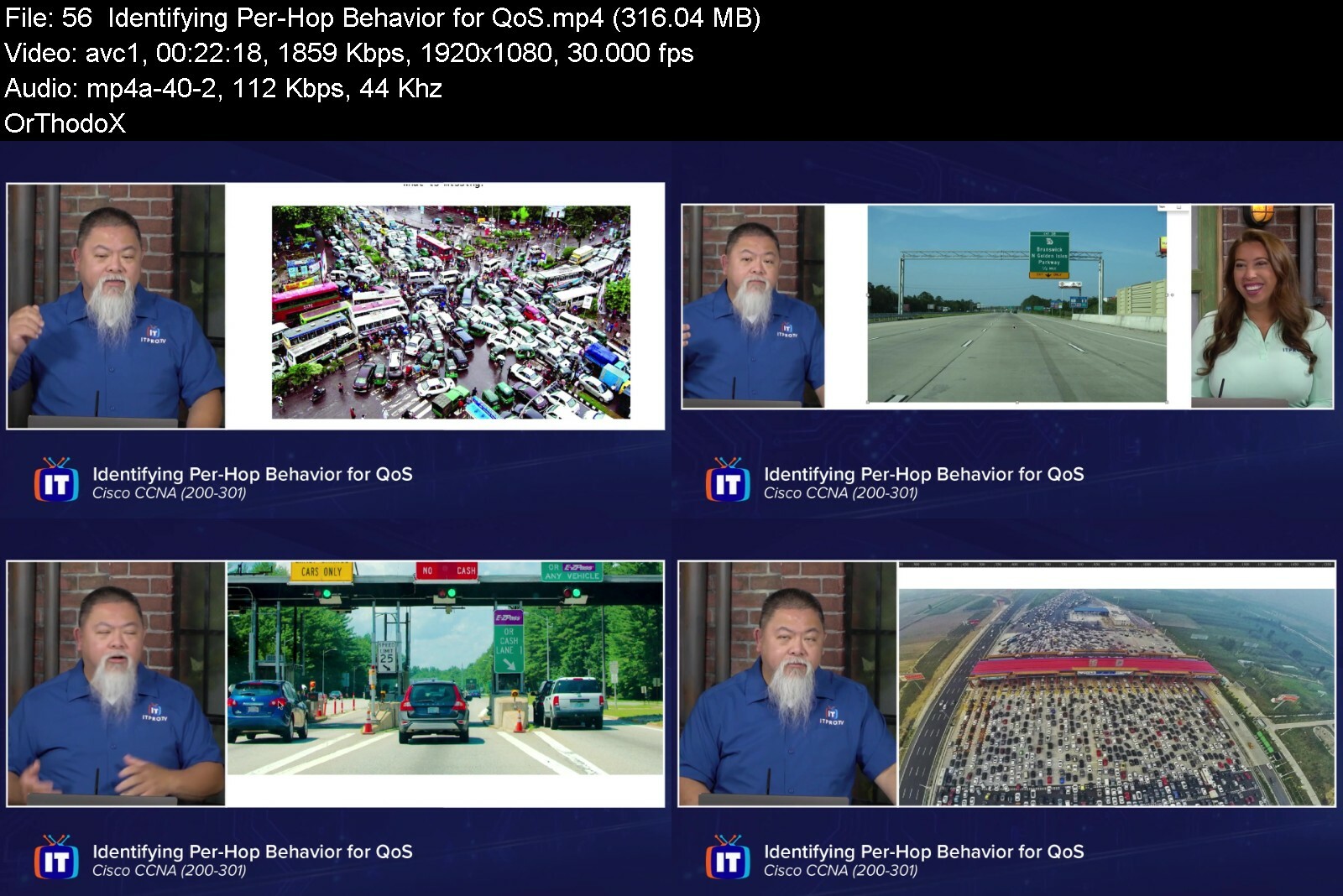
ITProTV - Cisco CCNA (200-301) 2022

9d984666075d43c382ee954c7f.png


ITProTV - Cisco CCNA (200-301) 2022
Released 15/08/2022
MP4 | Video: h264, 1920x1080 | Audio: AAC, 44.1 KHz, 2 Ch
Genre: eLearning | Language: English | Duration: 69 Lessons (20h 12m) | Size: 14.5 GB

The Cisco CCNA show is produced to help candidates prepare for the 200-301 exam

The Cisco CCNA show is produced to help candidates prepare for the 200-301 exam. The show examines the fundamentals of a variety of IT careers. It will prepare any one who achieves CCNA certification the knowledge and skills need to start any IT career he or she chooses. The show will cover networking fundamentals, network access, IP connectivity, IP services, security fundamentals, and automation and programmability. There are no formal prerequisites for CCNA certification, but you should have an thoroughly review each exam topic before taking the exam. CCNA candidates also are expected to have: * Hands-on experience implementing and administering Cisco solutions * Knowledge of basic IP addressing theory * A commanding knowledge of network fundamentals

Homepage


ciscoccna20030120221rf1e.jpg


Download from RapidGator


Download from DDownload


Zurück
Oben Unten