• Regeln für den Video-Bereich:

    In den Börsenbereich gehören nur Angebote die bereits den Allgemeinen Regeln entsprechen.

    Einteilung

    - Folgende Formate gehören in die angegeben Bereiche:
    - Filme: Encodierte Filme von BluRay, DVD, R5, TV, Screener sowie Telesyncs im Format DivX, XviD und x264.
    - DVD: Filme im Format DVD5, DVD9 und HD2DVD.
    - HD: Encodierte Filme mit der Auflösung 720p oder darüber von BluRay, DVD, R5, TV, Screener sowie Telesyncs im Format x264.
    - 3D: Encodierte Filme von BluRay, die in einem 3D Format vorliegen. Dies gilt auch für Dokus, Animation usw.
    - Serien: Cartoon/Zeichentrick, Anime, Tutorials, Dokumentationen, Konzerte/Musik, Sonstiges sind demnach in die entsprechenden Bereiche einzuordnen, auch wenn sie beispielsweise im High Definition-Format oder als DVD5/DVD9/HD2DVD vorliegen. Ausnahme 3D.
    - Bereich Englisch: Englische Releases gehören immer in diesen Bereich.
    - Bereich Talk: Der Bereich, in dem über die Releases diskutiert werden kann, darf, soll und erwünscht ist.


    Angebot/Beitrag erstellen

    - Ein Beitrag darf erst dann erstellt werden, wenn der Upload bei mindestens einem OCH komplett ist. Platzhalter sind untersagt.
    - Bei einem Scenerelease hat der Threadtitel ausschließlich aus dem originalen, unveränderten Releasenamen zu bestehen. Es dürfen keine Veränderungen wie z.B. Sterne, kleine Buchstaben o.ä. vorgenommen werden. Ausnahme Serienbörse:
    - Bei einem Sammelthread für eine Staffel entfällt aus dem Releasename natürlich der Name der Folge. Beispiel: Die Simpsons S21 German DVDRip XviD - ITG
    - Dementsprechend sind also u.a. verboten: Erweiterungen wie "Tipp", "empfehlenswert", "only", "reup", usw. / jegliche andere Zusatzinformation oder Ergänzung, welche nicht in obiger Beschreibung zu finden ist.

    Aufbau des Angebots und Threadtitel

    Der Titel nach folgendem Muster erstellt zu werden. <Name> [3D] [Staffel] [German] <Jahr> <Tonspur> [DL] [Auflösung] <Quelle> <Codec> - <Group>
    Beispiel: The Dark Knight German 2008 AC3 DVDRip XviD - iND
    Beispiel: The Dark Knight 2008 DTS DL BDRip x264 - iND
    Beispiel: The Dark Knight 2008 AC3 DL BDRip XviD - iND
    Beispiel: The Dark Knight German 2008 AC3 720p BluRay x264 iND
    Beispiel: The Dark Knight 2008 DTS DL 1080p BluRay x264 iND
    Beispiel: Die Simpsons S01 German AC3 DVDRip XviD iND
    Beispiel: Die Simpsons S20 German AC3 720p BluRay x264 iND
    Beispiel: Sword Art Online II Ger Sub 2014 AAC 1080p WEBRip x264 - peppermint
    Entsprechend sind also u.a. verboten: Sonderzeichen wie Klammern, Sterne, Ausrufezeichen, Unterstriche, Anführungszeichen / Erweiterungen wie "Tipp", "empfehlenswert", "only", "reup", usw. / jegliche andere Zusatzinformation oder Ergänzung, welche nicht in obiger Beschreibung zu finden ist
    Ausnahmen hiervon können in den Bereichen geregelt sein.

    Die Beiträge sollen wie folgt aufgebaut werden:
    Überschrift entspricht dem Threadtitel
    Cover
    kurze Inhaltsbeschreibung
    Format, Größe, Dauer sind gut lesbar für Downloader außerhalb des Spoilers zu vermerken
    Nfo sind immer Anzugeben und selbige immer im Spoiler in Textform.
    Sind keine Nfo vorhanden z.B. Eigenpublikationen, sind im Spoiler folgende Dateiinformationen zusätzlich anzugeben :
    Quelle
    Video (Auflösung und Bitrate)
    Ton (Sprache, Format und Bitrate der einzelnen Spuren)
    Untertitel (sofern vorhanden)
    Hosterangabe in Textform außerhalb eines Spoiler mit allen enthaltenen Hostern.
    Bei SD kann auf diese zusätzlichen Dateiinformationen verzichtet werden.

    Alle benötigten Passwörter sind, sofern vorhanden, in Textform im Angebot anzugeben.
    Spoiler im Spoiler mit Kommentaren :"Schon Bedankt?" sind unerwünscht.


    Releases

    - Sind Retail-Release verfügbar, sind alle anderen Variationen untersagt. Ausnahmen: Alle deutschen Retail-Release sind CUT, in diesem Fall sind dubbed UNCUT-Release zulässig.
    - Im Serien-Bereich gilt speziell: Wenn ein Retail vor Abschluss einer laufenden Staffel erscheint, darf diese Staffel noch zu Ende gebracht werden.62
    - Gleiche Releases sind unbedingt zusammenzufassen. Das bedeutet, es ist zwingend erforderlich, vor dem Erstellen eines Themas per Suchfunktion zu überprüfen, ob bereits ein Beitrag mit demselben Release besteht. Ist dies der Fall, ist der bereits vorhandene Beitrag zu verwenden.
    - P2P und Scene Releases dürfen nicht verändert oder gar unter einem iND Tag eingestellt werden.


    Support, Diskussionen und Suche

    - Supportanfragen sind entweder per PN oder im Bereich Talk zu stellen.
    - Diskussionen und Bewertungen sind im Talk Bereich zu führen. Fragen an die Uploader haben ausschließlich via PN zu erfolgen, und sind in den Angeboten untersagt.
    - Anfragen zu Upload-Wünschen sind nur im Bereich Suche Video erlaubt. Antworten dürfen nur auf Angebote von MyBoerse.bz verlinkt werden.


    Verbote

    - Untersagt sind mehrere Formate in einem einzigen Angebotsthread, wie beispielsweise das gleichzeitige Anbieten von DivX/XviD, 720p und 1080p in einem Thread. Pro Format, Release und Auflösung ist ein eigener Thread zu eröffnen.
    - Grundsätzlich ebenso verboten sind Dupes. Uploader haben sich an geeigneter Stelle darüber zu informieren, ob es sich bei einem Release um ein Dupe handelt.
    - Gefakte, nur teilweise lauffähige oder unvollständige Angebote sind untersagt. Dies gilt auch für eigene Publikationen, die augenscheinlich nicht selbst von z.B. einer DVD gerippt wurden. Laufende Serien, bei denen noch nicht alle Folgen verfügbar sind, dürfen erstellt und regelmäßig geupdatet werden.
    - Untersagt sind Angebote, welche nur und ausschließlich in einer anderen Sprache als deutsch oder englisch vorliegen. Ausnahmen sind VORHER mit den Moderatoren zu klären.


    Verstoß gegen die Regeln

    - Angebote oder Beiträge, die gegen die Forenregeln verstoßen, sind über den "Melden"-Button im Beitrag zu melden.
  • Bitte registriere dich zunächst um Beiträge zu verfassen und externe Links aufzurufen.

*** Bestes IPTV *** bester Preis *** gratis Test ***


Englische Tutorials

Autocad Beginners Course

ywe6n7svffbf4aulqxschqgidj.jpg


Autocad Beginners Course
Last updated 5/2022
MP4 | Video: h264, 1280x720 | Audio: AAC, 44.1 KHz
Language: English | Size: 5.90 GB | Duration: 11h 22m

Learn to use AutoCAD quickly & professionally by creating as you learn


What you'll learn
You will be able to add AutoCAD to your CV
You will be able to start earning money from your AutoCAD Skills.
Feel comfortable using AutoCAD to create your own building layouts from scratch.
Navigate AutoCAD 2021 like a pro.
Communicate your own Building designs & Alterations for business or leisure.
Learn the basic skills of AutoCAD: shapes, text, modification, layers, and dimensions.
Master advanced AutoCAD tools and techniques such as XRef's and layout tools.
Export your projects for print or to a PDF.
Make your ideas come to life.
Create your own floorplans.
Draw existing floorplans from measured surveys.
Take hand drawings and recreate them using AutoCAD.
Import PDF files and convert them to AutoCAD.
Create multiple views and layouts from one model.
Understand the difference between Paper Space & Model Space.
Understand the difference between the WCS & UCS.
Have an understanding of coordinates and how they are used in CAD software.
Able to load in other drawing files to use as External References.
Be ready to move onto more advanced AutoCAD subjects such as 3D Modelling.

Requirements
Basic Computer Knowledge.
No prior knowledge of AutoCAD is required.
A windows version of the AutoCAD software preferably 2021 or later. (MAC versions will have differences not covered)

Description
Are you frustrated trying to teach yourself AutoCAD?! This course will quickly allow you to start using AutoCAD and getting paid for your AutoCAD skills.Whether you're brand new to AutoCAD, or have played around with it but need more guidance, this course will help you feel confident and comfortable using the industry-standard CAD application.Jane: "I had tried other courses that said they were for beginners but assumed there were things you already knew. This course actually starts at the beginning and explains what you're doing as you're doing it, without making you feel lost. I do have to pause often but it's so helpful!"Create building designs, alterations, floorplans, import & edit PDF files of existing drawings, add text & dimensions and understand how to use Paper Space & Model Space!This course was designed for the complete beginner, with practice files and a realistic project to allow you to put into practice the skills as you learn them. Throughout this AutoCAD course, you'll be creating your own real-world realistic project that is indicative of the kind you might be asked to create in the workplace. You will learn how to produce a professional drawing to industry standards and hopefully inspire you to do even more!You will begin right at the start and learn how to set up the software in order to use AutoCAD the way most people in the industry like to use it. You will learn basic selection, creation, and modification techniques first before following along as we put those skills into practice to create a building layout together.As the course progresses you will switch between learning basic skills and then putting them into practice on your project. By learning this way you will not only learn how to do something but why and where we use those skills. This will leave you with a much greater understanding of the software and how it is used in the workplace.MaryKate: "I imagine that the pace of this course will suit most people interested in an introduction CAD! The instructor is easy to understand and is cautious to not overwhelm you right off the bat."What will you learn in this AutoCAD Beginners course?Start by understanding the AutoCAD workspace and toolsDive into creating your own shapes & linesUse the modify tools to edit & improve your designsAdvance your skills with professional techniquesSpeed up your workflow with the quick selection toolLearn the difference between Paper Space & Model SpaceWork with PDF files and learn to import and edit other peoples designsCreate multiple drawings from the same model using viewport techniquesGet creative with linetypes and hatchesUnderstand layers and how to use them like a proSave, print & export your designs to show othersReal-World SkillsDuring the course, you will be following along to create a building layout from the dimensions given. After this course, you will have all the skills necessary to create your own drawings whether for business or leisure purposes.Become a Professional AutoCAD DrafterWith the skills learned in this course, you'll have a highly-desired skill that can help you get jobs and make money as an AutoCAD Drafter.AutoCAD is an industry-standard and most widely used application when it comes to CAD software, so it's important for you to learn it if you want to be a professional designer.Abraham: "You have put together a wonderful course. Auto CAD was completely new to me however I feel much more confident after having gone through this course. As a beginner, Auto CAD was definitely intimidating to me however your course has put me at ease. I am a working professional in the marine construction field and frequently need to make new drawings for vessel reconfiguration, new fabrication, etc. Previously I would make a sketch and depend on others for a final drawing but now I have started doing it on my own in a small way. Once again thanks for designing this beautiful course. Great Job!Why learn AutoCAD from us?With over 20 years of experience in a variety of design & CAD Management roles, Mike Freeman knows AutoCAD inside out. He is also an Autodesk Certified Professional in AutoCAD for Design and Drafting.Many instructors teach outdated methods which have no place in modern real-world use. The skills you will learn here will allow you to not only create professional drawings but allow you to enter the workplace with relevant CAD knowledge that will show any future client or employer that you were taught well.We promise to help you learn AutoCAD, no matter what it takes. If you ever get stuck, just post a message to the course dashboard and we'll be there to support you.There is a reason why so many other instructors have copied this teaching method!Our Happiness GuaranteeIf you aren't happy with your purchase, we have a 30-day 100% money-back guarantee. There's literally no reason to hesitate!Enroll now, and we'll see you inside the course!**Please Note: This course was recorded on the PC version of AutoCAD. If you use a MAC then the commands and locations may vary. I do not have a MAC so am unable to help with this but a quick Google search should help you.**
Overview
Section 1: INTRODUCTION
Lecture 1 Introduction
Lecture 2 Core Skills: First Look at AutoCAD
Section 2: GETTING TO KNOW THE SOFTWARE
Lecture 3 Core Skills: Navigating the Software
Lecture 4 Core Skills: Basic Selection Tools
Section 3: BASIC CREATION TOOLS
Lecture 5 Core Skills: Creating Basic Objects
Lecture 6 Core Skills: Lines & Polylines
Lecture 7 Core Skills: Object Snaps & Ortho
Lecture 8 Core Skills: Working with Units 01
Lecture 9 Core Skills: Working with Units 02
Lecture 10 Core Skills: Understanding Coordinates
Section 4: BASIC MODIFICATION TOOLS
Lecture 11 Core Skills: Modify Tools 01
Lecture 12 Core Skills: Modify Tools 02
Lecture 13 Core Skills: Using Fillets & Chamfers
Lecture 14 Core Skills: Trim & Extend
Section 5: PROJECT MODULE 01
Lecture 15 First Look at the Project
Lecture 16 Creating the Building Outline
Lecture 17 Creating the Internal Walls
Section 6: FORMATTING TOOLS
Lecture 18 Core Skills: Groups & Blocks
Lecture 19 Core Skills: Object Properties
Lecture 20 Core Skills: Linetypes
Section 7: PROJECT MODULE 02
Lecture 21 Adding the Doors
Lecture 22 Adding the Windows
Lecture 23 Creating and Editing Blocks
Section 8: UNDERSTANDING LAYERS
Lecture 24 Core Skills: Working with Layers 01
Lecture 25 Core Skills: Working with Layers 02
Lecture 26 Core Skills: Working with Layers 03
Section 9: PROJECT MODULE 03
Lecture 27 Creating and Assigning Layers
Section 10: HATCHING TOOLS
Lecture 28 Core Skills: Hatching 01
Lecture 29 Core Skills: Hatching 02
Section 11: PROJECT MODULE 04
Lecture 30 Creating Hatches
Section 12: MORE ADVANCED TOOLS
Lecture 31 Core Skills: Advanced Selection Tools
Lecture 32 Core Skills: Using Arrays
Lecture 33 Core Skills: Working with PDF Files
Lecture 34 Core Skills: Working with the UCS
Lecture 35 Core Skills: Working with XRefs
Section 13: PAPER SPACE & MODEL SPACE
Lecture 36 Core Skills: Paperspace & Modelspace 01
Lecture 37 Core Skills: Paperspace & Modelspace 02
Section 14: PROJECT MODULE 05
Lecture 38 Adding a Titleblock
Section 15: DRAWING ANNOTATION
Lecture 39 Core Skills: Adding & Editing Text 01
Lecture 40 Core Skills: Adding & Editing Text 02
Lecture 41 Core Skills: Dimensions 01
Lecture 42 Core Skills: Dimensions 02
Lecture 43 Core Skills: Dimensions 03
Lecture 44 Core Skills: Dimensions 04
Section 16: PROJECT MODULE 06
Lecture 45 Adding Text to Our Drawing
Lecture 46 Adding & Formatting Dimensions
Lecture 47 Working with Layouts 01
Lecture 48 Working with Layouts 02
Lecture 49 Creating a Legend
Section 17: PRINTING YOUR DRAWINGS
Lecture 50 Core Skills: Printing your Drawings
Section 18: FURTHER PRACTICE SECTION
Lecture 51 Introduction to the Amendments
Lecture 52 Building Amendments 01
Lecture 53 Building Amendments 02
Lecture 54 Text Amendments
Section 19: CREATING ELEVATIONS
Lecture 55 Building Elevations 01
Lecture 56 Building Elevations 02
Lecture 57 Building Elevations 03
Lecture 58 Building Elevations 04
Lecture 59 Creating a Roof Plan
Section 20: CREATING SITE LAYOUTS
Lecture 60 Site Layout Intro
Lecture 61 Setting Out Drawings 01
Lecture 62 Setting Out Drawings 02
Lecture 63 Working with a UCS
Section 21: SITE LAYOUT DESIGN
Lecture 64 Site Design 01
Lecture 65 Site Design 02
Lecture 66 Adding Walkways
Section 22: LANDSCAPING DRAWINGS
Lecture 67 Landscaping 01
Lecture 68 Landscaping 02
Section 23: WORKING WITH EXTERNAL REFERENCES
Lecture 69 Working with XRef's 01
Lecture 70 Working with XRef's 02
Section 24: MORE SITE LAYOUT DETAILS
Lecture 71 Adding Road Markings
Section 25: WORKING IN PAPER SPACE
Lecture 72 Paper Space Details 01
Lecture 73 Paper Space Details 02
Lecture 74 Paper Space Details 03
Lecture 75 Paper Space Details 04
Lecture 76 Paper Space Details 05
Section 26: IN SUMMARY
Lecture 77 In Summary
Section 27: Bonus Section
Lecture 78 Bonus Lecture: Introduction to Aeroform3D
Anyone who wants to start using AutoCAD in their career & get paid for their AutoCAD skills.,People who may have used AutoCAD before and would like to brush up,People moving to AutoCAD from another drafting software type,Newbies, amateurs, students, engineers, and any hobbyists or creatives who want to create their own drawings using AutoCAD.


autocadbeginnerscoursqweqg.jpg


Download from RapidGator


Download from DDownload


 
Machine Learning using Python by Start-Tech Academy

485013002dd2phc4a.jpg


Machine Learning using Python by Start-Tech Academy
Published 09/2022
MP4 | Video: h264, 1280x720 | Audio: AAC, 44.1 KHz, 2 Ch
Genre: eLearning | Language: English + srt | Duration: 155 lectures (18h 32m) | Size: 7.1 GB


Linear & Logistic Regression, Decision Trees, XGBoost, SVM & other ML models in Python


What you'll learn
Learn how to solve real life problem using the Machine learning techniques
Advanced Machine Learning models such as Decision trees, Random Forest, SVM etc.
How to do basic statistical operations and run ML models in Python
Understanding of basics of statistics and concepts of Machine Learning
How to convert business problem into a Machine learning problem
In-depth knowledge of data collection and data preprocessing for Machine Learning problem
Requirements
Students will need to install Anaconda software but we have a separate lecture to guide you install the same
Description
You're looking for a complete Machine Learning course in Python that can help you launch a flourishing career in the field of Data Science and Machine Learning, right?
You've found the right Machine Learning course!
After completing this course, you will be able to
· Confidently build predictive Machine Learning models using Python to solve business problems and create business strategy
· Answer Machine Learning related interview questions
· Participate and perform in online Data Analytics competitions such as Kaggle competitions
Check out the table of contents below to see what all Machine Learning models you are going to learn.
How will this course help you?
A Verifiable Certificate of Completion is presented to all students who undertake this Machine learning basics course.
If you are a business manager or an executive, or a student who wants to learn and apply machine learning, Python and predictive modelling in Real world problems of business, this course will give you a solid base for that by teaching you the most popular techniques of machine learning, Python and predictive modelling.
Why should you choose this course?
This course covers all the steps that one should take while solving a business problem through linear regression. This course will give you an in-depth understanding of machine learning and predictive modelling techniques using Python.
Most courses only focus on teaching how to run the analysis but we believe that what happens before and after running analysis is even more important i.e. before running analysis it is very important that you have the right data and do some pre-processing on it. And after running analysis, you should be able to judge how good your model is and interpret the results to actually be able to help your business.
What makes us qualified to teach you?
The course is taught by Abhishek and Pukhraj. As managers in Global Analytics Consulting firm, we have helped businesses solve their business problem using machine learning techniques using R, Python, and we have used our experience to include the practical aspects of data analysis in this course.
We are also the creators of some of the most popular online courses - with over 1 million enrollments and thousands of 5-star reviews like these ones
This is very good, i love the fact the all explanation given can be understood by a layman - Joshua
Thank you Author for this wonderful course. You are the best and this course is worth any price. - Daisy
Our Promise
Teaching our students is our job and we are committed to it. If you have any questions about the course content, machine learning, Python, predictive modelling, practice sheet or anything related to any topic, you can always post a question in the course or send us a direct message.
Download Practice files, take Quizzes, and complete Assignments
With each lecture, there are class notes attached for you to follow along. You can also take quizzes to check your understanding of concepts of machine learning, Python and predictive modelling. Each section contains a practice assignment for you to practically implement your learning on machine learning, Python and predictive modelling.
Below is a list of popular FAQs of students who want to start their Machine learning journey-
What is Machine Learning?
Machine Learning is a field of computer science which gives the computer the ability to learn without being explicitly programmed. It is a branch of artificial intelligence based on the idea that systems can learn from data, identify patterns, and make decisions with minimal human intervention.
What are the steps I should follow to be able to build a Machine Learning model?
You can divide your learning process into 3 parts
Statistics and Probability - Implementing Machine learning techniques require basic knowledge of Statistics and probability concepts. Second section of the course covers this part.
Understanding of Machine learning - Fourth section helps you understand the terms and concepts associated with Machine learning and gives you the steps to be followed to build a machine learning model
Programming Experience - A significant part of machine learning is programming. Python and R clearly stand out to be the leaders in the recent days. Third section will help you set up the Python environment and teach you some basic operations. In later sections there is a video on how to implement each concept taught in theory lecture in Python
Understanding of models - Fifth and sixth section cover Classification models and with each theory lecture comes a corresponding practical lecture where we actually run each query with you.
Who this course is for
People pursuing a career in data science
Working Professionals beginning their Data journey


machinelearningusingpr7etx.jpg


Download from RapidGator


Download from DDownload



Learn Loose Watercolors: Coastal Landscapes

4209018645atedeq.jpg


Learn Loose Watercolors: Coastal Landscapes
Last updated 7/2021
MP4 | Video: h264, 1280x720 | Audio: AAC, 44.1 KHz
Language: English | Size: 8.65 GB | Duration: 6h 39m

Draw and Paint 6 Classic Coastal Landscapes!


What you'll learn
How to Draw and compose your painting - these lessons are placed at the beginning of each demonstration to show you how I sketch in basic details. I will show you how to place the horizon line, and how to quickly and accurately sketch in the reference photo. I will also talk about how I use my sketch to plan out the steps of my watercolor painting afterwards.
How to paint skies, water, boats, buildings and figures in soft and loose manner, using a combination of wet-in-wet and wet-in-dry techniques. I'll talk about how and when to wet your watercolor paper to obtain particular results such as the appearance of soft clouds, and when to paint in more rigid and accurate shapes once the paper has dried.
The importance of timing in watercolors and when to use different brushes.
Materials - what paints, paper, brushes and pens you will need.
How to use tone, or light and dark areas to create depth and richness in your paintings.

Requirements
No prerequisites

Description
Painting loosely is a fun and liberating way to approach your watercolors. It allows you to freely express yourself and portray your landscape in a unique way. In this class, you'll learn how to paint a scene of London, Dubrovnik (Croatia), Istanbul, coastal France, and Venice.By the end of this class, you'll have the skills and confidence to be able to paint loose architectural landscapes, water, boats, and figures from a reference photo. And of course, you'll have some beautiful paintings to show off to your friends and family.We'll be covering some of these topics:How to Draw and Compose your painting - these lessons are placed at the beginning of each demonstration to show you how I sketch in basic details. I will show you how to place the horizon line, and how to quickly and accurately sketch in the reference photo. I will also talk about how I use my sketch to plan out the steps of my watercolor painting afterward.How to paint skies, water, boats, buildings, and figures in a soft and loose manner, using a combination of wet-in-wet and wet-in-dry techniques. I'll talk about how and when to wet your watercolor paper to obtain particular results such as the appearance of soft clouds, and when to paint in more rigid and accurate shapes once the paper has dried.The importance of timing in watercolors and when to use different brushes.I'm excited to get started, so join me in this class and let's have some fun painting!Original royalty-free photographic references, scans of original paintings, and bonus stencils for tracing/drawing are included under the 'Materials Required' lecture.For the course project, refer to each demonstration video and sketch 2 or more of the featured landscapes in pencil. You can also refer to the drawing templates which simplify the details to basic lines and elements, which you can also trace. Practicing drawing is an important step in improving your painting skills. This provides you with an opportunity to compose and plan your painting. Following along to the demonstrations, use the steps and processes explained to complete your painting.If you've finished the 6 landscapes featured in this course, pick a royalty-free photograph or perhaps one of your own landscape photographs. Using the processes and techniques described, create your own unique painting.Finally, upload your painting(s)! If you have questions or would like feedback on your work, let me know and I will get back to you.
Overview
Section 1: Introduction
Lecture 1 Introduction
Lecture 2 Materials Required
Section 2: 'Paint-along' Demonstrations
Lecture 3 Dubrovnik - Croatia Landscape Part 1
Lecture 4 Dubrovnik - Croatia Landscape Part 2
Lecture 5 London Landscape Part 1
Lecture 6 London Landscape Part 2
Lecture 7 Istanbul Landscape
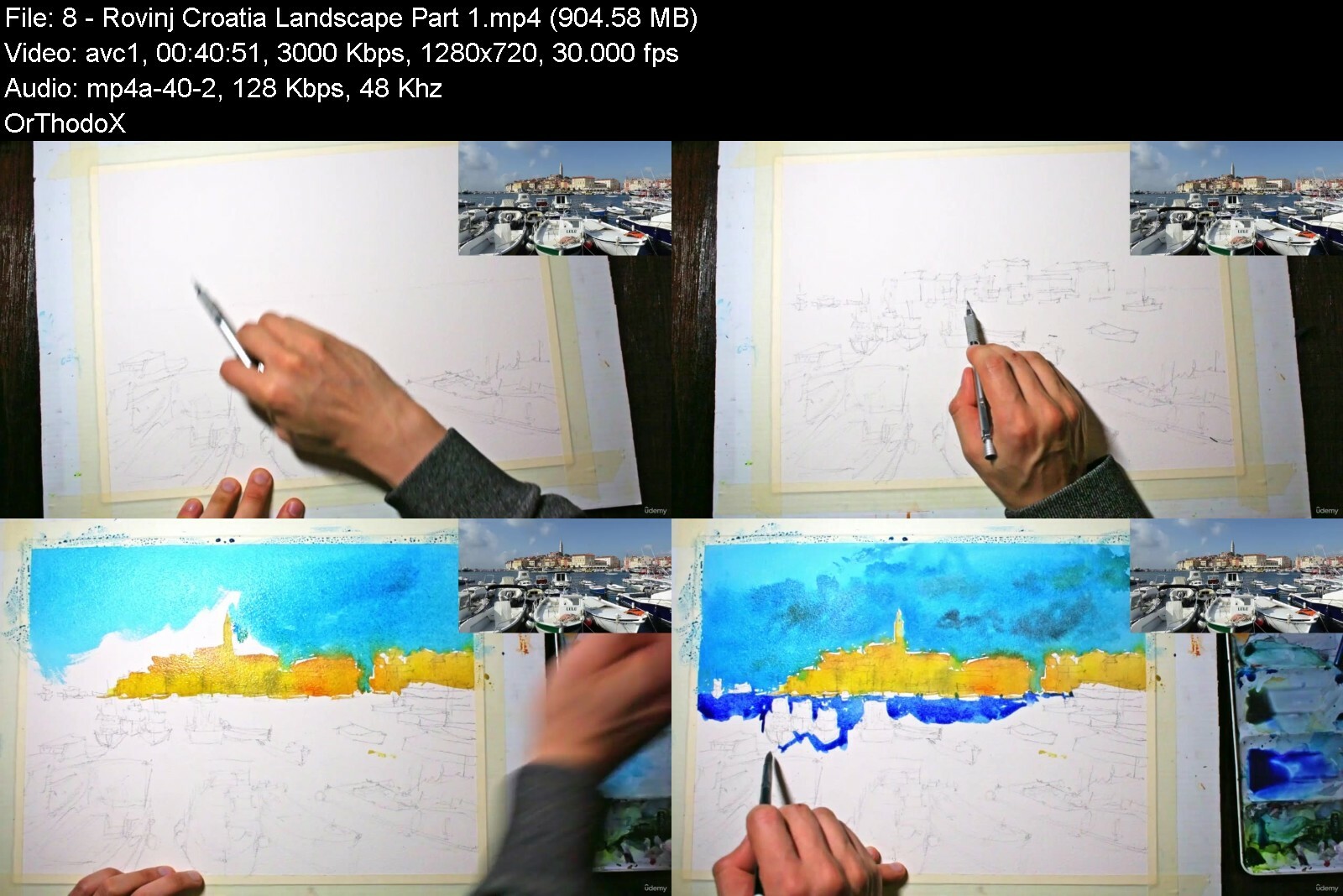
Lecture 8 Rovinj - Croatia Landscape Part 1
Lecture 9 Rovinj - Croatia Landscape Part 2
Lecture 10 Saint Tropez - France Landscape Part 1
Lecture 11 Saint Tropez - France Landscape Part 2
Lecture 12 Saint Tropez - France Landscape Part 3
Lecture 13 Venice Landscape Part 1
Lecture 14 Venice Landscape Part 2
Lecture 15 Venice Landscape Part 3
Lecture 16 Course Project
Students learning watercolor painting,Beginner students in watercolour,Students aiming to learn basic watercolor techniques,Student learning how to paint loosely and vibrantly


learnloosewatercolorsq1i4v.jpg


Download from RapidGator


Download from DDownload



C# Intermediate - Part I (Mastering OOP)

48519783f79kscr8.jpg


C# Intermediate - Part I (Mastering OOP)
Published 09/2022
MP4 | Video: h264, 1280x720 | Audio: AAC, 44.1 KHz, 2 Ch
Genre: eLearning | Language: English | Duration: 36 lectures (14h 49m) | Size: 7.6 GB


Encapsulation, Inheritance, Abstraction, Polymorphism, Interfaces, Virtual and Abstract Methods, Real-life examples


What you'll learn
How the mankind developed the idea of OOP paradigm
What data modeling is and how to improve your abstract and logical thinking
Create the business/domain layer of a multi tier application with real-life examples
Understand the four fundamental pillars of OOP - Encapsulation, Inheritance, Abstraction and Polymorphism
Increase your software engineering skills with the knowledge of the SOLID principles
Be prepared for interviews knowing the similarities and differences between abstract classes and interfaces
Become aware of the intricacies behind the virtual, abstract, new, and sealed keywords
Understand when and why to use static classes and methods
Requirements
Students should know about the basic data types, the creation of variables and methods
Finishing my course " C# Fundamentals For Complete Beginners" will be of great help
Description
Object-oriented Programming can develop your abstract, associative and logical thinking, change your perspective of how you perceive processes, events, objects, subjects and immaterial concepts that you want to replicate in your applications. Creating an accurate model of complex business, ecological, biological, chemical, physical, philosophical or personal problems filled with appropriate interactions (methods) will produce reasonable solutions that can eventually change the world or improve your skills and virtues.
The course is mostly based on practical examples (you can see some of them in the first video that has a free preview) and that is understandable because OOP is allowing us to take any object/subject, investigate its meaning and interconnectedness to other objects and create virtual models of the existing concept(s). There could be more than one viable solution and the more intricacies and concepts you know, the better your programming architecture will be.
Knowing about encapsulation for example will make it impossible for unwanted side effects to take place in your application. Understanding when to use composition and inheritance is a vital skill towards creating your set of objects and their relations. Recognizing when to create one or two levels of abstraction and how to implement polymorphism are advanced skills that has to be integrated by the students. Differentiating between the advantages and disadvantages of using abstract classes and interfaces is another crucial point for the students. Deliberate thinking about SOLID principles, strong cohesion, loose coupling and dependency injections before finishing your architecture of classes is necessary to be done if the students want to develop adaptive applications.
Before we start making multi-tier applications a strong foundation of knowledge, skills and experience with solving simple tasks are necessary. This course is the second stepping stone towards achieving that goal.
I hope that my students will be benevolent toward each other in the Q&A section of the courses and be successful in their future career as a software developer (and engineer).
Who this course is for
Anyone who has an interest in software development and particularly object oriented programming
Students that finished my course "C# Fundamentals For Complete Beginners"


cintermediatepartimaskve5c.jpg


Download from RapidGator


Download from DDownload


Watercolor Painting Essentials: Beautiful Night Landscapes

8mwjl4y5vewgjwtembl8fk6ifh.jpg


Watercolor Painting Essentials: Beautiful Night Landscapes
Last updated 8/2022
MP4 | Video: h264, 1280x720 | Audio: AAC, 44.1 KHz
Language: English | Size: 8.43 GB | Duration: 6h 43m

Have fun learning to paint 6 exciting night landscapes. BONUS: Additional Night Market Workshop included (2 hours).


What you'll learn
Hands-on lessons on essential watercolor techniques such as wet-in-wet and wet-on-dry, dry brush and paint 'flicking'
How to paint any night landscape in watercolor from a photograph.
Sketching - how to reduce a photo or scene in front of you down to essentials and pick out elements and objects of focus.
Layering - learn how you only need 2-3 layers in order to complete a watercolor painting.
How to use colour effectively to create areas of interest of portray the mood of a scene.
How to use tone, or light and dark areas to create depth and richness in your paintings.
Understand how to layer effectively to build up details in your painting
How to paint expressive reflections and wet roads

Requirements
No Prerequisites - refer to 'materials required' lecture for further information

Description
Hi, I'm Darren from Watercolour Mentor. Welcome to Watercolor Painting Essentials: Beautiful Night Landscapes".BONUS: Additional Night Market Workshop included (2 hours) - view this workshop by scrolling to the end of the course lectures (final lecture).In this course, you'll learn how to create fresh and vibrant night landscapes by following my unique watercolor layering process. There are 6 fully narrated demonstrations for you to paint along to. You'll build your confidence in using strong and vibrant colours to create magical scenes and areas of light and darkness. By learning to be deliberate in your brushstrokes and colours, you'll create some beautiful impressionistic landscapes that you can show off to your friends and family! In this course, we will cover a range of subjects featuring seascapes/beachscapes/coastal cities to streetscapes and small towns. The idea with each scene is to simply whilst enjoying the process. I use a 2-step process to paint.*We firstly paint the light, and then the shadows afterwards. Cutting around the light areas is crucial in creating depth in your paintings.Many beginners often paint too light, too dark, or in the same tone. This can lead to flat paintings that lack character. I'll show you how to do the opposite and convey mood and emotion through your use of tone and brushstrokes. Colour also plays an important role. Using complementary colours, or more simply, warm/cool colours next to one another can create stunning compositions that demand attention!Included: 6 free line stencils, original royalty-free reference photographs and scans of my paintings to help you to transfer or draw these landscapes prior to painting. It is your choice which of these references you want to use when transferring over your drawings. These resources are included under the 'Materials Required' lecture.I'll be covering:How to paint any night landscape in watercolor from a photographSketching - how to reduce a photo or scene in front of you down to essentials and pick out elements and objects of focusLayering - learn how you only need 2-3 layers in order to complete a watercolor paintingHow to use colour effectively to create areas of interest or portray the mood of a sceneHow to use tone, or light and dark areas to create depth and richness in your paintingsHow to paint expressive reflections and wet roadsUnderstand how to layer effectively to build up details in your paintingI'm excited to get started, so let's get painting!Course Project:For the course project, follow along with the sketching and painting demonstrations. There are 6 unique night landscape demonstrations with a pencil sketching and watercolour painting component. It's important to complete the sketching exercises in each scene, as this provides you with an opportunity to practice composing your painting. This will increase your confidence in completing your painting and more importantly allow you to plan your brushstrokes.If you have finished the 6 demonstrations featured in this course, pick a royalty-free photograph or perhaps one of your own photographs of a favourite night landscape. Using the process and techniques described in this course, create your own unique painting.
Overview
Section 1: Introduction
Lecture 1 Introduction
Lecture 2 Materials Required
Section 2: 'Paint-along' Demonstrations
Lecture 3 Manhattan Street Scene - Part 1
Lecture 4 Manhattan Street Scene - Part 2
Lecture 5 Manhattan Street Scene - Part 3
Lecture 6 Night Beach Scene
Lecture 7 Night Boat Scene
Lecture 8 Rothenburg Scene - Part 1
Lecture 9 Rothenburg Scene - Part 2
Lecture 10 Night Street Scene (Part 1)
Lecture 11 Night Street Scene (Part 2)
Lecture 12 Venice Nocturne (Part 1)
Lecture 13 Venice Nocturne (Part 2)
Lecture 14 Class Project
Section 3: Bonus Workshop
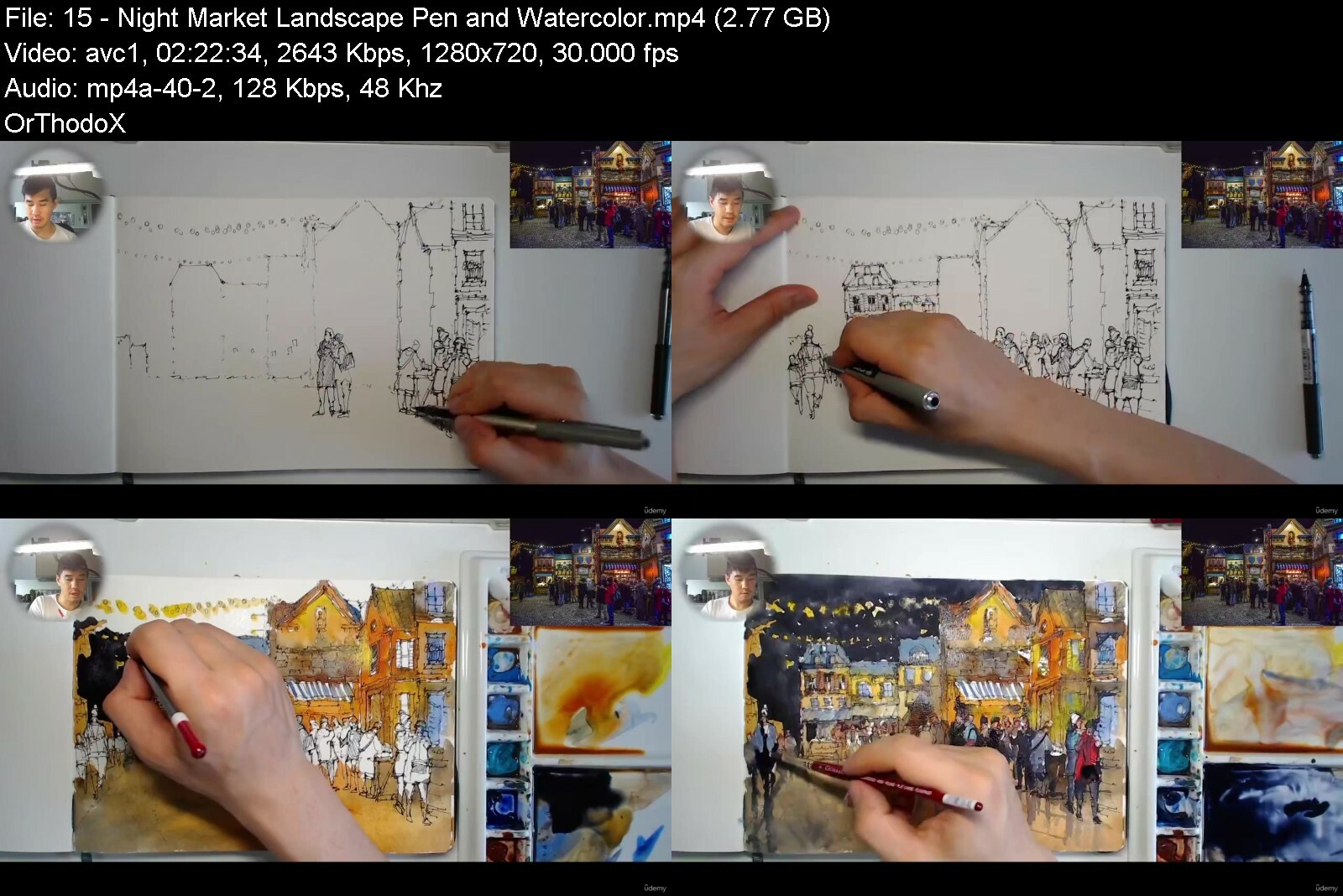
Lecture 15 Night Market Landscape - Pen and Watercolor
Beginners in watercolour,Beginners and intermediate students in watercolor,Beginner students in watercolor,Students interested in learning how to sketch and paint,Students looking to learn how to paint night scenes,Students learning how to paint in a loose style


watercolorpaintingesscacjq.jpg


Download from RapidGator


Download from DDownload



Urban Sketching Essentials: Create Your Own Coloring Books

rfuaktjm7s6rvx09lfpgdxfdog.jpg


Urban Sketching Essentials: Create Your Own Coloring Books
Last updated 8/2021
MP4 | Video: h264, 1280x720 | Audio: AAC, 44.1 KHz
Language: English | Size: 10.11 GB | Duration: 7h 46m

Draw and Paint 8 Urban Landscapes!


What you'll learn
Draw simple to complex buildings with a pen, and how to use watercolor to imply light, shade, and mood with a variety of colors.
Learn how to sketch figures and people.
Learn what paints, paper, brushes, and pens you will need.
Hands-on pen sketching techniques - follow along and sketch with me. Learn how to hold your pen for different effects, draw basic lines and shapes.
Understanding light sources and how to paint realistic shadows.
Sketch a subject easily by simplifying a landscape into basic shapes, and using a combination of loose and accurate drawing styles.
Hands-on lessons on essential watercolor techniques such as wet-in-wet and wet-on-dry.
Paint skies, buildings, land, figures, trees and shrubs, and other objects.

Requirements
No prerequisites - you only need a few simple materials: a black ink pen, watercolour or sketch paper, watercolour paints and brushes.

Description
Hi, I'm Darren from Watercolor Mentor, and welcome to Urban Sketching Essentials: Create Your Own Coloring Books! Urban sketching with line and wash is a fun way to create fresh and spontaneous works while enjoying some time outdoors. It combines the benefits of both ink drawing and watercolour painting. Urban sketching is a great way to learn and improve your drawing and painting skills. Through our day-to-day lives and travels, we often form connections with our surroundings, buildings, objects, and people we interact with. Urban sketching requires few materials and can be done in a variety of places including; cafés, parks, your room, or on a bus or train. It's a convenient and powerful way to practice line and wash and dramatically improves your drawing and painting skills over a short period of time. In this course, you'll learn how to transform day-to-day scenes that you observe into beautiful line and wash sketches that you can hold onto and treasure.This course is aimed towards beginners with 8 line and wash demonstrations which I'll help guide you through step-by-step. There are scans, drawing, and tracing templates included as well for each demonstration to help you transfer your drawing over quickly and easily. You also have the option to follow along to my real-time drawing and narration videos for 5 of these demonstrations.In this course, I narrate my demonstrations in real-time. I explain every technique I use in the context of the painting, such as using watercolor to paint shadows on a building. I'll be going over the basics of line and wash sketching. I'll talk about what materials you'll need, your options, and which ones I use and recommend. If you have a pen, some watercolor paints, and paper, then you're set to go.I'll show you how to sketch with a pen quickly and accurately using a variety of techniques including drawing lines in segments, hatching, and using different sized nibs to your advantage. I also demonstrate essential watercolor techniques you can use over and over again for any painting.In this course, I will cover basics such as:• How to draw simple to complex buildings with a pen, and how to use watercolor to imply light, shade, and mood with a variety of colors.• How to sketch figures and people.• Materials - what paints, paper, brushes, and pens you will need.• Hands-on pen sketching techniques - follow along and sketch with me. Learn how to hold your pen for different effects, draw basic lines and shapes, how to create depth and light/darkness in your drawing through the use of 'hatching'.• Understanding light sources and how to paint realistic shadows.• How to sketch a subject easily by simplifying a landscape into basic shapes, and using a combination of loose and accurate drawing styles.• Hands-on lessons on essential watercolor techniques such as wet-in-wet and wet-on-dry.• How to paint skies, buildings, land, figures, trees and shrubs, and other objects.Additional materials including original painting scans, drawing/tracing templates, and reference photographs are included under the 'Materials Required' lecture. So join me in this course - let's create some beautiful drawings and paintings that you can be proud of!Course Assignment:Your course assignment is to draw and paint your own urban landscape! This can be a scene featured in one of the course demonstration videos or based on one of your own photographs or scenes you have observed outside.You can also refer to the scanned drawing/painting templates attached below which will allow you to trace the drawings if you choose to do so. I recommend drawing each scene free hand. Drawing is an important step in improving your painting skills. This provides you with an opportunity to compose and plan your painting. Once you've finished the drawing, use the watercolor steps and processes included in the course demonstrations to complete your painting.Materials:Use any permanent black ink pens, watercolour paper, and brushes you have available. I recommend:Lightfast/Permanent ballpoint ink pen (0.5mm nib)100% cotton watercolour paper or sketchbookWatercolour Brushes - mop brush and a variety of round and flat brushes.Getting Started:Review the course demonstrations first. There are 8 different urban landscapes that you can draw and paint from. You can also download the tracing templates to transfer over your drawing.Looking to sketch and paint another scene? Research some free reference photo websites, pick one of your own reference photos, or simply find an outdoor location where you can sit and paint. Using the steps and processes included in this course, create your own unique urban sketch.Sharing Your Work:Feel free to share your work through the Q&A section, or message me directly. If you have any questions or need more tips, please let me know. I'm happy to help.
Overview
Section 1: Introduction
Lecture 1 Introduction
Lecture 2 Materials Required
Section 2: Exercises
Lecture 3 Drawing - Figures
Lecture 4 Drawing - Sketching Techniques
Lecture 5 Warm Up - Buildings and Figures
Section 3: Paint and Draw Along Demonstrations
Lecture 6 Beach Scene - Part 1
Lecture 7 Beach Scene - Part 2
Lecture 8 Beach Scene - Part 3
Lecture 9 Cafe Scene - Part 1
Lecture 10 Cafe Scene - Part 2
Lecture 11 Cafe Scene - Part 3
Lecture 12 Cafe Scene - Part 4
Lecture 13 Carlton Buildings Part 1
Lecture 14 Carlton Buildings Part 2
Lecture 15 Carlton Park - Part 1
Lecture 16 Carlton Park - Part 2
Lecture 17 Carlton Pond - Part 1
Lecture 18 Carlton Pond - Part 2
Lecture 19 City Scene - Part 1
Lecture 20 City Scene - Part 2
Lecture 21 City Scene - Part 3
Lecture 22 Street Scene - Part 1
Lecture 23 Street Scene - Part 2
Lecture 24 Street Scene - Part 3
Lecture 25 Street Scene - Part 4
Lecture 26 Urban Scene - Part 1
Lecture 27 Urban Scene - Part 2
Lecture 28 Urban Scene - Part 3
Lecture 29 Course Project
Students learning loose watercolor painting,Students learning how to draw and paint,Students learning pen drawing and sketching,Students learning line and wash,Students learning urban sketching


urbansketchingessentipjdkm.jpg


Download from RapidGator


Download from DDownload


Dart & Flutter - Zero to Mastery [2022] + Clean Architecture

4608180d4f448ech0.jpg


Dart & Flutter - Zero to Mastery [2022] + Clean Architecture
Last Updated 10/2022
MP4 | Video: h264, 1280x720 | Audio: AAC, 44.1 KHz, 2 Ch
Genre: eLearning | Language: English | Duration: 82 lectures (23h 55m) | Size: 22.9 GB


Comprehensive Flutter course to quickly and effectively start professional app development. And much more!


What you'll learn
Setup Dart&Flutter environment (Windows, Mac..)
Dart Syntax. Learn and use the basics of the programming language Dart.
All the important basics of the Flutter Framework in one small app. UI, navigation, animations, theming
Professional Software Development: Clean software architecture implemented in an app that you can use as a template at any time.
Layer Seperation
State Management with BLoC/Cubit & Provider
Dependency Injection
Unit Testing, Widget Testing & Integration Testing
The course is always CURRENT and will be expanded!
Extra: Discord Community !
This course is the English version of the best rated german Flutter course on Udemy!
Requirements
This course is suitable for programming beginners and for people who come from another language and want to get started with app development with Flutter.
Description
With this course, we empower developers worldwide and unite them in a great community!
Get started with app development with Flutter
This course goes far beyond the basics and differs from other courses in that you learn really professional app development based on years of Flutter Freelancer experience.
We'll show you what really matters in a project. - Not only how to build a cool UI...
We learn how to build a software architecture that is maintainable, scalable and efficient. Here you will learn the things that will accompany you throughout your career and really help you as a clear concept for the architecture of your software, the testing and how we deal with dependencies.
Don't worry - there's something for everyone here.
Whether you're an experienced developer or a complete beginner - We'll meet you at your level of experience and abstraction and guide you by the hand from the first small Flutter App to professional software architecture, functional programming, testing and much more.
In this still young framework, there are few people who are really good.
This means there are many possibilities here. With the ever-increasing number of apps implemented with the Flutter Framework, so does the demand for capable developers. And you can become one of them!
Also: Flutter and the Dart language are great, really fun to develop and play around with!
Flutter Community
We already have the largest active German Flutter Community on our own Discord server. Now we want to create also a server for the Englisch Community where you can exchange ideas with other developers and support each other. We look forward to having you with us too!
UP TO DATE: The course and all projects were last updated in September 2022.
Latest Update - Flutter Version: 3.3.0
Course Compatible with Flutter Version 2.5 +
What will we learn?
Content
Basic course Dart - basics of programming
Basic course Flutter - basics of app development with Flutter
What's next? - road map
Clean architecture - professional development with Flutter
Dart Basics
In this course you will first get to know the basics of programming in Dart. We will also dive into the essential parts of programming using Dart language and we will learn how to set up our development environment and deal with the Code Editor VS Code. We'll start with the basic knowledge of what a variable actually is and then work our way up to object orientation and asynchronous programming.
Flutter Basics
Here we'll give you an introduction to the most important elements of UI creation with the Flutter Framework and teach you all you need to write your own user interfaces for your apps. From the explanation of how the framework works, to the use of individual UI components, themes, animations, navigation and much more, everything is included!
Clean Architecture[coming soon]
Based on a simple app that we will develop, we will learn how proper app development with clean software architecture works.
We will implement this small and simple app with a bulletproof clean code software architecture (clean layer separation), which you can use for any customer app. Once you have internalized this architecture and type of work, your software will achieve extremely high quality standards. We integrate the BLoC pattern into our project and thus cleanly separate business logic from UI, so we have a very clean and testable project. Dependency injection and functional programming are just a few tools that will support us on our way. Of course, we will also cover unit testing, widget testing and integration testing to check our app for everything.
Important: In this course, we aim to give you all the knowledge you need to start app development with Flutter quickly and effectively. We are not too "obsessed with details" and will not go into all the complex background processes that you are taught in an university course, for example. Rather we will dive into praxis as soon as possible.
Our focus is on practicality, quality and - last but not least- fun.
Who this course is for
Everyone who wants to quickly and effectively immerse themselves in mobile app development benefits here. We are German Flutter Freelancers and have already been able to successfully implement many projects - we would like to share our experience of the last few years with you to help you start developing your projects successfully.
We develop several apps together, get to know clean software architecture in Flutter and of course put our apps through their paces. We'll take you by the hand and show you everything from scratch.
This course is the English version of the best German Flutter course on Udemy!


dartflutterzerotomast02cdi.jpg


Download from RapidGator


Download from DDownload


Being A Dj - How To Get Into The Mindset Of A Successful Dj

rhny2l4mj5f2pq7qmmzqbi7cme.jpg


Being A Dj - How To Get Into The Mindset Of A Successful Dj
Last updated 6/2021
MP4 | Video: h264, 1280x720 | Audio: AAC, 44.1 KHz
Language: English | Size: 12.06 GB | Duration: 15h 41m

Learn How To Get Into The Mindset Of A Successful DJ, Get Gigs, Learn Beatmatching And More!


What you'll learn
Learn How To Get Into The Mindset Of A Successful DJ

Requirements
Ableton 11 - or trial from the website

Description
From The Author Of The Successful Building A DJ Set Course.Learn More About Omar Meho - Label Owner, Graphics Designer, Mastering Engineer, Composer, DJWorld Renowned Omar Meho will guarantee your success as a DJ or Producer. He has his own experiences in which he can teach you valuable lessons you can learn nowhere else. Being a Multi-Genre DJ/Producer with tracks being played on the radio and international residencies. This is one to watch. The owner of Music Workflow Academy taught himself how to DJ and Produce from Scratch. He found it extremely difficult and felt no one on Youtube was at the level to appropriately teach him or have the sound he desired, so he taught himself. He landed his first Residency during university playing the graveyard set in one of Brighton's most infamous clubs. He then went on to play at pretty much every club in Brighton, U.K to then conquer London, U.K and now Manchester, U.K. He taught himself how to mix every genre and use Ableton and now he can teach you. With success in every facet of the industry, this is a great person to learn from.He makes his own artwork and gets flown out to locations such as France, Spain and more to play at festivals and be paid to live and perform at residencies in locations such as caves, open-air arenas and underground clubs. He truly has experience playing every genre in front of a crowd and knows how to get them eating out of the palm of his hand. He can answer any question about Ableton and knows it like the back of his hand. Book him for a session today in either Music Production or DJing to instantly accelerate your growth and guarantee your success.He also has a First Class Degree in Business with Marketing and Music degree which he got from the University of Brighton where he can teach you how to set up and create an online presence for yourself, which is essential for success in the modern times.Omar can also teach you useful skills such as how to network in difficult but crucial places such as Clubs and Bars to help you get your first gig. He also specialises in Workflow where he can teach you how to make tracks quicker, he makes at least one track a day, averaging three tracks a day, he has made more than 400 finished tracks in the past year, he also masters his own work and makes his own artwork. This is the man for the job for whatever you want to learn in the Music Industry be it DJing in front of friends, in clubs, bars or house parties or using Ableton to play live sets, use the Push 2 or make your own tracks to use in sets. He can also teach you DJing or Music Production from scratch because he taught himself and has obtained massive success in both. This is perfect for anyone learning to take their skills to the next level.Learn More About Omar Meho - Label Owner, Graphics Designer, Mastering Engineer, Composer, DJWorld Renowned Omar Meho will guarantee your success as a DJ or Producer. He has his own experiences in which he can teach you valuable lessons you can learn nowhere else. Being a Multi-Genre DJ/Producer with tracks being played on the radio and international residencies. This is one to watch. The owner of Music Workflow Academy taught himself how to DJ and Produce from Scratch. He found it extremely difficult and felt no one on Youtube was at the level to appropriately teach him or have the sound he desired, so he taught himself. He landed his first Residency during university playing the graveyard set in one of Brighton's most infamous clubs. He then went on to play at pretty much every club in Brighton, U.K to then conquer London, U.K and now Manchester, U.K. He taught himself how to mix every genre and use Ableton and now he can teach you. With success in every facet of the industry, this is a great person to learn from.5* ReviewsBRETT, 38Music Workflow Academy knows their stuff - both as a DJ and producer!RANDY, 24Music Workflow Academy has a lot of experience as a DJ and a good understanding of the music business side of things. He's helpful in any regard and is practical when explaining ideas. Overall great session.HARRY, 19Music Workflow Academy changed the way i see Music Production. Big recommends for anyone looking to expand their profile, up their work flow or master Music Production! Big upSAM, 20Music Workflow Academy is incredibly inspiring and helpful. I'm looking forward to continuing to progress towards a career in music with their direction!JAMIE, 23A truly experienced professional in the music industry, knowledgeable in all areas from production to marketing and distribution. Each lesson I take away valuable information and advice that accelerates my career. Thank you Music Workflow AcademyKYLE, 24Music Workflow Academy is an very experienced and well rounded DJ, with knowledge of a wide variety of genres. They have massively improved my mixing within a matter of weeks. Furthermore, I look forward to their coaching regarding music production and self promotion in the future. Overall, I have come on leaps and bounds under their guidance.DAVID, 50Music Workflow Academy is very knowledgeable about music production. More importantly they knows how to save you lots of time and time saves money and that's a good thing. You'll make their fees back because you'll be able to produce much faster. Save your time and your money with Music Workflow Academy.SHANNON, 25Music Workflow Academy (Omar) is a trustworthy tutor They taught me how to DJ from scratch and I now play on the radio. They is an expert and very professional.YASMIN, 19Music Workflow Academy is a trustworthy tutor as they is always on time and very patient with their clients, they helped me start up on my producing and getting to grips with the software I use as well as some important tips and tricks.NICOLE, 52Music Workflow Academy (Omar) is a fantastic tutor, a passionate dj who taught me how to start up on my decks, transitions and bpm through to producing my own records and signing to record labels. I recommend him 100%.WILL, 31I had some classes here with Omar. And he knows his DJ music history. Although he teaches in Pioneer. I am all set up with Traktor. A really hard working guy who will get you playing off your decks right away.He can also help you grow as a DJ and get gigs fasterRYAN, 28Amazing for anyone wanting to make music! Top quality Work From Omar and music workflow academy`BRETT, 38Music Workflow Academy knows their stuff - both as a DJ and producer!RANDY, 24Music Workflow Academy has a lot of experience as a DJ and a good understanding of the music business side of things. He's helpful in any regard and is practical when explaining ideas. Overall great session.HARRY, 19Music Workflow Academy changed the way i see Music Production. Big recommends for anyone looking to expand their profile, up their work flow or master Music Production! Big upSAM, 20Music Workflow Academy is incredibly inspiring and helpful. I'm looking forward to continuing to progress towards a career in music with their direction!JAMIE, 23A truly experienced professional in the music industry, knowledgeable in all areas from production to marketing and distribution. Each lesson I take away valuable information and advice that accelerates my career. Thank you Music Workflow AcademyKYLE, 24Music Workflow Academy is an very experienced and well rounded DJ, with knowledge of a wide variety of genres. They have massively improved my mixing within a matter of weeks. Furthermore, I look forward to their coaching regarding music production and self promotion in the future. Overall, I have come on leaps and bounds under their guidance.DAVID, 50Music Workflow Academy is very knowledgeable about music production. More importantly they knows how to save you lots of time and time saves money and that's a good thing. You'll make their fees back because you'll be able to produce much faster. Save your time and your money with Music Workflow Academy.SHANNON, 25Music Workflow Academy (Omar) is a trustworthy tutor They taught me how to DJ from scratch and I now play on the radio. They is an expert and very professional.YASMIN, 19Music Workflow Academy is a trustworthy tutor as they is always on time and very patient with their clients, they helped me start up on my producing and getting to grips with the software I use as well as some important tips and tricks.NICOLE, 52Music Workflow Academy (Omar) is a fantastic tutor, a passionate dj who taught me how to start up on my decks, transitions and bpm through to producing my own records and signing to record labels. I recommend him 100%.WILL, 31I had some classes here with Omar. And he knows his DJ music history. Although he teaches in Pioneer. I am all set up with Traktor. A really hard working guy who will get you playing off your decks right away.He can also help you grow as a DJ and get gigs fasterRYAN, 28Amazing for anyone wanting to make music! Top quality Work From Omar and music workflow academy
Overview
Section 1: Introduction
Lecture 1 Introduction
Lecture 2 Learning How To Be A Succesful DJ Part 1
Lecture 3 Learning How To Be A Successful DJ Part 2
Lecture 4 Learning To Be A DJ Part 3
Lecture 5 Inside The Mindset Of A DJ
Lecture 6 Live Lesson.
Lecture 7 DJ Student
Lecture 8 Teaching a student
Music Producers


beingadjhowtogetintotyjdea.jpg


Download from RapidGator


Download from DDownload


Elementor Pro Masterclass 2022 - Wordpress Web Development

5zehd8pf42mltmpqgwu1sb5c43.jpg


Elementor Pro Masterclass 2022 - Wordpress Web Development
Last updated 8/2022
MP4 | Video: h264, 1280x720 | Audio: AAC, 44.1 KHz
Language: English | Size: 7.18 GB | Duration: 11h 27m

Learn Rapid Web Design & Development in WordPress and start building custom websites like an Expert!


What you'll learn
You will learn all about Elementor Page builder
You will know how to make use of Basic and General widgets
All about Elementor Pro version
You will be able to make use of Elementor Pro widgets
You can build multiple kinds of Pop-ups along with their conditions, triggers and advance rules
You will be able to create different kinds of forms and error pages
You will be in a state to do Woocommerce Customizations using Elementor page builder

Requirements
Laptop/PC with normal Internet connection to watch and practice the course content

Description
Are you a WordPress developer or want to become one, There is this one skill set that is mandatory and you cannot skip it if you are serious about your growth as WordPress Developer/Expert? In this course, you will learn extremely In-demand skills to create beautiful professional and fully functional WordPress websites using Elementor Pro Page Builder. wondering why page builder? then let me tell you why. Traditionally WordPress websites used to be created either using a ReadyMade theme or Creating a custom theme by coding, but the drawback with the ready-made theme is that we cannot have a custom feature/design when needed, and developing the same by coding will increase the resources like money and time required which clients usually don't support.So, to overcome these drawbacks of traditional WordPress development, we have something called Page builders where you get a drag-and-drop editor and can create pixel-perfect designs/features very quickly and deliver it to clients making us independent of a particular theme or coding skills. and out of all available page builders, Elementor Pro tops the chart as it's Robust and holds the capability to develop a full-fledged theme ( header footer builder, complex popup builder, form builder, Accept direct online payments, and many more functionalities... ).We will go from scratch and learn basics like design and customizing widgets and slowly will learn advanced concepts like theme builders, forms, popups, blogs, product pages, etc., So This course is going to be super exciting and extremely useful if you want to master Elementor Page Builder and elevate your career in WordPress Web Development.Once you complete this course you will learn everything you need to know about how to use Elementor Pro to create WordPress Websites at blazing fast speed like an expert, You will know how to create custom complex designs, You will know how to create a global header footer for a websiteYou will know how to create complex popups and triggers and when to show/hideYou will be able to build complex contact forms or multistep forms with email functionalityYou will be able to create any kind of designsNot just design but you will learn how to use Elementor to create a professional blog and Functional E-commerce sites as well.Also, as a part of the freebie, you get the premium plugin Elementor pro worth $50 USD for free and you also get free Web hosting as well so you can build cool projects to showcase to your potential clients/employers or build a portfolio.What are you waiting for? Am really excited to see you inside the course, Enroll now, let's get started!!!
Overview
Section 1: Introduction
Lecture 1 Complete Introduction to the Course
Lecture 2 How to take the course - Detailed Overview
Lecture 3 How to Get Technical Support 24/7
Lecture 4 How to Claim your FREE Welcome Gifts worth $250+ USD
Section 2: Introduction to Elementor
Lecture 5 Installation of Elementor
Lecture 6 Over view of Elementor Editor
Section 3: Basic widgets in Elementor
Lecture 7 Elementor's Basic Elements with a Mini project
Section 4: General Widgets in Elementor
Lecture 8 Image Box in Elementor
Lecture 9 Icon Box in Elementor
Lecture 10 Star rating in elementor
Lecture 11 Image carousel in Elementor
Lecture 12 Image Gallery in Elementor
Lecture 13 Icon List in Elementor
Lecture 14 Counter in Elementor
Lecture 15 Progress Bars in Elementor
Lecture 16 Testimonials in Elementor
Lecture 17 Tabs in Elementor
Lecture 18 Accordians in Elementor
Lecture 19 Toggles in Elementor
Lecture 20 Social Icons in Elementor
Lecture 21 Alerts in Elementor
Lecture 22 Sound cloud in Elementor
Lecture 23 Short Code in Elementor
Lecture 24 Custom HTML in Elementor
Lecture 25 Menu Anchor in Elementor
Lecture 26 Side bar in Elementor
Section 5: Introducing Elementor Pro
Lecture 27 Install Elementor pro version
Lecture 28 How to use Elementor Template Library
Lecture 29 Creating Dynamic Headers and Footers
Lecture 30 Blog Archive and Single Post Development
Section 6: Elementor Pro Widgets
Lecture 31 Create Posts Using Elementor pro
Lecture 32 Portfolio Widget in Elementor Pro
Lecture 33 Gallery Widget in Elementor Pro
Lecture 34 Login Widget in Elementor Pro
Lecture 35 Navigation Menu in Elementor pro
Lecture 36 Animated Headlines in Elementor pro
Lecture 37 Pricing List in Elementor Pro
Lecture 38 Testimonials in Elementor pro
Lecture 39 Reviews Widget in Elementor pro
Lecture 40 Table of Contents in Elementor Pro
Lecture 41 Countdown Widget in Elementor Pro
Lecture 42 Share Button in Elementor pro
Lecture 43 Block Quotes in Elementor Pro
Lecture 44 Facebook Button in Elementor Pro
Lecture 45 Facebook Comments in Elementor Pro
Lecture 46 Facebook Embed in Elementor pro
Lecture 47 Facebook Page in Elementor Pro
Lecture 48 Template widget in Elementor Pro
Lecture 49 Lottie Animation in Elementor Pro
Lecture 50 Code Highlight in Elementor Pro
Section 7: Pop-ups With Elementor pro
Lecture 51 Introduction to Elementor Pop-ups
Lecture 52 Creating a Pop-Up
Lecture 53 Pop-up Conditions, Triggers and Advance Rules
Section 8: Extra Features with Elementor pro
Lecture 54 Contact Forms and Advnaced Multi-step Forms
Lecture 55 Error Page Design in Elementor
Lecture 56 Create Custom Search Results page
Section 9: Woocommerce Customization with Elementor Pro
Lecture 57 Introduction to Woocommerce Customizations with Elementor Pro
Lecture 58 Import Sample Products with Images
Lecture 59 Design a Custom Product Archive Page using Elementor
Lecture 60 Design a Single Product page Template
Students who have the knowledge of wordpress and would like to further increase their expertise,Web developers who want to learn how to use the Elementor page builder plugin,Any WordPress user who want flexible website design, and total control over the placement of design elements.,Wordpress developer looking to add rich features to their websites easily


elementorpromasterclal4dh3.jpg


Download from RapidGator


Download from DDownload



Ableton - Become A Beginner And Learning Expert Techniques

uktjw4e3rl4h3vyllc2vmzaipj.jpg


Ableton - Become A Beginner And Learning Expert Techniques
Last updated 2/2022
MP4 | Video: h264, 1280x720 | Audio: AAC, 44.1 KHz
Language: English | Size: 6.78 GB | Duration: 9h 46m

Learn How To Become A Beginner And Discover Expert Techniques


What you'll learn
Learn How To Use Ableton
Become a pro with Ableton
Become a music producer
Learn Different Music production techniques

Requirements
Ableton - or trial from website

Description
Omar Meho is an artist from the United Kingdom. He is a Label Owner, Music Production/ DJ Teacher, Mastering Engineer and International Resident in Ibiza, France, U.K & Dubai. He has played in some of the biggest clubs in the U.K Including Egg LDN, Fabric, The Arch, The Cause & Much more. He has played festivals in front of 12,500 people and has support on his tracks from some of the biggest DJ's in the world including Marco Carola, East End Dubs, Chris Stussy, Jamie Jones, Adam Beyer And More.What Students Are Saying?1. RandyOmar has a lot of experience as a DJ and a good understanding of the music business side of things. He's helpful in any regard and is practical when explaining ideas. Overall great session.2. BrettOmar knows his stuff - both as a DJ and producer!3. HarryOmar changed the way i see ableton. Big recommends for anyone looking to expand their profile, up their work flow or master ableton! Big up4. SamOmar was incredibly inspiring and helpful. I'm looking forward to continuing to progress towards a career in music with his direction.5. JamieA truly experienced professional in the music industry, knowledgeable in all areas from production to marketing and distribution. Each lesson I take away valuable information and advice that accelerates my career. Thank you Omar6. KyleOmar is an very experienced and well rounded DJ, with knowledge of a wide variety of genres. He has massively improved my mixing within a matter of weeks. Furthermore, I look forward to his coaching regarding music production and self promotion in the future. Overall, I have come on leaps and bounds under his guidance.7. DavidOmar is very knowledgeable about music production. More importantly he knows how to save a lot of time and time saves money and that's a good thing. You'll make his fees back because you'll be able to produce much faster. Save your time and your money with Omar.8. ShannonOmar is a trustworthy tutor He taught me how to DJ from scratch and I now play on the radio He is an expert and very professional9. YasminOmar is a trustworthy tutor as he is always on time and very patient with his clients, he helped me start up on my producing and getting to grips with the software I use as well as some important tips and tricks.10. NicoleOmar is a fantastic tutor, a passionate dj who taught me how to start up on my decks, transitions and bpm through to producing my own records and signing to record labels. I recommend him 100%.11. VazLearnt Ableton 11 really quick. Highly recommended tutor.12. WajihI've met Omar through one of his online courses then decided to meet 1:1. Upon working with Omar for almost half a year now, Omar has a vast amount of knowledge in the DJ industry and has played at countless festivals and clubs to attest to it. There is a wealth of knowledge in his DJing and music production courses and am very glad to have met him!Learn to become an expert with Music Production.Go ahead and click the enrol button, and I'll see you in lesson 1!Thank you,Omar.
Overview
Section 1: Introduction
Lecture 1 Lesson 1
Lecture 2 Lesson 2
Lecture 3 Lesson 3
Lecture 4 Lesson 4
Lecture 5 Lesson 5
Lecture 6 Lesson 6
Lecture 7 Lesson 7
Lecture 8 Lesson 8
Lecture 9 Lesson 9
Lecture 10 Lesson 10
Ableton users,Music Producers


abletonbecomeabeginne81fbt.jpg


Download from RapidGator


Download from DDownload


Music Production - Adding Emotion, Movement And Arrangement

7es1zjfsxecyfuwtyupure2cib.jpg


Music Production - Adding Emotion, Movement And Arrangement
Last updated 8/2022
MP4 | Video: h264, 1280x720 | Audio: AAC, 44.1 KHz
Language: English | Size: 6.48 GB | Duration: 8h 46m

Learn How To Add Emotion, Movement and Arrange Your Tracks.


What you'll learn
Learn How To Create Emotion And Movement In Ableton.

Requirements
Ableton Live 10 - or free trial from website

Description
Are your tracks lacking something and you don't know what???It's emotion and movement. This course explains how drums guide movement and the secrets of the industry on how to have an emotive sounding track.A 30-day money back guarantee if you are not satisfied!!! Sit back and relax whilst you learn some of the best kept producer secrets in the industry, along with never before shared knowledge about Ableton Live 10.If you are new to Ableton you must buy this course!The Best and Longest Ableton Course On Udemy!!!Includes Distribution and Marketing Tactics, Branding and more!!!Learn How To Use Ableton The Right Way!!!Get to the top of your Ableton game with this course!Omar had humble beginnings of wanting to learn Ableton but no YouTube video or mentor would accommodate for his needs, now Omar is a successful Mastering Engineer and producer it is time for him to teach you his methodologies. Omar Meho is a resident DJ in Ibiza, he has played in front of 12,500 people at a festival, recorded mixes for the BBC he will teach you how he has made over 200 tracks in the past 8 months as a producer. He runs his own record label and has signed his successful E.P's and Albums to over 10 record labels in that time. Having plays on BBC Radio 1 and support from some of the world's top DJ's and producers including Marco Carola, Adam Beyer, Guti, Chris Stussy, East End Dubs & more. 5-Star Reviews 1. RandyOmar has alot of experience as a DJ and a good understanding of the music business side of things. He's helpful in any regard and is practical when explaining ideas. Overall great session.2. BrettOmar knows his stuff - both as a DJ and producer!3. HarryOmar changed the way i see ableton. Big recommends for anyone looking to expand their profile, up their work flow or master ableton! Big up4. SamOmar was incredibly inspiring and helpful. I'm looking forward to continuing to progress towards a career in music with his direction.5. JamieA truly experienced professional in the music industry, knowledgeable in all areas from production to marketing and distribution. Each lesson I take away valuable information and advice that accelerates my career. Thank you Omar6. KyleOmar is an very experienced and well rounded DJ, with knowledge of a wide variety of genres. He has massively improved my mixing within a matter of weeks. Furthermore, I look forward to his coaching regarding music production and self promotion in the future. Overall, I have come on leaps and bounds under his guidance.7. DavidOmar is very knowledgeable about music production. More importantly he knows how to save a lot of time and time saves money and that's a good thing. You'll make his fees back because you'll be able to produce much faster. Save your time and your money with Omar.8. ShannonOmar is a trustworthy tutor He taught me how to DJ from scratch and I now play on the radio He is an expert and very professional9. YasminOmar is a trustworthy tutor as he is always on time and very patient with his clients, he helped me start up on my producing and getting to grips with the software I use as well as some important tips and tricks.10. NicoleOmar is a fantastic tutor, a passionate dj who taught me how to start up on my decks, transitions and bpm through to producing my own records and signing to record labels. I recommend him 100%.Learn to become an expert with Ableton Live 10.Go ahead and click the enrol button, and I'll see you in lesson 1!Thank you,Omar.
Overview
Section 1: Introduction
Lecture 1 Emotion And Movement
Lecture 2 Basics
Lecture 3 Panning
Lecture 4 Movement
Lecture 5 Beat Shaker
Lecture 6 Simpler
Lecture 7 Building A Track
Lecture 8 Full Arrangement Of A House Track In Ableton
Lecture 9 1 hour workshop
Ableton Beginners.


musicproductionaddingfyeo2.jpg


Download from RapidGator


Download from DDownload



Cubase Rapid Music Production

56yjjzhpamgg3u2q1uggu05dwn.jpg


Cubase Rapid Music Production
Last updated 4/2021
MP4 | Video: h264, 1280x720 | Audio: AAC, 44.1 KHz
Language: English | Size: 5.70 GB | Duration: 6h 41m

Use MediaBay, Groove Agent, Chord Tracks, Arranger Tracks and Sampler Tracks to compose, edit and arrange modern tracks.


What you'll learn
Produce Music Rapidly in Multiple Genres
Generate Automatic Drum Parts with Groove Agent SE
Quickly Compose, Arrange & Mix
Conform MIDI with Chord Track Instantly
Use Cubase as a Creative "Sandbox"
Make Sampled Instruments in Sampler Tracks
Follow 3 Different Case Studies

Requirements
Mac or PC
Cubase Pro 10.5 (recommended)
Experience with audio editing and mixing is recommended
Motivated learners with an open mind to new features :)

Description
This course is for beginners and intermediate home-engineers and producers who want to develop an extended skill set with Cubase.*Specifically, this course includes training for:MediaBayGroove Agent SEChord TrackArranger TrackSampler TrackThis course will show you exactly how to use the features in a practical way in your Cubase productions. Learning to use these features will speed up your workflow, make your productions more professional and allow you to get a lot more creative in the studio.If you've upgraded Cubase (or you're a new user) and you've never learned to use these tools because they might appear confusing or unhelpful, then you are going to undoubtedly benefit from the lessons in this course! Get to know these tools and you'll never go back :)Organize Cubase with MediaBayMediaBay is one of the first tools that Cubase users overlook.*But, here's a few of the reasons why everyone (no matter what styles of music you're making) should learn to set it up and use it correctly:First, MediaBay brings everything under one roof.*You may be looking for a sample and happen across a loop that you didn't know you had (or forgot*:). Since MediaBay can track enormous amounts of different kinds of content, it is one of the best available tools for your file management... and it comes built-in - for FREE!Next, MediaBay encourages producers to get organized. In this course I'll offer some tips for tagging and organizing your loops, samples and presets in bulk using the attribute inspector (a tool which doesn't even show up by default). How much time it takes to organize your content will be different for each student (depending on their library).*Nonetheless, getting organized will help EVERY producer stay creative.The MediaBay not only keeps you organized, it can play back loops in the context of your project... before you even drag it in! This means you can listen to thousands of options IN*CONTEXT*before you decide to add it to your project.*It will follow the tempo, key and even start and stop with the main transport.Demystify Groove Agent... FINALLY!I've encountered many producers who let Groove Agent SE sit in their VST collection for ages without really using it.*For some, it is because they don't need a drum machine (however, it is also a pretty powerful sampler!).*For others, it is because they don't "get" it - I'll be the first to admit the user interface obscures the incredible power and flexibility of Groove Agent.*Here are a few of the things you'll probably start doing once you've taken this course:Have you ever wanted to compose an original drum track that sounds and feels like a human being actually played it?*Of course you have - we ALL have.*Groove Agent can do that easily... once you know how to use it.*It's actually pretty easy and there are so many styles and kit choices to mix and match that (with the help of the attribute search) you'll find something for any project.Are you a sampling fiend and you frustrated that the Sampler Track won't permit layered sampling?*Well, Groove Agent SE*does! Furthermore, you can just migrate any Sampler Track (envelopes and all) to a pad in Groove Agent with the click of your mouse!Do you like the "idea" of a drum machine, but find it too fiddly to record the parts and get them into your project?*Well, Groove Agents patterns can just be dragged into your project - right from Groove Agent. You don't have to route MIDI*and hit record (although you can if you want :).Do you wish you could freshen up your beats with fills and different types of complexity without having to manually tweak MIDI*clips for days on end?*Me too! That is why I use Groove Agent SE's Auto-Fill and Auto-Complexity modes to ensure that my drum parts sound and feel like they were actually played live. I can have my drum part finished (from scratch) in just a few minutes - human, well-mixed, professionally sampled - I'll show you how to do this and more...Up Your Game &*Write Better Chord Progressions...The Chord Track has been around for a while, but it is under-recognized as a tool for every producer to be using! Not only will the Chord Track refine your harmonic skills, but it will allow you to work more flexibly with your MIDI*- even reharmonizing MIDI*that you've already recorded!*Here are some of the highlights from the Chord Track lessons in this course:For producers who need some help generating ideas for harmony and chord progressions, the Chord Assistant feature comes to the rescue.*I'll show you how to identify complete chord progressions as well as finding chords that work well with the chord before/after any specific chord in your progression.*You can use the Chord Assistant to explore different options based on "musical proximity" and make writing chords fun!Discover the Live Transform feature which enables you to play a pattern on your MIDI*keyboard that the Chord Track will "transform" in real time to match the chords in your chord progression.*This is the best of both worlds - play the chords you want, even if you aren't a piano player (or your using a non-keyboard MIDI*controller).Did you know that you can extract chords from an existing MIDI*part and create a Chord Track automatically?*This only takes a few clicks to turn a MIDI*recording into a Chord Track.*We'll go over this step-by-step with a MIDI*clip from Amazing Grace.*You'll see how easy it is and then you'll start wondering why this isn't bigger news :)One of the most valuable tricks in the Chord Track section is all about conforming MIDI*parts (that are already recorded - like MIDI*loops in MediaBay).*With a few clicks, you can transform the MIDI*to follow your chord track while keeping the original MIDI*part's timing and performance nuances. Imagine that you record a piano player as MIDI.*Then, a week later you decide to change one of the chords they played... Yep, that's actually easier than you might think...Arrange, Re-Arrange, RepeatThis course includes a full guide to the Arranger Track - a paradigm-shifting approach to composing.*This tool allows us to craft song sections (verse, chorus, drop, breakdown, etc.) and then tell Cubase how to plug them all together into a final production.*The implications of this tool are massive and include the following scenarios:Many producers have musical ideas that they want to use over and over.*This workflow meant copying and pasting... until now.*Some of the real-world uses for the non-linear compositional approach include:Transition FXAutomation SnippetsChord ProgressionsMulti-part MIDI*HarmoniesIf you're a fan of Ableton Live's session view and scenes for live performance, then you should check out the Arranger Track which can operate live to play arrangement sections (exactly like Ableton Scenes).*You can even bind them to keyboard commands and trigger your multitrack Cubase arrangement remotely on stage.Not sure what the perfect arrangement of you track would be?*How many choruses should we have?*What will this bridge sound like in different keys?*With the Arranger Track, you simply build your section and "Flatten" out as many projects as your heart desires.*This is a powerful ally in the search for the perfect arrangement!Sampling Made Simple and PlayableCubase includes a dedicated track type that runs a simple, but powerful sampler - including loop modes, crossfades, pitch/filter/amp envelopes and much more.*Sometimes you don't have the instrument you want... now you can make it on your own.*Some highlights from the Sampler Track section include:If you're a fan of Ableton's Simpler, then you'll recognize how all the features of the Sampler Track work. It is easy enough for newbies to use, but powerful enough to make great sampled instruments.*We'll talk about instrument design, use cases for envelopes and filtering.Want to learn sampling?*That is a great idea - Cubase contains a very broad collection of Sampler Track presets that you can pick apart, analyze and learn from.*It's like going to school for sampling (if you're into that sort of thing :).While the sampling tools are powerful, the ability to treat a Sampler Track as an Instrument Track - like having a mixer fader, channel strip, inserts and sends - makes the Sampler Track intuitive.*If sampling isn't your thing, then simply load up one of the awesome presets and just use it like you would a Halion Sonic patch :). There's very little investment, but also an awesome return.*Have fun!More Than a WalkthroughWhile many courses focus on feature walkthroughs of software, this course concludes with not 1, but 3 case studies.*Each case study builds a full track (rhythm, harmony, FX and mixing) in one of 3 specific (and totally unrelated) genres:*Jazz, EDM and Rock.*I've used Cubase for more than 15 years in both professional and personal projects I share my process and tips in these unique case studies to help you apply what you've learned in the first several sections of the course.From searching MediaBay to Maximizing your finished track, each case study comes with 2 projects:An arranger project - containing all the tracks and the arranger sections that we build throughout the case study.A final stems project - containing the version of the arranger track that we "flattened".Of course, you're always free to open the arranger project for each case study, make tweaks and "flatten" out your own original take.*Helpful Quizzes &*AssignmentsMany sections contain both a quiz and an assignment designed to help every student consolidate what they learn and provide a way to apply that knowledge in Cubase using the tools that we discuss throughout the course. There is a lot of overlap - so as the course moves along, so does the complexity of our creative work.*For example, we'll use the Sampler Track in our Jazz case study, while we incorporate arpeggiators to enhance our EDM track. The use of Beat Designer in conjunction with Groove Agent is another great example of how we explore features in Cubase that are practical and actionable.*The quiz will test your knowledge, while the assignments will get you applying what you've learned in a real-world context.If you suspect that Cubase offers more than you know... you're probably right :). Cubase is a very deep DAW with powerful features that pros (like Hans Zimmer, Zedd, Paul McCartney,*Kraftwerk, Glitch Mob, Meshuggah, New Order and Tiesto) use every day to produce.*This course will expand your knowledge of these features and inspire you to get creative.*I look forward to seeing you in the course!
Overview
Section 1: Introduction
Lecture 1 Introduction
Lecture 2 Commitment to Creativity
Lecture 3 Tips for This Course
Section 2: Optimizing MediaBay Workflow
Lecture 4 Customizing MediaBay
Lecture 5 Troubleshooting MediaBay
Lecture 6 Attribute Inspector
Lecture 7 Searching MediaBay
Lecture 8 Customizing Search Results
Lecture 9 Demo Workflow
Lecture 10 Syncing & Assembly
Lecture 11 Wrap-Up
Section 3: Demystifying Groove Agent SE
Lecture 12 Overview
Lecture 13 Getting Around Groove Agent
Lecture 14 Managing Factory & User Kits
Lecture 15 Patterns & Auto Drummer
Lecture 16 Slicing Your Own Kit
Lecture 17 Building Sampled Kits
Lecture 18 MIDI Troubleshooting
Lecture 19 Wrap-Up & Project
Section 4: Mastering Chord Tracks
Lecture 20 Understanding Chord Tracks
Lecture 21 Using Chord Editor
Lecture 22 Using Chord Assistant
Lecture 23 Chords and Instruments
Lecture 24 Live Transform
Lecture 25 Understanding Voicings
Lecture 26 Conforming MIDI
Lecture 27 Extract Chord Track
Lecture 28 Tips, Tricks & Workflow
Lecture 29 Wrap-Up & Project
Section 5: Dynamic Arrangements
Lecture 30 Getting Started with Arranger Tracks
Lecture 31 Arranger Events
Lecture 32 Arranger Editor
Lecture 33 Arranger Chains
Lecture 34 Arrangements Automation
Lecture 35 Chord Track Arrangement
Lecture 36 Live Arrangements
Lecture 37 Flattening Arrangements
Lecture 38 Wrap-Up & Project
Section 6: Creating with Sampler Track
Lecture 39 Getting Oriented
Lecture 40 Where to Start
Lecture 41 Instrument Design
Lecture 42 Customizing Instruments Pt. 1
Lecture 43 Customizing Instruments Pt. 2
Lecture 44 Shaping Samples
Lecture 45 Multi-Sampling
Lecture 46 Creativity Revisited
Lecture 47 Wrap-Up & Project
Section 7: Rapid Jazz Production Case Study
Lecture 48 A Jazz Foundation
Lecture 49 Rapid Arrangement
Lecture 50 Creating Your Harmony
Lecture 51 Customizing the Drums
Lecture 52 Reinforced Bass
Lecture 53 Conforming MIDI
Lecture 54 Finalizing Arrangement
Lecture 55 Adding Automation
Lecture 56 Mixing
Lecture 57 Pre-Mastering & Export
Lecture 58 Wrap-Up & Project
Section 8: Rapid EDM Production Case Study
Lecture 59 Getting Started
Lecture 60 Rapid Arrangement
Lecture 61 The Chord Progression
Lecture 62 Beat Designer
Lecture 63 Building a Kick
Lecture 64 Random Snare
Lecture 65 Synth Arranging
Lecture 66 Following Chords
Lecture 67 Transitions & Automation
Lecture 68 Mixing
Lecture 69 Wrap-Up & Project
Section 9: Rapid Rock Production Case Study
Lecture 70 Rapid Arrangement
Lecture 71 Finding Grooves
Lecture 72 Bass & Guitars
Lecture 73 Finalize Arrangement
Lecture 74 Polishing & Mixing Pt. 1
Lecture 75 Polishing & Mixing Pt. 2
Lecture 76 Pre-Mastering & Expot
Lecture 77 Wrap-Up & Project
Section 10: Conclusion
Lecture 78 *Bonus Lecture
This course is perfect for owners of Cubase who produce music regularly and feel like you're not using Cubase's full toolset effectively to produce and stay inspired.,New Cubase users looking to learn the tools, tips and tricks essential to Cubase.


cubaserapidmusicproduoyiko.jpg


Download from RapidGator


Download from DDownload
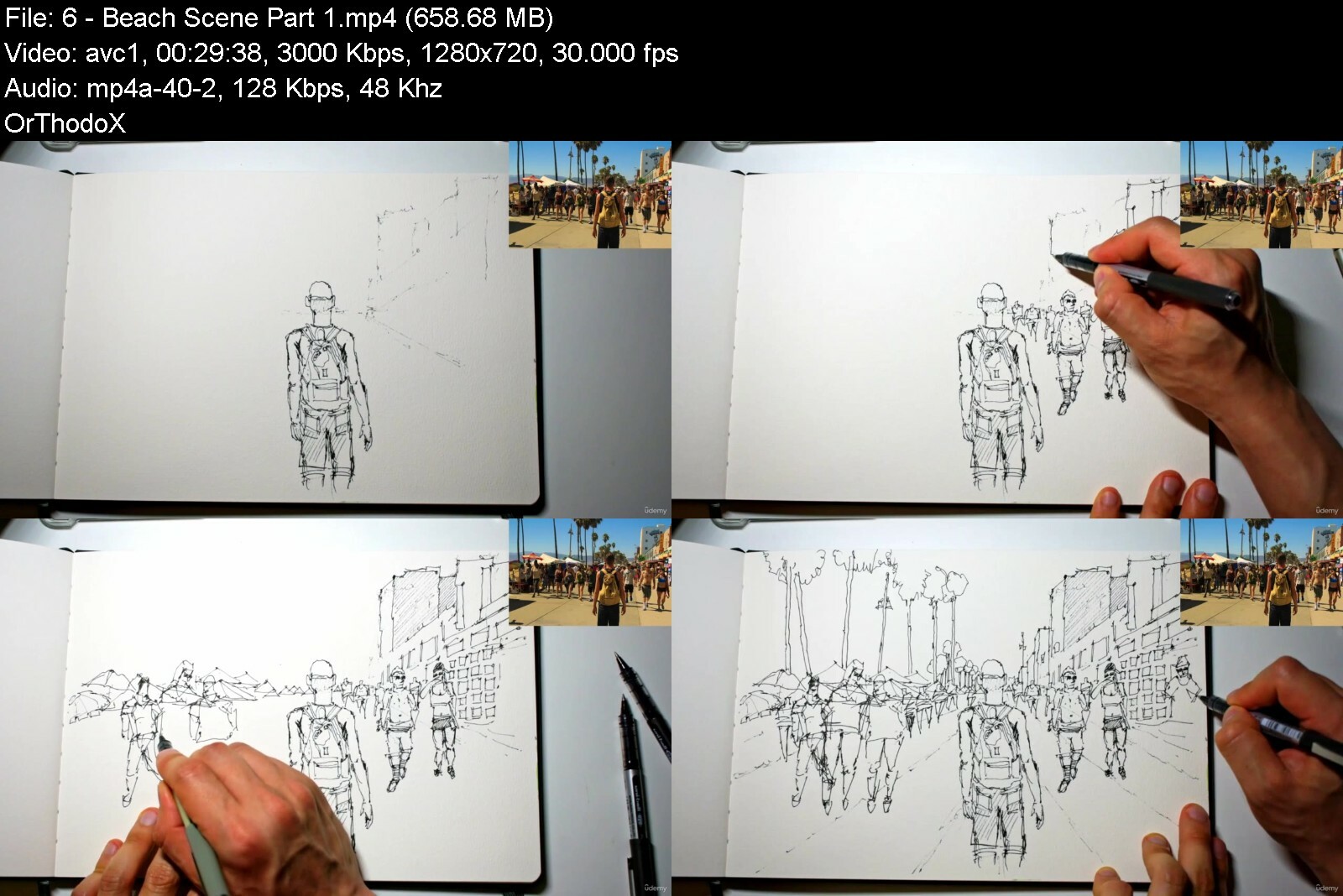

 
Zurück
Oben Unten