• Regeln für den Video-Bereich:

    In den Börsenbereich gehören nur Angebote die bereits den Allgemeinen Regeln entsprechen.

    Einteilung

    - Folgende Formate gehören in die angegeben Bereiche:
    - Filme: Encodierte Filme von BluRay, DVD, R5, TV, Screener sowie Telesyncs im Format DivX, XviD und x264.
    - DVD: Filme im Format DVD5, DVD9 und HD2DVD.
    - HD: Encodierte Filme mit der Auflösung 720p oder darüber von BluRay, DVD, R5, TV, Screener sowie Telesyncs im Format x264.
    - 3D: Encodierte Filme von BluRay, die in einem 3D Format vorliegen. Dies gilt auch für Dokus, Animation usw.
    - Serien: Cartoon/Zeichentrick, Anime, Tutorials, Dokumentationen, Konzerte/Musik, Sonstiges sind demnach in die entsprechenden Bereiche einzuordnen, auch wenn sie beispielsweise im High Definition-Format oder als DVD5/DVD9/HD2DVD vorliegen. Ausnahme 3D.
    - Bereich Englisch: Englische Releases gehören immer in diesen Bereich.
    - Bereich Talk: Der Bereich, in dem über die Releases diskutiert werden kann, darf, soll und erwünscht ist.


    Angebot/Beitrag erstellen

    - Ein Beitrag darf erst dann erstellt werden, wenn der Upload bei mindestens einem OCH komplett ist. Platzhalter sind untersagt.
    - Bei einem Scenerelease hat der Threadtitel ausschließlich aus dem originalen, unveränderten Releasenamen zu bestehen. Es dürfen keine Veränderungen wie z.B. Sterne, kleine Buchstaben o.ä. vorgenommen werden. Ausnahme Serienbörse:
    - Bei einem Sammelthread für eine Staffel entfällt aus dem Releasename natürlich der Name der Folge. Beispiel: Die Simpsons S21 German DVDRip XviD - ITG
    - Dementsprechend sind also u.a. verboten: Erweiterungen wie "Tipp", "empfehlenswert", "only", "reup", usw. / jegliche andere Zusatzinformation oder Ergänzung, welche nicht in obiger Beschreibung zu finden ist.

    Aufbau des Angebots und Threadtitel

    Der Titel nach folgendem Muster erstellt zu werden. <Name> [3D] [Staffel] [German] <Jahr> <Tonspur> [DL] [Auflösung] <Quelle> <Codec> - <Group>
    Beispiel: The Dark Knight German 2008 AC3 DVDRip XviD - iND
    Beispiel: The Dark Knight 2008 DTS DL BDRip x264 - iND
    Beispiel: The Dark Knight 2008 AC3 DL BDRip XviD - iND
    Beispiel: The Dark Knight German 2008 AC3 720p BluRay x264 iND
    Beispiel: The Dark Knight 2008 DTS DL 1080p BluRay x264 iND
    Beispiel: Die Simpsons S01 German AC3 DVDRip XviD iND
    Beispiel: Die Simpsons S20 German AC3 720p BluRay x264 iND
    Beispiel: Sword Art Online II Ger Sub 2014 AAC 1080p WEBRip x264 - peppermint
    Entsprechend sind also u.a. verboten: Sonderzeichen wie Klammern, Sterne, Ausrufezeichen, Unterstriche, Anführungszeichen / Erweiterungen wie "Tipp", "empfehlenswert", "only", "reup", usw. / jegliche andere Zusatzinformation oder Ergänzung, welche nicht in obiger Beschreibung zu finden ist
    Ausnahmen hiervon können in den Bereichen geregelt sein.

    Die Beiträge sollen wie folgt aufgebaut werden:
    Überschrift entspricht dem Threadtitel
    Cover
    kurze Inhaltsbeschreibung
    Format, Größe, Dauer sind gut lesbar für Downloader außerhalb des Spoilers zu vermerken
    Nfo sind immer Anzugeben und selbige immer im Spoiler in Textform.
    Sind keine Nfo vorhanden z.B. Eigenpublikationen, sind im Spoiler folgende Dateiinformationen zusätzlich anzugeben :
    Quelle
    Video (Auflösung und Bitrate)
    Ton (Sprache, Format und Bitrate der einzelnen Spuren)
    Untertitel (sofern vorhanden)
    Hosterangabe in Textform außerhalb eines Spoiler mit allen enthaltenen Hostern.
    Bei SD kann auf diese zusätzlichen Dateiinformationen verzichtet werden.

    Alle benötigten Passwörter sind, sofern vorhanden, in Textform im Angebot anzugeben.
    Spoiler im Spoiler mit Kommentaren :"Schon Bedankt?" sind unerwünscht.


    Releases

    - Sind Retail-Release verfügbar, sind alle anderen Variationen untersagt. Ausnahmen: Alle deutschen Retail-Release sind CUT, in diesem Fall sind dubbed UNCUT-Release zulässig.
    - Im Serien-Bereich gilt speziell: Wenn ein Retail vor Abschluss einer laufenden Staffel erscheint, darf diese Staffel noch zu Ende gebracht werden.62
    - Gleiche Releases sind unbedingt zusammenzufassen. Das bedeutet, es ist zwingend erforderlich, vor dem Erstellen eines Themas per Suchfunktion zu überprüfen, ob bereits ein Beitrag mit demselben Release besteht. Ist dies der Fall, ist der bereits vorhandene Beitrag zu verwenden.
    - P2P und Scene Releases dürfen nicht verändert oder gar unter einem iND Tag eingestellt werden.


    Support, Diskussionen und Suche

    - Supportanfragen sind entweder per PN oder im Bereich Talk zu stellen.
    - Diskussionen und Bewertungen sind im Talk Bereich zu führen. Fragen an die Uploader haben ausschließlich via PN zu erfolgen, und sind in den Angeboten untersagt.
    - Anfragen zu Upload-Wünschen sind nur im Bereich Suche Video erlaubt. Antworten dürfen nur auf Angebote von MyBoerse.bz verlinkt werden.


    Verbote

    - Untersagt sind mehrere Formate in einem einzigen Angebotsthread, wie beispielsweise das gleichzeitige Anbieten von DivX/XviD, 720p und 1080p in einem Thread. Pro Format, Release und Auflösung ist ein eigener Thread zu eröffnen.
    - Grundsätzlich ebenso verboten sind Dupes. Uploader haben sich an geeigneter Stelle darüber zu informieren, ob es sich bei einem Release um ein Dupe handelt.
    - Gefakte, nur teilweise lauffähige oder unvollständige Angebote sind untersagt. Dies gilt auch für eigene Publikationen, die augenscheinlich nicht selbst von z.B. einer DVD gerippt wurden. Laufende Serien, bei denen noch nicht alle Folgen verfügbar sind, dürfen erstellt und regelmäßig geupdatet werden.
    - Untersagt sind Angebote, welche nur und ausschließlich in einer anderen Sprache als deutsch oder englisch vorliegen. Ausnahmen sind VORHER mit den Moderatoren zu klären.


    Verstoß gegen die Regeln

    - Angebote oder Beiträge, die gegen die Forenregeln verstoßen, sind über den "Melden"-Button im Beitrag zu melden.
  • Bitte registriere dich zunächst um Beiträge zu verfassen und externe Links aufzurufen.

*** Bestes IPTV *** bester Preis *** gratis Test ***


Englische Tutorials

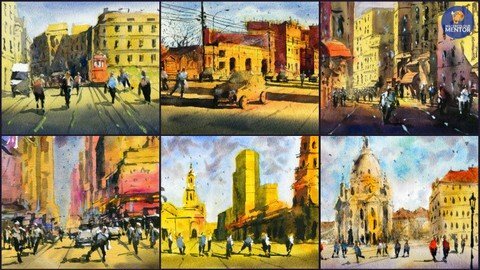
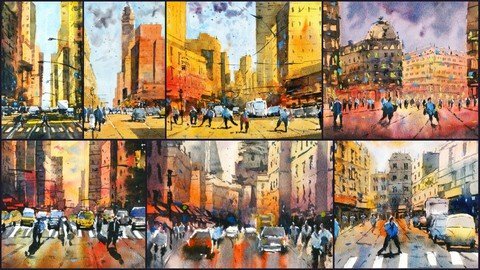
Paint Simple Street Scenes In Watercolor
zfzgyvopdy4ztna45fyhsffeoz.jpg


Paint Simple Street Scenes In Watercolor
Last updated 8/2022
MP4 | Video: h264, 1280x720 | Audio: AAC, 44.1 KHz
Language: English | Size: 11.61 GB | Duration: 9h 1m

Learn how to paint 6 different street scenes from around the world! BONUS: 1-hour London scene workshop included.


What you'll learn
How to create fresh and vibrant street landscapes by following a two-step layering process.
How to build your confidence in using strong and vibrant colors.
How to be deliberate in your brushstrokes and use of color.
How to place complementary colours next to one another to create stunning compositions.
How to reduce a photo or scene in front of you down to essentials and pick out elements and objects of focus.
Learn how you only need 2-3 layers in order to complete a watercolor painting.
How to use colour effectively to create areas of interest of portray the mood of a scene.
How to use tone, or light and dark areas to create depth and richness in your paintings.
How to plan and compose your painting through sketching in pencil

Requirements
No Prerequisites - view the materials required lecture for more information.

Description
Hi, I'm Darren from Watercolour Mentor. Welcome to "Paint Simple Street Scenes in Watercolor". In this class, you'll learn how to create fresh and vibrant street landscapes by following my two-step layering process. You'll build your confidence in using strong and vibrant colors to portray your subject. By learning to be deliberate in your brushstrokes and colors, you'll create some beautiful impressionistic street scenes that you can show off to your friends and family! BONUS - 1-hour London scene workshop included. This is a special demonstration that shows you how to paint a rainy day scene with reflections.Many beginners often paint too light, too dark, or in the same tone. This can lead to flat paintings that lack character. Colour selection also plays an important role. Using complementary colors, or more simply, warm/cool colors next to one another creates stunning compositions that demand attention!I'll be covering:What to keep in mind when painting street scenes - how to simplify figures, shadows, windows, doors, and facades. Sketching - how to reduce a photo or scene in front of you down to essentials and pick out elements and objects of focus.Layering - learn how you only need 2-3 layers in order to complete a watercolor painting.How to plan your painting - using a simple pencil sketch to guide your brushwork.How to use wet-in-wet and wet-on-dry technique to create softness and sharp detailsHow to use color effectively to create areas of interest or portray the mood of a scene.How to use tone, or light and dark areas to create depth and richness in your paintings.I'm excited to get started, so let's get painting!Course Project:For the course project, follow along with the sketching and painting demonstrations. There are 6 unique street scenes with a pencil sketching and watercolour painting component. It's important to complete the sketching exercises in each scene, as this provides you with an opportunity to practice composing your painting. This will increase your confidence in completing your painting and more importantly allow you to plan.If you have finished the 6 street scenes featured in this course, pick a royalty-free photograph or perhaps one of your own photographs of a favourite street. Using the process and techniques described in this class, create your own unique painting.Finally, upload your painting(s) to the Udemy discussion/Q&A! If you have questions or would like feedback on your work, let me know and I will get back to you.Note: Scanned images of my final paintings, as well as the original (royalty-free) reference photographs, are included in the 'Materials' lecture.
Overview
Section 1: Introduction and Materials
Lecture 1 Introduction
Lecture 2 Materials Required
Section 2: 'Paint-along' Demonstrations
Lecture 3 Manhattan Street Scene - Part 1
Lecture 4 Manhattan Street Scene - Part 2
Lecture 5 Melbourne Street Scene - Part 1
Lecture 6 Melbourne Street Scene - Part 2
Lecture 7 New York Street Scene - Part 1
Lecture 8 New York Street Scene - Part 2
Lecture 9 New York Traffic Scene - Part 1
Lecture 10 New York Traffic Scene - Part 2
Lecture 11 Paris Street Scene - Part 1
Lecture 12 Paris Street Scene - Part 2
Lecture 13 Vienna Night Scene - Part 1
Lecture 14 Vienna Night Scene - Part 2
Lecture 15 Class Project
Section 3: Bonus Workshop
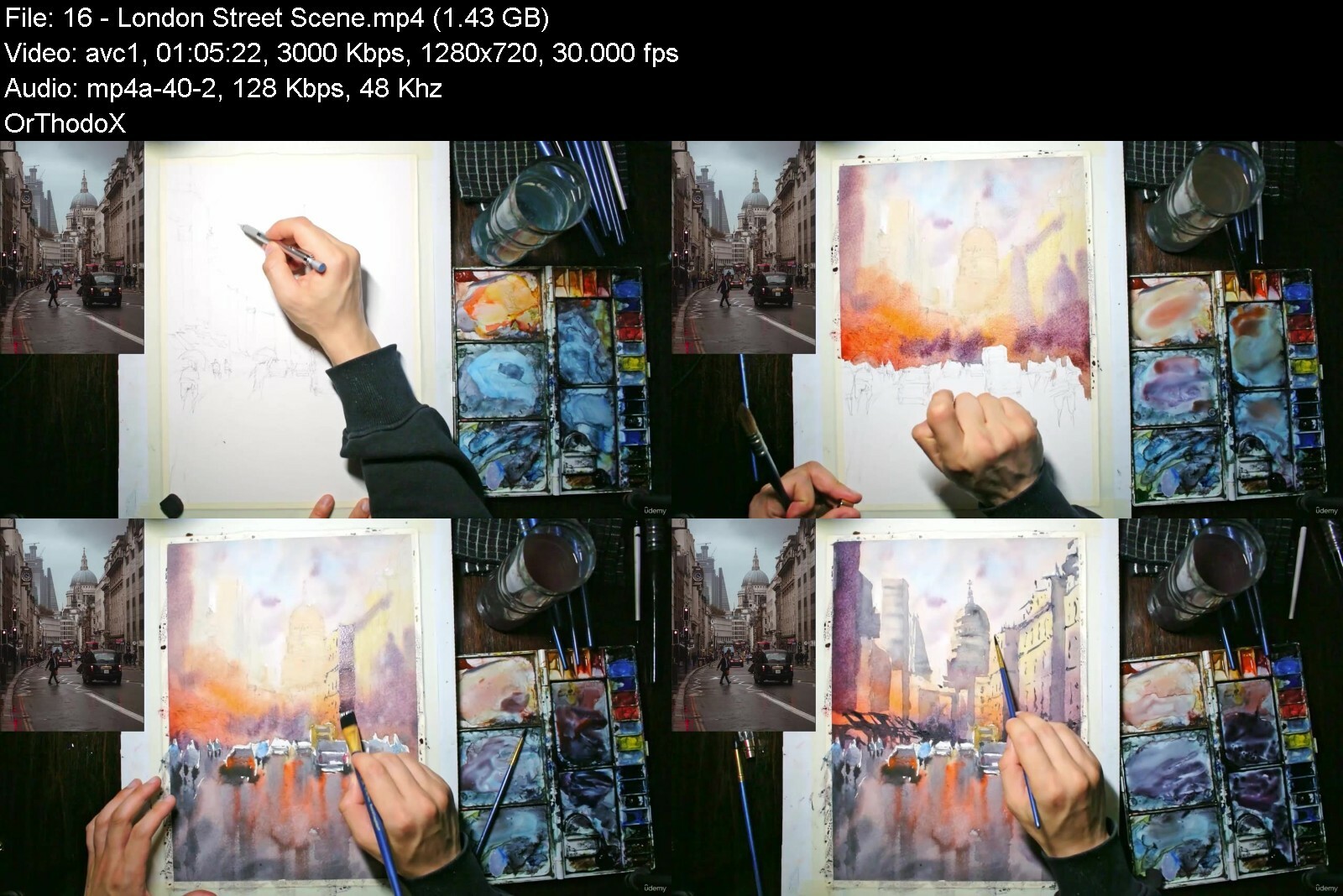
Lecture 16 London Street Scene
Students learning how to paint loosely in watercolors,Students aiming to loosen up their painting style,Students learning to paint buildings and street scenes,Beginner students in watercolor,Students learning how to paint


paintsimplestreetscenpti1v.jpg


Download from RapidGator


Download from DDownload



Watercolor Painting Essentials - Line And Wash Sketching

tpuqumyofksdfyxy34bstxbi6r.jpg


Watercolor Painting Essentials - Line And Wash Sketching
Last updated 10/2020
MP4 | Video: h264, 1280x720 | Audio: AAC, 44.1 KHz
Language: English | Size: 8.08 GB | Duration: 6h 13m

English


What you'll learn
Materials - what paints, paper, brushes and pens you will need.
A crucial series of 6 lessons on understanding 'values' and color - including practical exercises and demonstrations for you to follow along to.
Understanding light sources and how to paint realistic shadows.
How to sketch a subject in pencil and Ink easily by simplifying a landscape into basic shapes, and using a combination of loose and accurate drawing styles.
Hands-on lessons on essential watercolor techniques such as wet-in-wet and wet-on-dry, dry brush and paint 'flicking'.
How to paint clouds, water and land.
Using colour effectively in watercolour.
Over 6 hours of practical demonstrations and 'paint along' content

Requirements
No prerequisites - however ensure you check the 'materials' videos before starting.

Description
This Beach Landscape themed Watercolor Line and Wash Essentials course is designed for beginners with a desire to learn the essentials of Line and Wash Watercolor Painting. There is a beach theme to this class, however, the skills you will learn can be applied to all other watercolor landscapes.By the end of this class, you will have the confidence and skills to understand how to paint any beach landscape scene in half an hour or less!This course is designed for you to follow and paint alongside the demonstrations. It is encouraged for you to do so, as this will quickly strengthen your watercolor techniques by providing ample opportunities for practice. Each demonstration sketch is simple and tailored towards beginners. Draw these prior to painting.I take a different approach from other instructors and make a conscious effort to demonstrate every technique I discuss in the context of a small painting/sketch. So, in addition of 19 full-length demonstrations, there are also 10+ smaller demonstrations highlighting techniques such as sketching, wet-in-wet in the context of painting clouds, water, land and other beach landscape components.In this class, I will show you the FUN and EASY way to enter into the world of watercolors, and paint along to over 20 simple, yet beautiful Beach Landscape paintings.This comprehensive class contains over 20 landscape painting demonstrations! These are based on various beach landscape compositions from around the world. I will walk you through how to complete each painting step by step as you follow along!In this Watercolor Painting Line and Wash Essentials: Beach Landscapes course, I will cover basics such as:Materials - what paints, paper, brushes and pens you will need.The difference between different kinds of watercolor paper, and practical demonstrations showing comparisons of paper performance.A crucial series of 6 lessons on understanding 'values' and color - including practical exercises and demonstrations for you to follow along to.Understanding light sources and how to paint realistic shadows.How to sketch a subject easily by simplifying a landscape into basic shapes, and using a combination of loose and accurate drawing styles.Hands-on lessons on essential watercolor techniques such as wet-in-wet and wet-on-dry, dry brush and paint 'flicking'.How to paint clouds, water and land.Join me in the class and let's make learning watercolors fun and easy!
Overview
Section 1: Introduction & Materials Required
Lecture 1 Introduction
Lecture 2 Materials: Paint
Lecture 3 Materials: Paper
Lecture 4 Materials: Pens, Pencils & Brushes
Lecture 5 Materials: Other
Section 2: Watercolour Techniques & Sketching
Lecture 6 Sketching: Techniques and Demonstrations
Lecture 7 Watercolor Techniques: Introduction and Demonstrations
Lecture 8 Watercolor Techniques: Skies (Wet-in-Wet)
Lecture 9 Watercolor Techniques: Skies (Flat and Graduated Wash)
Lecture 10 Watercolor Techniques: Waves
Lecture 11 Watercolor Techniques: Waves and Shore
Lecture 12 Watercolor Techniques: Land (Wet-on-Dry)
Lecture 13 Watercolor Techniques: Figures & Shadows (Wet on Dry)
Section 3: Watercolour Theory: Values vs. Color - 'Paint Along' demonstrations.
Lecture 14 Values: Values vs. Colour Introduction
Lecture 15 Values: Monochrome Demonstration
Lecture 16 Values: Color Demonstration
Lecture 17 Values: Palm Beach Demonstration
Lecture 18 Values: Simple Beach Scene
Lecture 19 Values: Beach Night Landscape
Section 4: 'Paint Along' Full Demonstrations
Lecture 20 Paint Along 1: Simple Beach
Lecture 21 Paint Along 2: Figure on Beach
Lecture 22 Paint Along 3: Figures on Beach
Lecture 23 Paint Along 4: Loose Sky Beach
Lecture 24 Paint Along 5: Moody Lighthouse
Lecture 25 Paint Along 6: Lighthouse Sunny Day
Lecture 26 Paint Along 7: Beach Scene with Buildings
Lecture 27 Paint Along 8: Two Figures on Beach
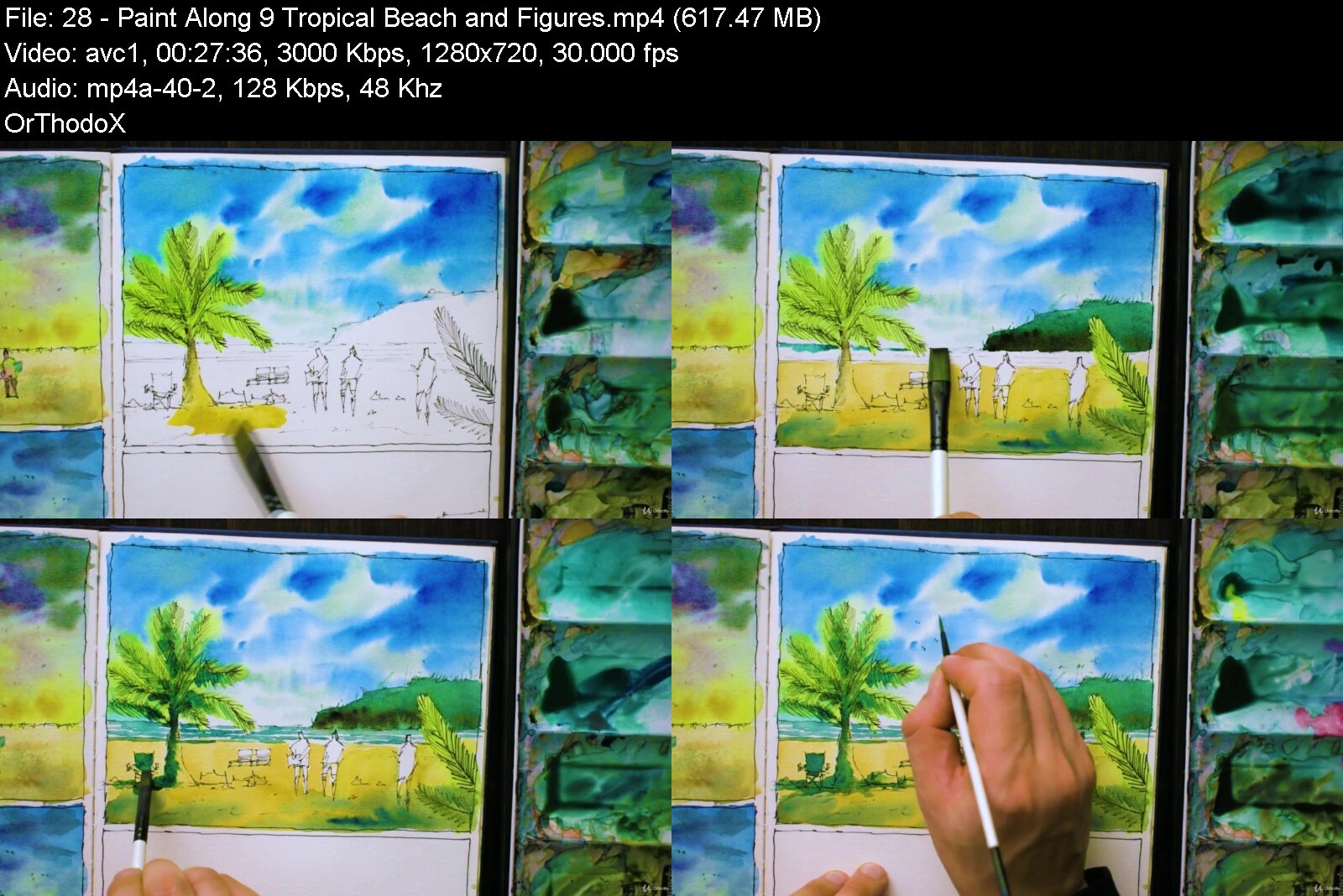
Lecture 28 Paint Along 9: Tropical Beach and Figures
Lecture 29 Paint Along 10: Ipanema Beach
Lecture 30 Paint Along 11: Figures on Beach + Umbrella
Lecture 31 Paint Along 12: Beach with Surfers
Lecture 32 Paint Along 13: Beach and Boats
Lecture 33 Paint Along 14: Beach Sunset
Beginner Students in Watercolour,Anyone with a desire to learn how to sketch and paint


watercolorpaintingessk0e27.jpg


Download from RapidGator


Download from DDownload



How To Paint Boat Landscapes: Watercolor Essentials

bpw8emhzkh5zckq7xba98ziiwa.jpg


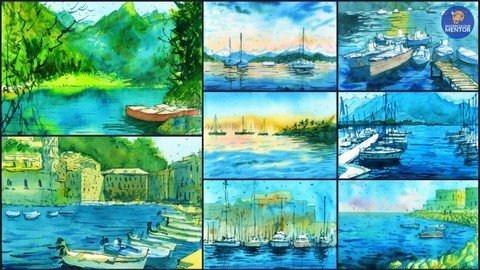
How To Paint Boat Landscapes: Watercolor Essentials
Last updated 8/2022
MP4 | Video: h264, 1280x720 | Audio: AAC, 44.1 KHz
Language: English | Size: 6.27 GB | Duration: 4h 54m

Paint 8 different boat scenes by learning essential watercolour techniques. BONUS: Short workshop with additional scene


What you'll learn
Essential watercolour techniques such as wet-in-wet and wet-in-dry
Simplifying any photograph into a loose drawing/painting
Paint various boat landscapes quickly and easily
How to loosen up your brushstrokes whilst maintaining detail
How to paint quickly and maintain vibrancy in your paintings
How to plan your scene through sketching and composition

Requirements
No prerequisites

Description
Welcome to "How to Paint Boat Landscapes: Watercolor Essentials"! In this course, I'm going to show you how to paint 8 different boat landscapes in watercolour. One of the things I struggled with as a beginner was learning how to loosen up my brushstrokes while preserving a sense of realism.BONUS: Short workshop with an additional boat scene. This workshop is located at the end of the main course lectures.This class will help you loosen up as well as go through some essential wet-on-wet watercolour techniques when painting boats, water, reflections and surrounding objects. This class is aimed at beginners to intermediate learners.We'll be painting a variety of simple boat and water landscapes that will build your confidence in understanding and applying various watercolour techniques and processes. We also go through composition and how to plan your painting, selecting colours and elements for the story you want to tell.You will need some watercolour paper, watercolour paints consisting of blue, yellow, red and green, a 3/4 inch and number 6 flat brush, and a number 4 round brush. What's included in this course:Essential watercolour techniques such as wet-in-wet and wet-in-drySimplifying any photograph into a loose drawing/paintingPaint various boat landscapes quickly and easilyHow to loosen up your brushstrokes whilst maintaining detailHow to paint quickly and maintain vibrancy in your paintingsHow to plan your scene through sketching and compositionI'm looking forward to sharing my knowledge with you, so join me in this class and you'll be producing some simple and beautiful paintings in no time!
Overview
Section 1: Introduction and Materials
Lecture 1 Introduction and Materials
Section 2: 'Paint-along' Demonstrations
Lecture 2 1 Lucerne Boats
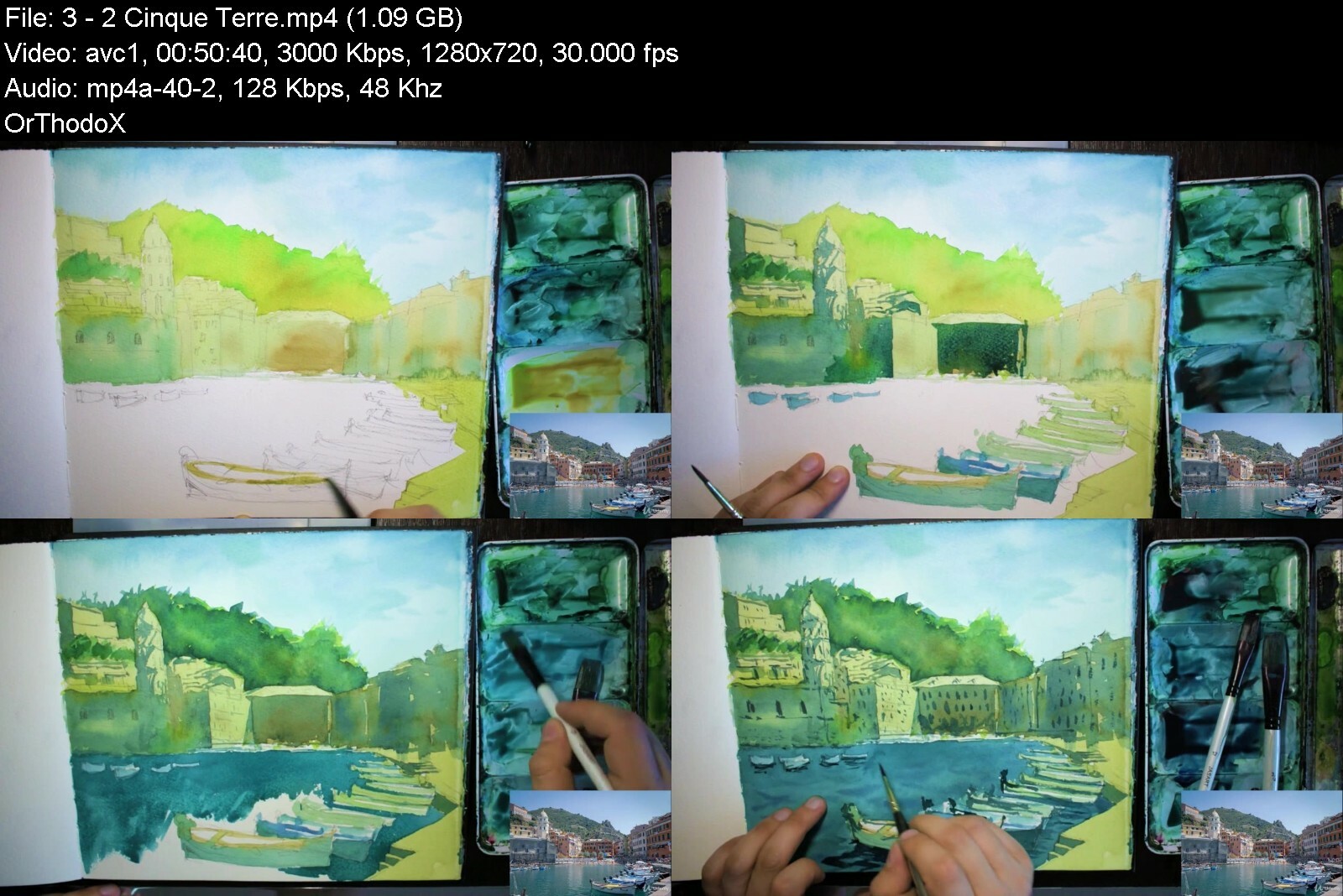
Lecture 3 2 Cinque Terre
Lecture 4 3 Nearby Boats and Jetty
Lecture 5 4 - Simple Boat Silhouettes
Lecture 6 5 - Mountains and Boats
Lecture 7 6 - Boats on Rocky Shore
Lecture 8 7 - Boats in Harbour
Lecture 9 8 - Boats and Buildings
Lecture 10 Class Project
Section 3: Bonus Workshop
Lecture 11 Boats on the water - Short Workshop
Beginner students in watercolour,Students aiming to loosen up their painting,Students learning boat and water landscapes in watercolour


howtopaintboatlandsca4df8f.jpg


Download from RapidGator


Download from DDownload



Practical Clickbank Affiliate Marketing.

0v7vrwb30joqpg0oliexk85cot.jpg


Practical Clickbank Affiliate Marketing.
Last updated 6/2021
MP4 | Video: h264, 1280x720 | Audio: AAC, 44.1 KHz
Language: English | Size: 8.02 GB | Duration: 17h 2m

All secrets reveled


What you'll learn
practical ways to promote affiliate (clickbank) products with free and paid traffic.
Web Hosting and Wordpress Website Design for Affiliate Marketing
Market research and Competitor Analysis
Search Engine Optimization (on page optimization and backlink creation techniques)
Email Marketing and Automation
Pre sale page Design Using Clickfunnel
Solo Ads and many more bonus lectures

Requirements
Basic knowledge to use computer
Ready to invest time in learning and applying method I teach
Continuous desire to learn and improve from mistakes.

Description
Anyone can make their living and beyond with affiliate marketing if applied right strategy. This course is just designed to provide with all the tools and techniques that you need to be successful in affiliate marketing. In this comprehensive 17-hour course I will cover all the topics that affiliate marketer use to generate 6 figure income.What makes this course unique?This is complete and comprehensive course that focuses on practical examples and hands on actual tools and traffic source for promoting your affiliate products.This course teaches you to get started with free traffic source and I will teach you everything about keyword research, content writing and SEO with special focus on promotion of affiliate products. Besides I will also teach you to get stated with free traffic source like YouTube and Quora to promote your clickbank products. So you will not only learn about affiliate marketing but also blogging in general.And if you have the budget, I will show you what are the available options for you to get started with paid traffic. I will not only cover what you need to do but also provide you with all the resources to get started.So many people get an affiliate link, try promoting it on Facebook and other social media sites, but make no money. This is because other courses will teach you only how to boost your Facebook ad without providing concrete details about what actually makes your Facebook ad work. In this course you will get guided steps from opening your Facebook business manager to how to avoid the Facebook ad shut downs. I have covered everything I have learned in my 5 years of promoting affiliate products and I know what actually makes profit making Facebook ad. ( Just check the sample video where I will show you how much I spent on Facebook ad to get the result)This is less power point presentation and more hands-on project type course so you will get to see me doing the actual work rather than sliding through power point presentation.IN This Course You Will Learn Following major topics:Clickbank Marketplace overview: In this section you will be familiarized with clickbank marketplace and I will teach you what type of products you should choose to promote.Website Setup: In this section I will teach you How to setup your website with wordpress and how to collect emails in your website.Clickbank Product Market Research: In this section I will show you how craft content to promote clickbank products and I will also show you how you can reverse engineer the method applied by fellow affiliates to generate regular passive income.Search Engine Optimization: Crafting quality content to promote you affiliate product is not enough if nobody sees it. In this section I will show you proven method to optimize your content to rank on the google search engine.Email Marketing: In this part of this course, you will learn about email marketing fundamentals and how to automate your campaign with email marketing.squeeze page and Funnel design: In this section you will learn how to design your custom squeeze page to land your visitors through your Facebook advertising or email marketing. You will learn to make quiz landing pages and email collection pages in this section.Tracking Your Conversion: In affiliate marketing data plays crucial role when you are investing in traffic source. Getting to know which traffic source has generated you maximum return helps you to utilize your time and investment in the right source that can generate you sales. In this section I will teach you how you can get started with clickmagick to start tracking your conversion.Solo Ads: For starters who do not have email list of targeted buyers and do not have enough amount to run facebook ads, solo ads can be alternative to collect leads and generate sales of high value products. In this section I will teach you how you can get started with solo ads and what things you should consider before buying solo ads.Facebook Ads: If you are really looking to get some serious result with some investment I highly recommend you to watch this section carefully before advertising any affiliate product in facebook. This is in depth 6 hours 9 minutes in depth tutorial about facebook ads strategy to run clickbank products. In this section I will teach you step by step things you should consider while running facebook ads so that you can get success with this platform. If done right this can be working model for you to make thousands of dollars with clickbank.INSTRUCTOR BACKGROUNDMy journey began in 2013 when I was a college and struggling to pay my college fees. that was the time when I realized that I should work online to make living out of it. I started my first business as freelance a web designer and developer.Soon I shifted my interest in digital marketing which became path to my financial freedom.Soon I turned from student who was not able to pay his college fees to making five figure a year with online marketing.As of today, I have created over 20 blogs on different niche that generate me over 20k $ a month.Today I specialize in web content creation, SEO, Google adwords, social media marketing and email marketing.I personally believe that success do not come overnight and you should be dedicated to invest time to learn with your mistakes.I share my own part of failure on the way and it was the dedication and love towards digital marketing that has brought me success..BONUSES INCLUDED* Free 50+ ads images and videos for promoting high converting clickbank products with Facebook ad.* Free sample of ad copy that has generated me thousands of dollars.* Free HTML Landing pages template.* Free Clickfunnel Landing Pages Template.MONEY-BACK GUARANTEEThis affiliate marketing course comes with an unconditional, Udemy-backed, 30-day money-back guarantee. This is not just a guarantee, it's my personal promise to you that I will go out of my way to help you succeed in affiliate marketing just like I've done for thousands of my other students.Invest in your future. Enroll now.Who this course is for:If you want to be your own boss, start a business and reach great potential, this is the perfect place to startPeople who want to earn with affiliate marketingPeople who want to learn about promoting affiliate products with their website.People who want to learn about email marketing, sales tracking, funnel design and facebook marketing
Overview
Section 1: Clickbank Marketplace Overview
Lecture 1 Introduction
Section 2: Clickbank Marketplace Overview
Lecture 2 Opening Your First Clickbank Account
Lecture 3 getting started with clickbank marketplace overview
Lecture 4 clickbank marketplace overview part 2; browsing through different niche
Lecture 5 what different stats mean in clickbank
Lecture 6 clickbank affiliate program product example 1 make money online niche
Lecture 7 high converting cb affiliate product example 2 (health and fitness niche)
Lecture 8 clickbank product example 3. Red Tea Detox.(health niche)
Lecture 9 high converting clickbank product example 4 (singing niche).
Section 3: module 2 website setup
Lecture 10 website introduction and choosing right domain
Lecture 11 website setup with hostgator
Lecture 12 essential plugins installation
Lecture 13 astra theme installation on your website
Lecture 14 Creating your first blogpost
Lecture 15 Creating category of your post
Lecture 16 creating website menu
Lecture 17 creation affiliate disclosure page
Lecture 18 introduction to widgets
Lecture 19 Bonus: how to collect email in your website part
Lecture 20 thriveleads shortcode and collecting emails through blogspot
Lecture 21 Wordpress user profile customization
Section 4: module 3: Clickbank products Market research
Lecture 22 Examples of what we are trying to create
Lecture 23 Keyword Tools I recommend to Use
Lecture 24 3.3 Getting Started With Clickbank Method
Lecture 25 Finding Keyword TO Write Content
Lecture 26 how to leverage keyword ideas from best and free keyword research tool
Lecture 27 How to do competitor analysis and reverse engineer their methods
Lecture 28 creating your review article
Lecture 29 creating how to article for clickbank products
Lecture 30 ranking your article with 1 vs 1 review method
Section 5: Search Engine optimization
Lecture 31 Introduction to seo
Lecture 32 webpage speed
Lecture 33 content relevance ranking method
Lecture 34 onpage seo optimization
Lecture 35 outbound links and interlinks
Lecture 36 backlinks introduction
Lecture 37 method 1: blog comment
Lecture 38 method 2: quora link building method
Lecture 39 social signals
Lecture 40 backlink stage 2 introduction
Lecture 41 Guest Posting Method
Lecture 42 Important: Anchor Text
Section 6: Bonus Section 1: Email Marketing
Lecture 43 introduction to email marketing
Lecture 44 Adding custom Email Address To Getresponse Account
Lecture 45 Creating List In Getresponse
Lecture 46 creating simple newsletter
Lecture 47 email marketing automation
Section 7: Bonus Section 2: clickfunnels
Lecture 48 clickfunnels intro 1 opening your first clickfunnel account
Lecture 49 building squeeze page with clickfunnel (hip flexors landing page)
Lecture 50 clickfunnel email api integration
Lecture 51 building email optin page with clickfunnel
Lecture 52 building clickfunnel thank you page
Lecture 53 clickfunnel split testing
Lecture 54 building a real automation campaign to promote high converting cb product
Section 8: Bonus Section 3: Tracking your conversions with clickmagick
Lecture 55 introduction to clickmagick
Lecture 56 setting up your clickmagick tracking link
Lecture 57 updating the tracking link
Lecture 58 updating welcome message link
Lecture 59 testing your funnel with clickmagick
Lecture 60 resetting the stats in clickmagick
Section 9: Bonus Section 4: Solo Ads
Lecture 61 solo ads introduction
Lecture 62 How To Write Solo Ads Swipe
Lecture 63 How to Look Up For Good Solo Ads Seller
Lecture 64 How To Buy Your First Solo Ad
Lecture 65 How To Check Your Stats In Udimi
Section 10: Facebook Ads
Lecture 66 Getting Started with paid ads
Lecture 67 Setting up Facebook Business Manager And Facebook Page
Lecture 68 Understanding The Ad Metrices
Lecture 69 What Actually Makes A Million Dollar Facebook Ad
Lecture 70 Warmings Up Your Ad Accounts
Lecture 71 How to Outsource Facebook Ad Creatives
Lecture 72 Different type Of Landing Pages
Lecture 73 Setting up Your HTML Lander Page
Lecture 74 setting up volumn for tracking
Lecture 75 Setting up custom Facebook pixel
Lecture 76 survival niche (Water Freedom) complete campaign setup from scratch
Lecture 77 Setting Up Your First adset
Lecture 78 Setting Up Your First Facebook Ad
Lecture 79 creating custom look alike audiences
Lecture 80 scaling your Facebook ads part 1
Lecture 81 Scaling Your Ads Part 2
Lecture 82 Let's Look inside a successful campaign
Lecture 83 How to spy on other's ads.
Lecture 84 Dealing with Facebook ad account shut down
Lecture 85 How To Approach The Product Vendors In The Right Way
affiliate marketing beginners who are not able to make sales,digital marketing students,bloggers,anyone who want to make money online with practical methods


practicalclickbankaffmndni.jpg


Download from RapidGator


Download from DDownload


Painting Architecture In Watercolor: Complex To Simple

gflofxa28qiepsgkduxfom9ese.jpg


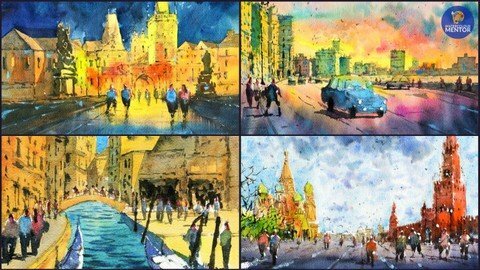
Painting Architecture In Watercolor: Complex To Simple
Last updated 6/2021
MP4 | Video: h264, 1280x720 | Audio: AAC, 44.1 KHz
Language: English | Size: 5.12 GB | Duration: 3h 55m

Learn How to Paint 4 Classic Architectural Landscapes In Watercolor


What you'll learn
How to paint complex architectural landscapes in watercolor from a photograph. I'll show you how to reduce a scene down to essentials and pick out elements and objects of focus.
Layering - learn how you only need 2-3 layers in order to complete a watercolor painting.
How to use colour effectively to create areas of interest to portray the mood of a scene.
How to use tone, or light and dark areas to create depth and richness in your paintings.

Requirements
No Prerequisites

Description
Hi, I'm Darren from Watercolour Mentor. In this class, you'll learn how to transform complex architectural reference photos into loose and simplified watercolour paintings. This class will challenge you to develop your drawing and painting skills together, and I will show you my two step process to paint any landscape.There are 4 fully narrated demonstrations for you to paint along to. By the end of this course, you'll feel more confident in understanding how to paint complex landscapes with buildings, figures, trees, water and much more.I'll be covering:How to paint complex architectural landscapes in watercolor from a photograph. I'll show you how to reduce a scene down to essentials and pick out elements and objects of focus.Layering - learn how you only need 2-3 layers in order to complete a watercolor painting.How to use colour effectively to create areas of interest to portray the mood of a scene.How to use tone, or light and dark areas to create depth and richness in your paintings.Note: Scanned images of my final paintings, as well as the original (royalty free) reference photographs and drawing/tracing stencils are included under the 'Materials Required' section.Course Project:For the course project, follow along to the painting demonstrations. There are 4 unique landscapes with step-by-step narration. I've included the original reference photographs in this course as well as some simplified stencils for your convenience if you are looking to trace the scenes or would like a simplified reference picture to draw from. I recommend you try drawing each scene freehand, as this will build your drawing skills, and allow you to compose and alter elements to make unique to yourself.If you have finished the 4 demonstrations featured in this course, pick a royalty free photograph or perhaps one of your own photograph of a landscape. Using the process and techniques described in this course, create your own unique painting.Finally, upload your painting(s) in the discussions/Q&A section on Udemy! If you have questions or would like feedback on your work, let me know and I will get back to you.
Overview
Section 1: Introduction and Materials
Lecture 1 Introduction
Lecture 2 Materials Required
Section 2: 'Paint-along' Demonstrations
Lecture 3 Moscow - Light Areas
Lecture 4 Moscow - Details and Figures
Lecture 5 Havana - Light Areas
Lecture 6 Havana - Darks and Details
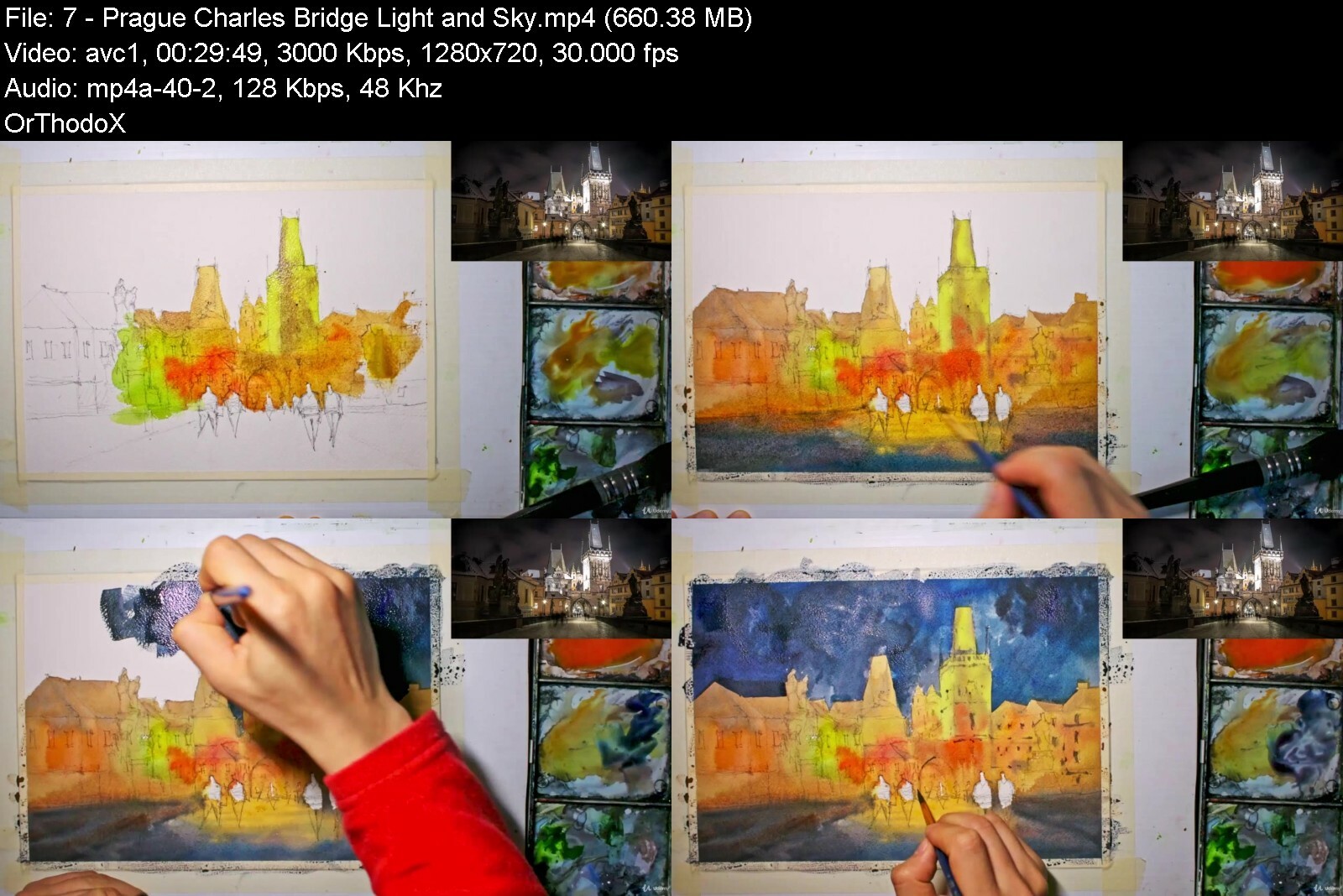
Lecture 7 Prague, Charles Bridge - Light and Sky
Lecture 8 Prague, Charles Bridge - Details
Lecture 9 Venice - Light Areas
Lecture 10 Venice - Details and Figures
Lecture 11 Course Project
Students learning to paint buildings, architecture and street scenes,Beginner watercolor students,Students learning how to paint,Students seeking to loosen up their painting style


paintingarchitectureimjfos.jpg


Download from RapidGator


Download from DDownload

 
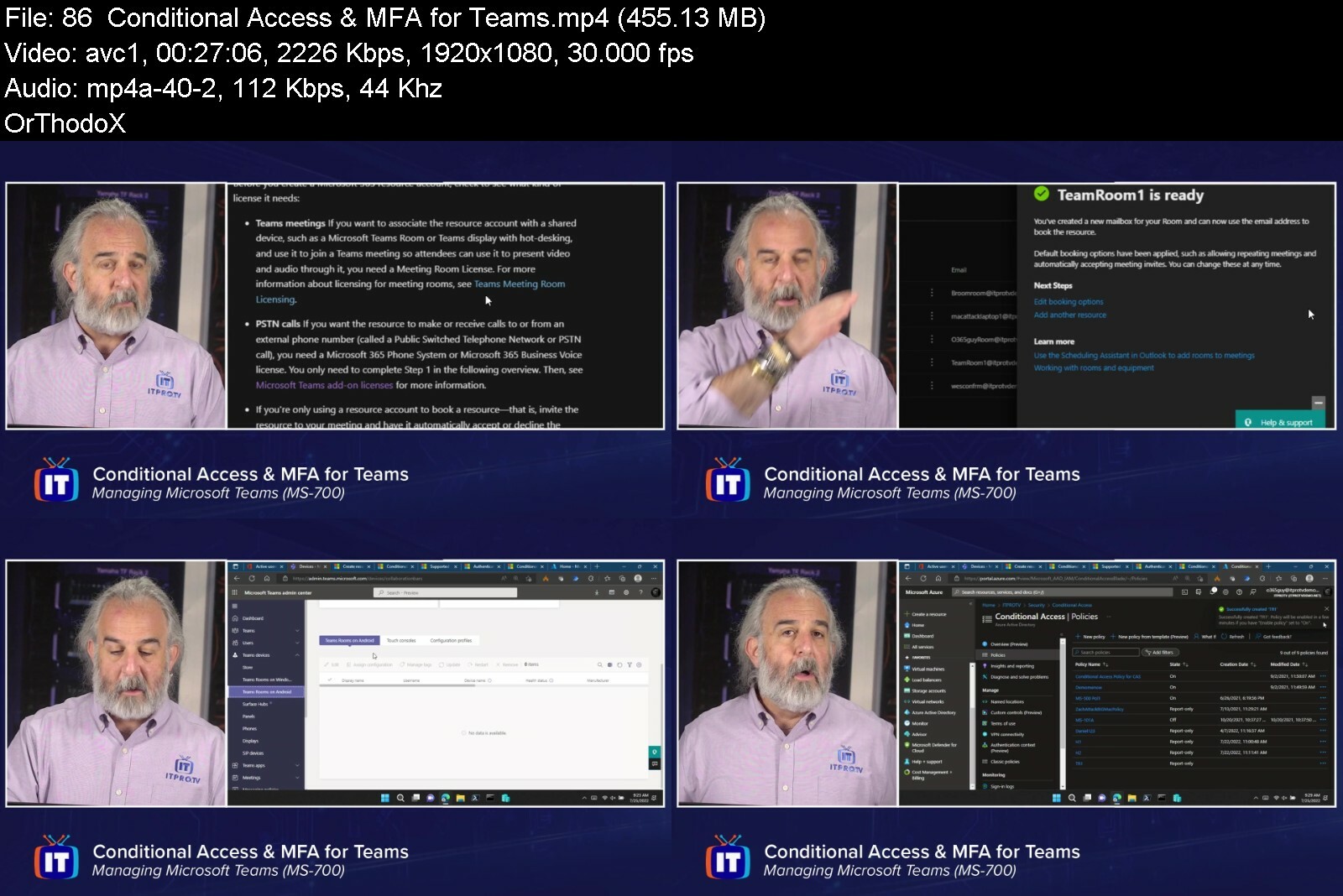
ITProTV - Managing Microsoft Teams (MS-700)

97b8581603624cd8a426d6wcss.png


ITProTV - Managing Microsoft Teams (MS-700)
Released 08/2022
MP4 | Video: h264, 1920x1080 | Audio: AAC, 44.1 KHz, 2 Ch
Genre: eLearning | Language: English | Duration: 93 Lessons (31h 3m) | Size: 14.5 GB


Managing Microsoft Teams

The Managing Microsoft Teams course is designed for Microsoft Teams Administrators who take part in evaluating, planning, deploying, and managing Microsoft Teams. Microsoft Teams is an integrated communication and collaboration solution for enabling all of your users to create and share content, as well as schedule meetings and interact with each other. The Teams Administrator must be able to plan, deploy, and manage Teams chat, apps, channels, meetings, audio conferencing, live events, and calling. The Teams Administrator is also responsible for upgrading from Skype for Business to Teams.


managingmicrosoftteamlscox.jpg


Download from RapidGator


Download from DDownload


Light And Shadows In Watercolor: Paint 6 Different Scenes

n6jrnyjlptil77r218enaydd9f.jpg


Light And Shadows In Watercolor: Paint 6 Different Scenes
Last updated 6/2021
MP4 | Video: h264, 1280x720 | Audio: AAC, 44.1 KHz
Language: English | Size: 5.44 GB | Duration: 4h 13m

Learn the easy way to paint light and shadows using a special two-step method - paint the light first, shadows after.


What you'll learn
How to simplify down a reference photograph and add light and shadows. I'll show you how to create areas of interest by contrasting light and darkness next to each other. This will put you out of your comfort zone at times, but once both elements are together, you will see how essential it is to create contrast such as these in your painting to create convincing light effects.
Layering - watercolor painting is meant to be fun and quick. Learn how you only need 2-3 layers in order to complete a watercolor painting. I'll show you how to paint the light in one layer, and the shadows in the second layer.
How to use colour effectively to create areas of interest to portray the mood of a scene. Layering a cool coloured shadow over the top of a warm coloured area can have spectacular effects.
How to use tone, or light and dark areas to create depth and richness in your paintings. I will show you how to paint different kinds of shadows from smaller ones cast by objects and people to larger ones cast by buildings. The tone of the shadow is also crucial as some shadows are lighter than others in a painting, and it is important to have a combination of these in a painting.

Requirements
No Prerequisites

Description
Hi, I'm Darren from Watercolour Mentor. You'll learn how to paint convincing light and shadows in this course to create strong contrasts and realistic paintings. Understanding tone and how to add shadows from a light source is one of the most challenging aspects of watercolor. It's amazing how you can 'create' light in your paintings by simply adding a few shadows. I'll show you how to do this quickly and easily with only a few brush strokes. Obtaining the right darkness of paint is important too when painting shadows as some shadows are softer and lighter, while others are darker and sharper. I'll show you how to paint shadows for different situations. This class will challenge you to take risks and add in contrasting tones and brushstrokes which are essential for your progression in this medium.I will show you my simplified two-step process in painting any landscape scene with light and shadows. There are 6 fully narrated demonstrations for you to paint along to. By the end of this class, you'll feel more confident in understanding how to simplify and paint complex landscapes and make that light pop out from the page.I'll be covering:How to simplify down a reference photograph and add light and shadows. I'll show you how to create areas of interest by contrasting light and darkness next to each other. This will put you out of your comfort zone at times, but once both elements are together, you will see how essential it is to create contrast such as these in your painting to create convincing light effects.Layering - watercolor painting is meant to be fun and quick. Learn how you only need 2-3 layers to complete a watercolor painting. I'll show you how to paint the light in one layer, and the shadows in the second layer.How to use color effectively to create areas of interest to portray the mood of a scene. Layering a cool-colored shadow over the top of a warm-colored area can have spectacular effects.How to use tone, or light and dark areas to create depth and richness in your paintings. I will show you how to paint different kinds of shadows from smaller ones cast by objects and people to larger ones cast by buildings. The tone of the shadow is also crucial as some shadows are lighter than others in a painting, and it is important to have a combination of these in a painting.I'm excited to get started, so let's get painting!Course Project:For the course project, follow along to the painting demonstrations. There are 6 unique landscapes with step-by-step narration. I've included the original reference photographs in this class as well as some simplified stencils for your convenience if you are looking to trace the scenes or would like a simplified reference picture to draw from. I recommend you try drawing each scene freehand, as this will build your drawing skills, and allow you to compose and alter elements to make a unique scene. When painting, focus on the obvious areas of light and darkness in the reference photo. It is important to choose a light source, and sometimes this means changing the direction of light from your reference photo. If you are unsure, have a look at my uploaded paintings for hints on shadow placement and directionIf you have finished the 6 demonstrations featured in this course, pick a royalty-free photograph or perhaps one of your own photographs of a landscape. Using the process and techniques described in this course, create your own unique painting.Finally, upload your painting(s)! If you have questions or would like feedback on your work, let me know and I will get back to you.Note: Scanned images of my final paintings, tracing stencils, and the original (royalty-free) reference photographs are included in the materials lecture in this course.
Overview
Section 1: Introduction
Lecture 1 Introduction
Lecture 2 Materials Required
Section 2: 'Paint-along' Demonstrations
Lecture 3 Dresden - Subtle Shadows 1
Lecture 4 Dresden - Subtle Shadows 2
Lecture 5 New York, Manhattan - Colour and Shadows 1
Lecture 6 New York, Manhattan - Colour and Shadows 2
Lecture 7 Street Scene - Sharp and Soft Shadows 1
Lecture 8 Street Scene - Sharp and Soft Shadows 2
Lecture 9 Turkey - Complex Shadows on Buildings 1
Lecture 10 Turkey - Complex Shadows on Buildings 2
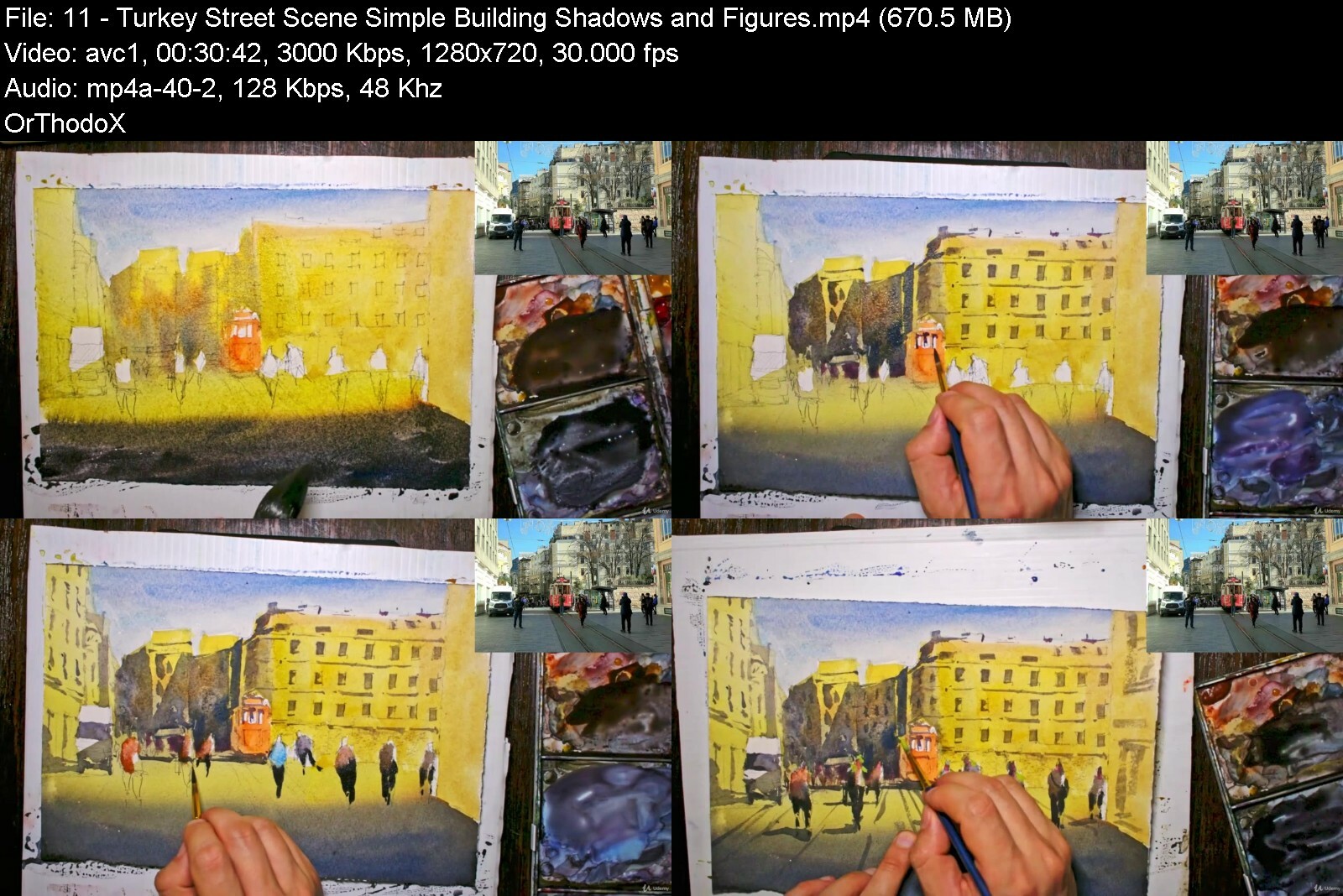
Lecture 11 Turkey Street Scene - Simple Building Shadows and Figures
Lecture 12 Santiago - Simple Building Shadows and Figures
Lecture 13 Course Project
Beginner students learning watercolor,How to sketch in watercolors,Students looking to learn watercolor techniques,Beginner painters,Beginner students in watercolor,Students seeking to learning landscape painting


lightandshadowsinwatee1c5o.jpg


Download from RapidGator


Download from DDownload


 
Complete Woocommerce Crash Course For Absolute Beginners

aiesd7sol9wsz8djaso0eageql.jpg


Complete Woocommerce Crash Course For Absolute Beginners
Published 9/2022
MP4 | Video: h264, 1280x720 | Audio: AAC, 44.1 KHz
Language: English | Size: 5.20 GB | Duration: 9h 1m

Build a Fully Functional E-commerce website on your own


What you'll learn
You will learn to install woo-commerce correctly and configure is settings in detail
You will be able to add, edit and delete all 4 kinds of products.
You will learn to configure Custom as well as Country wise tax settings and set up shipping zones and classess
You will be able to integrate payment gateways (PayPal & Razorpay)
You will be able to custom Design and Develop pages using Elementor pro
You will be building a Complete e-commerce website from Scratch

Requirements
No coding knowledge needed.
Laptop/PC with normal Internet connection to watch and practice the course content.

Description
Are you a student who is getting started with your career or a working professional looking forward to enhancing your skillset? a commerce business owner who would like to take their business online or a digital marketer who would like to enhance their ability to manage shopping ads more efficiently and charge a premium to their client? Then this course will make you ready for the next steps of your career in a skilled manner. On the basis of this knowledge, you can efficiently design, develop and manage e-commerce websites for yourself or your clients. And the best part is you will be developing a project from scratch alongside step by step leaving no room for any doubts.wondering why woo-commerce for e-commerce? Because Woo-commerce is an Open-source backed with countless themes and Truly unrestricted customizations leaving Imagination as a limit. Woo-commerce includes all the required features for commerce businesses to carry out the development as well as client-user process Flexibly. You name a feature and you can customize it on woo-commerce. In addition to that, its secure payment gateway makes it the best e-commerce platform to use. Therefore in this course, you will be learning from installing and setting up a theme, Adding all kinds of products(in unlimited quantity), and configuring the settings, taxes, shipping zones, and payment gateways. Enough for you to get started with taking e-commerce projects and confidently enhancing as per the requirements. You will also learn to customize the design of the website using Elementor Pro, therefore, covering not only the functionality aspect of the website but also the design aspect.So what are you waiting for? Enroll now and get started with your journey of e-commerce website development.
Overview
Section 1: Introduction
Lecture 1 Introduction to the course
Lecture 2 How to Get Technical Support 24/7
Lecture 3 How to claim FREE Welcome Gifts of worth $250USD
Section 2: Fundamentals of woo-commerce
Lecture 4 Woo-commerce installation and getting started.
Lecture 5 Simple Product ( Add/edit/delete)
Lecture 6 Grouped Product ( Add/edit/delete)
Lecture 7 Variable Product ( Add/edit/delete )
Lecture 8 Affiliate Product ( Add/edit/delete )
Lecture 9 Understand Woo-commerce settings
Lecture 10 Learn to configure custom Tax in Woo-commerce
Lecture 11 Setup Indian GST in Woo-Commerce
Lecture 12 How to configure Shipping zones and classes
Lecture 13 PayPal payment gateway integration
Lecture 14 Razorpay payment gateway integration
Section 3: Woo-commerce Customizations with Elementor Pro
Lecture 15 Introduction to Woo-commerce customizations
Lecture 16 Import sample products with Images
Lecture 17 Design a Custom Archive Page using Elementor pro
Lecture 18 Design a Single Product Page Template
Section 4: Project - Design & Develop wordpress Ecommerce website
Lecture 19 E-commerce Project Overview
Lecture 20 Set-up server plugins and Dummy Products
Lecture 21 Let's create Menu, Header & Footer
Lecture 22 Build a Homepage
Lecture 23 Create a Shop page
Lecture 24 Create a Category Archive Page
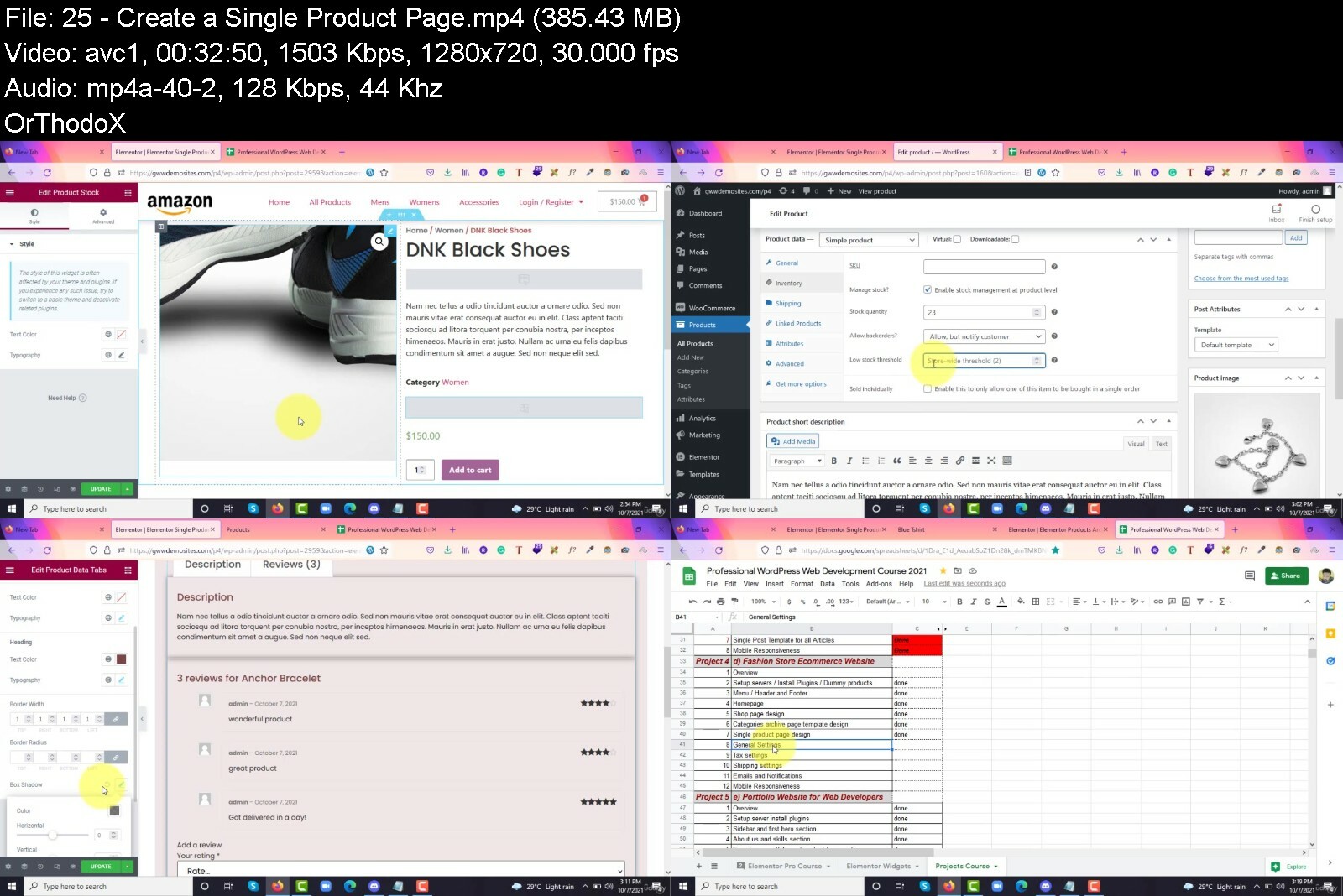
Lecture 25 Create a Single Product Page
Lecture 26 Let's Configure General Settings
Lecture 27 Create a Cart, Checkout and Account Page
Lecture 28 Adjusting Pages according to Astra Theme
Lecture 29 Let's Configure Shipping Settings
Lecture 30 Configure Tax Settings
Lecture 31 Setting up Emails and Notifications
Lecture 32 Let's now Integrate Payment gateways
Lecture 33 Make our E-commerce website Mobile Responsive
Anyone who wants to learn E-commerce website development,Persons who wants to start their commerce business online,Freshers seeking to get started with their career,Existing Web developers who wants to Enhance their Skill set,Other working professional who wants to their their career,Digital marketers who wants to learn Website development and charge premium to their clients


completewoocommercecruqid7.jpg


Download from RapidGator


Download from DDownload

 
Music Production - Sound Design In Ableton Live

yuok7doe94di3ftjucxjhxhcl7.jpg


Music Production - Sound Design In Ableton Live
Last updated 8/2022
MP4 | Video: h264, 1280x720 | Audio: AAC, 44.1 KHz
Language: English | Size: 5.19 GB | Duration: 7h 18m

Learn About Sound Design And Audio Processing Effects In Ableton Live.


What you'll learn
Learn About Sound Design.
Learn About Ableton
Learn About Serum
Learn About Synthesis.

Requirements
Ableton - or at least download the trial from the website

Description
Ever been interested in designing your own bass sounds?Learn about fascinating bass processing techniquesInclude Audio Effect Racks and PresetsIncludes TemplatesEnjoy and relax as Omar teaches you the secrets of music production.Omar Meho is a resident DJ in Ibiza, he has played in front of 12,500 people at a festival, recorded mixes for the BBC he will teach you how he has made over 200 tracks in the past 8 months as a producer. He runs his own record label and has signed his successful E.P's and Albums to over 10 record labels in that time. Having plays on BBC Radio 1 and support from some of the world's top DJ's and producers including Marco Carola, Adam Beyer, Guti, Chris Stussy, East End Dubs & more. Boost Your Music Production Skillset.Broaden Your Knowledge.Expand Your Musical Network.Enjoy Expert Tuition! 5-Star Reviews 1. RandyOmar has a lot of experience as a DJ and a good understanding of the music business side of things. He's helpful in any regard and is practical when explaining ideas. Overall great session.2. BrettOmar knows his stuff - both as a DJ and producer!3. HarryOmar changed the way i see ableton. Big recommends for anyone looking to expand their profile, up their work flow or master ableton! Big up4. SamOmar was incredibly inspiring and helpful. I'm looking forward to continuing to progress towards a career in music with his direction.5. JamieA truly experienced professional in the music industry, knowledgeable in all areas from production to marketing and distribution. Each lesson I take away valuable information and advice that accelerates my career. Thank you Omar6. KyleOmar is an very experienced and well rounded DJ, with knowledge of a wide variety of genres. He has massively improved my mixing within a matter of weeks. Furthermore, I look forward to his coaching regarding music production and self promotion in the future. Overall, I have come on leaps and bounds under his guidance.7. DavidOmar is very knowledgeable about music production. More importantly he knows how to save a lot of time and time saves money and that's a good thing. You'll make his fees back because you'll be able to produce much faster. Save your time and your money with Omar.8. ShannonOmar is a trustworthy tutor He taught me how to DJ from scratch and I now play on the radio He is an expert and very professional9. YasminOmar is a trustworthy tutor as he is always on time and very patient with his clients, he helped me start up on my producing and getting to grips with the software I use as well as some important tips and tricks.10. NicoleOmar is a fantastic tutor, a passionate dj who taught me how to start up on my decks, transitions and bpm through to producing my own records and signing to record labels. I recommend him 100%.Learn to become an expert with Music Production .Go ahead and click the enrol button, and I'll see you in lesson 1!Thank you,Omar.
Overview
Section 1: Introduction
Lecture 1 Bass Design - Recreating Jay Lumen Bass
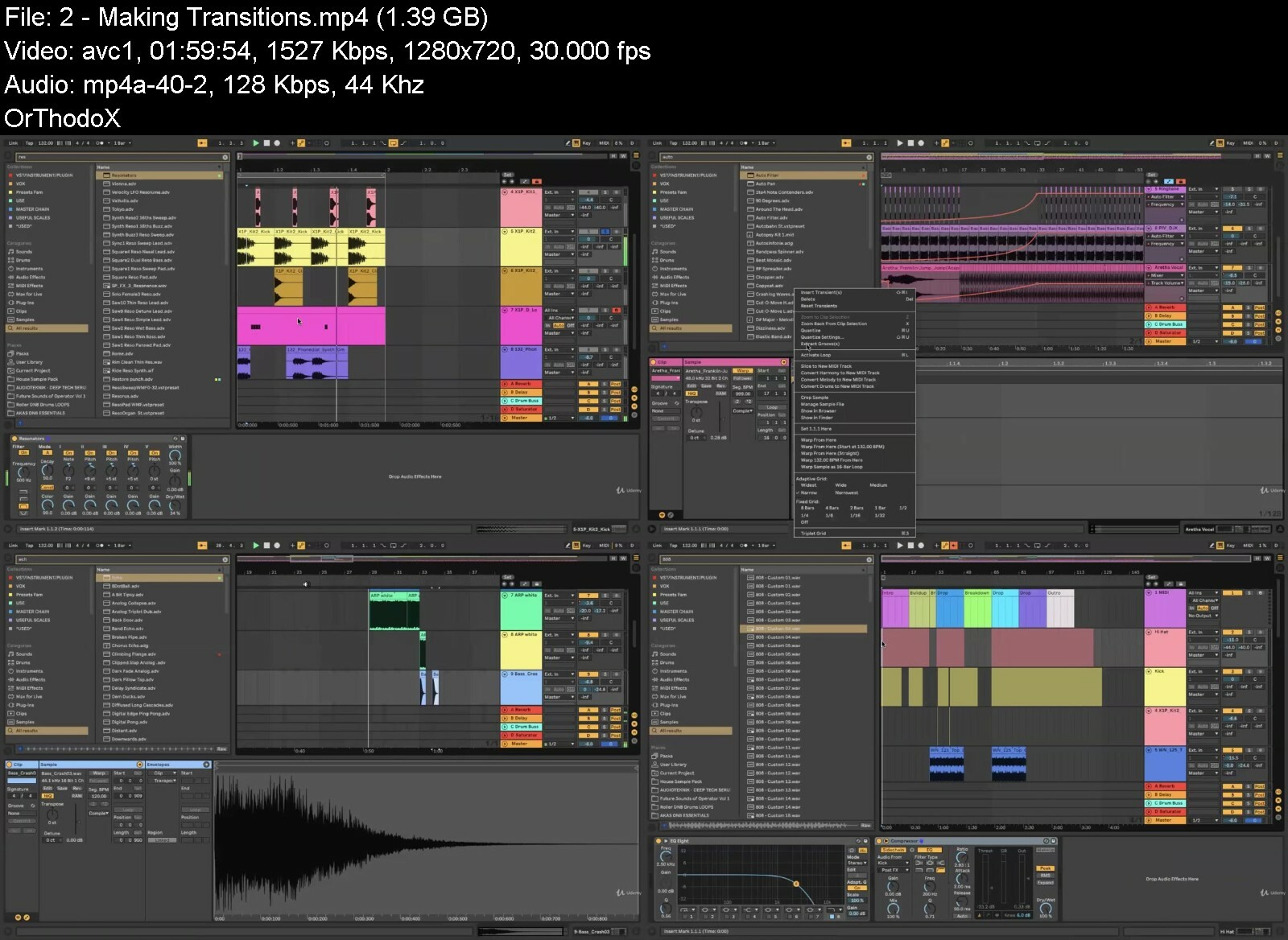
Lecture 2 Making Transitions
Lecture 3 Serum
Lecture 4 Getting a full and rich sound
Lecture 5 Layers of a song
Lecture 6 Mixing Down
Lecture 7 Mixing in Mono - Utility
Lecture 8 Learn How To Make A track
Lecture 9 Making A Radio Track
Lecture 10 1 hour workshop
Music producers.


musicproductionsounddh3f4g.jpg


Download from RapidGator


Download from DDownload

 
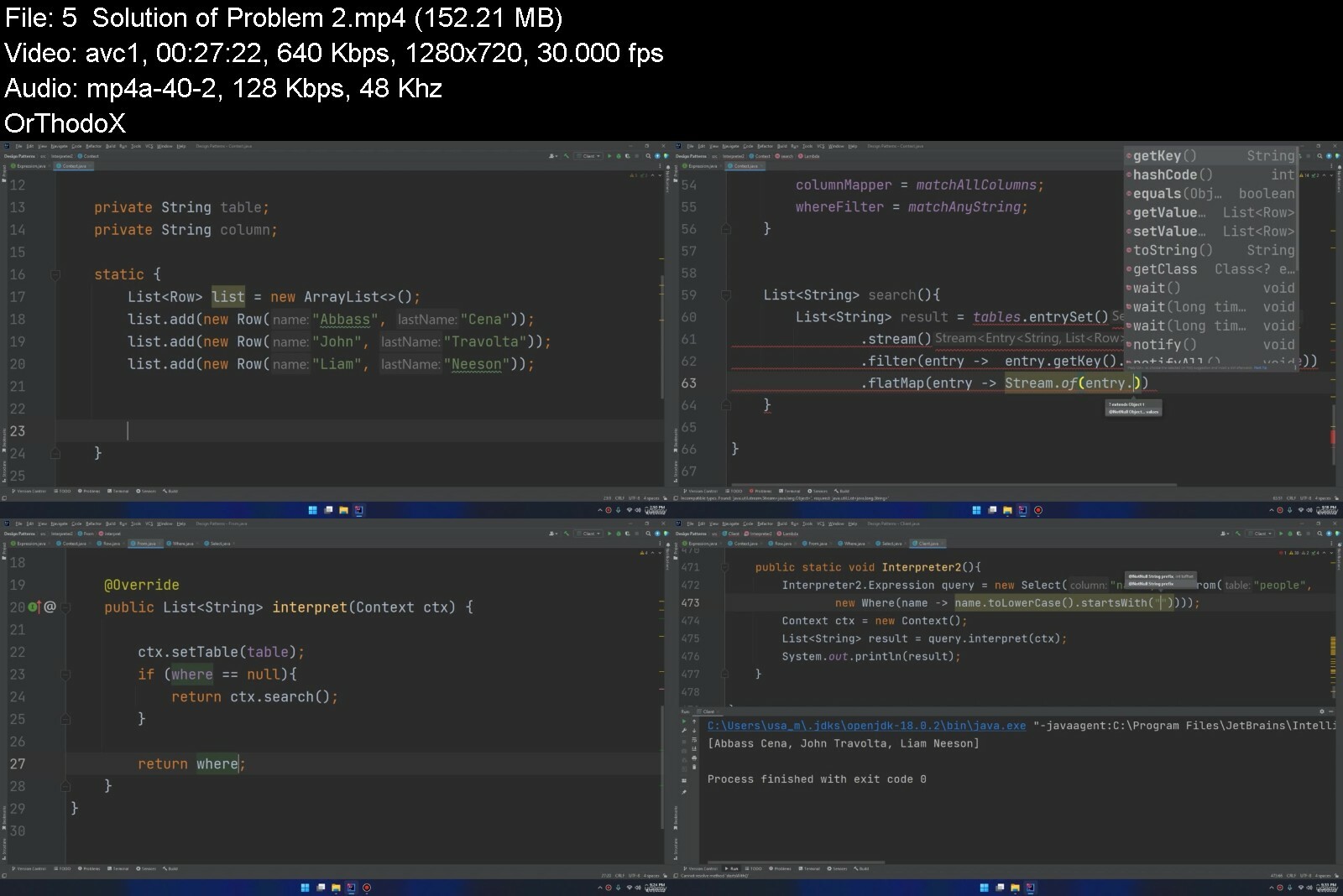
Mastering Design Patterns - Become a Professional Developer

4856408907431kdjr.jpg


Mastering Design Patterns - Become a Professional Developer
Published 09/2022
MP4 | Video: h264, 1280x720 | Audio: AAC, 44.1 KHz, 2 Ch
Genre: eLearning | Language: English + srt | Duration: 151 lectures (18h 7m) | Size: 5.5 GB


Become a Professional Software Engineer, Excel in University Exams & Succeed in the Coding Interviews


What you'll learn
Master the Structural Design Patterns (Adapter, Bridge, Composite, Decorator, Facade, Flyweight, Proxy)
Master the Creational Design Patterns (Factory, Abstract Factory, Builder, Prototype, Singleton)
Master the Behavioural Design Patterns (Memento, Chain of Responsibility, Command, Iterator, Mediator, Observer, Template, Visitor, Strategy)
Understanding & Creating UML Diagrams
Creating 41 Coding Projects implementing the Design Patterns
Solving 10 Real University Exams
Identify & Solve the Coding Problems
Requirements
Basic Coding Experience in Any Language
Motivation to Become a Professional Software Developer
Description
? Are you excited to learn design patterns, but they look complex and obscure.
? Do you need real examples and step by step code implementation for these design patterns?
? Are you looking to master the coding interview questions, excel in university exams , or even become a professional Developer ???
??? You came to the right place! ???
If you want to reach the highest levels of software engineering, you simply MUST master design patterns.
Most employers are looking for senior software engineers with design pattern skills, and they're willing to pay extra ?? to hire them.
? Basically, design patterns is all about designing maintainable and extensible object-oriented software.
And those are the skills you're going to learn in this course, all using real-world examples! No pizzas, ducks, cars and coffees! Just real software examples.
? Hello my friend, and welcome to Mastering Design Patterns Course,
I'm Abbass Masri, Running successfull courses on UDEMY with a very good ratings, and best seller course in Android app development.
Moreover, I'm publishing "Master Coding App" on playstore with high rating and around 1 million installs.
Starting from my successful experience in Coding and Teaching, I decided to create this well-crafted course to help you become a professional developer and Master Design patterns.
You'll learn how to design REUSABLE & EXTENSIBLE Object oriented software. It doesn't matter what language you are familiar with, we just need some basic programming experience.
? We'll start from the basics covering the OOP concepts, Classes, Inheritance, polymorphic, abstraction,
passing through the Unified modelling language UML.
? Then we will master all the structural , behavioural, and Creational design patterns through
- Well-Designed lectures and detailed structures of the patterns
- Discussing 41 real problems and implementing their solutions, so you will create 41 different projects.
- Solving 10 real university exams & exercises, step by step.
----------------------------------------------------------------------------------------------------------------------------------
?? The good news is that we'll keep updating this course and add new coding exercises
?? The Bad news is if you don't enrol now, you will waste your time & money trying to find a professional course with a lot of coding examples like this course.
?? This course is designed to help you implement the design patterns in your next projects, or maybe your current projects.
Also, you will immerse yourself into new way of looking at software design through the lenses of java design patterns
?? I'm very great full that you're here, & I'm looking forward to see you inside
Who this course is for
Anyone who wants to become a professional software developer
Any developer who likes to advance his coding career
University Students who like to excel in their Design Patterns course


masteringdesignpatterogchl.jpg


Download from RapidGator


Download from DDownload

 
Learn To Convey Emotion In Film & Game Music - For Beginners

tyf2epjr8wdjvgfwuqyiz1xc5t.jpg


Learn To Convey Emotion In Film & Game Music - For Beginners
Last updated 6/2018
MP4 | Video: h264, 1280x720 | Audio: AAC, 44.1 KHz
Language: English | Size: 8.96 GB | Duration: 2h 0m

Learn to use rhythm, harmony, melody and timbre to effectively and quickly convey different moods in music compositions.


What you'll learn
Use rhythm, harmony and melody to craft emotionally focused music for games, film and TV
Comprehend the elements of music composition that convey emotion effectively
Tell a compelling story in music
Learn from detailed analysis of "urgent", "calm" and "spooky" music examples

Requirements
No specific DAW or audio editor is required - you'll need a DAW, but any one will work. Examples are provided in MIDI and audio as well as Ableton projects/sets.
An interest in composing music for video games, film or TV is recommended.
No prior music theory knowledge is necessary, but the course includes a valuable introduction to scales, numerals, chord tones, color tones and the chromatic scale.

Description
Whether you are a*songwriter who wants to get started with writing commercial music or a chronic learner who has always wanted to understand how and why music conveys emotion more effectively than anything else, this course offers insights that you'll find very rewarding.
Learn by watching 3 walkthroughs on emotional music cues conveying "urgent", "calm" and "spooky".*Watch and listen as the music speaks for itself AND you get step-by-step explanations about how the music examples work.*These lessons are learned from my award-winning songwriting, studio production work and academic study in music and compositional theory.
I've always believed that music is one of the most powerful ways to convey emotion and help a group of people "get on the same page."*Rhythm, harmony and melody all play a part, but a good composer can elicit specific emotions quickly - in order to do that, you'll need a strong vocabulary in basic music theory and you'll want to know what your ideas "sound" like before you even play a note.*This course combines the art and science of this process.*Plus, you'll get a full primer on music theory essentials like
Building major and minor scales by handHow major, minor and half-diminished chords are built from major and minor scalesLearn to compose*with chords as numbers, using numerals (how the pros do it)Write elegant, expressive and concise music that gets to the point and delivers the goods
Contents and Overview
After a brief introduction to there course details and your instructor, students will start by listening to 3 examples of music.*Next, that music will be analyzed in terms of
RhythmHarmonyCadencesMelodyColor and Timbre
Next, you'll get oriented with a compositional approach to framing your musical ideas as "characters" and "situations".*This approach is loosely introduced in the context of theme and variation - a common compositional approach.
Section 3 thoroughly explains how chord numerals work in the context of major and minor scales.*This section explains concepts which music students*may (or may not)*be familiar with such as building scales, triads and*7 chords.*This section also explains the appropriate nomenclature (for example a "five chord" or "root, 3rd and 5th").*This section will be a critical value to anyone without music theory training.*However, students may skip this section if they already fully understand the rest of the course.
As we continue the course (in section 4) students*learn about*color and timbre - a crucial pair of elements for any composer to understand when writing emotionally focused music.*Students will learn about register, range and timbral character.
After completing your training and background, this course will direct students through a 5 step melody/theme creation process and*some clarification on how to create a musical "situation" to match a video game, film or TV scenario.*Then, students will walkthrough 3 distinct and complete musical cues - each focused on either an "urgent", "calm" or "spooky" mood.
Each section of the course wraps up with a brief quiz that is designed to help students identify any areas of knowledge that they need to review.*This course doesn't bog students down with a comprehensive compositional program.*Instead, this course is designed in a workshop style - where students learn the most important take-aways and then are encouraged to try their hand and begin writing music that conveys emotion.
Overview
Section 1: Introduction
Lecture 1 Introduction
Lecture 2 3 Live Examples and Explanations
Lecture 3 Process Overview
Lecture 4 Examining Rhythm and Tempo
Lecture 5 Harmony and Context
Lecture 6 Options for Cadences
Lecture 7 Defining and Exploring Melody
Lecture 8 Color/Timbre Explained
Section 2: Characters and Situations
Lecture 9 Introduction to Themes and Variations
Lecture 10 Example of a Character and Situation
Lecture 11 Using Rhythm Effectively
Lecture 12 Using Harmony in Your Theme.
Lecture 13 Polyrhythm and Time Signatures
Section 3: Music Theory Background
Lecture 14 Building Major Scales
Lecture 15 Relating Major Scale and Major Harmony
Lecture 16 Building Minor Scales
Lecture 17 Relating Minor Scale and Minor Harmony
Section 4: Compositional Considerations
Lecture 18 Detailed Cadence Analysis
Lecture 19 Detailed Melodic Analysis
Lecture 20 Color and Timbre in Your Theme
Lecture 21 Register Explained
Lecture 22 Range Explained
Lecture 23 Timbral Character Explained
Section 5: Hands On Exercises
Lecture 24 Step-By-Step: Creating a Theme
Lecture 25 Step-By-Step: Creating a Variation
Lecture 26 Demo: Conveying an "Urgent" Mood
Lecture 27 Demo: Conveying a "Calm" Mood
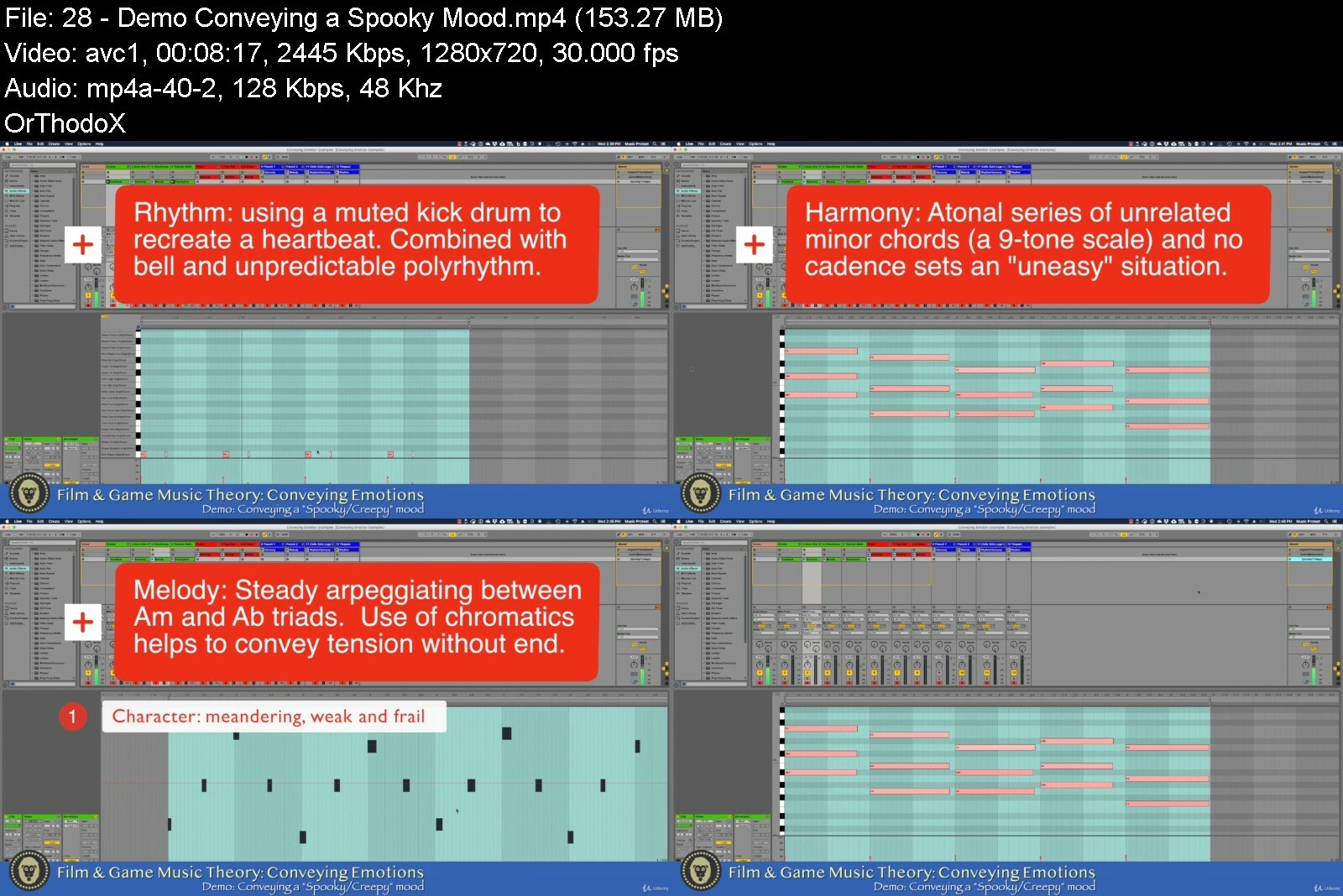
Lecture 28 Demo: Conveying a "Spooky" Mood
Section 6: Conclusion
Lecture 29 Bonus Lecture: Wrap Up and Resources
Anyone who wants an introduction to writing music for video games, film or TV,Anyone who is curious about how and why music conveys emotion,Beginners who want to learn basic music theory with examples focused on film/game music composition,This course is for beginners, rather than intermediate or advanced compositional students.


learntoconveyemotionixkewj.jpg


Download from RapidGator


Download from DDownload

 
Atmospheric Watercolor Painting - Techniques And Landscapes

vjvztaaqjuei9bretnzw7mcef2.jpg


Atmospheric Watercolor Painting - Techniques And Landscapes
Last updated 9/2021
MP4 | Video: h264, 1280x720 | Audio: AAC, 44.1 KHz
Language: English | Size: 6.08 GB | Duration: 4h 42m

Learn how to paint 6 atmospheric landscapes, and learn essential wet-in-wet watercolour techniques.


What you'll learn
How to Draw and compose your painting - these lessons are placed at the beginning of each demonstration to show you how I sketch in basic details.
How to use complementary colors to create vibrancy and interest in your watercolor paintings.
How to paint skies, sunsets, water, trees, buildings, and figures in a soft and loose manner, using a combination of wet-in-wet and wet-in-dry techniques.
How to wet your watercolor paper to obtain particular results such as the appearance of soft clouds, and when to paint in more rigid and accurate shapes.
Learn the importance of timing in watercolors and when to use different brushes.

Requirements
No prerequisites. Please view 'materials required' section

Description
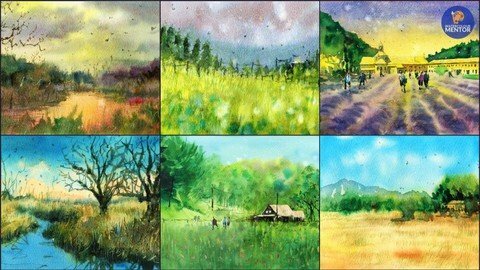
Hi, I'm Darren from Watercolor Mentor and welcome to "Atmospheric Watercolor Painting - Techniques and Landscapes. Atmospheric perspective or aerial perspective is a crucial but little known technique that allows you to create depth and mood in your paintings. In this course, I will show you use to use wet-in-wet watercolor techniques to add an atmospheric element to your paintings, which adds a romantic and soft feel to landscapes by allowing you to push back objects into the distance or pull them closer to the viewer. I'll show you how to alter the mixture of paint and water in order to create blurry and soft shapes in the background. I'll also show you how to layer darker values over the top of lighter ones in an already wet area.This course is aimed towards beginners with 6 full landscape demonstrations which I'll help guide you through step-by-step. There are scans, drawing, and tracing templates included as well for each demonstration to help you transfer your drawing over quickly and easily. You'll be able to follow along in real-time to my drawing and narration videos.In this course, I narrate my demonstrations in real-time. I explain every technique I use in the context of the painting, such as layering into wet areas to paint shadows of a tree. I'll be going over the basics of wet-in-wet watercolor painting. I'll talk about what materials you'll need, your options, and which ones I use and recommend. If you have some brushes, watercolor paints, and paper, then you're set to go.So join me in this course - let's create some beautiful atmospheric paintings that you can be proud of!In this course, I will cover basics such as:· How to Draw and compose your painting - these lessons are placed at the beginning of each demonstration to show you how I sketch in basic details. I will show you how to place the horizon line, and how to quickly and accurately sketch in the reference photo. I will also talk about how I use my sketch to plan out the steps of my watercolor painting afterward.· How to use complementary colors to create vibrancy and interest in your watercolor paintings.· How to paint skies, sunsets, water, trees, buildings, and figures in a soft and loose manner, using a combination of wet-in-wet and wet-in-dry techniques. I'll talk about how and when to wet your watercolor paper to obtain particular results such as the appearance of soft clouds, and when to paint in more rigid and accurate shapes once the paper has dried.· The importance of timing in watercolors and when to use different brushes.Additional materials including original painting scans, drawing/tracing templates, and reference photographs are included under the 'Materials Required' lecture. Project DescriptionAssignment:Your course project is to draw and paint your own atmospheric landscape! This can be a scene featured in one of the course demonstration videos or based on one of your own photographs or scenes you've observed outside.You can also refer to the scanned drawing/painting templates attached below which will allow you to trace the drawings if you choose to do so. I recommend drawing each scene free hand. Drawing is an important step in improving your painting skills. This provides you with an opportunity to compose and plan your painting. Complete your drawing lightly and loosely in pencil so that it won't show through in the final painting. This is especially important for background details such as mountains. Once you've finished the drawing, use the watercolor steps and processes included in the course demonstrations to complete your painting.Materials:Use any normal or mechanical pencil, watercolor paper, and brushes you have available. I recommend:· Mechanical pencil (0.5mm)· 100% cotton watercolor paper or sketchbook· Watercolour Brushes - mop brush and a variety of round and flat brushes.Getting Started:Review the course demonstrations first. There are 6 different demonstration landscapes that you can draw and paint from. You can also download the tracing templates to transfer over your drawing. Remember to watch the course videos on wet-in-wet watercolor techniques and practice these techniques prior to beginning your landscape painting. This will build your confidence and understanding of how to apply these techniques.Looking to sketch and paint another scene? Research some free reference photo websites and find a reference photo you would like to paint. Using the steps and processes included in this course, create your own unique atmospheric painting.Sharing Your Work:Once you've finished, share your final painting and progress shots with the course by uploading them to the discussions or Q&A section in Udemy.I'll provide you constructive feedback on your painting if you ask. If you have any questions or need more tips, please let me know. I'm happy to help.
Overview
Section 1: Introduction
Lecture 1 Introduction
Lecture 2 Materials Required
Section 2: Techniques - Essential Watercolour Techniques and Exercises
Lecture 3 Painting - Wet and Damp Paper Exercises
Lecture 4 Painting - Wet-in-wet Exercises
Section 3: 'Paint-along' Demonstrations
Lecture 5 River Landscape
Lecture 6 Cottage Landscape - Paint the light
Lecture 7 Cottage Landscape - Paint the shadows
Lecture 8 Country Landscape
Lecture 9 Dreamy Landscape
Lecture 10 Lavender Fields - Paint the light
Lecture 11 Lavender Fields - Paint the shadows
Lecture 12 Mountain Landscape
Lecture 13 Course Project
Students learning watercolor painting,Students learning a loose painting style,Students learning watercolor sketching,Students learning wet-in-wet watercolor techniques


atmosphericwatercolor9wcwe.jpg


Download from RapidGator


Download from DDownload


Zurück
Oben Unten