• Regeln für den Video-Bereich:

    In den Börsenbereich gehören nur Angebote die bereits den Allgemeinen Regeln entsprechen.

    Einteilung

    - Folgende Formate gehören in die angegeben Bereiche:
    - Filme: Encodierte Filme von BluRay, DVD, R5, TV, Screener sowie Telesyncs im Format DivX, XviD und x264.
    - DVD: Filme im Format DVD5, DVD9 und HD2DVD.
    - HD: Encodierte Filme mit der Auflösung 720p oder darüber von BluRay, DVD, R5, TV, Screener sowie Telesyncs im Format x264.
    - 3D: Encodierte Filme von BluRay, die in einem 3D Format vorliegen. Dies gilt auch für Dokus, Animation usw.
    - Serien: Cartoon/Zeichentrick, Anime, Tutorials, Dokumentationen, Konzerte/Musik, Sonstiges sind demnach in die entsprechenden Bereiche einzuordnen, auch wenn sie beispielsweise im High Definition-Format oder als DVD5/DVD9/HD2DVD vorliegen. Ausnahme 3D.
    - Bereich Englisch: Englische Releases gehören immer in diesen Bereich.
    - Bereich Talk: Der Bereich, in dem über die Releases diskutiert werden kann, darf, soll und erwünscht ist.


    Angebot/Beitrag erstellen

    - Ein Beitrag darf erst dann erstellt werden, wenn der Upload bei mindestens einem OCH komplett ist. Platzhalter sind untersagt.
    - Bei einem Scenerelease hat der Threadtitel ausschließlich aus dem originalen, unveränderten Releasenamen zu bestehen. Es dürfen keine Veränderungen wie z.B. Sterne, kleine Buchstaben o.ä. vorgenommen werden. Ausnahme Serienbörse:
    - Bei einem Sammelthread für eine Staffel entfällt aus dem Releasename natürlich der Name der Folge. Beispiel: Die Simpsons S21 German DVDRip XviD - ITG
    - Dementsprechend sind also u.a. verboten: Erweiterungen wie "Tipp", "empfehlenswert", "only", "reup", usw. / jegliche andere Zusatzinformation oder Ergänzung, welche nicht in obiger Beschreibung zu finden ist.

    Aufbau des Angebots und Threadtitel

    Der Titel nach folgendem Muster erstellt zu werden. <Name> [3D] [Staffel] [German] <Jahr> <Tonspur> [DL] [Auflösung] <Quelle> <Codec> - <Group>
    Beispiel: The Dark Knight German 2008 AC3 DVDRip XviD - iND
    Beispiel: The Dark Knight 2008 DTS DL BDRip x264 - iND
    Beispiel: The Dark Knight 2008 AC3 DL BDRip XviD - iND
    Beispiel: The Dark Knight German 2008 AC3 720p BluRay x264 iND
    Beispiel: The Dark Knight 2008 DTS DL 1080p BluRay x264 iND
    Beispiel: Die Simpsons S01 German AC3 DVDRip XviD iND
    Beispiel: Die Simpsons S20 German AC3 720p BluRay x264 iND
    Beispiel: Sword Art Online II Ger Sub 2014 AAC 1080p WEBRip x264 - peppermint
    Entsprechend sind also u.a. verboten: Sonderzeichen wie Klammern, Sterne, Ausrufezeichen, Unterstriche, Anführungszeichen / Erweiterungen wie "Tipp", "empfehlenswert", "only", "reup", usw. / jegliche andere Zusatzinformation oder Ergänzung, welche nicht in obiger Beschreibung zu finden ist
    Ausnahmen hiervon können in den Bereichen geregelt sein.

    Die Beiträge sollen wie folgt aufgebaut werden:
    Überschrift entspricht dem Threadtitel
    Cover
    kurze Inhaltsbeschreibung
    Format, Größe, Dauer sind gut lesbar für Downloader außerhalb des Spoilers zu vermerken
    Nfo sind immer Anzugeben und selbige immer im Spoiler in Textform.
    Sind keine Nfo vorhanden z.B. Eigenpublikationen, sind im Spoiler folgende Dateiinformationen zusätzlich anzugeben :
    Quelle
    Video (Auflösung und Bitrate)
    Ton (Sprache, Format und Bitrate der einzelnen Spuren)
    Untertitel (sofern vorhanden)
    Hosterangabe in Textform außerhalb eines Spoiler mit allen enthaltenen Hostern.
    Bei SD kann auf diese zusätzlichen Dateiinformationen verzichtet werden.

    Alle benötigten Passwörter sind, sofern vorhanden, in Textform im Angebot anzugeben.
    Spoiler im Spoiler mit Kommentaren :"Schon Bedankt?" sind unerwünscht.


    Releases

    - Sind Retail-Release verfügbar, sind alle anderen Variationen untersagt. Ausnahmen: Alle deutschen Retail-Release sind CUT, in diesem Fall sind dubbed UNCUT-Release zulässig.
    - Im Serien-Bereich gilt speziell: Wenn ein Retail vor Abschluss einer laufenden Staffel erscheint, darf diese Staffel noch zu Ende gebracht werden.62
    - Gleiche Releases sind unbedingt zusammenzufassen. Das bedeutet, es ist zwingend erforderlich, vor dem Erstellen eines Themas per Suchfunktion zu überprüfen, ob bereits ein Beitrag mit demselben Release besteht. Ist dies der Fall, ist der bereits vorhandene Beitrag zu verwenden.
    - P2P und Scene Releases dürfen nicht verändert oder gar unter einem iND Tag eingestellt werden.


    Support, Diskussionen und Suche

    - Supportanfragen sind entweder per PN oder im Bereich Talk zu stellen.
    - Diskussionen und Bewertungen sind im Talk Bereich zu führen. Fragen an die Uploader haben ausschließlich via PN zu erfolgen, und sind in den Angeboten untersagt.
    - Anfragen zu Upload-Wünschen sind nur im Bereich Suche Video erlaubt. Antworten dürfen nur auf Angebote von MyBoerse.bz verlinkt werden.


    Verbote

    - Untersagt sind mehrere Formate in einem einzigen Angebotsthread, wie beispielsweise das gleichzeitige Anbieten von DivX/XviD, 720p und 1080p in einem Thread. Pro Format, Release und Auflösung ist ein eigener Thread zu eröffnen.
    - Grundsätzlich ebenso verboten sind Dupes. Uploader haben sich an geeigneter Stelle darüber zu informieren, ob es sich bei einem Release um ein Dupe handelt.
    - Gefakte, nur teilweise lauffähige oder unvollständige Angebote sind untersagt. Dies gilt auch für eigene Publikationen, die augenscheinlich nicht selbst von z.B. einer DVD gerippt wurden. Laufende Serien, bei denen noch nicht alle Folgen verfügbar sind, dürfen erstellt und regelmäßig geupdatet werden.
    - Untersagt sind Angebote, welche nur und ausschließlich in einer anderen Sprache als deutsch oder englisch vorliegen. Ausnahmen sind VORHER mit den Moderatoren zu klären.


    Verstoß gegen die Regeln

    - Angebote oder Beiträge, die gegen die Forenregeln verstoßen, sind über den "Melden"-Button im Beitrag zu melden.
  • Bitte registriere dich zunächst um Beiträge zu verfassen und externe Links aufzurufen.

*** Bestes IPTV *** bester Preis *** gratis Test ***


Englische Tutorials

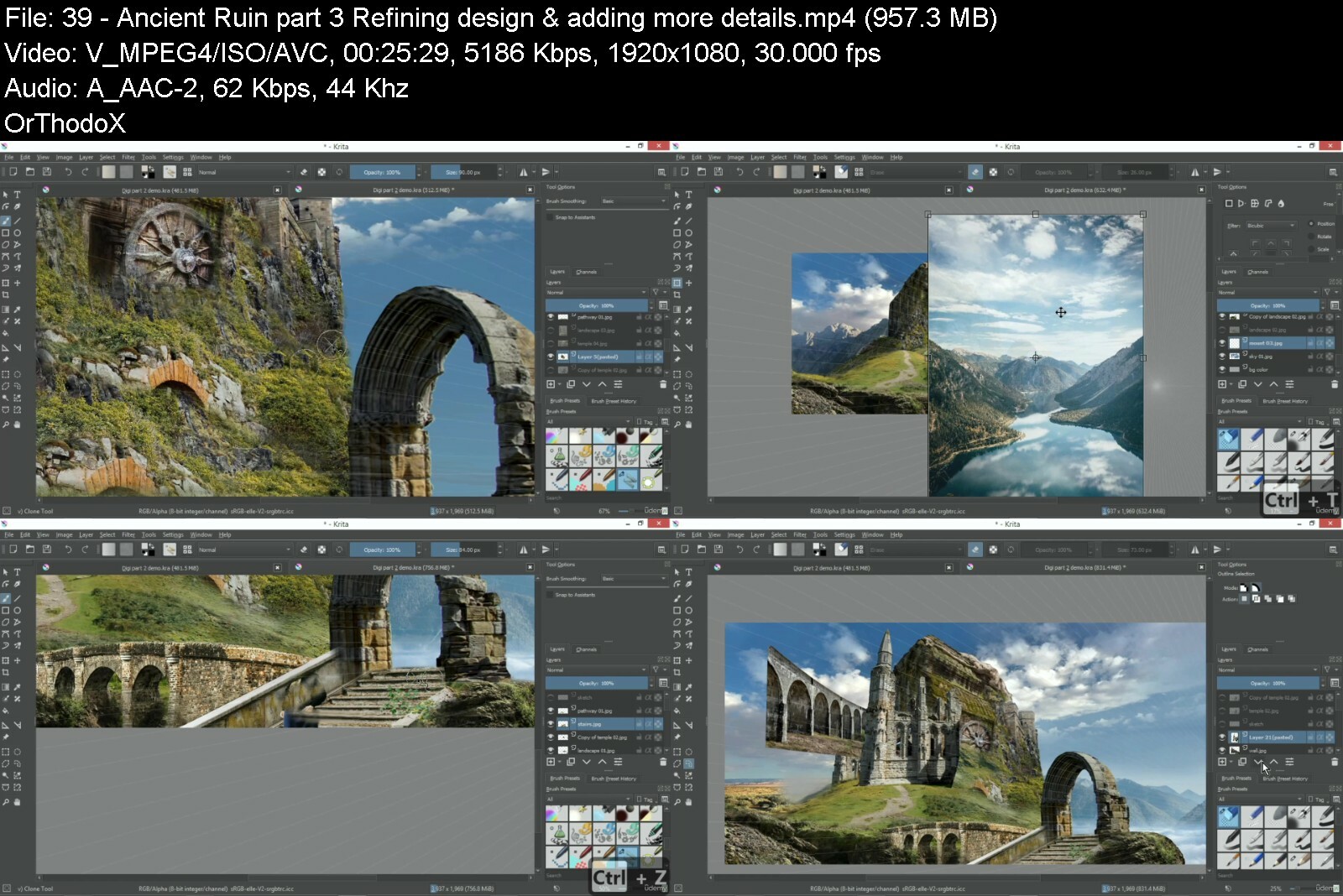
Learn How To Create Concept Environment Art Using Krita

ipicifg7xkz5fmuktixaooufr4.jpg


Learn How To Create Concept Environment Art Using Krita
Last updated 8/2022
MP4 | Video: h264, 1280x720 | Audio: AAC, 44.1 KHz
Language: English | Size: 13.58 GB | Duration: 10h 48m

Practical and easy to understand technique in using Krita to create your personal concept environment art.


What you'll learn
You will learn how to create and personalize your own set of brushers.
Learn how to utilize amazing KRITA's tools to assist your painting.
Creating your own environment assets with clear step by step tutorials.
Learning fundamental knowledge in composition and perspective.
Step by step tutorials to guide you in learning photo bashing techniques in conceptual environment art from entry level to advance level.
You will also learn how to use elements to elevate story telling in your artworks.
Learning paint over technique on photograph to help you in setting up composition, light and mood in your painting.
Learn how to use KRITA's editing tools to do post editing and effects in your final painting.
You will learn how to make use of the keyboard shortcuts to enhance your painting efficiency.

Requirements
You will need to download KRITA digital painting software and install in your operating system.
Digital drawing tablet is required due to you will need the pressure sensitivity from the drawing tool and if you have the budget, you may consider the screen drawing tablet to enhance your painting experience. ( Recommended drawing tablet brand - 1. Wacom (score 5/5), 2. Huion (score 4.5/5), 3. XP Pen (score 4.7/5)
You may need to have fundamental knowledge in operating computer's software.
Patience in solving technical problems and learn how to troubleshoot when facing unforeseen hardware or software issues. My advise is always make use of Google or YouTube to seek help in troubleshooting issues.
Set goals in the outcome which you want to achieve and achieving it one step at a time.
"Develop a passion for learning. If you do, you will never cease to grow." -Anthony J. D'Angelo

Description
Hi, my name is Ethan Lo, I'm from Vox Art Studio.I've been into art education since 2006,and occasionally involve myself in digital content industries such as animation, game and other industries which need digital illustration.My personal favorite field in digital art is creating conceptual environment art.Especially, an open world either in fantasy or sci-fi genre.The process of creating an environment art is always an escape to me.I love to explore my imagination and often lose myself into the world which I have created.This is how I found my happiness and I wish to share it to you as well.The digital art software which I'm teaching is KRITA.KRITA is an open source software which means it is totally free.You may visit their website to download a copy of either the Windows or Mac version.This course is for those who are beginners in digital art and wish to learn new techniques and tools that can boost their creativity and efficiency.Throughout the course, you will learn:How to set up your own brush tag & customize your personal brush preset.You will learn how to utilize tools in KRITA to increase your effectiveness in painting.For art beginners, I have created a clear step by step tutorial in creating environment assets or what we call props design.Understanding composition and perspective drawing in conceptual environment art.Learn how to paint over photograph technique in creating concept art.If you have no idea how to start your concept art, you may start from getting inspiration from your researched photos*and start building on it.Last but not least, introducing photobashing technique which is a highly effective technique in creating conceptual environment art.This is normally used by concept artists to speed up their workflow and achieve a more realistic style.So, no worries, if you are new to this.I will guide you through from entry level to advance level tools and techniques.That's great news to you right?Why don't you give us a try.Unless you have any more questions or concerns, I think we're ready to get started!Can't wait to show you how and I'm very excited to see you soon.
Overview
Section 1: Introduction to Digital Environment Art Course
Lecture 1 Overview of this course
Section 2: Getting started in using KRITA & learn how to paint environment assets.
Lecture 2 Overview of KRITA (Digital Painting Software)
Lecture 3 Learn how to create your own brush tag & customize your brush preset
Lecture 4 Learn how to utilize layers & tools function (part 1)
Lecture 5 Additional input in tools & layers
Section 3: Basic Rock & Botanical Asset Illustration
Lecture 6 Learn to import image to canvas & set shortcut key for it
Lecture 7 Light & shadow part 1
Lecture 8 Light & shadow part 2
Lecture 9 Learn to paint rock asset from a photo reference part 1
Lecture 10 Learn to paint rock asset from a photo reference part 2
Lecture 11 Learn to paint rock asset from a photo reference part 3
Lecture 12 Adding shadow to the rock assets
Lecture 13 Learn to paint botanical asset part 1
Lecture 14 Learn to paint botanical asset part 2
Lecture 15 Combining rock with botanical asset part 1
Lecture 16 Combining rock with botanical asset part 2
Section 4: Paint over photograph technique 1
Lecture 17 Overview & how to start
Lecture 18 Learn to use blender brush
Lecture 19 Learn to use transformation brush & adding details
Lecture 20 Adding details (rock surface design)
Lecture 21 Adding carving
Lecture 22 Adding background
Lecture 23 Adding background 2
Lecture 24 Adding foreground details
Lecture 25 Adding highlights & overlay color layer
Lecture 26 Adding depth of field
Section 5: Perspective Drawing
Lecture 27 Lesson overview
Lecture 28 Brief explanation of one point perspective
Lecture 29 One point perspective drawing technique
Lecture 30 Brief explanation of 2 points perspective
Lecture 31 2 points perspective drawing technique part 1
Lecture 32 2 points perspective drawing part 2
Section 6: Photo bashing technique using KRITA - entry level
Lecture 33 Tree of Life part 1
Lecture 34 Tree of Life part 2
Lecture 35 Tree of Life part 3
Lecture 36 Tree of Life part 4
Section 7: Photo Bashing Technique 2 - Intermediate level
Lecture 37 Ancient Ruin part 1 - Composition & Concept Design
Lecture 38 Ancient Ruin part 2 - Setting up main subject & laydown pathway
Lecture 39 Ancient Ruin part 3 - Refining design & adding more details
Lecture 40 Ancient Ruin part 4 - Finalizing design & adding post editing effects
Section 8: Photo Bashing Technique 3 - Advance level (Sci-Fi Theme)
Lecture 41 Space Port part 1 - Establish base design concept
Lecture 42 Adding design details to make it believable
Lecture 43 Adding thruster to the spaceship
Lecture 44 Docking Bay design
Lecture 45 Post editing in Lights & Environment Effects
Section 9: Photo Bashing Technique - Additional content for beginners
Lecture 46 Overview & setting up design
Lecture 47 Learn to use HSV adjustment, color balance & alpha inheritance
Lecture 48 Lay down castle design foundation at medium ground
Lecture 49 Adding walls to the castle
Lecture 50 Adding bridge & road to create sense travelling to the target destination
Lecture 51 Adding beacon tower to enhance the story telling
Lecture 52 Paint over on existing photos to elevate the concept design
Lecture 53 Adding some environment effects & tweak overall mood
Lecture 54 Adding lens flare, lights & ember
Lecture 55 Adding horse rider & improve castle design to further enhance the story telling
Section 10: Paint over photograph technique in concept environment art 2
Lecture 56 Ancient Road part 1 - Build your design through paint over on the selected scene
Lecture 57 Ancient Road part 2 - Adding textures photo & design details
Lecture 58 Ancient Road part 3 - Further adding design details to enhance storytelling
Lecture 59 Ancient Road part 4 - Post Editing to create best visual results
Beginner in concept art,Artist,Curious in digital painting,Beginner in game art,Environment art,Beginner in digital painting software,Students who wish to learn Krita,digital painting,digital art,concept art,krita


learnhowtocreateconce0ria5.jpg


Download from RapidGator


Download from DDownload



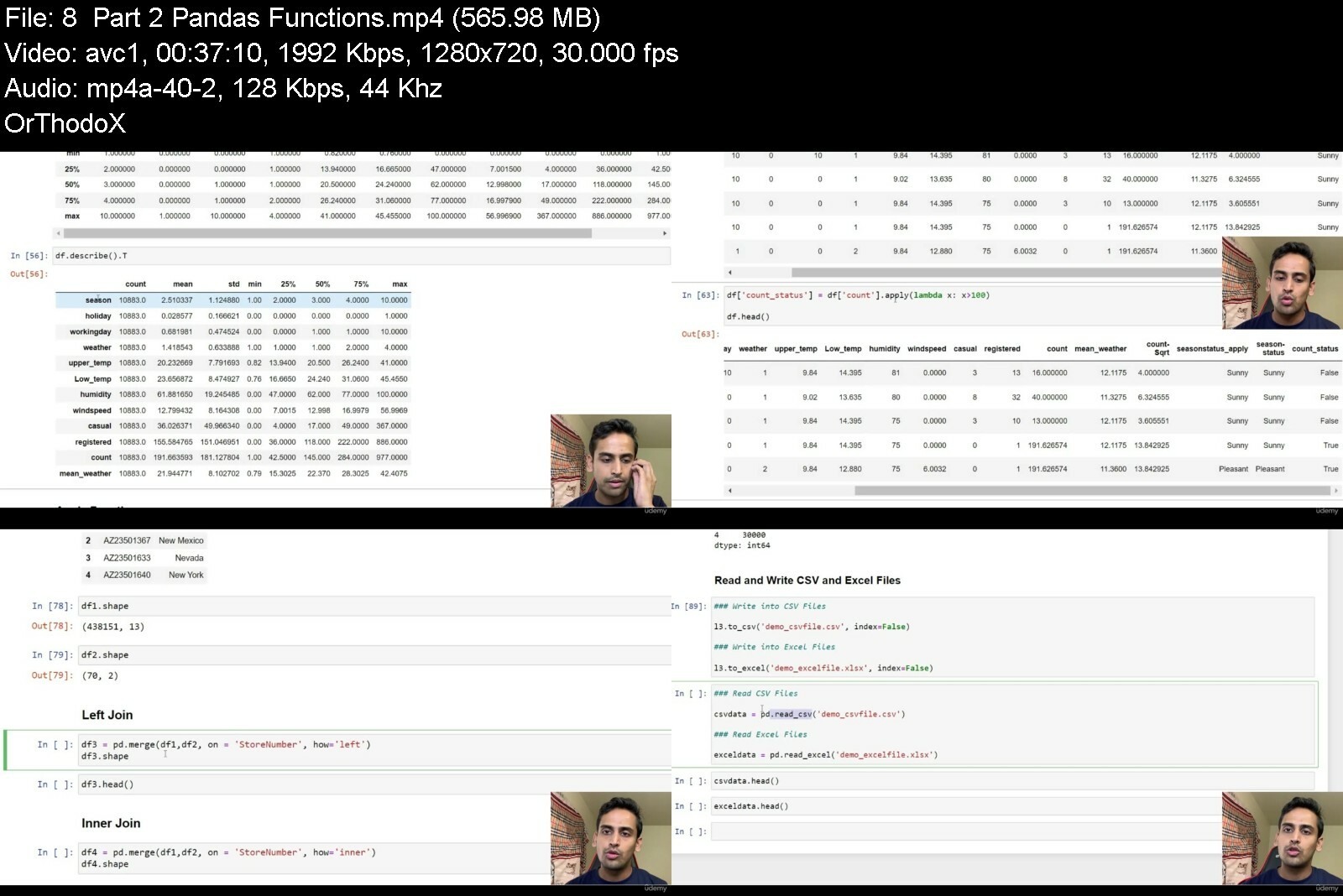
Python and Analytics for Data Science and Machine Learning (2022)

4866654d5dc2iqiru.jpg


Python and Analytics for Data Science and Machine Learning (2022)
Published 09/2022
MP4 | Video: h264, 1280x720 | Audio: AAC, 44.1 KHz, 2 Ch
Genre: eLearning | Language: English | Duration: 41 lectures (8h 26m) | Size: 5.3 GB


Kick Start Your Data Science Career


What you'll learn
Becoming Expert at Python and Data Science Concepts
This Course is ideal for anyone to start Data Science Journey and building ML models and Analytics
Practice and Hands-on concepts through Classroom, Homework Assignments, Case Studies and Projects
Opportunity to Apply Data Science Concepts into 3 Real World Case Studies and 2 Real World Projects
This course covers all the important Python Fundamentals and Data Science Concepts requires to succeed in Academics and Corporate Industry
Requirements
There is no technical or prior programming knowledge is required. This course only requires your commitment and practice to become expert at Python.
It requires your local desktop/Laptop (Windows or Mac) or Google Account (Optional)
Description
This course is meant for beginners and intermediates who wants to expert on Python programming concepts and Data Science libraries for analysis, machine Learning models etc.
They can be students, professionals, Data Scientist, Business Analyst, Data Engineer, Machine Learning Engineer, Project Manager, Leads, business reports etc.
The course have been divided into 6 parts - Chapters, Quizzes, Classroom Hands-on Exercises, Homework Hands-on Exercises, Case Studies and Projects.
Practice and Hands-on concepts through Classroom, Homework Assignments, Case Studies and Projects
This Course is ideal for anyone who is starting their Data Science Journey and building ML models and Analytics in future.
This course covers all the important Python Fundamentals and Data Science Concepts requires to succeed in Academics and Corporate Industry.
Opportunity to Apply Data Science Concepts in 3 Real World Case Studies and 2 Real World Projects.
The 3 Case Studies are on Loan Risk Analysis, Churn Prediction and Customer Segmentation.
The 2 Projects are on Titanic Dataset and NYC Taxi Trip Duration.
The recommended approach for this course - Follow the chapters in their order, Do Yourself all the Hands-on Exercises. Finally, Consistency, discipline and practice is paramount.
This course will not teach you how to build and develop ML models. But, make you expert at python programming language which is needed to build ML models.
Who this course is for
This course is meant for anyone who wants to get expert on Python programming concepts and Data Science libraries for analysis, machine Learning models etc.
They can be students, professionals, Data Scientist, Business Analyst, Data Engineer, Machine Learning Engineer, Project Manager, Leads, business reports etc.


pythonandanalyticsfor85ezd.jpg


Download from RapidGator


Download from DDownload


 
Marketing Analytics Mastery: From Strategy To Application

6181e9by1gziawnbrmbqpeydv9.jpg


Marketing Analytics Mastery: From Strategy To Application
Last updated 5/2022
MP4 | Video: h264, 1280x720 | Audio: AAC, 44.1 KHz
Language: English | Size: 10.69 GB | Duration: 16h 51m

Master the fundamentals of marketing analytics and start measuring the impact of your marketing efforts like a PRO!


What you'll learn
How to choose meaningful metrics
How to measure the impact of your marketing efforts
How to test and optimize marketing activation
How to develop a data strategy
What are the different types of marketing measurement
How to choose the right tools
How to measure the ROI of your marketing efforts
How to create a visual map of a campaign plan for more effective measurement planning

Requirements
Some experience in digital marketing will be useful
Basic skills in Excel will also help, but not required

Description
Feeling overwhelmed with your marketing data? You're not alone! 83% of marketers say they struggle "to adapt to the volume of data" created by their marketing efforts, while 80% feel that there are "too many performance metrics" to keep track of. Today, it's essential for everyone to possess a foundation in data literacy. Whether you're an analyst, a brand manager, creative, or even a CMO, understanding how to collect, interpret and action your marketing data is quickly becoming the standard, rather than the exception.I designed this course based on more than 10 years of knowledge and experience working directly in the field of data analytics and market research. We'll cover everything from theory to application, to ensure you're equipped with the knowledge to make sense of your marketing data and make logical, data-driven decisions both quickly and consistently. With 17 hours of video across 50+ lectures and 40 downloadable resources, this course is packed with everything you need to learn in order to become an analytics PRO. Some of the things you'll learn include:Fundamental concepts in marketing and the measurement of marketingWhat are some of the most common measurement platforms, from web and app analytics to email marketing measurementHow to build an analytics strategy within your businessHow to map out a marketing campaign user journey for more effective measurementHow to select the right metrics based on your business objectiveHow to identify and set benchmarks for your metricsHow to optimize your marketing through data and experimental testingHow to measure returns on marketing investment
Overview
Section 1: Course Introduction
Lecture 1 About the Instructor
Lecture 2 What the Course Will Cover
Section 2: Marketing Analytics Strategy
Lecture 3 Why We Measure?
Lecture 4 The Importance of Measuring What Matters
Lecture 5 What is a Data Strategy?
Lecture 6 Tips to Improve Your Data Strategy
Lecture 7 Creating an Analytics Roadmap
Lecture 8 Campaign Journey Mapping for Better Measurement Planning
Lecture 9 Live Demo of Campaign Journey Mapping (MAP)
Lecture 10 Step by Step Guide for Creating a Campaign Journey MAP
Section 3: Types of Measurement
Lecture 11 How to Choose the Right Measurement Tools
Lecture 12 Intro to Web and App Analytics
Lecture 13 DEMO: How to Setup Web Analytics Tracking with Google Analytics
Lecture 14 DEMO: Google Analytics Basics (Universal Analytics)
Lecture 15 DEMO: Understanding Universal Analytics vs Google Analytics 4
Lecture 16 Intro to Online Advertising Analytics
Lecture 17 Intro to Social Media Monitoring
Lecture 18 DEMO: Social Media Monitoring with Sprout
Lecture 19 Intro Owned Social Analytics
Lecture 20 Measuring Content Performance on Facebook
Lecture 21 DEMO: Using a 3rd Party Tool for Owned Social Analytics
Lecture 22 Intro to Email Marketing Analytics
Lecture 23 Intro to CRM Analytics
Lecture 24 Intro to Online Surveys
Lecture 25 Measuring Campaign Effectiveness via Online Surveys
Lecture 26 Importance of Omni-Channel Measurement
Section 4: Metrics
Lecture 27 Understanding Metrics
Lecture 28 How to Choose the Right Metrics and KPIs
Lecture 29 ACTIVITY #1: Overview
Lecture 30 ACTIVITY #1: Answers
Lecture 31 ACTIVITY #1: Custom Metrics Breakdown
Lecture 32 Understanding Marketing Benchmarks
Lecture 33 The 20% Rule - When to Take Action on Your Data
Section 5: Engineering Data
Lecture 34 What is Data Engineering?
Lecture 35 ACTIVITY #2: Overview
Lecture 36 ACTIVITY #2: Answers
Lecture 37 ACTIVITY #2: Custom Metrics Breakdown
Lecture 38 Examples of Instrumentation
Lecture 39 Tracking Inbound Links with UTM Parameters
Section 6: Marketing Optimization
Lecture 40 Intro to Marketing Optimization
Lecture 41 Approaches to Optimization
Lecture 42 Optimization Through the Historical Analysis Apparoach
Lecture 43 CASE STUDY: Historical Analysis
Lecture 44 Optimization Through Experiments-Based Approach
Lecture 45 How to Run an A/B Test
Lecture 46 How to Calculate Sample Size for an A/B Test
Lecture 47 How to Calculate the Statistical Significance of an A/B Test
Section 7: Reporting & Analysis
Lecture 48 Reporting Framework to Guide How You Share Data
Lecture 49 When do you Need an Automated Dashboard?
Lecture 50 How to Create an Automated Dashboard in Google Data Studio
Lecture 51 Thinking Beyond Traditional Dashboards
Lecture 52 Learning the Basics of Data Analysis
Section 8: Measuring ROI
Lecture 53 Understanding ROI
Lecture 54 CASE STUDY: When marketing returns go beyond financial ROI
Lecture 55 ACTIVITY #3: Overview
Lecture 56 ACTIVITY #3: Answers
Section 9: Course Wrap-up
Lecture 57 Course Recap & Key Takeaways
Entrepreneurs,Marketing executives or managers,Brand executives or managers,Product owners,PR and communications professionals,Students planning to enter the marketing or data analytics field,Anyone involved in marketing or communications!


marketinganalyticsmas6qi8b.jpg


Download from RapidGator


Download from DDownload


Gift Framework Masterclass: Digital Marketing Partnerships

9osyirpe0vqihrlejlvws41flp.jpg


Gift Framework Masterclass: Digital Marketing Partnerships
Last updated 2/2022
MP4 | Video: h264, 1280x720 | Audio: AAC, 44.1 KHz
Language: English | Size: 8.66 GB | Duration: 8h 3m

Unlock the hidden source of free leads that BIG*brands have been using for decades, but 83% of marketers still miss


What you'll learn
You'll discover a new and different way to double the return on every $1 you invest in marketing.
How to consistently attract perfect customers even without spending a dime on ads
How top brands like Google and Nestle, Tinder and Mustang, Starbucks, and Spotify create winning relationships.
How to make partnerships work for you even if you don't advertise, have no subscribers, and your brand is unknown.
You'll master an ETHICAL way to grow your business using partners' resources without spending a dime out of pocket
3 different methods to come up with win-win partnership ideas even if you have never done that before.
You'll create a competitive advantage that guarantees your brand exposure and continuous flow of new customers.
You'll have a structured guideline on building the Dream 100 list of potential partners and approaching them without being too salesy.
You'll discover a 5-step partnership readiness check-up, so you know when you are on to a real opportunity to grow your business.
You won't have to pitch and be salesy because you have an efficiency-tested fill-in-the-blanks template to reach out to potential partners with 100% confidence.
With the GOAL IDENTIFIER tool, you will uncover the most valuable opportunity for your business to aim for
With the RESOURCE AUDITOR tool, you get options for valuable things you can offer your partners.
With the OFFER GENERATOR tool, you get inside the mind of your potential partner and unveil their desires and wants.
By using DREAM 100 SELECTOR, you target the perfect partner and avoid collaborations that will suck the life out of your company.
With the CLARITY COLLABORATION tool, you craft a perfect offer that is better than any other offer your prospective partner has ever seen.
The G.I.F.T. framework is based on a marketing strategy successfully used by big brands for decades

Requirements
Experience in digital marketing will be helpful but not necessary.
Suitable for all types of businesses (digital product, physical product, service, B2B, B2C).
You should be ready to take action and see real results!

Description
The G.I.F.T. framework is a new and different way that has the potential to double the return on your marketing investment. Especially now, when...ads are becoming more and more expensive;soon you won't be able to use cookies.With the Digital Marketing Strategy: G.I.F.T. Framework, you build alliances and partnerships just like what Google & Nestle, Starbucks & Spotify, Tinder & Mustang, and many other big brands did. The G.I.F.T. Framework is very different from the traditional approach in digital marketing because it's built on a 4 stage protocol (Generate, Identify, Finalize, Thrive) and a win-win mindset. You create partnership ideas that provide great value for partners and simply ask if they want them. That's right- you don't pitch, just ask! The "trick" is that each of these offers is a true winner for you as well. You just don't put it in the first place.The framework reveals 3 different methods to come up with win-win partnership ideas even if you have never done that before.The 7-type resource auditing process allows you to discover which of your already available assets you can reuse and repurpose as a great value for potential partners without extra cost for you.There is a structured guideline on building the Dream 100 list of potential partners and approaching them without being too salesy.It also has a 5-step partnership readiness check-up system which lets you know when you are on to a real opportunity to grow your business instead of just wasting your time.Even if you don't advertise, have no subscribers, and your brand is unknown, this will still work for you.With the G.I.F.T. Framework, there are no entry barriers in terms of your marketing budget and the number of subscribers or channels you own. Here is my story. When I started writing the book "Startup Evolution Curve," I had only 10-20 connections in my network related to startups. I had no budget, no publisher, no name as an expert. But by using the G.I.F.T. framework for my digital marketing, I've managed to:Attract 1,447 startups who spent 28 min on average of their time filling my research survey and sign up nearly 700 founders for an in-depth interview.Get 30+ testimonials from international experts for my book before it was published.Make the book one of the top 5 best-selling books on Amazon in the startup category and stay in the chart for four months.You don't have to pay for everything you use in your digital marketing campaign. And it doesn't have to cost you a dime to create value for partners.When you enroll in the Digital Marketing Strategy: G.I.F.T. Framework, you get:Lifetime access to G.I.F.T.*Framework masterclass and all updates.Watch over my shoulder workshops.G.I.F.T. Framework Case Studies.G.I.F.T. Acceleration Tools.Personalized support and answers to your questions.Udemy certificate of completion.30-Day 100% money-back guarantee - no questions asked!Don't Miss Out!Every second you wait is costing you valuable leads and sales.
Overview
Section 1: Foundations
Lecture 1 Meet the instructor
Lecture 2 Structure of the course
Lecture 3 What exactly can you win?
Lecture 4 What is a win-win partnership in marketing?
Lecture 5 It's not for BIG players anymore!
Lecture 6 When should you start?
Lecture 7 Busting the false beliefs
Section 2: G.I.F.T. Building Blocks
Lecture 8 Introduction to 12 partnership types
Lecture 9 Content partnership: key principles
Lecture 10 Content partnership: live & virtual events
Lecture 11 Content partnership: co-branded content
Lecture 12 Content partnership: key take aways
Lecture 13 Sponsorship: logo graveyard
Lecture 14 Sponsorship: something more
Lecture 15 Sponsorship: practical example
Lecture 16 Co-marketing campaign: Starbucks & Spotify
Lecture 17 Co-marketing campaign: will the lightning strike?
Lecture 18 Affiliate marketing: don't be a SCAM
Lecture 19 Affiliate marketing: measure the results
Lecture 20 Affiliate marketing: key principles for success
Lecture 21 Affiliate marketing: network or stand-alone program
Lecture 22 Joint offers: what's that?
Lecture 23 Joint offers: more examples
Lecture 24 Joint offers: different levels
Lecture 25 Distribution partnership: key principles
Lecture 26 Distribution partnership: possible quick starts
Lecture 27 Distribution partnership: things to consider
Lecture 28 Added value partnership: key principles
Lecture 29 Added value partnership: business model
Lecture 30 Barter
Lecture 31 Licensing
Lecture 32 Loyalty programs: proprietary and coalition
Lecture 33 Loyalty programs: key benefits
Lecture 34 Case study partnership
Lecture 35 Research partnership
Lecture 36 Combined partnerships
Section 3: G.I.F.T. Process Step-by-Step
Lecture 37 Introduction to G.I.F.T. process
Lecture 38 Step #1: Generate (Part 1)
Lecture 39 Step #1: Generate (Part 2)
Lecture 40 Tools and practice time
Lecture 41 Step #2: Identify (build the list)
Lecture 42 Step #2: Identify (outreach)
Lecture 43 Step #3: Finalize (key principles)
Lecture 44 Step #3: Finalize (agreement)
Lecture 45 Step #3: Finalize (creatives and content)
Lecture 46 Step #3: Finalize (tracking KPIs)
Lecture 47 Step #4: Thrive (key principles)
Lecture 48 Step #4: Thrive (follow up)
Lecture 49 Step #4: Thrive (expand and develop)
Lecture 50 Partnership deal flow
Section 4: Follow Along: Consulting Business
Lecture 51 Template #1: GOALS
Lecture 52 Template #2: RESOURCES
Lecture 53 Template #3: OFFERS
Lecture 54 Template #4: DREAM 100
Lecture 55 Template #5: CLARITY
Section 5: Follow Along: SaaS Startup
Lecture 56 Template #1: GOALS
Lecture 57 Template #2: RESOURCES
Lecture 58 Template #3: OFFERS
Lecture 59 Template #4: DREAM 100
Lecture 60 Template #5: CLARITY
Section 6: Case Studies
Lecture 61 Monimoto: Startup Selling Physical Product
Lecture 62 Be Your Own Boss: Event and Consulting Business
Digital marketers and entrepreneurs,Businesses who are struggling to get traffic and sales,Anyone who want to use digital marketing to grow their business and not to waste money,Digital marketing agencies and people who want to work as a digital marketing freelancer,Anyone looking to add highly paid skills to their CV


giftframeworkmasterclq7ei7.jpg


Download from RapidGator


Download from DDownload


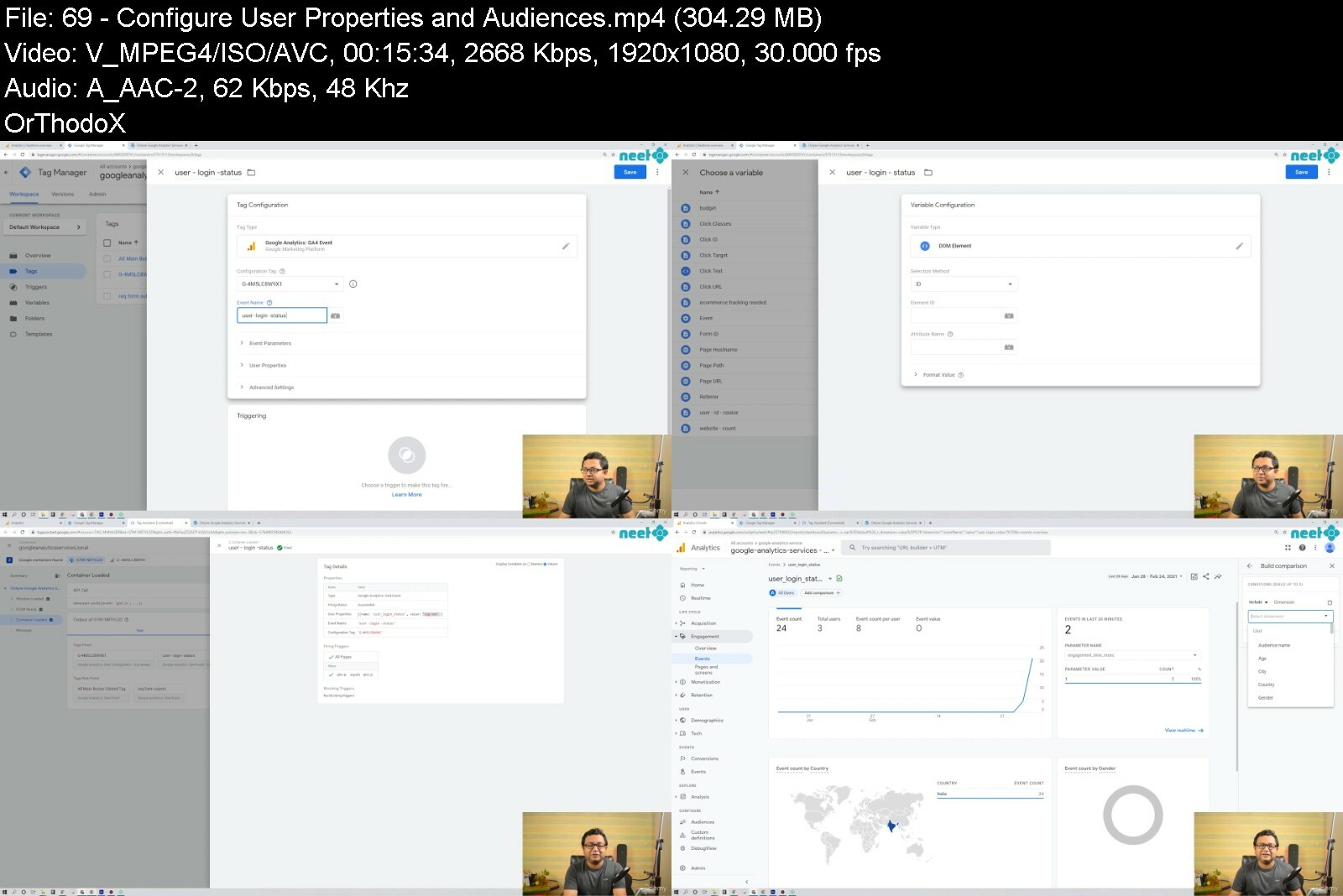
Master Google Analytics 4 Reports And Gtm Basics In 2022

xan0uvd9snbhhjyi9sglz3kfdb.jpg


Master Google Analytics 4 Reports And Gtm Basics In 2022
Last updated 8/2022
MP4 | Video: h264, 1280x720 | Audio: AAC, 44.1 KHz
Language: English | Size: 8.86 GB | Duration: 10h 56m

Learn to analyze Google Analytics 4 reports, create powerful custom reports and tailor GA4 data with Google Tag Manager


What you'll learn
Use Google Analytics 4 (latest version) reports for businesses
Understand how to tailor the Google Analytics 4 account to fit custom business needs
Understand the power of enhanced custom reports in Google Analytics 4
Learn the basics of Google Data Studio
Learn the art of modeling data and making it available in GA4 for any website
Learn the basic of enhanced ecommerce data implementation

Requirements
None.

Description
Google Analytics 4 is the future of Google Analytics, released in 2020 and getting a wide range acceptation. Therefore, it is time for all of us to be ready to master it. This course helps you achieve the same.We analyze all the reports in Google Analytics 4 - Acquisition reports, Retention Reports, Engagement Report, Events, Conversions, Monetization ReportsWe get a thorough understanding of how to create powerful custom reports in GA4 and Google Data Studio.We learn to install Google Analytics and Google Tag Manager on a website and tailor the data in google analytics as needed by your business.For the assignment, we have a project in which you install a website, the files for which are shared in this course, connect with google analytics and tag manager and we together attempt the customization activities. You don't have to do any coding whatsoever.Therefore, all in all, this is truly a comprehensive course on Google Analytics 4 for you to gain mastery.If you are not convinced yet, check out the open videos from the courses, check out the reviews on my other Udemy courses, and then make a decision. Reviews from my other google analytics course:5* The course was very well put together, The course instructor is very calm and composed and explains every aspect of the course with great detail and clarity. I will definitely recommend this course and Mr. Rudranil Chakrabortty to all Enhanced E-commerce enthusiasts.5* Thank you for this course, it is very well structured and really insightful. I really enjoy it :)5* Very Nicely explained & very well-paced. What was amazing was the efforts taken to guide & enable us to deploy data layers & tags from our side on a website that makes this course outstanding & like on-the-job training for practice. It was very easy to understand & thank you for making such a wonderful course Rudranil. I have also purchased your other course on enhanced e-commerce to learn & specialize more in-depth on the ecom. Thank you & keep making more courses like this Rudranil.5* This is such as great course that made me want to take the rest of Neil's course. I am indeed taking another one of his courses. The course content helped me configured our company's new website analytics. Neil's teaching style is very clear, structured, practical, industrial, and full of important contents. Neil does care about his students and very responsive to all the questions I have. Highly recommenced!5* I totally loved the course content. I'd highly recommend it for all those learners who wish to learn they WHYs and the HOWs. Although, I'm not from analytical background and earlier I never believed in the power of Analytics due to my limited understanding, but this course really helped me to expand my horizons and look beyond traditional ways of doing things. Above all, the instant and detailed answers to all my questions by Rudranil was beyond my expectations. Thank You veyr much Rudranil :) All the best! I hope to meet you in the course.
Overview
Section 1: Lets Begin
Lecture 1 Course Structure, Plan, and Overview
Lecture 2 Pace of the Lectures
Lecture 3 How to Analyze Website Data with Google Analytics
Lecture 4 Basic Navigation Guideline of the GA4 Account
Section 2: Analysis: Traffic Volume
Lecture 5 Lets Start our Analysis of Beginner Traffic Data
Lecture 6 Where are Your Users Coming From
Lecture 7 GA4 Jargons, Users, and Concepts Important for Traffic Analysis
Lecture 8 Source and Medium Concept for Traffic Analysis
Section 3: Analysis: Traffic Relevance
Lecture 9 Learning About Your Visitors
Lecture 10 Demographics of Your Target Audience (Visitors)
Lecture 11 Devices and Technology of Your Visitors
Lecture 12 Learning Specific Aspects About Your Visitors
Lecture 13 Identifying Overlapping Segments of Your Visitors
Section 4: Analysis: How Google Analytics 4 Works
Lecture 14 How Google Analytics Works
Lecture 15 Google Analytics 4 Events - Concepts
Lecture 16 Capturing Data Using GA4 Events
Lecture 17 Google Tag Manager - Non-Developer Perspective
Section 5: Analysis: Traffic Engagement
Lecture 18 Analyzing and Using Events
Lecture 19 Page-Level Analysis of Your Website
Lecture 20 Path Analysis for Understanding Visitor Journey on Your Website
Section 6: Analysis: Traffic Sustainability
Lecture 21 Traffic Sustainability Analysis With Cohort Analysis Reports - Part - I
Lecture 22 Retention Analysis of Website Traffic
Lecture 23 Cohort Analysis - Granular Analysis
Lecture 24 Engagement Overview - DAU, MAU. WAU
Lecture 25 Tracking Individual User Actions In GA4
Lecture 26 Concept Behind the UserID Tracking
Section 7: Analysis: Meaningful Traffic
Lecture 27 Funnel Concepts
Lecture 28 Funnel-Based Goal Analysis
Lecture 29 More Data on Business Goals
Lecture 30 Business Goal Analysis With Monetization Reports
Lecture 31 Attribution Modeling - Concept
Lecture 32 Attribution Modeling - Reports
Section 8: Planning: Data Modeling Concepts with GA4
Lecture 33 Thinking About the Website Data to be Modeled
Lecture 34 Data Modeling for a Typical Ecommerce Website - Part - I
Lecture 35 Data Modeling for a Typical Ecommerce Website - Part - II
Lecture 36 Data Modeling for a Typical Ecommerce Website - Part - III
Lecture 37 Data Modeling for Non-Standard Websites - Part - I
Lecture 38 Data Modeling for Non-Standard Websites - Part - II
Lecture 39 Revisiting The Monetization Reports
Section 9: Customization: Custom Reports and Data Studio Introduction
Lecture 40 Customized Tabular Reports In GA4
Lecture 41 Completely Modify Google Analytics Reports and Layouts with Library
Lecture 42 Google Data Studio Basics
Lecture 43 Chart Types In Data Studio
Lecture 44 Using Data Filters and Other Tools
Lecture 45 Customizing Data with Formulas and Arithmetic In Google Data Studio
Lecture 46 Creating Advanced Custom Funnels In Data Studio
Section 10: Implementation: Project Details and Setup
Lecture 47 Who this Project is for?
Lecture 48 Install the Project
Section 11: Implementation: Google Analytics 4 with Tag Manager
Lecture 49 Create a New Google Analytics 4 Account
Lecture 50 Connect Google Analytics 4 to the Website
Lecture 51 A Case for the Need of Google Tag Manager
Lecture 52 Create a New Google Tag Manager Account
Lecture 53 Understand How Google Tag Manager Works
Lecture 54 Link the Website, Google Analytics 4, and Google Tag Manager
Lecture 55 Implement our First Event using the Google Tag Manager
Lecture 56 Understand the Preview Mode (Tag Assistant) in Google Tag Manager
Lecture 57 Understand the Debug View in Google Analytics 4
Lecture 58 Final Steps to Complete the Event Creation
Lecture 59 Optimize the use of Tags and Triggers in Google Tag Manager
Lecture 60 Understand Event Parameters - Concepts
Lecture 61 Understand Custom Metrics and Dimensions - Concepts
Lecture 62 Technique to Capture Event Parameters
Lecture 63 Advanced Use of Custom Metrics and Dimensions
Lecture 64 What is the Data Layer
Lecture 65 Configure Advanced Custom Metrics, Dimensions using Google Tag Manager
Lecture 66 How to push Data into the Data Layer
Lecture 67 Events and Conversions in Google Analytics 4
Section 12: Implementation: User Behavior Data Designing Opportunities in Google Analytics 4
Lecture 68 Understand User Properties and Audiences in Google Analytics 4
Lecture 69 Configure User Properties and Audiences
Lecture 70 Understand User ID Tracking Fundamentals
Lecture 71 Implement User ID Tracking
Section 13: Implementation: Ecommerce/Monetization Reports - How it Works
Lecture 72 E-Commerce Implementation Basic Concepts
Lecture 73 Implementation Plan In Our Practice Website
Lecture 74 Implement The First Step of E-Commerce Data Collection
Lecture 75 Implement Product Views, Add To Carts And More - I
Lecture 76 Implement Product Views, Add To Carts And More - II
Lecture 77 Capturing Data Dynamically In The Ecommerce Implementation
Section 14: Lets Close
Lecture 78 Parting Thoughts
Section 15: Additionals
Lecture 79 Web Application And Android Application Together In Google Analytics 4
Lecture 80 Filter Internal or Unwanted Traffic from your Google Analytics 4 Account
Google Analytics Beginners, Intermediate Learners,Digital Marketing Managers,New Age Digital Startups,Web Analytics Enthusiasts


mastergoogleanalytics90c0i.jpg


Download from RapidGator


Download from DDownload



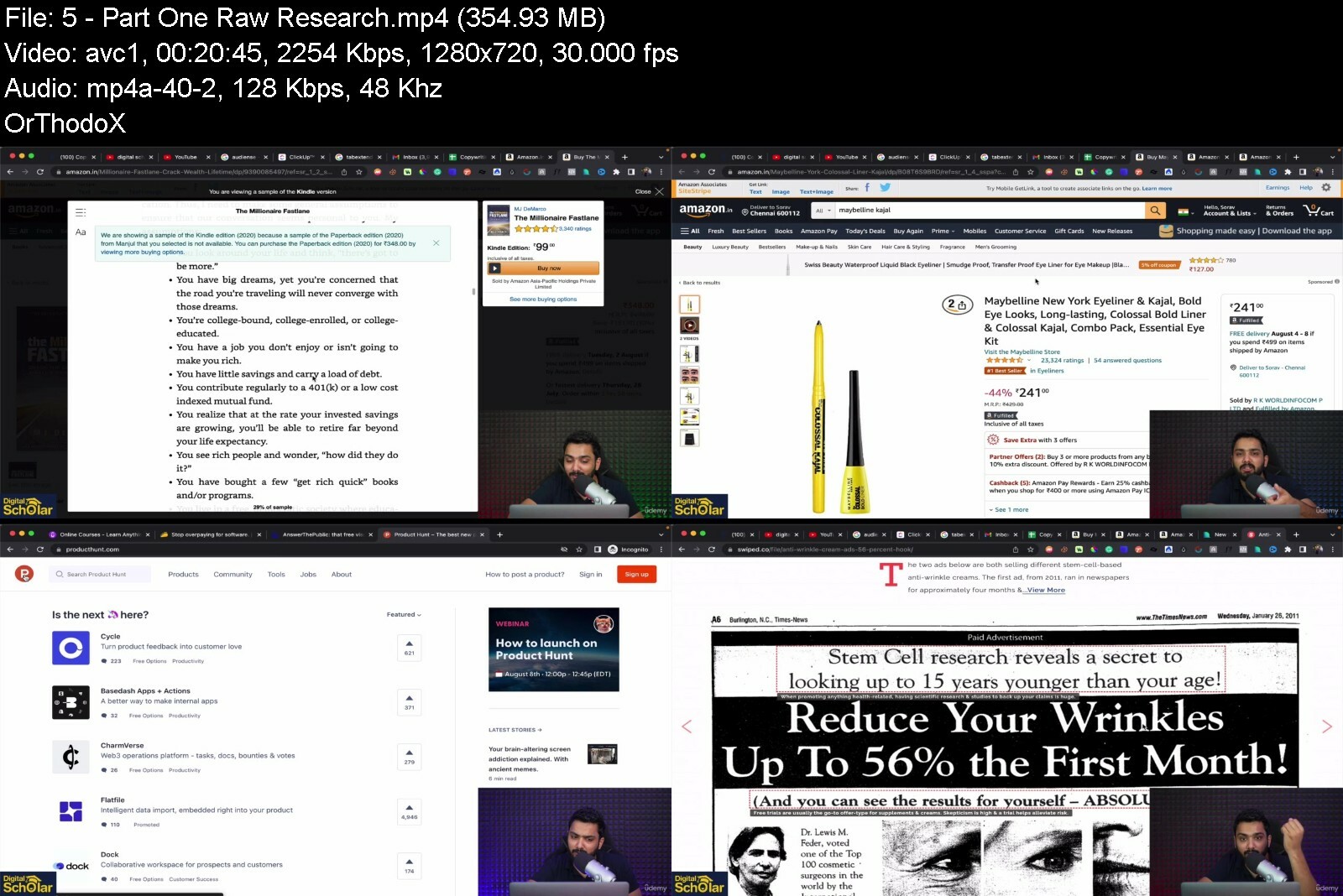
Copywriting Mastery Course

6cvpfimjotpqjqiutf3ufcjinl.jpg


Copywriting Mastery Course
Published 9/2022
MP4 | Video: h264, 1280x720 | Audio: AAC, 44.1 KHz
Language: English | Size: 5.45 GB | Duration: 5h 28m

Learn to write copies that bring you more clicks, leads and sales and much more


What you'll learn
How To Write Copy That Sells Like Hot Cakes.
How To Sell Yourself Without Sounding Pushy.
How To Become A High Ticket Copywriter.
4+ Advanced Copywriting Practical Frameworks.

Requirements
No requirements required

Description
The #1 Mistake That Most People Do Copywriting is an extremely important skill that helps you turn your viewers into your customers. However, it can also be quite complex due to various factors. When sales and clicks aren't what you expect, we start to ask ourselves questions like: "Did they get the wrong message?" "Did I make any mistake?" "Why are they not buying?" .lots of others as well. The most common mistake I have seen people making is not following a proper roadmap. Using random words or using too many promotional words can make your audience move away from your landing page or ads. Now the most important question that people often ask me is- "What should I do to write copies that sell?" The answer to this is quite simple! Follow A Roadmap Copywriting Mastery helps you create high-converting sales pages, upsells, follow-up emails ad copies and much more... There are a lot of materials available on the Internet, which show you how copywriting used to be done. But there have been some drastic changes in the past year in online businesses which require some Subtle changes. In Copywriting Mastery, you'll discover what it really takes to produce winning copy in TODAY'S new-age market. This roadmap consists of 10 Modules that you need to learn in order to get the max out of your Copies. And if you're missing even just one step from this roadmap, you run the risk of writing unimpactful words that are easily ignored. So, what if you had a set of plug-and-play formulas to write winning copies almost instantly? No More waiting hours to get the right words! No More Fear Of Messing it up! No more wasting time or money! This one course on Copywriting will help you stay on top of your customer's mind by writing powerful copies! This course helps you create high-converting sales pages, upsells, follow-up emails ad copies and much more... Even if you are a complete newbie at copywriting and just starting to write. Even if you have never written a funnel before and have no idea what the psychology of selling is all about. (I've also Been there....) Even if you've built a few funnels before and many (not all) of them failed. (Been there too! Ugh. it was hard. But, please, don't give up! ) You're about to find out why your own words are the #1 thing standing in the way of increasing your revenue, effortlessly selling your products/services, and helping more people write better. Why do you need to learn Copywriting? You Need To Learn How To Write Emotionally-Compelling Messages That Drive Someone To Take Action. I'm 100% sure that copywriting can be the most valuable skill you can develop in business. You don't need to spend 2 years learning copywriting. After completing Copywriting Mastery you can pretty much instantly write banger copies. Why is this course different? This course will help you write copies that get you leads, sales and profits....No matter what you sell or who you sell it to! Even if you are a complete newbie Just one course will cater to all the different aspects of copywriting. It will be a completely power-packed course which will be easy to follow, informative and definitely practical in approach. Enrol now for this course and give your Copies that magical touch it deserves! See you inside the course.
Overview
Section 1: Introduction to Copywriting
Lecture 1 Why Copywriting
Lecture 2 Why do People Buy
Lecture 3 Ten Questions to ask for your products
Section 2: Research - R.R.P.T Method
Lecture 4 Creating Reservoirs
Lecture 5 (Part One) - Raw Research
Lecture 6 (Part Two) - Raw Research
Lecture 7 Concrete Proofs
Lecture 8 AI Tools - Jasper
Section 3: Become Great at Writing Headlines
Lecture 9 Why Headlines
Lecture 10 Psychology of Headlines
Lecture 11 Kickass Templates You Can Use Right Away
Section 4: Copywriting Frameworks
Lecture 12 Aida Model
Lecture 13 PAS Framework
Lecture 14 4P framework
Lecture 15 B.A.B Framework
Section 5: Feature Vs Benefit
Lecture 16 Features Vs Benefits
Lecture 17 Examples of Features Vs Benefits
Section 6: Defining Your Customer Avatar
Lecture 18 Meet Your F.R.E.D
Lecture 19 How to define F.R.E.D
Lecture 20 Discover Fred-s PQR2
Section 7: Five Psychological Principles
Lecture 21 The Decoy Effect
Lecture 22 Rule of Reciprocity
Lecture 23 The endowment effect
Section 8: Landing Page Copywriting
Lecture 24 Landing Page Copywriting - Focus on one conversion Goal
Lecture 25 Align Copy with the Intent of the Visitors
Lecture 26 Message Should Match the Ad
Lecture 27 Problem-Solution Strategy: Sections of a landing page
Section 9: Copies for Email Writing
Lecture 28 Writing Copies for Email
Lecture 29 Anatomy of a perfect email
Lecture 30 Subject Line Series
Lecture 31 Ice-Breaker
Section 10: Getting it in Check - Formatting Rules
Lecture 32 Formatting Rules 1 and 2
Lecture 33 Formatting Rules 3,4 and 5
Lecture 34 Three FREE Tools to Use for Formatting
Section 11: Claim Your Certificate
Lecture 35 Claim Your Certificate
Business Owners,Digital Makreters,Content Writers,Freelancers,Students,Coaches/Consultants,Freshers/Newbies


copywritingmasterycouytdik.jpg


Download from RapidGator


Download from DDownload

 
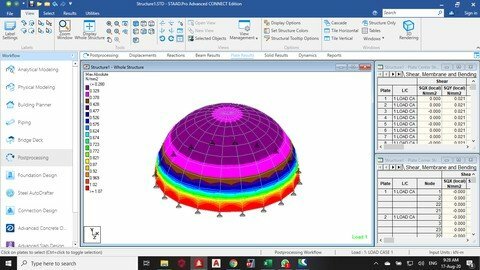
Learn Staad Pro Connect Edition From The Scratch

dw3mqwrjdayprumlwfv6avse8a.jpg


Learn Staad Pro Connect Edition From The Scratch
Last updated 11/2021
MP4 | Video: h264, 1280x720 | Audio: AAC, 44.1 KHz
Language: English | Size: 7.30 GB | Duration: 12h 18m

Learn staad pro connect edition for beginners


What you'll learn
How to model, analyze and design any steel or concrete structure on staad pro connect edition
High-rise buildings

Requirements
Have basic understanding of structural analysis
Understand Bending moments, shear force and plates stresses

Description
We shall learn how to use staad pro connect edition to model, analyse and design any type of structure. E.g residential buildings, commercial buildings, dome, cooling tower, water tank, swimming pool, steel structures and concrete structures, all on staad pro connect edition. we shall also learn how to use RCDC for structural detailing and drafting, to make life easier for us
Overview
Section 1: WEEK 1
Lecture 1 Introduction to staad pro connect edition user interface
Lecture 2 Day 2 How to model,analyse and design a simply supported concrete and steel beam
Lecture 3 Day 3 how to model and analyse a continuous beam on staad pro
Lecture 4 Day 4 How to model and analyse a truss on staad pro connect edition
Lecture 5 Day 5 How to optimize steel design
Lecture 6 Day 6 How to design a reinforced concrete column in staad pro CE
Lecture 7 Day 7 How to design a steel column on staad pro CE
Section 2: week 2
Lecture 8 day 8 understanding grids in staad pro
Lecture 9 day 9 analysis of a statically determinate truss
Lecture 10 Day 10 How to analyse a beam with inclined load
Lecture 11 Day 11 analysis of a simply supported plate
Lecture 12 Day 12 analysis of a continuous edge slab
Lecture 13 Day 13 difference between plate load and floor load
Lecture 14 Day 14 how to reduce plates stress in staad pro
Section 3: WEEK 3
Lecture 15 Day 15 how to analyse and design a concrete TEE beam
Lecture 16 Day 16 how to model and analyse a curved beam on staad pro CE
Lecture 17 Day 17 how to mirror on staad pro connect edition
Lecture 18 Day 18 learning about grouping of members in staad pro
Lecture 19 Day 19 how to model analyze and design a single flight staircase
Lecture 20 Day 20 How to design a dog leg staircase
Lecture 21 Day 21 how to model a helical staircase in staad pro
Section 4: week 4
Lecture 22 Day 22 how create your own steel section on staad pro
Lecture 23 Day 23 connection design in staad pro connect edition
Lecture 24 Day 24 how to design a simple RCC structure on STAAD PRO
Lecture 25 Day 25 Modelling, analysing and design of free standing staircase on staad pro C
Lecture 26 Day 26 how to design a continuous building
Lecture 27 Day 27 How to print out detailed calculation sheet in staad pro
Lecture 28 Day 28 how to design a slab with concrete designer
Section 5: Week 5
Lecture 29 Day 29 how to design a secondary beam in staad pro CE
Lecture 30 Day 30 how to model a building with cantilever part 1
Lecture 31 Day 31 how to design a cantilever building part 2
Lecture 32 Day 32 how to assign specifications master slave part 1
Lecture 33 Day 33 How to beam releases in staad pro CE Part 2
Lecture 34 Day 34 how to use member offset on staad pro ce
Lecture 35 Day 35 How to apply tension and compression specifications in staad pro ce
Section 6: week 6
Lecture 36 Day 36 how to correct no elastic modulus E error part 1
Lecture 37 Day 37 no support error solution part 2
Lecture 38 Day 38 no load case created solution part 3
Lecture 39 Day 39 How to fix error in command line
Lecture 40 Day 40 Resolving instabilities in staad pro
Lecture 41 Day 41 X and Z range in floor load
Lecture 42 Day 42 how to apply different types of load in staad pro
Section 7: week 7
Lecture 43 Day 43 isolated footing design
Lecture 44 Day 44 combined footing on staad pro foundation
Lecture 45 Day 45 how to create automatic load combination on euro code
Lecture 46 Day 46 How to design pile cap on staad foundation
Lecture 47 Day 47 how to apply wind load on staad pro
Lecture 48 Day 48 How to design a crane gantry with moving loads
Lecture 49 Day 49 understanding staad command editor part 1
Lecture 50 Day 50 staad editor part 2
Section 8: week 8
Lecture 51 Day 51 Steel portal frame modelling part 1
Lecture 52 Day 52 loading of steel portal frame part 2
Lecture 53 Day 53 designing and selecting a suitable steel section
Lecture 54 Day 54 what Dmax means
Lecture 55 Day 55 Base plate design
Lecture 56 Day 56 design of isolated footing for portal frame
Lecture 57 Day 57 deflection criteria in steel design part 1
Section 9: week 9
Lecture 58 Day 58 applying deflection limit
Lecture 59 Day 59 Design of elevated water tank in staad pro CE
Lecture 60 Day 60 RCC modelling part 1
Lecture 61 Day 61 on RCC design loading
Lecture 62 Day 62 analysis of RCC building part 3
Lecture 63 Day 63 RCC design
Lecture 64 Day 64 beam and column design
Section 10: week 10
Lecture 65 Day 65 slab design and detailing
Lecture 66 Day 66 slab,staircase, column and beam detailing
Lecture 67 Day 67 foundation design
Lecture 68 Day 68 How to use excel spread sheet on staad foundation advanced
Lecture 69 Day 69 cooling tower design
Lecture 70 Day 70 Using double angle on staad pro CE
Lecture 71 Day 71 design of water tank stand staad ce
Section 11: week 11
Lecture 72 Day 72 3 storey building on staad pro with bolt connection design
Lecture 73 Day 73 how to model and analyse a dome
Lecture 74 Day 74 how to model, analyze and design a cantilever retaining wall
Lecture 75 Earthquake analysis part 1
Beginner structural engineers


learnstaadproconnecte7qenc.jpg


Download from RapidGator


Download from DDownload


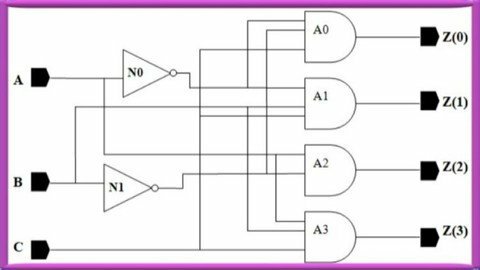
System Design Using Verilog

kelmwglaljcrxmeajfkotb8di3.jpg


System Design Using Verilog
Last updated 8/2022
MP4 | Video: h264, 1280x720 | Audio: AAC, 44.1 KHz
Language: English | Size: 16.09 GB | Duration: 28h 48m

FPGA Based Design


What you'll learn
Verilog coding for digital circuits

Requirements
No

Description
After completion of this course learners will be able to:(1) Understand the concepts design metrics which are to be optimized by a design engineer(2) Understand the concepts of IC design technology(3) Understand the implementation of logic using Fixed Function IC Technology, Full Custom ASIC Technology, and Semi-Custom ASIC Technology(4) Understand the advantages and disadvantages of implementation of logic using Fixed Function IC Technology, Full Custom ASIC Technology, and Semi-Custom ASIC Technology(5) Understand the concept of implementation of logic in PLDs(6) Understand the concept of implementation of logic in FPGA(7) Understand the IC design flow(8) Understand the role of HDL in system design(9) Understand the concepts of various Verilog language constructs(10) Understand various operators and their uses in Verilog coding(11) Understand how to use Xilinx software for writing a Verilog code(12) Understand how to use Xilinx software for simulating a Verilog code(13) Understand how to use Xilinx software for implementing a Verilog code(14) Implement combinational logic by using behavioral modeling style(15) Implement combinational logic by using dataflow modeling style(16) Implement combinational logic by using structural modeling style(17) Implement sequential logic by using behavioral modeling style(18) Implement sequential logic by using dataflow modeling style(19) Implement sequential logic by using structural modeling style(20) Implement logic by using mos transistors
Overview
Section 1: IC Design Technology
Lecture 1 Design Metrics
Lecture 2 Fixed Function IC Technology
Lecture 3 Full Custom ASIC Technology
Lecture 4 Semi-Custom ASIC Technology
Lecture 5 HDL Role in System Design
Lecture 6 PLD Technology (PLA)
Lecture 7 PLD Technology (PAL)
Lecture 8 FPGA (Architecture)
Lecture 9 FPGA (Logic Implementation Examples)
Section 2: Introduction to Verilog and Xilinx Software
Lecture 10 Introduction to Verilog
Lecture 11 Level of Abstraction
Lecture 12 Introduction to Xilinx Software
Lecture 13 Data Types (Net Types)
Lecture 14 Data Types (Register Types)
Lecture 15 Operator (Bitwise operators)
Lecture 16 Operator (Logical & Reduction)
Lecture 17 Operator (Arithmetic, Relational & Shift)
Lecture 18 Operator (Concatenation, Conditional & Replication)
Section 3: Introduction to different level of modeling
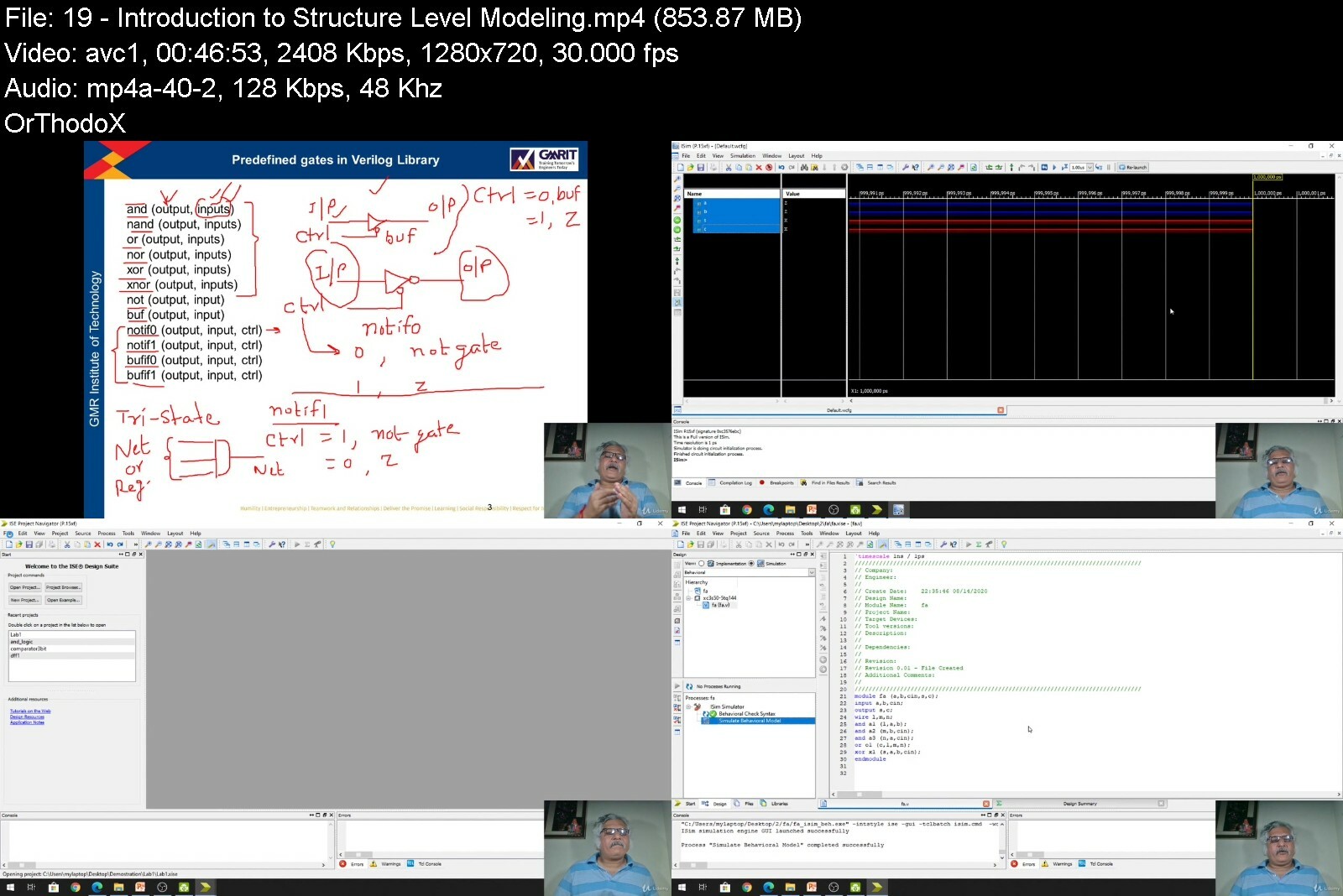
Lecture 19 Introduction to Structure Level Modeling
Lecture 20 Introduction to Behavioural Level Modeling
Lecture 21 Introduction to Dataflow Level Modeling
Section 4: Testbench
Lecture 22 Test Bench-(Part I)
Lecture 23 Test Bench -(Part II)
Lecture 24 Test Bench-(Part III)
Section 5: Structure Modeling
Lecture 25 Structure Modeling (2 to 1 Multiplexer)
Lecture 26 Structure Modeling (2 to 4 Decoder)
Lecture 27 Structure Modeling (3-Bit Adder) Part - I
Lecture 28 Structure Modeling (3-Bit Adder) Part - II
Section 6: Behavioural Modeling
Lecture 29 Procedural Statements
Lecture 30 Sequential Statements (if-else) Part-I
Lecture 31 Sequential Statements (if-else) Part-II
Lecture 32 Sequential Statements (if-else) Part-III
Lecture 33 2 to 4 Decoder using if-else Statement
Lecture 34 Comparator using "if-else" Statement
Lecture 35 Software demonstration of Comparator
Lecture 36 2 to 1 Multiplexer using "case" Statement
Lecture 37 4 to 1 Multiplexer using "case" Statement
Lecture 38 2 to 4 Decoder using "case" Statement
Lecture 39 1 Bit Comparator using "case" Statement
Lecture 40 BCD to 7 Segment Decoder using "case" Statement
Lecture 41 Sequential Statements - (loop)
Section 7: Behaviourl Model - Sequential Circuits
Lecture 42 Verilog code of D Flip Flop
Lecture 43 Verilog code of JK Flip Flop
Lecture 44 Verilog code of T Flip Flop
Lecture 45 Verilog code of 3 Bit Counter
Lecture 46 Parallel In Parallel Out Register
Lecture 47 Serial In Parallel Out Register
Lecture 48 Serial In Serial Out Register
Section 8: Multiple Always Block
Lecture 49 Multiple always block - (Example)
Lecture 50 Multiple always block - (D Flip Flop)
Lecture 51 Multiple always block - (2 to 4 Decoder)
Section 9: Blocking and Non-blocking Statements
Lecture 52 Blocking Statement
Lecture 53 Non-Blocking Statement
Section 10: Few Examples of Combinational Circuits
Lecture 54 Verilog Model of Full Subtractor
Lecture 55 Binary to Gray Converter
Lecture 56 Gray to Binary Converter
Lecture 57 Verilog Code of 1 to 2 Demultiplexer
Lecture 58 Priority Encoder
Section 11: Switch Level Modeling
Lecture 59 "cmos" Switch (Part I)
Lecture 60 "cmos" Switch (Part II)
Lecture 61 "cmos" Switch (Part III)
Lecture 62 "cmos" Switch (Part IV)
Students who are interested to write and simulate verilog codes written for combinational and sequential circuits


systemdesignusingveribqeqs.jpg


Download from RapidGator


Download from DDownload


Advanced Texturing in Substance Painter 2022

a3hmqrd1kjzln3c7hzp8l3kceh.jpg


Advanced Texturing in Substance Painter 2022
Updated 09/2022
Genre: eLearning | MP4 | Video: h264, 1280x720 | Audio: AAC, 44.1 KHz
Language: English | Size: 7.5 GB | Duration: 7 lectures • 7h 50m


What you'll learn
Learn how to prepare an asset for baking and how to create a quick and perfect bake using (Marmoset toolbag).
You'll also learn how to create flexible smart materials, how to create hyper-realistic rust and dirt and how to manage correct material response on your textu
In Marmoset toolbag you'll learn how to set up a render scene using quixel bridge assets, assign materials, textures and also lit the scene using area light s
Very realistic metal material construction

Requirements
You need to know the basics of Substance Painter and Marmoset. If you don't know these basics ، I recommend that you watch the introductory course first

Description
Advanced Texturing in Substance Painter 2022
In Advanced Texturing in Substance Painter, you will learn how to create well-organized, high-quality advanced textures using Substance Painter and how to render assets in Marmoset.
This training course has no sound and all the steps of training are done step by step, and without the need for sound, you can easily learn all the steps of training.
You can reach the same output that I reached in the training by following the steps of the training course according to the video.
WHAT YOU WILL LEARN
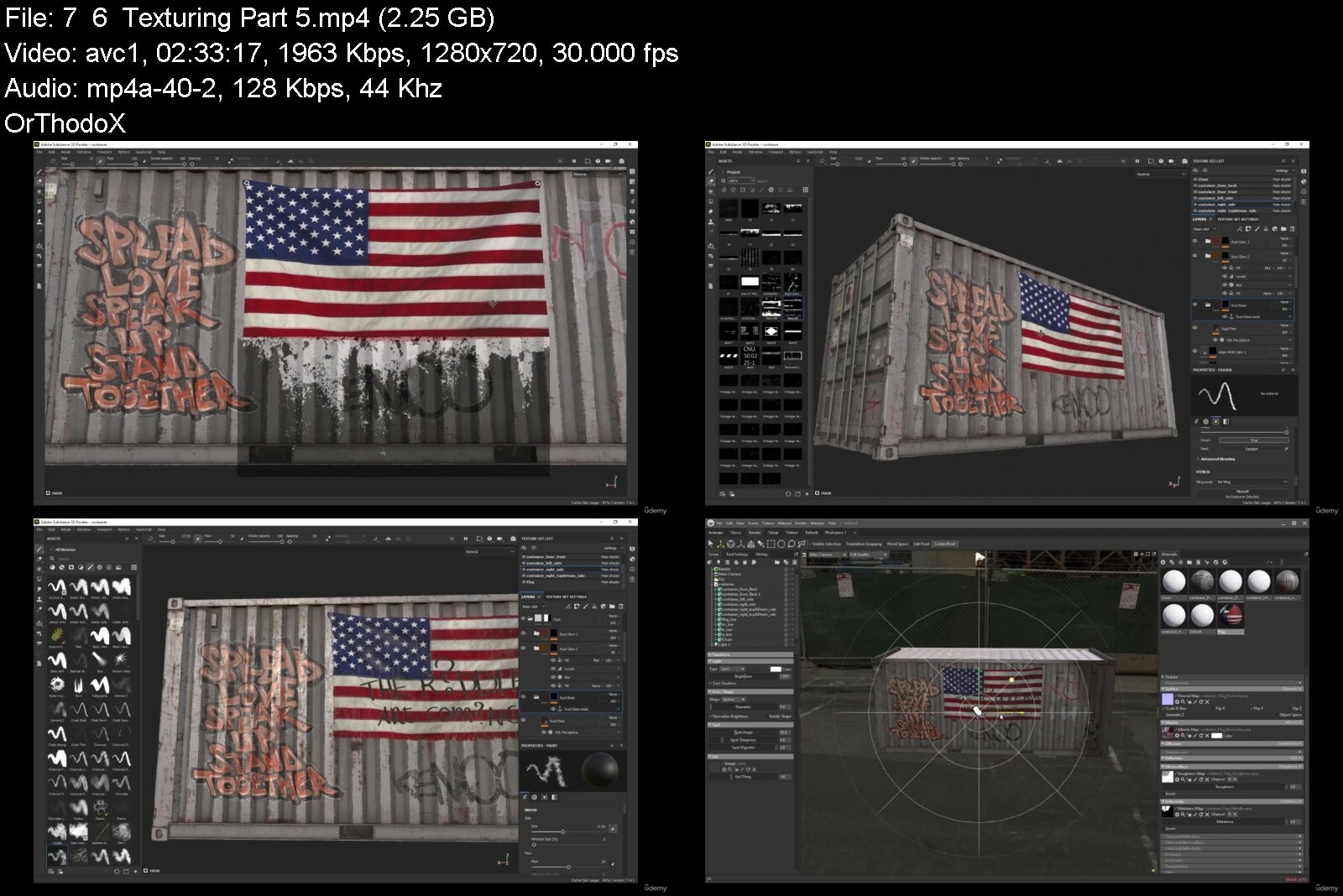
Learn how to prepare an asset for baking and how to create a quick and perfect bake using (Marmoset toolbag). You'll also learn how to create flexible smart materials, how to create hyper-realistic rust and dirt and how to manage correct material response on your textures. In Marmoset toolbag you'll learn how to set up a render scene using quixel bridge assets, assign materials, textures and also lit the scene using area light surfaces or sky lights. and how to set up and save a final render image.
ABOUT YOUR INSTRUCTOR
Morteza Hatamzadeh is a senior environment and look-dev artist who worked on various mid to large scale production level projects.
SKILL LEVEL
You need to know the basics of Substance Painter and Marmoset. If you don't know these basics ، I recommend that you watch the introductory course first
Introduction to Substance Painter .Introduction to Marmoset
FILES INCLUDED
7:48 hours worth of HD Video Footage
Source files
SOFTWARE USED
Substance Painter 7.4.1 Marmoset 4 3DMAX
Who this course is for
The workflow taught in this course is one that is consistently used in the games industry today - but more importantly, Hannah has a keen eye for details. Her methodical approach to reference collection combined with her talent for texturing truly takes her props to the next level. For anyone looking to level up their game asset skills, this is the course for you!


advancedtexturinginsujke3a.jpg


Download from RapidGator


Download from DDownload


Catia V5 Beginner To Advanced - Automotive And Industrial

g1oswfxhhyou94eecrmazsifje.jpg


Catia V5 Beginner To Advanced - Automotive And Industrial
Last updated 1/2022
MP4 | Video: h264, 1280x720 | Audio: AAC, 44.1 KHz
Language: English | Size: 13.17 GB | Duration: 21h 30m

Learn Catia V5 from a design engineer with more than 18 years experience in automotive, racing and industrial design


What you'll learn
Workbenches: Sketcher, Part Design, Assembly Design, Drafting, Generative Shape Design (GSD), Sheetmetal Design and DMU Kinematics (simulations)
Practice projects to extend your experience fast
Learn about different industries and how to look for jobs, make your CV and showcase your skills
Learn to use the software in real job design
Learn how to think like a professional design engineer
Learn about the automotive industry and Formula 1
Learn how to build portfolio for design engineering

Requirements
Just basic computer usage

Description
HiMy name is Alex, and I am a Design Engineer.I have been working for more than 18 years with Catia V5 in automotive engineering, racing and industrial design.All the knowledge and experience that I gained helped me work with companies like Ferrari Formula One Team, Red Bull Racing, Jaguar Land Rover, Aston Martin and others.In this course I will teach you everything I know about Catia V5 and everything you need, to be ready to work in a company.I will show you all the commands and also how to use them in real design like you would be working on a job.Catia V5 is easy to learn. Learning how to use it is the real secret. And its not that hard, I will show you.You don't need 30 hours to learn this software.My videos are edited only with the information that you need with no intro and no waiting around.You will also have my personal email where I will answer your questions and help you if you need it.First we will build two assemblies from scratch where you will learn how to design in Catia V5.Then you study the video library where all the commands and options will be explained in detail.After you study the library there are other videos with tips and projects to consolidate your experience.At the end I made some videos with information from all the industries I worked in and with tips.This course will teach you Catia V5 and also how to use it in a business environment.I will show you how I got my first job with no experience and how you can also do it.Everything I teach comes from my practical experience only, no theories.And I only wish to give you some inspiration. See you in the course!
Overview
Section 1: Introduction to Catia V5
Lecture 1 A quick about me
Lecture 2 Add subtitles in your own language
Lecture 3 How was this course designed
Lecture 4 Catia V5 workbenches and what you can design
Lecture 5 Catia V5 files
Lecture 6 Catia V5 general interface
Lecture 7 How to modify menus and toolbars
Lecture 8 How to use your mouse and keyboard
Lecture 9 How to use the STEP files
Section 2: Let's design something quick!
Lecture 10 Let's design the first part
Lecture 11 The second part
Lecture 12 The final parts
Lecture 13 Let's assemble the parts
Lecture 14 Let's perform some assembly analysis
Lecture 15 Let's create a drawing
Section 3: Sketcher video library
Lecture 16 Sketch constraints
Lecture 17 Construction elements
Lecture 18 Sketch profiles
Lecture 19 Sketch operations part 1
Lecture 20 Sketch operations part 2 - relimitations
Lecture 21 Sketch operations part 3 - transformations
Lecture 22 Sketch operations part 4 - project 3D elements
Lecture 23 Sketch analysis
Lecture 24 Visualization tools
Section 4: Part design video library
Lecture 25 Pads
Lecture 26 Pockets
Lecture 27 Sketcher profile rules
Lecture 28 Points
Lecture 29 Planes
Lecture 30 Lines
Lecture 31 Hole
Lecture 32 Shaft and groove
Lecture 33 Fillet and chamfer
Lecture 34 Shell and thickness
Lecture 35 Draft angle
Lecture 36 Rib and Slot
Lecture 37 Multi sections solid and removed multi section
Lecture 38 Part body and geometrical sets
Lecture 39 Body transformations
Lecture 40 Patterns
Lecture 41 Boolean operations
Lecture 42 3D annotations
Section 5: Assembly design video library
Lecture 43 View and render tools
Lecture 44 Measurements
Lecture 45 Product structure
Lecture 46 Assembly manipulation
Lecture 47 3D compass
Lecture 48 Assembly constraints
Lecture 49 Annotations
Lecture 50 Clash and section
Lecture 51 Enhanced scenes
Lecture 52 Search and select
Section 6: Drafting video library
Lecture 53 The drafting workbench
Lecture 54 Views toolbar
Lecture 55 Drawing toolbar
Lecture 56 Overload properties
Lecture 57 Dimensioning toolbar
Lecture 58 Annotations and dress-up
Lecture 59 Text replicate
Lecture 60 Sheet background - frame and title block
Lecture 61 Other useful tools in drafting mode
Section 7: General video library
Lecture 62 Lighting and depth
Lecture 63 Apply materials
Lecture 64 Catalog browser
Lecture 65 Performance options
Lecture 66 Other Catia V5 tools
Lecture 67 Hide multiple elements with a few clicks
Lecture 68 Create new custom material
Section 8: Practice Projects and Assessments
Lecture 69 Practice project #1 - Assessing the job that has to be done
Lecture 70 Practice project #1 - Planning and collecting information
Lecture 71 Practice project #1 - Designing and assembling the parts
Lecture 72 Practice project #1 - Product analysis and conclusion
Lecture 73 Practice project #2 - Part 1 - Base and bracket
Lecture 74 Practice project #2 - Part 2 - The wheel
Lecture 75 Practice project #2 - Part 3 - Wire retainer
Lecture 76 Practice project #2 - Part 4 - Bulb and wire
Lecture 77 Practice project #2 - Part 5 - Rustic lamp assembly
Lecture 78 Practice project #3 - Part 1 - Central beam
Lecture 79 Practice project #3 - Part 2 - Tow ball mount
Lecture 80 Practice project #3 - Part 3 - Brackets
Lecture 81 Practice project #3 - Part 4 - Assembly
Lecture 82 Practice project #3 - Part 5 - Product analysis
Section 9: Generative Shape Design - Wireframes
Lecture 83 Wireframe and 3D sketches
Lecture 84 Points
Lecture 85 Lines
Lecture 86 Planes
Lecture 87 Point and plane repetition
Lecture 88 Polyline
Lecture 89 Circle and arc
Lecture 90 Axis and corner
Lecture 91 Spline and connect curve
Lecture 92 Helix and spiral
Section 10: Generative Shape Design - Surfaces
Lecture 93 Extrude
Lecture 94 Revolve
Lecture 95 Fill and join
Lecture 96 Split and trim
Lecture 97 Sphere
Lecture 98 Cylinder
Lecture 99 Surfacing exercise #1
Lecture 100 Projection of curve on surface
Lecture 101 Curve at surface intersection
Lecture 102 Offset
Lecture 103 Sweep (simple) - part 1
Lecture 104 Multi section surface
Lecture 105 Blend surfaces
Lecture 106 Heal surfaces
Lecture 107 Boundary
Lecture 108 Convert solid to surface and extract surface from solid
Lecture 109 Convert surface body in solid body
Lecture 110 Sweep - part two - explicit profile
Lecture 111 Sweep - part three - line profile
Lecture 112 Sweep - part four - circle profile
Lecture 113 Sweep - part five - conic profile
Lecture 114 Adaptive sweep
Lecture 115 Shape, edge and variable fillet
Lecture 116 Chordal, face-face and tritangent fillet
Section 11: Generative Shape Design - Body in White Templates
Lecture 117 BIW Junction
Lecture 118 BIW Diabolo and holes
Lecture 119 BIW Mating flange
Lecture 120 BIW bead
Lecture 121 BIW blend corner
Section 12: Sheet Metal Design
Lecture 122 Sheet Metal Design Introduction
Lecture 123 Sheet Metal Parameters, K-Factor, Neutral Axis and Bend Allowance
Lecture 124 Wall and Wall on Edge
Lecture 125 Bend Extremities Properties
Lecture 126 Swept Walls
Lecture 127 Extrusion
Lecture 128 Cut Out and Holes
Lecture 129 Corner and Chamfer
Lecture 130 Fold and Unfold View
Lecture 131 Corner Relief
Lecture 132 Stamping part 1 - Surface Stamp, Bead, Curve Stamp and Flanged Cut Out
Lecture 133 Stamping part 2 - Louver, Bridge, Flanged Hole and Circular Stamp
Lecture 134 Stiffening Rib
Lecture 135 Dowel
Lecture 136 User Stamp
Lecture 137 Bend and Conical Bend
Lecture 138 Bend from Flat, Folding and Unfolding
Lecture 139 Rolled Walls and Sheetmetal Rolling
Lecture 140 Hopper
Lecture 141 Patterns and transformation features
Section 13: DMU Kinematics
Lecture 142 Revolute Joint
Lecture 143 Cylindrical Joint
Lecture 144 Screw Joint
Lecture 145 Prismatic Joint
Lecture 146 Assembly Constraints Conversion
Lecture 147 Gear Joint
Lecture 148 Cable Joint
Lecture 149 Roll Curve Joint
Lecture 150 Planar Joint
Lecture 151 Rigid Joint
Lecture 152 Point Curve Joint
Lecture 153 Curve Slide Joint
Lecture 154 Point Surface Joint
Lecture 155 Spherical Joint
Lecture 156 Simulation - and exercise
Section 14: How to become a Design Engineer in Automotive, Racing or Industrial Design
Lecture 157 Automotive assembly line and vehicle major components
Lecture 158 Automotive production process on paper
Lecture 159 Applications, software and documents used in project development
Lecture 160 Automotive assembly line video with comments
Lecture 161 Formula one car building
Lecture 162 Formula one car major components
Lecture 163 Industrial design
Section 15: How to find projects and practice by yourself anytime you want
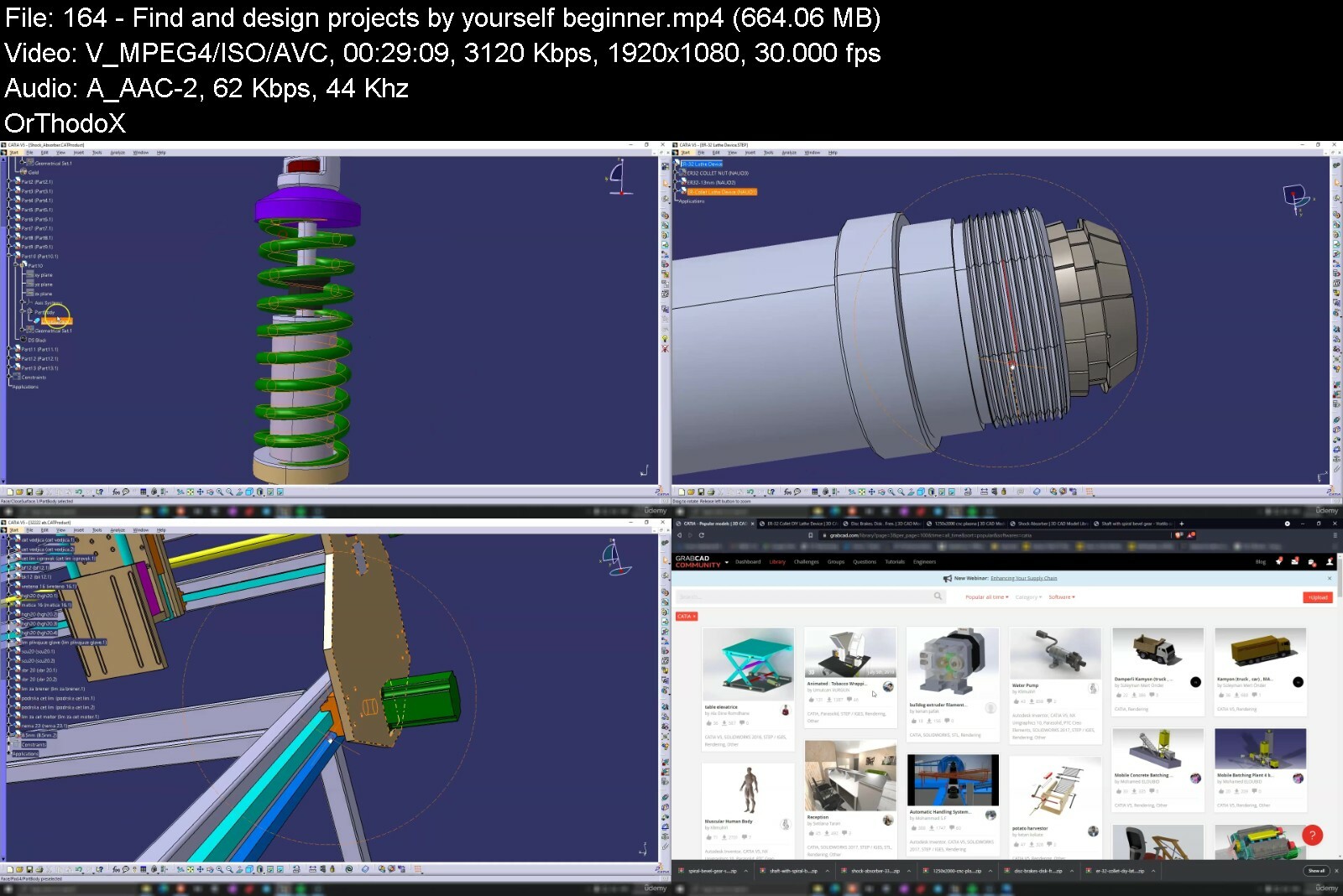
Lecture 164 Find and design projects by yourself - beginner
Lecture 165 Find and design projects by yourself - become a CAD design expert
Lecture 166 Practice Project #4 - The Frame
Lecture 167 Practice Project #4 - Drawers
Lecture 168 Practice Project #4 - Other Features
Section 16: How to tailor your CV, look for the best jobs, build a portfolio and interview
Lecture 169 How to tailor your CV and showcase your experience
Lecture 170 How to conduct yourself at an interview
Lecture 171 How to build a modern professional portfolio
Lecture 172 How to look for a job
Individuals that are interested to work in Catia V5 CAD Design


catiav5beginnertoadvaztcw5.jpg


Download from RapidGator


Download from DDownload


Ultimate Google Ads Training 2021: Profit With Pay Per Click

yk1frnrbxujygg8m3fq0mvqeim.jpg


Ultimate Google Ads Training 2021: Profit With Pay Per Click
Last updated 10/2021
MP4 | Video: h264, 1280x720 | Audio: AAC, 44.1 KHz
Language: English | Size: 35.66 GB | Duration: 24h 42m

Google Ads 2021: How our clients have transformed their sales using Google Ads & get your Google Ads certification!


What you'll learn
Drive Consistent, Round-The-Clock Traffic To Your Website or Landing Page
Use Conversion Tracking To Determine The Value Of Your Ad Campaigns
Create, Develop and Optimize Your Own Profitable Google AdWords Campaigns
Remarket to Your Previous Website Visitors To Get Them Coming Back To Your Site
Advertise Your Products And Services Online Effectively
Monetize The More Than 6 Billion Daily Searches On Google
Boost Traffic and Increase Sales to Your Website

Requirements
For This Google AdWords Course you should have a website, landing page or Facebook page that you want to send traffic to.
BUT even if you don't have a landing page or website yet, you should still enroll in this AdWords course to become an expert in pay per click advertising
All you need is a laptop, tablet or smartphone with an internet connection!
NO experience with AdWords required!

Description
** Updated January 4th 2020 - Includes NEW VIDEOS up to date with the BRAND NEW GOOGLE ADS interface and dashboard!! ** Win back your business from your competition by really learning Google AdWords like an expert. This Google AdWords Course has the *HIGHEST STUDENT SATISFACTION RATING in Udemy's entire marketing and advertising section! *(Reported by Udemy)Welcome to Udemy's highest rated AdWords course of all time.Over 180,000 business owners, students, marketing specialists and entrepreneurs have enrolled writing in thousands of 5 star reviews:"I don't normally rate a course until I've completed it, but I just had to this time. This course is absolutely awesome. I can say that Isaac really knows what he is talking about. His delivery style is perfect. Not only is he knowledgeable, but he is clearly very passionate about ppc and this comes through in how he presents the content. I've taken numerous courses on a variety of subjects on Udemy, there's something about how he teaches that makes him the best instructor I've encountered. This course is super well organized and each section builds on the last. And even though I have pretty extensive background knowledge into many the sections, I still complete them all the way through because they contain golden nuggets of information. If you're interested in learning about Adwords, please take this course. You will not be disappointed. It's worth every dollar (even at full price) and this is the only course I can say that about."- Meena Verma"This course is fantastic Isaac. I have been searching through so many adwords tutorials to try and help out small businesses but yours is head and shoulders above any I have seen. Clear, concise and demystifying."- Roy Murray"This is the most comprehensive and informative course I have ever took. Very well structured and explained in plain English so it is easy to understand. I would recommend this course to my friends definitely. I would give it 7 stars if there were option for it."- Alex Key"Absolutely brilliant - thank you so much for making this very clear and helpful video course on AdWords. A masterpiece! Very grateful."- Sarah McDougallLearn How To Drive Consistent, Reliable, High-Quality Traffic To Your Site Every Single Day With Google AdWords!Your customers are using Google every single day to search for the products and services you offer, but you're losing business to your competition because their AdWords campaigns are more optimized than yours are.It doesn't have to be that way.My complete AdWords crash course is going to show you the exact skills and techniques you need to win back your business and drive consistent and profitable traffic to your website around the clock, 7 days a week. For much less than the price of one dinner out with the family, you're going to get over 15 hours of video lectures, access to our student discussion forum, and the ability to ask me any questions you may have as you progress through the course. On top of all that, you get lifetime access and a 30 day, 100% money back guarantee!ZERO Experience RequiredIn this course you will learn:How to set up your AdWords account from scratch The theory behind successful online advertising What keywords are and how to use them to your advantageHow to set up conversion tracking and how to track phone calls from your websiteHow to track sales, revenue and form submissions using Google AdWordsHow to take advantage of competitor reports and customer data in your campaignsHow to write and A/B test your ads How to increase Quality Score and decrease your cost per clickHow to structure your account, campaigns, ad groups and keyword lists for optimal resultsHow to analyze keyword data in Excel to gain deeper insight into your dataHow to use tools like SEMrush and Optmyzr to automate your optimization tasks and run better analyses How to monitor your campaign performance on a regular basis How to spot trouble in your account and what you need to do to fix it How to understand your customers from a psychological level .... and much much more! Unless you have the tools and the skill to manage your own successful Google AdWords campaign, you are going to continue to lose customers to your competition.Once you complete this course, you will be able to create, develop and optimize a professional Google AdWords campaign that sends high quality traffic to your website, round-the-clock, 7 days a week. I walk you through the most important aspects of Google AdWords with a clear, step-by-step approach. By following along with me, you will see how simple, fun and effective Google AdWords can be. Thank you so much for taking the time to check out my course. I know you're going to absolutely love it, and I can't wait to share my knowledge and experience with you on the inside! Why wait any longer?Click the green "Take This Course" button, and join my course 100% risk free now!

Overview

Section 1: Introduction to Google Ads

Lecture 1 Welcome to Google Ads Masterclass!

Lecture 2 Link to Isaac Rudansky's Digital Advertising Superstars Facebook Group

Lecture 3 How to Make the Most of This Course, Plus a Sneak Peak of What's to Come!

Lecture 4 Google Ads Formula Calculator

Lecture 5 AdWords Formula Calculator I Built For You

Lecture 6 What is Google Ads?

Lecture 7 Where do Google Ads Show Up?

Lecture 8 Complimentary AdVenture Media Account Audit (exclusions apply)

Section 2: Creating and Setting Up Our First Google Ads Account

Lecture 9 Download Course Slides!

Lecture 10 Creating Your Firs Gooogle Ads Account

Lecture 11 Understanding the Google Ads Account Hierarchy

Lecture 12 Using Your Website Navigational Structure to Structure Your Google Ads Campaigns

Lecture 13 Understanding Network Settings

Lecture 14 Understanding Location Targeting

Lecture 15 Configuring Location Targeting in Google Ads

Lecture 16 Viewing Location Reports in Google Ads

Lecture 17 Understanding Advanced Location Options

Lecture 18 Setting and Configuring Languages

Lecture 19 Setting Your Daily Budget and Understanding How Daily Budgets Work in Google Ads

Lecture 20 Finding Your Hourly Reports in the Google Ads Interface

Lecture 21 Using Google's Default Bid Strategy (Clicks) And Optional Max CPC Bid Limit

Lecture 22 Bidding Strategies: Target Search Page Location

Lecture 23 Bidding Strategies: Target ROAS

Lecture 24 Bidding Strategies: Target CPA

Lecture 25 Bidding Strategies: Target Outranking Share

Lecture 26 Bidding Strategies: Maximize Clicks

Lecture 27 Bidding Strategies: Enhanced CPC Bidding

Lecture 28 Bidding Strategies: Manual CPC Bidding

Lecture 29 Campaign Start and End Dates

Lecture 30 Introduction to Dynamic Search Ads!

Lecture 31 Understanding Sitelink Extensions

Lecture 32 Callout Extensions

Lecture 33 Call Extensions

Lecture 34 Structured Snippet Extensions

Lecture 35 App Extensions

Lecture 36 Message Extensions

Lecture 37 Location Extensions

Lecture 38 Location Setting Exercise

Lecture 39 Promotion Extensions

Lecture 40 Price Extensions

Lecture 41 Understanding Ad Rotation Settings

Lecture 42 The Basics of Ad Scheduling

Lecture 43 Understanding the Basics of Device Targeting

Lecture 44 Understanding Campaign URL Options

Section 3: Structuring Your Ad Groups Like A Professional

Lecture 45 Ad Group Structure Basics and Organization

Lecture 46 Ad Group Structure Ideas

Lecture 47 Creating Our First Ad Group in Google Ads

Section 4: How To Write Killer Ads in Google Ads!

Lecture 48 The Anatomy of Google Text Ads

Lecture 49 Compliance in Google Text Ads

Lecture 50 Requesting a Manual Review of Your Ads and Expediting the Process

Lecture 51 Best Practices for Successful Text Ads

Lecture 52 Real Life Case Ad Copy Case Study: Medical Equipment Company

Lecture 53 Creating Our First Ad in Google Ads

Section 5: Setting Up Your AdWords Billing

Lecture 54 Configuring Your Billing Details in Google Ads

Section 6: Keywords in Depth - The Heartbeat of Your Account

Lecture 55 Keyword Basics: Keywords vs Queries

Lecture 56 The Basics of Keyword Research

Lecture 57 The Basics of Keyword Planning

Lecture 58 The Basics of Keyword Organization

Lecture 59 Understanding Keyword Match Types

Lecture 60 Keyword Match Types: Broad Match

Lecture 61 Keyword Match Types: Broad Match Modified

Lecture 62 Keyword Match Types: Phrase Match

Lecture 63 Keyword Match Types: Exact Match

Lecture 64 Keyword Match Types: Negative Match

Lecture 65 Using the Search Term Report to Find Negative Keywords Part 1

Lecture 66 Using the Search Term Report to Find Negative Keywords Part 2

Lecture 67 Understanding Negative Keyword Lists

Lecture 68 Traffic Sculpting: Negative Keywords at the Ad Group Level

Lecture 69 Adding Negative Keywords at The Ad Group Level

Lecture 70 Traffic Sculpting Using OPTMYZR

Lecture 71 Keyword Research: Google Suggestions, Google Related Searches and Autocomplete

Lecture 72 Using Additional Research Tools to Get Negative Keyword Ideas

Lecture 73 Keyword Research: Using the Google Keyword Planner 1

Lecture 74 Keyword Research: Using the Google Keyword Planner 2

Lecture 75 Keyword Research: Downloading Keyword Ideas from the Google Keyword Planner

Lecture 76 Keyword Planning: The 6 Main Ways People Communicate With Search Engines

Lecture 77 Keyword Planning: Understanding the Buyer Funnel

Lecture 78 Keyword Planning: What Keywords Can Teach Us About Buying Intent

Lecture 79 Keyword Planning: Using SEM Rush to Get Volume and Cost Estimates

Lecture 80 Keyword Planning: Using SEM Rush to Get Keyword Ideas from Your Competitors

Lecture 81 Keyword Planning: Using Google Keyword Planner to Get Volume & Cost Estimates

Lecture 82 Keyword Organization: Getting Keywords Into Excel & Understanding Keyword Themes

Lecture 83 Keyword Organization: Formatting Keywords in Excel

Lecture 84 Keyword Organization: Using Pivot Tables to Visualize Your Campaign Structure

Lecture 85 Keyword Organization: Using Mergewords to Generate Keyword Lists

Lecture 86 Keyword Bidding Basics: Setting Your Initial Max CPC Bids

Section 7: Account Structure - How To Structure Ad Groups Like A pro

Lecture 87 Account Structure: How To Create A New Ad Group Within Your Campaign

Lecture 88 Importing Your Keyword Lists From Excel Into Your New Ad Group

Lecture 89 Creating Multiple, Relevant Ads For Your New Ad Groups

Lecture 90 How To Navigate Between Ad Groups, Keywords and Ads Within A Campaign

Section 8: The Incredible Dynamics Of The AdWords Auction

Lecture 91 Introduction To The AdWords Auction

Lecture 92 Understanding Quality Score: Click Through Rate And Ad Relevancy

Lecture 93 Understanding Quality Score: Landing Page Quality

Lecture 94 Understanding Ad Rank and How It Is Calculated

Lecture 95 When You Could Ignore Low Quality Scores (and when you can't!)

Lecture 96 Advanced Techniques: Diagnosing Low Quality Score With Excel Pivot Tables (1/3)

Lecture 97 Advanced Techniques: Diagnosing Low Quality Score With Excel Pivot Tables (2/3)

Lecture 98 Advanced Techniques: Diagnosing Low Quality Score With Excel Pivot Tables (3/3)

Section 9: Expanding And Refining Your Campaigns

Lecture 99 Navigating The AdWords Dashboard

Lecture 100 How To Edit, Pause And Enable Keywords, Ad Groups and Campaigns

Lecture 101 Editing The Essential Campaign Settings

Lecture 102 How To Create New Campaigns That Will Improve Your Results

Lecture 103 How ToUse Your Website To Make The Best Campaigns Possible

Lecture 104 How To Set Up Powerful Custom Schedules For Your Campaigns

Lecture 105 Understanding Bid Adjustments And Using Them To Enhance Your Custom Schedules

Section 10: Negative Keywords - Your Greatest Ally

Lecture 106 Understanding Negative Keywords In-Depth

Lecture 107 Using Broad, Phrase and Exact Match With Your Negative Keywords

Lecture 108 Adding and Removing Negative Keywords and Negative Keyword Lists

Section 11: Making Your Ads Unstoppable With Multiple Ad Extnesions

Lecture 109 Introduction To Ad Extensions

Lecture 110 The Benefits Of Using Ad Extensions

Lecture 111 Different Types Of Ad Extensions and Best Practices

Lecture 112 Adding Sitelink Extensions

Lecture 113 Configuring Your Sitelink Extensions For The Best Results

Lecture 114 Adding Callout Extensions And Phone Extensions

Section 12: Remarketing - Your Secret Weapon To Converting Like A Boss

Lecture 115 The 5 Primary Forms Of Remarketing

Lecture 116 Realizing The Benefits And Importance Of Remarketing

Lecture 117 How To Create And Add Your Remarketing Tag

Lecture 118 Creating Your First Remarketing Audience

Lecture 119 Configuring Your Remarketing Campaign Settings

Section 13: Keeping Track Of Profits With Conversion Tracking

Lecture 120 Understanding The Basics Of Conversion Tracking

Lecture 121 Exploring The Different Conversion Actions Visitors Take On Your Site

Lecture 122 Setting Up Conversion Tracking For Form Submissions

Lecture 123 Generating And Installing Your Conversion Tracking Tag

Lecture 124 Understanding The Basics Of Phone Call Tracking

Lecture 125 Setting Up Phone Call Tracking And Understanding How To Analyze Conversion Data

Section 14: Profitable Bidding Strategies

Lecture 126 Return On Investment (ROI) vs. Return On Ad Spend (ROAS): Important Distinction

Lecture 127 How To Mathematically Calculate ROI and ROAS

Lecture 128 Calculating Max CPC Bids From Your Conversion Rate And Conversion Value

Lecture 129 Calculating Profitable Keyword Bids Based On Revenue Per Click

Section 15: Using AdWords Scripts To Enhance Performance and Increase Optimization Speed

Lecture 130 Introduction To AdWords Scripts - What Are Scripts?

Lecture 131 Bidding To Average Position AdWords Script Part 1

Lecture 132 Bidding To Average Position AdWords Script Part 2

Section 16: Conclusion ... Goodbye For Now!

Lecture 133 Conclusion

Section 17: Bonus Material!

Lecture 134 Part 1. Understanding Search Queries and What We Learn From Searcher Languagage

Lecture 135 Part 2. Accessing The Search Query Report and Understanding Long Tail Keywords

Lecture 136 Part 3. Qualifying Your Ad Text and How To A/B Split Test Your Ads

Anyone who wants to master the world's most powerful and popular advertising platform,Small Business Owners who want to increase their sales and revenue through their webiste,Entrepreneurs who want to leverage the power of the world's most advanced advertising platform to their competitive advantage,Marketing professionals who want a deeper understanding of the dynamics of the AdWords auction and step by step instruction how they can succeed with AdWords,Students who want to develop a set of professional marketing skills,Beginners and more advanced AdWords users who want a closer look at how to set up search campaigns and remarketing ads the right way,This course is NOT for you if you are not ready to take your online advertising and marketing seriously,If you have ANY product or service that you want to promote, advertise or sell online, this course will give you the best tools and skills to succeed

Homepage


126returnoninvestmentupikc.jpg


Create a Tyrannosaurus Rex in Blender 3.0 +

ldaunbfyfjrhz8btwdefna2d0j.jpg


Create a Tyrannosaurus Rex in Blender 3.0 +
Published 09/2022
Genre: eLearning | MP4 | Video: h264, 1280x720 | Audio: AAC, 48.0 KHz
Language: English | Size: 33.4 GB | Duration: 129 lectures • 35h 27m

The Complete Guide to Creating a Prehistoric Dinosaur - Modeling, Sculpting, UV, Texturing, Posing and Compositing.


What you'll learn
Create a dinosaur from start to finish
Understand the importance of good typology
Working with a low to high poly model set-up
Utilize and properly set-up blueprints for modeling reference guides
Sculpt muscles and scales onto dinosaur using both manual brush work and alpha brushes
Baking texture maps using a multi-resolution and cage
Managing a shader node set-up
Render out a finalized image for your portfolio


Requirements
Understand how to navigate within Blender and its UI
Previous experience in modeling will aid in completion of this course
Mac or PC capable of Running Blender Version 3.0+

Description
In this course, you will be able to create a dinosaur from scratch to finish. This course is geared towards an open-sourced program called Blender!

Inside this course, I do my absolute best to explain every process using real-time footage and explanations. You can see every click and change that I do within the video.

The Workflow

* Create a low to high poly T-Rex

* Sculpt using a multiresolution modifier

* UV unwrap

* Bake information onto texture maps

* Pose

* Create a scene

* Post-editing

What you can expect inside

This course is designed with the intention of creating a finalized render for your portfolio.

Throughout the modeling stages of the T-Rex, we will start with designing a low poly T-Rex.

The process will entail using a multi-resolution modifier that we will enable once we get into the sculpting stages of the course. From that point, we will be baking our high poly information onto our low poly dinosaur via texture maps.

We will use several different techniques to bake our texture maps; one technique that is extremely useful is called a cage.

The next stages will include creating an armature, dealing with bones, and inverse kinematics so that we can pose our dinosaur.

We then create our scene with much more environmental detail.

Lastly, we render and finish up with some compositing!

Learn how to

* Insert blueprint references

* Create a model from blueprint references

* Join several pieces of geometry into one object

* Utilize different tools and add-ons featured within Blender

* Use alpha brushes to create scales on your T-Rex

* Create your own alpha textures

* UV unwrap your model

* Create two different base colors for your Rex.

* Create several different texture maps that will bring your T-Rex to life!

* Finalize the scene with plants, trees, and lights for a final render.

* Lastly, composite your T-Rex to apply final effects!

. There is so much more inside the course!

This course was designed and created using Blender 3.0 +

Who this course is for
Blender users interested in the workflow creation of a prehistoric dinosaur.
Blender users looking to learn new methods when approaching their models
Students looking for an in-depth and extensive training course
Artists looking to challenge themselves

Homepage


1.armrefinementssjrixw.jpg


Zurück
Oben Unten