• Regeln für den Video-Bereich:

    In den Börsenbereich gehören nur Angebote die bereits den Allgemeinen Regeln entsprechen.

    Einteilung

    - Folgende Formate gehören in die angegeben Bereiche:
    - Filme: Encodierte Filme von BluRay, DVD, R5, TV, Screener sowie Telesyncs im Format DivX, XviD und x264.
    - DVD: Filme im Format DVD5, DVD9 und HD2DVD.
    - HD: Encodierte Filme mit der Auflösung 720p oder darüber von BluRay, DVD, R5, TV, Screener sowie Telesyncs im Format x264.
    - 3D: Encodierte Filme von BluRay, die in einem 3D Format vorliegen. Dies gilt auch für Dokus, Animation usw.
    - Serien: Cartoon/Zeichentrick, Anime, Tutorials, Dokumentationen, Konzerte/Musik, Sonstiges sind demnach in die entsprechenden Bereiche einzuordnen, auch wenn sie beispielsweise im High Definition-Format oder als DVD5/DVD9/HD2DVD vorliegen. Ausnahme 3D.
    - Bereich Englisch: Englische Releases gehören immer in diesen Bereich.
    - Bereich Talk: Der Bereich, in dem über die Releases diskutiert werden kann, darf, soll und erwünscht ist.


    Angebot/Beitrag erstellen

    - Ein Beitrag darf erst dann erstellt werden, wenn der Upload bei mindestens einem OCH komplett ist. Platzhalter sind untersagt.
    - Bei einem Scenerelease hat der Threadtitel ausschließlich aus dem originalen, unveränderten Releasenamen zu bestehen. Es dürfen keine Veränderungen wie z.B. Sterne, kleine Buchstaben o.ä. vorgenommen werden. Ausnahme Serienbörse:
    - Bei einem Sammelthread für eine Staffel entfällt aus dem Releasename natürlich der Name der Folge. Beispiel: Die Simpsons S21 German DVDRip XviD - ITG
    - Dementsprechend sind also u.a. verboten: Erweiterungen wie "Tipp", "empfehlenswert", "only", "reup", usw. / jegliche andere Zusatzinformation oder Ergänzung, welche nicht in obiger Beschreibung zu finden ist.

    Aufbau des Angebots und Threadtitel

    Der Titel nach folgendem Muster erstellt zu werden. <Name> [3D] [Staffel] [German] <Jahr> <Tonspur> [DL] [Auflösung] <Quelle> <Codec> - <Group>
    Beispiel: The Dark Knight German 2008 AC3 DVDRip XviD - iND
    Beispiel: The Dark Knight 2008 DTS DL BDRip x264 - iND
    Beispiel: The Dark Knight 2008 AC3 DL BDRip XviD - iND
    Beispiel: The Dark Knight German 2008 AC3 720p BluRay x264 iND
    Beispiel: The Dark Knight 2008 DTS DL 1080p BluRay x264 iND
    Beispiel: Die Simpsons S01 German AC3 DVDRip XviD iND
    Beispiel: Die Simpsons S20 German AC3 720p BluRay x264 iND
    Beispiel: Sword Art Online II Ger Sub 2014 AAC 1080p WEBRip x264 - peppermint
    Entsprechend sind also u.a. verboten: Sonderzeichen wie Klammern, Sterne, Ausrufezeichen, Unterstriche, Anführungszeichen / Erweiterungen wie "Tipp", "empfehlenswert", "only", "reup", usw. / jegliche andere Zusatzinformation oder Ergänzung, welche nicht in obiger Beschreibung zu finden ist
    Ausnahmen hiervon können in den Bereichen geregelt sein.

    Die Beiträge sollen wie folgt aufgebaut werden:
    Überschrift entspricht dem Threadtitel
    Cover
    kurze Inhaltsbeschreibung
    Format, Größe, Dauer sind gut lesbar für Downloader außerhalb des Spoilers zu vermerken
    Nfo sind immer Anzugeben und selbige immer im Spoiler in Textform.
    Sind keine Nfo vorhanden z.B. Eigenpublikationen, sind im Spoiler folgende Dateiinformationen zusätzlich anzugeben :
    Quelle
    Video (Auflösung und Bitrate)
    Ton (Sprache, Format und Bitrate der einzelnen Spuren)
    Untertitel (sofern vorhanden)
    Hosterangabe in Textform außerhalb eines Spoiler mit allen enthaltenen Hostern.
    Bei SD kann auf diese zusätzlichen Dateiinformationen verzichtet werden.

    Alle benötigten Passwörter sind, sofern vorhanden, in Textform im Angebot anzugeben.
    Spoiler im Spoiler mit Kommentaren :"Schon Bedankt?" sind unerwünscht.


    Releases

    - Sind Retail-Release verfügbar, sind alle anderen Variationen untersagt. Ausnahmen: Alle deutschen Retail-Release sind CUT, in diesem Fall sind dubbed UNCUT-Release zulässig.
    - Im Serien-Bereich gilt speziell: Wenn ein Retail vor Abschluss einer laufenden Staffel erscheint, darf diese Staffel noch zu Ende gebracht werden.62
    - Gleiche Releases sind unbedingt zusammenzufassen. Das bedeutet, es ist zwingend erforderlich, vor dem Erstellen eines Themas per Suchfunktion zu überprüfen, ob bereits ein Beitrag mit demselben Release besteht. Ist dies der Fall, ist der bereits vorhandene Beitrag zu verwenden.
    - P2P und Scene Releases dürfen nicht verändert oder gar unter einem iND Tag eingestellt werden.


    Support, Diskussionen und Suche

    - Supportanfragen sind entweder per PN oder im Bereich Talk zu stellen.
    - Diskussionen und Bewertungen sind im Talk Bereich zu führen. Fragen an die Uploader haben ausschließlich via PN zu erfolgen, und sind in den Angeboten untersagt.
    - Anfragen zu Upload-Wünschen sind nur im Bereich Suche Video erlaubt. Antworten dürfen nur auf Angebote von MyBoerse.bz verlinkt werden.


    Verbote

    - Untersagt sind mehrere Formate in einem einzigen Angebotsthread, wie beispielsweise das gleichzeitige Anbieten von DivX/XviD, 720p und 1080p in einem Thread. Pro Format, Release und Auflösung ist ein eigener Thread zu eröffnen.
    - Grundsätzlich ebenso verboten sind Dupes. Uploader haben sich an geeigneter Stelle darüber zu informieren, ob es sich bei einem Release um ein Dupe handelt.
    - Gefakte, nur teilweise lauffähige oder unvollständige Angebote sind untersagt. Dies gilt auch für eigene Publikationen, die augenscheinlich nicht selbst von z.B. einer DVD gerippt wurden. Laufende Serien, bei denen noch nicht alle Folgen verfügbar sind, dürfen erstellt und regelmäßig geupdatet werden.
    - Untersagt sind Angebote, welche nur und ausschließlich in einer anderen Sprache als deutsch oder englisch vorliegen. Ausnahmen sind VORHER mit den Moderatoren zu klären.


    Verstoß gegen die Regeln

    - Angebote oder Beiträge, die gegen die Forenregeln verstoßen, sind über den "Melden"-Button im Beitrag zu melden.
  • Bitte registriere dich zunächst um Beiträge zu verfassen und externe Links aufzurufen.

*** Bestes IPTV *** bester Preis *** gratis Test ***


Englische Tutorials

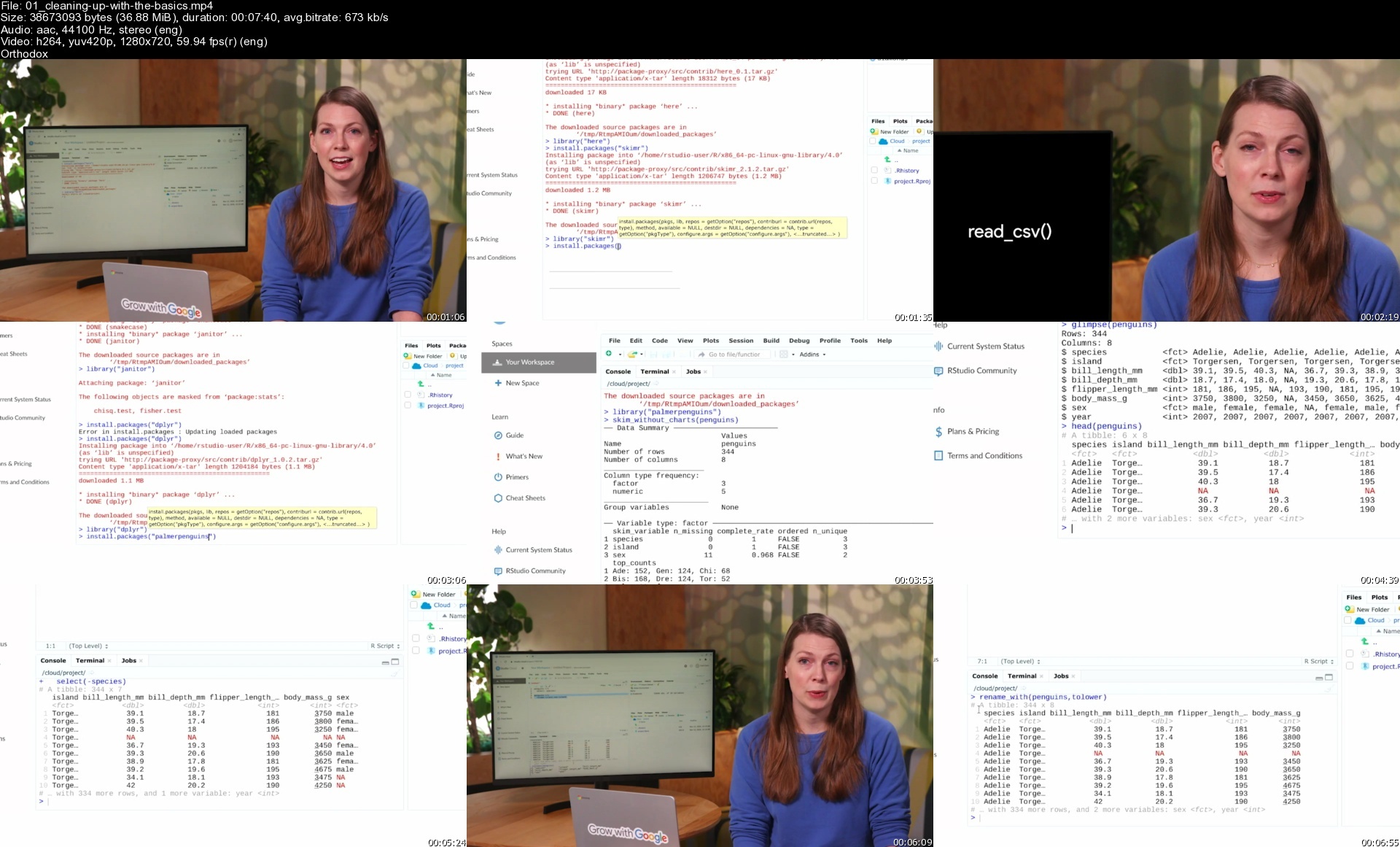
Coursera - Google Data Analytics Professional Certificate

certssquareresize1l6c1s.jpg


Coursera - Google Data Analytics Professional Certificate
MP4 | Video: h264, 1280x720 | Audio: AAC, 44.1 KHz, 2 Ch
Genre: eLearning | Language: English + srt | Duration: 22h | Size: 7 GB

This is your path to a career in data analytics. In this program, you'll learn in-demand skills that will have you job-ready in less than 6 months. No degree or experience required.

Build job-ready skills by learning from the best
Get started in the high-growth field of data analytics with a professional certificate from Google. Learn how to process and analyze data, use key analysis tools, and create visualizations that can inform key business decisions.

Common job titles: Junior Data Analyst, Associate Data Analyst, Junior Data Scientist, Finance Analyst, Operations Analyst, Data Technician, Business Performance Analyst, Marketing Analyst, Healthcare Analyst

Skills you will gain
Spreadsheet

Data Cleansing

Data Analysis

Data Visualization (DataViz)

SQL

Questioning

Decision-Making

Problem Solving

Metadata

Data Collection

Data Ethics

Sample Size Determination

About this Professional Certificate
Prepare for a new career in the high-growth field of data analytics, no experience or degree required. Get professional training designed by Google and have the opportunity to connect with top employers. There are 380,000 U.S. job openings in data analytics with a $74,000 median entry-level salary.¹

Data analytics is the collection, transformation, and organization of data in order to draw conclusions, make predictions, and drive informed decision making.

Over 8 courses, gain in-demand skills that prepare you for an entry-level job. You'll learn from Google employees whose foundations in data analytics served as launchpads for their own careers. At under 10 hours per week, you can complete the certificate in less than 6 months.

You'll prepare yourself for jobs that include junior or associate data analyst, database administrator, and more. Upon completion of the certificate, you can directly apply for jobs with Google and over 150 U.S. employers, including Walmart, Best Buy, Astreya.

75% of Google Career Certificate Graduates in the United States report an improvement in their career trajectory (e.g. new job or career, promotion or raise) within 6 months of certificate completion²

¹US Burning Glass Labor Insight Report salary data (median with 0-5 years experience) and job opening data. Data for job roles relevant to featured programs (4/01/2021 - 3/31/22).

²Based on program graduate survey responses, United States 2021

Homepage


01cleaningupwiththeba45fng.jpg


The Ultimate Web & Video Design Course - Wordpress/Premiere

gaqu2tpmq4b6nnfstcwbalzd1j.jpg


The Ultimate Web & Video Design Course - Wordpress/Premiere
Last updated 2/2019
MP4 | Video: h264, 1280x720 | Audio: AAC, 44.1 KHz
Language: English | Size: 5.41 GB | Duration: 8h 22m

Learn all about web design, from Wordpress to Google Analytics PLUS Video Design with Adobe Premiere, Rush,After Effects


What you'll learn
Please note, this is part 3 of a three part course. You do NOT have to do the other two to be able to do this one.
At ofcourseyoucan we have a digital game board that we like to call 'Your Journey'. How far you go on your journey and at what pace is completely up to you.
For our other 2 courses please do a search for - of course you can the ultimate graphic (You will find part 1 & 2 available)
This course will get you up and running for both website design and video design!

Requirements
In order to partake in Your Journey, you will need to have basic computer knowledge, as well as have access to a computer and the internet. Some experience with Adobe Programs would help.

Description
In Journey 3 we dive into the deep end of the digital pool, showing you Websites! To be more specific, you will be learning about coding. BUT, don't panic, there is method to our madness, and we will take you through the technology step-by-step.Once you understand the roots and foundation of creating websites, we will show you easier ways to create your own web masterpiece with tools like Dreamweaver and Muse. and then just to be sure you are super skilled, we will take you for a deeper dive into the world of Content Management Systems where you will build web systems using WordPress. In this space, your websites will evolve along with your needs, your companies and your brand' needs.Had enough yet? WELL WE ARE NOT DONE YET!Next up, we show you how to make sure your website gets noticed with tools like Google Analytics and AdWords with a brief overview of E-commerce as well. BUT WAIT. there's more (corny infomercial close-up).To end off your Journey we introduce you to the video world with a look at Adobe Premiere Rush for mobile devices and Adobe Premiere and After Effects for desktop. And then last but not least, we will close by showing you how to create a cartoon character and give you the ability to control him with Adobe Character Animator.So hold on tight, enjoy the last part of Journey and most importantly HAVE FUN!!!!

Overview

Section 1: Can I create my own website and video clips? Of Course You Can!

Lecture 1 3.1 Previously on Of Course You Can (Part 2, Course 2)

Lecture 2 3.2 Who are you? Who are we? What you are about to discover

Lecture 3 3.3 In the centre of the Cloud! -Adobe Creative Cloud software

Section 2: Web design, CMS systems and getting noticed

Lecture 4 3.4 WTF are they talking about? (Chapter 3) - The history of the INTERNET

Lecture 5 3.5 Creating a quick website in Adobe Spark

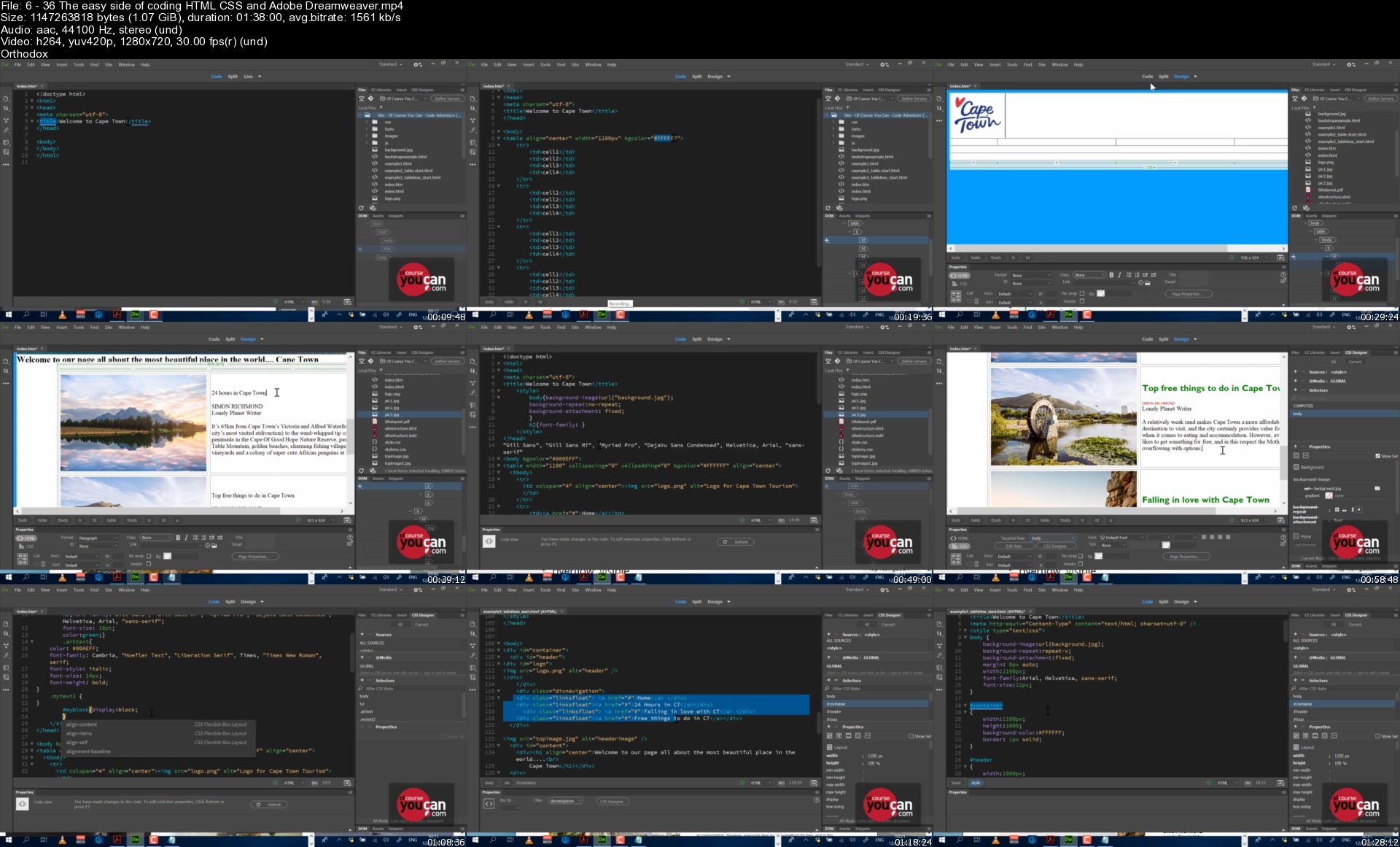
Lecture 6 3.6 The easy side of coding (HTML, CSS and Adobe Dreamweaver)

Lecture 7 "That was fun", but hell no, please make it easier! (Using Adobe Muse)

Lecture 8 3.8 Planning your website (Adobe UX)

Lecture 9 3.9 Content Management Systems - Wordpress deep dive

Lecture 10 3.10 My site is ready, now what? (Launching your site, Google Analytics, Ads)

Lecture 11 3.11 I want to sell stuff! (Ecommerce basics, woocommerce and paypal)

Lecture 12 3.12 Bringing traffic to my site (Google web-master tools, SEO and Google Ads)

Section 3: Making things move (Video editing and animation)

Lecture 13 3.13 Capturing video with your phone and mobile editing

Lecture 14 3.14 Editing your videos (Adobe Premiere and After Effects)

Lecture 15 3.15 Make my puppet talk! - Character Animation made easy

Lecture 16 3.16 Sharing your talent on our Talent Tank platform, Behance etc.

Lecture 17 3.17 Final quiz and project, joining us for webinars, the Talent Tank and future

Lecture 18 Bonus Lecture - 3.18 You are now the Master of your own creative Universe!

- Do you want to create graphics, banners, invites, websites and videos speedily?,- Do you need great insight on how to design websites for any situation; and what makes a great videos?,- Do you want to learn super-fast applications like Adobe Spark and Adobe Premiere Rush to create amazing content on-the-go, in fact, we'll show them 22 creative tools and apps as we cover the full Creative Cloud?,- Do you want to understand the industry and how to work as a freelancer?,- Do you need an understanding of HTML & CSS and how it related to Wordpress and other Content Management Systems?,- Do you want to be inspired and breathe new air into your Graphic or Web design career?

Homepage


636theeasysideofcodinl9dw7.jpg


Personal Financial Well-Being

8a9nuc1z5erkxzduueo1hnyfni.jpg


Personal Financial Well-Being
Last updated 7/2018
MP4 | Video: h264, 960x540 | Audio: AAC, 44.1 KHz
Language: English | Size: 7.43 GB | Duration: 10h 36m

Understanding Your Financial Life


What you'll learn
Master Personal Financial Well Being
Understand Personal Budgeting
Understand Debt Management
Understand Personal Income Taxes
Understand Retirement Planning
Understanding Determining Wealth
Understand Basic & Advanced Investing
Understand Insurance
Understand Estate Planning

Requirements
Desire to Acquire Personal Financial Well Being
Basic math skills
Basic Excel Spreadsheet skills desirable

Description
Money is important.
Money sets limits on your dreams, hinders or magnifies your happiness, and dictates the quality of your life.
And yet... They taught you next to NOTHING about how to manage it in school! The result has been a generation who has mismanaged budgets, racked up debts, defaulted on mortgages, lost investments, and failed to keep retirement plans. While a small proportion of the country has figured out how to make money work for them, most of us are part of the shrinking middle class who are losing out.
That's where Personal Financial Well Being comes in. University Instructor and former Silicon Valley Chief Financial Officer Richard Okumoto has developed this course for the Dot University to narrow the Wealth GAP and demystify personal money management.
The course applies two core techniques which Accelerates Time-to-Knowledge. Starting with a landscape view then introducing primary building blocks provides an accelerated path to connect-the-dots on how money works:
How do you manage your money? How do you manage debt? How do you determine your financial wealth? How do you pay your fair share of taxes, and nothing more? How do you prepare for retirement? How should you invest your money? How do you prepare your estate for when you pass on?
Personal Financial Well Being means having the answers to all of these questions and knowing how they interlock and work together. The course is built on the following (3) CORE Building Blocks (GAP Approach):
1. Generating Positive Cash Flow - "Understanding your money to keep more of it!"
Tools and techniques to understand your money. This includes: Personal Budgeting, Debt Management, Personal Income Taxes, and Retirement Planning (Part 1).
2. Accumulating Wealth - "Understanding Wealth; how to create it and how to hold onto it!"
Tools and techniques to understand wealth creation and retention. This includes: Determining Wealth, Investing (part 1 & 2), and Retirement Planning (Part 2).
3. Protecting What you Have - "How to conquer Financial Risk!"
Tools and techniques to understand asset protection. This includes: Insurance (part 1 & 2) and Estate Planning.

Who might benefit from this Course - Anyone who wants to remove fear from finances and master their Personal Financial Well Being.

Overview

Section 1: Generating Positive Cash Flow > Personal Budgeting

Lecture 1 Personal Budgeting Introduction

Lecture 2 What Budgeting Looks Like

Lecture 3 How to Budget: Start with a Goal

Lecture 4 Collect Historical Data

Lecture 5 Forecasting Income & Expenses

Lecture 6 Managing Your Budget

Lecture 7 Course Recap

Section 2: Generating Positive Cash Flow > Debt Management

Lecture 8 Introduction to Debt Management

Lecture 9 What Debt Looks Like

Lecture 10 Nature of Debt

Lecture 11 Cost of Debt

Lecture 12 Ability to Acquire Debt

Lecture 13 Debt Recap

Section 3: Generating Positive Cash Flow > Personal Income Taxes

Lecture 14 Introduction to Personal Income Taxes

Lecture 15 What Personal Taxes Look Like

Lecture 16 Self-Assessment

Lecture 17 Tax Rules (IRC)

Lecture 18 Tax Reduction Variables

Lecture 19 Tax Recap

Section 4: Generating Positive Cash Flow > Retirement Planning Part 1

Lecture 20 Introduction to Retirement Planning

Lecture 21 What Retirement-Part 1 Looks Like

Lecture 22 Social Security & Medicare

Lecture 23 Other Cash Generators

Lecture 24 Defined Benefit Plan-Pension

Lecture 25 Retirement Planning-Part 1 Recap

Section 5: Accumulating Wealth > Determining Wealth

Lecture 26 Introduction to Determining Wealth

Lecture 27 What Wealth Looks Like

Lecture 28 What are Assets

Lecture 29 What is Asset Appreciation

Lecture 30 What is Debt

Lecture 31 Determining Wealth Recap

Section 6: Accumulating Wealth > Basic Investing

Lecture 32 Introduction to Basic Investing

Lecture 33 What Basic Investing Looks Like

Lecture 34 Cash & Cash Equivalent Investment

Lecture 35 Stock Investments

Lecture 36 Bond Investments

Lecture 37 Mutual Fund Investments

Lecture 38 Basic Investing Recap

Section 7: Accumulating Wealth > Advanced Investing

Lecture 39 Introduction to Advanced Investing

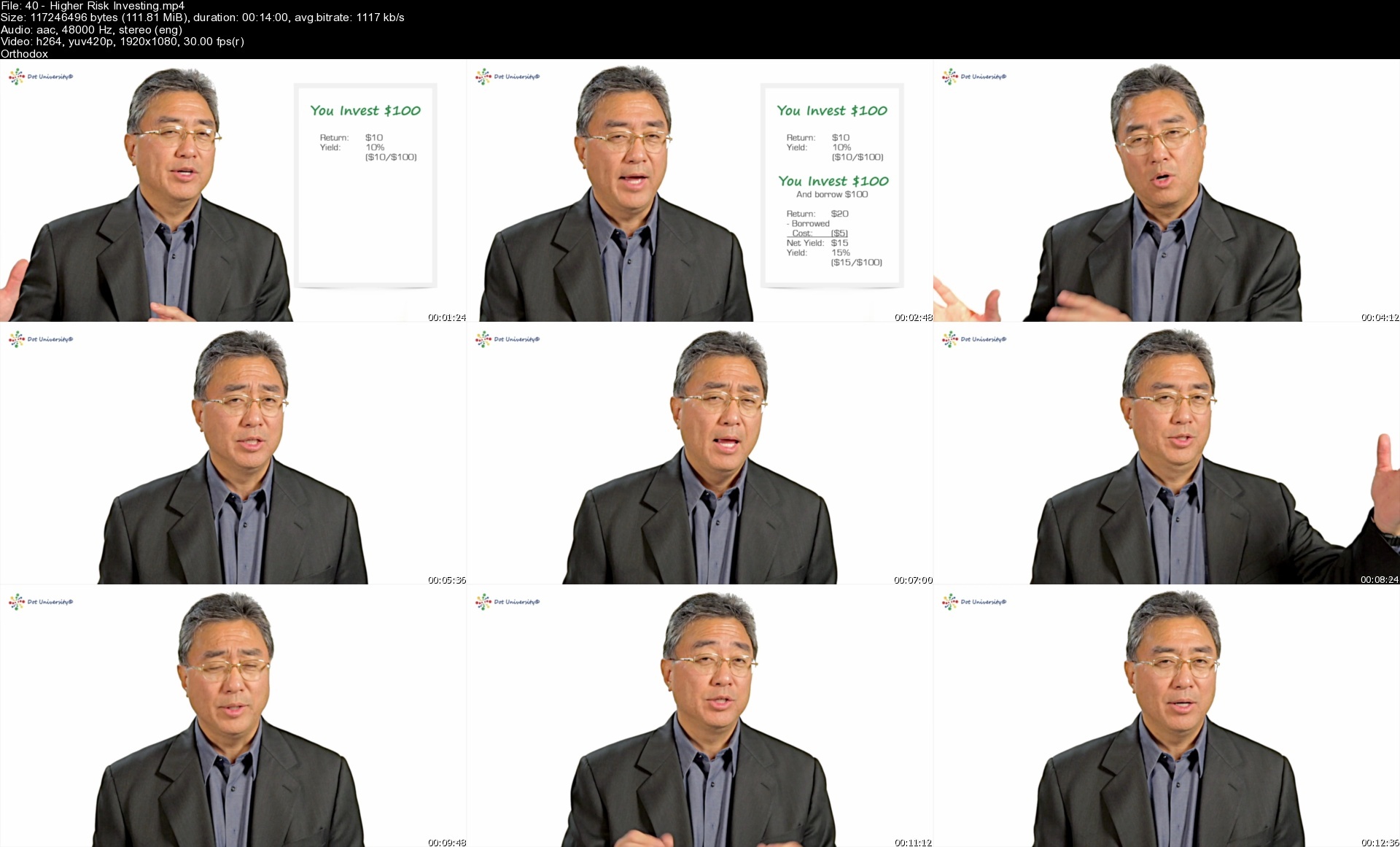
Lecture 40 Higher Risk Investing

Lecture 41 Managed Accounts

Lecture 42 Real Estate Investing

Lecture 43 Modern Portfolio Theory

Lecture 44 Financial Service Professionals

Lecture 45 Advanced Investing Recap

Section 8: Accumulating Wealth > Retirement Planning Part 2

Lecture 46 Introduction to Retirement-Part 2

Lecture 47 What Retirement-Part 2 Looks Like

Lecture 48 Personal After-Tax Savings

Lecture 49 Personal Tax-Deferred Savings

Lecture 50 Employer Tax-Deferred Savings

Lecture 51 Retirement-Part 2 Recap

Section 9: Protecting What You Have > Insurance Part 1

Lecture 52 Introduction to Insurance-Part 1

Lecture 53 Dealing with Risk

Lecture 54 Personal Risk - Health Care

Lecture 55 Personal Risk - If Bad Things Happen

Lecture 56 Insurance-Part 1 Recap

Section 10: Protecting What You Have > Insurance Part 2

Lecture 57 Introduction to Insurance-Part 2

Lecture 58 Homeowner Insurance

Lecture 59 Car Insurance

Lecture 60 Personal Liability Insurance

Lecture 61 Insurance-Part 2 Recap

Section 11: Protecting What You Have > Estate Planning

Lecture 62 Introduction to Estate Planning

Lecture 63 Estate Planning Process

Lecture 64 Trusts

Lecture 65 Wills

Lecture 66 Powers of Appointment

Lecture 67 Gift & Estate Taxes

Lecture 68 Estate Planning Team

Lecture 69 Estate Planning Recap

Section 12: Tool Box Calculators

Lecture 70 Compounding Explanation & Calculations

Anyone who wants to take control of their money.,Anyone who wants to accumulate wealth. ,Anyone who wants to protect what's precious in life.

Homepage


40higherriskinvesting08f8e.jpg


HTML & CSS for Engineers

48029800f7c78iizn.jpg


HTML & CSS for Engineers
Published 09/2022
MP4 | Video: h264, 1280x720 | Audio: AAC, 44.1 KHz, 2 Ch
Genre: eLearning | Language: English | Duration: 62 lectures (12h) | Size: 6.5 GB

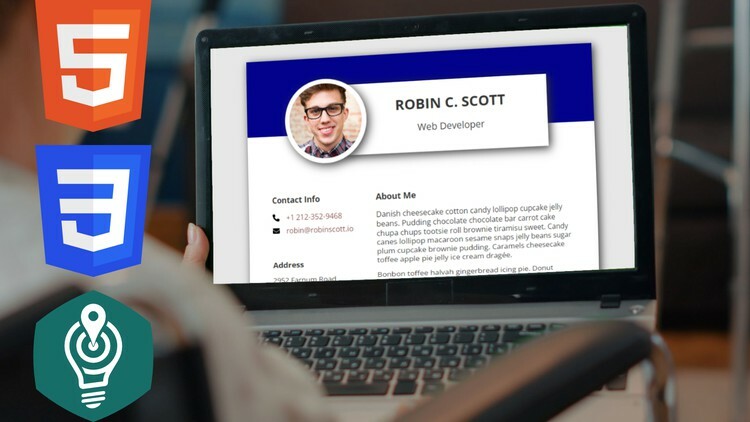
Hands-on no-nonse guide. Includes modern Responsive Web Design (RWD) with Flexbox and Grid


What you'll learn
Create basic and advanced HTML pages with images, lists, tables, forms, audios and videos
Create responsive web design (RWD) layouts using divs, semantic tags as well as modern flexbox and grid mechanisms
Style the HTML pages with the use of CSS stylesheets and modern CSS features such as transforms, transitions, flexbox, grid layouts
Know how to balance between cutting-edge technologies and supported devices maximization
Create a complete capstone project - an online CV page in two completely different layouts.


Requirements
No programming experience needed. You will learn everything you need to know.
Some technical background might be helpful.
Join me if you like to learn in an agile, hands-on, no-nonsense manner.


Description
Hello and welcome to HTML & CSS for Engineers Udemy Course. This beginner's course will guide you through the process of learning and practicing modern websites' creation with HTML5 and CSS3.

My name is Dr. Artur Karczmarczyk and I am a Full-Stack Web Developer and Software Engineer with 16 years of commercial experience. I am also an Associate Professor at a well-known Technical University in Poland and have taught IT and web development skills to hundreds of students.

By the time you finish this course, you'll be able to create basic and advanced HTML pages with images, lists, tables, HTML5 forms, audios and videos. You will know how to create responsive layouts using divs, semantic tags as well as modern Flexbox and Grid mechanisms. You will be able to style HTML pages with the use of cutting-edge CSS and LESS features.

In the next 12 hours I will take you through all the important steps in creating HTML5 web pages. We will start by creating your first Hello World web page in a free code editor that I will show you how to install and configure. Then I will guide you through some basic text formatting. You will learn about acquiring, inserting and positioning images on your pages. I will show you how to legally acquire images and photos for your commercial projects. Then, we will dive into the common HTML structures - links, lists, tables and forms, including modern HTML5 inputs and validation methods. After that, in Section 3, we will introduce CSS and use it to create responsive web design (RWD). We will use divs, semantic tags, Flexbox and Grid, always to create a layout that works great on both mobile and desktop devices. We will also introduce LESS, so you can create CSS stylesheets easier and more efficient. In the final three sections I will guide you through a capstone project. Inspired by CSS Zen Garden website, we will create an online CV page using semantic HTML and then use CSS to create two completely different themes for it.

This course is for you if you have some technical skills but are completely new to web development. If you want to know modern up-to-date HTML5, CSS3 and LESS technologies, use this course to learn them in an agile, hands-on, no-nonsense manner.

So, feel free to take a look through the free previews and then join me as we create your first HTML5 web pages and solve tens of HTML and CSS challenges together!

Who this course is for
Beginner Web developers with technical mindset.

Homepage


2.basicsofcsss80f0l.jpg


The Ultimate Graphic Design Course - Photoshop/Illustrator

yamzvservygd8rn5jwuhg0ie7j.jpg


The Ultimate Graphic Design Course - Photoshop/Illustrator
Last updated 8/2018
MP4 | Video: h264, 1280x720 | Audio: AAC, 44.1 KHz
Language: English | Size: 5.62 GB | Duration: 6h 42m

With 20 years training design experience, we will turn anybody into a Graphic, Web,Digital or Video design superstar!


What you'll learn
At some point in your life you will need to perhaps create an invite for a party; a company logo or website; a concept for a client or a Facebook image for a marketing campaign. By taking the step to begin Your Journey with us, you will be able to create all these things yourself, and in the process save hundreds of $'s.
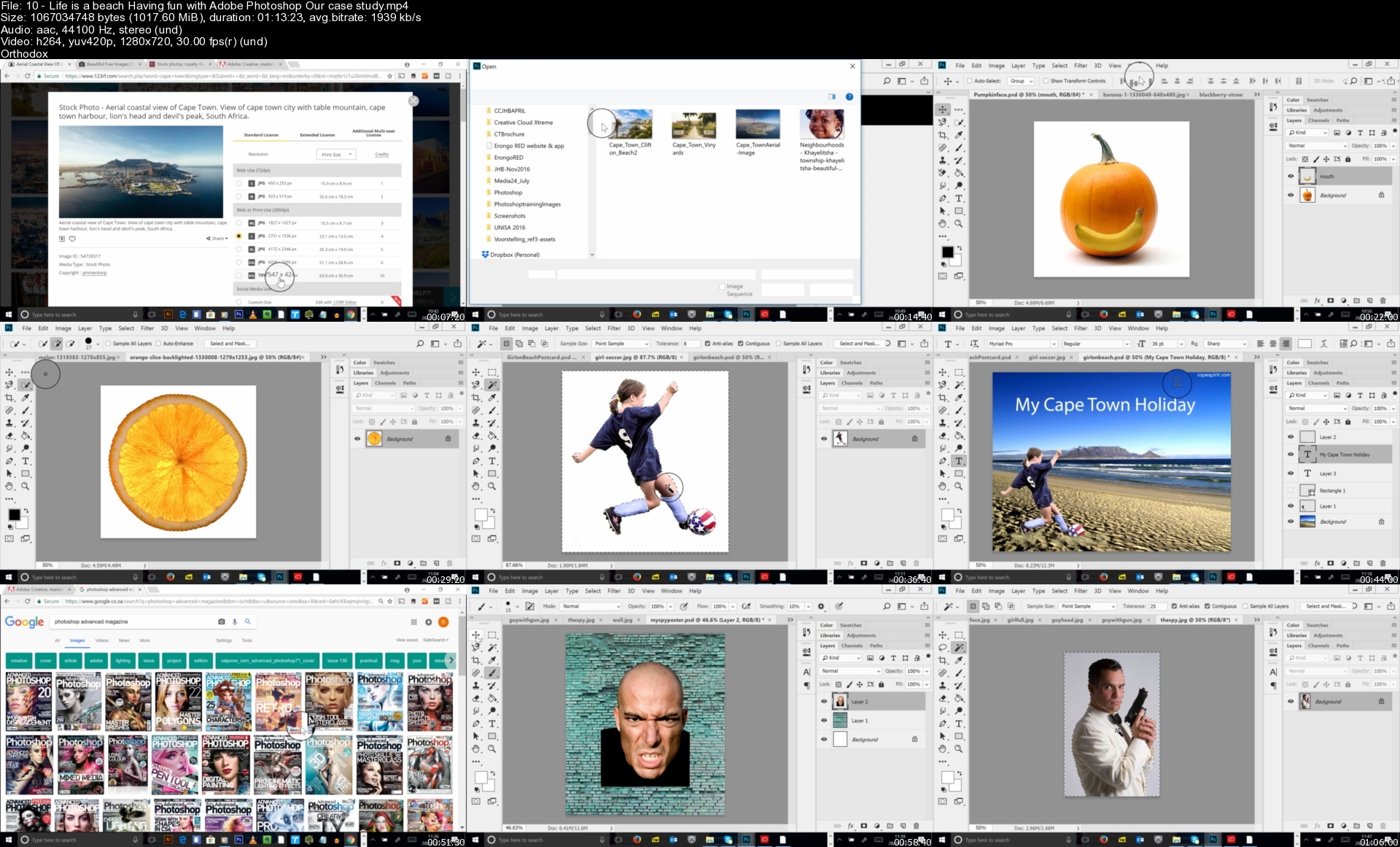
Part 1: So you think you can't create? - Of Course You Can! 1.1 Creativity, the x-factor and your journey into the world of your own creations! 1.2 Who are you? Who are we? What you are about to discover. TRUST US, together we can! 1.3 The software you will need and use. Your budget and journey board (Our case study) 1.4 WTF are they talking about? (Chapter 1) - Creative Cloud and software 1.5 A brand and a logo (What makes a great logo) / Starting a brand or business from a creative perspective 1.6 Diving into your first creation with Adobe Spark 1.7 Let's take your journey to the stage and showcase your creations (My creative profile) Part 2: What's in the toolbox? 1.8 Software Dive: Creating a logo, business card and poster in Adobe Illustrator (Our case study) 1.9 Free software alternative: Creating a logo, Business Card and Poster in Inscape (Case study) 1.10 Life is a beach! Having fun with Adobe Photoshop (Our case study) 1.11 Having fun with your photos using GIMP - free software alternative (Our case study) 1.12 Me? Build a web story? Of Course You Can (Creating a website story with Adobe Spark) 1.13 An App a day, makes the creativity stay! (Phone, tablet, mobile devices etc.) Part 3: That was Easy. Can I have more? Of Course You Can! 1.14 Now I can do this, but can I make some money at the same time? 1.15 What's next? (Behance account, previews, courses, Talent Tank & webinars)

Requirements
Of Course You Can is an Online School, that will turn anybody into a Graphic, Web, Digital and Video design Super Star!
This journey is not just for people with a talent for design. Our goal is to enable you with tools, the know how and sharing our knowledge. and well, we all know that knowledge is power! You see hundreds of brands, magazines, websites and videos every day. in fact you are bombarded with them... this journey is about discovering how they work, how they are created and the tools that make them what they are. During your three initial journeys we'll provide you with various ways of being creative whilst slowly preparing you for any design challenge. If you think you've never had any creative ability, then fear not. there are ways to create incredible work without a lot of talent. For those of you with a knack for design, there are tutorials that will show you how to harness those skills properly to become better and wiser. From this moment onwards, we would like for you to put your trust in us. don't stress about not being able to do something. or worry about whether you will excel during this process. JUST take our hand and focus on having the time of your life. There is no shortage to what you will learn, from creating a logo, a poster, a web story to creating magazine layouts, animated brochures and working in the third dimension. How about learning about the mobile design revolution where every minute of every day, everything you see, everywhere you go and everyone you meet becomes a potential inspiration for your next design through the magic of mobile apps and Creative Cloud?! And later creating easy websites with pure coding or with applications like Dreamweaver. How about building a web content management system with WordPress and advertising your website, learning how to bring traffic to it?! How about video editing right there and then on your cell phone and taking it further to continue editing on your computer?! And what about Character animation. ever dreamed of creating a cartoon? Your journey will have it all. You might be here today, having decided to take some of the design work at your company inhouse or you are looking towards maybe one day having your own company and establishing your own brand. After your initial journey you will feel empowered to do anything.
At Of Course You Can we have a digital game board that we like to call 'Your Journey'. How far you go on your journey and at what pace is completely up to you.
No knowledge of design at all... no problem. We will teach you all of it.
For the advanced designer.... trust us, you will learn just as much!

Description
At Of Course You Can we have a digital game board that we like to call 'Your Journey'. How far you go on your journey and at what pace is completely up to you. We introduce a variety of creative concepts to you by means of recorded webinars. These are 1-2 hour sessions where we show you how to work with creative software and enable you with the tools needed to harness your creativity.Your journey will consist of different levels. With every level reached you will gain a skill that you can utilise. As you work through these levels you will become proficient in web and/or graphic design. In the digital world we live in, an understanding of or having an ability to be able to utilise these tools, is imperative.At some point in your life you will need to perhaps create an invite for a party; a company logo or website; a concept for a client or a Facebook image for a marketing campaign. By taking the step to begin Your Journey with us, you will be able to create all these things yourself, and in the process save hundreds of $'s.In order to partake in Your Journey, you will need to have basic computer knowledge, as well as have access to a computer and the internet.

Overview

Section 1: Part 1: So you think you can't create? - Of Course You Can!

Lecture 1 Creativity, the x-factor and your journey into the world of your own creations!

Lecture 2 Who are you? Who are we? What you are about to discover.

Lecture 3 The software you will need and use. Your budget and journey board

Lecture 4 WTF are they talking about? (Chapter 1) - Creative Cloud and software

Lecture 5 A brand and a logo (What makes a great logo) / Starting a brand

Lecture 6 Diving into your first creation with Adobe Spark

Lecture 7 Let's take your journey to the stage and showcase your creations

Lecture 8 Software Dive: Creating a logo, business card and poster in Adobe Illustrator

Lecture 9 Free software alternative: Creating a logo, Business Card and Poster in Inscape

Lecture 10 Life is a beach! Having fun with Adobe Photoshop (Our case study)

Lecture 11 Having fun with your photos using GIMP - free software alternative

Lecture 12 Me? Build a web story? Of Course You Can - Creating a website story

Lecture 13 An App a day, makes the creativity stay! (Phone, tablet, mobile devices etc.)

Lecture 14 Now I can do this, but can I make some money at the same time?

Lecture 15 What's next? (Behance account, previews, courses, Talent Tank & webinars)

Have you ever wondered if you have the ability to create something out of nothing? Whether it be a birthday card, a flyer or poster; or whether you have been dreaming about creating your own logo and/or business card. Maybe you have an idea that you would like to express visually. Maybe you want to create a wedding invite or guest information website. Or maybe you want to be the next eCommerce tycoon. We are here to fill in the gaps to all those "what if's", because guess what?. Of Course You Can!,We introduce a variety of creative concepts to you by means of recorded webinars. These are 1-2 hour sessions where we show you how to work with creative software and enable you with the tools needed to harness your creativity.

Homepage


10lifeisabeachhavingfolcya.jpg


V-Ray 5 In 3Ds Max: Complete 3D Rendering Course

fmkhypjknhuln4qhogdid3pd7s.jpg


V-Ray 5 In 3Ds Max: Complete 3D Rendering Course
Last updated 8/2022
MP4 | Video: h264, 1280x720 | Audio: AAC, 44.1 KHz
Language: English | Size: 7.54 GB | Duration: 7h 15m

Create Beautiful Photorealistic Renderings with V-Ray in 3ds Max | Taught by an award-winning architect


What you'll learn
Create your own photorealistic renderings from scratch with 3ds Max + Vray
Become confident using 3ds Max + V-Ray
Find paid work & get a job with your 3ds Max + V-Ray skills
Render setup with V-Ray
Place cameras & understand camera settings
Add natural & artificial lighting to your scene
Add materials to make your scenes photorealistic
Create 360° photos and virtual tours
Work with ArchiCAD & 3ds Max together
Learn the basics of 3ds Max - perfect for anyone brand new to this application

Requirements
You will need 3ds Max and the V-Ray rendering software to follow along.
You can use the 30-day free trials of both 3ds Max and V-Ray to get started.
You DO NOT need any experience to take this course, but any prior knowledge of working in 3ds Max will help you jump right in. We include beginner tutorials to get everyone up to speed.

Description
Do you want to create your own photorealistic renderings?This 3ds Max + V-Ray course will teach you the entire process of designing interior spaces from scratch. From camera position and lighting, to adding realistic materials - you'll learn it all in this course.Not only will you learn how to create your 3D renderings, you'll also learn how to get a job with your new skills. Your instructor co-founded and runs a successful 3d rendering company, and will share what it takes to land a job in this industry.Enroll now and get instant access to:7+ hours of easy-to-watch video lessonsDownloadable project files to follow along withInstructor support if you have questionsLifetime access to course updatesWhat will you learn in this 3ds Max & V-Ray course?3ds Max is the industry standard modeling and rendering software for visualizations. V-Ray is a plugin that adds the ability to easily create photorealistic images to 3ds Max. This course focuses on photorealistic 3d renderings. This course IS NOT for modeling in 3ds Max. This course will teach you how to use V-Ray + 3ds Max to design realistic 3D interiors. This includes:Learn the basics of 3ds Max, including the interface, tools, selection and transform tools, and how to save projectsLearn how to set up a project, assign v-ray, and adjust your render settingsLearn how to add cameras, compose a shot, and adjust your settingsLearn how to use VRaySun and Dome VRayLight & HDRI to add natural lighting to your sceneLearn how to use VRayLight, VRayles, and VRayLightMix to add artificial lighting to your sceneLearn how to apply a scene's materials such as glass, metal, compact & slate, wood, and moreLearn how to produce a 360° photo and virtual tour of your 3D spaceLearn how to exchange models between applications such as ArchiCAD & 3ds MaxOnce you learn the skills in this course, you can then move on to exteriors and other types of renderings. But this course is focused on teaching you lighting, cameras, and materials for interior spaces. Who is your instructor?Margarita Nikita is the co-founder of High Q Renders, an award-winning creative company with renderings for international hotel brands such as Marriot, Ritz Carlton and Hyatt. Her clientele includes celebrity interior designers Kari Whitman & Fox Nahem, President Obama, Jessica Alba, Melanie Griffith and Robert Downey Jr. - just to name a few. Margarita has a passion for teaching beginners like you, and is excited to help you on your journey. From workflow tips to landing your first job, she'll help you get started.Enroll now to learn 3ds Max & V-ray

Overview

Section 1: Introduction to the 3ds Max + V-ray Course

Lecture 1 Welcome to Class | 3ds Max + V-Ray Course

Lecture 2 Download a Free Trial of 3ds Max + V-ray | 3ds Max + V-Ray Course

Lecture 3 Working with the Project Files | 3ds Max + V-Ray Course

Lecture 4 Share Your Work with Us | 3ds Max + V-Ray Course

Lecture 5 Tips to Improve Your Course Taking Experience | 3ds Max + V-Ray Course

Section 2: Getting Started with 3ds Max

Lecture 6 A Crash Course in Using 3ds Max | 3ds Max + V-Ray Course

Lecture 7 Before you continue... | 3ds Max + V-Ray Course

Section 3: Render Setup - Setting Up Vray with 3ds Max

Lecture 8 Introduction to Render Setup in 3ds Max | 3ds Max + V-Ray Course

Lecture 9 Assign V-Ray | 3ds Max + V-Ray Course

Lecture 10 V-Ray Frame Buffer | 3ds Max + V-Ray Course

Lecture 11 Rendering Settings | 3ds Max + V-Ray Course

Lecture 12 Interactive Production Rendering | IPR | 3ds Max + V-Ray Course

Section 4: Cameras - Using Cameras with Vray in 3ds Max

Lecture 13 Introduction to Cameras | 3ds Max + V-Ray Course

Lecture 14 Placing a Camera | 3ds Max + V-Ray Course

Lecture 15 Camera Settings | 3ds Max + V-Ray Course

Section 5: Natural Lighting - Using Natural Lighting with Vray in 3ds Max

Lecture 16 Introduction to Natural Lighting | 3ds Max + V-Ray Course

Lecture 17 VRaySun | 3ds Max + V-Ray Course

Lecture 18 Dome VRayLight & HDRI | 3ds Max + V-Ray Course

Section 6: Artificial Lighting - Using Artificial Lighting with Vray in 3ds Max

Lecture 19 Introduction to Artificial Lighting | 3ds Max + V-Ray Course

Lecture 20 VRayLight | 3ds Max + V-Ray Course

Lecture 21 VRayIES | 3ds Max + V-Ray Course

Lecture 22 VRayLightMix | 3ds Max + V-Ray Course

Section 7: Materials - Adding Materials with Vray + 3ds Max

Lecture 23 Applying the Scene's Materials | 3ds Max + V-Ray Course

Lecture 24 Recommended Websites to Download 3D Models | 3ds Max + V-Ray Course

Lecture 25 Merge Objects in the Scene | 3ds Max + V-Ray Course

Lecture 26 Multi/Sub Object Material | 3ds Max + V-Ray Course

Lecture 27 Asset Browser | 3ds Max + V-Ray Course

Lecture 28 Bump vs. Displacement | 3ds Max + V-Ray Course

Lecture 29 Deleting a Material | 3ds Max + V-Ray Course

Lecture 30 Glass Techniques | 3ds Max + V-Ray Course

Lecture 31 Metal Techniques | 3ds Max + V-Ray Course

Lecture 32 Material Editor Explained - Compact vs. Slate | 3ds Max + V-Ray Course

Lecture 33 Recommended Websites to Download Textures | 3ds Max + V-Ray Course

Lecture 34 UVW Map modifier | 3ds Max + V-Ray Course

Lecture 35 Rug Techniques | 3ds Max + V-Ray Course

Lecture 36 Creating a Velvet Material | 3ds Max + V-Ray Course

Section 8: Virtual Tours + How to Produce a 360º Photo

Lecture 37 Create Your Own Virtual Tour & 360° Photo | 3ds Max + V-Ray Course

Section 9: Learn the Basics of 3ds Max

Lecture 38 Introduction to this Section | 3ds Max + V-Ray Course

Lecture 39 Learn the 3ds Max Interface | 3ds Max + V-Ray Course

Lecture 40 Viewport Display | 3ds Max + V-Ray Course

Lecture 41 Standard Primitives | 3ds Max + V-Ray Course

Lecture 42 Selecting Objects | 3ds Max + V-Ray Course

Lecture 43 Transforming Objects | 3ds Max + V-Ray Course

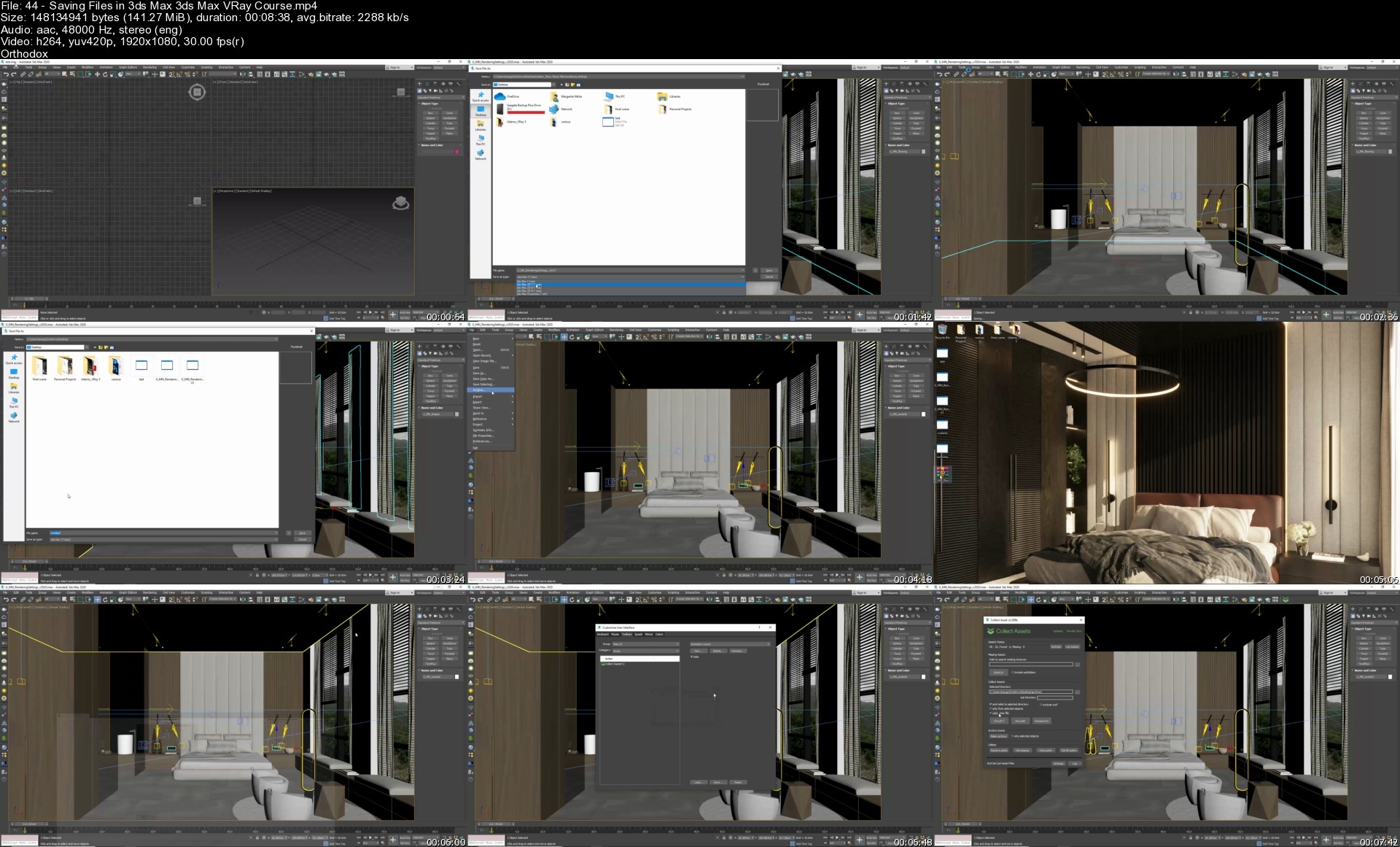
Lecture 44 Saving Files in 3ds Max | 3ds Max + V-Ray Course

Section 10: Working with Other Applications

Lecture 45 How to Exchange Models between ArchiCAD, Sketchup & 3ds Max

Section 11: Useful Plugins

Lecture 46 Floor Generator | 3ds Max + V-Ray Course

Section 12: How to Get a Job with Your 3ds Max + V-ray Skills

Lecture 47 Introduction to this Section | 3ds Max + V-Ray Course

Lecture 48 How to Land a Job with 3ds Max + V-Ray Skills | 3ds Max + V-Ray Course

Lecture 49 Workflow | 3ds Max + V-Ray Course

Lecture 50 Clay Renders | 3ds Max + V-Ray Course

Section 13: V-Ray 5.1 Update | Cosmos browser, HDRIs, V-Ray Camera Lister

Lecture 51 VRay 5.1 | 3ds Max + V-Ray Course

Section 14: Bonuses from Video School

Lecture 52 Bonus Lecture: Learn More from Phil + Video School | 3ds Max + V-Ray Course

Architectural designers, interior designers, and anyone else wanting to create photorealistic renderings,Anyone who wants to learn 3ds Max & V-Ray

Homepage


44savingfilesin3dsmaxn3cis.jpg


Digital Electronics - Complete Course (72+ Hours)

34787501c064edg6.jpg


Digital Electronics - Complete Course (72+ Hours)
Published 09/2022
MP4 | Video: h264, 1280x720 | Audio: AAC, 44.1 KHz, 2 Ch
Genre: eLearning | Language: English | Duration: 446 lectures (72h 23m) | Size: 94.4 GB

Boolean Algebra, K-Maps, Combinational Circuits, Sequential Circuits, Memories


What you'll learn
Digital Electronics
Logic Gates, Multiplexers, Flip Flops, Semiconductor Memories
Indepth Knowledge of Each Topic
More than 70 Hours of Content


Requirements
No Prior Experience Needed.


Description
1. This Course is for Students having background in Electronics and Telecommunication or any relevant stream.

2. This Course is also called as Digital Circuits.

3. If you have any experience in any Circuit Design Course prior to this then you can have a look.

4. The Prerequisites required are mentioned in the Course Introduction Video.

5. This is a Theoretical and Analytical Course.

6. This Course is exclusively made from Beginners point of view.

7. If you want to learn building Circuits Design Sense and Logic.

8. Solutions of Each Problem will be in Detail.

8. You will be able to learn different topics with this Course like Combinational Circuits, Sequential Circuits.

9. You will be able to handle any Problem in Digital Design after finishing this Course.

Digital Design is one of the most core Designs in the Field of Electronics - You can get a Job by just Learning Digital Design.

Q:- Will the course teach me Analog Design?

A:- No, This topic is dealt in separate Course called Analog Electronics, and they require separate Attention all together.

With over 3+ Years of Experience and a 4.0 Instructor Rating in Udemy, I am Coming Up with Core Electronics Course of more than 50+ Hours of Theory and Problem Solving called Digital Electronics - Complete Course (72+ Hours).

The curriculum was developed over a period of 2 years.

If you are satisfied in any way, Check out my other Courses as well.

So what are you waiting for? Click the buy now button and join me on this Wonderful course.

Who this course is for
Electronics and Telecommunication Engineering
Electrical Engineering

Homepage


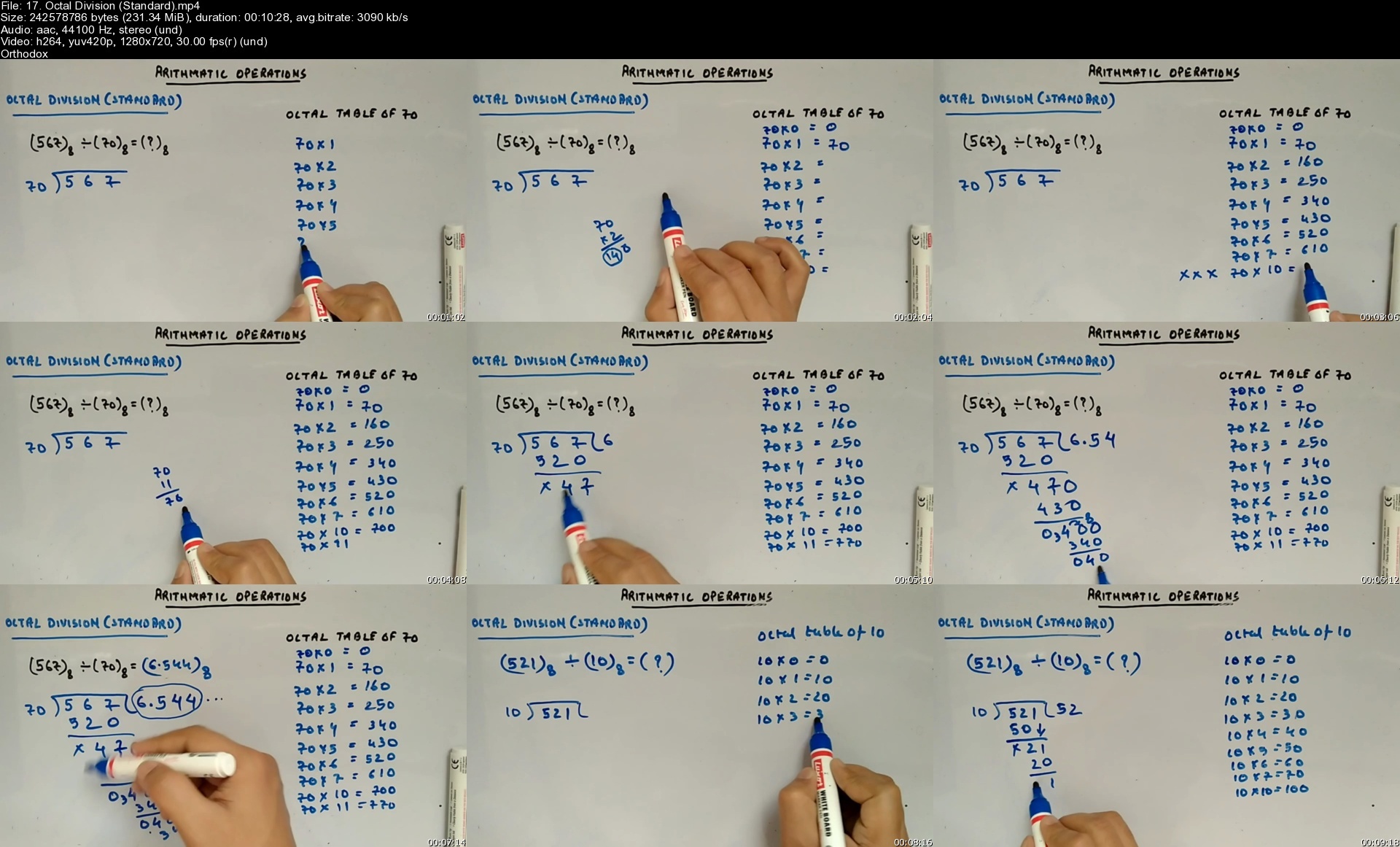
17.octaldivisionstando8cmw.jpg


Personal Finance #8-Insurance-Medical & Disability

8wjvhxjir4kw3s5bphztlkqddv.jpg


Personal Finance #8-Insurance-Medical & Disability
Published 9/2022
MP4 | Video: h264, 1280x720 | Audio: AAC, 44.1 KHz
Language: English | Size: 14.78 GB | Duration: 19h 33m

Learn personal finance strategies for medical and disability insurance from a Certified Public Accountant (CPA)


What you'll learn
Define health insurance
Define and describe group health insurance
Describe the Affordable Care Act (ACA) as it relates to health care
Define and discuss private heath insurance
Define and describe Preferred Provider Organization (PPO)
Explain what a Point-of Service (POS) plan is
Define what a High-Deductible Health Plan is and when it may be useful
Define and explain what coinsurance, copays, and deductibles
Describe preexisting conditions and how they relate to health insurance
Explain the Consolidated Omnibus Budget Reconciliation Act (COBRA)
Describe dental and vision insurance
Define Long-Term Care (LTC) insurance
Describe Medicare and Medicate government programs
Explain Flexible Spending Account (FSA) and Health Savings Account (HSA)
Describe disability income insurance

Requirements
None

Description
This course will cover personal finance decisions related to medical and disability insurance.We will describe health insurance and compare it to other kinds of insurance, noting areas where health insurance can be more complex.Learners will understand what group health insurance is and its benefits. We will discuss the Affordable Care Act (ACA) and the legislation's impact on health insurance.The course will cover private health insurance, health maintenance organizations, preferred provider organizations (PPOs), and point-of-service (POS) plans.We will also define high deductible health plans and discuss when they may be appropriate.The course will break down the concepts of coinsurance, copays, deductibles, preexisting conditions, and health insurance costs.We will consider options for purchasing health care, discuss different insurance companies, and consider the Consolidated Omnibus Budget Reconciliation Act (COBRA).Learners will also understand dental and vision insurance and how they relate to an overall health insurance risk mitigation and health maintenance strategy.The course will define long-term care (LTC) and consider its use in an overall health care strategy.We will discuss Medicare and Medicaid and how these government programs fit into the health insurance landscape as we age.Learners will also understand how disability insurance works and how to use it as part of an overall personal risk medication strategy.We will also have practice problems, including downloadable Excel Workbooks, which users may also open using Google Sheets.The Excel Workbooks will generally have at least two tabs. One tab will have the answer key so learners can deconstruct the problem. The second tab is where we work the practice problem step-by-step along with the instructional videos.

Overview

Section 1: Presentations- Medical and Disability Insurance

Lecture 1 9020 Health Insurance Overview

Lecture 2 9040 Group Health Insurance

Lecture 3 9060 Health Insurance Requirements

Lecture 4 9080 Affordable Care Act (ACA)

Lecture 5 9090 Private Health Insurance

Lecture 6 9092 Private Health Insurance Part 2

Lecture 7 9100 Health Maintenance Organization

Lecture 8 9110 Preferred Provider Organization (PPO)

Lecture 9 9120 Point-of-Service (POS) Plan

Lecture 10 9130 How High-Deductible Health Plans Work

Lecture 11 9140 Coinsurance and Copays

Lecture 12 9150 Co-pay and Deductible

Lecture 13 9160 Preexisting Condition

Lecture 14 9170 Health Insurance Cost

Lecture 15 9180 What is Not Covered by Health Insurance

Lecture 16 9190 Options for Purchasing Health Insurance

Lecture 17 9200 Insurance Companies

Lecture 18 9210 Consolidated Omnibus Budget Reconciliation Act (COBRA)

Lecture 19 9220 Dental Insurance Overview

Lecture 20 9230 Decision to Buy Dental Insurance

Lecture 21 9240 Dental Insurance Shopping

Lecture 22 9260 Dental Insurance and Obamacare

Lecture 23 9265 Dental Insurance and Crowns

Lecture 24 9270 Dental Insurance and Dentures

Lecture 25 9280 Dental Insurance and Teeth Whitening

Lecture 26 9290 Dental Insurance and Taxes

Lecture 27 9300 Dental Insurance AND Flexible Spending Account (FSA)

Lecture 28 9320 Vision Care Insurance

Lecture 29 9330 Decision to Purchase Vision Insurance

Lecture 30 9340 Vision Insurance Companies

Lecture 31 9350 Eldercare Strategies

Lecture 32 9360 Long-Term Care (LTC) Insurance Overview

Lecture 33 9370 Alternatives to Long-Term Care (LTC) Insurance

Lecture 34 9380 Medicaid vs. Long-Term Care Insurance

Lecture 35 9390 Medicaid and Nursing Homes

Lecture 36 9400 Asset Protection Trust for Seniors

Lecture 37 9410 Retirement Communities Overview

Lecture 38 9420 Retirement Community Costs

Lecture 39 9440 Skilled Nursing Facility

Lecture 40 9450 Flexible Spending Account (FSA)

Lecture 41 9460 Health Savings Account (HSA)

Lecture 42 9470 Health Reimbursement Arrangement (HRA)

Lecture 43 9480 Voluntary Employees' Beneficiary Association Plan (VEBA)

Lecture 44 9490 Archer MSA

Lecture 45 9500 Medicare Overview

Lecture 46 9510 Medicare Eligibility Age

Lecture 47 9520 Medicare Part A

Lecture 48 9530 Medicare Part B Premium

Lecture 49 9540 Medicare Star-Rating System

Lecture 50 9550 Medicare Part D Providers

Lecture 51 9560 Medigap Overview

Lecture 52 9570 Medigap - Who is if For

Lecture 53 9580 Medicare Supplement Insurance Companies

Lecture 54 9590 Medicare Advantage

Lecture 55 9600 Medicare Advantage vs. Medigap

Lecture 56 9610 Medicare Advantage Plans

Lecture 57 9620 Disability Income (DI) Insurance

Lecture 58 9630 Disability Insurance Companies

Lecture 59 9640 Workers' Compensation Overview

Lecture 60 9650 Workers' Compensation Insurance Companies

Lecture 61 9660 Social Security Disability Insurance (SSDI)

Section 2: Practice Probs

Lecture 62 9010 Insurance Payments for Medical Claims Calculation

Lecture 63 9020 Health Insurance Payment Comparison

Lecture 64 9030 Health Insurance Out of Pocket Max or Stop Loss Cap

Lecture 65 9040 Disability Insurance Payment Calculation

Lecture 66 9050 PPO Payout Calculation

Lecture 67 9080 Comparing Health Insurance Policies

Lecture 68 9090 Projected Hearth Care Costs

Section 3: Excel

Lecture 69 9010 Insurance Payments for Medical Claims Calculation

Lecture 70 9020 Health Insurance Payment Comparison

Lecture 71 9030 Health Insurance Out of Pocket Max or Stop Loss Cap

Lecture 72 9040 Disability Insurance Payment Calculation

Lecture 73 9050 PPO Payout Calculation

Lecture 74 9090 Projected Health Care Costs

Individuals,Personal financial planners

Homepage


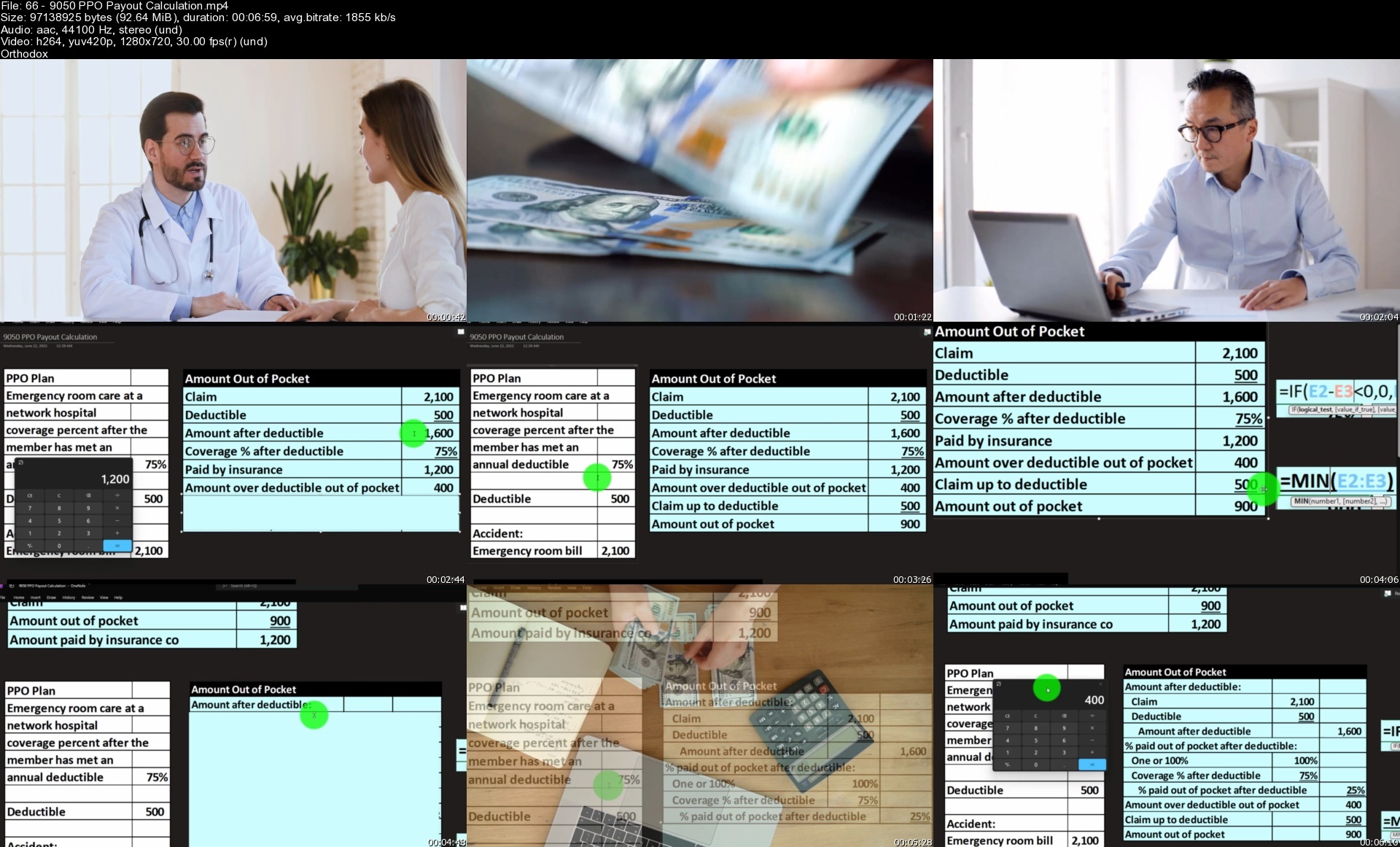
669050ppopayoutcalcule3c9e.jpg


Coursera - Object Oriented Java Programming: Data Structures and Beyond Specialization

ucsdjavaprogrammingoow4e5c.jpg


Coursera - Object Oriented Java Programming: Data Structures and Beyond Specialization
MP4 | Video: h264, 1280x720 | Audio: AAC, 44.1 KHz, 2 Ch
Genre: eLearning | Language: English + srt | Duration: 30h 55m | Size: 6.4 GB

Develop Powerful Interactive Software. Advance your software development knowledge in four comprehensive courses

SKILLS YOU WILL GAIN
Data Structure
Problem Solving
Java Programming
Object-Oriented Programming (OOP)
Logic Programming
Sorting Algorithm
Trees (Data Structures)
Linked List
Binary Tree
Graphs
Search Algorithm
Graph Algorithms

About this Specialization
14,716 recent views
This Specialization covers intermediate topics in software development. You'll learn object-oriented programming principles that will allow you to use Java to its full potential, and you'll implement data structures and algorithms for organizing large amounts of data in a way that is both efficient and easy to work with. You'll also practice critically evaluating your own code, and you'll build technical communication skills that will help you prepare for job interviews and collaborative work as a software engineer. In the final Capstone Project, you'll apply your skills to analyze data collected from a real-world (social) network. Google has contributed real-world projects and the involvement of its engineers as guest lecturers to these courses. A small, select group of top learners who complete the Specialization will be offered practice interviews with Google recruiters. Invitation to a practice interview does not guarantee an actual interview or employment.

Homepage


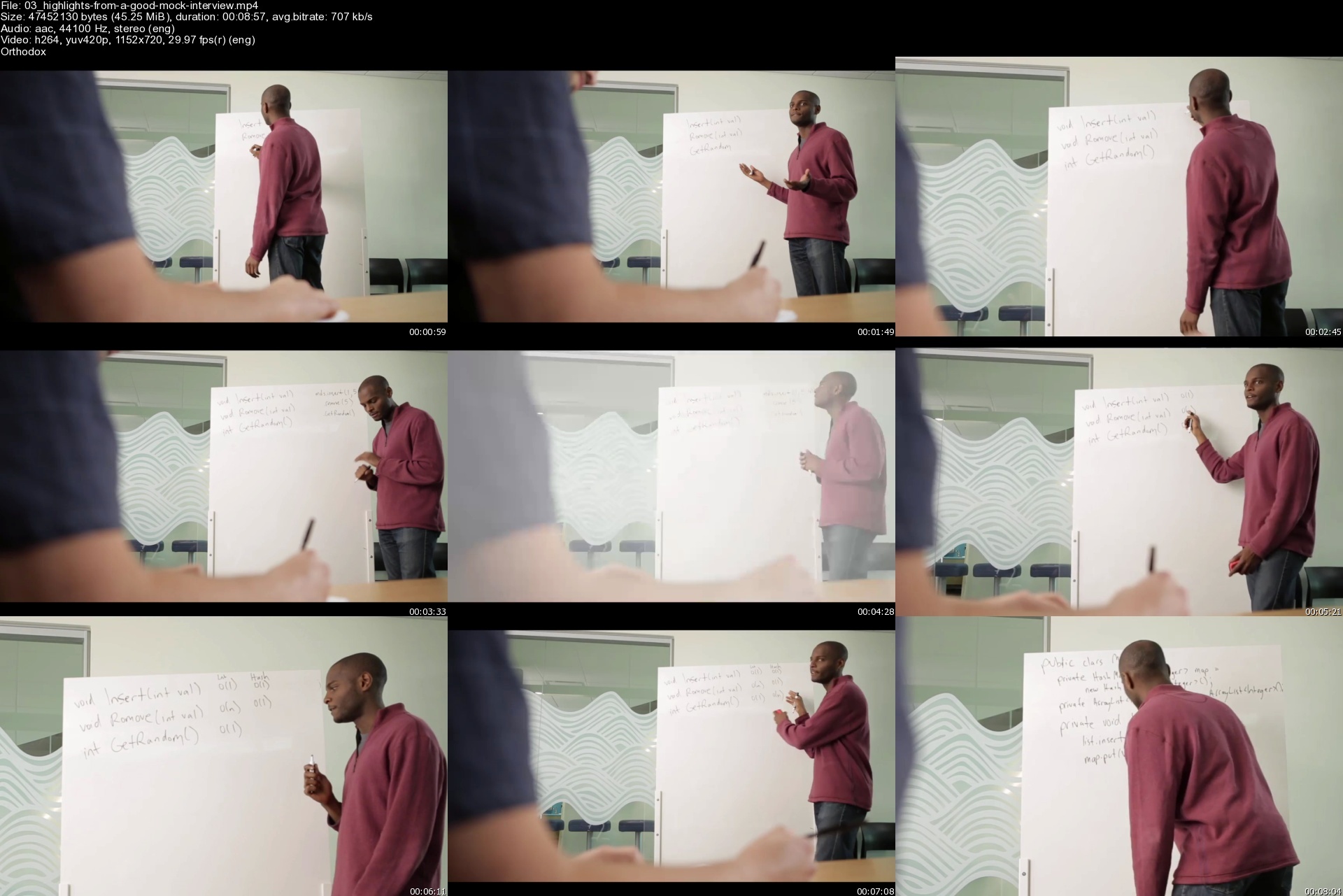
03highlightsfromagoodzqdsk.jpg


JavaScript: The Critical Parts Masterclass

4734728953d3pmf7o.jpg


JavaScript: The Critical Parts Masterclass
Last updated 9/2022
MP4 | Video: h264, 1280x720 | Audio: AAC, 44.1 KHz, 2 Ch
Genre: eLearning | Language: English + srt | Duration: 211 lectures (24h 27m) | Size: 13.9 GB

Learn JavaScript in depth and understand the why better than many top developers!


What you'll learn
Critical JavaScript Concepts, Practices and Techniques
Fundamental JavaScript Concepts: Engine, Heap, Call Stack and Event Loop
Object Oriented Programming
Functional Programming
Critical Asynchronous Coding Patterns
All Facets of JavaScript Modules
Error Handling
Critical JavaScript Shortcuts
Execution Context and Lexical Environment
Ubiquitous Nature of Objects
Scope and Block Scope
Type Coercion with Truthy and Falsey
Callbacks
Keyword this
Using call, apply and bind
First Class and Higher Order Functions
Closure
Critical JavaScript Patterns
Immediately Invoked Function Expressions (IIFEs)
Prototype Chain
Constructors, Factory Functions and Classes
Promises and Async Await
Static Method for Asynchronous Patterns
BigInt
Arrow Functions and their Affects on the Keyword this
And Much More


Requirements


Description

Who this course is for

Homepage


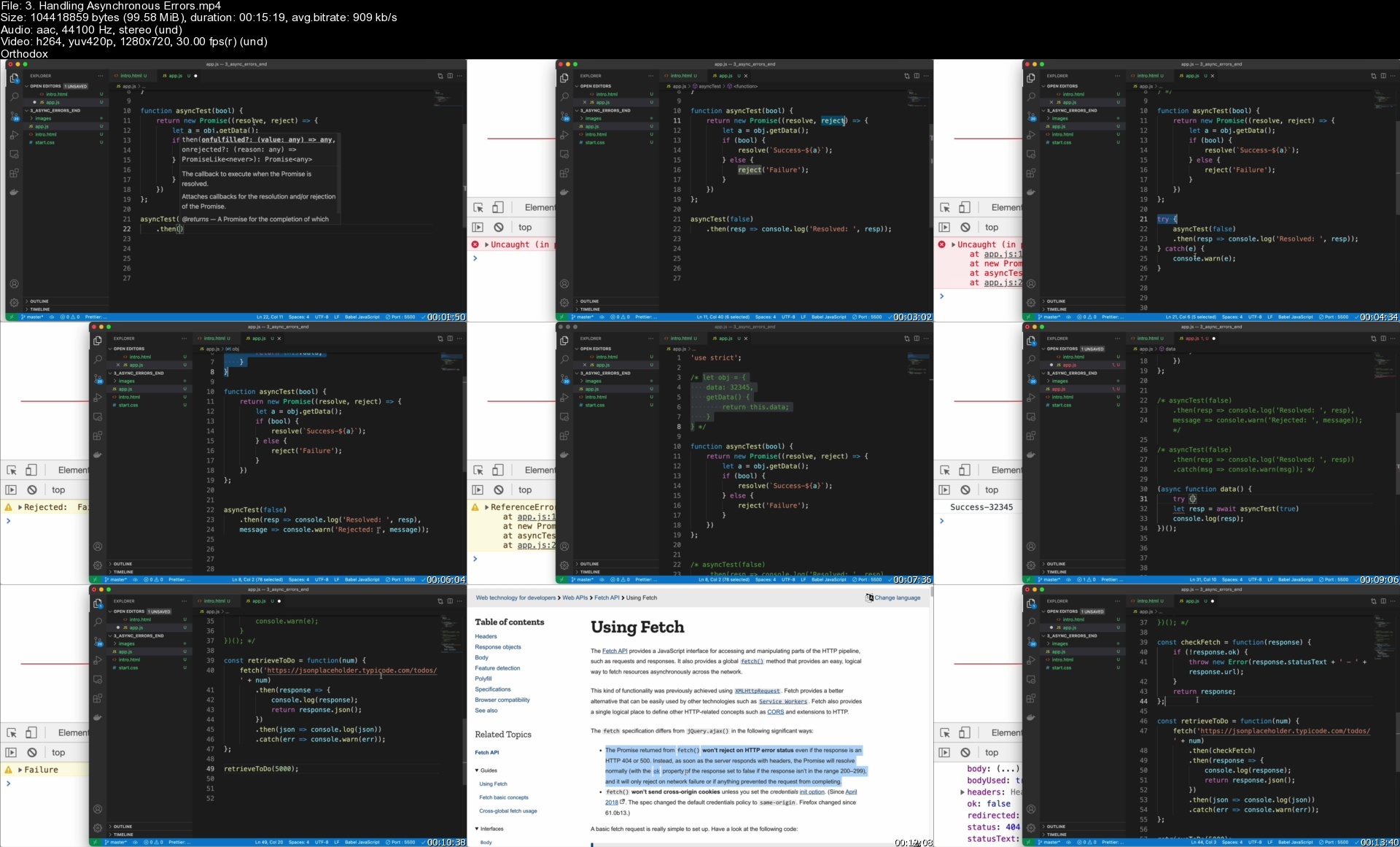
3.handlingasynchronoukvf1o.jpg


9. Positive Psychology Business Coach Certificate |Level 3

azcbdgxjwzybm89zbcgkzsqfw1.jpg


9. Positive Psychology Business Coach Certificate |Level 3
Last updated 3/2022
MP4 | Video: h264, 1280x720 | Audio: AAC, 44.1 KHz
Language: English | Size: 13.27 GB | Duration: 12h 41m

Executive Management Coaching: One of the Nine Prerequisites Required for Positive Psychology Master Coach Diploma


What you'll learn
Develop Leadership Happiness Skills
Practice Positive Psychology Executive Coaching
Internationally Accredited Training CPD Provider #777313
Apply Positive Psychology Business Coaching Tools
Align Employees Happiness with Organizational Profit
Develop yourself into an Accredited Happiness Business Leader and set yourself and your clients for success
Learn Scientifically proven Management Happiness skills
Increase Your Confidence and Credibility by using our proven Organizational and Employees Happiness Skills
Apply Positive Psychology Coaching Skills
Increase Organizational Happiness while focusing on the company bottom line

Requirements
Prerequisite: Happiness Practitioner Certification[Level 1] and Happiness Life Coach Certification[Level 2] (by Braco Pobric)
Business Knowledge
Computer, Printer (to print client forms), Pen, Paper, Notebook

Description
***IMPORTANT: This program is for the Students who have already signed up for Positive Psychology Practitioner Certification Level 1 and Positive Psychology Coach Certification: Level 2 This course is accredited by the internationally recognized CPD Accreditation Group (Provider No: 777313) and upon completion of this course, you will receive an official Accredited Certificate from Life Success Academy. This course is also a part of the PPMC Program - Positive Psychology Master Coach Diploma offered exclusively for Udemy Students by Life Success Academy.JOIN OUR > 44,000 HAPPY STUDENTS from 174 COUNTRIES who have already taken our Udemy courses and gave Mr. Pobric over 3,700 5 STAR REVIEWS!As a Prominent Leader in Online Learning and the Authority Figure in the field of Positive Psychology, Happiness, Leadership, and Human Flourishing Braco Pobric is actively involved in this amazing community of happier people and does his best to answer all the questions within 48 hours.This training is a fully-accredited professional program by The CPD Accreditation Group with 20 OPTIONAL CPD / CE Credit Hours. The course contains HD video content, the Entire Audio version of the program, course transcript, workbook, assignments, handouts, and supplementary resources that you can download any time and from any device.You will also have FREE access to a private positive psychology/leadership coaching community network with over 3,000 active life coaches from all over the world and FREE one-on-one mentoring/coaching where you can be coached by one of our Certified Coaches or practice coaching skills and receive valuable credit hours. The coaches within this network have either completed or are completing one of the Life Success Academy certification programs.*In addition to the course content students should be prepared to study and practice the material for a minimum of 80-course hours. If you answer YES, to any of the following statements, this Accredited course is for you:I am a Speaker and want to deliver Happiness Speaking Engagements to Organizations I am Workshop Facilitator and want to add Create Happiness Workshops I am interested in becoming a Chief Happiness Officer but can't afford to pay a high price for a Certification Program I am a Manager and want to learn how to help my Company and Employees become Happier I am an HR Manager and want to learn how to Apply Positive Psychology in my day top day workI am a Business Owner and want to learn how to Increase Profitability while at the same time keep my employees happy I have a Certification in Positive Psychology and want to learn Positive Psychology and other Authentic Happiness Coaching Tools I am a Licensed Therapist (Psychotherapist, Psychologist, Counselor, etc.) and want to use tools from Positive Psychology to help employees in their journey of a long term happiness I am a Business Professional and want to help my team members apply their strengths at work and improve their relationships which in turns will help them become even more successful I am a Small Business Owner and want to learn coaching skills to help my employees increase their productivityI already know a lot about Coaching but want to learn Authentic Organizational And Employee Happiness Skills About this course:3 Courses in 1 (for students who do not wish to proceed with Positive Psychology Practitioner and Positive Psychology Coach Certifications) Fully Accredited CPD / CE Program by the CPD Accreditation Group Become Certified Chief Happiness Officer (When Complete all 3 Levels) The Most Comprehensive Authentic Happiness Accredited Online Certification for Personal Use, Coaches and Organizations Includes most of the lectures from the Certified Positive Psychology Practitioner and Certified Positive Psychology Coach Programs Over 200 Lectures Over 12 Hours of On-Demand VideoOver 100 articles and Research papers 10 Books Provided as Supporting Material Many Learning and Reflection Assignments Certification Program - Receive Udemy + become eligible to receive an Accredited Certification with CPD / CE Credit Hours.Full, free lifetime accessAll future extra lectures and upgrades are always included for freeUnconditional Udemy 30 day money-back guarantee - that's my personal promise of your success!Regular free surprise bonuses to help you change your habits and become even happier!At the end of this course, you will be able to help your clients, their employees, and their organization Understand (AOEH) Authentic Organizational and Employees Happiness FrameworkLearn, Understand and Apply 8 Pillars of Authentic Organizational and Employee Happiness AOEH Provide Key Characteristics of Authentic Happiness OrganizationApply Psychology Capital of Chief Happiness Officer (CHO) in any organization"Sell" and Deliver Authentic Happiness to Organizations Create Successful Authentic Happiness PresentationPromote and Deliver Positive Psychology Based Programs Help Your Clients and Organizations Become Authentically Happier Align Organizational and Employee Happiness Align Organizational and Employees Goals for Success. Improve their Personal and Business RelationshipAnd much more..._________________________________________________________________________This program is Fully Accredited CPD / CE Program by the CPD Accreditation Group and when completed you will be eligible to receive Accredited Certificate with 40 CPD / CE Hours. Our CPD provider Number is 777313CPD / CE is beneficial for employees' career progression and advancement. CPD research confirmed that for anyone hoping to get promoted, or wanting to specialize in a different area, demonstrating their learning agility and dedication to CPD / CE can make a substantive difference. In real terms, this means that the Accredited Certificate contributes to achieving higher salaries.For employees, CPD / CE helps them keep their knowledge and skills up-to-date. It also ensures that the professional standard of their qualifications and registrations is maintained. Furthermore, it contributes to their professional sense of direction. Completing CPD / CE helps build their confidence and credibility, allows them to showcase their achievements, and equips them with tools to cope positively with change.Within different regions, there can be different terminology used. For example, CPD can be known as Continuing Education (CE) or Continuing Professional Education (CPE). It is important to note that these terms are completely interchangeable with CPD, and are both focused on a structured approach to lifelong learning.Global Acceptance of The CPD Accreditation Group While based in the UK, The CPD Accreditation Group accreditation operates internationally and meets the CPD / CE requirements and expectations for all professional bodies, regulators, and membership organizations across the globe. This means that a professional attending an accredited CPD / CE training activity can receive a CPD / CE Certificate of Attendance, which can then be used towards their national CPD / CE requirements.Due to the research undertaken by the CPD Standards Research Project with various professional bodies and regulators, the accreditation is recognized and respected internationally. Formal CPD Standards certificates are issued and accepted in a multitude of countries and across all professional sectors.CPD in the United States of America often uses slightly different language to describe the practice of CPD e.g. CE - Continuing Education, CPE - Continuing Professional Education, CME - Continuing Medical Education, or CLE - Continuing Legal Education.Similar to the UK, there are stringent requirements for professionals to undertake CE within different sectors, with over 4000 professional bodies, institutes, and regulators across the country.It is a rather complex area as each of the 52 States has different CE requirements in place for regulated areas e.g. lawyers in Alaska have to under 4 hours of CPD a year, whereas lawyers in Ohio have to undertake 24 hours of CE over 2 years.For additional knowledge and tools on Positive Psychology please check my other programs.

Overview

Section 1: Introduction

Lecture 1 Program Prerequisites

Lecture 2 Program Structure

Lecture 3 Certification Requirements

Lecture 4 IMPORTANT: Please Watch / Listen

Lecture 5 How Do I Get Additional Help While Going Through This Course?

Lecture 6 How Was this Program Created

Lecture 7 What Do You Have Today?

Lecture 8 Assignments: Video Lecture: What is Your Calling?

Lecture 9 Employee Attitude

Lecture 10 Do You Have What it Takes?

Lecture 11 Assignment Video: What is Your Attitude Toward Your Job?

Lecture 12 CHO Skills

Lecture 13 CHO Knowledge

Lecture 14 CPD / CE Accreditation and International Authentic Happiness Certificate

Section 2: Brief Review of PPP (AHC) and PPPC (AHLCC)

Lecture 15 Section Introduction

Lecture 16 A quick review of AHC Program

Lecture 17 A quick review of AHLCC Program

Lecture 18 Assignment Video: Employees and Organizational Authentic Happiness

Lecture 19 Section Reading Material

Lecture 20 Assignments

Section 3: Introduction to Authentic Organizational and Employees Happiness (AOEH)

Lecture 21 AOEH (Authentic Organizational and Employees Happiness) Framework

Lecture 22 Chief Happiness Officer (CHO) Responsibilities and Accountability

Lecture 23 Section Reading Material

Section 4: 8 Pillars of Authentic Organizational and Employee Happiness AOEH

Lecture 24 Introduction to 8 Pillars of AOEH

Lecture 25 Pillar 1 of AOEH : Organization

Lecture 26 Pillar 1 of AOEH: Employee

Lecture 27 Pillar 1 of AOEH: Aligning Organizational and Employees Authentic Happiness

Lecture 28 Pillar 2 of AOEH: : Organizational Strengths

Lecture 29 Pillar 2 of AOEH: Employees Strength

Lecture 30 Pillar 2: Aligning Organizational and Employees Strengths

Lecture 31 Pillar 3 of AOEH: Organizational Optimism

Lecture 32 Pillar 3 of AOEH: Employees Optimism

Lecture 33 Pillar 3 of AOEH: Aligning Organizational and Employees Optimism

Lecture 34 Pillar 4 of AOEH: Organizational Goals

Lecture 35 Pillar 4 of AOEH: Employees Goals

Lecture 36 Pillar 4 of AOEH: Aligning Organizational and Employees Goals

Lecture 37 Pillar 5 of AOEH: Organizational Relationships

Lecture 38 Pillar 5 of AOEH Employees Relationships

Lecture 39 Pillar 5 of AOEH: Aligning Organizational and Employees Relationships

Lecture 40 Pillar 6 of AOEH: Organizational Mindfulness

Lecture 41 Pillar 6 of AOEH: Employees Mindfulness

Lecture 42 Pillar 6 of AOEH: Aligning Organizational and Employees Mindfulness

Lecture 43 Pillar 7 of AOEH: Organizational Gratitude

Lecture 44 Pillar 7 of AOEH: Employees Gratitude

Lecture 45 Pillar 7 of AOEH: Aligning Organizational and Employees Gratitude

Lecture 46 Pillar 8 of AOEH: Organizational Resilience and Purpose

Lecture 47 Pillar 8 of AOEH: Employees Resilience and Purpose

Lecture 48 Pillar 8 of AOEH: Aligning Organizational and Employees Resilience and Purpose

Lecture 49 Section Reading Material

Lecture 50 Section Reading Material

Section 5: Key Characteristics of Authentic Happiness Organization

Lecture 51 Psychology Capital of CHO and Organizational Hope

Lecture 52 Organizational Efficacy

Lecture 53 Organizational Resiliency and Optimism

Lecture 54 Section Reading Material

Section 6: Selling "Authentic Happiness" To Organizations

Lecture 55 Introduction

Lecture 56 Promote

Lecture 57 Deliver

Lecture 58 Research

Lecture 59 Section Reading Material

Section 7: PPP: Positive Psychology Practitioner

Lecture 60 IMPORTANT: Please Read

Lecture 61 Module 1: Introduction

Lecture 62 Chasing Happiness and Why Are You Happy Today

Lecture 63 Assignment: Chasing Happiness

Lecture 64 What Authentic Happiness Means to You

Lecture 65 What is Positive Psychology

Lecture 66 Relation Between Happiness and Success

Lecture 67 History of Positive Psychology

Lecture 68 Exercise and the Assignment: Positivity Ratio

Lecture 69 Let's Define Happiness

Lecture 70 What Determines Happiness?

Lecture 71 What Neuroplasticity have to do with Happiness

Lecture 72 The PERMA Happiness and Wellbeing Model: Part 1 of 2

Lecture 73 The PERMA Happiness and Wellbeing Model:: Part 2 of 2

Lecture 74 Exercise and the Assignment: PERMA The Happiness Model

Lecture 75 Flow: A Little Known Secret to Happiness

Lecture 76 Exercise and the Assignment: FLOW - Define three things you can do to be in a fl

Lecture 77 Introduction to Strengths and Optimism Module

Lecture 78 Character Strengths

Lecture 79 More on Strengths

Lecture 80 Strengths Self Efficacy Scale

Lecture 81 Contribution of Happy People

Lecture 82 Optimism and Longevity

Lecture 83 Optimism, Pessimism, Realism

Lecture 84 Optimism - Should you have more of it

Lecture 85 Introduction to Goals Module

Lecture 86 Goals Overview

Lecture 87 Goals and Flow

Lecture 88 Kaizen Goals

Lecture 89 Focus and Goals

Lecture 90 Exercise and the Assignment: How Kaizen Can Help

Lecture 91 Introduction to Relationships Module

Lecture 92 Relationships and Happiness

Lecture 93 Relationships and Happiness: Part 2

Lecture 94 Exercise and the Assignment: Relationships ACR

Lecture 95 Introduction to Mindfulness Module

Lecture 96 Introduction to Mindfulness: Part 1

Lecture 97 Introduction to Mindfulness: Part 2

Lecture 98 How to Apply Mindfulness in Your Life: Part 1

Lecture 99 How to Apply Mindfulness in Your Life: Part 2

Lecture 100 How to Apply Mindfulness in Your Life: Part 3

Lecture 101 Waiting in Line

Lecture 102 Telephone Meditation

Lecture 103 Shower Meditation

Lecture 104 Walking Meditation: Part 1

Lecture 105 Walking Meditation: Part 2

Lecture 106 Mindful Eating: Part 1

Lecture 107 Mindful Eating: Part 2

Lecture 108 Nature and Mindfulness

Lecture 109 Nature and Mindfulness: Assignment

Lecture 110 Practice Assignment: Think about meditation practice you can introduce into your

Lecture 111 Research on Mindfulness: Part 1

Lecture 112 Research on Mindfulness: Part 2

Lecture 113 Research on Mindfulness: Part 3

Lecture 114 Research on Mindfulness: Closing

Lecture 115 Mindfulness and Habits: Part 1

Lecture 116 Mindfulness and Habits: Part 2

Lecture 117 Assignment: How One Habit Can Trigger Another One

Lecture 118 How Mindfulness can help Release Pain and Stress

Lecture 119 Can Mindfulness Help with the Pain? My Story: Part 1

Lecture 120 Can Mindfulness Help with the Pain? My Story: Part 2

Lecture 121 Mindful Aging: Part 1

Lecture 122 Mindful Aging: Part 2

Lecture 123 30 Day Mindfulness Challenge

Lecture 124 Introduction to Gratitude Module

Lecture 125 Exercise and the Assignment: Reflection: Gratitude Letter

Lecture 126 Gratitude: Part 1 of 2

Lecture 127 Gratitude: Part 2 of 2

Lecture 128 Exercise / Assignment: 3 Good Things

Lecture 129 Introduction to Resilience Module

Lecture 130 Resiliency Definition

Lecture 131 Top 10 Scientifically Proven Resiliency Factors

Lecture 132 Resilience: Optimism, Realism, Pessimism Lecture

Lecture 133 Resilience: Optimism, Realism, Pessimism Personal Story

Lecture 134 Resilience: Optimism, Realism, Pessimism Research

Lecture 135 Resilience: Facing Fear Lecture

Lecture 136 Resilience: Facing Fear Personal Story

Lecture 137 Resilience: Facing Fear Research

Lecture 138 Resilience: Moral Compass Lecture

Lecture 139 Resilience: Moral Compass Story

Lecture 140 Resilience: Moral Compass Research

Lecture 141 Resilience: Spirituality and Religion Lecture

Lecture 142 Resilience: Spirituality and Religion Story

Lecture 143 Resilience: Spirituality and Religion Research

Lecture 144 Resilience: Social Support Lecture

Lecture 145 Resilience: Social Support Story

Lecture 146 Resilience: Social Support Research

Lecture 147 Resilience: Role Model Lecture

Lecture 148 Resilience: Role Model Story

Lecture 149 Resilience: Role Model Research

Lecture 150 Resilience: Physical Fitness Lecture

Lecture 151 Resilience: Physical Fitness Story

Lecture 152 Resilience: Physical Fitness Research

Lecture 153 Resilience: Brain Fitness Lecture

Lecture 154 Resilience: Brain Fitness Story

Lecture 155 Resilience: Brain Fitness Research

Lecture 156 Resilience: Cognitive and Emotional Flexibility Lecture

Lecture 157 Resilience: Cognitive and Emotional Flexibility Story

Lecture 158 Resilience: Cognitive and Emotional Flexibility Research

Lecture 159 Resilience: Meaning and Purpose Lecture

Lecture 160 Resilience: Meaning and Purpose Story

Lecture 161 Resilience: Meaning and Purpose Research

Lecture 162 Habits and Happiness: Section Overview and Module Introduction

Lecture 163 Introduction to Habits and Happiness

Lecture 164 Habits and Happiness: Secret Number 1

Lecture 165 Habits and Happiness: Secret Number 2

Lecture 166 Habits and Happiness: Secret Number 3

Lecture 167 Habits and Happiness: Secret Number 4

Lecture 168 Habits and Happiness: Secret Number 5

Lecture 169 Habits and Happiness: Secret Number 6

Lecture 170 Habits and Happiness: Secret Number 7

Lecture 171 Habits and Happiness: Exercise and the Assignment: Seven Secrets

Section 8: PPC - Positive Psychology Coach

Lecture 172 Setting Up the Expectations

Lecture 173 Coaching Modules Prerequisites

Lecture 174 Coaching Forms

Lecture 175 Following Course Structure While Coaching

Lecture 176 Introduction to Positive Psychology Coaching

Lecture 177 Prepare for Your Coaching Clients: Coaching Opportunities

Lecture 178 The Happiness Scale

Lecture 179 Life Domain Satisfaction

Lecture 180 Strength Coaching Prerequisites

Lecture 181 Rewrite Your Not So Happy Story

Lecture 182 Life Wheel Assessment

Lecture 183 Strengths Use Scale

Lecture 184 Introduction to Optimism Coaching Module

Lecture 185 Prepare for the Session - Fill Out This Form Before the Session

Lecture 186 Door Closed Doors Opened

Lecture 187 Sentence Completion

Lecture 188 Goal Settings Coaching - Prerequisites and Introduction

Lecture 189 Coaching Goals

Lecture 190 Goals Motivator

Lecture 191 Smart Goals

Lecture 192 Prerequisites and Introduction to Coaching on Relationships

Lecture 193 Relationships Forms

Lecture 194 Active Constructive Responding

Lecture 195 Four Components of Thriving Relationships

Lecture 196 Two Most Important Relationships

Lecture 197 Multidimensional Scale of Perceived Social Support

Lecture 198 Mindfulness Caching Introduction and Prerequisites

Lecture 199 How to Coach Mindfulness?

Lecture 200 Mindfulness Attention Awareness Scale

Lecture 201 Mindfulness Awareness of Unpleasant Events

Lecture 202 Mindfulness Savoring Reflections and Experience

Lecture 203 Three Minute Breathing Space

Lecture 204 Gratitude Coaching Introduction

Lecture 205 Gratitude Coaching Prerequisites

Lecture 206 The Gratitude Letter

Lecture 207 The Unexpected Kindness

Lecture 208 The Gratitude Box

Lecture 209 Three Good Thing

Lecture 210 Introduction to Resilience Coaching Module

Lecture 211 Resilience Coaching: Pre Requisites

Lecture 212 How to Coach Resilience

Section 9: Last Section...

Lecture 213 Final Assignment:Video

Lecture 214 Directions for the Final Assignment

Lecture 215 Program Review

Lecture 216 Congratulations

Lecture 217 Bonus Lecture: Accredited Certificate w/CPD/ CE Hours + Special Bonuses

Managers,Business Leaders,Coaches,Happiness Experts,Workshop Facilitators,Speakers,C Level Executives,Business Owners

Homepage


12330daymindfulnesschnxdts.jpg


Unreal Engine - Blueprint Scripting 101

1790974edc1383fpe.jpg


Unreal Engine - Blueprint Scripting 101
Published 09/2022
MP4 | Video: h264, 1280x720 | Audio: AAC, 44.1 KHz, 2 Ch
Genre: eLearning | Language: English | Duration: 68 lectures (12h 9m) | Size: 7.6 GB


Craft amazing gameplay experiences by mastering Blueprint Scripting in the Unreal Engine


What you'll learn
How to setup a project in Unreal
How to create various Blueprint Types
How to navigate the Blueprint Editor
How to utilize the Event Graph inside of a Blueprint
How to utilize the Construction Script inside of a Blueprint
How to create / add / use Variables in scripts
How to create Object References in scripts
How to create / add / use Events in scripts
How to create / add / use Functions in scripts
How to create / add / use Macros in scripts
How to add / use Flow Control nodes
How to add / use Time Related nodes
How to add / use Line Trace nodes
How to add / use Actor Movement nodes
How to add / use AI Movement nodes
How to Communicate between Blueprints
How to create / setup "Framework" Blueprints
How to create Child Blueprints using Inheritance
How to Compile Blueprints
How to Debug Blueprints
How to utilize hotkeys and other productivity tips & tricks inside of Blueprints
Requirements
No programming or previous Unreal Engine experience necessary!
Description
In this game development course, you'll learn all about Unreal Engine's Blueprint Scripting system. This embedded set of tools inside the editor allows ANYONE to create functional gameplay using a visual, node-based approach. This course will cover all the essential concepts, skills, and language to get you started creating your own amazing gaming projects.
This course contains 100 fun-to-follow video lessons. Topics covered include how to...
Setup a Project inside the Unreal Engine
Navigate the Blueprint Editor
Use the Event Graph to add functionality to a Blueprint
Use the Construction Script to make Procedural Content
Create / add / use Events
Create / add / use Variables
Ways to Get & Set
Create Single, Array, Set, or Map Variables
Create / add / use Functions
Create Custom Functions
Create a Function Library
Create / add / use Macros
Create Custom Macros
Create a Macro Library
Create / add / use Object References
Add / use Flow Control nodes
Add / use Time Related nodes
Add / use Line Trace nodes
Add / use Actor Movement nodes
Add / use AI Movement nodes
Identify Blueprint Types
Class Blueprints
Level Blueprints
Use different Blueprint Communication methods
Casting
Direct Communication
Event Dispatchers
Blueprint Interfaces
Identify and setup the different "Framework" Blueprints in your Project Settings
Game Mode
Pawn
Player Controller
Game Instance
Use Inheritance to Create Child Class Blueprints
Compile Blueprints
Debug Blueprints
Utilize Blueprint Productivity Hacks
With the knowledge gained in these video lessons, you will have the necessary skills to start creating your OWN custom scripts for your OWN gaming projects!
Who this course is for
Beginners looking to get started creating gameplay using Unreal
Intermediates or Professionals looking for a repository of Blueprint Scripting know-how


unrealengineblueprintwrdqe.jpg


Download from RapidGator


Download from DDownload


Zurück
Oben Unten