• Regeln für den Video-Bereich:

    In den Börsenbereich gehören nur Angebote die bereits den Allgemeinen Regeln entsprechen.

    Einteilung

    - Folgende Formate gehören in die angegeben Bereiche:
    - Filme: Encodierte Filme von BluRay, DVD, R5, TV, Screener sowie Telesyncs im Format DivX, XviD und x264.
    - DVD: Filme im Format DVD5, DVD9 und HD2DVD.
    - HD: Encodierte Filme mit der Auflösung 720p oder darüber von BluRay, DVD, R5, TV, Screener sowie Telesyncs im Format x264.
    - 3D: Encodierte Filme von BluRay, die in einem 3D Format vorliegen. Dies gilt auch für Dokus, Animation usw.
    - Serien: Cartoon/Zeichentrick, Anime, Tutorials, Dokumentationen, Konzerte/Musik, Sonstiges sind demnach in die entsprechenden Bereiche einzuordnen, auch wenn sie beispielsweise im High Definition-Format oder als DVD5/DVD9/HD2DVD vorliegen. Ausnahme 3D.
    - Bereich Englisch: Englische Releases gehören immer in diesen Bereich.
    - Bereich Talk: Der Bereich, in dem über die Releases diskutiert werden kann, darf, soll und erwünscht ist.


    Angebot/Beitrag erstellen

    - Ein Beitrag darf erst dann erstellt werden, wenn der Upload bei mindestens einem OCH komplett ist. Platzhalter sind untersagt.
    - Bei einem Scenerelease hat der Threadtitel ausschließlich aus dem originalen, unveränderten Releasenamen zu bestehen. Es dürfen keine Veränderungen wie z.B. Sterne, kleine Buchstaben o.ä. vorgenommen werden. Ausnahme Serienbörse:
    - Bei einem Sammelthread für eine Staffel entfällt aus dem Releasename natürlich der Name der Folge. Beispiel: Die Simpsons S21 German DVDRip XviD - ITG
    - Dementsprechend sind also u.a. verboten: Erweiterungen wie "Tipp", "empfehlenswert", "only", "reup", usw. / jegliche andere Zusatzinformation oder Ergänzung, welche nicht in obiger Beschreibung zu finden ist.

    Aufbau des Angebots und Threadtitel

    Der Titel nach folgendem Muster erstellt zu werden. <Name> [3D] [Staffel] [German] <Jahr> <Tonspur> [DL] [Auflösung] <Quelle> <Codec> - <Group>
    Beispiel: The Dark Knight German 2008 AC3 DVDRip XviD - iND
    Beispiel: The Dark Knight 2008 DTS DL BDRip x264 - iND
    Beispiel: The Dark Knight 2008 AC3 DL BDRip XviD - iND
    Beispiel: The Dark Knight German 2008 AC3 720p BluRay x264 iND
    Beispiel: The Dark Knight 2008 DTS DL 1080p BluRay x264 iND
    Beispiel: Die Simpsons S01 German AC3 DVDRip XviD iND
    Beispiel: Die Simpsons S20 German AC3 720p BluRay x264 iND
    Beispiel: Sword Art Online II Ger Sub 2014 AAC 1080p WEBRip x264 - peppermint
    Entsprechend sind also u.a. verboten: Sonderzeichen wie Klammern, Sterne, Ausrufezeichen, Unterstriche, Anführungszeichen / Erweiterungen wie "Tipp", "empfehlenswert", "only", "reup", usw. / jegliche andere Zusatzinformation oder Ergänzung, welche nicht in obiger Beschreibung zu finden ist
    Ausnahmen hiervon können in den Bereichen geregelt sein.

    Die Beiträge sollen wie folgt aufgebaut werden:
    Überschrift entspricht dem Threadtitel
    Cover
    kurze Inhaltsbeschreibung
    Format, Größe, Dauer sind gut lesbar für Downloader außerhalb des Spoilers zu vermerken
    Nfo sind immer Anzugeben und selbige immer im Spoiler in Textform.
    Sind keine Nfo vorhanden z.B. Eigenpublikationen, sind im Spoiler folgende Dateiinformationen zusätzlich anzugeben :
    Quelle
    Video (Auflösung und Bitrate)
    Ton (Sprache, Format und Bitrate der einzelnen Spuren)
    Untertitel (sofern vorhanden)
    Hosterangabe in Textform außerhalb eines Spoiler mit allen enthaltenen Hostern.
    Bei SD kann auf diese zusätzlichen Dateiinformationen verzichtet werden.

    Alle benötigten Passwörter sind, sofern vorhanden, in Textform im Angebot anzugeben.
    Spoiler im Spoiler mit Kommentaren :"Schon Bedankt?" sind unerwünscht.


    Releases

    - Sind Retail-Release verfügbar, sind alle anderen Variationen untersagt. Ausnahmen: Alle deutschen Retail-Release sind CUT, in diesem Fall sind dubbed UNCUT-Release zulässig.
    - Im Serien-Bereich gilt speziell: Wenn ein Retail vor Abschluss einer laufenden Staffel erscheint, darf diese Staffel noch zu Ende gebracht werden.62
    - Gleiche Releases sind unbedingt zusammenzufassen. Das bedeutet, es ist zwingend erforderlich, vor dem Erstellen eines Themas per Suchfunktion zu überprüfen, ob bereits ein Beitrag mit demselben Release besteht. Ist dies der Fall, ist der bereits vorhandene Beitrag zu verwenden.
    - P2P und Scene Releases dürfen nicht verändert oder gar unter einem iND Tag eingestellt werden.


    Support, Diskussionen und Suche

    - Supportanfragen sind entweder per PN oder im Bereich Talk zu stellen.
    - Diskussionen und Bewertungen sind im Talk Bereich zu führen. Fragen an die Uploader haben ausschließlich via PN zu erfolgen, und sind in den Angeboten untersagt.
    - Anfragen zu Upload-Wünschen sind nur im Bereich Suche Video erlaubt. Antworten dürfen nur auf Angebote von MyBoerse.bz verlinkt werden.


    Verbote

    - Untersagt sind mehrere Formate in einem einzigen Angebotsthread, wie beispielsweise das gleichzeitige Anbieten von DivX/XviD, 720p und 1080p in einem Thread. Pro Format, Release und Auflösung ist ein eigener Thread zu eröffnen.
    - Grundsätzlich ebenso verboten sind Dupes. Uploader haben sich an geeigneter Stelle darüber zu informieren, ob es sich bei einem Release um ein Dupe handelt.
    - Gefakte, nur teilweise lauffähige oder unvollständige Angebote sind untersagt. Dies gilt auch für eigene Publikationen, die augenscheinlich nicht selbst von z.B. einer DVD gerippt wurden. Laufende Serien, bei denen noch nicht alle Folgen verfügbar sind, dürfen erstellt und regelmäßig geupdatet werden.
    - Untersagt sind Angebote, welche nur und ausschließlich in einer anderen Sprache als deutsch oder englisch vorliegen. Ausnahmen sind VORHER mit den Moderatoren zu klären.


    Verstoß gegen die Regeln

    - Angebote oder Beiträge, die gegen die Forenregeln verstoßen, sind über den "Melden"-Button im Beitrag zu melden.
  • Bitte registriere dich zunächst um Beiträge zu verfassen und externe Links aufzurufen.

*** Bestes IPTV *** bester Preis *** gratis Test ***


Englische Tutorials

The Full Stack Data Analyst BootCamp®

4837352211e2h4ia5.jpg


The Full Stack Data Analyst BootCamp®
Last Updated 09/2022
MP4 | Video: h264, 1280x720 | Audio: AAC, 44.1 KHz, 2 Ch
Genre: eLearning | Language: English | Duration: 420 lectures (39h 53m) | Size: 19.8 GB

Become A Data Analyst |Stats | Excel | SQL | Python| Power BI | Tableau | Data Story Telling


What you'll learn
Data Analysis
SQL Skills
Python Skills
Excel Skills
PowerBI Skills


Requirements
This is a beginner to advanced level course.
Priori knowledge is not required
No prerequisite to start the course
Instructor starts from Beginner level to advance
Good for All Levels


Description
Welcome to The Full-Stack Data Analyst BootCamp®

Taken by companies such as VW, NASDAQ, NetApp, eventbrite, etc.

The Full-Stack Data Scientist BootCamp® is the a new course on Udemy newly developed in September 2022 that covers current and up-to-date A to Z lessons that will make you a Data Analyst.

Created by Dr. Bright, a Ph.D. in Data Science holder, former Microsoft Senior Data Scientist, Data Analyst (6yrs @ Deloitte) and a Data Science Faculty at Worcester Institute, this course covers everything that you need to know to become a Full Stack Data Analyst.

The instructors and advisors of the course spent over 13 months creating and vetting the course to make sure it meets the industry and academic standards.

With quality course curriculum, this course is the same as we use for our 18 months MS in Data Analytics program on campus and even more exciting are the Projects in the course to make you more efficient and confident in building Data Analytics products.

The motivation is to bring Quality Data Analytics education to every serious learner at affordable cost. Everyone who cannot to spend $30,000 plus on attaining a data analytics degree at a top tier institute or anyone who cannot spend considerable amount of time on campus away from their busy schedule.

This course is meant for students and working professionals who wish to become Data Analyst.

The instructors and research assistants who created this course have done thorough research in developing this course and making sure to break the concepts down for your understanding taking into consideration people with different backgrounds and experience levels to enroll in this course.

We understand the diversity of the audience that will enroll in this course, some with experience in the field and some completely new to the field, we understand that and we kept that in mind while creating the course. So don't worry, you are covered.

The very instructors who created the course are going to be your MENTORS throughout the course so you will have someone to come to your aid whenever you get stuck or need help or any form of guidance.

If you are interested in becoming a Full Stack Data Analyst, then this course is the right spot for you, and the ALL-in-ONE course to get you there.

Who this course is for
Anyone interested in the field of Data Analytics
Anyone who wants to make a career as a Data Analyst
Any student who wants to get a job as a Data Analyst after college
Anyone who wants to make career change from one domain to the field of Data Analytics
Anybody who wants to learn and apply the skills of Data Analysis at their work or project
Data is the new Oil and Data Analysis is recommended for anyone who wants to stay up to date with current industry demands
Anybody who wants to make a lucrative career

Homepage


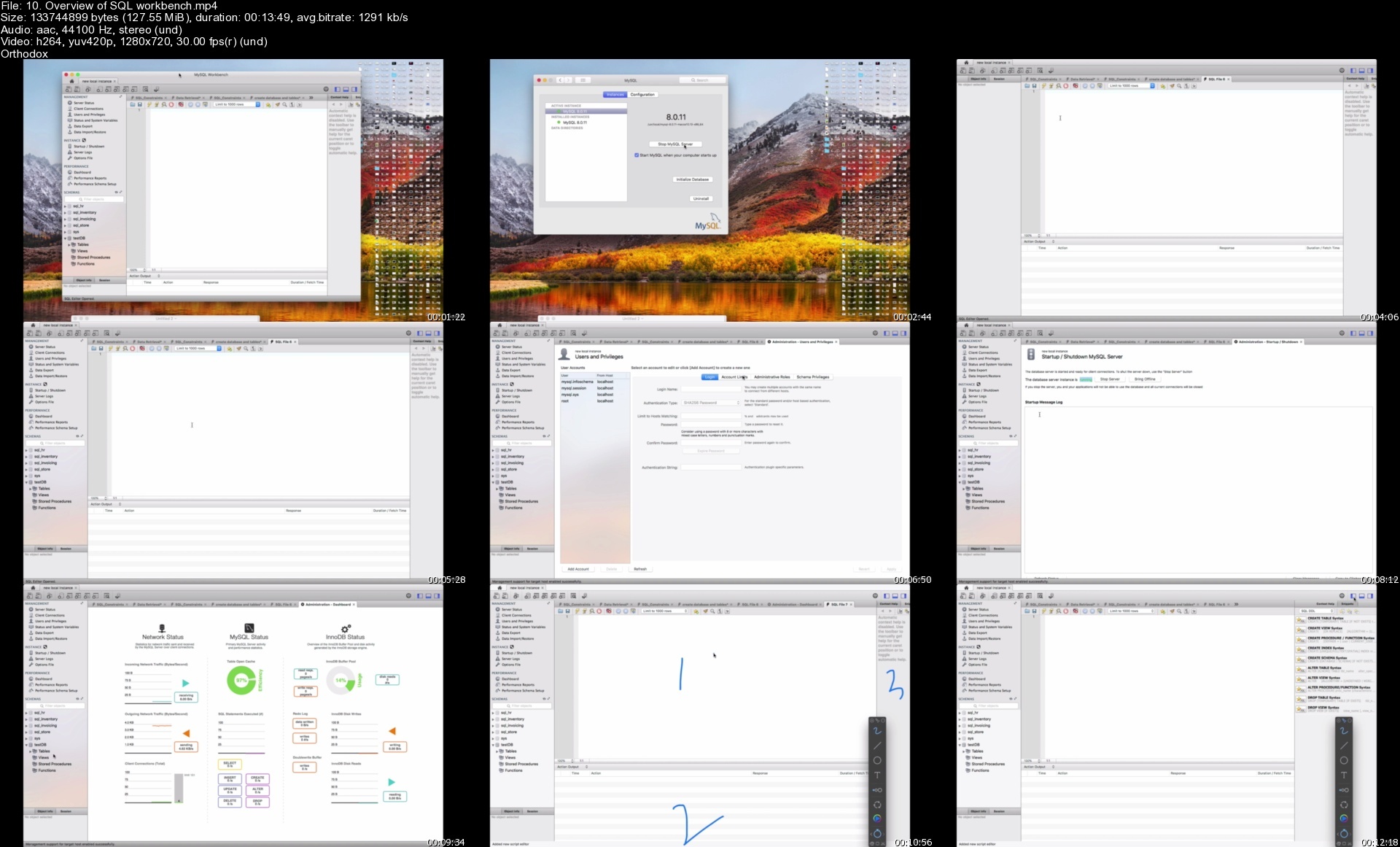
10.overviewofsqlworkbwwd9q.jpg


Python For Everyone: From Zero To Hero 2022

b8o5sq3q4rdmy92hm5mxla8eve.jpg


Python For Everyone: From Zero To Hero 2022
Published 9/2022
MP4 | Video: h264, 1280x720 | Audio: AAC, 44.1 KHz
Language: English | Size: 27.74 GB | Duration: 70h 46m

Master Python by building 100+ real projects . Learn OOP, Automation, GUI, Data Structures and more to create your APPs.


What you'll learn
You will master the Python programming language by building 100+ projects.
Be able to use Python for data scraping and automation
Build GUIs and Desktop applications with Python
Create a portfolio of real Python projects to apply for developer jobs
You will learn Selenium, Beautiful Soup, Request, Flask, Pandas, NumPy, Seabon, and Matplotlib.

Requirements
No programming experience needed - you will learn everything you need to know.
Access to a computer with an internet connection.

Description
Welcome to Python for everyone, the best and the most comprehensive Python course on the internet.At 70+ hours, this Python course is without a doubt the most comprehensive and detailed Python course available anywhere online. If you are someone who has zero programming experience, this course will take you from beginner to professional.Learning Python is one of the fastest ways to improve your career prospects as it is one of the most in demand tech skills! This course will help you in better understanding every detail of Python programming and how these concepts are implemented in high level programming language.We'll take you step-by-step through engaging video tutorials and teach you everything you need to succeed as a professional programmer.The course has been updated to be 2022 ready and you'll be learning the latest tools and technologies used at large companies such as Apple, Google, Microsoft, Amazon and more.This course explains everything in details with beautiful animated explanation videos and tens of real life projects which you will get to build. e.g. Ping Pong Game, Snake game, Blackjack , Form Filler and more.The curriculum was developed based on my 10+ years programming experience over a period of 2 years.We've taught over 100,000 students how to code and many have gone on to change their lives by becoming professional developers at top tech companies or starting their own tech startup.You do not need to waste your money on expensive bootcamps out there, the course teaches the same curriculum with lifetime access.The course is constantly updated with new content, with new projects and modules determined by students - it is a lifetime course.We'll take you step-by-step through engaging video tutorials and teach you everything you need to know to succeed as a Python developer.The course includes over 70 hours of HD video tutorials and builds your programming knowledge while making real-world Python projects.Throughout this comprehensive course, we cover a massive amount of tools and technologies, including:python 3 - the latest version of PythonLocal Development Environment - PyCharmPython Scripting and AutomationBuilt in Python Data StructuresRegular ExpressionsObject Oriented ProgrammingFiles and DirectoriesAutomate ExcelAutomate PDFAutomate Daily Routine TasksPython Game DevelopmentWeb ScrapingBeautiful SoupSelenium Web DriverRequestData SciencePandasGUI AutomationMatplotlibSeabornTurtlePython GUI Desktop App DevelopmentTkinterFlaskRESTAPIsDatabasesSQLSQLitePostgreSQLMy SQLAuthenticationand much much more!By the end of this course, you will be fluently programming in Python and you'll be so good at Python that you can get a job or use the language professionally.You'll also build a portfolio of 100+ projects that you can show off to any potential employer. Including:HangmanEnglish to Pig LatinFlooder GameBlackjackSnake GamePong GameEmail and Phone Number ScraperQuiz APPMusic APPDrawing FlagsBuild Your Own Public APIAutomated Form Fillerand much much more!Sign up today, and look forward to:Video LecturesLecture SlidesCode Challenges and ExercisesReal Life ProjectsQuizzesProgramming Resources and NotesDownloadsDon not just take my word for it, check out what existing students have to say about my courses:"Great explaining and has a ton of exercises, and he is updating it till this day. He codes a lot in the course, and he is fast at it, so for people looking for a fast paced course, this is a great option!." - Hyper O."The teacher is great! he explains everything in full details especially with real life examples. he uses the right algorithm in making his teaching methods effective so students don't get bored and sleepy." - Precious Ogbonna Nwakama"Nicely explained with graphics for non non programmers. Thank you. Amazingly simple to understand. Best wishes to the instructor." - Shahnawaz Ayon"- Amazing Explanation-The guy explains everything.-He explains with diagrams. Then with algorithm. Then with code.-This three times explanation makes the topics very retentive for a learner.." - Abinash Dash"Thats how a course should be! Excellent explanation and lot of coding excercises to practice.I read some comments on the accent of the trainer being not so good and all, but its very clear in fact!Am excited for the next sections...." - Siddhesh Sule"Excellent course for those looking to understand data structures and algorithms from beginner to advanced level. The theoretical explanations are well done, along with concrete real life examples. All data structures and algorithms described and then implemented, which makes the concepts easier to understand and gives you a chance to apply them in a real practice. The top tech's interview questions and answers sections are excellent bonus which allow for preparing real interviews."- Johanna DavidSo what are you waiting for? Click the buy now button and join the world's best and most comprehensive development course.

Overview

Section 1: Introduction

Lecture 1 START HERE - MUST WATCH!!!

Section 2: --------------PART 1 - Getting Started with Python--------------

Lecture 2 Getting Started with Python

Section 3: Why We Program?

Lecture 3 Why should You Learn to Write Programs?

Lecture 4 Computer Hardware Architecture

Lecture 5 Installing Python on Mac

Lecture 6 Installing Python on Windows

Lecture 7 Learning a New Language

Lecture 8 The First Conversation with Python

Lecture 9 What is a Bug? What are the Types of Bug?

Lecture 10 What is Debugging?

Lecture 11 Interpreter and Compiler

Lecture 12 Code Editors and IDEs

Lecture 13 Getting Started with Code Editors

Lecture 14 Solution to Print Statement Coding Exercise

Lecture 15 Congratulations!!!

Section 4: Variables, Expressions and Statements

Lecture 16 Goals: what you will make by the end of this section

Lecture 17 Values and Types

Lecture 18 Variables

Lecture 19 Solution to Switch Values

Lecture 20 Operations and Expressions

Lecture 21 Input Function - Asking the User for Input

Lecture 22 Solution to Input Function

Lecture 23 Type Errors and Type Conversion

Lecture 24 Comments in Python

Lecture 25 Variable Naming

Lecture 26 Solution to Data Types

Lecture 27 f Strings and Rounding Numbers

Lecture 28 Well Done!

Section 5: Real Python Projects ( Variable, Expressions and Statements)

Lecture 29 Project 1: Greeting

Lecture 30 Project 2: Band Name Generator

Lecture 31 Project 3: Gross Pay

Lecture 32 Project 4: Celsius to Fahrenheit

Lecture 33 Project 5: Trip Cost Calculator

Section 6: Conditional Execution

Lecture 34 Goals: what you will make by the end of this section

Lecture 35 Boolean Expressions

Lecture 36 Conditional Execution (IF)

Lecture 37 Solution to Even or Odd

Lecture 38 Nested Conditionals

Lecture 39 Chained Conditionals (IF/ELIF/ELSE)

Lecture 40 Solution to BMI Calculator

Lecture 41 Multiple IF Statements

Lecture 42 Solution to Burger Order

Lecture 43 Logical Operators

Lecture 44 Try and Except

Section 7: Real Python Projects ( Conditional Execution)

Lecture 45 Project 6 - Gross Pay with Overtime

Lecture 46 Project 7 - Leap Year

Lecture 47 Project 8 - Love Calculator

Lecture 48 Project 9 - Gross Program using Try and Except

Lecture 49 Project 10 - Score Checker

Section 8: Python Functions

Lecture 50 Goals: what you will make by the end of this section

Lecture 51 Function Calls and Built in Functions - Type and Math Functions

Lecture 52 What is a Module? - Python Math Module

Lecture 53 Solution to Area of Circle

Lecture 54 Solution to Factorial Exercise

Lecture 55 Randomisation in Python

Lecture 56 Solution to Coin Toss

Lecture 57 Creating New Functions - User Defined Functions

Lecture 58 Indentation in Python

Lecture 59 Functions in Practice

Lecture 60 Function with Inputs - Parameters and Arguments

Lecture 61 Solution to Area of Square

Lecture 62 Solution to Volume Converter

Lecture 63 Positional and Keyword Arguments

Lecture 64 Solution to Painting the Wall

Lecture 65 Functions with Outputs

Lecture 66 Solution to Concatenate

Lecture 67 Multiple Returns

Lecture 68 Solution to Password Controller

Lecture 69 Docstrings

Lecture 70 Solution to Calculator

Lecture 71 Print or Return?

Lecture 72 Why Functions?

Section 9: Real Python Projects (Python Functions)

Lecture 73 Project 11 - Leap Year with Function

Lecture 74 Project 12 - Gross Pay with Functions

Lecture 75 Project 13 - Cold, Warm and Hot

Lecture 76 Project 14 - Maximum of Three Numbers

Section 10: Iteration (Lists)

Lecture 77 Goals: what you will make by the end of this section

Lecture 78 Understanding the Lists

Lecture 79 The Complete Data Structures and Algorithms in Python

Lecture 80 For Loop

Lecture 81 Updating Variables

Lecture 82 Solution to Highest Score

Lecture 83 Solution to Find Integer Numbers

Lecture 84 Solution of Above Average Scores

Lecture 85 Loop Over Custom Function

Lecture 86 Using range() Function with For Loop

Lecture 87 Solution to Adding Odd Numbers

Lecture 88 Solution to Adding Even Numbers in ANY Range

Lecture 89 For Loop in Practice

Lecture 90 While Loop

Lecture 91 While Loop in Practice - Hurdle 2

Lecture 92 Solution to Check Username

Lecture 93 While Loop in Practice - Hurdle 3

Lecture 94 While Loop in Practice - Hurdle 4

Lecture 95 Finishing iterations with CONTINUE and BREAK

Lecture 96 Solution to Numbers Divisible by 5 Until 130

Lecture 97 Solution to Factorial

Lecture 98 Solution to Sum, Count and Average of Entered Numbers

Lecture 99 Solution to Maximum and Minimum of Input Numbers

Section 11: Real Python Projects (Iteration)

Lecture 100 Project 15 - Dice Rolling Simulator

Lecture 101 Project 16 - Fizz Buzz Game

Lecture 102 Project 17 - Guessing the Number

Lecture 103 Project 18 - Password Generator

Lecture 104 Project 19 - Rock, Paper and Scissors

Section 12: ----------------PART 2 - Python Data Structures----------------

Lecture 105 What you will learn in PART 2

Section 13: Introduction to Data Structures

Lecture 106 What is a Data Structure?

Lecture 107 What is an Algorithm?

Lecture 108 Why are Data Structures and Algorithms important?

Lecture 109 Types of Data Structures

Section 14: Strings

Lecture 110 Goals: what you will make by the end of this section

Lecture 111 What is a String?

Lecture 112 Solution to Sum of Digits of 2 Digits Number

Lecture 113 String Traversal

Lecture 114 Solution to Backward Traversal

Lecture 115 Solution to Sum of Digits

Lecture 116 Solution to Count Characters in a String

Lecture 117 String Operations

Lecture 118 Solution to First and Last 2 Characters

Lecture 119 String Methods

Lecture 120 Solution to Replace Character in a String

Lecture 121 Parsing Strings

Lecture 122 Escape Sequence

Lecture 123 String Formatting

Lecture 124 Solution to Format a String

Lecture 125 Solution to Print Pattern

Lecture 126 Project 20 - String Formatting

Section 15: More on Python Lists

Lecture 127 Goals: what you will make by the end of this section

Lecture 128 More on Lists

Lecture 129 Solution to Square of Items

Lecture 130 Index Out Of Range

Lecture 131 List Operations

Lecture 132 Solution to Reverse a List using Slice Operator

Lecture 133 List Methods Practice

Lecture 134 Solution to Update the First Occurrence

Lecture 135 Solution to First and Last Characters

Lecture 136 List and Functions

Lecture 137 Solution to Create a List from Two Lists

Lecture 138 Solution Remove and Add

Lecture 139 Solution to Three Equal Chunks

Lecture 140 Strings and Lists

Lecture 141 Solution to Format List

Lecture 142 Nested List

Lecture 143 Solution to Add Item in Nested List

Lecture 144 Solution to Extend Nested List

Lecture 145 Objects and Values

Lecture 146 Solution to List Addition with Function

Lecture 147 Solution to Concatenate Two Lists Index-wise

Section 16: Real Python Projects (List)

Lecture 148 Project 21 - Bill Roulette

Lecture 149 Project 22 - Find the Gold

Lecture 150 Project 23 - Escaping the Maze (From Previous Section)

Section 17: Project 24 - Cryptography with Python : Caesar Cipher

Lecture 151 How to Encrypt Data?

Lecture 152 Debugging Encrypt Function

Lecture 153 How to Decrypt Data?

Lecture 154 Debugging Decrypt Function

Lecture 155 Putting Encrypt and Decrypt Together

Lecture 156 Code Optimization

Section 18: Project 25 - Practice What We Learned

Lecture 157 Dividing the Program into Steps

Lecture 158 Step 1 - Creating a Function

Lecture 159 Step 2 - Constructing the Loop

Lecture 160 Step 3 - Putting Everything Together

Section 19: Project 26 - Putting Everything Together (Hangman)

Lecture 161 Goals - How Complete Project Looks Like?

Lecture 162 Dividing the Complex Problem into a Flow Chart

Lecture 163 Step 1 - Picking a secret word and asking player input

Lecture 164 Step 2 - Check letter

Lecture 165 Step 3 - Guess Letter Again using While Loop

Lecture 166 Step 4 - Track Lives

Lecture 167 Step 5 - Adding ASCII Art

Lecture 168 Optimize the Program

Section 20: Dictionaries

Lecture 169 Goals: what you will make by the end of this section

Lecture 170 What is a Dictionary?

Lecture 171 Creating Dictionary and Accessing Dictionary Elements

Lecture 172 Insert/Update an Element in Dictionary

Lecture 173 Solution to Generate Dictionary

Lecture 174 Traverse / Search for Element in Dictionary

Lecture 175 Solution to Multiply Dictionary Items

Lecture 176 Solution to Student Grades

Lecture 177 Remove Elements from Dictionary

Lecture 178 Solution to Rename Key

Lecture 179 IN / NOT IN Operators with Dictionary

Lecture 180 Solution to Count Characters in a Word

Lecture 181 Nested Dictionaries

Lecture 182 Solution to Nesting Dictionary Exercise

Lecture 183 Handling Missing Keys in Dictionary - get() and setdefault() methods

Lecture 184 Keys in Dictionary - fromkeys() and keys() methods

Lecture 185 Solution to Group Value Type

Lecture 186 Dictionary items() Method

Lecture 187 Solution Length of Dictionary Values

Lecture 188 Dictionary update() Method

Lecture 189 Solution to Concatenate Three Dictionaries

Lecture 190 Dictionary values() Method

Lecture 191 Solution to Remove Empty Items

Lecture 192 Reference to Dictionary - copy() Method

Lecture 193 Solution to Merge Two Dictionary

Lecture 194 Deep Copy

Lecture 195 Solution to Custom Deep Copy for List Values

Lecture 196 Dictionary Operations and built in Python Functions

Lecture 197 Dictionary vs List

Section 21: Real Projects (Dictionary)

Lecture 198 Project 27 - Calculate Total Price

Section 22: Project 28 - Blind Auction Program

Lecture 199 Blind Auction Flowchart

Lecture 200 Blind Auction Implementation

Lecture 201 Blind Auction Find Highest Big

Lecture 202 Blind Auction Bug Fix

Section 23: Project 29 - Quiz APP

Lecture 203 How does it work? Flowchart

Lecture 204 Project Setup - Create Questions Dictionary

Lecture 205 Quiz APP Implementation

Lecture 206 Check Player's Answer

Lecture 207 Switch Players

Lecture 208 Find Winner

Lecture 209 Show Correct Answers

Lecture 210 Optimize the Program

Section 24: Tuples

Lecture 211 Goals: what you will make by the end of this section

Lecture 212 What is a Tuple?

Lecture 213 Why Tuples?

Lecture 214 Unpacking Tuples

Lecture 215 Solution to Sum Tuple Elements using UNPACK

Lecture 216 Traverse Tuple - Enumerate()

Lecture 217 Solution to Even Index with Enumerate()

Lecture 218 Searching in Tuple

Lecture 219 Tuple Operations / Functions

Lecture 220 Solution to Find Most Frequent Item

Lecture 221 Nested Tuples

Lecture 222 Nested Tuple Indexing

Lecture 223 Solution to Nesting Indexing

Lecture 224 Tuple vs List

Lecture 225 Convert Tuple to Dictionary Solution

Lecture 226 Solution to Comparing Tuples

Section 25: Project 30 - English to Pig Latin

Lecture 227 How does it work?

Lecture 228 The Flowchart

Lecture 229 Separate non Letters from beginning of the word

Lecture 230 Separate non letters from end of the word

Lecture 231 Translate to Pig Latin

Lecture 232 Complete Project

Lecture 233 Refactor the Code

Lecture 234 Fixing the Bugs

Section 26: Project 31 - Music APP

Lecture 235 Complete Project

Lecture 236 Flowchart

Lecture 237 Create Nested Tuple

Lecture 238 Print Logo and Playlist

Lecture 239 Choose a Song to Play

Lecture 240 Finalize the Project

Section 27: Sets

Lecture 241 Goals: what you will make by the end of this section

Lecture 242 What is Set? Set Terminology

Lecture 243 Sets in Python

Lecture 244 Set Membership

Lecture 245 Adding Members to Set

Lecture 246 Solution to Adding Members from List

Lecture 247 Solution to Remove Duplicates

Lecture 248 Deleting Items from Set

Lecture 249 Solution to Delete Restricted Items

Lecture 250 Delete Restricted Items Using Remove Method

Lecture 251 Union Set

Lecture 252 Solution to Combine Sets

Lecture 253 Solution to Union List of Sets

Lecture 254 Set Intersection

Lecture 255 Solution to Find Numbers Divisible by 3 and 4

Lecture 256 Solution to Find Preposition

Lecture 257 Set Subtraction

Lecture 258 Solution to Difference of More than two Sets

Lecture 259 Set Symmetric Difference

Lecture 260 Modifying Sets

Lecture 261 Subsets and Supersets

Section 28: Real Projects (Sets)

Lecture 262 Project 32 - Powerball Lottery

Lecture 263 Powerball Lottery - Step 1

Lecture 264 Powerball Lottery - Step 2

Lecture 265 Powerball Lottery - Step 3

Lecture 266 Powerball Lottery - Step 4

Lecture 267 Powerball Lottery Final

Section 29: Data Structures and Algorithms in Python

Lecture 268 Data Structures and Algorithms in Python

Lecture 269 DSA in Python Curriculum

Lecture 270 The Complete Data Structures and Algorithm Course in Python

Section 30: -----PART 3 - Recursion, Regular Expressions, Files and OOP-----

Lecture 271 What you will learn in PART 3

Section 31: Recursion

Lecture 272 Goals: what you will learn by the end of this section

Lecture 273 What is Recursion?

Lecture 274 Why do we need Recursion?

Lecture 275 The Logic Behind Recursion

Lecture 276 Recursive vs Iterative Solution

Lecture 277 How to write recursive solution in 3 steps?

Lecture 278 Fibonacci Numbers using Recursion

Lecture 279 Solution to Sum of List using Recursion

Lecture 280 Solution to 'a' to the power 'b' - using Recursion

Lecture 281 Solution to Sum of Positive Integers

Section 32: Project 33 - Flooder Game

Lecture 282 The Complete Project - How it looks like

Lecture 283 bext Module in Python

Lecture 284 Step 1 - Get New Board

Lecture 285 Step 2 - Display the Board

Lecture 286 Step 3 - Ask for Player Move

Lecture 287 Step 4 - Check for Win

Section 33: Scope in Python

Lecture 288 Goals: what you will learn by the end of this section

Lecture 289 Global vs Local Scope

Lecture 290 Block Scope in Python

Lecture 291 Modify Global Variable

Lecture 292 Python Constants and Global Scope

Section 34: Project 34 - BlackJack - Practice What we have learnt

Lecture 293 The Complete Project - How it looks like

Lecture 294 BlackJack Program Requirements

Lecture 295 Step 1 - Set the Constants

Lecture 296 Step 2 - Get Bet

Lecture 297 Step 3 - Get Deck

Lecture 298 Step 4 - Display Cards

Lecture 299 Step 5 - Get Hand Values

Lecture 300 Step 6 - Display Hands

Lecture 301 Step 7 - Get Move

Lecture 302 Final Step - Complete Project

Section 35: Debugging - Find and Fix Programming Errors

Lecture 303 Goals: what you will learn by the end of this section

Lecture 304 Identify the Problem (Error)

Lecture 305 Reproduce the Bug

Lecture 306 Analyse Each Line

Lecture 307 Fix Errors - IDE Messages

Lecture 308 Using print() in Debugging

Lecture 309 Debugger Tools

Lecture 310 Error Types - Syntax Errors

Lecture 311 Runtime Errors

Lecture 312 Logical Errors

Lecture 313 Debugging - Challenge 1

Lecture 314 Debugging - Challenge 2

Lecture 315 Debugging - Challenge 3

Lecture 316 Handling the Errors

Lecture 317 Handling Exceptions - Challenge 1

Lecture 318 Raise Your Own Exceptions

Lecture 319 Handling Exceptions - Challenge 2

Section 36: Regular expressions

Lecture 320 Goals: what you will learn by the end of this section

Lecture 321 What is Regular Expression?

Lecture 322 Solution - Find Three Consecutive Numbers

Lecture 323 Metacharacters

Lecture 324 Groups and Alteration

Lecture 325 Repetition in Regular Expression Patterns ( ?, *,)

Lecture 326 Solution to Repetition EX1

Lecture 327 Solution to Repetition EX2

Lecture 328 Solution to Repetition EX3

Lecture 329 Greedy and Non Greedy Matches

Lecture 330 Character Classes

Lecture 331 Solution to Character Class EX1

Lecture 332 Solution to Character Class EX2

Lecture 333 Custom Character Classes

Lecture 334 Solution to Character Class EX3

Lecture 335 Solution to Character Class EX4

Lecture 336 Solution to Character Class EX5

Lecture 337 Caret, Dollar and Dot / Dot-Star

Lecture 338 Solution to Regex Pattern EX6

Lecture 339 Solution to Regex Pattern EX7

Lecture 340 Solution to Regex Pattern EX8

Lecture 341 Anchors

Lecture 342 Solution to Anchors

Lecture 343 More on Regex Groups

Lecture 344 Solution to is Decimal

Lecture 345 Backreferences

Lecture 346 More on Grouping Constructs

Lecture 347 Regex Matching with Flags

Lecture 348 re Searching Functions

Lecture 349 re Substitution Functions

Lecture 350 Solution to Regex Substitution

Lecture 351 re Utility Functions

Section 37: Project 35 - Phone and Email Scraper

Lecture 352 What we will make?

Lecture 353 TODO 1 - Phone Regex Pattern

Lecture 354 TODO 2,3 and 4

Section 38: Local Development Environment - Installing PyCharm

Lecture 355 Goals: what you will learn by the end of this section

Lecture 356 Steps for setting up Local Development Environment

Lecture 357 Download PyCharm (Windows/Mac)

Lecture 358 Install PyCharm on Mac

Lecture 359 Install PyCharm on Windows

Lecture 360 Common Features of PyCharm

Section 39: Project 36 - Strong Password Detection using Local Development Environment

Lecture 361 What we will develop?

Lecture 362 Implementation using Regular Expressions

Section 40: Files and Directories

Lecture 363 Goals: what you will make by the end of this section

Lecture 364 File Systems

Lecture 365 Terminal on Mac and Command Prompt Windows

Lecture 366 Relative and Absolute File Paths

Lecture 367 Navigate the File System with OS Module

Lecture 368 Get File Details with OS Module

Lecture 369 More on OS Module

Lecture 370 Solution Number of Files in Current Directory

Lecture 371 List All Files in Directory Recursively

Lecture 372 Filename Matching with glob Module

Lecture 373 Python's New Pathlib Module

Lecture 374 Operating System Differences

Lecture 375 Find Last Modified File using Pathlib

Lecture 376 Project 38 - Display a Directory Tree

Lecture 377 Project 39 - Rename all Files in a Directory TODO 1

Lecture 378 Project 39 - Rename all Files in a Directory TODO 2

Lecture 379 Open and Read Files Text Files

Lecture 380 File Cursor, Read Line and Read Lines

Lecture 381 Searching Through a File

Lecture 382 Reading File Challenge / Exercise 1

Lecture 383 Parsing Text File

Lecture 384 Solution to Reading File Exercise 2

Lecture 385 Solution to Number of Characters

Lecture 386 File Modes

Lecture 387 Writing to Files

Lecture 388 Printing a Text to Files

Lecture 389 Time Table Exercise - (File Writing)

Lecture 390 What is a Binary File?

Lecture 391 Writing and Reading to Binary File

Lecture 392 Shelve Module

Lecture 393 Data Manipulation with Shelve

Lecture 394 More on Shelve Module

Lecture 395 Moving and Copying Files

Lecture 396 Deleting Files

Section 41: Project 40 - Quiz using Files

Lecture 397 Project Overview

Lecture 398 Step 1 and 2 - Parse Data

Lecture 399 Step 3 - Question Files

Lecture 400 Step 4 - Answer Files

Lecture 401 Step 5 - Write Content

Lecture 402 Step 6 - Delete Files

Section 42: Object Oriented Programming - OOP

Lecture 403 Goals: what you will make by the end of this section

Lecture 404 What is OOP? Why we need it?

Lecture 405 Object Oriented Thinking

Lecture 406 OOP Concepts: Classes, Objects, Attributes and Mehtods

Lecture 407 Constructing Objects - Accessing Attributes and Methods

Lecture 408 BlackJack OOP

Lecture 409 BlackJack OOP Solution Part 1

Lecture 410 BlackJack OOP Solution Part 2

Lecture 411 Classes - Create Your Own Class

Lecture 412 Class Attributes

Lecture 413 Class Methods

Lecture 414 OOP Challenge 1

Lecture 415 OOP Challenge 2

Lecture 416 OOP Challenge 3

Lecture 417 Checking Instance Types

Lecture 418 Encapsulation

Lecture 419 Getters and Setters

Lecture 420 Getters and Setters Challenge

Lecture 421 Inheritance

Lecture 422 Inheritance with Parameters

Lecture 423 Inheritance Challenge

Lecture 424 Overriding Methods

Lecture 425 Overriding Methods Challenge

Lecture 426 Abstraction

Section 43: Project 41 - Bike Rental System using OOP

Lecture 427 Project Overview

Lecture 428 datetime Module in Python

Lecture 429 TODO 1, 2 and 3

Lecture 430 TODO 4 and 5

Lecture 431 TODO 6

Lecture 432 TODO 7, 8 and 9

Lecture 433 TODO 10, 11 and 12

Lecture 434 Challenge Solution

Section 44: ----PART 4 - PYTHON AUTOMATION: Automate Daily Routine TASKS----

Lecture 435 What you will learn in PART 4

Section 45: Excel Automation - Openpyxl Library

Lecture 436 Goals: what you will make by the end of this section

Lecture 437 Introduction - Advantages and Use Cases of Openpyxl

Lecture 438 Reading Excel Spreadsheets

Lecture 439 Iterating Through Excel

Lecture 440 Columns, Rows and Cells

Lecture 441 Manipulate Excel Data

Section 46: Project 42 - Automate Daily Routine Excel Task

Lecture 442 Project Overview

Lecture 443 Step 1 - Reading Data from Excel

Lecture 444 Step 2 - Manipulate data using Data Structures

Lecture 445 Step 3 - Write Output to the File

Section 47: Excel Automation - Openpyxl Library continued

Lecture 446 Create Spreadsheet, Sheets and Update Cells

Lecture 447 Manage Rows and Columns

Lecture 448 Generate Random Excel Data - Challenge

Lecture 449 Excel Formulas

Lecture 450 Cell Styles

Lecture 451 Conditional Formatting

Lecture 452 Charts

Lecture 453 Line Charts - Coding Challenge

Section 48: Project 43 - Transpose Excel File from Rows to Columns

Lecture 454 Project Objective

Lecture 455 Steps For Completing the Project

Section 49: PDF Automation

Lecture 456 Goals: what you will make by the end of this section

Lecture 457 Introduction

Lecture 458 Extract PDF Metadata and Text

Lecture 459 Create, Merge and Copy PDFs

Lecture 460 Split, Rotate and Overlay

Lecture 461 Decrypt and Encrypt

Section 50: Project 44 - Combine Specific Pages (add cover page) to PDF

Lecture 462 Project Solution - Todo 1 , 2 and 3

Section 51: Web Scraping with Beautiful Soup

Lecture 463 Goals: what you will make by the end of this section

Lecture 464 What is Web Scraping?

Lecture 465 Basic HTML Skills

Lecture 466 Parsing HTML with Beautiful Soup

Lecture 467 Find and Select Specific Elements

Lecture 468 Steps for Web Scraping a Real Website

Lecture 469 Do All Websites Allow Web Scraping?

Section 52: Project 45 - Beautiful Soap - Airpods rating on Amazon

Lecture 470 Project Objective

Lecture 471 Steps for Completing the Project

Section 53: Selenium Library - Python BOTs

Lecture 472 Goals: what you will make by the end of this section

Lecture 473 Why Selenium?

Lecture 474 Setup Selenium

Lecture 475 How Select Elements in Website

Lecture 476 Scrap Data using Selenium

Lecture 477 How to Clicking Buttons and Filling Text Fields

Lecture 478 Sending Special Keys and Browser Buttons

Section 54: Project 46 - Selenium - Follow on Instagram

Lecture 479 Project Objective

Lecture 480 Steps to Complete the Project

Section 55: GUI Automation

Lecture 481 Goals: what you will make by the end of this section

Lecture 482 What is GUI Automation? Installing PYAUTOGUI Module

Lecture 483 Mouse Movement

Lecture 484 Mouse Interaction

Lecture 485 Mouse Drag - Challenge

Lecture 486 Screenshot and Image Recognition

Lecture 487 Controlling the Keyboard and Show Messages

Section 56: Project 47 - GUI Automation - Looking Busy

Lecture 488 Project Objective

Lecture 489 Solution

Section 57: Project 48 - Form Filler

Lecture 490 Project Objective

Lecture 491 Steps To Complete the Project

Section 58: Working with CSV Data - The Pandas

Lecture 492 Goals: what you will make by the end of this section

Lecture 493 Reading CSV

Lecture 494 Data Types and Basic Statistics

Lecture 495 Pandas Data Structures - Series

Lecture 496 Accessing Series Elements

Lecture 497 Pandas Data Structures - DataFrame

Lecture 498 Accessing DataFrame

Lecture 499 Query Dataset

Lecture 500 Group and Aggregate the Data

Lecture 501 Write to CSV

Lecture 502 Pandas CSV Challenge

Section 59: ----------PART 5 - Graphical User Interface in Python----------

Lecture 503 What you will learn in PART 5

Section 60: Turtle Module

Lecture 504 Goals: what you will make by the end of this section

Lecture 505 Introduction to Turtle Graphics

Lecture 506 Move Turtle

Lecture 507 Draw Shape - Challenge 1

Lecture 508 Drawing and Filling Present Shapes

Lecture 509 Drawing Polygons

Lecture 510 Draw Dashed Shapes

Lecture 511 RGB Color - Generate Random Color

Lecture 512 Screen and Turtle Properties

Lecture 513 Move Random Directions - Challenge 2

Lecture 514 How to Create Games with Turtle

Lecture 515 Write Method - Default Values for Function Arguments

Section 61: Project 49 - Draw National Flag of Azerbaijan

Lecture 516 Project Objective

Lecture 517 Steps to Complete the Project

Section 62: Project 50 - Draw National Flag of India

Lecture 518 Project Objective

Lecture 519 Steps to Complete the Project

Section 63: Project 51 - Draw National Flag of Your COUNTRY

Lecture 520 Project Objective

Section 64: Project 52 - Schengen Countries

Lecture 521 What you will make

Lecture 522 Solution

Section 65: Project 53 - Turtle Race

Lecture 523 Project Objective

Lecture 524 Solution

Section 66: Project 54 - Snake Game using OOP

Lecture 525 What you will make by the end of section

Lecture 526 Steps to Complete the Project

Section 67: Tkinter Module

Lecture 527 Introduction to Tkinter

Lecture 528 Creating and Configuring Widgets

Lecture 529 Unlimited Positional and Keyword Arguments (*args and **kwargs)

Lecture 530 Widget Placement - Geometry Managers

Lecture 531 Important Message

Section 68: Project 55 - Feedback Form

Lecture 532 Important Message

Section 69: Project 56 - Pomodoro App

Lecture 533 Important Message

Section 70: Project 57 - Text Editor

Lecture 534 Important Message

Section 71: --------PART 6 - Working with Databases and Webservices--------

Lecture 535 What you will learn in PART 6

Section 72: Using SQLite in Python

Lecture 536 What is SQLite?

Section 73: Project 58 - SQLite App

Lecture 537 Project Objective

Section 74: Project 59 - Bookstore

Lecture 538 Project Objective

Section 75: Using MySQL in Python

Lecture 539 What is MySQL?

Section 76: Project 60 - MySQL App

Lecture 540 Project Objective

Section 77: Using PostgreSQL in Python

Lecture 541 What is PostgreSQL?

Section 78: Project 61 - PostgreSQL

Lecture 542 Project Objective

Section 79: Web Services - RESTful APIs with Flask

Lecture 543 Important Message

Section 80: Project 62 - APIs

Lecture 544 Project Objective

Section 81: ---------------PART 7 - Advanced Python---------------

Lecture 545 What you will learn in PART 7

Section 82: Advanced Python - Lambda , List Comprehension, Generators, Decorators

Lecture 546 Important Message

Section 83: Multithreading in Python

Lecture 547 Important Message

Section 84: Data and Meta Classes

Lecture 548 Important Message

Section 85: Project 63 - Advanced Python

Lecture 549 Project Objective

Section 86: ------------PART 8 - Data Analyses and Visualization------------

Lecture 550 What you will learn in this PART 8

Section 87: Matplotlib

Lecture 551 Important Message

Section 88: Seaborn

Lecture 552 Important Message

Section 89: Project 64 - Titanic Project

Lecture 553 Project Objective

Section 90: Project 65 - Stack Market Analyses

Lecture 554 Project Objective

Section 91: ----------------PART 9 - Building Your Portfolio----------------

Lecture 555 What you will learn in this PART 9

Section 92: Project 66 - Portfolio Project (Files and Directories)

Section 93: Project 67 - Portfolio Project (Files and Directories)

Section 94: Project 68 - Create Amazon Price Tracker (Beautiful Soup)

Lecture 556 Project Overview

Section 95: Project 69 - Website Blocker

Lecture 557 Project Overview

Section 96: Project 70 - Create Spotify Playlist (APIs)

Lecture 558 Project Overview

Section 97: Project 71 - 100

Lecture 559 Important Message

Lecture 560 Bonus Lecture

If you want to learn Python from scratch through building fun and useful projects, then take this course.,If you want to start your own startup by building your own apps.,If you are an experienced programmer wanting to switch to Python then this is the quickest way through real coding projects.,If you are an intermediate Python programmer this course will help you to level up.

Homepage


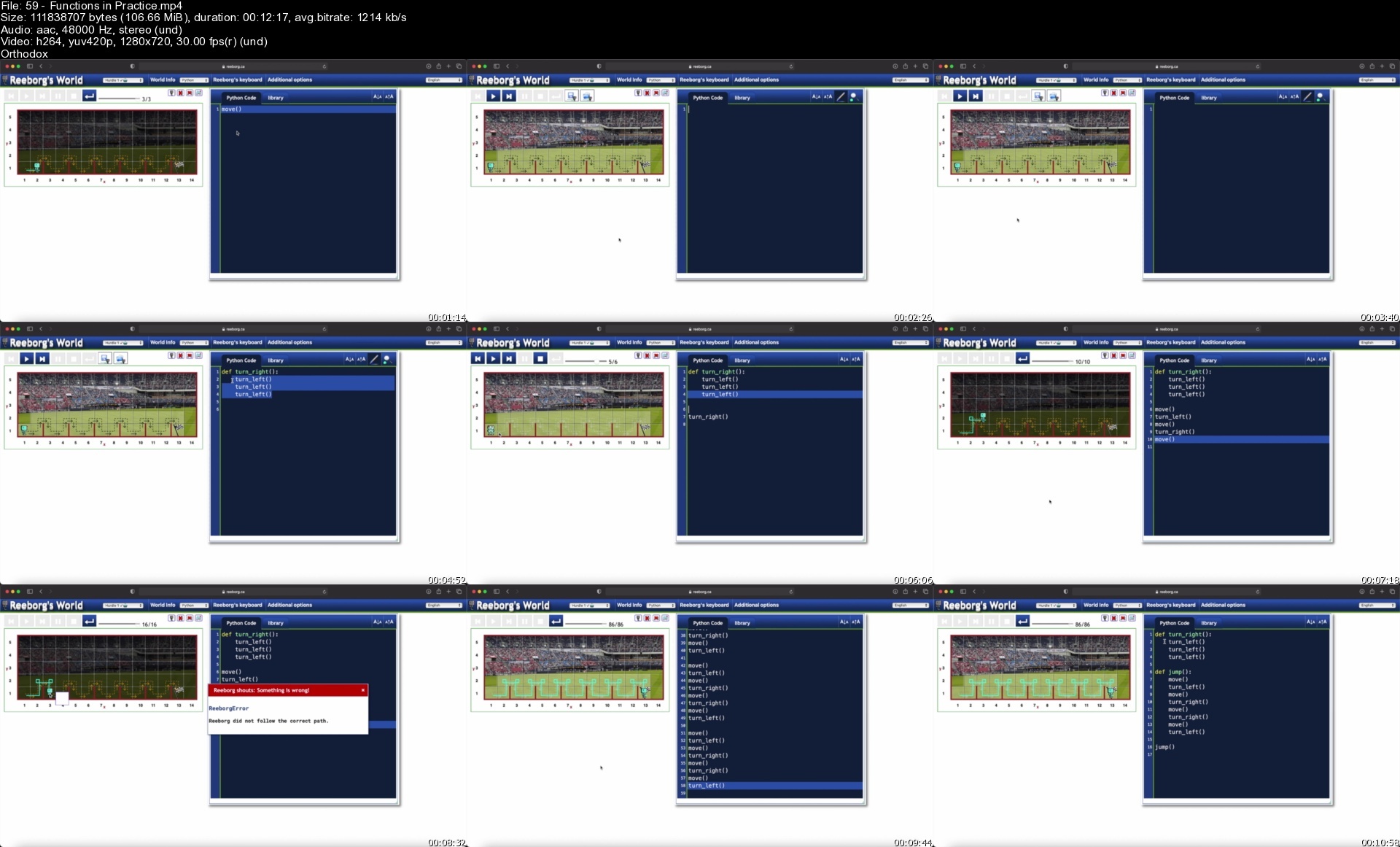
59functionsinpracticep5ejp.jpg


Game Development with JavaScript for Beginners

488876073cb33cdip.jpg


Game Development with JavaScript for Beginners
Published 09/2022
MP4 | Video: h264, 1280x720 | Audio: AAC, 44.1 KHz, 2 Ch
Genre: eLearning | Language: English | Duration: 118 lectures (16h 6m) | Size: 6.66 GB

Learn about modern JavaScript, TypeScript by building interesting games from scratch


What you'll learn
All core features and concepts you need to know in modern JavaScript development
Build 2d games with HTML, CSS & JavaScript
Implement and Practice Object Oriented Programming
Learn game development using javascript
Learn about Typescript and Webpack
All about variables, functions, objects and arrays


Requirements
Any programming language knowledge
Basic web browser knowledge


Description
Nowadays, JavaScript can be used to make games, it brings the question of how good it is to use it for such tasks?.

Yes Indeed! JavaScript is a great language for game development, depending on the type of game you want to create. JavaScript is best for web-based and mobile games. It's also a great language for beginners to learn because it's generally easy to understand and has plenty of libraries and modules available.

JavaScript games can be played in the browser or mobile phone, so, if that's your goal, it's an excellent option. Using platforms and tools can help create both 2D and 3D games that can run directly in your browser. Aside from only web-based games, JavaScript has been increasing in popularity in mobile game development.

Many popular online games were built using JavaScript. Students who want to create JavaScript game coding can start building one taking examples from one of the following:

Tower Building: is a great way to get started with JavaScript games.

Bejeweled was created as an in-browser game in the early 2000s. It's similar to Candy Crush where you have to match three jewels in a row to score points.

2048 is an addicting game that allows you to use your arrow keys to move tiles around in a grid. The idea is to merge tiles until they equal 2048.

Polycraft is a 3D game that is playable in your browser. Polycraft is full of adventure, exploration, base-building, gathering, crafting, and even fighting. It's an excellent example of how you can move past 2D games with Javascript.

Words With Friends 2 is a mobile app game that uses React Native, a framework that utilizes JavaScript to create mobile applications. They chose to use React Native for its ability to create a game that can be played on multiple platforms using JavaScript with one code-base.

See, how fun and rewarding it can be using JavaScript for building games, Let us look at some projects we are going to build in this course

1. Hill climbing game: Famous android game but its idea of making vehicle move in hills is never old when it comes to web. We uses different concepts such as webpack, and physics module from phaser library to make this game.

2. Platformer 2D: we will have detail idea about sprites and how to use them in our games. We will create map (environment) and players from scratch. Different levels will be made and triggers/colliders will be added to make player change from one level to another.

3. Basics of Phaser library: Different programs to load images, follow camera, loading animations will be created.

I really enjoyed creating this course. Hope you will also have fun learning. See you at the class!

Who this course is for
Beginner web development students who have no or only little JavaScript experience
Everyone interested in learning JavaScript and all about how it works building games

Homepage


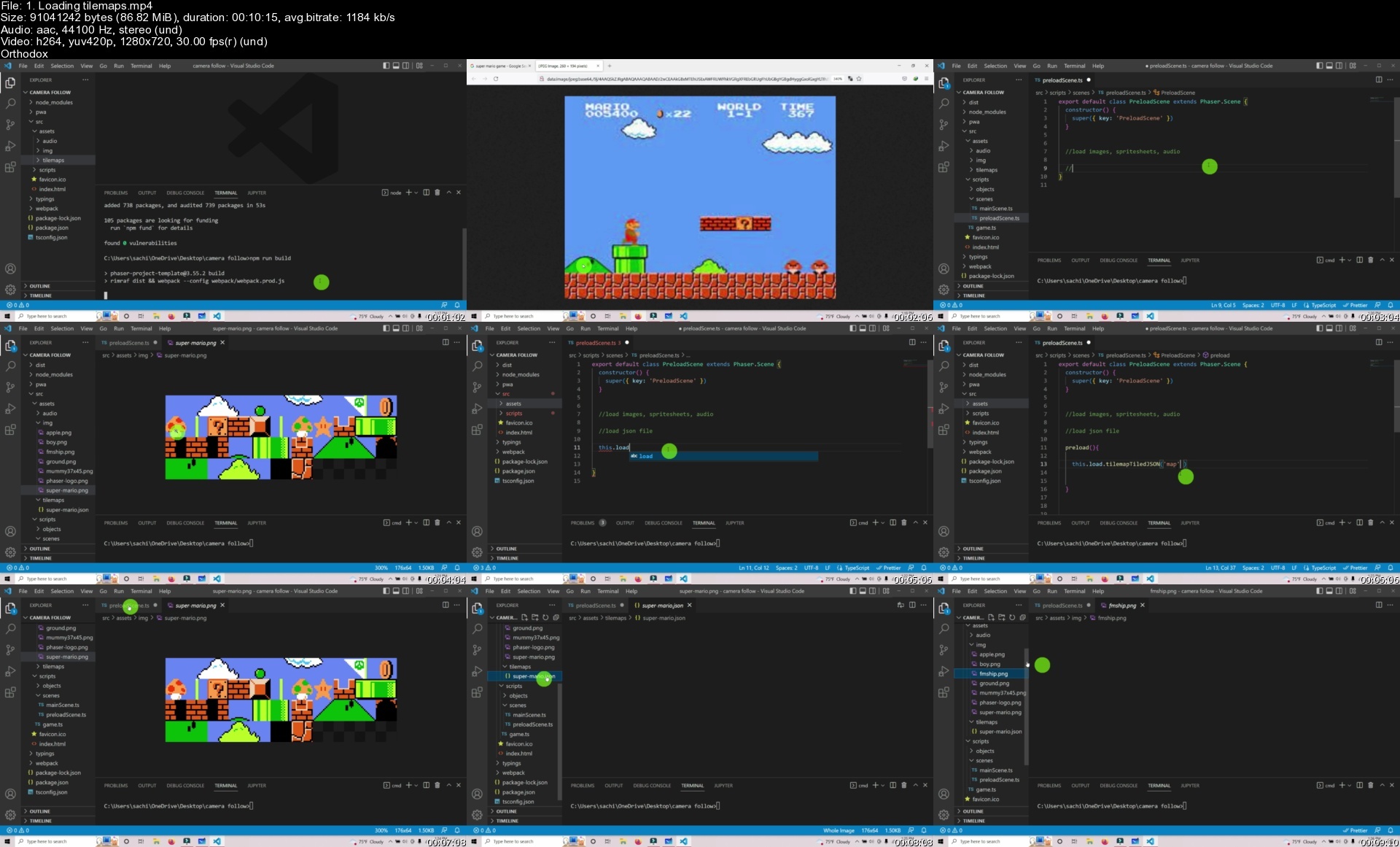
1.loadingtilemapssq5foc.jpg


Discovering Houdini Vellum 3

cqdltvvecvow94rmvttwkuffx1.jpg


Discovering Houdini Vellum 3
MP4 | Video: h264, yuv420p, 1920x1080 | Audio: aac, 44100 Hz | Duration: 3h 09m | 5.37 GB
Genre: eLearning | Language: English

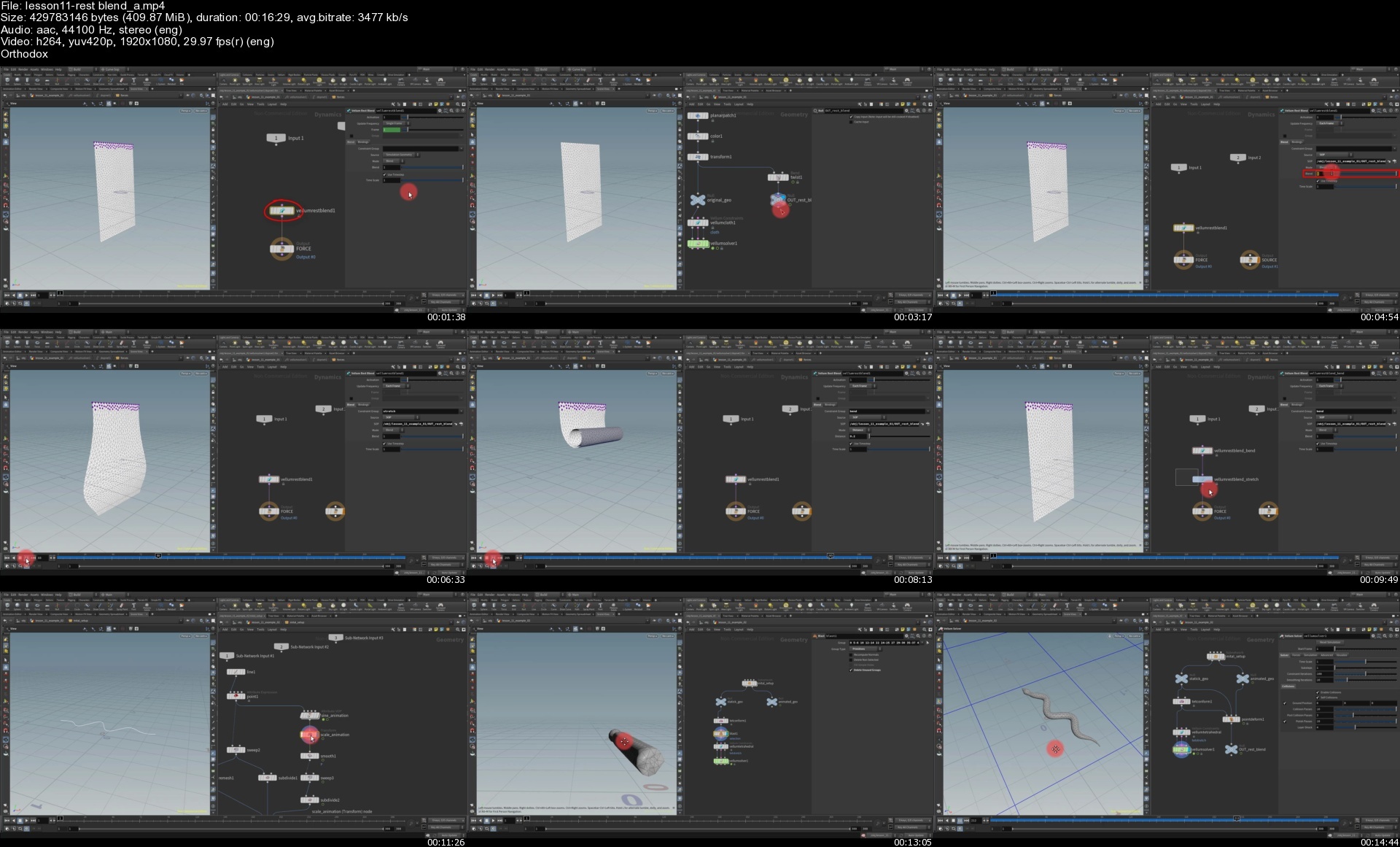
Hello everyone, my name is Arsen Margaryan, and I am very glad to introduce you to the third part of the series Discovering Houdini Vellum, which is a logical continuation of the second series.

So, This time, the main focus is on the vellum's powerful soft bodies and all the adjacent constraints.
To be more clear, let me list each of them. So, in detail will study the vellum strut constraint, pressure constraint, tetrahedral stretch constraint, tetrahedral volume constraint, and tetrahedral fiber constraint.
We will carefully analyze all the details about them, on specific examples without any exception, as I did in the previous series.
In addition to soft bodies, we will also study the vellum rest blend and reference frame nodes in detail, and throughout the entire lesson, we will perform interesting and practical tasks that you can often encounter.
So, I hope you enjoy the lesson and wish you a good viewing.

Homepage
lesson11restblendasdud1o.jpg


Ipv4 Deep-Dive

jwfxtcshpsehxs8yxkgugo7f7q.jpg


Ipv4 Deep-Dive
Published 9/2022
MP4 | Video: h264, 1280x720 | Audio: AAC, 44.1 KHz
Language: English | Size: 6.16 GB | Duration: 17h 30m

Internet Protocol


What you'll learn
IP Fundamentals
IP Address Classes
IP Address Types
Classful and Classless IP Address
IP Address Subnetting
IP Addressing Operational View
IP Address Analyzing
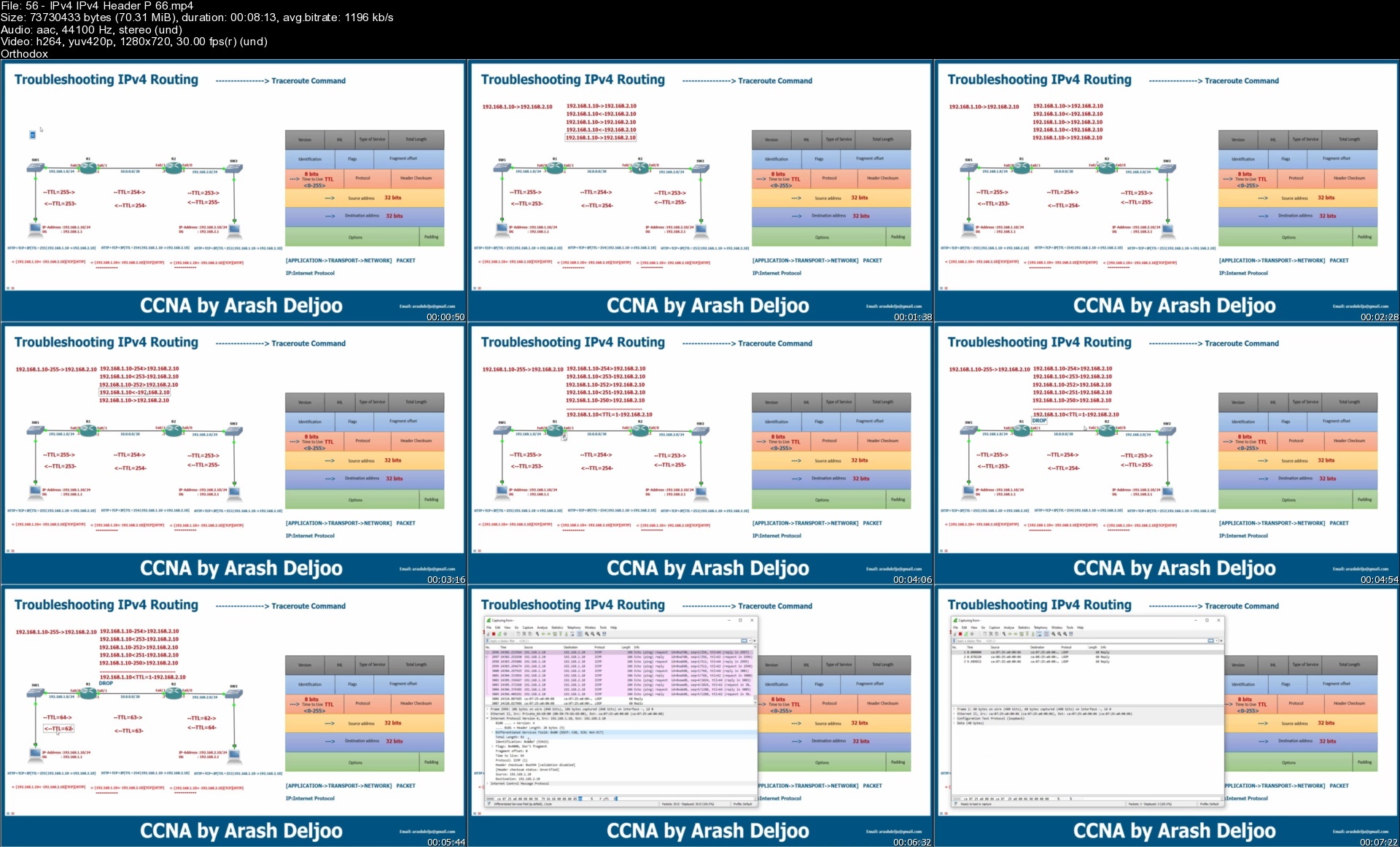
IPv4 Header
Type of Service(ToS)
IPv4 Private Addressing and NAT
IPv4 Addressing Design Guidelines
Case Study and DHCP and BootP
IPv4 Addressing and DHCP for IPv4

Requirements
Network+
CCNA

Description
Internet Protocol version 4 (IPv4) is the fourth version of the standard that routes Internet traffic and other packet-switched networks introduced in 1982 by the Internet Engineering Task Force (IETF). IPv4 is the most widely used version of the protocol despite the limitations of its 32-bit address space. With slightly less than 4.3 billion available unique addresses, the available number of addresses quickly began to run out. With some clever ingenuity over the years that extended the life of the protocol, the pool of available addresses didn't dry up until 2011.An Internet Protocol address is a unique identifier for devices connected to a network. The unique identifier makes it possible for devices to find and communicate with each other. Initially, the main types of devices that required an IP address included network devices, such as computers, servers, routers, and printers. However, with the Internet of Things, the list includes cell phones, televisions, refrigerators, automobiles, light bulbs, or anything else capable of receiving or exchanging information over a network.An IPv4 address is a series of four eight-bit binary numbers separated by a decimal point. Although you may use any numbering system to represent a unique 32-bit number, most commonly you see IP addresses expressed in dot-decimal notation.

Overview

Section 1: IPv4 - IP Fundamentals

Lecture 1 IPv4 - IP Fundamentals - P 1/7

Lecture 2 IPv4 - IP Fundamentals - P 2/7

Lecture 3 IPv4 - IP Fundamentals - P 3/7

Lecture 4 IPv4 - IP Fundamentals - P 4/7

Lecture 5 IPv4 - IP Fundamentals - P 5/7

Lecture 6 IPv4 - IP Fundamentals - P 6/7

Lecture 7 IPv4 - IP Fundamentals - P 7/7

Section 2: IPv4 - IP Address Classes

Lecture 8 IPv4 - IP Address Classes - P 1/7

Lecture 9 IPv4 - IP Address Classes - P 2/7

Lecture 10 IPv4 - IP Address Classes - P 3/7

Lecture 11 IPv4 - IP Address Classes - P 4/7

Lecture 12 IPv4 - IP Address Classes - P 5/7

Lecture 13 IPv4 - IP Address Classes - P 6/7

Lecture 14 IPv4 - IP Address Classes - P 7/7

Section 3: IPv4 - IP Address Types

Lecture 15 IPv4 - IP Address Types - P 1/5

Lecture 16 IPv4 - IP Address Types - P 2/5

Lecture 17 IPv4 - IP Address Types - P3/5

Lecture 18 IPv4 - IP Address Types - P4/5

Lecture 19 IPv4 - IP Address Types - P 5/5

Section 4: IPv4 - Classful and Classless IP Address

Lecture 20 IPv4 - Classful and Classless IP Address - P 1/8

Lecture 21 IPv4 - Classful and Classless IP Address - P 2/8

Lecture 22 IPv4 - Classful and Classless IP Address - P3/8

Lecture 23 IPv4 - Classful and Classless IP Address - P 4/8

Lecture 24 IPv4 - Classful and Classless IP Address - P 5/8

Lecture 25 IPv4 - Classful and Classless IP Address - P 6/8

Lecture 26 IPv4 - Classful and Classless IP Address - P7/8

Lecture 27 IPv4 - Classful and Classless IP Address - P 8/8

Section 5: IPv4 - IP Address Subnetting[A]

Lecture 28 IPv4 - IP Address Subnetting[A] - P 1/6

Lecture 29 IPv4 - IP Address Subnetting[A] - P2/6

Lecture 30 IPv4 - IP Address Subnetting[A] - P 3/6

Lecture 31 IPv4 - IP Address Subnetting[A] - P 4/6

Lecture 32 IPv4 - IP Address Subnetting[A] - P 5/6

Lecture 33 IPv4 - IP Address Subnetting[A] - P 6/6

Section 6: IPv4 - IP Address Subnetting

Lecture 34 IPv4 - IP Address Subnetting - P 1/9

Lecture 35 IPv4 - IP Address Subnetting - P 2/9

Lecture 36 IPv4 - IP Address Subnetting - P3/9

Lecture 37 IPv4 - IP Address Subnetting - P4/9

Lecture 38 IPv4 - IP Address Subnetting - P 5/9

Lecture 39 IPv4 - IP Address Subnetting - P 6/9

Lecture 40 IPv4 - IP Address Subnetting - P 7/9

Lecture 41 IPv4 - IP Address Subnetting - P 8/9

Lecture 42 IPv4 - IP Address Subnetting - P 9/9

Section 7: IPv4 - IP Addressing Operational View

Lecture 43 IPv4 - IP Addressing Operational View - P 1/5

Lecture 44 IPv4 - IP Addressing Operational View - P 2/5

Lecture 45 IPv4 - IP Addressing Operational View - P 3/5

Lecture 0 IPv4 - IP Addressing Operational View - P 4/5

Lecture 46 IPv4 - IP Addressing Operational View - P 5/5

Section 8: IPv4 - IP Address Analyzing

Lecture 47 IPv4 - IP Address Analyzing - P1/5

Lecture 48 IPv4 - IP Address Analyzing - P2/5

Lecture 49 IPv4 - IP Address Analyzing - P3/5

Lecture 50 IPv4 - IP Address Analyzing - P4/5

Lecture 51 IPv4 - IP Address Analyzing - P5/5

Section 9: IPv4 - IPv4 Header

Lecture 52 IPv4 - IPv4 Header - P 1/6

Lecture 53 IPv4 - IPv4 Header - P 2/6

Lecture 54 IPv4 - IPv4 Header - P 3/6

Lecture 55 IPv4 - IPv4 Header - P4/6

Lecture 0 IPv4 - IPv4 Header - P 5/6

Lecture 56 IPv4 - IPv4 Header - P 6/6

Section 10: IPv4 - Type of Service(ToS)

Lecture 57 IPv4 - Type of Service(ToS) - P 1/10

Lecture 58 IPv4 - Type of Service(ToS) - P 2/10

Lecture 59 IPv4 - Type of Service(ToS) - P 3/10

Lecture 60 IPv4 - Type of Service(ToS) - P 4/10

Lecture 61 IPv4 - Type of Service(ToS) - P 5/10

Lecture 62 IPv4 - Type of Service(ToS) - P 6/10

Lecture 63 IPv4 - Type of Service(ToS) - P 7/10

Lecture 64 IPv4 - Type of Service(ToS) - P 8/10

Lecture 65 IPv4 - Type of Service(ToS) - P 9/10

Lecture 66 IPv4 - Type of Service(ToS) - P 10/10

Section 11: IPv4 Private Addressing and NAT[A]

Lecture 67 IPv4 Private Addressing and NAT[A] - P 1/13

Lecture 68 IPv4 Private Addressing and NAT[A] - P2/13

Lecture 69 IPv4 Private Addressing and NAT[A] - P 3/13

Lecture 70 IPv4 Private Addressing and NAT[A] - P 4/13

Lecture 0 IPv4 Private Addressing and NAT[A] - P 5/13

Lecture 71 IPv4 Private Addressing and NAT[A] - P 6/13

Lecture 72 IPv4 Private Addressing and NAT[A] - P 7/13

Lecture 73 IPv4 Private Addressing and NAT[A] - P 8/13

Lecture 74 IPv4 Private Addressing and NAT[A] - P 9/13

Lecture 75 IPv4 Private Addressing and NAT[A] - P 10/13

Lecture 76 IPv4 Private Addressing and NAT[A] - P 11/13

Lecture 0 IPv4 Private Addressing and NAT[A] - P 12/13

Lecture 77 IPv4 Private Addressing and NAT[A] - P 13/13

Section 12: IPv4 - IPv4 Private Addressing and NAT

Lecture 78 IPv4 - IPv4 Private Addressing and NAT - P 1/4

Lecture 79 IPv4 - IPv4 Private Addressing and NAT - P 2/4

Lecture 80 IPv4 - IPv4 Private Addressing and NAT - P3/4

Lecture 81 IPv4 - IPv4 Private Addressing and NAT - P 4/4

Section 13: IPv4 - IPv4 Addressing Design Guidlines

Lecture 82 IPv4 - IPv4 Addressing Design Guidlines - P 1/5

Lecture 0 IPv4 - IPv4 Addressing Design Guidlines - P 2/5

Lecture 83 IPv4 - IPv4 Addressing Design Guidlines - P 3/5

Lecture 84 IPv4 - IPv4 Addressing Design Guidlines - P 4/5

Lecture 85 IPv4 - IPv4 Addressing Design Guidlines - P 5/5

Section 14: IPv4 - Case Study and DHCP and BootP

Lecture 86 IPv4 - Case Study and DHCP and BootP - P 1/13

Lecture 87 IPv4 - Case Study and DHCP and BootP - P 2/13

Lecture 88 IPv4 - Case Study and DHCP and BootP - P 3/13

Lecture 89 IPv4 - Case Study and DHCP and BootP - P 4/13

Lecture 90 IPv4 - Case Study and DHCP and BootP - P 5/13

Lecture 91 IPv4 - Case Study and DHCP and BootP - P 6/13

Lecture 92 IPv4 - Case Study and DHCP and BootP - P 7/13

Lecture 93 IPv4 - Case Study and DHCP and BootP - P 8/13

Lecture 94 IPv4 - Case Study and DHCP and BootP - P 9/13

Lecture 95 IPv4 - Case Study and DHCP and BootP - P 10/13

Lecture 96 IPv4 - Case Study and DHCP and BootP - P 11/13

Lecture 97 IPv4 - Case Study and DHCP and BootP - P 12/13

Lecture 98 IPv4 - Case Study and DHCP and BootP - P 13/13

Section 15: IPv4 - IPv4 Addressing and DHCP for IPv4

Lecture 99 IPv4 - IPv4 Addressing and DHCP for IPv4 - P1/9

Lecture 0 IPv4 - IPv4 Addressing and DHCP for IPv4 - P2/9

Lecture 100 IPv4 - IPv4 Addressing and DHCP for IPv4 - P3/9

Lecture 0 IPv4 - IPv4 Addressing and DHCP for IPv4 - P4/9

Lecture 101 IPv4 - IPv4 Addressing and DHCP for IPv4 - P5/9

Lecture 102 IPv4 - IPv4 Addressing and DHCP for IPv4 - P6/9

Lecture 103 IPv4 - IPv4 Addressing and DHCP for IPv4 - P 7/9

Lecture 104 IPv4 - IPv4 Addressing and DHCP for IPv4 - P8/9

Lecture 0 IPv4 - IPv4 Addressing and DHCP for IPv4 - P9/9

Network Engineers

Homepage

56ipv4ipv4headerp66sructr.jpg


Figma UI UX Design Essentials

m2mwcgp5h1r5fryfz0cobzweow.jpg


Figma Ui Ux Design Essentials
Last updated 8/2022
MP4 | Video: h264, 1280x720 | Audio: AAC, 44.1 KHz
Language: English | Size: 5.58 GB | Duration: 11h 33m

Use Figma to get a job in UI Design, User Interface, User Experience design, UX Design & Web Design


What you'll learn
How to begin working as a UX Designer using Figma.
How to use Figma for Essential UX Design & UI Design
How to make fully interactive prototypes.
How to work with a UX personas.
You will be able to add UX designer to your CV.
Build a UX project from beginning to end.
What the client expects of you as a UX designer.
How to create simple wireframes.
How to implement colours & images properly in your designs.
The dos & don'ts around choosing fonts for web & mobile apps.
How to create your own icons, buttons & other UI components.
Terms such as Components, Constraints & Multi Dimensional Variants.
Free UI kits & plugins for Figma which will speed up our workflow dramatically!
How to build a simple style guide, ready for client handoff.
How to make both simple & advanced micro interactions, page transitions & animations.
Learn to design websites & mobile phone apps.
Work with fonts & colors.
Test on mobile phones.
Export production ready assets.
Create your first UX brief & persona.
Learn professional workflow tricks & shortcuts.
Forum support from me and the rest of the BYOL crew.
All the techniques used by UX professionals
111 videos of detailed Figma & UX & UI Design content.

Requirements
You'll need a copy of Figma. A free plan is available on the Figma website.
No previous UX Design/UI Design experience is needed.
No previous Figma skills are needed.
No previous design skills or experience required.

Description
Hi there - my name is Dan Scott & welcome to Figma Essentials.Together - you and me - are going to learn everything you need to get started working as a UX Designer using Figma.We'll use this UI UX design tool to create beautiful User Interfaces and engaging prototypes. Most importantly... we'll cover the client expectations of you as a new UX designer.This course is aimed at people new to design, new to User Experience design. Even if you're not totally sure what UX really means, don't worry. We'll start right at the beginning and work our way through step by step.First we'll describe the brief & how to work with a UX persona.Then you'll learn how to create simple wireframes.From there we'll look at how to implement colours & images properly in your designs.You'll learn the do's & don'ts around choosing fonts for web & mobile apps.You'll learn how to create your own icons, buttons & other UI components.You'll learn some pretty scary terms such as Components, Constraints & Multi Dimensional Variants. They are all really easy to understand once you know how.We'll also make our lives easier by using free UI kits & plugins for Figma which will speed up our workflow dramatically!We'll build a simple Style Guide ready for client handoff.You'll understand how to make both simple & advanced micro interactions, page transitions & animationsBefore the end of this course you will have made fully interactive prototypesYou will take a project all the way through - collaborating with other team members and exporting the right files ready to hand off to your developer or software engineer.We'll be focusing on the software Figma but I'll make sure to explain the techniques & terms used in the UX and how real world projects are run. You will develop a great understanding of the industry and will be able to manage your own UX projects.I will be setting assignments through the course which will help develop your skills and enable you to create something special and unique for your own portfolio.Alright - it's time to upgrade yourself & go from Figma Zero to Figma Hero.
Overview
Section 1: Getting Started
Lecture 1 Introduction to Figma Essentials training course
Lecture 2 Getting started with Figma training
Lecture 3 What is Figma for & does it do the coding?
Lecture 4 Whats the difference between UI and UX in Figma
Lecture 5 What we are making in this Figma course
Lecture 6 Class project 01- Create your own brief
Section 2: Wireframing - Low Fidelity
Lecture 7 What is Lo Fi Wireframe vs High Fidelity in Figma
Lecture 8 Creating our design file & introducing frames in Figma
Section 3: Type, Color & Icon Introduction
Lecture 9 The basics of type & fonts in Figma
Lecture 10 Rectangles Circles Buttons Rounded corners in Figma
Lecture 11 How to use color in Figma
Lecture 12 Strokes plus updating color defaults in Figma
Lecture 13 Object editing and how to escape in Figma
Lecture 14 Scale vs Selection Tool in Figma
Lecture 15 Frames vs Groups in Figma
Lecture 16 Class project 02- Wireframe
Lecture 17 Where to get Free icons for Figma
Lecture 18 Matching the stroke of our icons
Lecture 19 How to use Plugins in Figma for icons
Lecture 20 Class project 03 - Icons
Section 4: Pages
Lecture 21 How to use Pages in Figma
Section 5: Prototyping - Level 1
Lecture 22 How to prototype in Figma
Lecture 23 Prototype animation and easing in Figma
Lecture 24 Testing on your phone with Figma Mirror
Lecture 25 Class project 04 - Testing on your phone
Section 6: Animation Level 1
Lecture 26 What is Smart Animation & delays in Figma
Lecture 27 Class project 05 - My first animation
Section 7: Commenting
Lecture 28 Sharing & Commenting on Figma file with Stakeholders
Lecture 29 Share editing with other UX designers in Figma
Section 8: Moodboard - High Fidelity
Lecture 30 How I get inspiration for UX projects
Lecture 31 How to create a mood board in Figma
Lecture 32 Class Project 06 - Moodboard
Section 9: Columns
Lecture 33 How to work with Columns & Grid in Figma
Section 10: Tips & Tricks
Lecture 34 Tips Tricks Preferences and Weirdness in Figma
Section 11: Colors
Lecture 35 Color Inspiration & the eyedropper in Figma
Lecture 36 How to create a color palette in Figma
Lecture 37 How to make gradients in Figma
Lecture 38 How to create & use Color Styles in Figma
Lecture 39 Class Project 07 - Colors & Columns
Section 12: Text & Fonts Advanced
Lecture 40 Font on Desktop vs Browser Figma
Lecture 41 What fonts can I use plus font pairing in Figma
Lecture 42 What common font sizes should I choose in web design
Lecture 43 How to make Character Styles in Figma
Lecture 44 Lorem ipsum & Placeholder text in Figma
Lecture 45 Useful things to know about text in Figma
Lecture 46 How fix missing fonts in Figma
Lecture 47 Class project 08 - Text
Section 13: Drawing
Lecture 48 Drawing tips and tricks in Figma
Lecture 49 Squircle buttons with ios rounded courses in Figma
Lecture 50 Boolean Union Subtract Intersect Exclude Pathfinder in Figma
Lecture 51 What is the difference Union vs Flatten Figma
Lecture 52 Class Project 09 - Making stuff
Lecture 53 Smart Selection & Tidy up in Figma
Section 14: Working with Illustrator
Lecture 54 Do I need to know Illustrator with Figma
Section 15: Images
Lecture 55 Tips & tricks for using images in Figma
Lecture 56 Masking Cropping images in Figma
Lecture 57 Free image & plugin for Figma
Lecture 58 Working with Photoshop
Lecture 59 Class Project 10 - Images
Lecture 60 Autolayout & Constraints
Lecture 61 Class project 11 - Buttons
Lecture 62 Auto Layout for spacing
Lecture 63 How to use constraints in figma
Lecture 64 Combining Nested frames Auto Layout & Constraints in Figma
Lecture 65 Adding Text Box Autoheight to Autolayout in Figma
Lecture 66 Class Project 12 - Responsive Design
Lecture 67 Nice drop shadow & Inner drop shadow effects in Figma
Section 16: Effects
Lecture 68 Blur Layer & Background Blur & Image Blur in Figma
Lecture 69 How to make Neumorphic ui buttons in Figma
Lecture 70 Class project 13 - Effects
Section 17: Saving & History
Lecture 71 How to save locally & save history in Figma
Section 18: Components & Instances
Lecture 72 What are components in Figma
Lecture 73 Updating & Changing & Resetting your components
Lecture 74 You can't kill main components in Figma
Lecture 75 Where should you keep your main components in Figma
Lecture 76 Intro to the forward slash / naming convention in Figma
Lecture 77 Class Project 14 - Components
Section 19: Variants & Variables
Lecture 78 How to make a variable component in Figma
Lecture 79 Another way to make variables in Figma
Lecture 80 How to make a Multi Dimensional Variant in Figma
Lecture 81 Class Project 15 - Variants
Section 20: Making a form
Lecture 82 How to make a form using variants in Figma
Lecture 83 Class Project 16 - Form
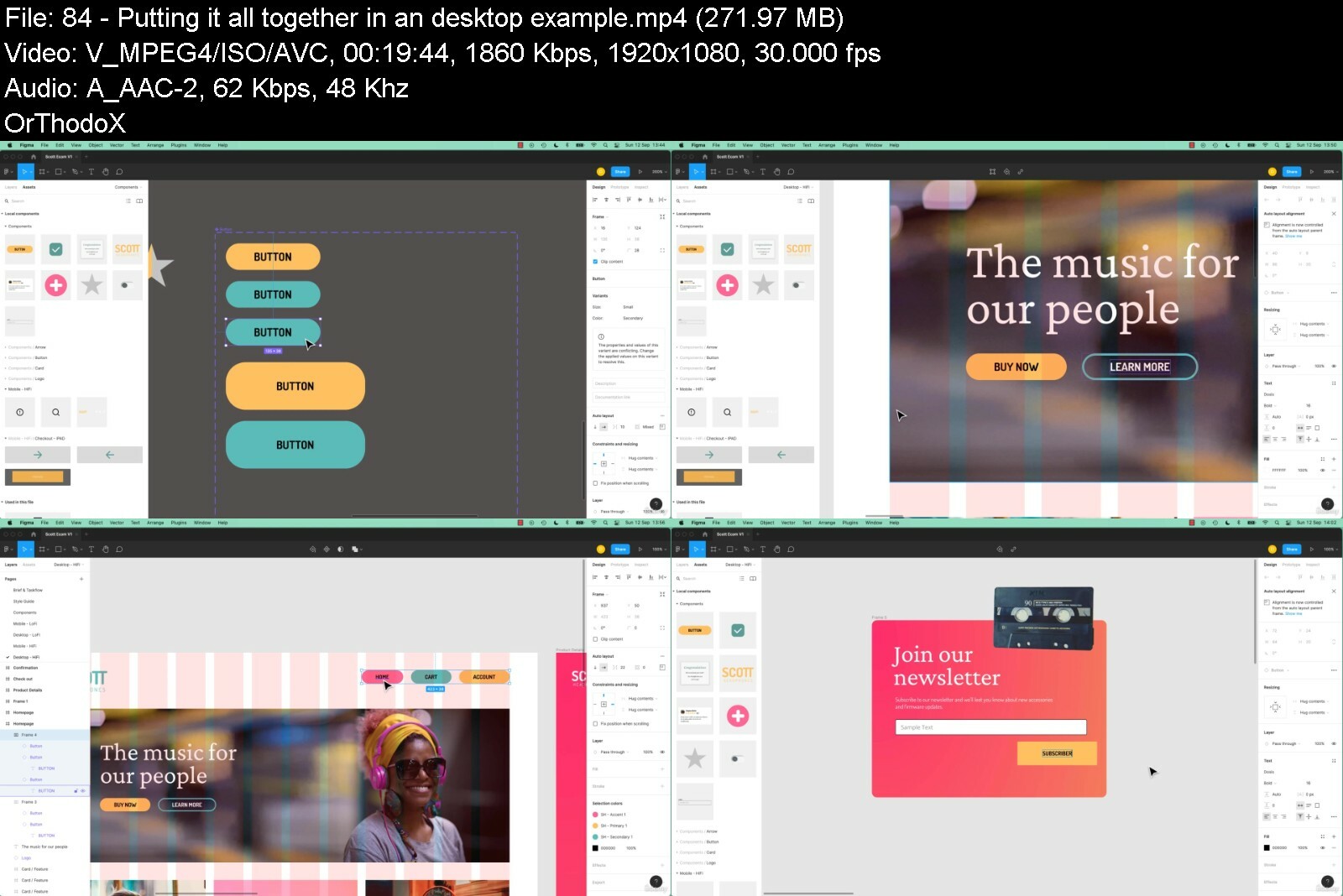
Lecture 84 Putting it all together in an desktop example
Section 21: Prototyping - Level 2
Lecture 85 How to add a popup overlay modal in Figma
Lecture 86 How to make & prototype a tool tip in Figma
Lecture 87 What are Flows in Figma
Lecture 88 Slide in mobile nav menu overlay in Figma
Lecture 89 Class project 17 - Prototyping
Lecture 90 How to pin navigation to top in Figma
Lecture 91 How to make horizontal scrolling swipe in Figma
Lecture 92 Automatic scroll down the page to anchor point in Figma
Section 22: Teams & Projects
Lecture 93 What are Teams vs Projects vs Files in Figma
Section 23: Libraries
Lecture 94 How do you use team libraries in Figma
Section 24: Animation & Micro Interactions
Lecture 95 The difference between animation & micro interactions
Lecture 96 Animation with custom easing in Figma
Lecture 97 Class Project 18 - My Second Animation
Lecture 98 How to make animated transitions in Figma
Lecture 99 Class Project 19 - Page transition
Lecture 100 Micro interactions using interactive components in Figma
Lecture 101 Micro interaction toggle switch in Figma
Lecture 102 Micro Interaction burger menu turned into cross in Figma
Lecture 103 Class Project 20 - Micro interaction
Section 25: Thumbnail update
Lecture 104 How to change the thumbnail for Figma Files
Section 26: Exporting
Lecture 105 How to export Images out of Figma
Lecture 106 How to share you document with clients & stakeholders
Lecture 107 Talking to your developer early in the figma design process
Lecture 108 Sharing Figma with developers & engineers handoff
Lecture 109 What are the next level handoffs aka design systems
Lecture 110 Class Project 21 - Finish your design
Section 27: What next
Lecture 111 What next for you and Figma
Anyone who wants to start using Figma in their career & get paid for their user experience design skills.,This course is for beginners, newbies & amateurs in the field of UX design.,Aimed at people new to the world of design & user experience.,For anyone that needs to add 'UX Design' to their portfolio.,Anyone who wants to learn the essentials of UI & UX Design.


figmauiuxdesignessentdwfm8.jpg


Download from RapidGator


Download from DDownload


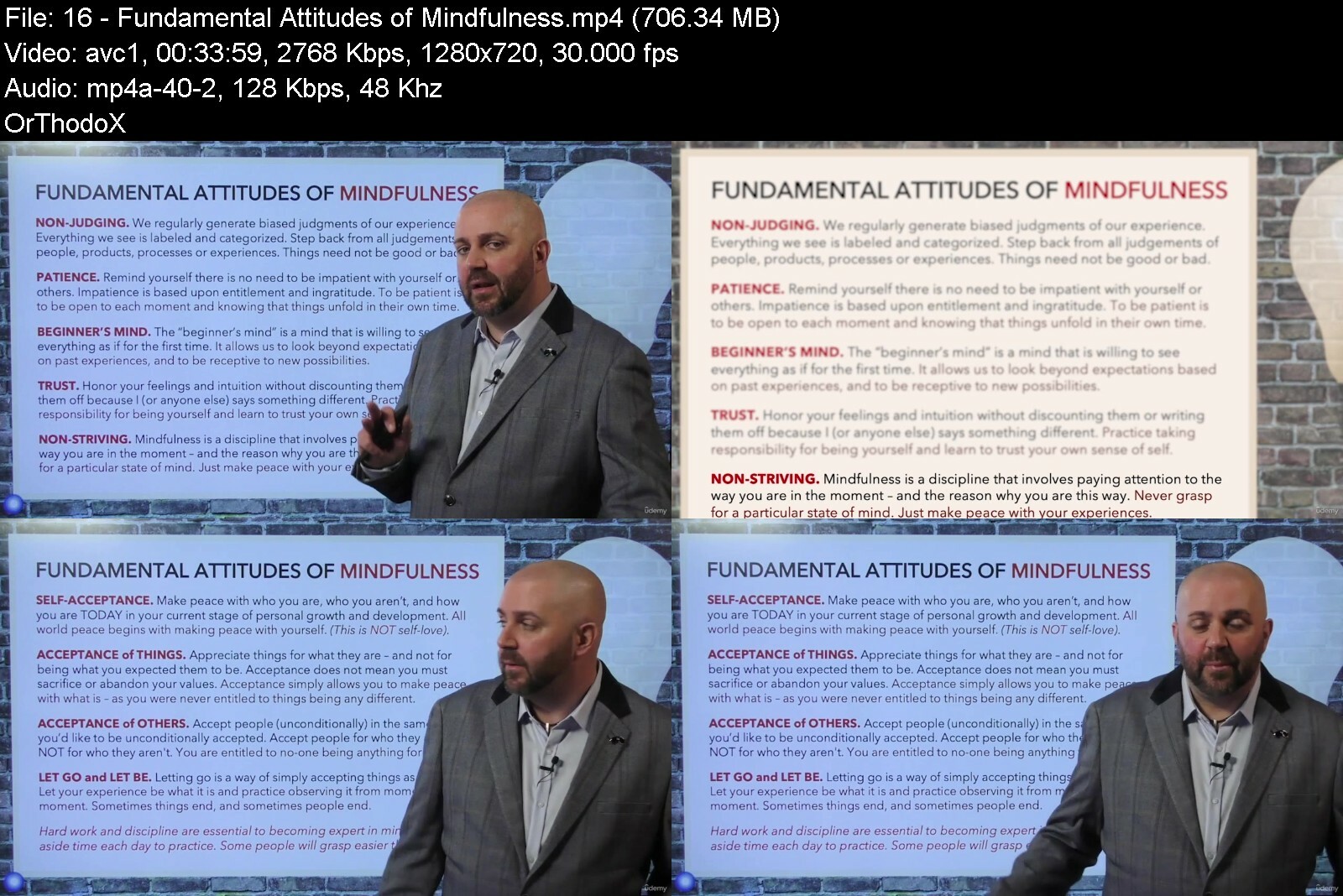
Mindfulness For Highly Effective Management And Leadership

lsus9mjnay8wehairhvfn79dyq.jpg


Mindfulness For Highly Effective Management And Leadership
Last updated 11/2021
MP4 | Video: h264, 1280x720 | Audio: AAC, 44.1 KHz
Language: English | Size: 17.13 GB | Duration: 13h 6m

Discover how mindfulness can help you to master the skills you need to be an effective, assertive and influential leader


What you'll learn
Perceptions determine behavior, and behaviours determine perceptions.
The application of useful cognitive and behavioural psychology models.
A personal improvement methodology that emphasizes self-awareness.
How to increase the accuracy and efficiency of your thought processes.
A psychology-based approach to making rational and assertive decisions.
How to establish goals and objectives that are defined and measurable.
Learn how to challenge and improve unhelpful behaviors and attitudes.
How to reduce the negative impact of psychological or physical distress.
A model for identifying and solving problems that stem from life stressors.
And much, much more.

Requirements
An MP3 version is also accessible for those who like to learn 'on the go'.
You can access your training course on a tablet, smartphone, or desktop.
We include additional learning materials to assist you in your learning.
This course does not require any prior experience or qualifications.
Students are prompted to take notes (for self-reflection reasons only).
This training can be studied anywhere with a stable internet connection.

Description
Leaders are defined by their ability to help others succeed. At this time in history, wisdom, compassion, and selflessness are required for successful leadership as much as ever, but the relentless drive for growth and performance makes this a very tough proposition for so many leaders. This training course presents a powerful and practical path for leadership development in the 21st century.Leading others is about bridging the gap between the people they work with and the goals of the organization they are part of. To be effective, leaders must cultivate mental resilience, emotional maturity, and interpersonal awareness. Leadership is about commitment to excellence and making a difference. In today's world, leaders must be strong, reflective, humble, wise, and sincere. Mindfulness training lays a foundation for these qualities.Being mindful will help you become more resilient and more able to balance work and life outside of work. This means being able to reflect objectively and maintain a strategic overview, while also improving your ability to listen and communicate. Mindfulness provides practical tools for self-awareness, mental health, stress control, and more. Practiced within a leadership framework, it becomes much more than a typical leadership training.Leadership that inspires people to become confident in themselves is exceptional. By combining mindfulness principles with world-class leadership theory, Mindfulness for Highly Effective Management and Leadership is an essential tool for self-aware managers and leaders. The course simplifies mindfulness concepts and provides a pragmatic framework for leaders to cultivate profound levels of self-awareness, wellbeing, and effectiveness.The following are some of the topics you will learn during this course:The connection between mindfulness and influential leadership.The neuro-plasticity and neuro-flexibility of the human mind.Principles pertaining to continuing professional development.An Integrated Framework for Strategic and Rational Thinking.How to lead more effectively in the face of everyday challenges.Leadership's responsibility to lead people to their best selves.Being focused, initiative-driven and empathic when leading others.Practicing presence, non-judgement, and creative problem-solving.Leading with gentle guidance, and not heavy-handed controlling.And much, much more.Those who are currently in or aspiring to leadership positions will find Mindfulness for Highly Effective Management and Leadership an invaluable resource. As a result, you will develop skills and behaviors that are applicable both to your personal and professional lives. Integrating these practices enhances professional relationships and workplace environments, adding significant positive impact beyond your own learning.Practicing mindfulness leads to increased self-awareness, better mental health, stress reduction, and more. When viewed from the standpoint of a leader, it becomes more than just another leadership tool. The course is both a mindfulness and a leadership training, revealing points of overlap and illustrating the natural parallels. By taking this course, you will learn mindfulness from the perspective of real-life skills and applications.Many people never experience the connected relationships, rewarding careers, and fulfilling lifestyles enjoyed by those who dedicate their lives to learning mindfulness and improving themselves. Personal growth remains a mystery to many leaders. Therefore, if you take only one thing from this training, let it be that the only thing standing in the void between where you are and being a significantly more influential leader, is yourself.There is currently a leadership crisis in the world, despite the fact that over $46 billion is spent annually on leadership development. Throughout this training, you will learn how mindful and self-aware leadership turns conventional leadership thinking upside down. This course redefines what it means to be an effective leader, and provides a practical, hard-hitting solution to any organization's engagement and execution challenges."The course is relevant and useful to all, not just for those in leadership positions. It is a fascinating learning experience that addresses critical aspects of how the mind works, awareness, and focus. This was my first Achology training, and certainly won't be my last." - Pradeep Kamal SinghThis thought-provoking training course is part of a larger curriculum of self-improvement and professional development training courses, designed by Kain Ramsay Ltd, and hosted within the Achology community peer-learning environment. The training course is accompanied by a 30-day money back guarantee, so if you're not satisfied with the format, you can get your money back - no questions asked.
Overview
Section 1: The Foundations of Mindfulness & Self-Awareness
Lecture 1 Welcome to Mindfulness for Highly Effective Management and Leadership
Lecture 2 Course Support and Frequently Asked Questions (FAQs)
Lecture 3 Three Categories of Human Observation
Lecture 4 Learning How to Listen Mindfully
Lecture 5 The Five Degrees of Self-Reflecting
Lecture 6 The Basics of Mindfulness: What is It?
Lecture 7 The Three Dimensions of Mindfulness
Lecture 8 The Three Personal Culture Zones
Lecture 9 Join the 'Principles into Practice' Discussion Group
Lecture 10 Conscious Awareness Versus Autopilot
Lecture 11 Exercise: The Art of Becoming Disciplined in Mindfulness
Lecture 12 A Guide to Overcoming Distraction
Lecture 13 The Mindfulness 'Full-Cycle' Model
Lecture 14 Mindfulness and Positive Leadership Intent
Lecture 15 Factors That Undermine Mindful Awareness
Lecture 16 Fundamental Attitudes of Mindfulness
Lecture 17 A Contemplation of the Mind
Lecture 18 The Four States of Consciousness
Lecture 19 Consciousness: The Road to Waking Up
Lecture 20 End of Section One Check-In
Section 2: Mindfulness Principles for Personal Growth & Effectiveness
Lecture 21 Don't look up or down; look within!
Lecture 22 The Dimensions of Human Experientialism
Lecture 23 The Five Stages of Spiritual Growth
Lecture 24 The Five Stages of Self-Awareness
Lecture 25 Seven Roadblocks to Personal Growth
Lecture 26 Self-Reflection Exercise: Questions
Lecture 27 The Mindful 'Wise' Mind Model
Lecture 28 A Guide to Accurate Self-Identification
Lecture 29 The Actual Self (Now) Vs. The Ideal Self (Future)
Lecture 30 Self-Identification and Lack of Intentional Definition
Lecture 31 Self: The Road to Insight & Understanding (Part 1)
Lecture 32 Self: The Road to Insight & Understanding (Part 2)
Lecture 33 The Life Transition Curve (Based on Kubler Ross)
Lecture 34 Time, Space and the Stress Principle
Lecture 35 Homework: Self-Reflection Challenge
Lecture 36 Defining Your Unique Reference Point
Lecture 37 Resource: Growing in Self-Awareness
Lecture 38 Understanding Flexibility in Personality
Section 3: Social Awareness, People Skills & Influence
Lecture 39 Introducing Cultural Competency
Lecture 40 Objective Self-Evaluation and Analysis (Exercise 1)
Lecture 41 The Four-Stage Process of Human Misinterpretation
Lecture 42 Objective Self-Evaluation and Analysis (Exercise 2)
Lecture 43 Authoritarianism to Mindful Influence
Lecture 44 Nine Attitudes of Honouring Relationships
Lecture 45 Understanding Your Internal Adversaries
Lecture 46 Becoming Mindful In Your Speech
Lecture 47 Building Conflict-Resistant Connections
Lecture 48 End of Section Three Check-In
Lecture 49 Closing Thoughts & Recommended Reading List
Anyone interested in developing themselves either professionally or personally.,This course is for those who want to enhance their people skills and influence others.,The students in this course should be motivated to learn more about themselves.,The course is open to both men and women, regardless of age, status or ethnicity.,Students with an interest in psychology will find this course particularly interesting.,The course can be taken standalone or in conjunction with another Achology training.


mindfulnessforhighlyeipcuc.jpg


Download from RapidGator


Download from DDownload


Your Ultimate Guide to Shader Graph for Beginners

4693434e4b03lyery.jpg


Your Ultimate Guide to Shader Graph for Beginners
Published 09/2022
MP4 | Video: h264, 1280x720 | Audio: AAC, 44.1 KHz, 2 Ch
Genre: eLearning | Language: English | Duration: 88 lectures (14h 21m) | Size: 8.5 GB


Learn the ins and outs of the Unity Engine's Visual Shader Programming Tool for Non-Programmers


What you'll learn
Develop skills in building visually stunning shaders with node based tools
Identify shader nodes based on the results they produce
Understand the fundamental algorithms applied to produce shader effects
Complete over 50 individual shader effects that can be used in any project
Requirements
No programming experience required
A working knowledge of the Unity Game Engine
Description
This course presents a comprehensive guide to creating vertex and fragment shaders using Unity's visual programming tool Shader Graph. There's no need for prior knowledge or programming of shaders needed.
Over 15 Hours of step-by-step tutorials and challenges.
Filled to the brim with follow-along and shader creation challenges, this course will give you a thorough grounding in shader development and the fundamental practices in Physical-Based Rendering (PBR) with a member of the Unity Game Engine's Educational Advisory Board and an acclaimed academic and teacher with over 30 years experience.
This course will guide you through the process of creating your own visual surface effects for colouring and lighting game objects. It gently covers the mathematics of light and surfaces and steps you through the recreation of some of the most popular shaders, including Fresnel, Complex Water, Holograms, Flowing Lava, Liquids, Fire, and more. The shader concepts will be presented in an easy-to-understand manner to help grasp the graphics pipeline and provide you with an essential toolkit of rendering knowledge, that will have you developing your own transparent, animated, and texturised shaders in Unity's Built-In, Universal, and High-Definition Render Pipelines.
This course has been developed with Unity 2021.3 LTS and Shader Graph 12.1.6
Learn how to program and work with
Unity's Shader Graph.
Model, Camera, and World View Coordinate Spaces.
Lighting Effects.
Procedurally Generated Patterns.
Normals.
Scene Depths.
Refraction for Transparent Surfaces (and much more...)
In this course, Penny teaches all the invaluable skills you will require to interact with the computer graphics render pipeline using Shader Graph in Unity from scratch using her internationally acclaimed teaching style and knowledge from over 30 years of working with games and graphics. Through detailed descriptions and hands-on workshops, you'll learn all you need to know about rendering queues, vector mathematics, graphics buffers, colour theory, 3D meshes, texture mapping, lighting models, and much more.
Contents and Overview
After diving right in and creating your very first Shader Graph shader from scratch, you delve into the fundamental concepts of creating an unlit shader and discover how colours can be mixed for surface effects, and how to put an external texture onto a game object.
Following this, you will examine a variety of lighting models and how lights and surface textures can influence the final look of a render. In this part, you will develop shaders with different lighting and investigate physically-based rendering that caters for metallic surfaces and considers world reflections. The remainder of the course concentrates on building up your essential mathematics skills related to creating shaders and focussing on the essentials that you can take and customise for your own needs.
Finally, there's an advanced water shader section on adding special effects to water surfaces such as depth colour, waves, surface foam, and splash particles.
What students are saying about Penny's other shader courses
This course is amazing! Penny has got to be, hands down, one of the best instructors on game development, Unity, and C#! In the span of three hours, I have learned so much that it rivals my graduate program!
Best shader course I've come across. There are enough and more tutorials on youtube to teach you how to develop your own shaders, but nothing falls into the class of Penny's tutorials. They are clear and to the point. Really happy about this one.
Wow! Thank you so much! If there were 10 stars - this course would deserve it. Going from absolutely knowing nothing about Shader writing to have a profound understanding about it.....
I wanted to let you know that I just finished your shader course and thought it was fantastic. It was a pleasure to take the course and finally get a grasp on a topic that seemed so foreign to me not so long ago. Your teaching style and personality really worked for me and made learning a breeze!
Who this course is for
Beginner shader developers
Artists who want to create shaders without learning to code
Anyone who wants to deepen their knowledge of shaders


yourultimateguidetoshceex0.jpg


Download from RapidGator


Download from DDownload


Python Automation Course : Automate Mundane Tasks In Python

oehkctxyanqdkxose50ji2pc3n.jpg


Python Automation Course : Automate Mundane Tasks In Python
Last updated 5/2021
MP4 | Video: h264, 1280x720 | Audio: AAC, 44.1 KHz
Language: English | Size: 8.72 GB | Duration: 21h 7m

openpyxl pypdf2, Web scraping, selenium, Beautifulsoup, regular expression, send email, GUI automate , Python Automation


What you'll learn
Learn how to import excel workbook in python
Learn to create and delete worksheet
Read, write individual shell in worksheet
Learn how to manipulate excel functionality through automation
Learn to add image, formula and chart in excel through programming
Manipulate Microsoft word file with docx python module
Read, Parse and write PDF file from python PyPDF2
Learn webscraping with python Beautiful Soup library
Learn reading and writing file, filepath

Requirements
High School Mathematics

Description
======What previous students have said:*"The entire course was very well explained.Accessing Excel, word, pdfs using Python was a lot of fun.The Web scraping session was extremely very well explained.Ankit was very responsive to my questions.I would highly recommend any course he teaches.""thank you, Ankit. I learned a lot!"" The content is great and is guide that anyone with little python and Jupyter experience can follow. However, the instructor takes some shortcuts that might make it confusing for a beginner.""Excellent short and sweet explanation by Ankit"======Whole world is moving towards automation. We human build machine to make task automatically.Computer science are mainly the field of automation engineer. And We deal with Excel,Word, PDF file in daily routine. So, do you find any task mundane or boring and want to automate by writing some programming script.Then this course is for you.*In this course,*Learn Python Excel - openpyxl library tutorial for beginners and advanced to make your excel related task automated from python.*This course teaches you how to read workbook and read and write Excel file in particular cell of worksheet.*How to create new workbook and worksheet. How to add chart, formula, image to excel sheet.How manipulate Microsoft word and .pdf file from python docx, PyPDF2 libraryHow to download webpage and extract content out it with BeautifulSoup libraryWebscraping mini project, count YouTube video views.Play with files and folder, copying and moving file.Browser automation with seleniumModule concept in PythonGUI automation with mouse and keyboardHandling error and exceptionRegular expressionPython basics and advanced moduleThis course provides techniques to deal with MS Excel files from Python, PDF file from python and many task to be automated with python library. This course is for those who want make daily routine excel related task automatically.
Overview
Section 1: *******++++++++ PYTHON (NEW) VIDEO ++++++++*********
Lecture 1 IMPORTANT NOTES
Section 2: welcome
Lecture 2 Course Overview
Lecture 3 Course FAQ
Section 3: Programming and Python
Lecture 4 What is programming
Lecture 5 Python Installation
Lecture 6 3. Download and Install Anaconda
Lecture 7 4. Getting started with Spyder IDE
Lecture 8 Python 2 vs Python 3
Lecture 9 Print & Input function
Lecture 10 7. Python programming Introduction
Section 4: Code Download
Lecture 11 Code Download
Section 5: Data Types in Python
Lecture 12 8. Python data Types
Lecture 13 9. Python Numbers
Lecture 14 10. Operator precedence
Lecture 15 11. Python Help
Lecture 16 12. Python Variable
Lecture 17 13. Variable Operations
Section 6: Strings
Lecture 18 14. Introduction to String
Lecture 19 15. String concatenation and Formatting
Lecture 20 16. String Methods
Lecture 21 17. String Indexing - Slicing
Lecture 22 18. String immutability
Section 7: More on Python
Lecture 23 19. Python Boolean Datatype
Lecture 24 20. Python Built in Functions
Lecture 25 21. Python DataType Conversion
Lecture 26 22. Python bin(), hex(), Oct() Number System Conversion
Section 8: Python Collections
Lecture 27 23. Define List DataType
Lecture 28 24. List Indexing - Slicing
Lecture 29 25. List Methods
Lecture 30 26. More about List
Lecture 31 27. Python Tuples
Lecture 32 28. Python Sets
Lecture 33 29. Define Python Dictionary
Lecture 34 30. More on Dictionary
Section 9: Decision making in Python
Lecture 35 32. Ternary Operator
Lecture 36 33. Python truthiness
Lecture 37 31. Conditional Logic
Lecture 38 34. Mathematical & Logical Operator
Lecture 39 35. == vs is in Python
Lecture 40 36. Introduction to Functions
Section 10: Functions
Lecture 41 38. Default Argument and Keyword Argument
Lecture 42 37. Define Function in Python
Lecture 43 39. Return in Function
Lecture 44 40. Function DocString Help
Lecture 45 41. Varible Scope - Global
Section 11: Looping in Python
Lecture 46 42. For Loop introduction
Lecture 47 43. For Loop Iterable Object
Lecture 48 44. enumerate on iterable object
Lecture 49 45. While Loop
Lecture 50 46. Break & Continue
Section 12: Modules
Lecture 51 47. Modules in Python
Lecture 52 48. Packages in Python
Lecture 53 49. Python Built-in Modules
Lecture 54 50. Python PIP package manager
Lecture 55 51. Conda install
Lecture 56 52. Conda Virtual Environment
Section 13: Python error and Debugging
Lecture 57 53. Python Built In Error
Lecture 58 54. Python Error Handling
Lecture 59 55. Python debugger
Section 14: Functional Programming
Lecture 60 56. What is Functional Programming -Pure Function
Lecture 61 57. Map and Filter Function
Lecture 62 58. Zip and Reduce Function
Lecture 63 59. Lambda Expression
Lecture 64 60. List Set Dictionary Comprehension
Section 15: Files and Folders
Lecture 65 61. Files and Folders
Lecture 66 62. Absolute path and Relative path
Lecture 67 63. Files & Folders More on OS Module
Lecture 68 64. Python File Reading
Lecture 69 65. File Writing in Python
Lecture 70 66. Copy and Move with Shutil in Python
Section 16: Python Generators
Lecture 71 67. Python generator - 1
Lecture 72 68. Python generator - 2
Lecture 73 69. Python Generator - 3 Multiple Yield
Lecture 74 70. if __name__ == '__main__' in Python
Section 17: Object Oriented in Python
Lecture 75 71. What is Object Oriented Programming
Lecture 76 72. Define Class and Create and Object in Python
Lecture 77 73. Classes and Object part - 2 Contd...
Lecture 78 74. classmethod and staticmethod
Section 18: Email and SMS with Python
Lecture 79 76. Sending Email with Python
Section 19: Web Scraping
Lecture 80 78. What is Web Scraping
Lecture 81 79. Web Scraping Contd...
Lecture 82 80. Web Scraping HTML Introduction
Lecture 83 81. Web Scraping install requests and BeautifulSoup Library
Lecture 84 82. Web Scraping requests module- Download Webpage
Lecture 85 83. Web Scraping BeautifulSoup
Lecture 86 84. Web Scraping Grage IMDB Moview Name BeautifulSoup
Lecture 87 85. Web Scraping Sorted Data
Lecture 88 86. What Next on Web Scraping
Section 20: Browser Automation
Lecture 89 87. Browser Automation - Introduction
Lecture 90 88. Browser Automation - Python selenium Part -I
Lecture 91 89. Browser Automation - Python selenium Part - II
Section 21: Twitter Bot
Lecture 92 90. Twitter Bot - tweepy - Part I
Lecture 93 91. Twitter Bot - tweepy - Part II
Lecture 94 92. Twitter Bot - tweepy - Part III
Lecture 95 93. Twitter Bot - tweepy - Part IV
Section 22: Imorting Data : Google Sheets
Lecture 96 94. Importing Data From Google Sheets - Part -1
Lecture 97 95. Importing Data From Google Sheets - Part -2
Lecture 98 96. Importing Data From Google Sheets - Part -3
Section 23: Importing Data : Excel File
Lecture 99 97. Import Excel File in Python - openpyxl Module - 1
Lecture 100 98. Import Excel File in Python - openpyxl Module - 2
Lecture 101 99. Import Excel File in Python - openpyxl Module - 3
Lecture 102 100. Import Excel File in Python - openpyxl Module - 4
Lecture 103 101. Import Excel File in Python - openpyxl Module - 5
Section 24: Python + Microsoft .docx File
Lecture 104 docx file
Section 25: Working with PDF Document
Lecture 105 Python PDF
Section 26: CSV and JSON File
Lecture 106 Processing JSON - CSV File
Section 27: Image Processing with Python
Lecture 107 Image Processing
Section 28: Time and Datetime module
Lecture 108 Time module in Python
Lecture 109 datetime module
Lecture 110 Create reminder application
Section 29: Control GUI through Python
Lecture 111 Play with Mouse and Keyboard
Section 30: ******* PYTHON (OLD) VIDEO *******
Lecture 112 IMPORTANT NOTES
Section 31: Python Setup
Lecture 113 Section : Introduction
Lecture 114 1.1 Download and install anaconda
Lecture 115 1.2 Conda virtual environment
Lecture 116 1.3 Getting started with Jupyter notebook
Lecture 117 2.1 Install stand alone Python and IDLE
Lecture 118 2.2 Write and Run Python Code
Section 32: Introduction
Lecture 119 Introduction
Lecture 120 Setup development environment - openpyxl Library
Lecture 121 Download and install anaconda
Lecture 122 Jupyter notebook - Overview
Lecture 123 Code
Section 33: Python Basics
Lecture 124 Numbers & Math operators
Lecture 125 Variables and Datatypes
Lecture 126 Dynamic Typing in Python
Lecture 127 String
Lecture 128 Boolean variable and conditional logic
Lecture 129 List
Lecture 130 List Comprehensions
Lecture 131 Dictionary
Lecture 132 Sets and tuples
Lecture 133 Looping in Python
Section 34: Python Basics -2
Lecture 134 Function - I
Lecture 135 Function - II
Lecture 136 Lambda Expression
Section 35: Module in Python
Lecture 137 Introduction
Lecture 138 What is Module and why require
Lecture 139 Create custom module - 1
Lecture 140 Create Python module - 2 : From command line
Lecture 141 Different ways of importing module
Lecture 142 External module
Section 36: Workbook and Worksheet
Lecture 143 Load excel workbook in python
Lecture 144 Read worksheet
Lecture 145 Create, Delete Worksheet
Lecture 146 Properties of Worksheet
Section 37: Cell of Worksheet
Lecture 147 Read cells, rows and columns of worksheet
Lecture 148 Write, modify cell of worksheet
Lecture 149 Styling cell
Lecture 150 Add Excel formula to cell
Lecture 151 Add image to cell
Lecture 152 Add Bar chart to worksheet
Lecture 153 Merge and unmerge cell
Lecture 154 Add filter on column
Section 38: Practical Activity
Section 39: Automate - .pdf Portable document file
Lecture 155 Read .pdf File
Lecture 156 Create and Write to .pdf file
Section 40: Web Scraping - Download web content and Extract it
Lecture 157 Introduction - Web Scraping
Lecture 158 What is Web Scraping
Lecture 159 Web Scraping Process
Lecture 160 Search Element by TagName and TagByClass
Lecture 161 Practical Activity
Section 41: Webscraping - mini project
Lecture 162 Problem
Lecture 163 Solution
Section 42: Automate Email
Lecture 164 Send Email - SMTP Python Library
Lecture 165 Read Email - IMAP Python library
Section 43: Play with Files and folders
Lecture 166 Files and Folders - 1
Lecture 167 Files and Folders - 2
Lecture 168 File Reading and writing
Lecture 169 Copying, moving files
Section 44: Errors and exception
Lecture 170 Types of error
Lecture 171 Handling exception
Lecture 172 Raise exception and cleaning
Section 45: Browser automation
Lecture 173 Control browser through selenium
Section 46: Regular expression
Lecture 174 String search without Regular expression
Lecture 175 Getting started with Regular expression
Lecture 176 Pipe and repetition of character
Lecture 177 FindAll & Character class
Section 47: GUI automation
Lecture 178 Play with Mouse from Python
Lecture 179 Play with Keyboard from Python
Section 48: Collections module
Lecture 180 Counter
Lecture 181 Default dictionary
Lecture 182 Ordered dictionary
Lecture 183 Namedtuple
Section 49: Python Miscellaneous
Lecture 184 Dealing with datetime and time module
Lecture 185 Command Line argument
Section 50: Special Bonus offer
Lecture 186 Discount for other courses
anyone who knows python programming want automate excel, word, pdf related task from python,anyone who want to learn openpyxl, docx, PyPDF2 python library,anyone who is intersted to enter in world of automation


pythonautomationcoursk1epo.jpg


Download from RapidGator


Download from DDownload


Heavy Vehicle Design

6qxln1e8ojiiaslg6xnehbevt.jpeg


Heavy Vehicle Design
MP4 | Video: h264, yuv420p, 1920x1080 | Audio: aac, 48000 Hz | Duration: 8h 57m | 11.7 GB
Genre: eLearning | Language: English

In this tutorial I will show you my whole process of designing a complex realistic looking sci-fi vehicle from scratch to the very final renders.
Keep in mind that I'm not covering there any specific tools and software, and I will only talk about creating ideas and solving design problems.So there won't be too much technical stuff involved, and I believe you can achieve the same results using any others sets of tools.
Tutorial Contains
9 hours sped up timelapses(5x) with the commentary in english explaining my thinking process and designing approach (introduction, full modelling process, set up rendering, post editing of the main shot)
Project files (For Educational or Commercial use depending on the license) - Fusion native file, purref board, maya file with final model, Fbx of the final model, Keyshot scene(note that a few textures will be missing, because I used some paid materials), Folders with renders JPEG
Software used
Fusion360
MOI3D
Maya
Lightroom
Photoshop
Keyshot
Release Notes
Added "Optimized geo+hint" file including updated maya and fbx model. And also screenshot with new Moi settings included.

Homepage

heavyvehicledesignhgefb.jpg


Download from RapidGator


Download from DDownload


The Ultimate Microsoft Excel 2013 Training Bundle - 19 Hours

7hpsyfyn670eosw6dclx3uki0g.jpg


The Ultimate Microsoft Excel 2013 Training Bundle - 19 Hours
Last updated 1/2022
MP4 | Video: h264, 960x720 | Audio: AAC, 44.1 KHz
Language: English | Size: 12.07 GB | Duration: 19h 22m

The Drop-Dead Simple Method to Mastering Microsoft Excel 2013, Without Books, in Less Time Than You Thought


What you'll learn
Practice with included exercise files.
Data entry, cell formatting, working with multiple worksheets and the "Ribbon" interface.
Tips for mouse and touch screen users.
Graphs and charts using templates or custom designs.
SkyDrive and other tools for sharing work.
Pivot tables and slicing.
Working with flash fill.
Working with dates and times.
Averages, percentiles, and LINEST functions.
Calculating depreciation.
Inserting and formatting tables.
Sparklines and data bars.
Pivot charts.

Requirements
Microsoft Excel 2013

Description
Microsoft Excel is, by a long way, the most widely-used spreadsheet software out there, and the 2013 edition is the most powerful and versatile version yet. Packed with new features and design changes, Microsoft Excel 2013 has plenty to offer for any company.
Whether you're new to Excel, or just looking to update your knowledge to the latest version, you'll find that the Ultimate Microsoft Excel 2013 Training Bundle will help you put together stunning and impressive spreadsheets with ease, helping you to stand out in the workplace and impress your boss.
This bundle includes:
19.5 hours of video tutorials Over 100 individual video lectures 2 quizzes with 90 test questions Certificate of completion
Courses included with this Bundle:
Microsoft Excel 2013 Beginners/Intermediate Training
During this 10-hour Online Excel 2013 Training, you'll learn to create Excel spreadsheets with ease. Our expert instructor will show you Excel 2013 features to navigate you through the program. Starting with the basics, you'll discover how to enter and format data in the quickest manner possible. Next you'll be introduced to the power of Excel's functions and formulas to help you calculate data and derive useful information. To help you present it all in a visually appealing format, your instructor will then walk you through how to create sophisticated charts and graphs, and publish them online. Finally, you'll learn to analyze and review worksheets for data discrepancies so you can prevent problems before they arise.
Turn your long lists of numbers into slick, engaging visuals that bring data to life. Whether you need to create budgets, financial projections, invoices, calendars, schedules, or lists, our elaborate Excel 2013 Tutorial will give you the skills you need to stand out at work.
Learn Microsoft Excel 2013 - Advanced
Colorful charts, sleek graphs, and cutting-edge databases that offer insight into financial information are a breeze when you learn the secrets of creating sophisticated spreadsheets in our Learn Excel 2013 - Advanced course. That's because you'll get the tools you need to master Excel's powerful data functions in this information-packed 9-hour video training class.
Your expert instructor will kick the course off by leading you through graph and chart basics. Then, you'll explore Excel's array of detailed formatting tools and discover how to make these work for you when graphing and charting financial information. Next, you'll explore the roles played by trends, relationships, and differences in charts, and how to work with sparklines for data visualization and data bars. The course will also take you through detailed discussions of pivot tables, bubble charts, radar charts, and more.
Where else can you find so many extra tools to help you gain advanced skills in Excel 2013?!?!
So start learning today.
What People Are Saying
★★★★★ "I love it! He takes the time to explain how and why the operation is performed, gives you examples, and allows your brain time to absorb." -Barbie E. Deen
★★★★★ "I am actually quite well versed in Excel but decided to start with the beginner's portion of the course for 2 reasons: 1) I could listen along while I work to pick up tips &/or discover new features (I found at least 20); and 2) Assess the entirety of the course so that I could recommend it to friends/colleagues who have very basic Excel knowledge. Very good course." -Karen Hatt
★★★★★ "Excellent course. I first took the Simon Sez IT MS Project 2013 Bundle and really enjoyed the course. I learned a great deal from it. Since I liked it so much I decided to try the MS Excel 2013 course. I was quite pleased to find that Toby Arnott was the instructor again as he did a fantastic job with the Project courses. I think it was covered well. I recommend the course." -Derrick Bourgeois
★★★★★ "I found the lectures easy to understand even with the British accent. Simon's speech patterns enhanced my understanding of the lecture material. I have signed up for his Office 2013 courses because I know I will enjoy and understand the information given." -David W. Olsen★★★★★ "I am now a business analyst and I attribute my promotion directly to your courses. I'm much more savvy and confident with Excel. Thanks Simon."- Daniel Venti
Note: All videos are high-definition and are therefore best viewed enlarged and with the HD setting on.
** Updated July 2017: English close captions added
Overview
Section 1: Excel 2013 Beginners: Introduction
Lecture 1 Introduction to Excel 2013
Lecture 2 WATCH ME: Essential Information for a Successful Training Experience
Lecture 3 DOWNLOAD ME: Excel 2013 Exercise Files
Lecture 4 Downloadable Course Transcript
Lecture 5 What's New
Section 2: Excel 2013 Beginners: Using Touch
Lecture 6 Overview of Principles
Section 3: Excel 2013 Beginners: Getting Started
Lecture 7 Starting and Closing Excel; Workbook, Sheets, Cells, Rows, & Columns
Lecture 8 Templates; Creating, Opening, and Saving a Workbook
Section 4: Excel 2013 Beginners: Help
Lecture 9 Online, Offline, and Contextual Help
Section 5: Excel 2013 Beginners: Settings and Preferences
Lecture 10 Excel Options
Section 6: Excel 2013 Beginners: The Ribbon and Toolbars
Lecture 11 Ribbon Interface
Lecture 12 Quick Access Toolbar
Lecture 13 Mini Toolbar
Section 7: Excel 2013 Beginners: Backup and Recovery
Lecture 14 Create Backup Option; Auto-Recover and Autosave
Section 8: Excel 2013 Beginners: Enterting and Deleting Data
Lecture 15 Entering and Deleting Data
Lecture 16 Date Formats
Lecture 17 Formatting Cells; Editing and Deleting Data
Lecture 18 Fill
Lecture 19 Flash Fill
Section 9: Excel 2013 Beginners: Formatting a Worksheet
Lecture 20 Themes and Cell Styles
Lecture 21 Inserting, Deleting, Hiding and Adjusting Rows and Columns
Lecture 22 Wrap Text and Alignment
Lecture 23 Merging Cells; Applying Themes and Styles
Lecture 24 Borders
Section 10: Excel 2013 Beginners: Copy, Paste and Paste Special
Lecture 25 Copy, Cut and Paste
Section 11: Excel 2013 Beginners: Proofing
Lecture 26 Spell checking
Section 12: Excel 2013 Beginners: Managing Worksheets
Lecture 27 Moving, Copying, Inserting, Deleting and Locking Sheets; Multiple Worksheets
Section 13: Excel 2013 Beginners: Comments
Lecture 28 Inserting Comments
Section 14: Excel 2013 Beginners: Viewing and Printing
Lecture 29 Workbook Views, Zoom and Freeze
Lecture 30 Printing; Headers, Footers and Margins
Section 15: Excel 2013 Beginners: Formulas and Functions
Lecture 31 Overview of Formulas and Functions
Lecture 32 Cell References
Lecture 33 Names
Lecture 34 Finding Errors; New Excel Functions
Section 16: Excel 2013 Beginners: Working with Workbooks
Lecture 35 Multiple Workbooks and Windows; Comparing Workbooks
Section 17: Excel 2013 Beginners: Find and Replace
Lecture 36 Go to; Find and Replace Options
Section 18: Excel 2013 Beginners: Conditional Formatting
Lecture 37 Applying, Clearing and Managing Rules
Section 19: Excel 2013 Beginners: Graphing and Charting
Lecture 38 Chart Types; Chart Recommendation
Lecture 39 Basic Formatting
Lecture 40 Selecting Data, Positioning and Printing Charts
Section 20: Excel 2013 Beginners: File Types
Lecture 41 Saving Workbooks; PDF and CSV Formats
Section 21: Excel 2013 Beginners: Managing Data
Lecture 42 Sorting
Lecture 43 Filtering
Lecture 44 Tables
Section 22: Excel 2013 Beginners: Functions Case Study
Lecture 45 VLOOKUP
Lecture 46 Text Function
Lecture 47 Date and Time Functions
Lecture 48 Logical Functions
Section 23: Excel 2013 Beginners: Analyzing Data
Lecture 49 Financial Analysis Case Study - Part 1
Lecture 50 Financial Analysis Case Study - Part 2
Lecture 51 Quick Analysis Tool
Section 24: Excel 2013 Beginners: Shapes and Pictures
Lecture 52 Adding and Formatting Shapes, Picture, Clip Art, WordArt and SmartArt
Section 25: Excel 2013 Beginners: Sharing and Protecting
Lecture 53 Protecting Worksheets
Lecture 54 Protecting Workbooks
Lecture 55 Sharing and SkyDrive
Section 26: Excel 2013 Beginners: More Backstage View Options
Lecture 56 Trust Center; Export; Inspect Workbook
Section 27: Excel 2013 Beginners: Closing
Lecture 57 Summary; More Help
Section 28: Excel 2013 Advanced: Introduction
Lecture 58 Prerequisites of Excel 2013 Advanced Course
Lecture 59 WATCH ME: Essential Information for a Successful Training Experience
Lecture 60 DOWNLOAD ME: Excel 2013 Advanced Exercise Files
Lecture 61 Downloadable Course Transcript
Lecture 62 Course Review
Section 29: Excel 2013 Advanced: Functions
Lecture 63 List of Functions; Common Types of Arguments; Basic Use of Functions
Lecture 64 Advanced Aspects of Functions; Searching for a Function
Lecture 65 Autosum
Section 30: Excel 2013 Advanced: Personal and Professional Financial Functions
Lecture 66 Payment
Lecture 67 Future Value
Lecture 68 Principle Payment
Lecture 69 Depreciations
Section 31: Excel 2013 Advanced: Date and Time Functions
Lecture 70 How Dates and Times are Stored
Lecture 71 Dates and Times Calculation
Lecture 72 Exercise on Date and Time Functions; Date and Time Settings
Section 32: Excel 2013 Advanced: Statistical Functions for Description and Prediction
Lecture 73 Average
Lecture 74 Percentile
Lecture 75 Regression
Lecture 76 LINEST Function
Lecture 77 Example of Functions for Inferential Statistics
Section 33: Excel 2013 Advanced: Text Functions
Lecture 78 Text Function Case Study - 1
Lecture 79 Text Function Case Study - 2
Section 34: Excel 2013 Advanced: Lookup Functions
Lecture 80 Lookup and Reference Functions
Section 35: Excel 2013 Advanced: Logical Functions
Lecture 81 Logical Functions
Section 36: Excel 2013 Advanced: Connecting to External Data
Lecture 82 Connecting to Other Workbooks
Lecture 83 Connecting to Access Data
Lecture 84 Connecting to Web Data
Section 37: Excel 2013 Advanced: Tables
Lecture 85 Creating a Table and Changing Table Name; Filter; Removing Duplicates; Total Row
Lecture 86 Inserting Columns and Rows; Resizing Tables
Lecture 87 Table Reference
Lecture 88 Table Styles
Lecture 89 Table Selection
Section 38: Excel 2013 Advanced: Pivot Tables
Lecture 90 Basic Principles of Pivot Tables
Lecture 91 Presentational Side of Pivot Tables
Lecture 92 Filtering in Pivot Tables; Slices
Section 39: Excel 2013 Advanced: Data Analysis
Lecture 93 What if
Lecture 94 Scenario Manager
Lecture 95 Goal Seeker
Lecture 96 Solver
Section 40: Excel 2013 Advanced: Charts
Lecture 97 Area Charts
Lecture 98 Surface Charts
Lecture 99 Stock Charts - Part 1
Lecture 100 Stock Charts - Part 2
Lecture 101 Radar Charts
Lecture 102 Bubble Charts
Section 41: Excel 2013 Advanced: Graphs
Lecture 103 Regression and Scatter Chart
Section 42: Excel 2013 Advanced: Pivot Charts
Lecture 104 Creating Pivot Charts
Section 43: Excel 2013 Advanced: Sparklines
Lecture 105 Using Sparklines
Section 44: Excel 2013 Advanced: Web App
Lecture 106 Creating Workbooks using a Web App
Lecture 107 Sharing your Workbook
Section 45: Excel 2013 Advanced: Conclusion
Lecture 108 Closing
Anyone new to Microsoft Excel or upgrading from a previous version.


theultimatemicrosoftegkcpu.jpg


Download from RapidGator


Download from DDownload


Master Microsoft Excel, Powerpoint And Word 2013 - 27 Hours

6bxsm5htxpktbmsbikqaq39ifq.jpg


Master Microsoft Excel, Powerpoint And Word 2013 - 27 Hours
Last updated 1/2022
MP4 | Video: h264, 1280x720 | Audio: AAC, 44.1 KHz
Language: English | Size: 19.45 GB | Duration: 31h 55m

The Most Convenient Way to Boost Your Confidence And Learn MS Office 2013 Inside And Out-Quickly, No Travel or Classes.


What you'll learn
Introductory tutorials for Microsoft Excel 2013
Introductory tutorials for Microsoft Word 2013
Introductory tutorials for Microsoft PowerPoint 2013
Data entry, cell formatting, working with multiple worksheets and the "Ribbon" interface.
Data entry, cell formatting, working with multiple worksheets and the "Ribbon" interface. Tips for mouse and touch screen users.
Graphs and charts using templates or custom designs.
Pivot tables and slicing.
Working with flash fill.
Bonus exercise files.
Inserting images and videos directly from the internet
Opening and editing PDFs
Read mode, resume reading, object zoom, and collapsible headings
Protecting data with back-up and AutoRecover
Sharing work through email, blogs, and SkyDrive
Document security and editing restrictions
Creating backgrounds and working with templates
Images, audio, and video
Using a touch device
Trust Center and data protection
Align guides feature and shape merges

Requirements
Microsoft Office 2013

Description
Master the Ins and Outs of Microsoft Office 2013Spreadsheets with Excel 2013Documents with Word 2013Presentations with PowerPoint 2013Contents and OverviewThe course is designed for individuals and office professionals who need to master the capabilities of the latest edition of Microsoft Office.Through 27 hours of video lectures and 3 quizzes, you'll learn the essentials with these 3 popular courses:Excel 2013 Beginning/Intermediate: Create basic spreadsheets and use formulas for tracking expenses.Word 2013: Create documents, embed videos, and set up for online collaboration for joint projects for school or work.PowerPoint 2013: Make slick presentations for your next business meeting using animation, audio/video, and collaborative tools.When you complete this course, you'll be well on your way to becoming a master at workplace efficiency with the tools available in Microsoft Office 2013.What People Are Saying
★★★★★ "I look forward to learning more. This was recommended to me by my colleague." -Amanda Mueller
★★★★★ "Very informative and speaks very clearly. For a beginner like me, this is exactly the type of training that I need." -Darryl Henderson
★★★★★ "Small bites of Office, easy to digest. Plus, allows me to skip over items that I have experience without missing other topics of some interest." -Robert Heaton
★★★★★ "An excellent course. Well designed and well presented. Very professional audio and video. One of the best courses on Udemy. I will be sure to take other courses from this instructor. I very much enjoyed learning this material." -Terry Matthews
★★★★★ "This is a nice set of three courses for MS Office 2013 and provided the key features I needed to know after an upgrade at work. The production exceeded my expectations." -Michael Weiss** Updated December 2020. Live Webinar bonus lectures added.** Updated July 2017. English close captions added.** Updated June 2017. Course transcripts now available.
Overview
Section 1: Excel 2013: Introduction
Lecture 1 Introduction to Excel 2013
Lecture 2 WATCH ME: Essential Information for a Successful Training Experience
Lecture 3 DOWNLOAD ME: Course Exercise Files
Lecture 4 Downloadable Course Transcripts
Lecture 5 What's New
Section 2: Excel 2013: Using Touch
Lecture 6 Overview of Principles
Section 3: Excel 2013: Getting Started
Lecture 7 Starting and Closing Excel; Workbook, Sheets, Cells, Rows, & Columns
Lecture 8 Templates; Creating, Opening, and Saving a Workbook
Section 4: Excel 2013: Help
Lecture 9 Course Review
Lecture 10 Online, Offline, and Contextual Help
Section 5: Excel 2013: Settings and Preferences
Lecture 11 Excel Options
Section 6: Excel 2013: The Ribbon and Toolbars
Lecture 12 Ribbon Interface
Lecture 13 Quick Access Toolbar
Lecture 14 Mini Toolbar
Section 7: Excel 2013: Backup and Recovery
Lecture 15 Create Backup Option; Auto-Recover and Autosave
Section 8: Excel 2013: Entering and Deleting Data
Lecture 16 Entering Text and Numbers
Lecture 17 Date Formats
Lecture 18 Formatting Cells; Editing and Deleting Data
Lecture 19 Fill
Lecture 20 Flash Fill
Section 9: Excel 2013: Formatting a Worksheet
Lecture 21 Themes and Cell Styles
Lecture 22 Inserting, Deleting, Hiding and Adjusting Rows and Columns
Lecture 23 Wrap Text and Alignment
Lecture 24 Merging Cells; Applying Themes and Styles
Lecture 25 Borders
Section 10: Excel 2013: Copy, Paste and Paste Special
Lecture 26 Copy, Cut and Paste
Section 11: Excel 2013: Proofing
Lecture 27 Spell checking
Section 12: Excel 2013: Managing Worksheets
Lecture 28 Moving, Copying, Inserting, Deleting and Locking Sheets; Multiple Worksheets
Section 13: Excel 2013: Comments
Lecture 29 Inserting Comments
Section 14: Excel 2013: Viewing and Printing
Lecture 30 Workbook Views, Zoom and Freeze
Lecture 31 Printing; Headers, Footers and Margins
Section 15: Excel 2013: Formulas and Functions
Lecture 32 Overview of Formulas and Functions
Lecture 33 Cell References
Lecture 34 Names
Lecture 35 Finding Errors; New Excel Functions
Section 16: Excel 2013: Working with Workbooks
Lecture 36 Multiple Workbooks and Windows; Comparing Workbooks
Section 17: Excel 2013: Find and Replace
Lecture 37 Go to; Find and Replace Options
Section 18: Excel 2013: Conditional Formatting
Lecture 38 Applying, Clearing and Managing Rules
Section 19: Excel 2013: Graphing and Charting
Lecture 39 Chart Types; Chart Recommendation
Lecture 40 Basic Formatting
Lecture 41 Selecting Data, Positioning and Printing Charts
Section 20: Excel 2013: File Types
Lecture 42 Saving Workbooks; PDF and CSV Formats
Section 21: Excel 2013: Managing Data
Lecture 43 Sorting
Lecture 44 Filtering
Lecture 45 Tables
Section 22: Excel 2013: Functions Case Study
Lecture 46 VLOOKUP
Lecture 47 Text Function
Lecture 48 Date and Time Functions
Lecture 49 Logical Functions
Section 23: Excel 2013: Analyzing Data
Lecture 50 Financial Analysis Case Study - Part 1
Lecture 51 Financial Analysis Case Study - Part 2
Lecture 52 Quick Analysis Tool
Section 24: Excel 2013: Shapes and Pictures
Lecture 53 Adding and Formatting Shapes, Picture, Clip Art, WordArt and SmartArt
Section 25: Excel 2013: Sharing and Protecting
Lecture 54 Protecting Worksheets
Lecture 55 Protecting Workbooks
Lecture 56 Sharing and SkyDrive
Section 26: Excel 2013: More Backstage View Options
Lecture 57 Trust Center; Export; Inspect Workbook
Section 27: Excel 2013: Closing
Lecture 58 Summary; More Help
Lecture 59 BONUS Lecture: Dashboards in Excel Live Webinar Recording
Section 28: Introduction to PowerPoint 2013
Lecture 60 Acquiring PowerPoint 2013
Lecture 61 WATCH ME: Essential Information for a Successful Training Experience
Lecture 62 DOWNLOAD ME: Course Exercise Files
Lecture 63 Downloadable Course Transcripts
Lecture 64 What's New in PowerPoint 2013
Section 29: PowerPoint 2013: Using Touch
Lecture 65 Overview of Principles
Section 30: PowerPoint 2013: Getting Started
Lecture 66 PowerPoint Workspace; Opening, Saving and Exiting
Lecture 67 Backstage View; Protecting Presentations; Editing Properties
Section 31: PowerPoint 2013: Help
Lecture 68 Online and Offline Help
Section 32: PowerPoint 2013: PowerPoint Options
Lecture 69 Customize Settings and Preference
Section 33: PowerPoint 2013: The Ribbon and Toolbars
Lecture 70 The Ribbon
Lecture 71 Quick Access Toolbar
Lecture 72 Mini Toolbar
Lecture 73 Status Bar
Section 34: PowerPoint 2013: Backup, AutoSave and AutoRecover
Lecture 74 Backup Files; Adjust AutoSave; Recover Unsaved Presentation
Section 35: PowerPoint 2013: Creating a Presentation
Lecture 75 New Blank Presentation; Slide Size, Orientation and Background
Lecture 76 Adding Contents; Adding and Deleting Slides
Section 36: PowerPoint 2013: Views
Lecture 77 Adjusting View and Adding Notes in Normal View; Promote/Demote and Expand/Collap
Lecture 78 Moving Slides in Slide Sorter View; Notes Page and Reading View
Lecture 79 Zoom
Section 37: PowerPoint 2013: Undo and Redo
Lecture 80 Undo and Redo Actions; Set Maximum Number of Undos
Section 38: PowerPoint 2013: Working with Text
Lecture 81 Adding and Formatting Text; Placeholder Textbox
Lecture 82 Manual Textbox; Inserting Symbols
Section 39: PowerPoint 2013: Copy, Cut and Paste
Lecture 83 Using Clipboard and Mini Toolbar; Paste Option
Section 40: PowerPoint 2013: Spelling and Grammar Checking
Lecture 84 AutoCorrect and Proofing
Section 41: PowerPoint 2013: Masters, Themes and Layouts
Lecture 85 Templates, Slides and Masters
Lecture 86 Background Color, Themes and Layouts
Lecture 87 Header and Footer
Section 42: PowerPoint 2013: Lists
Lecture 88 Bulleted and Numbered Lists
Section 43: PowerPoint 2013: Paragraph Formatting
Lecture 89 Alignment, Line Spacing, Ruler and Tabs
Section 44: PowerPoint 2013: Working with Images and Clip Art
Lecture 90 Inserting Pictures
Lecture 91 Formatting Pictures
Lecture 92 Photos and Photo Albums
Lecture 93 Clip Art
Lecture 94 Screenshots
Section 45: PowerPoint 2013: Working with Shapes and Drawings
Lecture 95 Drawing and Formatting Shapes
Lecture 96 Creating Complex Shapes
Lecture 97 SmartArt
Section 46: PowerPoint 2013: Saving a Presentation
Lecture 98 Save Options, Create PDF/XPS Document, Change File Type
Section 47: PowerPoint 2013: Tables
Lecture 99 Creating and Formatting Tables
Section 48: PowerPoint 2013: Charts
Lecture 100 Creating Charts using Excel; Editing Data, Chart Type and Chart Element
Section 49: PowerPoint 2013: Animation
Lecture 101 Basics of Animation
Lecture 102 Controlling Animation; Motion Path
Lecture 103 Animation of SmartArt
Section 50: PowerPoint 2013: Printing and Page Setup
Lecture 104 Printing Slides and Handouts
Section 51: PowerPoint 2013: Interactivity and Hyperlinks
Lecture 105 Linking to a Webpage and a Slide
Section 52: PowerPoint 2013: Laying out Slides
Lecture 106 Aligning Objects; Grid and Guides; Nudging
Section 53: PowerPoint 2013: Preparing for a Presentation
Lecture 107 Spell check; Create Handouts and Videos; Inspect Document; Hide Slide; Custom Sh
Lecture 108 Transitions and Timings; Setting up and Recording a Slide Show
Section 54: PowerPoint 2013: Delivering a Presentation
Lecture 109 Manual Presentation; Presenter View and Tools
Section 55: PowerPoint 2013: Collaboration
Lecture 110 Comments
Section 56: PowerPoint 2013: Sharing
Lecture 111 Saving your Presentation on SkyDrive
Lecture 112 PowerPoint Web App; Send Email; Get a Link
Section 57: PowerPoint 2013: Online Presentation
Lecture 113 Presenting on the Web
Section 58: PowerPoint 2013: Working with Multimedia
Lecture 114 Inserting and Formatting Video; Adding Audio
Section 59: PowerPoint 2013: Conclusion
Lecture 115 Protecting your Presentation; Trust Center; Closing
Lecture 116 BONUS Lecture: PowerPoint Tips and Tricks Live Webinar Recording
Section 60: Introduction to Word 2013
Lecture 117 Acquiring Word 2013; Information about Installing and Upgrading
Lecture 118 WATCH ME: Essential Information for a Successful Training Experience
Lecture 119 DOWNLOAD ME: Course Exercise Files
Lecture 120 Downloadable Course Transcripts
Lecture 121 What's New
Section 61: Word 2013: Using Touch
Lecture 122 Overview of Principles
Section 62: Word 2013: Getting Started
Lecture 123 Starting and Exiting; Templates; Creating, Opening and Saving Documents
Lecture 124 Word Workspace; Backstage View
Section 63: Word 2013: Help
Lecture 125 Online and Offiline Help
Section 64: Word 2013: Word Options
Lecture 126 Settings and Preferences
Section 65: Word 2013: The Ribbon and Toolbars
Lecture 127 The Ribbon
Lecture 128 Quick Access Toolbar
Lecture 129 Mini Toolbar/Bar
Section 66: Word 2013: Backup, AutoSave and AutoRecover
Lecture 130 Setting Up AutoSave and AutoRecover Preferences
Section 67: Word 2013: Entering and Editing Data
Lecture 131 Typing, Editing, and Deleting Text; Customizing Status Bar
Lecture 132 Navigation; Word Wrapping; Making a Selection
Lecture 133 Inserting Symbols, Date and Time, and Document Property
Section 68: Word 2013: Copy, Cut and Paste
Lecture 134 Various Methods of Copying, Cutting and Pasting
Section 69: Word 2013: Navigation and Find
Lecture 135 Uses of Navigation Pane
Lecture 136 Find and Replace; Go to
Section 70: Word 2013: Keyboard Shortcuts
Lecture 137 Keyboard Shortcuts and Key Tips
Section 71: Word 2013: Views
Lecture 138 Print Layout, Web Layout and Draft Views; Ruler and Gridlines; Split and Switch
Lecture 139 Zoom
Lecture 140 Read Mode
Section 72: Word 2013: Spell Checker
Lecture 141 Spelling and Grammar Errors; Language Settings
Lecture 142 AutoCorrect; Proofing Settings; Spell Checking
Section 73: Word 2013: Formatting
Lecture 143 Fonts, Font Size, and Font Colors; Text Effect and Text Highlight
Lecture 144 Alignment; Line and Paragraph Spacing; Indent
Lecture 145 Fill/Shading; Border Tab; Format Painter
Section 74: Word 2013: Lists
Lecture 146 Bulleted, Numbered and Multilevel Lists
Section 75: Word 2013: Managing Document
Lecture 147 File Formats
Section 76: Word 2013: Page Setup and Printng
Lecture 148 Printing
Lecture 149 Page Layout, Sections and Margins
Lecture 150 Headers, Footers and Page Numbers
Section 77: Word 2013: Templates, Themes and Styles
Lecture 151 Using Templates
Lecture 152 Using Themes and Styles
Section 78: Word 2013: PDF in Word
Lecture 153 Opening and Editing PDFs
Section 79: Word 2013: Tables
Lecture 154 Creating a Table; Inserting, Selecting and Deleting Rows and Columns
Lecture 155 Formatting Tables
Section 80: Word 2013: Graphics
Lecture 156 Inserting, Cropping, Resizing and Positioning Pictures
Lecture 157 Picture Styles; Picture Adjustments, Corrections and Effects
Lecture 158 Online Pictures and Clipart
Lecture 159 Inserting and Formatting Shapes and Textbox
Lecture 160 Smart Art and WordArt
Lecture 161 Screenshots
Section 81: Word 2013: Charts
Lecture 162 Creating Charts
Section 82: Word 2013: Resume
Lecture 163 Resume Reading and Editing
Section 83: Word 2013: Read Mode
Lecture 164 Object Zoom
Section 84: Word 2013: Mail Merge
Lecture 165 Mail Merge Wizard Part 1
Lecture 166 Mail Merge Wizard Part 2
Section 85: Word 2013: Collaboration, Reviewing and Sharing
Lecture 167 Send to Email; Post to Blog; SkyDrive; Invite People
Lecture 168 Restrict Editing, Comments, Simple Markup and Tracking Changes
Section 86: Word 2013: Long Documents
Lecture 169 Navigation, Headings, Table of Contents, Update Page numbers and Outline View
Section 87: Word 2013: Desktop Publishing
Lecture 170 Watermarks
Lecture 171 Page Borders
Section 88: Word 2013: Hyperlinks
Lecture 172 Types of Hyperlinks
Section 89: Word 2013: Security
Lecture 173 Inspecting and Protecting Documents
Section 90: Word 2013: Conclusion
Lecture 174 Microsoft Update; Closing
Lecture 175 BONUS Lecture: Advanced Word Live Webinar Recording
Anyone new to Microsoft Office or upgrading from a previous version


mastermicrosoftexcelplpcj0.jpg


Download from RapidGator


Download from DDownload


Zurück
Oben Unten