• Regeln für den Video-Bereich:

    In den Börsenbereich gehören nur Angebote die bereits den Allgemeinen Regeln entsprechen.

    Einteilung

    - Folgende Formate gehören in die angegeben Bereiche:
    - Filme: Encodierte Filme von BluRay, DVD, R5, TV, Screener sowie Telesyncs im Format DivX, XviD und x264.
    - DVD: Filme im Format DVD5, DVD9 und HD2DVD.
    - HD: Encodierte Filme mit der Auflösung 720p oder darüber von BluRay, DVD, R5, TV, Screener sowie Telesyncs im Format x264.
    - 3D: Encodierte Filme von BluRay, die in einem 3D Format vorliegen. Dies gilt auch für Dokus, Animation usw.
    - Serien: Cartoon/Zeichentrick, Anime, Tutorials, Dokumentationen, Konzerte/Musik, Sonstiges sind demnach in die entsprechenden Bereiche einzuordnen, auch wenn sie beispielsweise im High Definition-Format oder als DVD5/DVD9/HD2DVD vorliegen. Ausnahme 3D.
    - Bereich Englisch: Englische Releases gehören immer in diesen Bereich.
    - Bereich Talk: Der Bereich, in dem über die Releases diskutiert werden kann, darf, soll und erwünscht ist.


    Angebot/Beitrag erstellen

    - Ein Beitrag darf erst dann erstellt werden, wenn der Upload bei mindestens einem OCH komplett ist. Platzhalter sind untersagt.
    - Bei einem Scenerelease hat der Threadtitel ausschließlich aus dem originalen, unveränderten Releasenamen zu bestehen. Es dürfen keine Veränderungen wie z.B. Sterne, kleine Buchstaben o.ä. vorgenommen werden. Ausnahme Serienbörse:
    - Bei einem Sammelthread für eine Staffel entfällt aus dem Releasename natürlich der Name der Folge. Beispiel: Die Simpsons S21 German DVDRip XviD - ITG
    - Dementsprechend sind also u.a. verboten: Erweiterungen wie "Tipp", "empfehlenswert", "only", "reup", usw. / jegliche andere Zusatzinformation oder Ergänzung, welche nicht in obiger Beschreibung zu finden ist.

    Aufbau des Angebots und Threadtitel

    Der Titel nach folgendem Muster erstellt zu werden. <Name> [3D] [Staffel] [German] <Jahr> <Tonspur> [DL] [Auflösung] <Quelle> <Codec> - <Group>
    Beispiel: The Dark Knight German 2008 AC3 DVDRip XviD - iND
    Beispiel: The Dark Knight 2008 DTS DL BDRip x264 - iND
    Beispiel: The Dark Knight 2008 AC3 DL BDRip XviD - iND
    Beispiel: The Dark Knight German 2008 AC3 720p BluRay x264 iND
    Beispiel: The Dark Knight 2008 DTS DL 1080p BluRay x264 iND
    Beispiel: Die Simpsons S01 German AC3 DVDRip XviD iND
    Beispiel: Die Simpsons S20 German AC3 720p BluRay x264 iND
    Beispiel: Sword Art Online II Ger Sub 2014 AAC 1080p WEBRip x264 - peppermint
    Entsprechend sind also u.a. verboten: Sonderzeichen wie Klammern, Sterne, Ausrufezeichen, Unterstriche, Anführungszeichen / Erweiterungen wie "Tipp", "empfehlenswert", "only", "reup", usw. / jegliche andere Zusatzinformation oder Ergänzung, welche nicht in obiger Beschreibung zu finden ist
    Ausnahmen hiervon können in den Bereichen geregelt sein.

    Die Beiträge sollen wie folgt aufgebaut werden:
    Überschrift entspricht dem Threadtitel
    Cover
    kurze Inhaltsbeschreibung
    Format, Größe, Dauer sind gut lesbar für Downloader außerhalb des Spoilers zu vermerken
    Nfo sind immer Anzugeben und selbige immer im Spoiler in Textform.
    Sind keine Nfo vorhanden z.B. Eigenpublikationen, sind im Spoiler folgende Dateiinformationen zusätzlich anzugeben :
    Quelle
    Video (Auflösung und Bitrate)
    Ton (Sprache, Format und Bitrate der einzelnen Spuren)
    Untertitel (sofern vorhanden)
    Hosterangabe in Textform außerhalb eines Spoiler mit allen enthaltenen Hostern.
    Bei SD kann auf diese zusätzlichen Dateiinformationen verzichtet werden.

    Alle benötigten Passwörter sind, sofern vorhanden, in Textform im Angebot anzugeben.
    Spoiler im Spoiler mit Kommentaren :"Schon Bedankt?" sind unerwünscht.


    Releases

    - Sind Retail-Release verfügbar, sind alle anderen Variationen untersagt. Ausnahmen: Alle deutschen Retail-Release sind CUT, in diesem Fall sind dubbed UNCUT-Release zulässig.
    - Im Serien-Bereich gilt speziell: Wenn ein Retail vor Abschluss einer laufenden Staffel erscheint, darf diese Staffel noch zu Ende gebracht werden.62
    - Gleiche Releases sind unbedingt zusammenzufassen. Das bedeutet, es ist zwingend erforderlich, vor dem Erstellen eines Themas per Suchfunktion zu überprüfen, ob bereits ein Beitrag mit demselben Release besteht. Ist dies der Fall, ist der bereits vorhandene Beitrag zu verwenden.
    - P2P und Scene Releases dürfen nicht verändert oder gar unter einem iND Tag eingestellt werden.


    Support, Diskussionen und Suche

    - Supportanfragen sind entweder per PN oder im Bereich Talk zu stellen.
    - Diskussionen und Bewertungen sind im Talk Bereich zu führen. Fragen an die Uploader haben ausschließlich via PN zu erfolgen, und sind in den Angeboten untersagt.
    - Anfragen zu Upload-Wünschen sind nur im Bereich Suche Video erlaubt. Antworten dürfen nur auf Angebote von MyBoerse.bz verlinkt werden.


    Verbote

    - Untersagt sind mehrere Formate in einem einzigen Angebotsthread, wie beispielsweise das gleichzeitige Anbieten von DivX/XviD, 720p und 1080p in einem Thread. Pro Format, Release und Auflösung ist ein eigener Thread zu eröffnen.
    - Grundsätzlich ebenso verboten sind Dupes. Uploader haben sich an geeigneter Stelle darüber zu informieren, ob es sich bei einem Release um ein Dupe handelt.
    - Gefakte, nur teilweise lauffähige oder unvollständige Angebote sind untersagt. Dies gilt auch für eigene Publikationen, die augenscheinlich nicht selbst von z.B. einer DVD gerippt wurden. Laufende Serien, bei denen noch nicht alle Folgen verfügbar sind, dürfen erstellt und regelmäßig geupdatet werden.
    - Untersagt sind Angebote, welche nur und ausschließlich in einer anderen Sprache als deutsch oder englisch vorliegen. Ausnahmen sind VORHER mit den Moderatoren zu klären.


    Verstoß gegen die Regeln

    - Angebote oder Beiträge, die gegen die Forenregeln verstoßen, sind über den "Melden"-Button im Beitrag zu melden.
  • Bitte registriere dich zunächst um Beiträge zu verfassen und externe Links aufzurufen.

*** Bestes IPTV *** bester Preis *** gratis Test ***


Englische Tutorials

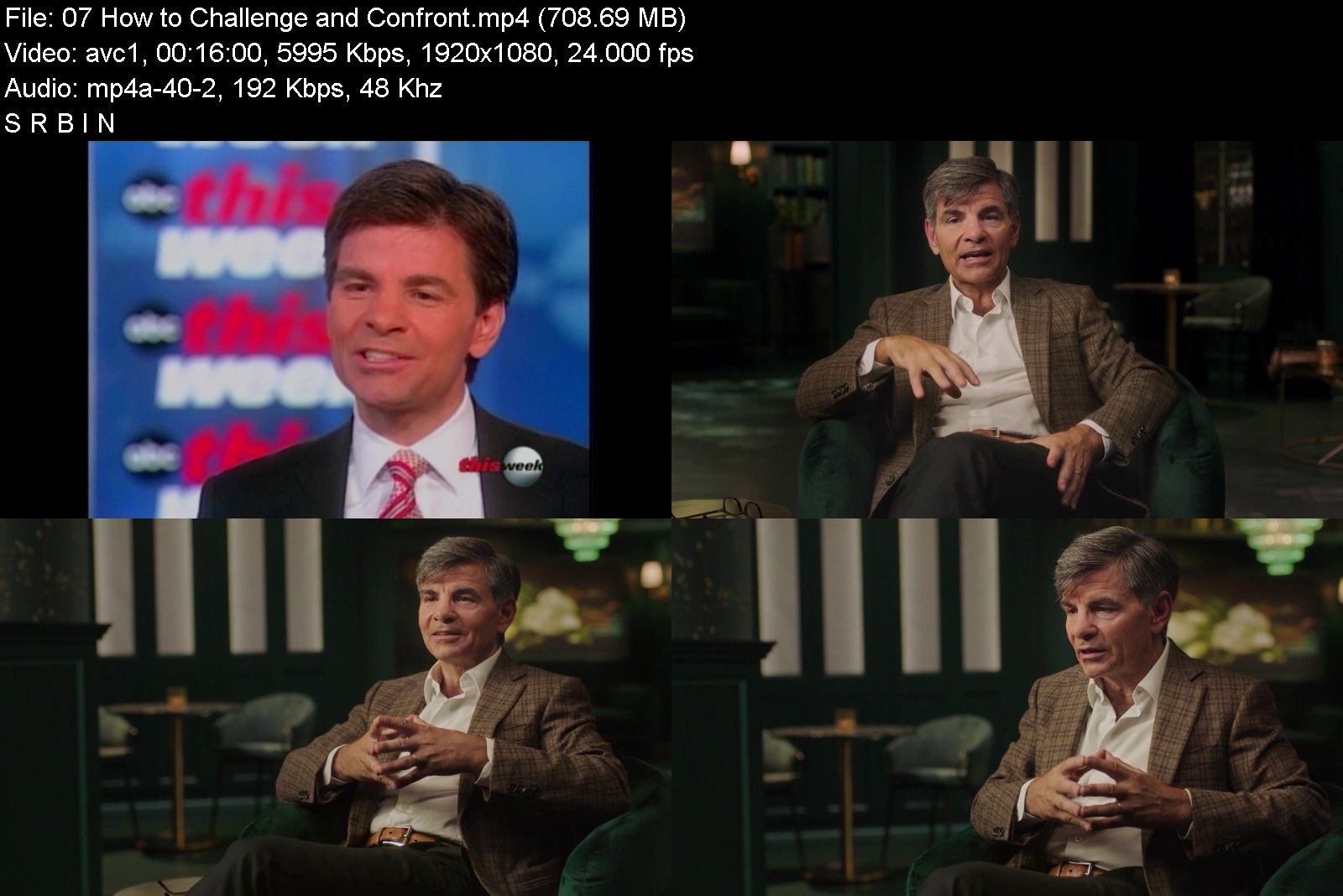
MasterClass - George Stephanopoulos Teaches Purposeful Communication

maxresdefaultfpkq6.jpg


MasterClass - George Stephanopoulos Teaches Purposeful Communication
MP4 | Video: h264, 1920x1080 | Audio: AAC, 44.1 KHz, 2 Ch
Genre: eLearning | Language: English + srt | Duration: 14 Lessons (2h 10m) | Size: 5.8 GB

Legendary interviewer and broadcaster George Stephanopoulos has navigated challenging interviews for more than 30 years-as former White House communications director and presently as co-anchor of Good Morning America. Now he's teaching you how to project confidence under pressure and draw the best value from your own professional and personal interactions, becoming a stronger, more intentional communicator.


georgestephanopoulostt8kib.jpg


Download from RapidGator


Download from NitroFlare


Download from UploadGig


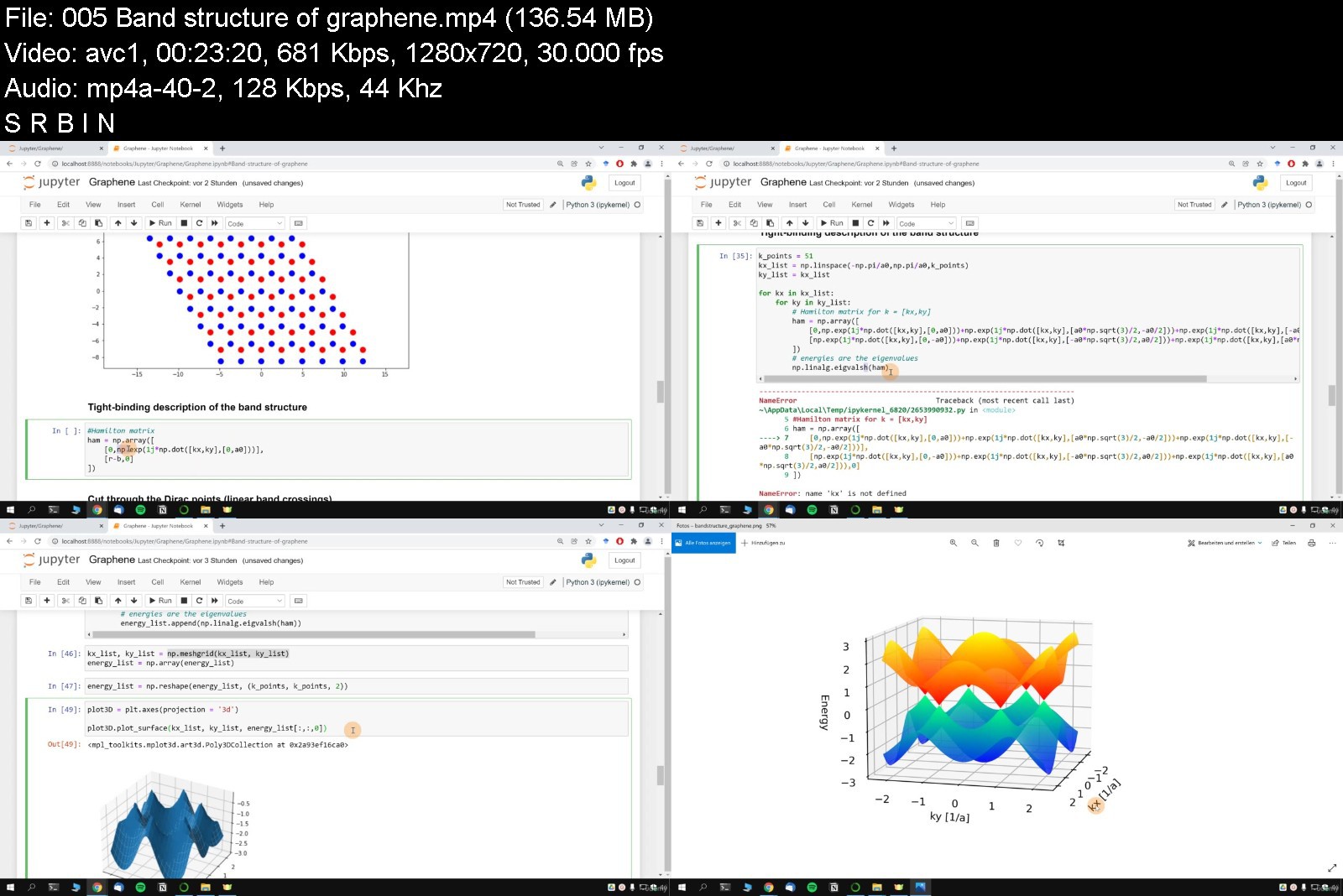
Computational Physics: Scientific Programming with Python

computationalphysicsscajws.jpg


Computational Physics: Scientific Programming with Python
MP4 | Video: h264, 1280x720 | Audio: AAC, 44.1 KHz, 2 Ch
Genre: eLearning | Language: English + srt | Duration: 181 lectures (20h 51m) | Size: 5.7 GB

From numerical methods to exciting applications: Differential equations, eigenvalue problems, Monte Carlo methods & more


What you'll learn
Getting Started: A beginner-friendly crash course about NumPy, functions, loops, conditionals, lists, arrays & plots
Numerical methods: Derivatives & integrals, differential equations & eigenvalue problems, interpolation & Monte Carlo methods
Practice at Physics Problems: Moment of inertia, magnetic field of a wire, radioactive decay, harmonic oscillators, free fall, rolling balls
Application to Advanced Problems: Chaotic systems, heat equation, 3-body problem, spaceship mission, coupled pendulums, magnetism, graphene & quantum physics
Requirements
Software: None, I will show you how to install Python which is free.
Programming: Previous experience is helpful but not required. We start with a 2h crash course.
School mathematics: Knowing the basics about derivatives & integrals.
Physics: Helpful but not required.
Description
This course is for everyone who wants to learn and get better in Python and physics.
Except for some school mathematics, no prior knowledge is required. We will start from the basics and climb the ladder up to advanced projects!
Python is an enormously powerful tool and widely used in theoretical and computational physics.
It is not difficult to use but the whole topic can be overwhelming to learn if you are on your own.
In computational physics we use numerical techniques from mathematics, such as
Interpolation & Model fitting
Derivatives & Integrals
Differential equations
Eigenvalue problems
Monte Carlo methods
to solve problems from all areas of physics.
You are kindly invited to join this carefully prepared course that will teach you all you need to know about Python for scientific programming. It includes a crash course, quizzes, exercises, solutions and, of course, hands-on programming sessions in which we will solve real-life examples, such as
Calculating the magnetic field of a charged wire (integrals & derivatives)
Chaos & the butterfly effect (differential equations)
Heat propagation in a sample (differential equations)
Simulating (and navigating) a spaceship interacting with sun, earth and moon (differential equations)
The strange behavior of coupled oscillators (Eigenvalue problems, Fourier analysis & fitting procedure)
Ferromagnets & Antiferromagnets (Monte Carlo methods)
Special properties of graphene (Advanced science lecture about the Nobel prize winning material)
... & many more
Why me?
My name is Börge Göbel and I am a postdoc working as a scientist in theoretical physics.
I have refined my advisor skills as a tutor of Bachelor, Master and PhD students in theoretical physics and have other successful courses here on Udemy.
Especially when I started my PhD, I was impressed how easily you can solve demanding tasks with Python. I have used the program for the results in many of my publications and have recommended Python to all of my students.
I hope you are excited and I kindly welcome you to our course!
Who this course is for
This course is for everyone: Python beginners & advanced programmers
Everyone who likes physics and/or programming
Science students, who want to explore a modern field of physics
... or who want to prepare for their computational physics exam ;-)


computationalphysicss9hkyq.jpg


Download from RapidGator


Download from NitroFlare


Download from UploadGig


Ethical Hacking 2021: Beginners to Advanced level

mmqryprfgudqonmopoijsuijem.jpg


Ethical Hacking 2021: Beginners to Advanced level
MP4 | Video: h264, 1280x720 | Audio: AAC, 44.1 KHz
Language: English | Size: 10.4 GB | Duration: 22h 23m

Latest Kali Linux 2020: Learn Ethical Hacking & Penetration testing tools. Hack like black hat hackers.


What you'll learn
Learn ethical hacking
Install Latest Kali Linux 2020 & how to interact with the terminal.
Hack into websites and servers
Hack Android Phone
Hide your ip and stay anonymous
Perform social engineering attacks using tools and techniques
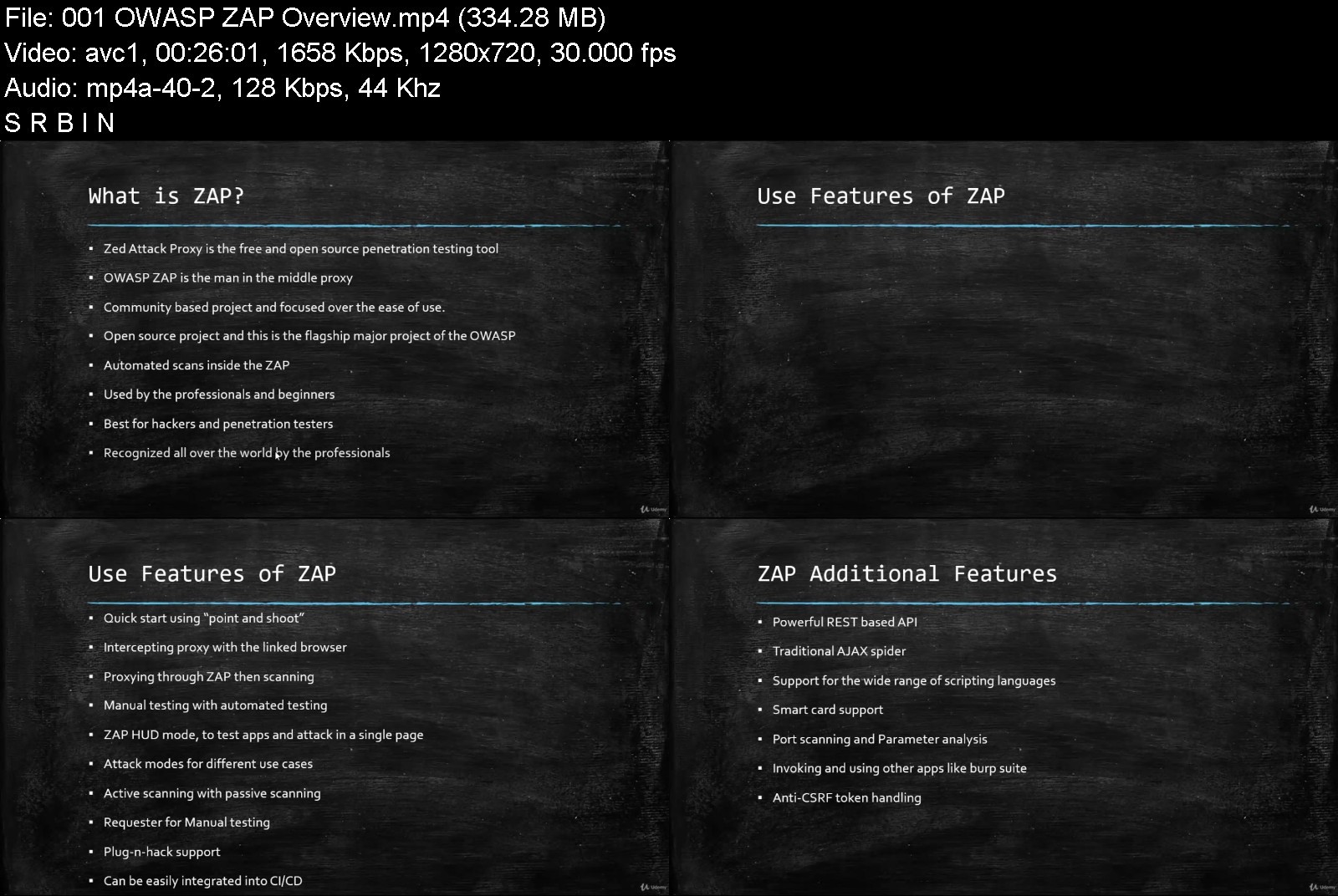
Penetration Testing Tool - OWASP ZAP
SQL injection vulnerabilities
Automated tools for SQL injections and website hacking
OWASP Top 10 Security Risks & Vulnerabilities
How one can get access to all the username and passwords saved in Firefox, Chrome, Thunderbird, Microsoft Outlook & Wifi networks in just 1 click
How you can manage all the saved passwords in system so it does not get hacked.
Tools used to hack or recover Passwords.
Github Recon for Bug Bounty
Shodan search engine
Requirements
Basic IT knowledge.
Everything is free and transparently open.
No Linux, programming or hacking knowledge required.

Description
Ethical Hacking: Beginners to Advanced level.
Latest Kali Linux 2020: Hack into systems like a black hat hacker using the best hacking tools.
This course is going to highly practical.
What we cover in this course
Physical Hacking Gain access to all the usernames and passwords stored in system in just 1 click.
Kali Linux 2020 latest version Setup and installation process, Terminal & Linux commands, Network commands
Hide your ip address Stay anonymous while performing attacks and accessing ********.
OWASP Top 10 Security Risks & Vulnerabilities
Information Gathering All the tools and techniques to gather information of your user or website.
Bug Bounty Programs Choose your target, find bug against the program and earn money.
Hack into servers Discovering information related to servers and exploiting it. And practice attacks on Metasploitable virtual machine.
Website Hacking Discovering sensitive files and data on website, SQL injections and exploiting database. Use automated tools for sql injections and website hacking.
OWASP ZAP For penetration testing of your website/web application. It helps you find the security vulnerabilities in your application.
Burp Suite One of the most popular penetration testing and vulnerability finder tools, and is often used for checking web application security. Used to evaluate the security of web-based applications and do hands-on testing.
Social Engineering Hack any website or social media credentials, Powerful Beef Framework and how cybercriminals steal data.
Shodan Search engine on which we see all the devices which are connected on the Internet.
Github Recon for Bug Bounty Why Github is important for bug bounty hunters, especially in the recon phase?
Hack Android Phones using shell access
We will cover all aspects with different techniques and tools. We will start with terminology and integrate it the practical usage and hand on experiences.
At the end of the course, you will easily understand what hacking is and how you can take necessary precautions for yourself or for your organization.
This course is focused on the practical side and includes the beginner to advanced level sessions. So you don't need to have a previous knowledge of Kali Linux or Ethical Hacking.
Who this course is for
There is no need of any experience.
Anyone who want to learn ethical hacking.
Beginners interested in making career in Cyber Security.


ethicalhacking2021begwnk8r.jpg


Download from RapidGator


Download from NitroFlare


Download from UploadGig


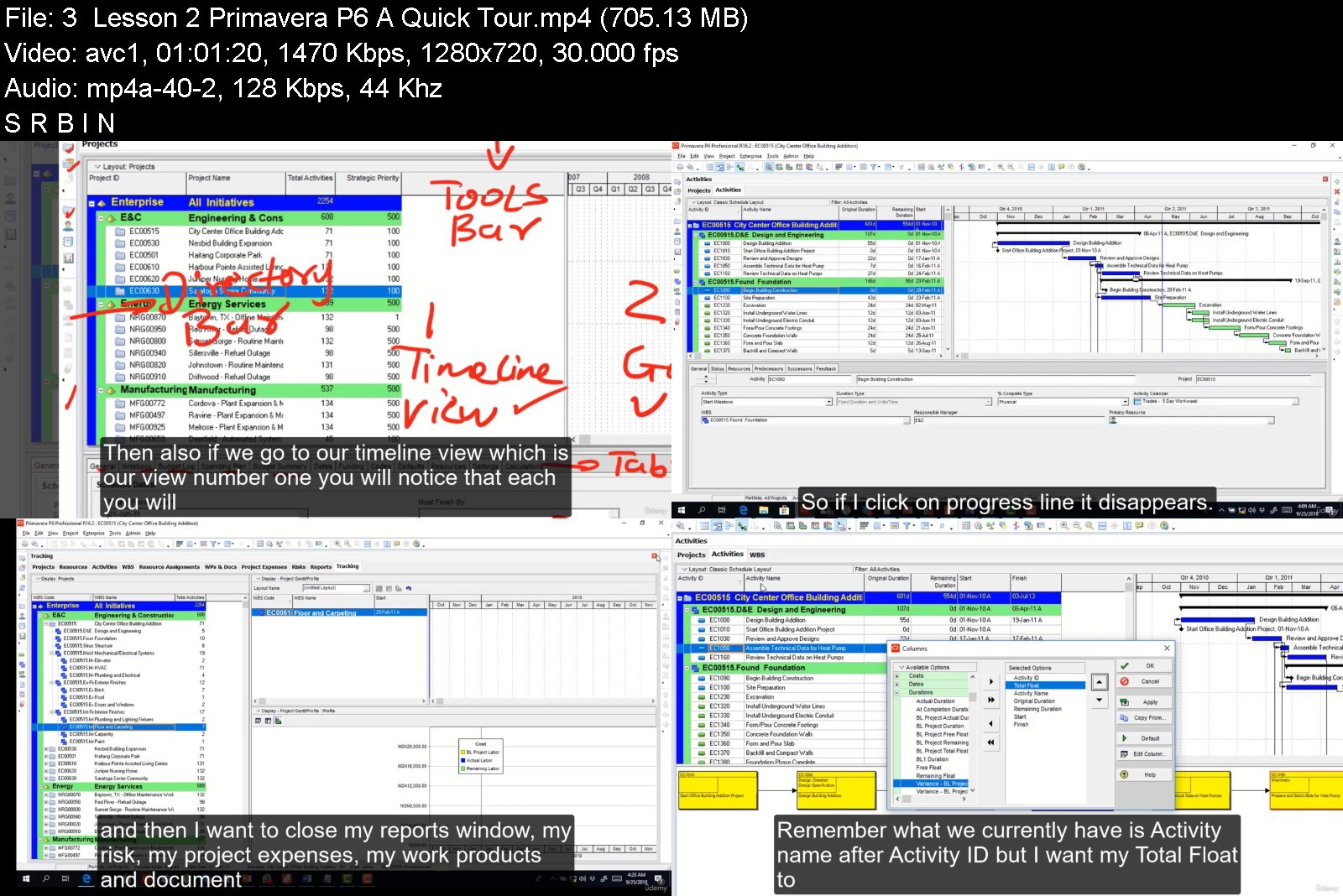
Primavera P6 Full Course

ygtfhz3ollfewtjzpgqok2ojid.jpg


Primavera P6 Full Course
Genre: eLearning | MP4 | Video: h264, 1280x720 | Audio: AAC, 44.1 KHz
Language: English | Size: 5.23 GB | Duration: 8h 24m


What you'll learn
Comprehensive Understanding of Primavera Interface
Define Work Breakdown Structure (WBS)
Add, Organize & Code Activities
Create a project schedule
Perform Resource Loading and Levelling
Set the Project Baseline
Understand Critical Path Method (CPM) Fundamentals and how it impacts the project
Track and Monitor progress throughout the project lifecycle
Create Customized Reports as per the requirements of the project stakeholders

Description
Successful project management is a skilled job and to achieve success within the defined scope and budget of any project, it is important that project staff keep themselves updated with the latest Project Management Software.
Oracle® Primavera is one such intelligent, flexible, and comprehensive Project Portfolio Management Solution which is easy to use. It enables you to plan, manage and control your project effectively.
Key features of this training include
Internationally recognised certificate.
Hands-on/Practical training.
Primavera P6® Project application is a useful desktop tool that helps project managers to analyze and plan project resources, budgets, and schedules. Project managers can efficiently track the project progress and forecast resource needs with the help of reports which Primavera makes readily available. This course is designed to explore all the peculiar concepts of project management as it relates to scheduling, giving the students a well-rounded understanding of all the functions and options available to them on Primavera P6. Some of these concepts include
Understanding of Primavera Interface
Define Work Breakdown Structure (WBS)
Add, Organize & Code Activities Create a project schedule
Perform Resource Loading and Leveling
Set the Project Baseline
Update the Project Schedule
Understand Critical Path Method (CPM) Fundamentals and how it impacts the project
Track and monitor progress throughout the project lifecycle
Create Customized Reports as per the requirements of the project stakeholders
Create a project plan at the level of detail that is appropriate for your project.
Currently, there are approximately 6.5 thousand professionals across the globe who are Primavera Certified Professional Developer (PCPD)
Who this course is for
Project Planner, Delivery Leader/Manager, Project Director, Program Manager
Civil Engineers, Schedulers / Planners / Estimators
Architects / Engineers of all disciplines / Drafters / Designers/ Contractors
Project Administrators/Coordinators
PMP Certified Project Staff
Individuals having working knowledge of previous version of Oracle Primavera®


primaverap6fullcoursevpjr6.jpg


Download from RapidGator


Download from NitroFlare


Download from UploadGig


Complete Georgian Course: Learn Georgian for Beginners

jat7ffph4qlssqmeoiaqcsyja2.jpg


Complete Georgian Course: Learn Georgian for Beginners
MP4 | Video: h264, 1280x720 | Audio: AAC, 44.1 KHz
Language: English | Size: 11.9 GB | Duration: 20h 1m

Learn Georgian FAST with this non-stop Georgian speaking course for BEGINNERS: learning Georgian will be easy and fun!


What you'll learn
200+ most useful vocabulary words
Top most useful phrases you can use in everyday situations
Proper Georgian pronunciation
How to put basic sentences together
Read and write in Georgian
Easily order foods and drinks
Pronounce words correctly without hearing them first
Greet people and introduce yourself both formally and casually
The building blocks of Georgian grammar
Requirements
No previous knowledge of Georgian is required. You can start from scratch!
A desire to learn Georgian
A positive attitude!

Description
Welcome to our ultimate ultimate Georgian beginner course that will teach you Georgian faster than you thought possible! If you've ever dreamed of travelling to Georgia and holding your own in real-life situations, being independent and able to communicate with the locals, this is the course for you!
During our course you will learn
Lots and lots of vocabulary
How to read and write in Georgian
Useful everyday phrases
Basic sentence structures
Basic grammar rules most beginner courses don't teach
After taking this course you will be able to
Greet people and introduce yourself both formally and casually
Pronounce words correctly without hearing them first
Read a restaurant menu
Order food and drinks
Structure basic sentences with ease
Give and receive directions to places you need to go to
Describe yourself and other people in both personality and appearance
Tell the time
Make requests, describe what you want and what you plan to do
Express your feelings, your interests and dislikes
Navigate multiple types of everyday situations, like shopping
Give and receive directions to places you need to go to
This course is the first of 4 in a series aimed at helping you master the basics of Georgian and giving you a strong base onto which you will be able to build your skills as a Georgian speaker.
Start your Georgian journey with us today!
Who this course is for
Anyone who wants to start learning Georgian for any purpose - traveling, business, ******, studies, or anything else, this course has you covered
Anyone who wants to advance quickly in their Georgian language journey - in a way that's easy, fun and fast


completegeorgiancoursfqk2o.jpg


Download from RapidGator


Download from NitroFlare


Download from UploadGig


17056e9a-5bf8-4af3-ae56-ab66a3134647.png

ABC of Cisco DNAC Automation & LISP for SD-Access & VxLAN
MP4 | Video: h264, 1280x720 | Audio: AAC, 44.1 KHz
Language: English | Size: 4.65 GB | Duration: 9h 34m
with Ratnesh 2XCCIE # 61380 (Sec | DC )​

What you'll learn
Student will understand how LISP Configuration , Packet flow works
Requirements
CCNA / CCNP Routing Switching will work
Description
No more box-by-box configuration and deployment. Using intent-based policy, Cisco DNA automation capabilities transform previously manual onboarding, configuration, provisioning, and software management processes to simplify and scale network operations and greatly minimize configuration errors.
Features and benefits
Cisco DNA automation replaces manual chores with a more agile and effective process based on four sets of capabilities: visibility, intent, deployment, and management.
Visibility
Automatically discover devices to get end-to-end network visibility and a network inventory.
Intent
Define how you intend your network to work, and translate that intent into automation.
Deployment
No more guessing about configurations. Simply plug in a network device to onboard it automatically.
Management
Help ensure end-to-end network consistency and performance with the right software image management for every device.
Components of Cisco DNA automation
Cisco DNA software
Help enable continuous innovation through software updates. Choose from three licensing tiers for your access points, switches, and routers.
Cisco DNA Center
Manage automation and assurance for your entire network from a central dashboard.
Cisco DNA infrastructure
Deploy Cisco software-programmable access points, switches, routers, and other devices to help enable automation capabilities.
Cisco services
Get more from your intent-based network with Cisco Customer Experience services.
Cisco DevNet
Learn how to extend automation across the enterprise via open APIs​.
Cisco DNA Center security
Integrate with Cisco security solutions such as Umbrella, Stealthwatch, firewalls, and wIPS.
Locator/ID Separation Protocol (LISP) is routing architecture that provides new semantics for IP addressing. The current IP routing and addressing architecture uses a single numbering space, the IP address, to express two pieces of information
Device identity
The way the device attaches to the network
The LISP routing architecture design separates the device identity, or endpoint identifier (EID), from its location, or routing locator (RLOC), into two different numbering spaces. Splitting EID and RLOC functions yields several advantages.
Simplify Routing Operations
LISP enables enterprises and service providers to
Simplify multi-homed routing
Facilitate scalable any-to-any WAN connectivity
Support data center virtual machine mobility
In this course you will learn and understand LISP technology , configuration & verification .
++++++
Who this course is for
Looking for learn understand DNA
Want to learn new technology
Screenshots


HxmUtaXi3T6GwR8BdVIm5gDf8FbMZECt.jpg

ABC of Cisco DNAC Non Fabric 2.1.x
MP4 | Video: h264, 1280x720 | Audio: AAC, 44.1 KHz
Language: English | Size: 2.21 GB | Duration: 5h 4m
With Ratnesh K 2xCCIE #61380 ( Security | Data Center )​

What you'll learn
List the components that make up the DNAC solution and describe how to operate IT infrastructure with help of DNAC
Manageability & Operability of IT Infrastructure via DNAC
Configure and verify the network underlay and use DNA Center to discover the nodes and add them to the inventory
Use Cisco DNA Assurance to determine the health of the fabric and isolate endpoint device activity
Requirements
Network deployment experience equivalent to the Cisco CCNP® Routing and Switching certification
Basic understanding of 802.1X and Cisco TrustSec operation
Practical experience in locating and viewing groups and policies in ISE
Working knowledge of Cisco wireless operation and configuration of Cisco wireless LAN controllers and access points
Description
ABC of Cisco DNAC Non Fabric 2.1.x course focuses on Managing DNAC based IT infrastructure solution from the ground up. It starts with basics of DNAC , implementation after Day0 then how to integrate Cisco Identity Services Engine (ISE) and Cisco DNA Center™ and ends with end-to-end troubleshooting and using Cisco DNA™ Assurance to monitor and troubleshoot endpoint and fabric issues.
You will learn understand these below mention topics in detail :
● List the components that make up the DNAC solution and describe how DNAC based infrastructure operations
● Configure and verify the secure integration between ISE and DNA Center
● Use Cisco DNA Assurance to determine the health of the DNAC based infrastructure & Many more ..
Features of DNAC base network :
Scale your wireless network with ease
AI-driven heat maps display more than just coverage.
Gain insights into performance, interference, and application experience.
Use packet capture for on-demand statistics.
Receive guided remediation based on AI-baselining.
Provide a secure zero-trust network
Identify, authorize, and classify new endpoints and users.
Have group-based policies follow users and endpoints.
Demystify and facilitate complex segmentation with AI policy analytics.
Optimize security policies for better performance.
Security built IN, not ON, the intelligent network
An intent-based network powered by Cisco DNA Center and Cisco DNA software can provide continuous visibility into who and what is on the network, contributing to a complete zero-trust access security model and building threat prevention, detection, and response in, not on, the network fabric for constant protection.
With Cisco DNA Center and its streamlined security integrations, you can
● Enable automated access policies to secure any user, any device, any app, anywhere
● Stop propagation of data breaches using dynamic context, not location, for segmentation
● Ensure fast compliance by applying security to thousands of locations from one interface
● Streamline visibility to the SOC for reduced time to threat detection
● Automate threat responses from the SOC to remediate incidents in less time
Who this course is for
The course is designed for Engineers who are responsible for planning, designing, or implementing the Cisco DNAC solution.
Job roles that will benefit most from this training are network architects, field, implementation, and operations engineers
Screenshots


Capture.png

CG Circuit | Advanced Particles 1: Geometry Based Simulations | Houdini Tutorial
Video: MPEG4 Video (H264) 1920x1034 29.97fps 414kbps | Audio: AAC 44100Hz stereo 126kbps
Genre: eLearning | Duration: 2h 48m 27s | Language: English | File size: 1.2 GB
Welcome to Advanced Particles 1: Geometry Based Simulations.​

In this course we will take an alembic animation of an opening hand, and use it to generate particles. We will learn how to use the geometry to create different attributes and how to get our particles to use those attributes.
We will also learn how to make our particles stick to deforming geometry and how to make the particles transition from one type of movement to a different one. I will also go over how to set up some basic materials and render everything using Redshift, and then also cover how to composite everything inside Nuke.
And while this course assumes you have a working knowledge of Houdini, I will be explaining how different operations work, but also the logic behind why we do things in a certain way. So I hope you will enjoy this course and we can get started with the first lesson.
Screenshots


69c02c3e-aba4-44cf-9a59-d2fa6030b0b6.png

Animate Your Brand! Animation Templates in Procreate for Social Media
Duration: 36m | Video: .MP4, 1280x720, 30 fps | Audio: AAC, 48 kHz, 2ch | Size: 390 MB
Genre: eLearning | Language: English​

Don't let your creative work get lost in a sea of dancing videos & trends! Stand out on social media with fun, cohesive animations that express who you are as a creative person!
Hello there, I'm Taylor! I'm a freelance artist and cat mom. As a working artist, I have multiple social media accounts I post on every week. While my work is always changing and evolving, I love having a unified brand across my content to help make me more recognizable for my current and future audience!
Learn how to create your own personal brand and turn that into an animation that represents who you are to post all of your social media accounts because let's be real. who only has ONE account these days? Procreate is simple, intuitive, and you've probably already dabbled in it a bit! Or you may already use it all the time for illustration, but want to get into self-promo animation! Best of all, I'll be showing you how to resize your animation to fit any social media platform you use without doing all the hard work all over again.
In this class, you'll learn how to
Audit yourself to create your own personal brand
Create a cohesive design & style for your animation
Make compelling compositions suited for movement
Animate & organize your promo animation like a pro
Resize your final animation to fit any size you want
Export & add your new animation to your content
This class is great for working artists who want a unified voice on all of their social media platforms, as well as newbie artists who are working on building an audience.
All you will need is an iPad, an Apple pencil/stylus, the Procreate App, and the resources I've provided!
Let's create an amazing promo animation all about your creative work!
You can find more about me & my work at
Like the class? Leave a review and follow me for more!*Taylor Carroll - Skillshare
Homepage
Screenshots


cda04d79-30b4-4fd8-b22d-9b78e2aa5564.png

Arduino Robotics With Scratch Programming in TinkerCAD
MP4 | Video: h264, 1280x720 | Audio: AAC, 44.1 KHz, 2 Ch
Genre: eLearning | Language: English + srt | Duration: 15 lectures (5h 26m) | Size: 2.6 GB


Learn Arduino Robotics Using Visual Programming Methods With Electronics Simulation Software with Interesting Projects
What you'll learn
Make Arduino Robotics Projects
Make Programs for their own Projects
Develop Programs for Arduino in Scratch Programming
Design Circuit Diagrams in TinkerCAD
Adhere to the Engineering Best Practices in making Projects
Handle Arduino Electronics Components with Care
Requirements
A Windows, Mac or Linux computer or a Smartphone to Access the software
An Arduino Uno and USB cable to practice Robotics
Electronics Components such as Resistors, LEDs, Sensors and Batteries. Links are provided to buy
No prior Technical Knowledge or Electronics Knowledge or Programming Knowledge is required
Description
Arduino Robotics With Scratch Programming in TinkerCAD - Learn Arduino Robotics Using Visual Programming Methods With Electronics Simulation Software with Interesting Projects
This is the original comprehensive course for Arduino makers and inventors by using scratch programming in TinkerCAD. Students can learn to design circuits, code and build robots by learning this exciting course. The explanations are given for each step you have to follow from the beginning if you are new to Arduino. This course provides you the overall understanding about the working principles of Arduino and scratch programming. You don't have to copy others' code anymore. You can code yourself for your innovative projects. Arduino needs C++ Program natively to upload codes. But here, the TinkerCAD software will generate the C++ Programming from the scratch program that we write. But how to write a scratch program? Don't worry. Here, I have explained to you an easy way to create a scratch program by using flowcharts. Therefore, you can create programs for your own projects.
This course is for absolute beginners and intermediate students in Arduino. All the software access guides, Arduino IDE download and installation guides are provided as separate lectures. If you don't know, you can watch and learn step by step. If you know, you can just skip those lectures. Safety is very important since we are handling electronics. Therefore, safety guidelines are explained clearly before starting on projects. The important electronic components we use in the course are explained clearly. And also the electronics components buying links are provided for easy purchase from Amazon.
Method of Study
Here I will explain 5 different projects to you. If you learn those 5 you are not limited to work on only 5 projects. You can create tons of different projects by learning the working principles of the electronics components, circuit design and scratch coding. First, you have to focus on the projects. And follow my steps. Then you have to achieve the simplified version of the projects. After you have achieved the simplified version of them, then you can expand it. Such as you can add more sensors, change the code, combine our projects and increase the complexity of the projects. That is how I advise my students to practice my courses. Then you can understand the theories and practicals clearly. Throughout the study, if you don't understand anything you can ask me questions. I am always available for my students to clarify their doubts.
Who can learn this course?
Age above 10 years
Absolute beginners to Arduino
Intermediate students to Arduino
Parents who wish to teach Electronics, Robotics to their ****
STEM educators & Teachers
Hobbyists with no programming background
What are the benefits?
Free Software Access to practice Arduino Robotics.
Free Simulation is available for checking our program and playing around with different changes in the circuit.
Everyone can learn visual programming easily.
No need to copy others' code. We can create our own code.
Even for simplifying the Scratch Program Flowchart method was used.
Wiring diagrams with Engineering Best Practices are explained clearly for professional circuit designs. Starting from early childhood.
Free Download and Installation guides for Arduino IDE Software are provided.
Project Based Learning - 5 Interesting projects will be explained clearly.
No C++ Coding. No Problem. We will program in Scratch Visual Programming Language. Then the software will automatically generate the C++ code for us.
Learn this course on your native language. This course is available with subtitles in 10 different languages such as Arabic, English (US), French, Hindi, Portuguese, Russian, Simplified Chinese, Spanish, Tamil and Urdu. More subtitles coming soon!
What is included in this course?
Free TinkerCAD Software access guide.
Free Arduino IDE Software download and installation guide.
Free download of Lecture Notes with Wiring Diagrams, Scratch Programs and C++ coding for the projects.
Free software is sufficient to practice Arduino Robotics. But, if you want to practice practically, you can buy some electronic components. The links to buy suitable electronic components from Amazon are provided for reducing the surfing time for electronic kits.
Safety First. Safety guidelines are explained clearly before start working on electronics.
Projects in Arduino Robotics With Scratch Programming in TinkerCAD
Home Security System
Object Detection System
Automatic Smart Dustbin System
Obstacle Avoiding Robot
Line Following Robot
Why Scratch and TinkerCAD for Arduino Robotics?
Scratch is the world's largest coding community for children and a coding language with a simple visual interface that allows young people to create digital stories, games, and animations. Scratch is designed, developed, and moderated by the Scratch Foundation, a nonprofit organization.
Best of all, TinkerCAD Circuits provides a bottomless supply of virtual components that students can use to build and simulate their projects. When they're ready to physically prototype their projects, TinkerCAD Circuits makes it easy to export their code as a native Arduino.
Keywords
Programming Fundamentals, Scratch Programming, Arduino Robotics, C++, C Programming, Arduino, Robotics, Electronics, The original comprehensive course for Arduino makers, Coding for ****, TinkerCAD, Artificial Intelligence, Python, Arduino Uno, Arduino Nano, Arduino IDE, Arduino Projects, Programming for ****, Programming languages, Step by step guide, Comprehensive Course in Arduino.
Who this course is for
Age above 10 years
Absolute beginners to Arduino
Intermediate students to Arduino
Parents who wish to teach Electronics, Robotics to their ****
STEM educators & Teachers
Hobbyists with no programming background
Homepage







 
c41ec1a5-88ad-4c48-86d7-12c06cf65716.png

AutoCAD Not to Stay a Beginner 2022
MP4 | Video: h264, 1280x720 | Audio: AAC, 44.1 KHz, 2 Ch
Genre: eLearning | Language: English + srt | Duration: 22 lectures (6h 11m) | Size: 4.5 GB

AutoCAD Course to become Professional
What you'll learn
You will be able to add AutoCAD to your CV
You will learn how Practical Architectural plans of Multi-Storey Residential Building are made?
You will learn the general size of different rooms.
You will learn how engineer decide COLUMN SIZE for a plan & where to place Columns keeping in mind the economy as well.
You will learn to make Front Elevation, Electrical Plans, Sanitary Plans for Multi-Storey Residential Buildings in AutoCAD
You will learn how to print out the sheets and submit to your client
Requirements
No prior knowledge of AutoCAD is required, basics will be covered in the course itself.
Enthusiasm & passion for designing modern architectural plans keeping safety & economic parameters in mind.
Description
Are you frustrated trying to teach yourself AutoCAD?! This course will quickly allow you to start using AutoCAD
Whether you're brand new to AutoCAD, or have played around with it but need more guidance, this course will help you feel confident and comfortable using the industry-standard CAD application.
This is the only course you will ever need to learn AutoCAD as a beginner.
What is this course all about?
This course is a full-length AutoCAD 2015, 2016, 2017, 2018, 2019, 2020, 2021 and 2022 learning package which contains almost all of the topics that you will ever need to work with this software. The course is designed for a beginner as well as seasoned users.
A beginner can start learning the software right from scratch by following the course along just from lecture one. A seasoned AutoCAD user will also find this course very comprehensive and they can choose the topics they want to learn about skipping the basics.
Who this course is for
If you are a student with no prior knowledge of AutoCAD, and want a comprehensive course with lots of practice questions then this course is for you.
Pre-requisites
No prior knowledge of AutoCAD is required, basics will be covered in the course itself.
You need to have access to AutoCAD software (student, trial or commercial version) for this course.
Enthusiasm & passion for designing modern architectural plans keeping safety & economic parameters in mind.
What will you learn in this AutoCAD Beginners course?
Start by understanding the AutoCAD workspace and tools
Dive into creating your own shapes & lines
Use the modify tools to edit & improve your designs
Advance your skills with professional techniques
Speed up your workflow with the quick selection tool
Learn how Practical Architectural plans of Multi-Storey Residential Building are made as per sun diagram as well as learn the general size of different rooms.
Learn how engineer decide COLUMN SIZE for a plan & where to place Columns keeping in mind the economy as well.
earn to make Front Elevation, Electrical Plans, Sanitary Plans for Multi-Storey Residential Buildings in AutoCAD
Who this course is for
Are you frustrated trying to teach yourself AutoCAD?! This course will quickly allow you to start using AutoCAD
Who this course is for
Are you frustrated trying to teach yourself AutoCAD?! This course will quickly allow you to start using AutoCAD professionally
Homepage


6f4e4bc2-df61-4557-8ade-bf3533c7d7ed.png

Batch Script Programming Crash Course (CMD)
Genre: eLearning | MP4 | Video: h264, 1280x720 | Audio: AAC, 44.1 KHz
Language: English | Size: 563 MB | Duration: 1h 16m
Learn Batch Script Programming From Beginning To Advance With Batch File/Script Crash Course - Zero To Hero

What you'll learn
Compete Batch Script Programming
Batch File Programming
Batch Script Commands In Easy Way
Batch Script Technology
Windows Batch File Scripting
Complete Idea Of Scripting With Batch File
Requirements
Windows Operating System
Text Editor
Description
In This Course , You Will Learn About Complete Batch Script Programming / Batch File Programming From Beginning To Advance With Batch Script Programming Crash Course (CMD).
In This Course , I Cover All The Topics & This Course Is Complete Practical Course , So That You Can Cleary Understand That How To Code & Then You Can Easily Implement It.
This Course Is For You If...
You Want To Learn Batch Script Programming
You Want To Learn Batch File Programming From Beginning To Advance
In This Course , I Explained Each & Every Codes With Example.
Requirement For Batch Script Programming
Windows Operating System
Text Editor Like Notepad ++
I'm The Right Teacher For You ?
I Tried My Best To Teach You In Easy Words In This Crash Course
Covered In This Topic
Introduction
Detail About Batch Script
Hello World In Batch File
Displaying Only Output
Changing Output In Batch Script
Color In Batch Script
Variable In Batch Script
Predefined Environment Variables
Taking Input From The User In Batch Script
Operator & Calculator Program In Batch Script
Line Break & New Line In Batch File
Comment In Batch Script
If Else In Batch Script
Label & Goto In Batch Script
Clearing The Screen In Batch Script
Checking File Exist Or Not In Batch Script
Open File Using Batch Script
Changing Directory In Batch Script
NOT Operator In Batch Script
Loop In Batch Script
Generating Random Numbers Using Batch File
Date & Time In Batch Script
Ping Command In Batch Script
Pausing Output For Some Seconds
Creating Folder Using Batch File
Deleting Folder Using Batch Script
Deleting File Using Batch Script
Renaming Folder Using Batch Script
Renaming File & File Extension Using Batch Script
Overwriting & Appending In File
Modify Attribute Of File
Kill Process Using Batch Script
Extracting Values From Registry Using Batch File
Closing Batch Script
Extra
Conclusion
Outcome Of This Course
You Will Understand Batch Script
You Can Create Programs Using Batch Script
Knowledge In Windows CMD
Who this course is for
Who Wants To Understand Batch Files
Who Wants To Make Programs Using Batch Scripts
Who Wants To Clear All Concepts Of Batch Script With Crash Course
Who this course is for
Who Wants To Understand Batch Files
Who Wants To Make Programs Using Batch Scripts
Who Wants To Clear All Concepts Of Batch Script With Crash Course
Screenshots


Zurück
Oben Unten