• Regeln für den Video-Bereich:

    In den Börsenbereich gehören nur Angebote die bereits den Allgemeinen Regeln entsprechen.

    Einteilung

    - Folgende Formate gehören in die angegeben Bereiche:
    - Filme: Encodierte Filme von BluRay, DVD, R5, TV, Screener sowie Telesyncs im Format DivX, XviD und x264.
    - DVD: Filme im Format DVD5, DVD9 und HD2DVD.
    - HD: Encodierte Filme mit der Auflösung 720p oder darüber von BluRay, DVD, R5, TV, Screener sowie Telesyncs im Format x264.
    - 3D: Encodierte Filme von BluRay, die in einem 3D Format vorliegen. Dies gilt auch für Dokus, Animation usw.
    - Serien: Cartoon/Zeichentrick, Anime, Tutorials, Dokumentationen, Konzerte/Musik, Sonstiges sind demnach in die entsprechenden Bereiche einzuordnen, auch wenn sie beispielsweise im High Definition-Format oder als DVD5/DVD9/HD2DVD vorliegen. Ausnahme 3D.
    - Bereich Englisch: Englische Releases gehören immer in diesen Bereich.
    - Bereich Talk: Der Bereich, in dem über die Releases diskutiert werden kann, darf, soll und erwünscht ist.


    Angebot/Beitrag erstellen

    - Ein Beitrag darf erst dann erstellt werden, wenn der Upload bei mindestens einem OCH komplett ist. Platzhalter sind untersagt.
    - Bei einem Scenerelease hat der Threadtitel ausschließlich aus dem originalen, unveränderten Releasenamen zu bestehen. Es dürfen keine Veränderungen wie z.B. Sterne, kleine Buchstaben o.ä. vorgenommen werden. Ausnahme Serienbörse:
    - Bei einem Sammelthread für eine Staffel entfällt aus dem Releasename natürlich der Name der Folge. Beispiel: Die Simpsons S21 German DVDRip XviD - ITG
    - Dementsprechend sind also u.a. verboten: Erweiterungen wie "Tipp", "empfehlenswert", "only", "reup", usw. / jegliche andere Zusatzinformation oder Ergänzung, welche nicht in obiger Beschreibung zu finden ist.

    Aufbau des Angebots und Threadtitel

    Der Titel nach folgendem Muster erstellt zu werden. <Name> [3D] [Staffel] [German] <Jahr> <Tonspur> [DL] [Auflösung] <Quelle> <Codec> - <Group>
    Beispiel: The Dark Knight German 2008 AC3 DVDRip XviD - iND
    Beispiel: The Dark Knight 2008 DTS DL BDRip x264 - iND
    Beispiel: The Dark Knight 2008 AC3 DL BDRip XviD - iND
    Beispiel: The Dark Knight German 2008 AC3 720p BluRay x264 iND
    Beispiel: The Dark Knight 2008 DTS DL 1080p BluRay x264 iND
    Beispiel: Die Simpsons S01 German AC3 DVDRip XviD iND
    Beispiel: Die Simpsons S20 German AC3 720p BluRay x264 iND
    Beispiel: Sword Art Online II Ger Sub 2014 AAC 1080p WEBRip x264 - peppermint
    Entsprechend sind also u.a. verboten: Sonderzeichen wie Klammern, Sterne, Ausrufezeichen, Unterstriche, Anführungszeichen / Erweiterungen wie "Tipp", "empfehlenswert", "only", "reup", usw. / jegliche andere Zusatzinformation oder Ergänzung, welche nicht in obiger Beschreibung zu finden ist
    Ausnahmen hiervon können in den Bereichen geregelt sein.

    Die Beiträge sollen wie folgt aufgebaut werden:
    Überschrift entspricht dem Threadtitel
    Cover
    kurze Inhaltsbeschreibung
    Format, Größe, Dauer sind gut lesbar für Downloader außerhalb des Spoilers zu vermerken
    Nfo sind immer Anzugeben und selbige immer im Spoiler in Textform.
    Sind keine Nfo vorhanden z.B. Eigenpublikationen, sind im Spoiler folgende Dateiinformationen zusätzlich anzugeben :
    Quelle
    Video (Auflösung und Bitrate)
    Ton (Sprache, Format und Bitrate der einzelnen Spuren)
    Untertitel (sofern vorhanden)
    Hosterangabe in Textform außerhalb eines Spoiler mit allen enthaltenen Hostern.
    Bei SD kann auf diese zusätzlichen Dateiinformationen verzichtet werden.

    Alle benötigten Passwörter sind, sofern vorhanden, in Textform im Angebot anzugeben.
    Spoiler im Spoiler mit Kommentaren :"Schon Bedankt?" sind unerwünscht.


    Releases

    - Sind Retail-Release verfügbar, sind alle anderen Variationen untersagt. Ausnahmen: Alle deutschen Retail-Release sind CUT, in diesem Fall sind dubbed UNCUT-Release zulässig.
    - Im Serien-Bereich gilt speziell: Wenn ein Retail vor Abschluss einer laufenden Staffel erscheint, darf diese Staffel noch zu Ende gebracht werden.62
    - Gleiche Releases sind unbedingt zusammenzufassen. Das bedeutet, es ist zwingend erforderlich, vor dem Erstellen eines Themas per Suchfunktion zu überprüfen, ob bereits ein Beitrag mit demselben Release besteht. Ist dies der Fall, ist der bereits vorhandene Beitrag zu verwenden.
    - P2P und Scene Releases dürfen nicht verändert oder gar unter einem iND Tag eingestellt werden.


    Support, Diskussionen und Suche

    - Supportanfragen sind entweder per PN oder im Bereich Talk zu stellen.
    - Diskussionen und Bewertungen sind im Talk Bereich zu führen. Fragen an die Uploader haben ausschließlich via PN zu erfolgen, und sind in den Angeboten untersagt.
    - Anfragen zu Upload-Wünschen sind nur im Bereich Suche Video erlaubt. Antworten dürfen nur auf Angebote von MyBoerse.bz verlinkt werden.


    Verbote

    - Untersagt sind mehrere Formate in einem einzigen Angebotsthread, wie beispielsweise das gleichzeitige Anbieten von DivX/XviD, 720p und 1080p in einem Thread. Pro Format, Release und Auflösung ist ein eigener Thread zu eröffnen.
    - Grundsätzlich ebenso verboten sind Dupes. Uploader haben sich an geeigneter Stelle darüber zu informieren, ob es sich bei einem Release um ein Dupe handelt.
    - Gefakte, nur teilweise lauffähige oder unvollständige Angebote sind untersagt. Dies gilt auch für eigene Publikationen, die augenscheinlich nicht selbst von z.B. einer DVD gerippt wurden. Laufende Serien, bei denen noch nicht alle Folgen verfügbar sind, dürfen erstellt und regelmäßig geupdatet werden.
    - Untersagt sind Angebote, welche nur und ausschließlich in einer anderen Sprache als deutsch oder englisch vorliegen. Ausnahmen sind VORHER mit den Moderatoren zu klären.


    Verstoß gegen die Regeln

    - Angebote oder Beiträge, die gegen die Forenregeln verstoßen, sind über den "Melden"-Button im Beitrag zu melden.
  • Bitte registriere dich zunächst um Beiträge zu verfassen und externe Links aufzurufen.

*** Bestes IPTV *** bester Preis *** gratis Test ***


Englische Tutorials

7c4ba4789e2986b7794c89021b3f62c9.jpg

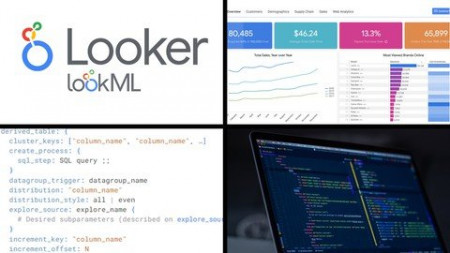
Looker - Complete Guide to Google Looker - LookML Developer
Genre: eLearning | MP4 | Video: h264, 1280x720 | Audio: AAC, 48.0 KHz
Language: English | Size: 2.98 GB | Duration: 6h 53m
Master Looker and LookML to create views, dashboards, and databases with the beginner to expert Looker and LookML guide

What you'll learn
Get certified in using Looker and LookML as Business Intelligence, Visualization, and Data Model tool
Get familiar with Looker's platform, interface, and terminology
Analyze data, create beautiful visualizations, and build sophisticated reports and dashboards
Use LookML to connect to underlying raw data
Use LookML to construct views, dimensions, and measures that are then used in Explores
Use LookML to join several views together into one piece of analysis or Explore
Use LookML to create actions and workflows associated with your data
Use LookML to create sophisticated modular dashboards, right from a structured language
Description
Learn from more than 7 hours of relevant instructional video content, with the only complete beginner to expert guide on Google Looker Developer (LookML). Master the concepts of LookML and apply them to real-life settings.
Explore, analyze, visualize, and access your data with Google Looker. Looker is used as a sophisticated business intelligence (BI) and visualization software similar to Power BI and Tableau. Companies deploy Looker to their employees so that they can make trusted decisions and actions based on their data.
More than 2,000 organizations use Looker. Looker is named as a Visionary in Gartner's Magic Quadrant.
Looker is officially part of Google Cloud Platform. Google bought Looker in 2020 for more than $2.6 billion. This demonstrates Google's investment that Looker will be the top tier BI and visualization software of choice for companies across the world.
This is the only complete guide to Google Looker and LookML for the Developer, from beginner to expert. This course is not only comprehensive (it covers everything you need to know right from the start / beginner level with LookML) but is also instructional in nature, meaning that as we learn new concepts, we are also integrating them in the application. Don't just learn concepts, learn how to actually apply them. This is especially important with LookML. That also means that whether you are a beginner or expert, there's something for you in this course.
This course is structured in a way that helps you learn all the concepts. For each concept, we first cover it in theory and then apply it using a real life example. We also progressively learn more and more advanced concepts, so that you never feel overwhelmed and can achieve your goals. By the end of this course, you will be writing LookML to create Explores, Looks, Reports, and Dashboards.
Note: this is the Developer series. In this course, we learn everything that a developer of Google Looker would need to know. In particular, we focus on writing LookML to create Explores that a consumer (User / Analyst) would use. We cover topics such as connecting data, defining dimensions and measures, developing views, joining two views together, coding dashboards, etc.
If you instead want to learn the consumer view of Looker (analyzing data, creating reports, creating Looks, creating dashboards, organizing and sharing reports, creating custom fields, etc.), then please take the User / Analyst course instead. Feel free to watch the free preview of the Course Overview, or message me, if you have any questions.
Again, this is the complete guide to Google Looker and LookML for the Developer - you won't ever need another course.
This course is the Developer series. If you have not already, I highly recommend taking the User / Analyst series course first to explain how a consumer would use Looker.
What is Looker?
Looker is a business intelligence software and big data analytics platform that organizations use to empower their employees to explore, analyze, and share real-time business analytics and insights. It is part of the Google Cloud Platform after Google acquired Looker for over $2.6 billion.
What makes Looker different?
Looker is regarded as more than an alternative to Power BI or Tableau. It operates 100% on the cloud and is browser-based, which means that no desktop software is required or needs to be managed. It contains a trusted data model, and a language called LookML that allows users to compile data and assign business logic across the organization. It also contains powerful APIs and third-party connectors that are used to create workflows and apps from your data.
What is LookML?
LookML is a structured language used as an alternative to your ETL layer. Simply put, LookML is code for creating views, dimensions, measures, aggregations, calculations, and data relationships to transform your raw data into an Explore. Specifically, the purpose of LookML is to translate structured language (that's easy for users to write and manage) into SQL queries (which are hard to write and manage). Additionally, it can be used as code to create sophisticated dashboards.
What is the Developer Series?
Looker is used by two groups of people
User / Analyst - these are individuals who would use Looker to analyze data, build and consume reports / dashboards, create report workflows, and manage folders and boards. It is also for those people who are knew to Looker who want to understand how Looker works on the front-end before they start developing it. These are people like data analysts, business analysts, data scientists, product managers, department heads, and executives.
Developer - these are individuals who would be responsible for setting up Looker, and have it connect and access the underlying SQL data. These people are the ones responsible for creating the underlying data model in LookML that is used by Users and Analysts. These are people like software developers, IT administrators, and data engineers.
This course is the Developer series.
What are the main features of Looker?
LookML - structured model language that is used to construct SQL queries against a particular database; allows you to do complex operations such as joins, aggregations, and filters; and standardize business logic for common variables across your organization
Cloud-based - Looker is 100% on the cloud, which has massive benefits like not needing to manage a desktop software, ease of deployment, and streamlined standardized user experiences
Reports and dashboards - perform sophisticated analysis on your raw data and create related reports and dashboards to save and replay your work, with the ability to add custom filters
Curative and user-friendly - Looker is easy to use with its no-code features and helper tools
Data model - Looker lets you create a full data model in LookML that sits atop your raw data, which allows you to define relationships between all your data and standardize metrics
Standardize, unified, and governed business logic - Because of the integrated data model, users always have the most up-to-date definition of business logic
Real-time - Looker connects to your raw data directly; no need to create ETLs on a timely basis and as a result, reports and dashboard are always 100% up-to-date
Workflows, actions and custom application - create workflows that schedule data emails based on time or based on a condition; complex workflows with custom UI can also be made
Partner network - Looker has a wide third-party network allowing you to connect external apps to your reports and dashboards, like Slack or Outlook
Multi-DB support - Looker can be used on any underlying SQL Server (Microsoft SQL server, AWS, BigQuery, etc.), supporting a huge range of SQL dialects
Google - Looker is part of Google Cloud Platform, and has the full backing and investment of a trillion dollar company behind it
Why learn Looker?
Create structure queries - LookML allows you to manage and structure your ETL queries in a professional and easy way. You define the relationships, aggregations, and dimensions, and the Looker takes care of the rest when constructing the relevant SQL queries.
Standardize business logic - LoookML is used to standardize common variables across your organization, making it easy for it to perform its tasks in a consistent way. Your users will no longer fight over the exact definition and calculation of "net margin" for example, because of LookML
Get full access to your data - since Looker is connected directly to your raw data, there is no more information lost in the ETL layer - data as granular as transaction data can be used within Looker
Drive more insights - Looker is used to drive smarter outcomes for your organization from better and quicker access to data. It enables users to perform their own analysis, with the flexibility of using any dimension and measures as they see fit.
Create reports and dashboards - easily create sophisticated reports and dashboards with impactful visualizations, and save them for future use. These reports also have drill-down features, allowing users to get more granular data if they need to dig deeper.
Get hired / increase your employability - Looker is used by more than 2,000 top data-driven organizations for a reason; it enables powerful decision making - learning how to consume and create reports and dashboards is an invaluable skill to boost your pay rate and deliver value
Improve your toolkit - add this to your list of data analyst skills - this is very powerful in conjunction with other data analytic and business intelligence skills
Why choose this course?
Complete guide - this is the 100% start to finish, zero to hero, basic to advanced guide on Looker and LookML for the Developer. There is no other course like it that teaches you everything from start to finish. It contains over 8 hours of instructional content!
Fully instructional - we not only go through important concepts, but also apply them as we are building our reports and dashboards so that we can solidify them. This is not only a walkthrough of the Looker features, but a course that actually builds with you, so we encourage you to follow along.
Step by step - we go through every single concept in a sequential order (from beginner to expert). This improves your probabilities of learning Looker rather than going haphazardly through each feature.
Learn to learn - during the latter parts of the course, we go through situations where we encounter new features or errors, and work through how we would use the documentation to resolve them. In this way, you not only learn about Looker inside and out, but learn how to resolve your own issues as they come up
Teacher response - if there's anything else you would like to learn, or if there's something you cannot figure out, I'm here for you! Just shoot me a message.
Reference material - follow along! I provide all reference material directly to you so you can follow along in your learning journey
Course overview - Developer
Introduction - learn about Looker, its features, its history with Google, the course overview, and how to succeed in the course
Environment - create a sandbox account, create a LookML project, import data, learn how to load the sample data into Looker, and get familiar with some Looker terminology
Beginner - connect to database, load data, create dimensions and measures, apply filters, format fields, applying labeling, create views, create location-related fields
Moderate - join several views together, create groups of fields, apply advanced formatting, create explore actions, modify view settings
Expert - modify Explore settings, create parameters, code extensions, apply variables, work with Liquid variables, create dashboards elements and complete dashboards
Conclusion - earn your Looker Online certification, and read about next steps
If you want to learn Google Looker and LookML as a Developer , then this is the course for you. We're looking forward to having you in the course and hope you earn the certificate.
Who this course is for
Users of any analytics, business intelligence, or visualization tools
Data engineers who want to simplify their manual ETL process
Data engineers, analysts, and administrators who want a better way to manage data, reports, and dashboards
Teams who are currently deploying Looker in their organization
Analysts who build dashboards for senior audiences, and want to automate that process
Managers who currently use Excel to build reports and dashboards and want a better way
Data analysts, data scientists, and managers who want to quickly find insights in their data
Screenshots



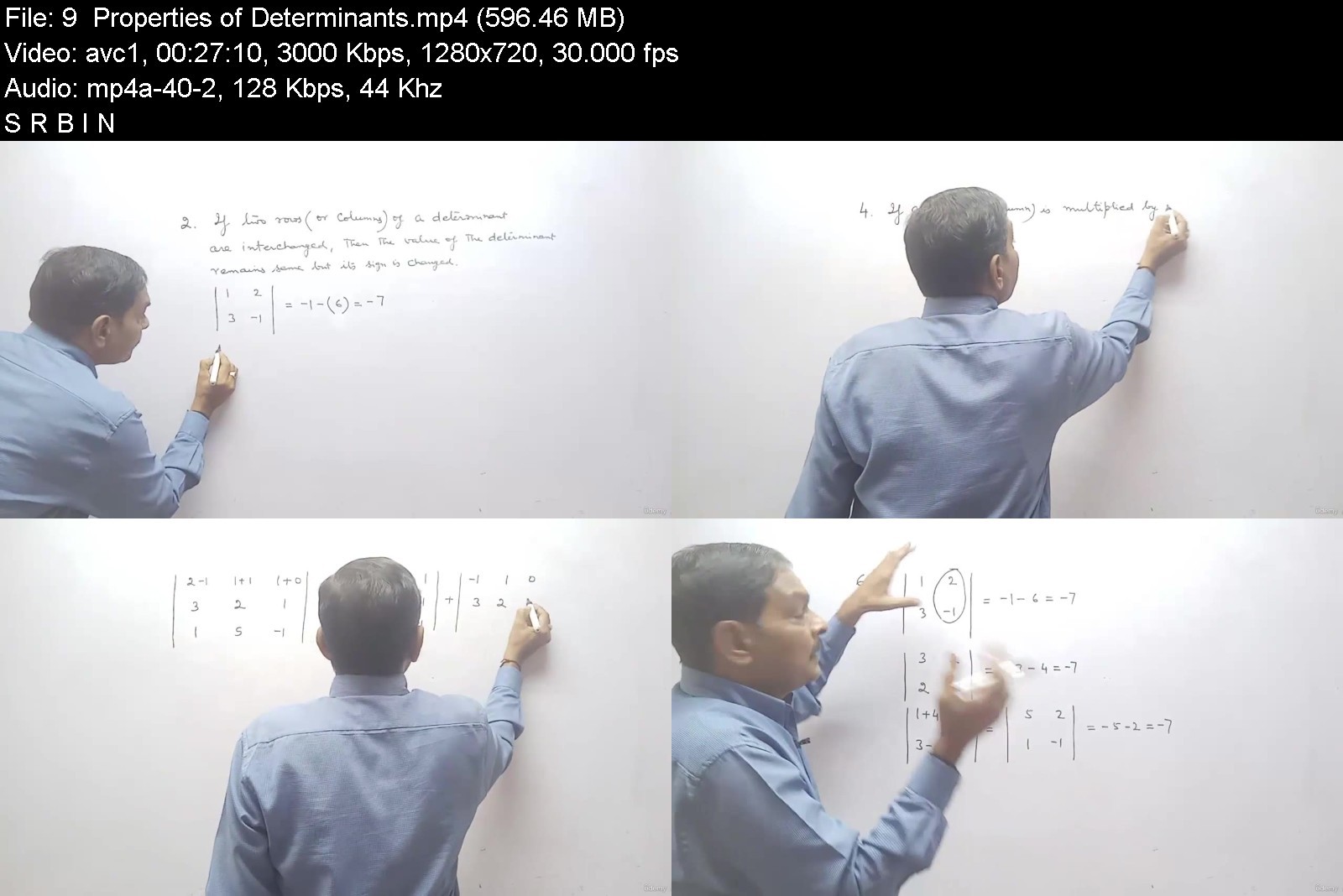








 
Math for Data science,Data analysis and Python Programming

4337994d1732bjkv7.jpg


Math for Data science,Data analysis and Python Programming
MP4 | Video: h264, 1280x720 | Audio: AAC, 44.1 KHz, 2 Ch
Genre: eLearning | Language: English + srt | Duration: 33 lectures (4h 55m) | Size: 6.2 GB

Learn Math essentials for Data science,Data analysis,Machine Learning ,Artificial Intelligence and Python Programming


What you'll learn
Learn the foundational concepts of Linear Algebra
Learn the foundational concepts of statistics
Learn the foundational concepts of Geometry
Learn the foundational concepts of Calculus
Application of key mathematical topics related to linear algebra with the Python programming language
Requirements
Basic knowledge of Math will be needed to finish the course
Description
In this course, we will learn Math for data science,Data analysis,Machine Learning and Python Programming We will also discuss the importance of Linear Algebra,Statistics and Probability,Calculus and Geometry in these technological areas. Since data science is studied by both the engineers and commerce students ,this course is designed in such a way that it is useful for both beginners as well as for advanced level.
Here, this course covers the following areas :
Importance of Linear Algebra
Types of Matrices
Importance of Statistics for Data Science
Statistics : An Introduction
Importance of Calculus for Data science
Importance of Euclidean Geometry
Set Theory : Definition and its representation
Type of Sets
Subset,Power set and Universal set
Each of the above topics has a simple explanation of concepts and supported by selected examples.
I am sure that this course will be create a strong platform for students and those who are planning for appearing in competitive tests and studying higher Mathematics .
You will also get a good support in Q&A section . It is also planned that based on your feed back, new course materials will be added to the course. Hope the course will develop better understanding and boost the self confidence of the students.
Waiting for you inside the course!
So hurry up and Join now !!
Who this course is for
Students of engineering, data science, machine learning and python programming


mathfordatasciencedatedj1i.jpg


Download from RapidGator


Download from Keep2Share


1b3055e2ea91c1671c985e29ddd0c768.jpg

Make GTA Type game in UE5 C++ | beginner - Moderate
Genre: eLearning | MP4 | Video: h264, 1280x720 | Audio: AAC, 44.1 KHz
Language: English | Size: 6.35 GB | Duration: 10h 32m
Make Open world game using Unreal Engine 5 C++

What you'll learn
Basics of Unreal core frame work
Unreal C++ from scratch with proper understanding of each class
You will have proper understanding where we should use C++ and where we should use blueprint.
How to add Shooting mechanism in C++
How to add Human character and auto spawn system as Open world games do
AI Character including their perception (sight and hearing)
AI Pedestrian system
Navigation Invoker
Requirements
Basic Understanding of Unreal Blueprint
You don't need to have much knowledge of C++.
Description
Hi all,
Here you will learn about Unreal C++ basics. We will start by comparing why we should use C++ over the blueprint and what architecture does Unreal C++ uses and What is the basic functionality of all the classes and their hierarchy.
We will start making an open-world game and make Generic characters and NPC
You will learn how to make AIs spawning system works in the open-world game.
we will add Pedestrian systems, fighting system, and hand combat system all at run time.
The course also contains how to make an AI behavior tree and its component in C++.
We will make Behavior tree component all in C++ with coving all the basics of behavior trees.
By the end of the course, you can use your knowledge of C++ and Blueprints to build your own dream games. You can use the games built during this course for your personal projects moving forward, as you add more advanced features. Even if you thought C++ was difficult or intimidating before taking this course, you will learn how easy it is to code C++ within Unreal Engine 4 once you go through these lectures. Even if you are only interested in single-player type games, this course will be a great fit as it teaches many other concepts besides programming for multiplayer games.
Why Learn From Me

In this course, you will learn more than just programming in Unreal Engine 4. You will actually follow the 'Unreal Way' of making games in this Epic Games-approved course. Start off on the right foot and write effective C++ code using methods the engine creators have used themselves! I have been working with Unreal Engine 4 and creating game development tutorials since day one. Through this partnership with Epic Games, you will gain the skills to create stunning new projects and advance your professional aspirations in game development.
Who this course is for

People who have tried C++ with Unreal before but could not find the right tutorial to support their hands-on learning style. This course offers step-by-step guidance and lots of activities so you can master making games with C++.
Developers from Unity3D and other engines looking to dive into Unreal Engine programming.
If you have never touched a programming language before this course may not be for you. However, proficiency in Unreal's Blueprint visual scripting also counts as a valid foundation for this course as it shares the same concepts as languages like C++.
If you are an artist who wants to bring your ideas to life in a game, a Blueprint-focused course might be a better fit for you. Skim the course curriculum to see if you're interested in using the power of C++, networking, and AI programming to build out the technical structure of your game.
Screenshots


d983129c-f29d-4ec5-95d4-0b837d3a93d7.png

The Complete Windows 11 Masterclass
MP4 | Video: h264, 1280x720 | Audio: AAC, 44.1 KHz, 2 Ch
Genre: eLearning | Language: English + srt | Duration: 139 lectures (9h 32m) | Size: 4.24 GB


Learn Everything About Windows 11 - Computer Basics - Computer Essentials - OneDrive - Security - Upgrade to Windows 10
What you'll learn
Windows 11 Reinvention
How to Get Windows 11
Your First Page in Windows 11
What We Have in Windows 11 Desktop
Changing Icons Settings in Windows 11
View Settings in Folder and More Icons
Desktop Icons Visibility Settings
Sorting Icons in Windows 11
More Ways of Sorting and Refresh Deal
Refresh Definition
Change Desktop Background Anytime
Copy, Cut, Undo and Redo
Display Settings in Windows 11
Personalize Your Windows 11
Taskbar Settings
Windows 11 Explorer
What You Need for Windows 11 Store
Creating an Outlook for Windows 11
Windows 11 App Store
Windows 11 App Store Settings
Uninstall Any App from Windows 77 (3 Ways to Do)
Rename Your Laptop and Necessary Window Update
Sound Management in Windows 11
Notification Settings
Focus Assistant
Power and Battery Management in Windows 11
Storage Settings in Windows 11
Nearby Settings
Multi Tasking in Windows 11
Windows 11 Activation
Windows Troubleshoot of Windows 11
Recovery and Rest of Windows 11
Projecting to This Pc, Remote Desktop and About
Clipboard Settings
Bluetooth and Other Devices in Windows 11 (phone)
Network and Internet
App and Features in Windows 11
Time and Language
Accessibility
Privacy and Security
Windows Update
Windows 10 and 11 Maintenance
One Drive
Security Is Everything
Requirements
No Previous Experience Necessary!
Willingness to Learn :)
Description
The Complete Windows 11 Masterclass: Learn Everything About Windows 11 - Computer Basics - Computer Essentials - OneDrive - Security - Upgrade to Windows 10
Windows 11 has easy-to-use tools that can help you optimize your screen space and maximize your productivity. Nowadays, it is the easiest Operating system to learn and upgrade. You only need to click or tap to do your work in Windows 11. There is a new design of start-menu, a new app store, windows, lock-screen, and new revolutionary settings.
The easier the operating system is the more productivity you will have. You can 10x your work speed with Windows 11. There are no complicated options anymore.
If you want a new clean, beautiful, and productive operating system, Windows 11 is a great one. Give it a try. In this class, we will teach you everything we know about Windows 11 will 10x life. I have been experiencing Windows XP, Vista, Seven, Eight, 10. Between these, I have a good feeling about Seven than 10. But now I have more good feelings about Windows 11. A revolutionary operating system.
By taking this The Complete Windows 11 Masterclass you will be able to
Explore the Windows 11 Reinventions Interface
Upgrade to Windows 11
Manage Windows 11
Change Icons
Manage folders and icons settings
Manage Display settings in Windows 11
Personalize your Windows 11
Personalize your taskbar
Learn about Windows 11
Sign in and manage your Microsoft Accounts in Windows 11
Install apps from anywhere in Windows and manage them
Manage notification and focus settings
Take control of battery and power
Clean up your storage
Muli task
Recover and rest Windows 11
Troubleshoot Windows 11
Manage apps and features
Improve accessibility
Enable more time and more language
Keep privacy and security of Windows
Run Windows update
Clipboard
Manage OneDrive
Maintenance your Windows
Create and keep all secure
...
So don't hesitate anymore,
Join us now to make new experiences with The Complete Windows 11 Masterclass today!
This Windows 11 course is ideal for anyone searching for more info on the following: windows 11 - windows - window 11 - operating system - Microsoft 98-349. Plus, this course will be a great addition to anyone trying to build out their knowledge in the following areas: Microsoft Intune - Endpoint Management - Microsoft Endpoint Configuration Manager / SCCM - OpenSSH - Microsoft Windows.
Who this course is for
Windows User
Max User (You Can Experience a Different One Today)
People Who Want to Upgrade from Windows 10 to 11
Employers
Self Employed
Everyone :)
Homepage


Reactive Spring Boot, 3rd Edition

yz5jnqbvucpcg5dt2sevul0kmp.jpg


Reactive Spring Boot, 3rd Edition
MP4 | Video: AVC 1280 x 720 | Audio: AAC 48 Khz 2ch | Duration: 07:46:07 | 14.12 GB
Genre: eLearning | Language: English

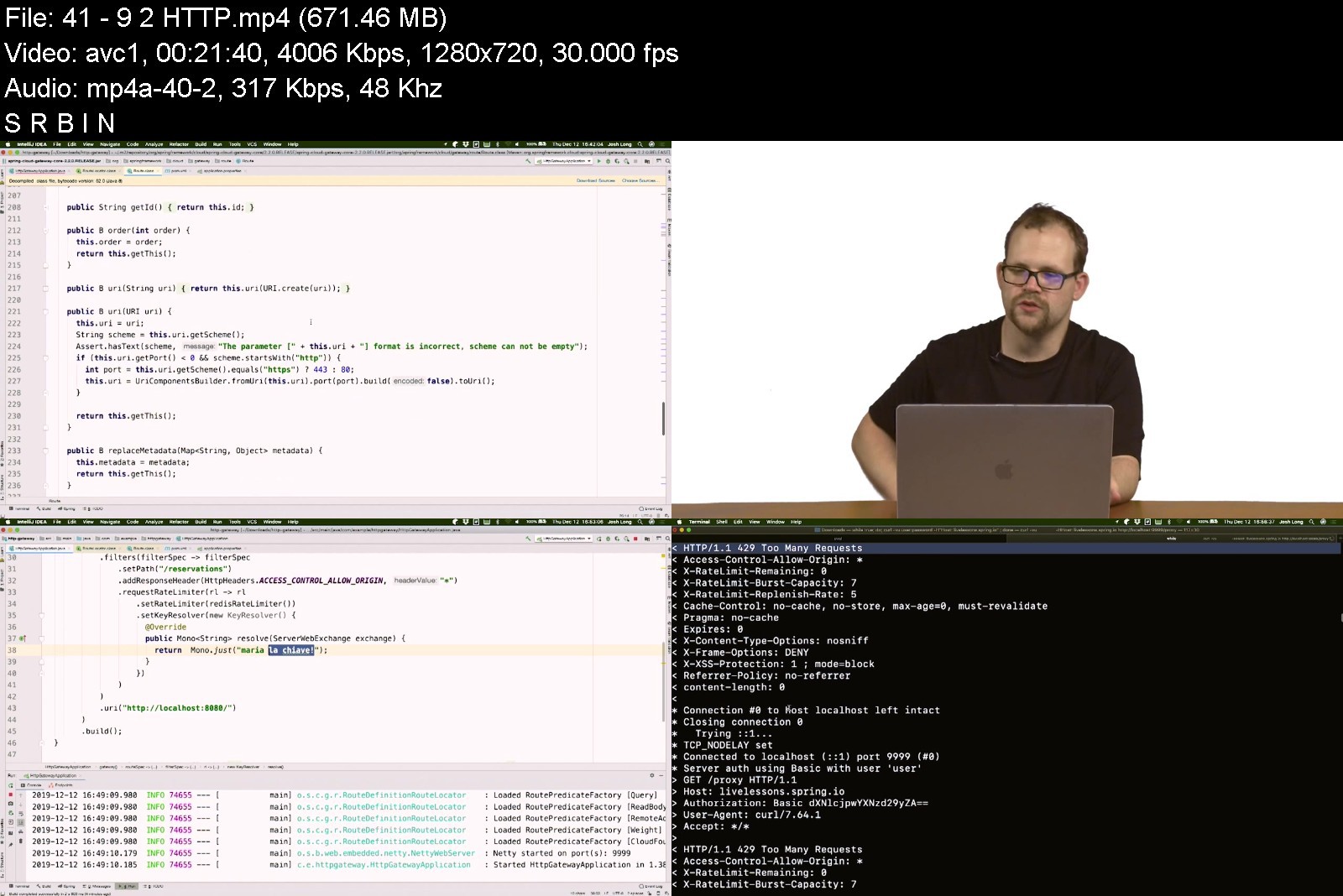
Spring is the most used framework for building services and applications and getting them to production. Today's applications need to scale more and more to handle more users and content with the increasing demand. Reactive Spring Boot LiveLessons 3rd Edition, by Josh Long, Spring Developer Advocate, introduces key concepts of reactive programming and examines different aspects of the Spring ecosystem that lend themselves to the functional and reactive style of programming.
These videos not only show you where to start and how to build these applications, but they also provide a solid foundation that will allow you to apply the skills learned to other parts of the Spring ecosystem that build on these core concepts. The 3rd Edition has been updated and expanded to cover GraphQL.
Customer Review:
(5 Stars) "A great walkthrough of all the reactive capabilities of Spring Boot, and then some!"
O'Reilly Online Learning reviewer
Skill Level
Intermediate
Learn How To
Examine the different aspects of the Spring ecosystem that lend themselves to the functional and reactive style of programming
Explore Reactive Data Access using Spring Data and Spring Data MongoDB
Understand the Reactive Streams specification as a compatibility layer and how to use the
Reactive Stream types as a mechanism for interoperability across OS projects
Test reactive applications
How to consume data from a publisher in Spring Integration and how to consume data from a publisher in Spring Cloud Stream
Use Spring Cloud Function
Build Edge Services
Who Should Take This Course
Existing or new Spring users
Experienced Java developers
Course Requirements
Basic Java familiarity. The course uses Java 8, although Spring Boot and most Spring projects support Java 6.
Lesson Descriptions
Lesson 1, "Basics," examines what motivates the move to reactive programming and how it is supported in the Reactive Streams specification.
Lesson 2, "Data," covers the importance of data and how Spring supports non-blocking data access for any NoSQL and SQL data stores.
Lesson 3, "HTTP Services," focuses on what reactive programming means in an HTTP environment. It introduces functional reactive HTTP handlers, `@RestController`-style controllers, reactive server-sent event streams and more.
Lesson 4, "WebSockets," focuses on Websockets, a binary protocol that supports bi-directional communication. This lesson examines how websockets, which are an extension to HTTP, integrate with Reactive Streams.
Lesson 5, "HTTP Clients," briefly reviews the `Webclient`, the reactive HTTP client. It also discusses some patterns that clients will care about when dealing with distributed services. After incrementally building up from basic reactive pipelines to data access and then HTTP and websockets, Lesson 6, "RSocket," introduces RSocket. RSocket is a binary protocol that supports full duplex bi-directional communication, fully integrated in Spring Framework 5.2 and Spring Boot.
Lesson 6, "RSocket," covers this protocol designed by engineers at Netflix and then Facebook. It's a binary protocol that supports bi-directional communication and used for service-to-service communication. This lesson covers the motivations for using RSocket, Raw RSocket and RSocket in Spring.
Lesson 7, "GraphQL," a protocol developed at Facebook, is a way to build data integration gateways and changes the way edge services are built. This lesson introduces GraphQL, GraphQL Schema and the Domain. It also covers low level "RuntimeWiring Configurer", queries, mutations and subscriptions. Josh Long also introduces the new Spring GraphQL.
Lesson 8, "Security," shows how Spring Security works flawlessly to protect HTTP and RSocket-based services.
Lesson 9, "Gateway," examines how to use Spring Cloud Gateway and how it is used to act as an API gateway for HTTP- and RSocket-based services.
Lesson 10, "Reactive Streams Redux," focuses on the Reactive Streams specification as a compatibility layer and shows how to use the Reactive Stream types as a mechanism for interoperability across opensource projects like Akka Streams, Vert.x. Spring Web Flux, and Spring Data.
Lesson 11 "Reactive Streams Redux," briefly reviews testing reactive applications and covers Reactive data access, Reactive web services, and how to test reactive microservices.

reactivespringboot3rd80j16.jpg


Download from RapidGator


Download from Keep2Share


1300cd88-d1c6-41cd-ac39-88663346351f.png

LiveLessons - Threat Intelligence and Threat Hunting
MP4 | Video: h264, 1280x720 | Audio: AAC, 44.1 KHz, 2 Ch
Genre: eLearning | Language: English + srt | Duration: 91 Lessons (8h 58m) | Size: 7.6 GB

A cybersecurity professional needs to understand threats, threat actors, and have a clear understanding of where attackers are trying to take advantage of vulnerabilities. With more than 7 hours of video training, Threat Intelligence and Threat Hunting LiveLessons provides learners with a look at where the vulnerabilities in software, cloud, and other attack surfaces exist. Throughout the course, the learner will explore how to classify threats, work with the vulnerabilities, and use common assessment methodologies. The course will also dive into understanding threats against Internet of Things, real-time operating systems, and cloud-based environments.
Threat Intelligence and Threat Hunting LiveLessons is taught by expert trainer, author, and cybersecurity expert Aamir Lakhani using hands-on demos, in-depth discussions, and lightboard explanations. The course will cover the best practices for cybersecurity in a way that is easy to access and implement in real world situations.
Topics include
Importance of Threat Data and Intelligence
Utilizing Threat Intelligence to Support Organization Security
Vulnerability Management Activities
Analyzing Output from Common Vulnerability Assessment Tools
Threats Associated with the Cloud and Specialized Technology
Implementing Controls to Mitigate Attacks and for Software Vulnerabilities
Analyzing Logs and Impact Analysis
About the Instructor
Aamir Lakhani is a leading senior security strategist. He is responsible for providing IT security solutions to major enterprises and government organizations.
Mr. Lakhani creates technical security strategies and leads security implementation projects for Fortune 500 companies. Industries of focus include healthcare providers, educational institutions, financial institutions, and government organizations. Aamir has designed offensive counter-defense measures for the Department of Defense and national intelligence agencies. He has also assisted organizations with safeguarding IT and physical environments from attacks perpetrated by underground cybercriminal groups. His areas of expertise include cyber defense, mobile application threats, malware management, Advanced Persistent Threat (APT) research, and investigations relating to the Internet's dark security movement.
Skill Level
Beginner
Learn How To
Apply key threat intelligence and threat hunting concepts
Understand and classify hot attacks are taking advantage of vulnerabilities
Use common vulnerability assessment methodologies
Understand threats against Internet of Things, real-operating systems, and cloud-based environments
Who Should Take This Course
Cybersecurity Professionals
Anyone interested in learning cyber security fundamentals
Course Requirements
There is no required prerequisite
Screenshots


NFT Investing Masterclass - Pro-Tips about NFT Investing

hxvetmdq0ow1nm2lltfadicj18.jpg


NFT Investing Masterclass - Pro-Tips about NFT Investing
Genre: eLearning | MP4 | Video: h264, 1280x720 | Audio: AAC, 48.0 KHz
Language: English | Size: 5.00 GB | Duration: 5h 9m


What you'll learn
NFT Portfolio Contruction
Identifying NFT Projects With Pontential
Avoiding NFT Scams
NFT Investing
NFT portfolio, money management and risk management
NFT ownership rights, copyright and legality
NFT Evaluation tools
Dominate Metamask Wallet
Minting generative art NFTs
NFT Marketplaces
NFT Staking
NFT and Cybersecurity

Description
**This course has Professional Captions **
As you all know, NFTs absolutely boomed the entire crypto industry for quite a while now. With such a fast-growing and evolving pace, don't you feel a bit overwhelmed and hard to keep up? Don't worry, I've got you covered!
I've decided to create this 2nd NFT course after the huge success of my other best-selling course "The Complete NFT Course - Learn Everything About NFTs". In this brand new masterclass, I will be focusing on NFT investing, with absolutely no fluff but only the essentials on learning how to invest in NFTs like an expert!
This fun masterclass includes all you need to know to get involved in the extremely fast-moving NFT world and how to successfully invest in the NFT market. It's a course designed for Complete Beginners and Intermediate market participants.
Not only will you learn how to identify NFT projects with potential and how to make informed investment decisions, you'll also learn about different tools that will help you in your NFT journey, different techniques to manage your NFT portfolio, learn how to avoid NFT scams, how to keep your crypto assets safe and much, much more!
In this 5-hours Masterclass, you will learn everything about:
The web3 - Internet of Assets on the Blockchain
What is an NFT
Why are NFTs valuable
Blockchain Protocols
Types of NFTs
Investing in NFTs
NFT Portfolio, Money Management and Risk Management
NFT Ownership Rights and Copyright
NFT Provenance
NFT Fractional Ownership
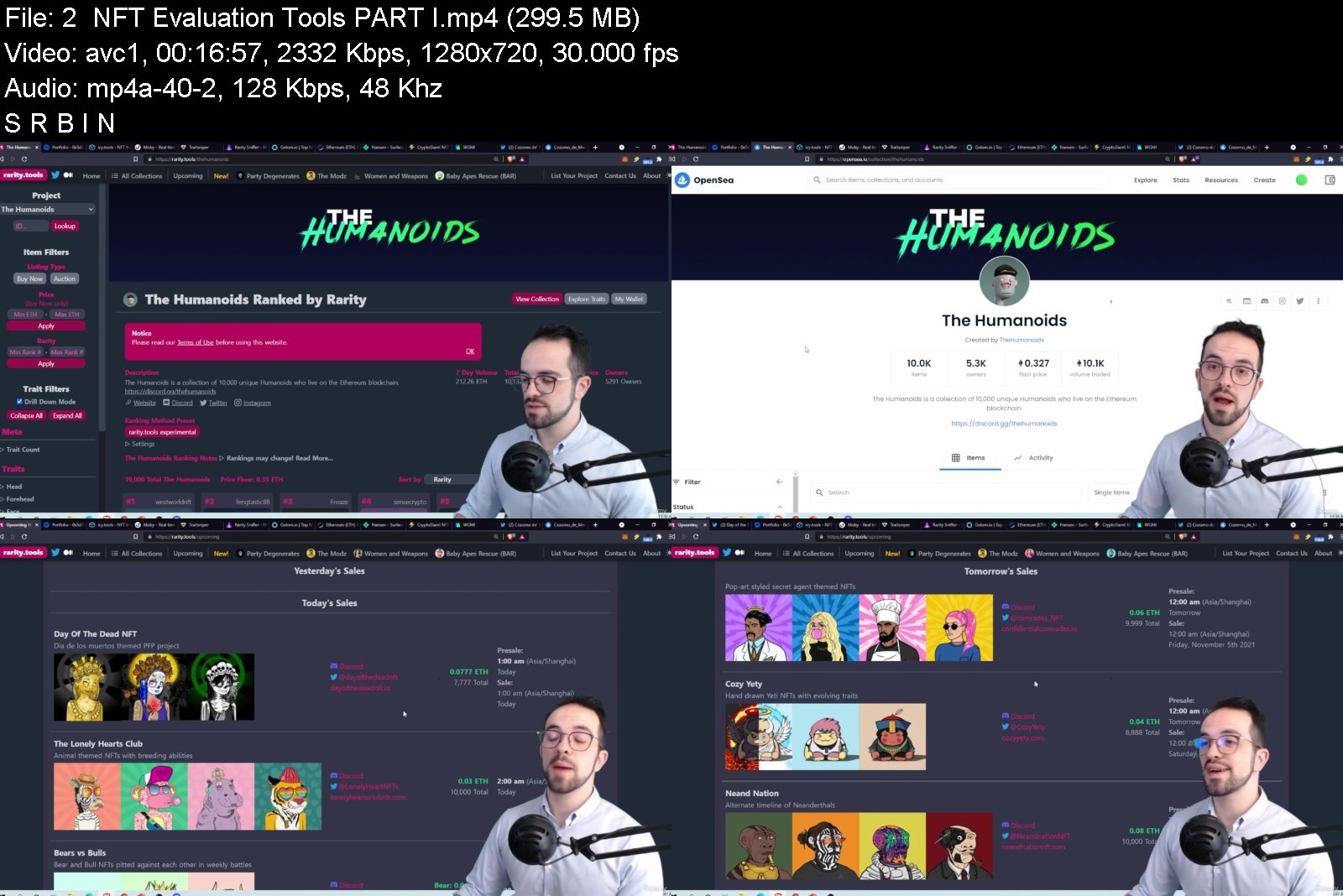
NFT Evaluation Tools - how to Find Early-Stage Projects
NFT Community Tools
NFT Whale Watching
Metamask - how to Install and Use
Funding your Metamask
Techniques to Pay Less Gas Fees
Connecting Metamask to a Hardware Wallet
Flagship Collections
How to Identify Collections with Potential
Minting Generative Art NFTs
Getting In Early
NFT Rarity
How and When to Sell your NFTs
Top NFT Marketplaces
Exploring OpenSea
NFT Farming and Staking
NFTs in DeFi
Avoid NFT Scams
Avoid Rug Pulls
Keeping your NFTs Secure
NFTs and Cybersecurity
Metaverse
The Future of GameFi
Bonus Lectures
NFT Lingo and Slang
You will also find quizzes and assignments along the way that will help you to consolidate the knowledge, all in a fun and engaging manner. Can't wait to see you inside!

Who this course is for:
Blockchain enthusiasts
NFT Investors
NFT collectors


nftinvestingmasterclampkpq.jpg


Download from RapidGator


Download from Keep2Share


2f043f0f-8728-4e14-a204-74989a5b8da0.png

Ultimate YAML Course : YAML JSON JSONPath Zero to Master
MP4 | Video: h264, 1280x720 | Audio: AAC, 44.1 KHz, 2 Ch
Genre: eLearning | Language: English | Duration: 29 lectures (2h 55m) | Size: 1.13 GB


YAML, JSON, JSONPath tutorial for working with OpenAPI Specification, Swagger Tools, DevOps, Kubernetes - the list goes
What you'll learn
Understand YAML and how it is different from JSON in usage.
Understanding the Basics of JSON, YAML and JSONPath
Getting Comfortable with Writing Manifest files in JSON and YAML And writing JSONPath Expressions
YAML advance concepts that covers Anchors, Alias, Overriding, Multi documents support, Writing Complex keys
Learning How to Convert XML to JSON, JSON to YAML and Vice Versa.
Requirements
None. YAML can be learned easily by anyone.
Description
YAML is one of the languages that has gained popularity in recent times. Applications such as OpenAPI, Swagger, DevOps, and Kubernetes use YAML to create human-readable configurations at a large scale. What is the key element in such integrations? You need to write YAML code so that it can be understood easily by developers. You will be learning about YAML language constructs from scratch in this course.
In this course, you will learn about JSON, YAML, and JSONPath.
In the first part, you will learn about JSON. JSON is primarily used in web development, where the data is being stored and transmitted. This is slowly replacing the XML.
Once you get comfortable with it, we will move on to the second part, which is YAML. YAML is primarily used in Tools such as Ansible and Kubernetes.
Finally, in part-3, you will learn about JSONPath. JSONPath is used to extract a subset of data from JSON files. This is similar to SQL for relational Databases.
Topics Covered In This Course
Understand YAML and how it is different from JSON in usage.
Learn the various data types available including scalar and collection types.
Understand the different YAML styles namely Block Style and Flow Style.
Use advanced YAML features like Anchors, Sets, and Documents that help to create a rich YAML file.
Use Directives to provide presentation details to YAML tools.
Use Tags to avoid ambiguity and define custom types in a namespace.
Create an OpenAPI document using YAML in Swagger Editor.
Lots of activities to apply the learnings.
and Many More!
More Reasons To Take This Course
The scope of YAML usage is increasing in the computing field.
YAML is the 1st choice among API developers while working with OpenAPIs.
Get ahead of the curve and learn to configure applications using YAML with ease.
Who This Course Is For?
Web Developers who work with APIs and web services that are based on OpenAPI standards.
Software Developers, who work with Kubernetes to enable cloud computing for their applications.
Engineers, who use DevOps to configure the Pipeline for CI/CD.
Who this course is for
Students, Developers, Architects who are looking to learn YAML.
Software Developers, who work with Kubernetes to enable cloud computing for their applications.
Homepage


26ce6a4370e11e6b467802c2378ecbd7.png

WeChat Mini Program - Everything you need to know
MP4 | Video: h264, 1280x720 | Audio: AAC, 44.1 KHz, 2 Ch
Genre: eLearning | Language: English + srt | Duration: 76 lectures (11h 6m) | Size: 6 GB


Build a WeChat Mini Program with each step explained along the way. Have all the skills to create your own by the end
What you'll learn
How to make a fully functioning and responsive Mini Program
Use Wechat's built in life-cycle functions for a more powerful Mini Program
How to use data binding to create a responsive app based on events triggered by the user
Installing and using npm modules in the front end
Creating and connecting a backend and database for GET and POST requests to our program
Understand the file structure of a Mini Program and its framework
How to use WeChat's default components and icons for a more professional looking Mini Program
How to install Wechat's Devtools and change its settings
Debugging the Mini Program on different screen sizes and how to perform mobile debugging by testing on your phone
Advice and guide to applying for an official account which will let you publish your own Mini Program
Requirements
Basic knowledge of HTML, CSS, and JavaScript
Already have or sign up for a basic WeChat account
NOT REQUIRED to have experience with WeChat or Mini Programs
Description
WeChat Mini Programs are powerful tools for companies to use to reach their audience, and developers in China and abroad will be needed to meet this demand.
To help get you started on your Mini Program journey I've created this course to save you time spent researching, and instead get you on your way to publishing your very own Mini Program.
This course will take you from start to finish in creating your first Mini Program. We will not only cover the coding and testing aspects of development, but will also learn the steps in applying for your first Mini Program to be approved and published by WeChat.
In detail, this course covers
How to setup your workspace to begin coding
Mini Program framework in detail with examples and diagrams
Mini Program's built in API's for getting user data, logging in, real-time map display, local storage, etc.
How to use npm modules in Mini Program front end
Running the program on Mobile for debugging and testing
Mini Program's unit of measurement "rpx" to create responsive designs that look great on any device
WeChat's standard user interface styles for professional design
Mini Program's most important features like: conditional rendering, data-binding, life-cycle functions, etc
Dynamically change styles and data on screen in response to user actions
NodeJS backend with database and how to connect it to your Mini Program's front end
Page navigation in Mini Programs and use of the tab bar
Bonus material
Guide on applying for an official Mini Program account, which will allow you to publish your own program
Walkthrough of the official account dashboard and its features
Tips for successfully publishing your first Mini Program
By the end of the course you'll have a full understanding of the Mini Program framework, what features and functions you can use during development, and how to successfully create and publish your own program to WeChat.
Who this course is for
People interested in learning about WeChat Mini Programs and developing their own applications
People who want to learn a powerful new skill for their portfolio or work, and to improve their mobile development knowledge
Homepage


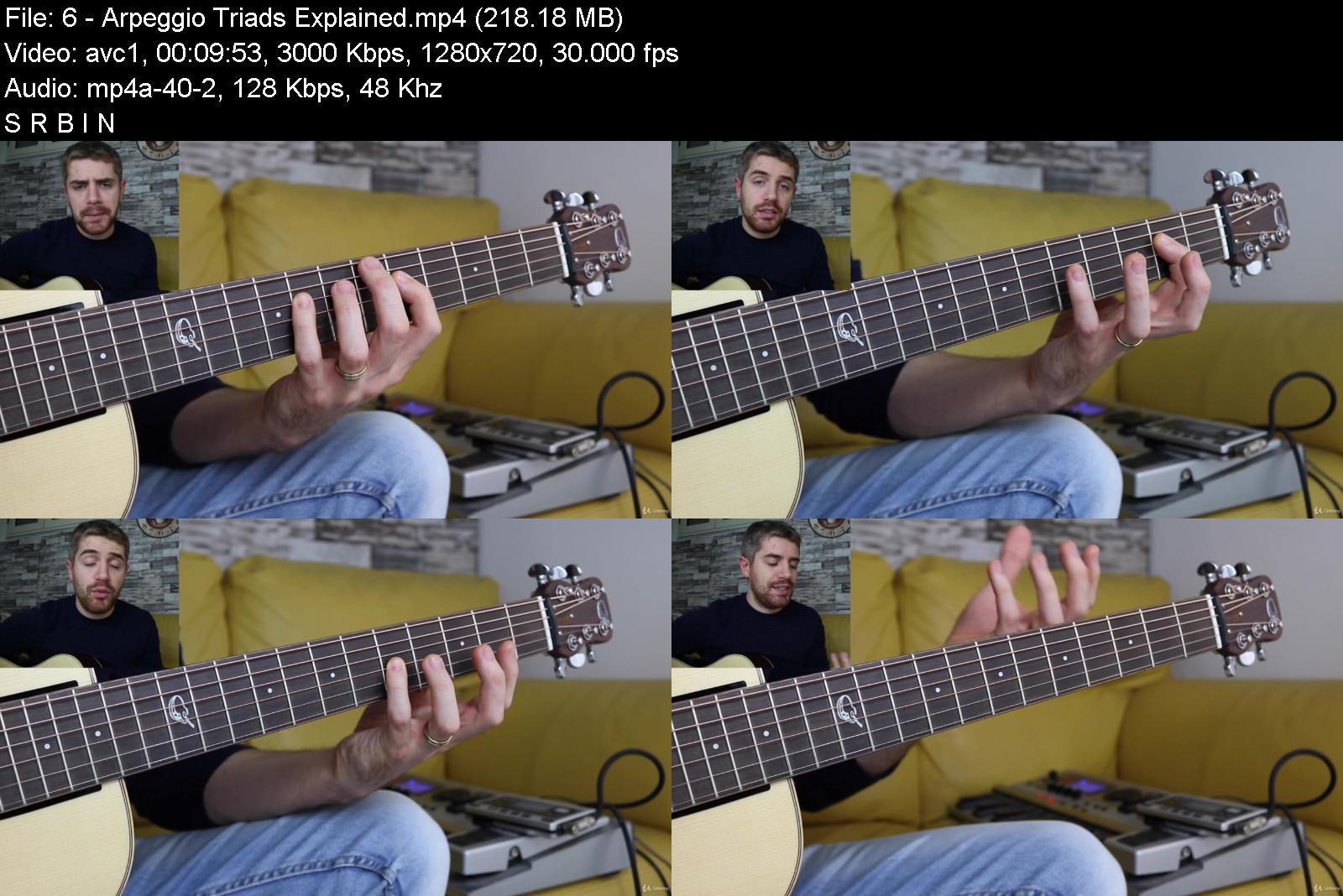
Acoustic Guitar System | Melodic Guitar Lessons for Beginner

5lial364lby2plthddims8qjkd.jpg


Acoustic Guitar System | Melodic Guitar Lessons for Beginner
MP4 | Video: h264, 1280x720 | Audio: AAC, 44.1 KHz
Language: English | Size: 9.82 GB | Duration: 7h 37m

Guitar Course Packed with Practical Guitar Lessons from Simple Fingerstyle Melodies to Beautiful Extended Chords


What you'll learn
Learn basic major and minor chords as well as extended chords such as maj7, min7, add9, sus4 and more.
From scale to melody. How to use the notes of a scale to write a melody.
How to play musical ideas using fingerpicking/fingerstyle technique.
Practical music theory and how to play musical ideas using intervals.
How to harmonize the major and minor scale and put together chord progressions.
How to implement extended chords in your playing.
Requirements
You should have an acoustic or classical guitar.
It is recommended but not required to know the names of the notes on the guitar neck.
You should know how to hold the guitar correctly.

Description
ACOUSTIC GUITAR SYSTEM is a guitar course for beginners who keep asking the same questions:
"How can I go from playing simple basic chords to beautiful sounding melodies in a few weeks."
"what about putting music theory into practice so that I can finally come up with my musical ideas."
Acoustic Guitar System is an online course that will show you how to play guitar in the most creative, musical, and practical way.
In this guitar course, I am going to show you how to transform your guitar playing and become a creative guitar player.
We will cover things such as:
"Fingerstyle technique and how to pluck the strings to achieve the perfect tone, dynamics, and control. We will play basic melodies, chords, arpeggios, and musical ideas that will shape your fingerpicking technique."
"Practical music theory and how to put into practice basic concepts such as intervals, major and minor chords, extended chords, major and minor scales, and more."
"Beautiful chords on the guitar and how to use fingerstyle guitar to spice things up and create chord progressions that are simple yet interesting. We will cover major and minor chords as well as major 7th, minor 7th and dominant 7th chords as well as add9 and more."
Scales and melodies on guitar and how to write a beautiful melody by learning the notes of the scale and then wisely write combine chords and single notes.
Basic percussive technique on the acoustic guitar such as thumb slap and thumb slap and strum.
This guitar course is perfect for any guitar player who wants to learn more about playing guitar and truly understand how to put together chords and melody.
Three things are stopping you from becoming the guitar player you want.
Number 1: You are stuck in a guitar rot. It could be because you play the same chords and songs or because you don't know how to progress. Reaching a plateau is one of the main reasons why guitar players stop playing guitar.
Number 2: You are practicing the wrong things. When I talk to beginners, I hear this a lot, "I am playing Pentatonic scales because someone told me this is the best way to start." There isn't such a thing as the best way. There is your way and what you need. Don't waste time practicing guitar styles that don't represent you. You want to be a blues player, learn blues. A classical player, learn classical guitar.
Number 3: You try to play too many things. Places like YouTube drive you crazy, and you always end up clicking on a ton of guitar lessons instead of practicing. Too many choices can slow you down big time.
The good news is, it is easy to get your motivation back if you follow a structured program.
If you want to learn how to play basic chords, extended chords, and you want to finally learn how to play simple scales and melodies using fingerstyle guitar, you should check this course. We will also learn practical music theory, simple percussive technique, and more.
Each guitar lesson comes with a dedicated Pdf that you can download and print.
IS THIS COURSE FOR BEGINNERS?
As a guitar teacher, I do my best to make things as simple as possible. This course doesn't show you how to hold the guitar or how to play your very first chords.
However, just because it doesn't show you that it doesn't mean that it is not for beginners.
There are a lot of different levels within the beginner's phase. Some beginners can pick up things much faster than others so they could, for example, finish this course quickly.
Some beginners learn slowly, and they need a more step-by-step and detailed program.
I did my best to keep things very simple. However, if you never played guitar before, THIS COURSE IS NOT FOR YOU.
It's impossible to create a beginner course that fits everyone. I am aware of that!
I would consider this course to be great for fingerstyle beginners. It's for students that already played guitar for a while and know the basic chords and simple strumming who want to learn more about fingerstyle, practical music theory, scales, and chords.
PLEASE! Make sure you preview some of the lessons inside Acoustic Guitar System.
Take advantage of the 30 days money back!
My goal is to teach you how to play guitar creatively. I did my best to organize the guitar lessons step by step, but I am always open to feedback so, please, if you have questions, don't hesitate to get in touch with new ideas or suggestions.
Enough talking!
Grab your guitar, and let's get started.
Marco Cirillo

Who this course is for:
Guitar players who want to learn guitar in a musical, practical and interesting way.
Players who want to learn beautiful chords.
Guitar players who want to learn how to write a melody using the notes of a scale.
Guitar players who want to learn extended chords.
Guitar players who want the tool to become a professional guitar player and teacher.


acousticguitarsystemmcijp1.jpg


Download from RapidGator


Download from Keep2Share


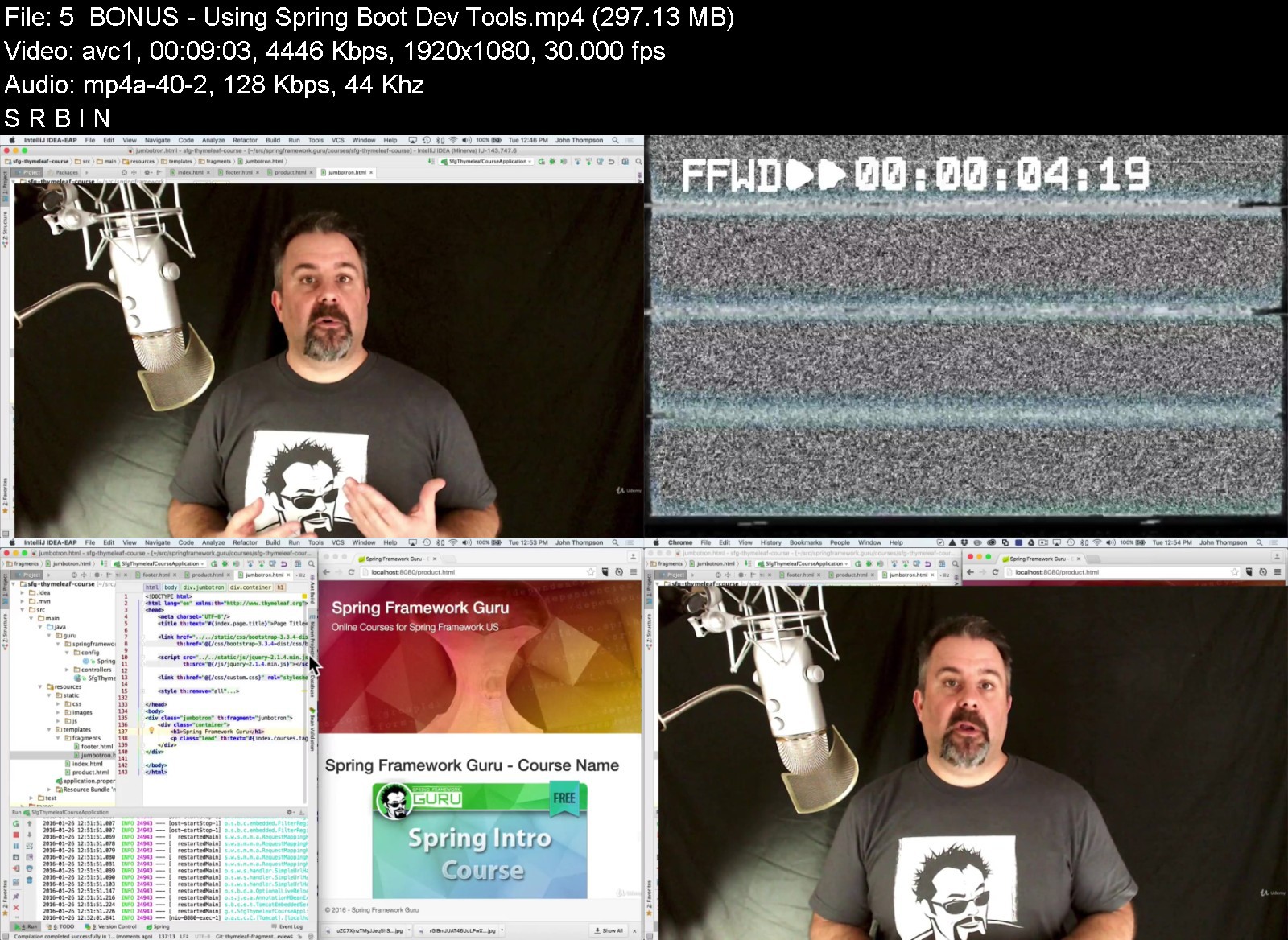
Mastering Thymeleaf with Spring Boot

95w3cfcn2w77qe1k0d04vsokix.jpg


Mastering Thymeleaf with Spring Boot
MP4 | Video: h264, 1280x720 | Audio: AAC, 44.1 KHz
Language: English | Size: 7.01 GB | Duration: 4h 36m

Become an expert using Thymeleaf Templates with Spring Boot


What you'll learn
Learn how to convert a HTML5 document to a Thymeleaf template
Use Bootstrap CSS to build a basic web page
Configure Spring MVC with Spring Boot to display Thymeleaf templates
Externalize text values to properties files
Use Spring Message bundles for internationalized text values
Display POJO properties via a Thymeleaf template
Iterate over lists to display tabular content
Use Thymeleaf fragments for comment HTML components
Display Spring validation messages using Thymeleaf
Use the Thymeleaf Spring Security extension to show, or not show, content to users
Requirements
You should know HTML, CSS, and Java before starting this course
Basic skills with Spring are very helpful. The focus of this course is on Thymeleaf and using Thymeleaf with Spring / Spring Boot. It is not specifically on Spring though.

Description
Thymeleaf is a highly popular templating engine to use with Spring MVC to produce rich, and dynamic web pages.
Unlike other options available for Java and Spring Boot, Thymeleaf has a natural templating language - meaning you can view the templates right in your favorite browser. This really helps accelerate your development process.
Try doing that with JSP!
In this course you are guided step by step in building an ecommerce like web application using Thymeleaf, Spring MVC, and Spring Boot.
The focus of the course is on building web content with Thymeleaf. You start off the course building web pages using Bootstrap CSS. These are simple web pages you can view right in your browser. (No Spring Boot or Spring MVC - yet!) This is to give you a good overview of Bootstrap CSS, one of the most popular CSS frameworks in use today!
Next, you build the HTML for a product catalog website. Just the HTML to show a product listing and product detail pages.
Then we take your HTML pages and convert them into Thymeleaf templates. We add the templates into a Spring Boot application. Spring Boot will auto-configure Spring MVC to render the Thymeleaf templates under Tomcat.
You get to see how we transition the HTML documents from simple HTML, into Thymeleaf Templates for the Spring Boot application.
Using Spring MVC, you are able to start introducing dynamic content into the Thymeleaf templates.
From here you get to explore using Thymeleaf with Spring Boot.
You get hands on examples of:
Externalizing Text properties
Using Spring MVC Internationalization with Thymeleaf
Using Thymeleaf Fragments for common page components.
Leveraging Spring Boot Developer tools to speed up your development
Rendering POJOs returned from Spring MVC under Thymeleaf
Looping over lists in Thymeleaf
Using Thymeleaf fragments with lists
Thymeleaf expression syntax
Spring MVC validation with Thymeleaf
Using Spring Security with Thymeleaf
How to show different content to logged in users vs anonymous users
While the course does use the Spring Framework, Spring Boot, Spring MVC, and Spring Security - these are not the primary topics of the course.
If you are a Spring Framework developer, used to JSPs (Java Server Pages) and wishing to get up to speed on Thymeleaf this is a perfect course for you! You'll never want to use JSPs again!
Even if you are not a Spring Framework developer, you will still get a lot out of this course! Thymeleaf is a powerful templating technology for Java and Spring. With Spring Boot it becomes very easy to develop rich dynamic content!

Who this course is for:
Anyone who wants to learn how to use Thymeleaf with Spring
No prior knowledge of Thymeleaf is required
Ideal for Java developers wishing to learn more about Thymeleaf and Spring


masteringthymeleafwituyjzi.jpg


Download from RapidGator


Download from Keep2Share


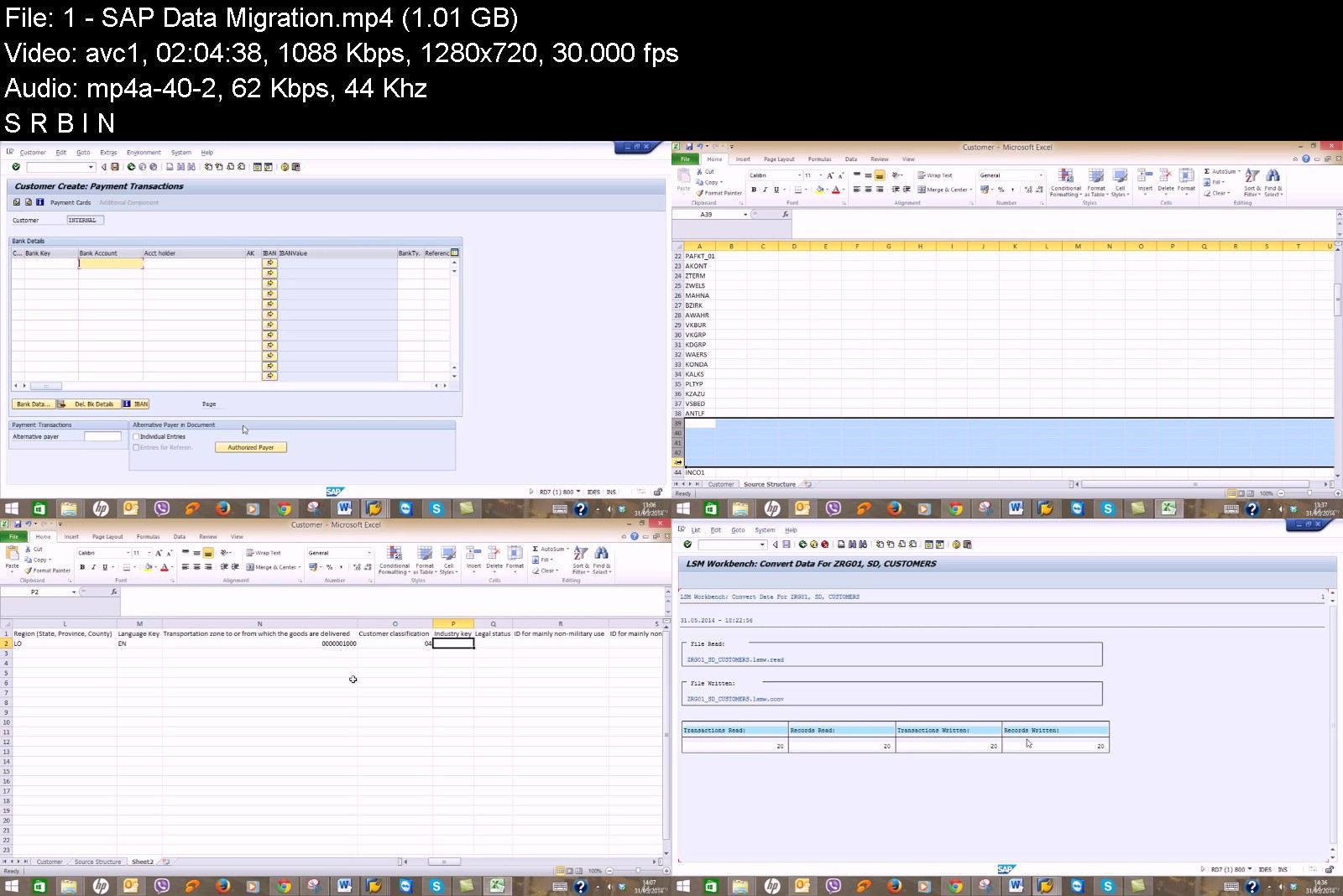
SAP FICO (Financial Accounting & Management Accounting)

b2u8v8kcwy2kg6k9uzluwctjw2.jpg


SAP FICO (Financial Accounting & Management Accounting)
MP4 | Video: h264, 1280x720 | Audio: AAC, 44.1 KHz
Language: English | Size: 15.1 GB | Duration: 40h 21m

The course covers both configuration and end-user processes for SAP FICO module


What you'll learn
Configuration and Implementation for SAP FICO module
Requirements gathering for the Business Record to Report process cycle
SAP Business analysis to improve financial activities
Hands-on experience with SAP system
Be able to take SAP FI Certification exam
Be able to work as both SAP End-User and Consultant
Understand how a required business process runs on SAP
Integration of SAP FICO with SAP MM and SAP SD
Requirements
Basic knowledge of Accounting
Basic knowledge of Finance Business Processes
Access to SAP ERP system (Optional)

Description
SAP FICO Course will prepare the students to learn and understand all the end-to-end implementation steps to configure SAP FI and CO modules for any organization.
The course also highlights the necessary documentation and methodology which are used in SAP FICO implementation projects.
After this course, the students will be able to identify and analyse the business requirements of any organization for Record to Report process cycle and to configure SAP FICO modules accordingly.
Disclaimer: SAP and other products of SAP mentioned in the training is a trademark or registered trademark of SAP SE, Germany. I am not related or affiliated to that.

Who this course is for:
Anyone who wants to learn SAP FICO configuration and implementation
SAP Users who want to extend their knowledge to configure SAP FICO
Other ERP Consultants who want to learn SAP FICO configuration and implementation


sapficofinancialaccoumfjqv.jpg


Download from RapidGator


Download from Keep2Share


Zurück
Oben Unten