• Regeln für den Video-Bereich:

    In den Börsenbereich gehören nur Angebote die bereits den Allgemeinen Regeln entsprechen.

    Einteilung

    - Folgende Formate gehören in die angegeben Bereiche:
    - Filme: Encodierte Filme von BluRay, DVD, R5, TV, Screener sowie Telesyncs im Format DivX, XviD und x264.
    - DVD: Filme im Format DVD5, DVD9 und HD2DVD.
    - HD: Encodierte Filme mit der Auflösung 720p oder darüber von BluRay, DVD, R5, TV, Screener sowie Telesyncs im Format x264.
    - 3D: Encodierte Filme von BluRay, die in einem 3D Format vorliegen. Dies gilt auch für Dokus, Animation usw.
    - Serien: Cartoon/Zeichentrick, Anime, Tutorials, Dokumentationen, Konzerte/Musik, Sonstiges sind demnach in die entsprechenden Bereiche einzuordnen, auch wenn sie beispielsweise im High Definition-Format oder als DVD5/DVD9/HD2DVD vorliegen. Ausnahme 3D.
    - Bereich Englisch: Englische Releases gehören immer in diesen Bereich.
    - Bereich Talk: Der Bereich, in dem über die Releases diskutiert werden kann, darf, soll und erwünscht ist.


    Angebot/Beitrag erstellen

    - Ein Beitrag darf erst dann erstellt werden, wenn der Upload bei mindestens einem OCH komplett ist. Platzhalter sind untersagt.
    - Bei einem Scenerelease hat der Threadtitel ausschließlich aus dem originalen, unveränderten Releasenamen zu bestehen. Es dürfen keine Veränderungen wie z.B. Sterne, kleine Buchstaben o.ä. vorgenommen werden. Ausnahme Serienbörse:
    - Bei einem Sammelthread für eine Staffel entfällt aus dem Releasename natürlich der Name der Folge. Beispiel: Die Simpsons S21 German DVDRip XviD - ITG
    - Dementsprechend sind also u.a. verboten: Erweiterungen wie "Tipp", "empfehlenswert", "only", "reup", usw. / jegliche andere Zusatzinformation oder Ergänzung, welche nicht in obiger Beschreibung zu finden ist.

    Aufbau des Angebots und Threadtitel

    Der Titel nach folgendem Muster erstellt zu werden. <Name> [3D] [Staffel] [German] <Jahr> <Tonspur> [DL] [Auflösung] <Quelle> <Codec> - <Group>
    Beispiel: The Dark Knight German 2008 AC3 DVDRip XviD - iND
    Beispiel: The Dark Knight 2008 DTS DL BDRip x264 - iND
    Beispiel: The Dark Knight 2008 AC3 DL BDRip XviD - iND
    Beispiel: The Dark Knight German 2008 AC3 720p BluRay x264 iND
    Beispiel: The Dark Knight 2008 DTS DL 1080p BluRay x264 iND
    Beispiel: Die Simpsons S01 German AC3 DVDRip XviD iND
    Beispiel: Die Simpsons S20 German AC3 720p BluRay x264 iND
    Beispiel: Sword Art Online II Ger Sub 2014 AAC 1080p WEBRip x264 - peppermint
    Entsprechend sind also u.a. verboten: Sonderzeichen wie Klammern, Sterne, Ausrufezeichen, Unterstriche, Anführungszeichen / Erweiterungen wie "Tipp", "empfehlenswert", "only", "reup", usw. / jegliche andere Zusatzinformation oder Ergänzung, welche nicht in obiger Beschreibung zu finden ist
    Ausnahmen hiervon können in den Bereichen geregelt sein.

    Die Beiträge sollen wie folgt aufgebaut werden:
    Überschrift entspricht dem Threadtitel
    Cover
    kurze Inhaltsbeschreibung
    Format, Größe, Dauer sind gut lesbar für Downloader außerhalb des Spoilers zu vermerken
    Nfo sind immer Anzugeben und selbige immer im Spoiler in Textform.
    Sind keine Nfo vorhanden z.B. Eigenpublikationen, sind im Spoiler folgende Dateiinformationen zusätzlich anzugeben :
    Quelle
    Video (Auflösung und Bitrate)
    Ton (Sprache, Format und Bitrate der einzelnen Spuren)
    Untertitel (sofern vorhanden)
    Hosterangabe in Textform außerhalb eines Spoiler mit allen enthaltenen Hostern.
    Bei SD kann auf diese zusätzlichen Dateiinformationen verzichtet werden.

    Alle benötigten Passwörter sind, sofern vorhanden, in Textform im Angebot anzugeben.
    Spoiler im Spoiler mit Kommentaren :"Schon Bedankt?" sind unerwünscht.


    Releases

    - Sind Retail-Release verfügbar, sind alle anderen Variationen untersagt. Ausnahmen: Alle deutschen Retail-Release sind CUT, in diesem Fall sind dubbed UNCUT-Release zulässig.
    - Im Serien-Bereich gilt speziell: Wenn ein Retail vor Abschluss einer laufenden Staffel erscheint, darf diese Staffel noch zu Ende gebracht werden.62
    - Gleiche Releases sind unbedingt zusammenzufassen. Das bedeutet, es ist zwingend erforderlich, vor dem Erstellen eines Themas per Suchfunktion zu überprüfen, ob bereits ein Beitrag mit demselben Release besteht. Ist dies der Fall, ist der bereits vorhandene Beitrag zu verwenden.
    - P2P und Scene Releases dürfen nicht verändert oder gar unter einem iND Tag eingestellt werden.


    Support, Diskussionen und Suche

    - Supportanfragen sind entweder per PN oder im Bereich Talk zu stellen.
    - Diskussionen und Bewertungen sind im Talk Bereich zu führen. Fragen an die Uploader haben ausschließlich via PN zu erfolgen, und sind in den Angeboten untersagt.
    - Anfragen zu Upload-Wünschen sind nur im Bereich Suche Video erlaubt. Antworten dürfen nur auf Angebote von MyBoerse.bz verlinkt werden.


    Verbote

    - Untersagt sind mehrere Formate in einem einzigen Angebotsthread, wie beispielsweise das gleichzeitige Anbieten von DivX/XviD, 720p und 1080p in einem Thread. Pro Format, Release und Auflösung ist ein eigener Thread zu eröffnen.
    - Grundsätzlich ebenso verboten sind Dupes. Uploader haben sich an geeigneter Stelle darüber zu informieren, ob es sich bei einem Release um ein Dupe handelt.
    - Gefakte, nur teilweise lauffähige oder unvollständige Angebote sind untersagt. Dies gilt auch für eigene Publikationen, die augenscheinlich nicht selbst von z.B. einer DVD gerippt wurden. Laufende Serien, bei denen noch nicht alle Folgen verfügbar sind, dürfen erstellt und regelmäßig geupdatet werden.
    - Untersagt sind Angebote, welche nur und ausschließlich in einer anderen Sprache als deutsch oder englisch vorliegen. Ausnahmen sind VORHER mit den Moderatoren zu klären.


    Verstoß gegen die Regeln

    - Angebote oder Beiträge, die gegen die Forenregeln verstoßen, sind über den "Melden"-Button im Beitrag zu melden.
  • Bitte registriere dich zunächst um Beiträge zu verfassen und externe Links aufzurufen.


Englische Tutorials

fl-Spmn5p-BSsap-MAuyo-NMYb2j-Pn49-Hx-BY.jpg

5 Simple Steps To Editing Your Automotive Photographs
Duration: 37m | Video: .MP4, 1280x720, 30 fps | Audio: AAC, 48 kHz, 2ch | Size: 372 MB
Genre: eLearning | Language: English​

In this class, I will be showing you guys five steps that I use in my creative workflow everyday! We will go over the basics tab, color, tone curve, HSL and even Adobe Lightroom's new mask feature. All of these things combined have helped me develop my own style when editing my automotive photographs which has resulted me in two magazine publications!
Screenshots


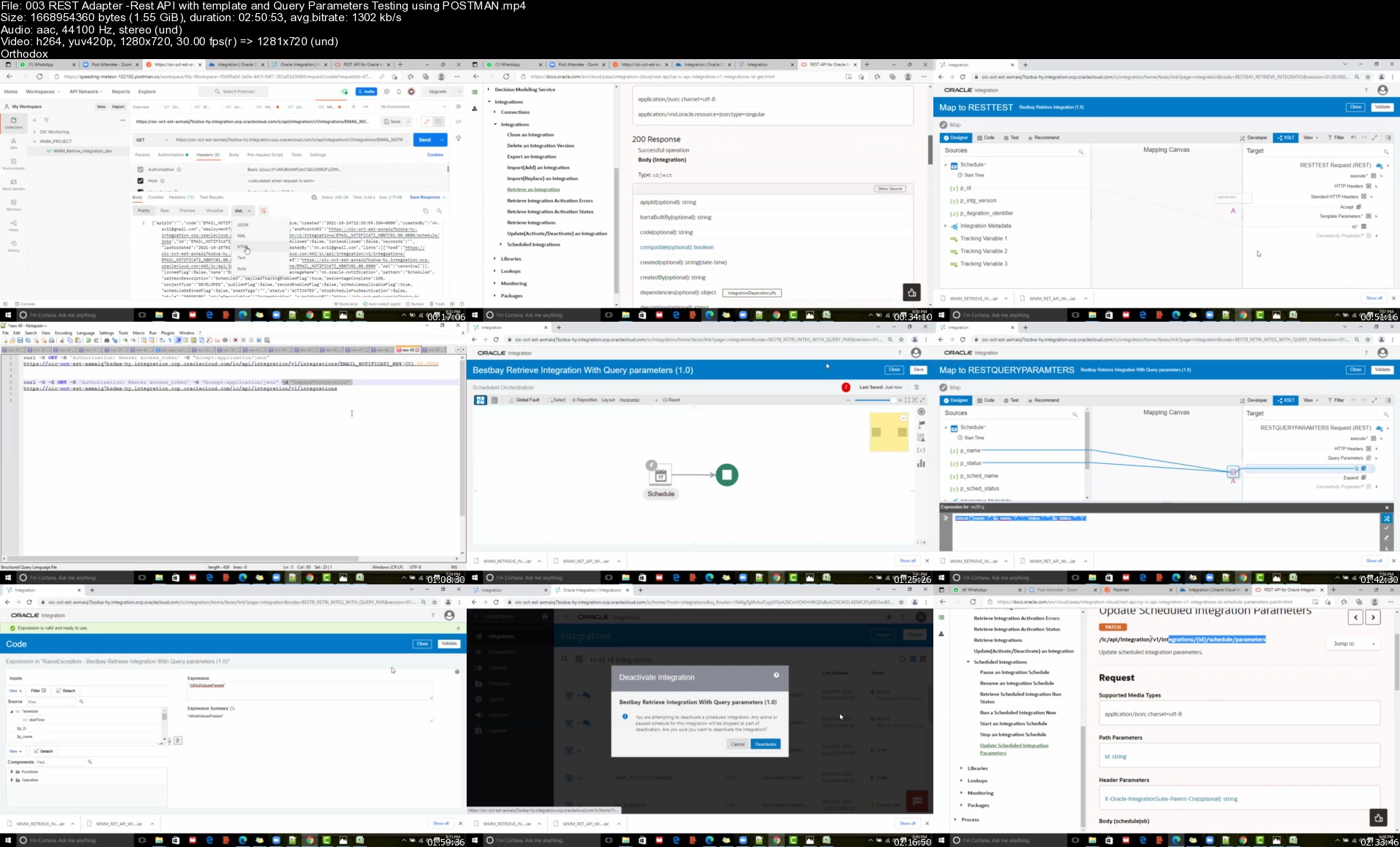
Oracle Fusion Technical - Oracle Integration Cloud OIC/ICS

ifid7c4yb3wbj4l9yjpxicgjst.jpg


Oracle Fusion Technical - Oracle Integration Cloud OIC/ICS
MP4 | Video: h264, 1280x720 | Audio: AAC, 44.1 KHz
Language: English | Size: 10.1 GB | Duration: 21h 23m

REST ,SOAP Adapters ,FTP ,ATP Adapter, FBDI, ORDS, Business Events, Call Back in Oracle Fusion

What you'll learn
Oracle integration Cloud OIC for Oracle EBS Consultants and fusion consultants
Soap Adapter ,Rest Adapter with REST API and SOAP API
FTP Adapter - READ an WRITE and MOVE Files and Load file data into Tables
Cloud Adapter -FBDI and Interfaces and conversions and Call Back
ATP Adapter - INSERT ,UPDATE,DELETE ,MERGE and Calling Procedure and Packaged Procedure
Call Bi Report From OIC and Load Data into Custom Tables
Stage File action ,Schema File Creation
App Driven Integration with Complex JASON Payload
Creating Common logger integration
For Loop ,While Loop, Fault , Re through Fault in OIC
Scope and Exception Handling in OIC
Email Notification with HTML body in OIC
Web Services Testing using POSTMAN and SOAP UI
Working With Attachments in Oracle OIC
Call Back In Oracle OIC
Business Events in OIC
ORDS - Oracle Rest Data Service
Content Sever
FBDI
Call BI Report from OIC using soap Webservice

Requirements
SQL
PLSQL

Description
This Course us designed for Oracle Fusion Technical and Oracle Apps / EBS Technical Consultants

How to Create OIC Instance in OCI

How Create ATP Data Base in OIC

How create a notification in OIC

How Create Email Notification With EMAIL body parameters OIC

How Create Email Notification With HTML body parameters in OIC

How Test Rest API Using Post man

How to Create REST Adapter connection in OIC

How To create integration using REST API with query and template parameters in OIC

How to Create ATP Adapter Connection in OIC

Insert - With parameters and without parameters

update - With parameters and without parameters

Delete - With parameters and without parameters

Select - With parameters and without parameters

Call Procedure from Integration

How to connect to DB using SQL developer

How to Create FTP Adapter Connection in OIC

How To create integration using FTP In OIC

Read

write

Move

Delete

List Files

Download

Stage File Action in OIC

Read entire file

Read File in Segments

write

List Files

Download

How to run Soap Api Using SOAP UI

How to create Soap connection in OIC

How to call Bi report with <10Mb data from SAAS using last_run_date

How to call Bi report with >10Mb data from SAAS

FBDI - File based data Import

BI Cloud Connector

Sandbox

Application Composer

ORDS(Oracle REST Data Service) in Oracle Database

How to Create Cloud Adapter connection OIC

How To create Call Back in oracle OIC

How to work with attachments in Oracle OIC

Business Events in Oracle OIC

How to call ESS job from OIC and SOAP UI

How to create ESS job in oracle Fusion ERP


Who this course is for:
Oracle Apps technical consultants
Oracle Fusion Technical (HCM or SCM or Finance)
Oracle SOA Developers
Oracle Developers

Homepage


003restadapterrestapivkjpv.jpg


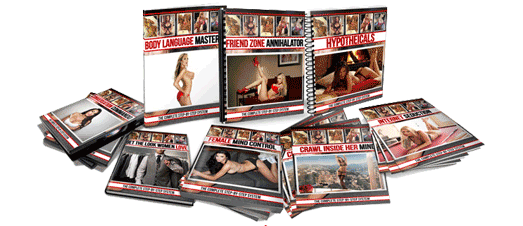
Dean Cortez - The Female Mind Control System

5vqdwkkux5eniajlu8g7ukwjxl.png


Dean Cortez - The Female Mind Control System
MP4/FLV + MP3 + PDF Guides | Video: 720x480 | Audio: MP3 22 Khz , 2ch | Duration: 22h 3 min | Language: English | 6.6 GB

Step 1: "The Female Mind Control" Manual

Female Mind Control is not only field-tested, but scientifically proven to get you results. This step-by-step proven course gives you super human powers over women and allows you to become 1% of the truly elite. This is because it fuses together breakthroughs in Human Behavioral Psychology with Female Sexual Dynamics. It will give you the power to control a woman's mind - so be ready!

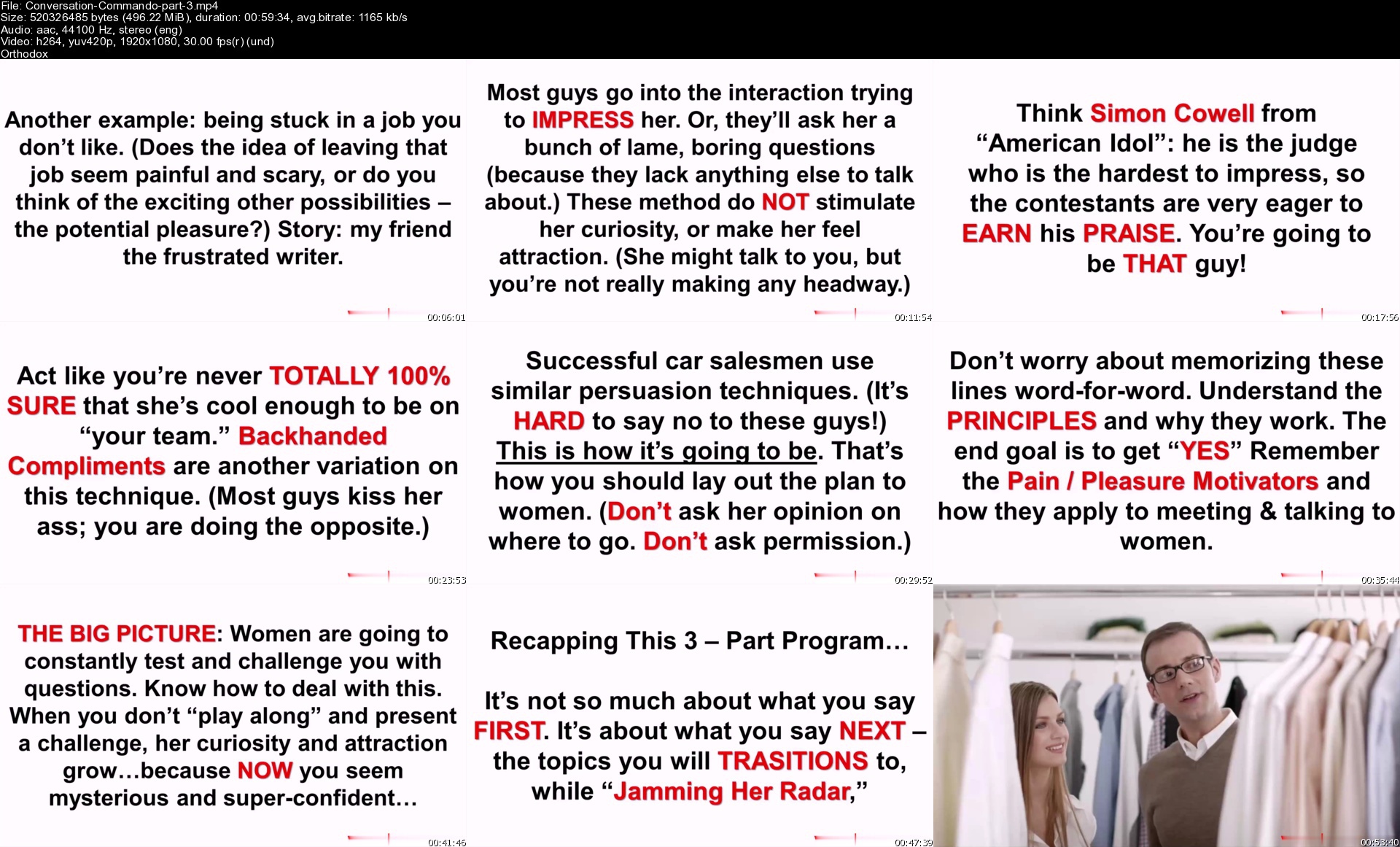
Step 2: "The Conversation Commando" Video Presentations

This bonus consists of three videos that give you a full arsenal of conversational strategies to use with women. Never again will you be "tongue tied" or struggle to figure out "what to say."

Soak up these lessons, and from now on you'll to into every conversation with a rock-solid game plan for success.

Step 3: Bonus Manuals

1. Body Language Mastery

Did you know 80% of communication is non-verbal? Every time you interact with a woman.or even glance at her across a crowded room.there are body language signals being sent back and forth.

Here, you'll learn how to quickly master the art of non-verbal communication. This module gets "super tactical" and reveals secrets used by F.B.I agents and members of the intelligence community to instantly "read" a person's body language.

2. Hypotheticals

Here's a kick-ass bag of tricks that is guaranteed to take your conversations with women to the next level. This is a complete arsenal of fun, sexy hypothetical questions you can ask during your conversations.

To spark any woman's imagination and connect with her on a deeper emotional level. It's the ultimate "cure" to boring small talk and your friends are going to be begging you to share these secrets.

3. Crawl Inside Her Mind

Use these "mind control hacks" while you're talking to a girl, and you'll have her hanging on your every word and feeling an irresistible sense of sexual attraction towards you.

After learning these quick (but extremely powerful) lessons, you'll never again wonder "what do say next." These female mind control secrets will be hard-wired into you!

4. The Friend Zone Annihilator

Here's how to make any woman desire you in a sexual way, even if she's thought of you up until now as "just a friend." Learn the 6 secrets in this bonus, and women will always see you IMMEDIATELY as a guy they want to sleep with.

Or if you have a female friend right now, and you want to bang her or make her your girlfriend, just use 4 of the 6 secrets and SHE will be the one to make a move on YOU.

5. Get the Look Women Love

This bonus module shows you how to easily and massively improve your appearance, without having to lose weight, go to the gym, or spend a bunch of money on fancy clothes.

You'll learn subtle (but extremely powerful) "tweaks" you can make to your appearance and style to make women instantly notice you, and find you handsome.

6. Internet Seduction

This copy-and-paste method makes hooking up with girls online even easier than ordering a pizza. This module reveals the mistakes 83% of guys make in their choice of username and their headline, with specific examples of real-life good (and bad) ones.

How to craft the ULTIMATE profile to attract endless women, including some *sneaky tips* that will give you an unfair advantage over the other guys. and much, much more.

7. Secrets Of "Sexual Hypnosis"

In this closely-guarded special report, you'll discover how to use the psychological science of NLP (Neuro Linguistic Programming) to "hijack" a woman's thoughts and emotions and make her feel irresistible attraction towards you. We'll give you ten proven NLP seduction patterns and explain exactly how and when to use them for maximum effect.

+
Alpha Immersion
Module 1 - Developing Ultimate Seduction Game
Module 2 - Stepping Up Your Game To The NEXT LEVEL
Module 3 - Secrets Of Approaching Women
Module 4 - Secrets Of Verbal Seduction
Module 5 - Advanced Approach & Attraction-Building Tactics
Module 6 - ****** Foreign Women & Being A "Leading Man"
Module 7: "Seduction Magic" and Comfort Building Tactics
Module 8 - Secrets Of Same Night Lays (BangHer The First Night!)
Module 9 - Strip Club Domination and Approach Demonstrations
Module 10 - "Bad Boy" Seduction Tactics & Secrets Of ****** Younger Women
Module 11 - How To Pick Up "9s" and "10s", Secrets Of A Bad Boy Pickup Artist, and Dance Floor Pick Up Tips
Module 12 - Alpha Male Lifestyle Secrets

conversationcommandoptzkm7.jpg


Data Analytics Using Google CoLab : A course for Beginners

lpriuqcjjnsplnlgh9qne47kkd.jpg


Data Analytics Using Google CoLab : A course for Beginners
Genre: eLearning | MP4 | Video: h264, 1280x720 | Audio: AAC, 44.1 KHz
Language: English | Size: 10.3 GB | Duration: 19h 46m

Students will learn how to code different statistical models and machine learning models using google cloud lab


What you'll learn
Problem solving skills related to data
Detecting hidden pattern in the data
Building Predictive models for different domains
Basic concepts of Business Statistics and Machine Learning
Advance statistical concepts used in business analytics and data analytics
Time Series Forecasting
Building Recommendation System
Quiz on each section for evaluation


Description
In this course we have examples of analytics in a wide variety of industries, and we expect that students will learn how you can use data analytics in their career and become data analyst. One of the most important aspects of this course is that you, the student, are getting hands-on experience creating analytics data models. The course has four module first module give learner knowledge about python programming which include packages like Pandas, Numpy and Scipy are being taught in detail, second module introduces Business Statistics where students will get in depth knowledge of Descriptive Statistics, Inferential Statistics and Predictive Statistics along with their example in python i.e. how to implement all statistical modules in python, third module introduces to machine learning in which you will be introduced with Linear and Logistic Regression , Ordinary Least Squares, SVD and PCA for reducing dimensions of the data and the fourth module dedicated to implementation of learned ideas in projects where you were taught to work on data through four phases Data Discovery, Exploratory Data Analysis ,Model Building and result analysis. This is not an end you will going to have a free demo on "Building Movie Recommendation system from scratch" in Google CoLab.


Who this course is for:
Beginners willing to learn programming Business Statistics in Python
Beginners Python developers curious about analysis of data


Homepage


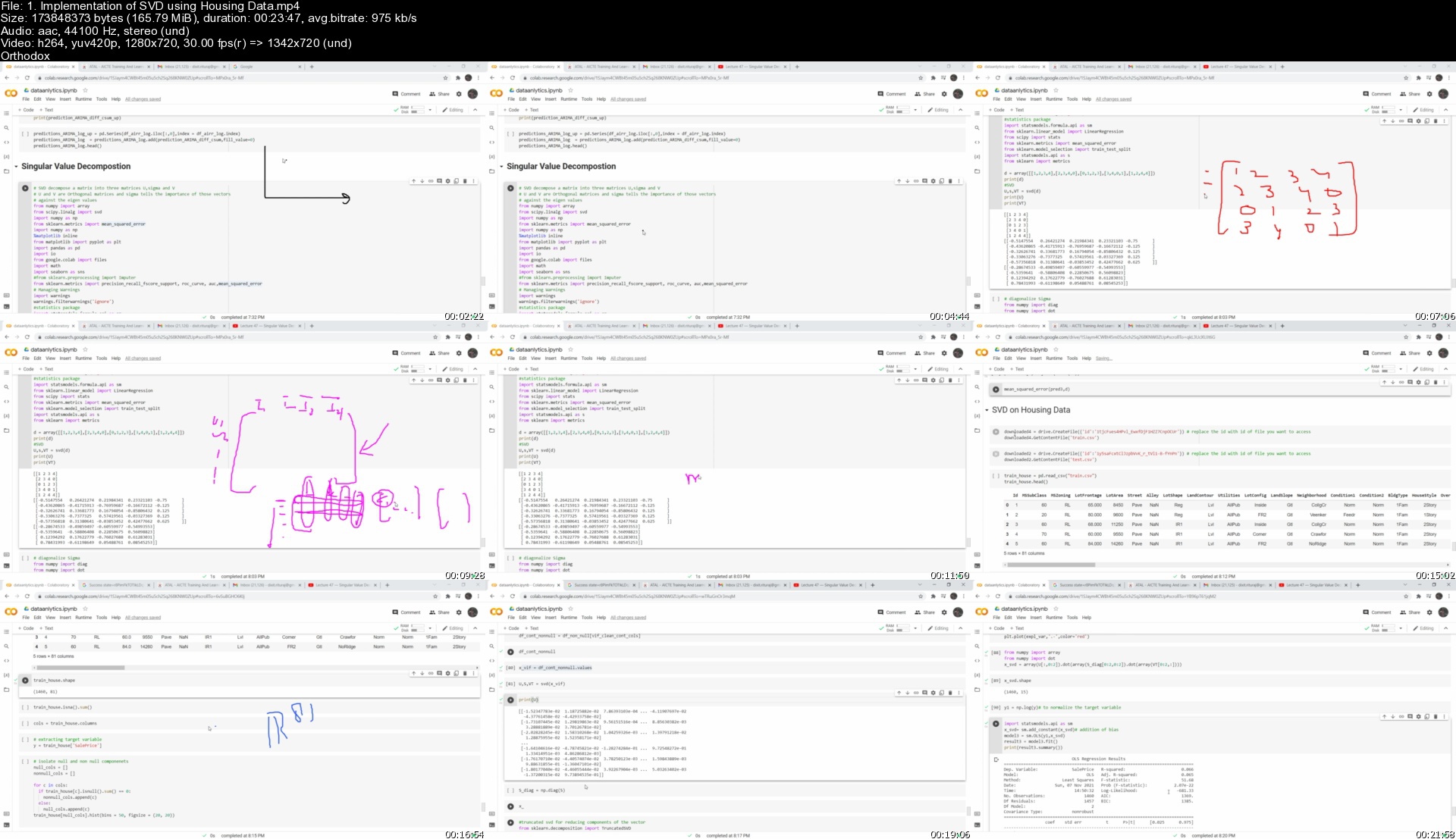
1.implementationofsvd90ki9.jpg


Complete Figma Megacourse: UI/UX Design Beginner to Expert

goepshbfljocktiijtujxhqjbg.jpg


Complete Figma Megacourse: UI/UX Design Beginner to Expert
Video: .mp4 (1280x720, 30 fps(r)) | Audio: aac, 48000 Hz, 2ch | Size: 8.77 GB
Genre: eLearning Video | Duration: 33 lectures (15 hour, 51 mins) | Language: English

This course will be your personal guide for interface design using Figma! Go from the basics to working profesionally!


What you'll learn

The principles of User Interface Design and Prototyping
The basics of Human-Computer Interaction
How to read a User Flow Diagram
How to use Figma and its given tools
How to design within Figma
Wireframing in order to produce a functional prototype
How to use the collaborative feature
How to give and receive feedback on prototypes

Requirements

No previous knowledge in Figma required!
Desire and passion to learn about interface design and layouts
Flexibility with design according to target audience's design elements
Good internet connection
Patience and a positive mindset!


Description

Have you ever wanted to design your own app, website or blog? These days, we use them without a second thought. They have become an integral part of both the human experience and the financial market. It's easy to come up with a new idea for a viral new app, but not as easy to make that app a reality - or so you might think. That's where Figma comes in. Figma is a free, collaborative UI/ UX design tool that can help you design a wide range of interfaces in great detail - and we're here to teach you how.

In this course, you're going to learn everything about user interface design with Figma. Step-by-step, we'll cover everything you need to know from opening the program for the very first time to finalising your finished design. You'll learn all of the tools, as well as how and when to use them. We'll also cover everything you'll need to be able to collaborate with other web developers easily through its collaborative feature. During the course, you will learn about the principles of User Interface Design in order to design with purpose, as well as the principles of Human-Computer Interaction. Finally, we'll teach you how to adapt to specific project requirements, as well as how to wireframe in order to turn your design into a functional prototype.

After taking this course, you will be able to:

Create prototypes and collaborate with web developers easily

Achieve an understanding of the process, purpose, and tools of prototype design

Understand the principles of User Interface Design in order to design with purpose

Learn the basics of Human-Computer Interaction

Discover the standard tools in User Interface

Adapt to specific project deliverables in User Interface

Start your UI/UX development journey with us!


Who this course is for:

Anyone who wants to learn to design user interfaces - no experience needed!
Anyone looking to design their own application, website or blog
UI/UX designers who want to expand their portfolio

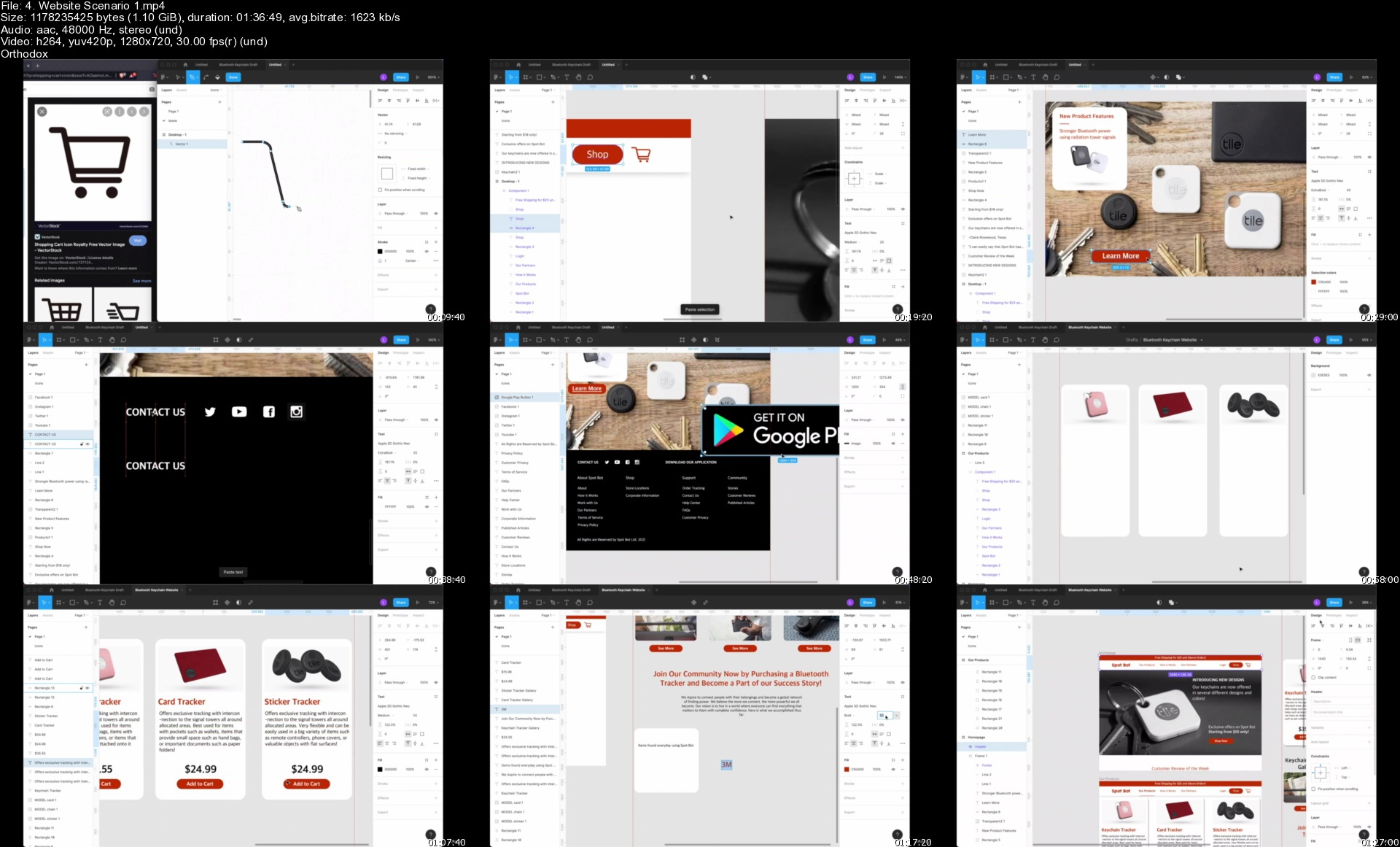
4.websitescenario1s9ejxm.jpg
https://abload.de/img/goepshbfljocktiijtujxhqjbg.jpg


CCIE Data Center (v3.0) - Technical Classes (Updated 08/2021)

4209548bdde4y8kse.jpg


CCIE Data Center (v3.0) - Technical Classes (Updated 08/2021)
MP4 | Video: h264, 1280x720 | Audio: AAC, 44.1 KHz, 2 Ch
Genre: eLearning | Language: English + srt | Duration: 258 lectures (36h 7m) | Size: 14.8 GB

with Ratnesh 2XCCIE # 61380 (Sec | DC )

What you'll learn:
Implement routing and switching protocols in Data Center environment
Implement overlay networks in data center
Introduce high-level Cisco Application Centric Infrastructure (Cisco ACI™) concepts and Cisco Virtual Machine manager (VMM) domain integration
Describe Cisco Cloud Service and deployment models
Implement Fibre Channel fabric
Implement Fibre Channel over Ethernet (FCoE) unified fabric
Implement software management and infrastructure monitoring
Implement Cisco UCS Fabric Interconnect and Server abstraction
Implement SAN connectivity for Cisco Unified Computing System™ (Cisco UCS®)
Describe Cisco HyperFlex™ infrastDescribe Cisco HyperFlex™ infrastructure concepts and benefitsructure concepts and benefits
Describe Cisco HyperFlex™ infrastructure concepts and benefits
Implement Cisco automation and scripting tools in data center

Requirements
CCNP DCCOR or equivalent Knowledge
Familiarity with Ethernet and TCP/IP networking
Familiarity with SANs
Familiarity with Fibre Channel protocol
Identify products in the Cisco Data Center Nexus and Cisco MDS families
Understanding of Cisco Enterprise Data Center architecture
Understanding of server system design and architecture
Familiarity with hypervisor technologies (such as VMware)


Description
Exam Description: The Cisco CCIE Data Center (v3.0) Practical

Exam is an eight-hour, hands-on exam that requires a candidate

to plan, design, deploy, operate, and optimize complex Data

Center networks.

Candidates are expected to program and automate the network

within their exam, as per exam topics below.

The following topics are general guidelines for the content likely

to be included on the exam. Your knowledge, skills and abilities on

these topics will be tested throughout the entire network lifecycle,

unless explicitly specified otherwise within this document.

The exam is closed book and no outside reference materials are allowed.

1. Data Center L2/L3 Connectivity (20%)

1.1 Layer 2 technologies

1.1.a Link Aggregation

1.1.a i vPC

1.1.a ii PortChannel

1.1.b Tagging/Trunking

1.1.c Static Path binding

1.1.d Spanning Tree Protocol

1.1.d i PVST

1.1.d ii MST

1.2 Routing Protocols and features

1.2.a OSPF (v2 and v3)

1.2.a i Authentication

1.2.a ii Adjacencies

1.2.a iii Network types and Area Types

1.2.a iv LSA Types

1.2.a v Route Aggregation/Summarization

1.2.a vi Route Redistribution

1.2.b ISIS

1.2.b i Adjacencies

1.2.b.i.1. Single area, single topology

1.2.b ii Network types, Levels and Router types

1.2.b.ii.1. NSAP addressing

1.2.b.ii.2. Point-to-point, broadcast

1.2.c BGP

1.2.c i Path Selection

1.2.c ii External and Internal Peering

1.2.c iii Route reflectors and Route Server

1.2.c iv Peer Templates

1.2.c v Multi-Hop EBGP

1.2.c vi Route Aggregation/Summarization

1.2.c vii Route Redistribution

1.2.d BFD

1.2.e FHRP

1.3 Multicast protocols

1.3.a PIM

1.3.a i Sparse Mode

1.3.a ii BiDir

1.3.a iii Static RP, BSR, AutoRP, PhantomRP

1.3.a iv IPv4 PIM Anycast

1.3.a v IPv4 Anycast RP using MSDP

1.3.b IGMP

1.3.b i IGMPv2, IGMPv3

1.3.b ii IGMP Snooping

1.3.b iii IGMP Querier

2. Data Center Fabric Infrastructure (15%)

2.1 Physical fabric components

2.1.a Fabric Discovery

2.1.b Controllers/Network Managers

2.1.c Switches

2.2 Fabric policies

2.2.a Access Policies

2.2.b Multi Tenancy

2.2.c Monitoring Policies

2.3 Tenant Policies

2.3.a Application profiles and EPGs

2.3.b Networking

2.3.c Security

2.4 Fabric Monitoring

2.4.a Faults

2.4.b Events

2.4.c Health indicators

2.4.d Audit Logs

2.5 Virtual Networking

2.5.a vSphere VDS

3. Data Center Fabric Connectivity (15%)

3.1 VRF lite

3.2 L3Out

3.2.a OSPF

3.2.a i Authentication

3.2.a ii Adjacencies

3.2.a iii Network types and Area Types

3.2.a iv Route Redistribution

3.2.b BGP

3.2.b i AS manipulation

3.2.b ii External and Internal Peering

3.2.b iii Route reflectors

3.2.b iv Route Redistribution

3.2.c Transit Routing

3.3 Inter Fabric connectivity

3.3.a Multi-Pod

3.3.b Multi-Site

3.3.c Virtual POD

3.3.d remote Leaf

3.4 Overlays

3.4.a VXLAN EVPN

4. Data Center Compute (15%)

4.1 Compute Resources

4.1.a UCSM Policies, Profiles and Templates

4.1.b Hyperflex

4.2 Compute Connectivity

4.2.a SAN/LAN uplinks

4.2.b Rack server integration

4.2.c Port Modes

5. Data Center Storage Protocols and Features (10%)

5.1 FC and FCoE

5.1.a Zoning

5.1.b NPV/NPIV

5.1.c Trunking

5.1.d Portchannel

5.1.e Load Balancing

5.2 iSCSI

5.2.a Authentication

5.2.b Multipathing

5.3 RoCE v2 over IP Networks

6. Data Center Security and Network Services (10%)

6.1 Security features

6.1.a ACL's

6.1.b First Hop Security

6.1.c Port security

6.1.d Private VLANs

6.1.e Contracts

6.2 RBAC

6.2.a Radius

6.2.b TACACS+

6.2.c LDAP

6.2.d AAA

6.3 Network Services Insertion and Redirection

6.3.a Policy Based Routing

6.3.b Policy Based Redirection

6.3.c Inter VRF communication

6.3.d Route Targets

6.3.e Prefix Lists

6.4 Services

6.4.a Flow/Telemetry Export

6.4.b SPAN

6.4.c SNMP

6.4.d Syslog

6.4.e DHCP

6.4.f NTP/PTP

6.5 Traffic management

6.5.a Queueing

6.5.b Policing

6.5.c Classification/Marking

6.5.d Scheduling

6.5.e CoPP

7. Data Center Automation and Orchestration (15%)

7.1 Data center tasks using scripts (Python and Ansible)

7.1.a Create, Read, Update, Delete using RESTful APIs

7.1.b Deploy and modify configurations

7.1.c Statistics, Data Collection

7.2 Data Center Automation and Orchestration using tools

7.2.a DCNM

7.2.b UCSD

7.2.b i Tasks

Who this course is for
Network designers
Network administrators
Network engineers
Systems engineers
Data center engineers
Consulting systems engineers
Technical solutions architects
Field engineers
Cisco integrators and partners
Server administrator
Network manager

Homepage


002ucsarchitecturesdzk1v.jpg


JavaScript Development Bootcamp: Build 20 Powerful Projects

4342828ca2d486jo2.jpg


JavaScript Development Bootcamp: Build 20 Powerful Projects
Last Update: 11/2021
Duration: 30h 57m | Video: .MP4, 1280x720 30 fps | Audio: AAC, 44.1 kHz, 2ch | Size: 13 GB
Genre: eLearning | Language: English

Learn JavaScript By Doing: Develop Multiple Real World Web Application Projects Using HTML, CSS, JavaScript Programming


What you'll learn:
Write clean, maintainable and performant Javascript code
Project based teaching to sharpen your HTML, CSS & JavaScript skills
Build beautiful and customizable, real world frontend applications
Perfect for beginners looking for things to build unique projects in a short timeframe
Projects with pure JavaScript, HTML5, CSS3 with all code provided

Requirements:
Knowledge Of JavaScript

Description:
JavaScript is a programming language used to make websites interactive. If you think about the basic makeup of a website, you have HTML, which describes and defines the basic content and structure of the website, then you have CSS, which tells the browser how this HTML content should be displayed-determining things like color and font.
With just HTML and CSS, you have a website that looks good but doesn't actually do much. JavaScript brings the website to life by adding functionality. It's is responsible for elements that the user can interact with, such as drop-down menus, modal windows, and contact forms. It is also used to create things like animations, video players, and interactive maps.
Nowadays, JavaScript is an all-purpose programming language-meaning it runs across the entire software stack. The most popular application of it is on the client-side (aka frontend), but since Node.js came on the scene, many people run JavaScript on the server-side (aka backend) as well.
When used on the client-side, JavaScript code is read, interpreted, and executed in the user's web browser. When used on the server-side, it is run on a remote computer.
JavaScript isn't only used to create websites. It can also be used to build browser-based games and, with the help of certain frameworks, mobile apps for different operating systems. The creation of new libraries and frameworks is also making it possible to build backend programs with the language, such as web apps and server apps.

In This Course, We Are Going To Build 20 Real-World JavaScript Projects Listed Below:
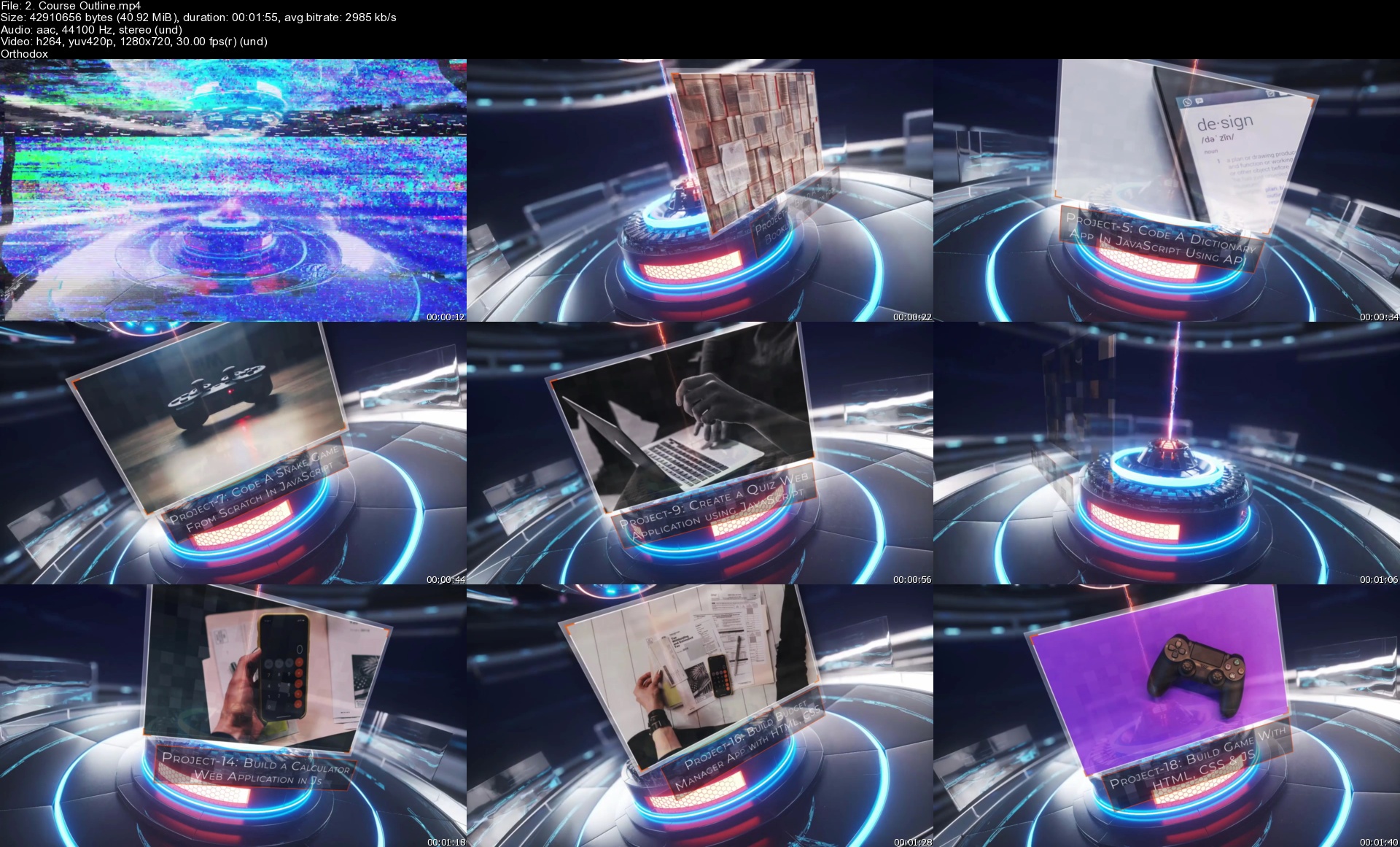
Project-1: Sortable List Web Application using JavaScript
Project-2: Build an Analog Clock with JavaScript
Project-3: Build a JavaScript Booklist Application From Scratch
Project-4: Create Custom Music Player In JavaScript
Project-5: Code a Dictionary App In JavaScript Using API
Project-6: Create a Simple To-Do List Application with JavaScript
Project-7: Code a Snake Game from Scratch in JavaScript
Project-8: Building an Action Game in JavaScript
Project-9: Create a Quiz Web Application using JavaScript
Project-10: Create a Food Recipe App using Vanilla JavaScript
Project-11: Build a Notes Taking Website Using Pure JavaScript
Project-12: Create a Github Profile Search Application with JavaScript
Project-13: Build a Strong Random Password Generator Web App using JavaScript
Project-14: Build a Calculator Web Application in JavaScript
Project-15: Build Contacts App with HTML, CSS, JS, and parcel
Project-16: Build Budget Manager App with HTML, CSS, and JS
Project-17: Build Weather Now app with HTML, CSS and JS
Project-18: Build Game with HTML, CSS and JS
Project-19: Build Painting App with HTML Canvas and JavaScript
Project-20: Build Number Facts App with HTML, CSS and JS


Who this course is for:
Beginners In JavaScript

Homepage

2.courseoutlineswujaq.jpg


Angular App From Scratch - Complete Guide Design to Deploy

yigcivnqnlh3hk2psqzgqfckbk.jpg


Angular App From Scratch - Complete Guide Design to Deploy
Genre: eLearning | MP4 | Video: h264, 1280x720 | Audio: AAC, 48.0 KHz
Language: English | Size: 8.84 GB | Duration: 22h 56m

Master Angular Frontend Framework and Lear to build a Complete Modern World App From Design to Deploy using Firestore


What you'll learn
Establish yourself as a skilled professional developer
Benefits of Design & Prototyping, and you will learn how to design a complete web app using Figma Design Tool
Develop modern world web applications with Angular Frontend framework
Master fundamental concepts behind structuring Angular applications
Integrate Bootstrap CSS Framework
Troubleshoot common Angular errors
Write clean and elegant code like a professional developer
Master the best practices


Description
Angular App From Scratch - Complete Guide Design to Deploy

A few years back I'm also a student or learner like you finding the best resources to master Angular, I struggled a lot to find a tutorial that cover design to deploy all in one, and I know you also struggling with the same problem, so I decided to come up with a brand new course that covers All the Essentials part that you want to build a full modern Angular App from Design to Deploy.

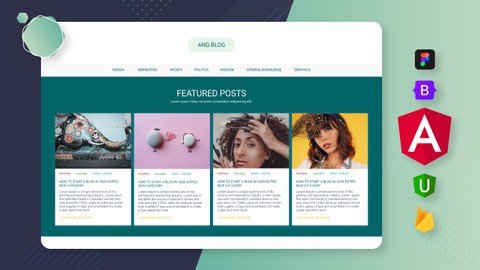
so in this course will build a complete Angular Blog Application, using Angular framework, Firestore database, and Bootstrap CSS Framework, this blog apps comes with two main parts the front end view and the backend dashboard,

so we will develop this Full Fledge Real-world Modern Lookin Angular web app with 3 major steps,

Design Develop and Deploy

Design section,

In this section we will learn how to design a Website idea, into a graphical design using a design tool called Figma, using this tool we will design all the sections and pages of our angular blog site, once it done we will learn to make these graphical designs into a web prototype so then we can get the overall idea off what we are building.

Development stage,

In this Section will learn a to z all the core concepts, features technologies used in Angular from basic to advance, with this will learn,

Components, services, directives, pipes, Angular Forms, routers, Authentication, and so on,

Once we learned all the fundamentals of Angular, will start to build our Final Blog App from scratch, for this will take the advantage of bootstrap CSS framework, so will learn all the fundamentals of Bootstrap as well,

As a backend solution for our Angular app will use Google's Firebase, as the database will use the Cloud Firestore, as the Cloud Storage will use the Firebase Storage, For Authentications system Will Use the Firebase Authentication, and for the Last Deployment, will use the Firebase Host as our Hosting Space, will learn all about these firebase features from scratch one by one,

Actually, in this course, you will not only learn about Angular, but you will also get an overall idea of how to build a real-world modern App From scratch.

This course is well organized from Basic to advanced topics so anyone can follow up on this course even if you are Beginner.

by the end of this course, if you followed my instructions exactly, you will gain the knowledge and Confidence to build any kind of real-world app on your own from scratch.

and finally, if your get stuck with anything, or if you have any questions, I will be always there for you :)

Pay once, benefit a lifetime!

Don't lose any time, gain an edge and start developing now!


Who this course is for:
Developers who want to upgrade their skills and get better job opportunities
Front-end developers who want to stay up-to-date with the latest technology
Back-end developers who want to learn front-end development and become full-stack developers
Hobbyist developers who are passionate about working with new frameworks

Homepage


16.outputdecoratorevekbkt2.jpg


300+ Important TOEFL Words: Advanced English Vocabulary

cbliv89qsvjbuhemmzgsdafk5u.jpg


300+ Important TOEFL Words: Advanced English Vocabulary
Genre: eLearning | MP4 | Video: h264, 1280x720 | Audio: AAC, 48.0 KHz
Language: English | Size: 7.75 GB | Duration: 6h 33m

Words you need to know for TOEFL preparation, plus exams like the IELTS, PTE and CAE. Improve your English vocabulary!


What you'll learn
Achieve a higher score in all sections of the TOEFL (reading, writing, listening and speaking)
Substantially improve your vocabulary
Learn words that native speakers know, but that English learners often don't learn
Learn to express yourself better with more precise vocabulary and collocations


Description
Are you preparing for the TOEFL or another English exam? Or do you feel like your English vocabulary is not getting better? If so, this is the right course for you!

This is an ideal course for exam preparation. These words are essential for the TOEFL, but most of the topics are also useful if you are preparing for test like the IELTS, PTE or CAE. As these are all normal English words (that aren't just used in exams!), this course is really for all English learners who would like to expand their vocabulary.

These are words that nearly all adult native speakers know, but that English learners often don't learn because they aren't words that we use every day. Those words can be hard to remember because of a lack of repetition and that is why many people stagnate when they learn a foreign language. This course makes it easy to learn new words fast!

The course includes:
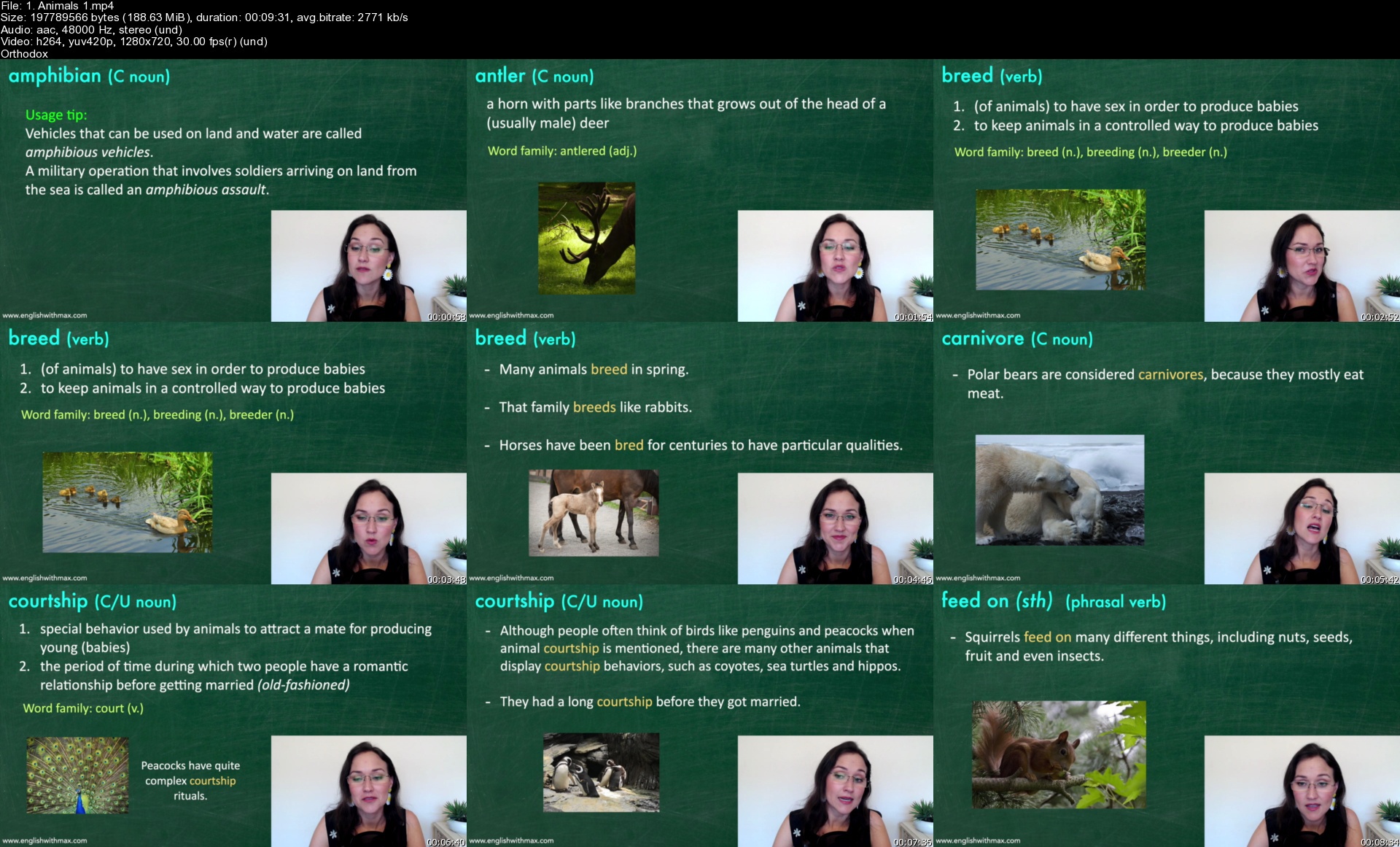
- definitions of each word
- word families (words with the same root)
- collocations
- usage tips
- example sentences
- quizzes
- audio files that you can download and listen to when you're doing other things
- pdf sheets for note taking

The aim of this course is not just to give you a list of words, but to help you remember the words! The key to remembering is repetition, which is why you will see or hear each word multiple times in varied ways (in the lectures, quizzes and audio files).

Please note: This course is not for beginners. It is aimed at students who already have an intermediate to advanced level.


Who this course is for:
Students who plan on taking the TOEFL
Students who are preparing for other exams such as the IELTS, CAE and PTE
Anyone who is interested in improving their English vocabulary (these are all regular English words that aren't just used in exams!)

Homepage


1.animals1s4ikz0.jpg


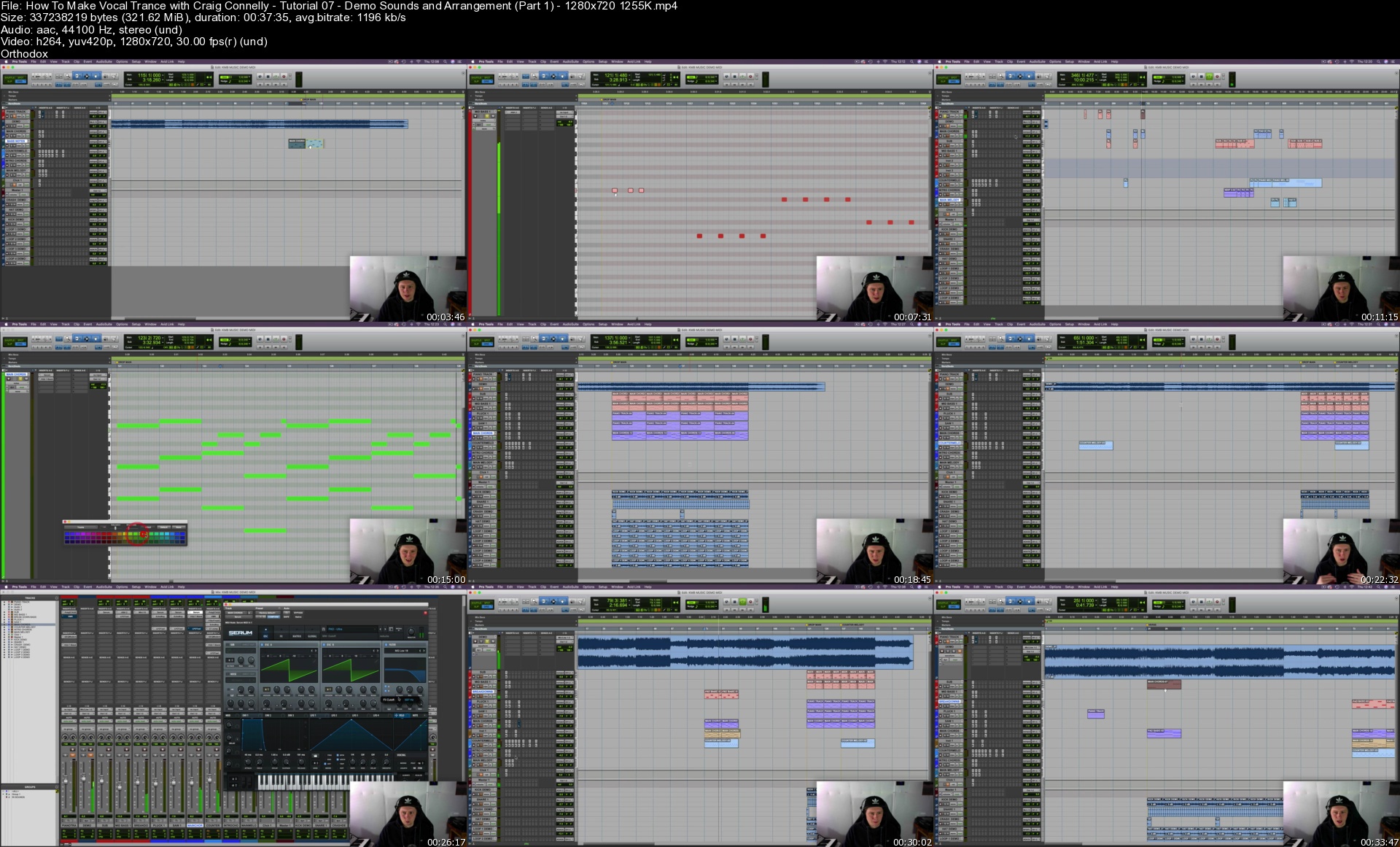
Sonic Academy - Vocal Trance with Craig Connelly

p87hc93w5v2qc52lrjsa2evkkw.jpg


Sonic Academy - Vocal Trance with Craig Connelly
Craig Connelly | Duration: 11:59 h | Video: H264 1280x720 | Audio: AAC 44,1 kHz 2ch | 6,64 GB | Language: English

Strap yourself in and get yourself comfy as this is something truly epic!

Sonic Academy proudly welcomes brand new tutor and globally acclaimed Trance DJ/Producer and A&R man Craig Connelly for an all-new HUGE course in How To Make Vocal Trance where he recreates his new single 'Keep Me Believing' feat. Megan McDuffee - ASOT 1010 tune of the week no less!

No stone is left unturned here as we go into every detail of the process creating a hit record from building a demo for the vocalist to work from and discussing the business side of things to building the final fine-tuned track along with processing and then mixing and mastering so it's ready to be played out.

Created in Pro Tools the methods Craig shows us are transferable across every DAW. The sheer amount of pro tips and tricks included in this course are mind-blowing as Craig shares every detail in easy-to-follow steps as to how he gets his signature sound.

And if a 12 hour course isn't big enough for you, there's more..

We've teamed up with Craig's label to host an exclusive remix contest as well!

Homepage


howtomakevocaltrancewxfjz4.jpg


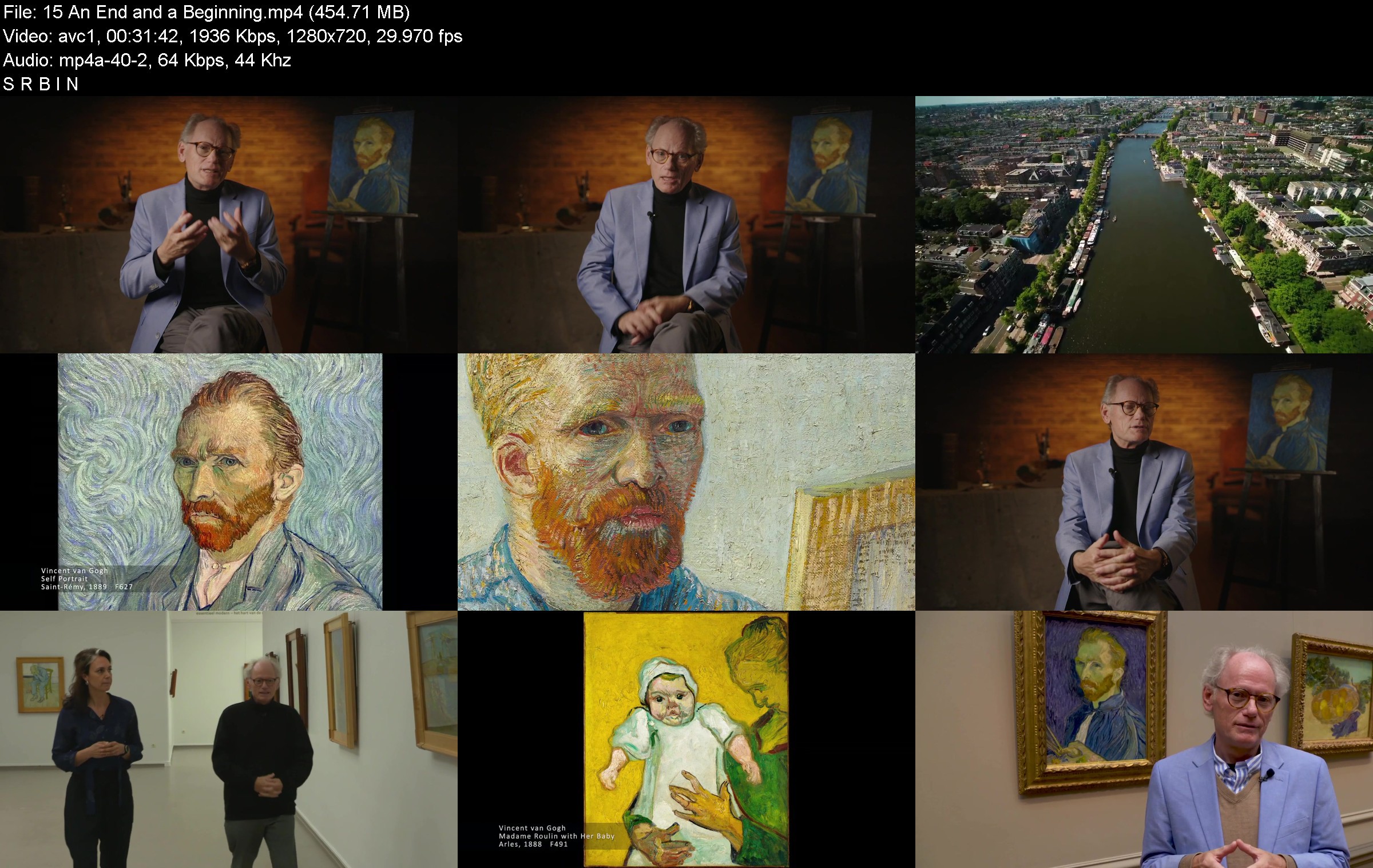
TTC - In the Footsteps of Vincent van Gogh

70030uvk7o.jpg


TTC - In the Footsteps of Vincent van Gogh
MP4 | Video: h264, 1280x720 | Audio: AAC, 44.1 KHz, 2 Ch
Genre: eLearning | Language: English | Duration: 15 Lessons (5h 40m) | Size: 4.8 GB


What was the secret of Vincent van Gogh's amazing output-over 800 paintings, created in less than a decade? How did he arrive at such a deeply individual and expressive style of art? And did he truly mean to kill himself in a field outside the village of Auvers-sur-Oise, or was it merely a desperate cry for help?

In the Footsteps of Vincent van Gogh is an immersive journey through the world of Van Gogh, filmed on location at historical sites in Europe and enriched by the voices of fellow Impressionists, as well as the music of his time. Written and directed by Professor Jean-Pierre Isbouts, an art historian, best-selling author, and award-winning filmmaker, the series sets out to answer many urgent questions that remain unsolved to this day.

One thing is certain: Van Gogh is one of the most widely recognized, as well as one of the most widely misunderstood, artists of the modern world. Shrouded in enigma and difficulty from the start, his life was touched by tragedy.

This background and many other secrets about his life are the subject of this fascinating series of 15 documentary shorts. Each are filmed on location in Holland, Belgium, and France. Each episode features not only Vincent's own words, based on his letters to Theo, but also those of fellow Impressionists and friends, brought to life by a cast of 11 voice actors. In addition, each episode is movingly edited to the music of Debussy, Satie, Franck, Fauré, and Ravel-music that Vincent was probably very familiar with. Some of these pieces were recorded by Professor Isbouts with ensembles and soloists in Los Angeles and New York.

Letters from van Gogh

Much of the story revolves around Vincent's intimate musings to his brother Theo, who was probably the most central figure in Vincent's life. Beginning as early as 1872, these letters offer us an unprecedented and nearly day-by-day record of Vincent's mental, emotional, and creative development during his artistic career.

A Story of Places

Jean-Pierre takes a unique approach to documenting Vincent's path. Where most other historians try to analyze the artist's stylistic development-either within the confines of his artistic "periods," against the larger contexts of the art movements of his day, or in biographical or psychological terms, Jean-Pierre organizes this series by locale. This arrangement is important because Vincent was never tied down to a single location, unlike most of his contemporaries. He rarely stayed anywhere for more than two years. Indeed, his art seemed to thrive on the frantic movement from one place to the next, each of which left an indelible stamp on his work.

Some of the key places you will visit include:

Nuenen, Holland-Vincent moved back with his parents for two years after his attempts to hold down careers first in art dealership and then ministry failed. It was here that he became an artist in the true sense of the word as his confidence and output grew.
Antwerp, Belgium-Although he only stayed there for three months, and it has been largely ignored by scholars, it was here in this Belgian city that Vincent began a remarkable evolution, learning about current-day movements and seeing much of the great art of the day with his own eyes.
Paris, France-The center of 19th-century modern art, it was here that Vincent was exposed to the full-scale Impressionist movement, dropping in on his brother Theo, by surprise. Unfortunately, we know less about Vincent's thoughts during this time due to a lack of letters since Vincent was living with Theo, but these episodes do include numerous oral testimonies from artist friends.
Arles, Provence-The place that Vincent thought of as his own "Japan," because the landscape there reminded him of the Japanese prints he loved. It is here that he arrived at his classical style, and where he cut his ear after a fight with fellow artist and roommate Paul Gauguin. In these episodes, Vincent's famed "Yellow House" has been lovingly reconstructed using 3-D animation.
The Asylum of Saint-Rémy, Provence-Here, Vincent attempted to recover his mental and physical health. While his immediate surroundings were spartan, the view from his barred window-a wheat field-would captivate and inspire him. It is during this time that he painted what is perhaps his best-known painting-The Starry Night.
Auvers-sur-Oise, France-This is the village where Vincent spent his last months and found a friend in physician and amateur artist Paul Gachet. His two portraits of the doctor rank among his finest works. It is also here that the tensions in Vincent's life came to a head, and his despair eventually gave way to the fateful day he shot himself, dying less than two days later.
By exploring Vincent's life in each of these locations, you will begin to grasp how his surroundings shaped his paintings.

Connections and Influences

The course also explores Vincent's growing-up years in Brabant, in the south of the Netherlands. Incidentally, Jean-Pierre also grew up in this region, which made him very familiar with the landscapes from the artist's Dutch period. Jean-Pierre even recounts a personal memory from his childhood connecting him to Vincent. This tangible connection with van Gogh permeates the course in fascinating ways.

Throughout his career, it is the landscape that directly influenced Vincent's work, whether in Holland, Paris, or the South of France. He also drew influence from outside sources like Japanese art prints, and impulses from the Impressionist and Post-Impressionist movements.

From Unknown to Revered Artist

Would the world even know about Vincent today without his brother Theo and Theo's wife, Johanna? Likely not. Theo was instrumental in shaping Vincent as a person and artist; in fact, Theo was the one who encouraged Vincent to become a painter. He was the one person who always recognized Vincent's genius and believed he would someday be known as one of the world's greatest artists. And Johanna would go on to continue her husband's tireless promotion of Vincent after both brothers died.

Perhaps the reason why Vincent's art is now considered so memorable-and yet was so undesirable in his own time-is that his paintings lack the gloss and sophistication of his contemporaries, in part because he was largely self-taught. He never could be pinned down to one "school" or movement; instead, he painted the way he lived his life: doggedly, obsessively, and always true to his feelings. Vincent was a maverick in an age that prized conformity, and it is this individualism that makes him so appealing to our modern age.

In the Footsteps of Vincent van Gogh will take you on an unforgettable journey through the beauty, the turmoil, and the genius of one of the greatest artists the world has ever known.


inthefootstepsofvincejpjw3.jpg


Download from RapidGator


Download from Keep2Share


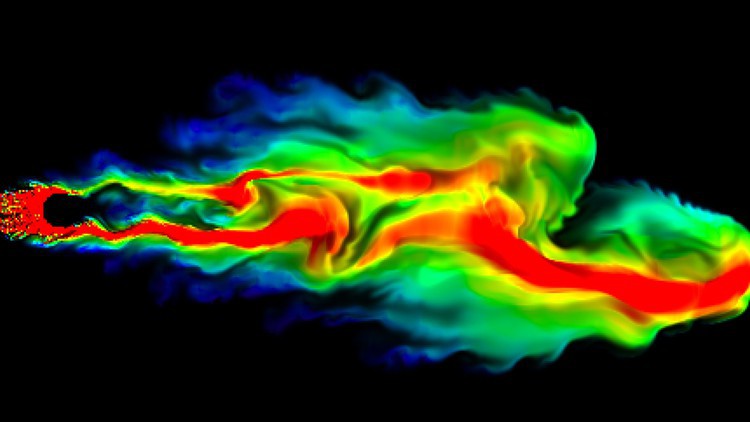
Mastering Computational Fluid Dynamics with SolidWorks 2021

4399406cead41djhq.jpg


Mastering Computational Fluid Dynamics with SolidWorks 2021
MP4 | Video: h264, 1280x720 | Audio: AAC, 44.1 KHz, 2 Ch
Genre: eLearning | Language: English + srt | Duration: 27 lectures (10h 38m) | Size: 7.16 GB

A Complete Package of Computational Fluid Dynamics (CFD) using SolidWorks 2021

What you'll learn:
Students will learns all the CFD Techniques and applications
Students will learn to solve any kinds of Real-world Engineering or Industrial problems relevant to CFD
Students will learn the Optimization in CFD
Students will know different types of CFD Applications and their solution methods

Requirements
Engineering Drawing, Basics of SolidWorks

Description
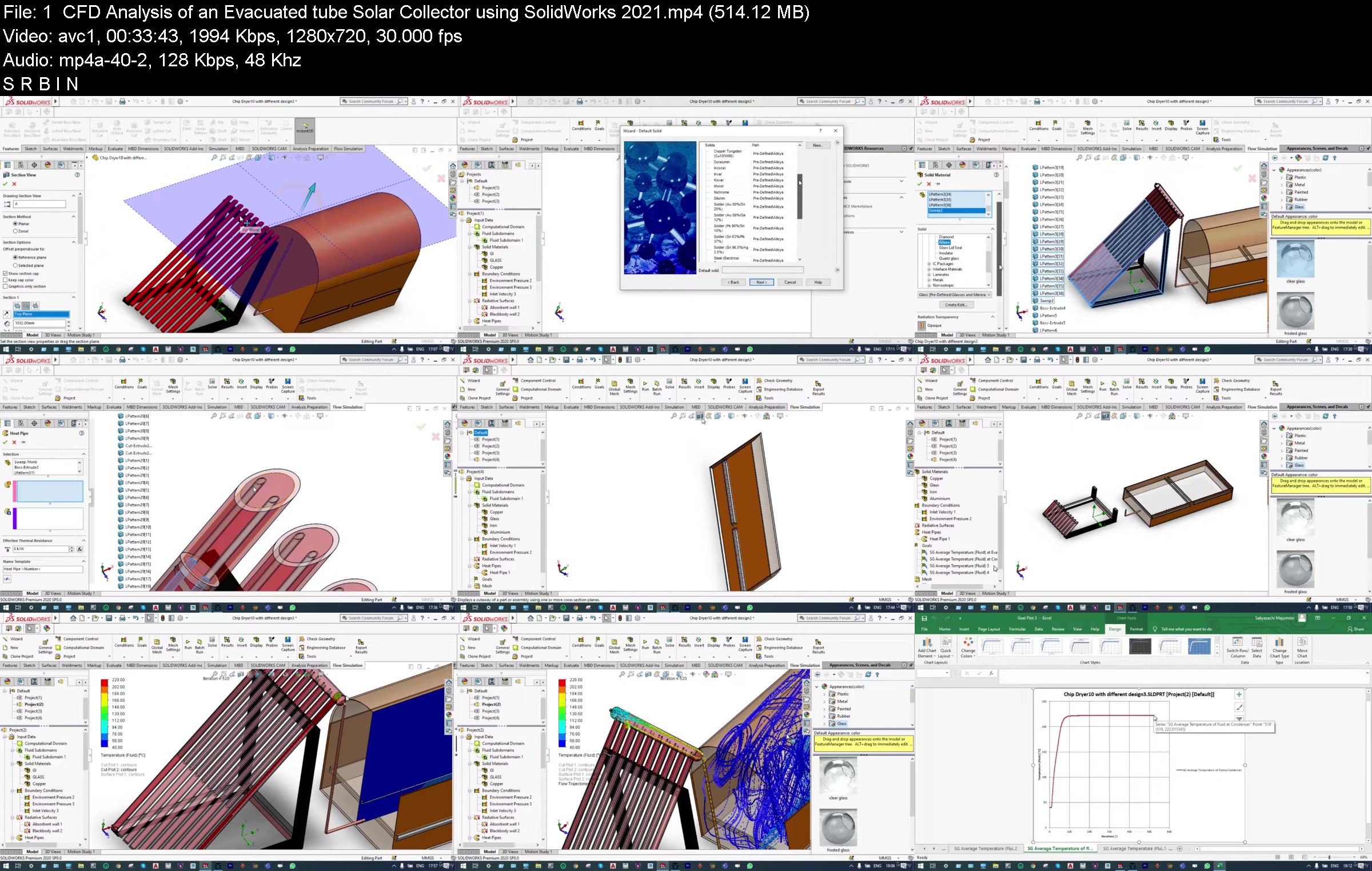
This coursework contains 26 videos with a duration of approximately 11 hours. All the videos are about CFD analysis and Optimization using SolidWorks. The videos are about industry specific problems, represented in a simple manner with simpler examples. This course is made keeping in mind about the intermediate & advanced learners. In this course-work important CAD models have also been provided as resources for users practice purpose. The course is divided into six different units.

Unit 1 contains 4 videos with different applications of Heat Pipe to analyze and optimize CFD problems

(i) CFD Analysis of an Evacuated Tube Solar Collector

(ii) CFD Analysis of Laptops with Heat Pipes using SolidWorks 2021

(iii) CFD Conjugate Heat Transfer Analysis with Heat Pipes using SolidWorks 2021

(iv) CFD Parametric Study & Optimization of Exhaust Gas with Heat Pipe -SolidWorks 2021

Unit 2 contains 5 videos with CFD Analysis of different types of Heat Exchangers.

(i) CFD Analysis of a Cross Flow Heat Exchanger using SolidWorks 2021

(ii) CFD Analysis of a Plate Heat Exchanger with SolidWorks 2021

(iii) CFD Analysis of a shell tube heat exchanger using SolidWorks 2021

(iv) CFD Analysis of a Surface Condenser using SolidWorks 2021

(v) CFD Analysis of a Counter Flow Heat Exchanger using SolidWorks 2021

Unit 3 contains 4 videos with a detailed CFD analysis of HVAC systems in a correct sequence. In this case analysis will be carried out at different stages from condenser to Dryer, to expander to Evaporator.

(i) CFD Analysis of an HVAC Condenser using SolidWorks 2021

(ii) CFD Analysis of HVAC Evaporator using SolidWorks 2021

(iii) CFD Flow Simulation through an HVAC Drier using SolidWorks 2021

(iv) CFD Flow Simulation through an HVAC Expander using SolidWorks 2021

Unit 4 contains 7 videos with CFD Analysis and optimization of homogeneous and heterogeneous fluid mixing.

(i) CFD Flow Simulation & Particle Study of a Cyclone Separator with SolidWorks 2021

(ii) CFD Flow Simulation through a Duct of varied cross section using SolidWorks 2021

(iii) CFD Forced Convective Heat Transfer with Perforated Plates using SolidWorks 2021

(iv) CFD Parametric Study & Optimization of Multiple Fluid Mixing Using SolidWorks

(v) CFD Transient Analysis of Fluid Mixing using SolidWorks 2021

(vi) Fluid Mixing using SolidWorks Flow Simulation

(vii) Heterogenous Fluid Mixing with CFD Free Surface Technique using SolidWorks 2021

Unit 5 contains 3 videos with CFD Analysis and Optimization of Exhaust Gas analyzer.

(i) CFD Analysis & Optimization of a Catalytic Converter with SolidWorks 2021

(ii) CFD Analysis of an Exhaust Gas System of Petrol Engine using SolidWorks 2021

(iii) CFD Parametric Study and Optimization through multiple port Exhaust Manifold

Unit 6 contains 3 videos with CFD Analysis and Optimization of different applications relevant to convection and radiation.

(i) CFD Analysis & Optimization of an Electrical Kettle - SolidWorks 2021

(ii) CFD Flow Simulation through an Electrical Bulb using SolidWorks 2021

(iii) Convection using SolidWorks Free Surface Technique

Who this course is for
Engineering students and CAD/CAM/CAE Professionals


masteringcomputationaoxj50.jpg


Download from RapidGator


Download from Keep2Share


Zurück
Oben Unten