• Regeln für den Video-Bereich:

    In den Börsenbereich gehören nur Angebote die bereits den Allgemeinen Regeln entsprechen.

    Einteilung

    - Folgende Formate gehören in die angegeben Bereiche:
    - Filme: Encodierte Filme von BluRay, DVD, R5, TV, Screener sowie Telesyncs im Format DivX, XviD und x264.
    - DVD: Filme im Format DVD5, DVD9 und HD2DVD.
    - HD: Encodierte Filme mit der Auflösung 720p oder darüber von BluRay, DVD, R5, TV, Screener sowie Telesyncs im Format x264.
    - 3D: Encodierte Filme von BluRay, die in einem 3D Format vorliegen. Dies gilt auch für Dokus, Animation usw.
    - Serien: Cartoon/Zeichentrick, Anime, Tutorials, Dokumentationen, Konzerte/Musik, Sonstiges sind demnach in die entsprechenden Bereiche einzuordnen, auch wenn sie beispielsweise im High Definition-Format oder als DVD5/DVD9/HD2DVD vorliegen. Ausnahme 3D.
    - Bereich Englisch: Englische Releases gehören immer in diesen Bereich.
    - Bereich Talk: Der Bereich, in dem über die Releases diskutiert werden kann, darf, soll und erwünscht ist.


    Angebot/Beitrag erstellen

    - Ein Beitrag darf erst dann erstellt werden, wenn der Upload bei mindestens einem OCH komplett ist. Platzhalter sind untersagt.
    - Bei einem Scenerelease hat der Threadtitel ausschließlich aus dem originalen, unveränderten Releasenamen zu bestehen. Es dürfen keine Veränderungen wie z.B. Sterne, kleine Buchstaben o.ä. vorgenommen werden. Ausnahme Serienbörse:
    - Bei einem Sammelthread für eine Staffel entfällt aus dem Releasename natürlich der Name der Folge. Beispiel: Die Simpsons S21 German DVDRip XviD - ITG
    - Dementsprechend sind also u.a. verboten: Erweiterungen wie "Tipp", "empfehlenswert", "only", "reup", usw. / jegliche andere Zusatzinformation oder Ergänzung, welche nicht in obiger Beschreibung zu finden ist.

    Aufbau des Angebots und Threadtitel

    Der Titel nach folgendem Muster erstellt zu werden. <Name> [3D] [Staffel] [German] <Jahr> <Tonspur> [DL] [Auflösung] <Quelle> <Codec> - <Group>
    Beispiel: The Dark Knight German 2008 AC3 DVDRip XviD - iND
    Beispiel: The Dark Knight 2008 DTS DL BDRip x264 - iND
    Beispiel: The Dark Knight 2008 AC3 DL BDRip XviD - iND
    Beispiel: The Dark Knight German 2008 AC3 720p BluRay x264 iND
    Beispiel: The Dark Knight 2008 DTS DL 1080p BluRay x264 iND
    Beispiel: Die Simpsons S01 German AC3 DVDRip XviD iND
    Beispiel: Die Simpsons S20 German AC3 720p BluRay x264 iND
    Beispiel: Sword Art Online II Ger Sub 2014 AAC 1080p WEBRip x264 - peppermint
    Entsprechend sind also u.a. verboten: Sonderzeichen wie Klammern, Sterne, Ausrufezeichen, Unterstriche, Anführungszeichen / Erweiterungen wie "Tipp", "empfehlenswert", "only", "reup", usw. / jegliche andere Zusatzinformation oder Ergänzung, welche nicht in obiger Beschreibung zu finden ist
    Ausnahmen hiervon können in den Bereichen geregelt sein.

    Die Beiträge sollen wie folgt aufgebaut werden:
    Überschrift entspricht dem Threadtitel
    Cover
    kurze Inhaltsbeschreibung
    Format, Größe, Dauer sind gut lesbar für Downloader außerhalb des Spoilers zu vermerken
    Nfo sind immer Anzugeben und selbige immer im Spoiler in Textform.
    Sind keine Nfo vorhanden z.B. Eigenpublikationen, sind im Spoiler folgende Dateiinformationen zusätzlich anzugeben :
    Quelle
    Video (Auflösung und Bitrate)
    Ton (Sprache, Format und Bitrate der einzelnen Spuren)
    Untertitel (sofern vorhanden)
    Hosterangabe in Textform außerhalb eines Spoiler mit allen enthaltenen Hostern.
    Bei SD kann auf diese zusätzlichen Dateiinformationen verzichtet werden.

    Alle benötigten Passwörter sind, sofern vorhanden, in Textform im Angebot anzugeben.
    Spoiler im Spoiler mit Kommentaren :"Schon Bedankt?" sind unerwünscht.


    Releases

    - Sind Retail-Release verfügbar, sind alle anderen Variationen untersagt. Ausnahmen: Alle deutschen Retail-Release sind CUT, in diesem Fall sind dubbed UNCUT-Release zulässig.
    - Im Serien-Bereich gilt speziell: Wenn ein Retail vor Abschluss einer laufenden Staffel erscheint, darf diese Staffel noch zu Ende gebracht werden.62
    - Gleiche Releases sind unbedingt zusammenzufassen. Das bedeutet, es ist zwingend erforderlich, vor dem Erstellen eines Themas per Suchfunktion zu überprüfen, ob bereits ein Beitrag mit demselben Release besteht. Ist dies der Fall, ist der bereits vorhandene Beitrag zu verwenden.
    - P2P und Scene Releases dürfen nicht verändert oder gar unter einem iND Tag eingestellt werden.


    Support, Diskussionen und Suche

    - Supportanfragen sind entweder per PN oder im Bereich Talk zu stellen.
    - Diskussionen und Bewertungen sind im Talk Bereich zu führen. Fragen an die Uploader haben ausschließlich via PN zu erfolgen, und sind in den Angeboten untersagt.
    - Anfragen zu Upload-Wünschen sind nur im Bereich Suche Video erlaubt. Antworten dürfen nur auf Angebote von MyBoerse.bz verlinkt werden.


    Verbote

    - Untersagt sind mehrere Formate in einem einzigen Angebotsthread, wie beispielsweise das gleichzeitige Anbieten von DivX/XviD, 720p und 1080p in einem Thread. Pro Format, Release und Auflösung ist ein eigener Thread zu eröffnen.
    - Grundsätzlich ebenso verboten sind Dupes. Uploader haben sich an geeigneter Stelle darüber zu informieren, ob es sich bei einem Release um ein Dupe handelt.
    - Gefakte, nur teilweise lauffähige oder unvollständige Angebote sind untersagt. Dies gilt auch für eigene Publikationen, die augenscheinlich nicht selbst von z.B. einer DVD gerippt wurden. Laufende Serien, bei denen noch nicht alle Folgen verfügbar sind, dürfen erstellt und regelmäßig geupdatet werden.
    - Untersagt sind Angebote, welche nur und ausschließlich in einer anderen Sprache als deutsch oder englisch vorliegen. Ausnahmen sind VORHER mit den Moderatoren zu klären.


    Verstoß gegen die Regeln

    - Angebote oder Beiträge, die gegen die Forenregeln verstoßen, sind über den "Melden"-Button im Beitrag zu melden.
  • Bitte registriere dich zunächst um Beiträge zu verfassen und externe Links aufzurufen.


Englische Tutorials

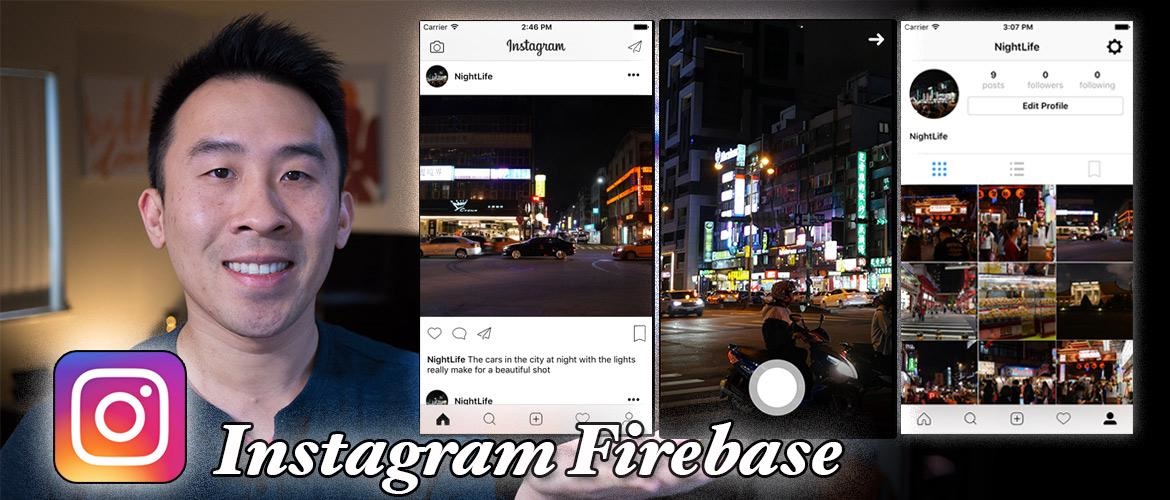
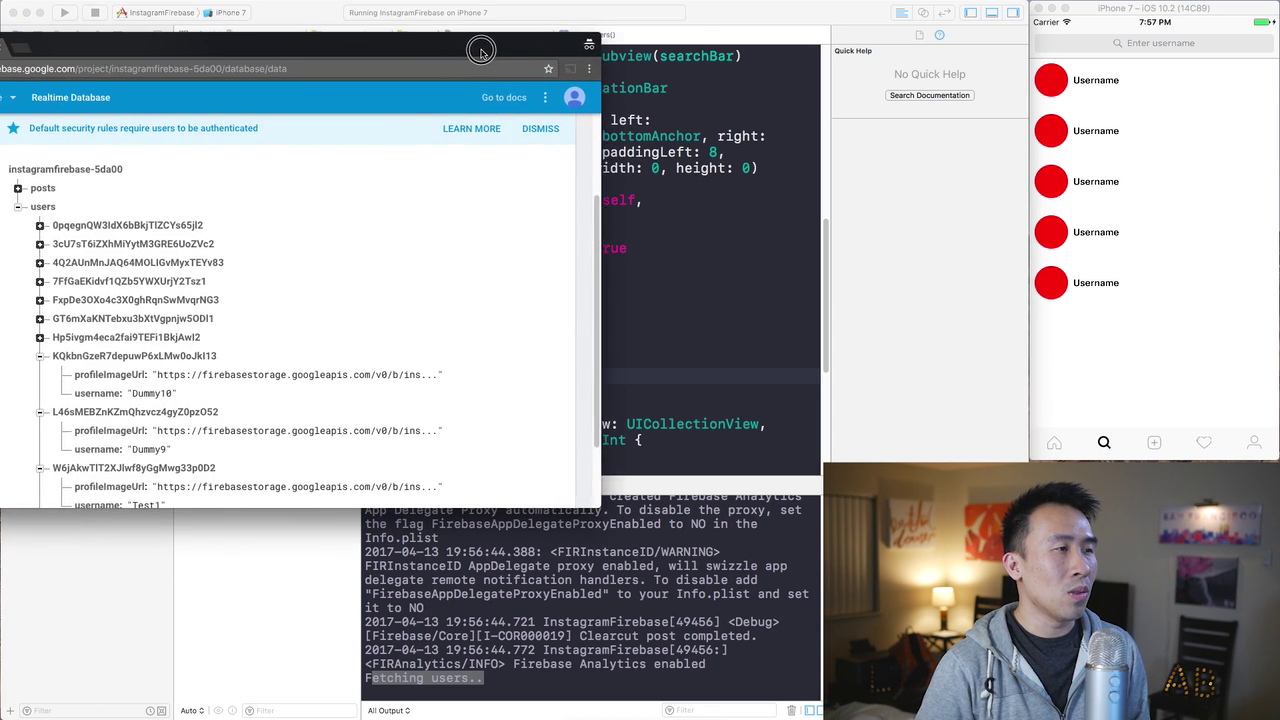
Instagram Firebase

0075ae70.jpg


Instagram Firebase
WEBRip | English | MP4 | 1280 x 720 | AVC ~867 Kbps | 29.970 fps
AAC | 256 Kbps | 48.0 KHz | 2 channels | 17:29:19 | 7.64 GB
Genre: Video Tutorial / Development, Programming

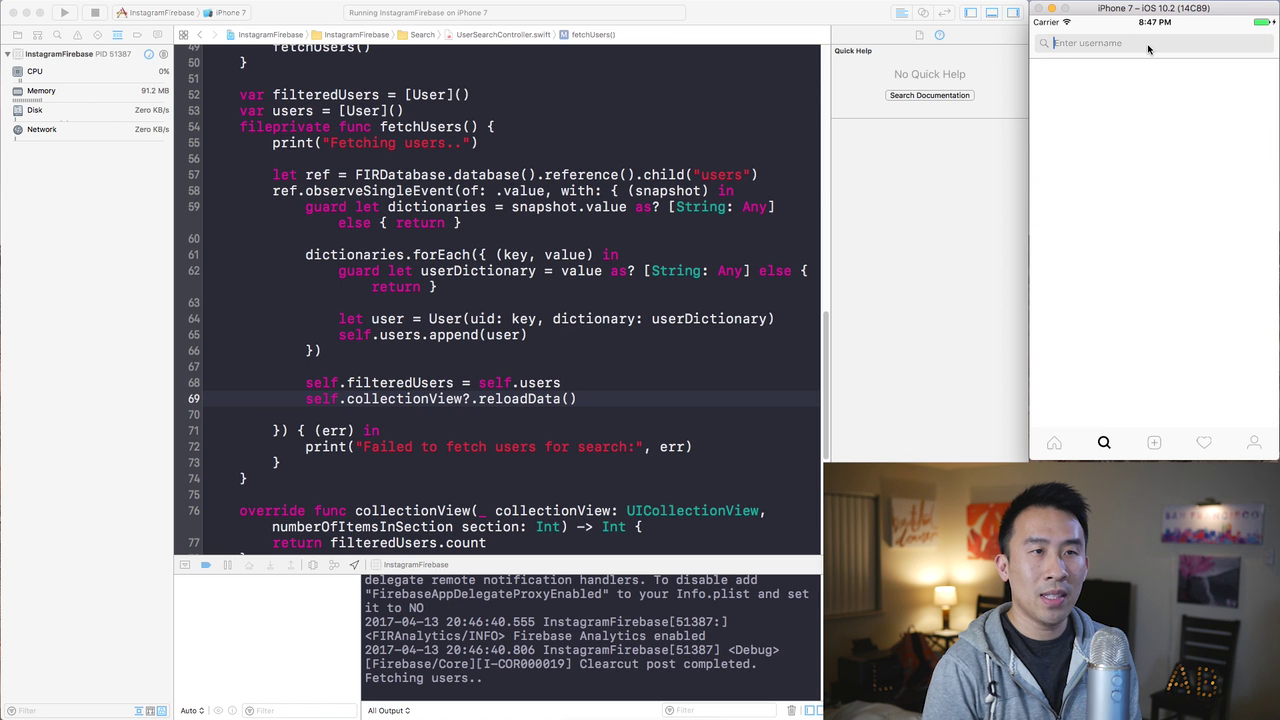
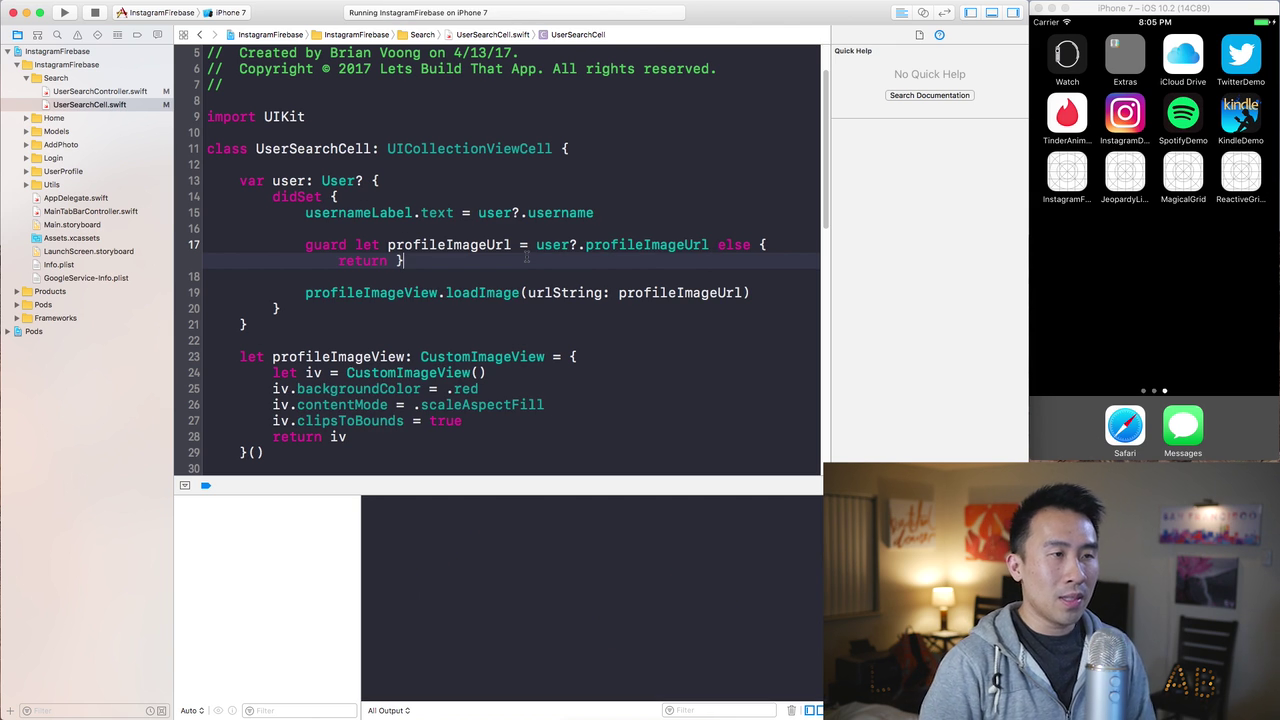
Have you ever wondered how applications are built in the real world? Do big software companies utilize the Storyboard to build out their apps? Speaking from my personal experience, I can say that many development teams out here in the Silicon Valley rely heavily on pure code and the programmatic approach. In fact, some places like Facebook, YouTube, and Instagram rely on 100% code.

In this course, I'll go through best practices of developing applications from the point of view of a professional software developer.

Who this course is for?
- You want to build a real world application
- You want to advance your programming skills
- You want to learn from a Lead Software Engineer with real-world experience
- You want to know how to refactor code for reusability

Content:

00. Preview
01. Creating a Registration Screen
02. UIColor and Anchor Extension
03. Firebase SDK and User Registration
04. User Profile Picture
05. Main Tab UI and Fetch User
06. User Profile Image View
07. Profile Header and Grid Cells
08. Logging Out with UIAlertController
09. Login Design
10. Log In and UI Reset
11. Tricks to Custom Tab Bar
12. Present Photo Selector
13. Fetch Photos Framework
14. User Photo Selection
15. Share Photo Caption
16. Share Post - Storage and DB
17. Fetch Posts User Profile
18. CustomImageView and Post Ordering Fixes
19. Home Feed Image Caching
20. Post Cell Details
21. Post Username and Caption
22. Improved Fetch Code Refactor
23. User Search Controller
24. Search Filtering
25. Searched User Profile
26. Following and Unfollowing
27. Following Users Posts
28. Manual Automatic Post Refresh
29. Showing Camera
30. Capture Photo
31. Saving Photo with Feedback
32. Camera Custom Transitions
33. Comments Custom Delegation
34. Comments Input Accessory View
35. Insert Comments
36. Fetch Comments
37. Auto Size Comment Cells
38. Handling User Likes
39. Grid View vs List View
40. User Profile Pagination Part 1
41. User Profile Pagination Part 2
42. Updating to Swift 4 and Firebase 4
43. Setting up Push Notifications with FCM
44. Cloud Functions Push Notifications
45. Observe Users in Cloud Functions
46. User Follow Cloud Trigger
47. Tap Push Notification Action
48. Refactoring Code Out Of ViewController
49. Multi-line UITextView Input

0075ae83.png
0075ae84.png

0075ae85.png
0075ae86.png


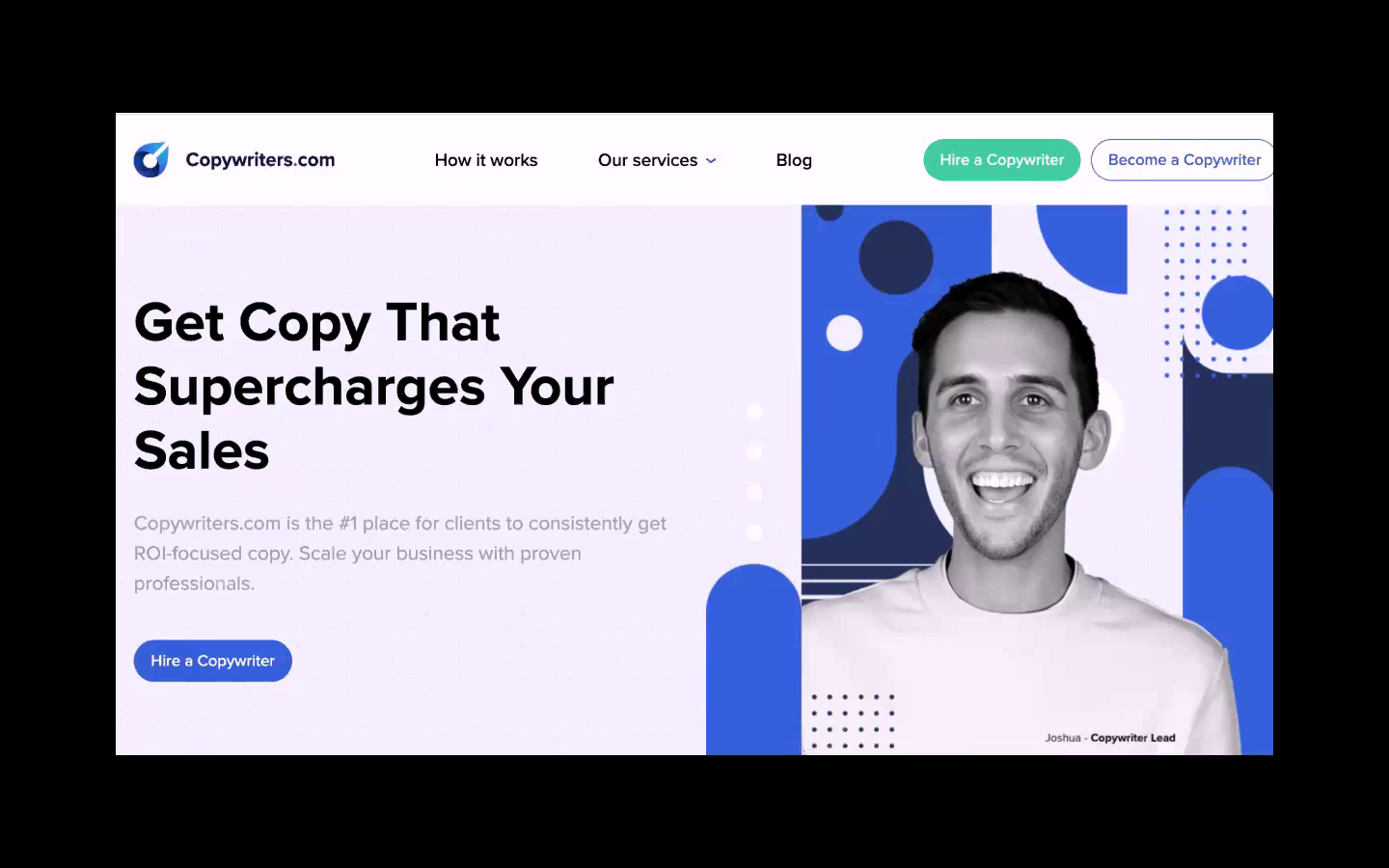
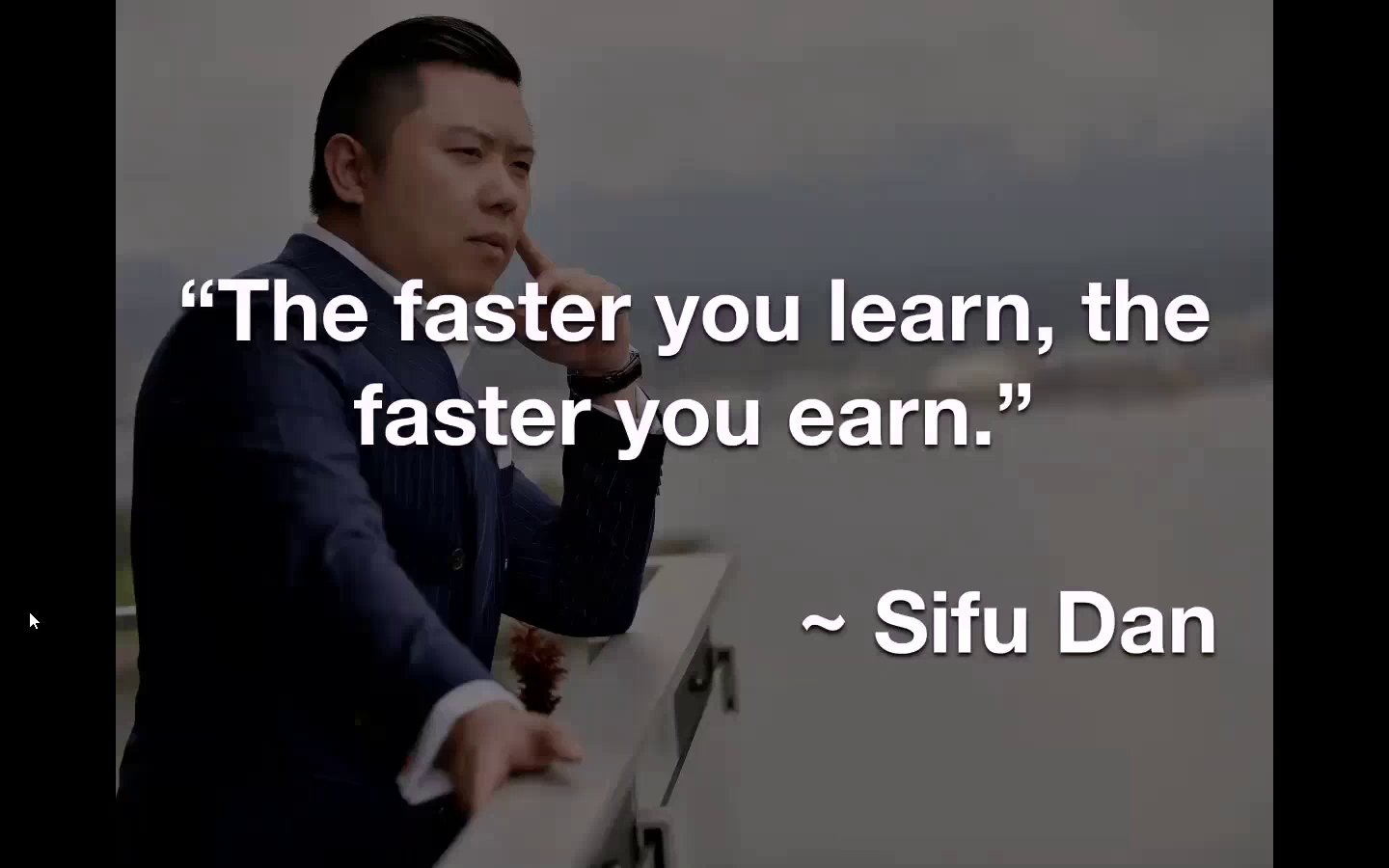
Dan Lok - High Income Copywriter

0075948e.jpg


Dan Lok - High Income Copywriter
WEBRip | English | MP4 | 1440 x 900 | AVC ~965 kbps | 25 fps
AAC | 77.5 Kbps | 44.1 KHz | 2 channels | ~43 hours | 22.11 GB
Genre: eLearning Video / Business, Copywriting

The Complete 7 Week High-Income Copywriter™ Certification Program - This program is the fastest, easiest way to become a highly paid and in-demand High-Income Copywrite

Here's What You're Getting:

FREE Gift #1: My Personal, $250 Million Dollar Swipe File ($5,000 Value)
FREE Gift #2: 11 Breakdowns Of The Most Successful Ads And Emails From Some Of The Most Profitable Product Launches In The World ($1,100 Value)
FREE Gift #3: 300 Fill In The Blank Headline Templates ($300 Value)
FREE Gift #4: Instant Subject Lines ($100 Value)
FREE Gift #5: The Complete Compliance Checklist To Scale Without Getting Your Ads Shut Down ($499 Value)
FREE Gift #6: The Top-Secret Sales Letter Checklist Of Million Dollar Copywriters! ($799 Value)
FREE Gift #7: 175 Power Words That Motivate People To Buy ($175 Value)
FREE Gift #8: The 10 ORIGINAL Sales Letters Of My First Copywriting Mentor, Alan Jacques ($2,499 Value)

007594b5.png

007594b6.png

007594b7.png


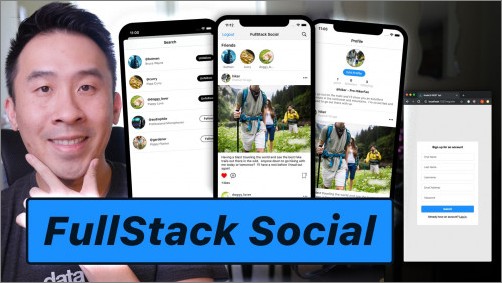
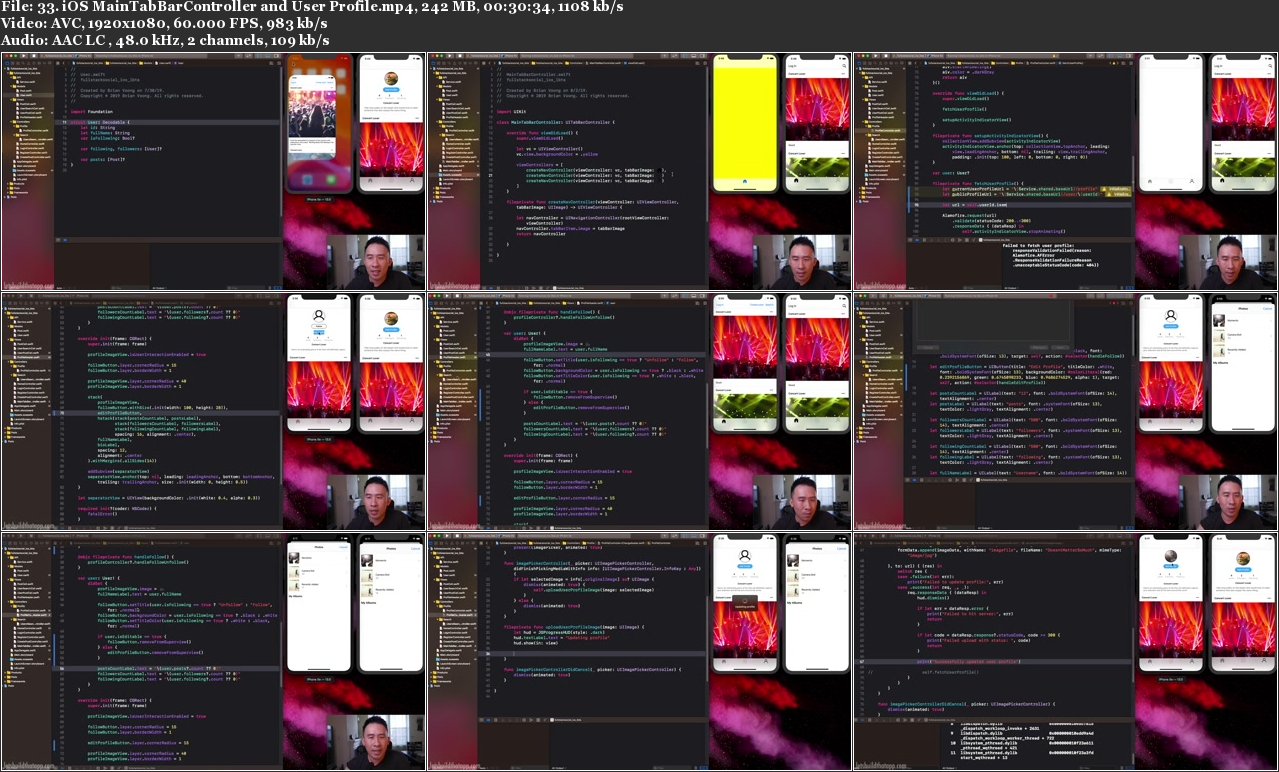
Fullstack Social iOS NodeJS REST

0075ad98.jpg


Fullstack Social iOS NodeJS REST
.MP4, AVC, 1920x1080, 30 fps | English, AAC, 2 Ch | 15h 30m | 7.73 GB
Instructor: Brian Voong

In this course, we'll be building out the entire stack starting from the backend REST API all the way to the frontend iOS and HTML layers. First off, you'll learn how to setup an entirely custom backend component using a popular NodeJS framework called SailsMVC.

SailMVC is incredibly easy to learn if you don't have any experience building out a server so don't worry if it sounds scary. If you're familiar with Rails or PHP Laravel, you should feel right at home.

Who is this course for?

You want to expand your knowledge outside of iOS
You want to become a Full Stack Developer
You want to build your own REST APIs

Requirements

Latest version of Xcode
Understanding of UICollectionViews, other basic UIKit components, simple JSON Decoding
Programmatic UI
Basic knowledge of HTML

More Info

0075ad99.jpg


Zuletzt bearbeitet:
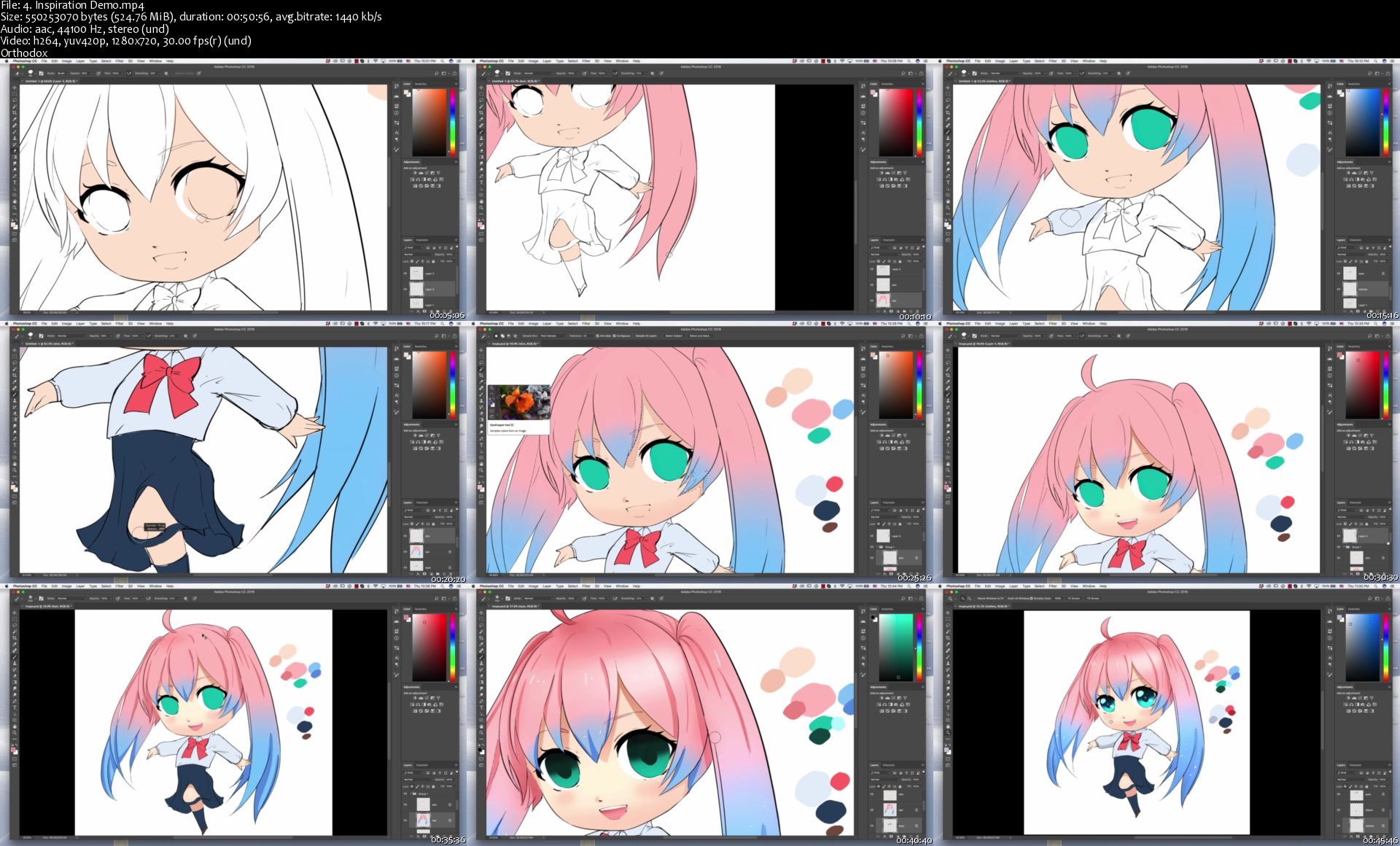
Anime Academy: Characters and Illustrations

2626604-7c30.jpg


Anime Academy: Characters and Illustrations
Video: .MP4, 1280x720 30 fps | Audio: AAC, 44.1 kHz, 2ch | Duration: 42:23:34
Genre: eLearning | Language: English + Subtitles | Size: 22.6 GB

Learn Anatomy, Design, Illustrations, and more!
What you'll learn
How to draw male and female anime bodies
How to draw body parts (head, hands, feet, hair, eyes, etc)
How to do lineart
How to draw environments
How to create your own style
How to make illustrations

Requirements
Just have fun learning and drawing :)
Photoshop
Drawing tablet (Wacom or other brands)
Description
Anime Academy: Characters and Illustrations is your go-to for designing your own anime characters as well as creating illustrations. This course will take you from not knowing how to draw anime, to learning how to draw everything from bodies to anime character design.
So what else is in it for you?
You'll be designing 3 main projects in this course that will take you from basic shapes to creating your own characters and illustrations!
You'll gain access to all __ sections of the course.
This course is set up to help you step by step with understanding the basics of shapes and forms to anime bodies, as well as walking through design. You will also be walking through the illustration processes such as thumbnails, refinement, and finishing touches.
Don't believe me? I offer you a full money back guarantee within the first 30 days of purchasing the course.
Here's what's in it for you:
You'll get access to the ___ sections of the course that will teach you the fundamentals of character design that is backed up through anatomy, facial features, clothes, etc. The course has over 30 hours of content that I will walk you through each step of the way.
Here is what to expect in this course:
* The course starts with the basics. I will be teaching you the basics about drawing basic shapes such as cylinders, boxes, and circles. You will also learn the basics of line quality in drawing and sketching to get you started.
* Next, after learning the basic shapes, you will learn how to draw basic male and female bodies starting from gestures to building the body in simple boxes and shapes. You will also be taught the main muscle groups.
* Once you've learned the basics of anatomy, you will learn how to draw facial features of both genders such as eyes, noses, hair, ears, and mouths. You will be learning a few types of each.
* Then you are going to learn how to draw expressions ranging from happy to angry 6 different ways for each gender.
* From then, you will move onto the basics of hair ranging from straight to wavy. You will also learn about hair movement for each style.
* After hair, I will be going in depth with how to draw hands and feet. Keep in mind these are more realistic, and these will help with learning how to stylize them as well as know the underlying structure underneath.
* I will then, be teaching you how to draw basic clothes for both male and female, and then continue with accessories ranging from jewelry to shoes.
* After basic accessories, you will be learning how to draw in different poses that are standard to dynamic. This will be important for creating illustrations.
* Once you've learned how to draw poses, you will learn about line work, coloring using cell shading, as well as how to draw in different styles such as shojo, shonen, as well as chibi.
* From then on, you will be starting your first project which is creating a character from scratch. You will be seeing my design process, and feel free to make your own as you watch or copy what I do step by step.
* And finally, for the last two sections, you will be creating illustrations from scratch using the characters you created. You will be doing a portrait illustration as well as a dynamic one that you can express poses in.
Over the course of these 9 sections you will learn:
* How to draw basic shapes
* How to draw and understand anatomy of the body
* How to draw eyes and facial features, as well as hair
* How to draw poses and putting clothes on top
* How to color hair and eyes
* The basics of dynamic/standard poses
* How to draw styles such as shojo, chibi, and shonen
* How to make an original style
* Using reference to create an original character
* How to design an original character
* How to light basic shapes
* Learning the steps to creating an illustration
* How to make a standard and dynamic illustrations
What else will you get?
- Lifetime access to course materials
- Understanding how to create unique character designs
- Downloadable resources for each lecture
This all comes under one convenient easy to use platform. Plus you will get fast, friendly, responsive support on the Udemy Q&A section of the course or direct message.
So what are you waiting for? Sign up now and start creating your anime characters and illustrations!
Who this course is for:
Beginner artists who want to draw anime
Beginner artists who want to learn more about perspective
Beginner artists who want to make their work look more professional

Homepage

4-Inspiration-Demo-s.jpg


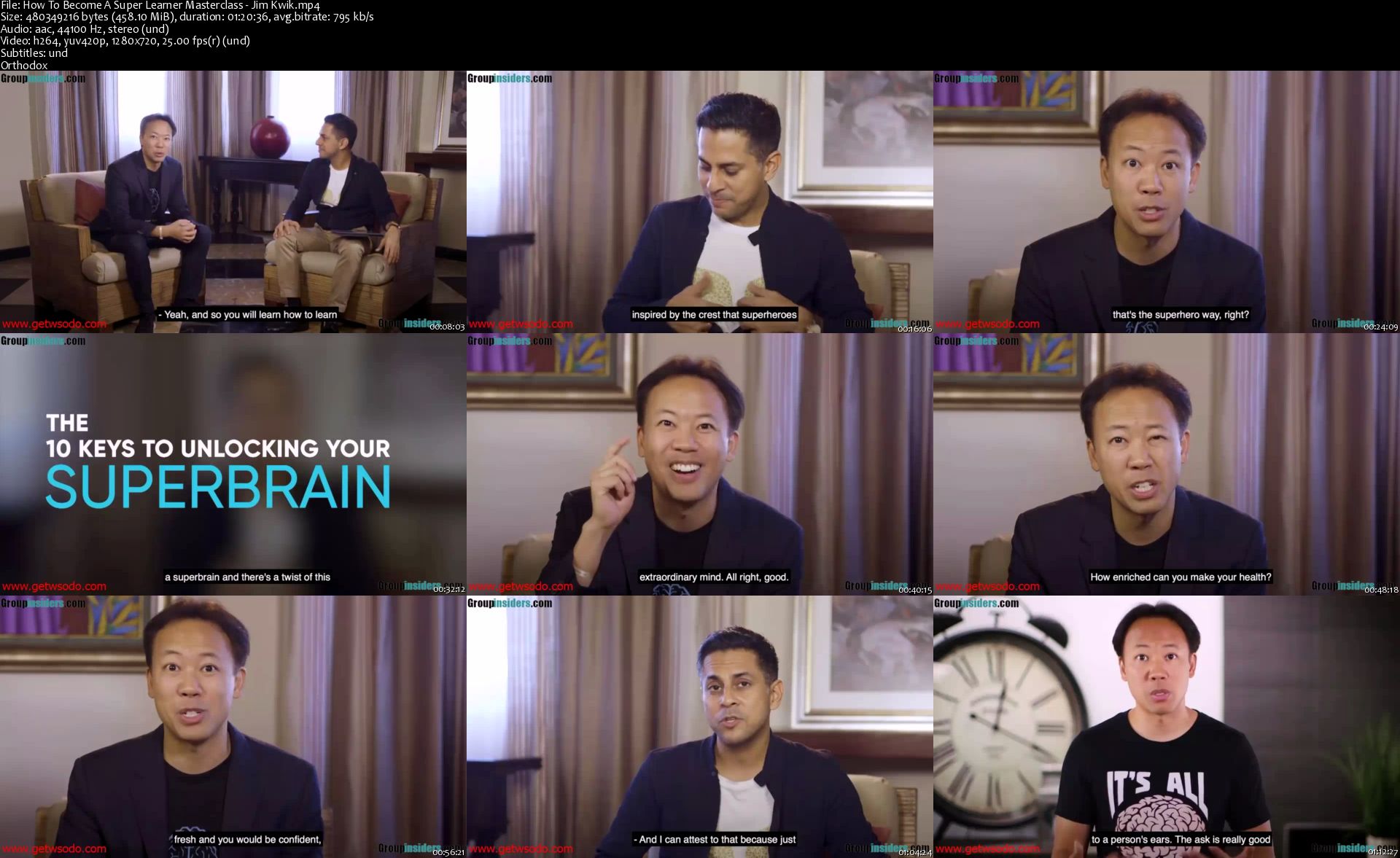
Unleash Your Brain By Jim Kwik On MindValley

klk-SCx-Xd2-Pww8p-Me-ZSAq-Hub-QJ1j5ag-Yv.jpg


Unleash Your Brain By Jim Kwik On MindValley
MP4 + MP3+ PDF | Video: 1920x1080 | Audio: AAC, 44.1Khz , 2ch | Duration: 9 hours | Language: English | 12.7 GB

How To Unleash Your Superbrain With The Man Who Trains Hollywood Stars, Entrepreneurs, And Fortune 500 Companies. Do you want to learn information quickly and be able to remember it for years to come? With technology rapidly advancing, life-long learning is a convenient option with information available at your fingertips.
If you want to have a successful life, you have to skill up and expand your knowledge base. But trying to process such an insane amount of information every day seems impossible.

But the good news is your brain is a muscle and you can learn how to unleash your super brain. Essentially, the more you train your brain, the less overwhelmed you'll feel and the faster you'll learn.

And the faster you learn, the more edge you'll have in creating a successful and fulfilling life for yourself.

Learn How To Unlock Your Hidden Potential
That's why we've partnered with Jim Kwik, the author of Mindvalley's Superbrain Quest.

Jim is one of the world's well-renowned experts in speed-reading, memory improvement, brain performance, and accelerated learning.

The Superbrain Quest is an accelerated learning curriculum designed to activate your brain's limitless potential. Join Master Mind Trainer Jim Kwik on a 30-day adventure towards a bulletproof memory, unshakeable focus, and superhuman productivity. Whether you're a professional, entrepreneur, student, or just someone looking to unlock the full power of your mind - you'll experience life-changing elevations in your career and personal growth as you shatter every inner limitation that has ever dared hold you back.

Is Your Brain Primed For The Next Stage In Human Evolution?
In the 21st century, information is king. There are more books, apps, courses, and media being published than ever before. Information technology is expanding at breakneck speed. And along with it comes increasingly higher expectations for the ones steering the ship: us.
But here's the challenge: for most of us, school taught us what to learn and not how to learn. The result? Our brain's raw processing power has been severely limited. We're not thinking, remembering, and focusing anywhere near our real potential. And those of us who do have a tremendous advantage in this emerging new world.

Learning how to learn is known as meta learning. Jim Kwik is the world's foremost expert in training you in meta learning. And in just 30 days, the exercises and mind shifts in this Quest will completely transform the way you absorb, process, and use information.
Welcome to the future of your brain.

What You'll Learn
The 5 Pillars Of Your Superbrain
Jim combines today's best neuroscience, speed learning, and peak performance techniques to upgrade your brain into a Superbrain in five key areas:

1. Supercharged Memory
Names, facts, birthdays, anniversaries, shopping lists, passwords - how much easier will your life be when you're recalling all this information at the snap of a finger?

2. Supercharged Relationships
Use your Superbrain to connect better with people, and amplify your personality and charisma both at work and in your personal life.

3. Supercharged Processing Power
Eliminate brain fog from your Superbrain, so you can think smarter, decide faster, and focus better - no matter how young or old you are.

4. Supercharged Learning
Finish a book 3x faster (and remember every part of it). Learn a new language in record time. Master any new skill with ease. Become a better you in every way.

5. Supercharged Lifestyle
Banish inner resistance and self-sabotage from your life, so you can effortlessly adopt better habits. Eat healthier. Exercise better. See a better you in the mirror.
Elevate Your Learning Experience On The Revolutionary Mindvalley Quests Learning Platform
The Mindvalley Quests learning platform combines the power of community, daily micro-learning, and the world's best teachers to give you a dramatically more immersive and transformational personal growth experience than ever before.

How-To-Become-A-Super-Learner-Masterclass-Jim-Kwik-s.jpg


Tinder Firestore Swipe and Match

0075aee9.jpg


Tinder Firestore Swipe and Match with Brian Voong
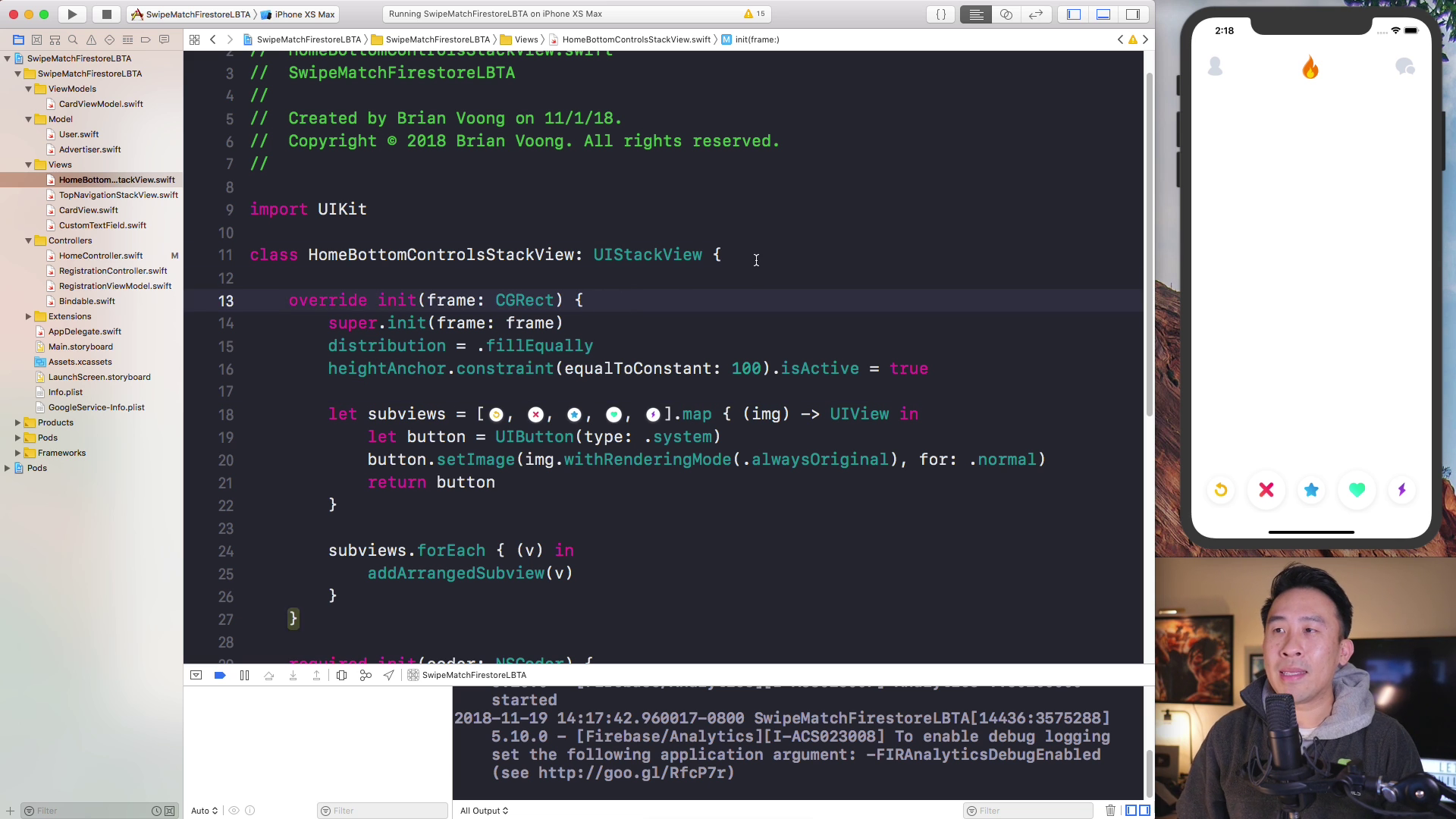
WEBRip | English | MP4 + Project Files | 1920 x 1080 | AVC ~1295 Kbps | 59.940 fps
AAC | 137 Kbps | 48.0 KHz | 2 channels | 15:34:43 | 10.84 GB
Genre: Video Tutorial / Development, Programming

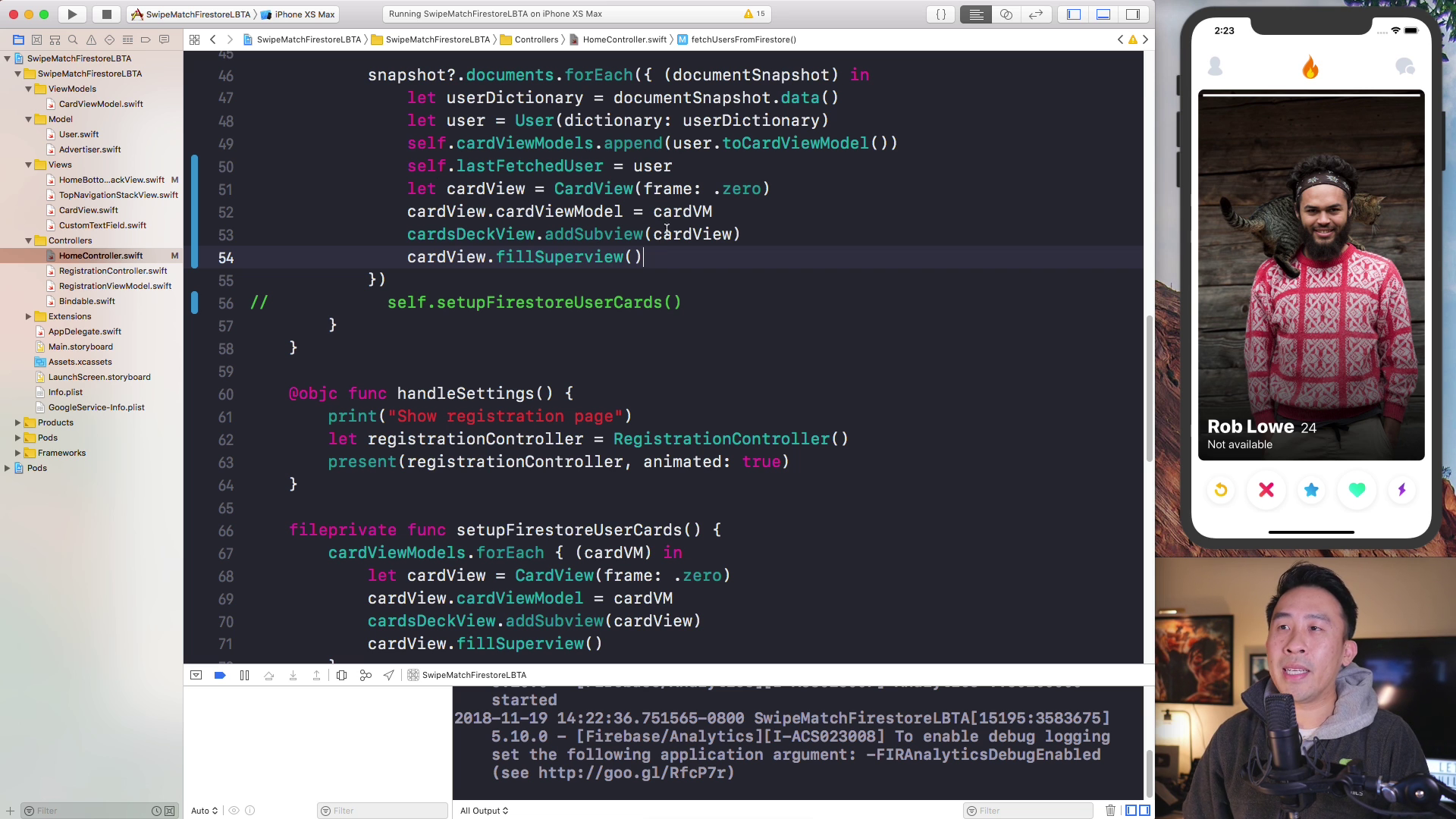
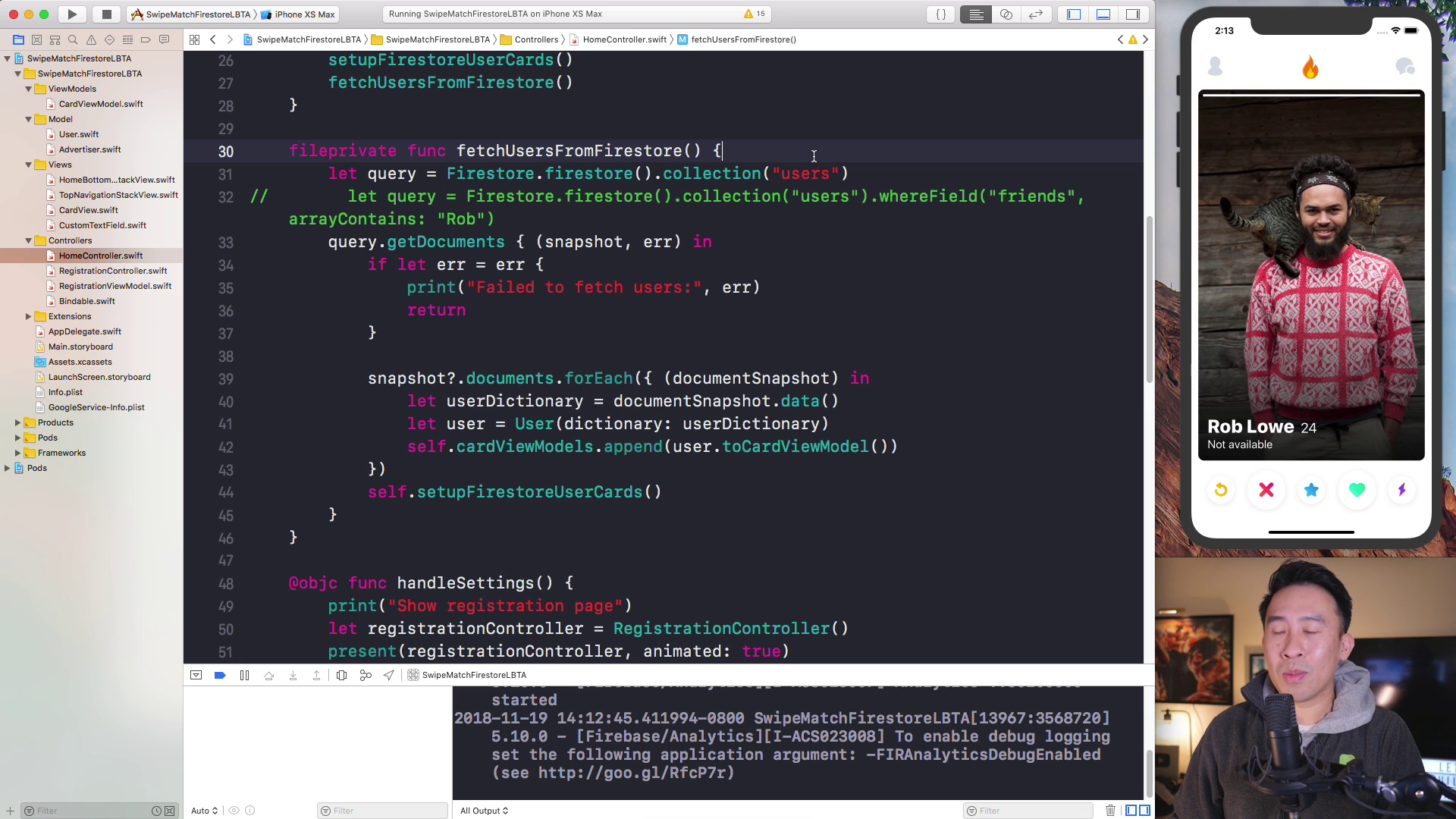
In this wonderful course, let's take an adventure into the land of creating a fun and interactive Swipe and Match user interface. In today's day and age of ****** applications, you're almost guaranteed to find this style of interaction.

To make the lessons in this course super easy to follow, we'll be starting from scratch by creating a brand new project. We'll tackle this project in the below steps:
- Lay out the main UI of our app
- Include a container for cards that can be swiped left and right
- Integrate UIPanGestureRecognizer to control swiping behavior
- Enable animations for swiping off screen and cards entering screen
- Integrate animations for matching likes

Content:

01. Overview
02. Build UI easily with Stack Views
03. View Encapsulation Architecture
04. Card View Drag_Drop with Pan Gesture
05. Rotational Transformation and Card Dismiss
06. Multiple Cards and User Model
07. Intro MVVM Card View Models
08. MVVM Summary and Advantages
09. Advertiser Model Protocol Oriented Programming
10. Gradient Layer and Animation Fix
11. Cycling Through User Photos
12. View Model View State Reactive Programming
13. Creating a Registration Page
14. Keyboard Management Notification Observers
15. Bonus Lesson - Size Class Landscape Layout
16. Registration View Model
17. Firebase Auth JGProgressHUD
18. Image Picker Bindable Image
19. Storage Image Upload Clean Code
20. Firestore Save Documents
21. Fetch Firestore Documents
22. Query Filtering
23. Pagination Data Fetch
24. Settings Header Image Buttons
25. Settings Form Rows
26. Fetch and Show User Info
27. Save Settings to Firestore
28. Save User Photos
29. Age Range Sliders
30. Save Settings Delegation
31. Login _ Logout Delegation
32. User Details Delegation
33. Stretchy Header UIScrollView
34. User Details and Blur Effect View
35. Intro PageViewController Photos
36. User Details Swiping Photos
37. Swiping Photo Bars
38. Default Ages Bug Fixes
39. Quick Image Load Fix
40. Configure Bottom Controls
41. CABasicAnimation Card Fixes
42. Save Swipe to Firestore
43. Detect Matches and Omit Swiped Cards
44. Initialize Match Animation
45. Gradient Buttons and Masked Layers
46. Keyframe Animation Segments
47. Matched User Images

0075af0e.png

0075af0f.png

0075af10.png


The Complete Python Bootcamp in 2020 : Go from Zero to Hero

0075b65c.jpg


The Complete Python Bootcamp in 2020 : Go from Zero to Hero
Video: .mp4 (1280x720, 30 fps(r)) | Audio: aac, 44100 Hz, 2ch | Size: 6.16 GB
Genre: eLearning Video | Duration: 126 lectures (16 hour, 35 mins) | Language: English

Go from Beginner to Expert in Python by Doing. Learn Web Scraping, RegEx, Parallel Programm, build a WhatsApp Bot + more.


What you'll learn

Master modern Python 3 fundamentals as well as advanced topics
Learn Object Oriented Programming
Automate extracting data from websites using web scraping libraries like BeautifulSoup and Selenium.
Interact with REST APIs using Python and build a OpenWeatherMap API!
Use Python to send Emails
Creating Snake Game for Terminal
Learn advanced Python features and Understand complex topics
Use Python to build a WhatsApp bot
Learn Function, Regex, Parallel Programming
Learn the basics by using real-world examples
Sending HTTP Requests through Proxy Server
Exploring datetime


Requirements

Access to a computer with an internet connection.
No prior knowledge of Python is required.
Prepare to fall in love with Python and programming!

Description

Become a Python Programmer and learn one of employer's most requested skills of 2020!

This is the most comprehensive, yet straight-forward, course for the Python programming language on Udemy! Whether you have never programmed before, already know basic syntax, or want to learn about the advanced features of Python, this course is for you! In this course we will teach you Python 3.

With over 120 lectures and more than 16 hours of video this comprehensive course leaves no stone unturned!

This course will teach you Python in a practical manner, with every lecture comes a full coding screencast and a corresponding code notebook! Learn in whatever manner is best for you!

We will start by helping you get Python installed on your computer.

We cover a wide variety of topics, including:


Installing Python

Running Python Code

Strings

Lists

Dictionaries

Tuples

Sets

Number Data Types

Print Formatting

Functions

Decorators

args/kwargs

Built-in Functions

Concurrent Programming

dataclass

Object Oriented Programming

Inheritance

Polymorphism

multiprocessing

Multithreading

Sending Email

WhatsApp Bot

RegEx

Exploring datetime

curses

OpenWeatherMap API

Advanced Methods

Web Scraping

and much more!


You will get lifetime access to over 120 lectures plus corresponding Notebooks for the lectures!

So what are you waiting for? Learn Python in a way that will advance your career and increase your knowledge, all in a fun and practical way!

Who this course is for:

Beginners who have never programmed before.
Programmers switching languages to Python.
Intermediate Python programmers who want to level up their skills!
Anyone who wants to get into: Machine Learning, Data Science and other hot job markets.

0075b65d.jpg


The Complete Confidence & Self-Esteem Master Class Course

v-SDT9-OJ5-Xx-Bs4-Irafib4mqif0-Wszr-YQX.png


The Complete Confidence & Self-Esteem Master Class Course
Genre: eLearning | MP4 | Video: h264, 1280x720 | Audio: aac, 48000 Hz
Language: English | VTT | Size: 6.54 GB | Duration: 6 hours


What you'll learn
Feel Confident & Comfortable In Any Situation
Students Will Develop Social Skills, Confidence, And Self-Worth
Develop the Ability to Always Feel Comfortable In Their Own Skin
Have More Confidence and Feel Worthy of The Things They Desire Most!
Self-Efficacy and Be Able To Be Effective In Any Situation

Requirements
No Prior Knowledge is Needed To Enroll In Our Course
A Willingness To Have Fun and Enjoy The Course!
It Is Suggested Students Download And Print All Note Taking Materials Provided In This Course
Download or update flash/media players to watch all videos in high quality HD
Students Will Need To Have A Strong Internet Connection If Possible To Load HD Videos Quicker. This Is Not Mandatory
Students Will Need To Have Basic Note Taking Materials Such As Pen/Pencil, Notebook Paper, or Computer
Description
Welcome To The Complete Confidence & Self-Esteem Master Class Course!

⇉ Join The Biggest & Highest Rated Confidence & Self-Esteem Courses Ever Created!

⇉ Watch the Promo Video To See How You Can Begin Building Your Confidence Today!

⇉ This Course is MASSIVE! You receive over 6+ hours of video & 70+ lectures!

⇉ Join Over 275,000+ Students Who Have Enrolled In My Udemy Courses This Year!

⇉ 7,500+ Five Star Reviews on our courses prove Students Who Enrolling Are Getting Real Results!

Then this course is for you! Click "Take This Course Now" For Instant Life-Time Access!

__________________________________________________________________________

Confidence Effects Everything In Your Life.

It Is The Foundation of Happiness.

Fear is the Primary obstacle of confidence and self-esteem

Confidence has proven to reduce stress and anxiety, and also improve one's ability to think clearly and make better decisions!

This course is designed to to teach you everything you will need to know about confidence and self-esteem so that you can begin improving every aspect of your life this very moment!

Here Is Everything You Will Learn In Our Complete Master Class Course:

Throughout this course you will learn how to use both your mind and body through a series of strategies and techniques to achieve life changing confidence and self-esteem results.

You Will Learn:

Inner Mindset Strategies to Build your Confidence and Self-Esteem
Self-Image strategies to boost your Confidence and Self-Esteem
You Will Learn the psychology of who you are and how it Effect Your Confidence!
Both Inner and Outer Confidence for a life changing Transformation
Engaging Lectures shot from all around the world using high teach cameras!
Who you are and how to manifest amazing results
And so much more!!
__________________________________________________________________________

If I can learn how to Build my confidence and self-esteem so can you! The only difference between you and I is that I have the experience working with these confidence and self-esteem strategies. I hold nothing back! I am going to teach you everything you will need to know and more about Shifting your confidence and self-esteem in this course!

This course was designed for anyone that desires to improve their confidence and self-esteem. The only requirements are having an open mindset and committing to change yourself!

Students who enroll in this course will have access to over 70+ videos that develop your confidence and build it up step-by-step.

The course also includes strategies for maintaining confidence when fear and rejection set in, and also how to deal with stressful situations.

Students who complete our master class course will be prepared physically and mentally to feel more confident and full of self-esteem.

Learn to stop letting fear and anxiety prevent you from having the life you deserve!

Start building your confidence and self-esteem with us today!

Click The >>Take This Course Now Button<< Top Right - For Instant Access!

__________________________________________________________________________

With the right mindset, understanding, and application of the teachings in this course, you will instantly begin to move towards transforming your life and becoming more confident!

When I learn something new about confidence and self-esteem, I add it to the course -at no additional cost to you! This is a course that will continue to add more and more to every aspect of your life.

In addition to the Udemy 30-day money back guarantee, you have my personal guarantee that you will love what you learn in this course.

__________________________________________________________________________

What I can't do in this Course..

I can't guarantee your success - this course does take work on your part. But it can be done!

I am also not responsible for your actions. You are responsible for 100% of the decisions and actions you make while using this course.

__________________________________________________________________________

This course will not remain this price forever! It's time to take action!

Click the "take this course" button, top right, now...every hour you delay is costing you money...

See you in the course!

Thank Your For Enrolling!

Sincerely,

Joe Parys

Who this course is for:
This Course is For Anyone (Beginner - Advanced) Looking To Build Their Confidence and Self-Esteem
This Course Is Best Suited For Students Looking To Transform and Build Their Confidence and Self-Esteem
This Course Is Best Suited For Students Looking To Improve Social Aspects of Their Lives
This Course Is Best Suited For Students Students Who Want to Feel Better About Who They Are
This Course Is Best Suited For Students Who Are Looking To Improve Their Overall Happiness
This Course Is Best Suited For Students Looking To Have Better Relationships In Their Lives
This Course Is Not Best Suited For Students Who Have a Closed Mind
This Course Is Not Best Suited For Students Who Have A Poor Attitude

Homepage

2-Change-Your-Self-Image-Change-Your-Life-s.jpg


Super Brain By Jim Kwik On MindValley

q-Raa-Xaka2-RZM1-R9cs9yq-Bt-Maqy0317-Vr.jpg


Super Brain By Jim Kwik On MindValley
MP4 + MP3 | Video: 1920x1080 | Audio: AAC, 48Khz , 2ch | Duration: 15 hours | Language: English | 14.1 GB

Unleash Your Brain From All Limitations & Develop a Super Memory In Just 30 Days
Why This Program
The Superbrain Quest is an accelerated learning curriculum designed to
activate your brain's limitless potential. Join Master Mind Trainer Jim Kwik
on a 30-day adventure towards a bulletproof memory, unshakeable focus, and
superhuman productivity. Whether you're a professional, entrepreneur,
student, or just someone looking to unlock the full power of your mind -
you'll experience life-changing elevations in your career and personal
growth as you shatter every inner limitation that has ever dared hold you
back.

Jim Kwik The Superbrain Quest Empowers You To.

Learn strategies to achieve far more in less time (and with far less effort)

Absorb any skill or information 200 - 300% faster

Enhance your business, health, and personal productivity

Get far more done in less time

Accelerate your learning speed by 2x or 3x

Improve your decision making and critical thinking skills

Solve problems faster and easier than ever

Build your confidence as you maximize your success in every area of life

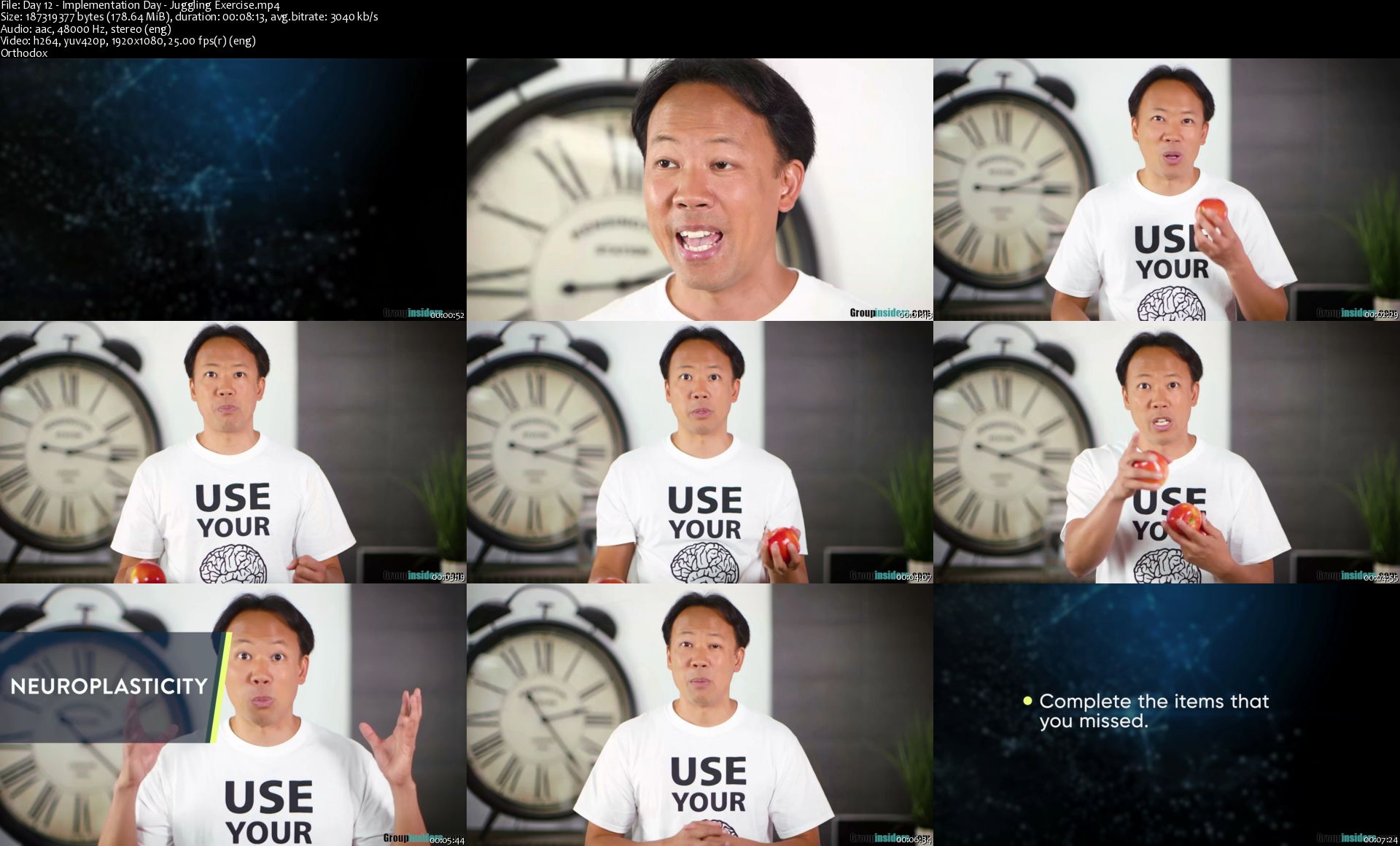
Bonus Jim Kwik - Focus Blueprint

Day-12-Implementation-Day-Juggling-Exercise-s.jpg


Python for Data Science Masterclass

o8-YYr-Hvw-HYSDdh-NPCY6t-Lg-Jm-Zsc4j7b-I.png


Python for Data Science Masterclass
Genre: eLearning | MP4 | Video: h264, 1280x720 | Audio: aac, 48000 Hz
Language: English | VTT | Size: 10.6 GB | Duration: 13 hours


What you'll learn
Variables and datatypes
operators
tuples
sets
dictionary
and much much more

Requirements
beginners are welcome
Description
Welcome to this course on Python for Data Science. This is a 4 week course we are

going to teach you some very basic programming aspects in python. And since this is a

course that is geared towards data science towards another course based on what has

been taught in the course, we will also show you two different case studies one is what

we call as a function approximation case study another one a classification case study.

And then tell you how to solve those case studies using the programming platform that

you have learned. So, in this first introductory lecture I am just going to talk about why

are we looking at python for data science.

(Refer Slide Time: 01:10)

So, to look at that first we are going to look at what data science is. This is something

that you would have seen in other videos of courses in the NPTEL in other places. Data

science is basically the science of analyzing raw data and deriving insights from this

data. And you could use multiple techniques to derive insights, you could use simple

statistical techniques to derive insights, you could use more complicated and more

sophisticated machine learning techniques to derive insights and so on.

Nonetheless the key focus of data science is in actually deriving these insights using

whatever techniques that you want to use. Now there is a lot of excitement about data

science and this excitement comes because its been shown that you can get very valuable

insights, from large data and you can get insights about how different variables change

together, how one variable affects another variable and so on with large data which is not

very easy to simply see by very simple computation.

So, you need to invest some time and energy, into understanding how you could look at

this data and derive these insights from data. And from utilitarian viewpoint, if you look

at data science in industries if you do proper data science, it allows these industries to

make better decisions. These decisions could be in multiple fields for example,

companies could make better purchasing decisions, better hiring decisions, better

decisions in terms of how to operate their processes and so on.

So, when we talk about decisions, the decisions could be across multiple verticals in an

industry. And data science is not only useful from an industrial perspective it is also

useful in actual science as themselves. So, where you look at lots of data to model your

system or test your hypotheses or theories about systems and so on. So, when we talk

about data science, we start by assuming that we have a large amount of data for the

problem of interest. And we are going to basically look at this data we are going to

inspect the data, we are going to clean and curate the data then we will do some

transformation of the data modeling and so on before we can derive insights that are

valuable to the organization or to test a theory and so on.

(Refer Slide Time: 03:47)

Now, coming to a more practical viewpoint of what we do once we have data. I have

these four bullet points; which roughly tell you supposing you were solving a data

science problem what are the steps you will do? So, you will start with just having data

someone gives you data; and you are trying to derive insights from this data. So, the very

first step is really to bring this data into your system. So, you have to read the data. So,

that the data comes into this programming platform so that you can use this data. Now

data could be in multiple formats so you could have data in a simple excel sheet or some

other format.

So, we will teach you how to pull data in to your programming platform from multiple

data formats. So, that is a first step really if you think about how you are going to solve a

problem these steps would be first to simply read the data. And then once you read the

data many times you have to do some processing with this data you could have data that

that is not correct. For example, we all know that if you have your mobile numbers, there

are 10 numbers in a mobile number and if there is a column of mobile numbers and then

say there is a one row where there are just five numbers then you know there is

something wrong ok. So, this is a very simple check I am talking about in real data

processing this gets much more complicated.

So, once you bring the data in when you try to process this data you are going to get

errors such as this. So, how do you remove such errors how do you clean the data? Is one

activity that that usually precedes doing you more useful stuff with the data. This is not

the only issue that we look at there could be data that is missing.

So, for example, there is a variable for which you get a value in multiple situations, but

in some situations the value is missing. So, what do you do with this data do you throw

the record away? Or you do something to fill the data and so on. So, these are all data

processing cleaning steps. So, in this course we will tell you the tools that are available

in python so that you can do this data processing cleaning and so on.

Now what you have done at this point is you have been able to get the data into the

system, you have been able to process and clean the data and get to a certain data file or

data structure that is reasonably complete so that you think you can work with this data

set at which point what you will do is you will try to summarize this data. And usually

summarization of this data a very simple technique would be very very simple statistical

measures that you will compute; you could for example, computer median, mode, mean

of a particular column.

So, those are simple ideas or summarizing the data you could compute variance and so

on. So, we are going to teach you how to use this notions of statistical quantities that you

can use to summarize the data. Once you summarize the data then another activity which

is usually taken up is what is called visualization right. So, visualization means you look

at this data and more pictorially to get insights about the data before you bring in heavy

duty algorithms to bear on this data. And this is a creative aspect of data science, the

same data could be visualized by multiple people in multiple ways. And some

visualizations are not only I caching, but are also much more informative than other

types of visualization.

So, this notion of plotting this data so that some of the attributes are aspects of the data

are made apparent is this notion of visualization. And there are tools in python that will

teach you in terms of how you visualize this data. So, at this point you have taken the

data, you have cleaned the data, got a set of data points or data structure that you can

work with you have done some basic summary of this data that gives you some insights.

You also looked at it more visually and you have got some more insights, but when you

have large amount of data big data the last step is really deriving those insights which are

not readily apparent either through visualization or through simple summary of data.

So, how do we then go and look at more sophisticated analytics or analysis of data so,

that these insights come out. And that is where machine learning comes and as a part of

this course when you see the progress of this course you will notice that you will go

through all of this, so that you are ready to look at data science problems in a structured

format and then use python as a tool to solve some of these problems.

(Refer Slide Time: 08:57)

Now, why python for doing all of this? The number one reason is that there are these

python libraries, which already are geared towards doing many of the things that we

talked about so that it becomes easy for one to program and very quickly you can get

some interesting outcomes out of what we are trying to do.

So, there are as we talked about in the previous slide, you need to do data manipulation

and pre processing. There are lots of functions libraries in python where you can do data

wrangling manipulation and so on. From a data summary viewpoint there are many of

these statistical calculations such you want to do are already pre programmed and you

have to simply invoke them with your data to be able to show data summary. The next

step we talked about visualization there are libraries in python, which can be used to do

the visualization.

And finally, for the more sophisticated analysis that we talked about all kinds of machine

learning algorithms are already pre coded available as libraries in python. So, again once

you understand some bit about these functions and once you get comfortable working in

python, then applying certain machine learning algorithms for these problems become

trivial. So, you simply call these libraries and then run these algorithms.

(Refer Slide Time: 10:29)

At a higher level so, in the previous slide we talked about flow process for how I get the

data in clean it. And all the way up to insights and then parallelly we said why python

makes it easy for us to do all of this. If you go back if you go forward a little more and

then, ask in terms of the other advantages of python which are little more than just very

simple data science activities. Python provides you several libraries and its being

continuously improved so, anytime there is a new algorithm those are coming into the set

of libraries. So, in that sense its very varied and there is also a good user community.

So, if there are some issues with new libraries and so on and those are fixed so that you

get robust library to work with and we talk about data and data can be of different scale.

So, the examples that you will see in this course are data of reasonably small size, but in

real life problems you are going to look at data which is much larger which we call as big

data. So, python has an ability to integrate with big data frameworks like hadoop spark

and so on.

And python also allows you to do more sophisticated programming object oriented

programming and functional programming. Python with all of this sophisticated tools

and abilities is still reasonably a simple language to learn its reasonably fast to prototype.

And it also gives you the ability to work with data which is in your local machine or in a

cloud and so on. So, these are all things that one looks for when one looks at a

programming platform which is capable of solving problems in real life right.

So, these are real problems that you can solve, these are not only toy examples, but real

applications that you can build data science applications that you can build with python.

(Refer Slide Time: 12:49)

And just as another pointer in terms of why we believe that python is something that, a

lot of our students and professionals in India should learn. As you know there are tools

which are paid tools for machine learning with all of these libraries and so on.

And there are also open source tools and in India based on a survey, most people of

course, prefer open source tools for a variety of reasons cause being one because its free

to use. But also if it is just free to use, but it does not have a robust user community then

its not really very useful that is where python really scores in terms of a robust user

community which can help with people working in python. So, it is both open source and

there is a robust user community, both of which are advantageous for python.

(Refer Slide Time: 13:48).

And if you think of other competing languages for machine learning; if you look at this

chart in India about 44 percent of the people who were surveyed said they use python or

they prefer python. And of course, a close second is R. In fact, R was much more

preferred a few years back, but over the last few years in India a python is starting to

become the programming platform of choice. So, in that sense its a good language to

learn because the opportunities for jobs and so on or lot more when when you are

comfortable with python as a language.

So, with this I will stop this brief introduction on why python for data science. I hope I

have given you an idea of the fact that while we are going to teach you python as a

programming language, please keep in mind that each module that we teach in this is

actually geared towards data science. So, as we teach python we will make the

connections to how you will use some of the things that you are seeing in data science;

and all of this we will culminate with these two case studies that will bring all of these

ideas together. In terms of both giving you an idea and an understanding of how the data

science problem will be solved and also how it will be solved in python which is a

program of choice currently in India.

So, I hope this short four week course, helps you quickly get on to this programming

platform. And then learn data science and then, you can enhance your skills with much

more detailed understanding of both the programming language and data science

techniques.

Thank you.

Now, the commonly used data exploration and visualization tools are Tableau, Qlikview

and of course, you always have your MS Excel. So, the next bucket that we are going to

look into is when you have huge chunks of data, now when your collecting data on a real

time basis you are going to be collecting data over every second every minute. Now if

you want to store all these data and preprocesses it the regular desktop or computing

systems that you have might not be useful.

So, that is when you use parallel or distributed computing, where you distribute the work

across different systems popular tools that are being used for big data apache spark and

Apache Hadoop. So, in this course we are going to be mainly focusing on tools that are

required for data preprocessing and analysis and in specific we are going to look into

python.

(Refer Slide Time: 03:08)

So, let us look at the evolution of python. So, python was developed by Guido van

Rossum in the late eighties at the national research institute for mathematics and

computer science and this institute is located at Netherlands.

So, there are different versions of python, the first version that it was released was in

1991; the second version was released in 2000 and the third version was released in 2008

with version 3.7 being the latest. So, let us look at the advantages of using python.

(Refer Slide Time: 03:41)

So, python has features that make it well suited for data science. So, let us look at what

these features are. So, the first and foremost feature of python is that it is an open source

tool and python community provides immense support and development to its users. So,

python was developed under the open source initiative approved license thereby making

it free to use and distribute even if its for commercial purposes.

(Refer Slide Time: 04:05)

The next feature is that the syntax that python use fairly simple to understand and code

and this breaks all kinds of programming barriers if you are going to switch to a newer

programming language. So, the next important advantage of using python is that, the

libraries which are contained in python get installed at the time of installation and these

libraries are designed keeping in mind specific data science task and activities.

Python also integrates well with most of the cloud platform service providers; and this is

a huge advantage if you are looking to use big data. So, if you are going to download

python from the website and install it, you will see that most of the scripting is done in

shell. So, there are applications that provide better graphical user interfaced for the end

users and these are taken care by the integrated development environment.

(Refer Slide Time: 04:57)

So, now, let us see what an integrated development environment is, an IDE as how its

abbreviated is a software application and it consists of tools which are required for

development. All these tools are consolidated and brought together under one roof inside

the application. IDEs are also designed to simplify the software development this is very

useful because as an end user, if you are not a developer you might want all the tools

available at a single click. Using an IDE will be very beneficial in that case also the

features provided by IDEs include tools for managing compiling deploying and

debugging a software. So, these also form the code features of any IDEs.

(Refer Slide Time: 05:44)

So, now let us look at what are the features of an IDE in depth. So, any IDE should

consist of three important features; the first is the source code or text editor, the second is

a compiler and the third is a debugger. Now all these three features form the crux of any

software development.

The IDEs can also have additional features like syntax and error highlighting code

completion and version control.

(Refer Slide Time: 06:09)

So, let us see what are the commonly used IDEs for python, the most frequently used as

Spider, PyCharm, Jupyter Notebook and Atom. And these are basically from the

endpoint of the user, depending on what he or she is comfortable with.

(Refer Slide Time: 06:24)

So, now let us look at spider, the spider is an IDE and it supported across Linux, Macs

and Windows platforms. It is also an open source software and it is bundled up with

Anaconda distribution which comes up with all inbuilt python libraries.

So, if you want to work with spider you do not have to install any of the libraries. So, all

the necessary libraries are taken care by Anaconda. So, another important feature of

spider is that it was specifically developed for data science and it was developed in

python and for python.

(Refer Slide Time: 06:57)

So, this is how the interface of spider looks, you have the scripting window and you have

other console output here, you have a variable explorer here. All these features we are

going to be looking at in the next few lectures to come.

(Refer Slide Time: 07:11)

The other features of spider includes a code editor, with robust syntax error highlighting

features; it also helps in code completion and navigation it consist of a debugger, it also

consist of an integrated documents that can be viewed within the python interface on the

web. Another advantage of using spider is that it has a interface which is very similar to

MATLAB and RStudio's. So, if you are a person who is already work with these two

programming languages and are looking to switch to python, then the transition is also

going to be seamless.

(Refer Slide Time: 07:44)

So, now let us look at the second IDE which is pyCharm. So, pyCharm is also supported

across all OS X systems which is Linux Macs and windows. It has two versions to it one

is the community version which is an open source software; the other is the professional

version which is a paid software. So, pyCharm supports only python and it is bundled up

and packaged with Anaconda distribution which comes with all the inbuilt python

libraries. But; however, if you want to install pyCharm separately then that can also be

done.

(Refer Slide Time: 08:14)

So, this is how the interface of pyCharm looks, you have a very very well define

structure for naming your directories and you have the scripting window here.

(Refer Slide Time: 08:25)

So, let us look at some of the features that pyCharm consists of. The first is that it

consists of a code editor which provides syntax and error highlighting; then it consists of

a code completion and navigation feature it also consists of a unit testing tool which will

help the compiler go through each and every line of the code. It also consists of a

debugger and controls the versions.

(Refer Slide Time: 08:48)

So, now let us look at the next IDE which is Jupyter notebook. So, now, Jupyter

notebook is very different from the earlier two IDEs in the sense that it is a web

application which allows creation and manipulation of the codes; now these codes are

called notebook documents and hence that is how Jupyter gets its name Jupyter note

book. Now Jupyter is supported across all operating systems and it is available as an

open source version.

(Refer Slide Time: 09:18)

Now, this is the interface of Jupyter, you can see that you have few cells here as an input

you also have some output let me just zoom in and show you how the interface looks.

(Refer Slide Time: 09:33)

So, here you can see some of the codes that is written, if you just scroll up and see this is

some narrative about whatever you have written.

(Refer Slide Time: 09:41)

So, Jupyter is bundled with Anaconda distribution, but it can also be install separately. It

primarily supports Julia, python, R and Scala. So, if you look at the name Jupyter it

basically takes the first two letters from Julia the next two from python and then R.

So, that is how Jupyter gets its name as Jupyter it also consists of an ordered collection

of input and output cells like how we earlier saw; and these can contain narrative text,

code, plots and any kind of media.

(Refer Slide Time: 10:13)

One of the key features of Jupyter notebook is that, it allows sharing of code and

narrative text through output formats like HTML markdown or PDF. If you are working

in an education environment or if you would like to have a better presentation tool, then

you can use these kind of output formats to present. So, though Jupyter consist of

features that give a very good aesthetic appeal to it, it is deficit of the important features

of a good IDE. So, by good IDE I mean it should consist of a source code editor and

compiler and a debugger; and all three of these are not provided by Jupyter.

(Refer Slide Time: 10:50)

So, the next IDE that we are going to look into is atom. So, atom is an open source text

and source code editor and it supported again across all over systems; it again supports

programming languages like python PHP Java etcetera. And it is very very well suited

for developers, it also helps the users to install plug ins or packages. So, one common

drawback with all these text editors and source code editor is that these do not come

installed with basic libraries of any programming languages; you have to install these

kind of packages as and when you have a need for them.

So, that is one major drawback for using any kind of text editor or the source code editor.

But; however, atom does provide packages or libraries that are suited for data science

and code completion or code navigation or debugging. So, you can install it, so if you are

a developer and if you want to code an text editor environment then you can go ahead

with atom. But you will have to install all these packages as and when you require.

(Refer Slide Time: 11:52)

So, this is the interface of atom, this is how it looks it, it is a proper text editor interface.

(Refer Slide Time: 12:00)

So, how will you choose the best IDEs then important question. So, it basically depends

on your requirements, but it is a good habit to work first with different IDEs to

understand what your own requirements are. So, if you are new to python then it is better

that you work across all these IDEs and there are several other IDEs out there you can

work with all these IDEs see what suits you and then take a call on which IDE to use.

But in this course we are going to be looking at spider; and that is primarily because it is

a very good software that has been developed only for data science and python; and it as

an interface that is very very appealing and easy to use for beginners.

(Refer Slide Time: 12:43)

So, to summarize in this lecturer we saw what are the popular tools used in data science

environment. We also saw how python evolved and what are the commonly used

integrated development environment. We also looked at what each of these IDE have to

offer us and some of the common pros and cons of each of these.

Welcome to the lecture on Introduction to Spyder, in this lecture we are going to see how

does the interface of spyder look? How to set the working directory and how to create

and save a Python file?

(Refer Slide Time: 00:28)

(Refer Slide Time: 00:32)

So, let us see how does the appearance of spyder look. So, on my left you can see a

snapshot of the screen that would appear once you open Spyder. So, the Python version

that I am using to illustrate this lecture is version 3.6. So, once you open you will get a

small description of the author name and when the file was created. There are a couple of

windows though here so let us see what each of these windows mean.

So, the entire interface is split into three windows, the window on my left is called the

scripting window and all your lines of codes and commands that you are going to type

will be displayed here. So, you have to write all your commands and codes here on my

right I have two windows, the top section is where you would find tabs that read as file

explorer, help and variable explorer.

Now under file explorer once you set the directory if you have any files that are existing

in your current working directory, then all these files will be displayed under file

explorer under variable explorer you will basically be having a display of all the objects

and variables that you have used in your code. Now, along with the variables you also

have their name, type and size. Now, name is the name of the variable, type is the data

type and size is whether it is an array or a single value. Now, the first few values will be

displayed if it is only a single value then the single value be displayed under, the heading

value the section on the bottom is the console.

So, console so is an output window where you will be seeing all your printed statements

and outputs, you can also perform elementary operations in your console, but the only

disadvantage is that you will not be able to save it. Now however, whatever you type in

the scripting window can always be saved. So, we are going to look into how to save the

lines of commands that you have used in your scripting window and we will do that once

the lecture proceeds.

(Refer Slide Time: 02:34)

Now, let us see how to set the working directory, there are three ways to set a working

directory the first is using an icon, the second is using the inbuilt library OS and the third

is using a command CD which means change directory.

(Refer Slide Time: 02:47)

Now, let us see how to set a working directory using the icon. If you look at the top

section here you will see an icon here with a folder open, now you can choose a working

directory by clicking on this icon. Once you choose you will be prompted to choose a

location or a folder. Now, you can choose a suitable folder or a suitable location by

clicking on the icon and once you click on the location your directory is considered to be

set. Now this is an easy method and if you do not want to be typing commands every

single time, then you can just do a drag and drop.

(Refer Slide Time: 03:28)

Now, let us look at the second and the third methods, now you need to import a library

called OS, OS stands for Operating Systems. Before you use a function from this library

to change the directory you need to import it. So, import is a function that you will use to

load a library to your environment.

Now, once you load the library OS on your environment you can use the function chdir

which means change directory. So, I need to use the name of the library which is OS in

this case followed by a dot and then use chdir. Now, within parenthesis you we can give

single or double quotes. So, copy the entire path from your directory and then paste it

here or you can also type it out. The third method is using the command CD, CD also

means Change Directory and you can give a space after the command and then give the

path. So, this how you set a working directory.

(Refer Slide Time: 04:32)

Now, once you set the working directory if you have any folders or any subfolders or any

other files inside the working directory, all of that will be displayed under file explorer.

For me I have a couple of files under this directory and hence it is being displayed here

for me. But of course, if you are opening a new folder you are likely to see this space as

empty now you can check all your files and sub file and sub directories here under file

explorer.

(Refer Slide Time: 05:09)

So, we have seen how to set a working directory, now let us see how to create a file. So,

there are two ways to go about it the first is by clicking an icon that looks like a page

folded on the right. Now, this you can find on the toolbar. So, on the icon bar towards

your extreme left you will see a page that is folded on the right, now if you click on that

a new script file will open. I have also shown you a zoomed in version of the icon, so this

is how it looks, the moment you click on it a new script file will pop up.

(Refer Slide Time: 05:39)

Now, the second method is by clicking on the file menu and then selecting new file. So,

you can see the file menu here and then from that click on new file. Now, apart from

these two methods you always have a fallback option of using the keyboard shortcut

which is control plus N, in all these three methods right away open a script file for you

till. Now, we have set the working directory we have created a script file. So, now let us

type few pieces of code before we save our script file, but even before we go there let us

look at what a variable means.

(Refer Slide Time: 06:00)

So, variable is an identifier that contains a known information, the known information

that is contained within an identifier referred to as a value. So, a variable name will

actually point to a memory address or a storage location and then this location is actually

used to cross refer to the stored value. So, variable name can be descriptive or can also

consist of single alphabets. So, we will look into the naming conventions of naming a

variable in the lectures to come.

(Refer Slide Time: 06:47)

So, let us go ahead and create few variables, now you will see a snapshot of a code here

on my left I have zoomed in the lines of code on my right. So, let me again zoom in and

show you now I am assigning a value of 11 to a. So, in Python the assignment operator

that you will be using to assign a value is equal to. So, I am storing a value of 11 in a, a is

my variable name and I am saying b is equal to 8 times 10.

So, this is a multiplication and the multiplication operator in Python is referred as

asterisk. So, once I create both my variables I would like to print the values of a and b,

now because I want to print two values together; I am going to separate them with a

comma inside the print statement. So, the print statement will help me print the output

and since I want to print two outputs here I am going to separate them with a comma.

However, if you just want to print one statement you can just give a single object inside

the parentheses.

(Refer Slide Time: 07:59)

So, now let us go ahead and save our script files. So, to save your script file you can

click on the file menu again and you can see there are three different options here. So, let

us see what these options are I am going to zoom in a bit to show you the list of options

that you have. So, the first option is save which is represented as control plus S in your

keyboard shortcut. Now, if you already have a file now if you are making some changes

to it, then if you would like to save changes that you made then you can just simply click

on save.

Now if you are making changes across multiple files. So, now, if you are opening

multiple files and making changes in all of them then you can use the option save all. So,

what save all does is that it will save all the changes made across all the files that are

open. So, this is the use of save all. So, the third option is what is called as save as, now

if you are creating a new file and you would like to rename it and save it then you would

be using save as. So, let us see how to save a new script file for the very first time.

(Refer Slide Time: 09:07)

So, once you click on save as it will prompt you to give a name for the file. Now, you

can choose your directory here as to where you want to just save it or if you already in

your working directory then you can just go there and save it. So, dot py is the extension

that is used to save a Python script file. Now once you do this you can just click on save

and your file is saved.

(Refer Slide Time: 09:35)

So, to summarize in this lecture we saw how the interface of Spyder looks, we saw how

to set the working directory and how to create and save Python script files.

Who this course is for:
Beginner python developers curious for data science

Homepage

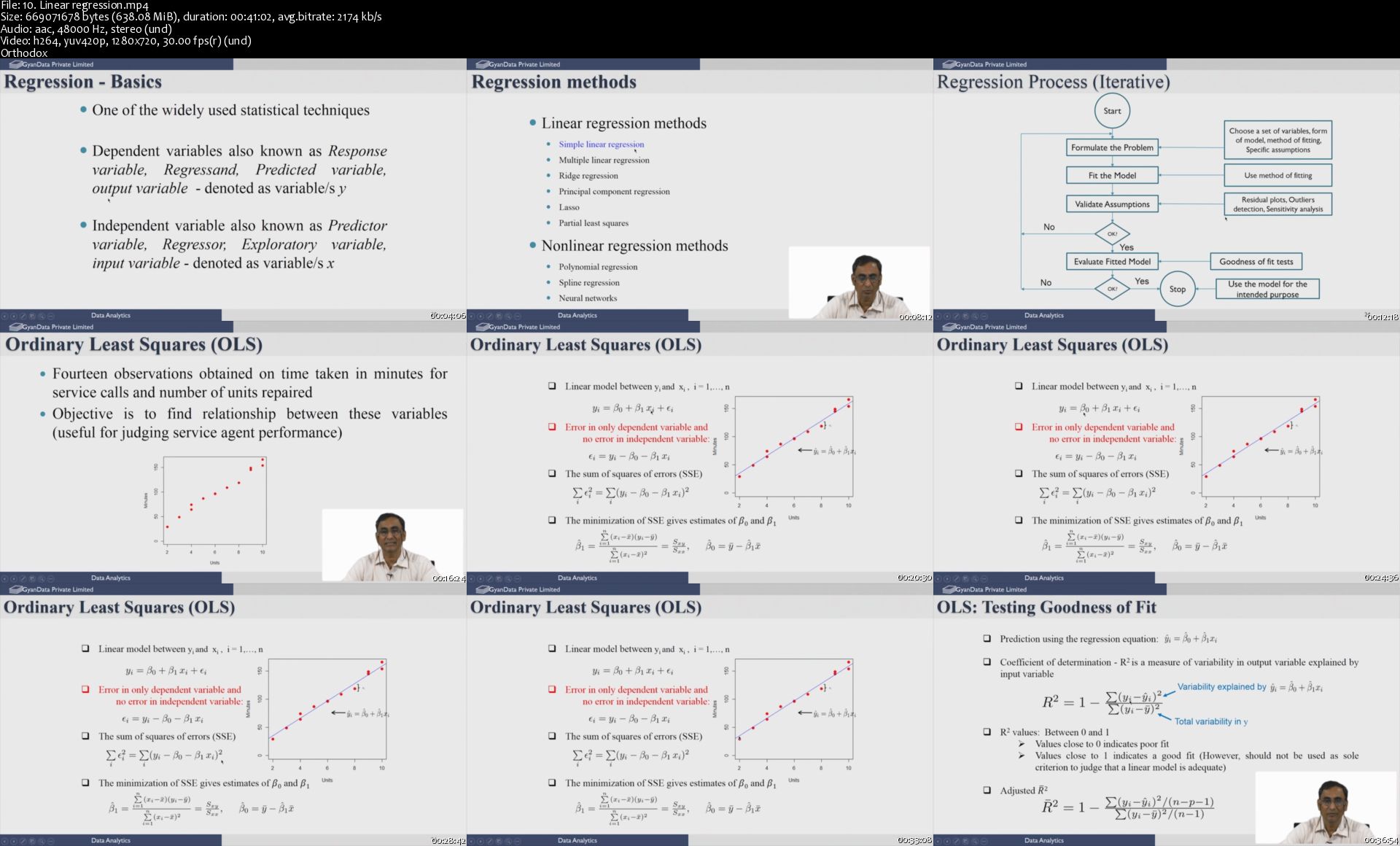
10-Linear-regression-s.jpg


Make Social Media Work for Your Business, Raise Your Capital

0075bebb.jpg


Make Social Media Work for Your Business, Raise Your Capital
Video: .mp4 (1280x720, 30 fps(r)) | Audio: aac, 44100 Hz, 2ch | Size: 5.77 GB
Genre: eLearning Video | Duration: 104 lectures (8 hour, 23 mins) | Language: English

100+ Laser Targeted Lessons: All you need to truly make Social Media work for you, the Right Way. Learn to Raise Capital.


What you'll learn

You will go from #Newbie to #Advanced as an #Social_Media_Marketing_Expert, learning the following:
• Affiliate Marketing
• Banner Ads
• Bonus Creation
• Bookkeeping
• Capital Raising
• Crowdfunding
• Email Marketing
• Facebook Ads
• Facebook Marketing
• Freelancing
• Google Ads
• Instagram Marketing
• Instagram Influencers
• Internet Marketing
• JV Recruiting
• LinkedIn Marketing
• List Building
• Mobile Marketing
• Outsourcing
• Product Creation
• Product Launching
• Pinterest Marketing
• Retargeting
• Social Marketing
• Twitter Ads
• Twitter Marketing
• Video Marketing
• YouTube Marketing

Requirements

No prerequisite knowledge is required to take this course.
This course starts at the very beginning and will teach you everything you need to know to be an outstanding programmer
Suitable for all types and levels of businesses

Description

"Your Complete #Social_Media_Marketing Blue-Print"


Laser Targeted 100+ Lectures are now bundled together for a fraction of the cost. Don't miss this Limited Time Offer. ACT NOW!


Everything you will ever need to truly market your Online Business utilizing Social Media, the Right Way.


100+ Lectures are now bundled together as One #Comprehensive_Course, covering every skill you will ever need to run a truly successful Online Business through successful #Social_Media_Marketing tactics the right way. A great chance to gain full knowledge of learning how to market your business online using various #Social_Media_Marketing_Platforms (#Facebook, #Twitter, #LinkedIn.etc), all for the value of one course.


By the end of this Unique Course, you will go from #Newbie to #Advanced as a #Social_Media_Marketing_Expert, while also learning how to Raise Capital:

· Affiliate Marketing

· Banner Ads

· Bonus Creation

· Bookkeeping

· Capital Raising

· Crowdfunding

· Email Marketing

· Facebook Ads

· Facebook Marketing

· Freelancing

· Google Ads

· Instagram Marketing

· Instagram Influencers

· Internet Marketing

· JV Recruiting

· LinkedIn Marketing

· List Building

· Mobile Marketing

· Outsourcing

· Product Creation

· Product Launching

· Pinterest Marketing

· Retargeting

· Social Marketing

· Twitter Ads

· Twitter Marketing

· Video Marketing

· YouTube Marketing


You could also end up using these skills in your work for Your #Clients, and much more.


Pls leave your much-valued Review.

Read More and Grab this unique Limited Time Offer.


Who this course is for:

Want to know what Social Media is all about?
Want to know the secrets behind Social Media Success?
Want to start an Online Business, but can't choose the right niche?
Want to launch your business, but don't know where and how to get started?
You have an Online Business, but don't know how to get traffic and sales?
Want to become a Freelancer, but don't know where to start from?

0075bebc.jpg


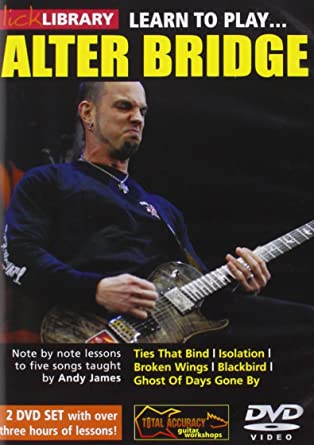
Lick Library - Learn To Play Alter Bridge Guitar Lessons

rczijno2m-T4-Re4r-MKwcv-GWXz-MIbj-Vvim.jpg


Lick Library - Learn To Play Alter Bridge Guitar Lessons
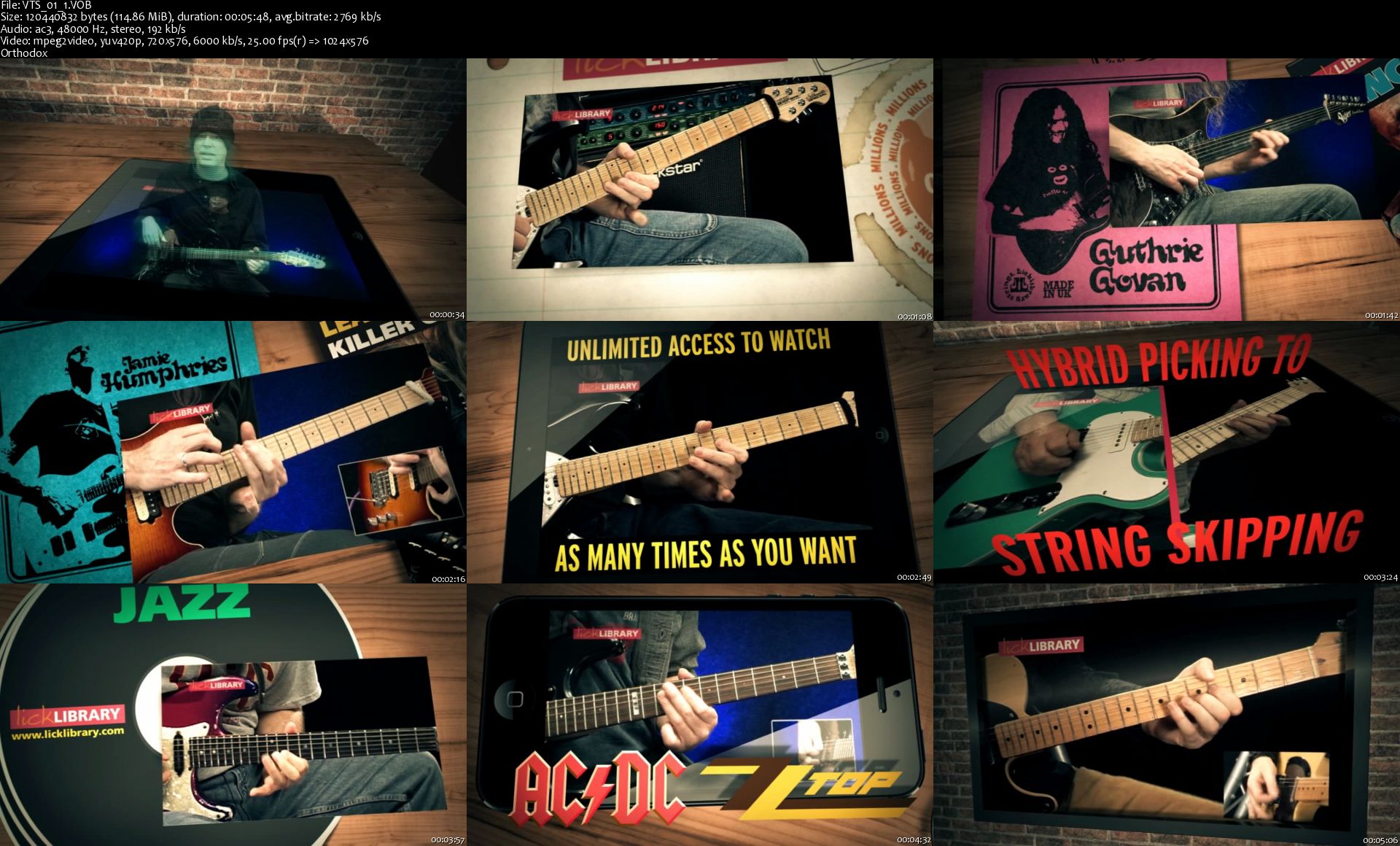
VOB + MP3 | Video: MPEG Video 720 x 576 | Audio: AAC 48 Khz 2ch | Duration: 02:10:00 | 7.76 GB
Genre: eLearning | Language: English

Combined Learn To Play DVD and Jamtrax Audio CD set.

Throughout his career as guitarist in Creed, Alter Bridge and now his own self-titled solo project, Mark Tremonti has rightfully gained the respect and recognition amongst the metal community. Considered one of the saviours of Heavy Metal songwriting and context driven shredding, we can't help but agree with the critics, Mark Tremonti is a great guitar hero to have.

For Alter Bridge fans and metal fans alike, this DVD/CD package features song lessons and backing tracks for five of Marks most challenging and well loved songs, highlighting some of the guitar techniques that set him apart from the rest. Altered tunings, complex fingerstyle patterns, intense alternate picking and palm muting skills are all covered on this 2 DVD and Audio CD set.
Song lessons & backing tracks include:

Ties That Bind
Isolation
Broken Wings
Blackbird
Ghost Of Days Gone By

VTS-01-1-s.jpg


Zurück
Oben Unten