• Regeln für den Video-Bereich:

    In den Börsenbereich gehören nur Angebote die bereits den Allgemeinen Regeln entsprechen.

    Einteilung

    - Folgende Formate gehören in die angegeben Bereiche:
    - Filme: Encodierte Filme von BluRay, DVD, R5, TV, Screener sowie Telesyncs im Format DivX, XviD und x264.
    - DVD: Filme im Format DVD5, DVD9 und HD2DVD.
    - HD: Encodierte Filme mit der Auflösung 720p oder darüber von BluRay, DVD, R5, TV, Screener sowie Telesyncs im Format x264.
    - 3D: Encodierte Filme von BluRay, die in einem 3D Format vorliegen. Dies gilt auch für Dokus, Animation usw.
    - Serien: Cartoon/Zeichentrick, Anime, Tutorials, Dokumentationen, Konzerte/Musik, Sonstiges sind demnach in die entsprechenden Bereiche einzuordnen, auch wenn sie beispielsweise im High Definition-Format oder als DVD5/DVD9/HD2DVD vorliegen. Ausnahme 3D.
    - Bereich Englisch: Englische Releases gehören immer in diesen Bereich.
    - Bereich Talk: Der Bereich, in dem über die Releases diskutiert werden kann, darf, soll und erwünscht ist.


    Angebot/Beitrag erstellen

    - Ein Beitrag darf erst dann erstellt werden, wenn der Upload bei mindestens einem OCH komplett ist. Platzhalter sind untersagt.
    - Bei einem Scenerelease hat der Threadtitel ausschließlich aus dem originalen, unveränderten Releasenamen zu bestehen. Es dürfen keine Veränderungen wie z.B. Sterne, kleine Buchstaben o.ä. vorgenommen werden. Ausnahme Serienbörse:
    - Bei einem Sammelthread für eine Staffel entfällt aus dem Releasename natürlich der Name der Folge. Beispiel: Die Simpsons S21 German DVDRip XviD - ITG
    - Dementsprechend sind also u.a. verboten: Erweiterungen wie "Tipp", "empfehlenswert", "only", "reup", usw. / jegliche andere Zusatzinformation oder Ergänzung, welche nicht in obiger Beschreibung zu finden ist.

    Aufbau des Angebots und Threadtitel

    Der Titel nach folgendem Muster erstellt zu werden. <Name> [3D] [Staffel] [German] <Jahr> <Tonspur> [DL] [Auflösung] <Quelle> <Codec> - <Group>
    Beispiel: The Dark Knight German 2008 AC3 DVDRip XviD - iND
    Beispiel: The Dark Knight 2008 DTS DL BDRip x264 - iND
    Beispiel: The Dark Knight 2008 AC3 DL BDRip XviD - iND
    Beispiel: The Dark Knight German 2008 AC3 720p BluRay x264 iND
    Beispiel: The Dark Knight 2008 DTS DL 1080p BluRay x264 iND
    Beispiel: Die Simpsons S01 German AC3 DVDRip XviD iND
    Beispiel: Die Simpsons S20 German AC3 720p BluRay x264 iND
    Beispiel: Sword Art Online II Ger Sub 2014 AAC 1080p WEBRip x264 - peppermint
    Entsprechend sind also u.a. verboten: Sonderzeichen wie Klammern, Sterne, Ausrufezeichen, Unterstriche, Anführungszeichen / Erweiterungen wie "Tipp", "empfehlenswert", "only", "reup", usw. / jegliche andere Zusatzinformation oder Ergänzung, welche nicht in obiger Beschreibung zu finden ist
    Ausnahmen hiervon können in den Bereichen geregelt sein.

    Die Beiträge sollen wie folgt aufgebaut werden:
    Überschrift entspricht dem Threadtitel
    Cover
    kurze Inhaltsbeschreibung
    Format, Größe, Dauer sind gut lesbar für Downloader außerhalb des Spoilers zu vermerken
    Nfo sind immer Anzugeben und selbige immer im Spoiler in Textform.
    Sind keine Nfo vorhanden z.B. Eigenpublikationen, sind im Spoiler folgende Dateiinformationen zusätzlich anzugeben :
    Quelle
    Video (Auflösung und Bitrate)
    Ton (Sprache, Format und Bitrate der einzelnen Spuren)
    Untertitel (sofern vorhanden)
    Hosterangabe in Textform außerhalb eines Spoiler mit allen enthaltenen Hostern.
    Bei SD kann auf diese zusätzlichen Dateiinformationen verzichtet werden.

    Alle benötigten Passwörter sind, sofern vorhanden, in Textform im Angebot anzugeben.
    Spoiler im Spoiler mit Kommentaren :"Schon Bedankt?" sind unerwünscht.


    Releases

    - Sind Retail-Release verfügbar, sind alle anderen Variationen untersagt. Ausnahmen: Alle deutschen Retail-Release sind CUT, in diesem Fall sind dubbed UNCUT-Release zulässig.
    - Im Serien-Bereich gilt speziell: Wenn ein Retail vor Abschluss einer laufenden Staffel erscheint, darf diese Staffel noch zu Ende gebracht werden.62
    - Gleiche Releases sind unbedingt zusammenzufassen. Das bedeutet, es ist zwingend erforderlich, vor dem Erstellen eines Themas per Suchfunktion zu überprüfen, ob bereits ein Beitrag mit demselben Release besteht. Ist dies der Fall, ist der bereits vorhandene Beitrag zu verwenden.
    - P2P und Scene Releases dürfen nicht verändert oder gar unter einem iND Tag eingestellt werden.


    Support, Diskussionen und Suche

    - Supportanfragen sind entweder per PN oder im Bereich Talk zu stellen.
    - Diskussionen und Bewertungen sind im Talk Bereich zu führen. Fragen an die Uploader haben ausschließlich via PN zu erfolgen, und sind in den Angeboten untersagt.
    - Anfragen zu Upload-Wünschen sind nur im Bereich Suche Video erlaubt. Antworten dürfen nur auf Angebote von MyBoerse.bz verlinkt werden.


    Verbote

    - Untersagt sind mehrere Formate in einem einzigen Angebotsthread, wie beispielsweise das gleichzeitige Anbieten von DivX/XviD, 720p und 1080p in einem Thread. Pro Format, Release und Auflösung ist ein eigener Thread zu eröffnen.
    - Grundsätzlich ebenso verboten sind Dupes. Uploader haben sich an geeigneter Stelle darüber zu informieren, ob es sich bei einem Release um ein Dupe handelt.
    - Gefakte, nur teilweise lauffähige oder unvollständige Angebote sind untersagt. Dies gilt auch für eigene Publikationen, die augenscheinlich nicht selbst von z.B. einer DVD gerippt wurden. Laufende Serien, bei denen noch nicht alle Folgen verfügbar sind, dürfen erstellt und regelmäßig geupdatet werden.
    - Untersagt sind Angebote, welche nur und ausschließlich in einer anderen Sprache als deutsch oder englisch vorliegen. Ausnahmen sind VORHER mit den Moderatoren zu klären.


    Verstoß gegen die Regeln

    - Angebote oder Beiträge, die gegen die Forenregeln verstoßen, sind über den "Melden"-Button im Beitrag zu melden.
  • Bitte registriere dich zunächst um Beiträge zu verfassen und externe Links aufzurufen.

*** Bestes IPTV *** bester Preis *** gratis Test ***


Englische Tutorials

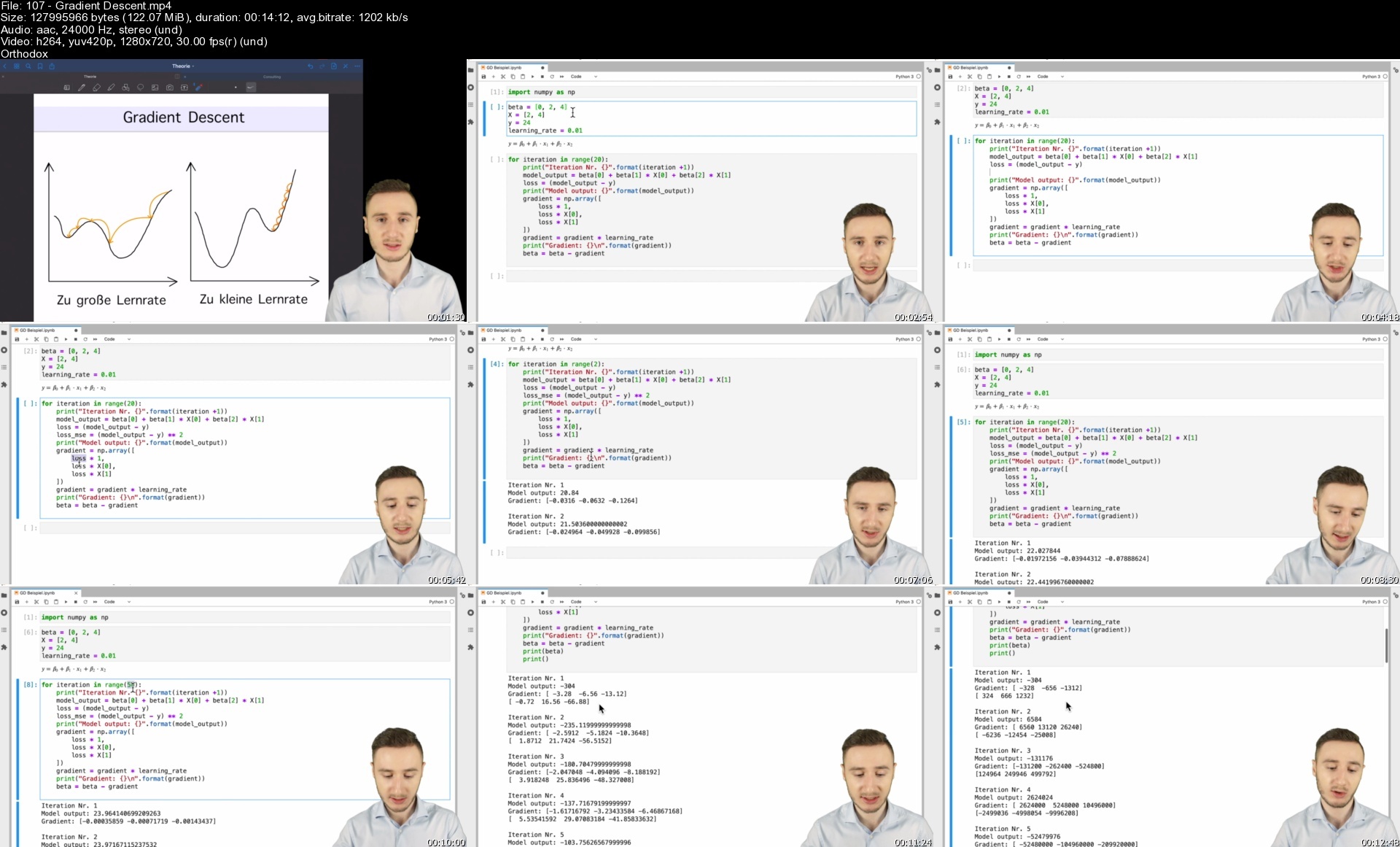
Machine Learning Vom Anfänger Zum Ml Engineer

6owunt7198fuxqgonoibn1ndqu.jpg


Machine Learning Vom Anfänger Zum Ml Engineer
MP4 | Video: h264, 1280x720 | Audio: AAC, 48 KHz
Language: Deutsch | Size: 6.41 GB | Duration: 16h 15m

Lerne alle wichtigen Grundlagen des Maschinellen Lernens in diesem Kurs! Theoretische Grundlagen + Viele Praxisbeispiele


What you'll learn
Hands on Machine Learning
Löse Probleme der echten Welt mit Machine Learning Modellen
Viele praxisnahe Beispiele
Theoretische Grundlagen der wichtigsten Konzepte im Machine Learning

Requirements
Grundkenntnisse im Programmieren

Description
In diesem Kurs lernt ihr alles was ihr auf dem Weg zu einem erfolgreichen Machine Learning Engineer bzw. Data Scientist benötigt. Neben vielen theoretischen Visualisierungen und veranschaulichenden Beispielen, bringt dieser Kurs ebenso extrem viele Praxisbeispiele mit. Damit ihr nicht nur die theoretischen Grundlagen kennenlernt, sondern auch lernt diese in der Praxis anzuwenden und selbstständig auf neue Datensätze übertragen könnt! Darüber hinaus warten viele Aufgaben auf euch, die ihr selbst bearbeiten könnt, um das Gelernte noch weiter zu vertiefen! Selbstverständlich warten im Anschluss an die Aufgaben ausführliche Musterlösungen auf euch, so dass ihr bei Problemen jederzeit in der Lösung nachsehen könnt. Dieser Kurs wurde in 8 Abschnitte unterteilt. Als erstes beginnen wir mit einer kurzen Einleitung und erklären euch das Grundprinzip des Maschinellen Lernens. Im Anschluss daran beschäftigen wir uns mit der Learning Theory, worauf im vierten Kapitel die Evaluation folgt. Im fünften Kapitel dreht sich dann alles um die Datenvorverarbeitung. Das darauffolgende Kapitel beschäftigt sich dann mit allen wichtigen Modellen im Bereich des Maschinellen Lernens und gibt euch die besten Algorithmen für den Erfolg als Machine Learning Engineer mit auf den Weg. Das siebte Kapitel geht näher auf den Themenbereich des Clustering ein. Zu guter Letzt bietet der Kurs als Bonus noch ein Kapitel zur Einführung in Neuronale Netze, mit welchen sich wohl die mächtigsten Modelle der heutigen Zeit darstellen lassen.Als krönender Abschluss erwartet euch darüber hinaus noch ein Praxisbeispiel im Rahmen einer Data Science Competition!

Who this course is for
Quereinsteiger,Studenten,Unternehmen,Angestellte

Homepage


107gradientdescentsjed6g.jpg


Développez En Full Stack Avec Spring Boot Et Angular

inkqkzbyrylhkpoxrofswjpdah.jpg


Développez En Full Stack Avec Spring Boot Et Angular
MP4 | Video: h264, 1280x720 | Audio: AAC, 44.1 KHz
Language: Français | Size: 8.02 GB | Duration: 17h 19m

Apprendre à développer Full Stack Spring Boot/Angular à partir de zéro à travers des exemples simples et pédagogiques


What you'll learn
Développer des api REST avec Spring Boot
Développer des interfaces Front end avec Angular
Sécuriser les api avec le token JWT
Consommer les api REST sécuriser à partir de Angular

Requirements
Connaissances de base des principes de base de la POO, JAVA,HTML et CSS sont requises

Description
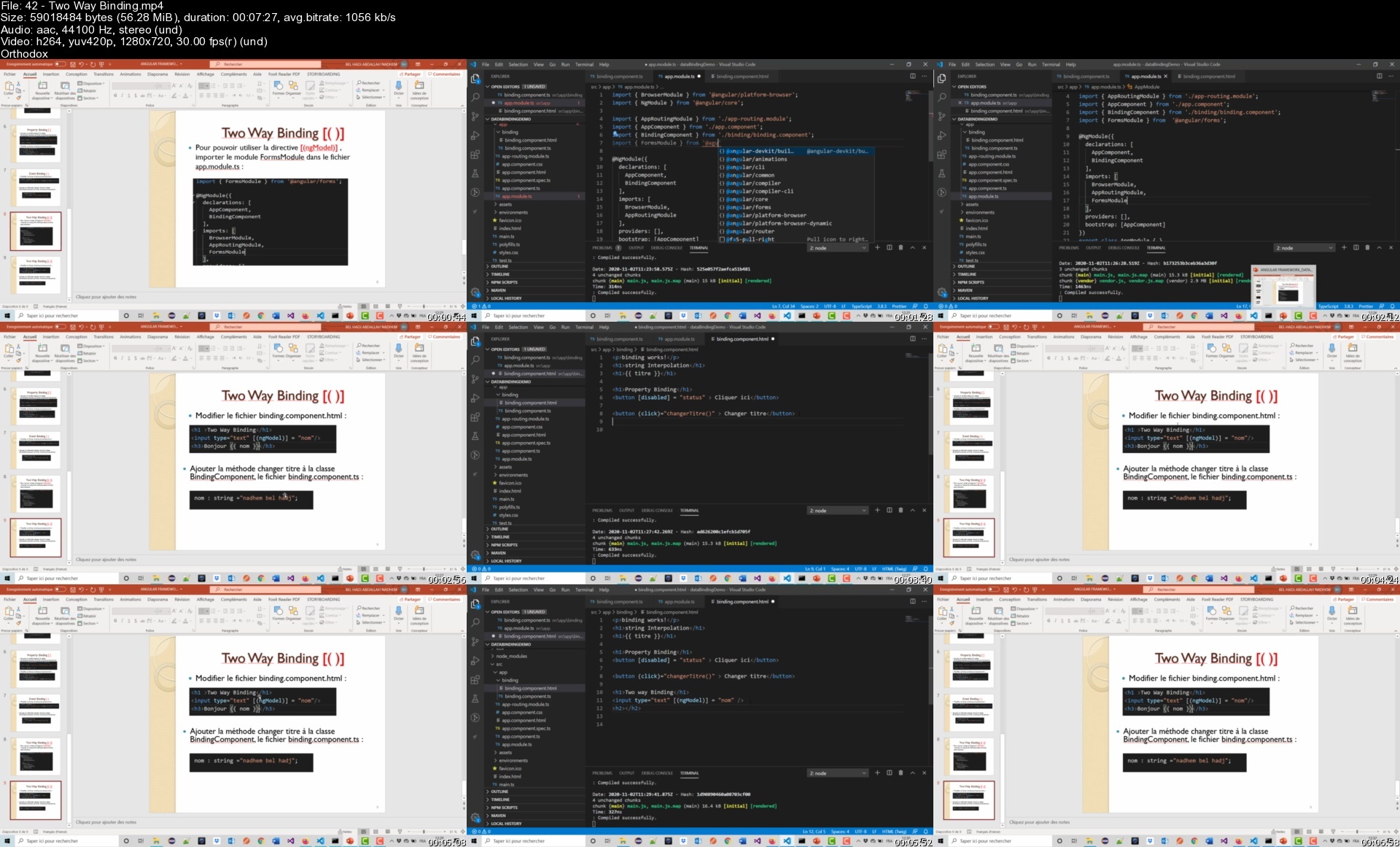
A l'aide de 18 ateliers pratiques contenant chacun un ensemble d'objectifs pédagogiques précis. A la fin de ce cours le participant sera capable de :Spring Boot : Développer les couches Modèle, Persistance et Service d'une application Back endSpring Boot : Persister et interroger les données avec Spring Data JPASpring Boot : Développer des Webservices/api REST fullAngular : Comprendre la structure d'un projet Angular, de l'installer et de créer un premier ProjetAngular : Utiliser les différents types du Data Binding : String Interpolation, Property Binding, Event Binding et Two Way BindingAngular : Créer les composant web, intégrer Bootstrap et utiliser le RoutingAngular : Créer des formulaires de saisie et d'utiliser les services AngularAngular : Créer des formulaires pour modifier et supprimer les produitsAngular : Créer des associations entre les classes modèle et de manipuler les listes déroulantesAngular : Consommer des api REST à partir de Angular en utilisant le module HttpClientAngular : Consommer des api REST développés avec Spring Data RESTAngular : Développer des interfaces de recherches en utilisant l'event Keyup, les pipes et les filtresAngular : Utiliser les décorateurs @Input et @output pour transmettre les données entre les composantsAngular : Sécuriser l'accès aux différentes interfaces selon les droits de l'utilisateurs connectéSpring Boot : Développer une application Spring boot qui génère un token JWT Spring Boot : Développer une application Spring boot qui vérifie l'authenticité du token JWTSpring Boot : Sécuriser des api Rest à l'aide du Token JWTAngular : Consommer les api sécurisés avec JWTContenu :Atelier 01 Spring Boot : Les couches Modèle, Persistance et ServiceAtelier 02 Spring Boot :persister et interroger les données avec Spring Data JPA,Atelier 03 Spring Boot : Développer des Web services REST avec Spring Boot,Atelier 04 Angular : Comprendre la structure d'un projet Angular, de l'installer et de créer un premier ProjetAtelier 05 Angular : Utiliser les différents types du Data Binding Atelier 06 Angular : Créer les composant web, intégrer Bootstrap et utiliser le RoutingAtelier 07 Angular : Créer des formulaires de saisie et d'utiliser les services AngularAtelier 08 Angular : Créer des formulaires pour modifier et supprimer les produitsAtelier 09 Angular : Créer des associations entre les classes modèle et de manipuler les listes déroulantesAtelier 10 Angular : Consommer des api REST à partir de Angular en utilisant le module HttpClientAtelier 11 Angular : Consommer des api REST développés avec Spring Data RESTAtelier 12 Angular : Développer des interfaces de recherches en utilisant l'event Keyup, les pipes et les filtresAtelier 13 Angular : Utiliser les décorateurs @Input et @output pour transmettre les données entre les composantsAtelier 14 Angular : Sécuriser l'accès aux différentes interfaces selon les droits de l'utilisateurs connectéAtelier 15 Spring Boot : Développer une application Spring boot qui génère un token JWT Atelier 16 Spring Boot : Développer une application Spring boot qui vérifie l'authenticité du token JWTAtelier 17 Spring Boot : Sécuriser des api Rest à l'aide du Token JWTAtelier 18 Angular : Consommer les api sécurisés avec JWT

Who this course is for
Développeur Full stack Spring Boot/Angular

Homepage


42twowaybindings15egj.jpg


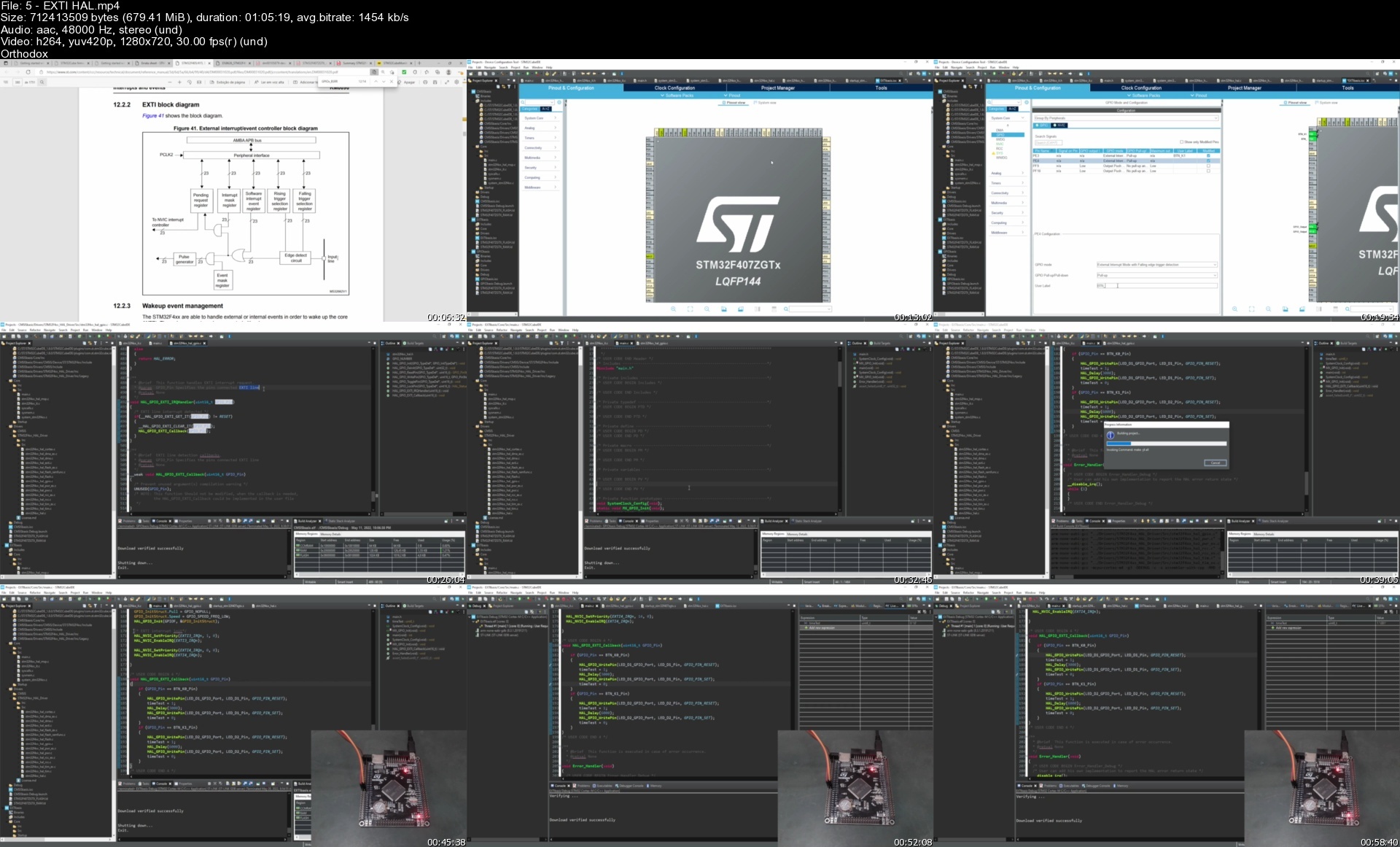
Mastering Stm32F407 Microcontrollers

t8i8bshvbnymhatfquija8tcpq.jpg


Mastering Stm32F407 Microcontrollers
Published 7/2022
MP4 | Video: h264, 1280x720 | Audio: AAC, 44.1 KHz
Language: English | Size: 7.67 GB | Duration: 15h 52m

Developing applications exploring many STM32F4 peripherals


What you'll learn
Explore the features of the STM32F407 microcontrollers by knowing its electrical characteristics, its main registers and applications
Explore many resources of the STM32CubeIDE as well as software libraries, HAL API, and a bunch of middlewares to accelarate the development task
Provide practical skills for diagnosing common programming failures through the use of STM32CubeIDE embeeded debugger tools, and STM32CubeMonitor
Develop applications integrating microcontroller peripherals such as ADC, USART, USB, TIM, RTC, SPI, GPIO, IWDG, etc
Develop solutions for Graphic Display and Touch controller, uSD Cards, Ethernet interface and much more.

Requirements
STM32F407 Development board + aditional peripheral boards and display

Description
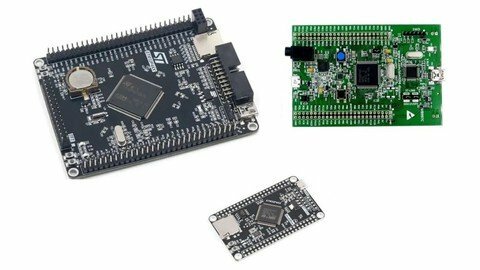
Programming course in C language for ARM Cortex-M4 microcontrollers, based on the microcontroller STM32F407. Explore the features of the STM32F407 microcontrollers by knowing its electrical characteristics, its main registers and applications.Explore many resources of the STM32CubeIDE as well as software libraries, HAL API, and a bunch of middlewares to accelarate the development task.Provide practical skills for diagnosing common programming failures through the use of STM32CubeIDE embeeded debugger tools, or even by monitoring and terminal tools as STM32CubeMonitor.Develop applications integrating microcontroller peripherals such as ADC, USART, USB, TIM, RTC, SPI, GPIO, IWDG, etc. With those peripherals and their software resources, develop solutions for Graphic Display and Touch controller, uSD Cards, Ethernet interface and much more.Common hardware resources avaluable in the market as STM32F407 based development boards, Touch LCD Display based on ILI9341 and XPT2046, LAN8720 Ethernet expansion board, uSD card, USB to serial adapter, ST-Link V2 Programmer, Potentiometer and Dupont FxF Jumpers are applied in this course.Complementary documentation as Application Notes, User Manuals, Reference Manuals, Datasheets, Firmware Packages and much more, can be downloaded in their last version directly form ST website. Software like STM32CubeIDE, STM32CubeMonitor, USB HID Demonstrator, can be downloaded directly from ST website too.

Overview

Section 1: Introduction

Lecture 1 INITIAL CONSIDERATION

Lecture 2 MCU CONCEPTS

Lecture 3 GPIO CMSIS

Lecture 4 GPIO HAL

Lecture 5 EXTI HAL

Lecture 6 PWM

Lecture 7 IC

Lecture 8 TIM

Lecture 9 IWDG

Lecture 10 ADC Basis

Lecture 11 ADC DMA

Lecture 12 RTC

Lecture 13 USART Basis

Lecture 14 USART Advanced

Lecture 15 USB HID

Lecture 16 EEPROM Emulation

Lecture 17 FATFS uSD

Lecture 18 LWIP

Lecture 19 ETH IAP

Lecture 20 LCD + Touch (ILI9341 + XPT2046)

Programmers,Engineers,Technicians,Electronic hobbyists

Homepage


5extihalscxelv.jpg


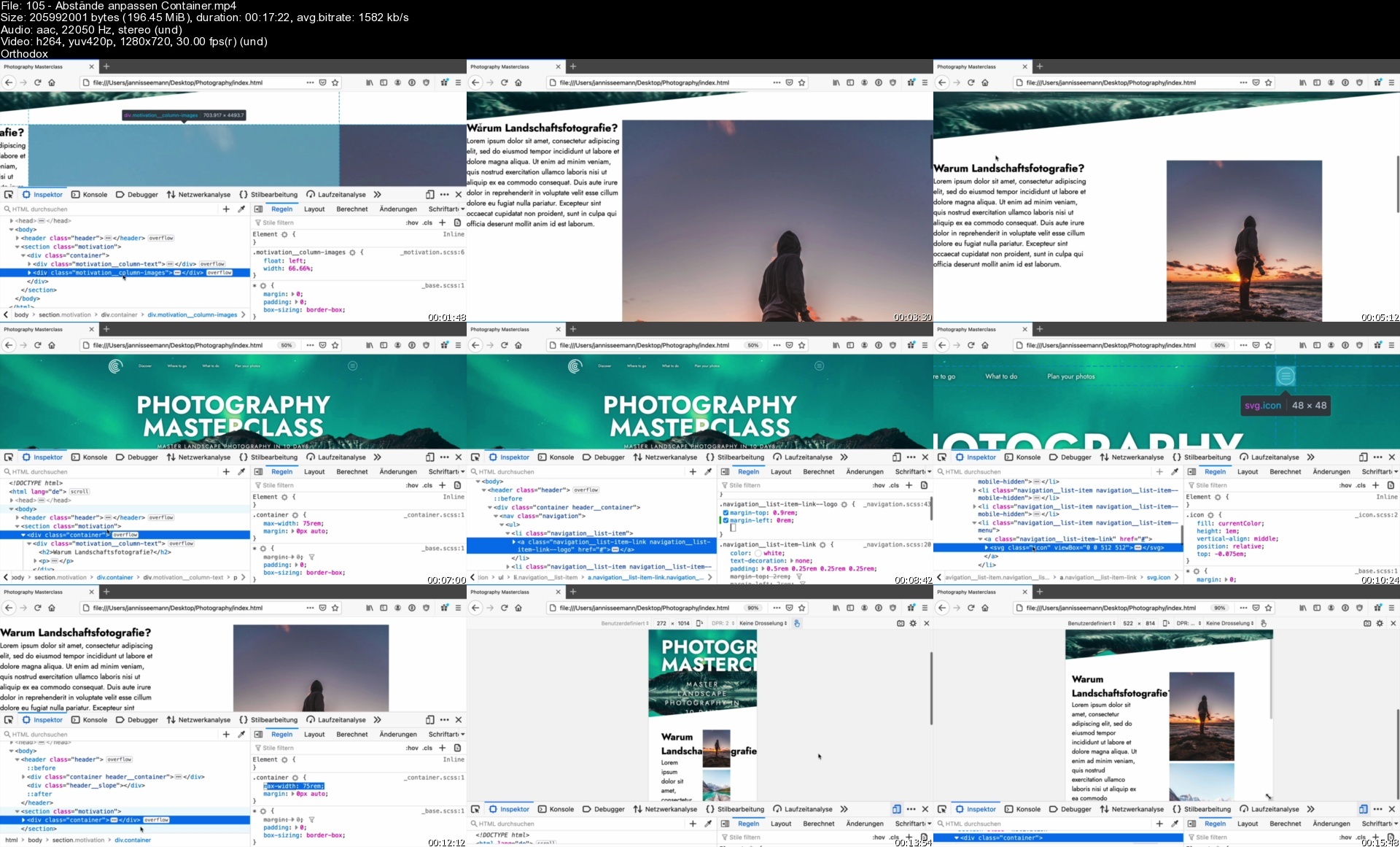
Fortgeschrittenes Css: Animationen, Flexbox, Svg, 3D, Sass,.

ijn4gpzgmktltdr6kknybsicf9.jpg


Fortgeschrittenes Css: Animationen, Flexbox, Svg, 3D, Sass,.
MP4 | Video: h264, 1280x720 | Audio: AAC, 44.1 KHz
Language: Deutsch | Size: 21.01 GB | Duration: 37h 25m

Vom Anfänger zum HTML & CSS-Profi: Mit einem riesigen Praxisprojekt


What you'll learn
Entwickle schicke Webseiten mit modernsten CSS-Features
Lerne am Beispiel: Setze ein komplettes Projekt um
Transitions, @keyframes: Erstelle komplexe Animationen - auch komplett ohne JavaScript
Lerne wie CSS wirklich funktioniert: Layout, Vererbung, Positionierungen, Spezifität von Selektoren
BEM-Components: Steigere deine Produktivität und schreibe wiederverwendbaren CSS-Code
SASS: Strukturiere deine CSS-Dateien und behalte selbst bei 10.000+ Zeilen noch den Überblick
Responsive Design: Mobile-First vs. Desktop-First, 1rem vs. 1em, ...
3D: Erstelle schicke 3D-Effekte mit CSS

Requirements
Du solltest schonmal ein bisschen was mit HTML entwickelt haben
HTML-Grundlagen reichen aber aus - du brauchst kein HTML-Profi zu sein
Es werden keine CSS-Kenntnisse vorausgesetzt - du lernst alles in diesem Kurs

Description
Du hast schon etwas mit HTML und CSS entwickelt, und möchtest deine Kenntnisse jetzt ausbauen? Dir sind moderne CSS3-Features wie 3D-Effekte, Animationen, Flexbox oder Grid noch neu? Oder du möchtest einfach nur noch schickere Webseiten entwickeln?Dann ist dieser Kurs genau das Richtige für dich.Dies ist einer der modernsten und umfangreichsten Kurse zum Thema fortgeschrittenes CSS auf Udemy. Schritt für Schritt lernst du nicht nur die Grundlagen von CSS, sondern auch alle modernen CSS-Features - inklusive diverser CSS-Tricks, mit denen du als Webentwickler noch effizienter wirst.Hierbei lernst du alles komplett praxisorientiert und am Beispiel - das Projekt, was wir in dem Kurs entwickeln, kann sich echt sehen lassen. Auch entwickeln wir interaktive Features wie ein ausfahrbares Seitenmenü, Buttons die weiteren Inhalt aufklappen, und einen Dialog, der sich animiert über die Seite legt - und zwar ohne dass für diese Funktionalität JavaScript im Browser benötigt wird.Dieser Kurs hört fängt dort an, wo andere HTML-Kurse aufhören: Hier lernst du keine HTML-Grundlagen, sondern wir gehen hier explizit auf modernes CSS ein - bis an die Grenzen des technisch machbaren.Nach Abschluss dieses Kurses...... bist du ein gefragter Webentwickler, der auch komplexeste Designs souverän umsetzen kann... hast du ein umfangreiches Verständnis, wie CSS "unter der Haube" funktioniert... bist du derjenige, der auch noch so komplexe Layouts problemlos umsetzen kann... kannst du Designs entwickeln, die nicht nur auf Desktop- sondern auch auf Mobilgeräten gut aussehen (Responsive Design)... behältst du dank SASS auch bei riesigen Projekten noch den ÜberblickWas lernst du alles in diesem Kurs?CSS Grundlagen: Vererbung, Spezifität, CascadingResponsive Design: Desktop-first vs. Mobile-firstGradients: Erstelle schicke Farbverläufe, als Hintergrundbild oder als SchriftfarbeAnimationen: Erstelle schicke Animationen, als Hover-Effekt oder als @keyframes-Animation. Inklusive diverser Tricks, damit deine Animationen immer flüssig dargestellt wird3D-Effekte: Erstelle noch schickere Animationen, und bewege Elemente im 3D-RaumFlexbox: Platziere Elemente nebeneinander - sehr viel eleganter als mit einem "float: left"CSS-Grid: Platziere Elemente automatisch in einem Grid - ideal für Responsive DesignPositionierung von Elementen: Oft müssen wir mehrere Elemente übereinander legen, z.B. um ein Bild von Text überlagern zu lassen. Lerne alles, was du hierzu wissen musst!Diverse CSS-Tricks:Interaktive MenüsCSS debuggenSASS: Strukturiere deinen CSS-Code so, dass du auch bei größeren Projekten noch den Überblick behältstVariablenMixinsFarben abändern (sass:color)Entwickle ein komplettes Praxisprojekt von A-Z

Who this course is for
Leute mit etwas Erfahrung mit HTML & CSS, die jetzt ihre CSS-Kenntnisse auf das nächste Level bekommen möchten

Homepage


105abstandeanpassencod5ejz.jpg


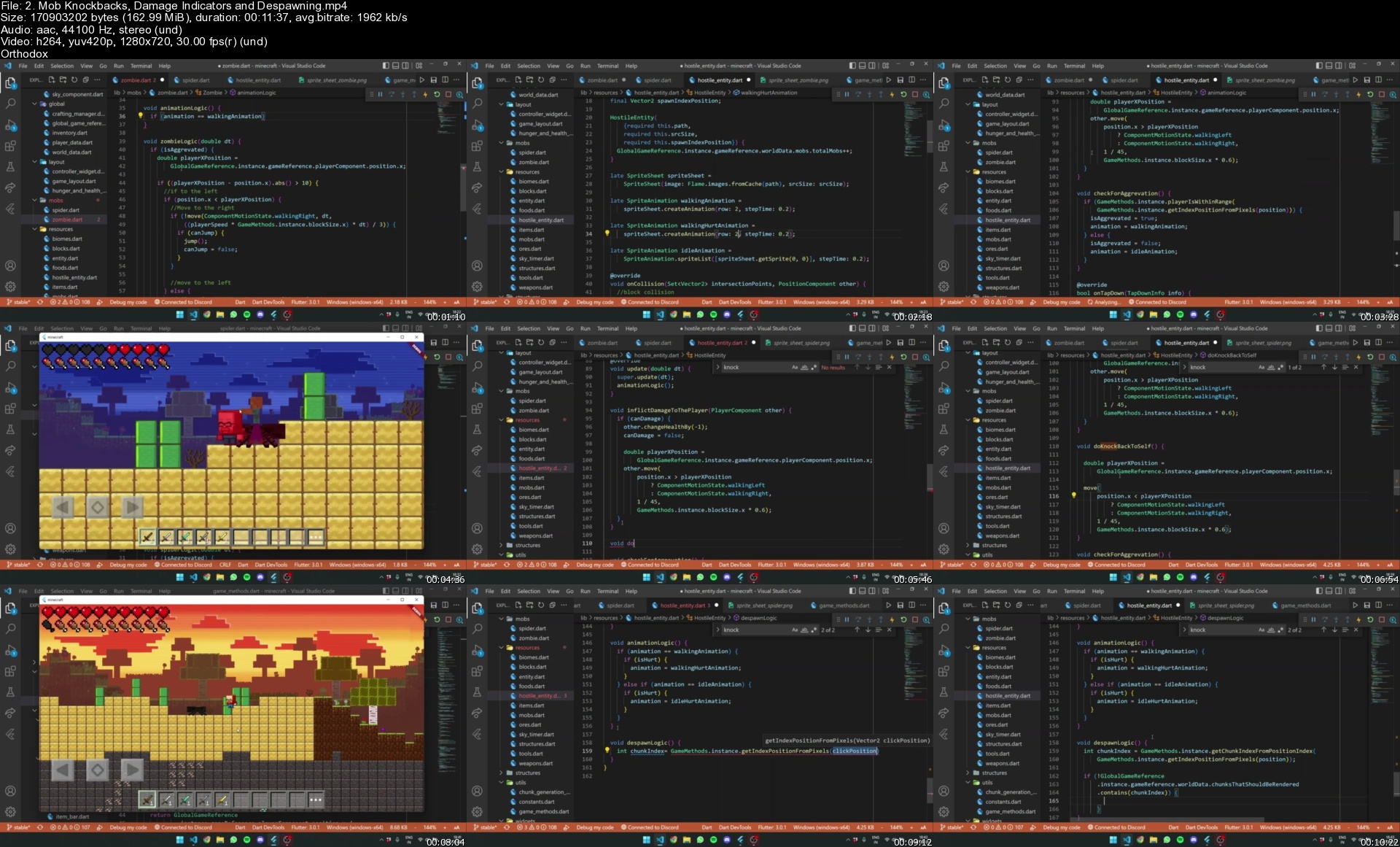
Learn Flutter and Flame by Building Minecraft!

46791443e4a31gca2.jpg


Learn Flutter and Flame by Building Minecraft!
Published 07/2022
MP4 | Video: h264, 1280x720 | Audio: AAC, 44.1 KHz, 2 Ch
Genre: eLearning | Language: English + srt | Duration: 197 lectures (23h 37m) | Size: 17.9 GB

A fullstack all-in-one course where you'll learn everything from Flutter, Dart, Flame, etc by building Minecraft!


What you'll learn
Proficiency in Flutter, Flame, Algorithms, Local Databases (Hive), GetX, Game Design, Game Development, and much more!
Advanced problem solving skills, including usage of various algorithms, project management abilities, etc.
In depth knowledge about programming and algorithms, learned from practical examples.
You'll be taken through a journey of 8000+ lines of code, guided step-by-step, with animations.


Requirements
Everyone is guaranteed to learn something new, but as a starting point you'd need to have a basic-intemediate knowledge of Flutter and Dart! Every line of code will be explained in detail, with inforgraphic animations!
Beginners are also welcome, but be sure ask me questions to clear doubts during every step!
You must have VS Code installed.
You should atleast know the basics of Flutter and Dart; Building Apps, Stateless-Statefull Widgets, Using and Installing Packages, Knowledge of Classes, etc.


Description
In this course, you will be taken through the perplexing and algorithmic journey of creating a complex 2D Version of the game Minecraft, with Flutter, and a bare-bones game engine package; Flame. This is a jam-packed, all-in-one course made with 600hrs of dedicated work, which will leave you well on your way to becoming a better developer.

In this course, we'll cover every prominent feature that makes Minecraft the game it is, including-

Procedural Terrain Generation with Perlin Noise.

Biomes; Desert and Birch Forest. (Expandable)

Structure Generation (Biome Specific)

Block Placing/Breaking (Different Mining Speeds for Different Types of Blocks. Also accounting for Tool used)

Player Movement, Animations, Damage Indicators, Delta Time accounting speed, Quadratic Graavity, etc.

Health and Hunger System

Respawning/Respawn Screen.

Game Layout; GUI-game Separation.

Collision algorithm from Intersection Points.

Dynamic Crafting Algorithms.

Accountable Inventory System.

Global Data Management with GetX.

Day-Night Time Cycle (Custom Timer)

Hostile Mobs; Zombies/Spider (With their own specific logic).

Tools and Weapons of different Tiers.

Custom Block Generation (Expandable).

Gravity Blocks.

World Saving with Hive

Interactive world creation and joining with a launcher.

Launcher panorama effect.

And much more!

All of these complex features and code, are packaged, and explained, line-by-line with captivating animations.

But this is not it, you can expand on my take on Minecraft, as this course was designed to encourage your creativity. if you have any problems while coding, you can reach out to me on my discord server and I'll respond to your doubt.

Who this course is for
Anyone who is looking to increase their proficiency in Flutter/Dart should definitely try this course. It covers a wide range of algorithms, and tools. I guarantee that even the experts will learn tons of new things!

Homepage


2.mobknockbacksdamagea7iqj.jpg


Talend Data Integration & Kobo Toolbox En Français

1mfzdkxjokh8r9jk8s4032ffr0.jpg


Talend Data Integration & Kobo Toolbox En Français
Dernière mise à jour : 5/2020
MP4 | Video: h264, 1280x720 | Audio: AAC, 44.1 KHz
Language: Français | Size: 6.58 GB | Duration: 16h 18m

Apprendre l'intégration des données avec Talend Data Integration par la PRATIQUE (Source de données : API Kobo Toolbox)


What you'll learn
Avec Talend Data Integration vous allez apprendre par la pratique à automatiser l'extraction, la transformation et le chargement de vos données des formulaires créés dans Kobo Toolbox vers Excel ou vers un fichier au format CSV ou vers une base de données relationnelle.
Installer Talend Open Studion for Data Integration, créer un projet, créer un job, créer des variables de contexte, utiliser certains composants Talend nécessaires à la réalisation de l'atelier.
Apprendre à concevoir et structurer un projet Talend.
Utiliser un fichier des properties (fichiers de configuration du job Talend).
Apprendre à utiliser les web services REST de l'API Kobo ToolBox avec Talend Data Integration.
Documenter un Job Talend, gérer les exception Java, etc...
Apprendre à utiliser Talend Data Integration par la pratique avec un cas concret directement utilisable pour vos besoins au quotidien.
L'application d'extraction de données réalisée à la fin de cet atélier est directement utilisable pour vos besoins d'extraction au quotidien.
Vous réaliserez au moins 17 exercices pratiques pour vous familairiser avec les composants et les bonnes ptratiques avec Talend...

Requirements
Vous devez disposer d'un ordinateur et une connexion internet
Avoir des notions du langage Java ou un autre langage de programmation objet (souhaité)
Avoir des notions en SQL
Les plateformes Open Source de collecte de données avec téléphone mobile tels que Kobo ToolBox, ou ODK ou ONA...

Description
Vous allez apprendre à créer une application professionnelle complète pour l'extraction automatique des données de vos formulaires KoBo ToolBox au format Excel ou CSV en temps réel en utilisant Talend Data Integration. Apprenez les techniques de base de développement et de déploiement de job Talend. Vous allez vous familiarisez avec un ETL open source du marché (gratuit) et puissant d'extraction, de transformation et de chargement de données.A la fin de cette formation Talend Data Integration vous serez fièrement capable par la pratique, d'automatiser l'extraction de vos données des formulaires créés dans Kobo Toolbox vers Excel ou vers un fichier au format CSV. Au fur et à mesure que les équipes d'enquêteurs collecteront les données avec leur téléphone mobile et qu'ils les enverront dans Kobo ToolBox, ces données seront chargées automatiquement dans une table de base de données dédiée au projet. Vos données sont ainsi sécurisées de bout en bout !Cette architecture de collecte et d'intégration des données évite les erreurs liées aux échanges de données entre les enquêteurs et les agents de saisie. Ce système garantie aussi la détection des erreurs en temps réel lors de la phase de collecte des données de l'enquête, de les corriger assez rapidement avant que cela ne soit trop tard.

Overview

Section 1: Bienvenue

Lecture 1 Introduction

Lecture 2 Principes généraux des ETL

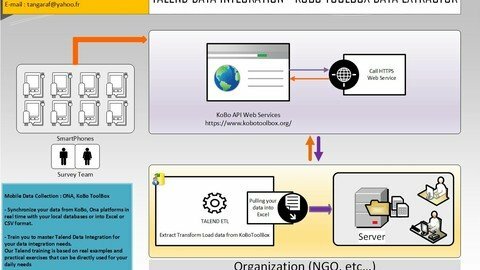
Lecture 3 Architecture technique de l'application KOBOTOOLBOX_DATA_EXTRACTOR

Lecture 4 Présentation de la société Talend

Section 2: Intégrer des données avec Talend

Lecture 5 Configuration minimum recommandée pour installer Talend Open Studio

Lecture 6 Installation et prise en main de Talend Open Studio

Lecture 7 Présentation des familles de composants : Partie 1

Lecture 8 Présentation des familles de composants : Partie 2

Lecture 9 Présentation des familles de composants : Partie 3

Lecture 10 Manipulation des composants et Création de liens entre les composants - Partie 1

Lecture 11 Manipulation des composants et Création de liens entre les composants - Partie 2

Section 3: Exercices Pratiques

Lecture 12 Exercice 1 : création d'un premier job simple

Lecture 13 Exercice 2.1: métadonnées de lecture du contenu d'un fichier CSV

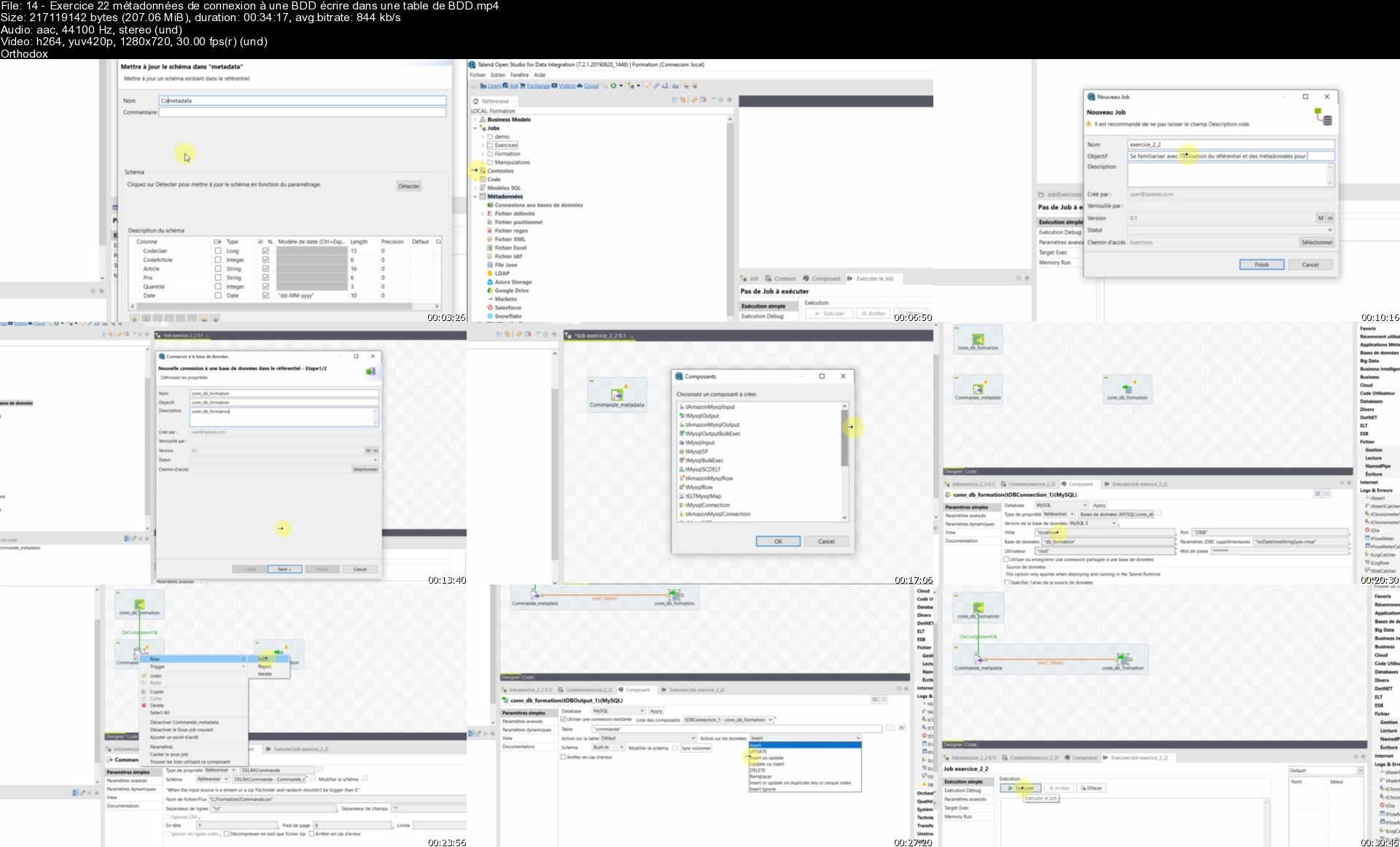
Lecture 14 Exercice 2.2 : métadonnées de connexion à une BDD - écrire dans une table de BDD

Lecture 15 Exercice 3 - Isoler les doublons d'enregistrement d'un fichier CSV

Lecture 16 Exercice 4 - Lire les données d'une table de BDD

Lecture 17 Exercice 4.1-Lire les données d'une table de BDD, créer un fichier Excel et CSV

Lecture 18 Exercice 5 - Créer une variable globale et l'utiliser dans un filtre

Lecture 19 Exercice 6 - Utiliser tFilterColumns

Lecture 20 Exercice 7 - Utilisation simple du tMap

Lecture 21 Exercice 8 - Utilisation tMap Jointure et Filtre sur fichiers entrées

Lecture 22 Exercice 9 - Utilisation tMap avec Filtre sur les données en sortie

Lecture 23 Exercice 10 - Utilisation tMap et les conditions ternaires Java

Lecture 24 Exercice 11 - Itération avec tFlowToIterate, utilisation de tFixedFlow

Lecture 25 Exercice 12 - Implémenter l'Exercice 11 avec un tMap

Lecture 26 Exercice 13 - Jointures avancées avec tMap, gestion des rejets et doublons

Lecture 27 Exercice 14 - Gestion des contextes

Lecture 28 Exercice 15 - Versionning de Job

Lecture 29 Exporter un Job

Lecture 30 Importer un Job

Lecture 31 Exporter un Projet

Lecture 32 Importer un Projet

Lecture 33 Mettre en place des logs d'exécution : tLogCatcher, tDie, tWarn

Section 4: Créer l'application KOBOTOOLBOX DATA EXTRACTOR

Lecture 34 Installer, configurer et tester KoBoCollect

Lecture 35 Présentation du formulaire ENQUETE DEMOGRAPHIQUE dans KoboToolBox

Lecture 36 Créer le projet KOBOTOOLBOX_DATA_EXTRACTOR

Lecture 37 Créer la structure des dossiers du projet et initialiser le fichier de config

Lecture 38 Présentation des jobs contenus dans l'application KOBOTOOLBOX_DATA_EXTRACTOR

Lecture 39 Création du job getKoboUserForms

Lecture 40 Création du job getKoboUserFormData

Lecture 41 Création du job getKoBotUserFormDataByOwnerUsername

Lecture 42 Création du job KOBOTOOLBOX_DATA_EXTRACTOR_MAIN

Lecture 43 Intégrer les données du formulaire ENQUETE DEMOGRAPHIQUE dans la BDD Mysql

Lecture 44 Exporter, Décompresser le job KOBOTOOLBOX_DATA_EXTRACTOR_MAIN

Lecture 45 Création de la tâche planifiée sous Windows KoboToolBoxExtractor (taskschd.msc)

Section 5: Bonus

Lecture 46 Lancer un processus en arrière-plan de Windows

Lecture 47 Ressources complètes Formation et Application finale KOBOTOOLBOX_DATA_EXTRACTOR

Gestionnaire de données au sein des ONG,Technicien SIG (Systèmes d'Information Géographique),Géomètre-topographe (collecte des données topographiques),Chef de projet SIG,Chef de Projet Collecte de données avec Kobo ToolBox, ODK, ONA, etc...,Développeur d'Applications,Administrateur de base de données,Consultant en Informatique Décisionnelle (Business Intelligence),Etudiant(es) dans le domaine de l'informatique, Géomatique, Système d'Information Géographique, etc...,Toutes personnes souhaitant s'initier à l'intégration des données via l'ETL Talend

Homepage


14exercice22metadonnefoep9.jpg


Der Moderne Java-Kurs, Vom Anfänger Zum Profi

v2fdptalzz2t6pxjg2wsar9e68.jpg


Der Moderne Java-Kurs, Vom Anfänger Zum Profi
MP4 | Video: h264, 1280x720 | Audio: AAC, 48 KHz
Language: Deutsch | Size: 18.25 GB | Duration: 51h 31m

Alles über Java, von Java 1.0 bis Java 17


What you'll learn
Alles über Java - der Kurs vom Java-Champion für Einsteiger und Fortgeschrittene
Von der ersten Codezeile bis hin zur anspruchsvollen Anwendung
Imperatives Programmieren
Objektorientiertes Programmieren
Funktionales Programmieren
Datenstrukturen und Algorithmen
Dateiverarbeitung
Datenbankabfragen
Java Stream-API
Nebenläufige Programme schreiben

Requirements
Grundverständnis für die Programmierung ist hilfreich
Bedienung einer grafischen Oberfläche
Installation von Software

Description
TeilnehmerInnen dieses Kurses lernen die Programmiersprache Java und die Java Standardbibliothek von Grund auf kennen. Welche Datentypen gibt es, wie formuliert man Fallunterscheidungen und Schleifen, wie schreibt man Methoden, Klassen, Schnittstellen. Doch bei den Basics hört es nicht auf. Auch anspruchsvolle Sprachkonstrukte behandelt das Video-Training umfassend: dynamisches Binden, Auswahl der richtigen Datenstrukturen, Generics, Lambda-Ausdrücke, funktionale Programmierung und vieles mehr. Die Basis bildet Java 8, aber es werden alle Features vorgestellt bis zur aktuellen Version Java 17. Und in Java ist wahrlich viel passiert, modernes Java sieht ganz anders aus als das, was viele vielleicht von 20 Jahren einmal gelernt haben.Der Dozent, Christian Ullenboom, ist seit mehr als 20 Jahren auf der Java Insel unterwegs und seine Java-Bücher sind Standardwerke. Durch seine Arbeit mit Java, den Schulungen und dem populären Buch „Java ist auch eine Insel", ist Christian Ullenboom im September 2005 von Sun (heute Oracle) als Java-Champion ausgezeichnet worden.Mit rund 50 Stunden ist dieser Kurs aktuell der umfangreichste und modernste Video-Kurs auf der Plattform. Primär geht es um die Syntax von Java, doch auch die Themen saubere objektorientierte Programmierung, Clean-Code, Refactoring, effective Java, Design-Pattern kommen zur Sprache. So wie auch Java sich weiterentwickelt, so tut es der Kurs auch. Das heißt: einmal kaufen und lebenslang alle neuen Java-Features lernen können.Genug geredet! Starten wir mit dem Hello-World-Programm und arbeiten uns vor zu anspruchsvollen Applikation mit Datenbankanbindung.

Who this course is for
Dieser Java-Kurs ist für ProgrammieranfängerInnen gedacht, die noch keinerlei Erfahrungen mit der Programmierung mit Java gesammelt haben,Fortgeschrittene EntwicklerInnen, die sich in die aktuellen Spracheigenschaften (Java 8 bis Java 17) einfinden möchten

Homepage


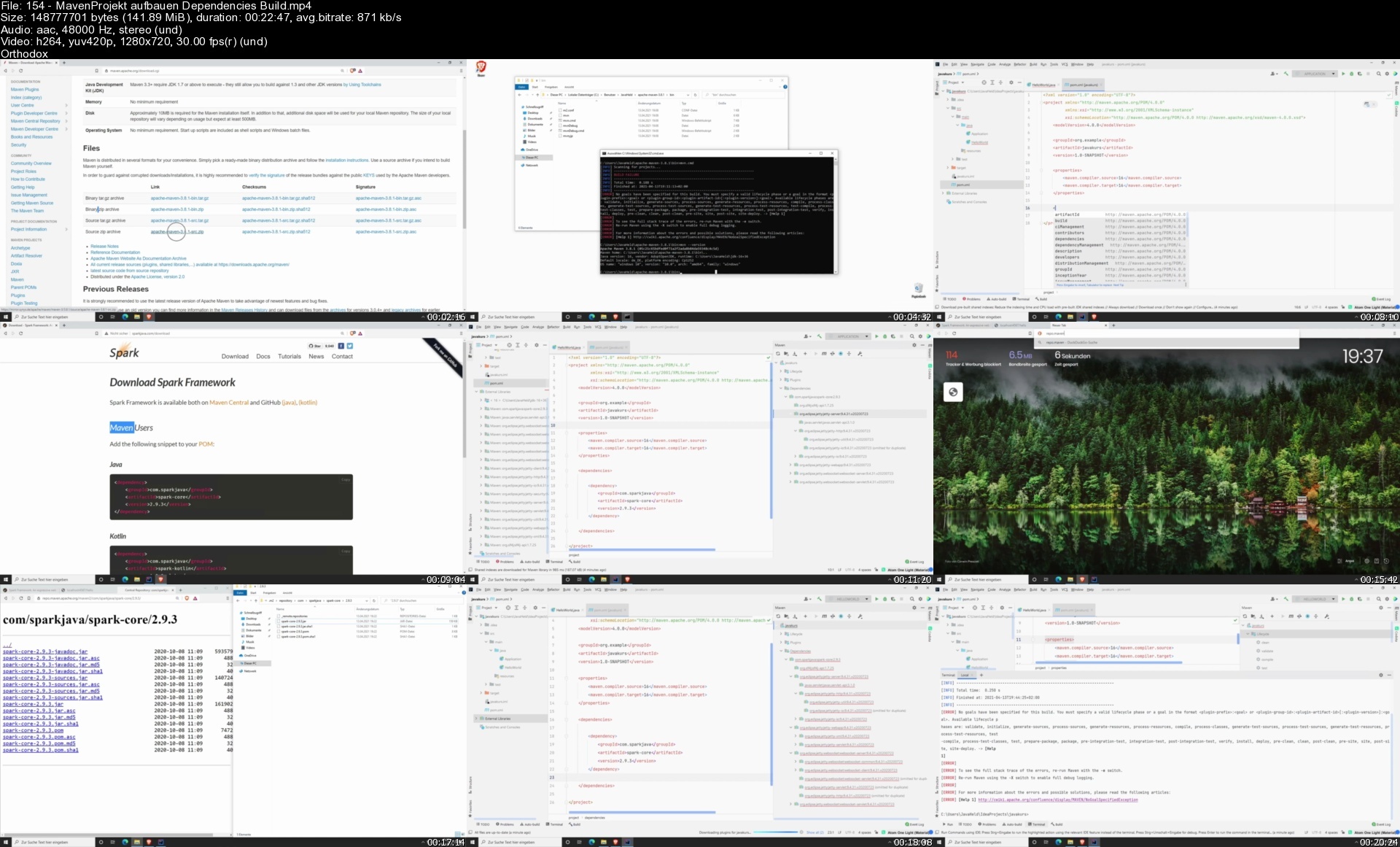
154mavenprojektaufbau7pif2.jpg


Android Apps Mit Java Programmieren - Der Einstieg

l3zsicjgisjn39q7i21wwzxf9t.jpg


Android Apps Mit Java Programmieren - Der Einstieg
MP4 | Video: h264, 1280x720 | Audio: AAC, 48 KHz
Language: Deutsch | Size: 5.50 GB | Duration: 9h 0m

Lerne alle wesentlichen Konzepte, um selbst produktive Android Apps programmieren zu können.


What you'll learn
Du lernst, wie du eigene Android Apps mit Java programmiert.
Wesentliche Konzepte von Android werden im Kurs durchbesprochen.
Der Kurs beginnt bei den Basics wie Activities und arbeitet sich zu fortgeschrittenen Themen aus Android wie Notifcations oder Broadcasts vor.
Alle Elemente aus Android werden anhand von Codebeispielen besprochen.
Viele vollständige Demoprogramme illustrieren die Umsetzung der besprochenen Themen aus Android.
Am Ende des Kurses kennst du alle wesentlichen Elemente, um produktive Android Apps selbst programmieren zu können.
Über 9 Stunden Videomaterial + Quellcode und Beispiele
6 Übungsaufgaben (Programmierung Android App) inkl. Musterlösungen

Requirements
Du solltest zumindest Basiskenntnisse der Programmierung mit Java mitbringen.

Description
Android ist das am weitesten verbreitete Betriebssystem, das auf mobilen Endgeräten bzw. Handys und Smartphones eingesetzt wird.Dieser Programmierkurs richtet sich an Einsteiger, die mit der Programmierung von Android Apps beginnen wollen. Als Android Entwickler verdienst du bis zu 58.000 EUR jährlich !!(Quelle:*stepstone de)Starte gleich mit deiner Karriere als Android Entwickler, indem du dich zu diesem Kurs einschreibst!Du lernst in diesem Kurs in über 9 Stunden Video Material die wichtigsten Android Elemente kennen:Installation und Verwendung der Programmierumgebung Android StudioLayouts und UserInterface Komponenten in AndroidVerwaltung und Ausgabe von Log-MeldungenDarstellung von Elementen als ListeIntegration von Dateien und Dokumenten aus Assets und von der SD-KartePermissions - Berechtigungskonzept in AndroidIntegration von Benutzermenüs in Android AppsBenutzerinteraktion mithilfe von DialogenDas Datenformat JSON - wesentliches Element für die Interaktion von Android Apps mit REST-orientierten WebservicesNebenläufigkeit und Threading in Android mithilfe vom Async-Task-Framework umsetzen.Aufgaben mithilfe von impliziten und expliziten Intents delegieren.Den Benutzer der App mithilfe von Notifications benachrichtigenOptimierung des Benutzerinterfaces mithilfe von FragmentsErstellung und Programmierung von ServicesDer ContentProvider in Android am Beispiel der Verwaltung von BenutzerkontaktenDer Markt für mobile Endgeräte teilt sich im Wesentlichen auf Apple's iOS*und Android Geräte auf. Was mit der Einführung des iPhones begann, nahm erst durch die Veröffentlichung des Betriebssystems Android so richtig Fahrt auf.Inzwischen wird Android nicht auf Smartphones und Tablets, sondern auch in Fahrzeugen, auf Fernsehern und einer Vielzahl an anderen Geräten eingesetzt.Native Android Apps programmieren zu können, kann daher heute sicher zu einer Kernkompetenz eines Programmierers gezählt werden. Umgekehrt ist der Einstieg in die Welt von Android auch nicht schwer, da neben der Programmiersprache Kotlin auch nach wie vor Java in vollem Ausmaß zur Entwicklung von Android Apps unterstützt wird. Dies ist auch wichtig, da es eine Menge an bestehenden Apps am Markt gibt, die rein in Java programmiert wurden. Diese zum Teil sehr großen und komplexen Applikationen können nicht von heute auf morgen auf die Programmiersprache Kotlin umgestellt werden. D.h. Android Programmierung mit Java ist nicht nur für jene interessant, die gerne selbst Apps entwickeln wollen, sondern auch für jene, die vielleicht an bereits etablierten Projekten mitwirken wollen.Wir arbeiten uns in diesem Kurs in über 9 Stunden Videomaterial gemeinsam vom Einstieg in die Entwicklung von Android Apps mithilfe von Android Studio über die Erstellung von Benutzerinterfaces hin zu komplexeren Themen wie dem ContentProvider in Android.Alle gezeigten Materialien finden Sie im verknüpften Kursrepository. Zusätzlich befindet sich darin Bonusmaterial, das den Umstieg von Java auf Kotlin vereinfacht.Der Kurs Android Apps mit Java programmieren lernen richtet sich an Einsteiger in der Entwicklung von Android /*Handy Apps, die bereits über Basiswissen in der Programmierung Java verfügen und nun ihr Wissen in der Programmierung von Android Apps erweitern wollen.Neben Android spezifischen Themen werden auch relevante angrenzende Gebiete angesprochen wie etwa der Kontakt mit Webservices. Wie können REST (Representational State Transfer) orientierte Webservices von unserer Android App heraus angesprochen werden?Insbesonders mobile Apps generieren einen höheren Nutzwert für den User, wenn sie die zur Verfügung stehenden Daten (Benutzerdaten, Standortdaten, etc.) in die Darstellung von Daten einbinden. Doch können natürlich nicht alle relevanten Daten direkt am Gerät gespeichert werden, sondern werden in der Regel von vielen verschiedenen Webservices während der Laufzeit der mobilen App heruntergeladen und permanent aktualisiert.Da das Herunterladen von Daten aus dem Internet - je nach Verfügbarkeit der mobilen Datenverbindung - bei einer mobilen App auch mal etwas länger dauern kann, werden wir solche Operationen in einen eigenen Thread auslagern, um nicht die Responsivness der Android App zu gefährden. Dafür führen wir in diesem Android Programmierkurs auch das Async-Task-Framework ein, das uns Android für nebenläufige Prozesse zur Verfügung stellt. Du lernst, wie du selbst einen nebenläufigen Thread mithilfe von AsyncTask in Android programmierst und diesen für die Abfrage eines Webservices einsetzt.Webservices liefern in der Regel Daten im JSON*Format. Das ist ein reines Textformat, das mit sehr wenig Overhead eine schnelle und schlanke Datenübertragung von Webservices ermöglicht. Da JSON*inzwischen zu einem "DeFactoStandard" für die Datenübertragung von Webservices emanzipiert ist, besprechen wir in diesem Android Programmierkurs auch JSON*ausführlich und gehen auf die GSON*Bibliothek ein, die ein automatisches Mapping zwischen Java Objekten und JSON*Objekten ermöglicht.
Who this course is for
Java Programmierer, die Android Apps programmieren möchten.,Einsteiger in die Programmierung, die über Basiskenntnisse in Java verfügen und Android Apps programmieren möchten.


androidappsmitjavapro2sf9u.jpg


Angular 8 - The Complete Guide 2022

ub9gpq3qugec1r9pvarxzcjczx.jpg


Angular 8 - The Complete Guide 2022
Published 7/2022
MP4 | Video: h264, 1280x720 | Audio: AAC, 44.1 KHz
Language: English | Size: 10.96 GB | Duration: 20h 7m

Angular will get you job-ready! Get hands-on experience building and deploying production-ready apps.


What you'll learn
Develop modern, complex, responsive and scalable web applications with Angular 14
Learn to build reactive, performant, large scale applications like a senior developer
Master the latest ecosystem of a Angular Developer from scratch
Fully understand the architecture behind an Angular application and how to use it
Set up authentication and user accounts
Learn to use TailwindCSS in an Angular application
Use Firebase to build full stack applications
Learn the latest features in Angular: Routing, Directives, Pipes, Services, Ahead of time Compilation + much more
Build enterprise level Angular and TypeScript applications to deploy to production Learn to lead Angular projects by making good architecture decisions and hel
Create single-page applications with one of the most modern JavaScript frameworks out there
Handle and process data declaratively using RxJs
Architect large apps effectively using Typescript + Angular's Module system

Requirements
There is no need to have any experience with Angular or any other framework.

Description
Angular is the next large deal. Being the successor of the overwhelmingly successful Angular.js framework it's certain to shape the future of frontend development in a similar way. The effective points and competencies of Angular allow you to create complex, customizable, modern, responsive, and consumer-friendly internet applications.Angular thirteen truly is the modern-day version of the Angular framework and absolutely a replacement for Angular 2.Angular is quicker than Angular 1 and affords a whole lot greater bendy and modular improvement approach. After taking this route you'll be able to wholly take advantage of all those elements and begin developing extremely good applications immediately.Due to the drastic differences between Angular 1 and Angular (=Angular 13) you don't need to know anything about Angular.js to be capable to gain from this route and build your future initiatives with Angular.Get a profound grasp of how to create Angular applicationsThis course will teach you all the fundamentals about modules, directives, components, data binding, routing, HTTP access, and a good deal more! We will take a lot of deep dives and each section is backed up with a real project. All examples showcase the facets Angular gives and how to apply them correctly.• Develop single-page Angular applications with the usage of Typescript.• Set up an entire Angular improvement environment.• Create Components, Directives, Services, Pipes, Forms, and Custom Validators.• Handle advanced community facts retrieval tasks with the usage of Observables.• Build RIA the usage of Angular.js• Exploit two-way binding offered by means of Angular.js• Use dependency injection for higher maintainability• Understand and use more than a few directives provided by way of Angular.js• Create custom directives• Use grunt.js for typically carried out duties in JavaScript software improvement Specifically, you will learn:Which architecture does Angular use?How to use TypeScript to write Angular applicationsAll about directives and components, which includes the introduction of customized directives/ componentsHow data binding worksAll about routing and handling navigationWhat Pipes are and how to use themHow to get right of entry to the Web (e.g. RESTful servers)What dependency injection is and how to use itHow to use Modules in AngularHow to optimize your (bigger) Angular ApplicationAn introduction to NgRx and complicated country managementWe will build an important challenge in this direction so that you can exercise all conceptsand so a great deal more!
Overview
Section 1: Introduction
Lecture 1 Introduction
Lecture 2 Angular CLI Installation
Lecture 3 Angular components
Lecture 4 Angular 8 Customizing Components, Interpolation & Property Binding
Lecture 5 Angular 8 Class Binding, Style Binding & Event Binding
Lecture 6 Angular 8 Pipes
Section 2: Angular 8 Integrating with Bootstrap
Lecture 7 Angular 8 Integrating with Bootstrap
Section 3: Angular Directives
Lecture 8 Angular 8 Directives - part 1
Lecture 9 Angular 8 Directives - part 2
Section 4: Angular routing
Lecture 10 Angular 8 Routing - part 1
Lecture 11 Angular 8 Routing - part 2
Section 5: Angular 8 Services
Lecture 12 Angular 8 Services
Section 6: Angular 8 Template Driven Forms
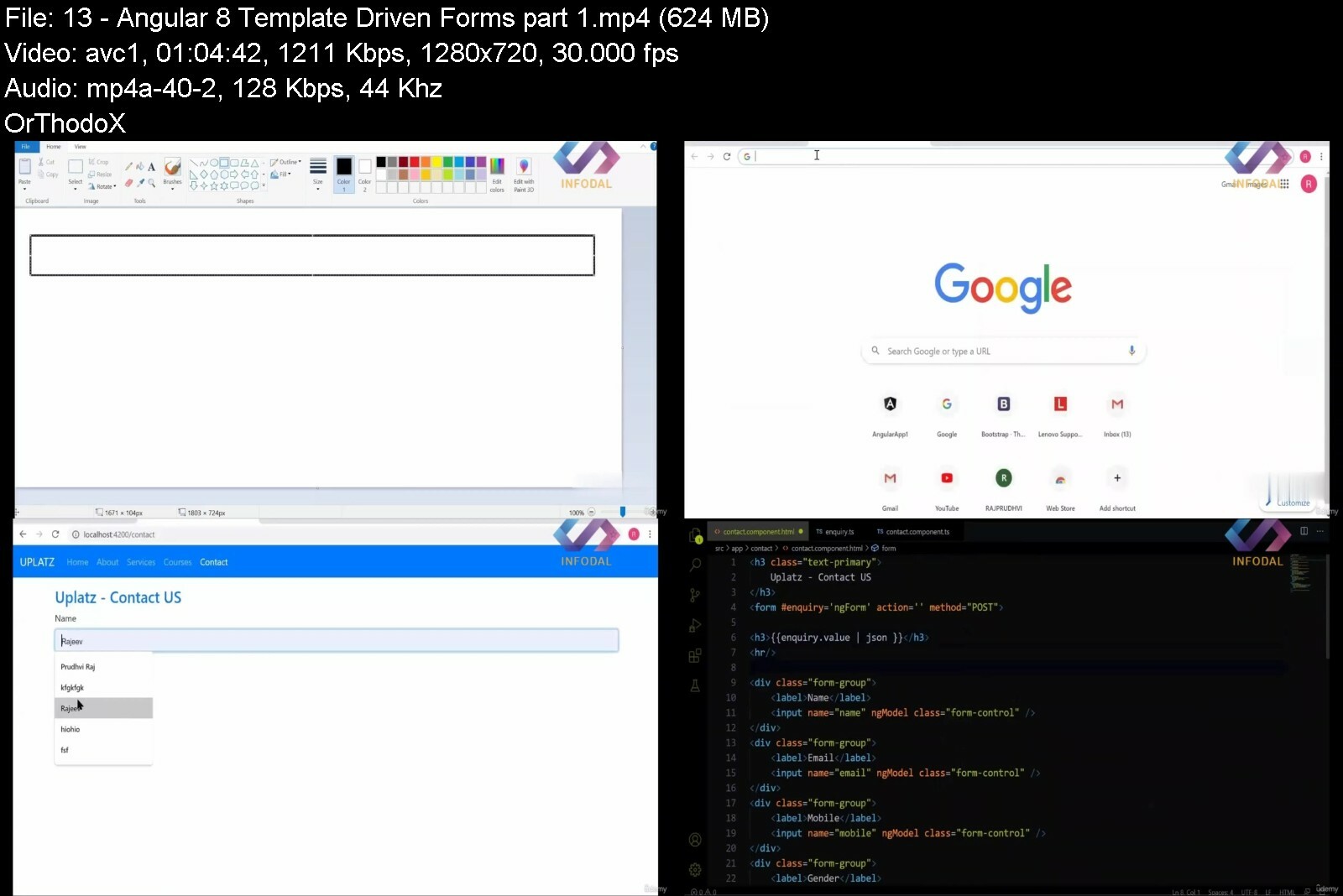
Lecture 13 Angular 8 Template Driven Forms - part 1
Lecture 14 Angular 8 Template Driven Forms - part 2
Lecture 15 Angular 8 Template Driven Forms - part 3
Section 7: Angular 8 Reactive Forms
Lecture 16 Angular 8 Reactive Forms - part 1
Lecture 17 Angular 8 Reactive Forms - part 2
Lecture 18 Angular 8 Reactive Forms - part 3
Section 8: Angular 8 Component Interaction
Lecture 19 Angular 8 Component Interaction - part 1
Lecture 20 Angular 8 Component Interaction - part 2
Lecture 21 Angular 8 Component Interaction - part 3
Section 9: Angular CLI
Lecture 22 Angular CLI - part 1
Lecture 23 Angular CLI - part 2
Section 10: Angular 8 Life Cycle Hooks
Lecture 24 Angular 8 Life Cycle Hooks
Section 11: Angular 8 Rest API
Lecture 25 Angular 8 Rest API - part 1
Lecture 26 Angular 8 Rest API - part 2
Section 12: Compiling Angular Application
Lecture 27 compiling angular application
Section 13: Angular 8 Dev Build vs. Prod Build
Lecture 28 Angular 8 Dev Build vs. Prod Build
Section 14: Deploying Angular 8 Application in Tomcat Server
Lecture 29 Deploying Angular 8 Application in Tomcat Server
Section 15: Angular 8 Unit Testing
Lecture 30 Angular 8 Unit Testing
Anyone looking to learn more about Angular,Programmers who want to learn one of the most in demand skill of a web developer,Developers that want to be in the top 10% of Angular Developers,Students who want to gain experience working on a scalable large application,Developers looking to get in-depth knowledge on Angular Universal and Angular Server-side Rendering,Developers looking to learn first the most commonly used parts of Angular


angular8thecompletegur8enf.jpg


Tableau Course For Beginner To Pro (20+ Hours)

ryuze0eimpyibez0qjrz7f5f9k.jpg


Tableau Course For Beginner To Pro (20+ Hours)
Last updated 7/2022
MP4 | Video: h264, 1280x720 | Audio: AAC, 44.1 KHz
Language: English | Size: 8.01 GB | Duration: 20h 2m

Tableau Course for freshers and Intermediates ( Proper understanding of the tool & many More)


What you'll learn
This Course is only for Freshers.
After taking this course students will feel confident.
Who wants to become a data analyst.
who want to switch from Excel to tableau.

Requirements
Students should be Intermediate or undergraduates or graduates and should have basic understanding of mathematics.

Description
WHO'S THIS FOR?This course is designed specifically for freshers and also for those who want to switch career from Excel to Tableau .Tableau is a leading data visualization tool used for data analysis and business intelligence. Gartner's Magic Quadrant classified Tableau as a leader for analytics and business intelligence.Advantages of TableauData visualization.Quickly Create Interactive visualizations.Ease of Implementation.Tableau can handle large amounts of data.Use of other scripting languages in Tableau.Mobile Support and Responsive Dashboard.Tableau Company Strategy.Scheduling or notification of reports.PROBLEMS YOU'VE EXPERIENCED WITH EXCEL IN THE PASTExcel becomes slow or crashes when you have lots of data, formatting and Charts inside a workbook.Mistakenly working on the wrong file you saved.It's so annoying to email multiple Excel files to the same people everyday.It takes hours to create a dashboard with multiple charts and formula functions.Some time Excel files are used to store the large amount data which is a very wrong decision because to update the data everyday on that file is a headache because it takes so much time to get open and then to get save.Learn how to use a TABLEAU Desktop (Data Visualization) most demanded tool in the industry today. Give your career a boost. With our online tutorials, you will be amazed what you can achieved.Section 1 : Booster1 Introduction 2 Download 3 Install 4 Tableau Extension5 Connect with Database 6 Tableau Live & Extract 7 View Tables 8 Data Types9 Tableau Work Sheet Interface 10 Data Types Symbol 11 Adding new Sheet 12 Product Category & Sales13 Dimensions & Measures 14 Visualize data in workspace15 Make Hierarchy 16 Grouping17 Auto Generated Fields 5 18 Auto Generated Fields in Tableau19 Records Per Dimension data or Item 20 Granularity 21 Granularity and Drill Down 22 Table into chart form 23 Color label 24 Color label for two different dimension 25 Map 26 Normal 27 Dynamic Filter 28 Date Filter 1 29 Date Filter 2 (Part1) 30 Date Filter 2 (Part2) 31 Date Filter 2 (Part 3)32 Date Filter 3 33 Relevant Filter Explained34 Relevant Filter in Tableau 35 Set36 Discrete vs Continuous37 Filtering 38 Keep only and ExcludeSection 2 : Filters1 Filters 2 Type of Filters 3 Data Source Filters 4 Quick Filters 5 Dimension and Dependent Filters 6 Measure Filters 7 Context Filters Part1 8 Context Filters Part2 9 Context Filter Proper Details Part3 10 Date FilterSession 3 : Charts1 Introduction to charts 2 Create a Chart 3 Swap the Dimension & Measures 4 Bubble Chart5 Pie Chart 6 Tree Map 7 Stacked Tree Map 8 Word Map Chart1 Bar Stacked chart part 1 2 Bar Stacked chart part 2 3 Reference line scope Entire table 4 Reference line scope per cell 5 Reference line scope per pan 6 Tree Map Stacked in Bar Chart 7 Bar Chart with Date as Month Year Filter. 8 Bubble Chart color label 9 Bubble Chart color label as second dimension 10 Bubble Chart with motion 11 Line Chart 12 Line chart dual axis 13 Line Chart size Measure 14 Line chart dual Measure Date as Month Year Filter 15 Funnel Chart 1 16 Funnel Chart 2 Intro17 Funnel Chart 2 Created 18 Scattered chart 19 Water Fall Chart 20 Parameter part 1 21 Parameter part 2 22 Parameter with Dynamic Reference line 23 Scatter plot and Many more Part124 Scatter plot and Many more Part2 25 Scatter plot and Many more Part3 Section 4 : Joins & Unions1 Joins2 Inner Join3 Left Join4 Right Join5 Full Join6 Inner Join In Tableau7 Left Join In Tableau 8 Right Join In Tableau 9 Full Join In Tableau10 Union11Union In TableauSection 5 : Function Base1 Function Intro2 Sum ()3 Min () & Max ()4 Average ()5 Floor ()6 Ceiling ()7 Count ()8 Upper ()9 Lower ()10 Right () & Left ()Section 6 : Functions & Calculations 1 Function Intro2 RANK() 3 RANK_DENSE()4 Quick Table Calculations 5 Running Total 6 Difference 7 Percent Difference 8 Percent of Total 9 Rank 10 Moving Average Part 1 11 Moving Average Part 1 continuous 12 Date Functions () 13 Now() Today() 14 DateName and DatePart () 15 Date Diff () 16 Dateadd () 17 Datetrunc() 18 MakeDate() 19 Now() Today() 20 COUNT() vs CountD()21 Mid() 22 Len() 23 Find () 24 Mid() part 2 25 Trim() 26 Replace()Section 7 : Functions & Calculations Part 21 round zero or round function 2 round 1 2 3 4 3 absolute() 4 Concatenate() 5 Replace() 6 Table Across 7 Table Down 8 Table Across Then Down Section 8 : Functions & Calculations Part 21 IF () 2 IF () in Tableau 3 IF () OR 4 IF () OR in Tableau 5 IF () AND 6 Nested IF () 7 Case () 8 Null() using if 9 Null() using if including OR AND 10 AND OR Part1 11 AND OR Part2Section 09 : Table computation Table computation
Overview
Section 1: Booster
Lecture 1 Introduction
Lecture 2 Download
Lecture 3 Install
Lecture 4 Tableau Extension
Lecture 5 Connect with Database
Lecture 6 Tableau Live & Extract
Lecture 7 View Tables
Lecture 8 Data Types
Lecture 9 Tableau Work Sheet Interface
Lecture 10 Data Types Symbol
Lecture 11 Adding new Sheet
Lecture 12 Product Category & Sales
Lecture 13 Dimensions & Measures
Lecture 14 Visualize data in workspace
Lecture 15 Make Hierarchy
Lecture 16 Grouping
Lecture 17 Auto Generated Fields 5
Lecture 18 Auto Generated Fields in Tableau
Lecture 19 Records Per Dimension data or Item
Lecture 20 Granularity
Lecture 21 Granularity and Drill Down
Lecture 22 Table into chart form
Lecture 23 Color label
Lecture 24 Color label for two different dimension
Lecture 25 Map
Lecture 26 Normal
Lecture 27 Dynamic Filter
Lecture 28 Date Filter 1
Lecture 29 Date Filter 2 (Part1)
Lecture 30 Date Filter 2 (Part2)
Lecture 31 Date Filter 2 (Part 3)
Lecture 32 Date Filter 3
Lecture 33 Relevant Filter Explained
Lecture 34 Relevant Filter in Tableau
Lecture 35 Set
Lecture 36 Discrete vs Continuous
Lecture 37 Filtering
Lecture 38 Keep only and Exclude
Lecture 39 Join Intro
Section 2: Filters
Lecture 40 Filters
Lecture 41 Type of Filters
Lecture 42 Data Source Filters
Lecture 43 Quick Filters
Lecture 44 Dimension and Dependent Filters
Lecture 45 Meausure Filters
Lecture 46 Context Filters Part1
Lecture 47 Context Filters Part2
Lecture 48 Context Filter Proper Details Part3
Lecture 49 Date Filter_
Section 3: Charts
Lecture 50 Introduction to charts
Lecture 51 Create a Chart
Lecture 52 Swap the Dimension & Measures
Lecture 53 Bubble Chart
Lecture 54 Pie Chart
Lecture 55 Tree Map
Lecture 56 Stacked Tree Map
Lecture 57 Word Map Chart
Lecture 58 Geographical Map
Lecture 59 Geographical Bubble Map Measure
Lecture 60 Geographical Bubble Map with size and color Measure
Lecture 61 Geographical Bubble Map (Unknown error)
Lecture 62 Geographical Map with color Dimension
Lecture 63 Geographical Map with Date as Year Filter
Lecture 64 Month Year Filter
Lecture 65 Month Year Filter Apply
Lecture 66 Bar chart
Lecture 67 Bar chart color Measure
Lecture 68 Bar chart size Measure
Lecture 69 Bar chart size and color Measure
Lecture 70 Bar chart with dual axis
Lecture 71 Bar Stacked chart part 2
Lecture 72 Bar Stacked chart part 1
Lecture 73 Reference line scope Entire table
Lecture 74 Reference line scope per cell
Lecture 75 Reference line scope per pan
Lecture 76 Tree Map Stacked in Bar Chart
Lecture 77 Bar Chart with Date as Month Year Filter.
Lecture 78 Bubble Chart color label
Lecture 79 Bubble Chart color label as second dimension
Lecture 80 Bubble Chart with motion
Lecture 81 Line Chart
Lecture 82 Line chart dual axis
Lecture 83 Line Chart size Measure
Lecture 84 Line chart dual Measure Date as Month Year Filter
Lecture 85 Funnel Chart 1
Lecture 86 Funnel Chart 2 Intro
Lecture 87 Funnel Chart 2 Created
Lecture 88 Scattered chart
Lecture 89 Water Fall Chart
Lecture 90 Parameter part 1
Lecture 91 Parameter part 2
Lecture 92 Parameter with Dynamic Reference line
Lecture 93 Scatter plot and Many more Part1
Lecture 94 Scatter plot and Many more Part2
Lecture 95 Scatter plot and Many more Part3
Section 4: Joins & Unions
Lecture 96 Data Source Files & Join Intro
Lecture 97 Inner Join
Lecture 98 Left Join
Lecture 99 Right Join
Lecture 100 Full Join
Lecture 101 Inner Join in Tableau
Lecture 102 Left Join in Tableau
Lecture 103 Right Join In Tableau
Lecture 104 Full Join In Tableau
Lecture 105 Union
Lecture 106 Union In Tableau
Section 5: Function
Lecture 107 Function Intro
Lecture 108 SUM()
Lecture 109 MIN() & MAX()
Lecture 110 AVERAGE()
Lecture 111 FLOOR()
Lecture 112 CEILING()
Lecture 113 COUNT()
Lecture 114 UPPER()
Lecture 115 LOWER()
Lecture 116 RIGHT() & Left ()
Section 6: Functions & Calculations
Lecture 117 Function
Lecture 118 RANK()
Lecture 119 Rank Dense ()
Lecture 120 Quick Table Calculations
Lecture 121 Running Total
Lecture 122 Difference
Lecture 123 Percent Difference
Lecture 124 Percent of Total
Lecture 125 Rank Part2
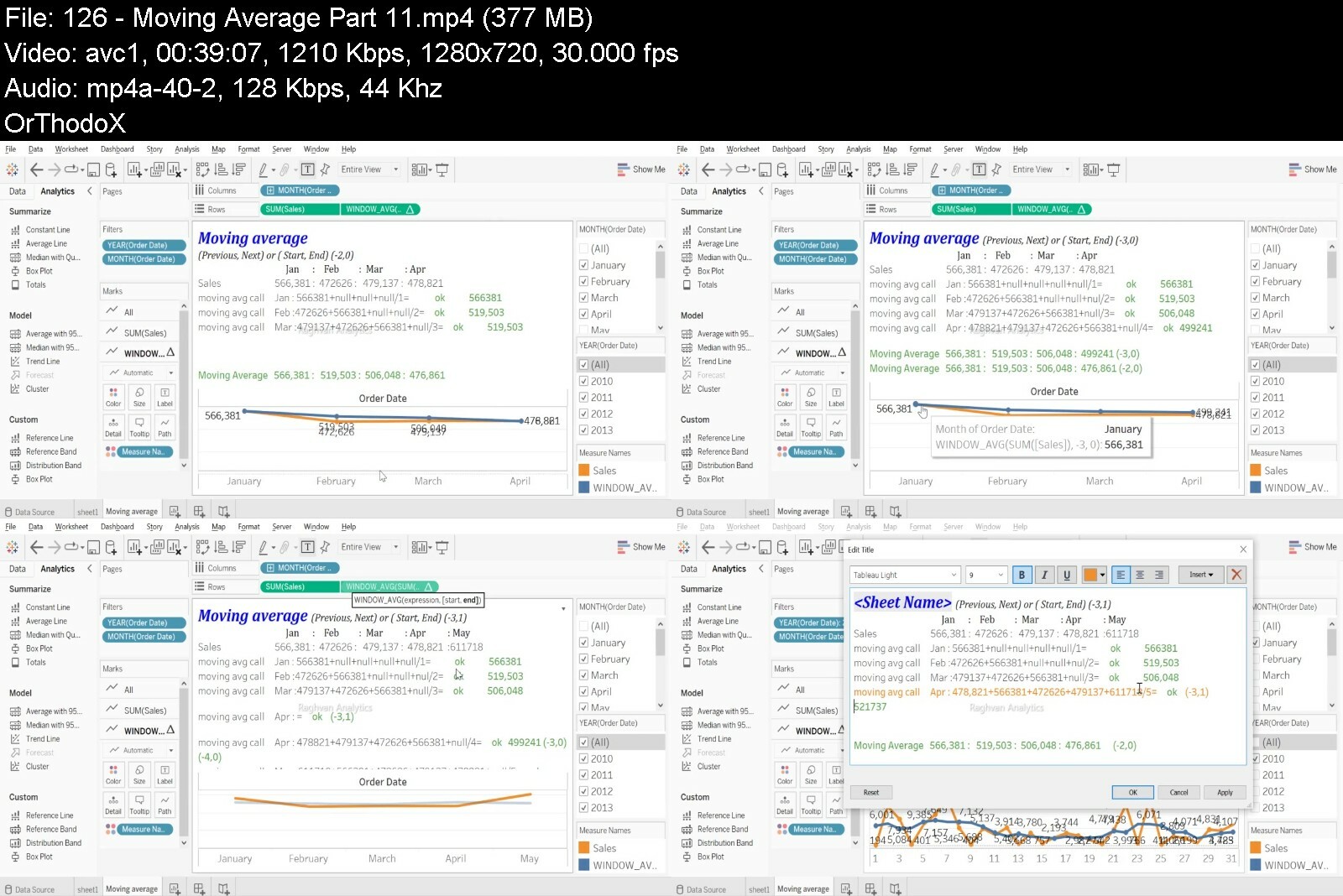
Lecture 126 Moving Average Part 1.1
Lecture 127 Moving Average Part 1.2
Lecture 128 Moving Average Part 1.3_
Lecture 129 COUNT() vs CountD()
Lecture 130 Mid()
Lecture 131 Len()
Lecture 132 Find ()
Lecture 133 Mid() part 2
Lecture 134 Trim()
Lecture 135 Replace()
Lecture 136 Date Functions ()
Lecture 137 Now() Today()
Lecture 138 DateName and DatePart ()
Lecture 139 Date Diff ()
Lecture 140 Dateadd ()
Lecture 141 Datetrunc()
Lecture 142 MakeDate()
Section 7: Function & Calculations Part 2
Lecture 143 round zero or round function
Lecture 144 round 1 2 3 4
Lecture 145 absolute()
Lecture 146 Concatenate()
Lecture 147 Replace()
Lecture 148 Table Across
Lecture 149 Table Down
Lecture 150 Table Across Then Down
Section 8: IF & Case Functions
Lecture 151 IF ()
Lecture 152 IF () in Tableau
Lecture 153 IF () OR
Lecture 154 IF () OR in Tableau
Lecture 155 IF () AND
Lecture 156 Nested IF ()
Lecture 157 Case ()
Lecture 158 Null() using if
Lecture 159 Null() using if OR AND
Lecture 160 AND OR Part1
Lecture 161 AND OR Part2
Section 9: Table Computation
Lecture 162 Table Down
Lecture 163 Table Across
Lecture 164 Table Across then Down
Tableau course for Beginners to Intermediate




tableaucourseforbeginewdf9.jpg


Angular with Test Driven Development

jwvpkfai2gxwcjfqoxjctxkejn.jpg


Angular with Test Driven Development
Published 07/2022
Genre: eLearning | MP4 | Video: h264, 1280x720 | Audio: AAC, 44.1 KHz
Language: English | Size: 7.5 GB | Duration: 90 lectures • 14h 1m


What you'll learn
Build an application with Angular
Practice Test Driven Development in a complete project from beginning to the end
How to mock external dependencies in testing
Feel how the test driven development is giving confidence when refactoring your application
Not only learn karma & jasmine but also learn jest and testing-library

Requirements
Experience with javascript and typescript is required

Description
Angular is one of the most popular library for the client application development.
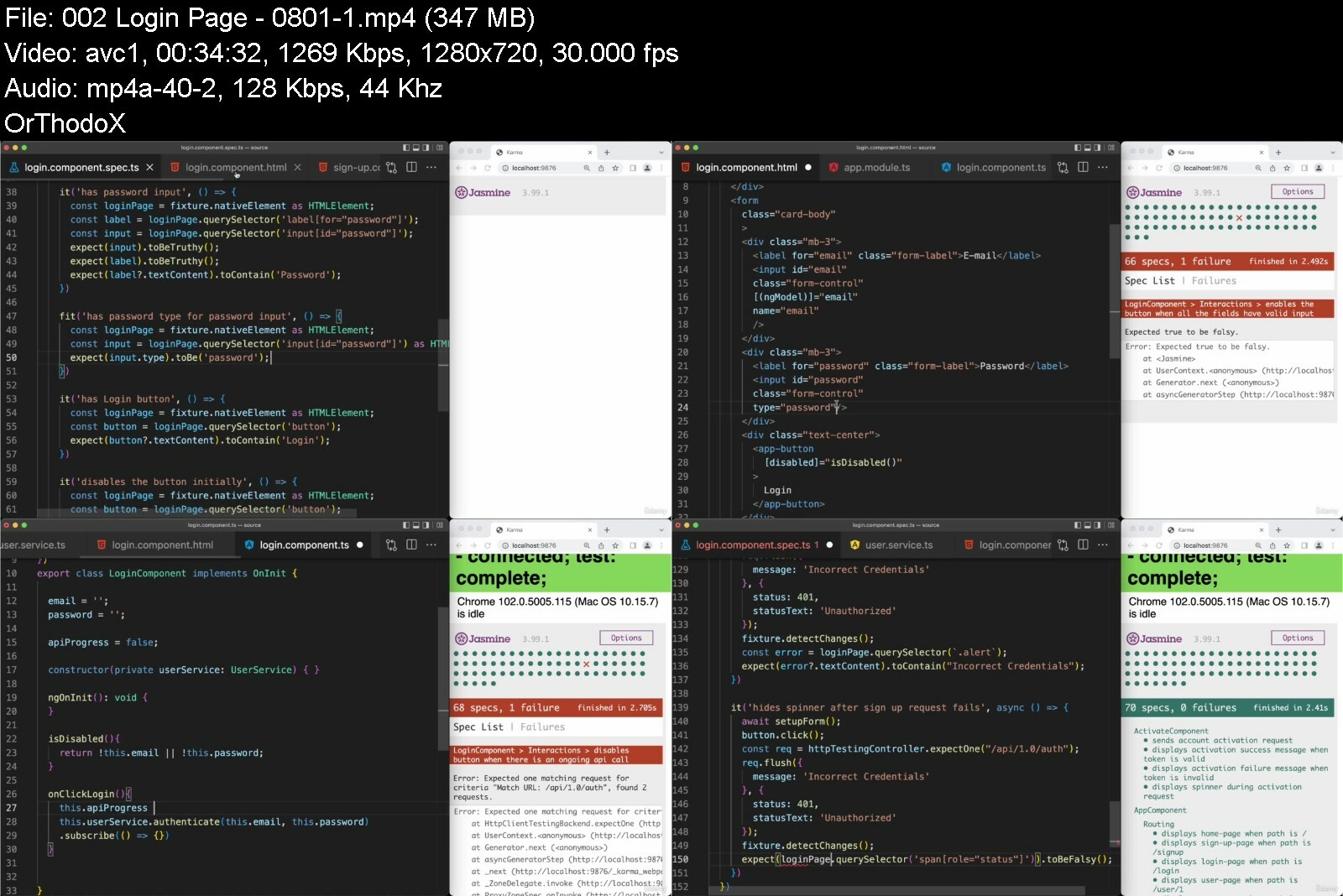
In this course we will be learning angular by creating a web application with it. Also we will apply test driven development (TDD) methodology from beginning to the end.
We will have two separate test setups. One of them is coming with the default angular project. Testing with karma and jasmine. And the other one is, we will create custom setup with the most popular test libraries of javascript. jest and testing-library
while building this application, we will learn main building blocks of angular. We will practice
how client-side routing is working
how to use template driven and reactive form
how to use validations and how to create our own synchronous and asynchronous validators
how observable is working
and we will see
how test driven development works.
how it's affecting our code quality, reusability
how it's giving us the confidence about refactoring our implementation
how to avoid implementation details while creating tests
This course is purely built on practice. Each code piece we write, will be for our actual application implementation.
In each section we will gradually build our application. We will not jump ahead and add functionality not needed for that moment. We will implement one requirement at a time. Each implementation will bring the next requirement to us.
And following this practice, will help you to get a solid foundation about overall web application requirements and how to implement one of them with angular by following test driven development methodology.
After completing the course, you will be able to use Angular in your next project and you will experience the benefits of test driven development.
Who this course is for
Developers who want to learn Angular
Developers who want to see Test Driven Development in action


angularwithtestdriven4md29.jpg


Python Programming for Beginners by Abd El Fattah Khatib

473617848c744zez0.jpg


Python Programming for Beginners by Abd El Fattah Khatib
Published 07/2022
MP4 | Video: h264, 1280x720 | Audio: AAC, 44.1 KHz, 2 Ch
Genre: eLearning | Language: English| Duration: 50 lectures (11h 5m) | Size: 5.13 GB

Learn how to Code in Python with no previous experience. Master Lists, Strings, For, While, Recursion and More


What you'll learn
Download and Install the Python IDLE the environment used to code in python. It's free.
Learn how to code using Python
Learn how to write functions in Python.
Learn how recursion works in Python and how to write recursive functions
Learn about Lists and Strings and the functions related to them.
Learn about List Comprehension and the For loop
Learn about Sorting algorithms, Select Sort ,Bubble Sort and Merge Sort
Learn about Binary Search and Histograms
Learn about While loop and If - Else conditional Statements.


Requirements
No Programming experience is needed. You will learn everything you need to know.


Description
The course is mainly based on 300 slides of material teaching Python. You can download the 300 slides and learn on your own without the need to watch any of the lectures, everything is in the slides which also include a lot of code examples and exercises.
By the end of the course you will be able to write Python programs

The course consists of 300 slides offered both in pdf and powerpoint (ppt) format which you can download to your computer or smartphone and study from anywhere (home , work ), there are no videos that you need to watch so you can study at your own convivence.

It's highly recommended you put what you learn into practice. So it's highly advised you write the code you see in the slide using the coding environment (called the Python IDLE) as mentioned in the course.

The software needed for the course is free (it's called the Python IDLE)

No previous software experience is required and only basic/intermediate level of English is needed to get through the course.

Downloading , installing and using the Python IDLE

Introduction 1

Loops

While

Conditional statements

if , else , if else

Variable types

int , float , char, boolean ,string , list

Operators.

Input & Output

Lists , lists comprehension , for loops , in operator, list of lists(matrix), functions for lists.

Functions

Strings

Sorting algorithms, Select Sort, Bubble Sort & Merge Sort

Binary search, Histograms

Recursion

Who this course is for
Beginners who want to learn Python and don't know anything or are still beginners.

Homepage


pythonprogrammingforb6yep2.jpg


Zurück
Oben Unten