• Regeln für den Video-Bereich:

    In den Börsenbereich gehören nur Angebote die bereits den Allgemeinen Regeln entsprechen.

    Einteilung

    - Folgende Formate gehören in die angegeben Bereiche:
    - Filme: Encodierte Filme von BluRay, DVD, R5, TV, Screener sowie Telesyncs im Format DivX, XviD und x264.
    - DVD: Filme im Format DVD5, DVD9 und HD2DVD.
    - HD: Encodierte Filme mit der Auflösung 720p oder darüber von BluRay, DVD, R5, TV, Screener sowie Telesyncs im Format x264.
    - 3D: Encodierte Filme von BluRay, die in einem 3D Format vorliegen. Dies gilt auch für Dokus, Animation usw.
    - Serien: Cartoon/Zeichentrick, Anime, Tutorials, Dokumentationen, Konzerte/Musik, Sonstiges sind demnach in die entsprechenden Bereiche einzuordnen, auch wenn sie beispielsweise im High Definition-Format oder als DVD5/DVD9/HD2DVD vorliegen. Ausnahme 3D.
    - Bereich Englisch: Englische Releases gehören immer in diesen Bereich.
    - Bereich Talk: Der Bereich, in dem über die Releases diskutiert werden kann, darf, soll und erwünscht ist.


    Angebot/Beitrag erstellen

    - Ein Beitrag darf erst dann erstellt werden, wenn der Upload bei mindestens einem OCH komplett ist. Platzhalter sind untersagt.
    - Bei einem Scenerelease hat der Threadtitel ausschließlich aus dem originalen, unveränderten Releasenamen zu bestehen. Es dürfen keine Veränderungen wie z.B. Sterne, kleine Buchstaben o.ä. vorgenommen werden. Ausnahme Serienbörse:
    - Bei einem Sammelthread für eine Staffel entfällt aus dem Releasename natürlich der Name der Folge. Beispiel: Die Simpsons S21 German DVDRip XviD - ITG
    - Dementsprechend sind also u.a. verboten: Erweiterungen wie "Tipp", "empfehlenswert", "only", "reup", usw. / jegliche andere Zusatzinformation oder Ergänzung, welche nicht in obiger Beschreibung zu finden ist.

    Aufbau des Angebots und Threadtitel

    Der Titel nach folgendem Muster erstellt zu werden. <Name> [3D] [Staffel] [German] <Jahr> <Tonspur> [DL] [Auflösung] <Quelle> <Codec> - <Group>
    Beispiel: The Dark Knight German 2008 AC3 DVDRip XviD - iND
    Beispiel: The Dark Knight 2008 DTS DL BDRip x264 - iND
    Beispiel: The Dark Knight 2008 AC3 DL BDRip XviD - iND
    Beispiel: The Dark Knight German 2008 AC3 720p BluRay x264 iND
    Beispiel: The Dark Knight 2008 DTS DL 1080p BluRay x264 iND
    Beispiel: Die Simpsons S01 German AC3 DVDRip XviD iND
    Beispiel: Die Simpsons S20 German AC3 720p BluRay x264 iND
    Beispiel: Sword Art Online II Ger Sub 2014 AAC 1080p WEBRip x264 - peppermint
    Entsprechend sind also u.a. verboten: Sonderzeichen wie Klammern, Sterne, Ausrufezeichen, Unterstriche, Anführungszeichen / Erweiterungen wie "Tipp", "empfehlenswert", "only", "reup", usw. / jegliche andere Zusatzinformation oder Ergänzung, welche nicht in obiger Beschreibung zu finden ist
    Ausnahmen hiervon können in den Bereichen geregelt sein.

    Die Beiträge sollen wie folgt aufgebaut werden:
    Überschrift entspricht dem Threadtitel
    Cover
    kurze Inhaltsbeschreibung
    Format, Größe, Dauer sind gut lesbar für Downloader außerhalb des Spoilers zu vermerken
    Nfo sind immer Anzugeben und selbige immer im Spoiler in Textform.
    Sind keine Nfo vorhanden z.B. Eigenpublikationen, sind im Spoiler folgende Dateiinformationen zusätzlich anzugeben :
    Quelle
    Video (Auflösung und Bitrate)
    Ton (Sprache, Format und Bitrate der einzelnen Spuren)
    Untertitel (sofern vorhanden)
    Hosterangabe in Textform außerhalb eines Spoiler mit allen enthaltenen Hostern.
    Bei SD kann auf diese zusätzlichen Dateiinformationen verzichtet werden.

    Alle benötigten Passwörter sind, sofern vorhanden, in Textform im Angebot anzugeben.
    Spoiler im Spoiler mit Kommentaren :"Schon Bedankt?" sind unerwünscht.


    Releases

    - Sind Retail-Release verfügbar, sind alle anderen Variationen untersagt. Ausnahmen: Alle deutschen Retail-Release sind CUT, in diesem Fall sind dubbed UNCUT-Release zulässig.
    - Im Serien-Bereich gilt speziell: Wenn ein Retail vor Abschluss einer laufenden Staffel erscheint, darf diese Staffel noch zu Ende gebracht werden.62
    - Gleiche Releases sind unbedingt zusammenzufassen. Das bedeutet, es ist zwingend erforderlich, vor dem Erstellen eines Themas per Suchfunktion zu überprüfen, ob bereits ein Beitrag mit demselben Release besteht. Ist dies der Fall, ist der bereits vorhandene Beitrag zu verwenden.
    - P2P und Scene Releases dürfen nicht verändert oder gar unter einem iND Tag eingestellt werden.


    Support, Diskussionen und Suche

    - Supportanfragen sind entweder per PN oder im Bereich Talk zu stellen.
    - Diskussionen und Bewertungen sind im Talk Bereich zu führen. Fragen an die Uploader haben ausschließlich via PN zu erfolgen, und sind in den Angeboten untersagt.
    - Anfragen zu Upload-Wünschen sind nur im Bereich Suche Video erlaubt. Antworten dürfen nur auf Angebote von MyBoerse.bz verlinkt werden.


    Verbote

    - Untersagt sind mehrere Formate in einem einzigen Angebotsthread, wie beispielsweise das gleichzeitige Anbieten von DivX/XviD, 720p und 1080p in einem Thread. Pro Format, Release und Auflösung ist ein eigener Thread zu eröffnen.
    - Grundsätzlich ebenso verboten sind Dupes. Uploader haben sich an geeigneter Stelle darüber zu informieren, ob es sich bei einem Release um ein Dupe handelt.
    - Gefakte, nur teilweise lauffähige oder unvollständige Angebote sind untersagt. Dies gilt auch für eigene Publikationen, die augenscheinlich nicht selbst von z.B. einer DVD gerippt wurden. Laufende Serien, bei denen noch nicht alle Folgen verfügbar sind, dürfen erstellt und regelmäßig geupdatet werden.
    - Untersagt sind Angebote, welche nur und ausschließlich in einer anderen Sprache als deutsch oder englisch vorliegen. Ausnahmen sind VORHER mit den Moderatoren zu klären.


    Verstoß gegen die Regeln

    - Angebote oder Beiträge, die gegen die Forenregeln verstoßen, sind über den "Melden"-Button im Beitrag zu melden.
  • Bitte registriere dich zunächst um Beiträge zu verfassen und externe Links aufzurufen.

*** Bestes IPTV *** bester Preis *** gratis Test ***


Englische Tutorials

_9b5ea840a0ed1747a339208c57aca39e.jpeg


UDEMY.Sparring.Tai.Chi Chen.New.Frame.Routine.XinJia.2.for.Fitness.
Language: English
Files Type:mp4, sfv, nfo| Size:7.36 GB
Video:06:27:30 | 1280X720 | 2552 Kbps
Audio:mp4a-40-2 | 128 Kbps | AAC
Genre:eLearning


Videos Files :
1. 2021 Updates, View more amazing courses and Publications,.mp4 (78.74 MB)
10. XJ2 07 跃步护心拳 Leaping step and Elbow Blocking Hit.mp4 (177.18 MB)
11. XJ2 08 跃步斜行 I Leaping and Lunge forward with Bow stance.mp4 (229.02 MB)
12. XJ2 09 煞腰压肘拳 Leaping and Turn Body Double Punch.mp4 (91.24 MB)
13. XJ2 10 井缆直入 I Turn body with Elbow hitting and Toe Stepping I.mp4 (89.5 MB)
14. XJ2 11 风扫梅花 I Swing Body Throwing I.mp4 (74.86 MB)
15. XJ2 12 金刚捣碓 II Pound Palm with Fist II.mp4 (115.81 MB)
16. XJ2 13 庇身捶 Overbody Throw Posture.mp4 (227.97 MB)
17. XJ2 14 撇身锤 Leaping with Splitting Punch.mp4 (146.89 MB)
18. XJ2 15 斩手 Hand Chopping Anti Locking.mp4 (158.2 MB)
19. XJ2 16 翻花舞袖 I Leaping and turn body chopping I.mp4 (164.44 MB)
2. Improve your balance 8 Easy Tai Chi Postures to improve your balance.mp4 (43.64 MB)
20. XJ2 17 掩手肱拳 I Cover Fist and Punch I.mp4 (130.72 MB)
21. XJ2 18 飞步拗鸾肘 Leaping and Forward Elbow Strike.mp4 (173.66 MB)
22. XJ2 19 运手 (前三)I (前运手) Wave hands.mp4 (167.84 MB)
23. XJ2 20 高探马 I High Empty Stance I.mp4 (63.69 MB)
24. XJ2 21 运手 (后三)II (后运手) Wave hands II.mp4 (89.21 MB)
25. XJ2 22 高探马 II High Empty Stance II.mp4 (131.33 MB)
26. XJ2 23,24,25 连环炮 (一二三)Palm Push Hitting I, II, III.mp4 (175.4 MB)
27. XJ2 27,28,29 白蛇吐信 Snake Flicks out Tongue I, II, III.mp4 (101.14 MB)
28. XJ2 30 转身海底翻花 I Turn Body with Hand Chopping Blocking I.mp4 (59.98 MB)
29. XJ2 31 掩手肱捶 II Cover Fist and Punch II.mp4 (81.2 MB)
3. Introduction.mp4 (100.94 MB)
30. XJ2 32 转身六合 Turn Body with Grabbing arm wresting.mp4 (97.19 MB)
31. XJ2 33,34,35,36 裹鞭炮 Sideway Burst Punch I, II, III, IV.mp4 (183 MB)
32. XJ2 37 兽头势 Retreating Punch.mp4 (107.04 MB)
33. XJ2 38 劈架子 Jumping with Splitting Punch.mp4 (146.39 MB)
34. XJ2 39 翻花舞袖 II Leaping and turn body chopping II.mp4 (102.31 MB)
35. XJ2 40 掩手肱捶 III Cover Fist and Punch III.mp4 (92.28 MB)
36. XJ2 41 伏虎 Subdue the Tiger.mp4 (122.45 MB)
37. XJ2 42 抹眉红 Sweeping and Pushing using Palm.mp4 (128.26 MB)
38. XJ2 43 右黄龙三搅水 Left Sideways Single Wave Hand.mp4 (115.19 MB)
39. XJ2 44 左黄龙三搅水 Right Sideway Single Wave Hand.mp4 (146.16 MB)
4. XJ2 01 预备势 Beginning Posture.mp4 (81.26 MB)
40. XJ2 45 左蹬脚 Left Side Kick.mp4 (138.9 MB)
41. XJ2 46 右蹬脚 Right Side Kick.mp4 (102.84 MB)
42. XJ2 47 海底翻花 II Hand Chopping Blocking II.mp4 (92.16 MB)
43. XJ2 48 掩手肱捶 IV Cover Fist and Punch IV.mp4 (146.44 MB)
44. XJ2 49 扫堂腿 Sweep legs with Body turn.mp4 (204.45 MB)
45. XJ2 50 掩手肱捶 V Cover Fist and Punch V.mp4 (75.95 MB)
46. XJ2 51,52 左冲 右冲 Left and Right Turn Body with Double Hands Punch.mp4 (111.56 MB)
47. XJ2 53 倒插 Anti Grabbing with Pushing Punch.mp4 (97.27 MB)
48. XJ2 54 海底翻花 III Hand Chopping Blocking III.mp4 (70.46 MB)
49. XJ2 55 掩手肱捶 VI Cover Fist and Punch VI.mp4 (87.5 MB)
5. XJ2 02 金刚捣碓 I Pound Palm with Fist I.mp4 (219.56 MB)
50. XJ2 56,57 夺二肱 (一, 二) Sideway Pushing Punch I, II.mp4 (191.33 MB)
51. XJ2 58 连珠炮 Anti Grab Punches.mp4 (123.92 MB)
52. XJ2 59 玉女穿梭 I Leaping while Turning Body in Air I.mp4 (136.64 MB)
53. XJ2 60 回头当门炮 I Turn back with Double Hands Punch I.mp4 (62.01 MB)
54. XJ2 61 玉女穿梭 II Leaping while Turning Body in Air II.mp4 (98.05 MB)
55. XJ2 62 回头当门炮 II Turn back with Double Hands Punch II.mp4 (65.3 MB)
56. XJ2 63 撇身捶 Leaping with Splitting Punch.mp4 (65.51 MB)
57. XJ2 64 拗鸾肘 Forward Elbow Strike and Piercing Elbow Strike.mp4 (85.58 MB)
58. XJ2 65 顺鸾肘 Double Elbow Back Strike.mp4 (85.66 MB)
59. XJ2 66 穿心肘 Up Lifting Elbow Strike.mp4 (85.24 MB)
6. XJ2 03 懒扎衣 I Grand Warding off Posture I.mp4 (122.29 MB)
60. XJ2 67 窝里炮 Single Splitting Punch.mp4 (114.97 MB)
61. XJ2 68 井缆直入 II Turn body with Elbow hitting and Toe Stepping II.mp4 (64.86 MB)
62. XJ2 69 风扫梅花 II Swing Boy Throwing II.mp4 (90.84 MB)
63. XJ2 70 金刚捣碓 III Pound Palm with Fist III.mp4 (96.99 MB)
64. XJ2 71 收势 Ending Standing Posture.mp4 (66.98 MB)
7. XJ2 04 六封四闭 I Pushing hands on Empty Stance.mp4 (122.72 MB)
8. XJ2 05 单鞭 I Single Whip I.mp4 (139.18 MB)
9. XJ2 06 搬拦肘 Side Backward Throwing Double Punch.mp4 (175.19 MB)


7b5b9cef41fdb7d536e44d906563b1b4.png


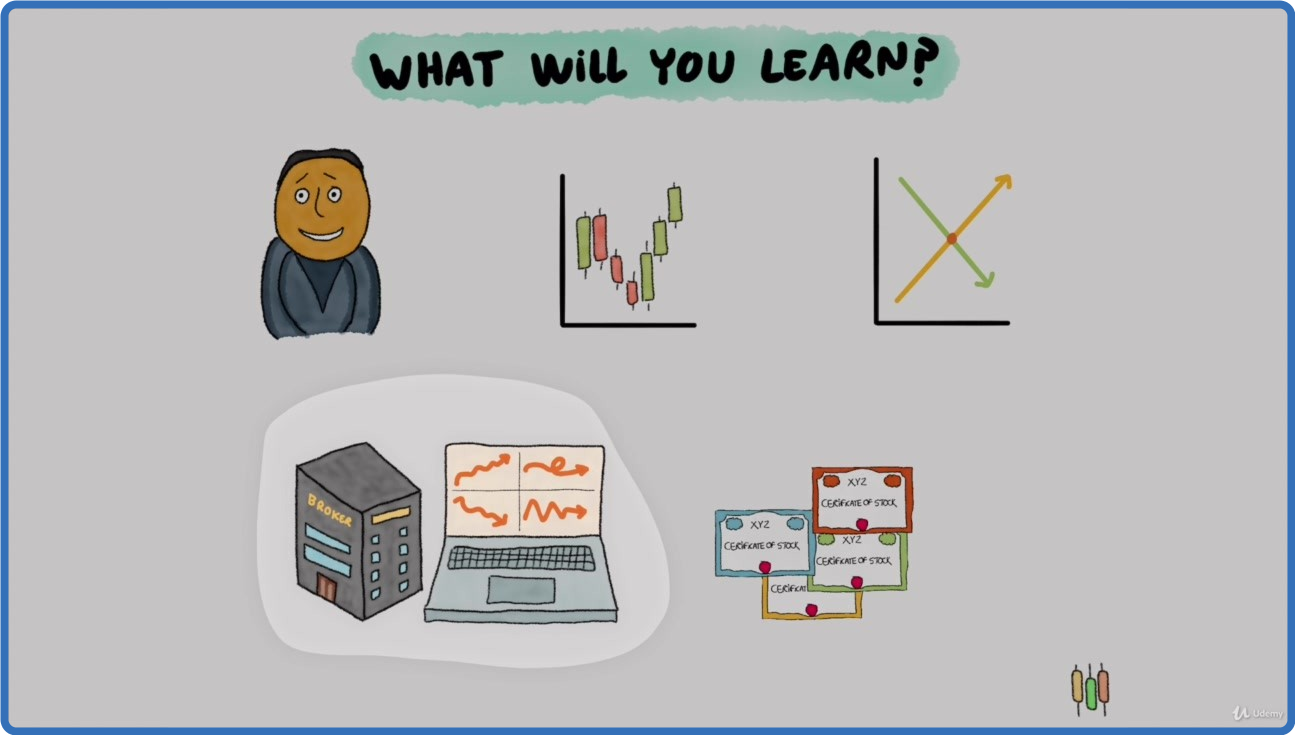
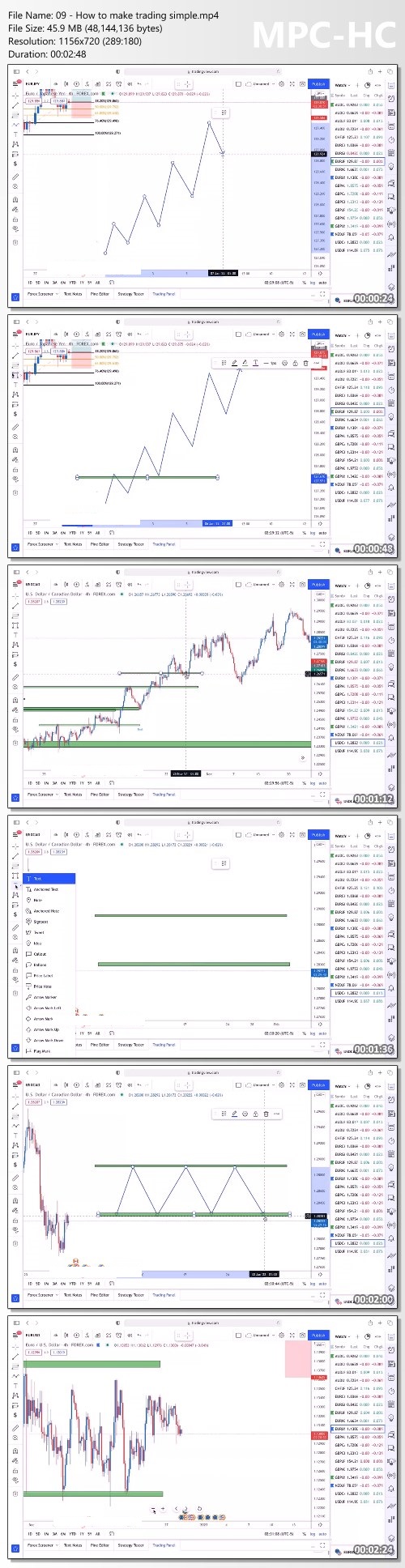
UDEMY.Trading.Made.Simple.Learn.to.Trade.Stocks.Forex.and.More.
Language: English
Files Type:mp4, sfv, nfo| Size:3.27 GB
Video:06:10:58 | 1280X720 | 823 Kbps
Audio:mp4a-40-2 | 128 Kbps | AAC
Genre:eLearning


Videos Files :
1. Disclaimer.mp4 (3.25 MB)
10. Charts, what are they.mp4 (26.55 MB)
11. History of Charts.mp4 (35.53 MB)
12. Types of Charts.mp4 (35.42 MB)
13. Japanese Candlesticks.mp4 (53.8 MB)
14. Psychology of Candlesticks.mp4 (36.83 MB)
15. The Trend.mp4 (32.96 MB)
16. Summary.mp4 (16.42 MB)
17. The Basics.mp4 (24.58 MB)
18. Supply and Demand.mp4 (85.02 MB)
19. Macro Economic Indicators Interest Rates.mp4 (50.38 MB)
2. Getting Started.mp4 (95.68 MB)
20. Consumer Price Index.mp4 (46.38 MB)
21. Gross Domestic Product.mp4 (35.06 MB)
22. Employment Statistics.mp4 (36.96 MB)
23. Imports and Exports.mp4 (40.84 MB)
25. The Broker.mp4 (65.16 MB)
26. Understanding Market Makers.mp4 (33.15 MB)
27. Financial Regulators.mp4 (32.48 MB)
28. Trading Platforms.mp4 (37.38 MB)
29. Trading Orders.mp4 (63.19 MB)
30. Market Depth.mp4 (37.76 MB)
31. White Label Platforms.mp4 (16.93 MB)
32. A little History.mp4 (32.37 MB)
33. Basic Concepts.mp4 (64.57 MB)
34. Basic Concepts Part 2.mp4 (63.7 MB)
35. What moves their prices.mp4 (85.15 MB)
36. Earnings season.mp4 (36.63 MB)
37. Money and some history.mp4 (87.19 MB)
38. The FX Market, what is it.mp4 (59.86 MB)
39. The PIP.mp4 (32.6 MB)
4. What is trading.mp4 (33.51 MB)
40. Logic behind the FX Market.mp4 (26.48 MB)
41. The Economic Calendar.mp4 (39.41 MB)
42. What moves FX Prices.mp4 (48.24 MB)
43. Basic Concepts.mp4 (15.55 MB)
44. A little History and Math.mp4 (73.19 MB)
45. A little History Part 2.mp4 (52.82 MB)
46. Composition.mp4 (51.75 MB)
47. Calculation and Purposes.mp4 (51.39 MB)
48. ETFs.mp4 (20.59 MB)
49. Basic Concepts.mp4 (33.91 MB)
5. What am I trading.mp4 (43.29 MB)
50. Agricultural Commodities.mp4 (39.08 MB)
51. Energy Commodities.mp4 (37.87 MB)
52. Metal Commodities.mp4 (32.61 MB)
53. Environmental Commodities.mp4 (15.44 MB)
54. Commodities Futures.mp4 (41.48 MB)
55. What moves their prices.mp4 (38.53 MB)
56. Start thinking like a trader.mp4 (63.37 MB)
57. Basic Concepts.mp4 (82.65 MB)
58. History.mp4 (37.15 MB)
59. Some famous Cryptos.mp4 (25.24 MB)
6. Where am I usually trading.mp4 (77.77 MB)
60. Technological Value.mp4 (23.43 MB)
61. Trading Crypto.mp4 (63.19 MB)
62. Basic Concepts.mp4 (19.2 MB)
63. Options.mp4 (70.21 MB)
64. Contracts for difference.mp4 (67.65 MB)
65. Binary Options.mp4 (35.19 MB)
66. All about Logic.mp4 (21.47 MB)
67. Basic Concepts.mp4 (27.8 MB)
68. Support and Resistance.mp4 (33.79 MB)
69. Simple Moving Average.mp4 (48.84 MB)
7. Who gives me access to trade.mp4 (23.89 MB)
70. Exponential Moving Average.mp4 (33.23 MB)
71. Bollinger Bands.mp4 (55.92 MB)
72. RSI (Relative Strenght Index).mp4 (26.72 MB)
73. MACD (Moving Average Convergence Divergence).mp4 (45.59 MB)
74. The Basics.mp4 (48.95 MB)
75. Leverage.mp4 (65.64 MB)
76. Fees from Brokers.mp4 (29.31 MB)
77. Risk Management.mp4 (72.94 MB)
78. Run your own Study.mp4 (31.34 MB)
79. The End.mp4 (38.06 MB)
8. How do people approach trading.mp4 (59.76 MB)
9. Summary.mp4 (22.44 MB)


_0d8298c3e9b91aa5a1208ebcd3f7bfa4.jpeg


UDEMY.YouTube.Academy.Starting.YouTube.Channel.for.Your.Business.
Language: English
Files Type:mp4, sfv, nfo| Size:5.95 GB
Video:06:51:44 | 1280X720 | 1807 Kbps
Audio:mp4a-40-2 | 128 Kbps | AAC
Genre:eLearning


Videos Files :
1. Introduction.mp4 (41.1 MB)
10. How to upload video to Youtube.mp4 (110.96 MB)
100. 37. Get More YouTube Subscribers - PART 1.mp4 (55.94 MB)
101. 38. Get More YouTube Subscribers - PART 2.mp4 (129.3 MB)
102. 39. Click Through Rate (CTR).mp4 (18.44 MB)
103. 40. Likes and Dislikes on YouTube.mp4 (22.88 MB)
104. 41. Importance of YouTube likes.mp4 (41.34 MB)
105. 42. YouTube Video Length.mp4 (22.81 MB)
106. YouTube Video Optimization.mp4 (11.22 MB)
107. 44. Include Target Keyword in your script.mp4 (14.82 MB)
108. 45. Optimize YouTube title formats.mp4 (76.59 MB)
109. 46. Importance of YouTube Description.mp4 (16.71 MB)
11. YouTube SEO for beginners.mp4 (208.16 MB)
110. 47. Tags on YouTube.mp4 (19.98 MB)
111. 48. Optimize Your Channel Page.mp4 (14.75 MB)
112. 49. Link to your site in the description of the video.mp4 (12.59 MB)
113. 50. YouTube Cards.mp4 (41.73 MB)
114. 51. Use YouTube End Screen.mp4 (37.46 MB)
115. 52. Take advantage of Translation Tools to reach an International Audience.mp4 (15.95 MB)
116. 53. Add timestamp to YouTube videos and create Key Moments.mp4 (50.4 MB)
117. 54. Promote Your Video.mp4 (19.48 MB)
118. 55. Increase YouTube Views with Giveaways and Contests.mp4 (56.46 MB)
119. 56. Mention Your Video on Reddit, Quora and Other QA Sites.mp4 (22.13 MB)
12. Promoting your YouTube Channel and Videos for free.mp4 (123.48 MB)
120. 57. Link To Your Video In Your Email Signature.mp4 (12.38 MB)
121. 58. Embed Your Videos in Blog Posts.mp4 (54.18 MB)
122. 59. Build your community with Facebook Group.mp4 (15.02 MB)
123. 60. Use YouTube Playlists.mp4 (16.15 MB)
124. 61. Traffic hacking.mp4 (21.69 MB)
125. 62. Tips and Tricks if you are just starting with YouTube.mp4 (27.09 MB)
126. 63. YouTube SEO Conclusion.mp4 (34.52 MB)
13. Tips, Tricks, and Strategies you must use to grow your YouTube Business.mp4 (29.77 MB)
14. Do Dislikes Matter On YouTube Are Dislikes Bad Or Good.mp4 (18.39 MB)
15. YouTube Copyright strike basics.mp4 (21.23 MB)
16. The easiest way to build confidence in your speaking..mp4 (62.31 MB)
17. Your Next steps on YouTube Journey.mp4 (16.3 MB)
18. Final words and Thank you.mp4 (16.3 MB)
19. Promo video.mp4 (31.58 MB)
2. How to choose your trending niche.mp4 (68.07 MB)
20. Introduction to YouTube Live Streaming as a Marketing Strategy.mp4 (35.57 MB)
21. Why you should go for YouTube live.mp4 (63.36 MB)
22. Types of YouTube live stream.mp4 (50.68 MB)
23. Examples of how you can use YouTube Live.mp4 (13.98 MB)
24. The Power of Webinars.mp4 (78.08 MB)
25. YouTube Live tutorials.mp4 (29.15 MB)
26. YouTube Live Q&A sessions.mp4 (20.33 MB)
27. YouTube Live Product demonstration.mp4 (18.33 MB)
28. Get the Most from Your Live Stream.mp4 (75.82 MB)
29. How to promote your YouTube live stream.mp4 (50.8 MB)
3. Create a YouTube Channel from Scratch.mp4 (141.53 MB)
30. Tips to succeed with YouTube Live.mp4 (104.61 MB)
31. Let's go live - Step by Step setup tutorial.mp4 (89.59 MB)
32. The formula for unlimited video ideas.mp4 (38.93 MB)
33. Conclusion.mp4 (28.28 MB)
34. Introduction to 1 Million YouTube Subscribers Guide.mp4 (66.25 MB)
35. Mindset Tactics - Part 1.mp4 (69.78 MB)
36. Mindset Tactics - Part 2.mp4 (53.32 MB)
37. Understanding YouTube Algorithm.mp4 (88.46 MB)
38. 1 Million Subs Strategy No 1.mp4 (46.96 MB)
39. Understanding the YouTube Algorithm - Part 2.mp4 (52.32 MB)
4. How to Verify the YouTube Channel.mp4 (15.62 MB)
40. Introduction to YouTube Metrics.mp4 (47.79 MB)
41. Making Front Facing Camera Videos.mp4 (132.94 MB)
42. Make Instructional Videos with Screen Recording.mp4 (121.37 MB)
43. Making faceless YouTube videos.mp4 (122.43 MB)
44. Drive Traffic to Your YouTube Channel.mp4 (52.76 MB)
45. Introduction to 1 Million Subs Strategies 2 and 3.mp4 (15.5 MB)
46. Introduction to YouTube Shorts.mp4 (96.96 MB)
47. Aiming for a percentage of viewers.mp4 (28.78 MB)
48. Strategy number 2 Shorts only channel.mp4 (77.1 MB)
49. Strategy number 3 80 20 Channel.mp4 (74.59 MB)
5. How to find and download popular and free YouTube videos.mp4 (115.1 MB)
50. Upload more videos.mp4 (71.43 MB)
51. Video Content Creation Challenges.mp4 (75.85 MB)
52. Trend Surfing.mp4 (39.07 MB)
53. Focus On Evergreen Video Content, Not Passing Trends.mp4 (41.06 MB)
54. Focus on 3 YouTube metrics.mp4 (49.22 MB)
55. Add YouTube subtitles to your videos - Step by Step.mp4 (49.8 MB)
56. Promote Your YouTube Video using Google Ads.mp4 (31.71 MB)
57. Leave room for change.mp4 (51.24 MB)
58. Tips and Tricks To Grow Your YouTube Channel even faster.mp4 (31.38 MB)
59. Repromote properly with this strategy.mp4 (47.07 MB)
6. Software and Sources what we need to get started with YouTube.mp4 (73.63 MB)
60. Use 3 Types of Videos in Your Content Mix.mp4 (32.32 MB)
61. Develop Videos as a Series.mp4 (19.77 MB)
62. Reward yourself.mp4 (24.21 MB)
63. Last words and next steps.mp4 (94.1 MB)
64. Introduction to YouTube Optimization 2022.mp4 (38.59 MB)
65. 02. Creating the momentum that will keep your business running.mp4 (30.83 MB)
66. 03. YouTube Business Engine.mp4 (44.29 MB)
67. 04. YouTube formula No.1.mp4 (39.03 MB)
68. 05. YouTube formula No.2.mp4 (34.1 MB)
69. 06. YouTube formula No.3.mp4 (30.19 MB)
7. Hardware what we need to get started with YouTube.mp4 (24.56 MB)
70. 07. Video categories that are optimized for Performance.mp4 (24.91 MB)
71. 08. Traffic sources on YouTube.mp4 (15.58 MB)
72. 09. How to optimize YouTube traffic sources.mp4 (15.59 MB)
73. 10. Fill the gaps and research.mp4 (38.31 MB)
74. 11. Try to be better than someone else.mp4 (22.96 MB)
75. 12. Introduction to YouTube Keyword Research.mp4 (53.3 MB)
76. 13. How to scale the YouTube autocomplete process.mp4 (40.84 MB)
77. 14. Analyze Your Competitors.mp4 (29.14 MB)
78. 15. Competitor Tags.mp4 (20.47 MB)
79. 16. Use hashtags for video search.mp4 (25.1 MB)
8. Video Editing Basic.mp4 (50.31 MB)
80. 17. Keyword Inspector Tools.mp4 (24.12 MB)
81. 18. Find the best keyword from your list with Narrow Down Strategy.mp4 (39.1 MB)
82. 19. Optimize your video for Google.mp4 (39.93 MB)
83. 20. How to find out the search volume for specific keyword.mp4 (70.75 MB)
84. 21. Real Life Example.mp4 (12.94 MB)
85. 22. Publish a High Retention Video.mp4 (31.85 MB)
86. 23. The Formula for High Retention and HOT Leads.mp4 (54.8 MB)
87. 24. Create a Compelling Hook.mp4 (45.65 MB)
88. 25. Use Pattern Interrupts.mp4 (62.17 MB)
89. 26. Learn From Peaks and Valleys.mp4 (22.93 MB)
9. Video Editing Process.mp4 (187.72 MB)
90. 27. Use a Script or Outline.mp4 (34.17 MB)
91. 28. Add Open Loops.mp4 (53.7 MB)
92. 29. Add Graphics and Visuals.mp4 (43.11 MB)
93. 30. Video category and a Video Filename.mp4 (24.13 MB)
94. 31. Tips and Advanced SEO Strategies.mp4 (136.93 MB)
95. 32. Best Times to Publish YouTube Videos.mp4 (16.98 MB)
96. 33. YouTube Thumbnails.mp4 (35.24 MB)
97. 34. How to create High Retention Videos.mp4 (57.44 MB)
98. 35. Video Comments as an important ranking factor.mp4 (13.63 MB)
99. 36. Turn Viewers Into Subscribers After Watching a Video.mp4 (25.53 MB)


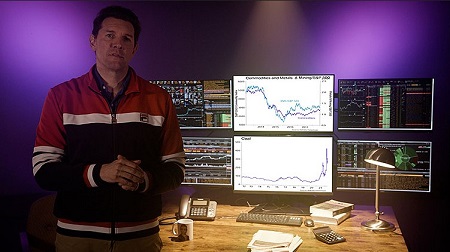
The Real Investing Course - Real Vision Academy

af6ad537c8b6a71faa2de33cb1553569.jpg

The Real Investing Course - Real Vision Academy | 110 GB
Timeless investing principles from the world's best investors.
The brand new Real Investing Course from Real Vision gives you tools to become a more successful investor in the real world.

You'll learn from the world's best investors and develop your own 'nose' for investing. All in less than 10 hours. And did we mention it's bloody entertaining, too?

Thousands of Hours of Insight - Delivered in Less Than 10
Become a better and more confident investor by learning from the best.
Becoming a better investor is a lifelong journey. And not an easy one. You have to learn from the world's best investors without blindly copying them.
You have to apply textbook knowledge in the real world (always tricky). You have to avoid charlatans (increasingly tricky). You have to avoid information and data paralysis.
Urgh.
All this pain is why we developed The Real Investing Course.
It's game-changing - delivering insights you won't find anywhere else from dozens of professional investors.
It's super-charged - distilling thousands of hours of knowledge and delivering it to you in less than 10.
It's lock, stock and barrel - Real Vision acquired and built on the Lex van Dam Trading Academy, a blockbuster investing course based on the frameworks developed at one of the top London trading desks.
Oh, and forget about bland PowerPoint presentations by somebody in a shirt.
The Real Investing Course is filmed in an underground bunker, a cinema, and a bar, so you know it's definitely not boring.

The Real Investing Course includes:
- 5 Modules & 31 Lessons
- The fundamentals of real world investing in 10 hours
- Transcripts, handbooks, takeaways, rabbit hole resources
- Professional investors as your guides
- Community access
- Real Vision PLUS membership
- Full access to upcoming Real Vision Academy courses
- .And zero B.S.

Screenshots
583f1346747468137f6e4bcfe8d25f41.jpg

Homepage:

Link Download
Extract files with WinRar 5 or Latest !
 
The LinkedIn Quality Leads Formula - Client Nectar

1f999a03ad17772f15692b991e51b42c.jpg

Shelley Hutchinson - LinkedIn Quality Leads Formula | 29.9 GB
The Linkedin Quality Leads Formula works for all different types of business owners and has specific videos within the 12 modules for those who work B2C, B2B and MLM. So whatever your business type you'll receive the right advice and strategy for your business.

What You Get:
You'll gain a consistent flow of high-calibre clients coming to you through Linkedin, so you never have to worry about where your next client is coming from
You'll start charging what you truly desire for your services and get paid it
You'll become known as the go-to expert in your field (even if you are new in business and haven't had any clients yet!)
You'll overcome your fears of being visible and confidently put yourself and your business out there online

You'll learn my proven Linkedin Quality Leads Formula that I have taught to hundreds of entrepreneurs over the past three years.

Following this proven process has resulted in many new entrepreneurs getting fully-booked with clients, and led established entrepreneurs to double and triple their revenue in just three months.

Screenshots
b4a461c0ce6b782f590b2d02dfde565f.jpg

Homepage:

Link Download
Extract files with WinRar 5 or Latest !
 
Simon Dixon - The Retirement Plan B

91ae28b80a2bbd9810fce7ef6e8bd5e6.jpg

Simon Dixon - The Retirement Plan B - Online Wealth Management Program | 39.9 GB
I am ready to Build and Protect my long term wealth using the Retirement Plan B Online Wealth Management Program to protect me from currency wars, real-estate crashes, government failures & stock market crashes using both the traditional, Bitcoin & cryptocurrency markets.

Retirement Plan B Online Wealth Management Program Dates:
Module 1 - The Retirement Plan B Financial Ladder
Module 2 - The Retirement Plan B Investing Principles
Module 3 - The Retirement Plan B Investing Blueprint
Module 4 - Maximising Bitcoin & Crypto Growth
Module 5 - Maximising Bitcoin & Crypto Income
Module 6 - Investor Psychology, Becoming Your Own Bank, Security & Avoiding Scams
Module 7 - Tax, Inheritance, Banking & Fiat Off-boarding

Homepage:

Screenshots
5d26122ae7fd6a86d01e583f1cb3203c.jpg


Link Download
Extract files with WinRar 5 or Latest !
 
Simpler Trading - Small Account Secrets Pro by John F. Carter

86a7c13c45d3728746b6f09abbfb38d0.jpg

Simpler Trading - Small Accounts Secrets PRO by John Carter | 38.4 GB
With the Premium Package you get the Basic Package with the Strategy Class on Saturday, PLUS 2 days of Live-Trading!
Take advantage of our popular live-trading sessions because it is during market hours that everything you learned in the Strategy class comes together. The fastest way to absorb and internalize this strategy and 'make it your own' is by immediately using your new knowledge in live-market conditions.

This is your opportunity to day trade and swing trade stocks, options, and ETFs with John Carter in real-time. Past attendees tell us there's nothing like being able to watch over John's screen as he looks for setups and dives deeper into the strategy.
It is amazing how much it is possible to improve your skills in a few trading sessions. As always, our informal goal is to strive to make enough profit to more than pay for the class (obviously, no promises).

HOmepage:
 
Soulja - The Beginners Course

9ffeefdcff958c44658c3f47647c5529.jpg

Soulja - The Beginners Dropshipping Course | 1.08 GB
The Day 1
The foundation and ideologies you need to start from scratch and be able to scale to $10k a day consistently and beyond

Curriculum
1. Introduction!
2. My Exact Tiktok Ads Set Up & Testing
3. Future Discussions
4. Ultimate Product Research
5. My Exact Shopify Store Setup
6. Payment Processing Optimization
7. Bullet Proof Testing & Scaling Strats
8. $10k+ Day Scaling
9. Ending

Screenshots
f8d6dbc15d372df626f004b5df210901.jpg

HOmepage:

Link Download
Extract files with WinRar 5 or Latest !
 
Search Marketing Institute - The 3 Pillar System Bundle

f2e3e2c243fedaf68117b0f8a327feee.jpg

SMI: The 3 Pillar System Bundle (4 Courses) | 33.7 GB
Joint Smart Marketing Institute: The Three Pillar System
Courses included
Search Marketing Institute: The SMI Approach to Prospecting and Onboarding
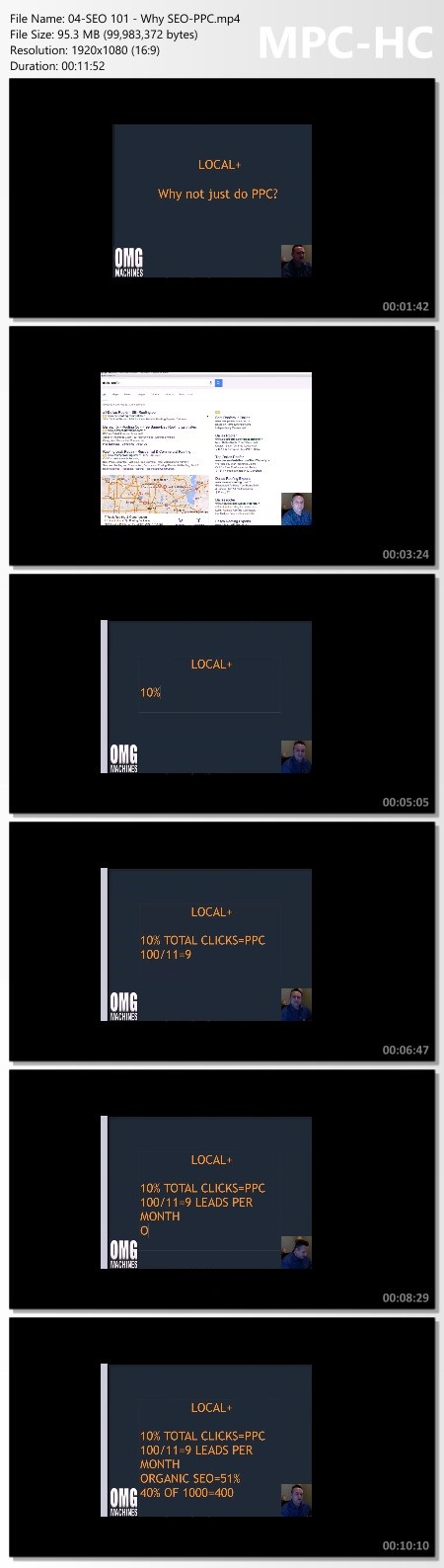
Search Marketing Institute - Local SEO
Search Marketing Institute: Scaling Secrets From The Pros
Search Marketing Institute: The Authoritative Guide to Google Maps Optimization

What You Get:
Search Marketing Institute - Local SEO
Local SEO, Maps Optimization, On Page, Client Acquisition, Reporting & Much more!

Search Marketing Institute: Scaling Secrets From The Pros
Here you will learn the MOST valuable techniques; direct from our SMI coaches. Not shared anywhere else, what you learn in this pillar will be the catalyst to achieving the lifestyle and financial success that you desire. You'll learn how to start working ON your business, not just IN your business - and we'll cover topics such as outsourcing, hiring the right people, and tools for scaling.

Search Marketing Institute: The Authoritative Guide to Google Maps Optimization

Search Marketing Institute: The SMI Approach to Prospecting and Onboarding
Understand what it takes to go from "business idea" to receiving checks. In this pillar, you'll be learning how to find and attract quality clients - companies that you love to work with and who love working with you. We'll also be covering topics such as how to legally set up your business, how to sell and your services, and everything else you need to know to hit your first financial goals

HOmepage:

Screenshots
3a036013fcb6dd915b1daccb2f5555ec.jpg


Link Download
Extract files with WinRar 5 or Latest !
 
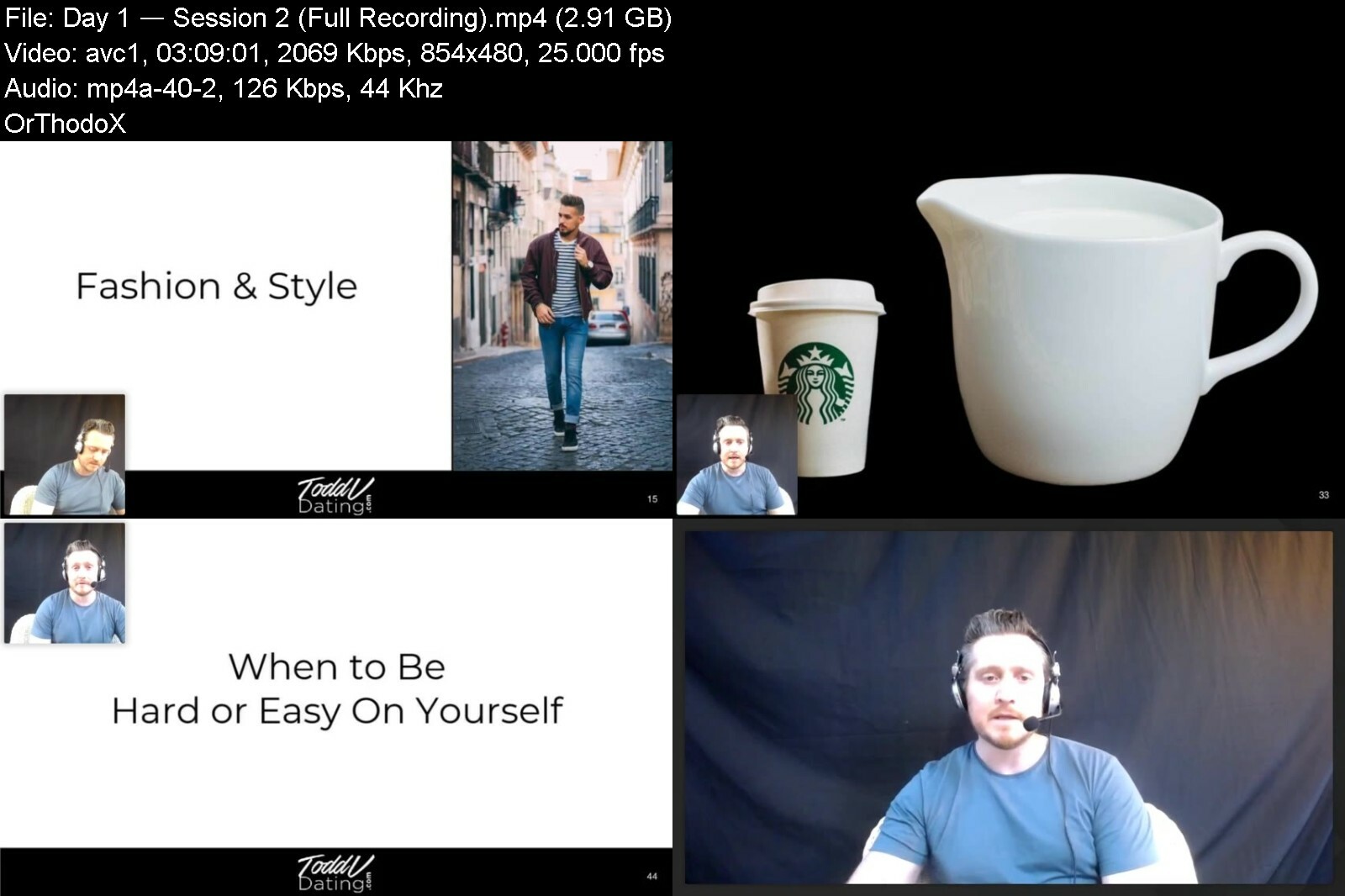
Todd V - Value Masterclass

cnvltksukicfx3fjjvx1ph0c53.png


Todd V - Value Masterclass
MP4 | Video: 1280x720 | Audio: AAC 48 Khz , 2ch | Duration: 22h 6 min | Language: English | 18.3 GB

THE TRUE NATURE OF HIGH VALUE.
And the 7 Massive Steps to Becoming a Man of Universal Attractiveness,
Undeniable Charisma and Unstoppable Confidence
WHAT YOU'LL LEARN.
THE UNIFIED THEORY OF VALUE
The Evolution of Emotions
How Value CREATES Attraction
The truth about why women CRAVE high value
Creepy low-value behaviors
The FOUR main value triggers
The set-in-stone ANATOMY OF ATTRACTION
Having vs. Conveying Value - Why Game Exists
​THE OUTER GAME OF HIGH VALUE
How to Convey High Value from the First Second
5 Ways to MANUFACTURE Social Proof
The Ultimate High Value Cheat code
Why High Value Outer Game Can Override Low Value Inner Game (The No B.S. Reality)
How to Win Any Test She Throws at You
The 5 Highly Attractive Qualities of External Value
THE INNER GAME OF HIGH VALUE
Why Men Who Never "Learn Game" Still Get Laid
The Brain Trap of "Thinking" Your Way to High Value
Self-Talk - My Secret Inner Game Super-Weapon
How to Use Flow State to Become Attractive (Without Becoming a Manic Weirdo)
How to Build REAL "Alpha" Mindsets Based on Evidence
The Pros and Cons of "Fake It Til' You Make It"
How to Get out a SELF-VALUE RUT
Money - The Root of Internal Value?
HIGH VALUE TRANSFORMATION
The Three Pillars of Value Transformation
How to Achieve Exponential Value Growth in a Matter of Months
Hardwiring Positive Feedback Loops into Your Brain
6 Practical Steps You Can Take to Level Up in a Matter of Hours
How to Permanently Delete Low-Value Behavior
The Lost Art of Becoming Socially Relevant
How to Build Evolutionary Value
The "Life's Not Fair" Challenge
Your Personal 12 Month Game-plan for Value Transformation
HIGH VALUE HABIT CREATION
Why Habits Matter to Women
20 Common Low-Value Habits and How to DELETE THEM Forever
3 Simple Tools for Instant Mood Control
Sexual Chemistry - Attractive Habits That DIRECTLY Impact Your Sex Life
HIGH VALUE SOCIAL TOOLS
Value Vs. Comfort Game
How to "Make People Talk" - Becoming a Social Animal
How to Ask Good Questions
Finding Her Blueprint - Becoming HIGH VALUE TO HER

toddvvaluemasterclassepijl.jpg


Download from RapidGator


Download from Keep2Share


Linux Shell Commands for Absolute Beginners using Ubuntu 20x

linuxshellcommandsforyfevs.jpg


Linux Shell Commands for Absolute Beginners using Ubuntu 20x
Last Updated 06/2022
MP4 | Video: h264, 1280x720 | Audio: AAC, 44.1 KHz, 2 Ch
Genre: eLearning | Language: English + srt | Duration: 289 lectures (22h 34m) | Size: 10.9 GB

A master class on linux commands for absolute beginners using Ubuntu 20.04


What you'll learn
Setup Ubuntu Linux on Windows using wsl
Getting Started with Linux Shell Commands using commands such as pwd, help, etc
Listing files and folders in Linux File System using ls
Filtering files and folders in Linux File System using commands such as find
Processing Data in Files using Linux Commands using commands such cat, tail, head, more, cut, sort, uniq, etc
Understanding File and Folder Properties and also commands to change the ownership as well as permissions
Managing Files and Folders in Linux using commands such as cp, mv, rm, etc along with awk for the automation
Basic System Commands in Linux such as lscpu, free, df, du, etc to get CPU, memory, free or available as well as used storage respectively
Comparing Files and Folders in Linux using diff
Variables and Environment Variables in Linux including commands such as env and concepts related to PATH Environment Variable
Getting Started with AWS to provision EC2 Instances to explore SSH, networking concepts, scp, etc
Overview of SSH to interact with remote servers which includes all key concepts such as sshd, configuration files, running commands remotely, etc
Basic Networking Concepts such as different ip addresses, ports using Linux including telnet command to troubleshoot networking issues
Copy Files and Folders between Multiple Systems using scp including fine tuning the performance of scp
Troubleshooting Application issues using find and grep in Linux

Requirements
PC or Mac with decent configuration
At least 8 GB RAM, i5 or equivalent processor
CPU with dual core or with higher configuration


Description
As part of this course, you will learn most of the important Linux commands that can come in handy while working in Linux-based environments.

Here are the high-level details of the Linux Commands that are covered as part of this hands-on course.

You will get started by having an appropriate environment to practice. Windows users can set up Ubuntu 20.04 using wsl.

Once the environment is ready, you will understand how to get started with basic Linux Commands.

The most commonly used command in Linux is ls. It is used to list the files. We will see different variations of ls by going through all the relevant arguments.

One of the powerful Linux commands and also my favorite is "find". It helps us to filter the files and directories based on name, type, modified time, etc. You will learn how to use the find command effectively from the perspective of finding the files based on the criteria.

As we understand how to get details related to files and folders in Linux, we will go through the details related to previewing the data in files using important Linux commands such as cat, tail, more, etc. Also, we will review Linux commands such as cut, sort, uniq to process the data. All these commands are typically used against text files.

After going through details related to ls, find commands as well as commands related to processing data in files, we will walk you through the details related to file and folder properties in Linux. You will get an overview of commands such as useradd, userdel, chmod, etc which are typically associated with file permissions.

One of the key aspects related to files and folders is to manage them effectively. We will go through the details about managing files and folders using Linux commands such as cp for copy, mv for move or rename, rm for delete or remove, tar to build uncompressed as well as compressed tar balls. Also, you will get a taste of the awk command to automate some of the common tasks such as reorganizing the files based on patterns.

The core components of a computer are nothing but CPU, Memory, and Storage. In this section or module, you will be learning Linux commands such as lscpu to get CPU details, free to get memory details, and then df and du to get storage details.

At times, we need to make sure the data is in files as well as codebase to troubleshoot the production issues or bugs in QA. In this section, you will learn how to use the Linux command called diff to compare files and folders and review the differences.

Environment Variables are the ones that can impact the sessions logged in by users in Linux. As part of this section, you will be learning details related to Variables, Environment Variables. Also, you will understand how to list all the Environment Variables using Linux commands such env, and how to get a value of a Variable or Environment Variable using the Linux command echo. On top of these things, you will also learn all important aspects related to one of the most important Environment Variables called PATH.

As we gain a decent amount of knowledge related to Linux commands using a single server, it is time for us to explore other important commands such as ssh, scp, pssh, pscp, etc which require more than one Linux System or Server. Also, we need to go through basic networking concepts. To learn commands to interact between the servers as well as to understand basic networking concepts, we will get started with AWS to provision Ubuntu-based virtual machines. These Virtual Machines will be used in the subsequent sections to learn the concepts mentioned earlier as part of this bullet point.

Once we go through the details about getting started with AWS, we will focus on learning all key concepts related to SSH such as sshd daemon, updating ssh config files, and restarting sshd using systemctl or service command. Also, we will go through the details related to passwordless login and also ability to run commands remotely via ssh. We will also understand how to set up parallel ssh and then run commands on multiple Linux systems in parallel.

To be comfortable with learning in a Linux environment, it is very important for one to understand key concepts such as different types of IP Addresses, Port Numbers, relationships between applications and databases with ports, etc. In this section, we will go through all important networking concepts using apache2, MongoDB, etc.

Once we are comfortable with SSH, it is time for us to use tools such as scp which uses ssh under the hood to copy files and folders between the Linux Systems. We will also explore parallel scp to copy files in parallel to multiple target systems from one source system. Also, we will go through the details related to speeding up the copy using different techniques which include submitting multiple scp commands using nohup.

Basic Linux Commands

Running the first command on Linux

Getting usage of Linux commands using the help

Overview of Files and Folders

Fully Qualified or Absolute Paths and Relative Paths of Files and Folders

Listing files and folders in Linux File System using ls

Overview of ls command to list files and folders in Linux

Setup Files and Folders from GitHub Account to learn Shell Commands

Setup Jupyter Lab to go through help on linux commands

Getting the properties of files and folders using the ls command in Linux

Sorting ls output while listing files in Linux

List files and folders in Linux sorted by time

List files and folders in Linux sorted by size

Overview of Hidden Folders and Files

Listing Hidden Files and Folders in Linux

Listing the files and folders recursively in Linux

Exploring Control Arguments while listing files in Linux

Overview of representation of file sizes

Overview of alias command and ll to list files and folders

Filtering files and folders in Linux File System

Introduction to the filtering files and folders on Linux File System

Accessing Windows Files and Folders from Linux setup using wsl

Overview of grep command

Few basic examples using grep and piping

Overview of Piping while running shell commands

Overview of Basic Pattern Matching

Deep Dive into the wc command to get word count or line count

Overview of the find command to filter files and folders

Understand the behavior of the simplest form of find command in Linux

Using Linux find command to find directories or folders

Using Linux find command to find files by type and pattern

Overview of Standard Directories in Linux

Get the list of files based on the modified time using the Linux find command

Get the list of files based on size using the Linux find command

Processing Data in Files using Linux Commands

Introduction to commands used for processing data in files using Linux

Overview of Different File Formats

Get file format or type using file command in Linux

Preview the data in the text file using head command in Linux

Preview the data in the text file using tail command

Install apache web server on Ubuntu Linux

Generate Apache Logs every second using shell script and nohup

Monitoring Logs using tail command in Linux

Preview the data in the text file using more command

Extract data from files in Linux using cut command

Sort data in files in Linux using sort command

Sort data in files in Linux using sort command based on key and delimiter

Extract Information and Redirect to a file in Linux

Getting Unique Records from File using sort in Linux

Using uniq to get unique values in Linux

Understanding File and Folder Properties

Introduction to Properties of Files and Folders

Understand File and Folder Properties provided by ls command

Understanding Owner of the Files in Linux

Overview of groups associated with files and folders in Linux

Creating Groups in Linux using groupadd

Create users in Linux using useradd command

Specifying bash as the default shell while creating users in Linux

Create Users with Group in Linux

Add users to supplementary or secondary groups in Linux

Overview of File Permissions in Linux

Overview of umask for default permissions on Files and Folders

Permissions on Home Folders for different Linux Users

File and Folder Permissions for Groups and Others

Conclusion for File and Folder Properties using Linux

Managing Files and Folders in Linux

Introduction to Managing Files and Folders in Linux

Generate empty files in Linux using touch command

Creating Directories in Linux using mkdir command

Overview of awk command in Linux

Overview of cp command to copy files in Linux

Using cp command to copy files in Linux

Create multiple folders at once using awk in Linux

Copy files using Patterns in Linux

Automate file copy using awk and cp in linux

Copying folders recursively using cp command in Linux

Copying files using cp while preserving properties in Linux

Moving Files in linux using mv command

Automate file move using awk and mv in linux

Overview of tar command to take the backups

Create backup of files and folders using tar command in linux

Restoring Files and Folders using tar command in Linux

Moving Folders in Linux using mv command

Overview of rm command to remove files from Linux File System

Delete files from Linux File System using rm command

Use alias to delete files interactively from Linux File System

Delete folders from Linux File System using rm command

Restore Data Folder from the tar ball

Delete files using find and rm from Linux file system based on name

Delete files using find and awk from Linux file system based on name

Generate log files for multiple years using touch with patterns

Update timestamp of files based on names in Linux using touch

Delete files using find and rm based on modified time in Linux

Renaming the files and folders in Linux

Basic System Commands in Linux

Introduction to Basic System Commands in Linux

Overview of core components of a computer

Get CPU Details using lscpu command in Linux

Get Memory Details using free on Linux

Get Storage Details using df in Linux

Get Disk Usage Details using du in Linux

Get largest folders and files using du and sort on Linux

Understand Storage Details of Directories using du on Windows

Get storage use of folders and files

Get Storage Details of larger files using find and du

Comparing Files and Folders in Linux using diff

Introduction to comparing files and folders in Linux using diff

Overview of the diff command

Prepare Dataset to explore diff command in Linux

Understand the output of the diff command in Linux

Compare Files Ignoring Blank Lines and White Spaces using diff in Linux

Compare Files Ignoring case using diff in Linux

Unified and Side By Side Comparison using diff in Linux

Compare Folders in Linux using the diff command

Variables and Environment Variables in Linux

Creating and Printing Variables using echo in Linux

Overview of Environment Variables in Linux and env command

Overview of Environment Variables in Windows

Review some of the standard environment variables in Linux

Get the location of commands in linux using which

Review PATH and unset PATH in Linux

Relevance of PATH Environment Variable while running Linux Commands

Overview of Profile and rc in Linux

Create a simple shell script and grant execute permissions in Linux

Update PATH with parent folders of custom applications

Update PATH in profile with parent folders of custom applications

Getting Started with AWS

Introduction to Getting Started with AWS

Signing up for AWS

Overview of AWS Web Console

Overview of AWS EC2 Console or Dashboard

Create AWS EC2 Key Pair using AWS EC2 Console

Create our first AWS EC2 Instance using Ubuntu 20

Login into AWS EC2 Instance using Key Pair

Overview of AWS Free Tier and Pricing

Overview of AWS Web Console Cloud Shell

Overview of AWS EC2 Instance Concepts

Managing AWS EC2 Instances

Overview of SSH to interact with remote servers

Introduction to Overview of SSH to interact with Remote Servers

Create Multiple AWS EC2 Instances

Different Modes of SSH Login to Remote Servers

Understanding Password less login to Remote Server

Overview of SSH Daemons on Remote Servers

Understand SSH Properties Files and Properties

Enabling Password login on Remote Server

Run Commands on Remote Servers using SSH

Connect to Remote Servers from Windows using Powershell as well as wsl

Setup pssh or parallel-ssh on Mac as well as Ubuntu Linux

Run Commands on multiple servers using parallel-ssh or pssh

Run Commands on multiple servers using pssh using the hosts file

Enable Password less login using ssh keys and the ssh-copy-id command

Terminate AWS EC2 Instances used for demo

Basic Networking Concepts using Linux

Introduction to Basic Networking Concepts using Linux

Provision EC2 Instance from AWS

Overview of AWS Security Groups

Overview of Different Types of IP Addresses

Install Apache Webserver on Ubuntu

Update Security Group to access Apache Web Application

Overview of Daemon or Background Processes and Ports

Understanding Structure of IP Address

Overview of DNS Aliases for IP Addresses

Install Jupyter Lab on Ubuntu

Run Jupyter Lab using Localhost

Update Security Group to access Jupyter Lab

Setup Mongo DB on AWS EC2 Instance

Run MongoDB on Universal IP Address

Update Security Group to access Mongo DB

Cleanup AWS EC2 Instance used to demo networking concepts

Copy Files and Folders between Multiple Systems using scp

Introduction to Copying Files and Folders between multiple Linux Systems using scp

Provision of multiple EC2 Instances from AWS

Connect to EC2 Instances using Windows Powershell

Connect to EC2 Instances from Linux on Windows

Prepare Data Sets to explore Copying Files

Overview of scp for secure copy between Multiple Systems

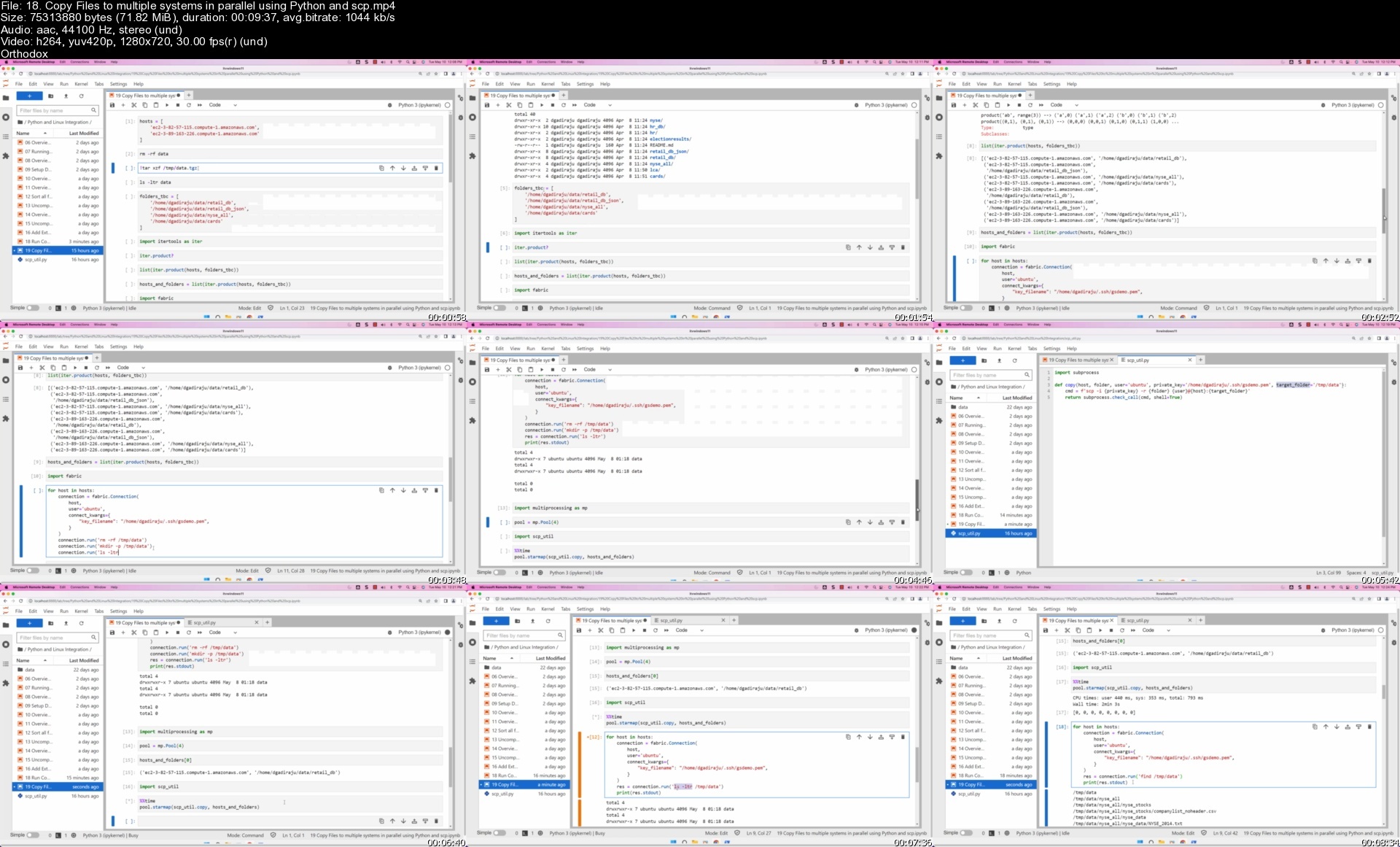
Copy Files using scp between Multiple Systems

Copy Folders using scp between Multiple Systems

Copy Tar Ball or Zip File using scp between Linux Servers

Setup parallel-scp or pscp to copy files to multiple systems

Prepare Target Systems by recreating folders using pssh

Copy Files onto remote machines in parallel using pscp

Copy Folders onto remote machines in parallel using pscp

Overview of Copying Files and Folders between two systems in parallel

Submit Long-Running Applications or Commands in the Background using nohup

Run multiple scp commands in parallel using nohup in Linux

Stop or Terminate AWS EC2 Instances used for the tasks

Desired Audience

Here is the desired audience for this advanced course.

Experienced application developers to gain expertise related to Linux shell commands

Experienced Data Engineers to gain enough skills related to Linux shell commands

Testers to improve their testing capabilities by using Linux shell commands effectively

Prerequisites

Logistics

Computer with decent configuration (At least 4 GB RAM, however 8 GB is highly desired)

Dual Core is required and Quad-Core is highly desired

Chrome Browser

High-Speed Internet

Who this course is for
Students who want to learn Linux commands by hands-on practice
Freshers and entry level IT professionals who want to gain the knowledge of Linux commands
Any Software developers such as Python, Java, etc who would like to gain proficiency of Linux Commands
Any Software Testers who would like to gain proficiency related to Linux Commands
This course is designed for all those IT Professionals who frequently work on Linux based Environment
System Administrators, Network Administrators, DevOps Engineers, etc

Homepage


18.copyfilestomultiplajd0b.jpg


Zurück
Oben Unten