• Regeln für den Video-Bereich:

    In den Börsenbereich gehören nur Angebote die bereits den Allgemeinen Regeln entsprechen.

    Einteilung

    - Folgende Formate gehören in die angegeben Bereiche:
    - Filme: Encodierte Filme von BluRay, DVD, R5, TV, Screener sowie Telesyncs im Format DivX, XviD und x264.
    - DVD: Filme im Format DVD5, DVD9 und HD2DVD.
    - HD: Encodierte Filme mit der Auflösung 720p oder darüber von BluRay, DVD, R5, TV, Screener sowie Telesyncs im Format x264.
    - 3D: Encodierte Filme von BluRay, die in einem 3D Format vorliegen. Dies gilt auch für Dokus, Animation usw.
    - Serien: Cartoon/Zeichentrick, Anime, Tutorials, Dokumentationen, Konzerte/Musik, Sonstiges sind demnach in die entsprechenden Bereiche einzuordnen, auch wenn sie beispielsweise im High Definition-Format oder als DVD5/DVD9/HD2DVD vorliegen. Ausnahme 3D.
    - Bereich Englisch: Englische Releases gehören immer in diesen Bereich.
    - Bereich Talk: Der Bereich, in dem über die Releases diskutiert werden kann, darf, soll und erwünscht ist.


    Angebot/Beitrag erstellen

    - Ein Beitrag darf erst dann erstellt werden, wenn der Upload bei mindestens einem OCH komplett ist. Platzhalter sind untersagt.
    - Bei einem Scenerelease hat der Threadtitel ausschließlich aus dem originalen, unveränderten Releasenamen zu bestehen. Es dürfen keine Veränderungen wie z.B. Sterne, kleine Buchstaben o.ä. vorgenommen werden. Ausnahme Serienbörse:
    - Bei einem Sammelthread für eine Staffel entfällt aus dem Releasename natürlich der Name der Folge. Beispiel: Die Simpsons S21 German DVDRip XviD - ITG
    - Dementsprechend sind also u.a. verboten: Erweiterungen wie "Tipp", "empfehlenswert", "only", "reup", usw. / jegliche andere Zusatzinformation oder Ergänzung, welche nicht in obiger Beschreibung zu finden ist.

    Aufbau des Angebots und Threadtitel

    Der Titel nach folgendem Muster erstellt zu werden. <Name> [3D] [Staffel] [German] <Jahr> <Tonspur> [DL] [Auflösung] <Quelle> <Codec> - <Group>
    Beispiel: The Dark Knight German 2008 AC3 DVDRip XviD - iND
    Beispiel: The Dark Knight 2008 DTS DL BDRip x264 - iND
    Beispiel: The Dark Knight 2008 AC3 DL BDRip XviD - iND
    Beispiel: The Dark Knight German 2008 AC3 720p BluRay x264 iND
    Beispiel: The Dark Knight 2008 DTS DL 1080p BluRay x264 iND
    Beispiel: Die Simpsons S01 German AC3 DVDRip XviD iND
    Beispiel: Die Simpsons S20 German AC3 720p BluRay x264 iND
    Beispiel: Sword Art Online II Ger Sub 2014 AAC 1080p WEBRip x264 - peppermint
    Entsprechend sind also u.a. verboten: Sonderzeichen wie Klammern, Sterne, Ausrufezeichen, Unterstriche, Anführungszeichen / Erweiterungen wie "Tipp", "empfehlenswert", "only", "reup", usw. / jegliche andere Zusatzinformation oder Ergänzung, welche nicht in obiger Beschreibung zu finden ist
    Ausnahmen hiervon können in den Bereichen geregelt sein.

    Die Beiträge sollen wie folgt aufgebaut werden:
    Überschrift entspricht dem Threadtitel
    Cover
    kurze Inhaltsbeschreibung
    Format, Größe, Dauer sind gut lesbar für Downloader außerhalb des Spoilers zu vermerken
    Nfo sind immer Anzugeben und selbige immer im Spoiler in Textform.
    Sind keine Nfo vorhanden z.B. Eigenpublikationen, sind im Spoiler folgende Dateiinformationen zusätzlich anzugeben :
    Quelle
    Video (Auflösung und Bitrate)
    Ton (Sprache, Format und Bitrate der einzelnen Spuren)
    Untertitel (sofern vorhanden)
    Hosterangabe in Textform außerhalb eines Spoiler mit allen enthaltenen Hostern.
    Bei SD kann auf diese zusätzlichen Dateiinformationen verzichtet werden.

    Alle benötigten Passwörter sind, sofern vorhanden, in Textform im Angebot anzugeben.
    Spoiler im Spoiler mit Kommentaren :"Schon Bedankt?" sind unerwünscht.


    Releases

    - Sind Retail-Release verfügbar, sind alle anderen Variationen untersagt. Ausnahmen: Alle deutschen Retail-Release sind CUT, in diesem Fall sind dubbed UNCUT-Release zulässig.
    - Im Serien-Bereich gilt speziell: Wenn ein Retail vor Abschluss einer laufenden Staffel erscheint, darf diese Staffel noch zu Ende gebracht werden.62
    - Gleiche Releases sind unbedingt zusammenzufassen. Das bedeutet, es ist zwingend erforderlich, vor dem Erstellen eines Themas per Suchfunktion zu überprüfen, ob bereits ein Beitrag mit demselben Release besteht. Ist dies der Fall, ist der bereits vorhandene Beitrag zu verwenden.
    - P2P und Scene Releases dürfen nicht verändert oder gar unter einem iND Tag eingestellt werden.


    Support, Diskussionen und Suche

    - Supportanfragen sind entweder per PN oder im Bereich Talk zu stellen.
    - Diskussionen und Bewertungen sind im Talk Bereich zu führen. Fragen an die Uploader haben ausschließlich via PN zu erfolgen, und sind in den Angeboten untersagt.
    - Anfragen zu Upload-Wünschen sind nur im Bereich Suche Video erlaubt. Antworten dürfen nur auf Angebote von MyBoerse.bz verlinkt werden.


    Verbote

    - Untersagt sind mehrere Formate in einem einzigen Angebotsthread, wie beispielsweise das gleichzeitige Anbieten von DivX/XviD, 720p und 1080p in einem Thread. Pro Format, Release und Auflösung ist ein eigener Thread zu eröffnen.
    - Grundsätzlich ebenso verboten sind Dupes. Uploader haben sich an geeigneter Stelle darüber zu informieren, ob es sich bei einem Release um ein Dupe handelt.
    - Gefakte, nur teilweise lauffähige oder unvollständige Angebote sind untersagt. Dies gilt auch für eigene Publikationen, die augenscheinlich nicht selbst von z.B. einer DVD gerippt wurden. Laufende Serien, bei denen noch nicht alle Folgen verfügbar sind, dürfen erstellt und regelmäßig geupdatet werden.
    - Untersagt sind Angebote, welche nur und ausschließlich in einer anderen Sprache als deutsch oder englisch vorliegen. Ausnahmen sind VORHER mit den Moderatoren zu klären.


    Verstoß gegen die Regeln

    - Angebote oder Beiträge, die gegen die Forenregeln verstoßen, sind über den "Melden"-Button im Beitrag zu melden.
  • Bitte registriere dich zunächst um Beiträge zu verfassen und externe Links aufzurufen.

*** Bestes IPTV *** bester Preis *** gratis Test ***


Englische Tutorials

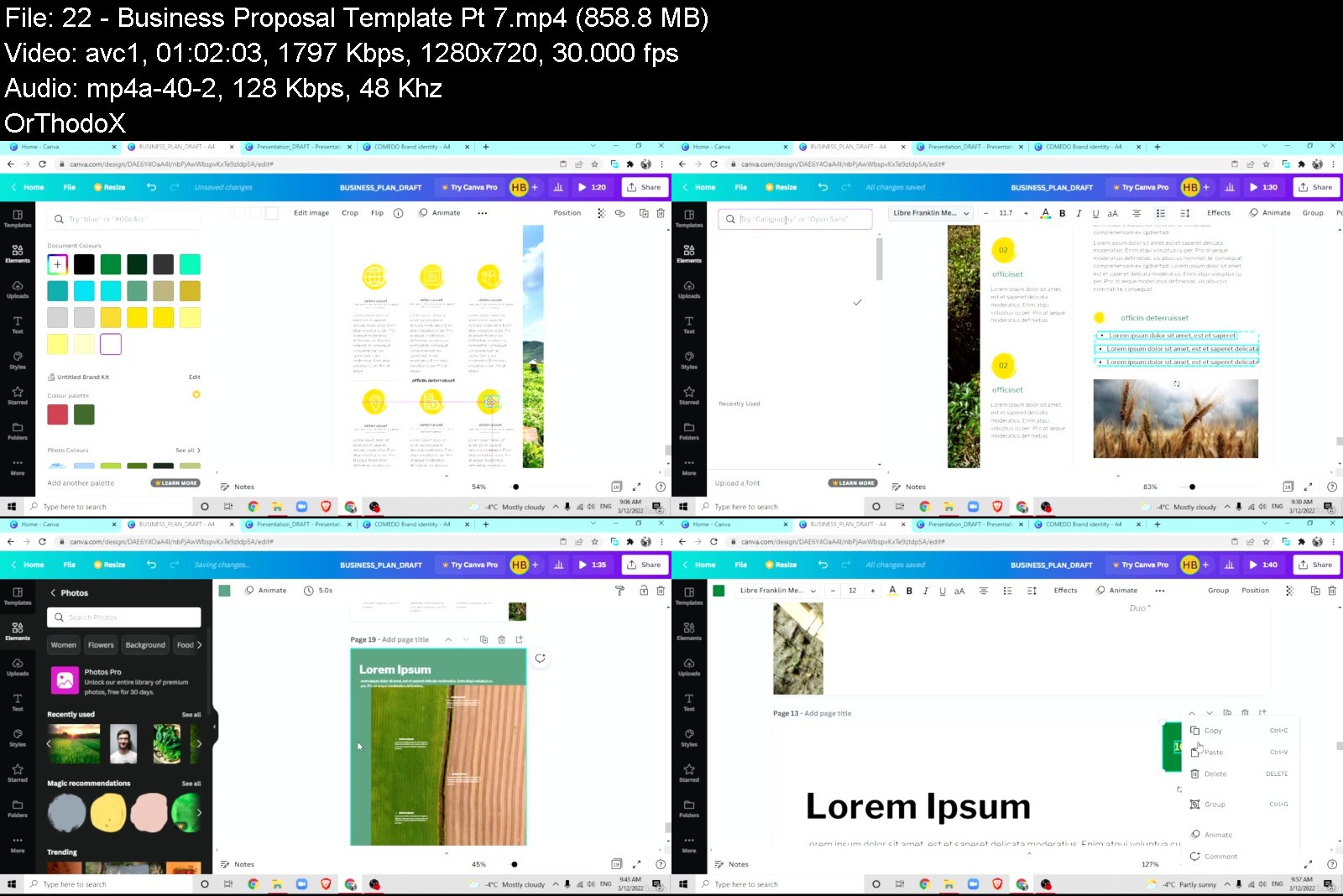
Complete Canva Megacourse: Beginner To Expert

izkdhavbyidkajcprxz0c5uklv.jpg


Complete Canva Megacourse: Beginner To Expert
Published 6/2022
MP4 | Video: h264, 1280x720 | Audio: AAC, 44.1 KHz
Language: English | Size: 16.75 GB | Duration: 20h 14m

Learn how to use Canva for content creation like a pro with this step-by-step course!


What you'll learn
How to use Canva
The principles of creating content in Canva
Effective use of tools and elements in Canva
How to apply colour theory and shape theory
How to create print and digital content
How to design a logo
How to make a professional business presentation
How to design different business document templates
How to create marketing designs
How to grow your social media brand by creating designs for different social media platforms
Important tips and tricks to make your work with Canva easie
The important tools to create and grow your brand
Requirements
No previous knowledge of Canva required!
A desire to learn!
A positive attitude!

Description
Learn all there is to know about Canva!Design and create content like a pro!Have you ever wanted to create, edit, or customise your own designs? In today's world, graphic design is integrated into just about every aspect of our lives. Whether that's a school presentation, an invitation to your party,a business proposal , or a social media post, they all require graphic design. And the best part is, you don't need to be a professional to create your own designs. All you need is a platform that allows you to create quick designs in minutes. Canva is an all-in-one program that allows you to create multitudes of projects with all the necessary tools. We're here to teach you the fundamentals when it comes to using Canva and make your experience a whole lot smoother.In this course, you are going to learn everything there is to know about graphic design, content creation, branding and designing in Canva. From learning colour and shape theory, the psychology of colours and how to create the right colour palette, to customising and layering elements, using frames for UI design and smart mock-ups. You will even learn how to make video transitions, text animations, and so much more.Our instructors have years of experience not only in graphic design, but also in teaching, and the expertly-crafted syllabus is designed to be easy to follow and thorough. We've even included plenty of real-life examples and digital content for you to study. That's why this is the only Canva course you'll ever need to make your content effective and aesthetically pleasing!Start creating today!After taking this course, you will be able to:Use Canva to create and/or grow your brandCreate powerful and eye-grabbing social media and website contentUse all of the tools available to design graphics for yourself or your customersNavigate around the Canva app with easeCreate letterheads, business cards and other print mediaBuild professional designs for different social media platforms
Overview
Section 1: Getting Started
Lecture 1 What is Canva
Lecture 2 Before Using Canva
Lecture 3 Basics: Homepage Explained
Lecture 4 Basics: Side Panel Expanded
Lecture 5 Create a Logo
Lecture 6 Create a Logo: Creating a B/W Version and Finalizing Elements
Lecture 7 Create a Logo: Pick a Colour Palette
Lecture 8 Brand Identity
Section 2: Document Templates For Your Business
Lecture 9 Business Presentation Template Pt. 1
Lecture 10 Business Presentation Template Pt. 2
Lecture 11 Business Presentation Template Pt. 3
Lecture 12 Business Presentation Template Pt. 4
Lecture 13 Business Presentation Template Pt. 5
Lecture 14 Business Presentation Template: Animating Your Presentation
Lecture 15 Business Presentation Template: Adding Links to Text
Lecture 16 Business Proposal Template Pt. 1
Lecture 17 Business Proposal Template Pt. 2
Lecture 18 Business Proposal Template Pt. 3
Lecture 19 Business Proposal Template Pt. 4
Lecture 20 Business Proposal Template Pt. 5
Lecture 21 Business Proposal Template Pt. 6
Lecture 22 Business Proposal Template Pt. 7
Lecture 23 Design a Business Card
Lecture 24 Design a Business Letterhead
Lecture 25 Design Invoice Template Pt. 1
Lecture 26 Design Invoice Template Pt. 2
Lecture 27 Design Invoice Template Pt. 3
Section 3: Using Frames for UI Design: Design App Template
Lecture 28 Creating Template Pt. 1
Lecture 29 Creating Template Pt. 2
Lecture 30 Creating Template Pt. 3
Lecture 31 Creating Template Pt. 4
Lecture 32 Creating Template Pt. 5
Lecture 33 Presenting Template and Final Touch Ups
Section 4: Marketing
Lecture 34 Design a Poster and Use The Smart Mockup Feature
Lecture 35 Design a Brochure: Front and Apply Shadows to Images
Lecture 36 Design a Brochure: Back and Apply Duotone to Images
Section 5: Social Media
Lecture 37 Social Media Banners
Lecture 38 Youtube Thumbnail: Variation 1
Lecture 39 Youtube Thumbnail: Variation 2
Lecture 40 Youtube Thumbnail: Variation 3
Lecture 41 Youtube Intros: Variation 1
Lecture 42 Youtube Intros: Variation 2
Lecture 43 Youtube Intros: Variation 3
Lecture 44 Youtube Intros: Variation 4
Lecture 45 Youtube Intros: Variation 5
Lecture 46 Animating Short Infomercials Pt. 1
Lecture 47 Animating Short Infomercials Pt. 2
Lecture 48 Animating Short Infomercials Pt. 3
Lecture 49 Animating Short Infomercials Pt. 4
Lecture 50 Animating Short Infomercials Pt. 5
Lecture 51 Animating Short Infomercials Pt. 6
Lecture 52 Animating Short Infomercials Pt. 7
Lecture 53 Animating Short Infomercials Pt. 8
Lecture 54 Animating Final Scene and Adding Music
Lecture 55 Instagram: Story Highlights Covers - Variation 1
Lecture 56 Instagram: Story Highlights Covers - Variation 2
Lecture 57 Instagram: Designing a Carousel Post Pt. 1
Lecture 58 Instagram: Designing a Carousel Post Pt. 2
Lecture 59 Splitting The Carousel Design
Lecture 60 Puzzle Feed: Variation 1
Lecture 61 Puzzle Feed: Variation 2
Lecture 62 Videos for Phone
Lecture 63 The "More" Feature Explained
Lecture 64 Final Words
Lecture 65 Last Words
Entrepreneurs or business owners wanting to create and grow their brand,Digital marketers or virtual assistants wanting to impress their clients with awesome content,Freelance graphic designers wanting to boost their career,Beginner designers and anyone interested in graphic design


completecanvamegacournjkq5.jpg


Download from RapidGator


Download from Keep2Share



Video Editing In Davinci Resolve - From Beginner To Pro

a4xzpvxzew8txmgqppxqnbjjjs.jpg


Video Editing In Davinci Resolve - From Beginner To Pro
Last updated 6/2022
MP4 | Video: h264, 1280x720 | Audio: AAC, 44.1 KHz
Language: English | Size: 5.66 GB | Duration: 8h 54m

A short and practical guide to elevate your edits and increase your video editing rates


What you'll learn
Professional video editing and color grading skills
Increase your video editing rates
Learn a professional video editing methodology
Practice with a real project high quality footage
Requirements
You will learn everything you need to know about professional video editing

Description
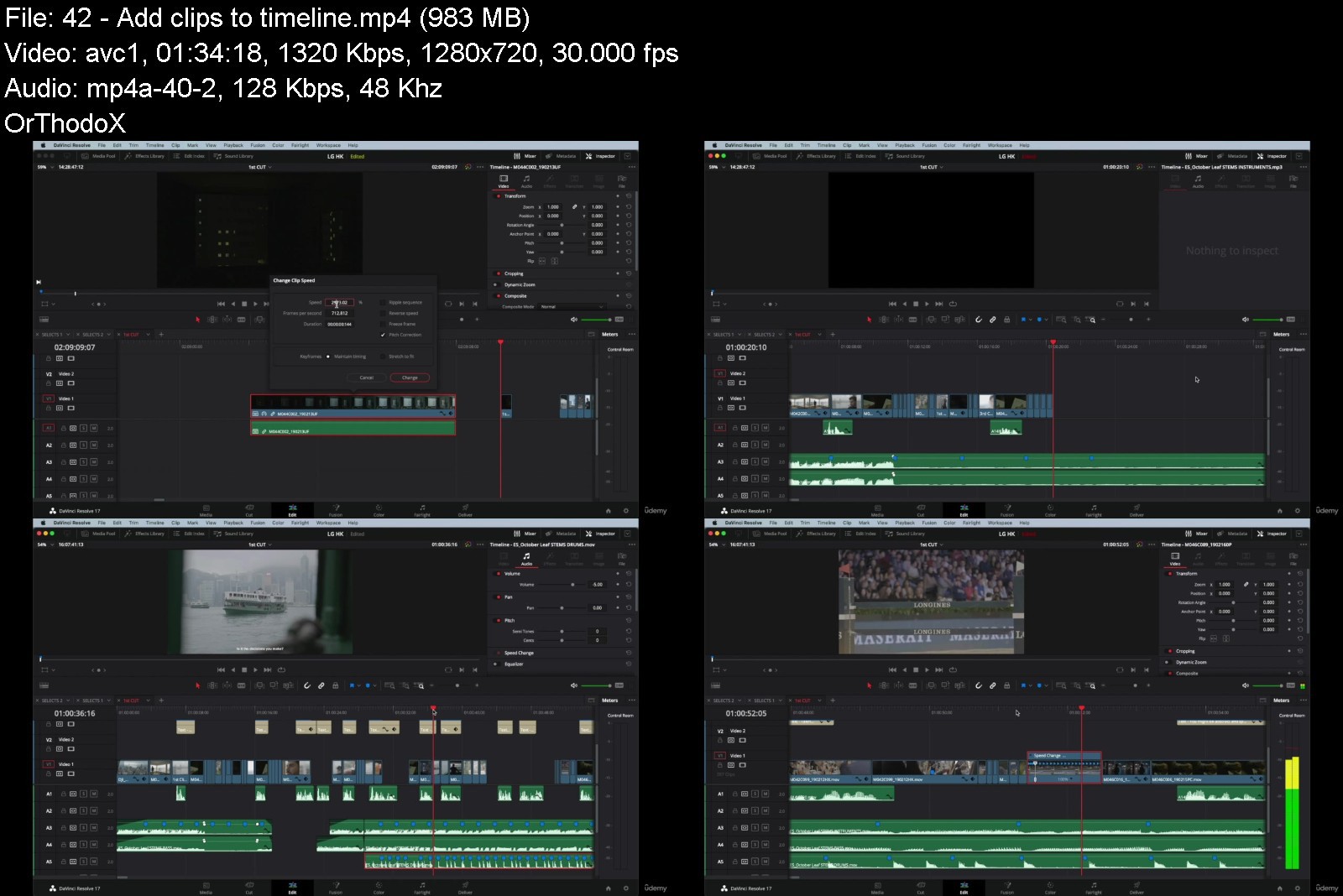
Let's face it, endlessly scrolling through YouTube tutorials trying to learn professional video editing is exhausting. We both know it's taking up too much effort and time.That is why I have created a DaVinci Resolve practical guide made from real life examples. In this course you will learn from the very beginning until the final delivery all the steps and professional methodology I take when I'm working for a client: Video Editing TheoryProfessional Editing MethodologyReal Client ExamplesNew Video Editing Techniques Color GradingWorking With Music and SFXAccess to High Resolution Raw Footage for PracticeBusiness / Client management tipsAbout me: Hello! My name is Mauri de Haro and I am a video editor and content creator. I am originally from Barcelona but after completing my studies in film, I relocated to Toronto, Canada. In Toronto I worked in post-production doing video editing and color grading for brands like Microsoft, Lamborghini, Air Canada or Longines.My background in post-production in combination with my experience being on film sets gives me a wider perspective and understanding in the video creation industry.Over the last 7 years I have been refining my video editing process and methodology. And now I am ready to share it with you. In this course, you'll learn practical tips to help take your editing to the next level and allow you to increase your editing rates.
Overview
Section 1: Course Introduction
Lecture 1 Course Intro
Lecture 2 Example 01
Lecture 3 Example 02
Lecture 4 Example 03
Lecture 5 Project Example
Section 2: Topic, Style, Pace, Length and Target
Lecture 6 Topic, Style, Pace, Length and Target
Lecture 7 Topic
Lecture 8 Style
Lecture 9 Pace
Lecture 10 Length
Lecture 11 Target
Section 3: Pen & Paper
Lecture 12 Pen & Paper
Lecture 13 Draw your timeline
Lecture 14 The importance of a visual reference
Section 4: Intro to DaVinci Resolve
Lecture 15 Intro to DaVinci Resolve
Lecture 16 Why is it a great editing software?
Section 5: Organize & select footage
Lecture 17 Organize & select footage
Lecture 18 Organizing is key
Lecture 19 Select the footage
Section 6: Import footage
Lecture 20 Import footage
Lecture 21 How to import footage
Lecture 22 Organize your footage in DaVinci Resolve
Lecture 23 How to create proxies
Section 7: Finding the right song
Lecture 24 Finding the right song
Lecture 25 Why is music so important
Lecture 26 Music platforms
Lecture 27 Music genres
Lecture 28 Length
Lecture 29 Analyze the song
Lecture 30 Explore different options
Section 8: Bring song to timeline
Lecture 31 Bring song to timeline
Lecture 32 Intro to music
Lecture 33 Cut song to preferred length
Lecture 34 How to cut songs seamlessly
Section 9: Select the best clips
Lecture 35 Select the best clips
Lecture 36 Finding the best parts
Lecture 37 Envision cuts & transitions
Lecture 38 Do a second selection
Section 10: Edit
Lecture 39 Edit
Lecture 40 Check your guide
Lecture 41 Play song and mark key points
Lecture 42 Add clips to timeline
Section 11: Play
Lecture 43 Play
Lecture 44 Have fun editing
Lecture 45 Take a break
Lecture 46 Browse stock video sites
Section 12: Transitions
Lecture 47 Transitions
Lecture 48 Intro to transitions
Lecture 49 The mask transition
Lecture 50 Speed ramps
Lecture 51 Movement transition
Section 13: Finesse your edit
Lecture 52 Finesse your edit
Section 14: Sound effects (SFX)
Lecture 53 Sound effects
Lecture 54 Intro to SFX
Lecture 55 Types of SFX
Lecture 56 Finding the right SFX
Lecture 57 Add SFX to timeline
Section 15: Rewatch your edit
Lecture 58 Rewatch your edit
Lecture 59 Finding potential mistakes
Lecture 60 Ask for feedback
Lecture 61 Send to client and apply changes
Section 16: Color grading
Lecture 62 Color grading
Lecture 63 Color tab
Lecture 64 Overview
Lecture 65 Color wheels
Lecture 66 Video scopes
Lecture 67 Nodes
Lecture 68 Qualifier
Lecture 69 Power window
Lecture 70 Sharpen
Lecture 71 Color grading your project
Section 17: Delivery
Lecture 72 Delivery
Lecture 73 Intro to delivery tab
Lecture 74 Render settings
Section 18: Final review
Lecture 75 Final review
Lecture 76 Rewatch your final edit
Section 19: Business / Client management
Lecture 77 Business / Client management
Lecture 78 What to charge
Lecture 79 Revisions
Lecture 80 Client management
Lecture 81 Invoicing
Section 20: Outro
Lecture 82 Outro
Beginner video editors looking to achieve a professional video editing level,Beginner video editors looking to increase their video editing rates,Video editors who want to learn color grading,Video editors who want to learn a professional methodology,Video editors who want to see the whole process of a real life project/client,Video editors who want to practice with high quality professional footage


videoeditingindavincil0kgh.jpg


Download from RapidGator


Download from Keep2Share


 
Time To Play Guitar

uvuphngqkpauzwtjxexr4ntjcw.jpg


Time To Play Guitar
Published 6/2022
MP4 | Video: h264, 1280x720 | Audio: AAC, 44.1 KHz
Language: English | Size: 6.19 GB | Duration: 4h 51m

Learn guitar the right way and become a complete musician.


What you'll learn
Learn to play guitar starting from a beginner level and progress through to an advanced level.
Learn about different types of guitar playing and guitar styles.
Discover how to figure out songs by yourself and even create your own music.
Have fun and take your skills out to the world to share with other musicians and audiences.
Requirements
No experience needed. An inexpensive guitar will get you started.

Description
This course will teach you to play the guitar and learn about the guitar in an empowering way. You'll learn to use the skills to figure out and create music. You'll be guided towards thinking for yourself and discovering your full musical potential. All of the resources you require are laid out in clear video lessons with support material supplied. The key skills required to play and understand the guitar are covered in step by step lessons. You'll start with the very basics and work your way up to an advanced level. Learn about the different types of guitar and amplification as well as effects. You'll also learn about accessories for the guitar. Different styles of music are covered along with all of the ways in which to play and enjoy your music. You'll be prompted to put what you've learned to immediate use. There's also guidance on playing with and for others. Learn to uncover your ability to discover how music works and bring out your own unique talent. Take your new skills and join with others to perform and create something even bigger. The lessons and resources will be there for you to re-visit when needed and refresh your understanding of each particular skill. Suitable for any age student.
Overview
Section 1: TTPG Course Introduction & Beginner Level Lessons.
Lecture 1 Time To Play Guitar Course Introduction
Lecture 2 Beginner Lesson 1: Guitar Parts
Lecture 3 Beginner Lesson 2: Holding The Guitar/Posture
Lecture 4 Beginner Lesson 3: Tuning The Guitar
Lecture 5 Beginner Lesson 4: Fingers/Frets/Strings
Lecture 6 Beginner Lesson 5: Plectrum/Fingerpicking Basics
Lecture 7 Beginner Lesson 6: Basic Theory/Finding The Notes
Lecture 8 Beginner Lesson 7: Single Note Picking
Lecture 9 Beginner Lesson 8: Chords
Lecture 10 Beginner Lesson 9: More Chords
Lecture 11 Beginner Lesson 10: Strumming
Lecture 12 Beginner Lesson 11: Riffs
Lecture 13 Beginner Lesson Review
Section 2: TTPG Intermediate Level Lessons
Lecture 14 Intermediate Lesson 1: More Complex Chords (part 1)
Lecture 15 Intermediate Lesson 2: More Complex Chords (part 2)
Lecture 16 Intermediate Lesson 3: Chord Progressions
Lecture 17 Intermediate Lesson 4: More Complex Riffs/Solo/Lead Playing
Lecture 18 Intermediate Lesson 5: Major & Minor Scales
Lecture 19 Intermediate Lesson 6: Pentatonic Scales (part 1)
Lecture 20 Intermediate Lesson 7: Pentatonic Scales (part 2)
Lecture 21 Intermediate Lesson 8: Snaps & Hammers
Lecture 22 Intermediate Lesson 9: Vibrato & Bending The Strings
Lecture 23 Intermediate Lesson 10: Slides
Lecture 24 Intermediate Lesson 11: Hand Positions For Different Sounds
Lecture 25 Intermediate Lesson 12: Re-Stringing The Guitar
Lecture 26 Intermediate Lesson 13: Basic Fingerpicking Pattern
Lecture 27 Intermediate Lesson Review
Section 3: TTPG Advanced Level Lessons
Lecture 28 Advanced Lesson 1: Building Speed & Dexterity
Lecture 29 Advanced Lesson 2: More Complex Fingerpicking
Lecture 30 Advanced Lesson 3: More Complex Chords (Advanced)
Lecture 31 Advanced Lesson 4: Electric Guitars & Amplifiers (part 1)
Lecture 32 Advanced Lesson 5: Electric Guitars & Amplifiers (part 2)
Lecture 33 Advanced Lesson 6: Learning To Figure Out Songs
Lecture 34 Advanced Lesson 7: Muting
Lecture 35 Advanced Lesson 8: Slide Guitar
Lecture 36 Advanced Lesson 9: Improvising
Lecture 37 Advanced Lesson 10: Alternate Tunings
Lecture 38 Advanced Lesson 11: Common Chord Progressions & Songwriting
Section 4: TTPG Auxiliary Lessons
Lecture 39 Auxiliary Lesson 1: The Capo
Lecture 40 Auxiliary Lesson 2: Playing With & For Others
Lecture 41 Auxiliary Lesson 3: Strap Position For Electric/Acoustic
Lecture 42 Auxiliary Lesson 4: Examples Of Different Music Styles
Lecture 43 Auxiliary Lesson 5: Timing & Time Signatures
Lecture 44 Auxiliary Lesson 6: Harmonics
People wishing to learn guitar comprehensively and without short-cuts.,People wishing to be a creative and thoughtful musician.


timetoplayguitarc5jev.jpg


Download from RapidGator


Download from Keep2Share



Complete Guide to Mari

4750872c81953je0.jpg


Complete Guide to Mari
Published 06/2022
MP4 | Video: h264, 1280x720 | Audio: AAC, 44.1 KHz, 2 Ch
Genre: eLearning | Language: English + srt | Duration: 40 lectures (11h 43m) | Size: 7.3 GB


This course is for complete beginners interested in creating Textures Inside Mari


What you'll learn
Texturing with Mari
Working with the Layer Based Workflow
Working with the Node Based Workflow
Exporting Textures
Requirements
I expect you to have some basic knowledge about texturing.
You should have Mari version 5 installed on your computer.
Description
Do you want to learn how to make textures inside Mari?
Then I welcome you to Nexttut's Complete Guide to Mari course.
WHY SHOULD YOU LEARN FROM ME
My name is Hamidreza Afshari and I have been a 3D Artist for animation and VFX for about 8 years now. I have worked on many short animations and a few long animated movies.
BENEFITS
By the end of this course,
You'll be able to make all kinds of textures with Mari.
Work with Mari layer system.
Work with Mari node based system
WHAT WILL I LEARN
Texturing with Mari
Working with the Layer Based Workflow
Working with the Node Based Workflow
Exporting Textures
COURSE PROJECTS
We will start by texturing a basic Gramophone asset.
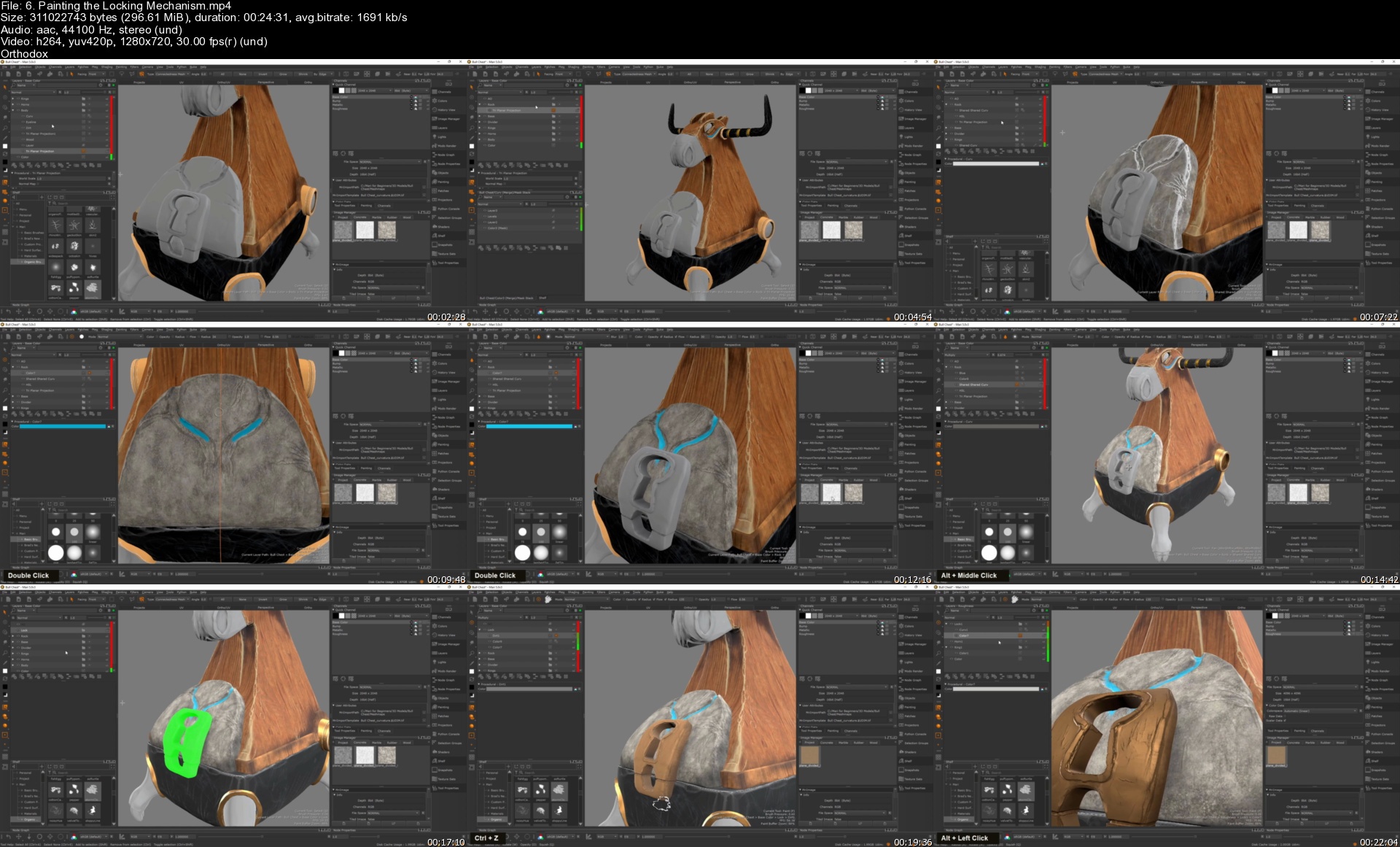
Then we're Getting Familiar with Texture Painting in Mari with an wooden Bull chest asset.
After that we're to the next level by making a texture for a toy car with a Node based system in Mari.
Finally, we're going to make texture for an organic asset.
IS THIS COURSE RIGHT FOR ME
This course is designed to teach you how to start using Mari and make textures.
This is a starter course for beginners and it is designed to teach you whatever you need to start using Mari.
WHO IS NOT THE IDEAL STUDENT
This course is designed for absolute Mari beginners,
WHAT SHOULD I KNOW OR HAVE FOR THE COURSE
I expect you to have some basic knowledge about texturing.
You should have Mari version 5 installed on your computer.
JOIN ME NOW
Join me and learn how to make all kinds of textures with Mari for your future projects.
Who this course is for
This course is designed for absolute Mari beginners,
This course is designed to teach you how to start using Mari and make textures.


6.paintingthelockingmx9k0q.jpg


Download from RapidGator


Download from Keep2Share


CBTNuggets - Certified Associate in Python Programming (PCAP)

pcapcertificationasso4wkct.png


CBTNuggets - Certified Associate in Python Programming (PCAP)
Released 07/2021
MP4 | Video: h264, 1920x1080 | Audio: AAC, 44.1 KHz, 2 Ch
Genre: eLearning | Language: English | Duration: 81 Lessons (12h 50m) | Size: 7.53 GB


This intermediate Certified Associate in Python Programming training prepares learners to take the PCAP-31-03 exam, which is the one exam required to earn the PCAP certification

Python is one of the simplest, most accessible programming languages around today, and it's hard to imagine a developer who won't benefit from knowing it. Python always seems to show up everywhere.
Developers who work with data scientists and researchers rely on the hundreds of scientific libraries to extend Python for their work. Developers working with tech startups love Python's ease of use and scalability -- perfect for building simple solutions that you know can explode when the company does. No matter where you develop, or how, learning Python will either accelerate your career, or start it on the right foot.
For anyone who manages developers, this Python training can be used for PCAP-31-03 exam prep, onboarding new developers, individual or team training plans, or as a Linux Foundation reference resource.
PCAP: What You Need to Know
This Python training covers PCAP-31-03 exam objectives, including these topics
Recognizing basic concepts of Python: indenting, compilation, operators, and expressions
Coding with the Python language to accomplish basic programming tasks
Incorporating conditional execution, loops, Python syntax and semantics into code
Writing good code that leverages object-oriented programming
Defining and invoking your own functions and generators
Who Should Take PCAP Training?
This Certified Associate in Python Programming training is considered professional-level Linux Foundation training, which means it was designed for developers. This Python programming language skills course is designed for developers with three to five years of experience with development skills.
New or aspiring developers. If you're a new developer, the question isn't whether or not you should earn a Certified Associate in Python Programming certificate, but when. You could wait til later in your development career to earn the cert, but you'd be delaying the inevitable. Python is one of the most prevalent, accessible, versatile and scalable languages in the world -- learn it early in your career and build your career on its bedrock.
Experienced developers. If you've been developing for several years, you've probably already come to realize how prevalent Python is. You may have even cobbled together some vague familiarity with the language on your own over the years. With this Certified Associate in Python Programming training, you'll fill in any gaps you might have accumulated over the years and be ready to prove yourself with the intermediate certificate.


certifiedassociateinp43j2z.jpg


Download from RapidGator


Download from Keep2Share



Sap Sd (Sales And Distribution) - Basics To Advance

bxk0tcwanp7tdffpdzvtgm6knz.jpg


Sap Sd (Sales And Distribution) - Basics To Advance
Published 6/2022
MP4 | Video: h264, 1280x720 | Audio: AAC, 44.1 KHz
Language: English | Size: 12.26 GB | Duration: 23h 42m

This course teaches you everything you need to know about SAP SD from basics to advanced.


What you'll learn
Get a detail insight into Supporting Functionality within Sales Process
To know the process Order to Cash and its documents in SAP SD.
To perform standard sales activities for materials.
Management of Sales & Customer services in SAP SD module.
Maintenance and Execution of Sales & Distribution records and Master data creation.
Billing, including Billing document and invoice creation
Pre-sales activities including Inquiry and Quotation creation
End to end implementation steps to configure on SAP SD module
Able to manage sales and distribution processes like Shipping, Billing, selling etc.
Requirements
Anyone can learn, but only your quality time and interest matter

Description
Introduction to SAPSAP stands for Systems Applications and Products in Data Processing. SAP, by using definition, is also the identity of the ERP (Enterprise Resource Planning) software program as properly as the name of the company. SAP Software is a European multinational, headquartered in 1972 by using Wellenreuther, Hopp, Hector, Plattner, and Tschira. They advance software program solutions for managing enterprise operations and patron relationships.SAP machine consists of a variety of totally integrated modules, which cover honestly every factor of business management.SAP is the no 1, in the ERP market. As of 2010, SAP has more than 140,000 installations worldwide, over 25 industry-specific commercial enterprise options, and greater than 75,000 customers in 120 countriesOther Competitive products of SAP Software in the market are Oracle, Microsoft Dynamics, etc.SAP SD stands for SAP configuration and commercial enterprise method understood in the income and distribution module: Below are the SAP SD principles that will be blanketed and it is very correct for sap Aspirants, new learners, consultants, and end-user who desired to examine this serious gaining knowledge of for SAP SD aspirants. if you are from any background of education, you can capable to comply with this course. if you can able to do persistence and tough work, you can succeed. The only thing is dedication matters. Key Functions of the SAP SD module include:Inquiries & QuotesSales OrdersSales ReturnConsignmentContract & Scheduling AgreementsRush Orders & Cash SalesBack OrdersSales and Distribution management process and its Configuration & Integration on SAP SD Application tool such as:Master data creationShipping Process & CustomizationPricing & Condition techniquesSales & Customer Handling processSales Documentation & Customization ProcessBilling process & CustomizationBasic & Cross functioningOrganizational Structure and availability checkKey Components of SAP SDThe key components in the SAP SD module are the following:Customer and Vendor Master DataSales SupportShipping of MaterialSales ActivitiesBilling-relatedTransportation of productsCredit ManagementContract Handling and ManagementForeign TradeInformation SystemDisclaimer: SAP and other products of SAP mentioned in the training is a trademark or registered trademark of SAP SE, Germany. I am not related or affiliated with that.
Overview
Section 1: Introduction
Lecture 1 SAP - An Introduction
Lecture 2 Setting up of SAP Software
Lecture 3 Enterprise Structure
Lecture 4 Enterprise Structure - Configuration
Lecture 5 Enterprise Data
Lecture 6 Master Data - Introduction
Lecture 7 Creation of Customer Account
Lecture 8 Creation of Material Master
Lecture 9 Sales Document Process - Introduction
Lecture 10 Sales Document Types
Lecture 11 Flow of Order Processing
Lecture 12 Pricing Structure
Lecture 13 Pricing Structure Configuration
Lecture 14 Pricing Structure - Conclusion
Lecture 15 Condition Technique
Lecture 16 Material Determination
Lecture 17 Material Listing and Execution
Lecture 18 Revenue Accountant
Lecture 19 Credit Management
Lecture 20 Special Sales Order
Lecture 21 Shipping Point - Delivery - Billing
Lecture 22 Agreement and Contract
Lecture 23 Introduction to Company Complaints
Lecture 24 Consignment Sale
Lecture 25 Copying Control
Lecture 26 Configuration of Order Processing
Lecture 27 Cross Selling and Third Party Sales Order
Lecture 28 Inter-company Sale & Make-to-order
Lecture 29 Incompletion Procedure
Lecture 30 Support Process
SAP SD Consultants / Managers / End Users,Anyone aspiring to become SAP SD Consultant / Manager,SAP SD S4HANA Consultants,SAP S/4HANA Sales Consultants,Anyone looking forward to start SAP career,Professionals coming from supply chain (SCM) background,Professionals with sales & marketing industry background,Individuals looking to learn SAP SD module as an add-on skill set along with other SAP modules,Customer Relationship Analysts,SAP S/4HANA Sales Consultants


Download from RapidGator


Download from Keep2Share


Company Valuations, Mergers And Acquisitions

5t9xlkkucjrmhm5n9giq9g8j59.jpg


Company Valuations, Mergers And Acquisitions
MP4 | Video: h264, 1280x720 | Audio: AAC, 44.1 KHz
Language: English | Size: 5.18 GB | Duration: 5h 56m

Valuations for under-grad and post-grad students


What you'll learn
How to value a company for the purpose of a majority or a minority valuation.
Requirements
Financial Accounting first year course

Description
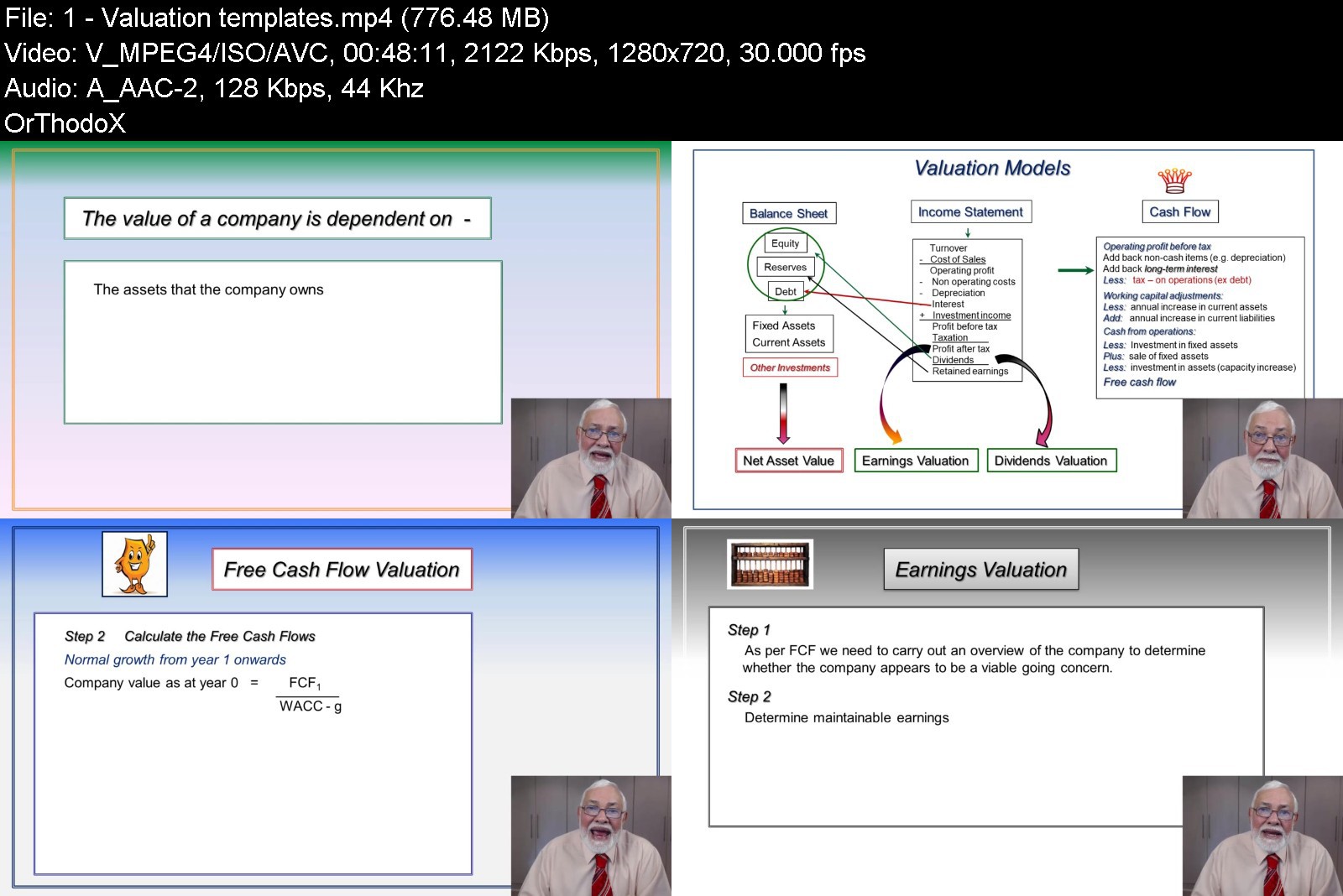
This course has been designed for students studying Corporate Finance at the under-graduate or post-graduate level.The topics covered are - Free cash flow valuations, Dividend valuations, Earnings valuations, Mergers and Acquisitions.You will learn the following -1. The fundamental application of valuation models.2. How to design templates to answer valuation questions.3. Identifying and applying the planning period with the terminal value.4. Valuation of Majority versus minority holdings5. Mergers and acquisition for companies in the same industries as well as conglomerate takeovers.6. How to read and answer examination questions. I will take you through several valuation questions with increased difficulty, teaching you how to integrate other Finance topics into the solution.
Who this course is for
University and professional students that are studying Managerial Accounting and Finance


companyvaluationsmerglzj50.jpg


Download from RapidGator


Download from Keep2Share

 
Fortigate Firewall Nse4 Version 7 Training Part2/2

xwa8ozofpwah5jhiofqetcxjy8.jpg


Fortigate Firewall Nse4 Version 7 Training Part2/2
Published 6/2022
MP4 | Video: h264, 1280x720 | Audio: AAC, 44.1 KHz
Language: English | Size: 9.12 GB | Duration: 15h 31m

Learn FortiGate Firewall NSE4 Version 7 with Step by Step Lab Workbook


What you'll learn
Configure and Manage FortiGate Firewall.
Understand FortiGate Firewalls Deployment Methods.
How to setup a Lab Environment.
Understand how to deploy FortiGate Firewalls in EVE NG.
Understand FortiGate Firewalls Security Policies.
Introduction to Symmetric and Asymmetric Encryption
IPV4 DoS Policy in FortiGate.
Configure and Verify Active Authentication
Configure and Verify Passive Authentication
Configure and Verify Administrators with AD
Configure and Verify Virtual Domains VDOMs
Configure and Verify Active-Passive
Configure and Verify Software-Defined Network
Requirements
Basic IP and security knowledge is nice to have.
Students need to understand basic networking.
Students needs to understand Networking Fundamentals.
Working knowledge of networking technology.
General knowledge of TCP/IP.

Description
Fortinet NSE 4: Network Security Professional:The Network Security Professional designation recognizes your ability to install and manage the day-to-day configuration, monitoring, and operation of a FortiGate device to support specific corporate network security policies.NSE 4 Certification:I recommend this course for network and security professionals who are involved in the day-to-day management, implementation, and administration of a security infrastructure using FortiGate devices.Course Description:In this course, you will learn how to use FortiGate Firewall features, including security profiles. You will explore firewall policies, the Fortinet Security Fabric, user authentication, SSL VPN, and how to protect your network using security profiles, such as IPS, antivirus, web filtering, application control, and advanced routing, transparent mode, redundant infrastructure, site-to-site IPsec VPN, single sign-on (SSO), and diagnostics and more.Outlines:SD-WANVirtual Domains (VDOMs)Intrusion Prevention and Denial of Service IPsec VPN and SSL VPNEstablish an IPsec VPN tunnel between two FortiGate devices Fortinet Single Sign-On (FSSO)High Availability (HA)Diagnostics and CLI Certificate Operations Logging and Monitoring Firewall Authentication Diagnose and correct common problems Collect and interpret log entries Content Inspection:- Describe and inspect encrypted traffic using certificates- Identify FortiGate inspection modes and configure web and DNS filtering- Configure application control to monitor and control network applications- Explain and configure antivirus scanning modes to neutralize malware threats- Configure IPS, DoS, and WAF to protect the network from hacking and DDoS attacks VPN:- Configure different SSL-VPN modes to provide secure access to private network- Implement a meshed or partially redundant IPsec VPN Product Versions:FortiOS 7.X
Overview
Section 1: Introduction
Lecture 1 Lab and Workbooks
Lecture 2 Configure Web Filter Profile
Lecture 3 Configure Web Rating Override Profile
Lecture 4 Configure Web Profile Override
Lecture 5 DNS Filter Profile
Lecture 6 Theory of Application Control
Lecture 7 Configure Application Control
Lecture 8 Theory of Intrusion Prevention System
Lecture 9 Configure Intrusion Prevention System
Lecture 10 Theory of File Filter Profile
Lecture 11 Configure File Filter Profile
Section 2: DoS Policy
Lecture 12 Theory of IPV4 DoS Policy
Lecture 13 Configure IPV4 DoS Policy
Section 3: Authentication
Lecture 14 Theory of Authentication
Lecture 15 Active Authentication with Win AD
Lecture 16 Install FSSO and DC Agent
Lecture 17 Windows 10 to Join Windows AD
Lecture 18 Passive Authentication With Win AD
Lecture 19 Administrators with AD
Section 4: Virtual Private Network
Lecture 20 Cryptography & Terminologies
Lecture 21 Symmetric and Asymmetric Encryption
Lecture 22 Hashing MD5 and SHA
Lecture 23 Diffie-Hellman (DH) Group
Lecture 24 Internet Protocol Security
Lecture 25 IPSec Protocols ESP and AH
Lecture 26 Internet Key Exchange (IKE)
Lecture 27 SSL and TLS and Handshake
Lecture 28 Virtual Private Network VPN
Lecture 29 Policy-Based & Route-Based VPN
Lecture 30 Site-to-Site Template Based VPN
Lecture 31 Site-to-Site Custom Based VPN
Lecture 32 Site-to-Site Policy-Based VPN
Lecture 33 Theory of Remote-Access VPN
Lecture 34 SSL Web Mode Remote-Access
Lecture 35 SSL Tunnel Mode Remote-Access
Lecture 36 IPSec Tunnel Remote-Access
Section 5: SD-WAN
Lecture 37 Theory of SD-WAN
Lecture 38 Configure SD-WAN
Section 6: VDOMs
Lecture 39 Theory of Virtual Domains VDOMs
Lecture 40 Configure Virtual Domains VDOMs
Section 7: High Availability
Lecture 41 Theory of High Availability
Lecture 42 Active-Passive HA Lab
Lecture 43 Active-Active HA Lab
Section 8: Troubleshooting
Lecture 44 Backup & Restore & Firmware Upgrade
Lecture 45 CLI and Important Commands
Lecture 46 Packet Sniffing
Lecture 47 Packet Capture
Lecture 48 Troubleshooting Methodologies
Lecture 49 Troubleshooting Approaches
Section 9: Extra
Lecture 50 Backup of FortiGate Firewalls
Lecture 51 Restore of FortiGate Firewalls
This course is for students trying to obtain the NSE4 Certificate.,This course is for students trying to learn the FortiGate Firewall.,Any Network or Security Engineer want to learn or polish their Skills.,System Administrators and Information Security Analysts,Network Engineers and Security Engineers,Network Security Engineers looking to improve their FortiGate skills.


Download from RapidGator


Download from Keep2Share


Practices of GST

2gpyohsjwjvqd935p52v8svjkb.jpg


Practices Of Gst
Published 6/2022
MP4 | Video: h264, 1280x720 | Audio: AAC, 44.1 KHz
Language: English | Size: 16.27 GB | Duration: 12h 48m

A complete GST Course which covers basics of GST, ITC Provisions, GST Filing, E-way bill, Reconciliation, and many more.


What you'll learn
Complete knowledge of GST from Introduction to GST Filing
Reverse Charges, Time of Supply and Input Tax Credit
GST Invoice
Computation of GST Liability
Filing of GST Returns 3B & 1
Requirements
A desired knowledge is required

Description
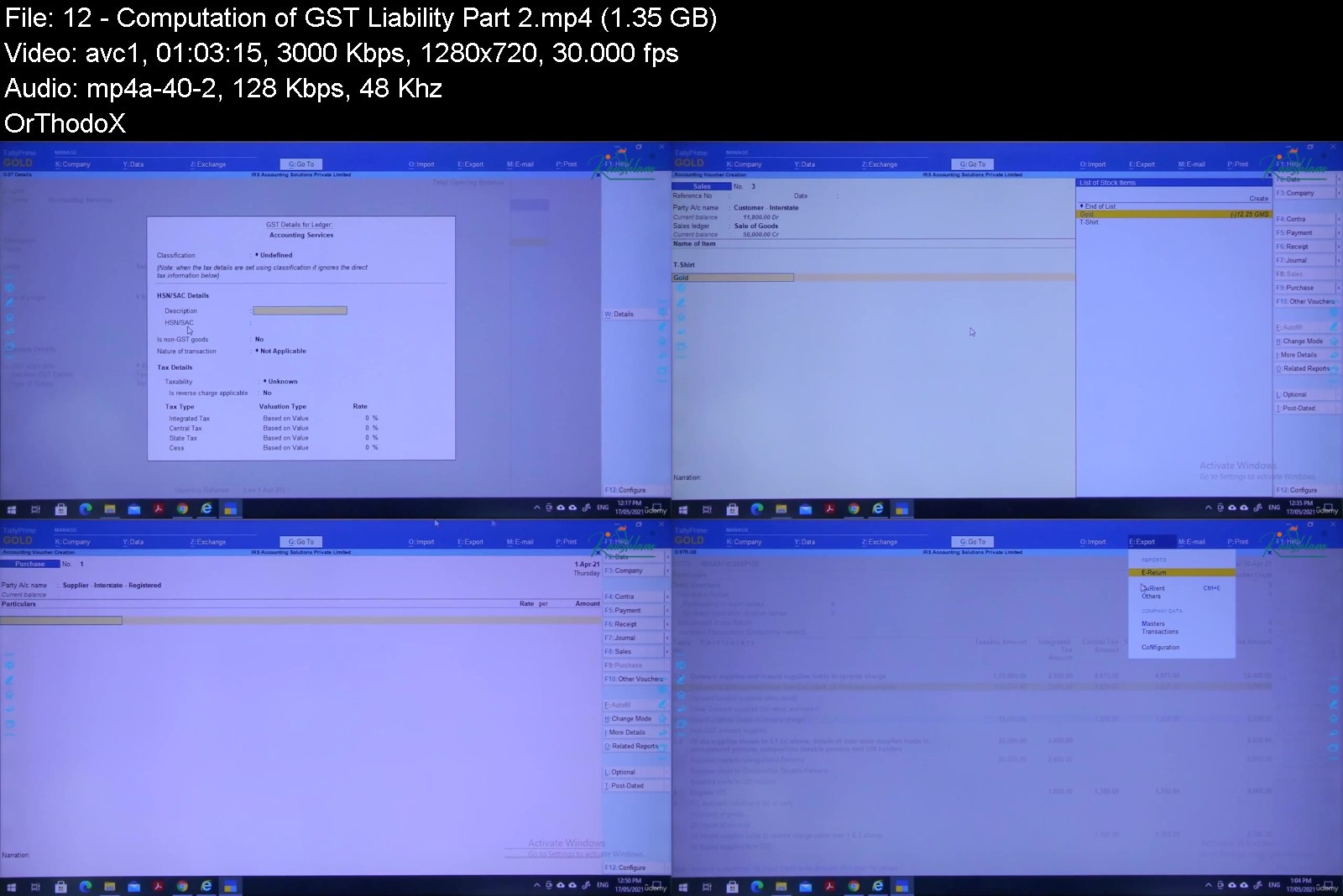
The Government of India has implemented the most enterprising indirect tax reform GST in July 2017. The goal of this course is to learn and upgrade the information on GST Courses in India. Definition and Concept under GST, Time of Supply, Place of Supply, Input Tax Credit, Registration, Returns, Payment, Refund, Assessment, Offenses, Penalties, and many more things you will learn in this course.Course CurriculumGST - An IntroductionRegular Assesse vs Composition SchemeLiability for RegistrationReverse ChargeComposite Supply and Mixed SupplyTime of Supply Differentiating Between Local Supply, Interstate Supply and ExportsInput Tax Credit GST Invoice, Debit Notes, Credit Notes, and Delivery ChallanMaintenance of Record and InvoicesComputation of GST Liability - Part 1Computation of GST Liability - Part 2Payment of GSTCalculating Interest and Late Fees under GSTFiling of GST Returns 3B & 1 - Part 1Filing of GST Returns 3B & 1 - Part 2Filing of GST Returns 3B & 1 - Part 3E-ways BillFake Invoicing and Measures to Protect Dealer from SameGST and ExportsReconciling Books and ReturnsThings to Keep in Mind for Assessment Under GSTAdvantages of the Practices of GSTA complete knowledge of Goods and Services Tax.This course will increases the opportunity of salary raiseThis course will give the road to the individuals in the worldwide help showcaseAn individual can start consultancy of their own
Overview
Section 1: Introduction
Lecture 1 GST - An Introduction
Lecture 2 Regular Assessee vs Composition Scheme
Lecture 3 Liability for Registration
Lecture 4 Reverse Charge Under GST
Lecture 5 Composite Supply and Mixed Supply
Lecture 6 Time of Supply
Lecture 7 Differentiating Between Local Supply, Inter State Supply and Exports
Lecture 8 Input Tax Credit
Lecture 9 GST Invoice, Debit Notes, Credit Notes, Delivery Challan and Other Statutory Doc
Lecture 10 Maintenance of Record and Invoices
Lecture 11 Computation of GST Liability - Part 1
Lecture 12 Computation of GST Liability - Part 2
Lecture 13 Payment of GST
Lecture 14 Calculating Interest and Late Fees Under GST
Lecture 15 Filling of GST Returns 3B & 1 - Part 1
Lecture 16 Filling of GST Returns 3B & 1 - Part 2
Lecture 17 Filling of GST Returns 3B & 1 - Part 3
Lecture 18 E-ways Bill
Lecture 19 Fake Invoicing and Measures to Protect Dealer from Same
Lecture 20 GST and Exports
Lecture 21 Reconciling Books and Returns
Lecture 22 Things to Keep in Mind for Assessment Under GST
Beginner who wants to make their career in Accounts and Finance,Professionals who want to upgrade their skills in GST,Accounts/Compliance executives


practicesofgstitkqu.jpg


Download from RapidGator


Download from Keep2Share



Archicad 22: Beginner And Intermediate Level

kfxlw7sg8vvzuxpxffsbrfrk3n.jpg


Archicad 22: Beginner And Intermediate Level
Last updated 12/2021
MP4 | Video: h264, 1280x720 | Audio: AAC, 44.1 KHz
Language: English | Size: 8.76 GB | Duration: 9h 26m

Learn ARCHICAD BIM Technology!


What you'll learn
The student will learn in practice the ARCHICAD BIM Technology (classes taught in International version - English, with audio in English).
Create an architectural project from start to finish.
Make all the technical drawings of floor plans, sections, and facades.
Produce details, schedules and 3D rendered model.
Requirements
Basic architecture knowledge and architectural design skills.
To have Archicad 22 INT (International Version) installed on your computer to execute the project and course teachings.
A computer with at least 4GB RAM, MacOS or Windows operating system.

Description
ARCHICAD is an architecture program using BIM technology (Building Information Modeling). The BIM concept is based on the use of 3D modeling with construction information, which generate automatic drawings of floor plans, sections, facades and details from the two-dimensional reading of the model.*The video lessons are divided into 10 chapters, where a house project is done from beginning to the end: We start by presenting BIM concepts, we show the use of DWG reference drawings for terrain modeling, structure modeling, walls, doors and windows, roof, 2D drawings settings (floor plans, sections, facades, etc.), arrangement of the project boards, publication in PDF / DWG and Rendering.Check out the class schedule: Class 1: Basic Concepts, Work Environment and Tools.Class 2: Project Beginning, DWG References, Terrain, Structure.Class 3: Structure, Stairs and Ramps.Class 4: Terrain: Cut and Embankment, Walls, Element Attributes.Class 5: Doors and Windows, 3D Sections.Class 6: View Map, Railing Tool, Roof Tool.Class 7: Libraries, Bathroom and Kitchen Equipments, Furniture, Vegetation.Class 8: Wall, Sidewalk, Sections and Facades.Class 9: Interiors Elevations, Details, Schedules, Layout Books, Publish PDF/DWG.Class 10: 3D Document, Rendering, Sun Study.*- It is the student's responsibility to have the software installed on his computer. Udemy or AGA, do not provide software for their students.
Overview
Section 1: Basic Concepts, Work Environment and Tools.
Lecture 1 Presentation ARCHICAD 22.
Lecture 2 Project Preferences.
Lecture 3 Work Environment.
Lecture 4 Using Tools and Shortcuts.
Lecture 5 Template Settings: Layers, Pen Sets, MVO.
Section 2: Project Beginning, DWG References, Terrain, Structure.
Lecture 6 Terrain.
Lecture 7 Building Materials, Fills, Surfaces.
Lecture 8 Garage Level: Slabs, Walls, Columns and Beams.
Section 3: Structure, Stairs and Ramps.
Lecture 9 Structure.
Lecture 10 Stair Tool.
Lecture 11 Stairs: Examples 1 and 2.
Lecture 12 Ramps.
Section 4: Terrain: Cut and Embankment, Walls, Element Attributes.
Lecture 13 Cut and Embankment Calculation.
Lecture 14 Element Attributes.
Lecture 15 Walls, Model View Options and Extras.
Lecture 16 Floor Plan Display.
Section 5: Doors and Windows, 3D Sections.
Lecture 17 Door Tool.
Lecture 18 Window Tool.
Lecture 19 Custom Door.
Lecture 20 3D Sections.
Section 6: View Map, Railing Tool, Roof Tool.
Lecture 21 Save on View Map, Wood Pergola, Flooring Finishes.
Lecture 22 Railing Tool.
Lecture 23 House Railings.
Lecture 24 Roof Tool.
Section 7: Libraries, Bathroom and Kitchen Equipments, Furniture, Vegetation.
Lecture 25 Libraries.
Lecture 26 Kitchen.
Lecture 27 Bathroom, Furniture, Vegetation.
Section 8: Wall, Sidewalk, Sections and Facades.
Lecture 28 Texts and Dimensions, Wall and Sidewalk.
Lecture 29 Sections.
Lecture 30 Facades.
Section 9: Interiors Elevations, Details, Schedules, Layout Books, Publish PDF/DWG.
Lecture 31 Interior Elevations, Details, Schedules.
Lecture 32 Layout Book, Publish PDF and DWG.
Section 10: 3D Document, Rendering, Sun Study.
Lecture 33 3D Document.
Lecture 34 Rendering Settings, Daylight Rendering.
Lecture 35 White Model, Interior and Nightly Rendering.
Lecture 36 Sun Study.
Section 11: Bonus
Lecture 37 Bonus Class
Architects and architecture students.


archicad22beginnerandhhj15.jpg


Download from RapidGator


Download from Keep2Share


Yoga In 30

jivgzm66e3yyb2tx1bivbgpjv2.jpg


Yoga International - Healthy Shoulders Strength and Mobility Program
Published 6/2022
MP4 | Video: h264, 1280x720 | Audio: AAC, 44.1 KHz
Language: English | Size: 10.22 GB | Duration: 7h 57m

Yoga for everyone in just 30 minutes per day!


What you'll learn
Experience several different formats of Yoga
Learn to incorporate breath into your Yoga practice
Learn ways to adapt and modify your practice to suit your body
Appreciate the many elements of Yoga and understand that Yoga is much more than a physical practice
Requirements
No experience required, all levels and abilities welcome. A Yoga mat and some props would be beneficial.

Description
Whether you are a beginner or a seasoned practitioner, this course is for you! I teach to all levels and offer options and modifications along the way so everyone can participate. I am a firm believer that everyone belongs in Yoga, regardless of your shape, size, age, abilities, mobility, strength, flexibility or experience. Join me as I guide you through 15 different 30 minute Yoga classes that you can do on demand from the comfort of your own home! We will explore several different formats of Yoga in this program, including traditional Hatha, quiet Yin, balanced Yin/Yang, energizing Flow, relaxing Restorative and more! Please watch the introductory video for a list of props you may wish to have on hand.Remember that Yoga is not an "exercise", it is a health and wellness practice for your entire being. Let go of your ego and come to your mat each day with an open mind and a willingness to explore. It's possible that not all formats of Yoga will resonate with you, but give them a try, sometimes what we are the most resistant to is what we need the most. While Yoga is great for your body, its benefits extend far beyond your physical form.On a physical level, Yoga strengthens and lengthens your muscles, allowing greater ease of movement. Yoga also puts joints throught their range of motion, which can help lubricate joints and increases their flexibility, strength and mobility. This can ease symptoms of arthritis and also help to prevent arthritis. Yoga teaches you how to breathe more effectively in general and also how to use your breath in a variety of different ways. There are breathing practices we can do to energize, to calm, to focus, to help us sleep and to help with feelings of anxiety or depresssion. Physiologically, Yoga can help bolster immunity and regulate hormones. It also can benefit the other internal systems of the body, including the digestive, circulatory, cardiovascular, respiratory, lymphatic and nervous systems. Yoga quiets your mind. This is primarily what Yoga is about, stilling the internal chatter. The breath is the link between the mind and the body, and through a breath-focused practice, we can focus and calm the mind. While this course does not delve too deeply into subtle anatomy, know that this is also part of Yoga. Your Yoga practice is unique to you. Always listen to your body every time you practice. Please modify as necessary and feel free to opt out of anything that doesn't feel right for you. Simply standing, sitting or lying quietly on your back or belly and focusing on your breath can be your Yoga practice. Roll out your mat and let's begin!

Overview

Section 1: Introduction

Lecture 1 Introduction

Lecture 2 Hatha Yoga for Shoulders and Upper Back

Lecture 3 Hatha Yoga with a Block

Lecture 4 Yin/Yang Yoga

Lecture 5 Hatha Yoga for the Core

Lecture 6 Hatha-Flow Yoga

Lecture 7 Yin Yoga

Lecture 8 Hatha Yoga at the Wall

Lecture 9 Yoga with a Ball

Lecture 10 Chair Yoga

Lecture 11 Hatha Yoga with a Strap

Lecture 12 Hatha Yoga for the Lower Back

Lecture 13 Rejuvenating Hatha Yoga

Lecture 14 Yin Yoga at the Wall

Lecture 15 Hatha Yoga for the Hips

Lecture 16 Restorative Yoga

The busy individual looking to fit a short, effective Yoga practice in their day and those wanting to explore different formats of Yoga. Beginners welcome!

Homepage


Download from RapidGator


Download from Keep2Share



Complete Voice Acting Megacourse: Beginner to Expert

4745702f3a8h9joi.jpg


Complete Voice Acting Megacourse: Beginner to Expert
Published 06/2022
MP4 | Video: h264, 1280x720 | Audio: AAC, 44.1 KHz, 2 Ch
Genre: eLearning | Language: English + srt | Duration: 31 lectures (6h 18m) | Size: 8.3 GB


Learn how to become a voice actor/actress and use your voice like a pro with this step-by-step course!


What you'll learn
The basics of voice acting and the correct way to speak into a microphone or a public
How to use your voice to create characters
How to warm up and breathe correctly
Explore your vocal abilities
Requirements
No previous knowledge of voice acting required
A desire to learn!
A positive attitude!
Description
Learn Voice Acting!
Have you always wanted to begin your journey in acting? Regardless your level as an actor, your experience or expertise, this is the course for you. Maybe you want to get comfortable with your voice or know how to prepare for in-studio auditions. Whether you're a hobbyist artist or hoping to make a career out of it, voice acting isn't only for the pros. You can take your voice, explore it, and understand all what it can do.
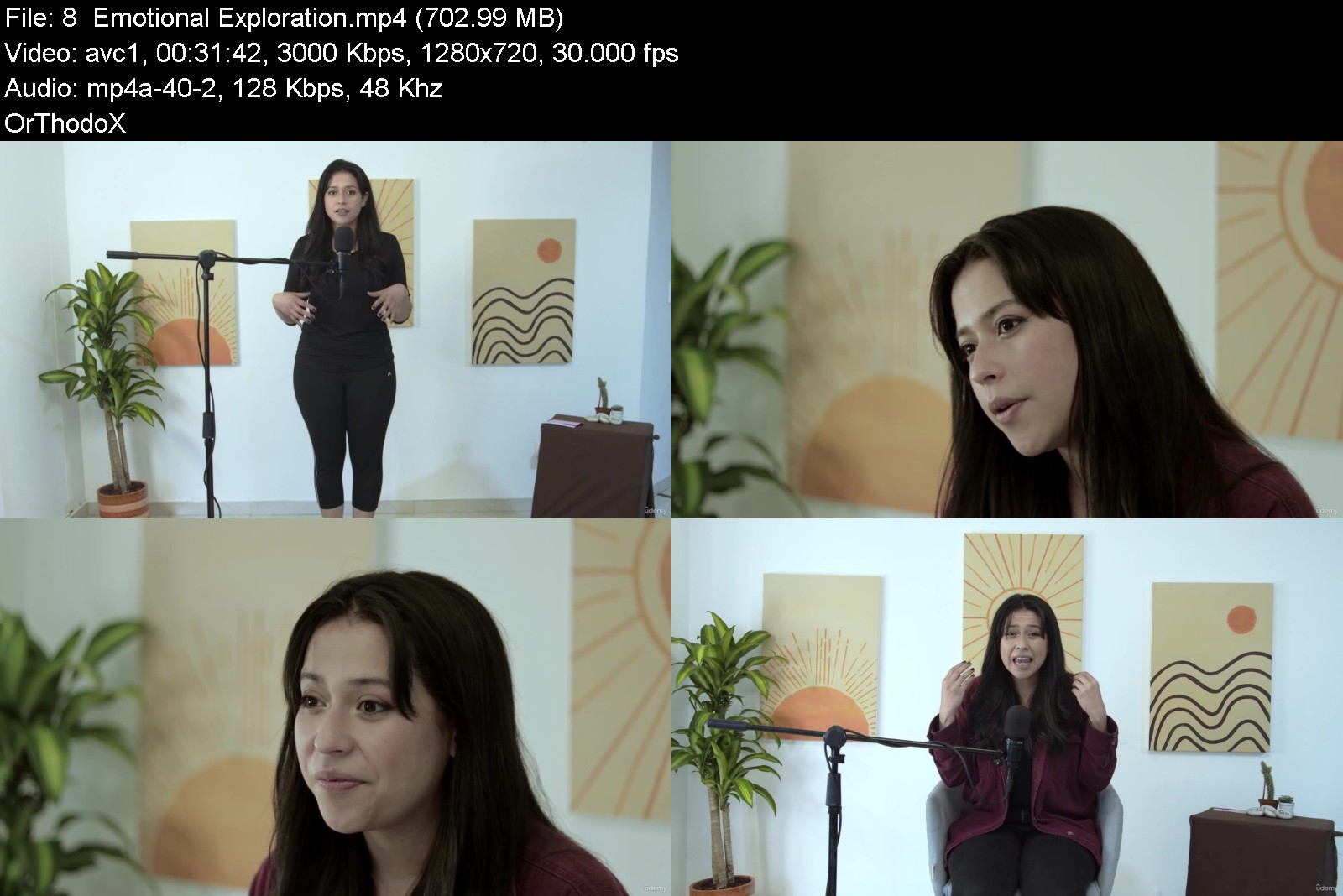
In this course, you're going to learn everything you need to know to get you started with voice acting, from vocal techniques and warmups to tips and tricks to how to approach a specific character. You'll even learn how interpretation works in theatre, films, and voice-over. You will also learn the correct way to speak into a microphone or a public.
Our instructor has years of experience not only in voice acting, but also in teaching and the expertly-crafted syllabus is designed to be easy to follow and thorough. We've even included plenty of examples explained for you to study. That's why this is the only Voice Acting course you'll ever need to explore your voice and start acting like a pro!
Start voice acting today!
After taking this course, you will be able to
Create your own warm-up
Approach and play different characters
Analyze texts, their punctuation and subtext
Change your voice using the resonators
Approach storytelling
Who this course is for
Anyone who wants to learn how to become a voice actor - no experience needed!
Voice actors/actresses who want to learn new styles and techniques
Anyone with specialised needs (dubbing actors, storytellers, speakers, students, teachers)


completevoiceactingmeywjwr.jpg


Download from RapidGator


Download from Keep2Share



Zurück
Oben Unten