• Regeln für den Video-Bereich:

    In den Börsenbereich gehören nur Angebote die bereits den Allgemeinen Regeln entsprechen.

    Einteilung

    - Folgende Formate gehören in die angegeben Bereiche:
    - Filme: Encodierte Filme von BluRay, DVD, R5, TV, Screener sowie Telesyncs im Format DivX, XviD und x264.
    - DVD: Filme im Format DVD5, DVD9 und HD2DVD.
    - HD: Encodierte Filme mit der Auflösung 720p oder darüber von BluRay, DVD, R5, TV, Screener sowie Telesyncs im Format x264.
    - 3D: Encodierte Filme von BluRay, die in einem 3D Format vorliegen. Dies gilt auch für Dokus, Animation usw.
    - Serien: Cartoon/Zeichentrick, Anime, Tutorials, Dokumentationen, Konzerte/Musik, Sonstiges sind demnach in die entsprechenden Bereiche einzuordnen, auch wenn sie beispielsweise im High Definition-Format oder als DVD5/DVD9/HD2DVD vorliegen. Ausnahme 3D.
    - Bereich Englisch: Englische Releases gehören immer in diesen Bereich.
    - Bereich Talk: Der Bereich, in dem über die Releases diskutiert werden kann, darf, soll und erwünscht ist.


    Angebot/Beitrag erstellen

    - Ein Beitrag darf erst dann erstellt werden, wenn der Upload bei mindestens einem OCH komplett ist. Platzhalter sind untersagt.
    - Bei einem Scenerelease hat der Threadtitel ausschließlich aus dem originalen, unveränderten Releasenamen zu bestehen. Es dürfen keine Veränderungen wie z.B. Sterne, kleine Buchstaben o.ä. vorgenommen werden. Ausnahme Serienbörse:
    - Bei einem Sammelthread für eine Staffel entfällt aus dem Releasename natürlich der Name der Folge. Beispiel: Die Simpsons S21 German DVDRip XviD - ITG
    - Dementsprechend sind also u.a. verboten: Erweiterungen wie "Tipp", "empfehlenswert", "only", "reup", usw. / jegliche andere Zusatzinformation oder Ergänzung, welche nicht in obiger Beschreibung zu finden ist.

    Aufbau des Angebots und Threadtitel

    Der Titel nach folgendem Muster erstellt zu werden. <Name> [3D] [Staffel] [German] <Jahr> <Tonspur> [DL] [Auflösung] <Quelle> <Codec> - <Group>
    Beispiel: The Dark Knight German 2008 AC3 DVDRip XviD - iND
    Beispiel: The Dark Knight 2008 DTS DL BDRip x264 - iND
    Beispiel: The Dark Knight 2008 AC3 DL BDRip XviD - iND
    Beispiel: The Dark Knight German 2008 AC3 720p BluRay x264 iND
    Beispiel: The Dark Knight 2008 DTS DL 1080p BluRay x264 iND
    Beispiel: Die Simpsons S01 German AC3 DVDRip XviD iND
    Beispiel: Die Simpsons S20 German AC3 720p BluRay x264 iND
    Beispiel: Sword Art Online II Ger Sub 2014 AAC 1080p WEBRip x264 - peppermint
    Entsprechend sind also u.a. verboten: Sonderzeichen wie Klammern, Sterne, Ausrufezeichen, Unterstriche, Anführungszeichen / Erweiterungen wie "Tipp", "empfehlenswert", "only", "reup", usw. / jegliche andere Zusatzinformation oder Ergänzung, welche nicht in obiger Beschreibung zu finden ist
    Ausnahmen hiervon können in den Bereichen geregelt sein.

    Die Beiträge sollen wie folgt aufgebaut werden:
    Überschrift entspricht dem Threadtitel
    Cover
    kurze Inhaltsbeschreibung
    Format, Größe, Dauer sind gut lesbar für Downloader außerhalb des Spoilers zu vermerken
    Nfo sind immer Anzugeben und selbige immer im Spoiler in Textform.
    Sind keine Nfo vorhanden z.B. Eigenpublikationen, sind im Spoiler folgende Dateiinformationen zusätzlich anzugeben :
    Quelle
    Video (Auflösung und Bitrate)
    Ton (Sprache, Format und Bitrate der einzelnen Spuren)
    Untertitel (sofern vorhanden)
    Hosterangabe in Textform außerhalb eines Spoiler mit allen enthaltenen Hostern.
    Bei SD kann auf diese zusätzlichen Dateiinformationen verzichtet werden.

    Alle benötigten Passwörter sind, sofern vorhanden, in Textform im Angebot anzugeben.
    Spoiler im Spoiler mit Kommentaren :"Schon Bedankt?" sind unerwünscht.


    Releases

    - Sind Retail-Release verfügbar, sind alle anderen Variationen untersagt. Ausnahmen: Alle deutschen Retail-Release sind CUT, in diesem Fall sind dubbed UNCUT-Release zulässig.
    - Im Serien-Bereich gilt speziell: Wenn ein Retail vor Abschluss einer laufenden Staffel erscheint, darf diese Staffel noch zu Ende gebracht werden.62
    - Gleiche Releases sind unbedingt zusammenzufassen. Das bedeutet, es ist zwingend erforderlich, vor dem Erstellen eines Themas per Suchfunktion zu überprüfen, ob bereits ein Beitrag mit demselben Release besteht. Ist dies der Fall, ist der bereits vorhandene Beitrag zu verwenden.
    - P2P und Scene Releases dürfen nicht verändert oder gar unter einem iND Tag eingestellt werden.


    Support, Diskussionen und Suche

    - Supportanfragen sind entweder per PN oder im Bereich Talk zu stellen.
    - Diskussionen und Bewertungen sind im Talk Bereich zu führen. Fragen an die Uploader haben ausschließlich via PN zu erfolgen, und sind in den Angeboten untersagt.
    - Anfragen zu Upload-Wünschen sind nur im Bereich Suche Video erlaubt. Antworten dürfen nur auf Angebote von MyBoerse.bz verlinkt werden.


    Verbote

    - Untersagt sind mehrere Formate in einem einzigen Angebotsthread, wie beispielsweise das gleichzeitige Anbieten von DivX/XviD, 720p und 1080p in einem Thread. Pro Format, Release und Auflösung ist ein eigener Thread zu eröffnen.
    - Grundsätzlich ebenso verboten sind Dupes. Uploader haben sich an geeigneter Stelle darüber zu informieren, ob es sich bei einem Release um ein Dupe handelt.
    - Gefakte, nur teilweise lauffähige oder unvollständige Angebote sind untersagt. Dies gilt auch für eigene Publikationen, die augenscheinlich nicht selbst von z.B. einer DVD gerippt wurden. Laufende Serien, bei denen noch nicht alle Folgen verfügbar sind, dürfen erstellt und regelmäßig geupdatet werden.
    - Untersagt sind Angebote, welche nur und ausschließlich in einer anderen Sprache als deutsch oder englisch vorliegen. Ausnahmen sind VORHER mit den Moderatoren zu klären.


    Verstoß gegen die Regeln

    - Angebote oder Beiträge, die gegen die Forenregeln verstoßen, sind über den "Melden"-Button im Beitrag zu melden.
  • Bitte registriere dich zunächst um Beiträge zu verfassen und externe Links aufzurufen.

*** Bestes IPTV *** bester Preis *** gratis Test ***


Englische Tutorials

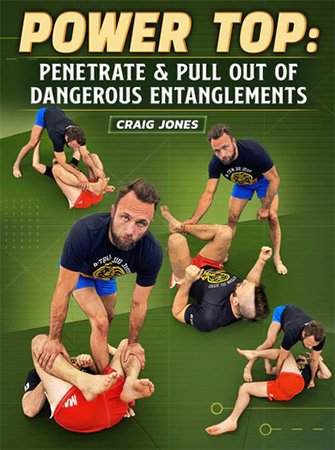
BJJ Fanatics - Power Top: Penetrate And Pull Out Of Dangerous Entanglements

f8vczedgikepfaaeaeojptfkod.jpg


BJJ Fanatics - Power Top: Penetrate And Pull Out Of Dangerous Entanglements
Craig Jones | Duration: 5h 08m | Video: H264 1280x720 | Audio: AAC 44,1 kHz 2ch | 5,85 GB | Language: English

Learn the B-Team top game, including how to work against seated guards, supine guards, and those trying to stand up

• Force errors and exploit common mistakes with Craig's techniques for passing - including stacks, torreandos, leg drags, and more
• See some of the best ways to clear out of dangerous leg entanglements with leg locking master Craig's advice
• Craig is one of the most popular instructors in the world, with ADCC Medals & sustained elite competition success
• This six-part series will help you understand how to approach and think about playing top in no-gi, and how you can begin to enforce your rhythm and method against your opponents

Homepage


hv5s9qnrcuww8plj3yo3axgjif.jpg


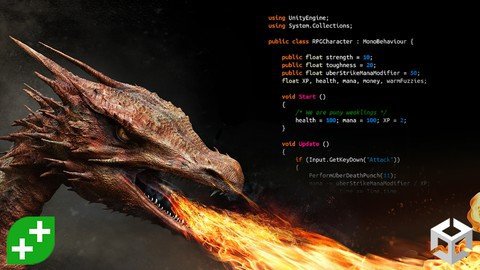
Rpg Core Combat Creator: Learn Intermediate Unity C# Coding

gvzetwiuquuozqrlv83mwhckv0.jpg


Rpg Core Combat Creator: Learn Intermediate Unity C# Coding
Last updated 6/2022
MP4 | Video: h264, 1280x720 | Audio: AAC, 44.1 KHz
Language: English | Size: 12.18 GB | Duration: 27h 45m

Build Combat for Role Playing Game (RPG) in Unity. Tutorials Cover Code Architecture & Video Game Design.


What you'll learn
Create core combat mechanics for melee, ranged and special attacks.
More advanced C# techniques such as interfaces, delegates, and co-routines.
Create pathfinding systems and patrol paths for enemies and NPCs.
Make a detailed level with terrain, enemies, triggers, lighting, particles and props.
Balance the player and enemy stats (eg. health, damage, movement, attack speed, and more).
Advanced game design, project management and code architecture strategies.
Requirements
You should be able to write basic C# (loops, conditionals, components, etc)
Some familiarity with Unity's APIs is helpful.
You should know your way round Unity 5's editor.

Description
Role Playing Games can be complex to create, with many interacting gameplay systems. We make it easy for you! Learn, step-by-step, how to make the foundations of any good RPG combat system - from scratch.In this course we're focusing on the core of any great RPG, giving your players a fun combat moment in a well crafted level, based upon a solid game design, built using a robust code architecture. You will follow our project, but also make the game entirely your own.This highly acclaimed course was over 200% funded on Kickstarter, and is designed for intermediate users of Unity. We recommend you take at least the first half of our Complete Unity Developer 2D or 3D, or equivalent, as a pre-requisite.The course can be a standalone course, or can be taken as the first part in our RPG series. The three other separate courses in this series teach the Inventory system, Shops and Abilities, and Dialogue and Quests.This is a highly realistic and comprehensive introduction to real game development. We'll be taking you through our process step-by-step, with all decisions justified and all avenues explored.Fancy something a little different to get started? Check out GameDev's other courses, just look for the green logo as your guide.We will be dealing with player movement, NavMesh navigation, AI pathfinding, save and loading systems, basic pick ups, using asset packs, debug code, making particle effects and more. We'll also give you a robust code architecture for managing more complex projects by setting up namespaces. You'll need a basic grasp of Unity and C# before you get start, from there we'll be teaching you more advanced programming techniques such as C# delegates, interfaces, co-routines and more.Building an RPG is an amazing way to level-up your game development skills, so why not join us and get started improving your game development right now?Get plugged into our communities of amazing developers on Facebook (nearly 20k), in our own TA-curated Community (17k views/day), and our student chat group (10k live at any one time).

Overview

Section 1: Introduction & Setup

Lecture 1 Welcome To The Course

Lecture 2 Install Unity 2018.3

Lecture 3 Install Visual Studio Code

Lecture 4 Not Making Intellisense?

Lecture 5 Quick Game Design Overview

Lecture 6 Architectural Overview

Lecture 7 Community & Support

Section 2: Basic Movement

Lecture 8 Section Overview - Basic Movement

Lecture 9 Create A Simple Sandbox

Lecture 10 Move Using Nav Mesh Agent

Lecture 11 Refining Your Nav Mesh

Lecture 12 Introduction To Raycasting

Lecture 13 Implement Click-To-Move

Lecture 14 Create A Fixed Follow Camera

Lecture 15 Animation Blend Trees

Lecture 16 Match Animation To Movement

Lecture 17 Basic Movement Tweaks

Lecture 18 Project Folder Structure

Section 3: High Level Game Design

Lecture 19 Section Intro - High Level Design

Lecture 20 1.5 Page Game Design Document

Lecture 21 The Player Experience

Lecture 22 First Draft Of Your GDD

Section 4: Basic Combat

Lecture 23 Section Overview - Basic Combat

Lecture 24 Separating The Control Layer

Lecture 25 Namespaces To See Dependencies

Lecture 26 Raycasting For Components

Lecture 27 Implementing Action Priority

Lecture 28 Move Within Range

Lecture 29 Cancelling Combat With Movement

Lecture 30 Decoupling Dependency Cycles

Lecture 31 Dependency Inversion With Interfaces

Lecture 32 Add Attack Animation

Lecture 33 Trigger Animation In Code

Lecture 34 Throttling Our Attacks

Lecture 35 Taking Damage

Lecture 36 Nested Prefabs And Variants

Lecture 37 Using Prefab Variants

Lecture 38 Any State Animations

Lecture 39 Trigger Death Animation

Lecture 40 Stop Attacking Already

Lecture 41 Look Them In The Eyes

Lecture 42 Ignore Dead Enemies

Lecture 43 Bugs? What Bugs?

Section 5: Enemy AI

Lecture 44 Section Overview - Enemy AI

Lecture 45 Calculating AI Chase Distance

Lecture 46 Swappable Control Systems

Lecture 47 Disable Control When Dead

Lecture 48 Visualising With Gizmos

Lecture 49 AI Guarding Behaviour

Lecture 50 That's Some Suspicious Behaviour

Lecture 51 Visualising Waypoints

Lecture 52 Waypoint Loops

Lecture 53 Patrolling Behaviour

Lecture 54 Dwelling At Waypoints

Section 6: First Moment

Lecture 55 Section Overview - First Moment

Lecture 56 Design A Moment

Lecture 57 Sketch Your Moment

Lecture 58 Tips To Improve Workflow

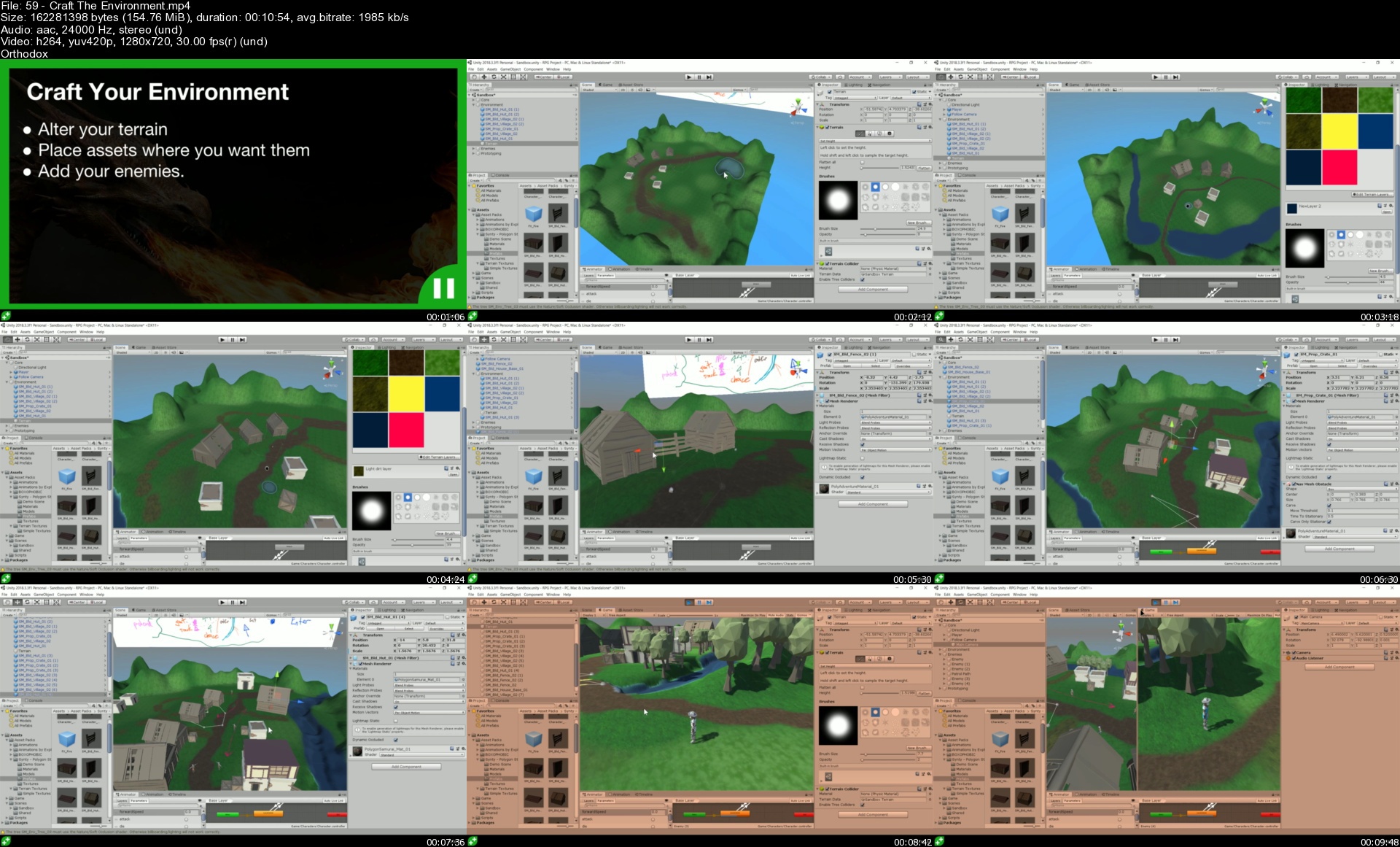
Lecture 59 Craft The Environment

Lecture 60 Hits-To-Kill Design Metric

Lecture 61 Tweak Enemy Patrol

Lecture 62 Cinemachine Follow Camera

Lecture 63 Make Cinematic Sequence

Lecture 64 Trigger Cinemachine Cut Scene

Lecture 65 The Observer Pattern In C#

Lecture 66 Player Input In Cutscenes

Section 7: Scene Management

Lecture 67 Section Overview - Scene Management

Lecture 68 Make A Second Scene

Lecture 69 Scene Loading Portals

Lecture 70 How Coroutines Work

Lecture 71 Wait For Scene To Load

Lecture 72 Player Spawn Point

Lecture 73 Cross Scene References

Lecture 74 Canvas Groups For Fading

Lecture 75 Nested Coroutines For Fading

Lecture 76 Avoiding The Singleton Pattern

Section 8: Saving Asset Pack

Lecture 77 Section Overview: Saving Asset Pack

Lecture 78 The Saving System Overview

Lecture 79 Triggering Saving And Loading

Lecture 80 Saveable Components And GameObjects

Lecture 81 Challenge: Saveable Health

Lecture 82 Checkpoints Between Scenes

Lecture 83 Loading The Saved Scene

Lecture 84 BONUS: Capturing Multiple Parameters

Lecture 85 BONUS: Runtime Objects

Section 9: Saving System

Lecture 86 Skip Or Continue

Lecture 87 Section Overview: Saving System

Lecture 88 Save System Design

Lecture 89 Overview Of Binary Serialization

Lecture 90 File Paths In C#

Lecture 91 Understanding Unicode

Lecture 92 Filestream Read And Write In C#

Lecture 93 Converting To Binary In C#

Lecture 94 BinaryFormatter For Serialization

Lecture 95 Saveable Entities

Lecture 96 Generating UUIDs In C#

Lecture 97 Editing SerializedFields

Lecture 98 Serializing With SaveableEntities

Lecture 99 Saving Multiple Scenes - Part 1

Lecture 100 Saving Multiple Scenes - Part 2

Lecture 101 Checkpoints Between Scenes

Lecture 102 ISaveable Components

Lecture 103 Deduplicating UUIDs

Lecture 104 Restoring Health

Lecture 105 Reloading The Last Scene

Lecture 106 Fading Before Scene Load

Section 10: Simple Weapons

Lecture 107 Section Overview: Simple Weapons

Lecture 108 Equip A Weapon

Lecture 109 Animator Override Controller

Lecture 110 Creating Scriptable Objects

Lecture 111 Unarmed As A Weapon

Lecture 112 Basic Weapon Pickup

Lecture 113 Left Handed Weapons

Lecture 114 Make A Weapon Projectile

Lecture 115 Shoot Projectiles

Lecture 116 Damage From Projectiles

Lecture 117 Trails & Prefab Variants

Lecture 118 Destroy Old Weapon

Lecture 119 Improve Projectile Behaviour

Lecture 120 Fireball Weapon & Pickup

Lecture 121 Fireball Particle System

Lecture 122 Projectile Impact Effect

Lecture 123 Destroy The Unwanted

Lecture 124 Resetting The Default Animator

Lecture 125 Dynamic Resource Loading

Lecture 126 Saving Weapon Choice

Lecture 127 Pickup Respawning

Section 11: Character Stats

Lecture 128 Progression Design

Lecture 129 Progression Scriptable Object

Lecture 130 Looking Up The Health Stat

Lecture 131 Debug Health Display

Lecture 132 Enemy Health Display

Lecture 133 Awarding Experience Points

Lecture 134 Editing Scriptable Object Files

Lecture 135 Finding A Stat By Enum

Lecture 136 Saving Experience Points

Lecture 137 Displaying Experience

Lecture 138 Performant Lookups With Dictionaries

Lecture 139 Levelling Up

Lecture 140 Displaying The Level

Lecture 141 Squashing Health Bugs

Lecture 142 Events And Delegates

Lecture 143 Delegates And Actions For Leveling Up

Lecture 144 Saving Race Conditions

Lecture 145 Level Up Events And Particle Effects

Lecture 146 Damage Progression

Lecture 147 Extensible Modifier System

Lecture 148 Percentage Modifiers

Lecture 149 Data Hazards And Race Conditions

Lecture 150 Hunting Down Race Conditions

Lecture 151 Awake vs Start

Lecture 152 Lazy Initialisation

Lecture 153 Progression Stats Spreadsheet

Section 12: Final Polish

Lecture 154 Configurable Cursors

Lecture 155 Cursors And UI

Lecture 156 Generic Raycastable Components

Lecture 157 Cursor Type With IRaycastable

Lecture 158 Raycast Sorting

Lecture 159 Raycasting To A NavMesh

Lecture 160 Calculating A NavMesh Path

Lecture 161 In Game UI

Lecture 162 Text Fading Animation

Lecture 163 Spawning Damage Text

Lecture 164 Using Unity Events

Lecture 165 Updating The Damage Text Value

Lecture 166 Unity Events With Parameters

Lecture 167 Health Bar UI

Lecture 168 Updating The Health Bar Scale

Lecture 169 Disabling Empty Health Bars

Lecture 170 Fixing The Fader

Lecture 171 Coroutine Race Conditions

Lecture 172 Camera Facing LateUpdate Fix

Lecture 173 Sound Effects And UnityEvents

Lecture 174 Weapon Prefab Refactor

Lecture 175 Fighter To Weapon Communication

Lecture 176 Boom Microphone Audio Listener

Lecture 177 Health Pickup Hack

Lecture 178 Visual Polish Audit

Lecture 179 Visual Polish Part 1

Lecture 180 Visual Polish - Macro Details

Lecture 181 Visual Polish - Micro Details

Lecture 182 Combat Moment Fine Tuning

Lecture 183 Bug: Attacking Distant Enemies

Lecture 184 Enemy AI Agro

Lecture 185 Enemy Mob Mechanics

Lecture 186 Bug: Shooting Over Water

Lecture 187 You've Finished The Course!

Section 13: Continuing Your GameDev Journey

Lecture 188 Bonus Lecture

Lecture 189 Coupon For Original Course Content

This course is for intermediate Unity users who want to create their own RPG.,Our Complete Unity Developer course provides the perfect pre-requisite.

Homepage


59crafttheenvironmentttjy2.jpg


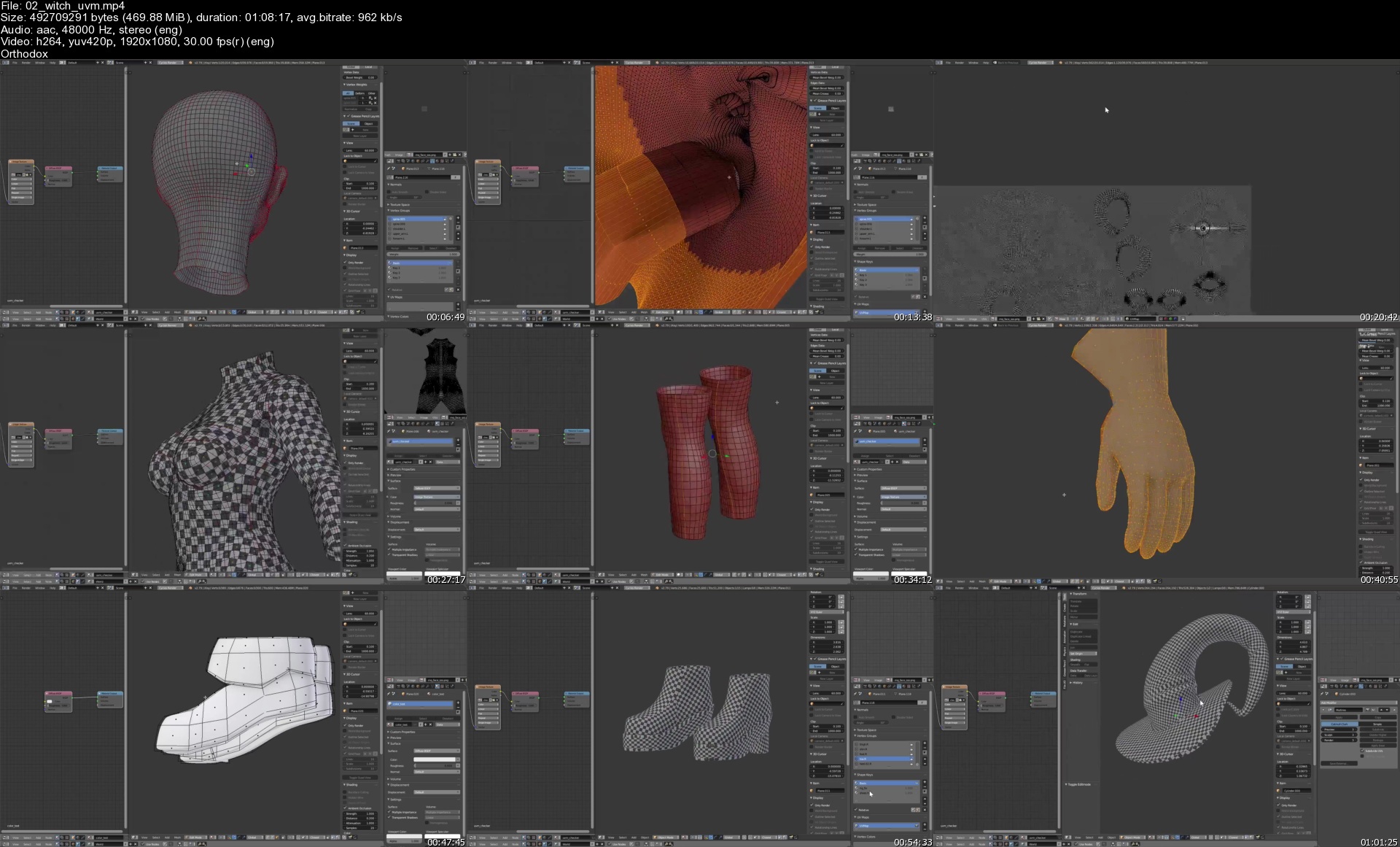
Gumroad - The Witch: Character Creation in Blender

ghbts4mf3fzhu5koe306ltejot.jpg


Gumroad - The Witch: Character Creation in Blender
YanSculpts | Duration: 27h 04m | Video: H264 1920x1080 | Audio: AAC 48 kHz 2ch | 5,42 GB | Language: No soundtrack

This Character Package Contains The Following

- 27+ Hours of Real Time Recording! (no audio)
- Blend Files with Character / Materials / Lighting
- OBJ files of the final results, for anyone who doesn't use Blender.
- Hi-rez renders (for your phone's wallpaper/ or desktop, and references)

The 27 hour recording is without audio, it allows you to see the uncut process of sculpting and texturing this character to learn from that.

Homepage


02witchuvms03kn0.jpg


Mindfulness Presence Course-2

fo2abzwmfkplkvqtt1vq3zdk73.jpg


Mindfulness Presence Course-2
Published 6/2022
MP4 | Video: h264, 1280x720 | Audio: AAC, 44.1 KHz
Language: English | Size: 5.01 GB | Duration: 4h 8m

Chapter-4 (Plus)


What you'll learn
The use of shortcuts in our daily life for staying in Presence
The evolvement of the 3 shortcuts into Presence
The estimated time for the completion of this course is minimum 3 month
Four Mixes are available in the course for the practice of holding on to the shortcuts
Requirements
The completion of Mindfulness Presence Course-1

Description
Mindfulness Presence Course-2 is a continues advancement from Mindfulness Presence Course-1 .Mindfulness Presence Course-1 , includes Chapter-1 , Chapter-2 and Chapter-3 , and Mindfulness Presence Course-2 includes Chapter-4 (Plus) of the 6 Chapters of the course .This course is for seekers who want to stay in Presence all the time in there lives , for seekers who want to be fully out of the negative illusion of our mind , and in the positive reality of our Presence . Chapter-4 (Plus) is one of the three steps for staying in Presence all the time in our lives , the rest of the steps are Chapter-5 and Chapter-6 (Plus) . This course time has to be minimum of one month , more is even better , because it is a change in the habit of our attention , so it is simple and easy but it needs just the time for the attention to adapt the right habit which is to come back to it self .This course is based and inspired from three of the best and most famous spiritual teachers of our time , the first teacher recommends not to use his name , the second teacher is Eckhart Tolle , and the third teacher is Abraham Hicks .It started since 2015 , it took 7 years learning from these spiritual teachers , which each one of the enters Presence from a specific window , there three windows solved all the problems of all the obstacle or mistake that may block any human being who wants to stay In presence all the time in his life .Presence is our inherited awareness and aliveness from our creator , it is fully positive , it is a full support to what we want , it is always out of negativity , negativity comes from the alarms in our mind , we will be aware of this , because we will be always in awareness , which always has the sense of aliveness , because it will be a fully lived life in Mindfulness which is without the Mind , fully lived life in our Presence .

Overview

Section 1: Introduction

Lecture 1 The whole story of staying in Presence

Lecture 2 The Decision

Lecture 3 Shortcuts

Section 2: Chapter-4

Lecture 4 Chapter-4 Introduction / MIX-RFM315.22

Lecture 5 Chapter-4 Practice / MIX-RFM315.22 (14-25MIN)

Lecture 6 Chapter-4 Practice / MIX-RFM315.22 (11-23MIN)

Section 3: Chapre-4 (Plus)

Lecture 7 Chapter-4 (Plus) Introduction / MIX-RFM315.22

Lecture 8 Chapter-4 (Plus) Practice / MIX-RFM315.22

Lecture 9 If you have made the decision , this is how to use the shortcut

Section 4: Guidance for using the Shortcut

Lecture 10 Guidance for using the Shortcut

Lecture 11 Chapter-4 Practice - MIX-RFM315.22 (19-27MIN)

Lecture 12 Chapter-4 Practice - MIX-RFM315.22 (14-25MIN)

Lecture 13 Chapter-4 Practice-MIX-RFM315.22 (11-23MIN)

Advanced spiritual seekers of Awakening , who want to stay in presence all the time in there life

Homepage

4chapter4introduction3nkin.jpg


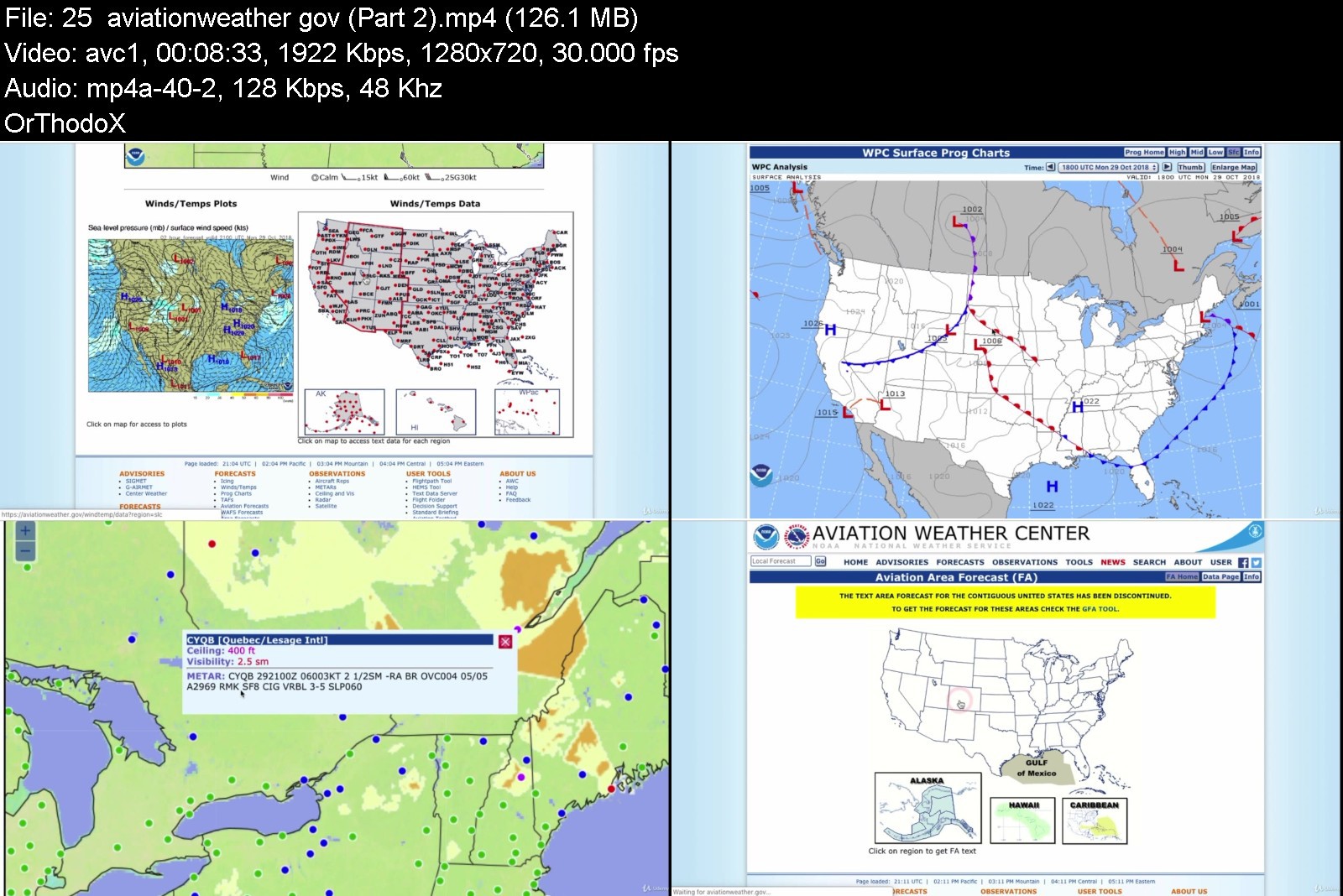
Part 4 FAA Private Pilot Ground School (Part 61)

187405255d54jhkfy.jpg


Part 4 FAA Private Pilot Ground School (Part 61)
Last Updated 06/2020
MP4 | Video: h264, 1280x720 | Audio: AAC, 44.1 KHz, 2 Ch
Genre: eLearning | Language: English + srt | Duration: 124 lectures (7h 9m) | Size: 5.77 GB

Weather Theory, Weather Services, Airport Operations, Radio Communications


What you'll learn
Pass the FAA Private Pilot knowledge test (PAR) with a grade of 90 or more

Requirements
Although optional, enrollment in Part 1, 2, 3 of the course series is highly recommended.
Willingness to study hard
Basic math and physics skills (high-school level)
Free links to the study material are provided for each lesson


Description
Join the most popular Private Pilot test prep course on Udemy today. Bestseller, highest-rated, taught by the Number 1 aviation instructor on Udemy. Still not convinced? Go read the reviews.

This course series is designed to give you the necessary ground knowledge to pass the FAA Private Pilot Airplane (PAR) Knowledge Test. I specifically designed this material to be comprehensive and not just an overview. I will go IN DETAIL about each of the knowledge areas and provide explanations to not only pass the test, but also become a proficient pilot. Anybody can pass the test by memorizing the question bank, but that's NOT what this course is about.

The fourth part of this five-part series goes over Weather Theory, Weather Services, Airport Operations, and Radio Communications. I included links to the free FAA publications as well as over 250 practice questions. This course follows the guidance of the Federal Aviation Regulation (FAR) under Part 61. You should definitely start flight training while taking this course.

Over 150 hours went into preparing the slides, and recording/editing this course, I hope you will find it valuable and helpful towards your training.

The other courses are:

Part 1: Introduction to Flight Training, Aircraft Structure, Aircraft Systems, Flight Instruments.

Part 2: Basic Aerodynamics, Aerodynamic Forces, Weight & Balance, Performance and Limitations.

Part 3: Regulation, Inspections & Documents, Aeromedical Factors, Aeronautical Decision Making.

Part 5: Airspace, Charts, Navigation, Flight Computer & Cross-country Planning + 2 Bonus Practice FAA Exams.

Optional Part 6, available by private message ONLY: Receive a paper written endorsement from the instructor to take the FAA test (requires enrollment in all 5 parts + proof that you are proficient with the knowledge).

Who this course is for
Student pilots working towards an FAA Private Pilot certificate
Aviation enthusiasts interested in furthering their knowledge
Students enrolled in a Part 141 program looking for additional resources and alternate explanations
"Rusty" pilots who are looking to get back into aviation
Foreign students looking to get informed on US regulation


part4faaprivatepilotgx9kql.jpg


Download from RapidGator


Download from Keep2Share


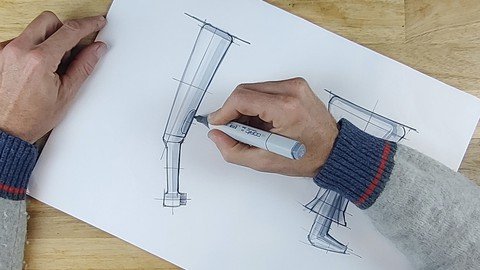
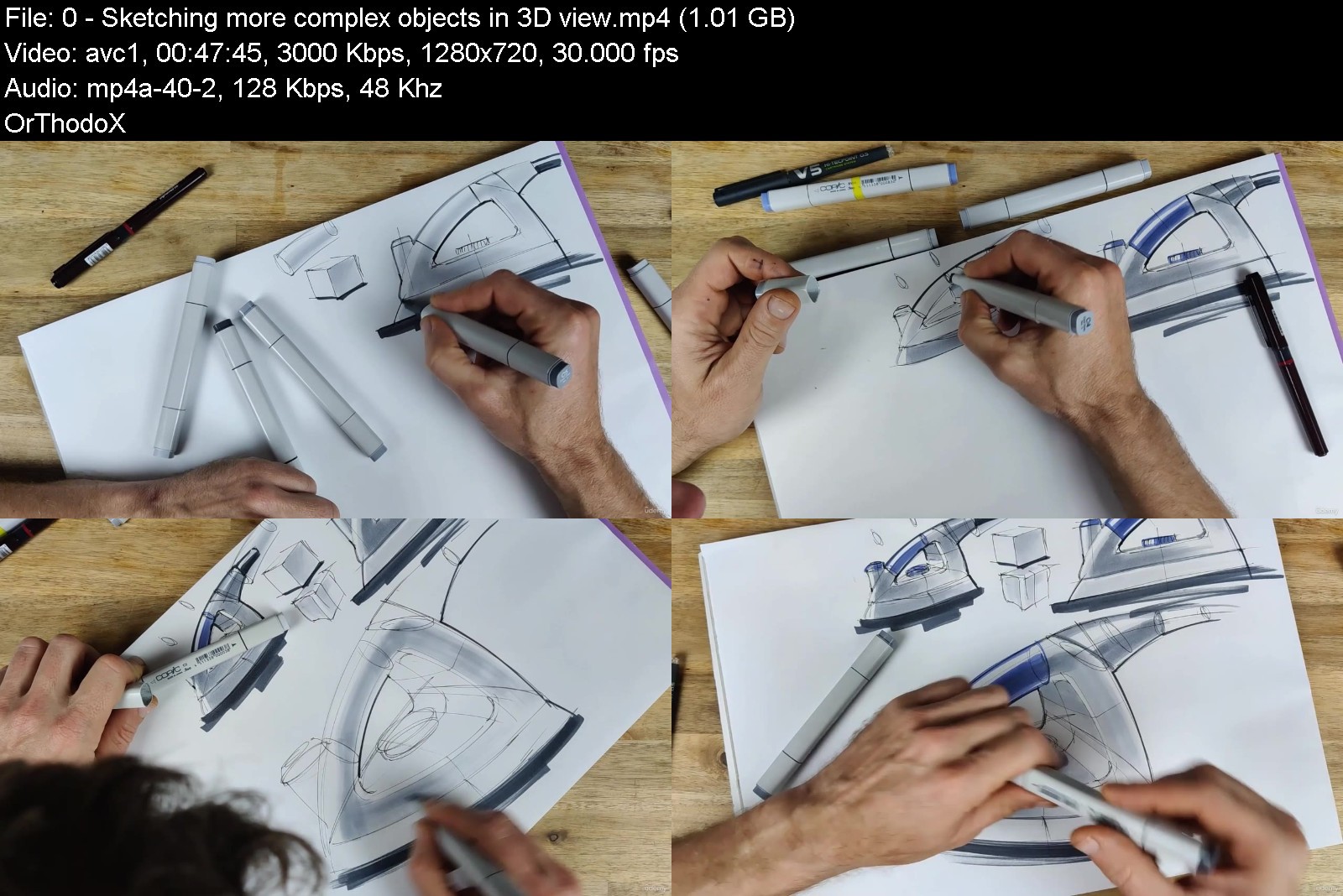
The Easiest Way To Develop Professional Sketching Skills

ywbla52vyzty1jvgi4fff3vk5d.jpg


The Easiest Way To Develop Professional Sketching Skills
Published 6/2022
MP4 | Video: h264, 1280x720 | Audio: AAC, 44.1 KHz
Language: English | Size: 7.34 GB | Duration: 5h 48m

Learn by following 10 short and enjoyable video tutorials how to sketch like a professional designer


What you'll learn
DISCOVER HOW ANYONE CAN LEARN TO SKETCH WITH FLUENT DYNAMIC LINES ...so that you can make your drawings look confident and professional
LEARN A TECHNIQUE TO BUILD SIMPLE LINE ELEMENTS INTO A RHYTHMIC STRUCTURE ...so that you can quickly draw complex objects accurately
LEARN HOW TO MASTER LINE QUALITY AND LINE TICKNESS ...so that people can sense three dimensional depth when looking at your line drawings
UNDERSTAND EXACTLY HOW, WHERE AND HOW TO ADD LIGHTS AND SHADOWS ...so that you will be able to easily create sketches with beautifully shaded 3D appearance
Requirements
No special requirements.

Description
NEW INSIGHTS IN HOW THE HUMAN BRAIN AND HAND ANATOMY WORK MAKE IT POSSIBLE FOR ANYONE TO ACQUIRE AMAZING SKETCHING SKILLS FASTER THAN EVER...People who cannot draw well usually think that professional sketching is a complex and difficult process. After following this course you will find out that even the most complex sketches are just a structure of very simple but confidentially drawn segments layered on top of one another. You will also learn which features make drawings look professional, why, and how to apply them. You will see that sketching is more about understanding human reactions to drawings and understanding our hand anatomy, than about mastering techniques or possessing any special skill or talent.As a lecturer of design at University Rotterdam I was confronted with the problem that most books and courses on sketching are mainly about presenting how good the authors and teachers can sketch themselves and less about helping people to learn sketching the most efficient and enjoyable way. That is why I*have developed my own unique method and wrote a short and very useful book about it with the title: THE EXCEPTIONALLY*SIMPLE*THEORY*OF*SKETCHING. There are already around 10.000 copies sold from this book and its latest extended edition is just released. It received excellent reviews from many design professionals and design educators worldwide, and most importantly from those who have learned sketching by using it. Now I have created this online course, to make my method even more accessible for anyone who wants to learn sketching easily without struggling. Our brain is wired to feel joyful and motivated by series of small successes, and to give up and be unhappy to protect you from failure if you regularly feel unsatisfied about your results. That is why this course is built up from very short and easy exercises, that everyone can accomplish successfully in 10 to 20 minutes. This ensures an enjoyable and highly efficient learning proces, that releases small bursts of the healthy happiness hormones called dopamine and serotonin in your brain . These hormones are essential for a successful and quick learning proces, as well as for general mental well-being.
Overview
Section 1: How to follow the course
Lecture 1 How to follow the course
Section 2: 10 video tutorials
Lecture 2 Discover how to sketch with fluent dynamic lines
Lecture 3 Understand how to use different line thicknesses and variable pen pressure
Lecture 4 Learn how to build up complex forms from a rhythmic structure of simple elements
Lecture 5 Learn how to sketch simple objects from a three dimensional viewpoint
Lecture 6 The most efficient way of practicing
Lecture 7 Shading objects, with flat surfaces
Lecture 0 Shading objects with curved faces
Lecture 0 Sketching simple objects from side view
Lecture 0 Sketching more complex objects from side view
Lecture 0 Sketching more complex objects in 3D view
Lecture 0 BONUS! Perspective drawing
Lecture 0 BONUS! Car sketching tutorial
Beginners who want to find the quickest and easiest way to acquire professional sketching skills,People who already have some sketching skills, but want to fully understand the principles that make drawings look beautiful and the principles of using lights and shadows.


theeasiestwaytodevelonwjy3.jpg


Download from RapidGator


Download from Keep2Share


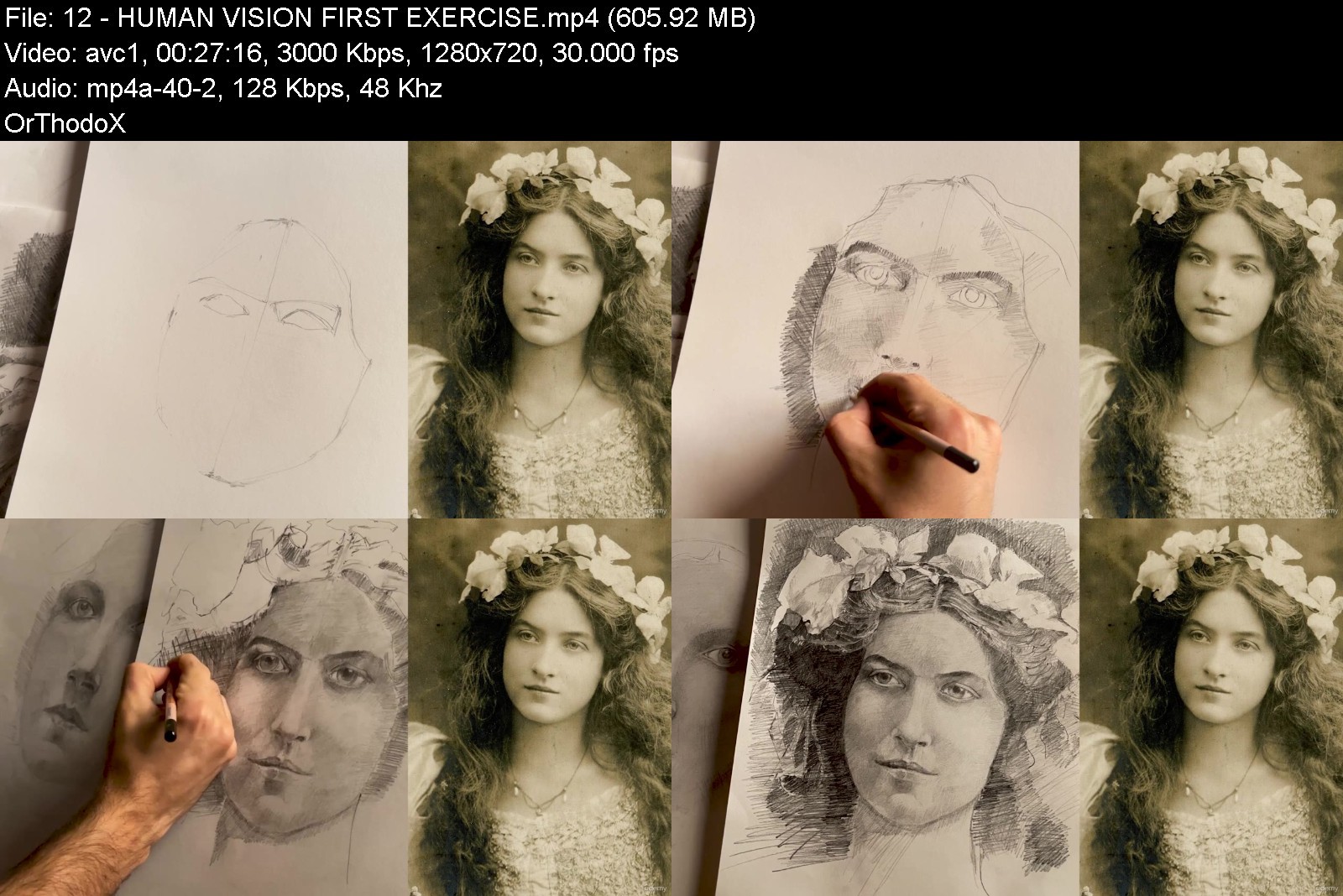
The Art Of Portraits: Baroque Realistic Drawing Course Vol 1

q5iyftvergtrbgrrnlg9duhkbg.jpg


The Art Of Portraits: Baroque Realistic Drawing Course Vol 1
Last updated 6/2022
MP4 | Video: h264, 1280x720 | Audio: AAC, 44.1 KHz
Language: English | Size: 6.24 GB | Duration: 4h 58m

Learn How to draw amazing drawings from beginner to advanced, with graphite pencil, and white pastel: Portrait Drawing


What you'll learn
?*?? How to draw realistic portraits with graphite pencil from beginner to advanced just like Rembrandt did during the Baroque era.
?✍ How to draw objects from geometric shapes, using an efficient construction scheme to be able to draw anything around you.
⚜ Learn the Angle Tecnique and its relationship with ranges and shapes from beginner to advanced.
?*? The Life of Rembrandt and his legacy. The Master of Portrait & Drawing
? How to use face constructive schemes to stimulate your imagination to get an appropriate technique in the elaboration of a Drawing..
? Two final live portraits (one male and one female), using graphite pencils, pastel chalks on a luxurious old paper.
?✍How to draw a graphite pencil drawing from a static image.
?You will learn how to use paper color as a mean for the construction of a drawing.
Requirements
The only requirement is to be passionate about drawing

Description
Bey Atelier in Baroque Drawing is an artistic experience that will bring you back to the 17th century to learn - together with Baudilio Bey- the secrets of drawing in the greatest era of art. Step by step you will unveil the power of angle tecnique and its relationship with geometric shapes, from beginner to advanced. A technique used by the baroque masters (Rembrandt, Caravaggio, and Claudio de Lorraine) to draw anything around to perfection. This experience will allow you not only to learn about this extraordinary drawing technique, but also how important is telling stories through hatching, shadows and strokes, to really turn your drawing tino a masterpiece. Additionally, this master course in drawing is a unique learning storytelled experience. The main goal is immersing you in a classical environment of 17th century so you can make a protagonist of the baroque itself. In the first volume course - Bey Atelier in Baroque drawing: The Portrait - you will use Rembrandt's life and legacy as a mean of inspiration to take his wisdom as a creative tool for portraiture. You will learn the fundamentals of drawing to be able to draw anything from reality or memory. A volume focused on how to draw a face in a technical-artistic way with live models, graphite pencils and other drawing materials such as pastel chalks and dry pastels to capture the secrets behind human eyes. Learn Angles Tecnique and its relationship with ranges and shapes.Learn how to build objects from general shapes, having an efficient construction scheme. You will know the origin of the baroque movement. Learn the life of Rembrandt and his legacy, the great master. Learn how to use face constructive schemes to stimulate your imagination thus have an appropriate technique for portraiture.Together with Baudilio Bey, you will build two final live portraits (one male and one female), using mainly graphite pencils, pastel chalks on a luxurious old paper. You will make a graphite pencil portrait from a static image. You will learn how to use paper color as a mean for the construction of a drawing.
Overview
Section 1: BEY ATELIER IN BAROQUE DRAWING - VOLUME 1
Lecture 1 BEY ATELIER IN BAROQUE DRAWING
Lecture 2 VOLUME 1
Section 2: THE BEGINNING
Lecture 3 The First Steps: The Training - First Exercise
Lecture 4 Materials & Tools
Lecture 5 The First Steps: Second Exercise
Lecture 6 The Perspective & Drawing Grid (Special Class of the Third Volume in Advance).
Section 3: THE BAROQUE
Lecture 7 THE BAROQUE
Section 4: ANGLES GENERAL TECNIQUE - BEY ATELIER
Lecture 8 CHAIR EXERCISE
Lecture 9 PAPER EXERCISE
Section 5: REMBRANDT
Lecture 10 Rembrandt Biography
Section 6: FACE THEORY & SELF-PORTRAIT
Lecture 11 GENERAL SCHEME
Lecture 12 HUMAN VISION - FIRST EXERCISE
Lecture 13 FACE'S FEATURES
Lecture 14 Construction Process
Lecture 15 The Hatching
Lecture 16 Shadows Part 1
Lecture 17 Shadows Part 2
Section 7: DOROTHEA
Lecture 18 Construction Process Part 1
Lecture 19 Construction Process Part 2
Lecture 20 Construction process Part 3 and first shadows
Lecture 21 Construction Process Part 4 and Breast
Lecture 22 SHADOWS & FABRIC PART 1
Lecture 23 SHADOWS & FABRIC PART 2
Lecture 24 SHADOWS & FABRIC PART 3
Section 8: BEY ATELIER BAROQUE DRAWING CINEMATIC INTERLUDE
Lecture 25 BEY ATELIER BAROQUE DRAWING CINEMATIC INTERLUDE
Section 9: ENDING
Lecture 26 ENDING
Drawing Students, Painting Students,Professional Draftsmen & Painters,Drawing lovers,Art Lovers,Storytellers,Film Directors,Visual Artist,Actors


theartofportraitsbarotpk9c.jpg


Download from RapidGator


Download from Keep2Share


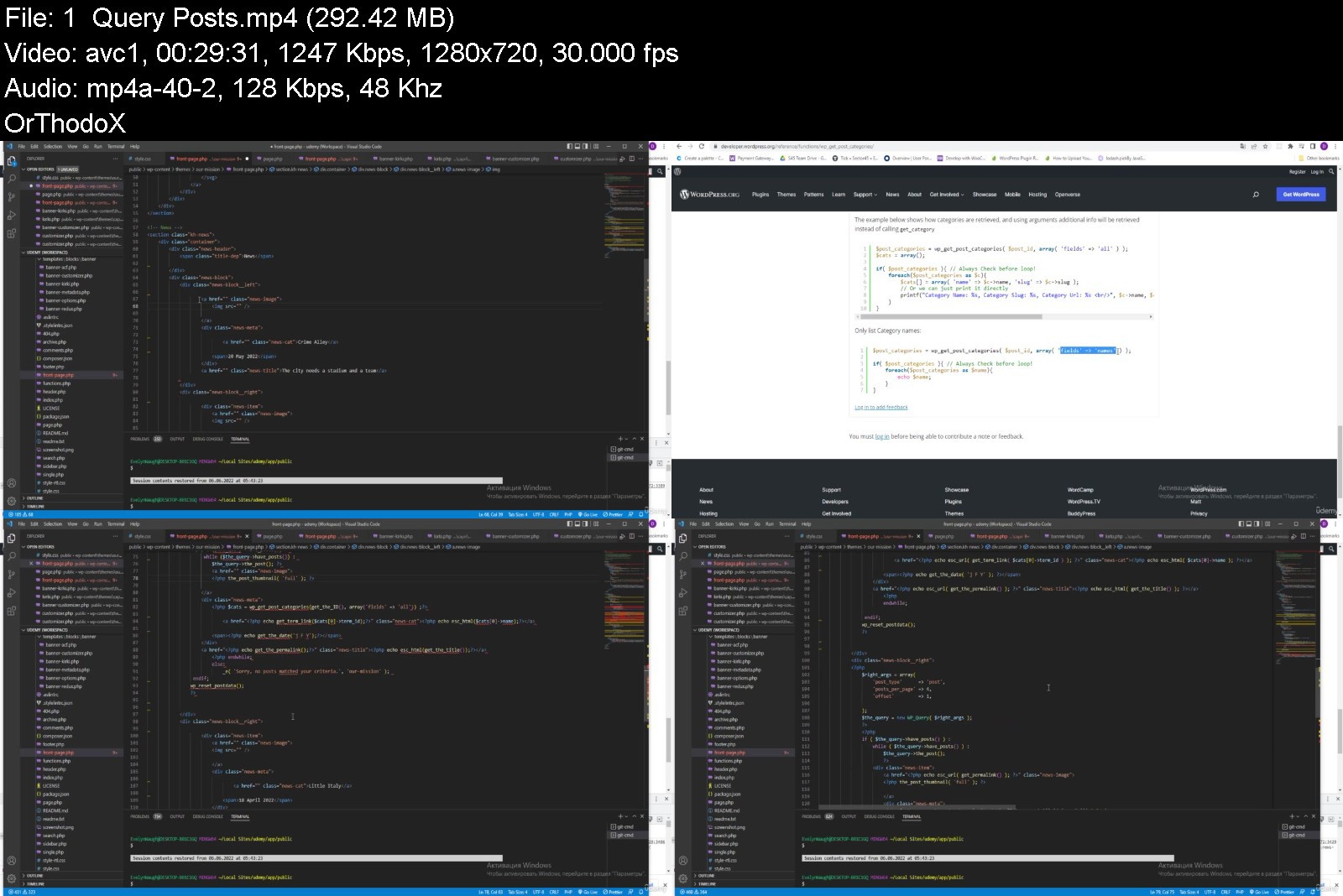
WordPress development: Ideas and Patterns

47278862a8e45kln.jpg


WordPress development: Ideas and Patterns
Published 06/2022
MP4 | Video: h264, 1280x720 | Audio: AAC, 44.1 KHz, 2 Ch
Genre: eLearning | Language: English + srt | Duration: 113 lectures (21h 18m) | Size: 12.2 GB


Learn Wordpress, PHP, JS by creating a beautiful theme


What you'll learn
Figma to WordPress
Write with WordPress Coding Standarts
Custom WordPress theme
PHP OOP
JS OOP
php DateTime, js Date
Vuejs
Actions & Filters
Working with WordPress core files
Requirements
Intermediate html/css
basic php
Description
This course has a small introductory part and then we immediately jump into a big project. Yes, it's not easy for beginners, but those are our goals - to achieve more. The logic and structure of the course will help us with this: different ideas on how to implement one functionality, sometimes up to 5-6 ideas, which will give a more voluminous idea of ​​how WordPress works; familiarize yourself with many patterns that are usually not so easy to detect.
You will learn the lifecycle of WordPress, how it is built, and what you will need to expand its functionality. By doing step by step, as this course is builded, finally you will get enough knowledge to build somethig similar or even more complex project, i have no doubt.
We will go through all the steps of WordPress development together, starting with design in figma, and you will get a link to that modern design. We don't focus on building html/css, but sometime we do this also to see more clearly what html structure we need to implement functionality, and we will learn some tricks with css. But most of the time (~90%) is development with WordPress, PHP, JS. We will also take a look at Vue.js (JavaScript framework).
Briefly
1. Create custom theme.
2. Template files.
3. Template Hierarchy.
4. WordPress database. CRUD.
5. Custom Post Types, Taxonomies, Post Statuses.
6. SQL Queries. Create Custom WordPress Table.
7. PHP / JS OOP,
8. WordPress Hooks. Custom Hooks.
9. Customizer.
10. Menus, Comments with Walker.
11. Vue.js
And so much more.
The main advantage of this course is that it constantly refers to the WordPress documentation, which makes it impossible to mislead or misinterpret. You can completely trust the course.
Who this course is for
If you want to get advanced skills.
If you want to get master skills.
If you want to get monster skills.


wordpressdevelopmentijsj66.jpg


Download from RapidGator


Download from Keep2Share


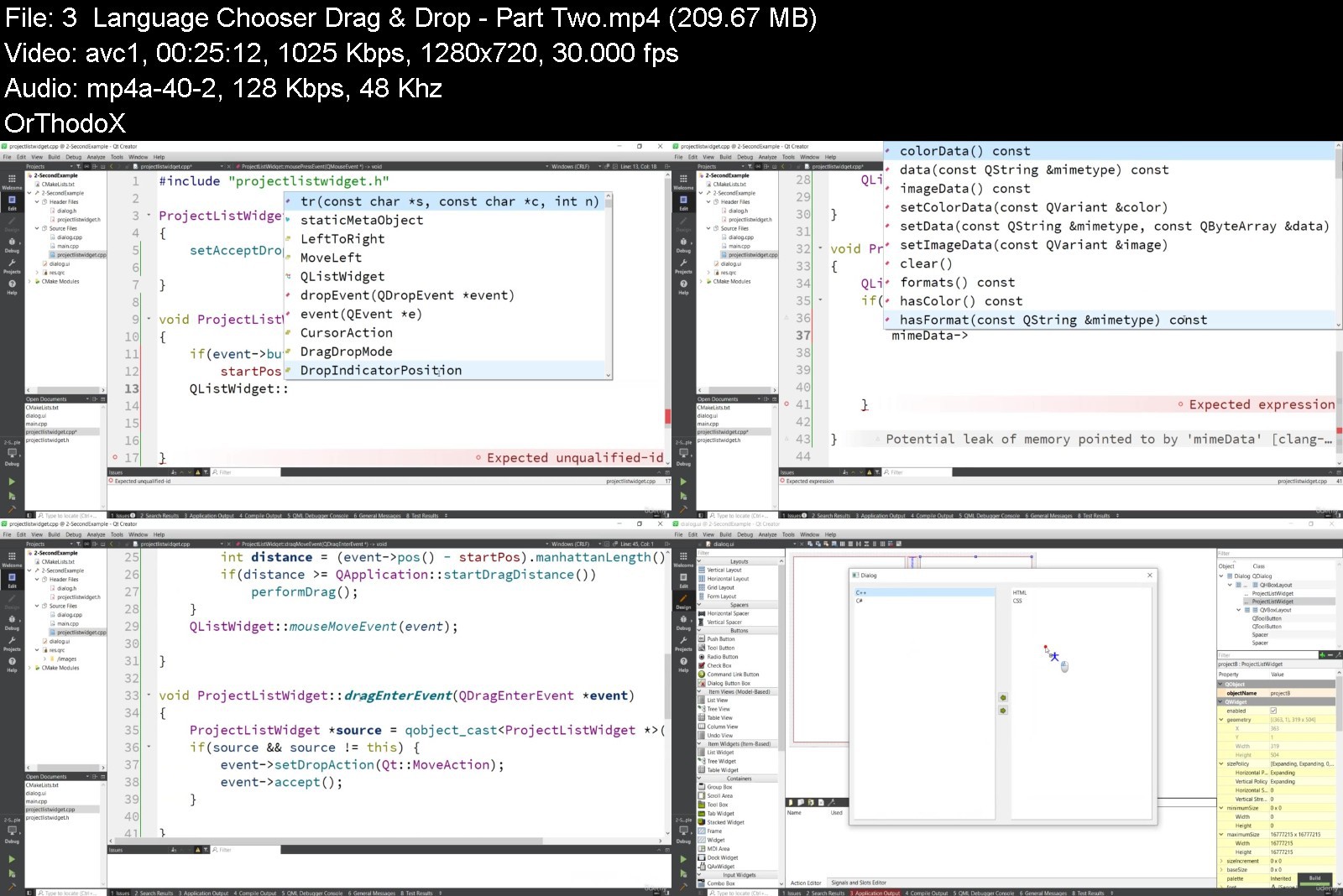
Qt6 C++ GUI & Mobile App Development

4658246419c3jhkqq.jpg


Qt6 C++ GUI & Mobile App Development
Published 06/2022
MP4 | Video: h264, 1280x720 | Audio: AAC, 44.1 KHz, 2 Ch
Genre: eLearning | Language: English + srt | Duration: 170 lectures (18h 34m) | Size: 9.1 GB


Learn how to build Graphical User Interface (GUI) applications and Android Applications with Qt6 and C++


What you'll learn
Learn how to build GUI applications with Qt6 and C++
Learn how to work with different widgets and layout systems in Qt6
You will learn how to integrate MySQL and SQLite database with Qt6
You will learn working with Charts, Drag and Drop and also SDI & MDI Windows
Learn how to create Music and Video player with Qt6
You will learn how to work with Animations and WebEngine in Qt6
You will learn how to work with QtQuick in Qt6
You will learn how t build android applications with Qt6 and C++
Requirements
You should have some knowledge in C++
Description
Hello students and welcome to my another new course on Qt6 C++ GUI & Mobile App Development, so Qt is a cross-platform software for creating graphical user interfaces as well as cross-platform applications that run on various software and hardware platforms such as Linux, Windows, macOS, Android or embedded systems with little or no change in the underlying codebase while still being a native application with native capabilities and speed.
Now this course is divided in to different sections.
1: Intro & Creating Window - In this section we will have a simple introduction to Qt6, also we will learn that how you can install Qt6 and at the end we are going to build our first GUI window with Qt6 and C++.
2. Qt6 Widgets - In this section we will talk about different widgets and layout systems.
3. Signals & Slots in Qt Designer - In this section we learn that how you can work with Qt Designer and Signals and Slots
4. Building Contact List Application - In this section we build a simple Contact List Application.
5. Building Simple Notepad Application - In this section we want to build a simple notepad application.
6. Painting & Graphics - In this section we talk about 2D Graphics and Paintings.
7. Qt6 Database Connection - In this section we learn that how you can connect your Qt6 application with MySQL and SQLite databases.
8. QtCharts in Qt6 - In this section we talk about creating modern and beautiful charts using Qt6 and C++.
9. Drag & Drop in Qt6 - In this section we learn about Drag and Drop functionalities in Qt6.
10. Multimedia in Qt6 - In this section we are going to build Music and Video Player with Qt6
11. MDI & SDI Windows - In this section we talk about MDI and SDI windows in Qt6
12. Qt6 Animation - In this section we are going to build different animations in Qt6
13. Qt6 WebEngine - In this section we talk about QtWebEngine and also we are going to build a simple Web Browser using Qt WebEngine.
14. Qt Quick - In this section we talk about QtQuick
15. QtQuick Controls - In this section we talk about QtQuick Controls and also we are going to learn about different widgets with QtQuick Controls.
16. QtQuick Multimedia - In this section we want to talk about QtQuick Multimedia, we learn that how we can play Music and Video with QtQuick Multimedia.
17. Charts in QtQuick - In this section we learn that how we can build charts with QtQuick.
18. QtQuick3D - In this section we want to learn how to build 3D objects with QtQuick3D
19. Animation in QtQuick - In this section we want to learn about animations in QtQuick
20. Painting in QtQuick - In this section we want to learn about building 2D graphics with QtQuick
21. Android App Development - In this section we are going to learn how to build android applications with Qt6 and C++
Who this course is for
C++ Developers who want to build GUI and Android applications with Qt6 and C++


qt6cguimobileappdevel07jlb.jpg


Download from RapidGator


Download from Keep2Share


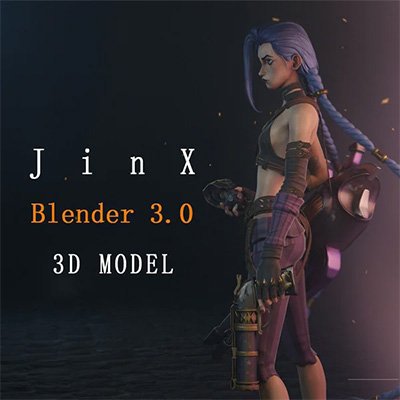
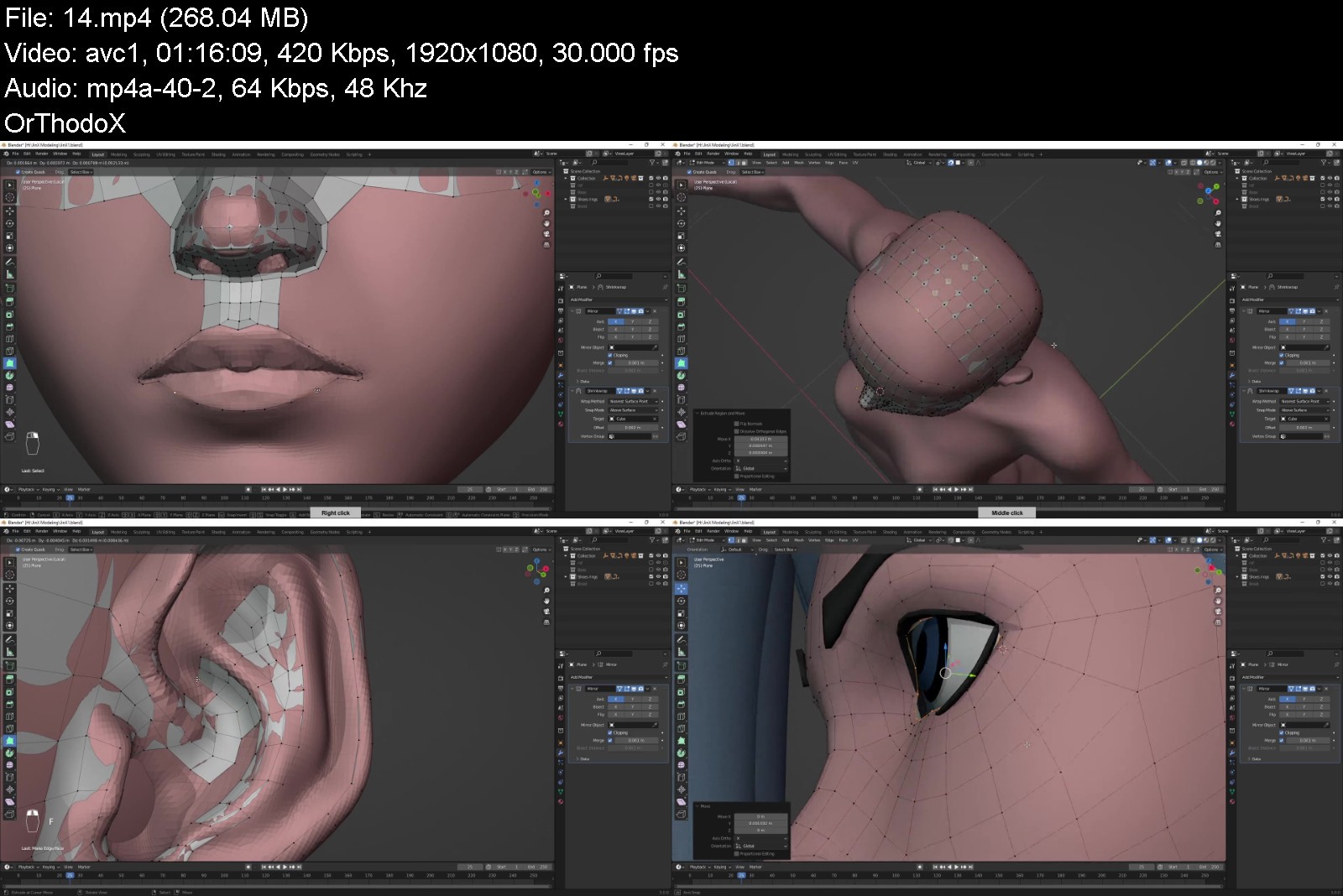
Gumroad - Jinx 3D model - Blender file - Blender 3.0

2bkwwxr3acjgykxodhe0eamki9.jpg


Gumroad - Jinx 3D model - Blender file - Blender 3.0
Flycat | Duration: 24h 48m | Video: H264 1920x1080 | Audio: AAC 48 kHz 2ch | 9,23 GB | Language: No soundtrack

Blender 3.0 - Full process video and 3D model (without commentary)


Homepage


jinxmodelingyekon.jpg


Download from RapidGator


Download from Keep2Share


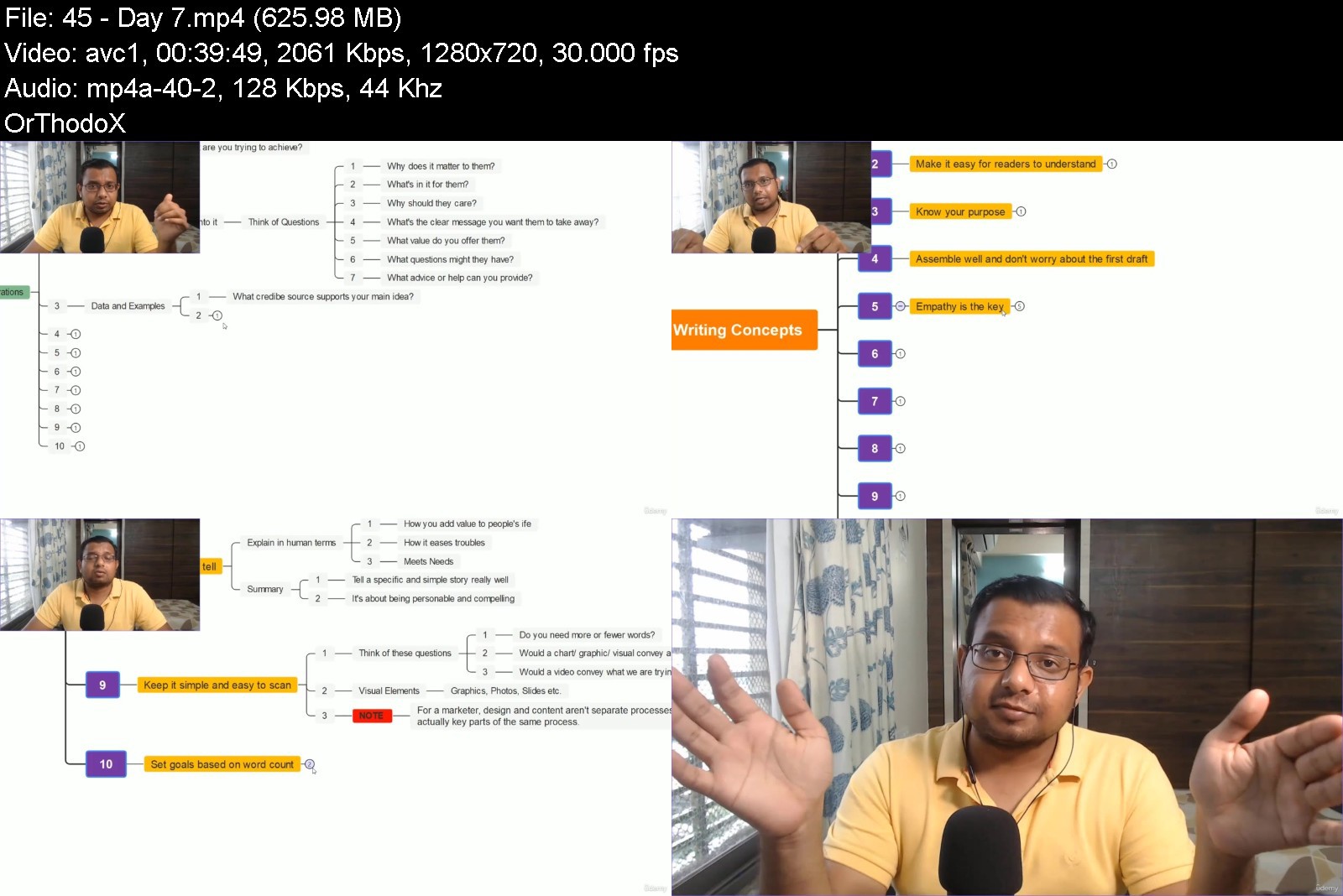
Media Strategy Mastery: Writing, Communications & Marketing

hwlotr5o0umaleghluqtqgejy8.jpg


Media Strategy Mastery: Writing, Communications & Marketing
Published 6/2022
MP4 | Video: h264, 1280x720 | Audio: AAC, 44.1 KHz
Language: English | Size: 7.19 GB | Duration: 7h 46m

Learn to clarify your brand story & understand content writing before your start content marketing and public relations


What you'll learn
This course is launched to help people understand how to assemble content for online growth to build online authority, presence and generate leads.
The course content is more than 6 hours. The course is designed to help small businesses offering any product or services build online authority through content
You will learn concepts of brand storytelling and copywriting by understanding how to build trust, business leads and customer loyalty
You will understand the difference between paid media, owned media, earned media and shared media and how to implement various strategies to attract clients.
Requirements
No writing experience needed

Description
The course is launched to help people understand how to assemble content for online growth to build online authority, presence and generate leads. This course is designed for start-up founders/ co-founders, content writers and content marketing professionals.The course content is more than 6 hours. The course is designed to help small businesses offering any product or services build online authority through good quality content.You will learn concepts of brand storytelling and copywriting by understanding how to build trust, business leads and customer loyaltyYou will understand the difference between paid media, owned media, earned media and shared media. How to implement various strategies to attract leads. You'll be able to identify key elements in brand storytelling, the science behind it, emotional hooks, clarify your message and also the difference between brand storytelling and content marketing.There are 6 modules in the course. Those modules include Brand Storytelling Model, Inbound and Content Marketing Framework, Copywriting and Communications Framework, The PESO Blueprint (Paid, Earned, Shared and Owned Media), Authoritative Brand Story Formula and Content Writing Intensive.Each module is designed and created based on personal experience and feedback from experts in the industry. The PESO model is must for start-ups because they will realise the importance of earned media and how to generate ideas for the brand.
Overview
Section 1: Level 1: Brand Storytelling Model
Lecture 1 Course Introduction
Lecture 2 Meet your Instructor
Lecture 3 Emotions: A key element in brand storytelling
Lecture 4 Why you should read Simon Sinek's book
Lecture 5 The art and science of brand storytelling
Lecture 6 Five emotional hooks to make your content better
Lecture 7 Top 3 mistakes brands make
Lecture 8 How to clarify your brand message
Lecture 9 Difference between brand storytelling and content marketing
Lecture 10 Which one is better: Brand storytelling or Content marketing?
Lecture 11 Psychological insights to improve content marketing
Section 2: Level 1: Content and inbound marketing fundamentals
Lecture 12 Introduction to content marketing
Lecture 13 Why you should learn content marketing?
Lecture 14 Knowledge and skills needed to be a good content marketer
Lecture 15 Content creation framework and content ideas
Lecture 16 Effective blogging tips
Lecture 17 Promoting your content: Organic and paid
Lecture 18 What are the fundamentals of inbound marketing
Lecture 19 Why buyer persona is an important part of inbound marketing
Lecture 20 How to create a buyer persona in content marketing
Lecture 21 How to align inbound marketing with sales
Section 3: Level 1: Copywriting and Communications Framework
Lecture 22 What are the secrets of a brilliant copy
Lecture 23 How to research before writing
Lecture 24 Mastering the five elements of copy
Lecture 25 What is the role of business communications in content marketing
Lecture 26 Importance of leadership storytelling in corporate communications
Lecture 27 How to measure the impact of communications strategy
Section 4: Level 1: The PESO Blueprint
Lecture 28 The PESO Model
Lecture 29 PESO Chart
Lecture 30 Social media content: The Foundations
Lecture 31 Social Media Listening and Monitoring: A must have for online companies
Lecture 32 KPIs in shared media
Lecture 33 How to measure your social ROI
Lecture 34 Understanding news copy for content marketing
Lecture 35 Why create an online newsroom
Lecture 36 Taking action
Lecture 37 Future of content marketing
Lecture 38 Final words: A path to success in communications and marketing
Section 5: Level 2: Authoritative Brand Story Formula | 4 Day Series
Lecture 39 Day 1
Lecture 40 Day 2
Lecture 41 Day 3
Lecture 42 Day 4
Lecture 43 Day 5
Section 6: Level 2: Content writing intensive
Lecture 44 Day 6
Lecture 45 Day 7
Lecture 46 Day 8
This course is designed for start-up founders/ co-founders, content writers and content marketing professionals.,This course is useful for entrepreneurs, content marketing and professionals working in the mass media sector


mediastrategymasterywgjkcn.jpg


Download from RapidGator


Download from Keep2Share


Shortcut to Guitar: Beginner Guitar Course

4671802a2159dk0u.jpg


Shortcut to Guitar: Beginner Guitar Course
Published 06/2022
MP4 | Video: h264, 1280x720 | Audio: AAC, 44.1 KHz, 2 Ch
Genre: eLearning | Language: English | Duration: 85 lectures (9h 26m) | Size: 10.5 GB


Easy guitar learning concept built around one basic chord shape and one key and utilizing the "thumb strum"


What you'll learn
To know how the guitar works and to get it ready for playing
To understand the basics of music theory
To know and be able to use all the chords in a key
To be able to construct simple melodies around chord progressions
Requirements
No experience needed. Just a guitar.
Description
By separating the different disciplines needed to play the guitar the journey to guitar playing enjoyment is made easy.
Simplifying the learning process helps beginners get over the usual stumbling blocks with ease.
The course also gives the student a solid foundation in musical understanding.
The lessons show how using our simple chord shapes chord progressions (and therefore, simple songs) are constructed, with special emphasis placed on a typical "blues" progression, and how to embellish those simple chords to add melody to the rhythm (the students own natural rhythm at first and then later counted out rhythm) and the harmony from the chords.
The lessons encourage the use of the "thumb strum" a simple alternative to playing strum/rhythm patterns with a pick/plectrum, which is difficult for beginners. But don't worry, the "thumb strum" leads to many other types of guitar playing such as fingerstyle, percussive, flamenco, folk, and it won't hinder you if you want to pick up a plectrum to play later on!
These "shortcuts" which simplify the physical side of playing the guitar enable the learner to develop a better understanding of how music is constructed on a guitar and how music is constructed in general, giving a great foundation for future learning, a foundation that only enhances the student's enjoyment of playing the guitar and sense of achievement.
Try it and see for yourself
The course also covers all the basics of the guitar, such as knowing the anatomy of the instrument as well as how it works. How to tune up the guitar using an electronic tuner or phone app and by ear. There is also instruction on how to change a broken string and how to restring all the six strings of the guitar.
Who this course is for
Complete beginner guitarists who want to understand music as well as play it.
Budding songwriters looking for a shortcut into using guitar as a songwriting tool.


shortcuttoguitarbeginnnjy3.jpg


Download from RapidGator


Download from Keep2Share


Zurück
Oben Unten