• Regeln für den Video-Bereich:

    In den Börsenbereich gehören nur Angebote die bereits den Allgemeinen Regeln entsprechen.

    Einteilung

    - Folgende Formate gehören in die angegeben Bereiche:
    - Filme: Encodierte Filme von BluRay, DVD, R5, TV, Screener sowie Telesyncs im Format DivX, XviD und x264.
    - DVD: Filme im Format DVD5, DVD9 und HD2DVD.
    - HD: Encodierte Filme mit der Auflösung 720p oder darüber von BluRay, DVD, R5, TV, Screener sowie Telesyncs im Format x264.
    - 3D: Encodierte Filme von BluRay, die in einem 3D Format vorliegen. Dies gilt auch für Dokus, Animation usw.
    - Serien: Cartoon/Zeichentrick, Anime, Tutorials, Dokumentationen, Konzerte/Musik, Sonstiges sind demnach in die entsprechenden Bereiche einzuordnen, auch wenn sie beispielsweise im High Definition-Format oder als DVD5/DVD9/HD2DVD vorliegen. Ausnahme 3D.
    - Bereich Englisch: Englische Releases gehören immer in diesen Bereich.
    - Bereich Talk: Der Bereich, in dem über die Releases diskutiert werden kann, darf, soll und erwünscht ist.


    Angebot/Beitrag erstellen

    - Ein Beitrag darf erst dann erstellt werden, wenn der Upload bei mindestens einem OCH komplett ist. Platzhalter sind untersagt.
    - Bei einem Scenerelease hat der Threadtitel ausschließlich aus dem originalen, unveränderten Releasenamen zu bestehen. Es dürfen keine Veränderungen wie z.B. Sterne, kleine Buchstaben o.ä. vorgenommen werden. Ausnahme Serienbörse:
    - Bei einem Sammelthread für eine Staffel entfällt aus dem Releasename natürlich der Name der Folge. Beispiel: Die Simpsons S21 German DVDRip XviD - ITG
    - Dementsprechend sind also u.a. verboten: Erweiterungen wie "Tipp", "empfehlenswert", "only", "reup", usw. / jegliche andere Zusatzinformation oder Ergänzung, welche nicht in obiger Beschreibung zu finden ist.

    Aufbau des Angebots und Threadtitel

    Der Titel nach folgendem Muster erstellt zu werden. <Name> [3D] [Staffel] [German] <Jahr> <Tonspur> [DL] [Auflösung] <Quelle> <Codec> - <Group>
    Beispiel: The Dark Knight German 2008 AC3 DVDRip XviD - iND
    Beispiel: The Dark Knight 2008 DTS DL BDRip x264 - iND
    Beispiel: The Dark Knight 2008 AC3 DL BDRip XviD - iND
    Beispiel: The Dark Knight German 2008 AC3 720p BluRay x264 iND
    Beispiel: The Dark Knight 2008 DTS DL 1080p BluRay x264 iND
    Beispiel: Die Simpsons S01 German AC3 DVDRip XviD iND
    Beispiel: Die Simpsons S20 German AC3 720p BluRay x264 iND
    Beispiel: Sword Art Online II Ger Sub 2014 AAC 1080p WEBRip x264 - peppermint
    Entsprechend sind also u.a. verboten: Sonderzeichen wie Klammern, Sterne, Ausrufezeichen, Unterstriche, Anführungszeichen / Erweiterungen wie "Tipp", "empfehlenswert", "only", "reup", usw. / jegliche andere Zusatzinformation oder Ergänzung, welche nicht in obiger Beschreibung zu finden ist
    Ausnahmen hiervon können in den Bereichen geregelt sein.

    Die Beiträge sollen wie folgt aufgebaut werden:
    Überschrift entspricht dem Threadtitel
    Cover
    kurze Inhaltsbeschreibung
    Format, Größe, Dauer sind gut lesbar für Downloader außerhalb des Spoilers zu vermerken
    Nfo sind immer Anzugeben und selbige immer im Spoiler in Textform.
    Sind keine Nfo vorhanden z.B. Eigenpublikationen, sind im Spoiler folgende Dateiinformationen zusätzlich anzugeben :
    Quelle
    Video (Auflösung und Bitrate)
    Ton (Sprache, Format und Bitrate der einzelnen Spuren)
    Untertitel (sofern vorhanden)
    Hosterangabe in Textform außerhalb eines Spoiler mit allen enthaltenen Hostern.
    Bei SD kann auf diese zusätzlichen Dateiinformationen verzichtet werden.

    Alle benötigten Passwörter sind, sofern vorhanden, in Textform im Angebot anzugeben.
    Spoiler im Spoiler mit Kommentaren :"Schon Bedankt?" sind unerwünscht.


    Releases

    - Sind Retail-Release verfügbar, sind alle anderen Variationen untersagt. Ausnahmen: Alle deutschen Retail-Release sind CUT, in diesem Fall sind dubbed UNCUT-Release zulässig.
    - Im Serien-Bereich gilt speziell: Wenn ein Retail vor Abschluss einer laufenden Staffel erscheint, darf diese Staffel noch zu Ende gebracht werden.62
    - Gleiche Releases sind unbedingt zusammenzufassen. Das bedeutet, es ist zwingend erforderlich, vor dem Erstellen eines Themas per Suchfunktion zu überprüfen, ob bereits ein Beitrag mit demselben Release besteht. Ist dies der Fall, ist der bereits vorhandene Beitrag zu verwenden.
    - P2P und Scene Releases dürfen nicht verändert oder gar unter einem iND Tag eingestellt werden.


    Support, Diskussionen und Suche

    - Supportanfragen sind entweder per PN oder im Bereich Talk zu stellen.
    - Diskussionen und Bewertungen sind im Talk Bereich zu führen. Fragen an die Uploader haben ausschließlich via PN zu erfolgen, und sind in den Angeboten untersagt.
    - Anfragen zu Upload-Wünschen sind nur im Bereich Suche Video erlaubt. Antworten dürfen nur auf Angebote von MyBoerse.bz verlinkt werden.


    Verbote

    - Untersagt sind mehrere Formate in einem einzigen Angebotsthread, wie beispielsweise das gleichzeitige Anbieten von DivX/XviD, 720p und 1080p in einem Thread. Pro Format, Release und Auflösung ist ein eigener Thread zu eröffnen.
    - Grundsätzlich ebenso verboten sind Dupes. Uploader haben sich an geeigneter Stelle darüber zu informieren, ob es sich bei einem Release um ein Dupe handelt.
    - Gefakte, nur teilweise lauffähige oder unvollständige Angebote sind untersagt. Dies gilt auch für eigene Publikationen, die augenscheinlich nicht selbst von z.B. einer DVD gerippt wurden. Laufende Serien, bei denen noch nicht alle Folgen verfügbar sind, dürfen erstellt und regelmäßig geupdatet werden.
    - Untersagt sind Angebote, welche nur und ausschließlich in einer anderen Sprache als deutsch oder englisch vorliegen. Ausnahmen sind VORHER mit den Moderatoren zu klären.


    Verstoß gegen die Regeln

    - Angebote oder Beiträge, die gegen die Forenregeln verstoßen, sind über den "Melden"-Button im Beitrag zu melden.
  • Bitte registriere dich zunächst um Beiträge zu verfassen und externe Links aufzurufen.

*** Bestes IPTV *** bester Preis *** gratis Test ***


Englische Tutorials

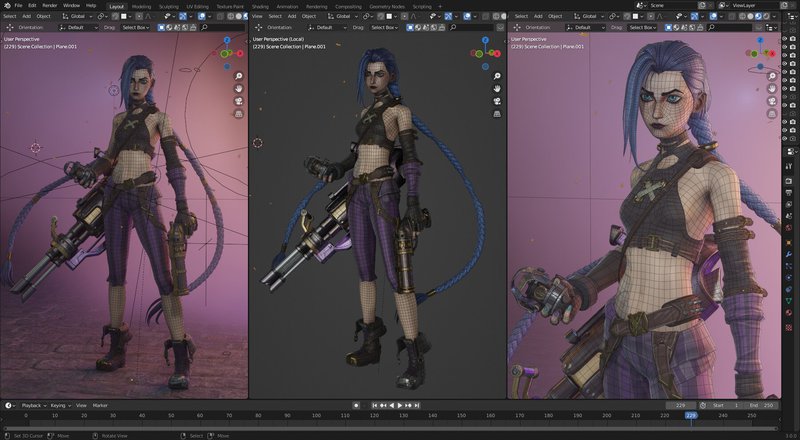
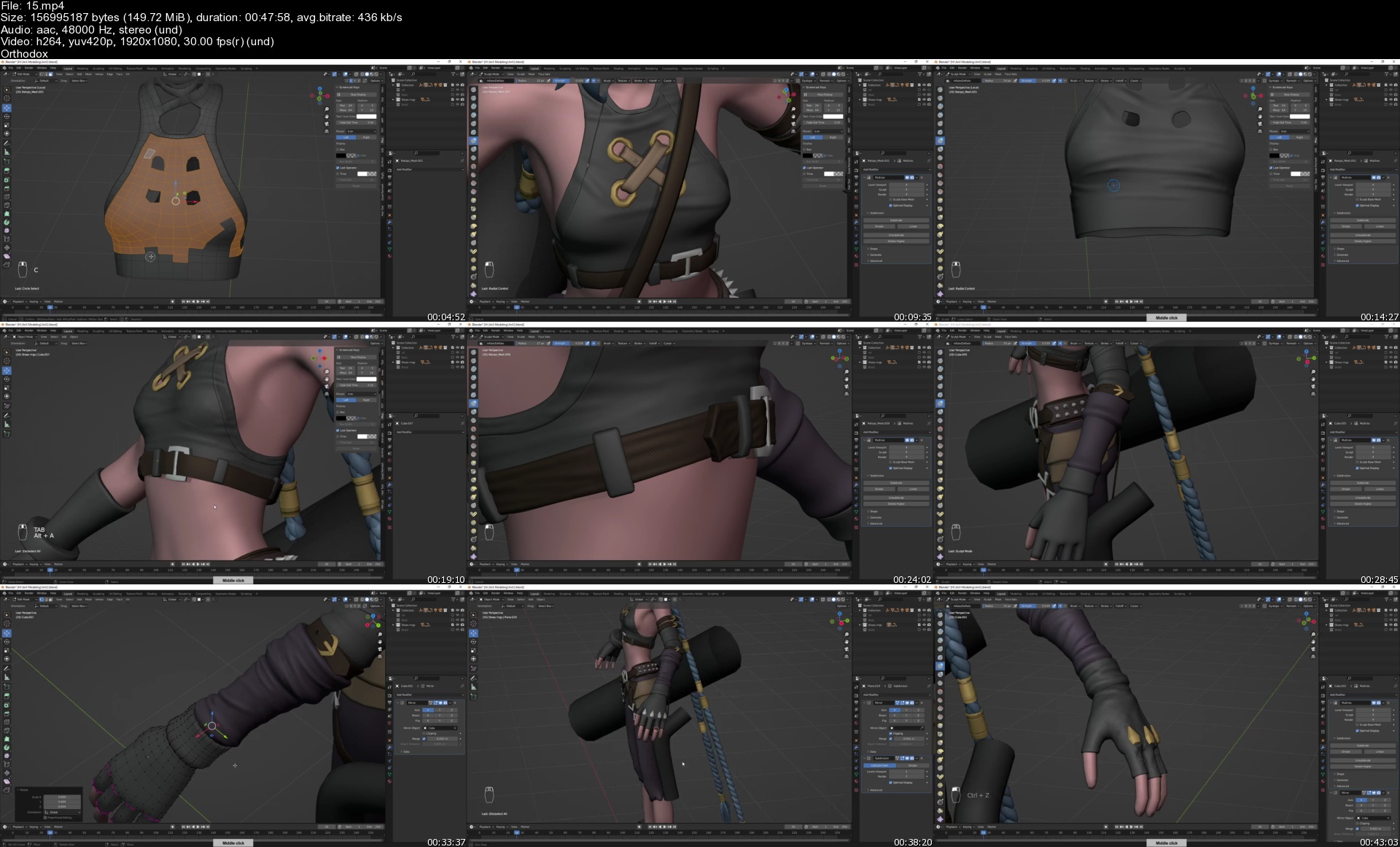
JinX modeling - Blender 3.0 - Full process video and 3D model

file7zj0z.jpg


JinX modeling - Blender 3.0 - Full process video and 3D model
Instructors: FlyCat Fly
48 Video Lessons | Duration: 24h 48m
Video: MP4 1920x1080 48 KHz | English
Size: 5 GB

Full process video

App: Blender 3.0

Resolution: 1080p

Status: no commentary

15s0wjko.jpg


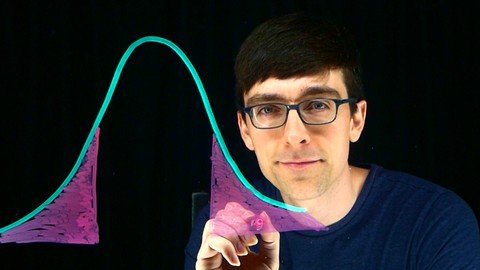
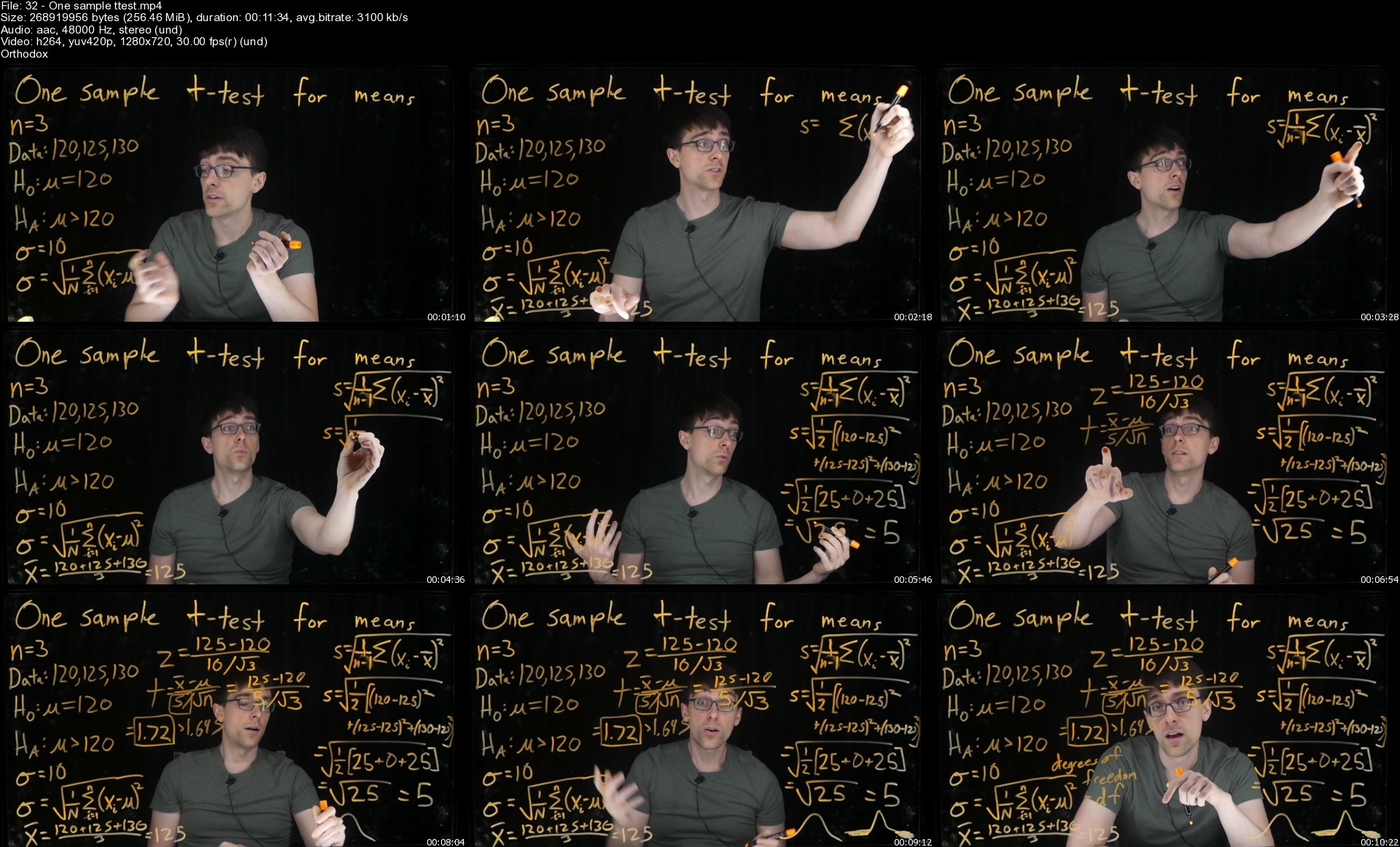
Statistics: A Step-By-Step Introduction

liled5lo5iop11s0wrh518djau.jpg


Statistics: A Step-By-Step Introduction
Published 6/2022
MP4 | Video: h264, 1280x720 | Audio: AAC, 44.1 KHz
Language: English | Size: 9.35 GB | Duration: 7h 11m

Lessons and examples from a former Google data scientist to master hypothesis tests, confidence intervals, and more


What you'll learn
Build a strong statistical vocabulary and foundation in probability
Learn to tests hypotheses for proportions and means
Learn how to create confidence intervals, and their connection to hypothesis tests
Learn how to perform chi-square tests for categorical data
Requirements
Basic arithmetic skills
Basic algebra (ability to understand equations with variables)

Description
This 51 lesson course teaches the foundational material of statistics covered in an introductory college course, with a focus on mastering hypothesis testing for proportions, means, and categorical data.The course includes:51 video lectures, using the innovative lightboard technology to deliver face-to-face lectures157 pages of lecture notes covering important vocabulary, examples and explanations from the 51 lessons19 quizzes to check your understanding9 assignments with solutions to practice what you have learnedYou will learn about:Common terminology to describe different types of data and learn about commonly used graphsBasic probability, including the concept of a random variable, probability mass functions, cumulative distribution functions, and the binomial distributionWhat is the normal distribution, why it is so important, and how to use z-scores and z-tables to compute probabilitiesType I errors, alpha, critical values, and p-valuesHow to conduct hypothesis tests for one and two proportions using a z-testHow to conduct hypothesis tests for one and two means using a t-testConfidence Intervals for proportions and means, and the connection between hypothesis testing and confidence intervalsHow to conduct a chi-square goodness-of-fit testHow to conduct a chi-square test of homogeneity and independence.This course is ideal for many types of students:Anyone who wants to learn the foundations of statistics and understand concepts like p-values and confidence intervalsStudents taking an introductory college or high school statistics class who would like further explanations and detailed examplesData science professionals who would like to refresh and expand their statistics knowledge to prepare for job interviews

Overview

Section 1: Introduction, Data, and Graphs

Lecture 1 Introduction (Download Lecture Notes and Assignments here!)

Lecture 2 Statistics, data, and variables

Lecture 3 Categorical Variables, Frequency and Proportion, Bar Charts

Lecture 4 Discrete and Continuous Variables, Dot Plots

Lecture 5 Stem-and-leaf plots and Histograms

Lecture 6 Shape, Skewness. and Symmetry

Lecture 7 Central Tendency: Mean, Median, Mode

Lecture 8 Spread: Range, IQR, Boxplots

Lecture 9 Spread: Variance and Standard Deviation

Section 2: Probability

Lecture 10 Observed vs. Expected

Lecture 11 Outcomes, Events, Sample Space, Complements

Lecture 12 Probability of A or B: Unions of Events

Lecture 13 Probability of A and B: Intersections and Conditional Probability

Lecture 14 Random Variables, PDF/PMF, CDF

Lecture 15 Binomial distribution

Lecture 16 Expected value

Section 3: Normal distributions

Lecture 17 The Standard Normal Distribution and the Empirical Rule

Lecture 18 More on the Empirical Rule

Lecture 19 Z-table

Lecture 20 Normal distribution parameters: mu and sigma

Lecture 21 Z-scores

Lecture 22 The Central Limit Theorem

Section 4: One Proportion: Z-test

Lecture 23 The Null and Alternative Hypothesis

Lecture 24 Critical values and Decision Rules

Lecture 25 P-values

Lecture 26 P-values with normal approximation

Lecture 27 Type I errors and Alpha

Lecture 28 One proportion z-test example

Section 5: Two Proportions:: Z-test

Lecture 29 Hypothesis testing for two proportions

Lecture 30 Hypothesis testing for two proportion example

Section 6: One Mean: Z-test, t-test

Lecture 31 One sample z-test

Lecture 32 One sample t-test

Lecture 33 One sample t-test example

Section 7: Two Means: T-test

Lecture 34 Two sample t-test

Lecture 35 Two sample t-test example

Lecture 36 Pooled and Unpooled

Lecture 37 Paired t-tests

Section 8: Confidence Intervals

Lecture 38 Confidence Intervals

Lecture 39 (Optional) Pivoting a test statistic to make a CI

Lecture 40 Performing a hypothesis test based on a confidence interval

Lecture 41 All Four CI Formulas

Lecture 42 Confidence Interval One Proportion Example

Lecture 43 Confidence Interval Two Proportion Example

Lecture 44 Confidence Interval One Mean Example

Lecture 45 Confidence Interval Two Mean Example

Section 9: Chi-Square Tests

Lecture 46 Chi-square Goodness of Fit Test: Die

Lecture 47 Chi-square Goodness of Fit example

Lecture 48 Two way tables and expected counts

Lecture 49 Chi-square test for two way table

Lecture 50 Independence vs Homogeneity

Lecture 51 Chi Square Two way Example

Self-learners who want a strong college-level foundational course in statistics,College and high school students who need to supplement their course with high-quality lectures and example problems,Data science professionals looking to refresh or expand their knowledge to prepare for job interviews

Homepage


32onesamplettestsjnk6x.jpg


Eine C# Wpf .Net6 Moderne Desktop-App(Teil Eins)

hntpnf4w6hqwcseb4mm7baejj1.jpg


Eine C# Wpf .Net6 Moderne Desktop-App(Teil Eins)
MP4 | Video: h264, 1280x720 | Audio: AAC, 48 KHz
Language: Deutsch | Size: 12.40 GB | Duration: 30h 0m

mit WPF, C#, EF6, Sql Server, MaterialDesign und MetroWindow


What you'll learn
Nach dem Kurs sind Sie in der Lage, eigene spannende Anwendungen mit grafischen Benutzeroberflächen in WPF und C# mit SQL Server zu entwickeln
Nach dem Kurs sind Sie in der Lage, eigene Gui-Komponenten mit XAML zu erstellen
Nach dem Kurs sind Sie in der Lage, Komponenten aus MaterialDesign und MahApps zu verwenden
Nach dem Kurs können Sie Stile für Ihre eigenen Komponenten erstellen
Sie können "Code-First-Migration" für SQL Server schreiben
Sie werden in der Lage sein, die Daten auf dem Server von der Anwendung aus zu verwalten (CRUD-Operationen)
Requirements
Sie sollten zumindest die Grundlagen der Programmiersprache C# beherrschen.
Logisches Denken und etwas Affinität zu Zahlen sind hilfreich.
Sie benötigen einen PC mit Windows 10 oder 11 Betriebssystem.
Wir arbeiten mit der Visual Studio Community 2022 IDE (kostenlos erhältlich). Diese sollte bereits auf Ihrem Computer installiert sein.
Wir arbeiten auch mit SQL Server 2019 und SSMS:SQL Server Management Studio 18.10 (beide kostenlos erhältlich und sollten bereits auf Ihrem Computer installiert sein).

Description
Nach dem Kurs sind Sie in der Lage, eigene spannende Anwendungen mit grafischen Benutzeroberflächen in WPF, C# und SQL Server zu entwickeln und „Code-First-Migration" für die Datenbank zu schreiben.In diesem Training mit mehr als 30 Stunden Videoinhalt lernen Sie: Computer-Desktop-Anwendung zu entwickeln. Daten in dem Server von der App aus mit den CRUD-Operationen zu verwalten. wie man MaterialDesign und MahApps-Komponenten verwendet. Ihre eigenen Gui-Komponenten mit XAML zu entwickeln und Styles für Ihre eigenen Komponenten zu schreiben.MaterialDesign und MahApps-Komponenten sind sehr modern und machen das Aussehen der Anwendung freundlicher.Wir werden neben MaterialDesign und MahApps-Komponenten auch unsere eigene schreiben.- Sind Sie ein absoluter Anfänger in Xaml, haben aber die Knowledge Bases in C#?=> Sie sind an der richtigen Stelle. Denn dieser Kurs richtet sich an Personen, die bereits ein wenig C#-Kenntnisse haben und diese Kenntnisse verbessern möchten, aber gleichzeitig eine visuelle Anwendung entwickeln wollen.- Sind Sie auch völlig neu in C#?=> Der Kurs ist normalerweise nicht ideal für Sie, aber mit etwas mehr Aufmerksamkeit können Sie es verstehen, weil der C#-Teil auch ausführlich erklärt wird.Das Training wird über 20 Stunden Videoinhalte dauern, da ich mir viel Zeit nehmen werde, um alles zu erklären, was ich schreiben werde. sogar C#-Code

Who this course is for
Anfänger in C# (objektorientierte Programmierung), die ihre eigenen Grafikanwendungen (GUI) entwickeln möchten,Diejenigen, die Konsolenanwendungen langweilig finden.,Absolute Anfänger in XAML und WPF (Windows Presentation Foundation).,Begeisterte Hobbyprogrammierer, die XAML und WPF lernen möchten.,Diejenigen, die die Grundlagen (nicht unbedingt) in XAML haben, aber ihr Wissen in diesem Bereich vertiefen möchten,Diejenigen, die die Grundlagen (nicht unbedingt) in XAML haben und lernen möchten, wie sie ihre eigenen Gui-Komponenten erstellen,Absolute Anfänger in der Entity FrameworkCore 6 Domäne und Sql Server Code-first

Homepage


23menuflyoutstoko7.jpg


Windows Server 2022 "Full Course"

4621656be7c9ukjjs.jpg


Windows Server 2022 "Full Course"
Published 06/2022
MP4 | Video: h264, 1280x720 | Audio: AAC, 44.1 KHz, 2 Ch
Genre: eLearning | Language: English + srt | Duration: 55 lectures (9h 15m) | Size: 5.2 GB

Windows Server 2022 "Full Course"


What you'll learn
The complete concept Windows Server 2022 from very fundamental to advanced.
No expense required!
We directly work on Implementation and testing
The most updates Certification course and the most demanding skills in 2022

Requirements
A computer (laptop or desktop) with at least 4GB RAM. Preferably more
An active internet connection for the most parts!


Description
I really hope you'll agree, this training is way more than the average course on Udemy!

Do you have passion in I.T field?

Do you like to start your career in I.T field and your family proud of you?

Do you like to start a class by end of that class start searching for I.T Job?

If your answer is "YES" then you're in the right track.

And by end of this course, you will be able to work and apply for I.T job as a System Technician, System Admin and System Engineer

Have access to the following

Training from an instructor of over 15 years who has trained thousands of people and also a Microsoft Certified Trainer

Lecture that explains the concepts in an easy to learn method for someone that is just starting out with this material

Instructor led hands on and simulations to practice that can be followed even if you have little to no experience

We are going to cover almost all topics about Windows Server 2022

-------------------- Main Topics --------------------

Introduction

Initial Settings of Windows Server 2022

Active Directory or Domin Services Windows Server 2022

Remote Desktop Services of Windows Server 2022

NTP/ SSH Server of Windows Server 2022

DNS and DHCP of Windows Server 2022

Storage Server of Windows Server 2022

Virtualization or Container of Windows Server 2022

Web and FTP Server of Windows Server 2022

File Server or DFS NameSpace of Windows Server 2022

Best Of Luck ..

Who this course is for
Anyone who would like to build and earn better in the IT markets
Students that want to have an advantage knowledge of Windows Servers
IT Experts who want to refresh their knowledge

Homepage


2.configurationofremodxjw4.jpg


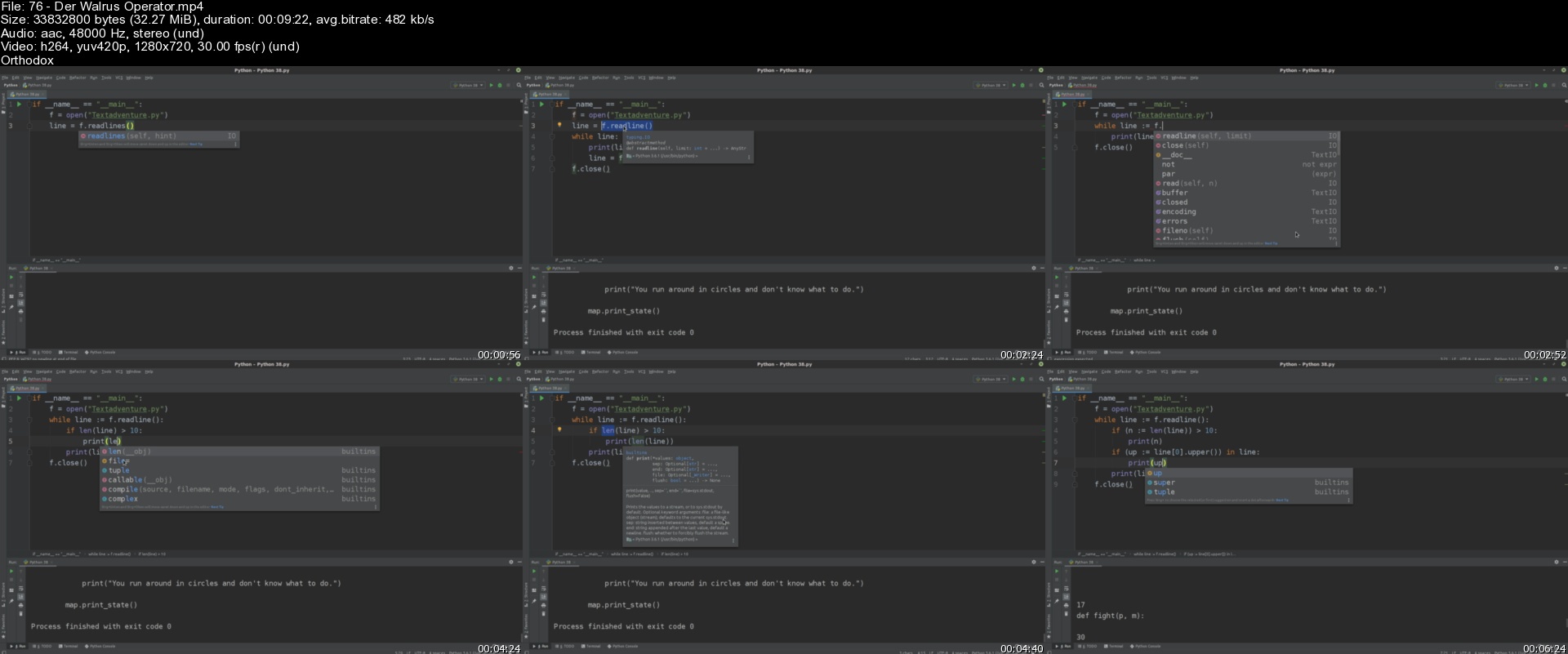
Python - Wie Anfänger Zu Profis Werden

gmesovs6mjt6ytapzp0rksbjma.jpg


Python - Wie Anfänger Zu Profis Werden
MP4 | Video: h264, 1280x720 | Audio: AAC, 44.1 KHz
Language: Deutsch | Size: 11.55 GB | Duration: 36h 49m

Python von Grund auf richtig lernen


What you'll learn
Python programmieren
Requirements
Du solltest einen PC bedienen können

Description
In dieser Tutorialreihe befassen wir uns mit Python, der wohl mittlerweile bekanntesten Programmiersprache. Sie ist sehr gut für Anfänger geeignet und bietet zudem ein breites Feld für Anwendungen - sei es im Bereich der Künstlichen Intelligenz, Datenanalyse, Apps, Webentwicklung, IT-Sicherheit und Pentesting oder selbst für Spiele. Python ist immer die richtige Wahl.
Für diesen Kurs brauchst du keinerlei Vorkenntnisse außer Grundlagen, wie man einen PC bedient und Software installiert. Lerne auch jetzt Programmieren und erschaffe deine eigene Software.

Who this course is for
Alle, die gerne Programmieren lernen wollen

Homepage


76derwalrusoperators3gksl.jpg


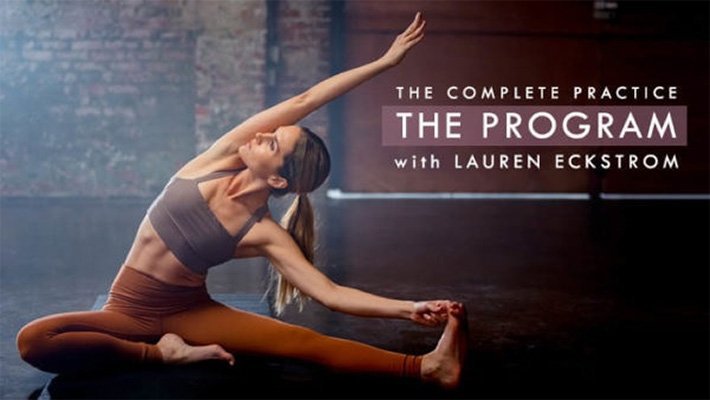
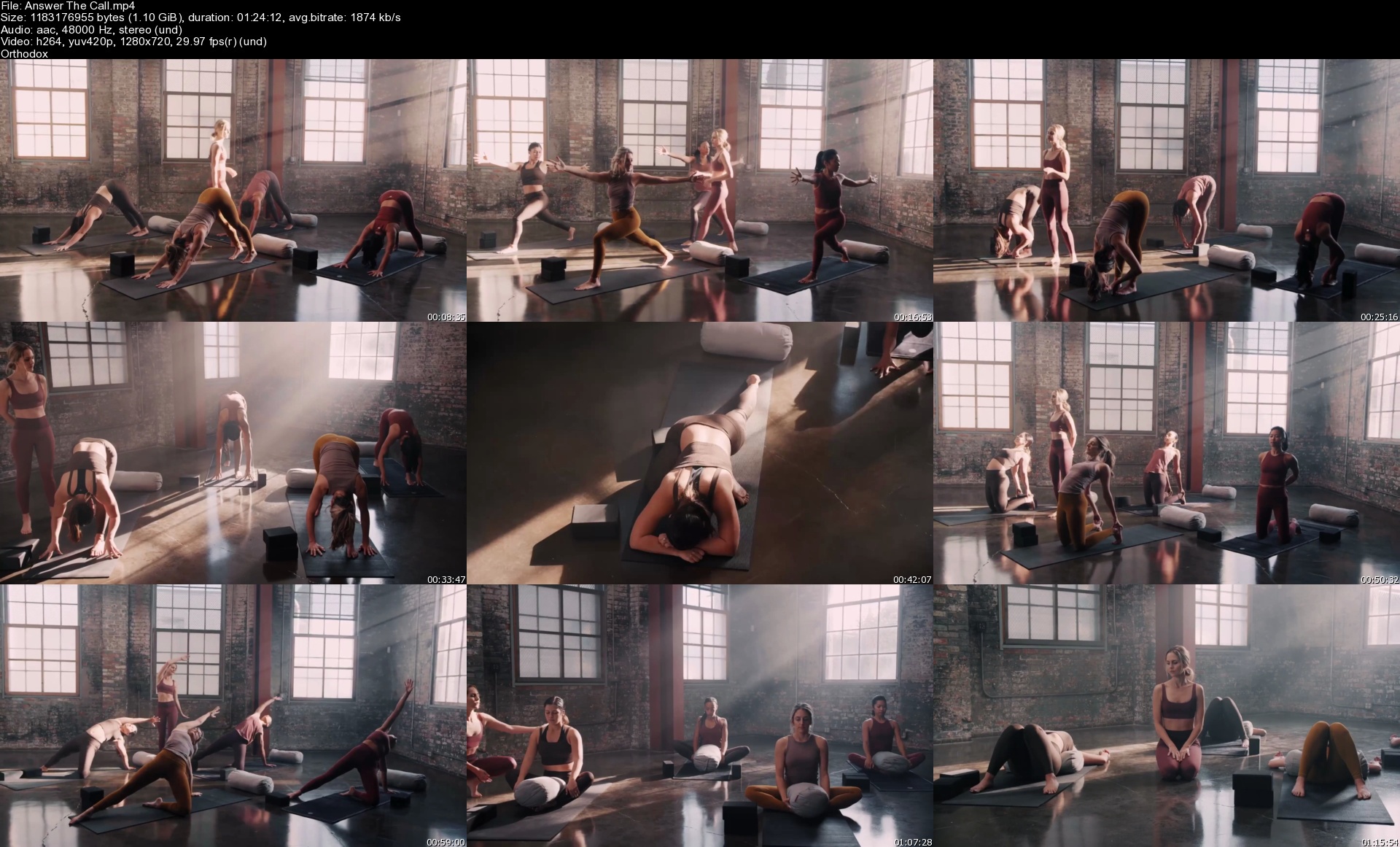
The Complete Practice: The Program [Yoga]

1mvb3yoso8o58ufwpuzpwsmjhp.jpg


The Complete Practice: The Program [Yoga]
Lauren Eckstrom | Duration: 8h 12m | Video: H264 1280x720 | Audio: AAC 48 kHz 2ch | 7,69 GB | Language: English

For the next 30 days you will commit to your practice and to yourself. You will be asked to show up more than you ever have, and at times, more than you want to. But transformation never takes place in your comfort zone. You are reading this because you are ready. During the Complete Practice: The Program with Lauren Eckstrom you will step onto your mat 6 days a week moving through a holistic 75-minute thematic yoga practice comprised of power yoga, yin yoga, restorative yoga, breath work and meditation. On the 7th day, you will rest your body with a guided 20-minute meditation. But your practice doesn't stop.

This journey is about balance, integrity, discipline, compassion and learning to live your practice off the mat and in the world. The yoga practices in this program deliver a truly holistic experience, balancing 40-minutes of strong, physical yoga with 35-minutes of the nourishing, healing and grounding styles of yin and restorative plus each class includes a brief guided meditation and rejuvenating final rest.

No stone will be left unturned. No part of the practice will be left out as you navigate your 6 human dimensions. The only question is, are you willing? The time is now. Answer the call. Let's begin.

Homepage


answerthecallskzk9r.jpg


Terraform on Azure (2022)

47141229dd2m6ksu.jpg


Terraform on Azure (2022)
Published 06/2022
MP4 | Video: h264, 1280x720 | Audio: AAC, 44.1 KHz, 2 Ch
Genre: eLearning | Language: English + srt | Duration: 126 lectures (11h 53m) | Size: 5.23 GB

Using Terraform to work with Azure-based resources


What you'll learn
Students will learn how to build Infrastructure on Azure with the use of Terraform
Students can develop Terraform configuration files that can work with a variety of resources
Students will learn various concepts related to Terraform
Students will learn how to use terraform concepts to build Azure resources

Requirements
The student should be aware on the basics of building Infrastructure on Azure
The student also have an Azure Account to work with Azure-based resources. The student can always create an Azure Free Account


Description
This course is meant to help students use Terraform to work with Azure-based services.

A lot of students have requested to have a course on how to use Terraform to work with Azure-based services. So here it is.

This course has 80+ Terraform configuration files and 10 Assignments

In this course , we will learn a lot including the following

Some basic concepts when it comes to working with Terraform. We need to learn some important concepts when it comes to aspects such as Planning and applying Terraform configuration files.

We will focus on working with Azure Storage Accounts. We will see how to use various Terraform features to create dynamic configuration files when working with Azure services.

Along with looking at Azure Storage Accounts, we will work with Azure Virtual Machines. We will look at

Creating the various components linked to an Azure VM

How to manage data disks

How to use custom script extensions

Using the Azure Key vault to store the Administrator account password

Using the Azure Bastion Host

How to create multiple Azure Virtual Machines

Making machines part of an Availability Set or an Availability Zone

Next we will focus on Azure Web Apps and Azure SQL databases. We will see

How to create Azure Web Apps

Deploy code from GitHub onto the Azure Web App

Deploy an Azure SQL database

Azure SQL Database auditing

How to deploy Azure SQL Server Virtual Machine

Then we will move onto Azure Networking where we will cover

Working with the Azure Load Balancer

Using the Azure Virtual Machine Scale Set

Azure Public DNS Zones

Working with the Azure Application Gateway

How to work with Virtual Network Peering

Who this course is for
This course is meant for students who want to know how to use Terraform to build Azure Infrastructure
This course will also help students learn about Terraform

Homepage


19.labsqldatabaseservgtjz5.jpg


Gumroad - 3D Character Creation for animation in Blender & Substance Painter

gljqbcsarpxoirt8wuqjwgwkdh.jpg


Gumroad - 3D Character Creation for animation in Blender & Substance Painter
Giulia Marchetti | Duration: 21h 52m | Video: H264 1920x1080 | Audio: AAC 48 kHz 2ch | 6,22 GB | Language: English + SUB

In this course I will teach you the complete process that I used to create a full character for animation. You will learn all the process because I will explain everything that I did. The vast mayority of the videos are in real time or with very little acceleration for the repetitive parts.

• references for creating our character
• blockout
• sculpt of head and body
• retopology of the body
• retopoloy of the head
• clothes creation
• accesory modeling
• interior mouth modeling
• uvs of all the character
• substance painter preparation
• bake and texturing in substance painter
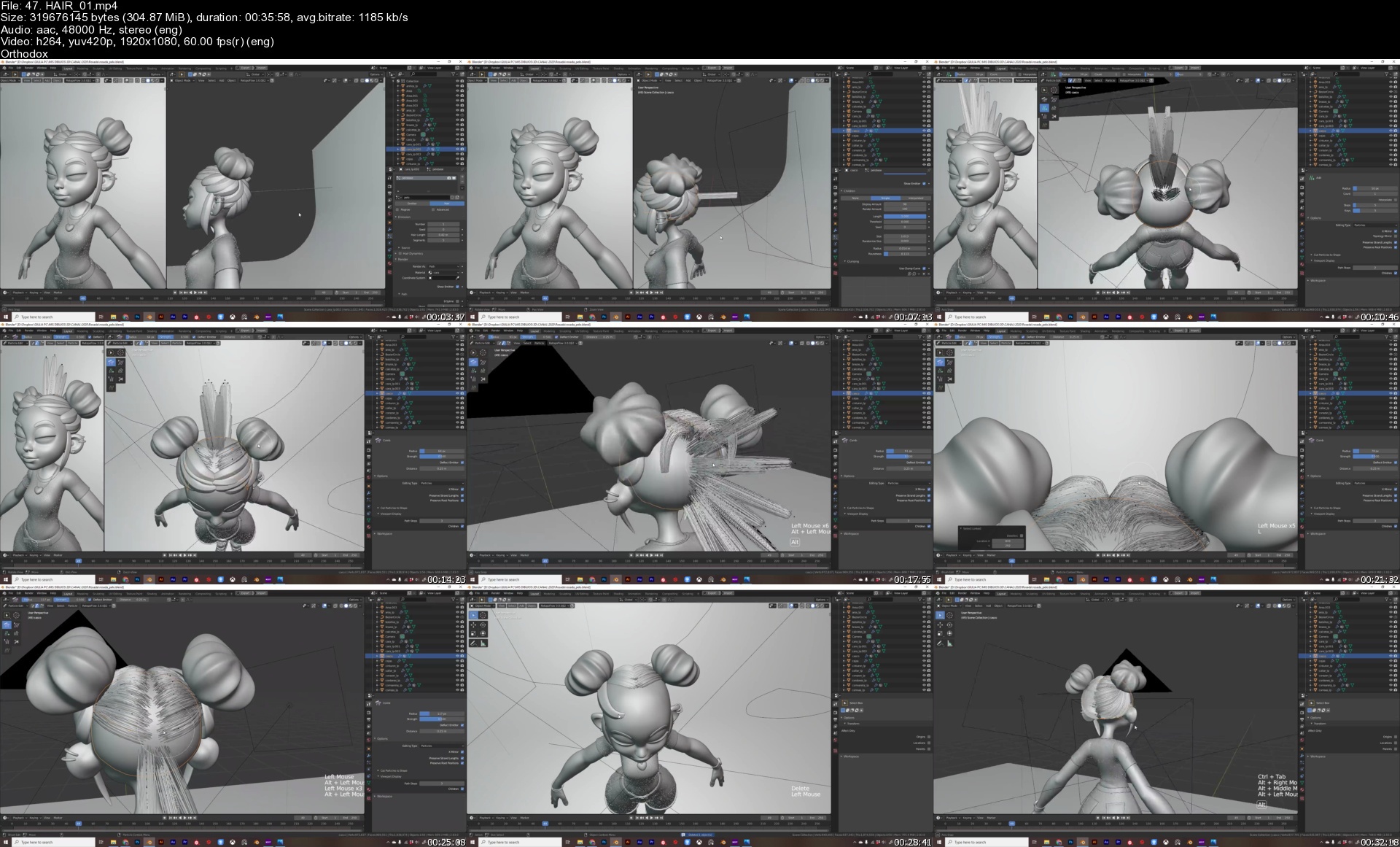
• hair creation for the clothes using particle system
• hair creation for the character using particle system of blender
• simple rigging with rigify to pose our character
• facial expression using the sculpt mode
• creation of ilumination setup and render

Homepage


47.hair01sn8krn.jpg


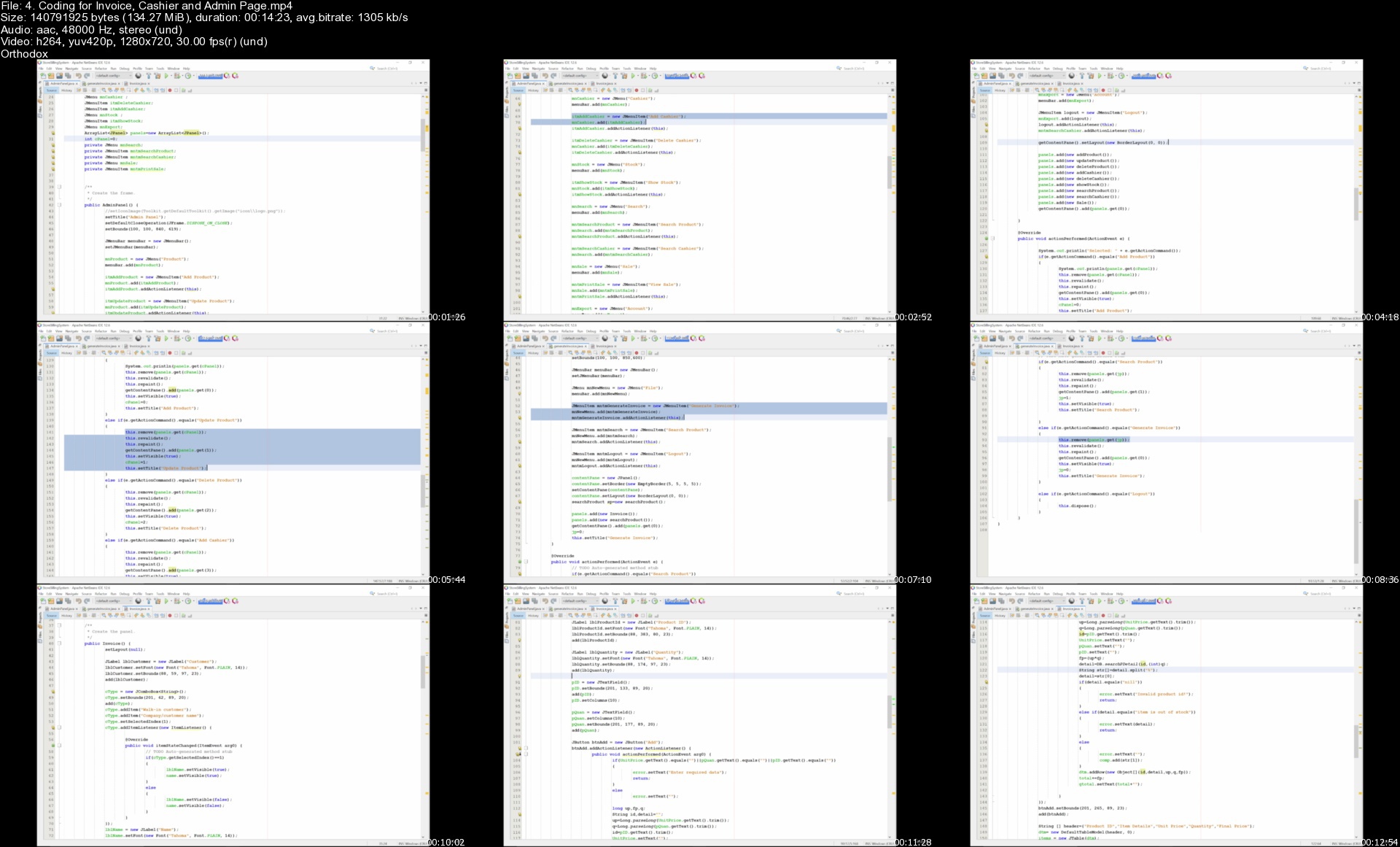
Java Development Course: Build 40 Real World Projects 2022

4702058830e3zwjfh.jpg


Java Development Course: Build 40 Real World Projects 2022
Instructors: Engineering Org In
42 sections • 367 lectures • 68h 21m
Video: MP4 1280x720 44 KHz | English + Sub
Updated 6/2022 | Size: 33.99 GB

Java Programming Course: Learn Development Of JAVA Projects Using JSP,JDBC, Servlets, Swing, Spring Boot,Maven,Hibernate


What you'll learn
Gain in-depth understanding of core & advanced features of Java
Be able to demonstrate your understanding of Java to future employers.
Master Object-Oriented Programming concepts by using a real-world application as a case study
Master design principles, best practices and coding conventions for writing well-designed, professional Java code

Requirements
Knowledge Of JAVA


Description
From web to mobile to desktop, Java is found in virtually all operating systems. Used commonly along with business applications and Android mobile operating systems, the Java programming language is constantly updated to keep up with industry trends and can support many languages across its platform.
Although languages such as Python, HTML/CSS, and SQL have risen in popularity over the last few years, Java has been widely used by large IT corporations like Google, Amazon, LinkedIn, Netflix, Facebook, and Twitter for decades thanks to its usability and versatility. According to recent data collected on Java users, the largest industries to use Java include Computer Software and Information Technology, with 69% of all companies using Java being small (<$50 million per year), 8% being medium ($50 million to $1000 million per year), and 16% being large (>$1000 million per year). This means small businesses especially rely on the accessibility and simplicity of this core programming language.
Java was designed to be beginner-friendly, creating a safe environment for new developers to play with the language and make mistakes. While it is simple to use, Java is a diverse and high-level language, allowing users to focus on programming rather than more complex machine details. In fact, Java's advanced memory management tools take care of memory allocation, reallocation, and deallocation automatically through a software tool called the Garbage Collector. Additionally, Java has English-like syntax with minimum magic characters, making it easy to read and learn Java programs.

In This Course We Are Going To Work On 40 Java Projects

Project-1 : Electricity Billing System - Java Core, Swing, JDBC, MySQL
Project-2 : Hotel Management System - Java Core, Swing, JDBC, MySQL
Project-3 : Airlines Management System - Java Core, Swing, JDBC, MySQL
Project-4 : University Management System - Java Core, Swing, JDBC, MySQL
Project-5 : Travel and Tourism Management System - Java Core, Swing, JDBC, MySQL
Project-6 : Store Billing System - Java Core, Swing, JDBC, MySQL
Project-7 : Bank Management System - Java Core, Swing, JDBC, MySQL
Project-8 : Application World - Java Core, Swing, AWT
Project-9 : Payroll System - Java Core, Swing, JDBC, MySQL
Project-10 : Cab Booking System - Java Core, Swing, JDBC, MySQL
Project-11 : Simple Playlist Application In java - Java SE & OOPS
Project-12 : Simple Web Browser Application - Java SE, Maven & OpenJFX
Project-13 : Pentominoes Game In java - Java SE, Swing API
Project-14 : Number Puzzle Game In Java - Java SE, Swing API
Project-15 : Currency Converter API - Java SE, Maven, Swing
Project-16 : Bridge game in Java - Java SE, Swing & Java AWT
Project-17 : Rock Scissor Paper Game in java - Java SE, Maven, Swing
Project-18 : Dungeon: The Adventure Game In Java - Java SE & OOPS
Project-19 : Minesweeper Game in Java - Java SE, Swing API
Project-20 : Sokoban: A video puzzle game in Java - Java SE, Swing API
Project-21 : Create a School Payment Management System in JAVA-Core java
Project-22 : Build Your Own Notepad Clone using JAVA-Core java
Project-23 : Create a Game of Feeding the Snake using JAVA GUI-Core JAVA, JAVA Swing, JAVA AWT
Project-24 : Create a Music Playlist Library using JAVA-Core JAVA, JAVA Swing, JAVA AWT
Project-25 : Create an Interesting Game of Noughts and Crosses in JAVA-Core java
Project-26 : Create a Food Ordering System in JAVA-Core JAVA, JAVA Swing, JAVA AWT
Project-27 : Create a Download Manager in JAVA-Core JAVA, JAVA Swing, JAVA AWT
Project-28 : Create an ATM Machine Interface using JAVA-Core java
Project-29 : Create A Contact Repository Interface Using JAVA-Core JAVA, JAVA Swing, JAVA AWT
Project-30 : Build A Painting Canvas Tool Using JAVA Swing-Core java
Project-31 : Build An Interactive BST Visualizer Application In JAVA-Core JAVA, JAVA Swing, JAVA AWT
Project-32 : Build A File Browser Interface Using JAVA Swing-Core JAVA, JAVA Swing, JAVA AWT
Project-33 : Create A Time And Task Management System In Java -Core java
Project-34 : Email Administration System - Java core
Project-35 : Event Management System - Java servlet
Project-36 : Online Quiz system - JDBC, JSP
Project-37 : E library System - Java servlet, JDBC
Project-38 : TCP Chat Application - Java networking, java swing
Project-39 : Covid Information Tracker - Java spring boot, jdbc
Project-40 : Blog & Report System - Java, JSP, AJAX

Who this course is for:Beginners In JAVA

Homepage

4.codingforinvoicecas4mklo.jpg


A Guide To Master Classical Guitar - Part 2

46560706ab55e1ku7.jpg


A Guide To Master Classical Guitar - Part 2
Published 06/2022
MP4 | Video: h264, 1280x720 | Audio: AAC, 44.1 KHz, 2 Ch
Genre: eLearning | Language: English | Duration: 39 lectures (4h 54m) | Size: 6 GB

Become a Pro Classical Guitarist


What you'll learn
Advanced guitar pieces for Grade 7 Exam
Advanced techniques for classical guitar
Baroque style ornaments
CAGED system arpeggios

Requirements
You need to finish the previous course Part 1


Description
Guide To Master Classical Guitar (Part 2) is the second part of the series.

This is an expert-level course and is not meant for beginners.

Here is what we are going to cover

We continue where we left off in the last course with sight-reading from fret 9 to fret 12, and learning how and where are these notes on the sheet music and the guitar.

I am going to show you a pattern for the fretboard that will allow you to locate ANY note, anywhere on the fretboard! I use this pattern with my private students - and with myself- and it shows amazing results.

Next, we are going to take one of the most beautiful pieces by J.S.Bach which is Prelude From Suite No.1, BWV 1007 for the Cello.

I choose this one because we can apply what we learned in the previous section and because it really sounds good on the classical guitar!

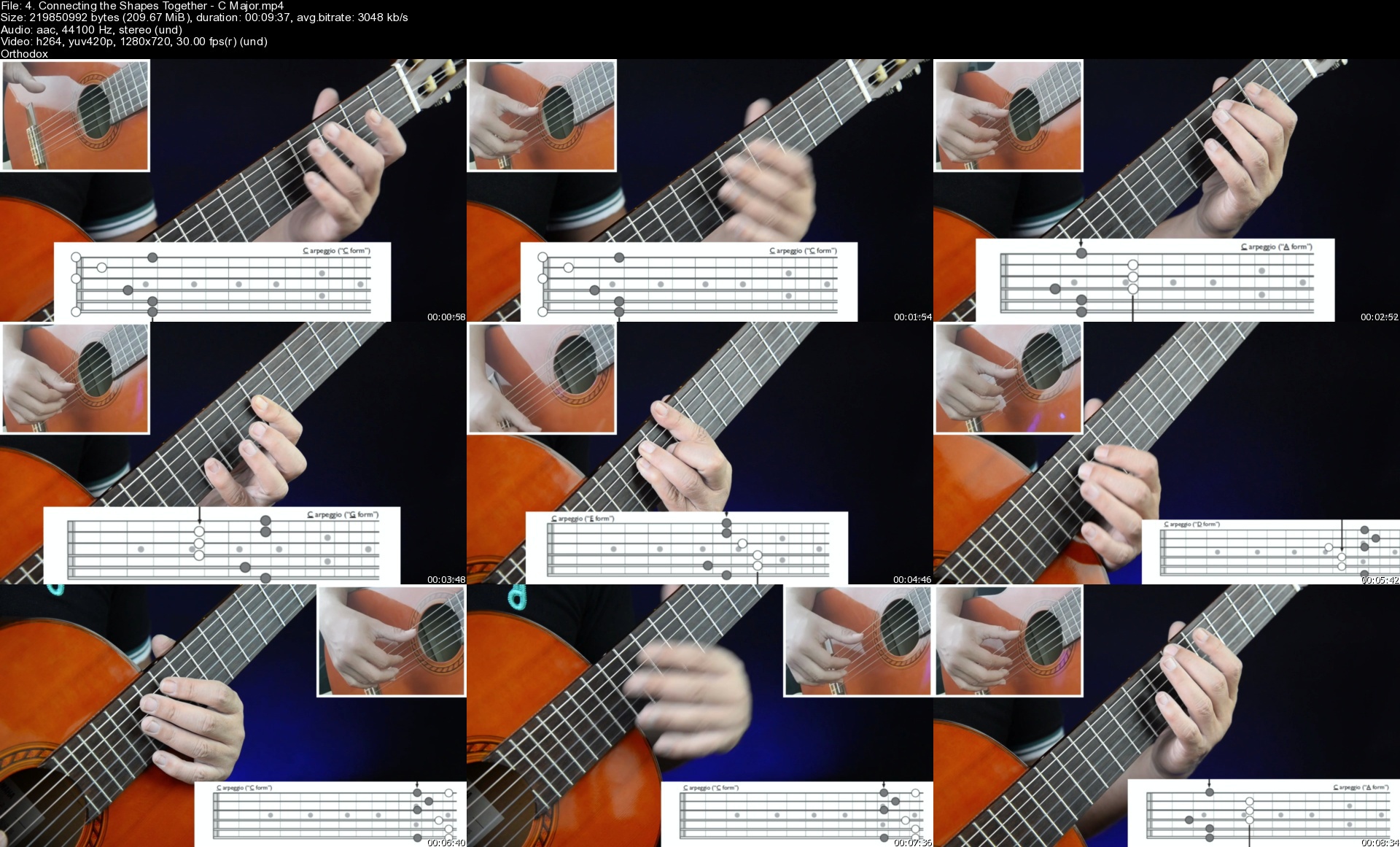
After that, we going to Master the Arpeggios by looking at the CAGED system and I will teach you how the fretboard is just one Gigantic chord that is connected together.

And to apply this, I chose Etude No.25 by Matteo Carcassi, the last study of his famous etudes. It is filled with arpeggios and it is a requirement in Grade 7 for classical guitar at London College of Music.

Then we are studying Ornaments, an essential skill you need to be aware of as you reached this high level in classical guitar. We going to focus on two kinds, but I will explain most of the ornaments that can come your way as a guitarist.

Finally, we will study two pieces to apply the ornaments. The first one is quite an easy piece, Prelúdio by Santiago de Murcia. This one is actually a grade 5 piece but it has many ornaments, so I thought you can focus more on them rather than hard techniques.

The last piece we are going to study is Allemande by J.S.Bach. This one has a few ornaments, and it's a Grade 7 piece. It will require a lot of study and time as it is filled with arpeggios and scales, so you should take your time with this one.

It took me some time to choose the pieces here and design this course, and if you really series about leveling up your playing, then I strongly recommend that you take this course.

See you on the other side.

Who this course is for
Advanced classical guitarists who wants to continue learning until they reach grade 8 in classical guitar.

Homepage


4.connectingtheshapeszpkhn.jpg


Bare Metal Programming In Arm Cortex-M Processor (Tm4C123)

bkzggnznim9hw5zwkpc22rvjb8.jpg


Bare Metal Programming In Arm Cortex-M Processor (Tm4C123)
Published 6/2022
MP4 | Video: h264, 1280x720 | Audio: AAC, 44.1 KHz
Language: English | Size: 7.85 GB | Duration: 15h 5m

Using Keil uVision IDE for understanding and developing all the peripheral drivers for TM4C123 (Arm Cortex M Processor)


What you'll learn
Programming TM4C123GH6PM microcontroller in Keil uVision IDE
You will learn how to program a TM4C123 Microcontroller from scratch with datasheet approach
Build your own projects with the TM4C123 microcontroller.
You will be learning all the peripherals programming from scratch no libraries used in Keil uVision IDE
The class starts from the basics of setting up a microcontroller programming and hardware environment.
Writing peripheral driver for TM4C123GH6PM microcontroller
Arm Cortex M Processor Understanding
Requirements
Basic knowledge on electronics components
Basic knowledge on C programming
Basic circuit building skills from schematics

Description
Over a 45+ lecture videos, 15+ Hours of Full HD Content that will take you in an interactive learning to not only master the coding of TM4C123 Microcontroller and also Arm Cortex M processor, And it will make you familiar and capable for writing drivers and building applications as per your requirement with similar controllers with same processor, but also learn the very basics of TM4C123GH6PM Microcontroller internal structure and hardware schematics along with basics of TM4C123GH6PM for writing peripheral drivers required for building your own products out of STM32 microcontroller, how it really works, it's parts and how your code is working inside the CPU of a Microcontroller. Hi, welcome you all to this course on Bare Metal Programming in Arm Cortex-M Processor (TM4C123).The course is structured for the need of learners to understand microcontrollers from scratch till you master your skills. This course is the outcome of the experience I gained after training many of graduate students and working professionals in person, and with my expertise in the field of embedded systems. Few basic Embedded C concepts are also covered.SM Training Academy invites you all to enroll in this course and explore the world of embedded systems with step by step guidance by own expert trainers to excel in their career. There is no better way to master and understand the PIC microcontroller than joining this course. Whatever you want to learn is available in this course and also we will be updating the course with new lectures in a periodical manner. So join the course and enjoy learning.

Overview

Section 1: Introduction

Lecture 1 Introduction to the Course

Section 2: Understanding Architecture of Arm Processor

Lecture 2 RISC Architecture Explained

Lecture 3 Fundamentals of ARM Architecture

Lecture 4 ARM buses and its types

Section 3: Understanding Arm Cortex-M Processor

Lecture 5 Introduction to Arm Cortex-M Processor

Lecture 6 Arm Cortex-M Architecture Explained

Section 4: Hardware and software used in this Course

Lecture 7 Hardware and software used in this Course

Lecture 8 Installing the necessary softwares along with drivers required

Section 5: How CPU Works ?

Lecture 9 How CPU Works ..? (Arm Cortex M)

Lecture 10 Little and Big Endian Concept

Section 6: Implementation of C Programming in Arm Cortex M

Lecture 11 Pointers in C Explained

Lecture 12 Blinking LED in Tiva C launchpad using raw addresses and pointers

Lecture 13 Preprocessor's in C with Tiva C microcontroller Addresses

Lecture 14 Using Texas Instrument Header File in Keil IDE

Lecture 15 Bitwise Operators in C

Lecture 16 Using Bitwise Operators in Embedded Processors

Lecture 17 Creating Source Files in Keil uVision IDE

Section 7: Structures in C

Lecture 18 Introduction to Structures in C

Section 8: CMSIS in Arm Processors

Lecture 19 What is CMSIS..?

Lecture 20 Understanding and Creating CMSIS for LED Bilink in Tiva C Microcontroller

Lecture 21 Using CMSIS from Silicon Vendor ->Texas Instrument

Section 9: Interfacing LED with TM4C123

Lecture 22 Interfacing LED with TM4C123

Section 10: Interfacing Push Buttons with TM4C123

Lecture 23 Input Devices Working Explained

Lecture 24 Interfacing Push Buttons with TM4C123

Section 11: Systick TImer in TM4C123

Lecture 25 Systick Timers in Arm Cortex M

Lecture 26 Systick Timers in TM4C123

Lecture 27 Creating millisecond delays in program using Systick Timer

Section 12: Interfacing 7Segment display with TM4C123

Lecture 28 7 Segment Display Working Explained

Lecture 29 Interfacing 7Segment display with TM4C123

Section 13: Interfacing LCD with TM4C123

Lecture 30 16x2 LCD Working Explained in 8 Bit Mode

Lecture 31 Interfacing 16x2 LCD with TM4C123 in 8 Bit Mode

Lecture 32 16x2 LCD Working Explained in 4 Bit Mode

Lecture 33 Interfacing 16x2 LCD with TM4C123 in 4 Bit Mode

Section 14: Interfacing Keypad with TM4C123

Lecture 34 Keypad Working Principle Explained

Lecture 35 Interfacing 4x3 Keypad with TM4C123

Section 15: External Interrupt in TM4C123

Lecture 36 Interrupt Working Explained in Microcontroller's

Lecture 37 Implementing External Interrupt in TM4C123

Section 16: Timers in TM4C123

Lecture 38 Timers in TM4C123

Lecture 39 Implementing Timer Interrupt for Accurate delays in TM4C123

Section 17: PWM in TM4C123

Lecture 40 PWM Working Principle Explained

Lecture 41 Generating PWM pulses of required frequency and dutycycle in TM4C123

Section 18: ADC in TM4C123

Lecture 42 ADC Module Working Principle Explained

Lecture 43 Interfacing Variable Resistor with TM4C123

Section 19: UART Serial Communication in TM4C123

Lecture 44 UART Serial Communication Working Principle Explained

Lecture 45 UART Data Transmission in TM4C123

Lecture 46 UART Data Reception in TM4C123

Anyone with a curiosity for making electronics,People with some experience in electronics,People with an beginner knowledge of embedded systems

Homepage


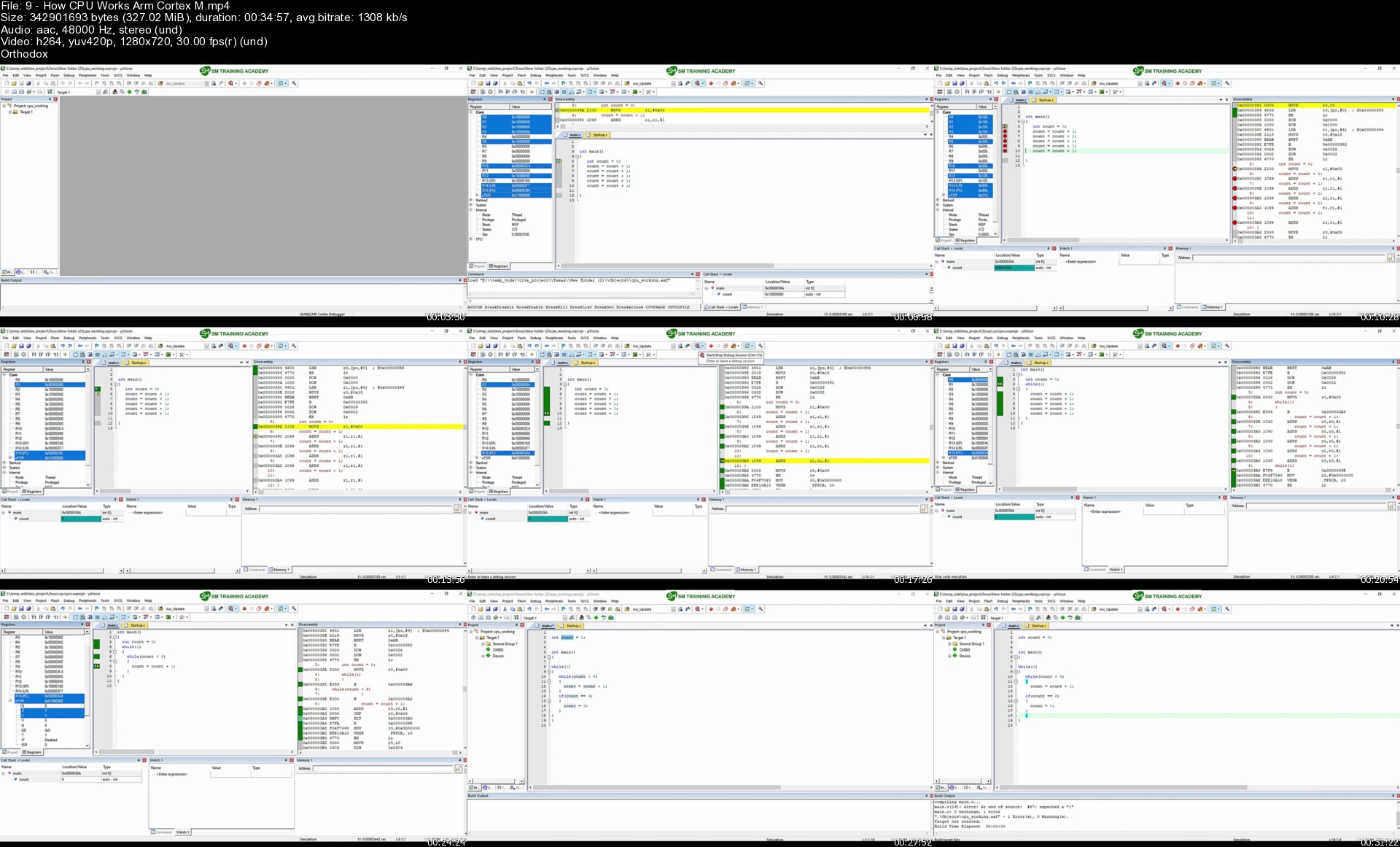
9howcpuworksarmcortexgmjph.jpg


Pl-900 Microsoft Power Platform Fundamentals Complete Guide

7uzyd7buv1s6c7dpqwo7sycjm4.jpg


Pl-900 Microsoft Power Platform Fundamentals Complete Guide
Published 6/2022
MP4 | Video: h264, 1280x720 | Audio: AAC, 44.1 KHz
Language: English | Size: 5.07 GB | Duration: 15h 0m

Complete PL-900 training guide with video lectures, demos, study guides, and practice exams, to prepare you for PL-900


What you'll learn
Everything you need to pass the PL-900 exam and receive the Power Platform Fundamentals certification
All learning objectives in the PL-900 Microsoft Power Platform Fundamentals curriculum, through video lectures, demos, PDF study guides, and practice exams
Understand and communicate the business value, and the core components, of Microsoft Power Platform
Learn, demonstrate, and apply the capabilities of Power BI to build sophisticated reports
Learn, demonstrate, and apply the capabilities of Power Apps to create business applications
Learn, demonstrate, and apply the capabilities of Power Automate to automate routine business processes
Learn, demonstrate, and apply the capabilities of Power Virtual Agents to publish useful and productive chat bots
Requirements
This course goes starts from the beginner level, so no prerequisites are required. Come hungry to learn!
Computer with web browser and internet
For Power BI Desktop, Windows 8 minimum

Description
Do you want to learn about the Power Platform, and prove that you have the knowledge to use the Power Platform to solve problems?Do you want to learn and apply the capabilities within Power BI, Power Apps, Power Automate, Power Virtual Agents, Dataverse, AI Builder, and Connectors?Do you want to be certified from Microsoft, so that you can put it on your Resume/CV and showcase to potential employers that you know the Power Platform?Do you want to pass the Microsoft PL-900 on the first try, and want one single complete resource that has everything you need for the PL-900 certification?Then this is the course for you. Learn from over 15 hours of instructional content, 140 pages of study guides, and practice exams, with the only complete guide to everything you need to know to pass the PL-900 exam and receive your certification.This course gives you all the training you need to pass - with detailed lectures, demos, and practice questions for each of the 76 learning objectives within the PL900 curriculum. This course gives you the structure you need to succeed - we go through each learning objective in sequential order, so that you are never lost.This course is also for those students who want to learn the Power Platform, and its underlying services. Along with the training required to pass the PL 900 certification, students also learn Power BI, Power Apps, Power Automate, Power Virtual Agents, AI Builder, Dataverse, and Connectors.PL-900 Microsoft Power Platform Fundamentals is also called PL-900, PL900, and PL 900 certifications, and so these are used interchangeablyWhat is this course all about?The purpose of this course is to prepare you for the PL 900 Microsoft Power Platform Fundamentals exam. It offers you dedicated video lectures, walk through demos, PDF study guides, and practice exams to maximize your chances of success. This course covers 100% of the 76 learning objectives in Microsoft's curriculum, and trains you to receive the certification on the first try.What is the PL-900?The PL-900 is a certification exam offered by Microsoft, that enables you to receive the Microsoft Power Platform Fundamentals certification. This proves to employers and clients that understand the core capabilities of the Power Platform and can apply it to solve every day problems in business settings. The exam format varies, but is most often 45 questions within 65 minutes.What does the PL-900 cover?The PL-900 covers introductory concepts and capabilities related to the Power Platform. Specifically, this includes Power BI, Power Apps, Power Automate, Power Virtual Agents. It also includes related topics such as Dataverse, AI Builder, Connectors, Dynamics 365, Teams, Security, and Administration. The exam does not only cover understanding the platform's capabilities, but also applying it to build reports, create apps, automate processes, and publish chat bots.What is Power BI?Power BI is a business intelligence and analytics platform, enabling users to connect data sources, discover insights, and create reports and dashboards that can be shared within the entire organization. Power BI is the most popular service within the Power PlatformWhat is Power Apps?PowerApps in Microsoft's platform to build fully functional and cross-platform applications with little to no code. Think of PowerApps as Microsoft Word, but instead of building documents you are building real-life applications.What is Power Automate?Power Automate is a platform to automate any and all tasks. You can streamline anything, including your emails, calendars, and business processes. Users have seen more than a 15% increase in productivity after using Power Automate for only a week!What is Power Virtual Agents?Power Virtual Agents is the easiest and no-code way to create sophisticated chat bots to improve customer experience and automate requests in your company. PVA enables you to leverage Microsoft natural language processing and artificial intelligence at your fingertipsWhy should you get the PL-900 certification?The PL-900 certification from Microsoft is a recognized way to prove that you understand and can operate the services within the Power Platform. You can use the knowledge you learn in the PL-900 course to create impact in your organization. You can add it to your resume to significantly boost your chances of employment. Most employers even cover the cost of the training and exam because of the value that this certification provides. In certain countries, you can even receive ACE college credits.Why choose this course?Complete guide - this is the 100% complete, start to finish zero to hero training guide to passing the PL900 exam. It includes lectures, demos, study guides, practice exams, and more. It is the only resource that you will ever need to ace the exam. It contains over 15 hours of instructional content!Full coverage - we go through Microsoft's curriculum one-by-one and cover all aspects of each of the 76 different learning objectives. This means no surprises on the exam, and it ensures that you are best prepared to pass the PL-900 exam on the first try.Structured to succeed - the course mirrors Microsoft's PL 900 curriculum exactly. Each of the 76 learning objectives has a combination of a PDF study guide, full video lectures, full video walk through demos, and application.Instructional and applicable - we not only go through important concepts, but also apply them as we are building our application so that we can solidify them. This is not only a walkthrough of the all the features and theoretical concepts, but a PL-900 course that actually builds applications with youStudy guide PDF - you receive the full 120+ page study guide that we go through in detail in the course - students download these, print them, and annotate them so you can maximize your chances of success to pass the PL 900 exam.Practice exams - this course contains practice exams with questions that exactly mirror the types of questions found on the PL-900 exam. Use them to validate your knowledge and find weaker areas where you need to review.Step by step - each learning objective within Microsoft's PL 900 curriculum is covered in order, step by step. This ensures that you never get lost in the course.Teacher response - if there's anything else you would like to learn, or if there's something you cannot figure out, I'm here for you! Look at the ways to reach out videoCommunity - when you enroll in this course, you join a PL900 community full of learners just like youCourse overview theoryThe course follows exactly according to PL900 curriculum, based on 76 learning objectives (LO) that Microsoft has defined. Everything in this course is made to maximize your chances of passing the exam. For each learning objective, the course offers a combination of guided study notes, lecture videos, walk-through demos, and application. We then end with practice exams.Course overviewIntroduction - learn about the PL 900 exam and how best to succeedEnvironment Setup - set up the Power Platform on your computer so you can follow along, and review the curriculumSection 1: Describe the business value of Microsoft Power Platform (20-25%)Section 2: Identify the core components of Microsoft Power Platform (10-15%)Section 3: Demonstrate the capabilities of Power BI (20-25%)Section 4: Demonstrate the capabilities of Power Apps (25-30%)Section 5: Demonstrate the capabilities of Power Automate (10-15%)Section 6: Demonstrate the capabilities of Power Virtual Agents (5-10%)Practice Exams - practice what you have learned to validate your knowledgeConclusion - take your exam, earn your certification, and next stepsMedal icons created by Freepik. Music by Bensound.

Overview

Section 1: Introduction

Lecture 1 Introduction

Lecture 2 What is PL-900?

Lecture 3 Course roadmap and PL-900 curriculum

Lecture 4 Curriculum and learning objectives

Lecture 5 Who am I?

Lecture 6 Ways to reach out

Lecture 7 Keys to success

Lecture 8 Leave a rating

Section 2: Environment

Lecture 9 Create a trial account

Lecture 10 App launcher and Power BI Desktop

Lecture 11 Quick app walkthrough

Lecture 12 Reference material

Lecture 13 Reference materials - see resources

Lecture 14 Study notes

Section 3: LO1: Describe the business value of Microsoft Power Platform

Lecture 15 1.1.1 Power BI

Lecture 16 1.1.2 Power Apps

Lecture 17 1.1.3 Power Automate

Lecture 18 1.1.4 Connectors

Lecture 19 1.1.5 Power Virtual Agents

Lecture 20 1.2.1 Dynamics 365 and Power Platform

Lecture 21 1.2.1 Dynamics 365 connectors

Lecture 22 1.2.2 Microsoft 365 and Power Platform

Lecture 23 1.2.3 Teams and Power Platform

Lecture 24 1.2.4 Azure and Power Platform

Lecture 25 1.2.5 Third party apps and services

Lecture 26 1.2.7 How the different apps work together

Lecture 27 1.3.1 Power Platform security

Lecture 28 1.3.1 Dataverse security roles

Lecture 29 1.3.1 Demo on Dataverse security roles

Lecture 30 1.3.1 Security roles deep dive

Lecture 31 1.3.2 Manage apps, workflows, and users

Lecture 32 1.3.3 Environments

Lecture 33 1.3.4 Admin center summary

Lecture 34 1.3.4 Demo Microsoft 365 admin center

Lecture 35 1.3.4 Power platform admin center

Lecture 36 1.3.5 DLP introduction

Lecture 37 1.3.5 DLP demo

Lecture 38 1.3.5 DLP block exceptions

Lecture 39 1.3.6 Privacy and accessibility guidelines

Lecture 40 1.3.7 Privacy and accessibility tools

Lecture 41 1.3.7 Demo of trust center and security compliance

Section 4: LO2: Identify the core components of Microsoft Power Platform

Lecture 42 2.1.1 Dataverse

Lecture 43 2.1.2 Dataverse for Teams

Lecture 44 2.1.3 Tables, columns, and relationships

Lecture 45 2.3.1 AI Builder

Lecture 46 2.3.2 AI Builder models

Lecture 47 2.3.2 Business card examples

Lecture 48 2.3.2 Document processing example 1

Lecture 49 2.3.2 Document processing example 2

Lecture 50 2.3.2 Document processing example 3

Lecture 51 2.3.3 AI Builder and the Power Platform

Section 5: LO3: Demonstrate the capabilities of Power BI

Lecture 52 3.1.2 Power BI desktop tabs

Lecture 53 3.1.2 Demo of Power BI desktop tabs

Lecture 54 3.1.3 Power BI Desktop vs. Power BI Service

Lecture 55 3.1.4 Power BI Service elements diagram

Lecture 56 3.1.4 Power BI Service elements detail

Lecture 57 3.1.4 Power BI Service elements walkthrough

Lecture 58 3.1.5 Power BI security model

Lecture 59 3.2.1 Go through sample data

Lecture 60 3.2.1 load data into Power Query

Lecture 61 3.2.1 Combine data

Lecture 62 3.2.2 Assign data types

Lecture 63 3.2.2 Replace values and clean data

Lecture 64 3.2.2 Preview data columns

Lecture 65 3.2.2 Add columns

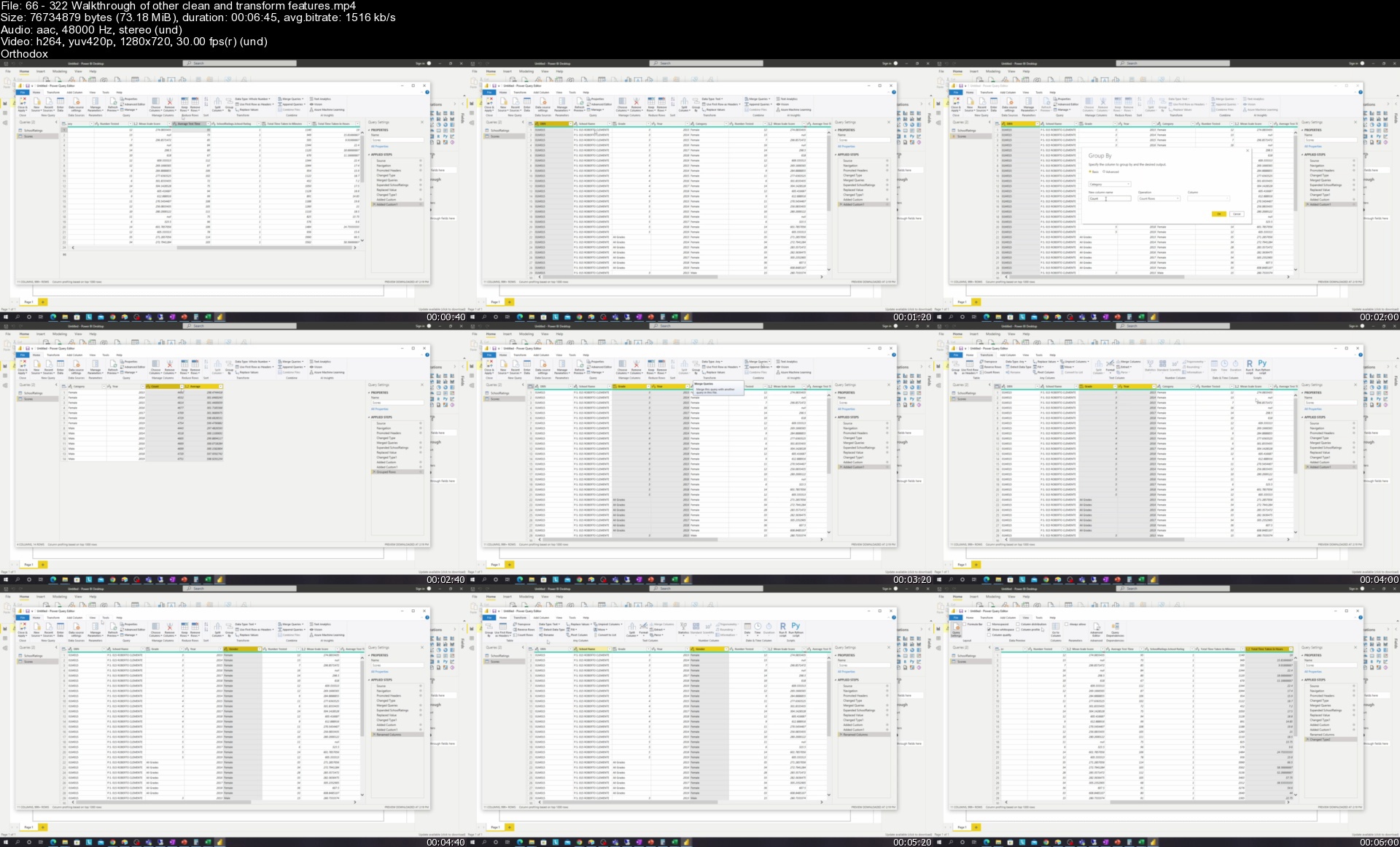
Lecture 66 3.2.2 Walkthrough of other clean and transform features

Lecture 67 3.2.2 Apply queries and add more data

Lecture 68 3.2.3 Aggregate functions

Lecture 69 3.2.3 Demo of aggregate functions

Lecture 70 3.2.4 Data sources in Power BI

Lecture 71 3.2.5 Shared datasets

Lecture 72 3.2.6 Template apps

Lecture 73 3.2.6 Demo of template apps

Lecture 74 3.2.7 Viewing reports and dashboards

Lecture 75 3.3.1 Create a new score column

Lecture 76 3.3.1 Create our first visualization

Lecture 77 3.3.1 Formatting the visualization

Lecture 78 3.3.1 Build out remaining visualization

Lecture 79 3.3.1 New page and card and guage visualization

Lecture 80 3.3.1 Filters and slicers

Lecture 81 3.3.1 Stacked bar, clustered bar, and line chart

Lecture 82 3.3.1 KPI charts

Lecture 83 3.3.1 Bar charts

Lecture 84 3.3.1 Buttons

Lecture 85 3.3.1 Publish dataset and report

Lecture 86 3.3.1 Quick clarification

Lecture 87 3.3.2 Create dashboards

Lecture 88 3.3.2 Edit dashboards

Lecture 89 3.3.3 Share reports and dashboards

Lecture 90 3.3.3 Add elements to workspaces

Section 6: LO4: Demonstrate the capabilities of Power Apps

Lecture 91 4.1.1 App types

Lecture 92 4.1.2 Use cases of formulas

Lecture 93 4.1.2 Functions in formulas

Lecture 94 4.2.1 Data sources

Lecture 95 4.2.1 Data load

Lecture 96 4.2.1 Data update

Lecture 97 4.2.1 Table definitions

Lecture 98 4.2.1 Demo of load data

Lecture 99 4.2.1 Demo of update data

Lecture 100 4.2.1 Delegations

Lecture 101 4.2.2 Connectors overview

Lecture 102 4.2.3 Create apps from data

Lecture 103 4.2.3 Explore apps

Lecture 104 4.2.4 Common controls

Lecture 105 4.2.4 Development environment

Lecture 106 4.2.4 Dynamic assignment

Lecture 107 4.2.4 Actions and navigate

Lecture 108 4.2.4 Variables

Lecture 109 4.2.4 Functions and formulas

Lecture 110 4.2.4 If statements

Lecture 111 4.2.4 Setting up the data

Lecture 112 4.2.4 Connecting to data

Lecture 113 4.2.4 Data tables

Lecture 114 4.2.4 Galleries 1

Lecture 115 4.2.4 Galleries 2

Lecture 116 4.2.4 View forms and galleries

Lecture 117 4.2.4 Edit forms 1

Lecture 118 4.2.4 Edit forms 2

Lecture 119 4.2.4 Filter and search

Lecture 120 4.2.5 Publish and share apps

Lecture 121 4.2.5 Save and publish apps

Lecture 122 4.3.1 Model-driven apps introduction

Lecture 123 4.3.1 Add sample data

Lecture 124 4.3.1 Demo create an app from tables

Lecture 125 4.3.1 Model driven app building blocks

Lecture 126 4.3.2 Forms

Lecture 127 4.3.2 Demo of forms

Lecture 128 4.3.3 Views

Lecture 129 4.3.3 Demo of views

Lecture 130 4.3.4 Publish and share model-driven apps

Lecture 131 4.3.4 Security roles

Section 7: LO5: Demonstrate the capabilities of Power Automate

Lecture 132 5.1.1 Cloud and desktop and business processes

Lecture 133 5.1.1 Types of flows and how to choose

Lecture 134 5.1.2 Use case of flows

Lecture 135 5.1.2 What is a flow

Lecture 136 5.1.2 Flows can have multiple actions

Lecture 137 5.1.2 Flow templates

Lecture 138 5.1.2 Demo of templates

Lecture 139 5.1.3 Connecting triggers and actions

Lecture 140 5.1.3 Example connectors

Lecture 141 5.1.3 Types of connectors

Lecture 142 5.1.3 Demo of connectors

Lecture 143 5.1.4 Different built-in controls

Lecture 144 5.1.4 Conditions

Lecture 145 5.1.4 Switches

Lecture 146 5.1.4 Loops (do until and apply to each)

Lecture 147 5.1.5 Expressions introduction

Lecture 148 5.1.5 Demo of expressions

Lecture 149 5.1.6 Approvals introductions

Lecture 150 5.1.6 Approval system

Lecture 151 5.1.6 Prerequisites

Lecture 152 5.1.6 Demo of approvals

Lecture 153 5.1.7 Power Automate apps

Lecture 154 5.2.1 Example of instant, scheduled, and automated flows

Lecture 155 5.2.2 Modify a cloud flow

Lecture 156 5.2.3 Data operations

Lecture 157 5.2.3 Example of compose

Lecture 158 5.2.3 Example of parse JSON

Lecture 159 5.2.4 Run a cloud flow

Section 8: LO6: Demonstrate the capabilities of Power Virtual Agents

Lecture 160 6.1.1 Power Virtual Agents and business value

Lecture 161 6.1.2 Power Virtual Agents elements of topics, entities, actions

Lecture 162 6.1.3 Topic breakdown of message, question, condition, action nodes

Lecture 163 6.2.1 Create a chatbot

Lecture 164 6.2.1 Manage and delete bots

Lecture 165 6.2.2 Create a simple topic

Lecture 166 6.2.2 Add entities to topics

Lecture 167 6.2.3 Power Virtual Agents actions

Lecture 168 6.2.4 Call a Power Automate flow from Power Virtual Agents

Lecture 169 6.2.4 Return variables from Power Automate to Power Virtual Agents

Lecture 170 6.2.5 Publish Power Virtual Agents

Lecture 171 6.2.5 Demo and publish Power Virtual Agents bots

Section 9: Practice Exams

Section 10: Conclusion

Lecture 172 Congratulations

Lecture 173 Next steps

Lecture 174 Ways to reach out and contact me

Lecture 175 Certificate

Section 11: Bonus

Lecture 176 Bonus

Students who want to pass the PL-900 exam and receive the Microsoft Power Platform Fundamentals certification,Data analysts and business managers who want to understand the capabilities of the Power Platform,Individuals who want to learn Power Apps, Power Automate, Power BI, Power Virtual Agents, Dataverse, Connectors, and AI Builder,Individuals who want to receive a formal certificate from Microsoft for their progress and achievement (useful for moving upwards and getting hired),Users who want an introductory look (more breath, instead of depth) into the Power Platform

Homepage


66322walkthroughofothu7jai.jpg


Zurück
Oben Unten