• Regeln für den Video-Bereich:

    In den Börsenbereich gehören nur Angebote die bereits den Allgemeinen Regeln entsprechen.

    Einteilung

    - Folgende Formate gehören in die angegeben Bereiche:
    - Filme: Encodierte Filme von BluRay, DVD, R5, TV, Screener sowie Telesyncs im Format DivX, XviD und x264.
    - DVD: Filme im Format DVD5, DVD9 und HD2DVD.
    - HD: Encodierte Filme mit der Auflösung 720p oder darüber von BluRay, DVD, R5, TV, Screener sowie Telesyncs im Format x264.
    - 3D: Encodierte Filme von BluRay, die in einem 3D Format vorliegen. Dies gilt auch für Dokus, Animation usw.
    - Serien: Cartoon/Zeichentrick, Anime, Tutorials, Dokumentationen, Konzerte/Musik, Sonstiges sind demnach in die entsprechenden Bereiche einzuordnen, auch wenn sie beispielsweise im High Definition-Format oder als DVD5/DVD9/HD2DVD vorliegen. Ausnahme 3D.
    - Bereich Englisch: Englische Releases gehören immer in diesen Bereich.
    - Bereich Talk: Der Bereich, in dem über die Releases diskutiert werden kann, darf, soll und erwünscht ist.


    Angebot/Beitrag erstellen

    - Ein Beitrag darf erst dann erstellt werden, wenn der Upload bei mindestens einem OCH komplett ist. Platzhalter sind untersagt.
    - Bei einem Scenerelease hat der Threadtitel ausschließlich aus dem originalen, unveränderten Releasenamen zu bestehen. Es dürfen keine Veränderungen wie z.B. Sterne, kleine Buchstaben o.ä. vorgenommen werden. Ausnahme Serienbörse:
    - Bei einem Sammelthread für eine Staffel entfällt aus dem Releasename natürlich der Name der Folge. Beispiel: Die Simpsons S21 German DVDRip XviD - ITG
    - Dementsprechend sind also u.a. verboten: Erweiterungen wie "Tipp", "empfehlenswert", "only", "reup", usw. / jegliche andere Zusatzinformation oder Ergänzung, welche nicht in obiger Beschreibung zu finden ist.

    Aufbau des Angebots und Threadtitel

    Der Titel nach folgendem Muster erstellt zu werden. <Name> [3D] [Staffel] [German] <Jahr> <Tonspur> [DL] [Auflösung] <Quelle> <Codec> - <Group>
    Beispiel: The Dark Knight German 2008 AC3 DVDRip XviD - iND
    Beispiel: The Dark Knight 2008 DTS DL BDRip x264 - iND
    Beispiel: The Dark Knight 2008 AC3 DL BDRip XviD - iND
    Beispiel: The Dark Knight German 2008 AC3 720p BluRay x264 iND
    Beispiel: The Dark Knight 2008 DTS DL 1080p BluRay x264 iND
    Beispiel: Die Simpsons S01 German AC3 DVDRip XviD iND
    Beispiel: Die Simpsons S20 German AC3 720p BluRay x264 iND
    Beispiel: Sword Art Online II Ger Sub 2014 AAC 1080p WEBRip x264 - peppermint
    Entsprechend sind also u.a. verboten: Sonderzeichen wie Klammern, Sterne, Ausrufezeichen, Unterstriche, Anführungszeichen / Erweiterungen wie "Tipp", "empfehlenswert", "only", "reup", usw. / jegliche andere Zusatzinformation oder Ergänzung, welche nicht in obiger Beschreibung zu finden ist
    Ausnahmen hiervon können in den Bereichen geregelt sein.

    Die Beiträge sollen wie folgt aufgebaut werden:
    Überschrift entspricht dem Threadtitel
    Cover
    kurze Inhaltsbeschreibung
    Format, Größe, Dauer sind gut lesbar für Downloader außerhalb des Spoilers zu vermerken
    Nfo sind immer Anzugeben und selbige immer im Spoiler in Textform.
    Sind keine Nfo vorhanden z.B. Eigenpublikationen, sind im Spoiler folgende Dateiinformationen zusätzlich anzugeben :
    Quelle
    Video (Auflösung und Bitrate)
    Ton (Sprache, Format und Bitrate der einzelnen Spuren)
    Untertitel (sofern vorhanden)
    Hosterangabe in Textform außerhalb eines Spoiler mit allen enthaltenen Hostern.
    Bei SD kann auf diese zusätzlichen Dateiinformationen verzichtet werden.

    Alle benötigten Passwörter sind, sofern vorhanden, in Textform im Angebot anzugeben.
    Spoiler im Spoiler mit Kommentaren :"Schon Bedankt?" sind unerwünscht.


    Releases

    - Sind Retail-Release verfügbar, sind alle anderen Variationen untersagt. Ausnahmen: Alle deutschen Retail-Release sind CUT, in diesem Fall sind dubbed UNCUT-Release zulässig.
    - Im Serien-Bereich gilt speziell: Wenn ein Retail vor Abschluss einer laufenden Staffel erscheint, darf diese Staffel noch zu Ende gebracht werden.62
    - Gleiche Releases sind unbedingt zusammenzufassen. Das bedeutet, es ist zwingend erforderlich, vor dem Erstellen eines Themas per Suchfunktion zu überprüfen, ob bereits ein Beitrag mit demselben Release besteht. Ist dies der Fall, ist der bereits vorhandene Beitrag zu verwenden.
    - P2P und Scene Releases dürfen nicht verändert oder gar unter einem iND Tag eingestellt werden.


    Support, Diskussionen und Suche

    - Supportanfragen sind entweder per PN oder im Bereich Talk zu stellen.
    - Diskussionen und Bewertungen sind im Talk Bereich zu führen. Fragen an die Uploader haben ausschließlich via PN zu erfolgen, und sind in den Angeboten untersagt.
    - Anfragen zu Upload-Wünschen sind nur im Bereich Suche Video erlaubt. Antworten dürfen nur auf Angebote von MyBoerse.bz verlinkt werden.


    Verbote

    - Untersagt sind mehrere Formate in einem einzigen Angebotsthread, wie beispielsweise das gleichzeitige Anbieten von DivX/XviD, 720p und 1080p in einem Thread. Pro Format, Release und Auflösung ist ein eigener Thread zu eröffnen.
    - Grundsätzlich ebenso verboten sind Dupes. Uploader haben sich an geeigneter Stelle darüber zu informieren, ob es sich bei einem Release um ein Dupe handelt.
    - Gefakte, nur teilweise lauffähige oder unvollständige Angebote sind untersagt. Dies gilt auch für eigene Publikationen, die augenscheinlich nicht selbst von z.B. einer DVD gerippt wurden. Laufende Serien, bei denen noch nicht alle Folgen verfügbar sind, dürfen erstellt und regelmäßig geupdatet werden.
    - Untersagt sind Angebote, welche nur und ausschließlich in einer anderen Sprache als deutsch oder englisch vorliegen. Ausnahmen sind VORHER mit den Moderatoren zu klären.


    Verstoß gegen die Regeln

    - Angebote oder Beiträge, die gegen die Forenregeln verstoßen, sind über den "Melden"-Button im Beitrag zu melden.
  • Bitte registriere dich zunächst um Beiträge zu verfassen und externe Links aufzurufen.

*** Bestes IPTV *** bester Preis *** gratis Test ***


Englische Tutorials

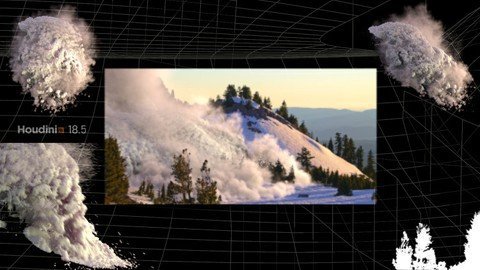
Houdini Fx : Creating An Avalanche Rig
cxwcbwvnbhpd0bk8pagx1lwkpf.jpg


Houdini Fx : Creating An Avalanche Rig
Last updated 1/2022
MP4 | Video: h264, 1280x720 | Audio: AAC, 44.1 KHz
Language: English | Size: 6.94 GB | Duration: 5h 25m

Learn all the steps needed to setup a High resolution Avalanche VFX rig in Houdini and create a final comp.!


What you'll learn
We will cover all the steps needed to create a high resolution Avalanche simulation down the side of a mountain.
We will review a trick to turn a still image into a moving sequence for use as our Background and discuss parallax and why it is important.
We will use grains and meshing to create the mass bulk of our setup and regular particles for additional FX elements.
We will use the sparse solving method to create parts of the Avalanche Simulation.
We will cover setting up render layers and using Redshift to render out our passes.
Mantra versions of the shaders will be supplied for students without access to Redshift.
We will create a final comp using Natron, or you can use Nuke if you like.
Requirements
You should have some experience with Houdini before starting this course. This is not a course for total beginners.
A recent release of Houdini(18+) with Sparse solving tools. You can still use the old (dense) method if you wish
A powerful enough computer to run Houdini and a good internet connection for 1080HD streaming.
This course will be using Houdini 18.5.499 on a windows 10 based system throughout the videos.

Description
Hello Houdini Artists.! This course will show you all the steps involved in setting up an Avalanche FX*rig.There are over 5 hours of lecture videos going over the process of creating this setup.You should have working knowledge of Houdini before enrolling in this course. If you have done my previous Houdini course "Master Houdini FX", you will have all the Houdini basics needed to be able to follow this course with ease.This course is "Fast paced", which means I will not be explaining every function of every node I use on screen. I will explain what is necessary, but basic nodes will not be explained in detail, this is to try keeping this total course time to a minimum and to not bore those that have a working knowledge of Houdini's core functions and nodes.All lectures will have Houdini hip files for you to download and any other necessary assets. There are two sets of files for students to download. Files for those rendering in Redshift, and files for those rendering in default Mantra. The rendered output of the Redshift render will not be exact to the Mantra output since they are different engines using different shaders and lighting, but they will be pretty close.If you have any questions, please feel free to ask. I encourage you to watch the intro video and watch some of the "free" videos so you can get a sense of what the course is like.This course will be using Houdini 18.5.499. If you have any version of Houdini that has sparse solving, then you should have no problems following along with the lecture videos. You can still do the entire course if using an earlier version(as long as it has grains), you would just have to use the dense solver for our snow powder sim.Here is the basic breakdown of the course:We will start by examining the still image I*used to create a "2.5D" scene for us to create our Avalanche Effect in.We will discuss what parallax is and why it is important and how to "fake it" to create what looks like moving footage from any still image.We will show how to use grains to create a large volume of particles that stick together like a body of snow moving down a mountain side.We will see how to do many tricks to add additional FX*elements like small particles flying up from the leading edge and use sparse solving to create volumetric snow powder.We will see how to create 3D geometry from a textured plane to generate Tree collision geometry.I*will show you a trick to get the volumetric snow powder to trigger emission of particles to act as a wind force.We will then go into rendering and I will show how to create all the renders necessary for a full comp.We will be using Redshift in the course and on screen, however you can use Mantra if you do not have the Redshift Plugin. There will be scene files for you to download that are setup for Redshift shaders, and another set of scene files that are for rendering with Mantra shaders.Once all the renders are done, we will assemble a full comp using Natron, or you can use Nuke if you have access to it. I will be presenting a very straight forward and approach to creating an FX shot like this. We will break it down into smaller sims and go through it step by step progressively building new sims from previous sims until we are done with the shot. If you have been using Houdini for a little while, you should have no problems following this course. If you need a refresher or are just starting to use Houdini, I recommend doing my first Houdini course "Master Houdini FX" as a primer to this course.
Overview
Section 1: General Overview of the scene setup
Lecture 1 Introduction to the course
Lecture 2 What is Parallax...?
Lecture 3 Preparing the Background Image
Lecture 4 Shader setup Overview
Lecture 5 Note on where to find the initial file download
Lecture 6 Scene layout Overview
Section 2: Creating Our Simulation Rigs
Lecture 7 Setting up the Source Points
Lecture 8 Setting up the Grains - Part 1
Lecture 9 Setting up the Grains - Part 2
Lecture 10 Setting up the Grains - Part 3
Lecture 11 Creating leading edge particles
Lecture 12 Isolating the Grains Edge - part 1
Lecture 13 Isolating the Grains Edge - part 2
Lecture 14 Snow powder setup - Part 1
Lecture 15 Snow powder setup - Part 2
Lecture 16 Snow powder setup - Part 3
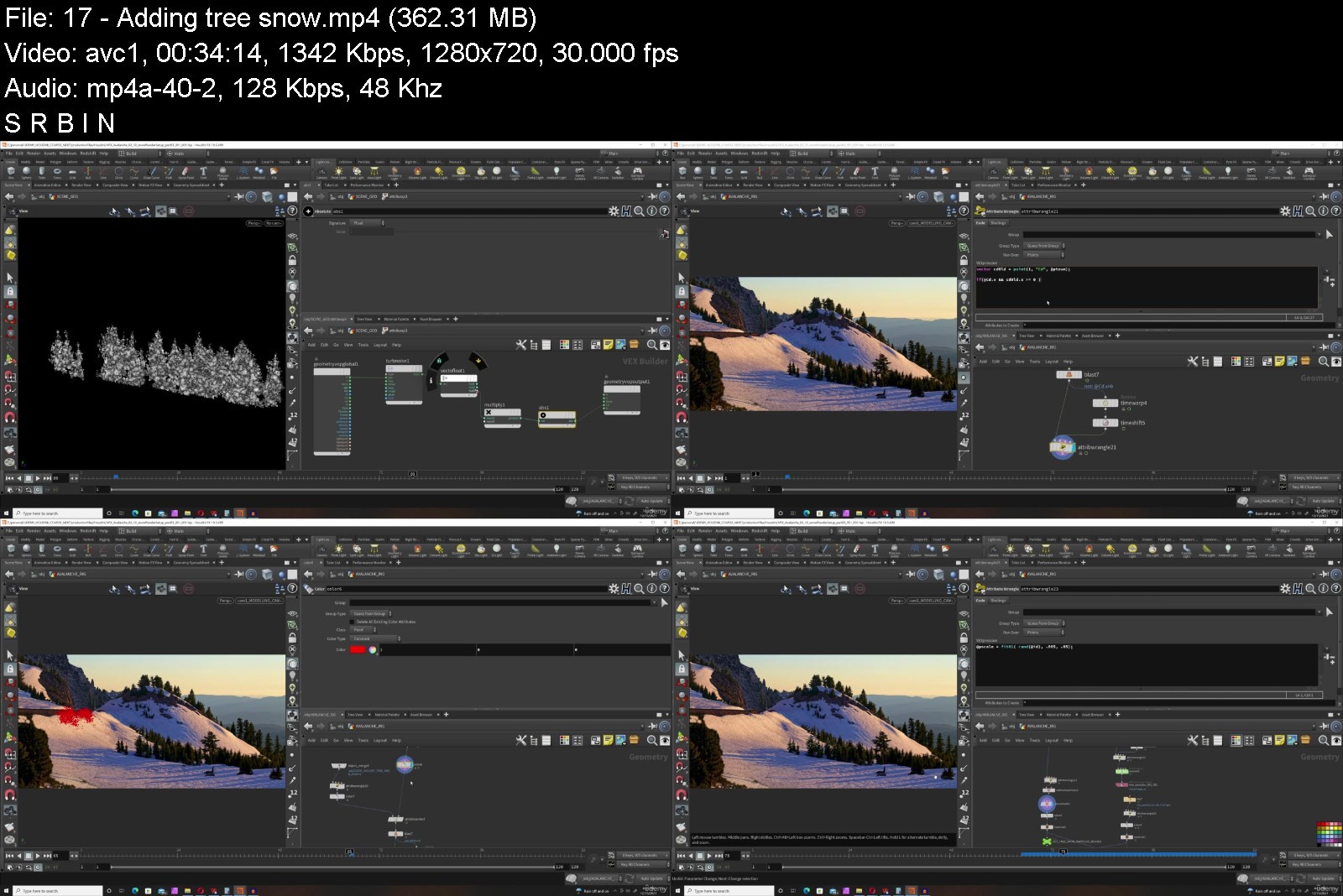
Lecture 17 Adding tree snow
Section 3: Setting up our Render nodes
Lecture 18 Meshing the Grains
Lecture 19 Setting up the Lights
Lecture 20 Render geometry nodes - Part 1
Lecture 21 Render geometry nodes - Part 2
Lecture 22 Redshift shader review
Lecture 23 Note about the BG render sequence available for download
Lecture 24 Rendering the Background
Lecture 25 Rendering the Dynamics
Lecture 26 Rendering the shadow pass
Lecture 27 Creating our comp
Section 4: Wrapping up the course
Lecture 28 Course wrap up
Anyone interested in seeing to create a Large scale Avalanche VFX shot inside Houdini from an FX artist with 20+ years experience in post production.,Aspiring FX artists and current working professionals looking to learn new skills or see another approach to rig creation.


houdinifxcreatinganavtkks7.jpg


Download from RapidGator


Download from Keep2Share

 
Girl and the Dog Creation in Zbrush for Intermediate Level

315578076fa2zkjd.jpg


Girl and the Dog Creation in Zbrush for Intermediate Level
Last Updated 06/2020 MP4 | Video: h264, 1280x720 | Audio: AAC, 44.1 KHz, 2 Ch
Genre: eLearning | Language: English + srt | Duration: 139 lectures (48h 48m) | Size: 36 GB


Model female characters with clothing, accessories, guns and knives and even a dog in Zbrush from start to finish


What you'll learn
Sculpting the Female Head
Sculpting the Female Body
Sculpting the Dog
Making Clothes, Belts and Boots
Making a Rifle, Shotgun, Pistol and Knives
Requirements
I expect you to have some sort of Zbrush experience
Description
Student Reviews
E Days says : Really well paced and everything is explained in detail as of right now. Nothing is left out and the tutor makes it fun by throwing some random jokes here and there. Looking to finish it up and see how it turns out in the end and see if it remains consistent throughout.
Junaid says : He is a legend, amazing skills and he knows what's he is doing, He comes prepared ,like with a lot of practice before teaching.
Plus he is amazingly entertainer, you never get bored or feel sleepy.
DO YOU HAVE ANY OF THESE PROBLEMS : Do you have problems modelling female anatomy, face and hair? Do you have issues with hard surface in Zbrush? Are you ready to learn how to make a realistic high poly model, leather, clothes, weapons and everything only in Zbrush, fast and efficient?
Then I welcome you to Nexttut education's "Girl and the Dog Creation in Zbrush for Intermediate Level" course.
INSTRUCTOR : My name is Niko and I am a 3D character artist for games for about 11 years now. I have worked for numerous games and currently work for one of the world's most famous game companies - Gameloft.
By the end of this course, you'll be able to model good looking female characters with clothing, accessories, guns and knives and even a dog in Zbrush from start to finish.
TOPICS COVERED
Sculpting the female head
Sculpting the female body
Sculpting the dog
Making the 3D sketch of the whole model
Making clothes, belts and boots
Making a rifle, shotgun, pistol and knives
Poly paint the character
Posing the character
Refining the head and body with skin detail
Making the hair with Fibermesh
Making the eyelashes with tubes
Rendering the character with passes
Composing a final render in Photoshop
We will start by spending 30 minutes to customize our workflow in Zbrush so we could work much faster and efficient. Then we will make the female head where I will explain what you should watch for in a female head modelling.
Then we will make a placeholder hair, and we will make the teeth, and eyes from scratch. After that we will make the female body, again from sphere, following our concept.
We will also sculpt the sitting dog from scratch.
After we are done with that, we will start making 3D sketch of our model, to get the correct placement of all our accessories and clothes. This is a pretty important stage, in the end of which we will have very good idea how our model will look when it's finished.
Then it will be time to start extracting clothes, belts, boots and bandages.
We will also make the watches, gloves and belt buckles. We will spend time to model the pistol, the shotgun, the rifle and two knives, by utilizing the hard surface modelling techniques inside Zbrush.
After that we will start refining all those things that we have made, and the model will start to look pretty good. Once we are happy with the overall look of our characters we will pose them as they are in the concept, Finaly we will make the Fibermesh hair and make the eyelashes, export render passes from Zbrush, and compose a final beauty render in Photoshop.
IDEAL STUDENTS : I have designed this course for intermediate 3d modeling students, who wants to model beautiful looking production ready female characters for games but they struggle to get it because they don't find a tutorial which is step by step, no fast forward, no skip and coming from a production artist who is doing this for years. The course is also for artists who wants to speed up their workflow in Zbrush and improve their skill in making female and dog anatomy, hair, clothes and weapons.
NOT IDEAL STUDENTS : This course is not designed for absolute Zbrush beginners, so I expect you to have some sort of Zbrush experience. But intermediate Zbrush users, and even professionals could learn a lot from the techniques and workflow I show in this course.
ENROLL NOW : So if you want to model production ready female characters, enroll now, and take your skills to the next level.
Who this course is for
I have designed this course for intermediate 3d modeling students, who wants to model beautiful looking production ready female characters for games


girlandthedogcreationf6js9.jpg


Download from RapidGator


Download from Keep2Share



Recognizing Your Spiritual Gifts & Putting Them To Use

mhqtfvx2axwhyd7legglhjjjro.jpg


Recognizing Your Spiritual Gifts & Putting Them To Use
Published 7/2022
MP4 | Video: h264, 1280x720 | Audio: AAC, 44.1 KHz
Language: English | Size: 5.42 GB | Duration: 4h 16m

Gaining Insight into Gifts You Already Use


What you'll learn
Identify spiritual gifts
How to understand your gifts
How to connect to Spirit and Celestial Guides
Foundations of being a Lightworker
Biblical Support of Spiritual Work
Requirements
No Prerequisites

Description
Dr Foster Will open your eyes to the spiritual gifts that you are Already employing in your daily life. The information provided in the course will awaken you to the daily goings on that involve spiritual help, guidance, and input so that you may be better equipped to work in your current profession, or realize a different path and life's purpose. Dr Foster bases for teachings on the information that she has received over the past 36 years, most of which is confirmed by the Bible and other spiritual teachings. Dr Foster's gift is god-given and her work exemplifies God's miracles in everyone's life. She uses her knowledge to create more light workers such as herself who glorify God in their work rather than claiming to be all powerful genies. Dr Foster cannot make you a medium, nor can she make you realize gifts that you do not have. The purpose of this course is to open your eyes to what you already do or that which you can do. Spiritual gifts differ with each person like a fingerprint. One person might be able to comfort people over the loss of a loved one or a pet, and another might be able to lay hands on someone and heal them through prayer or through reiki, and yet someone else might be able to use a spiritual gift to lead or be an administrator, or to minister to people. The purpose of this course is to wake you up.
Overview
Section 1: Wk 1 Introduction and Foundations
Lecture 1 Wk 1 Introduction
Section 2: Section 2 : Wk 2 Basic Energy Foundations
Lecture 2 Energy Tentacles
Section 3: Wk 3 Understanding your Spirit Guides
Lecture 3 Your Spiritual Space
Section 4: Wk 4 Discovering Your Soul Type
Lecture 4 Earthbound, Old Soul, Or Incarnate Angel
Section 5: Wk 5 Spiritual Connections
Lecture 5 Wk 5 - Dimensional Breakdowns and Spiritual Connections
Beginners,Novices,Believers,Seekers,Those awakened,Those Living a Life Change,Earthbounders


recognizingyourspiritjjk39.jpg


Download from RapidGator


Download from Keep2Share


 
Build a Business Academy

zarada102ax57629ak8d.jpg


Build a Business Academy
Published 07/2022
MP4 | Video: h264, 1280x720 | Audio: AAC, 44.1 KHz, 2 Ch
Genre: eLearning | Language: English + srt | Duration: 40 lectures (22h 47m) | Size: 18.1 GB


Start to create the life of your dreams today


What you'll learn
MODULE 1 A mindset of Success (Learn the tools you need to develop the mindset for success)
MODULE 2 Goals & Intentions (setting clear, solid intentions for your business and future)
MODULE 3 Ideas & Creation (brainstorming ways to turn your passions into income)
MODULE 4 Niching (figuring out who your ideal client is and who you serve)
MODULE 5 Branding your business (identifying your core values and beliefs as well as helping you stand out from the crowd)
MODULE 6 Audience Building (ways to build and nurture your audience )
MODULE 7 Sales and pricing (Learn how to price your services and sell without being salesy)
MODULE 8 Attraction Marketing (Learn how to show up, be visible and attract the right clients)
Requirements
An interest in running your own business
Description
So you're at a point in your life where settling is no longer an option. Settling for the 9-5 job, building someone else's dreams instead of your own.
Settling or making do with that hobby that just gives you a little spending money. You are ready to up your life's game, step outside that comfort zone and really make a go of this business thingy you have been thinking/playing about with for far too long.
But.
You have no idea where to start, what to do first, who to speak to or how to even begin. You decide to take a little look at what other people are doing, you pick up a few pointers, great! But for some reason it's not quite working like you expected it to, your confidence plummets, you start doubting whether it's for you.
Or.
You simply cannot for the life of you find the courage to just start.
Build a Business Academy is the 8 module, business basics self study course every woman needs to start seeing herself as the entrepreneur she's always intended on being.
8 modules covering every area needed to take you from overwhelmed, and overworked to relaxed and confident about making money for yourself and building your dreams.
This course is PERFECT for you if you are
Are you a mum that is craving something for herself?
Have you been dreaming of a better life?
Craving more freedom, choices, and opportunities to better yourself?
Have an idea for a business but have absolutely no clue where to start?
Been building a business for a while and want to upscale but need the accountability and support to make it happen?
New to business and looking for a course that offers that pathway to your success?
Struggling with self-belief when it comes to actually making a start?
Hungry for success but fear failing?
Sick of lining other people's pockets and want to secure your own future?
Decided it's about time you built your own dreams?
Looking for a straight-talking coach to hold your hand?
Overwhelmed with the thought of business that you just need someone to spell it out for you in simple terms?
Overworked and underpaid in your 9-5?
Have a passion to do what you love for a change?
Get the Build a Business Academy course today and receive the following bonuses
Tech for Business session - Kerry Moorse
Learn what tech is actually NEEDED at the start of your business, so often technology can be the thing that stops us from starting.
Manifesting Masterclass - Carly Murphy
An amazing manifestation masterclass designed to help you connect to the universe and develop the ability to co-create the best business ever.
Social Media Masterclass - Danielle Hobson
Social media is one of the biggest ways of building a business at the moment and I love all things social media. I built both of my businesses mainly using this and I share all my knowledge with you in this masterclass.
Who this course is for
Beginner Business Owners/Entrepeneurs


buildabusinessacademyy4km2.jpg


Download from RapidGator


Download from Keep2Share


Acrylic Paint - Nature

uygandp35gcxajpoxxnr1xbkae.jpg


Acrylic Paint - Nature
Published 7/2022
MP4 | Video: h264, 1280x720 | Audio: AAC, 44.1 KHz
Language: English | Size: 5.74 GB | Duration: 4h 56m

Learn to draw and paint using acrylic materials


What you'll learn
Painting using acrylic technique
Step by step in real time
Specialized technique of the painter Keyla Morel
Step-by-step tips to develop creativity
Requirements
Tips in the step by step to develop creativity

Description
In this painting course you will learn to paint faces, sketches and human figures with the professional artist Keyla Morel.The technique applied in this course is acrylic, in which you will work on basic aspects from the selection of materials and tools, to the application in complete works developed step by step.The course includes three modules. Each module includes a video in reduced time for the impatient, and in order to see everything done step by step, it includes the video in real time.In this course the following practical work will be seen:Module - NaturePainting a forestPainting a desertPainting mountainPainting a beachOur recommendation is that you first see the course in its fast version. This usually lasts between 20 and 25 minutes, in which the work to be done can be dimensioned, emphasizing details but above all showing the final result in a short time. The video is sped up to facilitate this result.To develop the work, following every detail with your own materials, real-time video is recommended. Here the painter details things more extensively, thus being able to follow each brushstroke, including corrections on the fly. Finally the same result is obtained but for beginners it will be very useful to know how each effect was made, each line, each shadow.#AulaGEOThis is an art course for both beginners and fans of painting as well as for painters, who want to practice the acrylic technique through drawings that its final composition is complex but its step-by-step construction shows that it is simple.
Overview
Section 1: Nature
Lecture 1 Painting forest short version
Lecture 2 Painting a forest - long version
Lecture 3 Painting a desert - short version
Lecture 4 Painting desert - long version
Lecture 5 Painting mountains - short version
Lecture 6 Painting mountains - long version
Lecture 7 Painting a beach - short version
Lecture 8 Painting a beach - long version
Drawing and painting enthusiasts,General public,Talented people who want to learn how to use acrylic technique,Art teachers who want to learn a practical teaching technique


acrylicpaintnature5kkwx.jpg


Download from RapidGator


Download from Keep2Share


 
Adobe After Effects 2022: The comprehensive A-Z course

aws3pgwblg2ceuptyt3lqd5jib.jpg


Adobe After Effects 2022: The comprehensive A-Z course
Published 07/2022
Genre: eLearning | MP4 | Video: h264, 1280x720 | Audio: AAC, 48.0 KHz
Language: English | Size: 7.35 GB | Duration: 74 lectures • 9h 8m


What you'll learn
You'll learn and understand the After Effects user interface and features.
You'll discover the endless possibilities of Adobe After Effects through a variety of project examples in a way that makes the knowledge stick with you.
Among other things, you'll animate the beat of a song in a video and realistically recreate a car accident including shattered glass and dented hood.
You'll learn to animate text, use keyframes for your projects, and even code in After Effects with Expressions.
You'll discover many more effects and possibilities like keying, camera tracking, particle systems, fog, masks and overlay.
You'll learn to create images like YouTube thumbnails in After Effects as we develop the main course image and a Bitcoin t-shirt design together.
You'll highlight different import formats and render settings to get the most out of your projects depending on what you're willing to do.
You'll receive a handout with the most important keyboard shortcuts and useful expressions for quick and lasting use.
You'll have access to professional video footage for your own collaboration, which I have recorded by drone, among other things, especially for this course.
You'll learn about useful plug-ins and extras to take your video edits to the next level.
Requirements
You should have a relatively powerful PC or laptop with Internet access.
You should be aware that this course will give you all the tools and knowledge to get excited about the incredible possibilities of Adobe After Effects. To ensure that the knowledge gained from the theory is permanently stored in your memory, it is recommended that you use the material provided and take part in the projects!

Description
Are you interested in video editing, visual effects, and motion graphics? Then there's no getting around Adobe After Effects!
This much in advance: This program is so incredibly powerful that it's impossible to cover every angle explicitly. So why am I still confidently calling this course a comprehensive A-Z Course? I am convinced that I will provide you with so much knowledge, tools and understanding of effects and contexts that you will be able to master your individual challenges of all kinds in a solution-oriented way.
Of course, the content of this course deals with all theory, so you will be able to find your way around the user interface and the inexhaustible variety of parameters and possibilities. Apart from that, to put it bluntly, we'll go through impressively spectacular project examples that will encourage you to get involved and hopefully get you as excited about After Effects as I have been myself for more than 15 years.
Among other things, we will look at the basic functions, effects, import and export settings. You will learn about keyframes, text animations and expressions. You'll simulate your own car accident, we'll extract music data so you can animate your videos to music, you'll integrate text into real landscapes, remove objects from filmed scenes, create a 3D cell phone model without additional plug-ins and much, much more.
For you there is not only a handout with the most important shortcuts and expressions, but also downloadable video material, which I have recorded by drone and GoPro especially for this course.
If you are passionate about video creation and want to learn and understand the best program on the global market, Adobe After Effects, then this course might be for you. If you are willing to apply your knowledge to projects through fascinating, action-packed examples in a way that will stick with you, then this course is definitely for you!
Enroll today - I am confident that I can repay your trust in me with content and look forward to sharing my enthusiasm for AE with you!
...Independently of this, I am always available for questions, comprehension problems or suggestions in the comment section or via private message.
Who this course is for
After Effects newcomers who want to build comprehensive knowledge and understanding in a complete course.
After Effects advanced users who want to learn even more about techniques, effects and develop deeper knowledge.


adobeaftereffects2022kjjah.jpg


Download from RapidGator


Download from Keep2Share


Wordpress Beginners - Make Your Own Awesome Websites Today.

lisz93tpkwgadyr7gely2jik24.jpg


Wordpress Beginners - Make Your Own Awesome Websites Today.
Last updated 4/2022
MP4 | Video: h264, 1280x720 | Audio: AAC, 44.1 KHz
Language: English | Size: 5.17 GB | Duration: 5h 48m

4 Websites walk-through. Learn WordPress on your Mac or Windows PC desktop without paying for a domain or web hosting.


What you'll learn
You will know how to install WordPress locally on your desktop and online.
How to practice using WordPress on your own computer for free.
How to create your own awesome websites using WordPress.
How to build your WordPress websites just like you imagine them.
Customise your WordPress websites for any purpose - a blog, a personal site or web design studio.
You will know how to create a professional and modern website easily from a ready-made website template.
You will know how to design pages, menus, sidebars & footers.
You will know how to find, install and activate themes, plugins and widgets.
You will know how to import page sections to build website pages using a free library.
You will know how to design pages using powerful and user friendly, drag and drop page builder elements.
You will know how to add professional animation touches using motion effects.
You will know how to create posts using the Gutenberg editor.
You will know how to back up your WordPress website in case of emergency.
You will know how to block spam using Google's reCaptcha.
You will know how to setup Google's analytics.
You will know how to speed up your website with caching plugin.
You will know where to find & download thousands of FREE professional images from multiple websites.
You will know how to increase social sharing of your posts and pages with a free plugin.
You will know how to optimise and load images to your website library.
You will know how to make your website secure and protected from hackers.
You will know how to add a GDPR cookie notice to your website for privacy regulations.
You will know how to create and optimise a contact page with a contact form and Google map.
You will know how optimise your site for search engines with a free plugin.
You will know how to duplicate any post or page to save time.
You will know how to display a maintenance page to update your website privately.
You will know how to customise the sidebar with a Google map, a post slider and a video widget.
You will know how to buy a domain and web-hosting plan.
You will know how to export your website from your computer to the internet.
Requirements
You will need a passion for learning and a strong will to complete the training provided.
You will need a working computer and a modern browser like Chrome, Firefox, or Safari.
You will need internet access to watch the lessons online and download the free software.
You don't need any experience with WordPress or building a website.
You don't need any experience with programming languages like HTML or using CSS.
You don't need to buy a domain or purchase a web hosting plan until you decide to take your website online.

Description
If you are a person who is looking to be shown an easy to follow Step-By-Step training that would make it easy for you to make your own website exactly the way you want it to be, for your business, brand, or personal life, this course is for you.There are thousands if not millions of web design stars amongst you that do not take the first step because you are unsure if web design would work for you.This can be a big problem if you have to pay for a website domain name and web hosting before you find out if this is right for you.Being busy working or studying leaves very little time to pursue your passion, and monthly costs would definitely discourage most people.In this course, I show you how to download and install FREE software that allows you to create WordPress websites on your personal Mac or Windows desktop so you can practice website creation at your own pace without having to worry about monthly costs of web hosting or paying for a domain name.Take as long as you need to make your perfect website for free and*only when you are ready to take it online, pay for your domain and web hosting.In this step by step training, I will guide you to create your website with free WordPress installation and show you how to customise it using Free Themes, Plugins and widgets.After you create your perfect website and want to launch it online, I will show you how to migrate it with a few clicks to your online web hosting. To put the icing on the cake, none of the training steps involve any coding or programming which means anyone interested in webdesign can learn to create fully functional and professional websites.When you've done all that, your website will look like it has been created by an experienced professional web designer.If you know how to use a computer, have access to the internet and have a passion to learn, this course is for you.
Overview
Section 1: Welcome
Lecture 1 Welcome
Lecture 2 Course Notes
Section 2: Setting Up a FREE Website Server on Your Mac or Windows PC
Lecture 3 Downloading FREE Local Server Software
Lecture 4 Installing Local Server
Section 3: Installing WordPress on Your Computer
Lecture 5 Introduction To WordPress
Lecture 6 Installing WordPress
Lecture 7 WordPress Admin Panel
Lecture 8 WordPress Admin Menu
Section 4: Website Backup
Lecture 9 Backing Up Your Website
Section 5: Configuring Your Website
Lecture 10 Cleaning up WP Installation
Lecture 11 Choosing a Theme
Lecture 12 Creating Pages and Menus
Lecture 13 Creating Posts
Lecture 14 The Block Editor
Lecture 15 Exploring Gutenberg Pt 1
Lecture 16 Exploring Gutenberg Pt 2
Lecture 17 Exploring Gutenberg Pt 3
Section 6: Adding Widgets to Your Website
Lecture 18 Exploring Widgets
Lecture 19 SiteOrigin Widgets Bundle
Lecture 20 SiteOrigin Button Widget
Lecture 21 Adding a Google Map
Lecture 22 The Posts Carousel Widget
Lecture 23 The Slider Widget
Section 7: Optimizing and Uploading Images
Lecture 24 Optimizing Images Pt 1
Lecture 25 Optimizing Images Pt 2
Section 8: Tweaking Your Website Settings
Lecture 26 Website Settings Pt1
Lecture 27 Website Settings Pt2
Lecture 28 Users and Tools
Section 9: Customizing Your Theme
Lecture 29 Using The Customizer Pt 1
Lecture 30 Using The Customizer Pt 2
Section 10: Using Elementor Website Page Builder
Lecture 31 Introduction To Elementor
Section 11: Creating The First Website
Lecture 32 The Home Page
Lecture 33 Section 1 Pt 1
Lecture 34 Section 1 Pt 2
Lecture 35 Section 2
Lecture 36 About Section
Lecture 37 FAQ Section
Lecture 38 Testimonials Section
Lecture 39 Clients Section
Lecture 40 About Page
Lecture 41 Contact Page Pt 1
Lecture 42 Contact Page Pt 2
Lecture 43 Customizing The Footer Pt 1
Lecture 44 Customizing The Footer Pt 2
Section 12: Creating The Second Website
Lecture 45 Creating a One Page Website
Section 13: Creating The Third Website
Lecture 46 Creating a Blog Website Pt 1
Lecture 47 Creating a Blog Website Pt 2
Lecture 48 Creating a Blog Website Pt 3
Section 14: Creating The Fourth Website
Lecture 49 Creating a Complete Website from a Template
Section 15: Creating Your Public WordPress Website
Lecture 50 Choosing & Registering Your Domain
Lecture 51 Buying a Web Hosting Plan
Lecture 52 Installing WordPress 5 Online
Section 16: Migrating Your Local Website Online
Lecture 53 Migrating Your Local Website Online
Section 17: Optimizing Your Website for search Engines (SEO)
Lecture 54 Website SEO Pt 1
Lecture 55 Website SEO Pt 2
Lecture 56 Website SEO Pt 3
Section 18: Tweaking Your Website
Lecture 57 Speeding Up Your Website
Lecture 58 Adding a Cookie Notice
Lecture 59 Adding an SSL Certificate
Lecture 60 Adding a reCaptcha
Lecture 61 Duplicate Any Page or Post
Lecture 62 Coming Soon & Maintenance Sign
Lecture 63 Website Security
Lecture 64 Adding Google Analytics
Section 19: Elementor Pro
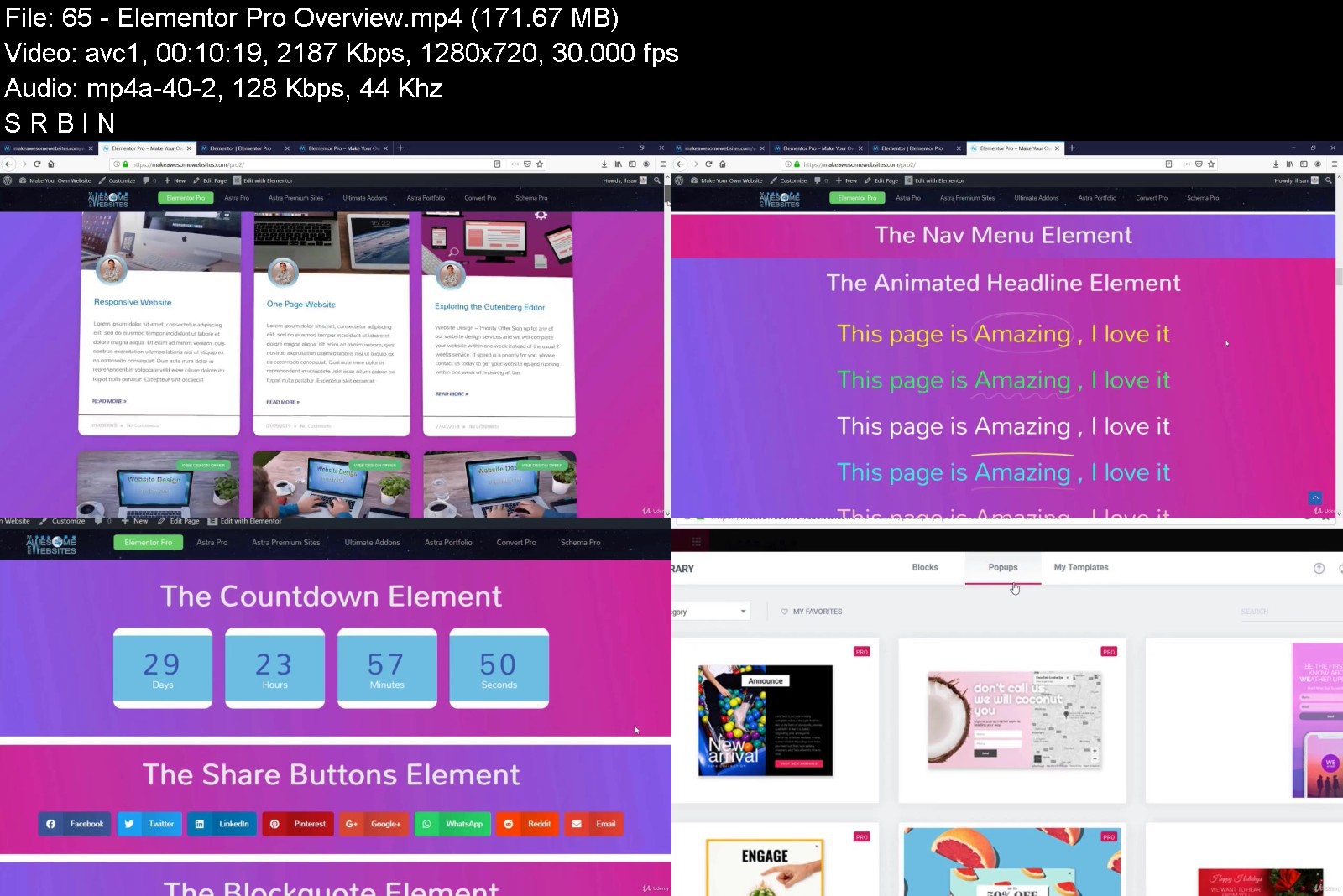
Lecture 65 Elementor Pro Overview
Section 20: The Next Steps
Lecture 66 The Next Steps
You want a website that can be created easily but one that can also be fully customised to your liking.,You are someone who wants to build one or a few websites for fun, business, hobby, or personal life.,You want someone to walk you through the entire process of creating a WordPress website from the very beginning to publishing.,You also want help designing a website that works, that is modern, and the viewers will love.,You are NOT someone who wants to build your own custom WordPress themes.,You are NOT interested in website coding, programming or technical aspects of web design.,This is not a WordPress development course.


wordpressbeginnersmakkjj1q.jpg


Download from RapidGator


Download from Keep2Share


 
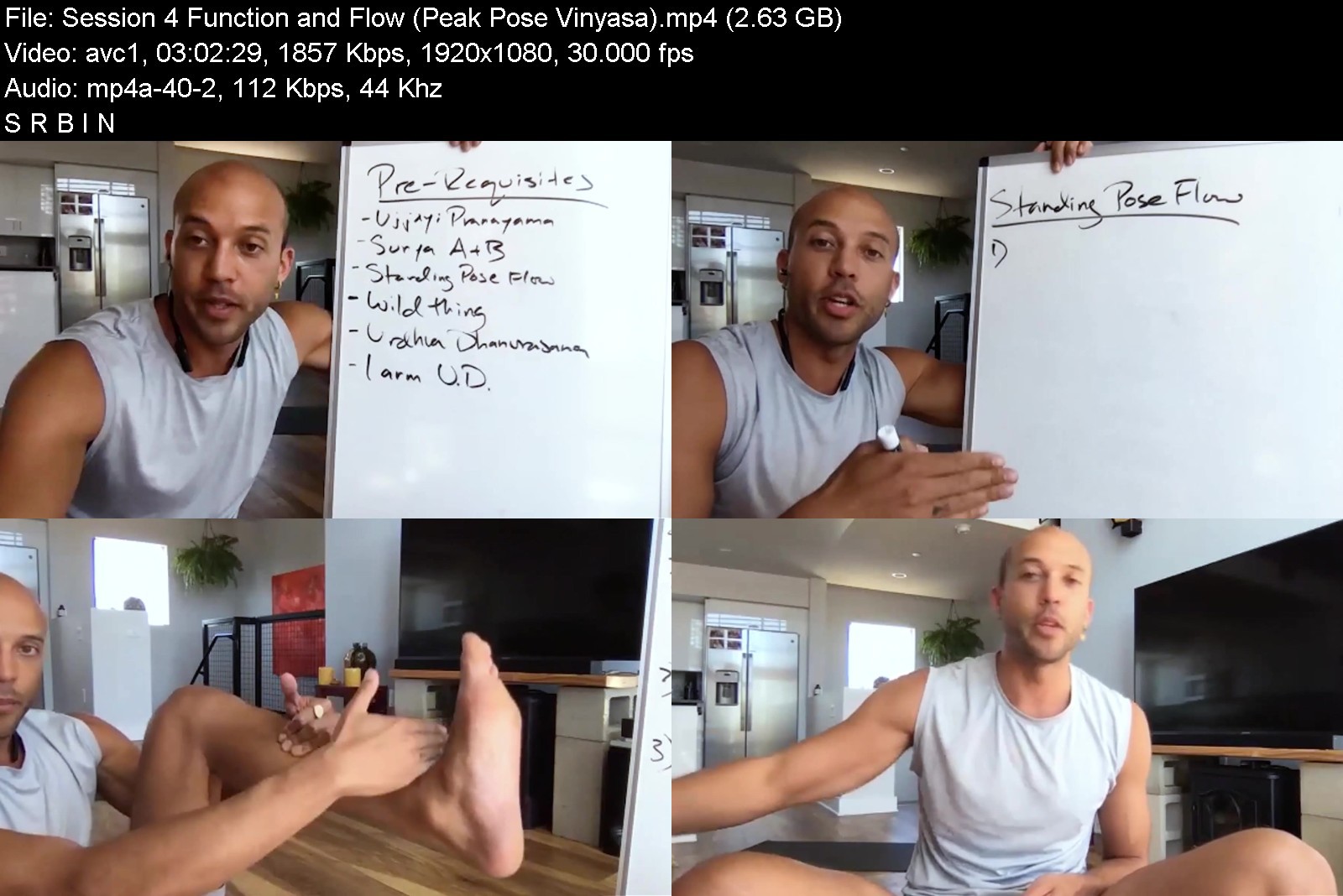
Yoga International - Smart And Creative Sequencing For Yoga Nerds

eid2020.05.15smartseq9wk8p.jpg


Yoga International - Smart And Creative Sequencing For Yoga Nerds
MP4 | Video: h264, 1920x1080 | Audio: AAC, 44.1 KHz, 2 Ch
Genre: eLearning | Language: English | Duration: 8 Lessons (13h 54m) | Size: 9.8 GB


Learn Innovative And Outside-the-box Strategies To Enhance Your Yoga Sequencing Skills

Join Rocky Heron for an online training centered around the art of sequencing. As our understanding of human anatomy and movement develops, it becomes important that we too evolve and adapt our approach to planning our yoga classes. A yoga teacher's ability to effectively sequence allows them to create fun and meaningful learning experiences for their students.
If you are a yoga teacher ready to break free of the template of traditional sequencing, eager to refresh your perspective and breathe new life into your classes, this course is for you!
In this training, you will learn how to combine principles from biomechanics, exercise science, and asana alignment with your own creativity to design classes that not only set your students up for success in achieving their goals but that are also stimulating for their minds and hearts.
DURING THIS TRAINING YOU'LL EXPLORE
Applied anatomy of yoga poses
Biomechanics and the difference between alignment and action
The science of movement regression/progression
How to incorporate and explore somatic movements into your sequencing approach
How to combine creativity and function
Innovative ways to use props
Sequencing strategies for both vinyasa and alignment-based classes
How to innovate while still honoring tradition
How to "break the rules" of sequencing while keeping your students safe
Strategies for creating your own pose drills and modifications
Mythbusting around common pose "do's and don'ts"
How developmental movements can inform the structure of your sequence
Mapping motor learning and how your instincts as a teacher may be hindering your students' success
How to effectively teach mixed level sequences that benefit everyone in class
PLUS, YOU'LL GET
Templates to develop your own sequences in a variety of class styles
A downloadable PDF of sequences for each class included in the training
Asana study worksheets to aid in your study of pose shape and function
"While set sequences and repetitive movement patterns can serve a purpose in our development and motor learning, it is in our ability to diversify and explore variety in our practice that we become proficient and empower growth." -Rocky Heron


smartandcreativesequemgjqg.jpg


Download from RapidGator


Download from Keep2Share


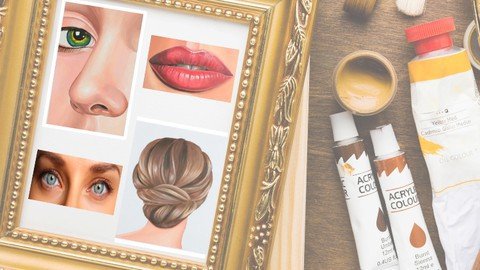
Acrylic Paint - Human Face

zkdfg85gkhclb5td5zsakavkbp.jpg


Acrylic Paint - Human Face
Published 7/2022
MP4 | Video: h264, 1280x720 | Audio: AAC, 44.1 KHz
Language: English | Size: 9.76 GB | Duration: 8h 18m

learn to draw and paint using acrylic materials


What you'll learn
Painting using acrylic technique
Step by step in real time
Specialized technique of the painter Keyla Morel
Step-by-step tips to develop creativity
Requirements
Tips in the step by step to develop creativity

Description
In this painting course you will learn to paint faces, sketches and human figures with the professional artist Keyla Morel.The technique applied in this course is acrylic, in which you will work on basic aspects from the selection of materials and tools, to the application in complete works developed step by step.The course includes three modules. Each module includes a video in reduced time for the impatient, and in order to see everything done step by step, it includes the video in real time.In this course the following practical work will be seen:Module - Human FacePainting eyesPainting nosePainting mouthPainting hairOur recommendation is that you first see the course in its fast version. This usually lasts between 20 and 25 minutes, in which the work to be done can be dimensioned, emphasizing details but above all showing the final result in a short time. The video is sped up to facilitate this result.To develop the work, following every detail with your own materials, real-time video is recommended. Here the painter details things more extensively, thus being able to follow each brushstroke, including corrections on the fly. Finally the same result is obtained but for beginners it will be very useful to know how each effect was made, each line, each shadow.#AulaGEOThis is an art course for both beginners and fans of painting as well as for painters, who want to practice the acrylic technique through drawings that its final composition is complex but its step-by-step construction shows that it is simple.
Overview
Section 1: Human face
Lecture 1 Painting eyes - short version
Lecture 2 Painting eyes - long version
Lecture 3 Painting a nose - short version
Lecture 4 Painting a nose - long version
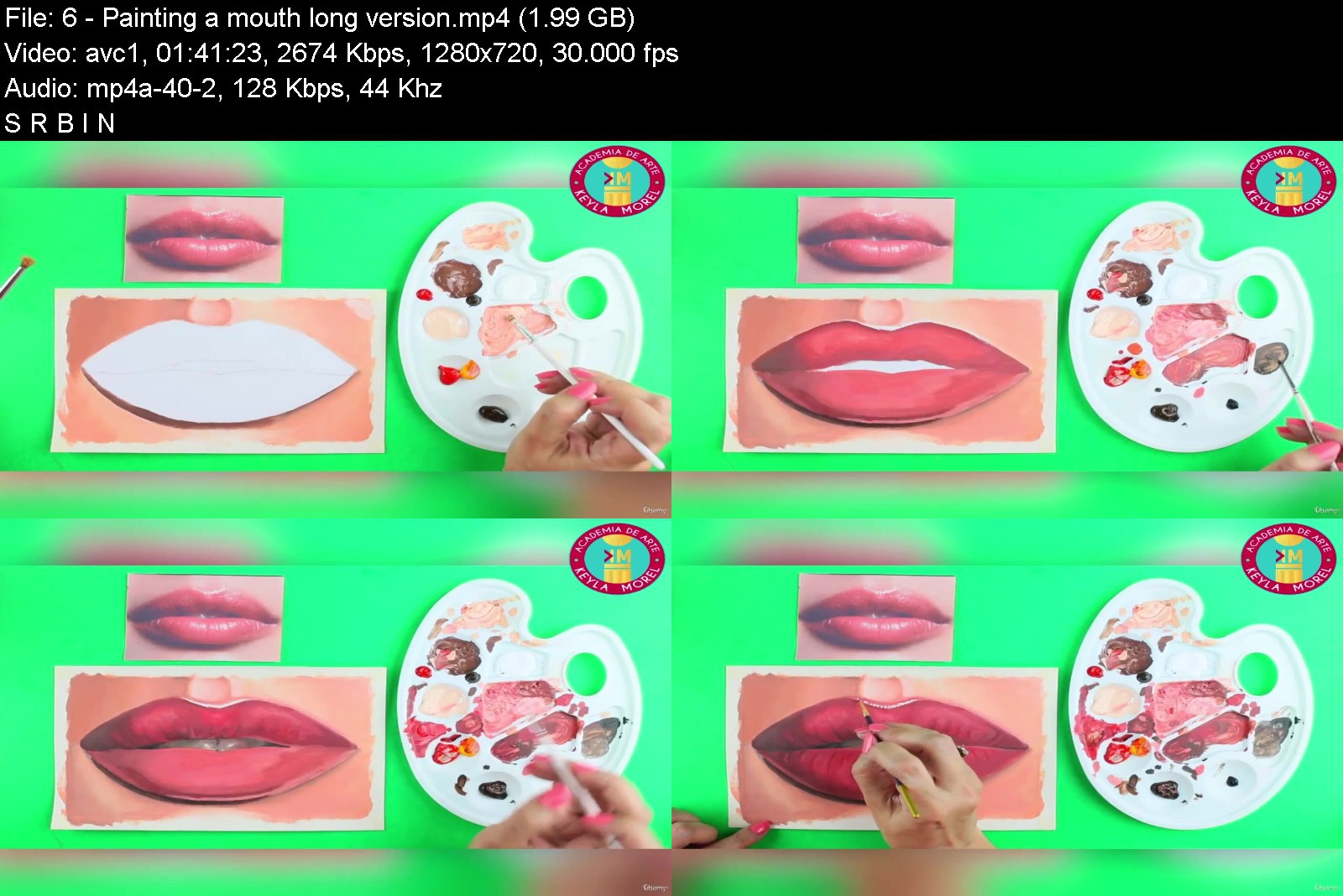
Lecture 5 Painting a mouth - short version
Lecture 6 Painting a mouth - long version
Lecture 7 Painting hair - short version
Lecture 8 Painting hair - long version
Drawing and painting enthusiasts,General public,Talented people who want to learn how to use acrylic technique,Art teachers who want to learn a practical teaching technique


acrylicpainthumanfacef5k2n.jpg


Download from RapidGator


Download from Keep2Share


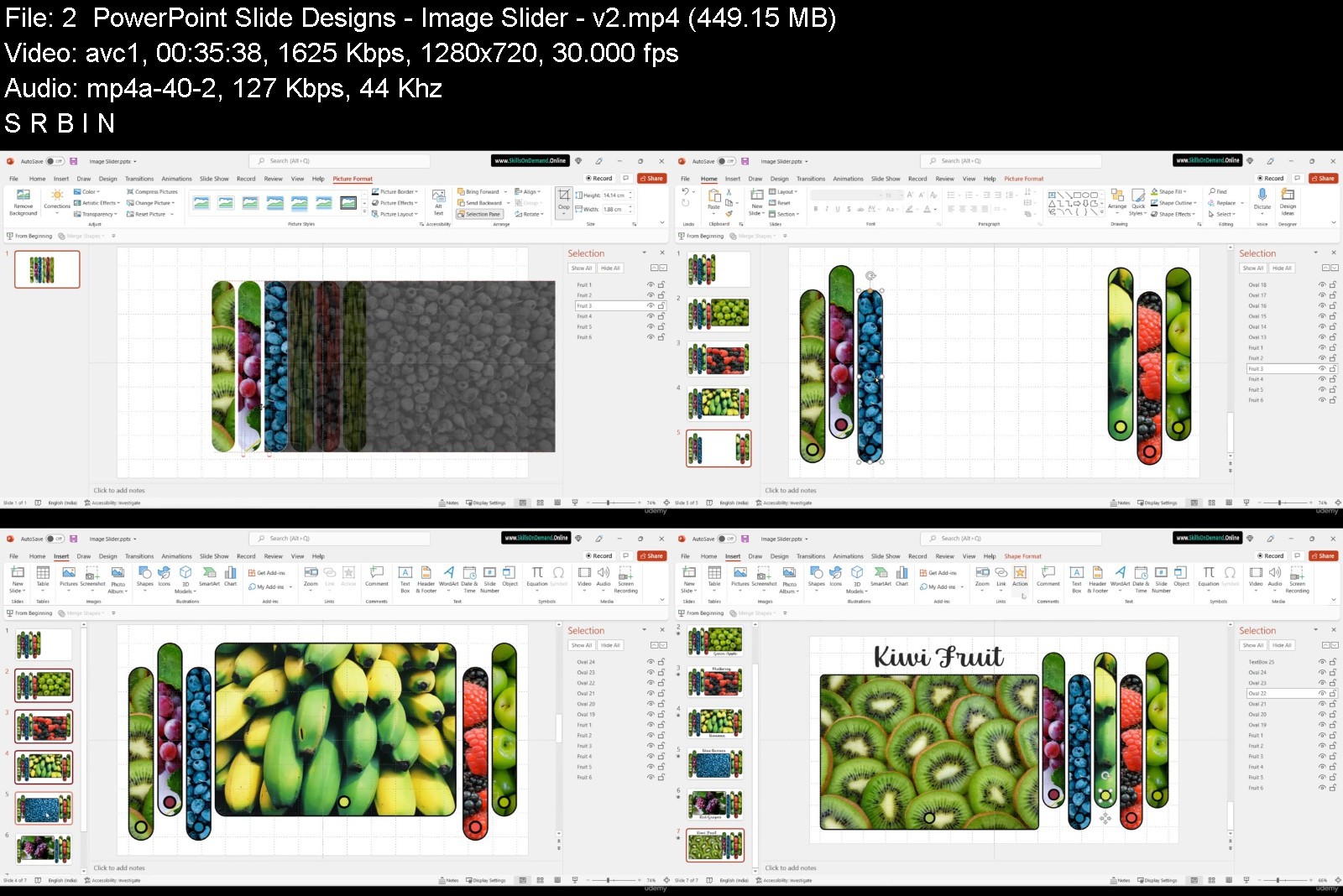
Learn Microsoft PowerPoint Online - PowerPoint Course Part 2

aa95022f09e9dcjd7.jpg


Learn Microsoft PowerPoint Online - PowerPoint Course Part 2
Instructors: Skills On Demand
13 sections • 31 lectures • 6h 6m
Video: MP4 1280x720 44 KHz | English + Sub
Updated 7/2022 | Size: 5.1 GB

Improve your presentation skills and learn to effectively use PowerPoint to create eye-catching presentations.


What you'll learn
Create a fully-animated and transition-filled business presentation
Minimize text quantity on presentations by using graphs and images
Rapidly improve your workflow and design skills
Enhance PowerPoint Presentations with Graphical Elements
Build Effective PowerPoint Presentations
Create simple explainer videos ready to publish online
Leverage Advanced Text Editing Operations with PowerPoint
Get comfortable with basic and advanced PowerPoint features
Build PowerPoint templates quickly
Create engaging and well-designed slides and animations
Prepare to Deliver a PowerPoint Presentation
Get better as a graphic designer and digital artist
Be able to animate any kind of object and slide in PowerPoint
Show more
Show less
Requirements
PowerPoint 2010 / 2013 / 2016 / 2019Determination to improve your skills and learn easy-to-follow design practicesBasic knowledge of PowerPoint will be helpful but is not mandatory
Description
Learn Microsoft PowerPoint, Presentation Skills, PowerPoint 365, and become a Master at Creating/Delivering Impressive PowerPoint presentations.
Do you want to create a fully-animated business presentation?
Do you want to feel more confident when delivering presentations to management
Do you want to create sophisticated and well-organized presentations
Do you want to get comfortable and confident with advanced animation features
Do you want to create custom animations, transitions and logo openers in PowerPoint

Homepage

learnmicrosoftpowerpo88kux.jpg


Download from RapidGator


Download from Keep2Share

 
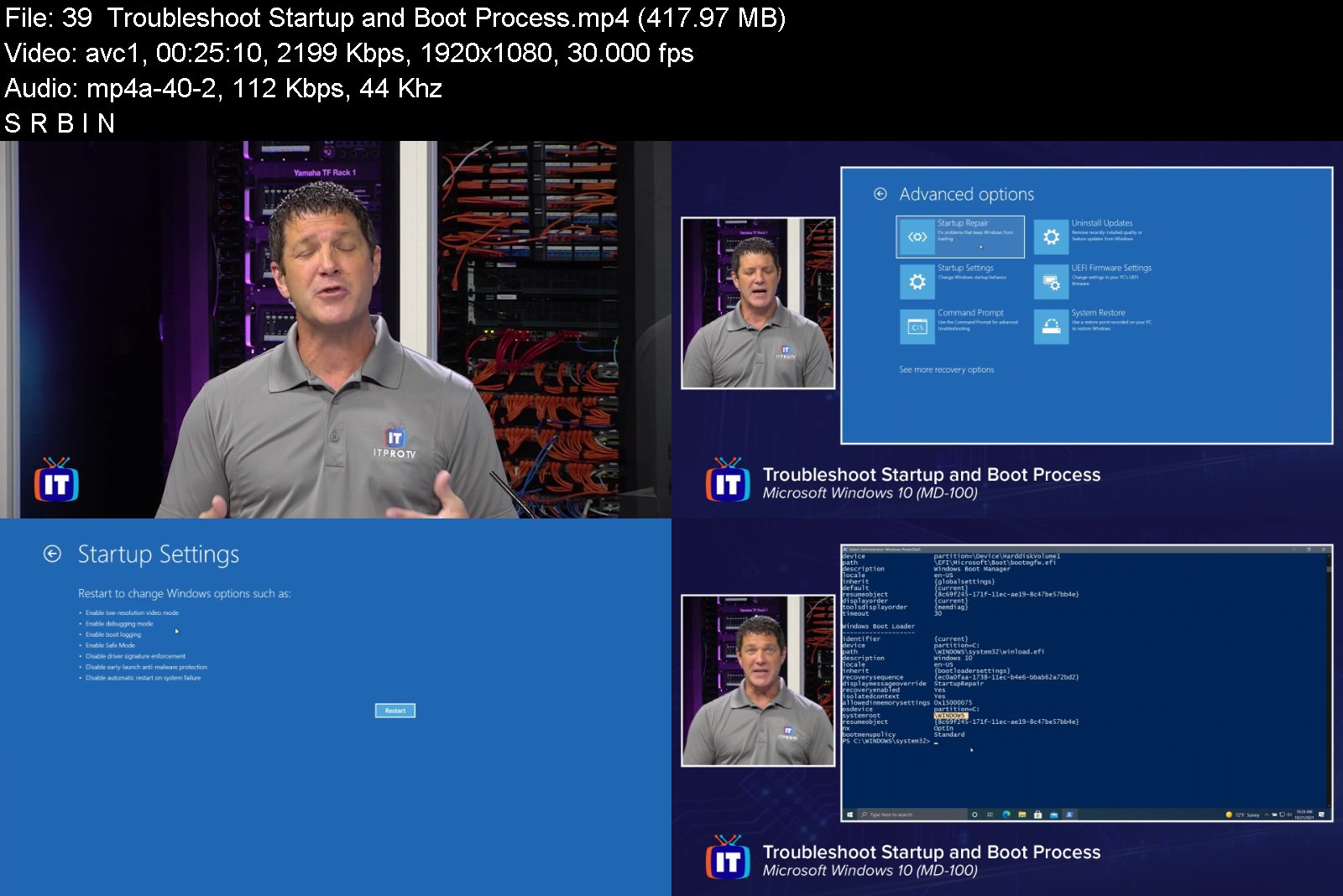
ITProTV - Microsoft Windows 10 (MD-100) (Updated 2021)

3cebaeb6a559aa1b869ba6qjeb.png


ITProTV - Microsoft Windows 10 (MD-100) (Updated 2021)
MP4 | Video: h264, 1920x1080 | Audio: AAC, 44.1 KHz, 2 Ch
Genre: eLearning | Language: English + srt | Duration: 51 Lessons (17h 44m) | Size: 12.1 GB


Design and Implement a Device Strategy

Modern Desktop Administrators deploy, configure, secure, manage, and monitor devices and client applications in an enterprise environment. The MD-100 exam will test your ability to deploy Windows, manage devices and data, Configure connectivity, and maintain Windows.


microsoftwindows10md10wkoo.jpg


Download from RapidGator


Download from Keep2Share


Yoga International - Anatomy and Integration in Yoga

eiddougkelleranatomyieyjx3.jpg


Yoga International - Anatomy and Integration in Yoga
MP4 | Video: h264, 1920x1080 | Audio: AAC, 44.1 KHz, 2 Ch
Genre: eLearning | Language: English | Duration: 9 Lessons (9h 19m) | Size: 8.5 GB


Join Doug Keller for Anatomy and Integration in Yoga: A 3-Part Course on Sacral Stability, Healthy Knees, and the Frontier of Fascia to gain a better understanding of the role anatomy plays in your asana practice

Join Doug Keller for Anatomy and Integration in Yoga: A 3-Part Course on Sacral Stability, Healthy Knees, and the Frontier of Fascia to gain a better understanding of the role anatomy plays in your asana practice. This 10-hour course, filmed live, contains three separate workshops and a full-body practice that will help you understand the "hows" and "whys" of healthy movements in asana.
In part one, The Prana Body and the Frontier of Understanding Fascia, you'll learn
Why understanding fascia is important for yoga practitioners, especially in relation to pain and even yoga injuries.
How to look at fascia as a practical medium for the flow of prana (vital energy), and how it's the doorway between the physical and mental/emotional worlds of human "being."
The Fascial Distortion Model, which is an emerging understanding of how chronic pain can arise from distortions in the fascia.
In part two, The Bandhas and Sacral Stability in Asana-Especially Twists! you'll learn
A practical approach to addressing sacral and low-back pain, which includes a lesson on the structure of the sacrum, and its supporting ligaments and muscles.
How the concept of bandha (energetic locks) relates to movement, with a focus on key actions that can be practiced in isolation or during asana to improve low-back and sacral health.
How to examine traditional yoga instructions, update them with user-friendly terms, and understand the problems that can arise from overly simplistic instructions.
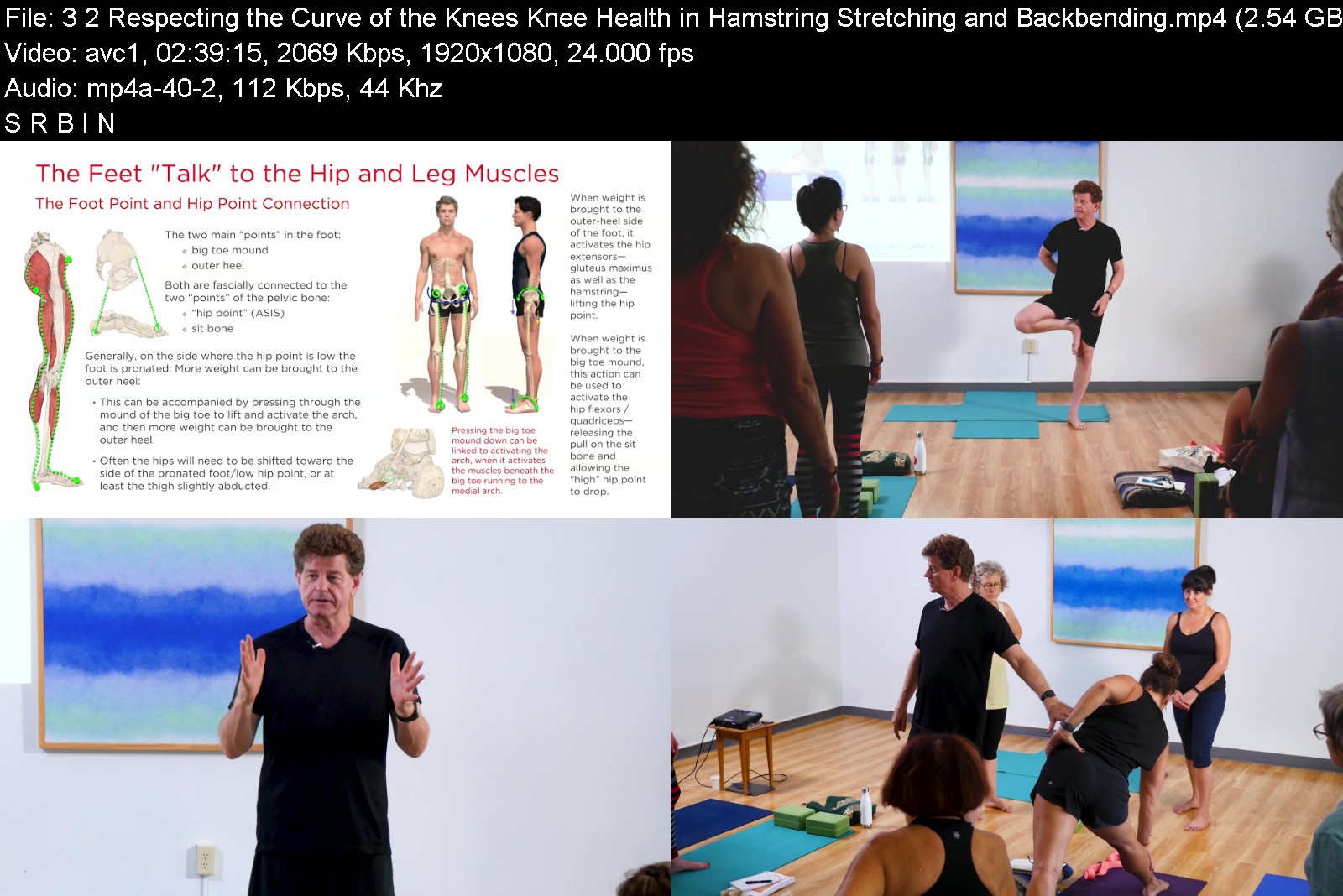
In part three, Respecting the "Curve" of the Knees: Knee Health in Hamstring Stretching and Backbending, you'll learn
How the knee has been much abused in asana through unexamined habits and simplistic instructions.
How to refine the "microbend" instruction and why the knee is a secondary "curve" whose integrity is maintained by muscular activation on both sides.
How to more effectively forward bend and stretch the hamstrings.
Approaches to backbending that reduce the kinds of muscular conflicts that give rise to knee pain.


anatomyandintegrationezjb9.jpg


Download from RapidGator


Download from Keep2Share


Zurück
Oben Unten