• Regeln für den Video-Bereich:

    In den Börsenbereich gehören nur Angebote die bereits den Allgemeinen Regeln entsprechen.

    Einteilung

    - Folgende Formate gehören in die angegeben Bereiche:
    - Filme: Encodierte Filme von BluRay, DVD, R5, TV, Screener sowie Telesyncs im Format DivX, XviD und x264.
    - DVD: Filme im Format DVD5, DVD9 und HD2DVD.
    - HD: Encodierte Filme mit der Auflösung 720p oder darüber von BluRay, DVD, R5, TV, Screener sowie Telesyncs im Format x264.
    - 3D: Encodierte Filme von BluRay, die in einem 3D Format vorliegen. Dies gilt auch für Dokus, Animation usw.
    - Serien: Cartoon/Zeichentrick, Anime, Tutorials, Dokumentationen, Konzerte/Musik, Sonstiges sind demnach in die entsprechenden Bereiche einzuordnen, auch wenn sie beispielsweise im High Definition-Format oder als DVD5/DVD9/HD2DVD vorliegen. Ausnahme 3D.
    - Bereich Englisch: Englische Releases gehören immer in diesen Bereich.
    - Bereich Talk: Der Bereich, in dem über die Releases diskutiert werden kann, darf, soll und erwünscht ist.


    Angebot/Beitrag erstellen

    - Ein Beitrag darf erst dann erstellt werden, wenn der Upload bei mindestens einem OCH komplett ist. Platzhalter sind untersagt.
    - Bei einem Scenerelease hat der Threadtitel ausschließlich aus dem originalen, unveränderten Releasenamen zu bestehen. Es dürfen keine Veränderungen wie z.B. Sterne, kleine Buchstaben o.ä. vorgenommen werden. Ausnahme Serienbörse:
    - Bei einem Sammelthread für eine Staffel entfällt aus dem Releasename natürlich der Name der Folge. Beispiel: Die Simpsons S21 German DVDRip XviD - ITG
    - Dementsprechend sind also u.a. verboten: Erweiterungen wie "Tipp", "empfehlenswert", "only", "reup", usw. / jegliche andere Zusatzinformation oder Ergänzung, welche nicht in obiger Beschreibung zu finden ist.

    Aufbau des Angebots und Threadtitel

    Der Titel nach folgendem Muster erstellt zu werden. <Name> [3D] [Staffel] [German] <Jahr> <Tonspur> [DL] [Auflösung] <Quelle> <Codec> - <Group>
    Beispiel: The Dark Knight German 2008 AC3 DVDRip XviD - iND
    Beispiel: The Dark Knight 2008 DTS DL BDRip x264 - iND
    Beispiel: The Dark Knight 2008 AC3 DL BDRip XviD - iND
    Beispiel: The Dark Knight German 2008 AC3 720p BluRay x264 iND
    Beispiel: The Dark Knight 2008 DTS DL 1080p BluRay x264 iND
    Beispiel: Die Simpsons S01 German AC3 DVDRip XviD iND
    Beispiel: Die Simpsons S20 German AC3 720p BluRay x264 iND
    Beispiel: Sword Art Online II Ger Sub 2014 AAC 1080p WEBRip x264 - peppermint
    Entsprechend sind also u.a. verboten: Sonderzeichen wie Klammern, Sterne, Ausrufezeichen, Unterstriche, Anführungszeichen / Erweiterungen wie "Tipp", "empfehlenswert", "only", "reup", usw. / jegliche andere Zusatzinformation oder Ergänzung, welche nicht in obiger Beschreibung zu finden ist
    Ausnahmen hiervon können in den Bereichen geregelt sein.

    Die Beiträge sollen wie folgt aufgebaut werden:
    Überschrift entspricht dem Threadtitel
    Cover
    kurze Inhaltsbeschreibung
    Format, Größe, Dauer sind gut lesbar für Downloader außerhalb des Spoilers zu vermerken
    Nfo sind immer Anzugeben und selbige immer im Spoiler in Textform.
    Sind keine Nfo vorhanden z.B. Eigenpublikationen, sind im Spoiler folgende Dateiinformationen zusätzlich anzugeben :
    Quelle
    Video (Auflösung und Bitrate)
    Ton (Sprache, Format und Bitrate der einzelnen Spuren)
    Untertitel (sofern vorhanden)
    Hosterangabe in Textform außerhalb eines Spoiler mit allen enthaltenen Hostern.
    Bei SD kann auf diese zusätzlichen Dateiinformationen verzichtet werden.

    Alle benötigten Passwörter sind, sofern vorhanden, in Textform im Angebot anzugeben.
    Spoiler im Spoiler mit Kommentaren :"Schon Bedankt?" sind unerwünscht.


    Releases

    - Sind Retail-Release verfügbar, sind alle anderen Variationen untersagt. Ausnahmen: Alle deutschen Retail-Release sind CUT, in diesem Fall sind dubbed UNCUT-Release zulässig.
    - Im Serien-Bereich gilt speziell: Wenn ein Retail vor Abschluss einer laufenden Staffel erscheint, darf diese Staffel noch zu Ende gebracht werden.62
    - Gleiche Releases sind unbedingt zusammenzufassen. Das bedeutet, es ist zwingend erforderlich, vor dem Erstellen eines Themas per Suchfunktion zu überprüfen, ob bereits ein Beitrag mit demselben Release besteht. Ist dies der Fall, ist der bereits vorhandene Beitrag zu verwenden.
    - P2P und Scene Releases dürfen nicht verändert oder gar unter einem iND Tag eingestellt werden.


    Support, Diskussionen und Suche

    - Supportanfragen sind entweder per PN oder im Bereich Talk zu stellen.
    - Diskussionen und Bewertungen sind im Talk Bereich zu führen. Fragen an die Uploader haben ausschließlich via PN zu erfolgen, und sind in den Angeboten untersagt.
    - Anfragen zu Upload-Wünschen sind nur im Bereich Suche Video erlaubt. Antworten dürfen nur auf Angebote von MyBoerse.bz verlinkt werden.


    Verbote

    - Untersagt sind mehrere Formate in einem einzigen Angebotsthread, wie beispielsweise das gleichzeitige Anbieten von DivX/XviD, 720p und 1080p in einem Thread. Pro Format, Release und Auflösung ist ein eigener Thread zu eröffnen.
    - Grundsätzlich ebenso verboten sind Dupes. Uploader haben sich an geeigneter Stelle darüber zu informieren, ob es sich bei einem Release um ein Dupe handelt.
    - Gefakte, nur teilweise lauffähige oder unvollständige Angebote sind untersagt. Dies gilt auch für eigene Publikationen, die augenscheinlich nicht selbst von z.B. einer DVD gerippt wurden. Laufende Serien, bei denen noch nicht alle Folgen verfügbar sind, dürfen erstellt und regelmäßig geupdatet werden.
    - Untersagt sind Angebote, welche nur und ausschließlich in einer anderen Sprache als deutsch oder englisch vorliegen. Ausnahmen sind VORHER mit den Moderatoren zu klären.


    Verstoß gegen die Regeln

    - Angebote oder Beiträge, die gegen die Forenregeln verstoßen, sind über den "Melden"-Button im Beitrag zu melden.
  • Bitte registriere dich zunächst um Beiträge zu verfassen und externe Links aufzurufen.

*** Bestes IPTV *** bester Preis *** gratis Test ***


Englische Tutorials

The Complete WordPress Website Business Course 2.0

4591642aba65bk82.jpg


The Complete WordPress Website Business Course 2.0
MP4 | Video: h264, 1280x720 | Audio: AAC, 44.1 KHz, 2 Ch
Genre: eLearning | Language: English + srt | Duration: 86 lectures (18h 16m) | Size: 15.5 GB

Master WordPress with this fully updated Complete Course, with design, hosting, management, and business topics included


What you'll learn
Create all kinds of websites, using WordPress, for your own business or to sell to clients
Master the inner workings of WordPress, for building, troubleshooting, and fixing websites
Learn WordPress Block-based and Full Site Editing using Twenty Twenty-Two Theme with WordPress 5.9 and later
Learn the Kadence Theme and Kadence Blocks plugin for creating high performance custom WordPress sites within the native blocks system
Learn the Divi Theme and Visual Builder to build robust custom websites from pre-designed layout packs
Set up server and hosting environments in the most economical and secure way
Build and edit websites within staging and development environments
Migrate and transfer WordPress websites from staging to live and vice-versa
Master the three types of email needed to support a WordPress website
Sell Website Care and Maintenance plans to happy clients for recurring revenue
Set up working online eCommerce, invoicing and payments systems to support your project income and recurring fees
Requirements
A working computer, either Windows, Mac or Linux.
A modern browser like Chrome, Firefox or Firefox Developer Edition.
Internet access for some of the lessons.
You don't need any experience with programming languages like HTML, CSS or Javascript.
Description
"Gregg is a great instructor. This course covered different aspects and applications of WordPress management for business purposes from technicalities to practical business-oriented tips. I would recommend it to anyone who is looking for refreshing or acquiring knowledge on WordPress CMS and, even more, to who is eventually considering the idea of launching a private web development business through one of the most known, used and powerful tool available in the market." --Riccardo A.
No better time than now, and only increasing
With WordPress powering more than 40% of all websites on the internet, there's never been a better time to build an income and a business around it. Learn the most current and modern best practices with WordPress design, hosting, management and business processes outlined in detail.
You're here because you want to master WordPress, right? Good idea. You're in the right place. And, you can do it without learning any programming or coding.
While WordPress is open source, and because of that has thousands of developers building resources for it, it still takes quite a bit of learning to become a master at building and managing websites with it. It's not just learning the WordPress software, there's a small amount of graphic design knowledge needed, hosting and server management, troubleshooting broken sites or problems by hacking into the back end and server setup, and properly staging development environments around new sites or when performing updates and changes on existing sites.
Why am I qualified to teach you?
Through this course, I'll teach you everything I've learned and mastered through 16 years of building, managing, migrating, and hosting WordPress websites.
"He is concise and well spoken, without dumbing it down at all. As a total newbie to WordPress, I'm thankful he's offering this! 3 lessons in and it's great so far." --Jamie Rasmussen
My business lets me work on my own schedule, manage my home workspace without a boss or a manager, and gives me an unlimited ceiling for profit and income and time freedom.
Without learning to code or programming anything, I'm able to leverage what's already been done with WordPress to create modern, robust and functional websites for clients of all types.
I'm hoping you'll get to the same awesome place in your work life. Let this course give you the head start you need to increase your income fast.
"[Gregg] has covered more areas than what an average course would deliver, this is clear reflection of Gregg's experience in the subject. He has gone above and beyond to cover every aspect of WordPress for a clear and concise understanding for a beginner.
Gregg is probably one of the best instructors I have come across on Udemy and expert in the subject. Well done and Thank you for an amazing course."
--Mohamed Fawmey Mohamed Vinodh
Many of my best and biggest clients have come from "abandoned" WordPress websites, where the client's website designer or developer has left the scene. My ability to get in and restore, fix, redesign, and continue to manage WordPress websites brings me lots of instant and recurring income.
You'll learn how to do all this in almost 20 hours of easy-to-follow video content, fun lessons and challenges.
During this course, you'll learn everything you need to know to start or improve your own WordPress website business.
The WordPress Ecosystem
"Straight forward and neat! Just what I need to step up the freelancing ladder. Highly recommended." --Mr. Graciano Jose Reyes
It's probably no surprise to you that the WordPress community has thousands of really talented and creative developers, designers and technologists working within it. And you may know that much of their work is available as open-source resources that will enable you to build your own business.
The open-source philosophy doesn't mean that no one makes any money. On the contrary, by sharing much of what we, as a community, create, we all prosper much, much more, because we all share in expanding what's possible with WordPress.
By spending zero-to-little money, you can stand on the shoulders of those who came before you, to create your own business niche, by learning the skills and secrets presented in this course.
"Instructor explains everything very clearly, and in detail. So simple to learn and understand in this course. Looking forward to finishing all of the lessons with much excitement. An A+++ instructor and course." --Mekus
Summary of what you'll get
Almost 20 hours of video teaching and training.
Current and future WordPress topics, best practices and robust design systems for building custom websites with WordPress.
Two free sandbox WordPress environments to build and experiment with 10 sites each.
The Leverage WP Sandbox environment includes the new full site editing block-based theme system, with Twenty Twenty-Two and other block-based themes.
The Leverage Divi environment is a complete Divi Theme and Visual Builder practice suite with more than 250 layout packs from Divi available and ready for you to build and learn from.
Evaluate and choose hosting for your own websites and client sites, with insights from 20 years of hosting client websites.
Free extended hosting trial Flywheel for performing coursework and hosting your website experiments.
Build a bunch of modern mobile-responsive websites, each with a different focus and learning purpose - each one could be re-purposed for a client website, and you'll learn to leverage pre-designed layouts for quick design and implementation.
Learn to set up local development environments to play with WordPress websites in private, on your own computer.
Active and helpful community and forum.
Direct access to your instructor for questions and help through the Udemy communications channels.
Lifetime access to the course, including all future updates.
What will I learn that I can apply to creating a profitable business right away?
Download and configure free open-source software tools and use online services to build the resources you need to create and manage WordPress websites.
Master the ins-and-outs of hosting and development environments, including servers, files, and databases that WordPress uses.
Learn how to get into the WordPress files and database to manually manage installation and troubleshooting for WordPress websites.
Lean how to set up and manage the three types of email system needed to support a website, and how to do it through WordPress.
Add contact forms, interactive maps, and other dynamic sections into WordPress
Learn the Twenty Twenty-Two theme and full site editing with the new block-based WordPress system on WP 5.9 and later.
Learn Kadence Theme and Kadence Blocks for amazing customization possibilities using the default WordPress block editor.
Learn Divi and the Visual Builder, the most powerful and high-performance design system available for WordPress.
How about more advanced topics I'll need?
WordPress website migration and moving sites to different hosts and servers.
Hosting differences and migration services.
Using staging areas for website development and updating.
Working with three different types of WordPress themes and design systems
Working with plugins, and vetting them for usability, reputation and longevity.
Custom Post Types for customizing a website's functionality to match the needs of a client.
Working with global elements like site-wide colors and typography.
Setting up site-wide templates and dynamic sections to manage content globally throughout a website.
Setting up email systems: transactional email sent by WordPress, broadcast email sent to email lists in bulk, and specific email addresses at website domains.
eCommerce and WordPress: using WooCommerce to support your business and receive online payments for project fees and recurring subscriptions.
Updating WordPress, Themes and Plugins.
Managing multiple websites for recurring income.
Creating multiple backup and restore systems.
Landing, managing, and keeping great clients
Finding clients and building client proposals
Website care and management services for recurring income.
Client billing for flat-rate projects and recurring charges.
Who this course is for
Those interested in learning to build websites using open source and free tools should take this course.
Those familiar with WordPress, who need a deeper understanding of how all the parts fit together, should take this course.
Those new to WordPress, but looking for a complete system for creating and managing professional websites for clients or themselves, should take this course.
Those who want to modernize their knowledge of how WordPress website development is moving into the future and changing.
Those who want to start a business creating WordPress websites for clients.
Those who want to leverage WordPress to create websites for their own business.
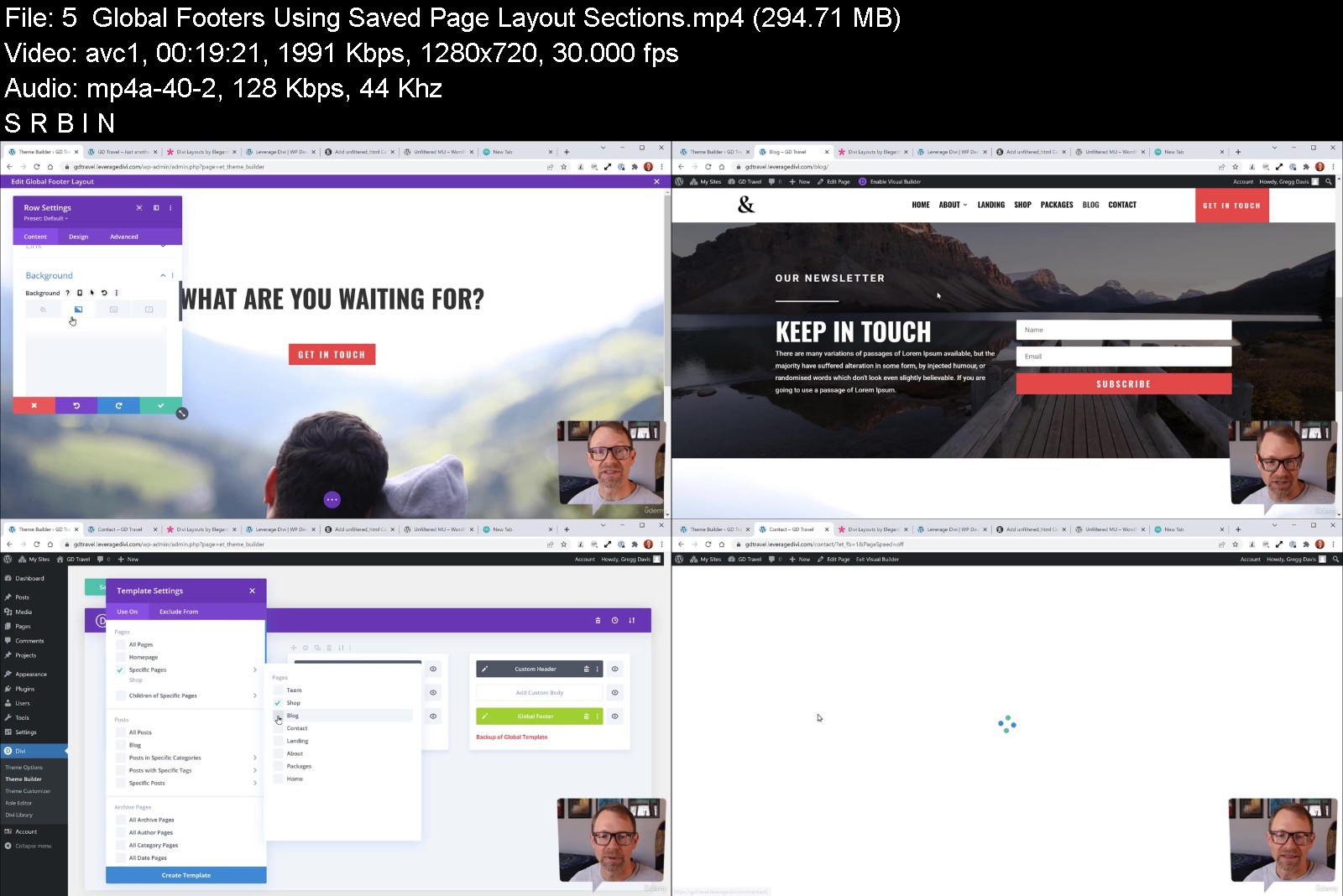


thecompletewordpresswl6jdr.jpg


Download from RapidGator


Download from Keep2Share



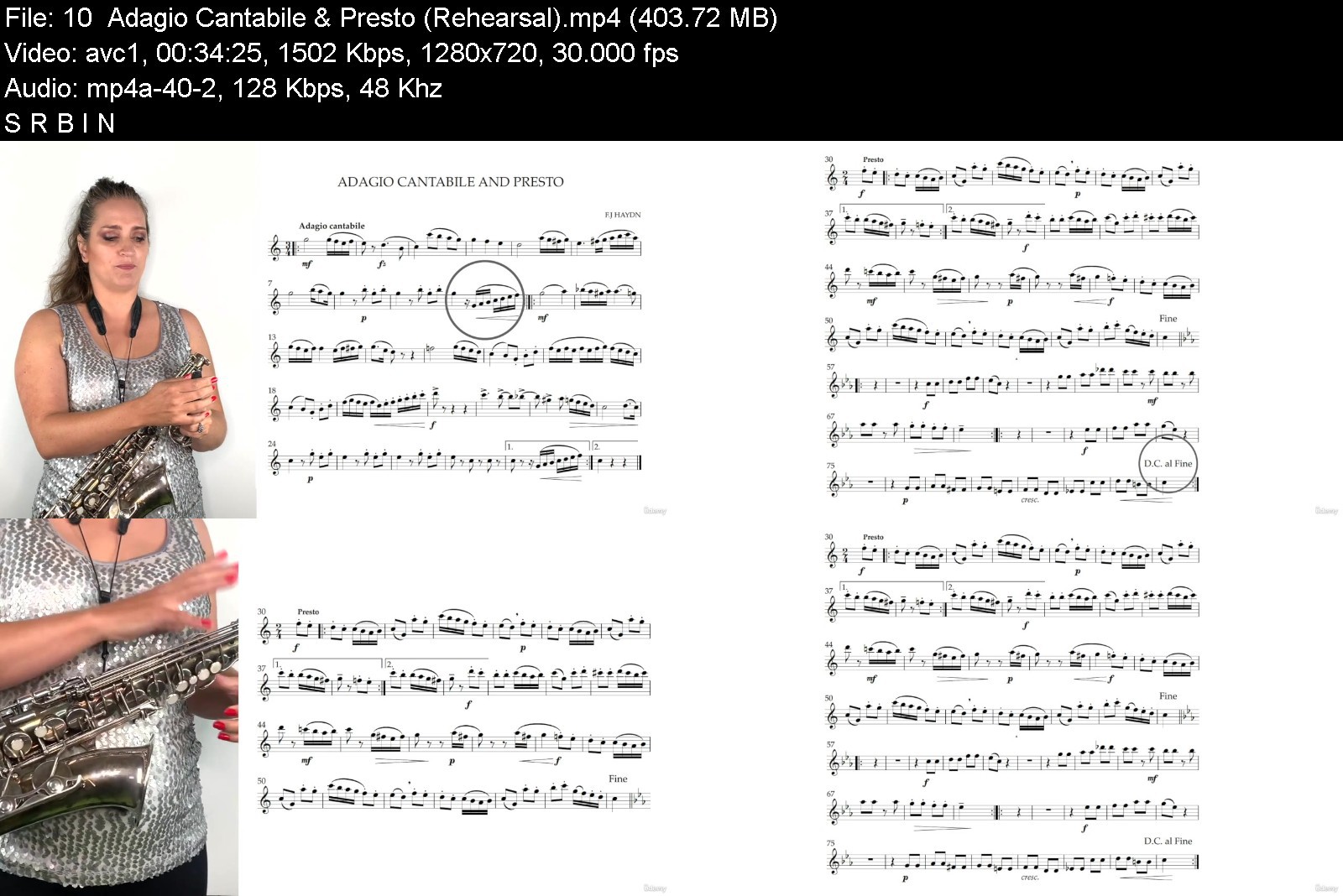
The Complete Intermediate Saxophone Course

43265849bae2otklp.jpg


The Complete Intermediate Saxophone Course
MP4 | Video: h264, 1280x720 | Audio: AAC, 44.1 KHz, 2 Ch
Genre: eLearning | Language: English + srt | Duration: 106 lectures (12h 26m) | Size: 9.67 GB

Advance your Saxophone skills with all the tuition, guidance, sheet music, resources and backtracks you will need


What you'll learn
Play a wide selection of intermediate level pieces from over a variety of genres including classical, jazz and funk.
Interpret advanced rhythmic patterns and apply them to a specific musical context.
Learn about expressive markings at intermediate level, and how it elevates the musical charisma of a piece and its performance.
Add emotion to a performance with the use of inflections like vibrato and musical ornaments.
Master scales up to Grade 5 level including major, minor, pentatonic, blues and chromatic scales.
Play in the jazz style using elements like swing rhythm, basic improvisation techniques, and inflections.
Apply and enhance finer artistic nuances in your playing including phrasing, gradual tempo and dynamic shifts, key changes and stylistic detail.
Do more than just read notes - play like a professional musician!
Requirements
An Alto Saxophone (with mouthpiece, reed and neck strap)
Beginner level knowledge about Saxophone playing (Grade 1 -3)
Description
In this course you will find the complete collection of materials and instruction for intermediate level Saxophone playing. You will learn everything Saxophone students typically learn in their second and third years of instruction with the advantage of working at your own pace, and having the luxury of watching lectures as many times as you like!
Learn To Play With Technical Prowess And Artistic Musicality.
Learn from a seasoned Saxophone teacher and professional performer who has refined her instruction over the past 15 years.
Play more than 17 intermediate Saxophone works with backtracks in easy-to-follow play-along videos.
Gain access to a complete set of technical exercises to practice the techniques covered in each section.
Master all the technical abilities of an intermediate player.
Develop the finer artistic nuances of musical performance, and how to apply them in performance.
At intermediate level the aim is not only to play the correct notes, but to also look beyond the notes at what we are expressing musically.
As a result you will learn various advanced techniques, how to apply them to a musical performance, and how to approach a musical work from first rehearsal to performance. To top it all off, you will also learn about performance anxiety, performance etiquette and things that are important when taking your musical abilities to the stage.
If you want to learn everything there is to know about intermediate level saxophone playing, this is the course for you!
Who this course is for
Saxophone players who have covered the basics of saxophone technique, who want to advance their technique, artistic ability and overall performance confidence.
Saxophonists who want to refresh their skills after taking a break.


thecompleteintermediaykjxy.jpg


Download from RapidGator


Download from Keep2Share



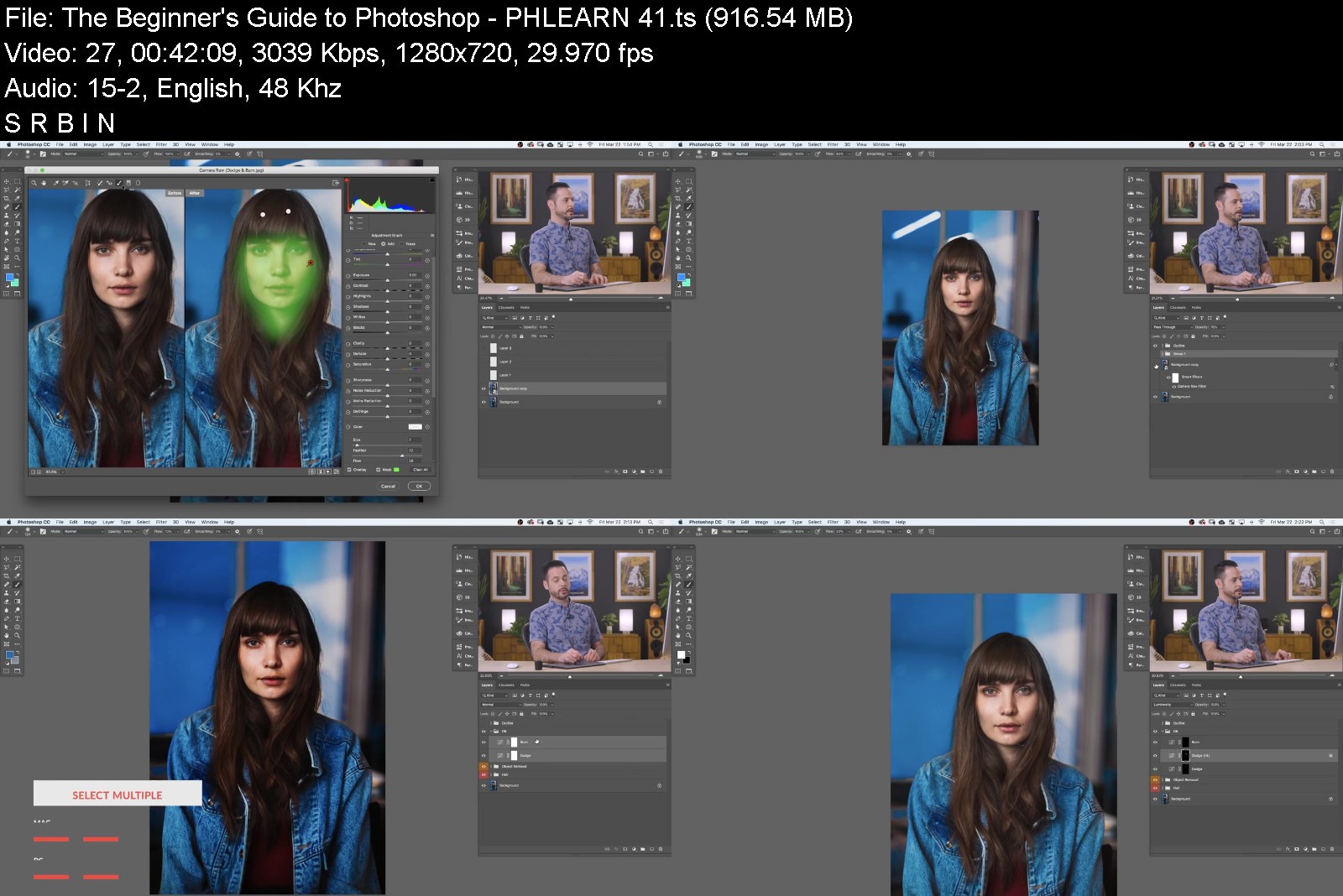
The Beginner's Guide to Photoshop

phlearnprothebeginneruojy1.jpg


The Beginner's Guide to Photoshop
Instructors: Aaron Nace
Duration: 13.5 hours • 46 Lessons
Video: MP4 1280x720 44 KHz | English
Level: Beginner | Size: 17 GB

We believe that the tools you use should never get in the way of your ability to create. Whether you want to retouch images for your favorite magazine, create strange, new worlds with photo compositing, or edit your everyday photos to help the most important people and moments in your life stand out, this is the place to start.

With streamlined lessons and real-world examples, this is the most comprehensive and beginner-friendly Photoshop course out there! Learn how to make simple improvements to your photos, cut people and objects out of their backgrounds, remove common distractions, create special effects, retouch portraits, and much, much more.

Your creative journey starts here.

51 Sample Images
Beginner's Guide PDF
Sharpen Photoshop Action
Skin Retouch Photoshop Action
4 Sample PSDs

Become a Photo Editing Ninja

Photoshop Basics
Photoshop is huge. With so many options and applications, it's tough to figure out where to start. That's where we come in. We show you the basics that will help you tackle some of the most common photo problems. No nonsense teaching and real-world examples.

Improve Your Photos
Some photos are crooked. Some are too dark or too bright. And some just need a little more flavor. Learn how a handful of seemingly small edits can make a big difference in your photos, from straightening a horizon and changing composition, to balancing exposure and correcting colors.

Step-by-Step Training
We're there with you, every step of the way. We show you the most powerful tools that will make the most immediate impact on your images. Then we use those tools as we walk you through over 40 examples, covering every step of the editing process.

Photoshop for Beginners
This tutorial is for the true beginner. Never opened Photoshop before? You're in the right place. This course is designed to take you from ordinary citizen to Photoshop superhero.

The Best Way to Learn
We've been teaching Photoshop online for over 10 years. Using helpful feedback from students like you, we've put together the most clear and in-depth beginner's guide possible. Are you ready? Let's do this.

Getting Started in Photoshop
Everyone needs to start somewhere. Follow along as we show you how to setup Photoshop and make sense of the workspace. From opening your first images, to making sense of all of the windows and menus, we've got your back.

Basic Photo Editing
As photographers, we know that photos don't always turn out the way we planned. Fortunately, there's Photoshop. We show you how to fix exposure, correct colors, remove distractions, and help people look their absolute best.

Basic Retouching
Retouching is everywhere. From corporate headshots to your favorite magazine cover, retouching is an important skill that can help you in any type of photography. Learn how to remove minor blemishes, clean up stray hairs, add more shape and definition, and sharpen like a pro.

Basic Compositing
Combining multiple photos together is some of the most fun you can have in Photoshop. It's also a helpful skill that can get you out of a jam. Learn the compositing skills to make an eye-catching double exposure, replace a washed out sky with a sky full of color and details, and quickly swap faces between photos so that everyone has a picture-perfect smile.

phlearnprothebeginnerfikov.jpg


Download from RapidGator


Download from Keep2Share



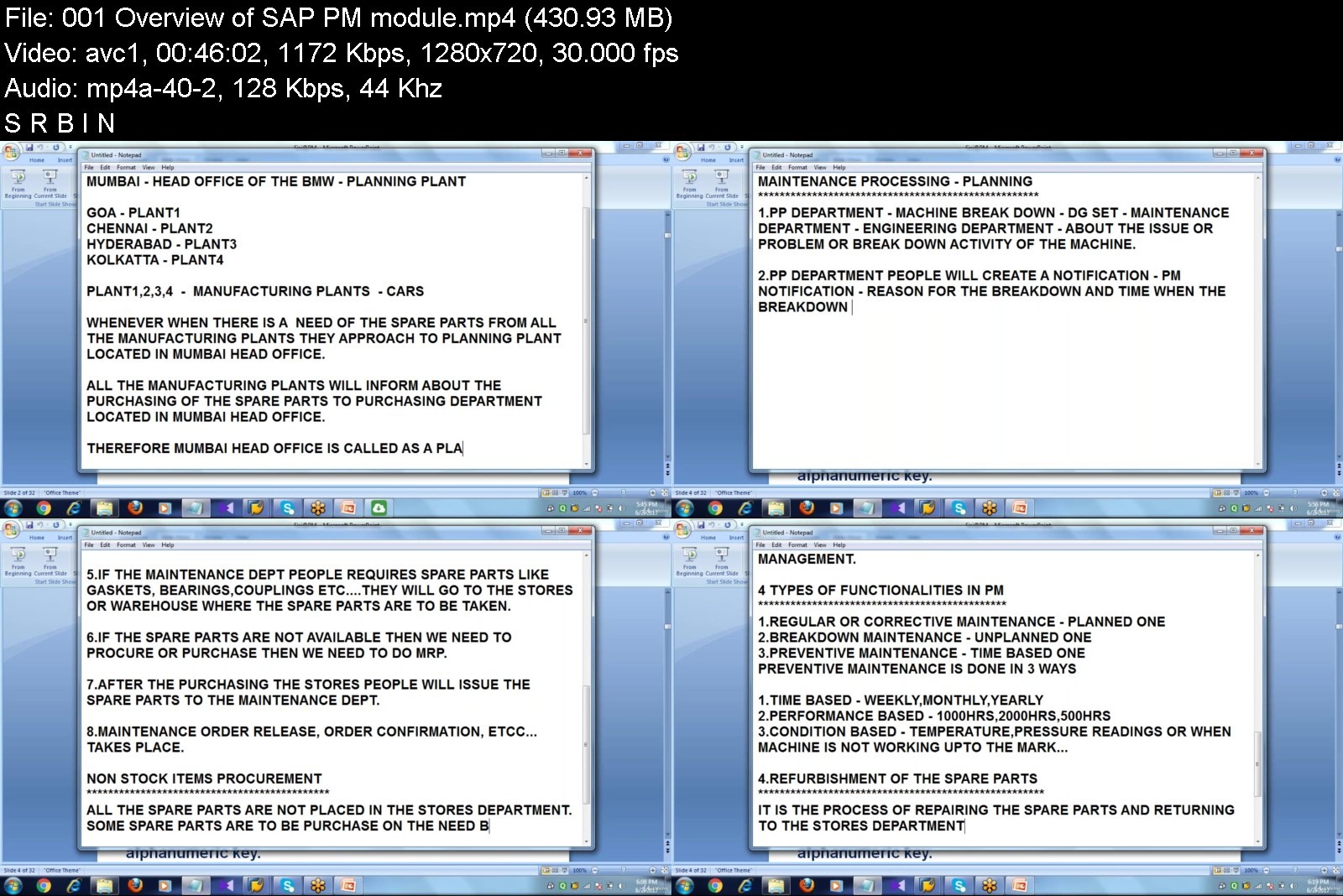
SAP PM Plant Maintenance (beginner to advanced level)

tvae4twmqk2epvd4omdzto9j1o.jpg


SAP PM Plant Maintenance (beginner to advanced level)
MP4 | Video: h264, 1280x720 | Audio: AAC, 44.1 KHz
Language: English | Size: 6.73 GB | Duration: 18h 4m

Learn SAP PM (Plant Maintenance) module in a step-by-step manner with practical examples. Become SAP PM Consultant today


What you'll learn
Comprehensive knowledge of all concepts and topics of SAP PM module
Become an SAP PM Consultant / Manager
Prepare for SAP PM Certification and Job interviews
Practical examples and demonstration of concepts
SAP PM Transaction Codes
How to integrate SAP PM with other SAP modules
SAP Plant Maintenance Process
SAP PM Work Center
SAP Functional Location
SAP Alternative Labeling of Functional Locations
SAP Equipment
SAP PM Bills of Material
SAP Serial Numbers
SAP Breakdown Maintenance Process
SAP Maintenance Order
SAP Corrective Maintenance Process
SAP Maintenance Notification
SAP PM Order Planning
SAP Maintenance Order Scheduling Tasks
Material Withdrawal for SAP PM Order
SAP PM Completion Confirmation
SAP PM External Service
Mobile Asset Management in SAP PM
Refurbishment Processes in SAP PM
SAP Refurbishment Order
SAP Preventive Maintenance
SAP PM Task List
SAP Maintenance Plan
Configurations on SAP PM server instance
Requirements
Enthusiasm and determination to make your mark on the world!

Description
A warm welcome to the SAP PM (Plant Maintenance) course by Uplatz.
SAP PM (Plant Maintenance) application component from SAP provides a tool for all maintenance activities to be performed in an organization. All the activities that are performed under maintenance are interconnected and hence this module is closely integrated with other modules - Production Planning, Materials Management, Quality Management, and Sales and Distribution.
Using SAP PM, you can perform automatic repairs and facilitate maintenance requests in an organization. PM module allows you to record problems in SAP system, plan labor and material activities, and to record, manage, and settle the cost. In a company department, as a plant manager/supervisor you have to identify, document, manage problems and perform enterprise asset management for the required assets, and to perform these activities SAP PM is one of the best ERP tools for this purpose.
SAP Plant Maintenance contains the following sub-modules -
Management of technical objects and equipment master record
Planning of maintenance task
Manage workflow notifications and work orders under maintenance order management
Key Functions of Plant Maintenance
Following activities are performed under SAP PM -
Inspection - Inspection is done to check the actual condition of a technical system.
Preventive Maintenance - Preventive maintenance is used to maintain high availability of the technical system. It includes maintenance planning and work scheduling activities for technical objects.
Repair - Repair involves all measures that can be performed to restore the ideal condition. Repair process can be performed at many planning stages - like work scheduling, resource planning and initial costing, etc.
You can integrate SAP PM with other modules such as Material Management, Production Planning, Personnel Management, and Sales and Distribution. These modules are used to keep the current data as per the requirement in Plant Maintenance and are initiated automatically to maintain the current data in the system.
Following are the key modules which integrate with SAP Plant Maintenance −
Material Management
Sales and Distribution
Personnel Management
Controlling
Production Planning
Uplatz provides in-depth extensive training on SAP PM covering all topics in great detail and with practical demonstration of the concepts on an SAP PM server instance. This SAP PM training is one of the best training courses available on SAP PM and will take you from the beginner to the most advanced level in a step-by-step manner with live examples and mini-projects.
SAP PM course high-level topics
Overview of SAP PM
Logon to SAP PM module
Organizational Structure in PM
Functional Location
Work Center
Equipment
Bill of Material (BOM)
Characteristics and Class
Permits
Revision
Measuring Point and Measuring Counter
Refurbishment for Spare Parts
Calibration Inspection
Maintenance Task Lists
Corrective or Regular Maintenance
Breakdown Maintenance
Preventive Maintenance
SAP PM course curriculum
1. PM Overview and Organizational Structure
PM Overview
Process Overview
Overview - Integration & Interaction with other modules
PM Organization Structure
Plant
Planning Plant
Maintenance Planning Plant
Relationship between organization Units
2. Technical Objects in PM
PM Master Data (Technical Objects)
Functional Locations
Equipment
Material Master
Bills of Material
Functional Location BoM
Equipment BoM
Material BoM
Work Centers
Task Lists
Measuring Points
Warranties
Permits
Maintenance Items / Plans
3. Notifications and Maintenance Orders
Notifications
Notification Types
Create, Change & Display
Maintenance Orders
Order Types
Create, Change & Display
Order completion
Technical Completion of the order
Closing order and notification
Cost Settlement
Order Status
4. Maintenance Planning (Scheduling) and Reporting
Preventative Maintenance (Maintenance Planning)
Preventative Maintenance Process
Task List
Scheduling Plans
Reporting in SAP PM
Reporting at Document Level
Reporting with the Logistics Information System
5. Configuration & Integration
Configuration in PM
Integration with other modules
Case Study
Who this course is for
SAP PM Consultants / Managers / End Users
Anyone aspiring to become SAP PM Consultant / Manager
SAP Logistics Analysts & Consultants
SAP & ERP Professionals
SAP Functional Consultants
Business Analysts & Consultants
Project Managers & Supervisors
Anyone looking forward to start SAP career


sappmplantmaintenancezzjwu.jpg


Download from RapidGator


Download from Keep2Share


Learn API & Microservices Testing

fvmcr0odko4nbcxialhicxbkja.jpg


Learn API & Microservices Testing
MP4 | Video: h264, 1280x720 | Audio: AAC, 44.1 KHz
Language: English | Size: 18.1 GB | Duration: 53h 39m

Postman, SOAPUI, ReadyAPI , RestAssured , Spring Boot,JUnit5,H2 Database & RestTemplate


What you'll learn
You will be able to understand what the Webservices & API's are, and their functionality.
After completing this course you can start working on API & Webservices testing projects
Covered most popular API testing tools like Postman, SOAPUI, Ready API & RestAssured API Automation
You will learn how to develop and test Microservices
Requirements
You should be having basic knowledge on testing concepts.

Description
This course is designed to make you an expert in working with Back end Testing.
Nowadays, almost all web applications use web services to communicate or interact with each other. Most modern day web services are built on Representational state transfer (REST) architecture; REST has gained a lot of popularity and it will continue to do the same due to its simplicity in comparison with other technologies.
90%of the IT industry now heading towards this API for automating Services. On course completion You will be familiar with REST API testing using Postman, SOAPUI & RestAssured and can implement Successfully it in your work place or will surely land on High Paying Job.
Also this course covered development and testing of microservices using Spring Boot & Mackito Junit framework.
Topics Covered
Module1: Basics of API & Web services Testing
What is Client and Server?
Client Server architecture
Presentation, Business & Database Layer
What is Request & Response
What is API
What is API Testing
API Testing VS Unit Testing
What is Web Service
Difference between API & Web service
Components of Web services ( WSDL & UDDI)
Types of Web services
SOAP VS Rest services
URI, URL & URN
API/Web service testing challenges
Web Service API testing tools
Web services API Testing process
What to test in Webservices /API Testing
HTTP Methods(GET/POST/PUT/DELETE)
Status Codes
Examples of Web service API's
Module 2: API Testing using Postman
Download and Install Postman
Postman Navigation
Creating Requests & Analyzing Response
Request Parameters in Postman
Postman Collections
End to End test case(GET , POST, PUT , DELETE)
Basic Authentication in Postman
Test and Collection Runner in Postman
Workflows in Postman
Pre-Request Script in Postman
Variables in POSTMAN
Environment/Global variables
Adding Postman Environment
Postman workspace
How to share collections in workspaces
Postman Coding
Data Driven testing using Json & CSV files
How to Run data-driven Tests
JSON, XML & HTML Payloads
Authorization Types in Postman
Run Postman tests in command Line
Generating Reports in Postman
Real Time Examples - Facebook API
Importing Facebook API's into Postman
How to handle SOAP Web service Requests in Postman
Module 3: SOAPUI /Ready API (Functional Testing)
What is SoapUI? Why to use SoapUI
How to Download and Install SoapUI
GUI components of SoapUI
How to create a SOAP API Project
How to add WSDL
How to create Test Suite - Test Cases
How to add Assertions
Run Test Step - Test Case - Test Suite
How to run in sequence and in parallel
How to create API Documentation
Create a REST Project
Add a REST request
How to add request parameters
Create a Test Case
Add assertions
Run and Validate
What are assertions? Why do we add assertions
Diff types of assertions in SoapUI
What is property in SOAPUI? Why do we use it
How to create properties at different levels
How to refer properties
How to add groovy scripts in SoapUI
Property Transfer/Value Transfer
Parameterization /Data Driven testing
Working with Data Sources in SOAPUI Pro/ReadyAPI
Data Driven Testing using Excel file
Data Driven Testing using Text File
Data Driven Testing using Grid
Data Driven Testing using JDBC
Data Source - Data Generation
Data Source loop and Data Sink
How to run a Tests from SOAPUI GUI
Generate Reports in SOAPUI
How to run a Tests from Command Line
Generate reports from Command Line
Real Time Examples - Flickr & Google Maps
Module 4: SwaggerUI
Swagger UI overview
The Swagger UI Petstore example
Authorize your requests
Make a request
Verify that your pet was created
Some sample Swagger UI doc sites
Create a Swagger UI display with an OpenAPI spec document
Module 5: API Automation Testing using REST Assured using Java & TestNG
Introduction to HTTP methods
REST Assured Setting up environment (Eclipse, Maven & TestNG)
Send GET request using REST-Assured
Send POST request using REST-Assured
Send PUT request using REST-Assured
Send DELETE request using REST-Assured
REST-Assured Extracting values from the response.
Validating Response codes and status line
JSON Schema Validation
Validating Headers
Validating Authenticated API's
Rest Assured End-to-End Test Case
Module 6: Rest Assured Framework using TestNG, Maven,Jenkins, Git & Github
Create Maven Project
Update pom.xml
Create Folder structure
Develop Utilities (RestUtls & Listeners)
Creating Test Cases
Create Extent Reports
Run Tests using TestNG XML
Create TestBase Class
Add logs to Tests using Apache log4j
Run Project through pom.xml
Run Project through command prompt
Run Project through Jenkins
Upload project to Git & Git hub
Module 7: API Automation Testing using REST Assured using BDD (Behavior Driven Development) Approach
Environment setup
Keywords used in BDD Approach
How to send GET Request
How to send POST Request
How to send PUT Request
How to send DELETE Request
Validating Headers
Authorization parameters
Basic validations on JSON Response
Basic validations on XML Response
How to rooPath & detachRootPath in RestAssured
Different ways of Reading Response
Working with Response Headers
Working with Response Cookies
Working with Authentication API's
Types Parameters and working with Parameters
How to use Request Specification Builder & Response Specification Builder
Logging
Serialization & De-serialization
Rest API Testing without Serialization & De-serialization- JSON
Rest API Testing using Serialization & De-serialization - JSON
Rest API Testing without Serialization & De-serialization- XML
Rest API Testing using Serialization & De-serialization - XML
Module 7: Microservices Testing using Spring Boot, Junit, Mackito and H2 Database , RestTemplate
Who this course is for
Beginners, Fresh graduates,Manual Testers and Automation Test Engineers


learnapimicroservices5ijp2.jpg


Download from RapidGator


Download from Keep2Share



Career Opportunities for Students in Blockchain Technology

qemoxrot5k9d.jpg


Career Opportunities for Students in Blockchain Technology
MP4 | Video: h264, 1280x720 | Audio: AAC, 44.1 KHz, 2 Ch
Genre: eLearning | Language: English + srt | Duration: 55 lectures (6h 19m) | Size: 7.4 GB

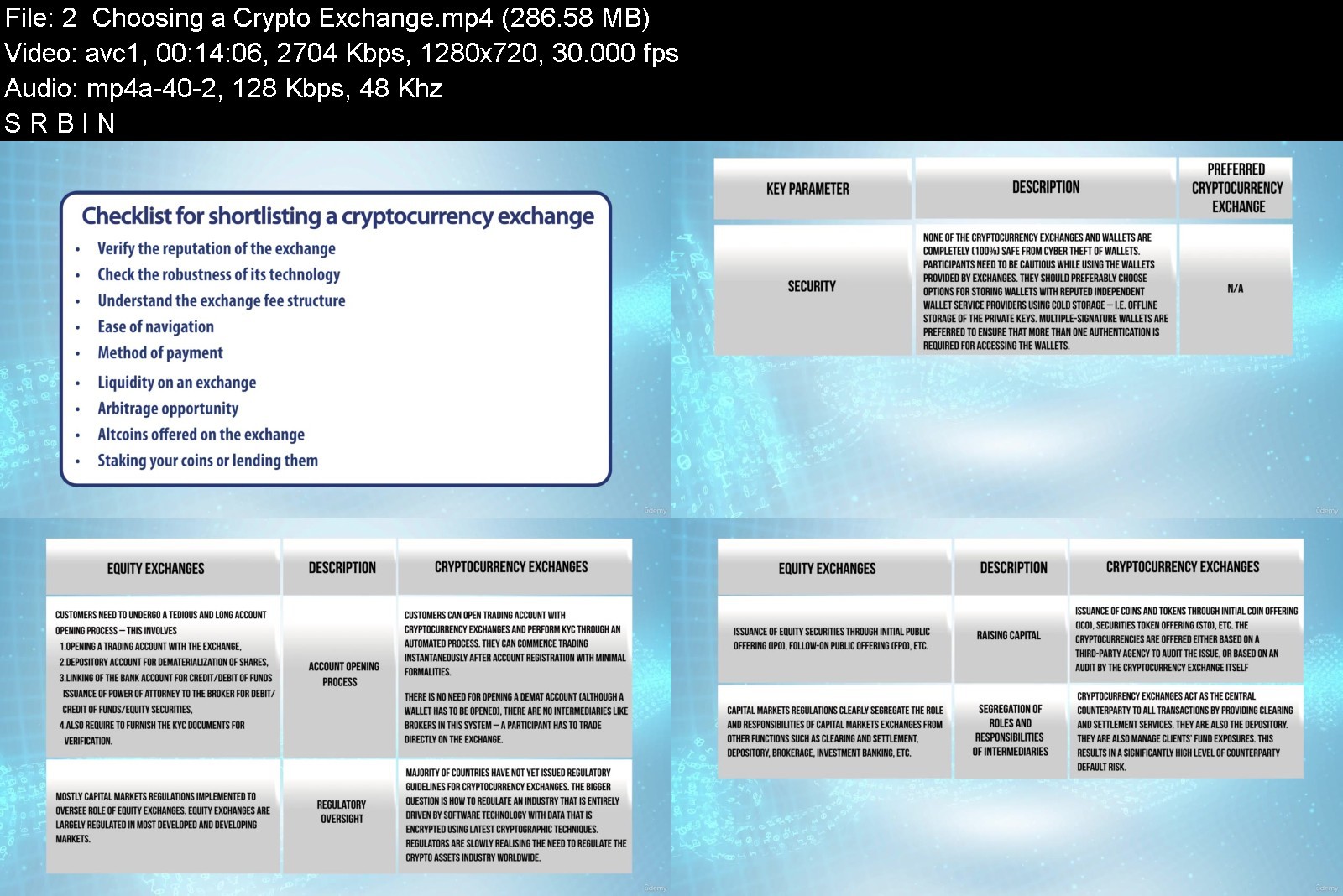
Obtain the necessary skills, tools & knowledge to make career decisions & explore entrepreneurial growth opportunities


What you'll learn
Gain insight into blockchain technology and its evolving role and a fair understanding of the digital transformation that is taking place
How to set up in this new digital asset class, including identifying a trading platform, choosing a wallet
Doing your own research with fundamentals of cryptocurrencies, reading the technical charts for analysis and following the best practices for this market
Deep dive into the scores of global roles that have opened up in the blockchain and crypto market job segments
Requirements
It is always a good time to get educated and keep abreast with new advancements
Feel the excitement of a new asset class as much as we do
Keen interest in learning about this ecosystem to gain proficiency and knowledge
Requires no engineering background or programming skill-set
Description
The emergence of a new technology framework that constitutes Web 3.0, and the advent of the next iteration of the internet in the form of metaverse powered by extended reality, blockchain technology and cryptocurrencies, including NFTs, is expected to change the way in which we do business and socially interact with each other. The world is about to witness an explosion in global economic growth paced with significant job creation and career growth opportunities in the blockchain industry during the next ten years.
This programme gives you a perspective on the various career growth opportunities across the blockchain technology industry and the cryptocurrency markets. This would include jobs as also entrepreneurship opportunities and equip you to explore this segment as a career option.
The rapid development of this technology especially in the last couple of years has taken even the job market by storm. There is no better time than now to consider becoming a blockchain expert or to consider a career in the numerous ecosystem avenues that have opened up in cryptocurrencies.
We at Crypto University have curated a special course on blockchain technology and cryptocurrencies which will definitely help the students explore this world in the early days itself.
Crypto University educative programmes help participants navigate their way into the crypto world. It offers online courses that are designed for those who are interested in learning cryptocurrency in detail and to gain proficiency and knowledge about blockchain.
LEARN B4 EARN at Crypto University
Who this course is for
Beginners
Students having interest in blockchain technology and cryptocurrency markets
Students considering these domains as career options
Students who want to expand their knowledge paths to include new digital technological innovations


careeropportunitiesfo35k08.jpg


Download from RapidGator


Download from Keep2Share


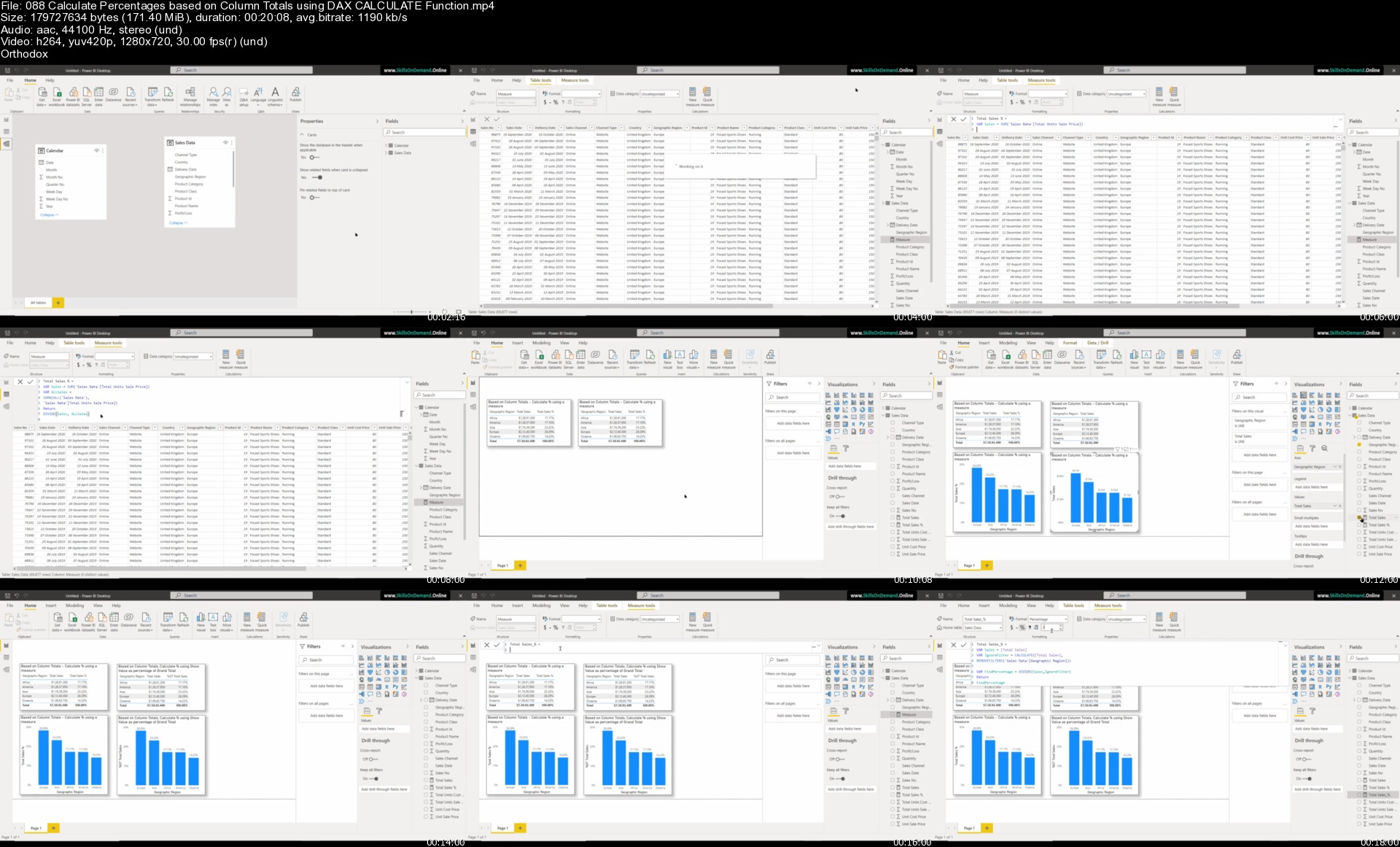
Learn Power BI - Learn Data Analysis & Data Visualizations

m0zbundcsdhqk9ge4pmfqqtksj.jpg


Learn Power BI - Learn Data Analysis & Data Visualizations
Genre: eLearning | MP4 | Video: h264, 1280x720 | Audio: AAC, 44.1 KHz
Language: English | Size: 30.7 GB | Duration: 72h 32m

Master Power BI Desktop & learn advanced Power BI analysis & data visualization. Master Data Analysis and Visualizations


What you'll learn
Master Data Analysis Expressions (DAX) and Power Query (M Language) for Power BI Desktop
Learn how to analyze data from multiple sources, create your individual datasets based on these sources and transform your results into interactive reports
Understand Power BI Desktop and its components. Understand the end to end business intelligence workflow
How to Create, Transform and build Relationships between different tables
How to Build and Refine Data Models using Custom Formulas and How to work in the different views of the Data Model
How to create a report with different interactive visualization types
Showcase your skills with two full scale course projects

Requirements
Willingness for learning new things and applying the learned concepts with creativity
You need to download Power BI Desktop from Microsoft website (This is a free software from Microsoft)
This course may not be for you if you have a Mac
A computer with Windows as operating system. This course is designed for PC users
Basic understanding of data analysis is an added advantage but not a requirement
Having a work or school email address to sign in to Power BI Desktop is an added advantage

Description
This course will provide you the skillset you need to create Dynamic Reports and Interactive Dashboards to analyze and interpret meaningful insights from your any data using a Business Intelligence tool like Microsoft Power BI. We have created content with relevance to real world scenarios

From this course, you will learn how to analyze data based on relevance using Power BI.

Power BI is a business analytics and business intelligence service by Microsoft. It aims to provide interactive visualizations and business intelligence capabilities with an interface simple enough for end users to create their own reports and dashboards. Power BI is part of the Microsoft Power Platform.

Power BI is a collection of software services, apps, and connectors that work together to turn your data from different sources into visually immersive and insightful reports.

Using Power BI Desktop, you can create rich, interactive reports with visual analytics at your fingertips for free. It can connect to more than 65 on-premises and cloud data sources to turn information into interactive visuals. Data scientists and developers work with Power BI Desktop to produce reports and make them available to the Power BI service.

In Power BI Desktop, users can

Connect to raw data from different sources

Extract, Profile, Clean, Transform and model the data. Build a Relational Data Model using Power Query and DAX

Build and optimize data models and DAX measures

Create charts and graphs using different visualization techniques

Design and create reports and interactive dashboards to get meaningful insights

Analyze hidden trends and patterns

Create and manage datasets

Share reports with others using the Power BI service within or outside the organization

In this course,

You will learn data analysis and data visualization using Power Query, M Language, Dax and Visualizations in Power BI. You will learn about Power BI Desktop and its components. Learn how to use the Power Query Editor to connect Power BI to various data sources, learn how to work on the Data Models to get meaningful insights.

So what are you waiting for?

Let's get started.

Who this course is for
There is no One Stop Solutions to learn everything. In this course, we've focused on providing you with the fundamentals you need to work with Power BI effectively
Interested to build visualizations, reports & interactive dashboards with Power BI Desktop
Anyone who is interested to learn Data Analysis & Data Visualizations using Business Intelligence tool like Power BI
Learn how to convert raw data Into compelling data visualizations using Power BI
If you are interested in Story Telling based on any available Data

Homepage


088calculatepercentagrtjrg.jpg


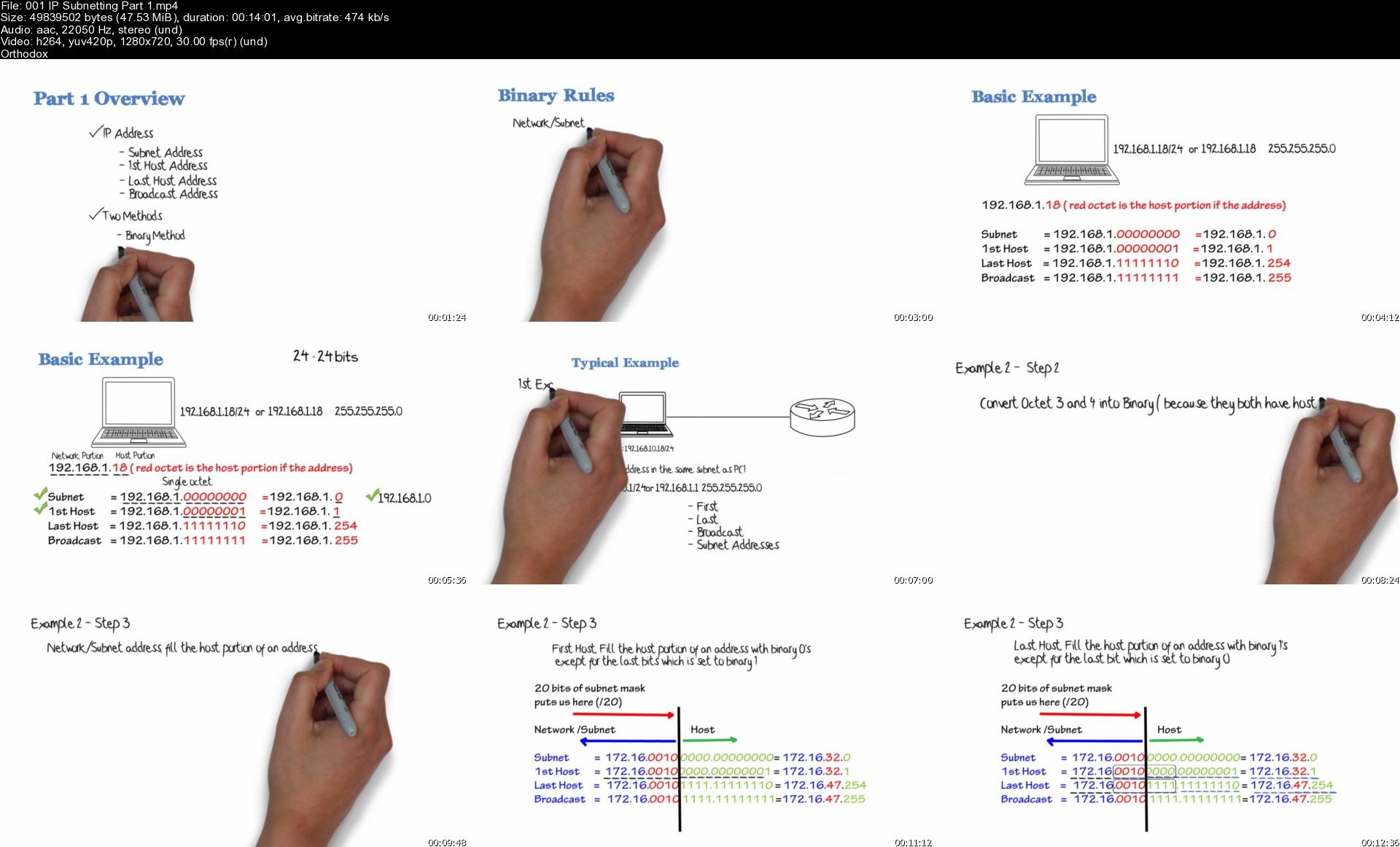
Cisco CCNA 200-301 Complete Course: Packet Tracer Labs

101673620403edjh8.jpg


Cisco CCNA 200-301 Complete Course: Packet Tracer Labs
Last Updated 05/2021
MP4 | Video: h264, 1280x720 | Audio: AAC, 44.1 KHz, 2 Ch
Genre: eLearning | Language: English + srt | Duration: 696 lectures (78h 29m) | Size: 41 GB

The complete course to help you prepare and pass Cisco's newest CCNA certification (200-301 exam). Don't wait


What you'll learn
This course will prepare you for the CCNA 200-301 certification exam.
This course is for anyone who wants to attain the Cisco CCNA certification
Once you complete this course and pass your CCNA exam, you can study towards higher level Cisco certifications
This course will prepare you for the CCNA 200-301 certification exam
Learn how Kali Linux can be used to hack networks
Start a career in networking
Learn topics such has Wi-Fi, Network Automation and Network Security
This course is practical! Once you complete the course, you will be able to apply what you have learned to real world networking scenarios.

Requirements
Basic understanding of computers (connect to the Internet)
Attended a CCENT course, or passed the CCENT certification


Description
Welcome to my complete Cisco CCNA 200-301 course!

This course helps you prepare for the newest CCNA 200-301 exam. This is your first step towards attaining your Cisco certifications.

This course is unlike other CCNA courses as it contains

* Large amount of practical video content with detailed explanations of CCNA topics and GNS3 and Cisco Packet Tracer demonstrations

* Built in Packet Tracer assessments and labs. Massive amount of practical, hands-on content that you can use to study offline.

* Software - Subnetting Calculators, Config-Register, binary & hexadecimal & decimal calculators

* Many demonstrations showing you practically how to configure and build Cisco networks

* Cheatsheets

* Quiz questions

Networks are all around us and you are using one right now to access this course.

Imagine for a moment, how different your life would be without access to Facebook, Snapchat, Google, YouTube, Whatsapp or any of the other websites on the Internet? How would you live with no Internet?

The Internet is extremely important in modern life today and all websites and Internet communication relies on networking. This reliance is only predicted to continue with the growth of the Internet of Things (IoT) in the next few years.

Without routers, switches, network cabling and protocols like BGP there would be no Internet!

This course will teach you how networks actually work and how you are able to connect to websites like Facebook, Google, and YouTube. Companies throughout the world (from the smallest to the largest) rely on networks designed, installed and maintained by networking engineers. Join this in demand industry!

Start your journey today learning about networking.

Content in this course can be used towards your CCNA. Topics such as IP addressing, subnetting and many others can be applied directly to passing your CCNA certification.

Access our online simulations so you can practice on simulated Cisco routers and switches. You will get to type commands such as enable, configure terminal, router ospf and many others and learn how to configure devices.

I want to welcome you to this Cisco CCNA 200-301 course! I'm David Bombal, and I have been teaching networking courses for over 15 years. I qualified as a Cisco Certified Network Engineer (CCIE) in 2003 and hold with numerous other networking certifications. I'm also a Cisco and HPE certified instructor where I have trained thousands of networking engineers in many of the largest companies in the world including Fortune 100 companies.

I have designed this course for anyone wanting to learn more about networking and gain foundational knowledge, to help them embark on their networking career. The concepts taught in this course can be applied directly to multiple industry certifications including the Cisco Certified Network Associate (CCNA).

In this course, you will learn about topics such as IP addressing, IP subnetting, Routing, Switches, VLANs, Spanning Tree, Network Address Translation, Wireless and a whole lot more.

You will also learn more about the latest networking trends including Network Automation and Software Defined Networking.

The course covers the topics in the lasted Cisco CCNA 200-301 exam.

At the end of this course, you will be able to confidently discuss networking topics; and be able to start configuring real networking devices such as routers and switches. In this an introductory course, but contains a lot of information that can be directly applied to the CCNA certification.

The ideal student for this course is someone looking to break into the networking field, someone looking to extend their knowledge from PCs and servers to networking, or someone interested in getting knowledge to work in one of the most exciting, most in-demand jobs in IT - networking.

There are no requirements necessary to enroll in this course, I only ask that you come open minded and ready to learn.

Feel free to take a look at the course description and some of the sample free videos.

I look forward to seeing you on the inside!

Who this course is for
If you are interested in a Networking career, then this course is for you!
This course is for anyone who wants to attain the Cisco CCNA certification
This course will prepare the student for the CCNA 200-301 certification exam.

Homepage


001ipsubnettingpart1sm7kbn.jpg


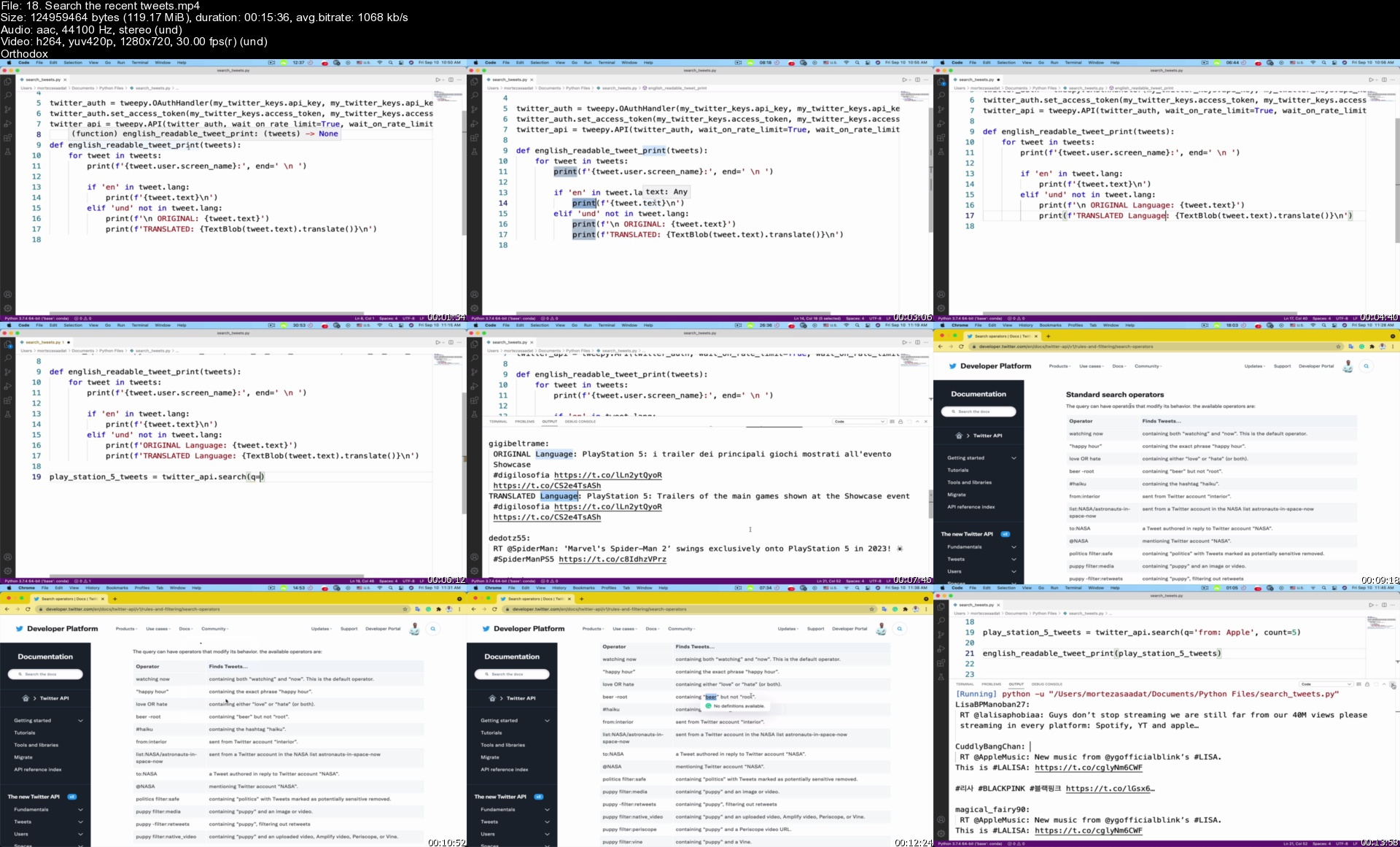
The Ultimate Hands-On Python and Data Science Masterclass

39305383a1842njcj.jpg


The Ultimate Hands-On Python and Data Science Masterclass
Published 05/2022
MP4 | Video: h264, 1280x720 | Audio: AAC, 44.1 KHz, 2 Ch
Genre: eLearning | Language: English + srt | Duration: 466 lectures (26h 38m) | Size: 8.9 GB

Masters Python 3 and Data Science. Develop Real World Python 3 and Data Science Applications


What you'll learn
Develop python based applications
Develop marketing applications with Python
Mine twitter data with Python to get grasp of people's opinion on trending matters
Develop Natural Language Processing (NLP) applications with Python to process everyday language
Create Machine Learning applications with Python to make your computer smart and automate the boring tasks
Create Deep Learning applications with Python to add Artificial Intelligence to your machine learning models and create even smarter models
Use IBM Watson to unlock the vast world of unstructured data and create your own language translator applications with Python
Create Big Data applications with the help of the Relational Databases and Python clear and concise syntax
Use Data Science to predict business predictions and business intelligence
Automate everyday tasks and save time

Requirements
No programming experience needed. You will learn everything you need to know
A computer with Windows or Mac or Linux or ChromeOS operating systems installed


Description
Dear learner,

Learning Python programming is an in-demand skill across industries and offers excellent earning potential with a wide variety of career choices.

Python is the second-highest paid computer language, according to Indeed.

I've designed "The Ultimate Hands-On Python and Data Science - Learn Python 3" specifically for you to master all skills necessary to become a full-fledged Python and Data Science developer.

Python is a high-level, interpreted, and general-purpose dynamic programming language that focuses on code readability.

With the help of the Python programming language, you'll be able to

Develop Data science-based apps with Python

Perform scientific and mathematical computing

Develop Python Web apps

Develop Financial and Trading apps

Perform system automation and administration

Create Computer graphics with Python

Develop games with Python

Perform security and penetration testing with Python

Perform General and application-specific scripting

Develop cross-platform applications with Python

Provide Sales and Marketing solutions

Interpret complex data

Facilitate the decision-making process

Here is what you're going to learn in this course

Python programming fundamentals

Natural Language Processing (NLP)

Twitter Data Mining

IBM Watson and Cognitive Programming

Machine Learning

Deep Learning

Big data and relational databases

Data Science

Python programming language features

Easy to Read, Learn and Write. Python is a high-level programming language that has an English-like syntax

Improved Productivity

Interpreted Language.

Dynamically Typed

Free and Open-Source

Vast Libraries Support

Portability

Slow Speed

Python programming helps you automate your business and marketing tasks and helps you make effective decisions to increase your productivity.

Who this course is for
People with no programming experience who are curious about creating their own Python & Data Science applications
Beginner Python developers who are curious about creating Data Science applications
People who are curious about Natural Language Processing (NLP) and want to develop their own NLP applications with Python
People who are curious about making their computers smart using Machine Learning & Deep Learning with Python
People who are curious about mining precious data from twitter and create their own marketing applications with Python
People who are curious about cognitive programming and want to create smart applications by taking advantage of unstructured data

Homepage


18.searchtherecenttwevlkw2.jpg


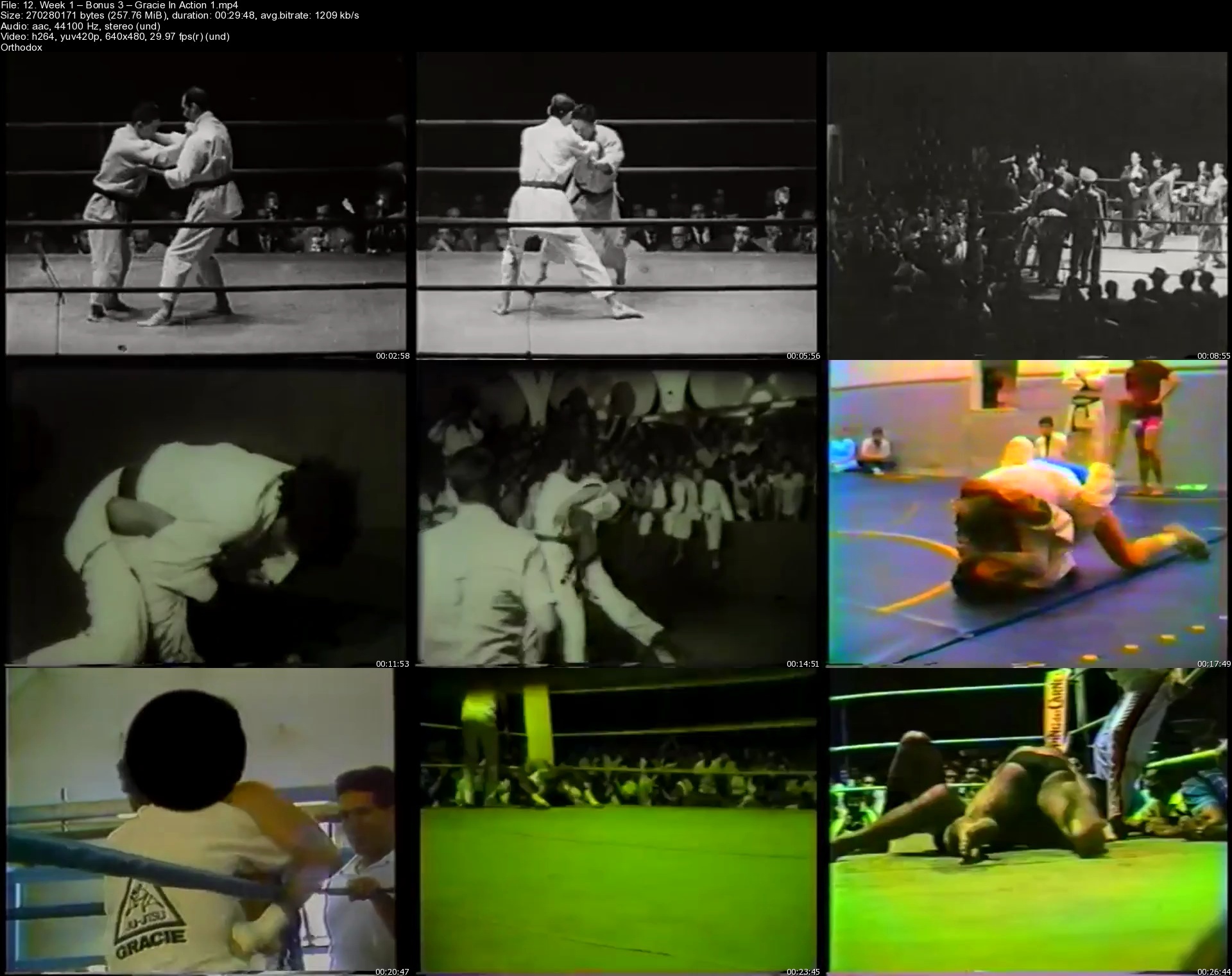
White Belt to Blue Belt

sf9emltkgekynnixlrrnfb1kol.jpg


White Belt to Blue Belt
Henry Akins | Duration: 23h 04m | Video: H264 1920x1080 | Audio: AAC 44,1 kHz mono | 24,5 GB | Language: English

Here are the hidden details that will make your fundamentals effective from every position.

This program is going to teach you the fundamental techniques you need to be effective from every position, and how to do them the most efficient and effective way from Day 1.

I get messages every time I teach from black belts who have been training 10, 15, even 20+ years that are completely mind blown at how they've never learned the details that make their basic techniques effective at the high levels of skill. Now, they're decades into the art and have to re-learn Jiu-jitsu all over again.

Don't you want to learn Jiu-Jitsu you can count on from Day 1? White Belt to Blue Belt will give you a completely solid foundation for every position in Jiu-Jitsu, from the standing to clinching, from sel-defense to the ground fighting. It's all here.

Plus, you will learn how to train the techniques in combination with each other, how all the puzzle pieces fit together and how to develop everything you learn to work at the highest levels of skill so you can always count on your Jiu-Jitsu no matter who you're fighting.

I don't say that lightly. This knowledge has blown the minds of even the most accomplished Jiu-Jitsu champions in the world, and it will give you what you are truly looking for as a martial artists. A set of skills you can count on in any situation that actually work.

Homepage


12.week1bonus3gracieingj26.jpg


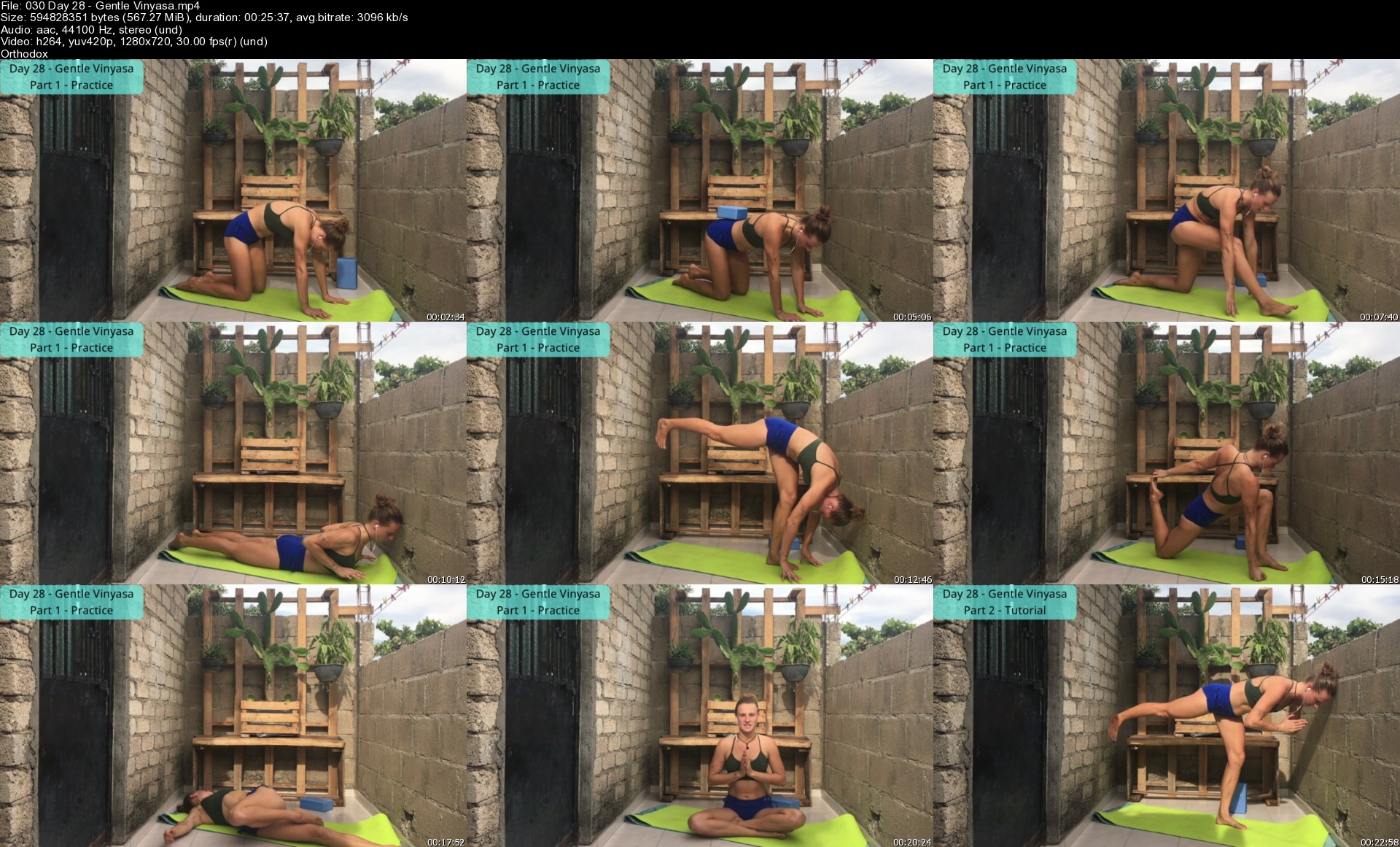
30-day Yoga Challenge - Yoga P.L.A.Y.

5v3hdb6dbq8ogksyl0pfu91kav.jpg


30-day Yoga Challenge - Yoga P.L.A.Y.
MP4 | Video: h264, 1280x720 | Audio: AAC, 44.1 KHz
Language: English | Size: 15.9 GB | Duration: 12h 39m

30-day Yoga Challenge (Practice, Learn, Apply, make it Yours)


What you'll learn
Detailed tutorials for each of the most common yoga poses (asanas)
How Vinyasa yoga flows work
Alignment tips for Yoga
Modifications for many different Yoga poses
Bonus yoga pose alignment guide
Requirements
Yoga mat

Description
This series is for all levels of practitioners. Even for someone who has never stepped foot on a Yoga mat. We incorporate a tutorial section in each video to help you Learn as you Apply, and the more you practice, the more you will be making it Yours. We've intentionally moved the tutorial section after the practice section for those who want to get into the practice right away. Optionally, you can skip forward and watch the tutorial section before doing the practice for the day.

BONUS: Our Yoga pose alignment guide is included with this course. It includes detailed descriptions of the most common Yoga poses, including common modifications that will help a practitioner make the pose work for THEIR body.

Topics covered in this series

=========

Over the 30 days, we will cover many different topics. Here are some of the topics that we will not only practice but also discuss in more detail in the tutorial sections

- Gentle Vinyasa flows, Vinyasa flows and Power Vinyasa flows

- Vinyasa and modified Vinyasa (knees-chest-chin, cobra, chaturanga dandasana, upward dog, downward dog)

- Warrior 1, Warrior 2, Warrior 3

- Core muscles activation, breath control

- Yoga Nidra (the Yoga of sleep)

- Breath of fire, ujjayi breath

- Sun Salutations

- Restorative Yoga

- Pose modifications

- Yin Yoga

- Hatha Yoga

- And much more

About us

======

Lotta and Ryan are certified yoga instructors, health and wellness coaches and Ryan is a personal trainer. They are both passionate about helping people be the best version of themselves, and look to make positive changes in the world by helping people grow at the individual level.

Disclaimer

=======

The techniques and suggestions presented in this series are not intended to substitute for proper medical advice. Consult your physician before beginning any new exercise program. Lotta Coaching and Kingsbury Coaching assume no responsibility for injuries suffered while practicing these techniques.

Who this course is for
Anyone new to Yoga or looking to deepen their understanding of each asana

Homepage


030day28gentlevinyasa7akno.jpg


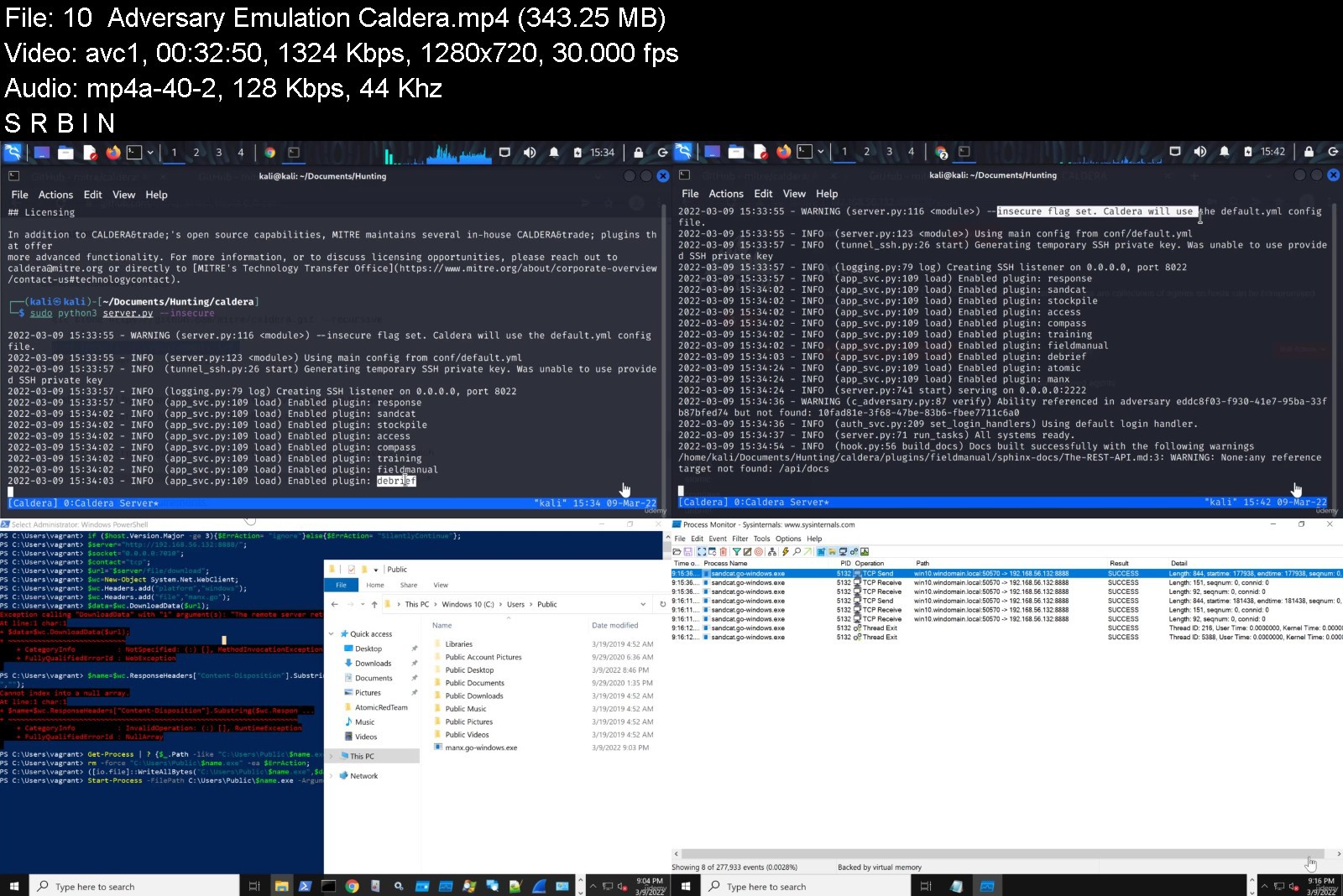
Cybersecurity Threat Hunting for SOC Analysts

4550786f1845nk5r.jpg


Cybersecurity Threat Hunting for SOC Analysts
MP4 | Video: h264, 1280x720 | Audio: AAC, 44.1 KHz, 2 Ch
Genre: eLearning | Language: English + srt | Duration: 64 lectures (8h 16m) | Size: 5.9 GB

Get modern blue team skills for finding covert threats in enterprise networks.


What you'll learn
Finally feel like you KNOW what you're talking about (say goodbye to imposter syndrome)
Find zero-day network threats and malware in modern enterprise networks.
Use industry standard security tools to detect evil in organization networks.
Execute offensive hacking tools to generate telemetry for detection engineering.
Build a self-contained hacking lab, hosted on your laptop, to practice and building cyber confidence
Learn advanced Linux and Powershell command line tricks specifically crafted for threat hunting!
Requirements
A Windows Laptop
16GB RAM (for the DetectionLab)
A curious heart hungry to learn :)
Description
Zeek + Suricata.
Splunk.
Sysmon.
Microsoft Advanced Threat Analytics.
TCPdump + ngrep
Wireshark + tshark.
Wait, I'm not done.
capinfos.
RITA.
Bloodhound.
Bad Blood.
Detection Lab.
Metasploit + msfvenom + Meterpreter + Process Injection.
Mimikatz.
OS Query.
Velociraptor + Memory Forensics.
Taking a breath... one sec... okay..
Fleet.
MITRE ATT&CK.
MITRE Caldera.
Prelude Operator.
Atomic Red Team.
Purple Sharp.
Boss of the SOC???
Yup.
This is one course. One source. One resource that has the potential to change your professional life.
Check out the free content and level up your cyber skills by learning how to become a threat hunter...
Everything is step by step.
You will learn how to detect advanced threat actors on enterprise networks...
How will you learn this?
By building a modern lab replete with a Domain Controller, Windows 10 endpoint instrumented with Powershell logging, Sysmon, OS Query, Velociraptor and more.
You will attack and detect threats like a pro.
This was the dream course I wish I had when I was getting into cyber.
Everything is carefully, patiently and thoughtfully explained.
It took me two months to build this course and I've poured my heart and soul into every lecture.
If you're trying to get into cybersecurity from another career or you're curious how the bad guys breach and persist in networks then this course is for you. I've not held anything back. Everything you need to become a competent threat hunter is included in over 8 hours of content.
Are you ready?
I am! sign-up now and let's get started!
Who this course is for
New Security Operations Center ("SOC") analysts
New and Intermediate Cyber Threat Hunters
New and Intermediate Penetration Testers
New and Intermediate Red Team Operators
Cybersecurity Managers
IT professionals (trying to get into cyber)
Accountants, Lawyers and... really ANYONE curious about Cybersecurity!


cybersecuritythreathudqjpk.jpg


Download from RapidGator


Download from Keep2Share


 
Zurück
Oben Unten