• Regeln für den Video-Bereich:

    In den Börsenbereich gehören nur Angebote die bereits den Allgemeinen Regeln entsprechen.

    Einteilung

    - Folgende Formate gehören in die angegeben Bereiche:
    - Filme: Encodierte Filme von BluRay, DVD, R5, TV, Screener sowie Telesyncs im Format DivX, XviD und x264.
    - DVD: Filme im Format DVD5, DVD9 und HD2DVD.
    - HD: Encodierte Filme mit der Auflösung 720p oder darüber von BluRay, DVD, R5, TV, Screener sowie Telesyncs im Format x264.
    - 3D: Encodierte Filme von BluRay, die in einem 3D Format vorliegen. Dies gilt auch für Dokus, Animation usw.
    - Serien: Cartoon/Zeichentrick, Anime, Tutorials, Dokumentationen, Konzerte/Musik, Sonstiges sind demnach in die entsprechenden Bereiche einzuordnen, auch wenn sie beispielsweise im High Definition-Format oder als DVD5/DVD9/HD2DVD vorliegen. Ausnahme 3D.
    - Bereich Englisch: Englische Releases gehören immer in diesen Bereich.
    - Bereich Talk: Der Bereich, in dem über die Releases diskutiert werden kann, darf, soll und erwünscht ist.


    Angebot/Beitrag erstellen

    - Ein Beitrag darf erst dann erstellt werden, wenn der Upload bei mindestens einem OCH komplett ist. Platzhalter sind untersagt.
    - Bei einem Scenerelease hat der Threadtitel ausschließlich aus dem originalen, unveränderten Releasenamen zu bestehen. Es dürfen keine Veränderungen wie z.B. Sterne, kleine Buchstaben o.ä. vorgenommen werden. Ausnahme Serienbörse:
    - Bei einem Sammelthread für eine Staffel entfällt aus dem Releasename natürlich der Name der Folge. Beispiel: Die Simpsons S21 German DVDRip XviD - ITG
    - Dementsprechend sind also u.a. verboten: Erweiterungen wie "Tipp", "empfehlenswert", "only", "reup", usw. / jegliche andere Zusatzinformation oder Ergänzung, welche nicht in obiger Beschreibung zu finden ist.

    Aufbau des Angebots und Threadtitel

    Der Titel nach folgendem Muster erstellt zu werden. <Name> [3D] [Staffel] [German] <Jahr> <Tonspur> [DL] [Auflösung] <Quelle> <Codec> - <Group>
    Beispiel: The Dark Knight German 2008 AC3 DVDRip XviD - iND
    Beispiel: The Dark Knight 2008 DTS DL BDRip x264 - iND
    Beispiel: The Dark Knight 2008 AC3 DL BDRip XviD - iND
    Beispiel: The Dark Knight German 2008 AC3 720p BluRay x264 iND
    Beispiel: The Dark Knight 2008 DTS DL 1080p BluRay x264 iND
    Beispiel: Die Simpsons S01 German AC3 DVDRip XviD iND
    Beispiel: Die Simpsons S20 German AC3 720p BluRay x264 iND
    Beispiel: Sword Art Online II Ger Sub 2014 AAC 1080p WEBRip x264 - peppermint
    Entsprechend sind also u.a. verboten: Sonderzeichen wie Klammern, Sterne, Ausrufezeichen, Unterstriche, Anführungszeichen / Erweiterungen wie "Tipp", "empfehlenswert", "only", "reup", usw. / jegliche andere Zusatzinformation oder Ergänzung, welche nicht in obiger Beschreibung zu finden ist
    Ausnahmen hiervon können in den Bereichen geregelt sein.

    Die Beiträge sollen wie folgt aufgebaut werden:
    Überschrift entspricht dem Threadtitel
    Cover
    kurze Inhaltsbeschreibung
    Format, Größe, Dauer sind gut lesbar für Downloader außerhalb des Spoilers zu vermerken
    Nfo sind immer Anzugeben und selbige immer im Spoiler in Textform.
    Sind keine Nfo vorhanden z.B. Eigenpublikationen, sind im Spoiler folgende Dateiinformationen zusätzlich anzugeben :
    Quelle
    Video (Auflösung und Bitrate)
    Ton (Sprache, Format und Bitrate der einzelnen Spuren)
    Untertitel (sofern vorhanden)
    Hosterangabe in Textform außerhalb eines Spoiler mit allen enthaltenen Hostern.
    Bei SD kann auf diese zusätzlichen Dateiinformationen verzichtet werden.

    Alle benötigten Passwörter sind, sofern vorhanden, in Textform im Angebot anzugeben.
    Spoiler im Spoiler mit Kommentaren :"Schon Bedankt?" sind unerwünscht.


    Releases

    - Sind Retail-Release verfügbar, sind alle anderen Variationen untersagt. Ausnahmen: Alle deutschen Retail-Release sind CUT, in diesem Fall sind dubbed UNCUT-Release zulässig.
    - Im Serien-Bereich gilt speziell: Wenn ein Retail vor Abschluss einer laufenden Staffel erscheint, darf diese Staffel noch zu Ende gebracht werden.62
    - Gleiche Releases sind unbedingt zusammenzufassen. Das bedeutet, es ist zwingend erforderlich, vor dem Erstellen eines Themas per Suchfunktion zu überprüfen, ob bereits ein Beitrag mit demselben Release besteht. Ist dies der Fall, ist der bereits vorhandene Beitrag zu verwenden.
    - P2P und Scene Releases dürfen nicht verändert oder gar unter einem iND Tag eingestellt werden.


    Support, Diskussionen und Suche

    - Supportanfragen sind entweder per PN oder im Bereich Talk zu stellen.
    - Diskussionen und Bewertungen sind im Talk Bereich zu führen. Fragen an die Uploader haben ausschließlich via PN zu erfolgen, und sind in den Angeboten untersagt.
    - Anfragen zu Upload-Wünschen sind nur im Bereich Suche Video erlaubt. Antworten dürfen nur auf Angebote von MyBoerse.bz verlinkt werden.


    Verbote

    - Untersagt sind mehrere Formate in einem einzigen Angebotsthread, wie beispielsweise das gleichzeitige Anbieten von DivX/XviD, 720p und 1080p in einem Thread. Pro Format, Release und Auflösung ist ein eigener Thread zu eröffnen.
    - Grundsätzlich ebenso verboten sind Dupes. Uploader haben sich an geeigneter Stelle darüber zu informieren, ob es sich bei einem Release um ein Dupe handelt.
    - Gefakte, nur teilweise lauffähige oder unvollständige Angebote sind untersagt. Dies gilt auch für eigene Publikationen, die augenscheinlich nicht selbst von z.B. einer DVD gerippt wurden. Laufende Serien, bei denen noch nicht alle Folgen verfügbar sind, dürfen erstellt und regelmäßig geupdatet werden.
    - Untersagt sind Angebote, welche nur und ausschließlich in einer anderen Sprache als deutsch oder englisch vorliegen. Ausnahmen sind VORHER mit den Moderatoren zu klären.


    Verstoß gegen die Regeln

    - Angebote oder Beiträge, die gegen die Forenregeln verstoßen, sind über den "Melden"-Button im Beitrag zu melden.
  • Bitte registriere dich zunächst um Beiträge zu verfassen und externe Links aufzurufen.

*** Bestes IPTV *** bester Preis *** gratis Test ***


Englische Tutorials

[2022] Machine Learning and Deep Learning Bootcamp in Python

61793044e32c3jt0.jpg


[2022] Machine Learning and Deep Learning Bootcamp in Python
MP4 | Video: h264, 1280x720 | Audio: AAC, 44.1 KHz, 2 Ch
Genre: eLearning | Language: English + srt | Duration: 325 lectures (31h 6m) | Size: 7.3 GB

Machine Learning, Neural Networks, Computer Vision, Deep Learning and Reinforcement Learning in Keras and TensorFlow


What you'll learn
Solving regression problems (linear regression and logistic regression)
Solving classification problems (naive Bayes classifier, Support Vector Machines - SVMs)
Using neural networks (feedforward neural networks, deep neural networks, convolutional neural networks and recurrent neural networks
The most up to date machine learning techniques used by firms such as Google or Facebook
Face detection with OpenCV
TensorFlow and Keras
Deep learning - deep neural networks, convolutional neural networks (CNNS), recurrent neural networks (RNNs)
Reinforcement learning - Q learning and deep Q learning approaches

Requirements
Basic Python - we will use Panda and Numpy as well (we will cover the basics during implementations)


Description
Interested in Machine Learning, Deep Learning and Computer Vision? Then this course is for you!

This course is about the fundamental concepts of machine learning, deep learning, reinforcement learning and machine learning. These topics are getting very hot nowadays because these learning algorithms can be used in several fields from software engineering to investment banking.

In each section we will talk about the theoretical background for all of these algorithms then we are going to implement these problems together. We will use Python with SkLearn, Keras and TensorFlow.

### MACHINE LEARNING ###

1.) Linear Regression

understanding linear regression model

correlation and covariance matrix

linear relationships between random variables

gradient descent and design matrix approaches

2.) Logistic Regression

understanding logistic regression

classification algorithms basics

maximum likelihood function and estimation

3.) K-Nearest Neighbors Classifier

what is k-nearest neighbour classifier?

non-parametric machine learning algorithms

4.) Naive Bayes Algorithm

what is the naive Bayes algorithm?

classification based on probability

cross-validation

overfitting and underfitting

5.) Support Vector Machines (SVMs)

support vector machines (SVMs) and support vector classifiers (SVCs)

maximum margin classifier

kernel trick

6.) Decision Trees and Random Forests

decision tree classifier

random forest classifier

combining weak learners

7.) Bagging and Boosting

what is bagging and boosting?

AdaBoost algorithm

combining weak learners (wisdom of crowds)

8.) Clustering Algorithms

what are clustering algorithms?

k-means clustering and the elbow method

DBSCAN algorithm

hierarchical clustering

market segmentation analysis

### NEURAL NETWORKS AND DEEP LEARNING ###

9.) Feed-Forward Neural Networks

single layer perceptron model

feed.forward neural networks

activation functions

backpropagation algorithm

10.) Deep Neural Networks

what are deep neural networks?

ReLU activation functions and the vanishing gradient problem

training deep neural networks

loss functions (cost functions)

11.) Convolutional Neural Networks (CNNs)

what are convolutional neural networks?

feature selection with kernels

feature detectors

pooling and flattening

12.) Recurrent Neural Networks (RNNs)

what are recurrent neural networks?

training recurrent neural networks

exploding gradients problem

LSTM and GRUs

time series analysis with LSTM networks

13.) Reinforcement Learning

Markov Decision Processes (MDPs)

value iteration and policy iteration

exploration vs exploitation problem

multi-armed bandits problem

Q learning and deep Q learning

learning tic tac toe with Q learning and deep Q learning

### COMPUTER VISION ###

14.) Image Processing Fundamentals

computer vision theory

what are pixel intensity values

convolution and kernels (filters)

blur kernel

sharpen kernel

edge detection in computer vision (edge detection kernel)

15.) Serf-Driving Cars and Lane Detection

how to use computer vision approaches in lane detection

Canny's algorithm

how to use Hough transform to find lines based on pixel intensities

16.) Face Detection with Viola-Jones Algorithm

Viola-Jones approach in computer vision

what is sliding-windows approach

detecting faces in images and in videos

17.) Histogram of Oriented Gradients (HOG) Algorithm

how to outperform Viola-Jones algorithm with better approaches

how to detects gradients and edges in an image

constructing histograms of oriented gradients

using support vector machines (SVMs) as underlying machine learning algorithms

18.) Convolution Neural Networks (CNNs) Based Approaches

what is the problem with sliding-windows approach

region proposals and selective search algorithms

region based convolutional neural networks (C-RNNs)

fast C-RNNs

faster C-RNNs

19.) You Only Look Once (YOLO) Object Detection Algorithm

what is the YOLO approach?

constructing bounding boxes

how to detect objects in an image with a single look?

intersection of union (IOU) algorithm

how to keep the most relevant bounding box with non-max suppression?

20.) Single Shot MultiBox Detector (SSD) Object Detection Algorithm SDD

what is the main idea behind SSD algorithm

constructing anchor boxes

VGG16 and MobileNet architectures

implementing SSD with real-time videos

You will get lifetime access to 150+ lectures plus slides and source codes for the lectures!

This course comes with a 30 day money back guarantee! If you are not satisfied in any way, you'll get your money back.

So what are you waiting for? Learn Machine Learning, Deep Learning and Computer Vision in a way that will advance your career and increase your knowledge, all in a fun and practical way!

Thanks for joining the course, let's get started!

Who this course is for
This course is meant for newbies who are not familiar with machine learning, deep learning, computer vision and reinforcement learning or students looking for a quick refresher

Homepage


004linearregressionimkjjcu.jpg


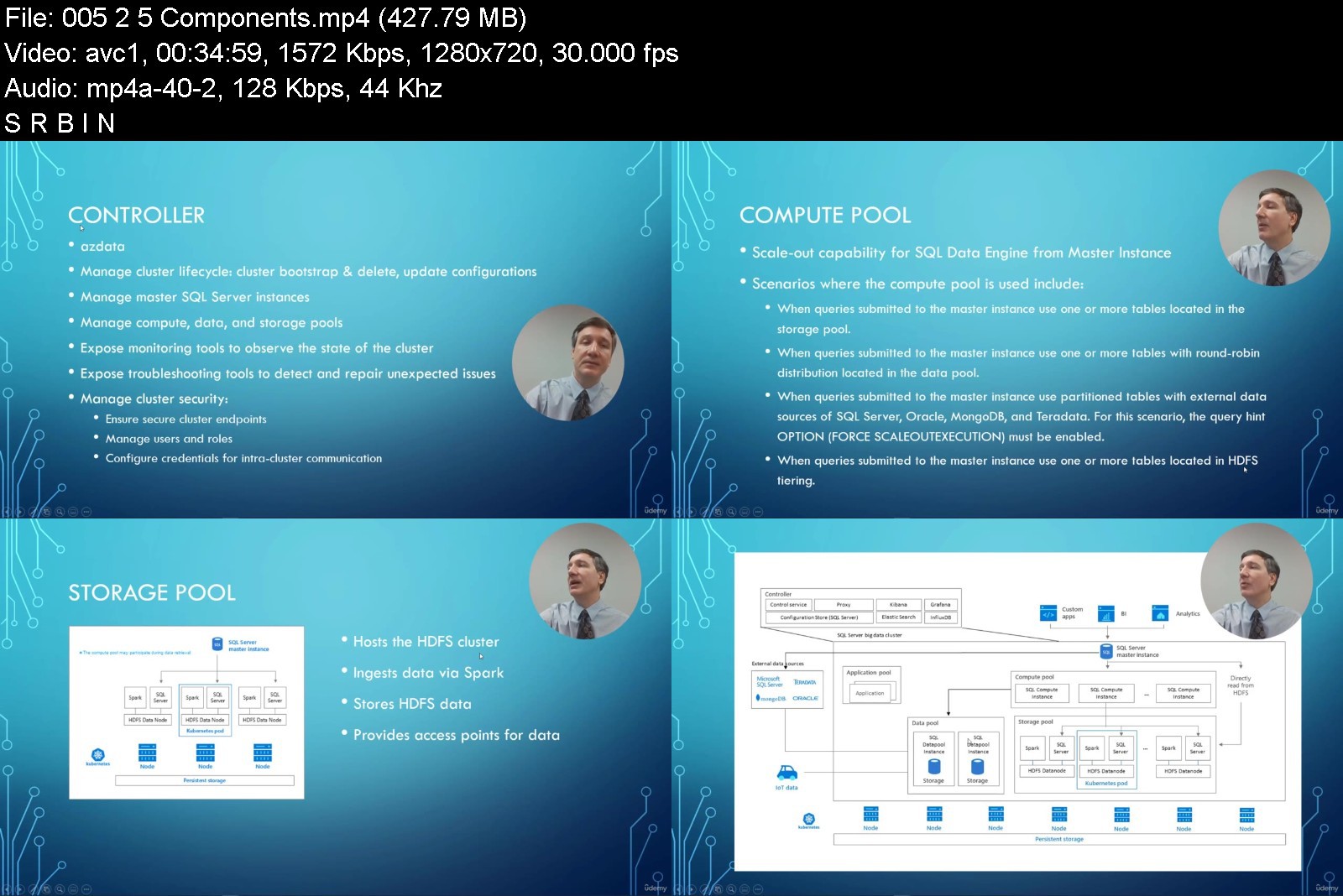
Microsoft SQL Server 2019 - Big Data

ntzwynvhy1dg0hkai461j9tkxt.jpg


Microsoft SQL Server 2019 - Big Data
Genre: eLearning | MP4 | Video: h264, 1280x720 | Audio: AAC, 44.1 KHz
Language: English | Size: 5.08 GB | Duration: 7h 5m


What you'll learn
Learn about data virtualization and data lakes
Learn how to use Big Data Clusters to combine large volumes of streaming data for analysis along with data stored in a traditional database.
Learn about the architectural foundations that are made up from Kubernetes, Spark, HDFS, and SQL Server on Linux
Learn how to configure and deploy Big Data Clusters.
Requirements
There are no requirements or prerequisites for this course but the student should be knowledgeable in data analysis

Description
This course focuses on one of SQL Server 2019's most impactful features-Big Data Clusters. You will learn about data virtualization and data lakes for this complete artificial intelligence (AI) and machine learning (ML) platform within the SQL Server database engine. You will be shown how to use Big Data Clusters to combine large volumes of streaming data for analysis along with data stored in a traditional database. For instance, you can stream large volumes of data from Apache Spark in real-time while executing Transact-SQL queries to bring in relevant additional data from your corporate, SQL Server database. This course provides everything necessary to get started working with Big Data Clusters in SQL Server 2019. You will learn about the architectural foundations that are made up from Kubernetes, Spark, HDFS, and SQL Server on Linux. You will be shown how to configure and deploy Big Data Clusters. You will be ready to use and unveil the full potential of SQL Server 2019: combining different types of data spread across widely disparate sources into a single view that is useful for business intelligence and machine learning analysis.
What a Big Data Cluster is
How to deploy BDC
How to analyze large volumes of data directly from SQL Server
How to analyze large volumes of data via Apache Spark
How to manage data stored in HDFS from SQL Server as if it were relational data
How to implement advanced analytics solutions through machine learning
How to expose different data sources as a single logical source using data virtualization
This course is intended for data engineers, data scientists, data architects, and database administrators who want to employ data virtualization and big data analytics in their environments.
Who this course is for
This course is intended for data engineers, data scientists, data architects, and database administrators who want to employ data virtualization and big data analytics in their environments.


microsoftsqlserver201fukfn.jpg


Download from RapidGator


Download from Keep2Share



Python & Machine Learning for Financial Analysis

rs1ml97d4hr4prcnqgdcd9ijt7.jpg


Python & Machine Learning for Financial Analysis
MP4 | Video: h264, 1280x720 | Audio: AAC, 44.1 KHz
Language: English | Size: 8.25 GB | Duration: 23h 1m

Master Python Programming Fundamentals and Harness the Power of ML to Solve Real-World Practical Applications in Finance


What you'll learn
Master Python 3 programming fundamentals for Data Science and Machine Learning with focus on Finance.
Understand how to leverage the power of Python to apply key financial concepts such as calculating daily portfolio returns, risk and Sharpe ratio.
Understand the theory and intuition behind Capital Asset Pricing Model (CAPM)
Understand how to use Jupyter Notebooks for developing, presenting and sharing Data Science projects.
Learn how to use key Python Libraries such as NumPy for scientific computing, Pandas for Data Analysis, Matplotlib for data plotting/visualization, and Seaborn for statistical plots.
Master SciKit-Learn library to build, train and tune machine learning models using real-world datasets.
Apply machine and deep learning models to solve real-world problems in the banking and finance sectors such as stock prices prediction, security news sentiment analysis, credit card fraud detection, bank customer segmentation, and loan default prediction.
Understand the theory and intuition behind several machine learning algorithms for regression tasks (simple/multiple/polynomial), classification and clustering (K-Means).
Assess the performance of trained machine learning regression models using various KPI (Key Performance indicators) such as Mean Absolute Error, Mean Squared Error, and Root Mean Squared Error intuition, R-Squared intuition, and Adjusted R-Squared.
Assess the performance of trained machine learning classifiers using various KPIs such as accuracy, precision, recall, and F1-score.
Understand the underlying theory, intuition and mathematics behind Artificial Neural Networks (ANNs), Recurrent Neural Networks (RNNs) and Long Short Term Memory Networks (LSTM).
Train ANNs using back propagation and gradient descent algorithms.
Optimize ANNs hyper parameters such as number of hidden layers and neurons to enhance network performance.
Master feature engineering and data cleaning strategies for machine learning and data science applications.
Requirements
No prior experience required.

Description
Are you ready to learn python programming fundamentals and directly apply them to solve real world applications in Finance and Banking?
If the answer is yes, then welcome to the "The Complete Python and Machine Learning for Financial Analysis" course in which you will learn everything you need to develop practical real-world finance/banking applications in Python!
So why Python?
Python is ranked as the number one programming language to learn in 2020, here are 6 reasons you need to learn Python right now!
1. #1 language for AI & Machine Learning: Python is the #1 programming language for machine learning and artificial intelligence.
2. Easy to learn: Python is one of the easiest programming language to learn especially of you have not done any coding in the past.
3. Jobs: high demand and low supply of python developers make it the ideal programming language to learn now.
4. High salary: Average salary of Python programmers in the US is around $116 thousand dollars a year.
5. Scalability: Python is extremely powerful and scalable and therefore real-world apps such as Google, Instagram, YouTube, and Spotify are all built on Python.
6. Versatility: Python is the most versatile programming language in the world, you can use it for data science, financial analysis, machine learning, computer vision, data analysis and visualization, web development, gaming and robotics applications.
This course is unique in many ways
1. The course is divided into 3 main parts covering python programming fundamentals, financial analysis in Python and AI/ML application in Finance/Banking Industry. A detailed overview is shown below
a) Part #1 - Python Programming Fundamentals: Beginner's Python programming fundamentals covering concepts such as: data types, variables assignments, loops, conditional statements, functions, and Files operations. In addition, this section will cover key Python libraries for data science such as Numpy and Pandas. Furthermore, this section covers data visualization tools such as Matplotlib, Seaborn, Plotly, and Bokeh.
b) Part #2 - Financial Analysis in Python: This part covers Python for financial analysis. We will cover key financial concepts such as calculating daily portfolio returns, risk and Sharpe ratio. In addition, we will cover Capital Asset Pricing Model (CAPM), Markowitz portfolio optimization, and efficient frontier. We will also cover trading strategies such as momentum-based and moving average trading.
c) Part #3 - AI/Ml in Finance/Banking: This section covers practical projects on AI/ML applications in Finance. We will cover application of Deep Neural Networks such as Long Short Term Memory (LSTM) networks to perform stock price predictions. In addition, we will cover unsupervised machine learning strategies such as K-Means Clustering and Principal Components Analysis to perform Baking Customer Segmentation or Clustering. Furthermore, we will cover the basics of Natural Language Processing (NLP) and apply it to perform stocks sentiment analysis.
2. There are several mini challenges and exercises throughout the course and you will learn by doing. The course contains mini challenges and coding exercises in almost every video so you will learn in a practical and easy way.
3. The Project-based learning approach: you will build more than 6 full practical projects that you can add to your portfolio of projects to showcase your future employer during job interviews.
So who is this course for?
This course is geared towards the following
Financial analysts who want to harness the power of Data science and AI to optimize business processes, maximize revenue, reduce costs.
Python programmer beginners and data scientists wanting to gain a fundamental understanding of Python and Data Science applications in Finance/Banking sectors.
Investment bankers and financial analysts wanting to advance their careers, build their data science portfolio, and gain real-world practical experience.
There is no prior experience required, Even if you have never used python or any programming language before, don't worry! You will have a clear video explanation for each of the topics we will be covering. We will start from the basics and gradually build up your knowledge.
In this course, (1) you will have a true practical project-based learning experience, we will build more than 6 projects together (2) You will have access to all the codes and slides, (3) You will get a certificate of completion that you can post on your LinkedIn profile to showcase your skills in python programming to employers. (4) All of this comes with a 30 day money back guarantee so you can give a course a try risk free! Check out the preview videos and the outline to get an idea of the projects we will be covering.
Enroll today and I look forward to seeing you inside!
Who this course is for
Financial analysts who want to harness the power of Data science and AI to optimize business processes, maximize revenue, reduce costs.
Python programmer beginners and data scientists wanting to gain a fundamental understanding of Python and Data Science applications in Finance/Banking sectors.
Investment bankers and financial analysts wanting to advance their careers, build their data science portfolio, and gain real-world practical experience.
There is no prior experience required, Even if you have never used python or any programming language before, don't worry! You will have a clear video explanation for each of the topics we will be covering. We will start from the basics and gradually build up your knowledge.


pythonmachinelearningzdkvb.jpg


Download from RapidGator


Download from Keep2Share



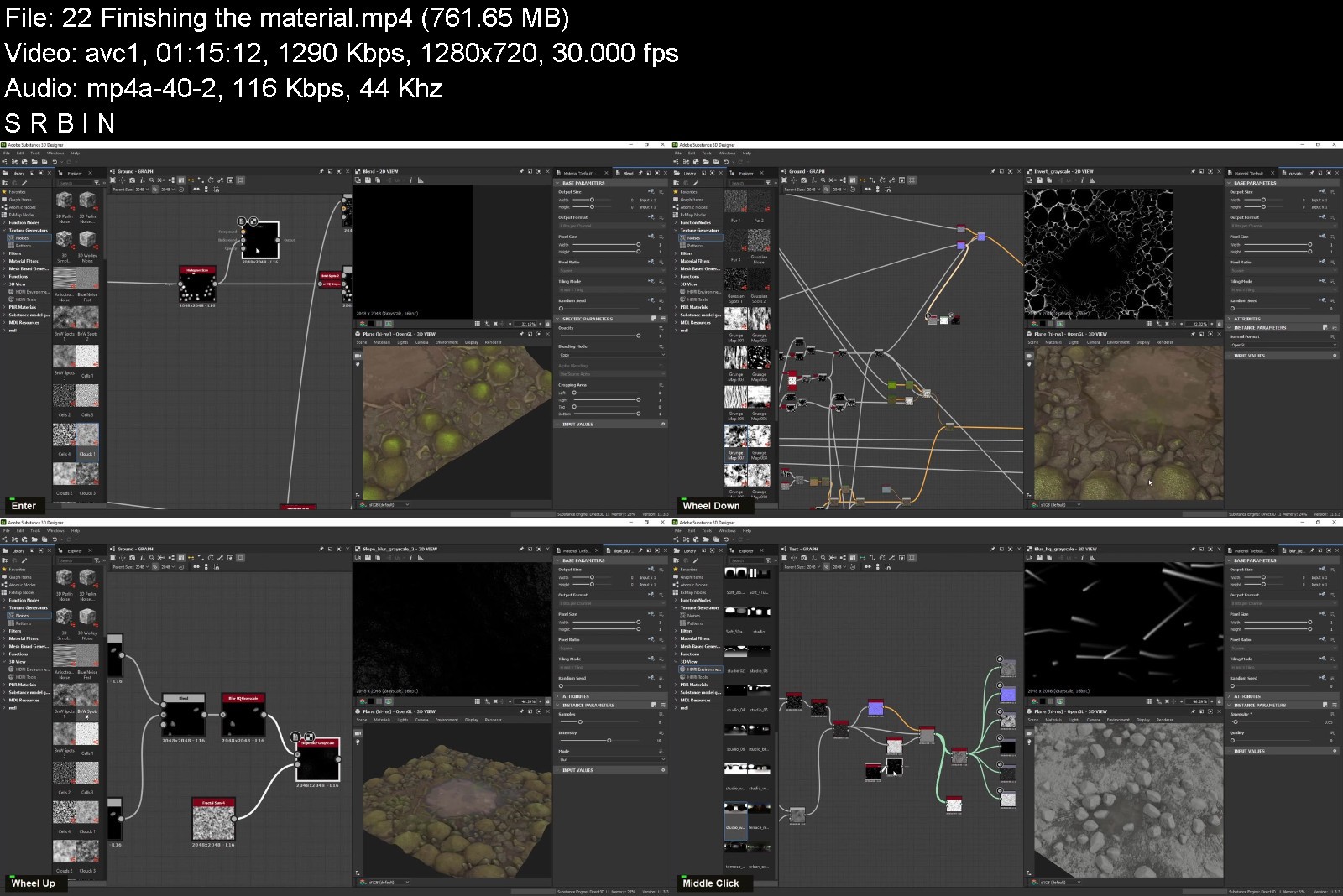
Substance 3D Designer for Beginners

4582462a5d6svjh1.jpg


Substance 3D Designer for Beginners
Last Update: 3/2022 Duration: 15h 3m | Video: .MP4, 1280x720 30 fps | Audio: AAC, 48 kHz, 2ch | Size: 6.87 GB
Genre: eLearning | Language: English

Learn How to Create Material with Substance 3D Designer


What you'll learn:
Making building materials
Making nature materials
Making all kinds of fabric materials
Making complex shapes inside Substance 3D Designer
Requirements
I expect you to have some basic knowledge about texturing.
You should have Substance 3D Designer version 11.3.0 and above installed on your computer.

Description
Do you want to know how to make your own materials using Substance 3D Designer?
Then I welcome you to Nexttut education's Substance 3D Designer for beginners.
WHY SHOULD YOU LEARN FROM ME
My name is Hamidreza Afshari and I have been a 3D Artist for animation and VFX for about 8 years now. I have worked on many short animations and a few long animated movies.
BENEFITS
By the end of this course,
You'll be able to Work with Substance 3D Designer
Make various Materials
Knowing the procedural workflow
WHAT WILL I LEARN
Substance 3D Designer interface and navigation
Making complex shapes inside Substance 3D Designer
Making building materials with Substance 3D Designer
Making nature materials using Substance 3D Designer
Making all kinds of fabric materials with Substance 3D Designer
Exporting SBSAR and texture passes
How to optimize your graph
Render using Nvidia Iray
COURSE PROJECTS
We will start by knowing the Substance 3D Designer UI and navigation.
In chapter two, start making materials by knowing how to make basic and complex shapes.
In chapter three . we learn how to make building materials.
In chapter four, we learn how to make nature materials and combining multiple materials
Finally, in chapter five we are going to make a few fabric materials, basic and complex.
IS THIS COURSE RIGHT FOR ME
This course is designed to teach you haw to e self-sufficient in making materials.
This is a starter course for beginners and it is designed to teach you whatever you need to start using Substance 3D Designer.
WHO IS NOT THE IDEAL STUDENT
This course is not designed for absolute Substance 3D Designer beginners,
WHAT SHOULD I KNOW OR HAVE FOR THE COURSE
I expect you to have some basic knowledge about texturing.
You should have Substance 3D Designer version 11.3.3 and above installed on your computer.
JOIN ME NOW
Join me and learn how to use Substance 3D Designer in your future Projects.
Who this course is for
This is a starter course for beginners and it is designed to teach you whatever you need to start using Substance 3D Designer.
This course is designed for absolute Substance 3D Designer beginners,

Homepage

substance3ddesignerfonvjpm.jpg


Download from RapidGator


Download from Keep2Share



Rust programming language 2022

8birvumquikl1gprsbhlc50j3j.jpg


Rust programming language 2022
Genre: eLearning | MP4 | Video: h264, 1920x1080 | Audio: AAC, 48.0 KHz
Language: English | Size: 5.0 GB | Duration: 32 Lessons (7h 6m)

Welcome,
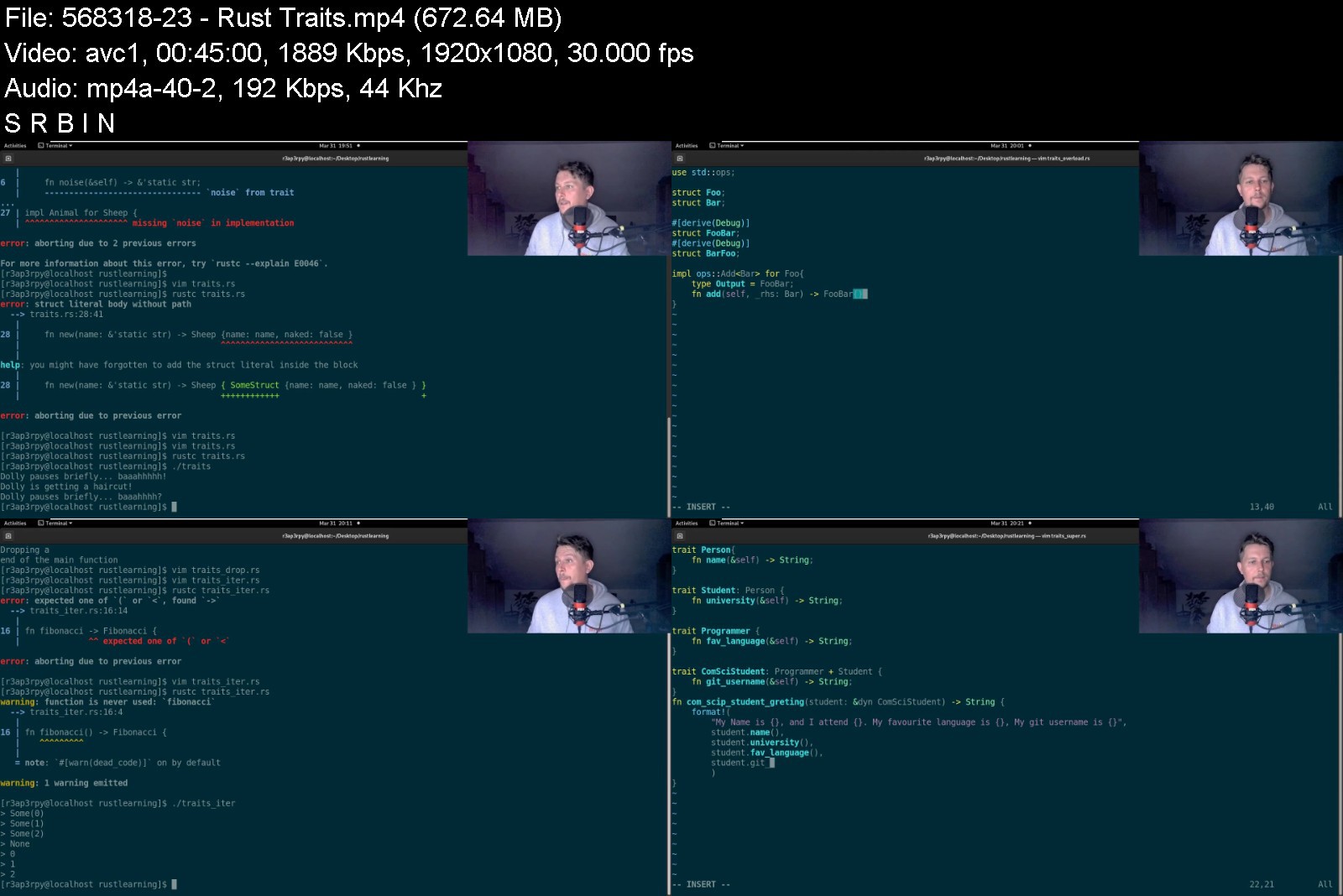
In this class you will learn how to use the Rust programming language. Rust is blazingly fast and memory-efficient: with no runtime or garbage collector, it can power performance-critical services, run on embedded devices, and easily integrate with other languages. Rust's rich type system and ownership model guarantee memory-safety and thread-safety - enabling you to eliminate many classes of bugs at compile-time. Rust has great documentation, a friendly compiler with useful error messages, and top-notch tooling - an integrated package manager and build tool, smart multi-editor support with auto-completion and type inspections, an auto-formatter, and more.
Happy Learning
Hands-on Class Project
The class consists for two main projects that you need to complete as proof of your successfull learning.
The first projects consists of a small program which allows users to send different types of HTTP requests against a webserver, it has to include logging and if necessary a way of authentication. The second project needs you to create a rust crate which represents a small organization with HR, Administrators and Workers, demo the interaction between them. For example a worker creates a ticket for the HR about a malfunctioning air conditioning system.


rustprogramminglanguab4k77.jpg


Download from RapidGator


Download from Keep2Share



Vue 3 incl. Router, VueX, Composition API & Firebase

35101027e742g8k10.jpg


Vue 3 incl. Router, VueX, Composition API & Firebase
MP4 | Video: h264, 1280x720 | Audio: AAC, 44.1 KHz, 2 Ch
Genre: eLearning | Language: English + srt | Duration: 146 lectures (15h 29m) | Size: 7.6 GB

Learn Vue 3 the right way, includes Router, VueX, Composition API, Firebase and many projects!


What you'll learn
Learn the fundamentals of Vue
Building Single Page Applications and understanding routing
Build bigger applications with VueX
Learning the all-new Composition API
Understand how to build small components and big applications with Vue
Build real life application projects with backend and authentication, and deploy them on the web!
Requirements
Basic JavaScript understanding
Basic HTML and CSS understanding
Description
Learn one of the most essential skills in 2022 and beyond - the Vue Framework!
This course will take you from a complete beginner to a Vue master in a short amount of time!
The course covers
Vue basics (app instance, templates, conditional rendering, loops, directives, form input binding, reactivity)
Components (component communication, props, events emitting, custom v-model directive, slots)
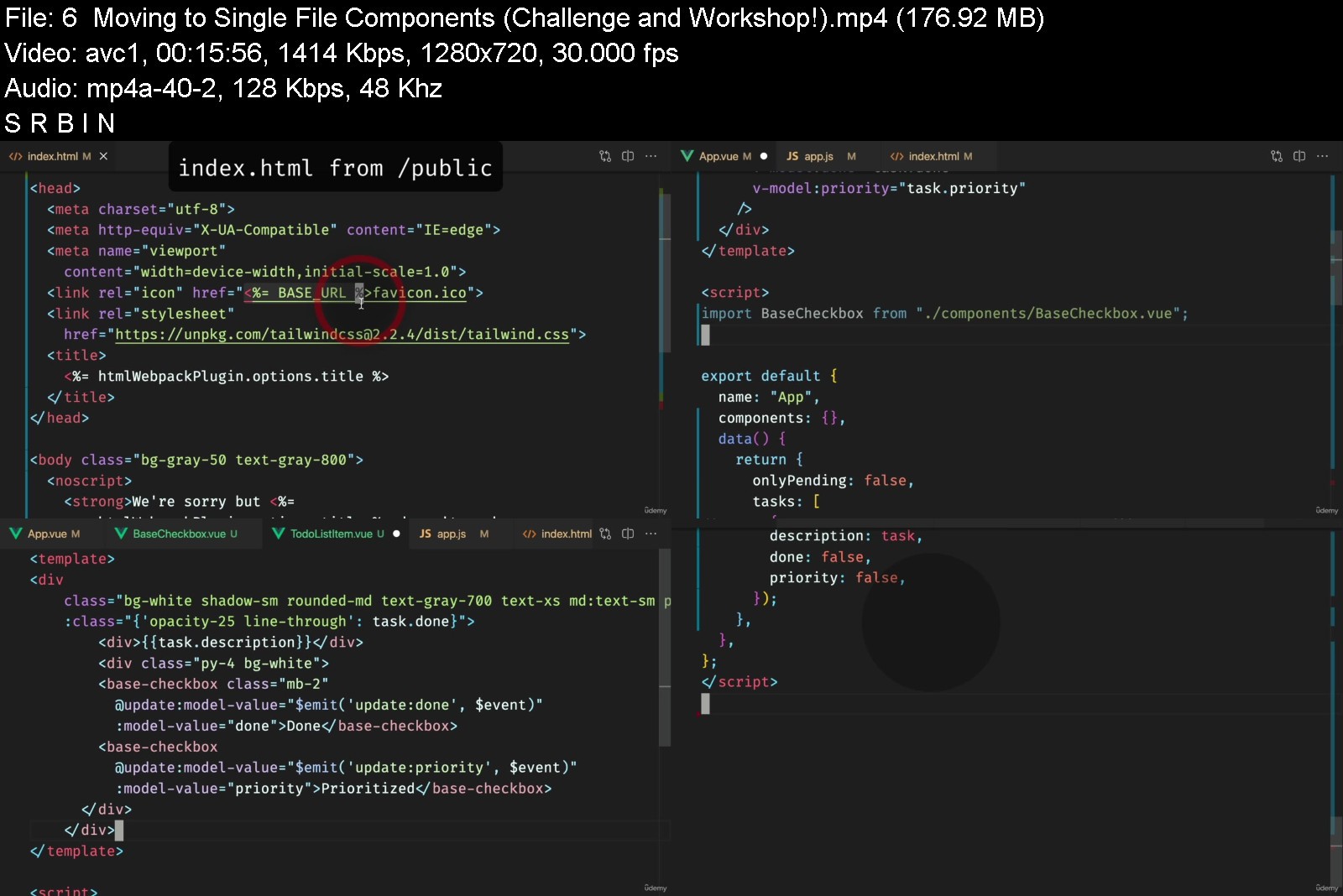
Single File Components (Vue CLI, build step)
Vue Router (creating routes, creating links, named routes, parameters, catch-all routes, programmatic navigation, route params as props, repeatable params, redirects, aliases, nested routes, navigation guards)
VueX and Shared State Management (mutations, actions, getters, VueX modules, VueX namespacing, VueX plugins, VueX helper functions)
Composition API (How to convert from Options API to Composition API, complete Composition API introduction including all-new functions, composables, the Script Setup, Vite)
Firebase (Firestore database, managing documents, and collections, Firestore transactions, real-time queries & updates, Firebase Authentication and security rules)
Deploying your app to Firebase hosting
The course is full of diagrams to explain more complicated topics, but generally, it's mostly hands-on - with code written on the screen.
It's not your typical YouTube tutorial though! I explain every bit of code that's written, as my goal is that you understand everything so you can do easily do it yourself later!
See my other course reviews, and enroll now, to get the most up-to-date, most substantial, and most fun Vue learning experience possible!
Who this course is for
Beginner JavaScript programmers who want to learn Vue
Beginners keen on learning


vue3incl.routervuexcofmjt9.jpg


Download from RapidGator


Download from Keep2Share



Professional Ui Ux Course with live Project | Figma course

4601178be2636k6e.jpg


Professional Ui Ux Course with live Project | Figma course
MP4 | Video: h264, 1280x720 | Audio: AAC, 44.1 KHz, 2 Ch
Genre: eLearning | Language: English + srt | Duration: 56 lectures (5h 32m) | Size: 6.26 GB

Learn Everything About Figma . Even if you don't have any idea


What you'll learn
All the basic tools about Figma with live project.
Well explain about Components,Design Guide,Prototype,Constraints,Figma Plugin ,Community,
Proper Design Guide for you.
Color and font Style Shortcut.
How you can get Project and which website is best.
How to research Market
How to get project from Facebook and LinkedIn
How to stay up to date.
Many more things.
Requirements
Just need Internet and computer That's It.
Description
Do you want to learn Ux UI Design and want to earn thousand $ of every single month? If your answer is yes then you are on the right course.
I am Expert Azi. Founder Of Getwpexpert . Basically, It's a web service agency. we are helping people to build their powerful websites.
Last 5 years am working on youtube Teaching People WordPress and Front end design. Last Few years I have been working on Fiverr and Upwork as a WordPress expert. I have already finished 200+ Projects Online and offline
In this Course, You get to learn A to Z about Figma. well, explain Auto Layout, Prototype, Constraints, Figma Plugins, and Many more things that it necessary. And The big thing is I will show you a Live Project I will cover A to Z. How you can take inspiration and design guide. In the Project that I show you, I mainly focus on responsiveness. As you know most people visit websites via mobile phone.
What you will learn from this course?
I divided this course into fews division.
1. We will know some basics. Like Overview, Why Figma, Account Creation, Etc.
2. Then Some Tools.Move Tool, Scale Tool, Frame, Slice, Rectangle, Line, Arrow, Ellipse, Polygone, and many more.
3. In the Intermediate Section I explain the Proper Design Guide for you, Color Style Shortcut, Font style Shortcut
How Ruler Option and Layout Grid?
Why Components and Benefits
Variants Components How does its work?
Images shortcut in Figma
Alignment Object Details.
How do the Figma Plugins work?
Figma Comunity Secrects.
Constraints of magic.
Awesome Prototype
Many More
4 In Boost Your Power Section we complete a Project.
Mainly we make a plan then we start the design. Check the course module then you will understand.
Earn money and Freelancing Section we will learn (Upcoming).
How you can get Project and which website is best.
How to create a Fiverr account and Branding.
How to create a Fiverr gig and Idea.
Setting up the account + Marketing mistake right way.
How to get projects from Facebook and LinkedIn.
How to research Market.
Upwork secret.
How to stay up to date.
I mainly Focus on beginners and intermediates . Who wants to start. If you already know about it a little bit then start now. Because I show many ways that you can sell your skill and generate money.
One good news is when I update the course you don't have to spend the extra money you will get all content absolutely for free. so why are you waiting for? Enroll Now
Who this course is for
Beginners and Intermediate


professionaluiuxcoursghkni.jpg


Download from RapidGator


Download from Keep2Share


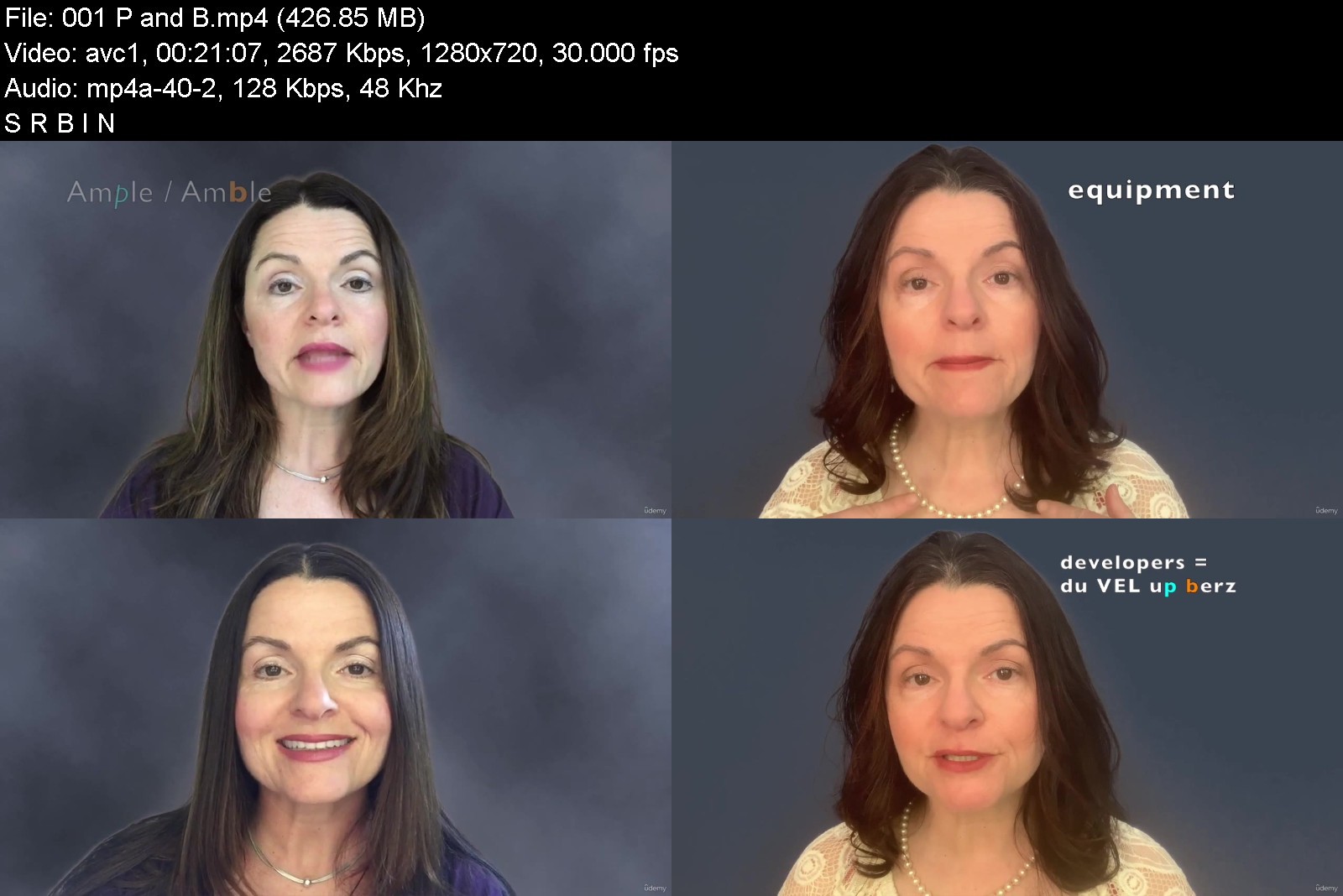
American English Consonants for All

0zqdjk6ylav0lycq3gms2uhjls.jpg


American English Consonants for All
Genre: eLearning | MP4 | Video: h264, 1280x720 | Audio: AAC, 48.0 KHz
Language: English | Size: 6.58 GB | Duration: 5h 27m


What you'll learn
Learn how to produce all the English consonants
Learn how to distinguish commonly confused consonants
Reinforce your practice with repetition audio practice
Learn to self-correct.
Requirements
the ability to read English

Description
You can learn to articulate clearly! Messy consonants make it difficult or impossible for others to understand you. Learn to produce and distinguish between all the English consonants at the beginning, in the middle or at the end of a word. The course is dense with detail about every consonant, so you may have to watch certain parts more than once to make sure you've got it. You'll learn different spelling patterns for each consonant sound. You'll learn the common pitfalls for each consonant sound and how to avoid them. And you'll l earn how consonants change as they connect to other words. Example sentences are from every day life as well as high tech or business fields, so you will be exposed to a variety of vocabulary. The course includes repetition audio practice so you can repeat the sentences over and over again to develop muscle memory. This course has lessons for learners from various language backgrounds. It will be beneficial for Chinese, Indian, Vietnamese, Japanese, Spanish, French, German, Russian speakers and more. The instructor has free office hours on Zoom once a month, so you are invited to meet her for questions and to have her check your pronunciation and whether you are incorporating the information properly.
Who this course is for
Anyone who wants to improve their pronunciation of American English


americanenglishconsonp0ktc.jpg


Download from RapidGator


Download from Keep2Share


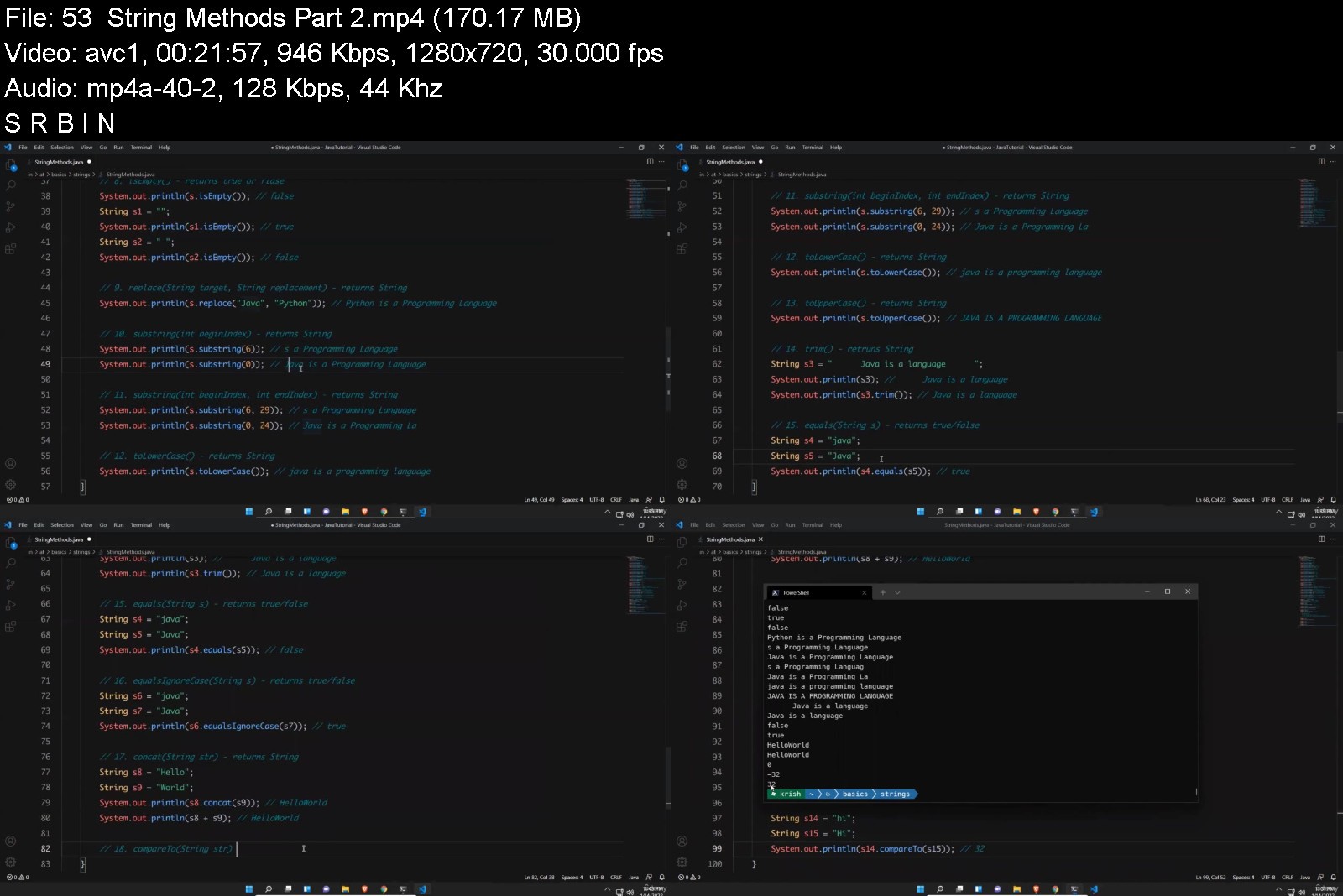
Java Basics for Beginners (2022)

4504556fda33ihjq3.jpg


Java Basics for Beginners (2022)
MP4 | Video: h264, 1280x720 | Audio: AAC, 44.1 KHz, 2 Ch
Genre: eLearning | Language: English + srt | Duration: 139 lectures (25h 26m) | Size: 8.2 GB

Java Tutorial for Complete Beginners and for those who wants move from Manual Testing to Automation Testing.


What you'll learn
What is Java
Java Features
Basics to advanced topics of Java
Java OOPs concepts
Requirements
Little bit of Computer Knowledge
Interest to learn programming
Description
Java is a high-level programming language to develop different kind of applications like web, mobile, desktop, enterprise application, scientific application and to develop games.
This course focused on all the topics in Java like
1. Java Introduction
2. Java Language Fundamentals.
3. Operators in Java
4. Type Casting in Java
5. Methods in Java
6. Variables in Java
7. Static Keyword in Java
8. Arrays in Java
9. Constructor in Java
10. Strings in Java
11. Control Statements in Java
12. Comments in Java
13. System Properties in Java
14. Command Line Arguments
15. Modifiers in Java
16. Main Method Explained in Java
17. Scanner Class in Java
18. Recursion in Java
19. Buffered Reader Class in Java
20. OOPS Concepts in Java
21. Inheritance in Java
22. Abstraction in Java
23. Interface in Java
24. Polymorphism in Java
25. Final in Java
26. Encapsulation in Java
27. Exception Handling in Java
28. Collection Framework
29. Maps in Java
30. will add more soon...
This course designed to learn Java from basic to advanced step by step.
**************************** Highlights of this course ****************************
This course will make to comfortable to become master in Java even if you do not have any basic knowledge on Java before. This course will teach you all the topics from basics to advanced configurations.
All the topics explained in detail by taking relevant examples for clear understanding.
So, please enroll today and learn Java.
Who this course is for
Beginners who wants to learn Java concepts in detail.
People are moving from Manual Testing to Automation like Selenium with Java.


javabasicsforbeginnerlzjy9.jpg


Download from RapidGator


Download from Keep2Share



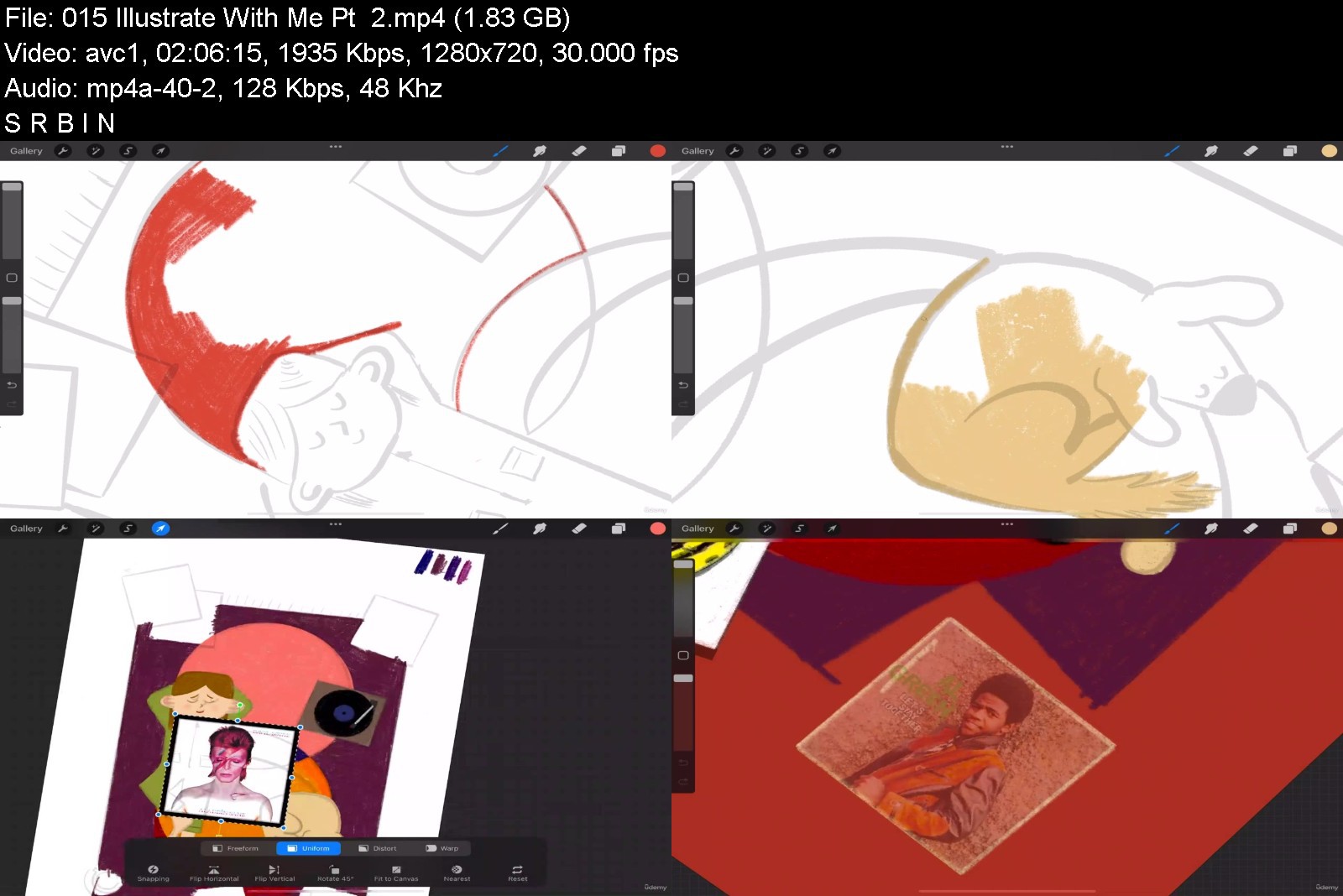
Complete Procreate Megacourse Beginner to Expert

vu6ivq0ezqttyefuml97wn7kbx.jpg


Complete Procreate Megacourse Beginner to Expert
Genre: eLearning | MP4 | Video: h264, 1280x720 | Audio: AAC, 48.0 KHz
Language: English | Size: 7.9 GB | Duration: 9h 30m


What you'll learn
How to use Procreate and its tools
The principles of drawing and sketching in Procreate
The principles of illustrations in Procreate
How to use different brushes
How to sketch out, colour, render and master your art
The basics of animation
How to create 3D models
The theory behind your creative choices
Requirements
No previous knowledge of Procreate required
An iPad
A desire to learn!
A positive attitude!

Description
Learn digital art with Procreate!
Draw like a pro!
Have you ever wanted to learn how to draw digitally? In the era of digital media, we see thousands of drawings and animations that are actually produced on an iPad. Maybe you already doodle on a piece of paper and have been wanting to take the next step. Whether you're a casual doodler or you want to make a career out of illustration, drawing digitally has been the trend for the last few years. The current tools let you achieve way more than you ever imagined.
In this course, you're going to learn everything about digital illustration and some animation in Procreate. You will learn about drawing and sketching as well as canvas settings, brushes, layers, masks, textures and such. You will start and complete a digital illustration piece that you'll be able to export in high-resolution, print it and gladly hang on your wall.
Our instructors have years of experience not only in digital art, but also in teaching, and the expertly-crafted syllabus is designed to be easy to follow and thorough. We've even included plenty of examples designed and drawn on-screen for you to study. That's why this is the only Procreate course you'll ever need to create impeccable digital art and illustrate like a pro!
Start digitalizing your art today!
Who this course is for
Anyone who wants to learn to create digital art - no experience needed!
Anyone who wants to draw and sketch on an iPad
Artists who want to learn new styles
Anyone with specialised needs (cartoonists, digital artists, illustrators, animators, graphic designers)


completeprocreatemegadzjpa.jpg


Download from RapidGator


Download from Keep2Share



Vue & Typescript | Vue Js, Type script, JavaScript Projects

lh3c2x1gyq9enpdce44diztkvf.jpg


Vue & Typescript | Vue Js, Type script, JavaScript Projects
Genre: eLearning | MP4 | Video: h264, 1280x720 | Audio: AAC, 48.0 KHz
Language: English | Size: 5.65 GB | Duration: 19h 9m


What you'll learn
Whether you're building a full single-page application or merely add interactivity to your existing app, Vue js has a spectrum of tools to help you.
If you're looking for a JavaScript web framework that isn't going to drown you in complexity, take a look at Vue js.
How to easily build the largest and most advanced applications using vue and vuex.
How to create Web Application with Vue, Vue JS.
Vue, vue js, vuejs, nuxt, vue .js, vue 3, nuxt js, vuex.
TypeScript is better suited than JavaScript for large applications, but it requires a foundational knowledge of JavaScript to use.
What is Vue JS?
Most important Vuejs topics.
How to create multi-page web app with vue-router in vue js.
How to manage the data of our application with the vuex.
Vuejs takes what other frameworks have done before, but does it in a way that's fresh and easy-to-use
What are Javascript variables, why are they used
What is Javascript Boolean Logic
How to include JS File in HTML CSS Javascript
TypeScript is a programming language that helps developers turn medium-sized JavaScript projects and prototypes into large-scale ones.
What is conditional statements (if else, switch case, ternary operator), how to use in Javascript
How to write Javascript Functions, what are the differences between Function Decleration and Function Expression
What is Javascript loops (for loops, while loops, continue and break statements), how to use them
TypeScript is mainly associated with development careers. Typical job titles for TypeScript developers include senior developer, front end developer.
Learn what TypeScript (typescript react react typescript Type script typescript node nodejs typescript angular typescript )for is and why we should use it
TypeScript is a syntactical superset of JavaScript, any JavaScript program is also a valid TypeScript program.
How to create Javascript Arrays, Array methods (push, pop, shift, unshift ...), Array iteration
How to create Javascript objects, how to update them, object methods
JavaScript is the programming language that allows users to interact with the websites that they're visiting, making it a very important language for webdevelop
Microsoft introduced TypeScript to solve this scalability problem. TypeScript is often referred to as JavaScript with type .
What is DOM, how to manipulate DOM in Javascript
Developers with an understanding of TypeScript (which implies skill in JavaScript) might work in a wide range of fields building applications for both server-si
Understand what TypeScript (typescript angular typescript react three js jest threejs) really it is about and how works
JavaScript is a text-based computer programming language used to make dynamic web pages.
What is JavaScript? JavaScript is a curly-braced, dynamically typed, prototype-based, object-oriented programming language.
What are the main uses of JavaScript? JavaScript is a text-based programming language used for client- and server-side development.
React vs. Angular vs. Vue: what is the best JavaScript framework? Choosing the best JavaScript framework for your web project depends on what you are lookingfor
What is JSON and what is it used for? Because of the evolution of the JavaScript language, JavaScript has a variety of techniques for creating objects.
With all of the different JavaScript IDEs available, the best option depends on how you intend to use it, along with your personal preferences.
Typescript is a superset of JavaScript. As its name suggests, TypeScript adds optional static typing to the JavaScript language.
Developers use TypeScript when they need to scale up their JavaScript development.
Learn how to define variables using data types in type script
Use the different types of variable prefixes like let and const in typescript.
Requirements
How to easily build the largest and most advanced applications using vue, vue js and vuex.
Desire to learn about vue, vue js, vuejs, nuxt, vue .js, vue 3, nuxt js, vuex.
Watching the lecture videos completely, to the end and in order.
Computer with access to the internet.
Determination and patience to learn.
Basic knowledge of HTML and CSS for JavaScript
Willingness and Motivation to successfully complete the training
Desire to learn Javascript
Desire learn Javascript Projects
Desire to learn Modern Javascipt
Desire to learn javascript libraries; React, Angular, NodeJS
Desire to learn angular project
Desire to learn Javascript Apps
Basic ES6 knowledge would be beneficial but not required
No prior Typescript knowledge is required
Nothing else! It's just you, your computer and your ambition to get started today.

Description
Vue, vue js, vuejs, nuxt, vue.js, vue 3, vue js 3, Typescript, three js, type script, typescript react, angular, react typescript, three.js, javascript, java script, javascript projects, js, html css javascript, app project
Hello,
Welcome to the " Vue & Typescript | Vue Js, Type script, JavaScript Projects " course.
Vue Js, JavaScript & Typescript for front end web development with vue.js, type script, three js & Javascript Projects.
Vue (pronounced like view) is a frontend development framework for JavaScript (JS) that you can use to build web-based user interfaces especially in vuex library. You can also use vue js to create one-page applications and handle animations, interactive elements, and graphics. Generating projects is also possible with the user-built presets, which is commonly applicable for coders working in enterprise environments. Because vuejs is based on JavaScript, you can easily integrate Vue into an existing JS project. Vue uses the traditional Model-View-Controller (MVC) architecture, which means that the core library of Vue.js focuses on the view layer by default. It enforces a one-way data flow between components. This also makes it easy for you to integrate with other libraries or existing projects.
Whether you're trying to build a full single-page application or merely add a bit of interactivity to your existing app, Vue.js has a spectrum of tools to help you get your job done, and that course can help you get up and running quickly.
If you're looking for a JavaScript web framework that isn't going to drown you in complexity, take a look at Vue.js. Vue.js takes what other frameworks have done before, but does it in a way that's fresh and easy-to-use. Using Vue.js lets you focus your application rather than on your framework.
TypeScript is a programming language that helps developers turn medium-sized JavaScript projects and prototypes into large-scale ones. JavaScript, a widely-used programming language, was designed to be easy to use for developers and non-developers alike. As a result, JavaScript development is difficult to scale up. Microsoft introduced TypeScript to solve this scalability problem. TypeScript is often referred to as JavaScript with type because it allows developers to find errors while writing their code rather than wait until the application is running. And because TypeScript is a syntactical superset of JavaScript, any JavaScript program is also a valid TypeScript program.
Before taking this course, you only need to have a basic knowledge of HTML and CSS. In our course, the basics of JavaScript are dealt with in detail, and students are provided to test what they have learned with code quizzes prepared for each subject.
JavaScript is a very important programming language for internet applications.
Here's how a JavaScript code works, not just how it works. Because in today's JavaScript world, besides writing a code, you need to know how to debug this topic and be able to read every written JavaScript code.
JavaScript is a text-based computer programming language used to make dynamic web pages. A must-learn for aspiring web developers or programmers, JavaScript can be used for features like image carousels, displaying countdowns and timers, and playing media on a webpage. With JavaScript online classes, you can learn to build interactive web applications, choose the best framework, and work with other programming languages like HTML and CSS.
JavaScript is a curly-braced, dynamically typed, prototype-based, object-oriented programming language. It started as the programming language for the web and is one of the three layers of standard web technologies - the other two being HTML and CSS. JavaScript allows you to create and control content dynamically on a web page without requiring a page reload. Web browsers are able to interpret it, and when triggered by events, modify the HTML and CSS of a web page with dynamic updates.
During our course, you will be informed about the basics of JavaScript in detail and how to solve problems.
The most important feature that distinguishes this course from the others is that it deals with the most basic issues about JavaScript in detail and helps students to put what they have learned in theory into practice.
In our course, you can test what you have learned on both MAC and Windows computers. You do not need to purchase any tools or applications as free tools and platforms are used.
During the course, I made sure to explain all the topics that may seem complicated to you as simple and detailed as possible. I have used some diagrams to help you understand better.
Join more than 12 million learners and train up on JavaScript on Udemy. Choose from a wide range of top-rated JavaScript courses. From back-end development to app or website building, we've got you covered. Our real-world experts can lead you through hands-on projects to apply your skills.
In this course you will learn to develop web applications with Vue JS, Vuex from scratch.
If you are thinking to realize your dream web application, this course is for you.
We have explained Vue and Vuex from beginner to all levels. We have explained all the topics as simple as possible with examples, slides, and diagrams.
We have created a lot of projects while explaining the subjects. Because we believe that applied educations are much more useful than other teaching methods.
We explained all the subjects with simple examples and applications, and explanatory diagrams in a way that the student can understand at all levels.
In this tutorial you will learn;
How to create Web Application with Vue JS.
Most important Vue JS topics.
How to create multi-page web app with vue-router.
How to manage the data of our application with the vuex.
How to easily build the largest and most advanced applications using vue and vuex.
Types and how to use them in typescript
TypeScript features, syntax, and keywords in nodejs typescript
Tooling and Framework Options in typescript
How to create a class
TypeScript variables and functions in angular typescript
TypeScript declarations
TypeScript classes and interfaces
How the TypeScript Compiler works
ES6 Features in TypeScript
Classes in TypeScript
Interfaces type script
understanding typescript
How you can operate on variables in javascript,
Boolean logic in javascript,
How to create a conditional statement in javascript,
How you can perform transactions with Loops in javascript,
How a function is created and why it needs arguments in javascript,
How Arrays and Objects, which are basic data structures, are created in javascript,
How DOM Manipulation is done in javascript,
You will have learned and have the opportunity to test what you have learned with the code quizzes in our course.
What is Vue JS?
Vue (pronounced like view) is a frontend development framework for JavaScript (JS) that you can use to build web-based user interfaces. You can also use it to create one-page applications and handle animations, interactive elements, and graphics. Generating projects is also possible with the user-built presets, which is commonly applicable for coders working in enterprise environments. Because it is based on JavaScript, you can easily integrate Vue into an existing JS project. Vue uses the traditional Model-View-Controller (MVC) architecture, which means that the core library of Vue.js focuses on the view layer by default. It enforces a one-way data flow between components. This also makes it easy for you to integrate with other libraries or existing projects. Vue also uses virtual DOM (Document Object Model), which makes it faster than regular DOM. Instead of re-rendering the whole page, Vue only updates the objects that you change.
What is the difference between Vue and React?
Although Vue has an MVC architecture, you cannot use it with a different architectural approach, which differs from the Component Based Architecture (CBA) used in React. They also differ in how they optimize data. When a component's state changes in React, it triggers the re-render of the entire component sub-tree, starting at that component as the root. Vue automatically tracks a component's dependencies during its render, so the system knows which components actually need to re-render when the state changes. In React, everything is in JavaScript. Vue, on the other hand, embraces web technologies like HTML, CSS, and JavaScript and allows you to build off of them. Another difference between these frameworks is how you can scale up your projects. React only offers a single template that assumes you're building a single-page application, while Vue offers several default options for multiple purposes and build systems.
Is Vue JS easy to learn?
Vue JS can be easy to learn. Unlike other frontend technologies, Vue doesn't require in-depth knowledge of libraries. If you want to start learning Vue, all you need to have is basic knowledge of HTML, CSS, and JavaScript. Compared to other coding technologies, developers typically classify Vue.js as having an easy learning curve. This is due largely in part to Vue's reputation for having an elegant programming style and patterns. Because Vue is a progressive framework, it makes it easy for you to use it to integrate into an existing project. Because of its familiar templating syntax and use of components, you may find that integrating or migrating existing projects to Vue is fairly straightforward. Vue is known for offering a vast ecosystem of tools and companion libraries, making it a simple framework that you can use to respond to the complex needs of enterprise-grade applications.
What is Vuex used for?
Vuex is a state management pattern + library for Vue. js applications. It serves as a centralized store for all the components in an application, with rules ensuring that the state can only be mutated in a predictable fashion.
What is difference between Vue and Vuex?
Vue is a progressive Javascript framework and Vuex is the state management tool. We can use redux or flux inside Vue, But Vuex is native to the Vue.
Why do I need Vuex?
Vuex is a popular way to handle a complex app's authentication in Vue. With Vuex, you're able to handle the token's availability and access controls and route blocks throughout your app. Mutations, getters, and setters assist with this task.
How does Vuex store work?
It works by having a central store for shared state, and providing methods to allow any component in your application to access that state. In essence, Vuex ensures your views remain consistent with your application data, regardless of which function triggers a change to your application data.
When Should I Use It?
Vuex helps us deal with shared state management with the cost of more concepts and boilerplate. It's a trade-off between short term and long term productivity.
If you've never built a large-scale SPA and jump right into Vuex, it may feel verbose and daunting. That's perfectly normal- if your app is simple, you will most likely be fine without Vuex. A simple store pattern (opens new window)may be all you need. But if you are building a medium-to-large-scale SPA, chances are you have run into situations that make you think about how to better handle state outside of your Vue components, and Vuex will be the natural next step for you.
What is Typescript?
TypeScript is a programming language that helps developers turn medium-sized JavaScript projects and prototypes into large-scale ones. JavaScript, a widely-used programming language, was designed to be easy to use for developers and non-developers alike. As a result, JavaScript development is difficult to scale up. Microsoft introduced TypeScript to solve this scalability problem. TypeScript is often referred to as JavaScript with type because it allows developers to find errors while writing their code rather than wait until the application is running. And because TypeScript is a syntactical superset of JavaScript, any JavaScript program is also a valid TypeScript program.
What is the difference between Typescript and Javascript?
Typescript is a superset of JavaScript. As its name suggests, TypeScript adds optional static typing to the JavaScript language. JavaScript is a scripting language that allows developers to create dynamic web content. It is known for being fairly easy to use and learn. This makes it a popular programming language for small and medium-scale web projects. Developers use TypeScript when they need to scale up their JavaScript development. Its language is more powerful and intuitive, allowing developers to find and correct errors during compile time, rather than only during run-time, as with JavaScript. TypeScript is better suited than JavaScript for large applications, but it requires a foundational knowledge of JavaScript to use.
What careers use Typescript?
TypeScript is mainly associated with development careers. Typical job titles for TypeScript developers include senior developer, front end developer, stack developer, and software engineer. Because TypeScript is a superset of JavaScript, learning TypeScript is a great next step for engineers who are already skilled in JavaScript. Programming knowledge is applicable in just about every industry, so developers with an understanding of TypeScript (which implies skill in JavaScript) might work in a wide range of fields building applications for both server-side and client-side execution.
What is JavaScript?
JavaScript is a curly-braced, dynamically typed, prototype-based, object-oriented programming language. It started as the programming language for the web and is one of the three layers of standard web technologies - the other two being HTML and CSS. JavaScript allows you to create and control content dynamically on a web page without requiring a page reload. Web browsers are able to interpret it, and when triggered by events, modify the HTML and CSS of a web page with dynamic updates. JavaScript also uses asynchronous calls to fetch data from web services in the background. Although it was initially only used in web browsers, JavaScript engines have since been put to use as servers with Node.js, included in desktop application frameworks like Electron, and embedded in phone frameworks like Apache Cordova.
Why is JavaScript important?
JavaScript is the programming language that allows users to interact with the websites that they're visiting, making it a very important language for web developers to know. In the past, most developers focused on the backend; JavaScript was only relevant when they needed to use visual effects. As web development evolved and the focus shifted towards user experience, programmers started to rely on JavaScript for their frontend code heavily. Today, most sites use JavaScript to fetch and submit data, use logic, and generate HTML in browsers. JavaScript can also communicate asynchronously with data servers in the background without interrupting the user interaction in the foreground. These features make JavaScript not only an important language but a necessary language for modern web development.
What are the main uses of JavaScript?
JavaScript is a text-based programming language used for client- and server-side development. Web developers have used JavaScript since its inception to add simple interactivity to web pages like modals, animated elements, or image slideshows. While that is still one of its primary uses, Javascript has evolved to building complete web applications. SPAs, or single page applications, depend on JavaScript-based frameworks like React, Angular, and Vue to bring a desktop-like application experience to the browser. However, it's important to note that web browsers aren't places that make good use of the programming language. Javascript is also popular for building web services and back-end infrastructure with Node.js. React Native, Xamarin, Ionic, and NativeScript frameworks use JavaScript for developing phone apps as well.
React vs. Angular vs. Vue: what is the best JavaScript framework?
Choosing the best JavaScript framework for your web project depends on what you are looking for. React is a popular framework, which means you will find a lot of community support if you need help. It is also considered relatively easy to learn but is being developed at a rapid pace. Angular is a framework that makes data binding easy so that you can template an application faster. It also uses the RxJS library to simplify asynchronous programming and Typescript (which compiles to JavaScript) for a cleaner, less error-prone development process. Some cons of Angular are that it can have a steep learning curve and can be complex. Vue is a lightweight framework, so it is easy to learn, very performant, and flexible. Some cons of Vue are limited plugins, and its flexibility can lead to irregular code.
What is JSON and what is it used for?
Because of the evolution of the JavaScript language, JavaScript has a variety of techniques for creating objects. But, ultimately in the background, JavaScript is using a syntax called JSON. JSON stands for JavaScript Object Notation and is a standard text-based format used to represent objects in JavaScript. The same basic types of data represented in Javascript can also be represented in JSON, including strings, numbers, arrays, booleans, and JavaScript objects. Although JSON is based on the JavaScript object, it is not just used in JavaScript. It is also used as a format to transfer data from a web browser to a server and vice versa because of the format's simplicity and small size. The JSON format is used in REST APIs for this purpose and has replaced XML as the standard format for many APIs. Because of this, just about any language you use will have a method of converting data into JSON to interact with REST APIs.
What is AJAX and what is it used for?
AJAX stands for Asynchronous JavaScript and XML. AJAX is a technology that developers use to create better, faster and more interactive web applications. AJAX uses XHTML for content, CSS to style the page, and JavaScript for controlling content dynamically. AJAX allows you to update a web page without reloading the page (this technique is called a "SPA" or Single Page Application), request data for the page after it has loaded, receive data after the page has loaded, and send data to the server in the background. Despite XML being part of the acronym that makes up AJAX, AJAX can send and receive data in any format, including JSON or plain text. While traditional web applications use synchronous methods to send and receive information from a web server, AJAX can use asynchronous API calls in the background without blocking activity in the browser. AJAX is a data-driven rather than a page-driven technology.
How can I teach myself Javascript?
One of the best ways to learn to write code is through an online course that teaches you how to write JavaScript with an instructor that will explain the code, what versions you should use, and why. Learning to develop a real-world application, with an instructor explaining in a step-by-step fashion, will teach you modern code techniques.
What is the best IDE for Javascript?
With all of the different JavaScript IDEs available, the best option depends on how you intend to use it, along with your personal preferences. Webstorm is a popular JavaScript IDE from JetBrains. It provides fast static code analysis, integrated testing, local history, code refactoring, and debugging. While the IDE requires a paid subscription, many developers swear by it because of its compatibility with JavaScript, HTML, and CSS. Those searching for a free option might prefer VS Code. This general-purpose, open-source IDE comes with IntelliSense, Git integration, and debugging features built-in. Many third-party extensions are available to add new language and programming features, making it one of the more flexible choices. Atom is another general-purpose IDE that is popular with JavaScript developers. It is also free, open-source, and has third-party extensions to add functionality.
Step-by-Step Way, Simple and Easy With Exercises
Fresh Content
It's no secret how technology is advancing at a rapid rate. New tools are released every day, Vue updates its system, and it's crucial to stay on top of the latest knowledge. With this course, you will always have a chance to follow the latest trends.
Video and Audio Production Quality
All our content is created/produced as high-quality video/audio to provide you with the best learning experience.
You will be,
· Seeing clearly
· Hearing clearly
· Moving through the course without distractions
You'll also get
Lifetime Access to The Cours
Fast & Friendly Support in the Q&A section
Udemy Certificate of Completion Ready for Download
Dive in now into;
" Vue & Typescript | Vue Js, Type script, JavaScript Projects
Vue Js, JavaScript & Typescript for front end web development with vue.js, type script, three js & Javascript Projects"
We offer full support, answering any questions.
See you on the other side!
Who this course is for
Who wants to learn Vue with Vue js applications from scratch.
Who wants to learn Vue, vue js, vuejs, nuxt, vue .js, vue 3, nuxt js, vuex.
Who wants to learn today's most popular front-end architectures and take their Web development skills to the next level and learn a future-oriented technology.
Who wants to learn how to create websites with Vue
Anyone who trying to learn JavaScript but still don't really understand JavaScript, or still don't feel confident to code real apps
Take this course if you want to gain a true and deep understanding of JavaScript
If you're interested in using a library/framework like React, Angular, Vue or Node in the future
Those who want to learn the basics of JavaScript, the world's most popular programming language
If you want to get started with programming: JavaScript is a great first language!
People who want to learn Javascript projects
People who want to learn javascript libraries; react, angular, nodejs
People who want to learn javascript project, react node project, node js projects
Anyone learning Angular should definetely understand how to Typescript works.
This Course is for every student who wants to extend his or her horizon beyond vanilla JavaScript
Anyone who Javascript developer looking to understand how to structure large codebases.


vuetypescriptvuejstypocjqu.jpg


Download from RapidGator


Download from Keep2Share



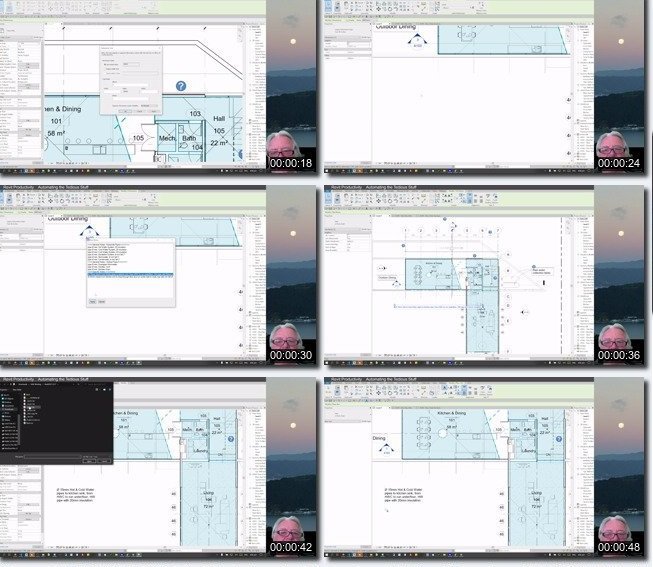
Revit Productivity Automating the Tedious Stuff

4461922dcec5xkjem.jpg


Revit Productivity Automating the Tedious Stuff
MP4 | Video: h264, 1280x720 | Audio: AAC, 44.1 KHz, 2 Ch
Genre: eLearning | Language: English + srt | Duration: 20 lectures (7h 34m) | Size: 6.6 GB

How to adapt Revit to suit YOUR workflow


What you'll learn
Chain multiple revit commands to one keyboard shortcut to speed up productivity
Create simple macros to speed up repetitive sub-tasks
Create and compile productivity tools that can be shared with others to speed up team productivity
Access prebuilt note libraries & create dynamic notes for quicker and more accurate documentation
Use verifiable data to demonstrate productivity savings from your tools and processes
Requirements
Familiarity with Revit (beginner onwards) and access to the program for course work
Able to download and install open source programs on your computer in a variety of ways
Prepared to learn a simple scripting language
Description
Would you like Revit to be easier to use?
Would you like to do this without a vast experience of coding?
Would you like to focus on your design rather than thinking about how you do a Revit command?
Would you like Revit to allow multiple commands on one keyboard shortcut?
Would you like Revit to do what you want rather than you adapting to what Revit wants?
Would you like to automate the boring processes in Revit, such as Visibility Graphics?
Would you like to quickly insert standardised notes quickly and efficiently in Revit?
Would you like to create dynamic notes that you can create and share to reduce copy, paste and edit processes?
Would you like to measure, quantify and substantiate your efficiencies for personal rewards?
Would you like to share these productivity tools with others?
Then consider taking this course!
This course is definitely about working smarter and not harder.
And the course shows you how you can prove it.
coding available with pre-built automatons.
Use these as starting blocks to build your own.
This course will allow you to remap existing default Revit keyboard shortcuts, chain multiple revit commands to a single keyboard shortcut, create simple automatons using keys, mouse clicks and pauses, quickly insert pre-built notes into Revit from selected text files, quickly insert symbols without knowing ascii codes, create personal dynamic text pop up Graphical User Interfaces for easy repetitive and adaptive notes and also demonstrate tangible Return on Investment efficiencies to justify efficiencies.
Who this course is for
Revit users from any discipline who want to become more productive in the program


5ucvffgqzhaoxg48qxcaq7hk8j.jpg


Download from RapidGator


Download from Keep2Share


Zurück
Oben Unten