• Regeln für den Video-Bereich:

    In den Börsenbereich gehören nur Angebote die bereits den Allgemeinen Regeln entsprechen.

    Einteilung

    - Folgende Formate gehören in die angegeben Bereiche:
    - Filme: Encodierte Filme von BluRay, DVD, R5, TV, Screener sowie Telesyncs im Format DivX, XviD und x264.
    - DVD: Filme im Format DVD5, DVD9 und HD2DVD.
    - HD: Encodierte Filme mit der Auflösung 720p oder darüber von BluRay, DVD, R5, TV, Screener sowie Telesyncs im Format x264.
    - 3D: Encodierte Filme von BluRay, die in einem 3D Format vorliegen. Dies gilt auch für Dokus, Animation usw.
    - Serien: Cartoon/Zeichentrick, Anime, Tutorials, Dokumentationen, Konzerte/Musik, Sonstiges sind demnach in die entsprechenden Bereiche einzuordnen, auch wenn sie beispielsweise im High Definition-Format oder als DVD5/DVD9/HD2DVD vorliegen. Ausnahme 3D.
    - Bereich Englisch: Englische Releases gehören immer in diesen Bereich.
    - Bereich Talk: Der Bereich, in dem über die Releases diskutiert werden kann, darf, soll und erwünscht ist.


    Angebot/Beitrag erstellen

    - Ein Beitrag darf erst dann erstellt werden, wenn der Upload bei mindestens einem OCH komplett ist. Platzhalter sind untersagt.
    - Bei einem Scenerelease hat der Threadtitel ausschließlich aus dem originalen, unveränderten Releasenamen zu bestehen. Es dürfen keine Veränderungen wie z.B. Sterne, kleine Buchstaben o.ä. vorgenommen werden. Ausnahme Serienbörse:
    - Bei einem Sammelthread für eine Staffel entfällt aus dem Releasename natürlich der Name der Folge. Beispiel: Die Simpsons S21 German DVDRip XviD - ITG
    - Dementsprechend sind also u.a. verboten: Erweiterungen wie "Tipp", "empfehlenswert", "only", "reup", usw. / jegliche andere Zusatzinformation oder Ergänzung, welche nicht in obiger Beschreibung zu finden ist.

    Aufbau des Angebots und Threadtitel

    Der Titel nach folgendem Muster erstellt zu werden. <Name> [3D] [Staffel] [German] <Jahr> <Tonspur> [DL] [Auflösung] <Quelle> <Codec> - <Group>
    Beispiel: The Dark Knight German 2008 AC3 DVDRip XviD - iND
    Beispiel: The Dark Knight 2008 DTS DL BDRip x264 - iND
    Beispiel: The Dark Knight 2008 AC3 DL BDRip XviD - iND
    Beispiel: The Dark Knight German 2008 AC3 720p BluRay x264 iND
    Beispiel: The Dark Knight 2008 DTS DL 1080p BluRay x264 iND
    Beispiel: Die Simpsons S01 German AC3 DVDRip XviD iND
    Beispiel: Die Simpsons S20 German AC3 720p BluRay x264 iND
    Beispiel: Sword Art Online II Ger Sub 2014 AAC 1080p WEBRip x264 - peppermint
    Entsprechend sind also u.a. verboten: Sonderzeichen wie Klammern, Sterne, Ausrufezeichen, Unterstriche, Anführungszeichen / Erweiterungen wie "Tipp", "empfehlenswert", "only", "reup", usw. / jegliche andere Zusatzinformation oder Ergänzung, welche nicht in obiger Beschreibung zu finden ist
    Ausnahmen hiervon können in den Bereichen geregelt sein.

    Die Beiträge sollen wie folgt aufgebaut werden:
    Überschrift entspricht dem Threadtitel
    Cover
    kurze Inhaltsbeschreibung
    Format, Größe, Dauer sind gut lesbar für Downloader außerhalb des Spoilers zu vermerken
    Nfo sind immer Anzugeben und selbige immer im Spoiler in Textform.
    Sind keine Nfo vorhanden z.B. Eigenpublikationen, sind im Spoiler folgende Dateiinformationen zusätzlich anzugeben :
    Quelle
    Video (Auflösung und Bitrate)
    Ton (Sprache, Format und Bitrate der einzelnen Spuren)
    Untertitel (sofern vorhanden)
    Hosterangabe in Textform außerhalb eines Spoiler mit allen enthaltenen Hostern.
    Bei SD kann auf diese zusätzlichen Dateiinformationen verzichtet werden.

    Alle benötigten Passwörter sind, sofern vorhanden, in Textform im Angebot anzugeben.
    Spoiler im Spoiler mit Kommentaren :"Schon Bedankt?" sind unerwünscht.


    Releases

    - Sind Retail-Release verfügbar, sind alle anderen Variationen untersagt. Ausnahmen: Alle deutschen Retail-Release sind CUT, in diesem Fall sind dubbed UNCUT-Release zulässig.
    - Im Serien-Bereich gilt speziell: Wenn ein Retail vor Abschluss einer laufenden Staffel erscheint, darf diese Staffel noch zu Ende gebracht werden.62
    - Gleiche Releases sind unbedingt zusammenzufassen. Das bedeutet, es ist zwingend erforderlich, vor dem Erstellen eines Themas per Suchfunktion zu überprüfen, ob bereits ein Beitrag mit demselben Release besteht. Ist dies der Fall, ist der bereits vorhandene Beitrag zu verwenden.
    - P2P und Scene Releases dürfen nicht verändert oder gar unter einem iND Tag eingestellt werden.


    Support, Diskussionen und Suche

    - Supportanfragen sind entweder per PN oder im Bereich Talk zu stellen.
    - Diskussionen und Bewertungen sind im Talk Bereich zu führen. Fragen an die Uploader haben ausschließlich via PN zu erfolgen, und sind in den Angeboten untersagt.
    - Anfragen zu Upload-Wünschen sind nur im Bereich Suche Video erlaubt. Antworten dürfen nur auf Angebote von MyBoerse.bz verlinkt werden.


    Verbote

    - Untersagt sind mehrere Formate in einem einzigen Angebotsthread, wie beispielsweise das gleichzeitige Anbieten von DivX/XviD, 720p und 1080p in einem Thread. Pro Format, Release und Auflösung ist ein eigener Thread zu eröffnen.
    - Grundsätzlich ebenso verboten sind Dupes. Uploader haben sich an geeigneter Stelle darüber zu informieren, ob es sich bei einem Release um ein Dupe handelt.
    - Gefakte, nur teilweise lauffähige oder unvollständige Angebote sind untersagt. Dies gilt auch für eigene Publikationen, die augenscheinlich nicht selbst von z.B. einer DVD gerippt wurden. Laufende Serien, bei denen noch nicht alle Folgen verfügbar sind, dürfen erstellt und regelmäßig geupdatet werden.
    - Untersagt sind Angebote, welche nur und ausschließlich in einer anderen Sprache als deutsch oder englisch vorliegen. Ausnahmen sind VORHER mit den Moderatoren zu klären.


    Verstoß gegen die Regeln

    - Angebote oder Beiträge, die gegen die Forenregeln verstoßen, sind über den "Melden"-Button im Beitrag zu melden.
  • Bitte registriere dich zunächst um Beiträge zu verfassen und externe Links aufzurufen.

*** Bestes IPTV *** bester Preis *** gratis Test ***


Englische Tutorials

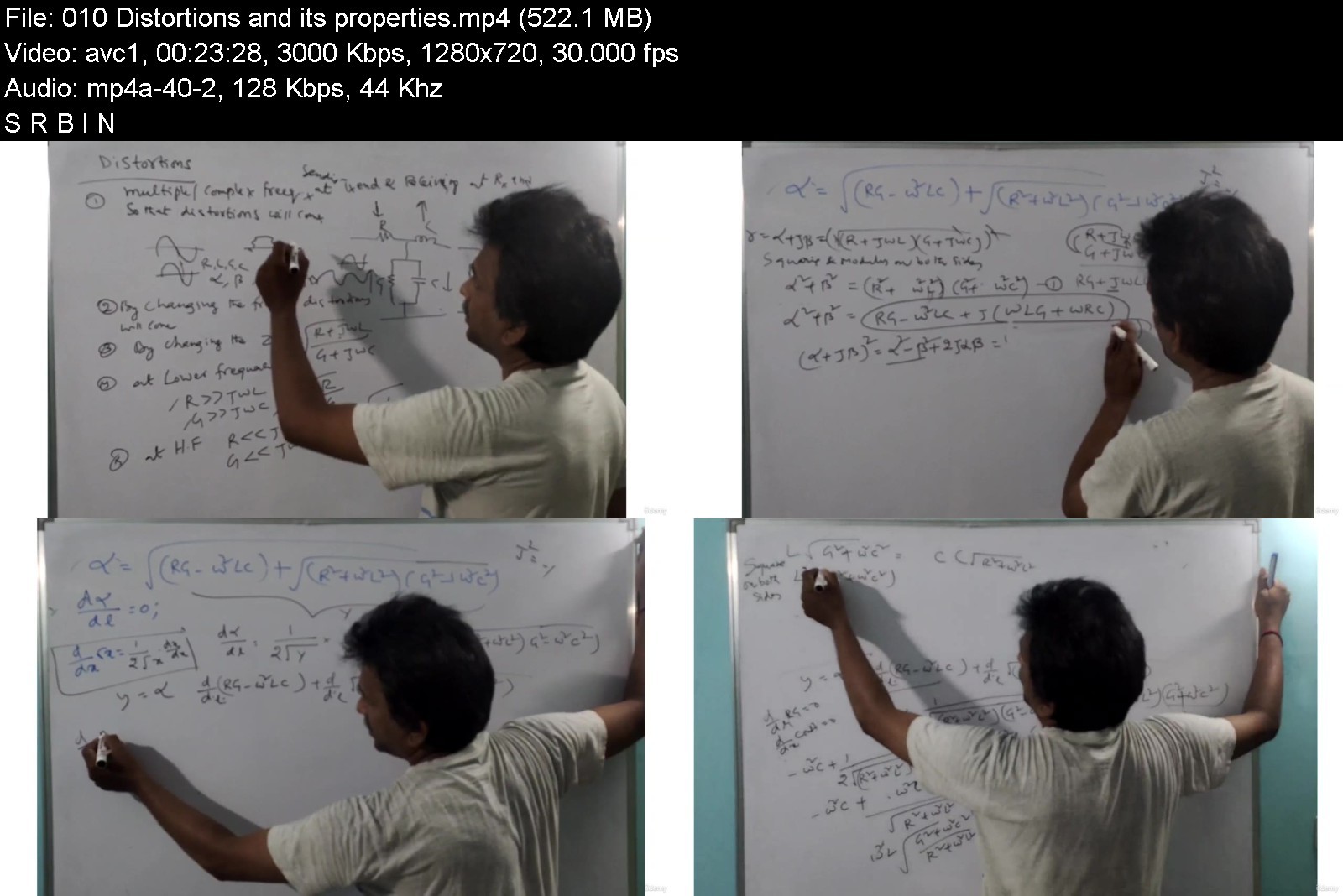
Electromagnetic Field Theory & Transmission Lines - Udemy
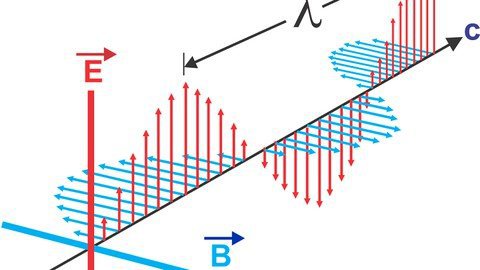
rlphxiec2qkamvyk1cbjoz7jbv.jpg


Electromagnetic Field Theory & Transmission Lines - Udemy
MP4 | Video: h264, 1280x720 | Audio: AAC, 44.1 KHz
Language: English | Size: 17.3 GB | Duration: 13h 34m

PVV details the step by step procedure for learning Electromagnetic Field Theory &Transmission Lines course from Scratch


What you'll learn
Introduction to Electromagnetics
Review of coordinate systems
Electrostatics
Magnetostatics
Electromagnetic characteristics
Transmission Lines-1
Transmission Lines-2
Requirements
Little bit of mathematics required to understand the problems like integration,differentiation etc.,

Description
Welcome to the dear learners of the Electromagnetic Field Theory Online learning course students!
PVV details the step-by-step procedure for learning Electromagnetic Field Theory&Transmission Lines course from Scratch. Online learning course from scratch. Electromagnetism is a branch of physical science that deals all about electricity and magnetism interactions. This field plays a vital role in electronics. Now we are living under the EM waves because EM is all around us, every time we turn ON any switch or if we press any key on a computer keyboard, or every time we perform a similar action involving an everyday electrical device, electromagnetic actions comes into the picture to play. The most common use of electromagnets is in electric motors are using in our domestic purpose in our homes. of course, vacuum cleaners, refrigerators, washing machines, tumble driers, food blenders, fan ovens, microwaves, dish-washers, hair driers all are based on some principles of electromagnetic induction and other ways. So It is a foundational stone for the upcoming modern technologies in computer science engineering, electromechanics engineering, and photonics technologies.
The course comprises 7 sections
Section1:Introduction to electromagnetics which is a prerequisite to learn EM field theory course covered
Section2: Review of coordinate systems
Section3: Electrostatics
Section4: Electromagnetics
Section5:Electromagnetic characteristics
Section6:Transmission lines1
Section7:Transmission lines2
Introduction:
Electromagnetics (EM) is the subject having to do with electromagnetic fields. Electromagnetic field theory is essential to the course for developing the mist of electronics devices like switches, relays, and some electromagnetic devices also developed by this knowledge. So EM theory is essential and necessary on the basis for understanding the devices and systems used for electrical and magnetic energy. Both electric and magnetic fields are defined in terms of the forces they produce in the real world. An electromagnetic field is made up of interdependent electric and magnetic fields, which is the case when the fields are varying with time, that is, they are dynamic in nature. So those who want to look for the design of electromagnetic devices this course really helps a lot and undergraduates also can take this course for betterment in their career.
What is a field and what is a vector field and what is a scalar field and how the field is created and how the field will act on point charges and in charged bodies will let you know in this course.
First, you will learn the Review of coordinate systems: So the review of coordinate systems deals with the cartesian, cylindrical and spherical coordinate systems and how to convert one coordinate to another coordinate system.
Before learning the EM field theory some vector algebra also required all the concepts which are required are given in the course as a part of the introductory part. Later discussed the divergence and gradient, as well as the stokes theorem and the divergence theorem, were discussed elaborately.
In the next section, you will know all about electrostatics that means coulombs law and electric field and electric field intensity at different charged bodies and in given points. Gauss law and Laplace and Poissons law relaxation time and uniqueness theorem electric potential energy density also discussed clearly.
In magneto statics deals with all about when the charges are in motion. in this section you will learn the biot savarts law, amperes circuit and force law as well as the fore between two parallel conductors and other important topics covered.
In electromagnetic characteristics deal with electric field components and magnetic components how it will be varied with time and the eave equations and wave propagation for dielectric medium and conductors solved. Intrinsic impedance and polarization techniques were also covered elaborately.
In the next subsequent sections transmission lines 1 and 2 discussed and what is transmission lines and the derivation of basic transmission lines and intrinsic impedance, open circuit and short circuit conditions in the load for transmission lines and other concepts delivered.
Feel free to ask any doubt while learning the course
Happy learning!
Skill Gems Education
PUDI V V S NARAYANA

Who this course is for:
This course is designed for engineering and Post graduation students and also useful for designing the electromagnetic devices


electromagneticfieldtnaknh.jpg


Download from RapidGator


Download from Keep2Share



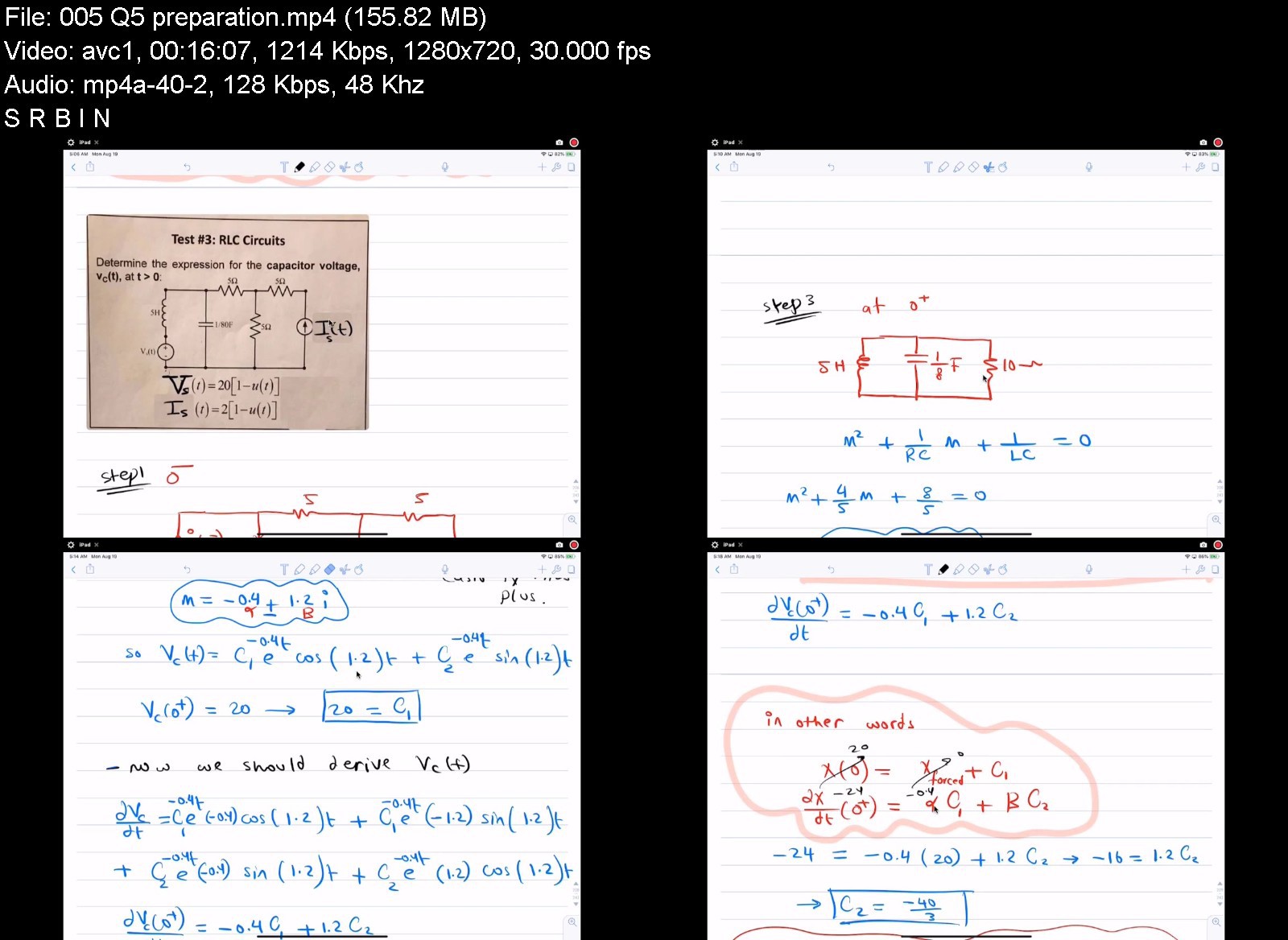
Full course Circuit Analysis

ekgefsttnnis9x3vcbtke6pkkv.jpg


Full course Circuit Analysis
MP4 | Video: h264, 1280x720 | Audio: AAC, 44.1 KHz
Language: English | Size: 7.52 GB | Duration: 14h 52m

Introduction to circuit analysis


What you'll learn
The basic concepts to understand electrical circuits
Identify terms as ( Resistors , Current , Voltage , Power , Energy , Capacitance , inductance )
learn the Basic tools such as ( ohm's law , KCL , KVL , current & Voltage Division and circuit simplification )
learn techniques to solve complex circuits such as ( Nodal Analysis , Mesh Analysis , Source Transformation , Superposition and Thevinin Equivalent Circuit)
learn Natural Responses and Forced Responses of circuits containing (RL , RC and RLC circuits)
use the complex Frequency Domain to deal with circuits

Description
this course covers four main ideas:
1- skills to solve and simplify single source circuits ( ohm's law , power concept , Voltage and current division , KVL , KVL , circuits simplification ).
2- methods to solve any complex resistive circuits with multiple sources.
3- Full discussion of natural and forced response for circuits with non-linear elements such as capacitors and induction .
4- Full discussion of circuit frequency domain , and how to apply the methods and skills explained earlier to solve those circuits.

Who this course is for:
Beginners in circuit analysis
Electrical Engineers
Mechanical Engineers
Industrial Engineers
Students that passionate to learn about fundamentals of circuits


fullcoursecircuitanalbbjtf.jpg


Download from RapidGator


Download from Keep2Share



The Ultimate : Digital System Design ( Module - 1)

pxxf1yhmi3fmzfvemdp1j8jjpq.jpg


The Ultimate : Digital System Design ( Module - 1)
MP4 | Video: h264, 1280x720 | Audio: AAC, 44.1 KHz
Language: English | Size: 12.6 GB | Duration: 9h 37m

Digital Circuits, Digital Logic Design, Switching Theory and Logic Design , Digital Electronics, logic Gates


What you'll learn
Be able to learn the Basic concepts of Digital circuits.
Be able to learn the basic concept of binary number system, number system conversion Binary codes.
Be able to learn the basic concept of Boolean Algebra and Theorems.
Be able to learn the basic concept of logic gates and design of circuits.
Be able to learn the basic concept of K- Map and simplification methods.
Requirements
Basic Electrical circuits concepts and Basic electronic devices

Description
This Course deals with the basic number system ( types of number system, conversions, BCD code, Gray code, Excess-3 code and binary data representation) .
This Course Explains Boolean operations, Sum Of Product and Product Of Sum, Boolean theorems and Logic Gates(NAND,NOR).
This course deals with Boolean expression simplification methods ( K-MAP and tabulation method )
you will learn:
1. Number Systems, Conversions, Gray code, BCD code,Excess-3 code, Binary Data Representation, different Binary codes.
2. Boolean Algebra : Boolean Theorems, SOP & POS, Venn diagrams, Duality Theorem, De-Morgan's Theorem, residue theorem, absorption theorem. ( The concept of Boolean algebra was first introduced by George Boole in his book, The Mathematical Analysis of Logic, and further expanded upon in his book, An Investigation of the Laws of Thought. Since its concept has been detailed, Boolean algebra's primary use has been in computer programming languages. Its mathematical purposes are used in set theory and statistics.)
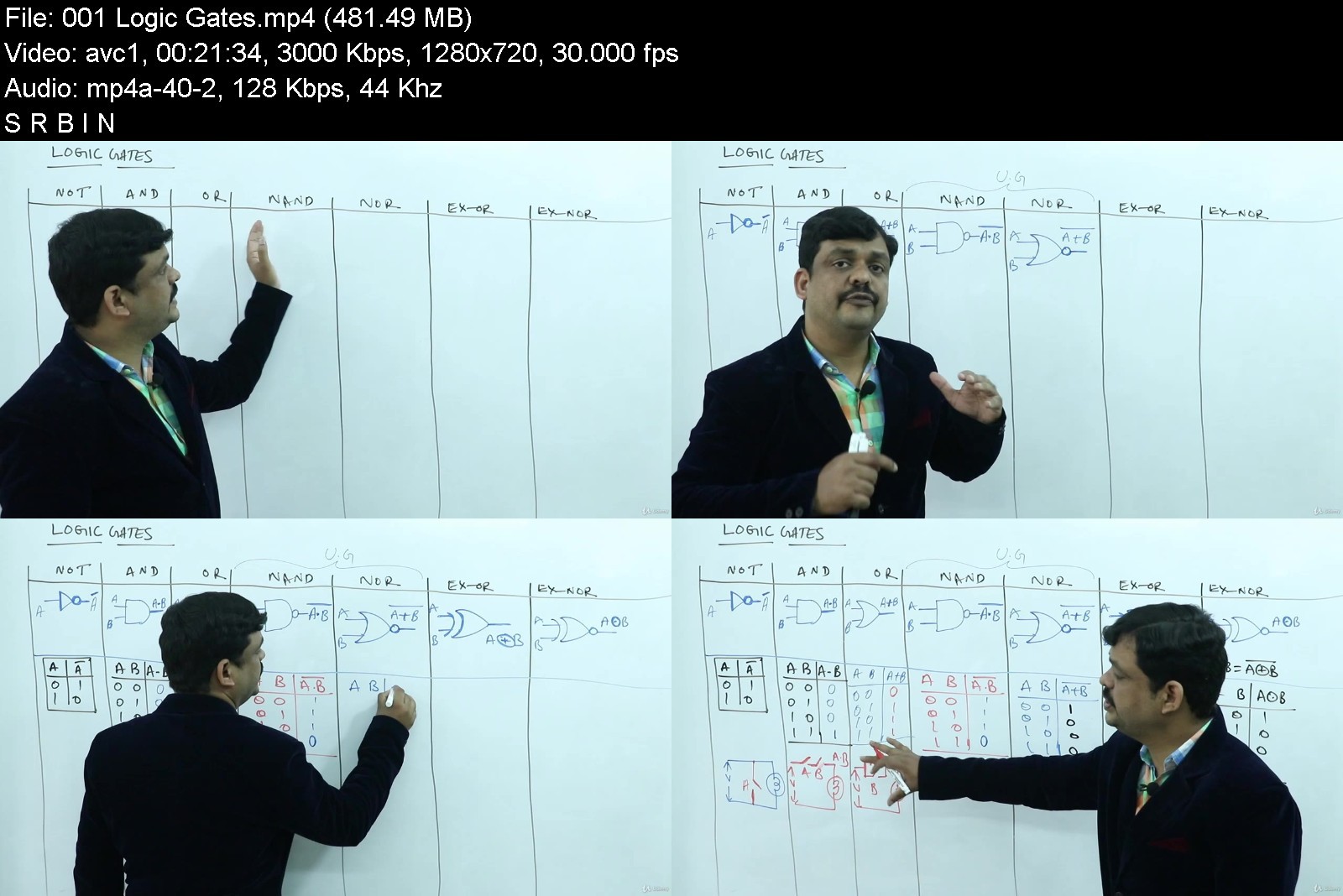
3. Logic Gates : AND,OR, NOT, NAND, NOR, EX-OR, EX-NOR Gates, Design of digital circuits using NAND gates and NOR Gates, Implementation of all the gates using NAND & NOR gates. ( Logic gates are the basic building blocks of any digital system. It is an electronic circuit having one or more than one input and only one output. The relationship between the input and the output is based on a certain logic ).
4. K-Map( 2 - variable, 3 - variable, 4 - variable ). A Karnaugh map (K-map) is a pictorial method used to minimize Boolean expressions without having to use Boolean algebra theorems and equation manipulations. A K-map can be thought of as a special version of a truth table .

Who this course is for:
Beginner Electronics and electrical
GATE ECE, GATE EEE, GATE CSE
Engineering Academics


theultimatedigitalsys7kj7y.jpg


Download from RapidGator


Download from Keep2Share



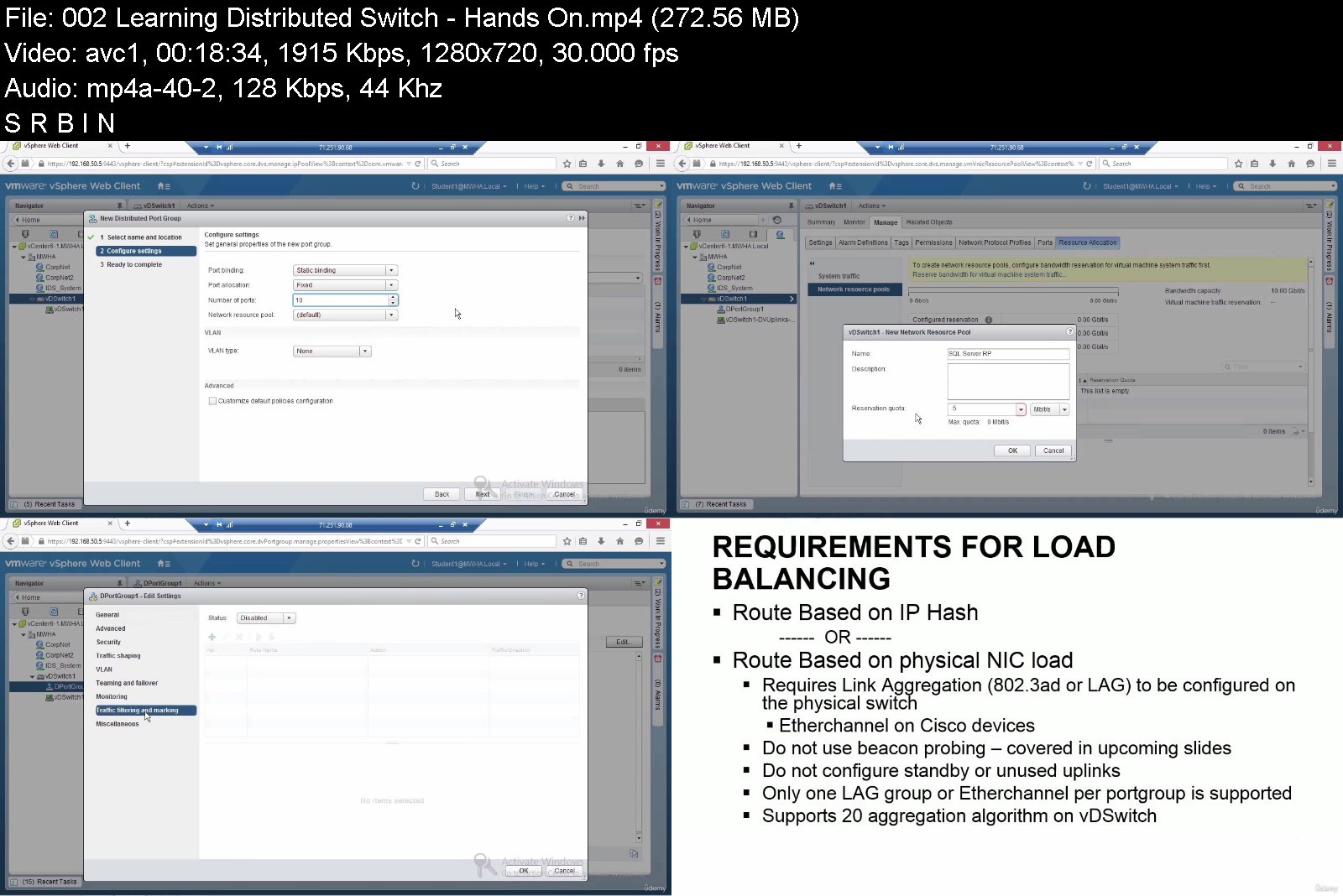
The Complete vSphere for Administrators Course: From A to Z

43766801e82ryj47.jpg


The Complete vSphere for Administrators Course: From A to Z
MP4 | Video: h264, 1280x720 | Audio: AAC, 44.1 KHz, 2 Ch
Genre: eLearning | Language: English + srt | Duration: 50 lectures (9h 24m) | Size: 6.3 GB


What you'll learn
Learn and Understand Virtualization
Cloud Technologies & SaaS
Configure & Manage the Virtual Network
vSphere Upgrading & Patch Management
Configuring & Managing Storage
Configuring & Managing Virtual Appliances
Configuring & Managing Distributed Switches
Learning vSphere Management
Learning vSphere Performance
Learning Backup & Disaster Recovery
vSphere Upgrading & Patch Management
Requirements
Network equivalent knowledge
Basic virtualization/cloud knowledge
Description
Computer virtualization is a method to enable the running of multiple application workloads on a machine to achieve efficient utilization and reduce the number of physical machines in a data center. VMware is the industry leader in data center virtualization. By understanding how to manage, secure, and scale apps with vSphere, you can easily run even the most demanding of workloads. This course goes into the details of designing and implementing VMware solutions that form the foundation of a VMware infrastructure.
This course uses proven infrastructure design principles and applies them to VMware vSphere virtual data center design through short and focused recipes on each design aspect. You'll learn how to plan and design a virtual infrastructure. You'll also gain insights into best practices to efficiently configure, manage, and secure apps. This course focused on vSphere 6.x. You'll pick up on how to enhance your infrastructure with high-performance storage access, such as remote direct memory access (RDMA) and Persistent memory. Finally, by learning how to apply Proactive High Availability and Predictive Distributed Resource Scheduler (DRS), you'll be able to achieve enhanced computing, storage, network, and management capabilities for your virtual data center.
You'll also learn how to design and plan a virtual infrastructure and look at the workflow and installation of components. You'll gain insight into best practice configuration, management and security.
By the end of this course, you'll be able to build your own VMware vSphere lab that can run even the most demanding of workloads.
Who this course is for
Web Developers
Software Developers
Programmers
Anyone interested in vSphere


thecompletevspherefortokwf.jpg


Download from RapidGator


Download from Keep2Share


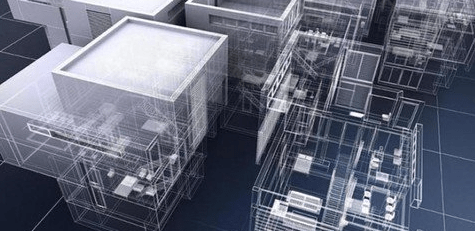
Revit Architecture II Course Complete Intermediate Training

1768442838835sjho.jpg


Revit Architecture II Course Complete Intermediate Training
MP4 | Video: h264, 1280x720 | Audio: AAC, 44.1 KHz, 2 Ch
Genre: eLearning | Language: English + srt | Duration: 56 lectures (19h 50m) | Size: 11.6 GB


What you'll learn
create a variety of detailed building projects with the world's leading Building Information Modeling software, Revit Architecture.
Covers intermediate topics such as advanced annotation methods, door and window schedules and basic site modelling tools.
Get greater insight into the project at any point in its lifecycle, BIM helps you to improve accuracy, efficiency, and productivity, resulting in time and cost
Learn how to work within the BIM process to effectively create and document a full range of building types
Requirements
Complete Intermediate Training: Beginners / Previous experience in Revit Architecture is necessary. PDF files are available in every Lesson, allowing you to follow along with course instructions. PDF Files have detail course instruction steps, it is recommended to read all files for Revit Architecture II Course. This Course Contains 12 separate Lessons covering basic to advanced concepts in the latest versions of the worlds most popular and versatile BIM Software. We recommend to complete all 3 Revit Courses to achieve level of "Revit Architecture Certificate"
Description
What Will I Learn?
This Intermediate course will lead the user to Master intermediate level techniques and create a variety of detailed building projects with the world's leading Building Information Modeling software, Revit Architecture.
Covers intermediate topics such as advanced annotation methods, door and window schedules and basic site modelling tools (including topographical surfaces, basic structural elements, camera and perspective view creation, rendering, lights and materials)
You will get greater insight into the project at any point in its lifecycle, BIM helps you to improve accuracy, efficiency, and productivity, resulting in time and cost savings
Learn how to work within the BIM process to effectively create and document a full range of building types (including residential buildings, small commercial buildings and multi-storey towers with custom curtain walls)
Upon successful completion of this course, the students will have reliably demonstrated the ability to: Create a full residential sheet set in electronic format. Create Component Families in the Family Editor Create and modify mass families in the Conceptual Design environment. Apply surface division and rationalization techniques to conceptual models. Develop building models from conceptual masses.
You will obtain significant value-added benefits like faster project approvals, more predictable outcomes, sustainable design and analysis services, and improved collaboration and information sharing for integrated project delivery strategies
Project creation, navigation and display concepts, designing with components, working with laves, creating and editing walls, adding doors and windows, creating floor and roof objects, working with view properties, instance and type parameters, loading and modifying family components, adding dimensions and annotations, adding and modifying drawing sheets, and plotting procedures.
Engineers can increase coordination with architects and other engineering disciplines, improving the reliability of their designs.
Contractors can make sure that construct-ability issues are flagged early on when changes are less expensive to make.
Architects can produce more accurate designs with fewer errors, less waste, and closer alignment to the owner's vision.
Also learn how to create custom content within the Revit family editor, create conceptual massing studies, use structural tools and generate photo-realistic renderings of building projects.
Ultimately, YOU will be able to use the models far into the future as the basis of a comprehensive facilities and asset management program

Description
This course is also designed for those people interested in advancing their employment opportunities.
This Complete Intermediate Training course will lead the user to Master intermediate level techniques and create a variety of detailed building projects with the world's leading Building Information Modeling software, Revit Architecture.
Revit Architecture II Course- Covers intermediate topics such as advanced annotation methods, door and window schedules and basic site modelling tools (including topographical surfaces, basic structural elements, camera and perspective view creation, rendering, lights and materials)
Assignment 1 - The first assignment covers all material in the first 4 lessons
Assignment 2 - The second assignment covers all material from lesson 5 to lesson 8.
Assignment 3 - The third assignment covers all from lesson 9 to lesson 12.
Upon successful completion of this Revit course, the students will have reliably demonstrated the ability to:
Create a full residential sheet set in electronic format.
Create Component Families in the Family Editor
Create and modify mass families in the Conceptual Design environment.
Apply surface division and rationalization techniques to conceptual models.
Develop building models from conceptual masses.
What Is BIM?
Unlike CAD Software, which uses software tools to generate digital 2D and/or 3D drawings, BIM facilitates a new way of working: creating designs with intelligent objects. Regardless of how many times the design changes-or who changes it-the data remains consistent, coordinated, and more accurate across all stakeholders. Cross-functional project teams in the building and infrastructure industries use these model-based designs as the basis for new, more efficient collaborative workflows that give all stakeholders a clearer vision of the project and increase their ability to make more informed decisions faster.
With BIM, the model is actually a complex database and the room is a database element that contains both geometric information and nongraphic data. Drawings, views, schedules, and so on are ―live views of the underlying building database. If designers change a model element, the BIM software automatically coordinates the change in all views that display that element-including 2D views, such as drawings, and informational views, such as schedules-because they are all views of the same underlying information.
Mission
Webelocity Designs, is an integrated practice of architecture, engineering, designers and construction professionals personally invested in delivering creative and practical built environments that enrich communities.
Core Values
Quality
We are committed to ongoing quality improvement initiatives to ensure we deliver solutions that meet our clients' expectations of quality and value. Our dedication to project success influences everything we do and ensures our clients are satisfied, and that we enjoy mutual success.
Client Focus
We want every client to receive the best service we can provide and for them to feel we have contributed real value to their project. We want our clients to be confident in recommending our services to others.
Integrity
We strive to work ethically in all areas of our business and in our interactions with our people and everyone we meet in our communities and beyond.
#revit 2019 #autodesk #revit #bim #buildinginformationmodelling #architecture #revit architecture 2019 #revit course #Revit Architecture I Course Complete Beginners Training
Who is the target audience?
Complete Intermediate Training.
This great course is for the students who wants to become Revit Architecture Experts.
Autodesk Software Users that wants to gain knowledge and skills in Revit Interface.
A chief Revit Architecture Certificate Level.
We recommend to complete all 3 Revit Courses to achieve same level of the "Revit Architecture Certificate"
Who this course is for
This great course is for the students who wants to become Revit Architecture Experts. Autodesk Software Users that wants to gain knowledge and skills in Revit Interface. A chief Revit Architecture Certificate Level. We recommend to complete all 3 Revit Courses to achieve same level of the "Revit Architecture Certificate"


revitarchitectureiicoc0jj3.jpg


Download from RapidGator


Download from Keep2Share


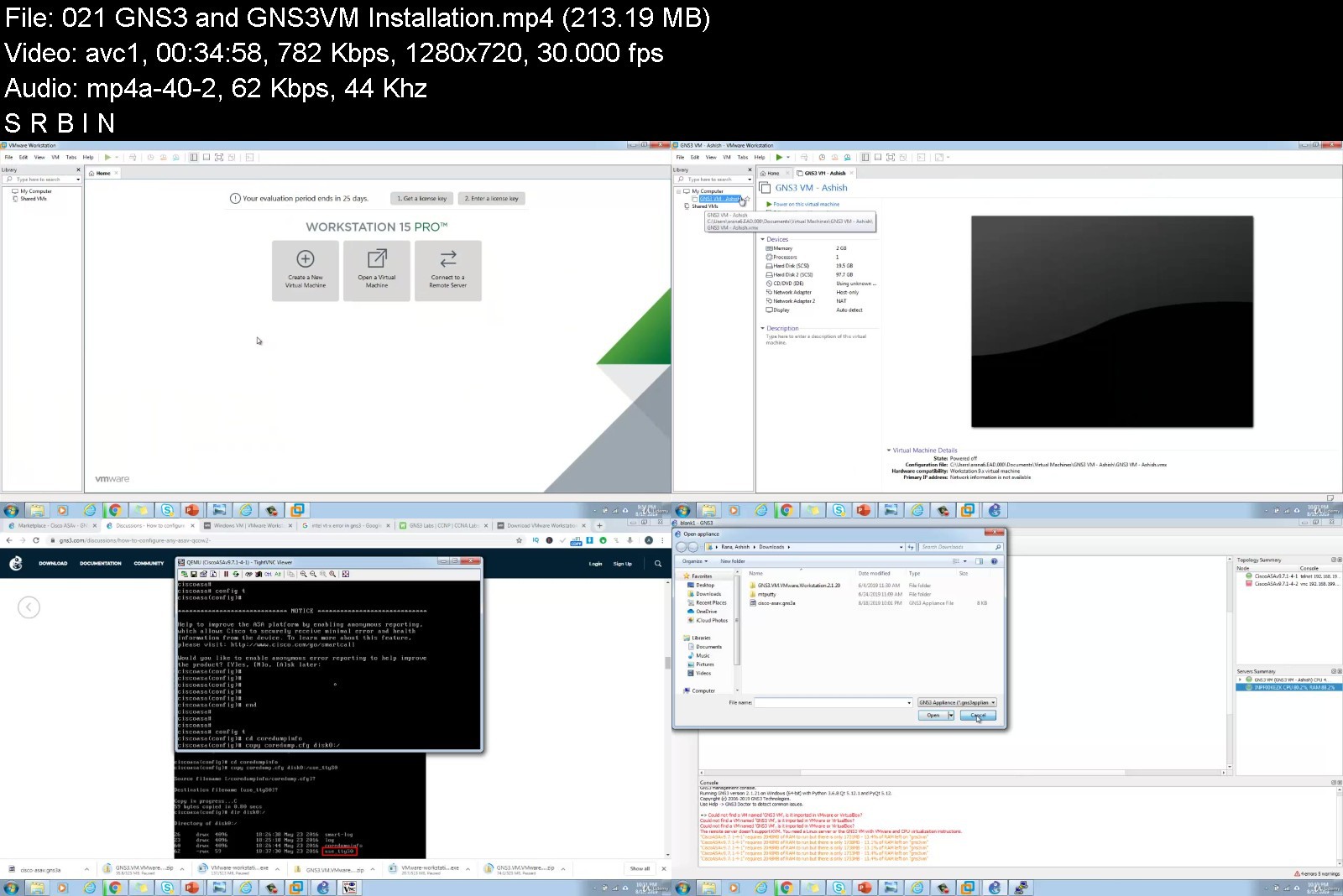
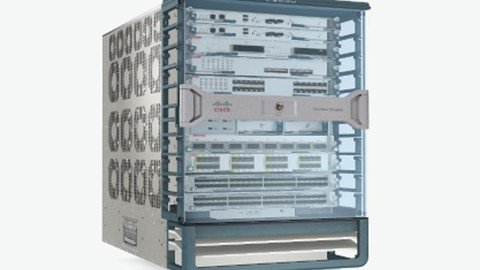
Cisco Nexus & ACI Training : Go from Beginner to Advanced!

3iq7ai9p9a8xvmmmrlzlb1lj64.jpg


Cisco Nexus & ACI Training : Go from Beginner to Advanced!
MP4 | Video: h264, 1280x720 | Audio: AAC, 44.1 KHz
Language: English | Size: 10.7 GB | Duration: 34h 11m

Deep dive in Policies & Network Configuration of Cisco Nexus 9K (ACI), 7K, 5K, FEX, OTV, VDC, VPC, Fabric Path, Python


What you'll learn
Understand the Models and Overview of Nexus 2000 aka Fabric Extender, 5000, 7000 Series Devices
Understand the Models and Overview of Nexus 9000 as known as ACI (Application Centric Infrastructure)
Understand Cisco Nexus's Licenses and way to Configure
Understand Features and Feature-Set in NXOS
Understand the Command Line Interface of NXOS
Understand the Initial Setup and Reload of Nexus 5000
Understand Port Profiles in Nexus Platform
Understand CFS (Cisco Fabric Services)
Understand the concept and operation of VDC (Virtual Device Context)
Learn to Create and Delete VDC and it's naming convention
Configure and Operate FEX ( Fabric Extender)
Understand the Concept of vPC (Virtual Port Channel)
Configure vPC PeerKeepalive and vPC Peer Link between Peer Switches
Configure vPC on Cisco Nexus 7000
Configure Multiple vPC
Configure vPC between 5K and FEX
Understand the Case Studies in vPC
Understand the concept of Fabric Path
Understand Traditional versus Conversational Mac Learning
Initial Configuration of FabricPath
Configure Switch ID and Verify FabricPath
Understand Fabric Path Database
Configure vPC+ in FabricPath and Verify it's operation
Understand OTV( Overlay Transport Virtualization)
Configure OTV and Verify it's operation
Understand and Configure SPAN, ERSPAN
Setup and Configure CheckPoint and Rollback Options
Configure Wireshark Capture in Control Plane and Data Plane
Configure Netflow, RBAC, DHCP Snooping in NXOS
Configure Storm Control and GOLD (Generic Online Diagnostics)
Configure RPVST+ and verify it's operaton
Understand PVLAN and Configure on Cisco Nexus Platform
Configure EIGRP and OSPF In Cisco Nexus
Configure HSRP, VRRP and GLBP in Cisco Nexus
Understand ACI( Application Centric Infrastructure)
Understand APIC Hardware and it's functionality
Discovery and Initial config of switches
Understand System and Device Healthscore and Dashboard
Understand and Configure Tenant, Context and Bridge Domain in ACI
Understand the Forwarding in ACI
Configure Interface Policy and Interface Policy Groups
Configure Switch Profile and Interface Profile
OSI Model, Routing Protocols, Switching Technologies, Port channels, RSTP, Subnetting
Students should be having understanding of Basic to Medium Size Network
GNS3 will NOT work for Nexus. It's Student's responsibility to test and practice these on REAL Devices such as Nexus 7000 and 5000 Series.
Those taking this course should have a basic knowledge of Networking e.g Static Routing, IP Addressing, Average Knowledge of Dynamic Routing.

Description
Become a Datacenter Engineer and learn one of employer's most request skills of 2021!
This is the most comprehensive, yet straight-forward, course for the "Cisco Nexus Training" on Udemy!
You probably have heard the word "Datacenter" or "Cisco Nexus" in your career. It is a place where most critical servers and network devices are hosted. You also understand the fact that these server and network devices such as Cisco Nexus 7000 provide 100% Uptime to clients. Cisco Nexus Switch has features such as VDC ( Virtual Device Contexts), VPC (Virtual Port Channel), Fabric Path , FEX, OTV, CheckPoint and Rollback, TrustSec, Ethereal/Wireshark and Many more. All of these features are unique in Cisco Nexus 7000 and Cisco Nexus 5000.
NX-OS is the operating System used in Nexus Devices. It is very different from IOS however, once you start using it, you will notice that It is very easy to operate. Some of the other benefits and advantages it has are - Virtualization, Flexibility, Resiliency, Scalability, Security, Unified Datacenter OS etc.
Following Topics will be covered in this Cisco Nexus Training Course.
1. NX-OS Basic Operations
NX-OS Functionality
Licenses detailed explanation
Features and Feature-Set
Initial Setup of Cisco Nexus 5000 and Reload
Cisco Fabric Services ( CFS)
2. Virtual Device Context ( VDC)
VDC concepts explanation
VDC creation and Deletion
Port movement between VDCs
VDC Combined Name Options
3. Cisco Nexus 2000 ( FEX )
Labs on Fabric Extenders
FEX Troubleshooting
4. vPC ( Virtual Port Channel)
Understanding vPC
Configuring vPC Peer Keepalive
Configuring vPC Peer Link
Configuring Port Channels
Simple vPC Lab
Multiple vPC Lab ( Double vPC)
vPC between 5K and 2K
Case Studies of Link Down
5. Fabric Path in Cisco Nexus 7000 & 5000
Fabric Path Overview
Traditional MAC Learning
Conversational MAC Learning
Initial Configuration
Switch ID in Fabric Path
Understanding vPC+ in FabricPath
vPC+ Lab
Verification and Troubleshooting Labs of vPC+
6. FHRP ( First Hop Redundancy Protocols)
HSRP Configuration in Cisco Nexus Environment
Securing HSRP
Lab on VRRP
Lab on GLBP
7. Routing Protocols
EIGRP Lab
8. Additional Labs
Setting up Checkpoints
Setting up Rollbacks
PVLAN in Cisco Nexus
RPVST+ Configuration
Altering Timers in STP
9. OTV (Overlay Transport Virtualization )
10. RBAC & DHCP Snooping
11. Ethereal/Wireshark in Cisco Nexus 7000
12. Gift of Python course is also added.
Many more Labs of Cisco Nexus Switches will be added whenever I get opportunity. As you can see that it has more than 10000+ students and count increasing every day. It is bestseller and highly rated course
So this Cisco Nexus Training Course is going to be really helpful.
You will get lifetime access to over 60 lectures plus corresponding Notebooks for the lectures!
This course comes with a 30 day money back guarantee! If you are not satisfied in any way, you'll get your money back. Plus you will keep access to the Notebooks as a thank you for trying out the course!
So what are you waiting for? Learn "Cisco Nexus Training: Go from Beginner to Advanced!" in a way that will advance your career and increase your knowledge, all in a fun and practical way!
Here are some of the users who appreciated the course with below comments
Ajaz Ahmed - One of the finest course on Udemy for learning Cisco Nexus Devices, the Instructor ( Ashish ) used his best way to explain everything about Nexus which you can find in Production Networks. I was just a beginner when I started this, but after completing this course, I got a very good grip / Knowledge on Nexus Family. The instructor is always ready to clear your doubts. I insist ,if anyone wants to learn about Cisco Nexus, then this course is FOR YOU!!Thanks Ashish for the course, the way you explain it just OUTSTANDING.
Justin Swanson - Exceptional course put on by Ashish. I just started having to configure some Nexus switches at work; mainly 3500 series but the concepts, etc. are the same. I gave 4 stars at first as some of the drawings/handwriting using MS paint are a bit messy, but after continuing through the course, the content far outweighs this. I especially like in the vPC portion that he doesn't just go over a configuration once and the subsequent expects you remember it all already; he really drills into your head all the necessary steps. I would whole heartedly recommend for anyone interested in learning NX-OS and its features.
Cyrus Ramirez - Excellent detail.. Real world information. I've used these videos to help me with my day to day work in my nexus environment. Thank you
Sandeep Prajapati - It's a Good Overview course of nexus 5K, 7K learning. Trainer is skilled pretty good & enough.
I wish this could have been in more details. But over all it's a nice one for grabbing a fair understanding to pick up the other advanced learning materials comfortably.
Ron Ferriolo - I thought the course was very good. It was much more than just an overview of Nexus. It contained theory, detailed configuration, and numerous show command outputs from beginning-to-end including many real world scenarios such as installing, updating, and backing up license files. There was a lot of emphasis on vPC & FabricPath configuration and troubleshooting which will be the focus of any interview. There were also several "show" commands that I never encountered in my CCIE Data Center studies. I would recommend this course to anyone, whether they have studied Nexus previously or not. If you have access to Nexus physical or virtual devices, the course will be even that much more valuable. Hopefully there will be more to follow.
Tim Pastick - Love it have been working on Nexus switches for 6 months now in a production environment and never had one show me so much useful information behind the scenes. Normally just adding port-profiles etc.
Darby Weaver - Excellent Review Course. Clear Essentials. Much needed. Thanks Darby Weaver The Cisco Network Architect
Devinder Sharma - Excellent course at great price. The OS version used is bit old based on what is best available to him ,and instructor can add a slide lecture, without actual configuration tutorial, highlighting the new features in versions 7 and 8 as well as mention newer platforms like 7700 and 9000 and new line cards. Overall great product.
If you have any issues or questions, send it to me or ask in course forum. I will jump to assist you.

Who this course is for:
Students who have experience of Cisco Switches and Routers should go for this Cisco Nexus NX-OS Lab course
Network students who are aspiring to work in Datacenter Networks should apply for this.
Students should have uderstanding on IOS, STP, Port channels, OSI Model, Subnetting can apply for this


cisconexusacitrainingagjcy.jpg


Download from RapidGator


Download from Keep2Share


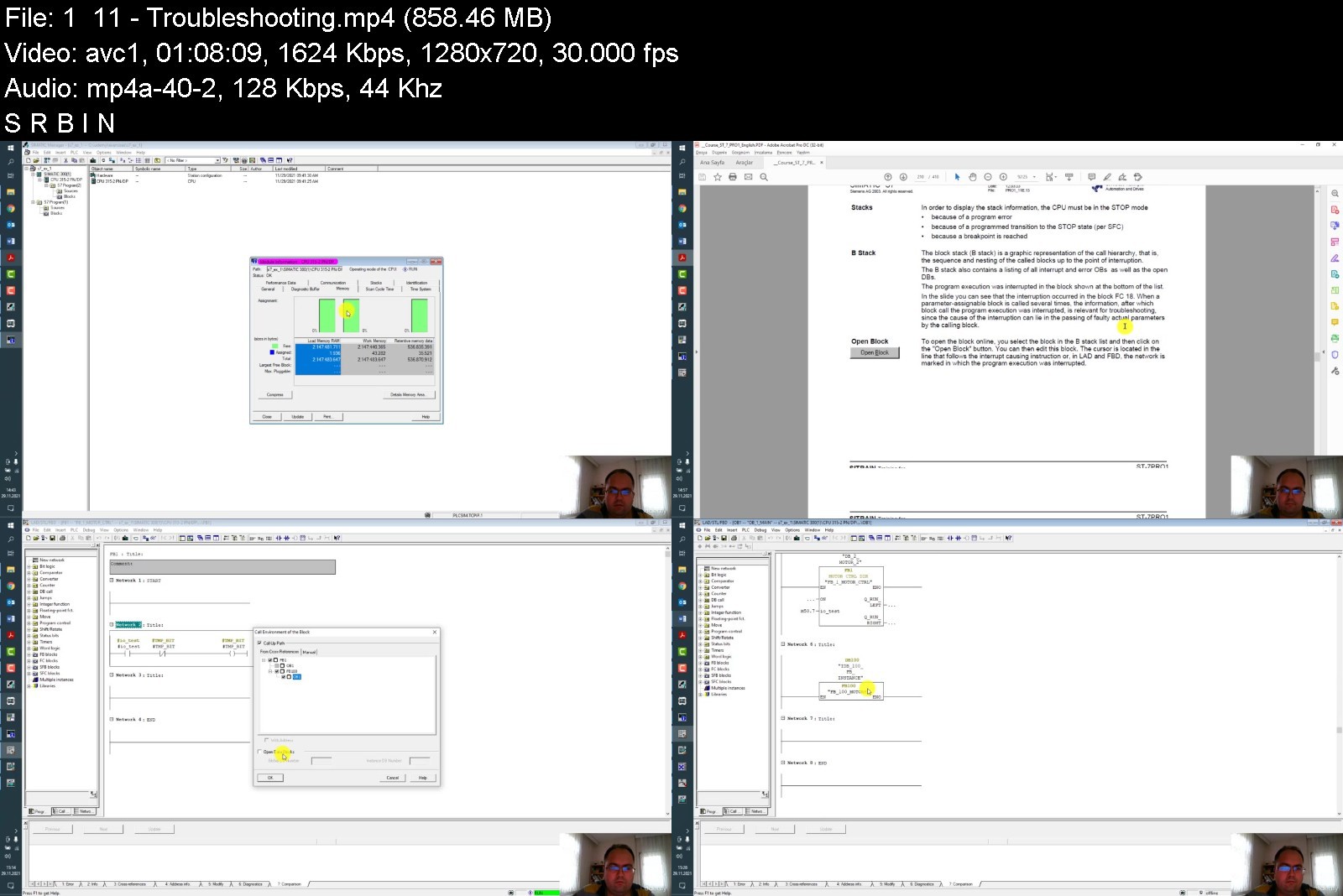
Siemens Simatic Manager S7 System and Programming 1

442124497593ddjiz.jpg


Siemens Simatic Manager S7 System and Programming 1
MP4 | Video: h264, 1280x720 | Audio: AAC, 44.1 KHz, 2 Ch
Genre: eLearning | Language: English + srt | Duration: 22 lectures (6h 11m) | Size: 5 GB

Siemens Simatic Manager S7 System and Programming 1 Course by Caner SEZER


What you'll learn
SIMATIC S7 System Family
Siemens Training Units
SIMATIC Manager
S7 Hardware Configuration
Block Architecture and Block Editor
Symbols
Binary Operations
Digital Operations
Data Storage in Data Blocks
Functions and Function Blocks
PLC Troubleshooting
Organization Blocks
Analog Value Processing
Documenting, Saving, Archiving
Communication with MPI
Exercise Solutions
Technical Data, Special Features of S7-400
Totally Integrated Automation
What's Next ?
Exercises
Comments And Notes
Recommendation

Requirements
Basic Knowledge of Siemens Simatic Product Family
Required Siemens Programs to be Installed
Basic Knowledge of PLC


Description
Hello everyone,

With this course from one collegue to another about Siemens SIMATIC both Hardware And Software Side you will able to get information and for your future career, you will gain more experience during your business life. So from this point of view if you are interested with industrial automation sector, specially automation and control area, Simatic is one of the most commonly used product family in industry.

From beginning step by step this the first course offers you complete walktrough of a serie. And it will continiue with "Siemens Simatic Manager S7 System and Programming" 1-2-3.

During this course you will become familiar with the fundemental principle of a logic controller, concept of modular SIMATIC system, basic operating procedures of Simatic Manager.

You will have an overview of the SIMATIC S7 system family, and you will be familiar with the S7-200 and S7-300/400 automation systems, have an overview of the modules available for these automation systems, understand the concept of "Totally Integrated Automation", be familiar with the SIMATIC programming devices and the PC requirements for working with STEP7, tools of the STEP7 programming package.

You will get information about offline / online view in the SIMATIC Manager, STEP 7 standard libraries, help system, SIMATIC Manager project and libraries.

And also you will know how to insert a hardware station into a project, create a setpoint configuration and assign parameters to it, read out an actual configuration and assign parameters to it, addressing of S7 input and output modules.

Upon completion of this training the participant will know the different types of S7 blocks, understand the principle of "structured programming", know and be able to select the STEP7 programming languages - LAD, FBD and STL, be able to edit, save and download an S7 logic block into the CPU using the LAD/STL/FBD Editor, be able to carry out a program debugging with the test functions.

There are additional informations such as, difference between absolute and symbolic addressing, difference between local and global symbols, global symbol table, connected NC contacts and NO contacts, programming binary logic operations, S5 timers, counters, conversion functions, global data blocks, UDTs, elementary and complex data types, structures, local variables, functions, function blocks.

You will be familiar with the "Displaying CPU Messages" function, able to read out the diagnostic buffer for troubleshooting, I STACK, B STACK and L STACK, hardware diagnosis, reference data, "Force" and "Breakpoints"function.

Upon completion of this chapter the participant will, know the organization blocks that are available, understand the difference between "Complete restart", "(Warm) Restart" and "Cold restart",

be able to explain the principle of interrupt processing, know the "Time-of-Day Interrupt", "Cyclic Interrupt", "Hardware Interrupt", "Time-Delay Interrupt", "Diagnostic Interrupt", principle of analog value processing, assign parameters to an analog module using the "HW Config" tool.

You will know, memory concept of SIMATIC S7-300™/400™ and the resulting possibilities for program modifications, load/read a program to/from a Flash EPROM Memory Card, archive/retrieve a project on/from a diskette.

You will know the subnets of the SIMATIC world, S7 communication methods, global data communication. Technical Specifications of the S7-300 / 400 CPUs, Main Differences between the S7-400™ and the S7-300™, components, racks, module parameters and logical adresses, CPU Parameters for Startup, Interrupts, Memory, remove and insert interrupts.

You will get general information about, Automating with SIMATIC S7, SIMATIC® S7/C7 and WinAC Controllers, Programming Sequence Control Systems with S7- GRAPH, Programming using the State Diagram Method with S7- HiGraph, Programming in the High Level Language S7- SCL, CFC for SIMATIC® S7, Configuring Sequence Control Systems with S7- SFC, Process Diagnosis with S7- PDIAG, Testing User Programs with S7- PLCSIM, Remote Maintenance and Remote Diagnosis with TeleService, Communicating with SIMATIC® NET, Operator Control and Process Monitoring with SIMATIC® HMI, Process Visualization and Operator Control with WinCC, Process Automation with SIMATIC® PCS 7, DRIVES Technology - as a Component of TIA.

Before you start, if you are a beginner at Simatic world, this course will be really useful and helpful i guess. And I suggest you to spare at least couple of days for this training, and you are going to need some free time to do exercises at your own pc and if it's possible you can use real hardware or democase to make some practice.

I hope you will enjoy this course.

With sincerely.

Caner Sezer.

Who this course is for
Target students are electrical electronic engineering with bach. deg.
Computer Programmers
Beginner of PLC software developers
University students doing practice with project or lab

Homepage


siemenssimaticmanagerb7k3s.jpg


Download from RapidGator


Download from Keep2Share



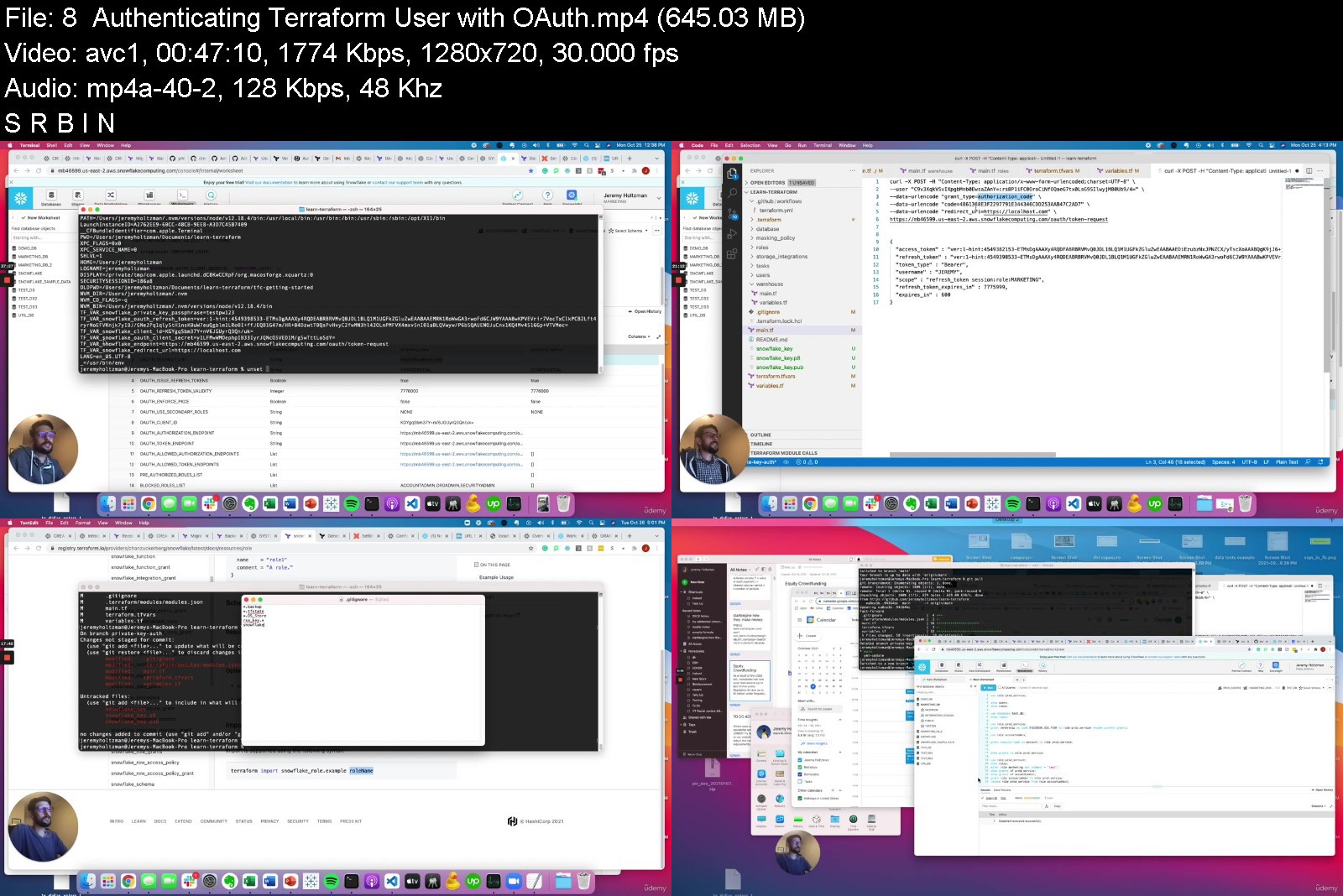
Terraform Snowflake from Scratch

42905488e24z3jvy.jpg


Terraform Snowflake from Scratch
MP4 | Video: h264, 1280x720 | Audio: AAC, 44.1 KHz, 2 Ch
Genre: eLearning | Language: English + srt | Duration: 35 lectures (10h 26m) | Size: 8.22 GB


What you'll learn
Connect Terraform to Snowflake
Run Terraform plans and applies
Create and manage Snowflake objects with Terraform
Grant privileges on Snowflake objects to roles using Terraform
Create custom modules to manage Snowflake objects with Terraform at scale
Advanced Terraform features including imports, moves, and removes
How to set up and use Terraform Cloud
Proper Snowflake authentication with Key Pair or OAuth
Connecting Terraform to Github to view plans before merging in
Managing a DEV and PROD Snowflake account with Terraform
Terraforming Snowflake best practices
Requirements
SQL
git
Ability to work in the command line
Description


What you'll learn
By the end of the class, you'll have completely connected your own Terraform and Snowflake accounts following best practices, and you'll be able to manage your Snowflake objects (users, roles, warehouses, databases, etc.) with Terraform. Some of these skills you'll gain include:
Manage all types of Snowflake objects using modules that can easily be reused
Grant privileges on all of these objects, including future grants that simplify the management of databases and schemas
Creation and management of roles in a hierarchical structure to simplify grants
Ability to import existing Snowflake objects into your Terraform configuration
Setting up a DEV and PROD Snowflake account, and using GitHub to manage it all
Why you should use Terraform to manage your Snowflake account
Snowflake is an incredible data warehouse critical to thousands of organizations. But effectively managing Snowflake at scale has been difficult, until we start taking advantage of Terraform.
Some of the benefits of using Terraform with Snowflake include:
Speeding up manual and repetitive tasks
Standardization of roles and privileges
Auditability of privileges
Code review for the management of Snowflake objects
Essentially, Terraform allows you to use Infrastructure as Code to manage your Snowflake account. The state of Snowflake objects is controlled by the configuration you set up in Terraform, which makes it simple to manage.
About Terraform
Terraform is an open-source infrastructure as code software tool that provides a consistent CLI workflow to manage hundreds of cloud services. Terraform codifies cloud APIs into declarative configuration files. There is a specific provider plugin that allows you to manage your Snowflake account with Terraform.
Who this course is for
Data Engineers looking to manage Snowflake with Terraform
Data Analysts and Data Scientists looking to manage components of their Snowflake environment with Terraform


terraformsnowflakefroa0jkf.jpg


Download from RapidGator


Download from Keep2Share


AutoCAD 2D and 3D Masterclass

kcvt5dkagi6zjcqz1oft5q0jne.jpg


AutoCAD 2D and 3D Masterclass
MP4 | Video: h264, 1280x720 | Audio: AAC, 44.1 KHz
Language: English | Size: 11.2 GB | Duration: 13h 38m

Complete course to learn AutoCAD from basic to professional level with example and problem solving approach.


What you'll learn
The AutoCAD course contains detailed use of commands and different methods approach to create your plans and models.
The course includes detailed explanation of all commands and tools used in AutoCAD.
The course content is designed in chronological order to understand practical approach to undertake projects.
The course contains two examples where the users can learn step by step procedure of drafting plans, creating 3D model and Rendering methods.
Additionally, the rendering is explained keeping the Architectural and Civil Engineering perspective to have better understanding.
After completing this course, the students will be able to undertake Architectural projects as well as create 3D models and renders in AutoCAD.
Requirements
Laptop or Computer to run AutoCAD.
Anyone interested to learn AutoCAD.
Students without any theoretical knowledge of Civil Engineering or Architecture can also benefit.

Description
The AutoCAD 2D and 3D Masterclass is designed for beginners as well as seasoned users to upgrade their knowledge of AutoCAD. This course covers all the commands and tools of AutoCAD with regards to Architectural and Civil Engineering perspective, while users from other vocation are also welcomed to learn and imply same. The course demonstrate methods to ease your workflow with regards to 2D Drafting, 3D Modeling and Rendering in AutoCAD.
AutoCAD can have a reputation of being clutter of tools and hard to learn, while the fact is that most of tutors are still teaching with outdated techniques. This course is perfect pace for beginner as well as regular user as it covers everything from scratch, all tools and it's suitable method to ease your workflow. I have interpreted my practical approach experience of using AutoCAD and curated in the course.
I suggest students to practice enough in order to get into patterns of comfortable workflow that is convenient to them and improve their speed and knowledge of AutoCAD.
CLASS PROJECT
Download the attached plan image from recourse section of examples.
Create 2D plan by taking reference from plan in image.
Create 3D model of same house plan.
Add material, setup environment and Render images of same.
After completing AutoCAD 2D and 3D Masterclass, you will have complete go-through with methods that eases your workflow with practical approach of AutoCAD. You can work on actual projects of Planning, Drafting, Modeling and Rendering in AutoCAD.
Thank you for enrolling, please contact me if you have queries or doubt with any content of this course.

Who this course is for:
Civil Engineers
Architects
Interior Designers
Architectural Visualizers
Anyone interested to learn AutoCAD.


autocad2dand3dmasterc5hjcj.jpg


Download from RapidGator


Download from Keep2Share


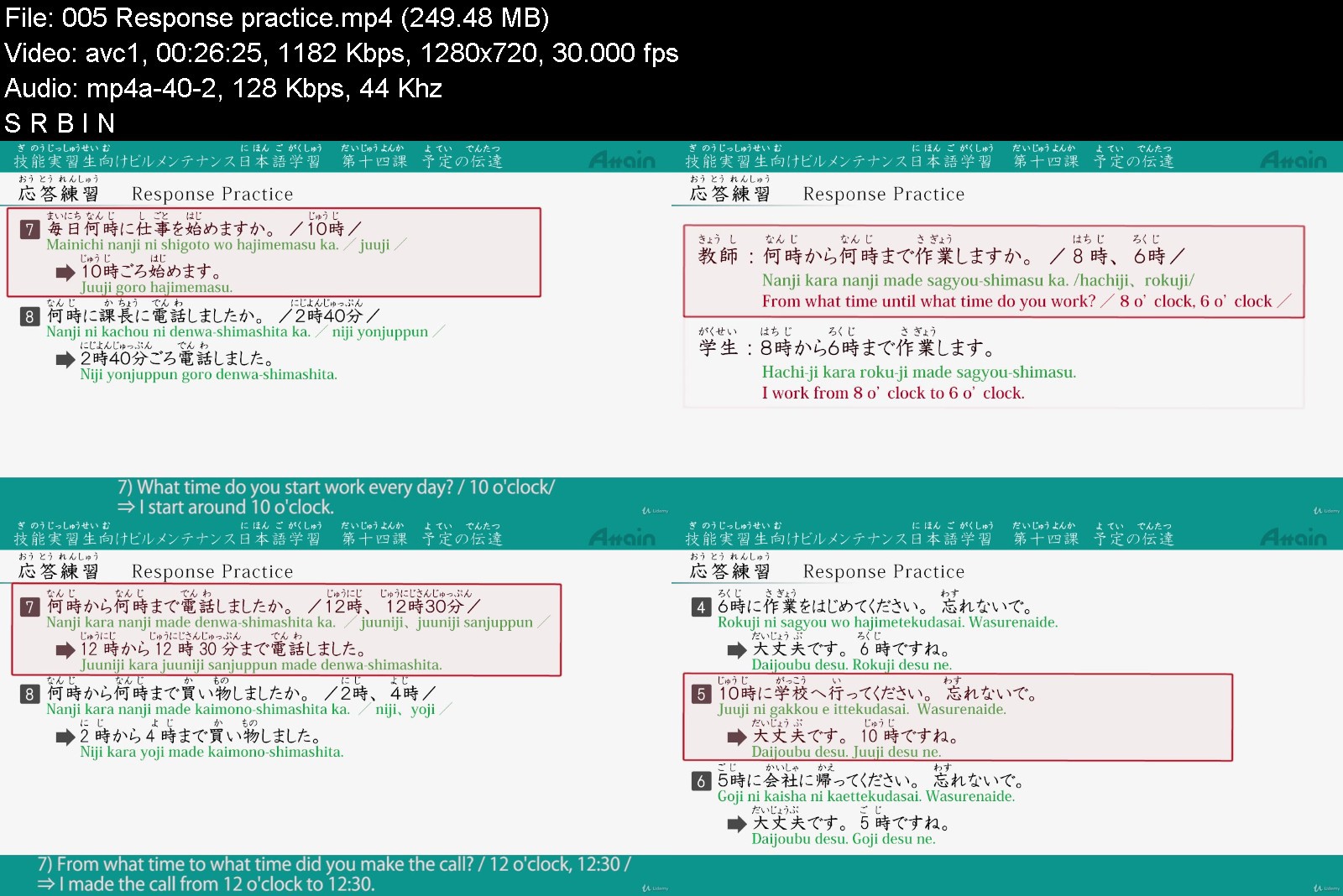
Building Cleaning Japanese Learning for Technical Trainees

ypjjrvdov3ks8wwzryxesqqjq3.jpg


Building Cleaning Japanese Learning for Technical Trainees
MP4 | Video: h264, 1280x720 | Audio: AAC, 44.1 KHz
Language: English | Size: 8.99 GB | Duration: 14h 12m

Japanese Learning for Technical Trainees Working in Building Cleaning


What you'll learn
Master necessary Japanese for working in the building cleaning industry
Master the basic Japanese vocabulary and expressions when working in the building cleaning industry
Master the elementary Japanese in daily life
Learn the communication between the trainee and the trainer, the student and the teacher
Requirements
Hiragana, Katakana and elementary Japanese are used in this course.
There is a practice corner in the video clips. The learner is given a set amount of time to think, but if there isn't enough time to think, please pause the video.

Description
"Japanese Learning for Technical Trainees Working in Building Cleaning(also called: Japanese Learning for Technical Trainees Working in Building Maintenance)" consists of 21 lessons.
This course is a Japanese language video learning course for new foreign technical trainees who will work in building maintenance in Japan. In this course, you will learn vocabulary, grammar, basic expressions used in the building cleaning industry. They are all explained in the video, and there are practice available in each lesson.
In conversation, you will see how vocabulary and grammar are applied, and it help you with the building cleaning work as well as improving your Japanese communication ability.
There are various topics you will learn in this lesson. For example: self-introduction, introduce your occupation, first day of working in Japan, daily cleaning, how to count things, working hours, shopping and so on.
All of the narration contains English subtitles, so that those learning Japanese for the first time can freely study the materials.
In addition, for those countries unfamiliar with kanji, hiragana characters are added above all of the kanji, so that learners can study effectively. Romaji letter are also added in example sentences and practice, which will help beginners to study Japanese. The PDF textbooks be used while preparing and reviewing the lesson.

Who this course is for:
Learners who understand English and whose native language is not Japanese ※Essentials
Learners who want to study elementary Japanese
Learners who want to be proficient in conversational Japanese.
Technical Intern
Foreign employees of a Japanese company who need Japanese language training


buildingcleaningjapankjjwf.jpg


Download from RapidGator


Download from Keep2Share
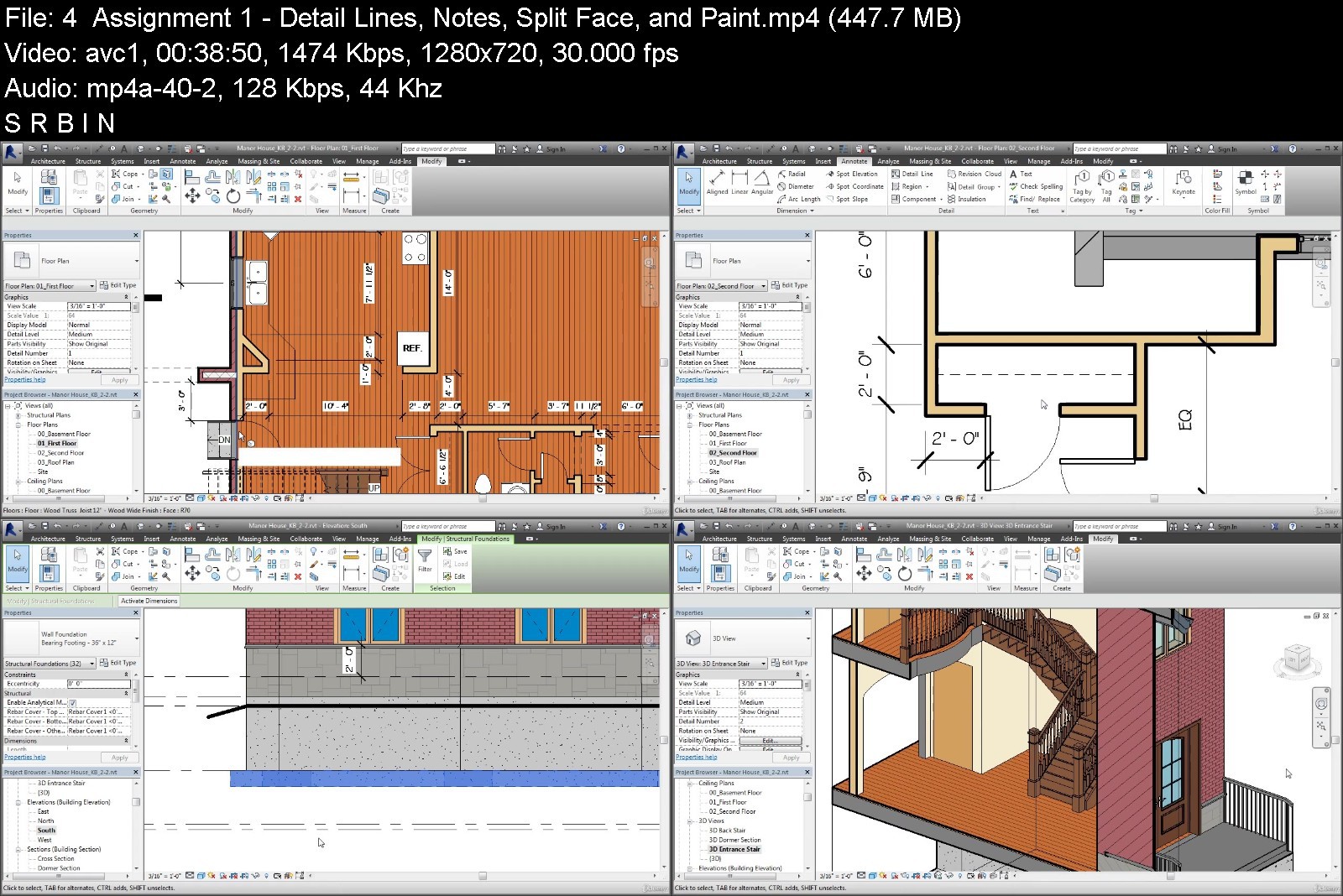


Revit Architecture III Complete Advanced Features Course

imagetyjx6.png


Revit Architecture III Complete Advanced Features Course
MP4 | Video: h264, 1280x720 | Audio: AAC, 44.1 KHz, 2 Ch
Genre: eLearning | Language: English + srt | Duration: 49 lectures (15h 39m) | Size: 9.25 GB


What you'll learn
Complete Advanced Features Training / Working Professional looking to upgrade skills in Revit.
This great course is for the students who wants to become Revit Architecture Experts.
Autodesk Software Users that wants to gain knowledge and skills in Revit Interface.
A chief Revit Architecture Certificate Level.
Requirements
We recommend to complete all 3 Revit Courses to achieve same level of the "Revit Architecture Certificate"
Description
What am I going to learn?
This course covers the creation of custom content with the family editor, conceptual massing tools, curtain walls and custom curtain wall panels, phasing tools, work-sets and file linking strategies, formulaic design tools, and adaptive components.
Dimensioning forms in the Conceptual Design Environment and developing Dynamic
Learn Complex masses with Formulas and Parameters
Creating and working with Pattern Component families
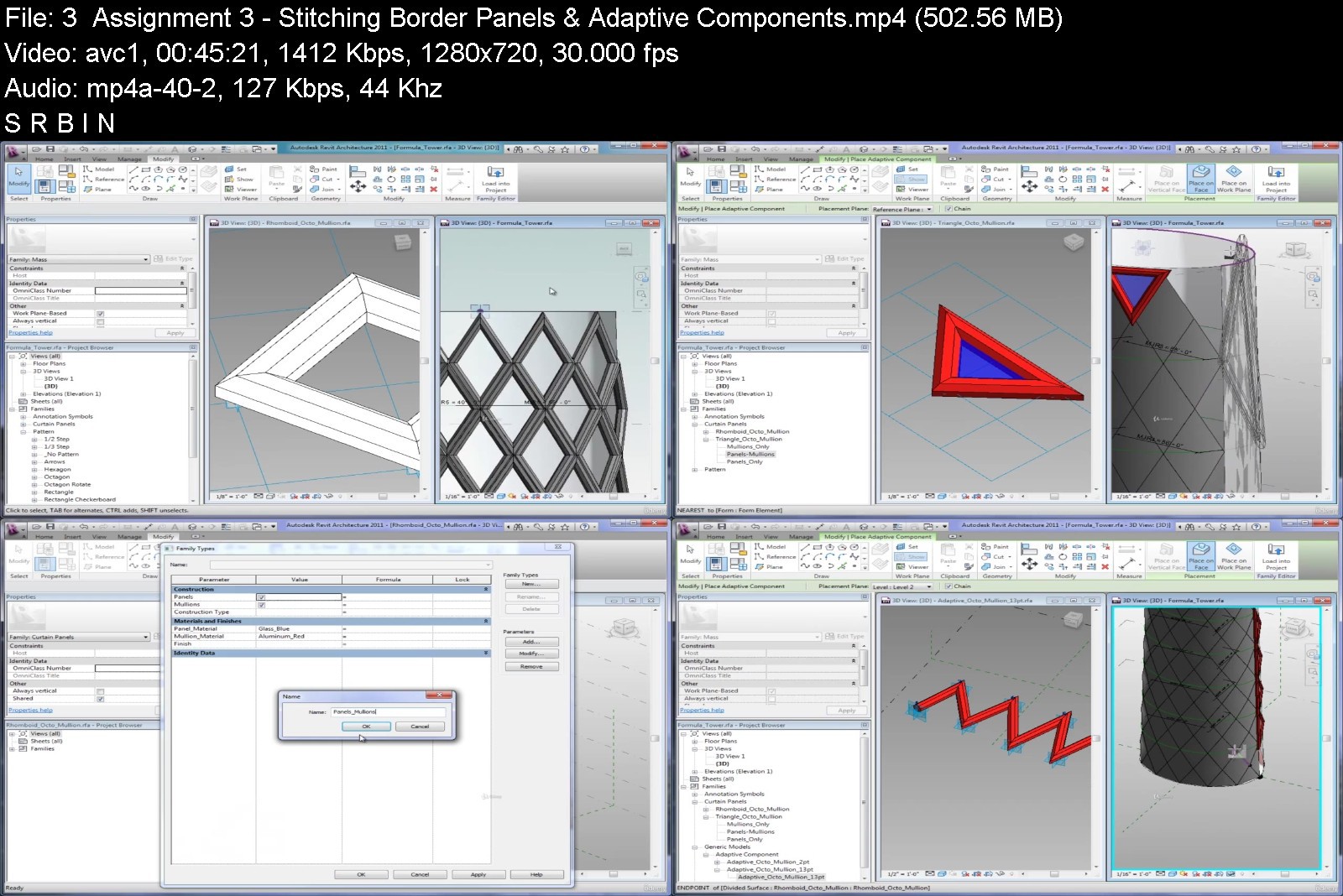
Creating and working with Adaptive Components, reference points and stitched border panels
Creating typical Curtain Walls and working with curtain grids and layouts
Creating and working with Curtain Wall panels, Curtain Wall mullions, corner mullions, and mullion join conditions
Creating and working with Custom Curtain Wall mullions, custom Curtain Wall panels, and developing Custom curtain wall assemblies with nested curtain walls and custom parametric panels
Creating and working with Schedule Views and Schedule View properties
Creating and working with Legend Views, Tags, and Keynotes
Working with insulation, detail lines and custom components
Working with hidden lines, draw order, and cut profiles
Working with Project phasing tools
Create Detail Component Families in the Family Editor
Create Dynamic Formula-driven building models
Using Design Options to explore multiple design solutions for a single project
Create Custom Curtain Walls
Create 2D Details with custom detail components
Create Schedules, Key Notes, and Legends
Apply Phasing and Design Options to a Building Project
You will obtain significant value-added benefits like faster project approvals, more predictable outcomes, sustainable design and analysis services, and improved collaboration and information sharing for integrated project delivery strategies
Engineers can increase coordination with architects and other engineering disciplines, improving the reliability of their designs.
Architects can produce more accurate designs with fewer errors, less waste, and closer alignment to the owner's vision.
Ultimately, YOU will be able to use the models far into the future as the basis of a comprehensive facilities and asset management program
What do I need?
Complete Advanced Features Training: Intermediate Level Require.
PDF files are available in every Lesson, allowing you to follow along with course instructions.
PDF Files have detail course instruction steps, it is recommended to read all files for Revit Architecture III Course.
This Contains 10 separate Lessons covering basic to advanced concepts in the latest versions of the worlds most popular and versatile BIM Software.
We recommend to complete all 3 Revit Courses to achieve level of "Revit Architecture Certificate"
Is this course right for me?
If you are still confused whether you should get Revit Architecture III Complete Advanced Features Course or is it the course you are actually looking for, then you should know that this course is best for:
Complete Advanced Features Training / Working Professional looking to upgrade skills in Revit.
This great course is for the students who wants to become Revit Architecture Experts.
Autodesk Software Users that wants to gain knowledge and skills in Revit Interface.
A chief Revit Architecture Certificate Level.
We recommend to complete all 3 Revit Courses to achieve same level of the "Revit Architecture Certificate"
Course Description
Revit Architecture III Complete Advanced Features Course
This course is also designed for those people interested in advancing their employment opportunities.The Complete Advanced Features Course covers complex topics such as the creation of custom content with the family editor, conceptual massing tools, curtain walls and custom curtain wall panels, phasing tools, work sets, file linking strategies, formulaic design tools and adaptive components.
This course is also designed for those people interested in advancing their employment opportunities.
Revit Architecture III Complete Advanced Features Course is structured the following way:
Lesson 1: Conceptual Design Environment: Dimensioning forms in the Conceptual Design Environment and developing Dynamic, complex masses with Formulas and Parameters.
Lesson 2: Pattern Component families: Creating and working with Pattern Component families.
Lesson 3: Adaptive Components: Creating and working with Adaptive Components, reference points and stitched border panels.
Lesson 4: Curtain Walls I: Creating typical Curtain Walls and working with curtain grids and layouts.
Lesson 5: Curtain Walls II: Creating and working with Curtain Wall panels, Curtain Wall mullions, corner mullions, and mullion join conditions.
Lesson 6: Curtain Walls III: Creating and working with Custom Curtain Wall mullions, custom Curtain Wall panels, and developing Custom curtain wall assemblies with nested curtain walls and custom parametric panels.
Lesson 7: Schedule Views: Creating and working with Schedule Views and Schedule View properties.
Lesson 8: Legend Views, Tags, and Keynotes: Creating and working with Legend Views, Tags, and Keynotes.
Lesson 9: Introduction to Detailing Components: Working with insulation, detail lines and custom components.
Lesson 10: Advanced Detailing Tools: Working with hidden lines, draw order, and cut profiles.
Lesson 11: Phasing and Phase Filters: Working with Project phasing tools.
Lesson 12: Design Options: Using Design Options to explore multiple design solutions for a single project.
Upon successful completion of this Revit course, the students will have reliably demonstrated the ability to:
Create Detail Component Families in the Family Editor
Create Dynamic Formula-driven building models.
Create Custom Curtain Walls
Create 2D Details with custom detail components
Create Schedules, Key Notes, and Legends
Apply Phasing and Design Options to a Building Project
Assignment 1 - The first assignment covers all material in the first 4 lessons
Assignment 2 - The second assignment covers all material from lesson 5 to lesson 8
Assignment 3 - The third assignment covers all from lesson 9 to lesson 10
What Is BIM?
Unlike CAD Software, which uses software tools to generate digital 2D and/or 3D drawings, BIM facilitates a new way of working: creating designs with intelligent objects. Regardless of how many times the design changes-or who changes it-the data remains consistent, coordinated, and more accurate across all stakeholders. Cross-functional project teams in the building and infrastructure industries use these model-based designs as the basis for new, more efficient collaborative workflows that give all stakeholders a clearer vision of the project and increase their ability to make more informed decisions faster.
With BIM, the model is actually a complex database and the room is a database element that contains both geometric information and nongraphic data. Drawings, views, schedules, and so on are ―live views of the underlying building database. If designers change a model element, the BIM software automatically coordinates the change in all views that display that element-including 2D views, such as drawings, and informational views, such as schedules-because they are all views of the same underlying information.
Mission
Webelocity Designs, is an integrated practice of architecture, engineering, designers and construction professionals personally invested in delivering creative and practical built environments that enrich communities.
Quality
We are committed to ongoing quality improvement initiatives to ensure we deliver solutions that meet our clients' expectations of quality and value. Our dedication to project success influences everything we do and ensures our clients are satisfied, and that we enjoy mutual success.
Client Focus
We want every client to receive the best service we can provide and for them to feel we have contributed real value to their project. We want our clients to be confident in recommending our services to others.
Integrity
We strive to work ethically in all areas of our business and in our interactions with our people and everyone we meet in our communities and beyond.
Who this course is for
This course is also designed for those people interested in complex topics in Revit Architecture


revitarchitectureiiicstk9b.jpg


Download from RapidGator


Download from Keep2Share


9d4d3494-dab0-4cc9-9634-6b7eac36f296.png

Laravel Daily - 10+ Laravel Refactoring Examples
MP4 | Video: h264, 1832x1080 | Audio: AAC, 44.1 KHz, 2 Ch
Genre: eLearning | Language: English | Duration: 12 Lessons (1h 23m) | Size: 1.74 GB


A very typical scenario I've seen dozens of times is when the code is less than ideal but developers are "scared" to touch it and change it for the better, often because of limited time.
In this course, I want to show a dozen of examples from real-life scenarios of such refactorings, with before/after repositories available on Github.
Important accent in this course will be on automated PHPUnit testing: you should write tests to cover the functionality before the refactoring, so you would be able to test if it all works after the refactoring.
Homepage


Zurück
Oben Unten