• Regeln für den Video-Bereich:

    In den Börsenbereich gehören nur Angebote die bereits den Allgemeinen Regeln entsprechen.

    Einteilung

    - Folgende Formate gehören in die angegeben Bereiche:
    - Filme: Encodierte Filme von BluRay, DVD, R5, TV, Screener sowie Telesyncs im Format DivX, XviD und x264.
    - DVD: Filme im Format DVD5, DVD9 und HD2DVD.
    - HD: Encodierte Filme mit der Auflösung 720p oder darüber von BluRay, DVD, R5, TV, Screener sowie Telesyncs im Format x264.
    - 3D: Encodierte Filme von BluRay, die in einem 3D Format vorliegen. Dies gilt auch für Dokus, Animation usw.
    - Serien: Cartoon/Zeichentrick, Anime, Tutorials, Dokumentationen, Konzerte/Musik, Sonstiges sind demnach in die entsprechenden Bereiche einzuordnen, auch wenn sie beispielsweise im High Definition-Format oder als DVD5/DVD9/HD2DVD vorliegen. Ausnahme 3D.
    - Bereich Englisch: Englische Releases gehören immer in diesen Bereich.
    - Bereich Talk: Der Bereich, in dem über die Releases diskutiert werden kann, darf, soll und erwünscht ist.


    Angebot/Beitrag erstellen

    - Ein Beitrag darf erst dann erstellt werden, wenn der Upload bei mindestens einem OCH komplett ist. Platzhalter sind untersagt.
    - Bei einem Scenerelease hat der Threadtitel ausschließlich aus dem originalen, unveränderten Releasenamen zu bestehen. Es dürfen keine Veränderungen wie z.B. Sterne, kleine Buchstaben o.ä. vorgenommen werden. Ausnahme Serienbörse:
    - Bei einem Sammelthread für eine Staffel entfällt aus dem Releasename natürlich der Name der Folge. Beispiel: Die Simpsons S21 German DVDRip XviD - ITG
    - Dementsprechend sind also u.a. verboten: Erweiterungen wie "Tipp", "empfehlenswert", "only", "reup", usw. / jegliche andere Zusatzinformation oder Ergänzung, welche nicht in obiger Beschreibung zu finden ist.

    Aufbau des Angebots und Threadtitel

    Der Titel nach folgendem Muster erstellt zu werden. <Name> [3D] [Staffel] [German] <Jahr> <Tonspur> [DL] [Auflösung] <Quelle> <Codec> - <Group>
    Beispiel: The Dark Knight German 2008 AC3 DVDRip XviD - iND
    Beispiel: The Dark Knight 2008 DTS DL BDRip x264 - iND
    Beispiel: The Dark Knight 2008 AC3 DL BDRip XviD - iND
    Beispiel: The Dark Knight German 2008 AC3 720p BluRay x264 iND
    Beispiel: The Dark Knight 2008 DTS DL 1080p BluRay x264 iND
    Beispiel: Die Simpsons S01 German AC3 DVDRip XviD iND
    Beispiel: Die Simpsons S20 German AC3 720p BluRay x264 iND
    Beispiel: Sword Art Online II Ger Sub 2014 AAC 1080p WEBRip x264 - peppermint
    Entsprechend sind also u.a. verboten: Sonderzeichen wie Klammern, Sterne, Ausrufezeichen, Unterstriche, Anführungszeichen / Erweiterungen wie "Tipp", "empfehlenswert", "only", "reup", usw. / jegliche andere Zusatzinformation oder Ergänzung, welche nicht in obiger Beschreibung zu finden ist
    Ausnahmen hiervon können in den Bereichen geregelt sein.

    Die Beiträge sollen wie folgt aufgebaut werden:
    Überschrift entspricht dem Threadtitel
    Cover
    kurze Inhaltsbeschreibung
    Format, Größe, Dauer sind gut lesbar für Downloader außerhalb des Spoilers zu vermerken
    Nfo sind immer Anzugeben und selbige immer im Spoiler in Textform.
    Sind keine Nfo vorhanden z.B. Eigenpublikationen, sind im Spoiler folgende Dateiinformationen zusätzlich anzugeben :
    Quelle
    Video (Auflösung und Bitrate)
    Ton (Sprache, Format und Bitrate der einzelnen Spuren)
    Untertitel (sofern vorhanden)
    Hosterangabe in Textform außerhalb eines Spoiler mit allen enthaltenen Hostern.
    Bei SD kann auf diese zusätzlichen Dateiinformationen verzichtet werden.

    Alle benötigten Passwörter sind, sofern vorhanden, in Textform im Angebot anzugeben.
    Spoiler im Spoiler mit Kommentaren :"Schon Bedankt?" sind unerwünscht.


    Releases

    - Sind Retail-Release verfügbar, sind alle anderen Variationen untersagt. Ausnahmen: Alle deutschen Retail-Release sind CUT, in diesem Fall sind dubbed UNCUT-Release zulässig.
    - Im Serien-Bereich gilt speziell: Wenn ein Retail vor Abschluss einer laufenden Staffel erscheint, darf diese Staffel noch zu Ende gebracht werden.62
    - Gleiche Releases sind unbedingt zusammenzufassen. Das bedeutet, es ist zwingend erforderlich, vor dem Erstellen eines Themas per Suchfunktion zu überprüfen, ob bereits ein Beitrag mit demselben Release besteht. Ist dies der Fall, ist der bereits vorhandene Beitrag zu verwenden.
    - P2P und Scene Releases dürfen nicht verändert oder gar unter einem iND Tag eingestellt werden.


    Support, Diskussionen und Suche

    - Supportanfragen sind entweder per PN oder im Bereich Talk zu stellen.
    - Diskussionen und Bewertungen sind im Talk Bereich zu führen. Fragen an die Uploader haben ausschließlich via PN zu erfolgen, und sind in den Angeboten untersagt.
    - Anfragen zu Upload-Wünschen sind nur im Bereich Suche Video erlaubt. Antworten dürfen nur auf Angebote von MyBoerse.bz verlinkt werden.


    Verbote

    - Untersagt sind mehrere Formate in einem einzigen Angebotsthread, wie beispielsweise das gleichzeitige Anbieten von DivX/XviD, 720p und 1080p in einem Thread. Pro Format, Release und Auflösung ist ein eigener Thread zu eröffnen.
    - Grundsätzlich ebenso verboten sind Dupes. Uploader haben sich an geeigneter Stelle darüber zu informieren, ob es sich bei einem Release um ein Dupe handelt.
    - Gefakte, nur teilweise lauffähige oder unvollständige Angebote sind untersagt. Dies gilt auch für eigene Publikationen, die augenscheinlich nicht selbst von z.B. einer DVD gerippt wurden. Laufende Serien, bei denen noch nicht alle Folgen verfügbar sind, dürfen erstellt und regelmäßig geupdatet werden.
    - Untersagt sind Angebote, welche nur und ausschließlich in einer anderen Sprache als deutsch oder englisch vorliegen. Ausnahmen sind VORHER mit den Moderatoren zu klären.


    Verstoß gegen die Regeln

    - Angebote oder Beiträge, die gegen die Forenregeln verstoßen, sind über den "Melden"-Button im Beitrag zu melden.
  • Bitte registriere dich zunächst um Beiträge zu verfassen und externe Links aufzurufen.

*** Bestes IPTV *** bester Preis *** gratis Test ***


Englische Tutorials

Spring boot - Quick start (2022)

4454848767632ck1l.jpg


Spring boot - Quick start (2022)
MP4 | Video: h264, 1280x720 | Audio: AAC, 44.1 KHz, 2 Ch
Genre: eLearning | Language: English + srt | Duration: 101 lectures (17h 22m) | Size: 6.22 GB

Developing spring boot web applications


What you'll learn
Create Spring Boot Web Application using Spring Boot Starters
Implement Controllers and Endpoints
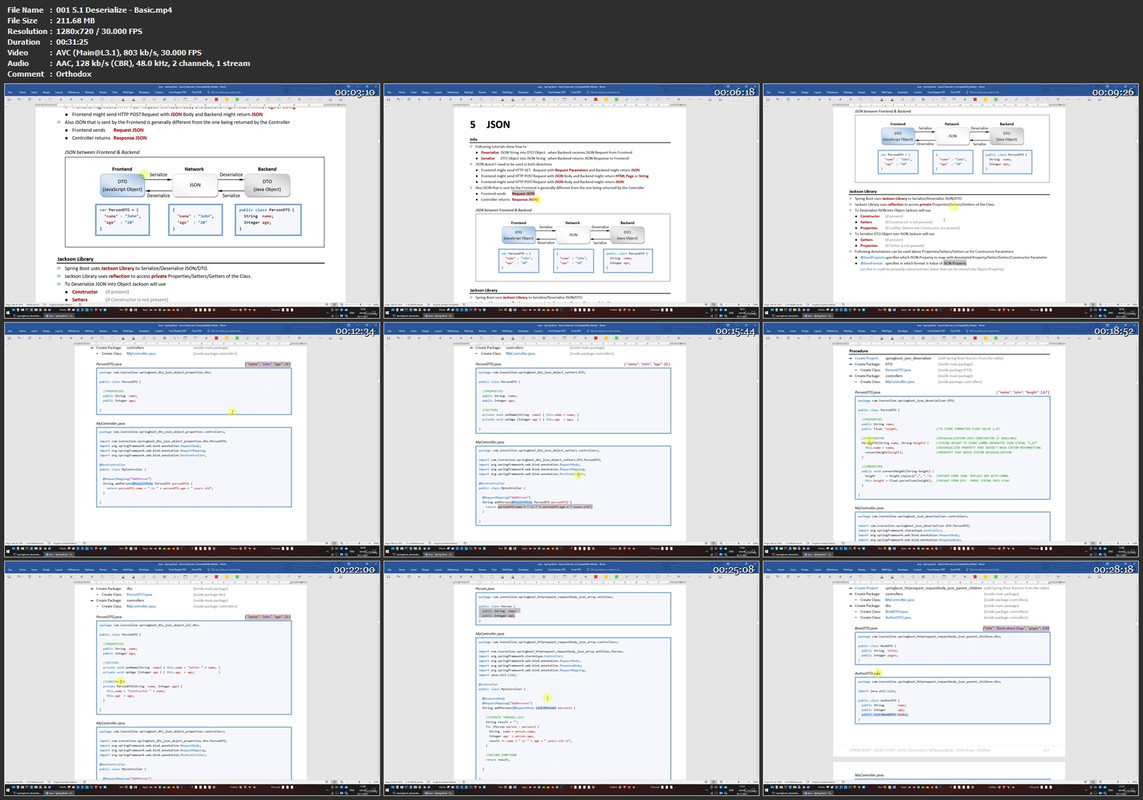
Serialize/Deseriealize JSON/XML
Work with Database Repositories, Entities and relationships
Learn Object Mapping to convert between Entities and DTOs
Build demo Application from scratch using learned functionalities
Learn how to resolve most common errors

Requirements
Java Programming Language


Description
The intention of this course is to quickly get you started using Spring Boot to develop Web Applications.

The book covers basic functionalities like Controllers, Endpoints, Entities, DTOs, Services and Repositories.

Throughout the course we will be using Java and IntelliJ IDE.

Each functionality will be explained in a separate tutorial which will be created from scratch so that we can focus only on the functionality at hand.

And every tutorial can also be downloaded from the GitHub if you don't want to code everything manually or if you want to compare your code.

You will also learn

- how to use Profiles, application properties and @Autowired

- how to Serialize and Deserilize Java Objects between JSON and XML

- how to use different Mappers to automatically map between DTOs and Entities

- how to create relationships between different Entities in order to more easily store them into Database

- how to connect to different Databases like H2, MySQL and Postgres

At the end of the course we will create few simple Spring Boot Web Applications from scratch to demonstrate how to use all of the functionalities covered in the course. Course is based on the Book with the same name that you can purchase separately if you wish to have additional resource at hand.

Who this course is for
This course is for everyone who wants to get started creating Spring Boot Web Applications using Java

Homepage

00151deserializebasic5rjn3.jpg


Personal Finance #3-Financial Services & Bank Reconciliation

jt5lupyirl1kgyfbeb2ckmykcz.jpg


Personal Finance #3-Financial Services & Bank Reconciliation
MP4 | Video: h264, 1280x720 | Audio: AAC, 44.1 KHz
Language: English | Size: 5.81 GB | Duration: 10h 39m

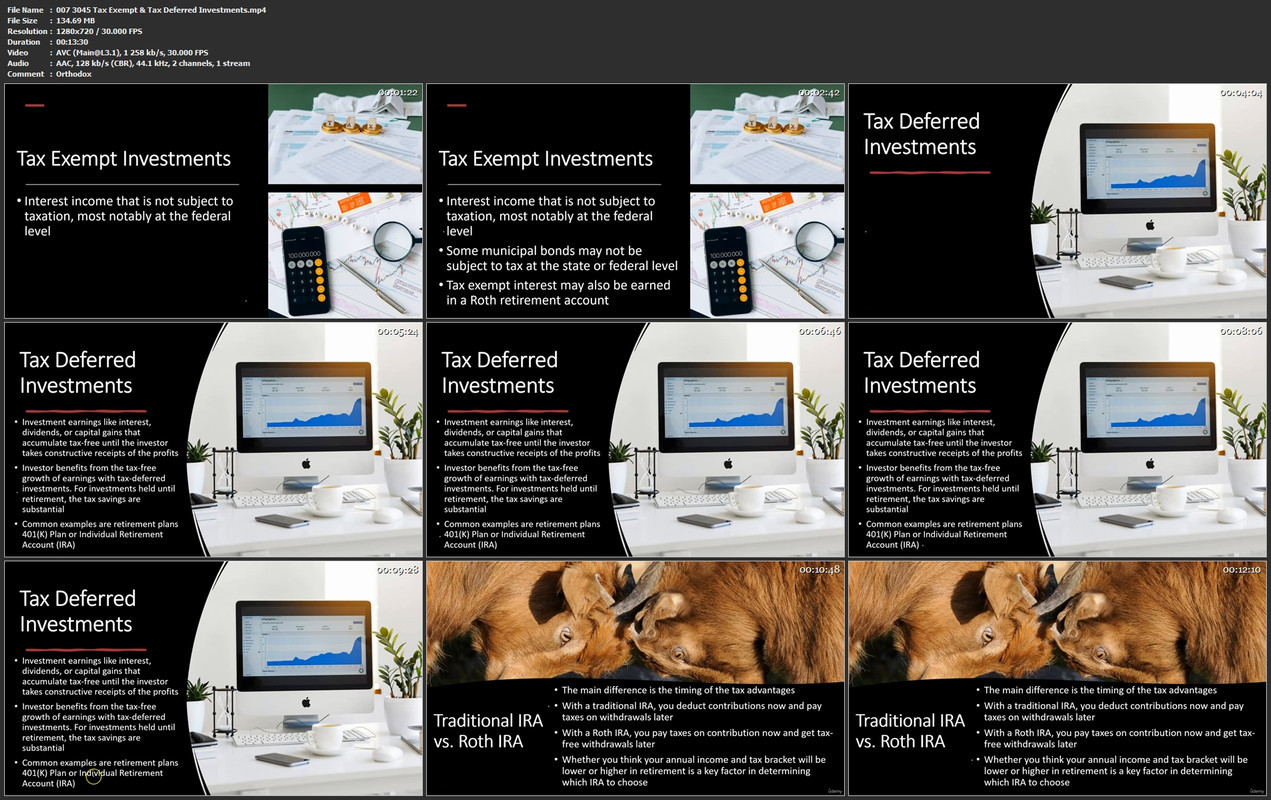
Learn about financial services, financial institutions, and how to create a personal bank reconciliation from a CPA


What you'll learn
How to apply money management strategies
How to apply tax management strategies
Explain the difference between marginal tax rate and average tax rate and how to use the proper rate when planning
Describe the difference between tax deductions and tax credits and how to use this information when doing tax planning
List the different tax filing statuses and their impact on the tax calculation
Explain the different tax preparation options and the pros and cons related to them
List common financial services needed by individuals
List financial institutions and the services they provide
Describe what a bank reconciliation is
Complete a personal bank reconciliation
Requirements
None

Description
This course will focus on the importance of performing the bank reconciliation process and how to complete a bank reconciliation.

We will include many example problems, both in the format of presentations and Excel worksheet problems. The Excel worksheet presentations will include a downloadable Excel workbook with at least two tabs, one with the answer, the second with a preformatted worksheet that can be completed in a step-by-step process along with the instructional videos.

Cash management is a critical component to financial planning and taxes are a material part of cash management.

Learners will understand basic money management strategies and tax planning strategies. We will discuss the difference between a marginal tax rate and an average tax rate and how to use the appropriate tax rate when making financial plans

The course will also cover the differences between a tax deduction and a tax credit, an important distinction when doing tax planning.

Learners will know the different tax preparation options and understand which options may be best under different financial circumstances.

We will also be able to list and explain different financial services and the financial institutions that provide them, allowing us to make good decisions about which financial services to use and which financial institutions to work with.

The course will discuss the importance of reconciling the bank account, the bank reconciliation process being a big internal control over cash.

The purpose of the bank reconciliation is not just to make sure our ending cash balance is correct, but also to check that we have recorded the activity correctly.

Cash is the lifeblood of a business and of our financial activities. When thinking in terms of the double entry accounting system, cash will impact every financial cycle, meaning it will impact our revenue generation, our purchases, and our expenses, whether personal our business.

Therefore, the surer we are about the correctness of our cash transactions the surer we are about the correctness of our revenue, purchases, and expenses.

The bank reconciliation process will match our bookkeeping related to cash to the banks bookkeeping related to cash, giving us an external verification that the activity recorded is correct.

Who this course is for
Anybody who want to improve their personal financial planning
Students

Homepage


0073045taxexempttaxde88jtu.jpg


Masterclass In C# Programing & Unity 2D Game Development

008b55eeuukok.jpg


Masterclass In C# Programing & Unity 2D Game Development
Duration: 23h 43m | Video: .MP4, 1280x720, 30 fps | Audio: AAC, 48 kHz, 2ch | Size: 12.2 GB
Genre: eLearning | Language: English

This course is made with the latest content and newest technics used in modern Game Development (Unity 2D 2022)
The best way to learn anything is by doing it in a really fun way and this is where this course comes from. If you want to learn how all these incredible games you see are made there is no better place to start than this course. We made sure that this course has everything you need to take you from a beginner (even with zero codding experience) and slowly take you to intermediate level
I chose the main project in this course to be a 2D Roguelike because it not only has a vast library of game development concepts that we can implement and learn, but also because it's very simple (especially if you are a beginner) to delve in and get started on your game development journey.
Everything in this course has been meticulously crafted, review and recrafted to provide you with the best experience possible and maximize your learning as much as possible. So not only will you have a great time learning you'll also get the MOST BANG FOR YOUR BUCK by going away from this course with a lot of tools in your arsenal to continue you journey in the wild west of game development.
Section 1: Introduction
We'll start off by downloading Unity and Visual studio. Installing them and making sure they work. We will then create our first code in C# and get used to Unity interface. Finally we'll talk about the game design of our game and what it takes to start creating a game from scratch
Section 2: Setting Up Our World
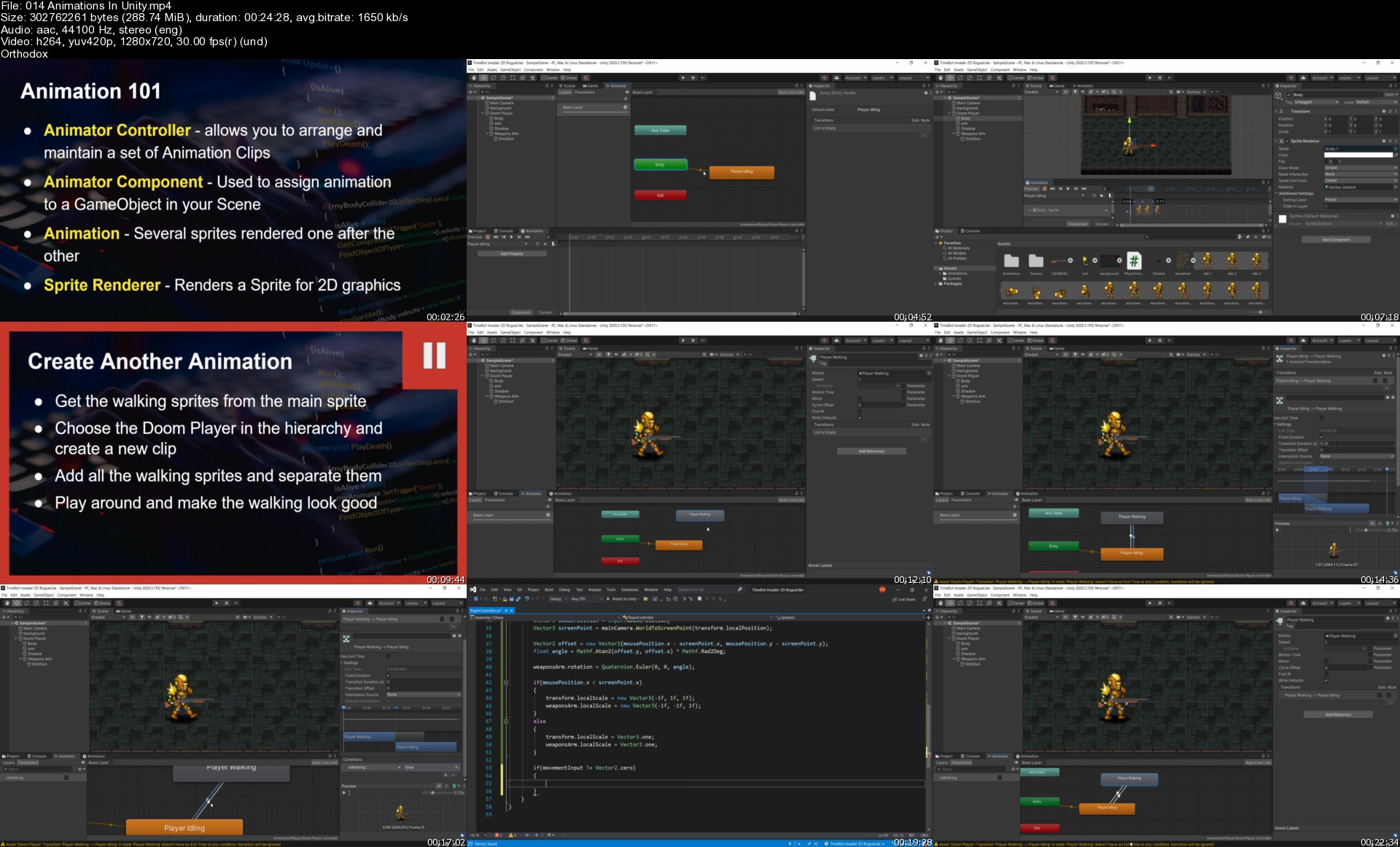
In this section we are going to start learning what sprite sheets are and how to set them up. We'll learn what sorting layers are in Unity. We'll look into colliders and RigidBodies and add them to our game objects and see how it starts getting affected by physics. we'll learn how to animate our sprites. We'll even understand what blending trees that will greatly help us reduce difficulty of animating
Section 3: Setting Up Shooting Mechanics
In this section we will be creating our players bullets, firing then in the direction out mouse is pointing, having a counter to create automatic firing and add impact effects to those bullets. While doing all of that we'll be learning about prefabs and instantiation and how to manipulate the world of our game to make it look much nicer
Section 4: Setting Up Enemies
This section completed the previous one. We create our shooting mechanics but now we need something to actually shoot at. We'll be setting up our enemies and moving them towards the player. We'll delve deeper to animations by adding the to our enemy and the use methods, arrays and something called a Coroutine that will take us deep into C#
Section 5: Creating Rooms (Tile map)
Up to this point we used a pre-created image to represent the map. Those days are over and it's time for us to create our own map. We'll be introduced to tilemaps in Unity, add various colliders to it and learn about a mechanic in Unity that few know which is the Cinemachine. We'll also have our fair share of C# when we learn foreach loops, and Lists
Section 6: Level Flow
In this section we will learn about the scene manager in Unity that will allow us to create multiple levels in our game and transition between them. Plus we'll learn a very tricky way to making sure we always arrive in the right position when moving through our worlds
Section 7: Destructible Environment
This is One of the most fun section in the course. Every roguelike has a dashing mechanic and we are going to have ours as well. We'll add a tornado mechanic but not only will it make us invincible and a bit fast it will also destroy any "destructible" game object in our path
Section 8: Advanced Shooting (weapons system)
What's better than having a weapons to shoot with? Having a lot of them and being able to choose between them on the go, we'll be adding multiple weapons to our game. Each with their own using shooting style, speed and damage. With various bullets and firing rate for each. Not only that, we'll also make our camera shake whenever we shoot to add more weight to our game
Section 9: Health System
In this section we'll be adding a player health system. We also visualize it by create a health bar that we can clearly see on a Canvas. We'll learn how we can update that health bar through script and add a cool death screen every time our player suffers a death. Finally we'll be adding spikes to the ground, once the player gets on them they will get hurt and lose a bit of that health
Section 10: Pickups
In this section we'll delve into pickups. We'll be picking up weapons from the ground. Coins with which we'll be able to buy money in shops, health packs that once hurt we can go and pickup and we'll also add a chest that we can open and get a weapons from. A random weapons this is where our C# skills will be begin to come to fruition
Section 11: Music & SFX
Time to breath some life into this game adding sound effects and Music. Now our game goes from static to dynamic. We will add background Music and SFX. To each level and each interaction respectively
Section 12: Multiple Enemy Types (Some should have melee attacks)
What's more fun that having 1 enemy that can kill you? Having 4 different type of enemies that can kill you. We'll have the wanderer, the patroller, the scared enemy and the angry skeletal enemy. This section will be the foundation of our enemy AI and will open the doors for the way we'll implement our boss in the upcoming section
Section 13: Shop & Money System
Now that we pick up items, we want to sell them... for MONEY! who doesn't like money? we will introduce a monetary system so basically create an economy. We create a shop with a shop keeper inside and we'll be able to transact with him using the money we have to buy and the items we have to sell
Section 14: Creating Menus
Every game HAS to have a main menu. But it also needs a dynamic main menu. We create a simple menu with a background. But the exiting part of this is the way we give the ability to our player to either continue from his last save or start a new game. We'll also be adding a Victory screen, a way to restart the level after death and a Pause/Resume mechanic
Section 15: Boss Battles (Advanced Unity State Machine)
It's time for the really fun part here. We'll be create a boss fight fight. But not just any boss fight, this boss fight will be using a state machine. Which is also at the same time out animator. We'll be suing it to transition the boss from state to state, and in each one he will have a different set of attacks
Bonus Section 16: Room Generation (Advanced C# Object Oriented Programming)
We come to our final section where we will be creating multiple rooms each with it's fun little tweak on the game mechanics, we'll have a random enemy spawner. We'll have doors that are closed and that upon only once we destroy all the enemies in our desired level. And we will have an option to choose between 2 levels to go to after we kill everyone that's in here
What You Will Learn In This Course
Use Visual Studio with Unity in a simple way
How to set a good Game Development environment
Unity Engine are in a simple and comprehensive way
The Basics of C# in the most fun ways possible by creating a game
Use player input to control the behavior of our game
Add different component to game objects
Add gravity and other forces to game objects
Make game objects interact with each other in our game
Add sprite sheets and slice them up
Create Tile assets
How to create levels from our tile assets
Become a ninja problem solver and learn how to go step by step to solve any problem in Game Development and coding
Create animations

014animationsinunitysanjni.jpg


Learn the Fundamentals of VHDL and FPGA Development

1600586df283j5kbh.jpg


Learn the Fundamentals of VHDL and FPGA Development
MP4 | Video: h264, 1280x720 | Audio: AAC, 44.1 KHz, 2 Ch
Genre: eLearning | Language: English + srt | Duration: 126 lectures (17h 36m) | Size: 5.55 GB

You will learn how to start with VHDL and FPGA Programming


What you'll learn
Understand the design process for implementing a digital design onto a FPGA
Learn how to simulate a design in Altera's ModelSim and Vivado SImulator
Learn how to use Xilinx Vivado tool to program FPGA
Simulate a VHDL design using ModelSim
Familiarize yourself with Altera and Xilinx tools

Requirements
Basic understanding of Binary Notation
Basic understanding of Hexadecimal Notation
Basic understanding of Logic Gates
Basic understanding of Vivado / Quartus


Description
How will you learn?
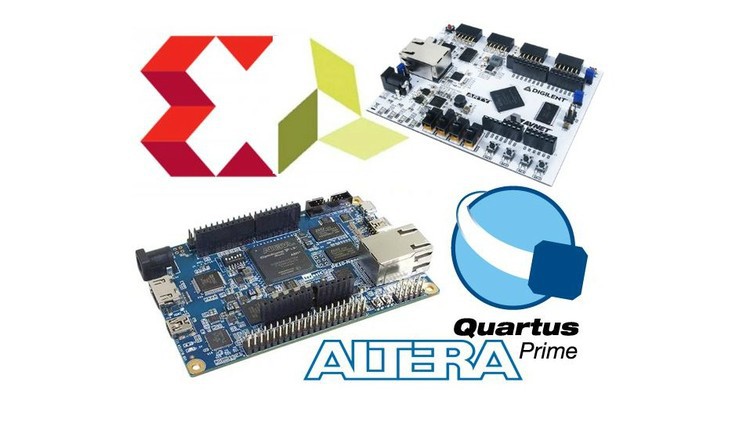
You will learn by doing the real programming. All the code and examples are explained in tutoring videos. After you adjust the existing code or you create your own, you will run simulations to verify it. If you are interested to run your code on a real hardware (not required, but much more fun), we recommend Altera or Xilinx boards.What you will learn about

What will you learn?

Learn the Essentials of VHDL and FPGA Development is course that will teach you the fundamentals and basics of VHDL design. In this course you will be working through various projects that will require you to go through the entire FPGA development process. You will be guided through the coding of the actual VHDL to the synthesis using either Xilinx's development tool, Vivado or Altera development tool Quartus. There are 8 projects in this course

Buttons & LEDs
A project that is designed to teach students the very basics of VHDL as well as how to make specific pins on an FPGA inputs (buttons) and outputs (LEDs).
Blinky LEDs
Students will learn how to create a counter in VHDL in order to simultaneously turn multiple LEDs on and off in unison.
LED Brightness
This project will have students create 3 VHDL designs, a PWM design to control the brightness of the LEDs, a counter to vary the duty cycle, and a top level design to pull everything together.
UART Demonstration
Students will be introduced to softcore processors and use them to display a "Hello World" message on a serial port terminal.
UART I/O
In the project students will build upon the ability to transmit messages using the softcore processor to read messages. Students will learn how to interpret messages coming from the computer to the FPGA in order to read the status of various peripherals on the board.
AD Processing
This project will have students perform an analog to digital conversion. As en example, they sense the temperature.
SPI Interface (Arty A7 Only)
In this project students will learn how to work with SPI interface. They will load existing designs onto the external flash memory chip to have the FPGA configure itself through the SPI interface.
I2C Interface (DE10 Nano Only)
In this project students will learn how to work with I2C. They will load an embedded Linux operating system onto the DE10 Nano development board. They will then run a program that interfaces with the onboard accelerometer to display the g forces the sensor reads.
All of the required background and knowledge to complete each project will be explained prior to completing the project. There are demonstration videos and walk-throughs for each project so that you can have a deep understanding of how the project works.

Who this course is for
Engineering Students
Engineering Managers
Individuals pursuing Electrical Engineering
Anyone who wants to take it for fun!
Anyone wanting to learn about FPGA's and the development process

Homepage


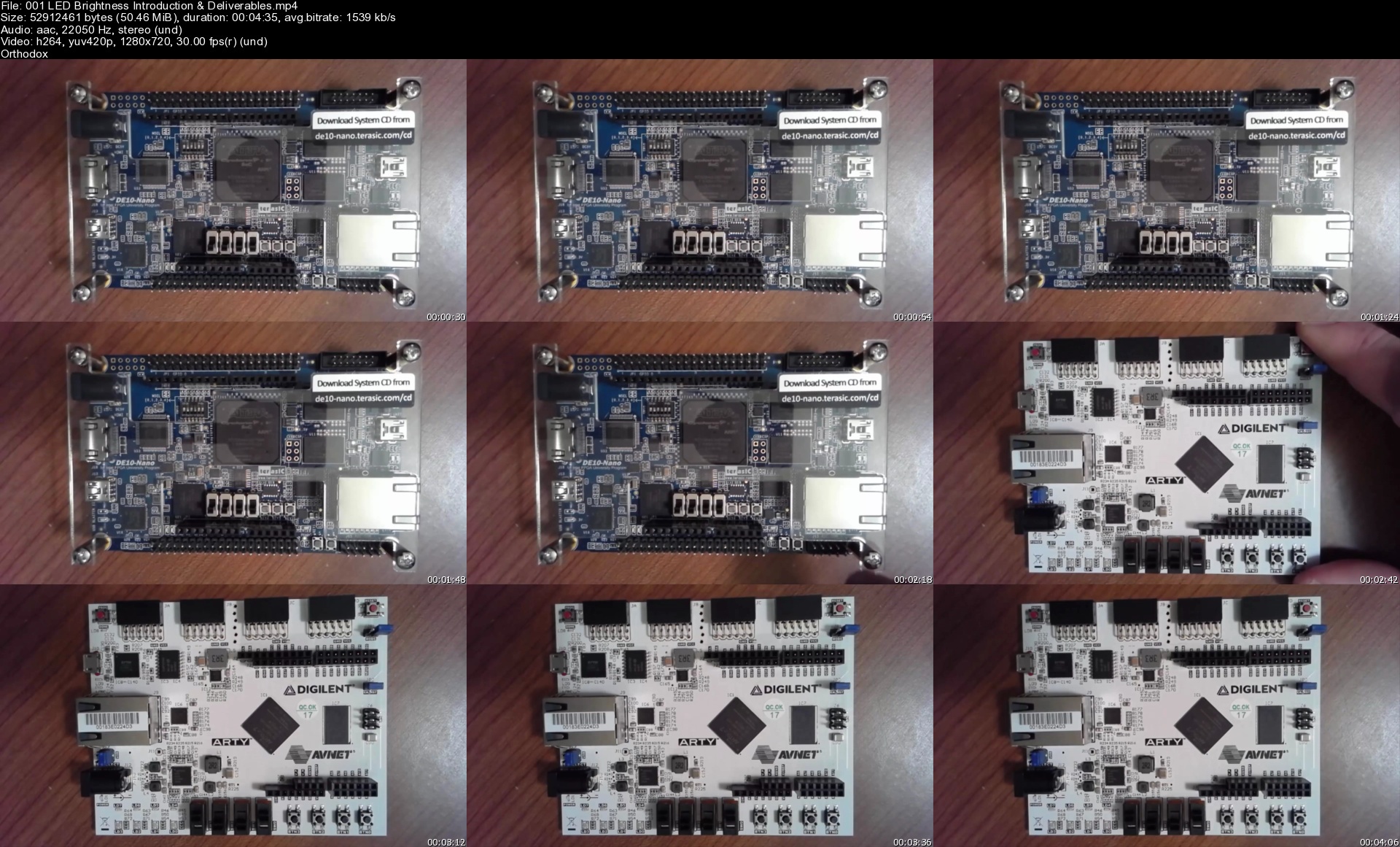
001ledbrightnessintrorck83.jpg


Learn Automation anywhere A2019/ A360 & V11 from scratch

3923748b9874r7jsg.jpg


Learn Automation anywhere A2019/ A360 & V11 from scratch
MP4 | Video: h264, 1280x720 | Audio: AAC, 44.1 KHz, 2 Ch
Genre: eLearning | Language: English + srt | Duration: 75 lectures (14h 19m) | Size: 7.1 GB

You will learn complete Automation anywhere A2019/ A360 & V11 | Excel Basics & VBA | RPA overview from scratch


What you'll learn
Gain complete knowledge of Automation anywhere A2019 & V11
Automation anywhere Packages & actions demo with multiple examples
Automation anywhere Bots & User, system variables demo
Learn Excel VBA from scratch
100+ Excel formulas explained & file attached
Learn how to create interactive Excel dashboard
What is RPA
RPA tools overview

Requirements
Basic work experience
No programming knowledge required


Description
What you will learn ?

Learn Automation anywhere A2019 & V11 from scratch

Automation anywhere All packages, actions, variables, Recorders and etc..

Excel VBA macro

Excel Formulas, Tips & Tricks

RPA Basics

Automation anywhere all commands & sub commands with multiple examples

User & system variable types with demo Automation anywhere A2019 & V11

Automation anywhere A2019 & V11 Excel, database, Capture, Email, PDF, If, Error handler, String, Prompt packages

Recorder & Capture action Automation anywhere A2019 & V11

Excel as database using OLEDB or ODBC in automation anywhere A2019

Learn more than 100 Excel formulas with live examples

Learn how to create interactive Excel dashboard

What is RPA & Different type of RPA tools

Excel VBA Record Macro, Sub, Comments & Range, Rows, Column & Offset,Workbook & Worksheet A2019

Excel formulas in VBA macros, Reference libraries, Screen updating and display alerts, Sendkeys

Config file - Learn how to create and use config file in Automation anywhere A360/ A2019

Learn how to Fix Recorder/ capture action issues - Unable to capture properties/ elements

Error line number and Error description in Automation anywhere A360 / A2019. Error handler - Capture

Credential & Locker in automation anywhere A2019/ AA360

IF, Elseif & Else actions overview with Demo

What is Robotic Process Automation (RPA)?

Robotic Process Automation(RPA) is software that can mimic the action of a human user. It performs actions on a PC to automate business processes which are highly repetitive and rule-based.

What is Automation anywhere?

Automation Anywhere is one of the popular RPA vendors offering powerful & user-friendly RPA capabilities to automate any complex tasks. This tool combines conventional RPA with intellectual elements like natural language understanding and reading any unstructured data.

Automation Anywhere Architecture

Control Room

Bot Creator

Bot Runner

Why Automation Anywhere?

No programming knowledge is required.

User friendly

Eliminates the element of the human error

Helps you to automate data transfers and import or export data between files or applications.

Who this course is for
Whoever interested to learn Automation anywhere

Homepage


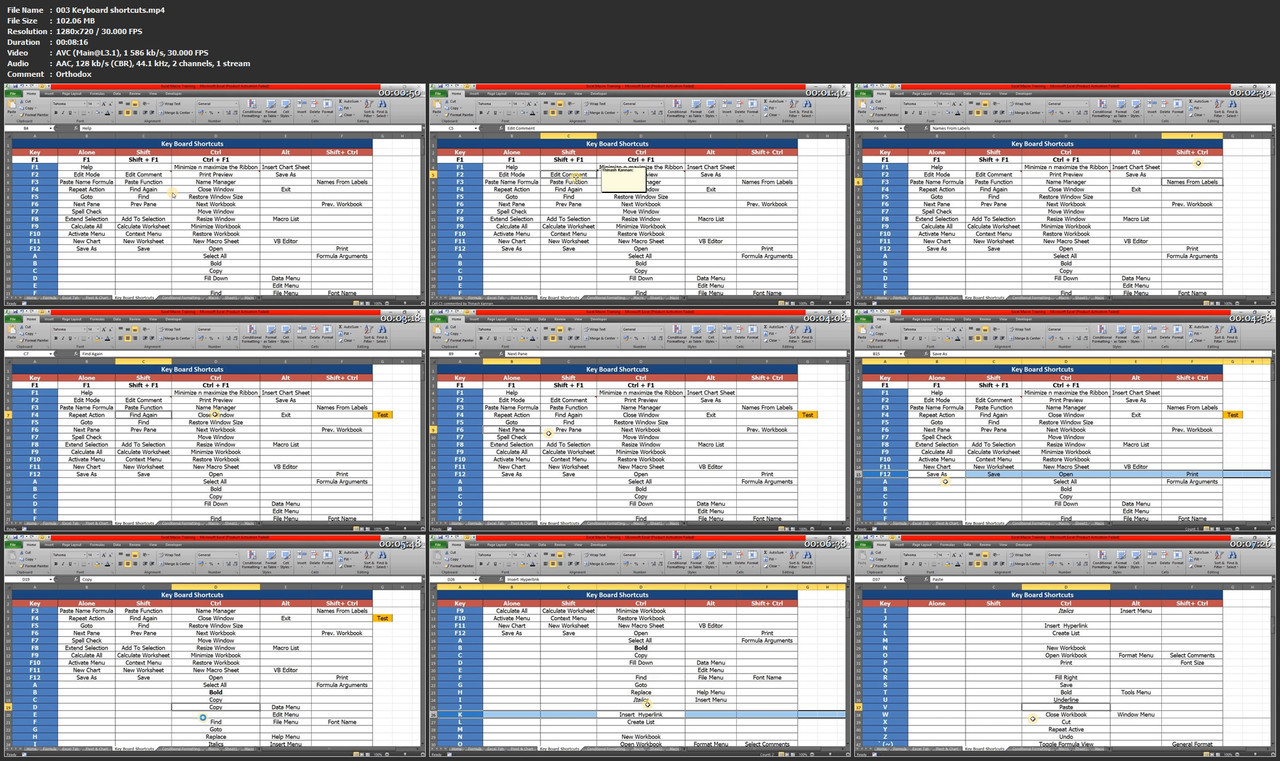
003keyboardshortcutsms3j0f.jpg


High Performance Intro - DJ Course

oe0aabcopteh3zmhj2voi41j5y.jpg


High Performance Intro - DJ Course
MP4 | Video: h264, 1280x720 | Audio: AAC, 44.1 KHz
Language: English | Size: 12.4 GB | Duration: 11h 37m

The Original DJ Blueprint - Learn how to DJ from zero and play the music you love.


What you'll learn
Identify different dance music genres to discover your own DJ music style.
Learn basic procedures on how to setup DJ equipment and Sound Systems.
Understand how to use both Fade and Beatmatching techniques to mix your songs.
Get an understanding of how turntables and CDJs work.
Easily understand complex topics like Sound Space, Frequencies and Music Structure.
Learn how to operate a basic 2 Channel DJ Controller and a Mixer.
Learn how to plan and execute a successful strategy to get your first DJ booking using the DJ Tool For Success.
Understand how to create a complete and appealing DJ Demo to showcase to your friends, venues, and prospects.
Requirements
No previous experience in Deejing required - You will learn everything you need to get started.
A laptop with Internet access and a pair of headphones.
A basic 2-Channel DJ Controller (e.g Pioneer DDJ-SB Series)

Description
Have you ever wanted to become a DJ? Do you want to learn how to start beatmatching? Have you ever wondered how would be like living a DJ life?. If your answer is Yes, then this is the right course for you!

This course will save you HOURS of time, DAYS of "false starts", and YEARS of trial, error, and testing when it comes to understanding the basics of deejing and music mixing.

Receive an introductory knowledge of a broad range of techniques and tools related to music structure and composition, beatmatching, equipment setup, music selection and discover how you may be able to get your first DJ booking.

If you learn and use the techniques included in this course, you will learn how to be in the DJ booth faster than you ever imagined possible. You will need to practice and apply the knowledge gained during this course to make it happen!

During the course you will

- Get a professional combination of theoretical and practical online lectures with hands-on experience time.

- Discover your DJ Music Style.

- Understand how to setup equipment in different environments.

- Get started with Serato DJ software.

- Learn how to get started and organize your DJ Music Library

- Learn how to avoid mistakes that most beginner DJs make when it comes to Deejing.

- Learn how to Fade and Blend.

- Learn how to Beatmatch and apply FX.

- Learn how to create your first DJ Demo

- Get simple "homework assignments" that will finally empower you to craft and convey an irresistible message about your music style and mixes. These make beatmatching INFINITELY easier once it's done!

Are you ready for the challenge?.

Click on the Enroll button now and get started today!

Thank you so much!

See you in the course and GOOD BEATS!

-Mariano

If you are not satisfied for any reason at all with the High Performance Intro DJ Course, then no worries. Just let me know within 30 days, you have a Full Money Back guarantee. That's how confident I am that this DJ Course is going to give you the certainty you need that you will be learning how to become a DJ in no time!

*Please DO NOT enroll in this course if

-Your DJ level is intermediate to advanced, or if you are getting paid to perform as a DJ on a regular basis.

-You understand Camelot and Music Programming. This DJ Course is only for beginners.

Who this course is for
The course is for complete beginners who would like to dive deep in a series of tools, recipes and strategies to be applied instantly in their DJ or music career.

Homepage


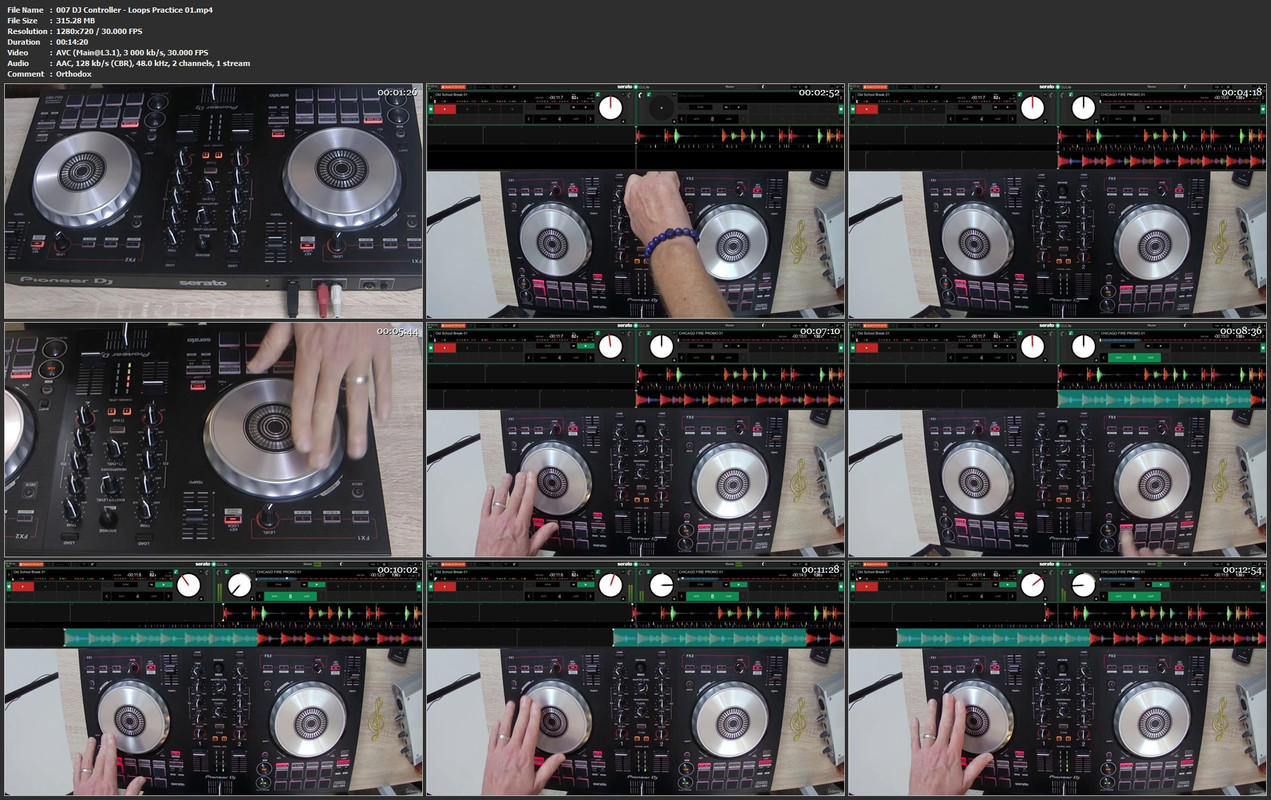
007djcontrollerloopsppgkml.jpg


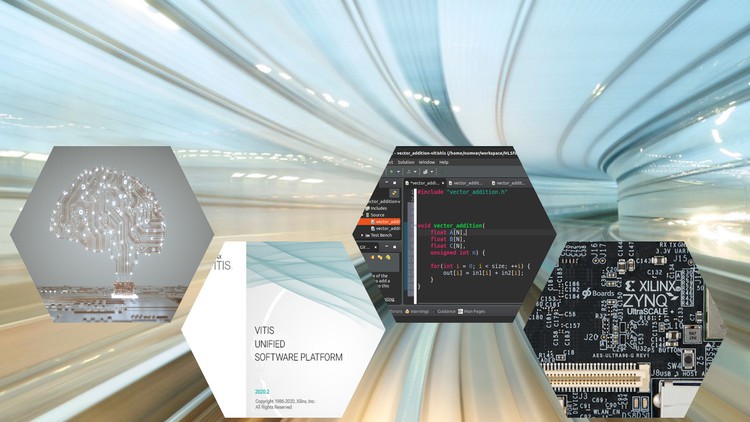
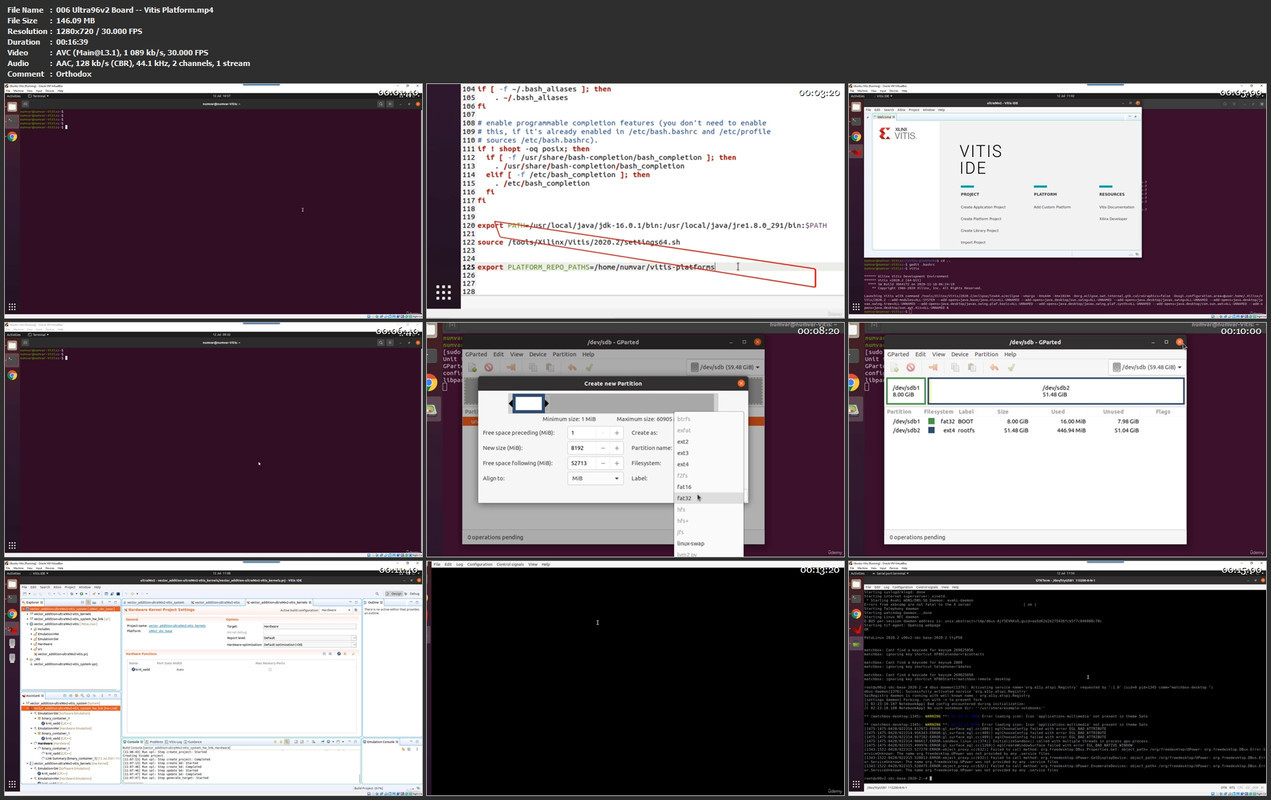
Function Acceleration on FPGA with Vitis-Part 1: Fundamental

3643950b3e03scj5t.jpg


Function Acceleration on FPGA with Vitis-Part 1: Fundamental
MP4 | Video: h264, 1280x720 | Audio: AAC, 44.1 KHz, 2 Ch
Genre: eLearning | Language: English + srt | Duration: 93 lectures (9h 26m) | Size: 5.6 GB

Embedded System Accelerators with Vitis and HLS


What you'll learn
Understanding the basic concepts of FPGA-Based embedded systems
Understanding the Xilinx Zynq 7000 SoC and Zynq UltraScale+ MPSoC architectures
Accelerating functions in the Xilinx Vitis unified software platform
Using C/C++/OpenCL for accelerating compute-intensive algorithms on Zynq platforms
Running the accelerated applications on software and hardware emulators
Running the accelerated applications on actual FPGAs
Working with Zybo-Z7-20 and Ultra96V2 Zynq-based FPGA platforms
Implementing three exciting projects with Vitis

Requirements
Understanding the basic concepts of C/C++ coding
Xilinx Vitis software unified platform
A Zynq-Based FPGA such as Zybo-Z7-20 or Ultra96v2


Description
This course is an introduction to function acceleration in high-level synthesis (HLS). The goals of the course are describing, debugging and implementing compute-intensive algorithms on FPGA-based embedded systems using C/C++ language without any help from HDLs (e.g., VHDL or Verilog).

The course introduces the Xilinx Zynq embedded systems and then explains how to use Xilinx toolsets to map applications on them.

It uses the Xilinx Vitis unified software platform to describe real examples and applications for embedded systems. The course follows the software and hardware emulation schemes as well as running the applications on the actual FPGAs.

Each section of the course uses several examples, quizzes and exercises to explain complex designing concepts easily and smoothly.

Along the course, you will work with several examples describing the HLS concepts and techniques. The course contains numerous quizzes and exercises for you to practice and master the proposed methods and approaches. In addition, the course utilises two exciting projects to put all the explained concepts together to design real circuits and hardware controllers.

This course is the first of a series of courses on function acceleration on Zynq-based embedded systems. Whereas this course focuses on fundamental concepts, the other courses will explain different optimisation techniques in Vitis.

Who this course is for
Hardware engineers
Software engineers who are interested in FPGA
Lecturers, researchers, professors who want to use FPGA-based embedded systems in lectures, courses or research

Homepage


006ultra96v2boardvitiabjn4.jpg


Complete PySpark Developer Course (Spark with Python)

uvjjf4q8hufazgwtuixc5dckr8.jpg


Complete PySpark Developer Course (Spark with Python)
Genre: eLearning | MP4 | Video: h264, 1280x720 | Audio: AAC, 44.1 KHz
Language: English | Size: 7.15 GB | Duration: 29h 1m

Learn PySpark in depth with hundreds of Practical examples. Be a complete PySpark Developer. Set up a Hadoop Cluster.


What you'll learn
Complete Curriculum for a successful PySpark Developer
Hadoop Single Node Cluster Set up and Integrate with Spark 2.x and Spark 3.x
Complete Flow of Installation of PySpark (Windows and Unix)
Detailed HDFS Course
Python Crash Course
Introduction to Spark
Understand SparkSession
Spark RDD Fundamentals, Operations, Persistence. Practical Examples to solve problems.
Spark Cluster Architecture - Execution, YARN, JVM Processes, DAG Scheduler, Task Scheduler
Spark Shared Variables
Spark SQL Architecture, Catalyst Optimizer, Volcano Iterator Model, Tungsten Execution Engine
DataFrame Fundamentals
DataFrame Rows, Columns and DataTypes. Practical examples.
ETL Using DataFrame (Extraction APIs, Transformation APIs, and Loading APIs). Practical Examples.
Optimization and Management - Join Strategies, Driver Conf, Executor Conf etc


Description
This is a complete PySpark Developer course for Data Engineers and Data Scientists and others who wants to process Big Data in an effective manner. We will cover below topics and more

Complete Curriculum for a successful PySpark Developer

Set up Hadoop Single Node Cluster and Integrate it with Spark 2.x and Spark 3.x

Complete Flow of Installation of Standalone PySpark (Unix and Windows Operating System)

Detailed HDFS Commands and Architecture.

Python Crash Course

Introduction to Spark (Why Spark was Developed, Spark Features, Spark Components)

Understand SparkSession

Spark RDD Fundamentals

How to Create RDDs

RDD Operations (Transformations & Actions)

Spark Cluster Architecture - Execution, YARN, JVM Processes, DAG Scheduler, Task Scheduler

RDD Persistence

Spark Shared Variables - Broadcast

Spark Shared Variables - Accumulators)

Spark SQL Architecture, Catalyst Optimizer, Volcano Iterator Model, Tungsten Execution Engine, Different Benchmarks

Difference between Catalyst Optimizer and Volcano Iterator Model

Spark Commonly Used Functions - Version, range, createDataFrame, sql, table, SparkContext, conf, read, udf, newSession, stop, catalog etc

DataFrame Built-in functions - new column functions, encryption functions, string functions, regexp functions, date functions, null functions, collection functions, na functions, math and statistics functions, explode functions, flatten functions, formatting and json functions

What is Partition,

What is Repartition

What is Coalesce

Repartition Vs Coalesce

Extraction - csv file, text file, Parquet File, orc file, json file, avro file, hive, jdbc

DataFrame Fundamentals

What is a DataFrame

DataFrame Sources

DataFrame Features

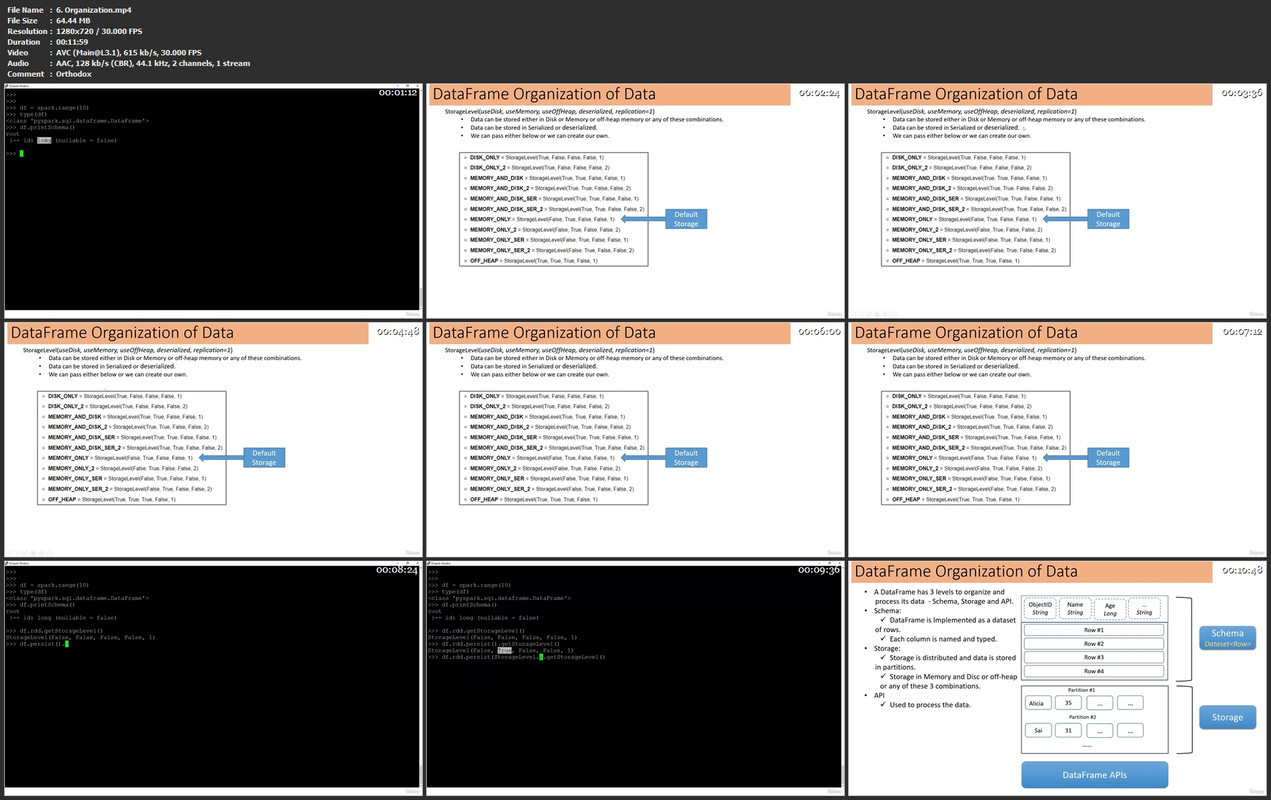
DataFrame Organization

DataFrame Rows,

DataFrame Columns

DataTypes. Practical examples.

Perform ETL Using DataFrame

-- Extraction APIs

--Transformation APIs

-- Loading APIs

-- Practical Examples.

Optimization and Management - Join Strategies, Driver Conf, Parallelism Configurations, Executor Conf etc

Who this course is for
Any IT professional willing to learn advanced Big Data Technologies like PySpark.
Python Developers who wants to learn Spark.
Data Engineers and Data Scientists.

Homepage


6organizationmp4dnkil.jpg


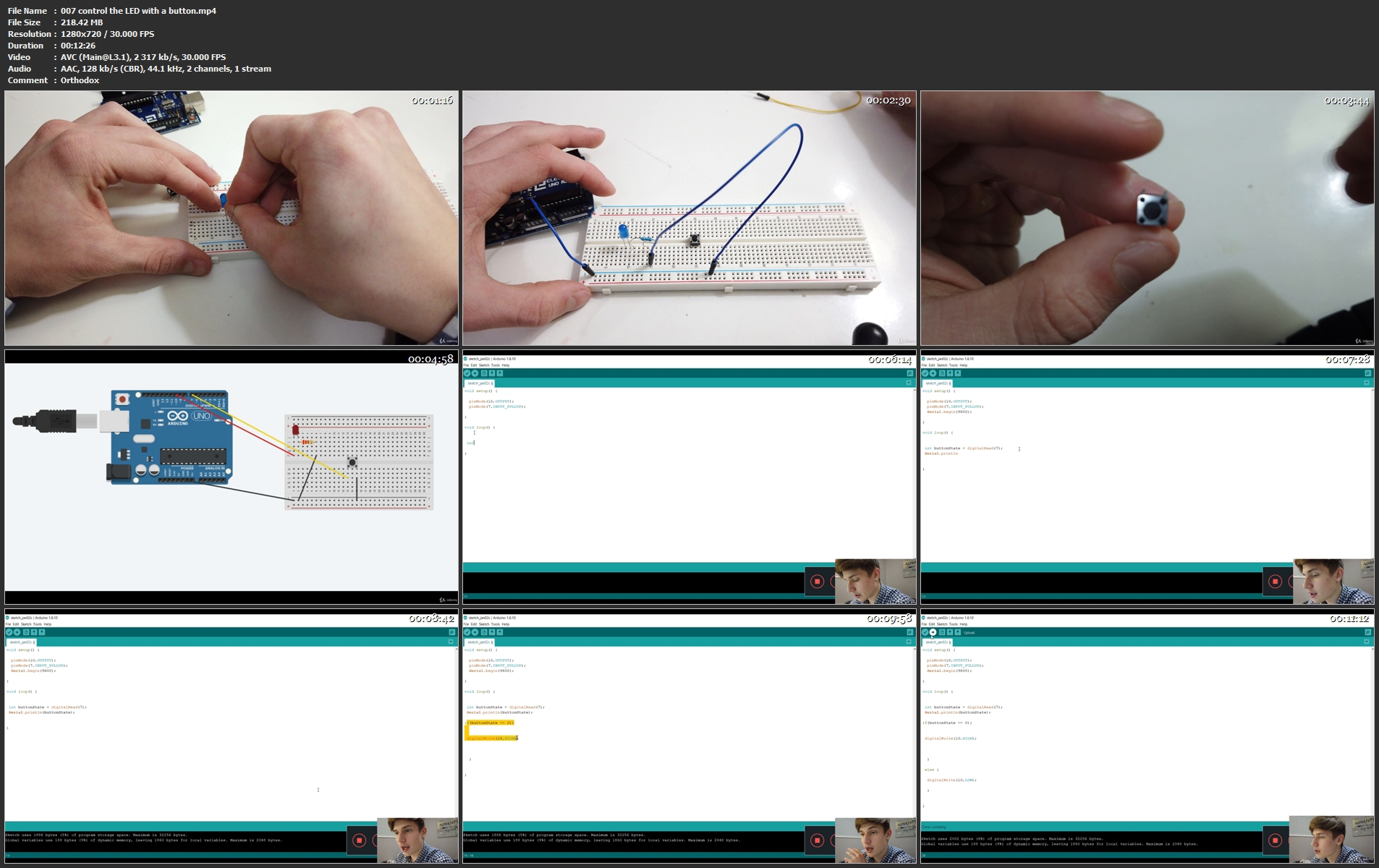
Arduino Microcontroller: learn Arduino making projects

w1o5w9jw0qy1yejxvcglpvwke0.jpg


Arduino Microcontroller: learn Arduino making projects
MP4 | Video: h264, 1280x720 | Audio: AAC, 44.1 KHz
Language: English | Size: 9.27 GB | Duration: 9h 9m

created 2020, Arduino Course: learn electrical engineering with the Arduino Microcontroller


What you'll learn
C++ programming language for arduino
Get more confidence for your next Arduino projects
programming a display
use and programming motors
measure the speed of sound with the Arduino
control motors with a Joystick
draw circuits
read physical circuits
functions, boolean functions
measure light intensity
make sound with the Arduino
understand how the arduino is working
Build functioning circuits on a breadboard
detect water
recognize the orientation of objects
understand analog and digital pins
how to use pulse width modulation
how to program RGB LEDs
understand and program a Potentiometer
dim LEDs with a Potentiometer
recognize sound with the Arduino
measure distance with the Arduin0
Requirements
Interest in programming

Description
This course is all about the Arduino Microcontroller and the modules that you can use with the arduino (motors, etc.). This course is a great opportunity to learn Arduino through projects. You will be able to start making projects right after the introduction. I will always give you the code that I have programmed for the projects in this course, but I would like to challange you to program it yourself to make sure you learn as much as possible.

Who this course is for
Everybody who wants to improve or learn how to use the arduino microcontroller for any purposes.

Homepage


007controltheledwithah3j1x.jpg


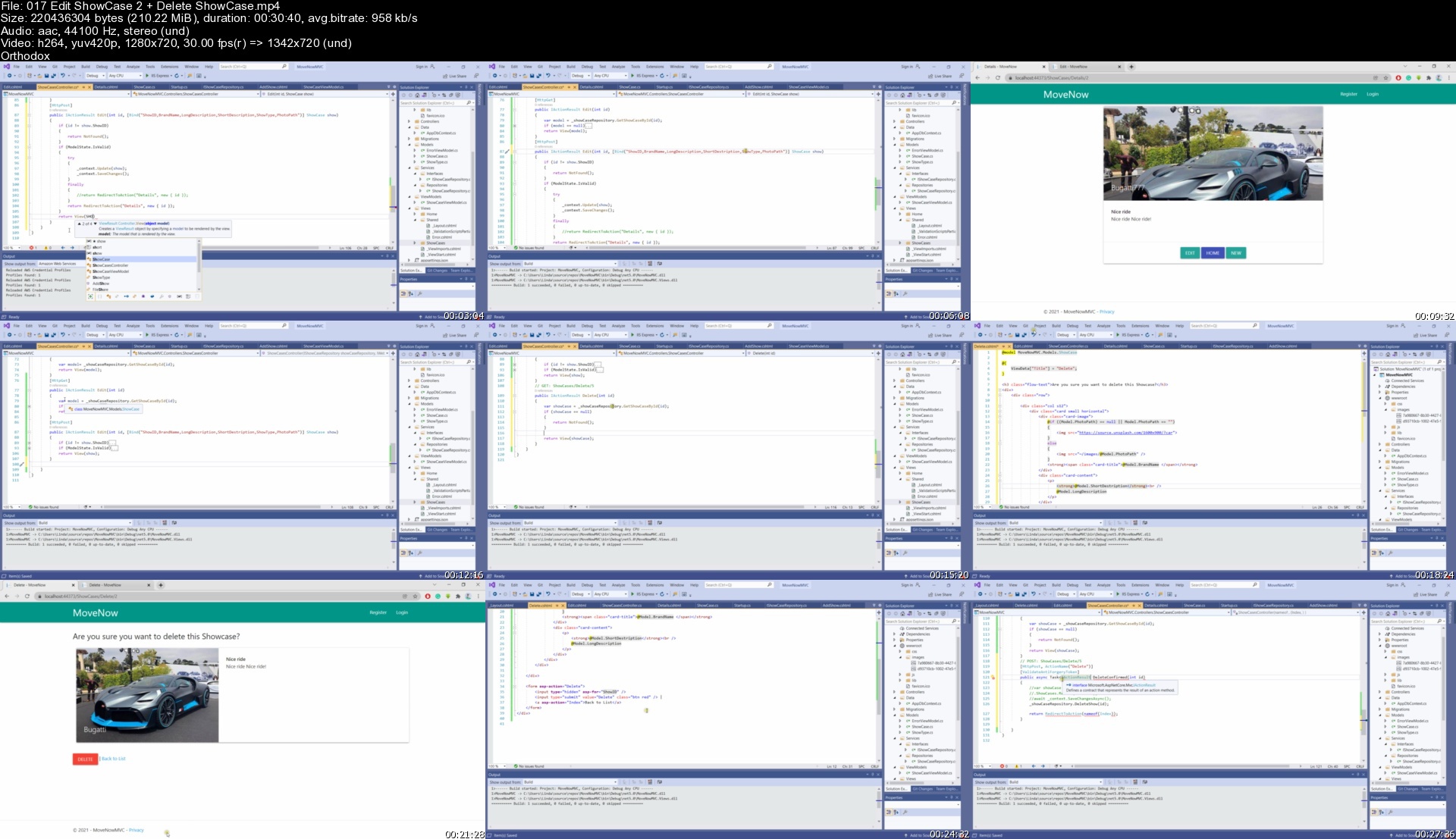
2022 ASP .NET Core (MVC) Complete Course-Beginner to advance

4469954c23f2evkxd.jpg


2022 ASP .NET Core (MVC) Complete Course-Beginner to advance
MP4 | Video: h264, 1280x720 | Audio: AAC, 44.1 KHz, 2 Ch
Genre: eLearning | Language: English + srt | Duration: 82 lectures (13h 19m) | Size: 5.85 GB

A project based course to help you get started in building business and personal applications using .NET Core MVC


What you'll learn
Learn how to create an ASP .NET Core MVC data-driven web application
Learn the MVC architecture and how to use it easily to add features to a web application
Learn local aunthentication (register new user accounts and use creditials to login to web application)
Enable login by the users using their social accounts like Facebook, Microsoft Account, Google etc. (OAuth)
Learn Entity Framework and how to work with SQL Database
Learn how to create services(Interfaces and Repositories)
Learn how to use Material UI (materializecss

Requirements
Basic knowledge of html and css will be beneficial
Willing to learn


Description
In this course you are going to learn by doing. We are going to create a complete ASP .NET Core MVC application. Along the process of creating the web application you are going to learn many concepts and techniques essential when creating a .NET Core MVC web app. These includes but not limited to Entity Framework core, SQL Server , Microsoft Identity, authentication using social networks accounts (OAuth 2.0 - such as Facebook, Google , Microsoft account) ,Material UI using Materialize CSS, authentication, authorization etc.

The web application we are going to create is for a Car Renting business. The will be two kinds (roles) of users using the web app. The first user role is for General Users where the users will be able to create their user accounts or use social media accounts to log in to the web app. They will have access to view all the cars and car brands available for renting. They will be also be able to rent their favorite car in case it is still available in stock. In addition to that they will have their personal dashboard where all the cars they have rented will be displayed.

The other user role the application will have is Admin role. Users with admin role will have access to everything the users with general user role have. Users with admin role will have additional access to role management feature of which they will be able to add or remove users to a specific role. The will also be able to add content to the web app such as new cars or cars promotions(i.e. showcases) .

Source code is available at the last video of the course.

Who this course is for
Beginner to advance developers who want to learn how to build web application for business or personal using ASP .NET Core MVC
Computer science or IT students who needs guide how to build web application using ASP .NET Core MVC

Homepage


017editshowcase2deletxqjyc.jpg


Accredited Yin Yoga PHILOSOPHY Teacher Training Diploma

arg9vkrggsxze0qs7engsp0knw.jpg


Accredited Yin Yoga PHILOSOPHY Teacher Training Diploma
Video: .mp4 (1280x720, 30 fps(r)) | Audio: aac, 44100 Hz, 2ch | Size: 7.28 GB
Genre: eLearning Video | Duration: 46 lectures (8 hour, 12 mins) | Language: English

Professional Accredited Yin Yoga PHILOSOPHY Teacher Training - 20-Hour Certified Certificate to teach students & groups.


What you'll learn

What exactly is Yin yoga - fascia, causes of tension, & the mind/body connection
The benefits of the Yin yoga practice - physical, emotional, energetic, releasing old wounds, & how the practice differs to your Yang styles.
The 5 stages of the Yin yoga practice; why we include rebounds; the bitter & sweet stages.
Yin Yoga Defined
Yin and Yang Theory
Balance and Harmony between Yin and Yang energy.
History of Yin Yoga Part 1: The ancient, sacred scriptures
History of Yin Yoga Part 2: Contemporary teachers
The 5 Element Theory
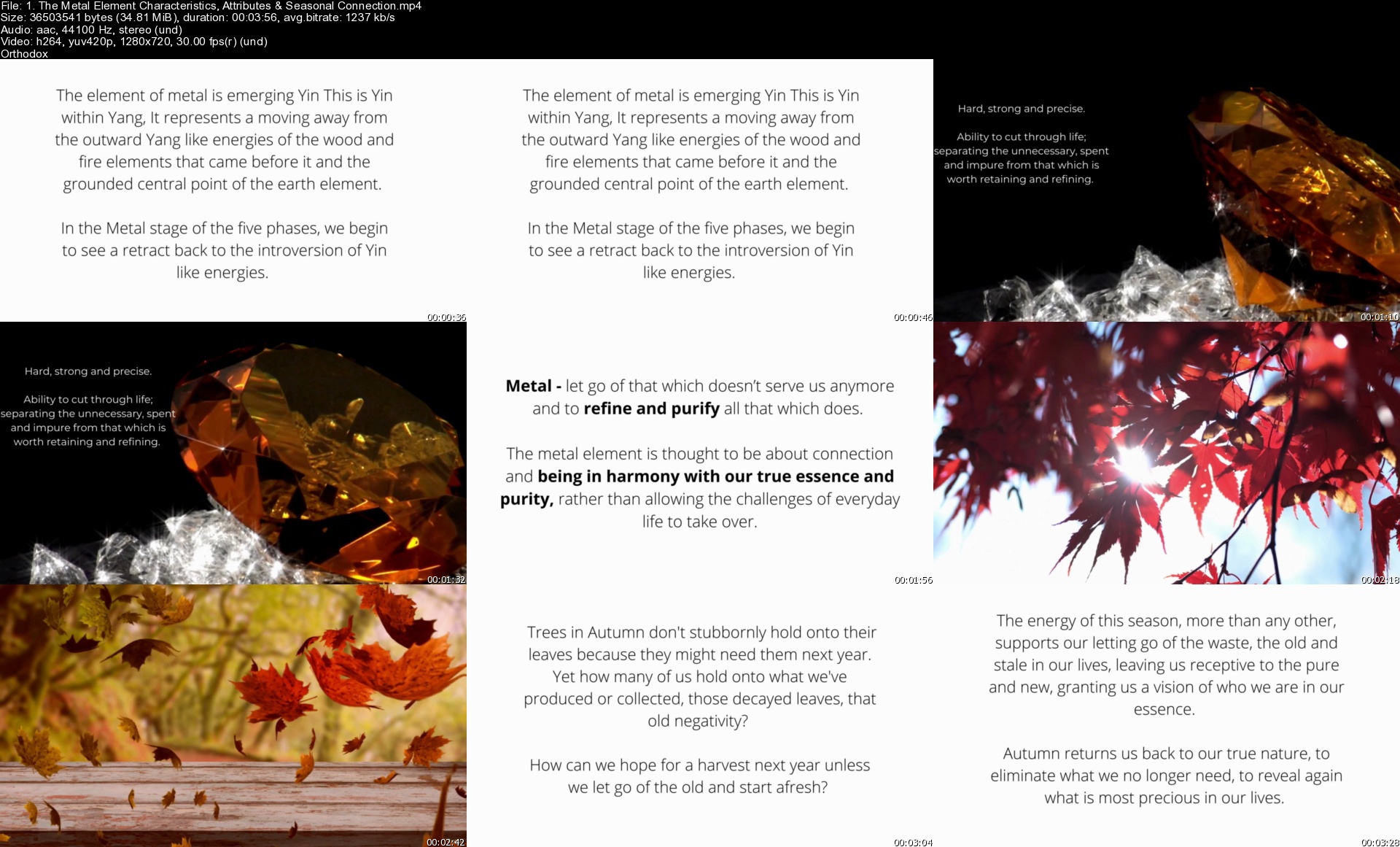
Each Elements Characteristics, Attributes & Seasonal Connection
Each Elements Yin and Yang Aspects
Each Elements Physical Imbalances
Each Elements Emotional Imbalances
Each Elements Yin and Yang Imbalances
The 5 Archetype Element Personalities
Know your Element personality type
Five Full-hour Professional Guided Physical Practices for each Element
Five Professional guided Meditations for each Element


Description

Welcome to the AkiraYoga - 20-hour accredited Yin Yoga Philosophy Teacher Training Certificate Course.

If you want the most comprehensive guide to understanding the Yin yoga practice entirely, & the PHILOSOPHY to this style of yoga, & how to apply these theoretical concepts to the Yin yoga system & postures, expand your practice to feel confident to teach these concepts to others, then this course is for you.

Chinese philosophy refers to yin & yang as two complementary energies that are interconnected & interdependent, creating all aspects of life. The Theory of the Five Elements within Chinese philosophy conceives the world as energetic phases of constant change. They reflect a deep understanding of natural law, the Universal order underlying all things in our world & represent how Qi, prana, or energy, moves throughout the body. When our Qi is flowing freely, the five elements are said to be in balance. But imbalances between the phases can cause the Qi to stagnate, become deficient, weak, excessive &/or destructive.

This course is designed for all levels, including beginners, intermediate & advanced yoga practitioners. Anyone interested in yin yoga or wanting to teach Yin yoga, Yoga teachers who would like to expand their skills, & health care practitioners who want to provide the therapeutic benefits of Yin yoga to their clients.

Akirayoga will gently guide you through the fundamental Philosophy aspects of Yin yoga within the theoretical lectures. We place the theory into our full-hour Element practices, with the step-by-step guidance of each pose and their variations to suit all body shapes & abilities. Offering intelligently built sequences & guided instructions that will allow you to settle into the practice without having to keep watching the screen. You can practice at your own pace in the comfort of your home & can come back to the course as often as desired.

THIS PROFESSIONAL CERTIFIED TEACHER TRAINING COURSE IS A '20-HOUR PHILOSOPHY OF YIN YOGA TEACHER TRAINING' ACCREDITED COURSE & A CERTIFICATE IS AWARDED ON COMPLETION WITH AKIRAYOGA SCHOOL, A REGISTERED YOGA ALLIANCE YOGA SCHOOL.

Note - I also offer a '20-HOUR YIN YOGA PHYSIOLOGY TEACHER TRAINING CERTIFICATE', for you to obtain a 40-hour Yin Yoga Teacher Training Certification. This separate training focuses on the subtle energetic body - the Central Meridian & Nadi/Chakra systems. I offer these as separate courses to allow you to fully embed key theoretical theories that both courses offer & for you to acquire appropriate hours to FEEL FULLY CONFIDENT to teach these concepts to others.

The Course Theory includes

36 theoretical key concepts lessons. All the theory is placed into easy-to-follow lectures with visual learning aids to help you fully grasp the key concepts.

An introduction to the practice of Yin yoga. Including the origin of 'Yin,' connection to the Meridian system, understanding Fascia, causes of tension within the body, physical, emotional, & mental connectivity, the benefits of Yin yoga, connections to the energetic body, impact on the nervous system, releasing old wounds, increasing sensing abilities, developing introspection, how the Yin yoga practice differs from Yang styles of yoga, the five fundamental stages of the Yin yoga practice, what are & why we include rebounds & the bitter & sweet stages of the Yin yoga practice.

Yin yoga v Yang yoga

Yin Yang Theory

Balance and Harmony of Yin and Yang energies

History of Yin Yoga Part 1: The ancient, sacred scriptures

History of Yin Yoga Part 2: Contemporary teachers

The 5 Element Theory

Each Elements Characteristics, Attributes & Seasonal Connection

Each Elements Yin and Yang Aspects

Each Elements Physical Imbalances

Each Elements Emotional Imbalances

Each Elements Yin and Yang Imbalances

The 5 Archetype Element Personalities

Know your type - Element Quiz

Feel fully confident in integrating Yin yoga with the 5 Element Theory to create holistic balance & wellness

Understand how to incorporate this Chinese Medicine philosophy into your practice & teaching.

The Course Practices Includes

5 Professional Guided Physical Full-hour practices linked with the 5 Elements, including two classes with Myofascia Release.

Five elemental meditations for an embodied Yin yoga experience.

Downloadable Manuals Include -

20 Hour Philosophy of Yin Yoga fully comprehensive manual.

Introduction to Yin yoga manual.

Exercises and reflections to gain the most from your learning experience.

Here's What a Few Students Have to Say.Corné Lamprecht - ----------------------Thank you so much for taking the time to share your valuable knowledge and practices. I gained so much wisdom. I very much enjoyed the practices and meditations. In the process filling my own cup, to be able to share from the overflow! Namaste, Corne

------------------------------------------------------------------------------------------------------------------------------------------ Claire is an incredible instructor, teacher, and mentor. I would wholeheartedly recommend any of Claire's retreats or training as she has a wealth of knowledge and her energy is so inspiring. She can transform and bring out the best in oneself. An extraordinary soul indeed. -- Ing Spence ------------------------------------------------------------------------------------------------------------------------------------------

Embarking on a deeper understanding of Yin Yoga was a crucial step on my spiritual path, and the course led by Claire was magnificent. All of the other students also agreed that the quality of teaching and value for money was excellent. If anyone has done yoga classes with teachers and not been inspired, I urge you to attend Claire's Yin to find a new zest for life and yoga!. -- Billy Keranski ------------------------------------------------------------------------------------------------------------------------------------------

Included is a Udemy Policy Money-Back Satisfaction Guarantee. If you aren't satisfied within 30 days for ANY reason, we'll happily refund every penny. So you can relax and go ahead, TRY the course out right now.

Please consult with your physician before beginning any exercise program. By participating in this exercise or exercise program, you agree that you do so at your own risk, are voluntarily participating in these activities, assume all risk of injury to yourself, and agree to release and discharge akirayoga from any claims or causes of action, known or unknown, arising out of Yoga with akirayoga's negligence.
Who this course is for

Anybody with an interest in Yoga, teaching yoga, and/or Yin yoga
Anyone who's interested in learning more about yin yoga as a healing system
Whether you are new to Yin yoga, an experienced practitioner, a teacher or healer, wishing to deepen your skills & knowledge of Yin yoga.
Yoga teachers who would like to expand their skills
Health care practitioners who wish to provide the therapeutic benefits of Yin yoga to their clients

1.themetalelementchartrkcc.jpg


Acloud Guru - AZ-500 Microsoft Azure Security Technologies

1637015171552course25ywkik.png


Acloud Guru - AZ-500 Microsoft Azure Security Technologies
MP4 | Video: h264, 1920x1080 | Audio: AAC, 44.1 KHz, 2 Ch
Genre: eLearning | Language: English | Duration: 134 Lessons (17h 30m) | Size: 6.1 GB

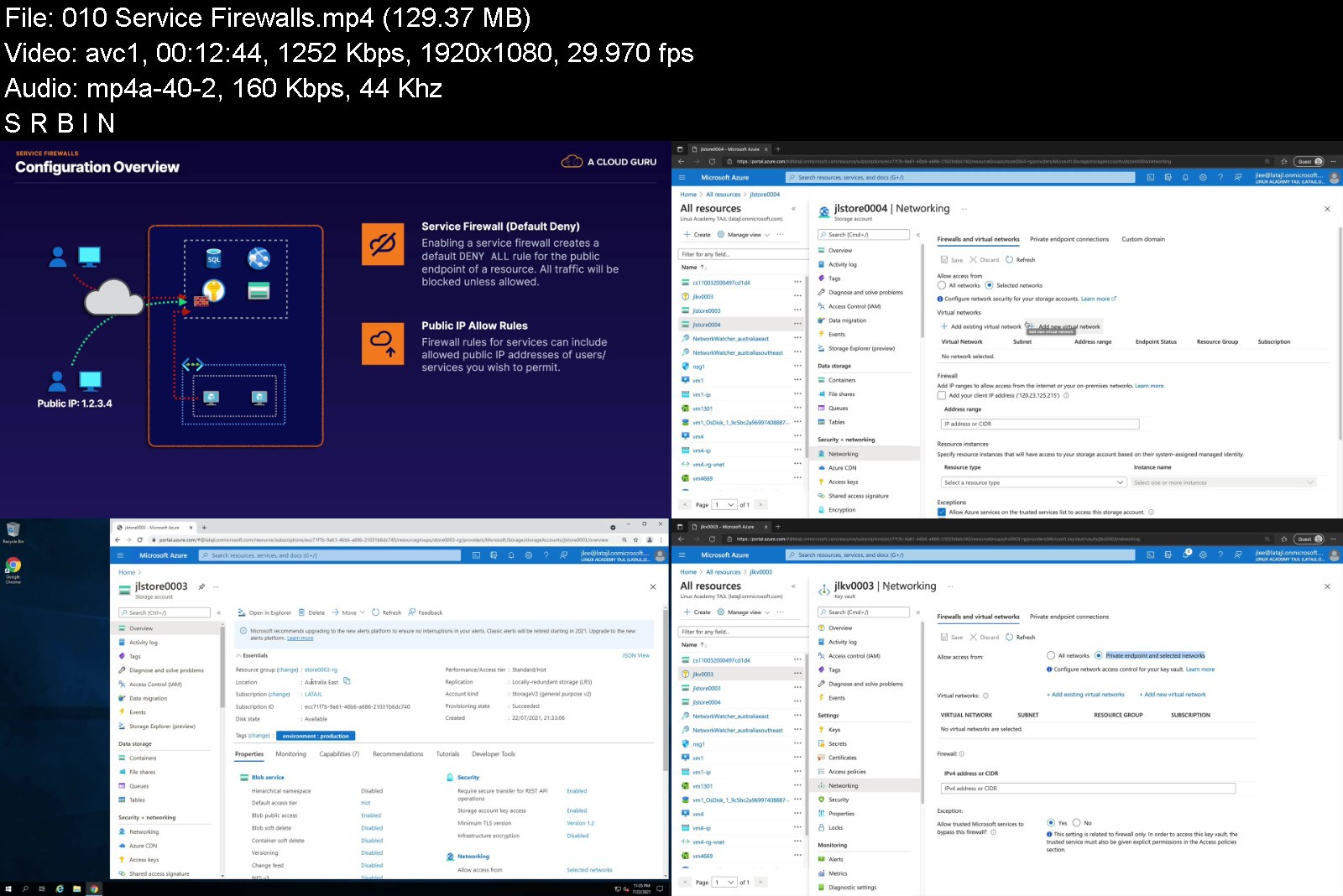
This course is designed to prepare you for the AZ-500 Microsoft Azure Security Technologies exam with hands-on defense of Azure solutions
Welcome to this certification course on Microsoft's AZ-500 - Microsoft Azure Security Technologies.
This course is designed to prepare you to sit for and pass your exam and to prove your skills in implementing secure solutions, services, identity, and operations within the Azure platform. Throughout the course, we'll take a good look at the technologies you'll need to know for the exam and help you not only understand what each service does, but also how you can apply the knowledge you gain here in your own environment.
This course will cover the following domains
Manage Identity and Access
Implement Platform Protection
Secure Data and Applications
Manage Security Operations
This course is focused on securing solutions built within Azure, and so it is expected that you are already familiar with basic deployment, configuration, and implementation of several Azure services. For example, when discussing how to protect a virtual machine, we will focus on the features, services, and configuration required to do so. However, it is expected you would already know how to get a virtual machine up and running in the first case.
As such, it is recommended you have either completed the Azure Administration certification, or have a similar level of experience and familiarity working with and configuring services within Azure.
Within each domain are a variety of subtopics that we'll cover in greater detail throughout the course. We'll go through each domain, using each previous lesson as part of the foundation for the next topic, making it so that you not only can answer the questions on the exam, but also have a practical knowledge of how these pieces fit together and how you can design solutions to common problems faced in enterprises today.
You'll get experience with hands-on labs to solidify your knowledge, and you can look forward to practice questions throughout the course to ensure you're ready to move on.
So with all of that being said, it's time to jump in and get started on becoming an Azure Security Engineer.


az500microsoftazureseksjad.jpg


Download from RapidGator


Download from Keep2Share


Zurück
Oben Unten