• Regeln für den Video-Bereich:

    In den Börsenbereich gehören nur Angebote die bereits den Allgemeinen Regeln entsprechen.

    Einteilung

    - Folgende Formate gehören in die angegeben Bereiche:
    - Filme: Encodierte Filme von BluRay, DVD, R5, TV, Screener sowie Telesyncs im Format DivX, XviD und x264.
    - DVD: Filme im Format DVD5, DVD9 und HD2DVD.
    - HD: Encodierte Filme mit der Auflösung 720p oder darüber von BluRay, DVD, R5, TV, Screener sowie Telesyncs im Format x264.
    - 3D: Encodierte Filme von BluRay, die in einem 3D Format vorliegen. Dies gilt auch für Dokus, Animation usw.
    - Serien: Cartoon/Zeichentrick, Anime, Tutorials, Dokumentationen, Konzerte/Musik, Sonstiges sind demnach in die entsprechenden Bereiche einzuordnen, auch wenn sie beispielsweise im High Definition-Format oder als DVD5/DVD9/HD2DVD vorliegen. Ausnahme 3D.
    - Bereich Englisch: Englische Releases gehören immer in diesen Bereich.
    - Bereich Talk: Der Bereich, in dem über die Releases diskutiert werden kann, darf, soll und erwünscht ist.


    Angebot/Beitrag erstellen

    - Ein Beitrag darf erst dann erstellt werden, wenn der Upload bei mindestens einem OCH komplett ist. Platzhalter sind untersagt.
    - Bei einem Scenerelease hat der Threadtitel ausschließlich aus dem originalen, unveränderten Releasenamen zu bestehen. Es dürfen keine Veränderungen wie z.B. Sterne, kleine Buchstaben o.ä. vorgenommen werden. Ausnahme Serienbörse:
    - Bei einem Sammelthread für eine Staffel entfällt aus dem Releasename natürlich der Name der Folge. Beispiel: Die Simpsons S21 German DVDRip XviD - ITG
    - Dementsprechend sind also u.a. verboten: Erweiterungen wie "Tipp", "empfehlenswert", "only", "reup", usw. / jegliche andere Zusatzinformation oder Ergänzung, welche nicht in obiger Beschreibung zu finden ist.

    Aufbau des Angebots und Threadtitel

    Der Titel nach folgendem Muster erstellt zu werden. <Name> [3D] [Staffel] [German] <Jahr> <Tonspur> [DL] [Auflösung] <Quelle> <Codec> - <Group>
    Beispiel: The Dark Knight German 2008 AC3 DVDRip XviD - iND
    Beispiel: The Dark Knight 2008 DTS DL BDRip x264 - iND
    Beispiel: The Dark Knight 2008 AC3 DL BDRip XviD - iND
    Beispiel: The Dark Knight German 2008 AC3 720p BluRay x264 iND
    Beispiel: The Dark Knight 2008 DTS DL 1080p BluRay x264 iND
    Beispiel: Die Simpsons S01 German AC3 DVDRip XviD iND
    Beispiel: Die Simpsons S20 German AC3 720p BluRay x264 iND
    Beispiel: Sword Art Online II Ger Sub 2014 AAC 1080p WEBRip x264 - peppermint
    Entsprechend sind also u.a. verboten: Sonderzeichen wie Klammern, Sterne, Ausrufezeichen, Unterstriche, Anführungszeichen / Erweiterungen wie "Tipp", "empfehlenswert", "only", "reup", usw. / jegliche andere Zusatzinformation oder Ergänzung, welche nicht in obiger Beschreibung zu finden ist
    Ausnahmen hiervon können in den Bereichen geregelt sein.

    Die Beiträge sollen wie folgt aufgebaut werden:
    Überschrift entspricht dem Threadtitel
    Cover
    kurze Inhaltsbeschreibung
    Format, Größe, Dauer sind gut lesbar für Downloader außerhalb des Spoilers zu vermerken
    Nfo sind immer Anzugeben und selbige immer im Spoiler in Textform.
    Sind keine Nfo vorhanden z.B. Eigenpublikationen, sind im Spoiler folgende Dateiinformationen zusätzlich anzugeben :
    Quelle
    Video (Auflösung und Bitrate)
    Ton (Sprache, Format und Bitrate der einzelnen Spuren)
    Untertitel (sofern vorhanden)
    Hosterangabe in Textform außerhalb eines Spoiler mit allen enthaltenen Hostern.
    Bei SD kann auf diese zusätzlichen Dateiinformationen verzichtet werden.

    Alle benötigten Passwörter sind, sofern vorhanden, in Textform im Angebot anzugeben.
    Spoiler im Spoiler mit Kommentaren :"Schon Bedankt?" sind unerwünscht.


    Releases

    - Sind Retail-Release verfügbar, sind alle anderen Variationen untersagt. Ausnahmen: Alle deutschen Retail-Release sind CUT, in diesem Fall sind dubbed UNCUT-Release zulässig.
    - Im Serien-Bereich gilt speziell: Wenn ein Retail vor Abschluss einer laufenden Staffel erscheint, darf diese Staffel noch zu Ende gebracht werden.62
    - Gleiche Releases sind unbedingt zusammenzufassen. Das bedeutet, es ist zwingend erforderlich, vor dem Erstellen eines Themas per Suchfunktion zu überprüfen, ob bereits ein Beitrag mit demselben Release besteht. Ist dies der Fall, ist der bereits vorhandene Beitrag zu verwenden.
    - P2P und Scene Releases dürfen nicht verändert oder gar unter einem iND Tag eingestellt werden.


    Support, Diskussionen und Suche

    - Supportanfragen sind entweder per PN oder im Bereich Talk zu stellen.
    - Diskussionen und Bewertungen sind im Talk Bereich zu führen. Fragen an die Uploader haben ausschließlich via PN zu erfolgen, und sind in den Angeboten untersagt.
    - Anfragen zu Upload-Wünschen sind nur im Bereich Suche Video erlaubt. Antworten dürfen nur auf Angebote von MyBoerse.bz verlinkt werden.


    Verbote

    - Untersagt sind mehrere Formate in einem einzigen Angebotsthread, wie beispielsweise das gleichzeitige Anbieten von DivX/XviD, 720p und 1080p in einem Thread. Pro Format, Release und Auflösung ist ein eigener Thread zu eröffnen.
    - Grundsätzlich ebenso verboten sind Dupes. Uploader haben sich an geeigneter Stelle darüber zu informieren, ob es sich bei einem Release um ein Dupe handelt.
    - Gefakte, nur teilweise lauffähige oder unvollständige Angebote sind untersagt. Dies gilt auch für eigene Publikationen, die augenscheinlich nicht selbst von z.B. einer DVD gerippt wurden. Laufende Serien, bei denen noch nicht alle Folgen verfügbar sind, dürfen erstellt und regelmäßig geupdatet werden.
    - Untersagt sind Angebote, welche nur und ausschließlich in einer anderen Sprache als deutsch oder englisch vorliegen. Ausnahmen sind VORHER mit den Moderatoren zu klären.


    Verstoß gegen die Regeln

    - Angebote oder Beiträge, die gegen die Forenregeln verstoßen, sind über den "Melden"-Button im Beitrag zu melden.
  • Bitte registriere dich zunächst um Beiträge zu verfassen und externe Links aufzurufen.


Englische Tutorials

Learn Analog Communication : From Basics to Advance

jdfqd1mnafq3uteramg9shckfk.jpg


Learn Analog Communication : From Basics to Advance
MP4 | Video: h264, 1280x720 | Audio: AAC, 44.1 KHz
Language: English | Size: 17.8 GB | Duration: 13h 56m


What you'll learn
Be able to learn the basic concepts of Analog Communication systems
Be able to learn the Modulation concepts, Amplitude Modulation and How to write Modulation Functional representation
Be able to learn Generation methods of Amplitude Modulation , DSB-SC, SSB and FM,PM
Be able to learn the Transmitters and Receivers, Types of Receivers and the function of Super heterodyne receivers
Be able to learn how to find the Noise in Analog Communication
Requirements
Basic Electronic Devices and Circuits, Basic Mathematics
Amplifiers

Description
________________________________________________________________

***** Visit my website for better offers in Instructor profile *****

--------------------------------------------------------------------------------------------------------

Analog Communication course deals with Basic analog modulation Techniques( the data is transferred with the help of analog signals). Any data is converted into electric form first and after that it is passed through communication channel. Communication can be defined as the process of exchange of information through means such as words, actions, signs, etc., between two or more individuals. Analog communication uses a continuous signal which varies in amplitude, phase, or some other property with time in proportion to that of a variable.

Topics: 1) Amplitude Modulation 2) Frequency Modulation and Phase Modulation 3) Transmitters and Receivers 4) Noise in Analog Communication

Need for Modulation and Types of Modulation( AM, FM, PM).

This course deals with functional and graphical representation of Amplitude Modulation( AM, DSB, SSB ) , Angle modulation( FM, PM ) and Receivers function.

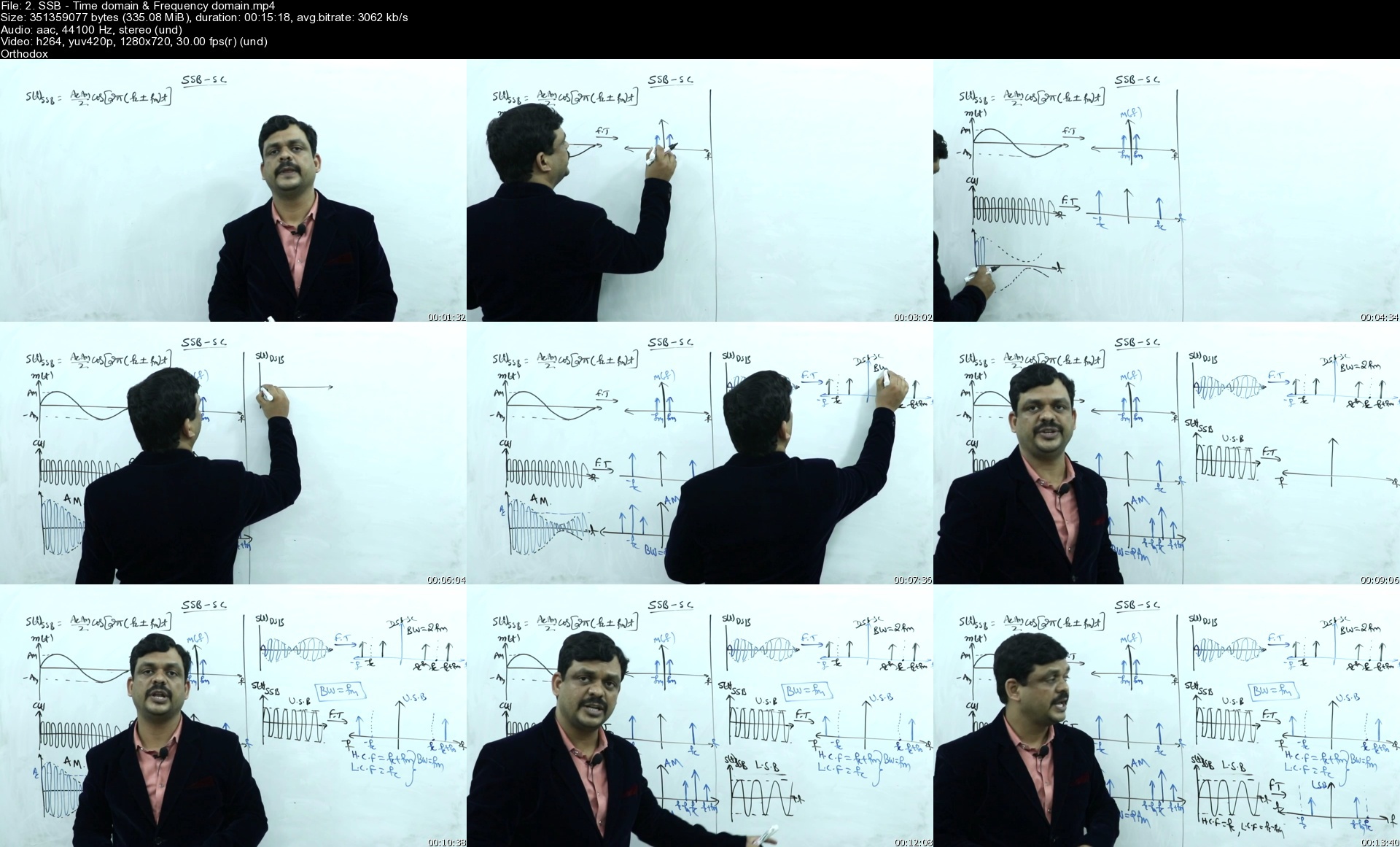
This Course explains the time domain and frequency domain representation of Amplitude Modulation, Frequency Modulation and Phase Modulation, Modulation and Demodulation Techniques.

This course deals with Generation and Detection Techniques of DSB-SC(Double Side Band - Suppressed Carrier) , SSB-SC( Single Side Band - Suppressed Carrier), VSB(Vestigial Side Band), Narrow Band FM(NBFM), Wide Band FM(WBFM), NBPM and WBPM. Applications of Modulation. Different Demodulation methods and Noise in analog communication.

This course deals with Transmitters and Receivers, Characteristics of Receivers.

Types of receivers : Tuned Radio Frequency (TRF) and Super Heterodyne Receiver function and internal analysis.

Important information before you enroll!

If you find the course useless for your career, don't forget you are covered by a 30-day money back guarantee.

Once enrolled, you have unlimited, 24/7, lifetime access to the course (unless you choose to drop the course during the first 30 days).

You will have instant and free access to any updates I'll add to the course - video lectures, additional resources, quizzes, exercises.

You will benefit from my full support regarding any question you might have.

Check out the promo video at the top of this page and some of the free preview lectures in the curriculum to get a taste of my teaching style and methods before making your decision


Who this course is for:
Beginners for this subject
Academic students (University)
GATE - ECE students


Homepage
2.ssbtimedomainfreque8ckem.jpg


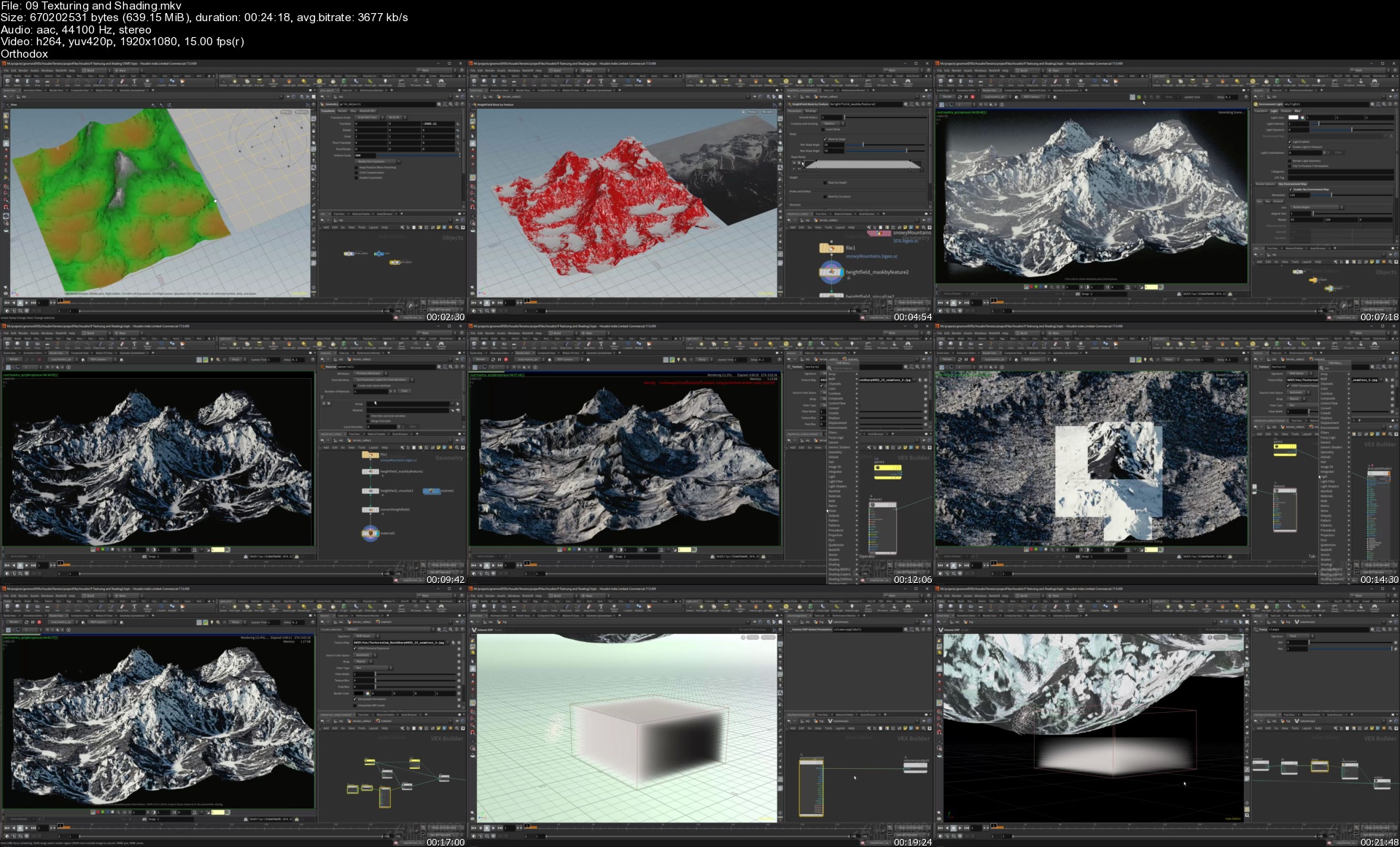
Houdini Terrain Techniques Creating Landscapes

imageegkwb.jpg


Houdini Terrain Techniques Creating Landscapes
Video: .MP4, 1920x1080 30 fps | Audio: AAC, 44.1 kHz, 2ch | Duration: 3h 40m
Genre: eLearning | Language: English | Size: 5.74 GB

In this title, Senior Visual Effects Artist Robby Branham provides a broad overview of the terrain workflows in Side FX's Houdini 17. Houdini's heightfield nodes are shown in depth to demonstrate how to create terrains from scratch. Masking techniques are utilized to create unique and layered surfaces. Instancing and terrain duplication techniques are demonstrated to create large landscapes. Several different types of landscapes are created including a snowy mountain, a meteor crater, agricultural terracing and more. Texturing and shading the terrain is accomplished inside of Houdini's Mantra, and Redshift shading networks are used to add color and micro details to the terrain surfaces. Houdini's built in compositor is taught to create detailed texture maps for the height field using the built in attributes from the erosion nodes. Robby demonstrates Earth Explorer's satellite data and how to create terrains from existing real world data. A tree scattering and randomization workflow is covered that takes advantage of the Height Field node's attributes to complement the natural look of the landscapes. Robby creates the cover art terrain from scratch in the tutorial through mesh creation, texturing, shading, rendering, and layout. The cover art Nuke composite is broken down throughout the entire shot process, from concepting, previsualization, asset creation, terrain creation, layout, lighting, rendering and final compositing.

Homepage

09texturingandshadinguckzq.jpg


Graphic Design Masterclass Intermediate: The NEXT Level

cqnaxthfmi4em5je1qg1n47jeb.jpg


Graphic Design Masterclass Intermediate: The NEXT Level
Duration: 10h 40m | Video: .MP4 1280x720, 30 fps(r) | Audio: AAC, 44100 Hz, 2ch | Size: 5.78 GB
Genre: eLearning | Language: English

OTE: The resource guide for this class can be download in the project section of this class.

NEW CONTENT ADDED FREQUENTLY!

Feb 2020 - New - The Full Logo Design Process and Downloadable Logo Design Worksheet Template
Feb 2020 - New - Mastering Isometric Grids!
Feb 2020 - New Portfolio Building Section - How to Build Strong Design Portfolios
Jan 2020 - New InDesign Project Added - Creating a Magazine Front Cover and Article Spread
Jan 2020 - New full page ad design project and Photoshop section added!
June 2019 - Create Compelling Infographics!
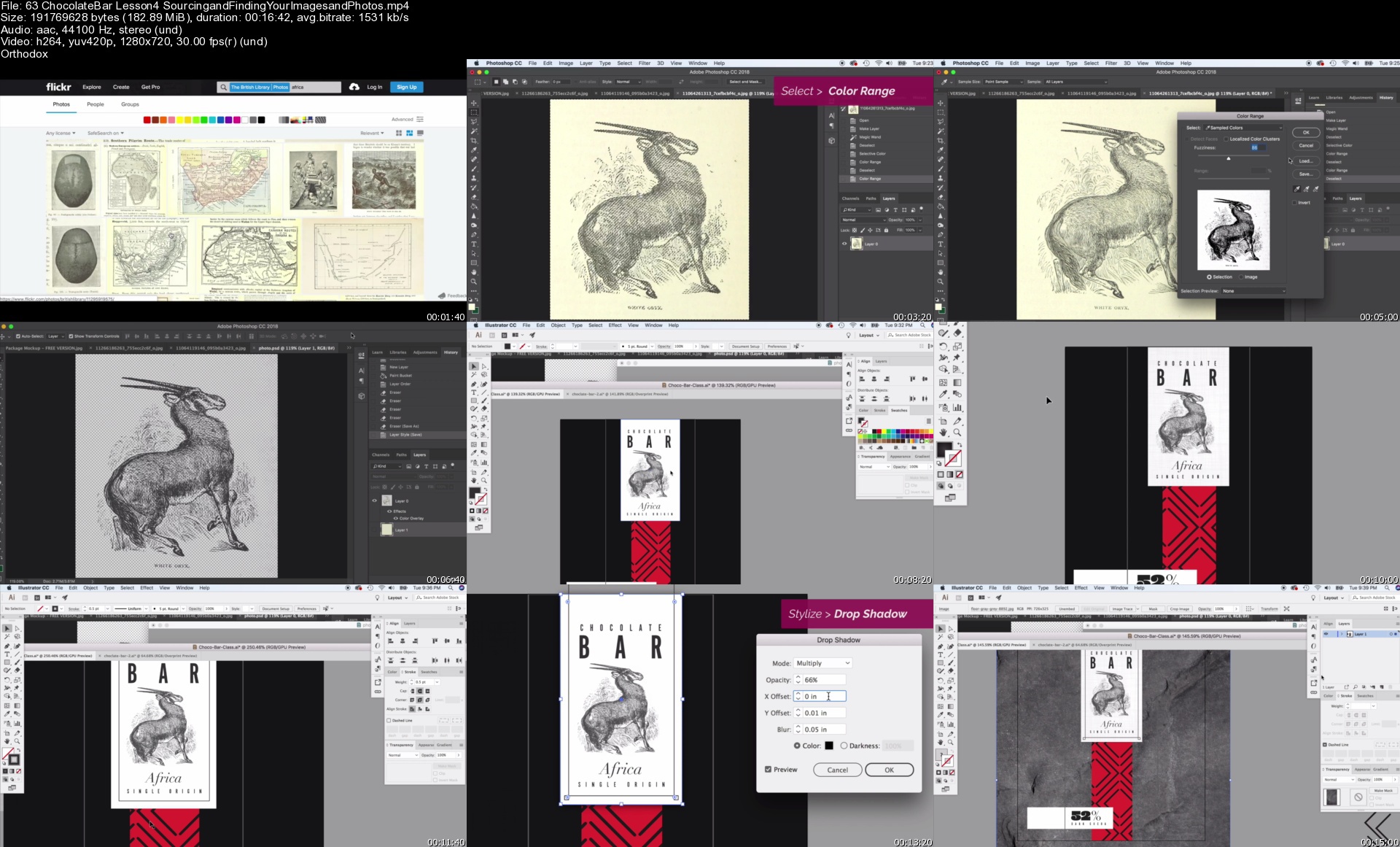
Nov 2018 - New Package Design Lessons! Design a chocolate bar wrapper from start to finish

The Graphic design masterclass intermediate level, are you ready to level up your design skills

Who should take this class? Those with very basic skills in Adobe Photoshop and Illustrator. You already may be familiar with the pen tool basics understand the layering system and know a few other basic tools. You have a little experience using these programs and have a solid basic working knowledge of these programs.

Or you have taking my Graphic Design Masterclass: Learn Great Design, the first in this masterclass series, although taking this class is not a requirement to join on this one, just those basic software skills. But this class Is a natural next intermediate step.

This is a practical design course meant to teach you techniques and skills by producing real world projects.

We will first talk about intermediate techniques when it comes to Adobe Photoshop, like diving deep with removing complex objects from photos and using the content aware tools. We then will talk about photo composites and put two totally different photos together using curves and other more intermediate Photoshop tools.

We will brush up on your brush tool in Photoshop to learn how to paint on realistic shadows that can be applied to a variety of situations.

We quickly get into real world projects by tackling a fast food burger adthat is both dynamic and helps us practice working with typography, headlines and effects in Adobe Photoshop.

This course includes a fairly large logo design section. We talk about the power of sketching our ideas on paper or in a digital sketching app. This course even includes an extensive downloadable logo design worksheet and we will work through the entire logo design process with the help of this worksheet. We talk about client presentation, when to present to clients, color and even exporting files.

The golden ratio is a great intermediate logo design concept to master and we will do just that in this course.

Speaking of grids we will not stop there, we talk all about the isometric grid system and work through an entire project using isometric grids to create a realistic 3D illustration.

New to this course is an intermediate InDesign section. We will walk through the creation of a magazine spread and cover and talk in more depth about creating strong editorial designs, headlines and crafting compelling stories with photos.

Infographics is a tough topic for designers and can have a steep learning curve, I thought it would make for the perfect project to work through together in this extensive section.

We will walk through topics about how to legally and safely use fonts photos and downloadable vector resources as this is impotent to any maturing designer.

Knowing how to craft effective ads is a great quality to have and can help you have more success as a designer, we will talk about how to create effective advertising as well as work through an entire social media campaign.

There are tons of extra project sections including one on creating a poster using just typography.

Package design is another great intermediate topic and we will go in-depth about the package design process including how to work with files, set them up and create a rich looking package design for a chocolate bar.

Graphic design is more than just creating projects it also about finding work and clients. I have included an entire portfolio building section where we talk about how to create stunning portfolio presentations and how to build them online and offline.

I hope you decide to join me for this incredible journey through lots of fantastic intermediate design topics, projects and more.

Homepage

63chocolatebarlesson4rcjyr.jpg


Giuseppe Ottaviani Producer Masterclass FULL (Update 07/2021)

nrcnkzo99diajeywtikoyiejla.jpg


Giuseppe Ottaviani Producer Masterclass FULL (Update 07/2021)
Latest Update 07/2021
MP4 | Video: h264, yuv420p, 1920x1080 | Audio: aac, 48000 Hz | Duration: 17h 24min | File Size: 20.6 GB
Genre: eLearning | Language: English

Giuseppe Ottaviani is a musician who has long been regarded as 'the producer's producer': a man renowned for sonically superior recordings and the hit-rate to substantiate them. Simply, with Giuseppe, music comes before all. Giuseppe's grouped the course into 8 chapters, comprising of 100 individual videos, which run over 13 Masterclass hours. Giuseppe discusses initial inspirations and how to approach melody, drums, bass and the fundamental aspects of track composition. He also shares his experience in mixing and mastering, whilst giving clear insights (all subtitled in English) into his arguably peerless work approach.

Over the duration of the Masterclass Giuseppe builds a new track from the ground up, providing the most practical of examples and open insights into his work method. "This is not, he is keen to emphasise, about giving people a lot of tricks, quick tip tutoring bits, how-to's, etc and saying 'there you go!' There is an endgame here. What I would love is for newer producers to use this as a major step towards releasing music professionally. Once you've taken the course and absorbed it you can download the stems for this new production and put that newfound knowledge to practical use in remixing it. The best remix will be released on GO Music in 2021

Update July 2021 : Added missing Chapter 9

Homepage

3.1.2studiogearsj6jqj.jpg


Etsy Shop SetUp, SEO & Ads - Beginner To Advanced 2021

008645e4vkjjf.jpg


Etsy Shop SetUp, SEO & Ads - Beginner To Advanced 2021
Published 7/2021
Duration: 9h 4m | Video: .MP4, 1280x720 30 fps | Audio: AAC, 44.1 kHz, 2ch | Size: 10 GB
Genre: eLearning | Language: English

Set up & grow your own WILDLY successful Etsy shop FAST, without ANY existing products or skills. Complete 2021 guide.


What you'll learn:
Step-by-step guide to create your own WILDLY successful Etsy shop FAST from anywhere on earth WITHOUT existing products or skills!
5 FREE DOWNLOADS including: Etsy competitor analysis spreadsheet, Etsy profit calculator, Etsy advertising metrics tool, 14 FREE Pinterest graphics, and more!
SECRET to EFFORTLESSLY find winning products to sell on Etsy WITHOUT any creative skills! (Lectures 13-20)
Etsy SEO - #1 guide to rank & make sales WHILE YOU SLEEP in 2021! (Lectures 39-45)
Etsy Ads - generate EVEN MORE profit every month with our easy Etsy advertising guide! (Lectures 51-53)
Pinterest Ads for Etsy - profit from Pinterest advertising for only PENNIES on the dollar! (Lectures 65-72)
Google Ads for Etsy - rank your Etsy shop #1 on Google today for CHEAP with this secret strategy! (Lectures 54-64)
Step-by-step guide to create STUNNING, highly-converting product images WITHOUT ANY design experience. (Lectures 41-43)
Read the minds of your future customers to know EXACTLY what they want. (Lectures 34-38)
? Results or 100% of your money back within 30 days of purchase. Enroll now before this offer expires!
Requirements:
1. Wifi
2. Laptop / Computer
3. Hunger to learn & taking charge of your own life
Description:
★★★ How to Create & Grow Your Own WILDLY Successful Etsy Shop FAST in 2021 ★★★

(This works EVEN IF if you've tried before & failed or have zero experience!)

Did you know that over 60% of people hate their jobs yet...

Only 2.4% of these people have the freedom & ability to quit?

The problem is that most people are completely unaware that there has literally never been a better & easier time to generate income online especially on Etsy!

Even if they've heard of others who are crushing it on Etsy they don't think they have the tools, skills (or products) they need to succeed.

Luckily for you, there's a solution!

Let us introduce you to the Etsy Success Masterclass.

In this course, you will gain...

5 FREE DOWNLOADS including: Etsy competitor analysis spreadsheet, Etsy profit calculator, Etsy advertising metrics tool, 14 FREE Pinterest graphics, and more!

SECRET to effortlessly find winning products to sell on Etsy WITHOUT any creative skills!

Etsy SEO - #1 guide to rank & make sales WHILE YOU SLEEP in 2021!

Etsy, Google, & Pinterest Ads - generate EVEN MORE profit every month with our easy Etsy advertising guide!

Step-by-step guide to create STUNNING, highly-converting product images WITHOUT ANY design experience.

And so much more!

Now, what gives us (Ali & Sumner) a single ounce of credibility to teach you this topic?

First, we're part of the 2.4% of people who generate a full-time income selling products online with Etsy being our second most profitable sales channel.

We're here to help you do the same but don't just take our word for it.

Read some of the raving student reviews of this course for yourself!

Whether you are a complete beginner OR you want to SKYROCKET your current Etsy result, this course has everything you need to succeed.

RISK-FREE: If this course doesn't deliver results, Udemy will refund your entire purchase amount within 30 days. NO questions asked!

You have nothing to lose and so much to gain!


Who this course is for:
This course is ONLY for you if...
1. If you are willing to put in the time & work to change your life.
2. You're a complete beginner or current Etsy seller who wants to MAXIMIZE your return from Etsy.
If so, ENROLL NOW before this offer ends!

Homepage

5.createapowerfulkeywxxk2t.jpg


Complete HTML and CSS Course (Beginner to Advanced)

qar3gvmvz5qsa9gttalrv59kx9.jpg


Complete HTML and CSS Course (Beginner to Advanced)
Genre: eLearning | MP4 | Video: h264, 1280x720 | Audio: AAC, 48.0 KHz
Language: English | Size: 5.42 GB | Duration: 12h 43m

Start your Software Development Journey here. Build and deploy responsive websites using HTML and CSS.


What you'll learn
Introduction to the Course
How the Web Work
Definition of Terms
Downloading and Installing Google Chrome
Downloading and Installing Visual Studio Code
Introduction to HTML
Anatomy of HTML
Tags
Attributes
Elements
Boilerplate
Heading Element, Paragraph Element, Break Element and List Element
Detail Element, Summary Element, Emphasis Element and HR Elements
Anchor Element, Article Element and Aside Element
Working With Media files
Blockquote Element, Button Element, Del Element and Ins Element
Iframe Element, Progress Element, Label Element, Small Element, Span Element, Sub and Sup Elements
Table Element, Div Element, Nav Element and Section Element
Form Element and Footer Element
Introduction to CSS, Adding CSS to HTML
Selector, Property, Value
Declaration, Declaration Block, CSS Rule
Selectors (Element, Class, and ID selectors)
Specificity
Pseudo-selectors
Advanced Selectors
Colors
Opacity and Gradient
Background Properties
Units in CSS
Fonts
Google Fonts
CSS Box Model
Shadow
Display Property
Project (Building a Landing Page)
CSS Flexbox
Working with Flex Items
CSS Grid
Transition Property
Transform Property
Animation
Media Query
Project (Building a form)
Project (Building a form, collecting and accessing data from the form)
Project (Building a dashboard)
Project (Building a Modern website, Uploading and using images from cloudinary)
Project (Making the website responsive)
Deployment (Git and Netlify)
Conclusion


Description
This course covers the interests of both beginners and advanced developers. You will learn how to build websites and make them responsive using HTML5 and CSS3. It covers over 50 HTML elements.

It also teaches CSS from basics up to CSS Grid, Flexbox, Transition, Animation. This course backs every explanation with coding example(s). Finally, it has projects built right in your face which you can follow along and have projects built at the end of the course.

So this is the place to start your coding journey, you will have such a smooth sail with our ever-ready guidance. The beginning lessons are made for beginners so if you are completely new to this, you will learn all that you need to forge ahead.

For those who are already familiar with the basics, you may want to skip to your section(s) of interest.

At the end of this course, you will be able to build cool modern websites, make them responsive, and deploy them on the World Wide Web. You will also be ready to take on CSS frameworks like Bootstrap, Tailwind, etc.

And if you decide to take on other frontend technologies like JavaScript, it will be a smooth sail. This course is the foundation you need. Here is what you will learn:

How the Web Works

Definition of Terms

Downloading and Installing Google Chrome

Downloading and Installing Visual Studio Code

Introduction to HTML

Anatomy of HTML

Tags

Attributes

Elements

Boilerplate

Heading Element, Paragraph Element, Break Element and List Element

Detail Element, Summary Element, Emphasis Element and HR Elements

Anchor Element, Article Element and Aside Element

Working With Media files

15. Blockquote Element, Button Element, Del Element and Ins Element

Iframe Element, Progress Element, Label Element, Small Element, Span Element, Sub and Sup Elements

Table Element, Div Element, Nav Element and Section Element

Form Element and Footer Element

Introduction to CSS, Adding CSS to HTML

Selector, Property, Value

Declaration, Declaration Block, CSS Rule

Selectors (Element, Class, and ID selectors)

Specificity

Pseudo-selectors

Advanced Selectors

Colors

Opacity and Gradient

Background Properties

Units in CSS

Fonts

Google Fonts

CSS Box Model

Shadow

Display Property

Project (Building a Landing Page)

CSS Flexbox

Working with Flex Items

CSS Grid

Transition Property

Transform Property

Animation

Media Query

Project (Building a form)

Project (Building a form, collecting and accessing data from the form)

Project (Building a dashboard)

Project (Building a Modern website, Uploading and using images from cloudinary)

Project (Making the website responsive)

Deployment (Git and Netlify)


Homepage

004buildingawebsitele0akx3.jpg


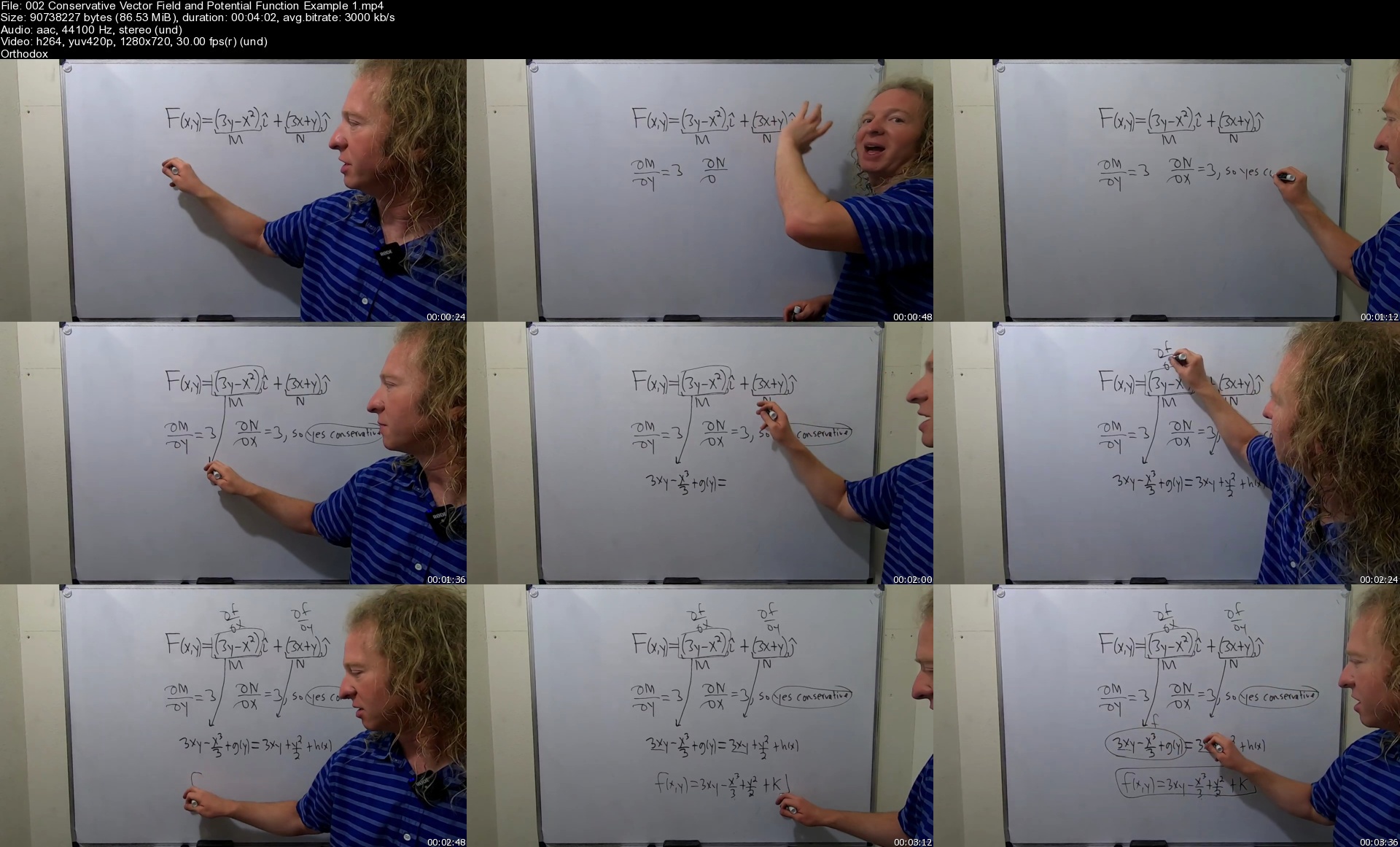
Calculus 3 with the Math Sorcerer

yxmmvx6wjhvrehy4adw6ljwjs6.jpg


Calculus 3 with the Math Sorcerer
MP4 | Video: h264, 1280x720 | Audio: AAC, 44.1 KHz, 2 Ch
Genre: eLearning | Language: English + srt | Duration: 280 lectures (19h 39m) | Size: 12.1 GB

Learn Calculus 3 with the Math Sorcerer:)

What you'll learn:
Understand Vectors in the Plane
Understand the Three Dimensional Coordinate System
How to Plot Points in Three Dimensions
Find the Magnitude of Vectors in Two Dimensions and Three Dimensions
How to Find the Vector Given the Initial and Terminal Points
How to Sketch a Vector in Standard Position
Understand what a Unit Vector Actually Is
How to Find a Unit Vector in the Direction of Another Vector
How to Construct a Vector with a Given Magnitude in the Direction of Another Vector
How to Find the Terminal Point of a Vector Given the Vector and its Initial Point
How to Find a Unit Vector in the Direction Opposite of a Vector
How to Compute the Dot Product
How to Determine if Vectors are Orthogonal
How to Find the Angle Between Two Vectors
How to Compute the Dot Product Given the Magnitudes of Vectors and the Angle Between Them
How to Find Two Vectors in Opposite Directions Orthogonal to a Given Vector
Understand What Direction Cosines and Direction Angles Are
How to Derive the Formulas for Direction Cosines and Direction Angles
How to Find Direction Cosines
How to Find Direction Angles
How to Find the Cross Product
How to Find a Unit Vector Orthogonal to Two Vectors
How to Find the Distance Between Two Points in Space
How to Find the Equation of a Sphere Given the Center and Radius
How to Find the Equation of a Sphere Given the Endpoints of the Diameter
How to Write the Equation of the Sphere in Standard Form by Completing the Square and Find the Center and Radius
How to Derive the Formulas for the Parametric and Symmetric Equations of a Line in Space
How to Find the Equation of a Line in Space Given a Point and a Parallel Vector
How to Find the Equation of a Line in Space Passing through Two Points
How to Find the Equation of a Line in Space Given a Point and a Parallel Line
How to Find the Equation of the Plane Given a Point and a Normal Vector
How to Find the Equation of a Plane Given Three Points
How to Find the Equation of the Plane that is Parallel to the z-axis Given Two Points
How to Find the Equation of a Plane Given a Point and a Line on the Plane
How to Find the Equation of a Plane Given Two Points and a Perpendicular Plane
Understand Cylindrical Coordinates and Why they Are Useful
How to Convert from Cylindrical Coordinates to Rectangular Coordinates
How to Convert from Rectangular Coordinates to Cylindrical Coordinates
How to Convert Rectangular Equations to Cylindrical Equations
How to Convert Cylindrical Equations to Rectangular Equations
Understand Spherical Coordinates
How to Convert Spherical Coordinates to Rectangular Coordinates
How to Convert Rectangular Coordinates to Spherical Coordinates
How to Convert Spherical Equations to Rectangular Equations
How to Convert Rectangular Equations to Spherical Equations
Understand Vector-Valued Functions
How to Graph a Vector-Valued Function, Find the Orientation of the Graph, and Write it in Rectangular Form
How to Represent Plane Curves as Vector-Valued Functions
How to Represent Any Circle as a Vector-Valued Function
How to Represent Any Ellipse as a Vector-Valued Function
How to Represent Any Hyperbola as a Vector-Valued Function
How to Evaluate Limits involving Vector-Valued Functions
How to Determine the Intervals on which a Vector-Valued Function is Continuous
How to Find the Derivative of a Vector-Valued Function
How to Find the Second Derivative of a Vector-Valued Function
How to Find the Intervals where a Vector-Valued Function is Smooth
How to Solve Differential Equations with Vector-Valued Functions
How to Evaluate Indefinite Integrals with Vector-Valued Functions
How to Evaluate Definite Integrals with Vector-Valued Functions
How to Find the Velocity, Speed, and Acceleration Given a Position Function as a Vector-Valued Function
How to Find the Position Function Given the Velocity and Acceleration
Understand the Unit Tangent Vector
How to Compute the Unit Tangent Vector
How to Find the Equation of a Tangent Line in Space
Understand the Principal Unit Normal Vector
How to Find the Principal Unit Normal Vector
Understand Arc Length
Understand the Arc Length Function
How to Compute Arc Length
Understand Curvature
Understand the Curvature of a Circle Intuitively
How to Compute the Curvature of a Circle
How to Compute Curvature using Various Formulas
Understand Functions of Several Variables
How to Evaluate Functions of Several Variables
How to Find the Domain and Range of Functions of Several Variables
How to Find the Level Curves of a Function
How to Find Limits for Functions of Several Variables
How to Show a Multivariate Limit Does Not Exist
How to Use Polar Coordinates to Evaluate Limits for Functions of Several Variables
Understand Partial Derivatives
How to Compute Partial Derivatives
Understand the Notation for Higher Order Partial Derivatives
How to Compute Higher Order Partial Derivatives
How to Show a Function Satisfies Laplace's Equation
How to Show a Function Satisfies the Heat Equation
How to Show a Function Satisfies the Wave Equation
How to Show a Function Satisfies the Cauchy Riemann Equations
How to Compute the Total Differential
How to Use the Total Differential To Approximate a Function of Several Variables
Understand the Chain Rule for One Independent Variable
How to use the Chain Rule to Find the Derivative in the One Independent Variable Case
Understand the Chain rule for Two Independent Variables
How to use the Chain Rule to Find the Derivative in the Two Independent Variable Case
How to Find dy/dx using Calculus 3 Methods
How to Differentiate Multivariable Functions Implicity
Understand Directional Derivatives
How to Compute Directional Derivatives
Understand the Gradient
How to Compute the Gradient
How to Find the Maximum Value of the Directional Derivative
How to Find a Unit Normal Vector Given a Surface
Understand Tangent Planes and Normal Lines
How to Find the Equation of a Tangent Plane and the Equation of the Normal Line
How to use the Second Partials Test to Find Relative Extrema and Saddle Points
How to Find the Minimum Distance from a Point to a Plane
How to use Lagrange Multipliers to Find Relative Extrema
How to use Lagrange Multipliers in the Case with Two Constraints
How to Integrate Multivariable Functions with respect to One Variable
Understand Iterated Integrals
How to Evaluate Iterated Integrals
How to Switch the Order of Integration in Iterated Integrals
Understand Double Integrals
How to Write Both Orders of Integration in Double Integrals
Understand Triple Integrals
How to Evaluate Triple Integrals
Understand Vector Fields
How to Determine if a Vector Field is Conservative
How to Find the Potential Function for a Conservative Vector Field
How to Compute the Divergence of a Vector Field
How to Compute the Curl of a Vector Field
How to Evaluate a Line Integral
How to Evaluate the Line Integral of a Vector Field
How to Evaluate a Line Integral in Differential Form
How to Compute the Work Done by a Force Field
Understand Projections
How to find the Projection of u onto v
How to find the Vector Component of u along v

Requirements
Calculus 1 and Calculus 2
Knowledge of Basic Calculus


Description
This Calculus 3 Course has hundreds of videos:)

Note: If you know some Calculus 1 you could probably jump in and complete a significant portion of this course without Calculus 2.

Basically just,

1) Watch the videos, and try to follow along with a pencil and paper, take notes!

2) Try to do the problems before I do them(if you can!)

3) Repeat!

Calculus 3 is an absolutely beautiful subject. I hope you enjoy watching these videos and working through these problems as much as I have:)

Who this course is for
Anyone Who Wants to Learn Calculus 3

Homepage

002conservativevectoryfjwa.jpg


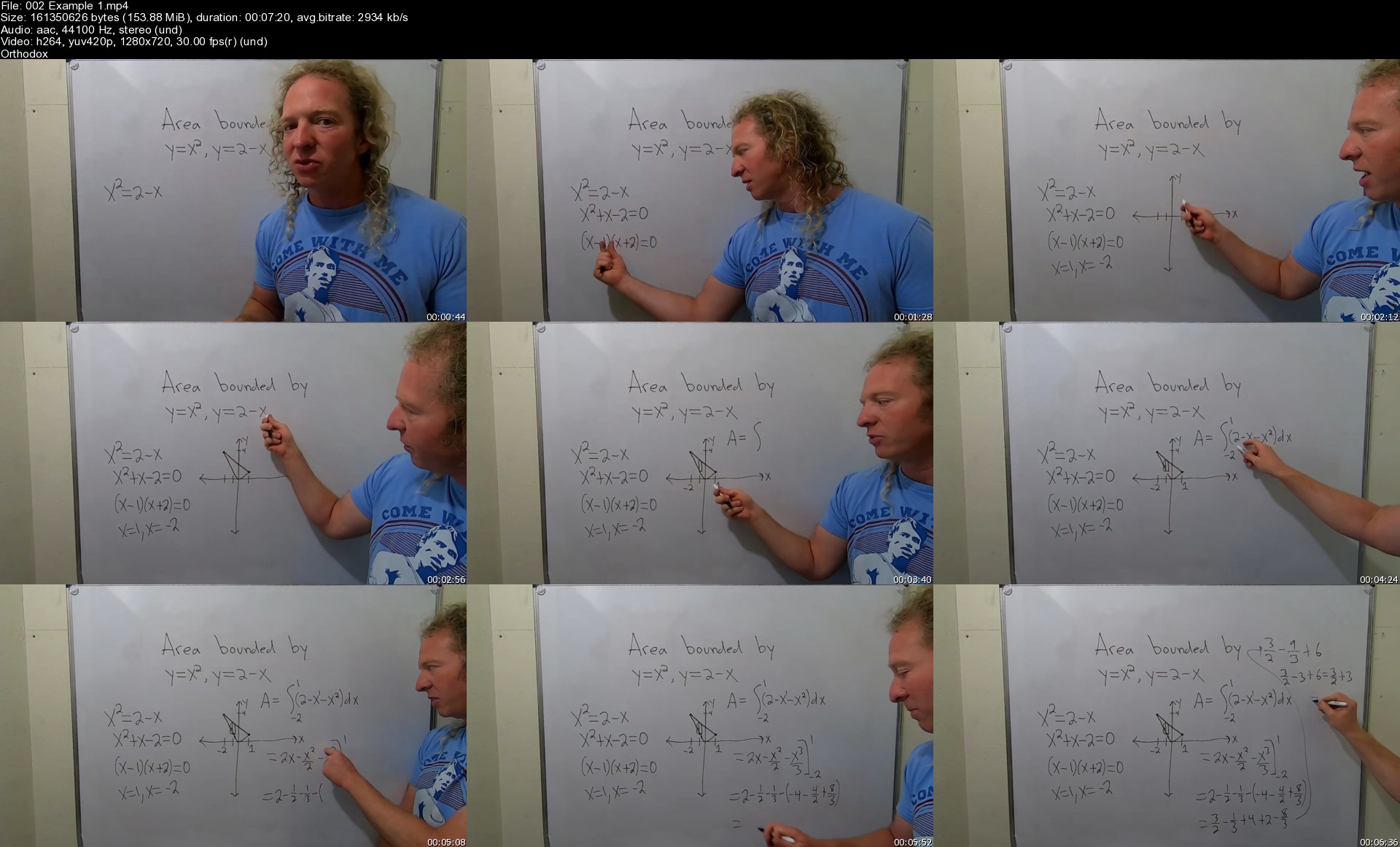
Calculus 2 with the Math Sorcerer

0vrg2ibuojlqrrspsqn6jo6kcb.jpg


Calculus 2 with the Math Sorcerer
MP4 | Video: h264, 1280x720 | Audio: AAC, 44.1 KHz, 2 Ch
Genre: eLearning | Language: English + srt | Duration: 503 lectures (36h 31m) | Size: 14.6 GB

****500+ VIDEOS**** - This the ULTIMATE Calculus 2 Course!!

What you'll learn:
More Calculus 2 Than You Will Learn in Any Class, Guaranteed:)
How to Find the Derivatives of the Inverse Trigonometric Functions
How to Write a Trigonometric Expression in Algebraic Form
How to Find the Equation of the Tangent Line
How to Evaluate Integrals leading to Inverse Trigonometric Functions
How to Solve Simple Differential Equations Involving Inverse Trig Functions
How to Derive Some of the Inverse Trig Functions from Scratch
How to Find the Tangent Line using Implicit Differentiation
How to Find Relative Extrema using the First Derivative Test
The Definitions of the Hyperbolic Functions
How to Evaluate the Hyperbolic Functions
How to do Basic Proofs for Identities Involving the Hyperbolic Functions
How to Compute the Derivatives and Integrals of Hyperbolic Functions
How to Compute Definite Integrals with Hyperbolic Functions
How to Compute Limits, Tangent Lines, and Extrema in problems involving Hyperbolic Functions
How to Graph Some of the Hyperbolic Functions
How to Derive Some of the Hyperbolic Functions
How to Find the Area Between Two Curves using Calculus
How to use the Disk and Washer Methods to Find the Volume of a Solid of Revolution
How to use the Shell Method to Find the Volume of a Solid of Revolution
How to Derive the Formula for the Arc Length of a Curve
How to Find the Arc Length
How to Find the Surface Area for a Surface of Revolution
How to Derive the Formula for Work From Scratch Using Calculus
How to Find Work in Applications Involving Hooke's Law
How to Find the Center of Mass and the Center of Gravity
How to Compute Basic Integrals
How to Compute Basic Integrals using Formulas that Lead to the Natural Log
How to Compute Integrals with Bases other than e
How to Use the Integration by Parts Formula
How to Use Tabular Integration
How to Compute Integrals Involving Powers of Sine and Cosine
How to Compute Integrals Involving Powers of Secant and Tangent
How to Use Trigonometric Substitution
How to Integrate by first using Partial Fraction Decomposition
How to Evaluate Limits at Infinity
How to Use L'hopital's Rule
How to Determine if an Integral is Improper
How to Evaluate Improper Integrals with Infinite Limits
How to Evaluate Improper Integrals with Infinite Discontinuities
How to use the P-Test and the Comparison Test for Improper Integrals to Determine Convergence or Divergence
How to Write Parametric Equations in Rectangular Form
How to Graph Parametric Equations and Indicate the Orientation
How to Determine where a Curve is Not Smooth
How to Find the First Derivative and the Slope at a point given Parametric Equations
How to Find the Second Derivative and the Concavity at a point given Parametric Equations
How to Find the Open t-intervals where Parametric Equations are Concave Up and Concave Down
How to Find the Equation of the Tangent Line Given Parametric Equations and a Point (or a value of the parameter)
How to Determine the Vertical and Horizontal Tangent Lines Given Parametric Equations
How to Find the Arc Length Given Parametric Equations
How to Plot Polar Coordinates
How to Convert Polar Coordinates to Rectangular and Rectangular to Polar
How to Convert Polar Equations to Rectangular Equations and Rectangular Equations to Polar Equatoins
How to Find Area using Polar Coordinates
Understand the Definition of a Sequence
Understand what it means for a Sequence to Converge or Diverge
How to Find the Limit of Almost Any Sequence using Intuition and Growth Rates
Understand what a Series Actually is
Understand what it means for a Series to Converge and what it means to Diverge
How to Evaluate the Sum of a Series when the Series is Telescoping
Understand when a Geometric Series Converges and when it Diverges
How to Compute the Sum of a Convergent Geometric Series using a Formula(not found in books)
Understand How to Prove the nth Term Test
How to use the nth term test for Divergence
How to Use the Integral Test to Determine Convergence or Divergence of Series
How to use the p-test for Infinite Series
How to find the domain of the Riemann Zeta Function
How to use the Direct Comparison Test
How to use the Limit Comparison Test
How to use the Alternating Series Test
How to Determine if a Series Converges Absolutely or Conditionally or Diverges
How to use the Ratio Test
How to use the Root Test
How to Compute Maclaurin Polynomials
How to Compute Taylor Polynomials
How to use a Maclaurin Polynomial to Approximate a Function
Understand what a Power Series actually is
Understand The Convergence Theorem both rigorously and intuitively in both the Real Case and the Complex Case
How to Find the Center of a Power Series
How to Find the Radius of Convergence of a Power Series
How to Find the Interval of Convergence of Power Series
Understand Geometric Power Series
How to Write a Function as a Power Series and Find it's Interval of Convergence
How to Find a Power Series Representation of a Function by Differentiating First
Understand both Taylor and Maclaurin Series
How to Find both Taylor and Maclaurin Series

Requirements
Calculus 1 is the usual prerequisite since this is Calculus 2:)
Knowledge of basic differentiation rules and integration rules


Description
This is literally the ULTIMATE Calculus 2 Course as it contains over 500 videos!!

Basically just,

1) Watch the videos, and try to follow along with a pencil and paper, take notes!

2) Try to do the problems before I do them(if you can!)

3) Repeat!

If you finish even 50% of this course you will know A LOT of Calculus 2 and more importantly your level of mathematical maturity will go up tremendously!

Calculus 2 is an absolutely beautiful subject. I hope you enjoy watching these videos and working through these problems as much as I have:)

Who this course is for
Students who know basic calculus
Students who have had calculus 1 course

Homepage

002example1sdrjgy.jpg


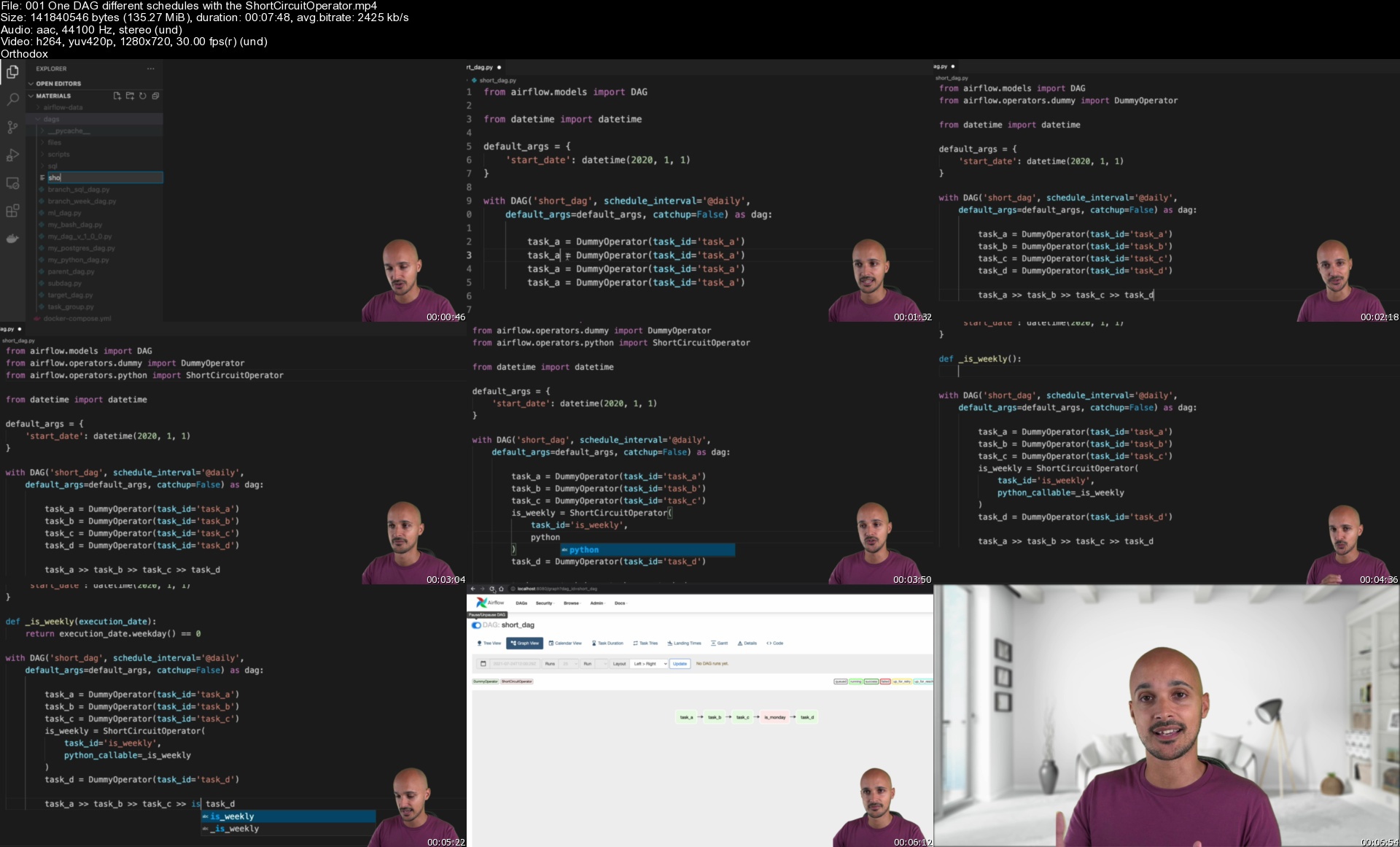
Apache Airflow: The Operators Guide

lncw0t4icbipo12fo20nvthkph.jpg


Apache Airflow: The Operators Guide
Genre: eLearning | MP4 | Video: h264, 1280x720 | Audio: AAC, 44.1 KHz
Language: English | Size: 7.22 GB | Duration: 7h 16m

Step up with Apache Airflow! Master Airflow Operators and create incredible data pipelines!


What you'll learn
Master Apache Airflow Operators
How to version your DAGs
How to create DAG dependencies efficiently
How to trigger your DAGs on specific days
Create Incredible Data Pipelines by truly understanding Airflow operators


Description
Apache Airflow has more than 700 Operators and 70 tools it can interact with.

It's huge! ?

Operators are tasks in your data pipeline. They are important as they correspond to the actions of your data pipeline, to the different steps to produce the output you want.

Now,

Do you know well the Airflow's operators?

Do you want to create reliable data pipelines?

Are you looking for best practices around Operators?

If yes, you've come to the right place!

With the course Apache Airflow: The Operators Guide, will be able to

Version your DAGs

Retry your tasks properly

Create dependencies between your tasks and even your DAG Runs

Demystifies the owner parameter

Take actions if a task fails

Choose the right way to create DAG dependencies

Execute a task only in a specific interval of time

Group your tasks to make your DAG cleaner (not with SubDAG)

Trigger your DAG based on a Calendar

and much more!

Warning! You must already know Airflow! Think of this course as your Airflow Operators Reference.

The operator you are looking for is there?

If you already know Airflow and you're ready to step up! Enroll now and truly take your data pipelines to another level. ?


Who this course is for:
Data engineers
Data scientist
Business Analysts
Software Engineers


Homepage

001onedagdifferentschxykqs.jpg


Robocorp, Python & Robot Framework - FullStack RPA Developer

zzmmzkxy2m5a4da9v0zw33djg5.jpg


Robocorp, Python & Robot Framework - FullStack RPA Developer
MP4 | Video: h264, 1280x720 | Audio: AAC, 44.1 KHz, 2 Ch
Genre: eLearning | Language: English + srt | Duration: 44 lectures (8h 52m) | Size: 5.17 GB

Learn Robocorp, Robot Framework & Python For Robotic Process Automation. Explore OpenSource RPA Career Opportunity

What you'll learn:
Open Source technical stack for robotic process automation with Robocorp, Robot Framework, Jupiter Notebook & Python
ROBOCORP : Python based stack for automating any repetitive process. Build locally, operate from the cloud, run anywhere
Robot Framework code to build micro robots
Python version of micro robots
RPA Framework Libraries - XLS, PDF, DOC, Email, REST API, Browser With Selenium, Archive, File System, JSON, Desktop Application & More
Robot Orchestration : Attended Robots, UnAttended Robots, Robot Assistant, Vault Secrets, API, Data Pipeline and More
RCC Toolchain : Manage Bots from command line. Create On-Premise Unattended Robots Using Jenkins & RCC Toolchain Integration.
Smart Robots : Google Cloud Platform integration with Robots, Vision API Image Processing, Text To Speech, Sentiment Analysis, Speech Recognition and More
Robot Delivery Process to understand the RPA project workflow
Salesforce CRM software bots development. Automate CRM workflows

Requirements
Basic logic implementation understanding.


Description
!! Full Stack RPA Developer Course !!

Open Source Alternative of UiPath, Blue Prism & Automation Anywhere. Explore Open Source RPA Career Opportunity

The world is changing rapidly and accepting future digital workforce across business verticals. Starting from healthcare, medical research, space research, travel industry, e-commerce industry, upcoming massive 5g wireless technologies and many more. All of these industries investing huge time and money to make their business process automated in coming days. So would like to be a full stack RPA developer and want to explore untapped opportunity ?

Then Explore Open Source Robotic Process Automation by ROBOCORP, Robot Framework and Python. Below are details of this course.

Open Source technical stack for robotic process automation with Robocorp, Robot Framework, Jupiter Notebook & Python

ROBOCORP : Python based stack for automating any repetitive process. Build locally, operate from the cloud, run anywhere

Robot Framework code to build micro robots

Python version of micro robots

RPA Framework Libraries - EXCEL, PDF, DOC, Email Application, REST API Automation, Browser With Selenium, Archive ZIP/TAR, File System & Directories, JSON, Desktop Application & More.

Robot Orchestration : Attended Robots, UnAttended Robots, Robot Assistant, Vault Secrets, API, Data Pipeline and More

RCC Toolchain : Manage Bots from command line

Smart Robots : Google Cloud Platform integration with Robots, Vision API Image Processing, Text To Speech, Sentiment Analysis, Speech Recognition and More

Robot Delivery Process to understand the RPA project workflow

Learn with your own choice of subtitle text with this course. Please drop me a message if you need any specific language support for subtitle text for this course.

I wish you good luck to start your open source RPA journey.

Who this course is for
Anyone who would like to create an impact in future digital workforce creation
Anyone who would like to automate their daily repetitive tasks and improve productivity
Robot Framework Programmer & Python Programmer
RPA Developer & RPA Programmer

Homepage

007robocloudworkitemdmijku.jpg


Palo Alto Firewall PCNSE | comprehensive Panorama Training

gzuq4hingl8kraoskiojxwujp9.jpg


Palo Alto Firewall PCNSE | comprehensive Panorama Training
Genre: eLearning | MP4 | Video: h264, 1280x720 | Audio: AAC, 48.0 KHz
Language: English | Size: 9.60 GB | Duration: 19h 32m

Manage multiple Palo Alto Firewalls with Panorama | videos | Step by Step LAB Workbook | Rack Rental | Trainer Support


What you'll learn
Configure and Manage multiple Palto Alto Firewall via Panorama
Understand Palo Alto Firewalls Deployment Methods using Panorama
Palo Alto interface Type, with industry use cases and its deployment via the Panorama
Understand how to deploy Palo Alto Firewalls using Panorama in Branch, Data Centre and Cloud Environment
Understand and Configure Palo Alto Firewalls Security Policies, Shared, pre, Post and local Rules and deployment via the Panorama
Understand and configure Palo Alto Firewalls NAT, Static NAT, Port Forwarding via the Panorama
Understand and configuration of User ID Integration and industry use cases via Panorama
Understand and configuration of Security Profiles and Group like AntiSpyware, AntiVirus, IPS configuration via Panorama
Understand and configure SSL Decryption using Panorama and creating exception
Understand and configure WildFire, URL filtering, Whitelisting URL with industry use cases
Understand and configure App-ID, App-group, App-Filtering, creation of custom app and deployment and testing via Panorama
Understand and configure the advance Feature of Palo Alto Firewall, like Policy Based Forwarding, Application Override, QOS, DDOS, Tunnel Inspection via Panorama
Understand and Configure the Palo Alto to Palo Site to Site VPN via Panorama
Understand and Configure the Palo Alto to Multivendor VPN like Juniper SRX, Check Point , Cisco router, Cisco ASA, Cisco FTD, and Fortinet Firewall via Panorama
Understand and Configure the Palo Alto Global Protect via Panorama
Understand the industry best practices to Design, deploy, manage and optimise Security Rules in Panorama
Understand Palo Alto Packet Capture and other Troubleshooting Technique


Description
Welcome to Palo Alto PCNSE with the Panorama NextGen Firewall training program.

"Palo Alto is an industry leader in the next-gen Firewall". The course covers the
Palo Alto Firewall "basis to advance", concepts in a most practical way ensuring that delegates not only pass the exam but are also ready for a real-world environment.

It not only covers the PCNSE topic but also provides industry use cases like whitelisting of application, web-filtering, Threats, industry best practices, rules modification, Troubleshooting, and day-to-day support and become a Palo Alto Firewall Consultant.

About Trainer!!

Taught by an expert in Networking and cybersecurity with 22+ years of experience, this course is designed based on one philosophy in mind "Learn Today and apply Tomorrow".

The videos are created in a more fun way and with a practical approach in mind so delegates can master next-gen firewalling in Palo Alto and be ready to serve in any type of organization.

Objective!!

The course has been designed for delegates who are not just looking to just pass the exam but looking to

· Architect

· Consult

· Configure /Setup

· Deploy

· Support /BAU

· Troubleshoot and day to day administer the "Palo Alto Firewalls using the Panorama"

After completion, you will have the ability to design, implement, maintain, and troubleshoot advanced Palo Alto product features.

This course will provide you with full coverage of the multiple domains of the Palo alto exam:

1. Management

2. Design and overview,

3. Network Setup

4. Routing and Basic infrastructure

5. Security and NAT Rules

6. Services

7. URL

8. Threats

9. App-ID

10. Advance Features like Policy-Based forwarding (PBF)

11. Tunnel inspection

12. App-Override

13. SSL decryption

14. Site to Site VPN with multiple Vendors

15. RVPN - Global Protect

This course stays current and up to date with the latest release of the Palo Alto Firewall with Panorama exam and provides a 30-day money-back guarantee if you are not satisfied with the quality of this course for any reason!

Palo Alto PCNSE Self-paced digital Learning program

***30 Days Lab with industry use cases (workbook)***

The course has included videos only with industry use cases and has been demonstrated on our pre-build physical LAB.

For an ultimate hands-on practical experience why not, contact us and book your

· HD Quality Videos by Udemy

· 30 Days LAB access via the Remote VPN

· 100+ workbook Setup by step-by-step configuration guide (some are attached)

· Trainer Support where applicable


Who this course is for:
Delegate who is Looking to deploy Palo Alto using Panorama
This course is for students trying to learn the Palo Alto Firewall and looking to Pass the exam PCNSE exam
Any Network or Security Engineer want to design, deploy Palo Alto Firewall using panorama
IT Security engineer working day to day in Palo Alto and Panorama environment
Any Network and Security engineer who is looking to
Any delegate who is looking to become a consultant in Palo Alto environment


Homepage

3.46templatevstemplat5vke4.jpg


How to Become a Software Developer From Scratch

p20vyqecvni47p4eiiz5f7ekrl.jpg


How to Become a Software Developer From Scratch
MP4 | Video: h264, 1920x1080 | Audio: AAC, 44.1 KHz, 2 Ch
Genre: eLearning | Language: English + srt | Duration: 31 lectures (12h 57m) | Size: 5.8 GB

Prepare yourself to excel as a professional developer of enterprise web applications!

What you'll learn:
Basics of the most relevant languages and frameworks for Java enterprise software: Java, Spring, JavaScript, Angular.
Technologies that every software developer needs to know: version control systems, databases, networks and infrastructure.
Most relevant concepts and methodologies for our daily work: Scrum, Extreme Programming, teamwork.
What you need to further study to become a professional software developer: learning tips, books recommendations.
Advanced techniques and practices: Clean Code, SOLID principles, Extreme Programming and more.
A sample enterprise-class web application with a complete source code and business case explanation.

Requirements
Be eager to learn about software development!
You will benefit from the course if you haven't started learning yet - and you want get the feeling what this is all about.
You will also benefit from the course if you have already started learning Java - and you would like to know how it is actually used in real projects.


Description
Watch two parts of the course for free! Spring framework and databases. Click on the "Expand all sections" link and browse through the lessons. You will find two lessons, over 2 hours in total, that do not require buying the course. Enjoy!

Structure of the Course

1. In the first module we will start with talking about IT industry in general.

2. In the second module we will talk about our daily work - how we work in teams and how important teamwork is.

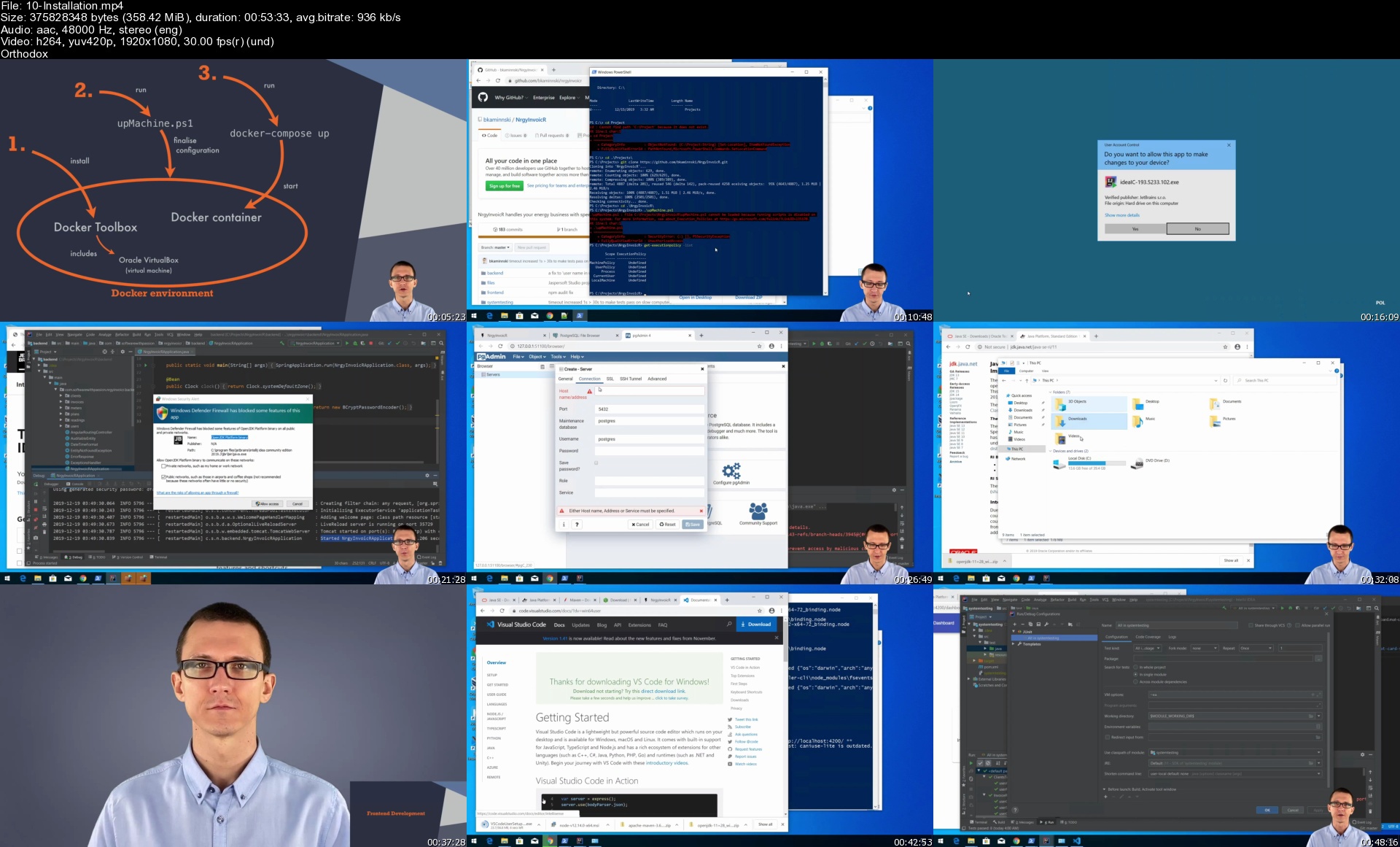
3. In the third module we will together set up a complete local development environment, and demo a sample enterprise-class web application - all to give you the impression of how it actually looks like.

4. In the fourth module we will have an introduction to the most essential technologies: programming in Java, Spring enterprise framework, frontend development (JavaScript and Angular), version control systems, databases, networks and infrastructure.

5. In the fifth module we will go through couple of more advanced topics, to inspire you and to give you strong foundation to further developing your skills.

6. We will finish this course with couple of practical tips about job interviews, sample tasks that you might expect on your first days at a new job, and couple of learning tips.

What You Should Expect

✔ Nearly 13 hours of video content split into 6 modules

✔ Holistic view of IT industry and enterprise software development

✔ Exercises, coding tasks and coding screencasts that demonstrate many of the technical concepts in practice

✔ Straightforward explanations of many of the fundamental techniques and principles illustrated with animated slides

✔ Technologies: Java, Spring, JavaScript, Angular, Git, PostgreSQL, Docker

What You Should Not Expect

✔ This is not a strictly programming course.

In case you want to learn programming A to Z, for example in Java, this is not the course for you. However, this course will explain many of the fundamental techniques and will teach you how you can further study the technologies that we are covering in this course to become a professional software developer.

✔ This course is not for Mac users.

I assume that you have a PC with Windows operating system. In case you own a Mac, you will still benefit from most of the explanations and most of the exercises and all of the coding tasks. However you will not be able to directly repeat all the steps of local development environment setup. Also running a sample system will be even more challenging. Unfortunately I will not help you in case of a Mac.

Who this course is for
Aspiring software developers who want to plan their career and understand IT industry landscape - with the focus on web applications developed for enterprises.
Students of programming languages before their first IT job. In this course we focus on Java + Spring for the backend and JavaScript + Angular for the frontend.
Junior software developers who want to understand what skills are required to become senior, professional software developers.

Homepage

10installations5lk5x.jpg


Zurück
Oben Unten