• Regeln für den Video-Bereich:

    In den Börsenbereich gehören nur Angebote die bereits den Allgemeinen Regeln entsprechen.

    Einteilung

    - Folgende Formate gehören in die angegeben Bereiche:
    - Filme: Encodierte Filme von BluRay, DVD, R5, TV, Screener sowie Telesyncs im Format DivX, XviD und x264.
    - DVD: Filme im Format DVD5, DVD9 und HD2DVD.
    - HD: Encodierte Filme mit der Auflösung 720p oder darüber von BluRay, DVD, R5, TV, Screener sowie Telesyncs im Format x264.
    - 3D: Encodierte Filme von BluRay, die in einem 3D Format vorliegen. Dies gilt auch für Dokus, Animation usw.
    - Serien: Cartoon/Zeichentrick, Anime, Tutorials, Dokumentationen, Konzerte/Musik, Sonstiges sind demnach in die entsprechenden Bereiche einzuordnen, auch wenn sie beispielsweise im High Definition-Format oder als DVD5/DVD9/HD2DVD vorliegen. Ausnahme 3D.
    - Bereich Englisch: Englische Releases gehören immer in diesen Bereich.
    - Bereich Talk: Der Bereich, in dem über die Releases diskutiert werden kann, darf, soll und erwünscht ist.


    Angebot/Beitrag erstellen

    - Ein Beitrag darf erst dann erstellt werden, wenn der Upload bei mindestens einem OCH komplett ist. Platzhalter sind untersagt.
    - Bei einem Scenerelease hat der Threadtitel ausschließlich aus dem originalen, unveränderten Releasenamen zu bestehen. Es dürfen keine Veränderungen wie z.B. Sterne, kleine Buchstaben o.ä. vorgenommen werden. Ausnahme Serienbörse:
    - Bei einem Sammelthread für eine Staffel entfällt aus dem Releasename natürlich der Name der Folge. Beispiel: Die Simpsons S21 German DVDRip XviD - ITG
    - Dementsprechend sind also u.a. verboten: Erweiterungen wie "Tipp", "empfehlenswert", "only", "reup", usw. / jegliche andere Zusatzinformation oder Ergänzung, welche nicht in obiger Beschreibung zu finden ist.

    Aufbau des Angebots und Threadtitel

    Der Titel nach folgendem Muster erstellt zu werden. <Name> [3D] [Staffel] [German] <Jahr> <Tonspur> [DL] [Auflösung] <Quelle> <Codec> - <Group>
    Beispiel: The Dark Knight German 2008 AC3 DVDRip XviD - iND
    Beispiel: The Dark Knight 2008 DTS DL BDRip x264 - iND
    Beispiel: The Dark Knight 2008 AC3 DL BDRip XviD - iND
    Beispiel: The Dark Knight German 2008 AC3 720p BluRay x264 iND
    Beispiel: The Dark Knight 2008 DTS DL 1080p BluRay x264 iND
    Beispiel: Die Simpsons S01 German AC3 DVDRip XviD iND
    Beispiel: Die Simpsons S20 German AC3 720p BluRay x264 iND
    Beispiel: Sword Art Online II Ger Sub 2014 AAC 1080p WEBRip x264 - peppermint
    Entsprechend sind also u.a. verboten: Sonderzeichen wie Klammern, Sterne, Ausrufezeichen, Unterstriche, Anführungszeichen / Erweiterungen wie "Tipp", "empfehlenswert", "only", "reup", usw. / jegliche andere Zusatzinformation oder Ergänzung, welche nicht in obiger Beschreibung zu finden ist
    Ausnahmen hiervon können in den Bereichen geregelt sein.

    Die Beiträge sollen wie folgt aufgebaut werden:
    Überschrift entspricht dem Threadtitel
    Cover
    kurze Inhaltsbeschreibung
    Format, Größe, Dauer sind gut lesbar für Downloader außerhalb des Spoilers zu vermerken
    Nfo sind immer Anzugeben und selbige immer im Spoiler in Textform.
    Sind keine Nfo vorhanden z.B. Eigenpublikationen, sind im Spoiler folgende Dateiinformationen zusätzlich anzugeben :
    Quelle
    Video (Auflösung und Bitrate)
    Ton (Sprache, Format und Bitrate der einzelnen Spuren)
    Untertitel (sofern vorhanden)
    Hosterangabe in Textform außerhalb eines Spoiler mit allen enthaltenen Hostern.
    Bei SD kann auf diese zusätzlichen Dateiinformationen verzichtet werden.

    Alle benötigten Passwörter sind, sofern vorhanden, in Textform im Angebot anzugeben.
    Spoiler im Spoiler mit Kommentaren :"Schon Bedankt?" sind unerwünscht.


    Releases

    - Sind Retail-Release verfügbar, sind alle anderen Variationen untersagt. Ausnahmen: Alle deutschen Retail-Release sind CUT, in diesem Fall sind dubbed UNCUT-Release zulässig.
    - Im Serien-Bereich gilt speziell: Wenn ein Retail vor Abschluss einer laufenden Staffel erscheint, darf diese Staffel noch zu Ende gebracht werden.62
    - Gleiche Releases sind unbedingt zusammenzufassen. Das bedeutet, es ist zwingend erforderlich, vor dem Erstellen eines Themas per Suchfunktion zu überprüfen, ob bereits ein Beitrag mit demselben Release besteht. Ist dies der Fall, ist der bereits vorhandene Beitrag zu verwenden.
    - P2P und Scene Releases dürfen nicht verändert oder gar unter einem iND Tag eingestellt werden.


    Support, Diskussionen und Suche

    - Supportanfragen sind entweder per PN oder im Bereich Talk zu stellen.
    - Diskussionen und Bewertungen sind im Talk Bereich zu führen. Fragen an die Uploader haben ausschließlich via PN zu erfolgen, und sind in den Angeboten untersagt.
    - Anfragen zu Upload-Wünschen sind nur im Bereich Suche Video erlaubt. Antworten dürfen nur auf Angebote von MyBoerse.bz verlinkt werden.


    Verbote

    - Untersagt sind mehrere Formate in einem einzigen Angebotsthread, wie beispielsweise das gleichzeitige Anbieten von DivX/XviD, 720p und 1080p in einem Thread. Pro Format, Release und Auflösung ist ein eigener Thread zu eröffnen.
    - Grundsätzlich ebenso verboten sind Dupes. Uploader haben sich an geeigneter Stelle darüber zu informieren, ob es sich bei einem Release um ein Dupe handelt.
    - Gefakte, nur teilweise lauffähige oder unvollständige Angebote sind untersagt. Dies gilt auch für eigene Publikationen, die augenscheinlich nicht selbst von z.B. einer DVD gerippt wurden. Laufende Serien, bei denen noch nicht alle Folgen verfügbar sind, dürfen erstellt und regelmäßig geupdatet werden.
    - Untersagt sind Angebote, welche nur und ausschließlich in einer anderen Sprache als deutsch oder englisch vorliegen. Ausnahmen sind VORHER mit den Moderatoren zu klären.


    Verstoß gegen die Regeln

    - Angebote oder Beiträge, die gegen die Forenregeln verstoßen, sind über den "Melden"-Button im Beitrag zu melden.
  • Bitte registriere dich zunächst um Beiträge zu verfassen und externe Links aufzurufen.


Englische Tutorials

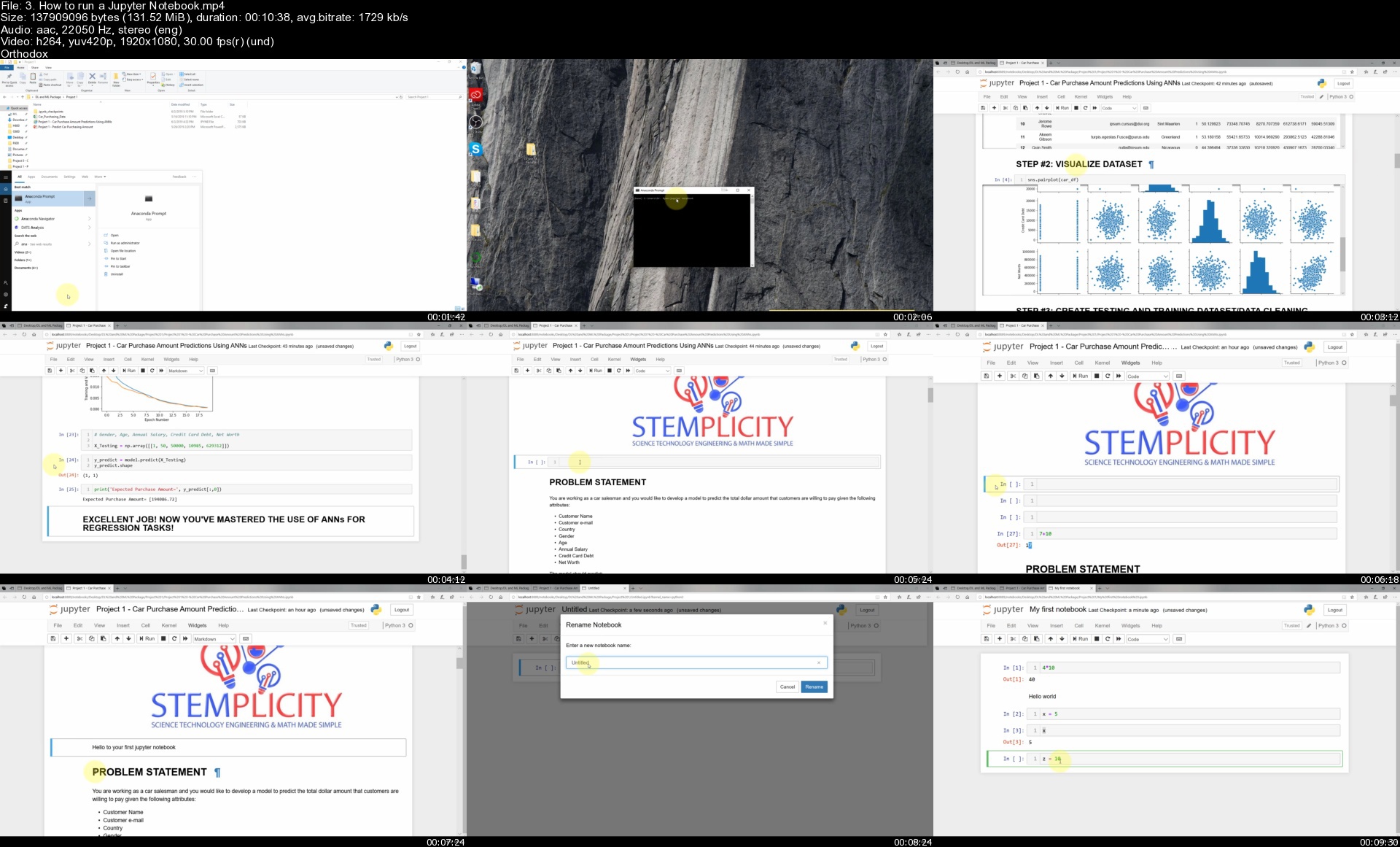
Machine Learning Practical Workout | 8 Real-World Projects

gl6jvzu1mfugncpidntuzvrjqf.jpg


Machine Learning Practical Workout | 8 Real-World Projects
Genre: eLearning | MP4 | Video: h264, 1280x720 | Audio: AAC, 44.1 KHz
Language: English | Size: 7.60 GB | Duration: 14h 14m

Build 8 Practical Projects and Go from Zero to Hero in Deep/Machine Learning, Artificial Neural Networks


What you'll learn
Deep Learning Practical Applications
Machine Learning Practical Applications
How to use ARTIFICIAL NEURAL NETWORKS to predict car sales
How to use DEEP NEURAL NETWORKS for image classification
How to use LE-NET DEEP NETWORK to classify Traffic Signs
How to apply TRANSFER LEARNING for CNN image classification
How to use PROPHET TIME SERIES to predict crime
How to use PROPHET TIME SERIES to predict market conditions
How to develop NATURAL LANGUAGE PROCESSING MODEL to analyze Reviews
How to apply NATURAL LANGUAGE PROCESSING to develop spam filder
How to use USER-BASED COLLABORATIVE FILTERING to develop recommender system


Description
"Deep Learning and Machine Learning are one of the hottest tech fields to be in right now! The field is exploding with opportunities and career prospects. Machine/Deep Learning techniques are widely used in several sectors nowadays such as banking, healthcare, transportation and technology.

Machine learning is the study of algorithms that teach computers to learn from experience. Through experience (i.e.: more training data), computers can continuously improve their performance. Deep Learning is a subset of Machine learning that utilizes multi-layer Artificial Neural Networks. Deep Learning is inspired by the human brain and mimics the operation of biological neurons. A hierarchical, deep artificial neural network is formed by connecting multiple artificial neurons in a layered fashion. The more hidden layers added to the network, the more "deep" the network will be, the more complex nonlinear relationships that can be modeled. Deep learning is widely used in self-driving cars, face and speech recognition, and healthcare applications.

The purpose of this course is to provide students with knowledge of key aspects of deep and machine learning techniques in a practical, easy and fun way. The course provides students with practical hands-on experience in training deep and machine learning models using real-world dataset. This course covers several technique in a practical manner, the projects include but not limited to:

(1) Train Deep Learning techniques to perform image classification tasks.

(2) Develop prediction models to forecast future events such as future commodity prices using state of the art Facebook Prophet Time series.

(3) Develop Natural Language Processing Models to analyze customer reviews and identify spam/ham messages.

(4) Develop recommender systems such as Amazon and Netflix movie recommender systems.

The course is targeted towards students wanting to gain a fundamental understanding of Deep and machine learning models. Basic knowledge of programming is recommended. However, these topics will be extensively covered during early course lectures; therefore, the course has no prerequisites, and is open to any student with basic programming knowledge. Students who enroll in this course will master deep and machine learning models and can directly apply these skills to solve real world challenging problems."


Who this course is for:
Data Scientists who want to apply their knowledge on Real World Case Studies
Deep Learning practitioners who want to get more Practical Assigmetns
Machine Learning Enthusiasts who look to add more projects to their Portfolio


Homepage

3.howtorunajupyternotabk3u.jpg


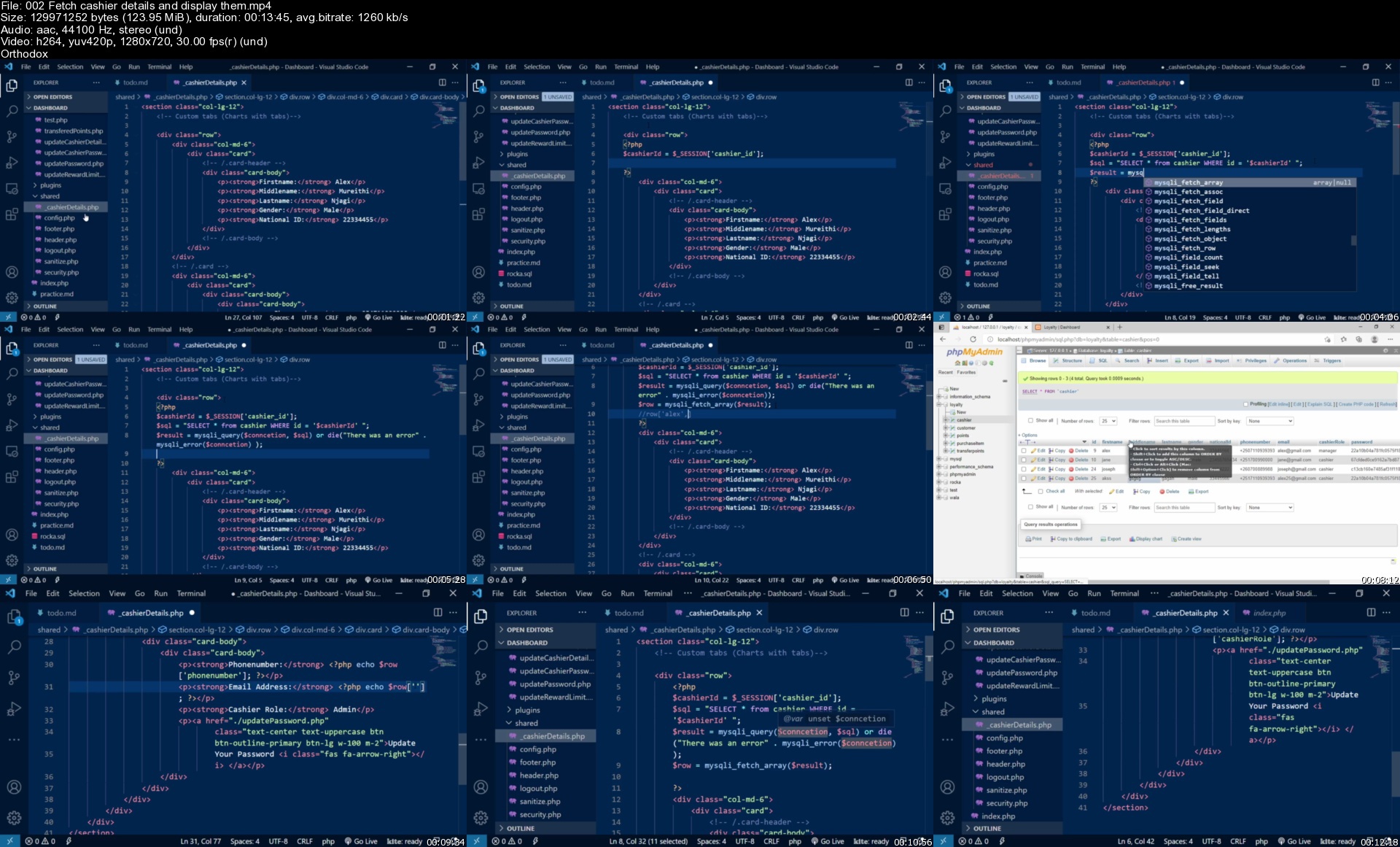
Learn PHP and MYSQL- Build a Customer Loyalty Reward System

xwph712egsdhivlm4uiafqkkmy.jpg


Learn PHP and MYSQL- Build a Customer Loyalty Reward System
MP4 | Video: h264, 1280x720 | Audio: AAC, 44.1 KHz, 2 Ch
Genre: eLearning | Language: English + srt | Duration: 77 lectures (13h 20m) | Size: 6 GB

Lets learn how to build a customer loyalty reward system in HTML5, CSS3, JavaScript, jQuery, PHP and MYSQL.

What you'll learn:
How to create a customer loyalty reward system
How to create a database
Importing database tables
Backend development in PHP and MYSQL
How to authorize and authenticate a user using sessions
Creating and testing backend validation rules using PHP
Creating and testing clientside validation using javascript
Using Jquery datatable plugin for(search, pagination and filtering)

Requirements
Be able to read and write code
Should have installed XAMPP or WAMP on your laptop
Knowledge of web development i.e. html5, css3, javascript, bootstrap, PHP and MYSQL
Installed a code editor like visual studio code, sublime text or notepad++


Description
In this course, we are going to learn how to create a dashboard for rewarding customers with points after making a purchase. We will build a system in HTML5, CSS3, JavaScript, jQuery, PHP, and MYSQL to reward our customers with points for the total purchase of goods they purchase. The system will also have a cashier role management whereby our system will redirect cashiers to a different dashboard for example if a cashier has the role of a cashier he/she will be redirected to the cashier dashboard and if a cashier has a role of a manager he/she will be directed to the manager dashboard. We will also secure different routes to prevent users from not accessing pages that they are not supposed to. Our system will also give different cashiers different functionality like the cashier will have a functionality to give points only then the manager will have a functionality to reward points to customers view all rewarded, transferred and redeemed points, also the manager will have the functionality to add, view, and edit cashiers details and edit reward rate.

Join me in this course and we will learn the following.

Adding cashier users with different roles

Backend and clientside form validation

Editing cashier details

Adding and updating points rate/limit

Rewarding customers with points

How to manage different cashier roles using sessions

Updating cashier password

Protecting different sections of the system according to cashier roles

Who this course is for
Beginner PHP and MYSQL students
Anybody interested in web development using PHP and MYSQL
Eager and willing to learn

Homepage

002fetchcashierdetaillijdv.jpg


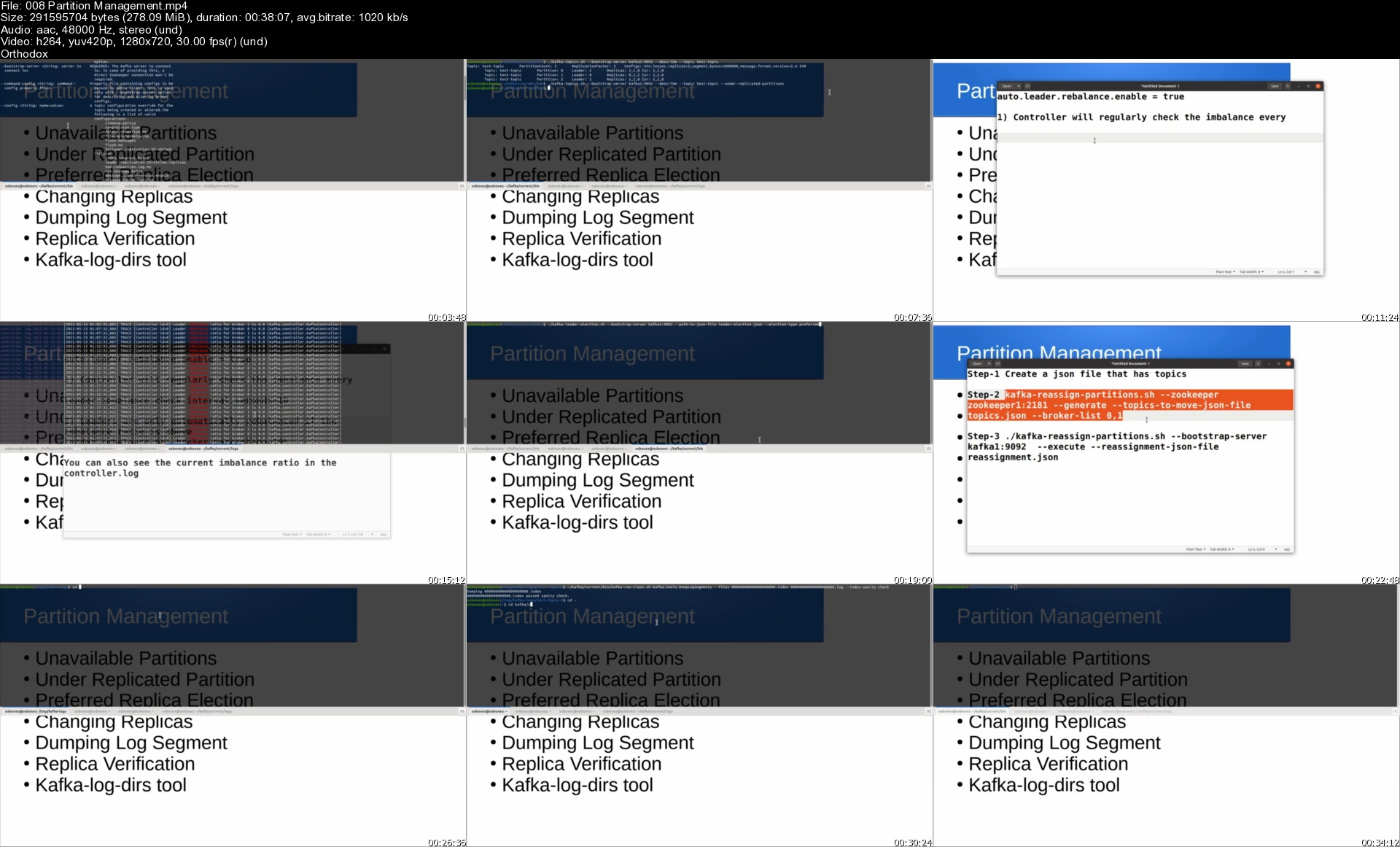
Kafka Broker Administration

13fd8sjslihlf3vqfwzgca6ku7.jpg


Kafka Broker Administration
MP4 | Video: h264, 1280x720 | Audio: AAC, 44.1 KHz, 2 Ch
Genre: eLearning | Language: English + srt | Duration: 79 lectures (23h 25m) | Size: 7.9 GB

Master Kafka Broker Concepts to become a Kafka Administrator and to get Kafka Certification

What you'll learn:
You will learn about zookeeper in details with Hands on lab.
You will build Kafka Cluster Hands On.
You will learn about Kafka Producer API.
You will learn about Kafka Consumer API.
You will get to do various Kafka Operations Hands On.
You will perform Advanced Kafka Tasks like shrinking, expanding cluster Hands On.
You will develop an understanding of Kafka Performance Tuning.
You will learn about Kafka Best Practices.

Requirements
Linux Basics
Bash scripting
Github
Virtual Box
Java Basics


Description
The objective of this course is to educate students about the Administration side of things in Kafka. A Kafka Administrator is accountable for setting up and managing an enterprise Kafka environment on-premise and in the cloud based on business and IT requirements of security, performance, supportability, audibility.

After going through this course students will be able to perform Kafka tasks like creating a topic, upgrades, server stop/start, troubleshooting etc.

They will also, learn about advanced cluster concepts like expanding a cluster, shrinking a cluster, upgrades, Partition movement, Rebalancing, etc.

This course also goes into detail about Producer and consumer API and consumer rebalance API as well.

One of the main features of the course is the Zookeeper discussion which is not touched by any course on Udemy. In this course, deep zookeeper concepts like Zookeeper Data model, Zookeeper leader election, sessions, watcher, four-letter word, zookeeper CLI, ZNodes are covered in detail with Hands-on lab work.

This course is designed to give students Hands-on experience so that they are learning in real-time rather than just theory.

This course also talks about Kafka's Best Practices in detail. Where various do's and don'ts in a kafka environment are explained in detail.

This course is a must-watch if you are preparing for Confluent Certified Kafka Administrator certification. Because topics covered in the certification syllabus are covered by the course in detail. Also, the course provides sufficient study material which will help students in certification preparation.

By the end of this course, students will be able to handle all Kafka environment builds, including design, capacity planning, cluster setup, performance tuning and best practices etc.

Who this course is for
Beginner to Intermediate Software Engineers who want to learn Kafka.
Entry Level Developers
Entry Level Kafka Administrators
IT Managers who want to learn Kafka
Any one who wants to learn Kafka

Homepage

008partitionmanagemenl1k3c.jpg


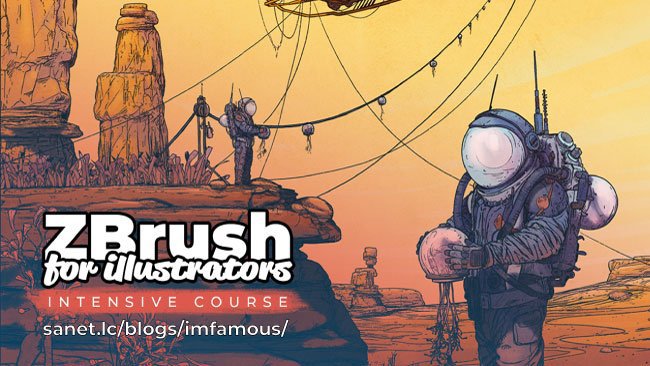
3D Concept Artist - ZBrush for Illustrators (INTENSIVE COURSE)

eivbbyqjsqykga4edo0gmocjck.jpg


3D Concept Artist - ZBrush for Illustrators (INTENSIVE COURSE)
Video: 1920x1080, .mp4, 29 fps | Audio: AAC-LC, 127 kb/s, mono, 44 KHz | Genre: eLearning
Software: ZBrush & Photoshop | Duration: 15hr+ | Language: English | File size: 5.9 GB

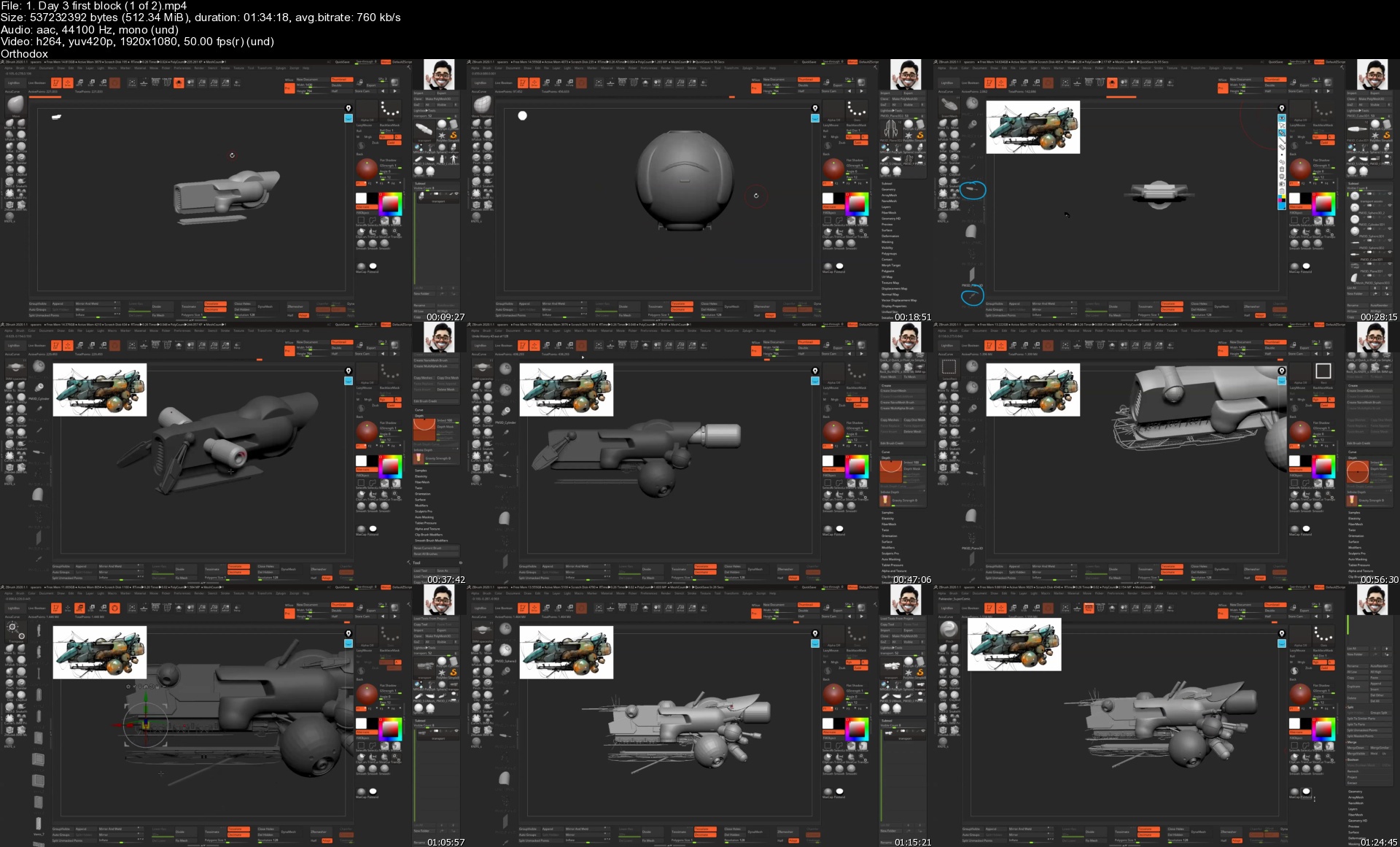
This is a short and fast-paced course based on the recordings from the ZBrush for illustrators workshop. I'm going to take you step by step through my entire workflow to produce a 'comic style' illustration using ZBrush and Photoshop.
Screenshots
3D Concept Artist - ZBrush for Illustrators (INTENSIVE COURSE)3D Concept Artist - ZBrush for Illustrators (INTENSIVE COURSE)

Homepage

1.day3firstblock1of2s0ajo0.jpg


Google Apps Script Complete Course New IDE 100+ Examples

tvmt7sqrlqv0iqurmmubfujktd.jpg


Google Apps Script Complete Course New IDE 100+ Examples
MP4 | Video: h264, 1280x720 | Audio: AAC, 44.1 KHz, 2 Ch
Genre: eLearning | Language: English + srt | Duration: 272 lectures (22h 19m) | Size: 8.06 GB

Google Apps Script New Version 2021 Create custom functions within G Suite Docs Sheets GMail Drive Calendar and more

What you'll learn:
Create custom functions within GSuite Apps Docs Sheets Gmail Slides
Explore how to write Google Apps Script Code within G Suite App
Create Google Script to power Google Apps
Create custom functions and macros for Google Sheets
Add custom menus, dialogs, and sidebars to Google Docs, Sheets, and Forms
Publish web apps - either standalone or embedded in Google Sites
Interact with other Google services
Build add-ons to extend Google Docs, Sheets, Slides, and Forms

Requirements
JavaScript and basic HTML and CSS knowledge
Internet Access
Google Account
Basic Web development understanding


Description
New IDE - More functions - Exciting new Course!!!!

Google Apps Script is a rapid application development platform that makes it fast and easy to create business applications that integrate with Google Workspace.

Code is in modern JavaScript

Access to built in libraries that can really power up your Google Workspace App

Connect Google Workspace applications like Gmail, Calendar, Drive, and more.

Interact with other Google services Calendar, Drive, Gmail, and Maps.

Nothing to install - code editor right in your browser

Your scripts run on Google's servers

Extending Google Workspace with Add-ons

Rapid application development platform based on JavaScript that lets you create business and productivity applications quickly and easily.

Loaded with Google Apps Script Code Examples - 100s of code snippets to do amazing things with Google G Suite - Sample projects to create advanced functionality with Google Apps - Google Services

Add custom menus, dialogs, and sidebars to Google Docs, Sheets, and Forms.

Publish web apps - either standalone or embedded in Google Sites.

Create customized user interfaces that are directly integrated into Google Workspace applications.

Boost workflow efficiency when working with Google Workspace by automating or streamlining tasks

Connect to non-Google services within Google Workspace applications, allowing you to retrieve or upload data from those services into and from Google Workspace

Explore what you can create and how you can release functionality within your G Suite apps - Help with productivity connect Google Services together to DO EVEN MORE!!!! Based on JavaScript ES6+ now packs more power with an easier to use editor - making coding fun.

Google apps script works the way you expect and need it to work - its by far my favorite coding language - if you've never used Apps Script before then this is something that you must try. Once you start writing code with apps script it will change everything.

Google Workspace services are services that let you access the data of Google Workspace products such as Drive, Gmail, Calendar, Docs, Sheets, and others. These services are separate from APIs created for those products; in general, Google Workspace services are easier to use than Google Workspace APIs, but are optimized for only the most common use cases.

Taught by a Google Developer Expert recognized GDE - with over 20 years of Coding Experience specializing in Google Apps Script - ready to help you learn more about creating amazing things with Google Apps Script.

Introduction to Getting Started with Google Apps Script

Standalone vs Bound Scripts

Script editor and Apps Script Dashboard

Writing Code creating Apps Script create a Doc with Script

What's New with Apps Script Editor

Creating and Deploying a Webapp doGet() - HTML output in WebApp URL

Deployment of webapp Dev version and Exec Version.

Google Apps Script Sheets Spreadsheet Service Class SpreadsheetApp

This service allows scripts to create, access, and modify Google Sheets files. Access and create Google Sheets files.

How Macros work - generating Google Apps Script with Macro Recordings in Sheets

SpreadsheetApp Class - Selecting Spreadsheet to manipulate with Code

SpreadsheetApp methods SpreadsheetApp.getActiveSpreadsheet()

Selecting Sheets within a Spreadsheet - Spreadsheet object methods - Get data and contents of a Sheet into an array. sheet.getDataRange() data.getValues() sheet.getName()

Standalone script selecting a sheet by URL or ID. List sheets - update sheet names sheet.setName();

Create New Sheets on the fly with Apps Script - insertSheet()

Sheet ranges - updating the background colors of cells, selecting cells and ranges of cells. getRange() getRange(a1Notation) A1Notation the default method used for creating (and displaying) cell references to other cells. All cell addresses in A1 notation consist of a column letter and a row number

Get range by numeric row and column values. sheet.getRange(rows,cols) range.setBackground(backColor) , range.setFontColor('white'), range.setFontSize(mySize+cols), range.setValue(total); getRange(row, column)

MultiDimension arrays for content rows within the sheet. Get the range update content getRange(row, column, numRows, numColumns) getRange(row, column, numRows)

Debugging and Dashboard settings

Sheet object common methods - getLastColumn() getLastRow()

Get Selection getSelection()

Mini App - Copy Sheet Data to other part of Sheet

Get all the Data range from Sheet object sheet.getDataRange(); Returns a Range corresponding to the dimensions in which data is present.

Dialogs and custom UI buttons - UI Menu within Sheets

Append Row - add new rows - Add row on top appendRow(rowContents)

Insert insertRows(rowIndex)

Cell Formulas - spreadsheet.getRange().activate() .setFormula()

Custom Functions using the custom function Using a custom function - Is Email mini App

Mini App - Copy Sheet to another new sheet

Adding Notes to Cells

Coding App MiniProject Challenge - Create a Custom Logger into a Sheet - track messages into log

Coding App MiniProject Challenge - Create a custom Prepend Function Prepend Row Exercise

Google Apps Script Docs Document Service Class DocumentApp

This service allows scripts to create, access, and modify Google Docs files. The document service creates and opens Documents that can be edited.

Bound Script getActiveDocument()

Select and add Content to Body getBody() appendParagraph() appendPageBreak()

StandAlone Script DocumentApp.openById()

Add Body Content appendHorizontalRule()

Create a Doc using Script DocumentApp.create()

Get Doc properties add to itself within the new Doc

Set Name Get Editors and Get URL

Select Text getText()

Use JavaScript Loop to generate rows of content

Translate selected Content to Spanish LanguageApp.translate()

body.getParagraphs() select and update text within Paragraphs

DocumentApp Types and setting of DocumentApp.TextAlignment

Body Get Children getChild() .setFontSize() .getNumChildren() with loop to iterate body children element containers

Style Attributes DocumentApp.Attribute

Replace text body.replaceText()

el.setAttributes(); using attribute object values and properties

Clear body content

Add list items

Add Tables data types

DocumentApp UI prompt and alert

Active User Session.getActiveUser()

UI DocumentApp showModalDialog() HTML output HTML from File

Cursor position getCursor()

editAsText() set part of text as bold

Selected Text toUpperCase() getActiveDocument().getSelection()

Adding Bookmarks with Code addBookmark()

Insert Image into Document

ReplaceText Exercise

Exercise Sheet data to Doc Table

Coding App MiniProject Challenge - Add Text within the doc press menu button

Coding App MiniProject Challenge - Find and highlight text from Doc Content

Coding App MiniProject Challenge - Insert Images in Doc content Insert Images

Google Apps Script Drive Service Class DriveApp

This service allows scripts to create, find, and modify files and folders in Google Drive.

Selecting files log all the file names from the drive

Introduction to Apps Script DriveApp Service getFiles

How to Get Files in specific Folder using DriveApp Service

Create a File HTML file make files within your gDrive apps script DriveApp Create a File

Drive details get storage Get info and gdrive folder Drive Details

Classes File Class

Trash files move to trash Send Files to Trash with Google Apps Script

File permissions set File Access Permissions with Google Apps Script

Class FileIterator

Folders Class Folder

Set permissions and remove permission on Folder

Get details of Folder Class FolderIterator

User Object

Coding App MiniProject Challenge - create an app to list folder details into Sheet

Coding App MiniProject Move File from one folder to another

Coding App MiniProject Search files return file object

Coding App MiniProject Add and Remove Editors

Coding App MiniProject Webapp folder urls in webapp from Search

Google Apps Script Gmail Service Class GmailApp

This Service lets you send email, compose drafts, manage labels, mark messages and threads, and conduct a variety of other Gmail account management tasks. See also Mail Service, a simpler service that only allows the sending of email.

Mail Service vs GmailApp Service sendEmail(recipient, subject, body) This service allows scripts to send email on a user's behalf. Unlike Gmail Service, Mail Service's sole purpose is sending email; it cannot access a user's Gmail account. This service allows users to send emails with complete control over the content of the email. Sending an email in Mail Service sendEmail(recipient, subject, body, options) getRemainingDailyQuota() Sending an email in Mail Service sendEmail

Sending an email in GmailApp Service sendEmail(recipient, subject, body) sendEmail(recipient, subject, body, options) How to send emails - Sending Emails with Apps Script

Create a draft email createDraft(recipient, subject, body, options) Drafts email in GmailApp Service

getMessage() method in emails Threads within Gmail using GmailApp Service Inbox Threads.

Sending an email from HTML template file

Coding App MiniProject Use Doc as Email template

Replace of content in email use it as a template

Coding App MiniProject how to use Spreadsheet data list to Send Emails

HTML Body

Coding App MiniProject Challenge send bulk emails from list in Sheets

GmailApp Chat threads

Making a draft email

Mark message as read markMessageRead(message) Marks this message read and forces the message to refresh.

Add a Star to Message starMessage(message) getStarredThreads(start, max) Retrieves a range of starred threads irrespective of labels.

Get user labels apply labels getUserLabels() Retrieves a list of user-created labels.

moveMessageToTrash(message) Message object

Search for message contents search(query, start, max) Search Gmail with the given query.

Coding App MiniProject Class GmailAttachment - send and create attachments - Get attachments GmailApp Attachment Class

access Chat Threads GmailApp class using Apps Script

find messages - apps script GmailApp Search.

Google Apps Script Calendar Service Class CalendarApp

This service allows a script to access and modify the user's Google Calendar, including additional calendars that the user is subscribed to. Allows a script to read and update the user's Google Calendar. This class provides direct access to the user's default calendar, as well as the ability to retrieve additional calendars that the user owns or is subscribed to.

CalendarApp add location to info Class Calendar

Get Events with options

Full day events within the calendar

Add events with series

Selecting Calendars using CalendarApp Class Code example

Delete create and hide calendar

How to update Google Calendar Name add Description

Update calendar color , description and name

Select and Update Calendar Events CalendarApp Event Class Examples

Create Events

Project - Challenge - Spreadsheet Calendar Lister - CalendarApp and SpreadsheetApp Project

Calendar Event Guest

Calendar Event Class using Google Apps Script

Get Guest details - update guests add and remove guest class

EventGuest updates Represents a guest of an event.

EventRecurrence class set the recurrence settings for an event series.

GuestStatus get guest statuses a guest can have for an event.

Update RecurrenceRule which represents a recurrence rule for an event series.

Coding App MiniProject Spreadsheet Calendar Lister - CalendarApp and SpreadsheetApp Project

create Events CalendarApp within Google Calendar with Apps Script

Google Apps Script Slides Service Class SlidesApp

This service allows scripts to create, access, and modify Google Slides files. Google Slides documentation and features of the Slides service.

Create a Slide - open by slide id

How to use Slides Service Class SlidesApp with Google Apps Script

Slides Bound Script Updates select slides within Google Slides and get Slides Update them

Slides UI Add a custom menu to the active presentation, including a separator and a sub-menu

A slide in a presentation. Class Slide

Coding App MiniProject remove a slide from Google Slides presentation Remove Slide Button

add custom menu options for Slides Users SlideApp UI Menu

Presentation Class - appendSlide add Editor set Slide Background

Update textStyle Background Color Get TextRanges Get Page Elements Get Slides

Add UI menu button to duplicate Slide from Current Selection Code Example

Insert Drive Images with UI button Delete and remove selected Slides

List layouts Update Master Find text in shapes and remove shapes Source Code

Coding App MiniProject Create a Presentation from Sheets Generate Slides from Sheet data - Project

Google Apps Script Forms Service Class FormApp

This service allows scripts to create, access, and modify Google Forms. Allows a script to open an existing Form or create a new one.

Create a form create a form with Apps Script Forms Service Create a Form

Add Items to a form grid items, multiple choice and date items

Get Form items update

Update existing form items with new values make required

Add items to Form using Google Apps Script to Google Form using FormApp

setup Feedback within Google Form Feedback Within Form

FormApp Class FormResponse

Setting form to quiz

Adding Form Feedback

Setting Form to Quiz updating adding Feedback to form choices

Coding App MiniProject FormResponses into Sheet Project Get form responses add to spreadsheet Project

Coding App MiniProject send Google Form Responses list them within a Google Sheet FormResponse

Coding App MiniProject How to Create a Math Quiz in Google Forms Apps Script Quiz Generator Project

Set Progressbar shuffle questions add Scale Item Examples

Google Apps Script Google Workspace services

Google Workspace services are easier to use than Google Workspace APIs, but are optimized for only the most common use cases. Coding examples of common Google Apps Script Services

Class ContactsApp within Google Services Apps Script

use LanguageApp Service within Google Apps Script

generate Maps using Maps Service within Google Apps Script

Google Apps Script Base Services Examples of Code

Coding Example using Content Service with Apps Script

Coding Example HTML Service within Google Apps Script

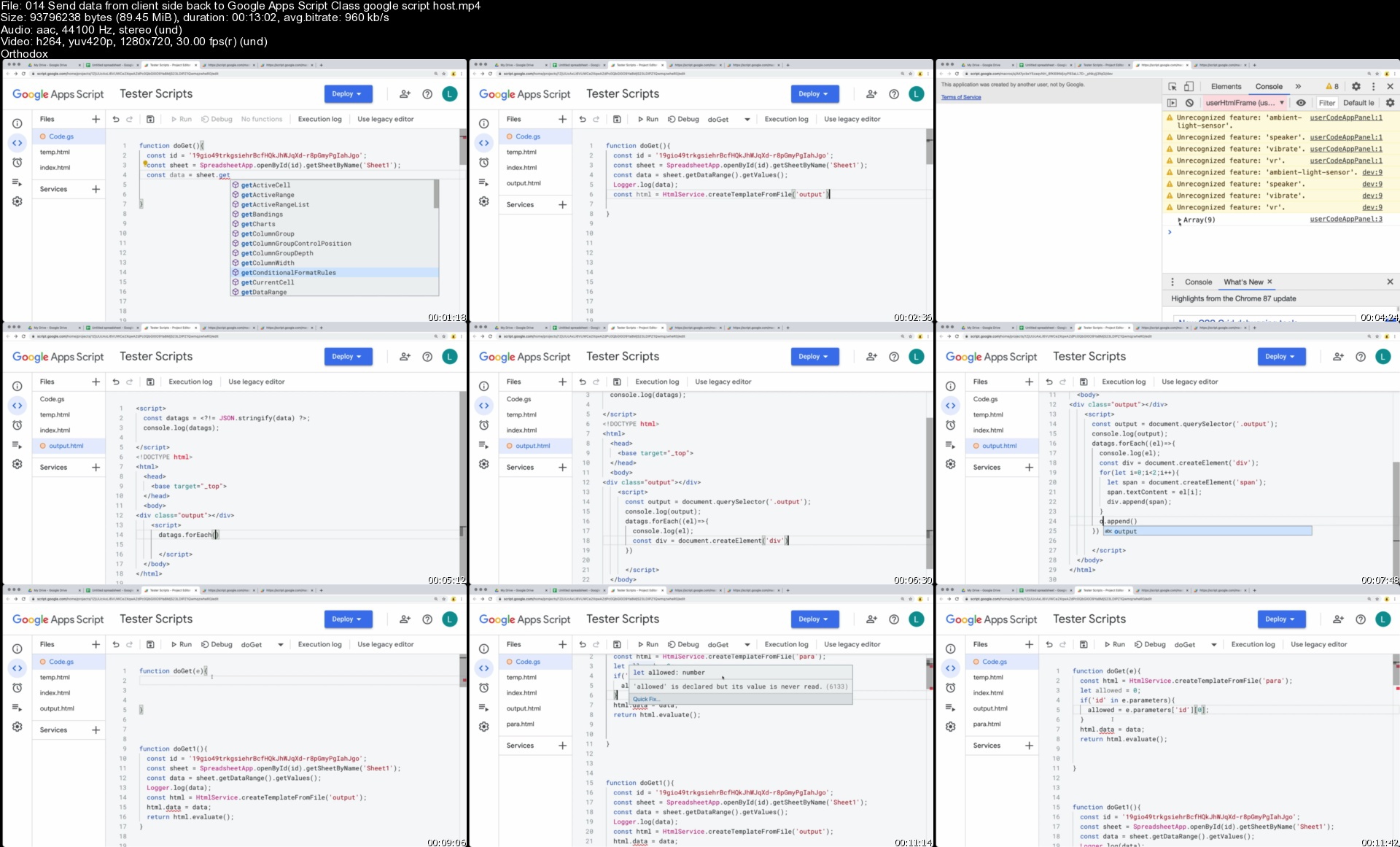
Send data from client side back to Google Apps Script Class google script host

Google WebApp Client Side data scriptlets services Host services Google

Store values within Google Apps Script Class PropertiesService User Doc or script

Create a request tohttp endpoint API using UrlFetchApp Class

Google Apps Script Common Services Mini Apps and Useful Coding Examples

Examples of mini projects and Code examples for applying Google Apps Script to Create added functionality within G Suite Services

Coding App MiniProject Create Charts in Google Spreadsheets setup Sheets

Coding App MiniProject add Charts to Slides Create Slides Presentation

Coding App MiniProject Create PDF in Drive email as Attachment Slides as PDF in Drive.

Coding App MiniProject - Docs UI menu Interactive

Coding App MiniProject - Sheets UI menu button for advanced interaction

Getting to know Sheets Simple Triggers on Edit and Change run some code

Create a webapp onGet onPost Simple triggers with Apps Script

Automation setup Triggers run code on events and regular time intervals

Creating a multi page webapp with apps script

Interactive Document custom functions Introduction Document UI File Docs Interactive Project

Custom webapp Quiz Setup from sheets using a web app

Explore how to deploy your apps script project as an Addon Extending Google Workspace. Add-ons are customized applications that integrate with Google Workspace productivity applications such as Gmail, Google Sheets, and Google Docs.

Taught by a Google Developer Expert instructor with over 20 years of web dev experience ready to help you learn more about Google Apps Script

Who this course is for
Anyone who wants to create amazing things using Google Scripts
JavaScript developers who want to empower Google suite of products
Web developers who want to incorporate Google Script functionality
Application developers who want to access the power of Google G Suite
App Script Google Script developers

Homepage

014senddatafromclient8bjpy.jpg


DevOps Culture with DevOps Tools - Scratch to Advanced Level

2fa0i1zj07plkqjcsibjdetjsa.jpg


DevOps Culture with DevOps Tools - Scratch to Advanced Level
MP4 | Video: h264, 1280x720 | Audio: AAC, 44.1 KHz, 2 Ch
Genre: eLearning | Language: English | Duration: 97 lectures (37h 22m) | Size: 15.6 GB

DevOps Culture From Scratch to Advanced Level - A complete Step-by-Step Training |Become DevOps Engineer

What you'll learn:
INTRODUCTION TO DEVOPS
GIT AND GITHUB : VERSION CONTROL TOOL
JENKINS AND MAVEN : INTEGRATION AND BUILD TOOL
ANSIBLE : CONFIGURATION MANAGEMENT TOOL
DOCKER : CONTAINERIZATION
DOCKER SWARM : CONTAINER ORCHESTRATION
KUBERNETES : CONTAINER ORCHESTRATION

Requirements
Keen Interest and Dedication is Required to Learn this Course
Basic Knowledge of Linux
Basic Knowledge of Cloud


Description
DevOps Culture From Scratch to Advanced level - A Complete Step-by-Step Training | Most Comprehensive Course to Become DevOps Engineer

Welcome to the most Comprehensive or Complete ,Interactive,Real Time scenario Based and scratch to advanced level course for learning and Using Git and Github - A version Control Tool,Ansible - Configuration Management Tool,Jenkins - Integration tool end-to-end, Maven - Build Tool for War file,Docker,Docker Volume,Docker network,Docker Compose,Docker File containers end-to-end, from development and testing, to server deployments and production.Docker swarm with Master-Worker Configuration - Orchestration tool for Cluster,Kubernetes - Controlling Containers in depth taught by

An DevOps Engineer,Linux System Administrator,AWS Administrator and based on Interview Experienced which i faced during my struggling days to till date.

I have conclude or share all my 9 years of IT Experience in this course by use of all these technologies.

Starting out with Version Control Tool Git and Git. This course starts out assuming you're new to DevOps Tool.

"I've another course on (Udemy).But this course is more in depth.when it comes to all the git,github,jenins,docker,docker-swarm,kubernetes,Ansible, this is the course to become real Devops Engineer"

Why should you learn from me and Why to trust me to teach you DevOps?

I am having 9 Years of Experience in IT Industry as DevOps Engineer with Expertise in Linux and AWS Administration.

I am an B.E Graduate in Computer Science Engineer.

I have worked with different Roles and Responsibility during this period of time such as Linux Administrator , AWS Administrator and Currently Working as DevOPs Engineer.

I have worked with many companies Such as Onmobile,HPE,Cognizant,Indecomm,Oracle,etc and with Different Technologies like Linux(RHEL,CentOS,Ubuntu,Fedora),UNIX,Application Server,Web Server,FTP,DNS,NFS,SMABA,LDAP,BONDING,Cluster ,VMWare,AWS,Shell Scripting,DevOps Tools -Git,Github,Jenkins,Maven,Docker,Kubernetes,Ansible,Nagios,Cloudwatch...etc

I Have many courses in Udemy : Like "Mastery in Corporate Linux with real-time troubleshooting,Docker+ Docker-Swarm + Kubernetes Hands on Course in Depth & Linux basics + Ansible + Automation with Ansible Playbook which is running in 22 countries.

Who this course is for
Software Tester
System Admin
Security Engineer
Application Developers
Integration Specialist
This course is great if you're in an Ops or DevOps position and you want to learn about automation using terraform
Software or Web Developers who are building applications and want to package and deliver efficiently
Quality Analysts who would like to automate test beds, automate environments and integrate it with CI tools such as Jenkins and DOcker
Operations Engineers, Systems Administrators and Network Administrators who are responsible for deploying and managing software as well as monitoring and supporting it

Homepage

018creatingcustomizei0ljiw.jpg


Deep Dive into Linux PCIe Device Driver Development

27i6lhv2xzlmu2obbygirpjkd4.jpg


Deep Dive into Linux PCIe Device Driver Development
MP4 | Video: h264, 1280x720 | Audio: AAC, 48000 Hz
Language: English | Size: 7.11 GB | Duration: 14h 9m


What you'll learn
Peripheral Component Interconnect Express (PCIe) Fundamentals
Linux PCIe Driver Framework
Linux PCIe Watchdog driver implementation
Linux PCIe SMBus Driver implementation
Linux PCIe Direct Memory Access Study
Linux PCIe Ethernet Driver Source code walk through
Linux PCIe Port Driver Source Code Walk Through
Requirements
linux application development
linux kernel module development

Description
This course focuses on the following,

Peripheral Component Interconnect Express (PCIe) Fundamentals

PCIe Bus Architecture

PCIe Bus Terminology

PCIe Bus Topology

PCIe Configuration Space

PCIe Device ID, Vendor ID

PCIe Extended Configuration Space

PCIe Capability Structure

PCIe Device Class definition

Linux PCIe Sub System

PCIe Device Representation

Sysfs / Procfs

PCI Device ID Structure

pci_driver structure

Linux Kernel PCI access APIs

Intel LPC Controller

Functional and Register Descriptions

ACPI Base Register

System Management TCO Register for Watchdog

Linux PCIe SMBUS Driver

Linux I2C Driver Architecture

I2C / SMBus Bus, Adapater, Framework

Linux Kernel I2C Adapter APIs

I2C SMbus Data

I2C Algorithm Structure

Managed PCI Access APIs

IO Port Access APIs

Linux PCIe Audio Driver

Brief information about Intel High Definition Audio Controller

Fundamentals of Linux Sound Sub Systems

new sound card creation and initialization

sound card registeration

New sound device component creation

Sound HDA Linux Kernel APIs

Direct Memory Access Implementation Walk through

Message Signal Interrupt Implementation Walkthrough

Linux PCIe Message Signaled Interrupts

Message Signaled Interrupts (MSI) Fundamentals

Linux Kernel Interrupt Handling APIs

Linux Kernel Interrupt Handling Functional Flow

Linux Kernel MSI Interrupt Handling APIs

Linux PCIe Direct Memory Access Fundamentals

DMA Fundamentals

Linux Kernel DMA APIs

Linux Kernel DMA Mapping APIs

Linux Ethernet Driver

PCIe Ethernet Driver Framework Fundamentals

Realtek RTL8111 Register Descriptions

Linux PCIe Ethernet Driver Source code walkthough

Direct Memory Access Implementation Walk through

Message Signal Interrupt Implementation Walkthrough

Linux PCIe Port Driver

Linux PCIe Host Bridge Fundamentals

PCIe Host Bridge Register Descriptions

Linux PCIe Port Driver Source Code walkthrough

Direct Memory Access Implementation Walk through

Message Signal Interrupt Implementation Walkthrough


Who this course is for:
Passionate to learn on PCIe
Linux Kernel / Device Driver Developers


Homepage

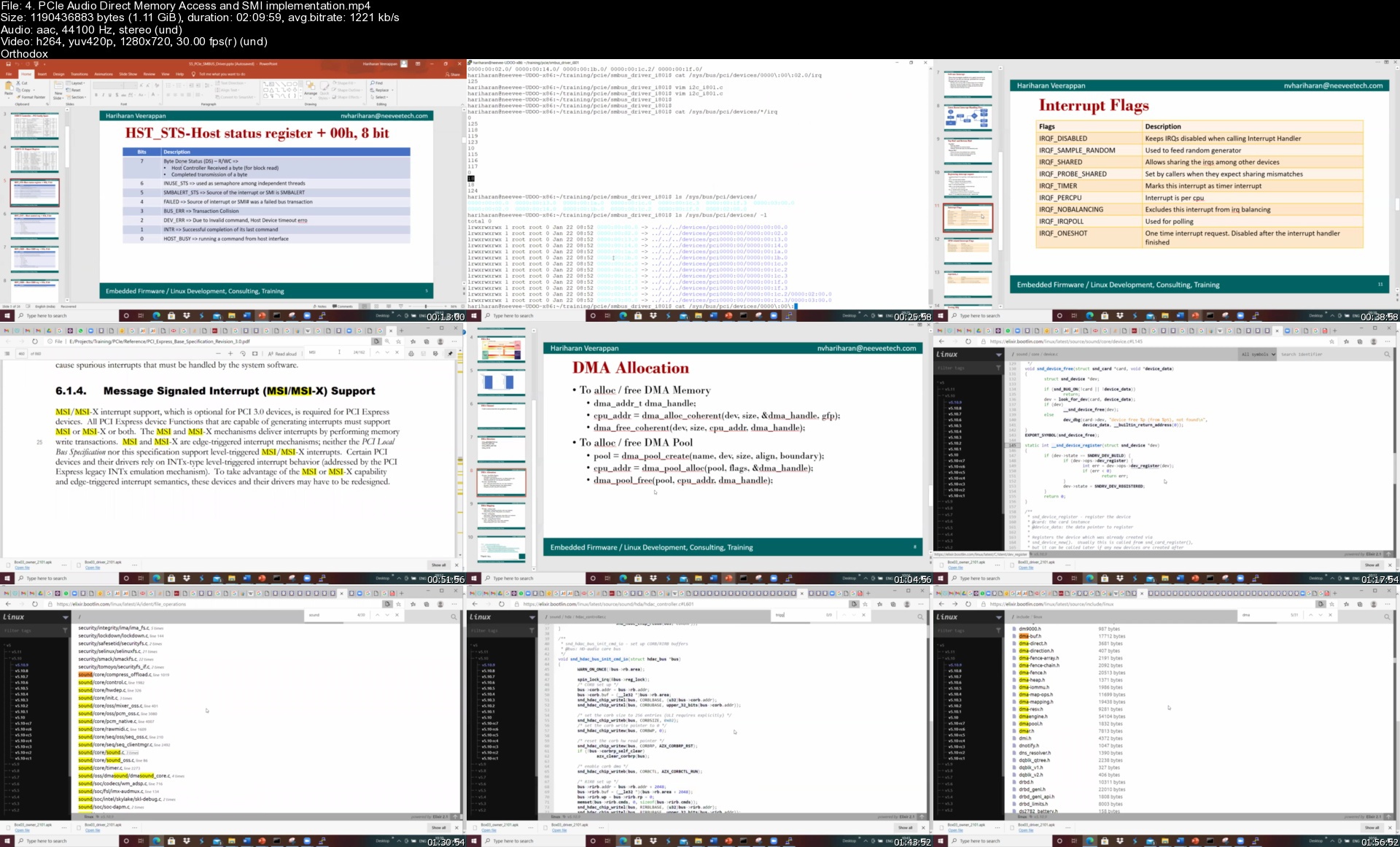
4.pcieaudiodirectmemo17kjz.jpg


Ultimate Python Bootcamp For Data Science & Machine Learning

287317079a26fojps.jpg


Ultimate Python Bootcamp For Data Science & Machine Learning
Duration: 15h 45m | Video: .MP4, 1280x720 30 fps | Audio: AAC, 44.1 kHz, 2ch | Size: 6.34 GB
Genre: eLearning | Language: English

Learn How To Code Python For Data Science, ML & Data Analysis, With 100+ Exercises and 4 Real Life Projects !

What you'll learn
Build a Solid Foundation in Data Analysis with Python
You will be able to work with the Pandas Data Structures: Series, DataFrame and Index Objects
Learn hundreds of methods and attributes across numerous pandas objects
You will be able to analyze a large and messy data files
You can prepare real world messy data files for AI and ML
Manipulate data quickly and efficiently
You will learn almost all the Pandas basics necessary to become a 'Data Analyst'

Requirements
Students must be willing to learn the Data Analysis with Python language
If you know basics of Python that is well and good
Basic Or intermediate experience with Microsoft Excel or another spreadsheet software, but not necessary
Basic knowledge of data types (strings, integers, floating points, Booleans) etc, but not necessary
Basic Programming knowledge Or knowing any other programming languages will also helps


Description
Hi, dear learning aspirants welcome to "Ultimate Python Bootcamp For Data Science & Machine Learning " from beginner to advanced level. We love programming. Python is one of the most popular programming languages in today's technical world. Python offers both object-oriented and structural programming features. Hence, we are interested in data analysis with Pandas in this course.

This course is for those who are ready to take their data analysis skill to the next higher level with the Python data analysis toolkit, i.e. "Pandas".

This tutorial is designed for beginners and intermediates but that doesn't mean that we will not talk about the advanced stuff as well. Our approach of teaching in this tutorial is simple and straightforward, no complications are included to make bored Or lose concentration.

In this tutorial, I will be covering all the basic things you'll need to know about the 'Pandas' to become a data analyst or data scientist.

We are adopting a hands-on approach to learn things easily and comfortably. You will enjoy learning as well as the exercises to practice along with the real-life projects (The projects included are the part of large size research-oriented industry projects).

I think it is a wonderful platform and I got a wonderful opportunity to share and gain my technical knowledge with the learning aspirants and data science enthusiasts.

What you will learn:

You will become a specialist in the following things while learning via this course

"Data Analysis With Pandas".

You will be able to analyze a large file

Build a Solid Foundation in Data Analysis with Python

After completing the course you will have professional experience on;

Pandas Data Structures: Series, DataFrame and Index Objects

Essential Functionalities

Data Handling

Data Pre-processing

Data Wrangling

Data Grouping

Data Aggregation

Pivoting

Working With Hierarchical Indexing

Converting Data Types

Time Series Analysis

Advanced Pandas Features and much more with hands-on exercises and practice works.


Who this course is for:
Beginner Python developers - Curious to learn about Data Science Or Data Analysis
Data Analysis Beginners
Aspiring data scientists who want to add Python to their tool arsenal
Students and Other Professionals
AI and ML aspirants to upgrade their knowledge in Data Preprocessing before applying the machine learning algorithms to their projects
Data Analyst job seekers who wants to update their Resume with Python's data analysis toolkit

Homepage

5.practicepart01s6ujtw.jpg


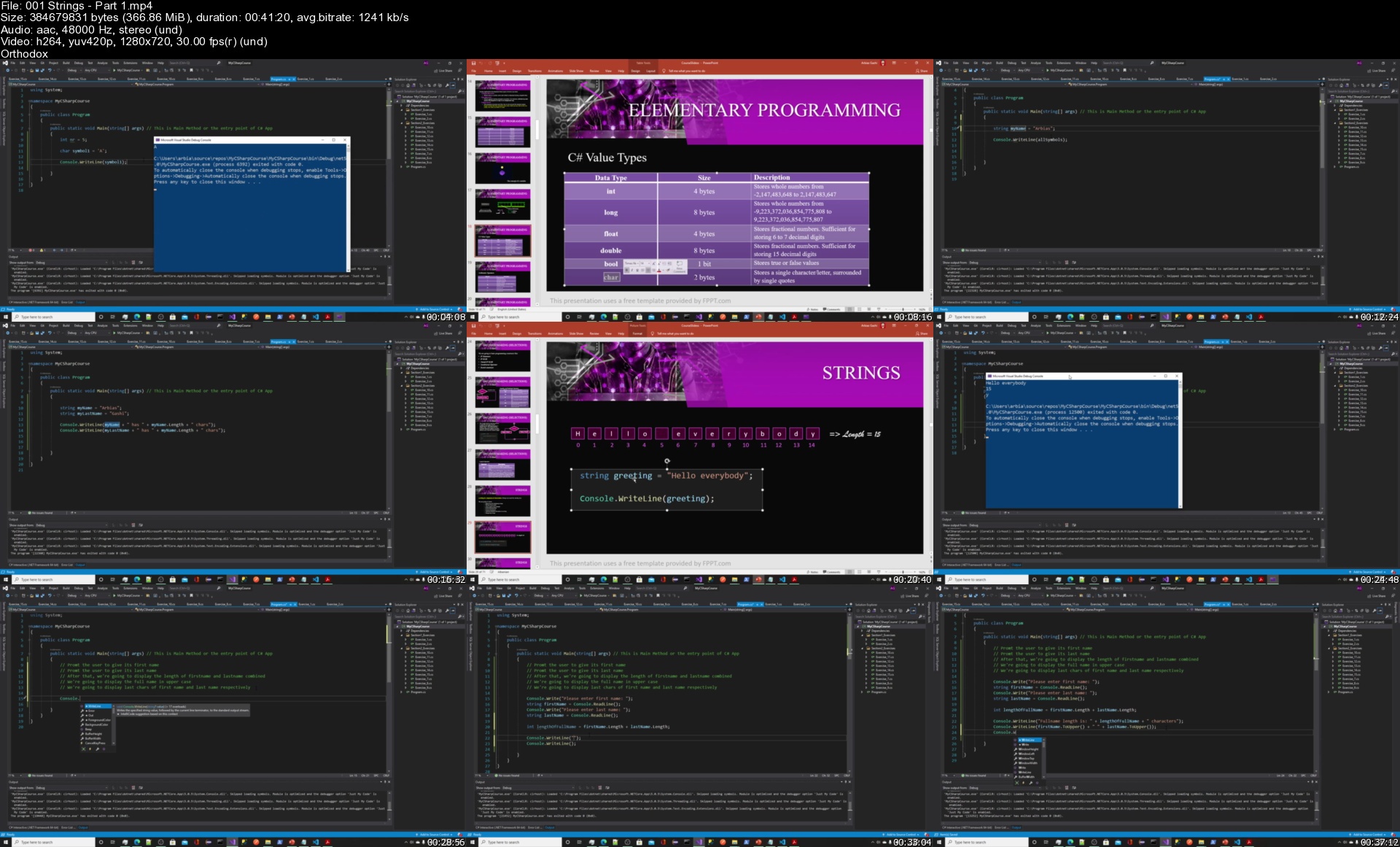
C# Master the Fundamentals of Programming

pxir8jzgimakhfpxclbg1i4kc7.jpg


C# Master the Fundamentals of Programming
MP4 | Video: h264, 1280x720 | Audio: AAC, 44.1 KHz, 2 Ch
Genre: eLearning | Language: English + srt | Duration: 42 lectures (18h 24m) | Size: 8.7 GB

C# For Beginners

What you'll learn:
Learn the fundamentals of C#
Learn the fundamentals of programming
Learn the art of problem solving
Learn elementary programming
Learn to create console apps
Learn about primitive data types
Learn decision making to control program flow
Learn how to use and process strings effectively
Learn programming constructs to perform repetitions (Loops)
While Loop
Do While Loop
For Loop
For Each Loop
To write modular code using METHODS
One Dimensional Arrays
Classes and Objects
Object Oriented Programming
Solve a ton of exercises
Using Debugger in C# Apps

Requirements
English Language


Description
This a complete course and learning experience which will assist you in mastering the fundamentals of programming and C#. You'll have access to around 20 hours of video content, a PDF Book with 42 exercises and solutions, and have the opportunity to enjoy well-prepared lectures. I use slides, hands-on coding in visual studio, animations, and other teaching tools to deliver what's needed.

During the way, we will have different CASE STUDIES in order for you to understand the concepts and QUIZZES after each section to validate the progress.

What's great about this course is that we will not stop at explaining theory only. We will do a lot of exercises too, for that reason I made a PDF Mini-Book which you can download as a resource with 42 carefully designed coding problems with solutions. Also, I dedicated a lot of video lectures explaining and solving them. That means that this course serves the purpose of making you a good problem solver. You will learn the HOWS and WHYS.

C# is a popular general-purpose, multi-paradigm programming language that is so popular in the software industry, a major player in windows desktop apps, enterprise web applications, mobile applications, and games. And for that reason being fluent in it will bring you many career opportunities.

I will be a responsive instructor and reply to your questions or messages within 24 hours!

Who this course is for
Computer Science Students, C# Enthusiasts, Anyone who wants to master the fundamentals of programming

Homepage

001stringspart1sfsksc.jpg


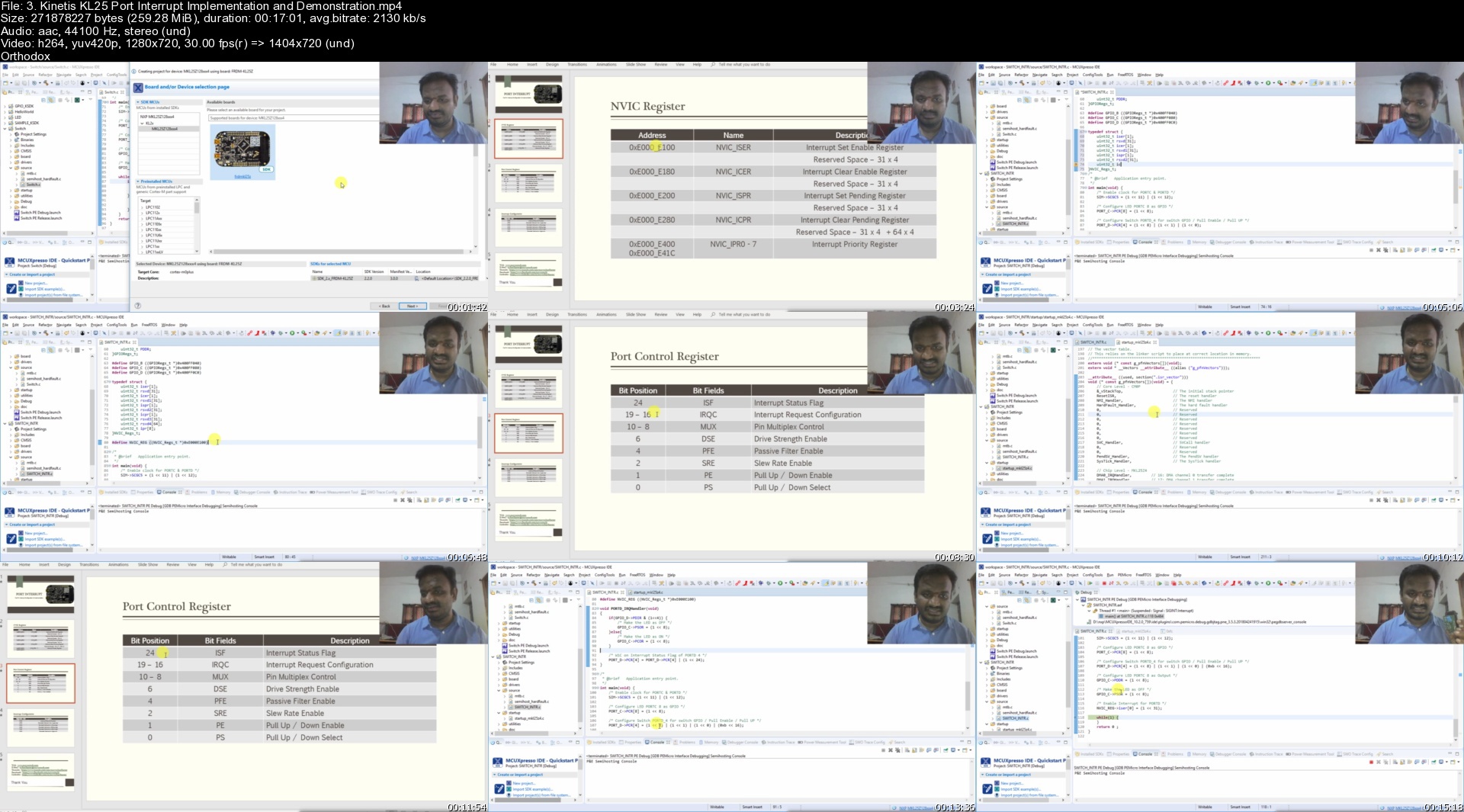
Bare Metal Programming Kinetis KL25 ARM Cortex-M0+ Processor

ydwwerbgz12c8owgumxrc1aj9g.jpg


Bare Metal Programming Kinetis KL25 ARM Cortex-M0+ Processor
MP4 | Video: h264, 1280x720 | Audio: AAC, 44100 Hz
Language: English | Size: 5.38 GB | Duration: 10h 23m


What you'll learn
ARM Cortex-M0+ Architecture
Embedded System Fundamentals
Kinetis KL25 ARM Microcontroller
General Purpose Input / Output ( GPIO )
GPIO Output Configuration & RGB LED Interfacing
GPIO Input Configuration & Key Input Handling
Interrupt Handling, Vector, Service Routine
Low Power Timer ( LPTMR )
Periodic Interrupt Timer
GPIO based DHT11 Temperature Sensor Interfacing
Kinetis Software Development Kit
Eclipse based MCU Expresso IDE
Analog to Digital Converter and Interfacing with sensors
MH MQ-2 Gas Sensor Interfacing and Smoke Detection Implementation
Inter Integrated Circuit ( I2C )
I2C device driver for MMA8451Q Inertial Sensor
Universal Asynchronous Receiver Transmitter
USB-to-UART device interfacing and communication with Teraterm
Requirements
C Language Programming
Basic Electronics
NXP KL25 Freedom Development Board ( FRDM-KL25 )
NEEVEE GPIO Shield or Switches, LEDs and DHT11 modules
POTENTIOMETER
MH MQ Gas Sensor
USB UART TTL Module

Description
1. ARM Cortex-M0+ Processor Architecture and Bus Models

2. Kinetis KL25 Micro Controller

3. MCUXpresso IDE and NXP Kinetis KL25 Freedom Development Platform

4. General Purpose Input Output

5. Interrupt Handling, Vectors and Service Routine

6. Timer ( KL25 Low Power Timer, Periodic Interrupt Timer )

7. DHT11 Temperature / Humidity Sensor

8. Analog to Digital Convertor

9. MH MQ-2 Gas Sensor

10. Inter Integrated Circuit Interface

11. MMA8451 Accelerometer

12. Universal Asynchronous Receiver Transmitter

13. USB-UART TTL Interface and Teraterm access


Who this course is for:
Embedded System Beginners
Professionals wants to refresh their knowledge
Developer willing to know about various microcontroller interfacing
Embedded Systems developers


Homepage
3.kinetiskl25portinte54jpl.jpg


Angular 10, Firebase & Ionic 5: Application Web & Mobile

kwhgtx2szokbzmr1kj1re8xkdm.jpg


Angular 10, Firebase & Ionic 5: Application Web & Mobile
MP4 | Video: h264, 1280x720 | Audio: AAC, 48000 Hz
Language: French | Size: 8.57 GB | Duration: 19h 8m


What you'll learn
Créer une application Angular complète à partir d'un dossier vide
Comprendre pourquoi utiliser Angular pour créer une application web
Savoir créer une application simple avec Angular
Savoir créer une application complexe type demande client avec Angular
Savoir créer une application mobile grâce à Ionic 5 avec du code partagé
Ajouter des formulaires pilotés par le template et par le modèle
Effectuer des requêtes HTTP et utiliser RxJS depuis son application
Utiliser un BaaS comme Firebase pour créer une application Angular
Déployer une application Angular en production

Requirements
Une bonne connaissance de Javascript
Connaître les bases d'HTML/CSS et Bootstrap

Description
Connais-tu Angular ?

C'est le framework frontend de Google. Le concurrent direct de React et VueJS.

Tout le monde l'annonce comme inutile et mort ! Pourtant selon les régions, je peux clairement te dire qu'Angular reste le framework le plus demandé en entreprise..

Pourquoi ?

Car il a été le premier à être mis en place dans le domaine frontend.

Les sociétés ne peuvent pas se permettre de porter leur code d'un framework à un autre, cela engendrerait trop de sur-coûts !

C'est aussi un framework cross-platform !

Oui et encore oui ! Angular est le premier framework qui a été mis en place sur la plupart des autres frameworks !

Pourquoi ? Car il est le plus utilisé et le plus mature.

J'en prends pour preuve Ionic (Framework Mobile) qui a, pendant les 4 premières versions, travaillé avec uniquement Angular ! Depuis quelques mois seulement il est possible de travailler avec React/Vue.

Un autre exemple ? Bien sûr, le framework MeteorJS qui a décidé de travailler uniquement avec Angular au départ puis d'ouvrir les possibilités avec React/Vue.

Oui, Angular est difficile à prendre en main !

Car c'est un FRAMEWORK ! React et Vue ne sont que des bibliothèques, elles n'apportent pas tout le cadre de travail puissant d'Angular.
Comme tout framework, il est nécessaire de monter en compétences et de travailler sur différents cas afin de comprendre tous les mécanismes.

Une formation 100% pratique

Car il est inutile de faire de la théorie, tout du moins, de faire un cours magistral sur Angular.
Il est nécessaire de mettre « les mains dans le cambouis » dès que possible !

+ de 15h de formation

[Angular To The Moon] est pour le moment composée de 3 parties, l'apprentissage des bases sur un cas concret, la création d'un site pour client type, la création d'une application mobile avec Ionic 5 + Angular.

La formation est évolutive et disponible 24h/24, 7j/7.

+ de 40h de pratique

Je t'ai dit que la formation été orientée 100% pratique, je ne vais pas te laisser partir sans avoir pratiqué un maximum.

En plus de l'acquisition des connaissances sur des cas concrets, tu auras accès à de nombreux exercices, et ils seront tous corrigés en vidéo !

Car j'ai à coeur de faire de toi un vrai dév Angular

Je reste entièrement disponible pour répondre aux questions de mes apprenants !

Seul on va plus vite, ensemble on va plus loin !

En bref, [Angular To The Moon] c'est :

✔ + de 15h de formation

✔ + de 40h de pratique

✔ du contenu à forte valeur ajoutée en approche (Symfony + Angular / Electron + Angular / NodeJS + Angular)

✨ Je te l'ai dit, je t'accompagne du début jusqu'à la fin, car ta réussite est la mienne !
Je t'attends de l'autre côté,

À tout de suite !

Thomas,


Who this course is for:
Développeurs Web
Freelances IT
Étudiants IT (Ingénieurs, FAC, BTS, Autodidactes, Réinsertion à l'emploi)
Toutes personnes intéressées par le développement d'application web et mobile


Homepage

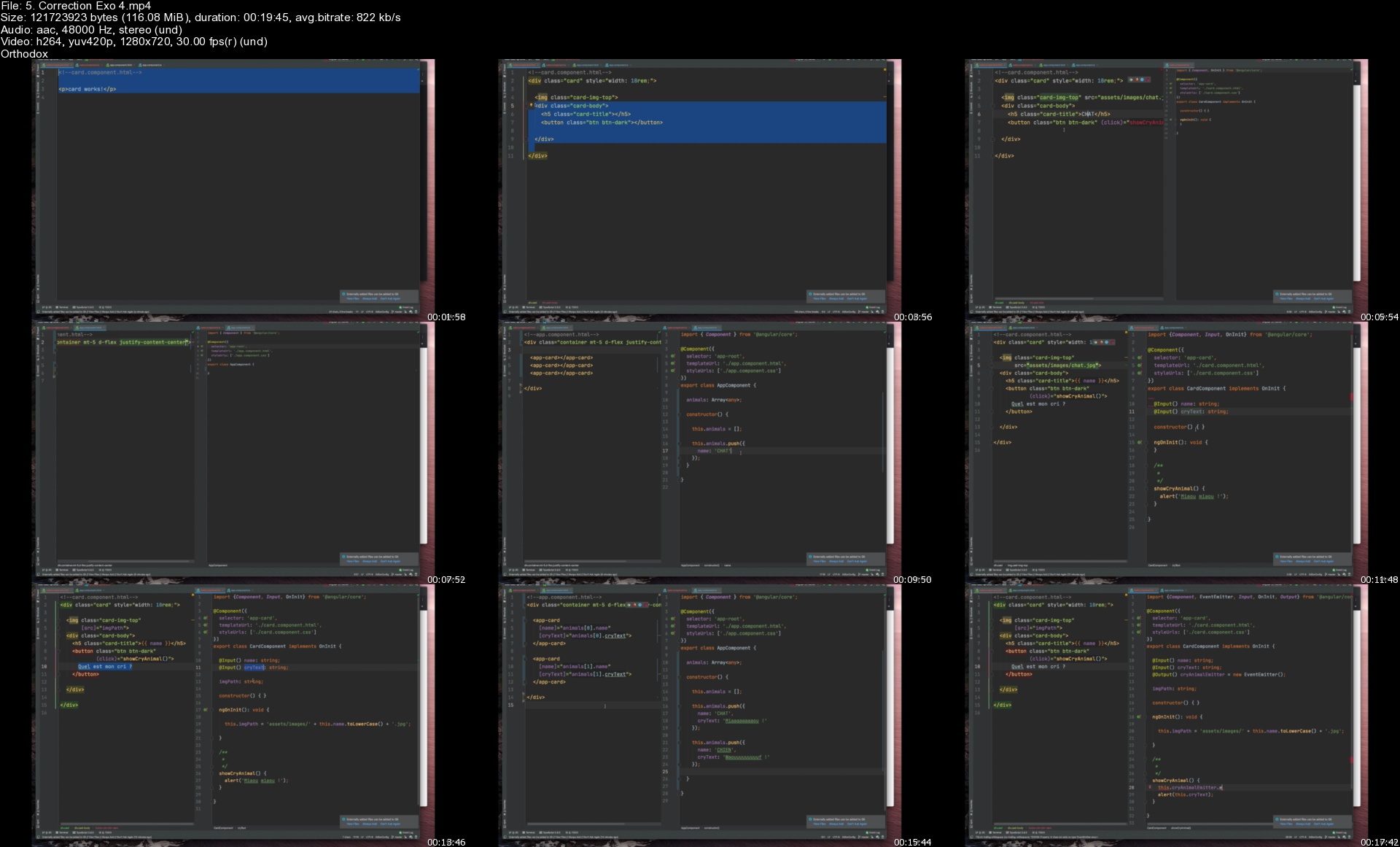
5.correctionexo4sgfjv9.jpg


Advanced Web Developer Course: Beginner to Advanced

007b715cu6kh8.jpg


Advanced Web Developer Course: Beginner to Advanced
Duration: 13h 53m | Video: .MP4, 1280x720 30 fps | Audio: AAC, 44.1 kHz, 2ch | Size: 7.25 GB
Genre: eLearning | Language: English

Complete Advanced Web Developer Course, Beginner to Advanced Level. 6 in 1 Course Bundle with Practicals with Projects

What you'll learn
Build Advanced Dynamic Web Applications from Scratch
Build 3 Live Web Projects (EMS App, Blog & Professional Website)
Build Mobile Friendly Responsive & Interactive Web Apps
Build Web Application with HTML5, CSS3, Bootstrap 5, JavaScript, Python & Django
Learn to build Advanced Websites from Scratch
Work with Bootstrap 5 Components to Build Modern Web Components

Requirements
All you need is a PC / Laptop
Decent Internet Connectivity

Description
This course is a complete bundle of 6 in 1 courses, which adds up-to become the Advanced Web Developer Course. To get started with the course all you need is a PC / Laptop and a decent internet connectivity.

So here's whats covered.

Complete In-Depth beginners guide to HTML5 & CSS3. In this section you will learn to build a complete website from scratch.

JavaScript Training will help you integrate interactivity to your website.

ES6 or ECMA Script 6 will help you learn the latest standards of JavaScript

Bootstrap 5 is the latest CSS framework from Twitter. With this you will learn to create 3 live projects. (Project Files Included)

You will learn the most popular programming language Python to get started to build Python based web apps.

At the end you will learn to create web applications with Django 3


Who this course is for:
Anyone who is interested to learn web development
Anyone who wants to learn HTML5 & CSS3 in-depth
Anyone who wants to learn JavaScript & ECMA Script 6
Anyone who wants to learn Python
Anyone who want to build dynamic apps with Django

Homepage

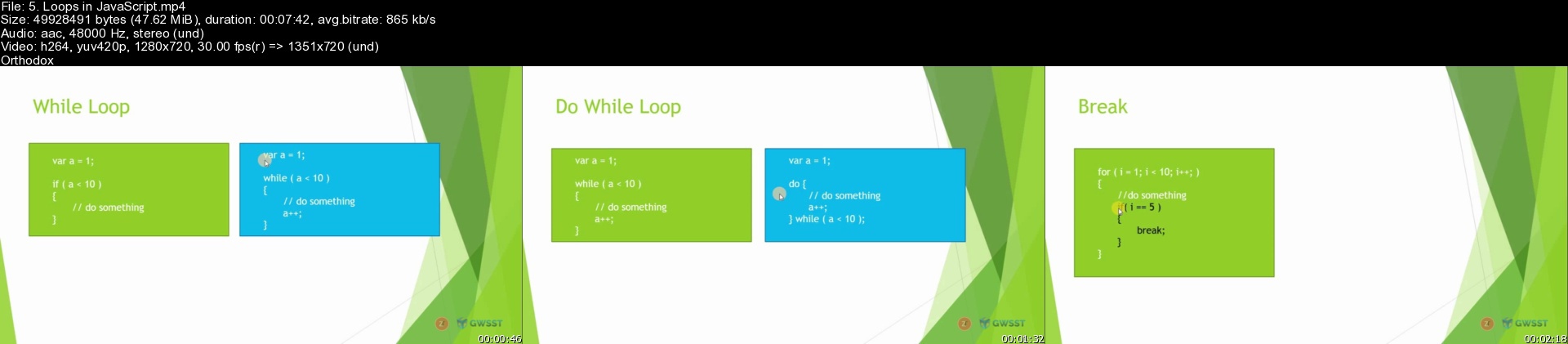
5.loopsinjavascriptscfkjq.jpg


Zurück
Oben Unten