• Regeln für den Video-Bereich:

    In den Börsenbereich gehören nur Angebote die bereits den Allgemeinen Regeln entsprechen.

    Einteilung

    - Folgende Formate gehören in die angegeben Bereiche:
    - Filme: Encodierte Filme von BluRay, DVD, R5, TV, Screener sowie Telesyncs im Format DivX, XviD und x264.
    - DVD: Filme im Format DVD5, DVD9 und HD2DVD.
    - HD: Encodierte Filme mit der Auflösung 720p oder darüber von BluRay, DVD, R5, TV, Screener sowie Telesyncs im Format x264.
    - 3D: Encodierte Filme von BluRay, die in einem 3D Format vorliegen. Dies gilt auch für Dokus, Animation usw.
    - Serien: Cartoon/Zeichentrick, Anime, Tutorials, Dokumentationen, Konzerte/Musik, Sonstiges sind demnach in die entsprechenden Bereiche einzuordnen, auch wenn sie beispielsweise im High Definition-Format oder als DVD5/DVD9/HD2DVD vorliegen. Ausnahme 3D.
    - Bereich Englisch: Englische Releases gehören immer in diesen Bereich.
    - Bereich Talk: Der Bereich, in dem über die Releases diskutiert werden kann, darf, soll und erwünscht ist.


    Angebot/Beitrag erstellen

    - Ein Beitrag darf erst dann erstellt werden, wenn der Upload bei mindestens einem OCH komplett ist. Platzhalter sind untersagt.
    - Bei einem Scenerelease hat der Threadtitel ausschließlich aus dem originalen, unveränderten Releasenamen zu bestehen. Es dürfen keine Veränderungen wie z.B. Sterne, kleine Buchstaben o.ä. vorgenommen werden. Ausnahme Serienbörse:
    - Bei einem Sammelthread für eine Staffel entfällt aus dem Releasename natürlich der Name der Folge. Beispiel: Die Simpsons S21 German DVDRip XviD - ITG
    - Dementsprechend sind also u.a. verboten: Erweiterungen wie "Tipp", "empfehlenswert", "only", "reup", usw. / jegliche andere Zusatzinformation oder Ergänzung, welche nicht in obiger Beschreibung zu finden ist.

    Aufbau des Angebots und Threadtitel

    Der Titel nach folgendem Muster erstellt zu werden. <Name> [3D] [Staffel] [German] <Jahr> <Tonspur> [DL] [Auflösung] <Quelle> <Codec> - <Group>
    Beispiel: The Dark Knight German 2008 AC3 DVDRip XviD - iND
    Beispiel: The Dark Knight 2008 DTS DL BDRip x264 - iND
    Beispiel: The Dark Knight 2008 AC3 DL BDRip XviD - iND
    Beispiel: The Dark Knight German 2008 AC3 720p BluRay x264 iND
    Beispiel: The Dark Knight 2008 DTS DL 1080p BluRay x264 iND
    Beispiel: Die Simpsons S01 German AC3 DVDRip XviD iND
    Beispiel: Die Simpsons S20 German AC3 720p BluRay x264 iND
    Beispiel: Sword Art Online II Ger Sub 2014 AAC 1080p WEBRip x264 - peppermint
    Entsprechend sind also u.a. verboten: Sonderzeichen wie Klammern, Sterne, Ausrufezeichen, Unterstriche, Anführungszeichen / Erweiterungen wie "Tipp", "empfehlenswert", "only", "reup", usw. / jegliche andere Zusatzinformation oder Ergänzung, welche nicht in obiger Beschreibung zu finden ist
    Ausnahmen hiervon können in den Bereichen geregelt sein.

    Die Beiträge sollen wie folgt aufgebaut werden:
    Überschrift entspricht dem Threadtitel
    Cover
    kurze Inhaltsbeschreibung
    Format, Größe, Dauer sind gut lesbar für Downloader außerhalb des Spoilers zu vermerken
    Nfo sind immer Anzugeben und selbige immer im Spoiler in Textform.
    Sind keine Nfo vorhanden z.B. Eigenpublikationen, sind im Spoiler folgende Dateiinformationen zusätzlich anzugeben :
    Quelle
    Video (Auflösung und Bitrate)
    Ton (Sprache, Format und Bitrate der einzelnen Spuren)
    Untertitel (sofern vorhanden)
    Hosterangabe in Textform außerhalb eines Spoiler mit allen enthaltenen Hostern.
    Bei SD kann auf diese zusätzlichen Dateiinformationen verzichtet werden.

    Alle benötigten Passwörter sind, sofern vorhanden, in Textform im Angebot anzugeben.
    Spoiler im Spoiler mit Kommentaren :"Schon Bedankt?" sind unerwünscht.


    Releases

    - Sind Retail-Release verfügbar, sind alle anderen Variationen untersagt. Ausnahmen: Alle deutschen Retail-Release sind CUT, in diesem Fall sind dubbed UNCUT-Release zulässig.
    - Im Serien-Bereich gilt speziell: Wenn ein Retail vor Abschluss einer laufenden Staffel erscheint, darf diese Staffel noch zu Ende gebracht werden.62
    - Gleiche Releases sind unbedingt zusammenzufassen. Das bedeutet, es ist zwingend erforderlich, vor dem Erstellen eines Themas per Suchfunktion zu überprüfen, ob bereits ein Beitrag mit demselben Release besteht. Ist dies der Fall, ist der bereits vorhandene Beitrag zu verwenden.
    - P2P und Scene Releases dürfen nicht verändert oder gar unter einem iND Tag eingestellt werden.


    Support, Diskussionen und Suche

    - Supportanfragen sind entweder per PN oder im Bereich Talk zu stellen.
    - Diskussionen und Bewertungen sind im Talk Bereich zu führen. Fragen an die Uploader haben ausschließlich via PN zu erfolgen, und sind in den Angeboten untersagt.
    - Anfragen zu Upload-Wünschen sind nur im Bereich Suche Video erlaubt. Antworten dürfen nur auf Angebote von MyBoerse.bz verlinkt werden.


    Verbote

    - Untersagt sind mehrere Formate in einem einzigen Angebotsthread, wie beispielsweise das gleichzeitige Anbieten von DivX/XviD, 720p und 1080p in einem Thread. Pro Format, Release und Auflösung ist ein eigener Thread zu eröffnen.
    - Grundsätzlich ebenso verboten sind Dupes. Uploader haben sich an geeigneter Stelle darüber zu informieren, ob es sich bei einem Release um ein Dupe handelt.
    - Gefakte, nur teilweise lauffähige oder unvollständige Angebote sind untersagt. Dies gilt auch für eigene Publikationen, die augenscheinlich nicht selbst von z.B. einer DVD gerippt wurden. Laufende Serien, bei denen noch nicht alle Folgen verfügbar sind, dürfen erstellt und regelmäßig geupdatet werden.
    - Untersagt sind Angebote, welche nur und ausschließlich in einer anderen Sprache als deutsch oder englisch vorliegen. Ausnahmen sind VORHER mit den Moderatoren zu klären.


    Verstoß gegen die Regeln

    - Angebote oder Beiträge, die gegen die Forenregeln verstoßen, sind über den "Melden"-Button im Beitrag zu melden.
  • Bitte registriere dich zunächst um Beiträge zu verfassen und externe Links aufzurufen.


Englische Tutorials

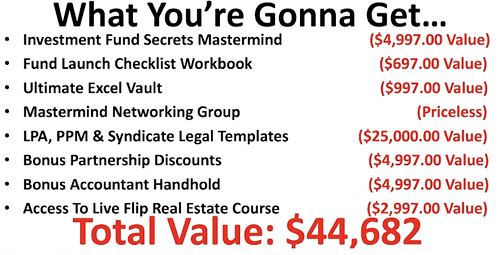
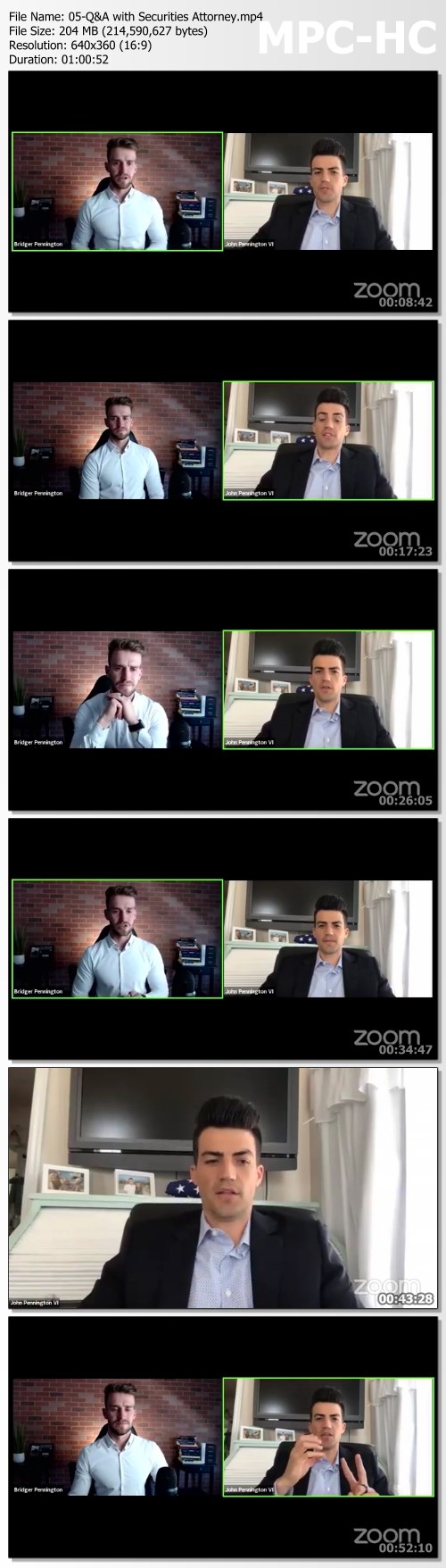
Bridger Pennington - Investment Fund Secrets Mastermind

d9d8641f338ff4c8fcad92b23e55ca6a.jpg

Bridger Pennington - Investment Fund Secrets Mastermind | 87.55 GB​
The Fastest Way To Start, Grow, Or Scale ANY Business or Investing Strategy. Period.
WITHOUT Outrageous Legal Fees, Wall Street Experience, or Even A License
Launch A Fund That Beats The Ivy Leaguers 9 Times Out of 10

HOmepage:

Screenshots
6725d68483d96fe9a8c03d45ecbea5d0.png

243441c4a922432630559c6ff93372a5.jpg


Link Download
​
Extract files with WinRar 5 or Latest !

 
Linkedin Learning Excel for Mac Essential Training Office 365 Microsoft 365-XQZT

222260680_10-01-check_spelling_c.jpg


Linkedin Learning Excel for Mac Essential Training Office 365 Microsoft 365-XQZT | MKV | 597.97 MiB

341 kb/s 1280x720 | AAC 2 CH eng


NFO:
File List:

File: linkedin.learning.excel.for.mac.essential.training.office.365.microsoft.365-xqzt-sample.mkv
Size: 2944522 bytes (2.81 MiB), duration: 00:01:09, avg.bitrate: 341 kb/s
Audio: aac, 48000 Hz, stereo (eng)
Video: h264, yuv420p, 1280x720, 30.00 fps(r) (eng)
Subtitles: eng


Download ( Size: 597.97 MiB ):
Filehosts: Nitroflare, Rapidgator


oHeopzn.png

1 Link/s
FF51C48C9B.png


5hSo1Ay.png

1 Link/s
C8E623748C.png


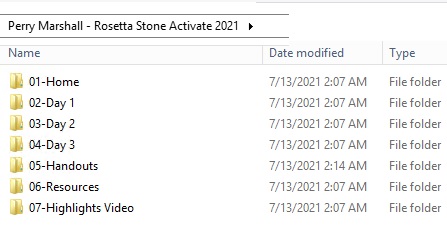
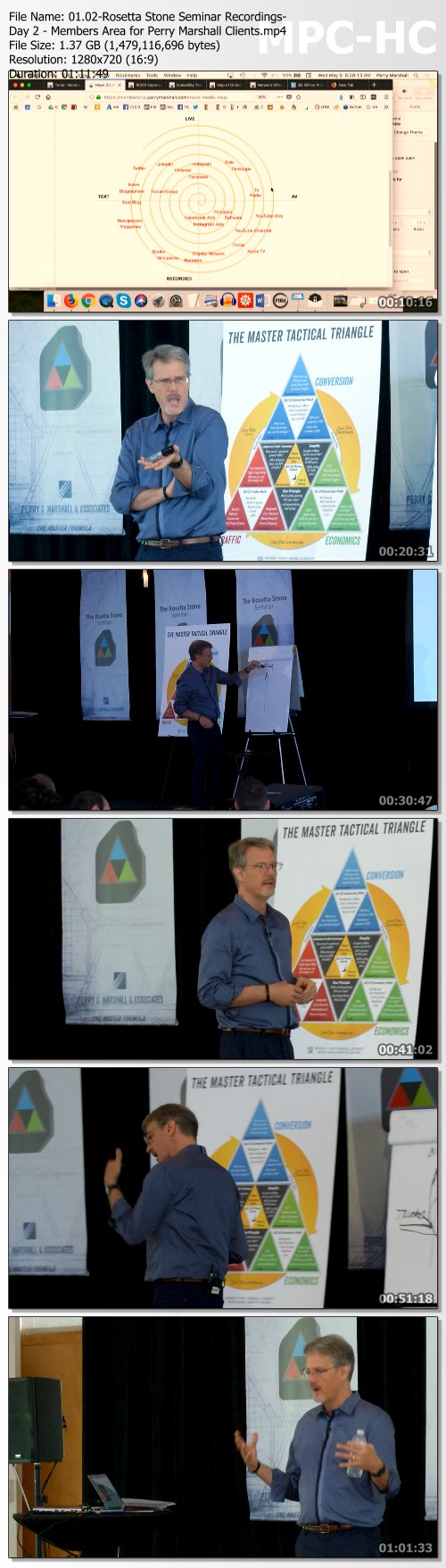
Perry Marshall - Rosetta Stone Activate 2021

71965ae6afda41ed4dab45828ea95821.jpg

Perry Marshall - Rosetta Stone Activate 2021 | 21.28 GB​
Unfortunately, as the ascent and strangleholds of Amazon, Apple, Google and Facebook shows all of us, "Network Effect" normally costs tens and hundreds of millions - even billions. Almost nobody gets a shot at being a Silicon Valley "Unicorn." 99% of those who do, get stabbed to death. Dead on arrival.

In 2018, I conceived an alternative. I called it "Network Effect for Mere Mortals" - the Planet Perry version of what makes eBay, Uber and Airbnb competition-proof.
Back then, to be honest, it was more theory than reality.
However, Ed Harycki had sold LoanBuilder to PayPal for megabucks 3 months before. We had been scheming together for a couple of years. So I definitely was NOT making any of this up.

I called it Rosetta Stone. My master formula for competition-proofing small companies. It was more a patchwork of essential patterns and fragments than a polished, "proven" formula that others had repeated 100 times.
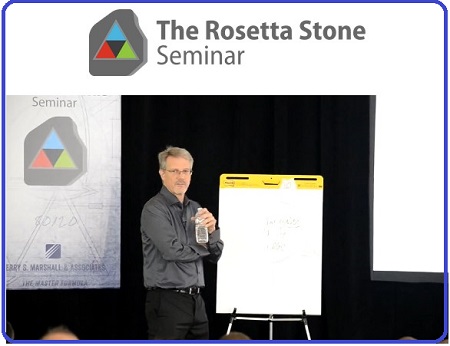
Yet I was confident. We held the now-legendary Rosetta Stone seminar on three gorgeous days in May in Chicago. People are still buzzing about that event. Astute Planet Perry members began executing the strategies I unveiled there.
Today: patterns and fragments no more. It's the veritable engine room of Planet Perry. It's how we grow businesses from $1 million to $10 million while making them simpler, more irresistible and bulletproof. Even $100K businesses (like David Nadler's Facebook agency below) use it to make their companies more elegant, easier to run, and more appealing to clients.
It has already put 20-40 "in the know" Planet Perry members 5-10 years ahead of the pack. Real years. Not internet dog years.

Tom Donald is a Roundtable member from London. Musician. He founded London Contemporary School of Music.
You would think music lessons, traditionally face-to-face, would tank during COVID. For the vast majority of music teachers that was true.
But Tom pulled record sales in 2020, despite the fact that he had to completely pivot away from in-person instruction and onto Zoom.
Exactly a month before COVID slammed Europe with hurricane force, Tom arrived at Rosetta Stone London. As a result, Tom flipped deep disadvantages into advantages and re-oriented his entire team to virtual, far beyond what anyone would normally expect an online piano lesson company to do.
He and his team shattered previous assumptions about their business. Unlike all his competitors, cowering in their spare bedrooms and praying for government relief checks, Tom recognized that nearly every disadvantage could, by modestly applying technology, switch into a Network Effect for Mere Mortals Moat.
Now everything that used to work against Tom (like the fact that students could no longer go for in-person lessons) works TO TOM'S ADVANTAGE. Not only acquiring customers but building a big fat moat around his castle.
When COVID flipped Tom's universe from 80/20 to 95/5, Tom seized command of the "Top 5% tier." Post-pivot, he's adding international clients far beyond London, further strengthening his moat.
This transformation is accelerating in industry after industry. The other day I had a consult with Chris in the construction business. He runs a narrow niche firm, sourcing custom product from various suppliers and drop shipping to customers. All his business is driven by his website.
Chris already applied Network Effect for Mere Mortals to make 35% profit margins in an industry where 8-12% is the norm; to become the undisputed #1 player.
Chris had already made THE SHIFT. His biz is now a well-oiled machine and he spends several hours a day networking and indulging his curiosity. His business is up during COVID (record sales, 8% over last year), but this is just the beginning.
He says, "During the 2008 crash, we had been forced to try a bunch of crazy stuff. Back then I discovered a specific way of shipping product that would make entire parts of the supply chain unnecessary. I've been keeping it in my back pocket.
"The other day I realized, if we could solve [he went on to describe his very specific chicken-and-egg problem, common to ALL Network Effect businesses] we could turn this entire industry upside down."
I goaded him: "Chris, what would it take to prototype this thing, operate in ONE city or state, six weeks from now - even if you have to carve the product out of a bar of soap?" The answer was already inside him; all it took was someone to ask.
Chris's next adventure is: Turning his tiny corner of the construction industry upside down and shaking it until all the spare change falls out of its pockets.
An entire calcified good-old-boys-club that is NOT serving customers, NOT innovating, NOT earning its bread is going to tumble like icicles crashing to the ground from a roof on a late winter day.
THE SHIFT, baby. Long live the revolution.

Why NOW is Prime Time for You to Make Your Move:
- Most businesses are waiting for the wrecking ball to come smashing in - yet pretending it can never ever happen (like Americans in February 2020 assuming "coronavirus" could never jump from Italy to the whole friggin' United States. remember?)
- Most industries are ripe for disruption. When my son Caden graduated from high school, we rented a party awning for the backyard. The awning guy arrived at 7:30am with the wrong model. "So sorry, I'll go back and get the right one. Be back in an hour." My day was full of appointments I had to shuffle around. 2 ½ hours later he returns. This sort of incompetence is rampant,and every time someone solves it, they can also, if they choose, consolidate dozens of local businesses into well-run regional or national concerns. Will it be you? Or the other guy?
- COVID has merely accelerated what was already underway - world is more web centric, more network effect based. Have you kept up?
- In many industries, he who owns the leads and owns the web traffic owns the business. We call this Tactical Triangle Takeover. This means agencies who are real strategists (and not merely carpetbaggers) can grab their industry by the balls and own it. But it takes balls to do it, and not everyone has 'em.

Screenshots
6855552e4d7837f3083b90faeb6d6702.jpg

80c38ab33e528bc95c244d31c95ea741.jpg

HOmepage:

Link Download
​
Extract files with WinRar 5 or Latest !

 
Linkedin Learning GitOps Foundations-XQZT

222302999_03-02-declarative_configuration_c.jpg


Linkedin Learning GitOps Foundations-XQZT | MKV | 320.99 MiB

187 kb/s 1280x720 | AAC 2 CH eng


NFO:
File List:

File: linkedin.learning.gitops.foundations-xqzt-sample.mkv
Size: 1641278 bytes (1.57 MiB), duration: 00:01:10, avg.bitrate: 188 kb/s
Audio: aac, 48000 Hz, stereo (eng)
Video: h264, yuv420p, 1280x720, 30.00 fps(r) (eng)
Subtitles: eng


Download ( Size: 320.99 MiB ):
Filehosts: Nitroflare, Rapidgator


oHeopzn.png

1 Link/s
56B5F976DF.png


5hSo1Ay.png

1 Link/s
A266087AF2.png


Artstation - ZBrush For Ideation 300+ Video Series (UPDATED 2021.5 and 2021.6)

0085ce31stk48.jpg


Artstation - ZBrush For Ideation 300+ Video Series (UPDATED 2021.5 and 2021.6) by Michael Pavlovich
Video: MPEG4 Video (H264) 1920x1080 30fps 776kbps | Audio: AAC 44100Hz stereo 125kbps
Genre: eLearning | Duration: 30hr+ | Language: English | File size: 18.2 GB

Learn how to create anything in ZBrush with almost 300 videos, over 29 hours of video instruction. Release Notes
2021.5 &.6 Update
19 New and updated videos, more than 4.5 hours covering new curve functionality (repel strength, bend start/end, extrude profile, snake curve brushes), as well as the new mesh from mask brushes and thick skin functionality!

Homepage

010brushbasicssivku8.jpg


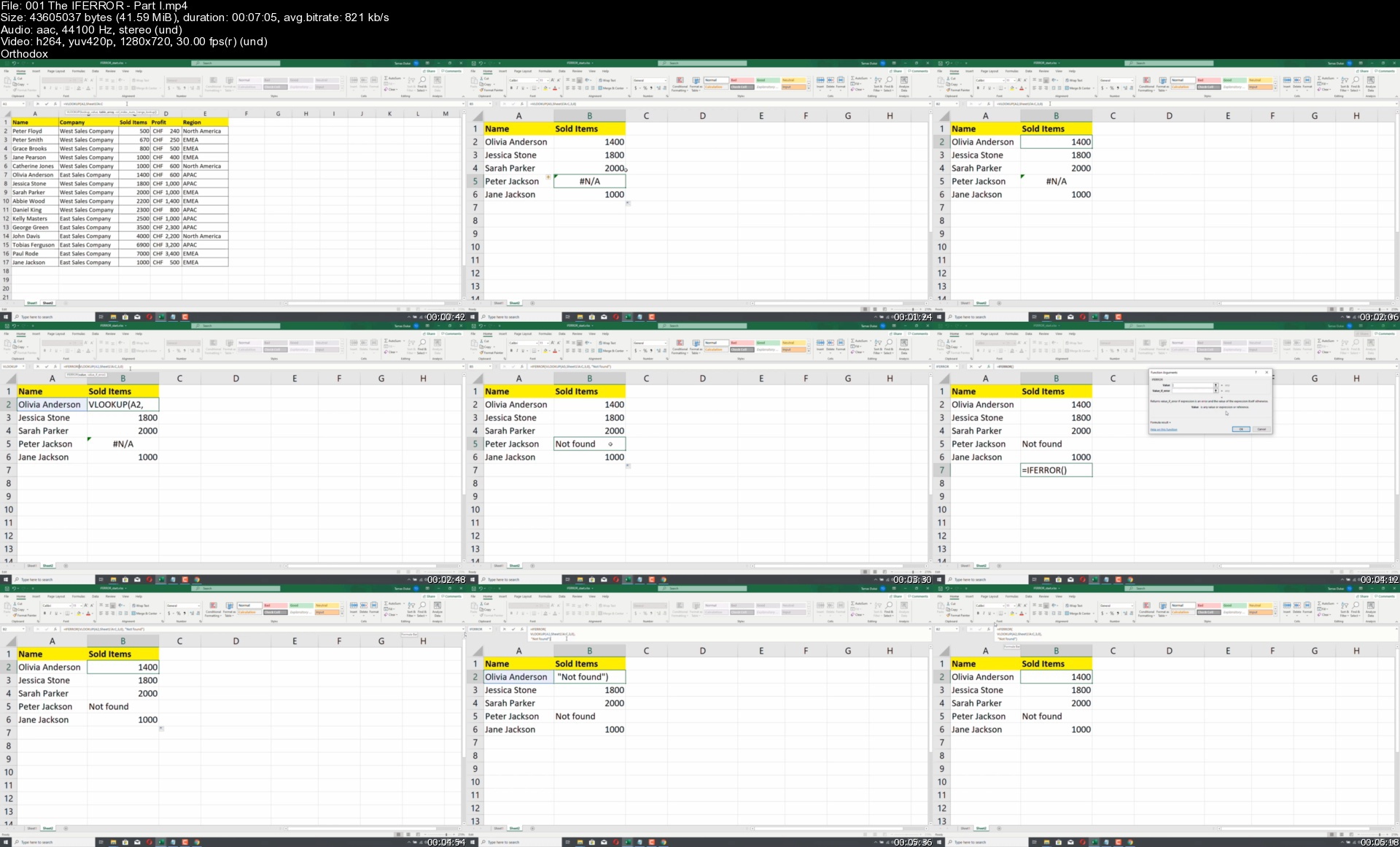
The 3-in-1 Excel, VBA & SQL Master Course

f7efwhpgwztgm1vtlt7hl6tjpy.jpg


The 3-in-1 Excel, VBA & SQL Master Course
Genre: eLearning | MP4 | Video: h264, 1280x720 | Audio: AAC, 44.1 KHz
Language: English | Size: 17.7 GB | Duration: 39h 43m

Learn valuable Excel, VBA, SQL and Programming Skills! Go from beginner to expert and get a Competitive job!


What you'll learn
Learn Microsoft Excel from Beginner to Advanced
Develop programming skills with VBA
Learn a large number of Excel functions
Master advanced Excel functions
Work with charts and pivot tables
Learn how to execute SQL statements in Excel
Task-based learning
Help from me with real life experience who works with Excel every day


Description
Hello!

Thank you for visiting our course page.

Do you want to become the go-to person at your company for Excel problems? Do you want to nail your next job interview? Or just want a new skill? If yes, then this course is for you.

I'm Mark and I will be your instructor. I have worked at companies like IBM, Morgan Stanley, and Siemens, so believe me, I know what skills these companies need! I'm a self-taught software developer, who will teach you how to use Excel like a pro, but we will not stop there! I'll also teach you how to write clean and professional VBA code to automate Excel tasks! And on top of that, you'll also learn the SQL programming language, so by the end of the course, you'll know how to work with an actual database!

This course is made up of 3 different courses, and packed with over 39 hours of video lectures.

1. EXCEL

The first part is dealing with Excel itself. It takes you from the very basics to expert level.

By the end of this part you will use Excel confidently, and be able to handle advanced tasks. You will learn the ins and outs of functions, formulas, charts, pivot tables, conditional formatting and a lot more.

At the end of this part we will have a live project also.

2. VBA

The VBA sections of this course will enhance your Excel knowledge even further and will introduce you to programming. VBA stands for Visual Basic for Applications. Excel VBA is Microsoft's programming language for Excel. It is used to automate tasks and perform several other functions beyond creating and organizing spreadsheets.

In the VBA sections of this course you will learn for example

Subroutines, variables, data types

Core VBA programming concepts

VBA functions and more challenging concepts

Macros, recordings and enhancing them

Debugging and error handling

Essential VBA operations

Events

Managing your VBA code

Classes and Object-based programming

3. SQL

In this part of the course you will learn how to work with a database and execute SQL statements within Excel.

In the SQL part of the course you will:

learn SQL and how to set up your database

learn about data types

learn basic operations

learn how to set up VBA for SQL

learn how to query data

learn about basic statements

learn how to work with a table

learn about joins

learn about SQL functions and security

So what are you waiting for? Enroll now and become an EXCEL expert!


Who this course is for:
Complete beginners
Anyone who already knows a little bit about Excel
Anyone who wants to deepen their Excel knowledge
Office workers, data analysts

Homepage

001theiferrorpartisnijpx.jpg


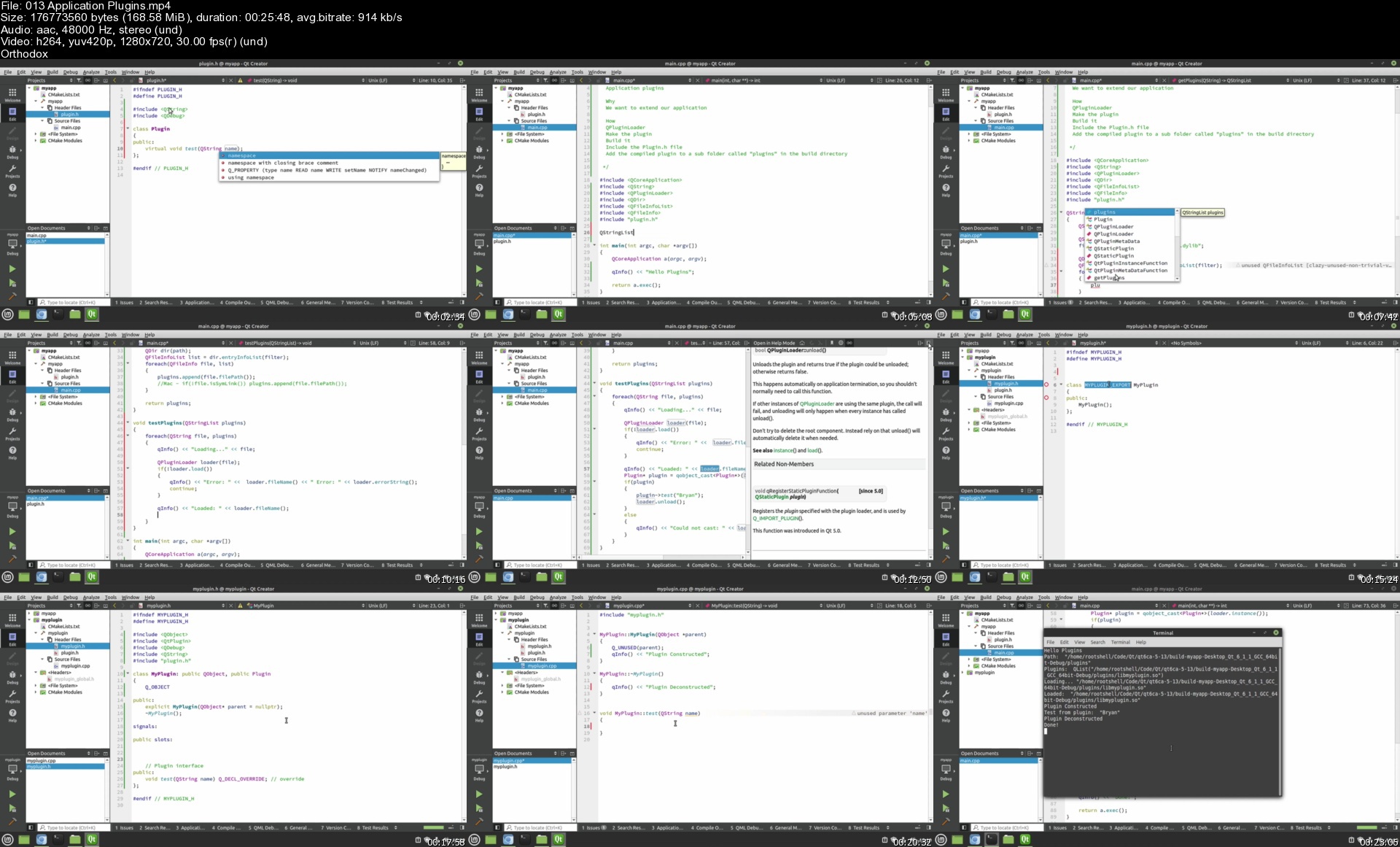
Qt 6 Core Advanced with C++

wv7lhon80z8bmszgevlgquvkem.jpg


Qt 6 Core Advanced with C++
MP4 | Video: h264, 1280x720 | Audio: AAC, 44.1 KHz, 2 Ch
Genre: eLearning | Language: English + srt | Duration: 130 lectures (13h 3m) | Size: 5.25 GB

A followup to the Qt 5 Core for beginners and intermediate courses.

What you'll learn:
Qt 6 Core
Synchronous coding
Asynchronous coding
Threaded coding
Threading concepts
Synchronizing threads
Qt Concurrent
Futures
Getting future values
Synchronizing future values
Thread Pools
Semaphores
Mutexes
Networking concepts
Sockets
UDP Sockets
TCP Sockets
Host Addresses
Network Proxies
Ssl
Ssl Sockets
Network Access Manager
Creating libraries
Loading libraries
Shared libraries
Static libraries
Plugins
Dependency trees
Database concepts
Plugin loader
Database drivers
Connecting to databases
Work with databases
Unit testing
Data driven tests
Test failure handling
Deploying application concepts
Deploying to Windows
Deploying to Mac
Deploying to Linux

Requirements
Qt 6 Experience (Up to an intermediate level)
C++ Experience
Students continuing from my Qt 6 Core Beginners course
Students continuing from my Qt 6 Core Intermediate course


Description
This is not a beginners course!

This is an advanced Qt 6 course using C++ to create high performance applications on Windows, Mac and Linux. This course also includes advanced topics such as threading, networking, libraries, plugins, databases, unit testing, and application deployment.

This is a followup to the Udemy Qt 5 Core for beginners and intermediate courses and picks up where they both left off. It is highly recommended to take those courses before attempting this one. In this course you will learn how to work with threads, sockets, libraries, plugins, unit testing, and application deployment across multiple operating systems.

Threading

Threads help make your applications lighting fast. You will learn threading best practices, along with some common misconceptions and mistakes. Additionally we will dive into thread pools which are highly fast and efficient use of threads. And we will cover how to simplify threading using the Qt Concurrent Library.

Networking

We will cover general networking concepts along with who to use both TCP and UDP sockets to communicate with remote servers. This course also covers how to use SSL encryption to maintain a secure connection with the remote host. Later on in the networking section we will demonstrate how to make a basic TCP server, then combine threading and SSL to make a high performance TCP server that can handle a lot of simultaneous connections.

Libraries

We will teach what libraries are, and how you can easily create your own libraries along with how to use libraries created by other developers. This course also covers shared vs static libraries, and even how to make your application expandable by developing a simple plugin system that allows you to dynamically add functionality to your application while its running without recompiling your application.

Databases

This is a broad topic and we will show just the basics of how to use the Qt SQL libraries and vendor drivers to connect to and use databases. We do demonstrate a few concepts using MySql.

Testing

This course will teach how to use the Qt Test library, which will help you perform unit and data driven tests on your application. We will even cover how to perform some simple bench marking to spot performance issues in your code.

Deployment

Deploying your applications to end users is both an art and a science. While there are millions of ways to deploy your applications, we will show some basic techniques for Windows, Mac and Linux. In case you need to have a custom deployment, this course does cover how to compile Qt in both Dynamic and Static linking, which allows you to choose between having a dependency tree or an all in one application.

Who this course is for
C++ Developers
Qt Developers
Cross Platform Developers
Experienced Developers

Homepage

013applicationplugins6dkc4.jpg


Practical AI with Python and Reinforcement Learning

3msqevacsg0lkhi99xqrkmpjig.jpg


Practical AI with Python and Reinforcement Learning
MP4 | Video: h264, 1280x720 | Audio: AAC, 44.1 KHz, 2 Ch
Genre: eLearning | Language: English + srt | Duration: 120 lectures (20h 40m) | Size: 6.1 GB

Learn how to use Reinforcement Learning techniques to create practical Artificial Intelligence programs!

What you'll learn:
Reinforcement Learning with Python
Creating Artificial Neural Networks with TensorFlow
Using TensorFlow to create Convolution Neural Networks for Images
Using OpenAI to work with built-in game environments
Using OpenAI to create your own environments for any problem
Create Artificially Intelligent Agents
Tabular Q-Learning
State-action-reward-state-action (SARSA)
Deep Q-Learning (DQN)
DQN using Convolutional Neural Networks
Cross Entropy Method for Reinforcement Learning
Double DQN
Dueling DQN

Requirements
You should be very comfortable with basic Python and installing Python libraries.
This is NOT a course for beginners, we highly suggest you take our "Data Science and Machine Learning Masterclass" first!


Description
Please note! This course is in an "early bird" release, and we're still updating and adding content to it, please keep in mind before enrolling that the course is not yet complete.

"The future is already here - it's just not very evenly distributed."

Have you ever wondered how Artificial Intelligence actually works? Do you want to be able to harness the power of neural networks and reinforcement learning to create intelligent agents that can solve tasks with human level complexity?

This is the ultimate course online for learning how to use Python to harness the power of Neural Networks to create Artificially Intelligent agents!

This course focuses on a practical approach that puts you in the driver's seat to actually build and create intelligent agents, instead of just showing you small toy examples like many other online courses. Here we focus on giving you the power to apply artificial intelligence to your own problems, environments, and situations, not just those included in a niche library!

This course covers the following topics:

Artificial Neural Networks

Convolution Neural Networks

Classical Q-Learning

Deep Q-Learning

SARSA

Cross Entropy Methods

Double DQN

and much more!

We've designed this course to get you to be able to create your own deep reinforcement learning agents on your own environments. It focuses on a practical approach with the right balance of theory and intuition with useable code. The course uses clear examples in slides to connect mathematical equations to practical code implementation, before showing how to manually implement the equations that conduct reinforcement learning.

We'll first show you how Deep Learning with Keras and TensorFlow works, before diving into Reinforcement Learning concepts, such as Q-Learning. Then we can combine these ideas to walk you through Deep Reinforcement Learning agents, such as Deep Q-Networks!

There is still a lot more to come, I hope you'll join us inside the course!

Jose

Who this course is for
Python developers familiar with basics of machine learning, such as Scikit-Learn, but now want to learn how to create Artificially Intelligent Agents through Reinforcement Learning

Homepage

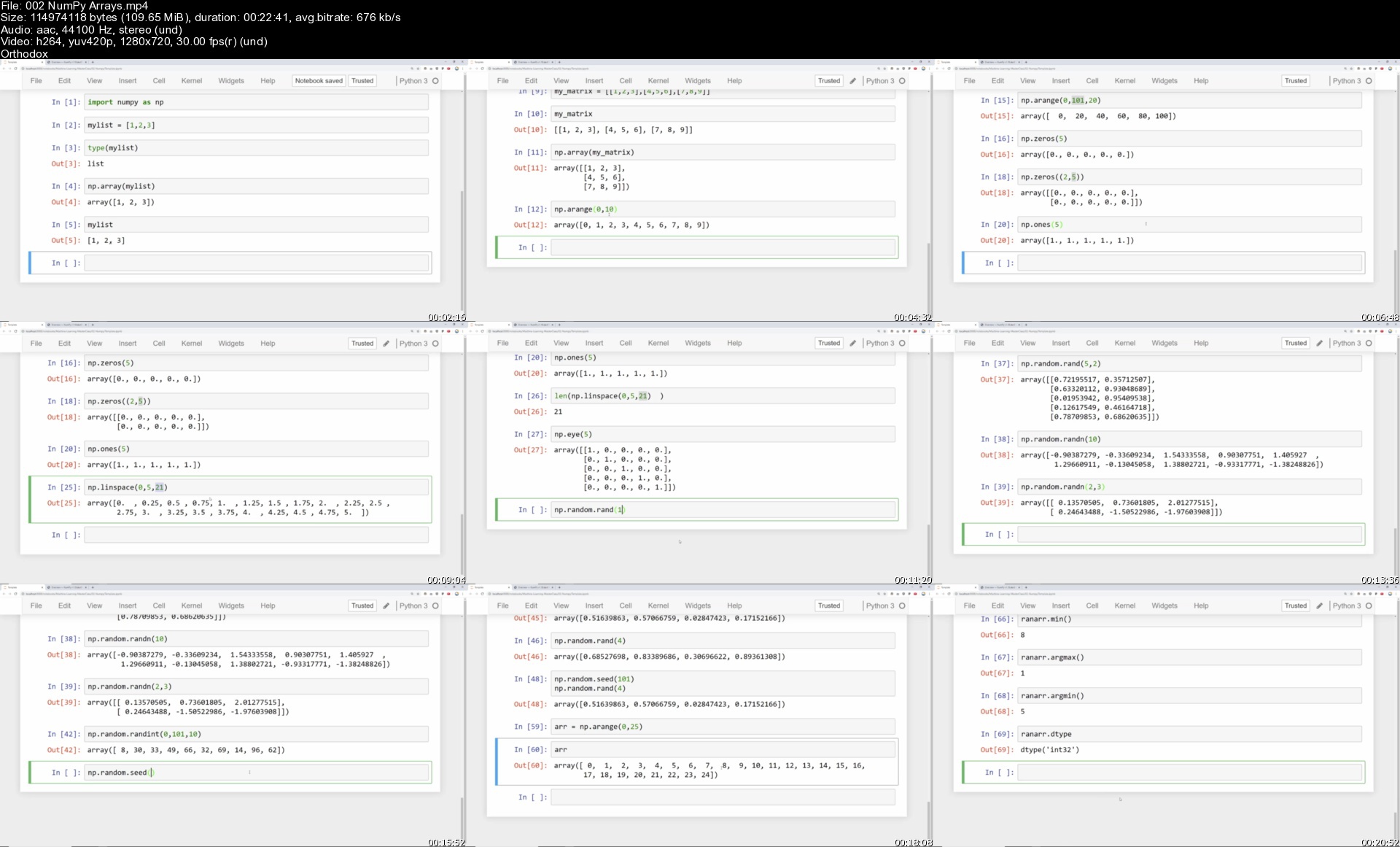
002numpyarraysst8jh9.jpg


Photography Masterclass for Beginners

f5qiqrhv8ufzlguwvpbeo7uj4q.jpg


Photography Masterclass for Beginners
MP4 | Video: h264, 1280x720 | Audio: AAC, 44.1 KHz, 2 Ch
Genre: eLearning | Language: English + srt | Duration: 52 lectures (4h 28m) | Size: 5 GB

Your complete course on Learning Photography from SCRATCH. Best for Beginner and Intermediate Photographers.

What you'll learn:
Why Photography is a high value skill and why you should master it
The most important element of Photography that will level up your skills
How you can cultivate your creative style
How you can tell stories through your photos
How you can compose your shots for compelling images
How to plan for a photoshoot
4 techniques to succeed in Portrait Photography
How you can standout in Landscape Photography
How you can level up your Food Photography
Live Photography demos
The science of Photography
How you can master your camera one button at a time
How to go from AUTO to MANUAL settings
How to succeed in Photography
How to profit from Photography
How to edit and enhance your photos
How to properly export your photos to preserve best quality for print and digital use
What's inside my camera bag
Why you should never give up

Requirements
Your camera (DSLR, point and shoot or smartphone camera)


Description
Rose is a full time Photographer and Entrepreneur. She started her business with a borrowed camera and minimal gear. She did not start as an expert but was eager to learn and grow her Photography skills through books, online courses and actual gigs. Now she and her husband run a full time Photography and Videography business. During her free time Rose loves to create courses and conduct workshops on Photography. In this class she will tell you everything she learned from years of running a Photography business and doing countless Photoshoots.

The lessons include:

-WHY PHOTOGRAPHY?

-Why lighting is very important

-The art and science of Photography

-Planning and getting inspiration

-Composition

-Storytelling

-Color Theory

-Camera anatomy

-How camera works

-Exposure and creating depth

-How to balance the exposure triangle

-Camera lenses

-What's inside our camera bag

-File formats

-Editing, enhancing and properly exporting photos for best quality

-How to make money from Photography

-How to develop your own unique style (People and brands will want you to Photograph them or their products)

-Actual photoshoots and demos

This class is perfect for anyone who wants to take great photos using their DSLR, point and shoot and even smartphone, for photographers who want a refresher, For aspiring Photographers who want to turn something they love to something they can earn from and absolutely anyone who wants to discover and learn something new.

Who this course is for
Aspiring Photographers
Beginners
Photographers who wants a refresher
Artists
Hobbyist
Anyone who wants to learn something new and exciting

Homepage

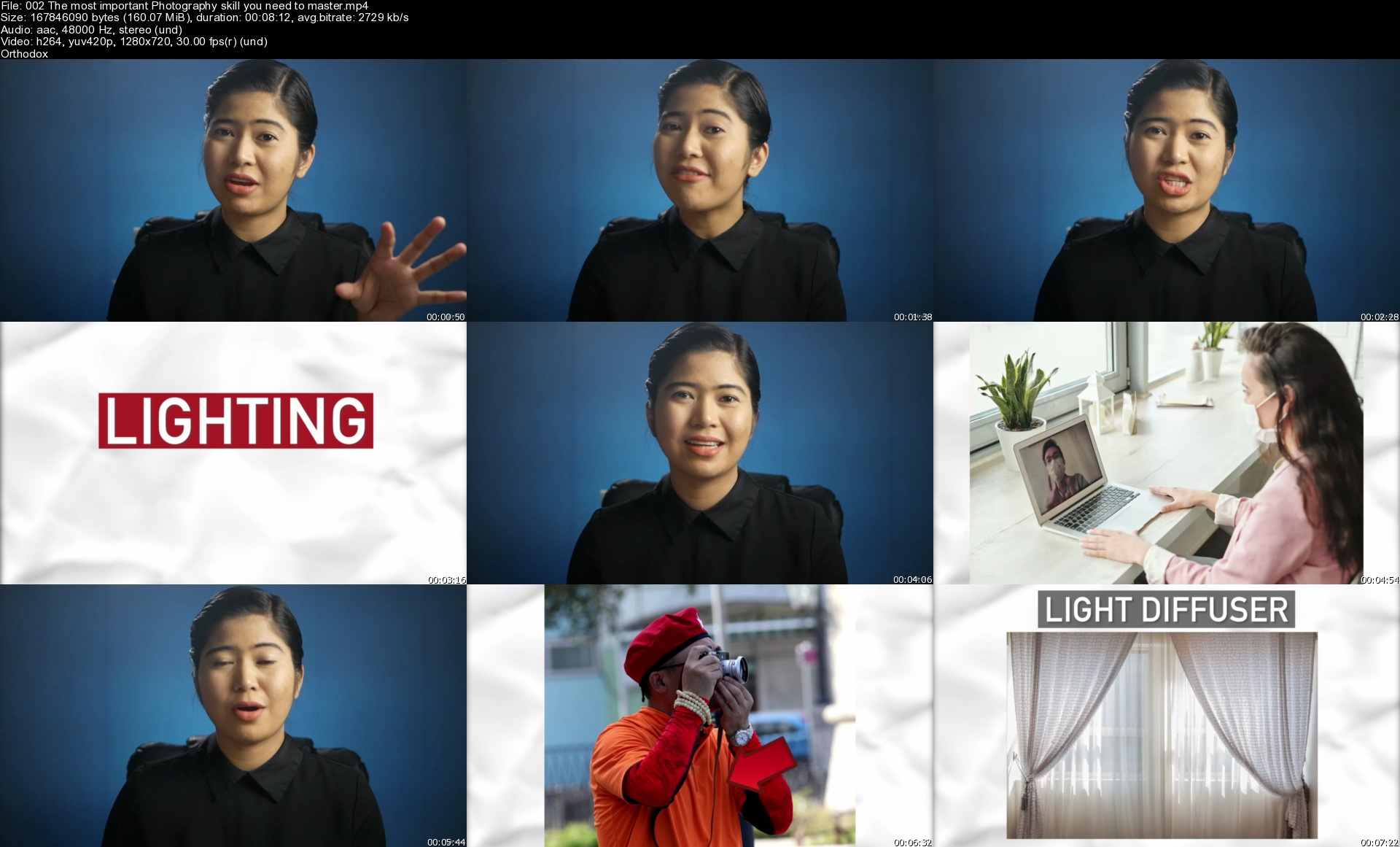
002themostimportantph3ukiz.jpg


Kimura: Enter The System

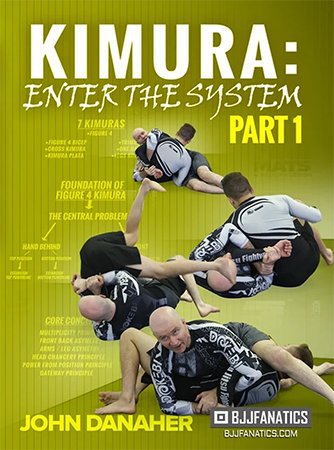
ps9v8rwonoptlsw2jinpk7jko0.jpg


Kimura: Enter The System
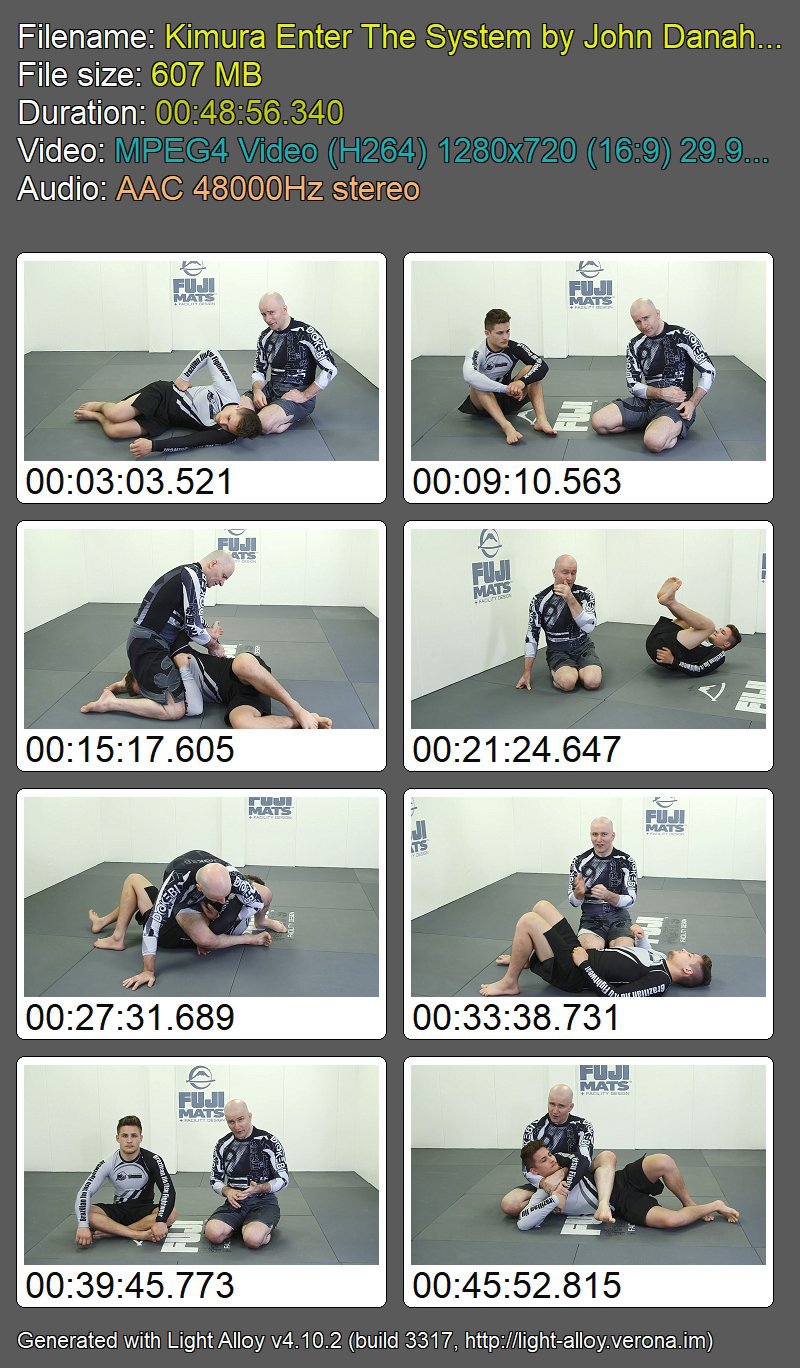
John Danaher | Duration: 8h 29m | Video: H264 1280x720 | Audio: AAC 48 kHz 2ch | 6,42 GB | Language: English

Learn the subtle hacks, tricks & tips that will make the kimura the most dangerous submission hold in your arsenal. If you aren't tapping multiple opponents, multiple times every class with this hold - you are leaving easy taps on the table.

The best grappling coach on earth: John Danaher, wants to fix that & show you his complete kimura system - over 8 hours of content.

• "The Kimura System" from John Danaher: The Most Sought After Grappling Instructor On The Planet
• John helped coach Georges St Pierre and Chris Weidman to UFC World Titles. Garry Tonon has become a 3x ADCC competitor and a grappling Icon
• John has guided guys like Eddie Cummings and Gordon Ryan to stardom in a fraction of the time that it would take ordinary people
• The Kimura system John teaches is excellent for both Gi and No Gi and applicable for Self-Defense
• This system will change your perspective on Jiu Jitsu
• Kimura Everyone

Homepage

tkdqv28xd7rxcbd54x4rb29j4r.jpg


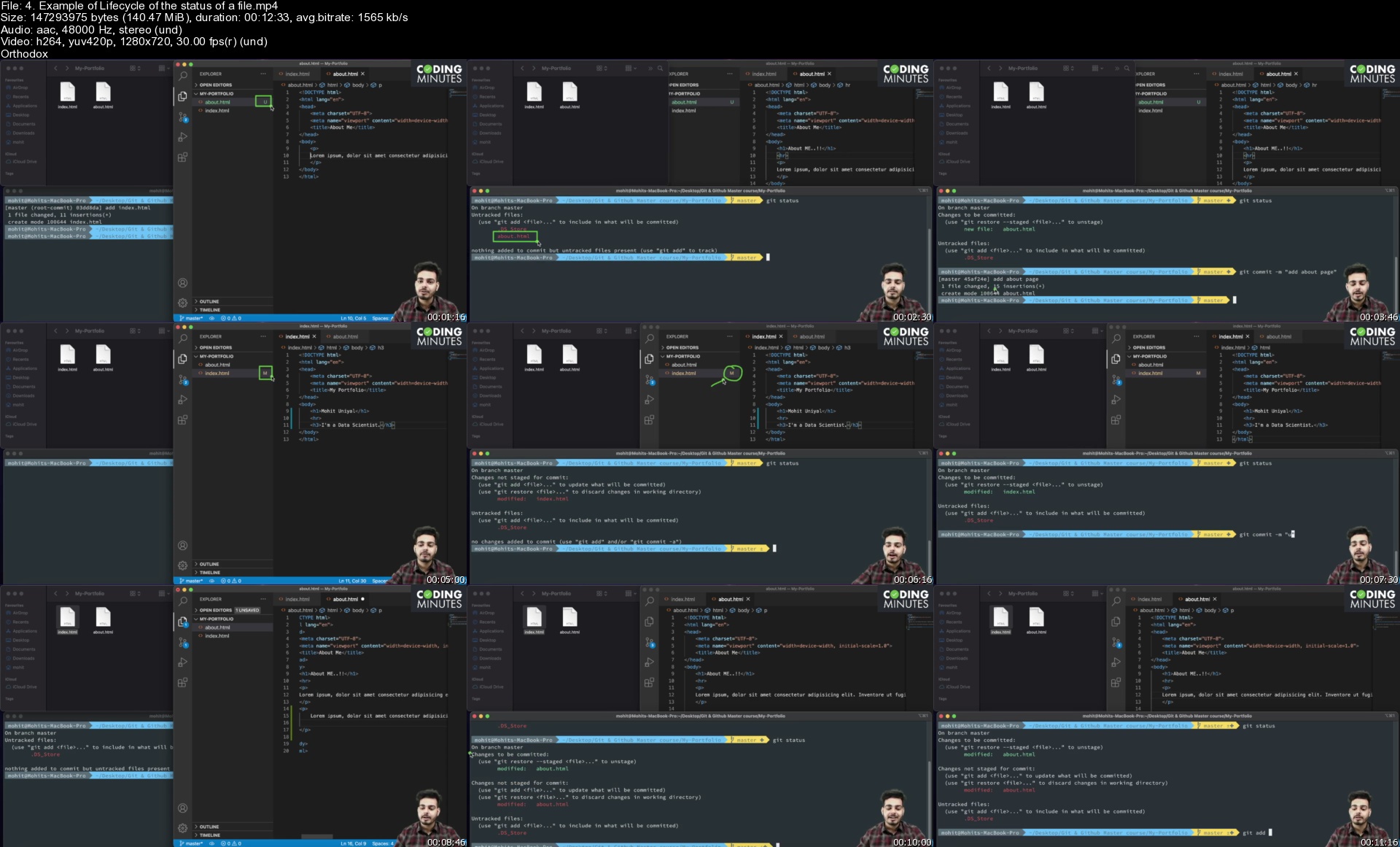
Git & Github Master Course (2021)

rghbn7ryvuyurvrpv2pylvujxq.jpg


Git & Github Master Course (2021)
MP4 | Video: h264, 1280x720 | Audio: AAC, 44100 Hz
Language: English | Size: 8.96 GB | Duration: 10h 51m


What you'll learn
Understand Version Control Systems
Master Git, the most popular VCS
Git Workflow - Staging area, git commits, git diff
Branching - Creating and Merging Branches
Deploying a Git Repository on Github
Using Github Pages to deploy websites
How to collaborate as a team
Moving back and forth in git timeline
Advanced Git Features - Rebasing, Stashing, Branching, Merge Conflicts
Project Work - Create a Web Portfolio

Requirements
No prerequisite
Passionate to learn coding & software development.

Description
If you are curious to know how big tech giants manage multiple versions of their projects? In this course, you will learn everything related to version control systems.

Welcome to the Git & Github Master course (2021). This course is designed for absolute beginners who have no experience in project building and developers who already are working on projects, but want to upskill with the advanced features of git.

Hi, My name is Mohit Uniyal, I'm a data scientist and a programming instructor. I co-created Coding Minutes to help students & developers like you to build a solid foundation & become great programmers.

Key features of the Course:

11+ hours of on-demand HD videos.

90+ high-quality lectures.

15 sections covering various tools in Git & Github.

Fully practical hands-on experience.

Quizzes to test your understanding.

Overview of Topics :

Version Control Systems

Command Line Tool

Git Introduction

Tracking your projects

Additional Git commands

Non-linear Development: Branching

Non-linear Development: Merging

Non-linear Development: Rebasing

Introduction to Github

Social Coding with Github

Miscellaneous Git Tools

Rewriting History

Project Work : Creating your portfolio website

No matter whether you are a student, web developer, mobile developer, data scientist or just a computer programmer. Everyone should have Git & Github in their toolkit. This course the only course you need to master Git & Github. The course covers everything in a practical hands-on manner. You will get a quiz in each section to test your understanding of the topics.

So, what are you waiting for? Sign up for the course and take your first step towards building your career in software development! See you in the course!


Who this course is for:
Software Developers who wants to use VCS in their daily routine.
College students pursuing computer science or related fields.
Programmers who wants to build a solid foundation in software development
Version Control is required skill for everyone - Students, Software Developers, Data Scientists etc


Homepage

4.exampleoflifecycleoa1kfw.jpg


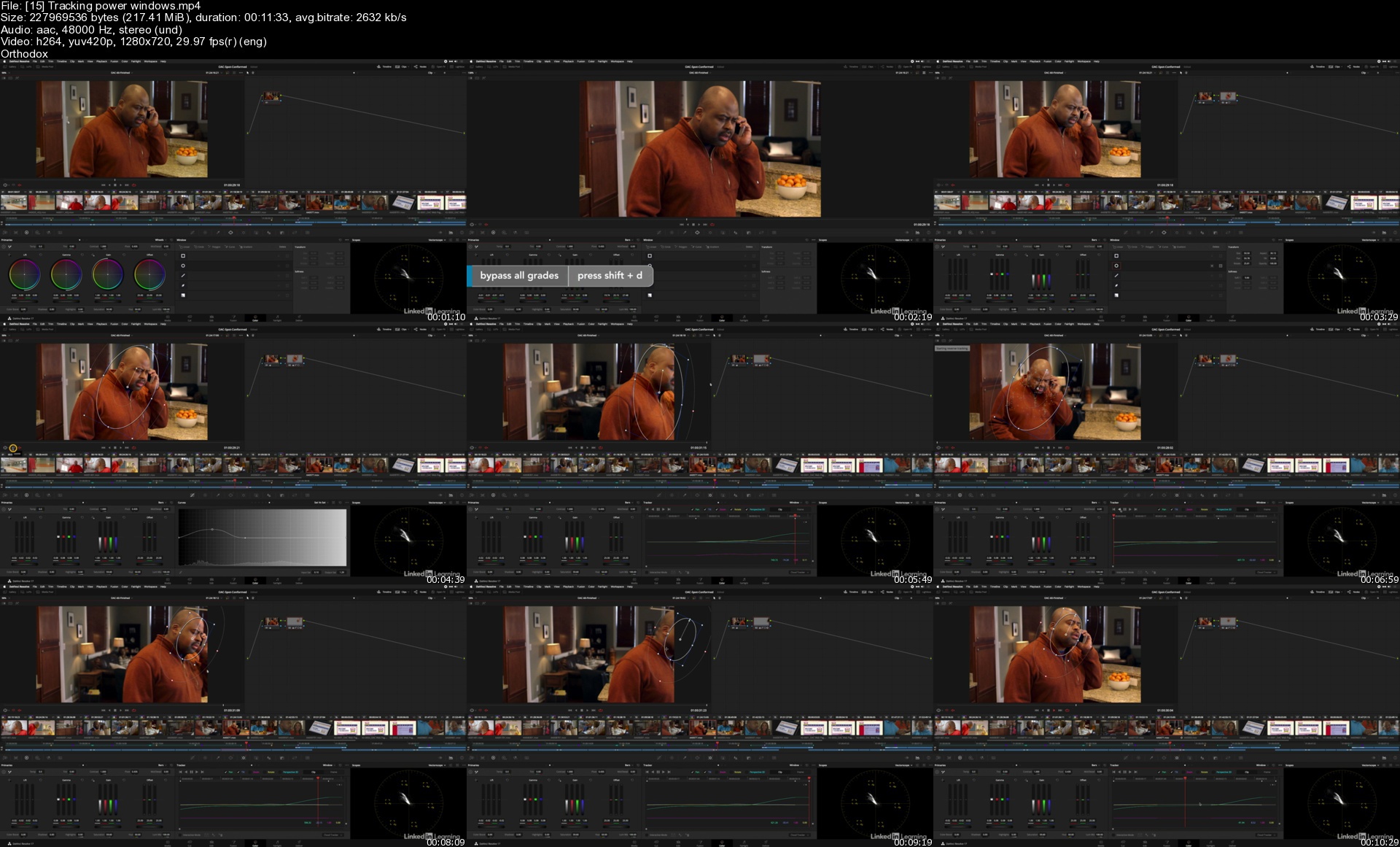
DaVinci Resolve Fundamentals

bqy6ucdfyyrktucwkbsdvflkoa.jpg


DaVinci Resolve Fundamentals
MP4 | Video: h264, 1280x720 | Audio: AAC, 44.1 KHz, 2 Ch
Skill Level: Beginner | Genre: eLearning | Language: English + srt | Duration: 6h 50m | Size: 7.2 GB

Learning DaVinci Resolve Are you new to DaVinci Resolve? Are you intrigued by the power of this digital video media creation tool? Do you find the power of this tool intimidating or confusing? Then this title is for you. Join instructor and professional colorist Patrick Inhofer in this course designed to get you up to speed in as little time as possible. This course includes a 60-second commercial for you to work with so you can get comfortable with the layout and workflow as you follow along. Patrick starts with the process of importing your media, using both manual and automated tools, before showing how to start building a rough cut in Resolve. He then explains how to refine your rough cut using trim tools and adding titles and transitions, details the important aspects of color correction, and shows how to organize and mix sound clips. Patrick finishes the course covering the export process, showing how to use preset templates as well as how to create your own reusable custom templates.

Homepage

15trackingpowerwindowihju7.jpg


Zurück
Oben Unten