• Regeln für den Video-Bereich:

    In den Börsenbereich gehören nur Angebote die bereits den Allgemeinen Regeln entsprechen.

    Einteilung

    - Folgende Formate gehören in die angegeben Bereiche:
    - Filme: Encodierte Filme von BluRay, DVD, R5, TV, Screener sowie Telesyncs im Format DivX, XviD und x264.
    - DVD: Filme im Format DVD5, DVD9 und HD2DVD.
    - HD: Encodierte Filme mit der Auflösung 720p oder darüber von BluRay, DVD, R5, TV, Screener sowie Telesyncs im Format x264.
    - 3D: Encodierte Filme von BluRay, die in einem 3D Format vorliegen. Dies gilt auch für Dokus, Animation usw.
    - Serien: Cartoon/Zeichentrick, Anime, Tutorials, Dokumentationen, Konzerte/Musik, Sonstiges sind demnach in die entsprechenden Bereiche einzuordnen, auch wenn sie beispielsweise im High Definition-Format oder als DVD5/DVD9/HD2DVD vorliegen. Ausnahme 3D.
    - Bereich Englisch: Englische Releases gehören immer in diesen Bereich.
    - Bereich Talk: Der Bereich, in dem über die Releases diskutiert werden kann, darf, soll und erwünscht ist.


    Angebot/Beitrag erstellen

    - Ein Beitrag darf erst dann erstellt werden, wenn der Upload bei mindestens einem OCH komplett ist. Platzhalter sind untersagt.
    - Bei einem Scenerelease hat der Threadtitel ausschließlich aus dem originalen, unveränderten Releasenamen zu bestehen. Es dürfen keine Veränderungen wie z.B. Sterne, kleine Buchstaben o.ä. vorgenommen werden. Ausnahme Serienbörse:
    - Bei einem Sammelthread für eine Staffel entfällt aus dem Releasename natürlich der Name der Folge. Beispiel: Die Simpsons S21 German DVDRip XviD - ITG
    - Dementsprechend sind also u.a. verboten: Erweiterungen wie "Tipp", "empfehlenswert", "only", "reup", usw. / jegliche andere Zusatzinformation oder Ergänzung, welche nicht in obiger Beschreibung zu finden ist.

    Aufbau des Angebots und Threadtitel

    Der Titel nach folgendem Muster erstellt zu werden. <Name> [3D] [Staffel] [German] <Jahr> <Tonspur> [DL] [Auflösung] <Quelle> <Codec> - <Group>
    Beispiel: The Dark Knight German 2008 AC3 DVDRip XviD - iND
    Beispiel: The Dark Knight 2008 DTS DL BDRip x264 - iND
    Beispiel: The Dark Knight 2008 AC3 DL BDRip XviD - iND
    Beispiel: The Dark Knight German 2008 AC3 720p BluRay x264 iND
    Beispiel: The Dark Knight 2008 DTS DL 1080p BluRay x264 iND
    Beispiel: Die Simpsons S01 German AC3 DVDRip XviD iND
    Beispiel: Die Simpsons S20 German AC3 720p BluRay x264 iND
    Beispiel: Sword Art Online II Ger Sub 2014 AAC 1080p WEBRip x264 - peppermint
    Entsprechend sind also u.a. verboten: Sonderzeichen wie Klammern, Sterne, Ausrufezeichen, Unterstriche, Anführungszeichen / Erweiterungen wie "Tipp", "empfehlenswert", "only", "reup", usw. / jegliche andere Zusatzinformation oder Ergänzung, welche nicht in obiger Beschreibung zu finden ist
    Ausnahmen hiervon können in den Bereichen geregelt sein.

    Die Beiträge sollen wie folgt aufgebaut werden:
    Überschrift entspricht dem Threadtitel
    Cover
    kurze Inhaltsbeschreibung
    Format, Größe, Dauer sind gut lesbar für Downloader außerhalb des Spoilers zu vermerken
    Nfo sind immer Anzugeben und selbige immer im Spoiler in Textform.
    Sind keine Nfo vorhanden z.B. Eigenpublikationen, sind im Spoiler folgende Dateiinformationen zusätzlich anzugeben :
    Quelle
    Video (Auflösung und Bitrate)
    Ton (Sprache, Format und Bitrate der einzelnen Spuren)
    Untertitel (sofern vorhanden)
    Hosterangabe in Textform außerhalb eines Spoiler mit allen enthaltenen Hostern.
    Bei SD kann auf diese zusätzlichen Dateiinformationen verzichtet werden.

    Alle benötigten Passwörter sind, sofern vorhanden, in Textform im Angebot anzugeben.
    Spoiler im Spoiler mit Kommentaren :"Schon Bedankt?" sind unerwünscht.


    Releases

    - Sind Retail-Release verfügbar, sind alle anderen Variationen untersagt. Ausnahmen: Alle deutschen Retail-Release sind CUT, in diesem Fall sind dubbed UNCUT-Release zulässig.
    - Im Serien-Bereich gilt speziell: Wenn ein Retail vor Abschluss einer laufenden Staffel erscheint, darf diese Staffel noch zu Ende gebracht werden.62
    - Gleiche Releases sind unbedingt zusammenzufassen. Das bedeutet, es ist zwingend erforderlich, vor dem Erstellen eines Themas per Suchfunktion zu überprüfen, ob bereits ein Beitrag mit demselben Release besteht. Ist dies der Fall, ist der bereits vorhandene Beitrag zu verwenden.
    - P2P und Scene Releases dürfen nicht verändert oder gar unter einem iND Tag eingestellt werden.


    Support, Diskussionen und Suche

    - Supportanfragen sind entweder per PN oder im Bereich Talk zu stellen.
    - Diskussionen und Bewertungen sind im Talk Bereich zu führen. Fragen an die Uploader haben ausschließlich via PN zu erfolgen, und sind in den Angeboten untersagt.
    - Anfragen zu Upload-Wünschen sind nur im Bereich Suche Video erlaubt. Antworten dürfen nur auf Angebote von MyBoerse.bz verlinkt werden.


    Verbote

    - Untersagt sind mehrere Formate in einem einzigen Angebotsthread, wie beispielsweise das gleichzeitige Anbieten von DivX/XviD, 720p und 1080p in einem Thread. Pro Format, Release und Auflösung ist ein eigener Thread zu eröffnen.
    - Grundsätzlich ebenso verboten sind Dupes. Uploader haben sich an geeigneter Stelle darüber zu informieren, ob es sich bei einem Release um ein Dupe handelt.
    - Gefakte, nur teilweise lauffähige oder unvollständige Angebote sind untersagt. Dies gilt auch für eigene Publikationen, die augenscheinlich nicht selbst von z.B. einer DVD gerippt wurden. Laufende Serien, bei denen noch nicht alle Folgen verfügbar sind, dürfen erstellt und regelmäßig geupdatet werden.
    - Untersagt sind Angebote, welche nur und ausschließlich in einer anderen Sprache als deutsch oder englisch vorliegen. Ausnahmen sind VORHER mit den Moderatoren zu klären.


    Verstoß gegen die Regeln

    - Angebote oder Beiträge, die gegen die Forenregeln verstoßen, sind über den "Melden"-Button im Beitrag zu melden.
  • Bitte registriere dich zunächst um Beiträge zu verfassen und externe Links aufzurufen.


Englische Tutorials

Python in Containers

00756cca.png


Python in Containers
.MP4, AVC, 1920x1080, 30 fps | English, AAC, 2 Ch | 23h 48m | 6.97 GB
Instructor: Kris Celmer

All about containers, Docker, and Kubernetes for Python engineers.

Learn

Build container images having Python applications and ship them to Docker Hub
Run Jupyter Notebooks and create virtual machines in Docker
Use Docker Desktop for Windows Pro and macOS and Docker Toolbox for Windows Home
Create custom container images from scratch and automate container image builds with Dockerfile
Design Flask and Django multi-container deployments and automate them with Docker Compose
Containerize TensorFlow models into microservices and use Kubernetes with Minikube on a development host
Deploy complex multi-container applications in Docker Swarm and Kubernetes

About

Docker and Kubernetes are must-have skills for Python engineers these days. Whether your focus is on machine learning and data science or you use Python as a general programming language, you must understand Docker and Kubernetes, as they form the basis of modern cloud-native applications built using microservice architectures.

In this course, you'll learn to do the following:

• Develop and explore machine learning, data science, and Jupyter Notebooks in Docker

• Run machine learning models in production with Kubernetes and Docker Swarm

• Package your Python code into containers

• Publish your containers in image registries

• Deploy containers to production, both in Docker and Kubernetes

• Build highly modular, container-based services in a microservices way

• Monitor and maintain containerized apps

You can use the course in two ways:

• If you use Python for machine learning and data science, go top-down - start with section 7 to quickly develop practical Docker skills and use sections 2 to 6 to delve deeper into specific container topics

• If you want to use Python for building web apps and microservices, try the bottom-up approach - use the course in a linear way

Features

Become well-versed with using Docker tools to create top-class containers running your Python code
Master Docker runtime tools such as Compose and Swarm
Design your applications to run on Kubernetes and master writing Kubernetes object declarations

More Info

03-Containers-Explained-s.jpg


Programming in C - The Complete Course

00756c4b.png


Programming in C - The Complete Course
.MP4, AVC, 1368x768, 30 fps | English, AAC, 2 Ch | 10h 52m | 11.28 GB
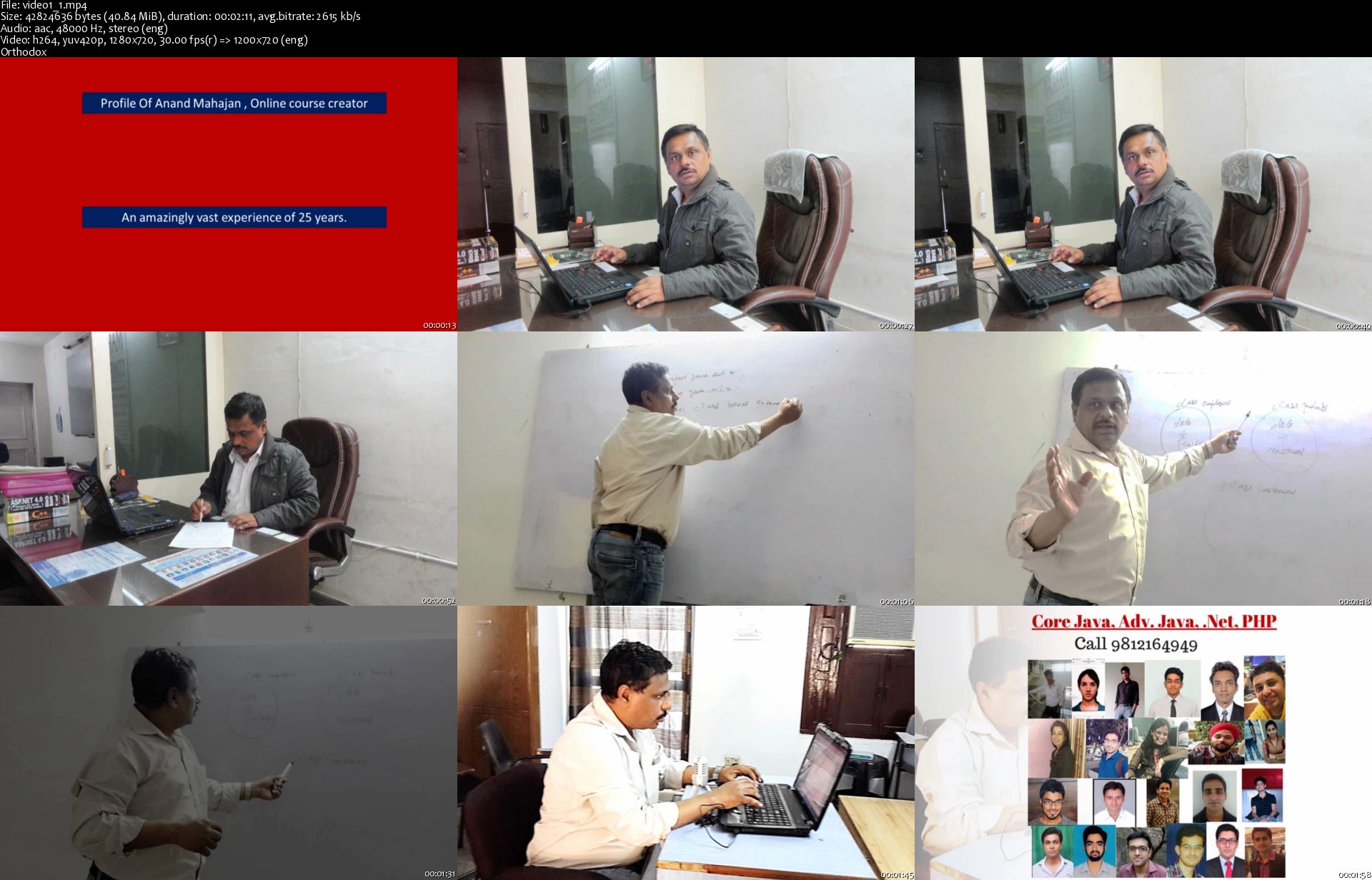
Instructor: Anand Mahajan

Strengthen your command over C language

Learn

Solve programming problems speedily
Cover basic concepts of C programming languages
Understand the lifecycle of a C program
Enhance your C programming skills using loops
Understand the concept of arrays and how to program them
Write and execute your C (and C++) programs
Master C programming and get ready to learn advanced languages and technologies

About

A vast majority of modern programming languages and popular libraries are based on C, making C an essential language to learn for coding enthusiasts.

Starting with the basic keywords and syntax of C, this book will help you get acquainted with variables, constants, data types, and operators. You'll then understand the concept of flow control and explore the use of different tools such as loops (including if.else, while, and switch), functions, and arrays. As you advance, you'll get to grips with pointers and implement them to create practical programs and pieces of code.

By the end of this course, you'll not only be able to code efficiently, but you'll also have expertise in solving a wide variety of programming problems effectively.

All the code and supporting files for this course are available at
Features

Understand the precedence and associativity of operators
Get to grips with programming constructs in C
Discover how to use fprintf() and fscanf() to read and write multiple values and structures

More Info

video1-1-s.jpg


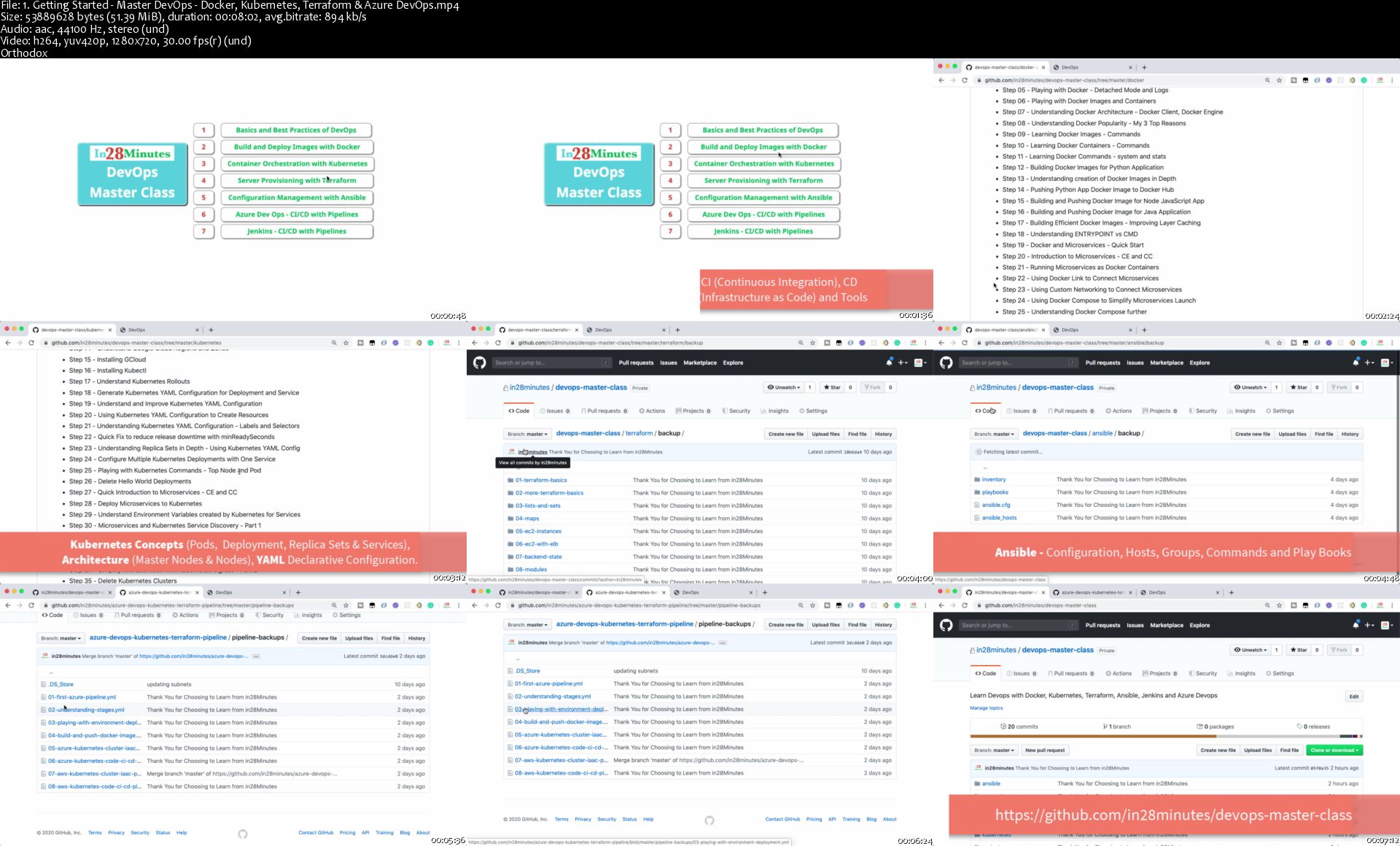
Master DevOps with Docker, Kubernetes and Azure DevOps

2813427-cc60-2.jpg


Master DevOps with Docker, Kubernetes and Azure DevOps
Video: .MP4, 1280x720 30 fps | Audio: AAC, 44.1 kHz, 2ch | Duration: 21:12:18
Genre: eLearning | Language: English + Subtitles | Size: 7.66 GB

Learn Devops with Docker, Kubernetes, Azure Devops, Jenkins, Terraform and Ansible on AWS, Azure and Google Cloud
What you'll learn
You will learn DevOps with Docker, Kubernetes and Azure DevOps from ZERO, no previous experience required
You will learn the fundamentals of 6 Most Popular DevOps Tools - Docker, Kubernetes, Azure Devops, Jenkins, Terraform, and Ansible
You will learn the building blocks of DevOps - Continuous Integration, Continuous Delivery and Infrastructure as Code
You will learn to implement Azure Devops Pipelines integrating Docker, Kubernetes and Terraform on AWS EKS and Azure AKS
You will learn DevOps with Continuous Integration & Continuous Delivery on Azure DevOps and Jenkins
You will do containerization and container orchestration for microservices with Docker and Kubernetes
You will play with Docker, Docker Compose and Kubernetes
You will implement Service Discovery, Centralized Configuration and Load Balancing for Docker Microservices deployed in Kubernetes
You will Join 350,000 Learners having AMAZING LEARNING Experiences with in28Minutes

Requirements
You have an attitude to learn while having fun :)
You have some programming experience with either Java, Python or JavaScript
You DO NOT need to have any experience with DevOps, Kubernetes, Docker or Azure DevOps
We will help you install the tools and create your cloud accounts on AWS, Azure and Google Cloud
EKS - Kubernetes Clusters on AWS are not part of the free tier. Be careful not to run the EKS clusters for long time.
You would need a valid Debit or Credit card to create your cloud accounts on AWS, Azure and Google Cloud
Description
200+ Videos. 20+ Hours. 6 DevOps Tools - Docker, Kubernetes, Azure DevOps, Jenkins, Terraform, and Ansible. 3 Different Clouds - AWS, Azure and Google Cloud.
Do you need more reasons to enroll in this amazing course on DevOps?
Do you have ZERO experience with DevOps with Docker, Kubernetes, Azure DevOps, Jenkins, Terraform, Ansible, AWS, Azure and Google Cloud? No Problem.
Do you have ZERO experience with DevOps Containers and Container Orchestration with Docker and Kubernetes? No Problem.
Do you have ZERO experience with Continuous Integration or Continuous Delivery in DevOps with Azure DevOps and Jenkins? No Problem.
Do you have ZERO experience with the Cloud? No Problem.
Are you ready to learn DevOps with Docker, Kubernetes, Terraform, Ansible, Jenkins and Azure DevOps in multiple clouds - AWS, Azure and Google Cloud?
Do you want to join 300,000+ learners having Amazing Learning Experiences with in28Minutes?
Buckle up and Get ready for this wonderful ride on DevOps, Microservices and the Cloud.
Look No Further!
******* Course Overview *******
DevOps is all about People, Process and Tools. In this course, you will understand the basics of DevOps and learn to do DevOps with Docker, Kubernetes, Ansible, Terraform, Azure DevOps and Jenkins. You will learn to implement DevOps with Continuous Integration, Continuous Delivery, and Infrastructure as Code. You will play with 3 different clouds - AWS, Azure and Google Cloud.
You will do DevOps with Docker to create and run Docker images for:
Hello World Applications - Python, JavaScript, and Java
Microservices - Currency Exchange and Currency Conversion
You will learn the basics of Kubernetes on the Google Kubernetes Engine implementing Service Discovery, Centralized Configuration and Load Balancing for Microservices. You will do DevOps with Kubernetes using Terraform (Infrastructure as Code) and Azure DevOps (Continuous Delivery) on multiple cloud platforms (AWS and Azure)
You will learn the basics of Continuous Integration and Continuous Delivery and implement them using Jenkins and Azure DevOps. You will learn to Create Kubernetes Clusters and Deploy Docker Containers of Microservices to Kubernetes using Azure DevOps Pipelines on the Cloud with AWS EKS and Azure AKS.
You will learn the basics of Terraform and Ansible and implement Infrastructure as Code. You will provision a number of AWS Resources - EC2 Instances and Load Balancers - using Terraform and configure them with Ansible. You will learn to provision Kubernetes Clusters in AWS and Azure using Terraform. You would learn to run Terraform Configuration in Azure DevOps Pipelines.
This course would be a perfect first step as an introduction to DevOps with Docker and Kubernetes.
******* Step By Step Details *******
Quick Overview of DevOps
Step 01 - Master Devops - Docker, Kubernetes, Terraform and Azure Devops - 01 - Intro
Step 02 - DevOps and Evolution of Software Development
Step 03 - Evolution to Agile
Step 04 - DevOps - An Overview
Start DevOps with Docker
Step 00 00 - DevOps and Containerization
Step 01 - Docker and DevOps - Installation and Introduction
Step 02 - Your First Docker Usecase
Step 03 - Important Docker Concepts - Registry, Repository, Tag, Image and Container
Step 04 - Playing with Docker Images - Java, JavaScript and Python
Step 05 - Playing with Docker - Detached Mode and Logs
Step 06 - Playing with Docker Images and Containers
Step 07 - Understanding Docker Architecture - Docker Client, Docker Engine
Step 08 - Understanding Docker Popularity - My 3 Top Reasons
Step 09 - Learning Docker Images - Commands
Step 10 - Learning Docker Containers - Commands
Step 11 - Learning Docker Commands - system and stats
Step 12 - 01 - Import Docker Projects into Visual Studio Code
Step 12 - 02 - Building Docker Images for Python Application
Step 13 - Understanding creation of Docker Images in Depth
Step 14 - Pushing Python App Docker Image to Docker Hub
Step 15 - Building and Pushing Docker Image for Node JavaScript App
Step 16 - Building and Pushing Docker Image for Java Application
Step 17 - Building Efficient Docker Images - Improving Layer Caching
Step 18 - Understanding ENTRYPOINT vs CMD
Step 19 - Docker and Microservices - Quick Start
Step 20 - Introduction to Microservices - CE and CC
Step 21 - Running Microservices as Docker Containers
Step 22 - Using Docker Link to Connect Microservices
Step 23 - Using Custom Networking to Connect Microservices
Step 24 - Using Docker Compose to Simplify Microservices Launch
Step 25 - Understanding Docker Compose further
DevOps with Kubernetes on Google Kubernetes Engine
Step 01 - Getting Started with Docker, Kubernetes and Google Kubernetes Engine
Step 02 - Creating Google Cloud Account
Step 03 - Creating Kubernetes Cluster with Google Kubernete Engine (GKE)
Step 04 - Review Kubernetes Cluster and Learn Few Fun Facts about Kubernetes
Step 05 - Deploy Your First Spring Boot Application to Kubernetes Cluster
Step 06 - Quick Look at Kubernetes Concepts - Pods, Replica Sets and Deployment
Step 07 - Understanding Pods in Kubernetes
Step 08 - Understanding ReplicaSets in Kubernetes
Step 09 - Understanding Deployment in Kubernetes
Step 10 - Quick Review of Kubernetes Concepts - Pods, Replica Sets and Deployment
Step 11 - Understanding Services in Kubernetes
Step 12 - Quick Review of GKE on Google Cloud Console
Step 13 - Understanding Kubernetes Architecture - Master Node and Nodes
Step 14 - Understand Google Cloud Regions and Zones
Step 15 - Installing GCloud
Step 16 - Installing Kubectl
Step 17 - Understand Kubernetes Rollouts
Step 18 - Generate Kubernetes YAML Configuration for Deployment and Service
Step 19 - Understand and Improve Kubernetes YAML Configuration
Step 20 - Using Kubernetes YAML Configuration to Create Resources
Step 21 - Understanding Kubernetes YAML Configuration - Labels and Selectors
Step 22 - Quick Fix to reduce release downtime with minReadySeconds
Step 23 - Understanding Replica Sets in Depth - Using Kubernetes YAML Config
Step 24 - Configure Multiple Kubernetes Deployments with One Service
Step 25 - Playing with Kubernetes Commands - Top Node and Pod
Step 26 - Delete Hello World Deployments
Step 27 - Quick Introduction to Microservices - CE and CC
Step 28 - Deploy Microservices to Kubernetes
Step 29 - Understand Environment Variables created by Kubernetes for Services
Step 30 - Microservices and Kubernetes Service Discovery - Part 1
Step 31 - Microservices and Kubernetes Service Discovery - Part 2 DNS
Step 32 - Microservices Centralized Configuration with Kubernetes ConfigMaps
Step 33 - Simplify Microservices with Kubernetes Ingress - Part 1
Step 34 - Simplify Microservices with Kubernetes Ingress - Part 2
Step 35 - Delete Kubernetes Clusters
Getting Started with Terraform
Step 00 00 - Getting Started with Infrastructure as Code
Step 00 01 - Getting Started with Terraform
Step 01 - Creating and Initializing First Terraform Project
Step 02 - Create AWS IAM User Access Key and Secret
Step 03 - Configure Terraform Environment Variables for AWS Access Keys
Step 04 - Creating AWS S3 Buckets with Terraform
Step 05 - Playing with Terraform State - Desired, Known and Actual
Step 06 - Playing with Terraform Console
Step 07 - Creating AWS IAM User with Terraform
Step 08 - Updating AWS IAM User Name with Terraform
Step 09 - Understanding Terraform tfstate files in depth
Step 10 - gitignore Terraform tfstate files
Step 11 - Refactoring Terraform files - Variables, Main and Outputs
Step 12 - Creating Terraform Project for Multiple IAM Users
Step 13 - Playing with Terraform Commands - fmt, show and console
Step 14 - Recovering from Errors with Terraform
Step 15 - Understanding Variables in Terraform
Step 16 - Creating Terraform Project for Understanding List and Map
Step 17 - Adding Elements - Problem with Terraform Lists
Step 18 - Creating Terraform Project for Learning Terraform Maps
Step 19 - Quick Review of Terraform FAQ
Step 20 - Understanding Creation of EC2 Instances in AWS Console
Step 21 - Creating New Terraform Project for AWS EC2 Instances
Step 22 - Creating New EC2 Key Pair and Setting Up
Step 23 - Adding AWS EC2 Configuration to Terraform Configuration
Step 24 - Installing Http Server on EC2 with Terraform - Part 1
Step 25 - 01 - Installing Http Server on EC2 with Terraform - Part 2
Step 25 - 02 - Immutable Servers with Infrastructure as Code
Step 26 - Remove hardcoding of Default VPC with AWS Default VPC
Step 27 - Remove hardcoding of subnets with Data Providers
Step 28 - Remove hardcoding of AMI with Data Providers
Step 29 - Playing with Terraform Graph and Destroy EC2 Instances
Step 30 - Creating New Terraform Project for AWS EC2 with Load Balancers
Step 31 - Create Security Group and Classic Load Balancer in Terraform
Step 32 - Review and Destroy AWS EC2 with Load Balancers
Step 33 - Creating Terraform Project for Storing Remote State in S3
Step 34 - Create Remote Backend Project for Creating S3 Buckets
Step 35 - Update User Project to use AWS S3 Remote Backend
Step 36 - Creating multiple environments using Terraform Workspaces
Step 37 - Creating multiple environments using Terraform Modules
Learn Azure DevOps - Continuous Integration, Deployment and Delivery
Step 00 00 - Getting Started with Continuous Integration, Deployment and Delivery
Step 00 01 - Getting Started with Azure DevOps
Step 01 - Getting Started with Azure DevOps - First Project
Step 02 - Setting up Git Repo for Azure DevOps Pipeline
Step 03 - Creating your first Azure DevOps Pipeline
Step 04 - Getting Started with Azure DevOps - Agents and Jobs - 1
Step 05 - Getting Started with Azure DevOps - Agents and Jobs - 2
Step 06 - Using dependsOn with Jobs
Step 07 - Creating Azure DevOps Pipeline for Playing with Stages
Step 08 - Playing with Variables and dependsOn for Stages
Step 09 - Understanding Azure DevOps Pipeline Variables
Step 10 - Creating Azure DevOps Tasks for Copy Files and Publish Artifacts
Step 11 - Running Azure DevOps Jobs on Multiple Agents
Step 12 - Understanding Azure DevOps Deployment Jobs - Environments and Approvals
Step 13 - Build and Push Docker Image in Azure DevOps - Part 1
Step 14 - Build and Push Docker Image in Azure DevOps - Part 2
Step 15 - Playing with Azure DevOps Releases
CI, CD and IAAC on Azure AKS Kubernetes Clusters with Docker, Azure DevOps and Terraform
Step 00 - Geting Started with IAAC for Azure AKS with Azure DevOps, Terraform and Kubernetes
Step 01 - Review Terraform Configuration for Azure Kubernetes Cluster Creation
Step 02 - Setting up Client ID, Secret and Public Key for Azure Kubernetes Cluster Creation
Step 03 - Creating Azure DevOps Pipeline for Azure Kubernetes Cluster IAAC
Step 04 - Performing Terraform apply to create Azure Kubernetes Cluster in Azure DevOps
Step 05 - 01 - Installing Azure CLI
Step 05 - 02 - Connecting to Azure Kubernetes Cluster using Azure CLI
Step 06 - 01 - Creating Azure DevOps Pipeline for Deploying Microservice to Azure Kubernetes
Step 06 - 02 - Managing Pipelines and Github Repositories for Kubernetes and Microservices
Step 07 - Creating V2 and Enable Build and Push of Docker Image - Part 1
Step 08 - Creating V2 and Enable Build and Push of Docker Image - Part 2
Step 09 - Performing Terraform destroy to delete Azure Kubernetes Cluster in Azure DevOps
Step 10 - Quick Review of Terraform destroy
CI, CD and IAAC on AWS EKS Kubernetes Clusters with Docker, Azure DevOps and Terraform
Step 00 - Geting Started with IAAC for AWS EKS with Azure DevOps, Terraform and Kubernetes
Step 01 - Review Terraform Configuration for AWS EKS Cluster Creation
Step 02 - Setup AWS S3 Buckets and Subnet Configuration
Step 03 - Enable AWS Tools in Azure DevOps and Create Azure DevOps Pipeline
Step 04 - Performing Terraform apply to create AWS EKS Cluster in Azure DevOps
Step 05 - Retry Terraform apply for Creating Cluster Binding
Step 06 - 01 - Installing AWS CLI
Step 06 - 02 - Configure AWS CLI and Setup Kubernetes Connection using Service Account
Step 07 - Creating Azure DevOps Pipeline for Deploying Microservice to AWS EKS
Step 08 - Creating V3 and Enable Build and Push of Docker Image - Part 1
Step 09 - Creating V3 and Enable Build and Push of Docker Image - Part 2
Step 10 - Performing Terraform destroy to delete AWS EKS Cluster in Azure DevOps - 1
Step 11 - Performing Terraform destroy to delete AWS EKS Cluster in Azure DevOps - 2
Learn Azure DevOps with Boards and Backlogs
Step 01 - Getting Started with Azure DevOps with Demo Generator
Step 02 - Overview of Azure DevOps - Boards, Wiki, Repos and Pipelines
Step 03 - Exploring Azure DevOps Boards - Epics, Features and User Stories
Step 04 - Azure DevOps - Boards View vs Backlogs View
Step 05 - Understanding Sprints in Azure DevOps
Step 06 - Creating Azure DevOps Queries
Step 07 - Playing with Azure DevOps Repos
Step 08 - Quick Review of Azure DevOps Pipelines
Step 09 - Quick Review of Azure DevOps
Learn Continuous Integration with Jenkins
Step 00 01 - Getting Started with Jenkins
Step 01 - Introduction and Launching Jenkins as Docker Container
Step 02 - Initializing Jenkins Plugins and Creating Github Repo
Step 03 - Setting up Docker and Maven in Jenkins and First Pipeline Run
Step 04 - Understanding Scripted Pipelines in Jenkins
Step 05 - Understanding Declarative Pipelines in Jenkins - Stages
Step 06 - Using Docker Images as Jenkins Pipeline Agents
Step 07 - Review Pipeline Syntax and Understanding Variables
Step 08 - Configuring Jenkins Pipeline Path with Docker and Maven Tools
Step 09 - Running Unit Tests and Integration Tests in Jenkins Pipelines - 1
Step 10 - Running Unit Tests and Integration Tests in Jenkins Pipelines - 2
Step 11 - Build and Push Docker Image in Jenkins Pipelines - 1
Step 12 - Build and Push Docker Image in Jenkins Pipelines - 2
Getting Started with Ansible
Step 00 01 - Getting Started with Ansible
Step 01 - Creating EC2 Instances for Ansible - Manually and with Terraform
Step 02 - Setting Ansible Project with cfg and ansible hosts
Step 03 - Playing with Ansible Commands
Step 04 - Playing with Ansible Host File and Custom Groups
Step 05 - Creating an Ansible Playbook for Ping
Step 06 - Understanding Ansible Terminology - Control Node, Managed Nodes, Inventory
Step 07 - Creating New Ansible Playbook for Executing Shell Commands
Step 08 - Playing with Ansible Variables
Step 09 - Creating New Ansible Playbook for Understanding Ansible Facts
Step 10 - Creating New Ansible Playbook for Installing Apache and Serving HTML
Step 11 - Reuse and Executing Multiple Ansible Playbooks
Step 12 - Understanding Conditionals and Loops with Ansible
Step 13 - 01 - Getting Ready for EC2 Dynamic Inventory with Ansible
Step 13 - 02 - Configuring EC2 Dynamic Inventory with Ansible
Step 14 - Creating AWS EC2 Instances with Ansible
Step 15 - Providing Declarative Configuration with Ansible
Step 16 - Deleting all AWS EC2 Instances
Appendix - Installing Visual Studio Code
Step 01 - Installing VS Code
Step 02 - Download and Setup Projects in Visual Studio Code
Appendix - Introduction to Microservices
Step 01 - Introduction to Microservices
Step 02 - Advantages of Microservices
Appendix - Exploring Microservice Projects
Step 01 - Code Review - Microservices
Appendix - Getting Started with AWS
Step 01 - Creating an AWS Root Account
Step 02 - Creating an IAM User for your AWS Account
Step 03 - Its Your Responsibility to Monitor Billing on the Cloud - 5 Recommendations
Step 04 - Monitor AWS Billing - Setting Billing Alerts
Appendix - Getting Started with Azure
Step 01 - Creating an Azure Account
Step 02 - Exploring Cloud Best Practices - Minimize Costs
Appendix - DevOps Best Practices and Perspectives
Step 01 - DevOps - Break down the wall
Step 02 - DevOps Perspectives - CAMS
Step 03 - DevOps Best Practices
Step 04 - DevOps Perspectives - Continuous DevOps
Step 05 - DevOps Maturity Assessment - Questions to ask
******* What You Can Expect from Every in28Minutes Course *******
in28Minutes created 20 Best Selling Courses providing Amazing Learning Experiences to 300,000 Learners across the world.
Each of these courses come with
✔ Amazing Hands-on Step By Step Learning Experiences
✔ Real Project Experiences using the Best Tools and Frameworks
✔ Awesome Troubleshooting Guides with 200+ FAQs Answered
✔ Friendly Support in the Q&A section
✔ Free Udemy Certificate of Completion on Completion of Course
~~~ Here are a Few Reviews on The in28Minutes Way ~~~
★★★★★ Excellent, fabulous. The way he has prepared the material and the way he teaches is really awesome. What an effort .. Thanks a million
★★★★★ A lot of preparation work has taken place from the teacher and this is visible throughout the course.
★★★★★ This guy is fantastic. Really. Wonderful teaching skills, and goes well out of his way to make sure that everything he is doing is fully understood. This is the kind of tutorial that gets me excited to work with a framework that I may otherwise not be.
★★★★★ The best part of it is the hands-on approach that the author maintained throughout the course as he had promised at the beginning of the lecture. He explains the concepts really well and also makes sure that there is not a single line of code you type without understanding what it really does.
★★★★★ I also appreciate the mind and hands approach to teaching something and then having the student apply it. It makes everything a lot clearer for the student and uncovers issues that we will face in our project early.
★★★★★ Amazing course. Explained super difficult concepts (that I have spent hours on the internet finding a good explanation) in under 5 minutes.
Start Learning Now. Hit the Enroll Button!
Who this course is for:
You are a programmer wanting to explore DevOps with Docker, Kubernetes and Azure DevOps
You want to automate deployment of your microservices to the cloud using DevOps with Docker, Kubernetes and Azure DevOps

Homepage

1-Getting-Started-Master-Dev-Ops-Docker-Kubernetes-Terrafo.jpg


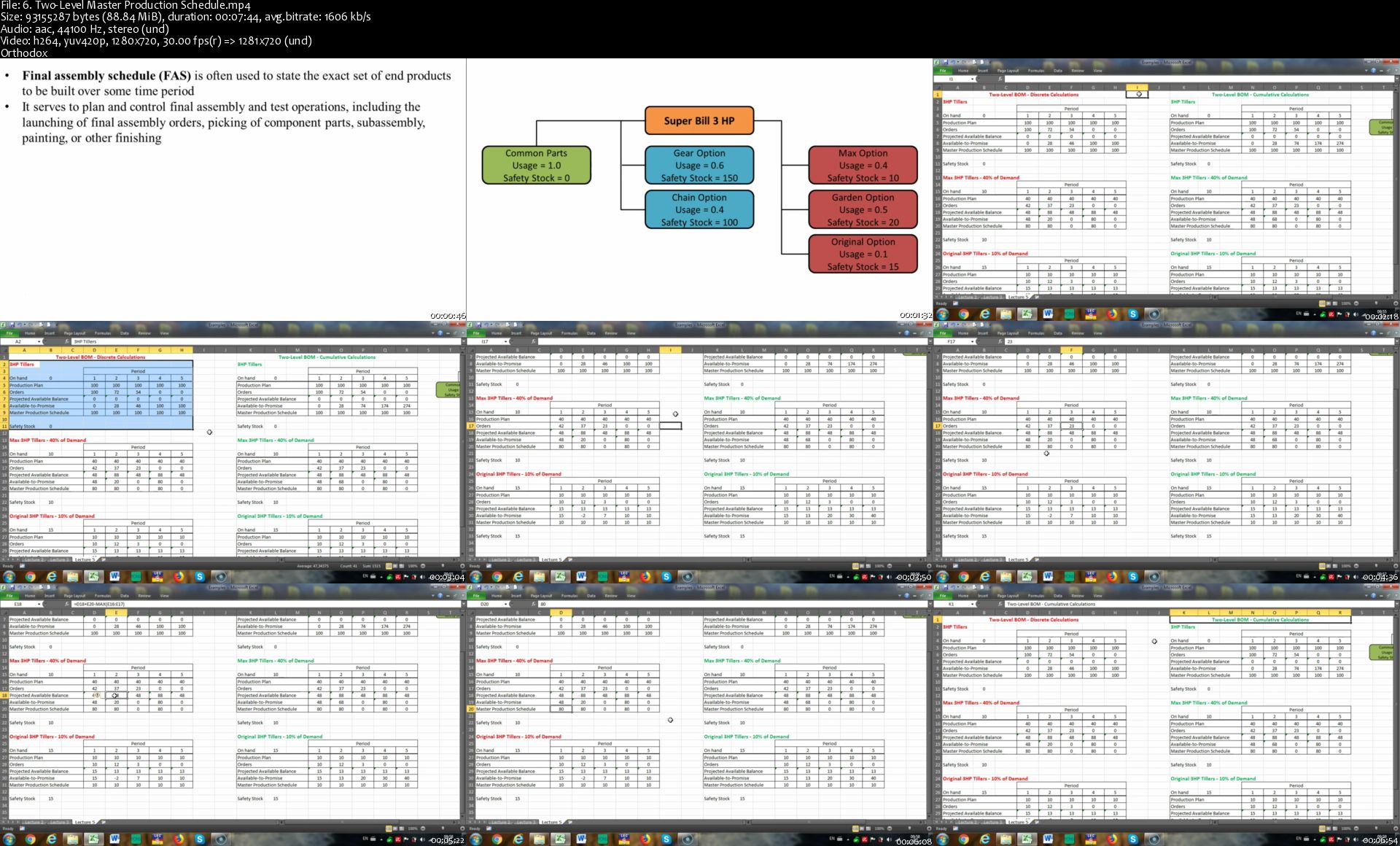
Logistics and Supply Chains - Fundamentals,Design,Operations

VVg-ZWF96-DLzb7bo-Ui-WLGWzbi-Iw-HPogjj.png


Logistics and Supply Chains - Fundamentals,Design,Operations
Genre: eLearning | MP4 | Video: h264, 1280x720 | Audio: aac, 48000 Hz
Language: English | Size: 7.41 GB | Duration: 32 hours


What you'll learn
You'll have a thorough understanding of the role played by the logistics and supply chain function, particularly in terms of its key activities and ultimate aim.
You'll learn how to develop, plan, and implement logistics and supply chain strategies that address capacity, external integration, and international trade and operations.
You'll understand the factors involved in various approaches to facilities location decisions, including costing and scoring models, and you'll be able to use tactical methodologies like MRP and JIT for capacity planning and supply chain control .
You'll discover the best ways to improve purchasing, procurement, and transportation functions by learning how to choose suppliers, integrate e-procurement, cost modes of transport, and resolve complications in transportation operations.
You'll understand the significance of the roles played by warehouse activities, equipment, and layout and operations, and you'll know how to manage, calculate, and control inventory costs, economical order quantities, lead times, periodic review systems, and safety and target stock levels.
You'll discover how to effectively measure and analyse your supply chain performance and operations in order to improve logistics, minimize disruptions, reduce risk, and increase market resiliency.
You'll understand best practices for managing returns and achieving social, economic, and environmental responsibility.
You'll learn all the essential lean tools and techniques you need to improve your business process, achieve customer delight, and realise operational excellence.

Requirements
Basic knowledge of logistics and supply chain operations and terminology.
Description
In today's competitive marketplace, companies are under constant pressure to perform in a business environment of reduced capital, slowing growth rates, and increased shareholder demands. Now more than ever, it's important that your organisation learns to maximise the power of its working capital by cutting costs and reducing the expenses associated with its Supply Chain Operations.

Every organisation, whether it manufactures goods or provides services, needs a reliable flow of materials. Global logistics operations play an essential role in the commercial supply chain function, and are responsible for all aspects of material movement. In fact, wise business owners and managers are quickly realising that, rather than being an isolated operation, their supply chain occupies a unique position in linking external suppliers with customers. If you want your organisation to benefit from a more competitive position, it's crucial that you take steps to develop and implement an effective logistics strategy as part of your supply chain integration.

Logistics and Supply Chain Management is a particularly fast-moving field whose ultimate goal is to delight and satisfy the customer. The methods and management strategies your business adopts for everything from procurement of goods to control of inventory will have a profound impact on costs, customer service, and your company's overall profitability.

No business works in isolation, and recent developments in how companies operate in terms of integrating fresh technologies, exploiting global markets, and serving and communicating with customers are making new demands on planning and controlling the flow of materials. This course has been designed to give business owners and managers a current view of supply chain management, and an introduction to the best methods for responding to modern demands through improvements in areas like capacity, warehouse, and transportation strategies.

This course will teach you everything you need to know to successfully manage the end-to-end, forward and backward flow of materials and information across your supply chain. Together, we'll examine the concepts, tactics, and applications of various logistics tools and technologies in order to promote a big-picture understanding that extends well beyond internal operations.

By the end of this course, you'll have a valuable and practical skill set that will allow you to create, implement, and oversee the activities of a global supply chain involving suppliers, distributors, and customers world-wide. You'll know how to consistently adhere to best practices, and you'll understand the common terminology that's used in corporate communications. By showing you how to modernise your approach to supply chain management, this course will make it possible to improve your position in the marketplace through the efficient flow of goods and materials from the supplier, to your business, to the customer - and back again.

Who this course is for:
This course is designed for beginners and intermediate students/professionals in logistics, supply chain and operations management who want to improve and broaden their scope of knowledge on the subject.
This course is designed for more seasoned professionals looking for a quick refresher and test their knowledge and application of logistics and supply chain management.

Homepage

6-Two-Level-Master-Production-Schedule-s.jpg


Certified Six Sigma Black Belt Training

M4-Cx-SJb-Dgh-A6-Gh-F3-VD5px-AUpqi4-Ot-TMf.png


Certified Six Sigma Black Belt Training
Genre: eLearning | MP4 | Video: h264, 1280x720 | Audio: aac, 48000 Hz
Language: English | VTT | Size: 7.44 GB | Duration: 32 hours


What you'll learn
Pass your ASQ Certified Six Sigma Black Belt (CSSBB) exam with super confidence
Handle complex Six Sigma improvement projects in your organization
Practice tests and quizzes after each section
Understand statistics to pass certification exams such as ASQ-CQA, CQE, SSGB, SSBB and many more.
Life time access to the course material and quizzes.

Requirements
Preferably should have completed Six Sigma Green Belt course
This is an advanced course. Basic concepts are covered but are covered at a faster pace.
Description
Six Sigma Black Belt - from Zero to Hero.

A Six Sigma Black Belt leads the improvement team and is competent in managing a team and using various improvement and statistical tools.

This course covers all you need to know as Black Belt - whether you want to take the ASQ CSSBB, any other certification exam or be the Black Belt improvement leader in your organization.

This course covers the point by point Body of Knowledge (BoK) for American Society for Quality (ASQ) Certified Six sigma Black Belt (CSSBB) exam.

In this course, you will learn to do manual calculations related to statistical concepts for the exam. In addition, you will learn to use Microsoft Excel and/or SigmaXL for performing the complex statistical calculations.

Master the Six Sigma advanced concepts at your own pace and add value to your organization by improving existing processes.

Areas covered in this course:

Section 1: Introduction and Organization-wide Planning and Deployment

Section 2: Process Management and Measures

Section 3: Team Management

Section 4: Define

Section 5: Measure

Section 6: Analyze

Section 7: Improve

Section 8: Control

Section 9: Design for Six Sigma

Section 10: Bonus and other miscellaneous topics

Quiz questions under each section. 175+ quiz questions available and more being added.

Who this course is for:
This course is meant for people aspiring to be the organizational Six Sigma Black Belt resource and to be the source of statistical knowledge

Homepage

24-Total-Productive-Maintenance-BOK-VIII-B-1-s.jpg


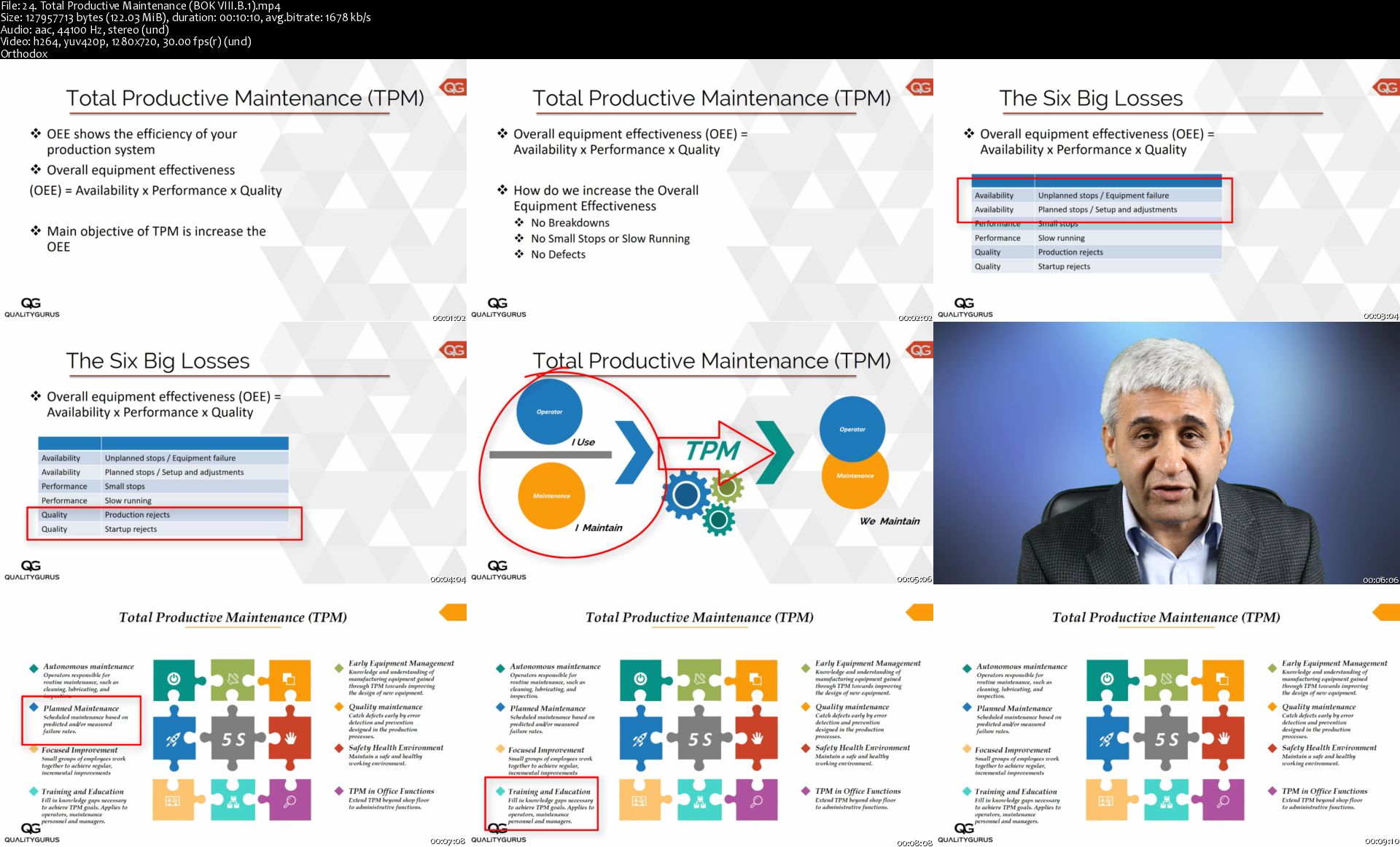
Certified Quality Auditor Training

Y3i-QLpb34-JONf-CEGb-XL8m-BGQRQy-Zuqct.png


Certified Quality Auditor Training
Genre: eLearning | MP4 | Video: h264, 1280x720 | Audio: aac, 44100 Hz
Language: English | VTT | Size: 7.52 GB | Duration: 12.5 hours


What you'll learn
Successfully pass the ASQ Certified Quality Auditor in the first attempt
Understand the roles and responsibilities of the auditor
Confidently conduct internal/external quality management system audit

Requirements
Some industry experience is preferred
Basic understanding of the work processes you want to audit
Description
This course teaches the principles and practices of effective audits in accordance with ISO 19011, "Guidelines on Auditing Management Systems".

You will learn the auditing skills through short and easy to understand video lessons and quizzes.

You can use this course for two purposes:

1. Passing the ASQ CQA certification exam

2. Understanding and implementing Quality Auditing principles to improve organization's performance

1. ASQ CQA CERTIFICATION EXAM PREPARATION:

ASQ has updated the Certified Quality Auditor (CQA) Body of Knowledge effective June 2019. This course is fully aligned with the updated Body of Knowledge.

Sections and Marks Assigned to each section in the CQA exam:

Section I Auditing Fundamentals 28 marks

Section II Audit Process 44 marks

Section III Auditor Competencies 24 marks

Section IV Auditor Program Management and Business Applications 30 marks

Section V Quality Tools and Techniques 24 marks

2. LEARNING QUALITY AUDITING TO IMPROVE ORGANIZATION'S PERFORMANCE:

Training your internal auditors and quality management team members to understand the basic of quality auditing principles and apply best practices in this field.

Learn the principles and practice of auditing requirements.

No need to pay $1000 to $3000 per person.

No need to send your people 3 to 5 days off from the work.

Certificate of Completion provided.

Download pdf study notes.

Satisfaction Guaranteed. Get your money back in 30 days if you are not satisfied. No Questions Asked! There is no reason to delay because I am taking all the risks. There is no risk to you.

Who this course is for:
Individuals attempting the American Society for Quality (ASQ) Certified Quality Auditor (CQA) exam
Individuals interested in conducting internal/external audits
Quality Managers and Directors
Quality Auditors
Other Quality Professionals interested in expanding their role to include auditing

Homepage

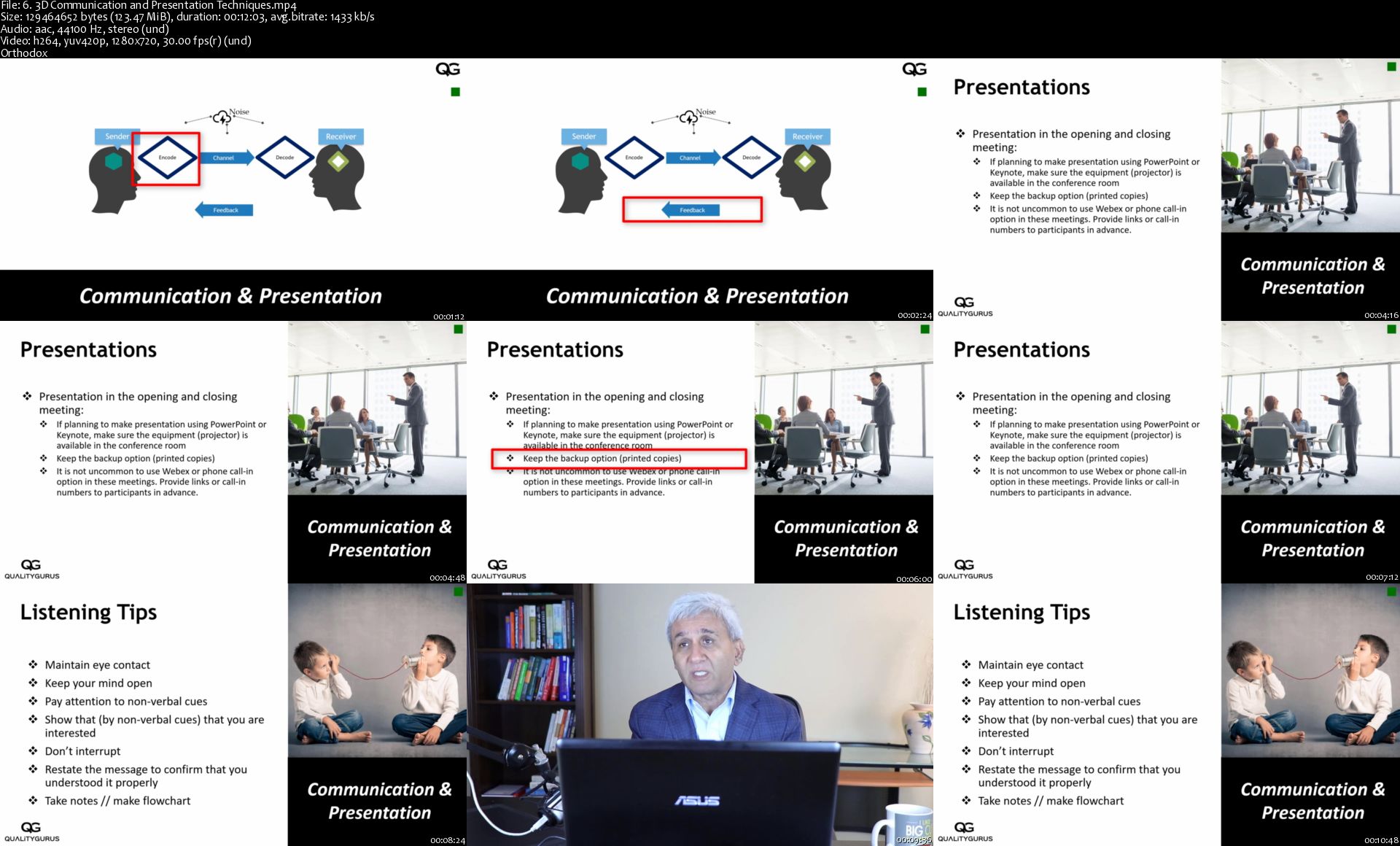
6-3-D-Communication-and-Presentation-Techniques-s.jpg


JavaScript Moderno Guía Definitiva Construye +15 Proyectos

a-LBC5-SYWTjmd-UEYTLVuu-Gt-F47d7-FApy-K.png


JavaScript Moderno Guía Definitiva Construye +15 Proyectos
Genre: eLearning | MP4 | Video: h264, 1280x720 | Audio: aac, 44100 Hz
Language: Spanish | VTT | Size: 10.3 GB | Duration: 31.5 hours


What you'll learn
Aprenderás a consumir distintas REST APIS con JSON y Fetch API + Async / Await, uno de los temas más importantes como desarrollador JavaScript
JavaScript es el lenguaje más buscado por los empleadores hoy en día
Aprenderás Lo básico del lenguaje así como conceptos más avanzados
Aprenderás programación orientada a objetos con Classes (ES6) y Prototypes (ES5)
Aprenderás conceptos nuevos en ES6 como Template Literals, arrow functions, generadores, iteradores, promises, async / await, fetch api y mucho mas
Aprenderas programación Asincrona con Promises, Callbacks y Async Await
Construiremos una gran cantidad de proyectos, consumiendo REST API's y otros con código puro de JavaScript
Agregar interacción a tus aplicaciones y páginas web

Requirements
Un Editor de Texto, instalaremos Visual Studio Code
Un Navegador, yo recomiendo Chrome
Internet, ya que los videos solo pueden verse en la App de Udemy o con Internet
Si sabes HTML y CSS y quieres añadir interacción a tus sitios web, JavaScript es la forma de hacerlo
Description
Aprende el lenguaje más popular! JavaScript!

El curso incluye ES6, ES7, ES8, ES9 y ES10

También el curso incluye webpack, node.js, express, mongodb, react, electron y mucho más!

En este curso aprenderás JavaScript desde los fundamentos hasta temas más avanzados como Prototypes, Delegation, Classes, Ajax, Promises, Generadores, Orientado a Objetos, Fetch API, Async Await, Async JS, Objetos, así como consumir REST APIs entre muchos más.

Si estos temas no son de tu conocimiento, estas en el curso adecuado para aprenderlos!

La mejor forma de aprender es desarrollando algo, en este curso crearemos bastantes proyectos que te llevaran desde el nivel básico hasta avanzado!

Los Proyectos desarrollados incluyen:

Formulario para guardar a Local Storage

Cotizador de Seguros de Auto

Simulador de Envio de Emails

Generador de Nombres desde una REST API

Cotizador de Criptomonedas desde una REST API ( Más de 100 incluidas)

Eventos en tu ciudad con Event Brite y REST API

Carrito de Compras con Local Storage

Gasto Semanal

Agenda de Pacientes de Veterinaria

Buscador de Letras de Canciones

Mostrar Establecimientos con Mapas (Leaflet) desde una API Externa

Buscador y Filtro de Automoviles con Higher Order Functions

Cotizador de Prestamos con Intereses a pagar (Desarrollado en React)

Sitio web para una Agencia de Viajes (Desarrollado con NodeJS y Sequelize)

FullStack JavaScript con React, Express, MongoDB, Node y Electron

Todos los proyectos utilizan técnicas distintas, por lo cual te servirán para conocer distintas formas de realizar estos proyectos.

LOS PROYECTOS ESTÁN HABILITADOS PARA VERSE DE FORMA GRATUITA

JavaScript es el lenguaje más popular para web hoy en día, y puede utilizarse en el cliente o Servidor, en este curso aprenderás todo lo necesario y es una excelente introducción si quieres aprender librerías nuevas como VueJS, React, Angular o NodeJS

Who this course is for:
Cualquier persona que quiera aprender JavaScript, el lenguaje más popular en los últimos años
Si buscas un curso de JavaScript sin Frameworks ni jQuery, este curso es el indicado
Si quieres aprender las últimas adiciones de ECMAScript estas en el curso adecuado
Si eres nuevo programando, hay un capitulo de Fundamentos donde aprenderás lo básico del lenguaje

Homepage

6-3-D-Communication-and-Presentation-Techniques-s.jpg


Fullstack Laravel API development with Nuxt and Linux - 2020

Gd1a0h-KNJh7-Gnyhh-Qhn7-Ij-K1-Oi-Bv-HOQo.png


Fullstack Laravel API development with Nuxt and Linux - 2020
Genre: eLearning | MP4 | Video: h264, 1280x720 | Audio: aac, 44100 Hz
Language: English | Size: 7.42 GB | Duration: 18.5 hours


What you'll learn
Learn how to develop API-driven applications with Laravel and MySQL
Learn the Repository Architectural Pattern ready for Enterprise level development
How to handle image uploads to Amazon s3 and to your server
Learn how to implement client-side applications with Nuxtjs with Authentication
How to acquire and completely provision a Linux Server for both Laravel API and Nuxt Client
How to add SSL Certificate Security to your own Linux Server
Implement Geographic Search (Location Based) in MySQL

Requirements
Knowledge of Laravel and PHP will be very useful
Working knowledge of Vuejs for client-side applications will be helpful
Any experience with Linux will be useful but not required
Description
Take your PHP Laravel skills to the NEXT LEVEL with this hands-on, real-world project on developing a clone of Dribbble. The entire course is focused on the development of this single application, which gives you explanation of various concepts usually overlooked by most Laravel developers. Here's what you will learn:

Repository Pattern: Learn how to organize your code in repositories and contracts, which will make you ready to develop enterprise-grade applications with Laravel.

API Authentication management: Everything is API-driven. Learn how to authenticate users using JWT, as well as account confirmation and password recovery. These are foundations to any data-driven application.

Geo-search in MySQL: You see search based on user location in many applications - real-estate, food delivery etc. In this course you will learn how to implement location-based search in Laravel and MySQL.

Working with Policies and Authorzation: Learn how to authorize actions in your Laravel application using Policies.

Image Upload and Server-side resizing: You will learn how to upload images to your local server and to Amazon s3, as well as how to resize / crop images on the server before saving to either Amazon s3 or Local server.

Implement Teams: Learn how to implement teams in your application without using a third-party package. Build your own team management from scratch.

Chat Messaging - learn how to implement a basic but very effective chat messaging system

Configuring NuxtJS for client site

Using GoogleMap API for location autocomplete in Nuxt / Vue

Buying and provisioning a web server from scratch - without using any third party tool like Laravel Forge

Acquiring and setting up a domain name

Configuring both API and Nuxt Client using Nginx

Using a Nodejs process manager to run the client app

Acquiring and installing a free SSL Certificate on your server.

Who this course is for:
Any Web Developer looking to develop an effective API in Laravel
Anyone looking to develop end-to-end applications with Laravel, MySQL and Nuxt
Anyone looking to learn how to provision a Linux Server for Laravel or any other PHP framework

Homepage

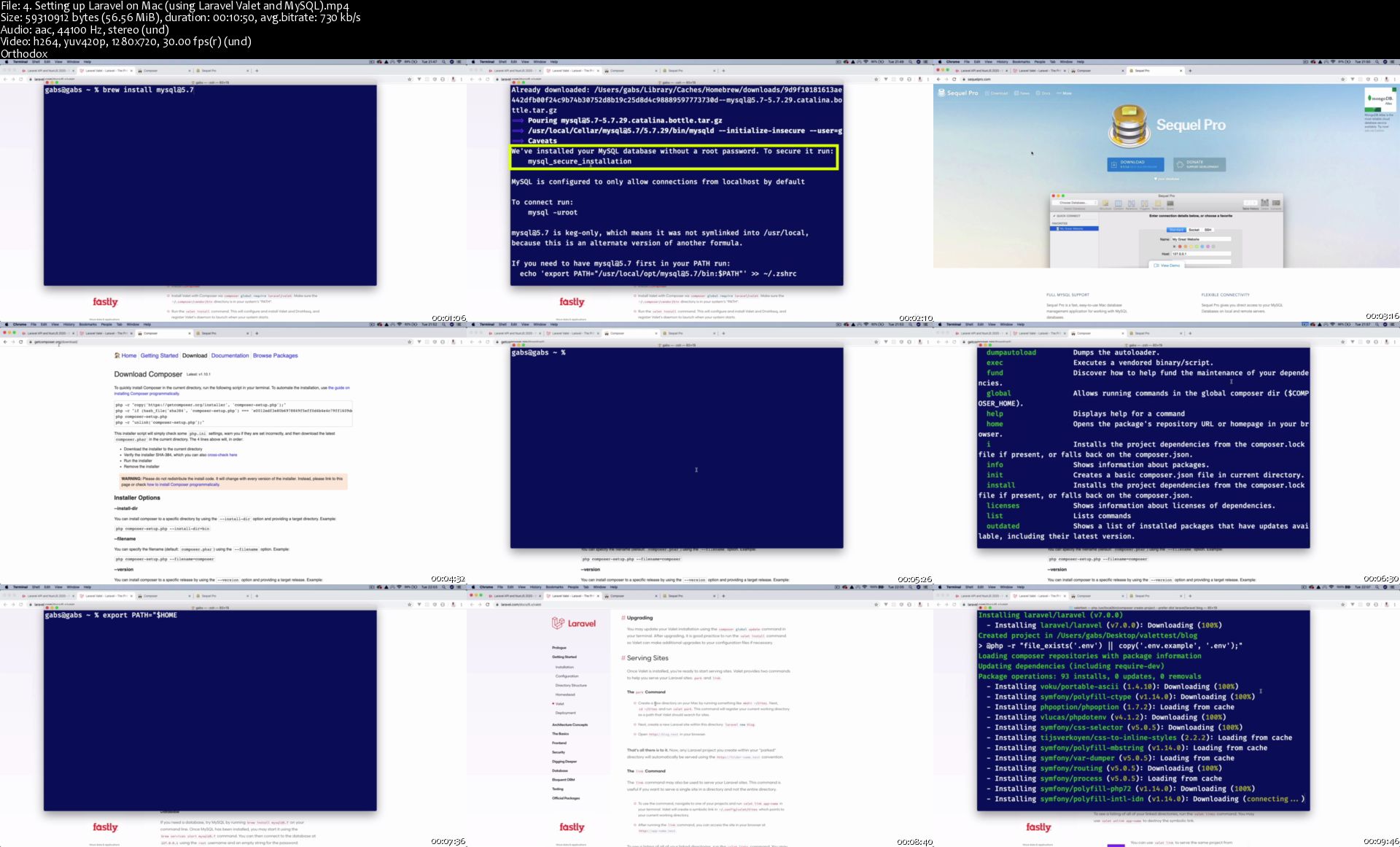
4-Setting-up-Laravel-on-Mac-using-Laravel-Valet-and-My-SQL-s.jpg


PLURALSIGHT PENETRATION TESTING WITH RED BLUE AND PURPLE TEAMS EXECUTIVE BRIEFING-JGTiSO

142453092_04-01-simulated-attacks-and-defence_c.jpg


PLURALSIGHT PENETRATION TESTING WITH RED BLUE AND PURPLE TEAMS EXECUTIVE BRIEFING-JGTiSO | MP4 | 173.55 MiB

990 kb/s 1280x720 | AAC 2 CH


NFO:
File List:

File: 01.01.The Purpose of Assurance.mp4
Size: 19056056 bytes (18.17 MiB), duration: 00:02:32, avg.bitrate: 1003 kb/s
Audio: aac, 48000 Hz, stereo, 93 kb/s
Video: h264, yuv420p, 1280x720, 30.00 fps(r)


Download ( Size: 173.55 MiB ):

 
PLURALSIGHT IMPLEMENT SSL OFFLOAD FOR CITRIX ADC-JGTiSO

142453122_06-02-demo-performing-a-citrix-adc-scan_c.jpg


PLURALSIGHT IMPLEMENT SSL OFFLOAD FOR CITRIX ADC-JGTiSO | MP4 | 149.93 MiB

326 kb/s 1280x720 | AAC 2 CH


NFO:
File List:

File: 01.01.Course Overview.mp4
Size: 3076244 bytes (2.93 MiB), duration: 00:01:14, avg.bitrate: 333 kb/s
Audio: aac
Video: h264, yuv420p, 1280x720, 30.00 fps(r)


Download ( Size: 149.93 MiB ):

 
Zurück
Oben Unten