• Regeln für den Video-Bereich:

    In den Börsenbereich gehören nur Angebote die bereits den Allgemeinen Regeln entsprechen.

    Einteilung

    - Folgende Formate gehören in die angegeben Bereiche:
    - Filme: Encodierte Filme von BluRay, DVD, R5, TV, Screener sowie Telesyncs im Format DivX, XviD und x264.
    - DVD: Filme im Format DVD5, DVD9 und HD2DVD.
    - HD: Encodierte Filme mit der Auflösung 720p oder darüber von BluRay, DVD, R5, TV, Screener sowie Telesyncs im Format x264.
    - 3D: Encodierte Filme von BluRay, die in einem 3D Format vorliegen. Dies gilt auch für Dokus, Animation usw.
    - Serien: Cartoon/Zeichentrick, Anime, Tutorials, Dokumentationen, Konzerte/Musik, Sonstiges sind demnach in die entsprechenden Bereiche einzuordnen, auch wenn sie beispielsweise im High Definition-Format oder als DVD5/DVD9/HD2DVD vorliegen. Ausnahme 3D.
    - Bereich Englisch: Englische Releases gehören immer in diesen Bereich.
    - Bereich Talk: Der Bereich, in dem über die Releases diskutiert werden kann, darf, soll und erwünscht ist.


    Angebot/Beitrag erstellen

    - Ein Beitrag darf erst dann erstellt werden, wenn der Upload bei mindestens einem OCH komplett ist. Platzhalter sind untersagt.
    - Bei einem Scenerelease hat der Threadtitel ausschließlich aus dem originalen, unveränderten Releasenamen zu bestehen. Es dürfen keine Veränderungen wie z.B. Sterne, kleine Buchstaben o.ä. vorgenommen werden. Ausnahme Serienbörse:
    - Bei einem Sammelthread für eine Staffel entfällt aus dem Releasename natürlich der Name der Folge. Beispiel: Die Simpsons S21 German DVDRip XviD - ITG
    - Dementsprechend sind also u.a. verboten: Erweiterungen wie "Tipp", "empfehlenswert", "only", "reup", usw. / jegliche andere Zusatzinformation oder Ergänzung, welche nicht in obiger Beschreibung zu finden ist.

    Aufbau des Angebots und Threadtitel

    Der Titel nach folgendem Muster erstellt zu werden. <Name> [3D] [Staffel] [German] <Jahr> <Tonspur> [DL] [Auflösung] <Quelle> <Codec> - <Group>
    Beispiel: The Dark Knight German 2008 AC3 DVDRip XviD - iND
    Beispiel: The Dark Knight 2008 DTS DL BDRip x264 - iND
    Beispiel: The Dark Knight 2008 AC3 DL BDRip XviD - iND
    Beispiel: The Dark Knight German 2008 AC3 720p BluRay x264 iND
    Beispiel: The Dark Knight 2008 DTS DL 1080p BluRay x264 iND
    Beispiel: Die Simpsons S01 German AC3 DVDRip XviD iND
    Beispiel: Die Simpsons S20 German AC3 720p BluRay x264 iND
    Beispiel: Sword Art Online II Ger Sub 2014 AAC 1080p WEBRip x264 - peppermint
    Entsprechend sind also u.a. verboten: Sonderzeichen wie Klammern, Sterne, Ausrufezeichen, Unterstriche, Anführungszeichen / Erweiterungen wie "Tipp", "empfehlenswert", "only", "reup", usw. / jegliche andere Zusatzinformation oder Ergänzung, welche nicht in obiger Beschreibung zu finden ist
    Ausnahmen hiervon können in den Bereichen geregelt sein.

    Die Beiträge sollen wie folgt aufgebaut werden:
    Überschrift entspricht dem Threadtitel
    Cover
    kurze Inhaltsbeschreibung
    Format, Größe, Dauer sind gut lesbar für Downloader außerhalb des Spoilers zu vermerken
    Nfo sind immer Anzugeben und selbige immer im Spoiler in Textform.
    Sind keine Nfo vorhanden z.B. Eigenpublikationen, sind im Spoiler folgende Dateiinformationen zusätzlich anzugeben :
    Quelle
    Video (Auflösung und Bitrate)
    Ton (Sprache, Format und Bitrate der einzelnen Spuren)
    Untertitel (sofern vorhanden)
    Hosterangabe in Textform außerhalb eines Spoiler mit allen enthaltenen Hostern.
    Bei SD kann auf diese zusätzlichen Dateiinformationen verzichtet werden.

    Alle benötigten Passwörter sind, sofern vorhanden, in Textform im Angebot anzugeben.
    Spoiler im Spoiler mit Kommentaren :"Schon Bedankt?" sind unerwünscht.


    Releases

    - Sind Retail-Release verfügbar, sind alle anderen Variationen untersagt. Ausnahmen: Alle deutschen Retail-Release sind CUT, in diesem Fall sind dubbed UNCUT-Release zulässig.
    - Im Serien-Bereich gilt speziell: Wenn ein Retail vor Abschluss einer laufenden Staffel erscheint, darf diese Staffel noch zu Ende gebracht werden.62
    - Gleiche Releases sind unbedingt zusammenzufassen. Das bedeutet, es ist zwingend erforderlich, vor dem Erstellen eines Themas per Suchfunktion zu überprüfen, ob bereits ein Beitrag mit demselben Release besteht. Ist dies der Fall, ist der bereits vorhandene Beitrag zu verwenden.
    - P2P und Scene Releases dürfen nicht verändert oder gar unter einem iND Tag eingestellt werden.


    Support, Diskussionen und Suche

    - Supportanfragen sind entweder per PN oder im Bereich Talk zu stellen.
    - Diskussionen und Bewertungen sind im Talk Bereich zu führen. Fragen an die Uploader haben ausschließlich via PN zu erfolgen, und sind in den Angeboten untersagt.
    - Anfragen zu Upload-Wünschen sind nur im Bereich Suche Video erlaubt. Antworten dürfen nur auf Angebote von MyBoerse.bz verlinkt werden.


    Verbote

    - Untersagt sind mehrere Formate in einem einzigen Angebotsthread, wie beispielsweise das gleichzeitige Anbieten von DivX/XviD, 720p und 1080p in einem Thread. Pro Format, Release und Auflösung ist ein eigener Thread zu eröffnen.
    - Grundsätzlich ebenso verboten sind Dupes. Uploader haben sich an geeigneter Stelle darüber zu informieren, ob es sich bei einem Release um ein Dupe handelt.
    - Gefakte, nur teilweise lauffähige oder unvollständige Angebote sind untersagt. Dies gilt auch für eigene Publikationen, die augenscheinlich nicht selbst von z.B. einer DVD gerippt wurden. Laufende Serien, bei denen noch nicht alle Folgen verfügbar sind, dürfen erstellt und regelmäßig geupdatet werden.
    - Untersagt sind Angebote, welche nur und ausschließlich in einer anderen Sprache als deutsch oder englisch vorliegen. Ausnahmen sind VORHER mit den Moderatoren zu klären.


    Verstoß gegen die Regeln

    - Angebote oder Beiträge, die gegen die Forenregeln verstoßen, sind über den "Melden"-Button im Beitrag zu melden.
  • Bitte registriere dich zunächst um Beiträge zu verfassen und externe Links aufzurufen.


Englische Tutorials

Advanced Programming Paradigms (PLC IV)
Vu-FGEROw9-QVb-Sev-Hyln-Xbx3t-T1wp-LGx-G.png


Advanced Programming Paradigms (PLC IV)
h264, yuv420p, 1280x720 |ENGLISH, aac, 48000 Hz, 2 channels, s16 | 16h 22 mn | 2.35 GB
Instructor: Paul Lynn

Functional Block Diagrams, Sequential Function Charts, Instruction Lists, Ladder Diagrams and Structured Text
What you'll learn

By the end of this course, students will be able to program nearly ANY modern PLC regardless of mfg.
Students will be knowledgeable AND experienced with all five IEC programming paradigms.
Students will know how to lay out a complex PLC program

Requirements

All software required for this course is available for free and links will be provided.
You should have already completed "PLC Programming from Scratch (PLC I)" before taking this course.

Description

You already know how to program a PLC and make it do what you want using Ladder Diagrams. But as you are undoubtedly aware, there are several other "paradigms" (programming languages) out there to create logic, and you want to program competently with them all.

Aside from learning the paradigms, you also want to develop a comfort level with a few other development environments besides RSLogix 500. Now, you're going to be learning the Logix5000 environment as well as AB's Connected Components Workbench. Then we're going to get away from AB and do a lot of work in ABB's Automation Builder where you'll be able to work hands-on with all five IEC paradigms PLUS an ABB proprietary language as well. As your program grows, you'll be able to simulate it and run your code in real-time every step of the way.

At the end of the course, you will be introduced to a brand new technology which is not even on the market yet which has the awesome potential of disrupting the entire automation industry by enabling a programmer to write a program ONCE and then export that project as programs for MANY different processors all across the board. And yes, you'll be able to put your hands on this new technology as well!

Why Are There Four PLC Courses?

PLC I teaches you how to program with the focus on ladder logic, which is the most popular PLC programming language. The goal is to teach you everything you need to know to make a PLC do what you want it to do. You are also given all the software necessary to both CREATE and RUN your own programs live - right on your own computer.

PLC II forces you to take what you've learned and solve problem after progressively harder problem unassisted. You get a spec and are told simply: "Make it work, and don't progress until you have." After, you get to watch me solve each one as well. By the end, you don't just know how to program - you are a PROGRAMMER.

PLC III gives you both knowledge and experience in FIVE different HMI / SCADA development environments. By the end, you've created several COMPLETE visualization (screen) projects that you can actually run on your own computer (and SHOW PEOPLE in an interview) with no additional hardware.

PLC IV is only for the heavyweights. This course teaches you how to program using all five IEC programming languages (plus one more) in multiple environments. There are projects as well, so by the end, you have seen it all and DONE it all as well. There won't be anything anybody can show you that you won't already be familiar with.
Who this course is for:

This course is a follow-up to "PLC Programming from Scratch (PLC I)" and builds upon the knowledge and techniques imparted in that course with NO reviews or primers.
If you have not already completed my course titled "PLC Programming from Scratch (PLC I)", you are probably NOT ready for this one. If you have taken it but you've forgotten anything, it would behoove you to go back through it before taking this course.
PLC II and PLC III are NOT prerequisites for this course.

Homepage
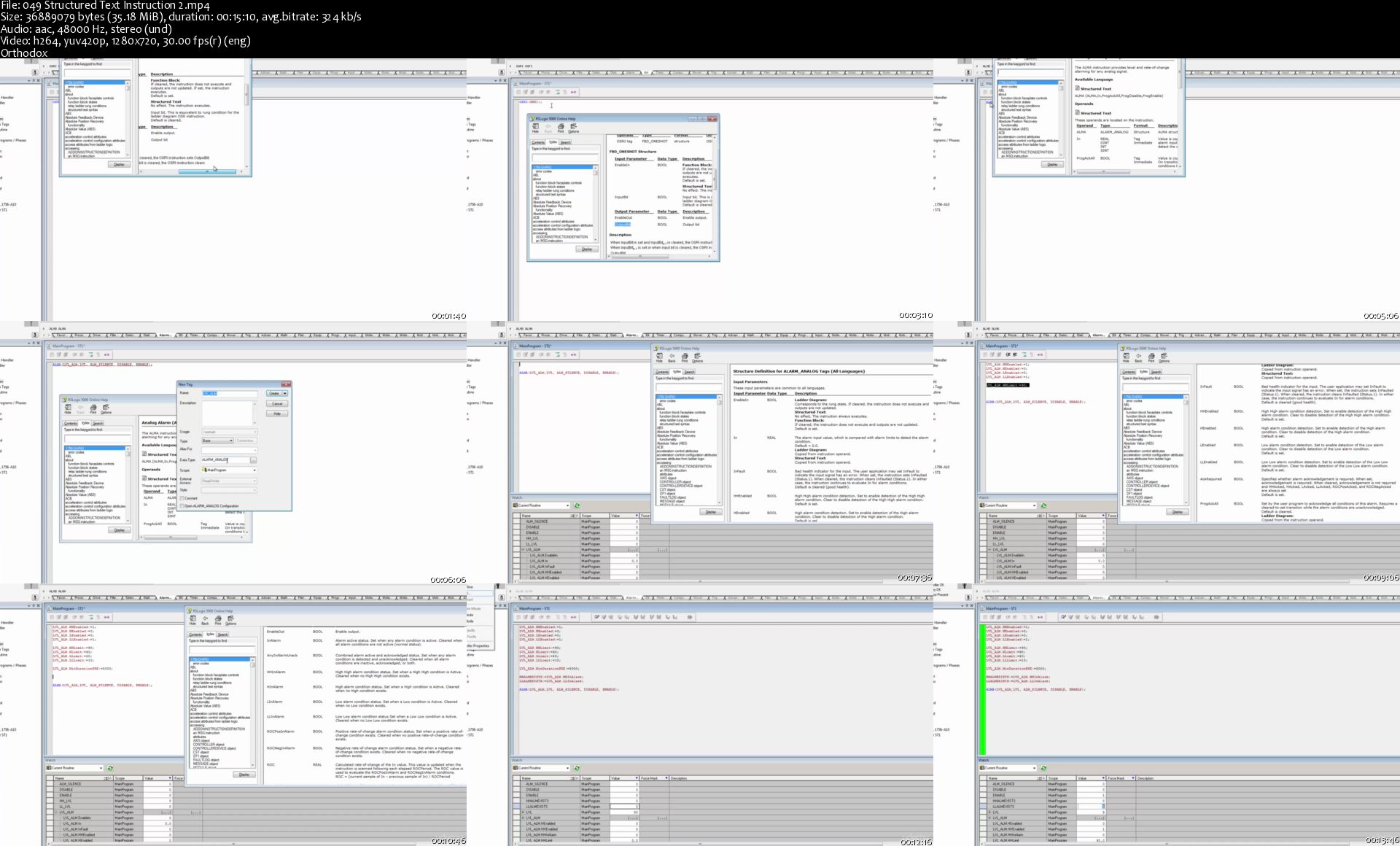
049-Structured-Text-Instruction-2-s.jpg


Process Visualization with HMI / SCADA (PLC III)

K37nl-Xx0h-CYw-Q2-Zhsupwk-QJfsx-Lfqm4b.jpg


Process Visualization with HMI / SCADA (PLC III)
Genre: eLearning | MP4 | Video: h264, 1980x1080 | Audio: aac, 48000 Hz
Language: English + Sub | Size: 5.09 GB | Duration: 17 hours

Learn HMI / SCADA hands-on by developing your own live interfaces for a running system.

As a PLC programmer, there are two sides of the coin that you MUST know to get the job done, and those are the PLC and the HMI. In my first two PLC courses, you learned the ins and outs of PLC and have already created some pretty complex programs to run machines.

But if people aren't able to interact with those machines, they aren't going to be of much use! In this course, you're going to learn about HMI and SCADA by creating graphical interfaces operators will use to monitor automated process, establish operating parameters, and even acquire and warehouse data from a running system.

There are multiple solutions on the market to accomplish these tasks, and as such, we're going to be covering several. Wonderware (Schneider Electric / Indusoft) is perhaps the top solution in the world of process visualization. As such, we'll be working extensively with that technology, but we won't limit ourselves to a single package.

We'll also be working hands-on with InduSoft, EasyBuilder 5000 and AdvancedHMI, and hands-off with FactoryTalk View Studio and C-More so by the end of this course, you're going to actually know and have working experience with most of what people are using in the world of automation today.

Why Are There Four PLC Courses?

PLC I teaches you how to program with the focus on ladder logic, which is the most popular PLC programming language. The goal is to teach you everything you need to know to make a PLC do what you want it to do. You are also given all the software necessary to both CREATE and RUN your own programs live - right on your own computer.

PLC II forces you to take what you've learned and solve problem after progressively harder problem unassisted. You get a spec and are told simply: "Make it work, and don't progress until you have." After, you get to watch me solve each one as well. By the end, you don't just know how to program - you are a PROGRAMMER.

PLC III gives you both knowledge and experience in FIVE different HMI / SCADA development environments. By the end, you've created several COMPLETE visualization (screen) projects that you can actually run on your own computer (and SHOW PEOPLE in an interview) with no additional hardware.

PLC IV is only for the heavyweights. This course teaches you how to program using all five IEC programming languages (plus one more) in multiple environments. There are projects as well, so by the end, you have seen it all and DONE it all as well. There won't be anything anybody can show you that you won't already be familiar with.

What you'll learn
By the end of this course, you will be able to create HMI / SCADA interfaces using various technologies allowing operators to interact with a live, running system.
Using the provided PLC program as the basis for our interfaces, you'll be creating fully-functional graphical interfaces to monitor the process, visualize alarms, provide control and even log periodic and on-demand data storing it into a SQL database.
Are there any course requirements or prerequisites?
You will need to download a VERY LARGE archive in order to take full advantage of this course. That file is OVER 30gb! The alternative is to download a LOT of software individually and install and configure it all bit by bit. While I DO provide guidance for doing that in the course, I CANNOT provide one-on-one support.
All software required for this course (except for VMWare if you use a Mac) will be provided. That being said, the versions provided are unregistered, not activated and running in demo mode. Continued use of these programs requires purchase, activation and licensure, however all of it will work for a limited time (adequate to complete this course). So you won't have to pay for software to learn, but the software WILL eventually stop working at the end of the various trial periods.
The only software you need to worry about being able to run is VMWare. If you have a Windows PC, you can download VMWare Player for free. If you have a Mac, you will need to purchase a copy of VMWare Workstation... or use a Windows computer.
Familiarity with RSLogix 500, RSLinx and RSLogix 500 Emulate is required for this course.
Who this course is for:
This course requires students to already know the basics of PLC programming. You should already be familiar with RSLogix 500 memory / IO addresses. As we will be developing interfaces against a running instance of a PLC program running live on RSLogix 500 Emulate, you should already be familiar with that software as well as RSLinx and RSLogix 500.
For those lacking the requisite knowledge to make the most of this course, my first course "PLC Programming from Scratch (PLC I) covers everything you'll need and a whole lot more.

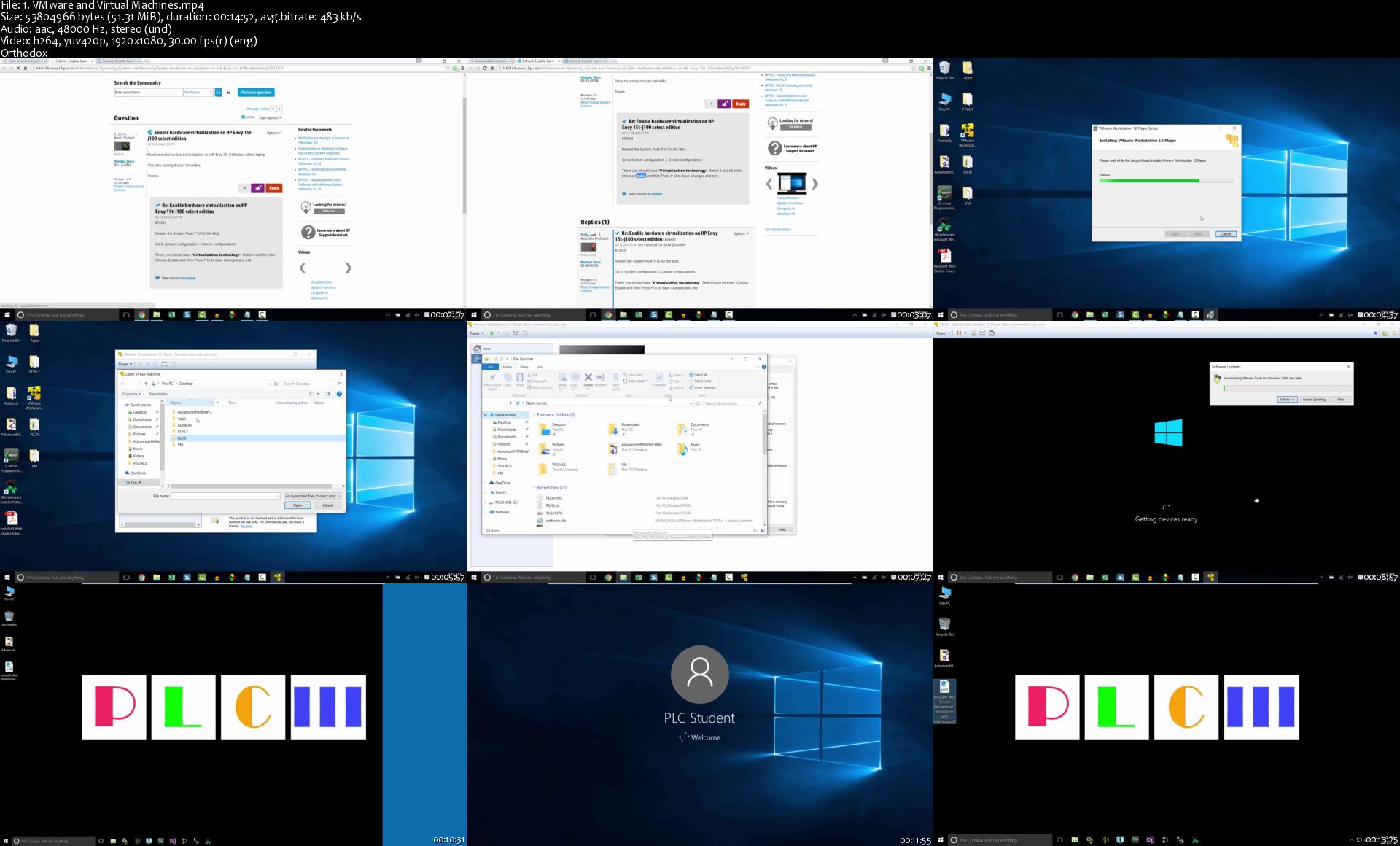
1-VMware-and-Virtual-Machines-s.jpg


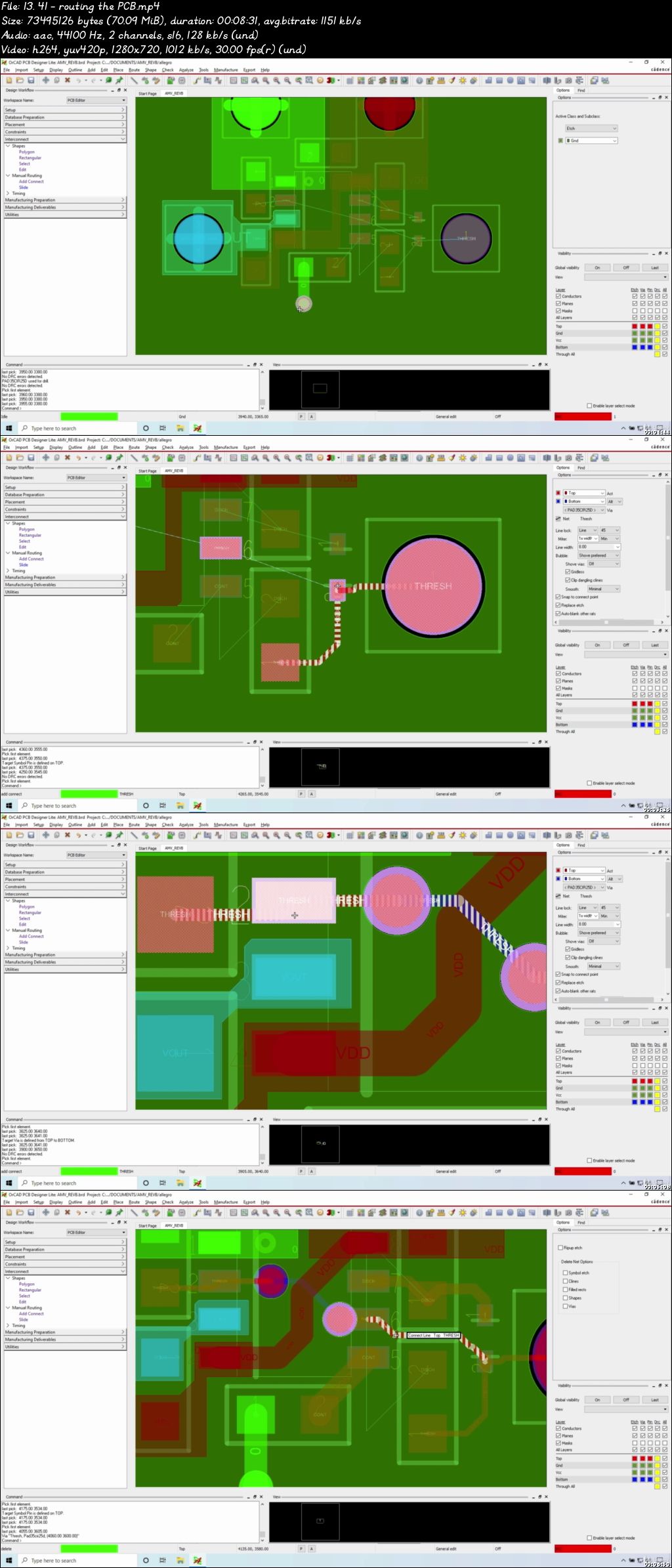
PCB Design Using OrCAD (Updated for 2020 | 2 & 4 layer PCBs)

00741efa.jpg


PCB Design Using OrCAD (Updated for 2020 | 2 & 4 layer PCBs)
Video: .mp4 (1280x720, 30 fps(r)) | Audio: aac, 44100 Hz, 2ch | Size: 5.16 GB
Genre: eLearning Video | Duration: 151 lectures (14 hours, 15 mins) | Language: English

Design and simulate your own 2-layer and 4-layer PCBs using Cadence OrCAD Capture, PSpice and PCB Editor.


What you'll learn

How to build your own 2-layer and 4-layer printed circuit board from scratch
How to find and edit pre-made schematic components and draw schematics
Troubleshoot schematic and simulation errors and net list errors
Draw and modify component footprints (with some IPC-7351B guidelines and templates)
Route a PCB and how to do PCB stack-up with copper planes and copper pours
Create a 3D model of your printed circuit board
Produce Gerber, Drill and Pick and Place files for manufacturing your PCB
Build a professional Bill of Materials (BOM)
Create assembly drawings and pick and place data for your PCB
Prepare documentation to manufacture your PCB

Requirements

You should be able to use a Windows PC at a beginner level.
You should have Windows 7 or later installed on your computer.
Three-button Microsoft-compatible mouse
Note: Cadence Allegro and OrCAD (Including EDM) products do not support Mac, Windows 7 Starter and Home Basic. In addition, Windows Server support does not include support for Windows Remote Desktop. Windows RT and Tablets are not supported.

Description

Student Reviews

"If you would like to have a head start on Orcad schematic capture and PCB layout and don't have time or budget to take a 2-3 day training class which normally cost about at least $2000 dollars, this course will do. This course helped me tremendously with my real life project - I really appreciate the course - I'm glad I found it at the time when I need it the most. I strongly recommend this course!"
- CD Dao

"Its good to learn the pspice simulation along with the pcb designing. Thank you"
- Puneet Mugal

Description

In this course you will learn how to use OrCAD (a.k.a. Allegro or PSPICE) software. OrCAD / Allegro is the industry standard in professional used to design all kinds of printed circuit boards, from the boards inside your smartphone to motherboards and electric vehicles. It is one of the top 3 most used software for electronic design by the biggest companies. If you are seeking greater opportunities at larger corporations, then Allegro / OrCAD is the smartest choice in North America.

Some thoughts

Just to discuss something that might be on your mind - what about Altium? Altium is also a smart choice in North America and other parts of the world as it is gaining popularity. Altium is also generally easier to learn on your own, so really it is up to you and what your company needs.

However, OrCAD Standard and Professional are lower in cost compared to Altium and Cadence occasionally sells a Standard perpetual license at under $800, maybe 3 times a year. That's right, the full Standard, with PSPICE now. For a professional industry giant PCB software, that's really hard to beat.

OrCAD in Industry

I work with older electronics design engineers who are still using OrCAD 16.5 and 16.6 and trust me, they aren't learning any other new PCB design software any time soon (one already knows Altium 15, but doesn't have time to re-learn the latest versions, so he uses OrCAD). Since I use OrCAD 17.2, it makes it much easier to work with them. However, I think if I was at a different company, like a startup or mid-sized company, there would be more flexibility for other software.

Of course other options are there as well, so PADS if you're in the China region, or Zuken and EAGLE in the Japan region. Lastly, Cadence Design Systems (the makers of OrCAD software) is growing its footprint. You're better off learning OrCAD and another PCB design tool as well, but definitely pick up OrCAD at some point along the way. It will increase your job opportunities tremendously like it did for me. So that's just my two cents.

The Circuits You Will Be Designing

This introductory course shows you how to create 3 very simple printed circuit boards:

1. A 2-layer LED + Resistor circuit with 2 connectors

2. A 2-layer asynchronous multivibrator circuit with 2 transistors, 4 resistors, 2 capacitors, 2 LEDs, connectors, and test points

3. A 4-layer re-mixed version of the asynchronous multivibrator circuit that also includes a 555 timer chip and 3D modeling.

The above circuits have just the right amount of simplicity for you to focus on the electronics engineering design process. At the same time, the above circuit projects have enough variety to demonstrate the skills you need to create through-hole and surface-mount footprints and finish a simple PCB.

This course focuses on the simple and on principles and the process. I also reveal my general blueprint for PCB design that you can always keep with you to help you remember the phases to build a PCB in OrCAD, EAGLE, Altium, etc.

Who this course IS for

College / University Students: If you're in ECE getting your bachelor's degree, you have access to academic licensing for a year. Take advantage of it, because the older design engineers are most likely using Allegro and OrCAD. This software will give you the best advantage at looking attractive for a PCB design role. You will also be able to get started with some designs and practically perform with your team.

Junior / Senior hardware design engineers: I can't tell you how much easier it would be if our PCB designer would work in OrCAD / Allegro instead of PADS. Of course, where you work matters though. If your company is using EAGLE then don't expect any movement if you know OrCAD. However, you can expect to get interviews from other companies that are looking to get big or already-big companies. With your skills plus this software, you will be insanely attractive to employers.

Beginners, Hobbyists: Those who are looking to get into a professional or commercial PCB design software but don't know which one to start with. Honestly, you can start with OrCAD or Altium. If you already know Altium, then learn OrCAD next. With those two under your portfolio and some projects completed you will be highly attractive for freelance design work or if you decide to get into the industry.

Who this course is NOT for

People only looking for a complex PCB with blind and buried vias, 6+ layer stack-ups, high speed design and EMI design. While this course does take advantage of some EMI design principles (I've designed <1% ripple and low-noise regulators before, so a couple habits get into project 3), its focus is on systematizing the process for beginners to the software or the PCB design process or both, so I keep the circuits simple.

Why should you start becoming familiar with OrCAD?

Once you learn OrCAD, you can learn any other PCB design software, quickly and easily. OrCAD and Allegro are the industry standard PCB design software for printed circuit board designs. Every serious electronics design engineer should know OrCAD to be more competitive in the hardware design engineering field and the computer tech industry.

Who this course is for:

College or University Students seeking to learn a commercial PCB design tool so they can get a job and practically perform in it
Professionals moving from a different PCB CAD software, such as Altium, PADS, DipTrace, etc.
College Professors who want to introduce their students to gain some knowledge in printed circuit board design using industry standard software
Electrical and Electronics (or ECE) Engineering students who don't know where to start or what software to choose for PCB design

00741efb.jpg


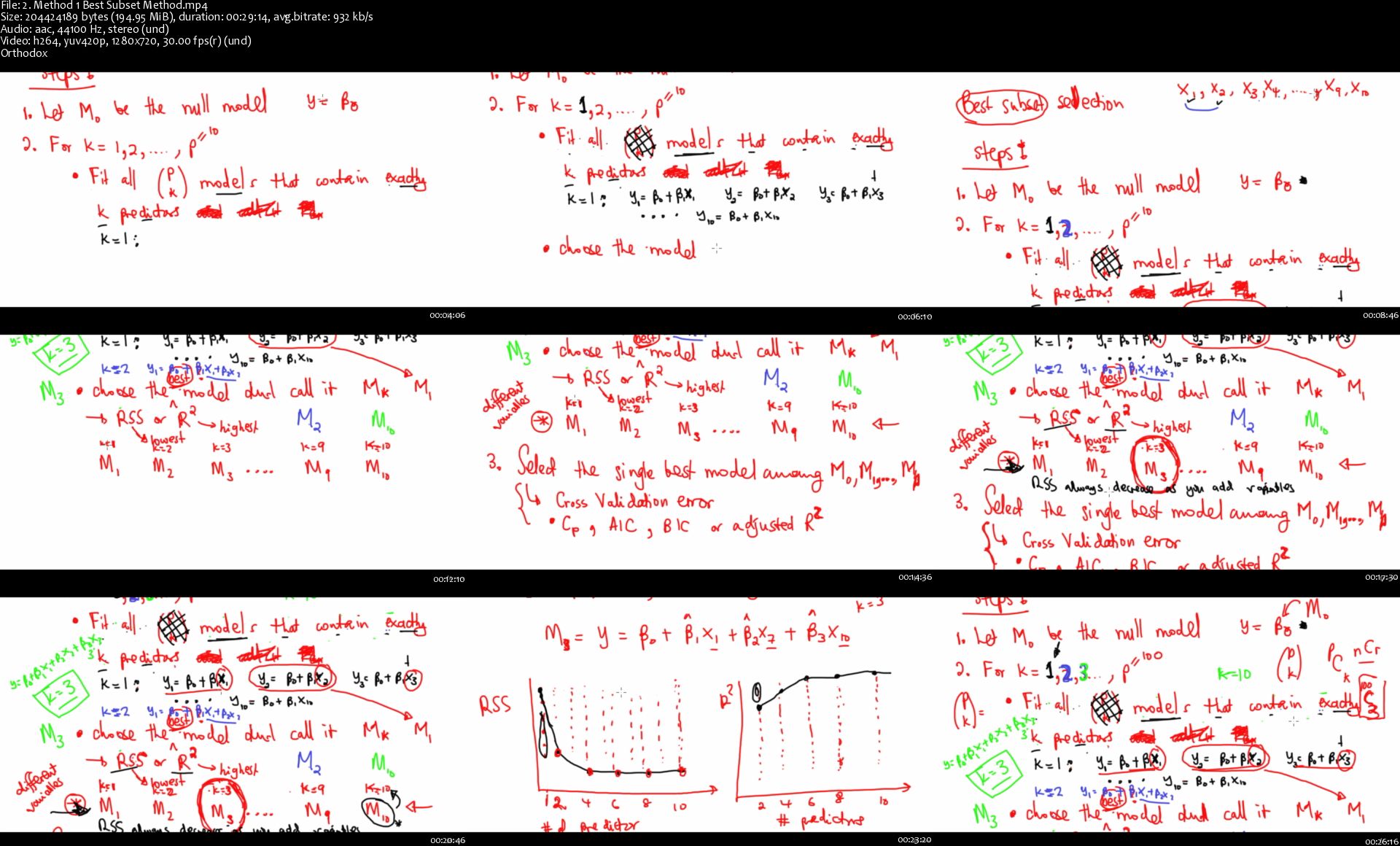
Machine Learning From First Principles

2543133-80df-2.jpg


Machine Learning From First Principles
Video: .MP4, 1280x720 30 fps | Audio: AAC, 44.1 kHz, 2ch | Duration: 19:13:04
Genre: eLearning | Language: English + Subtitles | Size: 6.02 GB

Discussing the principles behind the most used Machine Learning algorithms
What you'll learn
Machine Learning Principles
The principles behind Machine Learning algorithms (not just the codes!)
Regression (Linear Regression, Multiple Linear Regression, Polynomial Regression, and Support Vector Regression)
Classification (Logistic Regression, k-Nearest Neighbours, Trees, and Support Vector Machines)
Other principles such as Cross Validation, AIC, BIC, and choosing the right metrics for your algorithm

Requirements
An interest in knowing machine learning from first principles without jumping straight into coding
Description
This course is intended to introduce the principles behind the algorithms and concepts in Machine Learning. Understanding these will help you to take your Machine Learning skills to the next level. As Machine Learning is a tool, without understanding the principles, one will not fully utilize it and come up with valuable insights. What does it mean to have an MSE of 50 000? Why does this ML model work better than the other one? What is the best metric for the problem at hand - Accuracy, Specificity or Recall?
Who this course is for:
Beginners who are curious to start their understanding of Machine Learning without jumping head-first into the codes

Homepage

2-Method-1-Best-Subset-Method-s.jpg


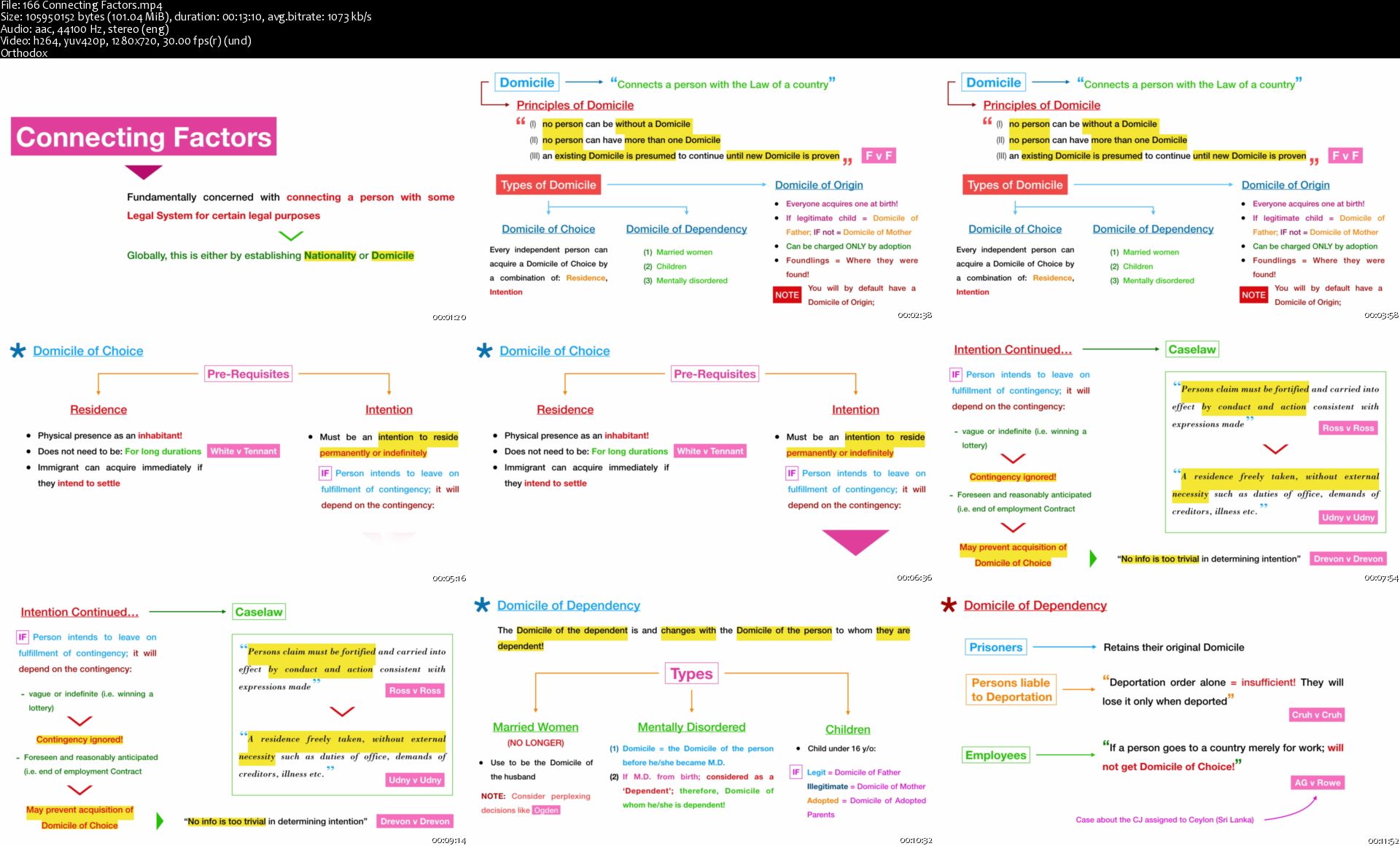
Law: A Comprehensive Summary for LLB Students

f-Su-CNCKb37-OGRz2ck-ZNd-Eg-Sz8-RPKMoc2.png


Law: A Comprehensive Summary for LLB Students
h264, yuv420p, 1920x1080 |ENGLISH, aac, 44100 Hz, 2 channels, s16 | 23h 53 mn | 7.62 GB
Created by: Shaveen Bandaranayake

An essential 24 hours of Video Lectures, Spider Graphs and Case Summaries made to guide LLB students preparing for exams
What you'll learn
Get a complete overview of the essential subjects of a UK Law Degree
Understand the legal principles of Contract Law, Criminal Law, Constitutional Law, English Legal System, Property Law, Trust Law, Tort Law, Commercial Law, Jurisprudence and Intellectual Property
Develop the necessary skills to identify key points of Law and create you own Spider Graphs
Get essential recap and preparation for an LL.B examination
500+ Pages of Case Summaries, outlining over 300+ essential cases
Requirements
A basic understanding of legal principles
An eagerness to learn the Law!
Description
A Law Masterclass

Hi, My name is Shaveen Bandaranayake and I am your instructor for this Masterclass course in Law!

Who is this course for?

The simplified approach of this Masterclass means that, whether you are an LLB student who's just begun your degree, a student who's about to sit for your examinations or someone who wants to get a head-start in learning the Law - this is a great resource.

This course is an essential guide to get a bird's eye overview of the complete UK LLB syllabus, through all 3 years of study.

The eleven courses compiled and covered in this course are:

The English Legal System

Constitutional Law

Criminal Law

Contract Law

Commercial Law

Property Law

Tort Law

Trust Law

Jurisprudence

Intellectual Property

Conflict of Laws

History of English Law

This course is a great supplement for LL.B students who have just begun their degrees, in order to understand the subject matter ahead of their degree. It is also a great way to recap your material prior to your examinations.

This Masterclass incorporates the complete set of tools which I developed and utilized to successfully complete my LL.B degree.

Thank you for your interest in this Masterclass

Looking forward to seeing you in the course!

Who this course is for:
Law Students
Anyone interested in learning the Law

Homepage

166-Connecting-Factors-s.jpg


Learn Tarot Cards With A Tarot Reader - Advanced Level

00741f16.jpg


Learn Tarot Cards With A Tarot Reader - Advanced Level
Video: .mp4 (1280x720, 30 fps(r)) | Audio: aac, 44100 Hz, 2ch | Size: 6.79 GB
Genre: eLearning Video | Duration: 25 lectures (5 hours, 21 mins) | Language: English

Learn Tarot Cards Online Advanced Level


What you'll learn

This online Tarot course will help you gain skills to use the tarot as a tool for developing intuition, implementing healthy boundaries, and self-care.

Requirements

Tarot Card Reading Experience
Intermediate level course completion

Description

This online Tarot course will help you gain skills to use the tarot as a tool for developing intuition, implementing healthy boundaries, and self-care.

Learn Tarot Cards - Advanced Level course is an incredibly powerful Tarot Deep Dive. In this course learning card combinations, creating Tarot card spreads, and how to build your online tarot business.

Who this course is for:

Experienced / Professional Tarot Card Reader

00741f17.jpg


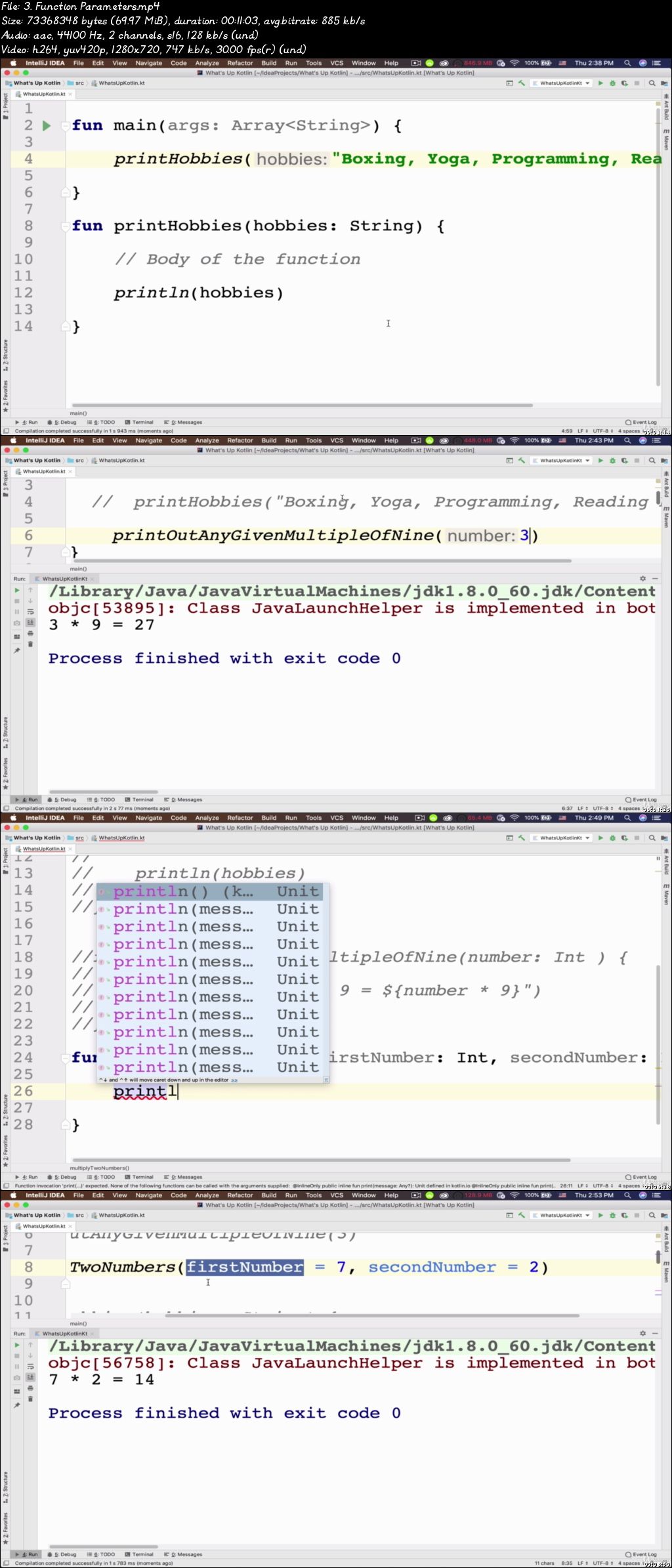
Kotlin in Action - Kotlin programming for Android developers (Updated)

00742a03.jpg


Kotlin in Action - Kotlin programming for Android developers (Updated)
Video: .mp4 (1280x720, 30 fps(r)) | Audio: aac, 44100 Hz, 2ch | Size: 8.85 GB
Genre: eLearning Video | Duration: 9 lectures (21 hours, 29 mins) | Language: English

Master Programming & Kotlin - Learn Object Oriented Programming and best practices in Kotlin projects and android apps.


What you'll learn

Master Kotlin Programming and best practices behind professional Kotlin and Android apps
Modern kotlin programming from scratch
Kotlin functional and Object Oriented Programming
Collections and Lambda expressions
Kotlin coroutines
How to harness the full power of computers via programming in Kotlin
Master the principles behind popular programming languages such as PHP, Java, Javascript, Swift, C#, C++ or Scala
Sharpen your skills in android development by learning the popular java based programming language Kotlin
Kotlin Generics
Exceptions handling and creating custom Exceptions


Requirements

No programming experience is required
A windows or a mac or a linux computer
Passion and Commitment to become a professional programmer

Description

If you have ever wondered how computer programs work, how machine understand the code we write or if you already know that but you want to become more advanced programmer and Kotlin developer? This course is for you!

In this course we will start from scratch, assuming you have no prior knowledge at all, then we will learn basic concepts of programming and deep dive into the Kotlin world!

The main goal of this course is to teach you how to program computers using kotlin programming language.

Kotlin is new programming language sponsored by JetBrains and Google through the Kotlin Foundation. Kotlin is general purpose programming language know for its conciseness, safety and interoperability with other programming languages such as Java. You will discover the power of Modern Programming in Kotlin and obtain the skills to dramatically increase your career prospects as an Android developer and programmer.

My name is Morteza Kordi, senior mobile app developer and Udemy instructor with over 60,000 satisfied students, and I've designed Kotlin in Action - Kotlin programming for Android developers with one thing in mind: you should learn by practicing your skills and building apps.

I'll personally be answering any questions you might have and I'll be happy to provide links, resources and any help I can offer to help you master programming and Kotlin development.

Who this course is for:

Beginners who are new to programming and kotlin
Intermediate developers who want to master modern programming and kotlin programming language
Advanced developers who want to enhance their programming skills and learn the best practices in modern programming
People who want to get employed as a Software Developer in app development companies
People who want to become a Freelancer and work from the comfort of their homes
People who want to program computers just for fun
Android developers who want to become an advanced Kotlin developers

00742a04.jpg


Complete Angular 9 from Zero to Hero | Get Hired (Updated 2/2020)

00741ef0.jpg


Complete Angular 9 from Zero to Hero | Get Hired (Updated 2/2020)
Video: .mp4 (1280x720, 30 fps(r)) | Audio: aac, 44100 Hz, 2ch | Size: 9.84 GB
Genre: eLearning Video | Duration: 109 lectures (23 hours, 26 mins) | Language: English

All Angular 9 (Angular 2+,Angular 4, Angular 6, 7, 8) topics with Typescript 4, Bootstrap, Fire-base [4 Projects]


What you'll learn

All Angular topics in one course with loads of Examples
Full Understanding Angular Framework & Build many real Angular Applications
Full Understanding Components, Directives, Pipe, Service Layer and Observable data stream
Consuming HTTP services
Full understanding of authentication using JSON Web Tokens (JWT)
Complete Responsive Angular 9 Project Step by Step
Typescript 4.0
Angular interview questions with answers. Tips and tricks. Daily work tasks.
Bootstrap 4.0 & FontAwesome


Requirements

We will start at a basic level and gradually move up to an expert level
Basic HTML 5 and CSS-3 knowledge helps, but isn't a must-have

Description

Join Now Because it's time to get started The Angular Course with loads of Examples and projects.

it's covers everything and will be contentiously updated. with more lectures every period.

Let's Build an Online Store real-world Single Page Applications [Completed Project] from A-Z Step by Step, not just Theoretical and ABC examples.

This course is recommended as it covers not only angular topics But additional material and concepts of Object orientated Programming and Data structure and Design Pattern

The course Cover:-

Object-Oriented Programming

All Angular topics in one course.

Angular Component

Angular Module

Angular Directive

Angular Services

Angular Routing

Angular view

Angular pipe

Connect with FireBase

Angular Authentication & Authorization

JWT Token

REST API, HTTP Request

Dependency Injections

Typescript 4.0

Bootstrap 4.0 & Font-awesome

interview questions with answers.

Tips and tricks.

Daily work tasks.

Are There Lots of Examples? There are loads of examples

Pay once, benefit a lifetime! with 30 Days money-back guarantee. Certification after course completion


Who this course is for:

This course is for people who want to learn the latest version of Angular 9 from scratch
This course is for people who have some JavaScript experience

00741ef1.jpg


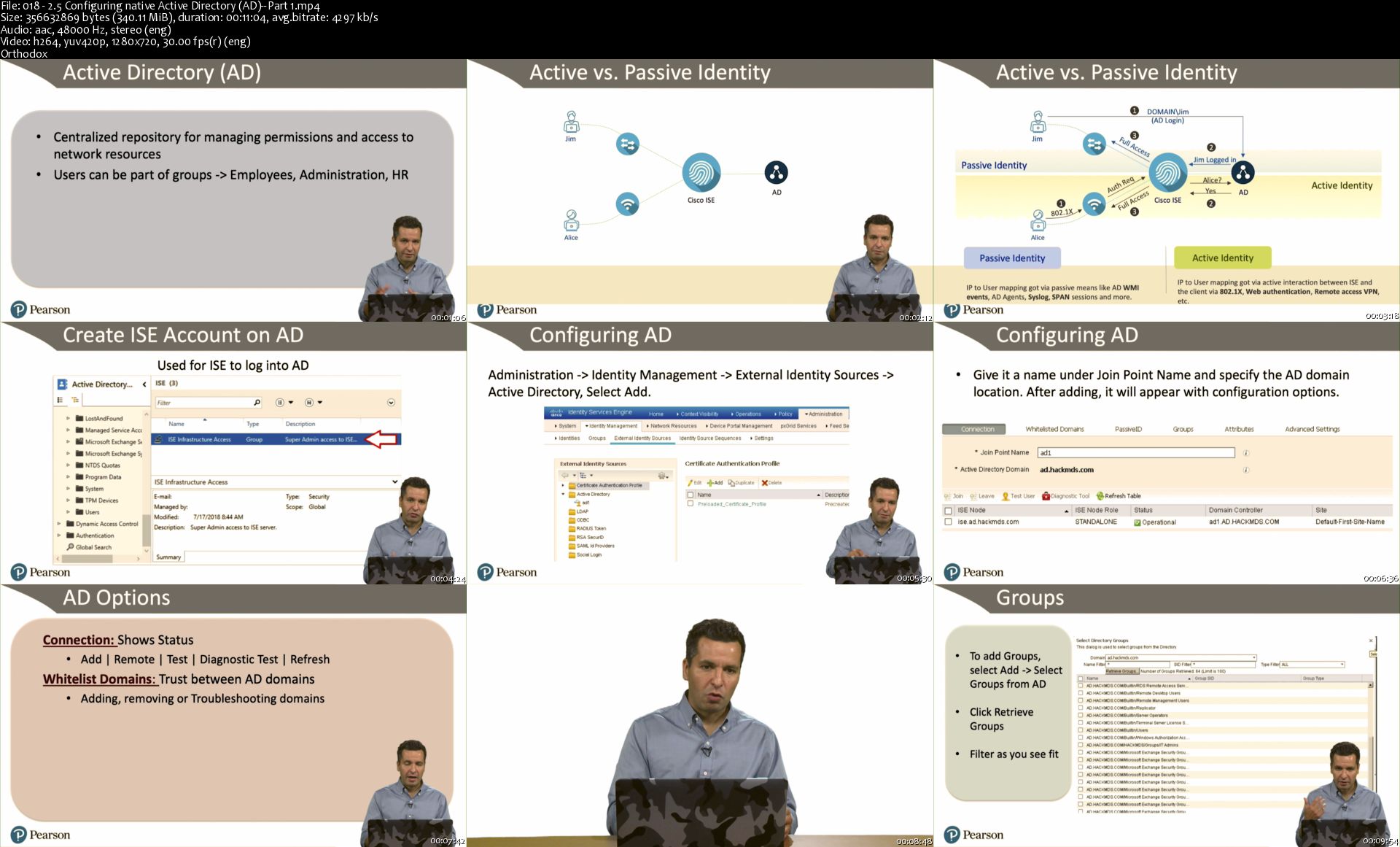
CCNP Security Cisco Identify Services Engine SISE 300-715

Fp-B6-PKCZn4-Ixd-Di06bkm-TJSwb-DHy-Glgm.jpg


CCNP Security Cisco Identify Services Engine SISE 300-715
MP4 | Video: AVC 1280 x 720 | Audio: AAC 48 Khz 2ch | Duration: 18:42:42 | 32.39 GB
Genre: eLearning | Language: English
8+ Hours of Video Instruction

CCNP Security Management (SISE) 300-715 Complete Video Course focuses on implementing and configuring Cisco Identity Services Engine for preparation for the SISE 300-715 certification, and providing the necessary skills for real-world deployment scenarios.

Overview

CCNP Security Management (SISE) 300-715 Complete Video Course focuses on a blend of the real-world experience and best practices mixed with the requirements for the CCNP SISE 300-715 exam. The goal of the course is to not only cover the objectives for the SISE 300-715, but also provide a solid learning resource for mastering key concepts regarding planning and delivering a Cisco ISE solution. Topics include how to develop an ISE architecture; what to consider during the crawl, walk, and run phases of a deployment; and how to support a mature ISE deployment. The course walks you through a successful deployment and elaborates on how to avoid common pitfalls. The course includes many examples and demos of how to configure the technology, so the viewer can follow along with their own lab to master each concept.

Topics Include:

Module 1: ISE Fundamentals
Module 2: Policies
Module 3: Device Identification and Onboarding
Module 4: Compliance and Network Device Control

About the Instructors

Joseph Muniz is an architect at Cisco Systems and a security researcher. He has extensive experience in designing security solutions and architectures for the top Fortune 500 corporations and the U.S. government. Joseph's current role gives him visibility into the latest trends in cybersecurity, from both leading vendors and customers. Examples of Joseph's research include his RSA talk titled Social Media Deception, which has been quoted by many sources (search for Emily Williams Social Engineering), as well as his articles in PenTest Magazine regarding various security topics.

Joseph runs The Security Blogger website, a popular resource for security, hacking, and product implementation. He is the author and contributor of several publications covering various penetration testing and security topics. Joseph has been involved with planning and delivering Cisco NAC appliance and Identity Services Engine deployments for more than 10 years for various types of customers around the world. You can follow Joseph at thesecurityblogger.com and @SecureBlogger @SecureBlogger.

Kevin Tigges is a consulting security engineer at Cisco Systems focusing on large enterprise accounts. He has more than 25 years of experience in small and large enterprises designing network and security solutions. Kevin worked in the healthcare industry for a number of years and enjoys focusing on helping other healthcare customers understand how Cisco ISE can provide a secure access platform. Kevin has deployed ISE as a customer and has a deep understanding of considerations and caveats of a successful deployment. In his spare time, he enjoys time with his wife of 28 years, his 2 boys, being outside, and target archery.

Skill Level

Intermediate
Learn How To

Understand ISE architecture, node types, and deployment models
Understand the fundamentals of network access control and the Cisco ISE offering
Be able to develop ISE policies for users, guests, BYOD, and headless devices
Develop deployment strategies for ISE with various third party integrations
Prepare for the SISE 300-715 certification exam
Who Should Take This Course

This course is designed for anybody interested in learning about access control best practices and how to use Cisco Identity Services Engine. This includes those looking to study for the SISE 300-715 exam, as well as those responsible for an organization's security, looking to deploy network access control using Cisco ISE.

Course Requirements

Students should have a basic understanding of how networks function including routing and switching concepts. Experience with designing and deploying networks is a plus. A basic understand of security requirements is also beneficial.

Lesson Descriptions

Module 1, "ISE fundamentals," introduces the ISE key concepts you will need to know before moving on to other topics. In this course, we will cover the requirements for the SISE exam as well as recommendations and best practices we have learned from deploying ISE for various customers. By the end of this module, you should have a general understanding of Cisco ISE core concepts as well as know how to develop a plan to deploy each phase of an ISE engagement.

Module 2, "Policies," moves into the specifics of how the solution works. This module reviews how to build ISE policies, which includes managing identities of users and devices. Policies are the essential backbone of an ISE deployment, so having a good understanding of the different types of policies and components is essential to a successful implementation.

Module 3, "Device Identification and Onboarding," will look at three important deployment concepts that are usually encountered during an ISE deployment. First, guest access is covered, and then onto profiling, which is how to fingerprint devices. The module rounds out with BYOD.

Module 4, "Compliance and Network Device Control," dives into endpoint compliance, and adding and managing network access devices. Another term for endpoint compliance is posture, which tends to be part of the later phases of an ISE deployment. ISE uses NADs or network devices to enforce policies, so it is important to understand how to add and manage NADs to successfully deploy a ISE solution.

018-2-5-Configuring-native-Active-Directory-AD-Part-1-s.jpg


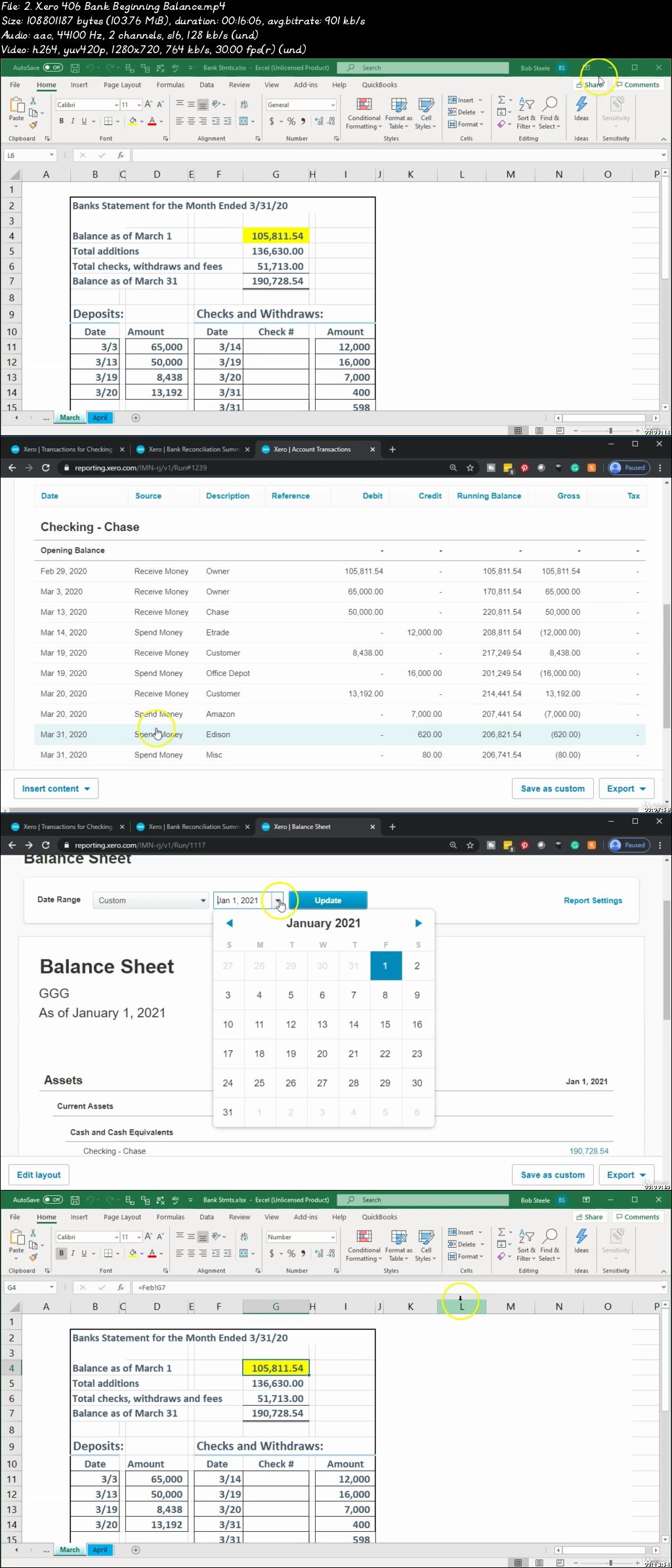
Bank Feeds-QuickBooks Online, Xero, Sage, Wave (Comparison)

00741eda.jpg


Bank Feeds-QuickBooks Online, Xero, Sage, Wave (Comparison)
Video: .mp4 (1280x720, 30 fps(r)) | Audio: aac, 44100 Hz, 2ch | Size: 9.57 GB
Genre: eLearning Video | Duration: 140 lectures (25 hours, 3 mins) | Language: English

Learn bank feeds using top accounting applications from a practicing CPA (Certified Public Accountant)


What you'll learn

Set up popular accounting software
Navigate popular accounting software
Enter normal business transaction into popular accounting software
Reconcile bank accounts using popular accounting softare
Generate and analyze reports including a balance sheet, an income statement, and supporting reports
Export Reports to Excel

Requirements

None

Description

Bank Feed Options

This course will compare and contrast the top accounting software applications, focusing on the use of bank feeds.

We will provide practice data that learners can import into the software applications.

Learners will understand the process of setting up each online software package. We will also discuss purchase options.

Most of the software applications will include a free test drive, an excellent tool for learning accounting and bank feeds.

We will practice entering two months of data into each accounting application with the help of banking data we will import into the system.

The course will also cover credit card bank feeds similarly.

Learners will also learn more advanced bank rules where applicable.

Who this course is for:

Business owners
Accounting professionals
Accounting students
Anybody who wants to learn accounting software

00741edb.jpg


CCNP Security Cisco Identify Services Engine SISE 300-715

Fp-B6-PKCZn4-Ixd-Di06bkm-TJSwb-DHy-Glgm.jpg


CCNP Security Cisco Identify Services Engine SISE 300-715
MP4 | Video: AVC 1280 x 720 | Audio: AAC 48 Khz 2ch | Duration: 18:42:42 | 32.39 GB
Genre: eLearning | Language: English
8+ Hours of Video Instruction

CCNP Security Management (SISE) 300-715 Complete Video Course focuses on implementing and configuring Cisco Identity Services Engine for preparation for the SISE 300-715 certification, and providing the necessary skills for real-world deployment scenarios.

Overview

CCNP Security Management (SISE) 300-715 Complete Video Course focuses on a blend of the real-world experience and best practices mixed with the requirements for the CCNP SISE 300-715 exam. The goal of the course is to not only cover the objectives for the SISE 300-715, but also provide a solid learning resource for mastering key concepts regarding planning and delivering a Cisco ISE solution. Topics include how to develop an ISE architecture; what to consider during the crawl, walk, and run phases of a deployment; and how to support a mature ISE deployment. The course walks you through a successful deployment and elaborates on how to avoid common pitfalls. The course includes many examples and demos of how to configure the technology, so the viewer can follow along with their own lab to master each concept.

Topics Include:

Module 1: ISE Fundamentals
Module 2: Policies
Module 3: Device Identification and Onboarding
Module 4: Compliance and Network Device Control

About the Instructors

Joseph Muniz is an architect at Cisco Systems and a security researcher. He has extensive experience in designing security solutions and architectures for the top Fortune 500 corporations and the U.S. government. Joseph's current role gives him visibility into the latest trends in cybersecurity, from both leading vendors and customers. Examples of Joseph's research include his RSA talk titled Social Media Deception, which has been quoted by many sources (search for Emily Williams Social Engineering), as well as his articles in PenTest Magazine regarding various security topics.

Joseph runs The Security Blogger website, a popular resource for security, hacking, and product implementation. He is the author and contributor of several publications covering various penetration testing and security topics. Joseph has been involved with planning and delivering Cisco NAC appliance and Identity Services Engine deployments for more than 10 years for various types of customers around the world. You can follow Joseph at thesecurityblogger.com and @SecureBlogger @SecureBlogger.

Kevin Tigges is a consulting security engineer at Cisco Systems focusing on large enterprise accounts. He has more than 25 years of experience in small and large enterprises designing network and security solutions. Kevin worked in the healthcare industry for a number of years and enjoys focusing on helping other healthcare customers understand how Cisco ISE can provide a secure access platform. Kevin has deployed ISE as a customer and has a deep understanding of considerations and caveats of a successful deployment. In his spare time, he enjoys time with his wife of 28 years, his 2 boys, being outside, and target archery.

Skill Level

Intermediate
Learn How To

Understand ISE architecture, node types, and deployment models
Understand the fundamentals of network access control and the Cisco ISE offering
Be able to develop ISE policies for users, guests, BYOD, and headless devices
Develop deployment strategies for ISE with various third party integrations
Prepare for the SISE 300-715 certification exam
Who Should Take This Course

This course is designed for anybody interested in learning about access control best practices and how to use Cisco Identity Services Engine. This includes those looking to study for the SISE 300-715 exam, as well as those responsible for an organization's security, looking to deploy network access control using Cisco ISE.

Course Requirements

Students should have a basic understanding of how networks function including routing and switching concepts. Experience with designing and deploying networks is a plus. A basic understand of security requirements is also beneficial.

Lesson Descriptions

Module 1, "ISE fundamentals," introduces the ISE key concepts you will need to know before moving on to other topics. In this course, we will cover the requirements for the SISE exam as well as recommendations and best practices we have learned from deploying ISE for various customers. By the end of this module, you should have a general understanding of Cisco ISE core concepts as well as know how to develop a plan to deploy each phase of an ISE engagement.

Module 2, "Policies," moves into the specifics of how the solution works. This module reviews how to build ISE policies, which includes managing identities of users and devices. Policies are the essential backbone of an ISE deployment, so having a good understanding of the different types of policies and components is essential to a successful implementation.

Module 3, "Device Identification and Onboarding," will look at three important deployment concepts that are usually encountered during an ISE deployment. First, guest access is covered, and then onto profiling, which is how to fingerprint devices. The module rounds out with BYOD.

Module 4, "Compliance and Network Device Control," dives into endpoint compliance, and adding and managing network access devices. Another term for endpoint compliance is posture, which tends to be part of the later phases of an ISE deployment. ISE uses NADs or network devices to enforce policies, so it is important to understand how to add and manage NADs to successfully deploy a ISE solution.

018-2-5-Configuring-native-Active-Directory-AD-Part-1-s.jpg


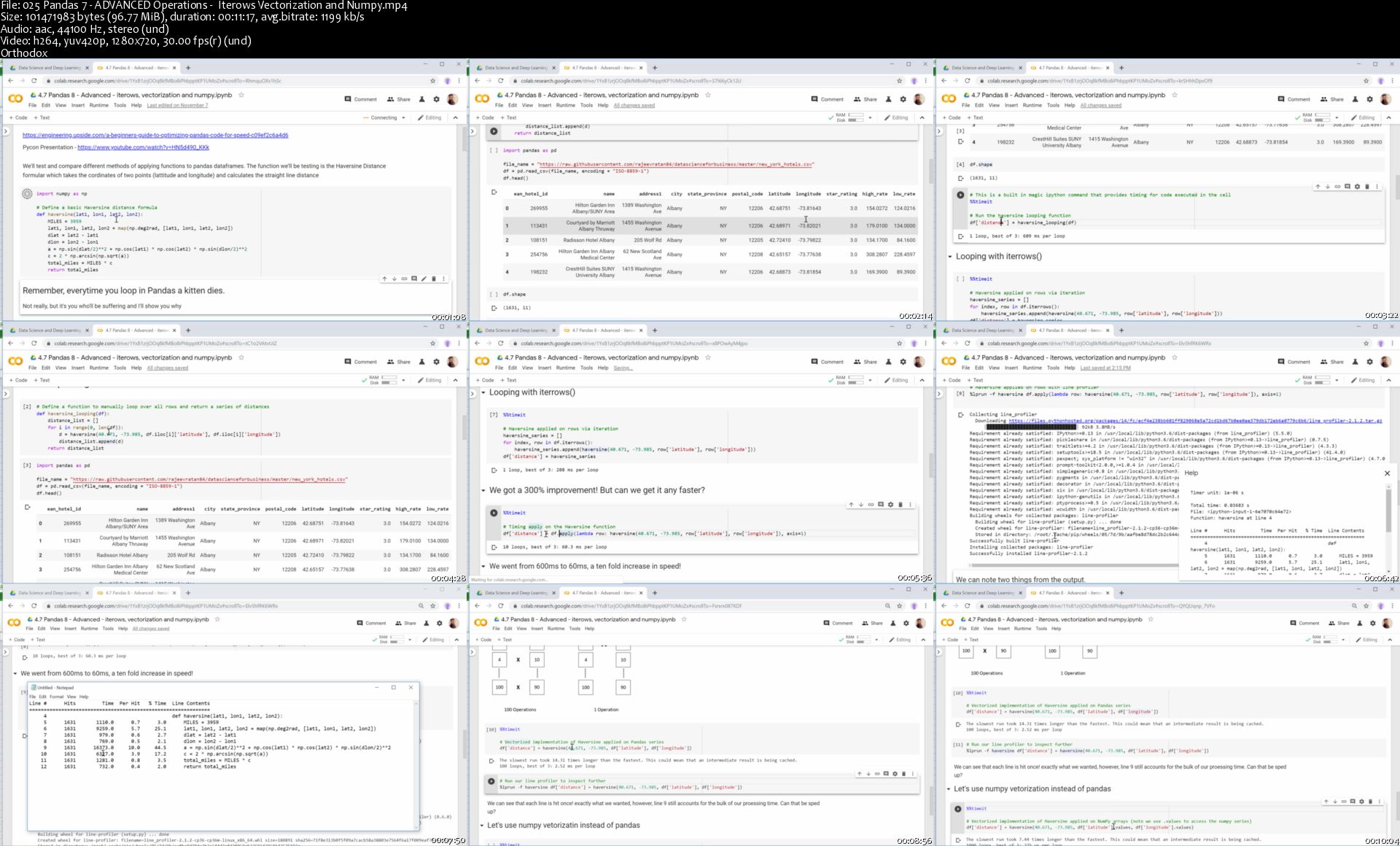
Data Analysis Bootcamp™ 21 Real World Case Studies

as-CBx-V5-Ow-Njxo7-W6f42-Ibh7-UC9-DGor8z.png


Data Analysis Bootcamp™ 21 Real World Case Studies
Hot & New | h264, yuv420p, 1280x720 |ENGLISH, aac, 44100 Hz, 2 channels | 14h 55 mn | 6.22 GB
Created by: Rajeev D. Ratan, Nidia Sahjara

Gain Business Intelligence Skills using Statistics, Data Wrangling, Data Science, Visualizations & Google Data Studio
What you'll learn
Understand the value of data for businesses
The importance of Data Analytics
The role of a Data Analyst
Learn to use Python, Pandas, Matplotlib & Seaborn, Scikit-learn
Learn Visualization Tools such as Matplotlib, Seaborn, Plotly and Mapbox
Hypothesis Testing and A/B Testing - Understand t-tests and p values
Unsupervised Machine Learning with K-Means Clustering
Machine Learning from Linear Regressions (polynomial & multivariate), K-NNs, Logistic Regressions, SVMs, Decision Trees & Random Forests
Advanced Pandas techniques from Vectorizing to Parallel Processsng
Statistical Theory, Probability Theory, Distributions, Exploratory Data Analysis
Ananlytic Case Studies involving Retail, Health, Elections, Sports, Resturants, Airbnb, Uber and more!
Full Tutorial on Google Data Studio for Dashboard Creation
Requirements
Familiar with basic programming concepts
Highschool level math knowledge
Broadband Internet connection
Description
Data Analysts aim to discover how data can be used to answer questions and solve problems through the use of technology. Many believe this will be the job of the future and be the single most important skill a job application can have in 2020.

In the last two decades, the pervasiveness of the internet and interconnected devices has exponentially increased the data we produce. The amount of data available to us is Overwhelming and Unprecedented. Obtaining, transforming and gaining valuable insights from this data is fast becoming the most valuable and in-demand skill in the 21st century.

In this course, you'll learn how to use Data, Analytics, Statistics, Probability, and basic Data Science to give an edge in your career and everyday life. Being able to see through the noise within data, and explain it to others will make you invaluable in any career.

We will examine over 2 dozen real-world data sets and show how to obtain meaningful insights. We will take you on one of the most up-to-date and comprehensive learning paths using modern-day tools like Python, Google Colab and Google Data Studio.

You'll learn how to create awesome Dashboards, tell stories with Data and Visualizations, make Predictions, Analyze experiments and more!

Our learning path to becoming a fully-fledged Data Analyst includes:

The Importance of Data Analytics

Python Crash Course

Data Manipulations and Wrangling with Pandas

Probability and Statistics

Hypothesis Testing

Data Visualization

Geospatial Data Visualization

Story Telling with Data

Google Data Studio Dashboard Design - Complete Course

Machine Learning - Supervised Learning

Machine Learning - Unsupervised Learning (Clustering)

Practical Analytical Case Studies

Google Data Studio Dashboard & Visualization Project:

Executive Sales Dashboard (Google Data Studio)

Python, Pandas & Data Analytics and Data Science Case Studies:

Health Care Analytics & Diabetes Prediction

Africa Economic, Banking & Systematic Crisis Data

Election Poll Analytics

Indian Election 2009 vs 2014

Supply-Chain for Shipping Data Analytics

Brent Oil Prices Analytics

Olympics Analysis - The Greatest Olympians

Home Advantage Analysis in Basketball and Soccer

IPL Cricket Data Analytics

Predicting the Soccer World Cup

Pizza Resturant Analytics

Bar and Pub Analytics

Retail Product Sales Analytics

Customer Clustering

Marketing Analytics - What Drives Ad Performance

Text Analytics - Airline Tweets (Word Clusters)

Customer Lifetime Values

Time Series Forecasting - Demand/Sales Forecast

Airbnb Sydney Exploratory Data Analysis

A/B Testing

Who this course is for:
Begineers to Data Anaysis
Business Analysts who wish to do more with their data
College graduates who lack real worlde experience
Business oriented persons (Management or MBAs) who'd like to use data to enhance their skills
Software Developers or Engineers who'd like to move into a Data Analyst Career
Anyone looking to understand Data and uncover insights
Those looking for a good foundation before starting a Data Science Masters/Bootcamp

Homepage

025-Pandas-7-ADVANCED-Operations-Iterows-Vectorization-and.jpg


Zurück
Oben Unten