• Regeln für den Video-Bereich:

    In den Börsenbereich gehören nur Angebote die bereits den Allgemeinen Regeln entsprechen.

    Einteilung

    - Folgende Formate gehören in die angegeben Bereiche:
    - Filme: Encodierte Filme von BluRay, DVD, R5, TV, Screener sowie Telesyncs im Format DivX, XviD und x264.
    - DVD: Filme im Format DVD5, DVD9 und HD2DVD.
    - HD: Encodierte Filme mit der Auflösung 720p oder darüber von BluRay, DVD, R5, TV, Screener sowie Telesyncs im Format x264.
    - 3D: Encodierte Filme von BluRay, die in einem 3D Format vorliegen. Dies gilt auch für Dokus, Animation usw.
    - Serien: Cartoon/Zeichentrick, Anime, Tutorials, Dokumentationen, Konzerte/Musik, Sonstiges sind demnach in die entsprechenden Bereiche einzuordnen, auch wenn sie beispielsweise im High Definition-Format oder als DVD5/DVD9/HD2DVD vorliegen. Ausnahme 3D.
    - Bereich Englisch: Englische Releases gehören immer in diesen Bereich.
    - Bereich Talk: Der Bereich, in dem über die Releases diskutiert werden kann, darf, soll und erwünscht ist.


    Angebot/Beitrag erstellen

    - Ein Beitrag darf erst dann erstellt werden, wenn der Upload bei mindestens einem OCH komplett ist. Platzhalter sind untersagt.
    - Bei einem Scenerelease hat der Threadtitel ausschließlich aus dem originalen, unveränderten Releasenamen zu bestehen. Es dürfen keine Veränderungen wie z.B. Sterne, kleine Buchstaben o.ä. vorgenommen werden. Ausnahme Serienbörse:
    - Bei einem Sammelthread für eine Staffel entfällt aus dem Releasename natürlich der Name der Folge. Beispiel: Die Simpsons S21 German DVDRip XviD - ITG
    - Dementsprechend sind also u.a. verboten: Erweiterungen wie "Tipp", "empfehlenswert", "only", "reup", usw. / jegliche andere Zusatzinformation oder Ergänzung, welche nicht in obiger Beschreibung zu finden ist.

    Aufbau des Angebots und Threadtitel

    Der Titel nach folgendem Muster erstellt zu werden. <Name> [3D] [Staffel] [German] <Jahr> <Tonspur> [DL] [Auflösung] <Quelle> <Codec> - <Group>
    Beispiel: The Dark Knight German 2008 AC3 DVDRip XviD - iND
    Beispiel: The Dark Knight 2008 DTS DL BDRip x264 - iND
    Beispiel: The Dark Knight 2008 AC3 DL BDRip XviD - iND
    Beispiel: The Dark Knight German 2008 AC3 720p BluRay x264 iND
    Beispiel: The Dark Knight 2008 DTS DL 1080p BluRay x264 iND
    Beispiel: Die Simpsons S01 German AC3 DVDRip XviD iND
    Beispiel: Die Simpsons S20 German AC3 720p BluRay x264 iND
    Beispiel: Sword Art Online II Ger Sub 2014 AAC 1080p WEBRip x264 - peppermint
    Entsprechend sind also u.a. verboten: Sonderzeichen wie Klammern, Sterne, Ausrufezeichen, Unterstriche, Anführungszeichen / Erweiterungen wie "Tipp", "empfehlenswert", "only", "reup", usw. / jegliche andere Zusatzinformation oder Ergänzung, welche nicht in obiger Beschreibung zu finden ist
    Ausnahmen hiervon können in den Bereichen geregelt sein.

    Die Beiträge sollen wie folgt aufgebaut werden:
    Überschrift entspricht dem Threadtitel
    Cover
    kurze Inhaltsbeschreibung
    Format, Größe, Dauer sind gut lesbar für Downloader außerhalb des Spoilers zu vermerken
    Nfo sind immer Anzugeben und selbige immer im Spoiler in Textform.
    Sind keine Nfo vorhanden z.B. Eigenpublikationen, sind im Spoiler folgende Dateiinformationen zusätzlich anzugeben :
    Quelle
    Video (Auflösung und Bitrate)
    Ton (Sprache, Format und Bitrate der einzelnen Spuren)
    Untertitel (sofern vorhanden)
    Hosterangabe in Textform außerhalb eines Spoiler mit allen enthaltenen Hostern.
    Bei SD kann auf diese zusätzlichen Dateiinformationen verzichtet werden.

    Alle benötigten Passwörter sind, sofern vorhanden, in Textform im Angebot anzugeben.
    Spoiler im Spoiler mit Kommentaren :"Schon Bedankt?" sind unerwünscht.


    Releases

    - Sind Retail-Release verfügbar, sind alle anderen Variationen untersagt. Ausnahmen: Alle deutschen Retail-Release sind CUT, in diesem Fall sind dubbed UNCUT-Release zulässig.
    - Im Serien-Bereich gilt speziell: Wenn ein Retail vor Abschluss einer laufenden Staffel erscheint, darf diese Staffel noch zu Ende gebracht werden.62
    - Gleiche Releases sind unbedingt zusammenzufassen. Das bedeutet, es ist zwingend erforderlich, vor dem Erstellen eines Themas per Suchfunktion zu überprüfen, ob bereits ein Beitrag mit demselben Release besteht. Ist dies der Fall, ist der bereits vorhandene Beitrag zu verwenden.
    - P2P und Scene Releases dürfen nicht verändert oder gar unter einem iND Tag eingestellt werden.


    Support, Diskussionen und Suche

    - Supportanfragen sind entweder per PN oder im Bereich Talk zu stellen.
    - Diskussionen und Bewertungen sind im Talk Bereich zu führen. Fragen an die Uploader haben ausschließlich via PN zu erfolgen, und sind in den Angeboten untersagt.
    - Anfragen zu Upload-Wünschen sind nur im Bereich Suche Video erlaubt. Antworten dürfen nur auf Angebote von MyBoerse.bz verlinkt werden.


    Verbote

    - Untersagt sind mehrere Formate in einem einzigen Angebotsthread, wie beispielsweise das gleichzeitige Anbieten von DivX/XviD, 720p und 1080p in einem Thread. Pro Format, Release und Auflösung ist ein eigener Thread zu eröffnen.
    - Grundsätzlich ebenso verboten sind Dupes. Uploader haben sich an geeigneter Stelle darüber zu informieren, ob es sich bei einem Release um ein Dupe handelt.
    - Gefakte, nur teilweise lauffähige oder unvollständige Angebote sind untersagt. Dies gilt auch für eigene Publikationen, die augenscheinlich nicht selbst von z.B. einer DVD gerippt wurden. Laufende Serien, bei denen noch nicht alle Folgen verfügbar sind, dürfen erstellt und regelmäßig geupdatet werden.
    - Untersagt sind Angebote, welche nur und ausschließlich in einer anderen Sprache als deutsch oder englisch vorliegen. Ausnahmen sind VORHER mit den Moderatoren zu klären.


    Verstoß gegen die Regeln

    - Angebote oder Beiträge, die gegen die Forenregeln verstoßen, sind über den "Melden"-Button im Beitrag zu melden.
  • Bitte registriere dich zunächst um Beiträge zu verfassen und externe Links aufzurufen.

++ Premium IPTV ++ 7000 Live Sender ++ UHD Qualität ++ Mediathek mit 18.000 Inhalten ++


VenneTV


Englische Tutorials

Advanced Excel 2013 Training + Build a Pro Excel Template

006d38ed.jpg


Advanced Excel 2013 Training + Build a Pro Excel Template
.MP4 | Video: 1280x720, 30 fps(r) | Audio: AAC, 44100 Hz, 2ch | 5.49 GB
Duration: 21 hours | Genre: eLearning | Language: English

This MS Advanced Excel 2013 training course will teach you basic & advanced Excel online with a project & certification.

What you'll learn

You will learn Excel from the Scratch to Advanced Level to use it in your day to day job.
Wow your boss: Learn different Excel techniques from this course & make your boss wow.
Increase your salary up to 40%: You will be Pro-level Excel user and able to increase your salary up to 40%.
Build Excel Template: After finishing this course, you will be able to build professional Excel templates for any purpose.
Video Index: You can use this course as a video reference. Find any topic in Excel just searching our Video Index workbook.
This is not just a course. This is a long term learning process with probelm solving approach.

Requirements

Determination and dedication for learning this course from start to end.
Microsoft Excel 2013 Office Suite installed in a Computer.
An Internet Connection.

Description

Do you seriously want to learn Microsoft Excel 2013 from scratch to advanced level, want to get employed by your local big companies and want to get up to 40% higher salary than the other employees in your company?

Then, DO NOT WASTE YOUR TIME and MONEY! Enroll into this most comprehensive Microsoft Excel 2013 training course.

The satisfaction with this course is guaranteed.

How this Excel training course is designed for you:

Section 1: Welcome section. Course organization, get working files download link, and get new lectures and homework updates.
Section 2: Excel environment.
Section 3: Manage Excel workbook and worksheets
Section 4: Enter and edit data in a worksheet.
Section 5: Excel cells and ranges.
Section 6: Workbook and worksheet operations.
Section 7: Excel tables.
Section 8: Formatting worksheets.
Section 9: Advanced features related to Excel files.
Section 10: Excel templates.
Section 11: Setup and print Excel worksheets.
Section 12: Function and formula basics.
Section 13: Useful mathematical functions.
Section 14: Excel charts.
Section 15: Advanced formulas.
Section 16: Advanced chart techniques.
Section 17: Conditional formatting.
Section 18: Excel security.
Section 19: Graphic Objects.
Section 20: Data validation techniques in Excel.
Section 21: Excel as a database.
Section 22: Project: Build an Excel template from scratch.

By Enrolling into this course, you will be able to:

Learn Microsoft Excel 2013 from scratch to intermediate and advanced level.
Practice Excel problems regularly with new challenge. This course will provide you new new Excel problems in every week.
Get a very good job if you are about to graduate from university. Most of the businesses now a days use Excel heavily.
Increase your salary up to 40%. Search on Google with this query: "EXCEL USERS GET HIGHER SALARY". On average Excel users get 12% HIGHER SALARY.
Solve Excel problems with great efficiency.
Get solved your very own Excel problems. The instructor is a full-time Excel blogger. So, he loves to solve new problems in Excel.
Get prompt answers & support from the instructor within 24 hours!
Search any topic in Excel using the VIDEO INDEX DASHBOARD. Video Index Dashboard will help you to find out the relevant video number of a topic.
Get all the Excel related materials from one course. You will get 220+ Excel Keyboard Shortcuts PDF with this course.
Get downloadable Workbooks, Handouts and Materials during the course.
Enroll into another Excel course COMPLETELY FREE where you will build Excel related projects.

.want more? JOIN THE COURSE. Your any suggestion will be highly appreciated to make it the best Excel related course.

Join with over 917 successful students taking this course!!!

About the instructor of this course:

The instructor of this course has extensive experiences in Excel, Excel VBA and .NET frameworks:

The author of this course has a Computer Science and Engineering degree from the topmost university in his country.
He is a dedicated full-time Excel, Excel VBA and Business Analytic blogger.
He has a teaching experience of 18 years.
He learns new things in Excel, Excel VBA and Business Analytic regularly and shares free tutorial on his blog.
As a full-time Excel, Excel VBA and Business Analytic blogger, he will be here or on his blog with your every problem.
As a consultant in many Excel projects, he has vast knowledge on real-life Excel problems.

So, learn Excel from someone who loves Excel and Excel VBA, who lives with Excel and Excel VBA 365 days a year, who learns new things in Excel regularly, who runs a blog on Excel and who loves teaching.

Who this course is for:

This Excel course is both for newbies who are not familiar with Excel, and for intermediate and advanced level Excel users looking for deep dive into Excel 2013.
If you consider yourself as a professional Excel user, this course is also for you.
If you are looking for a job, this course is mandatory for you as you will learn Excel from the very beginning.
This course is not for students who think they can learn Excel without practicing.


006d38ee.jpg


Complete YouTube Training 2019 in Hindi/urdu - Sarfaraz

z-XKLi7-Jc-NR7-Rne9z-JPy-Rzpv1-APT4-Ln5l.jpg


Complete YouTube Training 2019 in Hindi/urdu - Sarfaraz
Genre: eLearning | MP4 | Video: h264, 1280x720 | Audio: aac, 44100 Hz
Language: Hindi | VTT | Size: 9.80 GB | Duration: 16 hours

What you'll learn

Create & grow their channel on YouTube

Requirements
Have own ideas and basic knowledge of computer & software installation
Description
Welcome to YouTube Training 2019 in hindi/urdu by Sarfaraz Abro. In this course You will learn complete YouTube training and also you will learn 3 different video editor basic to advance level. This training cover basic to advance level training but You should have some basic knowledge about computer science. This is why Udemy is the best online course platforms in the world.

In this course you will learn more about YouTube and Video Editing. Like Filmora in hindi/urdu training by Sarfaraz.

and we covers these topics in this training

youtube creator

make money online

how to make money online

how to make money

video creator

free video maker

best way to make money

how to make money online for free

youtube money

how to get views on youtube

youtube video editor

how to make money on youtube

ways to make money

youtube views to money

how to earn money from youtube

money online

ways to make money online

udemy free courses

pay for youtube views

youtube money per view

youtube equipment

earn money online

youtube editor

how to make a youtube video

online video editor free

earn money

youtube video creator

online learning platforms

best way to make money online

online video editor

best online classes

This course is only for those people who really want to make money from YouTube by making own videos not stealing someone video this course is not for tips and tricks this course is actual about skills. Some people have skills some people don't have. Any one who can be successful youtuber if follow the right patch. These Youtube course are one of the best udemy courses ever You seen.

Who this course is for:
students who don't know about youtube
students who discover the youtube platform

4-EXTENSION-TUBE-BUDDY-s.jpg


Storytelling for Marketing and Entrepreneurship

00409926.jpg


Storytelling for Marketing and Entrepreneurship
Genre: eLearning | MP4 | Video: h264, 1920x1080 | Audio: aac, 48000 Hz
Language: English | VTT | Size: 5.79 GB | Duration: 2.5 hours

What you'll learn
Effectively Pitch the Story of Your Business
Sell the Core Benefits of Your Products and Services
Leverage the Power of Word-of-Mouth and Networking
Understand the Influence of Emotions on Customer Behavior
Leverage the Social Influence of Your Customers, Employees, Fans and Supportes
Create Valuable Content that will Drive Traffic and Interest in Your Business

Requirements
Enter with an open mind and with the willingness to reflect, come up with creative ideas and put them into action.
Description
What would you say if I told you that with a great story you don't need to have any credentials, connections or marketing budget to kickstart your business? There is no sense in investing a lot of money in advertising if you don't have a story that sticks in the mind of your customers. The stories that convert the most are the stories that people tell about you and that is where your attention should be.

This course is designed for Marketers and Entrepreneurs that want to extend the reach of their business, cause a ruckus in the market and make their businesses stand out. I know how tough it can be to convince people to try something new and a good story will open doors for you that you never thought existed in the first place.

Each section is dedicated to teaching you these skills, the course manual will assist you during the learning process, valuable resources are scattered throughout the lectures and every section challenges you to take action by completing a project.

Feel free to explore what the course has to offer. Check out the free preview videos and remember that you have a 30-day money back guarantee once you decide to take the course. I look forward to seeing you in the virtual classroom and to hearing your story.

Who this course is for:
The ideals students for this course are marketers that want to expand their area of expertise and are on the lookout for cool and innovative ideas, as well as entrepreneurs that want to grow their business and offer great value to their customers.

00409937.jpg


An Introduction to Marvelous Designer

maxresdefault.jpg


An Introduction to Marvelous Designer
MP4 | Video: AVC 1920x1198 25fps | Audio: AAC 48KHz 2ch | Duration: 3hrs
Genre: eLearning | Language: English | Size: 7.96 GB

An introduction to Marvelous Designer

Have you been thinking about learning Marvelous Designer to enrich your environment and prop work with cool cloth simulations?

Then I might have the right tutorial for you!

In over 3h's of fully commented video footage, I guide you through all important features that Marvelous Designer has to offer, step by step.

Experience in MD is not required.

Homepage

21-armchair-s.jpg


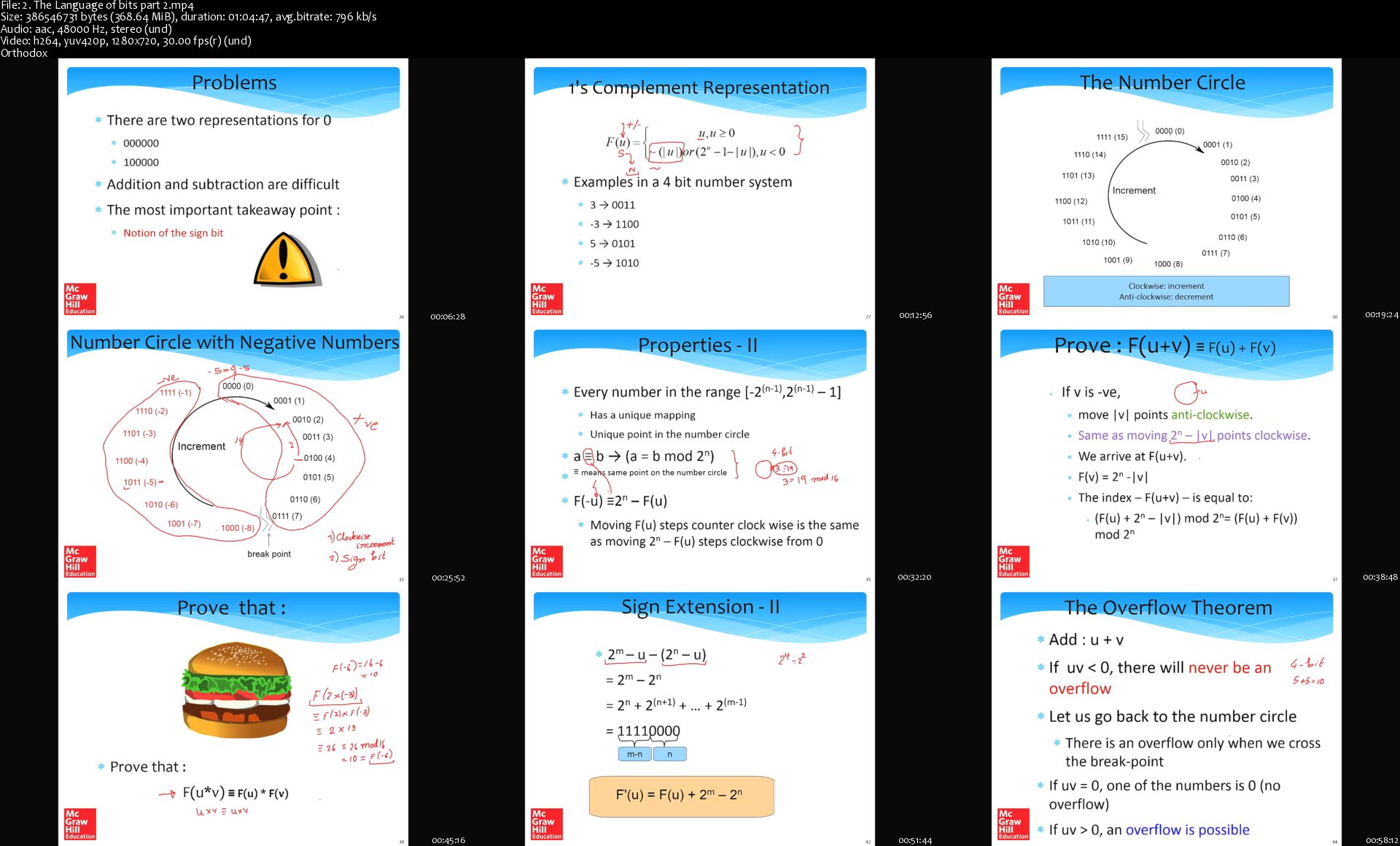
Udemy - Computer Architecture

2496982-bfa3.jpg


Udemy - Computer Architecture
Video: .MP4, 1280x720 30 fps | Audio: AAC, 48kHz, 2ch | Duration: 34:53:54
Genre: eLearning | Language: English + Subtitles | Size: 12.8 GB

University Professor is here to help you What you'll learn
Language of Bits
Assembly Language
ARM Assembly Language
x86 Assembly Language
Digital Logic
Computer Arithmetic
Processor Design
Memory Systems

Requirements
Beginners are welcome
Description
So, let us distinguish between two kinds of terms that are used for the study of computers; the first is computer architecture, and the second is computer organization. So, computer architecture is a view of a computer; that is presented to

software designers, which essentially means, that it is an interface or a specification that the software designers see, it is a view that they see, of this is how the computer works and this is how they should write, software for it, whereas computer organization, is the actual implementation of a computer in hardware.
Oftentimes, the terms computer architecture and computer organization, are actually confused or computer architecture is used for both. So, that is common, but we should keep in mind that there are two separate terms; one of them is computer architecture, and the other is computer organization.

So, what again is a computer? We have computers everywhere, we have a computer on the desktop over here, we have a computer in a laptop or phone, an iPad. So, we can define a computer, as a general purpose device, that can be programmed, to process information, and yield meaningful results. So, mind you this definition has several facets to it; the first is, that a computer you should be able to program it. So, circuit that does a specific action is actually not a computer.
So, for example, let us say that you have small thermometers on top of the room, which is showing what the current temperature is? That is not a computer even though you know is showing it is temperature on a nice screen. The reason is that this device cannot be programmed. Second, it needs to be able to process some information that is given from outside; like you enter some information via a keyboard or a mouse. It is processing

that information; it needs to yield meaningful results. So, all these three facets are important for defining what a computer is.

So, how does the computer work? A computer has a program which tells the computer what needs to be done; that is because, the way that we have defined a computer, is that it should be possible to instruct it to do something. So, having a program is point number one. Second there needs to be some information that the program will work on. For example, let us say you are trying to you clicked the photograph, and the photograph has some red eyes. So, we are trying to remove the red eye effect in photographs. So, in this case the photograph will be the information stored, and the program will be the piece of code; that is working on the information, photographs in this example, and then the finished good looking photographs is the result.
So, what is the program again, it is a list of instructions given to the computer. The information store is all the data image images, files, videos that a computer might process, and the computer once again is an intelligent device that can be instructed to do something, on the basis of the instructions, it processes some known information, to generate new and better and meaningful results.

So, let us take the lid off a desktop computer and see what is over there. So, if you take, if you open a desktop computer, the first thing that you see over here, is a green board, and this is called the motherboard. So, this is a circuit board for the rest of the circuit is r. The two most important circuits is that at least we are interested in at the moment, is the CPU the central processing unit, which is the main brain of the computer. This is the CPU. You would also see a small fan on top of it the job of the fan is to remove heat, and it is the other rectangle over here which is called the memory of the main memory. So, this temporarily stores the information that the CPU the processor is going to use, and the computer processor reads data from main memory processes it and writes it back.
We also another very important unit over here which is the hard disk, this also saves information. What are the key differences between the memories in the hard disk; number one, the memory storage capacity is small. Maybe in today's day and age it might be like 32 gigabytes, whereas, the hard disk storage capacity might be 10 times more or 20 times more. So, so we will get into the definition of how much what is a kilobyte or megabyte or gigabyte in chapter two, but essentially it is a unit of storage. So, the hard disk can typically store 10 times more data, but it is also significantly slower.
The other advantage of a hard disk is that if I turn the power off, all the data in the memory will get erased, whereas the data in the hard disk will remain. So, those are the differences. So, in this course, we will primarily be interested in these three unit is which

are the CPU the memory and the hard disk, but mind you there are many other smaller processors all over the motherboard. So, will not have a chance to talk to them, but we will have a chance to at least discuss some of them, in the last chapter, in chapter 12 not at the moment though.

So, what does a simple computer look like? Simple computer, like the one that we looked at right now, has a computer a CPU, which does the processing; it has a memory and a hard disk. So, the hard disk maintains all the information's, when a computer is powered off. When it is powered on, some of the information comes to the memory, then the computer reads information from the memory, works on it, and again writes the results back.

What more do we need to add to make this a full functioning system. We need to add I O devices, input output devices. This can include a keyboard a mouse for entering information. And for displaying information, it can be a monitor or a printer, to display the kind of information that a computer has computed. It can be other media also; like the network or a USB port, but we will gradually see what these are, at the moment let us confine ourselves to a very- very simple system.

The video resources in this course is based on the online courseware of "Computer Architecture" by NPTEL which is licensed under a Creative Commons Attribution-ShareAlike 4.0 International License. Permissions beyond the scope of this license may be available under the License Notes section in the NPTEL webpage.

Who this course is for:
Students curious about Computer Arhitecture

Homepage

2-The-Language-of-bits-part-2-s.jpg


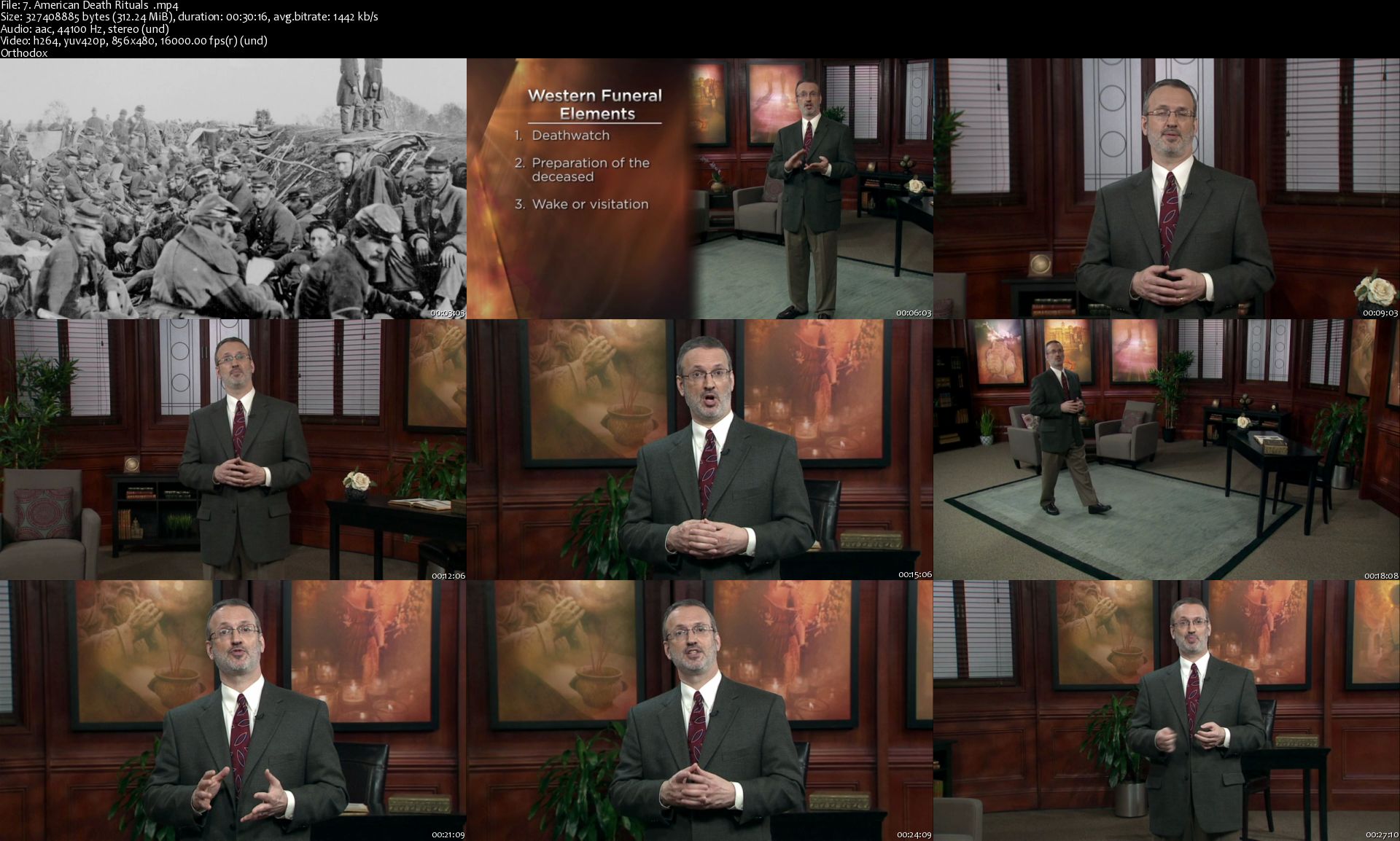
Death, Dying, and the Afterlife: Lessons from World Cultures (The Great Courses)

ust-Tvfrt-Kf-Zkd-DVqa-O3-Cl7q-Miu6-EPz8j.png


Death, Dying, and the Afterlife: Lessons from World Cultures (The Great Courses)
MP4 | Video: 856x480 | Audio: AAC, 44.1Khz , 2ch | Duration: 12 hours | Language: English | 9.3 GB

It's a universal truth: Everyone-including you-will eventually die. Other forms of life on our planet will also die, but we might be the only living creatures who cannot help but contemplate our own mortality. After thousands of years of pondering it, we still find death one of life's most perplexing mysteries-yet it doesn't have to be the most frightening.

Full Description

7-American-Death-Rituals-s.jpg


Complete UiPath RPA Developer Course: Build 7 Robots

2-H2-ZQf-Xin-C8qhm8-UPOV6k3b-Dfv-FDc-I9f.jpg


Complete UiPath RPA Developer Course: Build 7 Robots
h264, yuv420p, 1280x720, 2391 kb/s | English, aac, 44100 Hz, stereo, s16, 128 kb/s | 10h 03mn | 5.01 GB
Instructor: Leon Petrou

Master Robotic Process Automation (RPA) and UiPath - go from beginner to advanced. What you'll learn

Design, develop and deploy state-of-the-art RPA robots.
Automate 7 real-world business processes from scratch.
Master the UiPath Framework and learn RPA best practices.
Analyse and identify processes that are best fit for RPA.
Confidently tackle the UiPath activities that are most commonly used in enterprise solutions.

Requirements

No previous programming / coding knowledge required.
A Microsoft Windows computer with an internet connection (UiPath has no Mac version).
Have basic-level computer literacy; familiarity with MS Excel, PDFs, notepad, websites and desktop applications.

Description

Welcome to the Complete UiPath RPA Developer Course: Build 7 Robots where you will learn everything you need to know to get started as a Robotic Process Automation (RPA) developer. Learn and master UiPath Studio and then build state-of-the-art software robots from scratch.

The best part about this course is that this course is entirely project-based, which means you will be getting hands-on experience and learn the skills you need on how to build real-world software robots in an enterprise setting. So if you're the type of person who 'learns by doing', then this course is for you.

We start off by learning what RPA is, how to choose the best processes fit for RPA, installing UiPath onto your machine and then building your first simple robot. We then explore UiPath Studio learning all about the user interface to get a basic understanding on how to use UiPath Studio. Once we cover all the basics we then take a deep dive into building real-world software robots ranging in complexity from beginner to advanced. In this course we build the following robots:

Robot 1: Clothing consultant (Beginner)

A user enters a city name, the robot then scrapes Google for the temperature and weather in that city, the robot then processes the data and makes a decision which will then suggest a clothing type to the user.

Robot 2: Data capturing (Beginner)

A common daily task of a Data Capturer's life is copy-pasting data from an excel spreadsheet into a web or desktop application. This robot fully-automates that task. The robot copy-pastes 100 lines of customer data into their respective input fields of a web application and desktop application. The robot even performs both the web and desktop app data capturing simultaneously. This gets the job done in a fraction of the time that a human could with 100% accuracy.

Robot 3: Automation challenge (Intermediate)

This is an RPA challenge created by UiPath to test a RPA Developer's ability to build a robust software robot. The goal of this challenge is to create a workflow that will input data from a spreadsheet into the form fields on the screen. Beware! The fields will change position on the screen after every submission, throughout 10 rounds, thus the workflow must correctly identify where each spreadsheet record must be typed every time.

Robot 4: Real estate web scraping (Intermediate)

A user enters a city name, the robot then scrapes thousands of real estate listing data in that city off the web. The data is then exported into a MS Excel spreadsheet, including the prices of the property, number of bedrooms, number of bathrooms and suburb location.

Robot 5: PDF invoice data scraping (Advanced)

Imagine the job of an admin employee is to copy-paste text from a PDF invoice into an excel spreadsheet and then repeat this task 1000 times for 1000 different invoices. Not only is this job extremely tedious and boring, but a human is very likely to make mistakes along the way. This robot fully-automates that process by looping through every PDF file in a folder, scraping the text and "pastes" the text into a spreadsheet. This robot is 8 times faster than a human with a 0% error rate.

Robot 6: Optical Character Recognition (Advanced)

What happens when the PDF file is a scanned image? How will UiPath read the text? The answer is Optical Character Recognition (OCR) which converts text in image format to actual text. This robot loops through scanned PDFs, scrapes the text and exports it into a text file.

Robot 7: Email Automation (Advanced)

In this robot, the user specifies only the email addresses of interest, and then the robot saves a copy onto your machine of all emails and attachments in your gmail inbox with those email. The robot saves them into separate folders per email address and automatically sends an output report email to the developer displaying all logs of what emails have been saved and what errors have occurred.

Why am I qualified to teach you? I am a qualified Industrial and Systems Engineer, experienced RPA developer, Top 10% most engaging instructor on Udemy in 2018 and founder of Future RPA, a Smart-Automation consultancy where we use RPA to streamline our clients' business processes. I've incorporated everything I've learned in my years of engineering and teaching to make this course not only more effective but more engaging. The course includes:

Over 100 Lectures and 8 hours of on-demand video content.

7 Real-world projects

12 Activities

6 Quizzes.

3 Articles.

And the best part. Robots!

As a bonus, I will give you all 6 Robots we build completely free. You can use these robots as templates and modify them to build your own custom robots.

In an effort to continuously improve this course, I will be building new robots and adding more content to this course with time. You will be notified via an educational announcement every time I add new content to the course. Student satisfaction is important to me, so if there is anything specific you want me to teach in this course that you feel that I have not yet covered, please feel free to send me a message and I will add it to the course.

By the end of this course, not only will you be comfortable with building your own software robots but it will help you land that high-paying RPA job that you want.
Who this course is for:

Beginners to UiPath curious about Robotic Process Automation (RPA).
Anyone who wants to land a high-paying RPA developer / architect / analyst job in the near future.
White-collar employees wanting to save time, reduce errors, and improve efficiency by automating common business tasks.
Business leaders who want to automate business processes.

8-Activity-Anchor-base-s.jpg


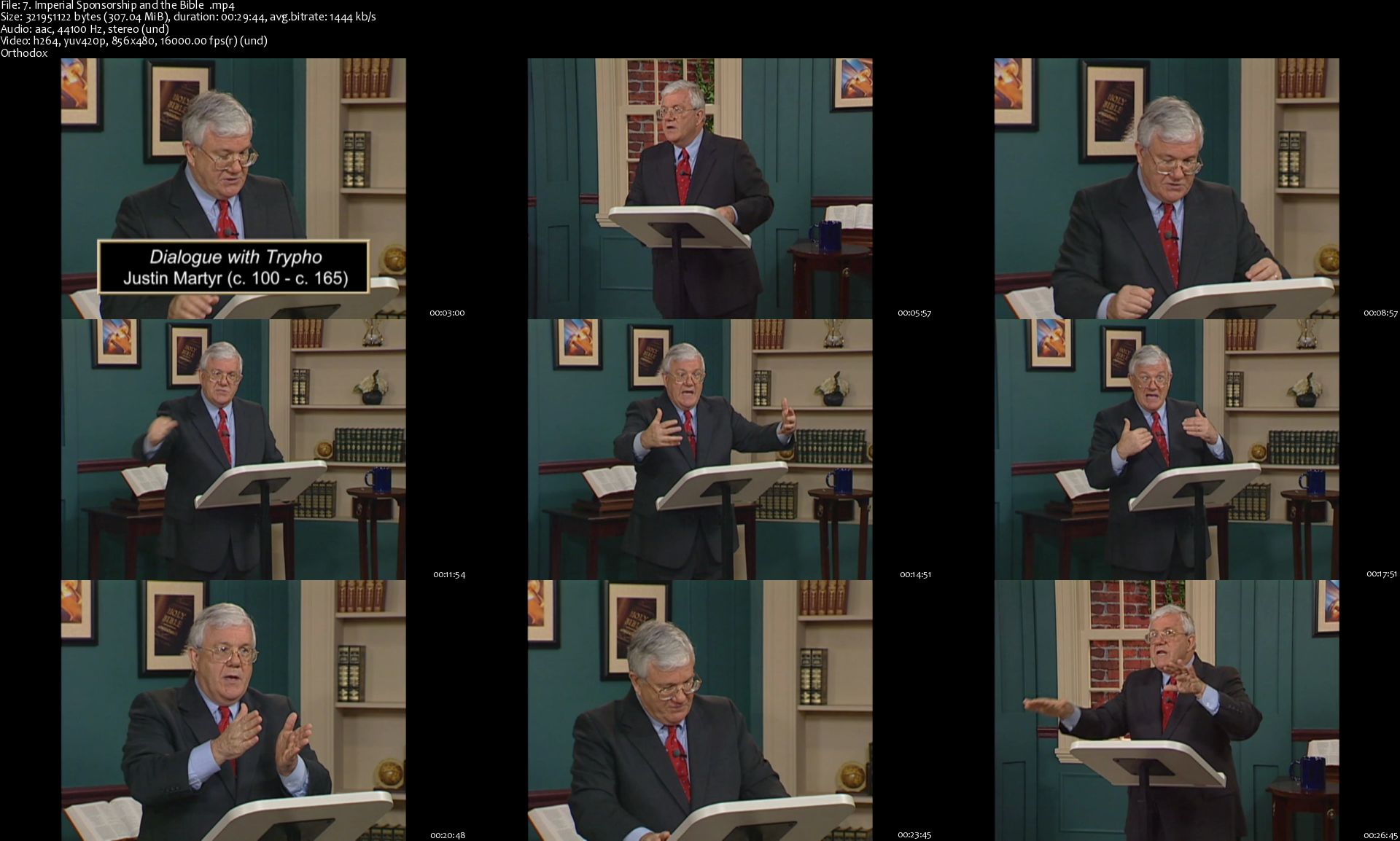
The Story Of The Bible (The Great Courses)

DR3w-EOIe-Vcpu-Lac-SJg0-He-Jgs-A9-Utdjl-R.png


The Story Of The Bible (The Great Courses)
MP4 | Video: 856x480 | Audio: AAC, 44.1Khz , 2ch | Duration: 12 hours | Language: English | 8.8 GB

Since the invention of the printing press, the world's consistently bestselling book has been the Bible. Since 1815, it has been printed an estimated five billion times. By the end of 2005, it had been translated into 2,043 languages. In the Western world, the Bible is easy to find: In most hotel rooms, it is handier than the Yellow Pages.

Full Description

7-Imperial-Sponsorship-and-the-Bible-s.jpg


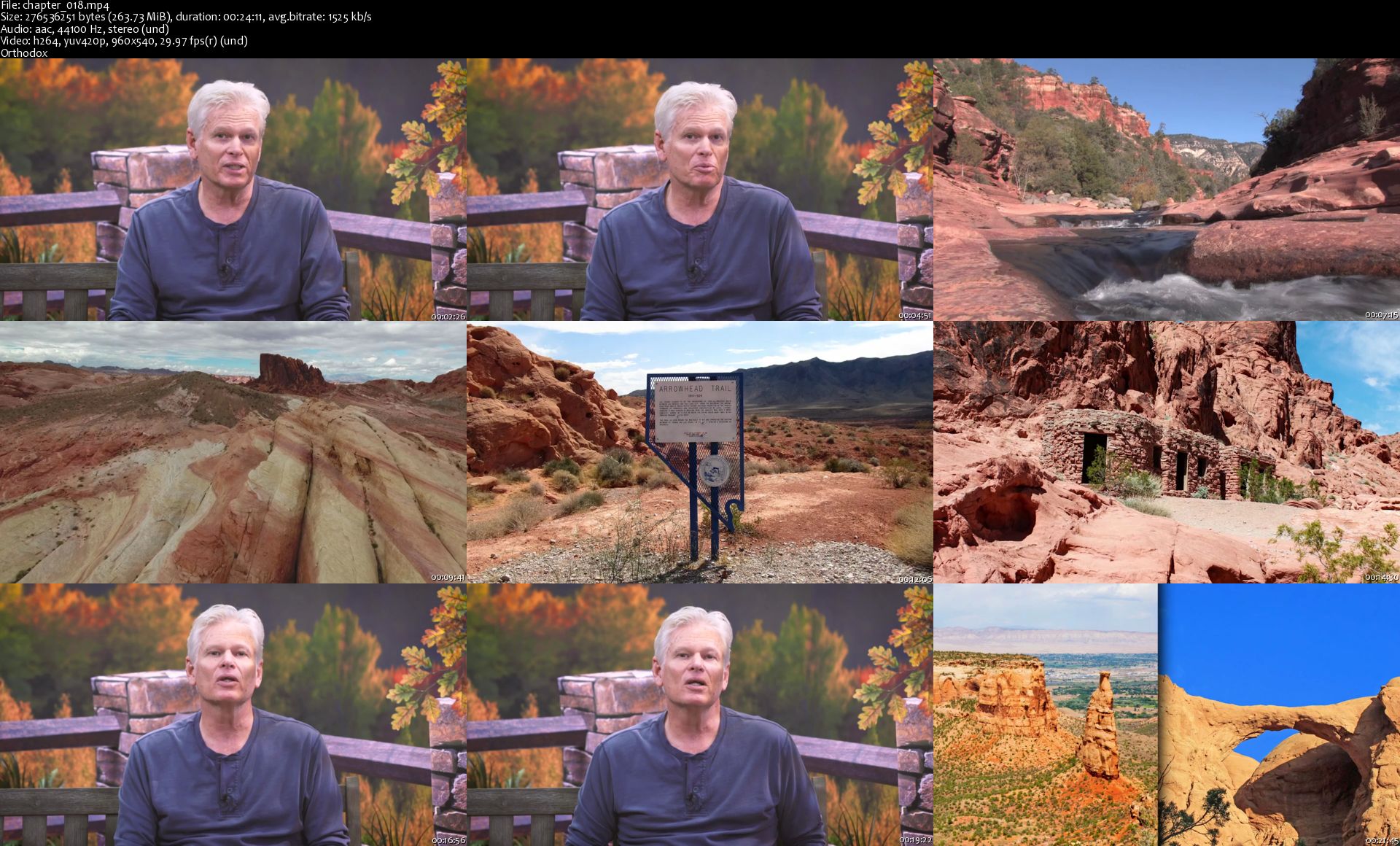
The Wonders of America's State Parks (The Great Courses)

p-Iz-Asds3gx-S8-Oig-XLut1v1-MPn8-S6j-LZI.jpg


The Wonders of America's State Parks (The Great Courses)
MP4 | Video: 960x540 | Audio: AAC, 44.1Khz , 2ch | Duration: 12 hours | Language: English | 6.8 GB

Enormous mountain ranges and breathtaking gorges. Wild sea shores and lazy rivers. Ghost towns and battlefields. Pristine lakes and coral reefs. Not to mention nearly 25,000 campsites, 52,000 miles of hiking trails, over 300 marinas, and hundreds of pools and ski slopes and golf courses. Encompassing more than 18 million acres of land, America's state parks feature a variety of adventures that is nothing short of astounding.

Full Description

chapter-018-s.jpg


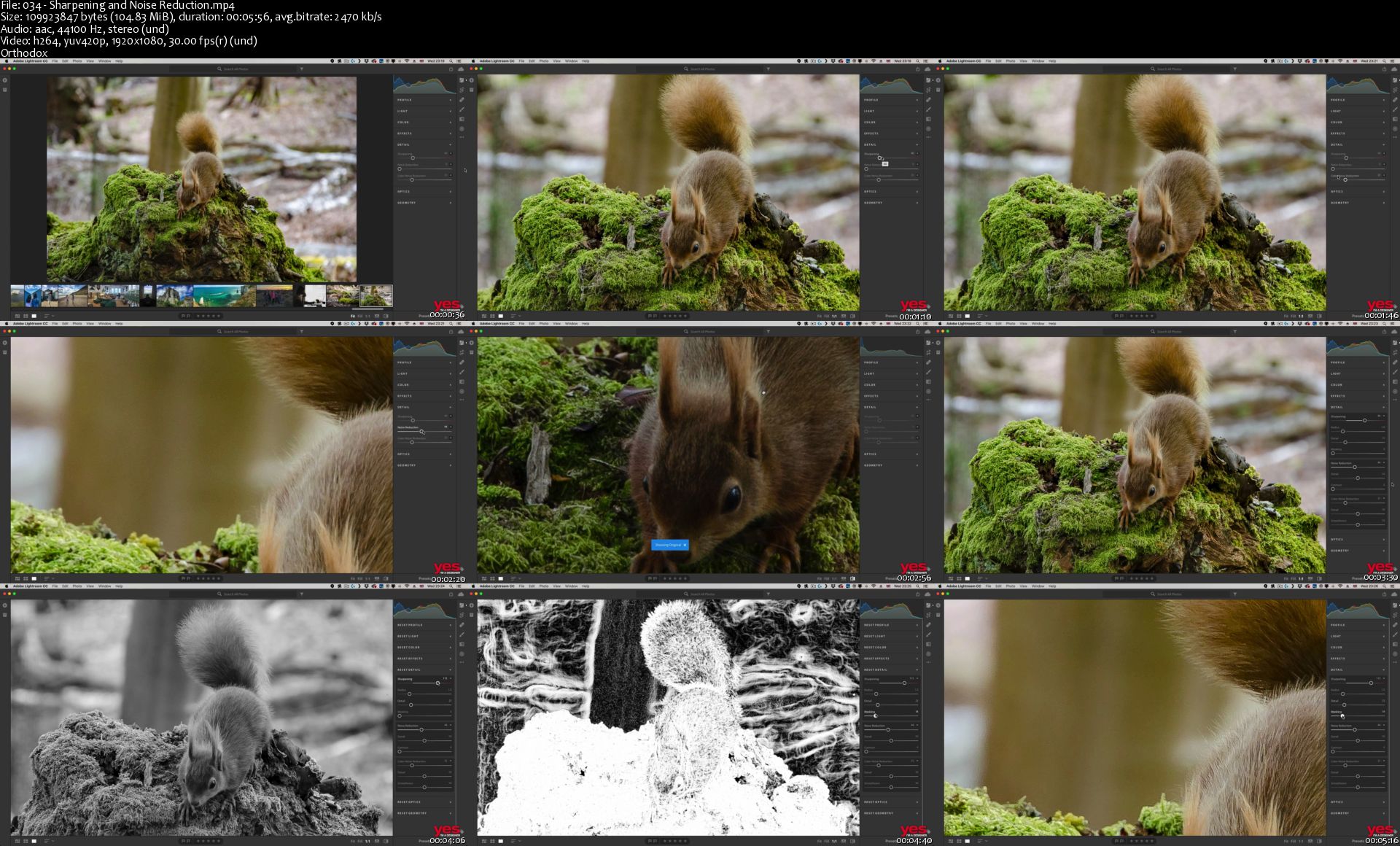
Lightroom CC Masterclass

8881528489988-original.png


Lightroom CC Masterclass
MP4 | Video: AVC 1920x1080 30fps | Audio: AAC 44.1KHz 2ch | Duration: 8 hrs
Genre: eLearning | Language: English | Size: 5.07 GB

With this 'Lightroom CC Masterclass' training course, you will master the industry-leading photo editing and cataloging application, and take your DSLR / mobile photography to the next level. Get started with Adobe Lightroom CC today! Project Files included. If you're fascinated by photography and want to develop your photo editing skills and general understanding of photography in either a personal or professional capacity, then this Lightroom CC Masterclass course is for you. The course covers both Adobe Lightroom CC and Adobe Lightroom Classic CC. Get to grips with the differences between the two, how they fit into your workflow/lifestyle, and master them both so you are ready to use them with total confidence, either professionally or personally. These applications are the industry-leading tools for photo editing and give you ultimate control over all aspects of your images - from lighting to effects, detail, optics and loads more. Both also have unique and individual ways of helping you to organize and manage your photos, so you never lose or waste time searching for an image again.

Once you are finished, you will be editing like a pro!

Adobe Lightroom CC is a cloud-based program and the perfect tool for editing images on the go - either on your mobile device or laptop. Plus your photos are always with you. Lightroom CC will store them, ready to be used on any device, with the Lightroom CC app. Learn how to capture, organize and develop images. Adjusting exposure and color, creating effects and split tones, using presents, etc., will become second nature.

This software is ideal if you create a lot of online content for blog posts or social media. Having knowledge of this software will help you take your shots to the next level, ensure your images stand out, and help you build a strong visual style that connects with your audience. Or if you are a keen hobby photographer looking to hone their skills and share their passion for Photography!

Adobe Lightroom Classic CC - is essential for anyone looking to become a professional photographer and extremely useful for most roles within the creative industry! Learn to confidently work in every area of Lightroom including the Library, Develop and Map modules and get excited about editing images as you learn to make elaborate adjustments, add effects, remove unwanted details in photographs etc.

Having an extensive knowledge of Lightroom classic will allow you to create presets (which will save you so much time), catalog images (meaning you are always organized) and visually develop your images so they're ready to be used commercially (and look incredible.)

This course is up-to-date with the latest CC 2018 new features.

Homepage

034-Sharpening-and-Noise-Reduction-s.jpg


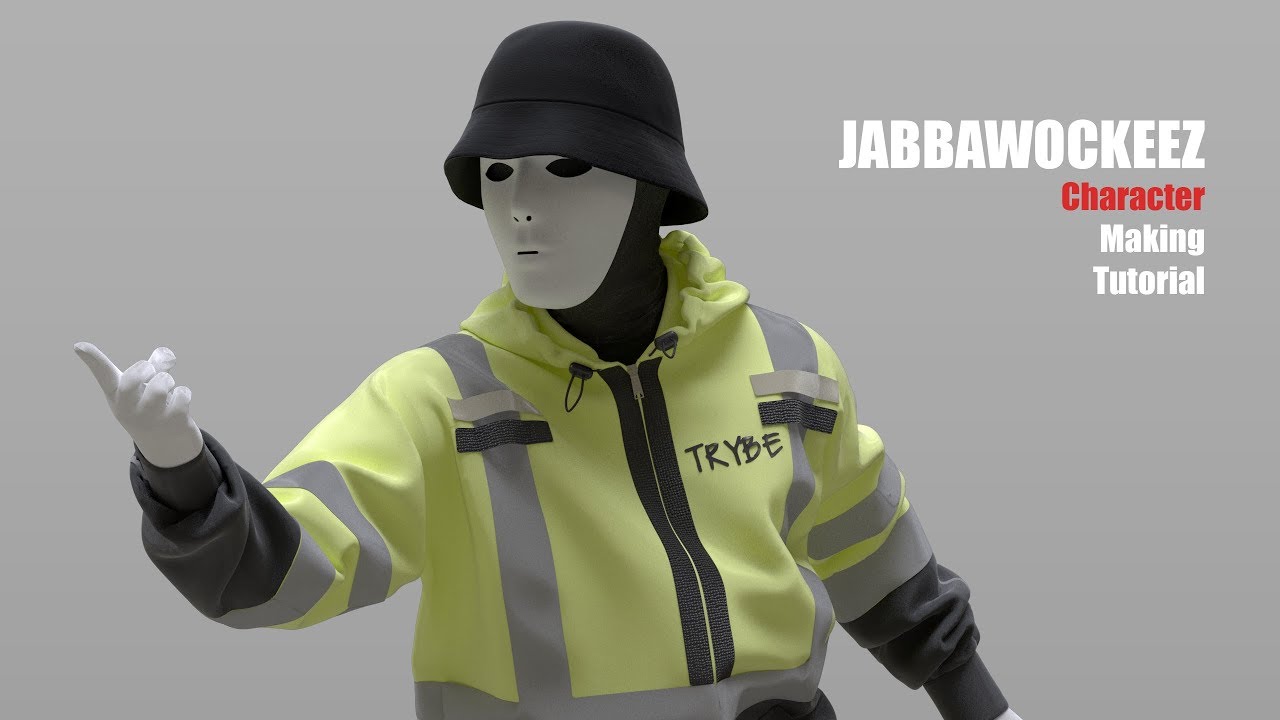
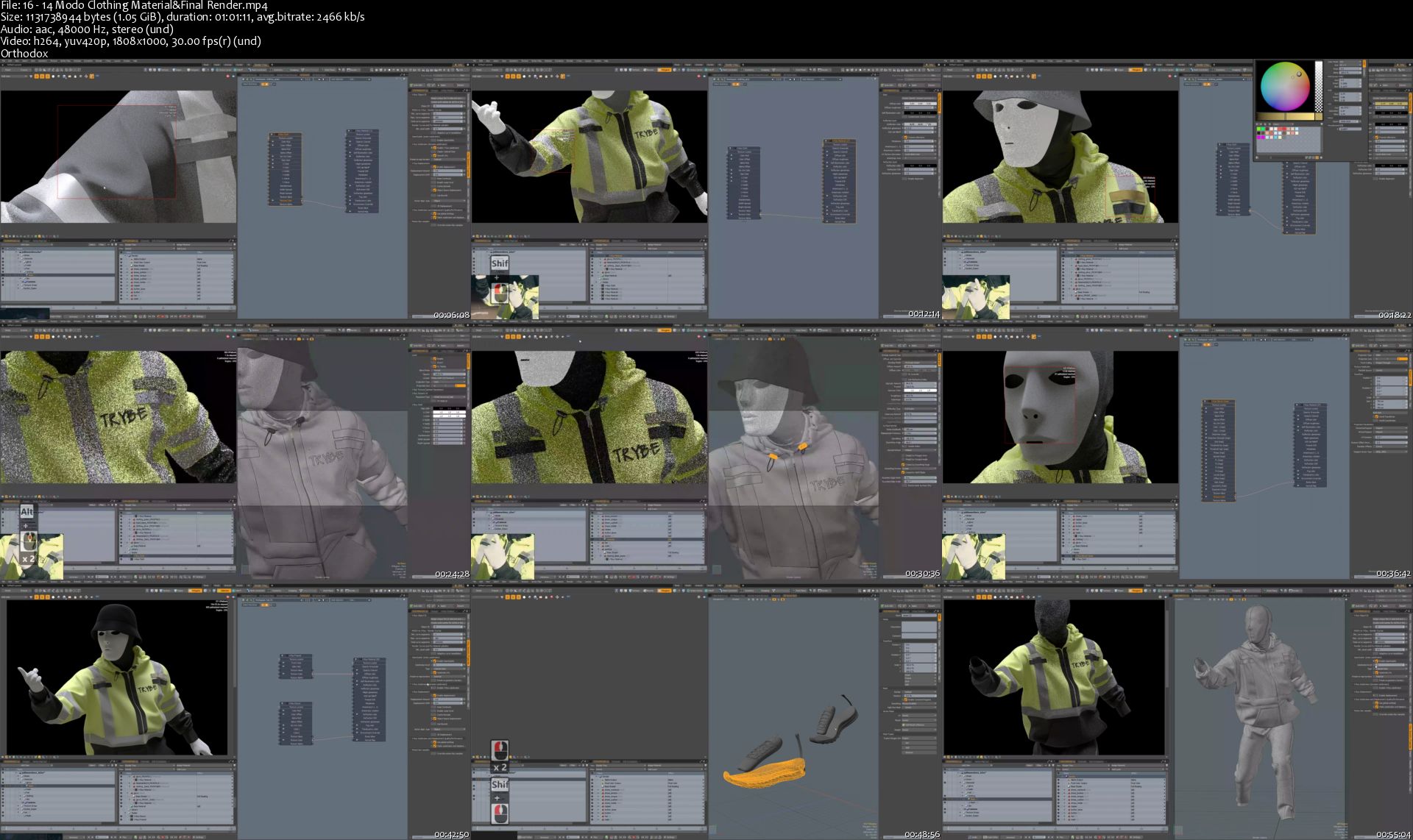
Creating the Jabbawockeez Dance Crew

maxresdefault.jpg


Creating the Jabbawockeez Dance Crew
Video: .MP4, 1808x1000, 30 fps | Audio: AAC, 48 kHz, 2ch | Duration: 11h 9m
Genre: eLearning | Language: English | Size: 7.04 GB

This is a character making tutorial of the JABBAWOCKEEZ Dance Crew.
There are variety software used to achieve this, each software has its own advantages, choose the right software to do the right thing will really boost your creating process, and the result will be also good.

Zbrush to sculpt the main body shape, creating the mask and hat.
Blender's powerful plugin Rigify is really good at rigging and binding character, and the result is fast and nice.
Marvelous Designer let you creating clothing like in the real world, and the result is fabulous.
Modo's powerful Mesh Fusion feature making the high-rez hard surface making process fast and nice result.
V-Ray Next integrated in Modo making the rending process fast, easy to control and nice result.
Over 11 Hours Video Tutorials
HD Resolution
Language: English

Homepage

16-14-Modo-Clothing-Material-Final-Render-s.jpg


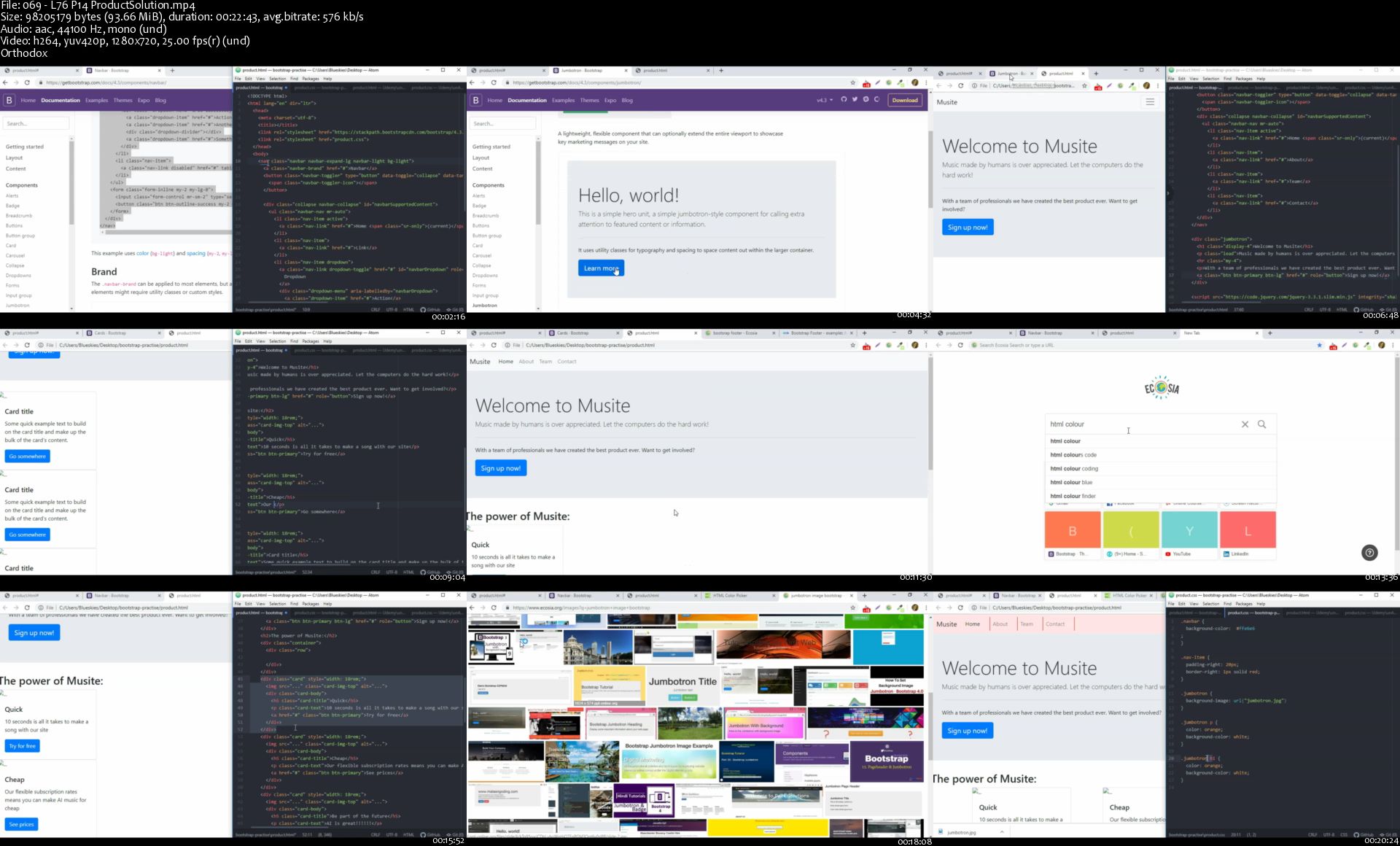
Full stack web dev, machine learning and AI integrations

2389518-2852-2.jpg


Full stack web dev, machine learning and AI integrations
Video: .MP4, 1280x720 25fps | Audio: AAC, 44.1 kHz, 2ch | Duration: 33:35:45
Genre: eLearning | Language: English | Size: 5.07 GB

HTML, CSS, JavaScript, Python, Django, Pandas, Sklearn, Keras, Git, Linux, AWS - Full stack web dev + data science + AI What you'll learn
Using HTML to create websites
CSS and Bootstrap to style your websites
JavaScript - one of the most in demand coding languages in the market for web development
Learn jQuery - a simplified way of applying Javascript
Python, an extremely valuable, versatile and powerful coding language
Django - the python framework for creating dynamic websites that can even integrate machine learning and AI
Creating dynamic websites using the Model-View-Controller software design pattern
Data science - the ability to handle, clean, visualise and analyse big data. Some of the biggest salaries and investments go into Data Scientists (NumPy, Pandas, Sklearn, Matplotlib, Seaborn)
Full training in entry mathematics and statistics with a heavy emphasis on machine learning
Developing machine learning from scratch - training algorithms using big data that can then be used in production for making predictions
Deep learning / AI - learn to create your own AI solutions, such as image classifiers, AI capable of creating art, and much more
Create a range of cutting edge neural network architectures
Learn to how document your code at a UK industry standard
Using AWS tools such as EC2 to host your websites
Integrate web server tools such as Nginx and Gunicorn
Master essential developer tools such as GIT, Jupyter notebook, Google Colab, GPUs, Putty, Browser Developer Tools
Gain experience in digital security - the DOs and DONTs of developing and scaling online websites and services
Learn to harness the power of Linux
Create Application Programming Interfaces (APIs) in Python
Gain the ability to access machines (e.g. computers) remotely using SSH
Professional training in developing problem solving skills
Develop a broad portfolio of projects you can showcase to any employer
Gain the ability to adapt to any coding language with the concepts of Python
Learn where to find machine learning computing power for free
Master intermediate Python concepts such as object oriented programming and functional programming
Learn to create, maintain and post a range of databases within your websites

Requirements
You need to have absolutely no prior knowledge of coding or website development - we start right from the basics and quickly get you up to speed
A basic laptop and an internet connection

Description
MASTERCLASS, WORLD CLASS COURSE - WEB DEVELOPMENT, MACHINE LEARNING + AI INTEGRATIONS
Master practical and theoretical concepts
This extensive course leads you through a complete range of software skills and languages, skilling you up to be an incredibly on-demand developer. The combination of being able to create full-stack websites AND machine learning and AI models is very rare - something referred to as a unAIcorn. This is exactly what you will be able to do by the end of this course.
Why you need this course
Whether you're looking to get into a high paying job in tech, aspiring to build a portfolio so that you can land remote contracts and work from the beach, or you're looking to grow your own tech start-up, this course will be essential to set you up with the skills and knowledge to develop you into a unAIcorn.
It won't matter if you're a complete beginner to software or a seasoned veteran. This course will fill all the gaps in between. I will be there with you through your complete learning experience.
What you will get out of this course
I will give you straightforward examples, instructions, advice, insights and resources for you to take simple steps to start coding your own programs, solving problems that inspire you and instilling the 'developer's mindset' of problem solving into you.
I don't just throw you in at the deep end - I provide you with the resources to learn and develop what you need at a pace that works for you and then help you stroll through to the finish line. Studies have shown that to learn effectively from online courses tutorials should last around ten minutes each. Therefore to maximise your learning experience all of the lectures in this course have been created around this amount of time or less.
My course integrates all of the aspects required to get you on the road becoming a successful web, software and machine learning developer. I teach and I preach, with live, practical exercises and walkthroughs throughout each of the sections.
By paying a small cost for this course I believe you will get your value back, with a lot more by the time you have completed it.
Ask yourself - how much is mastering a full spectrum of skills in some of of the most exciting areas of software worth to you?
How long will it take?
Although everyone is different, on average it has taken existing students between 1 - 6 months to complete the course, whilst developing their skills and knowledge along the way. It's best not to speed through the content, and instead go through a handful of lectures, try out the concepts by coding, yourself, and move on once you feel you've grasped the basics of those lectures.
Who this is not for
This course is not for anyone looking for a one-click fix. Although I provide you with a path walked enough times that it can be a smooth journey it still requires time and effort from you to make it happen. If you're not interested in putting in your energy to truly better yours skills then this may not be the right course for you.
Is there a money back guarantee if I'm not happy?
Absolutely. I am confident that my course will bring you more value than you spend on the course. As one of the top featured Udemy Instructors my motto is 'your success is my success'. If within the first 30 days you feel my course is not going to help you to achieve your goals then you get a no questions asked, full discount.
What materials are included?
The majority of my lectures I have chosen to be as video so that you can hear me and see my workings when we're going through each and every area of the course. I include a vast array of practical projects that you can then use in the future to showcase your skills as you develop them, along with introductory clips and quizzes in each section to ensure that you're grasping the concepts effectively.
I will be consistently adding more content and resources to the course as time goes by. Keep checking back here if you're not sure right now and feel free to send me a message with any questions or requests you may have.
So go ahead and click the 'Enroll' button when you feel ready on your screen.
I look forward to seeing you in the course.

Who this course is for:
Complete beginners looking to learn from zero
Seasoned developers looking to enhance their skills and diversify their portfolio
Anyone looking to develop their technical skills

069-L76-P14-Product-Solution-s.jpg


Zurück
Oben Unten