• Regeln für den Video-Bereich:

    In den Börsenbereich gehören nur Angebote die bereits den Allgemeinen Regeln entsprechen.

    Einteilung

    - Folgende Formate gehören in die angegeben Bereiche:
    - Filme: Encodierte Filme von BluRay, DVD, R5, TV, Screener sowie Telesyncs im Format DivX, XviD und x264.
    - DVD: Filme im Format DVD5, DVD9 und HD2DVD.
    - HD: Encodierte Filme mit der Auflösung 720p oder darüber von BluRay, DVD, R5, TV, Screener sowie Telesyncs im Format x264.
    - 3D: Encodierte Filme von BluRay, die in einem 3D Format vorliegen. Dies gilt auch für Dokus, Animation usw.
    - Serien: Cartoon/Zeichentrick, Anime, Tutorials, Dokumentationen, Konzerte/Musik, Sonstiges sind demnach in die entsprechenden Bereiche einzuordnen, auch wenn sie beispielsweise im High Definition-Format oder als DVD5/DVD9/HD2DVD vorliegen. Ausnahme 3D.
    - Bereich Englisch: Englische Releases gehören immer in diesen Bereich.
    - Bereich Talk: Der Bereich, in dem über die Releases diskutiert werden kann, darf, soll und erwünscht ist.


    Angebot/Beitrag erstellen

    - Ein Beitrag darf erst dann erstellt werden, wenn der Upload bei mindestens einem OCH komplett ist. Platzhalter sind untersagt.
    - Bei einem Scenerelease hat der Threadtitel ausschließlich aus dem originalen, unveränderten Releasenamen zu bestehen. Es dürfen keine Veränderungen wie z.B. Sterne, kleine Buchstaben o.ä. vorgenommen werden. Ausnahme Serienbörse:
    - Bei einem Sammelthread für eine Staffel entfällt aus dem Releasename natürlich der Name der Folge. Beispiel: Die Simpsons S21 German DVDRip XviD - ITG
    - Dementsprechend sind also u.a. verboten: Erweiterungen wie "Tipp", "empfehlenswert", "only", "reup", usw. / jegliche andere Zusatzinformation oder Ergänzung, welche nicht in obiger Beschreibung zu finden ist.

    Aufbau des Angebots und Threadtitel

    Der Titel nach folgendem Muster erstellt zu werden. <Name> [3D] [Staffel] [German] <Jahr> <Tonspur> [DL] [Auflösung] <Quelle> <Codec> - <Group>
    Beispiel: The Dark Knight German 2008 AC3 DVDRip XviD - iND
    Beispiel: The Dark Knight 2008 DTS DL BDRip x264 - iND
    Beispiel: The Dark Knight 2008 AC3 DL BDRip XviD - iND
    Beispiel: The Dark Knight German 2008 AC3 720p BluRay x264 iND
    Beispiel: The Dark Knight 2008 DTS DL 1080p BluRay x264 iND
    Beispiel: Die Simpsons S01 German AC3 DVDRip XviD iND
    Beispiel: Die Simpsons S20 German AC3 720p BluRay x264 iND
    Beispiel: Sword Art Online II Ger Sub 2014 AAC 1080p WEBRip x264 - peppermint
    Entsprechend sind also u.a. verboten: Sonderzeichen wie Klammern, Sterne, Ausrufezeichen, Unterstriche, Anführungszeichen / Erweiterungen wie "Tipp", "empfehlenswert", "only", "reup", usw. / jegliche andere Zusatzinformation oder Ergänzung, welche nicht in obiger Beschreibung zu finden ist
    Ausnahmen hiervon können in den Bereichen geregelt sein.

    Die Beiträge sollen wie folgt aufgebaut werden:
    Überschrift entspricht dem Threadtitel
    Cover
    kurze Inhaltsbeschreibung
    Format, Größe, Dauer sind gut lesbar für Downloader außerhalb des Spoilers zu vermerken
    Nfo sind immer Anzugeben und selbige immer im Spoiler in Textform.
    Sind keine Nfo vorhanden z.B. Eigenpublikationen, sind im Spoiler folgende Dateiinformationen zusätzlich anzugeben :
    Quelle
    Video (Auflösung und Bitrate)
    Ton (Sprache, Format und Bitrate der einzelnen Spuren)
    Untertitel (sofern vorhanden)
    Hosterangabe in Textform außerhalb eines Spoiler mit allen enthaltenen Hostern.
    Bei SD kann auf diese zusätzlichen Dateiinformationen verzichtet werden.

    Alle benötigten Passwörter sind, sofern vorhanden, in Textform im Angebot anzugeben.
    Spoiler im Spoiler mit Kommentaren :"Schon Bedankt?" sind unerwünscht.


    Releases

    - Sind Retail-Release verfügbar, sind alle anderen Variationen untersagt. Ausnahmen: Alle deutschen Retail-Release sind CUT, in diesem Fall sind dubbed UNCUT-Release zulässig.
    - Im Serien-Bereich gilt speziell: Wenn ein Retail vor Abschluss einer laufenden Staffel erscheint, darf diese Staffel noch zu Ende gebracht werden.62
    - Gleiche Releases sind unbedingt zusammenzufassen. Das bedeutet, es ist zwingend erforderlich, vor dem Erstellen eines Themas per Suchfunktion zu überprüfen, ob bereits ein Beitrag mit demselben Release besteht. Ist dies der Fall, ist der bereits vorhandene Beitrag zu verwenden.
    - P2P und Scene Releases dürfen nicht verändert oder gar unter einem iND Tag eingestellt werden.


    Support, Diskussionen und Suche

    - Supportanfragen sind entweder per PN oder im Bereich Talk zu stellen.
    - Diskussionen und Bewertungen sind im Talk Bereich zu führen. Fragen an die Uploader haben ausschließlich via PN zu erfolgen, und sind in den Angeboten untersagt.
    - Anfragen zu Upload-Wünschen sind nur im Bereich Suche Video erlaubt. Antworten dürfen nur auf Angebote von MyBoerse.bz verlinkt werden.


    Verbote

    - Untersagt sind mehrere Formate in einem einzigen Angebotsthread, wie beispielsweise das gleichzeitige Anbieten von DivX/XviD, 720p und 1080p in einem Thread. Pro Format, Release und Auflösung ist ein eigener Thread zu eröffnen.
    - Grundsätzlich ebenso verboten sind Dupes. Uploader haben sich an geeigneter Stelle darüber zu informieren, ob es sich bei einem Release um ein Dupe handelt.
    - Gefakte, nur teilweise lauffähige oder unvollständige Angebote sind untersagt. Dies gilt auch für eigene Publikationen, die augenscheinlich nicht selbst von z.B. einer DVD gerippt wurden. Laufende Serien, bei denen noch nicht alle Folgen verfügbar sind, dürfen erstellt und regelmäßig geupdatet werden.
    - Untersagt sind Angebote, welche nur und ausschließlich in einer anderen Sprache als deutsch oder englisch vorliegen. Ausnahmen sind VORHER mit den Moderatoren zu klären.


    Verstoß gegen die Regeln

    - Angebote oder Beiträge, die gegen die Forenregeln verstoßen, sind über den "Melden"-Button im Beitrag zu melden.
  • Bitte registriere dich zunächst um Beiträge zu verfassen und externe Links aufzurufen.

++ Premium IPTV ++ 7000 Live Sender ++ UHD Qualität ++ Mediathek mit 18.000 Inhalten ++


VenneTV


Englische Tutorials

The Complete Creativity Course: Unleash Your Innovation Now!
006d5f15.jpg


The Complete Creativity Course: Unleash Your Innovation Now!
.MP4 | Video: 1280x720, 30 fps(r) | Audio: AAC, 44100 Hz, 2ch | 11 GB
Duration: 8.5 hours | Genre: eLearning | Language: English

Turn Your Creative Energies On Daily. You Are the Source of Innovation, Creative Writing and New Ideas.

What you'll learn

Creativity
How to build creative habits
Innovation
How to cultivate new creative skills
How to nurture a creative outlook on all aspects of life
how to build creativity muscles in all aspects of thinking

Requirements

An open mind
A willingness to change daily habits
A willingness to fail and create bad ideas
A desire to change thinking habits

Description

The Complete Creativity Course: Unleash Your Innovation Now!

Turn Your Creative Energies On Daily. You Are the Source of Innovation, Creative Writing and New Ideas

Creativity is innate to all human beings. You can quickly build, refine, improve and strengthen your creativity and innovation muscles. Creativity is not something allocated to only a few of life's lottery winners. Instead, it is a habit that can be built by anyone-if they know the process and are willing to do a little work each day.

Creativity and personal develop expert TJ Walker will teach you the simple habits and practices that you can use daily to become your own major source of creativity and innovation in the world. Walker has created more than 140 online personal develop courses, 10 books and numerous other digital and non-digital products over the last 30 years. He shares with you the latest technology solutions to guide you down a creative path in your own life.

Walker is the creator of the SelfieSpeak Programming (SSP) model for changing human behavior and habit acquisition. He will show you how changing your mindset from mere consumer of other people's creations to becoming your own creative force all starts with something as simple as pushing a button on your own cell phone.

Anybody can 10x their creative output quickly, if they follow the techniques taught in this course. You can be a major source of creative ideas for yourself, your career and the world.

If you are ready to start living a more fulfilled and creative life, then please enroll in this creativity course today!

Who this course is for:

Entrepreneurs looking to develop winning inventions
Executives wishing to improve their careers
Writers looking for breakthroughs
Individuals looking to live a more fulfilling life
Consultants want to be more innovative

006d5f16.jpg


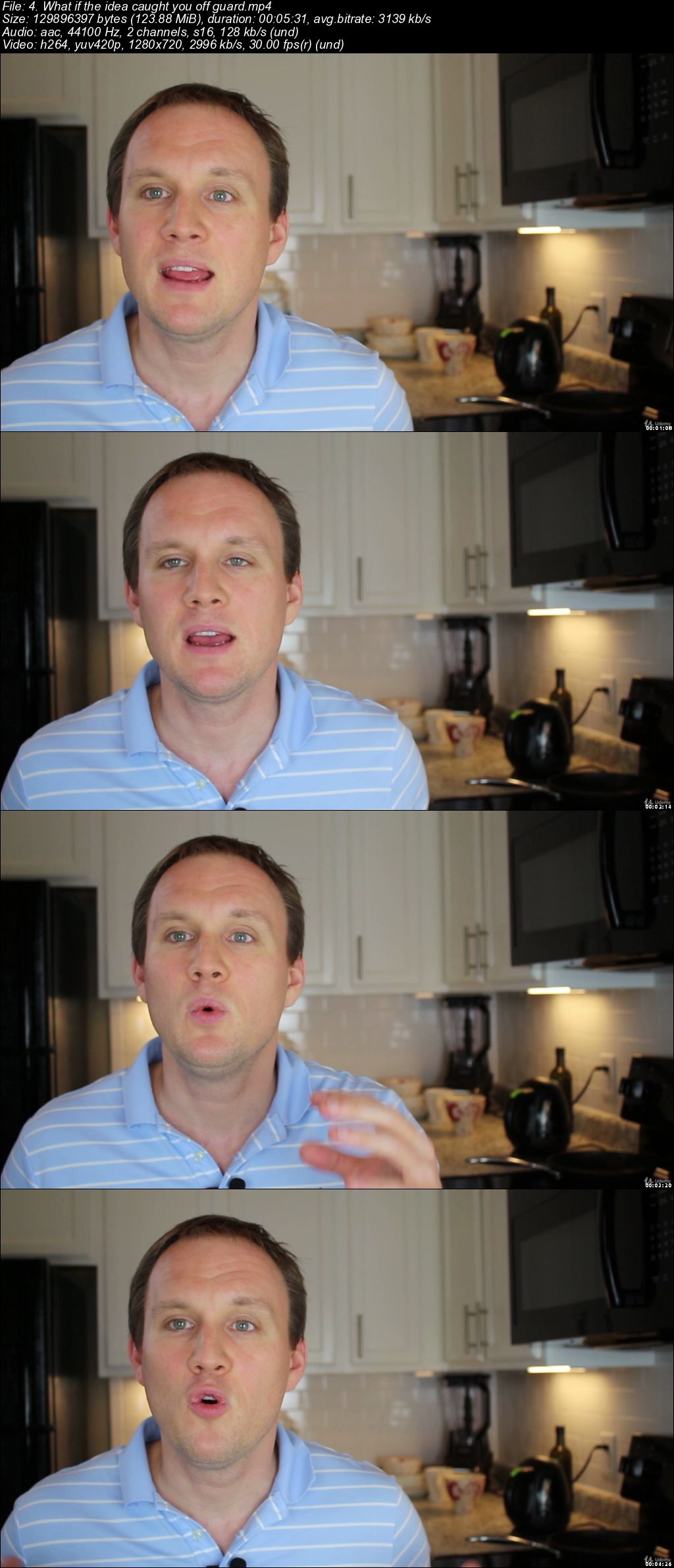
Business Idea Factory

006d6827.jpg


Business Idea Factory
.MP4 | Video: 1280x720, 30 fps(r) | Audio: AAC, 44100 Hz, 2ch | 5.88 GB
Duration: 6 hours | Genre: eLearning | Language: English

A World-Class System for Creating Successful Business Ideas


What you'll learn

How to create business ideas

Requirements

No

Description

The Business Idea Factory is an effective and easy-to-use system for creating successful business ideas. It is based on 10 years of research into idea-generation techniques used by the world's best scientists, artists, CEOs, entrepreneurs and innovators. The training has plenty of stories and offers bits of wisdom necessary to increase the quantity and quality of ideas that you create multiple times. Once you begin applying strategies described in this training, you will create successful business ideas regularly and make your life more adventurous. You will realize that there are few things that can bring as much joy and success in business as the moment when an excellent idea comes to your head.

Who this course is for:

Anybody who want to create business ideas like world's best entrepreneurs

006d6828.jpg


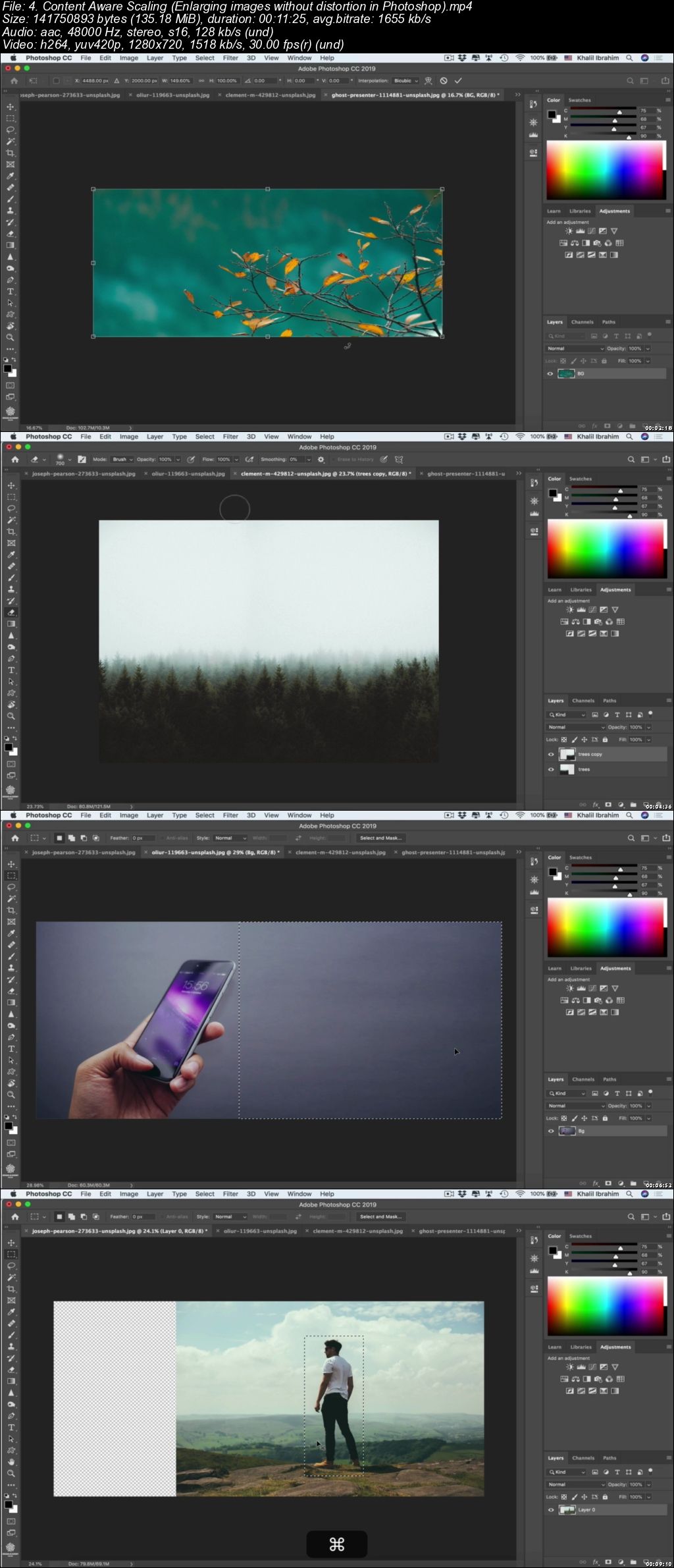
Photoshop CC MasterClass: Be a Creative Professional

006d64e1.jpg


Photoshop CC MasterClass: Be a Creative Professional
.MP4 | Video: 1280x720, 30 fps(r) | Audio: AAC, 48000 Hz, 2ch | 9.37 GB
Duration: 12 hours | Genre: eLearning | Language: English

Master Adobe Photoshop for Graphic design, Photography, Photoshop retouching, digital painting & illustration, Animation.

What you'll learn

Learn Photoshop from Scratch to Pro level and add it to your CV.
Your acquired knowledge of Photoshop can be a great skill to start earning money.
Pursuit your graphic designer, Digital Artist, Photographer dream job by mastering Photoshop.
You will learn how to use photoshop tools & techniques in a creative real world applications.
learn photoshop with graphic design & photography theories.
you will learn to select & mask images with different techniques including tough areas like Hair, Smoke..etc.
you will learn how to design precisely in Photoshop using design grids & guides.
Work like a professional in Photoshop mastering all Non- destructive techniques.
Create amazing posters & Artwork that you use for your portfolio.
learn how to retouch images & enhance your own images in a beautiful way.
fix & colorize black & white vintage images.
fix colors, exposure & contrast and take your photography skills to next level.
you will master Typography in Photoshop & create amazing Typography posters.
Create amazing Ads in different formats using only photoshop.
create gifs & animated Ads in photoshop as everything moving toward motion.
Learn how to video edit in Photoshop & add Photoshop effects to your videos.
learn how to Design Trending Visual styles.
Create 3D design in Photoshop.
Create graphics from scratch.
learn digital painting fundamentals.
learn how to master brushes in Photoshop & create your own brushes.
fix & whiten teeth, retouch faces & body flaws.
play with Type: wrap it interlock it with you design elements.
prepare your Artwork for print, web & screen applications.
export different photoshop formats.
learn how to create Animation in 3D world in Photoshop.
Use the Pen & drawing tools like a professional in Photoshop

Requirements

Any version of Adobe Photoshop, preferably the CC (Creative Cloud) version (Free Trial version will work as well)
No prior knowledge is required either for Photoshop or design in general.

Description

This Photoshop CC MasterClass is simply More than 12 COURSES in One BIG MasterClass!

Covering Almost all Adobe Photoshop's aspects & applications in a detailed, Creative and practical way.

Who is this course for?

Whether you are a BEGINNER or ADVANCED Graphic designer, Photographer, Digital Artist, Art Lover or even someone who is into enhancing your Instagram & Profile pictures. This course is designed for you!

As all Photoshop tools, Skills & Main topics are included in 14 sections, each of them can be a separate course on its own.

& each section is so detailed, with UNIQUE EDITING STYLE for the best explanation & most importantly straight to the point lessons not to waste your valuable time!

What does this course cover?

- Photoshop Essentials and basics.

- Layers & Photoshop's panels.

- Transformation & Perspective tweaking.

- Design & work Precisely in Photoshop.

- Photoshop Brushes & Digital Painting.

- Raster Drawing & Photoshop Vector Drawing.

- Selection & masking in Photoshop.

- Smart Objects.

- Adjustments Layers.

- Image Retouching & Manipulation in Photoshop.

- Typography & Creative Advertising ideas.

- Animated Gifs & Video editing in Photoshop.

- Finalizing & Exporting Files from photoshop.

- 3D design in Photoshop.

* Downloadable Goodies:

This Photoshop Course is jam-packed with ( Artwork project files - Design assets & exercises ) to help you build your portfolio, create stunning Artwork & build those Photoshop Muscles.

You will get to learn photoshop's best practices from day one by doing fun real-world projects then upload them our course's exclusive facebook group to get personalized feedback from me or share your Artwork & get inspired by a group of like-minded students from all over the world.

Who this course is for:

Anyone who is wants to use Photoshop for his career.
Graphic designers, Photographers, Illustrators, digital artists, motion graphic artists.
Creative people who like art as a hobby and want to express their Artistic thoughts and ideas into some real designs & Artwork.

006d64e2.jpg


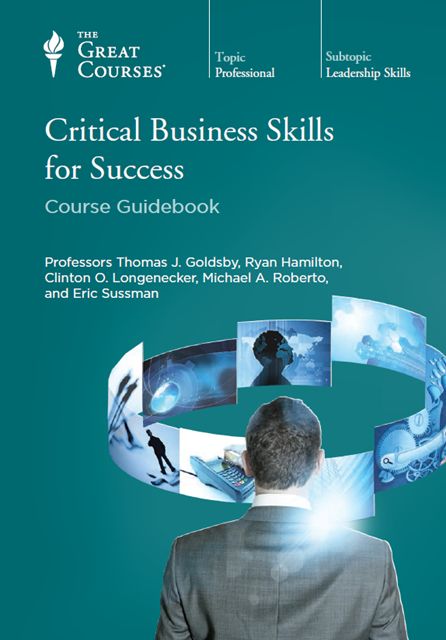
Critical Business Skills For Success (The Great Courses)

9l-CSH8jl-Pxiws-Grbh-PMnv-Tu5l-Xj-QTDP3.png


Critical Business Skills For Success (The Great Courses)
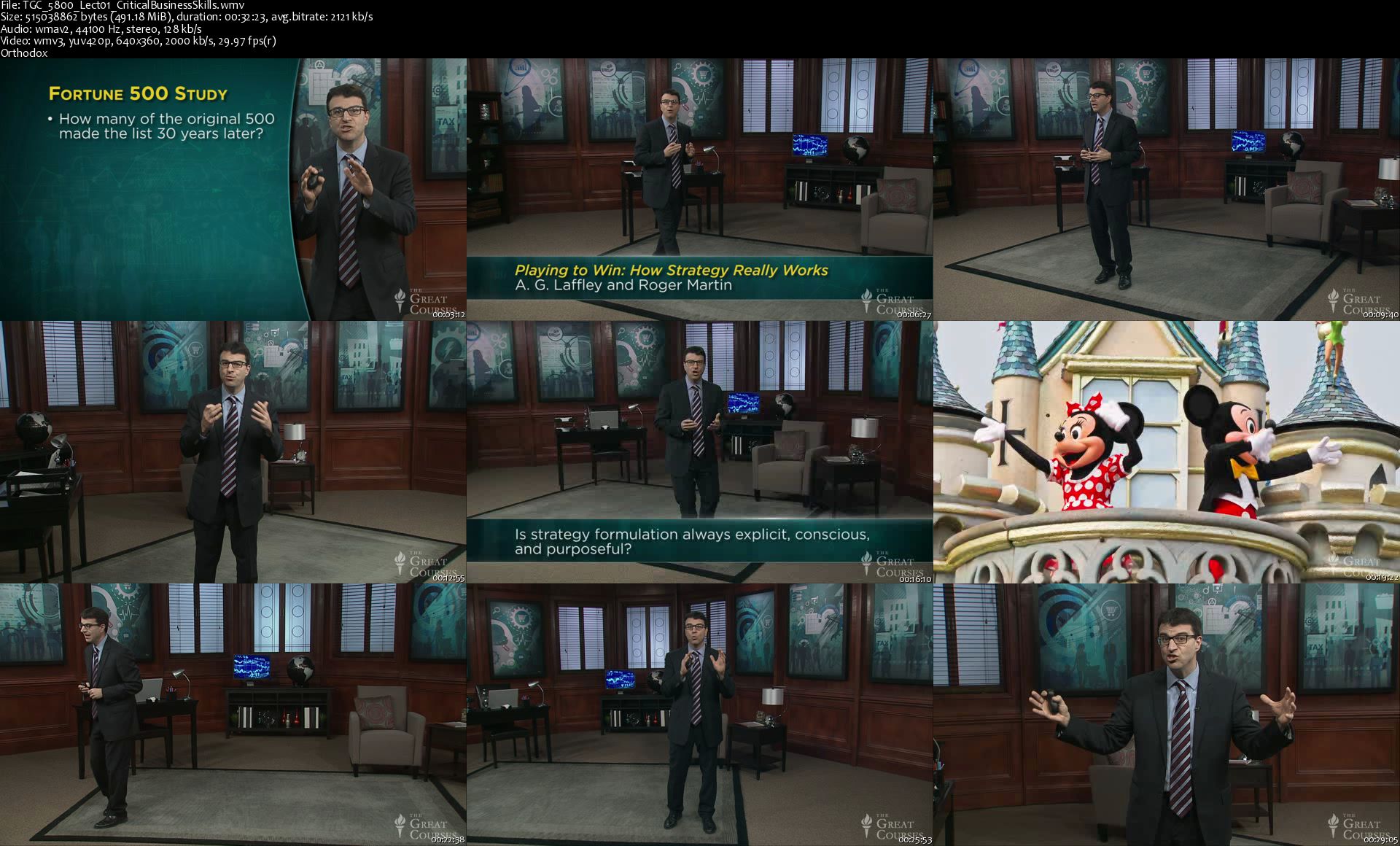
WMV | Video: 640x360 | Audio: WMA, 44.1Khz , 2ch | Duration: 31 hours | Language: English | 25.3 GB

Everyone wants to know: What does it take to reach success in business-the kind of success that lasts? It all comes down to a solid grasp of the fundamentals of business-the same kind that are taught to MBA students in many of the world's most prestigious business schools.

Full Description

TGC-5800-Lect01-Critical-Business-Skills-s.jpg


Intro to Retouching in Photoshop

Intro-Retouching-Full-After.jpg


Intro to Retouching in Photoshop
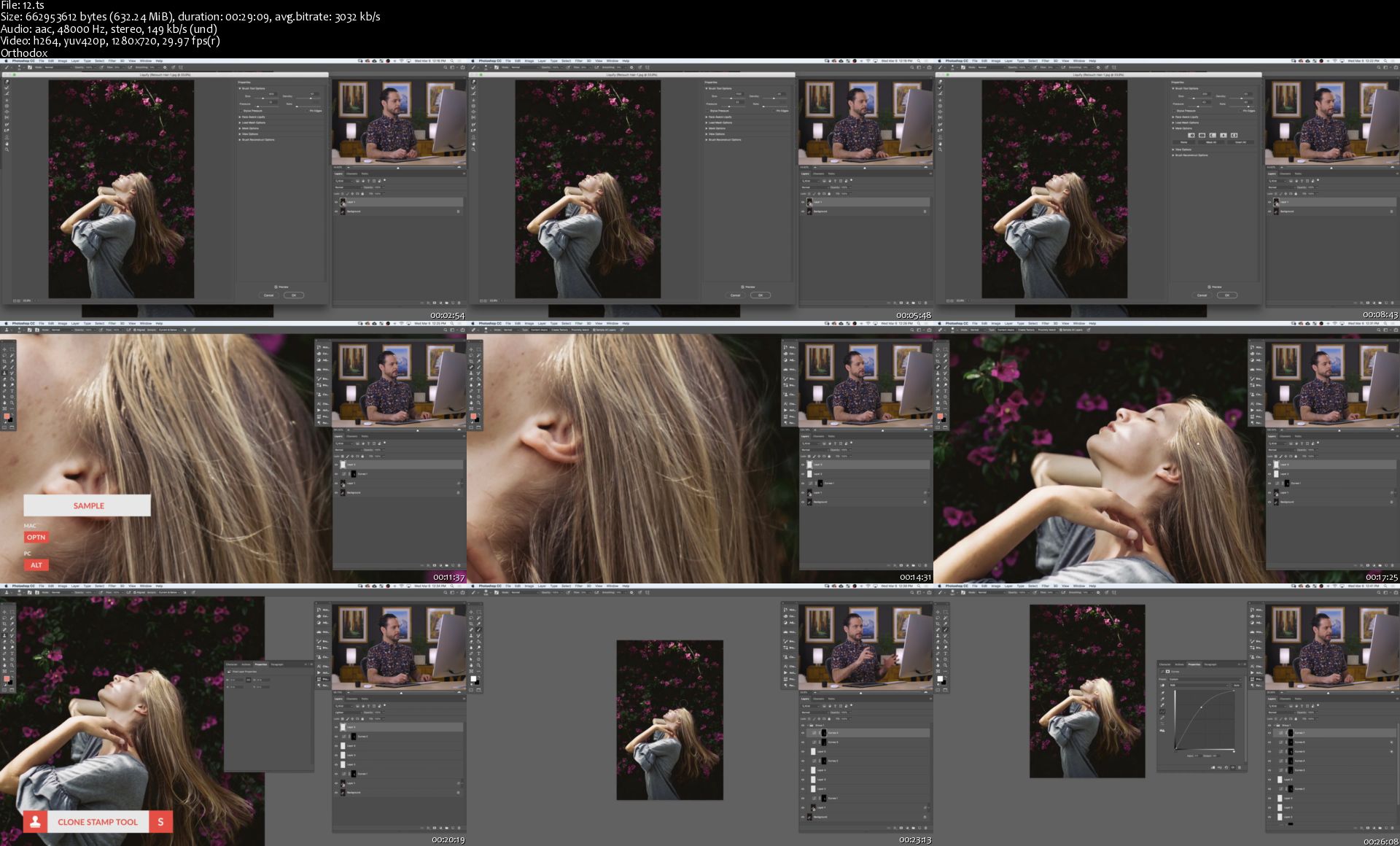
Duration: 8.75 HOURS | Video: h264, 1280x720 | Audio: AAC, 48kHz, 2 Ch | 11.2 GB
27 Video Tutorials | 21 Sample Images | Included PSD | Level: EASY
Genre: eLearning | Language: English

Learn how to remove minor skin blemishes, smooth out skin tones, fix distracting backgrounds, clean up and shape hair, dodge and burn, and nail the perfect exposure in any portrait - all while enhancing the subject's natural features and beauty.

Keep it Natural.

ORIGINAL
What is Retouching?
Retouching is a subtle and delicate process. Help people look their very best in any photo by enhancing their natural beauty and by removing distractions. We show you everything you need to know to make your subjects look great and with realistic results.

Tools & Techniques
We walk you through every tool and technique you'll need to master the art of retouching in Photoshop. Smooth skin with the Brush Tool, remove distractions with the Spot Healing Brush Tool, fix exposure with the Adobe Camera RAW filter, and blend it all together with Layer Masks, Clipping Masks, and Adjustment Layers.

Clean Up Backgrounds
A messy background can be one of the most distracting elements in a photo. We show you how to remove distracting objects and smooth out colors so that the viewer's eyes stay locked on the subject.

ORIGINAL
Retouching People
People are by far the most challenging thing to work with in Photoshop. From skin texture to hair, there are countless features that are delicate and need to be treated carefully to avoid an unnatural, 'Photoshopped' look. We show you proper methods to smooth skin, enhance features, and highlight a subject's natural beauty.

Smooth Skin Tones
We all deal with skin blemishes on a daily basis. Whether it's a surprise pimple, skin redness, or some unwieldy hairs, we'll show you how to remove and reduce distractions so the best parts stand out.

Fix Exposure
Most techniques in retouching come down to light and shadow. Where do the highlights and shadows fall? Are there any areas that are too bright, too dark, or missing detail? We show you how to smooth out light transitions so that a subject's face, hair, and features for a perfect exposure.

ORIGINAL
Professional Results
Retouching is in high demand. From billboards to magazine covers, client headshots to creative portraits, the skills you learn in this tutorial can help you achieve your image-making goals. Learn a professional workflow that will help you to work faster and smarter, so you can create the photos you, your clients, and subjects will love.

Dodging & Burning
If you have a portrait that's feeling a little flat, dodging and burning can help! Add shape, structure, and definition to any photo by enhancing the highlights and shadows in Photoshop.

Clean Up & Shape Hair
Whether you're dealing with some stray flyaway hairs or a righteous bout of bedhead, we show you how to cleanup hair, add volume, and enhance textures. Learn how to give hair the perfect, shape, color, and definition in Photoshop.

Picture Perfect Eyes, Hair & Skin

Complete Portrait Retouch
We take you through an entire portrait retouch, from beginning to end. See how a professional retoucher plans their edit, works non-destructively, and solves a wide-variety of common problems that pop up during post-production.

Remove Blemishes
As retouchers, we should always aim for subtle changes that reduce distractions while respecting the unique features of the subject. Aaron shares his personal philosophy and professional experiences, discussing what temporary features to reduce or remove, and what permanent features to enhance and highlight.

Clothing & Wardrobe
Hair and skin maybe be the most difficult areas to retouch, but clothing is no walk in the park. Often full of loose strands, awkward folds, and unwanted wrinkles, wardrobe retouching is full of its own unique challenges. Learn how to smooth out clothing, remove distracting elements, and even recreate clothing and fabric from scratch.

REMOVE GLARE FROM GLASSES

ENHANCE EYES
Fix Common Problems
We teach you how to overcome a variety of problems that can pop up during an edit. From removing an excessive amount of hair in a subject's face to removing lights and glare from eye glasses, we'll show you some powerful tricks to get you through.

Natural Beauty
When it comes to retouching in Photoshop, less is more. Learn how to make subtle changes that won't result in a person looking like they're made of plastic. Remove distractions and enhance a subject's natural beauty.

Enhance Eyes
Eyes are arguably the most important feature in any portrait-so much so that you can sometimes only retouch the eyes and still see a massive improvement in the photo. We show you how to analyze light as it hits the eye, enhance the highlights and shadows using professional makeup techniques, and add details and color to help eyes pop off the page (or screen).

RETOUCH MATURE SKIN

REMOVE FLYAWAY HAIRS
Skills for any Skin Type
Whether the subject has a few extra wrinkles due to age and wisdom, or they have the minor pimples and skin redness that we all deal with, we show you techniques for skin types of all kinds. Learn what blemishes to remove, what features should stay, and how to precisely blend your edits for a natural look.

Skin Texture Action
Preserving natural skin texture can be one of the most challenging parts of retouching people. Fortunately, we make that process a whole lot easier with a custom Photoshop action that allows you to separate skin texture and place it over any edits you make.

Smooth Skin
We all deal with skin blemishes on a daily basis. Whether it's a surprise pimple, skin redness, or some unwieldy hairs, we'll show you how to remove and reduce distractions so the best parts stand out.

SKIN TONE COLOR CORRECTION

FIX EXPOSURE
Color Correction
Unnatural skin tones can ruin an otherwise great photo. Before any stylistic coloring, it's important to get skin looking as natural as possible. Whether the camera's white balance was off, or there was a color cast from lights in the environment, you'll learn how to get skin tones back to normal in any situation.

Lightroom & Adobe Camera RAW
Photoshop might be our home base, but Lightroom and Adobe Camera RAW are powerful tools that can be very helpful throughout the retouching process. We break down some useful features in Lightroom that can help get your edits started on the right foot. Then we break down how to use Adobe Camera RAW to get the most out of your RAW files.

Exposure Blending
Sometimes it takes multiple images to nail the perfect exposure. We show you how to blend multiple images together and even create alternate exposures using the Adobe Camera RAW filter in Photoshop.

Homepage

12-s.jpg


Guitar Fast Track: Learn Songs and Master The Fundamentals

006d69dd.jpg


Guitar Fast Track: Learn Songs and Master The Fundamentals
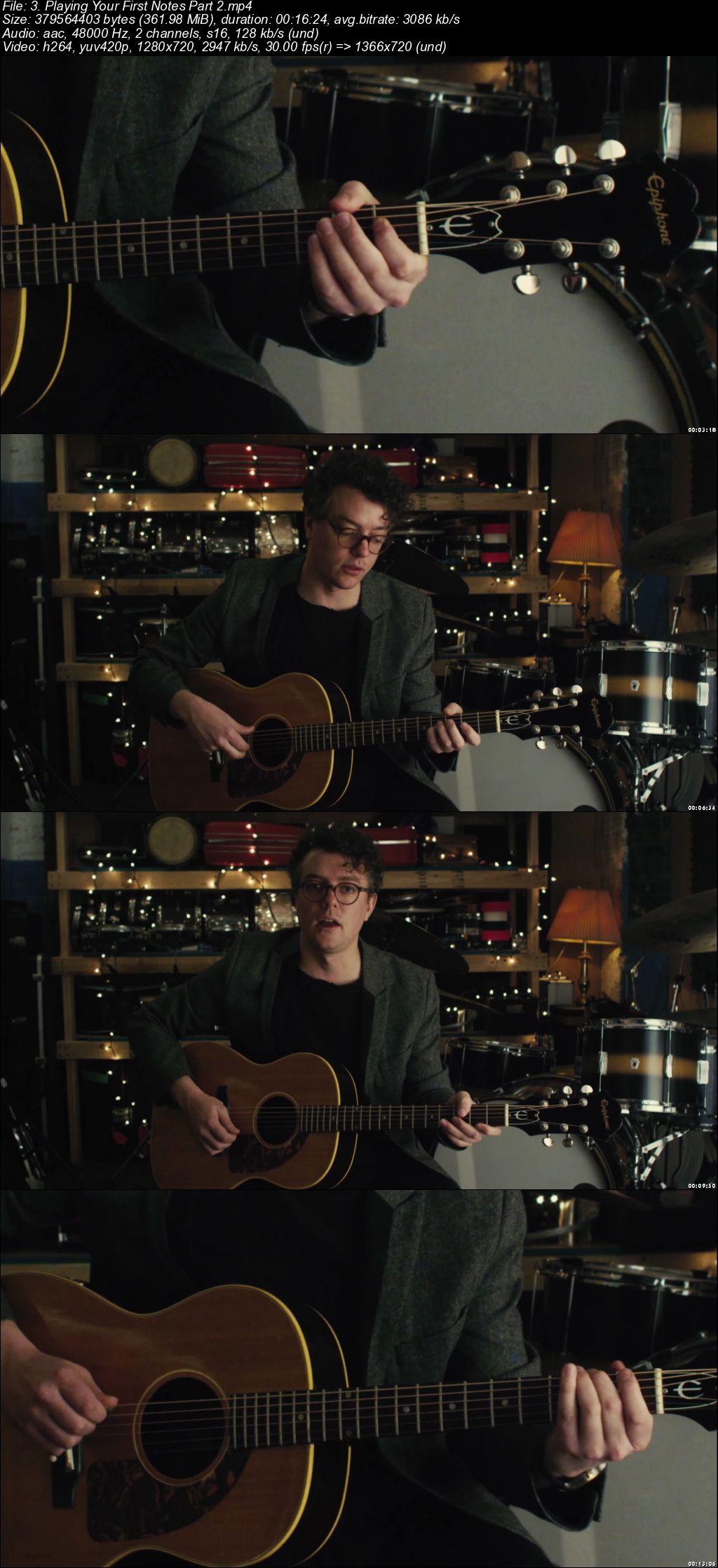
.MP4 | Video: 1280x720, 30 fps(r) | Audio: AAC, 48000 Hz, 2ch | 6.12 GB
Duration: 5 hours | Genre: eLearning | Language: English

Quickly build your guitar technique and expand your song repertoire with a comprehensive step-by-step learning system.

What you'll learn

Seven Nation Army by The White Stripes
Amazing Grace
Ode To Joy by Beethoven
Counting and Rhythms
Open Chords
Strumming and Patterns
Love Me Tender by Elvis Presley
Eleanor Rigby by The Beatles
Brown Eyed Girl by Van Morrison
Bad Blood by Taylor Swift
Advanced Strumming

Requirements

Have access to an acoustic or electric guitar and a guitar pick.

Description

Expert guitar instructor Andrew Pelletier transforms beginner and intermediate guitar students into confident guitar players.

Students who take this course will have mastery over finger dexterity, alternate picking, open guitar chords, strumming, rhythm, and a huge repertoire of iconic songs spanning a variety of genres and eras.

Andrew's step-by-step approach makes the lessons easy to follow and ensures that you're constantly building on what you've learned so that you progress at an extremely fast rate.

Absolute beginner guitar players and welcome, as well as intermediate players who need a set directions and course of action. Completing this course will also unlock your ability to learn thousands of others songs that are made up of the chords and techniques taught by Andrew.

Build the right foundation for yourself and get the results you want quickly! Enroll now and get started on your journey of guitar mastery!

Who this course is for:

Beginner Guitarists looking to expand their repertoire of songs and master fundamental chords used in thousands of songs!

006d69e3.jpg


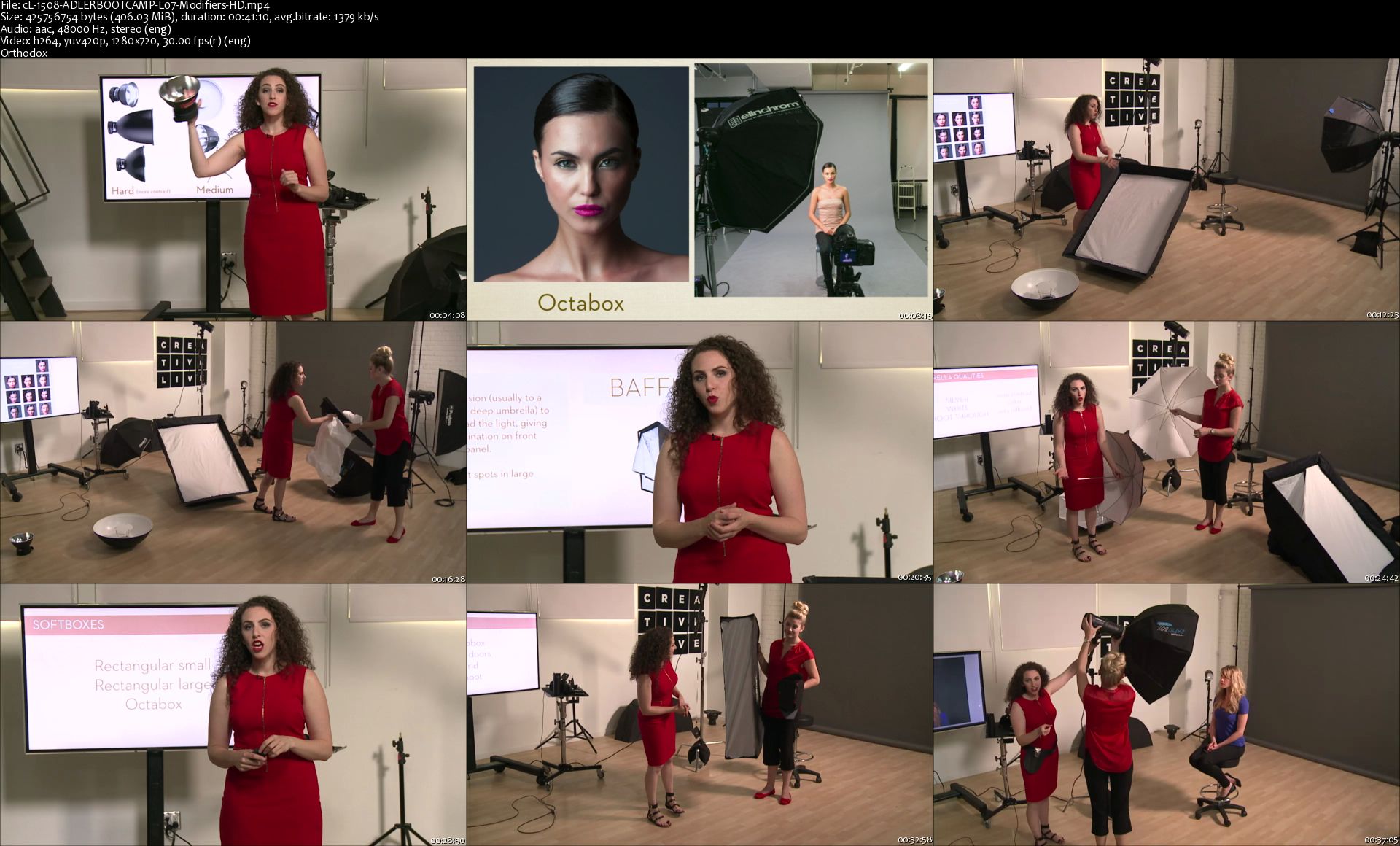
Portrait Photography Bootcamp

Lindsay-Adler-Portrait-Photography-Bootcamp-WEB-1600x900.jpg


Portrait Photography Bootcamp
Duration: 13h 46m | Video: h264 1280x720 | Audio: AAC 48kHz 2Ch | 7.9 GB
Genre: eLearning | Language: English

Learn To Take Stunning Portraits.

Humans are social creatures. We love to reflect on ourselves and the people we cherish, and we like to have that ability whenever we please. Portrait photography is an excellent skill to cultivate for anyone with a camera - whether you're simply taking better photos of your family or want to build out your business's portrait portfolio.

Lindsay will walk you through everything you need to know to take great portraits.

You'll learn about:

Camera selection, settings, and accessories
Lighting and lenses
Posing and directing men, women, full-figured subjects, and groups
Portrait Photography Bootcamp will start at the very beginning and help you establish a foundation for all styles of portrait photography. You'll learn about the essential elements of a good portrait; lighting, posing and expression. Then you'll learn how to work with what you've got, with instruction on shooting with window, natural, indoor, and studio lights.


Homepage

c-L-1508-ADLERBOOTCAMP-L07-Modifiers-HD-s.jpg


Using drama as therapy for depression relief and recovery

Slv-IWzi6-MIAgxj4-ASWm3dmwv-HNSPlkhd.jpg


Using drama as therapy for depression relief and recovery
$104.99 | Created by Chris Bankes Sivewright | Last updated 10/2019
Duration: 6.5 hours | Video: h264, 1280x720 | Audio: AAC, 44 KHz, 2 Ch | 7.9 GB
Genre: eLearning | Language: English + Sub | 25 lectures

What you'll learn

Recognise signs of depression and be able to evade it

Know how to help others avoid depression

How depression is linked to decluttering (clutter)

The clutter-depression-anxiety cycle

How cinema visits reduce depression

The importance of decluttering your mind

How the performing arts benefit mental health

How theatre/cinema reduces stress: stress and stroke risk

Depression and stroke risk

Requirements

Self awareness. By participating, you gain. If you don't then this course offers little...
Patience! I ask questions and I hope you will have a go at answering.
Time. To do this course properly will take longer than just the playing time
Access to a pen and paper to take notes/jot down ideas
At least Beginner's level English
An interest in films/theatre. There are many examples in this course

Description

In Cinema, Theatre and Depression, many students enrolled but some felt there needed to be more involvement, more chances to carry out exercises, make comments etc.
I listen to what people say!
This course has activities to do at the end of lectures and you are asked to post comments in the Q/A section. The more students become involved, the better the course.
This course provides YOU with the material to learn, explore, discuss and then overcome depression.
The medium that is used is Cinema and Theatre
Please participate if you do enrol! You will gain so much more if you do the homework!
\n
Decluttering workbook added July 2019
Chapter 1: Combat Depression with Decluttering
Chapter 2: The Clutter-Depression-Anxiety Cycle: How to Stop It
Chapter 3: Clutter & Depression are linked
Chapter 4: The Video Chapter
Chapter 5: Is Decluttering the Secret to Less Stress and Better Mental Health?
Chapter 6:Remove Clutter to Reduce Stress (+ 5-Step Decluttering System)
Chapter 7: The importance of decluttering your space and mind
Chapter 8: Marie Kondo - does tidiness really equal a clean mind?
Chapter 9: Why Decluttering Is Good for Your Health
Chapter 10 :How decluttering your space could make you healthier and happier
Chapter 11: Decluttering - Is it Therapy?
Chapter 12: When Is Decluttering Too Much?

Who this course is for:

People who like cinema
People who like theatre
People who want to help others avoid depression
People who want to escape depression

Ideally Cinema and Depression course 1 has already been taken
People who need to declutter!

11-Crossw-ords-and-depression-s.jpg


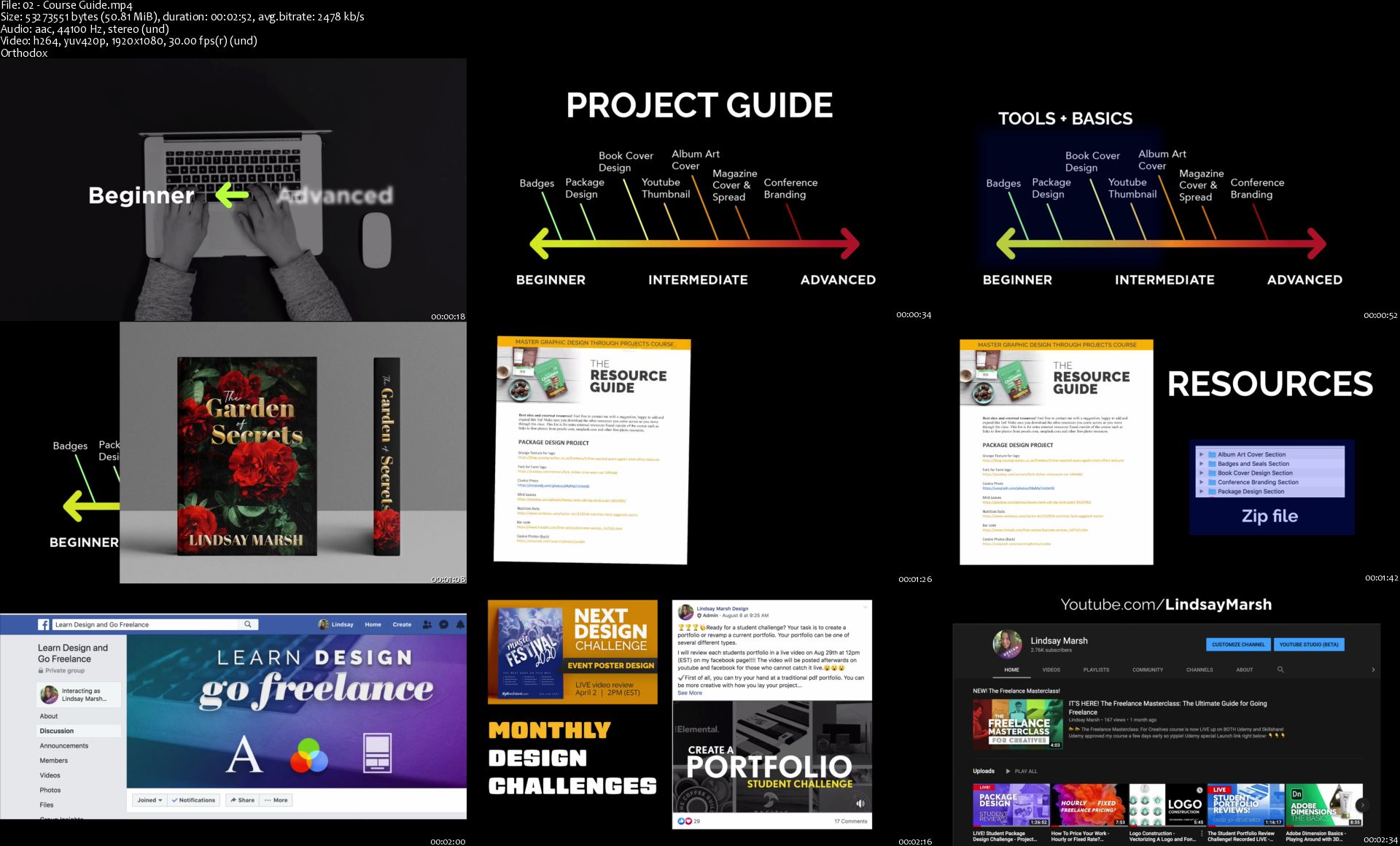
Master Graphic Design Through Projects: Beginner to Advanced

2518396-fdeb.jpg


Master Graphic Design Through Projects: Beginner to Advanced
Video: .MP4, 1920x1080, 30 fps | Audio: AAC, 44.1 kHz, 2ch | Duration: 10h 22m
Genre: eLearning | Language: English | Size: 6.19 GB

Do you like to learn by doing practical real-world projects? This project-based course is extensive, starting at beginner level and moving all the way to advanced level design projects. With over 10+ hours of video-based project learning this course was created to appeal to graphic design students of any level and can help expose students to all the most popular graphic design projects while learning software and design principles.
We master all aspects of design including theory, layout, color, exporting and preparing files for print, working with digital and print files and of course mastering the Adobe software including Adobe Illustrator, Photoshop and InDesign.

We will walk through step by step the creation of:
Badges and Seals
Logo Design
A Complete Package Design for a food project, including the front, back, labels and print preparation.
We cover Book cover design and we conquer three different types of book covers including a romance novel, a non-fiction book and an illustrative children's book cover. We talk about what makes a solid book cover and follow basic layout principles, use grids, work with typography and learn how to create concepts that pop using examples as our guide.

We will conquer digital projects as well including going over what makes compelling YouTube cover photos and we will create a dynamic one together.

We even talk about creating digital art and as we create an eclectic modern album art cover.

Then, we master editorial design as we create a dynamic cover for a home cooking magazine as well as a full article spread. We talk about how to work with larger blocks of text, font pairing and headlines and how to maximize both Photoshop and InDesign to maximize our impact.

Last, but certainly not least we will have a 4+ hour advanced section for those looking for more detailed real-world projects. We will create from scratch the entire branding package for a conference including the Logo design, lanyards, posters, advertising, a digital marketing campaign, large format welcome banners and even a postcard.
This extensive section is perfect for those looking to learn how to export and work with files of all types, how to export, prepare and save them for professional print or for the press.
This section goes into an entire new level of detail that will satisfy those curious on how to take on real large-scale graphic design projects for clients.

This course is prefect for those who prefer a project-based hands on learning approach and for those who love to see all types of different projects being created. This course is great for those wanting to learn and maximize Adobe Photoshop, Illustrator and InDesign and learn tons and tons of new tools along the way that can speed up your workflow.
This course is great for beginners, advanced designers and everyone in-between, there is something for everyone, so let's master graphic design by creating some fantastic and professional level projects together!

Homepage

02-Course-Guide-s.jpg


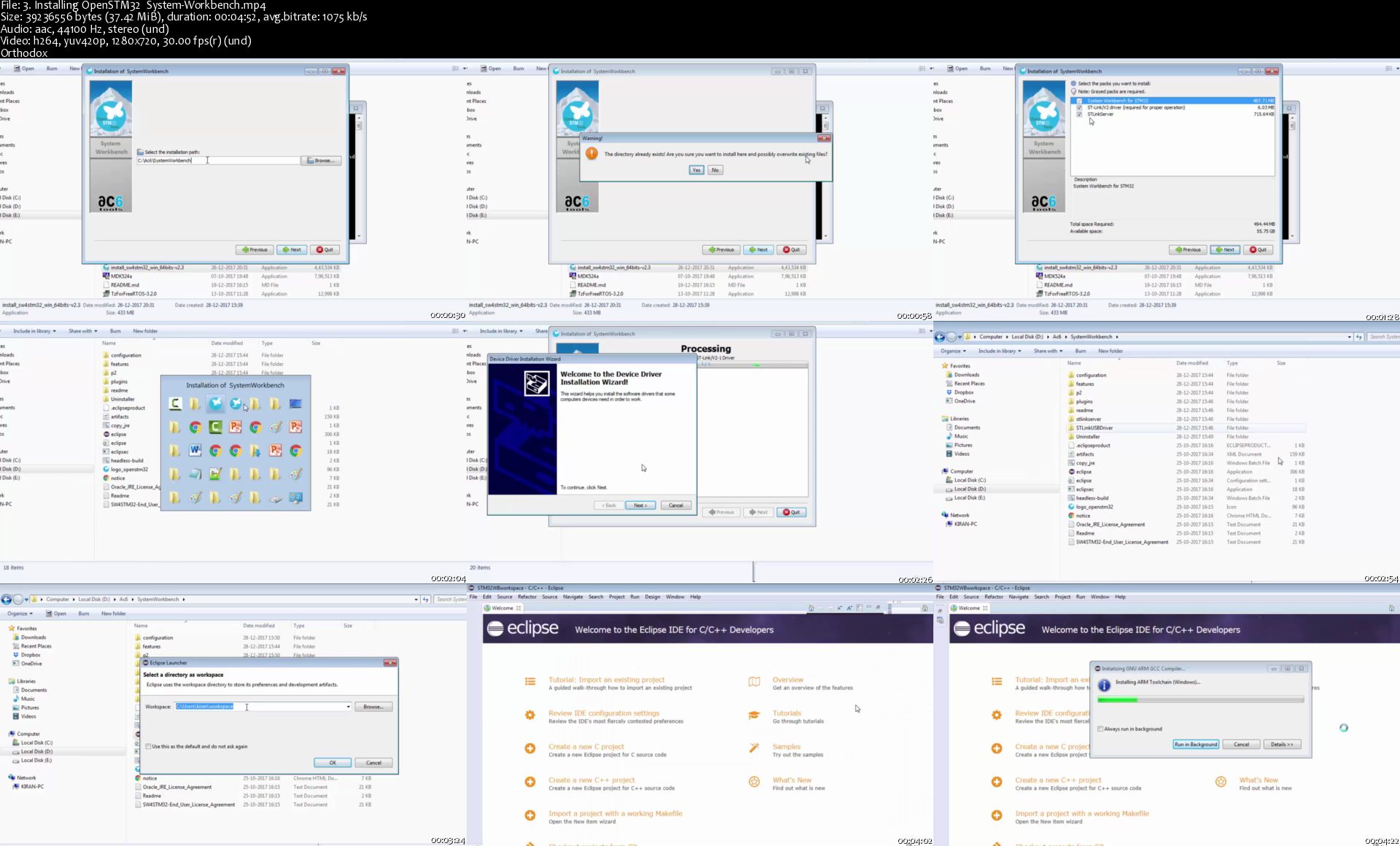
Mastering Microcontroller : TIMERS, PWM, CAN, RTC,LOW POWER

Lrm0z-Xqibfnfl0ek-K3967i-IRWIYo-Whc-H.jpg


Mastering Microcontroller : TIMERS, PWM, CAN, RTC,LOW POWER
h264, yuv420p, 1280x720, 1151 kb/s | English, aac, 44100 Hz, 2 channels, s16, 128 kb/s | 21h 23mn | 11.3 GB
Instructors: FastBit Embedded Brain Academy, Bharati Software

learn STM32 TIMERS, CAN,RTC, PWM,LOW POWER embedded systems and program them using STM32 Device HAL APIs STEP by STEP What you'll learn

Understand how to prepare and select a components to your project
You will be able to draw schematics and route PCB boards
Understand how to generate Gerber files , BOM,partlist, 3D View o Eagle

Requirements

you need to have a motivation to learn.
Patience and perseverance to finish the course
No background knowledge is needed to start this course

Description

This course is designed to teach you how to use Eagle cadsoft,One of the best PCB design software,even if you don't have any background in PCB design.

This course works with older eagle version 7.5V and newer Eagle 8.x V and all files to install the eagle available in the course.

This course I will start with you step by step teaching you how to use Eagle software and organized to let you understand how to deal with Schematic and PCB board editor tools.

in this course I will show you how to

analyze your project , select the components you need , find a reference schematics and PCB board
create your schematic design , place a components , connect them and check your design from any electrical error
Transfer your schematic to PCB board, arrange the components on the board,route ,add polygon , generate gerber files and many more.
Learn useful tool and skills to improve you project,like using BUS line , Label, differential pairs,meander,3D View , PCB heatsink and thermal via.

After this course you will be able to transfer your project from idea to a real PCB, you will be able to create your custom PCB board with practical 3 circuit project in this course.
Who this course is for:

anyone interested to learn designing PCB

3-Installing-Open-STM32-System-Workbench-s.jpg


Million Dollar Creation by Peng Joon

4e961811a403391cd9ffaee7b789d4f6.png

Peng Joon - Million Dollar Creation | 19.09 GB​
"What's The 'Silent Assassin' That's Holding Entrepreneurs Back From Achieving Their Goals More Than EVERYTHING Else Combined?

(Hint: It's NOT What You're Thinking.)
Entrepreneur: Here's Why You Need To STOP Marketing, STOP Selling, STOP Posting On Social, And STOP Running Your Business Until The 'Silent Assassin' Has Been Identified.
It's nothing like a course.
In fact, it's more a complete coaching program, mastermind, AND accountability service all-in-one.
Sure, you're getting the most concise, to-the-point online training portal with everything you need and nothing you don't. so you can get ONLY the information you actually need to implement the necessary steps to actually get tangible results.

With your investment to Million Dollar Creation, here's what you will be getting:
78979c9abacc0011533d79be57c138e5.png

BONUS #1: My ENTIRE 'S-B-S' Social Media System
You'll get ALL my own trello boards that we personally use in my 8-figure company and my step-by-step social media system. to simply follow the checklists and implement each step to finally get results.

BONUS #2: The 'Quality NOT Quantity' Funnel Playbook
I'll take all the guesswork out of funnel building for you. which funnels you need, which you don't need, and exactly how they all fit together seamlessly to create ONLY the assets you need!

BONUS #3: Your Traffic Decoder Blueprint
Traffic is NOT a difficult, expensive, or complex thing when following my blueprint. I'll give you the entire outline, every single action item that you or your team/outsourcers need to get you unlimited warm and hot traffic to your offers!
Again, you're getting:
- Unlimited, unrestricted & immediate access to Million Dollar Creation ($50,000 Value)
- Access to the twice-weekly private group coaching sessions with me ($20,000 Value)
- Access to the private online community to support you with ANYTHING you need ($12,999 Value)

HOmepage:

Link Download
​
Extract files with WinRar 5 or Latest !
 
Infinite Scale by Nathan Chan Foundr

802fff8fcc25f04a6a08ddcf4ea31baa.png

Nathan Chan Foundr - Infinite Scale | 11.2 GB​
How To "Tap Into" The $325 Billion Dollar E-Learning Industry By Creating Valuable Digital Products
The Step-By-Step Blueprint To Building An Online Business You're Passionate About With High Profits, Low Costs, That Can Be Ran From Anywhere In The World!
Taught By Foundr CEO, Nathan Chan.

A rare behind-the-scenes look at a multi-million dollar business that's creating six and seven-figure digital products from scratch.

SIMPLY SIGN UP AND YOU'LL LEARN:
- Validation Secrets: Discover exactly how to quickly validate any digital product idea so you don't waste valuable time and money creating something no one wants!
- Our multi-million dollar "internal use only" 7-step course creation process. Our team has used this to produce nearly 100 courses with six and seven-figure sales!
- How to "presale" your online course using nothing but a super basic live video!
- How to get "bullseye" testimonials before you ever even have your course live!
- What's the #1 highest converting sales channel for your online course? Emails. That's why we're revealing our entire before, during, and after course launch emails that you can swipe instantly!
- The fastest way humanly possible to create a valuable ebook or lead magnet!
- Foundr's never before shared "Evergreen Secrets Checklist". How you can create content and digital products once and sell them year after year without ever having to worry about the content "going out of date"!
- The vital importance of naming your online course and digital products correctly and where most everyone goes dead wrong.
- Little-known conversion boosting strategies for sales pages selling digital products!
- The never shared audience building formula that is responsible for taking a total newbie (not knowing anything about building an online business) to creating one of the largest entrepreneurial brands online with millions of weekly readers.
- Step by step secrets revealed. what the greatest digital product entrepreneurs know about crafting offers that they're not telling you! Hint: Your customer should always feel like they're "getting one over on you" because your offer is so damn good.
- Your very own plug-and-play launch plan! This is the same one we use to map out each of our launches from start to finish. It shows you everything you need!
- The truth behind using bonuses and how to do them right. Sometimes just giving away "more stuff" can actually hurt you! This solves that once and for all.
- How to "flush out" and finally know once and for all what you're passionate about!
- Everything you could ever want to know about producing your online course. Filming, sound, editing, etc, it's all here. Shared by people who do it every day!
- And so much more as Nathan Chan shares everything he knows in building an online business all around digital products! This is one you won't want to miss!

Homepage:

Link Download
​
Extract files with WinRar 5 or Latest !
 
Zurück
Oben Unten