• Regeln für den Video-Bereich:

    In den Börsenbereich gehören nur Angebote die bereits den Allgemeinen Regeln entsprechen.

    Einteilung

    - Folgende Formate gehören in die angegeben Bereiche:
    - Filme: Encodierte Filme von BluRay, DVD, R5, TV, Screener sowie Telesyncs im Format DivX, XviD und x264.
    - DVD: Filme im Format DVD5, DVD9 und HD2DVD.
    - HD: Encodierte Filme mit der Auflösung 720p oder darüber von BluRay, DVD, R5, TV, Screener sowie Telesyncs im Format x264.
    - 3D: Encodierte Filme von BluRay, die in einem 3D Format vorliegen. Dies gilt auch für Dokus, Animation usw.
    - Serien: Cartoon/Zeichentrick, Anime, Tutorials, Dokumentationen, Konzerte/Musik, Sonstiges sind demnach in die entsprechenden Bereiche einzuordnen, auch wenn sie beispielsweise im High Definition-Format oder als DVD5/DVD9/HD2DVD vorliegen. Ausnahme 3D.
    - Bereich Englisch: Englische Releases gehören immer in diesen Bereich.
    - Bereich Talk: Der Bereich, in dem über die Releases diskutiert werden kann, darf, soll und erwünscht ist.


    Angebot/Beitrag erstellen

    - Ein Beitrag darf erst dann erstellt werden, wenn der Upload bei mindestens einem OCH komplett ist. Platzhalter sind untersagt.
    - Bei einem Scenerelease hat der Threadtitel ausschließlich aus dem originalen, unveränderten Releasenamen zu bestehen. Es dürfen keine Veränderungen wie z.B. Sterne, kleine Buchstaben o.ä. vorgenommen werden. Ausnahme Serienbörse:
    - Bei einem Sammelthread für eine Staffel entfällt aus dem Releasename natürlich der Name der Folge. Beispiel: Die Simpsons S21 German DVDRip XviD - ITG
    - Dementsprechend sind also u.a. verboten: Erweiterungen wie "Tipp", "empfehlenswert", "only", "reup", usw. / jegliche andere Zusatzinformation oder Ergänzung, welche nicht in obiger Beschreibung zu finden ist.

    Aufbau des Angebots und Threadtitel

    Der Titel nach folgendem Muster erstellt zu werden. <Name> [3D] [Staffel] [German] <Jahr> <Tonspur> [DL] [Auflösung] <Quelle> <Codec> - <Group>
    Beispiel: The Dark Knight German 2008 AC3 DVDRip XviD - iND
    Beispiel: The Dark Knight 2008 DTS DL BDRip x264 - iND
    Beispiel: The Dark Knight 2008 AC3 DL BDRip XviD - iND
    Beispiel: The Dark Knight German 2008 AC3 720p BluRay x264 iND
    Beispiel: The Dark Knight 2008 DTS DL 1080p BluRay x264 iND
    Beispiel: Die Simpsons S01 German AC3 DVDRip XviD iND
    Beispiel: Die Simpsons S20 German AC3 720p BluRay x264 iND
    Beispiel: Sword Art Online II Ger Sub 2014 AAC 1080p WEBRip x264 - peppermint
    Entsprechend sind also u.a. verboten: Sonderzeichen wie Klammern, Sterne, Ausrufezeichen, Unterstriche, Anführungszeichen / Erweiterungen wie "Tipp", "empfehlenswert", "only", "reup", usw. / jegliche andere Zusatzinformation oder Ergänzung, welche nicht in obiger Beschreibung zu finden ist
    Ausnahmen hiervon können in den Bereichen geregelt sein.

    Die Beiträge sollen wie folgt aufgebaut werden:
    Überschrift entspricht dem Threadtitel
    Cover
    kurze Inhaltsbeschreibung
    Format, Größe, Dauer sind gut lesbar für Downloader außerhalb des Spoilers zu vermerken
    Nfo sind immer Anzugeben und selbige immer im Spoiler in Textform.
    Sind keine Nfo vorhanden z.B. Eigenpublikationen, sind im Spoiler folgende Dateiinformationen zusätzlich anzugeben :
    Quelle
    Video (Auflösung und Bitrate)
    Ton (Sprache, Format und Bitrate der einzelnen Spuren)
    Untertitel (sofern vorhanden)
    Hosterangabe in Textform außerhalb eines Spoiler mit allen enthaltenen Hostern.
    Bei SD kann auf diese zusätzlichen Dateiinformationen verzichtet werden.

    Alle benötigten Passwörter sind, sofern vorhanden, in Textform im Angebot anzugeben.
    Spoiler im Spoiler mit Kommentaren :"Schon Bedankt?" sind unerwünscht.


    Releases

    - Sind Retail-Release verfügbar, sind alle anderen Variationen untersagt. Ausnahmen: Alle deutschen Retail-Release sind CUT, in diesem Fall sind dubbed UNCUT-Release zulässig.
    - Im Serien-Bereich gilt speziell: Wenn ein Retail vor Abschluss einer laufenden Staffel erscheint, darf diese Staffel noch zu Ende gebracht werden.62
    - Gleiche Releases sind unbedingt zusammenzufassen. Das bedeutet, es ist zwingend erforderlich, vor dem Erstellen eines Themas per Suchfunktion zu überprüfen, ob bereits ein Beitrag mit demselben Release besteht. Ist dies der Fall, ist der bereits vorhandene Beitrag zu verwenden.
    - P2P und Scene Releases dürfen nicht verändert oder gar unter einem iND Tag eingestellt werden.


    Support, Diskussionen und Suche

    - Supportanfragen sind entweder per PN oder im Bereich Talk zu stellen.
    - Diskussionen und Bewertungen sind im Talk Bereich zu führen. Fragen an die Uploader haben ausschließlich via PN zu erfolgen, und sind in den Angeboten untersagt.
    - Anfragen zu Upload-Wünschen sind nur im Bereich Suche Video erlaubt. Antworten dürfen nur auf Angebote von MyBoerse.bz verlinkt werden.


    Verbote

    - Untersagt sind mehrere Formate in einem einzigen Angebotsthread, wie beispielsweise das gleichzeitige Anbieten von DivX/XviD, 720p und 1080p in einem Thread. Pro Format, Release und Auflösung ist ein eigener Thread zu eröffnen.
    - Grundsätzlich ebenso verboten sind Dupes. Uploader haben sich an geeigneter Stelle darüber zu informieren, ob es sich bei einem Release um ein Dupe handelt.
    - Gefakte, nur teilweise lauffähige oder unvollständige Angebote sind untersagt. Dies gilt auch für eigene Publikationen, die augenscheinlich nicht selbst von z.B. einer DVD gerippt wurden. Laufende Serien, bei denen noch nicht alle Folgen verfügbar sind, dürfen erstellt und regelmäßig geupdatet werden.
    - Untersagt sind Angebote, welche nur und ausschließlich in einer anderen Sprache als deutsch oder englisch vorliegen. Ausnahmen sind VORHER mit den Moderatoren zu klären.


    Verstoß gegen die Regeln

    - Angebote oder Beiträge, die gegen die Forenregeln verstoßen, sind über den "Melden"-Button im Beitrag zu melden.
  • Bitte registriere dich zunächst um Beiträge zu verfassen und externe Links aufzurufen.

++ Premium IPTV ++ 7000 Live Sender ++ UHD Qualität ++ Mediathek mit 18.000 Inhalten ++


VenneTV


Englische Tutorials

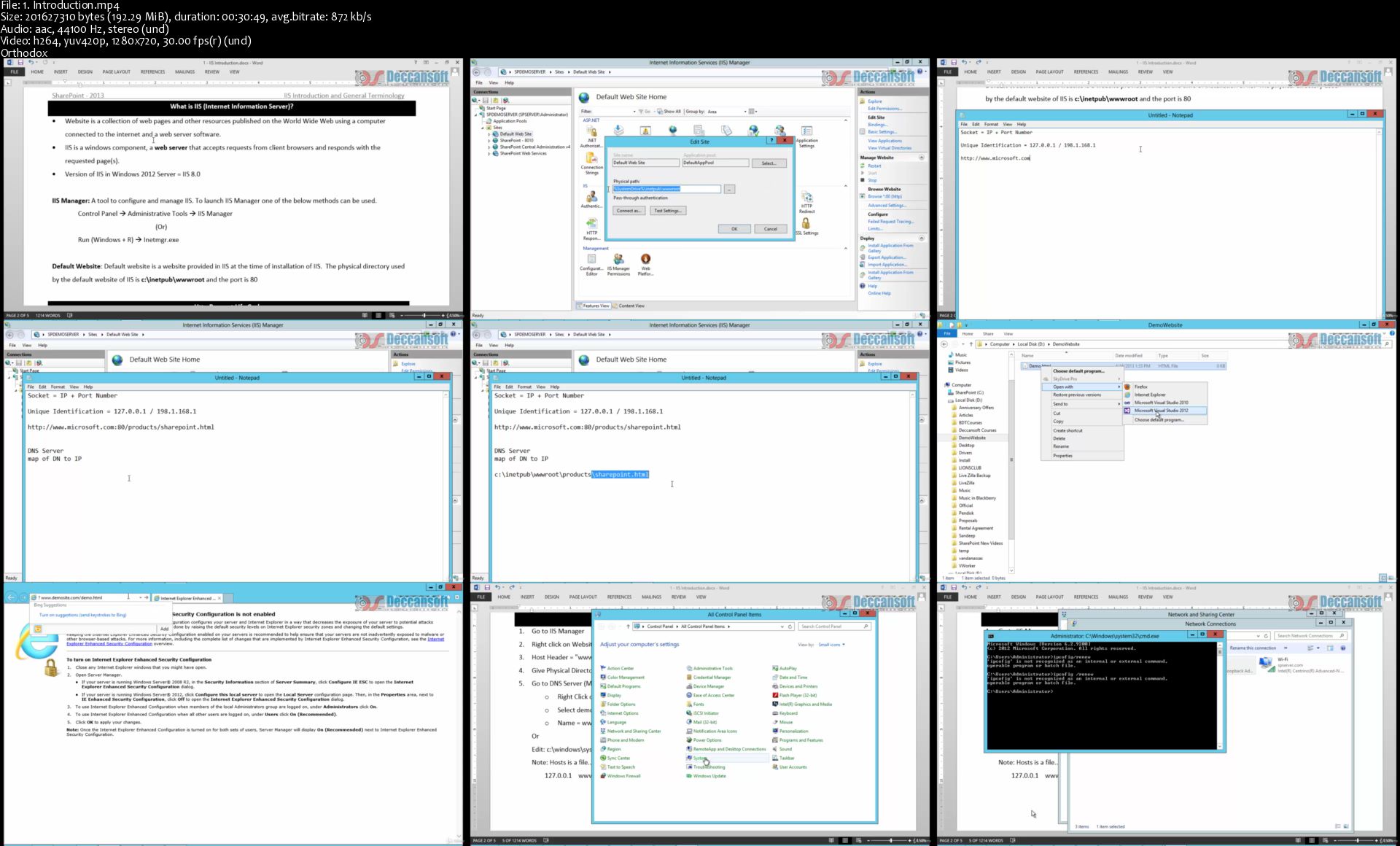
Udemy - SharePoint 2013 Administration

6-CNFAbil1f-J7z-Ot1i-Gw-Uc-Py-LYr4-MYe-W5.jpg


Udemy - SharePoint 2013 Administration
Created by Sandeep Soni | Video: h264, 1280x720 | Audio: AAC 48KHz 2ch | Duration: 14:07 H/M | Lec: 29 | 6.24 GB | Language: English | Sub: English [Auto-generated]

SharePoint 2013 Administration - Complete Bundle for Beginners and Experts

What you'll learn
Understand IIS Web Server and hosting websites in IIS.
Understand the role of SharePoint in developing Corporate Portal.
Creating Sites and Subsites.
Installing and configuring all the required software's products to work with Microsoft SharePoint 2013.
Creation of SharePoint Web Applications, Site Collections, Sites and Sub sites.
Managing permissions for Active directory users in database based on Claims authentication.
Provisioning Service Applications and binding with Web Applications.
Managing large amount of data and documents using Content management features like document sets, document IDs and content organizer.
Configuring and manage user profile service and activate various socializing features of SharePoint 2013.
Implementing Search Features in the site.
Learning PowerShell and writing scripts to performing important admin related operations.
Plan and execute Backup and Restore.

Requirements
Though we cover from ground up, basic knowledge of networking will be added advantage.

Description
Gone are those days when we used to manage all information in a corporate manually. For every type of requirement, we have different solutions but integrating them is a big nuisance. SharePoint integrated intranet, document management, content management is an excellent way to find secure place to store, organize, share, and access information from almost any device. To get started using the extraordinary features of SharePoint all an associate in the organization need is just a browser like IE or Firefox or Chrome. SharePoint is a pre-developed ASP.NET application by Microsoft for managing day to day activities of a corporate portal.

In each of the online SharePoint 2013 Admin training modules our trainer Mr. Sandeep Soni has showcased minute details of each and every feature. For every topic, demonstrations are included explaining all the steps to achieve the required output. The course material bundled with the training program can be of excellent use to the users as a quick refresher of the topics before attending the interviews.

Who this course is for?
Beginners, system administrators and who looks to step their career in Microsoft SharePoint Administration.

Homepage
1-Introduction-s.jpg


The Practical Web Development Course (100+ Challenges)

006b9ef7.jpg


The Practical Web Development Course (100+ Challenges)
.MP4 | Video: 1280x720, 30 fps(r) | Audio: AAC, 44100 Hz, 2ch | 7.47 GB
Duration: 15 hours | Genre: eLearning | Language: English

In this action-packed course you will learn HTML, CSS, JavaScript, Bootstrap, PHP and MySQL


What you'll learn

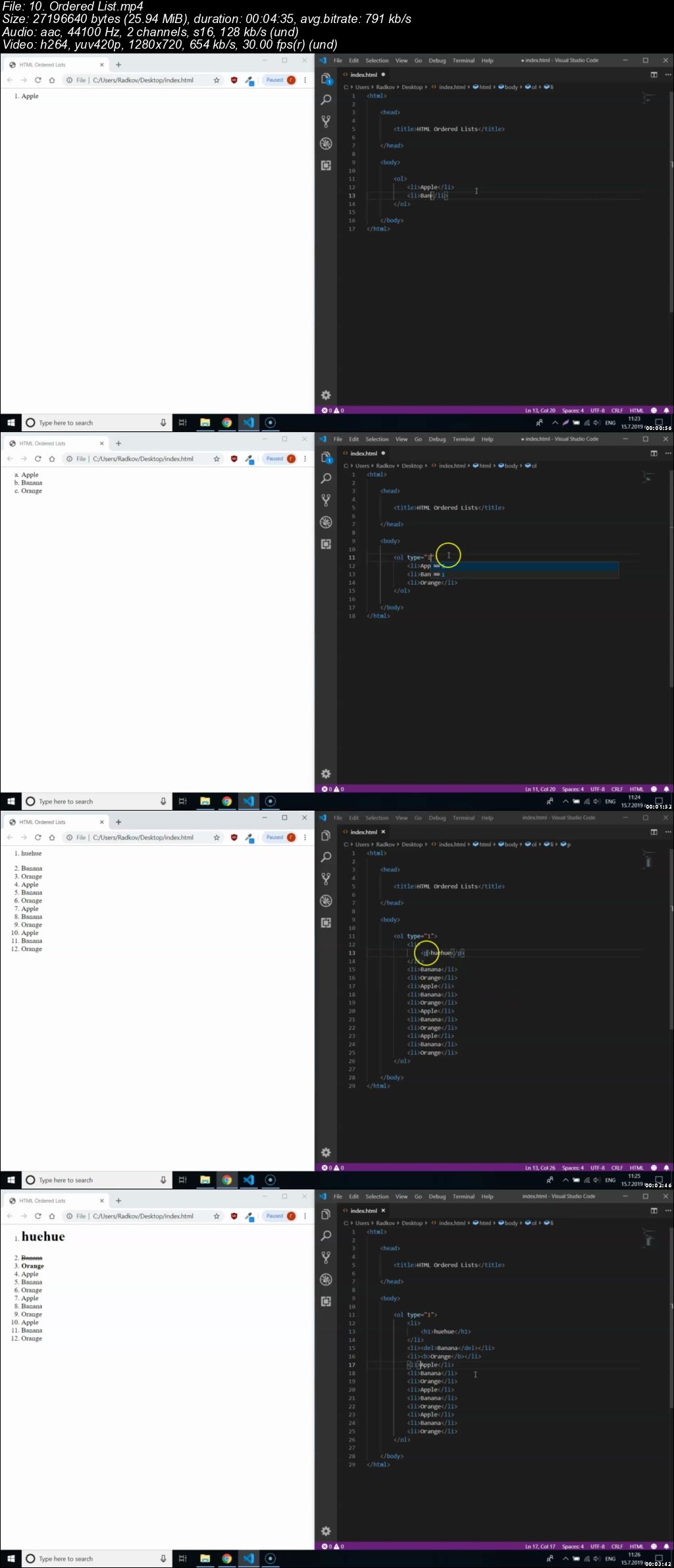
You will learn to work with HTML 5 Elements
You will learn to create modern web page layout using CSS
You will learn to create Websites
You will learn to create static web pages
You will learn to style HTML elements using CSS
You will learn to create responsive web page layout using CSS that looks great on every device
You will learn to add, remove and modify HTML Elements using JavaScript
You will learn to change and update styling of an element using JavaScript
You will learn to make elements respond to user input via JavaScript
You will learn to design and create new functionalities using JavaScript
You will learn to fully utilize Bootstrap's grid system
You will learn to create complete web page design using Bootstrap
You will learn to add many exiting features to a web page using Bootstrap
You will learn to implement log in/log out functionality using PHP
You will learn to upload and save files to a server
You will learn to use API to request and process information
You will learn to create dynamic web pages using PHP
You will learn to utilize modern design patterns when creating a web site
You will learn to use correctly MVC architecture for websites
You will learn to use correctly Object Oriented Programming (OOP) with PHP
You will learn to take full advantage of PHP classes and Objects
You will learn to create, update and connect to a Database
You will learn to create and modify tables in a database
You will learn to create and modify columns in a database
You will learn to insert, update, select and delete data from databases
You will learn to design correct Database schema for future websites
You will learn to work on a project with multiple classes/models/data sets
You will learn to take an idea and create a fully working website out of it
You will learn many aspects, techniques, tips and tricks in Web Development

Requirements

Computer
Internet Connection
Desire to learn

Description

Hello there!

In this course you will learn the skills to build modern, responsive and feature-rich websites using HTML, CSS, JavaScript, Bootstrap, PHP and MySQL.

You will practice everything you've learned with 100+ Challenges and Projects.

We will start by learning HTML and how to create elements for our web pages.

Then you will learn how to style and create awesome responsive layouts using CSS.

In the 3rd section you will meet JavaScript - your first taste of real programming.

Next, Bootstrap will teach your how to create responsive designs in a matter of minutes that look good on every device. Next will be the PHP - your first backend language.

It will allow you to create scalable websites with modern patterns. You will learn the basics of OOP (Object Oriented Programming) as well. In the MySQL section you will learn how to store, modify and retreave data from a database.

You will turn your static webpage into a dynamic feature-rich website. And in the end, we are going to build a master project using everything you have learned so far, but there is a surprice! You will finish the master project all by yourself!

The best way to learn is via practice and this course has planty - it is full of exercices, challenges and projects that will help you sharpen your newly acquired skills.

Learning Web Development can be exhausting and lonely task. This is why I've created an exciting course and a community where I mentor, guide and motivate aspiring developers.

This course, its materials and practice activities are the product that I wish existed when I was learning several years ago.

I've created it with passion and its sole purpose is to help you achieve your goals with the knowledge you will get from this course.

Web Development changed my live, it could change yours too!

Who this course is for:

Complete beginners
People who wish to learn web development
People who need extra motivation to continue learning web development
People who wish to pursue a career in web development
People with little html/css/js knowledge that wish to improve
People who wish to learn about PHP/MySQL

006b9ef8.jpg


Udemy - Sharepoint 2013 Development

VBtrs-QXZ8kd22yk-FVVK2-T5y-Zhdl-Uqx-Nl.jpg


Udemy - Sharepoint 2013 Development
Created by Sandeep Soni | Video: h264, 1280x720 | Audio: AAC 48KHz 2ch | Duration: 26:19 H/M | Lec: 63 | 12.1 GB | Language: English | Sub: English [Auto-generated]

Sharepoint 2013 Development - complete guide

What you'll learn
Learning SharePoint Server API
Customizing most widely used sections of the SharePoint (site collections,sites,lists, lists items, list queries, fields)
Using CAML Queries and LINQ to fetch data from SharePoint lists.
Understand features and executing custom code while features are activated and deactivating.
Write code for custom event handlers.
Building and deploying web parts.
Develop custom workflow solutions for SharePoint.
Using features and solutions for deploying projects in Microsoft SharePoint Server 2013.
Developing Sandboxed solutions with limited access.
Accessing external data using BCS.
Develop custom Application Page with Client Side Object Model.
Using RESTful and OData.
Develop SharePoint Apps for different environments.

Requirements
Basic knowledge of C# and ASP .NET is mandatory.

Description
Gone are those days when we used to manage all information in a corporate manually. For every type of requirement we have different solutions but integrating them is a big nuisance. SharePoint integrated intranet, document management, content management is an excellent way to find secure place to store, organize, share, and access information from almost any device. To get started using the extraordinary features of SharePoint all an associate in the organization need is just a browser like IE or Firefox or Chrome. SharePoint is a pre-developed ASP.NET application by Microsoft for managing day to day activities of a corporate portal.

Who this course is for?
For those who want to shift their career from Web development to SharePoint Developement and SharePoint Administrator to SharePoint Developement

Homepage

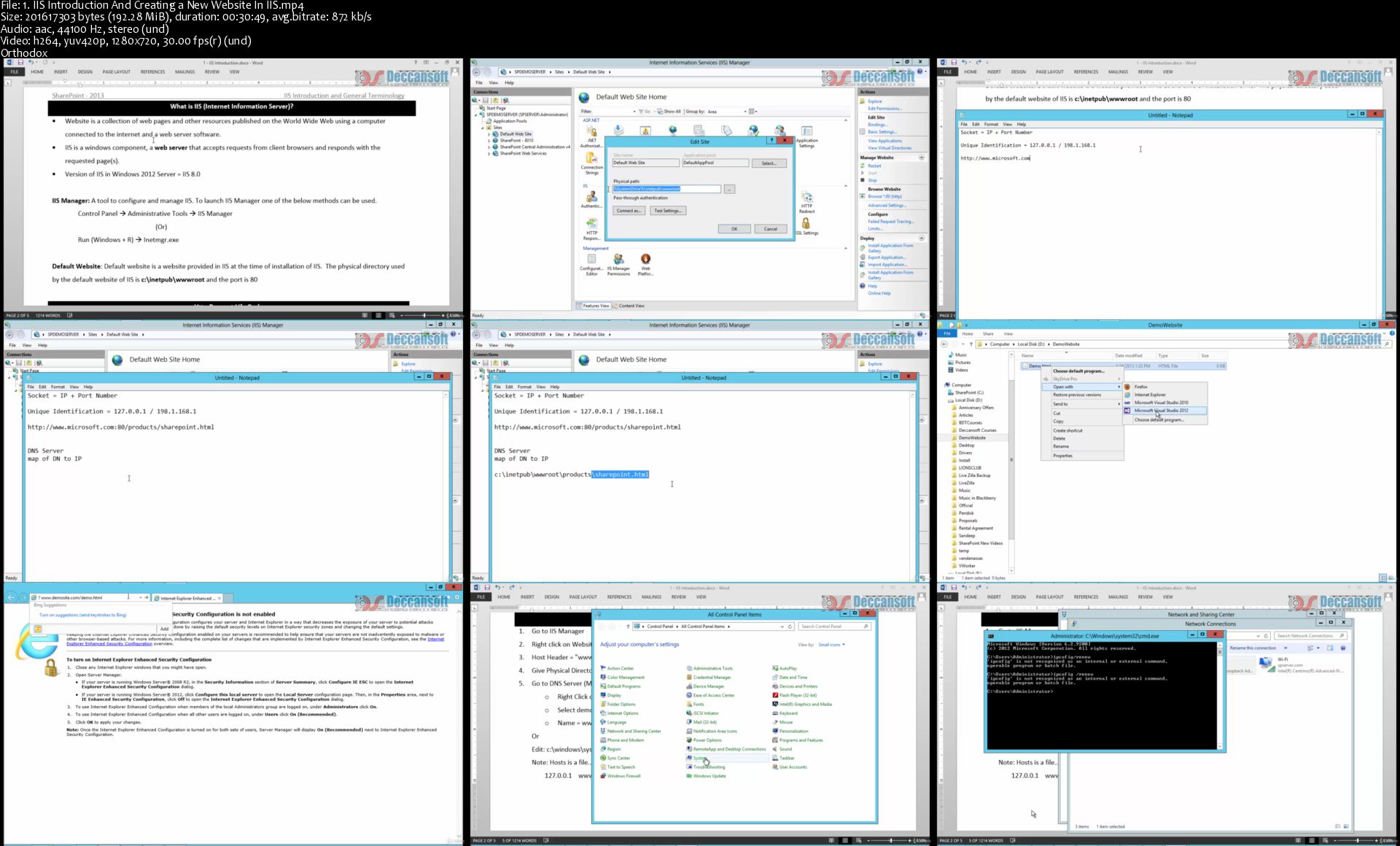
1-IIS-Introduction-And-Creating-a-New-Website-In-IIS-s.jpg


SharePoint 2013 Foundation for Beginners

UG63r-Hjww-DDThqd-RYzk-Bt-Nw-BBl8-XY2r-T.jpg


SharePoint 2013 Foundation for Beginners
Created by Sandeep Soni | Video: h264, 1280x720 | Audio: AAC 48KHz 2ch | Duration: 16:48 H/M | Lec: 40 | 7.70 GB | Language: English | Sub: English [Auto-generated]

SharePoint 2013 Complete kit for Beginners as well to IT Professionals.

What you'll learn
Understand the Basics working Concepts of SharePoint.
Complete understanding of SharePoint 2013.
Complete Installation of SharePoint Server 2013.
Build and Customize Effective SharePoint Sites
Working with List and Libraries.
Unbox the Features of SharePoint Designer.
How to Brand SharePoint Sites and Working Master Pages
Create User and Groups in Active Directory
SharePoint Permission Groups and Levels, Subsite and Lists
Detail figure of Workflow in SharePoint 2013

Requirements
Basic knowledge of using Windows and MS-Office products.
Basic knowledge on HTML and CSS.

Description
SharePoint allows us to centralized the data in the organization, and creating sites and subsites with few clicks and maintaining documents, permissions for editing, reading and deleting documents, can learn more about customization of sites using master pages with the help of HTML, CSS, JavaScript. Manage the permissions for specific users to authenticate the sites and workflow of the SP 2013.

This Course is compiled by Mr. Sandeep Soni, Microsoft Certified Trainer and experience over 23 years in IT Industry.

Mr.Sandeep Soni has worked closely with many IT companies and helped them with their technology resources training needs. He considers this to be the best part of his profession and he enjoys the most because he gets to meet new people; get involved in the ever-changing technology needs and provide them with optimum solution to the problems they face in application development. This is how he keeps himself updated with the latest technology in the industry.

Who this course is for?
This Course designed for Freshers as well IT Professionals, who want to start their career in SharePoint.

Homepage

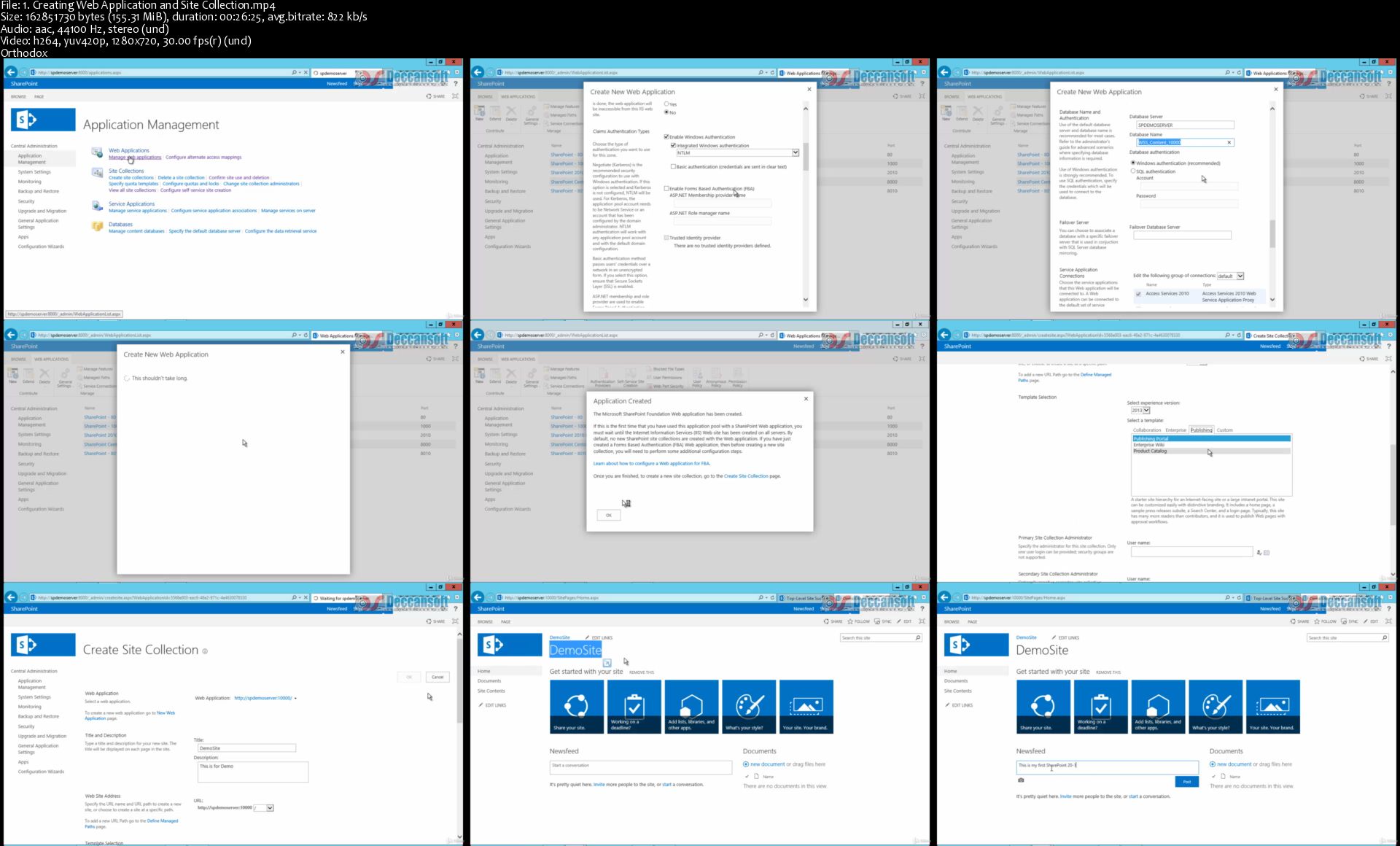
1-Creating-Web-Application-and-Site-Collection-s.jpg


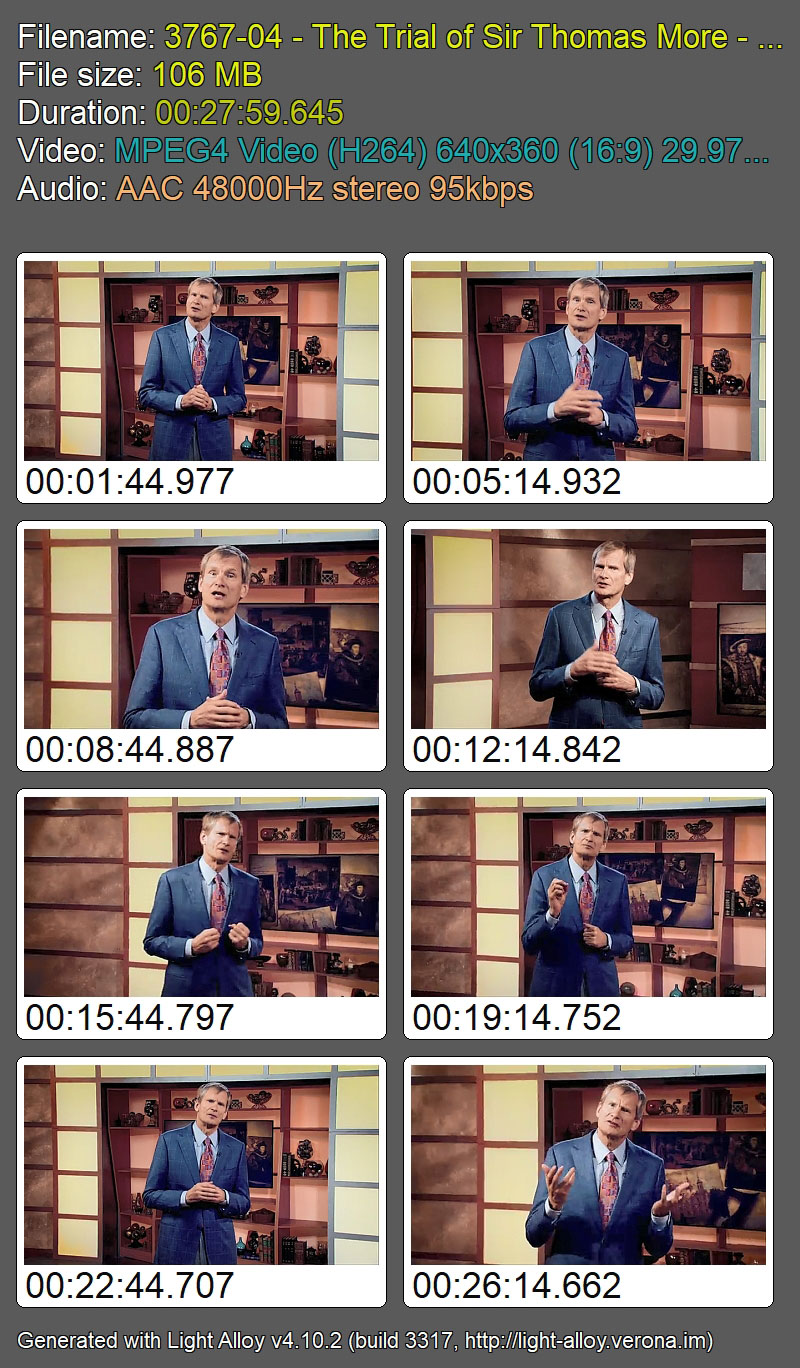
The Great Trials of World History and the Lessons They Teach Us

8-Ppz-Gct5tx6-PCDAUo-Jhk-ZY1-Bq-ZPn-IQQR.jpg


The Great Trials of World History and the Lessons They Teach Us
The Great Courses / Douglas O. Linder | Duration: 12 h 04 m | Video: H264 640x360 | Audio: AAC 48 kHz 2ch | 3,32 GB | Language: English | 2017

What makes a trial one of the great ones in world history? According to award-winning law professor Dr. Douglas O. Linder of the University of Missouri-Kansas City School of Law, there are two main benchmarks.

First, the trial must have grabbed the attention of society in its own time and place, whether in the courts of ancient Greece or 20th-century Los Angeles.

Second, the trial must matter. Perhaps it matters because of how it shaped history; perhaps because it allows us in the 21st century to draw lessons that bring us closer to our highest ideals of justice; or perhaps because the trial provides an especially clear way of understanding a particular place or time.

No understanding of the past is complete without an understanding of the legal battles and struggles that have done so much to shape it. Inside a survey of world history's greatest trials are the key insights to critical issues we still talk about today, including:

• freedom of speech,
• the death penalty,
• religious freedom, and
• the meaning of equality.

And even when trials illustrate grave miscarriages of justice, they still have much to teach us about how law is an ever-evolving aspect of human civilization.

Join Professor Linder for The Great Trials of World History and the Lessons They Teach Us, a 24-lecture investigation of important legal cases from around the world and across the centuries.

Homepage

Rm-Gshi-GR2-Tzp-CAj7-Xtj5-D93-MP8gh-Cn-Yu.jpg


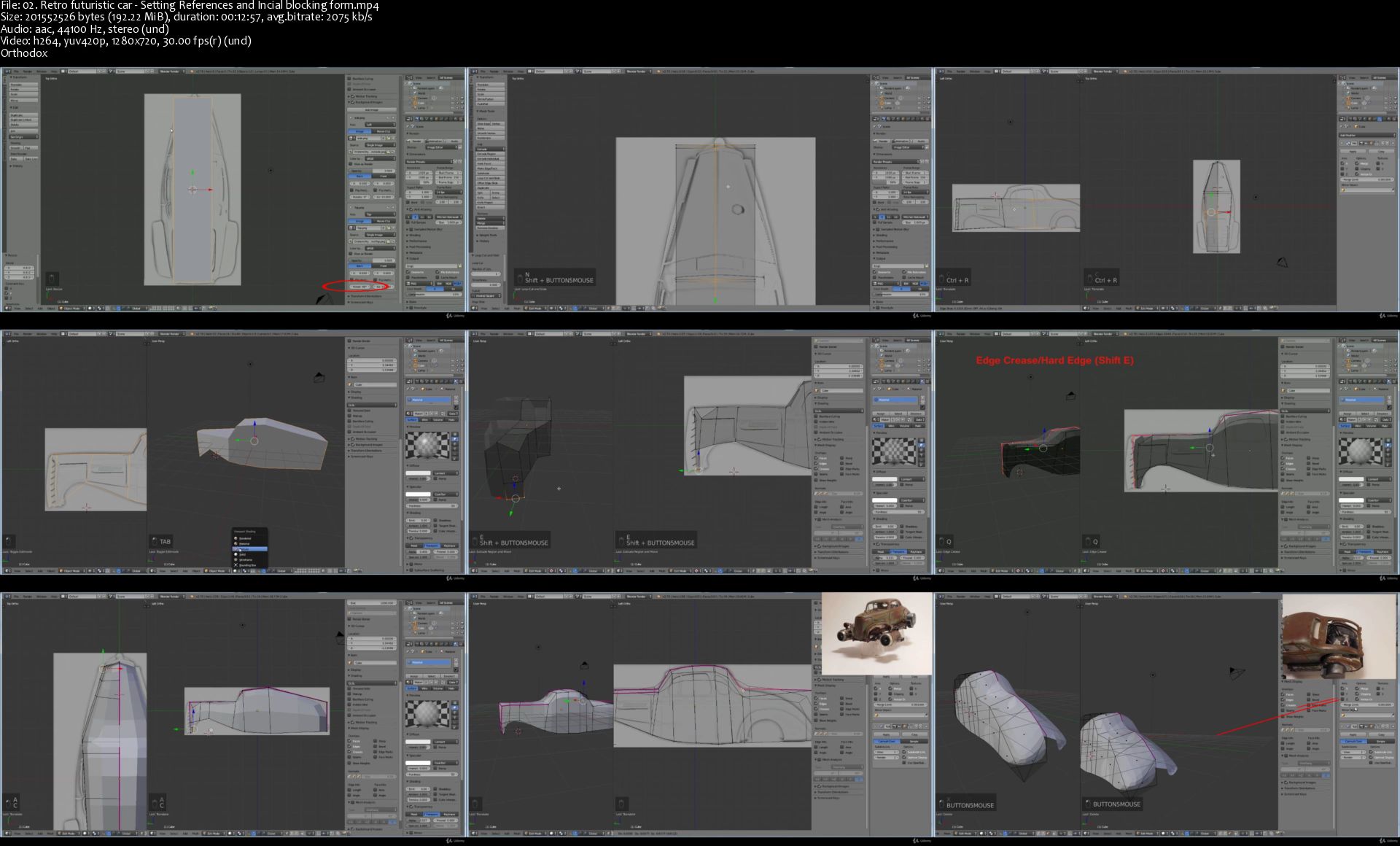
Creating a Retro Futuristic Car in Blender

v-Mc9d-Uz2rcq2m-RDvt8-M5-O3h-TLucfnlm-T.jpg


Creating a Retro Futuristic Car in Blender
Genre: eLearning | MP4 | Video: h264, 1280x720 | Audio: aac, 48000 Hz
Language: English | VTT | Size: 7.9 GB | Duration: 8 hours

Description
In this tutorial we will make a retro futuristic car. In the process of narration, we will consider the basic modeling tools, create a car model .. Then we will deal with procedural texturing and rendering.

The whole stage can be divided into three parts. The first is modeling. The second is setting the materials, setting the light. And the third is visualization ... that is, a render ... which includes a post processing.

The whole lesson is made in Blender and consists of 67 parts. Attached is a folder with additional files (textures, drawings, references and the original scene).

the lesson will be useful for beginners .. as well for experienced users

Requirements
Blender. Basic knowledge

Homepage

02-Retro-futuristic-car-Setting-References-and-Incial-blockin.jpg


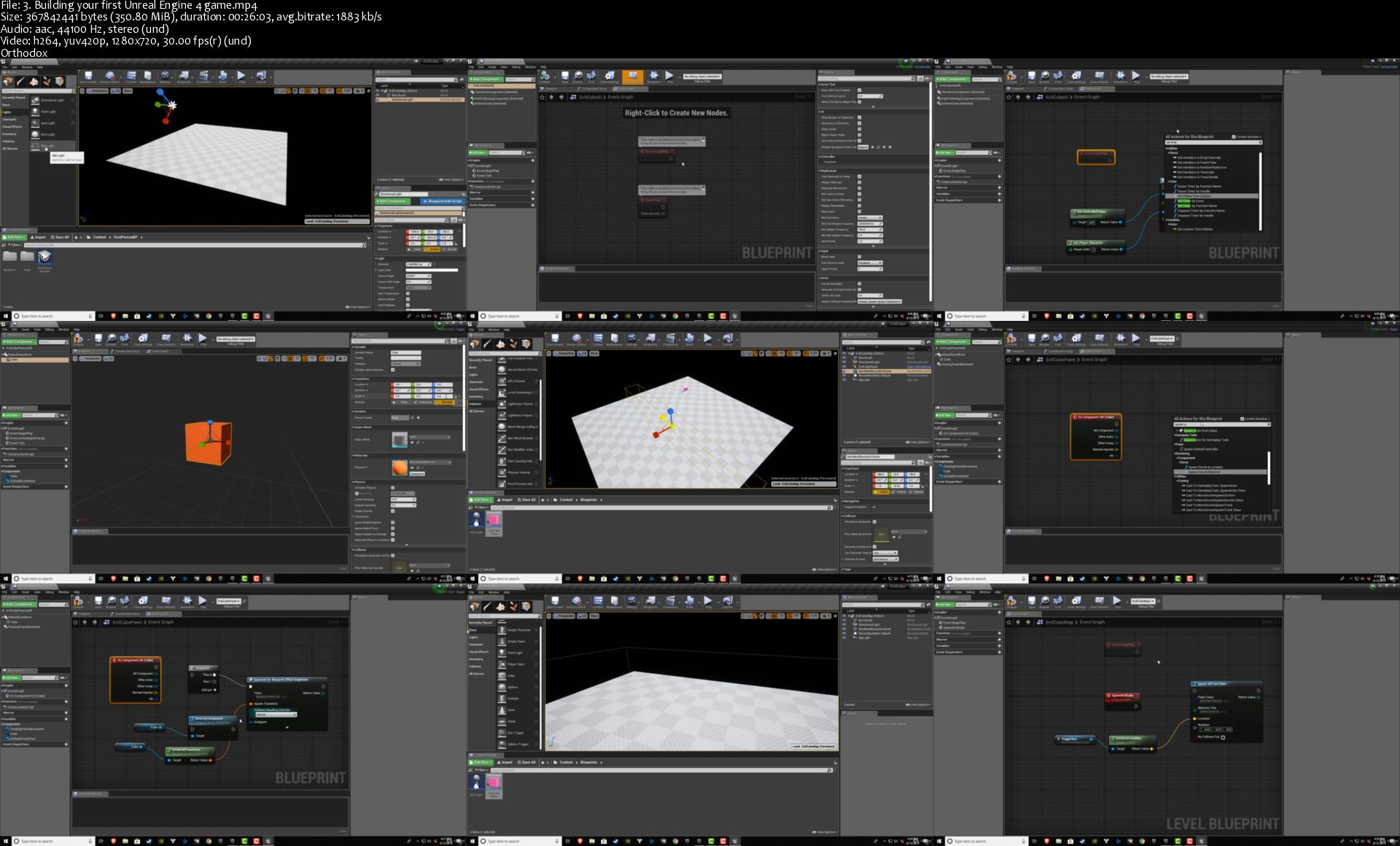
Unreal Engine 4 For Absolute Beginners

s-GIBNHm-QKR9tg-B3r9p-HA5d-Gftkmz-Pj4i.jpg


Unreal Engine 4 For Absolute Beginners
Genre: eLearning | MP4 | Video: h264, 1280x720 | Audio: aac, 44100 Hz
Language: English | VTT | Size: 9.08 GB | Duration: 15 hours

Learn the basics of making games with UE4 & Unreal Engine 4

Description
Welcome to Intro to Unreal Engine 4 (UE4)!

This course is designed for absolute beginners and will teach you the basics of Unreal Engine.

This course was built to teach you UE4 in the funnest and fastest way possible.

NO CODING EXPERIENCE IS REQUIRED

All gameplay logic is through Unreal Blueprints!

This course is packed with the basics and core features of the Unreal Engine.

Some Things You'll Learn:

Unreal Geometry editing tools (build your own levels)

Unreal Materials

Third person shooter mechanics

Creating and working with cameras

Setting up GameModes and LevelBlueprints

Handling player input for both keyboard and game pads

Working with Vectors and Rotations

AnimationBlueprints and BlendSpaces

Creating simple particle systems

Raycasting and shooting bullets

Simple AI and enemy attack

Creating game logic in Blueprints

User interface with UMG

Building mobile games

Post processing

And A LOT more

This course teaches Unreal Blueprints and does NOT cover C++

Unreal Blueprints are a powerful visual node-based coding tool that let's you build games WITHOUT WRITING CODE!

If you want to make awesome games in Unreal Engine 4, then enroll now and we'll see you in class!

What you'll learn
Basics of Unreal Engine
How to build games with Unreal Engine Blueprints
How to build levels in UE4
How to spawn enemies
Building shooter games or any game
Game development fundamentals

Homepage

3-Building-your-first-Unreal-Engine-4-game-s.jpg


Data Structures & Algorithms: Part 1

O1-Ckm-HWJ7o0k-Wl-Kl-OAH0-Ouq-Pp-Bw-NS3n-G.jpg


Data Structures & Algorithms: Part 1
Mp4 | Video: h264, 1920x1080 | Audio: AAC,48KHz, 2 Ch | 4.5h | 5.99 GB | Genre: eLearning | Language: English

Description

Studied Computer Science - but never really understood the complex topic of data structures and algorithms?

Or maybe you're a self-taught programmer, with little to no knowledge of this important topic.

Or perhaps you failed a job interview because you couldn't answer basic data structure and algorithm questions.

So, why are data structures so important these days?

Data structures and algorithms are patterns for solving problems. Developers who know more about data structures and algorithms are better at solving problems. That's why companies like Google, Microsoft and Amazon always include interview questions on data structures and algorithms. They want to assess your problem-solving skills. They don't care how many programming languages and frameworks you're familiar with.

A complex topic made simple
That's why I made this course. I want to demystify data structures and algorithms once and for all.

I remember being hopelessly confused when my college lecturer tried to teach it, many moons ago. So I had to teach myself. Now I'm an expert on the topic, and I want to save you the dozens of hours I wasted at the library trying to wrap my head around it.

Packed with the most popular interview questions and step-by-step solutions

By the end of this course.
You'll be able to:

Ace your next coding interview
Write better, faster code
Become a better developer
Improve your problem solving skills
Master computer science fundamentals
Implement all the essential data structures from scratch
Master dozens of popular algorithms
What you're going to learn
This course is the first of a series. In this part, we'll be focusing on linear data structures. Part 2 is all about trees and graphs. Part 3 is about searching and sorting algorithms.

Here's what you're going to learn in the first part:

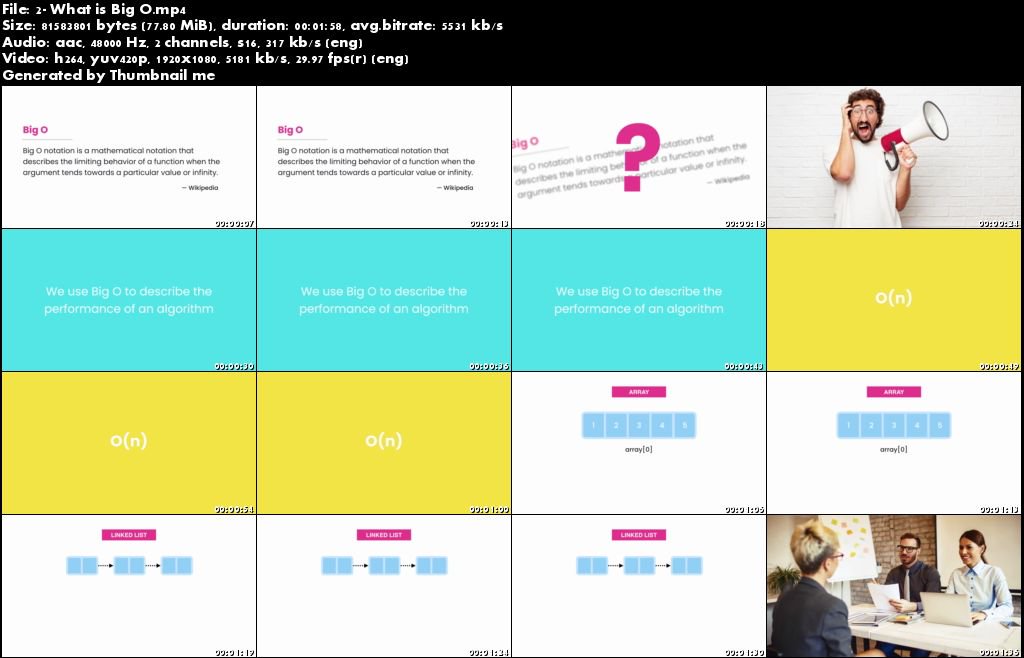
The Big O notation
Arrays
Linked Lists
Stacks
Queues
Hash Tables

This is the most comprehensive data structures and algorithms series online. Every example and exercise is picked from popular interview questions asked by Google, Microsoft, Amazon and other big companies.

Who is this course for?

Anyone preparing for a coding job interview
Computer science students whose lecturers failed to explain the topics
Self-taught developers who missed out on a computer science degree
Anyone who wants to become a better developer
Requirements
In this course, I use Java to teach the concepts but you can apply these concepts in any programming language. Our focus is on data structures and algorithms, not programming languages and tools.

All you need to take this course are some basic programming skills. If you know variables, loops, and conditional statements, you're good. If you need a quick refresher to get up to speed with Java syntax, you can watch the first part of my Java series.

You don't need any experience with data structures or algorithms.

1-Nrl8k-Etjg2urkat5y5-Qp-L984hd02-TH3.jpg


FL Studio 20 Intermediate Course: Learn Advanced Concepts

006ba94d.jpg


FL Studio 20 Intermediate Course: Learn Advanced Concepts
.MP4 | Video: 1280x720, 30 fps(r) | Audio: AAC, 44100 Hz, 2ch | 4.99 GB
Duration: 4.5 hours | Genre: eLearning | Language: English

FL Studio course on how to create music that is commercially ready to compete with professional music


What you'll learn

Properly master your music with new loudness LUFS standards.
Arrange a song with TONS of emotion, and communicate with your listeners.
Mix a song with sub groups, sends, and achieve a well-balanced mix.
Stay organized while mixing, and best export settings for your songs.
Learn proper gain staging, and avoid common audio myths.
Understand your goal and focus of your song
When to use EQ, the Dangers of EQ, and best practices of using EQ
When to use Compression, the Dangers of Compression, and best practices of using Compression
Setting up sidechain compression effectively

Requirements

Have FL Studio (Course relates to any DAW, though!)
Understand how to compose a beat. (This course is for intermediate to advanced users of FL Studio who want to learn how to release a commercial song that competes with professional releases.)

Description

This course is LASER-FOCUSED to intermediate FL Studio producers.

Producers who already know how to make beats, but struggle with mixing, arrangement, and mastering.

A lot has changed in recent years of music production in terms of the loudness wars, loudness normalization (LUFS), and the information needed to produce high-quality music with BEST PRACTICES.

If you're tired of seeking for information which never has all the details about all aspects to prepare a song for commercial release, you have landed on the right page.

This is an in-depth music production course covering everything that's required to know about creating high-quality music, and music that competes with your favorite artists/producers.

FL Studio Intermediate Course contains TONS of hidden tidbits; the information you're wanting to know, but can never find within tutorials or forums.

Everything you need to know is right here in this course.

Feel free to check out the course curriculum.

We cover everything from:

Gain staging + Overall Balance (and debunking some common myths with gain staging)

How and when to use EQ and Compression (also when NOT to use EQ/Compression)

Mixing this track from beginning to end!

Setting up Subgroups + Sends for a quick workflow, while taking advantage of parallel routing

Building Out the Song Structure (We actually arrange the beat, talk about different approaches, and introduce you to a term GratuiTous has coined over the years called Audio Painting™.)

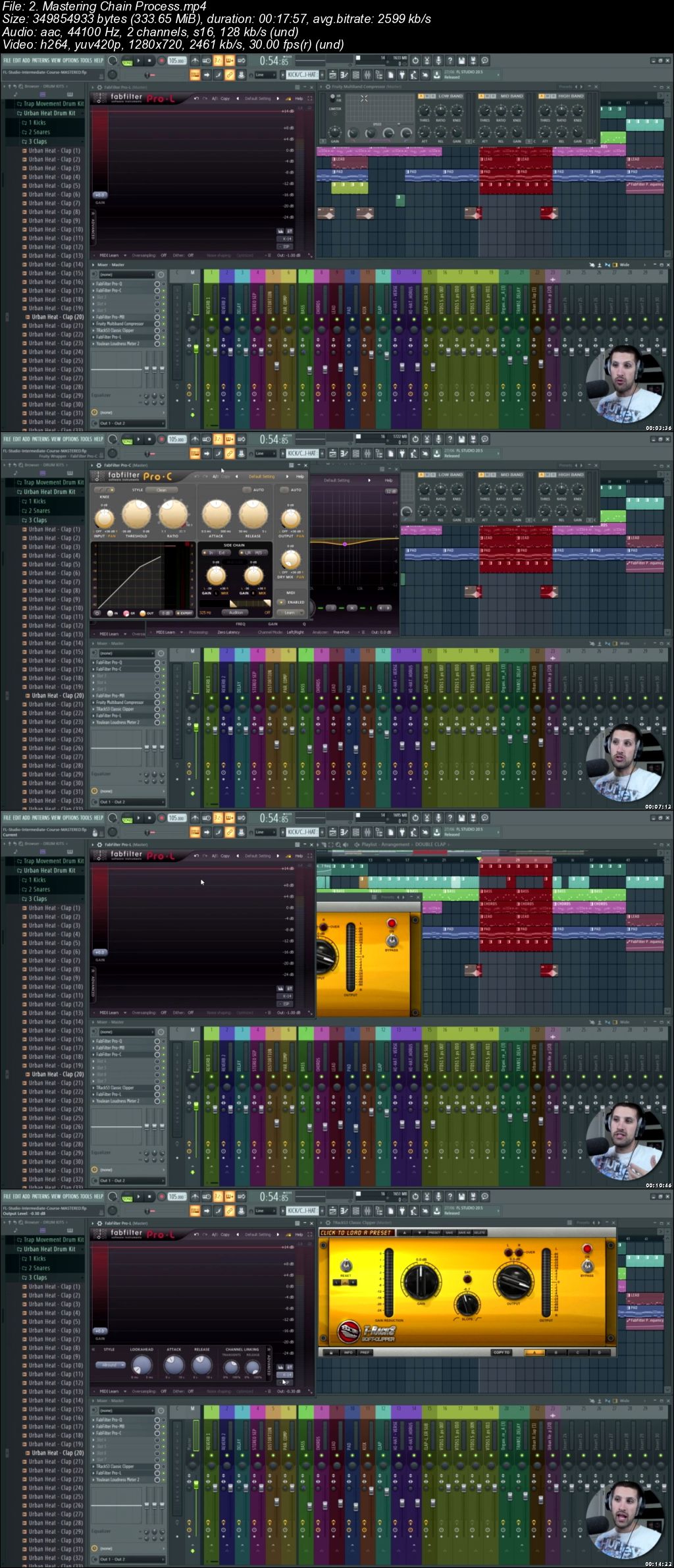
Mastering: Preparing Your Track for the World! (What's the goal of mastering, understanding the loudness wars/loudness normalization (LUFS), my personal mastering chain and mastering plugins which will achieve your desired result of that commercial sound!)

How to properly export your song to get the best quality in FL Studio

Staying organized for the long-term as a music producer

This course will truly be the tipping point for those of you who have been producing for 3-4 years and are ready to understand what it takes to prepare your tracks as a commercial release.

Who is the course instructor, and what authority does he have?

GratuiTous is your instructor.

He has released 8 professional beat tapes on Spotify, is the host of the podcast 'Music Production Made Simple', and has created over 18 premium FL Studio courses. He has also worked with a GRAMMY-Nominated recording artist.

Who this course is for:

Intermediate producers who already have knowledge of FL Studio and how to make beats, but want to learn best practices to release a professional song.

006ba94e.jpg


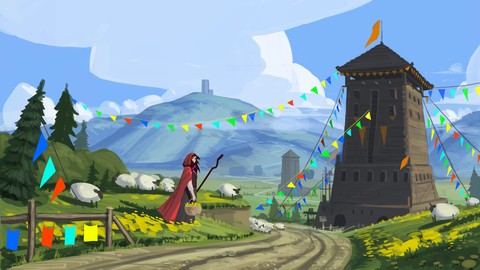
The Complete Environment Painting Super Course

006ba93b.jpg


The Complete Environment Painting Super Course
.MP4 | Video: 1280x720, 30 fps(r) | Audio: AAC, 44100 Hz, 2ch | 11 GB
Duration: 13.5 hours | Genre: eLearning | Language: English

Learn to Draw and Paint Environments from Imagination


What you'll learn

Perspective
Rendering Objects
Color and Lighting
Painting full detail landscapes
drawing and painting from imagination

Requirements

Photoshop OR Drawing Software
Wacom Drawing Tablet OR iPad Pro (with apple pencle) OR equivalent equipment
Basic Knowledge of how your drawing software works (i.e. work layers, change brushes, undo, change brush size etc)

Description

The Complete Environment Painting Super Course will give you a total introduction to digital painting landscapes and environments. Or your money back.

Throughout this course, you'll be taught the art and design skills you always wanted to learn. Whether you're just learning as a hobbyist, or you plan on becoming a professional digital illustrator or concept artist. This is the perfect course for you.

Throughout this course you'll be going through over 13 hours of live narrated content, over 30 lectures, and 55 downloadable resources. First I'll be bringing you through the very basics of perspective, then shading and rendering, and finally drawing and painting your very own beautiful scenes and backgrounds from scratch.

Here's what you'll get in this course:

Instant access to all 30 lectures, in 7 sections.

over 13 hours of live, narrated content where I'll be bringing you through every step in real time.

The course is laid out in an easy to understand format:

First I'll be teaching you the fundamentals of perspective. We'll go through 1 and 2 point perspective, offering the same assignments that I had when I was a student in some of the top design schools.

After that, I'll be teaching you the importance of lighting and how to shade and render the basic elements that create everything. Spheres, Cubes, Cones, and Cylinders. These are the elements that make up almost everything around us.

Next you'll be learning about color theory and which colors to choose for your shadows and lights. Color is an essential part of establishing the mood in a painting.

After this you'll be combining the basic forms in order to bring what we've learned so far together and make some recognizable scenes.

Next we move on to jumping straight into building our first scene. You'll start by drawing out a line work and setting up the perspective exactly how I taught you in the perspective lessons. We'll focus on composition and object placement to make the most of the space in our canvas. Focusing heavily on setting up our image to achieve a feeling of depth, which is one of the most important things in environment painting.

After this we refine the sketch to further enhance the idea. Redrawing it and making sure all of our elements are in place before painting.

Next we'll begin by roughly painting the main colors in. Figuring out what color everything is as well as how things change color the further they get away. Applying what we learned earlier in the color theory into some real painting situations.

Lastly after we get the main elements of our painting established. Our colors in place, and everything set up. We'll start detailing the painting and adding all the little elements that bring the painting to life. Painting grass, wood, fencing and trees.

In the next session we'll do another line work. Starting rough and working cleaner. I'll teach you to draw on top of a 3 point perspective grid.

This painting will be started by first finding all of our shadows before we start with colors. It's important to know our shadows and lighting before we start adding details.

After this the next few hours are spent adding tons and tons of detail. I'll be explaining how high detail images are really just a series of decisions made over and over and is actually quite simple. By the end of this section you'll be a master of detail!

Throughout this entire course you'll be learning:

How to use perspective and understand it

How to choose great and lively colors

How to render and shade objects realistically

Starting a sketch

Finishing a sketch

Starting a painting

finishing a painting

adding lots of details

tips and tricks on painting, drawing, environments, etc

tons of live narrated drawing

over 50 downloadable resources!

Other Benefits:

You'll also be getting access to the Q&A section

Lifetime access to all the course material.

Contact with me, your instructor

Sign up today and take the next step to growing as an artist!

Who this course is for:

Anyone who wants to learn how to draw and paint! Especially those who have an interest in drawing from imagination
Anyone who wants to up their drawing and painting level.

006ba93c.jpg


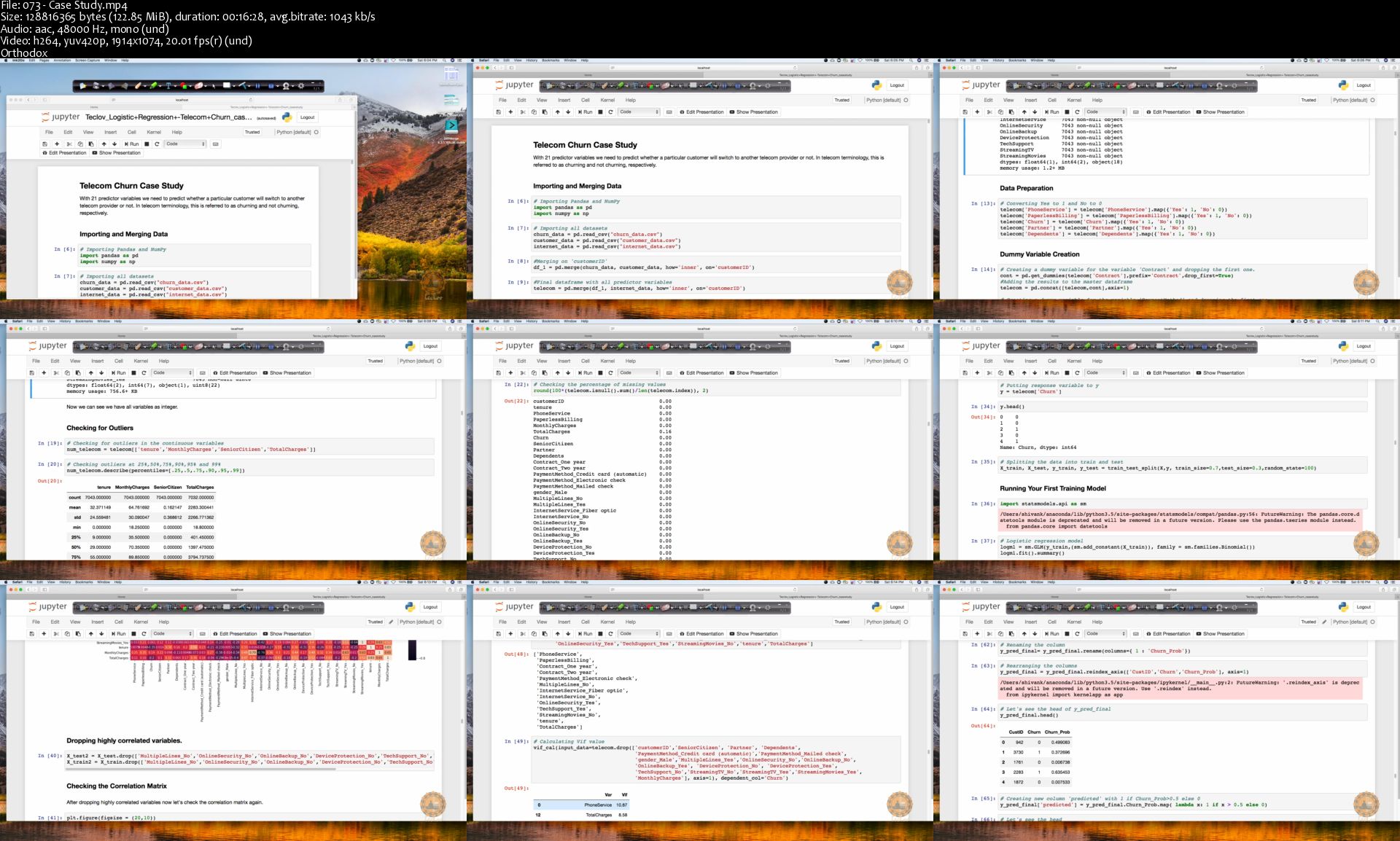
Machine Learning with Real World Projects

Dv-R2g-Afc-FH4-Dz3f-DYN3-TAGtilj-V2v-P99.png


Machine Learning with Real World Projects
Mp4 | Video: h264, 1914x1074 | Audio: AAC,48Khz, 1 Ch | 29 hours 47 minutes | 8.30 GB | Genre: eLearning | Language: English

Description

Learn
Master Machine Learning in Python
Learn to use MatplotLib for Python Plotting
Learn to use Numpy and Pandas for Data Analysis
Learn to use Seaborn for Statistical Plots
Learn All the Mathematics Required to understand Machine Learning Algorithms
Implement Machine Learning Algorithms along with Mathematic intuitions
Projects of Kaggle Level are included with Complete Solutions
Learning End to End Data Science Solutions
All Advanced Level Machine Learning Algorithms and Techniques like Regularisations, Boosting, Bagging and many more included
Learn All Statistical concepts To Make You Ninza in Machine Learning
Real-World Case Studies
Model Performance Metrics
Deep Learning
Model Selection

About

Want to become a good Data Scientist? Then this is a right course for you.

This course has been designed by IIT professionals who have mastered in Mathematics and Data Science. We will be covering complex theory, algorithms and coding libraries in a very simple way which can be easily grasped by any beginner as well.

We will walk you step-by-step into the World of Machine Learning. With every tutorial you will develop new skills and improve your understanding of this challenging yet lucrative sub-field of Data Science from beginner to advance level.

We have solved few Kaggle problems during this course and provided complete solutions so that students can easily compete in real world competition websites.

Features

Learn Machine Learning with real-world case studies
Learn complex theory, algorithms and coding libraries in a very simple way

073-Case-Study-s.jpg


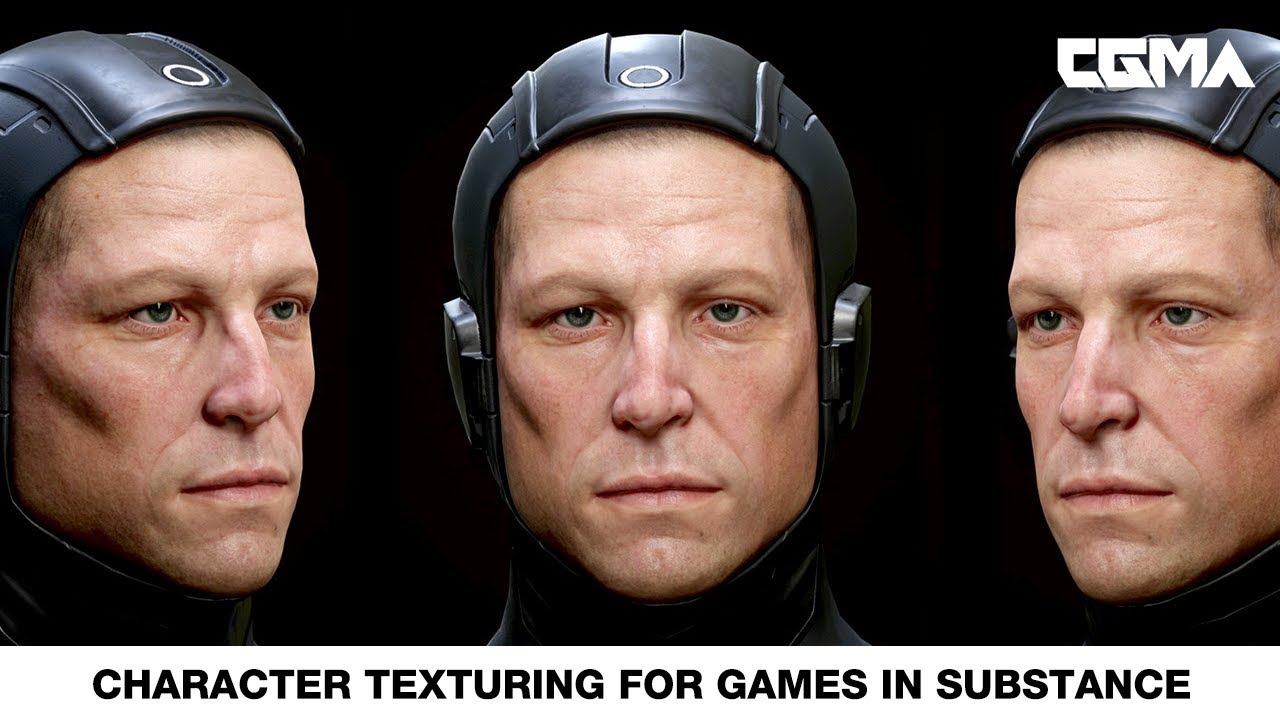
CGMA - Character Texturing for Games in Substance

maxresdefault.jpg


CGMA - Character Texturing for Games in Substance
CGMasterAcademy
Duration: 6 Weeks | Video: h264 1920x1080 | Audio: AAC 44kHz 2Ch | 12.2 GB
Genre: eLearning | Language: English | SKILLS LEVEL: Intermediate

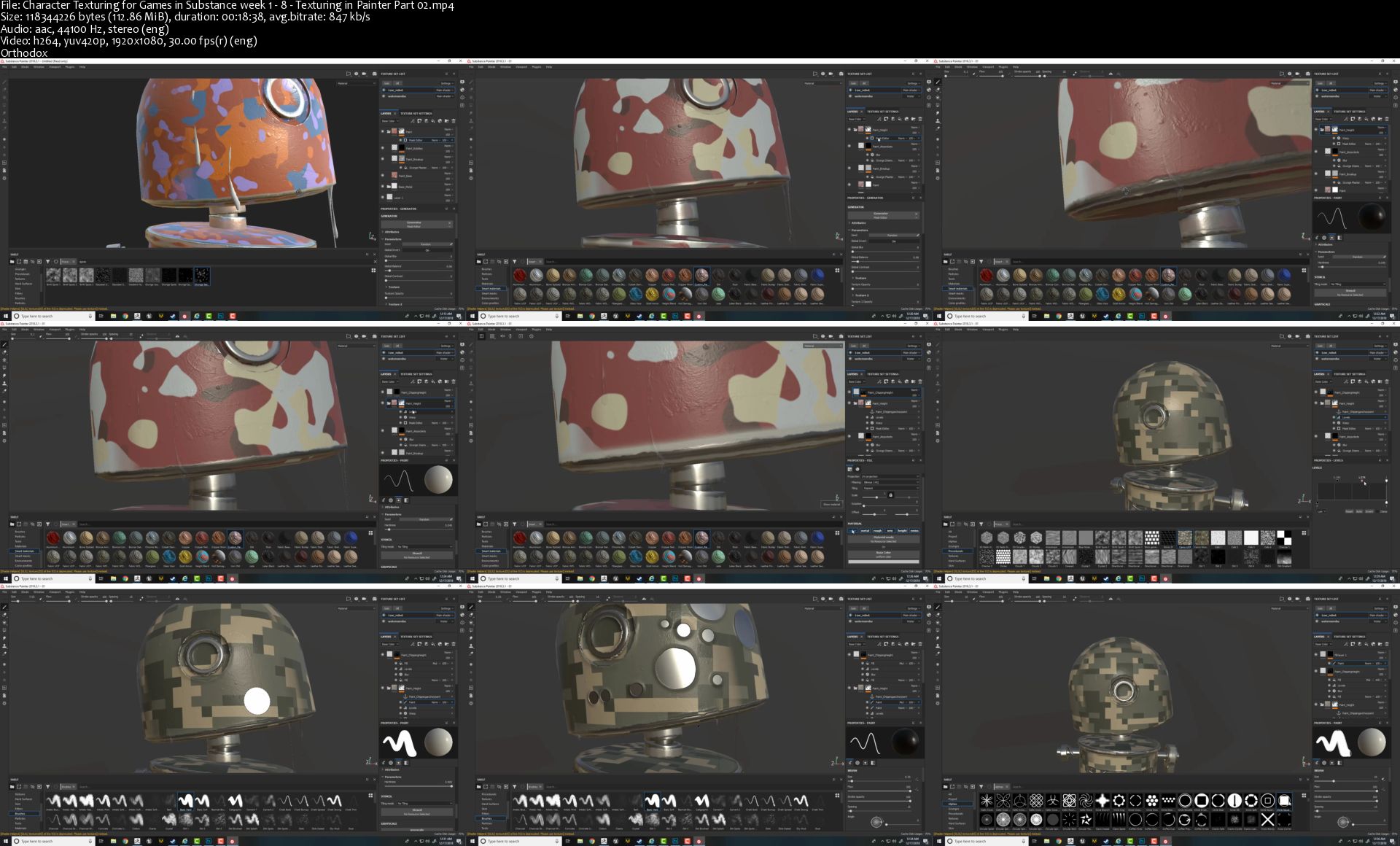
6-week course using Substance painter as a tool for texturing game characters

This class will go over how to use Substance painter as a tool for texturing game characters. We will go over good practices on how to UV a character, bake required maps inside substance, and setting up a scene. We will also go over how to texture props, cloths and skin for a character's face and body (all required mesh provided). By the end of this class, students will have their textured assets presented inside their engine of choice. This course is about learning techniques using Substance Painter that students can later apply to their own projects.

WHAT YOU'LL LEARN

Week 1 | Painter Basics
Going over substance UI | Creating a new scene | Baking from high to low poly, to get the necessary maps. | Texturing in painter. Using generators, procedruals, brushes, particles etc. with mask to maintain a non destructive workflow. | Going over smart materials and how to create own. | Exporting textures and making own presets for exporting. | Rendering inside substance painter
Week 2 | PBR Fundamentals and Texturing
PBR explanation | Briefly going over Uvs and best practices. | Exporting meshes from external software for substance | Using naming convention for baking | Importing externally baked maps | Texturing metallic/non-metallic props of a character. | Telling a story with textures
Week 3 | Texturing Cloths and Baking a face for texturing
Going over Uvs for cloths | Texturing Cloths | Going over Uvs for Face | Opening the high res sculpt in zbrush and going over how to bake a face with minimum bleeding in the bakes. | Extracting a cavity map in zbrush for the pore details. | Preparing it inside substance for texturing | Going over how to divide a character to maintain performance and save memory.
Week 4 | Texturing a Face in Painter
Going over principle of skin texturing | Demo on texturing a skin using painter.
Week 5 | Finishing the Face Textures
Detailing the skin albedo and adding specific details on it like mole, scars, tattoo,war paint etc. | Finalizing the Albedo | Creating the supporting maps inside substance : Gloss/Roughness, Translucency, Scatter, Detail weight map | Using the same knowledge to texture other parts of a human body
Week 6 | Presenting the Assets in Engine
Exporting the maps out of substance painter for either marmoset/unreal engine. | Setting up materials in Marmoset. | Setting up maretials in Unreal engine. | Getting some presentable images to showcase our textures

Homepage

Character-Texturing-for-Games-in-Substance-week-1-8-Texturin.jpg


Zurück
Oben Unten