• Regeln für den Video-Bereich:

    In den Börsenbereich gehören nur Angebote die bereits den Allgemeinen Regeln entsprechen.

    Einteilung

    - Folgende Formate gehören in die angegeben Bereiche:
    - Filme: Encodierte Filme von BluRay, DVD, R5, TV, Screener sowie Telesyncs im Format DivX, XviD und x264.
    - DVD: Filme im Format DVD5, DVD9 und HD2DVD.
    - HD: Encodierte Filme mit der Auflösung 720p oder darüber von BluRay, DVD, R5, TV, Screener sowie Telesyncs im Format x264.
    - 3D: Encodierte Filme von BluRay, die in einem 3D Format vorliegen. Dies gilt auch für Dokus, Animation usw.
    - Serien: Cartoon/Zeichentrick, Anime, Tutorials, Dokumentationen, Konzerte/Musik, Sonstiges sind demnach in die entsprechenden Bereiche einzuordnen, auch wenn sie beispielsweise im High Definition-Format oder als DVD5/DVD9/HD2DVD vorliegen. Ausnahme 3D.
    - Bereich Englisch: Englische Releases gehören immer in diesen Bereich.
    - Bereich Talk: Der Bereich, in dem über die Releases diskutiert werden kann, darf, soll und erwünscht ist.


    Angebot/Beitrag erstellen

    - Ein Beitrag darf erst dann erstellt werden, wenn der Upload bei mindestens einem OCH komplett ist. Platzhalter sind untersagt.
    - Bei einem Scenerelease hat der Threadtitel ausschließlich aus dem originalen, unveränderten Releasenamen zu bestehen. Es dürfen keine Veränderungen wie z.B. Sterne, kleine Buchstaben o.ä. vorgenommen werden. Ausnahme Serienbörse:
    - Bei einem Sammelthread für eine Staffel entfällt aus dem Releasename natürlich der Name der Folge. Beispiel: Die Simpsons S21 German DVDRip XviD - ITG
    - Dementsprechend sind also u.a. verboten: Erweiterungen wie "Tipp", "empfehlenswert", "only", "reup", usw. / jegliche andere Zusatzinformation oder Ergänzung, welche nicht in obiger Beschreibung zu finden ist.

    Aufbau des Angebots und Threadtitel

    Der Titel nach folgendem Muster erstellt zu werden. <Name> [3D] [Staffel] [German] <Jahr> <Tonspur> [DL] [Auflösung] <Quelle> <Codec> - <Group>
    Beispiel: The Dark Knight German 2008 AC3 DVDRip XviD - iND
    Beispiel: The Dark Knight 2008 DTS DL BDRip x264 - iND
    Beispiel: The Dark Knight 2008 AC3 DL BDRip XviD - iND
    Beispiel: The Dark Knight German 2008 AC3 720p BluRay x264 iND
    Beispiel: The Dark Knight 2008 DTS DL 1080p BluRay x264 iND
    Beispiel: Die Simpsons S01 German AC3 DVDRip XviD iND
    Beispiel: Die Simpsons S20 German AC3 720p BluRay x264 iND
    Beispiel: Sword Art Online II Ger Sub 2014 AAC 1080p WEBRip x264 - peppermint
    Entsprechend sind also u.a. verboten: Sonderzeichen wie Klammern, Sterne, Ausrufezeichen, Unterstriche, Anführungszeichen / Erweiterungen wie "Tipp", "empfehlenswert", "only", "reup", usw. / jegliche andere Zusatzinformation oder Ergänzung, welche nicht in obiger Beschreibung zu finden ist
    Ausnahmen hiervon können in den Bereichen geregelt sein.

    Die Beiträge sollen wie folgt aufgebaut werden:
    Überschrift entspricht dem Threadtitel
    Cover
    kurze Inhaltsbeschreibung
    Format, Größe, Dauer sind gut lesbar für Downloader außerhalb des Spoilers zu vermerken
    Nfo sind immer Anzugeben und selbige immer im Spoiler in Textform.
    Sind keine Nfo vorhanden z.B. Eigenpublikationen, sind im Spoiler folgende Dateiinformationen zusätzlich anzugeben :
    Quelle
    Video (Auflösung und Bitrate)
    Ton (Sprache, Format und Bitrate der einzelnen Spuren)
    Untertitel (sofern vorhanden)
    Hosterangabe in Textform außerhalb eines Spoiler mit allen enthaltenen Hostern.
    Bei SD kann auf diese zusätzlichen Dateiinformationen verzichtet werden.

    Alle benötigten Passwörter sind, sofern vorhanden, in Textform im Angebot anzugeben.
    Spoiler im Spoiler mit Kommentaren :"Schon Bedankt?" sind unerwünscht.


    Releases

    - Sind Retail-Release verfügbar, sind alle anderen Variationen untersagt. Ausnahmen: Alle deutschen Retail-Release sind CUT, in diesem Fall sind dubbed UNCUT-Release zulässig.
    - Im Serien-Bereich gilt speziell: Wenn ein Retail vor Abschluss einer laufenden Staffel erscheint, darf diese Staffel noch zu Ende gebracht werden.62
    - Gleiche Releases sind unbedingt zusammenzufassen. Das bedeutet, es ist zwingend erforderlich, vor dem Erstellen eines Themas per Suchfunktion zu überprüfen, ob bereits ein Beitrag mit demselben Release besteht. Ist dies der Fall, ist der bereits vorhandene Beitrag zu verwenden.
    - P2P und Scene Releases dürfen nicht verändert oder gar unter einem iND Tag eingestellt werden.


    Support, Diskussionen und Suche

    - Supportanfragen sind entweder per PN oder im Bereich Talk zu stellen.
    - Diskussionen und Bewertungen sind im Talk Bereich zu führen. Fragen an die Uploader haben ausschließlich via PN zu erfolgen, und sind in den Angeboten untersagt.
    - Anfragen zu Upload-Wünschen sind nur im Bereich Suche Video erlaubt. Antworten dürfen nur auf Angebote von MyBoerse.bz verlinkt werden.


    Verbote

    - Untersagt sind mehrere Formate in einem einzigen Angebotsthread, wie beispielsweise das gleichzeitige Anbieten von DivX/XviD, 720p und 1080p in einem Thread. Pro Format, Release und Auflösung ist ein eigener Thread zu eröffnen.
    - Grundsätzlich ebenso verboten sind Dupes. Uploader haben sich an geeigneter Stelle darüber zu informieren, ob es sich bei einem Release um ein Dupe handelt.
    - Gefakte, nur teilweise lauffähige oder unvollständige Angebote sind untersagt. Dies gilt auch für eigene Publikationen, die augenscheinlich nicht selbst von z.B. einer DVD gerippt wurden. Laufende Serien, bei denen noch nicht alle Folgen verfügbar sind, dürfen erstellt und regelmäßig geupdatet werden.
    - Untersagt sind Angebote, welche nur und ausschließlich in einer anderen Sprache als deutsch oder englisch vorliegen. Ausnahmen sind VORHER mit den Moderatoren zu klären.


    Verstoß gegen die Regeln

    - Angebote oder Beiträge, die gegen die Forenregeln verstoßen, sind über den "Melden"-Button im Beitrag zu melden.
  • Bitte registriere dich zunächst um Beiträge zu verfassen und externe Links aufzurufen.

++ Premium IPTV ++ 7000 Live Sender ++ UHD Qualität ++ Mediathek mit 18.000 Inhalten ++


VenneTV


Englische Tutorials

The Complete Full-Stack JavaScript Course!

0069fabb.jpg


The Complete Full-Stack JavaScript Course!
.MP4 | Video: 1280x720, 30 fps(r) | Audio: AAC, 44100 Hz, 2ch | 13.5 GB
Duration: 24.5 hours | Genre: eLearning | Language: English

Learn full-stack web development using JavaScript (ReactJS, NodeJS, LoopbackJS, Redux and Material-UI)!

What you'll learn

Full-stack JavaScript
ReactJS
NodeJS
Rest API with LoopbackJS
Redux
Material-UI
Socket Programming

Requirements

A basic understanding of HTML, CSS and JavaScript.

Description

If you would like to master JavaScript and get started as a full-stack web developer, you are going to LOVE this course! Learn full-stack JavaScript development working on coding projects using ReactJS, NodeJS, LoopbackJS, Redux, Material-UI and socket programming.

We will work on the following 3 coding projects in this course:

Calculator Application - We will go over the basics of what React is, how to create components and how to work within the React life-cycle.

Weblog - We will build a feature rich blog app using React and LoopbackJS. We will begin to explore the full-stack elements of JavaScript by coding our own REST API, and how the front and back-end can communicate with each other.

Chat Application - We will explore socket programming. With a web socket you can keep clients connected on the server side. We will program a chat app where you can create a user account, add other users and then message back and forth with them.

This course was designed for students who have a basic understanding of front-end web development. It will be helpful if you know how to use HTML and CSS. A basic understanding of JavaScript is not required, but it will help you get up to speed with the tutorials.

All of the lectures are downloadable for offline viewing. English captions are available within the course.

Thank you for taking the time to read this and we hope to see you in the course!

Who this course is for:

Web development students interested in mastering JavaScript.

0069fabc.jpg


The Modern JavaScript Bootcamp (2019)

v14926-potrait-low.png


The Modern JavaScript Bootcamp (2019)
MP4 | Video: AVC 1920x1080 | Audio: AAC 48KHz 2ch | Duration: 29h 30m
Genre: eLearning | Language: English | Size: 6,82 GB

Learn JavaScript by building real-world apps. Includes 3 real-world projects, 80 programming challenges, and ES6/ES7!

More Information
Learn
Learn to deploy production grade apps on Docker
Learn the way professional developers use Docker
Master tips and tricks for DevOps using Docker
Solve real-world problems while working on Docker projects
About
JavaScript is the most popular programming language out there, but that doesn't mean it's easy to learn. You end up wasting time on out-of-date courses and incomplete YouTube tutorials that talk about JavaScript features without showing how to use them to build real-world applications. Sound familiar?

The Modern JavaScript Bootcamp (2019) starts from scratch and builds up your knowledge of the JavaScript language. Yes, you'll learn all the features of the language, but you'll also learn how to use those features in unison to create a complete application.

This comprehensive course covers the following:

Modern ES6 and ES7 JavaScript feature used in the real world.
Build three JavaScript applications.
Learn with over 80 challenges designed to get you writing code, adding app features, and solving a wide range of problems.
Enhance your skills and confidence to create your own web application (no starter projects here).
Launch a JavaScript application, from the first line of code to the final deployed application.
Enrolling in this course will make you a candidate for the JavaScript Specialist certification. As a JavaScript Specialist, you are uniquely qualified to help companies, brands, and development firms create high-quality websites code. Your knowledge will be critical to teams that develop websites with JavaScript as you help them create high-quality, highly maintainable code.

Learn more quickly from our videos.
You'll get a second exposure to all the information presented in a video taken from the Framework Course Guide
Gain experience with confidence-building activities
Click the Enroll button and get on the road to success with JavaScript!

All the code files are placed at
Style and Approach
This course is designed in such a way that each section covers a new scenario and uses a step-by-step approach to help you learn and understand each concept.

Features
Deploy your applications to the web so you can share them with everyone
Learn to use promises and Async/Await with asynchronous JavaScript
Get more done by learning how to debug and fix your code when things go wrong

Homepage

0202-Installing-Visual-Studio-Code-s.jpg


Start Making Passive Income Online: The Complete Bundle

0069fd87.jpg


Start Making Passive Income Online: The Complete Bundle
.MP4 | Video: 1280x720, 30 fps(r) | Audio: AAC, 44100 Hz, 2ch | 5.07 GB
Duration: 9 hours | Genre: eLearning | Language: English

In this Course You will learn how you can make solid Passive Income without the need for any experience or a website!

What you'll learn

Make passive income online without experience
Make passive income online without a website
You will be able to teach other students
Will Be able to Apply for Adsense the right way
Started Get paid by linking AdSense to your YouTube account
Will be able to get payment from google adsense monthly
Make the most out of each visitor who comes to your website
Double/Triple Your Google AdSense income
Double your income from any advertising network
Customize your website to look professional
Earn a passive income from internet
Understand affiliate marketing
Build a professional website for affiliation in no time without experience
You'll be able to create a Professional website for personal or business use
You'll know how to make use of the downloadable Templates and install them on WordPress
You'll learn to Install the full version of Wordpress on a free hosting service
Learn how to create a simple website with your blogger blog
Learn how to take your Blogger Blog to the next level.
Learn how to install a blogger blog template
Write High quality articles that fully follow SEO rules
Be their own writers, instead of hiring others to write for them
Learn how to choose the right T Shirt design
Learn how to upload your design Online
Learn how to build a profitable T Shirt Business
Learn how to make T Shirt Designs that sell
correct photographs and Coloring theories
Navigate effectively, like zooming and panning
Improve photographs with essential tools inside GIMP
Work with layers, edit and transform them
Work with the Paint brush and create special effects

Requirements

Basic Experience in Internet
A Well to apply not jut to watch
Have a Website
Have the well to make a difference
No need for any academic qualifications or previous experience
You need to be interested in making money online
Have a paypal account or wallet to receive income

Description

Start Making Passive Income Online: The Complete Bundle

More Than 10 Hours of Full HD Content | Life Time Access

More than 20 Ways to Make Passive Income online is explained in full details in this Bundle with a step by step Instructions

24/7 Support to Help you Start Making a Living and build a Passive Income Stream

Experts in the Field are introducing methods that aren't explained elsewhere

Topics That will be covered in this Course:

How to Make Passive Income without experience or a Website

Google AdSense & YouTube: Everything You Need to Know

How to Make Passive Income with Facebook Videos

Increase Revenue From Website Visitors Using Link Redirection

Affiliate Marketing A Set and Forget Passive Income Method

WordPress: Make A Professional Website With No Coding

Blogger: Make A Professional Website For Free With No Coding

Yoast SEO: Write a SEO Optimized Articles in 10 Minutes

How To Start A T-Shirt Business Online

The FREE Photoshop: Turn GIMP Into Photoshop in No Time

---------

How to Make Passive Income with Facebook Videos

Stop Wasting time watching Facebook videos and start making money by uploading videos for others to watch!

In this Course You Will Learn

How to Make Passive Income from Facebook Videos

What is Facebook Video Service

How to Sign up in Facebook Video and be a Creator

How to get videos idea that can go viral

How to get free videos to re upload to Facebook

How to use Creator Studio

Start Now and You will See and Use Facebook in a whole new way

--------

How to Make Passive Income without experience or a Website

In this Course You will learn how you can make solid Passive Income without the need for any experience or a website!

Working online, Working from home, passive income and online money making are all point to the very same fact, which is the face that you can make solid passive income while working from home and this is something most of you know, but what's new here??

Well, the thing that we offer in this course is methods that can help you make solid income even if you have ZERO experience, yes you heard me right, ZERO Experience and without even having your own website, in this course we will take your hand into things that most of the online home working people don't know, we will unveil methods that aren't available else where.

In this Course we will share with you several ways to profit without a website or even experience

Design and Photoshop

Text translation

Write content

Preparing and filming videos

photographer

Experience sites

Resolving the CAPTA codes

----------

Google AdSense & YouTube: Everything You Need to Know

Start making a solid income working online, be your own boss and get paid monthly by Google

Welcome to This new Journey

-It is no secret, The Number of available job opportunities in the private and public sector is very small, significantly low wages, prompting many young people to look for alternative opportunities to work and get a source of income.

-Working online or work from home or freelancing, is one of the most common ways to achieve a solid income.

-You can work through the Internet and employ your skills in getting a continuous source of income or learn a new skill.

-Stop complaining and start now, there is a place for you, all you have to do is show some resolve and take off.

Wrong Ideas

-There is no income without work, if you want quick ways to make money, This course is not for you, this session dedicated to those who want to devote enough time to profit from the internet

-A major effort = large profit, and vice versa

-Millions myths you hear, that is achieved in a week, it is not myths, people can achieve such amounts only after they reach a stage of knowledge and work only God knows.

-You will not become a millionaire overnight, you need enough work hours and a brain to achieve a respectable source of income, just as ordinary jobs you are working at least 8 hours a day to achieve, for example, $ 300 a month, working online is very similar, hours and effort against which the money, there is no Fast profit.


How to Create Gmail Account

How you will earn money Online via YouTube Using Google Adsense Partners

YouTube monetization

You can earn money and get paid monthly

How to edit YouTube video

How get YouTube keywords

How to save your video by copyright attack

How to edited YouTube videos

How to use Camtasia video studio for edition videos

How to generate auto tag and auto video description.

How to save you video by copyright attack

-------------

Increase Revenue From Website Visitors Using Link Redirection

Learn How To Use External Links Page Redirection with Adsense complete step by step guide.

>>> How to Double/ Triple Your AdSense Income form your WordPress Website, this course will teach you in a step by step manner how to Increase Revenue From Website Visitors <<<

Welcome to Increase Revenue From Website Visitors course.

A Step by step Guide to make the best out of each visit to your website.

A lot of visitors come to our websites, and these visitors mostly like what we offer, and they read a post, download a software, follow a link and that's it.

When a visitor clicks an external link in your website he/she leaves your website page to another external page and his journey ends here.

The question is how you can benefit from a visitor after he leaves your website?

The simple answer to this question is: Don't make him leave!!!

In this course, I will show you a technique that will help you get the most out of each user who visits your website.

Don't worry, you have 30 Day Money Back Guarantee. You can join the course, if you didn't like it you can request a refund.

You always have access to this course material 24/7.

This method is tested on more than 5 websites. It worked, that's why I'm sharing it with you with Complete confident of the result

--------------------

Affiliate Marketing A Set and Forget Passive Income Method

In this course you will learn how to Make Money with Affiliate Marketing

First affiliate marketing and make money online course on Udemy with weekly updates and coaching. No beating around the bush and wasting time over things that don't matter in your business, pure SUPER affiliate marketing in action, on screen, explained click by click.

Do you want to make money online from affiliate marketing without a website?

Do you want to make money online without any online experience?

A LIFE CHANGING COURSE - This is a course for everyone who wants to learn How to make money online, click by click in action on screen.

MAKE YOUR FIRST COMMISSION ONLINE IN 30 DAYS - This is a course that guarantees you a commission in a month. If you do everything that I've explained in this course, you'll be able to make some good commissions in a short time.

If you're looking for a course that can help you to make a breakthrough by learning affiliate marketing from a real person, you're in the right place.

ONE-TIME ENROLLMENT FOR LIFETIME LEARNING - COURSE UPDATES EVERY WEEK

This course is my proven step by step affiliate marketing course. A system that is working for me and making me thousands of dollars online and can make you money online too.

-----------------

WordPress: Make A Professional Website With No Coding

The Ultimate Beginners Course - That will teach you how to create a Professional websites with WordPress

- Includes Free downloads and resources -

Discover how most people Create Professional Website with WordPress and Sell it Online.

If you have an idea for a business, want to start creating websites, tired from hiring other people and pay them to create your own websites, then this course is for you.

Building websites with WordPress isn't difficult, but doing it right want knowledge and Practice.

This course introduces you to both free and full version of WordPress, shows you how to set up a website for nothing, and then gives you quick look on how to use templates to customize it.

In less than an hour you could have your first website up and running.

Some great bonuses are provided with this course, plugins and templates.

Start Now and discover how you can become a professional website maker.

--------------

Blogger: Make A Professional Website For Free With No Coding

Make your own website Online for FREE with Zero Coding Experience, Up and Running in less than an Hour

In the Course. You will learn How to make a website and customize it to fit your needs, with no previous coding experience.

You will also learn how to install a Blogger Blog Template. Customizing your Blogger Blog Templates. How to make a blog look like a Professional website. Promoting your Blogger Blog.

The Course will teach you how to make a website in less than an hour, and will allow you to make it for free.

Very easy to follow. Lots of videos showing you what to do.

With this course there is a method to download free templates and a premium template is attached for you to use and edit as a bonus.

Stop hiring other people to make websites for you, let people hire you to make their websites.

-------------

Yoast SEO: Write a SEO Optimized Articles in 10 Minutes

Stop hiring people to write you SEO optamized Articles, Start writing for yourself, rank 1st in Search Engine results.

Did you hear the term SEO a lot and never really understood what is it, or how it really works!

Are you tired from paying other people to write your website articles and wish for once to start writing your own?

You will need (A WordPress Website Free or Paid)

In this Course you will find answers to these questions and much more, you will learn how to write high quality, state of the art, professional and search engine friendly articles in no time, with no super power, no special software.

In this course I provide you with the easiest possible method available anywhere to write SEO optimized articles just like any other professional who consider himself an online writer.

All of this is at your fingerprint and this is not just all!, I'm providing you with full access to my hosting and the tools I use to write such high quality articles, which means that you don't even need a website, you can use mine, write articles and sell them online using freelancing websites.

I'm sure you will like what's inside this course, so Join now and start your journey of making profit.

-----------

How To Start A T-Shirt Business Online

Learn how to start your own T-Shirt Business Online to make Passive Income. Sell T Shirts online without Experience!

THIS COURSE IS CREATED FOR ONE SIMPLE Reason:

To help you start Start A T-Shirt Business Online in A Step by Step Manner with Zero Experience.

You will gain knowledge on what you need to start and how to start your own T Shirt Business. This is a structured course that teaches you ways to choose the right T Shirt printing method to use,how to find profitable T Shirt niches and how to promote and sell your T Shirts, you will see how I did everything and how you can do it too.

About this course

Full, free lifetime access

All future extra lectures and upgrades are always included for free

30 day money-back guarantee.

24/7 Instructor Chat Support

By enrolling in this course, you will also receive support from me and I will be personally answering your questions in the student discussion area.

If you are willing to learn and put in the effort to implement what I teach you in this course, go ahead now and click the big button at the top to enroll yourself and start experiencing the results for yourself!

I'll see you inside!

------------

The FREE Photoshop: Turn GIMP Into Photoshop in No Time

Get FREE Photoshop without paying anything, Learn how to make the FREE program GIMP looks and works like Photoshop!

>>> Get FREE Photoshop without paying anything, Learn how to make the FREE program GIMP work as Photoshop! <<<

Welcome to this course.

In the course you will learn:

How to install GIMP

How to configure GIMP User Interface to make it look and work like Photoshop

How to edit GIMP keyboard shortcuts to Match Photoshop

How to improve and correct Pictures

How to work with layers

How to play with Levels, Curves, Hue-Saturation, and Coloring

How to use Filters and how to add Filters to GIMP

How to enable Content aware removal tool, copy from layer selection tool and other amazing Photoshop like Features

How to export Files in different ways

Do you want to have a FREE image manipulation program that looks and acts like Photoshop?

Do you want to go in a step by step way, with full of details explanation by an instructor who worked for more than 10 Years in Photoshop?

Are you tired from the Subscription based Photoshop which cost you a fortune, and looking for an alternative that is FREE and does the very same things?

Then this course is for you!

You will not only have lifetime access to this course, but you can also ask any question that you have!
Who this course is for:

Anyone looking to make solid income online
Anyone looking to work from home
Anyone who doesn't have a website and wish to work online
Anyone with ZERO experience wishing to make money passive income
Websites owners
Video Makers
Bloggers and Writers
WordPress Websites owners
Google AdSense partners
People who use Advertisement networks
People selling Ad views on Fiverr or any other selling service
Extremely helpful to money makers who aren't getting good results
Extremely helpful to people who aren't ready to spend too much money on their business
Extremely helpful to everyone who want to earn BIG commissions online
Extremely helpful to newbie affiliates who are looking to learn the affiliate
This course is great for beginners
No special skills are needed
Anyone looking to make a website for free
Anyone looking to start making money online
Anyone looking to use google adsense to earn money
Anyone who wants a blog to post his articles in
Any Web Writer
Anyone looking to start a business writing SEO optimized Articles
Freelancers
Online Writers
Website Owners
Anyone who wants to start a T Shirt business Online
This course requires you to put time and effort
Do Not Take this course if you're looking to get rich in one hour
Anyone who wants to learn how to professionally improve photographs.

0069fd88.jpg


Social Media Marketing Agency : Digital Marketing + Business

0069ff8f.jpg


Social Media Marketing Agency : Digital Marketing + Business
.MP4 | Video: 1280x720, 30 fps(r) | Audio: AAC, 44100 Hz, 2ch | 33.1 GB
Duration: 33 hours | Genre: eLearning | Language: English

Learn to build a business, find clients, & social media marketing all in one. Facebook ads, Instagram, Google ads & .

What you'll learn

Marketing strategies (on 12 platforms)
Build a marketing agency
How to sell a product
Find & get clients (local & online)
Create successful advanced ads
Making passive income with marketing agency
Email marketing & create sales funnels
Sign contract & make money
Create website for your agency & others
Grow your marketing agency to 6 figure

Requirements

Join with an open mind & ready to learn powerful strategies
Be ready to build a business that make good money

Description

Social Media Marketing Agency: Digital Marketing + Business

Over 80,000 happy students from 192 countries enrolled in my courses

Overall, 5000+ TOP Reviews on all my courses

Practical proven steps that bring result for students

In this Social Media Marketing Agency course (SMMA) You will learn how to:

Build a social media marketing agency

Facebook marketing & Facebook ads

Find the right niche for your business

Setup pricing & build your agency's website

Digital marketing mentality & fundamentals

Instagram marketing

Find & get clients for your agency

Social media copywriting

How to become a story teller

SEO

Email marketing

Sales funnels

Email automation

Build your team

Twitter marketing

YouTube marketing

Google Ads

Google Analytics

21 digital marketing strategies (marketing cognitive biases)

Use automation tools

Instagram ads

Website persuasion

Retargeting

Remarketing

and much more .

This course is a complete package for people who want to learn marketing and start to make money with it as a digital marketer, or in general people who want to make good money with specific instructions.

Along the course we will learn both how you can do a successful marketing for different businesses and how you can build a successful social media marketing agency.

All the course documents are written and available with lots of bonuses and prepared templates, to make the process of learning and working as a digital marketer become easier.

Featured Sections:

1. Facebook Advanced advertising:

This section include golden and extremely powerful ads strategies that even some professional marketers don't know about them, and came from many years of experience from different social media marketers.

Strategies such as "Three zero club", "Using affinity score", "1k email contest" and much more.

2. Get Clients:

One of the most complex sections that we have inside the course that we will learn how to contact potential clients to be able to convince them to sign the deal.

We will start from:

The first message

Setting up a meeting

Win the meeting and convince them

Sign the deal

Keep them as your clients

3. Email marketing

One of the most complete sections which not only you will learn marketing strategies but also how to use 2 fantastic email marketing platforms such as Mailchimp and GetResponse.

Important!

Not everyone knows about digital marketing cognitive biases, and please please use them in ethical way. With cognitive biases you will have the ability to convince people toward your goals and it is extremely important to use it for ethical purposes !!! if you are not sure you can do it please do not join the course.

Important!

We also will go very deep in Google ads which is the heart of every business. You will learn the fundamentals and how you can use it to have successful ads, avoid mistakes and use powerful strategies inside it.

Next we will learn about 4 type of business energies which is very useful in marketing, to analyze your product and your customer and to know what strategies will work best on them. This system is developed by my mentor years ago and since I learned myself, I used it a lot and brought so much benefit into my businesses.

After that we will learn more about copywriting, which most people are very weak in this topic. We will learn and practice how to write a powerful and hooked headline, how to write convincing copy to increase our sale.

The next topic we are going to focus on is SEO (search engine optimization), how to bring our webpages to rank in the first page of Google and other search engines. We will start this section by learning more about keywords and how we can select the best possible choice.

One of the most complete sections which we have in this course is Instagram marketing which you will learn everything that exist in Instagram marketing. How to improve your page, how to improve your content quality, more than 20 marketing strategies to grow your page. Instagram automation tools which help you along the way. How to create viral posts on Instagram and so on.

The next step is about Facebook marketing, we will learn how to build a page and grow it using specific digital marketing strategies. we will learn how to build a group and market it as a source for our business. we will learn Facebook advertisement which is important in digital marketing. There is an other thing which is important to learn which is retargeting, we will learn and practice it also along the course.

The other important tool we need to learn is Google analytics. Along the way on our business we will face lots and lots problems and Google analytics will help us to fix those problems and suggest the best possible solution.

Also by the end of the course you will receive your "Social media marketing" certificate so you can use it on your resume to increase your salary.

If you are ready to start your own business and make good money, join this course NOW! , master digital marketing, build your social media marketing agency and take your business to the next level with "Social Media Marketing Agency: Digital Marketing + Business" course.

Mega Digital Marketing Course A-Z: 12 Couses in 1 by Pouya Eti

Who this course is for:

People who want to start a social media marketing agency
People who want to make money with marketing
People who want to do marketing for their business

0069ff90.jpg


Pluralsight Build Train and Deploy Machine Learning Models with AWS SageMaker-ViGOROUS

myrbr4uc.jpg


Pluralsight Build Train and Deploy Machine Learning Models with AWS SageMaker-ViGOROUS | 424M | APPS/TUTORIALS
​


NFO:


7ogig5ek.jpg


Download Pluralsight Build Train and Deploy Machine Learning Models with AWS SageMaker-ViGOROUS ( Size: 424M ) :


If You Like What I Do Support Me &
Buy UploadGIG/NitroFlare/RapidGator Premium Account From My Links for Fast & Unlimited Downloads
If You find this Post useful Please say Thanks or Reply so that Others can see it too
Thanks
​
 
Linux Academy Apache Kafka Deep Dive-ViGOROUS

hynoaaha.jpg


Linux Academy Apache Kafka Deep Dive-ViGOROUS | 2.5G | APPS/TUTORIALS
​


NFO:


pcr4t8h9.jpg


Download Linux Academy Apache Kafka Deep Dive-ViGOROUS ( Size: 2.5G ) :


If You Like What I Do Support Me &
Buy UploadGIG/NitroFlare/RapidGator Premium Account From My Links for Fast & Unlimited Downloads
If You find this Post useful Please say Thanks or Reply so that Others can see it too
Thanks
​
 
Django 2.2 & Python | The Ultimate Web Development Bootcamp

1562632-a245-2.jpg


Django 2.2 & Python | The Ultimate Web Development Bootcamp
Video: .MP4, 1280x720 | Audio: AAC, 44 kHz, 2ch | Duration: 10h
Genre: eLearning | Language: English | Size: 8,07 GB

Build three complete websites, learn back and front-end web development, and publish your site online with DigitalOcean

What you'll learn
Build any website you want
Create a Product Hunt clone
Understand how using frameworks like Django will save you a ton of time in web development
Create your own personal portfolio site to showcase your projects to potential employers
Build fully functional websites for your startup or business
Improve your web development and coding resume
Publish your website online with DigitalOcean (a popular web hosting provider)
Create beautifully styled websites using Bootstrap (a front-end framework that simplifies web design)
Be able to connect Django to databases like SQLite and Postgres to help store and track data
Understand Django basics like Function and Class Based Views, URL routing, Models, Gunicorn and much more!

Have you ever wanted to create a Web application but didn't know where to start? Have you previously tried to learn Django but got fed up with incomplete YouTube videos and poorly written tutorials? Or are you looking to move your code from Django 1 to Django 2?

THEN THIS IS THE COURSE FOR YOU!

In my Django course, I will walk you through the Django web framework from beginning to end! I'm a self-taught programmer so I know what it feels like to start from scratch. I care about your learning, but even more importantly... I care about you!

What is Django?

Django is an open-source web framework that is written in Python. It was created about twelve years ago, but in April 2019 Django 2.2 was released with a whole new set of features and capabilities!

Django is an amazing framework for web developers because it provides the infrastructure required for database-driven websites that have user authentication, content administration, contact forms, file uploads, and more. Instead of creating all of these features from scratch, you can use the Django framework and utilize these components that are already built, and focus your time on developing your web app instead.

If you're going to be working with Python, especially for web applications or web design, you'll want to learn the Django framework. It will save you a ton of time!

Contents and Overview

I believe we learn best by doing. So, throughout this course you'll be presented with coding quizzes and challenges in order for you to test what you just learned. This format will allow you to actually learn Django and not just follow along like a robot ;)

We will use Python in this course, so if you have never used Python before, we will start with a python refresher to get you up to speed (no other python experience required).

We will then dive into making three complete websites:

1 - Word-Counting Website: A simple website to count the most frequently used words in a piece of text. You will learn how to:

Install Django

Create a new project

Work with Django's URL routing

Submit and handle HTML form data

2 - Personal Portfolio: Create your own portfolio to show to potential employers showing off your resume, previous projects, and a fully functional blog. You will learn how to:

Add apps to your project

Work with databases including SQLite and Postgres

Access the admin panel

Create super users

Create virtual environments

Make a responsive website with Bootstrap 4

Work with static and media files

3 - Product Hunt Clone: Make a simplified version of the awesome website to share new tech products. You will learn how to:

Work with the authentication system (sign up, login, logout)

Reuse templates

Create model relationships

Add icons via Iconic

Homepage

5-Project-Tour-s.jpg


Microsoft Azure Infrastructure and Deployment - Exam AZ-100

006a073b.png


Microsoft Azure Infrastructure and Deployment - Exam AZ-100
.MP4, AVC, 1920x1080, 30 fps | English, AAC, 2 Ch | 20h 16m | 5.3 GB
Instructor: Chad Crowell

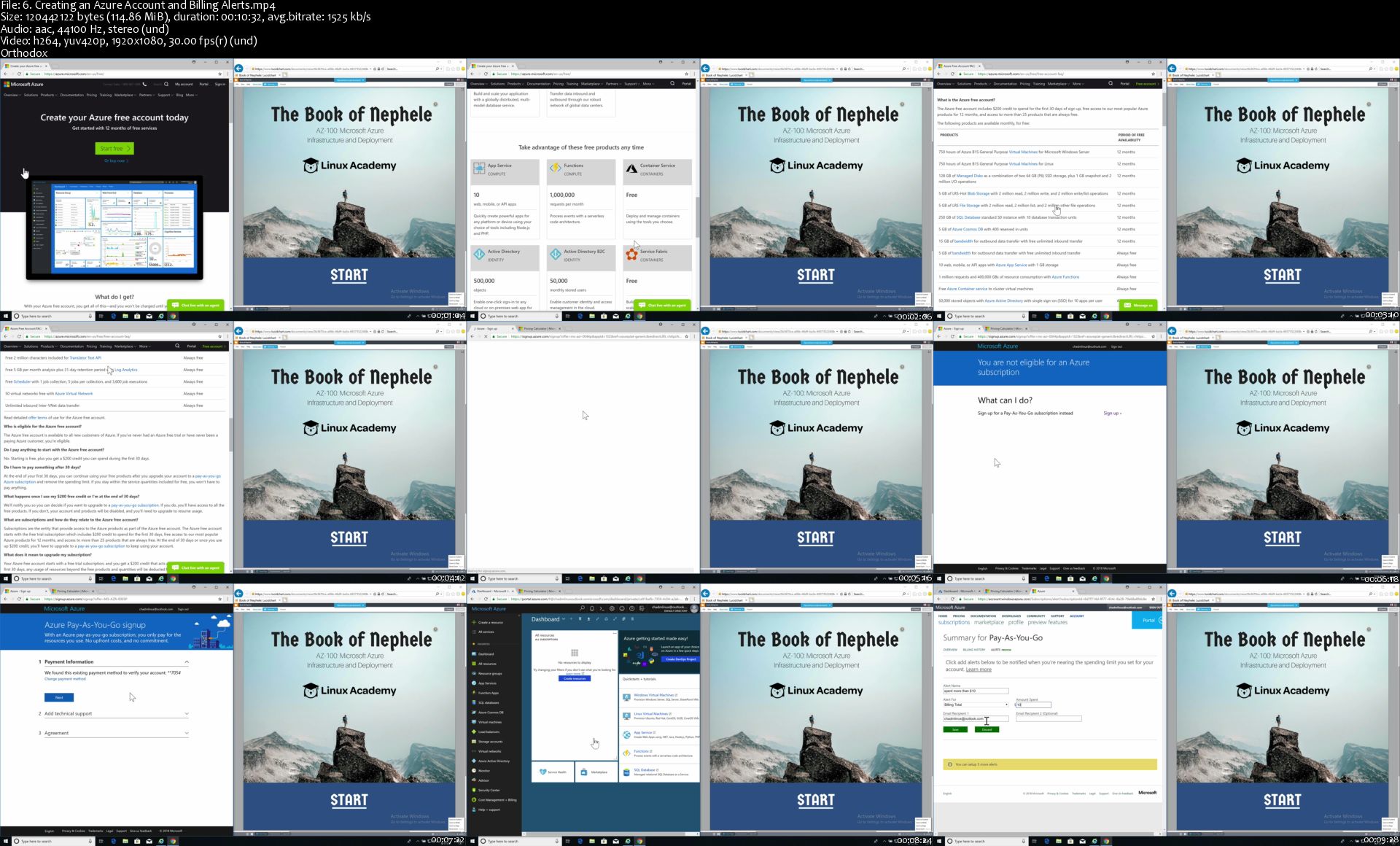
This course is designed to help you learn and develop the requisite skills to pass the Microsoft Azure AZ-100 certification exam. The AZ-100 exam tests your knowledge in creating, configuring, and managing resources in the Azure Cloud, including but not limited to: managing Azure subscriptions, creating and managing alerts, configuring resource policies and alerts, creating and configuring Storage Accounts, deploying and managing virtual machines, creating and configuring VNET peering and DNS, managing AD Identity protection and objects, along with a lot more!

More Info

6-Creating-an-Azure-Account-and-Billing-Alerts-s.jpg


Monster JavaScript Course - 50+ projects and applications

2231706-785e-7.jpg


Monster JavaScript Course - 50+ projects and applications
Video: .MP4, 1280x720 | Audio: AAC, 44 kHz, 2ch | Duration: 43h
Genre: eLearning | Language: English | Size: 22 GB

Portfolio builder loaded with projects and applications that you can use, extend on and enhance to add to your portfolio

What you'll learn
How to use JavaScript
Explore JavaScript Document Object Model
Manipulate elements using JavaScript
How to create elements dynamically
Develop Basic JavaScript Skills

JUST GOT BIGGER - more updates to come - YOU FOUND IT

Grow your portfolio - showcase what you can build with JavaScript

Learn JavaScript have fun with interactive and dynamic web applications.

Over 529 downloadable resources - 57 articles - 43+ hours on-demand video, 57 Sections

Over 614 HD video lessons

Over 51+ projects and web applications. Projects can be used as started projects to extend and enhance. All JavaScript focused.

4 downloadable ebook guides 200 pages and 3 x 60 pages - with code and resource links

No libraries JUST JAVASCRIPT and JAVASCRIPT DOM

This is the course you've been looking for..........

Everything you need to get started with JavaScript, expand your knowledge about using JavaScript, and more included.

It's arrived, and bigger than expected!!!

For anyone who wants to supercharge their JavaScript learning - building and applying JavaScript to over 50 projects and challenges. this course is for YOU!!!!

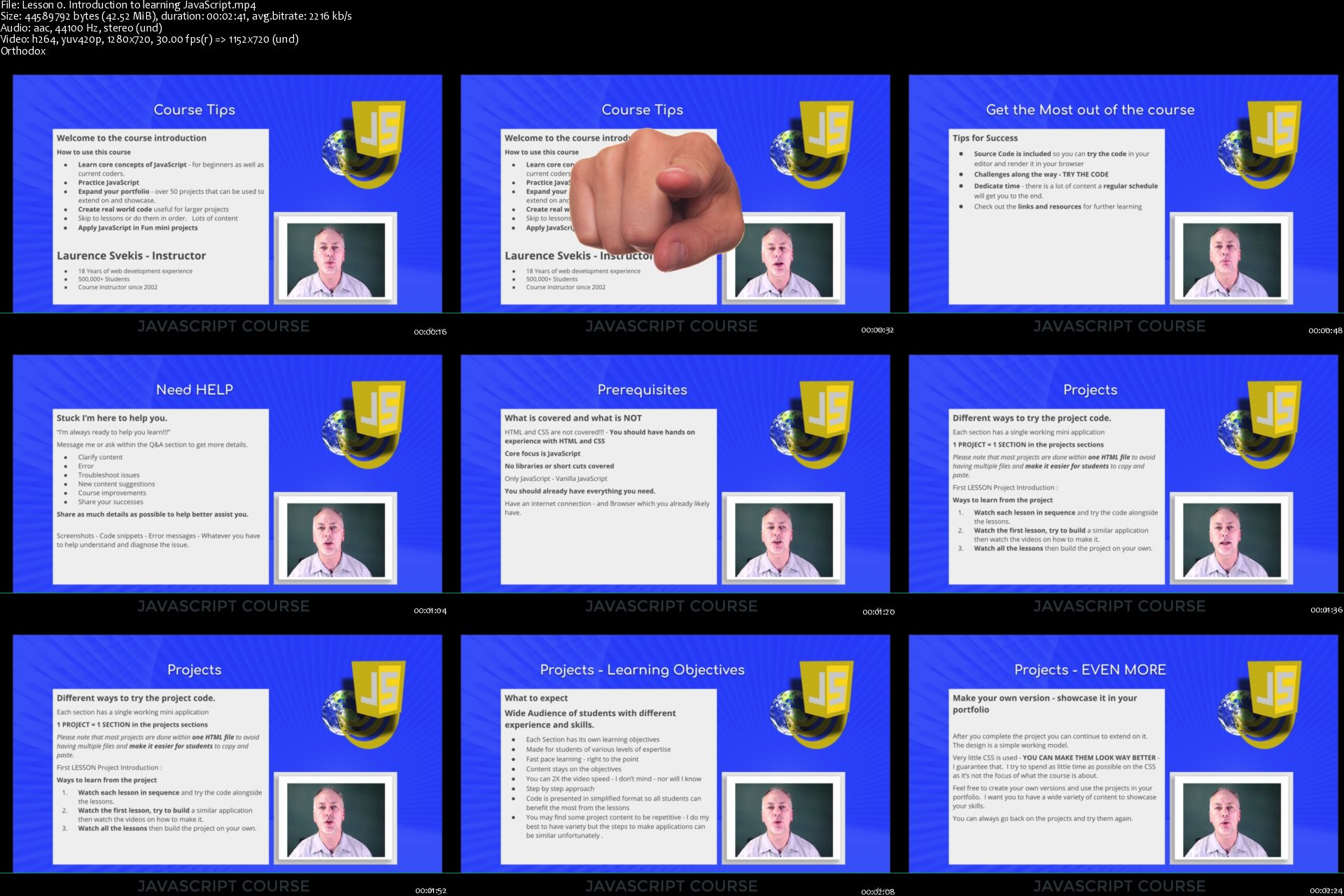
From JavaScript beginners to all levels, course is presented in a fun interactive format that will challenge you. Move through the lessons of the course as you want to learn them, variety of ways to benefit from it. Learn alongside, try before you see the solution, try after you view the solution. It's up to you! Unique format for learning encouraging you to try the code. Of course source code is included in every step of the way.

Most often asked for ARE PROJECTS - and this course delivers! Over 50 and will grow over time as more projects and challenges get added. You can select the projects you want to do or take them in order, it's up to you.

Loaded with games and so many mini projects guaranteed to help you learn more about JavaScript and DOM manipulation. All JavaScript code no libraries or short cuts.

Explore how to apply JavaScript to create interactive and dynamic web content - that will impress your friends.

Extend on the projects and add them to your portfolio, to showcase skills you have learned.

Useful real world projects coded with simple JavaScript for developers of all levels.

No better way to learn than to try the code and produce something fun and useful with it. Learn to create amazing things with JavaScript bringing your web content to life.

This will keep you busy and provide you the opportunity to learn and experiment with code. Try it. All the projects are designed in a starter type format so that you can build on them and customize to make it your own.

Only on Udemy - you won't find it anywhere else :)

Portfolio Builder 50+ projects

This course includes full introduction to coding with JavaScript, all core syntax and how to apply it to make things happen. Create your own code - loaded with challenges and code snippets.

Includes 2 downloadable ebook guides - over 250 pages. +++++ BONUS CONTENT

Over 50 Projects to try and see how JavaScript can be applied in the REAL WORLD - perfect to practice JavaScript, Challenge yourself, and see JavaScript in action. Supercharge your portfolio by trying and applying your own version of the projects. This is an excellent way to showcase a wide variety of code snippets and see it in action.

Step by step learning with challenges within the lectures and of course SOURCE CODE is included. There are over 400 downloadable code snippets to keep you busy.

Modular course design so that you can take lessons sequentially or skip to the ones most interesting and on projects you want to learn first. Take a few do them all, its up to you!

Variety of code with several approaches to get you more familiar with JavaScript.

Learning approach is to demonstrate the code and then have you try it!

What you will learn.....

Course Introduction : Welcome to the course, how to guide

JavaScript fundamentals : Getting started with JavaScript. 4 Challenges, 202 Page Ebook, Resources, Code Examples

JavaScript DOM : JavaScript Document Object Model creating interactive and dynamic content with JavaScript. 4+ Challenges, 60 page Ebook, resources, code examples.

JavaScript Advanced : Covering using JavaScript methods like Date, Fetch, xHR, string methods and more. Comes with 60+ page guide 3+ Challenges, resources, code examples.

Tip Calculator : Use Math to calculate a value. Get an input from the user and use it in the calculation. Update the HTML to show the final value.

Welcome messages : Get input value and output to the screen a welcome message to the users name that is entered into the input field.

Dynamically changing message : Uses value to show different messages. Customized message using JavaScript dependent on time of day

Coin Toss Application : Coin Toss Application - is it heads or tails JavaScript. Simple VS game you against the computer.

Rock Paper Scissors Game : Who wins ??? Rock Paper Scissors. Paper > Rock > Scissors > Paper > Rock. Pick one at random - see who wins

Ultimate Dice Game : Apply game logic and flow making a JavaScript Dice Game. Highest rolls wins you vs the computer

Play audio files and sounds : Create interactive audio using JavaScript. Click a button play an mp3 file.

JavaScript Dynamic Typing Test : Create an interactive typing test for web users with JavaScript code. Random Phrases for typing test. Checks for errors counts errors in words

Functionator Function practice : Learn and explore more about functions. Select movement by key presses, run the sequence of movements. Remove movements by click on the step.

Magic Eight Ball JavaScript : Magic 8 Ball - find out the answer to your questions. Getting data from input field outputting a random response.

Combination guesser Game : Can you guess the secret combination. Random combinations. Provides feedback when wrong value is selected - Blue guess was low - Red guess was high - Green guess was correct. No HTML elements all JavaScript created

Word Scramble - guess the word : JavaScript arrays - randomize array contents Element selection and manipulation of DOM content. Simple random word scramble - check if the input matches the random word

Countdown Timer : Countdown Timer - Pick a date and see how much time is left with a dynamically updating counter. Local Storage to store end time. Time Interval and clear for website updates

Pattern matching game : Pattern matching game Use of JavaScript to setup game board grid. Watch a sequence of light up colors. Click the colors in the same sequence to progress.

Click Popper Game : Create a fun interactive DOM based game with JavaScript. Click only + items as they show up, see how much you can score in the time provided.

High Low Card Game : Create an interactive simple card game which the user needs to select either higher or lower guesses on the following cards using the current card as the value. Build a deck of cards array and objects construction. Create elements. Add style and CSS. Random cards. Check win/loss

Click Shape Game : Random shapes appear on screen the objective is the user needs to click them quickly. JavaScript mini game using the DOM for element updates and manipulation. Only JavaScript to style and create elements

Word Finding Game : Word scrambler. Hover over the red boxes to find scrambled words. Click the one that matches the select this word value.

JavaScript Car Game : Drive your car avoid the other cars. Use the keyboard to move the car element. Random movement of other cars. Use of RequestAnimationFrame . Movement of element on Keypress. Element manipulation CSS and Style. Check Collision Detection

Input field Character counter : DOM selection and manipulation with input fields and updating getting values from form inputs using JavaScript. Turn red when the max number of characters is reached.

Element Scrolling Content Code Snippet : Apply JavaScript to select elements and event triggers. Use JavaScript to move element contents, track position of element and mouse. Update scroll speed.

Fun with the Document Object Model : clone elements - update element style and move elements. Random Color Generator. Create elements, move elements, remove elements.

Just JavaScript Click Counter : Build content using JavaScript Only count user clicks on dynamically created elements. Create elements and add style all using JavaScript.

Image popup window : JavaScript event listeners on images. Once clicked image shows in div and rest of the screen is darkened. Close the div send back to hidden.

JavaScript Word Guessing Hangman game : Create a dynamic and interactive game from scratch. Create interactive letter buttons, dynamically. Random word from an array. Check for letters in word show results with feedback visually.

JavaScript Modal Popup Example : Create interactive popup windows using JavaScript Manipulate elements using JavaScript. Shows modal content in element, darkens the rest of page content.

Image Carousel JavaScript animated slideshow application : Interval timeout creating elements using JavaScript. Animated and interactive image slideshow changes images and text.

Star Rating project : Event triggers update element classes. Change styling on hover and on click. Store results and display to the user.

Plane Bomber game : Apply JavaScript to create an interactive game. Keyboard events tracking and movement of elements. Collision Detection of elements. Press spacebar to drop elements on target.

JavaScript Accordion component : Explore how to create an accordion component for websites using JavaScript. Click to reveal hidden element content under link. Remove visible on click.

Chaser Box game : Create the game board using JavaSCript. Create one box as green and another as red. Not the same one. Track keyboard presses and move the red box until it is on top of the green one.

Tooltip : Explore how to apply JavaScript to create a simple tooltip code snippet. Show popup tooltip over words when mouse is on top of element.

Email Exacter application : Build a dynamic email extracting application with JavaScript. Use of RegEx Pattern Match. Paste text click a button see only emails, unique emails found in string.

Popup message : Click an element, shows modal popup message with close button. Message contents from element attributes.

Clipboard - Copy and Move : Explore how you can use JavaScript to select content from input fields and copy content to users clipboard. Get content from textarea add content to clipboard or other textarea.

Pure JavaScript Calculator : Use javascript arrays to create calculator dynamically. Get input values and calculate output for display to user.

Editable Shopping List : Create Dynamic Content from input values. Add items to list, remove items from the list. Edit items inline within the list. Update list items

Placeholder image path generator : Select input values add event listeners on change update output content using JavaScript. Use input values to create path for images from placeholder

Catch element game : Moving element moves quickly, try to click the element and see what happens. (it turns red) Tracking of mouse coordinates and use of requestAnimationFrame for animation.

Element Mouse and click events : Create element track time it takes player to click the element - JavaScript game. Exercise to practice element style.

Create Form Validation : Explore how to apply JavaScript to create form input validation on form submission. Check values to ensure they meet requirements set within JavaScript conditions. Update element input field messages.

Cookie get set tester : Apply JavaScript to create interactive form to test cookies. Get Set and Delete cookies from the browser.

DOM interaction Application : Create a dynamic interactive web application to update DOM elements, add toggle classes, create new elements dynamically and remove elements. Form selection and input fields to dynamically manipulate elements.

Google Sheet data to CSV exporter : Create CSV files for download from arrays. Create CSV for download using Google Sheet as data source. User clicks and the file will download to their computer.

Flying bird game : Listen for keyboard presses, track and move element accordingly. JavaScript RequestAnimationFrame for animation of content. Create Moving Obstacles for difficulty. Collision detection between elements.

Number Guessing Game : Guess the correct number to win. Provides feedback if number was higher or lower. Takes input value.

Element Catcher game : Keyboard press for element movement. Animation frame for iteration of function. Create elements and remove elements with JavaScript. Catch all the falling elements with your red box.

Alien Invader Game : Create aliens with CSS and JavaScript. Move aliens down. Objective is to shoot with space bar to hit aliens before they get to your level. Move the ship with arrow keys.

Card War Game : Create Deck of Cards. Create Game Players. Deal the cards. Visual Cards for player. All players turn over top card, whoever has the highest card gets all the cards. Objective is to get all the cards in the deck. Multiple Rounds Attack for enhanced gameplay, tie value playoff.

No libraries, no shortcuts just learning JavaScript making it DYNAMIC and INTERACTIVE web application.

Step by step learning with all steps included.

Beginner JavaScript knowledge is required as the course covers only JavaScript relevant to the building of the game. Also HTML and CSS knowledge is essential as scope of this course is all JavaScript focused.

Along with friendly support in the Q&A to help you learn and answer any questions you may have.

Try it now you have nothing to lose, comes with a 30 day money back guarantee.

Start building and creating with JavaScript today!!!!

Who this course is for:
Anyone who wants to practice writing JavaScript
JavaScript Beginners
Web developers
HTML and CSS coders

Homepage

Lesson-0-Introduction-to-learning-Java-Script-s.jpg


Zuletzt bearbeitet:
MATLAB Master Class: Go from Beginner to Expert in MATLAB

1202164-a558-3.jpg


MATLAB Master Class: Go from Beginner to Expert in MATLAB
Video: .MP4, 1280x720 | Audio: AAC, 44 kHz, 2ch | Duration: 25h
Genre: eLearning | Language: English | Size: 10 GB

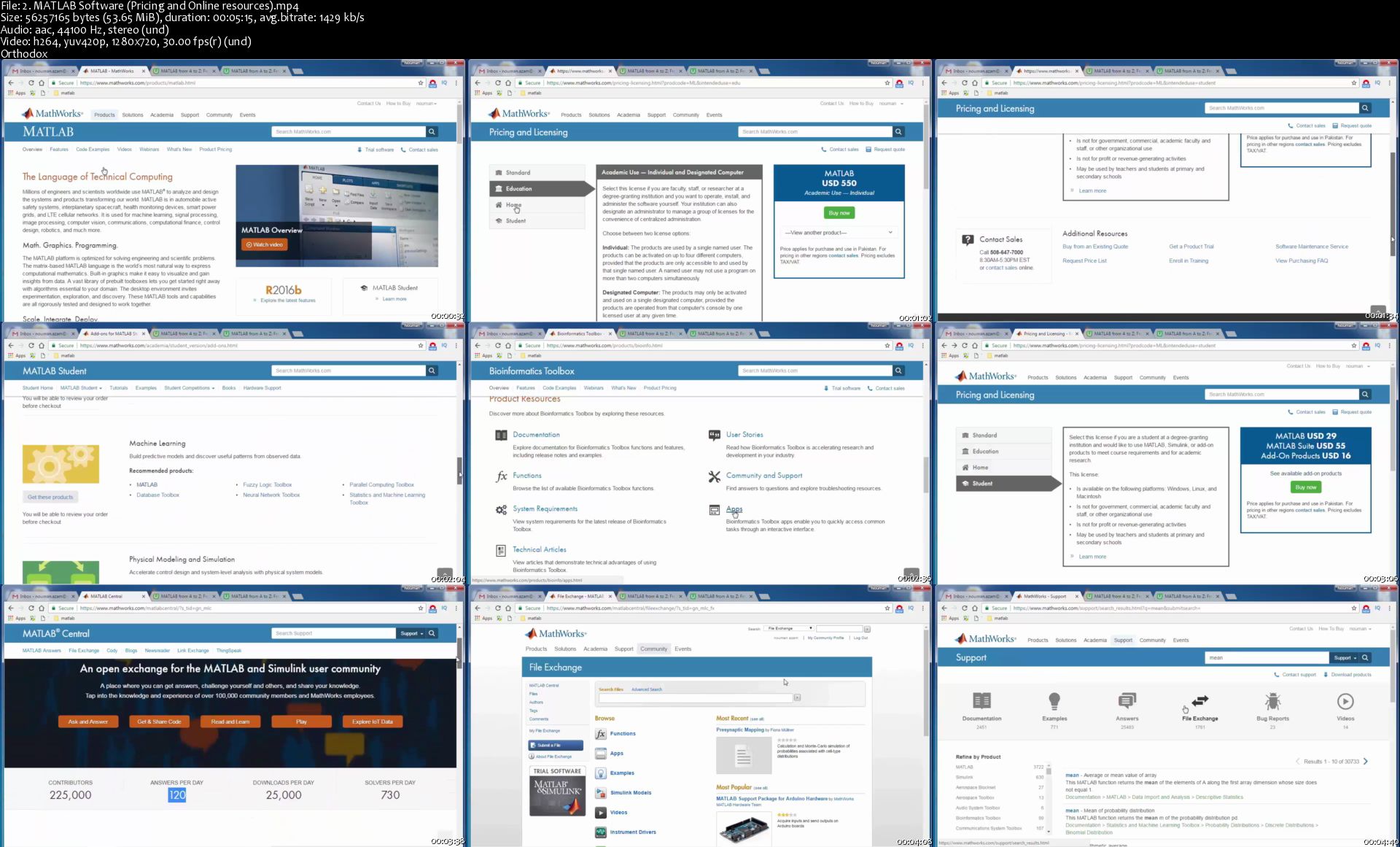
MATLAB from beginner to advance level with Advanced Data Types and Applications from Data Science and Data preprocessing

What you'll learn
Develop beginer to advance level skills of Programming with MATLAB. This is the only course which enables you to learn intermediate and advance programming data structures such as structures, tables, times tables, cells and map container.
Gain Hands-On experience with MATLAB for visualizing, analyzing and formulating intermediate and some advanced level problems using MATLAB programming skills
Experience some real world applications of MATLAB in solving Data Science problems.

Basic Course Description

MATLAB (matrix laboratory) is one of the fundamental and leading programming language and is a must learn skill for anyone who want to develop a career in engineering, science or related fields. Excellent MATLAB programming skills is therefore a crucial factor in making or breaking your career.

This course is designed from a perspective of a student who has no prior knowledge of MATLAB. The course starts from the very basic concepts and then built on top of those basic concepts and move towards more advanced topics such as visualization, exporting and importing of data, advance data types and data structures and advance programming constructs.

To get the real feel of MATLAB in solving and analyzing real life problems, the course includes machine learning topics in data science and data preprocessing.

The course is fun and exciting, but at the same time we dive deep into MATLAB to uncover its power of formulating and analyzing real life problems. The course is structured into four different Parts. Below is the detailed outline of this course.

Part 1: MATLAB from Beginer to Advance

Segment 1.1: Handling variables and Creating Scripts

Segment 1.2: Doing Basic Maths in MATLAB

Segment 1.3: Operations on Matrices

Segment 1.4: Advance Math Functions with Symbolic Data Type

Segment 1.5: Interacting with MATLAB and Graphics

Segment 1.6: Importing Data into MATLAB

Segment 1.7: File Handling and Text Processing

Segment 1.8: MATLAB Programming

Segment 1.9: Sharing Your MATLAB Results

Part 2: Advance MATLAB Data Types

Segment 2.1: Cell Data Type

Segment 2.2: Tables and Time Tables

Segment 2.3: Working with Structures and Map Container Data Type

Segment 2.4: Converting between Different Data Types

Part 3: Machine Learning for Data Science Using MATLAB

Segment 3.1 Data Preprocessing

Segment 3.2. Classification

Segment 3.2.1 K-Nearest Neighbor

Segment 3.2.2 Naive Bayes

Segment 3.2.3 Decision Trees

Segment 3.2.4 Support Vector Machine

Segment 3.2.5 Discriminant Analysis

Segment 3.2.6 Ensembles

Segment 3.2.7 Performance Evaluation

Segment 3.3 Clustering

Segment 3.3.1 K-Means

Segment 3.3.2 Hierarchical Clu stering

Segment 3.4 Dimensionality Reduction

Segment 3.5 Project

Part 4: Data Preprocessing for Machine Learning using MATLAB

Segment 4.1 Handing Missing Values

Segment 4.2 Dealing with Categorical Variables

Segment 4.3 Outlier Detection

Segment 4.4 Feature Scaling and Data Discretization

Segment 4.5 Selecting the Right Method for your Data

Who this course is for:
Anyone looking to build a strong career in science or engineering through Excellent MATLAB coding skills
Anyone wanting to advance their skills of real world problem solving with MATLAB based scientific computing

Homepage

2-MATLAB-Software-Pricing-and-Online-resources-s.jpg


Adobe Photoshop CC Essentials | Photoshop Masterclass

006a2207.jpg


Adobe Photoshop CC Essentials | Photoshop Masterclass
.MP4 | Video: 1280x720, 30 fps(r) | Audio: AAC, 44100 Hz, 2ch | 19.5 GB
Duration: 33.5 hours | Genre: eLearning | Language: English

This Adobe Photoshop masterclass will teach you Photoshop retouching + photo editing. Bonus: 7 Photoshop courses in 1.

What you'll learn

New, Photoshop tutorials added every month. Your Photoshop learning never stops!
33+ hours of Photoshop tutorials (recorded at 1080HD) already included - for both beginners and advanced users!
Photoshop - Learn how to edit like a pro. You'll learn how to use ALL retouching tools for awesome photos. Plus, tips from a pro photographer with 30 years experience. I've been using Photoshop since 1991 and I'll share all my secrets & pro tips.
Photoshop Layers - learn how to use layers and take your creativity to the next level
Pro tips for a fast productive workflow
How to use Adjustment Layers & Masks to edit like a pro and be more creative
Adobe Camera Raw - everything you need to know to edit your photos like a pro
How to be more productive - a must for a fast and productive workflow
Photoshop basics - a solid foundation for your journey with Photoshop CC
How to use Adobe Bridge to organize and streamline your workflow
Understand the fundamentals of Photoshop
Understanding color in Photoshop - a must for a fast and productive workflow
33+ Hours of Photoshop tutorials recorded at 1080HD!
How to add Photoshop Layer Styles to add that extra touch of creativity
Learn about Blending Modes and how to use them to take your creativity to the next level
How to create vectors in Photoshop
Learn how to Clone + Heal to master retouching
Learn how to crop, straighten and adjust for perspective
Learn how to convert your images to B&W like a true artist
Learn all about Photoshop filters, how to use and apply
Learn how to make your own Photoshop actions
Learn how to use 2 pro Photoshop editing tools; Curves & Levels.
Learn all about Photoshop brushes to help you master your editing. Plus, creative techniques too.
Learn all about how to use Typography with Photoshop
Learn how to make Selections to fine-tune your editing
Advanced Web Design Project - for Photoshop

Requirements

Any version of Adobe Photoshop, preferably the CC (Creative Cloud) version.
No prior knowledge or experience with Photoshop is required

Description

Are you new to Photoshop and/or struggling to learn Photoshop on your own?

Then, this course is perfect for you.

In the beginning you'll learn the basics of Photoshop and as you work your way through the course we'll cover more advanced Photoshop projects.

You can then take your new Photoshop skills and begin getting paid for it!

How?

Either apply your knowledge to your own images for your photographic studio or take on freelance work for editing, re-touching, color correction, and even graphic design (we'll cover graphic design projects later in the course: how to use/add text, create logos, web design and more).

Yes, it is possible to learn everything you need to know about getting started with Photoshop in one course.

With over 33 hours of Photoshop content and 7 Photoshop courses in 1, with more tutorials being added on a regular basis, you can learn Photoshop essentials and advanced projects in this 1 Photoshop course.

This Photoshop course is perfect for both photographers and graphic designers.

Here is a complete list of everything you'll learn in this Photoshop course.

Section 1: Photoshop Crash Course for Beginners!

Here you'll download all course resources: photo files and the exclusive Photoshop Essentials Guide.

The Photoshop Essentials Guide is designed to be used with this Photoshop course. Print it out and use it to take notes. Plus, each lecture is summarized in the guide for easy reference when offline.

Throughout the remainder of this section you'll learn key essentials all Photoshop users should know.

How to use the Home Screen

How to create new files

How to use and setup the Photoshop interface

How to open your images (there are several ways to do so)

How to work with multiple files that are open at once

How to save and export your files

Section 2: Quick Start Photoshop for Image Editing

Learn the 3 most requested things Photoshop beginners want to know.

How to make your images "POP"

How to retouch your photos in Photoshop

How to re-size and save your images for social media

Section 3: Photoshop Course 2: Photoshop Layers: What They Are & How To Use Them

You'll learn all about layers in the "digital world" AND the "real world". Why?

Knowing how I used layers (before there were layers) will help you better understand how and why layers are an essential Photoshop skill.

Discover the 12 different types of Photoshop layers, an overview of the layers panel and much more.

Oh, and this is the beginning of the second Photoshop course. The first one was the first 2 sections: "crash course" + "quick start".

Section 4: How To Edit Your Photos, in Photoshop, Like a Pro!

In this section, you'll learn the power of Photoshop Adjustment Layers (and what they are and how to use them).

Section 5: How to Maximize Color in Photoshop

Understanding the color of light, color in general and how to manage it in Photoshop is critical for getting the results you want.

Learn how to "see" color and pro tips for managing color.

Section 6: How to Edit RAW Files In Photoshop

Learn the difference between RAW & JPG and which one is better (and why).

Section 7: Image Processing & a Photoshop Workflow

You'll learn my thoughts on processing and you'll learn from my own personal workflow. The same workflow I've used on millions of edits.

Section 8: How To Use Photoshop Adobe Camera Raw plugin. Or Also Known As: ACR

Learn the ins-and-outs of editing your RAW (and jpg if you prefer) files in ACR.

You'll learn all of the following

White Balance, what it is and how to adjust it (properly)

a lesson on the Histogram and why it's important to use before and during editing

a quick overview of the Photoshop ACR interface

How to make adjustments to improve the dynamic range of your photos

How to use the power of Tone Curves to improve your photos

How to sharpen your photos (properly)

How to use the HLS + Color for editing your images

How to use the lens correction to fix distortions

How to add a vignette, grain and use the de-haze tool

How crop & straighten your photos in Photoshop ACR

How to remove spots in ACR

How to use the graduated filters to improve your photos

How to use the target adjustment tool to precisely control your edits

How to merge multiple images for an HDR effect

How to merge multiple images to create a panoramic

How to remove "red eye" (and pet eye) in ACR

Section 9: How to Crop, Straighten and Fix Perspective in Photoshop

Although you learned how to crop your photos in ACR, you'll learn how to do so directly in Photoshop.

Plus, learn how to straighten and fix perspective issues with Photoshop.

Section 10: How to Convert Color Images to B&W
First, you'll learn 3 ways NOT to convert your images into B&W.

Then, you'll learn how the pro's convert to B&W for full creative control.

Section 11: How to Precisely Edit Your Photos in Photoshop

You'll now learn some additional ways to edit your images, like a pro.

Here are a few things you'll learn in this section.

Learn what the dodge, burn and sponge tool are used for

How to use the dodge and burn tool to edit your images

How to use the sponge tool to edit your images

How to use the dodge and burn tool with blending modes

How to use the dodge and burn tool with gradients

Section 12: How to Use the Tone Curve in Photoshop

We'll expand on your knowledge of the tone curve tool (based on what you learned in ACR first). Learn how to use it directly in Photoshop and you'll learn some basic color corrections that can be done with the curves tool.

Section 13: How to Use the Levels Tool in Photoshop

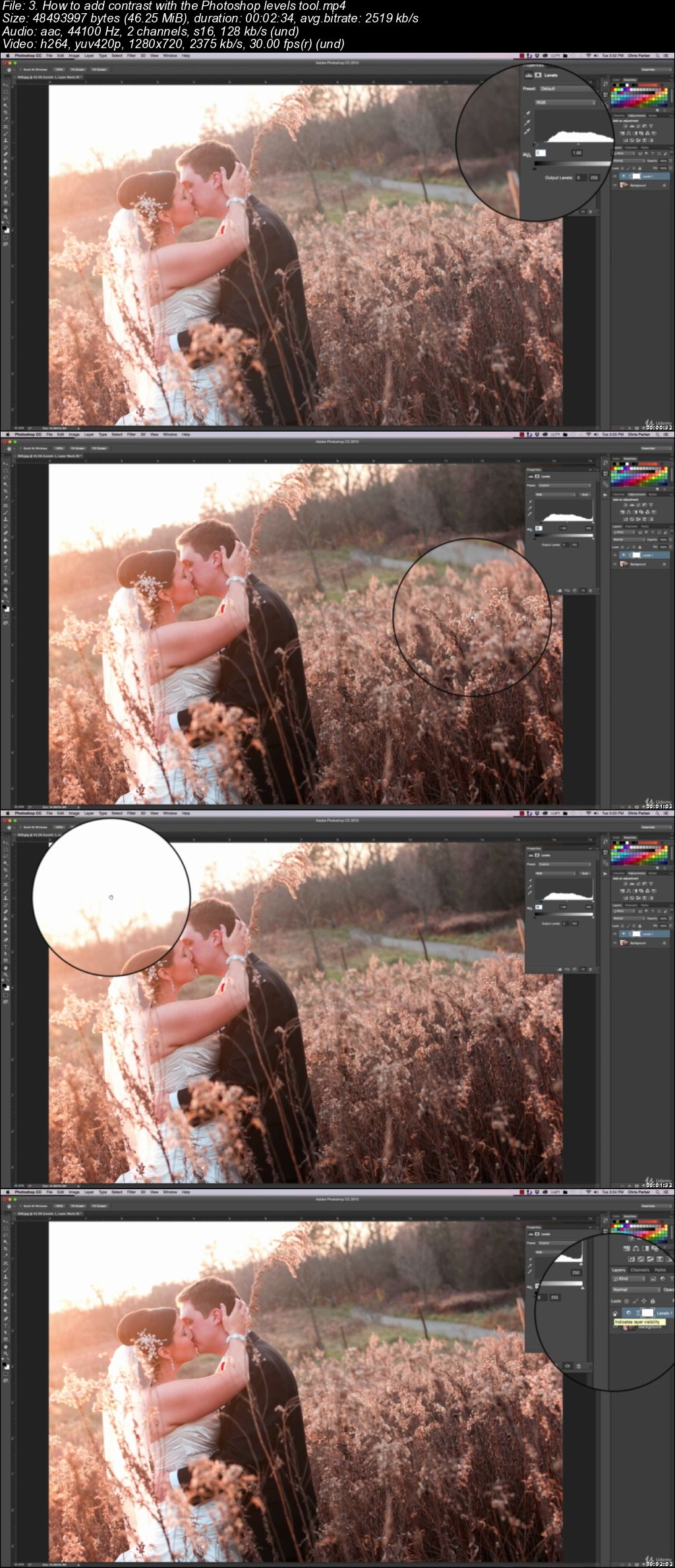
You'll learn how to use the Levels tool to edit your photos. We'll start with the basics and then you'll learn how to add contrast with it.

Section 14: How to Use Photoshops Stamp Tool

We'll start with a quick overview. Then, you'll learn how to use the stamp tool to edit your photos.

Section 15: How to Use the Healing Tools in Photoshop

The Heal Tool is a powerful tool all retouchers should learn how to master. There are several tools within the "Heal" category that can be used for a variety of retouching challenges.

You'll learn about each and when/why to use it for specific retouching projects.

Section 16: How to Use the Select Tools in Photoshop

"Selecting", in Photoshop, is another one of those skillsets you'll need to master in order to fulfill your creative vision. There's a lot of selection tools to get the job done.

You'll learn about all of them and how to use them. Including.

How to use the Marquee Selection tool

How to use the Lasso tool

How to use the Magic Wand tool

How to use the Quick Mask mode

How to use a Mask selection

How to use the Content Aware Fill tool

How to use the Color Range tool

How to use the Select Subject tool

Take your knowledge, and the provided photo, to make a selection of an outfit and change the color

Plus, learn advanced selection techniques to "select" and edit your photos

Section 17: How to Use Blending Modes, in Photoshop, For Creative Edits

Blending Modes are another part of "layers". They can be used for creative editing effects not possible with other tools.

First, we'll start off with the basics of blending modes and how they work.

Then, we'll cover each group of blending modes and learn what type of editing effects to expect for your artwork/photos.

Section 18: How to Use Photoshop Filters For More Creative Edits

Take your creativity to the next level with Photoshop filters. Learn what they are, where they are and how to use them for your creative vision.

Section 19: Learn Additional Photoshop Layer Tips: for Graphic Designers

This section is focused on layer skills all graphic designers should know!

How to align layers

How to stack, copy + delete layers

How to organize your layers, like a pro

Section 20: Learn How to Use Photoshop Brushes

All creative artists should know how to use brushes in Photoshop. They are essential for editing, drawing, painting, design and more.

First, you'll learn the basics of the brush tool. Then.

How to adjust brush options

How to create a custom logo brush

Learn the difference between brushes vs. the pencil

How to use the color replacement tool

How to use the "history" brush

and more tips along the way

Section 21: Learn How to Output Your Files From Photoshop

Once you've completed your creative masterpiece it's time to share it with the world! Learn about different file formats, saving and more.

Section 22: How to Use the Eraser Tool in Photoshop

Sometimes you just need to get rid of something, fast. Introducing the Eraser tool, how to use it to remove backgrounds and more.

Section 23: How to Use the Frame Tool in Photoshop

This new Photoshop frame tool is something I desired during my 30 year career as a graphic designer. It's an awesome new tool all graphic designers will want in their toolbox.

Learn what it is and how to use it.

Section 24: How to Use the New Content Aware Fill Tool in Photoshop

Another new awesome Photoshop tool. This tool is intelligent and will make a breeze at retouching your photos. Learn what it is and how to use it to retouch your photos.

Section 25: How To Be More Productive in Photoshop

Now that you know the basics of Photoshop it's time to improve your productivity. Some of this stuff is boring. However, it's imperative to a fast and productive workflow. Especially for working professionals where time is money.

How to adjust the Photoshop preferences for optimal performance

How to adjust Photoshop color preferences for consistent results

How to adjust menus based on your own specific requirements

How to save 1 hour for every 8 hours worked!

How to use the zoom + hand tools like a pro

and much more

Section 26: How to Use Adobe Photoshop Bridge to Manage Your Digital Assets

Adobe Bridge is a free plugin included with Photoshop. You can use it as a file manager to organize, search, add metadata and more.

You'll learn the basics of Bridge

How to adjust the Bridge preferences for optimal performance

How to adjust the Bridge workspace

How to use favorites + collections for organizing your files

How to improve your organization with keywords, ratings and labels

How to quickly find any photo (providing you did some of the above) with search + filter

How to add copyright metadata to your files (and more)

Plus, my personal workflow with Adobe Bridge

Section 27: How to Use Photoshop Actions

Photoshop actions are another powerful tool for helping you streamline your workflow.

Learn how to record specific steps you take to edit your photos and save it (as an action) to be re-used on other photos.

Section 28: Photoshop Course 3: Light Effects

This Photoshop course (included for free) provides valuable lessons on how to use 5 awesome Photoshop tools that will allow you to; add light, enhance existing light, enhance and add color to your sunsets and sunrises, create lens leaks, add lens flare and much more.

Included with this course are the images used in each lesson. Use them to follow along as you learn! This is a great way to increase the learning process. Plus, submit your practice files for feedback!

First, you'll learn about the 5 tools that are used throughout the course; Adjustment Layers, Adjustment Layer Masks, Curves, Levels & Gradients.

Then, you will be able to confidently use them while watching the lessons. By the time you're done with the course & practice files, you'll be able to achieve the same look on your own photos.

Each lighting effect is taught in bite-size, step-by-step lessons to better grasp each step of the process.

You will also see how different Blend Modes effect the final results, how to use opacity, keyboard shortcuts and much more.

A comprehensive resource file is included that has all of the keyboard shortcuts used throughout the lessons. And, each video will display the keyboard shortcut used at that time!

Section 29: Photoshop Course 4: Zombie Apocalypse

In this course you'll learn all the tools I use to create custom Zombie's, in Photoshop, from ordinary portraits. Plus, you'll also receive my Zombie Apocalypse Photoshop action (includes 3 versions) that will easily and quickly transform your ordinary portrait into a Zombie. all in under 2 minutes!

Once you know how to create a Zombie, from the Photoshop action, I'll then walk you through all the different tools, tips and techniques that I use to create custom Zombie portraits.

First, you'll install the 3 Zombie Photoshop actions, 20+ skin textures and 10+ blood brushes that come with this course and then you'll run the Photoshop action. I'll explain what needs to be done for best results and additional tips.

Once you know the basics, you'll be able to transform your ordinary portrait, into a Zombie, in 2 minutes or less.

Then you'll begin learning advanced techniques for customizing your Zombie to fulfill your creative vision. This course has been structured for all levels of Photoshop users, from beginners to more experienced users.

Plus, bite-size (each lesson is around 5 - 6 minutes) detailed explanations and Photoshop keyboard shortcuts are included for you as well. All keyboard shortcuts are displayed, throughout the tutorials, for easy and quick reference.

Some of the tools you'll learn throughout the course will include.

the Free Transform Tool

Layer Styles

Blending Modes

Layer Masks

.and much more

Each tutorial is jam packed with shortcuts, tips and techniques for creating one-of-a-kind Zombies! Plus, as an extra bonus, you'll also receive 20+ additional wound overlays for customizing your Zombies. This includes skin lesions, open wounds, bullet holes and more. You'll learn how to add them to your Zombie portraits and customize for a "natural" look.

Once you've completed this course you'll be able to easily and quickly create gory Zombie portraits your friends and/or clients will be DYING for.

Section 30: Photoshop Course 5: How to Transform Photos With Fall Colors

Hello and welcome to my Photoshop Fall Edits for Outdoor Portraits & Landscapes!

In this Photoshop course I share how to easily and quickly transform ordinary, boring, green foliage into beautiful, vibrant and colorful Fall colors.

It's super easy. So easy, you can could create this transformation within a couple of minutes.

So, the question is, why does it take over an hour to explain? Well, I'm sharing more than how to achieve this creative edit.

Not only do I share the fundamentals of the tools being used. like layers, layer masks, blending modes, ACR and more. but, I'm also going to share my 3 step editing workflow! This is the same workflow I use to edit hundreds of images PER hour!

As a professional photographer, it's imperative to spend less time in front of the computer and have more time for more clients. That doesn't mean we cut corners and ignore the creative process. Instead, we prioritize with the end in mind. You'll learn my basic premise for editing in general and exactly where your editing should start. Hint: it's not in Photoshop.

Section 31: Photoshop Course 6: Cinematic Edits

Hello and welcome to my Photoshop Cinematic Photography Effects course!

Have you ever wondered how Hollywood creates those stunning, cinematic colors and wished you could apply to your photos? Well, wonder no more. This course will teach you how to add Cinematic color style effects to your still photography - all in Photoshop!

You will learn how easy it is to apply those Cinematic effects directly in Photoshop. No filters, plugins or other tools required. Everything can be done directly in Photoshop within minutes.

Plus, I'll share with you my favorite keyboard shortcuts, editing process and more to streamline your Photoshop workflow.

You'll be amazed how easy it is to create this trendy photo effect in Photoshop. You'll also learn what Color Grading is and how to apply to your images.

First, you'll start of learning all the basics in the, well, Basics section. :)

This includes learning all about the Curves tool (how to use, tips and more), how to use Adjustment Layers (plus Masks) to streamline your workflow, an awesome (free) tool for finding complimentary colors (which are important for achieving the Cinematic style), how to color correct an image in 5 seconds and much more.

Once you've mastered the basics, you'll move on to learn 3 different ways to create the Cinematic style within Photoshop.

Want feedback?

Projects include the same photos used in the course. This will give you an opportunity to follow along, practice with and upload your Cinematic edits for review either by me and/or other photographers in the community.

Section 32 - 50: Photoshop Course 7: Advanced Photoshop Projects

This and the following sections include additional Photoshop advanced projects and is considered another course in-and-of-itself. Includes projects for photographers and graphic designers.

Here are a few of the things you'll learn.

photography.

how to control depth-of-field

how to add motion blur

landscape editing workflow

high school portrait editing workflow

how to replace skies with new clouds

how to add snow to your winter images

how to blur the background

how to create the Stranger Things "Shadow" Monster

how to transform a portrait into vector art

how to transform a photo into a watercolor

how to create a half B&W and half sepia toned image with a torn paper effect down the middle

graphic design.

how to add text to your documents

how to use layer styles for your creative vision

how to use vector paths and create shapes

how to design a website in Photoshop

how to create grungy/retro/3D text

how to create a modern/retro logo

how to create a web banner

7 tips for creating t-shirt designs in Photoshop

and much more pro tips along the way

Who this course is for:

Beginners to Adobe Photoshop CC
Photographers of all levels
Designers of all levels
Anyone who wants to learn the essentials of Photoshop


006a2208.jpg


TTC Video - Warriors, Queens, and Intellectuals: 36 Great Women before 1400

006a1cd4.jpg


TTC Video - Warriors, Queens, and Intellectuals: 36 Great Women before 1400
Course No. 3815 | .MP4, AVC, 1250 kbps, 854x480 | English, AAC, 192 kbps, 2 Ch | 36x30 mins | + PDF Guidebook | 10.96 GB
Lecturer: Joyce E. Salisbury, Ph.D.

Throughout history, women have played integral roles in family, society, religion, government, war-in short, in all aspects of human civilization. Powerful women have shaped laws, led rebellions, and played key roles in dynastic struggles. Some were caught up in forces beyond their control, while others manipulated and murdered their way to the top. However, unearthing their stories from the historical record has been a challenge, with the ordinary difficulties of preserving information across the generations increased by centuries of historical bias and gendered expectations. Women, when they were mentioned at all, often filled the role of virtuous maiden, self-effacing mother, or seductive villain. Imagine what you are missing when only half the story is being told.

Full Description

006a1cd3.jpg


More Info

09-Zenobia-Battles-the-Roman-Legions-s.jpg


Zurück
Oben Unten