• Regeln für den Video-Bereich:

    In den Börsenbereich gehören nur Angebote die bereits den Allgemeinen Regeln entsprechen.

    Einteilung

    - Folgende Formate gehören in die angegeben Bereiche:
    - Filme: Encodierte Filme von BluRay, DVD, R5, TV, Screener sowie Telesyncs im Format DivX, XviD und x264.
    - DVD: Filme im Format DVD5, DVD9 und HD2DVD.
    - HD: Encodierte Filme mit der Auflösung 720p oder darüber von BluRay, DVD, R5, TV, Screener sowie Telesyncs im Format x264.
    - 3D: Encodierte Filme von BluRay, die in einem 3D Format vorliegen. Dies gilt auch für Dokus, Animation usw.
    - Serien: Cartoon/Zeichentrick, Anime, Tutorials, Dokumentationen, Konzerte/Musik, Sonstiges sind demnach in die entsprechenden Bereiche einzuordnen, auch wenn sie beispielsweise im High Definition-Format oder als DVD5/DVD9/HD2DVD vorliegen. Ausnahme 3D.
    - Bereich Englisch: Englische Releases gehören immer in diesen Bereich.
    - Bereich Talk: Der Bereich, in dem über die Releases diskutiert werden kann, darf, soll und erwünscht ist.


    Angebot/Beitrag erstellen

    - Ein Beitrag darf erst dann erstellt werden, wenn der Upload bei mindestens einem OCH komplett ist. Platzhalter sind untersagt.
    - Bei einem Scenerelease hat der Threadtitel ausschließlich aus dem originalen, unveränderten Releasenamen zu bestehen. Es dürfen keine Veränderungen wie z.B. Sterne, kleine Buchstaben o.ä. vorgenommen werden. Ausnahme Serienbörse:
    - Bei einem Sammelthread für eine Staffel entfällt aus dem Releasename natürlich der Name der Folge. Beispiel: Die Simpsons S21 German DVDRip XviD - ITG
    - Dementsprechend sind also u.a. verboten: Erweiterungen wie "Tipp", "empfehlenswert", "only", "reup", usw. / jegliche andere Zusatzinformation oder Ergänzung, welche nicht in obiger Beschreibung zu finden ist.

    Aufbau des Angebots und Threadtitel

    Der Titel nach folgendem Muster erstellt zu werden. <Name> [3D] [Staffel] [German] <Jahr> <Tonspur> [DL] [Auflösung] <Quelle> <Codec> - <Group>
    Beispiel: The Dark Knight German 2008 AC3 DVDRip XviD - iND
    Beispiel: The Dark Knight 2008 DTS DL BDRip x264 - iND
    Beispiel: The Dark Knight 2008 AC3 DL BDRip XviD - iND
    Beispiel: The Dark Knight German 2008 AC3 720p BluRay x264 iND
    Beispiel: The Dark Knight 2008 DTS DL 1080p BluRay x264 iND
    Beispiel: Die Simpsons S01 German AC3 DVDRip XviD iND
    Beispiel: Die Simpsons S20 German AC3 720p BluRay x264 iND
    Beispiel: Sword Art Online II Ger Sub 2014 AAC 1080p WEBRip x264 - peppermint
    Entsprechend sind also u.a. verboten: Sonderzeichen wie Klammern, Sterne, Ausrufezeichen, Unterstriche, Anführungszeichen / Erweiterungen wie "Tipp", "empfehlenswert", "only", "reup", usw. / jegliche andere Zusatzinformation oder Ergänzung, welche nicht in obiger Beschreibung zu finden ist
    Ausnahmen hiervon können in den Bereichen geregelt sein.

    Die Beiträge sollen wie folgt aufgebaut werden:
    Überschrift entspricht dem Threadtitel
    Cover
    kurze Inhaltsbeschreibung
    Format, Größe, Dauer sind gut lesbar für Downloader außerhalb des Spoilers zu vermerken
    Nfo sind immer Anzugeben und selbige immer im Spoiler in Textform.
    Sind keine Nfo vorhanden z.B. Eigenpublikationen, sind im Spoiler folgende Dateiinformationen zusätzlich anzugeben :
    Quelle
    Video (Auflösung und Bitrate)
    Ton (Sprache, Format und Bitrate der einzelnen Spuren)
    Untertitel (sofern vorhanden)
    Hosterangabe in Textform außerhalb eines Spoiler mit allen enthaltenen Hostern.
    Bei SD kann auf diese zusätzlichen Dateiinformationen verzichtet werden.

    Alle benötigten Passwörter sind, sofern vorhanden, in Textform im Angebot anzugeben.
    Spoiler im Spoiler mit Kommentaren :"Schon Bedankt?" sind unerwünscht.


    Releases

    - Sind Retail-Release verfügbar, sind alle anderen Variationen untersagt. Ausnahmen: Alle deutschen Retail-Release sind CUT, in diesem Fall sind dubbed UNCUT-Release zulässig.
    - Im Serien-Bereich gilt speziell: Wenn ein Retail vor Abschluss einer laufenden Staffel erscheint, darf diese Staffel noch zu Ende gebracht werden.62
    - Gleiche Releases sind unbedingt zusammenzufassen. Das bedeutet, es ist zwingend erforderlich, vor dem Erstellen eines Themas per Suchfunktion zu überprüfen, ob bereits ein Beitrag mit demselben Release besteht. Ist dies der Fall, ist der bereits vorhandene Beitrag zu verwenden.
    - P2P und Scene Releases dürfen nicht verändert oder gar unter einem iND Tag eingestellt werden.


    Support, Diskussionen und Suche

    - Supportanfragen sind entweder per PN oder im Bereich Talk zu stellen.
    - Diskussionen und Bewertungen sind im Talk Bereich zu führen. Fragen an die Uploader haben ausschließlich via PN zu erfolgen, und sind in den Angeboten untersagt.
    - Anfragen zu Upload-Wünschen sind nur im Bereich Suche Video erlaubt. Antworten dürfen nur auf Angebote von MyBoerse.bz verlinkt werden.


    Verbote

    - Untersagt sind mehrere Formate in einem einzigen Angebotsthread, wie beispielsweise das gleichzeitige Anbieten von DivX/XviD, 720p und 1080p in einem Thread. Pro Format, Release und Auflösung ist ein eigener Thread zu eröffnen.
    - Grundsätzlich ebenso verboten sind Dupes. Uploader haben sich an geeigneter Stelle darüber zu informieren, ob es sich bei einem Release um ein Dupe handelt.
    - Gefakte, nur teilweise lauffähige oder unvollständige Angebote sind untersagt. Dies gilt auch für eigene Publikationen, die augenscheinlich nicht selbst von z.B. einer DVD gerippt wurden. Laufende Serien, bei denen noch nicht alle Folgen verfügbar sind, dürfen erstellt und regelmäßig geupdatet werden.
    - Untersagt sind Angebote, welche nur und ausschließlich in einer anderen Sprache als deutsch oder englisch vorliegen. Ausnahmen sind VORHER mit den Moderatoren zu klären.


    Verstoß gegen die Regeln

    - Angebote oder Beiträge, die gegen die Forenregeln verstoßen, sind über den "Melden"-Button im Beitrag zu melden.
  • Bitte registriere dich zunächst um Beiträge zu verfassen und externe Links aufzurufen.


Englische Tutorials

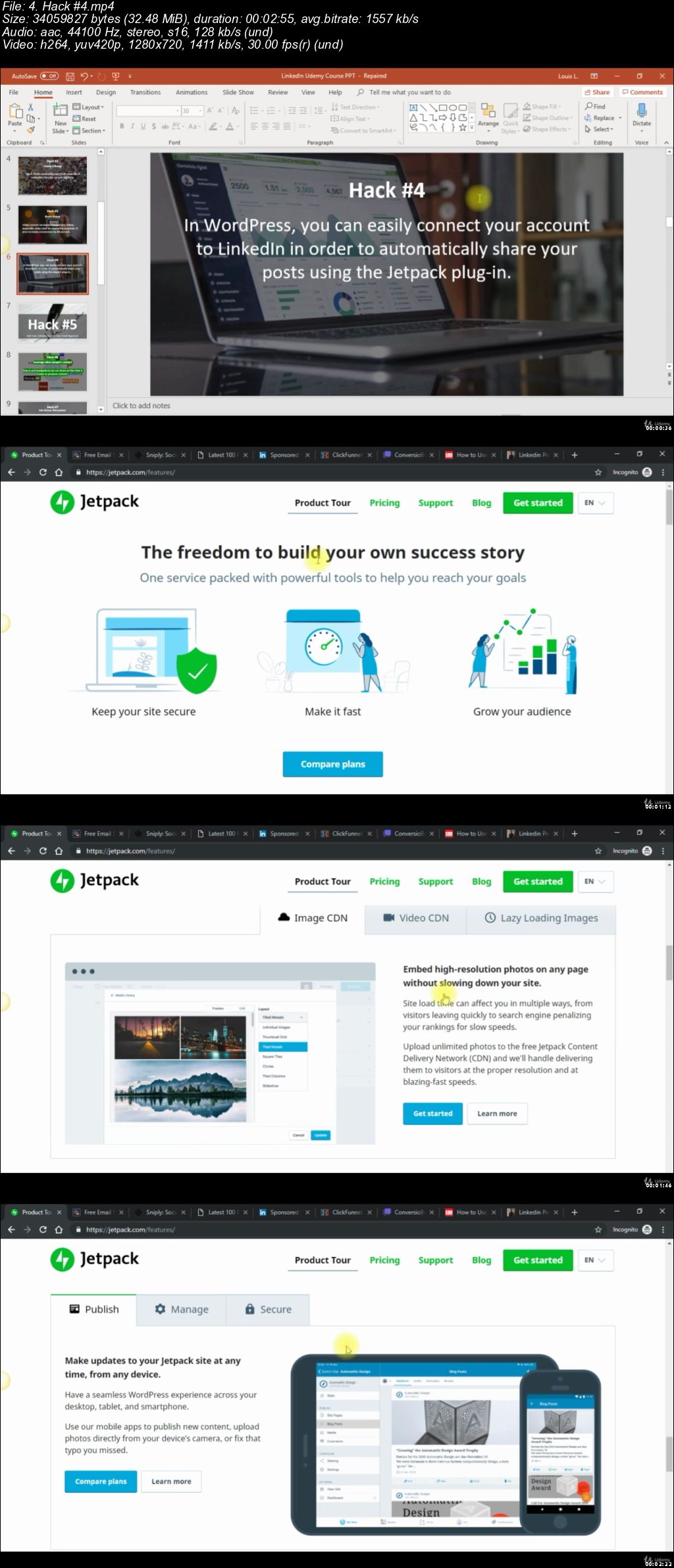
13 Linkedin Lead Generation Hacks

i-JODEZ4-Su8e-Wvuzv-ALNbot-Ex-HH0-Dta-NL.jpg


13 Linkedin Lead Generation Hacks
MP4 | Video: h264, 1280x720 | Audio: AAC, 44.1 KHz, 2 Ch
Genre: eLearning | Language: English + .VTT | Duration: 1 hours | Size: 623 MB

Ultimate 2019 Tutorial

What you'll learn

Linkedin Marketing Hacks
Linkedin Lead Generation Tools and Secret Techniques

Requirements

Be able to follow step by step instructions

Description

"Unlock the Secrets on How to Use LinkedIn to Generate Targeted Leads and Dramatically Increase Sales for Your Business"

Finally! Discover Everything You Need to Know for Your Business to Find Success on LinkedIn!

Since its launch in 2003, LinkedIn has been known as an excellent place to search and find a new job and stay connected with link-minded individuals and former colleagues and friends.

However, LinkedIn is so much more than that.

For businesses, it is a powerful marketing tool that can help them generate more target leads and dramatically increase sales for their business.

In today's age of social media, leveraging a professional social network like LinkedIn to drive sales leads is becoming more critical than ever before.

Most Businesses Fail When It Comes To Using LinkedIn

Many businesses have failed to effectively harness the power of LinkedIn for a variety of reasons, including:

They don't think that their customers are on social media.

They believe that only young people use social media.

They think that social media marketing is too much work and a waste of time.

The feel that if they use social media platforms, like LinkedIn, they will only open their business to criticism.

They don't really understand how to use it.

They don't think that social media marketing drives any meaningful results.

Unfortunately, these kinds of excuses are doing nothing to help you grow your business.

With more than 500 million users, LinkedIn is the largest professional networking site in the world and an excellent place for companies to make meaningful connections with others in their industry, find highly qualified and targeted leads, and to drive more traffic to their business websites to increase brand awareness and generate leads.

If you're ready to ditch the excuses and finally tap into the power of LinkedIn, you're in luck, because I've compiled a comprehensive guide that will show you how to use LinkedIn to generate targeted leads and dramatically increase sales for your business.

Allow me to introduce to you...

LINKEDIN SUCCESS

How To Use LinkedIn To Generate Targeted Leads and Dramatically Increase Sales For Your Business

Here's what you'll discover when you take the first step and purchase this powerful guide for finding success on LinkedIn.

Learn how to create a killer company profile on LinkedIn that will help you convert more leads and increase sales.

Discover the secrets to effectively using content marketing on LinkedIn to gain more connections and increase brand awareness.

Find out how to utilize LinkedIn Groups to increase leads and become known as an expert in your industry.

Learn why it's important to measure and monitor the results of your marketing efforts on LinkedIn.

Learn why upgrading to a premium LinkedIn account can get you even more targeted leads.

Discover the secrets to finding and selling your prospects on LinkedIn.

Find out what rookie LinkedIn mistakes you need to avoid to use LinkedIn to generate more leads successfully.

And much more!

FAST-ACTION BONUS #1:

Point-By-Point Checklist

View or print this handy checklist so that you can check off each point.

It is like a summary of the entire guide but in actionable, bite-sized points so that you can successfully get through the course.

FAST-ACTION BONUS #2:

Resource Cheat Sheet

You'll also get access to a rolodex of top sites, blogs, forums, tools, apps and services to get you even further.

Inside you'll find:

Top blogs and forums

Top tools

Top tips and how to's

+ more!

Plus 13 hacks to Linkedin Lead Generation!

How to increase engagement 11x

How to utilize video to increase engagement with our leads

How to instantly add professional authority to all your emails - for FREE

How to use the authority of others and have them build your list FOR you!

Psychological hack to get people to ask about your products!

Have the best sales person promoting you 24/7 around the clock, even when you sleep!

How to use your cover photo as a lead generation tool!

Where to find DFY content of the highest quality to brand yourself as an authority TODAY - with NO work.

Get Linkedin to promote you for FREE!

Discover a way to have conversions on your lead magnets and registration pages at 90% to 99%! Salespages are dead!

You will also get VIP access to FREE masterclass training from world renown Linkedin Expert John Nemo!

Here are just some of the benefits that you'll gain:

You'll gain an inside look into the recent LinkedIn upgrades and what the site has in store for the future.

You'll discover what elements are essential for making your LinkedIn profile stand out from the more than 500 million users worldwide.

You'll learn how to use content marketing to increase profile views, become a thought leader in your industry, and gain more connections.

You'll discover why creating your own LinkedIn group can give you the best chances of being seen as an expert and how it can dramatically increase the leads you receive.

You'll learn which tools can be used to measure and monitor your marketing efforts effectively.

You'll discover which type of LinkedIn account is best for your business and how you can utilize each to grow your leads and increase your business sales.

You'll find out the best practices for finding more leads and how to get those leads to buy from you.

You'll find out what not to do when it comes to finding new leads and increasing sales for your business.

And so much more!

Who this course is for:

Marketers, Businesses, and Professionals on Linkedin
UCpy-Btr5-BF16a-BCLmp-WKTAi-Aije-Lt1xn.jpg


...
 
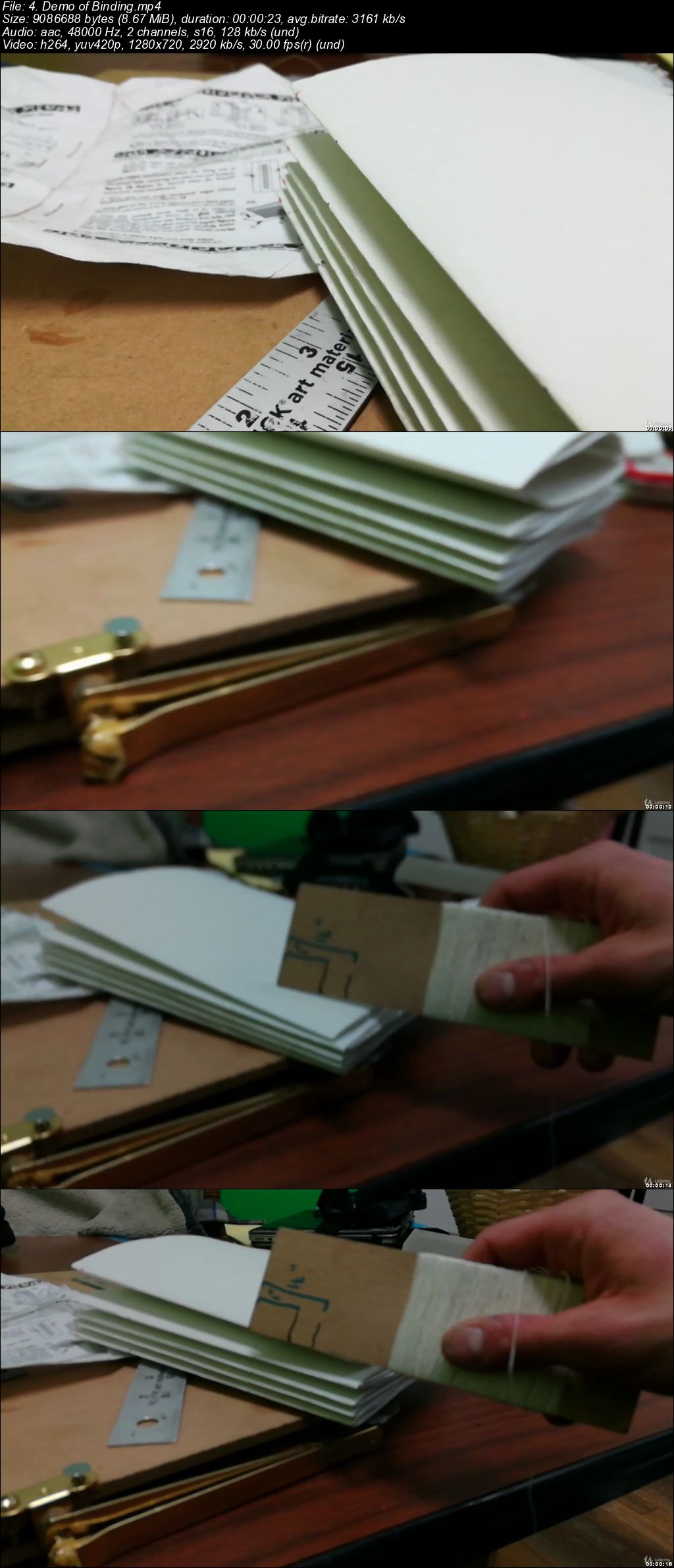
How To Make a Book, Journal, Scrapbook by Book Binding

evw5-E1-Za-E6-F3cu-Edpj-IKD2-LRVY0-VJHZX.jpg


How To Make a Book, Journal, Scrapbook by Book Binding
MP4 | Video: h264, 1280x720 | Audio: AAC, 48 KHz, 2 Ch
Genre: eLearning | Language: English + .VTT | Duration: 1 hours | Size: 1.26 GB

3 Projects included for papercrafts and custom books

What you'll learn

Books By Hand

Requirements

Read the syllabus

Description

How To Make a Book, Journal, Scrapbook by Book Binding

- Learn from someone who has been making books by hands as gifts for years

- Use templates provided for Free

- Increase Productivity

- Save Hundreds of Dollars a year on notebooks

- Great for gifts and more

Bookbinding and other techniques

Materials:

24 pieces of paper

Linen

Cardboard

Xacto Knife

Paper Craft Glue

...

See Resources For The Complete Recommended Materials*

*The quality of the book will only be as good as the materials you use.

Who this course is for:

Designers, and Bookworms, And Harry Potter Millennial Fans

AECc-MWYJCro-KTmdhk-DEbd-NUIRw0-Rb-ZNM.jpg


...
 
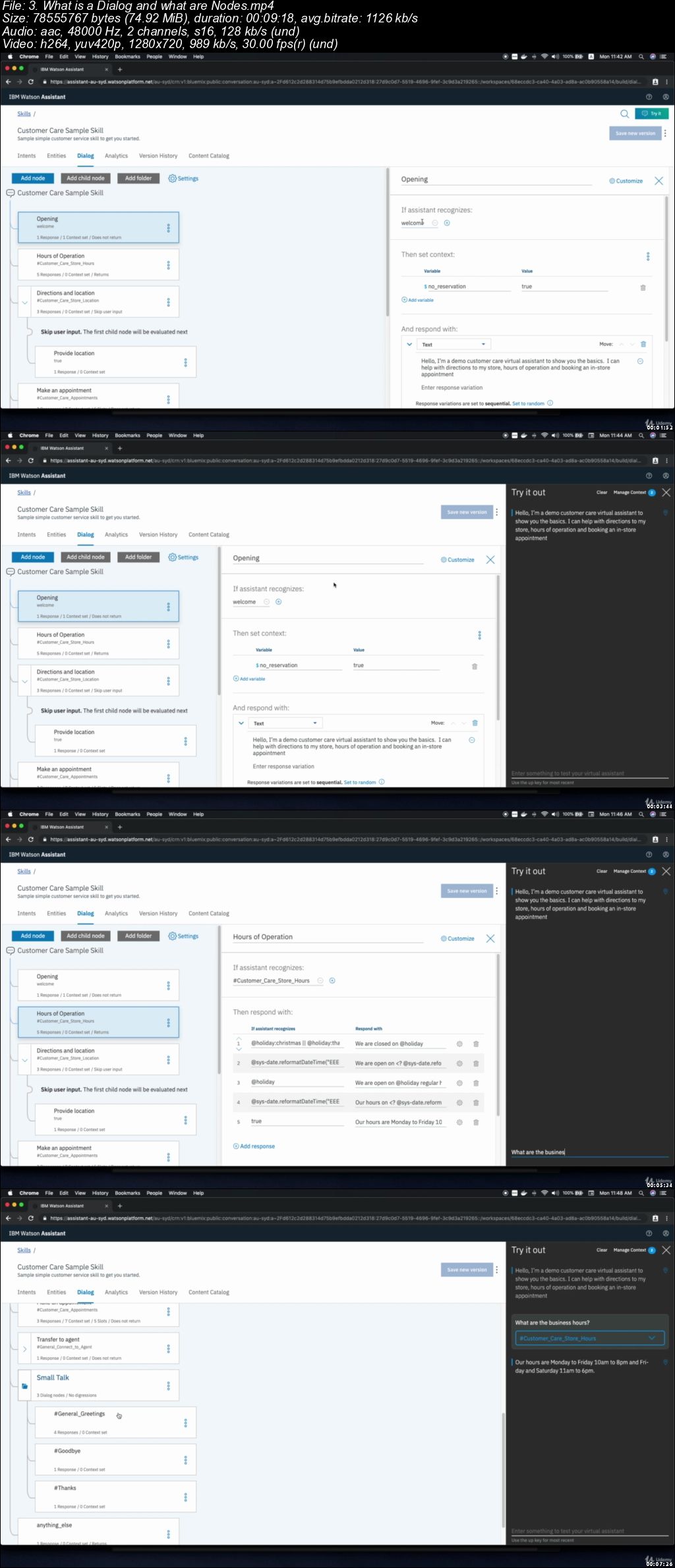
Learn to build chatbots with IBM Watson

0065b2c8.jpg


Learn to build chatbots with IBM Watson
.MP4 | Video: 1280x720, 30 fps(r) | Audio: AAC, 48000 Hz, 2ch | 264 MB
Duration: 32 mins | Genre: eLearning Video | Language: English

A crash course on how to create intelligent chatbots with IBM Watson


What you'll learn

Build high quality, business ready chatbots
Dialogflow
Create delightful hybrid conversational interfaces (a.k.a chatbots) that can work in any platform such as Facebook Messenger, Slack and etc

Requirements

Internet access & Creativity

Description

In this course you will learn how to use IBM Watson to build clever conversational interfaces. You will not require any development knowledge and I will take you through all the steps to building a bot!

This course is perfect for curious developers and or entrepreneurs who want to give life to their business, or simply improve their customer service agility.

Who this course is for:

Individuals who are curious about data science
Individuals wanting to shift careers
Individuals interested in natural language processing
Entrepreneurs and Business Owners looking at improving their customer service
Individuals who want to developer their own personal assistant
Curious Individuals in general

0065b2ca.jpg


...
 
BriQ FliQs: Stop Motion Animation Movies With Your Legos - LEVEL ONE

image.jpg


BriQ FliQs: Stop Motion Animation Movies With Your Legos - LEVEL ONE
Video: .MP4, 1280x720 | Audio: AAC, 48kHz, 2ch | Duration: 15m
Genre: eLearning | Language: English | Size: 278 MB

Want to spend quality time and connect with your child, but they don't want to put down the tablet? BriQ FliQs QUICK CLASSES are a GREAT and FAST way to connect with your **** using Legos® and movies. Learn how to make a movie in less than 20 minutes.

Most people don't want to spend hours in a classroom. That's why our QUICK CLASSES are perfect. "We Teach You In Less Than 20 Minutes" is our motto!

In this QUICK CLASS: MAKE YOUR BRIQ FLIQ - LEVEL ONE you will learn the basics.

The items you need to make a BriQ FliQ
How to make your character do a "Walk Cycle"
Preproduction
Production
Post Production
Tips for better shooting
We are excited to help you MAKE YOUR BRIQ FLIQ!

Bri-Q-Fli-Qs-Stop-Motion-Animation-Movies-With-Your-Legos-LEVEL.jpg


...
 
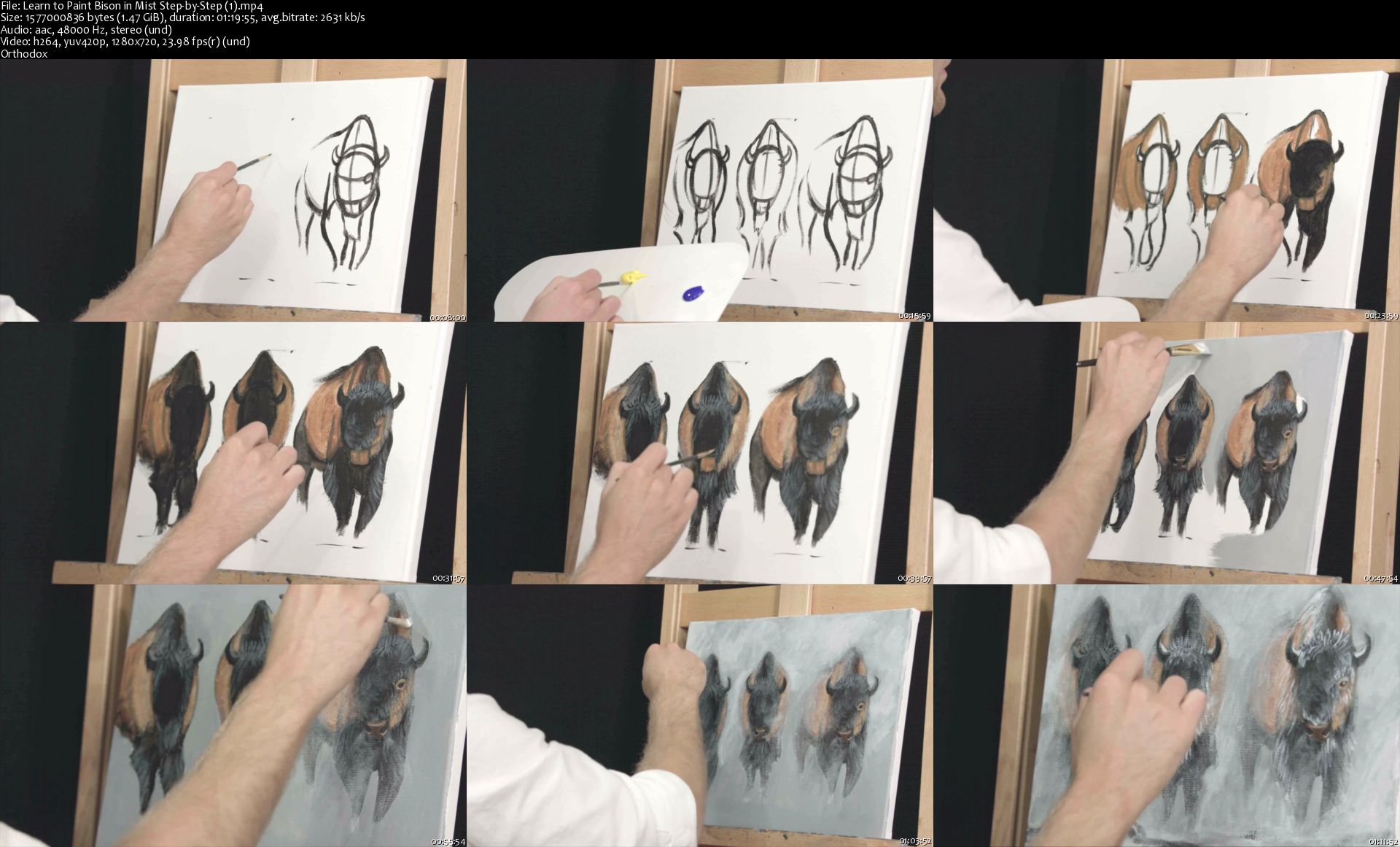
Learn to Paint Bison in Mist Step-by-Step

image.jpg


Learn to Paint Bison in Mist Step-by-Step
Video: .MP4, 960x720 | Audio: AAC, 44kHz, 2ch | Duration: 2h 1m
Genre: eLearning | Language: English | Size: 1,66 GB

Learn to paint bison in mist step by step!

Watch as I do each step, then pause the video and complete the step before moving on. Rewatch any section and take it all at your own pace!

Hang and show off your beautiful painting when you are finished. Takes about 2 hours to complete!

Use your own art supplies. You will need:

11x14 in canvas

3 brushes (large flat, medium flat, small round)

Acrylic paint (bright red, bright yellow, pthalo blue, ultramarine blue, ivory black, titanium white)

Table Easel

Artists Palette

Have a glass of water and paper towel available for cleaning your brushes.

Instructed by James Corwin

Additional material included!!

Learn how to frame your painting!

Learn how to price and sell your artwork for extra income.

And learn how to ship it safely to customers!

Learn-to-Paint-Bison-in-Mist-Step-by-Step-1-s.jpg


...
 
14-day English language fluency course

0065afa5.jpg


14-day English language fluency course
MP4 | Video: AVC 1280x720 | Audio: AAC 44KHz 2ch | Duration: 3 Hours | Lec: 55 | 2.48 GB
Genre: eLearning | Language: English

You will improve your spoken English in just 2 weeks!

Are you struggling to speak English?

Have you spent hours learning new words, studying grammar, watching English movies, listening to English music and now you wonder why you can't use all of this knowledge in a conversation?

Well, here's your answer!

Speaking English is a skill- just like swimming. Can you learn swimming from a book? No. How about from a movie? No, again. You need to get into the pool and start doing the action. Speaking, like swimming, is an action.

So, the ONLY way to improve your spoken English is to speak.

That's where this course helps you!


How does this course work?

I have divided this course into 14 days. Each day has a new topic and each topic is divided into 4 short videos.

The first video will introduce 8 words or terms. In this video I will explain the meaning of these words and provide an example of how it can be used in a sentence. At the end, we will review the vocabulary.

In the second video I provide an example speech of the topic. In this video I use the words from video 1 to make a speech. This allows you to see me using the vocabulary.

The third video is the most important video. In this video I give you a chance to make a speech using the vocabulary of the topic. But there is one rule:

You can't say: umm, ahh, enn or any other vocal-filled pause or interjection.
Why?

Well, this is a fluency course. If you always need to stop and think about what to say next, then you're not speaking fluently. If you do break the rule, simply stop and start your speech again.

The final video is a dictation test. Listen to me say the words from the topic and write them down. Then, compare your spelling with the actual spelling of the words.

0065afa6.jpg


...
 
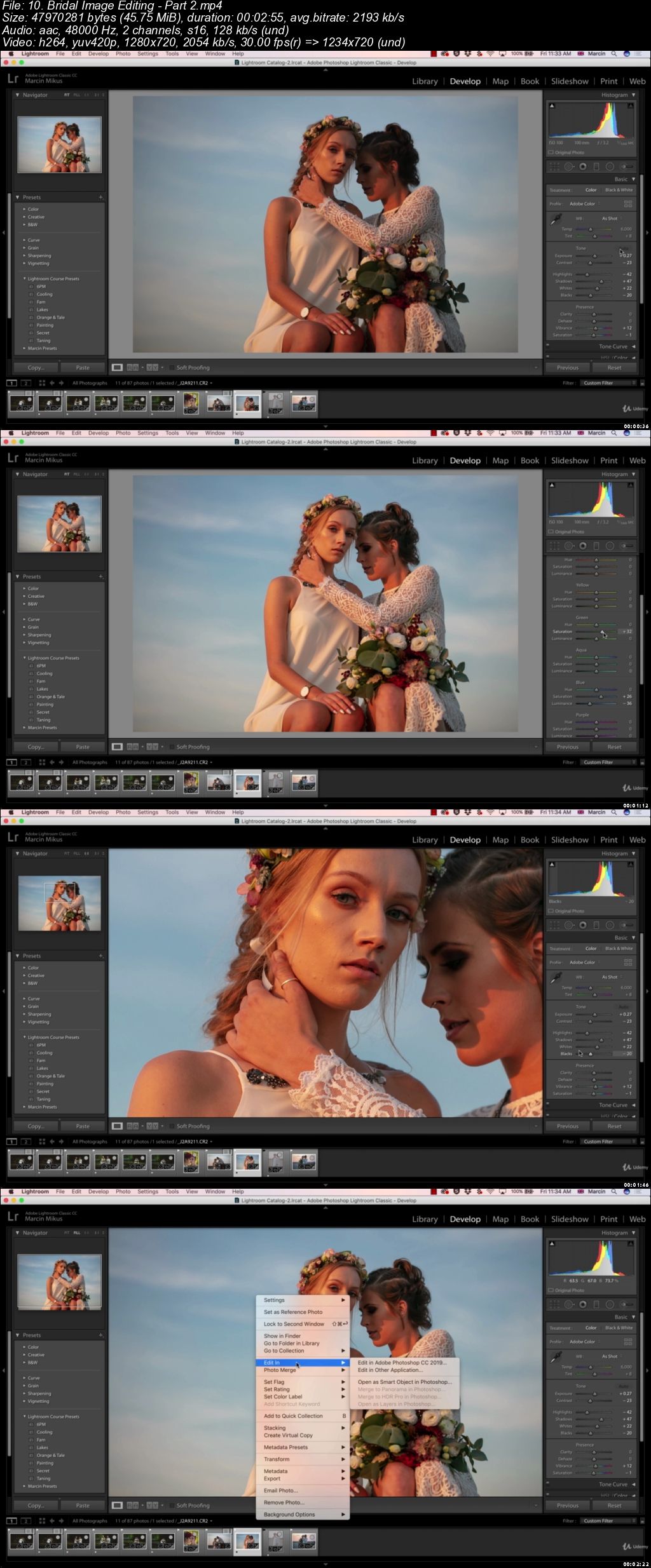
Adobe Lightroom Classic CC 2019 - Zero to Pro (Updated)

0065b1de.jpg


Adobe Lightroom Classic CC 2019 - Zero to Pro (Updated 1/2019)
.MP4 | Video: 1280x720, 30 fps(r) | Audio: AAC, 48000 Hz, 2ch | 7.56 GB
Duration: 8 hours | Genre: eLearning Video | Language: English

Learn Lightroom Classic CC by Doing Real Time Work - Edit Images to Impress


What you'll learn

You will make your images look outstanding!
You will be able to work comfortably with Lightroom software
Edit exposure, adjust Contrasts, lights and shadows
Color grade images understanding color theory
Create professional presets to speed up your workflow
Organize your photos in Lightroom
Create your own color profiles to make images outstanding and enhance colors
Export images in the right way
Retouch skin in Lightroom
Use adjustement tools in Lightroom
Open images directly in Photoshop and edit them in Photoshop

Requirements

You don't need to have prior experience with the software
You need PC or Laptop
Youl need Lightroom Classic CC Software

Description

Do you want to make your images stand out from the crowd?

Lightroom is most popular software used by milions of photographers and understanding this software is often a key to the amazing images. At this moment you are in the best place to start, having professional retoucher as your instructor!

Within few days you will be able to understand key things abut Lightrooom software and what's most important you understand more artistic side of photography that will allow you to edit images beautifully!

No matter if you are an complete ammatour or already have some experience in the field. I will make sure you understand you images, their lights and color, which will allow you to get much better at what you do!

Why I am so confident about that?

I have been workin in retouching industry for over 5 years, retoching and processing images for world class Photographers. I had closest possible experience with mastering every detail of the images, following color harmonies and it's artistic appeal.

Major subjects taught in this course are:

Understanding Library Panel and it's Layout

Importing Images - Picking them, flagging, rating and adding keywords to the images

Understanding Develop Module

Basic Adjustements - Exposure, Contrasts, Lights and Shadows

Working with Colors - Curves, Hue/Sauration/Luminance, Split Tonning

Color Calibration

Sharpening and Noise Reduction

Lens Correction and Perspective

Adjustement Tools - Crop, Spot Removal, Color Filters and Adjustement Brush

Exporting Images

Skin Retouching in Photoshop

Creating High Quality Presets and Color Profiles

Landscape Photography Editing Lessons

Night Photography Editing Lessons

Editing Sunsets

Editing Portraits and Bridal Images

Other Lightroom Modules

Lightroom Mobile Editing Lessons

Learn how to do edit images like a PRO by following this few major steps in post-production.

Adjust Lights and Contrasts - basic but a major step of every editing, you need to make sure your image has perfect lights before you will process to the next step. Luckly even though when you images are under exposed or slightly overexposed you are able to fix it in lightroom!

Color Grading - other course never pay enough attention to process of color grading. What I do different, I teach you how to color grade you images in the right way - following the basic rules of color harmonies. Thanks to this your images will always look perfect!

Skin Retouching - Yes we also work on portraits, I will show you how to retouch skin in Lightroom as well as in Photoshop which is much better software for skin retouching!

Final Touch Ups - All you need to do to make sure you image is ready to export!

Presets and Profiles - Amazing thing about this course is the fact I am sharing with you my Color Profiles that will transform your images withing seconds giving them this extra punch!

You want to learn but you don't have many images to practice? Don't worry, I will share images with you so the learning process can be easier!

This course include editing lessons from start to finish so you can see my full lightroom workflow that I do on the daily basis with my images!

Enjoy!

Marcin

Who this course is for:

People with no previous knowledge of Lightroom Software
Beginner photographers who want to make otstanding images
Photographers who want to learn editing from professional
People who want to get amazing presets and profiles to boost the quality of the images quickly!
Professionals will find here color profiles created by pofessional colorist

0065b1e0.jpg


...
 
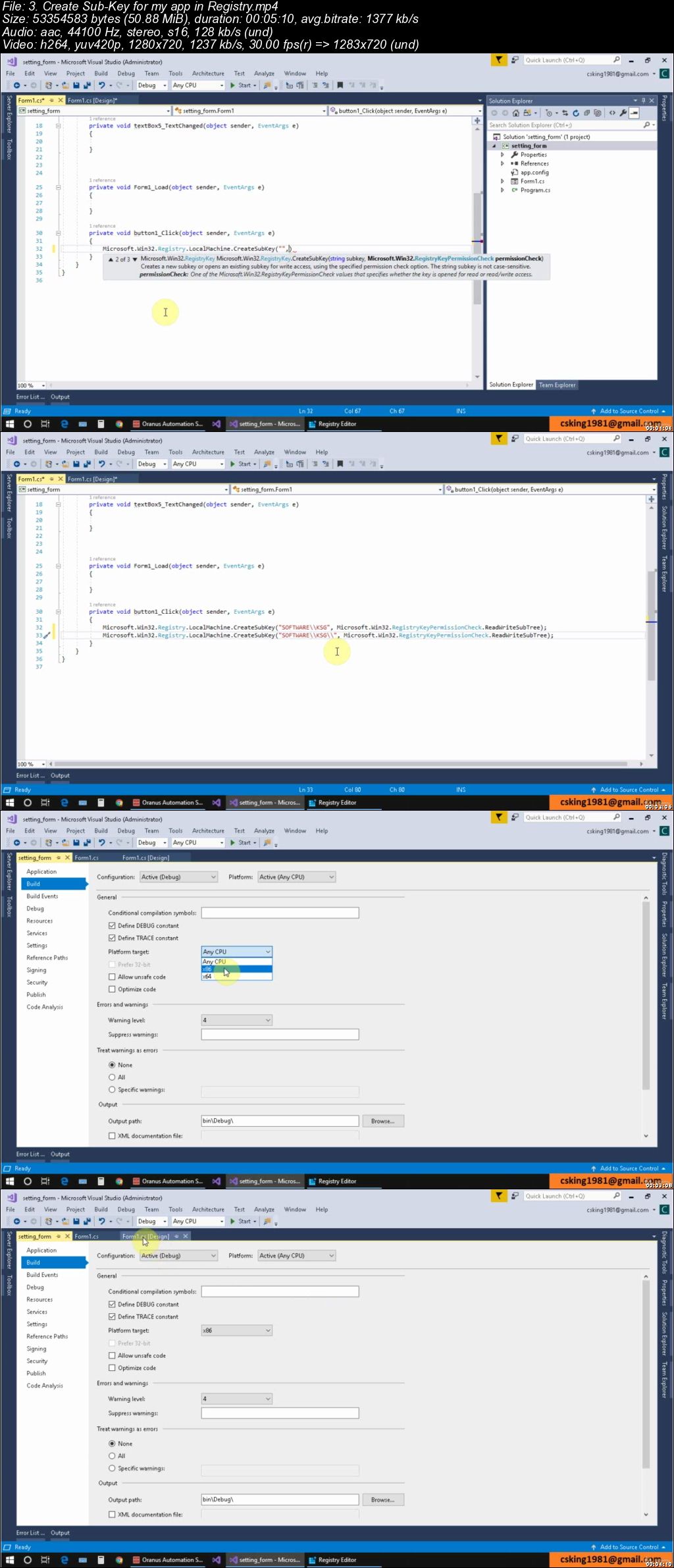
C# Mastery: 7 Projects with C# and windows Registry

Ju-TDih-Wp-LVBJf-JZw-PLIJM7-U2-O6m-Y4-Q2-N.jpg


C# Mastery: 7 Projects with C# and windows Registry
MP4 | Video: h264, 1280x720 | Audio: AAC, 44.1 KHz, 2 Ch
Genre: eLearning | Language: English + .VTT | Duration: 5.5 hours | Size: 3.66 GB

Create 7 Projects to save Settings ,Color ,Font,Size ,Location and Numbers in windows registry and load it back in C# !

What you'll learn

Learn to work with registry in C#
Add Sub-Key & values in Registry with C# !
7 projects with C# and Registry
Delete Keys & Values iv Registry with C# !
Project 1: Save User name & Login Date in Registry and load it back in C# !
Project 2: Save App Settings in Registry
Project 3: Save Color in Registry with C#
Project 4: Save Font in Registry with C#
Project 5: Save Size in Registry with C#
Project 6: Save Location in Registry
Project 7: Save Numbers in Registry

Requirements

General Knowledge of C# Programming
Visual Studio 2017 Community edition or other versions

Description

Hi There!

After this course you via 7 great projects you will learn to use the windows Registry power to save your Login info,Settings, Font, Size, Location,Color, Numbers in Windows Registry and load them back in C# !

I started this course from scratch and described the Registry and it's editor and usage.

To do that i created 7 simple projects to save Login info,Settings, Font, Size, Location,Color, Numbers in Windows Registry.

Learn to work with registry in C#

Add Sub-Key & values in Registry with C# !

Delete Keys & Values iv Registry with C# !

Project 1: Save User name & Login Date in Registry and load it back in C# !

Project 2: Save App Settings in Registry

Project 3: Save Color in Registry with C#

Project 4: Save Font in Registry with C#

Project 5: Save Size in Registry with C#

Project 6: Save Location in Registry

Project 7: Save Numbers in Registry

Don't hesitate to start learning Registry in C#!

Every thing will be discussed with sample project and you will have lot of fun within my course.

Say Hi registry in C# and let's go !!!

Who this course is for:

C# programmers who want's to save the values and setting in windows Registry!
C# programmers who want to work with Registry in C# code!

Bz-Gu-AUx2q8-IYrgvl-Re-LDBBCbl2o6dct-P.jpg


...
 
Artificial Intelligence Level 2: Rise of the Machines

0065b03e.jpg


Artificial Intelligence Level 2: Rise of the Machines
MP4 | Video: AVC 1280x720 | Audio: AAC 44KHz 2ch | Duration: 2 Hours | Lec: 23 | 2.83 GB
Genre: eLearning | Language: English

Explore Artificial Intelligence

In this course we introduce artificial intelligence, beginning with a brief history of attempts to understand mind and intelligence in philosophy, psychology, and other areas of research.

In an important sense, AI is an old science, tracing its roots back at least to Aristotle. An appreciation of this background is essential for an understanding of the issues addressed in modern research. We also present an overview of some of the important application areas in AI. Our goal in level 1 was to provide both background and a motivation for the theory and applications that follow.

In level 2, we'll introduce the research tools for AI problem solving. These include, the predicate calculus presented both as a mathematical system as well as a representation language to describe the essential features of a problem.

0065b040.jpg


...
 
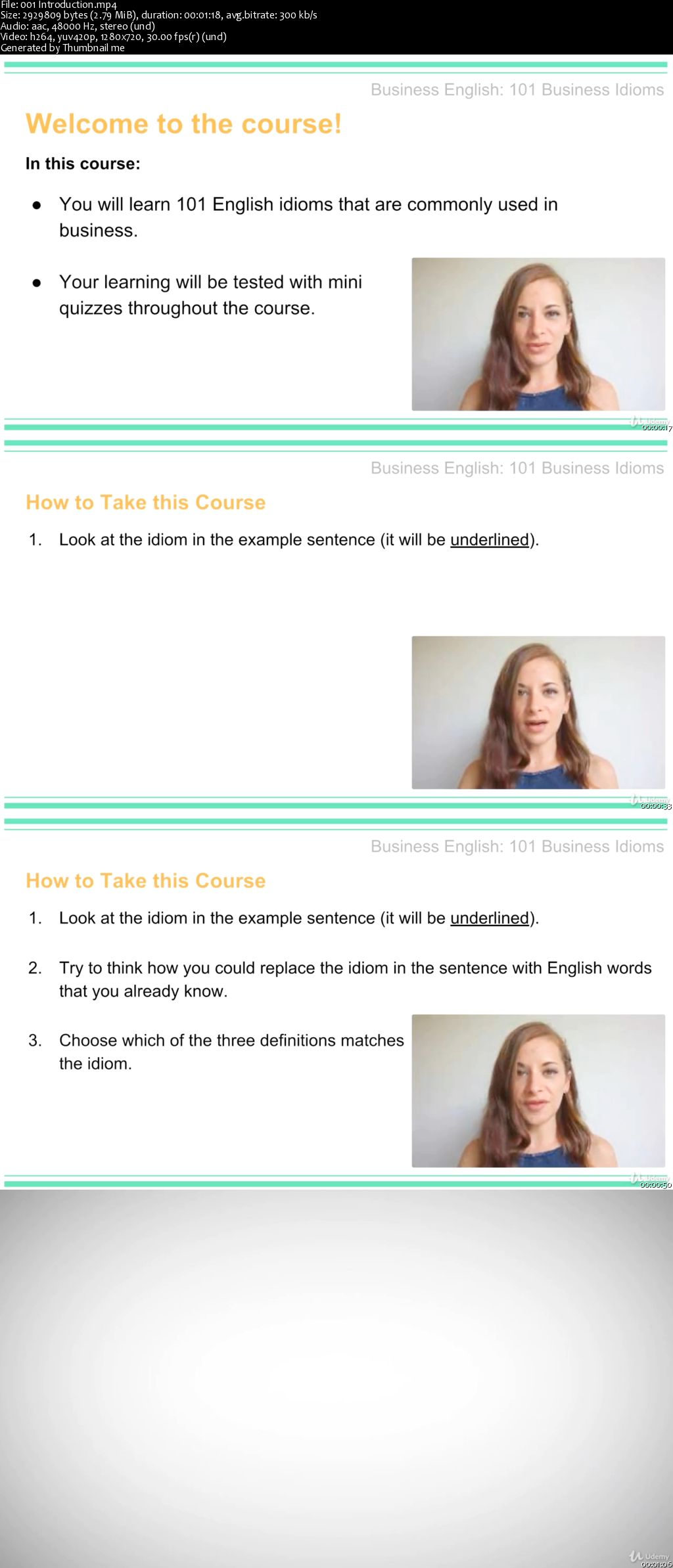
Business English: 101 English Idioms

0065afb7.jpg


Business English: 101 English Idioms
MP4 | Video: AVC 1280x720 | Audio: AAC 44KHz 2ch | Duration: 1.5 Hours | Lec: 21 | 135 MB
Genre: eLearning | Language: English

Learn 101 English Idioms Commonly Used in Business

Many English language learners, despite having good grammatical knowledge and a wide vocabulary, find that they struggle to communicate with native English speakers which is often due to not understanding the many idiomatic phrases that are used in business as well as in everyday situations.

This course teaches 101 English idioms that are commonly used in business in all English speaking countries.

In each video-based lesson, you will be introduced to each idiom in context, prompted to consider the meaning of the idiom, and then given the correct definition.

Each lesson is around 5 minutes in length to fit around your busy schedule. After 2 video lessons there is a quiz to test your understanding of the idioms you have been taught.

Knowing these idioms will help you better understand and use the English language and make your speech more natural.

This course is for English language learners of B2 (Upper-Intermediate) level and above but may be suitable for strong intermediate level English language learners.

0065afbb.jpg


...
 
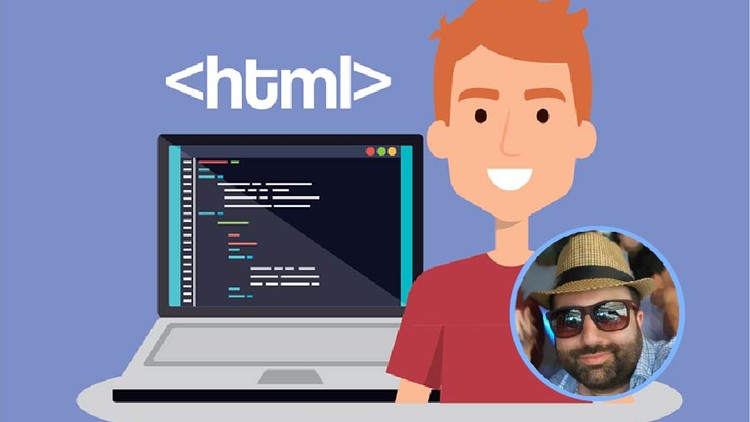
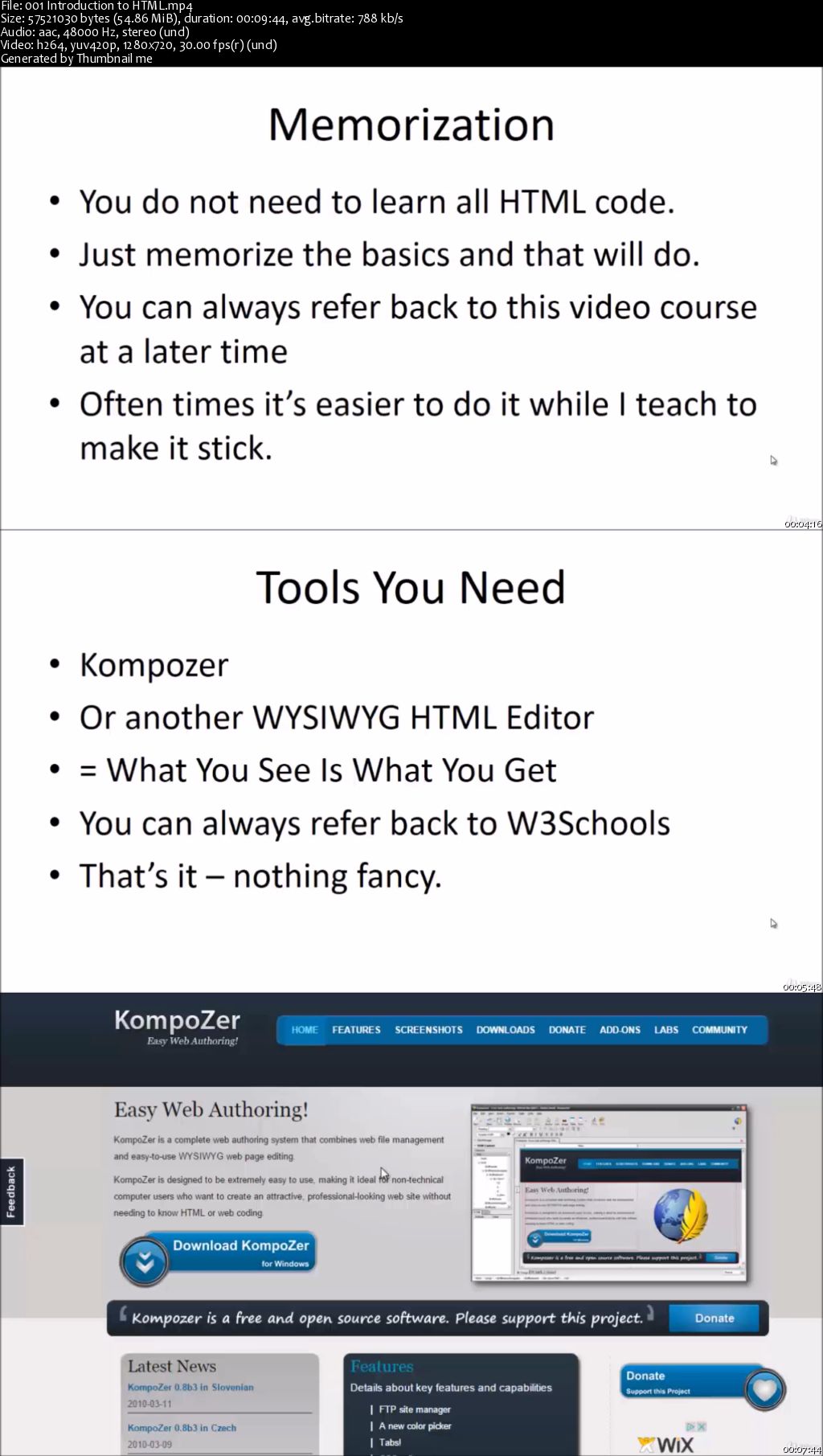
Basic HTML For Beginners: Build A Professional Web Pages

0065b013.jpg


Basic HTML For Beginners: Build A Professional Web Pages
MP4 | Video: AVC 1280x720 | Audio: AAC 44KHz 2ch | Duration: 1 Hours | Lec: 13 | 515 MB
Genre: eLearning | Language: English

Learn Basic HTML Code For Beginners And Build And Edit HTML Web Pages Easily And Quickly - Even If You're A Technophobe

Learn the Basics of HTML Code So That You Can Edit HTML Easily - Even If You're A Technophobe.

This 9-part video course is designed to show you how you can quickly and easily learn the basics of HTML, so you can survive the online world.

If you want to set up any type of webpage or landing page, you absolutely must know HTML. The reality is that even if you are using visual HTML editors, you will still run into basic coding issues that often prevent you from moving forward.

Does that sound familiar to you?

You've been running away from trying to learn basic HTML code because it just looks too complicated, but the reality is that these problems will appear over and over again.

Soon you will find yourself running in circles - frustrated!

Learning just the basics of HTML code will allow you to create hyperlinks that link to other websites, add pictures, format your fonts and text, and make your content far more search engine friendly.

Even when you encounter site builders or content management systems like WordPress, you will still need to know basic HTML code.

The truth is that compared to a lot of other languages, HTML is the easiest to learn.

So now is your chance - if you've always wanted to build web pages, but were intimidated by the code, this course will help you learn the basics so that you can survive and even thrive in the online world.

It's time to start, right?

0065b017.jpg


...
 
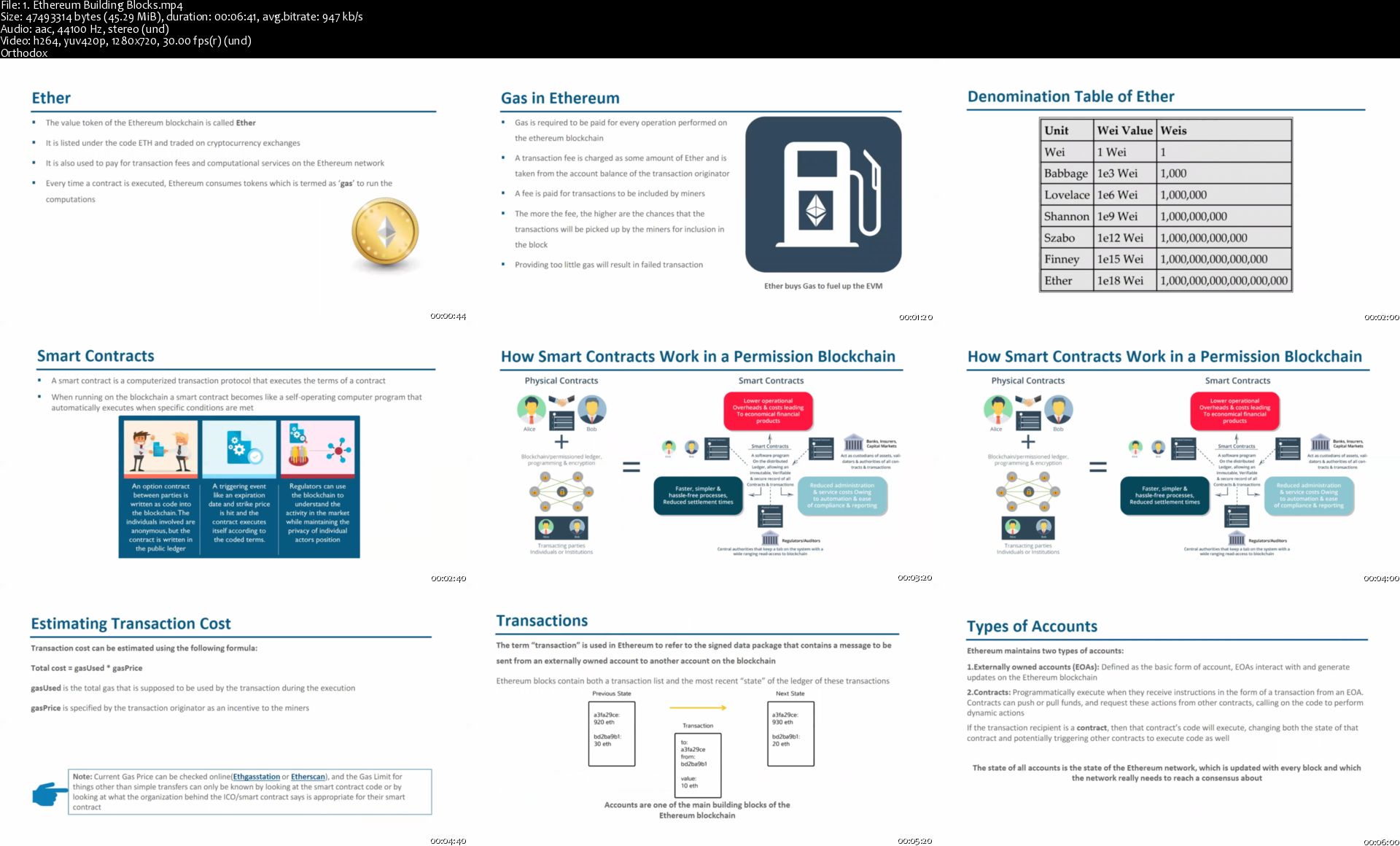
Blockchain Technology - Ethereum & Solidity Fundamentals

f4-Hzz-Qgka-X7wvf3m-Q9a2-Xp61t-TVG8-Stn.jpg


Blockchain Technology - Ethereum & Solidity Fundamentals
$20 | Created by Venu Tikkavarapu | Last Updated 3/2019
Duration: 1 hours | Video: h264, 1280x720 | Audio: AAC, 44 KHz, 2 Ch | 284 MB
Genre: eLearning | Language: English + Sub | 10 Lectures

Ethereum & Solidity - Blockchain Technology fundamentals

What you'll learn
Ethereum in Blockchain technology

Requirements
C , C++ , Java Funadamentals

Description
Fundamentals of Block Chain Technology . This is course is for intermediate students who are interested to learn about Block Chain technology and Ethereum & Solidity.This Chapter deals with the Fundamentals of Ethereum.

The invention of the blockchain for bitcoin made it the first digital currency to solve the double-spending problem without the need of a trusted authority or central server. The bitcoin design has inspired other applications and blockchains which are readable by the public are widely used by cryptocurrencies.

Who this course is for:
Passion to learn Blockchain technology

1-Ethereum-Building-Blocks-s.jpg


...
 
Zurück
Oben Unten