• Regeln für den Video-Bereich:

    In den Börsenbereich gehören nur Angebote die bereits den Allgemeinen Regeln entsprechen.

    Einteilung

    - Folgende Formate gehören in die angegeben Bereiche:
    - Filme: Encodierte Filme von BluRay, DVD, R5, TV, Screener sowie Telesyncs im Format DivX, XviD und x264.
    - DVD: Filme im Format DVD5, DVD9 und HD2DVD.
    - HD: Encodierte Filme mit der Auflösung 720p oder darüber von BluRay, DVD, R5, TV, Screener sowie Telesyncs im Format x264.
    - 3D: Encodierte Filme von BluRay, die in einem 3D Format vorliegen. Dies gilt auch für Dokus, Animation usw.
    - Serien: Cartoon/Zeichentrick, Anime, Tutorials, Dokumentationen, Konzerte/Musik, Sonstiges sind demnach in die entsprechenden Bereiche einzuordnen, auch wenn sie beispielsweise im High Definition-Format oder als DVD5/DVD9/HD2DVD vorliegen. Ausnahme 3D.
    - Bereich Englisch: Englische Releases gehören immer in diesen Bereich.
    - Bereich Talk: Der Bereich, in dem über die Releases diskutiert werden kann, darf, soll und erwünscht ist.


    Angebot/Beitrag erstellen

    - Ein Beitrag darf erst dann erstellt werden, wenn der Upload bei mindestens einem OCH komplett ist. Platzhalter sind untersagt.
    - Bei einem Scenerelease hat der Threadtitel ausschließlich aus dem originalen, unveränderten Releasenamen zu bestehen. Es dürfen keine Veränderungen wie z.B. Sterne, kleine Buchstaben o.ä. vorgenommen werden. Ausnahme Serienbörse:
    - Bei einem Sammelthread für eine Staffel entfällt aus dem Releasename natürlich der Name der Folge. Beispiel: Die Simpsons S21 German DVDRip XviD - ITG
    - Dementsprechend sind also u.a. verboten: Erweiterungen wie "Tipp", "empfehlenswert", "only", "reup", usw. / jegliche andere Zusatzinformation oder Ergänzung, welche nicht in obiger Beschreibung zu finden ist.

    Aufbau des Angebots und Threadtitel

    Der Titel nach folgendem Muster erstellt zu werden. <Name> [3D] [Staffel] [German] <Jahr> <Tonspur> [DL] [Auflösung] <Quelle> <Codec> - <Group>
    Beispiel: The Dark Knight German 2008 AC3 DVDRip XviD - iND
    Beispiel: The Dark Knight 2008 DTS DL BDRip x264 - iND
    Beispiel: The Dark Knight 2008 AC3 DL BDRip XviD - iND
    Beispiel: The Dark Knight German 2008 AC3 720p BluRay x264 iND
    Beispiel: The Dark Knight 2008 DTS DL 1080p BluRay x264 iND
    Beispiel: Die Simpsons S01 German AC3 DVDRip XviD iND
    Beispiel: Die Simpsons S20 German AC3 720p BluRay x264 iND
    Beispiel: Sword Art Online II Ger Sub 2014 AAC 1080p WEBRip x264 - peppermint
    Entsprechend sind also u.a. verboten: Sonderzeichen wie Klammern, Sterne, Ausrufezeichen, Unterstriche, Anführungszeichen / Erweiterungen wie "Tipp", "empfehlenswert", "only", "reup", usw. / jegliche andere Zusatzinformation oder Ergänzung, welche nicht in obiger Beschreibung zu finden ist
    Ausnahmen hiervon können in den Bereichen geregelt sein.

    Die Beiträge sollen wie folgt aufgebaut werden:
    Überschrift entspricht dem Threadtitel
    Cover
    kurze Inhaltsbeschreibung
    Format, Größe, Dauer sind gut lesbar für Downloader außerhalb des Spoilers zu vermerken
    Nfo sind immer Anzugeben und selbige immer im Spoiler in Textform.
    Sind keine Nfo vorhanden z.B. Eigenpublikationen, sind im Spoiler folgende Dateiinformationen zusätzlich anzugeben :
    Quelle
    Video (Auflösung und Bitrate)
    Ton (Sprache, Format und Bitrate der einzelnen Spuren)
    Untertitel (sofern vorhanden)
    Hosterangabe in Textform außerhalb eines Spoiler mit allen enthaltenen Hostern.
    Bei SD kann auf diese zusätzlichen Dateiinformationen verzichtet werden.

    Alle benötigten Passwörter sind, sofern vorhanden, in Textform im Angebot anzugeben.
    Spoiler im Spoiler mit Kommentaren :"Schon Bedankt?" sind unerwünscht.


    Releases

    - Sind Retail-Release verfügbar, sind alle anderen Variationen untersagt. Ausnahmen: Alle deutschen Retail-Release sind CUT, in diesem Fall sind dubbed UNCUT-Release zulässig.
    - Im Serien-Bereich gilt speziell: Wenn ein Retail vor Abschluss einer laufenden Staffel erscheint, darf diese Staffel noch zu Ende gebracht werden.62
    - Gleiche Releases sind unbedingt zusammenzufassen. Das bedeutet, es ist zwingend erforderlich, vor dem Erstellen eines Themas per Suchfunktion zu überprüfen, ob bereits ein Beitrag mit demselben Release besteht. Ist dies der Fall, ist der bereits vorhandene Beitrag zu verwenden.
    - P2P und Scene Releases dürfen nicht verändert oder gar unter einem iND Tag eingestellt werden.


    Support, Diskussionen und Suche

    - Supportanfragen sind entweder per PN oder im Bereich Talk zu stellen.
    - Diskussionen und Bewertungen sind im Talk Bereich zu führen. Fragen an die Uploader haben ausschließlich via PN zu erfolgen, und sind in den Angeboten untersagt.
    - Anfragen zu Upload-Wünschen sind nur im Bereich Suche Video erlaubt. Antworten dürfen nur auf Angebote von MyBoerse.bz verlinkt werden.


    Verbote

    - Untersagt sind mehrere Formate in einem einzigen Angebotsthread, wie beispielsweise das gleichzeitige Anbieten von DivX/XviD, 720p und 1080p in einem Thread. Pro Format, Release und Auflösung ist ein eigener Thread zu eröffnen.
    - Grundsätzlich ebenso verboten sind Dupes. Uploader haben sich an geeigneter Stelle darüber zu informieren, ob es sich bei einem Release um ein Dupe handelt.
    - Gefakte, nur teilweise lauffähige oder unvollständige Angebote sind untersagt. Dies gilt auch für eigene Publikationen, die augenscheinlich nicht selbst von z.B. einer DVD gerippt wurden. Laufende Serien, bei denen noch nicht alle Folgen verfügbar sind, dürfen erstellt und regelmäßig geupdatet werden.
    - Untersagt sind Angebote, welche nur und ausschließlich in einer anderen Sprache als deutsch oder englisch vorliegen. Ausnahmen sind VORHER mit den Moderatoren zu klären.


    Verstoß gegen die Regeln

    - Angebote oder Beiträge, die gegen die Forenregeln verstoßen, sind über den "Melden"-Button im Beitrag zu melden.
  • Bitte registriere dich zunächst um Beiträge zu verfassen und externe Links aufzurufen.


Englische Tutorials

Basic SAS Programming

Te-X1-Cj-I6atd-Nqf-BPPa-WB5-Rq-DDFCBfo-S8.jpg


Basic SAS Programming
MP4 | Video: h264, 1280x720 | Audio: AAC, 44.1 KHz, 2 Ch
Genre: eLearning | Language: English + .VTT | Duration: 39 mins | Size: 420 MB

A guide to basic programming in SAS and data base concepts

What you'll learn

Basic programming in SAS and understanding of SAS Environment

Requirements

No. But its good if participants can take up an "Alteryx data processing, data manipulation and Analytics" course by Steven Martin. This is recommended to understand fundamentals of data processing

Description

In this quick and concise program you will understand the basic concepts of database and SAS aesthetics and basic programming. We will be explaining concept of how to create dataset, libraries and variables. Also we will be discussing how to create new variables with conditional "if else" statements. Data manipulation and data wrangling will be discussed briefly.

Who this course is for:

Aspirants of exhibiting in data science or business intelligence or bachelors in technology students
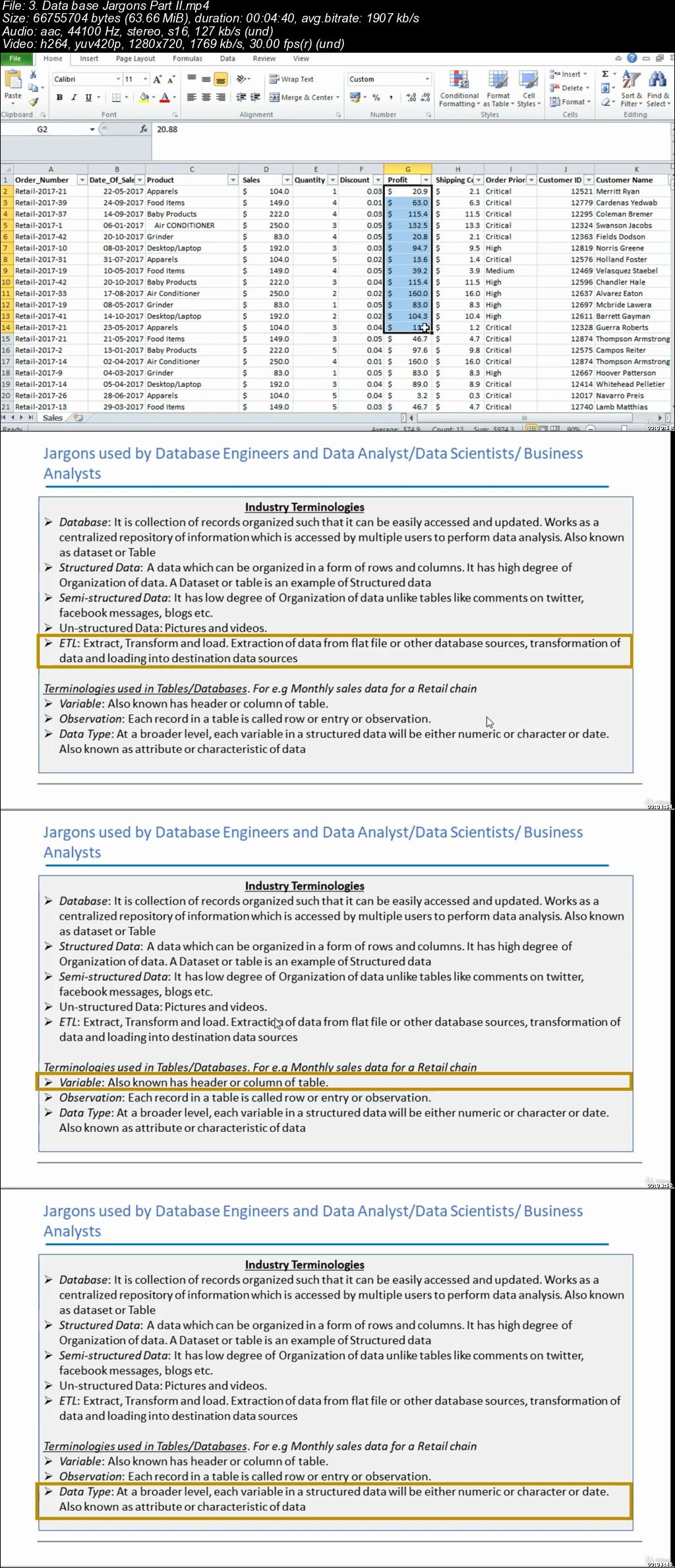
6on-P6pdl9k-Wqfl-QIL0z-O8-Mbvov-W0wq-LD.jpg


...
 
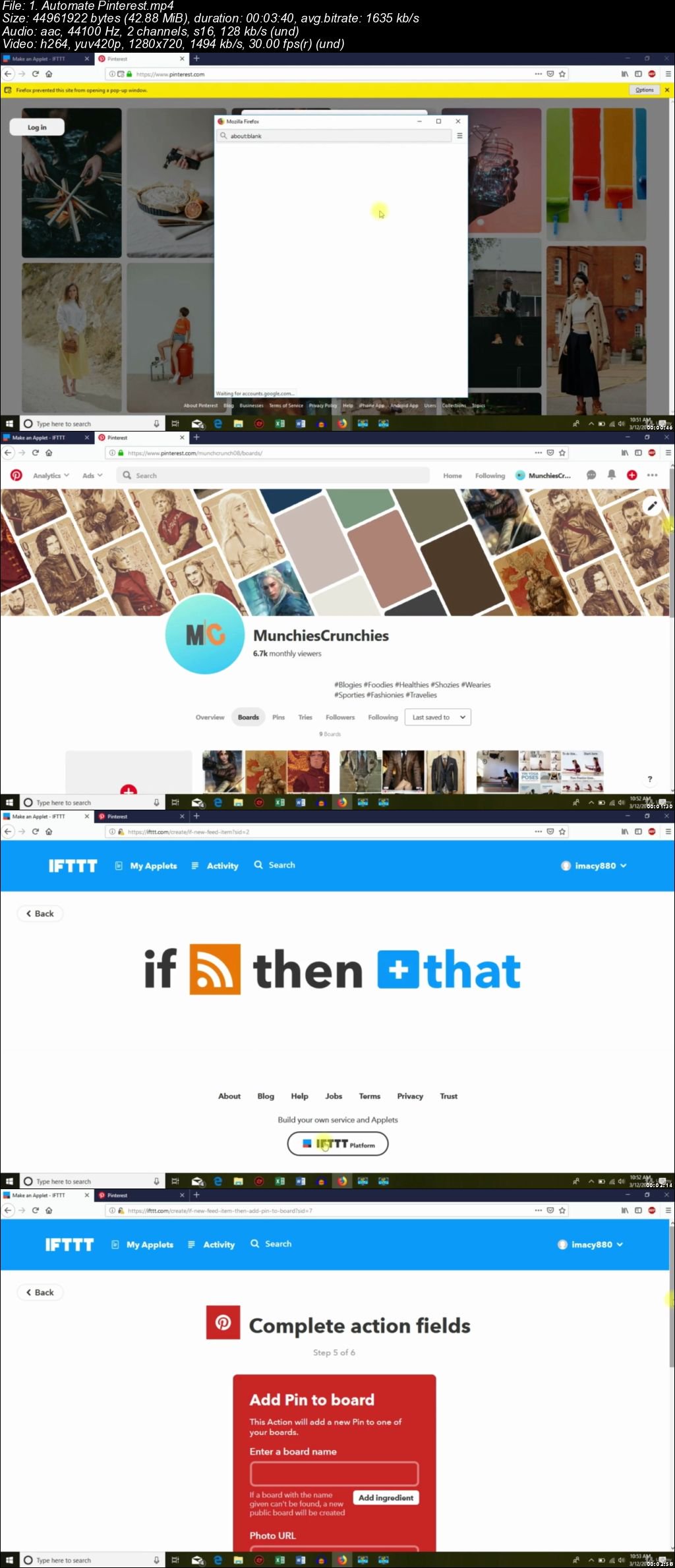
Learn To Automate Your Social Media

2o-Bo64llr-Rs8p-IPC0g3ngfe-Icwlme6oh.jpg


Learn To Automate Your Social Media
MP4 | Video: h264, 1280x720 | Audio: AAC, 44.1 KHz, 2 Ch
Genre: eLearning | Language: English + .VTT | Duration: 1 hours | Size: 424 MB

Automate Social Media and save time

What you'll learn

Automate Their Social Media
Automate Facebook Posts and Pages
Automate Twitter
Automate Pinterest
Automate Blogger
Automate Wordpress
Get feeds of products from Amazon and Clickbank
And a lot more

Requirements

No, Everything will be Taught Inside The Course

Description

1. Do you have enough time to update your social media profile? Do you hire someone or looking for someone who can update you social media profiles?

You don't have to because in this course you're going to learn how you can automate all off your social media platforms in one place. we are going to use a simple tool that will helps you automate you social media, blogs, websites & even products feeds from stores like Amazon & ClickBank.

Whether you want to post something on your Social Media or getting feeds from other Websites, its just a couple of clicks away to automate everything so you can save your time & money.

This course will also helps you to grown your audience & how you can make your audience stick to a certain type of niche so that they don't have to wait for your next post to publish.

Stick with me throughout this course so that you learn the art of automate response.

Who this course is for:

Entrepreneurs
Social Media Marketers
Students
For Those who don't have time for Social Media

P9s-Wy-Gh-H1e8gz-YZl-Zy97ll-DKQz-Kn0v1-Q.jpg


Zuletzt bearbeitet:
Reducing Complexity in Data

0065a61a.jpg


Reducing Complexity in Data
MP4 | Video: AVC 1280x720 | Audio: AAC 44KHz 2ch | Duration: 3.5 Hours | 350 MB
Genre: eLearning | Language: English

This course covers several techniques used to optimally simplify data used in supervised machine learning applications ranging from relatively simple feature selection techniques to very complex applications of clustering using Deep Neural Networks.

Machine learning techniques have grown significantly more powerful in recent years, but excessive complexity in data is still a major problem. There are several reasons for this - distinguishing signal from noise gets harder with more complex data, and the risks of overfitting go up as well. Finally, as cloud-based machine learning becomes more and more popular, reducing complexity in data is crucial in making training more affordable. Cloud-based ML solutions can be very expensive indeed. In this course, Reducing Complexity in Data you will learn how to make the data fed into machine learning models more tractable and more manageable, without resorting to any hacks or shortcuts, and without compromising on quality or correctness. First, you will learn the importance of parsimony in data, and understand the pitfalls of working with data of excessively high-dimensionality, often referred to as the curse of dimensionality. Next, you will discover how and when to resort to feature selection, employing statistically sound techniques to find a subset of the features input based on their information content and link to the output. You will round out the course by using two advanced techniques - clustering, and autoencoding. Both of these are applications of unsupervised learning used to simplify data as a precursor to a supervised learning algorithm. Each of them often relies on a sophisticated implementation such as deep learning using neural networks. When you're finished with this course, you will have the skills and knowledge of conceptually sound complexity reduction needed to reduce the complexity of data used in supervised machine learning applications.

0065a619.jpg


...
 
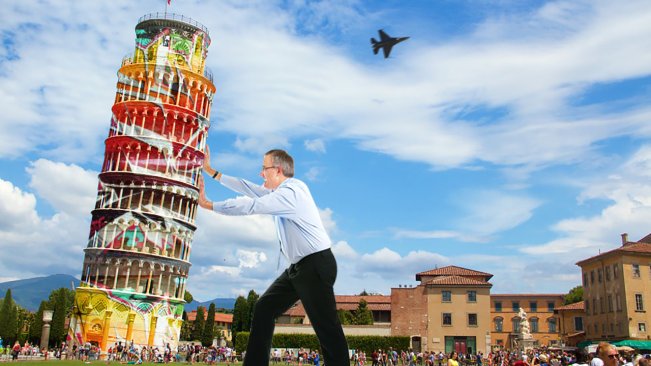
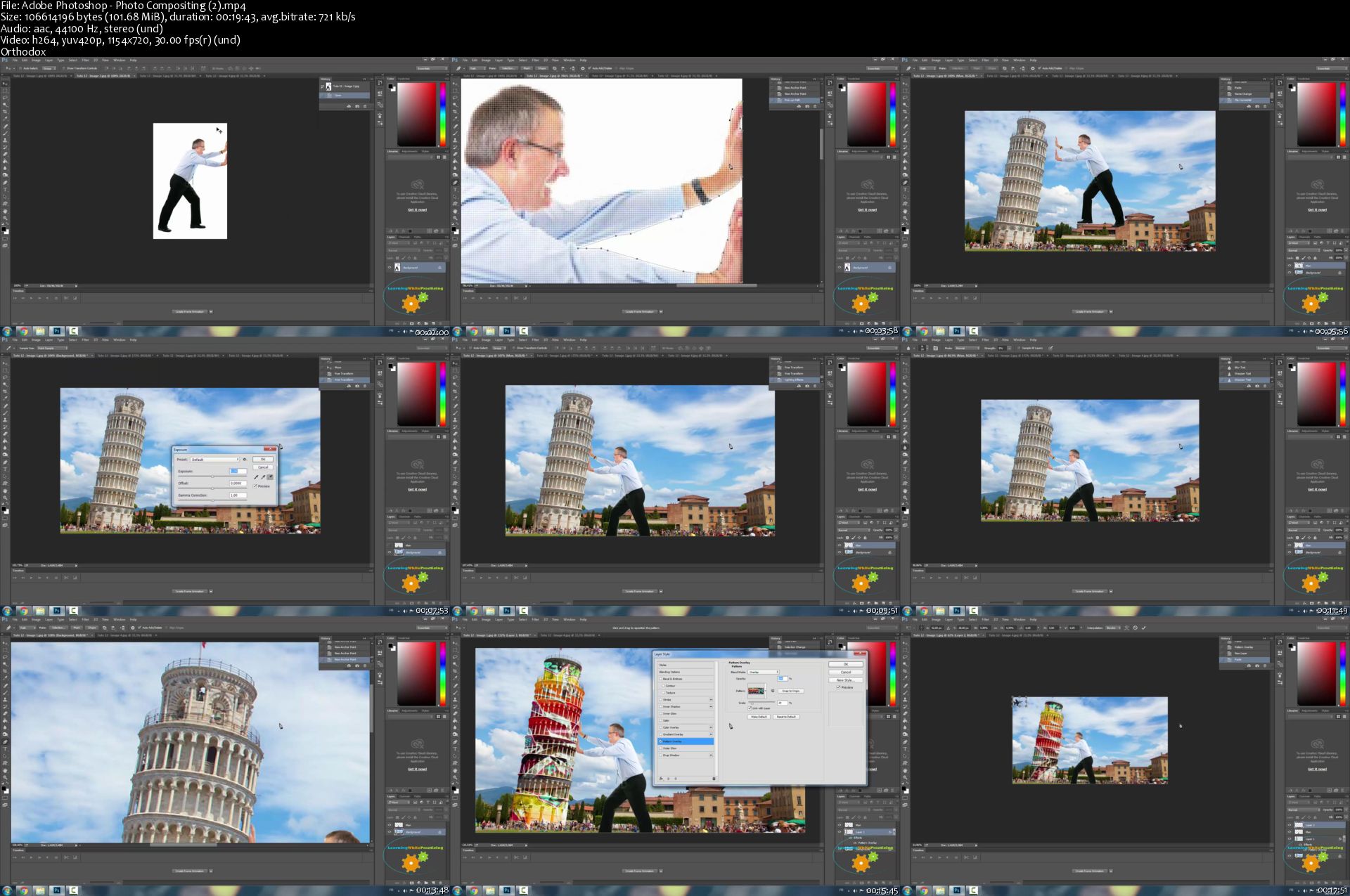
Adobe Photoshop - Photo Compositing

image.jpg


Adobe Photoshop - Photo Compositing
Video: .MP4, 1154x720 | Audio: AAC, 44kHz, 2ch | Duration: 20m
Genre: eLearning | Language: English | Size: 118 MB

Are you curious about how to combine pictures together ? Ever wonder how photo compositing is done ? Then this tutorial is for you!

In this tutorial you will learn how to do a complete photo compositing.

Through this tutorial you will learn the following skills:

Work with the pen tool
Multi layering
Use the free transformation tool
Adjust exposure
Add a pattern
Create a motion blur
This will allow you to be creative and realize any picture you can dream of.

Adobe-Photoshop-Photo-Compositing-2-s.jpg


...
 
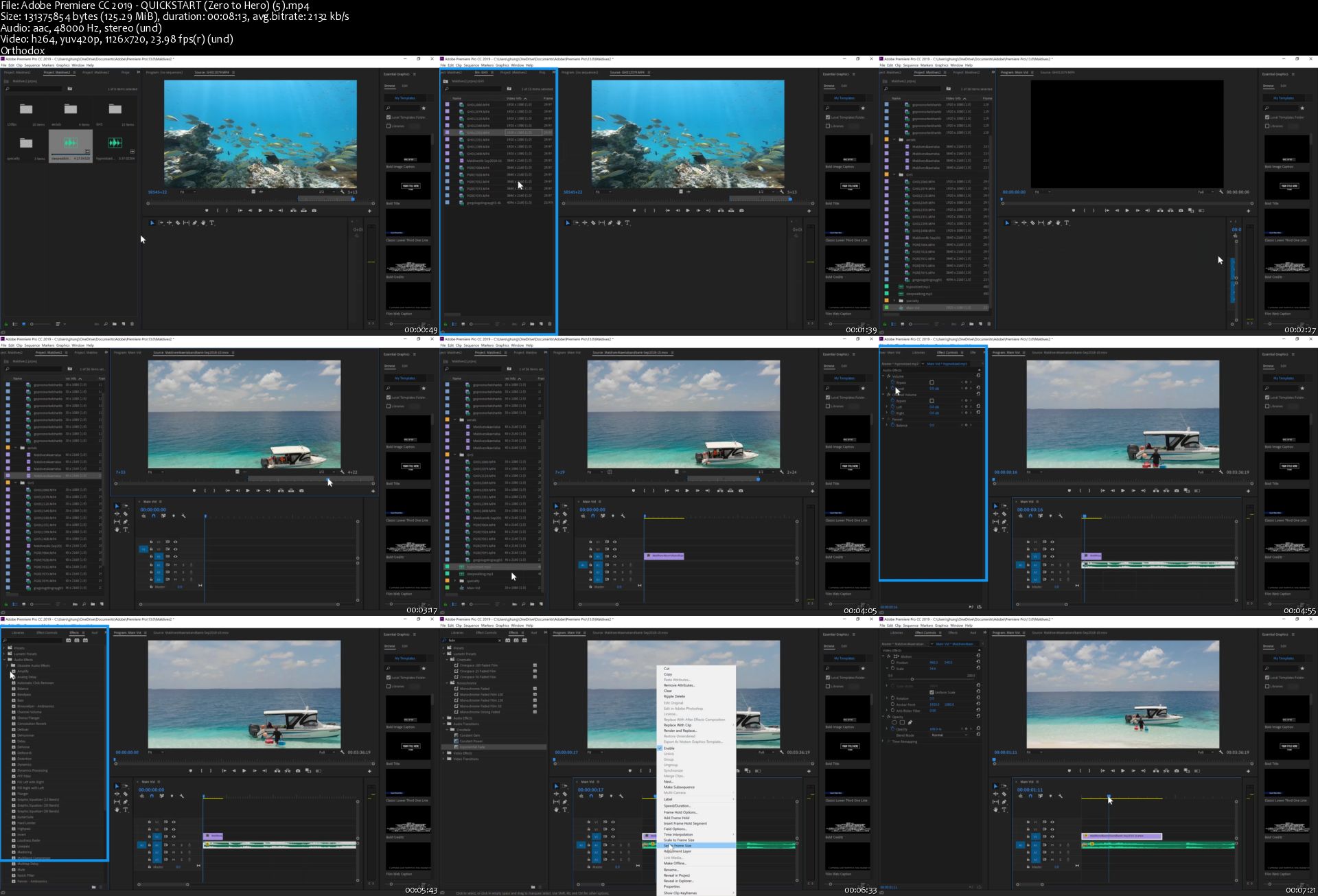
Adobe Premiere CC 2019 - QUICKSTART (Zero to Hero)

image.jpg


Adobe Premiere CC 2019 - QUICKSTART (Zero to Hero)
Video: .MP4, 1280x720 | Audio: AAC, 48kHz, 2ch | Duration: 1h 45m
Genre: eLearning | Language: English | Size: 1,38 GB

Our Adobe Premiere CC 2019 Video editing course is designed for beginners, Youtubers, Travel vloggers, Online Course instructors, Corporate video editors that just need the essential knowledge to edit things like a Youtube Travel Music Video or a A multi-camera interview event with professional audio sound.

I have 8 years of experience filming and video editing for corporate clients, Youtube vlogs and travel music videos, stock footage, and online courses. I have 14 published courses on Udemy and have honed my craft of teaching, filming, and video editing to come together on this course.

This course is designed in a logical way where I will supply you with exciting Travel Footage so that you may follow along and practice the course. The footage is shot in the exotic Maldives where you have access to 4K drone footage, gopro underwater footage, and 4K footage from a high powered Panasonic GH5 camera.

The Tutorials are taught by me and are interactive and will cover a full workflow from importing footage to publishing a Youtube Video with music. We are going to start with a tour of the program and workspaces and advance to importing footage, organizing your assets, working with the time-line, apply advanced transitions and effects, and end by exporting the finished video file. As a bonus I'm going to let you see my workflow for publishing your finished video to a youtube channel.

We are also going to analyze a finished multi-camera finished client project and teach you how to take such an edit in Adobe Premiere. We're going to cover advanced topics like multi-camera video editing to give you the skills to handle professional clients.

Adobe-Premiere-CC-2019-QUICKSTART-Zero-to-Hero-5-s.jpg


...
 
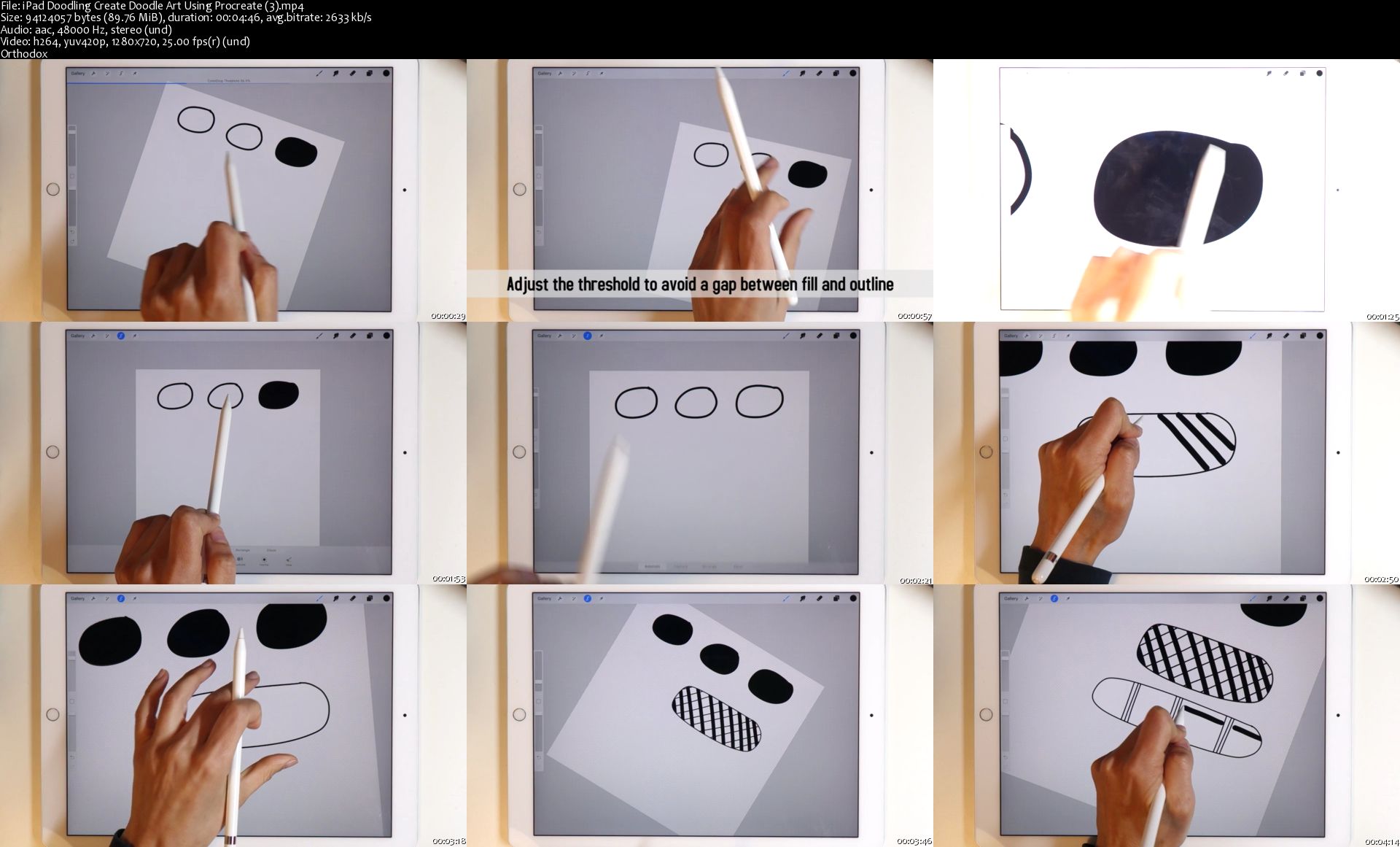
iPad Doodling: Create Doodle Art Using Procreate

image.jpg


iPad Doodling: Create Doodle Art Using Procreate
Video: .MP4, 1280x720 | Audio: AAC, 48kHz, 2ch | Duration: 1h 10m
Genre: eLearning | Language: English | Size: 1,27 GB

In this class we'll doodle on the iPad Pro using the Apple Pencil and the Procreate app.

I'll show you some basic Procreate tools I use often and how they're helpful for doodling.

We'll practice drawing some basic doodle elements and then combine them to create more elaborate doodles. I'll guide you step-by-step and we'll doodle in black, then add an accent color to the black linework, and then add a background using different color palettes, brushes, textures, and effects.

This class is suitable for beginners - there's no prior doodling or procreate experience needed. By the end of this class you will be able to create intricate doodle art using Procreate.

All you need for this class is an iPad, an Apple Pencil, and the Procreate app.

i-Pad-Doodling-Create-Doodle-Art-Using-Procreate-3-s.jpg


...
 
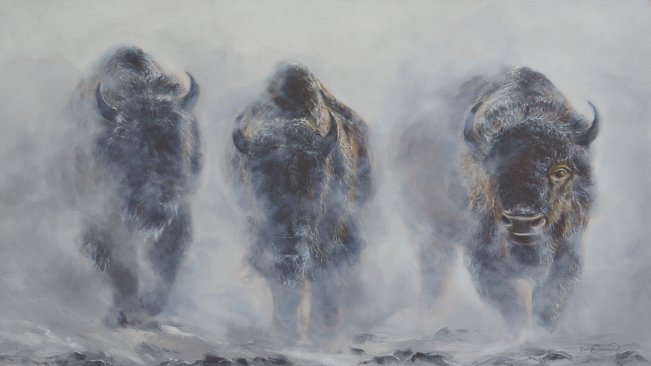
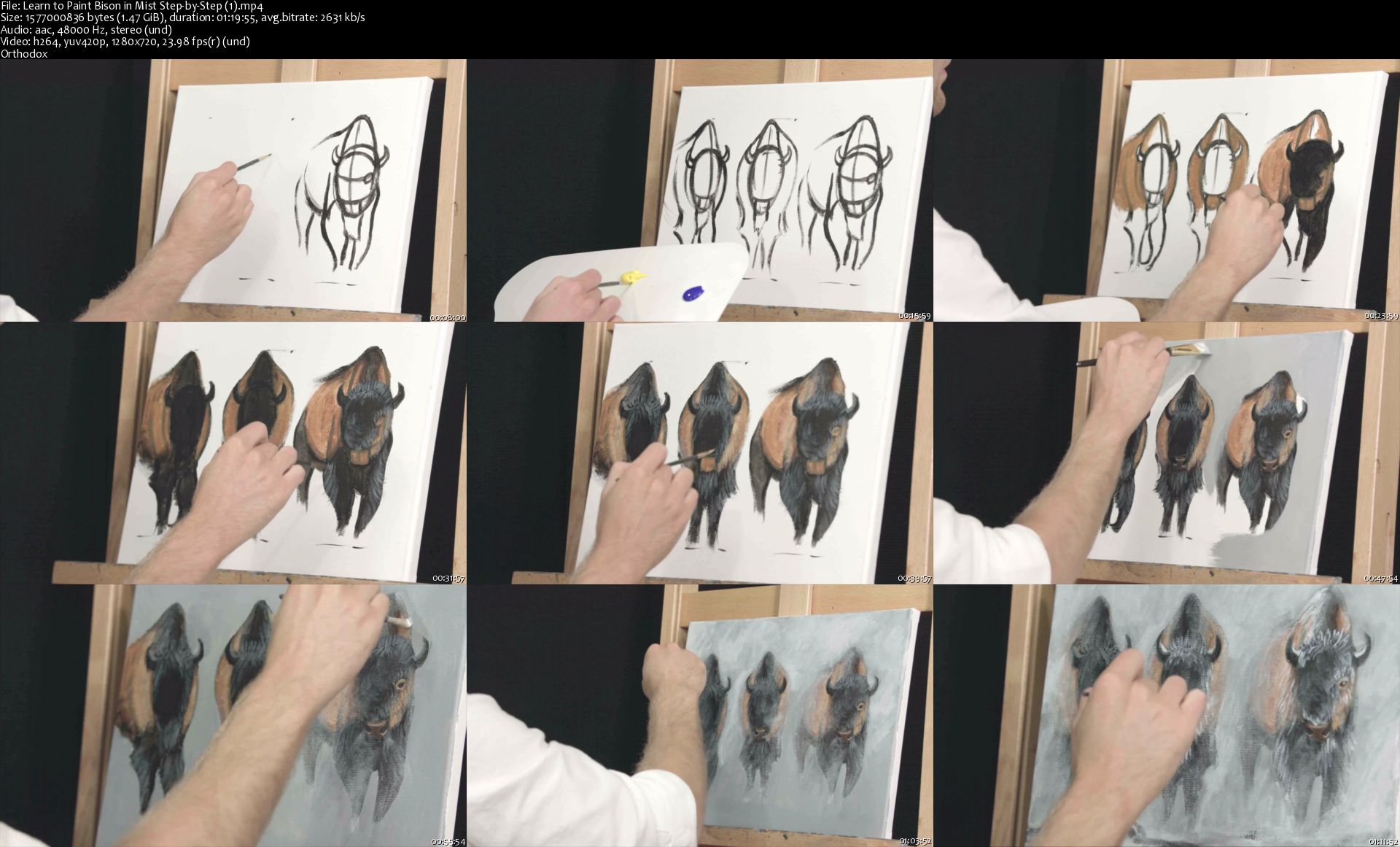
Learn to Paint Bison in Mist Step-by-Step

image.jpg


Learn to Paint Bison in Mist Step-by-Step
Video: .MP4, 960x720 | Audio: AAC, 44kHz, 2ch | Duration: 2h 1m
Genre: eLearning | Language: English | Size: 1,66 GB

Learn to paint bison in mist step by step!

Watch as I do each step, then pause the video and complete the step before moving on. Rewatch any section and take it all at your own pace!

Hang and show off your beautiful painting when you are finished. Takes about 2 hours to complete!

Use your own art supplies. You will need:

11x14 in canvas

3 brushes (large flat, medium flat, small round)

Acrylic paint (bright red, bright yellow, pthalo blue, ultramarine blue, ivory black, titanium white)

Table Easel

Artists Palette

Have a glass of water and paper towel available for cleaning your brushes.

Instructed by James Corwin

Additional material included!!

Learn how to frame your painting!

Learn how to price and sell your artwork for extra income.

And learn how to ship it safely to customers!

Learn-to-Paint-Bison-in-Mist-Step-by-Step-1-s.jpg


...
 
Print Realistic Portraits

image.jpg


Print Realistic Portraits
Video: .MP4, 1280x720 | Audio: AAC, 44kHz, 2ch | Duration: 17m
Genre: eLearning | Language: English | Size: 302 MB

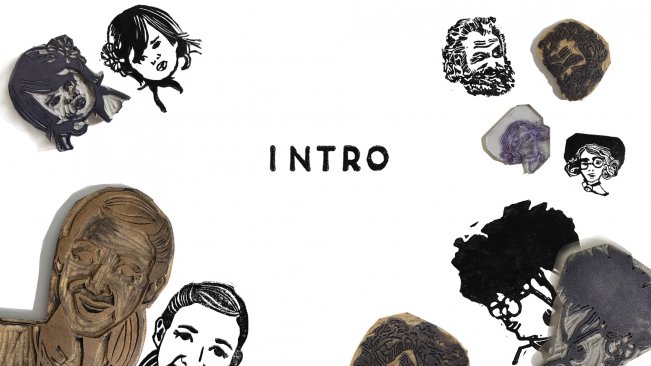
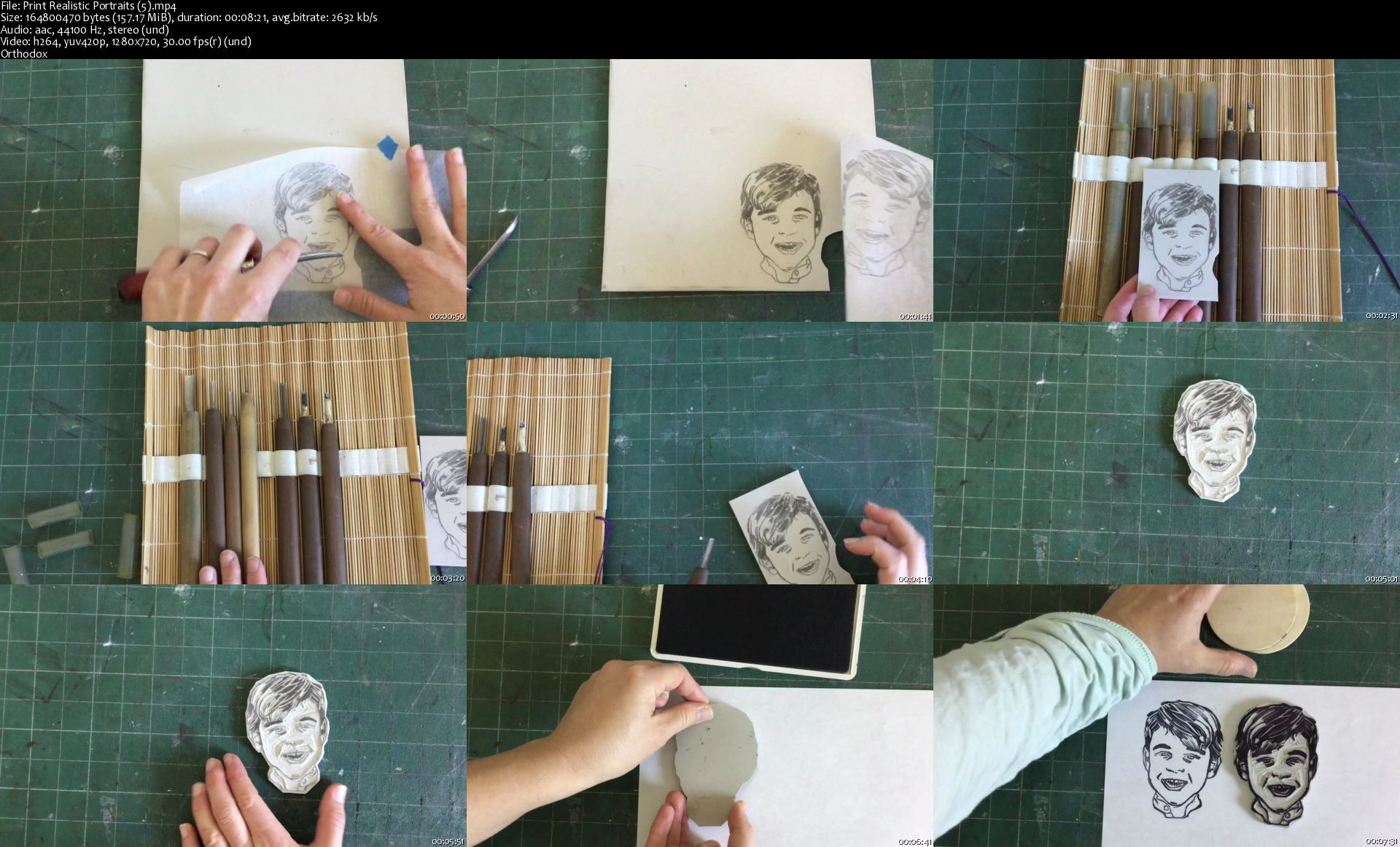
Level up your commission game by learning how to create prints that look like real people! In this class we will use digital media and photo reference to sketch an image the looks like a real person!

This class will focus on creating a successful likeness. We will discuss:

--How to use digital media and photo reference to create a solid sketch
--Which linoleum is the best fit for you
--What to do if you or your client wish to pull their prints using an ink pad

By the end of this lesson, you will be ready to create stamps of people all day long.

Print-Realistic-Portraits-5-s.jpg


...
 
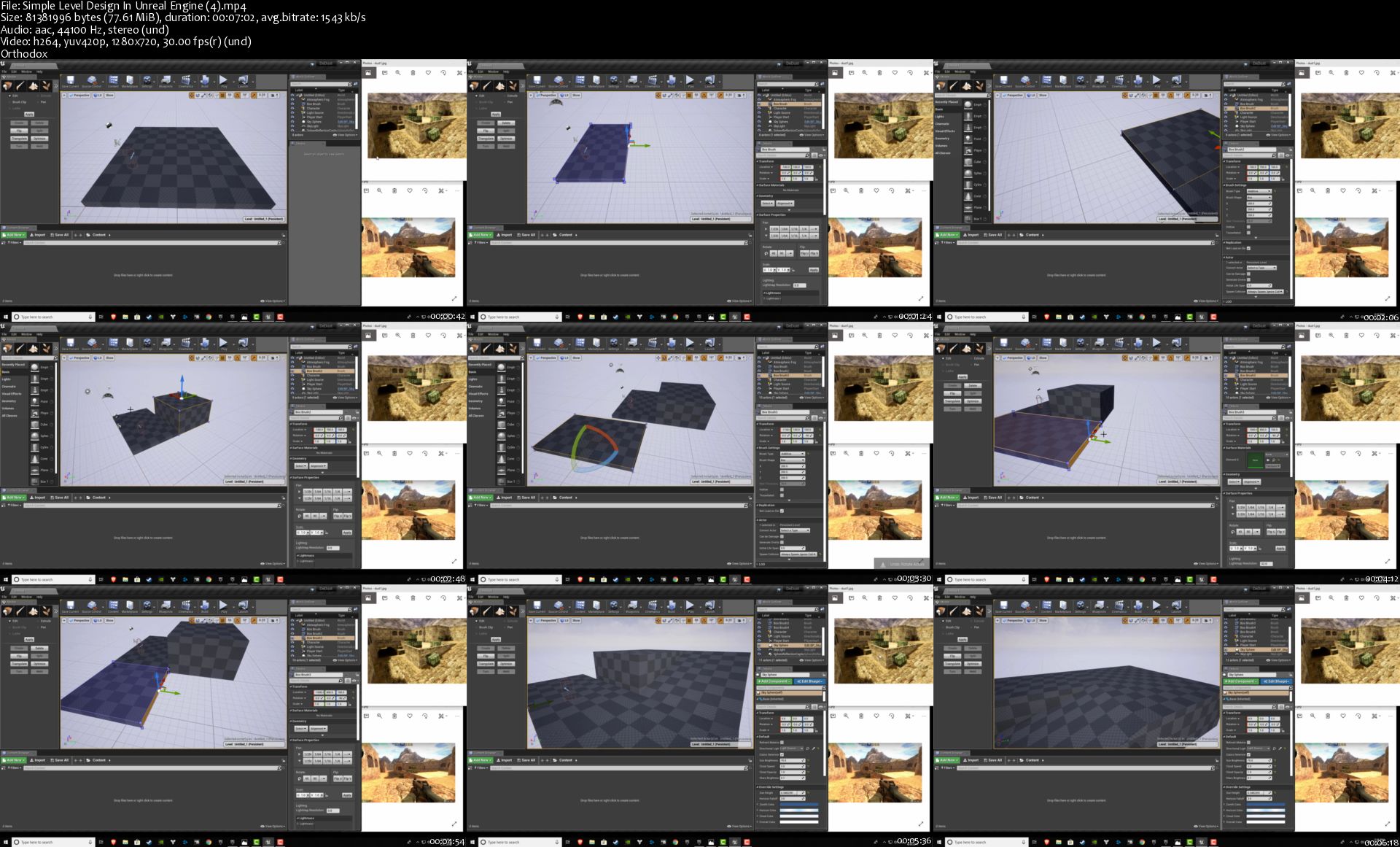
Simple Level Design In Unreal Engine

LwEleHc.jpg


Simple Level Design In Unreal Engine
Video: .MP4, 1280x720 | Audio: AAC, 44kHz, 2ch | Duration: 1h 4m
Genre: eLearning | Language: English | Size: 717 MB

Unreal Engine is a powerful suite of tools for building games. Not only can you build games with Unreal, but you can create beautiful architecture for visualization or even build 3D movies with it!

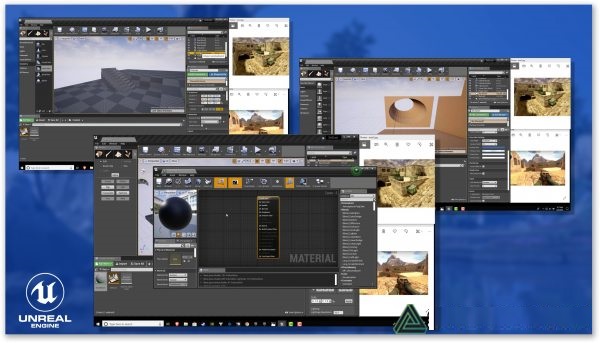
This Skillshare class will teach you the absolute basics of the Unreal Engine level editor -- no prior experience is required.

You will learn how to use the powerful built-in level editor to create your very own 3D game level.

The principles learned in this class apply to not only games, but all other forms of media where Unreal Engine can be used.

What You Will Learn

Installing Unreal Engine
Overview of the Unreal Editor
Creating basic geometric shapes
Manipulating geometry to design game levels
Extrusions, beveling, and subtractive meshes
How to create simple materials
This class is the best place to start when you have never used Unreal Engine. It is great for beginners and teaches you the foundational skills you need to understand in order to progress with Unreal Engine.

Simple-Level-Design-In-Unreal-Engine-4-s.jpg


...
 
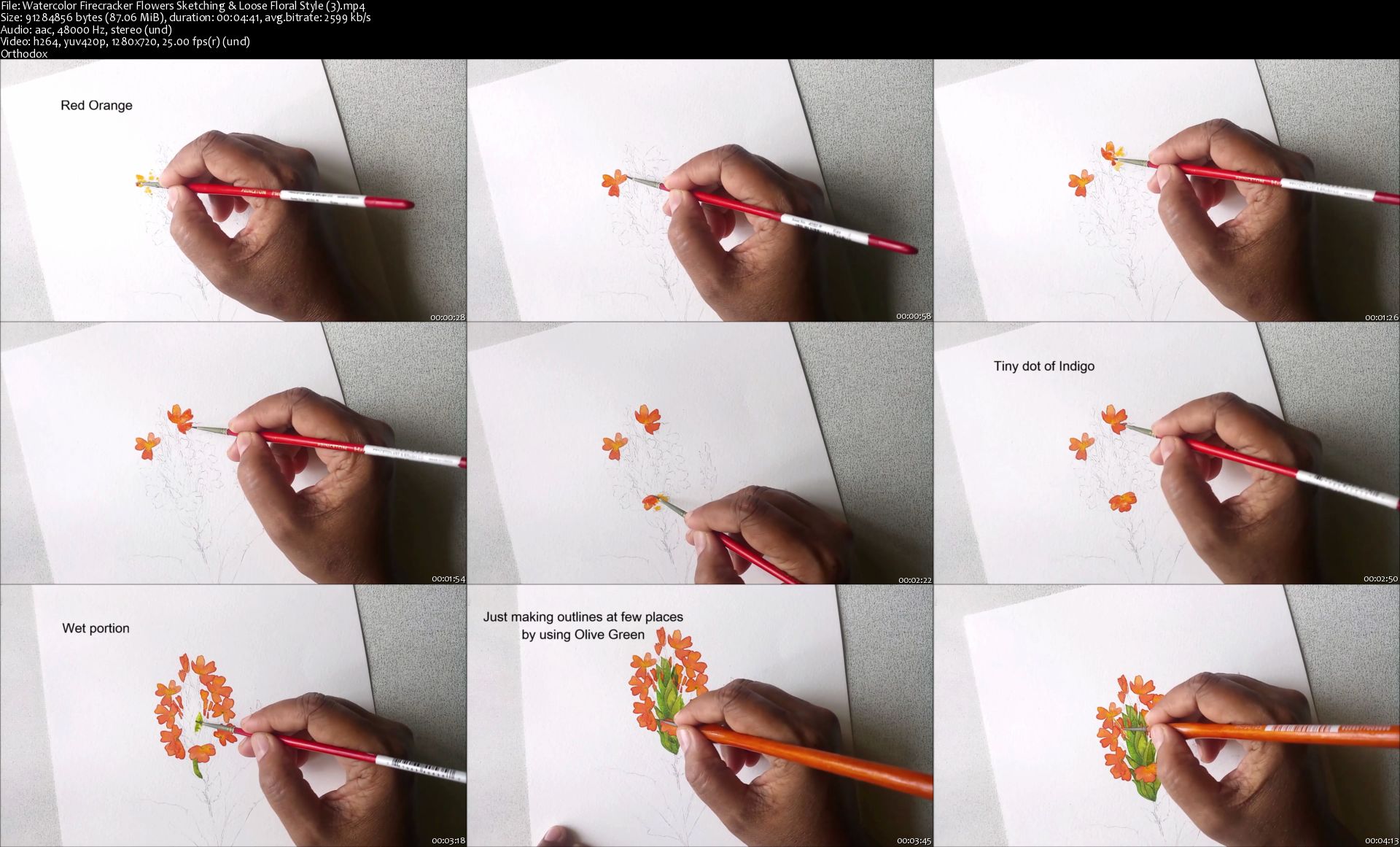
Watercolor Firecracker Flowers: Sketching & Loose Floral Style

image.jpg


Watercolor Firecracker Flowers: Sketching & Loose Floral Style
Video: .MP4, 1280x720 | Audio: AAC, 48kHz, 2ch | Duration: 25m
Genre: eLearning | Language: English | Size: 458 MB

Firecracker flowers are serene, vibrant and very distinctive. In this class you can learn to paint them in two different styles. You can also download the sketch from your project section. This class is a short one and it's total fun to paint these vibrant flowers. Let's start!

Watercolor-Firecracker-Flowers-Sketching-Loose-Floral-Style-3.jpg


...
 
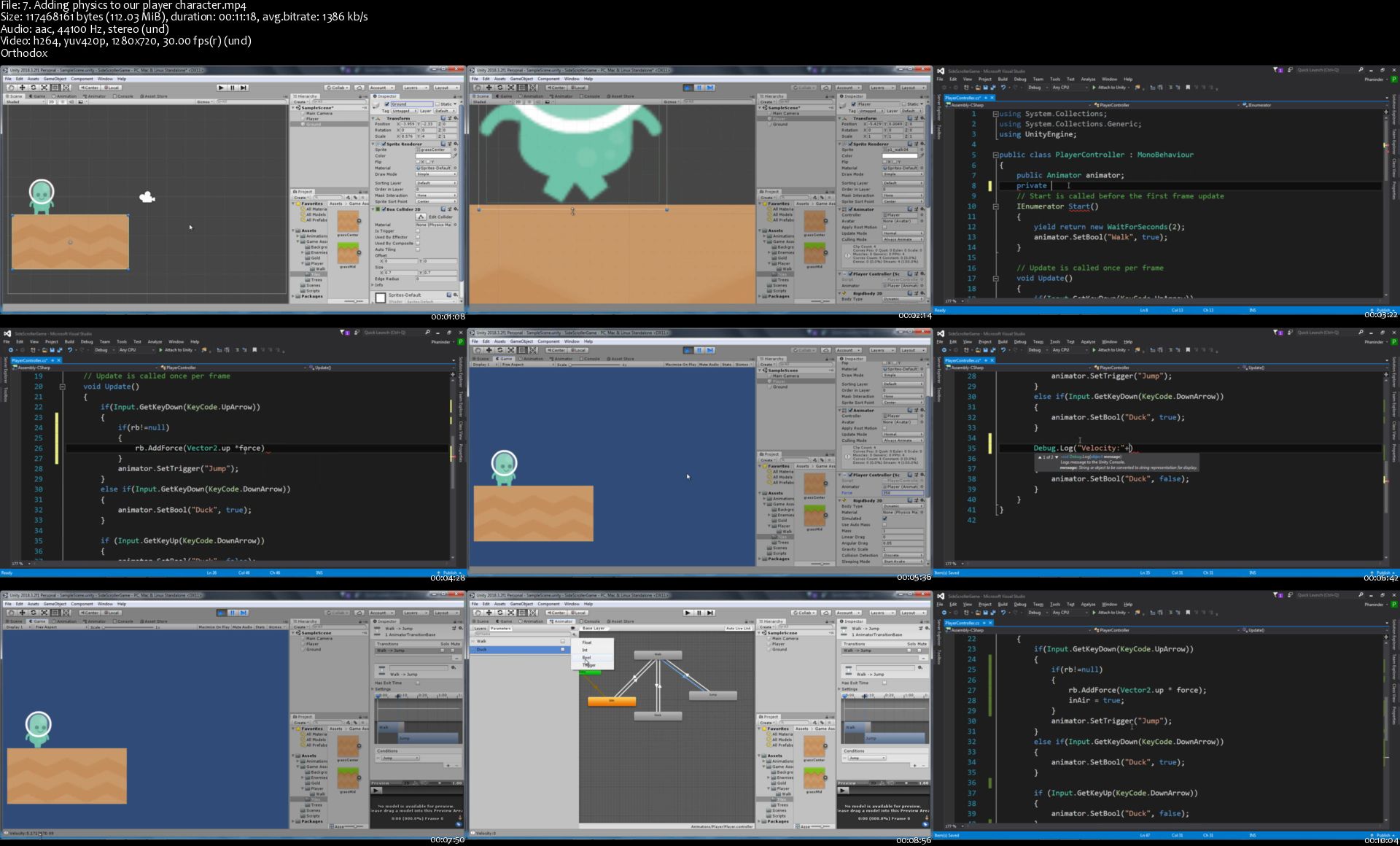
Unity3D Game Development: Creating a 2D Side Scrolling Game

2283588-898c-5.jpg


Unity3D Game Development: Creating a 2D Side Scrolling Game
Video: .MP4, 1280x720 | Audio: AAC, 44kHz, 2ch | Duration: 4h
Genre: eLearning | Language: English | Size: 2,65 GB

Learn creating 2D side scrolling game in Unity 3D using C#.

This course teaches many game development techniques including Object pooling, Parallaxing, moving objects and detecting collisions. We will create animations for game characters using sprites. Learn about Unity 2D physics and collision stuff. Finally we will integrate touch based controls to our game.

We will start by prototyping our game and build on top of it, adding more features.

This is a beginner to intermediate level course, you will learn many techniques that are widely used by game developers.

What you'll learn
Creating a 2d side scrolling game
Game development fundamentals like object movement, collision
Learn about Unity Physics system- forces, collision, collision matrix and stuff
Setting up 2D animations and transition between animations
Learn about how to create parallaxing effect
Learn object pooling technique
Are there any course requirements or prerequisites?
Installed copy of Unity3D 2018 or above.
Basic knowledge of Unity game engine (moving around editor, creating objects etc).
Some programming knowledge will be helpful, but not necessary.
Passion to learn.
Who this course is for:
Students new to Unity3D.
Beginners in game development.
Artists who want to learn about creating games.

Homepage

7-Adding-physics-to-our-player-character-s.jpg


...
 
Photoshop for Freelancers, learn the important stuff easily

Jjb-JOR1-C3-Fl7tf-Y6-Jyw1nl5-JKS0uf-ZVZ.jpg


Photoshop for Freelancers, learn the important stuff easily
MP4 | Video: h264, 1280x720 | Audio: AAC, 44.1 KHz, 2 Ch
Genre: eLearning | Language: English + .VTT | Duration: 4 hours | Size: 3.48 GB

The most important Photoshop techniques and tools, for Profitable Freelancing as a Photo Editor and Photo Retoucher

What you'll learn

how to use the pen tool,
color correction,
body reshape
dodge and burn
make mock-ups
portrait retouching
change eye color
multiply eye lashes
thicken the eyebrows
add and remove tattoos
folds removal from cloth
how to make advanced and precise selections
logo removal
color matching and changing,
teeth whitening
image compositing and matching the color and brightness to different backgrounds
how to select hair in different ways

Requirements

Be willing to learn

Description

If you want to become a successful, and profitable freelancer as a photo editor and retoucher.. you DON'T need to be a Photoshop expert , but then again, you do need to learn how to use the most frequently needed tools and techniques, that will get you ready to finish successfully most of the projects that you will be hired and payed to do as a freelancer, and this course is all about those most required tools and techniques.

My name is Igor Risteski, and i'm a top rated freelancer on Upwork, with 100% job success, and i made this course based on my own experience while freelancing as a photo retoucher.

From my experience, big part of the things you will be hired and payed to do.. are far from expert level, but this doesn't mean that you can fool around, get payed, get good ratings and long term paying clients without making an effort.

Although you don't have to be a Master in Photoshop, you still need to master a couple of things(thought in this course), and if you do that, then you can use those same techniques in a wide variety of situations, and provide excellent results to your clients.

In this course i will show you:

how to use the pen tool,

color correct,

body reshape,

dodge and burn,

make mock-ups,

portrait retouching,

change eye color,

multiply eye lashes,

thicken the eyebrows,

add and remove tattoos,

folds removal from cloth,

how to make advanced and precise selections that will help you to get best results all cases,

logo removal,

color matching and changing,

teeth whitening,

compositing and matching the color and brightness to different backgrounds,

how to select hair in different ways,

and everything else in between..

You can follow this course with the free trial version of Photoshop, and practice everything that i will show you in this course, by using the same 25+ images, and actions, provided in the resource section.

Learn all of this, and you are good to go.

Then after working as a freelancer for some time, you will wonder why you didn't start earlier, believe me, i would never go back to work a "regular and normal" job again.

Who this course is for:

beginners who want to be ready to start freelancing as Photo editor and Retoucher

t4gj31ybp-PRZl1wuks-VPGz22s-DZf73-UA.jpg


...
 
Zurück
Oben Unten