• Regeln für den Video-Bereich:

    In den Börsenbereich gehören nur Angebote die bereits den Allgemeinen Regeln entsprechen.

    Einteilung

    - Folgende Formate gehören in die angegeben Bereiche:
    - Filme: Encodierte Filme von BluRay, DVD, R5, TV, Screener sowie Telesyncs im Format DivX, XviD und x264.
    - DVD: Filme im Format DVD5, DVD9 und HD2DVD.
    - HD: Encodierte Filme mit der Auflösung 720p oder darüber von BluRay, DVD, R5, TV, Screener sowie Telesyncs im Format x264.
    - 3D: Encodierte Filme von BluRay, die in einem 3D Format vorliegen. Dies gilt auch für Dokus, Animation usw.
    - Serien: Cartoon/Zeichentrick, Anime, Tutorials, Dokumentationen, Konzerte/Musik, Sonstiges sind demnach in die entsprechenden Bereiche einzuordnen, auch wenn sie beispielsweise im High Definition-Format oder als DVD5/DVD9/HD2DVD vorliegen. Ausnahme 3D.
    - Bereich Englisch: Englische Releases gehören immer in diesen Bereich.
    - Bereich Talk: Der Bereich, in dem über die Releases diskutiert werden kann, darf, soll und erwünscht ist.


    Angebot/Beitrag erstellen

    - Ein Beitrag darf erst dann erstellt werden, wenn der Upload bei mindestens einem OCH komplett ist. Platzhalter sind untersagt.
    - Bei einem Scenerelease hat der Threadtitel ausschließlich aus dem originalen, unveränderten Releasenamen zu bestehen. Es dürfen keine Veränderungen wie z.B. Sterne, kleine Buchstaben o.ä. vorgenommen werden. Ausnahme Serienbörse:
    - Bei einem Sammelthread für eine Staffel entfällt aus dem Releasename natürlich der Name der Folge. Beispiel: Die Simpsons S21 German DVDRip XviD - ITG
    - Dementsprechend sind also u.a. verboten: Erweiterungen wie "Tipp", "empfehlenswert", "only", "reup", usw. / jegliche andere Zusatzinformation oder Ergänzung, welche nicht in obiger Beschreibung zu finden ist.

    Aufbau des Angebots und Threadtitel

    Der Titel nach folgendem Muster erstellt zu werden. <Name> [3D] [Staffel] [German] <Jahr> <Tonspur> [DL] [Auflösung] <Quelle> <Codec> - <Group>
    Beispiel: The Dark Knight German 2008 AC3 DVDRip XviD - iND
    Beispiel: The Dark Knight 2008 DTS DL BDRip x264 - iND
    Beispiel: The Dark Knight 2008 AC3 DL BDRip XviD - iND
    Beispiel: The Dark Knight German 2008 AC3 720p BluRay x264 iND
    Beispiel: The Dark Knight 2008 DTS DL 1080p BluRay x264 iND
    Beispiel: Die Simpsons S01 German AC3 DVDRip XviD iND
    Beispiel: Die Simpsons S20 German AC3 720p BluRay x264 iND
    Beispiel: Sword Art Online II Ger Sub 2014 AAC 1080p WEBRip x264 - peppermint
    Entsprechend sind also u.a. verboten: Sonderzeichen wie Klammern, Sterne, Ausrufezeichen, Unterstriche, Anführungszeichen / Erweiterungen wie "Tipp", "empfehlenswert", "only", "reup", usw. / jegliche andere Zusatzinformation oder Ergänzung, welche nicht in obiger Beschreibung zu finden ist
    Ausnahmen hiervon können in den Bereichen geregelt sein.

    Die Beiträge sollen wie folgt aufgebaut werden:
    Überschrift entspricht dem Threadtitel
    Cover
    kurze Inhaltsbeschreibung
    Format, Größe, Dauer sind gut lesbar für Downloader außerhalb des Spoilers zu vermerken
    Nfo sind immer Anzugeben und selbige immer im Spoiler in Textform.
    Sind keine Nfo vorhanden z.B. Eigenpublikationen, sind im Spoiler folgende Dateiinformationen zusätzlich anzugeben :
    Quelle
    Video (Auflösung und Bitrate)
    Ton (Sprache, Format und Bitrate der einzelnen Spuren)
    Untertitel (sofern vorhanden)
    Hosterangabe in Textform außerhalb eines Spoiler mit allen enthaltenen Hostern.
    Bei SD kann auf diese zusätzlichen Dateiinformationen verzichtet werden.

    Alle benötigten Passwörter sind, sofern vorhanden, in Textform im Angebot anzugeben.
    Spoiler im Spoiler mit Kommentaren :"Schon Bedankt?" sind unerwünscht.


    Releases

    - Sind Retail-Release verfügbar, sind alle anderen Variationen untersagt. Ausnahmen: Alle deutschen Retail-Release sind CUT, in diesem Fall sind dubbed UNCUT-Release zulässig.
    - Im Serien-Bereich gilt speziell: Wenn ein Retail vor Abschluss einer laufenden Staffel erscheint, darf diese Staffel noch zu Ende gebracht werden.62
    - Gleiche Releases sind unbedingt zusammenzufassen. Das bedeutet, es ist zwingend erforderlich, vor dem Erstellen eines Themas per Suchfunktion zu überprüfen, ob bereits ein Beitrag mit demselben Release besteht. Ist dies der Fall, ist der bereits vorhandene Beitrag zu verwenden.
    - P2P und Scene Releases dürfen nicht verändert oder gar unter einem iND Tag eingestellt werden.


    Support, Diskussionen und Suche

    - Supportanfragen sind entweder per PN oder im Bereich Talk zu stellen.
    - Diskussionen und Bewertungen sind im Talk Bereich zu führen. Fragen an die Uploader haben ausschließlich via PN zu erfolgen, und sind in den Angeboten untersagt.
    - Anfragen zu Upload-Wünschen sind nur im Bereich Suche Video erlaubt. Antworten dürfen nur auf Angebote von MyBoerse.bz verlinkt werden.


    Verbote

    - Untersagt sind mehrere Formate in einem einzigen Angebotsthread, wie beispielsweise das gleichzeitige Anbieten von DivX/XviD, 720p und 1080p in einem Thread. Pro Format, Release und Auflösung ist ein eigener Thread zu eröffnen.
    - Grundsätzlich ebenso verboten sind Dupes. Uploader haben sich an geeigneter Stelle darüber zu informieren, ob es sich bei einem Release um ein Dupe handelt.
    - Gefakte, nur teilweise lauffähige oder unvollständige Angebote sind untersagt. Dies gilt auch für eigene Publikationen, die augenscheinlich nicht selbst von z.B. einer DVD gerippt wurden. Laufende Serien, bei denen noch nicht alle Folgen verfügbar sind, dürfen erstellt und regelmäßig geupdatet werden.
    - Untersagt sind Angebote, welche nur und ausschließlich in einer anderen Sprache als deutsch oder englisch vorliegen. Ausnahmen sind VORHER mit den Moderatoren zu klären.


    Verstoß gegen die Regeln

    - Angebote oder Beiträge, die gegen die Forenregeln verstoßen, sind über den "Melden"-Button im Beitrag zu melden.
  • Bitte registriere dich zunächst um Beiträge zu verfassen und externe Links aufzurufen.


Englische Tutorials

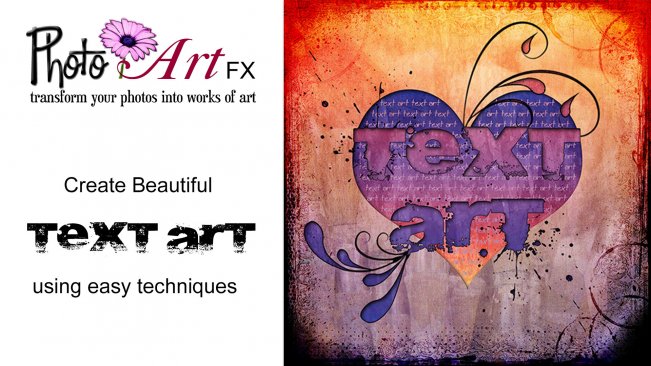
PhotoArtFX using Photoshop: I Heart TextArt

image.jpg


PhotoArtFX using Photoshop: I Heart TextArt
Video: .MP4, 1280x720 | Audio: AAC, 48kHz, 2ch | Duration: 34m
Genre: eLearning | Language: English | Size: 561 MB

In this class I'll be showing you how to elevate your text and typography to the level of art using some of photoshop's tools.

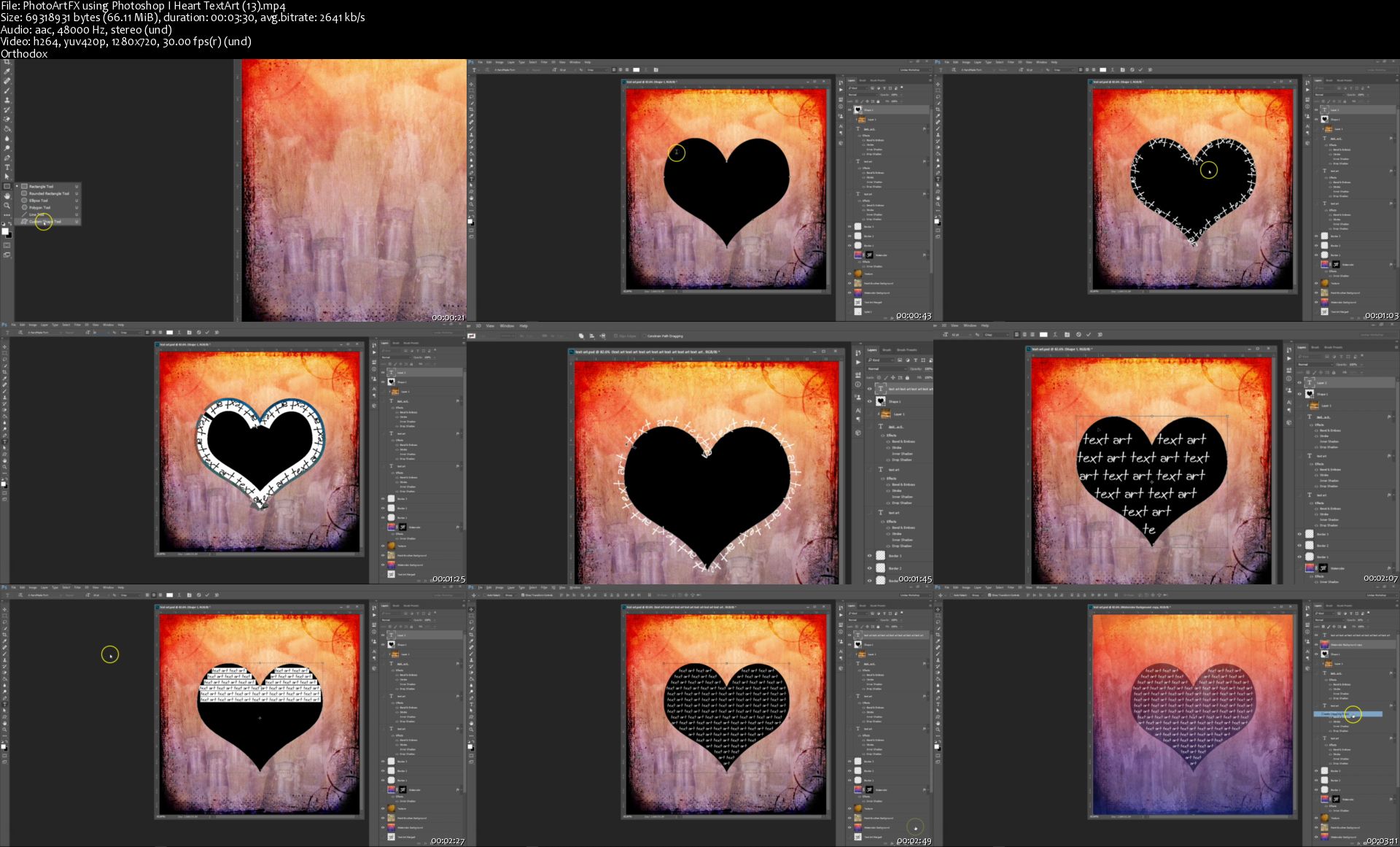
I'll be taking you step by step through the process of making the "I Heart TextArt" design, plus we'll be exploring some additional options for making your text look more interesting using layer masks and clipping masks, style effects, custom shapes, the pen tool and warped text.

I've included a set of project files including photos, overlays and brushes that you can download and use to follow along with the tutorial and make the same design as I do. Or you can use your own images and text to create something totally unique for you.

Photo-Art-FX-using-Photoshop-I-Heart-Text-Art-13-s.jpg


...
 
Photoshop for Entrepreneurs: Easy GIFs

image.jpg


Photoshop for Entrepreneurs: Easy GIFs
Video: .MP4, 1280x720 | Audio: AAC, 48kHz, 2ch | Duration: 14m
Genre: eLearning | Language: English | Size: 270 MB

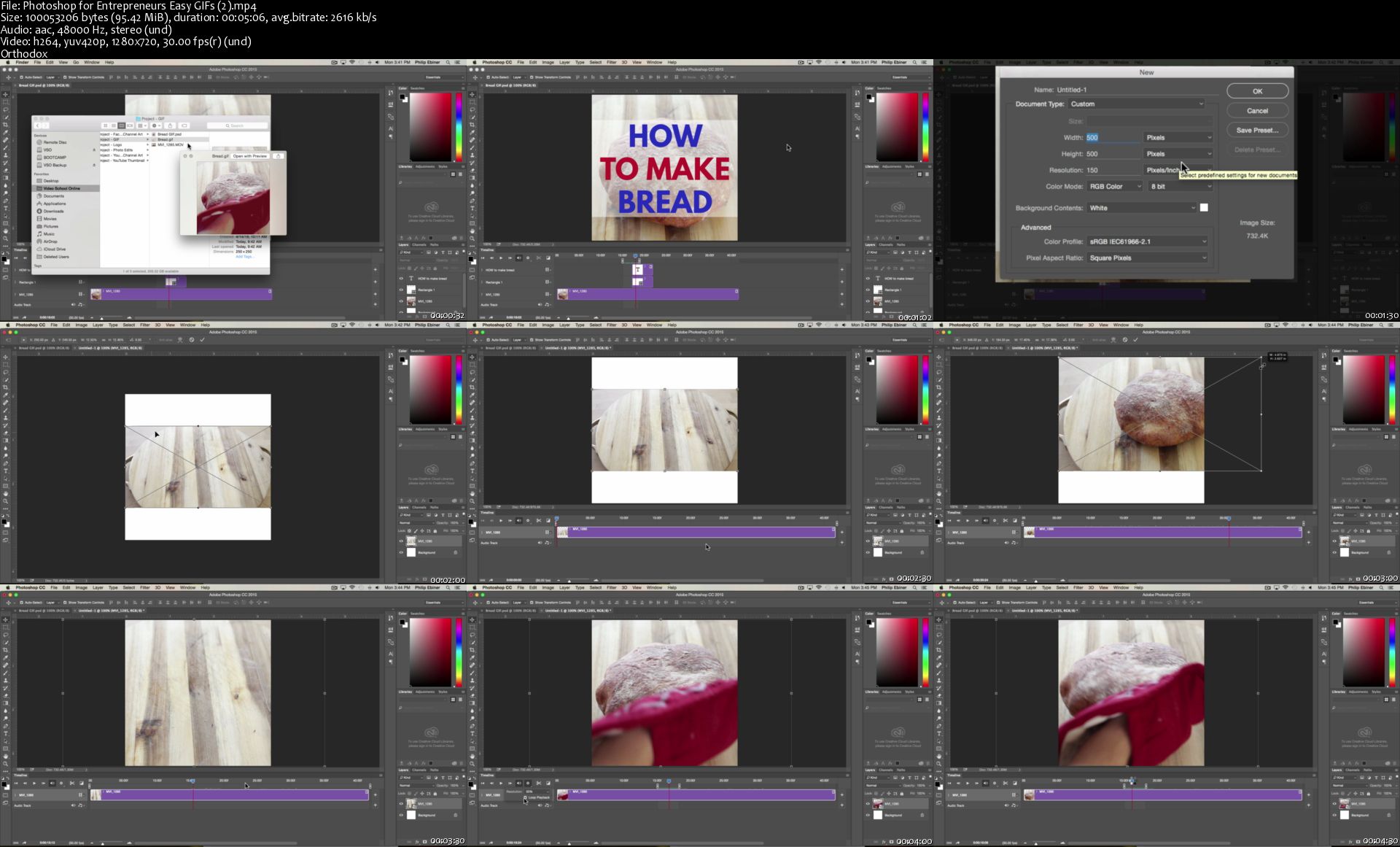
Learn how to create an animated GIF in Photoshop. You'll learn how to add video, change the size of your GIF, add text and shapes to your GIF, and export a forever-looping GIF for posting online.

Download the project file and video clip to follow along as we create the GIF below. Files are in the Project tab.

Photoshop-for-Entrepreneurs-Easy-GIFs-2-s.jpg


...
 
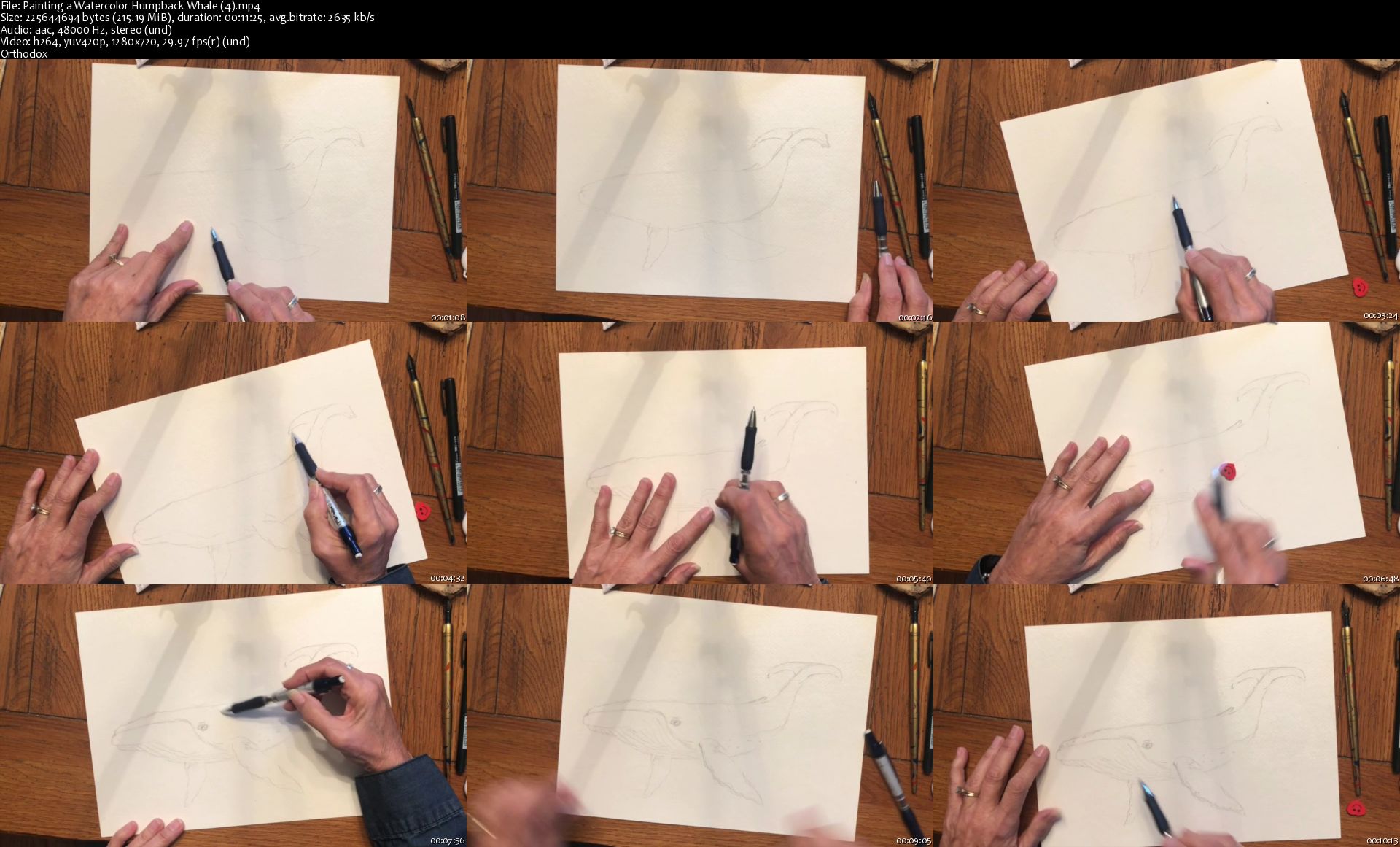
Painting a Watercolor Humpback Whale

image.jpg


Painting a Watercolor Humpback Whale
Video: .MP4, 1280x720 | Audio: AAC, 48kHz, 2ch | Duration: 1h 16m
Genre: eLearning | Language: English | Size: 1,39 GB

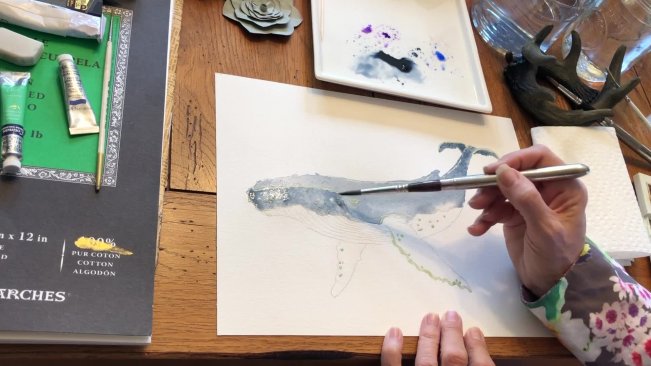
Come join me in learning to paint the giant Humpback Whale in watercolors.

Topics we will cover:

Basic supplies needed will be covered. I will share with you some of my favorite supplies and how my experience has led me to these choices, in the supplies lesson of this class.

You will complete a basic sketch layout or trace your sketch from one I have provided.

You will learn to use masking fluid to preserve white areas in your painting.

You will learn wet-on-wet watercolor techniques, including color mixing right on your paper.

You will learn wet-on-dry techniques in layering the details.

You will also learn about bringing your project to life with dark & light values to create shadows and highlights.

You will complete your Humpback Whale project in a just few short lessons!

Even if you're a beginner in watercolor painting, you can tackle this project with my instruction! This is a fairly easy class that will build your skills and confidence to complete your painting and press on to more complicated paintings. In fact, this project uses a very limited palette, so completing your project will be fairly quick and easy.

We'll go Step. By. Step! I will share some of my tips with you along the way. So follow along with me and let's create a beautiful Humpback Whale! Then you can share your completed project on the "your project" page for us all to ooooooh and aaaaaaah over!

Painting-a-Watercolor-Humpback-Whale-4-s.jpg


...
 
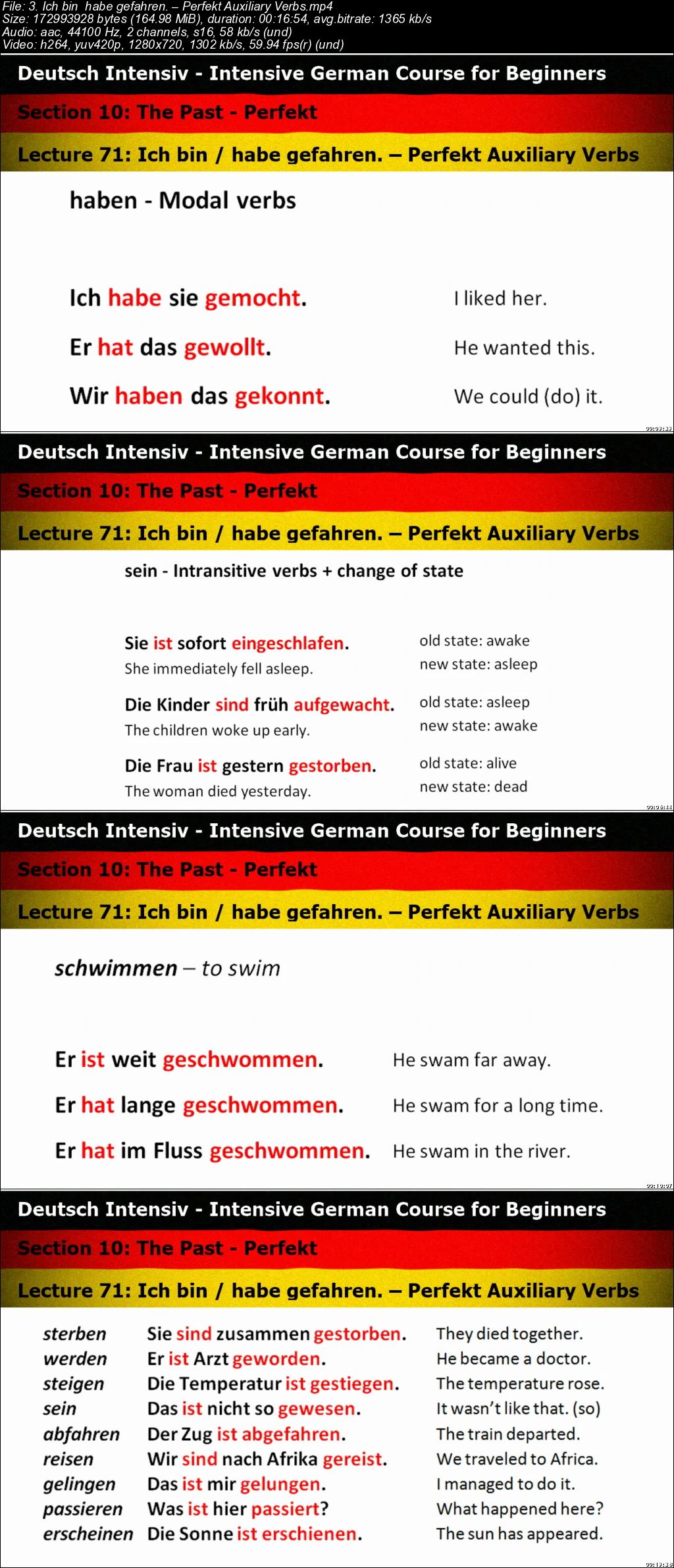
Deutsch Intensiv - Intensive German Course for Beginners

0065a76b.jpg


Deutsch Intensiv - Intensive German Course for Beginners
.MP4 | Video: 1280x720, 30 fps(r) | Audio: AAC, 44100 Hz, 2ch | 7.75 GB
Duration: 10.5 hours | Genre: eLearning Video | Language: English

Master all the ins and outs of the German language


What you'll learn

use full, grammatically correct sentences
read and write simple texts
apply the rules of the language to make an infinite number of utterances
talk about yourself, other people, animals, things and whatever
talk / write about the present, the past and the future
pronounce and spell German words correctly
ask questions and answer them both positively and negatively
give orders and commands, ask someone to do something for you
count and talk about numbers, date and time
describe and compare people and things
modify your language by means of adverbs and other linguistic means
use the correct conjugation and declension patterns
much more

Requirements

This is a beginner course. It is assumed that students have no knowledge of the language at all.
In the resources section there are multiple written and audio exercises so you can practice until you feel comfortable about the topic. You do not need any additional materials. Everything will be provided to you.
One thing you do need before you start the course - prepare to learn systematically, preferably schedule your time so that you make sure you can spend enough time studying. And if you have an objective set and really want to master the language, and if you really do your best to stick to your schedule, you will soon discover how quick your progress is becoming.

Description

Dive deep into the realms of the German language. Master all the ins and outs of German grammar and you'll feel much more comfortable about the language. In this course we'll explore all the main areas of German grammar, pronunciation and spelling.

Discover How Fantastically Ordered the German Language Is and How Marvelous It Is To Use It Correctly.

Pronunciation and Spelling
Conjugation Patterns of Regular and Irregular Verbs, German Tenses
Number and Gender of Nouns
Declension Patterns of Nouns and Adjectives, German Cases
Articles, Pronouns, Prepositions and Conjunctions
Word Order in Declarative and Interrogative Sentences
Cardinal and Ordinal Numbers, Date and Time
Direct and Indirect Objects
Verb Forms, Participles
Special Verbs - Modal and Reflexive Verbs
Verbs with Separable and Inseparable Prefixes
Comparison of Adjectives and Adverbs
Possessives
Diminutives
Compound Nouns
Ways to Express the Future
Compound and Complex Sentences, Coordination and Subordination of Clauses
Passive Voice
. and much more

Become a Highly Skilled User of German - It's All Well Within Your Reach.

German is definitely one of the most popular languages in the world. There's a whole bunch of benefits to knowing German. Let me just mention a few. In our global society you can make use of it in business, becoming a more valuable worker, in private life, on vacation, chatting online, reading Goethe or watching satellite TV. In some parts of the world, like for instance in Europe, German is taught as the foreign language number two, just after English. And I could go on and on like that.

This is an intensive course, which means it covers the basics from level zero (absolute beginner) and then you wander across all the lectures and learn quite a lot of stuff. The language is concise and clear. You should have no difficulty following it and understanding. A lot of stuff and a lot of practice.

Contents and Overview

This course is pretty comprehensive. It contains all the basic areas of German grammar. Starting off with German spelling and pronunciation, touching upon all the main grammatical categories in the first sections and then going into much more detail in the following sections. The language I use is simple and should be easily understood by absolute beginners.

This course is divided into 16 sections, each of them covering a broad topic subdivided into lectures. The pace is up to you, you can go through the easier parts faster and then take more time to study the more sophisticated ones.

To help you memorize and practice all the new stuff, there are loads of exercises. Most lectures are accompanied by additional resources. These are downloadable files with written and audio exercises (with key). There also files with vocabulary and, first of all, the main text file containing the material covered in the lecture video. This written material is much more detailed and extended than what you can find in the video.

After you finish each section, there's a quiz for you that covers the material discussed in that section.

This course contains:

112 lectures in 16 sections
243 pages of grammar explained in detail (extended lecture materials)
over 10 hours of video content
182 written exercises on 132 pages, with complete answer keys
214 audio exercises with complete scripts and answer keys (over 3 hours of recorded content)

After you finish this course you will be able to use the German language comfortably and correctly, understanding all the underlying rules and thus able to generate any constructions you want, in both spoken and written language. You will be able to use simple, compound and complex sentences and you will know what word order should be used. You will know how the language works and you will get a good feel of it.

Who this course is for:

This course is best suited for students who want to learn German in a systematic way, diving into its grammar and be-ing eager to understand how the language works, how all the inflections, articles, tenses, cases etc. should be used correctly.
This is a beginner course but is also suitable for students who already have some knowledge of German but would like to refresh it in an ordered and systematic way.
This course is NOT suitable for students who only want to learn some everyday vocabulary or expressions like how to order food in a restaurant, book a ticket or something like that but don't care about grammar.

0065a76c.jpg


...
 
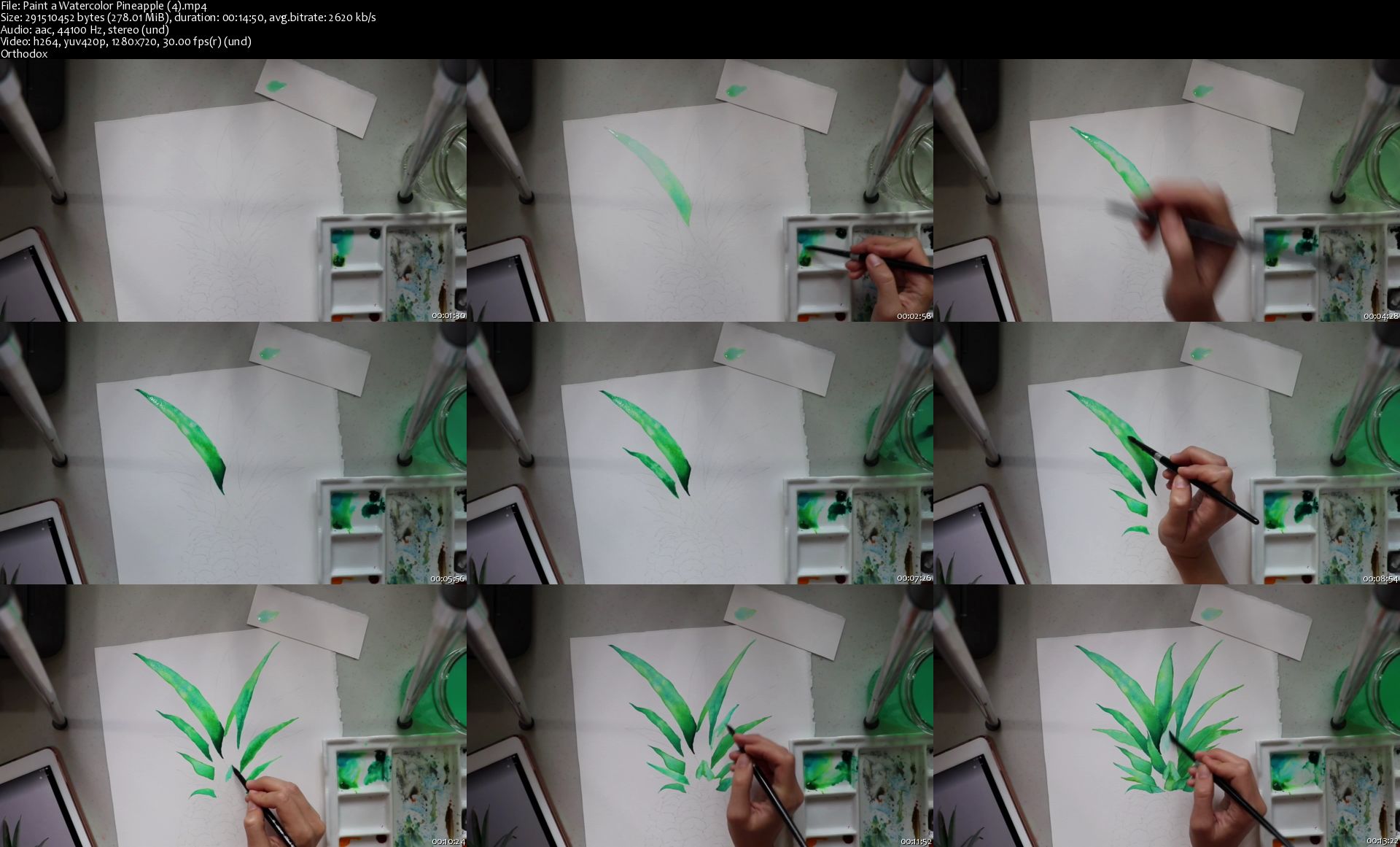
Paint a Watercolor Pineapple

image.jpg


Paint a Watercolor Pineapple
Video: .MP4, 1280x720 | Audio: AAC, 44kHz, 2ch | Duration: 45m
Genre: eLearning | Language: English | Size: 852 MB

In this class we will go over how to paint a fun, vibrant pineapple using watercolor paints! This is a perfect project for those wanting to add a fun piece of artwork to their living space, or who want to simply expand their watercolor skills. This class is suitable for all skill levels, but best fits those with some basic experience using watercolor (especially the wet-in-wet technique) and who possess strong sketching skills (although you can feel free to trace!). Students will learn how to apply the wet-in-wet watercolor technique to pattern and detail work.

Supplies Needed:
Watercolor Paints (Colors I used: Permanent Yellow Light, Permanent Yellow Deep, Light Red, Sap Green, Viridian Green, & Cobalt Teal. Feel free to find something similar in your collection if you don't have these exact colors!)
Watercolor Paper
Round Watercolor Brush (sz. 8 is preferable)
Ceramic plate or paint palette
Jar of Water
Paper Towels

Paint-a-Watercolor-Pineapple-4-s.jpg


...
 
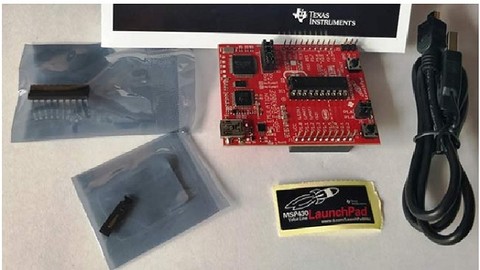
MSP430G2 microcontroller programming Fun and Easy way

006598ae.jpg


MSP430G2 microcontroller programming Fun and Easy way
.MP4 | Video: 1280x720, 30 fps(r) | Audio: AAC, 44100 Hz, 2ch | 1.55 GB
Duration: 2.5 hours | Genre: eLearning Video | Language: English

learn MSP430 launchpad programming with Energia IDE like a Arduino programming - step by step guide by making projects.

What you'll learn

You will be able to program MSP430 microcontroller
you will be able to use MSP430G2 LaunchPad in your projects
MSP430 microcontroller programming fun and easy way
you will be easily able to write code for MSP430

Requirements

MSP430 Board

Description

learn MSP430 launch pad programming with Energia IDE like a Arduino programming - step by step guide by making projects. In this course, you will learn to program MSP430D2 launch pad with Energia IDE by making practical projects.

Module#1 Getting started with MSP430G2 Launchpad

Introduction to MSP430G2 Launchpad - overview of board

How to download and install Energia IDE

Getting started with Energia IDE and connecting your board with Energia

Module#2 Overview of MSP430 programming with Energia IDE

Pin mapping of MSP430 Launch pad with Engergia IDE

Basics of Energia sketch ( first code)

How to define variables

How to define functions

Module#3 input output ports of MSP430

How to use input output ports of MSP430G2553

LED blinking using MSP430G2 Launchpad

How to use push button with MSP430G2 Launchpad

How to use RGB LED with MSP430G2 Launchpad

PIR motion sensor interfacing with MSP430G2 LanuchPad

Module#4 LCD interfacing

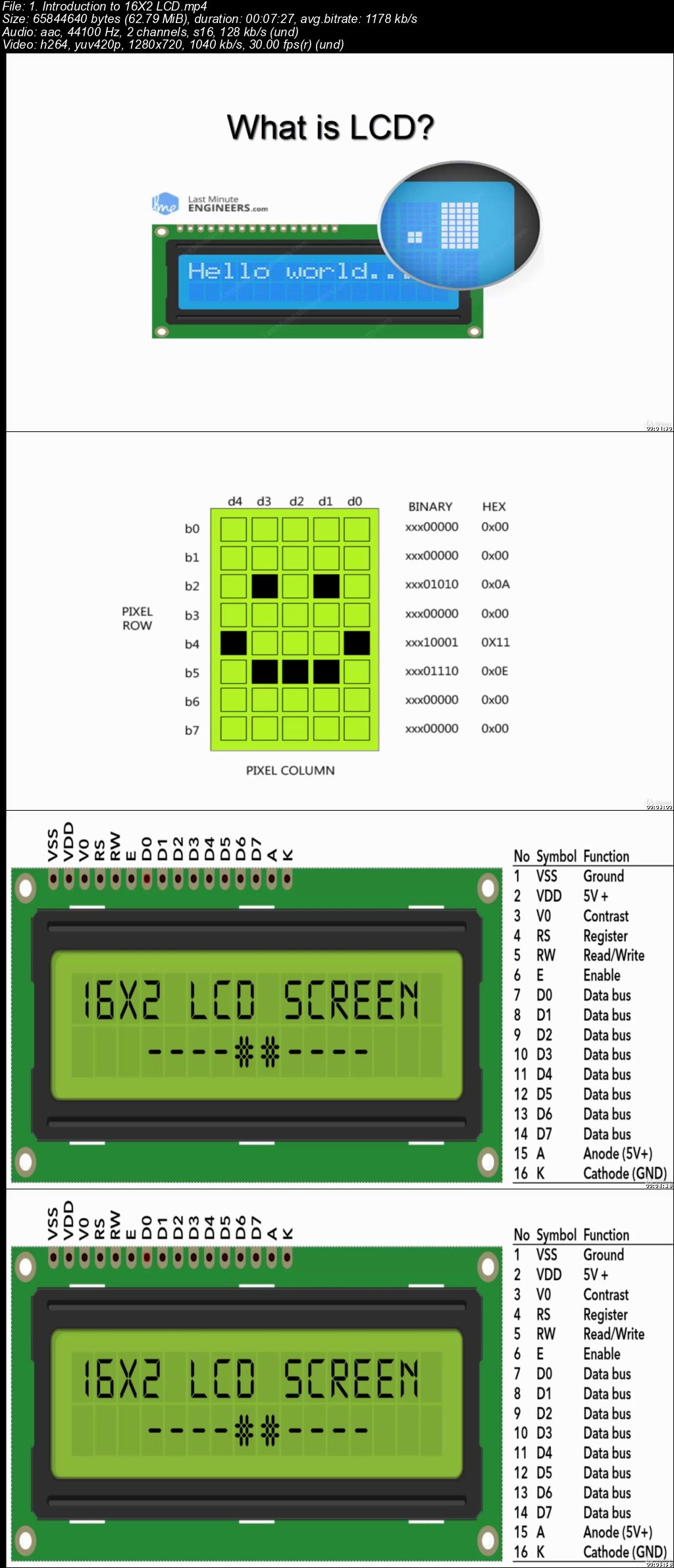
Introduction to 16X2 LCD

How to interface LCD with 16x2 LCD

How to display counter value on LCD

How to scroll text on LCD

Module#5 Serial communication

What is UART communication ?

How to use UART communication module of MSP430G2553?

How to send data through UART?

How to receive data through UART?

Module#6 Analog to digital converter of MSP430

How to use ADC of MSP430

How to measure voltage with MSP430

Temperature sensor interfacing with MSP430

rain sensor interfacing with MS430

Module#7 Pulse width modulation

How to generate PWM with MSP430 microcontroller

How to control brightness of LED with PWM and MSP430?

Module#8 servo motor interfacing (UPCOMING)

How to interface servo with MS430

How to control direction of dc motor

Module#9 stepper motor interfacing (UPCOMING)

How to interface servo motor with MS430

How to control servo motor

Who this course is for:

Anyone having access to internet
Anyone who want to learn about microcontrollers programming

006598b1.jpg


...
 
Network Analysis in Python: Getting Started

006594ed.png


Network Analysis in Python: Getting Started
.MP4, AVC, 100 kbps, 1280x720 | English, AAC, 96 kbps, 2 Ch | 1h 58m | 199 MB
Instructor: Artur Krochin

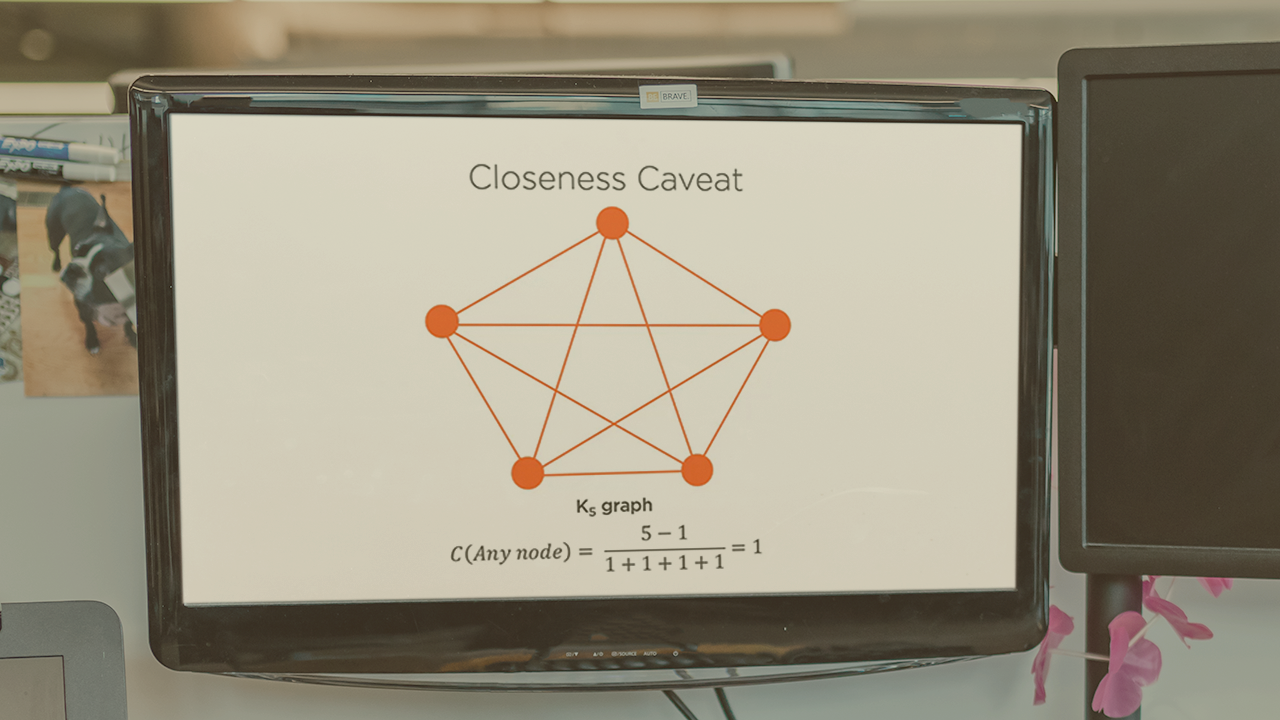
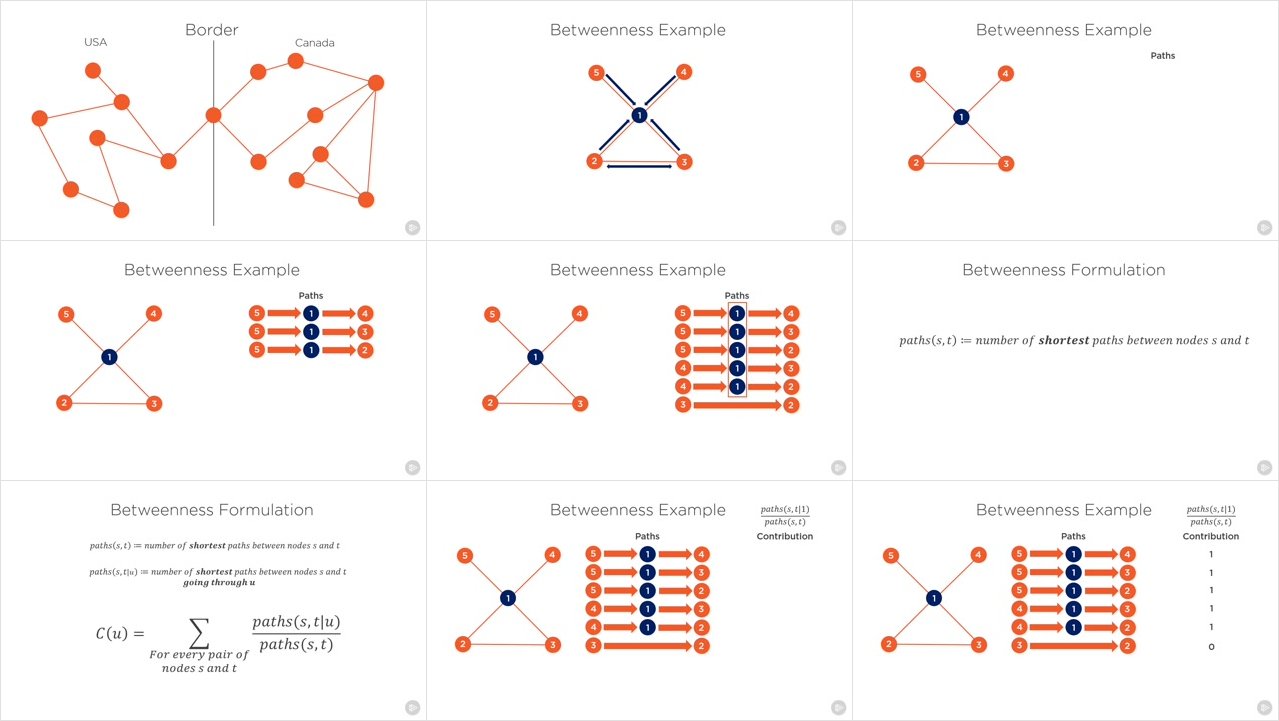
Companies have amassed terabytes of data that can be represented as networks. However, due to a lack of data professionals skilled in network methods, this data is being underutilized. The aim of this course is to fix that and empower you to be able to reason about and build products based on networks. In this course, Network Analysis in Python: Getting Started, you'll gain the foundational skills needed to analyze networks using Python. First, you'll learn about the origins of network science and its relation to graph theory, as well as practical skills in manipulating graphs in NetworkX. Next, you'll explore how to create beautiful and illustrative visualizations of networks using the native capabilities of NetworkX and Bokeh. Then, you'll deep dive into centrality and community detection algorithms. Finally, you'll enrich your machine learning toolbox by learning about network embeddings. By the end of the course, you'll have learned how to conduct your own analysis of networks, how to visualize networks, and even how to build an advanced friendship prediction engine using network science and machine learning.

More Info

006594ec.jpg


...
 
Modern Acrylic Painting: Explore Techniques to Create On-Trend Art

image.jpg


Modern Acrylic Painting: Explore Techniques to Create On-Trend Art
Video: .MP4, 1280x720 | Audio: AAC, 48kHz, 2ch | Duration: 2h 4m
Genre: eLearning | Language: English | Size: 2,28 GB

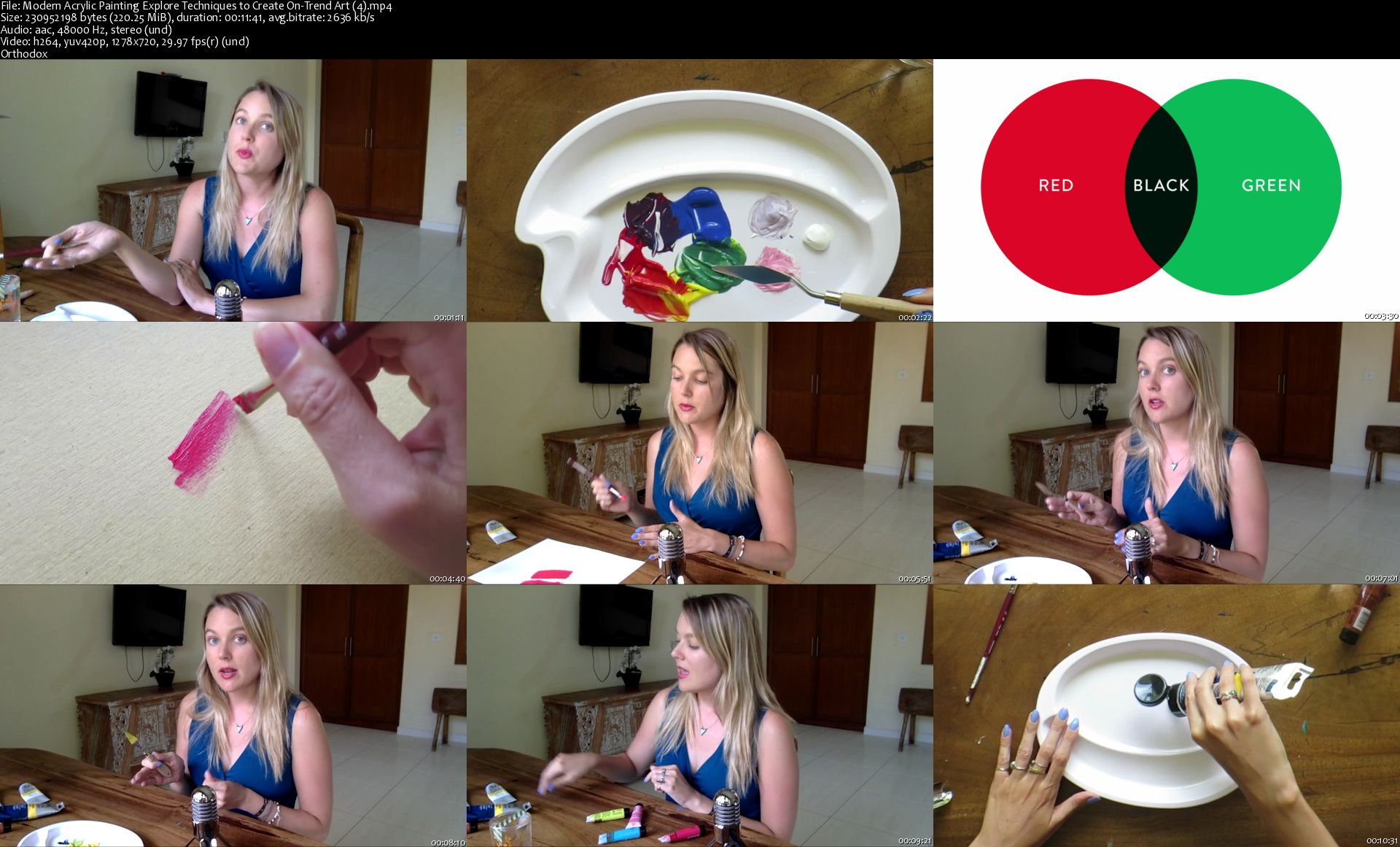
Learn how to paint with acrylics- with a modern twist! We'll explore ten separate styles, so you'll finish the class with a stack of brand new paintings. Taught by illustrator Cat Coquillette, a full-time artist and digital nomad.

Why acrylic paint? In addition to being incredibly easy to use, acrylics yield some of the most vibrant and versatile results. This is the perfect medium for creating modern paintings with graphic color blocking, ombré gradients, thick texture, and delicate linework.

We'll create 10 individual paintings:

3 styles of backgrounds:
smooth-blended
ombré gradient
textured abstract
Modern donuts with realistic icing
Tropical leaf color-blocking
3 styles of geometric patterns:
herringbone
intricate linework
metallic whitespace Miniature galaxy
Miniature galaxy
This class is welcome for everyone! Whether you're a beginner or an experienced artist, you'll discover the joy of acrylic painting and learn how to infuse modern techniques into this easy-to-use medium.

After taking this class, you'll have everything you need to pick up a paintbrush and create your own masterpieces.

Modern-Acrylic-Painting-Explore-Techniques-to-Create-On-Trend-Ar.jpg


...
 
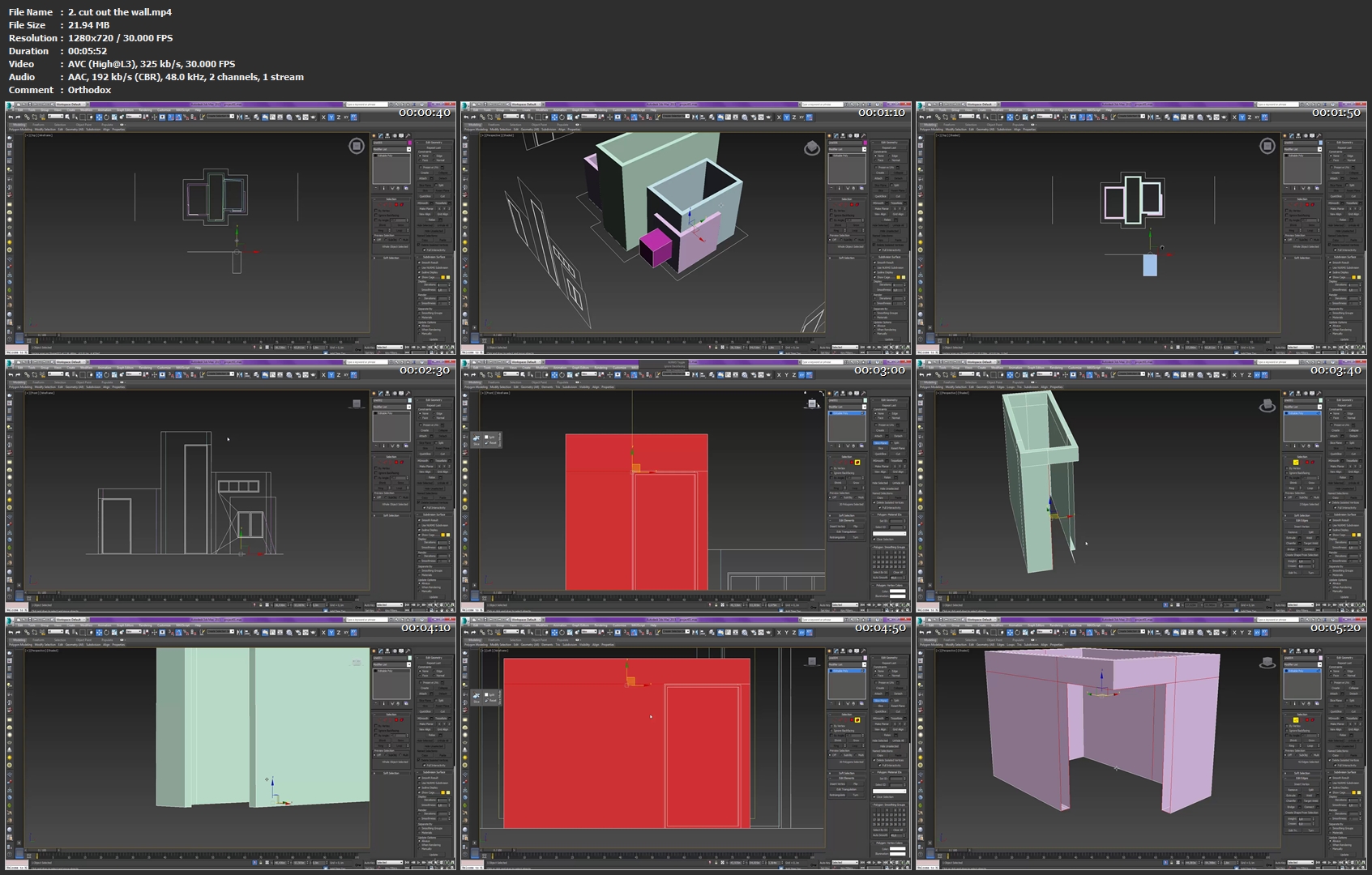
Master 3ds max , v-ray : 3D render house in the Forest

AAKGia-At-Zua0-MJUan-Uwxdnx-AMDzkft-JQ.jpg


Master 3ds max , v-ray : 3D render house in the Forest
Duration: 1.5 hours | Video: h264, 1280x720 | Audio: AAC, 48 KHz, 2 Ch | 469 MB
Genre: eLearning | Language: English + Sub | 23 Lectures

Create stunning images with 3DSMAX, V-ray and Photoshop. i will show you how i made thiis render from A to Z

What you'll learn
be able to create realistic looking 3d visualizations in less then 2 hours
Able to create a 3d visualizations from beginning to end
capable of modeling 3d objects with smart , easy , fast way
Setup day lighting with vray
Setup shaders for different types of material
Render out images
post process output images with photoshop
Requirements
You need 3ds max and V-Ray installed
You may be familiar with so simple 3ds max basics
Working files are included, allowing you to follow along with the author throughout the lessons.
Description
architecture visualization
Throughout this 3ds Max and V-Ray tutorial we'll go through the complete modeling and rendering workflow for this project

We'll learn about the various modeling techniques essential such as working with CAD plans, spline modeling ,
poly modeling of every building part including terrain modeling in
a way that makes it quick to create, easy to edit and fast to render.

also you learn how to light and render day light scene, as well as create your own fast-rendering materials
and i will guide you through post-production process. You will learn how to use render elements in Photoshop
to make the image more beautiful
By the end of this tutorial you will be able to work and think like a professional , model and render , and easily
be able to complete your work within very short deadlines.

Who this course is for:
Students who have previous simple knowledge of using 3ds max but don't know how and where to start producing 3d visualizations
This course is for beginners people who wants to learn a complete and efficient workflow within 3ds max and v-ray
for students who are looking for jobs with 3ds max , this course is a complete walkthrough from 0 to the Final 3d Image

2-cut-out-the-wall-mp4.jpg


...
 
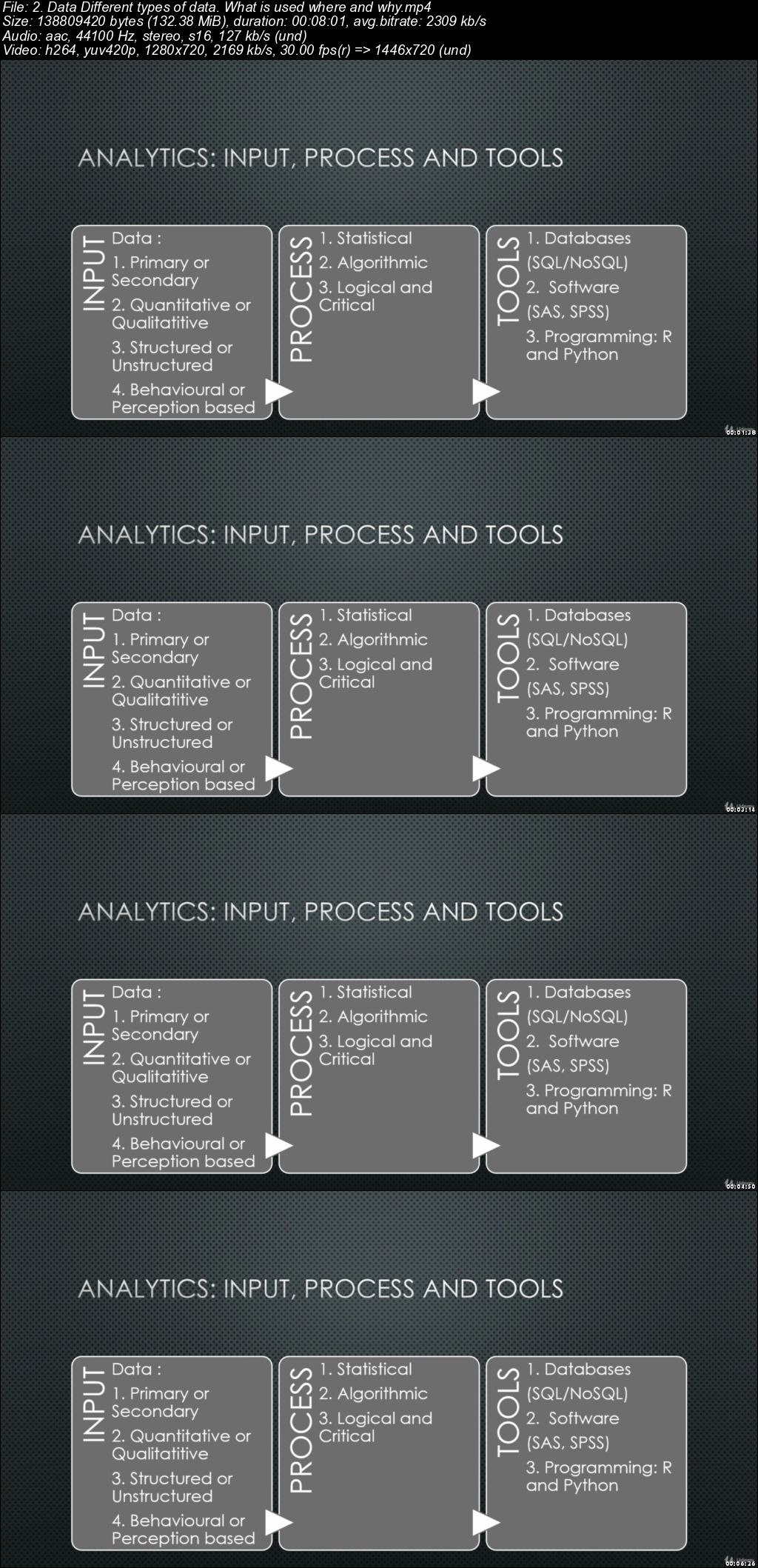
Marketing Analytics for Dummies

006598d3.jpg


Marketing Analytics for Dummies
.MP4 | Video: 1280x720, 30 fps(r) | Audio: AAC, 44100 Hz, 2ch | 1.25 GB
Duration: 1 hours | Genre: eLearning Video | Language: English

How analytics makes marketing more efficient and effective


What you'll learn

Marketing, Analytics, Marketing Analytics

Requirements

None. Basic schooling is enough

Description

We live in a world dominated by Marketing. It's impossible to live in today's world and not be exposed to Marketing. We also live in a world that is driven by data and technology. The intersection of Marketing, Data and Technology is therefore where all the action is. This course explores exactly that. It explores what Marketing is and how it works. It then similarly explores Analytics - what it means, how it is done. Finally it looks at how Analytics is applied at each stage in Marketing and how that helps increase the efficiency, effectiveness and Return on Investment (RoI) of Marketing. This is a course for beginners and requires no prior knowledge or understanding of Marketing or Analytics. It is non technical and focuses on explaining concepts and discussing how they are applied in the real world.

Who this course is for:

Current and future Marketing and Analytics Professionals
Technology and Data Science Professionals who work/ are going to work with Marketing
Current and Future Strategy and Consulting Professionals
Anyone interested in learning the basics of Marketing, Analytics and how Analytics can be used to improve the efficiency, effectiveness and returns on Marketing investments

006598d5.jpg


...
 
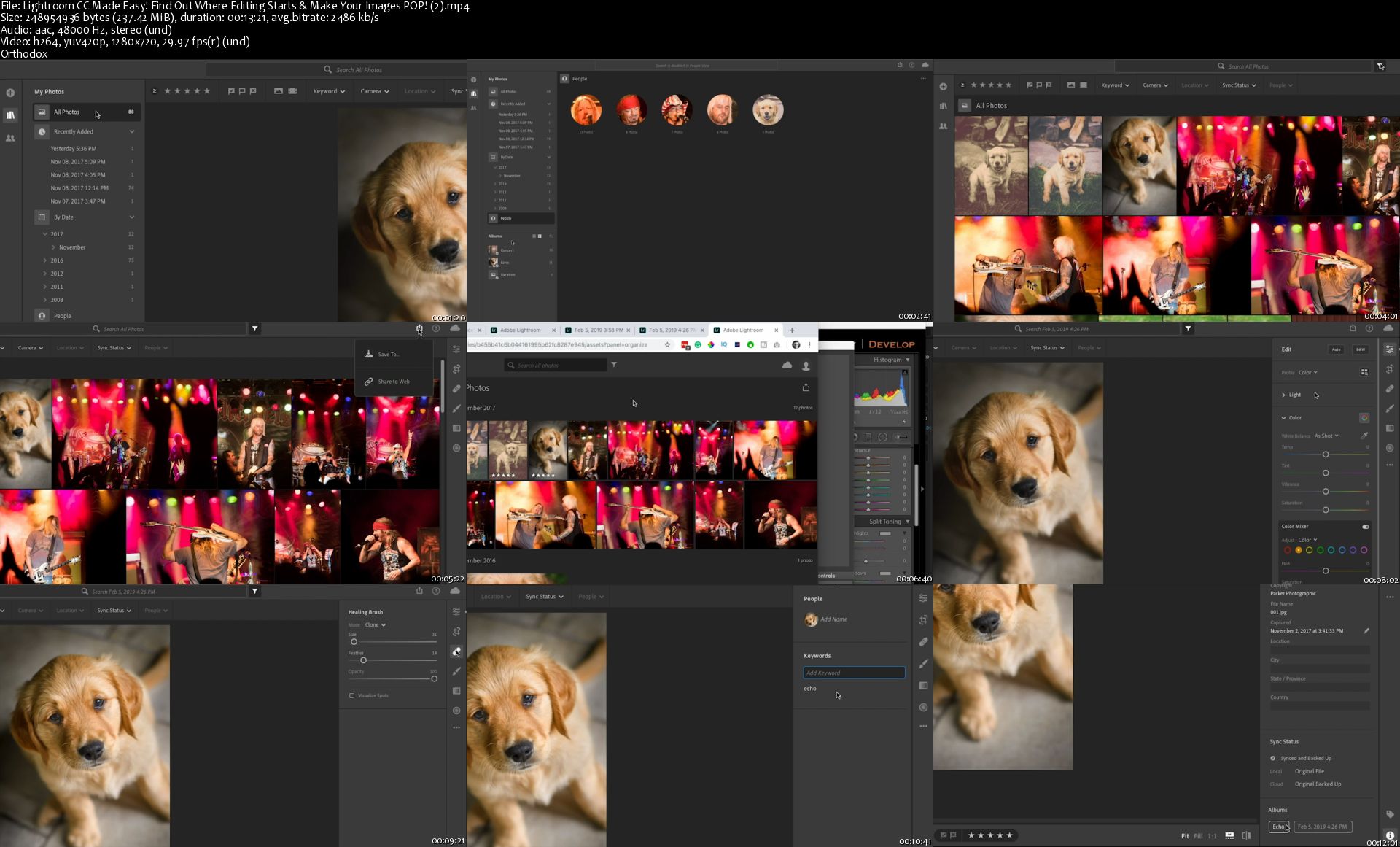
Lightroom CC Made Easy! Find Out Where Editing Starts & Make Your Images POP!

image.jpg


Lightroom CC Made Easy! Find Out Where Editing Starts & Make Your Images POP!
Video: .MP4, 1280x720 | Audio: AAC, 48kHz, 2ch | Duration: 2h 57m
Genre: eLearning | Language: English | Size: 3,13 GB

Have you ever wondered where to start your editing in Lightroom? No worries, most photographers do AND you'll learn exactly where to start your editing. The answer to that question may not be what you're expecting.

Not only will you learn where to start your editing, but you'll also learn how to edit and how to not over edit. There are some hidden tools, in Lightroom, designed to assist in not over-editing. Plus, some often overlooked tools you should be using on all images.... to edit like a pro.

Every tool/feature in Lightroom CC is covered in this class. And you'll follow along as we edit my BFF: Echo. Just download the resource files to practice what you learn.

Oh, and I'm available for questions too! Just post your questions below. I'd love to see some of your before and after edits too! Feel free to post those below too.

Are you ready to learn how to edit your photos, in Lightroom CC, like a pro?

Let's do it!

Lightroom-CC-Made-Easy-Find-Out-Where-Editing-Starts-Make-You.jpg


...
 
Linux Desktop Automation

0065984b.jpg


Linux Desktop Automation
.MP4 | Video: 1280x720, 30 fps(r) | Audio: AAC, 44100 Hz, 2ch | 304 MB
Duration: 32 mins | Genre: eLearning Video | Language: English

Use Bash Scripting to Automate the Desktop


What you'll learn

How to automate the Linux Desktop with Bash Scripting
Control X Windows over SSH
Control any Linux Desktop with a Bash Script
How to script the mouse and keyboard input
How to search desktop windows and click them

Requirements

Prior experience with Bash scripting
Access to the Linux Desktop (X Windows, not Wayland)

Description

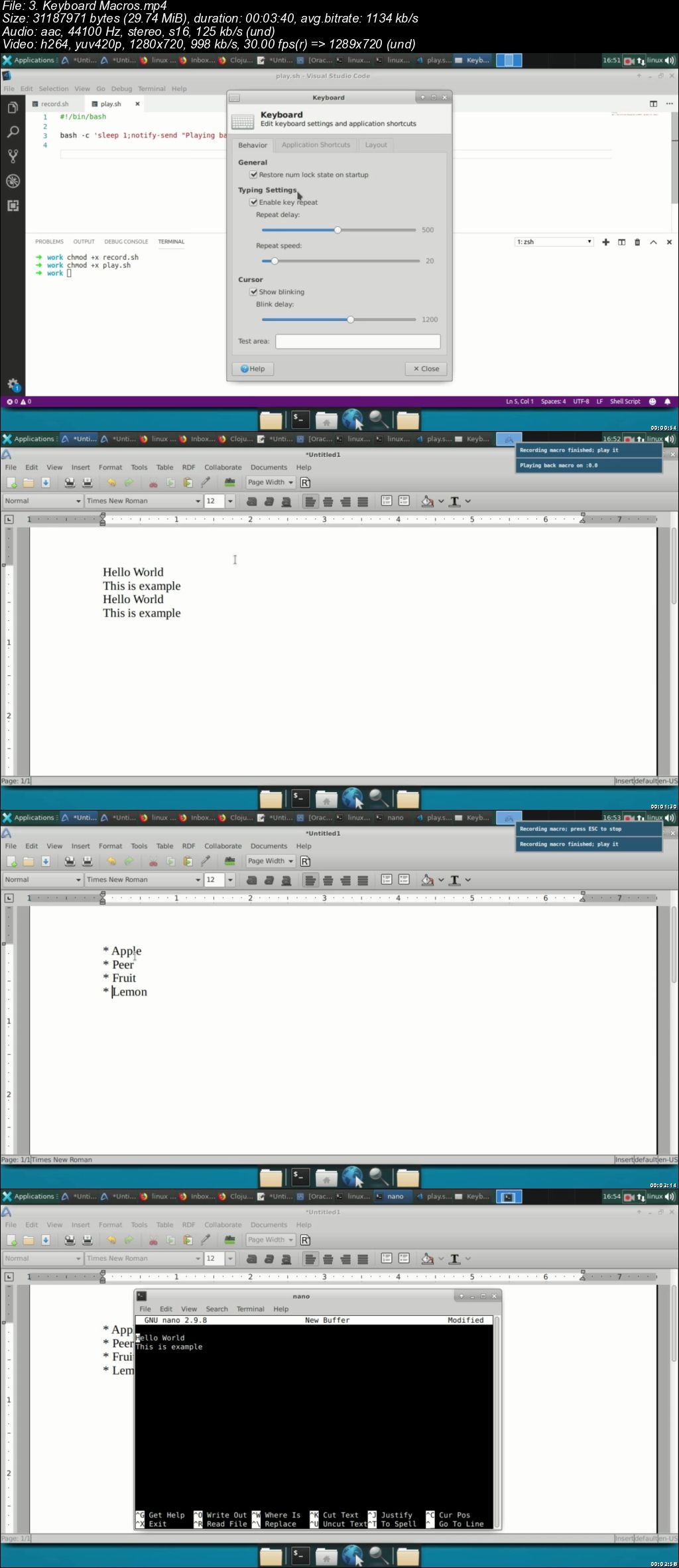
Learn how to automate your Linux desktop with Bash scripting. This includes moving the mouse, windows, clicking around or even login to systems remotely (over ssh) and take over the desktop all from a bash script.

Do you want to move your bash scripting to the next level and automate the Linux desktop? enroll today!

Who this course is for:

Linux users that want to automate their Desktop with Bash scripts
Intermediate Linux users

0065984c.jpg


...
 
Zurück
Oben Unten