• Regeln für den Video-Bereich:

    In den Börsenbereich gehören nur Angebote die bereits den Allgemeinen Regeln entsprechen.

    Einteilung

    - Folgende Formate gehören in die angegeben Bereiche:
    - Filme: Encodierte Filme von BluRay, DVD, R5, TV, Screener sowie Telesyncs im Format DivX, XviD und x264.
    - DVD: Filme im Format DVD5, DVD9 und HD2DVD.
    - HD: Encodierte Filme mit der Auflösung 720p oder darüber von BluRay, DVD, R5, TV, Screener sowie Telesyncs im Format x264.
    - 3D: Encodierte Filme von BluRay, die in einem 3D Format vorliegen. Dies gilt auch für Dokus, Animation usw.
    - Serien: Cartoon/Zeichentrick, Anime, Tutorials, Dokumentationen, Konzerte/Musik, Sonstiges sind demnach in die entsprechenden Bereiche einzuordnen, auch wenn sie beispielsweise im High Definition-Format oder als DVD5/DVD9/HD2DVD vorliegen. Ausnahme 3D.
    - Bereich Englisch: Englische Releases gehören immer in diesen Bereich.
    - Bereich Talk: Der Bereich, in dem über die Releases diskutiert werden kann, darf, soll und erwünscht ist.


    Angebot/Beitrag erstellen

    - Ein Beitrag darf erst dann erstellt werden, wenn der Upload bei mindestens einem OCH komplett ist. Platzhalter sind untersagt.
    - Bei einem Scenerelease hat der Threadtitel ausschließlich aus dem originalen, unveränderten Releasenamen zu bestehen. Es dürfen keine Veränderungen wie z.B. Sterne, kleine Buchstaben o.ä. vorgenommen werden. Ausnahme Serienbörse:
    - Bei einem Sammelthread für eine Staffel entfällt aus dem Releasename natürlich der Name der Folge. Beispiel: Die Simpsons S21 German DVDRip XviD - ITG
    - Dementsprechend sind also u.a. verboten: Erweiterungen wie "Tipp", "empfehlenswert", "only", "reup", usw. / jegliche andere Zusatzinformation oder Ergänzung, welche nicht in obiger Beschreibung zu finden ist.

    Aufbau des Angebots und Threadtitel

    Der Titel nach folgendem Muster erstellt zu werden. <Name> [3D] [Staffel] [German] <Jahr> <Tonspur> [DL] [Auflösung] <Quelle> <Codec> - <Group>
    Beispiel: The Dark Knight German 2008 AC3 DVDRip XviD - iND
    Beispiel: The Dark Knight 2008 DTS DL BDRip x264 - iND
    Beispiel: The Dark Knight 2008 AC3 DL BDRip XviD - iND
    Beispiel: The Dark Knight German 2008 AC3 720p BluRay x264 iND
    Beispiel: The Dark Knight 2008 DTS DL 1080p BluRay x264 iND
    Beispiel: Die Simpsons S01 German AC3 DVDRip XviD iND
    Beispiel: Die Simpsons S20 German AC3 720p BluRay x264 iND
    Beispiel: Sword Art Online II Ger Sub 2014 AAC 1080p WEBRip x264 - peppermint
    Entsprechend sind also u.a. verboten: Sonderzeichen wie Klammern, Sterne, Ausrufezeichen, Unterstriche, Anführungszeichen / Erweiterungen wie "Tipp", "empfehlenswert", "only", "reup", usw. / jegliche andere Zusatzinformation oder Ergänzung, welche nicht in obiger Beschreibung zu finden ist
    Ausnahmen hiervon können in den Bereichen geregelt sein.

    Die Beiträge sollen wie folgt aufgebaut werden:
    Überschrift entspricht dem Threadtitel
    Cover
    kurze Inhaltsbeschreibung
    Format, Größe, Dauer sind gut lesbar für Downloader außerhalb des Spoilers zu vermerken
    Nfo sind immer Anzugeben und selbige immer im Spoiler in Textform.
    Sind keine Nfo vorhanden z.B. Eigenpublikationen, sind im Spoiler folgende Dateiinformationen zusätzlich anzugeben :
    Quelle
    Video (Auflösung und Bitrate)
    Ton (Sprache, Format und Bitrate der einzelnen Spuren)
    Untertitel (sofern vorhanden)
    Hosterangabe in Textform außerhalb eines Spoiler mit allen enthaltenen Hostern.
    Bei SD kann auf diese zusätzlichen Dateiinformationen verzichtet werden.

    Alle benötigten Passwörter sind, sofern vorhanden, in Textform im Angebot anzugeben.
    Spoiler im Spoiler mit Kommentaren :"Schon Bedankt?" sind unerwünscht.


    Releases

    - Sind Retail-Release verfügbar, sind alle anderen Variationen untersagt. Ausnahmen: Alle deutschen Retail-Release sind CUT, in diesem Fall sind dubbed UNCUT-Release zulässig.
    - Im Serien-Bereich gilt speziell: Wenn ein Retail vor Abschluss einer laufenden Staffel erscheint, darf diese Staffel noch zu Ende gebracht werden.62
    - Gleiche Releases sind unbedingt zusammenzufassen. Das bedeutet, es ist zwingend erforderlich, vor dem Erstellen eines Themas per Suchfunktion zu überprüfen, ob bereits ein Beitrag mit demselben Release besteht. Ist dies der Fall, ist der bereits vorhandene Beitrag zu verwenden.
    - P2P und Scene Releases dürfen nicht verändert oder gar unter einem iND Tag eingestellt werden.


    Support, Diskussionen und Suche

    - Supportanfragen sind entweder per PN oder im Bereich Talk zu stellen.
    - Diskussionen und Bewertungen sind im Talk Bereich zu führen. Fragen an die Uploader haben ausschließlich via PN zu erfolgen, und sind in den Angeboten untersagt.
    - Anfragen zu Upload-Wünschen sind nur im Bereich Suche Video erlaubt. Antworten dürfen nur auf Angebote von MyBoerse.bz verlinkt werden.


    Verbote

    - Untersagt sind mehrere Formate in einem einzigen Angebotsthread, wie beispielsweise das gleichzeitige Anbieten von DivX/XviD, 720p und 1080p in einem Thread. Pro Format, Release und Auflösung ist ein eigener Thread zu eröffnen.
    - Grundsätzlich ebenso verboten sind Dupes. Uploader haben sich an geeigneter Stelle darüber zu informieren, ob es sich bei einem Release um ein Dupe handelt.
    - Gefakte, nur teilweise lauffähige oder unvollständige Angebote sind untersagt. Dies gilt auch für eigene Publikationen, die augenscheinlich nicht selbst von z.B. einer DVD gerippt wurden. Laufende Serien, bei denen noch nicht alle Folgen verfügbar sind, dürfen erstellt und regelmäßig geupdatet werden.
    - Untersagt sind Angebote, welche nur und ausschließlich in einer anderen Sprache als deutsch oder englisch vorliegen. Ausnahmen sind VORHER mit den Moderatoren zu klären.


    Verstoß gegen die Regeln

    - Angebote oder Beiträge, die gegen die Forenregeln verstoßen, sind über den "Melden"-Button im Beitrag zu melden.
  • Bitte registriere dich zunächst um Beiträge zu verfassen und externe Links aufzurufen.


Englische Tutorials

How to Get a UX Design Job Series: UX Portfolios
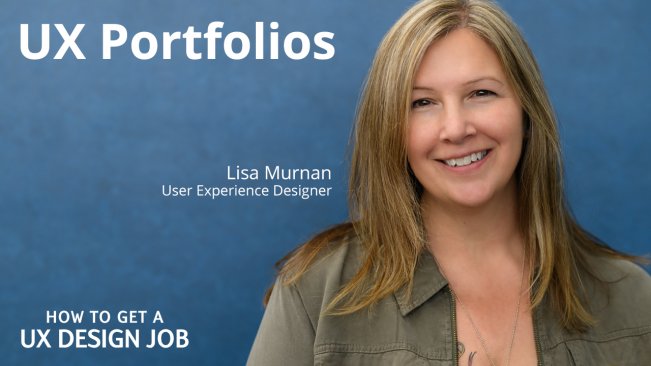
image.jpg


How to Get a UX Design Job Series: UX Portfolios
Video: .MP4, 1280x720 | Audio: AAC, 48kHz, 2ch | Duration: 43m
Genre: eLearning | Language: English | Size: 800 MB

About This Class
Learn how to quickly and easily create a professional UX portfolio with user experience designer and author Lisa Murnan.

Welcome to my first class in the How to Get a UX Design Job series.

I chose to tackle UX Portfolios first because these days we all need one to get a job. And we often tend to get stuck in analysis paralysis because creating a portfolio can feel so overwhelming, and we all have a million other things we'd rather be doing.

But guys, you need a UX portfolio. Now. Yesterday! What if your dream job comes knocking on LinkedIn tomorrow? The recruiter or hiring manager will ask you for a copy of your portfolio in their first or second email, I promise. And what they see in that portfolio will determine whether you get an interview or not.

In this 40-minute class, I'm going to show you how to quickly create a PDF portfolio that requires no website, no Behance or Dribbble account, no coding, no hassle. All you'll need is access to a presentation program like Google Slides, PowerPoint or Keynote, or a publishing program like InDesign. You can use whatever you're already comfortable with.

Recruiters and hiring managers are perfectly happy to receive a PDF version of your portfolio (it's easy to email, read and print), and you can always put a copy of it online if you need a URL for your resume, LinkedIn profile or an online job application.

We'll cover:

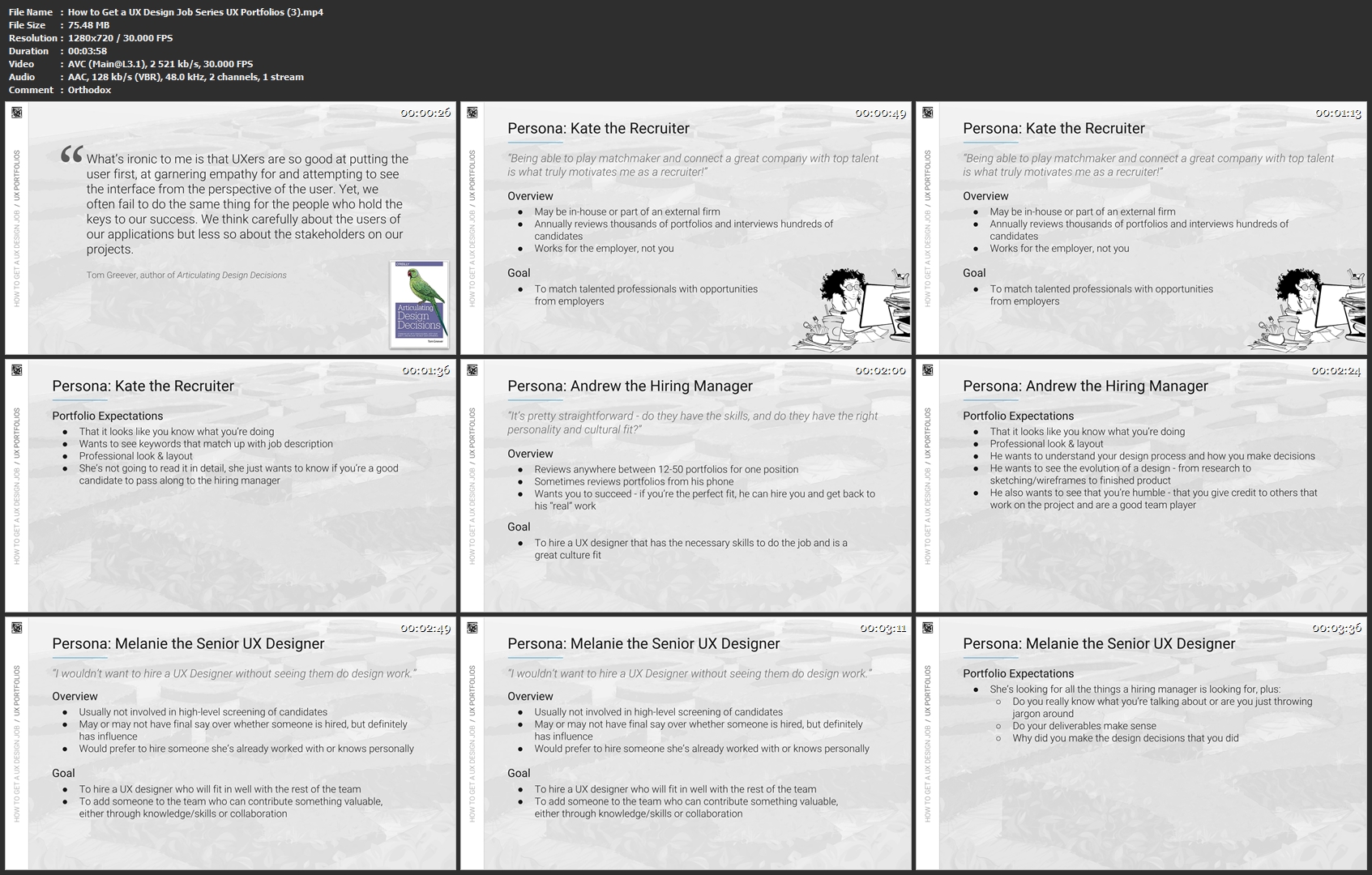
What recruiters and hiring managers are looking for in a portfolio
How to quickly create a professional-looking template using your favorite presentation program
How to structure your portfolio and case studies
What case studies and images to include
How to customize your portfolio for each job application
What do to about NDA work
How to create a link to your PDF portfolio
Mistakes to avoid
This class is for everyone, whether you're an aspiring UXer or a designer with years of experience. We all need a portfolio!

Resources:

Handouts - Slides from Class
UX Portfolios - Inspiration & Resources
Lisa's Portfolio Template (in Google Slides)
Class Resources on Lisa's Website
How-to-Get-a-UX-Design-Job-Series-UX-Portfolios-3-mp4.jpg


...
 
Create a Realistic Tropical Beach Scene with Procreate

image.jpg


Create a Realistic Tropical Beach Scene with Procreate
Video: .MP4, 1280x720 | Audio: AAC, 44.1kHz, 2ch | Duration: 44m
Genre: eLearning | Language: English | Size: 788 MB

Learn how to create a beautiful, realistic, tropical beach with the Procreate app!

Although I show you what I am doing each step of the way, it's better if you have a basic working knowledge of Procreate. That way, it will be easier for you to follow along.

Here are the hexadecimal codes for the colors in my Tropical palette for this class:

#1ea297; #26c59d; #03f1dd; #a6fdf5; #15a4d2; #00688a; #00bdad; #0dc9fb; #c1f0fd

#0063b4; #0d91fb; #80c6ff; #d2ebff; #ffffff; #e2d2ff;

#f4dca6; #d3b36a; #ab7c0e

Relax and have fun!

Create-a-Tropical-Beach-with-Procreate-3-mp4.jpg


...
 
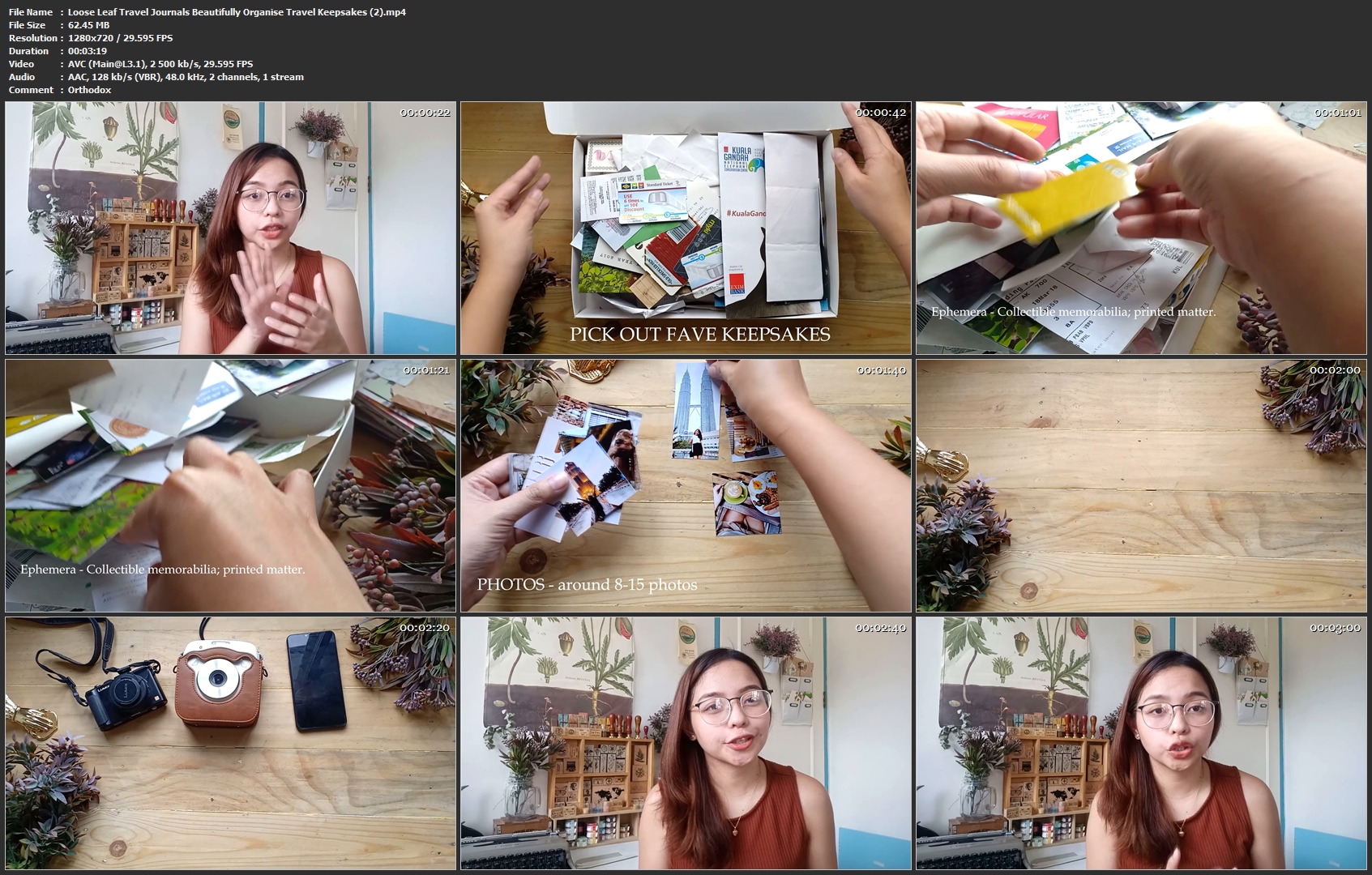
Loose Leaf Travel Journals: Beautifully Organise Travel Keepsakes

image.jpg


Loose Leaf Travel Journals: Beautifully Organise Travel Keepsakes
Video: .MP4, 1280x720 | Audio: AAC, 48kHz, 2ch | Duration: 15m
Genre: eLearning | Language: English | Size: 291 MB

When we travel we get engrossed in the sights we see, the flavors we taste, the cultures we learn and the people we meet. The whole experience leaves us fascinated and the feeling of awe we strive to immortalise in film or take home in the form of souvenirs.

If you are like most travellers, you might have a shoe box stuffed with photos from different events or a drawer full of mementos from the various places you've visited in the past. I bet you swore to yourself that when I get home, I'll organise this bits and bobs into a scrapbook or a journal!

It is now time to take action and organise heaps of keepsakes in order for them to really 'spark joy'. In this class, we'll easily turn those ephemera pieces into beautifully made loose leaf travel journals.

Take a break from editing those photos online, and capture those moments in the physical pages ofa loose leaf travel journal!

Loose-Leaf-Travel-Journals-Beautifully-Organise-Travel-Keepsakes.jpg


...
 
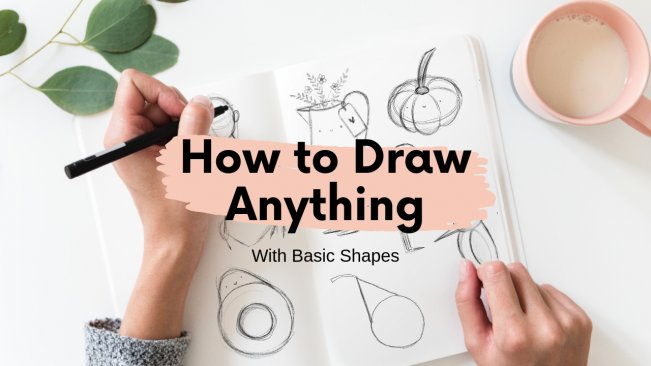
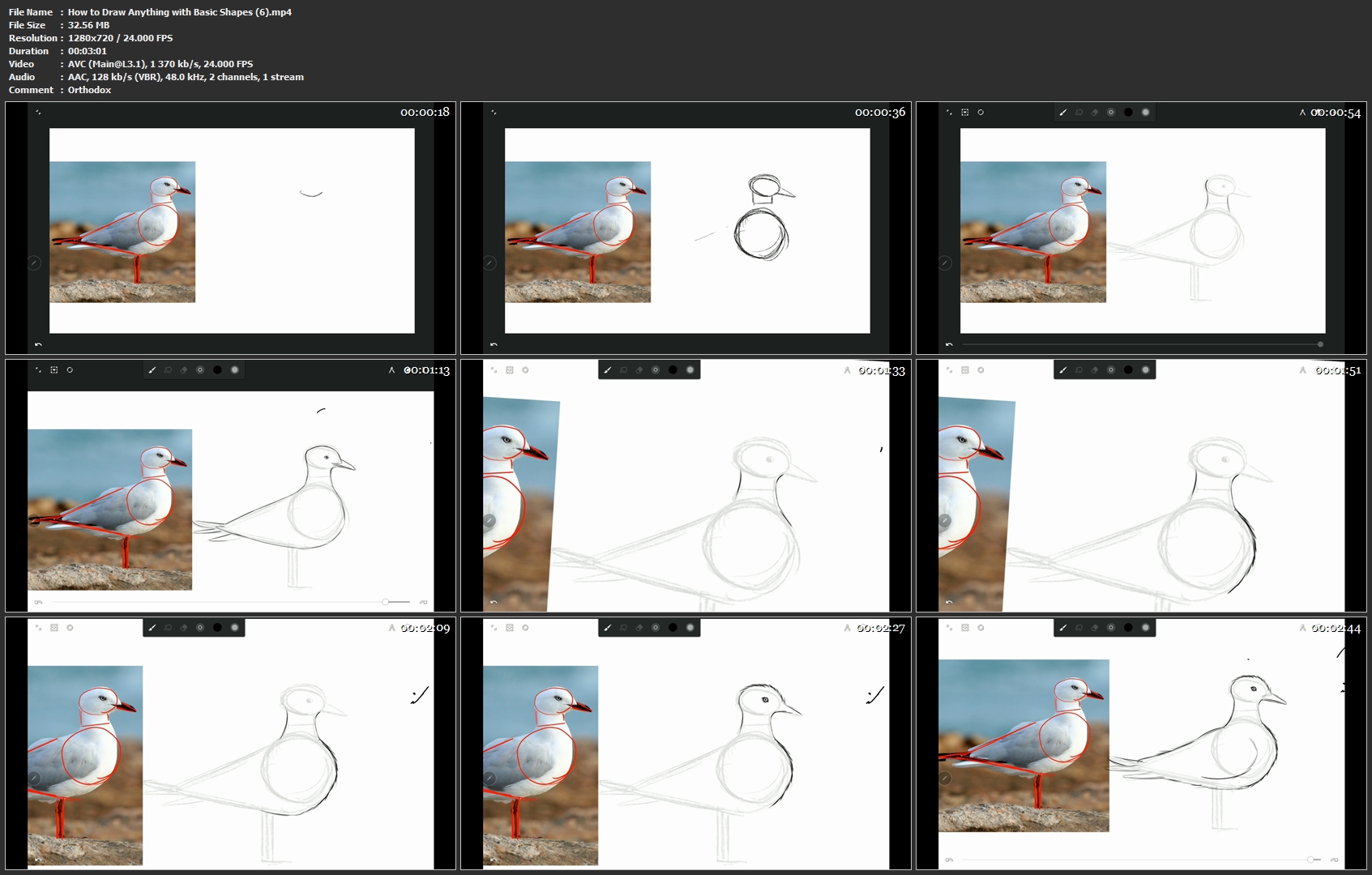
How to Draw Anything with Basic Shapes

image.jpg


How to Draw Anything with Basic Shapes
Video: .MP4, 1280x720 | Audio: AAC, 48kHz, 2ch | Duration: 15m
Genre: eLearning | Language: English | Size: 187 MB

In this class, you'll learn how to draw anything in using basic shapes. Drawing can be hard sometimes, but it doesn't have to be like this. You can learn how to draw in an easy and fun way.

We'll do a bunch of exercises together and for your final project you'll choose an three reference images and draw them using the method you've learned in this class. And by the end of this course you'll have all the tools you need to keep practicing and improving your drawing skills.

You don't need any prior knowledge. This course is for everyone who want to learn how to draw or want to learn some exercises to improve their drawing skills.

All the exercises can be done using only pencil and paper, so you don't have to worry about getting fancy materials.

What you'll learn:

Warm-up exercises: we'll do some warm-up exercises to improve your linework and make you more confident in drawing;

Observing: you'll learn how to observe and break any object into basic shapes, so you can draw it more easily;

Drawing made easy: you'll learn how to draw step by step by breaking the subject into basic shapes.

Live Example: I'll show you a simple live example that you can follow along with me step by step.

Playing With Proportions: you're gonna learn how to play with proportions and stylize your drawing.

How-to-Draw-Anything-with-Basic-Shapes-6-mp4.jpg


...
 
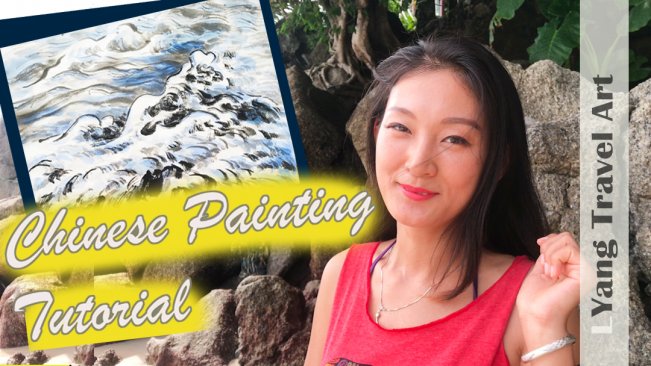
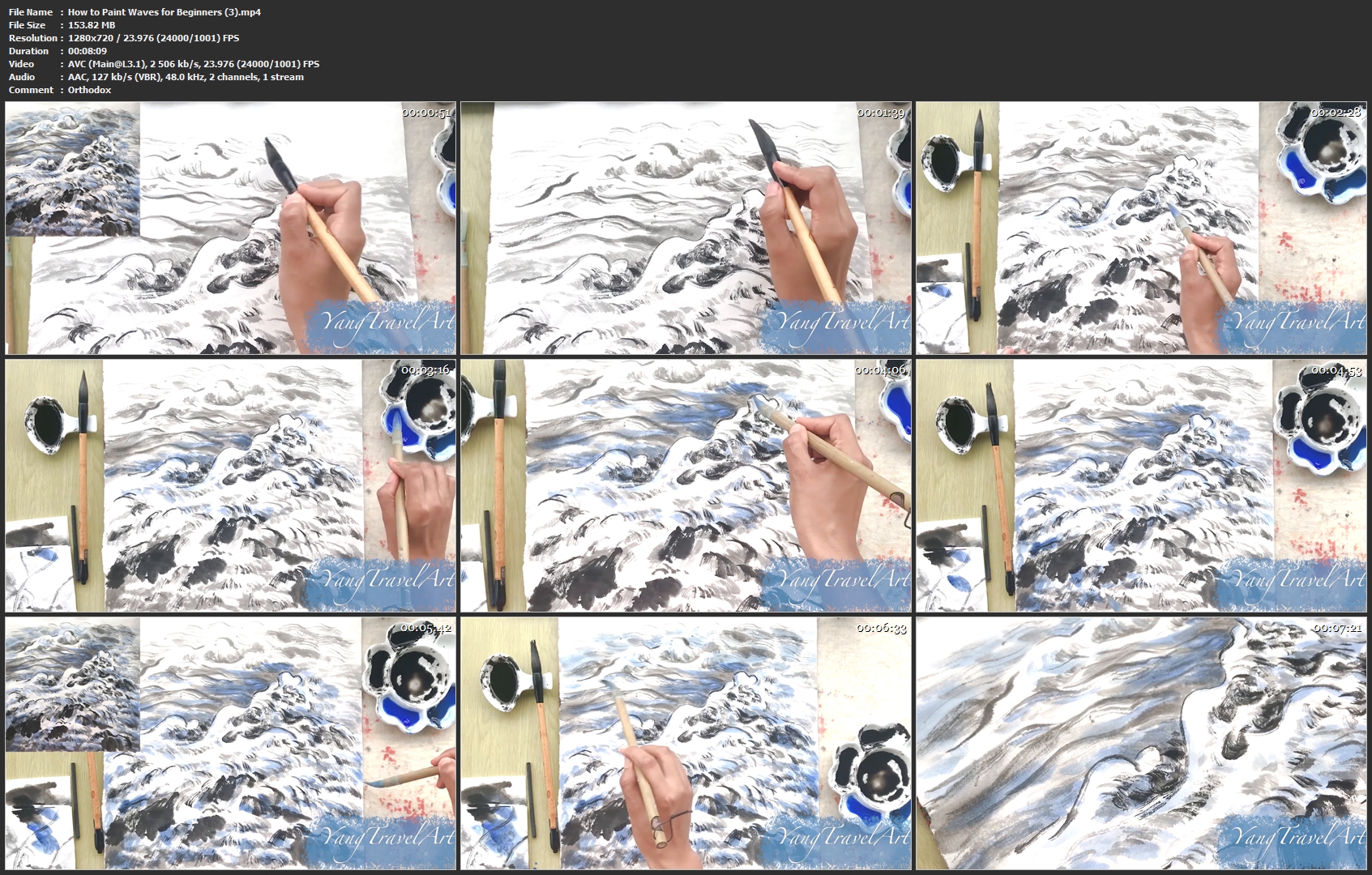
How to Paint Waves for Beginners

image.jpg


How to Paint Waves for Beginners
Video: .MP4, 1280x720 | Audio: AAC, 48kHz, 2ch | Duration: 22m
Genre: eLearning | Language: English | Size: 417 MB

For this class I went to Phuket, Thailand. Everyday there I explored a new beach. This one is my favorite, because the waves are big, and it is beautiful when they crash on the rocks. I decided to paint a big wave today, so take out your materials and join me. If you also want to create beautiful paintings while you travel, I hope this class can help you.

How-to-Paint-Waves-for-Beginners-3-mp4.jpg


...
 
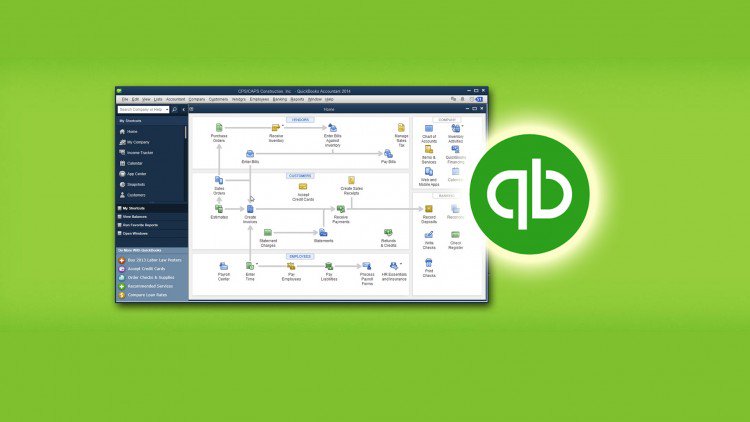
QuickBooks Desktop 2013/2018 Certified User Test Preparation

cqy47czwzop-KVgg5n-Jya6-Pgg-Dq-Fsqa-YD.jpg


QuickBooks Desktop 2013/2018 Certified User Test Preparation
Created by Hector Garcia | Video: 1280x720 | Audio: AAC 48KHz 2ch | Duration: 13.5 hours | Lec: 55 | 3.04 GB | Language: English + Sub .VTT

by Hector Garcia. Prepare for the QuickBooks Certification / Certificate. Also, learn QuickBooks 2013 to 2018

What you'll learn
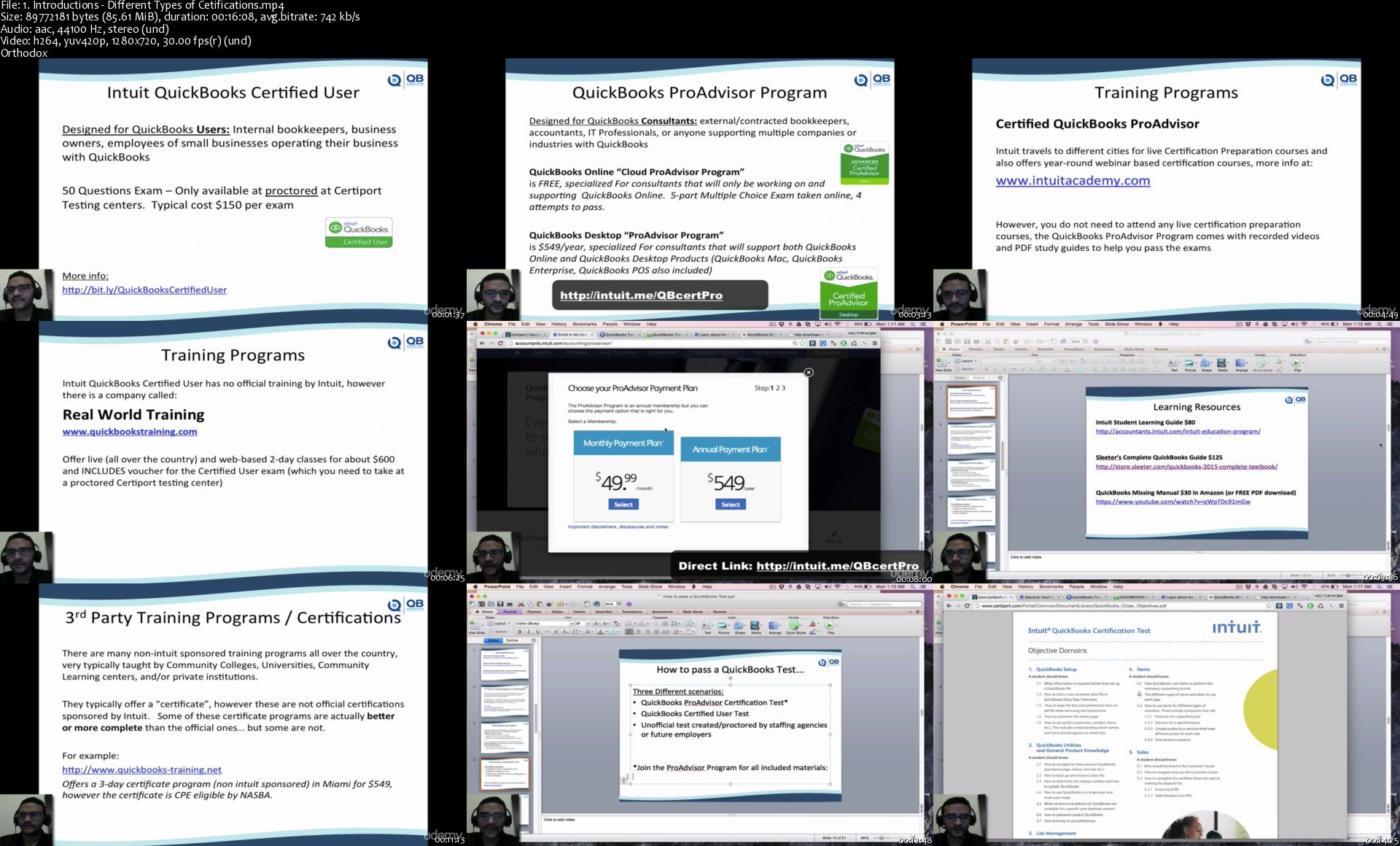
Learn the different types of QuickBooks Certifications
Walkthrough the 10 sections of the Quickbooks Certified User Exam by Certiport
Learn basic of Accounting/Bookkeeping via QuickBooks
Learn Basic and Advanced tricks on how to work better with Quickbooks
Learn how to use new features in QuickBooks 2015

Requirements
Basic knowledge of QuickBooks is recommended
Basic knowledge bookkeeping and accounting is recommended

Description
QUICKBOOKS CERTIFIED USER - TEST PREP SECTIONS

How to Pass a QuickBooks Test. introduction
QuickBooks Setup 1/10
QuickBooks Utilities and General Product Knowledge 2/10
List Management 3/10
Items 4/10
Sales 5/10
Purchases 6/10
Payroll 7/10 + Printable Guide
Reports 8/10
Basic Accounting 9/10
Customization/Saving time Shortcuts 10/10

QUICKBOOKS CERTIFIED USER - TEST PREP SECTIONS

How to Pass a QuickBooks Test. introduction
QuickBooks Setup 1/10
QuickBooks Utilities and General Product Knowledge 2/10
List Management 3/10
Items 4/10
Sales 5/10
Purchases 6/10
Payroll 7/10 + Printable Guide
Reports 8/10
Basic Accounting 9/10
Customization/Saving time Shortcuts 10/10

Who this course is for?
Bookkeepers
Accountants
Business Owners

Homepage

1-Introductions-Different-Types-of-Cetifications-s.jpg


...
 
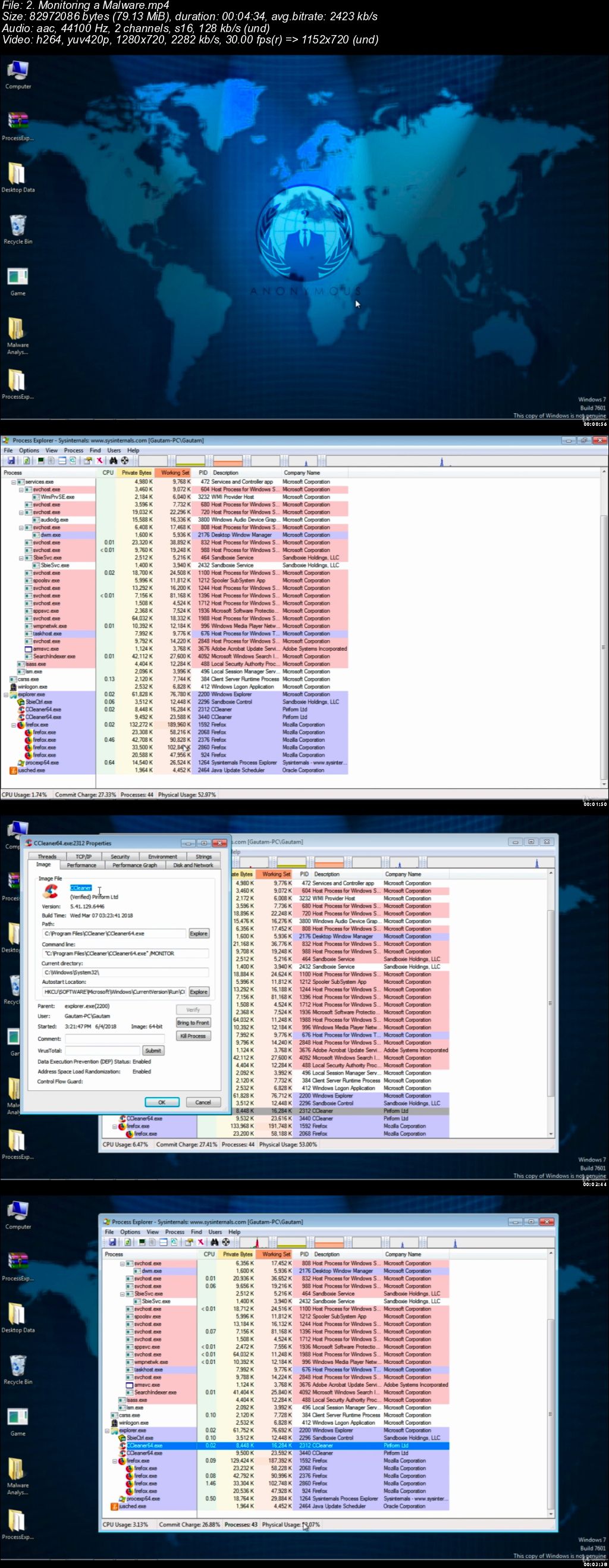
Practical Malware Analysis : Dissecting Malicious Software

006599d0.jpg


Practical Malware Analysis : Dissecting Malicious Software
.MP4 | Video: 1280x720, 30 fps(r) | Audio: AAC, 44100 Hz, 2ch | 1.56 GB
Duration: 2.5 hours | Genre: eLearning Video | Language: English

Learn the step by step process from scratch to do Malware Analysis


What you'll learn

Setup Malware Analysis Lab, Understand the techniques and processes involved in static and dynamic Malware Analysis
Generating Malicious File to Hack Windows, Finding Strings, Packers, Monitoring a Malware, Live Memory Analysis
Hacking Android Mobile Like Ninja Hacker, Detect and Defend against malware, Monitoring the Process of Malware
Study Malware Behavior Based On its Class
Malware Analysis Techniques used by experts

Requirements

Curiosity of Learning is main key to go ahead. Passion for becoming a Malware Analysts.
Basics of Computer and Internet.
No programming skills are required

Description

Now days lot of attack are happening on our systems to hack our computer system, Destroy the confidential data, attack on companies to down their reputation and cyber war between countries and hacking their critical infrastructure Transport, Communication, light. most of these attack are happening using malware. so it is very necessary for crime investigator to understand malware analysis to trace down criminals and also for normal users to ensure the security of computer by installing only trustable software & doing malware analysis.

Are you eager to learn Malware Analysis and want to be a profound Malware Analyst ? If your answer is YES, then this course is only for you. I specially framed this course to Transform Your Life from what you are today to what you actually want to be.

Have you ever wondered exactly how police and cyber crime investigator, investigate cases where computer system is hacked or crashed by Malicious Software ? Have you been looking for a course that teaches you all the basics to Advance of Malware Analysis in a fun relaxed manner? If so then this course absolutely perfect for you.

You Will Be Having Knowledge of These Topics After Completing This Course :

What is Malware ? types of malware
Setup open source Malware Analysis Lab
Tools and Techniques to do Malware Analysis
Malware Dissecting techniques
Basic and dynamic analysis
Debugging and Reverse Engineering
Android Malware Analysis

Although Practical Malware Analysis : Dissecting Malicious Software course focused on the practical side of Malware Analysis, the theory behind every analysis technique is also covered along with. Before jumping into Malware Analysis, you will first learn how to set up a lab and install needed software to practice these malware analysis techniques on your own machine so you can secure your host operating system from infection. All the techniques explained in this course are launched against real system in malware Analysis Lab.

The course is structured in a way that will take you through the basics of Malware Analysis , Type of Malware, Techniques of Malware Analysis, running malware and analysing its behaviour and lot of other interesting stuff. This course will take you from a beginner to a more advanced level - by the time you finish, you will have knowledge about most of Malware Analysis tools and Techniques.

This Practical Malware Analysis : Dissecting Malicious Software course is intended for beginners and professionals, if you are a beginner you will start from zero until you become an expert level, and if you are a professional so this course will enhance your Dissecting Capabilities.

Note : i will Update this Course Every Single Month, its Never Ending Course.

Have a Joyful Journey of Learning!

Who this course is for:

One who is desperately eager to learn how Hackers hack computer system.
Police officers, Defence personnel or Cyber Crime Investigators to trace the cyber criminals.
One who is desperately eager to learn how to do Malware Analysis

006599d1.jpg


...
 
Property Management for Homeowners

00658f4a.jpg


Property Management for Homeowners
MP4 | Video: AVC 1280x720 | Audio: AAC 44KHz 2ch | Duration: 30M | Lec: 8 | 50 MB
Genre: eLearning | Language: English

A complete guide to renting out your property from the beginning

Learning How to Manage Your Investment Property

Here are just a few of the topics we will cover in this course:

Qualifying Tenants
Setting the price
Drafting a lease
Inspection Reports
Maintenance
Have you ever considered purchasing an investment property? Or perhaps you already own a second home and are considering renting it out?

This course is good for prospective landlords who want to learn the in's and out's of the property management business. You will learn how to select quality tenants, how to draft a lease, and how to maximize your investment. At the end of this course you will have all the tools you need including tenant applications, property inspection forms and a customizable lease all in one place.

By the end of this course, you'll have valuable skills that will help you to effectively manage your property, and gain you a reputation as one of the best landlord's around.

00658f4e.jpg


...
 
PRINCE2® Basics for PRINCE2 Agile®

0065921e.jpg


PRINCE2® Basics for PRINCE2 Agile®
MP4 | Video: AVC 1280x720 | Audio: AAC 44KHz 2ch | Duration: 2.5 Hours | 236 MB
Genre: eLearning | Language: English

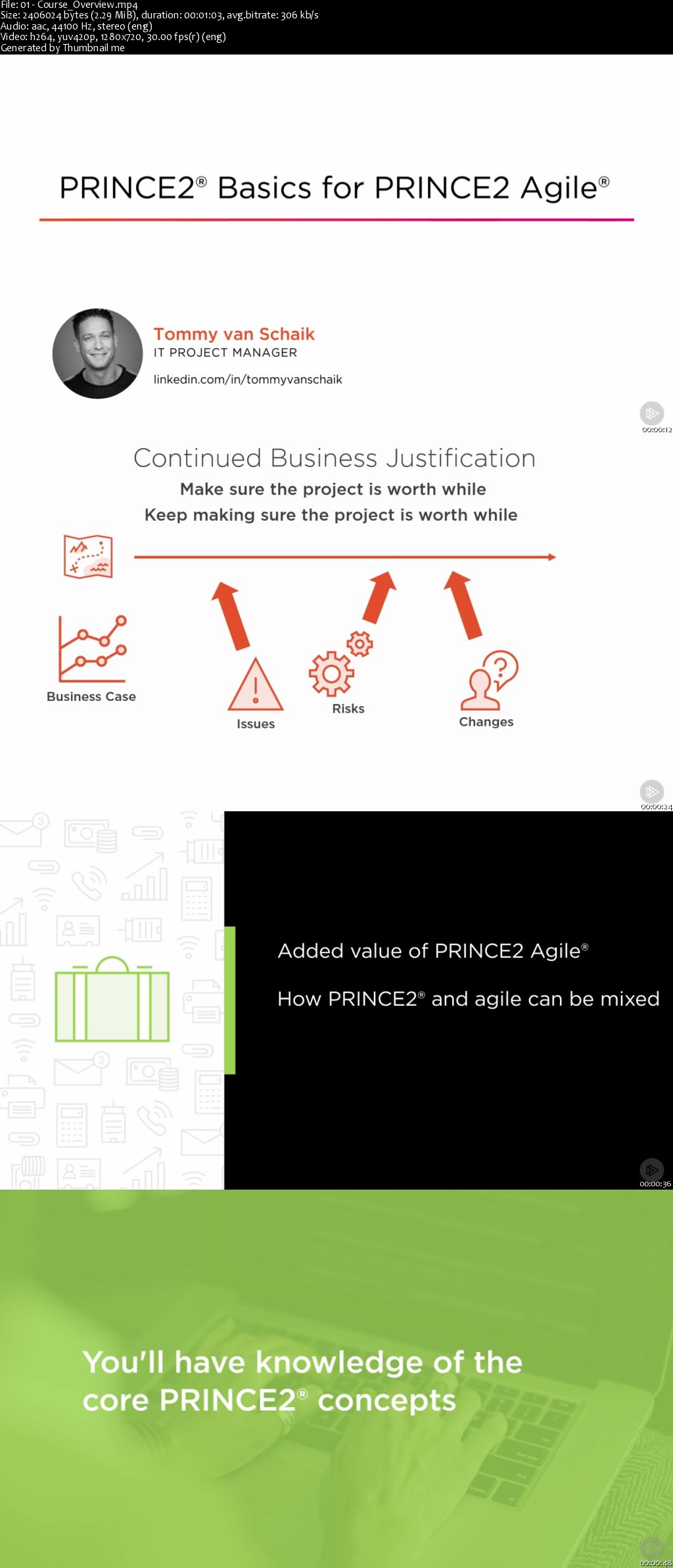
This course is part of the PRINCE2 Agile® learning path and will teach you the added value of PRINCE2 Agile® and the core concepts of the PRINCE2® method.

Mixing the PRINCE2® project management method with agile techniques and frameworks can be a very successful combination in a fast-changing environment. In this course, PRINCE2® Basics for PRINCE2 Agile®, you will learn the basics concepts of the PRINCE2® method to tailor them for an agile environment later. First, you will learn the added value PRINCE2 Agile® can have for you and for your organization. Next, you will learn how PRINCE2® and agile can be mixed to create a winning combination. Finally, you will learn about the PRINCE2® concepts of principles, themes, and processes. When you're finished with this course you will have fundamental knowledge of the core PRINCE2® concepts needed to follow the rest of this learning path on combining PRINCE2® with agile in your projects

0065921d.jpg


...
 
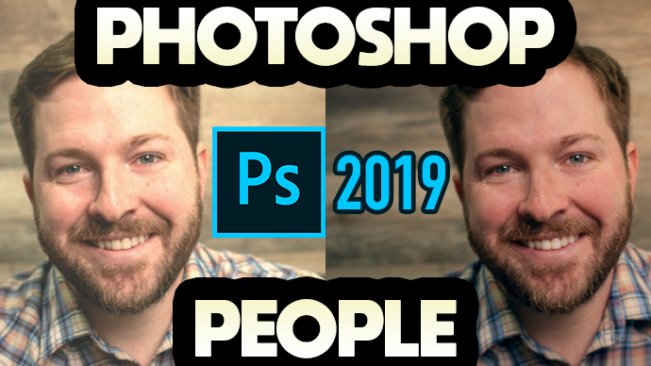
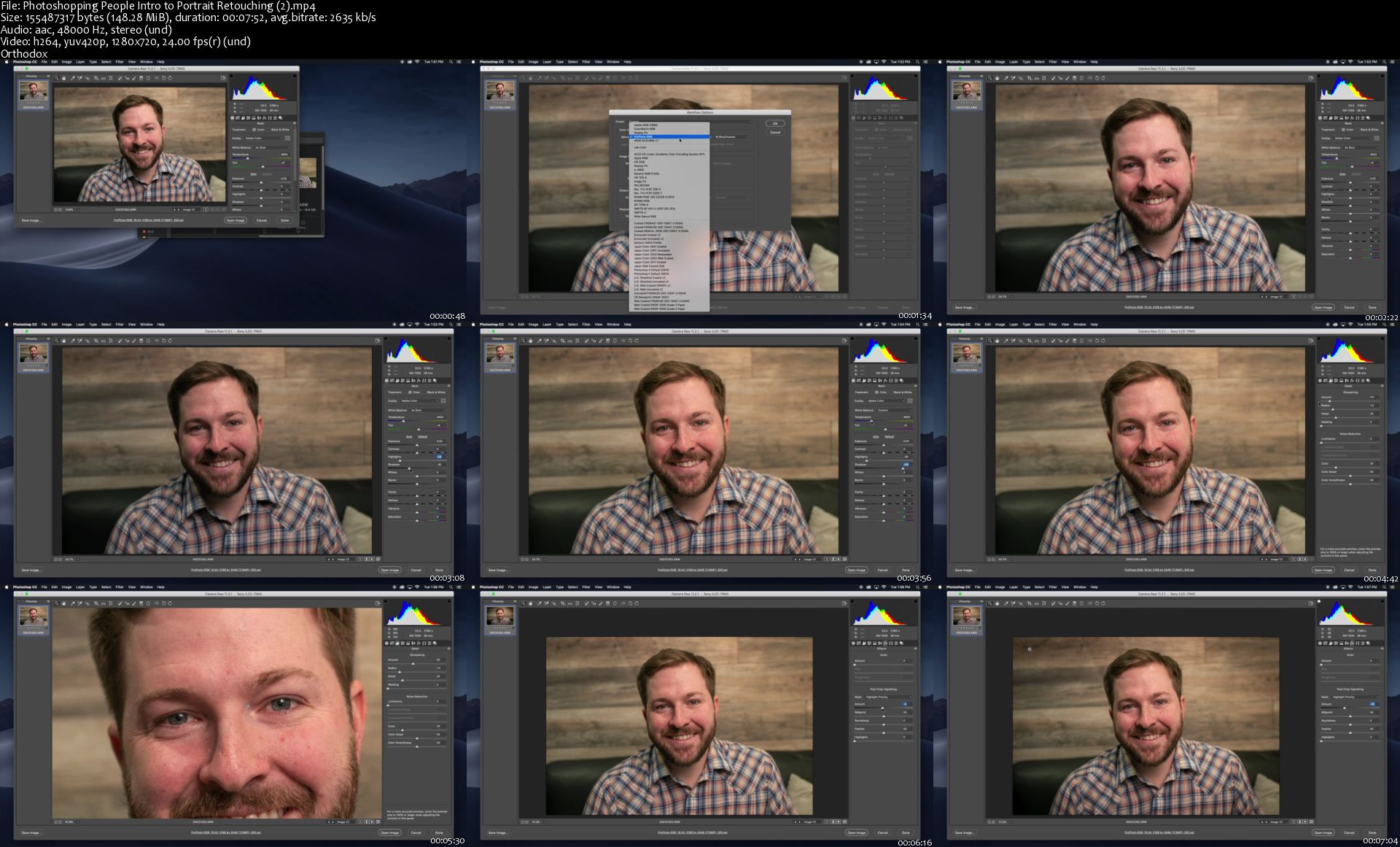
Photoshopping People: Intro to Portrait Retouching

image.jpg


Photoshopping People: Intro to Portrait Retouching
Video: .MP4, 1280x720 | Audio: AAC, 48kHz, 2ch | Duration: 1h 10m
Genre: eLearning | Language: English | Size: 1,28 GB

Retouching portraits is daunting. There are infinite ways you can adjust a picture. This class narrows it down to just the basics, helping you quickly beautify pictures of you or your friends without drowning in the depths of Photoshop.

In this class, you will learn how to accomplish the following:

Import photos with maximum color possibilities
Sharpen the image in a subtle manner
Correct color using levels, curves, and vibrancy
Beautify the skin
Accentuate the eyes
Whiten the teeth
Shine the hair
Create a natural vignette
Stylize the image

Photoshopping-People-Intro-to-Portrait-Retouching-2-s.jpg


...
 
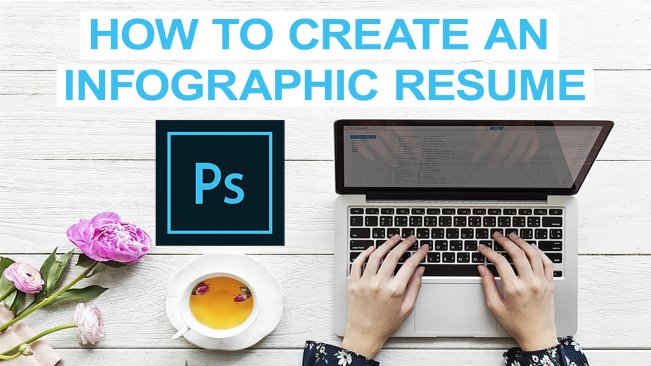
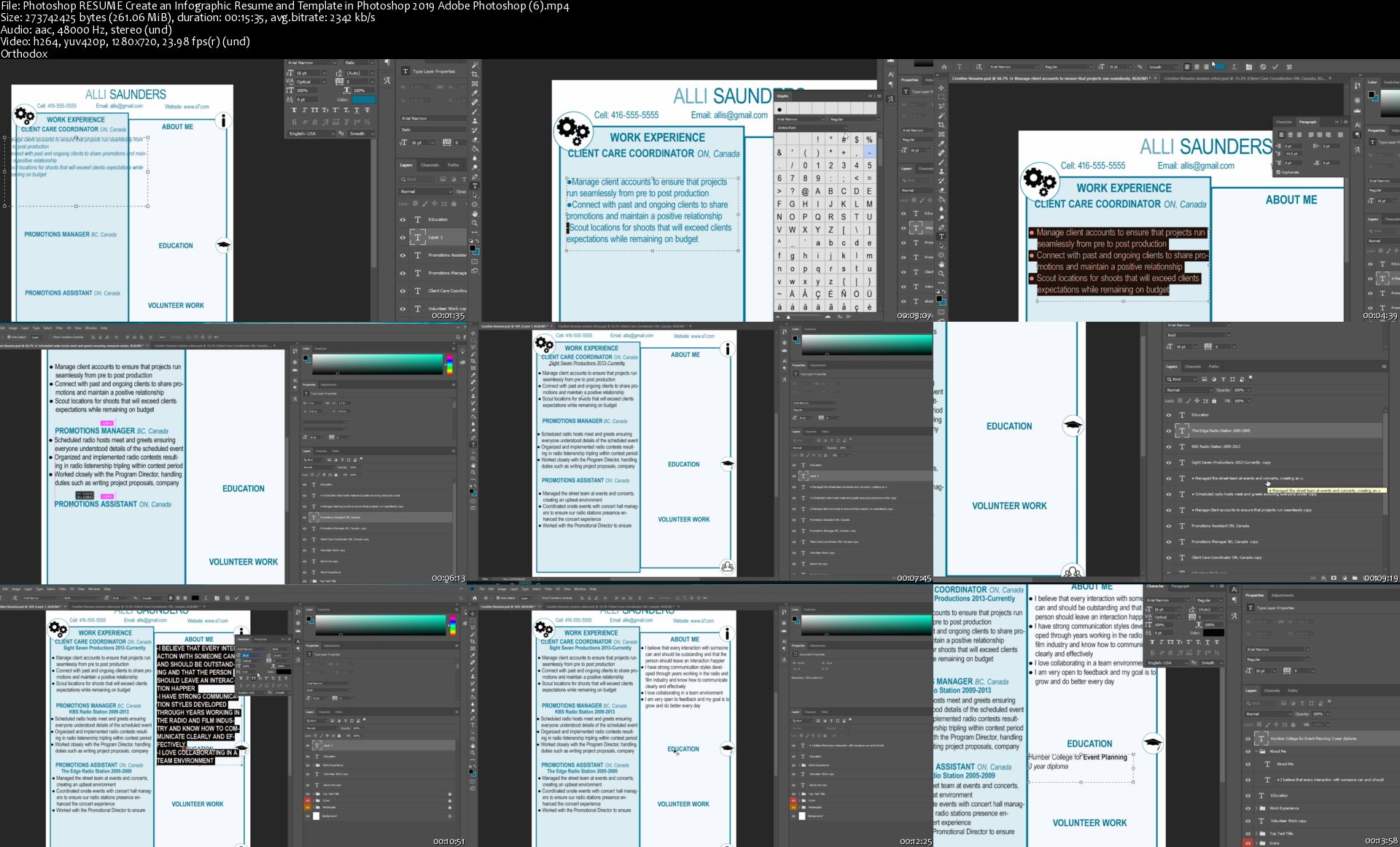
Photoshop RESUME: Create an Infographic Resume and Template in Photoshop 2019: Adobe Photoshop

image.jpg


Photoshop RESUME: Create an Infographic Resume and Template in Photoshop 2019: Adobe Photoshop
Video: .MP4, 1280x720 | Audio: AAC, 48kHz, 2ch | Duration: 55m
Genre: eLearning | Language: English | Size: 782 MB

In this class you will learn how to create an Infographic Resume and Template within Photoshop. You should have access to Photoshop and a basic understanding of Photoshop to take this course. We will be explaining all of the tools and effects that we're using in this class and be sure to download the class assets to follow along.

What You'll Learn:

-How to create shapes in Photoshop

-How to use the free transform tool

-How to group layers within Photoshop and change the name and color label

-How to quickly convert your text to All Caps

-How to duplicate layers

-Many keyboard shortcuts

-How to create bullet points in Photoshop

-how to space text and bullet points quickly

-How to use the grid in Photoshop

-How to make design and creative decisions when creating your resume template

-Tips for writing a resume that stands out and gets noticed

-How to save your template as multiple file types ideal for applying to jobs

Most importantly, have fun!

Photoshop-RESUME-Create-an-Infographic-Resume-and-Template-in-Ph.jpg


...
 
Zurück
Oben Unten