• Regeln für den Video-Bereich:

    In den Börsenbereich gehören nur Angebote die bereits den Allgemeinen Regeln entsprechen.

    Einteilung

    - Folgende Formate gehören in die angegeben Bereiche:
    - Filme: Encodierte Filme von BluRay, DVD, R5, TV, Screener sowie Telesyncs im Format DivX, XviD und x264.
    - DVD: Filme im Format DVD5, DVD9 und HD2DVD.
    - HD: Encodierte Filme mit der Auflösung 720p oder darüber von BluRay, DVD, R5, TV, Screener sowie Telesyncs im Format x264.
    - 3D: Encodierte Filme von BluRay, die in einem 3D Format vorliegen. Dies gilt auch für Dokus, Animation usw.
    - Serien: Cartoon/Zeichentrick, Anime, Tutorials, Dokumentationen, Konzerte/Musik, Sonstiges sind demnach in die entsprechenden Bereiche einzuordnen, auch wenn sie beispielsweise im High Definition-Format oder als DVD5/DVD9/HD2DVD vorliegen. Ausnahme 3D.
    - Bereich Englisch: Englische Releases gehören immer in diesen Bereich.
    - Bereich Talk: Der Bereich, in dem über die Releases diskutiert werden kann, darf, soll und erwünscht ist.


    Angebot/Beitrag erstellen

    - Ein Beitrag darf erst dann erstellt werden, wenn der Upload bei mindestens einem OCH komplett ist. Platzhalter sind untersagt.
    - Bei einem Scenerelease hat der Threadtitel ausschließlich aus dem originalen, unveränderten Releasenamen zu bestehen. Es dürfen keine Veränderungen wie z.B. Sterne, kleine Buchstaben o.ä. vorgenommen werden. Ausnahme Serienbörse:
    - Bei einem Sammelthread für eine Staffel entfällt aus dem Releasename natürlich der Name der Folge. Beispiel: Die Simpsons S21 German DVDRip XviD - ITG
    - Dementsprechend sind also u.a. verboten: Erweiterungen wie "Tipp", "empfehlenswert", "only", "reup", usw. / jegliche andere Zusatzinformation oder Ergänzung, welche nicht in obiger Beschreibung zu finden ist.

    Aufbau des Angebots und Threadtitel

    Der Titel nach folgendem Muster erstellt zu werden. <Name> [3D] [Staffel] [German] <Jahr> <Tonspur> [DL] [Auflösung] <Quelle> <Codec> - <Group>
    Beispiel: The Dark Knight German 2008 AC3 DVDRip XviD - iND
    Beispiel: The Dark Knight 2008 DTS DL BDRip x264 - iND
    Beispiel: The Dark Knight 2008 AC3 DL BDRip XviD - iND
    Beispiel: The Dark Knight German 2008 AC3 720p BluRay x264 iND
    Beispiel: The Dark Knight 2008 DTS DL 1080p BluRay x264 iND
    Beispiel: Die Simpsons S01 German AC3 DVDRip XviD iND
    Beispiel: Die Simpsons S20 German AC3 720p BluRay x264 iND
    Beispiel: Sword Art Online II Ger Sub 2014 AAC 1080p WEBRip x264 - peppermint
    Entsprechend sind also u.a. verboten: Sonderzeichen wie Klammern, Sterne, Ausrufezeichen, Unterstriche, Anführungszeichen / Erweiterungen wie "Tipp", "empfehlenswert", "only", "reup", usw. / jegliche andere Zusatzinformation oder Ergänzung, welche nicht in obiger Beschreibung zu finden ist
    Ausnahmen hiervon können in den Bereichen geregelt sein.

    Die Beiträge sollen wie folgt aufgebaut werden:
    Überschrift entspricht dem Threadtitel
    Cover
    kurze Inhaltsbeschreibung
    Format, Größe, Dauer sind gut lesbar für Downloader außerhalb des Spoilers zu vermerken
    Nfo sind immer Anzugeben und selbige immer im Spoiler in Textform.
    Sind keine Nfo vorhanden z.B. Eigenpublikationen, sind im Spoiler folgende Dateiinformationen zusätzlich anzugeben :
    Quelle
    Video (Auflösung und Bitrate)
    Ton (Sprache, Format und Bitrate der einzelnen Spuren)
    Untertitel (sofern vorhanden)
    Hosterangabe in Textform außerhalb eines Spoiler mit allen enthaltenen Hostern.
    Bei SD kann auf diese zusätzlichen Dateiinformationen verzichtet werden.

    Alle benötigten Passwörter sind, sofern vorhanden, in Textform im Angebot anzugeben.
    Spoiler im Spoiler mit Kommentaren :"Schon Bedankt?" sind unerwünscht.


    Releases

    - Sind Retail-Release verfügbar, sind alle anderen Variationen untersagt. Ausnahmen: Alle deutschen Retail-Release sind CUT, in diesem Fall sind dubbed UNCUT-Release zulässig.
    - Im Serien-Bereich gilt speziell: Wenn ein Retail vor Abschluss einer laufenden Staffel erscheint, darf diese Staffel noch zu Ende gebracht werden.62
    - Gleiche Releases sind unbedingt zusammenzufassen. Das bedeutet, es ist zwingend erforderlich, vor dem Erstellen eines Themas per Suchfunktion zu überprüfen, ob bereits ein Beitrag mit demselben Release besteht. Ist dies der Fall, ist der bereits vorhandene Beitrag zu verwenden.
    - P2P und Scene Releases dürfen nicht verändert oder gar unter einem iND Tag eingestellt werden.


    Support, Diskussionen und Suche

    - Supportanfragen sind entweder per PN oder im Bereich Talk zu stellen.
    - Diskussionen und Bewertungen sind im Talk Bereich zu führen. Fragen an die Uploader haben ausschließlich via PN zu erfolgen, und sind in den Angeboten untersagt.
    - Anfragen zu Upload-Wünschen sind nur im Bereich Suche Video erlaubt. Antworten dürfen nur auf Angebote von MyBoerse.bz verlinkt werden.


    Verbote

    - Untersagt sind mehrere Formate in einem einzigen Angebotsthread, wie beispielsweise das gleichzeitige Anbieten von DivX/XviD, 720p und 1080p in einem Thread. Pro Format, Release und Auflösung ist ein eigener Thread zu eröffnen.
    - Grundsätzlich ebenso verboten sind Dupes. Uploader haben sich an geeigneter Stelle darüber zu informieren, ob es sich bei einem Release um ein Dupe handelt.
    - Gefakte, nur teilweise lauffähige oder unvollständige Angebote sind untersagt. Dies gilt auch für eigene Publikationen, die augenscheinlich nicht selbst von z.B. einer DVD gerippt wurden. Laufende Serien, bei denen noch nicht alle Folgen verfügbar sind, dürfen erstellt und regelmäßig geupdatet werden.
    - Untersagt sind Angebote, welche nur und ausschließlich in einer anderen Sprache als deutsch oder englisch vorliegen. Ausnahmen sind VORHER mit den Moderatoren zu klären.


    Verstoß gegen die Regeln

    - Angebote oder Beiträge, die gegen die Forenregeln verstoßen, sind über den "Melden"-Button im Beitrag zu melden.
  • Bitte registriere dich zunächst um Beiträge zu verfassen und externe Links aufzurufen.


Englische Tutorials

How to Design a 2-Page Sales Flier in InDesign
image.jpg


How to Design a 2-Page Sales Flier in InDesign
MP4 | Video: h264, 1280x720 | Audio: AAC, 48 KHz, 2 Ch | Duration: 50m
Genre: eLearning | Language: English + Sub | Size: 513 MB

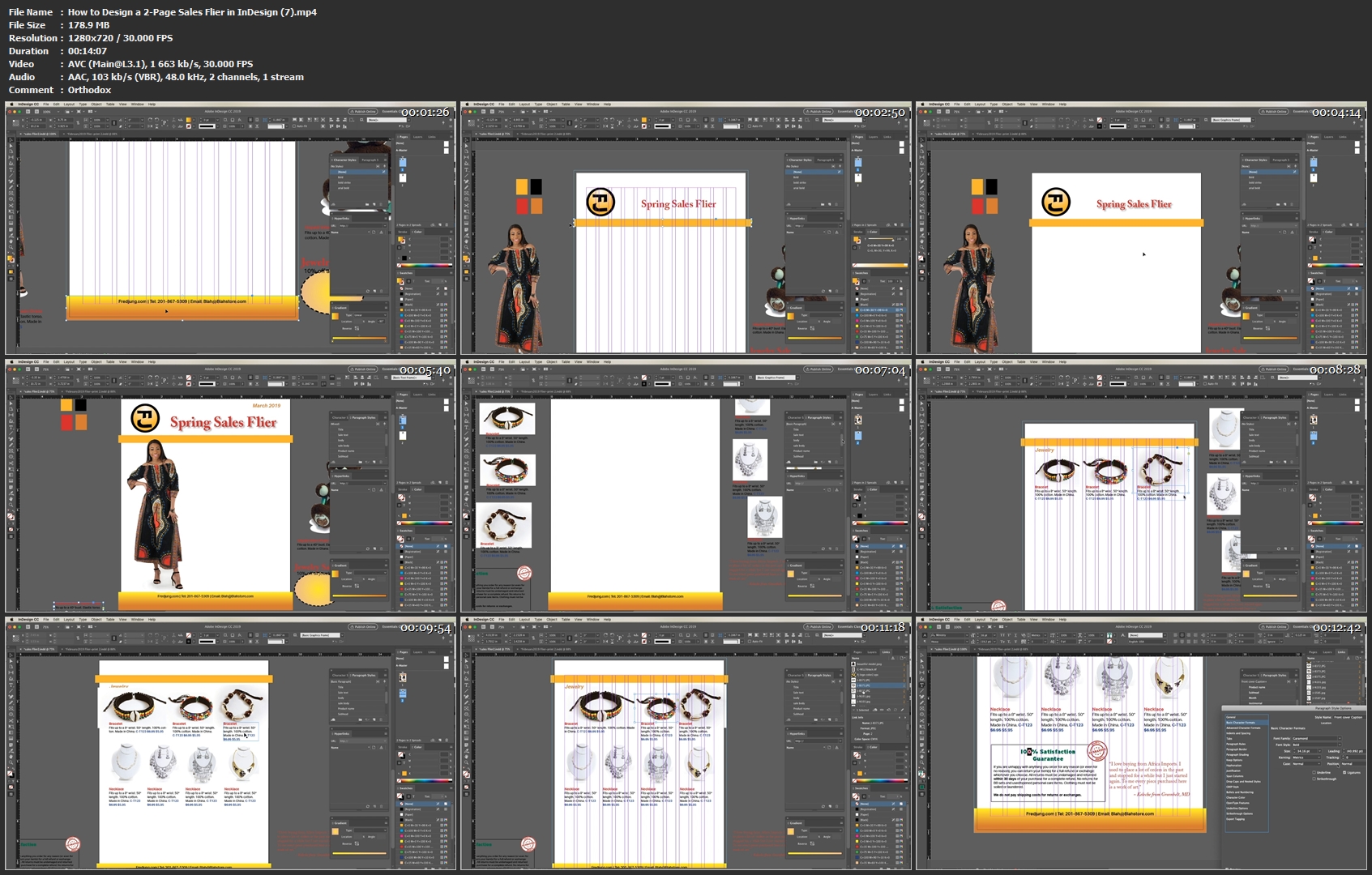
Adobe InDesign is the primary tool for graphic designers for layout. If you are a beginning graphic designer or even a small business owner that wants to do his/her own design work, Indesign is a must. I will teach all the basics by designing a one page flier.

You need to have access to Adobe Indesign and basic computer skills. You can get a free 30-day trial for Adobe InDesign at Adobe.com or sign up for the Creative Cloud depending on your budget.

Creating a new document and making changes to settings
Learning the basic tools in toolbar and some palettes.
Basic Typography
Adding content and images
Shapes and colors
Layout on a grid
Create final PDF
How-to-Design-a-2-Page-Sales-Flier-in-In-Design-7-mp4.jpg


...
 
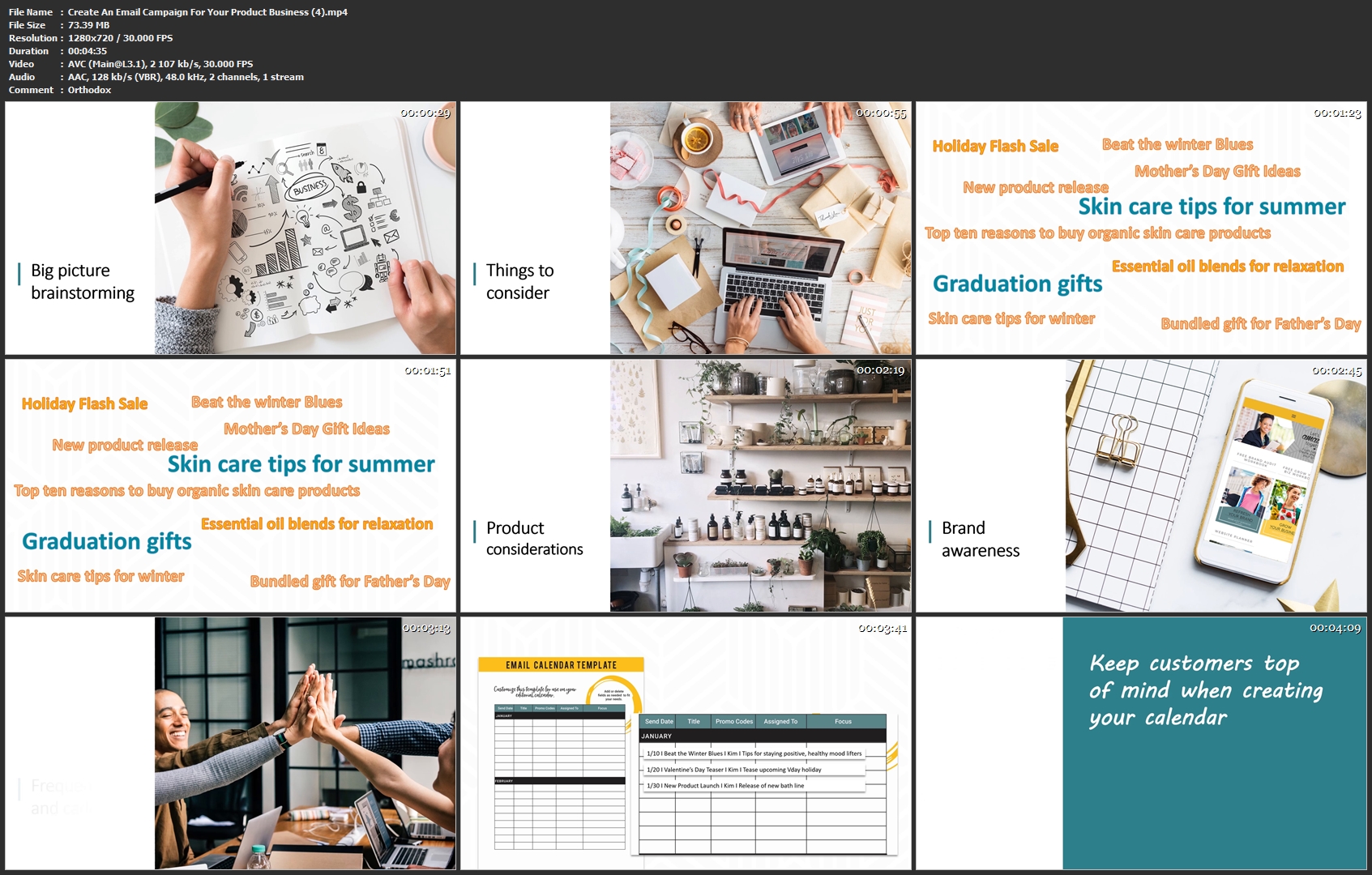
Create An Email Campaign For Your Product Business

image.jpg


Create An Email Campaign For Your Product Business
MP4 | Video: h264, 1280x720 | Audio: AAC, 48 KHz, 2 Ch | Duration: 17m
Genre: eLearning | Language: English + Sub | Size: 235 MB

Are you looking for a way to grow your business and sell more of your products online? Email marketing is a reliable, time-tested tool that can not only help you drive more sales but can also help reinforce your brand and tell your story. Email marketing offers a great return on your investment of time and money. Marketing statistics show that for every $1 invested in email marketing, you can expect a return of $44*. Email marketing efforts are also measurable - by diving into analytics, you can tell what's working and what's not and then tweak your efforts for maximum success.

The process of planning and creating emails takes several steps and a little technical know-how. If you don't start with a good plan upfront, it can be overwhelming. But no worries! I created this class to make the process fun and easy.

WHO THIS CLASS IS FOR:

The purpose of this class is to help guide you in creating email promotions that will grow your brand awareness and sales. This class was created especially for small and medium-sized businesses that sell products online through an e-commerce store. It's geared towards businesses that sell to consumers, but many of the principles can be applied to B2B and even service businesses.

WHAT YOU WILL LEARN:

In this class, you will learn how to create an email marketing calendar and produce your first email campaign.

CLASS PROJECT:

By the end of the class, you will leave with a calendar full of ideas and your first completed email campaign.

*Campaign Monitor

Create-An-Email-Campaign-For-Your-Product-Business-4-mp4.jpg


...
 
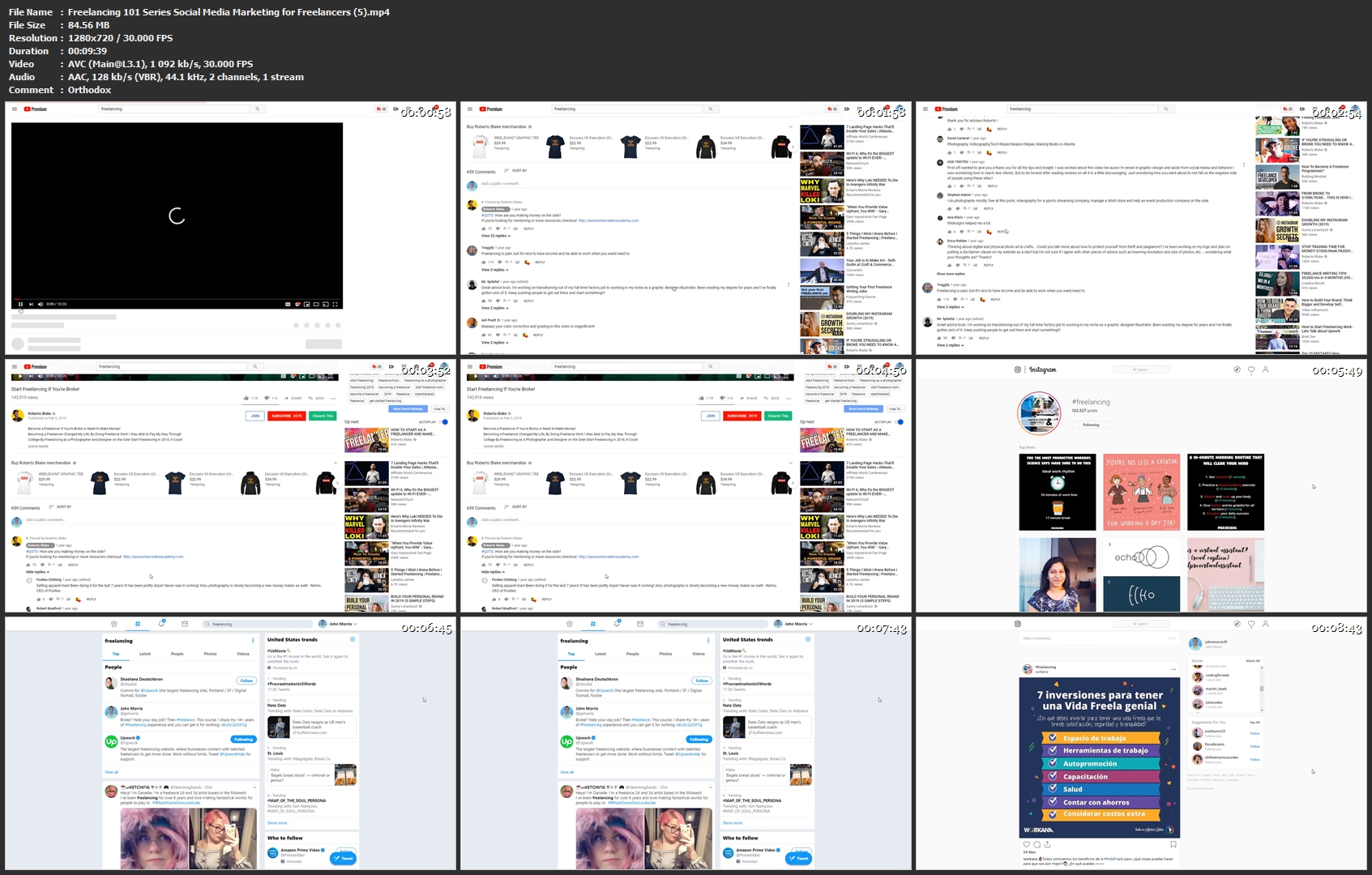
Freelancing 101 Series: Social Media Marketing for Freelancers

image.jpg


Freelancing 101 Series: Social Media Marketing for Freelancers
MP4 | Video: h264, 1280x720 | Audio: AAC, 44.1KHz, 2 Ch | Duration: 1h 3m
Genre: eLearning | Language: English + Sub | Size: 285 MB

This course is all about my experience starting all the way back in the early days of MySpace... using social media as a business tool... and the big thing I see missing from so many of these kinds of courses.

And, that missing link causing most of the confusion businesspeople have when they try to use social media to promote their products and services. This, in my humble opinion, is "the cure".

Now, I want to be crystal clear upfront about what this course is and is NOT

This is NOT an Instagram for freelancers or YouTube or Twitter... course. I'll use examples from individual social networks, but this course is not about any ONE network.

It's also not a tactic or techniques course... that's gonna teach you "that one big secret" or the gimmick of the day.

It's also not a popularity contest course. It's not about getting a bunch of likes on your posts or building a huge following.

It's a strategy course.

It's a course about MAKING SALES from social media.

And, as I said, I first learned this strategy way back in the early days of MySpace. It worked there. The first few dollars I made online, in fact, I made with this strategy on MySpace.

I used it to build my YouTube channel.

This strategy works on virtually every social network, because they're all based around the same concepts of socialization. Once you learn it, you'll be able to break down any new social network that pops up.

And, understand how to use it to benefit your business.

Instead of constantly being confused by every new thing.

Because of that, it's necessarily abstracted.

So, if you're looking for a deep dive into Instagram or YouTube or Twitter, this is not the course you want. This is about understanding them all... and, specifically, how to use them FOR business.

So, if THAT is something you want to learn, then let's dive in.

Freelancing-101-Series-Social-Media-Marketing-for-Freelancers-5.jpg


...
 
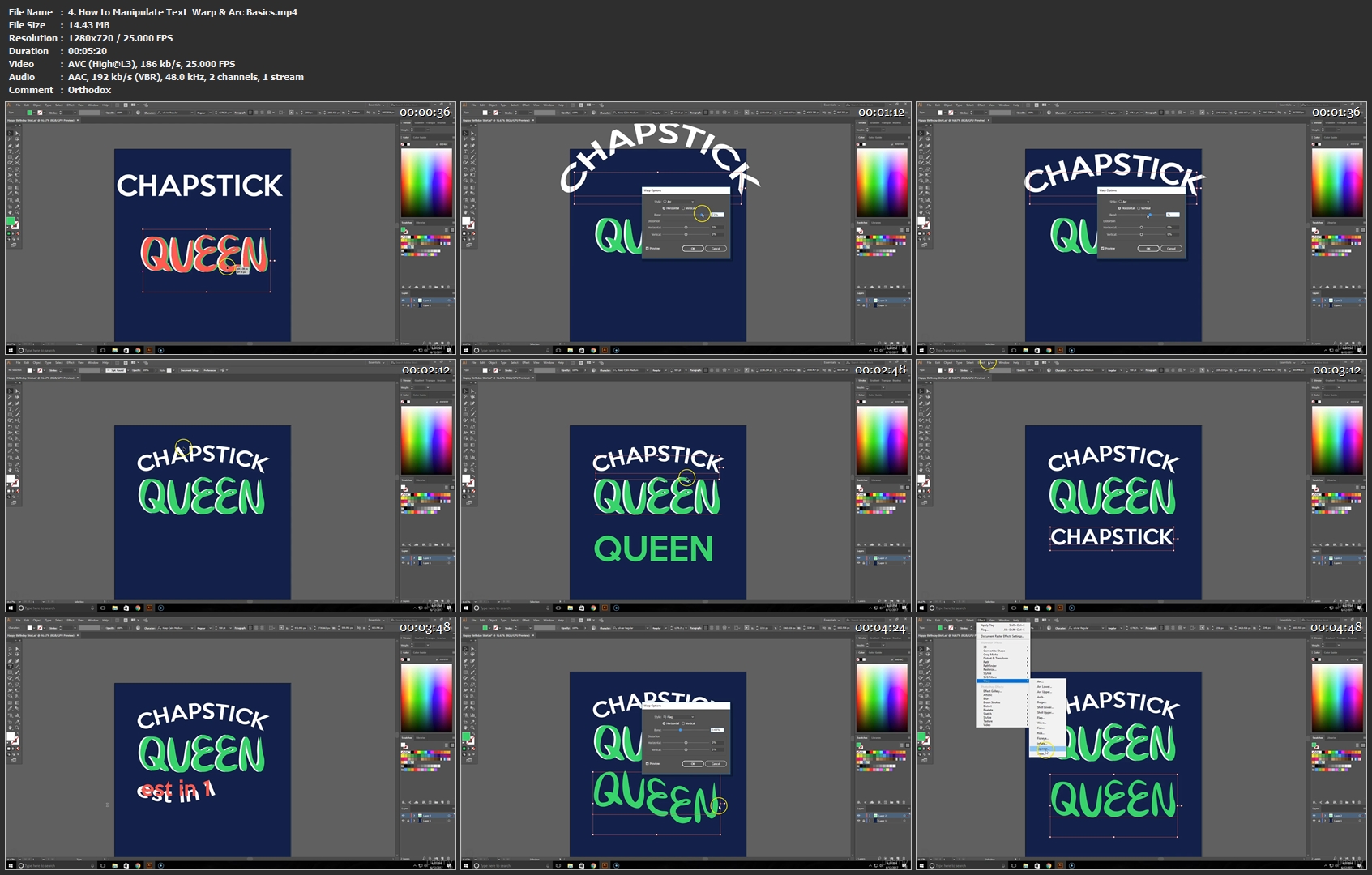
Adobe Illustrator T-Shirt Design for Merch by Amazon

1219520-ff91-2.jpg


Adobe Illustrator T-Shirt Design for Merch by Amazon
Video: .MP4, 1280x720 | Audio: AAC, 44kHz, 2ch | Duration: 1h
Genre: eLearning | Language: English | Size: 154 MB

If you are here you already know what a great opportunity Merch by Amazon is!

If you are looking to save money on hiring designers & create your own t-shirt designs this course is for you. In this course I show you real time design on Adobe Illustrator, in a simple step by step format that teaches you how to create your own t-shirt designs.

If you are ready to take your shirt designs to the next level and have full control over your business this course is for you!

Take a look at my bio to check out all of my courses!

What you'll learn
How to make a basic text design shirt for Merch by Amazon
Have a basic understanding of Adobe Illustrator
Are there any course requirements or prerequisites?
Computer/Laptop
Adobe Illustrator
Merch by Amazon Account
Who this course is for:
Someone looking to lean how to Design T-Shirt for Merch by Amazon, Tee Spring & other platforms.

Homepage

4-How-to-Manipulate-Text-Warp-Arc-Basics-mp4.jpg


...
 
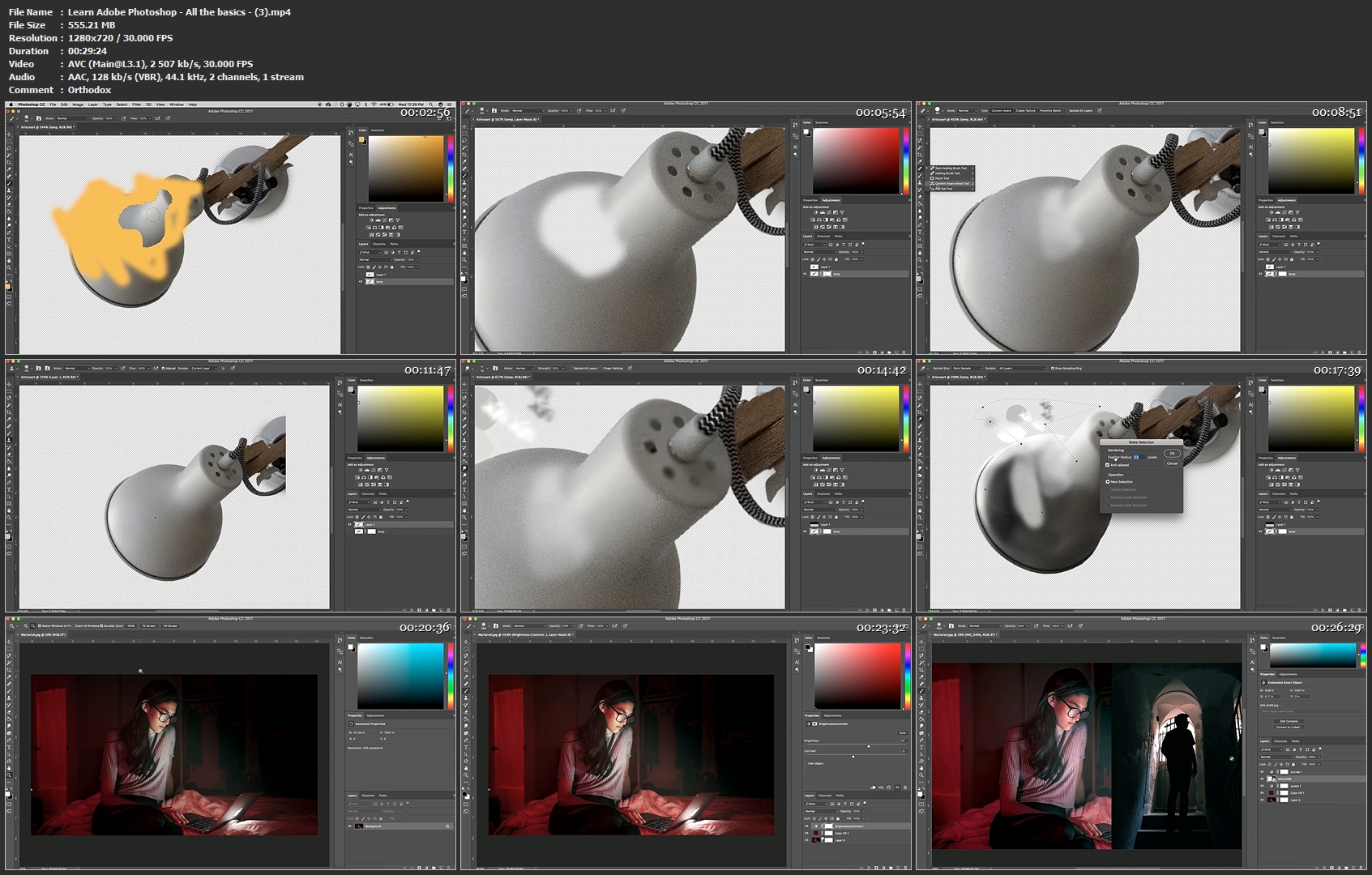
Learn Adobe Photoshop - All the basics

Fire-nsp-1170x563.jpg


Learn Adobe Photoshop - All the basics
Video: .MP4, 1280x720 | Audio: AAC, 44.1kHz, 2ch | Duration: 41m
Genre: eLearning | Language: English | Size: 770 MB

BASIC NOTIONS
Resolution and workspace

Uses the tool panel

Manage the options bar

Use the panels and the status bar.

DISPLAY
Manage the Navigation panel and Manage the display

Use the rules, the marks, the grid

MANAGE DOCUMENTS
Create, open, and close a document

Save and use recording formats

Save an image for the Web

HISTORICAL
The historical panel

Create a snapshot

Create a document from a report or snapshot

Set history options

SELECTION
Displacement tools and selection tools

The lasso, the magic wand, the quick selection

Memorize and retrieve a selection,

Extend or reduce a selection

Select or deselect everything.

Improve the outline / smooth a selection

MANAGE COLORS
Color selection and pipette tool

Manage the color panel / use the color chart

Choose a color with the selector / Manage color library

Convert to Bitmap, Duotone, CMYK .

Learn-Adobe-Photoshop-All-the-basics-3-mp4.jpg


...
 
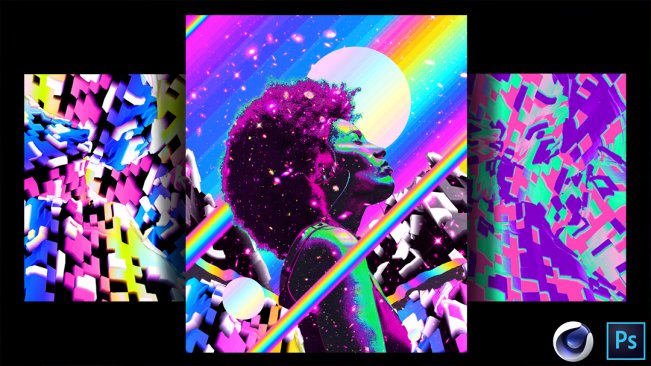
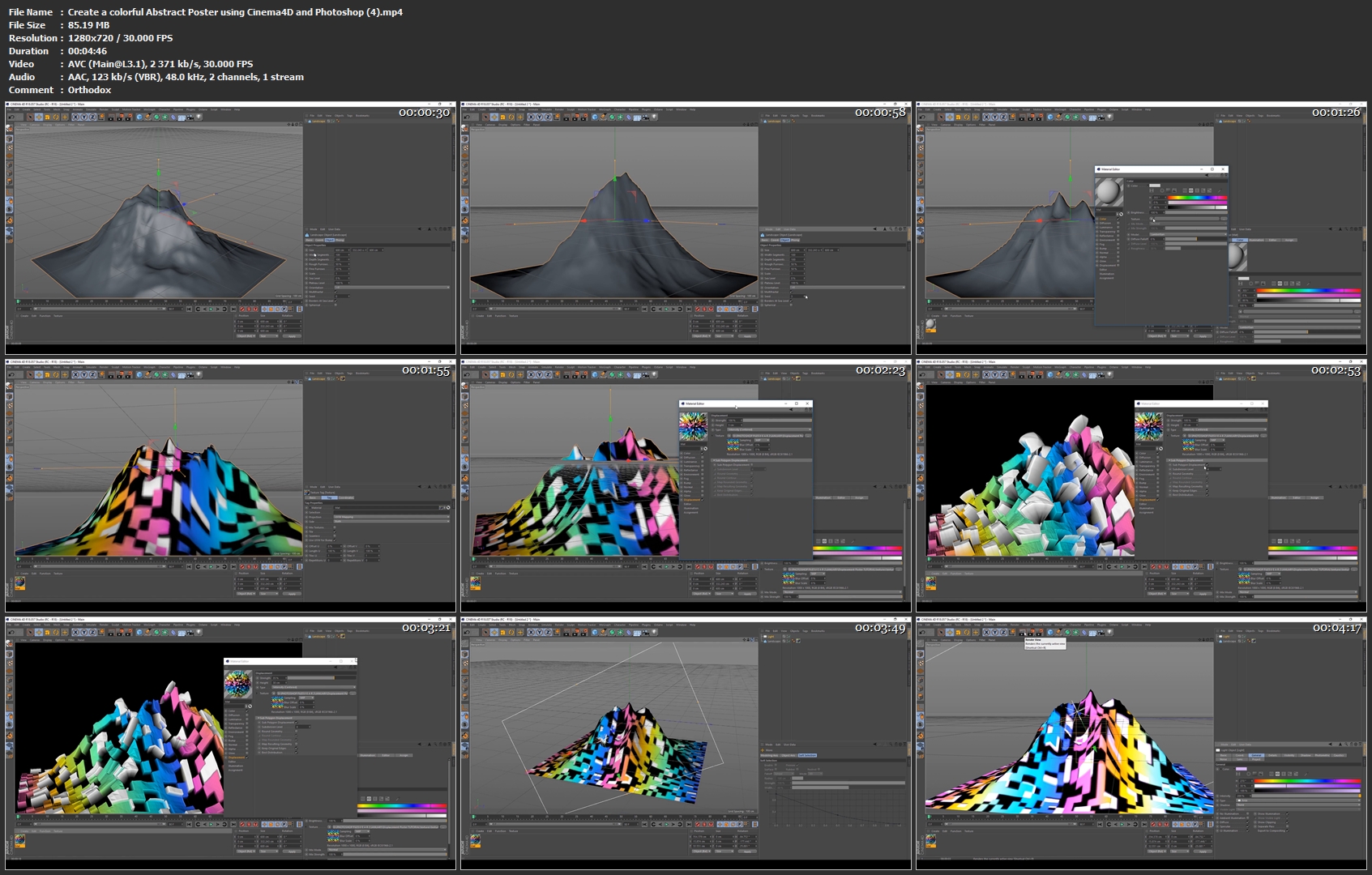
Create a colorful Abstract Poster using Cinema4D and Photoshop

image.jpg


Create a colorful Abstract Poster using Cinema4D and Photoshop
Video: .MP4, 1280x720 | Audio: AAC, 48kHz, 2ch | Duration: 36m
Genre: eLearning | Language: English | Size: 588 MB

On this class you will learn to Create a colorful Abstract Poster using Cinema4D and Photoshop.

We will start by creating a texture on Photoshop and then move to Cinema4D.

On cinema4D we will create a 3D landscape and add our texture so we can displace the 3D object.

You will have the possibility to play around with the settings to get different results.

Then we will come back on photoshop and create our first poster which is a simple one to do.

After that we will start with the second poster which is more playful and colorful.

Create-a-colorful-Abstract-Poster-using-Cinema4-D-and-Photoshop.jpg


...
 
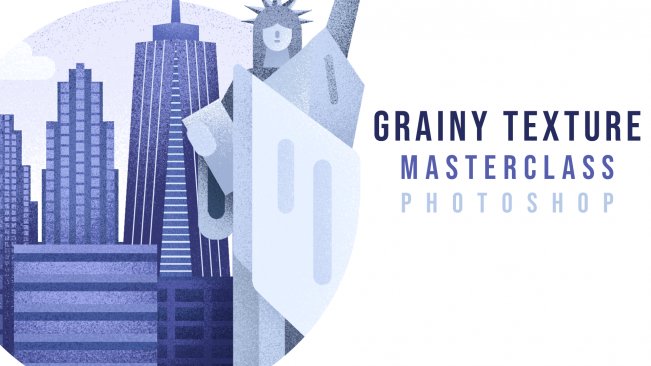
Grainy Texture. MasterClass.

image.jpg


Grainy Texture. MasterClass.
Video: .MP4, 1280x720 | Audio: AAC, 48kHz, 2ch | Duration: 1h 22m
Genre: eLearning | Language: English | Size: 1,4 GB

This class is a master class where you'll be able to watch me working on texturizing one of my illustration. This is a highly requested class that focuses on work in Photoshop and texture.

In this class you'll learn:

How to use the Brush Tool and stamp brushes
How to use the Eraser tool
How to apply texture to your artwork
How to work with contrast
Why to zoom in and zoom out
How to quickly select layers
How to merge layers
How to use the rounded rectangle tool
How to use the Free Transform Tool ( + a note on the new Photoshop CC 2019 update)
Eye Dropper Tool
Two techniques on how to change a color of an object/shape

Grainy-Texture-Master-Class-4-mp4.jpg


...
 
How To Create a Tennis Club Badge in Affinity Designer

image.jpg


How To Create a Tennis Club Badge in Affinity Designer
Video: .MP4, 1280x720 | Audio: AAC, 48kHz, 2ch | Duration: 35m
Genre: eLearning | Language: English | Size: 172 MB

In this class you will larn how to use Affinity Designer to create a cool looking, sports club badge.

In the process you will learn

custom shapes creation
adding strokes
adding text on a path
This class is not about copying what you see on the screen, but using the techniques shown inside to create your own custom badges.

Hope to see you iinside!

How-To-Create-a-Tennis-Club-Badge-in-Affinity-Designer-2-mp4.jpg


...
 
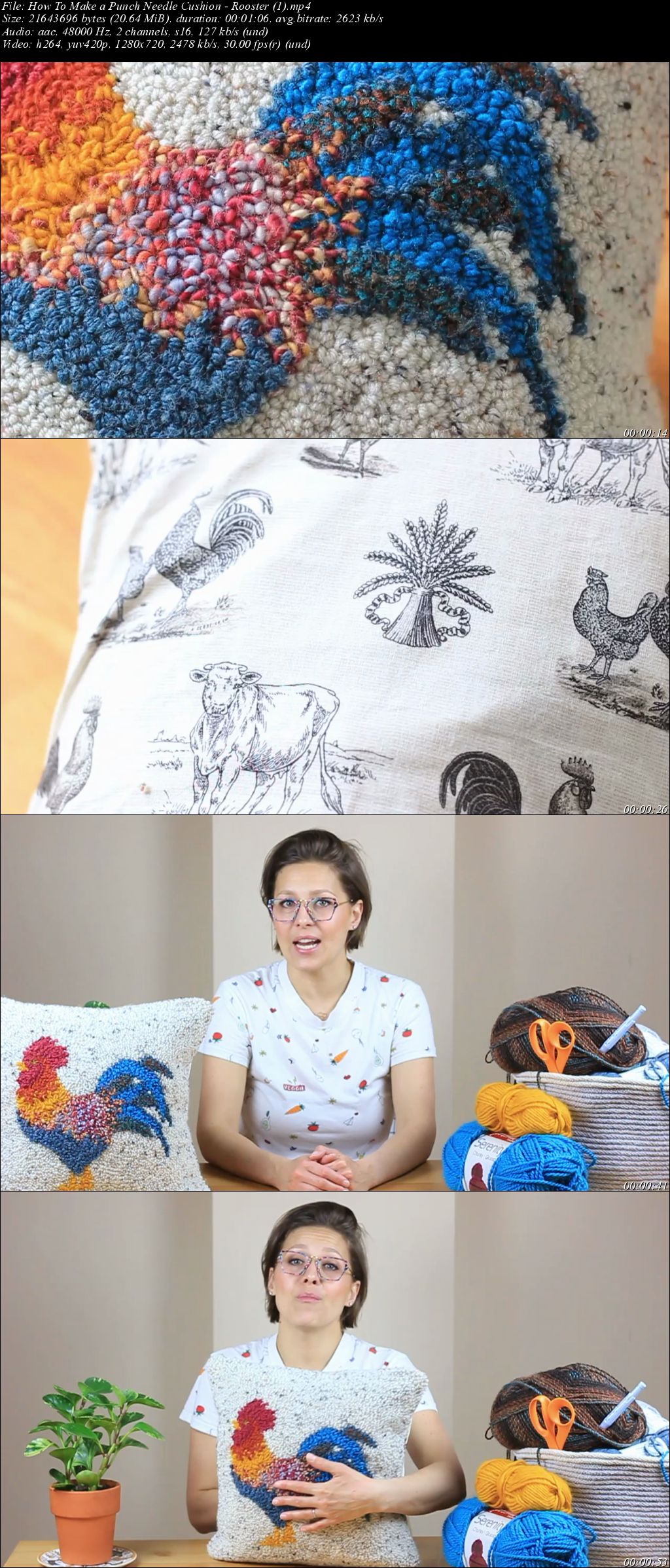
How To Make a Punch Needle Cushion - Rooster

image.jpg


How To Make a Punch Needle Cushion - Rooster
Video: .MP4, 1280x720 | Audio: AAC, 48kHz, 2ch | Duration: 1h 9m
Genre: eLearning | Language: English | Size: 1,28 GB

This class is for all of those asking how to make a cushion from a punch needle design. It's really two classes in one! First is completing a lovely Rooster design and the second is the sewing which you can use for any design of your choice.

You'll find the design that you can print or transfer via an iPad or similar device (all explained in the class :)) in the Class Project section.

rz-CDm-T3u-DMg-HL8-DQw2-Sj1-Zi-Bh1-N1-ZXPq.jpg


...
 
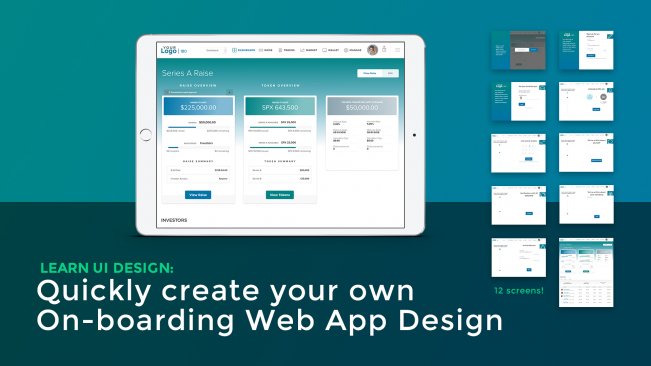
Learn UI Design: Quickly create an On-boarding Web App

image.jpg


Learn UI Design: Quickly create an On-boarding Web App
Video: .MP4, 1280x720 | Audio: AAC, 48kHz, 2ch | Duration: 49m
Genre: eLearning | Language: English | Size: 569 MB

This User Interface Design (UI) class will help you build your design arsenal with swappable icons, state selections, and a flushed out dash board complete with card sections, tabs, and tables.

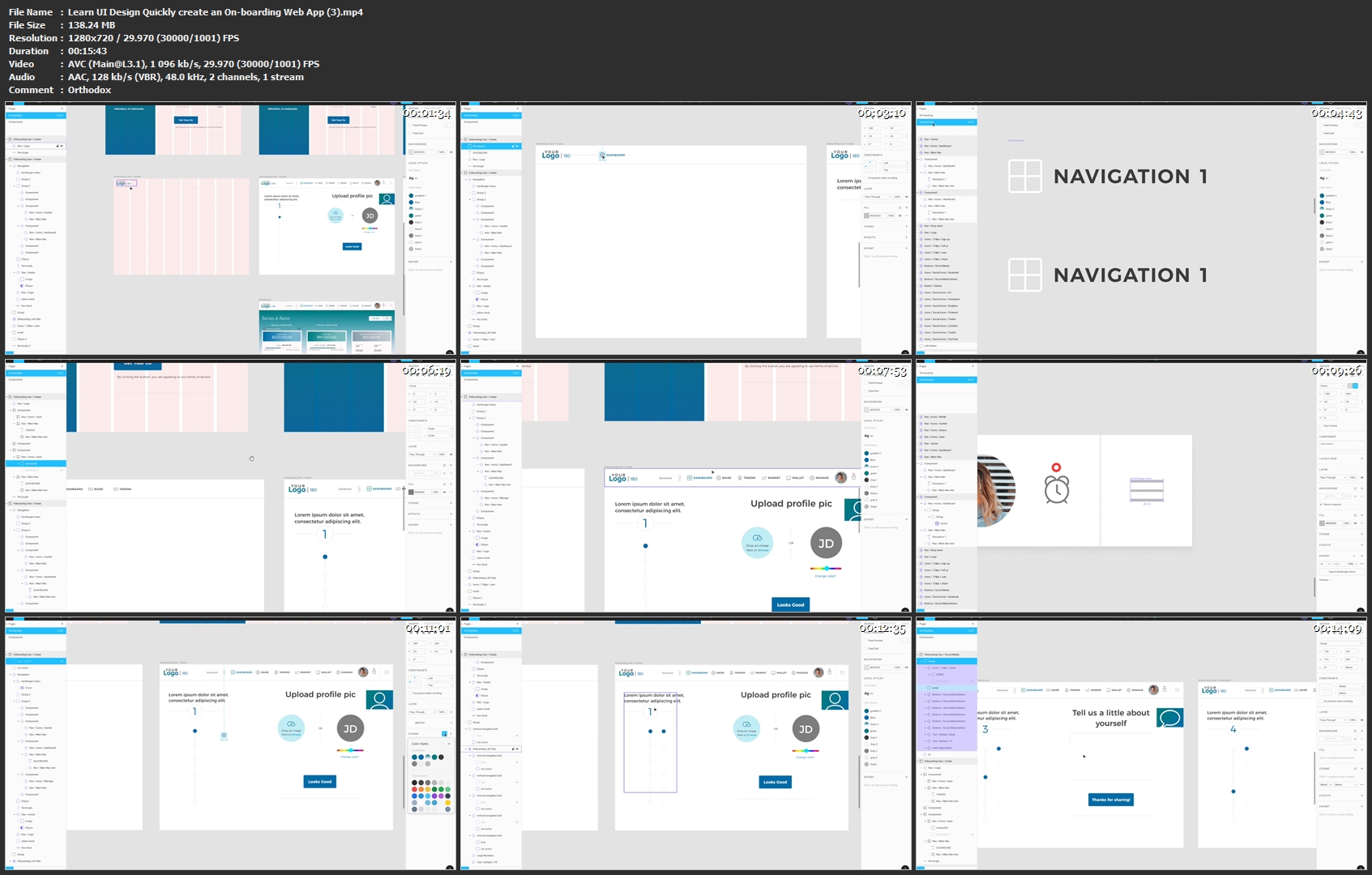
We will be going over the steps of designing a simple on-boarding process for a web application and how to make it fun and interesting to keep potential users clicking onward. Once they land on your dashboard design they will be hooked. We will start with a simple horizontal navigation design with simple components. We will use the basic grid system to align text, and flush out a few sign-up, onboarding pages with swappable icons. The final design will be a quick but solid dashboard design. After the design is complete we will tie the pages together to create a simple but usable clickable prototype to share with a potential client.

This class is geared towards people that have working knowledge of InVision, XD, or sketch and wanting to try out Figma. Figma is a strong, fast and free browser based UI design application that has incredible strengths in components (symbols), responsive web behavior, and co-working.

The skills you will learn in this class are important and will create a foundation for you to build and grow your UI design skills quickly and in an organized and easy to use manner.

LESSON BREAKDOWN

1. Basics of the app, a list of the pages and designs we will be tackling and what you will come away with in skills and product.

2. Setting up the workspace and Splash page with size, spacing, grid, typography, and color. Setting up your first component and Form Elements. Creating component buttons with states.

3. Setting up an on-boarding template with component navigation. Vertical and Horizontal navigation help frame the 8 quick pages we will create for the on-boarding area.

4. The last page we will tackle is the dashboard. Through the build of this page we will create overview cards, a tab menu, and a table with easy to edit details. This video focuses on the card area at the top.

5. Dashboard page lesson focusing on the table components at the bottom of the page.

6. This lesson focuses on how to quickly grab design from the dashboard to showcase it subtly on your initial splash page.

7. When the design is done and it's time to show off to the client, we create a working click-through prototype.

Learn-UI-Design-Quickly-create-an-On-boarding-Web-App-3-mp4.jpg


...
 
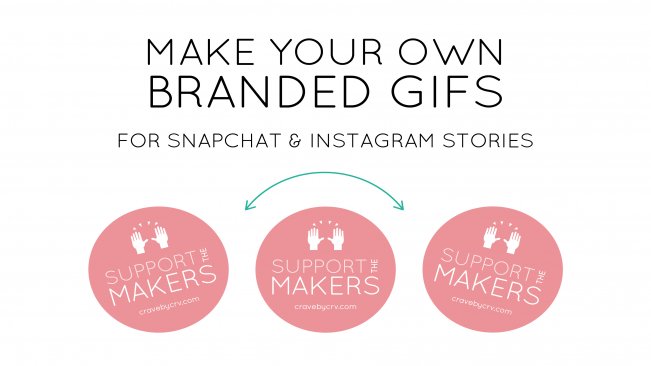
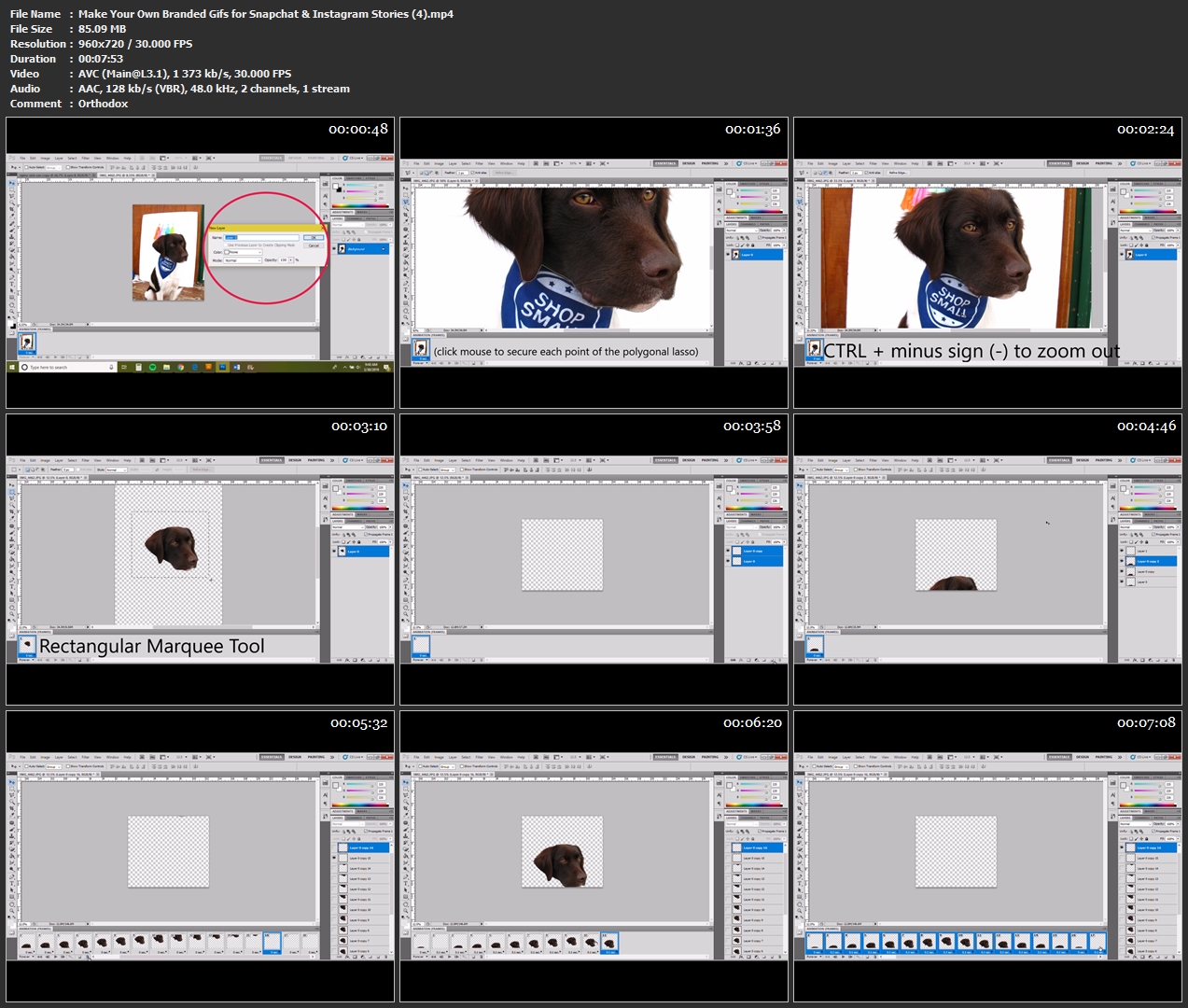
Make Your Own Branded Gifs for Snapchat & Instagram Stories

image.jpg


Make Your Own Branded Gifs for Snapchat & Instagram Stories
Video: .MP4, 960x720 | Audio: AAC, 48kHz, 2ch | Duration: 16m
Genre: eLearning | Language: English | Size: 198 MB

Keep your brand's image consistent with your own personalized animated stickers. Using a graphic or photo of your own, learn the techniques how to make it move + upload it for use online!

In this class we'll touch upon some basic knowledge of gifs, plus how to make a rotating & sliding gif, how to properly save your files & how to upload them for use on Snapchat + Instagram stories.

Make-Your-Own-Branded-Gifs-for-Snapchat-Instagram-Stories-4.jpg


...
 
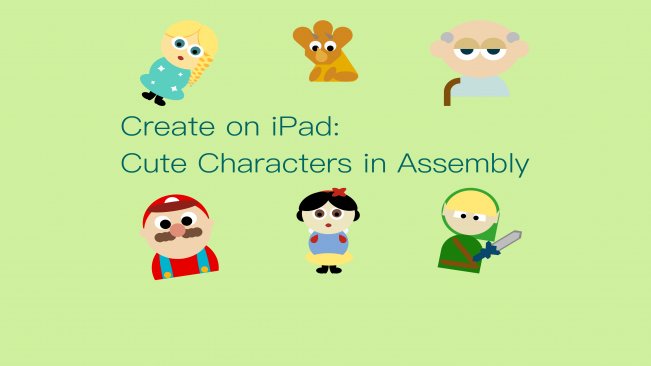
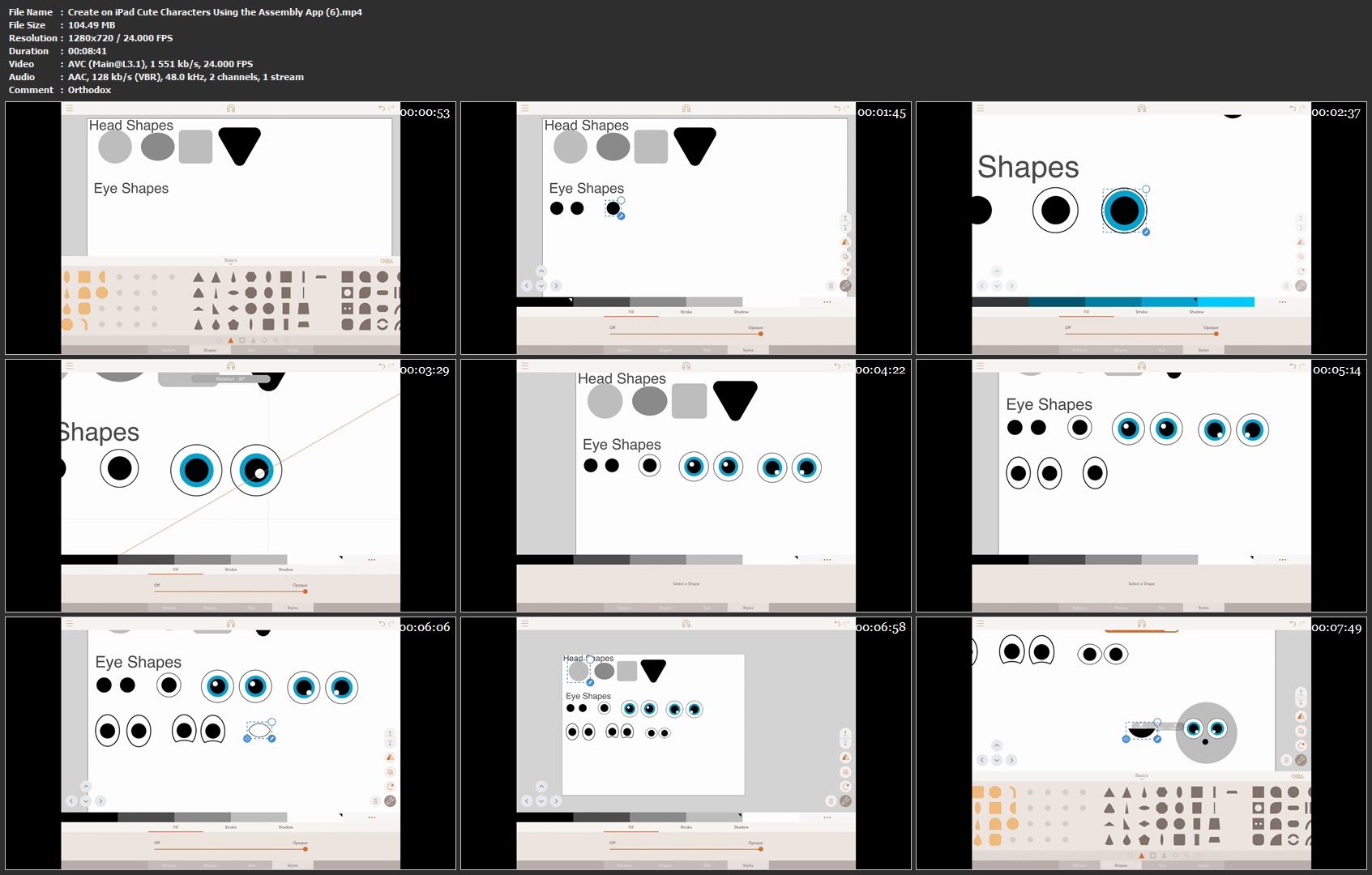
Create on iPad: Cute Characters Using the Assembly App

image.jpg


Create on iPad: Cute Characters Using the Assembly App
Video: .MP4, 1280x720 | Audio: AAC, 48kHz, 2ch | Duration: 36m
Genre: eLearning | Language: English | Size: 443 MB

In this course we will be learning to design cute characters using vector shapes. I will be using the Assembly App on iPad to create my character in this course, and you can follow along with Assembly on your own iPad or iPhone, you can also create your own character using a different vector editor like Illustrator or Affinity Designer.

We will be learning the design principle of the Baby-Face Bias and using it to help us create cute characters out of basic shapes. I hope you have fun taking this course.

Create-on-i-Pad-Cute-Characters-Using-the-Assembly-App-6-mp4.jpg


...
 
Zurück
Oben Unten