• Regeln für den Video-Bereich:

    In den Börsenbereich gehören nur Angebote die bereits den Allgemeinen Regeln entsprechen.

    Einteilung

    - Folgende Formate gehören in die angegeben Bereiche:
    - Filme: Encodierte Filme von BluRay, DVD, R5, TV, Screener sowie Telesyncs im Format DivX, XviD und x264.
    - DVD: Filme im Format DVD5, DVD9 und HD2DVD.
    - HD: Encodierte Filme mit der Auflösung 720p oder darüber von BluRay, DVD, R5, TV, Screener sowie Telesyncs im Format x264.
    - 3D: Encodierte Filme von BluRay, die in einem 3D Format vorliegen. Dies gilt auch für Dokus, Animation usw.
    - Serien: Cartoon/Zeichentrick, Anime, Tutorials, Dokumentationen, Konzerte/Musik, Sonstiges sind demnach in die entsprechenden Bereiche einzuordnen, auch wenn sie beispielsweise im High Definition-Format oder als DVD5/DVD9/HD2DVD vorliegen. Ausnahme 3D.
    - Bereich Englisch: Englische Releases gehören immer in diesen Bereich.
    - Bereich Talk: Der Bereich, in dem über die Releases diskutiert werden kann, darf, soll und erwünscht ist.


    Angebot/Beitrag erstellen

    - Ein Beitrag darf erst dann erstellt werden, wenn der Upload bei mindestens einem OCH komplett ist. Platzhalter sind untersagt.
    - Bei einem Scenerelease hat der Threadtitel ausschließlich aus dem originalen, unveränderten Releasenamen zu bestehen. Es dürfen keine Veränderungen wie z.B. Sterne, kleine Buchstaben o.ä. vorgenommen werden. Ausnahme Serienbörse:
    - Bei einem Sammelthread für eine Staffel entfällt aus dem Releasename natürlich der Name der Folge. Beispiel: Die Simpsons S21 German DVDRip XviD - ITG
    - Dementsprechend sind also u.a. verboten: Erweiterungen wie "Tipp", "empfehlenswert", "only", "reup", usw. / jegliche andere Zusatzinformation oder Ergänzung, welche nicht in obiger Beschreibung zu finden ist.

    Aufbau des Angebots und Threadtitel

    Der Titel nach folgendem Muster erstellt zu werden. <Name> [3D] [Staffel] [German] <Jahr> <Tonspur> [DL] [Auflösung] <Quelle> <Codec> - <Group>
    Beispiel: The Dark Knight German 2008 AC3 DVDRip XviD - iND
    Beispiel: The Dark Knight 2008 DTS DL BDRip x264 - iND
    Beispiel: The Dark Knight 2008 AC3 DL BDRip XviD - iND
    Beispiel: The Dark Knight German 2008 AC3 720p BluRay x264 iND
    Beispiel: The Dark Knight 2008 DTS DL 1080p BluRay x264 iND
    Beispiel: Die Simpsons S01 German AC3 DVDRip XviD iND
    Beispiel: Die Simpsons S20 German AC3 720p BluRay x264 iND
    Beispiel: Sword Art Online II Ger Sub 2014 AAC 1080p WEBRip x264 - peppermint
    Entsprechend sind also u.a. verboten: Sonderzeichen wie Klammern, Sterne, Ausrufezeichen, Unterstriche, Anführungszeichen / Erweiterungen wie "Tipp", "empfehlenswert", "only", "reup", usw. / jegliche andere Zusatzinformation oder Ergänzung, welche nicht in obiger Beschreibung zu finden ist
    Ausnahmen hiervon können in den Bereichen geregelt sein.

    Die Beiträge sollen wie folgt aufgebaut werden:
    Überschrift entspricht dem Threadtitel
    Cover
    kurze Inhaltsbeschreibung
    Format, Größe, Dauer sind gut lesbar für Downloader außerhalb des Spoilers zu vermerken
    Nfo sind immer Anzugeben und selbige immer im Spoiler in Textform.
    Sind keine Nfo vorhanden z.B. Eigenpublikationen, sind im Spoiler folgende Dateiinformationen zusätzlich anzugeben :
    Quelle
    Video (Auflösung und Bitrate)
    Ton (Sprache, Format und Bitrate der einzelnen Spuren)
    Untertitel (sofern vorhanden)
    Hosterangabe in Textform außerhalb eines Spoiler mit allen enthaltenen Hostern.
    Bei SD kann auf diese zusätzlichen Dateiinformationen verzichtet werden.

    Alle benötigten Passwörter sind, sofern vorhanden, in Textform im Angebot anzugeben.
    Spoiler im Spoiler mit Kommentaren :"Schon Bedankt?" sind unerwünscht.


    Releases

    - Sind Retail-Release verfügbar, sind alle anderen Variationen untersagt. Ausnahmen: Alle deutschen Retail-Release sind CUT, in diesem Fall sind dubbed UNCUT-Release zulässig.
    - Im Serien-Bereich gilt speziell: Wenn ein Retail vor Abschluss einer laufenden Staffel erscheint, darf diese Staffel noch zu Ende gebracht werden.62
    - Gleiche Releases sind unbedingt zusammenzufassen. Das bedeutet, es ist zwingend erforderlich, vor dem Erstellen eines Themas per Suchfunktion zu überprüfen, ob bereits ein Beitrag mit demselben Release besteht. Ist dies der Fall, ist der bereits vorhandene Beitrag zu verwenden.
    - P2P und Scene Releases dürfen nicht verändert oder gar unter einem iND Tag eingestellt werden.


    Support, Diskussionen und Suche

    - Supportanfragen sind entweder per PN oder im Bereich Talk zu stellen.
    - Diskussionen und Bewertungen sind im Talk Bereich zu führen. Fragen an die Uploader haben ausschließlich via PN zu erfolgen, und sind in den Angeboten untersagt.
    - Anfragen zu Upload-Wünschen sind nur im Bereich Suche Video erlaubt. Antworten dürfen nur auf Angebote von MyBoerse.bz verlinkt werden.


    Verbote

    - Untersagt sind mehrere Formate in einem einzigen Angebotsthread, wie beispielsweise das gleichzeitige Anbieten von DivX/XviD, 720p und 1080p in einem Thread. Pro Format, Release und Auflösung ist ein eigener Thread zu eröffnen.
    - Grundsätzlich ebenso verboten sind Dupes. Uploader haben sich an geeigneter Stelle darüber zu informieren, ob es sich bei einem Release um ein Dupe handelt.
    - Gefakte, nur teilweise lauffähige oder unvollständige Angebote sind untersagt. Dies gilt auch für eigene Publikationen, die augenscheinlich nicht selbst von z.B. einer DVD gerippt wurden. Laufende Serien, bei denen noch nicht alle Folgen verfügbar sind, dürfen erstellt und regelmäßig geupdatet werden.
    - Untersagt sind Angebote, welche nur und ausschließlich in einer anderen Sprache als deutsch oder englisch vorliegen. Ausnahmen sind VORHER mit den Moderatoren zu klären.


    Verstoß gegen die Regeln

    - Angebote oder Beiträge, die gegen die Forenregeln verstoßen, sind über den "Melden"-Button im Beitrag zu melden.
  • Bitte registriere dich zunächst um Beiträge zu verfassen und externe Links aufzurufen.


Englische Tutorials

Design Patterns with Python

0040271f.jpg


Design Patterns with Python
MP4 | Video: AVC 1280x720 | Audio: AAC 44KHz 2ch | Duration: 2 Hours | 250 MB
Genre: eLearning | Language: English

This course will introduce you to eight classic software design patterns and how they can be implemented in Python to help you create programs that are professional, extendable, and maintainable.

At the core of professional programming practice is a thorough knowledge of software design patterns. In this course, Design Patterns with Python, you will learn eight classic patterns and how to implement them in Python. You will learn how to recognize problems that are solvable using design patterns, how to implement them professionally, and how they can be used to make your programs easier to write, easier to read, and easier to maintain. When you're finished with this course, you will have a better understanding of the elements of reusable object-oriented software design, which will help you as you move beyond simple scripts to complex systems built in Python. Software required: A Python interpreter in the 2.7 series or the 3.5 series and a Python-aware integrated development environment (IDE).

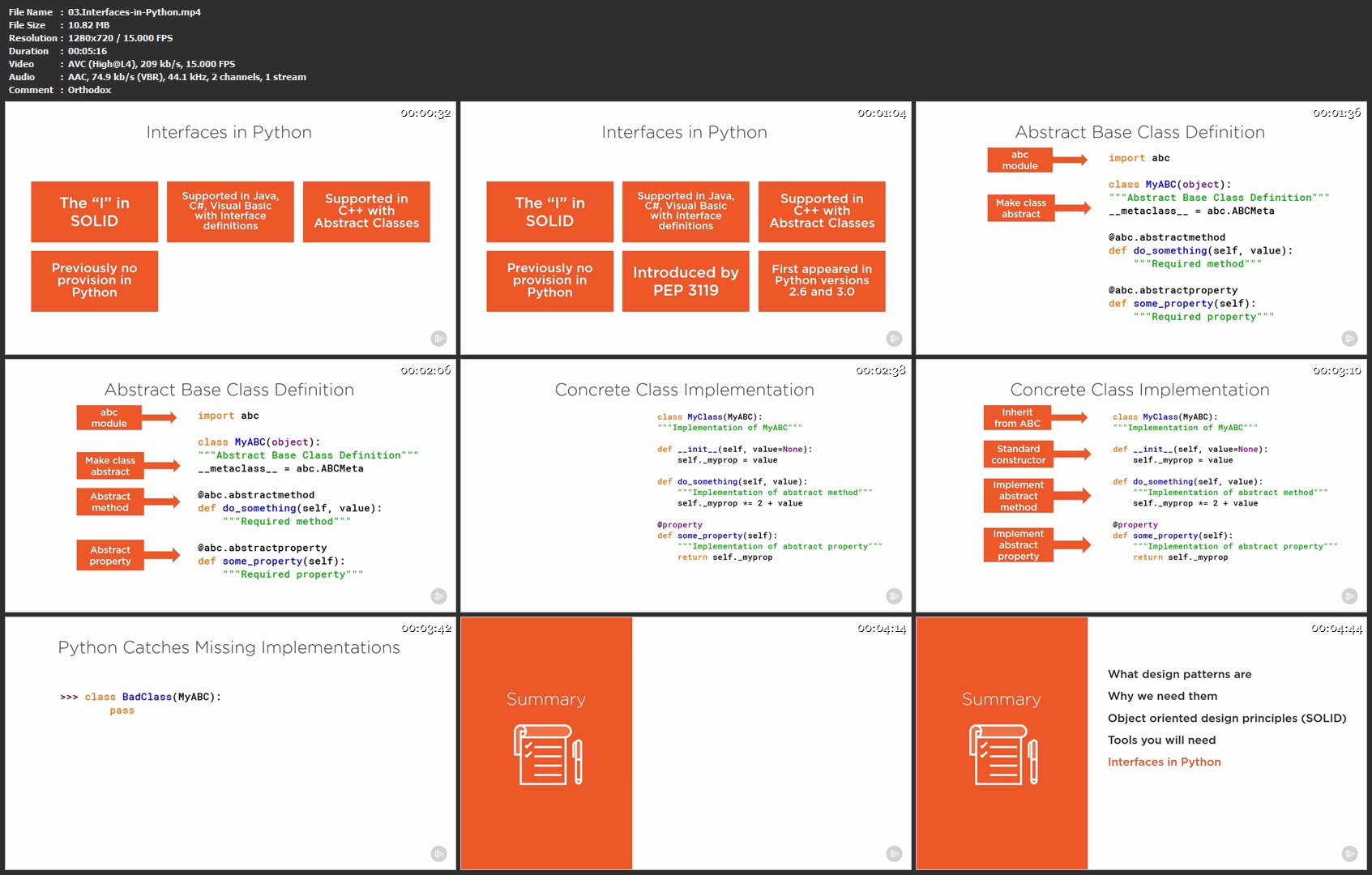
03-Interfaces-in-Python-mp4.jpg


...
 
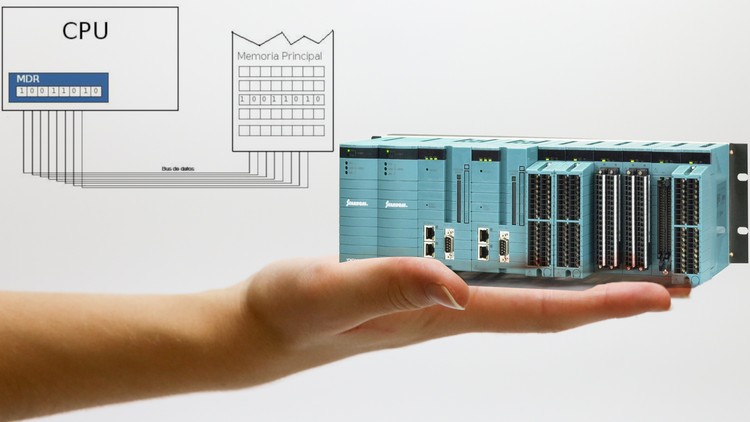
PLC Advance Course Data Registers and Internal Relays

1223190-58f0-2.jpg


PLC Advance Course Data Registers and Internal Relays
Duration: 44 mins | Video: h264, 1280x720 | Audio: AAC, 44 KHz, 2 Ch | 93 MB
Genre: eLearning | Language: English + Sub | 12 Lectures

Stop using old coding techniques and start Programming PLC like professionals in no time without going through long code

What you'll learn
Create a PLC Control Program
Write codes instead of drawing long SFC or Ladder diagrams to
Create amazing PLC projects
Advance in your knowledge about PLC

Requirements
Basic Knowledge in PLC
A Well to apply, not just watch

Description
>>> Stop using old coding techniques and start Programming PLC like professionals in no time without going through long code <<<

>>> Continues Updates <<<

More Than 1500 STUDENTS!!! THANK YOU!!!

What students are saying:

Darsh Gajjar says, "Contents delivered is good, overall i enjoyed and explore much about how to program PLCs like this way "

Mark Luis says, "What I was looking for"

Welcome to this course.

This Course will take you to a new level of PLC (Programmable Logic Controller) Programming, It will be a fun, easy, fast and enjoyable Programming Journey for you.

You will no longer program PLCs like a newbie.

As most of you know, there is an easy way, a long way and a smart way to program a PLC, drawing a long Ladder logic diagrams or an SFC might solve the problem easily or simply, but it won't solve it effectively, it requires through understanding of Ladder Diagrams to give the ability to turn your idea into a project that is professionally programmed with PLC.

What if I tell you that now you can unleash you full potential in PLC Programming and be your own professional programmer.

You think this is cool but not yet interested!, well how about the fact that this course will allow you to know what happens in internal registers inside PLC.

Topics like Internal relays, Data registers, branching, if statements and more advance techniques will be introduced.

Who this course is for:
PLC - Programmable Logic Controller - Geeks
People Interested in Industrial Automation
Anyone interested in Programming Programmable Logic Controller

1-Introduction-mp4.jpg


...
 
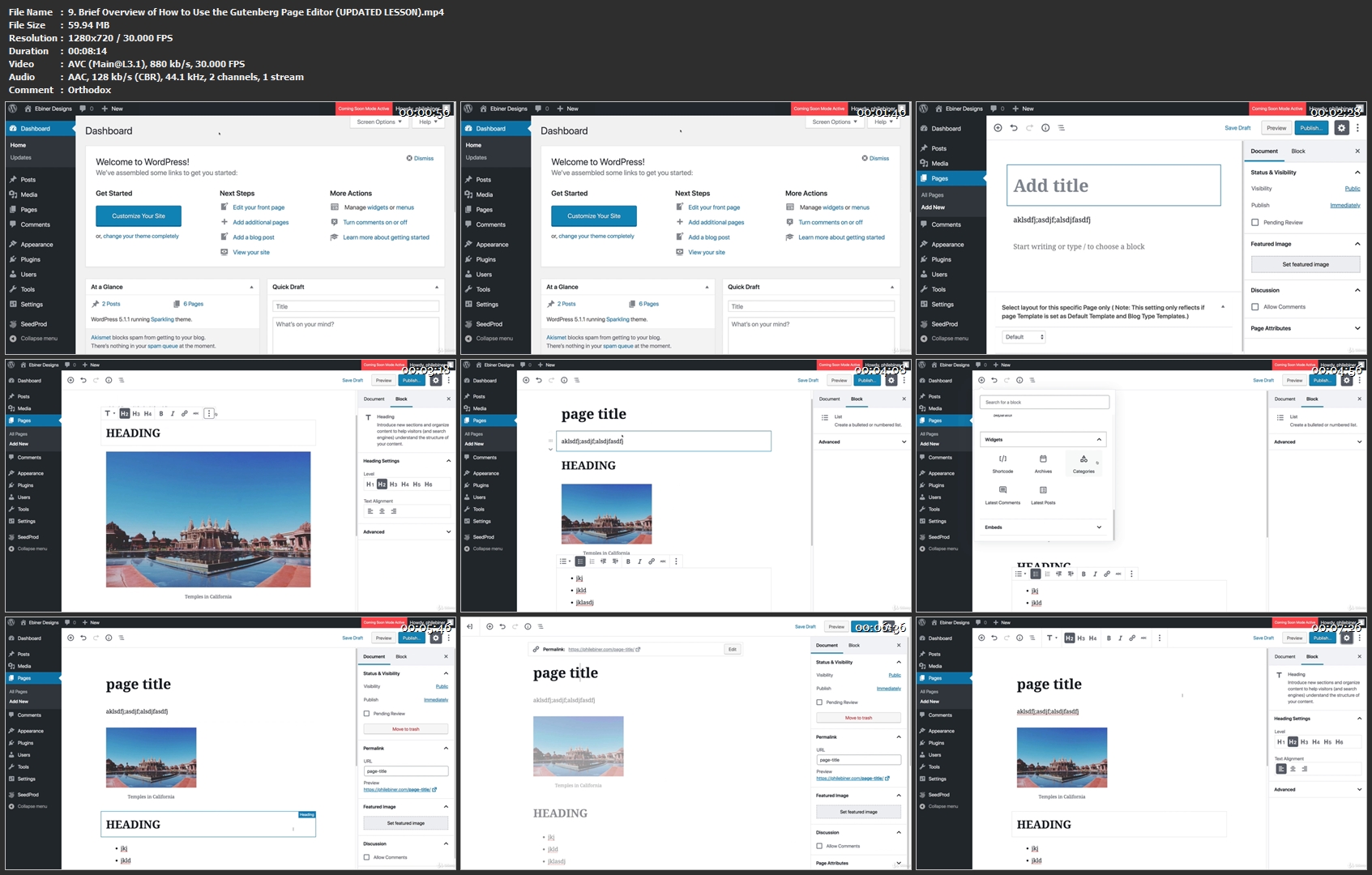
WordPress for Beginners: Create Your Own WordPress Website

wordpress-course-image.jpg


WordPress for Beginners: Create Your Own WordPress Website
$200 | Created by Phil Ebiner | Last Updated 3/2019
Duration: 7.5 hours | Video: h264, 1280x720 | Audio: AAC, 44 KHz, 2 Ch | 1.7 GB
Genre: eLearning | Language: English + Sub | 101 Lectures

Join our complete WordPress course to easily create a professional Wordpress website: no experience or coding necessary!

What you'll learn
Build your own beautiful website using WordPress.
Design your WordPress website the way you imagine.
Host and publish your website in an inexpensive and secure way.
Customize your WordPress website for any purpose of yours - whether it's a blog, a portfolio to show off your work, or an e-commerce site to sell your products or services.
You will know how to design pages, menus, sidebars, footers, and create a professional and modern website.
You will know how to find and install themes.
You will know how to find and install plugins.
You will know how to back up your WordPress website in case of emergency.
You will know how to get your website found by search engines like Google, Bing, and Yahoo.
You will know how to set up email opt-in forms throughout your website.
You will know how to increase social sharing of your posts and pages with free plugins.
You will know how to set up comments and contact pages, while blocking spam.
You will know how to speed up your website with caching plugins.
You will know how to make your website secure and protected from hackers.
You will know how to set up a membership and / or e-commerce site.
And if there is anything you don't learn from the course and want to learn, you can always ask the instructor Phil for help!

Requirements
You don't need any experience with Wordpress or with building a website.
You will need a working computer and a modern browser like Chrome, Firefox, or Safari.
You will need internet access to watch the lessons online, or can download them on your computer for playback.
You don't need any experience with programming languages like HTML or CSS.
You don't need to purchase hosting or pay for anything to follow along and practice building a website yourself. I'll show you in the course how to practice building a WordPress website for free.

Description
You're here because you want to create your own WordPress websites, right?

This WordPress for Beginners course is the perfect place to start. This complete WordPress course is designed for beginners like you who have never built a WordPress website (or any website for that matter).

WordPress is the perfect tool for creating a fully customized website for any purpose. Whether you want to create a blog, a personal portfolio, or a business website to sell your products and services, you can do it with WordPress.

While WordPress might seem scary from the outside, once you get started, it's fairly intuitive. Everything from hosting to installing a theme, then actually building your first pages can be learned in the first few lessons of this course.

With this WordPress course, you don't need to actually pay for hosting to practice with WordPress. I'll show you how to create a free temporary site so you can follow along.

Why learn WordPress from me?

I've been building WordPress websites for years. Just like you, there was a time when I was a complete newbie! I was honestly scared of starting a WordPress website because it seemed so daunting.

Now I love WordPress! I wouldn't recommend using any other web-building tool.

I still remember what it is like to be a beginner, and I've kept that in mind while creating this entire course. I walk you through every process step-by-step to make sure you understand things clearly. And if there is ever anything that is confusing, just let me know and I'll create more lessons that explain or walk you through myself.

WORDPRESS COURSE CONTENT:

Build your own beautiful website using WordPress.

Design your WordPress website the way you imagine.

Customize your WordPress website for any purpose of yours - whether it's a blog, a portfolio to show off your work, or an e-commerce site to sell your products or services.

Host and publish your website in an inexpensive and secure way.

Design pages, menus, sidebars, footers, and create a professional and modern website.

Find and install themes.

Find and install plugins.

Back up your WordPress website in case of emergency.

Get your website found by search engines like Google, Bing, and Yahoo.

Set up email opt-in forms throughout your website.

Increase social sharing of your posts and pages with free plugins.

Set up comments and contact pages, while blocking spam.

Speed up your website with caching plugins.

Make your website secure and protected from hackers.

Set up a membership and / or e-commerce site.

DESIGN A WORDPRESS WEBSITE THAT WORKS FOR YOU:

No matter what your goal is with your WordPress website, I want to make sure you're able to achieve those goals. That's what I promise to help you out with.

WORDPRESS PLUGINS YOU'LL LEARN ABOUT:

JetPack

Google Analyticator

Google Analytics Dashboard

Backup Buddy

BackUp WordPres

VaultPress

All in One SEO Pack

Yoast SEO

Google XML Sitemaps

W3 Total Cache

WP Super Cache

SumoMe

MailPoet

Optin Monster

LeadPages

OptimizePress

Share by SumoMe

Floating Social Icons

Akismet

Disqus

Contact Form 7

Fast Secure Contact Forms

PrettyLink

Redirection

Editorial Calendar

Sucuri

WordFence Security

many more!

Who is this WordPress course for?

This course is for anyone brand new to creating WordPress websites. If you have never built a website before, great. If you've built a website on another platform like Wix, Weebly, GoDaddy, or others, that's fine too. This course is not for people trying to learn to code a custom Website. In this course, we'll learn how to use the thousands of themes and plugins already out there to design our own custom websites.

With our 30-day 100% money-back guarantee, there's no reason to hesitate. Enroll now, try it out, and see if you like the course!

I can't wait to help you build your own WordPress website!

Cheers,

Phil

Who this course is for:
You are someone who wants to build a website for your business, hobby, or personal life.
You want a website that can be fully customized, but done so easily.
You want someone to walk you through the entire process of creating a WordPress website from the very beginning to publishing.
You also want help designing a website that works, that is modern, and the viewers will love.
You are NOT someone who wants to build your own custom WordPress themes (this is not a WordPress development course)

9-Brief-Overview-of-How-to-Use-the-Gutenberg-Page-Editor-UPDAT.jpg


...
 
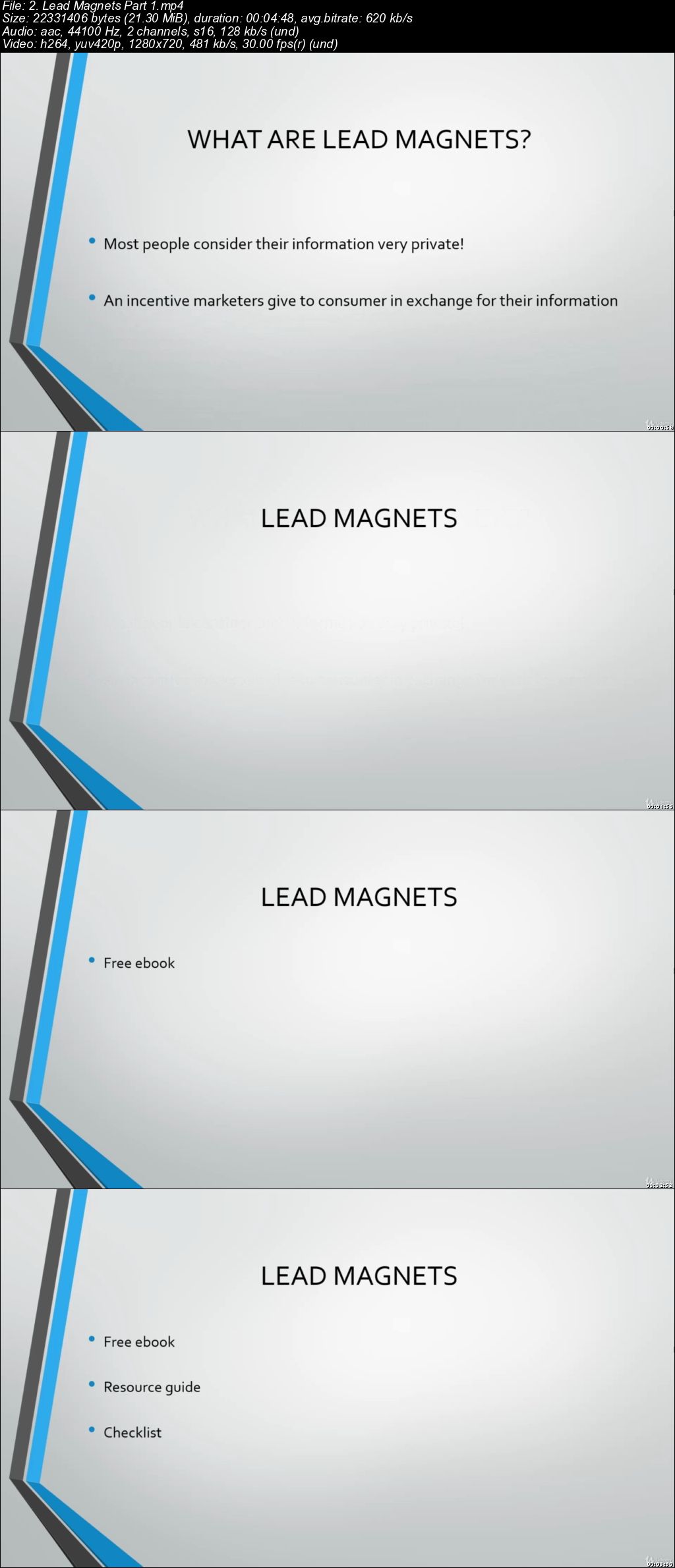
Email Marketing Mastermind: Build Your List & Grow Sales

00654bc7.jpg


Email Marketing Mastermind: Build Your List & Grow Sales
$200 | Created by Andrew P.C | Last Updated 4/2019
Duration: 1.5 hours | Video: h264, 1280x720 | Audio: AAC, 44 KHz, 2 Ch | 1.2 GB
Genre: eLearning | Language: English + Sub | 24 Lectures

Grow your email list fast, build a cult following, increase conversion rates, and multiply sales and profits.

What you'll learn
Strategies to grow/multiply your email list and influence
7 types of lead magnets that will attract your first 1,000 followers
Write extremely high converting email campaigns to get customers hitting that buy button
Construct high quality email subject lines to increase your open rates
Avoid the dreaded spam filter and recapture those missed sales opportunities
Create automated emails to streamline your business and turn it on autopilot
Direct response copywriting skills that will turn subscribers into customers
How to use surveys to collect data on customers

Requirements
A computer and stable internet connection

Description
Direct response email marketing is one of the best ways to make money online.

Without email marketing, it's hard to build a business long-term (and you'd be leaving a lot of money on the table). In fact, it is THE most important marketing strategy you can employ for your business.

If you can build a following, cultivate a relationship with people, and convince them to buy your products/services, you'll be able to build a big business (5 or 6 figures).

Imagine being able to generate income simply by writing a short email to your subscribers!

Best of all? Email marketing is one of the cheapest forms of marketing you can invest in. It costs ALMOST NOTHING to send an email to someone.

AND you can generate hundreds (even thousands) from just one customer.

I didn't always believe this...For the longest time, I thought email marketing was just a bunch of baloney. But when I started building my followers, my influence grew as well.

Before long, I was able to generate a decent amount of income from my email list...simply from writing daily emails to my subscribers and promoting my products and services.

And now you get to learn the exact blueprint I used to create this income stream.

Here's what you'll learn in this email marketing mastermind course:

1) Strategies to Grow/Multiply your email list and influence

Build your cult following through social media, your own website, and eBooks.

2) 7 insane lead magnets that will have people BEGGING to sign up for your email list!

Lead magnets are perfect for getting people to sign up for your list. You'll learn the top lead magnets to get people to sign up fast!

3) Write extremely high converting email campaigns

You'll learn 12 types of email campaigns that will get your customers hitting that BUY button faster than the speed of light.

4) Construct email subject lines that will increase your open rates

Learn 10 different types of email subject lines that will skyrocket your email open rates!

5) Create automated emails to streamline your business

Turn your business on autopilot mode and generate PASSIVE INCOME!

6) How to use surveys to collect data on customers

Learn how surveys can be used to take your business to the Next Level!

7) Direct response copywriting skills

Learn the exact copywriting skills you need to make money from email marketing!

Who this course is for:
Students who want to monetize their email lists
Business owners who want to increase sales
Anyone that wants to learn direct response email marketing

00654bc8.jpg


...
 
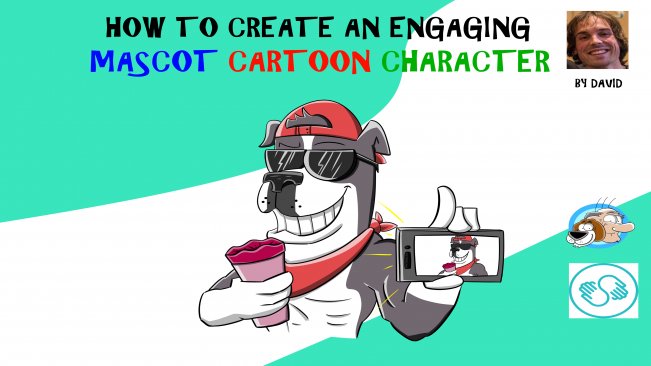
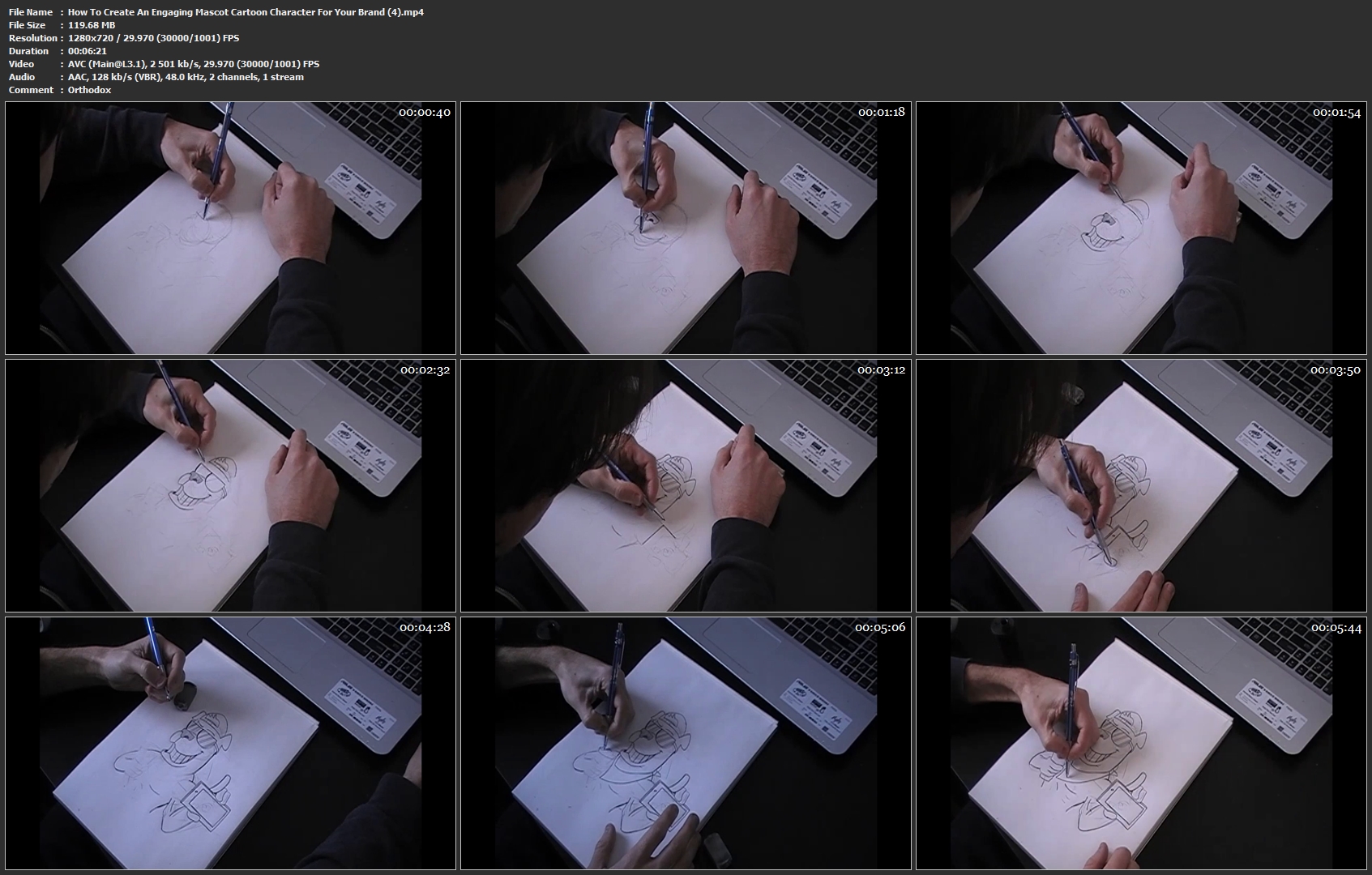
How To Create An Engaging Mascot Cartoon Character For Your Brand

image.jpg


How To Create An Engaging Mascot Cartoon Character For Your Brand
Video: .MP4, 1280x720 | Audio: AAC, 48kHz, 2ch | Duration: 36m
Genre: eLearning | Language: English | Size: 561 MB

In this class, you will learn how to create an engaging MASCOT. Fortunately for you, one of my clients allowed me to create his character at the same time as creating this class. We will follow his guidelines and create a character that he will like. You will see how I work, what my techniques are and how you can reach the same level of artistic skill as me. At the end of the class, you will be ready to create your own character to brand your own product, whether you want to hire an illustrator to do it for you or create it yourself. Your assignment will be to create a character that will speak YOUR voice. Blogging? Business? Social activism? Every aspiration can use the help of a MASCOT.

I'll teach you everything I know about character design. You will need the following : paper, a pen and your imagination. If you want, you can always use a computer and a tablet but I want you to focus on your skills as an illustrator. Draw, first and foremost. That is where everything starts.

This class applies for :
- Graphic Designers;
- Illustrators;
- Comic book artists;
- Business owners;
- Hobbyists and those who love to draw!

How-To-Create-An-Engaging-Mascot-Cartoon-Character-For-Your-Bran.jpg


...
 
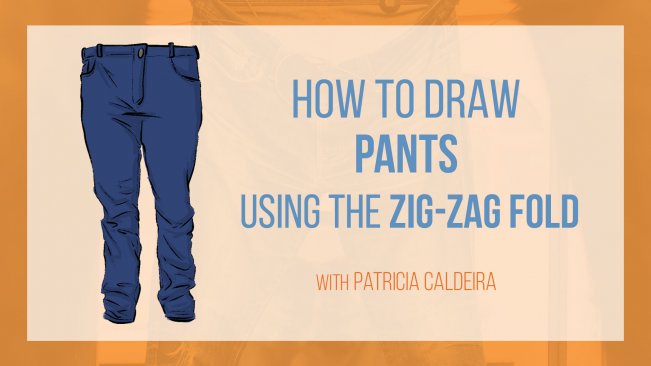
How To Draw Pants And Jeans Using The Zig-Zag Fold!

image.jpg


How To Draw Pants And Jeans Using The Zig-Zag Fold!
Video: .MP4, 1280x720 | Audio: AAC, 48kHz, 2ch | Duration: 39m
Genre: eLearning | Language: English | Size: 571 MB

Do you want to draw amazing Pants and Jeans for your characters?

Then this is the class for you.

If you're interested in drawing outfits for characters or even when drawing from real life, you MUST know how to draw Pants and Jeans.

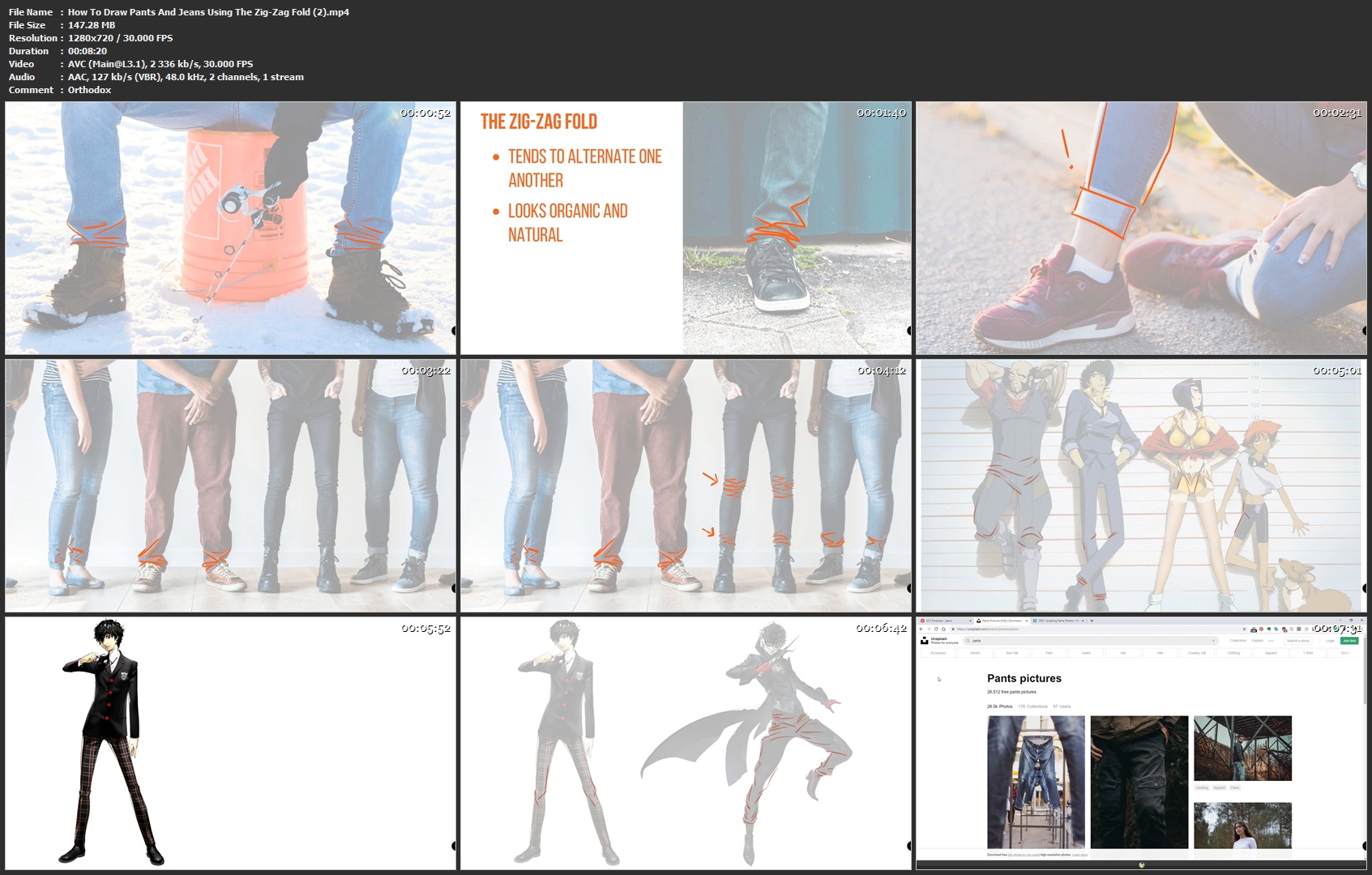
I'm here to help you achieve this skill by teaching you how to draw Zig-Zag Folds and apply them to Pants!

At the end of this Class, you'll be able to draw Pants and Jeans much easier!

The secret is getting the main shapes right, and learning how to draw Zig-Zag Folds. And everything is explained in this drawing Class.

We'll start with the very basics, showing examples of Jeans with Zig-Zag Folds and the main lines and shapes they are made of.

Next, it's time to practice!

We'll draw Pants from reference so you can start working on those zig-zag folds.

At the end of the Class, there will also be an Assignment for you to practice and to receive valuable feedback on what you need to improve.

AND, all the files used in the class will be available for you to download so you can follow along with me!

And of course, if you have any question or need help, I'll be right here to answer your questions.

If you're looking for a place to start drawing Pants and Jeans, this is the class for you.

How-To-Draw-Pants-And-Jeans-Using-The-Zig-Zag-Fold-2-mp4.jpg


...
 
How to Draw an Eye with Colored Pencils from Complete Skratch

2290323-7f25.jpg


How to Draw an Eye with Colored Pencils from Complete Skratch
Video: .MP4, 1280x720 | Audio: AAC, 48kHz, 2ch | Duration: 1h 38m
Genre: eLearning | Language: English | Size: 1,79 GB

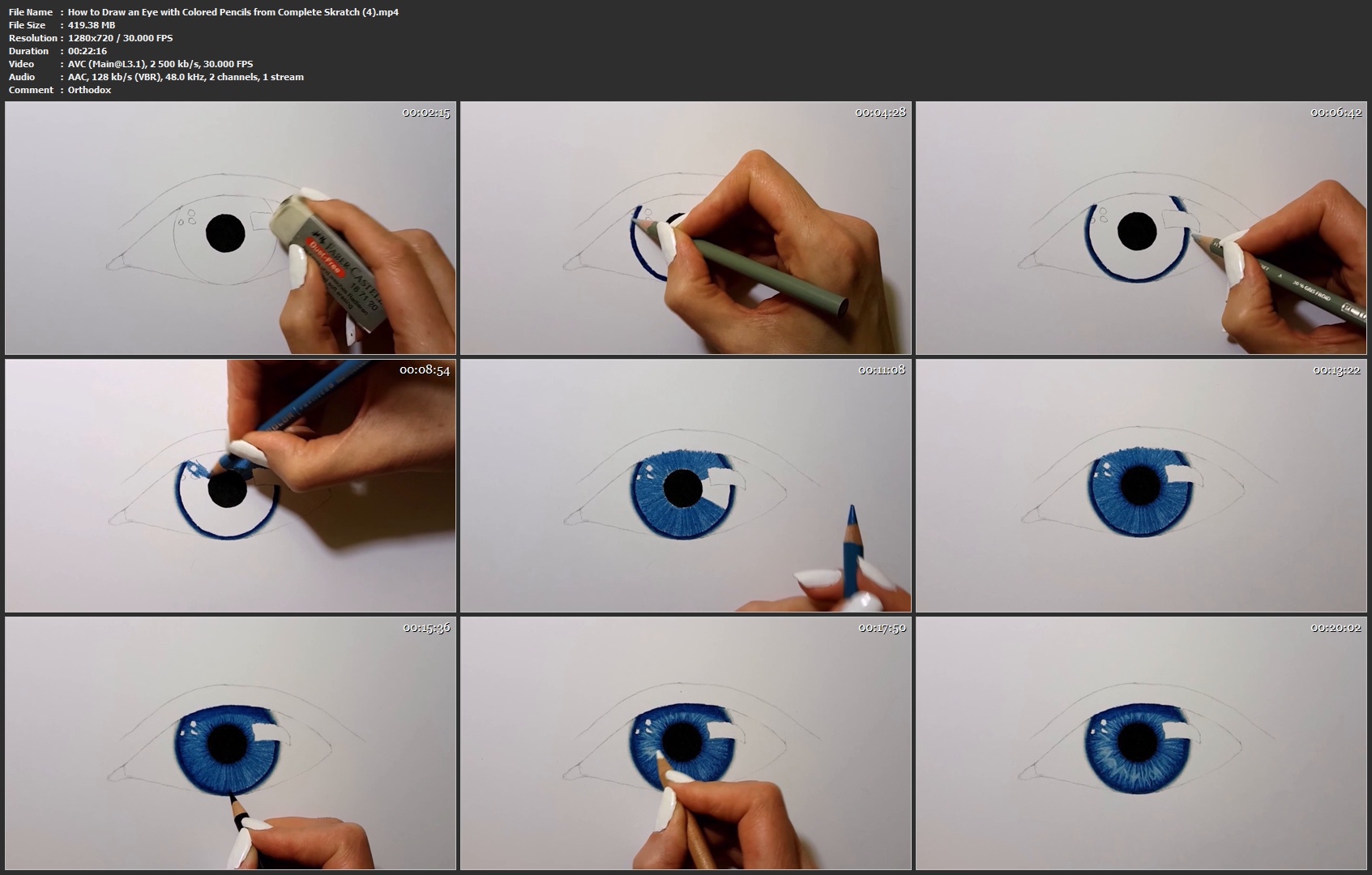
In this class you will learn to draw a realistic eye from complete scratch.

I will walk you through the process that I use to draw proportional, lifelike eyes with colored pencils. I will show you the tools I use and explain why and how I use those art materials.

Prepare high-quality paper and Prismacolor Premier colored pencils and draw along with me. You will learn how to sketch, how to blend colored pencils and how to create photoralistic textures.

I am convinced that everyone is able to draw. Only patience, right guidance and inspiration are needed.

How-to-Draw-an-Eye-with-Colored-Pencils-from-Complete-Skratch-4.jpg


...
 
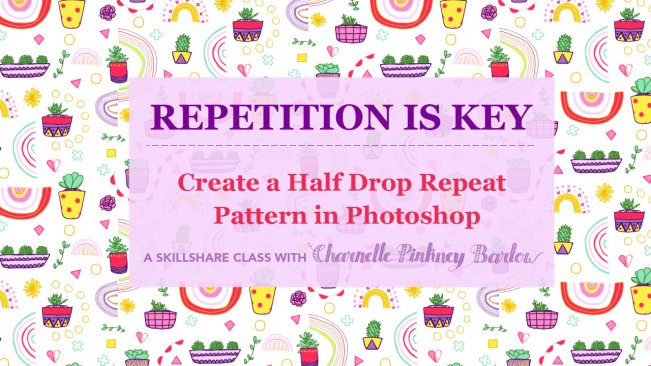
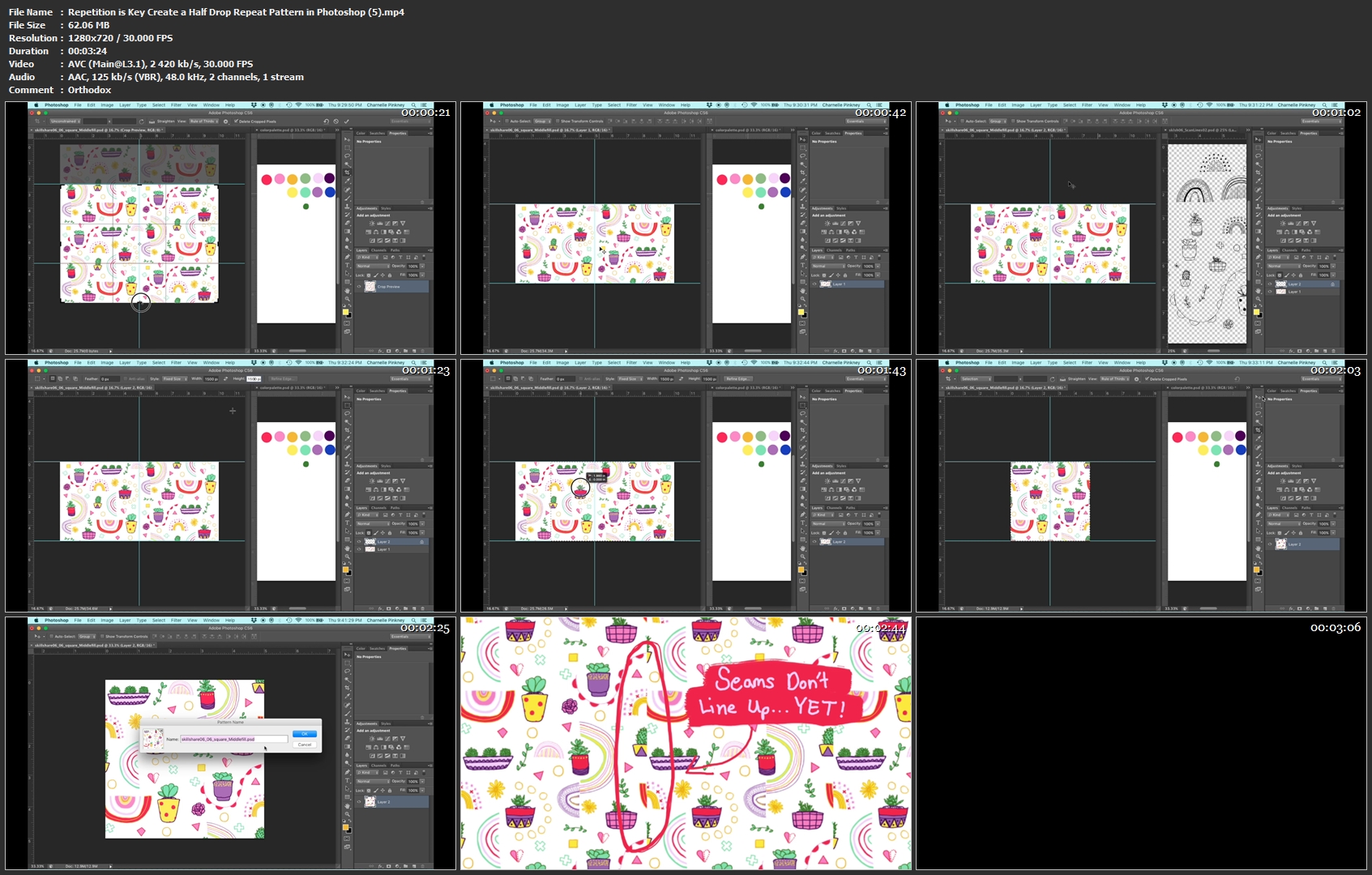
Repetition is Key: Create a Half Drop Repeat Pattern in Photoshop

image.jpg


Repetition is Key: Create a Half Drop Repeat Pattern in Photoshop
Video: .MP4, 1280x720 | Audio: AAC, 48kHz, 2ch | Duration: 13m
Genre: eLearning | Language: English | Size: 241 MB

Half drop repeats look so cool, but can be quite confusing to get the hang of. In this class, i'll show you how to turn a square into a repeat that adds interest and movement to even the simplest design. This class is for A) those who are familiar with creating square repeats, but haven't mastered half drops yet and B) those who have made this type of repeat, but need help streamlining your design process.

All you need is Adobe Photoshop and a square full of colorful icons. Feel free to use a pattern you've designed previously or create a whole new pattern!

Repetition-is-Key-Create-a-Half-Drop-Repeat-Pattern-in-Photoshop.jpg


...
 
MasterCAM Advance Milling Operation

image.jpg


MasterCAM Advance Milling Operation
Video: .MP4, 1280x694 | Audio: AAC, 44kHz, 2ch | Duration: 1h 6m
Genre: eLearning | Language: English | Size: 470 MB

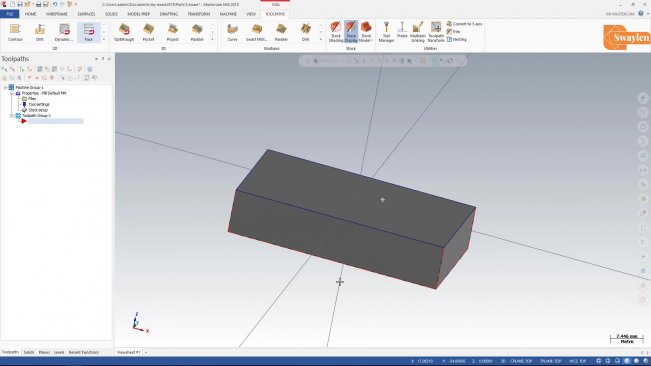
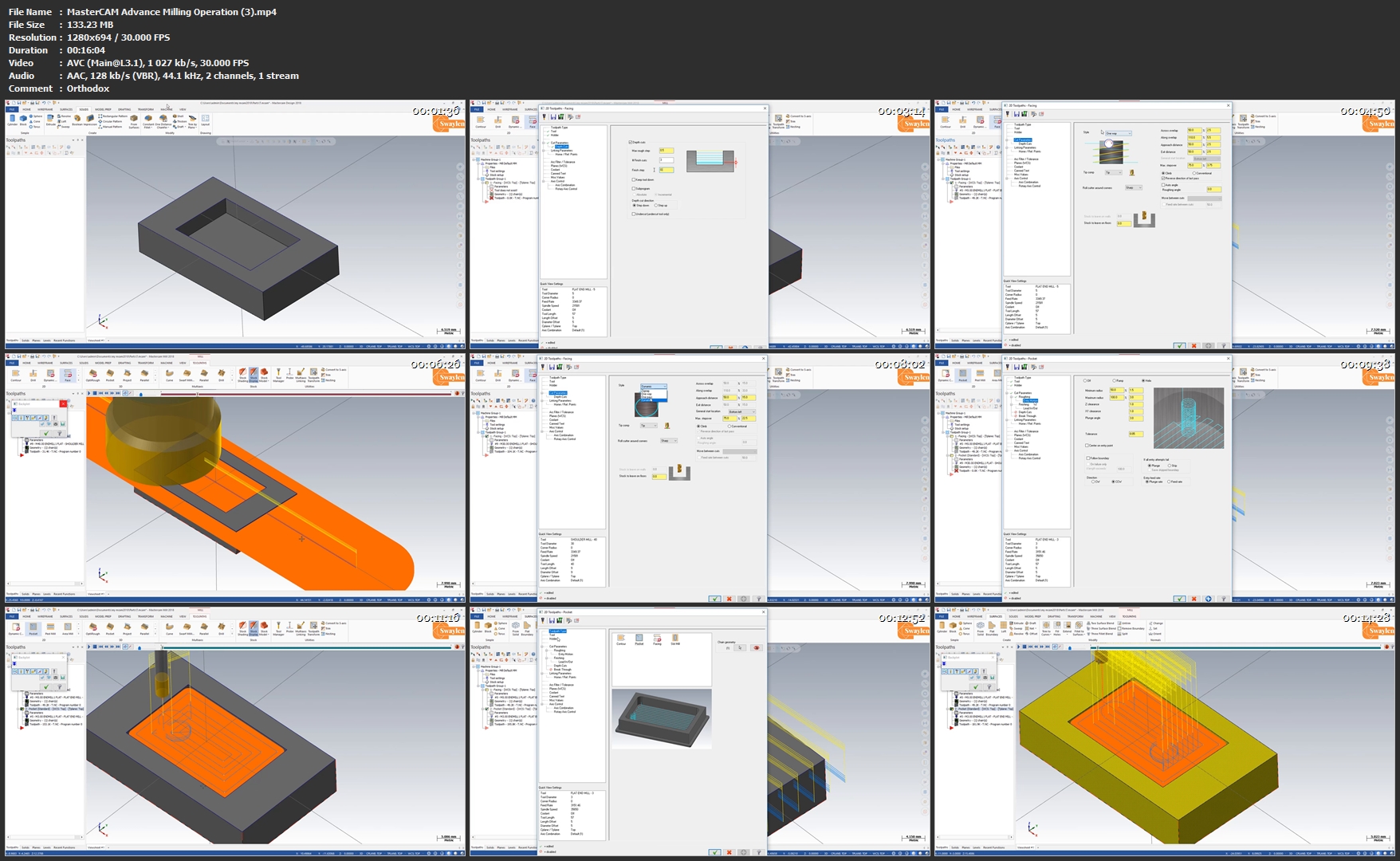
Mastercam is computer-aided manufacturing (CAM) software program used by manufacturing professionals, such as machinists and computer numerical control (CNC) programmers

In this Session, You will learn advanced milling operation

Create 2d geometry of our object

Master-CAM-Advance-Milling-Operation-3-mp4.jpg


...
 
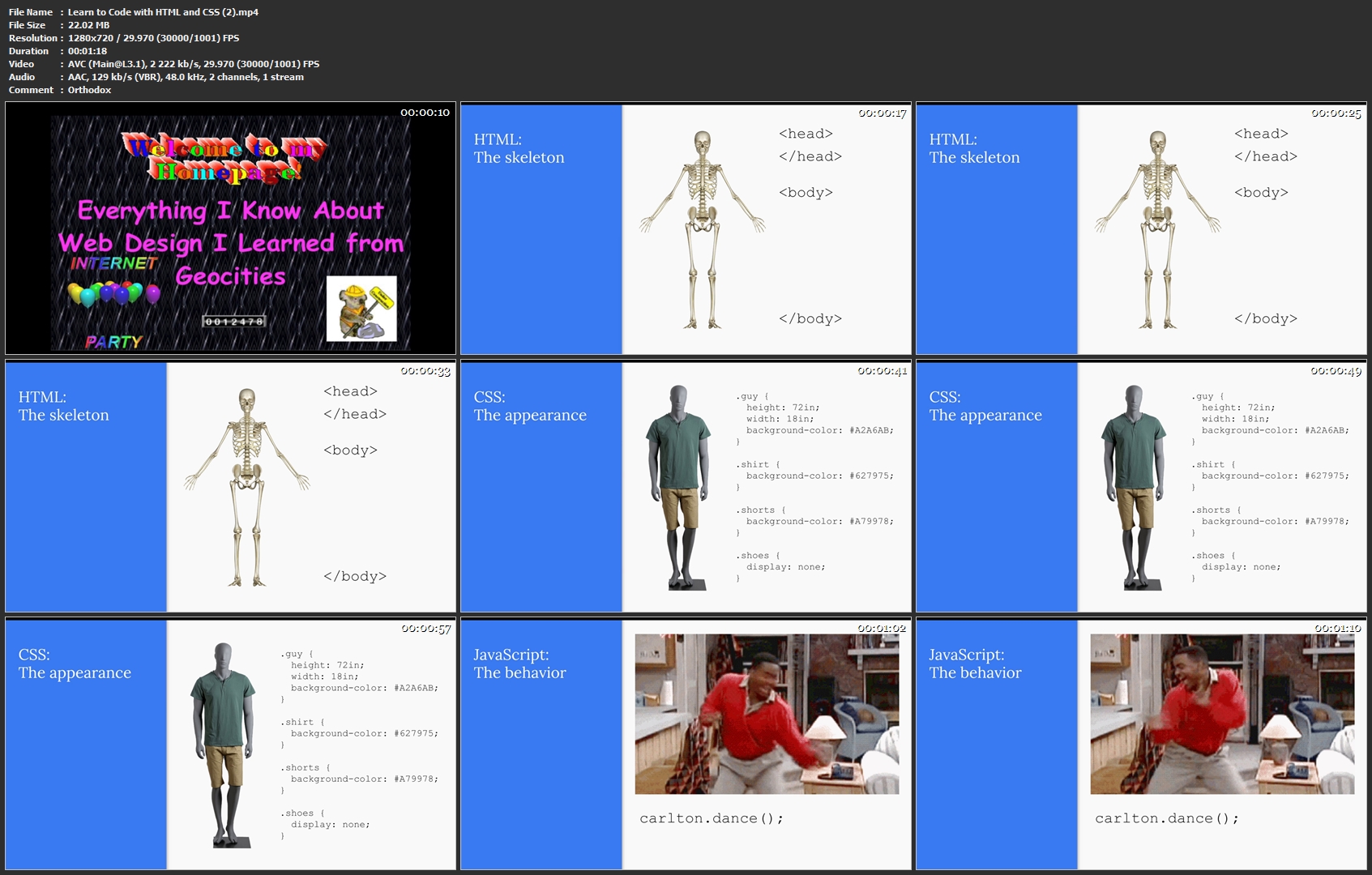
Learn to Code with HTML and CSS

image.jpg


Learn to Code with HTML and CSS
Video: .MP4, 1280x720 | Audio: AAC, 48kHz, 2ch | Duration: 19m
Genre: eLearning | Language: English | Size: 174 MB

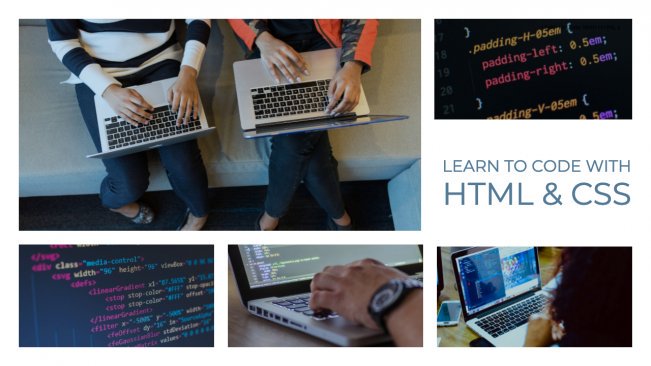
When web developer Emily Maskin first got interested in learning to code, she didn't even know where to begin. What goes into making a website? What are all those pointy brackets? How do they get images on there? What the heck is an href?

This class is for anyone who has ever wanted to make a website, but weren't sure how to get started. It assumes no prior knowledge about HTML/CSS or programming in general. And it's short and sweet (under 20 minutes), making it easy to jump right in.

All you need for this class is a text editor and a web browser. Here are some links to free text editors:

Atom
Sublime Text
VS Code
By the end of the class, you'll be able to build a website entirely from scratch. For the class project, students will create a personal website using HTML and CSS.

Learn-to-Code-with-HTML-and-CSS-2-mp4.jpg


...
 
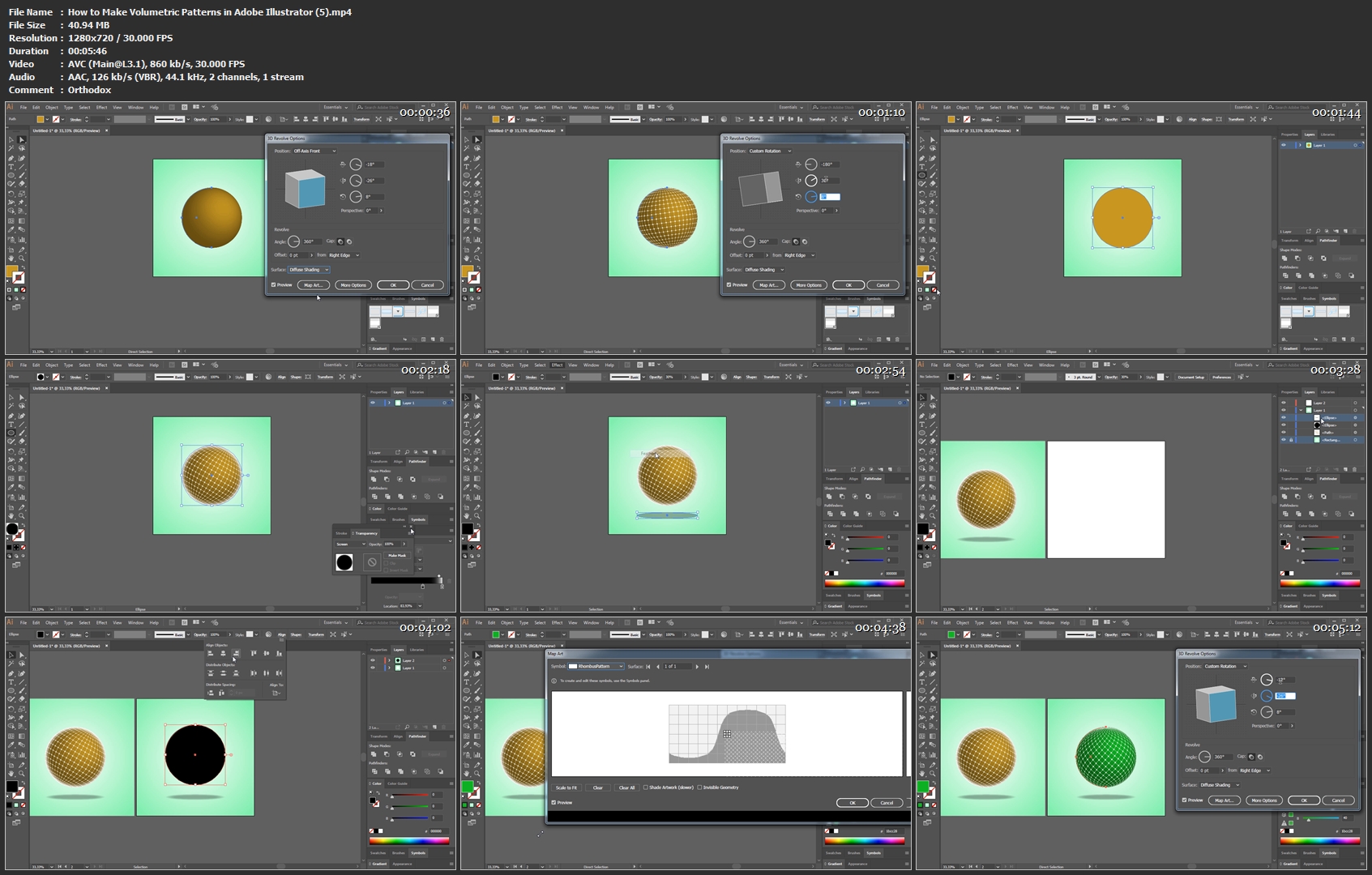
How to Make Volumetric Patterns in Adobe Illustrator

image.jpg


How to Make Volumetric Patterns in Adobe Illustrator
Video: .MP4, 1280x720 | Audio: AAC, 484.1kHz, 2ch | Duration: 27m
Genre: eLearning | Language: English | Size: 216 MB

Learn Adobe Illustrator by making custom patterned textures, 3D shapes and finalizing with Photoshop.

In this course you will find: How to make volumetric shapes in Adobe Illustrator. How to make custom patterns. How to export and import your art from Illustrator to Photoshop. How to make a simple animation in Photoshop using Illustrator art. How to make a promo for the course.

From this class you will get on how to use simple yet powerful Illustrator functions to make imperssive volumetric art in short. During that time you will create few wonderful volumetric shapes from simple ellipse, make few different patterns (as the symbols); arrange and export them as ready-to-use pictures and photoshop document. Also i will show you how you can lay it in use with Photoshop post-processing.

I made this course easy and understandable, even the complete beginners can complete easily. It is divided on simple parts for step-by-step learning.

Also i will show you how i made a promo image for this class.

How-to-Make-Volumetric-Patterns-in-Adobe-Illustrator-5-mp4.jpg


...
 
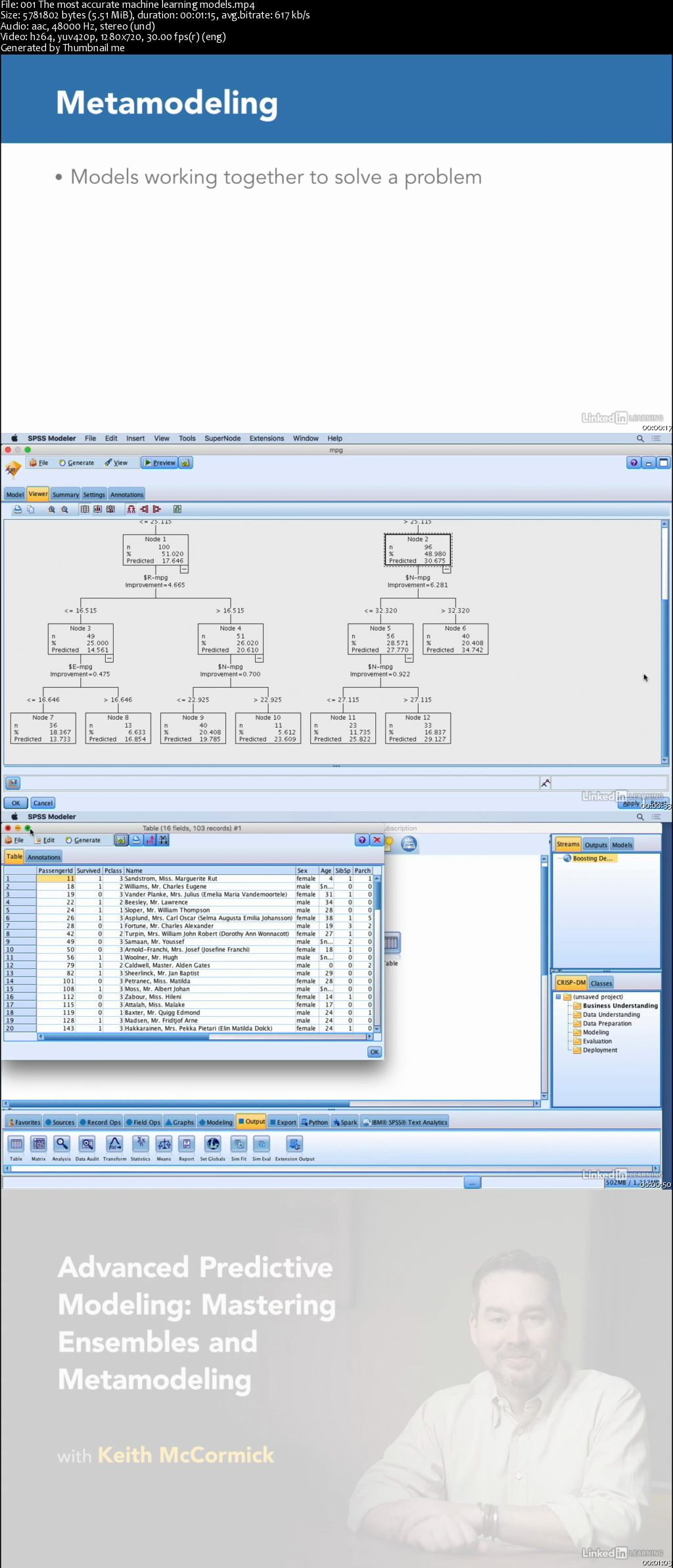
Advanced Predictive Modeling: Mastering Ensembles and Metamodeling

00653766.jpg


Advanced Predictive Modeling: Mastering Ensembles and Metamodeling
MP4 | Video: AVC 1280x720 | Audio: AAC 44KHz 2ch | Duration: 1 Hour 10M | 201 MB
Genre: eLearning | Language: English

Ensembles involve groups of models working together to make more accurate predictions. When creating complete deployed solutions, data scientists may also leverage passing data from one model to another or using models in combination-also known as metamodeling. These techniques are dominant among winners of modeling competitions like Kaggle as well as leading data science teams around the world. In this advanced course, you can learn how to add ensembles and metamodeling to your toolset. Instructor Keith McCormick provides a conceptual introduction that can be applied in any program: R, Python, SPSS, or SAS. He introduces the most essential ensemble algorithms and explains the basics of metamodeling. Plus, review two case studies that show how to combine supervised and unsupervised ensembles and how to route subpopulations of data to different models in a metamodeling scenario.

00653767.jpg


...
 
Zurück
Oben Unten