• Regeln für den Video-Bereich:

    In den Börsenbereich gehören nur Angebote die bereits den Allgemeinen Regeln entsprechen.

    Einteilung

    - Folgende Formate gehören in die angegeben Bereiche:
    - Filme: Encodierte Filme von BluRay, DVD, R5, TV, Screener sowie Telesyncs im Format DivX, XviD und x264.
    - DVD: Filme im Format DVD5, DVD9 und HD2DVD.
    - HD: Encodierte Filme mit der Auflösung 720p oder darüber von BluRay, DVD, R5, TV, Screener sowie Telesyncs im Format x264.
    - 3D: Encodierte Filme von BluRay, die in einem 3D Format vorliegen. Dies gilt auch für Dokus, Animation usw.
    - Serien: Cartoon/Zeichentrick, Anime, Tutorials, Dokumentationen, Konzerte/Musik, Sonstiges sind demnach in die entsprechenden Bereiche einzuordnen, auch wenn sie beispielsweise im High Definition-Format oder als DVD5/DVD9/HD2DVD vorliegen. Ausnahme 3D.
    - Bereich Englisch: Englische Releases gehören immer in diesen Bereich.
    - Bereich Talk: Der Bereich, in dem über die Releases diskutiert werden kann, darf, soll und erwünscht ist.


    Angebot/Beitrag erstellen

    - Ein Beitrag darf erst dann erstellt werden, wenn der Upload bei mindestens einem OCH komplett ist. Platzhalter sind untersagt.
    - Bei einem Scenerelease hat der Threadtitel ausschließlich aus dem originalen, unveränderten Releasenamen zu bestehen. Es dürfen keine Veränderungen wie z.B. Sterne, kleine Buchstaben o.ä. vorgenommen werden. Ausnahme Serienbörse:
    - Bei einem Sammelthread für eine Staffel entfällt aus dem Releasename natürlich der Name der Folge. Beispiel: Die Simpsons S21 German DVDRip XviD - ITG
    - Dementsprechend sind also u.a. verboten: Erweiterungen wie "Tipp", "empfehlenswert", "only", "reup", usw. / jegliche andere Zusatzinformation oder Ergänzung, welche nicht in obiger Beschreibung zu finden ist.

    Aufbau des Angebots und Threadtitel

    Der Titel nach folgendem Muster erstellt zu werden. <Name> [3D] [Staffel] [German] <Jahr> <Tonspur> [DL] [Auflösung] <Quelle> <Codec> - <Group>
    Beispiel: The Dark Knight German 2008 AC3 DVDRip XviD - iND
    Beispiel: The Dark Knight 2008 DTS DL BDRip x264 - iND
    Beispiel: The Dark Knight 2008 AC3 DL BDRip XviD - iND
    Beispiel: The Dark Knight German 2008 AC3 720p BluRay x264 iND
    Beispiel: The Dark Knight 2008 DTS DL 1080p BluRay x264 iND
    Beispiel: Die Simpsons S01 German AC3 DVDRip XviD iND
    Beispiel: Die Simpsons S20 German AC3 720p BluRay x264 iND
    Beispiel: Sword Art Online II Ger Sub 2014 AAC 1080p WEBRip x264 - peppermint
    Entsprechend sind also u.a. verboten: Sonderzeichen wie Klammern, Sterne, Ausrufezeichen, Unterstriche, Anführungszeichen / Erweiterungen wie "Tipp", "empfehlenswert", "only", "reup", usw. / jegliche andere Zusatzinformation oder Ergänzung, welche nicht in obiger Beschreibung zu finden ist
    Ausnahmen hiervon können in den Bereichen geregelt sein.

    Die Beiträge sollen wie folgt aufgebaut werden:
    Überschrift entspricht dem Threadtitel
    Cover
    kurze Inhaltsbeschreibung
    Format, Größe, Dauer sind gut lesbar für Downloader außerhalb des Spoilers zu vermerken
    Nfo sind immer Anzugeben und selbige immer im Spoiler in Textform.
    Sind keine Nfo vorhanden z.B. Eigenpublikationen, sind im Spoiler folgende Dateiinformationen zusätzlich anzugeben :
    Quelle
    Video (Auflösung und Bitrate)
    Ton (Sprache, Format und Bitrate der einzelnen Spuren)
    Untertitel (sofern vorhanden)
    Hosterangabe in Textform außerhalb eines Spoiler mit allen enthaltenen Hostern.
    Bei SD kann auf diese zusätzlichen Dateiinformationen verzichtet werden.

    Alle benötigten Passwörter sind, sofern vorhanden, in Textform im Angebot anzugeben.
    Spoiler im Spoiler mit Kommentaren :"Schon Bedankt?" sind unerwünscht.


    Releases

    - Sind Retail-Release verfügbar, sind alle anderen Variationen untersagt. Ausnahmen: Alle deutschen Retail-Release sind CUT, in diesem Fall sind dubbed UNCUT-Release zulässig.
    - Im Serien-Bereich gilt speziell: Wenn ein Retail vor Abschluss einer laufenden Staffel erscheint, darf diese Staffel noch zu Ende gebracht werden.62
    - Gleiche Releases sind unbedingt zusammenzufassen. Das bedeutet, es ist zwingend erforderlich, vor dem Erstellen eines Themas per Suchfunktion zu überprüfen, ob bereits ein Beitrag mit demselben Release besteht. Ist dies der Fall, ist der bereits vorhandene Beitrag zu verwenden.
    - P2P und Scene Releases dürfen nicht verändert oder gar unter einem iND Tag eingestellt werden.


    Support, Diskussionen und Suche

    - Supportanfragen sind entweder per PN oder im Bereich Talk zu stellen.
    - Diskussionen und Bewertungen sind im Talk Bereich zu führen. Fragen an die Uploader haben ausschließlich via PN zu erfolgen, und sind in den Angeboten untersagt.
    - Anfragen zu Upload-Wünschen sind nur im Bereich Suche Video erlaubt. Antworten dürfen nur auf Angebote von MyBoerse.bz verlinkt werden.


    Verbote

    - Untersagt sind mehrere Formate in einem einzigen Angebotsthread, wie beispielsweise das gleichzeitige Anbieten von DivX/XviD, 720p und 1080p in einem Thread. Pro Format, Release und Auflösung ist ein eigener Thread zu eröffnen.
    - Grundsätzlich ebenso verboten sind Dupes. Uploader haben sich an geeigneter Stelle darüber zu informieren, ob es sich bei einem Release um ein Dupe handelt.
    - Gefakte, nur teilweise lauffähige oder unvollständige Angebote sind untersagt. Dies gilt auch für eigene Publikationen, die augenscheinlich nicht selbst von z.B. einer DVD gerippt wurden. Laufende Serien, bei denen noch nicht alle Folgen verfügbar sind, dürfen erstellt und regelmäßig geupdatet werden.
    - Untersagt sind Angebote, welche nur und ausschließlich in einer anderen Sprache als deutsch oder englisch vorliegen. Ausnahmen sind VORHER mit den Moderatoren zu klären.


    Verstoß gegen die Regeln

    - Angebote oder Beiträge, die gegen die Forenregeln verstoßen, sind über den "Melden"-Button im Beitrag zu melden.
  • Bitte registriere dich zunächst um Beiträge zu verfassen und externe Links aufzurufen.


Englische Tutorials

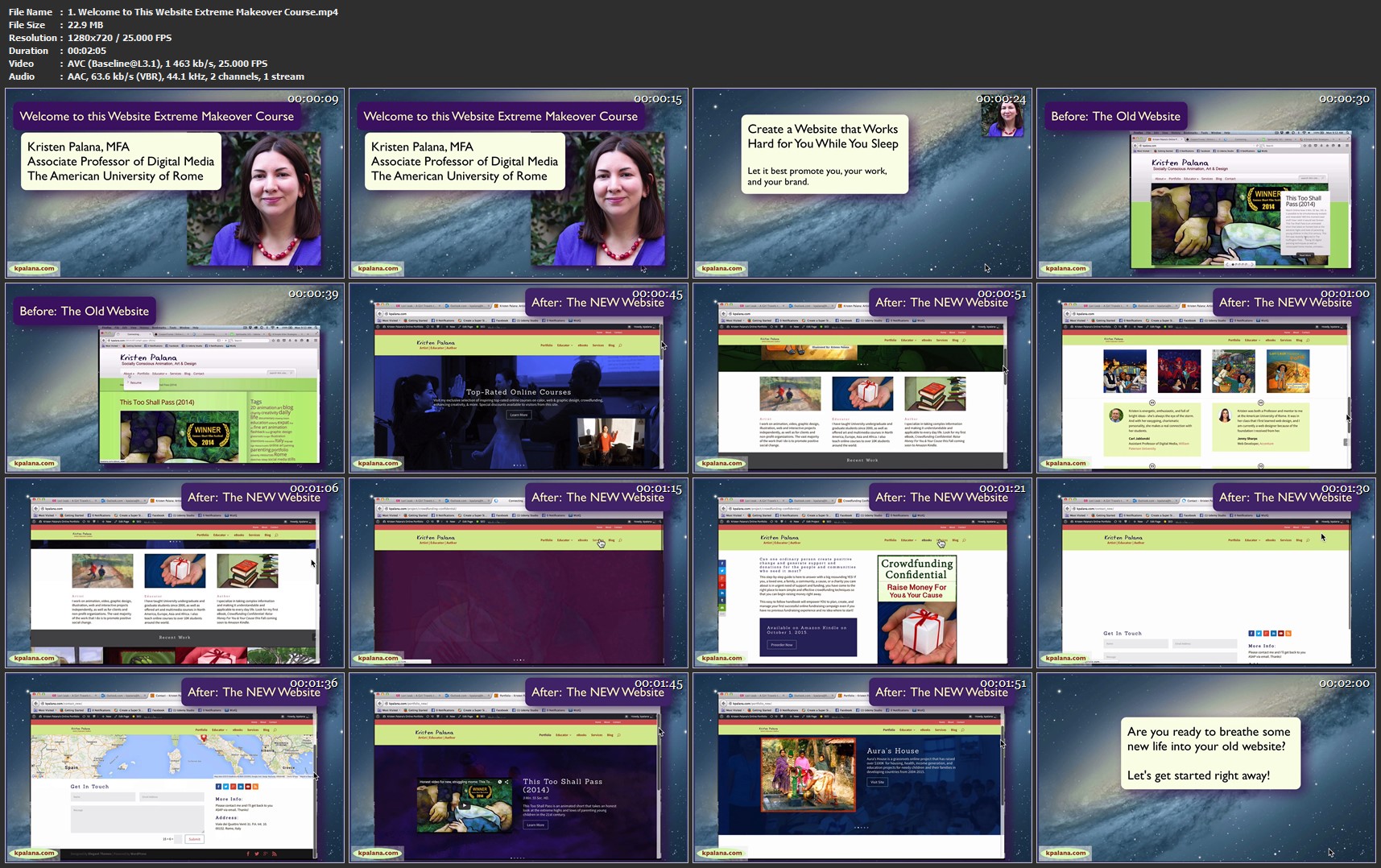
Give Your WordPress Website a Makeover: Divi WordPress Theme
593808-996f-7.jpg


Give Your WordPress Website a Makeover: Divi WordPress Theme
Video: .MP4, 1280x720 | Audio: AAC, 48kHz, 2ch | Duration: 3h
Genre: eLearning | Language: English | Size: 0,99 GB

What you'll learn
Plan and create a dream website that best showcases you, your work, and your brand in the best possible light to help gain new clients, subscribers, and social media followers.
Troubleshoot common issues with activating and modifying a new WordPress theme.
Activate and modify the Divi theme for a new or existing WordPress website.
Use Divi page templates and modules to create beautiful landing pages, portfolios, storefronts, and more with no coding.
Follow a detailed step by step course of action for a full website redesign regardless of which tools, platform, or theme is used to build it.
Diagnose, tune-up, and supercharge your website so it performs better, generating more clicks, engagement, followers, subscribers, and sales 24 hours a day while you are off doing other things.

Are there any course requirements or prerequisites?
This course gives a general overview of what you need to think about and do when undertaking a website redesign. If you plan to follow along with me in WordPress, the course assumes you already have a basic understanding of the WordPress dashboard and interface.

Who this course is for:
This course will help anyone thinking of redesigning their website, regardless of what tools or methods they are currently using.
This course is especially helpful for those with a WordPress website who are also thinking of switching to a new theme.
This course will help anyone thinking of trying out the new Divi theme from Elegant Themes decide if it might be the right choice.
This course is ideal for artists, writers, and other creatives who manage their own online presence and who would like to more effectively showcase their talents and get more out of their websites.

Homepage
1-Welcome-to-This-Website-Extreme-Makeover-Course-mp4.jpg


...
 
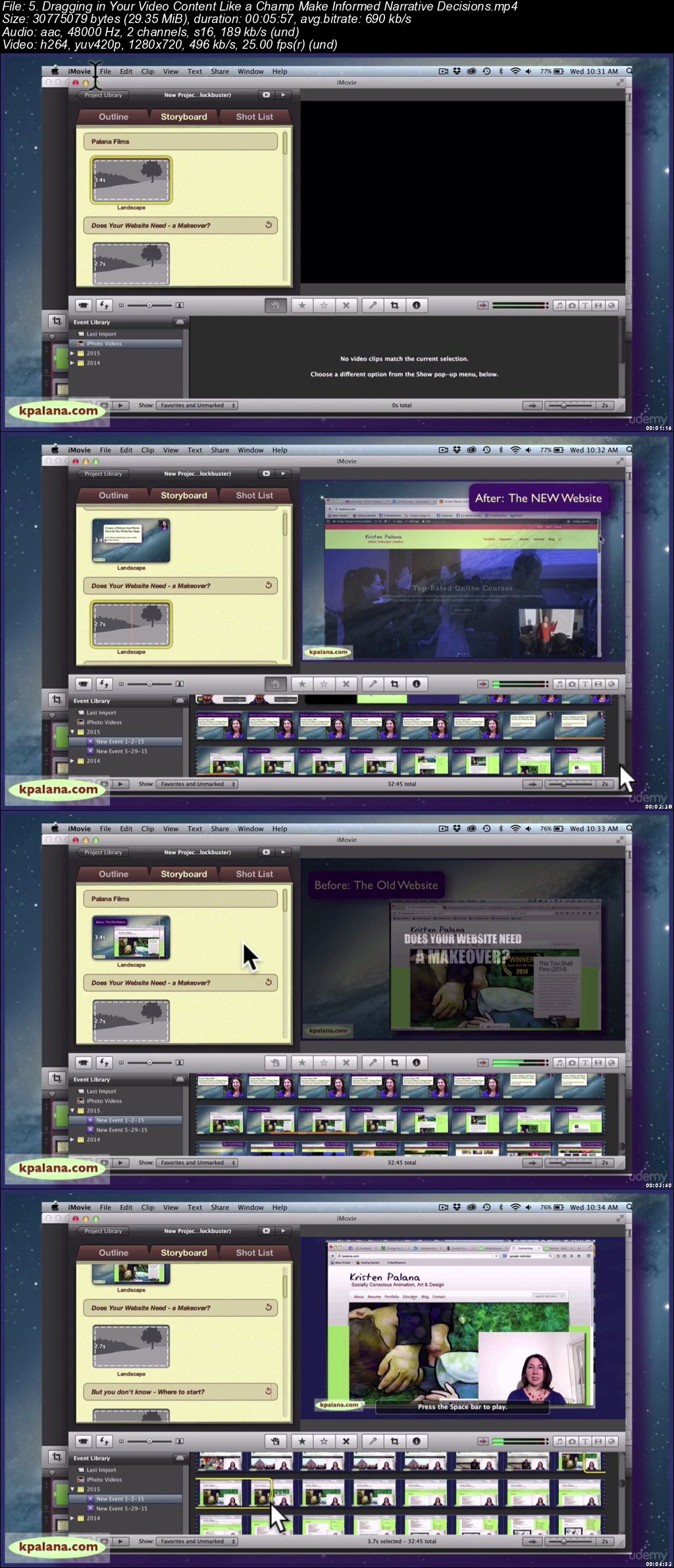
Make an Easy Promo Video in 1 Hour: iMovie Spotlight

0064d221.jpg


Make an Easy Promo Video in 1 Hour: iMovie Spotlight (Updated 10/2018)
.MP4 | Video: 1280x720, 30 fps(r) | Audio: AAC, 48000 Hz, 2ch | 451 MB
Duration: 1 hours | Genre: eLearning Video | Language: English

Create easy, effective promo videos for your books, courses, or projects even with limited time, funds, or video skills.

What you'll learn

Create a quick and dirty but powerful promotional video or trailer in 1 hour or less
Gain access to a full array of royalty free and public domain still image and video resources that can be used for your own unique projects
Navigate iMovie and how to avoid common roadblocks when using their built-in trailer templates
Craft a winning promo video that communicates energy, enthusiasm, and inspires the viewer to take action

Requirements

Students should ideally have a copy of iMovie (for the MAC), though no special knowledge or skills are required to take this course

Description

Are you ready to create a quick and easy yet effective promotional video for your course, book, or project in just under an hour?

This course is for those interested in making quick & painless promo videos even if you have little time, money, or video skills.

This step-by-step, clear, and easy to follow course will show you how to use a little old humble iMovie trailer template to create a quick and dirty, yet emotional and persuasive promo video to spark interest and excitement in whatever it is you are selling.

We'll talk about how to best plan and write your video so it works hard for you while you are off doing other things, so it can effectively promote you, your work, and your brand.

I created this course while I myself was creating a promotional video for my new "Give Your Website Wordpress Website a Makeover: Divi Theme Spotlight" course. You'll see the exact process I used to plan, create, and launch my promo video as an actual case study.

This course is for complete beginners who have no special video or technical skills as well as for people who DO have video skills but find themselves pressed for time and would like a simple way to get a decent promo movie up online in a pinch.

(*iMovie versions 2011-2016 are covered with additional text tutorials for the iMovie app.)

Who this course is for:

This course is great for online instructors, authors, and others who need a persuasive promotional video that requires little time, technical skill, and budget to create
Perfectionists and video connoisseurs who would be insulted using a mere plug and play template should probably NOT take this course. This class is about making something decent when you are insanely busy and don't have the time or money to fuss over a video production that could take hours, days, weeks, or longer to craft.

0064d223.jpg


...
 
WordPress in 1 Hour: Quick & Easy Essentials For Beginners

465688-4cb3-4.jpg


WordPress in 1 Hour: Quick & Easy Essentials For Beginners (Updated 10/2018)
Video: .MP4, 1280x720 | Audio: AAC, 48kHz, 2ch | Duration: 2h 14m
Genre: eLearning | Language: English | Size: 586 MB

What you'll learn
Be up and running managing and editing your own WordPress hosted website.
Understand key settings, tools, and features of WordPress to enable you to control the look, feel, and function of your website.
Create and edit posts and pages, format text, add images, add categories and tags, and publish or schedule your website's content.
Easily create and manage menus and external links.
Manage subscribers, contributors, authors, editors, and administrators for your website.
Harness the power of the most useful plugins and widgets to extend your website's capabilties.
Develop a solid beginner's foundation in WordPress that you can use as a springboard towards more advanced web training or paid opportunities helping others get started editing and managing websites.

Are there any course requirements or prerequisites?
Students should already have their WordPress login information and a WordPress hosted website set up before taking this course. (* I still provide information and external resources in a text lecture if you need to still get set up.)

Who this course is for:
This course is ideal for complete beginners.
This course is ideal for people who have a website that someone else made for them who would like to know how to begin to edit and manage it themselves.
This course is ideal for those who have been tasked with editing their organization's WordPress hosted website and don't know where to start.
Please note this is NOT an in-depth WordPress course. Students looking for intermediate to advanced WordPress training would be better off taking a longer, comprehensive course. (*Do please have a look at my other course offerings to see if I have a different course that is a better fit.)

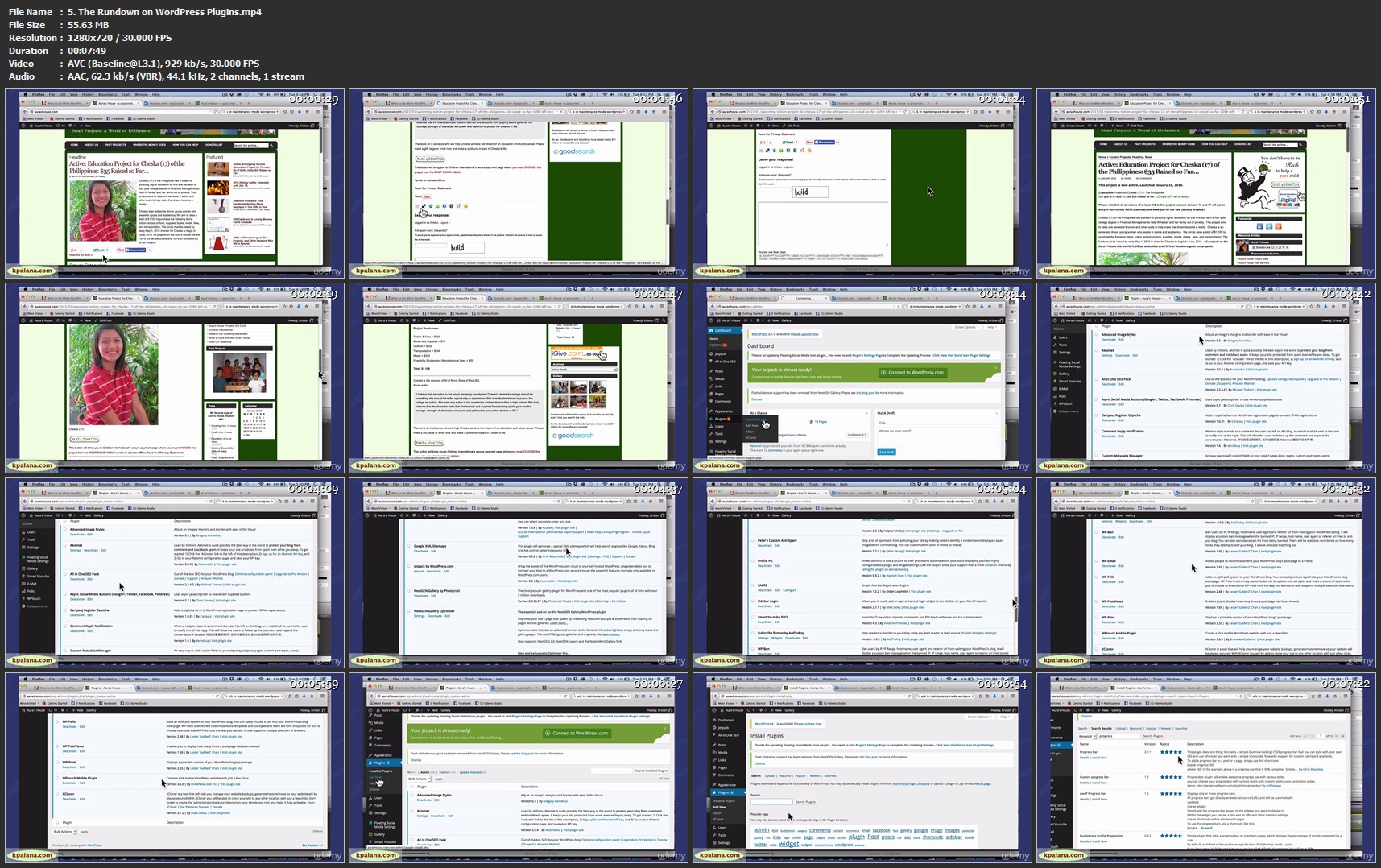
Homepage

5-The-Rundown-on-Word-Press-Plugins-mp4.jpg


...
 
Web Snax: Super Simple Recipes for Easy Web Design

350828-3477-12.jpg


Web Snax: Super Simple Recipes for Easy Web Design
Video: .MP4, 1280x720 | Audio: AAC, 48kHz, 2ch | Duration: 9h
Genre: eLearning | Language: English | Size: 2,66 GB

What you'll learn
Develop a solid web design foundation that will provide many options for moving forward as a paid web designer or content manager.
Recognize major Web Design Do's and Don'ts and be able to apply these principles to any existing and new websites.
Know the easiest and most intuitive best-practices strategies for creating websites and all the extras.
Create websites from scratch using simple code in a text editor. Use your knowledge of HTML to expand your control of blogs, online forums, and in WordPress hosted sites.
Discover effective web graphics creation best practices and strategies in Photoshop.
Build a website from scratch in Adobe Dreamweaver CC.
Add powerful dynamic features to your website by tapping into the power of left-brained programming dynamos and their pre-written scripts you can add to your website for free.
Know how to move forward to set up a domain, web host, and WordPress hosted website.
Build a beautiful WordPress hosted website right from the ground up, import your content from other blogs and sites, and maximize your impact.
Easily give your website a complete makeover using the WordPress Elegant Theme, Divi.
Diagnose, tune-up, and supercharge your website so it performs better, generating more clicks, engagement, followers, subscribers, and sales 24 hours a day while you are off doing other things.
Use the course as your personal go-to guide and reference manual for all apsects of web site creation.
Learn the easiest and least expensive way to make a professional-looking website by using the top-rated online tool, Wix

Are there any course requirements or prerequisites?
No experience necessary, but you should have access to at least a simple text editor and preferably also Adobe Creative Suite, particularly Photoshop, Illustrator, Dreamweaver, and Bridge (optional).
Free 30-day trials of Adobe Software can be found at adobe

Who this course is for:
Artists, dreamers, and visual learners who are tired of paying other people to make websites for them.
Complete beginners who have a slight fear of computers and technology.
Web design novices who already may have had some training and want to fill in some gaps or learn something new.
Left-brained programmer types (I admire you all SO much!) who want to learn more about design and more right-brained visual strategies to complement your technical skills and daring-do.
Novice to Intermediate Web Designers looking for more intuitive ways of accomplishing common web tasks, without all the technical jargon and assumptions about your coding capabilities.

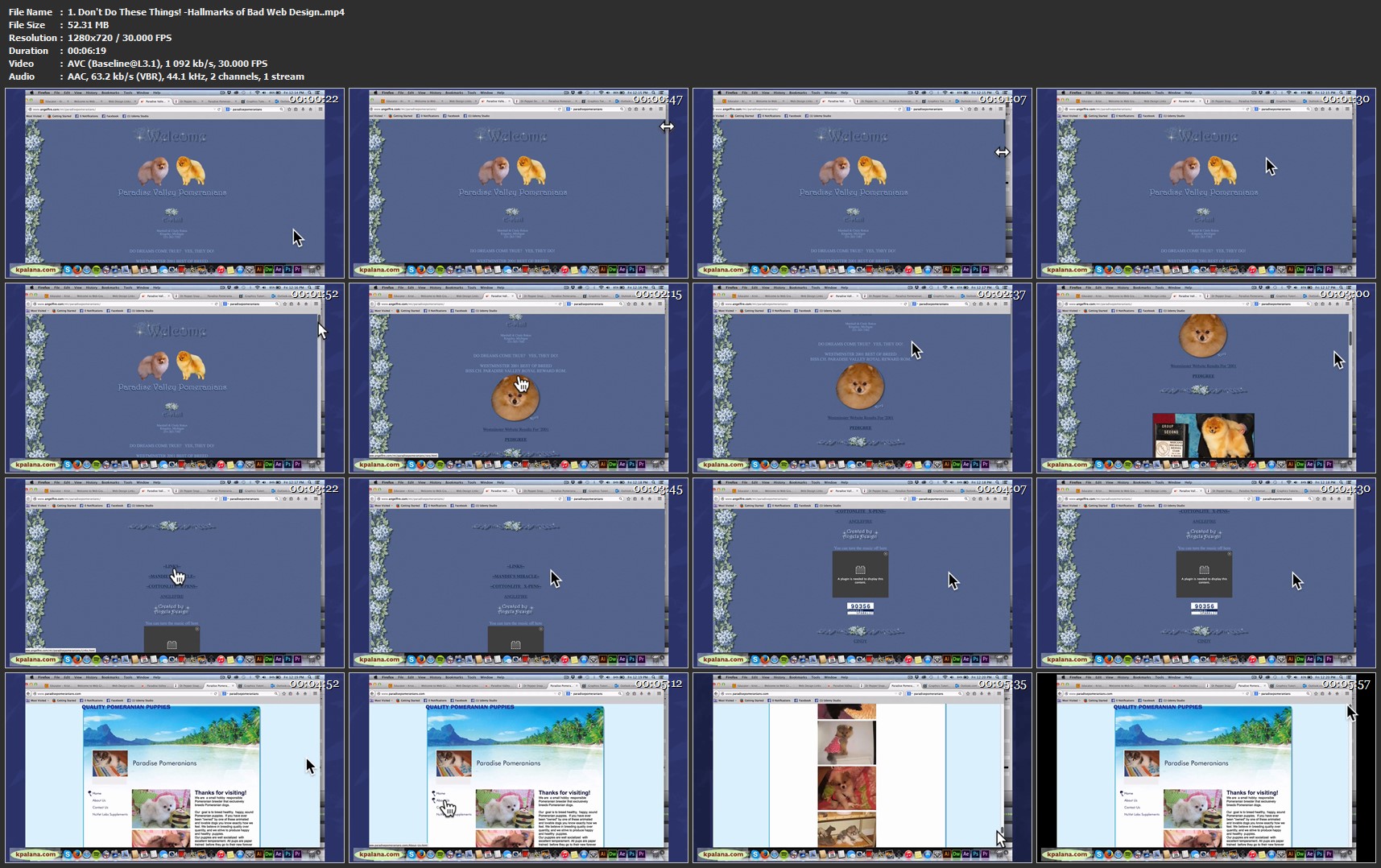
Homepage

1-Don-t-Do-These-Things-Hallmarks-of-Bad-Web-Design-mp4.jpg


...
 
CISSP® Certification Domain 7: Security Operations Video Boot Camp 2019

0064c46e.png


CISSP® Certification Domain 7: Security Operations Video Boot Camp 2019
MP4 | Video: AVC 1280x720 | Audio: AAC 44KHz 2ch | Duration: 3.5 Hours | 832 MB
Genre: eLearning | Language: English

Are you the only Chef in the kitchen? Is your infrastructure suffering from snowflake servers? Are you sick and tired of provisioning machines by hand every time you need to put out a fire? Configuring infrastructure shouldn't be painful, it should be a joy. Chef Fundamentals has been reviewed and approved by the Chef Training team. The Chef team looks forward to the development of additional Chef Courses. Chef is a platform for the DevOps workflow, and is used to automate and manage it all-infrastructure, run-time environments and applications. The most enduring and transformative companies use Chef to become fast, efficient, and innovative software-driven organizations. Join Robin Beck as he automates everything in the only Chef-Certified class. Learn to combine resources into recipes, recipes into cookbooks, and transform your infrastructure into code. With Chef we'll learn to use the power of the Ruby language to eloquently describe the state of a system, whether you're new to automation or have been administering systems since 1992. We'll learn how to locally configure a server with the Chef Development Kit, then use the power of a Chef Server to distribute your cookbook to one, or a hundred systems.

0064c409.jpg


...
 
2D Game Development with Javascript and CSS3 - Create a Memory Game

0064c493.png


2D Game Development with Javascript and CSS3 - Create a Memory Game
MP4 | Video: AVC 1280x720 | Audio: AAC 44KHz 2ch | Duration: 7 Hours 43M | 1.21 GB
Genre: eLearning | Language: English

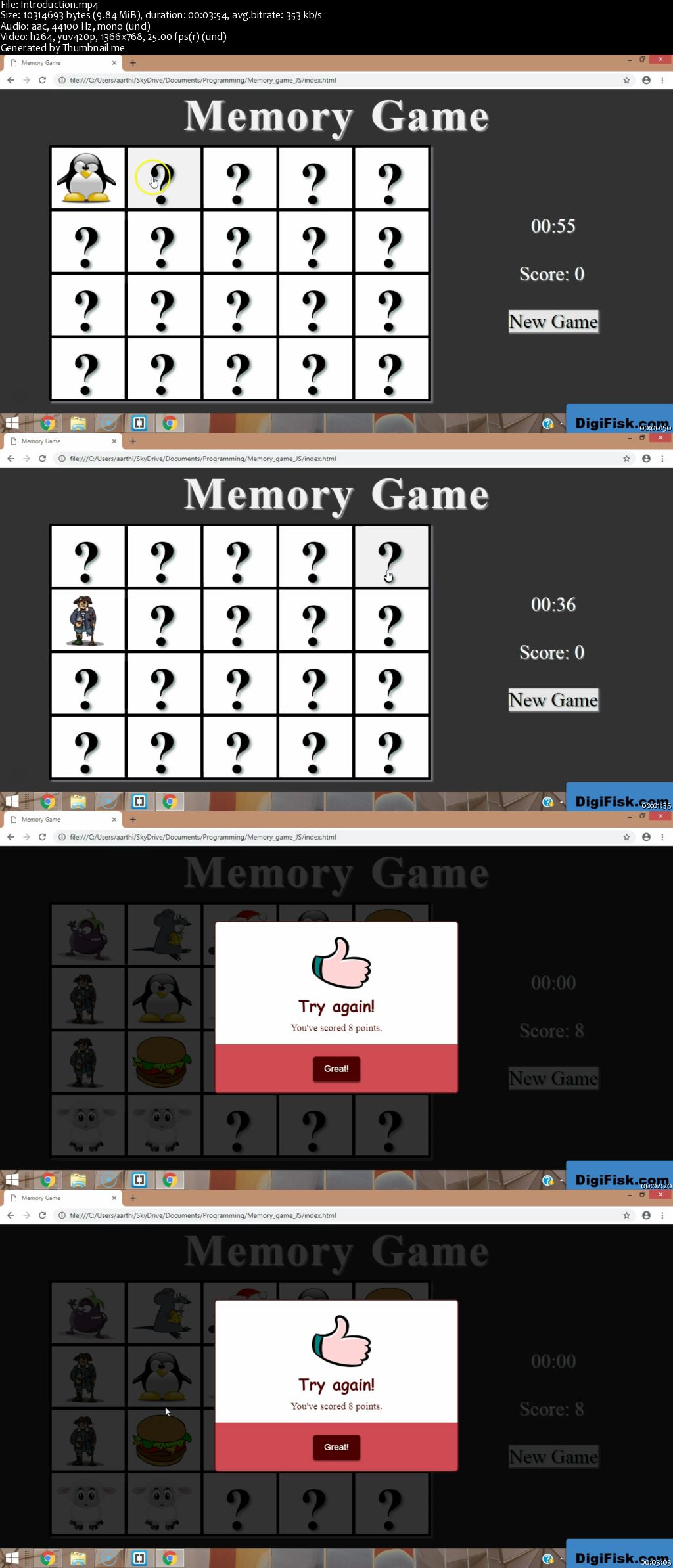
In this course, you'll learn how to build a randomized, dynamic 2D memory game with a timer, scorecard, and a customized result display from the ground up with just HTML5, JavaScript, and CSSS and using 2D game development concepts-all in just a couple of hours.
In this course you will learn
How to build a completely randomized, intelligent 2D memory game with stellar design with JavaScript, HTML5, and CSS3
How to design game logic for games and implement it as code
How to make the game intelligent and interesting by introducing a randomization element into it and making it unpredictable even for the programmer
How to set up the skeleton of a web app or web game using HTML5
How to design a sophisticated 2D game using advanced CSS and CSS3 concepts
How to make a 2D game playable using JavaScript concepts
How to build a fully featured timer for your game
How to make CSS3 card flipping work using CSS3 transitions and CSS3 transformations.
Logical problem solving
How to create completely customized popup boxes (you can use this knowledge in a number of other projects as well)
How to build a score display for your game that dynamically updates itself.
How 2D game development works on the web (with JavaScript and HTML5)
The basics of HTML5 & CSS3 (I'll explain the concepts as we code the project)
The basics of JavaScript (we have separate modules for this topic)
Front-end design and development
By the end of the course, you'll be one step closer to creating web-based 2D games and front-end web apps like a pro. You could even try creating other web apps and games from the concepts you learn in this course.
All the code files and supporting files for this course are available at:
0064c495.jpg


...
 
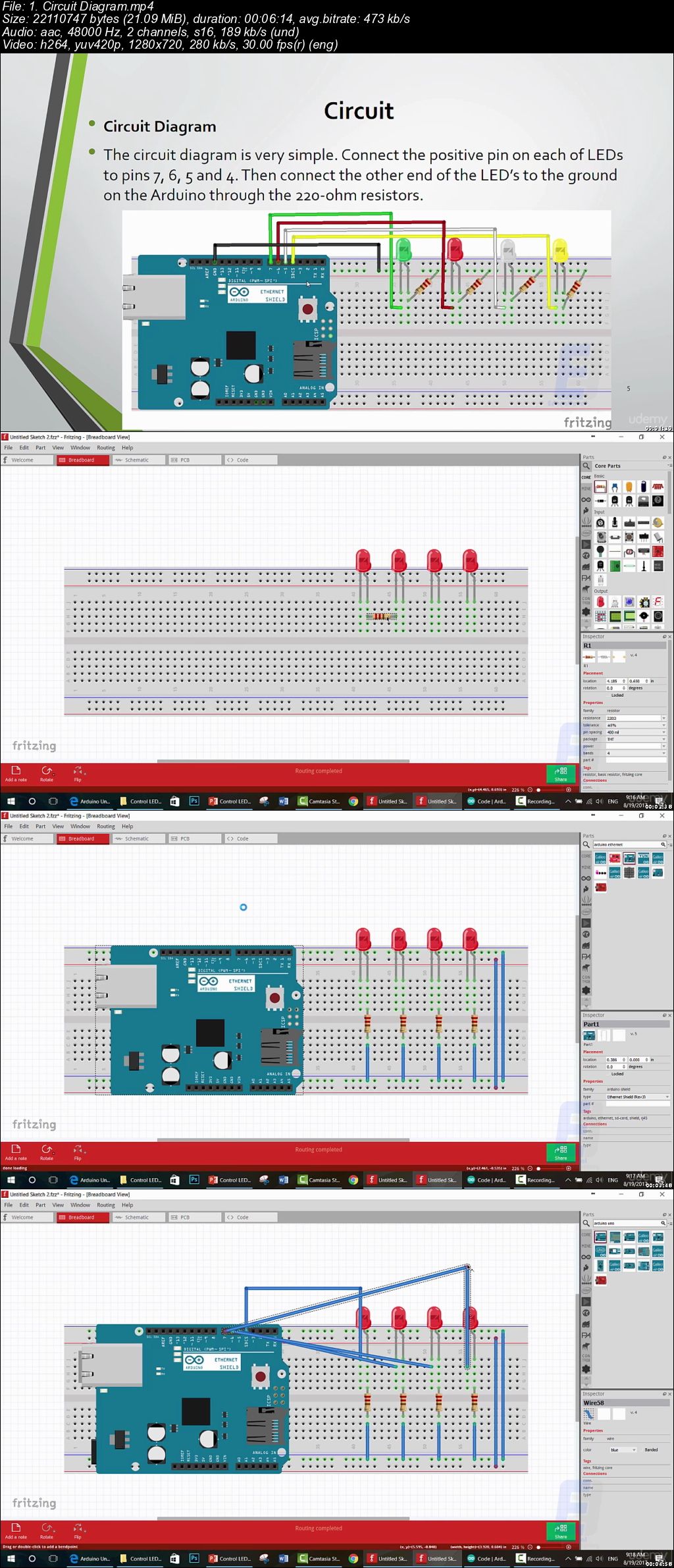
Arduino Web Control: Step By Step Guide

v3s6-UAVvl-V6-V0vsy-IZy2-EFWy-Cu-BWdya-J.jpg


Arduino Web Control: Step By Step Guide
MP4 | Video: h264, 1280x720 | Audio: AAC, 48 KHz, 2 Ch
Genre: eLearning | Language: English + .VTT | Duration: 39 mins | Size: 153 MB

Make your own Arduino Web Control and start Controlling any device that you imagine using A Simple Webpage and Arduino

What you'll learn

Make your own Web Controlled System using Arduino
Learn Working Principle of Ethernet Shield and web control
Interface Ethernet Shield with Arduino

Requirements

Basic experience in Electronics
Basic experience in Arduino
A Well to apply, not just watch

Description

>>> This Course will teach you how to use a Web Page to Control anything using Arduino, This Guide will take you in a step by step manner to know what each component inside this circuit is, and what it does and how to wire it up, starting with the Ethernet shield and ending with resistors. <<<

>>> Continues Updates <<<

More than 5000 STUDENTS!!! THANK YOU!!!

What students are saying:

Bobbie Smith says, "The instructor is thorough and concise. Thank you."

Susi Kumar Prava says, "Great, Thank you"

Kalid Al-ahmadi says, "I love It very nice"

Welcome to this course.

You will know what is the actual working principle of Ethernet shield and how to interface and configure it correctly so that you can access your Arduino Powered device from anywhere with an internet connection, and control any device with simple clicks in a webpage.

After this course, you will be able to make your own web controlled device and the choice is yours to use it in any application that comes in your mind and can make your life easier since all connections are explained in details.

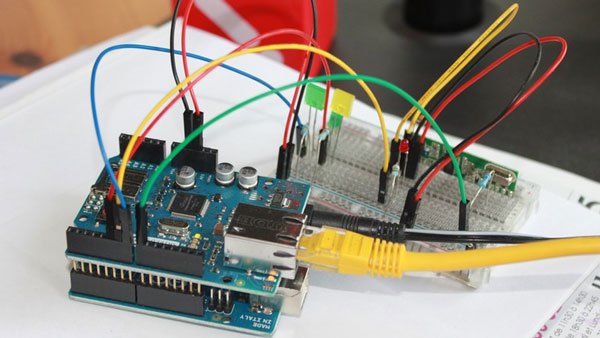
We are going to control LEDs from a web page using an Arduino Ethernet module. The Ethernet module will create a server using the router and we will set a web page for this server.

We will use the HTML commands to print the data and to make the buttons on the web page.

When the button on the web page is pressed, we will get some data on the serial monitor. We will save this data in the string and will use this data to turn the LED's ON or OFF.

Goal From Arduino Web Control Course:

- Connect Arduino Ethernet Shield to Arduino Board with all necessary Components and make it Internet Based.

What you will learn in this Course

- How to Connect an Ethernet Module to Arduino.

- The Right way to Detect Online Actions Using Arduino.

- The Working principle of Internet Control.

- How to interface different type of electronic elements with Arduino.

- How Arduino Can make your life easier.

- Program, burn a code and wire Arduino and Ethernet Module.

- Choose the right tools to start making amazing projects

- Why using Online control with Arduino is better than traditional Control Methods.

Who this course is for:

Arduino Geeks
Electronics Geeks
Anyone Interested in Learning New Things about Arduino
Anyone Interested in Learning Arduino Web Control

s-U177x-JXAKu3x-Ml-Kg-Fs-LOS3d-Ncq-F1-Rst.jpg


...
 
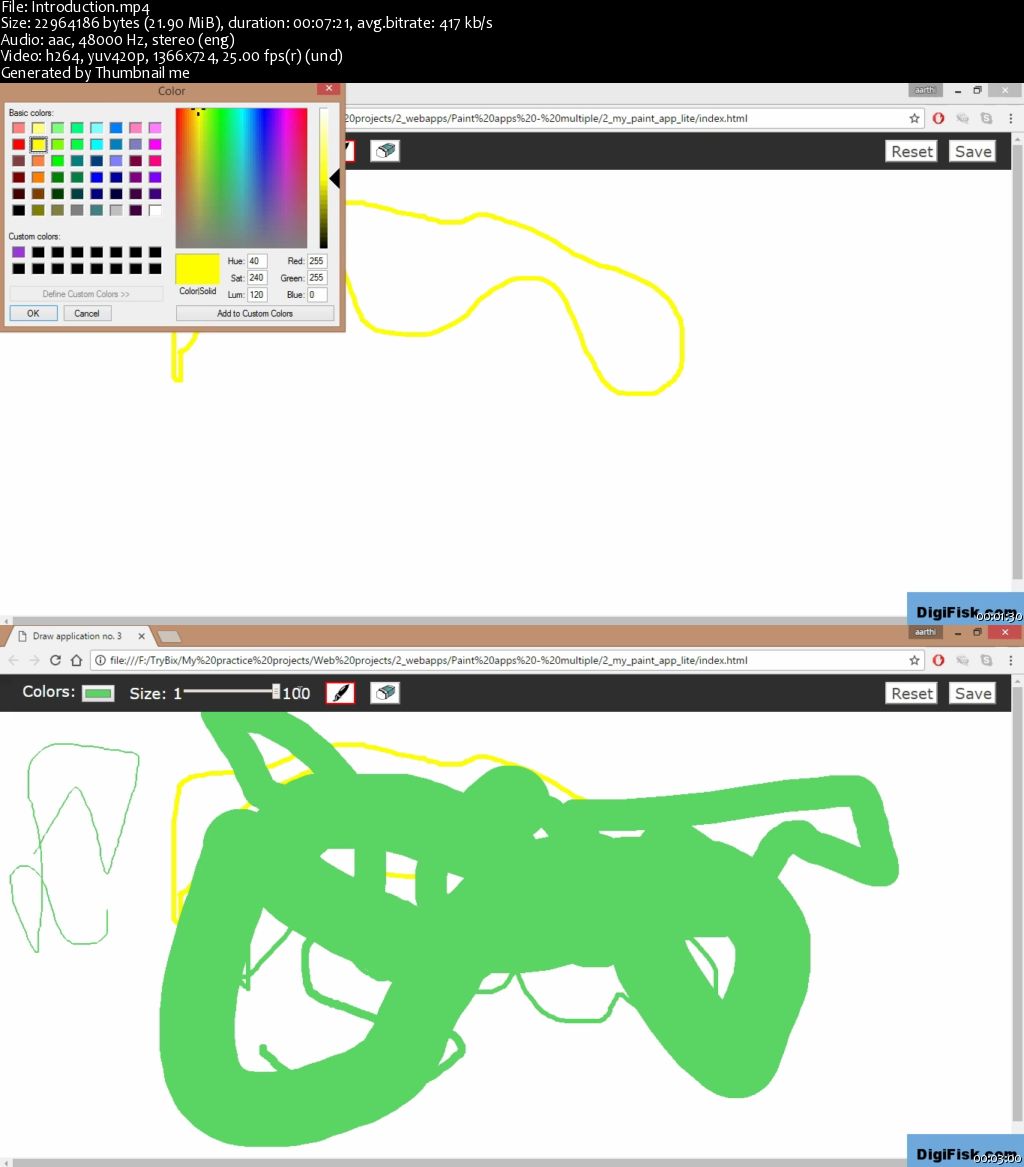
Learn Javascript and HTML5 Canvas - Build a Paint App for Drawing

0064c5ed.png


Learn Javascript and HTML5 Canvas - Build a Paint App for Drawing
MP4 | Video: AVC 1280x720 | Audio: AAC 44KHz 2ch | Duration: 6 Hours | 726 MB
Genre: eLearning | Language: English

In this course, you'll learn how to build your own drawing/paint app from the ground up with just HTML5 Canvas, JavaScript, and CSS in just a couple of hours.

You'll learn:

How to create the HTML5 structures of your app.
How to make the app pretty with CSS (design, design, design!)
How to make the app work (draw on the canvas) with logic and algorithms, that is, JavaScript
Basic concepts of JavaScript and HTML5 Canvas (concepts related to this project).
By the end of the course, you'll be one step closer to creating front-end web apps like a pro. You could even try creating other smaller web apps and games.

All the codes and supporting files for this course are available at:
0064c5f3.jpg


...
 
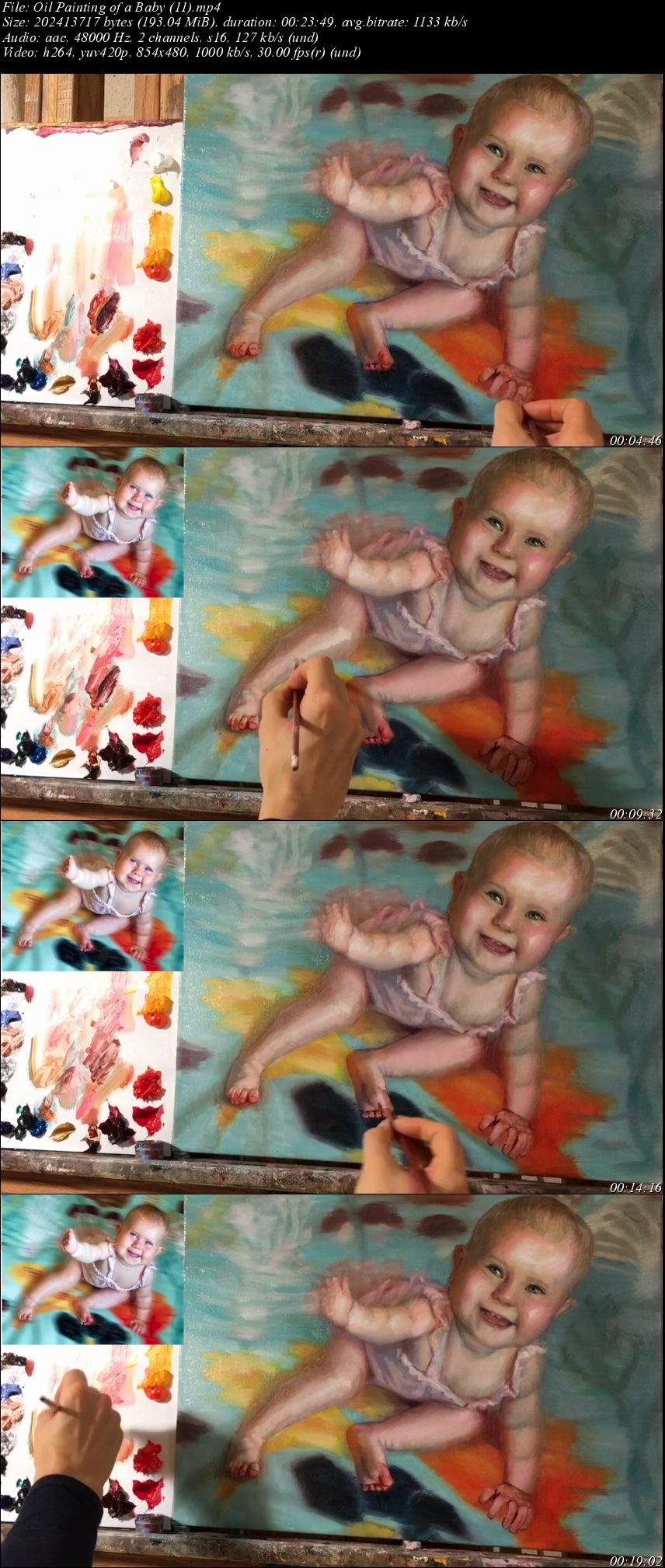
Oil Painting of a Baby

image.jpg


Oil Painting of a Baby
Video: .MP4, 854x480 | Audio: AAC, 48kHz, 2ch | Duration: 3h 45m
Genre: eLearning | Language: English | Size: 2,01 GB

Have you felt drawn to oil painting but are unsure how to begin? In this 3 hour and 45 minute class, New York based artist and teacher Kristy Gordon will take you through the stages to developing a painting of a baby in oils using photographic reference. You will learn how to select a good photo to work from, how to tone your canvas before you begin and how to use oil paints so that they're fun and easy. Kristy will walk you through measuring techniques that will ensure that you get accurate proportions and a good structure to your portrait. Then she will demonstrate step-by-step how to develop a monochromatic underpainting using Burnt Umber oil paint. With this foundation, you will be ready to move to color in the next class, where Kristy will show you exactly how she mixes the flesh tones that she's mixing! You will learn how to achieve a better likeness as well as how to paint convincing flesh tones. Lessons cover the stages for developing a painting in color, structure of the face and features, constructing the hands and feet, as well as value, edges and modeling with color temperature.

Homepage

Fvbo-TBght-Siu-TSQei-Lu5s4e-BZJKCx7jc.jpg


...
 
Advanced Photography: Flash

0064c6ac.jpg


Advanced Photography: Flash
MP4 | Video: AVC 1280x720 | Audio: AAC 44KHz 2ch | Duration: 3.5 Hours | 3.85 GB
Genre: eLearning | Language: English

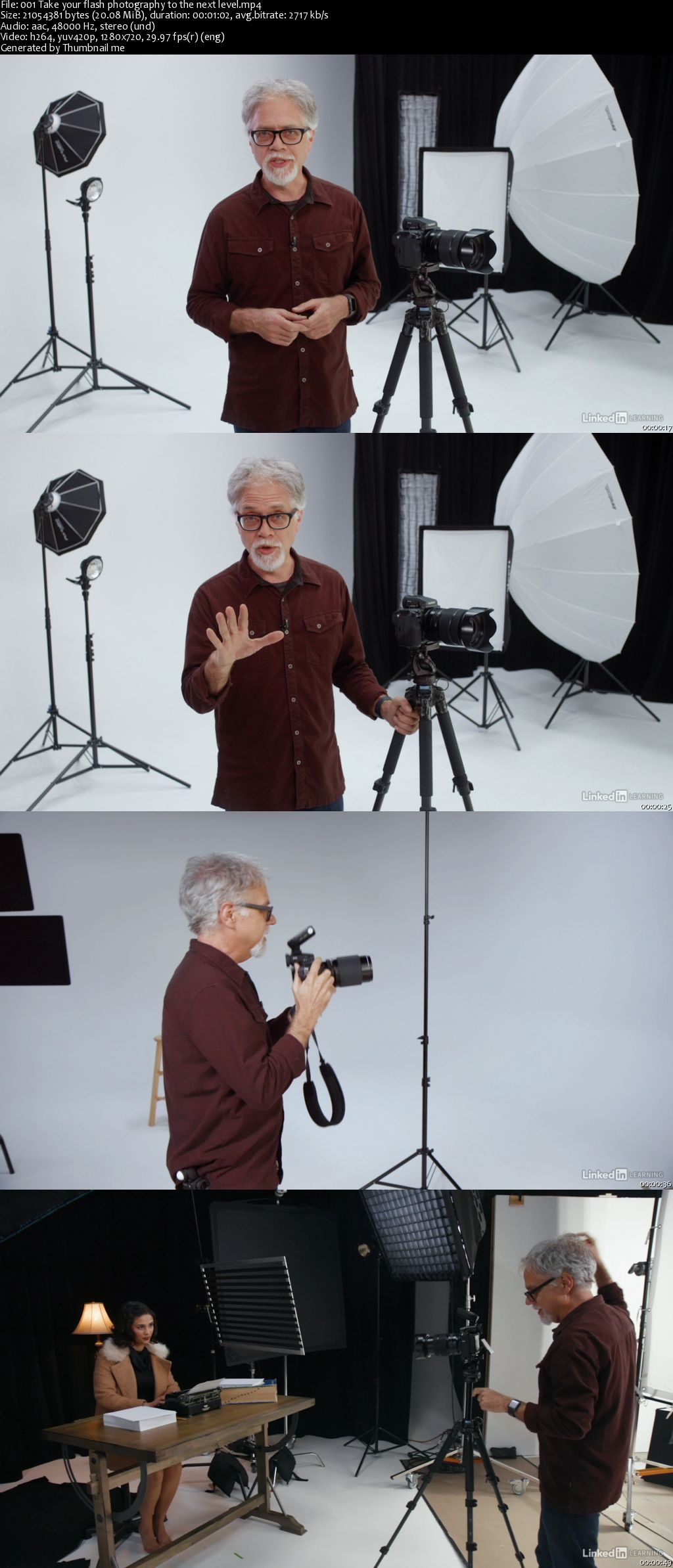
The right kind of natural light casts an attractive, comforting glow over your shooting location. It's easy to favor this kind of lighting over flash, which, when used poorly, shines a harsh, unflattering light on your subjects. But with the right skills and equipment, you can use flash to artificially create any kind of lighting in nearly any location-instead of having to wait for Mother Nature to set the scene. In this course, Ben Long goes beyond the basics of flash, diving into the intricacies of studio lighting. Learn about the behavior of light, how to leverage modifiers like umbrellas and softboxes, and even how to shop for the right flash and studio strobe. Plus, Ben shares real-world shooting scenarios that can lend these concepts a real-world context.

Homepage

0064c6b5.jpg


...
 
Sketch and InVision DSM: Designing a Chat Client

0064c6af.jpg


Sketch and InVision DSM: Designing a Chat Client
MP4 | Video: AVC 1280x720 | Audio: AAC 44KHz 2ch | Duration: 1 Hour 15M | 239 MB
Genre: eLearning | Language: English

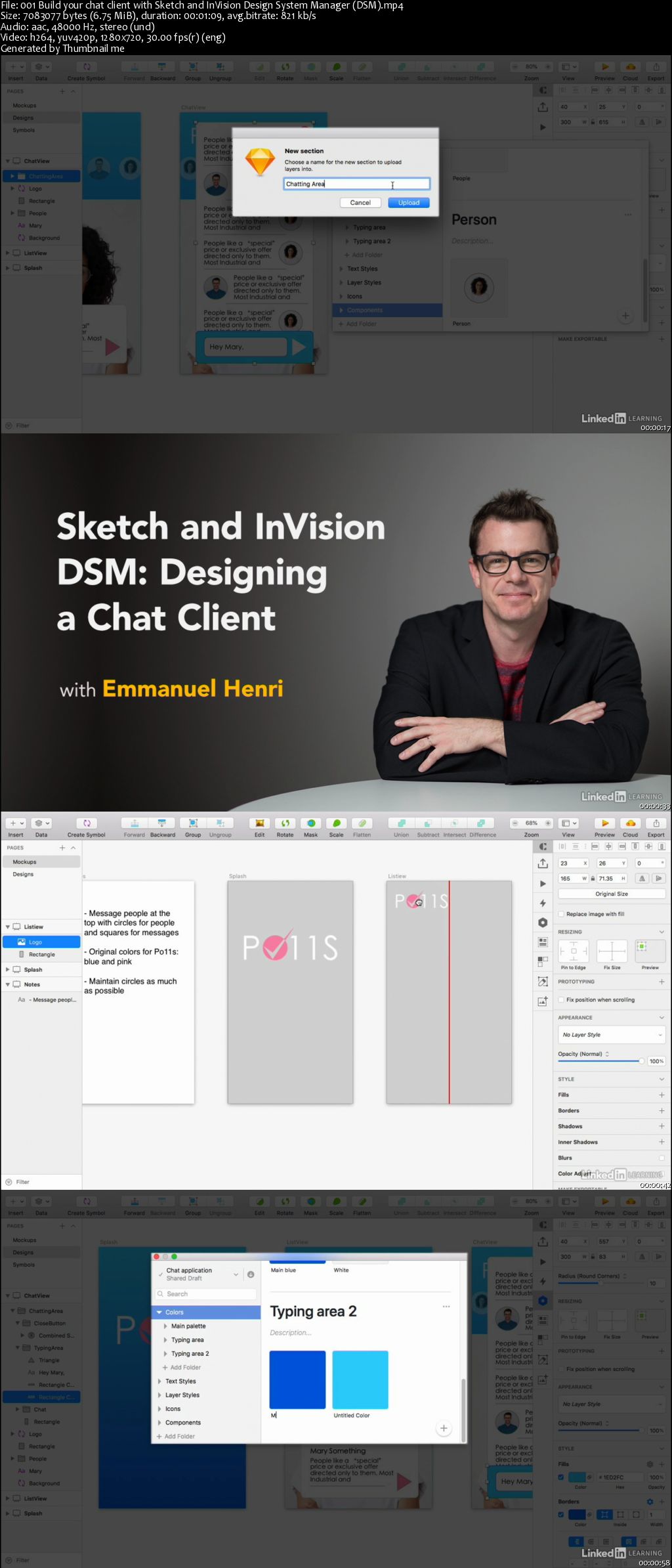
Discover how to leverage the power of Sketch and InVision Design System Manager (DSM) to design a user-friendly chat client interface. Instructor Emmanuel Henri shows how to conceive a design for a chat client in a team or agency environment using Sketch for visual design and journey mapping, as well as InVision DSM for managing project assets and interaction. Along the way, he shares UX best practices that you can implement to create products that users find enjoyable and easy to use. Learn how to get visual inspiration for your project, create mockups, and design the conversation screen. Then, see how to manage your designs with DSM, including how DSM can be used with stakeholders.

0064c6b0.jpg


...
 
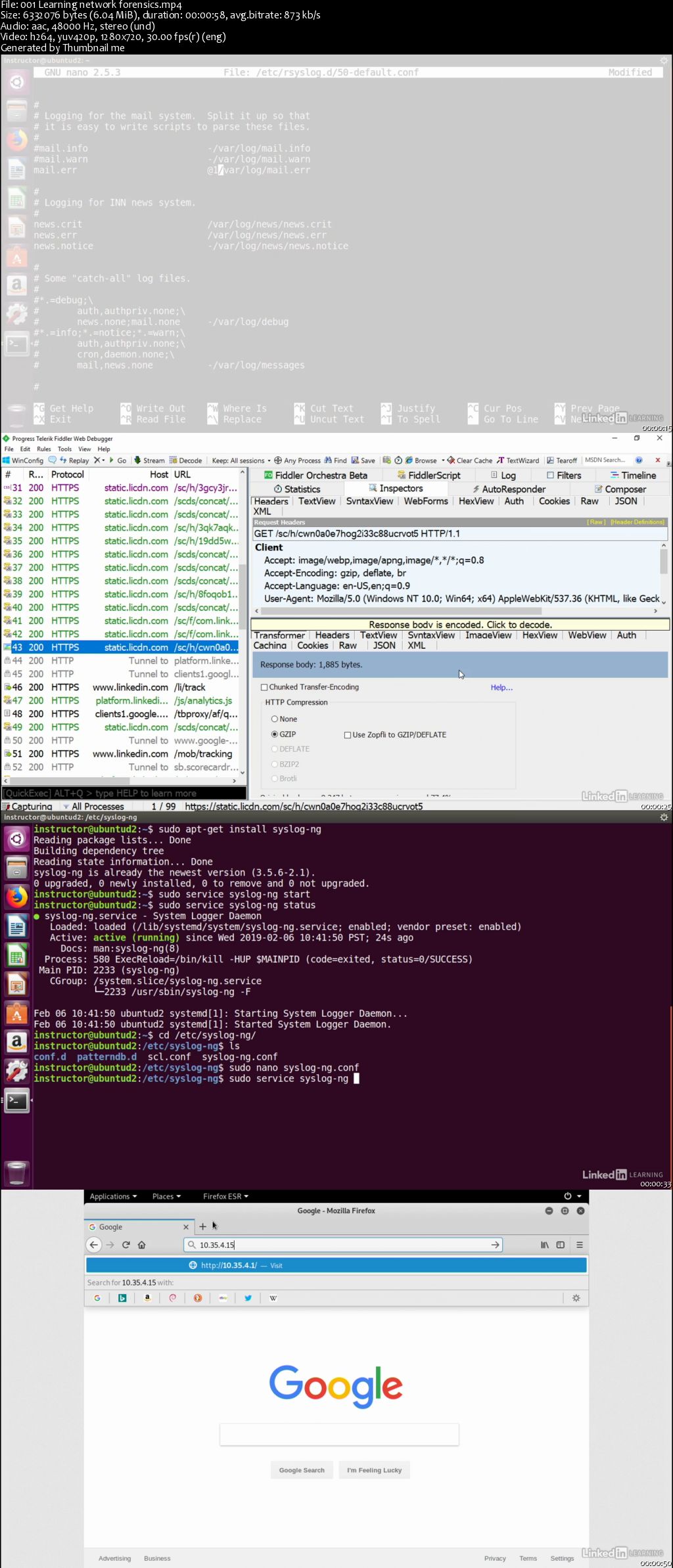
Lynda - Network Forensics

0064c69c.jpg


Network Forensics
MP4 | Video: AVC 1280x720 | Audio: AAC 44KHz 2ch | Duration: 2 Hours 15M | 293 MB
Genre: eLearning | Language: English

Network forensics is used to find legal evidence in network devices. In this course, Jungwoo Ryoo covers all of the major concepts and tools in this growing technical field. Jungwoo begins by reviewing the basics: the goals of network forensics, a network forensic investigator's typical toolset, and the legal implications of this type of work. Then, he shows how to prepare for an investigation; acquire network logs and investigate network events; collect and investigate network traffic; and leverage various network forensics tools, such as Wireshark, Splunk, and tcpdump. Along the way, he uses a combination of open-source and commercial software, so you can uncover the information you need with tools that are in your budget.

0064c69e.jpg


...
 
Zurück
Oben Unten