• Regeln für den Video-Bereich:

    In den Börsenbereich gehören nur Angebote die bereits den Allgemeinen Regeln entsprechen.

    Einteilung

    - Folgende Formate gehören in die angegeben Bereiche:
    - Filme: Encodierte Filme von BluRay, DVD, R5, TV, Screener sowie Telesyncs im Format DivX, XviD und x264.
    - DVD: Filme im Format DVD5, DVD9 und HD2DVD.
    - HD: Encodierte Filme mit der Auflösung 720p oder darüber von BluRay, DVD, R5, TV, Screener sowie Telesyncs im Format x264.
    - 3D: Encodierte Filme von BluRay, die in einem 3D Format vorliegen. Dies gilt auch für Dokus, Animation usw.
    - Serien: Cartoon/Zeichentrick, Anime, Tutorials, Dokumentationen, Konzerte/Musik, Sonstiges sind demnach in die entsprechenden Bereiche einzuordnen, auch wenn sie beispielsweise im High Definition-Format oder als DVD5/DVD9/HD2DVD vorliegen. Ausnahme 3D.
    - Bereich Englisch: Englische Releases gehören immer in diesen Bereich.
    - Bereich Talk: Der Bereich, in dem über die Releases diskutiert werden kann, darf, soll und erwünscht ist.


    Angebot/Beitrag erstellen

    - Ein Beitrag darf erst dann erstellt werden, wenn der Upload bei mindestens einem OCH komplett ist. Platzhalter sind untersagt.
    - Bei einem Scenerelease hat der Threadtitel ausschließlich aus dem originalen, unveränderten Releasenamen zu bestehen. Es dürfen keine Veränderungen wie z.B. Sterne, kleine Buchstaben o.ä. vorgenommen werden. Ausnahme Serienbörse:
    - Bei einem Sammelthread für eine Staffel entfällt aus dem Releasename natürlich der Name der Folge. Beispiel: Die Simpsons S21 German DVDRip XviD - ITG
    - Dementsprechend sind also u.a. verboten: Erweiterungen wie "Tipp", "empfehlenswert", "only", "reup", usw. / jegliche andere Zusatzinformation oder Ergänzung, welche nicht in obiger Beschreibung zu finden ist.

    Aufbau des Angebots und Threadtitel

    Der Titel nach folgendem Muster erstellt zu werden. <Name> [3D] [Staffel] [German] <Jahr> <Tonspur> [DL] [Auflösung] <Quelle> <Codec> - <Group>
    Beispiel: The Dark Knight German 2008 AC3 DVDRip XviD - iND
    Beispiel: The Dark Knight 2008 DTS DL BDRip x264 - iND
    Beispiel: The Dark Knight 2008 AC3 DL BDRip XviD - iND
    Beispiel: The Dark Knight German 2008 AC3 720p BluRay x264 iND
    Beispiel: The Dark Knight 2008 DTS DL 1080p BluRay x264 iND
    Beispiel: Die Simpsons S01 German AC3 DVDRip XviD iND
    Beispiel: Die Simpsons S20 German AC3 720p BluRay x264 iND
    Beispiel: Sword Art Online II Ger Sub 2014 AAC 1080p WEBRip x264 - peppermint
    Entsprechend sind also u.a. verboten: Sonderzeichen wie Klammern, Sterne, Ausrufezeichen, Unterstriche, Anführungszeichen / Erweiterungen wie "Tipp", "empfehlenswert", "only", "reup", usw. / jegliche andere Zusatzinformation oder Ergänzung, welche nicht in obiger Beschreibung zu finden ist
    Ausnahmen hiervon können in den Bereichen geregelt sein.

    Die Beiträge sollen wie folgt aufgebaut werden:
    Überschrift entspricht dem Threadtitel
    Cover
    kurze Inhaltsbeschreibung
    Format, Größe, Dauer sind gut lesbar für Downloader außerhalb des Spoilers zu vermerken
    Nfo sind immer Anzugeben und selbige immer im Spoiler in Textform.
    Sind keine Nfo vorhanden z.B. Eigenpublikationen, sind im Spoiler folgende Dateiinformationen zusätzlich anzugeben :
    Quelle
    Video (Auflösung und Bitrate)
    Ton (Sprache, Format und Bitrate der einzelnen Spuren)
    Untertitel (sofern vorhanden)
    Hosterangabe in Textform außerhalb eines Spoiler mit allen enthaltenen Hostern.
    Bei SD kann auf diese zusätzlichen Dateiinformationen verzichtet werden.

    Alle benötigten Passwörter sind, sofern vorhanden, in Textform im Angebot anzugeben.
    Spoiler im Spoiler mit Kommentaren :"Schon Bedankt?" sind unerwünscht.


    Releases

    - Sind Retail-Release verfügbar, sind alle anderen Variationen untersagt. Ausnahmen: Alle deutschen Retail-Release sind CUT, in diesem Fall sind dubbed UNCUT-Release zulässig.
    - Im Serien-Bereich gilt speziell: Wenn ein Retail vor Abschluss einer laufenden Staffel erscheint, darf diese Staffel noch zu Ende gebracht werden.62
    - Gleiche Releases sind unbedingt zusammenzufassen. Das bedeutet, es ist zwingend erforderlich, vor dem Erstellen eines Themas per Suchfunktion zu überprüfen, ob bereits ein Beitrag mit demselben Release besteht. Ist dies der Fall, ist der bereits vorhandene Beitrag zu verwenden.
    - P2P und Scene Releases dürfen nicht verändert oder gar unter einem iND Tag eingestellt werden.


    Support, Diskussionen und Suche

    - Supportanfragen sind entweder per PN oder im Bereich Talk zu stellen.
    - Diskussionen und Bewertungen sind im Talk Bereich zu führen. Fragen an die Uploader haben ausschließlich via PN zu erfolgen, und sind in den Angeboten untersagt.
    - Anfragen zu Upload-Wünschen sind nur im Bereich Suche Video erlaubt. Antworten dürfen nur auf Angebote von MyBoerse.bz verlinkt werden.


    Verbote

    - Untersagt sind mehrere Formate in einem einzigen Angebotsthread, wie beispielsweise das gleichzeitige Anbieten von DivX/XviD, 720p und 1080p in einem Thread. Pro Format, Release und Auflösung ist ein eigener Thread zu eröffnen.
    - Grundsätzlich ebenso verboten sind Dupes. Uploader haben sich an geeigneter Stelle darüber zu informieren, ob es sich bei einem Release um ein Dupe handelt.
    - Gefakte, nur teilweise lauffähige oder unvollständige Angebote sind untersagt. Dies gilt auch für eigene Publikationen, die augenscheinlich nicht selbst von z.B. einer DVD gerippt wurden. Laufende Serien, bei denen noch nicht alle Folgen verfügbar sind, dürfen erstellt und regelmäßig geupdatet werden.
    - Untersagt sind Angebote, welche nur und ausschließlich in einer anderen Sprache als deutsch oder englisch vorliegen. Ausnahmen sind VORHER mit den Moderatoren zu klären.


    Verstoß gegen die Regeln

    - Angebote oder Beiträge, die gegen die Forenregeln verstoßen, sind über den "Melden"-Button im Beitrag zu melden.
  • Bitte registriere dich zunächst um Beiträge zu verfassen und externe Links aufzurufen.

*** Bestes IPTV *** bester Preis *** gratis Test ***


Englische Tutorials

4909220d41a4u9esc.jpg


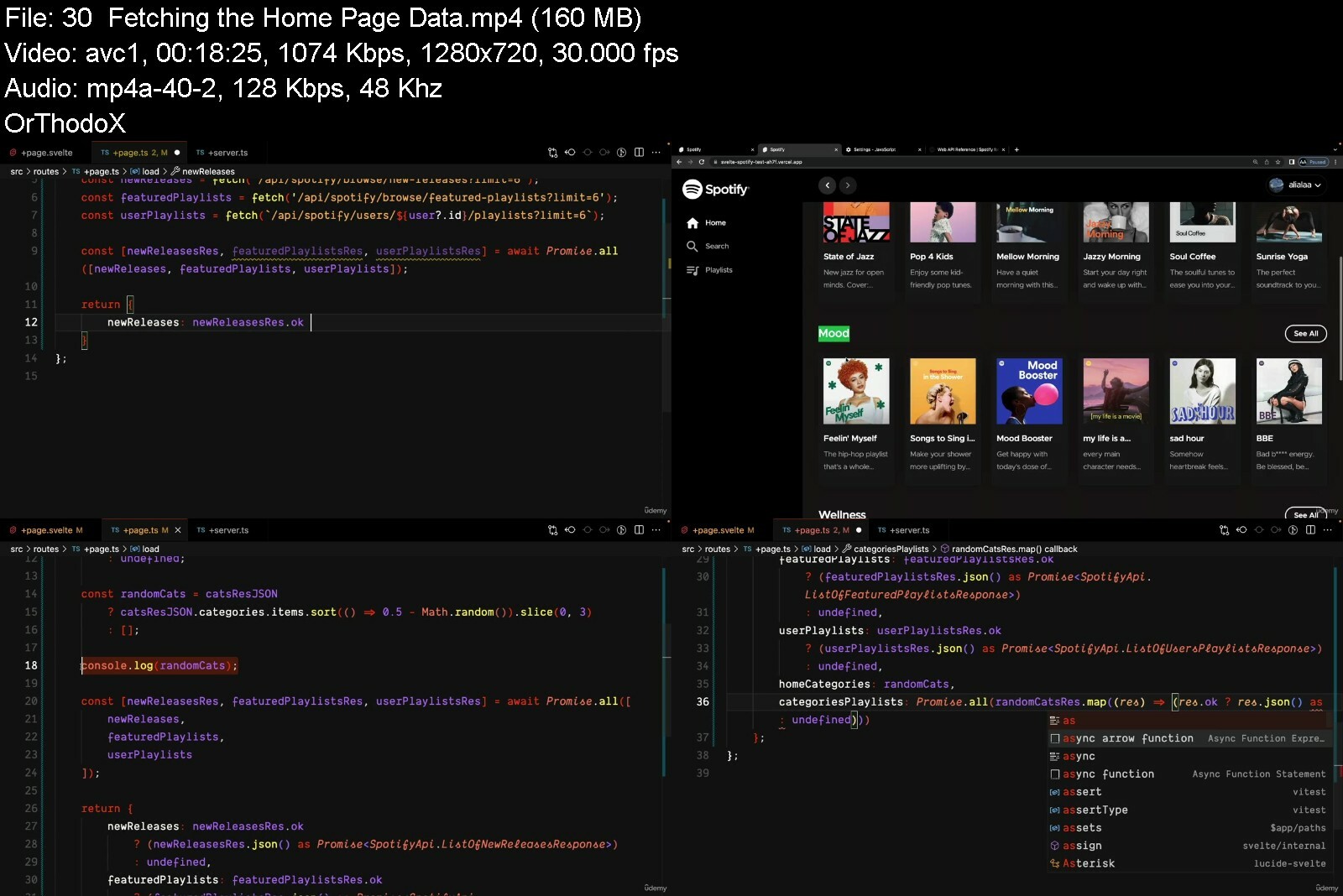
Svelte & SvelteKit: The Complete Guide
Last updated 2/2023
Created by Ali Alaa
MP4 | Video: h264, 1280x720 | Audio: AAC, 44.1 KHz, 2 Ch
Genre: eLearning | Language: English + srt | Duration: 225 Lectures ( 31h 59m ) | Size: 12.2 GB


Build & Deploy High Performance, Accessible, Server Side Rendered Web Apps that Work Even with JavaScript Disabled.


What you'll learn
Learn everything about Svelte from Scratch.
Learn everything about SvelteKit.
Use SvelteKit to create a high performance web application.
Create applications that work without JavaScript enabled.

Requirements
JavaScript Knowledge is Required.
Basic TypeScript Knowledge is Preferred.

Description
Svelte is a JavaScript framework that allows you to build state driven components. However what makes Svelte different from other frameworks like Angular, React and Vue; is that Svelte is a compiler. Svelte runs at build time. Which means your Svelte code will be compiled at build time into highly efficient imperative code that runs on the browser to carry out DOM operations. Other famous frameworks usually use a technique called the virtual DOM to decide how to update the DOM. This technique runs in the browser during run time. And that adds more overhead to the DOM calculations.In this course we are going to learn everything about Svelte from scratch. We will start with the basics by creating simple components. And then gradually progress and create more complex components. And while Svelte is a great tool to build components for the web, it's not an easy task to build an entire application with just Svelte. That's why we have SvelteKit. SvelteKit is a framework for rapid development of robust, performant web applications. SvelteKit provides us out of the box with things like routing, server side rendering, pre-rendering and more. It provides us with a structure that we can follow to build high performance applications that are server side rendered and progressively enhanced.In this course we are going to learn everything about SvelteKit. We are going to discuss pages and layouts, loading data, hooks, error handling, environment variables, pre-rendering, progressively enhanced form actions and more.[COMING SOON]Finally we are going to bring everything together by building a Spotify clone with Svelte, SvelteKit and the Spotify API. Bringing together all the knowledge that we have learned during the course. This is section will be added later, you can check a demo of the app that we are going to build in the free videos.So join now if you want to build high performance web applications with Svelte & SvelteKit!

Who this course is for
JavaScript/Front-end developers willing to learn everything about building web components with Svelte.
JavaScript/Front-end developers looking to build a high performance, server side rendered application with SvelteKit.


sveltesveltekitthecomjyf9f.jpg


5007876ef99pnix9.jpg


Complete Bootstrap 5.2.1
Published 12/2022
Created by Mafimisebi Toritseju Adeyemi
MP4 | Video: h264, 1280x720 | Audio: AAC, 44.1 KHz, 2 Ch
Genre: eLearning | Language: English | Duration: 90 Lectures ( 15h 7m ) | Size: 11.1 GB


Path way to bootstrap pro


What you'll learn
Ability to setup bootstrap using CND and source code
Able to building modern project
Have capacity to become freelanser
Start taking on clients

Requirements
Basics knowledge on operating Desktop or Laptop
Have knowledge on HTML and CSS
Basics or no prior knowledge on JavaScript
Using the web browser to source for information

Description
What we shall be covering in the bootstrap course are:+ Typography+ Utilities+ Layout in Bootstrap+ CSS Flexbox+ Bootstrap Form + Bootstrap Grid System+ Bootstrap Components+ Project 1 - Bicycle+ Project 2 -gallery+ Project 3 - sales+ Project 4 - dashboardIf you want to learn how to create modern, great looking and nicely designed websites, then this is the right class for you. Welcome to the complete Bootstrap 5.2.1 course.The course is project-based because we think that creating projects is the best way to learn one of the most popular and widely used technologies today - Bootstrap. Bootstrap allows us to build modern and nicely looking websites in a very simple way, so, if you want to take your web developer/designer skills to the next level, then you definitely need to know how to use bootstrap and what it actually does.The course consists of several sections, we will start from Bootstrap basics like typography and utilities. Then you will be able to learn how to align elements on the page, using a Bootstrap grid system, and also, we will cover CSS Flexbox as well.After that, comes the main and the most interesting parts of the course. We will start to build projects, in which you will be able to learn the rest of the topics of bootstrap, like bootstrap components and much more. Our first project we will built on using Bootstrap Content Delivery Network (CDN).The second project will be the photo gallery, in which we will use bootstraps and also some CSS and SASS compiler. So, in this section, you will be able to learn how to use third parties plugin like lightbox.The next project is going to be sales. It will be a website about something like a online shop. This project will consist of multiple pages in which, you will meet more advanced and complicated things built with bootstrap.As for the last project we will admin dashboard. This is a single page application (SPA) where you can manage the activities of users. The site is really nice and different types of pagess, which will be impressive for you.Each project will be fully responsive to all screen devices.Throughout the course, you will meet detailed explanations about how bootstrap works, also, you will introduce to modern practices and solutions.Get fast and friendly support from instructors 24/7.JOIN US!!!

Who this course is for
Those that have little of no knowledge on Bootstrap
Those that have learn about bootstrap versions 1 - 4
Those who intended to move to the next level of their web design/development skills


completebootstrap5.2.vbekt.jpg


advancedcsssassframewjgi9r.png


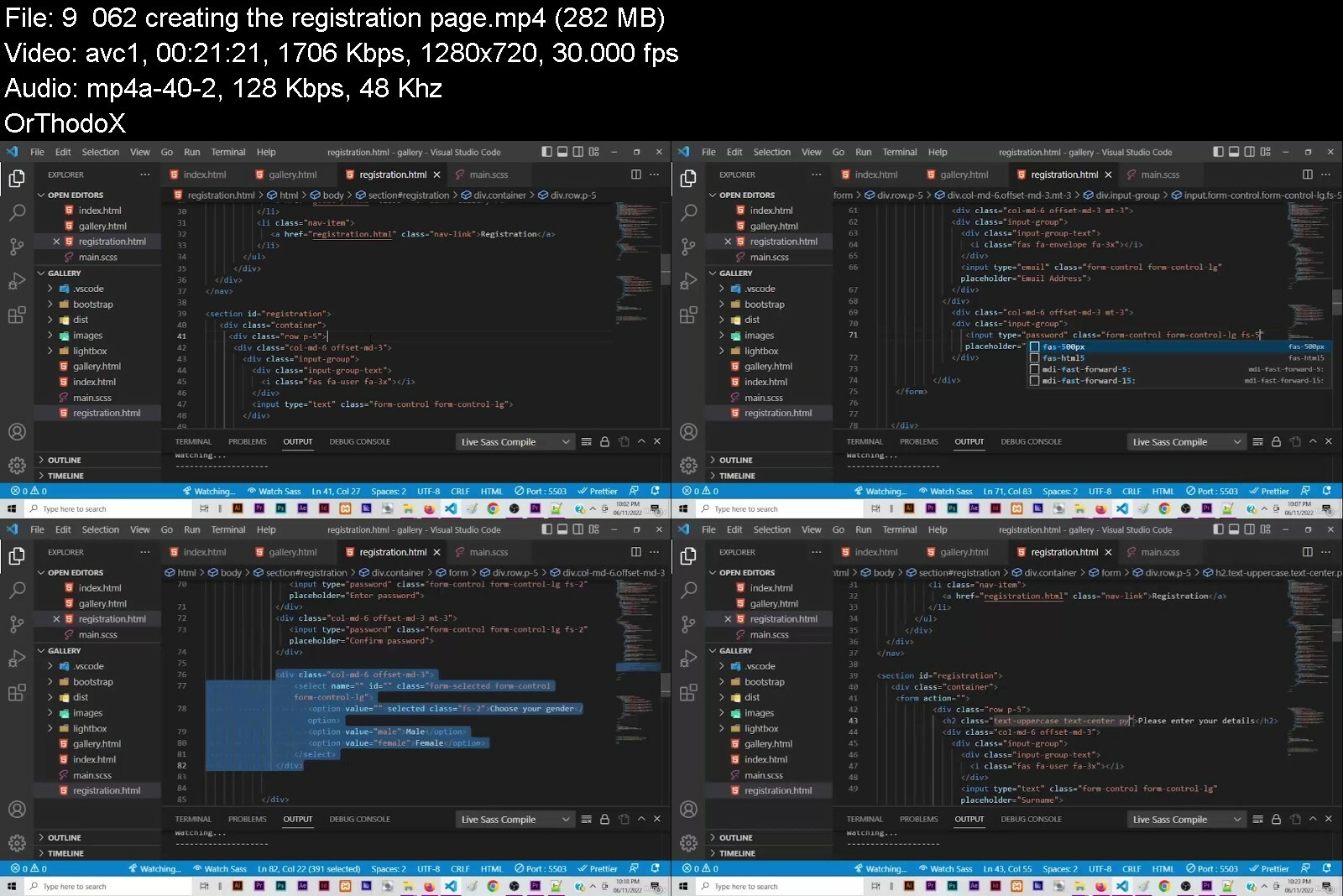
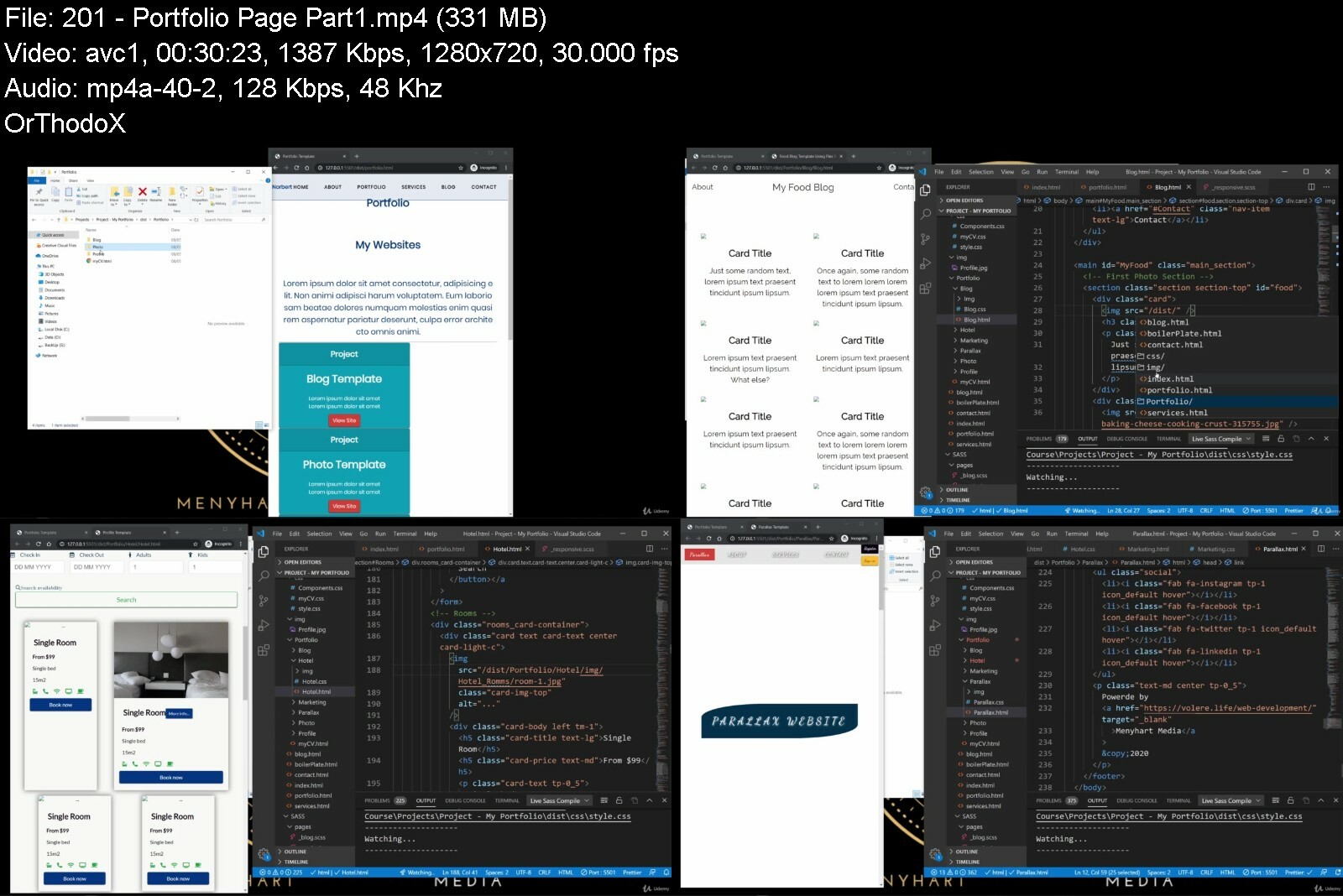
Advanced Css & Sass: Framework, Flexbox, Grid, Animations
Last updated 11/2021
MP4 | Video: h264, 1280x720 | Audio: AAC, 44.1 KHz
Language: English | Size: 16.00 GB | Duration: 25h 52m

Create your own CSS Framework with reusable components using SASS. Advanced & Modern CSS Flexbox, Grid & Animations


What you'll learn
CSS
Flexbox layouts: build multiple real-world Templates with flexbox
CSS Grid layouts: build multiple real-world Templates with CSS Grid
Advanced CSS animations with @keyframes, Animations
Advanced CSS Transitions
SASS
SCSS
Structuring Web Pages
Advanced responsive design: media queries, em and rem units, etc.
Using Sass in real-world projects: managing media queries, global variables, CSS animations, etc.
Responsive images
Create your own CSS Framework
Create you own reusable Variables Component for Colors, Screen sizes and Typography and implement them in web pages
Create you own reusable Buttons Components and implement them in web pages
Create you own reusable Cards Components and implement them in web pages
Create you own reusable Navigation Components and implement them in web pages
Create you own reusable Form Components and implement them in web pages
Web Development essentials
Get friendly and fast support in the course Q&A

Requirements
HTML
Basic CSS
PC or MAC

Description
Got your basics done? html hello world, style color red, good, it's time to create amazing web sites. We are going to start up slowly and create a simple landing page, then we will go through modern CSS technology like CSS flexbox, CSS Grid, animations, transition, then start creating our own reusable sass components and apply then trough classes in our own website templates.Who is this course for:NOT for Absolute Beginners!Beginner CSS developers who want to up there CSS game. CSS developers who want to have a deeper understanding on how CSS Works.Freelancers who want to have basic Web-page Templates for client presentations. CSS developers who want to expand their tool-set to animations, Flexbox, CSS Grid, Sass, and much more.Front-end developers who want to finally understand how CSS works behind the scenes.In general: anyone who wants to truly master CSS!In a nutshell, this course is for those of you who got your basics done in HTML,CSS and want to go to the next level.What is the next level?Now we get in to what YOU actually will learn in this course:From Beginner to Advance CSS Web Pages Structuring.Using Pseudo Elements and Classes.Flexbox layouts.Grid layoutsCSS TransitionsCSS Animations with @keyframesAdvanced Responsive Design: media queries @media, em and rem units, etc.Using Variables in CSS.Complete SASS technology and SCSS to CSS compiler. SASS SyntaxSASS VariablesSASS ScopeSASS ShadowingSASS Data Types: Numbers, String, Colors, Lists, Maps, Boolean and Null.SASS OperatorsSASS FunctionsSASS MixinSASS Flow Control with: @if, @else @if, @else, @each, @for, @while.Creating Reusable Variables Components.Creating Reusable Typography Components.Creating Reusable Buttons Components.Creating Reusable Cards Components.Creating Reusable Navigation Components.Creating Reusable Form Components.Why SASS ?If your CSS to cluttered up!? And You want to create some clarity in your Project. Then You need to get more organized in order to become a more efficient Developer !The best way to get organized and up your productivity is to slice everything up in to easy to control pieces.How?The main Focus of this Course is to Reverse Engineer the creation process, thus resulting in a more deeper understanding of CSS by using SASS Structure of Style-sheets named Partials. Partials will help you separate your design in to small and ease to manage peaces!You will learn complex CSS Animations and Transitions, advanced responsive design techniques, Flexbox layouts, CSS Grid ,Sass, CSS architecture, fundamental CSS concepts, and so much more.After finishing this course you will have a profound understanding of :FlexboxCSS GridAnimationsTransitionSass and ScssResponsive webdesignYour Own CSS Framework with reusable ComponentsMultiple Web-page Templates.Your Own Portfolio Website. This Course contains: Lifetime access to 20+ hours of HD quality videos. No monthly subscription. Downloadable assets, HTML starter code for each project; All videos are downloadable. Learn wherever you want, even without an internet connection! Friendly and fast support in the course Q&A whenever you have questions or get stuck; English closed captions .Just one more thing!What is the most important thing in life?If your answer was time then you are right. Either it's time whit you Family, your Spouse, your Friends, time is of essence. How can we get more time? We can't. :(Time is NOT recyclable! Wants it's gone it's gone forever. What we can do is save time. So have can we save time? By getting more efficient, how do we get more efficient, we set up systems that work for us. If I could compress this course in to one word it would be efficiency.My Name in :Menyhart B. Norbert and I would love to welcome you as a new student in my course. I'm sure you're gonna love it!

Overview
Section 1: Introduction

Lecture 1 Introduction

Lecture 2 Setting up the Developer Environment

Lecture 3 Developer environment Resources

Lecture 4 Web Browser & Code Editor

Section 2: Starter Project - Reverse Engineering

Lecture 5 Introduction

Lecture 6 Project Starter Files

Lecture 7 Laying Plans

Lecture 8 Menu Bar

Lecture 9 Main

Lecture 10 Footer

Lecture 11 Responsiveness on Mobile Platforms

Lecture 12 Sass Basic Setup

Lecture 13 Partials and Config

Lecture 14 Partial file Variables

Lecture 15 Partial file for the Navigation

Lecture 16 Partial file for the Main

Lecture 17 Partial file for the Footer

Lecture 18 Partial file for Responsiveness

Lecture 19 Conclusion

Section 3: SASS Explained

Lecture 20 SASS Syntax Starter Files

Lecture 21 SASS Syntax

Lecture 22 SASS Variables Starter Files

Lecture 23 SASS Variables

Lecture 24 SASS Default Value

Lecture 25 SASS Scope

Lecture 26 SASS Shadowing

Lecture 27 SASS Flow Control

Lecture 28 SASS Advance Variable Functions

Lecture 29 SASS Deta Types

Lecture 30 SASS Data Types - Numbers

Lecture 31 SASS Data Types - Strings

Lecture 32 SASS Data Types - Colors

Lecture 33 SASS Data Types - Lists

Lecture 34 SASS Data Types - Maps

Lecture 35 SASS Data Types - Boolean

Lecture 36 SASS Data Types - Null

Lecture 37 SASS Operators

Lecture 38 SASS Functions

Lecture 39 SASS Mixin

Lecture 40 SASS Flow Control

Lecture 41 SASS Flow Control @if and @else

Lecture 42 SASS Flow Control @each

Lecture 43 SASS Flow Control @for

Lecture 44 SASS Flow Control @while

Section 4: Responsive design @media

Lecture 45 Desktop Tablet Mobile

Section 5: Flex Box in CSS and SASS

Lecture 46 Intro

Lecture 47 Starter Files

Lecture 48 Display Flex & Flex Direction

Lecture 49 Flex Wrap

Lecture 50 Justify Content

Lecture 51 Align Items

Lecture 52 Align Content

Lecture 53 Flex Order

Lecture 54 Flex Grow

Lecture 55 Flex Shrink

Section 6: Project - Food Blog Template - Using Flex Box

Lecture 56 Intro

Lecture 57 Starter Files

Lecture 58 Basic Configuration

Lecture 59 Navigation

Lecture 60 Main

Lecture 61 About

Lecture 62 Footer

Lecture 63 Responsiveness

Section 7: Display Grid in CSS and SASS

Lecture 64 Intro

Lecture 65 Starter Files

Lecture 66 Display Grid - Grid Template Column & Row

Lecture 67 Grid Template Area

Lecture 68 Grid Template

Lecture 69 Grid Gap

Lecture 70 Align Items

Lecture 71 Justify Items

Lecture 72 Justify Content

Lecture 73 Align Content

Lecture 74 Grid Auto Columns & Rows

Lecture 75 Grid Auto Flow

Lecture 76 Children Properties

Section 8: Project - Photo Template using CSS Grid

Lecture 77 Photo Template Intro

Lecture 78 Photo Template Starter Files

Lecture 79 Photo Template Config Partial

Lecture 80 Photo Template Text Component

Lecture 81 Photo Template Grid Layout

Lecture 82 Photo Template Navigation

Lecture 83 Photo Template Header

Lecture 84 Photo Template Main

Lecture 85 Photo Template Aside

Lecture 86 Photo Template Section

Lecture 87 Photo Template Form

Lecture 88 Photo Template Footer

Lecture 89 Photo Template Responsiveness

Section 9: CSS Transitions & Rotations

Lecture 90 Introduction to the section

Lecture 91 Starter Files

Lecture 92 CSS What is a transition?

Lecture 93 CSS Transition Timing-Function Property

Lecture 94 CSS transition-delay

Lecture 95 CSS Transition Transform

Lecture 96 CSS Transition Shorthand

Section 10: CSS Animations

Lecture 97 Introduction to the section

Lecture 98 Starter Files

Lecture 99 @keyframes

Lecture 100 Animations using Colors

Lecture 101 Animations Directions

Lecture 102 Animation Speed Curve

Lecture 103 Animations Fill Mode

Lecture 104 Animations Short Hand

Section 11: Test Your CSS Might

Section 12: Project - Animated Buttons

Lecture 105 Project Overview

Lecture 106 Project Starter Files

Lecture 107 Animated Buttons using CSS

Lecture 108 Animated Buttons using SASS

Section 13: Components - First Components

Lecture 109 Intro

Lecture 110 Components - Starter Files

Lecture 111 Component - Variables

Lecture 112 Component - Typography

Section 14: Project - Simple CV Template

Lecture 113 Introduction

Lecture 114 Starter Files

Lecture 115 Config and File Structure

Lecture 116 Main Area

Lecture 117 Aside Area

Lecture 118 Aside Area - Skills

Lecture 119 Aside Area - Languages

Lecture 120 Section Area

Lecture 121 Footer Area and Switch Colors

Lecture 122 Responsiveness

Section 15: Create Sass Button Components

Lecture 123 Intro

Lecture 124 Buttons Partial Component

Lecture 125 Main Buttons Class

Lecture 126 Background Colors Class

Lecture 127 Outline Colors Class

Lecture 128 Buttons Dimension Class

Lecture 129 Checkbox and Radio Buttons

Lecture 130 Neon Buttons

Section 16: Create Sass Cards Components

Lecture 131 Starter Files

Lecture 132 Simple Cards

Lecture 133 Image Cards

Lecture 134 Background and Outline Colored Cards

Section 17: Project - Marketing Template using Buttons and Cards

Lecture 135 Introduction

Lecture 136 Starter Files

Lecture 137 Config and File Structure

Lecture 138 Header Section

Lecture 139 Main Section

Lecture 140 Plans Section

Lecture 141 Pricing Section

Lecture 142 About Section

Lecture 143 Footer Section

Lecture 144 Responsiveness

Section 18: Creating Sass Navigation Components

Lecture 145 Intro

Lecture 146 Starter Files

Lecture 147 Setup and Config

Lecture 148 Simple Navigation Bar

Lecture 149 Simple Navigation Bar with background color

Lecture 150 Navigation with Logo

Lecture 151 Navigation with Menu Button

Lecture 152 Navigation with Logo and Menu Button

Lecture 153 Navigation Item`s Position Switcher

Lecture 154 Navigation Positioning Top Right Bottom Left

Section 19: Project - Simple CV Template - With Navigation

Lecture 155 Intro

Lecture 156 Basic Setup

Lecture 157 Navigation Responsive Re-positioning

Lecture 158 Navigation Color Switcher

Section 20: Project - Profile Template

Lecture 159 Intro

Lecture 160 Starter Files

Lecture 161 Basic config and file structure

Lecture 162 Navigation Section

Lecture 163 Header section

Lecture 164 Skills section

Lecture 165 Statements section

Lecture 166 Service section

Lecture 167 Photo section

Lecture 168 Footer section

Lecture 169 Contact section

Lecture 170 Responsive section

Section 21: Creating Sass Form Components

Lecture 171 Intro

Lecture 172 Starter Files

Lecture 173 Simple Form

Lecture 174 Form Grid Layout

Section 22: Project Hotel Template with Animations

Lecture 175 Intro

Lecture 176 Starter Files

Lecture 177 Environment Setup and File Structure

Lecture 178 Basic config and Sections

Lecture 179 Navigation

Lecture 180 Header

Lecture 181 Rooms

Lecture 182 Hotels

Lecture 183 Contact and Subscription

Lecture 184 Footer

Lecture 185 Responsive

Section 23: Project - Parallax Template with Animations

Lecture 186 Intro

Lecture 187 Starter Files

Lecture 188 Environment Setup and File Structure

Lecture 189 Basic Config & Sections Settings

Lecture 190 Navigation

Lecture 191 Header Section

Lecture 192 About Section & Parallax Effect

Lecture 193 Service Section

Lecture 194 Contact & Footer Section

Lecture 195 Responsive Parallax Effect

Section 24: Project - Your portfolio

Lecture 196 Intro

Lecture 197 Starter Files

Lecture 198 Main Page

Lecture 199 Navigation

Lecture 200 Main Page Responsive

Lecture 201 Portfolio Page Part-1

Lecture 202 Portfolio Page Part-2

Section 25: Extras

Section 26: Bonus !!!!

Lecture 203 What's Next ?!

Beginner CSS,Beginner SASS,Beginner Web Developers,Advanced HTML,Beginner Front End Web Developers,Advanced Web Developers,Advanced Front End Web Developers,Advanced Back End Web Developers curious about Front End Web Developers,Freelancers




advancedcsssassframewqxd71.jpg


4186602e4d73r2ejn.jpg


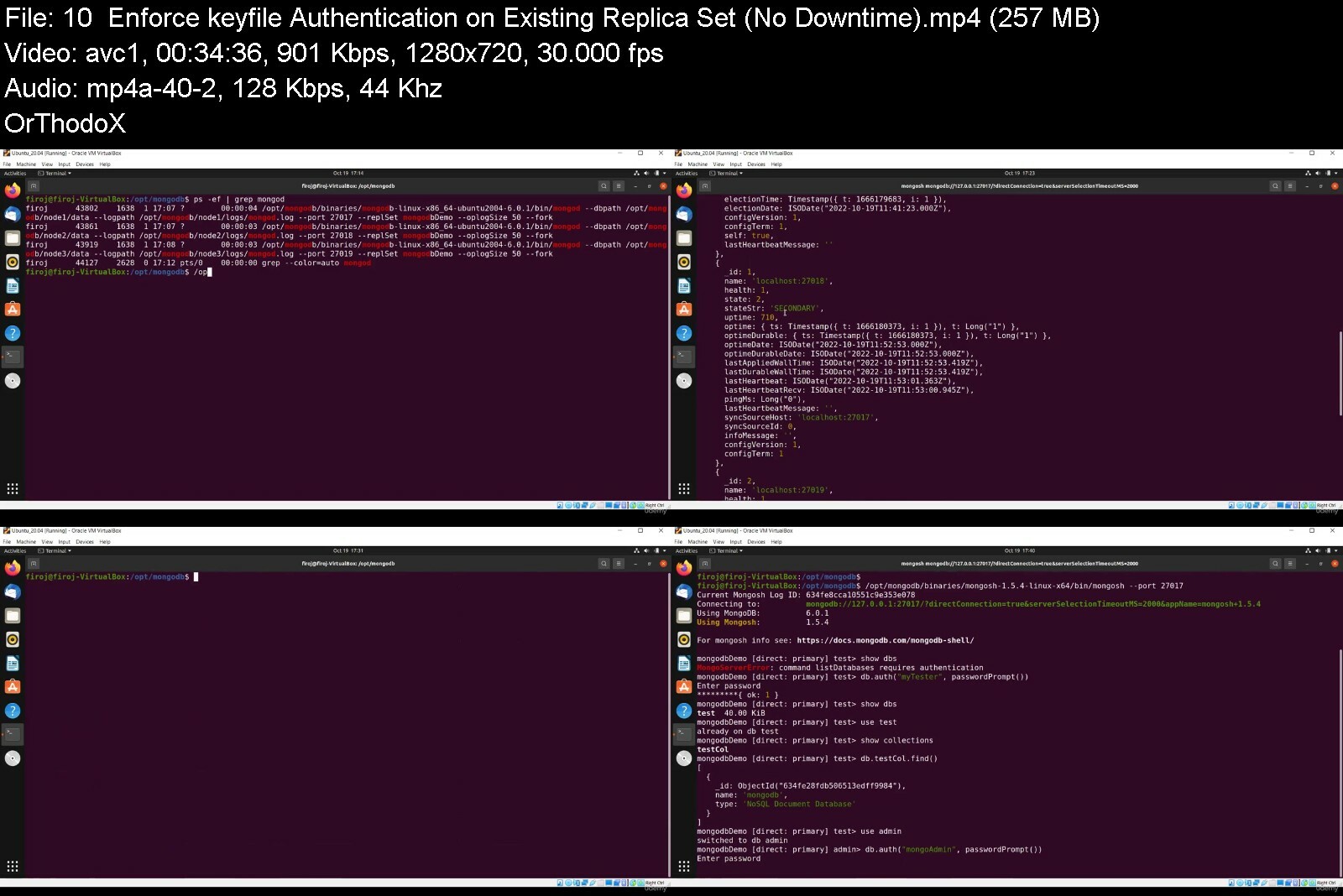
The Ultimate Guide for MongoDB 2023
Published 12/2022
Created by Firoj Atar
MP4 | Video: h264, 1280x720 | Audio: AAC, 44.1 KHz, 2 Ch
Genre: eLearning | Language: English | Duration: 316 Lectures ( 37h 40m ) | Size: 10.6 GB


Master MongoDB with Version 6.0. Replication, Sharding, Security, CRUD, Aggregation, Indexes, Utilities, Administration!


What you'll learn
Perform Full-fledged MongoDB Design, Architecture and Administration with most recent MongoDB version 6.0
Understand in-depth MongoDB Replication for High Availability and Replica Set management
Understand in-depth MongoDB Sharding for Horizontal Scaling and related concepts
Understand and Work on MongoDB Security with Role based Access Control
Learn in-depth CRUD (Create, Read, Update, Delete) operations and write efficient queries with various Query Operators
Understanding in-depth Aggregation Pipeline and perform various aggregation queries with variety of Expression Operators
Understand and Create MongoDB supported Indexes and related properties including special MongoDB Indexes - Multikey Index, Text Index, Geospatial Indexes
Understand and perform MongoDB Query Performance Tuning using Profiling and Explain Methodology
Understand and Use MongoDB Database tools - mongodump, mongorestore, mongoexport, mongoimport, mongotop, mongostat, bsondump, mongofiles
Understand the concept of Data Modeling, Schema Validations and Storage Engines in MongoDB
Perform MongoDB Administration and Maintenance Operations
Build strong basics around MongoDB key concepts with easy to understand format

Requirements
No prior knowledge on any Databases is required
Basic Computer Knowledge is good to have
PC or Laptop or Mac is a Must

Description
Join this MongoDB course to learn all about this extremely popular database and query language from the ground up, in great detail and with many practical examples!MongoDB is one of the most important NoSQL databases you can work with these days. MongoDB is able to handle large volumes of data while maximizing performance and adopt a flexible schema approach, giving you ultimate flexibility when modelling data.In this course, you'll learn all about MongoDB from scratch. No prior MongoDB or database experience is required!The curriculum is comprehensive and is designed to take you from beginner to advance level.In detail, you'll learn: ... how to architect, design and administrate the MongoDB database system with most recent version 6.0 ... how to install and use MongoDB locally on Windows and Linux OS ... how to implement High Availability in MongoDB using replica set and work with it ... how to implement High Scalability in MongoDB using Sharding feature and work with it ... how to perform Data Modeling efficiently ... how to enforce data Security on database instances and work with it ... how to work with various Database Tools available for backup/restore and statistics purposes ... how to perform CRUD (Create, Read, Update, Delete) operations on MongoDB databases ... how to filter data efficiently ... how to work with the Mongo Shell ... how to work with various types of Indexes in MongoDB ... how to increase query performance by using indexes (and how to use the right indexes!) ... how to use the amazing "Aggregation Framework" that's built into MongoDB ... and much more!This course is a hands-on course - you'll learn by working alongside with me. We'll work on a wide variety of example data and use-cases and by the end of the course, you'll have all the knowledge you need to work with MongoDB in your next project!

Who this course is for
Data Scientists, Data Architects, Database Designer, Database Administrators, or Developers, who plan on (or are already) working with MongoDB
All Beginners or Advanced users who wants to explore all MongoDB features
Any professional or student who is looking for new add-ons to their skill sets
Anyone who is managing NoSQL projects or wants to learn NoSQL databases


theultimateguideformodginc.jpg


48007640e14ulcgs.jpg


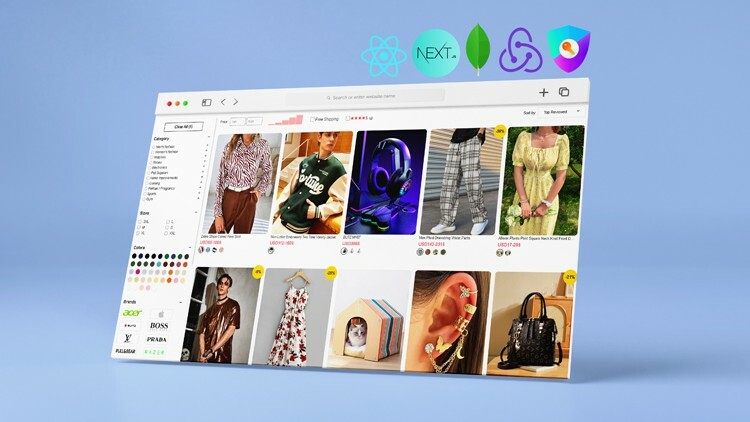
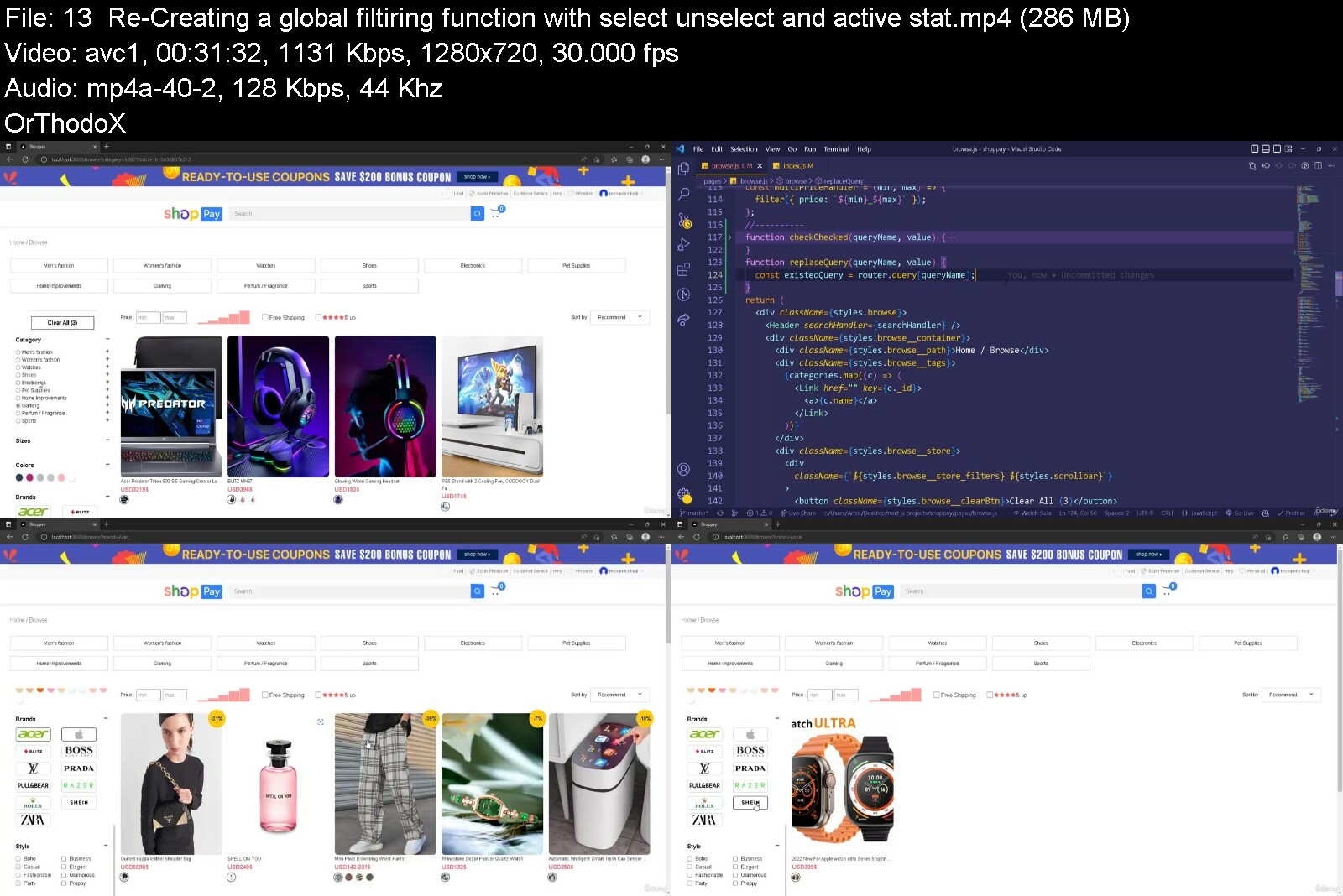
Build The Best Ecommerce Website Ever With React Js Next Js
Last updated 1/2023
Created by Mohamed Hajji
MP4 | Video: h264, 1280x720 | Audio: AAC, 44.1 KHz, 2 Ch
Genre: eLearning | Language: English | Duration: 212 Lectures ( 46h 22m ) | Size: 21.8 GB


BUILD THE BEST ECOMMERCE WEBSITE EVER WITH REACT JS NEXT JS REDUX TOOLKIT AND NEXT AUTH


What you'll learn
Build the most exciting ecommerce project with react js, next js, mongodb, redux toolkit and next auth
Learn and master next js and remove all confusion
Master Next auth for full authentication system, learn about callbacks and crfTOkens
User Redux Toolkit with redux persist for a killer combination for managing state
Master Next js and all of its secrets and tricks and become comfortable using it for you frontend and backend work
Learn how to work with Mongodb and how to add ,update, remove and query like a pro.
Learn how to use Cloudinary to store your images in a new brilliant way and how to upload, search, filter and open a new perspective on working with Cloudinary.
Build a mailing system from scratch to send emails to the user for email verification links and reset code password.
Strong advanced form validation using Formik and Yup and learn about the best form validation techniques used
Learn how to use react redux toolkit to have a global store shared across all of our application.
Learn how to create protected routes using next auth and secure your application and pages.
Learn how to work with useState, useReducer, useEffect, useRef, useCallback, event Listeners

Requirements
A basic knowledge in working with React js
A reasonable knowledge in web development is always welcomed

Description
Hello my fellow developers and welcome to a new exciting course which maybe the best you will ever see ,m talking about building a fully advanced ecommerce website using react js next js mongodb redux toolkit and next auth and many other exciting tools ,which is a dream combo if you know what you are doing and will allow you to build some of the best websites you can imagine.this video is a must watch till end so you dont miss any exciting features,and now let me show you why this build is actually awesome, i took a very different approach than most ecommerce websites you see in other courses, our products will be listed in swipers as you can see and that will allow you to see the product in its full form and all different styles cuz our prodycts consist of many (for example you have a jacket but the jacket can be black green red and every color will have diff sizes and every size has a diff qty and a diff price ) , so tell me have you seen smth like this in any other couse no and this is a first which is a more realistoc approach that u see in websites like amazon ebay etc..and every product will have its own page that looks awesome as you can clearly see also we added a zoom tool to zoom on the product for a better look also we have some stats on reviews with the ability to add a review in details and even you can use images and we have a table to showcase all reviews with filtering and pagination etc...the most important part about an ecommerce experience starts with the cart which we have done a very good job on, the products added will be displayed and even the logic behind it is impressive and also the cart gets updated everytime to make sure the products are still available and the prices are up to date,also you can change qty and delete a product and u will have to select the products you wanna checkout with and the total will be calculated and also adding the shippingFees to the count.jumping to the checkout page where you can see a summary of your cart the addresses you have where you can select the address you wanna continue with and even add your own addresses and just a side note every form we have in this build is validated by formik and yup to make sure any data you type is strictly validated. you can choose a payment method and we also give you the option to use a coupon for a discount on your order.and after placing the order the order gets created and now you can pay using three ways yes three we work on paypal payment which allows you to pay with paypal balance and even credit cards and also we we added a strpe gateway so you can pay with you credit card directly and also we have the option to pay cash on delievery.now still so much exciting features i have to go through and i wanna start with the browse page cuz its is absolutely awesome and just perfect you have your products displayed and you can search for products and you can filter through them using all kind of filters together u can choose the category brands sizes colors styles and mix it all together and adding pricing filters rating filters and on top of that you can sort in all different ways and thats not the end of it we add the pagination to the mix to make sure it reaches perfection i dont think you can do better than this.and after all of this i just wanna casualy tell u about the location detector so we will be able to detect which country the user is accessing our website from and get all informations needed and you can use those infos for your advantage to show certain and also hide certain products from a user from a certain region as big websites do. randomly also i can tell you we added a newsletter system connected to mailchimp api where we can gather all emails registerd in the news letter and you can send promotional emails to all of m at once.okey before continuing i also wanna talk about our authentification system using next auth which can be really hard to customize depending on your needs but i will tell you that our authentification page has strictly validated forms and we allow you to register and we even send you an email after for verification and activating your account and we will create custom emails for activation forgetting password etc..and m gonna show how to create these high quality custom emails.now we come to the login process so we will use next auth providers to log you in using credentials and also social login like google twitter github and even aith0 and all sessions will be handled with next auth and we also gonna use server side middlwares to protect every route using next auth itself not forgetting the ability to reset your password also.not gonna forget about our home page with its beautiful design and swipers all arround and even custom components that have a countdown for flash deals and i added it because ive seen it a lot so i had to do it.and before jumping to the admin dashboard i wanna talk about the profile page where you can customize your profile,go through your orders with all their different status and you can also manage your addresses and add and remove and even choosing a default payment method and even the ability to change your password.and now we come to the admin dashboard which in itself should be a seperate course but i wanted to give you all you need in one course,so lets talk about it its a well designed dashboard with beatiful colors and impressive functionality ofc.the main page has a brief data of stats and recent orders and users whch is not that impressive but lets talk about the create product page first so you will be able to create a product with all the basics you need and more from pictures that will be uploaded to cloudinary so cloudinary is our cloud service then you can extract colors from those images to choose the main color of that product alongside the style, and you can also choose a category and all the subcategories the product belongs to,also you can decide if a product has a size then u can add the qty and the price of that size you can also add custom informations about the product to make every product details and description very unique whic also a new approach same thing goes for questions, also if the prduct belongs to an existing product you can choose it and it will fill all informations except the unique ones that related to that product only and then simply we update the existing product and add the subproduct to it, we also can manage categories and subcategories with the abilty to list and update a category or subcategory with the option to delete same goes for coupons where we can add a coupon with a starting date and an ending date that means we will work on dates which always good to get comfortable with.now we come to orders who are displayed in smart way where you can see the main infos then expand to see first the user infos and the shipping informations then under that we can see the order in details so you know exacly which product we have to ship and the actual qty and style etc...we have also a page for users where we can see all the users and mange em.also we have a page for all products where we can see all of the products grouped showing all different styles and subproducts for that products and you edit or delete or make a product in the flash deals or doing whatever you like cuz in this course you will be able to creates an ewesome propject but at the same time your skills will just get waaay better and you will get comfortable with very complicated large projects and you will learn the archeticture of a project and how you organise it and how to be professional learn clean code.its almost 50 hours of content that can be expanded with 220+ videos for the amount of content you get access to this is a no brainer course so come join us and become a better developer.

Who this course is for
react js beginners
next js beginners
Beginner web developer
Junior web developer
React js developer
Node js developer
web developer
next js developer


buildthebestecommerced8e7x.jpg


501847053362u6cuf.jpg


Full Stack Data Science & Machine Learning BootCamp Course
Published 12/2022
Created by Akhil Vydyula
MP4 | Video: h264, 1280x720 | Audio: AAC, 44.1 KHz, 2 Ch
Genre: eLearning | Language: English | Duration: 69 Lectures ( 34h 27m ) | Size: 19.1 GB


Learn Python, Excel,Deep Learning, Power BI, SQL, Artificial Intelligence,Business Statistics, Capstone Projects & more!


What you'll learn
Build a portfolio of data science projects to apply for jobs in the industry
Learn how to create pie, bar, line, area, histogram, scatter, regression, and combo charts
Create your own neural networks and understand how to use them to perform deep learning
Understand and apply data visualisation techniques to explore large datasets
Use data science algorithms to analyse data in real life projects such as Mushroom classification and image recognition
Understand how to use the latest tools in data science, including Tensorflow, Matplotlib, Numpy and many more

Requirements
No programming experience needed! I'll teach you everything you need to know.
No calculus knowledge required! as long as you've done some high school maths, I'll take you step by step through the difficult parts.
No statistics knowledge required! I ll teach you everything you need to know.
Also, no paid software required - all projects use free and open source software
All you need is Mac or PC computer with access to the internet

Description
Welcome to the Full Stack Data Science & Machine Learning BootCamp Course, the only course you need to learn Foundation skills and get into data science.At over 40+ hours, this Python course is without a doubt the most comprehensive data science and machine learning course available online. Even if you have zero programming experience, this course will take you from beginner to mastery. Here's why:The course is taught by the lead instructor at the PwC, India's leading in-person programming bootcamp.In the course, you'll be learning the latest tools and technologies that are used by data scientists at Google, Amazon, or Netflix.This course doesn't cut any corners, there are beautiful animated explanation videos and real-world projects to build.The curriculum was developed over a period of three years together with industry professionals, researchers and student testing and feedback.To date, I ve taught over 10000+ students how to code and many have gone on to change their lives by getting jobs in the industry or starting their own tech startup.You'll save yourself over $12,000 by enrolling, but get access to the same teaching materials and learn from the same instructor and curriculum as our in-person programming bootcamp.We'll take you step-by-step through video tutorials and teach you everything you need to know to succeed as a data scientist and machine learning professional.The course includes over 40+ hours of HD video tutorials and builds your programming knowledge while solving real-world problems.In the curriculum, we cover a large number of important data science and machine learning topics, such as:MACHINE LEARNING - Regression: Simple Linear Regression, , SVR, Decision Tree , Random Forest,Clustering: K-Means, Hierarchical Clustering AlgorithmsClassification: Logistic Regression, Kernel SVM, Naive Bayes, Decision Tree Classification, Random Forest ClassificationNatural Language Processing: Bag-of-words model and algorithms for NLPDEEP LEARNING -Artificial Neural Networks, Convolutional Neural Networks, Recurrent Neural Networks, Long short term Memory, Vgg16 , Transfer learning, Web Based Flask Application.Moreover, the course is packed with practical exercises that are based on real-life examples. So not only will you learn the theory, but you will also get some hands-on practice building your own models.By the end of this course, you will be fluently programming in Python and be ready to tackle any data science project. We ll be covering all of these Python programming concepts:pYTHON - Data Types and VariablesString ManipulationFunctionsObjectsLists, Tuples and DictionariesLoops and IteratorsConditionals and Control FlowGenerator FunctionsContext Managers and Name ScopingError HandlingPower BI -What is Power BI and why you should be using it.To import CSV and Excel files into Power BI Desktop.How to use Merge Queries to fetch data from other queries.How to create relationships between the different tables of the data model.All about DAX including using the COUTROWS, CALCULATE, and SAMEPERIODLASTYEAR functions.All about using the card visual to create summary information.How to use other visuals such as clustered column charts, maps, and trend graphs.How to use Slicers to filter your reports.How to use themes to format your reports quickly and consistently.How to edit the interactions between your visualizations and filter at visualization, page, and report level.By working through real-world projects you get to understand the entire workflow of a data scientist which is incredibly valuable to a potential employer.Sign up today, and look forward to:178+ HD Video Lectures30+ Code Challenges and ExercisesFully Fledged Data Science and Machine Learning ProjectsProgramming Resources and CheatsheetsOur best selling 12 Rules to Learn to Code eBook$12,000+ data science & machine learning bootcamp course materials and curriculum

Who this course is for
If you want to take ONE COURSE and learn everything you need to know about data science and machine learning then take this course.
If you are a seasoned programmer, take this course to get up to speed quickly with the workflow of a data scientist.
If you want to learn how to build machine learning algorithms such as deep learning and neural networks.
The course is also ideal for beginners, as it starts from the fundamentals and gradually builds up your skills


fullstackdatasciencem1kizh.jpg


iiozs1kcqhdsqg4gt3g3prxio9.jpg


Pipeline Dalla Creazione Asset Da Maya A Unreal Engine
Ultimo aggiornamento in data 11/2022
MP4 | Video: h264, 1280x720 | Audio: AAC, 48 KHz
Language: Italiano | Size: 22.64 GB | Duration: 24h 59m

Da Maya to Substance Painter to Unreal Engine 5+ codice sconto P4LL4D10


What you'll learn
Per chi vuole capire la linea completa dalla creazione di asset all'uso in un video gioco
Si impareranno alcune basi di 3d modelling, texturing e BP in unreal
Utilizzero Maya, Substance painter,unreal engine 5+, esploreremo anche zBrush. Ma il processo pu essere ripetuto con qualsiasi programma 3D escluso per unreal
Integrazione completa su unreal engine con la creazione di un piccolo RPG

Requirements
Avere almeno un' infarinatura generale su ambiente 3d e modellazione. Non un corso per imparare un programma specifico, si affronter la linea di produzione di un oggetto e renderlo vivo in Unreal Engine
Non bisogna avere esperienza sui programmi basta conoscere le basi

Description
Struttureremo 3 asset di un classico gioco di ruolo una borsa che funzioner da Borsa Regenmana/Borsa RegenCura/Borsa Inventario, Una spada, Uno scudo e dopo averle modellate e creato l'equivalente in Highpoly le porteremo su Substance painter per fare il backing tra le versioni HP e LP per poi applicare un mapping sui singoli asset. Andremo poi ad importare il tutto su Unreal Engine 5+ dove setteremo gli attori, le scene, la funzionalit dei singoli asset, importeremo materiale gratuito dal Marketplace cosi da integrare al gioco aspetti estetici come un piccolo villaggio, alcuni draghetti come nemici e rendere tutto pi bello esteticamente.Sar un mini gioco di ruovo, con gestione Vita, mana, inventario, respawn casuale dei nemici dropping casuale delle reward delle uccisioni, teleport per tornare al punto safe e di regen vita e mana. Faremo anche diverse versioni delle spade e degli scudi con statistiche differenti, lo scudo dar riduzione del danno ricevuto e avr il time blocking dove saremo immortali. La spada avr differenze di danno. tutto personalizzabile e gestibile a vostro piacimento.Lo scopo e capire come strutturare un'asset e renderlo vivo su unreal, seguiremo una linea di programmazione molto base in blueprint cosi da permettere a tutti di poter fare i passaggi, senza avere un'esperienza pregressa.Io mi sono divertito a fare il corso, spero anche voi vi divertiate a farlo e magari personalizzarlo.se volete potete usare il codice P4LL4D10 per ottenere uno sconto

Who this course is for
L'obiettivo e di fare un percorso completo dall'ideazione dell'asset ad integrarlo in engine di gioco


pipelinedallacreazionwgd1i.jpg


5044540e2bc3vjctq.jpg


Selenium 4 - Beginners to Advanced Course (Year 2022 - 23)
Last updated 1/2023
Created by Arun Motoori
MP4 | Video: h264, 1280x720 | Audio: AAC, 44.1 KHz, 2 Ch
Genre: eLearning | Language: English + srt | Duration: 86 Lectures ( 182h 30m ) | Size: 87 GB


Covers all the latest things in Selenium - Frameworks, Docker, Selenium Grid 4 etc.


What you'll learn
Selenium 4
Core Java
TestNG Hybrid Framework with Page Object Model and Page Factory (In detailed explanation)
Cucumber Hybrid Framework (In detailed explanation)

Requirements
No pre-requisites required for this course. All prerequisites are included in this course from basics.
Also includes Core Java in detail

Description
In detailed, easy, step by step, practical, well defined and real time video tutorials on Selenium 4 JavaNot required to have any prior Java programming knowledge, as all the prerequisites such as Java are explained in detail before covering Selenium topicsDifferent topics covered in this course include: (Includes Videos and Notes for every topic listed below)Introduction to Selenium 4Locators Basics for Selenium Getting started with Java in Windows MachineGetting started with Java in Mac MachineUnderstanding Java programs, Variables, Data types, Literals and OperatorsFlow Control statements in JavaMethods, Classes, Objects, Constructors, this, overloading, inheritance and OverridingModifiers and InterfacesRunning Selenium 4 Automation Scripts on different browsers on WindowsRunning Selenium 4 Automation Scripts on different browsers of Mac MachineSelenium WebDriver Commands - Getting started listArrays, String, Wrapper Classes and Exception HandlingPackages, Handling Files and Collections FrameworkXPath Expressions and CSS Selectors in depthfindElements(), Handling StaleElementReferenceException and tagName()Handling Multiple Windows - Covers new commands introduced in Selenium 4Waiting Mechanism - Selenium 4 Changes, Ajay Calls, loading process and SynchronizationHandling Alerts, Prompts, Confirmation, Authentication Popups and many moreHandling HTML, Bootstrap, JQuery and Auto-suggestive dropdown/listbox fieldsHandling Frames and iFrames - Covers new commands introduced in Selenium 4Handling Mouse and Keyboard Events using Actions classTaking Screenshots - Page, Element, Section, Full, FileHandler, Robot and AShotHandling Calendar - Different types of Data PickersHandling Static and Dynamic TablesSelenium 4 - WebDriver HierarchyJavaScriptExecutor from Scratch - Includes JavaScript and DOMRobot Class - From Scratch and detailedAutoIt - From Scratch and detailedSelenium 4 - Selenium Grid ModesExecuting Selenium scripts on Docker ContainersExecuting Selenium Scripts on Kubernetes having Grid SetupUsing Properties File in Selenium AutomationLearn POI API in depthLearn Complete TestNG in depthData Driven Framework in depthExtent Repots in depthJava for FrameworksHybrid TestNG Framework using Page Object Model and Page FactoryJUnit - Unit Testing framework in depthCucumber BDD in depthCucumber Hybrid Framework

Who this course is for
Beginners and Advanced Selenium Members


selenium4beginnerstoalyefi.jpg


4034072f6116amclh.jpg


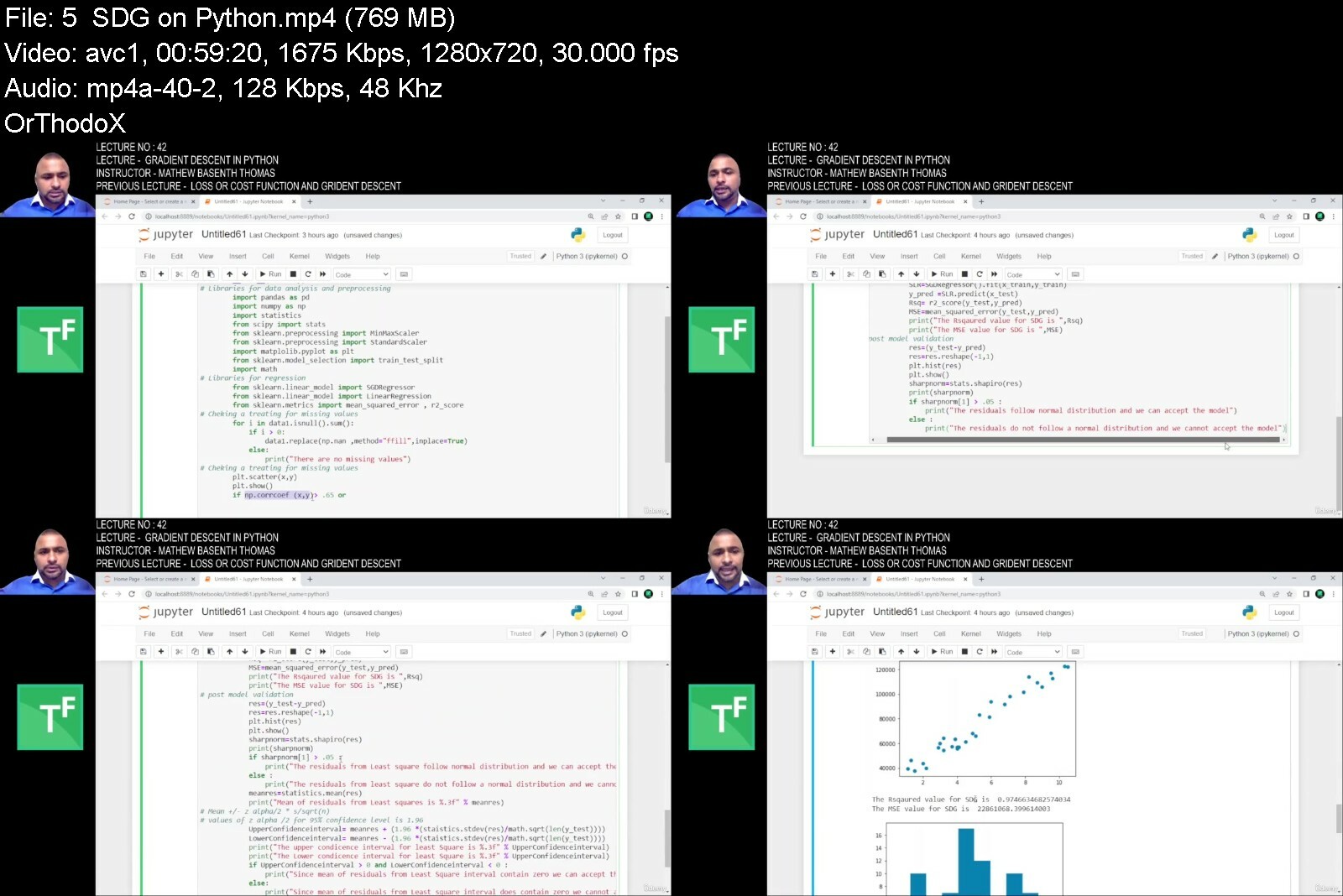
Python for data science and basics of ML using regression
Published 12/2022
Created by Mathew Basenth Thomas
MP4 | Video: h264, 1280x720 | Audio: AAC, 44.1 KHz, 2 Ch
Genre: eLearning | Language: English | Duration: 42 Lectures ( 20h 1m ) | Size: 15.6 GB


Python required for data science and flavor of machine learning using simple linear regression


What you'll learn
Just Basic python required for data science and how to apply them in data science (Teaching Data science and ML is not the objective of this course)
Introduction to data science to give you a flavor simple linear regression is used
Python popular libraries including Numpy , Pandas and Matplotlib
How to prepare the data for data science and how to develop a basic prediction model.
This course is a combination of basic python required for data science and how to apply them in data science project environment
Data Science and ML is not the objective of this course , those concepts are just used for basic understanding

Requirements
No prerequisites , but willingness to learn a new skill set
Good to know basic computer handling

Description
This course focuses on two things. First thing is to get you up to speed with understanding of python required to jet start your data science journey. Python is an object oriented programing language and used extensively in the field of data science. The objective in this course is not master python programing but to understand what is required for your journey in machine learning and master that bit. Secondly , building a strong foundation of statistics required for the participants who aspires to become a data scientist or a Machine learning practitioner. This MUST NEED skill set will enable every participants to begin their smooth journey to Deep learning and Artificial Intelligence. This course focuses on maintaining an optimal balance of statistics , python programming for Data science and core ML algorithms. The course begins with a complete demonstration of how to download and secure all the essential software required for this course and provides rationale for using such software. After helping you secure necessary software required for the course , the course progresses to build your understanding and brush up your memory on basic statistics required to make you comfortable with Advanced analytics. Once you are comfortable with it , instructor will spend sufficient time to train you on python programming at the right level for you to jet start your journey with Data Science and Machine learning analytics.

Who this course is for
Students , all levels of working professionals wanting to know what is python and it's use in data science , business analysts , Six sigma green belts , Six Sigma Black Belts , Entrepreneurs
Only for Novice to Python and Novice to statistics


pythonfordatasciencea10cui.jpg


9g6fbblt79xktdtr2pw6uqkf02.jpg


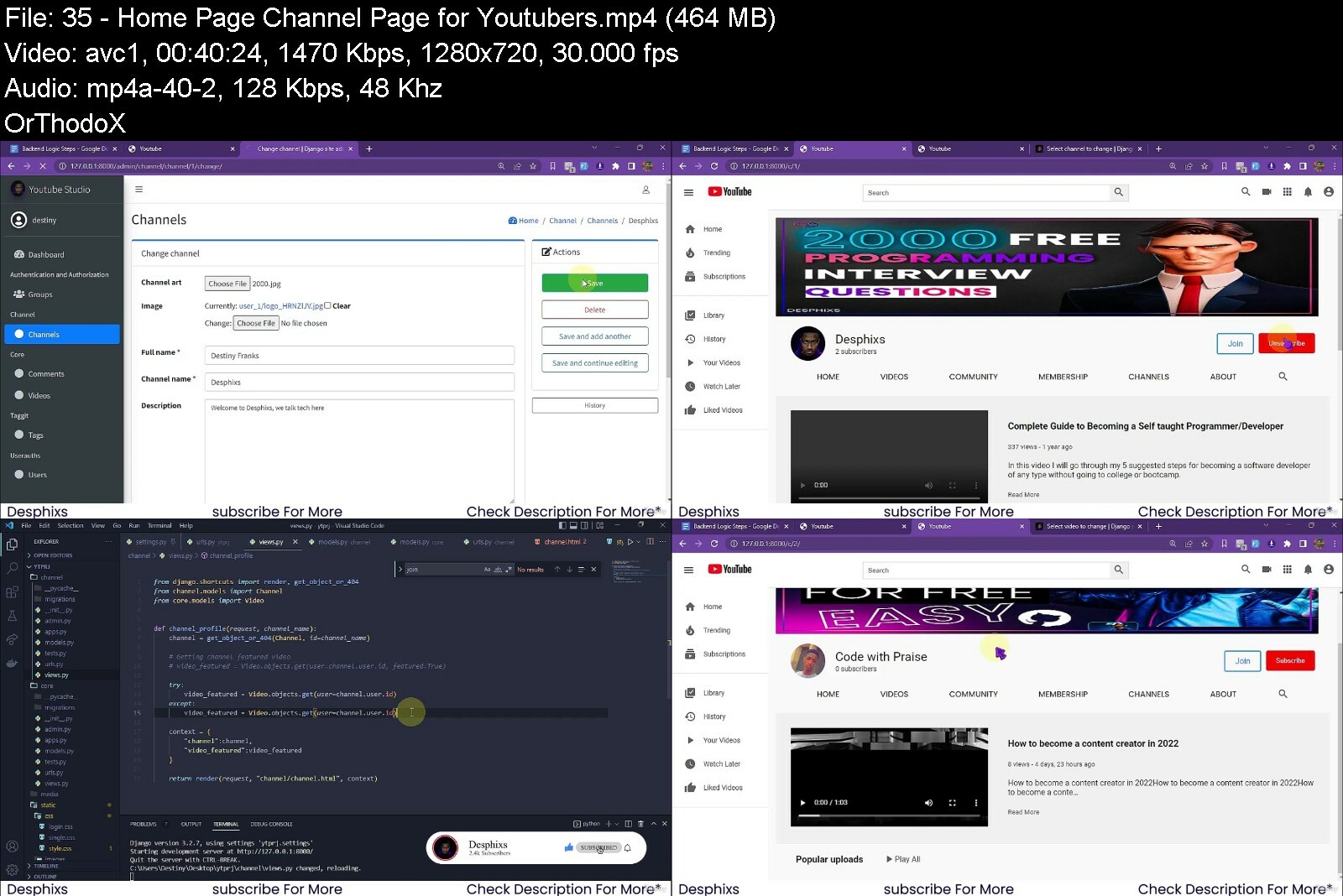
Fullstack Youtube Clone Using Django, Html, Css & Javascript
Published 12/2022
MP4 | Video: h264, 1280x720 | Audio: AAC, 44.1 KHz
Language: English | Size: 10.96 GB | Duration: 16h 32m

Learn Django by build a youtube clone with HTML , CSS , Bootstrap , Javascript , jQuery , Python 3 , and Django!


What you'll learn
Create a fully functional web site using the Full-Stack with Django (Latest Version)
Learn how to use HTML to create website content and page structures.
Use Basic to Advanced CSS to create beautifully styled sites and animations.
Learn the power of Python to code out your web applications logic and funtions
Learn how to take advantage of Bootstrap to quickly style sites if needed
Use Javascript to interact with sites on the Front-End and work asynchronously
Implement a full Models-Views-Templates structure for your site using Function Based View
Well-detailed and clear explanation of code line by line
Use Django as a back end for the websites and HTML, CSS and JS as Frontend
Create fantastic landing User Interfaces and Experiences

Requirements
A computer with an internet connection and download privileges
You don't need any programming experience, you will learn everything from scratch
Pen and Book is also Recommeded if you've got any.

Description
Welcome to the Python, Django, JavaScript , HTML and CSS Full Stack Web Developer Bootcamp! In this course we cover everything you need to know to build a website using Python, Django, and many more web technologies by Building a Fully Functional Youtube Clone.Whether you want to change career paths, expand your current skill set, start your own entrepreneurial business, become a consultant, or just want to learn, this is the course for you!We will teach you the latest technologies for building great web applications with Python 3 and Django! But we don't just teach that, we also teach the Front End technologies you need to know, including HTML, CSS, and Javascript, and Also Teach how to deploy your project to the cloud using AWS, Google Cloud or Azure. This course can be your one stop shop for everything you need! It will serve as a useful reference for many of your questions as you begin your journey in becoming a web developer!This course is designed so that anyone can learn how to become a web developer. We teach you how to program by using HD Video Lectures, Walkthrough Code Projects, Exercises, Concept Presentation Slides, Downloadable Code Notes, Reading Assignments, and much more!Here is just a small sampling of the topics included in this course:HTML5CSS3JavascriptjQueryBootstrap 4 & 5Document Object ModelPythonDjango BasicsDjango TemplatesDjango FormsDjango Admin CustomizationORMFunction Based ViewsUser Authenticationand much ,much more!You will also get access to our online community of thousands of students, happy to help you out with any questions you may have! Any questions?, feel free to send me a message here on Udemy and connect with me on LinkedIn, check out my profile for other courses.We also have a 30-day money back guarantee, so you can try out the course for an entire month, risk-free!Always keep learning!Destiny Franks.

Overview
Section 1: Introduction To Course

Lecture 1 Course Introduction

Lecture 2 Project DEMO

Lecture 3 Goal of Course

Lecture 4 Course Requirements

Lecture 5 All Development Tools for Course

Lecture 6 Download Tools and Materials for Course

Lecture 7 Project File Structure

Section 2: Understanding the Technologies and Tools

Lecture 8 What is HTML, CSS and Javascript

Lecture 9 What is Python and Django?

Lecture 10 What is Javascript, Jquery and Axios?

Section 3: Designing The Homepage Frontend using HTML, CSS and JS

Lecture 11 Setting up project and

Lecture 12 Building Youtube Homepage Using HTML

Lecture 13 Styling the Youtube Homepage Using CSS - Part 1

Lecture 14 Styling the Youtube Homepage Using CSS - Part 2

Lecture 15 Navbar - Toggling Navbar using Javascript and CSS

Section 4: Building The Video Page Frontend using HTML, CSS and JS.

Lecture 16 Building the Video Page Using HTML

Lecture 17 Building the Video Page using HTML - Part 2

Lecture 18 Styling the Youtube Video Page using CSS

Lecture 19 Styling the Youtube Video Page using CSS - Part 2

Section 5: Google Login Page Clone Frontend using HTML, CSS and JS

Lecture 20 Building The Login Page clone using HTML and CSS

Section 6: Getting Started using Django for Backend

Lecture 21 Setting Up New Django Project

Lecture 22 Creating Views, Urls and Templates

Lecture 23 Configuring Custom Django Admin Section/Panel

Lecture 24 Creating a Custom User Model in Django

Lecture 25 Creating the Video Model in models.py

Section 7: CRUD Operations for Videos and Channel

Lecture 26 List View- Listing Out Videos from Database on Homepage

Lecture 27 Detail View - Creating the Video Detail View, Url and Template

Lecture 28 Create View - Creating Channel for Youtubers

Lecture 29 Creating Comment Models and Structure

Lecture 30 List View - Listing Out All Comment from Database to Frontend

Lecture 31 Add User's New Comment to comment section asynchronously

Lecture 32 Delete View -Deleting Comment without refreshing the page.

Section 8: Subscribe & Like Feature - Primary Youtube Features

Lecture 33 Subscribing to Channel Feature uisng Django and Axios

Lecture 34 Liking Videos using Django and Ajax

Section 9: Youtube Channel Page and Profile for Youtubes

Lecture 35 Home Page - Channel Page for Youtubers

Lecture 36 Video Page for Youtubers for Youtube's Profile

Lecture 37 About page for Youtube's Profile

Section 10: Community Posts - Creating, Listing, Updating and Deleting Community Posts

Lecture 38 Create Community Post Models and Lists Out All Community Posts for Channels.

Lecture 39 Community Detail View and Listing & Creating Comments for Community Posts

Lecture 40 Deleting Comments from Community Posts

Lecture 41 Liking Community Posts

Section 11: Alerts and Message in Django

Lecture 42 Creating Flash messages and alerts in Django using "Django Messages"

Section 12: User Profile and Django Signals

Lecture 43 Creating and Automating User Profile and Django Signals

Section 13: Saving Video to Library for "watch later" feature.

Lecture 44 Saving Videos from Admin Section and Frontend for users to watch them later.

Section 14: Authentication Functionality - Register, Login and Logout Feature using Django.

Lecture 45 Register Users using Django - Part 1

Lecture 46 Register Users using Django - Part 2

Lecture 47 Login Users using Django

Lecture 48 Logout Users using Django

Section 15: Cleaning Up Our Code

Lecture 49 Arranging and Clearning Up Our Code and workspace

Section 16: Uploading and Editing Video from Frontend Template

Lecture 50 Uploading Video from Frontend Using Django Forms

Lecture 51 Editing Uploaded Video from Frontend

Section 17: Creating, Editing and Deleting Community Posts from Frontend

Lecture 52 Creating Community Posts from Frontend Using Django Forms

Lecture 53 Editing Community Posts from Frontend Using Django

Lecture 54 Deleting Community Posts from Frontend Using Django

Section 18: Search Video Functionality

Lecture 55 Searching Videos Functionality using Search Box

Section 19: Tags - Video Tags functionality using Taggit

Lecture 56 Adding Tags to Videos, Displaying and Searching Videos Based on Tags

Section 20: Django Template Inheritance and Reusability Feature

Lecture 57 Django Template Inheritance and Reusability Feature

Section 21: Youtube Studio - Creating the Youtube studio dashboard for creators

Lecture 58 Creating the Youtube studio dashboard for creators - part 1

Lecture 59 Creating the Youtube studio dashboard for creators - part 2

Complete Beginners,Python/Django Developers looking to get into Full Stack Web Development,Professionals looking to bridge gaps in their knowledge and Understanding


fullstackyoutubecloneuje48.jpg


h1vixdtt1geoidrx3hlwousc2w.jpg


Mastering Server Side Swift Using Vapor 3
Last updated 11/2018
MP4 | Video: h264, 1280x720 | Audio: AAC, 44.1 KHz
Language: English | Size: 11.14 GB | Duration: 8h 9m

Take your Swift skills to the cloud


What you'll learn
Develop the backend service for their apps and websites using Vapor framework
Take their skills to the next level, utilizing the Swift language to create server side API's
Increase their bill rates since now they can build a complete backend using Vapor

Requirements
You should be familiar with Swift Programming Language
You should be comfortable using Xcode. This course requires Xcode 9.3 and Swift 4.0

Description
Are you interested in learning how to write a complete backend API using Swift?
Swift on the server is the future of iOS development. And now you can learn it from the comfort of your home.. in your own time.. without having to attend class.
My name is Mohammad Azam, creator of many popular online courses including Mastering MapKit in iOS Using Swift and Creating Stickers and iMessages Applications in iOS 10 Using Swift 3.
I have created over 2 dozens apps and some of my apps were even featured by Apple on the App Store. I have worked with fortune 500 companies as a lead iOS developer and helped them grow their business ten folds. At present I am a full time iOS Instructor at DigitalCrafts where I teach users how to create amazing iOS applications.
What s stopping you from signing up to today?
You don't have enough time: Not a problem at all. We have designed the course so you can learn everything you need to know in less than 4 hours.
Here are some of the reviews from our previous courses:
"His course is AWESOME very detail instructions."
"Mohammad Azam has an excellent teaching style which makes it easy & fun to comprehend these Swift features in such a short course & he explains the concepts in more detail & clarity than most instructors. Plus, his videos are well prepared & he's very articulate. I hope he will create more courses."
"Excellent teaching. Just perfect!!!"
Buy this course today and this is what you ll get.
Firstly, I am using Xcode 9.3 with Swift 4.0 for this course. I will show you how to build real apps that consume the Vapor backend service.
The course is accompanied with all the code sample files.
You will also receive a UNLIMITED support on Udemy forums. I am very active on forums and make sure that every questions is answered.
Can you believe you get all this (and more) for just $195?
"Awesome class for really learning how to setup and implement MapKit in your iOS apps using swift. Def. one of the best classes I've taken on Udemy. Looking forward to more classes offered by Mohammad Azam. A++ class"
Why learn Server Side Swift?
Swift has taken the world of programming by storm. It is one of the most fastest growing languages available. Cloud computing is changing the world everyday and now you can use the power and the simplicity of the Swift language to create Cloud enabled applications. Vapor will allow you to create backend services which can be consumed by iOS, Android, Windows and Web Applications.By using server side Swift using Vapor you will have complete control over your deployment process and strategy.
Who is this for?
This course is for anyone who wants to take their skills to the next level. Server side Swift is a new technology and companies will be jumping on it in the future to create their backend systems. Server side Swift can also help you to earn higher salary since now you know how to write a complete backend from scratch.
Is this course right for me?
Look: if you are still not convinced then I urge you to check out my 5 star reviews in other courses. I am a well known developer in the iOS community with a large following. I do a lot of speaking engagements in which I spread knowledge and education.
I am confident that you will enjoy the course and you will utilize the knowledge you learned in this course in your future applications.
What are the requirements?
A Mac ComputerXcode 8 or above and Swift 3.0Basic understanding of the Swift language and the iOS SDK - I'll teach you everything you need to know about server side Swift using Vapor
What am I going to get from this course?
Create backend services and API using server side Vapor frameworkRemove the dependency on third party frameworks and non-iOS technologies Become a professional app developer, take freelance gigs and work from anywhere in the worldBored with the same old, same old? Apply for a new job in a software company as an iOS developer
Who is the target audience?
Anyone who wants to be an app developer: This is a complete course, just like my Complete MapKit, iMessages and Swift courses.Anyone who wants to learn to code: Server side Swift is the future and the future is right NOW.Anyone who wants to understand how computers work: Learning to code is so much more than being able to make apps - knowing how computers work is your key to a hugely powerful world.

Overview
Section 1: Welcome

Lecture 1 Introduction

Lecture 2 What is Server Side Swift?

Lecture 3 Server Side Swift Frameworks

Lecture 4 Exercise Files

Lecture 5 Installing Vapor

Lecture 6 Hello Vapor

Section 2: Understanding Routes

Lecture 7 Nested Routes

Lecture 8 Grouping

Lecture 9 Parameters

Lecture 10 QueryString

Lecture 11 Exercise Files

Section 3: JSON

Lecture 12 Custom Classes as JSON Data

Lecture 13 Returning an Array of JSON Objects

Lecture 14 Posting JSON Data

Section 4: Futures

Lecture 15 What are Futures?

Lecture 16 flatMap and map

Section 5: SQLite Fluent Provider

Lecture 17 Understanding Naila's Garden Web API

Lecture 18 Configuring SQLite with Vapor

Lecture 19 Creating Dish Model

Lecture 20 Saving Dishes

Lecture 21 Retrieving All Dishes

Lecture 22 Get Dish By Id and course

Lecture 23 Deleting Dishes

Section 6: Controllers

Lecture 24 Understanding Controllers

Lecture 25 Route Collections

Lecture 26 Route Groups

Section 7: Integrating Vapor Web API with iPhone App

Lecture 27 Tour of Naila's Garden iPhone App

Lecture 28 Adding a new Dish

Lecture 29 Displaying All Dishes

Lecture 30 Deleting Dishes

Lecture 31 Displaying Dishes by Course

Section 8: PostgresSQL Fluent Provider

Lecture 32 Installing PostgresSQL Database

Lecture 33 Configuring PostgresSQL Database

Lecture 34 Updating Table Name and Schema without Migration

Lecture 35 Updating Table Structures Using Migrations

Lecture 36 Implementing CRUD Operations Using FluentPostgreSQL

Section 9: Getting Started with Vapor Leaf Templates

Lecture 37 What are Leaf Templates

Lecture 38 Configuring Leaf Templates

Lecture 39 Hello Leaf

Lecture 40 Passing Data to Leaf Templates

Lecture 41 Implementing Base Templates

Section 10: Integrating Leaf Templates with PostgreSQL Database

Lecture 42 Installing Leaf and PostgreSQL Packages

Lecture 43 Configuring Fluent PostgreSQL Models

Lecture 44 Adding Base Leaf Templates

Lecture 45 Configure Leaf Templates

Lecture 46 Adding New Dish

Lecture 47 Displaying All Dishes

Lecture 48 Deleting a Dish

Lecture 49 Updating a Dish

Section 11: Parent-Child Relationship

Lecture 50 Understanding Parent-Child Relationship

Lecture 51 Implementing the Review Model

Lecture 52 Configuring Parent-Child Relationship

Lecture 53 Adding Review to the Database

Lecture 54 Displaying All Reviews for a Dish

Lecture 55 Retrieving Dish Associated with Review

Lecture 56 Adding Foreign Key Relationship Between Dish and Review

Section 12: Siblings Relationship

Lecture 57 Exercise Files

Lecture 58 Understanding Siblings Relationship

Lecture 59 Setting Up PostgreSQL Database

Lecture 60 Creating a New Vapor App

Lecture 61 Integrating PostgreSQL Package to Vapor App

Lecture 62 Creating Dish and Ingredient Models

Lecture 63 Implementing Pivot Model

Lecture 64 Implementing Add Dish and Ingredient Handlers

Lecture 65 Adding Ingredients for Dish as Siblings

Lecture 66 Retrieve All Ingredients for Dish

Lecture 67 Retrieve All Dishes for a Particular Ingredient

Lecture 68 Deleting Dish

Lecture 69 Implementing Migrations to Enable Cascade Delete

Section 13: Conclusion

Lecture 70 Next Steps

Lecture 71 Bonus - Coupons

This course is for app developers who want to learn Server Side Swift using Vapor,This course is for developers who want to take their skills to the next level,The course is for developers who wants to earn extra passive income on the side


masteringserversideswfbehp.jpg


39458585c763kxe8k.jpg


Devenir FullStack (Spring Boot / Angular) par la pratique
Last updated 12/2022
Created by BOUALI Ali
MP4 | Video: h264, 1280x720 | Audio: AAC, 44.1 KHz, 2 Ch
Genre: eLearning | Language: French | Duration: 126 Lectures ( 21h 22m ) | Size: 11.1 GB


Developper une application bancaire complete avec un Dashboard et graphes


What you'll learn
Comprendre le framework Spring Boot
Comprendre l'injection de d pendences
D velopper des API REST avec Spring Boot
Concevoir une application
Concevoir des diagrammes de classes
Comprendre Angular
D velopper une application avec le framework Angular

Requirements
Des connaissances en Java est un vrai plus

Description
Cette formation vous guidera pas pas vers la r alisation d un projet de gestion de stock from scratch; Une API et son Application Web (Angular) qui est riche en services et similaire aux applications d velopp es dans le monde professionnel. Ce cours complet couvre les technologies Spring Boot, Spring Security, Hibernate, OpenApi, Postman, Angular, TypeScript, Chart, .... Durant cette formation, vous allez ma triser la conception UML, passant par l'application des bonnes pratiques de programmation (Design patterns), arrivant aux tests unitaires qui assurent la robustesse votre impl mentation.Les technologies utilis es dans cette formation repr sentent les derni res outils pour concevoir des APIs REST. Une d marche d velopp e par Ali Bouali apr s plus que 15 ans d exp rience dans le domaine du d veloppement informatique et de la formation . Plus que 18000 tudiants qui ont b n fici de ses formations et cours en ligne.Les Pre-requis: Des connaissances de base en Java, un ordinateur et une connexion internet, c'est tout ce que vous devez avoir pour assister cette formation. (sans oublier la motivation pour apprendre des nouvelles technologies..)Un contenu de haute qualit avec une bonne approche par projet qui facilite l'immersion au monde professionnel. Que se soit tudiant, jeune dipl m ou bien employ , vous pouvez avoir la possibilit d impl menter n'importe quel projet et cr er vos propre id es.

Who this course is for
Etudiants
Jeunes dipl m s
D veloppeurs qui cherche consolider leurs connaissances en Spring boot / Angular


devenirfullstacksprinjrc4k.jpg


Zurück
Oben Unten