• Regeln für den Video-Bereich:

    In den Börsenbereich gehören nur Angebote die bereits den Allgemeinen Regeln entsprechen.

    Einteilung

    - Folgende Formate gehören in die angegeben Bereiche:
    - Filme: Encodierte Filme von BluRay, DVD, R5, TV, Screener sowie Telesyncs im Format DivX, XviD und x264.
    - DVD: Filme im Format DVD5, DVD9 und HD2DVD.
    - HD: Encodierte Filme mit der Auflösung 720p oder darüber von BluRay, DVD, R5, TV, Screener sowie Telesyncs im Format x264.
    - 3D: Encodierte Filme von BluRay, die in einem 3D Format vorliegen. Dies gilt auch für Dokus, Animation usw.
    - Serien: Cartoon/Zeichentrick, Anime, Tutorials, Dokumentationen, Konzerte/Musik, Sonstiges sind demnach in die entsprechenden Bereiche einzuordnen, auch wenn sie beispielsweise im High Definition-Format oder als DVD5/DVD9/HD2DVD vorliegen. Ausnahme 3D.
    - Bereich Englisch: Englische Releases gehören immer in diesen Bereich.
    - Bereich Talk: Der Bereich, in dem über die Releases diskutiert werden kann, darf, soll und erwünscht ist.


    Angebot/Beitrag erstellen

    - Ein Beitrag darf erst dann erstellt werden, wenn der Upload bei mindestens einem OCH komplett ist. Platzhalter sind untersagt.
    - Bei einem Scenerelease hat der Threadtitel ausschließlich aus dem originalen, unveränderten Releasenamen zu bestehen. Es dürfen keine Veränderungen wie z.B. Sterne, kleine Buchstaben o.ä. vorgenommen werden. Ausnahme Serienbörse:
    - Bei einem Sammelthread für eine Staffel entfällt aus dem Releasename natürlich der Name der Folge. Beispiel: Die Simpsons S21 German DVDRip XviD - ITG
    - Dementsprechend sind also u.a. verboten: Erweiterungen wie "Tipp", "empfehlenswert", "only", "reup", usw. / jegliche andere Zusatzinformation oder Ergänzung, welche nicht in obiger Beschreibung zu finden ist.

    Aufbau des Angebots und Threadtitel

    Der Titel nach folgendem Muster erstellt zu werden. <Name> [3D] [Staffel] [German] <Jahr> <Tonspur> [DL] [Auflösung] <Quelle> <Codec> - <Group>
    Beispiel: The Dark Knight German 2008 AC3 DVDRip XviD - iND
    Beispiel: The Dark Knight 2008 DTS DL BDRip x264 - iND
    Beispiel: The Dark Knight 2008 AC3 DL BDRip XviD - iND
    Beispiel: The Dark Knight German 2008 AC3 720p BluRay x264 iND
    Beispiel: The Dark Knight 2008 DTS DL 1080p BluRay x264 iND
    Beispiel: Die Simpsons S01 German AC3 DVDRip XviD iND
    Beispiel: Die Simpsons S20 German AC3 720p BluRay x264 iND
    Beispiel: Sword Art Online II Ger Sub 2014 AAC 1080p WEBRip x264 - peppermint
    Entsprechend sind also u.a. verboten: Sonderzeichen wie Klammern, Sterne, Ausrufezeichen, Unterstriche, Anführungszeichen / Erweiterungen wie "Tipp", "empfehlenswert", "only", "reup", usw. / jegliche andere Zusatzinformation oder Ergänzung, welche nicht in obiger Beschreibung zu finden ist
    Ausnahmen hiervon können in den Bereichen geregelt sein.

    Die Beiträge sollen wie folgt aufgebaut werden:
    Überschrift entspricht dem Threadtitel
    Cover
    kurze Inhaltsbeschreibung
    Format, Größe, Dauer sind gut lesbar für Downloader außerhalb des Spoilers zu vermerken
    Nfo sind immer Anzugeben und selbige immer im Spoiler in Textform.
    Sind keine Nfo vorhanden z.B. Eigenpublikationen, sind im Spoiler folgende Dateiinformationen zusätzlich anzugeben :
    Quelle
    Video (Auflösung und Bitrate)
    Ton (Sprache, Format und Bitrate der einzelnen Spuren)
    Untertitel (sofern vorhanden)
    Hosterangabe in Textform außerhalb eines Spoiler mit allen enthaltenen Hostern.
    Bei SD kann auf diese zusätzlichen Dateiinformationen verzichtet werden.

    Alle benötigten Passwörter sind, sofern vorhanden, in Textform im Angebot anzugeben.
    Spoiler im Spoiler mit Kommentaren :"Schon Bedankt?" sind unerwünscht.


    Releases

    - Sind Retail-Release verfügbar, sind alle anderen Variationen untersagt. Ausnahmen: Alle deutschen Retail-Release sind CUT, in diesem Fall sind dubbed UNCUT-Release zulässig.
    - Im Serien-Bereich gilt speziell: Wenn ein Retail vor Abschluss einer laufenden Staffel erscheint, darf diese Staffel noch zu Ende gebracht werden.62
    - Gleiche Releases sind unbedingt zusammenzufassen. Das bedeutet, es ist zwingend erforderlich, vor dem Erstellen eines Themas per Suchfunktion zu überprüfen, ob bereits ein Beitrag mit demselben Release besteht. Ist dies der Fall, ist der bereits vorhandene Beitrag zu verwenden.
    - P2P und Scene Releases dürfen nicht verändert oder gar unter einem iND Tag eingestellt werden.


    Support, Diskussionen und Suche

    - Supportanfragen sind entweder per PN oder im Bereich Talk zu stellen.
    - Diskussionen und Bewertungen sind im Talk Bereich zu führen. Fragen an die Uploader haben ausschließlich via PN zu erfolgen, und sind in den Angeboten untersagt.
    - Anfragen zu Upload-Wünschen sind nur im Bereich Suche Video erlaubt. Antworten dürfen nur auf Angebote von MyBoerse.bz verlinkt werden.


    Verbote

    - Untersagt sind mehrere Formate in einem einzigen Angebotsthread, wie beispielsweise das gleichzeitige Anbieten von DivX/XviD, 720p und 1080p in einem Thread. Pro Format, Release und Auflösung ist ein eigener Thread zu eröffnen.
    - Grundsätzlich ebenso verboten sind Dupes. Uploader haben sich an geeigneter Stelle darüber zu informieren, ob es sich bei einem Release um ein Dupe handelt.
    - Gefakte, nur teilweise lauffähige oder unvollständige Angebote sind untersagt. Dies gilt auch für eigene Publikationen, die augenscheinlich nicht selbst von z.B. einer DVD gerippt wurden. Laufende Serien, bei denen noch nicht alle Folgen verfügbar sind, dürfen erstellt und regelmäßig geupdatet werden.
    - Untersagt sind Angebote, welche nur und ausschließlich in einer anderen Sprache als deutsch oder englisch vorliegen. Ausnahmen sind VORHER mit den Moderatoren zu klären.


    Verstoß gegen die Regeln

    - Angebote oder Beiträge, die gegen die Forenregeln verstoßen, sind über den "Melden"-Button im Beitrag zu melden.
  • Bitte registriere dich zunächst um Beiträge zu verfassen und externe Links aufzurufen.

*** Bestes IPTV *** bester Preis *** gratis Test ***


Englische Tutorials

501798073c6ygeuk.jpg


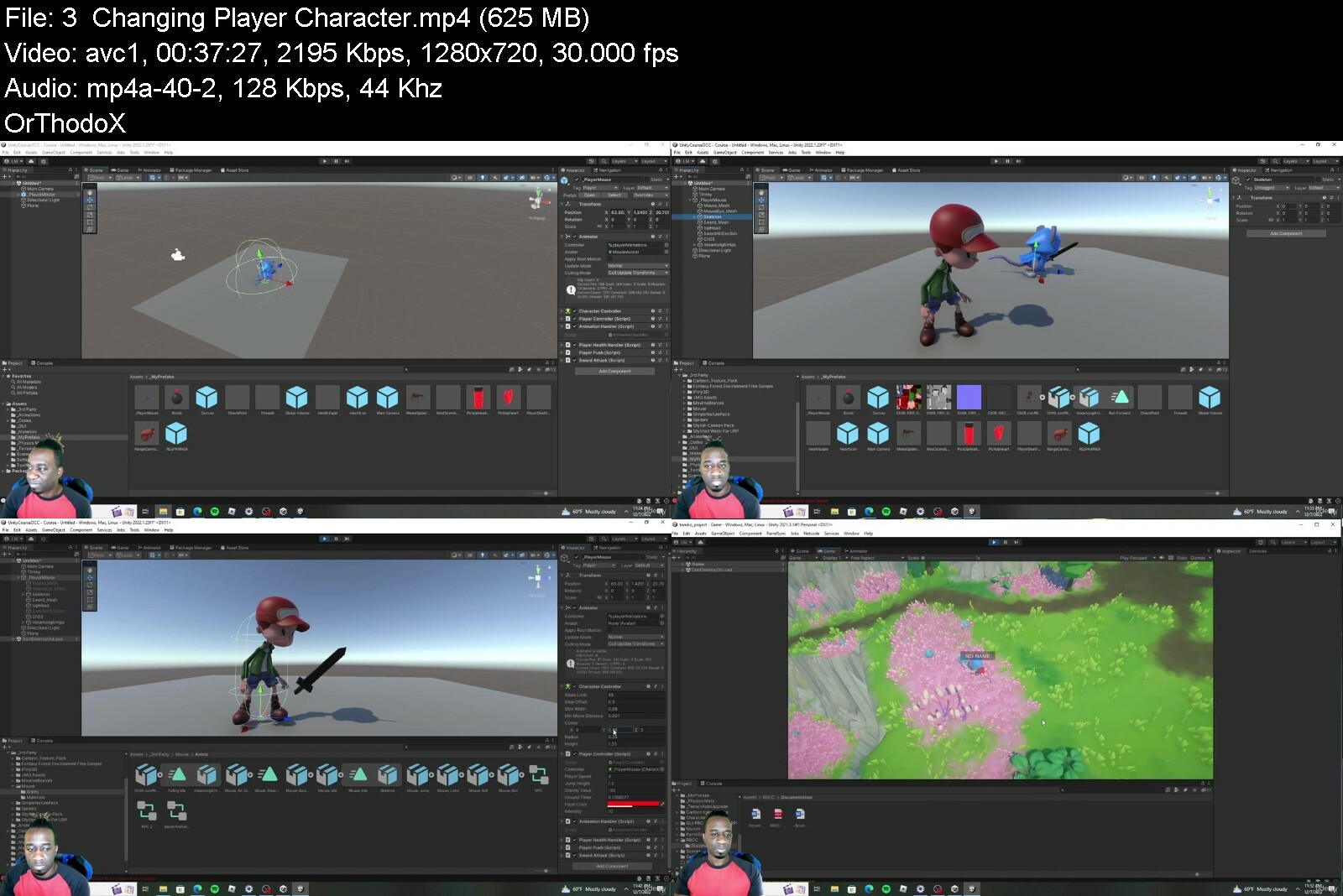
Unity - Beginner Level Build a Game from Start to Finish
Published 12/2022
Created by Leaton Mitchell
MP4 | Video: h264, 1280x720 | Audio: AAC, 44.1 KHz, 2 Ch
Genre: eLearning | Language: English | Duration: 92 Lectures ( 29h 53m ) | Size: 20.1 GB


Build a complete game while learning to code


What you'll learn
How to get started using Unity.
The basic behind 3D game Develpoment.
Learn the powerful programming language C# from scratch.
Learn to solve problems.
Design Terrains.
Animations.
Assets Control
Components
Functions and Variables
Creating UI Menu
Enemy AI - Artificial Intelligence
Fundamentals of building a 3D game.

Requirements
No programming experience is needed. You will learn everything you need to know.
Unity3D Installed
Visual Studio

Description
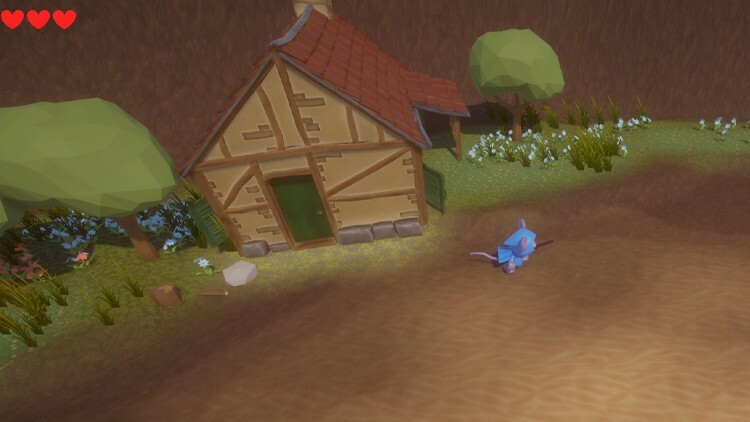
This course is a full-packed course filled with lectors that will take you from zero to hero in no time.In this course, we will laugh and have fun while we learn the art of game development. Let s learn to code using C# and Unity 3D to bring our game idea to life. We will be building a small action RPG still game using a small mouse named Tombo. This course will teach you terrain designing, animations, UI, AI, and much more.This course is perfect for students who have never used Unity before, or students who have done little and would like to learn more. This course is for you if you find Unity3D difficult. It s all about understanding what you re doing.After this course, you will be an unstoppable force of awesomeness, able to build any game ideas that you have in the future. Build your project, learn a new skill, refresh your knowledge, and whatever your goal, get started here.All students will gain permanent access to this course and our Discord channel for constant support. You will also have my YouTube channel that you can follow to learn more during your coding journey.All students will have full support during and after this course.

Who this course is for
Mainly for ages 9+ How is interesting in making there very 3D Game.
If you think making games are hard, THIS IS FOR YOU!


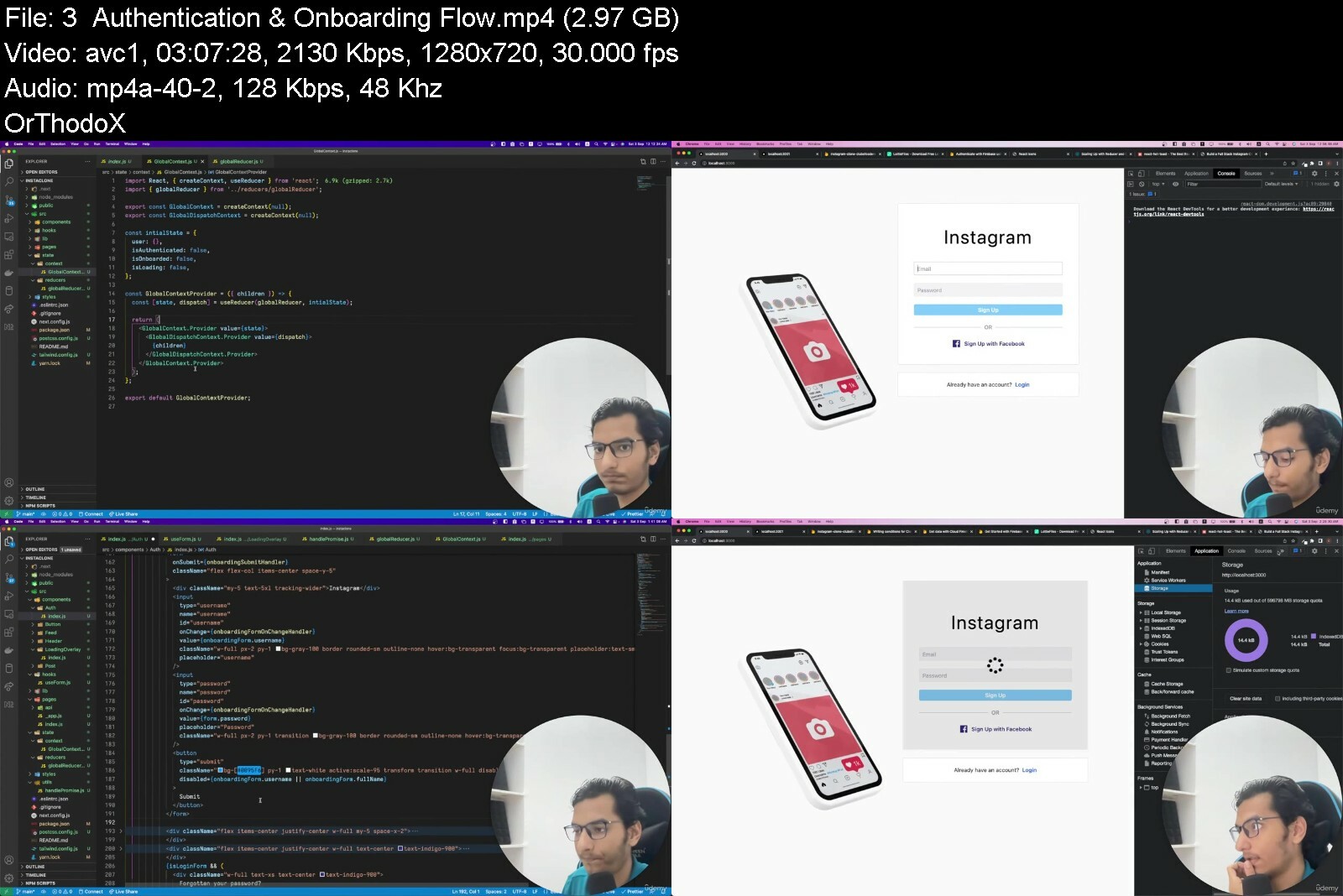
unitybeginnerlevelbui7bdvu.jpg


khtx7rbvcc9ify9wdh2aiircnb.jpg


Application Development With Dynamics 365: 2-In-1
Last updated 4/2018
MP4 | Video: h264, 1280x720 | Audio: AAC, 44.1 KHz
Language: English | Size: 11.05 GB | Duration: 12h 52m

Leverage the power of Dynamics 365 to build and support enterprise scale business applications with Dynamics 365


What you'll learn
Understand the basics of Microsoft Dynamics 365 and how to quickly analyze CRM data to get a holistic view of your entire business
Integrate with the entire Microsoft Office Suite and work with Dynamics CRM data
Build, test, and maintain consistent custom HTML user interface with Dynamics 365 Unified UI for all devices and formats
Analyze data using dashboards, charts, and reports
Work with Dynamics CRM using mobile and tablet applications
Explore new and advanced features of Microsoft Dynamics 365 Customer Engagement

Requirements
No prior knowledge of Microsoft Dynamics 365 required.

Description
Microsoft Dynamics 365 is a business application that combines CRM and ERP capabilities to help you empower your employees, engage customers, and optimize operations. To build dynamic and incisive business solutions with Dynamics 365, you ll need to have basic understanding of the Microsoft Dynamics CRM platform.This comprehensive 2-in-1 course contains in-depth content balanced with tutorials that put theory into practice. It s focus is on giving you both the understanding and the practical examples that will allow you indulge in the world of Microsoft Dynamics 365.This training program includes 2 complete courses, carefully chosen to give you the most comprehensive training possible.The first course, Start Up Guide For Microsoft Dynamics 365, course starts off with setting up a Dynamics CRM trial instance and understanding its basic navigation. You will then learn to perform CRUD operations on CRM records. You will also learn to analyse data using dashboards, charts, and reports. Next, you will learn to import and export data from Dynamics CRM. You will work with Dynamics CRM using Outlook.The second course, Designing and Building Custom Apps using Dynamics 365, course starts off with setting up fast and effective collaborative development and a mature Continuous Integration pipeline using Microsoft Team Services, npm, Nuget, and Gulp. You will then learn a framework for effective data modelling of entities within Dynamics 365 and how functionality can be built up in iterations using user story mapping. You will also learn about base currencies to ensure that your custom apps do not run into any challenges as they grow in complexity and usage. Next, you will see how logical and physical architecture of integration with external systems is examined using the new Web-Hooks and Virtual Entity features, allowing data to be both consumed and output in a robust and efficient fashion. You will learn about the new Xrm client API features of the Unified Client provide exciting new ways of extending your forms and grids which are demonstrated using the sample application being built. Further, you'll learn how to extend your Microsoft Dynamics 365 Customer Engagement business applications using HTML, TypeScript, and CSS using KnockoutJS via the MVVM design pattern so that your logic can be unit tested and deployed with easy and effortless repeatability.By the end of this Learning Path, you ll be able to build and support enterprise scale business applications with Dynamics 365.
About the Authors:
Piyush Paliwal has been working as a Microsoft Dynamics CRM consultant for more than half a decade and have been associated with Microsoft for a few years now. During this time, he has helped various customers manage their sales pipeline by bringing their business processes in Dynamics CRM or Dynamics 365. In his spare time, he usually prefers to go for a drive.
Scott Durow is a Microsoft Business Solutions MVP specializing in Dynamics 365. He is a committed and passionate software architect & technologist with a successful track record of realizing business vision through enterprise/application architectures that are tightly aligned with budget and timescales. By combining his detailed technical knowledge with a clear grasp of the wider commercial issues, Scott can identify and implement practical solutions to real business problems. He is an excellent communicator and technical author, regularly speaking at conferences in the UK and abroad. Scott s software career spans more than 20 years where he has moved from assembly language device driver programming, industrial control software and then into enterprise business applications. His experience covers work in Europe, North America, and Japan. He is also the author of the Ribbon Workbench for Dynamics CRM and SparkleXRM.

Overview
Section 1: Start Up Guide For Microsoft Dynamics 365

Lecture 1 The Course Overview

Lecture 2 What is CRM and Why it is needed?

Lecture 3 Introduction to Microsoft Dynamics 365

Lecture 4 Setting Up a Trial Instance of Dynamics 365

Lecture 5 Moving around in Microsoft Dynamics 365

Lecture 6 Personalize Dynamics to Suit Your Needs

Lecture 7 How Does Dynamics CRM Data Model look?

Lecture 8 Play with Records (CRUD Operations)

Lecture 9 Import/Export data in CRM

Lecture 10 Typical Sales Cycle - Demo

Lecture 11 Advanced Find Strongest Search Tool

Lecture 12 Create Views

Lecture 13 Explore Trends with Charts

Lecture 14 Need 360 View of Business

Lecture 15 Working with Reports

Lecture 16 Go Mobile with Dynamics CRM Mobile Client

Lecture 17 Go Mobile with Dynamics CRM Tablet Client

Lecture 18 Exploring How Well Dynamics CRM Talks to Outlook

Lecture 19 Ease Up the Sales Document Writing

Lecture 20 Start Analyzing Data with Excel Templates

Lecture 21 Do More with Dynamics 365

Section 2: Designing and Building Custom Apps using Dynamics 365

Lecture 22 The Course Overview

Lecture 23 Dynamic 365 Solution Setup & Deployment Strategy

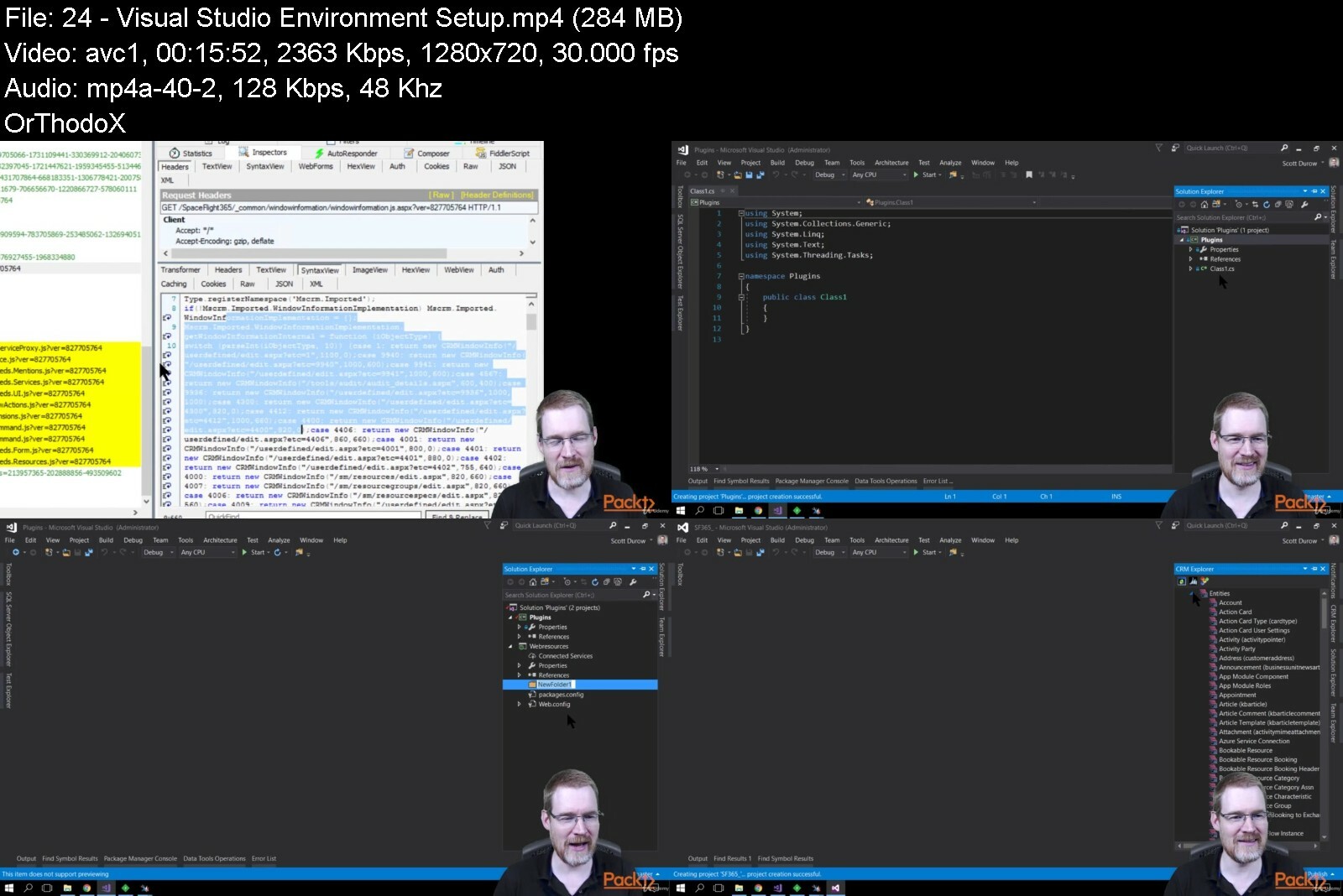
Lecture 24 Visual Studio Environment Setup

Lecture 25 Managed or Unmanaged?

Lecture 26 Setting up our SpaceFlight365 Solution

Lecture 27 Package Deployer

Lecture 28 Adding Visual Studio Package Dependencies

Lecture 29 Adding NuGet Dependencies

Lecture 30 Adding Javascript Dependencies

Lecture 31 Enabling Source Control using VSTS & Git

Lecture 32 Managing Branches

Lecture 33 Introduction to spkl Task Runner

Lecture 34 Creating a Plugin Project with spkl

Lecture 35 Deploying a Web Resource Project with spkl

Lecture 36 Managing Dynamics 365 Metadata

Lecture 37 UnPacking Solutions with spkl

Lecture 38 Merging Solution Packager Metadata

Lecture 39 Packing Solutions with spkl

Lecture 40 User Story Mapping

Lecture 41 Using State Charts to control flow

Lecture 42 State Behavior in Dynamics 365

Lecture 43 App Data Modelling

Lecture 44 Unified Client & Apps

Lecture 45 Back to Basics

Lecture 46 What is an Account?

Lecture 47 Multi-Select Fields

Lecture 48 Timezones

Lecture 49 Base currency

Lecture 50 What is Continuous Integration (CI)?

Lecture 51 Adding Plugin Unit Tests

Lecture 52 Adding Javascript Unit Tests

Lecture 53 Setting up a CI Build

Lecture 54 Creating VSTS Build Definition

Lecture 55 Debugging broken builds

Lecture 56 Creating a Release Definition

Lecture 57 Introduction to Data Integration with Dynamic 365

Lecture 58 Logical & Physical Integration Framework

Lecture 59 Exchange Rate Integration

Lecture 60 Exchange Rate Action Plugin Unit Tests

Lecture 61 Implement Exchange Rate Plugin

Lecture 62 Deploy Exchange Rate Plugin

Lecture 63 Flight Telemetry Virtual Entity

Lecture 64 Custom Virtual Entity Data Provider

Lecture 65 Registering Custom Data Provider

Lecture 66 Airport Flight Status Integration

Lecture 67 External Integration User Setup

Lecture 68 Workflow to apply status update

Lecture 69 Check In Status Integration

Lecture 70 Client or Server?

Lecture 71 Taking client scripts to the next level

Lecture 72 Deploying & Debugging ClientHooks

Lecture 73 Calling Dynamics 365 SDK Services from JavaScript a moving target!

Lecture 74 Calling the WebApi from JavaScript

Lecture 75 Command Bar Customizations

Lecture 76 Adding Buttons & Commands using the Ribbon Workbench

Lecture 77 Wiring up the JavaScript to the Cancel Booking Command

Lecture 78 Dynamic Flyouts on Forms

Lecture 79 Extending Grids

Lecture 80 Adding Grid On Change Events

Lecture 81 Grid Control Events

Lecture 82 Adding Form Notifications

Lecture 83 Adding Grid Status Icons

Lecture 84 MVVM Pattern

Lecture 85 Setting up the Client UI library and unit tests

Lecture 86 Adding Seat Selection logic to the View Model & Unit Testing

Lecture 87 Wiring up View Model to View

Lecture 88 Adding Knockout Bindings

Lecture 89 Responding to Drag Events

Lecture 90 Adding Touch Support

Lecture 91 Loading data for Seat Selection

Lecture 92 Testing inside the Unified Client

Lecture 93 Saving the Seat Assignments

Lecture 94 Handling Errors

Lecture 95 Preparing for deployment

This Learning Path is for new users of the Microsoft Dynamics CRM platform, as well as existing users who want to learn more and become more proficient.


applicationdevelopmenmni6a.jpg


498556243e02q4cfa.jpg


Learn to build Instagram using NextJs and firebase
Published 11/2022
Created by Pranjal soni
MP4 | Video: h264, 1280x720 | Audio: AAC, 44.1 KHz, 2 Ch
Genre: eLearning | Language: English | Duration: 6 Lectures ( 11h 5m ) | Size: 10.1 GB


Learn to develop a full-stack web app like Instagram that scale using Next.js, tailwind CSS, and firebase


What you'll learn
NextJs: The React Framework for Production.
Tailwind CSS: Rapidly build modern websites without ever leaving your HTML.
Firebase: Firebase is a platform developed by Google for creating mobile and web applications. Using firebase, one can build scalable applications faster withou
Learn to build an Instagram UI clone using NextJs and tailwind CSS
Learn to integrate authentication using firebase auth
Learn data modeling using Cloud Firestore

Requirements
Basics of HTML, CSS, and JavaScript
A little bit of React
A computer with access to the internet
No paid software is required, just a free Firebase account
I'll walk you through, step-by-step, how to get all the software installed and set up

Description
Welcome to Full Stack Instagram Clone with Next.js, tailwind CSS, and firebase course, the only thing you need to build highly scalable web apps faster.At 10+ hours, this course is without a doubt the most comprehensive Next.js, Tailwind CSS, and firebase course available online. Even if you have just started out with React, this course will take you from beginner to master in building scalable web applications.Here's why:This course is on demand and with doubt support. You don't need to mess your head around figuring out things and bugs in your project when building it yourself. You can ask doubts on the go.I'll take you step-by-step through engaging video tutorials and teach you everything you need to know to succeed as a web developer.The course includes over 10+ hours of live coding and project code.You will get the recording of the course after the live session.REMEMBER I'm so confident that you'll be ready to ship your own favorite clone by the end of this course.So what are you waiting for? Click the enroll now button and enroll in this course. What to expectAfter this course, you will be able to ship your own web applications with confidence.Build websites faster and more efficiently using firebase.Master firebase, Next.js, and tailwind CSS.Showcase this build in your portfolio.Join Club Of Coders exclusive community

Who this course is for
If you want to learn to code by building fun and practical side projects, take this course
If you want to start your own startup by building your own websites and web apps, take this course
If you are a beginner in the programming world OR just started with HTML, CSS, and JavaScript, then take this course to get up to speed quickly with the latest frameworks like NextJs and tailwind CSS


learntobuildinstagrami0fiv.jpg


ott6bu64ii6lqbl8oikd4gzfgt.jpg


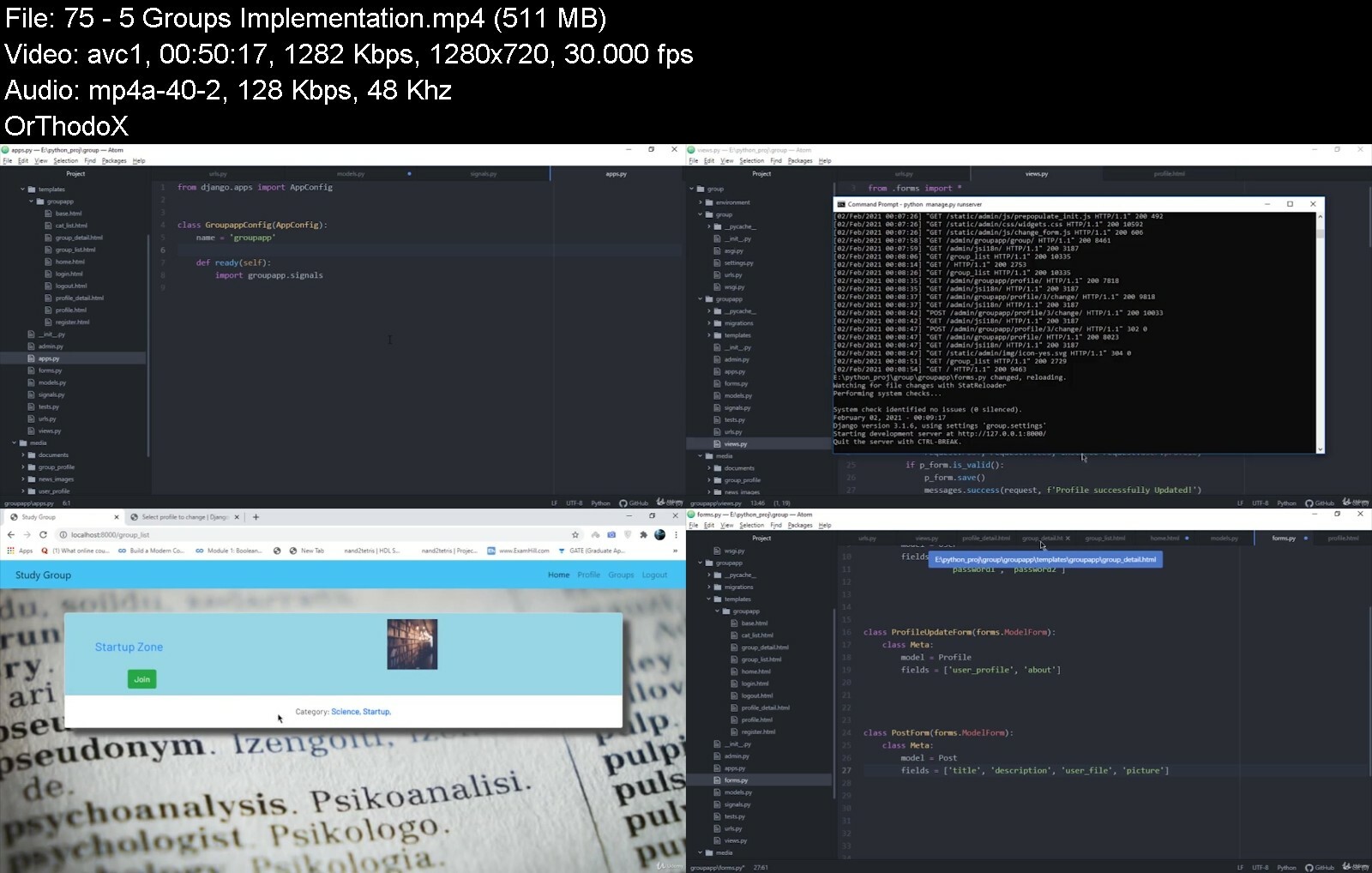
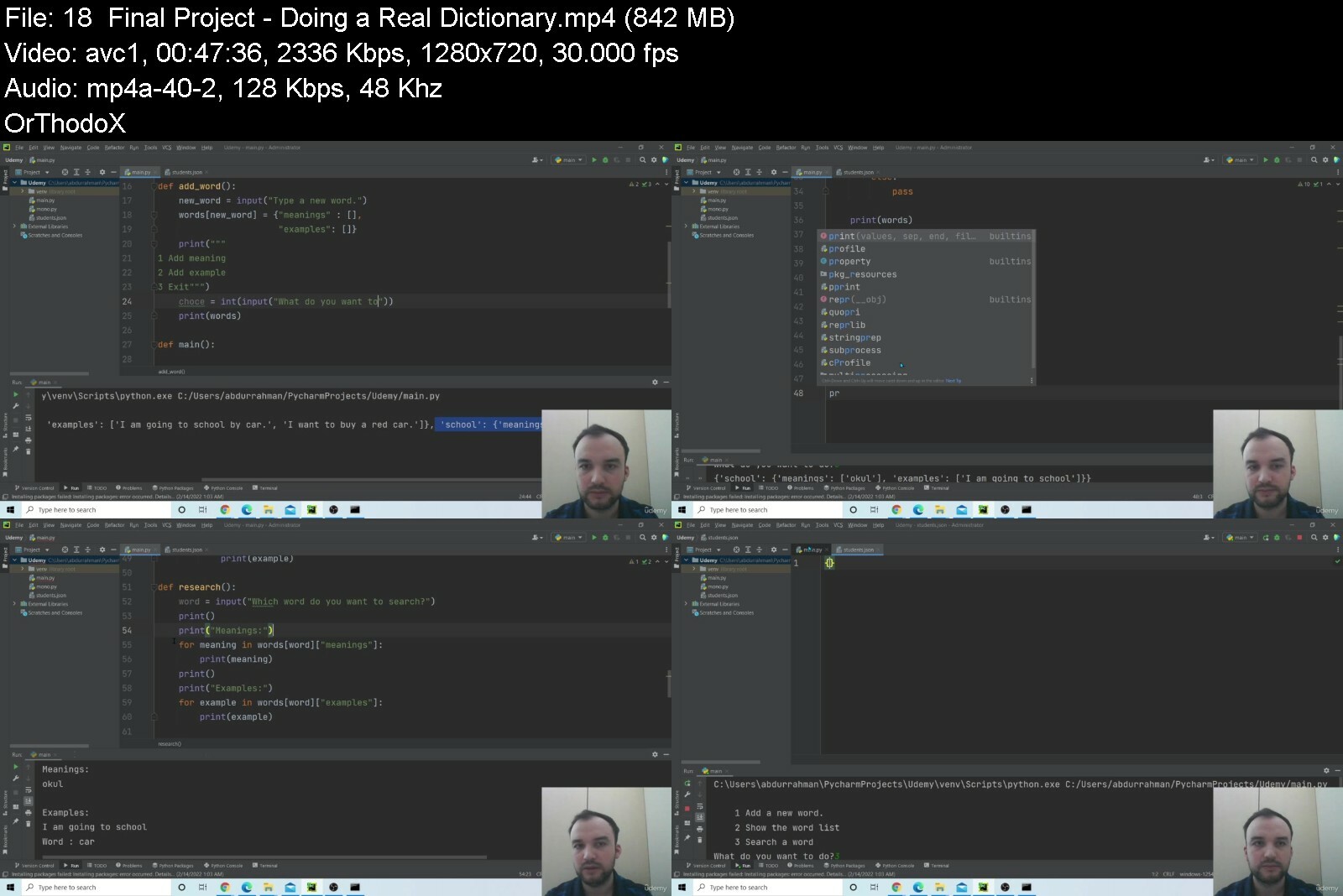
Learn Python By Doing: 25 Real World Projects Masterclass
Last updated 11/2021
MP4 | Video: h264, 1280x720 | Audio: AAC, 44.1 KHz
Language: English | Size: 19.13 GB | Duration: 43h 3m

Go From Beginner To Expert In Python Web Development: Develop Real Django Applications with SQLite, Tkinter, Opencv


What you'll learn
Understand how to useframeworks like Django will save you a ton of time in web development
Improve your web development and coding resume
Be able to connect Django to databases
Learn how to use Python in Web Development
Understand various Django Functions
Become a professional Python Developer
Tkinter

Requirements
Knowledge Of Python

Description
The most appealing characteristic of Python is that it is an interpreted language. Interpreted languages are the programming languages that do not need to be compiled to run. An interpreter can run python code on any kind of computer, by itself. This means the programmer can quickly see the results, if or when they need to modify the code. On the flip side, this also means that Python is slower than a compiled language like C. And that is because it is not running on a machine code directly.Because Python is an interpreted language, testing small snippets of code and moving them between different platforms is quite simple. Since Python is compatible with most of the operating systems, it is used universally, in a variety of applications.Python is considered a beginners programming language. As it is a high-level language, a programmer can focus on what to do instead of how to do it. This is one of the major reasons why writing programs in Python takes less time than in other programming languages.Because Python is similar to English, many find it easier to learn than other programming languages. Developers can read and remember the Python syntaxes much easier than other programming languages.Since Python supports scripting as well, it can be used to build large, commercial applications. The main factor behind Python s popularity in the IT world is its reliability. Being a high-level programming language, Python lets the user focus on the core functioning of the application. Meanwhile, the common programming tasks are handled by the language itself.Now you can probably see why Python is one of the most favored programming languages by developers, data scientists, software engineers, and hackers! And the key factors behind its diverse userbase are flexibility, versatility, and object-oriented features. This is also why Python is used in complex fields like Machine Learning (ML) and Data Science (DS).In This Course, We Are Going To Work On 25 Real World Projects Listed Below:project-1: Image Editor Application With OpenCV And TkinterProject-2: Brand Identification Game With Tkinter And Sqlite3Project-3: Transaction Application With Tkinter And Sqlite3Project-4: Learning Management System With DjangoProject-5: Create A News Portal With DjangoProject-6: Create A Student Portal With DjangoProject-7: Productivity Tracker With Django And PlotlyProject-8: Create A Study Group With DjangoProject-9: Building Crop Guide Application with PyQt5, SQLiteProject-10: Building Password Manager Application With PyQt5, SQLiteProject-11: Create A News Application With PythonProject-12: Create A Guide Application With PythonProject-13: Building The Chef Web Application with Django, PythonProject-14: Syllogism-Rules of Inference Solver Web ApplicationProject-15: Building Vision Web Application with Django, PythonProject-16: Building Budget Planner Application With PythonProject-17: Tic Tac Toe GameProject-18: Random Password Generator Website using DjangoProject-19: Building Personal Portfolio Website Using DjangoProject-20: Todo List Website For Multiple UsersProject-21: Crypto Coin Planner Gui ApplicationProject-22: Your Own Twitter Bot -python, request, API, deployment, tweepyProject-23: Create A Python Dictionary Using python, Tkinter, JSONProject-24: Egg-Catcher Game using pythonProject-25: Personal Routine Tracker Application using python

Overview
Section 1: Introduction

Lecture 1 Introduction To The Course

Lecture 2 Course Outline Video

Lecture 3 Udemy Course Feedback

Section 2: Project-1: Image Editor Application Using Python

Lecture 4 1 Introduction

Lecture 5 2 tkinter

Lecture 6 3 tkinter2

Lecture 7 4 cvbasics

Lecture 8 5 Implementing Frames

Lecture 9 6 Implementing Frames Part2

Lecture 10 7 Implementing Canvas

Lecture 11 8 Sub Menu

Lecture 12 9 Finishing Front End

Lecture 13 10 Image on canvas

Lecture 14 11 Applying Filters

Lecture 15 12 Cropping

Lecture 16 13 Saving Images

Lecture 17 Download the code

Section 3: Project-2: Brand Identification Application Using Python

Lecture 18 1 Introduction

Lecture 19 2 Tkinter Basics

Lecture 20 3 Sqlite Basics

Lecture 21 4 Developing Frontend

Lecture 22 5 Implementing Logic

Lecture 23 6 Creating Database

Lecture 24 7 Integrating database with tkinter

Lecture 25 Download the code

Section 4: Project-3: Transaction Application With Tkinter and Sqlite

Lecture 26 1 Introduction

Lecture 27 2 Tkinter Basics

Lecture 28 3 Sqlite Basics

Lecture 29 4 Developing Frontend

Lecture 30 5 Authentication

Lecture 31 6 Managing Transaction

Lecture 32 7 Managing Profile

Lecture 33 Download the code

Section 5: Project-4: Learning Management System with Django

Lecture 34 1 Introduction

Lecture 35 2 Setting Up

Lecture 36 3 Building Models

Lecture 37 4 Building Models part 2

Lecture 38 5 Admin And Querying

Lecture 39 6 Registration And Login

Lecture 40 7 Implementing Profile

Lecture 41 8 Implementing Profile Part2

Lecture 42 9 Results With Matplotlib

Lecture 43 10 Interactive Graph

Lecture 44 11 Answering Assignments

Lecture 45 12 Staff Assignment View

Lecture 46 Download the code

Section 6: Project-5: News Portal Application Using Python

Lecture 47 1 Introduction

Lecture 48 2 Setting Up

Lecture 49 3 Implementing Models

Lecture 50 4 Login And Registration

Lecture 51 5 Profiles

Lecture 52 6 News Home

Lecture 53 7 Filtering News

Lecture 54 8 Efficient Code

Lecture 55 9 Adding News

Lecture 56 Download the code

Section 7: Project-6: Student Portal Application Using Python

Lecture 57 1 Introduction

Lecture 58 2 Setting Up

Lecture 59 3 Homepage And API Requests

Lecture 60 4 Login And Registration

Lecture 61 5 Handling Notes

Lecture 62 6 Todos And Homeworks

Lecture 63 7 Conversion Page

Lecture 64 Download the code

Section 8: Project-7: Productivity Tracker Application Using Python

Lecture 65 1 Introduction

Lecture 66 2 Setting Up

Lecture 67 3 Login And Registration

Lecture 68 4 Todo Implementation

Lecture 69 5 Profile Implementation

Lecture 70 Download the code

Section 9: Project-8: Study Group Application Using Python

Lecture 71 1 Introduction

Lecture 72 2 Setting Up

Lecture 73 3 Login And Registration

Lecture 74 4 ER Diagram

Lecture 75 5 Groups Implementation

Lecture 76 6 Filtering

Lecture 77 Download the code

Section 10: Project-9: Building Crop Guide Application with PyQt5, SQLite

Lecture 78 Introduction

Lecture 79 Designing The Python GUI

Lecture 80 Enhancing the Qt5 GUI Functionality

Lecture 81 Creation and Implementation of Database

Lecture 82 Connecting Database with PyQt5 Application

Lecture 83 Enhancing the Qt5 GUI Functionality and Application Logic

Lecture 84 Project Conclusion and Recall

Lecture 85 Download The Code

Section 11: Project-10: Building Password Manager Application With PyQt5, SQLite

Lecture 86 Introduction to Project on Password Manager

Lecture 87 Designing The Python GUI using Qt Designer

Lecture 88 Enhancing the Qt5 GUI Functionality

Lecture 89 Creation and Implementation of Database

Lecture 90 Enhancing the Qt5 GUI Functionality and Application Logic Part-1

Lecture 91 Enhancing the Qt5 GUI Functionality and Application Logic Part-2

Lecture 92 Project Conclusion and Overview

Lecture 93 Download The Code

Section 12: Project-11: Create A News Application With Python

Lecture 94 Introduction to Project on News App

Lecture 95 Django Starting and Setup

Lecture 96 Demonstration of Django MVT Architecture and Rendering Sample Text

Lecture 97 Coding the Application Logic

Lecture 98 Updating the Application Logic for templates and views

Lecture 99 Recall and Project Deployment Part-1

Lecture 100 Project Deployment Part-2

Lecture 101 Download The Code

Section 13: Project-12: Create A Guide Application With Python

Lecture 102 Introduction To The Project On Guide

Lecture 103 Getting Started With Django

Lecture 104 Application Logic

Lecture 105 Updating Templates and Views

Lecture 106 Deploying Application

Lecture 107 Download The Code

Section 14: Project-13: Building The Chef Web Application with Django, Python

Lecture 108 Introduction to Project on The Chef

Lecture 109 Get Started with Django

Lecture 110 Application Logic Part-1

Lecture 111 Application Logic Part-2

Lecture 112 Application Logic Part-3

Lecture 113 Templates

Lecture 114 Updating Views

Lecture 115 Deployment Of The Application

Lecture 116 Download The Code

Section 15: Project-14: Syllogism-Rules of Inference Solver Web Application

Lecture 117 Introduction to The Syllogism Rules of Inference Solver

Lecture 118 Get Started with Django

Lecture 119 Application Logic Part-1

Lecture 120 Application Logic

Lecture 121 Updating Views and Templates

Lecture 122 Deployment of Application

Lecture 123 Download The Code

Section 16: Project-15: Building Vision Web Application with Django, Python

Lecture 124 Introduction

Lecture 125 Getting Started With Django and MVT Architecture

Lecture 126 Rendering Sample Text and Images Part-1

Lecture 127 Rendering Sample Text and Images Part-2

Lecture 128 Application Logic Part-1

Lecture 129 Application Logic Part-2

Lecture 130 Updating Templates and Views

Lecture 131 Download The Code

Section 17: Project-16: Building Budget Planner Application With Python

Lecture 132 Introduction

Lecture 133 Problem Statement and Algorithm

Lecture 134 Application Logic Part-1

Lecture 135 Application Logic Part-2

Lecture 136 Application Logic Part-3

Lecture 137 Integration Of Gmail In Python

Lecture 138 Integration Of Gmail In Python Part-2

Lecture 139 Download The Code

Section 18: Project-17: Tic Tac Toe Game

Lecture 140 Overview of the Game

Lecture 141 Building the Algorithms

Lecture 142 Designing the board

Lecture 143 Game Outcome

Lecture 144 Player Mark

Lecture 145 Computer AI Move

Lecture 146 Main logic of the game

Lecture 147 Final

Lecture 148 Download The Code

Section 19: Project-18: Random Password Generator Website using Django

Lecture 149 Introduction to the project

Lecture 150 Starting with django

Lecture 151 Working with Apps and Urls

Lecture 152 Designing website

Lecture 153 Generating password

Lecture 154 Generating password 2

Lecture 155 Bootstrap and Css Designing

Lecture 156 Download The Code

Section 20: Project-19: Building Personal Portfolio Website Using Django

Lecture 157 Introduction to the project

Lecture 158 Starting project

Lecture 159 Starting project 2

Lecture 160 Working with admin

Lecture 161 Building homepage

Lecture 162 Building blog application

Lecture 163 Building blog application continued

Lecture 164 Working with database and static-Files

Lecture 165 Adding details in blog

Lecture 166 Designing website

Lecture 167 Adding Base templates

Lecture 168 Final project

Lecture 169 Download The Code

Section 21: Project-20: Todo List Website For Multiple Users

Lecture 170 Introduction to the project

Lecture 171 Starting project

Lecture 172 Starting application

Lecture 173 Building website

Lecture 174 Adding Logout user option

Lecture 175 Adding Login user option

Lecture 176 Creating Todo option

Lecture 177 Create todo option for user

Lecture 178 Displaying todo list

Lecture 179 Updating todo list

Lecture 180 Mark complete and delete todo

Lecture 181 Designing website

Lecture 182 Download The Code

Section 22: Project-21: Crypto Coin Planner Gui Application

Lecture 183 Introduction to the project

Lecture 184 Getting data with API

Lecture 185 Fetching data with python

Lecture 186 Creating Planner Functions

Lecture 187 Working with tkinter

Lecture 188 Designing Gui

Lecture 189 Update and Color Feature

Lecture 190 Download The Code

Section 23: Project-22: Your Own Twitter Bot -python, request, API, deployment, tweepy

Lecture 191 Introduction to the project

Lecture 192 Getting Access Keys

Lecture 193 Adding authentication functions

Lecture 194 Fetching tweets

Lecture 195 Storing data

Lecture 196 Handling tweet id

Lecture 197 tweet reply function

Lecture 198 Automating bot

Lecture 199 Deployment phase

Lecture 200 Download The Code

Section 24: Project-23: Create A Python Dictionary Using python, Tkinter, JSON

Lecture 201 Introduction to the project

Lecture 202 Working with data

Lecture 203 File handling concept

Lecture 204 Building dictionary application

Lecture 205 Building dictionary application 2

Lecture 206 Making close match function

Lecture 207 Adding gui features to dictionary

Lecture 208 Final project

Lecture 209 Download The Code

Section 25: Project-24: Egg-Catcher Game using python

Lecture 210 Introduction to the game

Lecture 211 Setting up game screen

Lecture 212 Building requirements

Lecture 213 Building functions

Lecture 214 Building functions 2

Lecture 215 Final commands

Lecture 216 Download The Code

Section 26: Project-25: Personal Routine Tracker Application using python

Lecture 217 Introduction to the project

Lecture 218 Designing application

Lecture 219 Designing application 2

Lecture 220 Building database

Lecture 221 Building database functions

Lecture 222 Connecting backend to frontend

Lecture 223 Completing project

Lecture 224 Download The Code

Beginners In Python


learnpythonbydoing25rjkcpv.jpg


4720022c83e7wep8.jpg


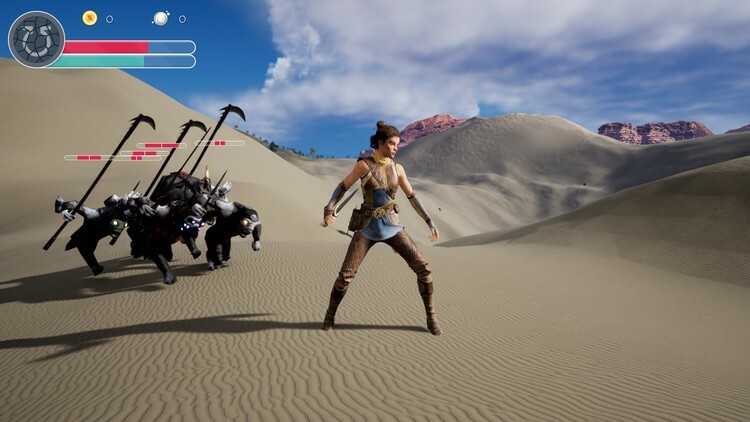
Unreal Engine 5 C++ The Ultimate Game Developer Course
Last updated 7/2023
Created by Stephen Ulibarri
MP4 | Video: h264, 1280x720 | Audio: AAC, 44.1 KHz, 2 Ch
Genre: eLearning | Language: English + srt | Duration: 231 Lectures ( 52h 40m ) | Size: 41 GB


Learn Unreal Engine 5 C++ Programming by Creating an Action-RPG Style Open World Game!


What you'll learn
How to code games in Unreal Engine 5
An RPG action game with a third-person character
Combat with swords and other melee weapons
Creation of enemies that attack the player
Health bars and player stats
Unreal Engine 5's Open World system
Level design and creation of realistic scenes with Quixel Megascans
Motion Warping, Unreal Engine 5's new system for customized root motion animations
Particle effects like blood splatter and weapon trails
Unreal Engine 5's new MetaSounds system and high-quality sounds in game
Best coding practices for coding games in Unreal Engine 5
Use of data structures and algorithms for games
Design patterns used in Unreal Engine
Creation of multiple types of enemies, from humanoids wielding weapons to monsters and other creatures
Importing entire dungeon levels into our Open World map with Packed Level Instances

Requirements
Understanding of the basics of the C++ programming language or a similar language. If you took my course: Learn C++ for Game Development, you're good!

Description
Learn Unreal Engine 5 C++ Programming by Creating an Action-RPG Style Open World Game!This course will take you from beginner to hero as we create everything in this course project from scratch. Learn Unreal Engine 5's new features from Open World maps, Quixel Bridge megascans for ultra-realistic environments, landscape sculpting and painting, dungeons, free-roaming creatures and humanoids with various weapons, breakable objects that spawn treasure, and more!Slay your way through your open world level, hacking and slashing creatures, breaking pots and collecting treasure and souls, and try to keep your health and stamina high! We will implement enemy behavior that can be reused for various creature types, including gruntlings, raptors, insects, and golems. Code your character to be able to pick up and equip better and better weapons as she slays stronger and stronger monsters and collects loot.We will cover new Unreal Engine 5 features such as Motion Warping, Meta Sounds, Linked Anim Graphs, UE5's new retargeting system with IKRigs and IKRetargeters, Leg IKwith Control Rigs, visual effect creation in Niagara, and more!We'll start with a completely empty level and add everything from sky and atmosphere, nature, trees and plants, and we'll even import an entire dungeon level with the use of UE5's new Packed Level Instance feature.We will cover vectors and game development mathematics in a full math section to prepare you for gameplay programming before diving in and creating our first C++class.We will then learn Unreal Engine's class hierarchy, creating a basic Actor, learning about trigonometry as we use the sine function to give our items floating behavior.We then create a Bird using the Pawn class so we can fly around our level and get a literal bird's-eye view.We then create our Character class, using Echo from the Valley of the Ancient Epic-released free project, a beautiful and lifelike humanoid with cloth physics on her scarf and garments.We implement weapon equipping and combat. We learn how to calculate directional hit reactions, using root motion animations to make our enemies stumble in the correct direction based on the direction of impact.We give our enemies patrolling behavior, then chasing and attacking behavior. We make our enemies smarter with the use of UE5's new Motion Warping system, warping our enemy's location and rotation to make it hit the target more frequently, and making it harder to move out of harm's way.We then give Echo a fighting chance, by implementing a dodge ability, similar to Dark Souls and Elden Ring. She can dodge out of the way while the enemy swings fervently, making them miss so we can move in to counter-attack.We make breakable pots and vases using the Chaos destruction system, and these breakables spawn treasure when we break them, allowing us to collect loot and increment our gold count in the HUD.We create a beautiful Soul effect in Niagara, and make enemies spawn souls upon death so we can gain experience points.We learn how to make enemies stronger with an Attribute component, giving them varying levels of health and damage, and soul spawn counts.We use UE5's new Animation Blueprint Templates to reuse all of our enemy code to create different types of enemies, from humanoids that wield weapons to creatures that bite, sting, and smash.Get your RPG project started with this amazing course, which is the product of nearly a decade of professional Unreal Engine experience and teaching.This course is in a whole new universe than the original UE4 version I created four years ago!Benefit from years of learning, teaching, and implementing Unreal's newly evolved system with its cutting-edge game creation capabilities!This is my most well-taught course yet, and by far the most beautiful game project of all my courses on Udemy thus far.Join me and let's have a ton of fun creating the start of an action RPGhack-and-slash Open World game in Unreal Engine 5!

Who this course is for
Beginners to Unreal Engine who have some understanding of the C++ programming language
Those who wish to get into game development in Unreal Engine
Those who wish to learn the new features of Unreal Engine 5
Anyone who wants to make their own games
Game developers who want to solidify their understanding of Unreal Engine
Those who are interested in making RPG Open World style games
Those who want to learn how to implement Souls-like combat mechanics


unrealengine5ctheultinic5v.jpg


4949472359125lcy3.jpg


C# Tutorial: Full Course For Beginners - Fundamentals of C#
Published 11/2022
MP4 | Video: h264, 1280x720 | Audio: AAC, 44.1 KHz, 2 Ch
Genre: eLearning | Language: English | Duration: 16 lectures (26h 28m) | Size: 17.6 GB


Taught as a course in a University, this course will teach you C# programming from scratch to beginner / advanced level.


What you'll learn
You will be able to join my Discord channel and ask me your questions directly and live. Not only me but also previously graduated students will help you.
You will learn programming fundamentals and programming logic, same as I teach undergraduate Software Engineering students, from 0 to beginner / advanced level.
This course is not a pill course that quickly shows you everything, without considering your knowledge. Pill courses are not suitable especially for beginners.
I will be explaining and teaching you how to do programming / coding from 0 with the English language and English subtitles.
In this course, you will also learn how to properly search for solutions for the problems you have encountered like in a real job.
You will learn how to do programming and coding in .NET C# programming language.
You will learn programming with console applications and WPF (nice user interface for Windows OS) applications.
You will learn how to build a functional calculator by using WPF in .NET Core C#.
How to install Visual Studio Community Edition for programming/coding and developing applications.
Coding first application in .NET Core console, Data Types, Syntax of C# Programming Language, String Formatting
Lists, Arrays, Index Logic of Arrays/Lists, DateTime, How to do Debugging, String Concatenation & Manipulation, Math Operations, Convert .To, CultureInfo
Array Operations, Multi-Dimensional Arrays, String Join, Sorting, Iterations, For & Foreach Looping, Reinitialization of Objects / Arrays, String Interpolation
Logical Operators, Jagged Arrays, List Methods, Console Styling, Array Operations, Add, Remove, RemoveAt, ToArray, AddRange, Contains, CopyTo, RemoveRange, Sort
WPF, For, Foreach, Do, While Loops, Message Box, Try-Parse, Tasks, Responsive UI Design, Task .Factory and Dispatcher .BeginInvoke to update UI without freezing
Methods, Classes, Fields, Properties, WPF, ComboBox, Random Number Generator, Writing/Reading File, DisplayMemberPath of a ComboBox, Switch-Case Methodology
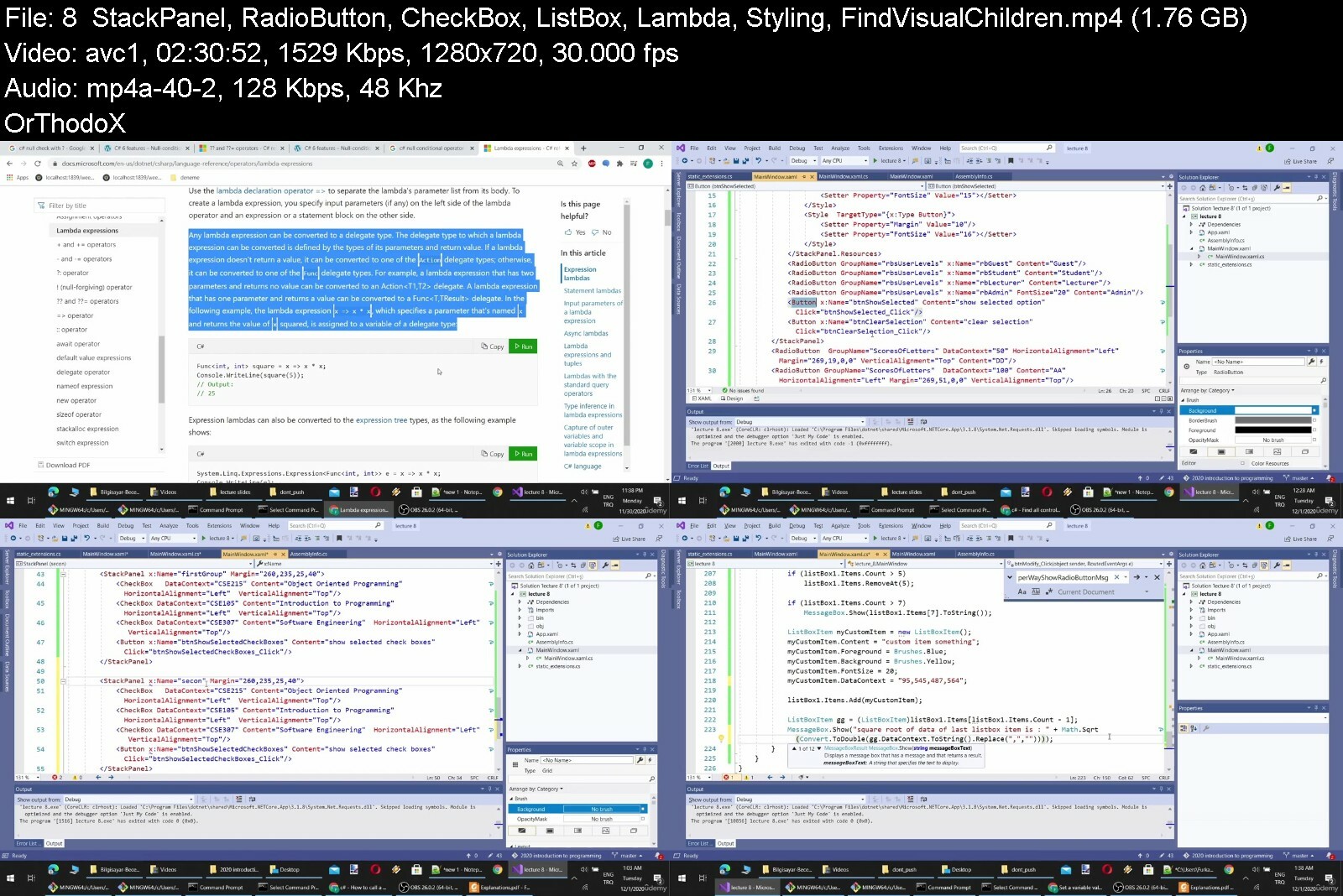
Stack Panels, RadioButton, CheckBox, ListBox, Lambda, StackPanel Style - TargetType - Setter, FindVisualChildren, Static .Fullpath, IsNullOrEmpty, GroupName
WPF Tab Control, ImageButton, WebClient, Dispose, File Operations, Item Source, Using Statement, FileStream, StreamWriter, Images as Resources, Binding
Table Layout Panel in WPF by Grid System, ToList, LinQ, Text Wrapping, Static Constructor, ToCharArray, Distinct, ToList, ToLower, ToLowerInvariant, Validators
Tuples, String Split, SHA256 Hashing, File Exists, Email Validation, Diacritic, Accent, Text Normalization, Method Extensions, Text User Database, Best Practice
Registration & Login System Design by Using Text Files, Password Encryption, Converting App to x64 (4GB+ Ram), Global Static Variables, Reference Passing, Hide
How to Design & Code/Program a Calculator by Using NCalc Library, Capture Keystrokes, ObservableCollection to automatically update user interface (UI) elements
A Logging System for Each Registered User, DispatcherTimer, Dictionaries, Elapsed Time with StopWatch, Fast Search in Memory, List Search vs Dictionary Search

Requirements
Nothing.
No programming experience is needed. You will learn everything you need to know.
You just need to install Visual Studio Community Edition (free to use).

Description
You will find this course very different in a positive way from other similar courses. Because there are some major differences of this course. (All lecture videos are Downloadable)I have a dedicated Discord channel where you will be able to join and directly ask to me any questions regarding the course. I am 7/24 online on Discord, however if I am afk, you will have chance to get answers from other C# professionals (e.g., my previously graduated students.).This course has been designed and taught in a Software Engineering Department of a private University for first semester undergraduate Software Engineering students. Therefore, this course has been tested and validated.This course starts with assumption that you have 0 idea and knowledge about programming in general not just C#.I have a PhD in Computer Engineering and I have given courses over 4 years in a private university to undergraduate Software Engineering students. Thus, I have experience in teaching.Even though I have academic education and title, I believe in practical teaching. A teaching has to be made and designed specially for real life jobs. So, this course is oriented in not classical University education but for a practical job / business life needs.I have been solo developing a web based MMORPG game (you can google MonsterMMORPG) since 2009 with C#, ASP.NET Webforms, MSSQL. Therefore, I have great practical knowledge and experience regarding C# programming.I have been an avid user of StackOverflow. I have got over 22,000 points on StackOverflow. You can search my username there (monstermmorpg). Thus, I know how a new programmer thinks, and what a new programmer needs.This is a course which I call as not a Pill course. Yes, recently all of the online courses are pill courses where you see the educator just so fluently writes the code without any hesitation, without encountering any problems, without searching solutions for any problems, with knowing everything, and such. This course is not made this way. I encounter problems during the course and I solve them. Thus, you will learn how to find answers for your encountered problems. I believe in problem solving not memorization. For this reason, I have never done paper exam or test exam. All my exams were full programming projects where I evaluated each student's project 1 by 1.This course is specifically designed to make you a Software Engineer not just a coder, programmer, or developer.All course videos are downloadable, therefore, you can download and watch them later or skip the parts easily that you want to fast-forward. Source codes of all lectures are provided along with the course as supportive material.All lecture videos are in English and have 95%+ accuracy having, properly punctuated, and formatted English subtitles. All course videos are 1080p HD and have good bitrate. In first 4 lectures, the sound quality is not amazing but starting from lecture 5, I have used a professional microphone. The beginning of learning fundamental concepts of programming is the hardest part of becoming a Software Engineer. This course is tuned for to make this part easier for you.You will learn how to use programming tool (Microsoft Visual Studio) and you will understand how to do debugging to fixing the bugs. Do not underestimate the importance of IDE (the programming tool - Integrated Development Environment - Visual Studio) where you do programming, and the debugging capabilities of that IDE. When I was an undergraduate student in Istanbul Technical University, none taught us any IDE and how to do debugging. We were doing printf to do debugging :)I apply and share all my experience through all the years of developing my web based MMORPG game and during my Master of Science and PhD thesis. Having academic knowledge is not exactly as having actual practical knowledge and experience.

Who this course is for
This course is for everyone who is aiming to become a Software Engineer not just a coder or developer.
My courses are oriented toward educating Software Engineers that know more than just coding / programming.


ctutorialfullcoursefomwfdl.jpg


49499785d3br1iuz.jpg


Complete Java Megacourse: Beginner to Expert
Published 11/2022
MP4 | Video: h264, 1280x720 | Audio: AAC, 44.1 KHz, 2 Ch
Genre: eLearning | Language: English | Duration: 70 lectures (45h 42m) | Size: 29.1 GB


Learn how to work with Java like a pro with this project-based course!


What you'll learn
The essential Java Programming language
How to program in Java professionally
Learn different best practices to apply to different industries
Gain and improve your coding skills
How to build applications and systems performing key operations in areas such as mathematics, finance, sport, science, art, and language
Prepare for interviews by learning key concepts in Java
How to design and develop unique graphical user-interactive software for mobile applications
Practice through individual and teacher-student project-based exercises applied to real-life scenarios

Requirements
No previous knowledge of Java required
A desire to learn!
A positive attitude!

Description
Learn programming in Java!Develop like a pro!In this day and age, we use technological devices all the time to perform different operations, from online banking, to e-shopping from your favourite stores, and it just makes life easier. Have you ever wondered how these devices are driven to function in the way they do? If you would like to develop an app, a system, or software that could transform manual operations into a whirl of endless technological solutions, then learning Java programming language today is definitely the way to start. Whether you are a Java programmer, or learning Java for the first time, there are numerous strategies and techniques in developing software solutions integrated with various subject domains using Java. And we re here to teach you how.In this course, you will be learning how to build integrated applications and systems designed to perform key operations in different subject areas, ranging from art, science, and language. You will also be learning how to design and develop a unique graphical user-interactive software that can be used in mobile applications to perform a variety of simultaneous functions that will be accessible to people globally, thanks to Java s platform-independent nature. Getting suggestions from users about any technological solution is the most essential step in enhancing the prosperity of developed software, and as such you will be learning how this could be made possible while exploring Java s object-oriented characteristic throughout this course.Each lesson contains interactive programming slides which provide you with tons of knowledge about the topic, including various instructor-student project-based exercises, as well as individual project-based exercises presented in each lesson. Each exercise not only touches on different subjects globally, but is also accompanied by explainable solutions per lesson. While there are lots of benefits to gain from enrolling in this course, catering to your needs by providing easy-to-follow dynamic video lessons throughout the process of learning has been the notion used in the development and overall design of this course. Finally, the course has been designed and put together by an experienced software engineer and computer science instructor with years of experience in the field. That s why this is the only Java course you ll ever need to start programming like a pro!Start your programming journey today!After taking this course, you will be able to:Work professionally with JavaDemonstrate your knowledge of Java programmingDevelop user-interactive softwaresCode professionally in JavaFind creative solutions to problems of different fields

Who this course is for
Anyone who wants to learn software development and programming - no experience needed!
Software developers who want to learn Java
Anyone who has started working with Java, but want to advance their skills


completejavamegacoursewf77.jpg


ipfmstyxetcj7bxrjl8hd4di7t.jpg


Build E-commerce Mobile App Using Flutter
Published 11/2022
Created by Mustafa Alalawi
MP4 | Video: h264, 1280x720 | Audio: AAC, 44.1 KHz, 2 Ch
Genre: eLearning | Language: English | Duration: 51 Lectures ( 19h 31m ) | Size: 10.9 GB


Build E-commerce Mobile App Using Flutter From Scratch


What you'll learn
Build E-commerce Mobile App Using Flutte
How to add products
How to create products
How to integrate firebase

Requirements
Windows or MAC
Internet connection

Description
This courses will teach you how to create e-commerce app using FlutterIn this course you will learn how to build e-commerce app using Flutter. Learning how to build an e-commerce website that lets customers order from you will give you the opportunity to build a real-world, in-demand project and will open up the door of opportunity for you to become a professional Full-Stack developer.First, you will learn how to install flutter environment, then you will learn how to incorporate an HTML & CSS template. Then you will be taught the most important parts of this projects such as creating a cart and letting customers checkout. By the end of this course you will have built a project using flutter.Why should you take this course?There are many reasons why this course is extremely important. 1. You will build a real-world web app, rather than building unrealistic project.2. I will teach you the "how-to" rather than concepts that you will end up abandoning.3. You will learn flutter and how it works.4. You will become a professional programmer having build a complete e-commerce app.Some of What You Will Learn in This Course:1. Install project environment & create project.2. Run flutter project files.3. Structure your project.5. Logic behind building complete e-commerce app.6. How to let customers add products..7. How to manage your database.8. Best practices and techniques.9. Organize your project.10. Much much more...Wish you an incredible learning journey.

Who this course is for
Mobile Apps developers


buildecommercemobileaixee4.jpg


1691862eba93csdhg.jpg


Front End Web Development Ultimate Guide
Last updated 2/2023
Created by Josh Werner,Learn Tecc
MP4 | Video: h264, 1280x720 | Audio: AAC, 44.1 KHz, 2 Ch
Genre: eLearning | Language: English + srt | Duration: 690 Lectures ( 92h 43m ) | Size: 35.5 GB


You'll learn all the fundamentals of Front-End Web Development and how you can Use them to start creating websites!


What you'll learn
HTML5 Basics
Advanced HTML5
CSS3 Basics
Advanced CSS3
JavaScript Basics
Advanced JavaScript
jQuery Basics
Advanced jQuery
Bootstrap 4 Basics
Advanced Bootstrap 4
SVG Basics
Advanced SVG
Sublime Text 3 (Text Editor)
Atom (Text Editor)
Visual Studio Code (Text Editor)
Brackets (Text Editor)
Google Chrome (Web Browser)
Firefox Developer Edition (Web Browser)
Firefox (Web Browser)
Opera (Web Browser)
Microsoft Edge (Web Browser)

Requirements
Willingness to learn
Atom (Text Editor) Free
Firefox Developer Edition (Web Browser) Free
Learn Front End Web Development from Scratch

Description
Hi and Welcome to Front End Web Development Ultimate Course 2022I'm you instructor Josh Werner and I'll be leading you through this courseHave you always wanted to learn how to code but don't know where to start? Would you like to make amazing websites and bring your ideas to life? Then Front End Web Development Ultimate Course 2022 is for you!Programming is the most in-demand skill in 2022. The course begins with the basics. I'll take you through everything you need to know to start building websites like an expert.We'll Cover HTML5, CSS3, JavaScript, jQuery, Bootstrap 4 and SVG from scratch.You'll learn all the fundamentals of Front-End Web Development and how you canUse them to start creating you own websites. The course is packed with over 98 hours of hands-on tutorialsHi, My name is Josh Werner with Learn Tech Plus and I have taken all of the guess work out for you as a student trying to learn Front End Web Development I have been where you are right now trying to learn on your own to master a new skill. Let me walk you through step by step to become a Front Web Developer Master.How would you like to Master Front Web Development by learning everything you need to know from A to Z. Then Front End Web Development Master Course for 2022 is for you!Here is What You Will Learn:IntroductionFirefox Developer Edition (Web Browser)Atom (Free Text Editor!)GitHub Basics (Cloud Base Storage for your Code!)HTML5 BasicsHTML5 Basics ProjectHTML5 AdvancedHTML5 Advanced ProjectCSS3 BasicsCSS3 Basics Project CSS3 AdvancedCSS3 Advanced ProjectJavaScript BasicsJavaScript Basics ProjectJavaScript AdvancedJavaScript Advanced ProjectjQuery BasicsjQuery Basics ProjectjQuery AdvancedjQuery Advanced ProjectSVG BasicsSVG Basics ProjectSVG AdvancedSVG Advanced ProjectSo what are you waiting for? I look forward to Going through course with you I'll see you inside!


Who this course is for
Beginner to Advanced Students wanting to Learn Front End Web Development


frontendwebdevelopmen0siik.jpg


493717432c74vodyn.jpg


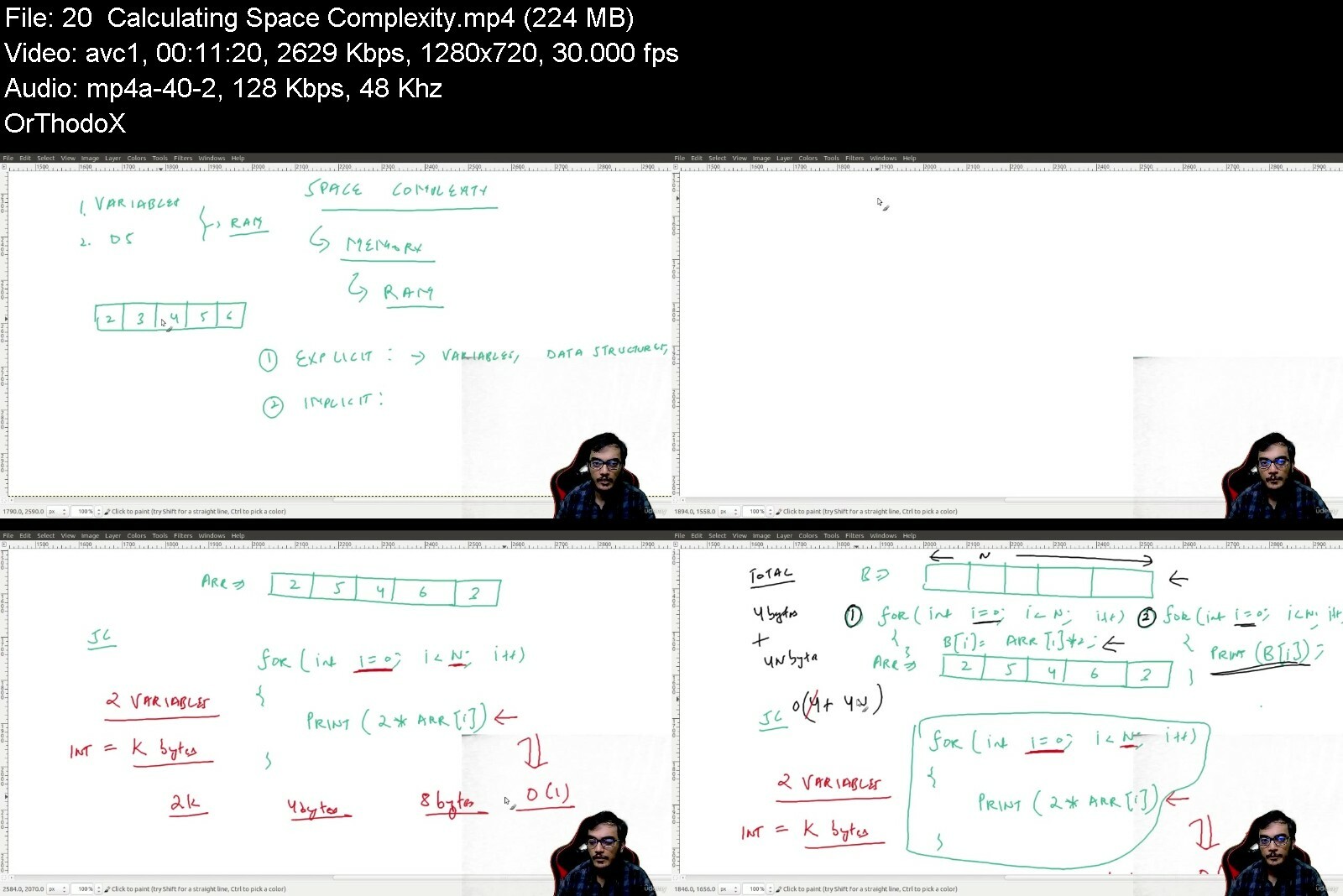
Cracking the Javascript Coding Interview
Last updated 4/2023
Created by Pratik Singhal
MP4 | Video: h264, 1280x720 | Audio: AAC, 44.1 KHz, 2 Ch
Genre: eLearning | Language: English | Duration: 196 Lectures ( 25h 39m ) | Size: 16.1 GB


Learn problem solving with data structures and algorithms for cracking interviews of top product based companies


What you'll learn
Coding Interview Preparation
Data Structure & Algorithms
Coding Interview Problems
Coding Interview Algorithms

Requirements
Basic Programming Experience

Description
This course will help you crack coding rounds and whiteboard coding rounds for IT companies. This is the only course with a special focus on problem-solving and visualization apart from theory for the most common data structures.As a part of this course we will be covering each of the topics in two steps :1. First we will understand the theory for each of the data structure and problem-solving technique.2. Secondly, we will practice a lot of problems based on those topics. The goal is to build your thought process so that you are also able to solve new problems asked in interviews.The whole course consists of more than 120 lectures divided across 12+ sections with the content updated periodically to reflect the latest industry trends and problems. We are going to be covering multiple different data structures like Arrays, Linked List, Stacks, Queues, Hash Table, Deque, Binary Search Tree, Tree, Heaps, Graphs, Disjoint Set Data Structure etc.Apart from that, we are covering algorithms and problem-solving techniques like Binary search, binary search over range, binary search over partial sorted range, sliding window method, Two pointer method, greedy algorithms, dynamic programming, backtracking, bitmagic etc.With over 22 hours of content + working code samples in 3 languages (Python) , this is the biggest and the most comprehensive course you will ever find anywhere and will certainly help you in cracking interviews.With this course, you don't need anything else for interview preparation.

Who this course is for
People who want to study data structure & algorithms
People preparing for coding interviews


crackingthejavascript1eeak.jpg


4803374c9bawqd6v.jpg


Learn Python From Zero to Master Object Oriented Programming
Last updated 8/2022
Created by Abdurrahman TEKIN
MP4 | Video: h264, 1280x720 | Audio: AAC, 44.1 KHz, 2 Ch
Genre: eLearning | Language: English + srt | Duration: 181 Lectures ( 27h 40m ) | Size: 28.5 GB


Learn Python Effectively, Python Course, Learn Python with Projects, Learn how to make games in Python, Learn OOP well


What you'll learn
Be familiar with the Python programming language on a basic level.
Learn how to write your own Python programs and put them together.
Be confident in your Python programming abilities and knowledge so that you may apply for Python programming jobs.
Use Python to make your daily life easier.
Learn Object Oriented Programming very well
Learn how to make games by using Python

Requirements
Just having a computer and willing to learn are enough. :)

Description
Python is a programming language aimed for both absolute beginners who have never programmed before and experienced programmers who want to increase their career options by learning Python. Python is, in fact, one of the most commonly used programming languages in the world, with big organizations such as Google using it to great advantage in mission-critical systems such as Google Search. In contrast, Python is the most widely used programming language for machine learning, data science, and artificial intelligence. If you want to acquire one of those high-paying jobs, you'll need to be an expert in Python, which this course will teach you.Once you've finished the course, you'll be able to apply for Python programming jobs with confidence. And, yes, this is true even if you have never programmed before. You may become employable and valuable in the eyes of future employers if you have the necessary skills, which you will learn and apply in this course.Please email me as soon as possible if you have any queries regarding this course, and I will answer to you the same day. This course will teach you how to make your life easier by getting acquainted with the Python programming language. This will keep you engaged on a daily basis and minimize boredom while learning Python.

Who this course is for
Who want to learn Python in an effective way.
Who want to communicate with computer.
Who want to use Python skills to get better jobs.


learnpythonfromzeroto5aenp.jpg


2cqolwpqqobn6fhh0skbtp9cz1.jpg


2 In 1: Python Machine Learning Plus 30 Hour Python Bootcamp
Last updated 10/2022
MP4 | Video: h264, 1280x720 | Audio: AAC, 44.1 KHz
Language: English | Size: 14.17 GB | Duration: 44h 46m

Learn model building, algorithms, data science PLUS 30 hours of step by step coding, libraries, arguments, projects +++


What you'll learn
Define what Machine Learning does and its importance
Learn the different types of Descriptive Statistics
Apply and use Various Operations in Python
Explore the usage of Two Categories of Supervised Learning
Learn the difference of the Three Categories of Machine Learning
Understand the Role of Machine Learning
Explain the meaning of Probability and its importance
Define how Probability Process happen
Discuss the definition of Objectives and Data Gathering Step
Know the different concepts of Data Preparation and Data Exploratory Analysis Step
Define what is Supervised Learning
Differentiate Key Differences Between Supervised,Unsupervised,and Reinforced Learning
Explain the importance of Linear Regression
Learn the different types of Logistic Regression
Learn what is an Integrated Development Environment and its importance
Understand the factors why Developers use Integrated Development Environment
Learn the most important factors on How to Perform Addition operation and close Jupyter Notebook
Discuss Arithmetic Operation in Python
Identify the different Types of Built-in-Data Types in Python
Learn the most important considerations of Dictionaries-Built-in Data types
Explain the usage of Operations in Python and its importance
Understand the importance of Logical Operators
Define the different types of Controlled Statements
Be able to create and write a program to find maximum number
Differentiate the different types of range functions in Python
Explain what is Statistics, Probability and key concepts
Introduction to Python
Date and Time in Python
Sets and Trigonometry
Logarithmic in Python
Arrays in Python
Round off, and Complex Numbers
Strings in Python
Strings, ord, and chr
Lists in Python
Tuples in Python
Multiple Sequences
Loops and List in Python
Appending Sequences
Comprehension in Python
List, Item and Iterators
Zip and Attributes in Python
Mapping in Python
dir Attributes
Zip and Map Operator
Printing Dictionaries Items
Arguments and Functions in Python
Sequences in Python
Defining Functions
Changer Function
def in Python
Knownly Type of a Function
def Statementdef Statement
String Code, and Sum Tree
Sum Tree
Echo and Lambda Function
Schedule Function
def and Reducing Function in Python
for and if in Range
def Saver and ASCII, and Exception
Get Attributes and Decorator in Python
Turtle and Compilation
Logging and HTTP
Make Calculator
Binary Numbers in Python
Countdown Time in Python
Size and Path of a File
Data Visualization
Pandas Library
Encoding and Decoding in Python
Shelve in Python

Requirements
No technical knowledge or experience is required to get going in this course
A basic understanding of the importance of data science will be useful
Laptop, or Computer, or Mobile
Internet Connection

Description
Course 1: Python Machine Learning > Section 1 - Section 68Course 2: Python Bootcamp 30 Hours Of Step By Step > Section 69 - 94Everything you get with this 2 in 1 course:234-page Machine Learning workbook containing all the reference material44 hours of clear and concise step by step instructions, practical lessons and engagement25 Python coding files so you can download and follow along in the bootcamp to enhance your learning35 quizzes and knowledge checks at various stages to test your learning and confirm your growthIntroduce yourself to our community of students in this course and tell us your goalsEncouragement & celebration of your progress: 25%, 50%, 75% and then 100% when you get your certificateThis course will help you develop Machine Learning skills for solving real-life problems in the new digital world. Machine Learning combines computer science and statistics to analyze raw real-time data, identify trends, and make predictions. The participants will explore key techniques and tools to build Machine Learning solutions for businesses. You don t need to have any technical knowledge to learn this skill.What will you learn:Define what Machine Learning does and its importanceUnderstand the Role of Machine LearningExplain what is StatisticsLearn the different types of Descriptive StatisticsExplain the meaning of Probability and its importanceDefine how Probability Process happensDiscuss the definition of Objectives and Data Gathering StepKnow the different concepts of Data Preparation and Data Exploratory Analysis StepDefine what is Supervised LearningDifferentiate Key Differences Between Supervised, Unsupervised, and Reinforced LearningLearn the difference between the Three Categories of Machine LearningExplore the usage of Two Categories of Supervised LearningExplain the importance of Linear RegressionLearn the different types of Logistic RegressionLearn what is an Integrated Development Environment and its importanceUnderstand the factors why Developers use Integrated Development EnvironmentLearn the most important factors on How to Perform Addition operations and close the Jupyter NotebookApply and use Various Operations in PythonDiscuss Arithmetic Operation in PythonIdentify the different types of Built-in-Data Types in PythonLearn the most important considerations of Dictionaries-Built-in Data typesExplain the usage of Operations in Python and its importanceUnderstand the importance of Logical OperatorsDefine the different types of Controlled StatementsBe able to create and write a program to find the maximum number...and more!Contents and OverviewYou'll start with the History of Machine Learning; Difference Between Traditional Programming and Machine Learning; What does Machine Learning do; Definition of Machine Learning; Apply Apple Sorting Example Experiences; Role of Machine Learning; Machine Learning Key Terms; Basic Terminologies of Statistics; Descriptive Statistics-Types of Statistics; Types of Descriptive Statistics; What is Inferential Statistics; What is Analysis and its types; Probability and Real-life Examples; How Probability is a Process; Views of Probability; Base Theory of Probability.Then you will learn about Defining Objectives and Data Gathering Step; Data Preparation and Data Exploratory Analysis Step; Building a Machine Learning Model and Model Evaluation; Prediction Step in the Machine Learning Process; How can a machine solve a problem-Lecture overview; What is Supervised Learning; What is Unsupervised Learning; What is Reinforced Learning; Key Differences Between Supervised,Unsupervised and Reinforced Learning; Three Categories of Machine Learning; What is Regression, Classification and Clustering; Two Categories of Supervised Learning; Category of Unsupervised Learning; Comparison of Regression , Classification and Clustering; What is Linear Regression; Advantages and Disadvantages of Linear Regression; Limitations of Linear Regression; What is Logistic Regression; Comparison of Linear Regression and Logistic Regression; Types of Logistic Regression; Advantages and Disadvantages of Logistic Regression; Limitations of Logistic Regression; What is Decision tree and its importance in Machine learning; Advantages and Disadvantages of Decision Tree.We will also cover What is Integrated Development Environment; Parts of Integrated Development Environment; Why Developers Use Integrated Development Environment; Which IDE is used for Machine Learning; What are Open Source IDE; What is Python; Best IDE for Machine Learning along with Python; Anaconda Distribution Platform and Jupyter IDE; Three Important Tabs in Jupyter; Creating new Folder and Notebook in Jupyter; Creating Three Variables in Notebook; How to Check Available Variables in Notebook; How to Perform Addition operation and Close Jupyter Notebook; How to Avoid Errors in Jupyter Notebook; History of Python; Applications of Python; What is Variable-Fundamentals of Python; Rules for Naming Variables in Python; DataTypes in Python; Arithmetic Operation in Python; Various Operations in Python; Comparison Operation in Python; Logical Operations in Python; Identity Operation in Python; Membership Operation in Python; Bitwise Operation in Python; Data Types in Python; Operators in Python; Control Statements in Python; Libraries in Python; Libraries in Python; What is Scipy library; What is Pandas Library; What is Statsmodel and its features;This course will also tackle Data Visualisation & Scikit Learn; What is Data Visualization; Matplotib Library; Seaborn Library; Scikit-learn Library; What is Dataset; Components of Dataset; Data Collection & Preparation; What is Meant by Data Collection; Understanding Data; Exploratory Data Analysis; Methods of Exploratory Data Analysis; Data Pre-Processing; Categorical Variables; Data Pre-processing Techniques.This course will also discuss What is Linear Regression and its Use Case; Dataset For Linear Regression; Import library and Load Data set- steps of linear regression; Remove the Index Column-Steps of Linear Regression; Exploring Relationship between Predictors and Response; Pairplot method explanation; Corr and Heatmap method explanation; Creating Simple Linear Regression Model; Interpreting Model Coefficients; Making Predictions with our Model; Model Evaluation Metric; Implementation of Linear Regression-lecture overview; Uploading the Dataset in Jupyter Notebook; Importing Libraries and Load Dataset into Dataframe; Remove the Index Column; Exploratory Analysis -relation of predictor and response; Creation of Linear Regression Model; Model Coefficients; Making Predictions; Evaluation of Model Performance.Next, you will learn about Model Evaluation Metrics and Logistic Regression - Diabetes Model.Who are the Instructors?Samidha Kurle from Digital Regenesys is your lead instructor a professional making a living from her teaching skills with expertise in Machine Learning. She has joined with content creator Peter Alkema to bring you this amazing new course.You'll get premium support and feedback to help you become more confident with finance!Our happiness guarantee...We have a 30-day 100% money-back guarantee, so if you aren't happy with your purchase, we will refund your course - no questions asked!We can't wait to see you on the course!Enrol now, and master Machine Learning!Peter and Samidha

Overview
Section 1: Introduction

Lecture 1 Python Machine Learning - Introduction

Lecture 2 Course Overview On A Wipeboard: Mindmap Of Machine Learning In Python

Lecture 3 Introduce Yourself to Your Fellow Students And Tell Everyone What are Your Goals

Lecture 4 Let's Celebrate Your Progress In This Course: 25% > 50% > 75% > 100%!!

Lecture 5 Preview & Download The 234 Page Machine Learning Workbook You Get In This Course

Section 2: Introduction to Machine Learning

Lecture 6 Introduction of Instructor

Lecture 7 Machine Learning Lecture Outline

Lecture 8 Understanding of Thinking and Learning Process in Humans

Lecture 9 How Humans Think and Why we Need Machine Learning

Lecture 10 History of Machine Learning

Lecture 11 Difference Between Traditional Programming and Machine Learning

Lecture 12 Machine Learning Example

Section 3: Knowledge Check 1

Section 4: What Is Machine Learning

Lecture 13 What does Machine Learning do

Lecture 14 Definition of Machine Learning

Lecture 15 Apply Apple Sorting Example Experiences

Lecture 16 Role of Machine Learning

Lecture 17 Machine Learning Key Terms

Section 5: Knowledge Check 2

Section 6: Statistics

Lecture 18 What is Statistics

Lecture 19 Basic Terminologies of Statistics

Lecture 20 Descriptive Statistics-Types of Statistics

Lecture 21 Types of Descriptive Statistics

Lecture 22 What is Inferential Statistics

Lecture 23 What is Analysis and its types

Section 7: Knowledge Check 3

Section 8: Probability

Lecture 24 Introduction to Probability

Lecture 25 Probability and Real life Examples

Lecture 26 What is Probability

Lecture 27 How Probability is a Process

Lecture 28 Calculate Probability of an Event-Example

Lecture 29 Probability of One Fair Six-Sided Die-Example

Lecture 30 Views of Probability

Lecture 31 Base Theory of Probability

Lecture 32 Rain chances on a picnic day-Probability Example

Section 9: Knowledge Check 4

Section 10: Machine Learning Quiz 1

Section 11: Machine Learning Process

Lecture 33 Defining Objectives and Data Gathering Step

Lecture 34 Data Preparation and Data Exploratory Analysis Step

Lecture 35 Building a Machine Learning Model and Model Evaluation

Lecture 36 Prediction Step in the Machine Learning Process

Section 12: Knowledge Check 5

Section 13: Types of Machine Learning

Lecture 37 How can a machine solve a problem-Lecture overview

Lecture 38 What is Supervised Learning

Lecture 39 What is Unsupervised Learning

Lecture 40 What is Reinforced Learning

Lecture 41 Key Differences Between Supervised,Unsupervised and Reinforced Learning

Section 14: Knowledge Check 6

Section 15: Machine Learning Algorithms Part 1

Lecture 42 Three Categories of Machine Learning

Lecture 43 What is Regression, Classification and Clustering

Lecture 44 Two Categories of Supervised Learning

Lecture 45 Category of Unsupervised Learning

Lecture 46 Comparison of Regression , Classification and Clustering

Section 16: Knowledge Check 7

Section 17: Machine Learning Algorithms Part 2

Lecture 47 What is Linear Regression

Lecture 48 Advantages and Disadvantages of Linear Regression

Lecture 49 Limitations of Linear Regression

Lecture 50 You've Achieved 25% >> Let's Celebrate Your Progress And Keep Going To 50% >>

Lecture 51 What is Logistic Regression

Lecture 52 Comparison of Linear Regression and Logistic Regression

Lecture 53 Types of Logistic Regression

Lecture 54 Advantages and Disadvantages of Logistic Regression

Lecture 55 Limitations of Logistic Regression

Lecture 56 What is Decision tree and its importance in Machine learning

Lecture 57 Advantages and Disadvantages of Decision Tree

Section 18: Knowledge Check 8

Section 19: Machine Learning Algorithms Part 3

Lecture 58 Machine Learning Algorithms Part 3

Section 20: Knowledge Check 9

Section 21: Machine Learning Quiz 2

Section 22: Model Building Platform

Lecture 59 What is Integrated Development Environment

Lecture 60 Parts of Integrated Development Environment

Lecture 61 Why Developers Use Integrated Development Environment

Lecture 62 Which IDE is used for Machine Learning

Lecture 63 What are Open Source IDE

Lecture 64 What is Python

Lecture 65 Best IDE for Machine Learning along with Python

Lecture 66 Anaconda Distribution Platform and Jupyter IDE

Section 23: Knowledge Check 10

Section 24: Jupyter Notebook

Lecture 67 Three Important Tabs in Jupyter

Lecture 68 Creating new Folder and Notebook in Jupyter

Lecture 69 Creating Three Variables in Notebook

Lecture 70 How to Check Available Variables in Notebook

Lecture 71 How to Perform Addition operation and Close Jupyter Notebook

Lecture 72 How to Avoid Errors in Jupyter Notebook

Section 25: Knowledge Check 11

Section 26: Python Insights

Lecture 73 History of Python

Lecture 74 Applications of Python

Lecture 75 What is Variable-Fundamentals of Python

Lecture 76 Rules for Naming Variables in Python

Lecture 77 Types of Data in Python

Lecture 78 Operations in Python

Lecture 79 Arithmetic Operation in Python

Lecture 80 Assignment Operation in Python

Lecture 81 Comparison Operation in Python

Lecture 82 Logical Operations in Python

Lecture 83 Identity Operation in Python

Lecture 84 Membership Operation in Python

Lecture 85 Bitwise Operation in Python

Section 27: Knowledge Check 12

Section 28: Data Types in Python

Lecture 86 What is Variable

Lecture 87 Program to find out Data Types of Variables

Lecture 88 Boolean Data in Python

Lecture 89 Built-in Data in Python

Lecture 90 Lists-Built-in Data Type

Lecture 91 Tuples-Built-in Data Type

Lecture 92 Sets-Built-in Data Types

Lecture 93 Dictionaries-Built-in Data Types

Section 29: Knowledge Check 13

Section 30: Operators in Python

Lecture 94 Use of Operators in Python

Lecture 95 Arithmetic Operators

Lecture 96 Assignment Operator

Lecture 97 Comparison Operator

Lecture 98 Logical Operators

Lecture 99 Identity Operator

Lecture 100 Membership Operator

Lecture 101 Bitwise Operator

Lecture 102 You've Achieved 50% >> Let's Celebrate Your Progress And Keep Going To 75% >>

Section 31: Knowledge Check 14

Section 32: Control Statements in Python

Lecture 103 Types of Controlled Statements

Lecture 104 Use of IF Statement-Example 1

Lecture 105 Write a Program to find maximum number-Example 2

Lecture 106 How to Make code Efficient-Example 3

Lecture 107 Where to Use IF Statement

Section 33: Knowledge Check 15

Section 34: Libraries in Python

Lecture 108 What is Numpy and its use

Lecture 109 What is Scipy library

Lecture 110 What is Pandas Library

Lecture 111 What is Statsmodel and its features

Section 35: Knowledge Check 16

Section 36: NumPy Part 1

Lecture 112 What is an Array and its Example

Lecture 113 How to Access specific element of an Array

Lecture 114 Slicing Array

Lecture 115 How to know Number of Elements in Dimension of an array

Lecture 116 How to Join Two Arrays in a Single Array

Section 37: Knowledge Check 17

Section 38: NumPy Part 2

Lecture 117 Arithmetic Functions-Overview

Lecture 118 Add Method in Arithmetic Functions of Python

Lecture 119 Subtract,Multiply,Divide Methods in Arithmetic Functions

Lecture 120 MOD Method in Arithmetic Functions

Lecture 121 Remainder Method in Arithmetic Functions

Lecture 122 Power Method in Arithmetic Functions

Lecture 123 Reciprocal Method in Arithmetic Functions

Lecture 124 Creating two Dimensional Array for Arithmetic Functions

Lecture 125 Statistical Functions-overview

Lecture 126 Statistical Functions Implementation in Python

Lecture 127 Creation of Weighted Array

Lecture 128 Creating Two Dimensional Array with Statistical Functions

Section 39: Knowledge Check 18

Section 40: Pandas Part 1

Lecture 129 Import Libraries for Panda Project

Lecture 130 Create a Series from an Array

Lecture 131 Create Series from Dictionaries

Lecture 132 How to access elements from series

Lecture 133 Create a DataFrame Datastructure

Section 41: Knowledge Check 19

Section 42: Pandas Part 2

Lecture 134 Functions of pandas-pandas 2

Lecture 135 Pandas Attributes Example

Lecture 136 Head and Tail Method in Pandas

Lecture 137 Create a DataFrame Student including all Panda Functionality

Lecture 138 Descriptive Statistics Functions in Pandas

Section 43: Knowledge Check 20

Section 44: Pandas Part 3

Lecture 139 Create Jupyter Notebook and Load Dataset into it

Lecture 140 Loading Dataset into DataFrame

Lecture 141 How to find Missing Values in Dataset

Lecture 142 How to Handle Missing Values in Dataset

Section 45: Knowledge Check 21

Section 46: Data Visualisation & Scikit Learn

Lecture 143 What is Data Visualization

Lecture 144 Matplotib Library

Lecture 145 Seaborn Library

Lecture 146 Scikit-learn Library

Lecture 147 What is Dataset

Lecture 148 Components of Dataset

Section 47: Knowledge Check 22

Section 48: Matplotlib Part 1

Lecture 149 Overview of Matplotlib

Lecture 150 How to Create a Simple Plot

Lecture 151 How to Create a Graph with Multiple Points

Lecture 152 Marker on graphs

Lecture 153 Linestyle on graph

Lecture 154 How to Draw Multiple Lines on a Graph

Lecture 155 How to Draw Labels on plot

Lecture 156 How to create multiple Subplots on same canvas

Lecture 157 You've Achieved 75% >> Let's Celebrate Your Progress And Keep Going To 100% >>

Section 49: Knowledge Check 23

Section 50: Matplotlib Part 2

Lecture 158 Number of Plots in Matplotib-overview

Lecture 159 What is Bargraph and why we need it

Lecture 160 What is Histogram

Lecture 161 What is Scatter Plot and Why we need it

Lecture 162 What is Pie Chart

Section 51: Knowledge Check 24

Section 52: Python Coding - Seaborn Part 1

Lecture 163 What is Seaborn library

Lecture 164 How to import in-built datasets from seaborn

Lecture 165 Which datasets are available in seaborn

Lecture 166 Load Dataset from seaborn

Lecture 167 Themes and Styling in Seaborn

Lecture 168 How to change theme of plot

Lecture 169 Set context method in plot

Lecture 170 Color Pallets in plot

Section 53: Knowledge Check 25

Section 54: Python Coding - Seaborn Part 2

Lecture 171 Various Plots in Seaborn-lecture overview

Lecture 172 Relplot in Seaborn

Lecture 173 Catplot in Seaborn

Lecture 174 Ditplot in Seaborn

Lecture 175 Pairplot in Seaborn

Section 55: Knowledge Check 26

Section 56: Machine Learning Quiz 3

Section 57: Data Collection & Preparation

Lecture 176 What is Meant by Data Collection

Lecture 177 Understanding Data

Lecture 178 Exploratory Data Analysis

Lecture 179 Methods of Exploratory Data Analysis

Lecture 180 Data Pre-Processing

Lecture 181 Categorical Variables

Lecture 182 Data Pre-processing Techniques

Section 58: Knowledge Check 27

Section 59: Linear Regression - Use Case

Lecture 183 What is Linear Regression and its Use Case

Lecture 184 Dataset For Linear Regression

Lecture 185 Import library and Load Data set- steps of linear regression

Lecture 186 Remove the Index Column-Steps of Linear Regression

Lecture 187 Exploring Relationship between Predictors and Response

Lecture 188 Pairplot method explanation

Lecture 189 Corr and Heatmap method explanation

Lecture 190 Creating Simple Linear Regression Model

Lecture 191 Interpreting Model Coefficients

Lecture 192 Making Predictions with our Model

Lecture 193 Model Evaluation Metric

Section 60: Knowledge Check 28

Section 61: Linear Regression with Python

Lecture 194 Implementation of Linear Regression-lecture overview

Lecture 195 Uploading the Dataset in Jupyter Notebook

Lecture 196 Importing Libraries and Load Dataset into Dataframe

Lecture 197 Remove the Index Column

Lecture 198 Exploratory Analysis -relation of predictor and response

Lecture 199 Creation of Linear Regression Model

Lecture 200 Model Coefficients

Lecture 201 Making Predictions

Lecture 202 Evaluation of Model Performance

Section 62: Knowledge Check 29

Section 63: Model Evaluation Metrics

Lecture 203 Machine Learning Model Building

Lecture 204 What are Evaluation Metrics

Lecture 205 Different Kinds of Evaluation Metric

Lecture 206 Confusion Metric

Lecture 207 Accuracy

Lecture 208 Precision

Lecture 209 Recall

Lecture 210 What is F1 Score

Lecture 211 Classification Report

Section 64: Knowledge Check 30

Section 65: Logistic Regression - DIabetes Model

Lecture 212 Importing Libraries for Logistic Regression

Lecture 213 Load the dataset for logistic regression

Lecture 214 Creation of Logistics Regression Model

Lecture 215 You've Achieved 100% >> Let's Celebrate! Remember To Share Your Certificate!!

Section 66: Knowledge Check 31

Section 67: Machine Learning Quiz 4

Section 68: Additional Data Science Insights: Lessons From A Live Webinar Interview

Lecture 216 introduction of the guest speaker

Lecture 217 Perspective on other courses as one on data science and other courses

Lecture 218 Basic level of understanding about machines

Lecture 219 Pairing with physics and statistical major is good foundation for data science

Lecture 220 Having an overview on machine learning and the course

Lecture 221 Statistics on data science

Lecture 222 Learn how could data science be part on marketing

Lecture 223 Which do you find more comfortable for automation, Phython or UiPath

Lecture 224 Thoughts and overview on the Python course

Lecture 225 Can data science help predict the stock price?

Lecture 226 Can phyton be used to sort through the data

Lecture 227 How does statistics relate to data science and it is used in business

Lecture 228 Game theory that are involved, and its application to the field of data scienc

Lecture 229 Education and games thoughts on the course

Lecture 230 Full 1 Hour Live Data Science Webinar With Terence Govender from Regenesys

Section 69: Python Bootcamp - Introduction

Lecture 231 Introduction

Lecture 232 Download All Your Coding Files

Lecture 233 Introduce Yourself To Your Fellow Students And Tell Everyone What Are Your Goals

Lecture 234 Let's Celebrate Your Progress In This Course: 25% > 50% > 75% > 100%!!

Section 70: Introduction to Python

Lecture 235 Hello World Coding in Python

Lecture 236 Printing Variables in Python

Lecture 237 Strings, Floating Points, and Digits in Python

Lecture 238 Printing Variables in Python

Lecture 239 Inserting, Removing, and Pop Up of Variables in Python

Section 71: Date and Time in Python

Lecture 240 Printing Date and Time in Python

Lecture 241 Import and From Date Time in Python

Lecture 242 Printing Current Date Time in Python

Lecture 243 Printing Current Year in Python

Lecture 244 Hours, Minutes, and Seconds in Python

Lecture 245 Microseconds in Python

Lecture 246 Time stamp in Python

Lecture 247 Time Difference in Python

Lecture 248 Time Delta in Python

Lecture 249 Time Delta in Python 2

Lecture 250 Trigonometry in Python

Lecture 251 Now Date and Time in Python

Section 72: Sets, Trigonometry, Logarithmic in Python

Lecture 252 Intersection and Union of Sets in Python

Lecture 253 Difference of Sets in Python

Lecture 254 True and False in Sets Using Python

Lecture 255 Adding and Removing Elements in Sets

Lecture 256 Code for Intersection and Union in Python

Lecture 257 Element in Sets

Lecture 258 Math and CMath

Lecture 259 Logarithmic and Mod Operators

Lecture 260 You've Achieved 25% >> Let's Celebrate Your Progress And Keep Going To 50% >>

Lecture 261 Bitwise Operators in Python

Lecture 262 Binary into Decimals in Python

Lecture 263 Binary into Integers

Lecture 264 Multiple Variables in Python

Lecture 265 True and False Statement in Python

Section 73: Arrays in Python

Lecture 266 Arrays in Python

Lecture 267 Inserting Elements in Array

Lecture 268 Pop Up Arrays

Lecture 269 Index and Reverse Arrays

Lecture 270 Finding Error in Codes: Assignment

Section 74: Round off, Trigonometry, and Complex Numbers in Python

Lecture 271 Round off and Truncation

Lecture 272 Degrees into Radians and Radians into Degrees Using Python

Lecture 273 Positive and Negative Infinity in Python

Lecture 274 Not a Number Coding in Python

Lecture 275 Complex Numbers Coding in Python

Section 75: Strings in Python

Lecture 276 Printing Strings in Python

Lecture 277 Counting in Strings

Lecture 278 Open a File in Python

Lecture 279 Printing Multiple Strings in Python

Lecture 280 Strings True and False in Python

Lecture 281 Slicing and Indexing in Strings

Section 76: Strings, ord, chr, and Binary Numbers in Python

Lecture 282 Strings and Integers

Lecture 283 ord and chr Tools in Python

Lecture 284 Int and Binary Numbers in Python

Section 77: Lists and Dictionaries in Python

Lecture 285 Lists in Python

Lecture 286 Adding Strings in Lists

Lecture 287 Pop Up and Removing Strings in Lists

Lecture 288 Assignment Code

Lecture 289 Dictionaries in Python

Lecture 290 Lists and Dictionaries

Section 78: Tuples in Python

Lecture 291 Tuples in Python

Lecture 292 Lists into Tuples

Lecture 293 Why Lists and Tuples in Python

Lecture 294 Data File in Python

Section 79: Tuples and Sequences

Lecture 295 Assigning Tuples

Lecture 296 Strings

Lecture 297 Tuples into Lists

Lecture 298 Sequences in Python

Lecture 299 Multiple Sequences

Section 80: Loops, Sequences and List in Python

Lecture 300 Tuples into Loops

Lecture 301 Strings and Tuples

Lecture 302 Sequences into Loops

Lecture 303 List into Loop

Lecture 304 Item into Loop

Lecture 305 Appending Sequences

Section 81: Dictionaries and Comprehension in Python

Lecture 306 Range and List

Lecture 307 Dictionaries into Tuples

Lecture 308 Enumerator Functions

Lecture 309 List, Item and Iterators

Lecture 310 List Comprehension

Lecture 311 You've Achieved 50% >> Let's Celebrate Your Progress And Keep Going To 75% >>

Section 82: Mapping, Zip and Attributes in Python

Lecture 312 Mapping in Python

Lecture 313 Zip and Map Operator

Lecture 314 Printing Dictionaries Items

Lecture 315 dir Attributes

Lecture 316 dir Attributes 2

Section 83: Arguments and Functions in Python

Lecture 317 Arguments

Lecture 318 Sequences and Arguments

Lecture 319 Intersection of Sequences

Lecture 320 Defining Functions

Lecture 321 Multiple Functions

Section 84: Argument, Defining Functions, and def in Python

Lecture 322 Changer Function

Lecture 323 Argument Functions

Lecture 324 Multiple Arguments and Functions

Lecture 325 Knownly Type of a Function

Lecture 326 Printing Tuples Using Functions

Lecture 327 def Statement

Section 85: Argument, String Code, and Sum Tree

Lecture 328 Min and MAX of Argument

Lecture 329 Assignment

Lecture 330 String Code

Lecture 331 Finding Sum of List

Lecture 332 Sum Tree

Section 86: Echo and Lambda Function

Lecture 333 Echo Function

Lecture 334 Schedule Function

Lecture 335 Printing a Function Value

Lecture 336 Lambda Function

Lecture 337 Multiple Lambda Function

Lecture 338 Lambda Function with Multiple Functions

Section 87: Lambda and Generating Function

Lecture 339 Lambda Function: Code Example

Lecture 340 Lambda Function: Code Example

Lecture 341 Range and Tuples

Lecture 342 Matrices in Python

Lecture 343 Generating a Function in Python

Lecture 344 Generating a Function: Code Example

Lecture 345 Set of Codes

Section 88: def and Reducing Function in Python

Lecture 346 def of Sum and Square

Lecture 347 Reducing Code in Python

Lecture 348 Function Reducing Tool

Lecture 349 for and if in Range

Lecture 350 res.append in Python

Lecture 351 You've Achieved 75% >> Let's Celebrate Your Progress And Keep Going To 100% >>

Section 89: def Saver, ASCII, Exception, Encoding and Decoding in Python

Lecture 352 def Saver

Lecture 353 Python Module

Lecture 354 isinstance for String and Object

Lecture 355 def fetcher in Python

Lecture 356 Exception in Python

Lecture 357 ASII in Python

Lecture 358 encoding and decoding in Python

Lecture 359 encoding and decoding Lecture 2

Lecture 360 encoding and decoding Lecture 3

Lecture 361 encoding and decoding Lecture 4

Section 90: Get Attributes and Decorator in Python

Lecture 362 getName Coding

Lecture 363 GetAtrr in Python

Lecture 364 GetAtrribute in Python

Lecture 365 Decorator in Python

Lecture 366 Nested Decorator

Lecture 367 Annotation and Decorator

Lecture 368 functools for Decorator

Lecture 369 inspectfunc tool in Python

Section 91: Turtle, Pandas, Compilation, and Data Visualization

Lecture 370 Class Method in Python

Lecture 371 Turtle, Time and Random

Lecture 372 Pandas Library Code

Lecture 373 Compilation in Python

Lecture 374 Data Visualization in Matplotlib

Lecture 375 Scattering: Data Visualization

Lecture 376 Enumerator Function

Section 92: Logging, Data Visualization, and HTTP

Lecture 377 Plotly in MATPLOTLIB

Lecture 378 Plot: Data Visualization

Lecture 379 Logging and Exception

Lecture 380 Printing Vowels

Lecture 381 Map and Operator

Lecture 382 HTTP Server: Practical Python

Lecture 383 Socket Library for HTTP Server

Section 93: Make Calculator, Countdown Time, Size and Path of a File

Lecture 384 Tree Coding

Lecture 385 Tree Coding Lecture 2

Lecture 386 Name and Size of a File

Lecture 387 Countdown Time: Practical Python

Lecture 388 Make a Calculator: Practical Python

Section 94: PyAudio, DataFrame, More Pandas Library & Create a Leap Year

Lecture 389 Leap Year in Python

Lecture 390 PyAudio Lecture 1

Lecture 391 PyAudio Lecture 2

Lecture 392 Creating a Shelve in Python

Lecture 393 Pandas Library: DataFrame

Lecture 394 You've Achieved 100% >> Let's Celebrate! Remember To Share Your Certificate!!

Anyone interested in the field of Machine Learning and key concepts,People who want to understand ML and build models in Python,For those who have interest in Python,For those who want to build their career in programming languages like python




2in1pythonmachinelear7ueek.jpg


Zurück
Oben Unten