• Regeln für den Video-Bereich:

    In den Börsenbereich gehören nur Angebote die bereits den Allgemeinen Regeln entsprechen.

    Einteilung

    - Folgende Formate gehören in die angegeben Bereiche:
    - Filme: Encodierte Filme von BluRay, DVD, R5, TV, Screener sowie Telesyncs im Format DivX, XviD und x264.
    - DVD: Filme im Format DVD5, DVD9 und HD2DVD.
    - HD: Encodierte Filme mit der Auflösung 720p oder darüber von BluRay, DVD, R5, TV, Screener sowie Telesyncs im Format x264.
    - 3D: Encodierte Filme von BluRay, die in einem 3D Format vorliegen. Dies gilt auch für Dokus, Animation usw.
    - Serien: Cartoon/Zeichentrick, Anime, Tutorials, Dokumentationen, Konzerte/Musik, Sonstiges sind demnach in die entsprechenden Bereiche einzuordnen, auch wenn sie beispielsweise im High Definition-Format oder als DVD5/DVD9/HD2DVD vorliegen. Ausnahme 3D.
    - Bereich Englisch: Englische Releases gehören immer in diesen Bereich.
    - Bereich Talk: Der Bereich, in dem über die Releases diskutiert werden kann, darf, soll und erwünscht ist.


    Angebot/Beitrag erstellen

    - Ein Beitrag darf erst dann erstellt werden, wenn der Upload bei mindestens einem OCH komplett ist. Platzhalter sind untersagt.
    - Bei einem Scenerelease hat der Threadtitel ausschließlich aus dem originalen, unveränderten Releasenamen zu bestehen. Es dürfen keine Veränderungen wie z.B. Sterne, kleine Buchstaben o.ä. vorgenommen werden. Ausnahme Serienbörse:
    - Bei einem Sammelthread für eine Staffel entfällt aus dem Releasename natürlich der Name der Folge. Beispiel: Die Simpsons S21 German DVDRip XviD - ITG
    - Dementsprechend sind also u.a. verboten: Erweiterungen wie "Tipp", "empfehlenswert", "only", "reup", usw. / jegliche andere Zusatzinformation oder Ergänzung, welche nicht in obiger Beschreibung zu finden ist.

    Aufbau des Angebots und Threadtitel

    Der Titel nach folgendem Muster erstellt zu werden. <Name> [3D] [Staffel] [German] <Jahr> <Tonspur> [DL] [Auflösung] <Quelle> <Codec> - <Group>
    Beispiel: The Dark Knight German 2008 AC3 DVDRip XviD - iND
    Beispiel: The Dark Knight 2008 DTS DL BDRip x264 - iND
    Beispiel: The Dark Knight 2008 AC3 DL BDRip XviD - iND
    Beispiel: The Dark Knight German 2008 AC3 720p BluRay x264 iND
    Beispiel: The Dark Knight 2008 DTS DL 1080p BluRay x264 iND
    Beispiel: Die Simpsons S01 German AC3 DVDRip XviD iND
    Beispiel: Die Simpsons S20 German AC3 720p BluRay x264 iND
    Beispiel: Sword Art Online II Ger Sub 2014 AAC 1080p WEBRip x264 - peppermint
    Entsprechend sind also u.a. verboten: Sonderzeichen wie Klammern, Sterne, Ausrufezeichen, Unterstriche, Anführungszeichen / Erweiterungen wie "Tipp", "empfehlenswert", "only", "reup", usw. / jegliche andere Zusatzinformation oder Ergänzung, welche nicht in obiger Beschreibung zu finden ist
    Ausnahmen hiervon können in den Bereichen geregelt sein.

    Die Beiträge sollen wie folgt aufgebaut werden:
    Überschrift entspricht dem Threadtitel
    Cover
    kurze Inhaltsbeschreibung
    Format, Größe, Dauer sind gut lesbar für Downloader außerhalb des Spoilers zu vermerken
    Nfo sind immer Anzugeben und selbige immer im Spoiler in Textform.
    Sind keine Nfo vorhanden z.B. Eigenpublikationen, sind im Spoiler folgende Dateiinformationen zusätzlich anzugeben :
    Quelle
    Video (Auflösung und Bitrate)
    Ton (Sprache, Format und Bitrate der einzelnen Spuren)
    Untertitel (sofern vorhanden)
    Hosterangabe in Textform außerhalb eines Spoiler mit allen enthaltenen Hostern.
    Bei SD kann auf diese zusätzlichen Dateiinformationen verzichtet werden.

    Alle benötigten Passwörter sind, sofern vorhanden, in Textform im Angebot anzugeben.
    Spoiler im Spoiler mit Kommentaren :"Schon Bedankt?" sind unerwünscht.


    Releases

    - Sind Retail-Release verfügbar, sind alle anderen Variationen untersagt. Ausnahmen: Alle deutschen Retail-Release sind CUT, in diesem Fall sind dubbed UNCUT-Release zulässig.
    - Im Serien-Bereich gilt speziell: Wenn ein Retail vor Abschluss einer laufenden Staffel erscheint, darf diese Staffel noch zu Ende gebracht werden.62
    - Gleiche Releases sind unbedingt zusammenzufassen. Das bedeutet, es ist zwingend erforderlich, vor dem Erstellen eines Themas per Suchfunktion zu überprüfen, ob bereits ein Beitrag mit demselben Release besteht. Ist dies der Fall, ist der bereits vorhandene Beitrag zu verwenden.
    - P2P und Scene Releases dürfen nicht verändert oder gar unter einem iND Tag eingestellt werden.


    Support, Diskussionen und Suche

    - Supportanfragen sind entweder per PN oder im Bereich Talk zu stellen.
    - Diskussionen und Bewertungen sind im Talk Bereich zu führen. Fragen an die Uploader haben ausschließlich via PN zu erfolgen, und sind in den Angeboten untersagt.
    - Anfragen zu Upload-Wünschen sind nur im Bereich Suche Video erlaubt. Antworten dürfen nur auf Angebote von MyBoerse.bz verlinkt werden.


    Verbote

    - Untersagt sind mehrere Formate in einem einzigen Angebotsthread, wie beispielsweise das gleichzeitige Anbieten von DivX/XviD, 720p und 1080p in einem Thread. Pro Format, Release und Auflösung ist ein eigener Thread zu eröffnen.
    - Grundsätzlich ebenso verboten sind Dupes. Uploader haben sich an geeigneter Stelle darüber zu informieren, ob es sich bei einem Release um ein Dupe handelt.
    - Gefakte, nur teilweise lauffähige oder unvollständige Angebote sind untersagt. Dies gilt auch für eigene Publikationen, die augenscheinlich nicht selbst von z.B. einer DVD gerippt wurden. Laufende Serien, bei denen noch nicht alle Folgen verfügbar sind, dürfen erstellt und regelmäßig geupdatet werden.
    - Untersagt sind Angebote, welche nur und ausschließlich in einer anderen Sprache als deutsch oder englisch vorliegen. Ausnahmen sind VORHER mit den Moderatoren zu klären.


    Verstoß gegen die Regeln

    - Angebote oder Beiträge, die gegen die Forenregeln verstoßen, sind über den "Melden"-Button im Beitrag zu melden.
  • Bitte registriere dich zunächst um Beiträge zu verfassen und externe Links aufzurufen.

*** Bestes IPTV *** bester Preis *** gratis Test ***


Englische Tutorials

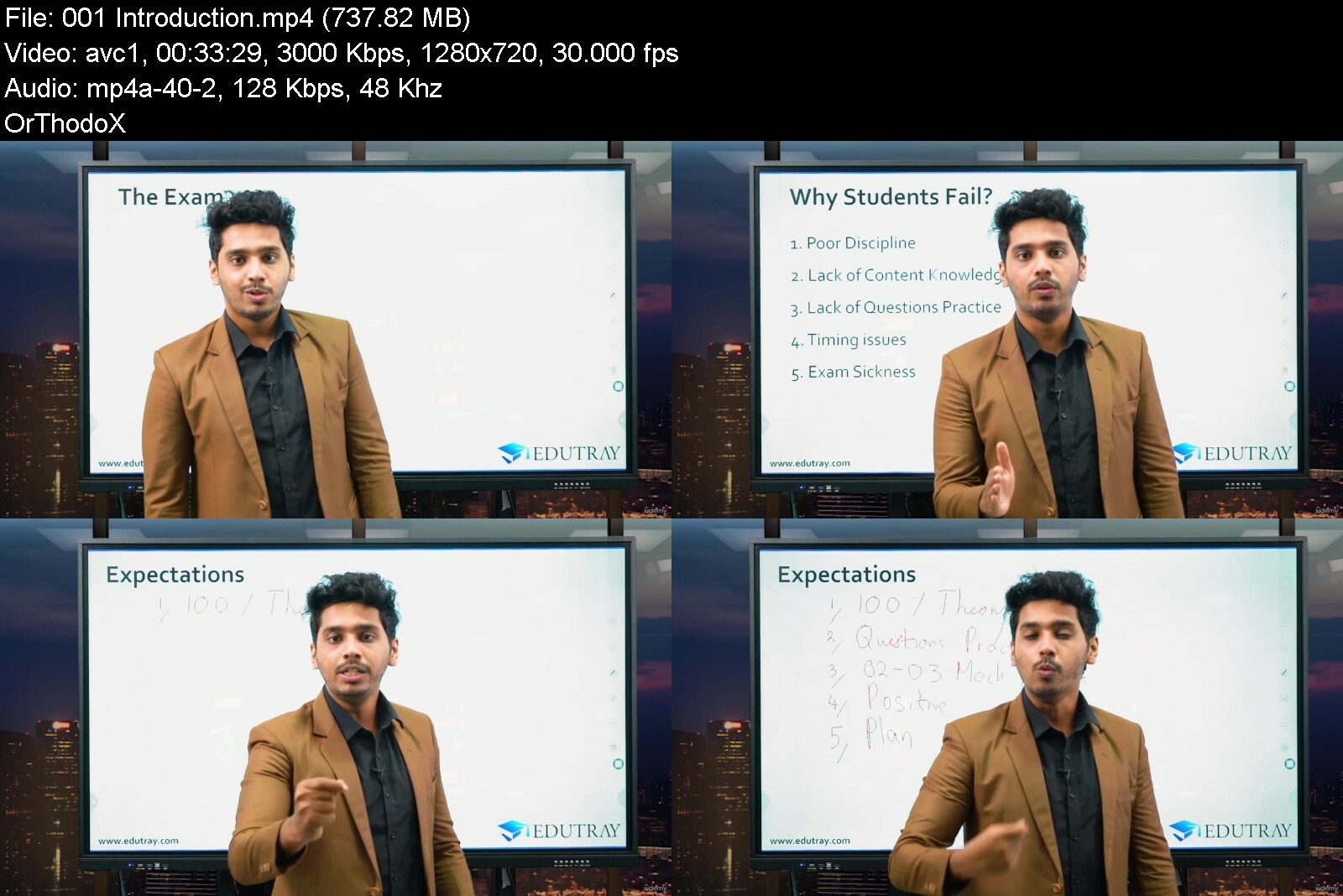
ACCA (F8) : Audit and Assurance (AA) - Complete Course

cr3qtw9kr7nlcp5q2aviqupiz7.jpg


ACCA (F8) : Audit and Assurance (AA) - Complete Course
MP4 | Video: h264, 1280x720 | Audio: AAC, 44.1 KHz
Language: English | Size: 27.7 GB | Duration: 22h 15m

PASS ACCA EXAMS - CRISP, SHARP AND CRYSTAL CLEAR EXPLANATION of In depth syllabus coverage by an Award Winning Lecturer


What you'll learn
What is Audit?
Assurance Engagement
Types of Assurance Engagement
Review Engagement
Concept of Audit
Conduct of Audit
Standards in relation to Audit
Who conducts an audit?
Who CAN /CANNOT act as an auditor
Appointment, Removal and Resignation of Auditor
Auditors Right and Duties
Evolution of Corporate Governance
What is Corporate Governance
Corporate Governance in Action - Board Leadership & Company Purpose
Corporate Governance in Action - Nomination Committee
Corporate Governance in Action - Remuneration Committee
Corporate Governance in Action - Risk Committee
Corporate Governance in Action - Audit Committee
Corporate Governance and Auditors
Introduction to Ethics
Code of Ethics
Ethical Threats
Ethical Threats and Safeguards - Self Interest, Self Review, Advocacy, Familiarity and Intimidation
Public Interest and Confidentiality
Conflict of Interest
New Clients and Audit Engagements
Engagement Letter - Contract in relation to Audit
Understanding the entity and its environment
Fraud, Laws and Regulation
Misstatements
Audit Risk and Auditors Response
Analytical Procedures
Professional Scepticism and Professional Judgement
Planning process, Audit Plan and Audit Strategy
Interim and Final Audit
Quality Control and Audit Documentation
Internal Audit
Internal Audit - Role, Assignments, Limitations and Reporting
Internal Control - Introduction
Components of Internal Control
Documenting Clients systems - Documentation Methods (Advantages and Disadvanatges)
Internal Control Systems - Sales, Purchases, Payroll, Non Current Assets, Inventory, Cash
Communicating deficiencies of control system
Financial statement Assertions, Audit Evidence and Procedures
Automated Tool and Techniques - Test Data, Audit Software and Data Analytical Tools
Using the work of others - EXPERTS, INTERNAL AUDITORS & SERVICE ORGANISATIONS
Audit Sampling
Audit Procedures - IN DEPTH AND COMPLETE LIST OF FINANCIAL STATEMENTS
Completion and Review - Subsequent Events
Going Concern - Indicators, Audit Procedures and Reporting Implications
Written Representation Letter
Overall Review Process of Audit
Audit Report - Purpose and Contents
Forming and Opinion - Modified and Unmodified
KEY FOCUS AREAS
Requirements
None

Description
PASS ACCA - A complete study eco system comprising of Recorded videos of in depth syllabus coverage by an Award Winning Lecturer (100% syllabus coverage).
This course is designed to provide an in depth and a complete exposure Audit and Assurance. Course content is curated to develop a strong understanding across the full syllabus relevant to the subject. Thus, subscribing to the course would ensure a thorough learning experience to achieve exam success.
This course blends in an interactive video content, real world examples and world class delivery of content to ensure a holistic learning experience.
Our expert panel of lecturers / course content creators boast of significant years of lecturing experience across ACCA Qualification and are responsible for impressive pass rates and prize winners. Thus, EduTray Team is geared towards supporting your journey towards success in ACCA in the most efficient and effective manner.
EduTray student alumni across the globe is a true testament to the exceptional service delivery of our lecturer team. Our content is created with students at heart, leveraging market research, student led insights to cater a product that is truly required. Thus, we invite you to join our ever expanding student population by purchasing this exceptional course and be guided by the best.
Who this course is for
Skills level students of ACCA
Any students who wants to build a strong knowledge in Audit and Assurance


accaf8auditandassuranvgeub.jpg


Download from RapidGator


Download from Keep2Share



Making Game Music: For Complete Beginners

exapdya7vfarul6ujxwzvf5eml.jpg


Making Game Music: For Complete Beginners
Last updated 5/2022
MP4 | Video: h264, 1280x720 | Audio: AAC, 44.1 KHz
Language: English | Size: 9.29 GB | Duration: 8h 27m

Using LMMS to create dynamic and exciting music for your games


What you'll learn
Learn how to make music right from the beginning.
Learn about musical theory was practicing it.
Create Music to be used in games.
Create dynamic music that can be layered to create new soundscapes.
Requirements
PC capable of Running LMMS.
LMMS 1.2.2 and greater.

Description
Making music doesn't have to be difficult or expensive. Using the free and open-source LMMS with its free instruments and sounds allow you to bring your games to life using music. Music is a part of games that often gets overlooked and with this course, you'll learn how to make a soundtrack for your game.In this course, Michael will first take you from knowing nothing about LMMS, learning its interface and tools, to composing a rhythm track. Rhythm is a fundamental part of music creation, it is a great place to start experimenting and having fun whilst learning a little theory along the way.Throughout the course, you will use musical frameworks to help guide you when creating your music. The theory doesn't have to be dry and boring when it is implemented straight away which we will do throughout the course when we need to learn something new.We will be covering:Themes and variations.Expanding LMMS with multiple plugins.Creative dynamic and reactive music for your games.Later in the course, we cover modular music, where you can create a musical soundscape that can blend seamlessly from exploring the world to being engaged in battle and finally an ambient layer as well.There is no better time than to learn the basics of composition and bring your games to life today.
Overview
Section 1: Introduction
Lecture 1 Introduction To The Course
Lecture 2 Installing LMMS on Windows
Lecture 3 The Interface Overview
Lecture 4 How The Song Editor Works
Lecture 5 The Beat And Baseline Editor
Lecture 6 Managing Multiple Patterns
Lecture 7 Quick Tip Pattern Length and Loops
Lecture 8 Exporting Audio From LMMS
Lecture 9 The Sample Track
Lecture 10 Adding Instruments
Lecture 11 Extra Instruments - SoundFonts (SF2)
Lecture 12 Virtual Studio Technology (VST)
Lecture 13 External Input Devices
Lecture 14 Section Wrap Up
Section 2: Section 2 Musical Structures
Lecture 15 Section Introduction
Lecture 16 Reference Material
Lecture 17 Musical Structures
Lecture 18 Quick Tip Buffer Size
Lecture 19 Where To Start - Rhythm
Lecture 20 Dynamics & The Piano Roll
Lecture 21 Adding Variation
Lecture 22 Back To Musical Structures
Lecture 23 Section Wrap Up
Section 3: Section 3 Some Music Theory
Lecture 24 Introduction - Our Mutual Lexicon
Lecture 25 Back To The Piano Roll
Lecture 26 Tempo & Metronome
Lecture 27 Note length & Quantisation
Lecture 28 Metre - Meter
Lecture 29 Notes & Pitch
Lecture 30 C Major Scale
Lecture 31 Relative Minor Scale (A Minor)
Lecture 32 Intervals
Lecture 33 Pentatonic Scale
Lecture 34 Two or More Notes - Chords
Lecture 35 Arpeggios
Lecture 36 Keys and Chord Progressions
Lecture 37 Transposition
Lecture 38 Consonance and Dissonance
Lecture 39 Drones
Lecture 40 Melody
Lecture 41 Ostinatos - Repeating Patterns
Lecture 42 Syncopation
Lecture 43 Section Wrap Up
Section 4: Section 4 - The Iterative Approach
Lecture 44 Introduction To The Iterative Approach
Lecture 45 Setting Yourself Goals
Lecture 46 Drone and Bass
Lecture 47 Simple Arpeggios
Lecture 48 A Basic Melody
Lecture 49 Adding Percussion
Lecture 50 Copying From Another Project
Lecture 51 Going Big With Layering
Lecture 52 ZynAddSubFX Instrument Effects
Lecture 53 The Arpeggiator
Lecture 54 Adding Complexity & Variation
Lecture 55 Arranging Your Piece
Lecture 56 Building Up and Hits
Lecture 57 Automation
Lecture 58 Section Wrap Up
Section 5: Section 5 Modular Music
Lecture 59 Section Introduction
Lecture 60 Deciding Common Links
Lecture 61 Chord Progression
Lecture 62 Scene 1 Explorer
Lecture 63 Scene 2 Battle
Lecture 64 Scene 3 Ambient
Lecture 65 Using The FX Channels
Lecture 66 Exporting Stems
Lecture 67 Section Wrap Up
Lecture 68 Extra - Explorer Scene Creation
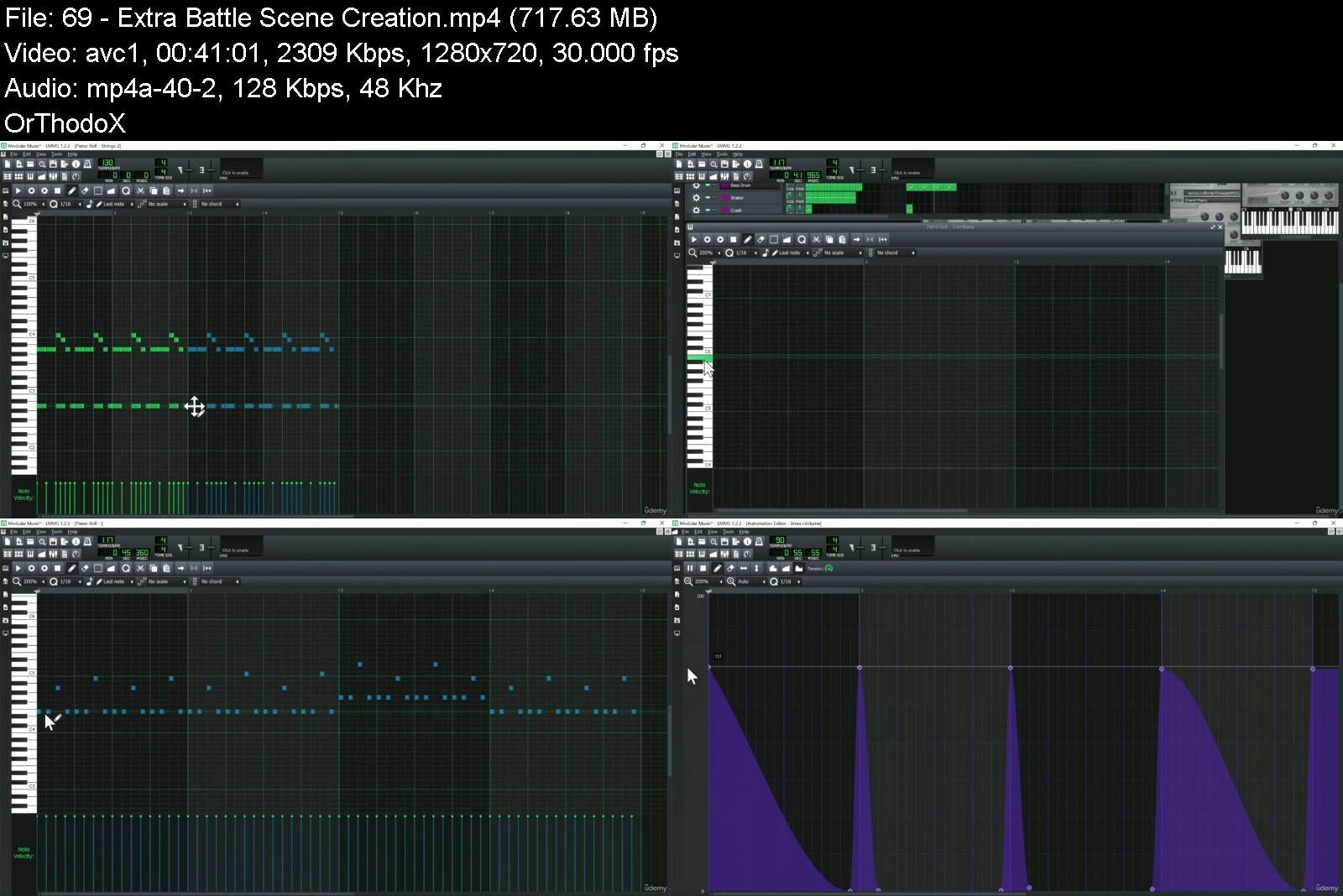
Lecture 69 Extra - Battle Scene Creation
Lecture 70 Extra - Ambient Scene Creation
Beginner musicians.,Game music composers.,Those wanting to learn LMMS.


makinggamemusicforcoms4i9v.jpg


Download from RapidGator


Download from Keep2Share



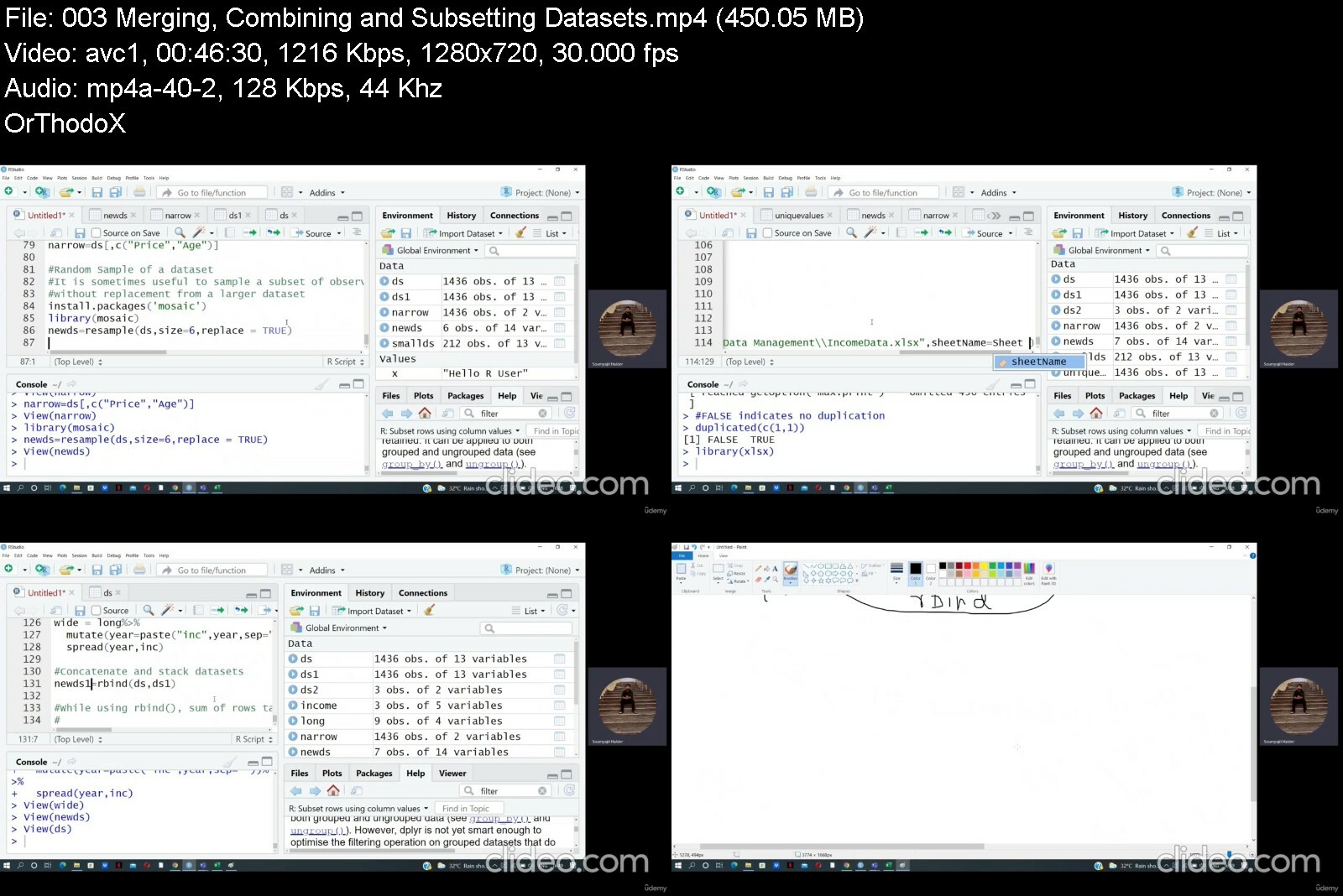
RStudio Bootcamp- for Data Management, Statistics & graphics

v6ntceclakxrtwkrksx7as9igm.jpg


RStudio Bootcamp- for Data Management, Statistics & graphics
MP4 | Video: h264, 1280x720 | Audio: AAC, 44.1 KHz
Language: English | Size: 5.86 GB | Duration: 12h 38m

A complete guide to RStudio- from performing simple operations, to developing complex models, visualization & simulation


What you'll learn
Primary goal is to provide users with an easy way to learn how to perform an analytics task in RStudio.
Includes many common tasks, including data management, descriptive summaries, inferential procedures, regression analysis, multivariate methods and graphics.
Includes some complex applications such as Simulation
Tried to provide a simple classroom type approach that is easy to understand for a new user, and supplied several solutions where
Requirements
Those who have an understanding of Basic Statistics upto the level of Multiple Regression Analysis. If not, don't worry as this course covers basics before climbing up the ladder.

Description
R is a general purpose statistical software package used in many fields of research. It is licensed for free - an open source software. It has large user and growing developer base.
I have developed this course for users of R. My primary goal is to provide an easy way to learn how to perform an analytic task in this system, without having to go through complex documentations. This course will give you a classroom like training experience and covers vast topics such as data management, descriptive summaries. inferential procedures, regression analysis, time series analysis, multivariate methods, simulation and graphics.
Therefore this course not only teaches you to clean and analyze data, it also gives you a pavement to develop colorful reports for the purpose of management communication.
I did not attempt to complicate things in as many ways as possible to keep the understanding sweet and simple. I have given a simple approach that is easy to understand for a new user, and have tried to provide several solutions where deemed possible.
I request you to watch the lectures at your own pace and practice the codes one by one with the given and new datasets. This will enhance your learning even more.
Who this course is for
If you intend to be a professional analyst, who use multiple statistical packages daily, this course is for you !
Useful for statisticians, epidemiologists, economists, engineers, physicians, sociologists and others engaged in data analysis.
This course intends to bolster the analytic abilities of a new user as well


rstudiobootcampfordatnnioj.jpg


Download from RapidGator


Download from Keep2Share

 
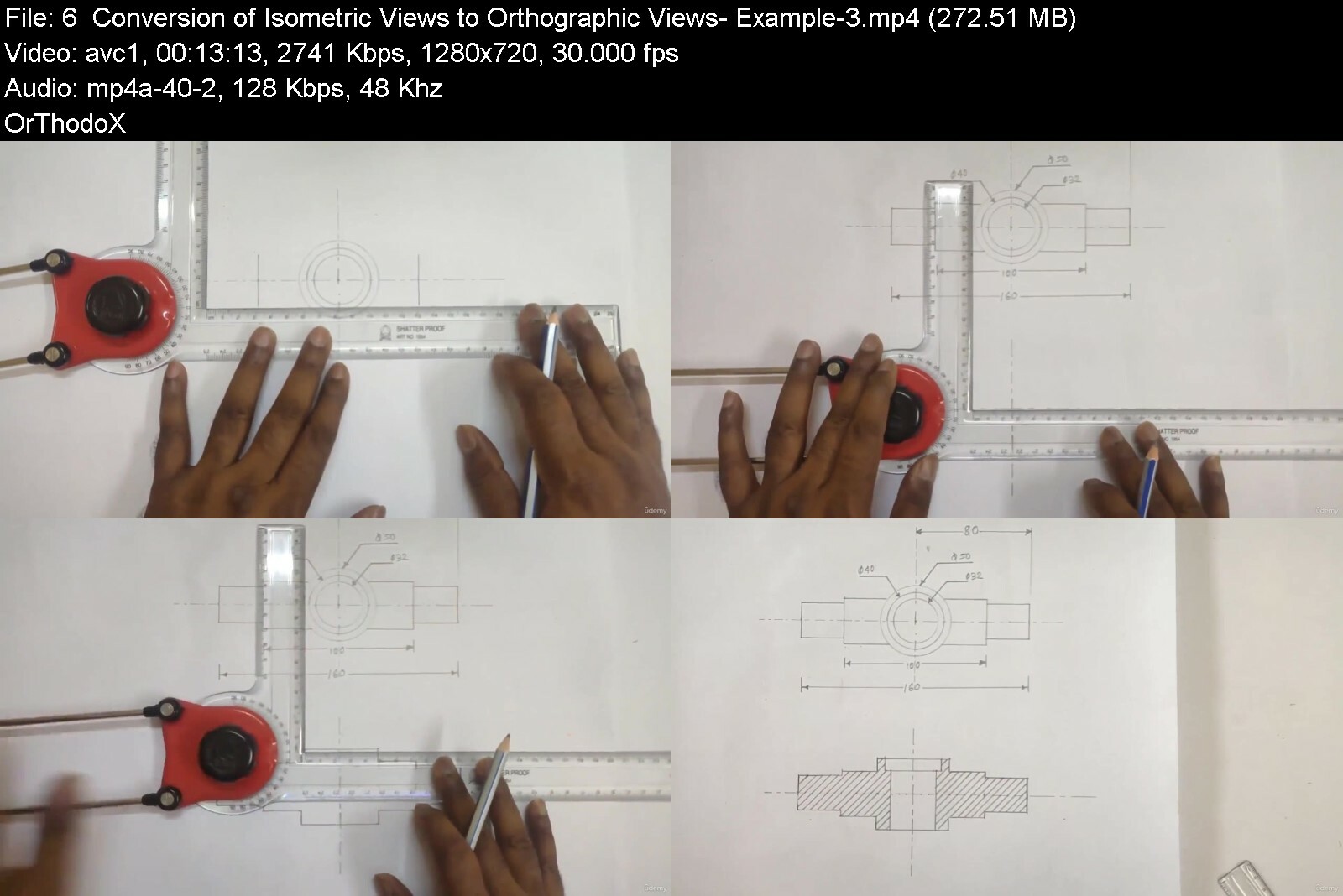
Engineering Drawing + AutoCAD for Engineers & Hobbyists

449821222c505ciu.jpg


Engineering Drawing + AutoCAD for Engineers & Hobbyists
Published 05/2022
MP4 | Video: h264, 1280x720 | Audio: AAC, 44.1 KHz, 2 Ch
Genre: eLearning | Language: English + srt | Duration: 139 lectures (14h 41m) | Size: 8.84 GB


Learn Basic Engineering drawing and AutoCAD with lots of examples and graphics


What you'll learn
How to read and understand the information contained within an engineering drawing
Understand Orthographic Projections and know how a part will be shown in different views
Draw engineering drawing on drawing sheets using instruments
Students will be able to draw various 2D views and sectional views of a three-dimensional object
Learn AutoCAD drafting software
Requirements
No drawing skills needed.
Description
About this Course
This is a complete designer's course. The student will take a journey from reading & understanding Engineering Drawing, then create the drawings on paper drawing sheets and further enhance their drawing skills and resume further by learning AutoCAD.
This is an Ultimate Designer's Course that will show you how to create advanced drawings using drawing paper and AutoCAD software. So This course will enhance or give you skills to be an expert in the world of engineering drawing.
This course will take you from having little knowledge in drawing to creating advanced masterpieces and having a deep understanding of drawing fundamentals.
Course covers Total syllabus of First year engineering.
The course is setup to quickly take you through step by step, the process of drawing using standard drawing instruments like drafter in many different methods using specially designed examples for your better understanding on the subject. It will equip you with the knowledge to create stunning designs at the least work time.
As we know that practically you will not get to operate your desired version of AutoCAD at your job. So you will learn about the interfaces of various versions of AutoCAD i.e from 2015 to 2021. Hence you will be able to operate any version of AutoCAD with great ease.
In this training program you will experience a unique successful method of teaching developed and experimented on 1000's of students in live sessions. This course is designed for individuals who are new to Engineering drawing and AutoCAD or the students who had learned AutoCAD long time ago and just want a brush up on the tools and features quickly and use in their projects immediately along with upgrading knowledge on Engineering drawing theories.
This course introduces the tools of AutoCAD in a step by step process which will enable you to clearly understand the application of the tools under discussion before starting the next tool.
You will witness a Uniquely Designed Course by Mr. S.N.S.Roy; who heads our Product Design Unit. He has an Experience of Over 45 years in Design and Development of various Aerospace projects.
Some of the Reviews of our Students from AutoCAD Course
Luis Pablo Cruz Barragan
Great course, I had some experience before with some 3D modeling software so I thought I would not struggle much in AutoCAD but as said at the beginning, many commands and shortcuts are new and specific to AutoCAD. It is nice that so many time is taken to explain the basics, for 100 % beginners and also for non beginners who think would know it, but when you realize it is really different to what you had been doing, having that support in the videos makes it worth watching because you know that any doubt you may have is already being answered. Great Job!
Jag Pal Singh
This is very very helpful for me as I am was not aware of such tricky and convenient practices to draw the objects very accurately.
Shahrukh Ahmad
Full course was excellent.....I completely watched all the tutorials and i brushed up my drafting skills.....I personally recommend you to enroll in this course if you're looking for a great drafting and designing career ahead.
Cinka Kumar
I am in the midway of the course and so far very good course. Very good designed content. The exercise drawing and the drawing that we make are arranged side by side which makes the understanding easy.
What you will get in this course
Over 14.5 hours of Engineering drawing and AutoCAD Course content in about 140 lectures
All the Exercise and Example Files are available for download and practice.
At the end of each section you will encounter a QUIZ related to that section which will enhance your understanding further
Dedicated section on demo of AutoCAD 2015 to 2022 User interfaces which will enable students to work on any version of AutoCAD
We are updating our course with new content (drawings and concepts) every month
An eBook containing the AutoCAD keyboard shortcuts at one place for your ready reference is included
A QUIZ at the end of the course containing questions on the entire span of the course which will help you in attending Interviews.
This course will help you to prepare for Autodesk certified Exams.
Will take you on a journey for not only LEARNING Engineering drawing and AutoCAD but EXPERIENCING them.
So What are you waiting for ENROLL today to EXPERIENCE and not just LEARN!
Who this course is for
First year all branches Engineering students
Engineering Degree/ Diploma/ ITI students and 12th Class science stream students
Civil engineers and hobbyists
Any one who loves drawing
Industry Professionals who want a structured study on the subject
Students who want to learn Engineering drawing along with AutoCAD


engineeringdrawingautn1do8.jpg


Download from RapidGator


Download from Keep2Share


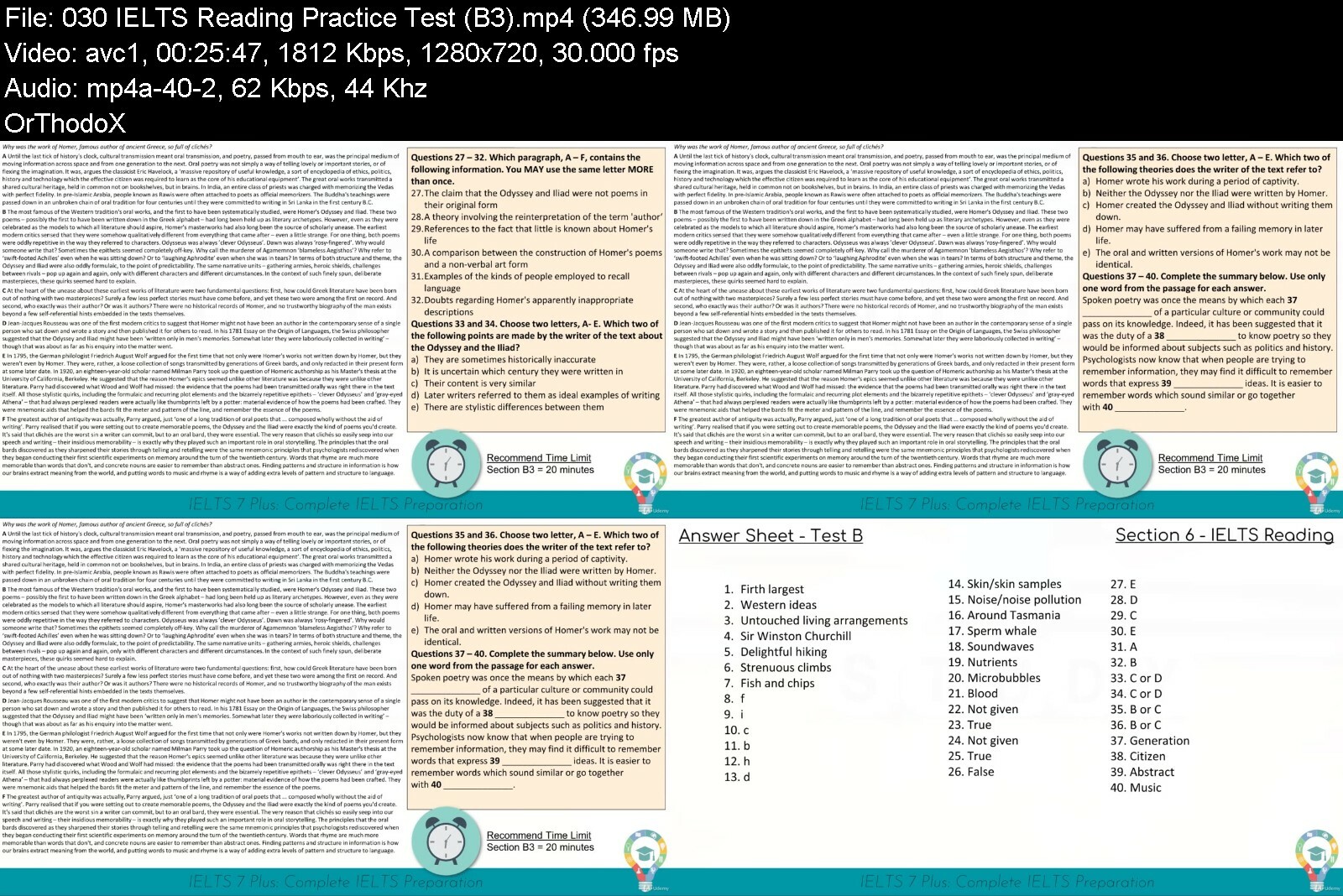
IELTS 7 Plus: Complete IELTS Preparation [Academic]

168175469a466oddb.jpg


IELTS 7 Plus: Complete IELTS Preparation [Academic]
MP4 | Video: h264, 1280x720 | Audio: AAC, 44.1 KHz
Language: English | Size: 8.15 GB | Duration: 27h 1m

IELTS Preparation for all sections of the academic IELTS test.


What you'll learn
Learn strategies and skills to pass the IELTS test
Achieve an IELTS band score of 6 to 7 or higher
Learn what to write for IELTS Writing Task 1 and Task 2 (academic)
Build confidence with IELTS practice activities and practice tests
Grow fluency and conversational skills for IELTS Speaking
Understand how IELTS examiners give you your band score
Requirements
Enthusiasm to learn and study hard for IELTS Academic
A good understanding of intermediate English
Paper and pen (for note taking)

Description
Are you studying for the IELTS test?
If you're taking the IELTS test and trying to achieve your highest score, then there's a great chance this course can really help you. In fact, almost anybody studying for the IELTS academic test will benefit from enrolling in this course!
IELTS 7 Plus is your complete IELTS academic preparation course. This course covers all sections of the IELTS Academic test: Writing (Task 1 and Task 2), Speaking, Listening and Reading.
It's definitely true that preparation for the IELTS test can be pretty confusing and frustrating. Many students find getting the right lessons to boost their confidence a real difficulty. I know how it feels. This course has fun, information packed lessons with clear methods on how to beat the IELTS test. And even better... All the lessons you need are in one place!
You'll learn strategies and skills to increase your IELTS band score and show off your language abilities. Whether you're aiming for a band 6, 7 or higher, IELTS 7 Plus provides you with lessons aimed to give you confidence and impress the IELTS examiner.
Key Skills You'll Learn...
Master your IELTS Writing Task 1 Report
Ace your IELTS Writing Task 2 Essay
Build conversational fluency and ability
Learn key phrases and vocabulary for the speaking test
Complete IELTS Listening practice tests
Understand key question strategies for IELTS Reading
But that's not all IELTS 7 Plus has to offer you. Also included in the course are quizzes, practice actives and assignments.
Test out your writing skills in assignments for Task 1 and Task 2 of the IELTS test.
IELTS 7 Plus teaches you key skills and understanding for all sections of the IELTS test. You'll get top IELTS writing strategies for Task 1 and Task 2, plus hours of learning for IELTS Speaking, Listening and Reading.
Learn step by step methods for achieving your highest band score in the IELTS test.
On top of all this...
Lifetime access to this course
All updates and new lesson content included
Q+A feature to discuss IELTS progress
30 day money back guarantee
Enroll, ace your IELTS test and achieve a higher band score!
What IELTS 7 Plus Students say about the course!
Mohamed - "I am still at the beginning of the course and so far it is really good and very clear to understand. Thank you!"
Prashant - "I received score of overall 8 in IELTS Academic. Thank you It is a wonderful course and I used various techniques through out the practice sessions and on the exam day.'
Neil - "The mentor is highly enthusiastic and therefore explains everything in a simple and precise manner. Every single piece of information is essential and requires close attention. All the visual aids given are perfectly structured and presented to make the explanation as easily understood as possible. David, thank you very much for your contribution to our IELTS success!!!"
Who this course is for
Students looking to improve their academic IELTS band score
Students looking for an overall band score of 7+ in IELTS
Students aiming for band score 6 and band score 6.5 will also find this course useful
If your level of English is still quite low, this course may be hard to understand and use well


ielts7pluscompleteielc3fel.jpg


Download from RapidGator


Download from Keep2Share



c66f6486d11e0aad56ced5f8cb128db0.png


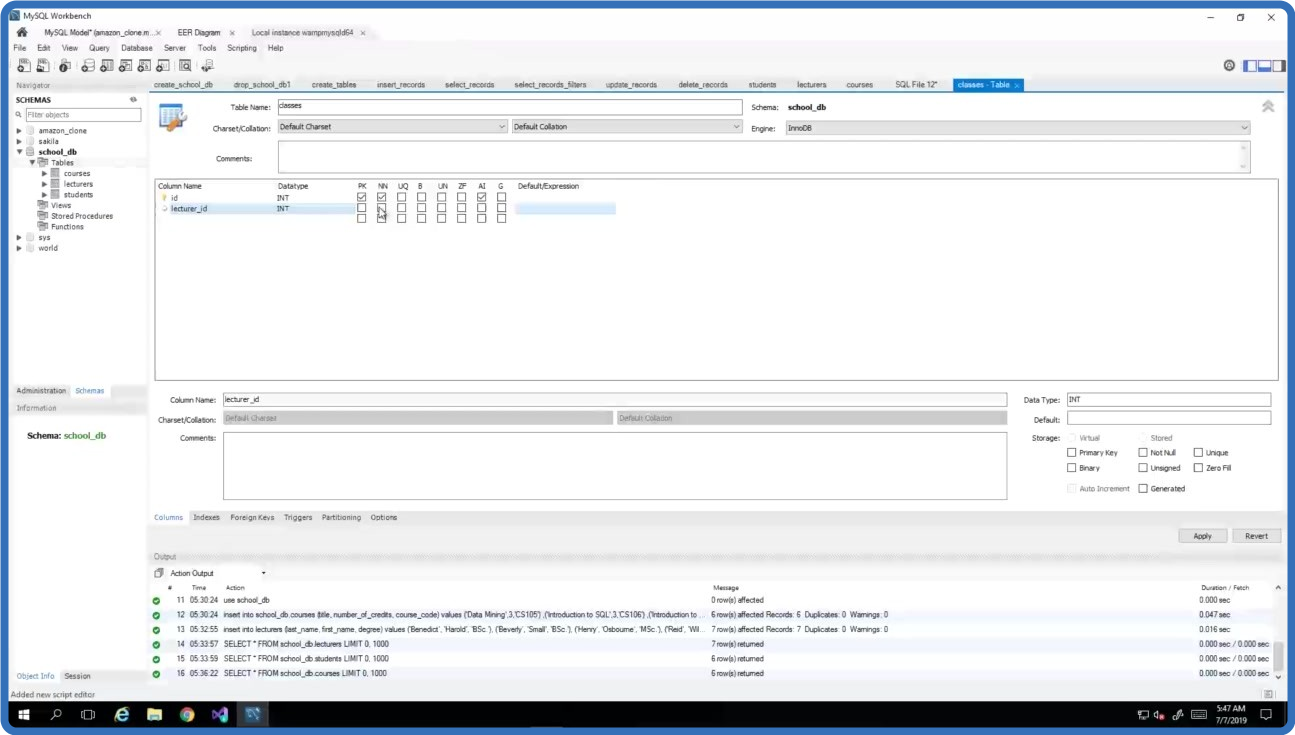
UDEMY.MySQL.Database.Development.Mastery.
Language: English
Files Type:mp4| Size:2.2 GB
Video:03:33:20 | 1280X720 | 1200 Kbps
Audio:mp4a-40-2 | 128 Kbps | AAC
Genre:eLearning


Videos Files :
1. Introduction to MySQL Server and Databases.mp4 (44.95 MB)
10. Update Data in the Table.mp4 (61.45 MB)
11. Delete Data from the Table.mp4 (82.33 MB)
12. Reverse Engineer Database into Model.mp4 (69.51 MB)
13. Forward Engineer Data Model into Database.mp4 (107.96 MB)
14. What are Relationships, Foreign Keys and Normalization.mp4 (137.18 MB)
15. Create Relationships with Data Modelling.mp4 (177.76 MB)
16. Create Relationships with Workbench Table Design Tool.mp4 (195.2 MB)
17. Insert Records in Related Tables.mp4 (86.44 MB)
18. Run Queries on Related Tables (Inner Joins).mp4 (142.27 MB)
19. Left, Right and Cross Joins.mp4 (66.86 MB)
2. Download and Install MySQL Server and MySQL Workbench.mp4 (93.71 MB)
20. Grouping Data using SQL GROUP BY Clause.mp4 (71.48 MB)
21. SQL AVG Aggregate Function.mp4 (72.09 MB)
22. SQL COUNT Aggregate Function.mp4 (64.09 MB)
23. SQL MIN & MAX Aggregate Functions.mp4 (21.55 MB)
24. SQL SUM Aggregate Function.mp4 (48.1 MB)
25. Splitting Groups using HAVING Clause.mp4 (41.95 MB)
3. Connect and Create a Database.mp4 (67.23 MB)
4. Drop or Remove Database.mp4 (17.31 MB)
5. Create an SQL Database Table.mp4 (157.18 MB)
6. Insert Data into the Table with SQL Script.mp4 (75.37 MB)
7. Insert Data into the Table with Workbench.mp4 (84.03 MB)
8. Select Data from the Table with SQL Script.mp4 (80.12 MB)
9. Select Data with Filters.mp4 (188.25 MB)


f1adec737e211db7aa4fcf911e39e356.png


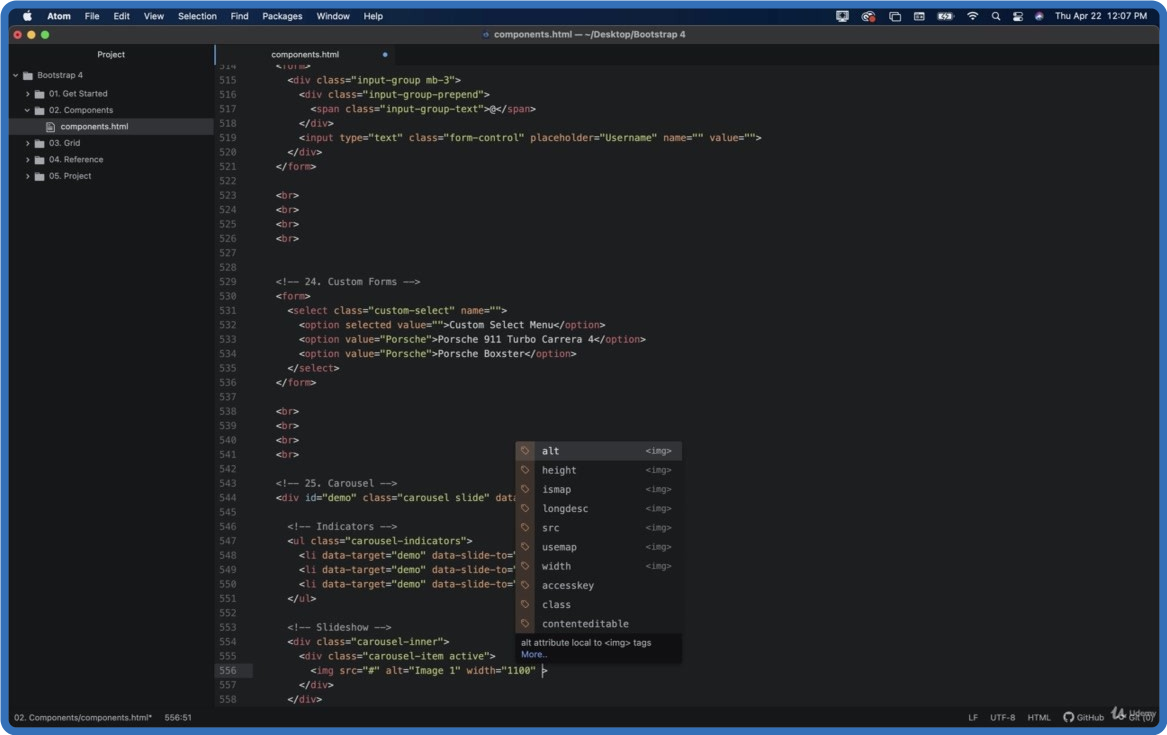
UDEMY.Bootstrap.4.Ultimate.Guide.2022.
Language: English
Files Type:mp4, sfv, nfo| Size:2.04 GB
Video:04:10:50 | 1280X720 | 835 Kbps
Audio:mp4a-40-2 | 128 Kbps | AAC
Genre:eLearning


Videos Files :
1. Welcome.mp4 (19.93 MB)
10. Version Control with GitHub.mp4 (14.37 MB)
11. Collaborate with Teletype.mp4 (5.2 MB)
12. Install a Package.mp4 (7.56 MB)
13. Choose a Theme.mp4 (7.6 MB)
14. Hack on the Init Script.mp4 (5.03 MB)
15. Add a Snippet.mp4 (5.32 MB)
16. Keyboard Shortcuts.mp4 (8.98 MB)
17. Summary.mp4 (2.19 MB)
18. Overview.mp4 (725.87 KB)
19. What is Bootstrap.mp4 (21.6 MB)
2. Overview.mp4 (716.41 KB)
20. Get Bootstrap.mp4 (16.23 MB)
21. Download and Setup Files.mp4 (33.71 MB)
22. Overview.mp4 (3.83 MB)
23. Containers.mp4 (37.01 MB)
24. Grid Basic.mp4 (48.01 MB)
25. Typography.mp4 (18.31 MB)
26. Colors.mp4 (21.64 MB)
27. Tables.mp4 (20.97 MB)
28. Images.mp4 (36.56 MB)
29. Jumbotron.mp4 (30.67 MB)
3. Download & Install.mp4 (26.21 MB)
30. Alerts.mp4 (15.52 MB)
31. Buttons.mp4 (26.28 MB)
32. Button Groups.mp4 (22.55 MB)
33. Badges.mp4 (35.92 MB)
34. Progress Bars.mp4 (45.37 MB)
35. Spinners.mp4 (27.8 MB)
36. Pagination.mp4 (28.3 MB)
37. List Groups.mp4 (29.31 MB)
38. Cards.mp4 (59.77 MB)
39. Dropdowns.mp4 (21.23 MB)
4. Features.mp4 (27.43 MB)
40. Collapse.mp4 (19.84 MB)
41. Navs.mp4 (49.16 MB)
42. Navbar.mp4 (33.65 MB)
43. Forms.mp4 (23.1 MB)
44. Inputs.mp4 (19.43 MB)
45. Input Groups.mp4 (16.38 MB)
46. Custom Forms.mp4 (19.33 MB)
47. Carousel.mp4 (63.36 MB)
48. Modal.mp4 (52.83 MB)
49. Tooltip.mp4 (14.32 MB)
5. Developer Tools.mp4 (42.91 MB)
50. Popover.mp4 (11.3 MB)
51. Toast.mp4 (18.29 MB)
52. Scrollspy.mp4 (24.32 MB)
53. Utilities.mp4 (5.05 MB)
54. Flex.mp4 (11.68 MB)
55. Icons.mp4 (38.86 MB)
56. Media Objects.mp4 (14.57 MB)
57. Filters.mp4 (39.2 MB)
58. Overview.mp4 (883.59 KB)
59. Grid System.mp4 (15.85 MB)
6. Summary.mp4 (4.55 MB)
60. StackedHorizontal.mp4 (12.92 MB)
61. Grid XSmall.mp4 (10.03 MB)
62. Grid Small.mp4 (8.24 MB)
63. Grid Medium.mp4 (11.72 MB)
64. Grid Large.mp4 (8.43 MB)
65. Grid XLarge.mp4 (11.04 MB)
66. Grid Examples.mp4 (4.61 MB)
67. Overview.mp4 (1011.84 KB)
68. Alert.mp4 (9.97 MB)
69. Button.mp4 (5.99 MB)
7. Overview.mp4 (2.56 MB)
70. Carousel.mp4 (13.11 MB)
71. Collapse.mp4 (19.84 MB)
72. Dropdown.mp4 (6.02 MB)
73. Modal.mp4 (8.5 MB)
74. Popover.mp4 (4.39 MB)
75. Scrollspy.mp4 (18.42 MB)
76. Tab.mp4 (13.8 MB)
77. Toasts.mp4 (6.61 MB)
78. Tooltip.mp4 (4.35 MB)
79. Overview.mp4 (791.03 KB)
8. Download & Install.mp4 (25.18 MB)
80. Build Home Page.mp4 (276.35 MB)
81. Build About Page.mp4 (125.53 MB)
82. Build Services Page.mp4 (66.01 MB)
83. Build Contact Page.mp4 (76.69 MB)
84. Summary.mp4 (56.26 MB)
85. Thank You.mp4 (7.26 MB)
9. Open a Project.mp4 (7.3 MB)


7a30cff29f99eaa5d4f258b2b0aeec4b.png


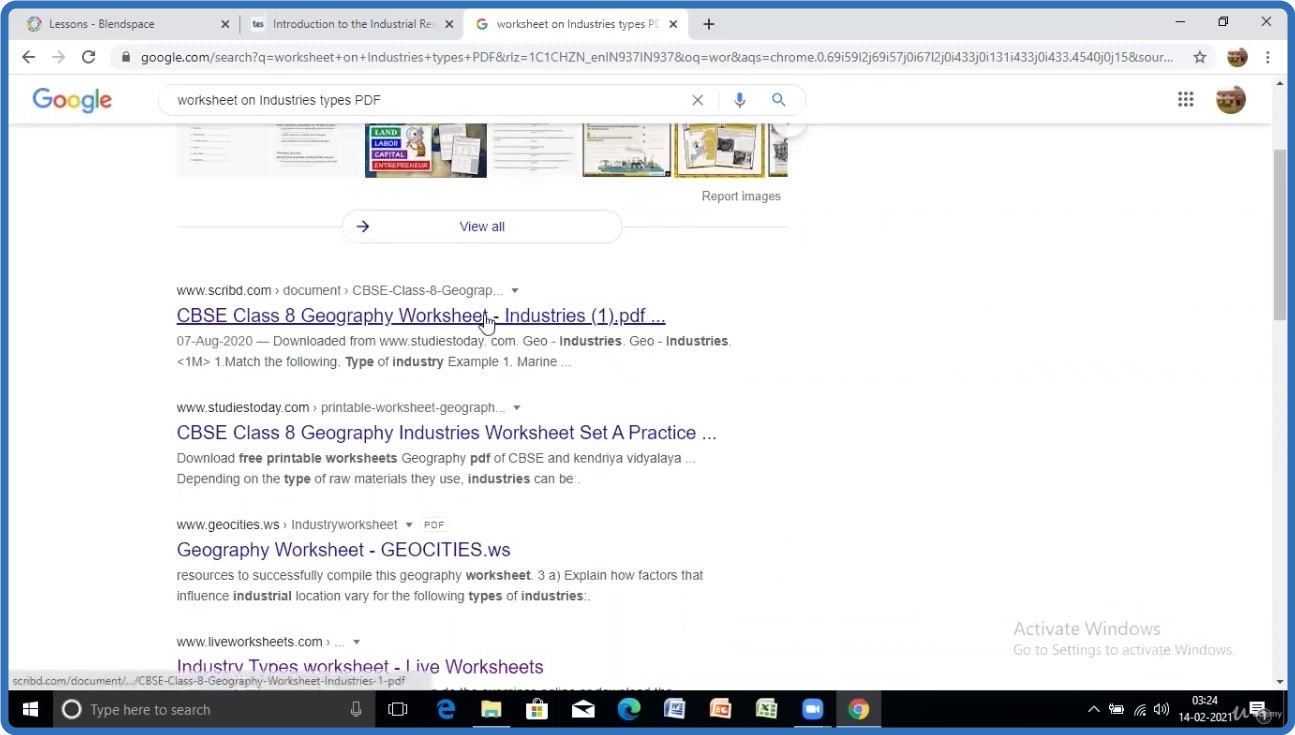
UDEMY.Learn.To.Prepare.Digital.Lesson.Plan.and.Presentations.
Language: English
Files Type:mp4, sfv, nfo| Size:965.54 MB
Video:01:58:22 | 1280X720 | 1057 Kbps
Audio:mp4a-40-2 | 128 Kbps | AAC
Genre:eLearning


Videos Files :
1. Introduction.mp4 (6.25 MB)
2. Liveworksheets Interactive worksheets for digital lesson plan.mp4 (179.19 MB)
3. Prepare Digital lesson plan and Presentation using Tes Teach (Blend space).mp4 (251.37 MB)
4. Pedlet Collaboration tool to create interactive activities.mp4 (103.3 MB)
5. Plotagon to create animated stories.mp4 (174.11 MB)
6. Testmoz Create quiz for digital lesson.mp4 (251.32 MB)


_b31adbac3cc4da38d83eadb33c7e7a75.jpeg


UDEMY.Microsoft.SQL.Server.Development.for.Everyone.
Language: English
Files Type:mp4, sfv, nfo| Size:2.67 GB
Video:05:58:14 | 1280X720 | 1717 Kbps
Audio:mp4a-40-2 | 128 Kbps | AAC
Genre:eLearning


Videos Files :
1. Introduction to SQL Server and Databases.mp4 (11.91 MB)
10. More Advanced Select Queries Part 1.mp4 (154.04 MB)
11. Update Data in the Table.mp4 (73.69 MB)
12. Update Data in the Table with Management Studio GUI.mp4 (14.14 MB)
13. Delete Data from the Table with SQL Script.mp4 (43.25 MB)
14. Delete Data from the Table with Management Studio GUI.mp4 (8.03 MB)
15. What are Relationships, Foreign Keys and Normalization.mp4 (54.9 MB)
16. Create a Relationship in SQL Server.mp4 (128.66 MB)
17. Insert Records in Related Tables.mp4 (82.38 MB)
18. Run Queries on Related Tables (Inner Joins).mp4 (256.79 MB)
19. Left, Right and Full Joins.mp4 (105.72 MB)
2. Download and Install SQL Server Express 2019 Latest.mp4 (29.46 MB)
20. Grouping Data using SQL GROUP BY Clause.mp4 (88.09 MB)
21. SQL AVG Aggregate Function.mp4 (67.12 MB)
22. SQL COUNT Aggregate Function.mp4 (25.86 MB)
23. SQL MAX and MIN Aggregate Functions.mp4 (24.04 MB)
24. SQL SUM Aggregate Function.mp4 (32.69 MB)
25. Create and Manage Views.mp4 (160.23 MB)
26. Scalar Valued Functions.mp4 (216.63 MB)
27. Inline Table Valued Functions.mp4 (74.94 MB)
28. Multi Statement Table Valued Functions.mp4 (108.72 MB)
29. Stored Procedures.mp4 (224.61 MB)
3. Connect to Database Instance and Create a Database.mp4 (35.14 MB)
30. Table Triggers.mp4 (159.9 MB)
31. Database Scripting, Backup and Restore.mp4 (101.77 MB)
4. Drop or Remove Database.mp4 (24.7 MB)
5. What is a Database Table.mp4 (22.19 MB)
6. Create an SQL Database Table.mp4 (208.89 MB)
7. Insert Data into the Table with SQL Script.mp4 (93.84 MB)
8. Insert Data into the Table with Management Studio.mp4 (42.21 MB)
9. Select Data from the Table with SQL Script.mp4 (56.49 MB)


_22e3d4095ee7c5e808a45bbf29bcbe52.jpeg


UDEMY.React.Native.and.Redux.Course.using.Hooks.
Language: English
Files Type:mp4, nfo| Size:8.11 GB
Video:14:15:31 | 1280X720 | 1240 Kbps
Audio:mp4a-40-2 | 128 Kbps | AAC
Genre:eLearning


Videos Files :
1. Introduction.mp4 (97.65 MB)
10. Designing Profile Screen part 1.mp4 (109.99 MB)
11. Designing Profile Screen part 2.mp4 (191.89 MB)
12. opening email app and Dialer App.mp4 (74.44 MB)
13. Installing and adding Navigation.mp4 (114.3 MB)
14. Customizing Header.mp4 (84.89 MB)
15. Making Profile screen dynamic.mp4 (108.29 MB)
16. access camera and image gallery.mp4 (109.32 MB)
17. uploading images to Cloudinary.mp4 (176.77 MB)
18. setting up node js and mongodb.mp4 (79.44 MB)
19. making Schema and connecting to mongodb.mp4 (64.22 MB)
2. project overview.mp4 (28.2 MB)
20. making post data route handler.mp4 (80.74 MB)
21. making update and delete route handler.mp4 (159.13 MB)
22. why ngrok.mp4 (32.47 MB)
23. Posting data from React native.mp4 (168.71 MB)
24. fetching records in home Screen.mp4 (191.21 MB)
25. Implementing pull to refresh feature.mp4 (89.22 MB)
26. deleting employee feature.mp4 (76.58 MB)
27. Updating Employee details.mp4 (210.04 MB)
28. Adding Keyboard Avoiding View.mp4 (64.67 MB)
29. why we need Redux.mp4 (28.38 MB)
30. Adding Redux in our app.mp4 (212.52 MB)
31. Adding Context API.mp4 (99.83 MB)
32. Second App Overview.mp4 (17.97 MB)
33. creating header component.mp4 (192.42 MB)
34. creating Home screen Cards.mp4 (164.52 MB)
35. creating search screen header.mp4 (102.27 MB)
36. creating MiniCard component for search screen.mp4 (90.97 MB)
37. making use of youtube API to fetch videos.mp4 (239.99 MB)
38. fixing video image issue.mp4 (14.34 MB)
39. combining navigators theory and installing navigation v5.mp4 (36.85 MB)
4. Installing React Native using expo.mp4 (77.74 MB)
40. Creating screens and combining navigation.mp4 (103.15 MB)
41. Adding icons in tabs and wireing up navigation.mp4 (134.92 MB)
42. adding redux.mp4 (144.05 MB)
43. sharing data with home screen.mp4 (58.09 MB)
44. working on Explore Screen tab.mp4 (105.47 MB)
45. working on Video Player Screen.mp4 (182.94 MB)
46. Adding Dark Theme.mp4 (165.32 MB)
47. toggle theme using redux.mp4 (158.97 MB)
48. creating icon and splash screen.mp4 (81.56 MB)
49. building app using expo.mp4 (138.01 MB)
5. Understanding Code.mp4 (116.97 MB)
50. Third app overview.mp4 (10.59 MB)
51. creating project with React native cli.mp4 (38.44 MB)
52. creating header.mp4 (152.23 MB)
53. creating search screen with autocomplete.mp4 (132.22 MB)
54. working on home screen.mp4 (184.7 MB)
55. Adding tab navigation.mp4 (205.29 MB)
56. saving data on users device using async storage.mp4 (88.77 MB)
57. building app using android studio.mp4 (60.33 MB)
58. Animations basics.mp4 (62.85 MB)
59. understanding how interpolate works.mp4 (43.8 MB)
6. Designing Home Screen part 1.mp4 (141.95 MB)
60. handling gestures.mp4 (107.05 MB)
61. Animating Header on scroll.mp4 (108.49 MB)
62. Instagram heart bounce animation.mp4 (273.75 MB)
63. Translating and rotating cards.mp4 (372.35 MB)
64. Fourth App overview.mp4 (17.03 MB)
65. creating context and using it.mp4 (116.22 MB)
66. adding reducer.mp4 (224.98 MB)
67. deleting record.mp4 (53.79 MB)
68. working on create notes screen.mp4 (182.38 MB)
69. working on show notes screen.mp4 (106.01 MB)
7. Designing Home Screen part 2 and Flatlist.mp4 (137.16 MB)
70. pre populating fields in edit screen.mp4 (132.51 MB)
71. handling update action.mp4 (66.85 MB)
8. Designing CreateEmployee Screen.mp4 (149.66 MB)
9. Adding Modal (popup).mp4 (155.19 MB)


e49e6f8441f9b6298d84472d3017865e.png


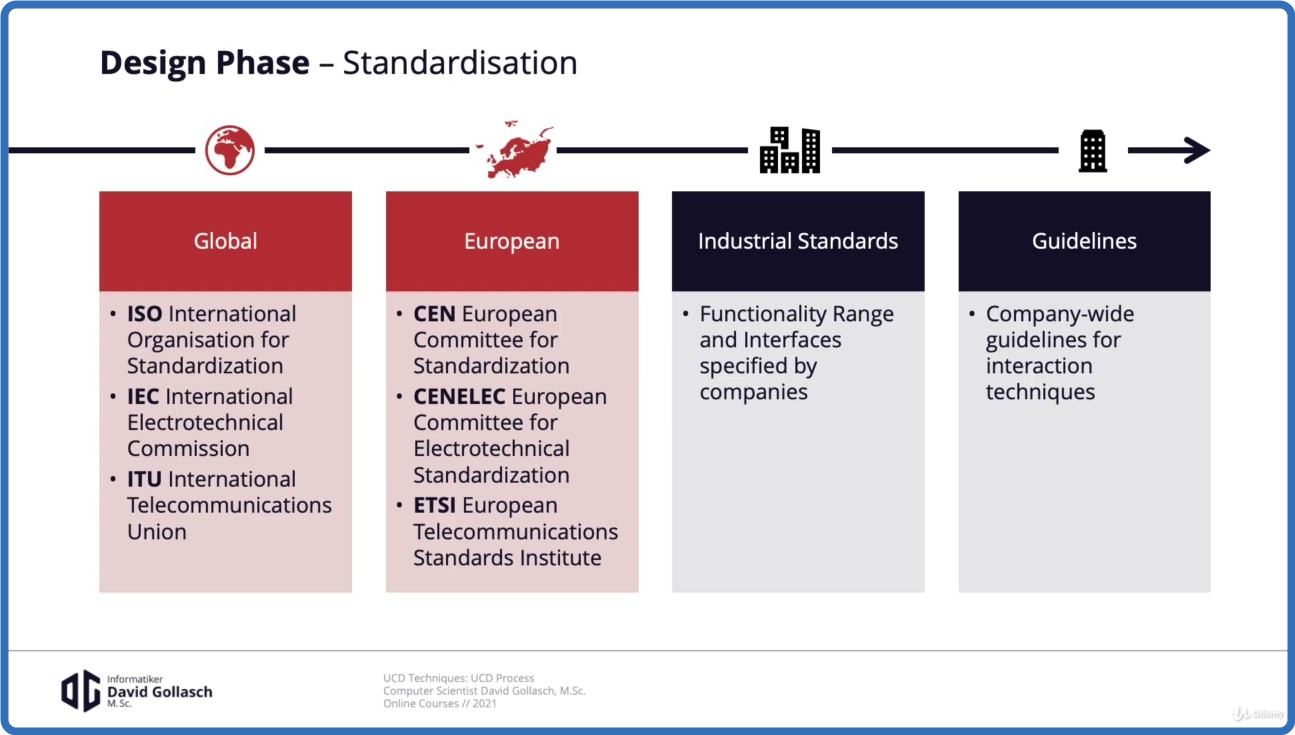
UDEMY.The.User Centred.Design.UCD.Process.
Language: English
Files Type:mp4, sfv, nfo| Size:1.39 GB
Video:04:36:33 | 1280X720 | 541 Kbps
Audio:mp4a-40-2 | 128 Kbps | AAC
Genre:eLearning


Videos Files :
1. Start.mp4 (22.45 MB)
10. Phase 1 Context Analysis.mp4 (74.69 MB)
11. Phase 2 User Analysis.mp4 (25 MB)
12. Phase 3 Design.mp4 (117.63 MB)
13. Phase 4 Evaluation.mp4 (32.56 MB)
14. Iteration of UCD.mp4 (100.76 MB)
16. Intro - How to Incorporate UCD in Development.mp4 (23.54 MB)
17. Standard Software Development Processes.mp4 (1.69 MB)
18. Process 1+2 Waterfall Model and Spiral Model.mp4 (63.49 MB)
19. Process 3 V Model.mp4 (43.86 MB)
2. Bio.mp4 (5.34 MB)
20. Agile Software Development Processes.mp4 (65.85 MB)
21. Process 4.1 Agile Iteration.mp4 (20.32 MB)
22. Process 4.2 Agile Lifecycle.mp4 (29.86 MB)
23. Intro - Toolbox of Methods.mp4 (15.16 MB)
24. Toolbox for Context Analysis.mp4 (29.75 MB)
25. Toolbox for User Analysis.mp4 (71.91 MB)
26. Toolbox for Design Phase.mp4 (36.94 MB)
27. Toolbox for Evaluation Phase.mp4 (43.81 MB)
28. Intro - Quick Start Toolbox.mp4 (8.62 MB)
29. Hierarchical Task Analysis (HTA), Context Analysis.mp4 (15.86 MB)
3. Intro - What is UCD.mp4 (5.78 MB)
30. Personas, User Analysis.mp4 (92.11 MB)
31. Card Sorting, Design.mp4 (23.89 MB)
32. Paper Mockups, Design.mp4 (27.97 MB)
33. Hi Fi Prototyping, Design.mp4 (9.2 MB)
34. NASA Task Load Index (TLX), Evaluation.mp4 (39.66 MB)
35. System Usability Scale (SUS), Evaluation.mp4 (24.53 MB)
36. Cognitive Walkthrough (CWT), Evaluation.mp4 (22.39 MB)
4. Principles of UCD.mp4 (62.18 MB)
5. Problems Addressed by UCD.mp4 (90.85 MB)
6. When to Use UCD.mp4 (51.25 MB)
7. Definition.mp4 (60.37 MB)
8. UCD vs. Participatory Design.mp4 (31.77 MB)
9. Phases of UCD.mp4 (28.98 MB)


_a923a37f5f128f3994edd2588f8e77a3.jpeg


UDEMY.Pictures.and.Videos.colorization.by.Artificial.Intelligence.
Language: English
Files Type:mp4, sfv, nfo| Size:778.43 MB
Video:00:54:53 | 1280X720 | 1942 Kbps
Audio:mp4a-40-2 | 128 Kbps | AAC
Genre:eLearning


Videos Files :
1. Promo video.mp4 (84.38 MB)
10. Upscale the video to be 60 FPS and 4K.mp4 (79.98 MB)
11. Think different, Revive the history ! and be Creative !.mp4 (73.91 MB)
12. Future Research and insights, JUST READ !.mp4 (44.97 MB)
13. Thank you and Best Regards.mp4 (16.33 MB)
2. Introduction to AI COLORIZATION.mp4 (68.09 MB)
3. Picture Colorization Part 1.mp4 (65.39 MB)
4. Picture Colorization Part 2 Adolf Hitler and Albert Einstein Practical Example.mp4 (103.91 MB)
5. Congratulations! Now You can Colorize and Boost the pixels of any Picture.mp4 (13.79 MB)
6. Introduction to Video AI COLORIZATION.mp4 (45.88 MB)
7. Open Python Module and Mount Your Drive.mp4 (33.75 MB)
8. Select YOUR OLD Video and colorize it.mp4 (89.41 MB)
9. Color correction using Adobe premiere CC.mp4 (58.64 MB)


Zurück
Oben Unten