• Regeln für den Video-Bereich:

    In den Börsenbereich gehören nur Angebote die bereits den Allgemeinen Regeln entsprechen.

    Einteilung

    - Folgende Formate gehören in die angegeben Bereiche:
    - Filme: Encodierte Filme von BluRay, DVD, R5, TV, Screener sowie Telesyncs im Format DivX, XviD und x264.
    - DVD: Filme im Format DVD5, DVD9 und HD2DVD.
    - HD: Encodierte Filme mit der Auflösung 720p oder darüber von BluRay, DVD, R5, TV, Screener sowie Telesyncs im Format x264.
    - 3D: Encodierte Filme von BluRay, die in einem 3D Format vorliegen. Dies gilt auch für Dokus, Animation usw.
    - Serien: Cartoon/Zeichentrick, Anime, Tutorials, Dokumentationen, Konzerte/Musik, Sonstiges sind demnach in die entsprechenden Bereiche einzuordnen, auch wenn sie beispielsweise im High Definition-Format oder als DVD5/DVD9/HD2DVD vorliegen. Ausnahme 3D.
    - Bereich Englisch: Englische Releases gehören immer in diesen Bereich.
    - Bereich Talk: Der Bereich, in dem über die Releases diskutiert werden kann, darf, soll und erwünscht ist.


    Angebot/Beitrag erstellen

    - Ein Beitrag darf erst dann erstellt werden, wenn der Upload bei mindestens einem OCH komplett ist. Platzhalter sind untersagt.
    - Bei einem Scenerelease hat der Threadtitel ausschließlich aus dem originalen, unveränderten Releasenamen zu bestehen. Es dürfen keine Veränderungen wie z.B. Sterne, kleine Buchstaben o.ä. vorgenommen werden. Ausnahme Serienbörse:
    - Bei einem Sammelthread für eine Staffel entfällt aus dem Releasename natürlich der Name der Folge. Beispiel: Die Simpsons S21 German DVDRip XviD - ITG
    - Dementsprechend sind also u.a. verboten: Erweiterungen wie "Tipp", "empfehlenswert", "only", "reup", usw. / jegliche andere Zusatzinformation oder Ergänzung, welche nicht in obiger Beschreibung zu finden ist.

    Aufbau des Angebots und Threadtitel

    Der Titel nach folgendem Muster erstellt zu werden. <Name> [3D] [Staffel] [German] <Jahr> <Tonspur> [DL] [Auflösung] <Quelle> <Codec> - <Group>
    Beispiel: The Dark Knight German 2008 AC3 DVDRip XviD - iND
    Beispiel: The Dark Knight 2008 DTS DL BDRip x264 - iND
    Beispiel: The Dark Knight 2008 AC3 DL BDRip XviD - iND
    Beispiel: The Dark Knight German 2008 AC3 720p BluRay x264 iND
    Beispiel: The Dark Knight 2008 DTS DL 1080p BluRay x264 iND
    Beispiel: Die Simpsons S01 German AC3 DVDRip XviD iND
    Beispiel: Die Simpsons S20 German AC3 720p BluRay x264 iND
    Beispiel: Sword Art Online II Ger Sub 2014 AAC 1080p WEBRip x264 - peppermint
    Entsprechend sind also u.a. verboten: Sonderzeichen wie Klammern, Sterne, Ausrufezeichen, Unterstriche, Anführungszeichen / Erweiterungen wie "Tipp", "empfehlenswert", "only", "reup", usw. / jegliche andere Zusatzinformation oder Ergänzung, welche nicht in obiger Beschreibung zu finden ist
    Ausnahmen hiervon können in den Bereichen geregelt sein.

    Die Beiträge sollen wie folgt aufgebaut werden:
    Überschrift entspricht dem Threadtitel
    Cover
    kurze Inhaltsbeschreibung
    Format, Größe, Dauer sind gut lesbar für Downloader außerhalb des Spoilers zu vermerken
    Nfo sind immer Anzugeben und selbige immer im Spoiler in Textform.
    Sind keine Nfo vorhanden z.B. Eigenpublikationen, sind im Spoiler folgende Dateiinformationen zusätzlich anzugeben :
    Quelle
    Video (Auflösung und Bitrate)
    Ton (Sprache, Format und Bitrate der einzelnen Spuren)
    Untertitel (sofern vorhanden)
    Hosterangabe in Textform außerhalb eines Spoiler mit allen enthaltenen Hostern.
    Bei SD kann auf diese zusätzlichen Dateiinformationen verzichtet werden.

    Alle benötigten Passwörter sind, sofern vorhanden, in Textform im Angebot anzugeben.
    Spoiler im Spoiler mit Kommentaren :"Schon Bedankt?" sind unerwünscht.


    Releases

    - Sind Retail-Release verfügbar, sind alle anderen Variationen untersagt. Ausnahmen: Alle deutschen Retail-Release sind CUT, in diesem Fall sind dubbed UNCUT-Release zulässig.
    - Im Serien-Bereich gilt speziell: Wenn ein Retail vor Abschluss einer laufenden Staffel erscheint, darf diese Staffel noch zu Ende gebracht werden.62
    - Gleiche Releases sind unbedingt zusammenzufassen. Das bedeutet, es ist zwingend erforderlich, vor dem Erstellen eines Themas per Suchfunktion zu überprüfen, ob bereits ein Beitrag mit demselben Release besteht. Ist dies der Fall, ist der bereits vorhandene Beitrag zu verwenden.
    - P2P und Scene Releases dürfen nicht verändert oder gar unter einem iND Tag eingestellt werden.


    Support, Diskussionen und Suche

    - Supportanfragen sind entweder per PN oder im Bereich Talk zu stellen.
    - Diskussionen und Bewertungen sind im Talk Bereich zu führen. Fragen an die Uploader haben ausschließlich via PN zu erfolgen, und sind in den Angeboten untersagt.
    - Anfragen zu Upload-Wünschen sind nur im Bereich Suche Video erlaubt. Antworten dürfen nur auf Angebote von MyBoerse.bz verlinkt werden.


    Verbote

    - Untersagt sind mehrere Formate in einem einzigen Angebotsthread, wie beispielsweise das gleichzeitige Anbieten von DivX/XviD, 720p und 1080p in einem Thread. Pro Format, Release und Auflösung ist ein eigener Thread zu eröffnen.
    - Grundsätzlich ebenso verboten sind Dupes. Uploader haben sich an geeigneter Stelle darüber zu informieren, ob es sich bei einem Release um ein Dupe handelt.
    - Gefakte, nur teilweise lauffähige oder unvollständige Angebote sind untersagt. Dies gilt auch für eigene Publikationen, die augenscheinlich nicht selbst von z.B. einer DVD gerippt wurden. Laufende Serien, bei denen noch nicht alle Folgen verfügbar sind, dürfen erstellt und regelmäßig geupdatet werden.
    - Untersagt sind Angebote, welche nur und ausschließlich in einer anderen Sprache als deutsch oder englisch vorliegen. Ausnahmen sind VORHER mit den Moderatoren zu klären.


    Verstoß gegen die Regeln

    - Angebote oder Beiträge, die gegen die Forenregeln verstoßen, sind über den "Melden"-Button im Beitrag zu melden.
  • Bitte registriere dich zunächst um Beiträge zu verfassen und externe Links aufzurufen.

*** Bestes IPTV *** bester Preis *** gratis Test ***


Englische Tutorials

Mma Training, Transform Your Body Extremely (No Equipment)

lfnevuubeozrcztiazxth2wimy.jpg


Mma Training, Transform Your Body Extremely (No Equipment)
Last updated 8/2021
MP4 | Video: h264, 1280x720 | Audio: AAC, 44.1 KHz
Language: English | Size: 8.28 GB | Duration: 6h 48m

6 different training programs including KICKBOXING, MMA, BOXING, MUAY THAI techniques with bodyweight utilized exercises


What you'll learn
How to do martial arts techniques
Inspired Mma, Kickboxing, Muay Thai, Boxing, Traditional Martial Arts Kicks
Punching, knees strikes, elbow strikes, fighting stances, many kinds of kicks, even superman punch!
Many techniques of traditional martial arts
How to warming up /cool down
6 different workouts (fat burner)
Requirements
Everybody can do

Description
ONLINE Martial Arts TRAINING SYSTEM. While getting fitter and leaner you will be also learning how to defend yourself. The system is enriched with body-weight exercises in addition to mixed martial arts techniques. It is a complete set of over 6 hours of training, consisting of 6 different training programs including KICKBOXING, MMA, BOXING, MUAY THAI techniques with bodyweight utilized exercises. It also has "HOW TO" videos, where all techniques are demonstrated in detail. The program has variations for beginner level as well as experienced people. become a student to lose fat and get fit now!CARDIO MARTIAL ARTS FQAWhy I developed CARDIO MARTIAL ARTS?CARDIO MARTIAL ARTS is a Non-Contact fitness-Martial arts program which came into fruition out of my 30 years of martial arts and fitness experience. This program does not need any equipment or attending gym.Why you should choose this program?Training times are approximately 40 minutes, excluding warming and cooling.You do not need equipment or training partners.You don't have to go to the gym, you can follow the program at the comfort of your home or outdoors.With CARDIO MARTIAL ARTS you will not just get fit, you will also learn how to defend yourself.This is one of the main differences compared to ordinary fitness programs. It is designed multiple benefits in mind.You will have the fit look of a fighter, In addition, it is one of the best ways to get rid of your daily stress.So who is it suitable for? Do you need experience?KickboxingFIT is suitable for all ages, anyone with no health problems. The degree of difficulty of movements increases gradually and allows you to progress in a planned way. It does not require previous experience. It is suitable for any experience level, for any fitness level.Do you need Equipment?You only need your body!What is the age range?Anyone with no health problems from 7 to 70 can follow this program.How many days a week you should be exercising CARDIO MARTIAL ARTS?Everyone's fitness level is different, 3-6 weekly training would be suitable depending on your fitness level. Monthly lesson plans are available in the members-only section of our website.How many trainings are in the CARDIO MARTIAL ARTS?In addition to 6 different training sessions, there are also Total Body Stretching and how-to videos.What should be the training cycle?Initially, we should take our body measurements and have a 30-day cycle.You have never done martial arts before, how can you learn the movements?I explained all techniques, moves in full detail in the "How to videos.Can you take breaks and extend the rest period if I find it difficult?Everyone's fitness level is different, you could pause the video, and then resume when you feel ready. You need to learn to listen to your body! Your body will tell you when to stop and when to start again.What should you do if you can't keep up with the movements?The tempo of the movements is taken at medium speed, you can do it at a lower speed or at a higher speed, so you can adjust the intensity of the training to your own level. Focus on making the movements intact. You will definitely see progress over time.What should you do if you have difficulty in any exercise?You will see the easy version of the challenging movements. You could choose the one that suits you.What time of day would be the best time to train??This may depend on your personal habits, social and working life. You can do it at the time that is most convenient for yourself.
Overview
Section 1: LET'S START FROM HERE
Lecture 1 TRAILER
Lecture 2 READ THIS FIRST
Lecture 3 TRAINING CALENDAR PDF (DOWNLOADABLE)
Section 2: TRAINING SECTION
Lecture 4 1-TOTAL BODY COMBAT
Lecture 5 2-DYNAMIC CORE COMBAT
Lecture 6 3-LOWER BODY RESISTANCE
Lecture 7 4-TOTAL BODY STAMINA
Lecture 8 5-ISOMETRIC CORE COMBAT
Lecture 9 6-PLYOMETRIX COMBAT - TNT
Lecture 10 ACTIVE RECOVERY/FULL BODY STRETCHING
Lecture 11 WARMING UP (Alternative)
Lecture 12 COOL DOWN (Alternative)
Section 3: HOW TO DO MARTIAL ARTS THECNIQUES
Lecture 13 WHAT IS ORTODOX/SOUTHPAW STANCE
Lecture 14 NATURAL FIGHT STANCE
Lecture 15 FOOT WORK
Lecture 16 HORSE STANCE
Lecture 17 JAB CROSS (STRAIGHT PUNCH)
Lecture 18 HOOK PUNCH
Lecture 19 UPPERCUT
Lecture 20 LIVER PUNCH
Lecture 21 ELBOW STRIKE
Lecture 22 BACK ELBOW
Lecture 23 SPINING BACK FIST
Lecture 24 SUPERMAN PUNCH
Lecture 25 PUSH KISK, FRONT KICK
Lecture 26 JUMPING PUSH KICK
Lecture 27 LOW KICK
Lecture 28 ROUND KICK
Lecture 29 SIDE KICK
Lecture 30 BACK KICK
Lecture 31 KNEE STRIKE
Lecture 32 HOW TO AVOID ALL PUNCHES
Section 4: Bonus part
Lecture 33 SHADOW BOXING COMBO 1
Lecture 34 SHADOW BOXING COMBO 2
Lecture 35 SHADOW BOXING COMBO 3
Lecture 36 SHADOW BOXING COMBO 4
who want to burn fat and make an extremely fit and lean body with martial arts,who can't go to the gym or want to workout at home saving time.


mmatrainingtransformyeie35.jpg


Download from RapidGator


Download from Keep2Share


Gaia - Open Minds - Season 13

openmindswithreginame6pdnw.png


Gaia - Open Minds - Season 13
MP4 | Video: h264, 1920x1080 | Audio: AAC, 44.1 KHz, 2 Ch
Genre: eLearning | Language: English + Subs | Duration: 14 Lessons (13h 51m) | Size: 22 GB

Host Regina Meredith conducts interviews with thought-provoking luminaries, cutting-edge visionaries and tireless researchers, providing crucial information to awaken viewers to new perspectives that spark awareness, understanding and ultimately, transformation


openmindsseason13jucav.jpg


Download from RapidGator


Download from Keep2Share


CBTNuggets - How to Install and Deploy Server Hardware Components

knoxhutchinson21024x5fhixr.jpg


CBTNuggets - How to Install and Deploy Server Hardware Components
Published 06/2022
MP4 | Video: h264, 1920x1080 | Audio: AAC, 44.1 KHz, 2 Ch
Genre: eLearning | Language: English | Duration: 40 Lessons (4h 28m) | Size:


This entry-level Installing and Managing Server Hardware Components training prepares learners to manage the installation and management of all the hardware components that go into getting servers running and stable

The world's best networks are processing terabytes of information, storing away vital customer and business information, and making huge profits and advancements possible. But how much of that do you think can happen if the servers never get installed onto racks and actually plugged in?
This server hardware installation and management course is all about the hands-on basics. What are the actual, tangible steps necessary to getting server hardware installed and running? Take the course and prepare yourself for a real-world mastery of the physical spaces that make data centers possible.
After finishing this Installing and Managing Server Hardware Components training, you'll know how to manage the installation and management of all the hardware components that go into getting servers running and stable.
For anyone who manages their CompTIA training, this CompTIA training can be used to onboard new network administrators, curated into individual or team training plans, or as a CompTIA reference resource.
Installing and Managing Server Hardware Components: What You Need to Know
This Installing and Managing Server Hardware Components training has videos that cover hardware troubleshooting topics including
Handling, installing and deploying motherboards in your servers
Choosing the best processor and storage for your network
Ensuring network connections are appropriate to your needs
Balancing power supply, cabling and physical limitations
Who Should Take Installing and Managing Server Hardware Components Training?
This Installing and Managing Server Hardware Components training is considered administrator-level CompTIA training, which means it was designed for network administrators. This networking skills course is valuable for new IT professionals with at least a year of experience with hardware troubleshooting and experienced network administrators looking to validate their CompTIA skills.
New or aspiring network administrators. Any time you're new to a job or a career, it's a good idea to ground yourself in the absolute basics. When it comes to network administration, you could easily get lost in all the details of protocols, configuration and advanced functionality. But the basics will never go away: how to handle and deal with the physical components that make servers run. Learn them with this course and set your career up for success.
Experienced network administrators. Even experienced network administrators can learn a lot from this course in doing the real-world, hands-on work of installing and managing server hardware components. If you've spent your entire network administration career in the digital realm, re-establish yourself in plain-old reality with this training.


howtoinstallanddeployu9epp.jpg


Download from RapidGator


Download from Keep2Share


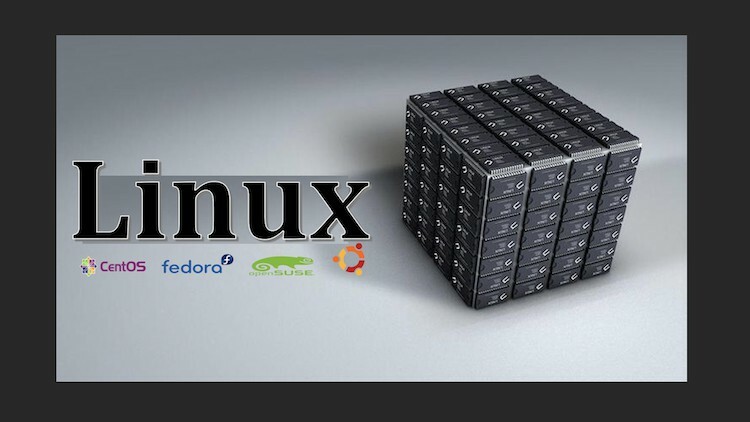
Linux Desktop ( Ubuntu - Fedora - Centos - OpenSUSE )

3780964f7ca7w7cjv.jpg


Linux Desktop ( Ubuntu - Fedora - Centos - OpenSUSE )
Instructors: Ibrahim M
5 sections • 84 lectures • 8h 39m
Video: MP4 1280x720 44 KHz | English + Sub
Updated 2/2022 | Size: 5.6 GB

Linux desktop for beginners , how to make Linux your daily operating system


What you'll learn
How to get familiar with Linux Ubuntu desktop
How to get familiar with Linux Fedora desktop
How to get familiar with Linux Centos desktop
How to get familiar with Linux OpenSUSE desktop
<h
Requirements
Student should has a PC or laptop and an internet connection
Description
Linux; ( Ubuntu - Fedora - Centos - OpenSUSE ),How to Use; (Beginners Guide)
This course for all who are interested in Linux operating systems
This course is the way to change the idea that Linux system is only a scientific system and not appropriate for daily use applications.
The first step; to change your default and basic operating system to be Linux
You will learn :-
First Module : ( Introduction to Linux )
- Introduction to Linux Operating system
- i386 vs. AMD64 systems
- Download Linux distribution
- Make a boot-able USB drive
Second Module : ( Linux; Ubuntu desktop )
- Linux Ubuntu Installation
- Update system and quick review on Ubuntu
- Download and install web browsers
- Download and install Snap-store
- Play multi-media on Linux
- Audio editor on Linux
- Screen Shot in Linux Ubuntu
- Open and write PDF files and text files on Linux Ubuntu
- Open and edit images on Linux Ubuntu
- Office packages on Linux Ubuntu
- emails management on Linux Ubuntu
- Download from internet on Linux Ubuntu
- Linux Ubuntu settings review
- Calculator and system monitor
- Development environments on Linux Ubuntu
- Android mobile phones with Ubuntu
- Remote desktop on Linux Ubuntu
- Storage management and make a boot-able drive on Linux Ubuntu
Third Module : ( Linux Fedora desktop )
- Linux Fedora Installation
- Update system and quick review on Fedora
- Download and install web browsers
- Download and install Snap-store
- Play multi-media on Linux Fedora
- Audio editor on Linux Fedora
- Screen Shot in Linux Fedora
- Open and write PDF files and text files on Linux Fedora
- Open and edit images on Linux Fedora
- Office packages on Linux Fedora
- emails management on Linux Fedora
- Download from internet on Linux Fedora
- Linux Fedora settings review
- Calculator and system monitor
- Development environments on Linux Fedora
- Android mobile phones with Fedora
- Remote desktop on Linux Fedora
- Storage management and make a boot-able drive on Linux Fedora
Fourth Module : ( Linux; Centos desktop )
- Linux Centos Installation
- Update system and quick review on Centos
- Download and install web browsers
- Download and install Snap-store
- Play multi-media on Linux Centos
- Audio editor on Linux Centos
- Screen Shot in Linux Centos
- Open and write PDF files and text files on Linux Centos
- Open and edit images on Linux Centos
- Office packages on Linux Centos
- emails management on Linux Centos
- Download from internet on Linux Centos
- Linux Centos settings review
- Calculator and system monitor
- Development environments on Linux Centos
- Android mobile phones with Centos
- Remote desktop on Linux Centos
- Storage management and make a boot-able drive on Linux Centos
Fifth Module : ( Linux; OpenSUSE desktop )
- Linux OpenSUSE Installation
- Update system and quick review on OpenSUSE
- Download and install web browsers
- Download and install Snap-store
- Play multi-media on Linux OpenSUSE
- Audio editor on Linux OpenSUSE
- Screen Shot in Linux OpenSUSE
- Open and write PDF files and text files on Linux OpenSUSE
- Open and edit images on Linux OpenSUSE
- Office packages on Linux OpenSUSE
- emails management on Linux OpenSUSE
- Download from internet on Linux OpenSUSE
- Linux OpenSUSE settings review
- Calculator and system monitor
- Development environments on Linux OpenSUSE
- Android mobile phones with OpenSUSE
- Remote desktop on Linux OpenSUSE
- Storage management and make a boot-able drive on Linux OpenSUSE
hope you enjoy this course

Who this course is for:All levels ,

Homepage

linuxdesktopubuntufedwud8b.jpg


Download from RapidGator


Download from Keep2Share


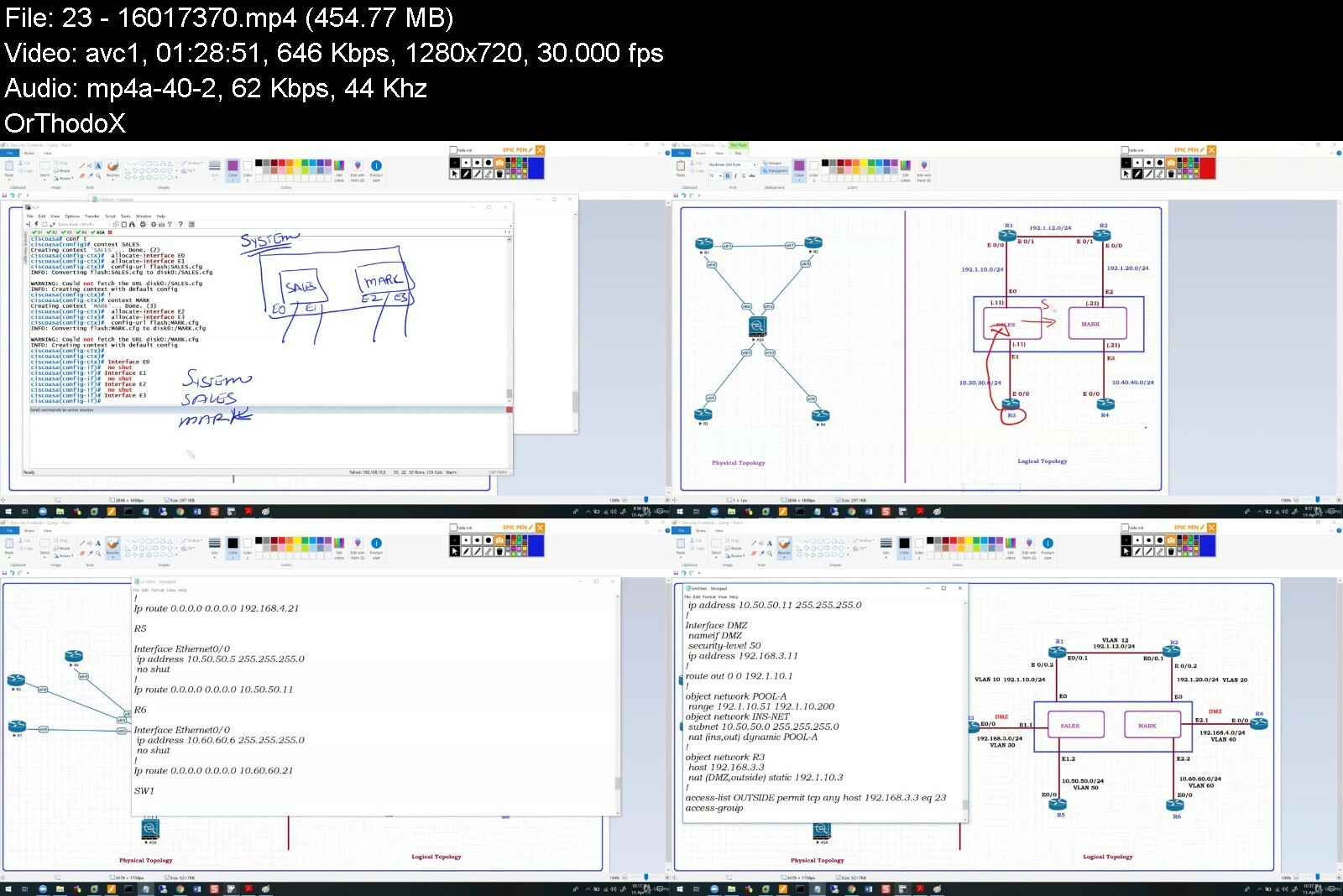
Implementing A Cisco Asa Firewall 9.X - All - In - One

6uesoqcosgfhzitx0fwtwuwd4o.jpg


Implementing A Cisco Asa Firewall 9.X - All - In - One
Last updated 8/2019
MP4 | Video: h264, 1280x720 | Audio: AAC, 44.1 KHz
Language: English | Size: 5.56 GB | Duration: 16h 22m

Implementing a Cisco ASA Firewall 9.X - All - in - One


What you'll learn
Implementing a Cisco ASA Firewall
Requirements
Cisco CCNA R-S Level Knowledge

Description
This course teaches you how to implement the Cisco ASA*Firewall from scatch. No Firewall knowledge is required. The topics covered include the following:• Basic Configuration*• Interface configuration*• Security Levels*• Management[Telnet / SSH]*• Routing[RIPv2, EIGRP, OSPF, BGP]*• NAT[Dynamic/Static NAT, Dynamic/Static PAT, Manual NAT]*• Access Policies• Transparent firewall • Initialization*• Access policies*• Ethertype ACLs• Redundancy*• Redundant Interfaces*• Port-channels*• Security Contexts*• Failover[Active/Standby & Active/Active]*• Clustering• Deep-Packet Inspection using MPF*• Tuning the global policy*• Configuring custom L7 policy• ASA VPNs*• Site - To - Site IPSec*• Site - To - Site - NAT - T*• Remote access*• Web VPN*• AnyConnect
Overview
Section 1: Overview and Basic Initialization
Lecture 1 ASA Overview and Traffic Flow
Lecture 2 Basic Initialization
Section 2: Configuring Routing on the ASA
Lecture 3 Routing on the ASA - Static Routes
Lecture 4 Routing on the ASA - RIPv2
Lecture 5 Routing on the ASA - EIGRP
Lecture 6 Routing on the ASA - OSPF
Lecture 7 Routing on the ASA - BGP
Section 3: Traffic Flow
Lecture 8 8. Controlling Thru Traffic Using an Access Control Lists (ACL)
Lecture 9 9. Controlling Traffic to the Firewall
Section 4: Remote Management
Lecture 10 Remote Management Access to the Firewall
Lecture 11 Configuring Management Access Using TELNET
Lecture 12 Configuring Management Access Using SSH
Lecture 13 Configuring Management Access Using HTTP using ASDM
Section 5: Network Address Translation (NAT)
Lecture 14 Overview of NAT and Dynamic NAT
Lecture 15 Static NAT
Lecture 16 Destination NAT
Lecture 17 Dynamic PAT
Lecture 18 Static PAT
Lecture 19 Policy NAT
Section 6: Transparent Firewall - Layer 2 Firewall
Lecture 20 Overview and Basic Initialization of Transparent Firewall
Lecture 21 Routing thru a Transparent Firewall
Lecture 22 Ethertype ACLs on a Transparent Firewall
Section 7: Virtualization & Redundancy
Lecture 23 Security Contexts
Lecture 24 Redundant Interfaces
Lecture 25 Port Channels
Lecture 26 Active / Standby Failover
Lecture 27 Active / Active Failover
Lecture 28 ASA Clustering Overview
Lecture 29 ASA Clustering Spanned Mode
Section 8: Deep Packet Inspection
Lecture 30 MPF - Deep Packet Inspection Overview
Lecture 31 MPF - ICMP Example
Lecture 32 MPF - Non-Standard Port Example
Section 9: Virtual Private Networks
Lecture 33 IPSec Overview & LAN - To - LAN VPN using Crypto Maps
Lecture 34 LAN - To -LAN VPN between a Router and an ASA
Lecture 35 LAN - To - LAN VPN - NAT-T
Lecture 36 Configuring ASDM for Management
Lecture 37 Web VPN
Lecture 38 Remote Access VPN using AnyConnect
Anyone that wants to go into the Security Field


implementingaciscoasa5ci80.jpg


Download from RapidGator


Download from Keep2Share


Gaia - Open Minds - Season 14

81r74prv5il.riuqdfj.jpg


Gaia - Open Minds - Season 14
MP4 | Video: h264, 1920x1080 | Audio: AAC, 44.1 KHz, 2 Ch
Genre: eLearning | Language: English + Subs | Duration: 14 Lessons (13h 47m) | Size: 21.8 GB

Host Regina Meredith conducts interviews with thought-provoking luminaries, cutting-edge visionaries and tireless researchers, providing crucial information to awaken viewers to new perspectives that spark awareness, understanding and ultimately, transformation.

Homepage


openmindsseason14znidg.jpg


Download from RapidGator


Download from Keep2Share


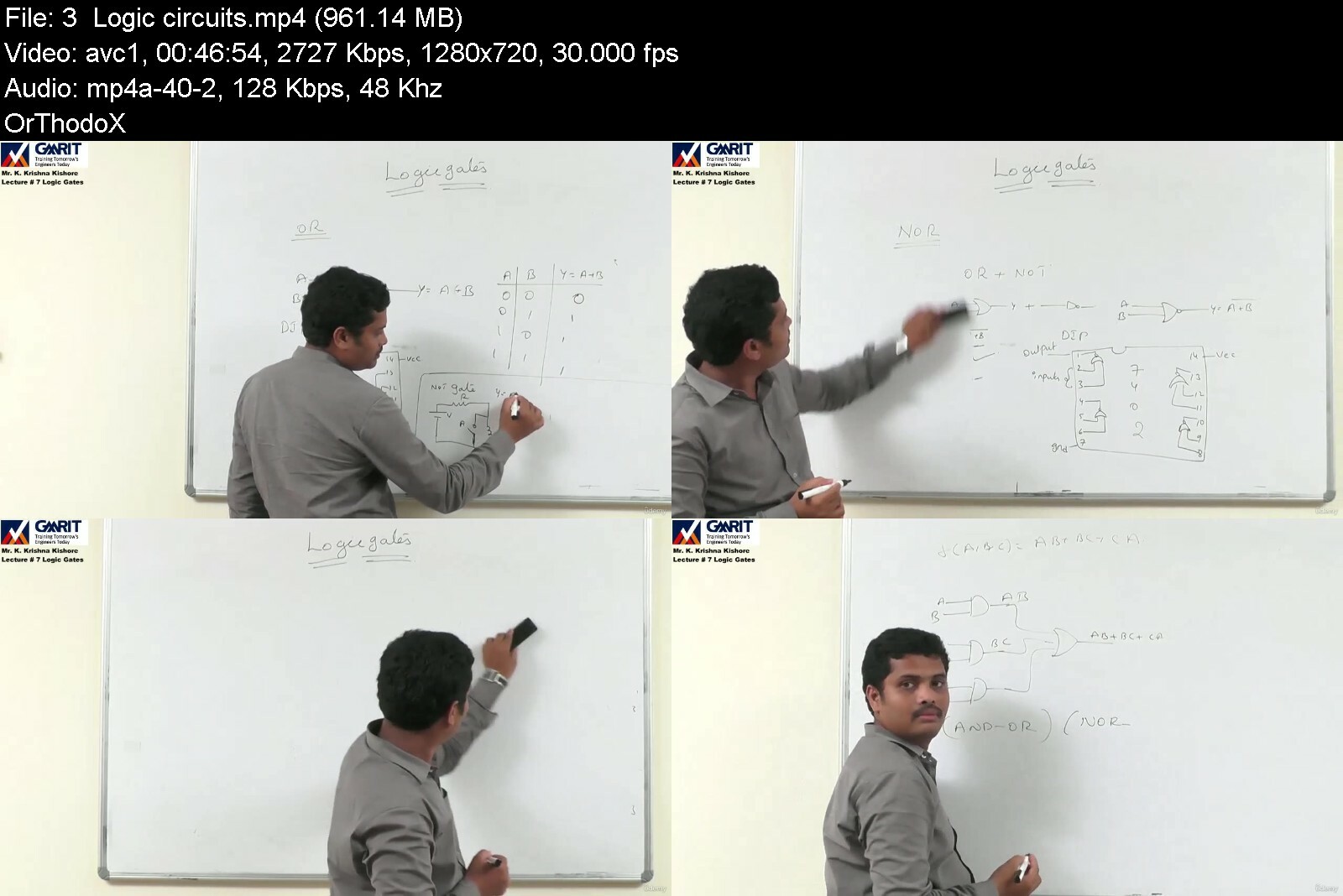
Digital Electronics by Krishnakishore Koganti

4346086659b3g7ehr.jpg


Digital Electronics by Krishnakishore Koganti
Published 06/2022
MP4 | Video: h264, 1280x720 | Audio: AAC, 44.1 KHz, 2 Ch
Genre: eLearning | Language: English + srt | Duration: 21 lectures (7h 48m) | Size: 9.7 GB

Combinational Circuit design


What you'll learn
Illustrate binary codes (weighted and non-weighted) and convert a number from one number system to an-other
Identify a suitable tool (Boolean theorems, K-maps, Tabular etc.) to minimize Boolean expressions
Implement combinational circuits using AOI and Universal logic gates
Design combinational logic circuits using PLDs
Analyse sequential logic circuits

Requirements
NIL


Description
Course Description

This Course is a Comprehensive Study of principles and techniques of designing Digital circuits. This course includes introduction to number systems, basic theorems and properties of Boolean algebra, minimization of Boolean functions, different logic gates, designing of circuits using logic gates, programmable logic devices, analyzing a given combinational or sequential circuit using k-map and Boolean algebra as a tool to simplify and design the logic circuits. Learner able to design any combinational circuit after the completion of this course

Scope and Objective

The main objective of the course are to

1. Understand number systems and codes and their application to digital circuits.

2. Understand Boolean algebra, Karnaugh maps and its application to the design and characterization of digital circuits.

3. Design and analyze a given combinational circuit using Boolean algebra as a tool to simplify and design logic circuits.

4. Understand the logic design of programmable devices, including PLDs

Course Outcomes

After undergoing the course students will be able to

1. Illustrate the conversion of a number from one number system to another

2. Identify Boolean algebra and K-map as a tool to simplify and design logic circuits

3. Implement combinational circuits using gates

4. Design Programmable logic design

6. Attribute innovative designs by modifying the traditional design techniques

Who this course is for
learners who wish to learn basic for digital elctronics, designing of combinational circuits with practicle examples

Homepage


digitalelectronicszlfbq.jpg


Download from RapidGator


Download from Keep2Share


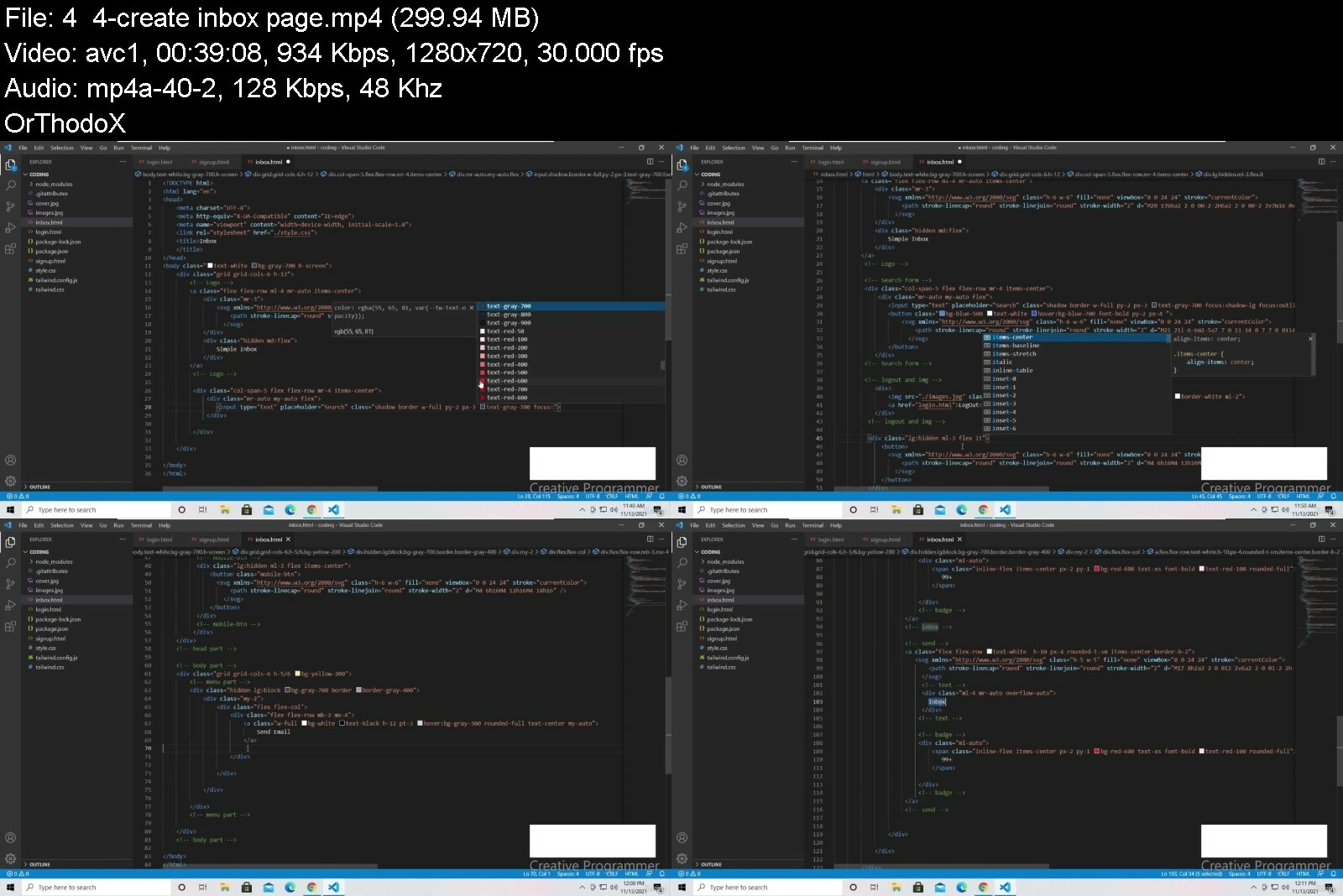
learn bootstrap 5 and tailwind from scratch with project

466863242ea2zaitu.jpg


Learn bootstrap 5 and tailwind from scratch with project
Published 06/2022
MP4 | Video: h264, 1280x720 | Audio: AAC, 44.1 KHz, 2 Ch
Genre: eLearning | Language: English + srt | Duration: 159 lectures (17h 38m) | Size: 6.8 GB


In this courser you will learn how to work with bootstrap , tailwind CSS and some basic of java script


What you'll learn
you will learn bootstrap 5
you will learn tailwind
after this course you will be able to create project with bootstrap and tailwind
this course has 130 repositories, and it is a good resource
learn some basic java script
Requirements
basic of html
Description
- on this course you will learn bootstrap 5 and tailwind CSS from scratch
- 17.5 total hours
- 20 sections
tailwind CSS - Installation
in this section you will learn how to install tailwind CSS in your project
tailwind CSS - Sizing and Spacing
in this section you will learn how to use Sizing and Spacing
tailwind CSS - Border And Table
in this section you will learn how to styling Border And Table
tailwind CSS - Typography
in this section you will learn how to use Font family ,font style ,text align
tailwind CSS - Layout
in this section you will learn how to use Flex and Container
tailwind CSS - Effects , Transitions And Animations
in this section you will learn how to use Transitions And Animations
tailwind CSS - Transforms And Cursor
in this section you will learn how to use Transforms And change pointer icon
tailwind CSS - Forms
in this section you will learn how to styling forms
tailwind CSS - Alerts , Cards , Badges, Avatar And Navigation
in this section you will learn how to use Alerts , Cards , Badges, Avatar And Navigation
create a project
Bootstrap - Installation
in this section you will learn how to install Bootstrap in your project
Bootstrap - Sizing and Spacing
in this section you will learn how to use Sizing and Spacing
Bootstrap - Border And Table
in this section you will learn how to styling Border And Table
Bootstrap - Typography
in this section you will learn how to use Font family ,font style ,text align
Bootstrap - Layout
in this section you will learn how to use Flex , grid and Container
Bootstrap - modal and Cards
in this section you will learn how to use card and modal
Bootstrap - Forms
in this section you will learn how to styling forms
Bootstrap - Alerts , Badges, dropdown And Navigation
in this section you will learn how to use Alerts , Badges, dropdown And Navigation
Bootstrap - Components
in this section you will learn how to use toasts ,collapse ,carousel ,spinners , etc..
create a project
- 2 projects
- 18 coding challenges
- 130 Repositories
Who this course is for
frontend developer
web developer
college student


learnbootstrap5andtaii2c5b.jpg


Download from RapidGator


Download from Keep2Share


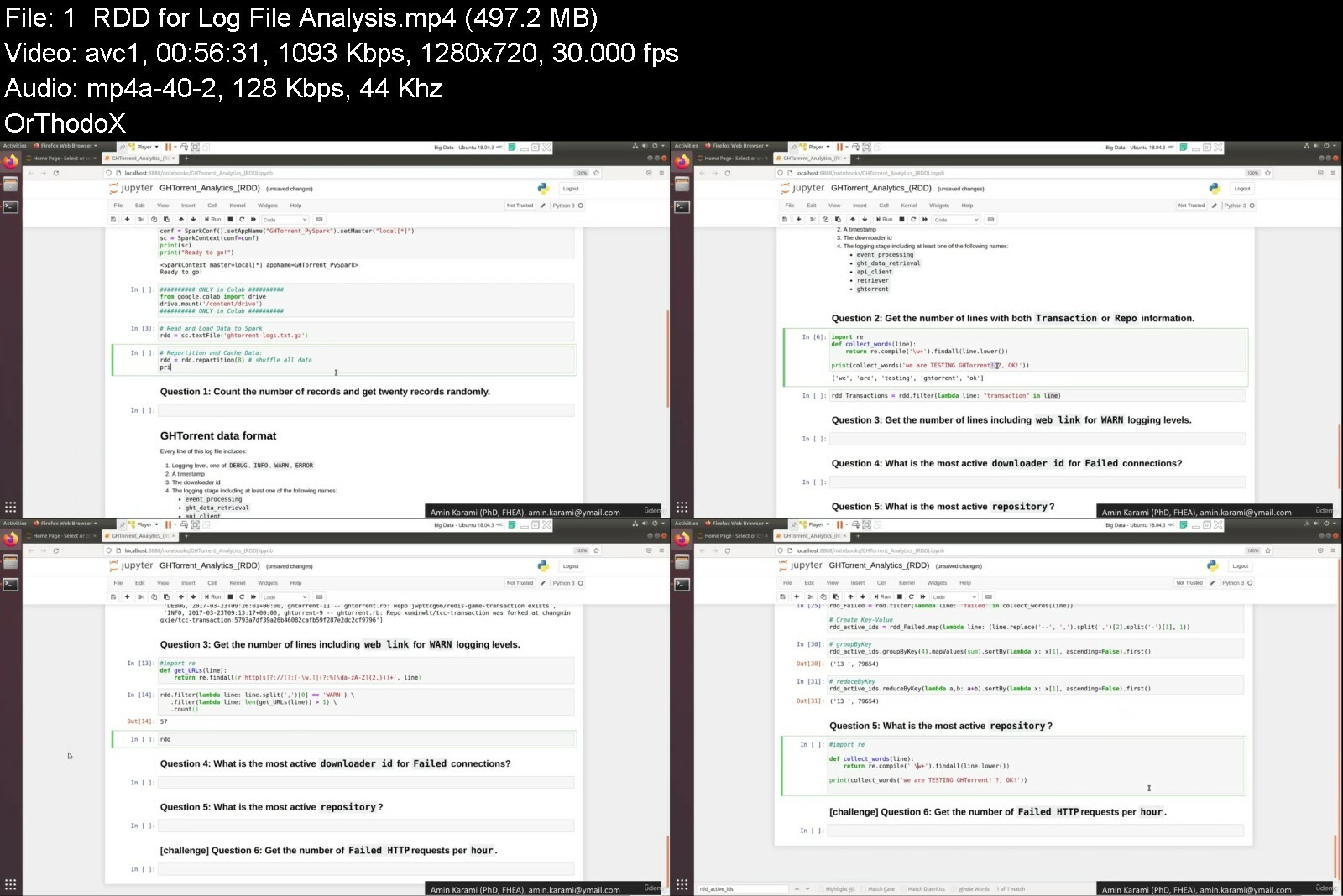
[NEW]Hands-on Big Data & Spark Tuning Practices with PySpark

wd2hwnypq61e0sznz1t75vzdni.jpg


[NEW]Hands-on Big Data & Spark Tuning Practices with PySpark
Genre: eLearning | MP4 | Video: h264, 1280x720 | Audio: AAC, 44.1 KHz
Language: English | Size: 5.14 GB | Duration: 17 lectures • 9h 31m


What you'll learn
Understand Apache Spark's framework, execution and programming model for the development of Big Data Systems
Learn how to work with a free Cloud-based and a Desktop machine for Spark setup and configuration
Build advanced Big Data applications for different types of data (volume, variety, veracity) through real case studies
Learn advanced hands-on PySpark practices on structured, unstructured and semi-structured data using RDD, DataFrame and SQL
Investigate and optimize data skewness, spill and Adaptive Query Execution to tune spark performance
Requirements
Basic Python Programming

Description
In this course, students will be provided with hands-on PySpark practices using real case studies from academia and industry to be able to work interactively with massive data. In addition, students will consider distributed processing challenges, such as data skewness and spill within big data processing. We designed this course for anyone seeking to master Spark and PySpark and Spread the knowledge of Big Data Analytics using real and challenging use cases.
We will work with Spark RDD, DF, and SQL to process huge sized of data in the format of semi-structured, structured, and unstructured data. The learning outcomes and the teaching approach in this course will accelerate the learning by Identifying the most critical required skills in the industry and understanding the demands of Big Data analytics content.
We will not only cover the details of the Spark engine for large-scale data processing, but also we will drill down big data problems that allow users to instantly shift from an overview of large scale data to a more detailed and granular view using RDD, DF and SQL in real-life examples. We will walk through the Big Data case studies step by step to achieve the aim of this course.
By the end of the course, you will be able to build advanced Big Data applications for different types of data (volume, variety, veracity) and you will get acquainted with best-in-class examples of Big Data problems using PySpark.
Who this course is for
Beginner/Junior Big Data developers who want to master Spark/PySpark and Spread the knowledge of Big Data Analytics


newhandsonbigdataspar1sew2.jpg


Download from RapidGator


Download from Keep2Share

 
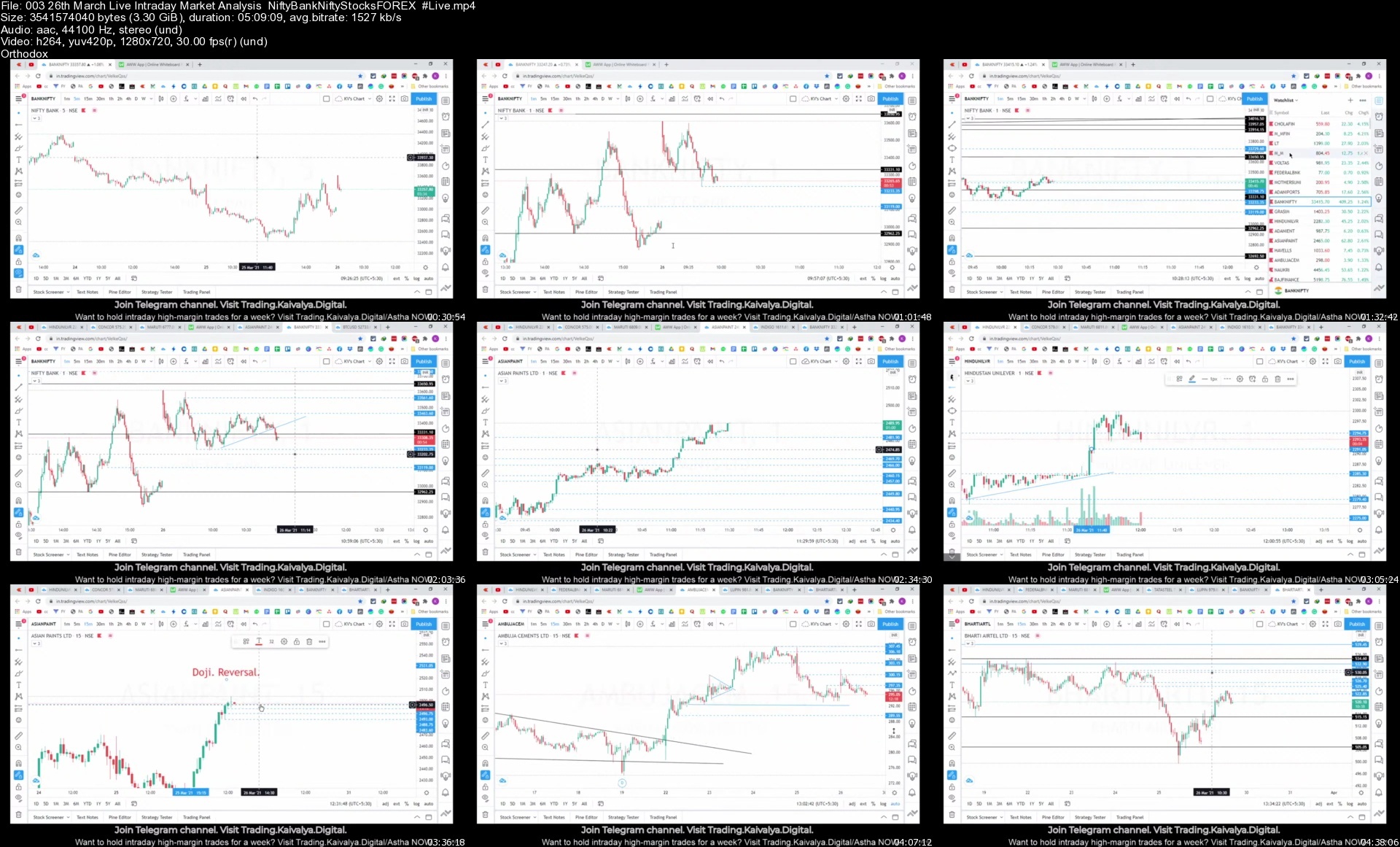
Price Action Trading Masterclass: Forex/Crypto/Share Market

squljdlabk4zm1uyqkqhu8wfje.jpg


Price Action Trading Masterclass: Forex/Crypto/Share Market
Genre: eLearning | MP4 | Video: h264, 1280x720 | Audio: AAC, 44.1 KHz
Language: English | Size: 8.96 GB | Duration: 17 lectures • 13h 21m

Learn how to day-trade, swing trade and invest using price action. Trading tips and four live trading sessions included.


What you'll learn
Risk Management: how to reduce losses and manage overall portfolio risk.
Money Management: how to manage risk on each position, how many shares to buy, and where to take a loss.
Master Technical Analysis: Candlestick Patterns, Chart Patters.
Special Share Market Trading tips.
Entry, exit, and stoploss with logical understanding.
Virtual trading for Indian stock market, Nifty/BankNifty.

Requirements
An Open Mind & Willingness to Learn
Basic understanding of the market like the interface given by the broker, order execution and the tradable assets.

Description
Price action strategy is predicting the supply-demand of an instrument beforehand. It has been proven to be scarily accurate trading strategy. This works for intraday, swing trading and investing as well. As price action tells you the human behavior, it works everywhere where people come together to trade. For example, share markets of different countries, forex market and crypto as well.

Absolute trading basics

What is price action

Different price action setups

How to avoid big losses with right position sizing

When to enter and most importantly, when to exit.

How to choose the right time-frame for trading.

How to read candlesticks

How to get a confirmation for the trade before deploying money.[Retest trades]

Latest Updates

We have included the live trading sessions as well. This will help you see how to implement the price action strategies in the live market scenarios.

Coming soon

Dividend trading.

Every step of the way there will be plenty of examples that will help us understand the key principles of successful trading and trade management. I've included checklists for every section of the course. Later, you can use them while you are trading on your own and review all the steps that you need to be taking.

After going through this course, you will be familiar with the price action strategies. Live trading is also included. So that you can see how to trade the real-life market scenarios. 95% of the trading is position sizing and money management. This course will help you with that.

Who this course is for
Beginners who want to decrease their learning curve.
Anyone who wants to Trade the Stock Market.
Traders who want to better time their entries and exits.
People who want to learn the most important concepts that are needed in trading.
Traders who wants to learn the price action.

Homepage


00326thmarchliveintra0id0n.jpg


Complete Wordpress Developer Course - Plugins & Themes

fm0g7lwidacbdgy0vlmkz3uc2i.jpg


Complete Wordpress Developer Course - Plugins & Themes
Last updated 7/2022
MP4 | Video: h264, 1280x720 | Audio: AAC, 44.1 KHz
Language: English | Size: 15.38 GB | Duration: 50h 31m

Learn how to develop WordPress themes and plugins. Includes React and Gutenberg development.


What you'll learn
Build a fully functioning WordPress theme and plugin
Build websites for any business and audience
License your theme and/or plugin
Understand the architecture of a plugin and theme
Understand the WordPress core and it's functions
Fully Understand WordPress's API and how to interact with WordPress and its system
Query the Database and create tables
Comfortably navigate around the WordPress core
Confidently use the command line and learn basic commands.
Learn the latest features in JavaScript including ES6 modules and variables
Improve your workflow using Babel and Webpack
Create, manage and process admin forms.
Create custom post types for special kinds of content
Build custom Gutenberg blocks with React, Webpack and Babel.
Requirements
You should have a good understanding of HTML, CSS.
If you know PHP and JavaScript, that's great but not required
You should know how to install WordPress and navigate around.
A text editor of your choice.

Description
Hello! Welcome to the WordPress development course. This is the most comprehensive and effective course on WordPress development around. This is the only course you'll ever need to learn WordPress development. WordPress currently holds a majority of the market share on the web. WordPress is an absolute dominant force and its popularity continuously grows. One of the best things about WordPress is that it's easily extendable. There are thousands of plugins and themes available both free and premium.In this course, I will teach you how to create your very own plugins and themes. This course was designed for those who truly want to master WordPress inside and out. There is no stone left unturned. This course will help make you into one of the most competitive WordPress developers out there. You will be able to develop custom plugins and themes no matter how hard the task is.You can expect high-quality and fresh tutorials. This course uses the latest versions of software development including PHP (8.x), and MySQL/MariaDB (8.x) . Here is an overview of what you can expect to learn.Take a static HTML template and convert it into a fully functioning WordPress theme. Write code that scales and learn the best practices for writing clean, efficient, secure, and reusable code. The WordPress coding standards are covered from PHP to JavaScript and CSS.Properly take advantage of the template hierarchy system and create your own custom templates for more unique designs.Build plugins that extend the core functionality of WordPress.Develop custom post types for content that give you the flexibility to curate content you want to. Apply metadata to your content and display everything on the front end.Learn about the various methods for creating your own custom admin forms and processing the data securely.Other topics include licensing, translations, security, authentication, full-site editing, block development and so much more!The APIs that are covered are the following: Database API, HTTP API, Metadata API, Options API, Plugins API, REST API, Rewrite API, and Settings API.On top of everything, you will also learn how to create your very own Gutenberg blocks. Take advantage of the newest feature that comes bundled with WordPress 6!Not confident with your React and JavaScript skills? That's completely fine! The skills required to build efficient and scalable Gutenberg blocks are covered in this course. You'll learn how to use Node, Webpack, Babel, and ReactIn a nutshell, we'll explore the various WordPress APIs and how they should be used. The developer documentation is filled with examples and each page is quite lengthy. WordPress development doesn't have to be hard to learn. The biggest mistake most coding tutorials make is expecting someone to learn simply by imitating others' code. Real-world situations are never exactly like the tutorial.I believe the best way to learn is to understand how a tool works and what it does for you, look at examples, and then try it yourself. That's how this course is built, with the goal to help you both learn and understand WordPress.Take the leap into Gutenberg DevelopmentThis course goes beyond the simple WordPress plugin development and WordPress theme development tutorials. You will learn how to create Gutenberg Blocks for WordPress as the back end. The CEO of WordPress, Matt Mullenweg, has urged developers to start learning JavaScript deeply. You will first learn the basics such as the command line and ES6. You will be caught up with the latest standards of JavaScript from modules to destructuring and so much more! Tools such as babel and webpack are also explored and implemented with our code. We will build a functioning WordPress Gutenberg block with React. Build components to separate your code. All this knowledge is right at your fingertips!Why am I qualified to teach this course?I've been developing sites in WordPress for over 10 years. I know all the tricks to work with WordPress. I don't fool around. You will learn all my techniques and teach you the exact process I go through. I've sold commercial themes and plugins with over 1000+ sales worldwide. I know what it takes to create stuff that works!There is no useless information here in this course. It's all 100% high-quality content and nothing less. I guarantee you will absolutely love this course and see real results. You'll have the skills and confidence to build your own custom themes and plugins your clients will love. You'll be able to take on bigger projects for more money. Don't believe me? I offer a 100% refund within 30 days. There is absolutely no risk involved!Don't be the one that gets left behind! Enroll and start learning today

Overview

Section 1: Getting Started

Lecture 1 Introduction

Lecture 2 Free PDF Download

Lecture 3 What is an environment?

Lecture 4 Installing WordPress

Lecture 5 Local Quick Tour

Lecture 6 Text Editors

Section 2: PHP Fundamentals

Lecture 7 Introduction to PHP

Lecture 8 Variables

Lecture 9 Strings and Booleans

Lecture 10 Functions

Lecture 11 Arrays

Lecture 12 Loops

Lecture 13 Constants

Lecture 14 Understanding Errors

Lecture 15 Comments

Lecture 16 WordPress and PHP

Section 3: Kickstarting a Theme

Lecture 17 Exploring the WordPress Configuration

Lecture 18 Adjusting the Configuration

Lecture 19 WordPress File and Folders

Lecture 20 File Headers

Lecture 21 Additional File Headers

Lecture 22 Say Hello to Full-Site Editing

Lecture 23 The Index Template

Lecture 24 Recreating the Index Template

Lecture 25 Language Attribute

Lecture 26 Character Set

Lecture 27 Loading Additional Tags

Lecture 28 The Body Tag

Lecture 29 Getting to know WordPress

Lecture 30 WordPress Coding Standards

Section 4: Global Styles

Lecture 31 Aside: JSON

Lecture 32 Introduction to Global Styles

Lecture 33 Loading a Schema

Lecture 34 Default Color Palette

Lecture 35 Block Color Settings

Lecture 36 Adding Colors to the Palette

Lecture 37 Colors for backgrounds, text, and links

Lecture 38 Custom Colors

Lecture 39 Duotones

Lecture 40 Gradients

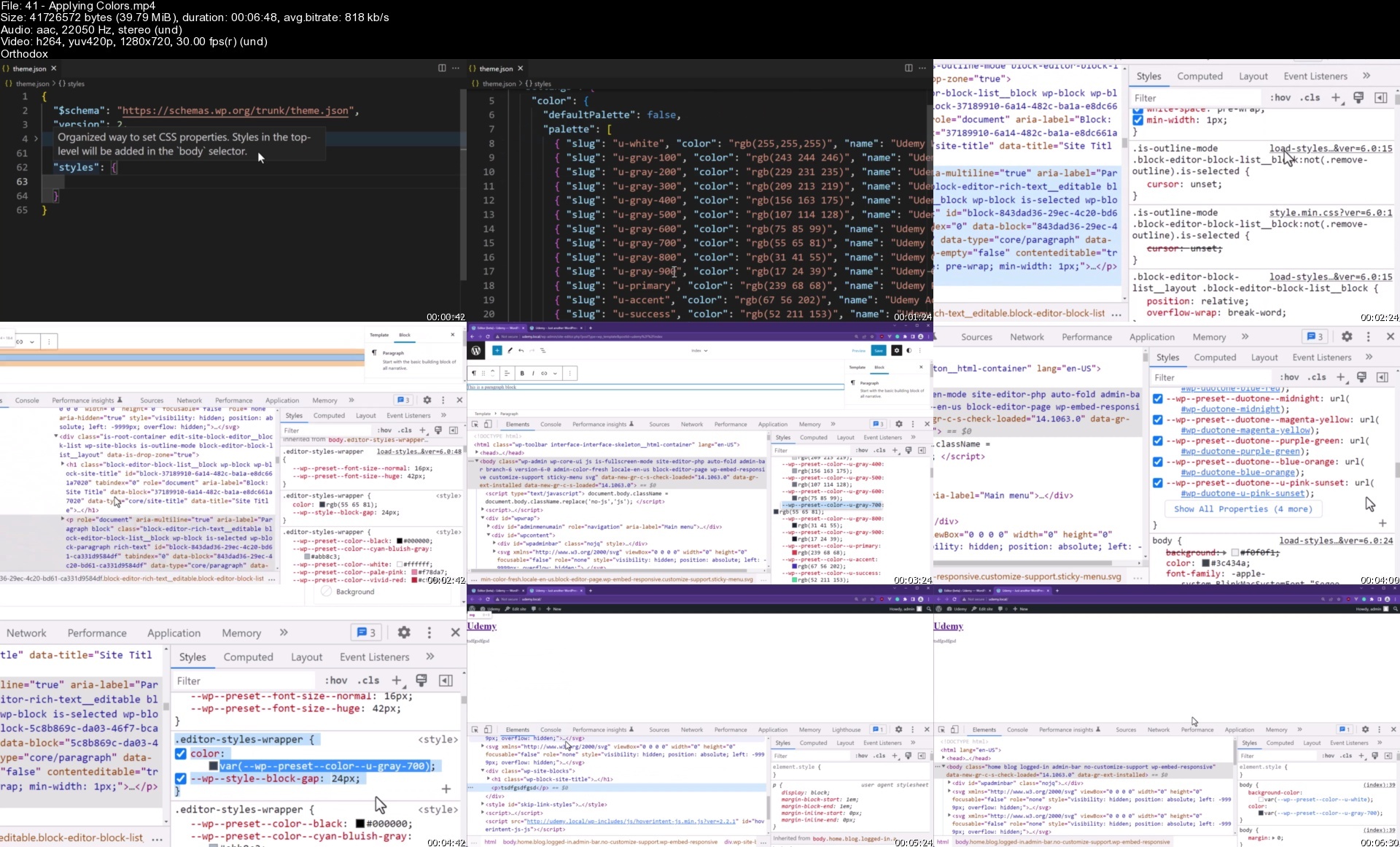
Lecture 41 Applying Colors

Lecture 42 Applying Gradients

Lecture 43 Applying Styles to Elements

Lecture 44 Borders

Lecture 45 Font Families

Lecture 46 Font Sizes

Lecture 47 Various Font Settings

Lecture 48 Applying Typography Styles

Lecture 49 Content Width

Lecture 50 Margin and Padding

Lecture 51 Custom Units

Lecture 52 Block gaps

Lecture 53 Enabling Everything

Section 5: Managing Asset Files

Lecture 54 Aside: Git & GitHub

Lecture 55 Adding the Template

Lecture 56 Understanding Hooks

Lecture 57 The functions.php File

Lecture 58 The Enqueue Hook

Lecture 59 Aside: PHP Function Return Values

Lecture 60 Including Files

Lecture 61 Registering Styles

Lecture 62 Enqueuing Styles

Lecture 63 Fixing the Google Font

Lecture 64 Loading Additional Head Tags

Section 6: Templates

Lecture 65 Creating a Header and Footer Template Part

Lecture 66 Brief Anatomy of a Block

Lecture 67 Optimizing the Header and Footer

Lecture 68 Adding Dummy Content

Lecture 69 Creating the Topbar

Lecture 70 The Group Block

Lecture 71 Loading Editor Styles

Lecture 72 Adding a Navigation Menu

Lecture 73 Adding the Midsection

Lecture 74 Fixing the Editor Styles

Lecture 75 Finishing the Header

Lecture 76 Tailwind

Lecture 77 Inserting the Columns Block

Lecture 78 Query Loop Block

Lecture 79 Adding Post Blocks

Lecture 80 Styling Post Blocks

Lecture 81 Pagination

Lecture 82 Sidebar Blocks

Lecture 83 Exercise: Footer Blocks

Lecture 84 Template Hierarchy

Lecture 85 404 Template

Lecture 86 Category Template

Lecture 87 Search Template

Lecture 88 Single Post Template

Lecture 89 Page Template

Lecture 90 Custom Templates

Section 7: JavaScript and React Fundamentals

Lecture 91 What's to come

Lecture 92 Introduction to JavaScript

Lecture 93 First Taste of JavaScript

Lecture 94 Data Types

Lecture 95 Variables

Lecture 96 Constants

Lecture 97 Template Literals

Lecture 98 Creating Functions

Lecture 99 Arrays

Lecture 100 Objects

Lecture 101 The Console Object

Lecture 102 Loading JavaScript

Lecture 103 Working with the DOM

Lecture 104 Conditional Statements

Lecture 105 Understanding Scope

Lecture 106 Arrow Functions

Lecture 107 Destructuring

Lecture 108 What is React?

Lecture 109 Getting Started with React

Lecture 110 Creating a React App

Lecture 111 Dynamic Content

Lecture 112 Introduction to JSX

Lecture 113 Components

Lecture 114 Extending Components with Props

Lecture 115 ES6 Modules

Lecture 116 Adding State to a Component

Lecture 117 Events

Lecture 118 Using useEffect

Lecture 119 The Command Line

Lecture 120 Getting started with NodeJS

Section 8: Block Development Fundamentals

Lecture 121 Creating a Plugin

Lecture 122 Securing the Main Plugin File

Lecture 123 Installing WP Scripts with NPM

Lecture 124 Upgrading WP Scripts

Lecture 125 Creating a Bundle

Lecture 126 Creating a Block Metadata File

Lecture 127 Registering a Block

Lecture 128 Enqueueing a Block's Script

Lecture 129 Adding a Custom Block

Lecture 130 The RichText Component

Lecture 131 Storing Data in Attributes

Lecture 132 Saving the Block

Lecture 133 Aside: JavaScript Spread Operator

Lecture 134 Adding Block Props

Lecture 135 Enqueuing Styles for Blocks

Lecture 136 Fixing the Fancy Header Styles

Lecture 137 Formatting the RichText Component

Lecture 138 The InspectorControls and PanelBody Components

Lecture 139 Adding a Color Palette

Lecture 140 Dynamic Styles

Lecture 141 Attribute Sources

Lecture 142 Creating Multiple Blocks

Section 9: Server-Side Rendering

Lecture 143 What is Server-Side Rendering?

Lecture 144 Creating a Search Form Block

Lecture 145 Adding a Custom Icon

Lecture 146 Adding the Template

Lecture 147 The PanelColorSettings Component

Lecture 148 Exercise: Applying Colors

Lecture 149 Creating a Render Callback

Lecture 150 Rendering a Block with Output Buffers

Lecture 151 Using Attributes in a PHP Render Function

Lecture 152 Grabbing the Search Query

Lecture 153 Adding the Form to the Template

Lecture 154 Creating a Page Header Block

Lecture 155 Exercise: Adding the RichText Component

Lecture 156 The ToggleControl Component

Lecture 157 Toggling Content

Lecture 158 Rendering the Category

Lecture 159 Adding Support for Output Buffers

Lecture 160 Including Files with Globs

Lecture 161 A Different Way to Create a Plugin

Lecture 162 Gutenberg Block Examples

Section 10: Authentication

Lecture 163 Creating the Header Tools Block

Lecture 164 The SelectControl Component

Lecture 165 The CheckboxControl Component

Lecture 166 Exercise: Toggling the Links

Lecture 167 Finishing the Header Tools Block

Lecture 168 Creating the Authentication Modal Block

Lecture 169 Toggling the Registration Form

Lecture 170 Rendering the Modal

Lecture 171 Loading a View Script

Lecture 172 Fixing the View Script

Lecture 173 Waiting for the Document to be Ready

Lecture 174 Opening and Closing the Modal

Lecture 175 Switching Tabs

Lecture 176 Handling Form Submissions

Lecture 177 What is a REST API?

Lecture 178 Practicing with the Rest API

Lecture 179 The Problem with the Core Endpoint

Lecture 180 Adding a Custom Endpoint

Lecture 181 Handling the Response

Lecture 182 PHP: Classes

Lecture 183 Validating the Request Parameters

Lecture 184 Preventing Duplicate Users

Lecture 185 Creating a New User

Lecture 186 Inline Scripts

Lecture 187 Submitting the Registration Form

Lecture 188 Preparing the Sign in Endpoint

Lecture 189 User Authentication

Lecture 190 Wiring the Login Form

Lecture 191 Finishing the Blocks

Lecture 192 Static Properties

Lecture 193 WordPress HTTP Methods

Section 11: SQL Fundamentals

Lecture 194 Introduction to SQL

Lecture 195 Databases and Tables

Lecture 196 Creating Tables

Lecture 197 Inserting Data

Lecture 198 Reading Data

Lecture 199 Updating Data

Lecture 200 Deleting Data

Section 12: Custom Post Types

Lecture 201 What's Next

Lecture 202 Registering a Custom Post Type

Lecture 203 Customizing the Post Type

Lecture 204 Adding Support for Gutenberg

Lecture 205 Taxonomies

Lecture 206 Plugin Activation

Lecture 207 Flushing Rewrite Rules

Lecture 208 Custom Taxonomies

Lecture 209 Custom Taxonomy Fields

Lecture 210 Understanding Metadata

Lecture 211 Saving Term Metadata

Lecture 212 Editing Taxonomy Fields

Lecture 213 Creating the Recipe Summary Block

Lecture 214 Retrieving the Post ID with Block Context

Lecture 215 Grabbing Term IDs with useEntityProp

Lecture 216 The useSelect Function

Lecture 217 Retrieving Cuisine Terms

Lecture 218 Registering Term Meta

Lecture 219 Mapping the Cuisines

Lecture 220 Waiting for Data to be Resolved

Lecture 221 Saving Post Metadata

Lecture 222 Registering Post Metadata

Lecture 223 Grabbing Post Metadata

Lecture 224 Adding a Rating Component

Lecture 225 Creating a Database Table with Adminer

Lecture 226 Creating a Database Table during Plugin Activation

Lecture 227 Rendering the Block

Lecture 228 Displaying the Cuisine Terms with PHP

Lecture 229 Preparing the Frontend

Lecture 230 Loading React on the Frontend

Lecture 231 The apiFetch Function

Lecture 232 Exercise: Preparing the Rating Endpoint

Lecture 233 Prepared SQL Statements

Lecture 234 Inserting the Recipe

Lecture 235 Updating the Permissions

Lecture 236 Custom Hooks

Section 13: Nested Blocks

Lecture 237 Creating a Nested Block

Lecture 238 Adding Support for Inner Blocks

Lecture 239 Inner Blocks Template Options

Lecture 240 Adding Columns

Lecture 241 Adding the MediaPlaceholder Component

Lecture 242 Custom Image Sizes

Lecture 243 Adding Filter Hooks

Lecture 244 Handling Selections

Lecture 245 Handling URL Images

Lecture 246 Understanding Blob Images

Lecture 247 Handling Blob Images

Lecture 248 Exercise: Adding a Spinner

Lecture 249 Using State to Prevent Blobs

Lecture 250 Fixing Blob Memory Leaks

Lecture 251 Quickly Refactoring the Team Member Block

Lecture 252 Adding a Toolbar Option

Lecture 253 Quick Fix for the Toolbar

Lecture 254 Custom Toolbar Buttons

Lecture 255 Exercise: Toggling the Image Alt Field

Lecture 256 Custom Block Context

Lecture 257 Preparing the Social Media Links

Lecture 258 Adding a Tooltip

Lecture 259 Detecting Block Selection

Lecture 260 Tracking the Active Selection

Lecture 261 Editing a Social Media Link

Lecture 262 Saving the Team Member Block

Lecture 263 Optimizing Attributes

Lecture 264 Block Previews

Section 14: Querying Posts

Lecture 265 Creating a Popular Recipes Block

Lecture 266 The QueryControls Component

Lecture 267 Category Suggestions

Lecture 268 Updating the Attribute

Lecture 269 Testing the Endpoint

Lecture 270 Ordering Posts by Metadata

Lecture 271 Querying Posts in a Block

Lecture 272 Rendering Raw HTML

Lecture 273 The WP_Query Class

Lecture 274 The WordPress Loop

Lecture 275 Creating a Daily Recipe Block

Lecture 276 Transients

Lecture 277 Custom Endpoint

Lecture 278 Displaying the Daily Recipe in the Editor

Lecture 279 Finishing the Daily Recipe Block

Lecture 280 Measuring Queries

Section 15: Exploring More Block Features

Lecture 281 Creating an Alert Box Block

Lecture 282 Understanding SASS

Lecture 283 Editor Styles

Lecture 284 Block Supports

Lecture 285 Block Variations

Lecture 286 Block Styles

Lecture 287 Understanding Deprecations

Lecture 288 Handling Template Deprecations

Lecture 289 Publishing a Plugin

Section 16: Custom Admin Pages

Lecture 290 WordPress APIs

Lecture 291 Understanding the Options API

Lecture 292 Adding Plugin Settings

Lecture 293 Adding a Custom Admin Menu & Page

Lecture 294 Preparing the Admin Page

Lecture 295 Handling Admin Form Submissions

Lecture 296 Updating Options

Lecture 297 Enqueuing the Media Library

Lecture 298 Adding New Entry Files to Webpack

Lecture 299 Registering the Admin Assets

Lecture 300 Exercise: Adding an Open Graph Image Size

Lecture 301 Selecting Images

Lecture 302 Adding a Submenu

Lecture 303 Registering an Options Group

Lecture 304 Adding Sections

Lecture 305 Adding Fields

Lecture 306 Registering Post Metadata

Lecture 307 Enqueueing Block Editor Assets

Lecture 308 Registering a Sidebar

Lecture 309 Selecting Metadata

Lecture 310 Dispatching Updates

Lecture 311 Custom Media Upload Interface

Lecture 312 Rendering Tags in the Head

Section 17: Finishing Touches

Lecture 313 Preparing a New Format Type

Lecture 314 Registering a Format Type

Lecture 315 Conditionally Rendering Toolbar Buttons

Lecture 316 Translation Functions

Lecture 317 Creating a Translation Template with the WP CLI

Lecture 318 Loading Translations

Lecture 319 Adding a New Language

Lecture 320 Loading Block Translations

Lecture 321 Uninstalling a Plugin

Lecture 322 Debugging Hooks and Queries

Lecture 323 Quick Adjustments to the Theme

Lecture 324 Bundling Plugins with TGMPA

Section 18: The End

Lecture 325 Conclusion

Section 19: Getting Started

Lecture 326 LEGACY LECTURES AHEAD!!! PLEASE READ!!!

Lecture 327 Overview

Lecture 328 Getting to know WordPress

Lecture 329 Setting up for WordPress

Lecture 330 Exploring Environments and Text Editors

Lecture 331 PHP Refresher & WordPress Coding Standards

Lecture 332 Lectures Notes

Section 20: Theme Development Foundation

Lecture 333 Exploring WordPress & Configuring the wp-config.php file

Lecture 334 File Headers

Lecture 335 Functions File & Action Hooks

Lecture 336 Loading styles and scripts with enqueues

Lecture 337 Cache Issues

Lecture 338 Adding Dummy Content

Lecture 339 Menu Support

Lecture 340 Aside: Menu Walker

Lecture 341 Creating Header & Footer Areas

Lecture 342 Creating Sidebars and Widget Areas

Lecture 343 Formatting the search form

Lecture 344 The Loop

Lecture 345 Template Parts

Lecture 346 Template Tags

Lecture 347 Pagination

Lecture 348 Lectures Notes & Download Source Code for this Section

Section 21: Templates & The Customizer

Lecture 349 Template Hierarchy & Single Post Template

Lecture 350 Comments Template

Lecture 351 Author Template Tags

Lecture 352 Related Posts using the WP_Query Class

Lecture 353 Page Template

Lecture 354 404 and Category Template

Lecture 355 Date Template

Lecture 356 Attachment Templates

Lecture 357 Search and Custom Templates

Lecture 358 Completing the Header, Title and Ad Sections

Lecture 359 Theme Customizer API

Lecture 360 Dropdown and Checkboxes using the Customizer API

Lecture 361 Customizer Transports and Overriding existing Settings

Lecture 362 Color & Upload Controllers for the Customizer

Lecture 363 More Theme Support & Creating Starter Content

Lecture 364 Displaying Popular Posts and Conditional Tags

Lecture 365 Finishing Touches

Lecture 366 Lecture Notes & Download the Source Code

Section 22: Theme Templates

Lecture 367 Template Tags Overview

Lecture 368 General Tags

Lecture 369 Navigation Tags

Lecture 370 Link Tags

Lecture 371 Lecture Notes & Download the Source Code

Section 23: Plugin Development

Lecture 372 Overview

Lecture 373 Creating our First Plugin

Lecture 374 WordPress Action & Filter Hooks

Lecture 375 Custom Hooks and Prioritization

Lecture 376 Plugin Activation & Security

Lecture 377 Creating a Custom Post Type

Lecture 378 Metadata API

Lecture 379 Filter Hooks

Lecture 380 Creating Database Tables

Lecture 381 Download Assets

Lecture 382 Sending and using AJAX Requests

Lecture 383 Handling AJAX Requests and inserting data into the Database

Lecture 384 Changing the Custom Post Type's Table Columns

Lecture 385 Lecture Notes & Download Source Code for this Section

Section 24: Gutenberg Prerequisites

Lecture 386 Gutenberg

Lecture 387 The Command Line / Terminal

Lecture 388 Getting started with NodeJS

Lecture 389 Modules and CommmonJS

Lecture 390 Built-in and 3rd Party Modules

Lecture 391 Introduction to Webpack and Dependencies

Lecture 392 Webpack Configuration

Lecture 393 Webpack Loaders & Babel

Lecture 394 ES6 Constants and Let

Lecture 395 ES6 Arrow Functions

Lecture 396 ES6 Modules & Destructuring

Lecture 397 Getting Started with React

Lecture 398 Reusing Components and Properties

Lecture 399 Lecture Notes

Section 25: Gutenberg Development

Lecture 400 Getting Started with Gutenberg

Lecture 401 Registering and Enqueueing the Block Assets

Lecture 402 Registering Blocks

Lecture 403 Block Settings

Lecture 404 Using the edit and save properties

Lecture 405 Inspector Controls

Lecture 406 Sidebar: ES6 Rest and Spread Operators

Lecture 407 Attributes

Lecture 408 Rendering the Block

Lecture 409 Styling Blocks

Lecture 410 Alignment Toolbar

Lecture 411 Block Alignment

Lecture 412 Lecture Notes & Download the Source Code

Section 26: Gutenberg Components

Lecture 413 High Level Overview of Gutenberg

Lecture 414 Gutenberg Blocks with ES5

Lecture 415 Rich Text Block

Lecture 416 Custom Toolbar

Lecture 417 Form Toggle

Lecture 418 Inspector Control Fields

Lecture 419 Media Uploads

Lecture 420 Lecture Notes & Download the Source Code

Section 27: Advanced Plugin Development

Lecture 421 Creating a Widget

Lecture 422 Cron Jobs and Transients API

Lecture 423 Creating a Shortcode for Frontend Publishing

Lecture 424 Sanitizing HTML input and inserting a post

Lecture 425 Custom Hooks with the Plugin API and sending E-mails

Lecture 426 Creating the Login & Registration Forms

Lecture 427 User Registration

Lecture 428 User Authentication

Lecture 429 Alternative User Authentication

Lecture 430 Adding a Logout Link

Lecture 431 Prepared Database Queries

Lecture 432 Uninstalling a Plugin

Lecture 433 Creating a WordPress Dashboard Widget

Lecture 434 Using the HTTP API to retrieve content from external services

Lecture 435 Flushing the Rewrite Rules with the Rewrite API

Lecture 436 Shortcodes Explored In-Depth

Lecture 437 Lecture Notes & Download the Source Code

Section 28: Creating Admin Forms

Lecture 438 WordPress APIs

Lecture 439 Options API

Lecture 440 Adding an Admin Menu and Page

Lecture 441 Processing Admin Form Settings

Lecture 442 Settings API

Lecture 443 Featured Images using the WordPress Media Uploader

Lecture 444 Custom User Roles and Capabilities

Lecture 445 Custom Taxonomies

Lecture 446 Custom Taxonomy Settings

Lecture 447 Custom Post Type UI and Advanced Custom Fields

Lecture 448 Lecture Notes & Download Source Code for this Section

Section 29: WooCommerce and BuddyPress Development

Lecture 449 Overview

Lecture 450 Getting Started with BuddyPress Theme Development

Lecture 451 BuddyPress Single Member Pages

Lecture 452 BuddyPress Single Member Custom Profile Tabs

Lecture 453 Custom CSS for BuddyPress

Lecture 454 Getting started with Woocommerce Development

Lecture 455 Woocommerce Product Page Templates

Lecture 456 Cart, E-mail, and Misc. Woocommerce Templates

Lecture 457 Custom Cart Menu Item for Woocommerce

Lecture 458 Lecture Notes & Download Source Code for this Section

Section 30: Finalizing the theme & plugin

Lecture 459 Custom Excerpts

Lecture 460 Custom Author Fields and Avatars

Lecture 461 Image Cropping

Lecture 462 Main Query Home Page Modifications

Lecture 463 Admin Notices

Lecture 464 Debugging Hooks, Queries and using Tools

Lecture 465 Securing the wp-config File

Lecture 466 SEO, Schema and Microdata

Lecture 467 RTL Support

Lecture 468 Accessibility

Lecture 469 Child Themes

Lecture 470 Translations

Lecture 471 Bundling Plugins with TGMPA

Lecture 472 Licensing & Making money with your Plugin/Theme

Lecture 473 Theme Starter Alternatives

Lecture 474 Conclusion

Lecture 475 Lecture Notes & Download Source Code for this Section

Web designers and developers who wish to take their skills and profit to the next level.,Anyone who wants to generate new income streams,Anyone who wants to understand how the WordPress core truly works and extend it.,Entrepreneurs who want to learn how to build quality and premium plugins and themes.,Anyone who wants to go beyond the basic template tutorials and learn how to add unique features along with BuddyPress and Woocommerce integration.,This course is for students who are new to developing plugins and themes and would like to learn the best practices for developing themes/plugins.,The late beginner to PHP and JavaSricpt programming.

Homepage


41applyingcolorssnjecp.jpg


Ultimate Aws Certified Sysops Administrator Associate 2022

pnnhfhpaezwex5fcmew7wsbdpo.jpg


Ultimate Aws Certified Sysops Administrator Associate 2022
Last updated 6/2022
MP4 | Video: h264, 1280x720 | Audio: AAC, 44.1 KHz
Language: English | Size: 5.85 GB | Duration: 25h 17m

Full Practice Test with Explanations included! PASS the AWS Certified SysOps Administrator Associate SOA-C02 Exam.


What you'll learn
Pass the AWS Certified SysOps Administrator Associate Certification (SOA-C02)
Full Practice Exam with Explanations included!
All 400+ slides available as downloadable PDF
Apply the right AWS services for your future real-world AWS projects
Master topics you know from a SysOps perspective: EC2, ELB, ASG, RDS & more
Use Systems Manager to perform automations and patching
Troubleshoot Elastic Beanstalk and CloudFormation
Store data properly with maximum performance using EBS and EFS
Master S3 and its ecosystem: Glacier, Snowball, Storage Gateway, CloudFront
Implement Monitoring, Security, Compliance, and AWS Account Management
Master networking in AWS: Route 53 and VPC in depth
Requirements
Must have one AWS certification: Developer Associate or Solution Architect Associate
Windows / Linux / Mac OS X Machine
Desire to learn something truly exciting!

Description
Welcome! I'm here to help you prepare and PASS the newest SOA-C02 AWS Certified SysOps Administrator Associate exam.[April 2022 Update]: Over 30 videos have been refreshed/added to keep up with the AWS UI changes and exam changes[October 2021 Update]: Over 50 videos have been refreshed/added to keep up with the AWS UI changes and exam changes[August 2021 Update]: 200+ videos have been refreshed and added to update the course to exam version SOA-C02[May 2020 Update]: 50+ videos have been updated to keep up with AWS UI changes.[July 2019 Update]: Few lectures refreshed, including EC2 placement groups.-----------------------------------The AWS Certified SysOps Administrator Associate certification is one of the most challenging exams. It's great at assessing how well you understand not just AWS, but how to administer it and troubleshoot issues, which makes this certification incredibly valuable to have and pass. Rest assured, I've passed it myself with a score of 980 out of 1000. Yes, you read that right, I only made one mistake! Next, I want to help YOU pass the AWS Certified SysOps Administrator Associate certification with flying colors. Important: It is highly advised that you first pass the Developer or Solution Architect certification first.This is going to be a long journey, but passing the AWS Certified SysOps Administrator Associate exam will be worth it! This AWS Certified SysOps Administrator Associate course is different from the other ones you'll find on Udemy. Dare I say, better (but you'll judge!)It covers in-depth all the new topics on the AWS Certified SysOps Administrator Associate SOA-C02 examIt's packed with practical knowledge on how to use AWS inside and out as a SysOpsIt teaches you how to prepare for the AWS Certified SysOps Administrator Associate exam AND how to prepare for the real worldIt's a logical progression of topics, not a laundry list of random servicesIt's fast-paced and to the point It has professional subtitlesAll 400+ slides available as downloadable PDFConcretely, here's what we'll learn to pass the AWS Certified SysOps Administrator Associate exam:EC2 For SysOps: Placement Groups, Shutdown Behavior, Troubleshooting, AMI, CloudWatch MetricsSSM - Systems Manager: Manage EC2 at Scale, Automation, Run Command, Secure Shell, Parameter StoreHigh Availability and Scalability: ELB Load Balancers (SysOps), Auto Scaling (SysOps), CloudWatch MetricsElastic Beanstalk for SysOpsCloudFormation for SysOps: including cfn-init scriptsEBS & EFS: Operations, Troubleshooting, CloudWatch metrics, RAIDS3 in depth: ALL you need to know about S3: MFA, Default Encryption, Policies, Access Logs, Athena, Glacier, CloudFront, Snowball, Storage Gateway, and moreDatabases: RDS, Aurora & ElastiCache - Security, Backup, Snapshots, Performance, Metrics, Troubleshooting, ScalabilityMonitoring, Audit & Performance: CloudWatch, CloudTrail, ConfigAWS Account Management: Health, Organizations, Billing and Cost Monitoring and ControlSecurity and Compliance: over 10 servicesRoute 53: Practical hands-on guide to using Route 53 in the real worldVPC: Complete guide to building fully operational and 2019-ready VPCTips to ROCK the examThis AWS Certified SysOps Administrator Associate course is full of opportunities to apply your knowledge: There are many hands-on lectures in every sectionThere are quizzes at the end of every sectionThere's an AWS Certified SysOps Administrator Associate practice exam at the end of the course We'll be using the AWS Free Tier most of the timeI'll be showing you how to go beyond the AWS Free Tier (you know... the real world!)Take a look at these student reviews:5 stars: "Got 93.8% on the AWS Certified SysOps Administrator Associate exam after taking this course. Highly recommended!" - Vasiliy S.5 stars: "Best AWS Certified SysOps Administrator Associate material on Udemy. Detailed explanation and good example. I already bought a few from other sources including acloud guru, but this beats the pack." - Olasunkanmi G.5 stars: "Stephane did it again!!! The course is extremely high quality. The lecturer's rhetorical abilities are extraordinary. He has a lot of practical experience and teaches you what you will need in practice and what is needed to pass the AWS Certified SysOps Administrator Associate exam. He raised the bar for what it means high-quality course to an absolutely different level." - Marko S.5 stars: "The slides are worth the cost of the course alone! Over 450 slides and were an awesome last-minute preparation tool I used to identify any gaps I had before taking the AWS Certified SysOps Administrator Associate exam." - Antonio C.---------------------------------InstructorMy name is Stephane Maarek, and I'll be your instructor in this course. I teach about AWS certifications with my focus always on helping my students improve their professional proficiencies in AWS. I am also the author of some of the most highly-rated & best-selling courses on AWS Lambda, AWS CloudFormation & AWS EC2.Throughout my career in designing and delivering these certifications and courses, I have already taught 1,000,000+ students and gotten 350,000+ reviews!With AWS becoming much more than a buzzword out there, I've decided it's time for students to properly learn how to be an AWS SysOps Administrator Associate. So, let's kick start the course! You are in good hands!---------------------------------This course also comes with:Lifetime access to all future updatesA responsive instructor in the Q&A SectionUdemy Certificate of Completion Ready for DownloadA 30 Day "No Questions Asked" Money Back Guarantee!Join me in this course if you want to become an AWS Certified SysOps Administrator Associate and master the AWS platform!

Overview

Section 1: Introduction & Requirements - AWS Certified SysOps Administrator Associate

Lecture 1 SOA-C02 Course Presentation - DO NOT SKIP

Lecture 2 PLEASE READ: Lectures you can skip if you took a course from me before

Lecture 3 About your instructor

Lecture 4 Important Message

Section 2: Slides and Code Download - AWS Certified SysOps Administrator Associate

Lecture 5 Slides and Code Download - AWS Certified SysOps Administrator Associate

Section 3: EC2 for SysOps

Lecture 6 About the EC2 Console Changes

Lecture 7 Launching an EC2 Instance

Lecture 8 Changing EC2 Instance Type

Lecture 9 Enhanced Networking

Lecture 10[SAA] EC2 Placement Groups

Lecture 11[SAA] EC2 Placement Groups - Hands On

Lecture 12 EC2 Shutdown Behavior & Termination Protection

Lecture 13 Troubleshooting EC2 Launch Issues

Lecture 14 Troubleshooting EC2 SSH Issues

Lecture 15[CCP/SAA/DVA] EC2 Instance Purchasing Options

Lecture 16[SAA] Spot Instances & Spot Fleet

Lecture 17[SAA] EC2 Instances Launch Types Hands On

Lecture 18 Burstable Instances

Lecture 19 Elastic IPs

Lecture 20 CloudWatch Metrics for EC2

Lecture 21 CloudWatch - Unified CloudWatch Agent - Overview

Lecture 22 Note about the next two lectures

Lecture 23 CloudWatch - Unified CloudWatch Agent Part I

Lecture 24 CloudWatch - Unified CloudWatch Agent Part II

Lecture 25 EC2 Instance Status Checks

Lecture 26 EC2 Instance Status Checks Hands On

Lecture 27 EC2 Instance Status Checks - MUST KNOW

Lecture 28[SAA] EC2 Hibernate

Lecture 29[SAA] EC2 Hibernate Hands On

Lecture 30 EC2 Cleanup

Section 4: AMI - Amazon Machine Image

Lecture 31[CCP/SAA/DVA] AMI Overview

Lecture 32[CCP/SAA/DVA] AMI Hands On

Lecture 33 AMI No Reboot Option

Lecture 34 EC2 Instance Migration using AMIs

Lecture 35[CCP] EC2 Image Builder

Lecture 36[CCP] EC2 Image Builder Hands On

Lecture 37 AMI In Production

Lecture 38 AMI Section Cleanup

Section 5: Managing EC2 at Scale - Systems Manager (SSM) & Opswork

Lecture 39 Section Introduction

Lecture 40 Systems Manager Overview

Lecture 41 Start EC2 Instances with SSM Agent

Lecture 42 AWS Tags & SSM Resource Groups

Lecture 43 SSM Documents & SSM Run Command

Lecture 44 SSM Automations

Lecture 45[SAA/DVA] SSM Parameter Store Overview

Lecture 46[SAA/DVA] SSM Parameter Store Hands On (CLI)

Lecture 47 SSM Inventory & State Manager

Lecture 48 SSM Patch Manager and Maintenance Windows

Lecture 49 SSM Patch Manager and Maintenance Windows - Hands On

Lecture 50 SSM Session Manager Overview

Lecture 51 SSM Session Manager Hands On

Lecture 52 SSM Cleanup

Lecture 53 AWS OpsWorks Overview

Section 6: EC2 High Availability and Scalability

Lecture 54[SAA/DVA] What is High Availability and Scalability ?

Lecture 55[SAA/DVA] Elastic Load Balancing (ELB) Overview

Lecture 56[SAA/DVA] Classic Load Balancer (CLB)

Lecture 57[SAA/DVA] Classic Load Balancer (CLB) - Hands On

Lecture 58[SAA/DVA] Application Load Balancer (ALB)

Lecture 59[SAA/DVA] Application Load Balancer (ALB) - Hands On

Lecture 60[SAA/DVA] Network Load Balancer (NLB)

Lecture 61[SAA/DVA] Network Load Balancer (NLB) - Hands On

Lecture 62[SAA/DVA] Gateway Load Balancer (GWLB)

Lecture 63[SAA/DVA] Elastic Load Balancer - Sticky Sessions

Lecture 64[SAA/DVA] Elastic Load Balancer - Cross Zone Load Balancing

Lecture 65[SAA/DVA] Elastic Load Balancer - SSL Certificates

Lecture 66[SAA/DVA] Elastic Load Balancer - Connection Draining

Lecture 67 Elastic Load Balancer - Health Checks

Lecture 68 Elastic Load Balancer - Monitoring, Troubleshooting, Logging and Tracing

Lecture 69 Target Group Attributes

Lecture 70 ALB Rules - Deep Dive

Lecture 71[SAA/DVA] Auto Scaling Groups (ASG) Overview

Lecture 72[SAA/DVA] Auto Scaling Groups Hands On

Lecture 73[SAA/DVA] Auto Scaling Groups - Scaling Policies

Lecture 74[SAA/DVA] Auto Scaling Groups - Scaling Policies Hands On

Lecture 75 ASG for SysOps

Lecture 76 CloudWatch for ASG

Lecture 77 Auto Scaling Overview

Lecture 78 Auto Scaling Hands On

Lecture 79 Section Cleanup

Section 7: Elastic Beanstalk for SysOps

Lecture 80 Beanstalk Overview

Lecture 81[SAA/DVA] Beanstalk Overview

Lecture 82[SAA] Beanstalk Hands On

Section 8: CloudFormation for SysOps

Lecture 83 CloudFormation Intro

Lecture 84[DVA] CloudFormation Overview

Lecture 85[DVA] CloudFormation Create Stack Hands On

Lecture 86[DVA] CloudFormation Update and Delete Stack

Lecture 87[DVA] YAML Crash Course

Lecture 88[DVA] CloudFormation Resources

Lecture 89[DVA] CloudFormation Parameters

Lecture 90[DVA] CloudFormation Mappings

Lecture 91[DVA] CloudFormation Outputs

Lecture 92[DVA] CloudFormation Conditions

Lecture 93[DVA] CloudFormation Intrinsic Functions

Lecture 94 ==== SysOps-specific lectures below ====

Lecture 95 CloudFormation User Data

Lecture 96 CloudFormation cfn-init

Lecture 97 CloudFormation cfn-signal and wait conditions

Lecture 98 CloudFormation cfn-signal failures troubleshooting

Lecture 99[DVA] CloudFormation Rollbacks

Lecture 100 CloudFormation Nested Stacks

Lecture 101 CloudFormation ChangeSets

Lecture 102[DVA] CloudFormation Drift

Lecture 103 CloudFormation DeletionPolicy

Lecture 104 CloudFormation TerminationProtection

Lecture 105 ===== Extra CloudFormation Lectures =====

Lecture 106 ASG - CloudFormation CreationPolicy

Lecture 107 ASG - CloudFormation UpdatePolicy

Lecture 108 CloudFormation - DependsOn

Lecture 109 CloudFormation - Stack Policies

Lecture 110 StackSets - Warning

Lecture 111 Multi Region - CloudFormation StackSets (from DOP)

Lecture 112 ===== Extra CloudFormation Lectures | CloudFormation Course =====

Lecture 113 Continue Rolling Back an Update

Section 9: EC2 Storage and Data Management - EBS and EFS

Lecture 114[CCP/SAA/DVA] EBS Overview

Lecture 115[CCP/SAA/DVA] EBS Hands On

Lecture 116[CCP/SAA/DVA] EC2 Instance Store

Lecture 117[SAA/DVA] EBS Volume Types Deep Dive

Lecture 118[SAA] EBS Multi Attach

Lecture 119 EBS Operation: Volume Resizing

Lecture 120 EBS Operation: Snapshots

Lecture 121 EBS Operation: Snapshots Hands On

Lecture 122 EBS Operation: Volume Migration

Lecture 123[SAA] EBS Operation: Volume Encryption

Lecture 124[SAA/DVA] Amazon EFS

Lecture 125[SAA/DVA] Amazon EFS - Hands On

Lecture 126[SAA/DVA] EFS vs EBS

Lecture 127 EFS Access Points

Lecture 128 EFS - Operations

Lecture 129 EFS - CloudWatch Metrics

Lecture 130 EFS - Section Cleanup

Section 10: S3 Fundamentals

Lecture 131[SAA/DVA] S3 Buckets and Objects

Lecture 132[SAA/DVA] S3 Buckets and Objects - Hands On

Lecture 133[SAA/DVA] S3 Versioning

Lecture 134[SAA/DVA] S3 Versioning - Hands On

Lecture 135[SAA/DVA] S3 Encryption

Lecture 136[SAA/DVA] S3 Encryption - Hands On

Lecture 137[SAA/DVA] S3 Security & Bucket Policies

Lecture 138[SAA/DVA] S3 Bucket Policies Hands On`

Lecture 139[SAA/DVA] S3 Websites

Lecture 140[SAA/DVA] S3 CORS

Lecture 141[SAA/DVA] S3 CORS Hands On

Lecture 142[SAA/DVA] S3 Consistency Model

Section 11: S3 Storage and Data Management - For SysOps

Lecture 143[SAA/DVA] S3 MFA Delete

Lecture 144[SAA/DVA] S3 MFA Delete Hands On

Lecture 145[SAA/DVA] S3 Default Encryption

Lecture 146[SAA/DVA] S3 Access Logs

Lecture 147[SAA/DVA] S3 Access Logs - Hands On

Lecture 148[SAA/DVA] S3 Replication (Cross Region and Same Region)

Lecture 149[SAA/DVA] S3 Replication - Hands On

Lecture 150[SAA/DVA] S3 Pre-signed URLs

Lecture 151[SAA/DVA] S3 Pre-signed URLs - Hands On

Lecture 152 S3 Inventory

Lecture 153[CCP/SAA/DVA] S3 Storage Classes + Glacier

Lecture 154[CCP/SAA/DVA] S3 Storage Classes + Glacier - Hands On

Lecture 155[SAA/DVA] S3 Lifecycle Rules

Lecture 156[SAA/DVA] S3 Lifecycle Rules - Hands On

Lecture 157[SAA] S3 Analytics

Lecture 158[SAA/DVA] S3 Performance

Lecture 159[SAA/DVA] S3 & Glacier Select

Lecture 160[SAA/DVA] S3 Event Notifications

Lecture 161[SAA/DVA] S3 Event Notifications - Hands On

Lecture 162 S3 Analytics

Lecture 163 S3 Glacier Overview

Lecture 164 S3 Glacier - Hands On

Lecture 165 Glacier Vault Lock - Hands On

Lecture 166[SAA] Athena Overview

Lecture 167[SAA] Athena Hands On

Lecture 168 S3 Access Points

Lecture 169 S3 VPC Endpoints

Lecture 170 S3 Bucket Policies Advanced

Lecture 171 S3 Batch Operations

Lecture 172 S3 Batch Operations Hands On

Lecture 173 S3 Multi Part Upload Deep Dive

Section 12: Advanced Storage Section

Lecture 174[CCP/SAA] AWS Snow Family Overview

Lecture 175[CCP/SAA] AWS Snow Family Hands On

Lecture 176[SAA/SAP] Amazon FSx

Lecture 177[SAA] Amazon FSx - Hands On

Lecture 178 FSx for SysOps

Lecture 179[SAA] Storage Gateway Overview

Lecture 180[SAA] Amazon FSx File Gateway

Lecture 181[SAA] Storage Gateway Hands On

Lecture 182 Storage Gateway for SysOps

Section 13: CloudFront

Lecture 183[SAA/DVA] CloudFront Overview

Lecture 184[SAA/DVA] CloudFront with S3 - Hands On

Lecture 185 CloudFront Reports, Logs and Troubleshooting

Lecture 186 CloudFront Caching - Deep Dive

Lecture 187 CloudFront with ALB Sticky Sessions

Section 14: Databases for SysOps

Lecture 188[SAA/DVA] RDS Overview

Lecture 189[SAA/DVA] RDS Multi AZ vs Read Replicas

Lecture 190[SAA/DVA] RDS Hands On

Lecture 191 RDS Multi AZ - Failover Conditions

Lecture 192[SAA/DVA] RDS Encryption + Security

Lecture 193 RDS Proxy

Lecture 194 RDS Parameter Groups

Lecture 195 RDS Backups and Snapshots

Lecture 196 RDS Events and Logs

Lecture 197 RDS & CloudWatch

Lecture 198 RDS Performance Insights

Lecture 199[SAA/DVA] Amazon Aurora

Lecture 200[SAA/DVA] Amazon Aurora - Hands On

Lecture 201 Amazon Aurora - Backups

Lecture 202 Amazon Aurora for SysOps

Lecture 203[SAA/DVA] ElastiCache Overview

Lecture 204[SAA/DVA] ElastiCache Hands On

Lecture 205[DVA] ElastiCache Redis Cluster Modes

Lecture 206 ElastiCache Redis for SysOps

Lecture 207 ElastiCache Memcached for SysOps

Section 15: Monitoring, Auditing and Performance

Lecture 208 CloudWatch Metrics

Lecture 209 CloudWatch Custom Metrics

Lecture 210 CloudWatch Dashboards

Lecture 211 CloudWatch Logs

Lecture 212 CloudWatch Logs Hands On

Lecture 213 CloudWatch Alarms

Lecture 214 CloudWatch Alarms Hands On

Lecture 215 CloudWatch Events

Lecture 216[SAA/DVA] Amazon EventBridge

Lecture 217[SAA/DVA] Amazon EventBridge - Hands On

Lecture 218 Service Quotas Overview

Lecture 219 Service Quotas Hands On

Lecture 220[CCP/SAA/DVA] CloudTrail

Lecture 221[CCP/SAA/DVA] CloudTrail - Hands On

Lecture 222 CloudTrail for SysOps

Lecture 223[SAA] Config Overview

Lecture 224[SAA] Config Hands On

Lecture 225 Config - Aggregators

Lecture 226[SAA] CloudWatch vs CloudTrail vs Config

Section 16: AWS Account Management

Lecture 227 Section Intro

Lecture 228 AWS Status Health Dashboard

Lecture 229 AWS Personal Health Dashboard

Lecture 230[SAA] Organizations Overview

Lecture 231[CCP/SAA] Organizations Hands-On

Lecture 232 AWS Organizations for SysOps

Lecture 233[CCP] AWS Control Tower Overview

Lecture 234[CCP] AWS Control Tower Hands On

Lecture 235 AWS Service Catalog Overview

Lecture 236 AWS Service Catalog Hands-On

Lecture 237 AWS Billing Alarms

Lecture 238[SAA] AWS Cost Explorer

Lecture 239 AWS Budgets

Lecture 240 AWS Cost Allocation Tags & Cost & Usage Reports

Lecture 241[CCP] AWS Compute Optimizer Overview

Section 17: Disaster Recovery

Lecture 242[SAA] AWS DataSync

Lecture 243[SAA] AWS Backup

Lecture 244[SAA] AWS Backup Hands On

Section 18: Security and Compliance for SysOps

Lecture 245[CCP/SAA] Shared Responsibility Model

Lecture 246[CCP] DDoS, AWS Shield and AWS WAF

Lecture 247[CCP] Penetration testing on AWS

Lecture 248[CCP/SAA/SAP] Amazon Inspector

Lecture 249 Amazon Inspector - Hands On

Lecture 250 Logging in AWS

Lecture 251[CCP/SAA/SAP] Amazon GuardDuty

Lecture 252[CCP/SAA] Macie

Lecture 253[CCP/SAA] Trusted Advisor

Lecture 254[SAA/DVA] Encryption 101

Lecture 255[SAA/DVA] KMS Overview

Lecture 256[SAA/DVA] KMS Hands On w/ CLI

Lecture 257[SAA] KMS Key Rotation

Lecture 258 KMS For SysOps

Lecture 259[SAA] CloudHSM Overview

Lecture 260[CCP] AWS Artifact Overview

Lecture 261[CCP] AWS Certificate Manager Overview (ACM)

Lecture 262[DVA] AWS Certificate Manager (ACM) Hands On

Lecture 263[SAA/DVA] Secrets Manager Overview

Lecture 264[SAA/DVA] Secrets Manager Hands On

Lecture 265 Secrets Manager - Monitoring & Troubleshooting

Lecture 266[DVA] SSM Parameter Store vs Secrets Manager

Section 19: Identity

Lecture 267[CCP/SAA/DVA] IAM Security Tools

Lecture 268[CCP/SAA/DVA] IAM Security Tools Hands On

Lecture 269 IAM Access Analyzer

Lecture 270 Identity Federation with SAML & Cognito

Lecture 271[SAA] STS & Cross Account Access

Lecture 272[DVA] Cognito User Pools Overview

Lecture 273[DVA] Cognito Identity Pools Overview

Lecture 274[DVA] Cognito User Pools vs Cognito Identity Pools

Lecture 275[SAA] AWS Single Sign On (SSO) - Overview

Lecture 276[SAA] AWS Single Sign On (SSO) - Hands On

Section 20: Networking - Route 53

Lecture 277[SAA/DVA] What is a DNS?

Lecture 278[SAA/DVA] Route 53 Overview

Lecture 279[SAA/DVA] Route 53 - Registering a Domain

Lecture 280[SAA/DVA] Route 53 - Creating our first records

Lecture 281[SAA/DVA] Route 53 - EC2 Setup

Lecture 282[SAA/DVA] Route 53 - TTL

Lecture 283[SAA/DVA] CNAME vs Alias

Lecture 284[SAA/DVA] Routing Policy - Simple

Lecture 285[SAA/DVA] Routing Policy - Weighted

Lecture 286[SAA/DVA] Routing Policy - Latency

Lecture 287[SAA/DVA] Route 53 Health Checks

Lecture 288[SAA/DVA] Route 53 Health Checks - Hands On

Lecture 289[SAA/DVA] Routing Policy - Failover

Lecture 290[SAA/DVA] Routing Policy - Geolocation

Lecture 291[SAA/DVA] Routing Policy - Geoproximity

Lecture 292[SAA/DVA] Routing Policy - Traffic Flow & Geoproximity Hands On

Lecture 293[SAA/DVA] Routing Policy - Multi Value

Lecture 294[SAA/DVA] 3rd Party Domains & Route 53

Lecture 295 S3 Website with Route 53

Lecture 296 Route 53 Resolvers & Hybrid DNS

Lecture 297[SAA/DVA] Route 53 - Section Cleanup

Section 21: Networking - VPC

Lecture 298 Section Introduction

Lecture 299[SAA] CIDR, Private vs Public IP

Lecture 300[SAA] Default VPC Overview

Lecture 301[SAA] VPC Overview

Lecture 302[SAA] VPC Hands On

Lecture 303[SAA] Subnet Overview

Lecture 304[SAA] Subnet Hands On

Lecture 305[SAA] Internet Gateways & Route Tables

Lecture 306[SAA] Internet Gateways & Route Tables Hands On

Lecture 307[SAA] Bastion Hosts

Lecture 308[SAA] Bastion Hosts Hands On

Lecture 309[SAA] NAT Instances

Lecture 310[SAA] NAT Instances Hands On

Lecture 311[SAA] NAT Gateways

Lecture 312[SAA] NAT Gateways Hands On

Lecture 313[SAA] DNS Resolution Options & Route 53 Private Zones

Lecture 314[SAA] DNS Resolution Options & Route 53 Private Zones Hands On

Lecture 315[SAA] NACL & Security Groups

Lecture 316[SAA] NACL & Security Groups Hands On

Lecture 317[SAA] VPC Reachability Analyzer

Lecture 318[SAA] VPC Reachability Analyzer Hands On

Lecture 319[SAA] VPC Peering

Lecture 320[SAA] VPC Peering Hands On

Lecture 321[SAA] VPC Endpoints

Lecture 322[SAA] VPC Endpoints Hands On

Lecture 323[SAA] VPC Flow Logs

Lecture 324[SAA] VPC Flow Logs Hands On + Athena

Lecture 325[SAA] Site to Site VPN, Virtual Private Gateway & Customer Gateway

Lecture 326[SAA] Site to Site VPN, Virtual Private Gateway & Customer Gateway Hands On

Lecture 327[SAA] Direct Connect & Direct Connect Gateway

Lecture 328[SAA] AWS PrivateLink - VPC Endpoint Services

Lecture 329[SAA] AWS PrivateLink - VPC Endpoint Services Hands On

Lecture 330[SAA] AWS ClassicLink

Lecture 331[SAA] Transit Gateway

Lecture 332[SAA] VPC Traffic Mirroring

Lecture 333[SAA] IPv6 for VPC

Lecture 334[SAA] IPv6 for VPC Hands On

Lecture 335[SAA] Egress Only Internet Gateway

Lecture 336[SAA] Egress Only Internet Gateway Hands On

Lecture 337[SAA] VPC Section Cleanup

Lecture 338[SAA] VPC Section Summary

Lecture 339[SAA] Networking Costs in AWS

Section 22: Other Services

Lecture 340 Other Services Overview

Lecture 341 Amazon ElasticSearch is now OpenSearch

Lecture 342 Amazon ES + Kibana

Lecture 343 Amazon ES - Production Setup

Lecture 344[CCP] X-Ray

Lecture 345 AWS Amplify

Section 23: Preparing for the Exam + Practice Exam - AWS Certified SysOps Administrator Asso

Lecture 346 Exam Preparation - Section Introduction

Lecture 347 State of Learning Checkpoint - AWS Certified SysOps Administrator Associate

Lecture 348 Exam Labs - AWS Certified SysOps

Lecture 349 Exam Walkthrough and Signup

Lecture 350 Save 50% on your AWS Exam Cost!

Lecture 351 Get an Extra 30 Minutes on your AWS Exam - Non Native English Speakers only

Section 24: Congratulations - AWS Certified SysOps Administrator Associate

Lecture 352 Congratulations - AWS Certified SysOps Administrator Associate

Lecture 353 THANK YOU!

Lecture 354 Bonus Lecture

Anyone wanting to acquire the knowledge to pass the AWS SysOps Administrator Associate Certification,SysOps Administrators who want to upskill themselves and understand how to leverage the newest AWS Cloud Services for their accounts,SysOps Administrators wanting to being able to truly and quickly troubleshoot issues in the AWS Cloud

Homepage
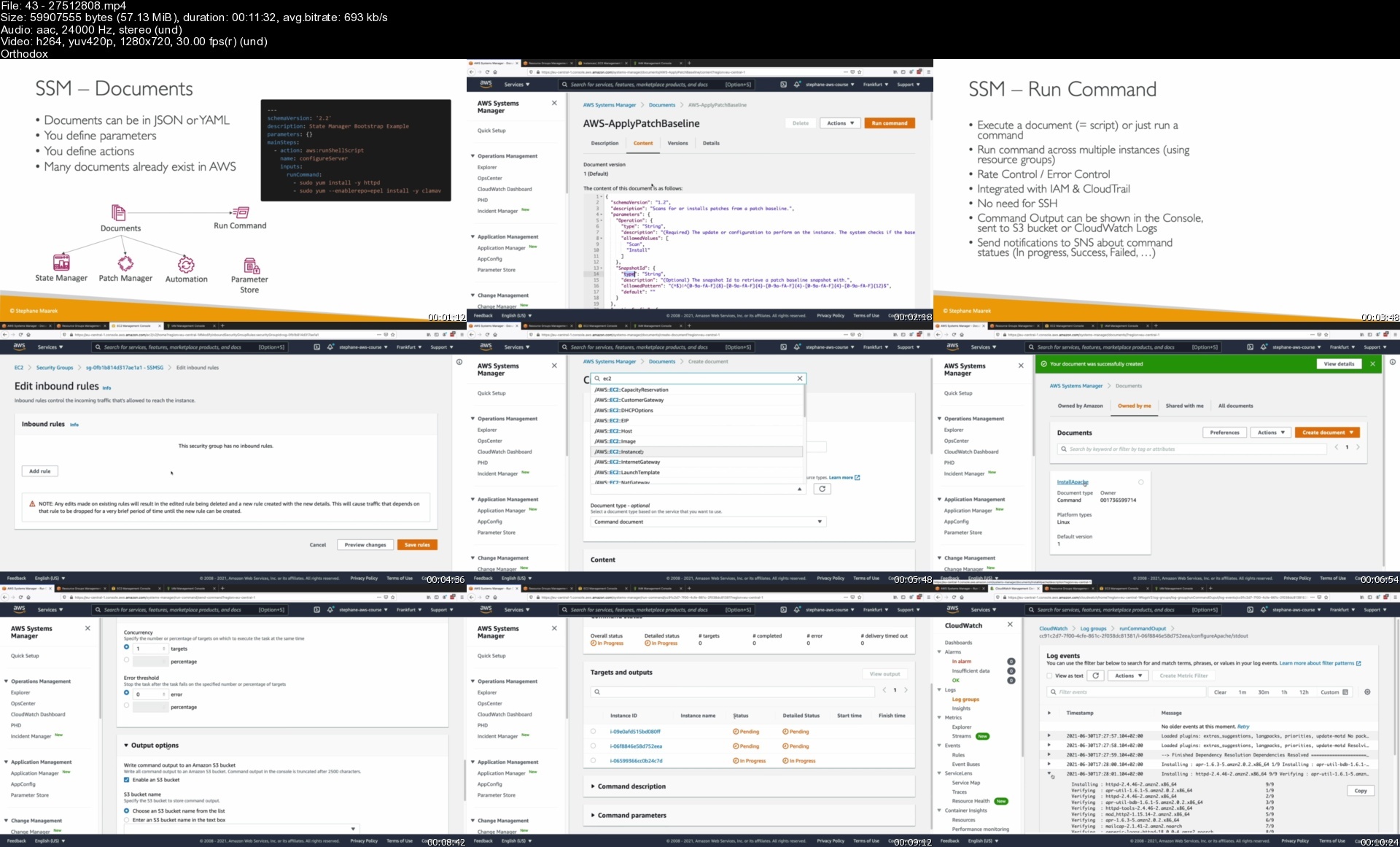

4327512808s8hds8.jpg


Zurück
Oben Unten