



• Regeln für den Video-Bereich:

    In den Börsenbereich gehören nur Angebote die bereits den Allgemeinen Regeln entsprechen.

    Einteilung

    - Folgende Formate gehören in die angegeben Bereiche:
    - Filme: Encodierte Filme von BluRay, DVD, R5, TV, Screener sowie Telesyncs im Format DivX, XviD und x264.
    - DVD: Filme im Format DVD5, DVD9 und HD2DVD.
    - HD: Encodierte Filme mit der Auflösung 720p oder darüber von BluRay, DVD, R5, TV, Screener sowie Telesyncs im Format x264.
    - 3D: Encodierte Filme von BluRay, die in einem 3D Format vorliegen. Dies gilt auch für Dokus, Animation usw.
    - Serien: Cartoon/Zeichentrick, Anime, Tutorials, Dokumentationen, Konzerte/Musik, Sonstiges sind demnach in die entsprechenden Bereiche einzuordnen, auch wenn sie beispielsweise im High Definition-Format oder als DVD5/DVD9/HD2DVD vorliegen. Ausnahme 3D.
    - Bereich Englisch: Englische Releases gehören immer in diesen Bereich.
    - Bereich Talk: Der Bereich, in dem über die Releases diskutiert werden kann, darf, soll und erwünscht ist.


    Angebot/Beitrag erstellen

    - Ein Beitrag darf erst dann erstellt werden, wenn der Upload bei mindestens einem OCH komplett ist. Platzhalter sind untersagt.
    - Bei einem Scenerelease hat der Threadtitel ausschließlich aus dem originalen, unveränderten Releasenamen zu bestehen. Es dürfen keine Veränderungen wie z.B. Sterne, kleine Buchstaben o.ä. vorgenommen werden. Ausnahme Serienbörse:
    - Bei einem Sammelthread für eine Staffel entfällt aus dem Releasename natürlich der Name der Folge. Beispiel: Die Simpsons S21 German DVDRip XviD - ITG
    - Dementsprechend sind also u.a. verboten: Erweiterungen wie "Tipp", "empfehlenswert", "only", "reup", usw. / jegliche andere Zusatzinformation oder Ergänzung, welche nicht in obiger Beschreibung zu finden ist.

    Aufbau des Angebots und Threadtitel

    Der Titel nach folgendem Muster erstellt zu werden. <Name> [3D] [Staffel] [German] <Jahr> <Tonspur> [DL] [Auflösung] <Quelle> <Codec> - <Group>
    Beispiel: The Dark Knight German 2008 AC3 DVDRip XviD - iND
    Beispiel: The Dark Knight 2008 DTS DL BDRip x264 - iND
    Beispiel: The Dark Knight 2008 AC3 DL BDRip XviD - iND
    Beispiel: The Dark Knight German 2008 AC3 720p BluRay x264 iND
    Beispiel: The Dark Knight 2008 DTS DL 1080p BluRay x264 iND
    Beispiel: Die Simpsons S01 German AC3 DVDRip XviD iND
    Beispiel: Die Simpsons S20 German AC3 720p BluRay x264 iND
    Beispiel: Sword Art Online II Ger Sub 2014 AAC 1080p WEBRip x264 - peppermint
    Entsprechend sind also u.a. verboten: Sonderzeichen wie Klammern, Sterne, Ausrufezeichen, Unterstriche, Anführungszeichen / Erweiterungen wie "Tipp", "empfehlenswert", "only", "reup", usw. / jegliche andere Zusatzinformation oder Ergänzung, welche nicht in obiger Beschreibung zu finden ist
    Ausnahmen hiervon können in den Bereichen geregelt sein.

    Die Beiträge sollen wie folgt aufgebaut werden:
    Überschrift entspricht dem Threadtitel
    Cover
    kurze Inhaltsbeschreibung
    Format, Größe, Dauer sind gut lesbar für Downloader außerhalb des Spoilers zu vermerken
    Nfo sind immer Anzugeben und selbige immer im Spoiler in Textform.
    Sind keine Nfo vorhanden z.B. Eigenpublikationen, sind im Spoiler folgende Dateiinformationen zusätzlich anzugeben :
    Quelle
    Video (Auflösung und Bitrate)
    Ton (Sprache, Format und Bitrate der einzelnen Spuren)
    Untertitel (sofern vorhanden)
    Hosterangabe in Textform außerhalb eines Spoiler mit allen enthaltenen Hostern.
    Bei SD kann auf diese zusätzlichen Dateiinformationen verzichtet werden.

    Alle benötigten Passwörter sind, sofern vorhanden, in Textform im Angebot anzugeben.
    Spoiler im Spoiler mit Kommentaren :"Schon Bedankt?" sind unerwünscht.


    Releases

    - Sind Retail-Release verfügbar, sind alle anderen Variationen untersagt. Ausnahmen: Alle deutschen Retail-Release sind CUT, in diesem Fall sind dubbed UNCUT-Release zulässig.
    - Im Serien-Bereich gilt speziell: Wenn ein Retail vor Abschluss einer laufenden Staffel erscheint, darf diese Staffel noch zu Ende gebracht werden.62
    - Gleiche Releases sind unbedingt zusammenzufassen. Das bedeutet, es ist zwingend erforderlich, vor dem Erstellen eines Themas per Suchfunktion zu überprüfen, ob bereits ein Beitrag mit demselben Release besteht. Ist dies der Fall, ist der bereits vorhandene Beitrag zu verwenden.
    - P2P und Scene Releases dürfen nicht verändert oder gar unter einem iND Tag eingestellt werden.


    Support, Diskussionen und Suche

    - Supportanfragen sind entweder per PN oder im Bereich Talk zu stellen.
    - Diskussionen und Bewertungen sind im Talk Bereich zu führen. Fragen an die Uploader haben ausschließlich via PN zu erfolgen, und sind in den Angeboten untersagt.
    - Anfragen zu Upload-Wünschen sind nur im Bereich Suche Video erlaubt. Antworten dürfen nur auf Angebote von MyBoerse.bz verlinkt werden.


    Verbote

    - Untersagt sind mehrere Formate in einem einzigen Angebotsthread, wie beispielsweise das gleichzeitige Anbieten von DivX/XviD, 720p und 1080p in einem Thread. Pro Format, Release und Auflösung ist ein eigener Thread zu eröffnen.
    - Grundsätzlich ebenso verboten sind Dupes. Uploader haben sich an geeigneter Stelle darüber zu informieren, ob es sich bei einem Release um ein Dupe handelt.
    - Gefakte, nur teilweise lauffähige oder unvollständige Angebote sind untersagt. Dies gilt auch für eigene Publikationen, die augenscheinlich nicht selbst von z.B. einer DVD gerippt wurden. Laufende Serien, bei denen noch nicht alle Folgen verfügbar sind, dürfen erstellt und regelmäßig geupdatet werden.
    - Untersagt sind Angebote, welche nur und ausschließlich in einer anderen Sprache als deutsch oder englisch vorliegen. Ausnahmen sind VORHER mit den Moderatoren zu klären.


    Verstoß gegen die Regeln

    - Angebote oder Beiträge, die gegen die Forenregeln verstoßen, sind über den "Melden"-Button im Beitrag zu melden.
  • Bitte registriere dich zunächst um Beiträge zu verfassen und externe Links aufzurufen.

*** Bestes IPTV *** bester Preis *** gratis Test ***


Englische Tutorials

411392d9-7abc-4b00-b279-e31d27b6fb99.png

HTML5 and CSS3 Fundamentals by ITU
MP4 | Video: h264, 1280x720 | Audio: AAC, 44.1 KHz, 2 Ch
Genre: eLearning | Language: English + srt | Duration: 99 lectures (19h 14m) | Size: 13.2 GB

Web Page Building
What you'll learn
Learn how to Author Content in HTML
Learn how to Cormat content with CSS
Understand Testing and Publishing HTML Content
Learn how to Add Animation and Multimedia
Requirements
No experience or prerequisites required to take this course
Description
HTML5 and CSS3 - two of the most integral and evolving web technologies that enable you to structure content to present it on the web. This course from Vision Training Systems is designed to lay the foundation for mastering these two popular web publishing technologies. Explore advanced features of HTML5, how to create HTML5 and CSS3 markup for various web browsers, mobile devices, and machine readers, such as search engine web crawlers. The course also demonstrates how to use advanced HTML5 multimedia features such as video, audio, and animation.
What will you learn?
In this course the following content will be covered:• Authoring Content in HTML• Embedding and Linking Content• Formatting Content with CSS• Authoring Complex Content Structures• Testing and Publishing HTML Content• Creating HTML5 Content• Using Advanced Techniques to Select and Apply Styles• Using Advanced Background and Border TechniquesIncorporating Advanced Text Formats• Adding Animation and Multimedia• Making HTML Readable and Accessible
Course Outline
Module 1: Course Orientation, Internet & Web
1. Instructor Intro
2. Course Intro
3. Internet and the Web
Module 2: HTML Basics
1. HTML Overview and Your First Webpage
2. Create a Template
3. Heading Element
4. Paragraph Element
5. Line Break Element
6. Block Element
7. Phrase Elements
8. Ordered List and Unordered Lists
9. Description List
10. Special Characters
11. Structural Elements
12. Anchor Elements
13. HTML Validation
Module 3: Color & Text, CSS
1. Overview of Cascading Style Sheets
2. Using Color on Web Pages
3. Inline CSS with the Style Attribute
4. Embedded CSS with the Style Attribute
5. Configuring Text with CSS
6. CSS Class, ID, and Descendant Selectors
7. Span Element
8. Using External Style Sheets
9. Center HTML Elements with CSS
10. The Cascade
11. CSS Validation
Module 4: Visual Elements & Graphics
1. Visual Elements and Graphics
2. Types of Graphics
3. Image Element
4. Image Hyperlinks
5. HTML5 Visual Elements
6. HTML5 Visual Elements Continued
7. Meter and Progress Element
8. Background Images
9. More About Images
10. Sources and Guidelines for Graphics
11. CSS3 Visual Effects Pt 1
12. CSS3 Visual Effects Pt 2
Module 5: Web Design
1. Web Design
Module 6: Page Layout
1. Page Layout Pt 1
2. Page Layout Pt 2
3. Hyperlinks in an Unordered List
4. Practice with CSS Two-column Layout
5. Header and Text Image Replacement
6. Practice with an Image Gallery
7. Positioning with CSS
8. CSS Debugging Techniques
9. More HTML5 Structured Elements
Module 7: Links, Layout, & Mobile
1. Links, Layout, and Mobile
2. Fragment Identifiers
3. The Target Attribute
4. CSS Sprites
5. Three-column CSS Page Layout Pt 1
6. Three-column CSS Page Layout Pt 2
7. Three-column CSS Page Layout Pt 3
8. Three-column CSS Page Layout Pt 4
9. Three-column CSS Page Layout Pt 5
10. Three-column CSS Page Layout Pt 6
11. CSS Styling for Print
12. Designing for the Mobile Web
13. Viewport Meta Tag & CSS Media Queries
14. Responsive Images
15. Testing Mobile Display
16. Flexible Box Layout
17. CSS Grid Layout
Module 8: Tables
1. Tables Pt 1
2. Tables Pt 2
Module 9: Forms
1. Overview of Forms
2. Input Element Form Controls Pt 1
3. Input Element Form Controls Pt 2
4. HTML5 Form Controls
Module 10: Web Development
1. Web Development Pt 1
2. Web Development Pt 2
Module 11: Web Multimedia and Interactivity
1. Web Multimedia and Interactivity
2. Getting Started with Audio and Video
3. HTML5 Audio and Video Elements
4. CSS3 and Interactivity Pt 1
5. CSS3 and interactivity Pt 2
6. CSS3 Transform Property and Transition Property Pt 1
7. CSS3 Transform Property and Transition Property Pt 2
8. CSS3 Transform Property and Transition Property Pt 3
9. HTML5 Details and Summary Elements
10. Java, JavaScript, Ajax, jQuery Programming Languages
11. HTML5 APIs
Module 12: JavaScript and jQuery
1. JavaScript and jQuery
2. Debugging
3. Document Object Model
4. Events and Event Handlers
5. Variables
6. Programming Concepts
7. jQuery
8. jQuery Selectors and jQuery Methods
9. jQuery Image Gallery Pt 1
10. jQuery Image Gallery Pt 2
11. jQuery Plugins Pt 1
12. jQuery Plugins Pt 2
Module 13: Course Summary
1. Course Summary
Who this course is for
Students interested in learning how to build web pages
Homepage










89a1f43b-e967-46e8-a2b2-ed83da096568.png

Learn and Understand UWP: The Complete Guide
MP4 | Video: h264, 1280x720 | Audio: AAC, 44.1 KHz, 2 Ch
Genre: eLearning | Language: English + srt | Duration: 13 lectures (2h 16m) | Size: 2.1 GB

An easy to understand guide that will help you build the applications using UWP
What you'll learn
Introduction to UWP
Learning the capabilities of UWP
Learn About UWP App UI
Layout and Panel controls
Advanced UWP Controls
Requirements
Access to a computer with an internet connection
Basic C# knowledge is helpful
Description
The Universal Windows Platform (UWP) lets you build apps for any Windows device-PCs, Xbox One, HoloLens, and more-and publish them to the Store. It is a computing platform created by Microsoft and first introduced in Windows 10. UWP is one of many ways to create client applications for Windows. UWP apps use WinRT APIs to provide powerful UI and advanced asynchronous features that are ideal for internet-connected devices. UWP apps declare which device resources and data they access. The user must authorize that access. A UWP app is able to use a common API on all devices that run Windows. UWP app is also able to use device specific capabilities and adapt the UI to different device screen sizes, resolutions, and DPI. In this course, you will be building applications using UWP and XAML tools. Here you will learn the WPF architecture, XAML syntax, various layouts, data bindings, converters, and triggers, and guide you through building professional applications from scratch. Next, you will be building apps using UWP apps. Here you will go through learning the generic design principles of UWP apps, followed by designing and styling applications. Later you will see apps published to the Windows Store. Finally, you will be building apps using .NET core. Here you would be covering in-depth knowledge of Framework Dependent Deployments and Self- Contained Deployments.
Who this course is for
Anyone interested in UWP
Homepage


3b8b3137-7a0a-4440-aa2d-33ca5e90a0d6.png

Photoshop drawing: how to draw a portrait for beginners
MP4 | Video: h264, 1280x720 | Audio: AAC, 44.1 KHz, 2 Ch
Genre: eLearning | Language: English + srt | Duration: 7 lectures (2h 36m) | Size: 2.15 GB

New skill in 7 lessons
What you'll learn
Photoshop portraits drawing
Photoshop illustration creating
Drawing with a mouse on a computer
Photoshop tools
Requirements
Availability of Photoshop
Description
Learn a new portrait drawing skill in 7 lessons from the very beginning. In this course, I will teach you how to draw with a mouse on a computer. You don't need drawing skills or knowledge of Photoshop, you just need a computer, mouse and Photoshop.
In 7 lessons you will learn from the beginning
Photoshop tools
How to draw with a mouse on a computer
The features of the construction of the face
How to choose colors
The rules for the position of light and shadows in the illustration
What makes the portrait look like a person in a photo
Draw the first portrait
How to give life to a portrait, creating realistic eyes, blush, hair
Several techniques for creating backgrounds for a portrait
Draw 3 additional illustrations
Everyone will be able to draw!
After the course, you will have several illustrations in your portfolio. You can start making money by drawing portraits for customers.
How to make money on it
Drawing portraits is a very popular skill today. After the course, you will be able to earn from 1500 € per month by drawing
Avatars, stickers, and story covers for bloggers
Logos for experts
Portraits for designing business cards, billboards, presentations, info products
Wedding invitations
Metrics for newborns
Gift and souvenir portraits and much more
Art portrait opportunities are limitless.
You can recoup the cost of the course from 2-3 orders!
What do you need
All you need is a computer, mouse and Photoshop.
You do not need knowledge of Photoshop and the ability to draw - you will learn all this on the course.
Who this course is for
beginners in photoshop
beginners in drawing
freelancers
Homepage


fd245251-b4e4-406d-8b41-aeb61a58d9e6.png

Projects In Python For Intermediate (2022)
MP4 | Video: h264, 1280x720 | Audio: AAC, 44.1 KHz, 2 Ch
Genre: eLearning | Language: English + srt | Duration: 82 lectures (8h 26m) | Size: 3.55 GB

Build real world software with Python, learn how to integrate multiple technologies with Python to build real world apps
What you'll learn
Build a data analysis app which reads data from a CSV file and creates charts out of it for data visualisation.
Build a computer performance monitor software which displays data like RAM & CPU usage in real time
Build a contextual ad platform which searches for Ads relevant to any blog article you post
Build a gesture based volume controller for Mac & Windows which controls your computer's volume via hand gestures
Requirements
Basic understanding of Python programming language is required
Description
Projects In Python For Intermediate
Here Is What You Get By Enrolling In This Course
Word-By-Word Explanation: In the entire course, I explain each line of code, without skipping a single line of code.
Awesome Quality Content: Over 10+ hours of HD Videos.
Well Structured & Easy To Learn: Course has been specially designed to make it easy for the students to learn Django starting from a basic level and gradually moving up to advance concepts.
24 X 7 Support: I will always be there to guide you in your journey to become a Django expert.
_________________________________________________________________________
Here Is Everything You Will Learn In This Complete Course
In this hands-on course, you will learn how to build Python projects using your existing Python skills.
In this course we will build 4 Major apps covering technologies like Django, OpenCV, Implementing Machine Learning Models, Rake NLTK, Tkinter and a lot more.
Here is a brief description of what you will learn in each section of the course
Section 1: Building A Data Analysis & Visualisation Web App.
Technologies used
Python : Programming Language
Django : For web based app.
Pandas: For data analysis.
ChartJS: For data visualisation.
Project description
In this section we will be building a data analytics and visualisation web app. This app will read data from a raw CSV file in a pre-defined format and will generate visualisation charts for us. We will start off by reading and understanding the software requirements specification document and figuring out what exactly needs to be built. This SRS document will mimic the real document which is given by clients to software developers. We then setup the required development environment on our machine required to build the project. As this is a web app, we use Django as a platform to build our entire app, we learn how to download and install Django on our machine and also learn a view basics about Django to get started. We will then learn how to make our Django app read a CSV file submitted by the user and then read data from it. We will learn how to convert the CSV data into a pandas data frame so that the data could be manipulated and analysed. We then render out this data to a HTML page and display it in a tabular format. We also analyse the data using pandas and then feed the analysed data to a Django template and display it in terms of charts for data visualisation. We make use of a library called as ChartJS to display data on our webpage. Hence in this project we learn how multiple technologies like Django, Pandas, ChartJS integrates together to form a working web app.
Section 2: Computer Performance Monitor Using Tkinter.
Technologies used
Python : Programming language
Tkinter : For building graphical user interface
Psutil : For accessing hardware stats
Speedtest: For getting the internet download, upload speed and ping.
Project description
In this section we will build a desktop app that monitors CPU & RAM usage in real-time. This project would be built using technologies like Python, Tkinter, psutil and speediest. This app will also be able to calculate the ping, internet download and upload speed as well. We will learn how the psutil library allows us to access the OS level APIs and in turn give us access to the computer performance stats in real time. We will first calculate the CPU usage, then RAM usage and finally the internet speed. We then learn how to represent this information in a desktop app using Tkinter. We build the entire interface for our app using Tkinter and then display all the statistics on a window. We also learn how to use custom fonts, colours and images to give our app a better look and feel.
Section 3: Contextual Advertising Platform.
Technologies used
Python : Programming language.
Django : For web app.
Requests: For making HTTP request to blog pages.
BeautifulSoup: To parse webpages
RakeNLTK : To find relevant keywords
Project description
Contextual advertising is a technology that finds our relevant ads from a given blog article to maximise a blog or websites revenue. Contextual advertising is the reason why you see an ad for nike shoes on a fitness related article. In this section we will be building a contextual advertising platform which reads data from any blog who's URL you pass in, find relevant keywords on that blog and find ads which are relevant to them and all of this is done automatically. First we create a basic Django app that could accept a blog URL, then read all the data on that blog page using the requests library and parse the data using BeautifulSoup. We then feed the parsed data to the rake library which then finds the most relevant and prominent keywords in that blog article and save them. These relevant keywords are then matched with the ads present in our database and gives us back the ads which are most relevant to the blog post. We will also use Tailwind to style up the web app.
Section 4: Gesture Volume Control Software For Mac & Windows.
Technologies used
Python: Programming language.
OpenCV: To capture webcam input.
Mediapipe: To detect, track hands.
Osascript : To control system volume on Mac.
Pycaw: To control system volume on Windows.
Project description
This project would be the most interesting one, we will build a gesture volume control software which will allow you to control the volume of your computer by just using two fingers. This software captures your webcam input, detects focal points on your hand like the fingertips and joints and allows us to find the distance between two points. To build this app we use opencv's python module which allows us to capture video from our web cam, frame-by-frame. Once the video is captured we then use MediaPipe which provides us a set of already trained machine learning models which allows us to detect hands in a live video. We then detect the key points on our hands to detect a gesture and find the distance between tips of two fingers so that we could control system volume. We then make use of osacript on Mac and pycaw on Windows to control the system volume and integrate the two things together so that volume could be controlled by two fingers.
So let's begin the journey of developing projects with Python
In addition to the Udemy 30-day money back guarantee, you have my personal guarantee that you will love what you learn in this course. If you ever have any questions please feel free to message me directly and I will do my best to get back to you as soon as possible!
_________________________________________________________________________
Make sure to enrol in the course before the price changes.
Take yourself one step closer towards building complex python projects by clicking the "take this course button" now!
Join the journey.
Sincerely,
Ashutosh Pawar
Who this course is for
Students who know basic Python and want to build projects using their Python skills
Students who want to build a portfolio of Python projects to show in job interviews
Students who don't just want to learn Python but instead build something meaningful with it
Homepage


fd245251-b4e4-406d-8b41-aeb61a58d9e6.png

Python: Step by Step with projects 0 to Hero for Beginners (Updating)
MP4 | Video: h264, 1280x720 | Audio: AAC, 44.1 KHz, 2 Ch
Genre: eLearning | Language: English + srt | Duration: 14 lectures (59m) | Size: 593.8 MB

Python Course Practical Programming for Absolute Beginners with Projects Step by Step Complete Tutorial
What you'll learn
The course is full of examples and projects that are carefully chosen to demonstrate each concept so you can gain deeper understand of the python language.
This python course is also perfect for middle school and high school teachers who want to offer their students a project-based introduction to programming.
Are you looking to learn practical Python Programming you can put to use instantly? If so, then this is the course for you.
Python is a great language to learn, so enroll in this course and let's get started!
Requirements
No Requirements this course is for Beginners level students.
Description
Start coding in Python immediately for beginners Step by Step 0 to hero!
If you are a beginner in Programming, then this course will help you learn Python Programming step by step fast with projects.
Python is an incredibly efficient language: your programs will do more in fewer lines of code than many other languages would require. It is also used in scientific fields for academic research and applied for work.
Python: Step by Step with projects 0 to Hero for Beginners
My goal was to create a Course for people of any age who have never programmed in Python before or have never programmed at all, so you can build programs that work.
The course is full of examples and projects that are carefully chosen to demonstrate each concept so that you can gain a deeper understanding of the language. It is designed to serve as a single, all-inclusive learning resource for all Python newcomers, whether they will be using Python 2. X, Python 3. X, or both
Python Programming for Beginners is also perfect for middle school and high school teachers who want to offer their students a project-based introduction to programming.
Are you looking to learn practical Python Programming you can put to use instantly? If so, then this is the course for you. It's entirely project-based and it's full of examples that are fully explained and easy to understand.
Python is a great language to learn, so enroll in the course, and let's get started!
By the end of this course,
You'll be able to create a game where the computer chooses a number and the player guesses the number.
In the guessing game, Python thinks of a random number. The player guesses the number.
I've attached the final version of the Guessing Game as a .py python file.
I've attached also all the Project files of the class in a .zip file
Who this course is for
Python Course is for Absolute beginners Step by Step Complete Course.
Homepage


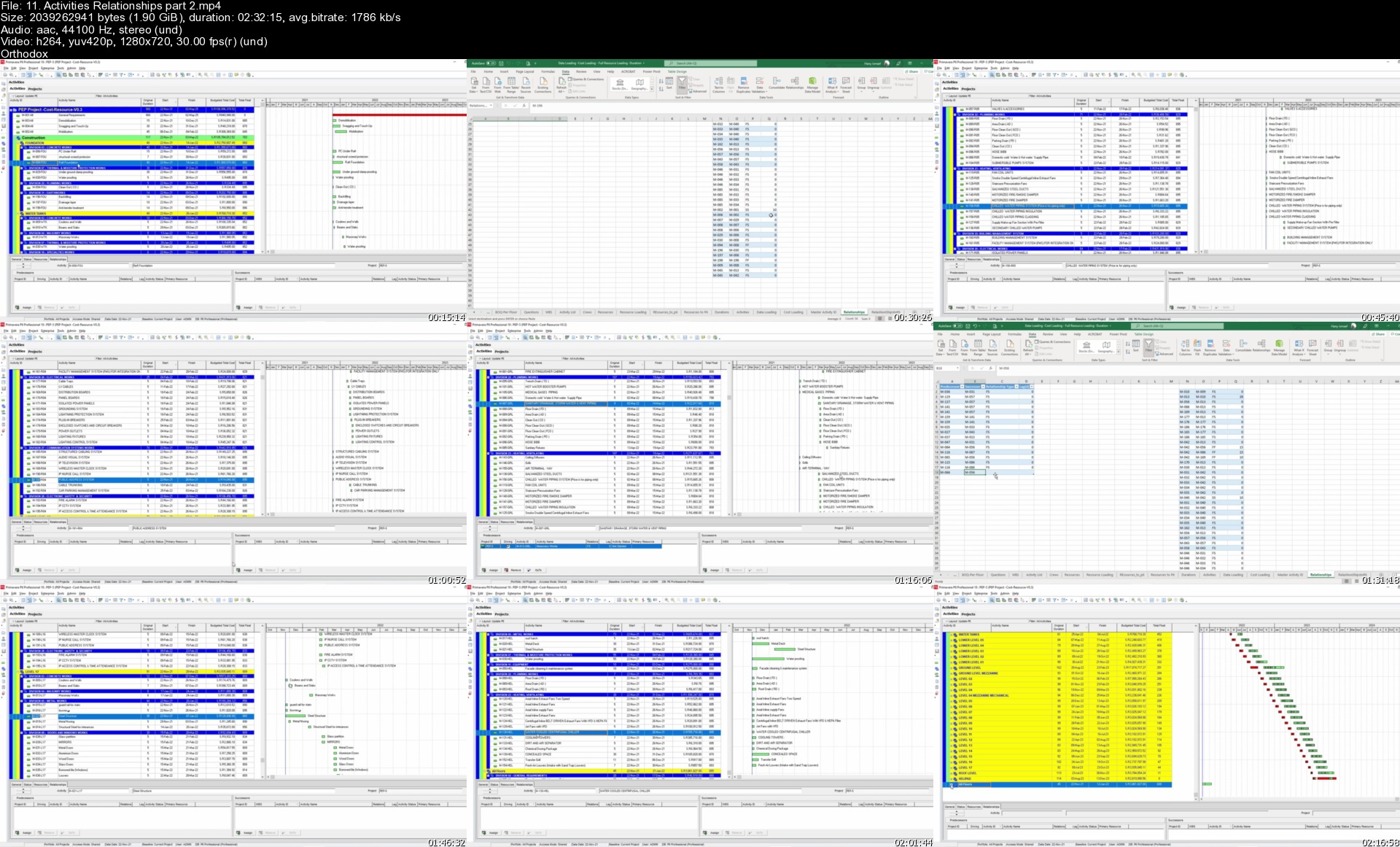
Advanced Planning Baseline Schedule with Primavera P6 &Excel

zztxo5jqgjh8pyphwivlbamkos.jpg


Advanced Planning Baseline Schedule with Primavera P6 &Excel
Genre: eLearning | MP4 | Video: h264, 1280x720 | Audio: AAC, 48.0 KHz
Language: English | Size: 13.8 GB | Duration: 18h 36m

Practical Case Study with Step by Step instructions. Work Smart NOT Hard.


What you'll learn
Step by step Planning Technique to create a detailed baseline schedule using Oracle Primavera latest version and Excel power excel power query
Create activities, estimate the budget cost and resources in Excel and smartly export to Primavera P6
Develop project cash flow and manpower histogram, shop drawings log, and procurement log.
Real project case study to create a baseline schedule from scratch.
All Project case study files will be shared with you open source so you can use on your next project.

Requirements
Basic knowledge about Oracle Primavera and Planning concepts.
Oracle Primavera P6 software & Microsoft Excel 2016 or later, i am using MS 365

Description
Real project case study course for an intermediate-level construction planning using Oracle Primavera p6 and Microsoft Excel.

You need to have basic knowledge of Planning Concepts and Oracle Primavera P6 software. Furthermore, you need to have Microsoft Office 2016 or later or Microsoft Office 365.

We will start from scratch with a project Bill of quantities BOQ and a set of drawings to create the following

1-Course introduction.

2- Read project BOQ.

3- Create Project Data Loading.

4- Read Drawings and add floors to data loading.

5- Activity list and WBS.

6- Cost Loading.

7- Resource Loading.

8- Load Cost and Resources to P6.

9- Estimate Activities Duration.

10- Activities Relationships.

11- Shop Drawings.

12- Materials Procurement.

13- Cash flow and Manpower Histograms.

We will be using the smart Planning Technique using Microsoft Power Query and Oracle Primavera Import and Export to facilitate the Planning Process and provide a Detailed Baseline Schedule with minimal efforts saving 100's working hours.

The course includes all the project documents and the final Baseline documents (Excel and XER files) as open-source for your use so you can modify and use them on your next project.

This is a practical case study project where the instructor will open the files and start working on a real project case study doing the Baseline Schedule using Oracle Primavera P6 and Microsoft Excel advanced techniques. This course scope is NOT including the Project Time Schedule Update or Revised / Recovery schedule and does NOT involve Extension of Time EOT and Claims.

Who this course is for
Planning Engineers, Planning Managers, Construction Managers.
Anyone with basic construction / planning knowledge and want to learn planning

Homepage


11.activitiesrelation6pkhq.jpg


Momentum Signals Training Course

brnsbrmqtz5zmfp4srdgua4k2s.jpg


Momentum Signals Training Course
Fulcum Trader | Duration: 12h 42m | Video: H264 1920x1080 | Audio: AAC 44,1 kHz 2ch | 6,03 GB | Language: English

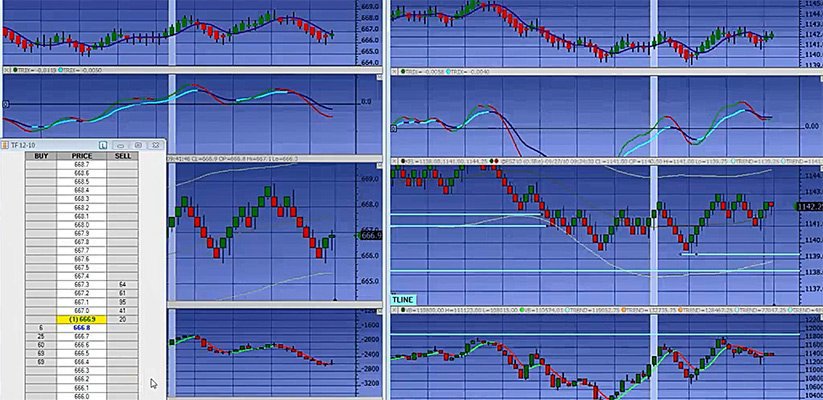
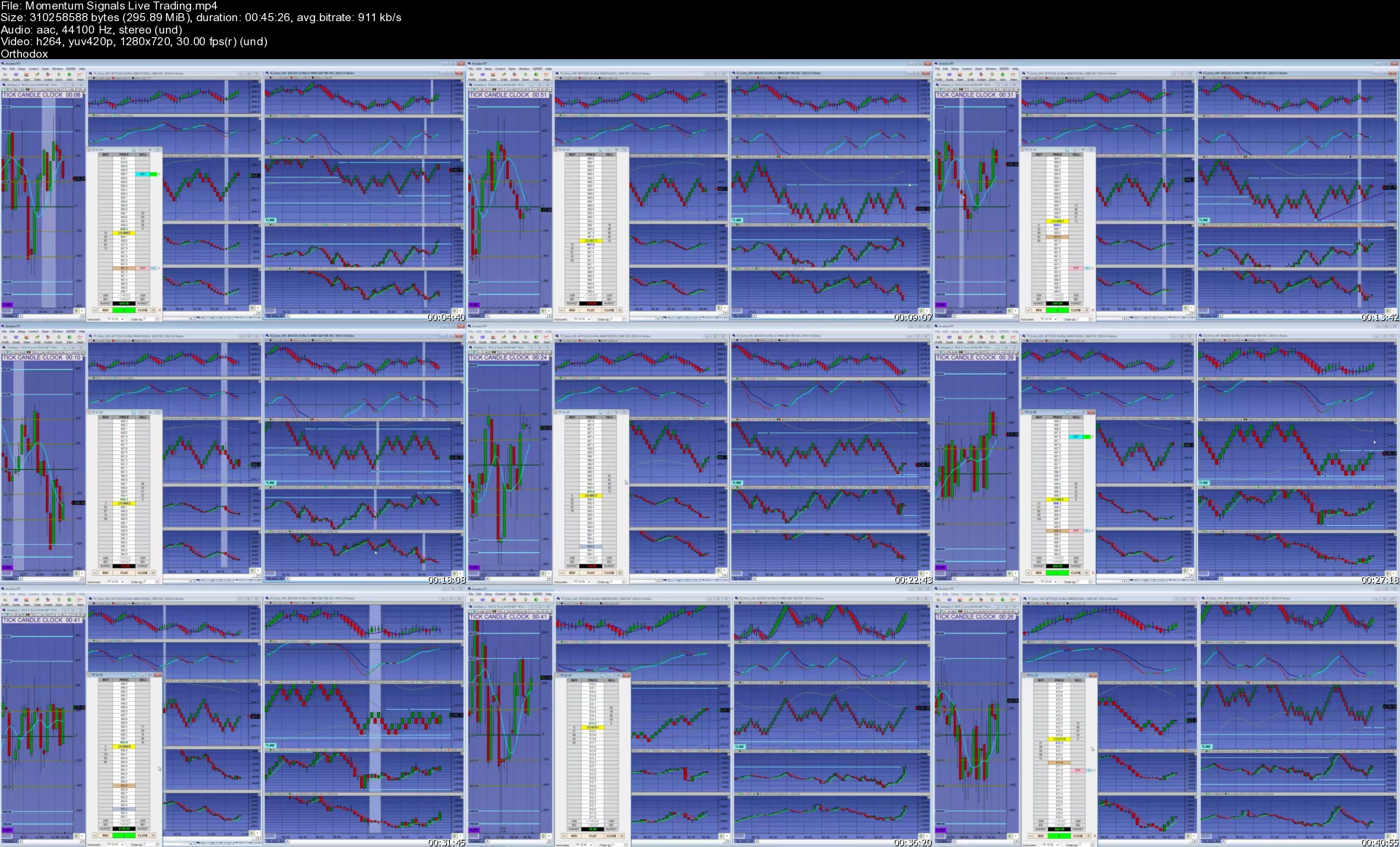
Recorded live training sessions that cover the FulcrumTrader Delta and Momentum based trade entry setups for intraday trading. The Fulcrum Trader videos were updated in 2010 and the same concepts apply the same in today's markets because traders are still entering their trades at the Bid or at the Ask. The only difference is that more platforms are beginning to offer Cumulative Delta as a standard charting type.

Five recorded two hour sessions that cover

• Momentum Signals Training
• Trading Plan Requirements
• Steps necessary to build up an Algorithmic Trading System for discretionary trading
• Exact steps building up the Momentum based trade setup
• How to write out the specific trade plan for the trade entry/management criteria
• Critical criteria for high probability trade entries for the Momentum trade
• How to manage the trades after entry

Homepage


momentumsignalslivetrf0kcn.jpg


Complete English Grammar Course 2022 - Beginner To Advanced

437087418f97n7kny.jpg


Complete English Grammar Course 2022 - Beginner To Advanced
MP4 | Video: h264, 1280x720 | Audio: AAC, 44.1 KHz, 2 Ch
Genre: eLearning | Language: English + srt | Duration: 158 lectures (5h 53m) | Size: 5.87 GB

The BEST And Most FUN Way To Learn And Improve Your English Grammar So You Can UNDERSTAND English Like A Native Speaker!


What you'll learn
Understand English grammar and how the English language works
Understand English sentence meanings and how to make correct sentences
Improve your English fluency and communication/speaking skills through fun lesssons
Grammar which is needed for IELTS, TOEIC, GAT, CAE, CPE and more!
Requirements
You don't need to know anything about grammar.
But you need to be able to understand basic English.
You need to want to learn English.
Description
// 6 Hour Step-By-Step Grammar Course // Beginner To Advanced // UNDERSTAND English Sentence Meanings // Make CORRECT Sentences // COMMUNICATE CONFIDENTLY In English // More Than 150 FUN And INTERESTING Lessons // 35 Sections // EVERY Lesson Has SUBTITLES // Easy Accent To Understand // Correct For US And UK English // Grammar which is needed for IELTS, TOEIC, GAT, CAE, CPE // Taught By Native English Speaker // 2022 //
This grammar course will teach you the most important parts of English grammar so you can speak and write English more fluently.
Each lesson is short and fun with lots of example sentences, pictures and timelines so you can SEE the meaning of the grammar that you learn.
There are also many questions and quizzes to test yourself so you can learn at your own speed anywhere, any time.
Some topics in the course are
- Beginner English Words And Structures;
- Telling The Time And Date;
- Parts Of Speech
- English Tenses;
- Conditionals;
- Reported Speech;
- Advanced English Words And Grammar Structures; And
- Active And Passive Voice.
This course also includes
- Quick Tip Lessons;
· Revisions;
· Practice Questions;
· Downloadable PDFs;
· Some Of The Most Common Vocabulary Words In English;
· Common Mistakes; And
· Quizzes And Tests
So if you want to easily understand the meaning of English sentences and be easily understood by native speakers, this intensive English grammar and speaking course can help you achieve your dream.
Good luck and I hope to see you inside the course.
Still not sure? Watch some of the preview videos to help you decide if this course is for you.
This course may also help with English conversation skills, improving your English vocabulary, conversational English, real life English, daily English speaking, English phrases, English speaking skills, English pronunciation and more.
Who this course is for
Learners who want to improve English grammar skills
Learners who want to understand English sentences
Learners who want to speak English confidently and easily make English sentences
Learners who think grammar is hard (It's NOT hard!)
Learners who want to enjoy using English
Learners who want to have a deep understanding of English grammar


completeenglishgrammahjjlr.jpg


Download from RapidGator


Download from NitroFlare


Complete Pixel Art Megacourse Beginner to Expert

1j177impgm6e05kn4rqom4ukic.jpg


Complete Pixel Art Megacourse Beginner to Expert
Genre: eLearning | MP4 | Video: h264, 1280x720 | Audio: AAC, 44.1 KHz
Language: English | Size: 20.1 GB | Duration: 24h 41m


What you'll learn
The principles of Pixel Art
How to use Procreate, Aseprite and Piskel
How to create line art, do shading, and use colour
How to animate your pixel art
How to create specific types of pixel art for different game genres
The theory behind your creative choices
Requirements
No previous knowledge of pixel art creation required
A desire to learn!
A positive attitude!

Description
Learn Pixel Art!
Create like a pro!
Have you ever wanted to create your own pixel art? In the era of digital technology, we see hundreds of pixel drawings and animations everywhere around us. Maybe you want to make portrait sprites and show them off on social media, or perhaps you want to create animations for the games industry. Whether you're a hobbyist artist or hoping to make a career out of it, making pixel art isn't only for the pros. You can take any idea from sketch to a final image or animation - and we're here to teach you how.
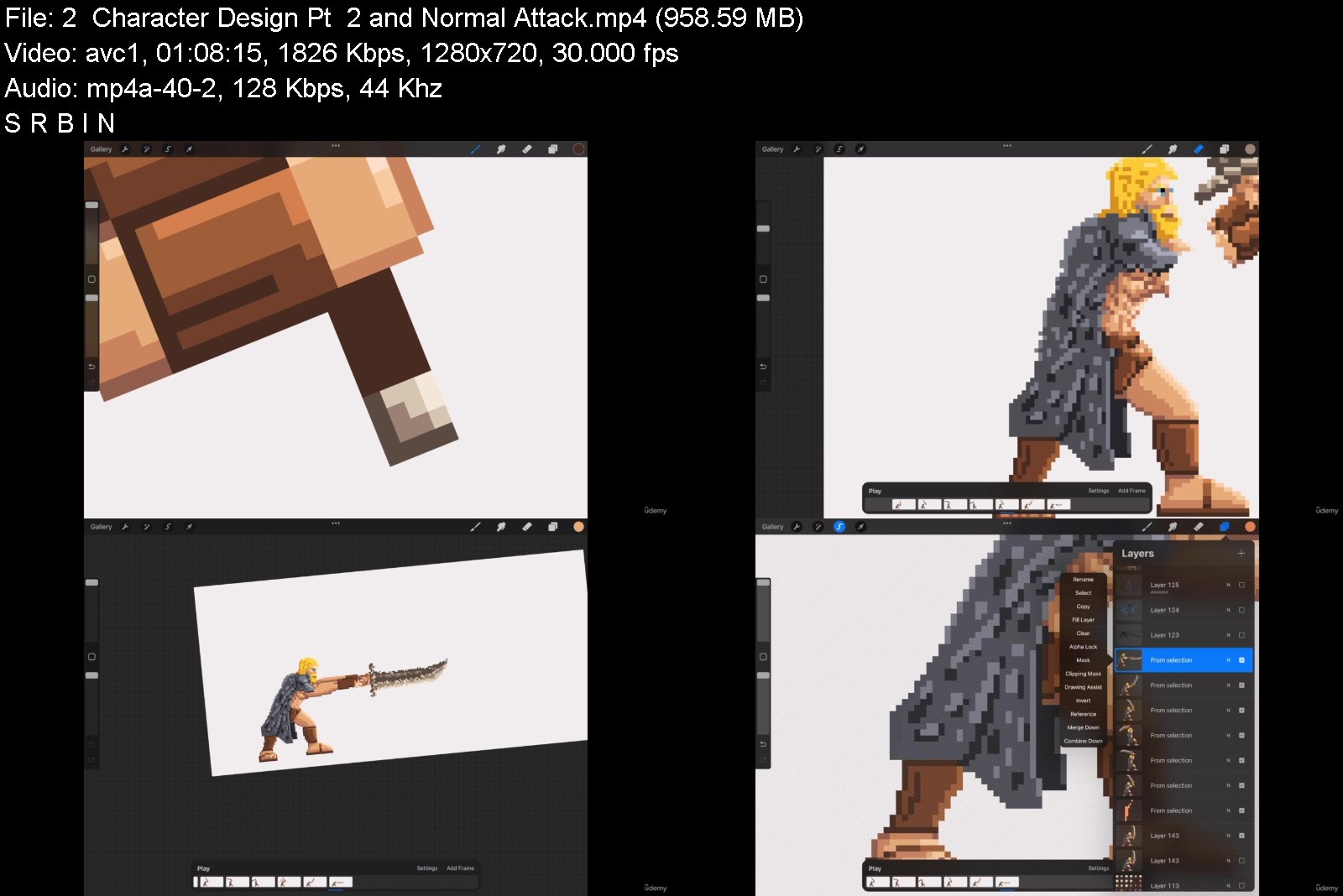
In this course, you're going to learn everything about pixel art in Procreate and other pixel art softwares, from line art, to shading, adding colour, and finally to getting your pixel art creations fully animated. You'll even learn how to create specific types of pixel art for all relevant game genres, such as Fighting Games, Platformers, RPG style, Topdown view and Isometric view.
Our instructor has years of experience not only in pixel art, but also in teaching, and the expertly-crafted syllabus is designed to be easy to follow and thorough. We've even included plenty of examples explained and created on-screen for you to study. That's why this is the only Pixel art course you'll ever need to create impeccable digital art and illustrate like a pro!
Start digitalizing your art today!
Who this course is for
Anyone who wants to learn to create pixel art - no experience needed!
Artists/designers who want to learn new styles
Anyone with specialised needs (cartoonists, digital artists, pixel artists, illustrators, animators)


completepixelartmegacgcjjm.jpg


Download from RapidGator


Download from NitroFlare


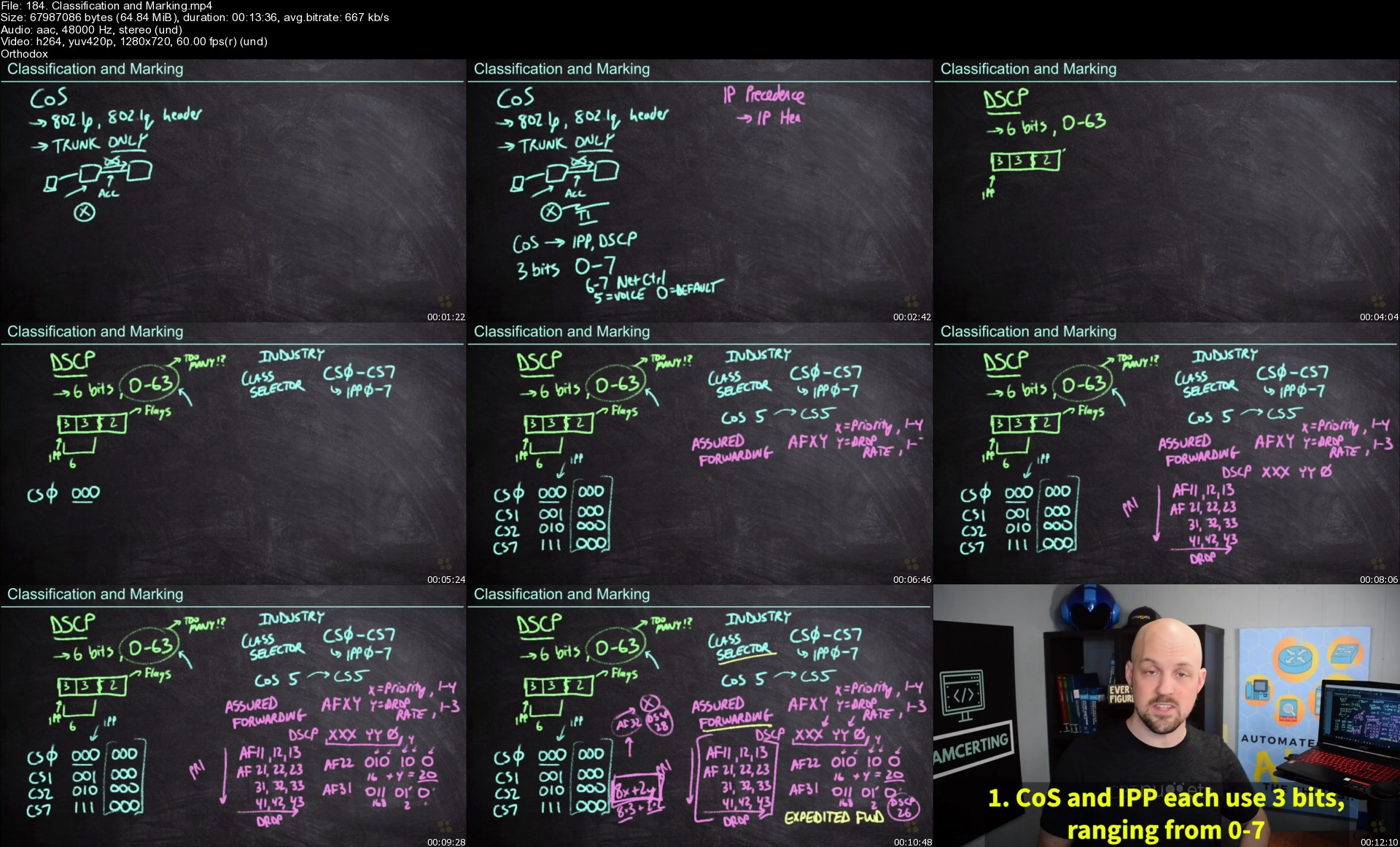
CBT Nuggets - 300-420 ENSLD Online Training

yhqiogrkpgufhf8gz68yyqjjap.jpg


CBT Nuggets - 300-420 ENSLD Online Training
Knox Hutchinson, Jeff Kish, John McGovern | Duration: 26h 00m | Video: H264 1280x720 | Audio: AAC 48 kHz 2ch | 7,47 GB | Language: English

This intermediate Cisco CCNP Enterprise training prepares learners to take the 300-420 ENSLD exam, which is one of the concentration exams required to earn the CCNP Enterprise certification.

Network design engineers deal with setting up and managing the performance and security of the organization's networks. The design engineer specifies the equipment, software, and connections. Network engineers then work with the network admin and support personnel who actually install and operate the network on a day-to-day basis.

Executing implementation plans for enterprise networks requires deep knowledge of the many devices, tools, protocols and software that make those large networks possible. This training prepares a network administrator to earn their CCNP Enterprise by covering dual stack architectures, virtualization, infrastructure, security and much more.

For anyone with network administrators on their team, this Cisco training can be used for 300-420 ENSLD exam prep, onboarding new network administrators, individual or team training plans, or as a Cisco reference resource.

This CCNP Enterprise training covers 300-420 ENSLD network design exam objectives, including these topics

- Understanding network design principles at the enterprise level (WAN, SD-WAN, WLAN, etc.)
- Configuring data path virtualization technologies
- Manipulating layers and configuring protocols like EIGRP, OSPF, NTP, HSRP, and more
- Diagnosing network problems with tools like syslog, pings, and trace route
- Configuring device access control and wireless security features
- Automating network tasks like configuration, troubleshooting or data collection

Homepage


184.classificationandesjux.jpg


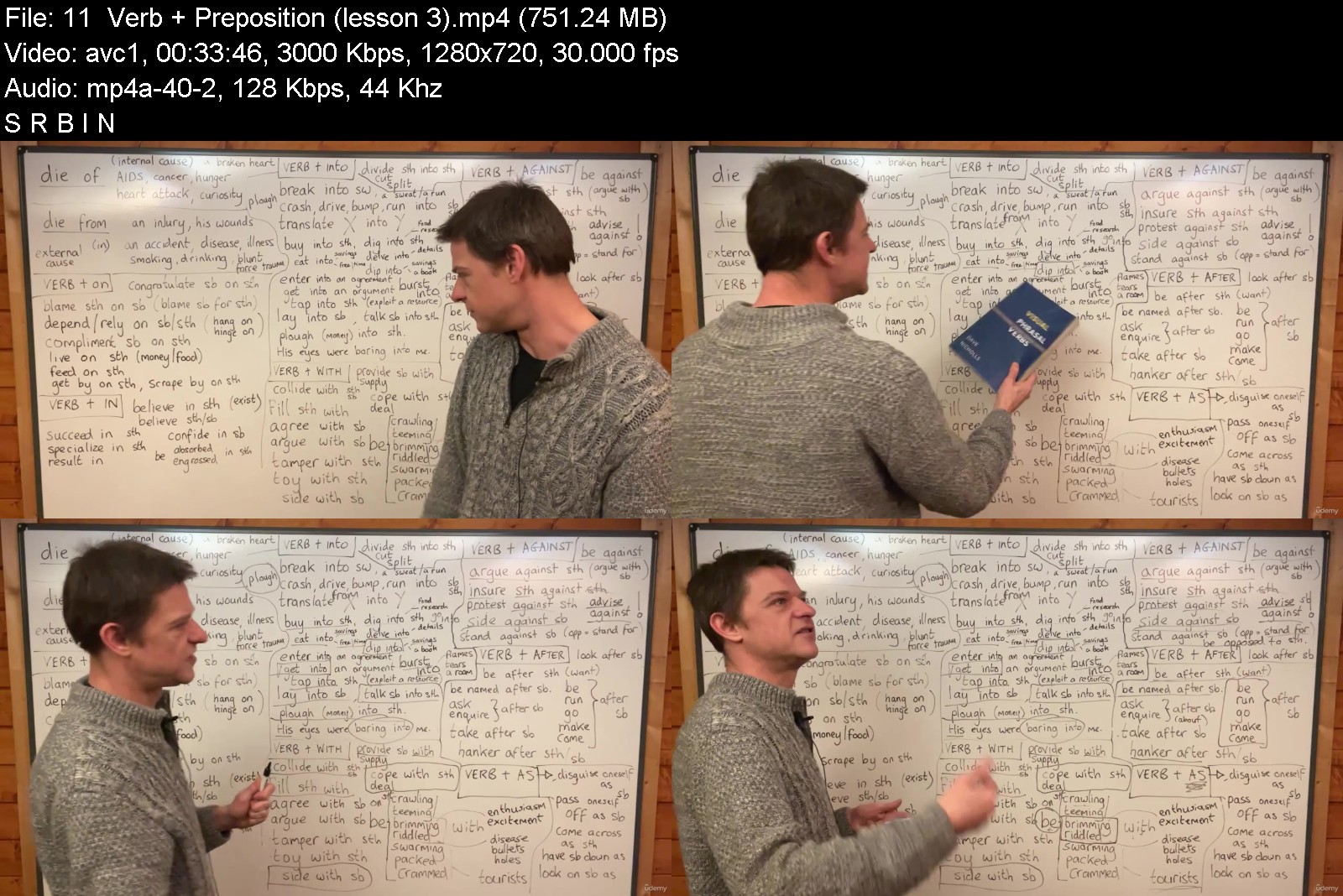
Master English Grammar - Advanced Level

bw0rcfne5uusihjsls3w4xrjx3.jpg


Master English Grammar - Advanced Level
Genre: eLearning | MP4 | Video: h264, 1280x720 | Audio: AAC, 44.1 KHz
Language: English | Size: 26.2 GB | Duration: 20h 32m


What you'll learn
Gain an advanced knowledge of complex English sentences
Improve your understanding of typical mistakes that must be avoided
Identify and use different tenses in passive and active forms
Identify and use different conditionals in a variety of complex forms
Identify and use reporting verbs in a variety of complex forms
Identify and use subjunctive and inversion in a variety of complex forms
Identify and use gerunds, bare infinitives, to plus infinitives, and participles in a variety of complex forms
Spontaneously use articles and quantifiers in the correct way
Identify and use defining and non-defining relative clauses, as well as nominative and adverbial relative clauses.
Identify and use gradable and ungradable adjectives with the correct adverbs
Identify and use dependant prepositions correctly in combination with verbs, nouns, and adjectives.
Requirements
An intermediate level of English is required
A passionate commitment to grammar is desired

Description
This course includes the following resources
Downloadable lectures on all essential grammar topics (British teacher, 20 years' TEFL experience)
Advanced-level lectures on tenses, gerunds, modals, subjunctive, inversion, prepositions, conjunctions, determiners, reporting verbs, fronting, cleft sentences, adverb collocations, gradable adjectives, comparisons, and many more
22 ebooks (1 more than 500 pages!) with exercises (vocab and grammar) for popular TV shows (including Sherlock, Harry Potter, True Detective, The Office, Westworld, Line of Duty, House of Cards, and many more)
Please write a 300-word essay (based on IELTS/CAE/CPE, but any form of writing accepted) and I will correct it and offer advice
Ask me questions on the topics that are really illogical, of which there are many, and I will be delighted to try to disentangle you from the grammar web
Learn how to avoid the most common mistakes
Lifetime membership (more lessons and resources added every month)
By the end of the course, your knowledge of English grammar will be deep enough to take on advanced exams, to watch US and UK TV, and to speak in a more complex way. Though accessible to intermediate students, the course delves into the details on many themes, for I have a passion for advanced grammar. I do not speak to my students slowly, as though they were pre-intermediate learners, so if that's the kind of course you are looking for, this one is not for you. Nonetheless, I do respond quickly to inquisitive students, so please join the fun if you are ready!
Who this course is for
Intermediate to Advanced Learners of English as a Second Language
Grammar Enthusiasts

Homepage

masterenglishgrammarabjkeb.jpg


Download from RapidGator


Download from NitroFlare


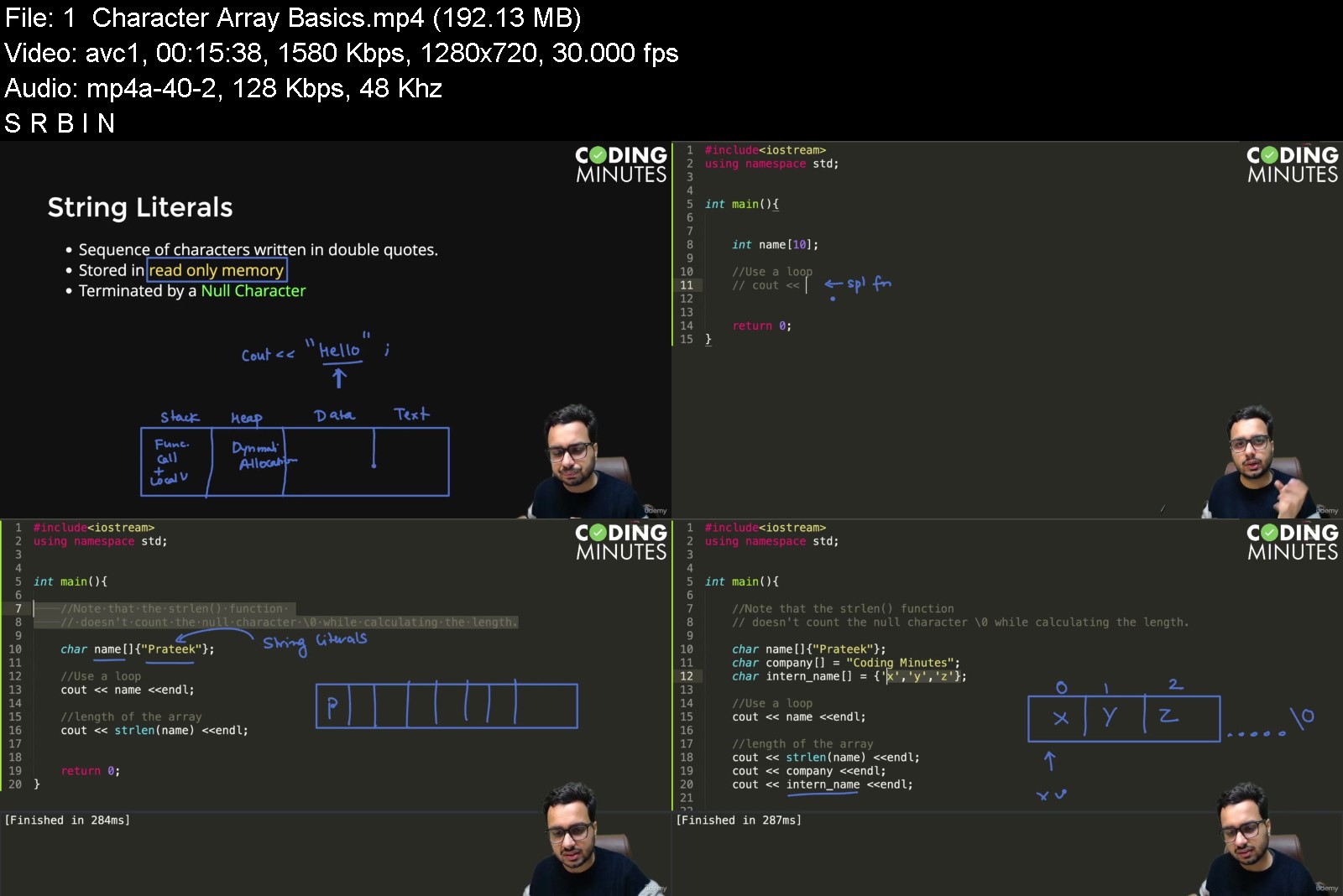
C++ Programming Essentials for Beginners

vytconhvkfnk7o7pzsklo6jjy5.jpg


C++ Programming Essentials for Beginners
Genre: eLearning | MP4 | Video: h264, 1280x720 | Audio: AAC, 48.0 KHz
Language: English | Size: 10.8 GB | Duration: 15h 38m


What you'll learn
Programming Fundamentals & Concepts
Converting Logic into C++ Code
Complete Modern C++ Syntax
Object Oriented Programming
C++ Standard Template Library
Problem Solving
Requirements
No Pre-requisites
Passion to learn coding

Description
Are you an absolute beginner looking forward to kickstart your journey in the programming domain. Coding can be hard skill learn to learn for many but no more. Welcome to C++ Programming Essentials, the most fundamental course that every aspiring programmer should take to kickstart their journey in the world of programming. The course teaches you the fundamental building blocks of programming and builds a logical thinking mindset using C++ as our programming language. Many concepts taught in the course are also relevant to other languages like Java, Python, JavaScript etc with few changes in the coding syntax.
You will understand the basic concepts and techniques to break down a given problem into smaller parts by drawing flowcharts, write pseudocode, and then diving deep into C++ topics like -
variables, datatypes, flow control using branching & loops, functions, arrays, character arrays & strings, recursion, bitmasking & OOPs concepts.
Course Features
HD Videos
Intuitive Explanations
Beginner Friendly Teaching
Tested Industry vetted curriculum
Assignments & Q-A Support
Certificate of Completion
The course is your first step towards problem solving, and will help you to get your basics right. After this course, you can easily pursue a course on learning a programming language of your choice, followed by Data Structures, Algorithms & Competitive Programming. Many top companies like Google, Facebook, Amazon, Directi, CodeNation, Goldman Sachs etc encourage algorithmic programming and conduct coding competitions to hire smart people who can solve problems.
This course is taught by Prateek Narang, who is not just a software engineer but a teacher by heart and many bestseller courses on Udemy in Algorithms category! He has worked with companies like Google, and has co-founded two startups including Coding Minutes, which is now a part of Scaler Academy.
Who this course is for
Beginners looking forward to start learning programming
Developers who want to learn C++ Syntax
Students who want to learn data structures & algorithms in C++ later


cprogrammingessential1bj0d.jpg


Download from RapidGator


Download from NitroFlare


Zurück
Oben Unten