• Regeln für den Video-Bereich:

    In den Börsenbereich gehören nur Angebote die bereits den Allgemeinen Regeln entsprechen.

    Einteilung

    - Folgende Formate gehören in die angegeben Bereiche:
    - Filme: Encodierte Filme von BluRay, DVD, R5, TV, Screener sowie Telesyncs im Format DivX, XviD und x264.
    - DVD: Filme im Format DVD5, DVD9 und HD2DVD.
    - HD: Encodierte Filme mit der Auflösung 720p oder darüber von BluRay, DVD, R5, TV, Screener sowie Telesyncs im Format x264.
    - 3D: Encodierte Filme von BluRay, die in einem 3D Format vorliegen. Dies gilt auch für Dokus, Animation usw.
    - Serien: Cartoon/Zeichentrick, Anime, Tutorials, Dokumentationen, Konzerte/Musik, Sonstiges sind demnach in die entsprechenden Bereiche einzuordnen, auch wenn sie beispielsweise im High Definition-Format oder als DVD5/DVD9/HD2DVD vorliegen. Ausnahme 3D.
    - Bereich Englisch: Englische Releases gehören immer in diesen Bereich.
    - Bereich Talk: Der Bereich, in dem über die Releases diskutiert werden kann, darf, soll und erwünscht ist.


    Angebot/Beitrag erstellen

    - Ein Beitrag darf erst dann erstellt werden, wenn der Upload bei mindestens einem OCH komplett ist. Platzhalter sind untersagt.
    - Bei einem Scenerelease hat der Threadtitel ausschließlich aus dem originalen, unveränderten Releasenamen zu bestehen. Es dürfen keine Veränderungen wie z.B. Sterne, kleine Buchstaben o.ä. vorgenommen werden. Ausnahme Serienbörse:
    - Bei einem Sammelthread für eine Staffel entfällt aus dem Releasename natürlich der Name der Folge. Beispiel: Die Simpsons S21 German DVDRip XviD - ITG
    - Dementsprechend sind also u.a. verboten: Erweiterungen wie "Tipp", "empfehlenswert", "only", "reup", usw. / jegliche andere Zusatzinformation oder Ergänzung, welche nicht in obiger Beschreibung zu finden ist.

    Aufbau des Angebots und Threadtitel

    Der Titel nach folgendem Muster erstellt zu werden. <Name> [3D] [Staffel] [German] <Jahr> <Tonspur> [DL] [Auflösung] <Quelle> <Codec> - <Group>
    Beispiel: The Dark Knight German 2008 AC3 DVDRip XviD - iND
    Beispiel: The Dark Knight 2008 DTS DL BDRip x264 - iND
    Beispiel: The Dark Knight 2008 AC3 DL BDRip XviD - iND
    Beispiel: The Dark Knight German 2008 AC3 720p BluRay x264 iND
    Beispiel: The Dark Knight 2008 DTS DL 1080p BluRay x264 iND
    Beispiel: Die Simpsons S01 German AC3 DVDRip XviD iND
    Beispiel: Die Simpsons S20 German AC3 720p BluRay x264 iND
    Beispiel: Sword Art Online II Ger Sub 2014 AAC 1080p WEBRip x264 - peppermint
    Entsprechend sind also u.a. verboten: Sonderzeichen wie Klammern, Sterne, Ausrufezeichen, Unterstriche, Anführungszeichen / Erweiterungen wie "Tipp", "empfehlenswert", "only", "reup", usw. / jegliche andere Zusatzinformation oder Ergänzung, welche nicht in obiger Beschreibung zu finden ist
    Ausnahmen hiervon können in den Bereichen geregelt sein.

    Die Beiträge sollen wie folgt aufgebaut werden:
    Überschrift entspricht dem Threadtitel
    Cover
    kurze Inhaltsbeschreibung
    Format, Größe, Dauer sind gut lesbar für Downloader außerhalb des Spoilers zu vermerken
    Nfo sind immer Anzugeben und selbige immer im Spoiler in Textform.
    Sind keine Nfo vorhanden z.B. Eigenpublikationen, sind im Spoiler folgende Dateiinformationen zusätzlich anzugeben :
    Quelle
    Video (Auflösung und Bitrate)
    Ton (Sprache, Format und Bitrate der einzelnen Spuren)
    Untertitel (sofern vorhanden)
    Hosterangabe in Textform außerhalb eines Spoiler mit allen enthaltenen Hostern.
    Bei SD kann auf diese zusätzlichen Dateiinformationen verzichtet werden.

    Alle benötigten Passwörter sind, sofern vorhanden, in Textform im Angebot anzugeben.
    Spoiler im Spoiler mit Kommentaren :"Schon Bedankt?" sind unerwünscht.


    Releases

    - Sind Retail-Release verfügbar, sind alle anderen Variationen untersagt. Ausnahmen: Alle deutschen Retail-Release sind CUT, in diesem Fall sind dubbed UNCUT-Release zulässig.
    - Im Serien-Bereich gilt speziell: Wenn ein Retail vor Abschluss einer laufenden Staffel erscheint, darf diese Staffel noch zu Ende gebracht werden.62
    - Gleiche Releases sind unbedingt zusammenzufassen. Das bedeutet, es ist zwingend erforderlich, vor dem Erstellen eines Themas per Suchfunktion zu überprüfen, ob bereits ein Beitrag mit demselben Release besteht. Ist dies der Fall, ist der bereits vorhandene Beitrag zu verwenden.
    - P2P und Scene Releases dürfen nicht verändert oder gar unter einem iND Tag eingestellt werden.


    Support, Diskussionen und Suche

    - Supportanfragen sind entweder per PN oder im Bereich Talk zu stellen.
    - Diskussionen und Bewertungen sind im Talk Bereich zu führen. Fragen an die Uploader haben ausschließlich via PN zu erfolgen, und sind in den Angeboten untersagt.
    - Anfragen zu Upload-Wünschen sind nur im Bereich Suche Video erlaubt. Antworten dürfen nur auf Angebote von MyBoerse.bz verlinkt werden.


    Verbote

    - Untersagt sind mehrere Formate in einem einzigen Angebotsthread, wie beispielsweise das gleichzeitige Anbieten von DivX/XviD, 720p und 1080p in einem Thread. Pro Format, Release und Auflösung ist ein eigener Thread zu eröffnen.
    - Grundsätzlich ebenso verboten sind Dupes. Uploader haben sich an geeigneter Stelle darüber zu informieren, ob es sich bei einem Release um ein Dupe handelt.
    - Gefakte, nur teilweise lauffähige oder unvollständige Angebote sind untersagt. Dies gilt auch für eigene Publikationen, die augenscheinlich nicht selbst von z.B. einer DVD gerippt wurden. Laufende Serien, bei denen noch nicht alle Folgen verfügbar sind, dürfen erstellt und regelmäßig geupdatet werden.
    - Untersagt sind Angebote, welche nur und ausschließlich in einer anderen Sprache als deutsch oder englisch vorliegen. Ausnahmen sind VORHER mit den Moderatoren zu klären.


    Verstoß gegen die Regeln

    - Angebote oder Beiträge, die gegen die Forenregeln verstoßen, sind über den "Melden"-Button im Beitrag zu melden.
  • Bitte registriere dich zunächst um Beiträge zu verfassen und externe Links aufzurufen.

++ Premium IPTV ++ 7000 Live Sender ++ UHD Qualität ++ Mediathek mit 18.000 Inhalten ++


VenneTV


Englische Tutorials

Yoga for Everyday practice

00808a3449kat.jpg


Yoga for Everyday practice
MP4 | h264, 1280x720 | Lang: English | Audio: aac, 44100 Hz | 6h 43m | 8.58 GB

BOW-3 Yoga studio style classes with all the elements of Yoga


What you'll learn
You will learn poses like side crow, one-legged crow, and various other challenging arm balances, in the Yoga tutorial section.
Regular practice of these classes will help increase muscle strength, body flexibility, better body posture and boost your metabolism.
You will learn application of Bandhas in Inversions.
This will also help those of you who may want to grow into teaching or design your own class
Requirements
Some basic understanding and practice of Yoga as these classes can be a bit challenging

Description
This course contains 3 powerful Yoga classes for your everyday practice. The duration of each class is 60 minutes and it's perfect for your everyday yoga practice as it covers all the aspects of Yoga, a single class is all you need in a day. Classes are categorised as Black, Orange, and White. All the classes have 2 versions, with music and without music. All the classes are unique and are designed keeping a nice balance of Pranayama (Breathwork), Inversions, Balancing postures, Spinal movements, etc.

There are 2 tutorial videos in this course 'All about arm balances' and 'Bandhas in Inversions'

Feel free to contact us for any query regarding Yoga and we will be there to support your journey. On our social media you will find videos on various Yoga topics. Every Sunday you are welcome to join me on Insta and Fb for live classes.


Who this course is for:
This course is perfect for intermediate to advanced practitioners.
Yogis who want to take their practice to next level.
Practitioners who want to experience a complete Yoga class that includes Asanas, Pranayamas, and Relaxation.


1.allaboutarmbalancesa4jg7.jpg


Yoga Body 360 - Yoga At Home

lp0y6ge4rx5vifogwgl7bs8jql.jpg


Yoga Body 360 - Yoga At Home
Genre: eLearning | MP4 | Video: h264, 1280x720 | Audio: aac, 48000 Hz
Language: English | VTT | Size: 7.49 GB | Duration: 5h 49m


What you'll learn
Students will learn how to incorporate yoga workouts into their busy daily routines.
12 short Yoga Flows that are targeting full body balance, strength and flexibility.
Requirements
Basic level of fitness.
Basic Yoga Experience.

Description
Yoga is just so good for so many reasons. It's great for stretching, refocusing your mind, and unwinding after a long day.

For some people, relaxing, low-key poses will do the trick. For others, the higher intensity gets them feeling strong and centered. These practices are a combination of both.

2020 has been a wild ride. No one could have predicted how out of control our lives could become. Your health is your armor. Now more than ever you need to take back some control and take care of your most precious possession.

This isn't just another online course making promises that are impossible to keep. This is a journey to total well-being. Inside and out we are going to work together to create something really special.

THIS COURSE WILL HELP YOU TO:

Feel stronger and more confident

Protect your joints, ligaments, and lower back

Increase your energy

Release stress

Boost your immunity

Experience the practice that makes you feel good

LIFETIME ACCESS to the program.

HOW MUCH TIME YOU WILL NEED:

30 min a day. Perfectly fits in any life style.

LEVEL OF INTENSITY:

MODERATE (any prior fitness experience is suggested)

EQUIPMENT:

Yoga Mat and Comfy Space. Ah, and WIFI.


Who this course is for:
Anyone who wants to improve their level of fitness and wellbeing.
Beginner Yoga Students
Work From Home People


Homepage

13.restoreyourbodys4ujzb.jpg


System Design Fundamentals

0080f0504fk4k.jpg


System Design Fundamentals
ISBN: 0136836518 | .MP4, AVC, 1280x720, 30 fps | English, AAC, 2 Ch | 3h 5m | 5.53 GB
Instructor: Juval Lowy

Learn software design from the legendary architect Juval Löwy.

Over the past 20 years, Juval has led the industry in architecture and project design. Some of his ideas, such as microservices, serve as the foundation of software design and development.

In this dense LiveLessons video Juval Löwy explains his approach to system analysis and design, using volatility to decompose a system into its comprising services. Juval contrasts it with the most common mistake done in architecture, using functionality to identify services.

This engaging video discusses both what not to do and how to correctly define the architecture of software systems. The objective is to future proof your system and make it drastically easier to develop and maintain.

Skill Level: Intermediate

What You Will Learn

You will learn how to overcome the real hurdles architects face and learn simple and practical techniques for identifying, and a structured approach for defining, the components of the architecture.

Who Should Take This Course?

Any software architect or developers transitioning to the role of architects will benefit greatly from this session. Project managers can see what they need to look for in architects.

More Info

82.1decomposebasedonvmhkbp.jpg


Photoshop Compositing: Essential Tools & Techniques

00807a288ij37.jpg


Photoshop Compositing: Essential Tools & Techniques
Duration: 7.25h | .MP4 1280x720, 30 fps(r) | AAC, 48000 Hz, 2ch | 12.4 GB
Genre: eLearning | Language: English

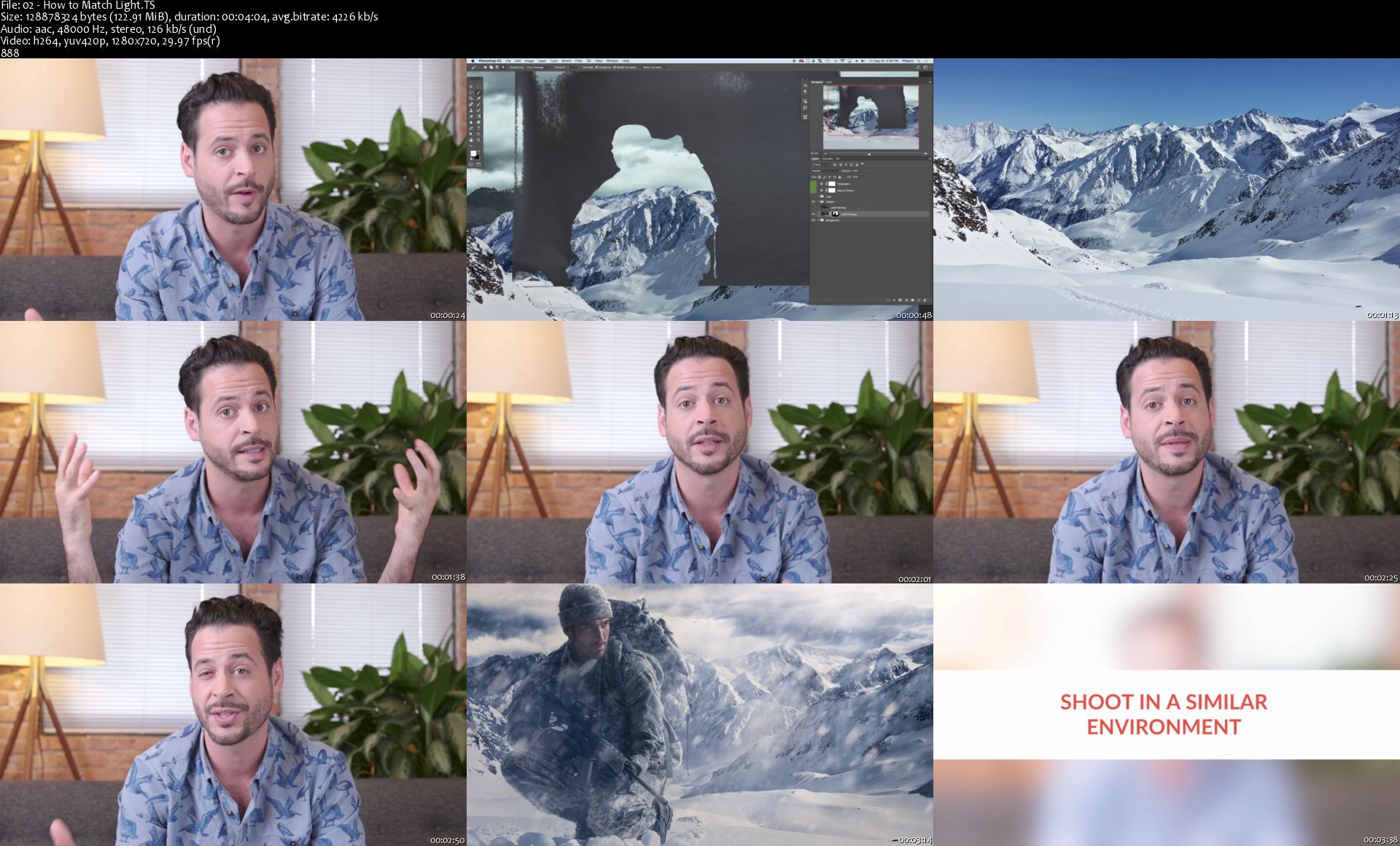
Learning how to combine or composite multiple photos together will open a new world of possibilities for any photographer. Whether you are new to compositing or an experienced editor, this tutorial will change the way you create composite images. Follow along with the included RAW Photos and Custom Photoshop Brushes.

22 Sample Images
1 Smoke & Fog Brush
1 Snow Brush

More Info

02howtomatchlightsx0jqw.jpg


AloMoves - Mat Pilates

or2hhwvvedzjavyc91hfdj3jbc.jpg


AloMoves - Mat Pilates
MP4 | Video: h264, 1280x720 | Audio: AAC, 44.1 KHz, 2 Ch
Difficulty: Moderate | Genre: eLearning | Language: English | Duration: 5 Videos (2h 35m) | Size: 5.65 GB

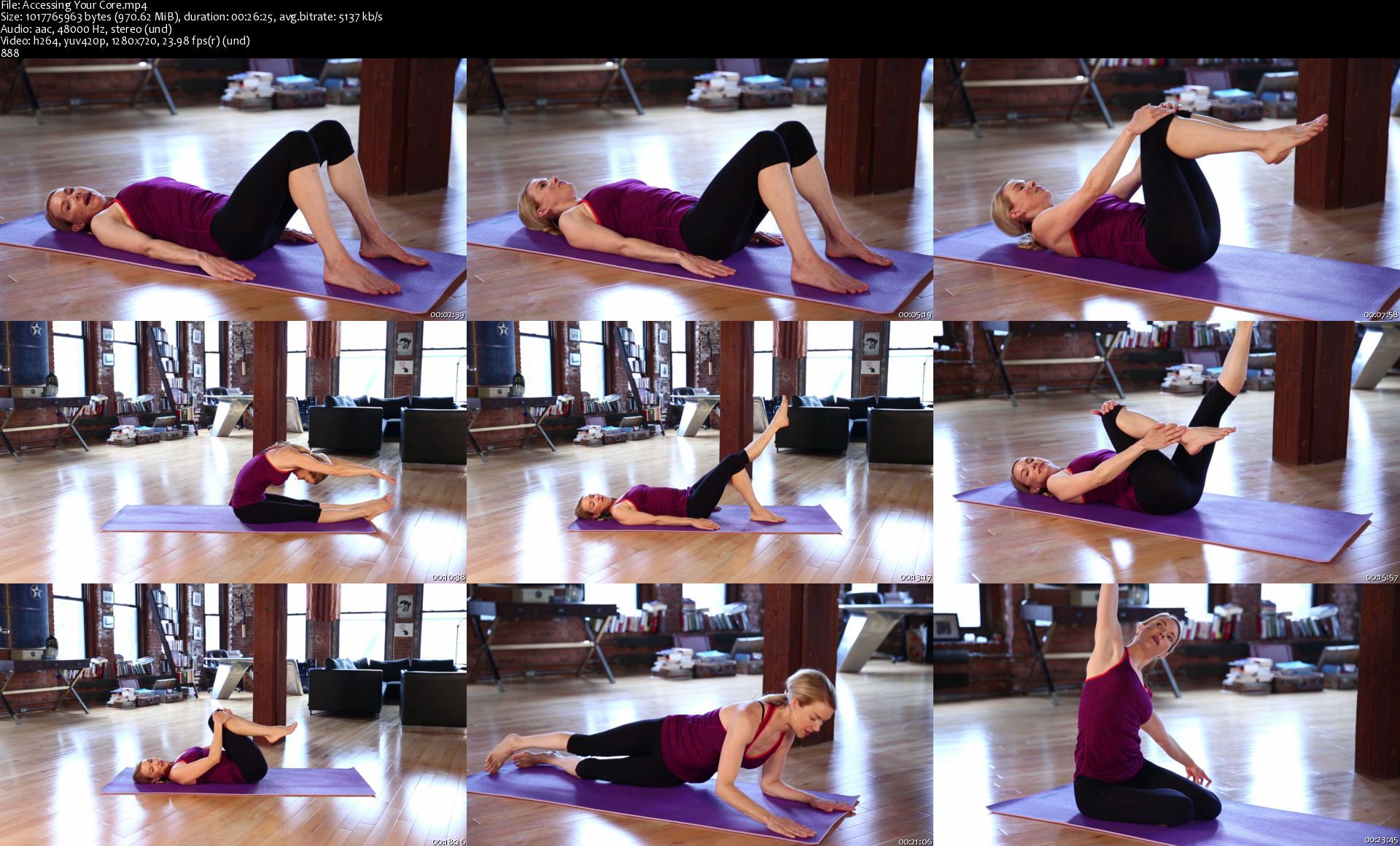
Instructor : Kristin McGee Mat Pilates is one of the oldest and most proven methods of developing core strength and stability. In this month-long series, you will learn the 50 most effective exercises that comprise the Mat Pilates method. You will strengthen and tone your body with an emphasis on your abdomen, obliques, back, thighs, glutes and arms.

As you progress through this series, you will learn challenging yet effective exercises that work specifically to engage and develop your Powerhouse, which starts at your seat and goes all the way to your shoulders. This area is the root of all your energy and movements and harnessing it will improve your posture, body alignment, and stability while you simultaneously shrink, tone and tighten your whole body!

Pilates has been around for decades and its effectiveness is undeniable. Whether your routine consists of practicing Yoga, Weight Training or picking up your ****, you'll feel the benefits of Pilates cross over to your other fitness activities as well as in your daily life!

BODY PARTS
Thighs
Arms
Glutes
Legs
Back
Core
BENEFITS
Toning

Homepage

accessingyourcores1njgw.jpg


Introduction to Cinema 4D: A Beginner's Animation Guide

00808a2eypkyp.jpg


Introduction to Cinema 4D: A Beginner's Animation Guide
MP4 | h264, 1280x720 | Lang: English | Audio: aac, 48000 Hz | 7h 41m | 5.4 GB

By the end of the class you will be able to open Cinema 4D and create your own animations, let get started!


Description
The class is for everyone and anyone that wants to learn how to use Cinema 4D. If you have never opened Cinema 4D before, or any other type of 3D application - you will be able to watch and follow along with everything in this class.

I will be sharing several tip & tricks to help you use Cinema 4D the right way, develop a fast and efficient workflow and several techniques that I have discovered during my own experience with Cinema 4D over the last 10 years. So even if you have some experience in Cinema 4D, there will be a lot of new things that you can pick up from watching this class.

This roughly 8-hour long class split is organised into 2 general sections. Section 1 covers various topics and tools in Cinema 4D. Section 2 is about developing workflows and working on real projects as examples. Watch the whole thing and by the end of it you will be able to open Cinema 4D and start creating your own animation today!

Section 1: Aspects of Cinema 4D

Getting Started - An overview of menus, interface & objects in Cinema 4D. Shortcuts & project settings
Modelling - A look at various modelling tools & techniques, and where to find assets to use in your projects
Lighting - The light types in Cinema 4D & their settings, and how to light with purpose
Materials - How material channels work, and making stylised or realistic materials
Splines - How to draw paths, other path-based objects, and generating Geometry
MoGraph - An overview of Cinema 4D's powerful 'MoGraph' section
Animation - How to make keyframes, working with timelines, keyframe interpolation
Cameras - Camera settings & the best way to do smooth & dynamic camera animations

Section 2: Example Project & Workflows

This section focuses on using everything learnt up to this point, and applying it to real projects. You will see a full worklow from working on the projects in Cinema 4D, and outputting them and finishing in After Effects. During this section we will continue to introduce new ideas and concepts as part of the process. The projects are:

Example Project 01 - Futuristic City Animation with several skyscrapers & flying cars

Example Project 02 - Sci-Fi Wormhole animation, looped animation.

By the end of the class you will be able to open Cinema 4D and create your own animations, let get started!


14modellingaddingloop8dk6x.jpg


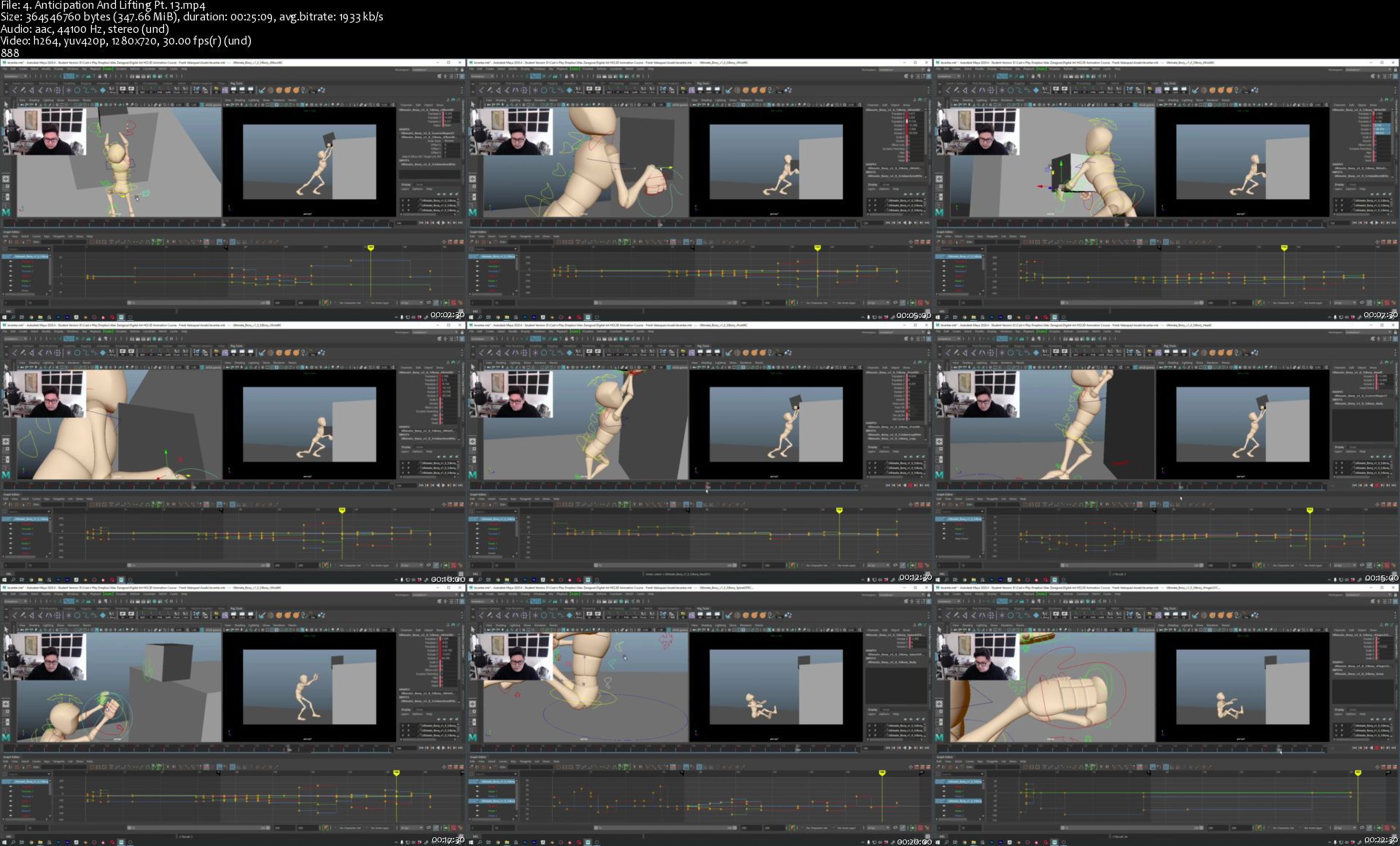
Intermediate Animation in Autodesk Maya

intermediateanimationbgkt0.jpg


Intermediate Animation in Autodesk Maya
Created by Digital Art HQ School | Published 2/2021
Duration: 13 hours | 4 sections | 42 lectures | Video: 1280x720, 44 KHz | 10.8 GB
Genre: eLearning | Language: English + Sub

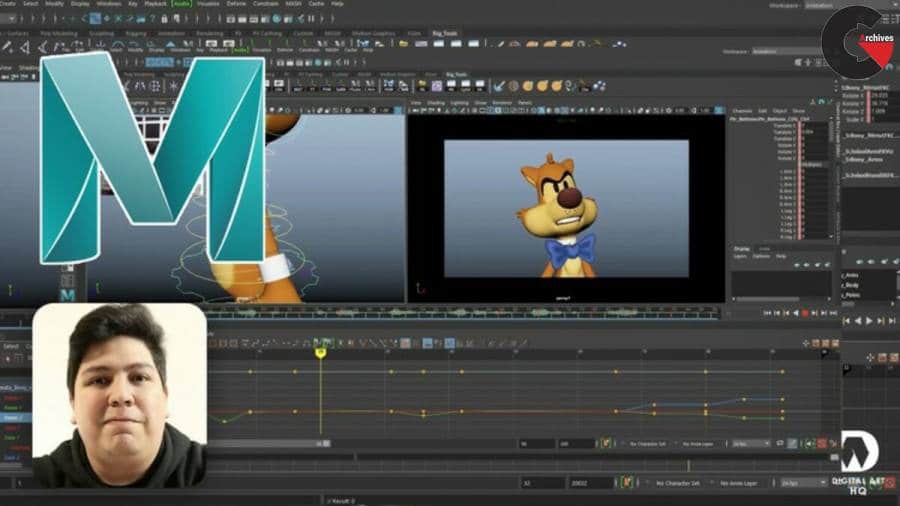
Learn to Animate Body Acting, Body Mechanics and Facial Animation.


What you'll learn
Animation fundamentals and excercises
Intermediate Animation
Character Mechanics and Facial Animation

Requirements
PC or Mac capable of running MayaBasic 3D Animation Knowledge

Description
*NOTETHATTHISISANINTERMEDIATECOURSE
This is the perfect opportunity to learn the fundamentals of animation using an industry-standard 3d package. I want to make the learning process easy for you, going through all the fundamentals and concepts of animation in very detailed videos.
In this course, we will go through an intermediate process of learning several different fundamental animation exercises. We will go through Body Acting, Body Mechanics, and Facial Animation. From planning the scene to analyzing weight, posing, curves, and more.
We will work on these animations from scratch, to make sure that after finishing this course, you'll have the knowledge required to believable characters presented to you in different professional scenarios. We will also go over the very fundamentals so that you have a deep understanding of what it takes to animate great scenes and characters using Maya.
The rigs used in the videos will be provided to you as course material so that you can follow along with each lesson.
You'll learn tips and shortcuts that will accelerate your workflow and make you understand the fundamentals of Animation.
I will be available for you through the whole course, feel free to send me a message if you encounter any issue. I will help you solve it and understand why it presented itself.
So please, take this course now, and let's get into learning Animation together!
\n
\n

Who this course is for:2D animators that with to learn 3D animation3D Animators looking to expand their skillset

4.anticipationandlift6ijur.jpg


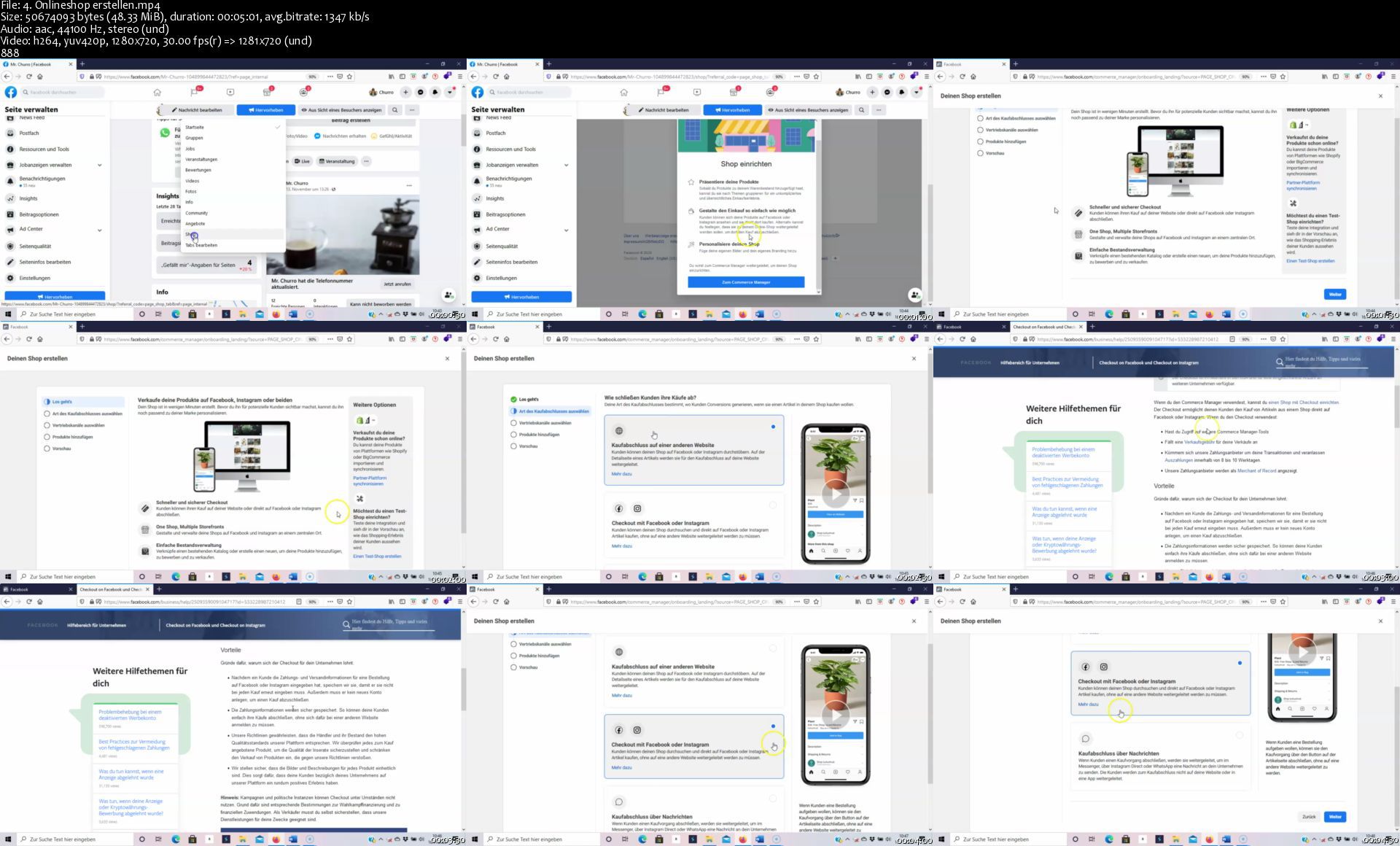
Udemy - Instagram Marketing 2021

00808525v0ju9.jpg


Udemy - Instagram Marketing 2021
Duration: 9h 46m | .MP4 1280x720, 30 fps(r) | AAC, 44100 Hz, 2ch | 5.25 GB
Genre: eLearning | Language: English

Hacks und Tipps für mehr Instagram Wachstum, Monetarisierung in Instagram, Instagram Werbeanzeigen & Instagram Follower


What you'll learn
Instagram Algorhitmus 2021
Arten von Instagramseiten
Instagram Profil aufbauen
BIO in Instagram optimieren
Hashtags auf Instagram verwenden
Hashtag Hacks und Tipps
Storys auf Instagram verwenden
Story Hacks und Tipps
Instagram Reels
Instagram IGTV
Instagram Influencer Marketing
Instagram Advertising
Instagram Werbeanzeigen schalten
Content Marketing auf Instagram
Instagram Tools

Requirements
Es bestehen keine Anforderungen und Voraussetzungen


Description
Instagram Marketing 2021

Dieser Instagram Marketing 2021 Kurs richtet sich an alle, die lernen wollen, wie sie Instagram nutzen können, um ihre Follower und ihr Geschäft zu vergrößern. Wir halten uns ständig über alle neuen Funktionen und Änderungen auf dem Laufenden und Sie haben lebenslangen Zugriff auf den Kurs.

In diesem Kurs beginnen wir mit den absoluten Grundlagen und Sie lernen, wie du ein leistungsstarkes, professionelles Instagram-Profil für dein Unternehmen erstellst, das deine Zielkunden effektiv anspricht. Selbst für diejenigen, die bereits ein Konto eingerichtet haben, ist es unerlässlich zu wissen, dass Sie dies auf die optimale Art und Weise für Instagram-Wachstum und Marketing getan haben!

Du lernst dann anhand der unglaublichen Instagram-Werbemarketing-Strategien, wie Sie jeden Tag Hunderte von Followern, Kommentaren und Likes für Ihren Business-Account gewinnen können. Die ganze Zeit über sind wir hier, um Fragen zu beantworten.

Was diesen Kurs von anderen Instagram-Management- & Marketing-Kursen abhebt, ist, dass Sie am Ende dieses Kurses alle Strategien kennen werden, mit denen Sie Ihre Follower vergrößern und Ihre erfolgreichen Instagram-Statistiken in Verkäufe, Kunden und treue Fans umwandeln können!

Am Ende dieses Kurses werden Sie über wertvolle Fähigkeiten verfügen, die Ihnen helfen, effektiv eine starke Gemeinschaft von Instagram-Followern aufzubauen, sie in zahlende Kunden zu konvertieren und ihnen schließlich Ihre Produkte und Dienstleistungen zu verkaufen.

Außerdem erhältst du praktische Übungen, Live-Demonstrationen und hilfreiche Ressourcen, die Sie durch den gesamten Prozess führen. Von der Einrichtung Ihres Instagram-Kontos über das Sammeln einer starken, relevanten Fangemeinde bis hin zur Steigerung des Gewinns Ihres Unternehmens.

Das wirst du lernen

· Einen leistungsstarken Instagram-Account für Ihr Business oder privat einrichten, mit dem Sie Ihre Marke aufbauen und Ihre Follower in zahlende Kunden umwandeln können.

· Gewinnen Sie echte, gezielte Follower für Ihren Instagram-Account!

· Konvertieren Sie Ihre neuen Instagram-Follower in langfristige, loyale und zahlende Kunden, die Ihr Unternehmen lieben!

· Lerne Instagram Wachstumsstrategien und wie du deinen Account monetarisierst

· Plane, erstelle, optimiere und skaliere unterschiedliche Instagram Werbeanzeigen

· Der richtige Aufbau von Werbeanzeigen auf Instagram

· Welche Arten von Werbeanzeigen funktionieren auf Instagram besonders gut

· Werbeanzeigen kalkulieren

· Lerne effektive und gut konvertierende Instagram Werbeanzeigen zu planen

· Erstelle verschiedene Arten von Werbeanzeigen

· Sales Funnel und KPI´s

· Lead Generierung durch Werbeanzeigen auf Instagram

· Interaktionswerbeanzeigen um dein Engagement zu erhöhen!

· Katalogwerbeanzeigen um Produkte zu verkaufen

· Werbeanzeigen um die Konversion deines Onlineshops zu steigern

· Installation des Facebook Pixel´s auf deiner Webseite

· Customer Audience und Lookalike Audience

· Facebook Analytics

· Splittesting von Werbeanzeigen

Wir sind auf dem neuesten Stand mit allen neuen Instagram-Funktionen und werden Sie Schritt für Schritt anleiten, wie Sie diese Funktionen nutzen können, um Ihren Account zu vergrößern und Ihr Unternehmen zu vermarkten.

Bestehen für den Kurs bestimmte Anforderungen oder Voraussetzungen?

Du solltest die Instagram APP auf deinem Handy nutzen und installieren ?

Für wen eignet sich dieser Kurs:

· Dieser Instagram-Kurs ist für Unternehmen und Privatpersonen geeignet, die neu auf Instagram sind oder weniger als 10.000 Instagram-Follower haben.

· In diesem Kurs wirst du alle leistungsstarken und bewährten Marketingstrategien erobern und umsetzen. Du wirst deinen Instagram-Account durch unsere klaren Schritt-für-Schritt-Strategien wachsen lassen und Follower in zahlende Kunden umwandeln.

· Dieser Kurs ist notwendig für alle, die ihre Instagram-Follower wachsen lassen wollen, alle verfügbaren Marketing-Tools beherrschen und mit allen neuen Instagram-Funktionen auf dem Laufenden bleiben wollen.


Who this course is for:
Alle Personen die mit Instagram durchstarten möchten
Alle Personen und Unternehmen die mit Instagram Ihr Business skalieren möchten
Alle Personen die Professionelles Instagram Marketing lernen möchten

More Info

4.onlineshoperstellendjjiy.jpg


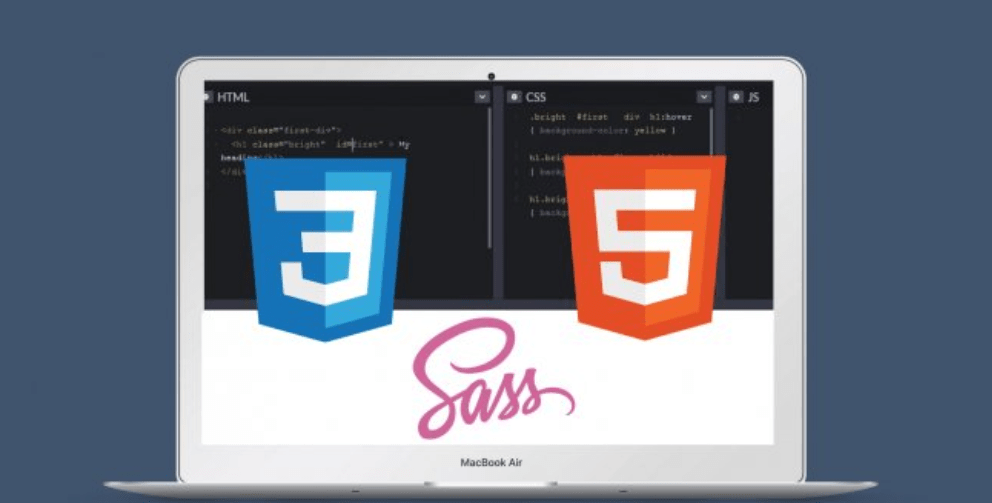
Build Amazing Websites with HTML, CSS, J-Query, Sass (2 Website Projects)

thy59pg3ih8fwdkvptlyu8okp5.png


Build Amazing Websites with HTML, CSS, J-Query, Sass (2 Website Projects)
Genre: eLearning | MP4 | Video: h264, 1280x720 | Audio: AAC, 44.1 KHz
Language: English | VTT | Size: 8.2 GB | Duration: 16h 12m


Description
Learn To Build Amazingly Beautiful Websites

In this practical, hands-on class you're going to learn how to Build Amazing Websites with HTML, CSS, J-Query, and Sass!

This course includes two website projects that you can follow step by step!

Even if you already have some experience, or want to learn about the advanced features of HTML and CSS, this course is for you!

In this class you'll learn:

How to build amazing websites: professional, beautiful, and responsive
Modern CSS techniques to create stunning designs and effects
Advanced CSS animations
How to build a web design agency website
jQuery animation effects, scroll effects, and "sticky" navigation
The fundamentals of web design

No matter what the scenario or how complicated a website or design may be, this class gives you the foundational training you need to design amazingly beautiful websites and applications - and start pursuing a career in a field that is increasingly in demand as the global reliance on technology grows.


Homepage

12htmlimagedandattribbsklr.jpg


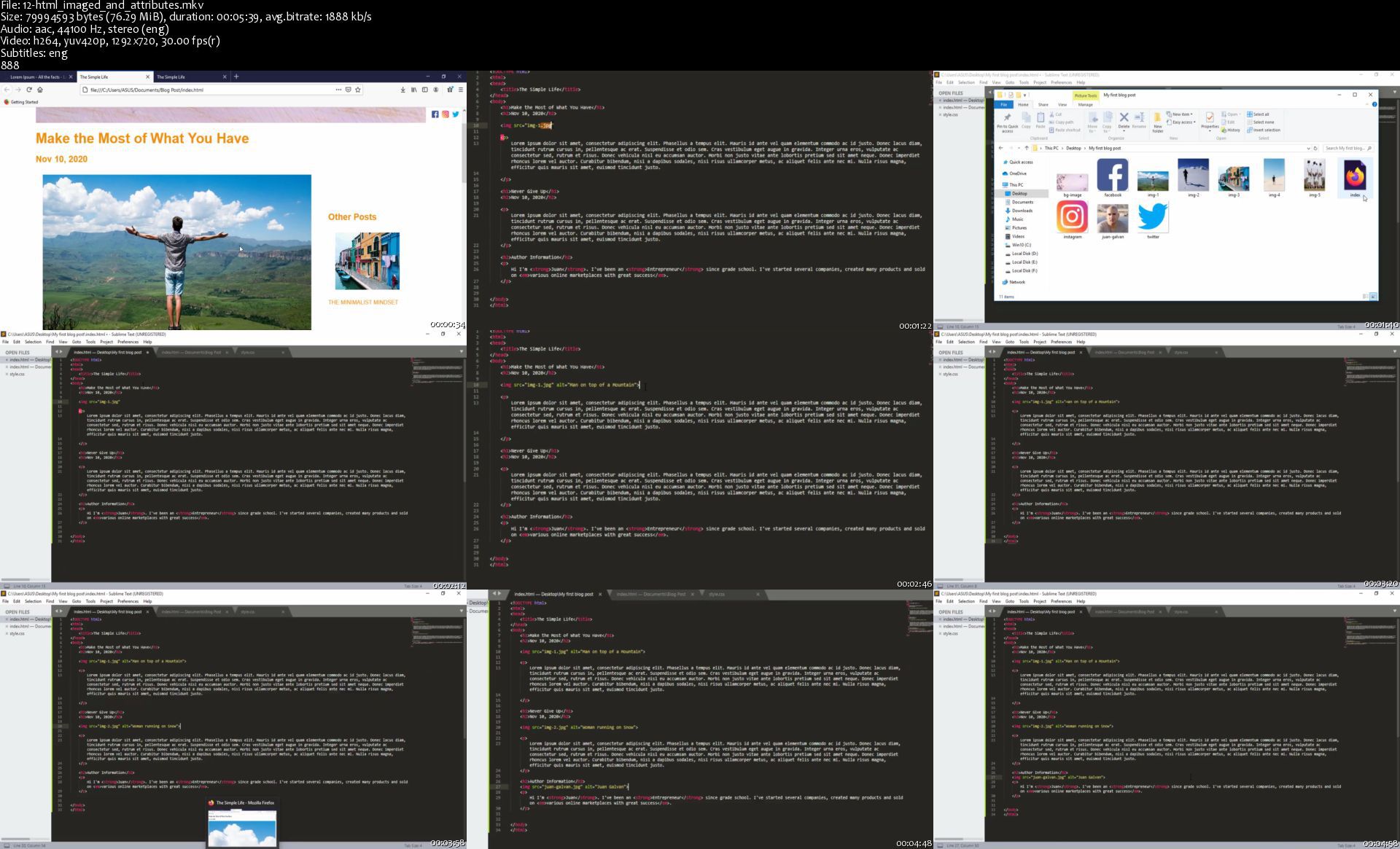
Adobe After Effects 2021 - The Beginner's Guide

nazcdm6glabpwidssr3hw44kfj.jpg


Adobe After Effects 2021 - The Beginner's Guide
Genre: eLearning | MP4 | Video: h264, 1280x720 | Audio: aac, 44100 Hz
Language: English | VTT | Size: 5.44 GB | Duration: 7h 56m


What you'll learn
You will learn Adobe After Effects from scratch
Adobe After Effects Installation
After Effects interface and panels
Basic animation principles
What is keyframes and how to use it
Editing video using After Effects
Creating shapes using tools such as Pen tool in After Effects
Learning the basic effects and applying effects to your images or videos
How to Import and animate Illustrator Vector Graphics to After Effects.
Create Instagram Story in Adobe After Effects
Logo Animation
Text Animation
2D and 3D Animation in After Effects
Free Stock Video Sites
Converting 2D to 3D
Colour Effects
Creating effective videos for social media
Requirements
You don't need any prior knowledge, we tell everything from the beginning.
PC or Mac with 8 Gb Ram (16 GB recommended) and 64 bit operating system
Basic computer skills
Watching the course videos completely, to the end and in order
Determination to learn and patience
Desire to learn After Effects
Nothing else! It's just you, your computer and your ambition to get started today

Description
Hi there,

Welcome to the "Adobe After Effects 2021 - The Beginner's Guide" course.

Adobe After Effects is a digital visual effects, motion graphics, and compositing application developed by Adobe Systems and used in the post-production process of film making, video games, and television production.

If you want to make effective videos and animations by applying visual effects, you are in the right place, this course is a perfect match for you.

This "Adobe After Effects 2021 - The Beginner's Guide" course will take you from beginner to advance level.

Our passion is to carry our experience with the right examples to anyone who will enroll in this course. In this course, you will learn After Effects step-by-step. Because this course is designed for those who have no knowledge of After Effects but want to learn After Effects to the level of expertise. Therefore, while watching this course, you will have no questions about After Effects.

What's important:

This course is expertly designed to teach everyone from complete beginners, right through to professionals as a refresher.

In this course you will learn;

Learn Adobe After Effects from scratch.

Adobe After Effects Installation

After Effects interface and panels

Basic animation principles

What is keyframes and how to use it

Editing video using After Effects

Creating shapes using tools such as Pen tool in After Effects

Learning the basic effects and applying effects to your images or videos

How to Import and animate Illustrator Vector Graphics to After Effects.

2D and 3D Animation in After Effects

Converting 2D to 3D

Logo Animation

Text Animation

Colour Effects

Creating effective videos for social media

Why would you want to take this course?

Our answer is simple: The quality of teaching.

When you enroll, you will feel the OAK Academy's seasoned instructors' expertise.

This course will take you from a beginner to a more experienced level.

We will take you from beginner to expert level.

Fresh Content

It's no secret how technology is advancing at a rapid rate. New tools are released every day and it's crucial to stay on top of the latest knowledge. With this course, you will always have a chance to follow the latest trends.

You'll also get:

Lifetime Access to The Course

Fast & Friendly Support in the Q&A section

Udemy Certificate of Completion Ready for Download

Dive in now "Adobe After Effects 2021 - The Beginner's Guide" course

We offer full support, answering any questions.

See you in the course!


Who this course is for:
Beginners in After Effects who want to start Learning Compositing ,Visual Effects and Motion Graphics
Intermediate After Effects Users who want to polish their skills and learn more techniques to create better videos
Those who want to upload effective images and videos to social media platforms such as YouTube and Instagram.
Video Editors looking to implement Visual Effects and Motion Graphics in their videos
Motion graphics artists and graphic designers
Those who want to learn how to make effective visual effects in the cinema sector


Homepage

12.blendingmodessj2kd2.jpg


#BodyHacker Basics Masterclass

pxxvv3d2ngsor9zz7o82ok0kr8.jpg


#BodyHacker Basics Masterclass
Genre: eLearning | MP4 | Video: h264, 1280x720 | Audio: aac, 44100 Hz
Language: English | VTT | Size: 9.79 GB | Duration: 7h 54m


What you'll learn
How to create a healthful diet and meal plan accordingly (without dieting)
How to use supplements safely and effectively
How to employ health testing appropriately and understand your body
How to optimize your sleep and recovery
How to optimize your oral health
How to age gracefully
Requirements
None

Description
Welcome to the #BodyHacker Basics Masterlass!!

In this exclusive masterclass course I download over 16+ years and $100,000 worth of biohacking knowledge, experience and research on all the major areas of health: diet, supplementation, sleep, oral health, aging and much more.

This rich course offers a detail-intensive journey through all of these valuable health areas, along with several bonus resources to help you create a practice of optimal health for life. Full of practical and research based advice, my emphasis is on "The Basics" and timeless principles of health. I also cover some critical information that is not often seen even in alternative health sectors, especially on topics like using iodine therapeutically or boron.

Lastly, the course also features countless resources on how to build a health team, plan your meals, understand supplementation, where to go for finding a holistic dentist, and many other valuable resources for your journey. These are step by step guides with links and other resources as supplemental material.

My promise to you is that the information in this course will help you build and sustain optimal health for the rest of your life. Enjoy becoming a #BodyHacker, may it bring you to great health and I'll see you in class!


Who this course is for:
moms
parents
college students
wellness enthusiasts
biohackers
researchers and academics
health and wellness professionals


Homepage

2.proteinpart2sonj2t.jpg


Linkedin Learning Ethical Hacking Footprinting and Reconnaissance UPDATE 20210225-XQZT

191959169_05-01-footprinting_countermeasures_c.jpg


Linkedin Learning Ethical Hacking Footprinting and Reconnaissance UPDATE 20210225-XQZT | MKV | 255.84 MiB

242 kb/s 1280x720 | AAC 2 CH eng


NFO:
File List:

File: linkedin.learning.ethical.hacking.footprinting.and.reconnaissance.update.20210225-xqzt-sample.mkv
Size: 2147570 bytes (2.05 MiB), duration: 00:01:11, avg.bitrate: 242 kb/s
Audio: aac, 48000 Hz, stereo (eng)
Video: h264, yuv420p, 1280x720, 15.00 fps(r) (eng)
Subtitles: eng


Download ( Size: 255.84 MiB ):
Filehosts: Nitroflare, Rapidgator


oHeopzn.png

1 Link/s
42B9415E3C.png


5hSo1Ay.png

1 Link/s
F36A3D8CCF.png


Zurück
Oben Unten